Cursor demo
A visible cursor operates the interface.
15,025 scenes · page 207 of 251
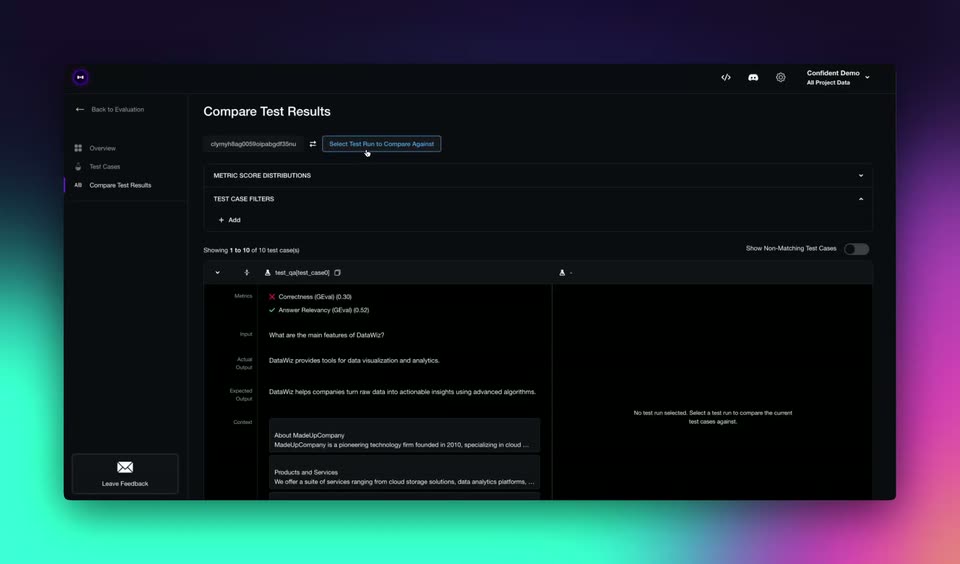 1:04–1:07Confident AI · Confident AI Launch YCA dark evaluation dashboard titled Compare Test Results sits on a purple-to-teal gradient. A cursor moves to the Select Test Run field and opens a dropdown listing past runs by date.
 0:49–0:50Peppr AI · Peppr AI Demo VideoA blank pale-lavender canvas fills the frame with a mouse cursor hovering near the center, then an I-beam text cursor appears beside it. The presenter's face sits in a circular webcam overlay at the bottom right. The frame stays locked off.
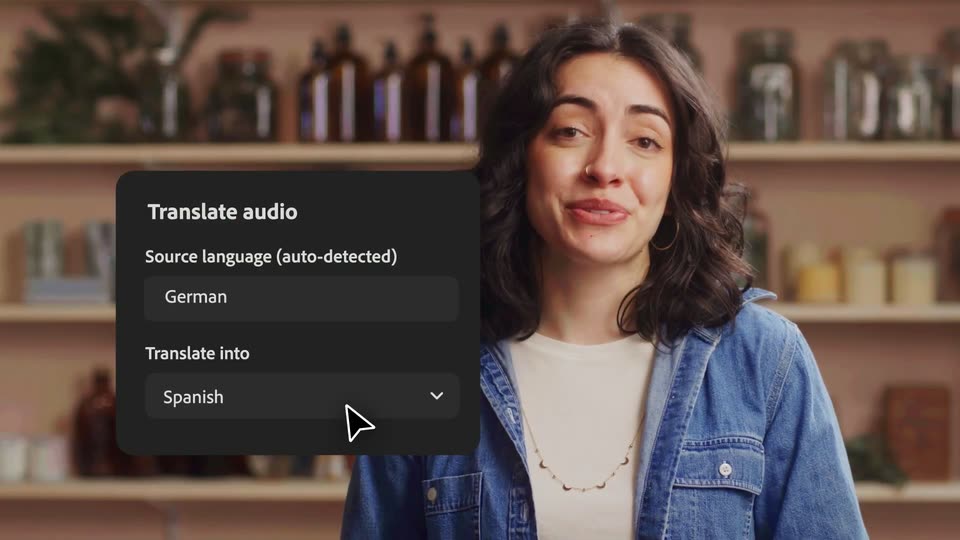 0:38–0:39Adobe · Meet Firefly Video Model | AdobeA woman in a denim jacket stands before shelves of jars, speaking, while a dark Translate audio panel is composited at left. Its source and target language dropdowns cycle through German, Chinese and Spanish as a white cursor hovers over them.
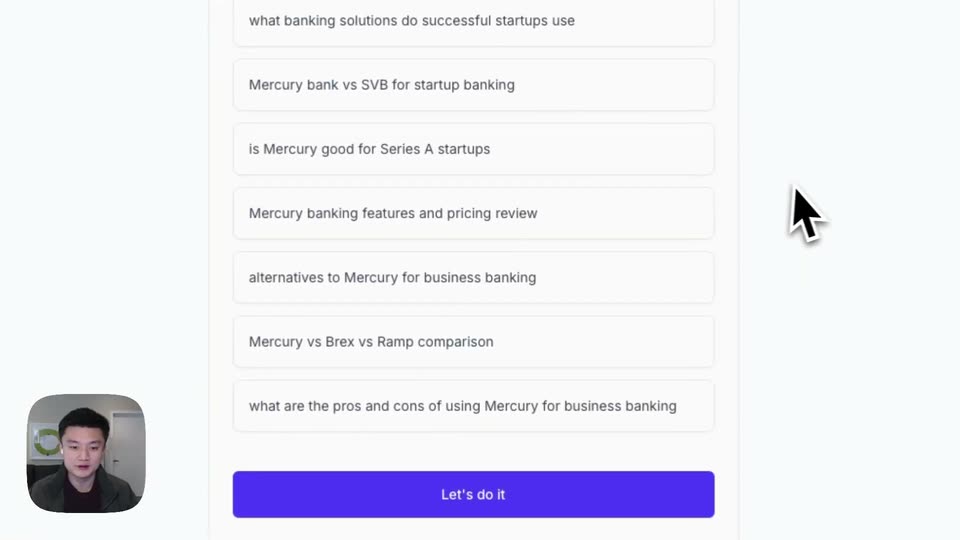 0:54–0:55AthenaHQ · AthenaHQ with Andrew, Co-Founder and CEOA vertical list of banking query suggestions scrolls up on a white panel, revealing a purple button at the bottom. A black cursor moves along the right edge while a small circular webcam of a man sits in the lower left corner.
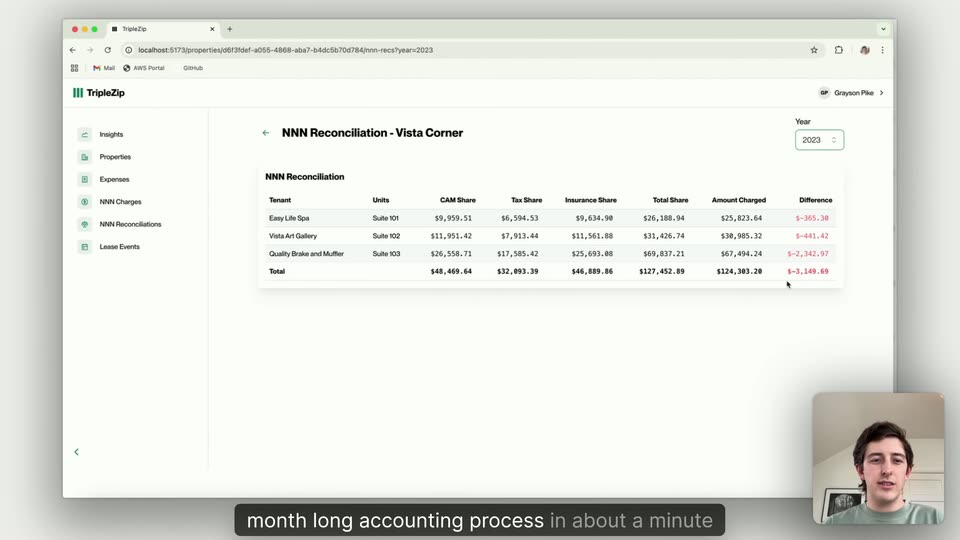 1:06–1:20OpenIntake · TripleZip (W25) - AI for Commercial Real Estate AccountingA browser window shows the TripleZip NNN Reconciliation table as a cursor opens the Year dropdown and switches from 2025 to 2023, the figures updating and the Difference column turning red. A webcam self-view sits bottom right while subtitles run along the bottom.
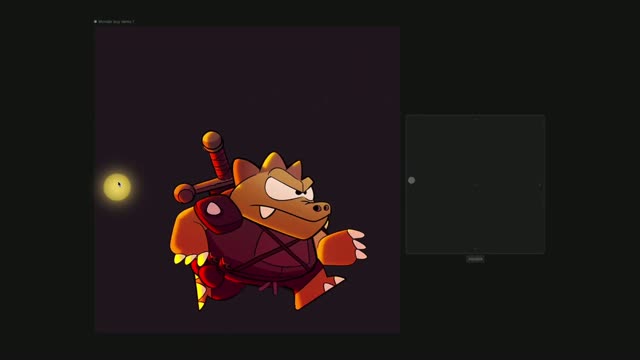 0:56–1:00Rive · Feathering AnnouncementA dark editor canvas shows a cartoon orange dinosaur warrior with a sword on his back. A glowing yellow orb, dragged by the visible cursor, moves around him and his shading shifts with the light. A small joystick panel on the right tracks the cursor position.
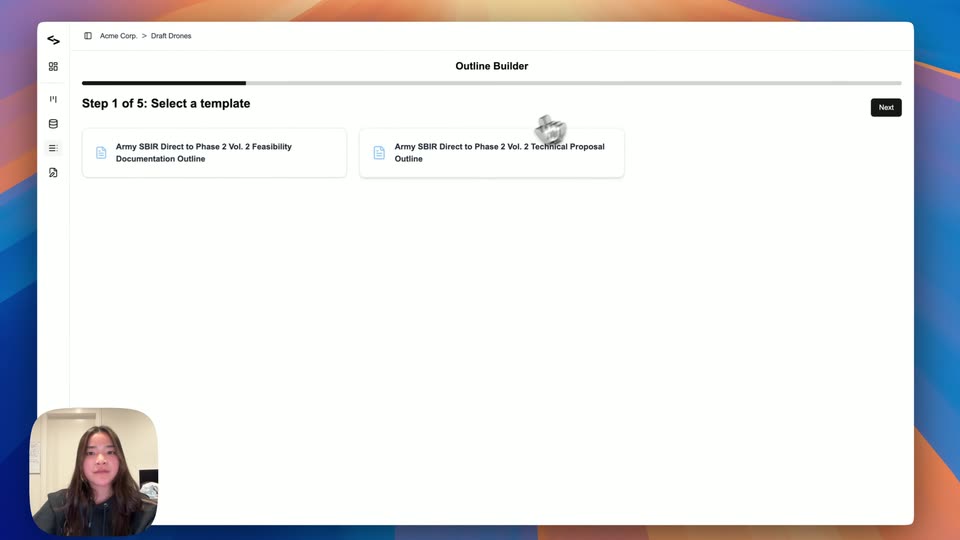 1:01–1:10Candor · Candor (YC W25) Demo || Win Government Funding With AIA white product interface shows the Outline Builder, with a small live video of a presenter in the lower-left corner. A cursor selects the default outline, the screen switches to a template step, the cursor chooses a template and clicks Next, ending on a loading spinner.
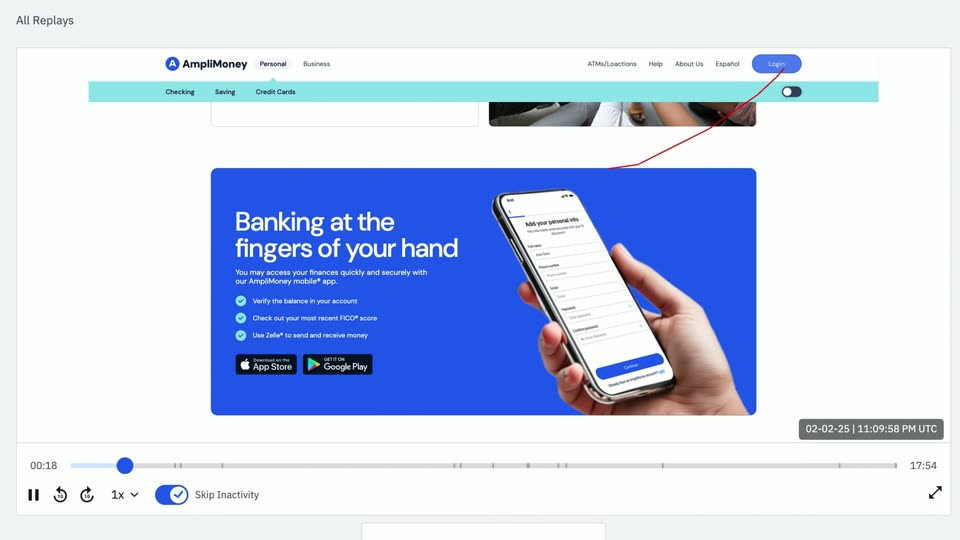 1:56–1:58Amplitude · Amplitude Guide and Survey OverviewA screen-recording player shows the AmpliMoney website. An income-update dialog with a money-bag icon and red hand-drawn marks closes, revealing the blue hero panel and a phone form mockup.
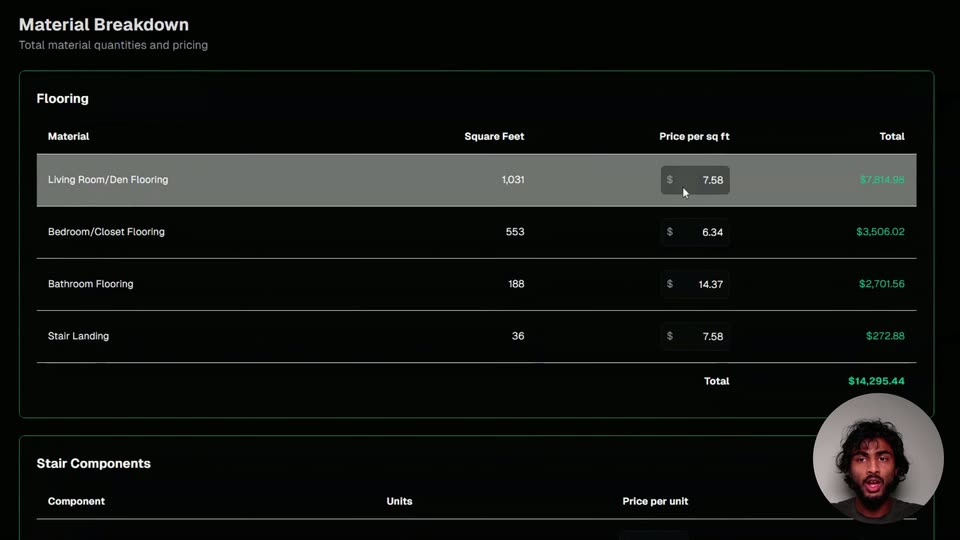 1:19–1:24Bild AI · Read Blueprints Using Bild AIA white scanned estimate page dissolves away from the dark Material Breakdown screen, revealing the Flooring and Stair Components tables. The view then zooms in on the Flooring table as the cursor drifts across the rows, with the presenter's webcam circle pinned bottom right.
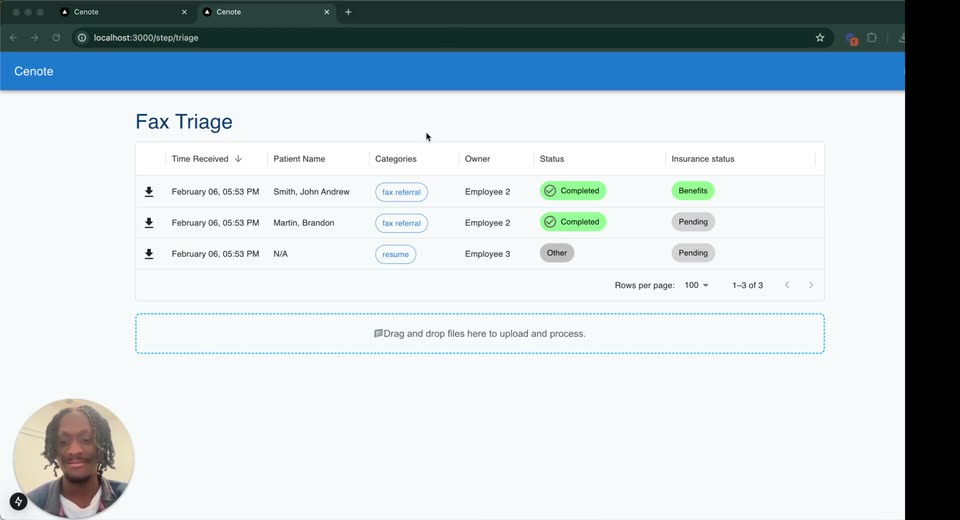 4:36–4:50Cenote · Cenote DemoA locked-off screen capture of the Cenote app's Fax Triage page: a three-row table with green and gray status pills above a dashed drag-and-drop zone. A circular webcam of the presenter sits in the lower left while the mouse cursor drifts across the page.
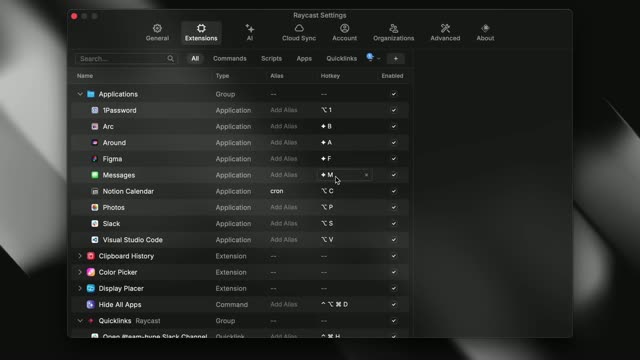 3:24–3:35Raycast · Raycast Just Got You A New KeyA dark Raycast Extensions list fills the frame; the cursor taps a hotkey cell and a small popup records a new shortcut, then the field updates. The view zooms into the hotkey column to show the new star-prefixed keys.
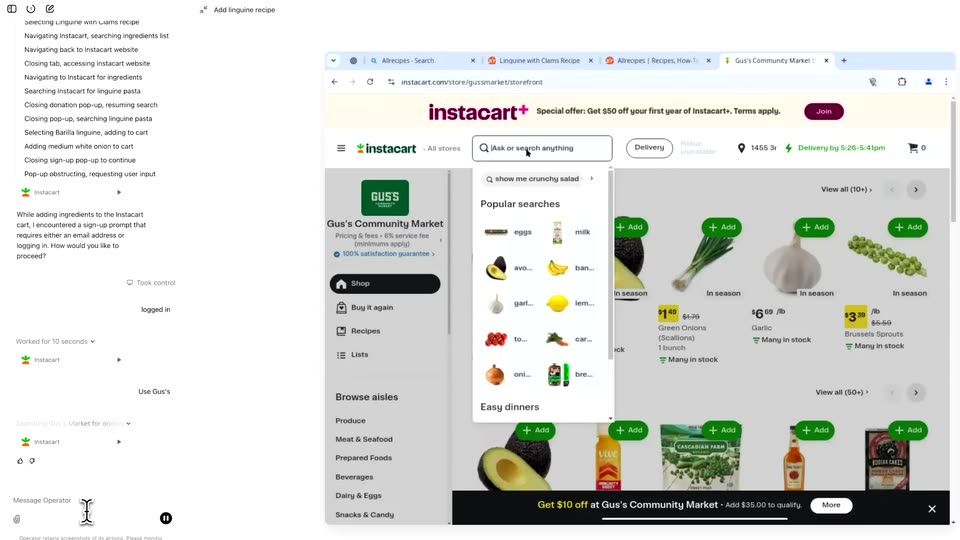 3:17–3:28OpenAI · Demonstrating OperatorA browser window shows the Instacart store page filling in from grey placeholders to product grids, beside a left panel logging the operator's steps. A cursor clicks the search bar, a popular-searches dropdown opens, and the cursor types 'white onion'.
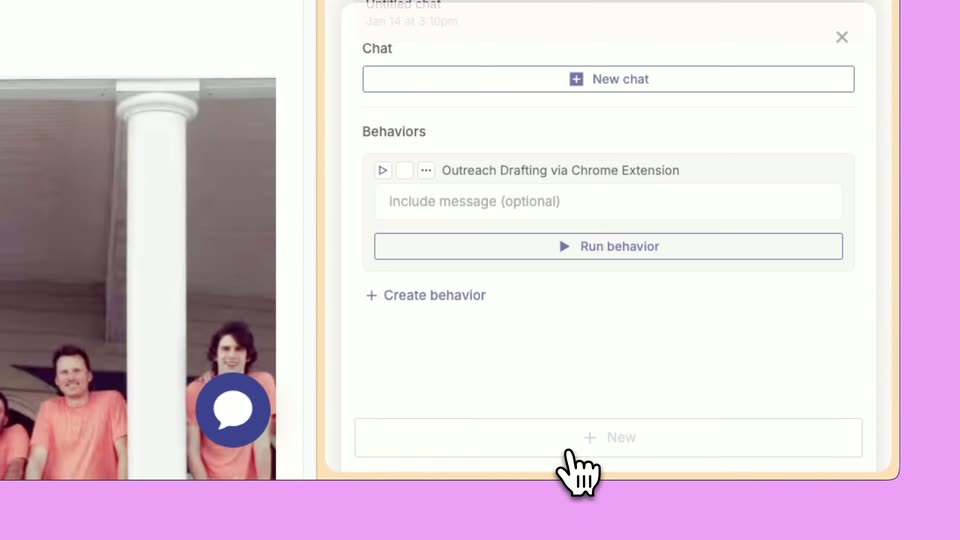 0:32–0:33Zapier · Introducing Zapier Agents: The Future of Automation is Here!A product window on a pink background pairs a photo of three people with a chat panel. The panel content switches from an empty chat header to a behavior form with a Run behavior button, while a hand cursor hovers at the bottom edge.
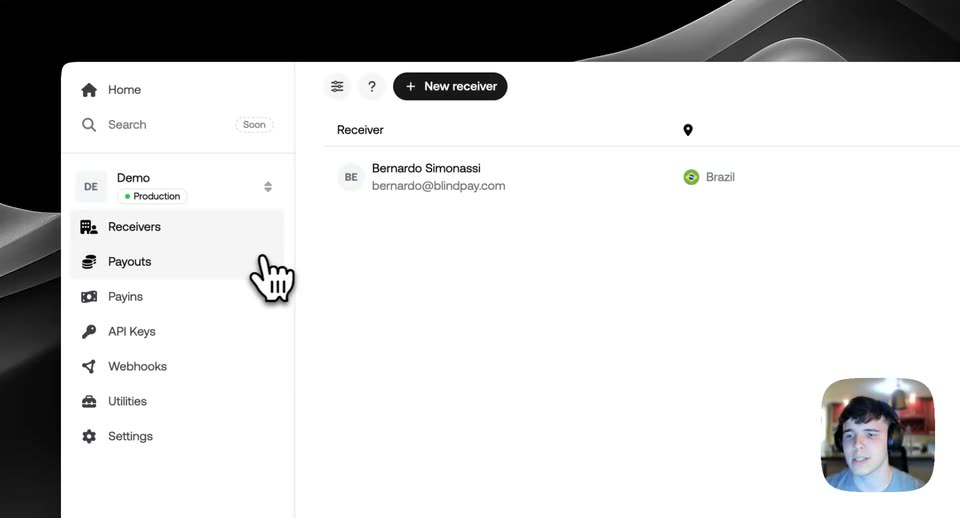 0:35–0:39BlindPay · BlindPay - DemoA payments dashboard fills the frame with a left navigation menu. A cursor selects Receivers, then Payouts, and the main panel crossfades from a receiver list to a payout list. A small webcam feed of a presenter sits in the bottom right corner.
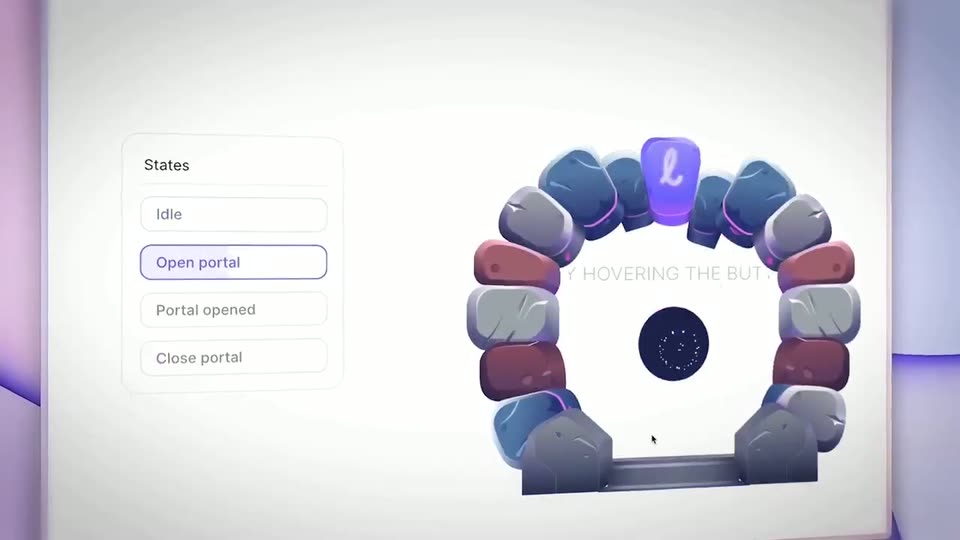 0:52–0:53Lottielab · Lottielab - After months in public beta, we’re thrilled to announce that LottielaA white demo card floats in a soft purple 3D space. The States list on the left highlights Open portal, and a purple 3D button morphs into a ring of stone blocks around a glowing purple portal. A cursor hovers over the button under the caption TRY HOVERING THE BUTTON.
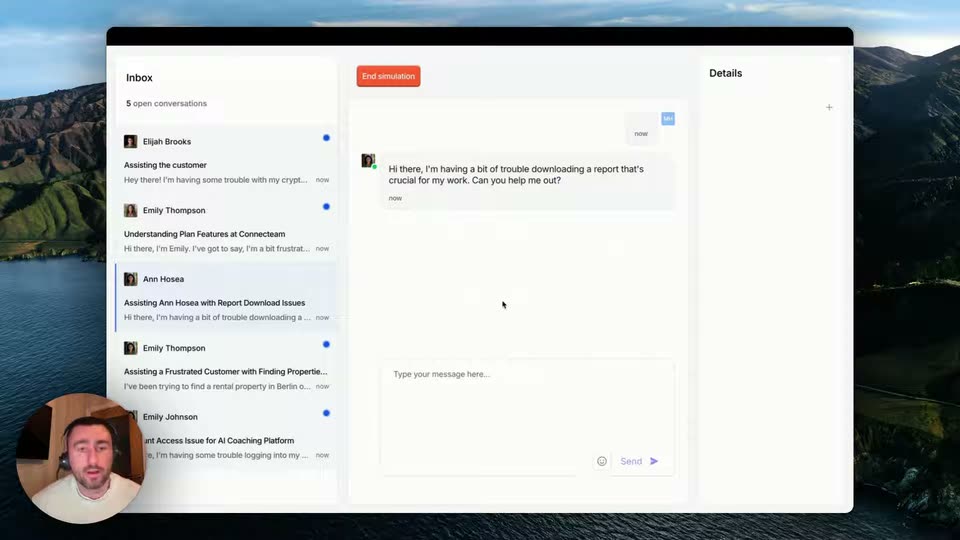 1:32–1:52Solidroad · Solidroad YC Launch DemoA flat inbox interface fills a laptop frame over a mountain-and-lake backdrop, with a small circular presenter cam in the lower left. A cursor travels down the conversation list and clicks a row, which highlights and loads a customer message with a typing indicator in the chat pane.
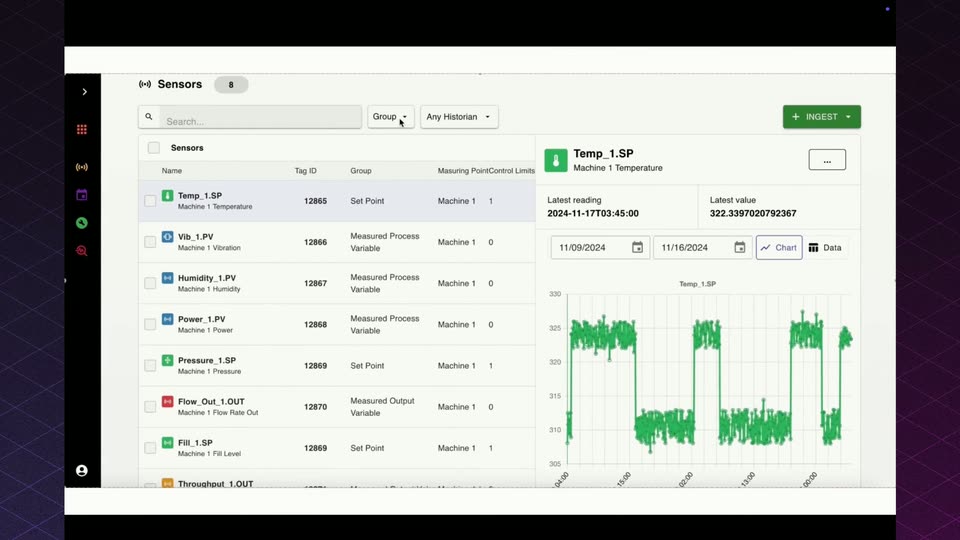 1:24–1:27Vortexify · Praxis AI LaunchA crossfade dissolves from a historians screen into a sensors dashboard. A green line chart draws in on the right panel, then the cursor opens a Group filter dropdown.
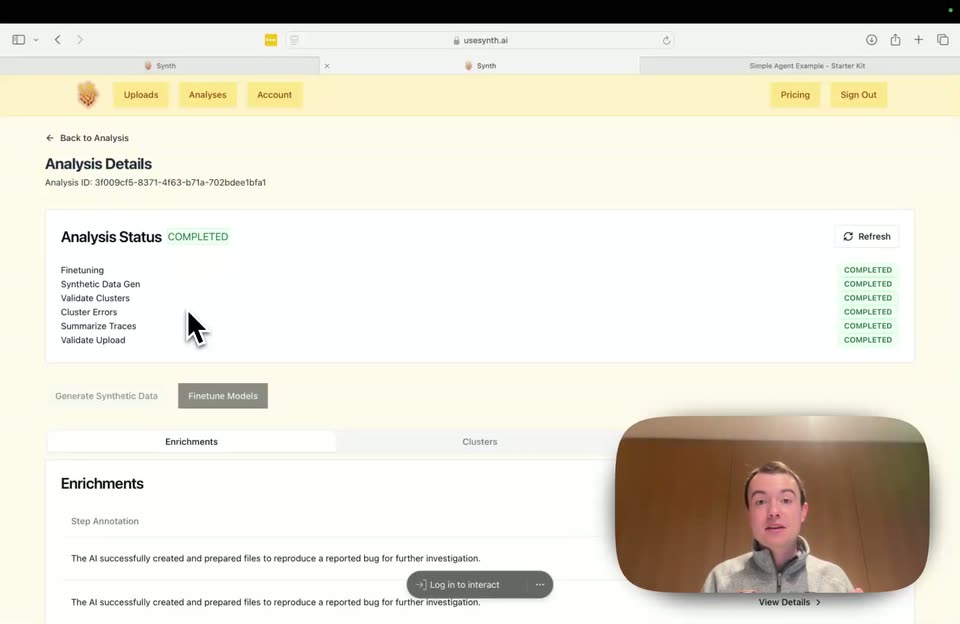 1:11–1:24Synth · Synth AI YC LaunchA close-up of an 'Analysis Status' panel in a web interface lists completed tasks. The view zooms out to show the full browser window with a yellow navigation bar. A presenter talks and gestures in a small video box at the bottom right corner.
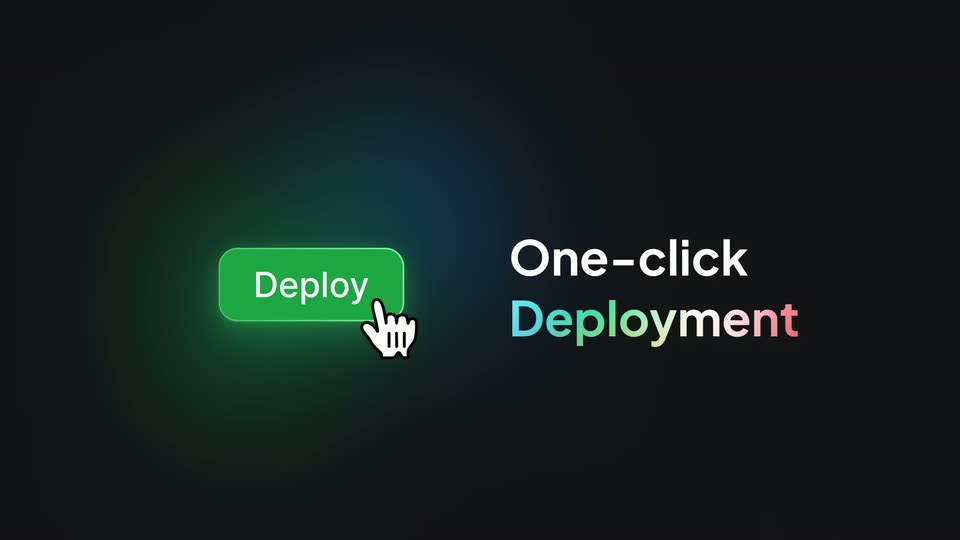 1:11–1:12Lovable · Lovable – An AI Full-Stack EngineerA green Deploy button and a two-line headline sit on a dark field washed with green glow. The headline words slide into place, then a white hand cursor moves in and clicks the button, which flashes a glowing ring.
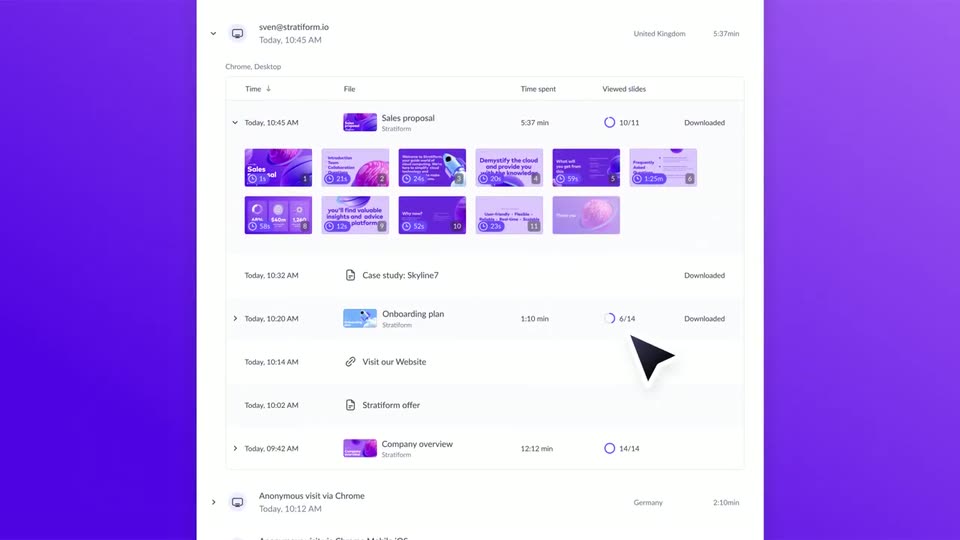 1:00–1:08Pitch · Pitch - Pitch is now more than just presentation software — it’s a complete pA white activity panel sits on a purple gradient. A cursor clicks a visitor row, which expands to reveal a file table and a grid of purple slide thumbnails. The view zooms in, then blurs as the headline appears.
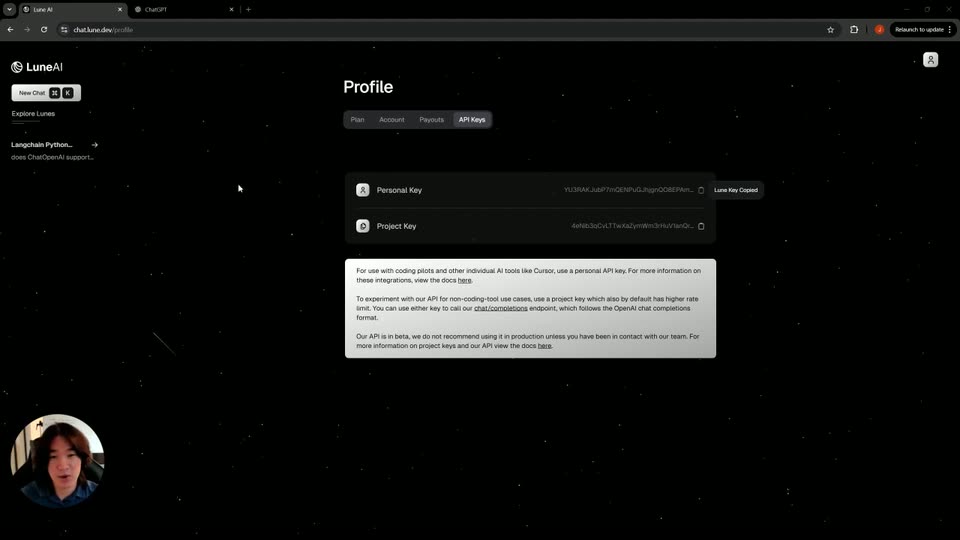 2:02–2:07Endstack · Lune AI DemoA dark web-app profile screen fills the frame, with a small circular webcam feed of a presenter in the lower left. The cursor hovers the API Keys rows, then clicks Explore Lunes, switching the view to a search bar and gray skeleton cards.
 1:01–1:02StoreTrack · Product Explainer Video for SaaS | StoreTrack | ZeliosA blue pill button with a bookmark icon and the label Save Location sits centered on a plain light background. The button scales up to fill the frame while a cursor arrow tracks along its lower-right edge.
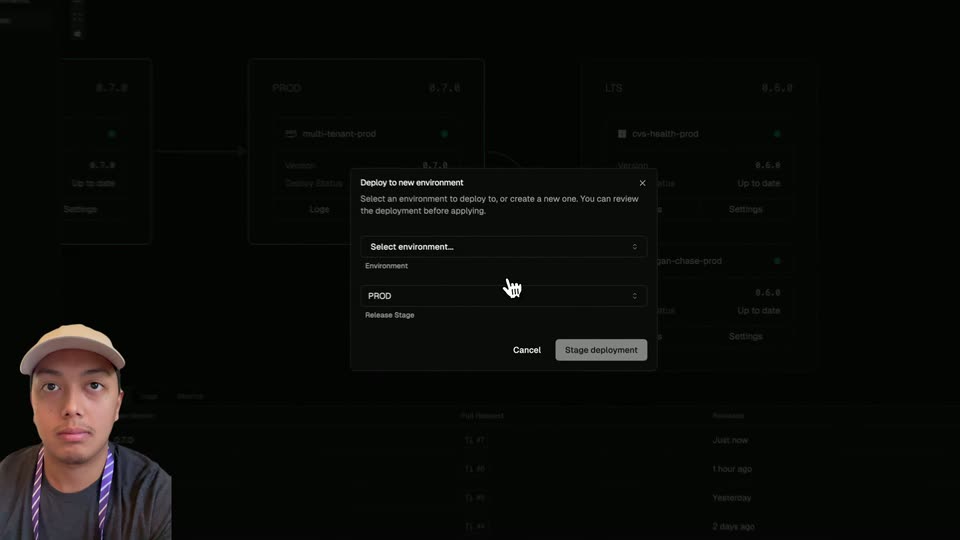 0:40–0:42Ryvn · Ryvn | On-prem deployments, without the stressA dark deployment dashboard fills the frame, with a small webcam self-view of a man in a cap at the lower left. A cursor clicks the top-right button, and a centered modal fades in over the dimmed environment cards and release table.
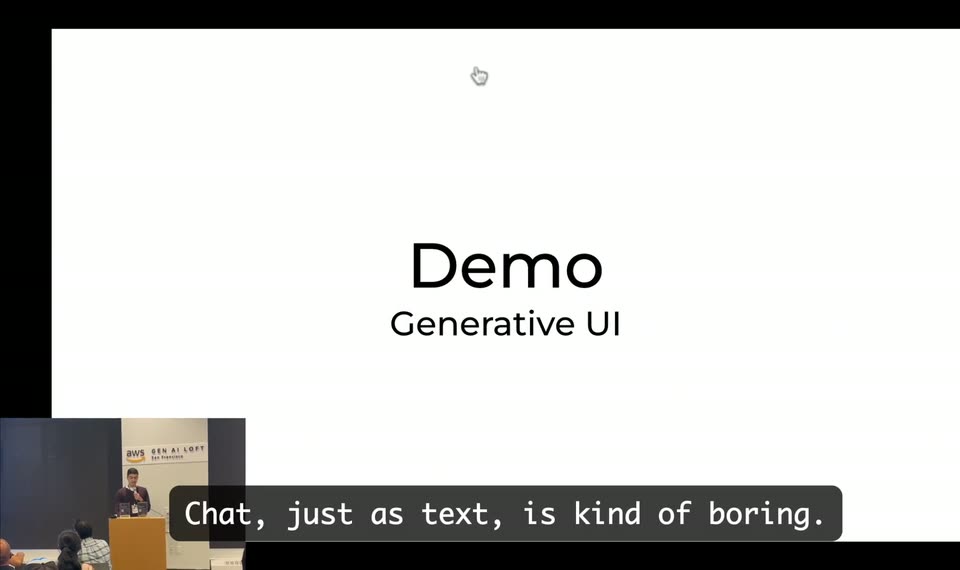 1:04–1:06assistant-ui · assistant-ui | AWS GenAI Loft DemoA white slide titled “Demo” with the subtitle “Generative UI” holds center frame. A small live-action inset of a speaker at a podium sits in the lower-left corner, and a dark caption bar reads “Chat, just as text, is kind of boring.” A hand cursor appears at the top.
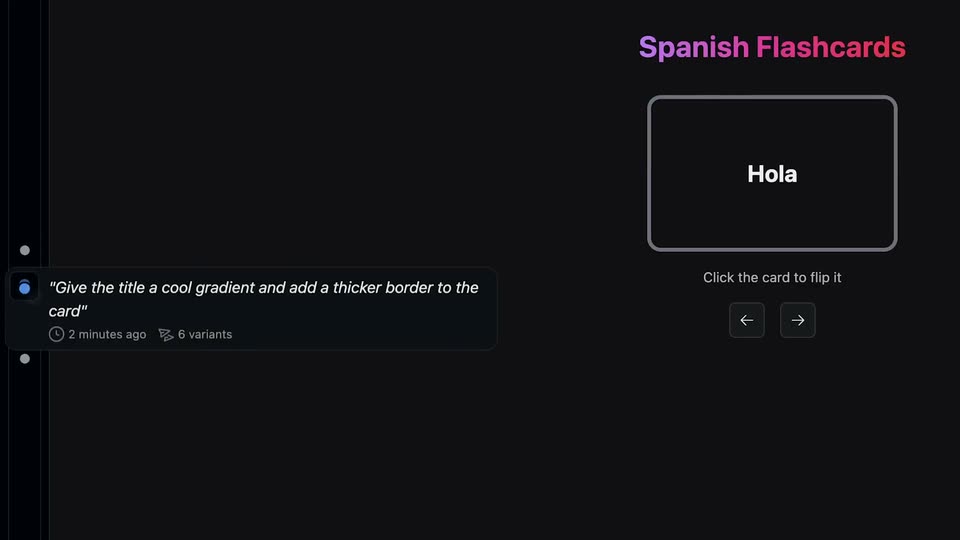 0:34–0:35GitHub · What is GitHub Spark? Introducing a brand new way to build powerful, AI assisted applicationsA dark app screen shows a flashcard labeled Hola under a gradient Spanish Flashcards title. A hand cursor clicks a variant dot in the left rail, opening a comment bubble that reads Give the title a cool gradient and add a thicker border to the card.
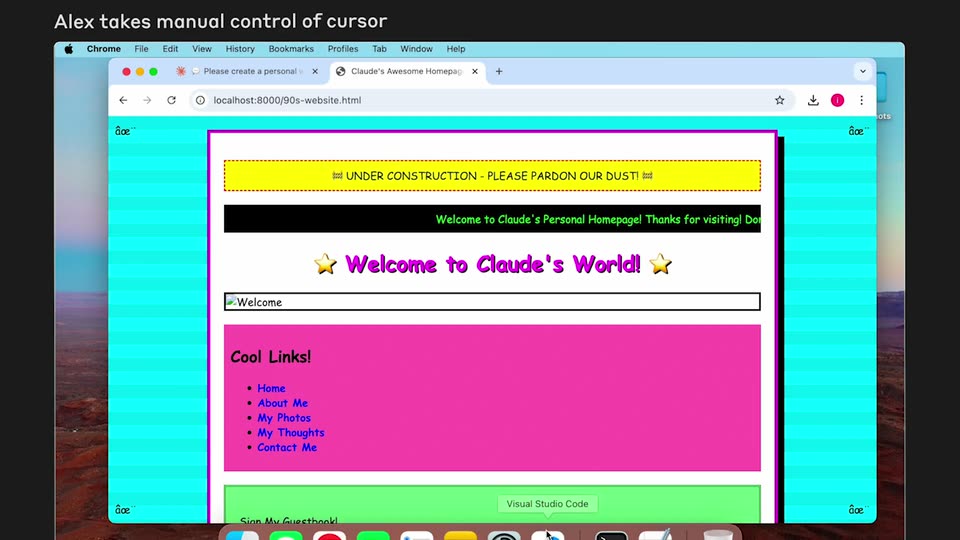 2:11–2:19Anthropic · Claude | Computer use for codingA macOS desktop shows a Chrome window open to a retro 90s personal homepage with a yellow under-construction banner and a pink links panel. The view zooms in on the browser as a cursor glides over the page and hovers a dock icon, raising a tooltip.
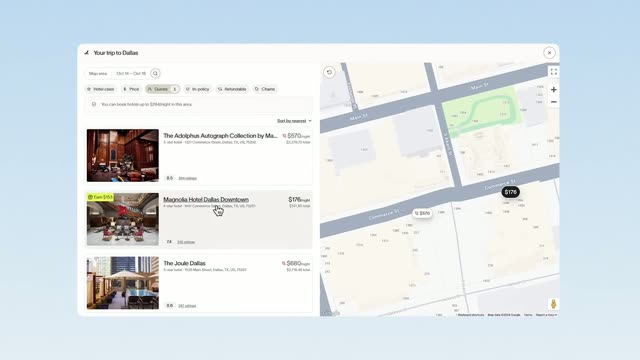 1:02–1:05Ramp · Meet Ramp: A smart finance operations platform that saves you time and moneyA white Dallas trip panel pairs a hotel list with a street map. The list settles into place, then a cursor hovers the first hotel, revealing a policy tooltip, and moves down to highlight the second card.
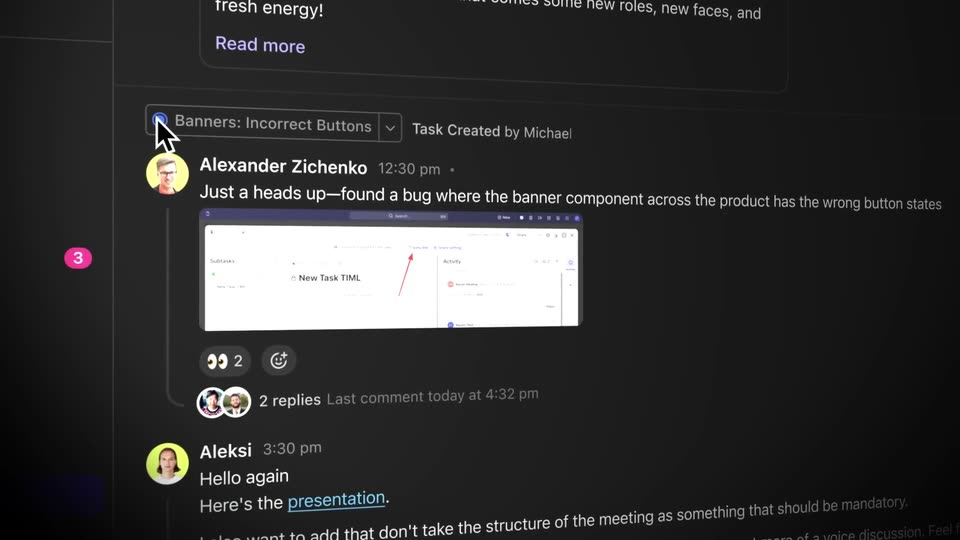 0:45–0:51ClickUp · Introducing ClickUp ChatA dark chat feed zooms in on a bug report post. The cursor clicks the green AI icon, picks Create a task with AI, and a task chip appears above the post, then is checked to Task Complete as the screen darkens and a glowing pink headline sweeps in.
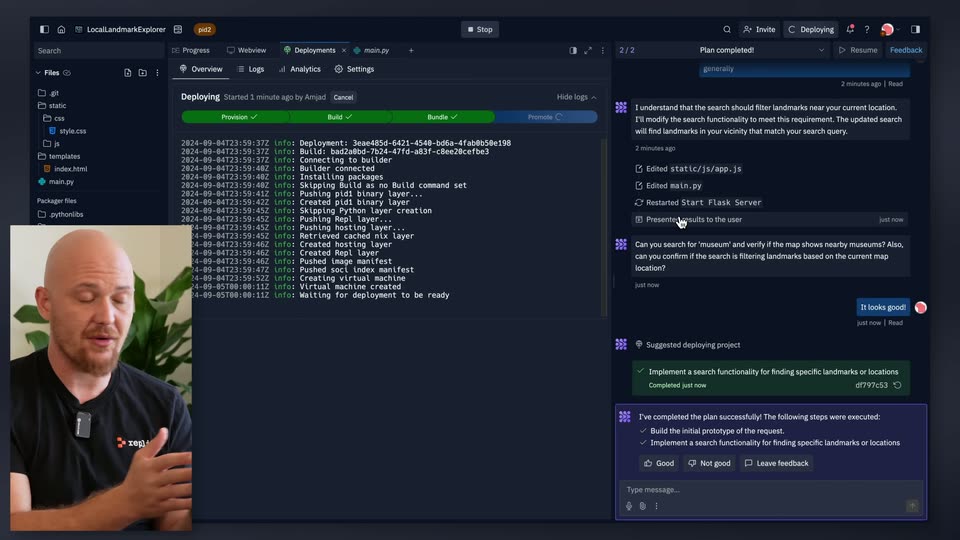 2:48–2:59Replit · Meet the Replit AgentA dark product interface fills the frame, with a bearded presenter in a black shirt gesturing in a bottom-left inset. The deployment log gains new lines, then the cursor moves to the Overview tab and a Production status card appears.
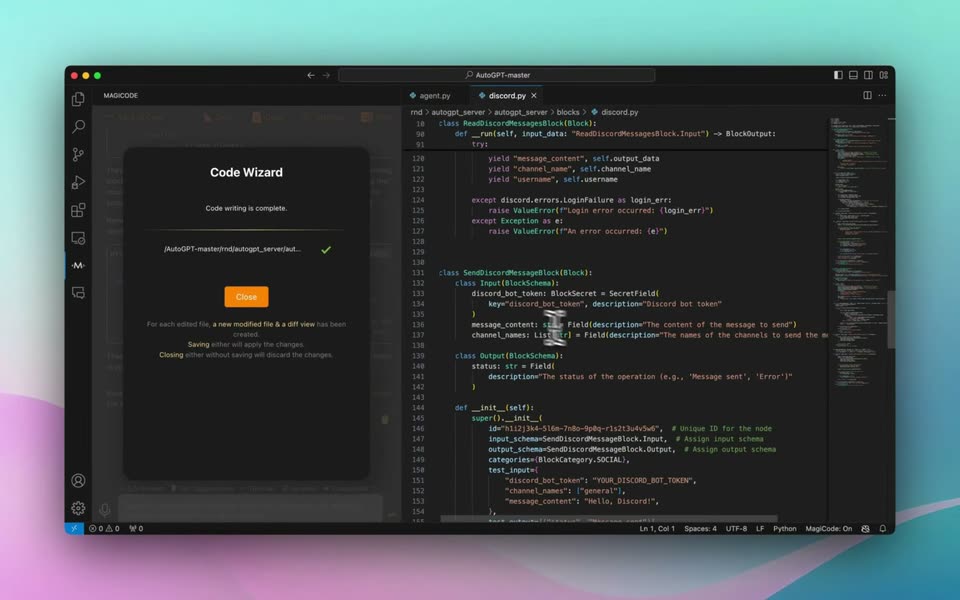 1:53–1:54MagiCode · MagiCode: Your Proactive Pair ProgrammerA flat code editor window sits on a teal-to-pink gradient, a dark Code Wizard dialog with an orange Close button overlays the left pane while Python code scrolls on the right and a hand cursor glides in to hover the button.
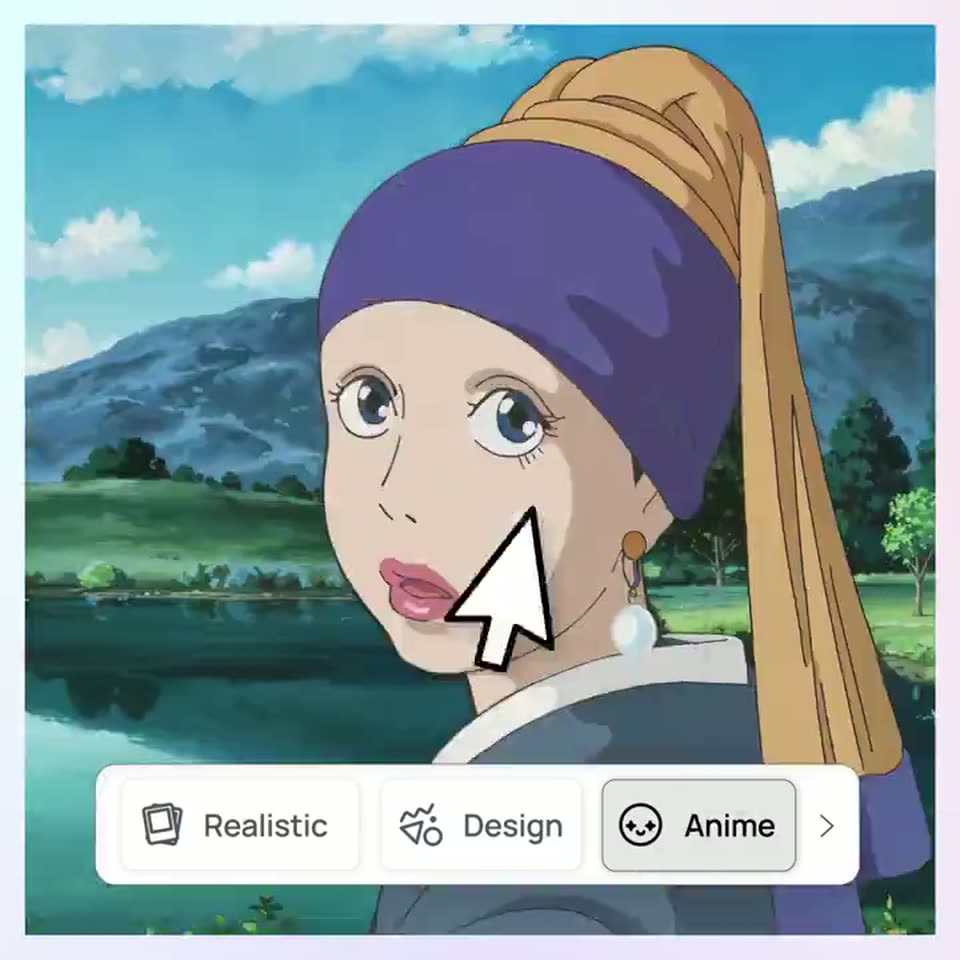 0:17–0:18Ideogram · Ideogram - Introducing Ideogram 2.0 — our most advanced text-to-image model, nowAn anime-style image fills the frame, switching from a koala on a branch to a portrait of a woman in a blue headscarf. A white bar at the bottom lists Realistic, Design and Anime, the Anime tab outlined, as a cursor pointer slides from the tab up into the image.
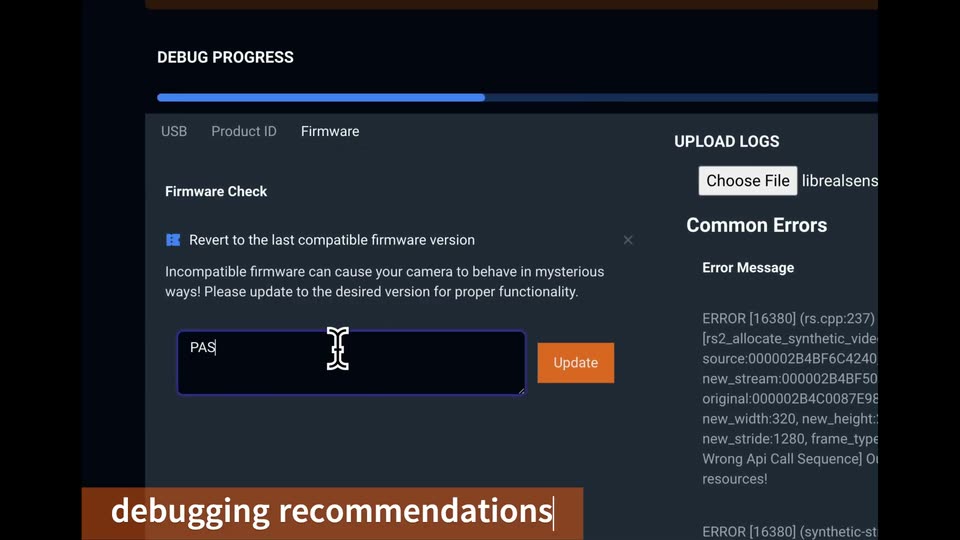 0:37–0:41Ember Robotics · 🔥 Introducing Ember Assistant 🔥- Robotics Camera System Assistant!A dark debugging dashboard fills the frame in close-up as a cursor types PASS into the firmware notes field, then the view zooms out to reveal the full Ember Robotics app with its sidebar. An orange caption types out at the bottom.
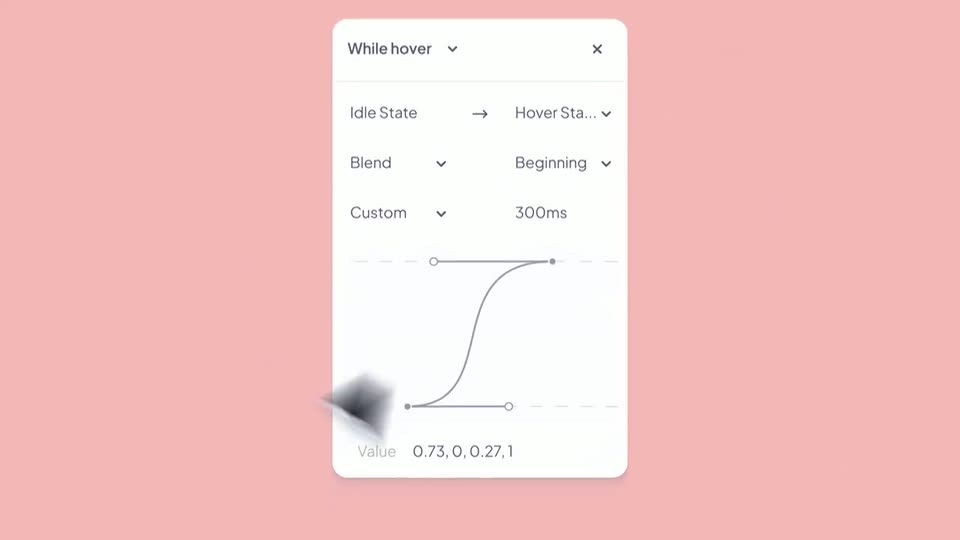 0:30–0:31Lottielab · Lottielab - Interactivity is now live on Lottielab. 📣A white settings panel sits on a solid pink background, showing a hover animation curve with dropdowns and a value readout. A dark arrow cursor glides from the left edge to the panel's bottom right corner.
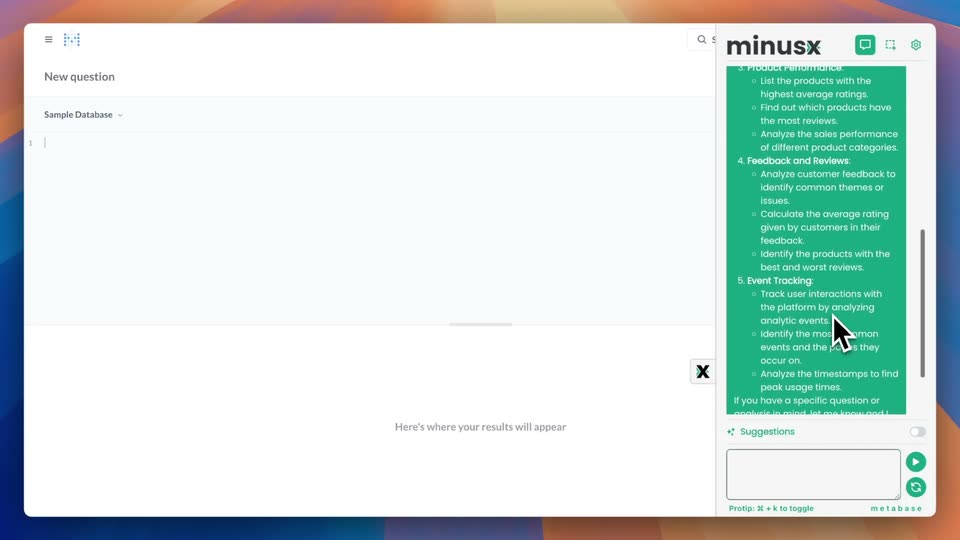 0:42–0:46MinusX · MinusX: AI Data Scientist for Jupyter and MetabaseA Metabase question editor sits on the left with an empty results area, while a MinusX chat panel on the right shows a cursor moving to the input and typing a prompt. A user bubble appears, then a green planning card expands with a scrolling numbered list of analysis ideas.
 1:35–1:36RetroFix · RetroFix Product DemoA dark app window with a top bar showing a long ID string sits over a grassy landscape, a white cursor glides across the empty gray panel while a small rounded webcam feed of a man with glasses talks in the bottom right corner.
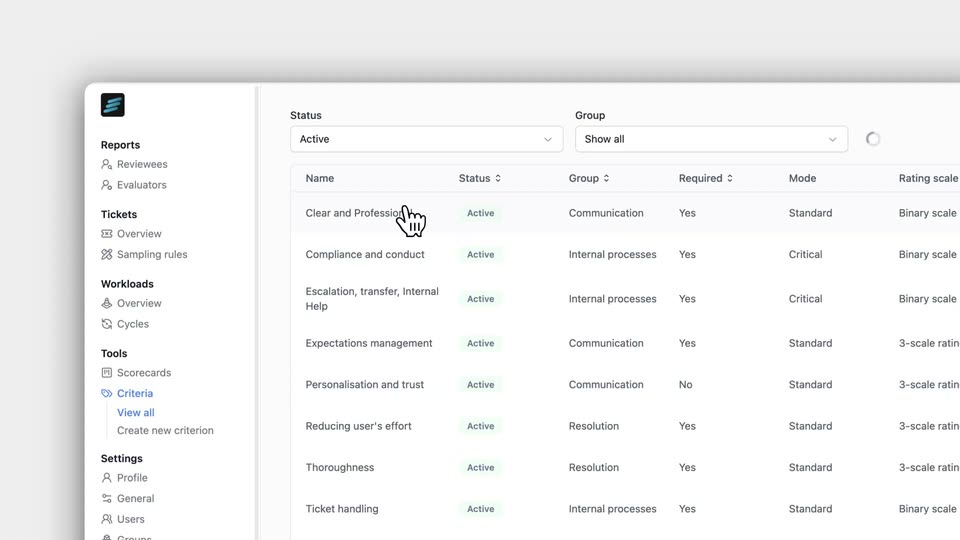 0:33–0:34Intryc · Intryc YC Launch videoA dashboard interface displays a table of criteria. Two hand cursors hover over the first row, then disappear as a loading spinner appears in the top right corner.
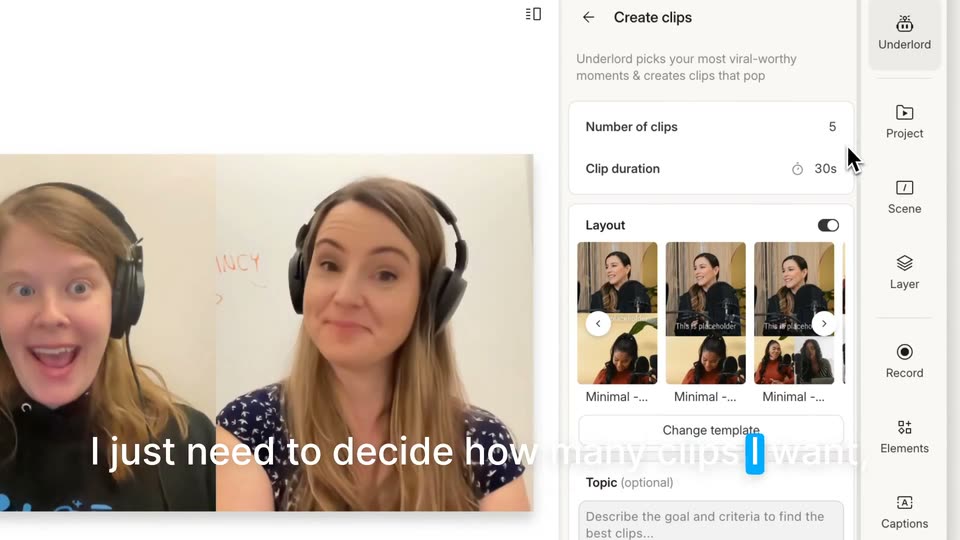 2:21–2:25Descript · Descript - Today, we're launching Descript's new AI assistant editor, Underlord.The view reframes from the sidebar to the full Underlord screen: a clip of two women with headphones on the left, the Create clips panel on the right. A cursor sets the clip count to 5 and toggles the layout, while white captions with a blue highlight appear word by word.
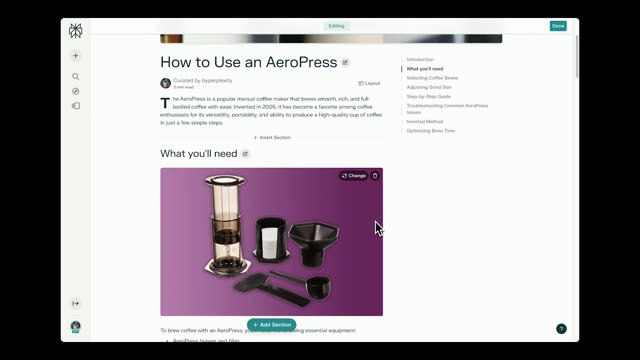 0:41–0:43Perplexity · Introducing Perplexity PagesA white document editor on a black background scrolls through an AeroPress how-to page, then zooms into a paragraph as a cursor hovers over a dark pill labeled Custom Instructions.
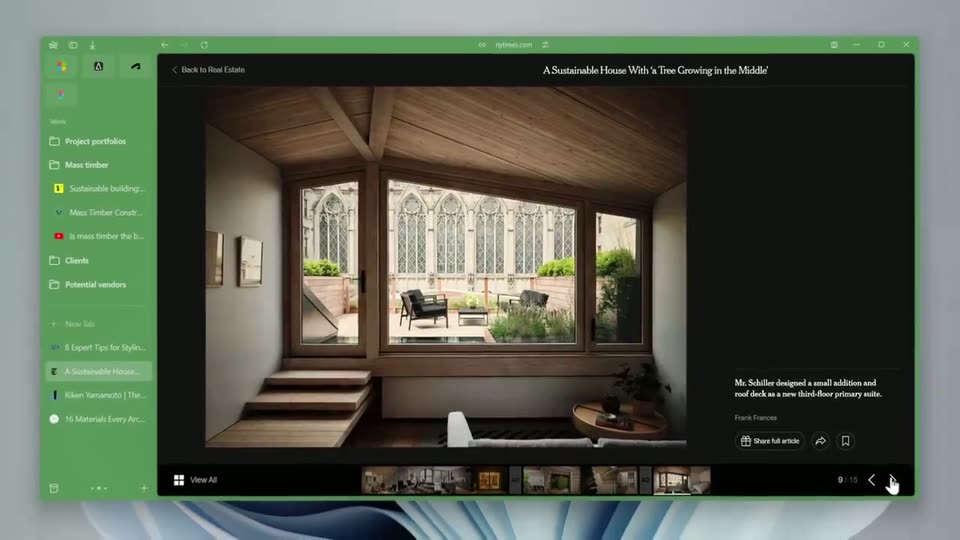 0:15–0:16The Browser Company · The Browser Company - Arc on Windows is finally here. No more waitlists, no more betas. DA green notes application window shows a project viewer with a photo of a wooden room and tall windows. A search bar opens over the viewer and the word japan is typed, listing two suggestions below, under a large static headline.
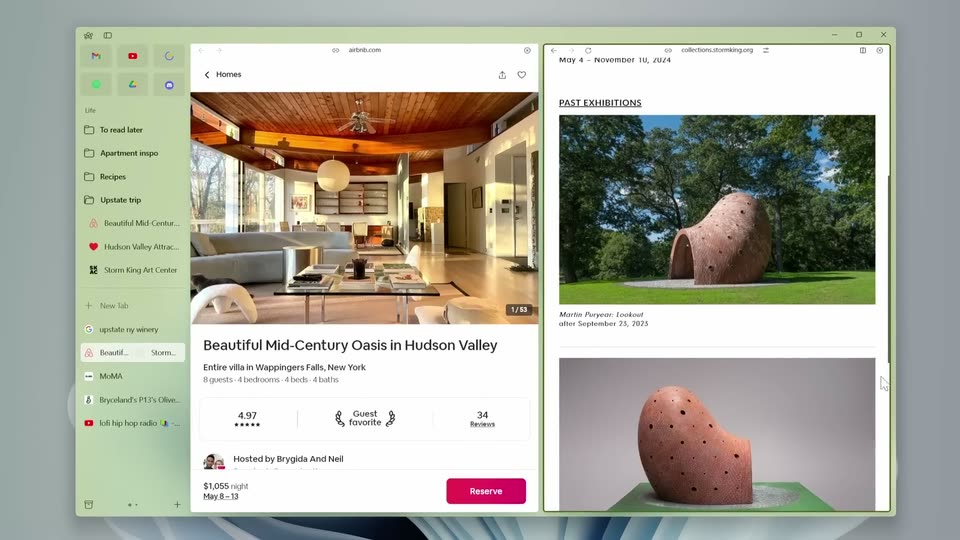 0:20–0:21The Browser Company · Arc on Windows. Download now.Two browser windows sit side by side on a pale green desktop: an Airbnb listing on the left, a museum exhibitions page on the right. A cursor slides in over the right page as its content shifts up, enlarging the sculpture photo.
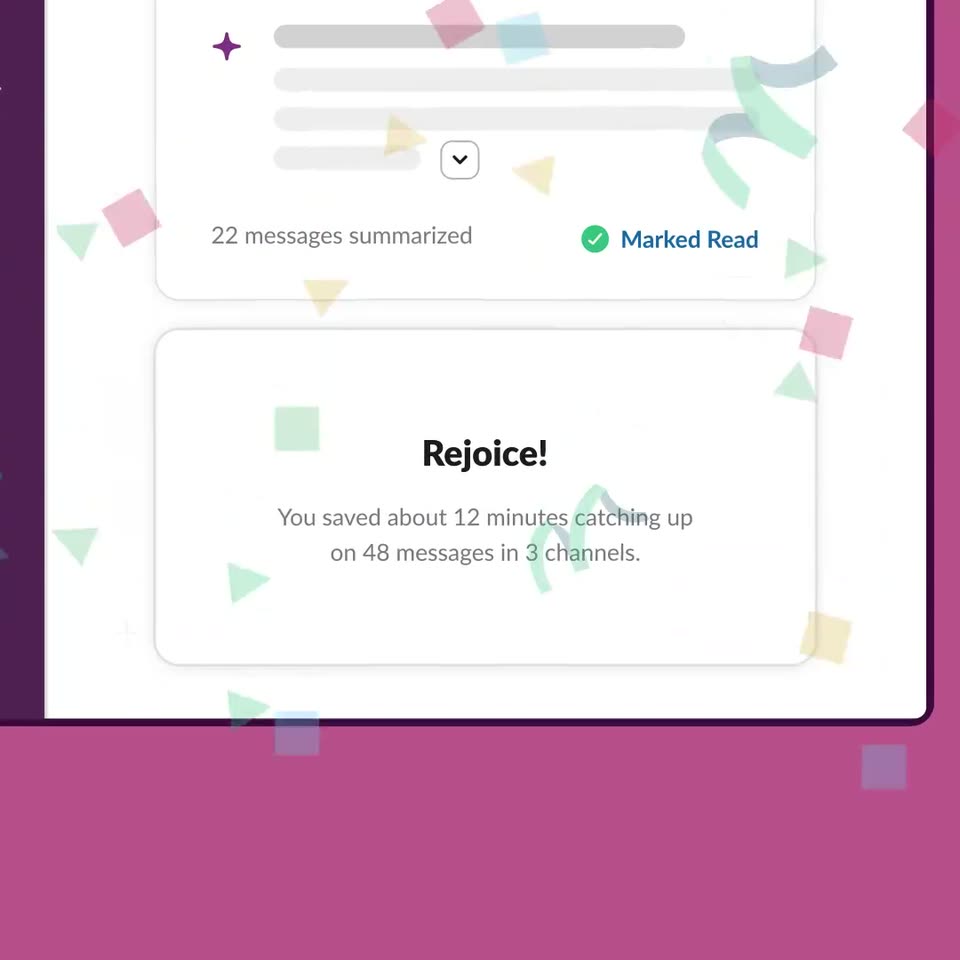 0:45–0:46Slack · Slack - Time is valuable. Slack AI gives you more of it. 🙌✨ And starting todA dark-purple-framed white summary panel on a magenta backdrop scrolls up a few lines as a hand cursor lifts off the Marked Read row, settling on the Rejoice! savings card.
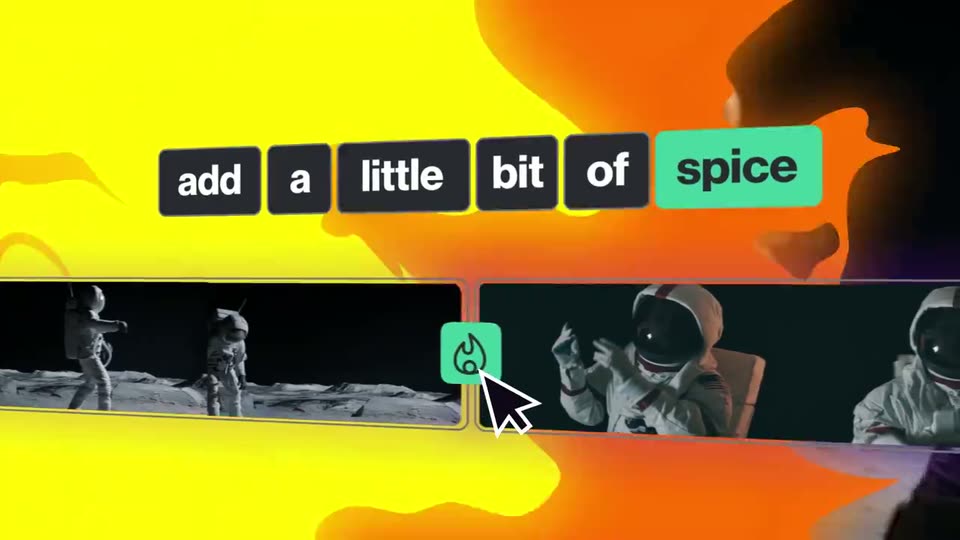 0:12 · 0.8sCaptions · Mirage - Introducing Captions for web. Video editing made simple, thanks toA dark editor timeline holds two moon-landing clips. The cursor taps a green flame tile in the gap, the background flashes yellow, and the flame scales up to fill the frame.
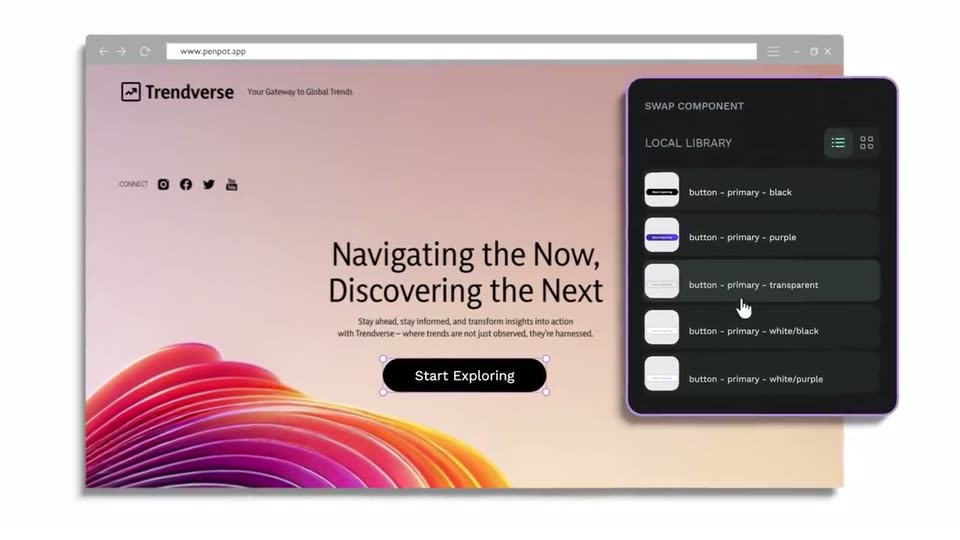 0:50–0:53Penpot · Penpot - 💥 Penpot 2.0 is now available! Explore & enjoy the unique featurA tilted browser mockup shows the Trendverse landing page with a pink gradient and red-orange wave, plus a dark component panel on the right. A cursor clicks a row in the panel, and the Start Exploring button on the page switches from a solid black pill to a transparent outline.
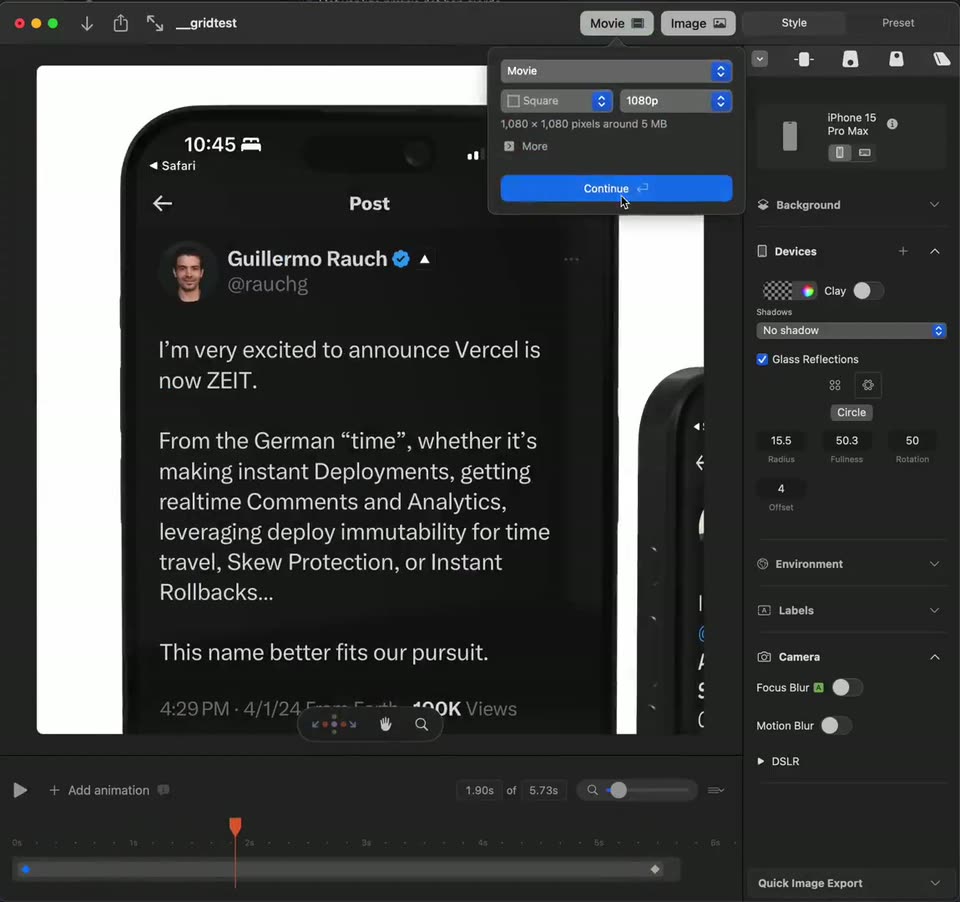 0:37–0:38Rotato · Morten from Rotato - Circles, half circles and grids rolling out to beta users soon:A screen recording of a design tool displays a phone mockup holding a social media post. A format dropdown stays open at the top right while the cursor drifts down and rests on the blue Continue button.
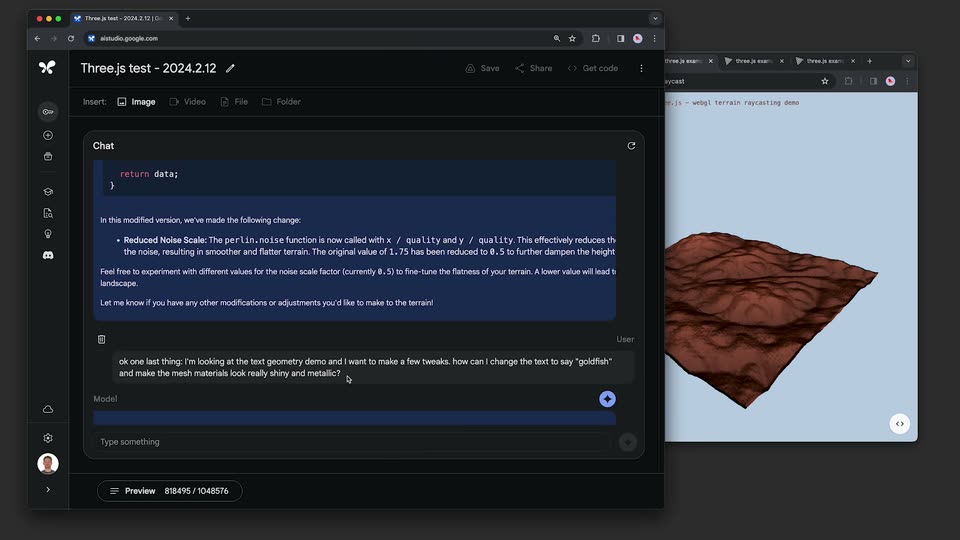 2:18–2:24Google · Problem solving across 100,633 lines of code | Gemini 1.5 Pro DemoA dark chat-and-code window on the left scrolls down as a cursor moves through it, while a browser on the right holds a brown 3D wireframe terrain mesh. A user prompt appears, then a model reply bar fills.
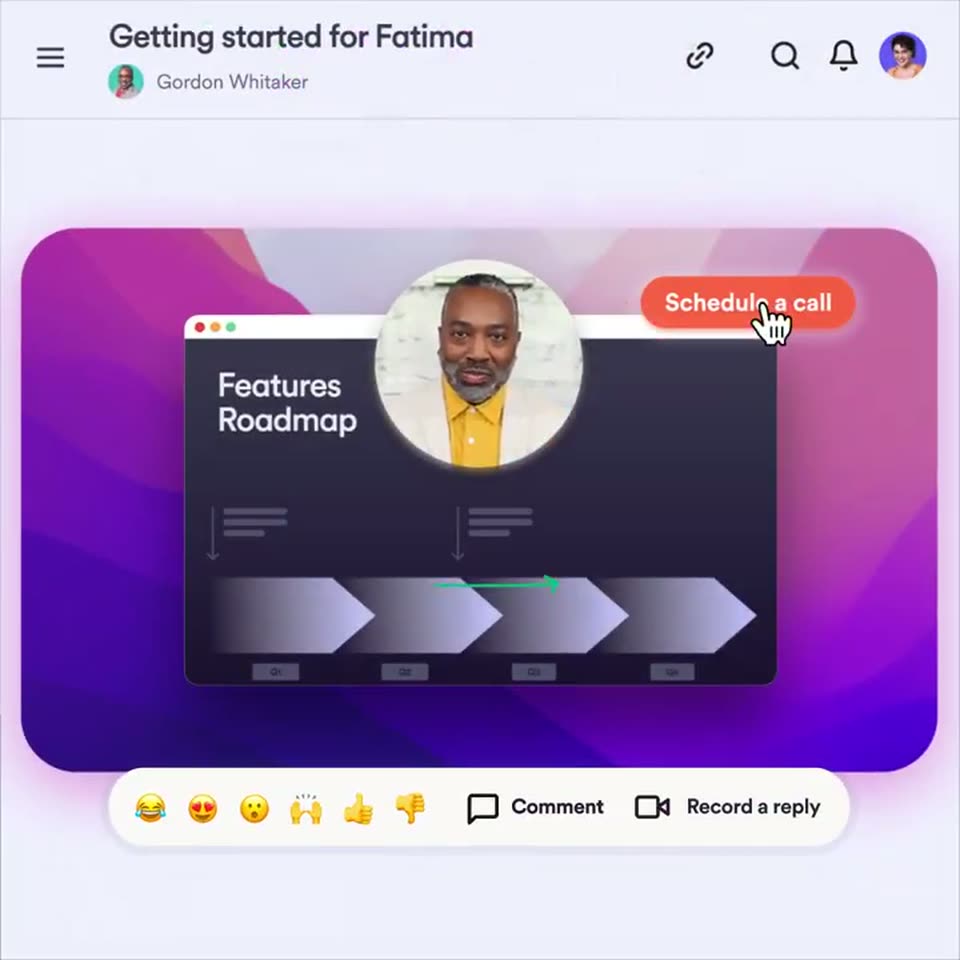 0:19–0:21Loom · Loom - 🚨 Sales & customer-facing teams — unlock more revenue with Loom!A Loom page view. A purple card holds a browser mockup whose screen crossfades from a Product Demo frame to a Features Roadmap chevron timeline. A circular video of a man floats above; a hand cursor rests on the Schedule a call button; an emoji reaction bar lines the bottom.
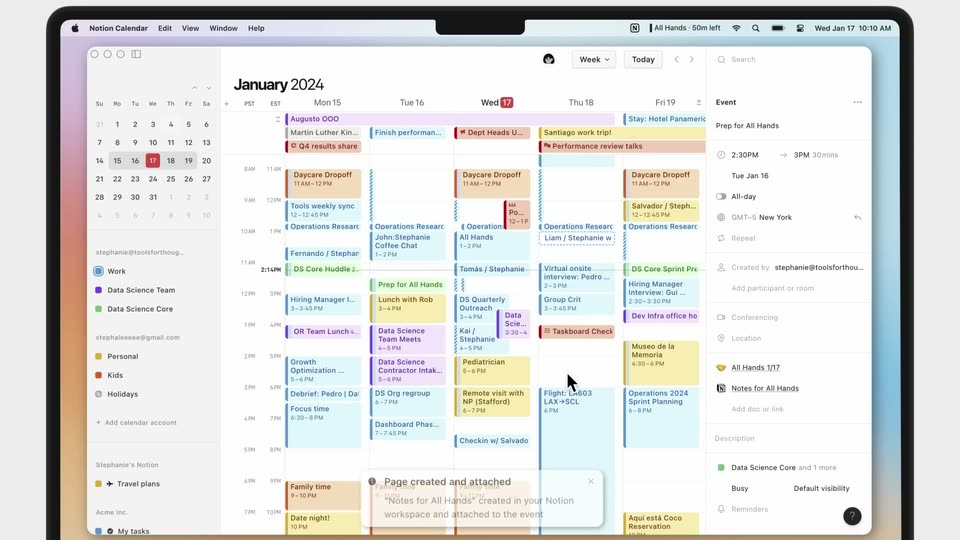 0:57–1:02Notion · Meet Notion CalendarA Notion Calendar week view with a 'Create Notion page' dialog centered. The cursor types 'Notes for All Hands' into the Title field and clicks Create. The dialog closes, a confirmation toast slides up at the bottom, and the new page appears in the event panel.
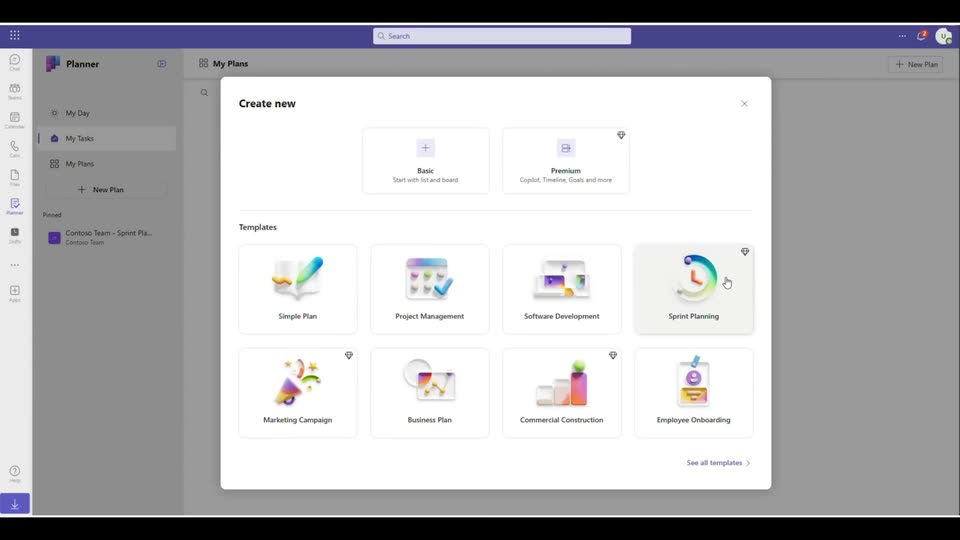 1:46–1:48Microsoft · Meet the new Microsoft PlannerA Teams Planner window shows a Create new dialog with a grid of template cards. A cursor moves to the Sprint Planning card and hovers, tinting it gray.
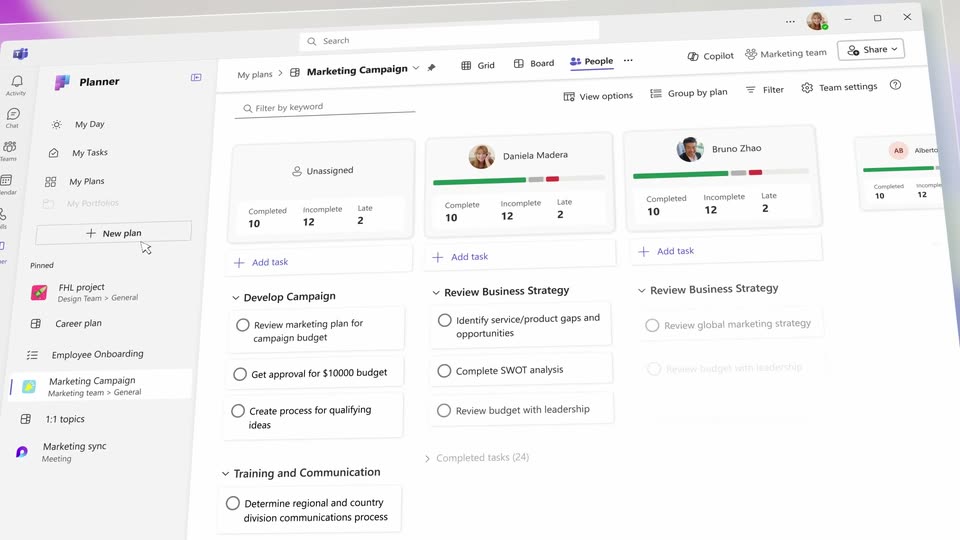 1:11–1:14Microsoft · The new Microsoft Planner: Manage all your tasks and plans in one simple, familiar experienceThe Planner interface sits in a tilted 3D perspective and straightens as the People view loads. Task cards slide in from the right, the left sidebar fades in, and a cursor hovers over the top tabs.
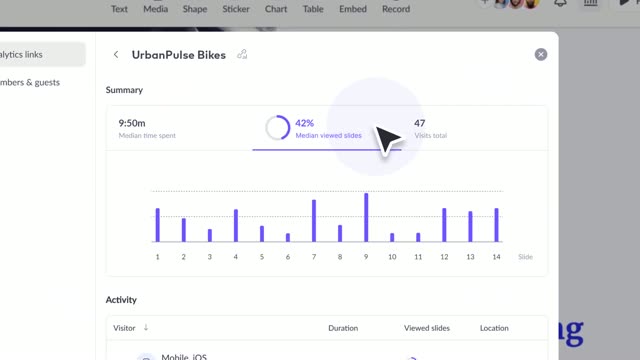 1:05–1:09Pitch · Introducing Pitch 2.0The slide editor fills a purple field as a cursor opens an analytics panel over the canvas. The view zooms into the panel, the bar chart switches from time to views, then scrolls down to a visitor activity table.
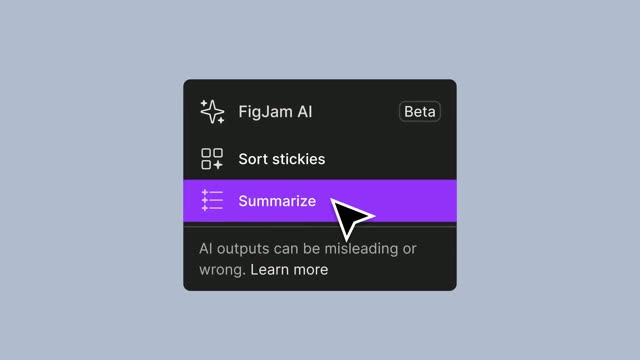 0:27–0:29Figma · Introducing FigJam AIA dark menu card labeled FigJam AI with two options sits on a pale blue background. A white cursor glides in from the left and hovers over the Summarize row, which lights up purple.
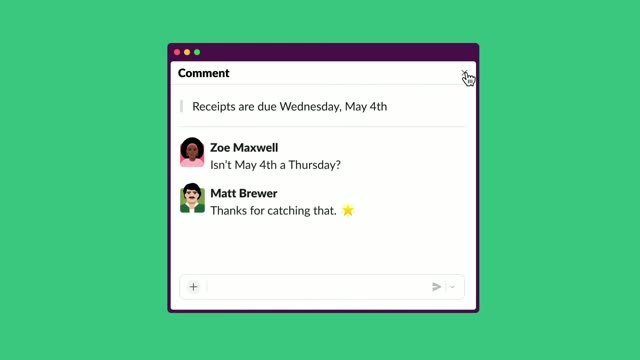 0:42–0:46Slack · Introducing canvas | A new surface to share and organize knowledge | SlackA white comment dialog with a purple header sits on a green background. A second comment fades in below the first, then a hand cursor moves to the close icon and the dialog slides right to reveal a second window behind it.
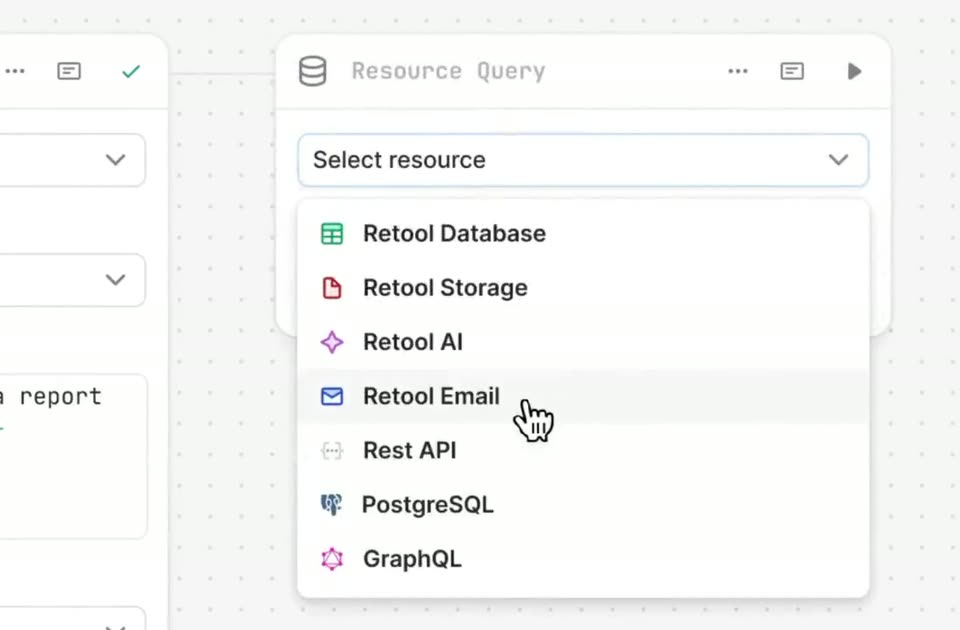 0:28–0:29Retool · Retool - Say hello to the fusion of visual programming, code, and AI. RetoolA white Resource Query panel shows an open dropdown listing resource types, each with a small colored icon. A hand cursor glides down the list and stops on the Retool Email row, which fills with a light gray highlight.
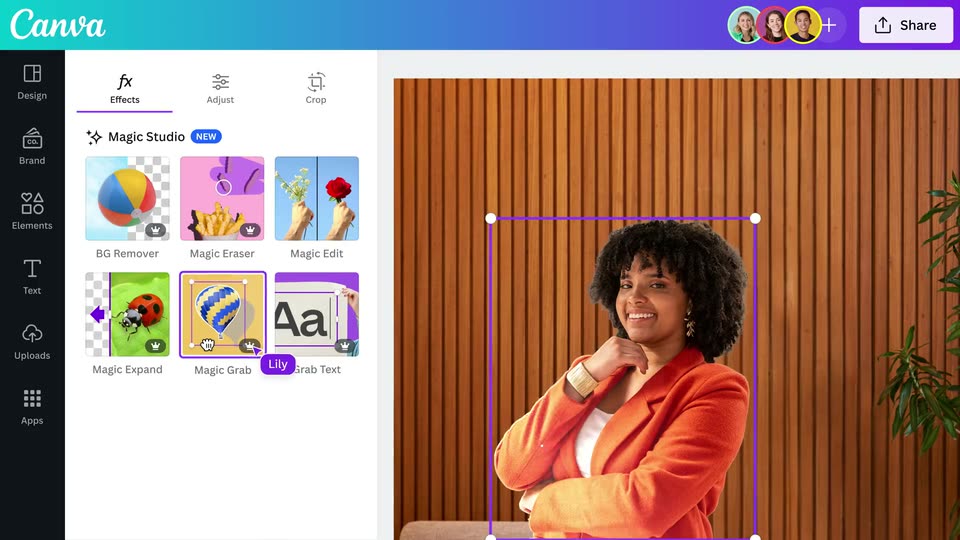 1:23–1:24Canva · Canva - Meet Magic Studio. Supercharge your workflow with all the power of AIA purple cursor tagged “Hi, I'm Lily” hovers over the Magic Grab tile in Canva's Magic Studio panel, then a purple selection frame with corner handles and small sparkles appears around the woman in the photo on the right.
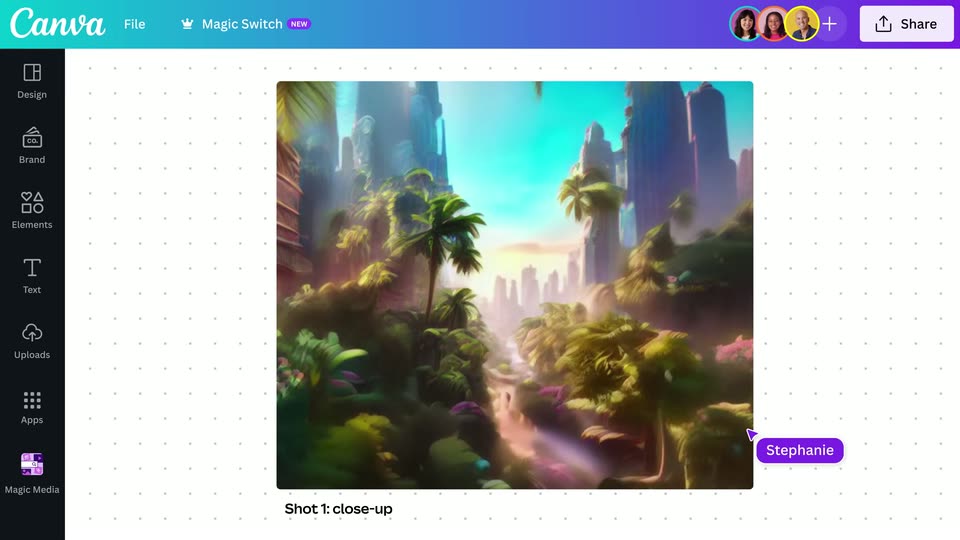 1:03–1:05Canva · Meet Magic Studio | Let the power of AI supercharge your workThe Canva editor shows a fantasy landscape with palm trees and a river on the canvas. The image scales up to fill the canvas while a named cursor sits at its edge. A caption reads Shot 1: close-up.
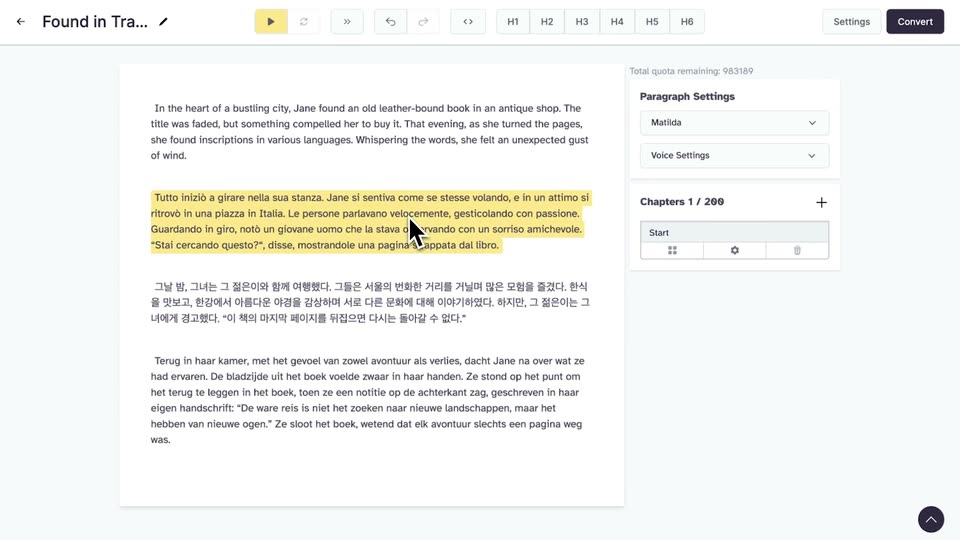 1:05–1:07ElevenLabs · Introducing: ProjectsA document editor with multilingual paragraphs fills the frame. A cursor hovers over the Italian block, which flashes a yellow highlight, while the font field in the right panel switches from Rachel to Matilda. The view blurs and shifts as the camera reframes.
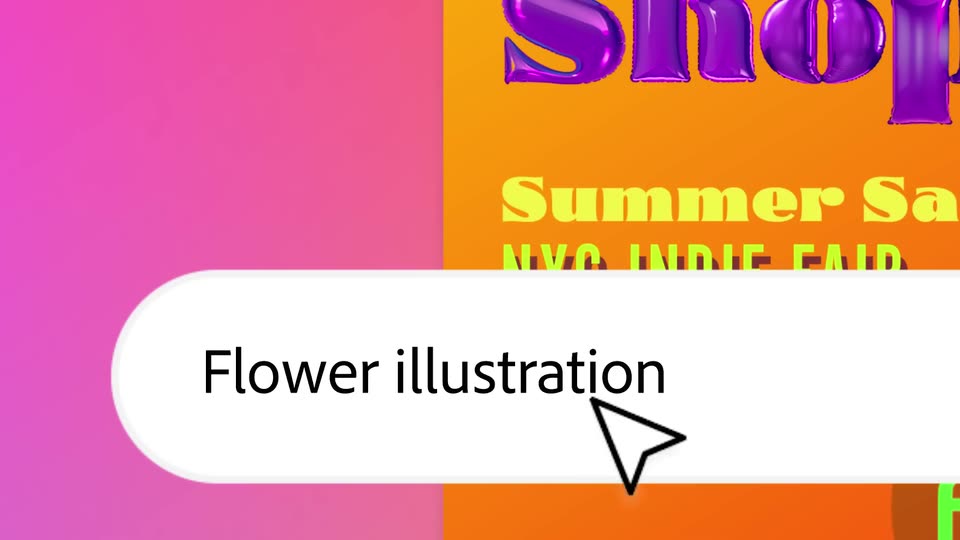 0:18–0:19Adobe · Adobe Firefly: Out of Beta & Ready For Your Imagination | AdobeA white rounded search bar floats over a split pink and orange poster with purple 3D balloon 'Shop' lettering and yellow and green sale lines. A mouse cursor clicks inside and the query 'Flower illustration' types out from left to right.
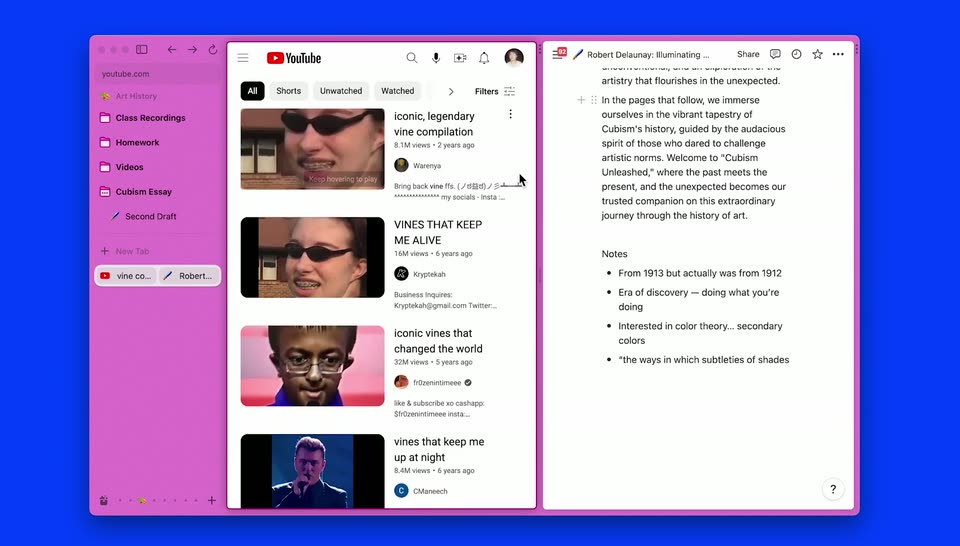 0:20–0:21The Browser Company · Arc for Students | Everything in its right placeA browser mockup on blue switches its active tab from a Khan Academy article to a YouTube feed. It then cuts to a closer framing where the feed scrolls past a thumbnail marked Keep hovering to play next to a white card of vine titles and view counts.
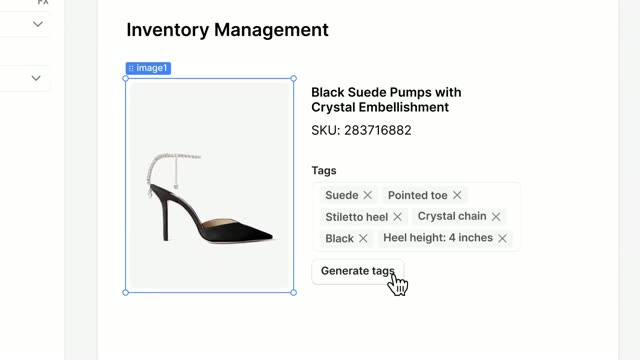 0:17–0:21Retool · Introducing Retool AI—powerful AI building blocksA cursor clicks the send button in an Ask PDF chat, and an AI reply streams in summarizing the document. The view then cuts to a builder dropdown and to an Inventory Management screen where clicking Generate tags populates tag chips for a black high-heel shoe.
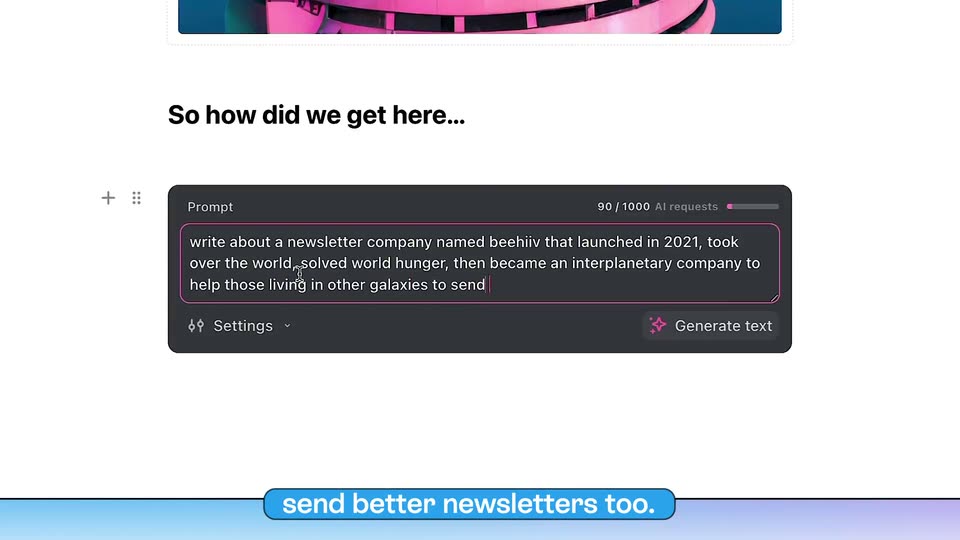 0:39–0:55beehiiv · beehiiv 🐝 - Introducing beehiiv AI ✨ Coming live from UranusInside a white document editor, a cursor types a long prompt into a dark AI card while blue caption pills carry the voiceover across the bottom. The view zooms into the Settings menu, length is changed to six paragraphs, and Generate text is clicked.