Cursor demo
A visible cursor operates the interface.
15,025 scenes · page 208 of 251
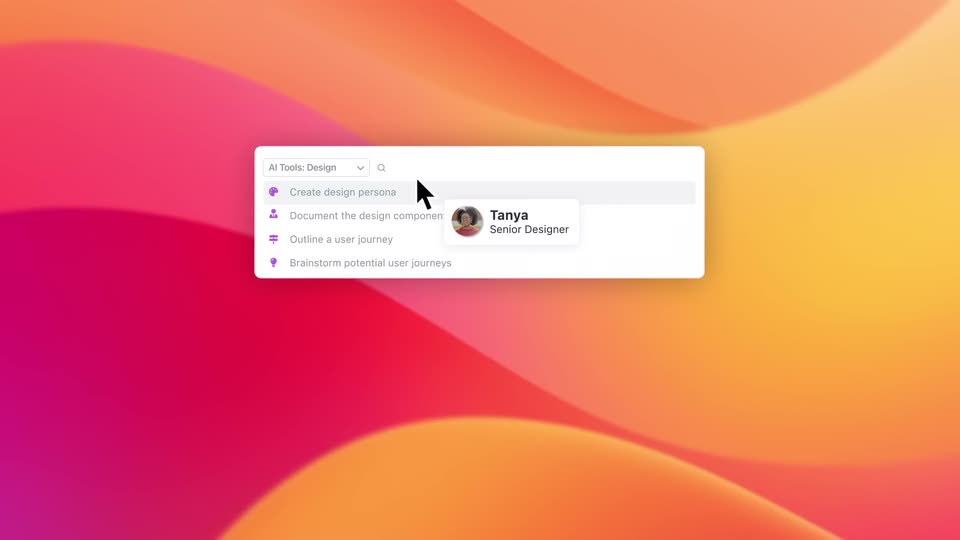 0:39–0:43ClickUp · Introducing ClickUp AIA white panel floats on a pink-orange gradient. A cursor picks Design from an open DEPARTMENT dropdown, and the tool list on the left swaps to design prompts. The cursor then rests on Brainstorm potential user journeys beside a Tanya Senior Designer card.
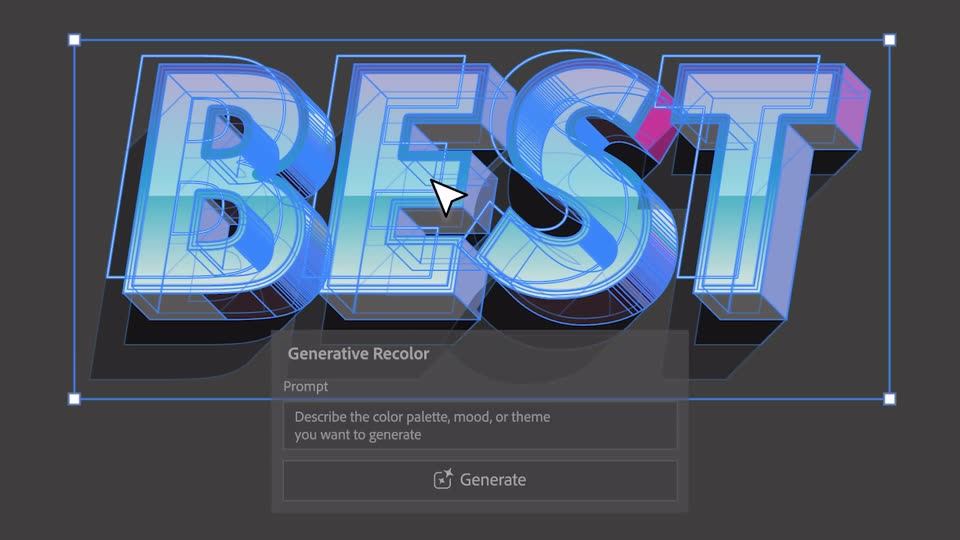 0:18–0:19Adobe · Adobe Illustrator x Adobe Firefly: Announcing Generative Recolor | AdobeOn a dark canvas, the extruded 3D word BEST with a blue-teal gradient and pink stripe fill switches to a blue wireframe inside a selection box with corner handles, a cursor hovering over the letters. A dark panel titled Generative Recolor with a prompt field and Generate button scales in below.
 1:44–1:52Notion · Welcome to Notion ProjectsA woman in a brown sweater talks to camera at a wooden table with a laptop, gesturing with her hands in a bright loft. The shot cuts to a Notion project list where a cursor hovers over a status label.
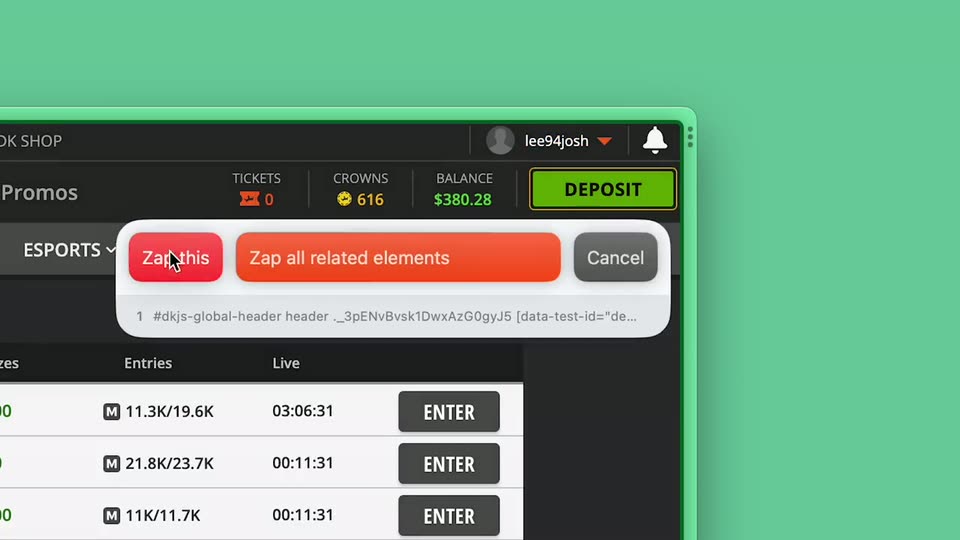 0:20–0:22The Browser Company · The Browser Company - What if the internet... was actually 𝑦𝑜𝑢𝑟 internet? 🎨 Introducing BA dark esports betting interface is framed on a mint green background. A cursor moves onto the green DEPOSIT button as a developer-tools overlay with red and orange action buttons pops up over the header.
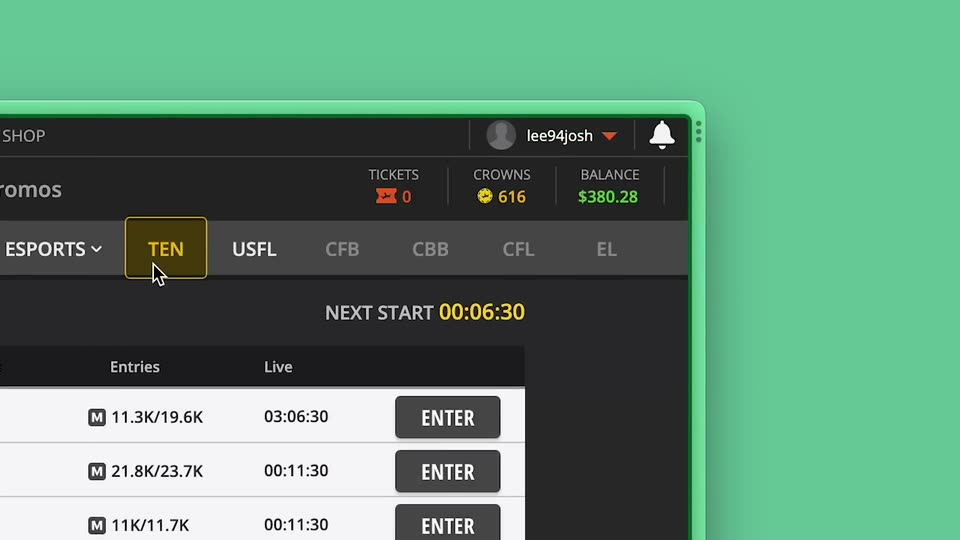 0:22 · 0.5sThe Browser Company · Boosts by Arc | Meet Your New InternetA dark game interface sits on a green gradient. A cursor clicks the TEN tab, the highlight then shifts to the match list rows, and the next start timer counts down.
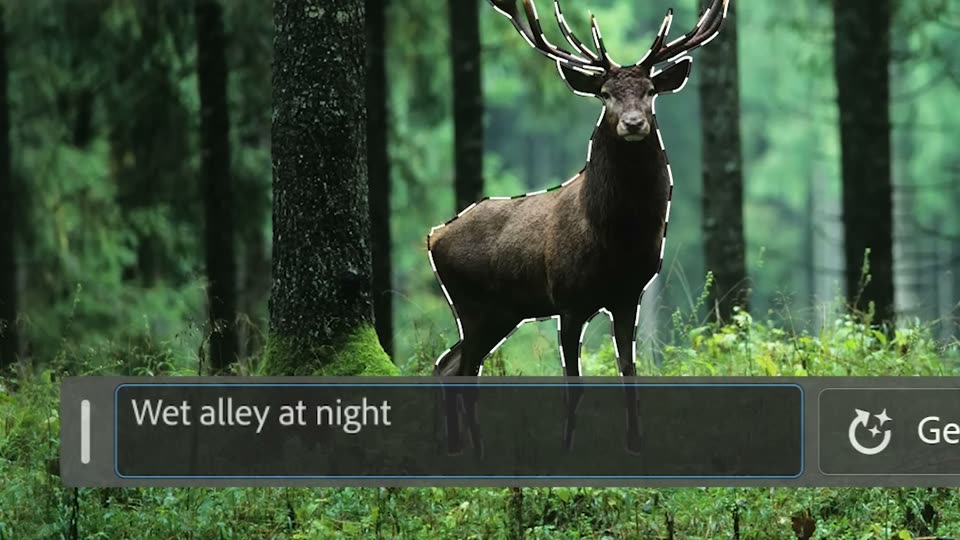 0:24–0:25Adobe · Adobe Photoshop (beta) x Adobe Firefly: Announcing Generative Fill | AdobeA stag stands in a green forest, outlined in white as a selected object. A dark input bar at the bottom shows a placeholder, then typed text 'Wet alley at night' appears as a mouse cursor moves near the Generate button.
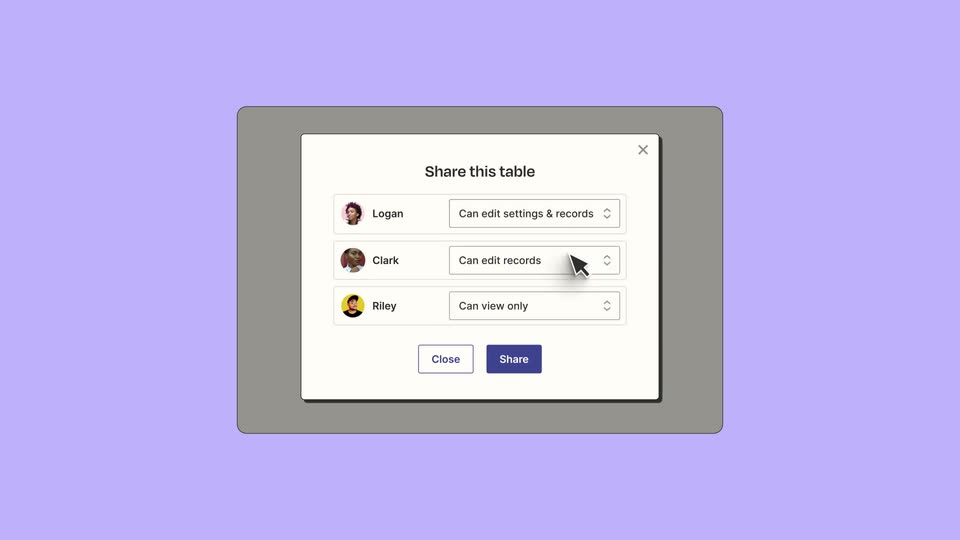 0:45–0:53Zapier · Introducing Zapier TablesA 'Share this table' dialog fades in on a gray panel over a lavender field. A cursor glides to the top permission dropdown, opens a three-option menu, picks an entry, then slides to the second row's dropdown.
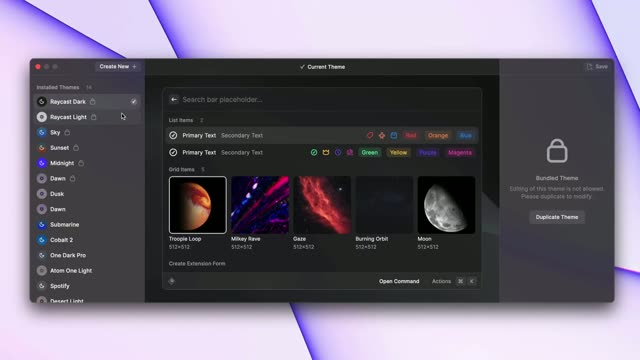 1:07–1:08Raycast · Introducing Raycast ProA dark theme editor window sits on a soft lavender gradient. The left sidebar lists installed themes, the center panel previews the current theme with sample rows and a row of space photos, and the right panel shows a lock icon. A cursor hovers over the Raycast Dark entry.
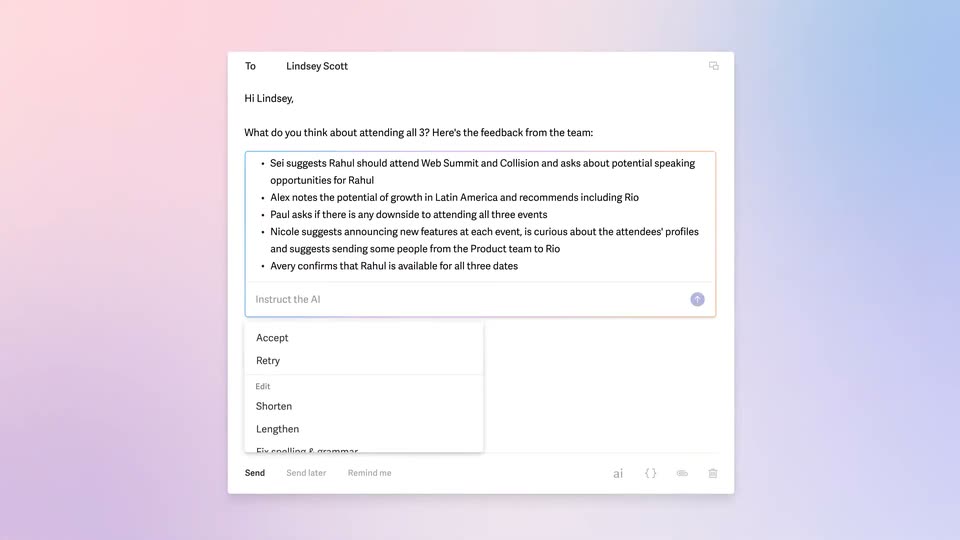 1:34–1:50Superhuman · Superhuman AIA white email compose card on a soft pink-to-blue gradient. The recipient and body are typed in; a cursor clicks the ai button, an Instruct the AI bar appears, and a bulleted summary fills a highlighted box, then merges into the body as Thanks, Rahul is typed.
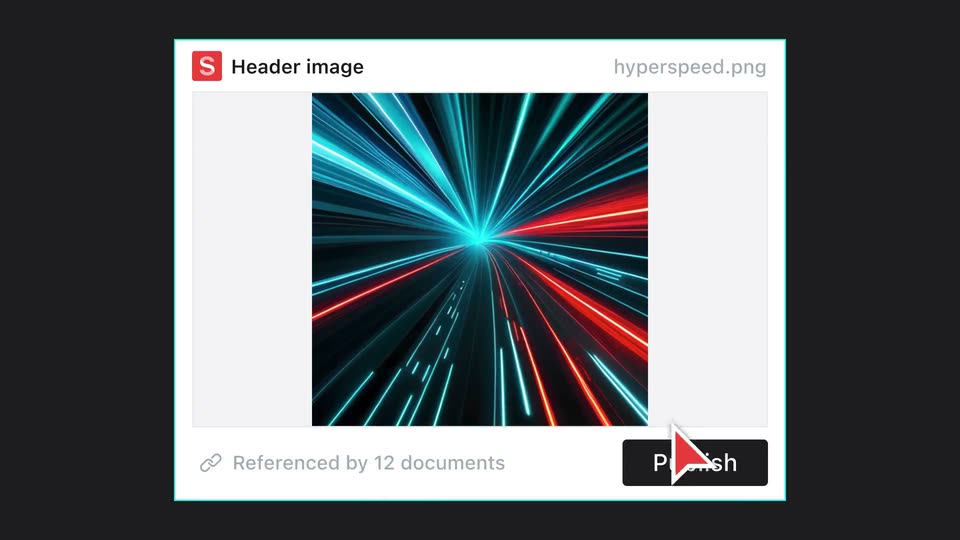 0:30–0:32Vercel · Vercel - Introducing Visual Editing for Headless ◆ Designed with our launch pA dark UI card shows a header image slot with a red cursor over an empty gray frame. A blue-and-red hyperspeed image fills the frame, then the cursor moves to the Publish button and clicks it.
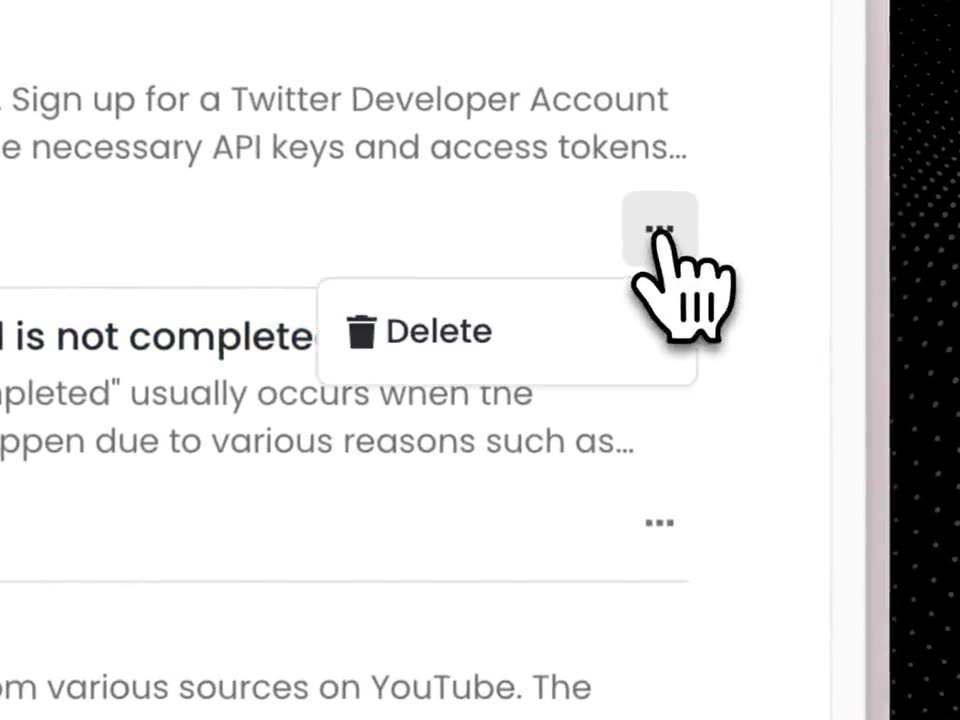 0:53–0:58Perplexity · Perplexity - We are excited to launch the next version of Introducing login, threaA flat Perplexity interface sits on a black dotted field. A hand cursor taps 'Your Threads' in the left sidebar; the view then zooms into the thread list, where the cursor clicks a three-dot button to pop open a Delete menu.
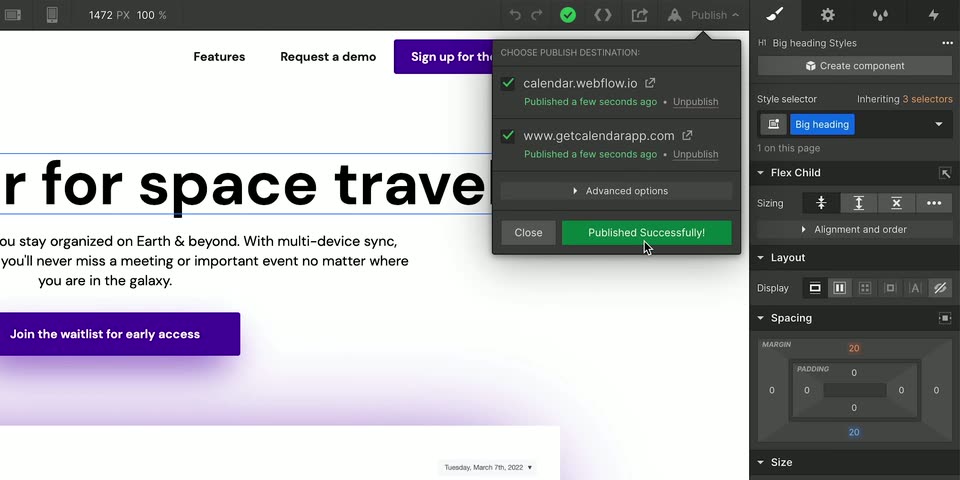 1:05–1:11Webflow · Introducing WebflowA website editor screen shows an open publish dialog; the cursor clicks the blue publish button, which shows a spinner then turns green. It cuts to a man in a black sweater speaking at a desk in front of bookshelves.
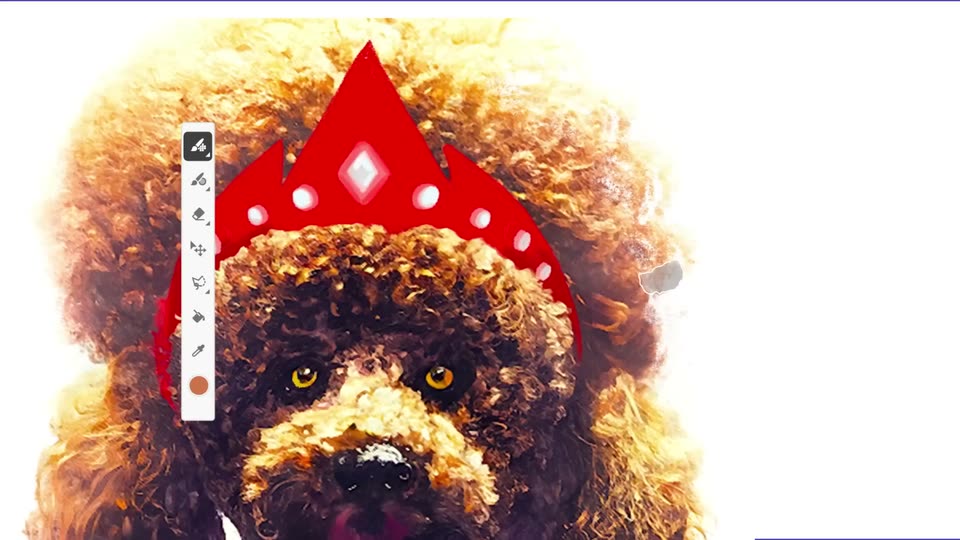 0:13–0:14Adobe · Adobe Firefly: Family of New Creative Generative AI Models | AdobeLocked-off close-up of an editor canvas: a curly dog faces the camera wearing a red crown sticker, with a vertical icon toolbar on the left. A cursor on the right drags a small gray shape with a dashed outline.
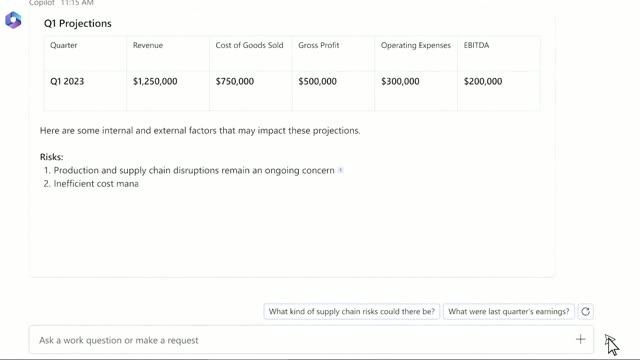 1:53–2:04Microsoft · The Microsoft 365 Copilot AI Event in Less than 3 MinutesA cursor types the query “Pull up key data from Q1 projections and any risks we should consider” into a Copilot chat box and sends it. The reply streams in, building a financial table and a numbered risk list, then a purple outline highlights the finished card.
 0:44–0:46Grammarly · Superhuman - Introducing GrammarlyGO—a new generation in writing. Speed up your wA flat white pill holds two teal circular icons, a lightbulb and a G logo, on a dark green field. A black cursor moves from the G to the lightbulb, then the pill scales up as a blurred card reading AcmeCo slides in from the top.
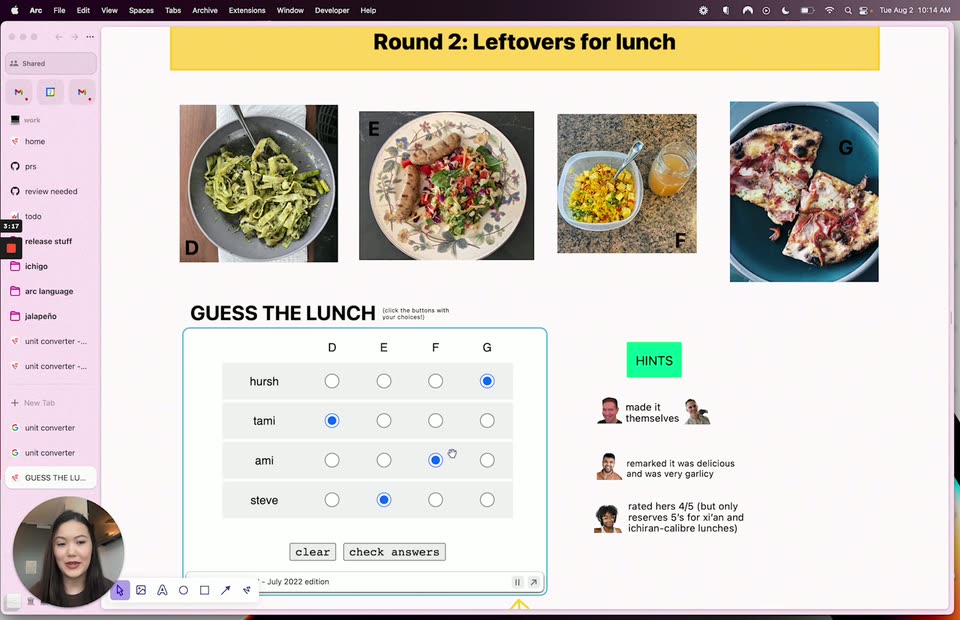 2:51–3:36The Browser Company · Arc Browser | Introducing Live Captures on Easel with RoseyAn Arc browser screen shows a 'Guess the Lunch' game; a handwritten 'hit play!' arrow points at a button, then the page scrolls up to settle, revealing four food photos and a voting grid, while a woman's video feed talks in a circle at bottom left.
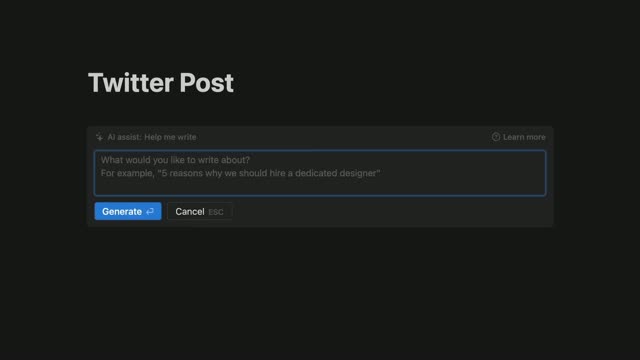 0:57–1:08Notion · Introducing Notion AIA dark editor shows a Twitter Post title over a placeholder line. A slash command types out, a dropdown offers Help me write, and a hand cursor picks it. An AI panel opens, a prompt is typed, and the cursor moves to Generate as the frame zooms in.
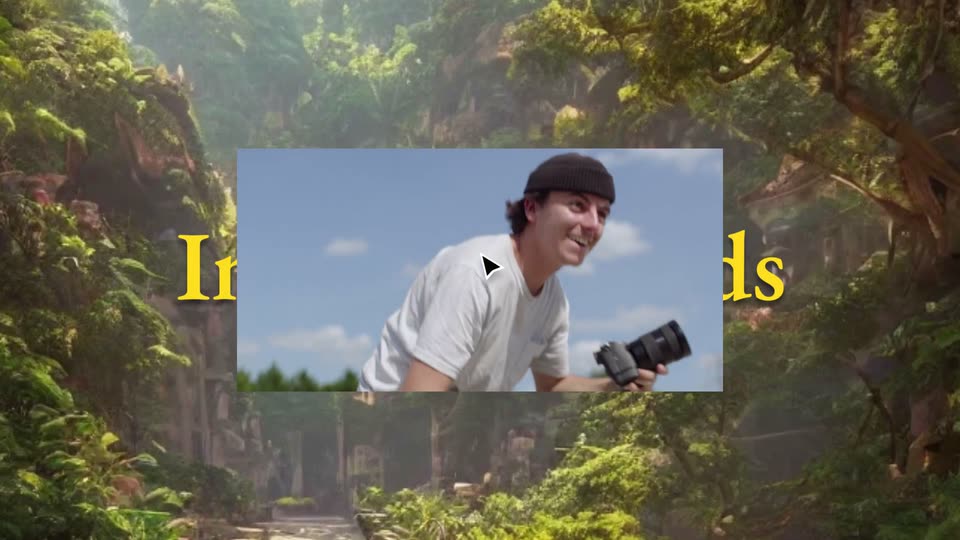 0:38–0:39Runway · Text to Video: Early Access Waitlist | RunwayA rectangular clip of a smiling man holding a camera plays over a lush jungle backdrop. A blue selection box and cursor surround the clip, then the box vanishes. Large yellow serif letters flank the clip on both sides.
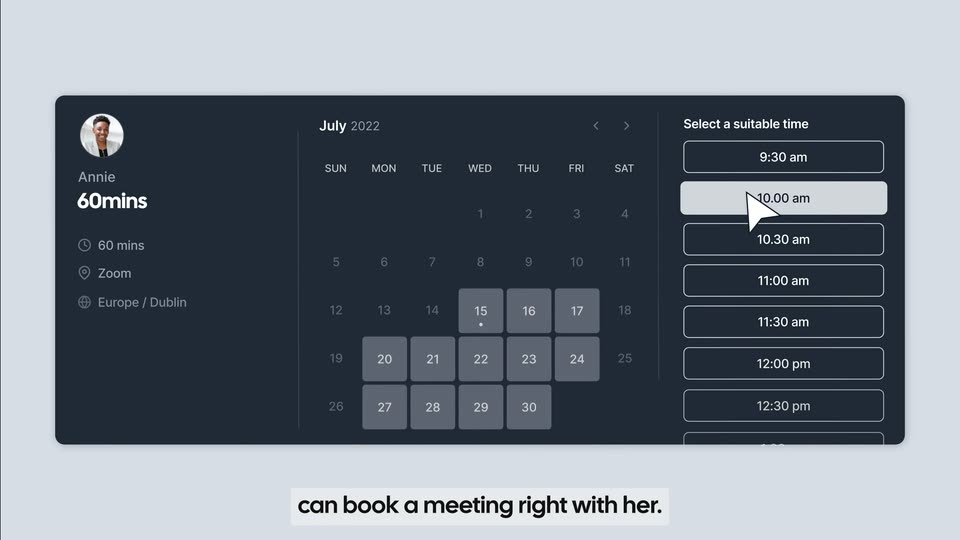 1:00–1:03Cal.com · Cal.com introducing TeamsA dark booking panel with profile, calendar and time slots sits on gray. A cursor clicks the 10:00 am slot, which turns white. The caption 'can book a meeting right with her.' holds, then the panel fades to an empty dark card.
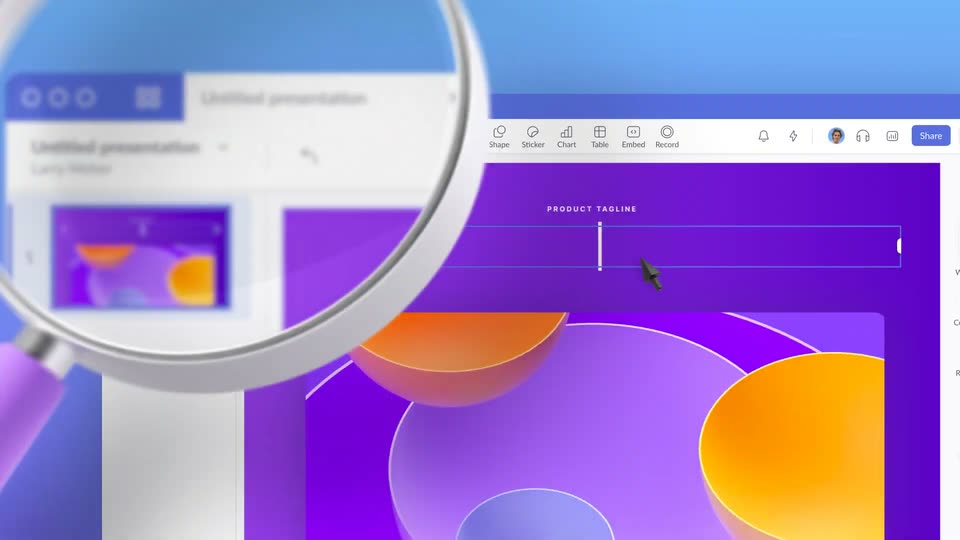 0:25–0:34Pitch · Introduction to Pitch | Create beautiful presentations with your teamIn a presentation app window, the cursor picks a purple template from the gallery panel, and the slide fills with it as the view zooms into the canvas. The cursor deletes the placeholder title, then a magnifying glass graphic highlights the title “Proposal for Acme” being typed.
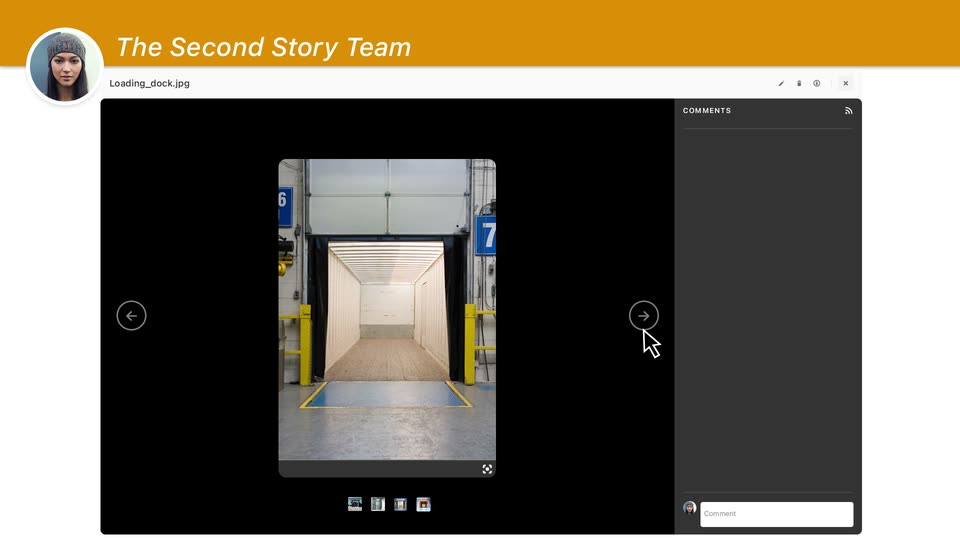 0:31–0:32Airtable · Airtable: introducing interface designerA dark photo-review interface centers a loading dock photo between navigation arrows, with a comments panel at right. An orange header reading The Second Story Team slides in from the top as a cursor moves to the right arrow.
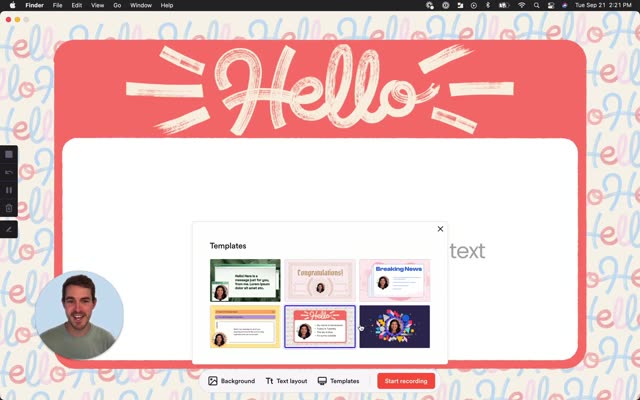 1:02–1:04Loom · Introducing CanvasThe app window fills the frame over a patterned backdrop. A cursor selects a Hello template in the open Templates panel, and the canvas background swaps from white to a coral design with a hand-drawn white Hello and radiating strokes.
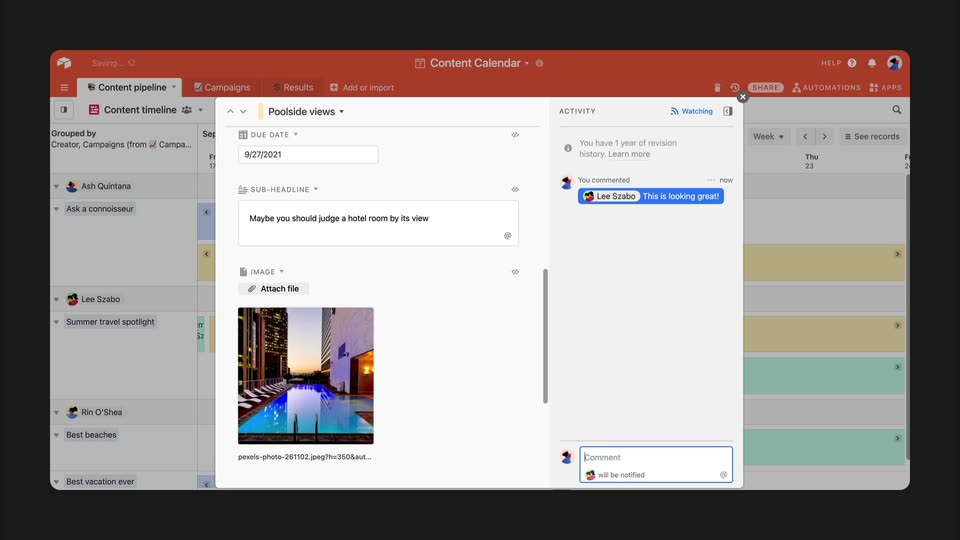 2:34–2:38Airtable · Introducing Timeline View | AirtableA flat product interface shows a content calendar record with a pool photo. A cursor types an @mention, picks a collaborator from a dropdown, then types and posts a comment that appears as a blue bubble in the activity feed.
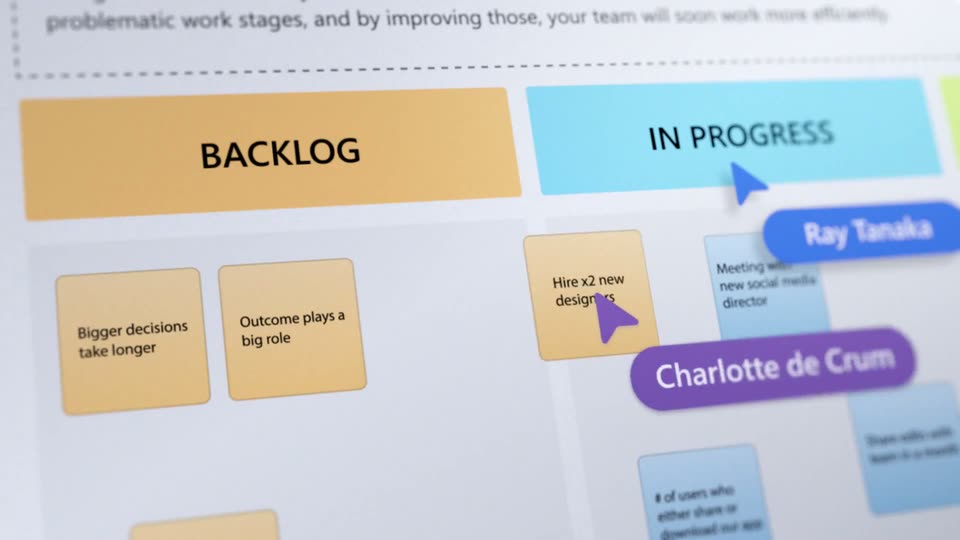 0:33–0:34Microsoft · Meet the new Microsoft Whiteboard designed for Hybrid WorkA tilted close-up of a Kanban board shows orange Backlog and blue In Progress columns. A purple cursor hovers the Hire x2 new designers card and moves it right, while name chips float over the board.
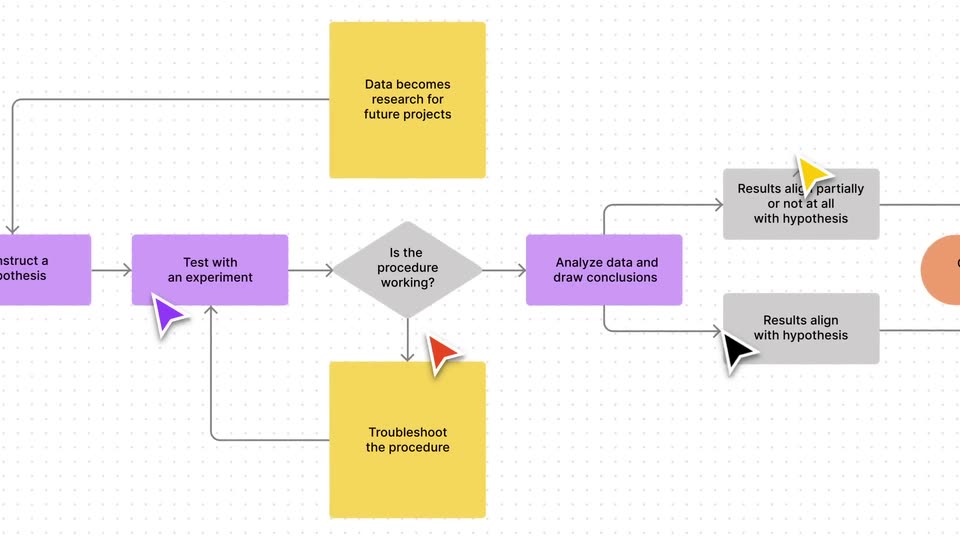 0:18–0:22Figma · Welcome to FigJamA collaborative flowchart on a dotted white canvas pans slowly right as four colored cursors (purple, red, black, yellow) move between the purple and yellow nodes, hovering over the decision diamond and the result boxes.
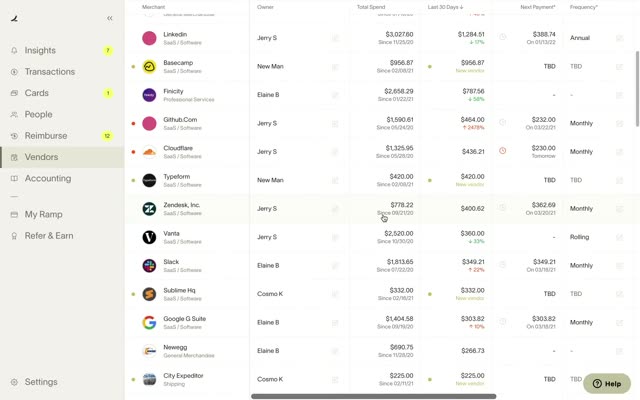 0:45–0:53Ramp · Meet Ramp: The finance automation platform that saves you time & moneyA light Vendors table with a left nav menu fills the frame. A cursor drifts over the merchant rows as the list scrolls down, revealing Cloudflare, Typeform and Zendesk entries.
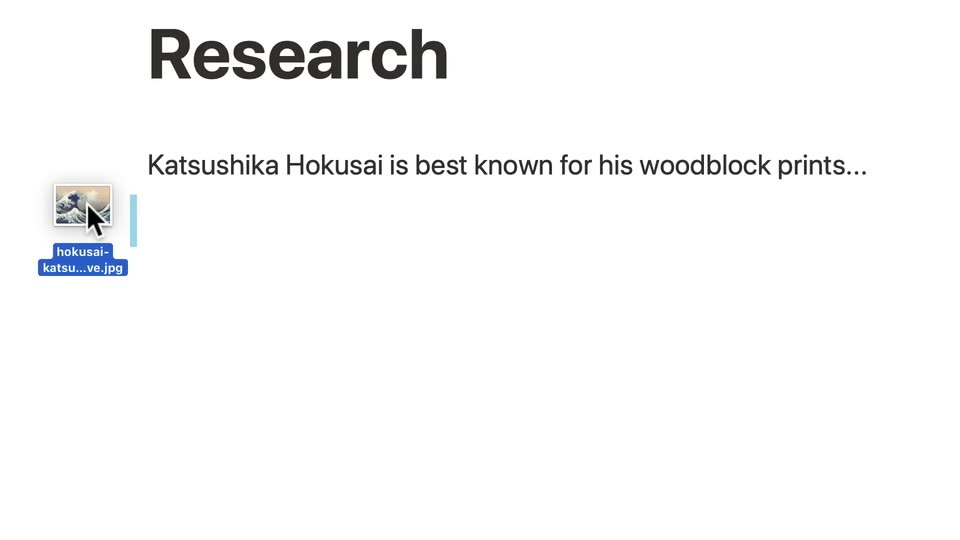 0:54–0:55Notion · What is Notion?A white editor slide titled Research shows a cursor dragging a small wave-print thumbnail with a blue file label from the bottom right toward the left. The image lands in two placeholder boxes that fill with the Great Wave print while the heading scales up and the caption slides down.
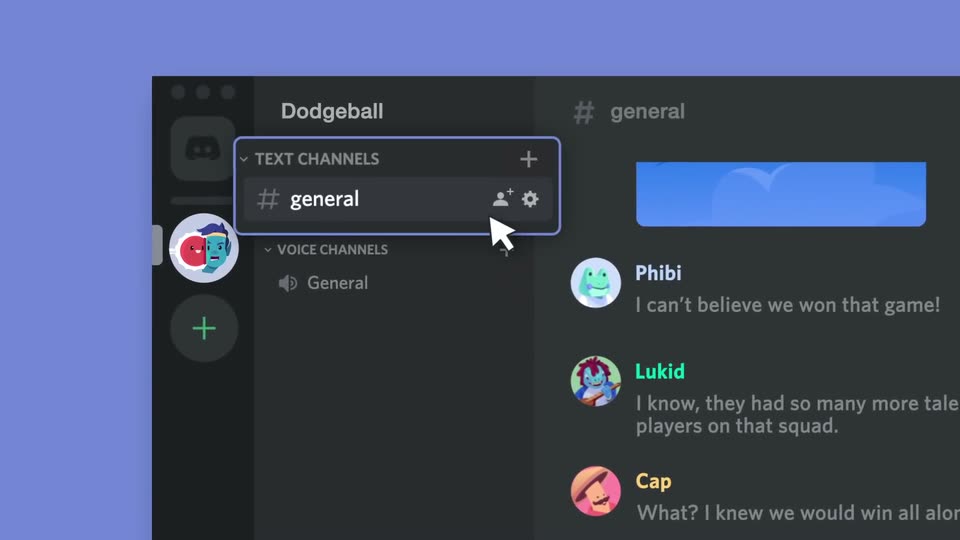 0:42–0:45Discord · How Discord Works in 148,000 Miliseconds or LessA dark Discord-style chat window sits on a blue background. The camera zooms into the left sidebar as a cursor slides from the message list to the general channel row, and a blue outline highlights the text channels section.
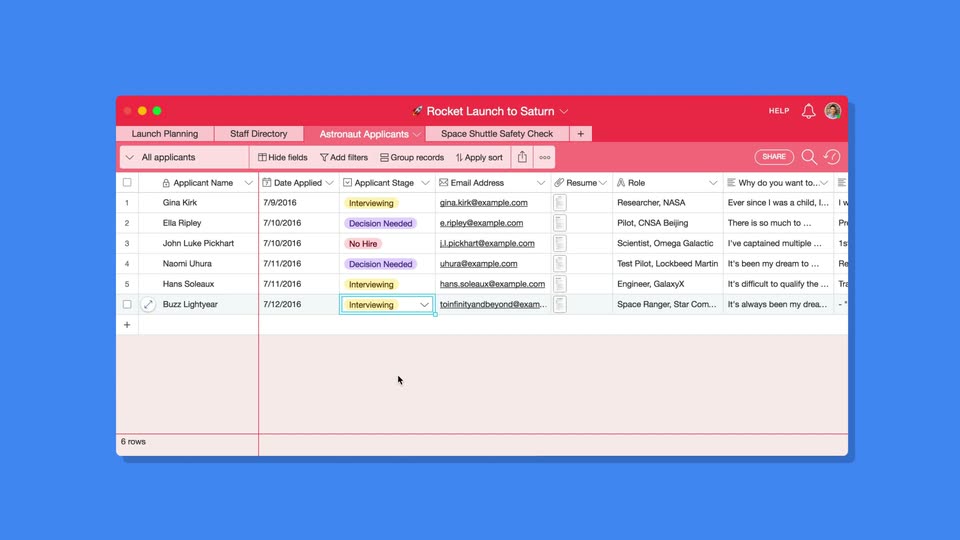 1:21–1:25Airtable · Meet AirtableA red Airtable window on a blue background lists astronaut applicants in a table. A cursor clicks the stage cell of the last row, opening a dropdown of status options, then moves left to hover the expand icon, which pops a small tooltip.
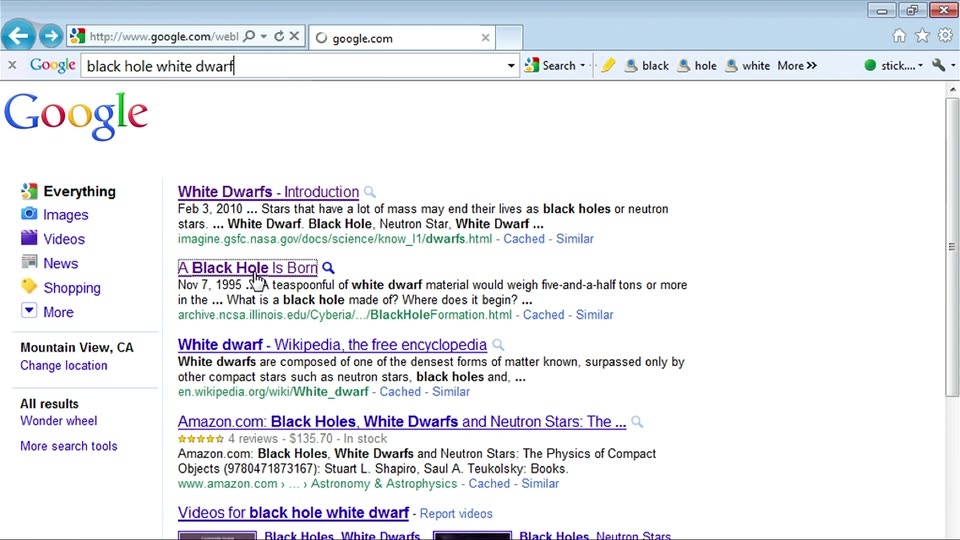 0:43–0:45Google · Introducing Google Toolbar 7A desktop browser shows a Google results page for 'black hole white dwarf' with an autocomplete dropdown open. The Google logo finishes revealing, the dropdown closes, and the cursor hovers over the 'A Black Hole Is Born' link as the address bar switches to illinois.edu.
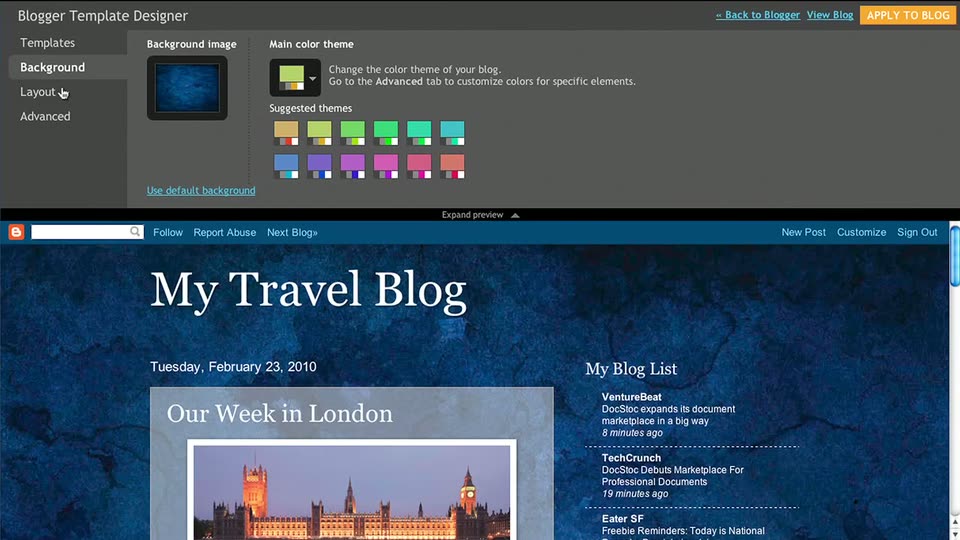 0:31–0:33Google · Introducing the Blogger Template DesignerA quick dissolve settles into the Blogger Template Designer screen. A cursor clicks the left menu, toggling Background and Layout, so the top panel swaps from background-image controls to color-theme swatches and the live blog preview below shows dashed gadget boxes.
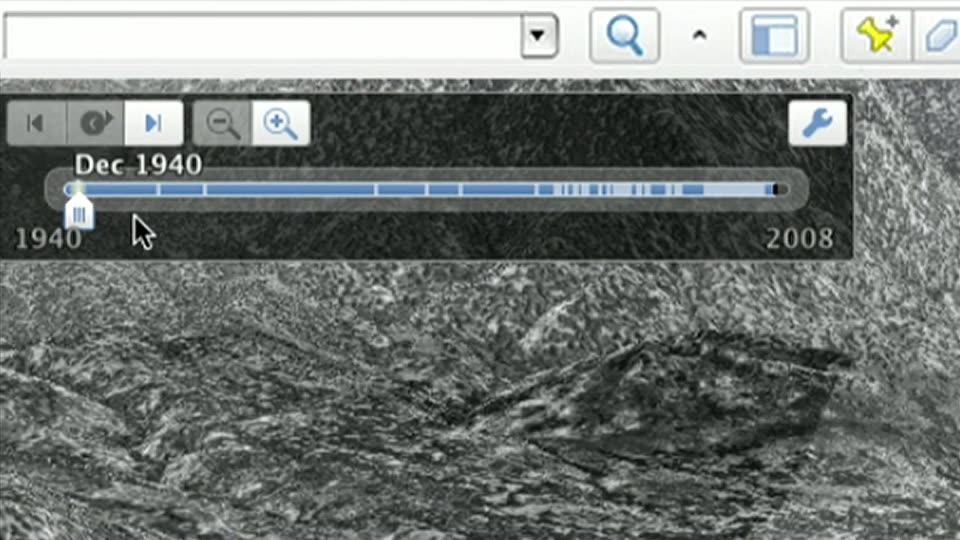 0:30–0:32Google · What's New in Google Earth 5.0A grayscale satellite terrain fills the frame behind a dark timeline panel. A white arrow cursor drags the slider handle rightward as the date label shifts from Mar 1940 to May 1941.
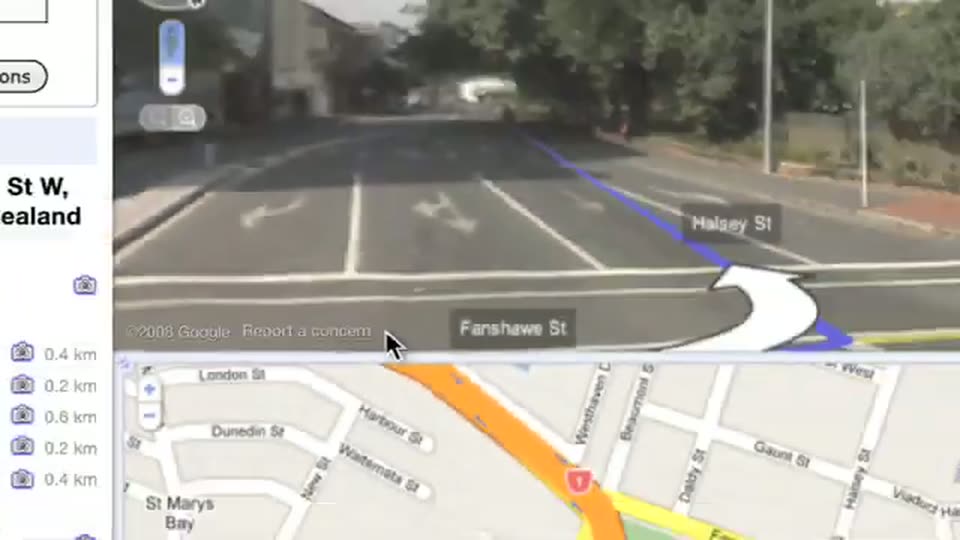 1:07–1:08Google · Street View now available in New ZealandA tight close-up on the underlined Report a concern link and a black cursor arrow, the frame then pulls back to reveal the full Google Maps view: a left directions panel with distances and a right 3D street view with a blue route over a 2D map.
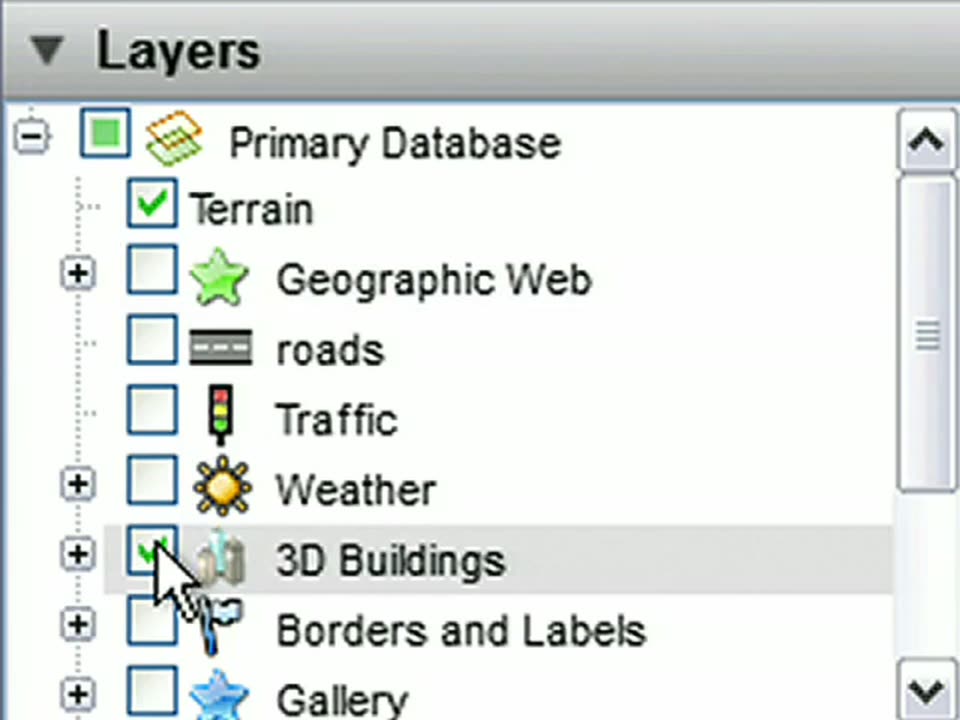 0:20–0:24Google · New features in Google Earth 4.3A mouse cursor travels down the Layers list and clicks the 3D Buildings checkbox, turning it on, then the view switches to a 3D globe of North America under a top menu bar.
 0:52–0:53Google · Google Maps Street View - launch videoA map grid of city blocks fills the background. A Street View window overlays it, showing a cable car on a sunlit street with a white cursor arrow. A white pointer links the window to a yellow marker on the map below. The frame stays locked and static.
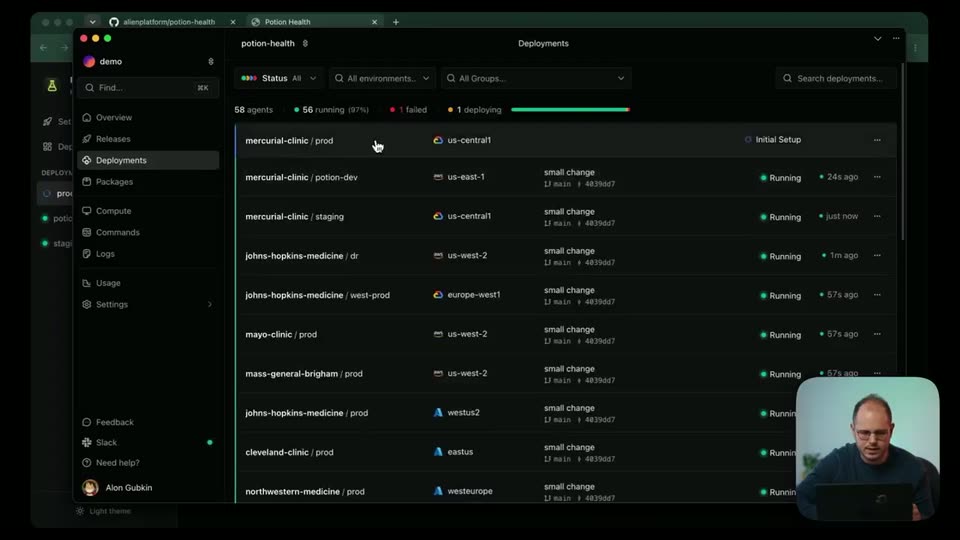 2:39–2:41Alien · We're launching the Alien platform today, backed by a $5M seed from Basis Set, Jibe Ventures, and angels from OpenAI, Google, and Databricks. We've built it so that when your next $300K enterpriseA dark deployments dashboard fills the frame with a list of services. A cursor glides to a row and clicks it, opening a Recent Activity detail view on the right. A small webcam feed of a man in a dark shirt sits in the bottom right corner.
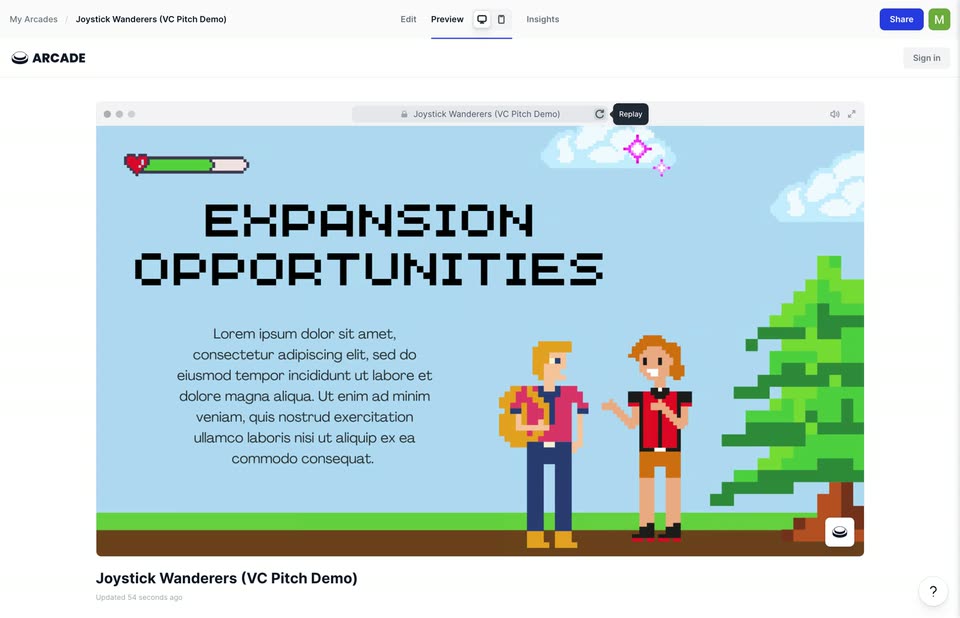 2:37–2:41Arcade · Arcade Adventure 👾Locked-off view of the ARCADE app's Preview tab: a pixel-art slide reads EXPANSION OPPORTUNITIES over two standing characters; a cursor hovers the replay button and the slide crossfades to a FOUNDING TEAM scene with Mario, Zelda and Sonic among flowers.
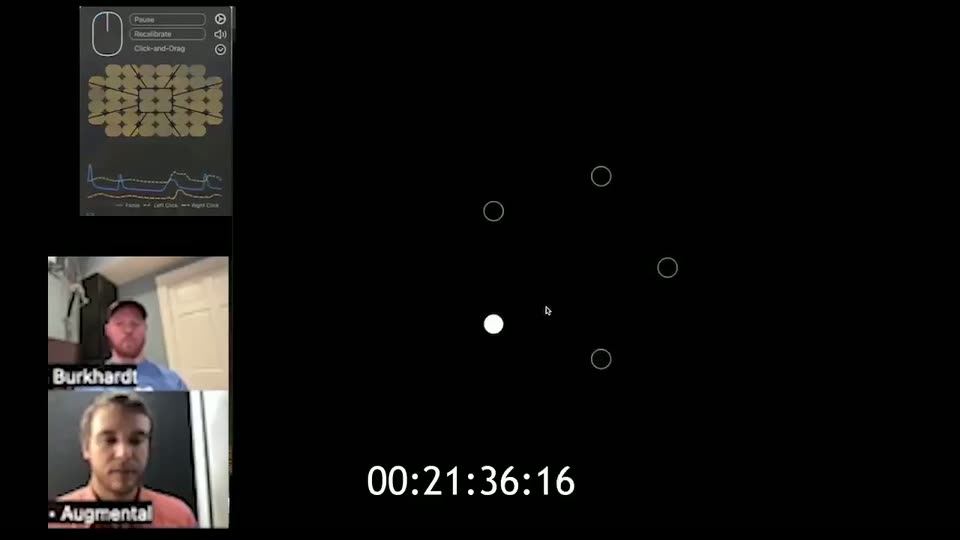 2:56–2:58Augmental · MouthPad is a touchpad you drive with your tongue. Now available across the US. Over 100 people already use it, some for up to 16 hours/day. It works for gaming, for CAD, for Figma, and we're inA locked-off view of a black canvas with scattered small circles and one highlighted dot, a cursor drifting nearby. A left sidebar holds a mouse control panel and two webcam feeds with name labels. A running timecode ticks at the bottom as a caption fades in at the end.
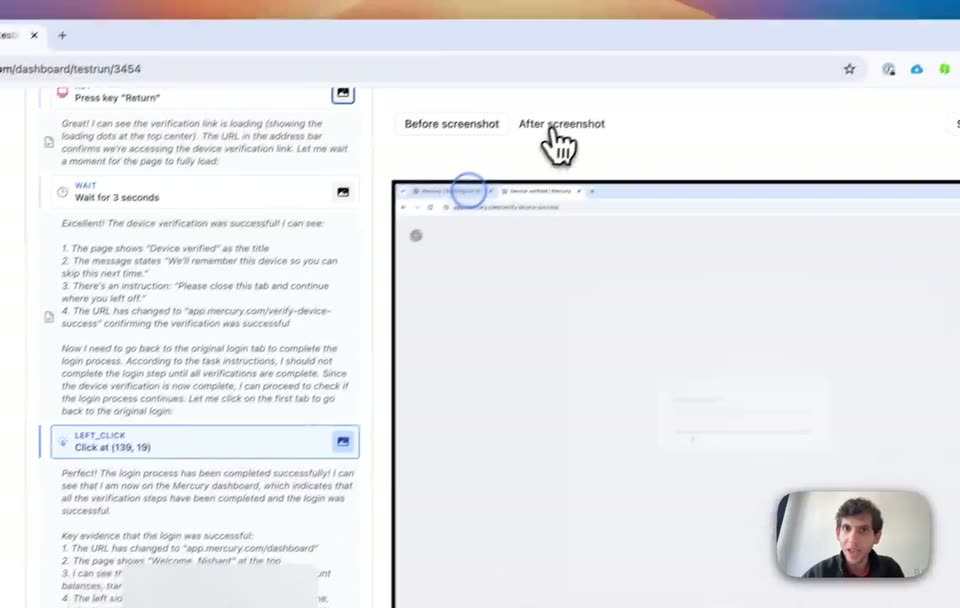 1:33–1:34Docket · #fintech #qa #ai #e2etest #yc #automation | Docket (YC P25)A split screen pairs an AI agent's action log on the left with a controlled browser on the right, a small presenter webcam in the corner. A cursor circles a tab, then the panels slide to a screenshot-comparison view.
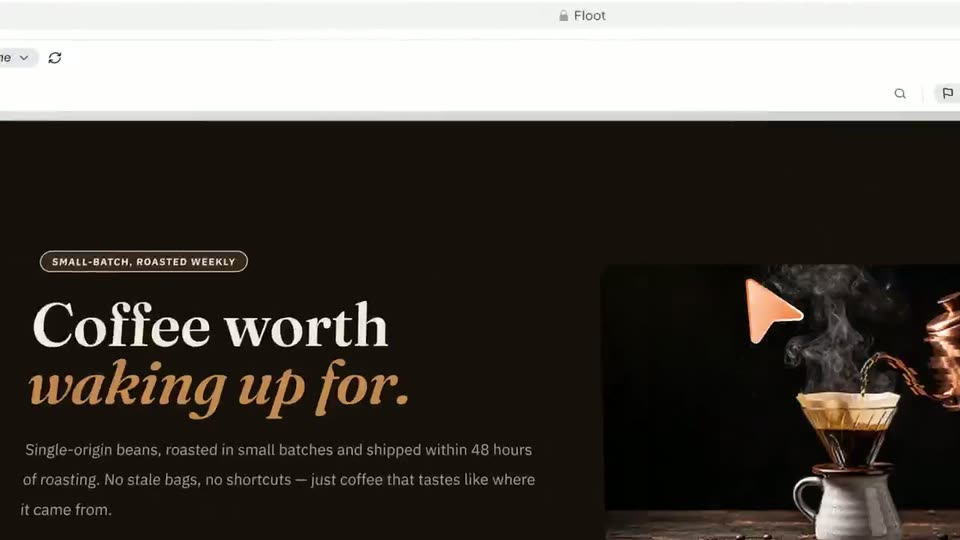 0:36–0:37Floot · Claude and ChatGPT can already write you an app. Getting it live is another story. Today we're fixing that: connect Floot, and you can build and ship real apps directly inside Claude and ChatGPT -A Float browser window fills the frame, its toolbar showing an orange Select button. An orange cursor hovers the toolbar, then the dark canvas pans down and the coffee pour-over photo scales up as the cursor glides toward it.
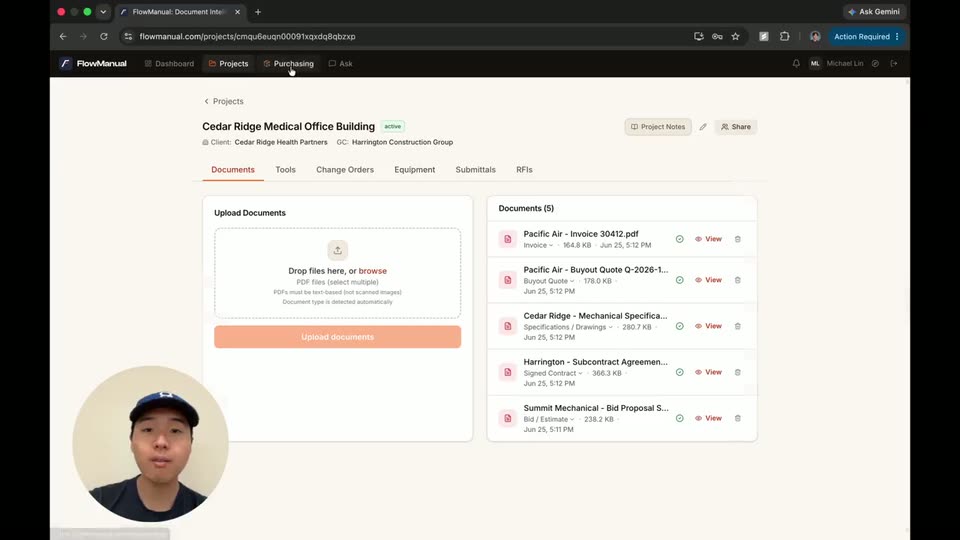 1:17–1:18FlowManual · Hey! This is FlowManual; an AI-native back office for construction contractors. Here’s a little demo to show you what we’ve been working on. We've talked with hundreds of contractors and realized… | FlowManual (YC S26)A browser window shows a project page with a documents list and an upload panel. A cursor glides across the top navigation bar, hovering over the Purchasing tab. A circular webcam of a man in a blue cap sits in the lower-left corner.
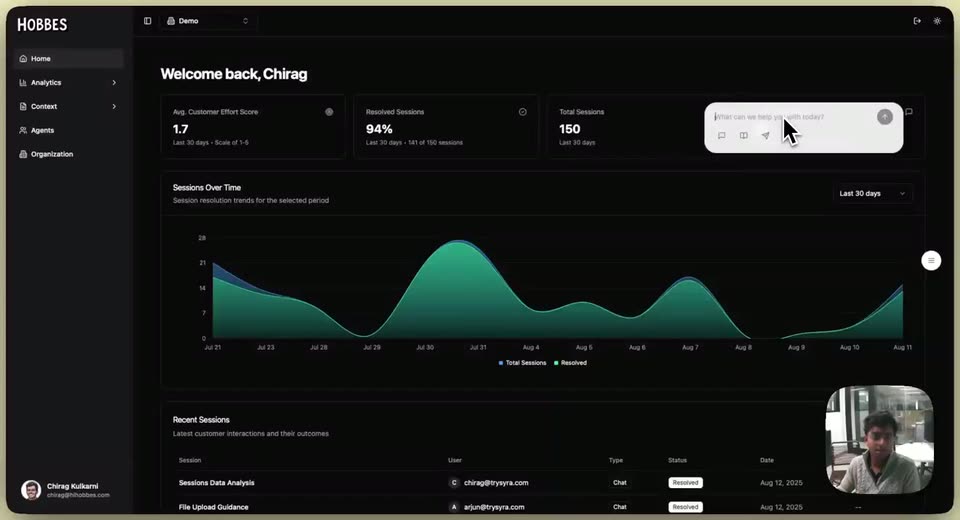 0:22–0:23Hobbes · 🚨Major update🚨 Syra is now Hobbes (hihobbes.com)! As we worked with some amazing teams this year, we saw a big gap in the agent landscape: visual context. Agents trained on knowledge bases + helpA dark analytics dashboard fills the frame, showing a left sidebar, three metric cards, a teal area chart and a sessions table. A small video-call window in the lower right shows a man speaking while a cursor hovers by the search bar.
 0:49–0:54Judgment Labs · See Judgment Labs’ activity on LinkedInA white onboarding card on a dark abstract backdrop shows a Judgment Agent prompt above an embedded chat preview with 3D shapes. A hand cursor clicks the send button; the card collapses and the screen becomes a chat with a Thinking spinner and a bottom input bar.
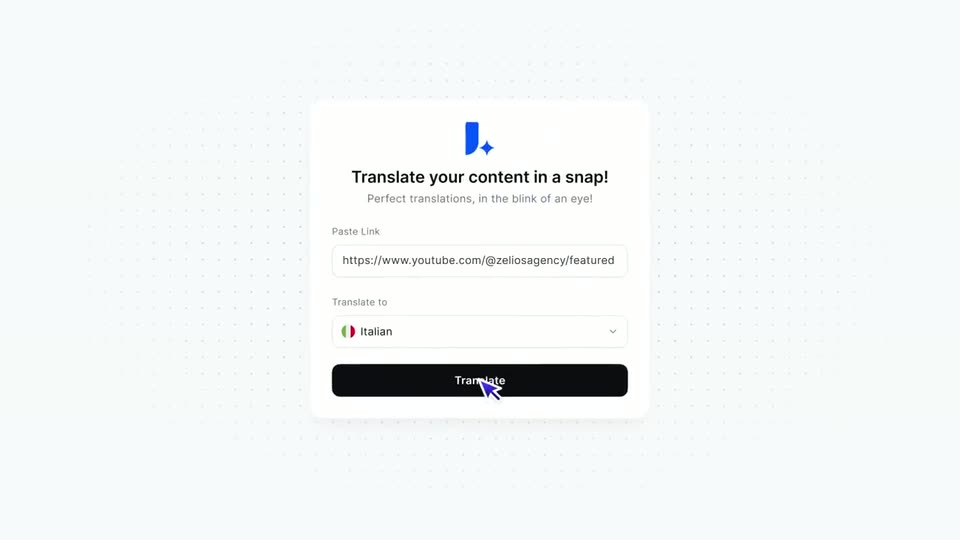 0:52–0:54LangEase · Imagine reaching a global audience without breaking a sweat. 🌎 LangEase is making it a reality. Our AI-powered localization platform is coming soon! Join the waitlist for exclusive early access.… | LangEaseA white card on a dotted grid shows a translate form with a pasted YouTube link, Italian dropdown and black Translate button. A cursor glides from the link field to the button and clicks it as a Ctrl+V badge pops in below.
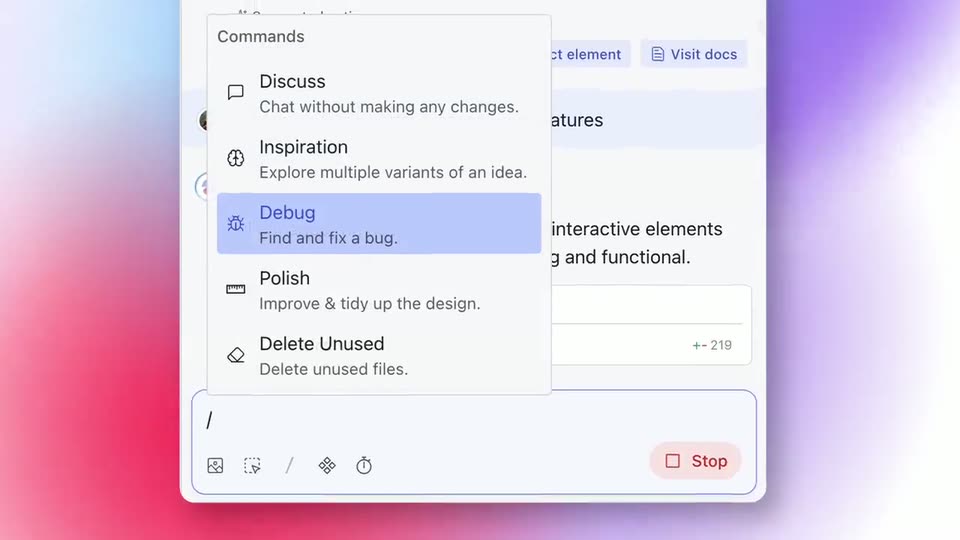 0:54–0:56Magic Patterns · Announcing our $6M Series A and Magic Patterns 2.0. We’ve grown profitably, hit $1M ARR, and quietly built an AI design tool loved by product managers, designers, and website builders. PreviouslyA light chat panel on a pink-to-purple gradient. The AI reply types out word by word, then a slash is entered in the input bar, opening a Commands dropdown as the cursor hovers over the highlighted Polish entry.
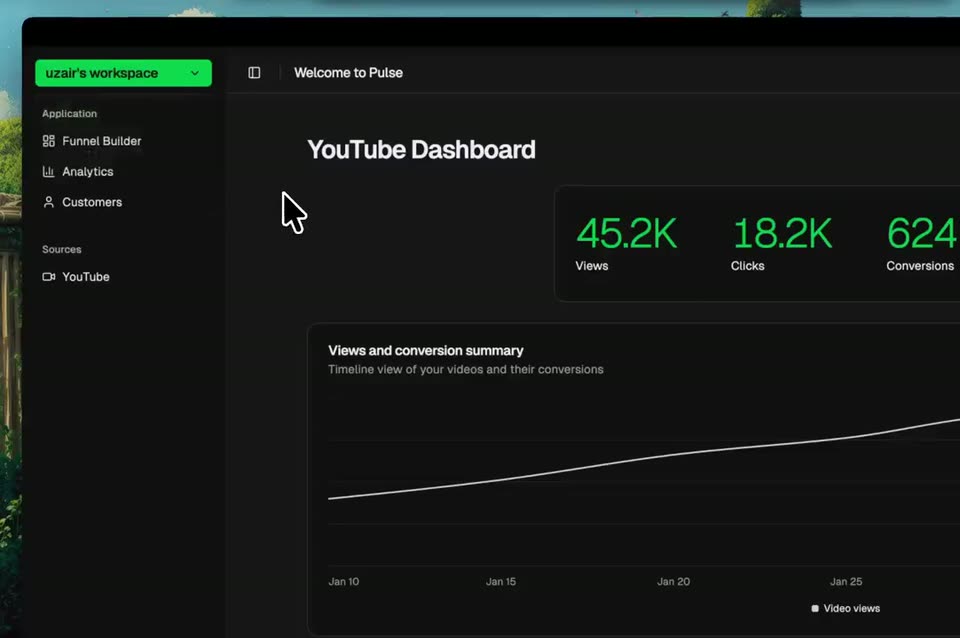 0:30–0:36Pulse · Psst, dark mode is here. If you're running youtube lead gen offers then you need to setup some tracking for your content, because YouTube dashboard only tells views. Pulse makes it easy by giving… | PulseA dark dashboard is shown in close-up on a conversions table, then a fast zoom-out with motion blur reveals the full YouTube Dashboard screen set in 3D perspective, a cursor moving over the rows.
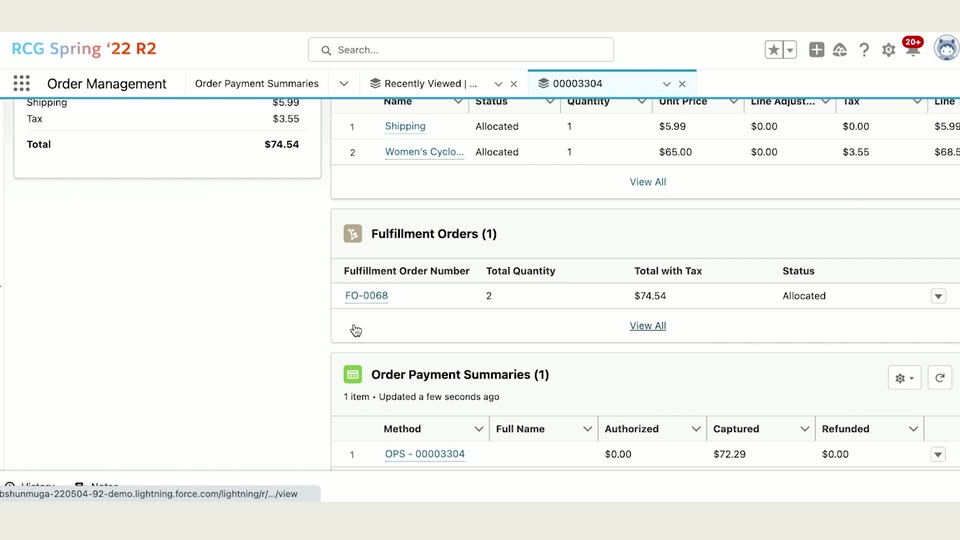 1:10–1:14Salesforce · Commerce Cloud - TikTok Integration for Commerce EnhancementsOn a Salesforce Business Manager order page, a cursor moves to the FO-0068 link in the Fulfillment Orders table and clicks it. A detail card opens showing recipient, address and created date, then closes back to the list.
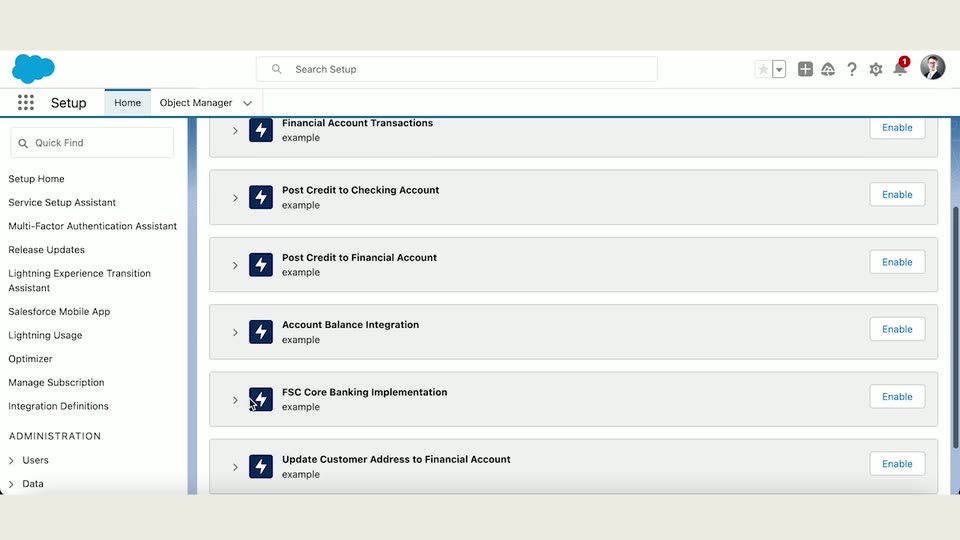 1:12–1:20Salesforce · Financial Services Cloud - Service Process AutomationA Salesforce Setup screen scrolls down a list of integration cards. The cursor moves to the FSC Core Banking Implementation row and clicks it, expanding the entry to reveal its version and an Overview section.
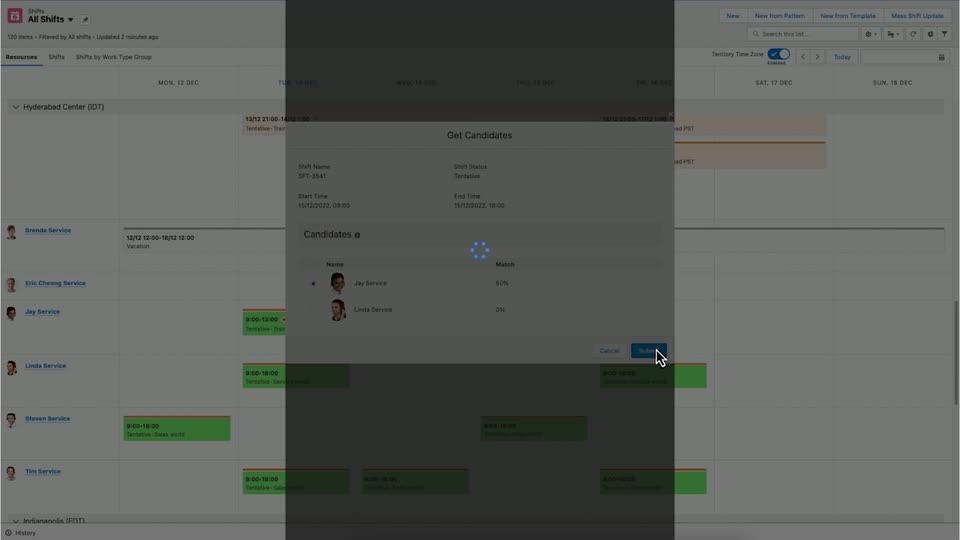 1:11 · 0.4sSalesforce · Service Cloud - Salesforce Contact Center: Insights & SchedulingA shift-scheduling calendar sits darkened behind a centered Get Candidates dialog listing two candidates with match percentages. A spinner loads above the list while a cursor hovers over the blue Submit button. Locked-off frame, no motion.
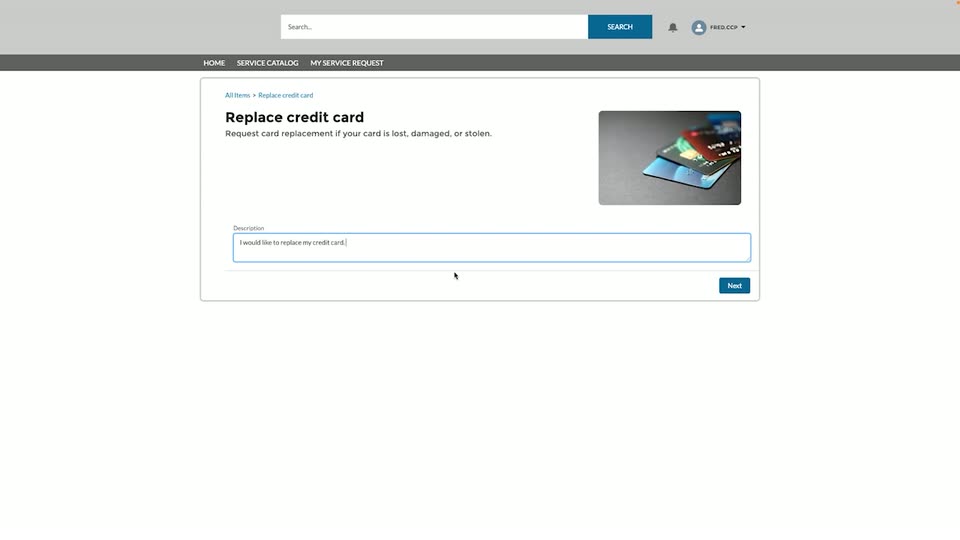 0:58–1:06Salesforce · Service Cloud - Service CatalogA static web form titled Replace credit card with a photo of stacked cards on the right. The cursor clicks the Description field, types a short request, then clicks Next, and a green checkmark with a confirmation line appears in the form.
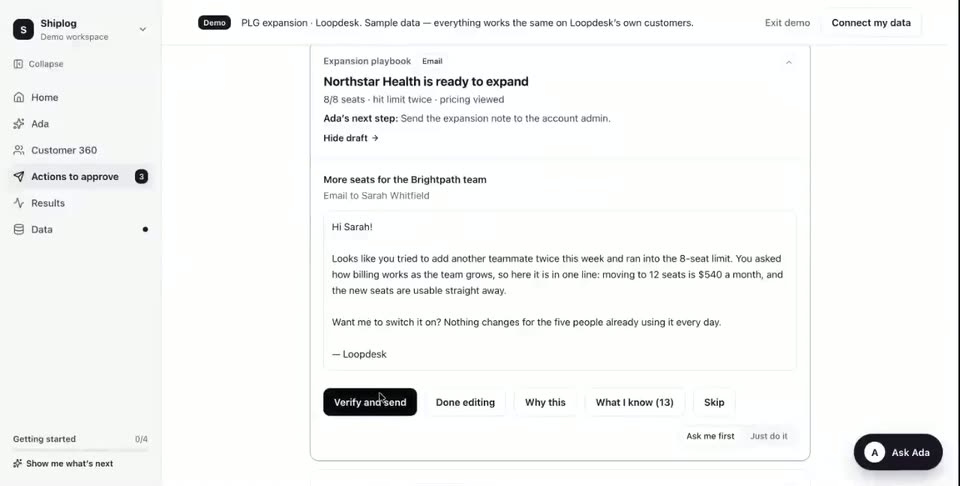 2:57–2:59Shiplog · #customersuccess #ai #saas #productledgrowth #revenuegrowth | Shiplog (F/AI F26)A Shiplog workspace screen shows an expansion playbook email draft for Northstar Health, with a sidebar and a top demo banner. A cursor glides from the email body down to the black Verify and send button and hovers it.
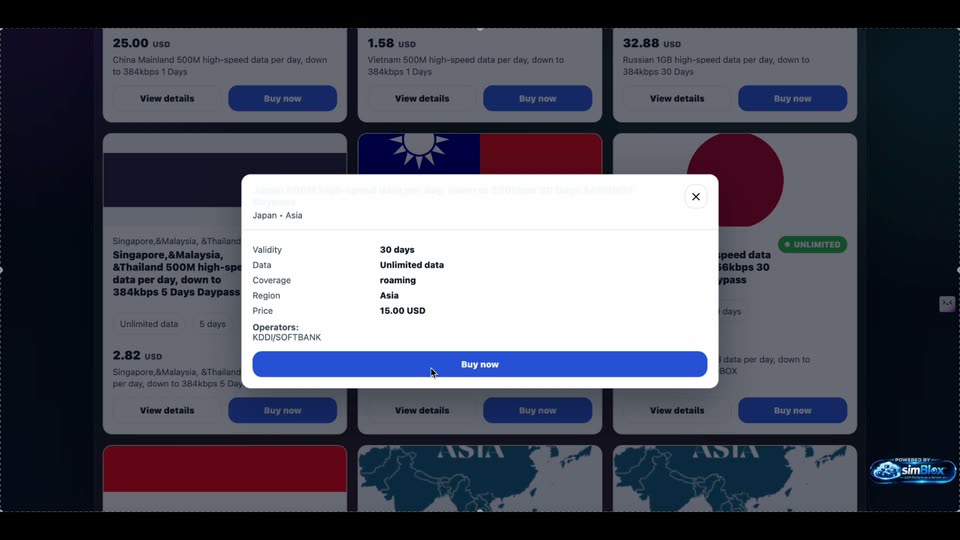 0:47–0:48SimBlox · SimBlox: minute demoA white detail modal for a Japan eSIM plan sits centered over a dark grid of plan cards. A cursor glides from the lower right to the blue Buy now button and hovers, then a checkout URL flashes in the browser bar.
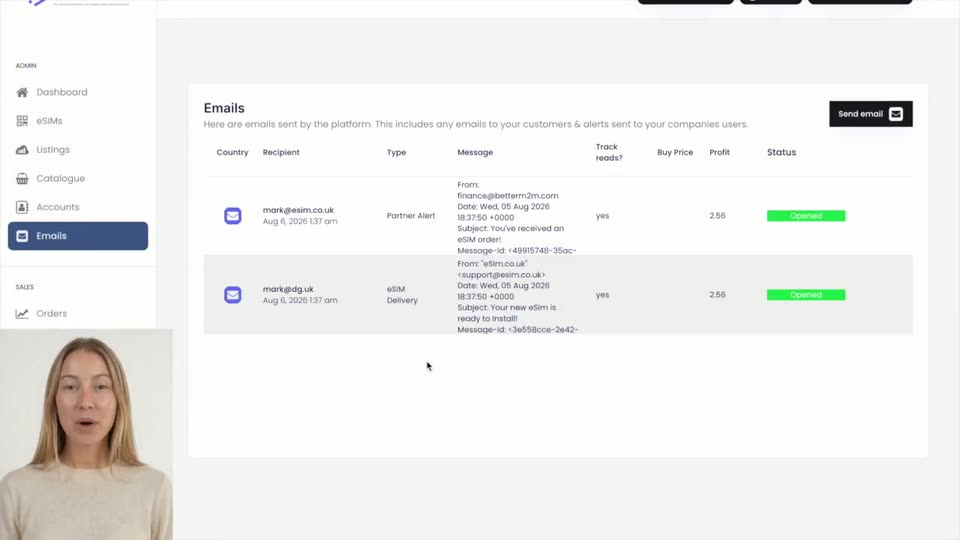 1:33–1:34SimBlox · SimBlox: apps demoA light-gray admin dashboard shows an Emails table with two recipient rows; a small live-action presenter sits in the bottom-left corner while a cursor moves up to highlight the first row.
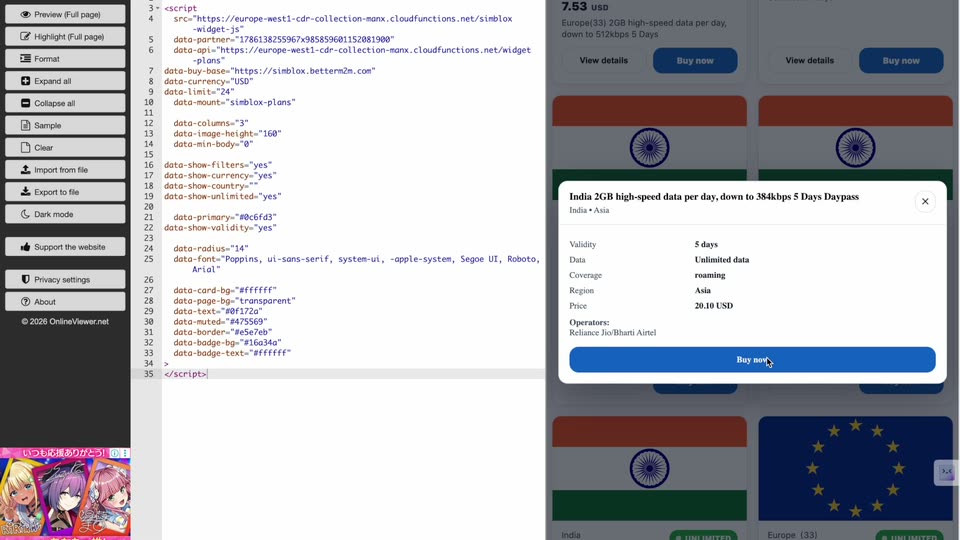 0:37–0:39SimBlox · SimBlox: web widgets demoA three-column screen shows a dark control sidebar, an HTML code panel, and a rendered widget with a data-plan modal over flag cards. A cursor moves to the blue Buy now button and clicks it, where a small loading spinner appears.
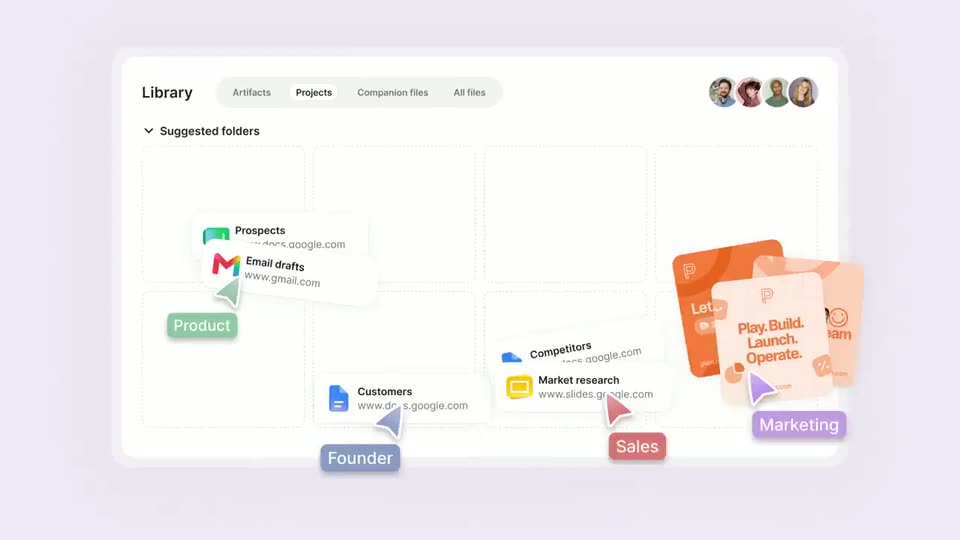 1:04–1:07Strawberry · Strawberry 1.0 is here. It marks a shift in how your team can work with AI. In Strawberry, you can create or hire virtual colleagues, called "Companions". Companions learn your preferences andA light Drive-style library screen shows a grid of folder cards; a purple cursor hovers as the view zooms into the Campaign card, then pulls back to document thumbnails while colored Founder, Sales, Product and Marketing pills float over the grid.
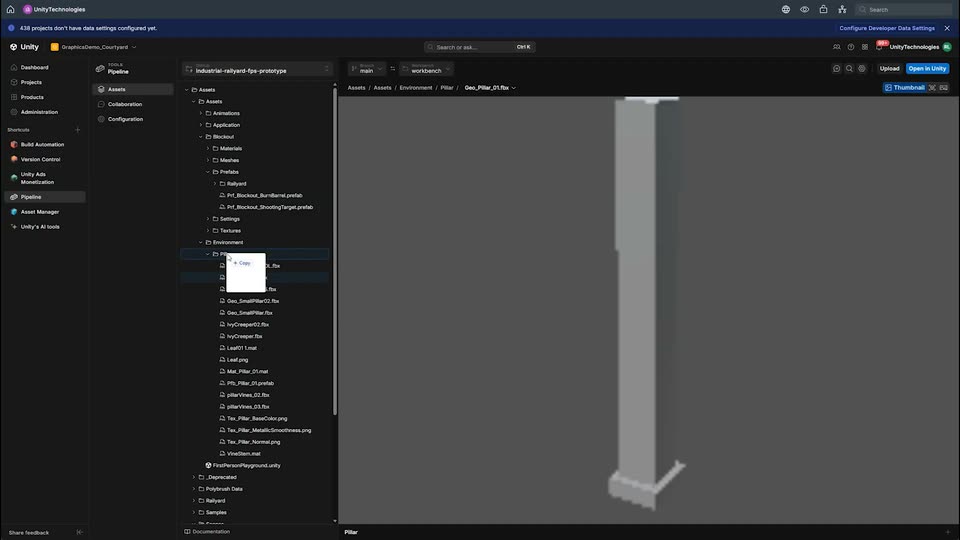 2:59–3:02Unity · Unity CLI 1.0 and Unity Pipeline APIsA dark Unity Pipeline screen: a file tree on the left and a 3D viewport showing a gray pillar on the right. The cursor moves over the file list, right-clicks a selected file to open a small context menu, then a confirm-update dialog pops up over the viewport.
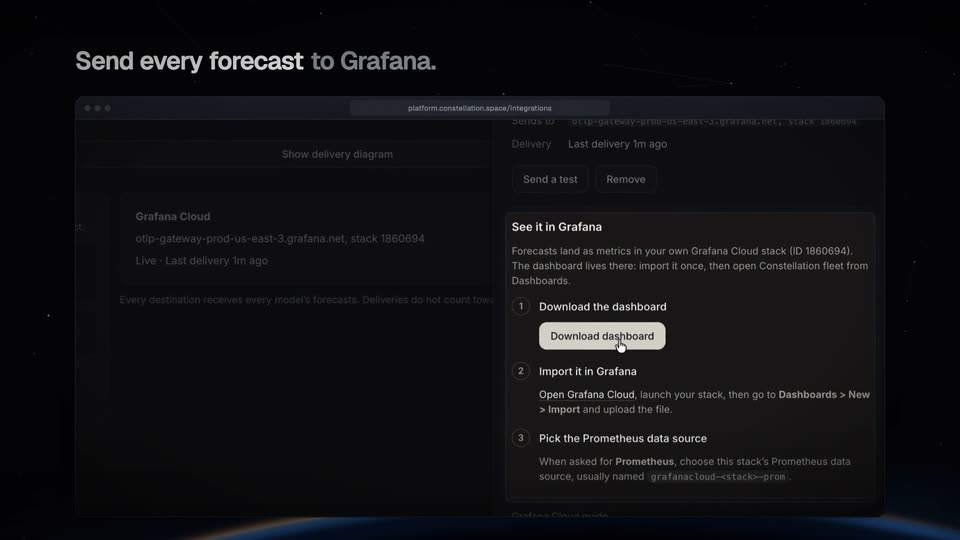 1:26–1:34Constellation Space · Space intelligence for all: Constellation SpaceA browser window over a starry space background shows the integrations page. The camera zooms into the right panel listing the Grafana setup steps, and a cursor glides to the white Download dashboard button and clicks it. The headline holds top-left.
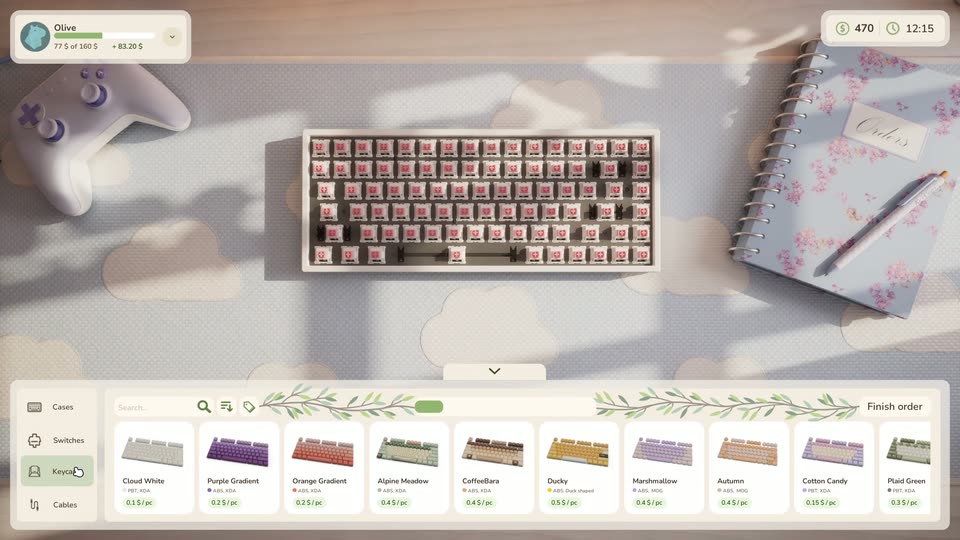 0:24–0:26Vojtěch Peták · KeyCapy - Official Reveal TrailerA top-down desk view shows a white keyboard between a controller and a notebook. A bottom shop panel lists switch cards; the cursor taps the Keycaps tab, the panel closes, and a second keyboard with purple and white keycaps appears below.
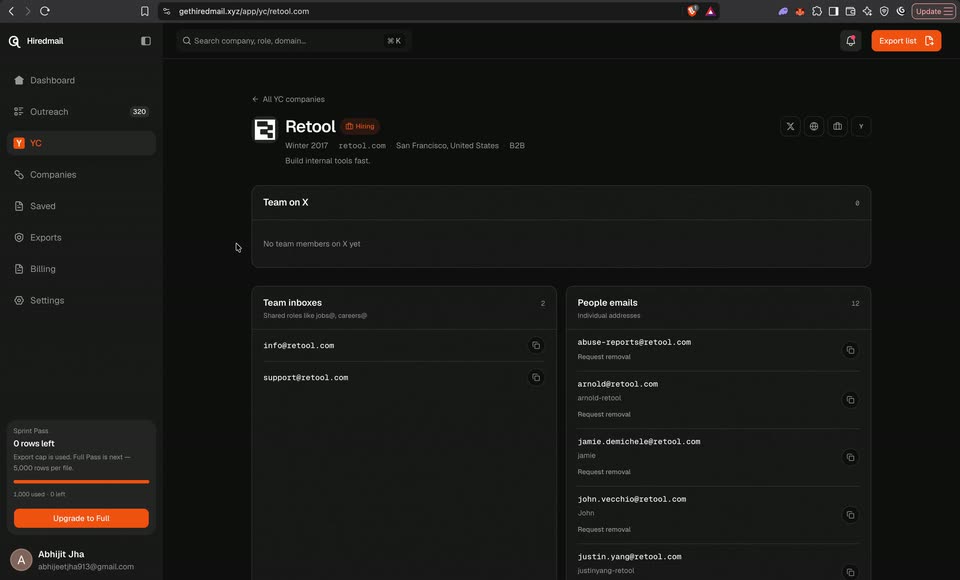 0:47–0:52Hiredmail · Abhijit - Introducing Hiredmail Hiring inboxes, verified and sorted. YC compaA dark web app view of the Retool company page scrolls down through a long list of people emails, then back to the top, and a cursor moves to the Companies item in the left sidebar.
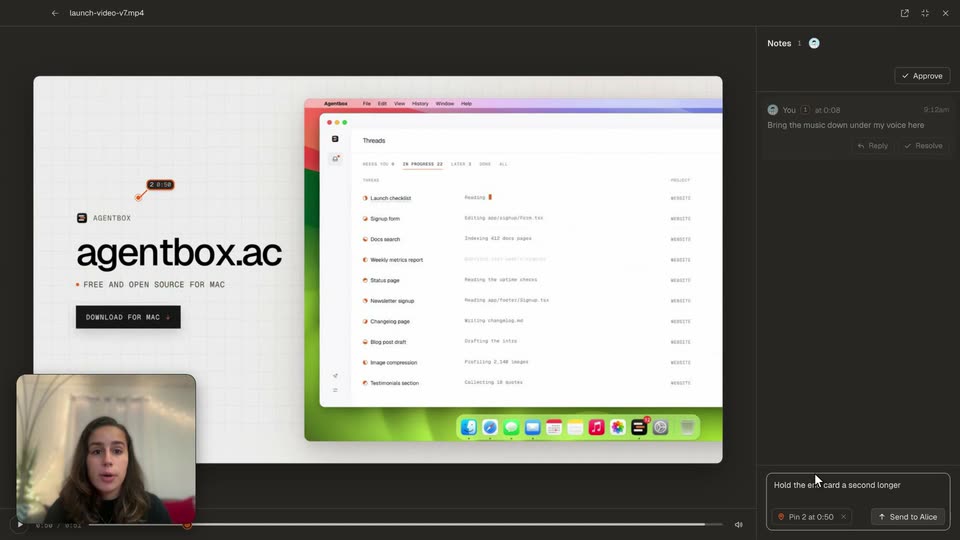 0:46–0:47Agentbox · Savannah - introducing multiplayer for coding agents. the place you code is nowA dark video review app sits locked off on a paused launch frame: the agentbox.ac end card beside a Threads window, a webcam tile in the corner. A timestamp chip leaves the note box and a new comment, 'Hold the end card a second longer,' lands in the right-hand Notes list.