Cursor demo
A visible cursor operates the interface.
15,025 scenes · page 206 of 251
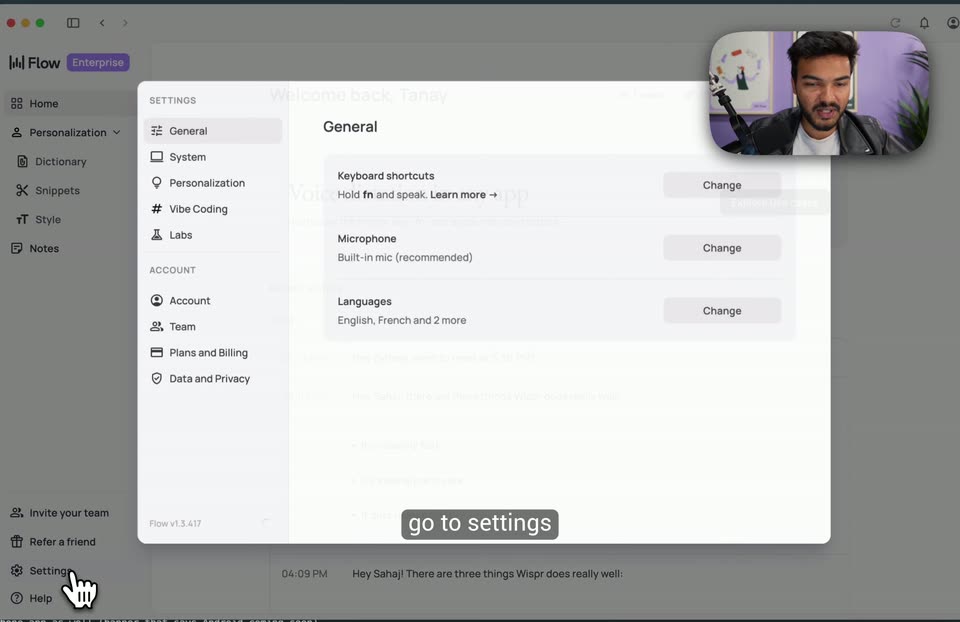 1:48 · 0.4sWispr Flow · Intro to Wispr Flow: voice-to-text AI that turns speech into clear, polished writing in every app.A light dashboard interface fills the frame, sidebar on the left and a video call window in the top right corner. A hand cursor rests on the Settings item at the bottom of the sidebar as a gray caption box labeled go to settings appears beside it.
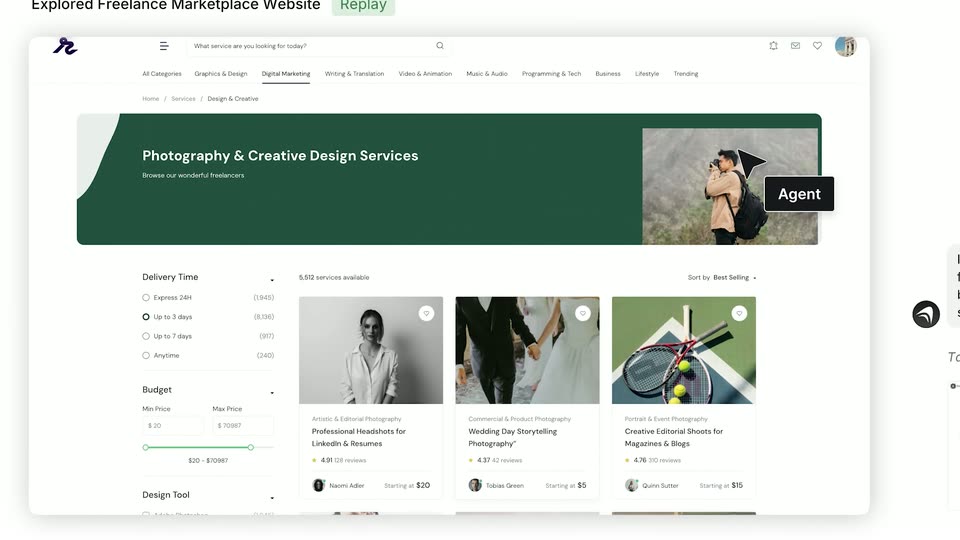 0:42–0:43Anything · Introducing Anything MaxA freelance marketplace page is shown flat, with a dark green hero banner and a row of service cards. A cursor with a dark Agent tooltip hovers at the top right corner, drifting slightly.
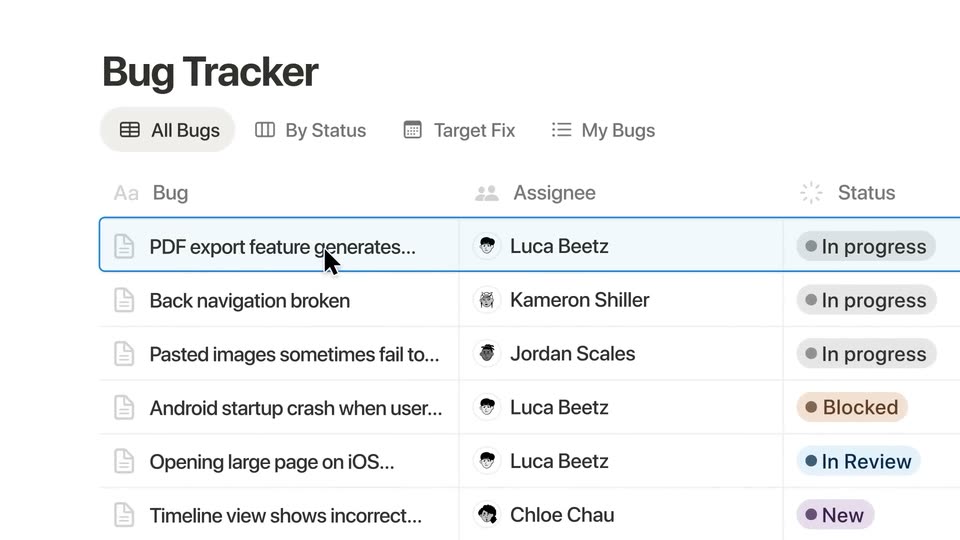 0:55–0:57Notion · Introducing Notion 3.0: AgentsA light Bug Tracker table lists bugs with assignee avatars and colored status pills. The rows settle into place, then a cursor moves onto the first row, which gains a blue outline highlight.
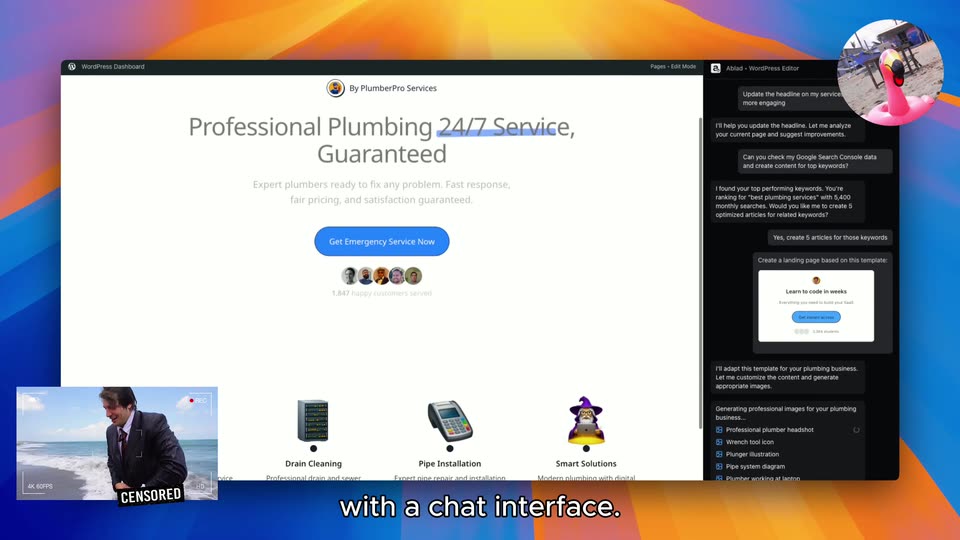 0:41–0:46Ablad · Claudio C - I’m building the first Cursor for WordPress in the world. See how AbA flat screen recording of a WordPress editor with a right-side chat panel sits on a colorful wave background, with a webcam circle top right and a censored beach clip bottom left. The page scrolls to reveal a row of icons as the chat log fills; bottom captions swap.
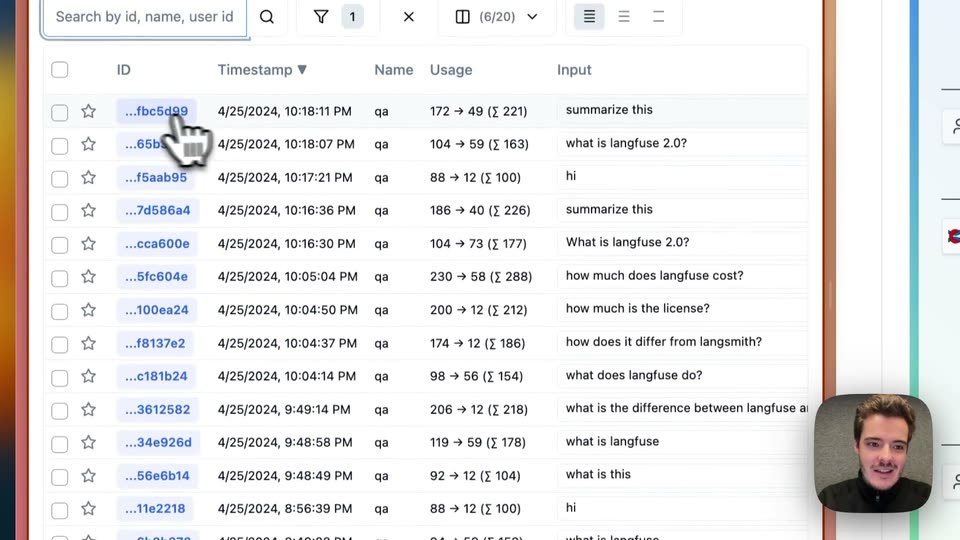 1:16–1:17Langfuse · Introducing Langfuse 2.0A white trace table in a product dashboard scrolls upward as a pointing hand cursor lands on a row, its ID highlighted. The speaker's webcam self-view stays fixed in the bottom right corner.
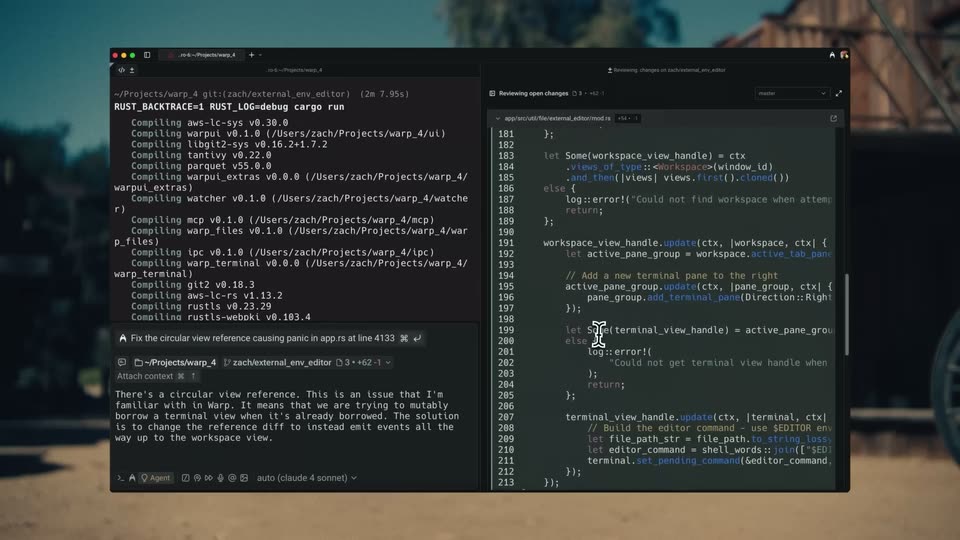 1:09–1:30Warp · Introducing Warp Code | The fastest way from prompt to productionA dark split terminal shows a Rust backtrace on the left and source on the right; the left pane scrolls to new compiling lines while a caret types a fix note into the agent box, then an @-mention file dropdown opens as the background blurs.
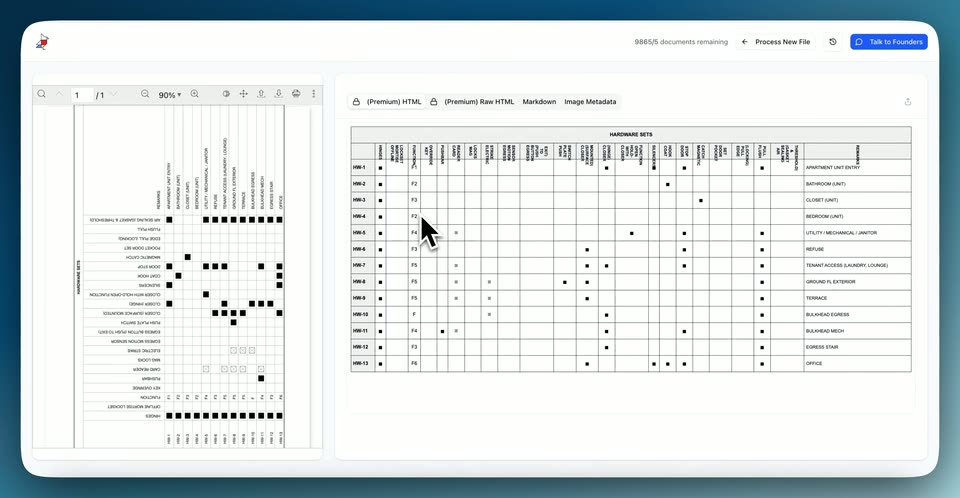 0:30–0:36Cardinal · cardinal demoA locked-off view of a document app: the left pane holds a rotated scanned room schedule, the right pane the extracted hardware-sets table, a cursor hovers over a cell, then both panes swap to a medical ICD-10 code list.
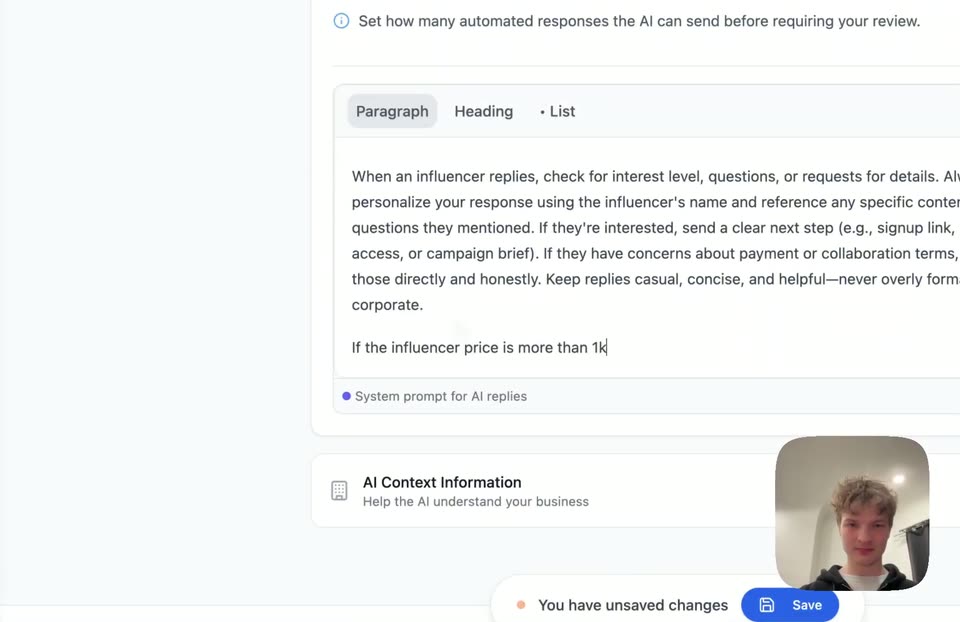 1:23–1:24Stormy · Stormy AI launch videoA settings panel shows a prompt editor where a line of text types out word by word. A small webcam bubble of the presenter sits in the lower right, and a dark caption pill reading 'for example that...' shows at the bottom, then disappears.
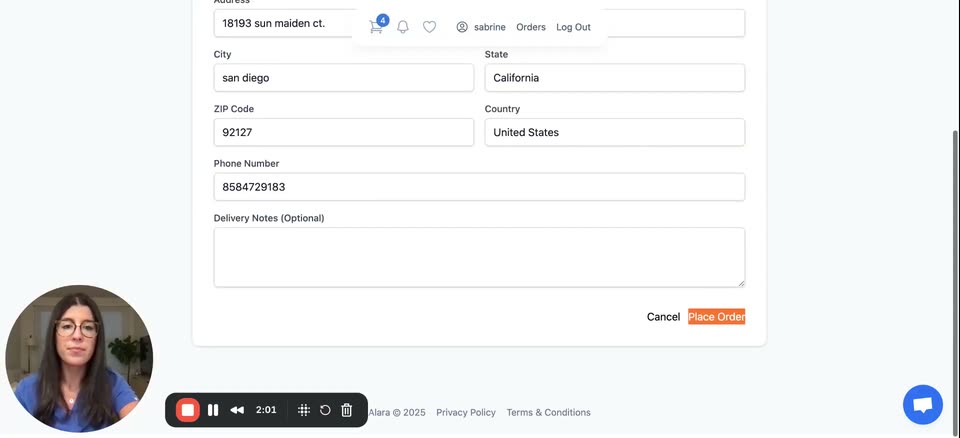 1:58–2:01Alara · Alara Dental - Transforming Dental Supply PurchasingA checkout form scrolls down to reveal the delivery notes field and an orange button reading Placing Order..., with a cursor hovering over it. A small circular webcam of the presenter sits in the lower left corner.
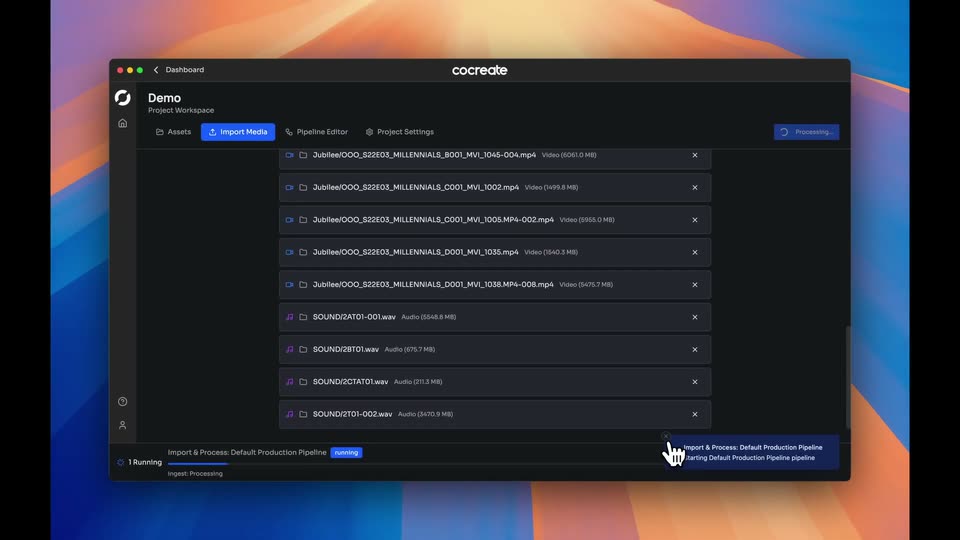 0:47–1:01cocreate · Cocreate demo videoA dark cocreate window sits on a colorful abstract desktop. A file list scrolls into place, the cursor moves down and clicks the blue Import & Process button. The view zooms onto the button, then pulls back as a progress bar fills along the bottom.
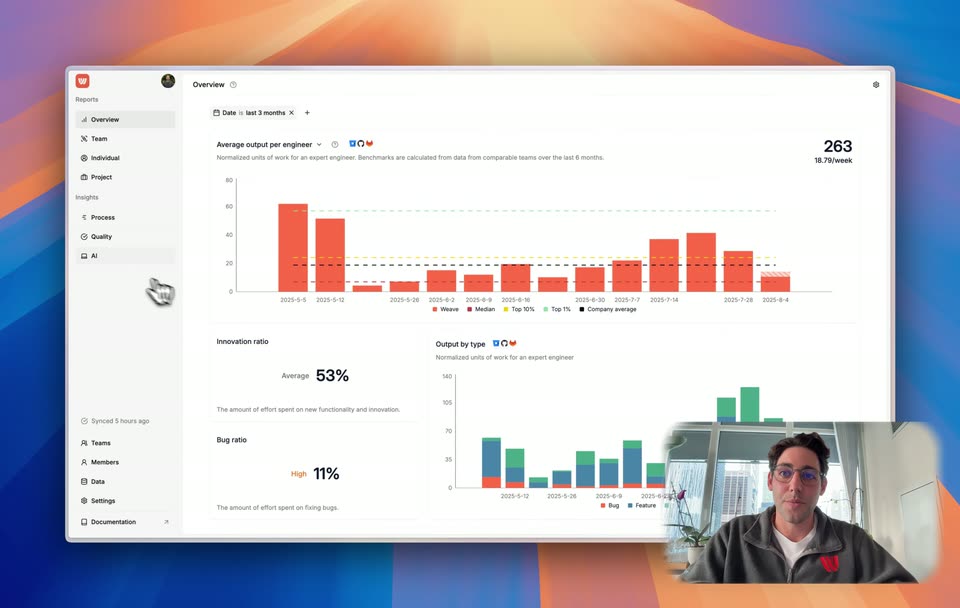 0:47–0:49Weave · Product Hunt Launch VideoA close-up of two orange and stacked bar charts zooms out to reveal a full analytics dashboard with a left sidebar, set against an orange and blue gradient. A cursor moves across the screen while a presenter appears in a video-call inset at the bottom right.
 0:45 · 0.8sLindy · Lindy - Lindy 3.0 is live. You can now create agents with a simple prompt anA white card reading “Send cookies to their office” holds a blue button with a cursor on it, captioned “How can I help?” centered. The card slides up as a map card with a red pin enters from the left and a “Lindy Agent” pill appears at right.
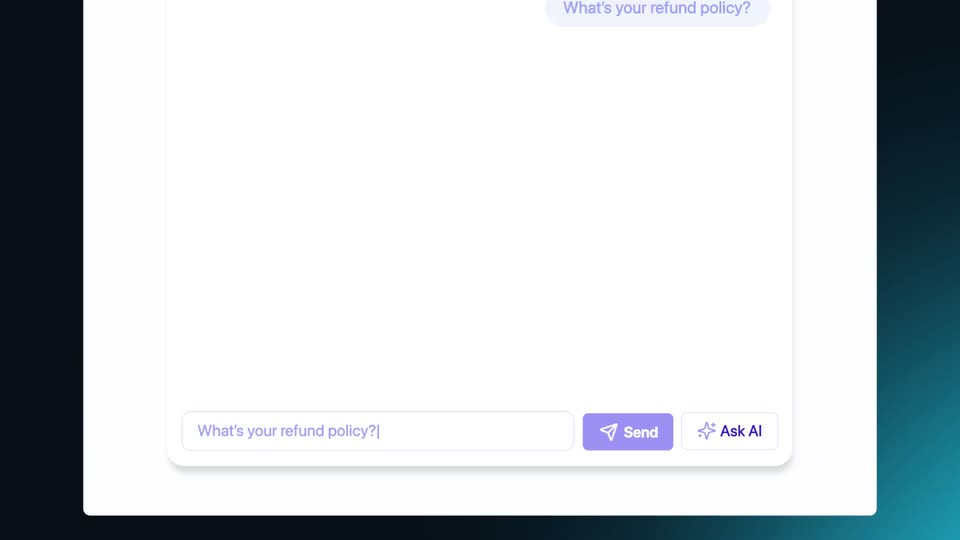 1:40–1:45VibeFlow · YC Launch Video: VibeFlowA white AI Customer Support chat card sits on a dark gradient. The frame zooms into the input bar as a question types itself, then pulls back to the full card as the user bubble appears and the AI answer types out word by word.
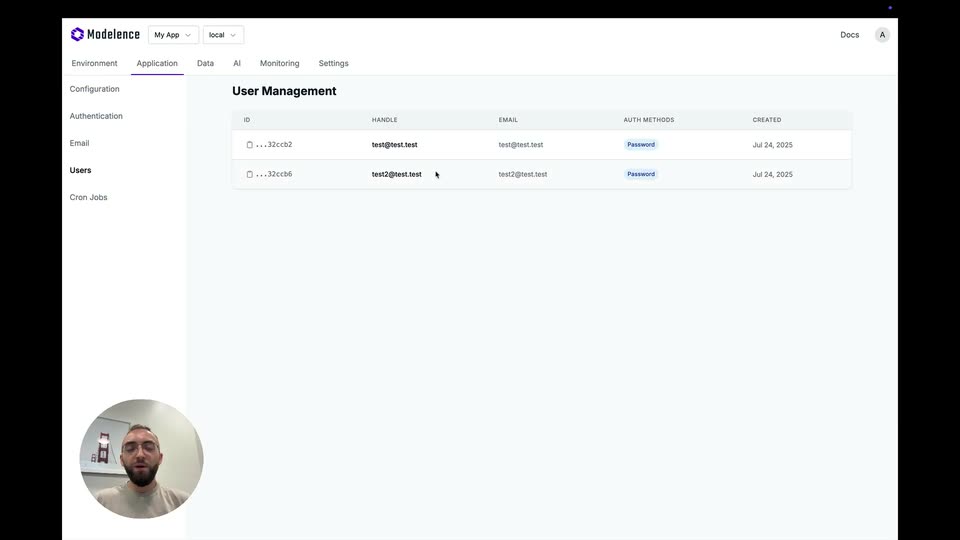 1:33–1:36Modelence · Modelence - Launch DemoA light dashboard screen shows the User Management table with two rows. A circular facecam of a bearded man in glasses sits in the lower left, his mouth moving as he speaks. The cursor drifts across the table rows.
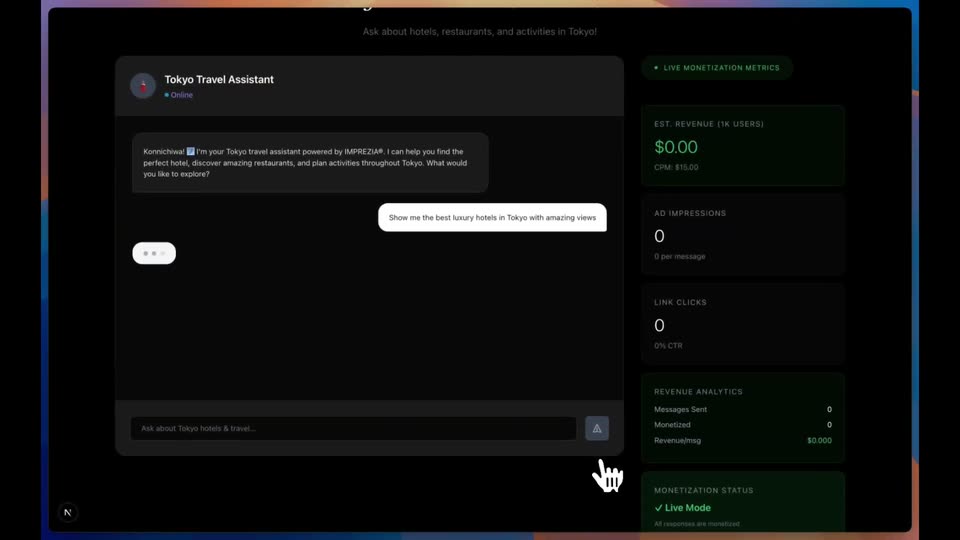 1:03–1:11Imprezia · Imprezia Launch VideoA dark chat interface for Tokyo Travel AI zooms into the input row as a hand cursor taps the Luxury Tokyo Stay chip and types a hotel query, then sends it. The assistant replies with a hotel list while the revenue counters on the right tick up.
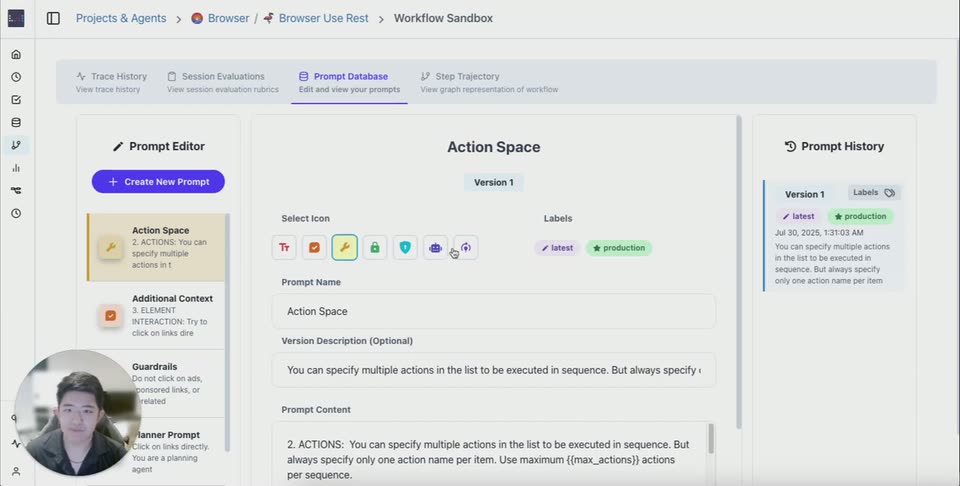 0:49–0:52Lucidic AI · Lucidic HN DemoA web interface displays a prompt database view with a left sidebar and a central form. A cursor moves across the screen, hovering over list items and the top navigation tabs.
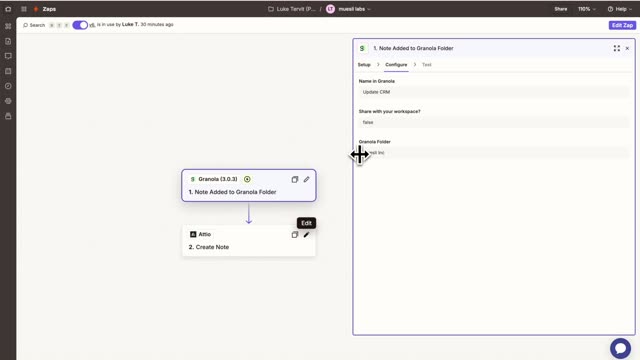 1:47–1:49Granola · Introducing Granola + Zapier | Your meeting notes, now connected with over 8,000 appsA Zapier workflow screen displays two stacked Zap cards on the left and an open configuration panel on the right. A cursor moves across the Granola Folder field and stops on its resize handle.
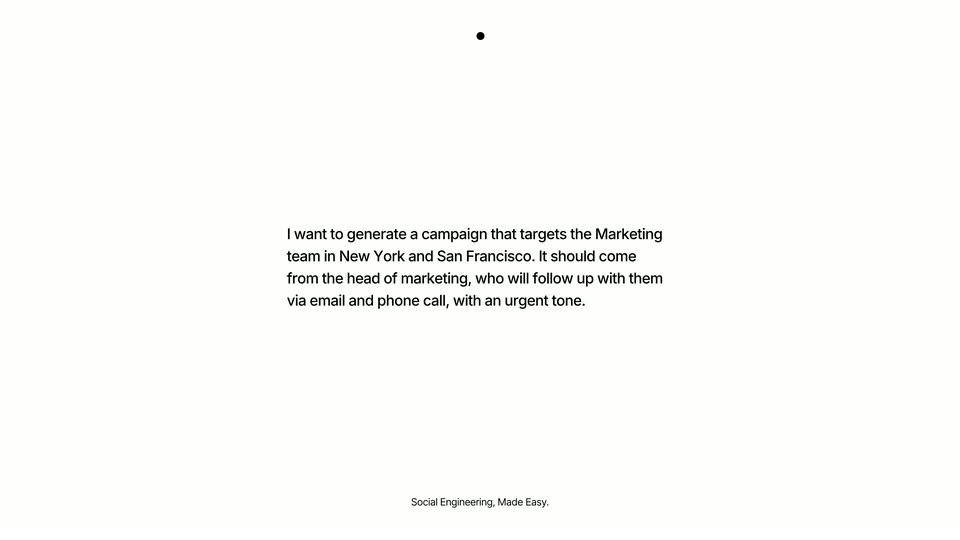 0:36–0:43GhostEye · Introducing: GhostEyeA centered prompt box on a white screen types out a campaign request word by word. The cursor moves to the arrow and clicks; the box drops away, a phrase highlights, then the text is replaced by a spinner and a gray loading block.
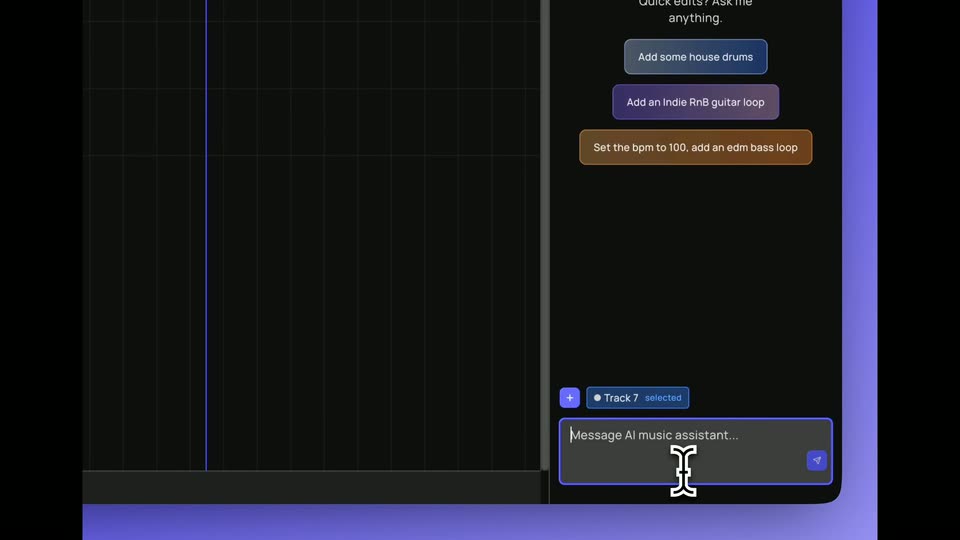 1:34–1:39Physical Turing · Welcome to RiffA DAW track list with a glove cursor on Track 7 pans right to an AI chat panel with suggestion chips. White captions read 'and then ask', 'help', 'me arrange a rhythm' as 'arrange a hip hop kick' types into the message field, then the view blurs to the timeline.
 0:35–0:36Scade · scade.xyz - Meet Scade. The first full-cycle marketing system Forget the 30-persA white cursor glides onto a centered yellow Join Waitlist button on a green gradient, then the button scales down and the background darkens until it becomes a small dot.
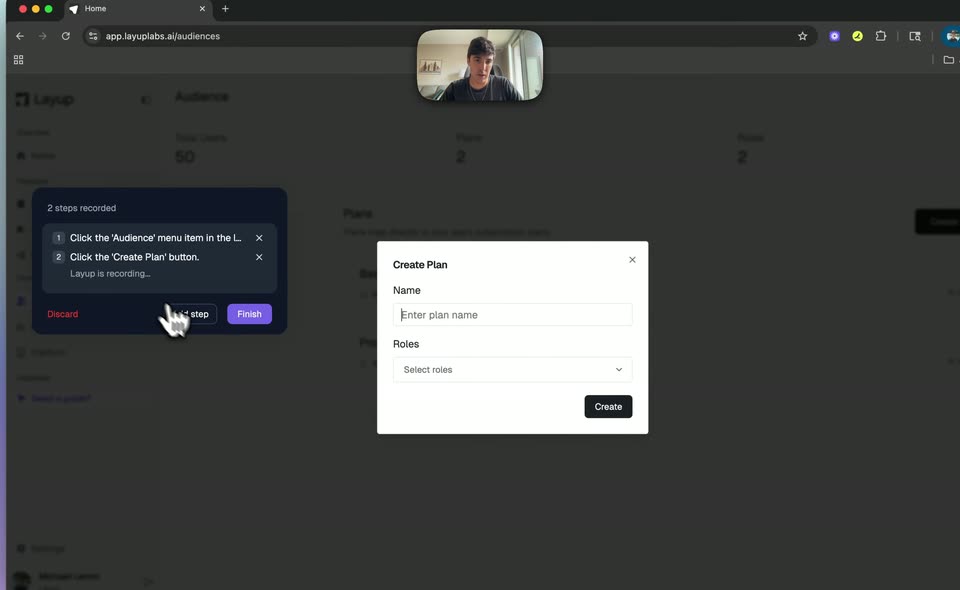 0:49–0:51Andco · Layup 2.0 July LaunchA dimmed dashboard sits behind a Create Plan dialog that slides in from the right, with a webcam feed of a presenter at the top. A recording panel on the left updates its step list as a white cursor moves over its buttons.
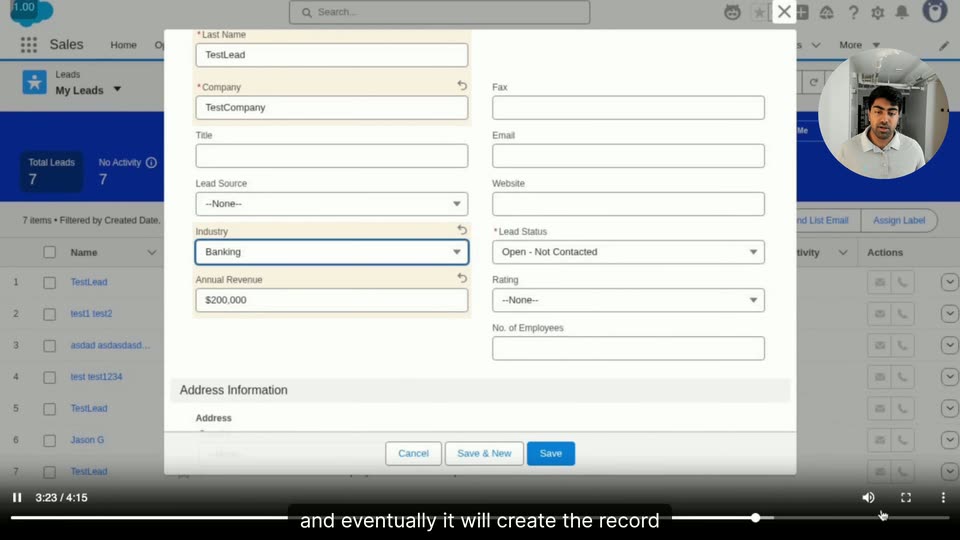 1:38–1:40Sennu AI · Sennu AI - AI Salesforce QA DemoA screen capture of a CRM sales view with a lead form modal centered, fields filled with test data. A circular webcam of a presenter sits top right and a mouse cursor moves over the form. A player bar with a caption runs along the bottom.
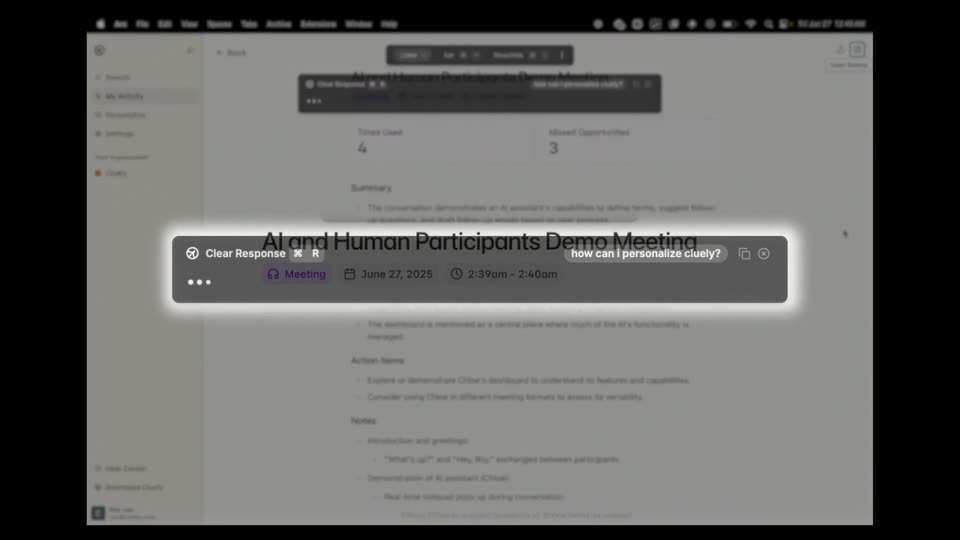 1:49–2:03Cluely · Roy - introducing @cluely. today is the start of a world where you never hA screen recording of the Cluely meeting summary blurs as an 'Ask about your screen' bar appears; a query is typed and the bar morphs into a response card that types out steps. The view tilts into 3D perspective as the cursor hits the Personalize tab.
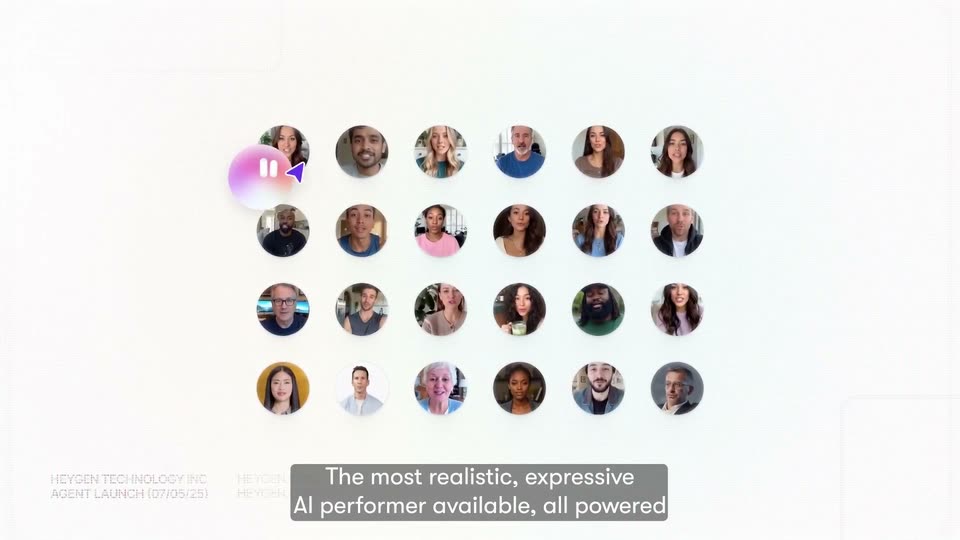 1:36–1:39HeyGen · Joshua Xu - Today we’re introducing you to the future of video. The world’s firsA 4-by-6 grid of circular face photos appears on a pale background, lower rows fading in from blur. A purple gradient circular button with a pause icon and a purple cursor arrow moves across the grid. A gray caption strip holds the voiceover line at the bottom.
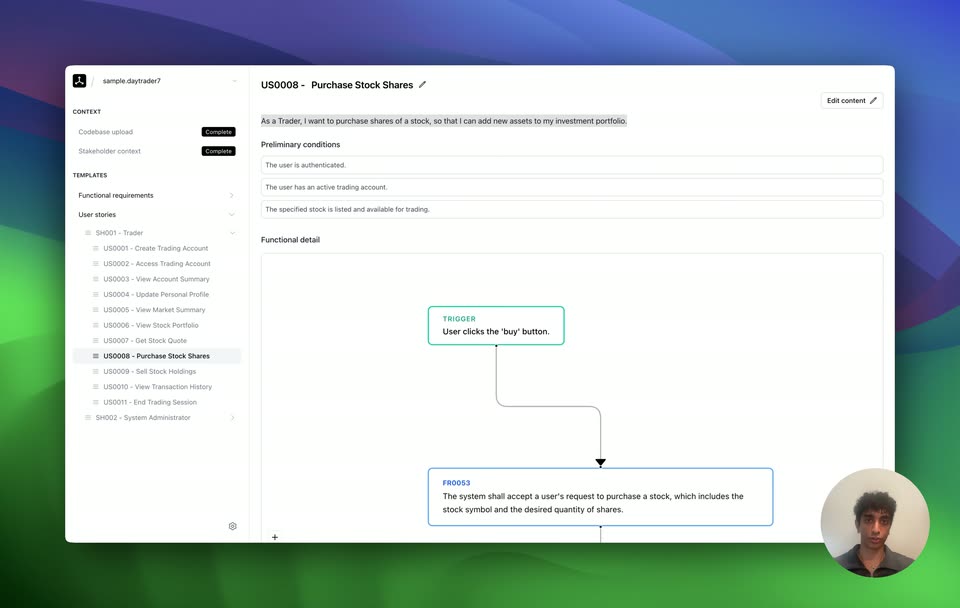 1:57–2:25Axal · Extract Functional Requirements from Legacy CodeThe US0008 user story fills the frame, then the view pulls back to a floating window on a blue-green gradient desktop before zooming into the Functional detail flowchart. A cursor traces the TRIGGER and FR0053 nodes while a presenter's webcam circle holds the corner.
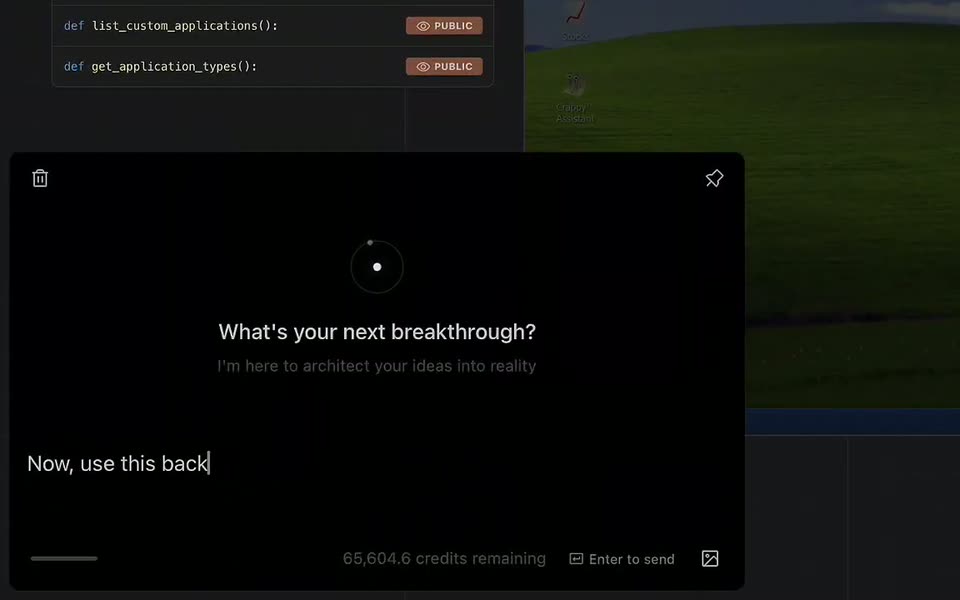 0:50–0:51Sharpe · Introducing Solar by LumenaryA dark app window overlays a green landscape render. A code panel sits top left, a chat panel center with a circular icon and greeting. In the input bar at the bottom, a prompt types out letter by letter behind a blinking caret.
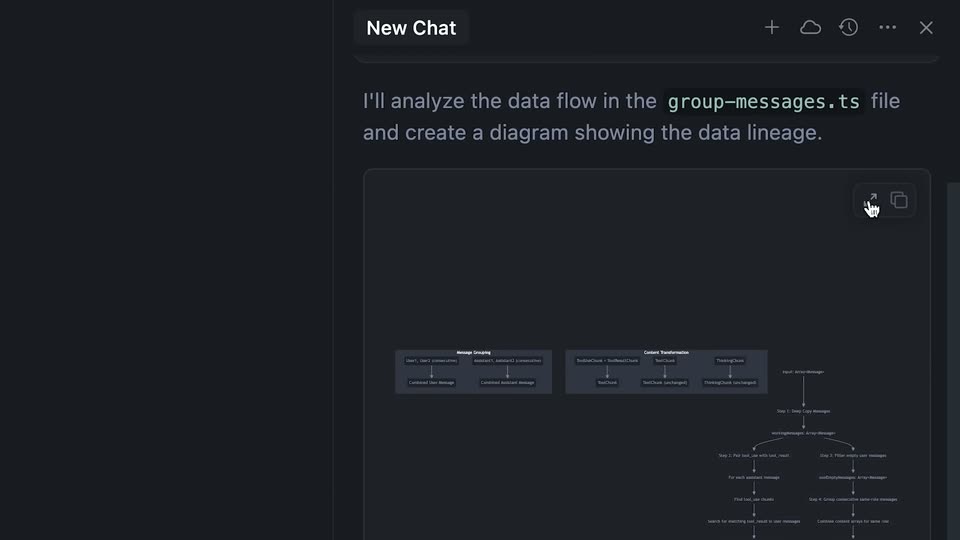 1:43–1:44Cursor · Meet Cursor 1.0A dark chat window holds a static response line above a large empty panel. A flowchart diagram sits at the panel's bottom edge. A cursor drifts between the expand and copy icons in the panel's top-right corner.
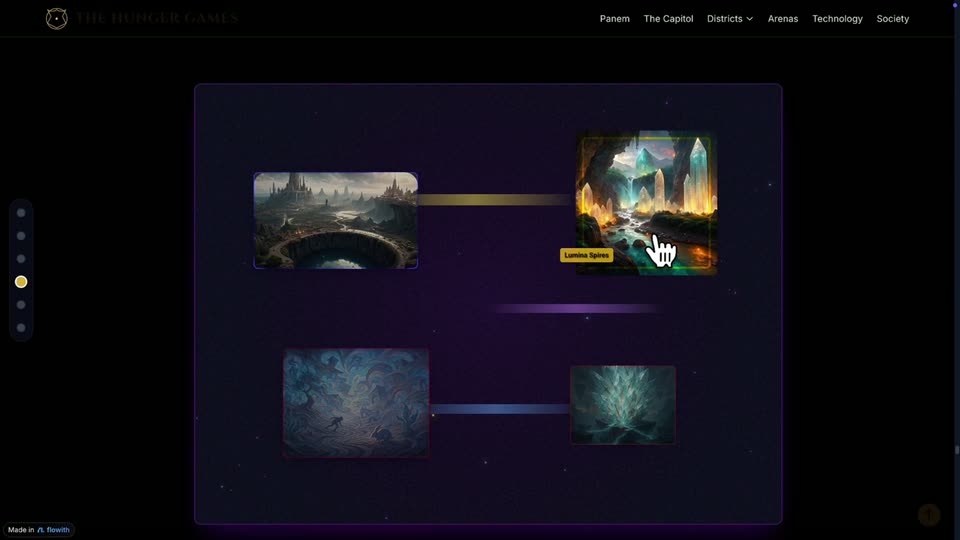 0:47–0:48Flowith · Flowith - flowith neo is now open to everyone. no more codes hunting. gen anytA dark website screen with a gold logo and menu bar at the top. A central panel links four illustrated cards with glowing gradient bars; hand cursors and small colored labels shift from the top pair to the bottom pair while the logo brightens.
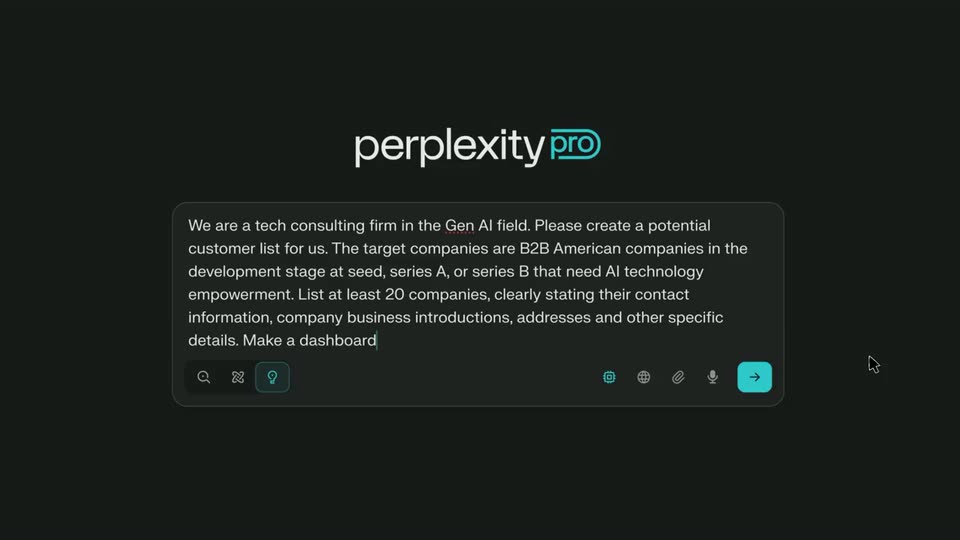 0:22–0:29Perplexity · Perplexity - Today we're launching Perplexity Labs. Labs is for your more complexThe Perplexity Pro logo sits above a dark prompt box on a black background. A long prompt requesting a B2B customer list and dashboard types itself out line by line, then the mouse cursor glides to the teal arrow button and clicks it.
 0:18–0:22Sketch · Sketch - Remember when we said auto layout was coming to Sketch? It’s here. ItA purple gradient pill button on a light blue background reads “Search website”; a small inspector panel with a cursor hovers the “Icon/Search” row, the search icon on the button fades out, then the label switches to “Ask Us” and the button shrinks to fit.
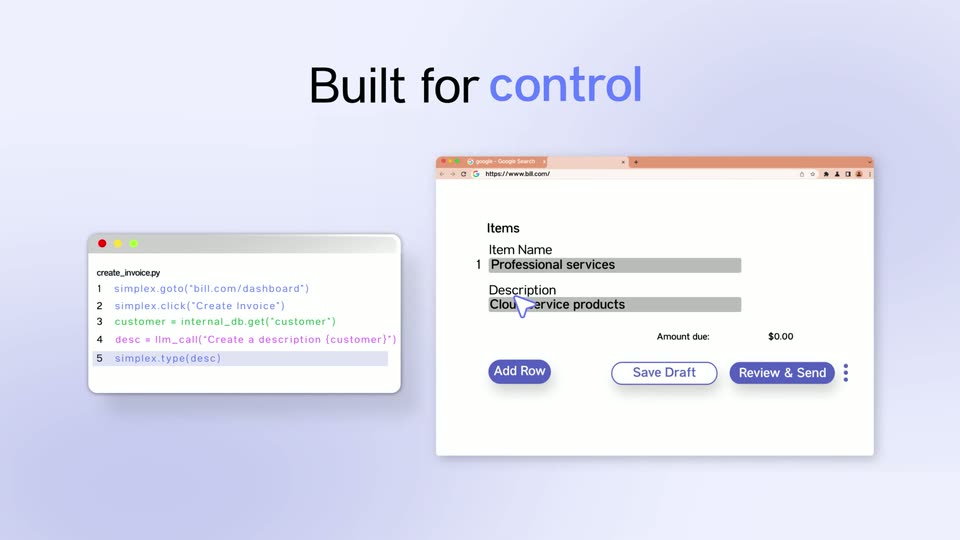 0:38–0:40Simplex · Simplex Launch VideoA code editor window and a browser window with an invoice form sit on a pale gradient background under the headline. The view starts blurred and zoomed in, then snaps into focus as the windows settle. A cursor moves over the invoice rows.
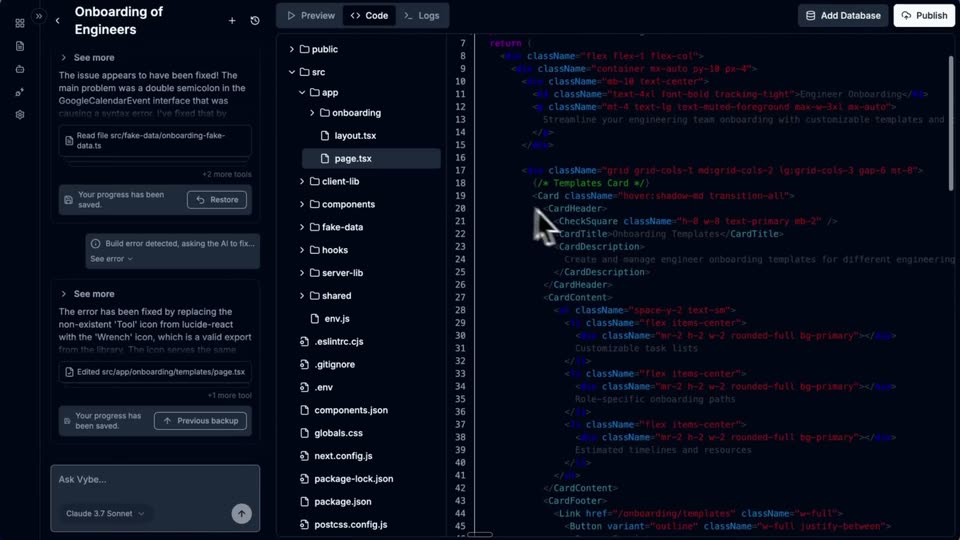 1:19–1:23Vybe · Vybe Demo - Build internal apps 10X fasterA dark IDE fills the frame with an AI chat log on the left and a file tree in the center. A white cursor clicks the src folder to expand it, then selects page.tsx, loading its source code into the right pane as it scrolls up.
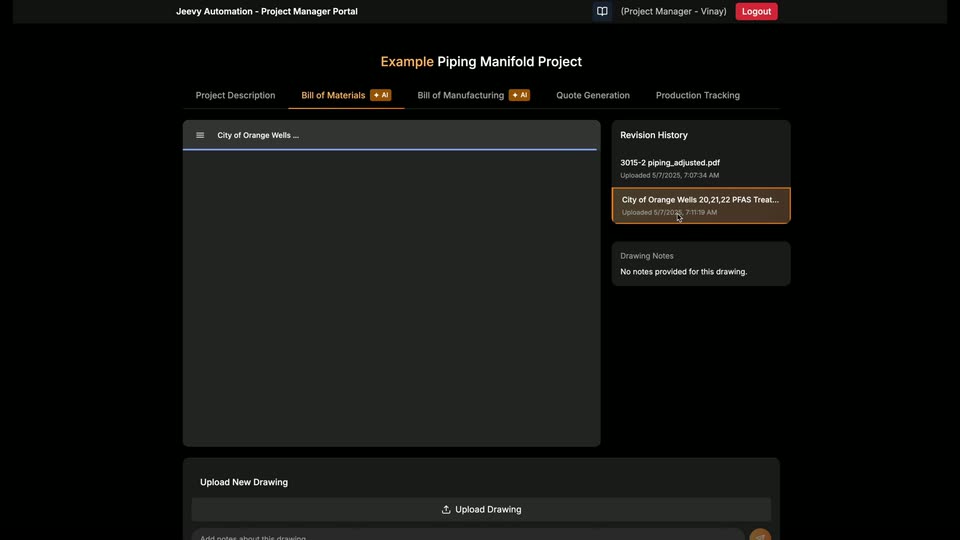 3:04–3:05Jeevy Fabrication · Introducing Jeevy FabricationA dark project portal screen shows the Bill of Materials tab active. A blue progress line grows across the top of the left drawing panel while a cursor moves between the highlighted revision entry and the notes field at the bottom.
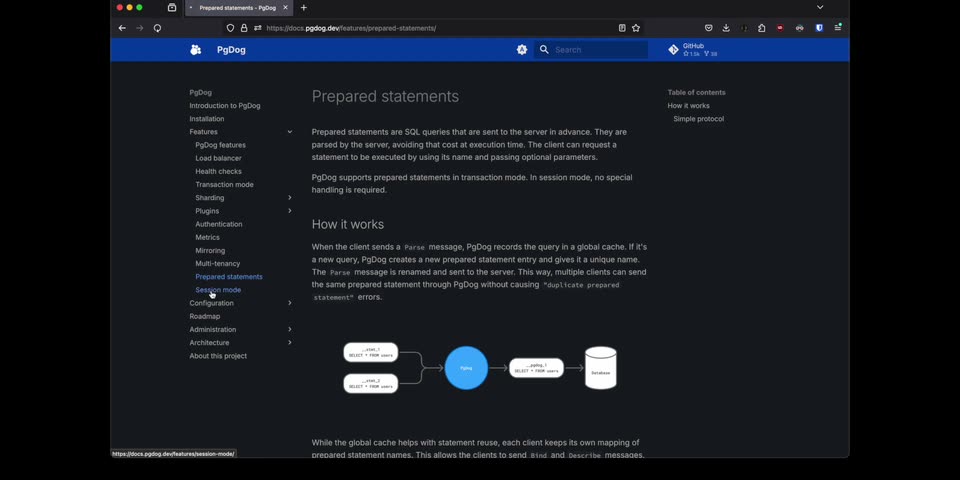 0:37–0:38PgDog · PgDog LaunchA dark PgDog documentation page fills a browser window, showing the Prepared statements article and a flow diagram. A cursor slides down the left sidebar, moving from the Prepared statements link to Session mode.
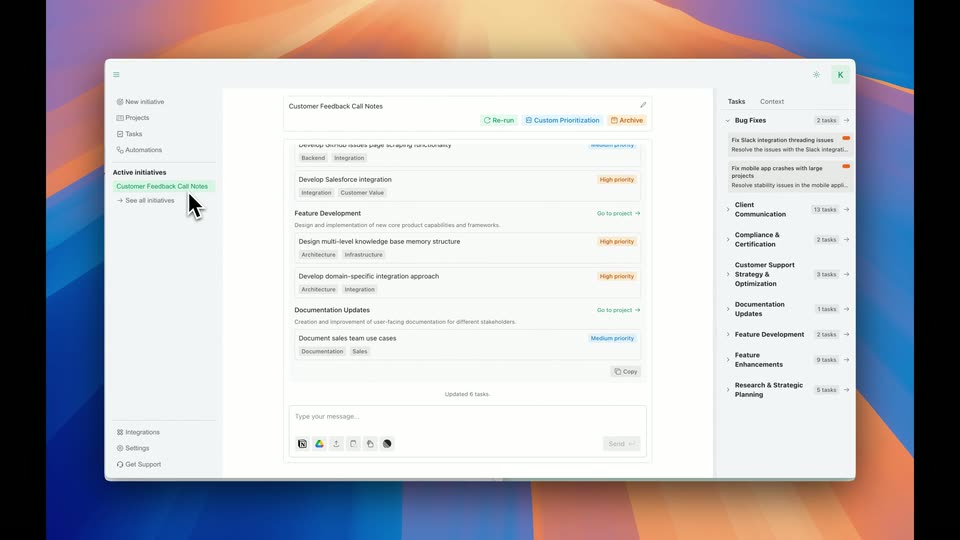 0:46–0:50Kestral · Kestral - Your AI Work Prioritizer -- Launch YCA flat product window sits on a gradient desktop, showing a task list titled Customer Feedback Call Notes with priority tags. A cursor drifts up the left sidebar, pausing on Automations and Active initiatives, then the frame blurs into a white wipe.
 0:35 · 0.6sAirweave · Airweave AI // Launch YC DemoA blurred pan resolves into a Google Docs flight itinerary, ticket details and an Economy Basic tag visible, a cursor hovering at the right edge and a small webcam self-view of the speaker in the lower corner.
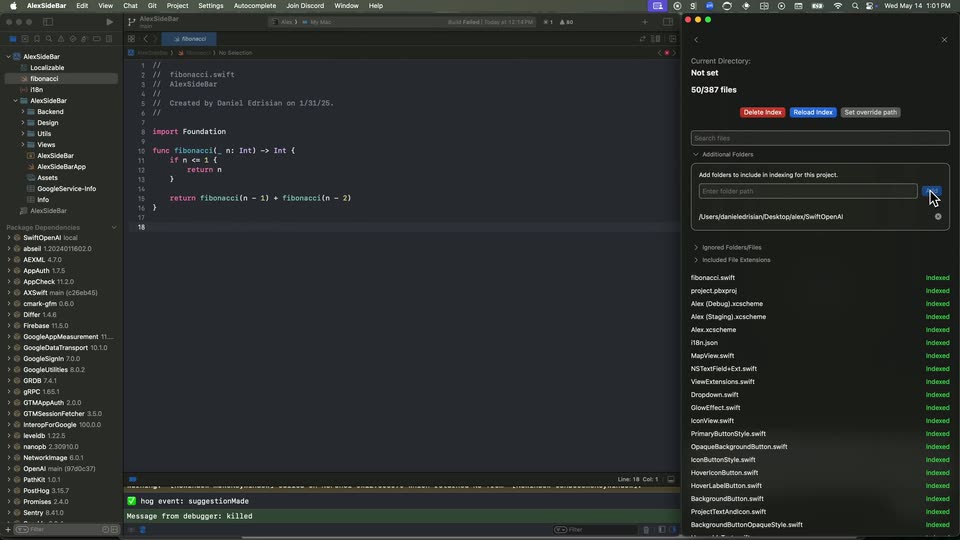 1:19–1:26Alex · Alex - Xcode AI Coding AssistantA dark index panel fills the right side, a folder path fills its input and the cursor clicks Add. The view pulls back to a full code editor, and the file list flips from red Not indexed to green Indexed row by row.
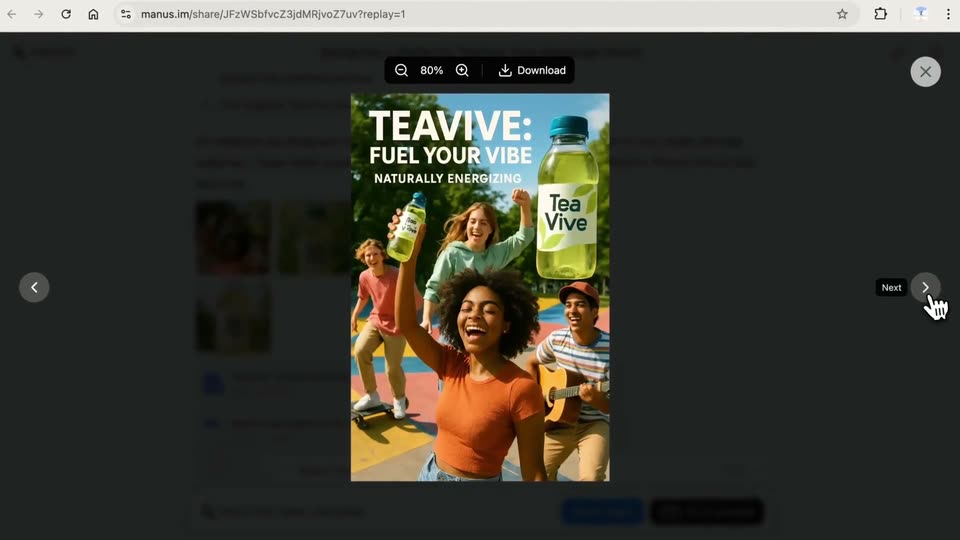 0:37–0:38Manus · Manus - Introducing Manus image generation. Manus doesn’t just generate imagA browser window of the app shows a poster viewer over a dimmed interface. A vibrant poster of young people holding a Tea Vive bottle cross-fades to a second poster of a woman with the Tea Vive logo, as a cursor taps the Next button on the right.
 0:58–1:00Notion · Meet the all-in-one Notion AI for workThe document interface fills the frame, then the view zooms into the top-right toolbar. A cursor glides to the Share button and hovers, raising a gray highlight box around the label.
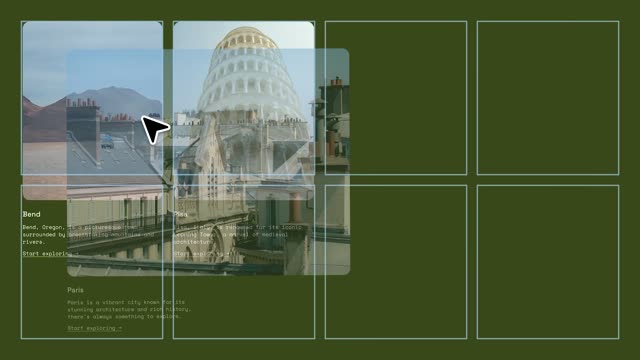 0:20–0:21Figma · All the launches at Config 2025 | FigmaOn a dark olive grid, destination cards for Bend, Pisa and Paris hold photos and captions. A large white cursor drifts across the cards while the Paris card and its text block shift into a new slot, overlapping its neighbors mid-move.
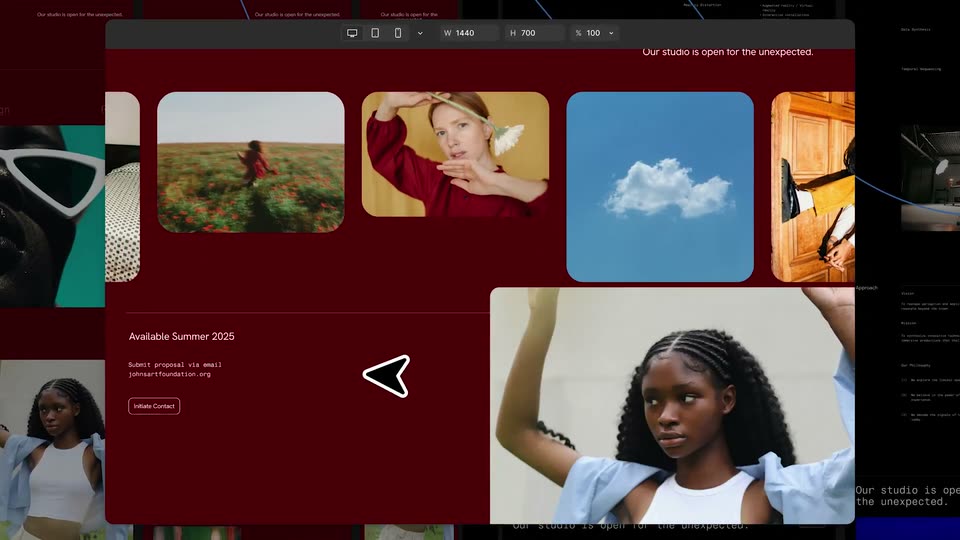 0:29–0:35Figma · Figma - Introducing Figma Sites Take your designs straight to the web. WithA flat browser mockup on a dark red page scrolls down, moving from a single photo to a row of four image cards, then to a contact block and two more photos. A white outline cursor drifts across the cards. Faded design screens fill the background.
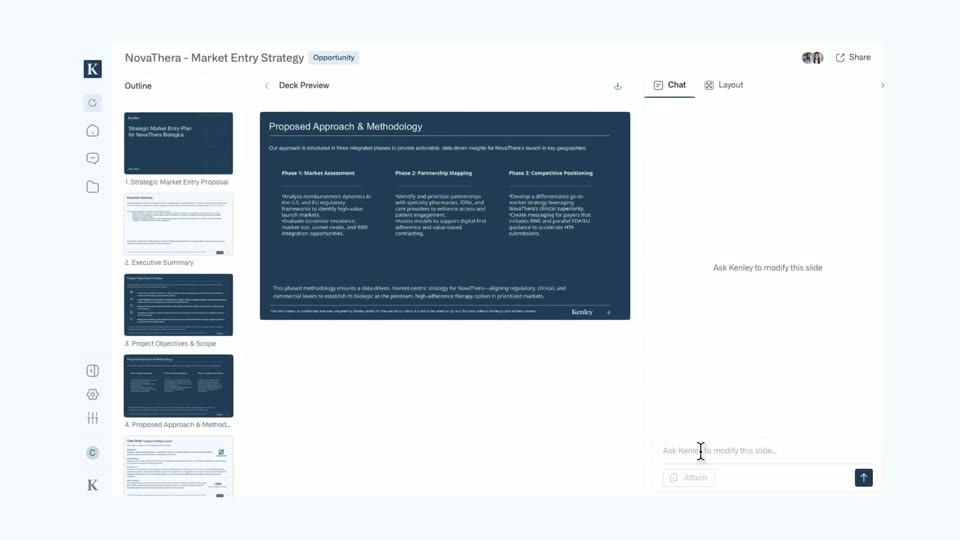 0:42–0:43Kenley · Introducing Kenley WorkStreamsA presentation editor interface settles into place: the left thumbnail rail and the central slide with three phase columns slide in from the left, while a right chat panel shows a prompt to ask Kenley to modify the slide. A cursor rests in the input field at the bottom.
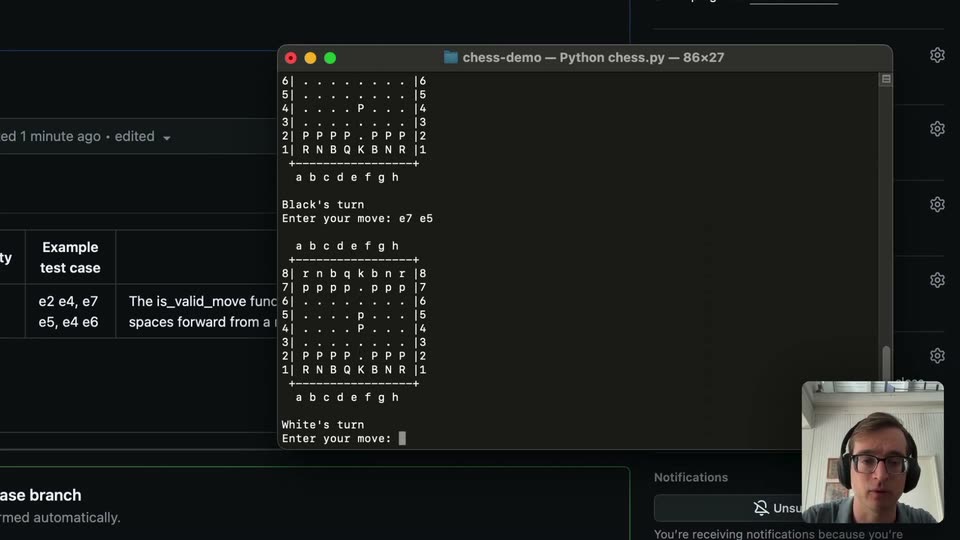 2:13–2:29Cartpole · Jazzberry DemoA terminal window sits over a GitHub page, a man in a corner webcam. The cursor drags the window, then types chess moves e2 e4, e7 e5, e4 e6 as the text board scrolls and updates. The screen zooms out to reveal the page.
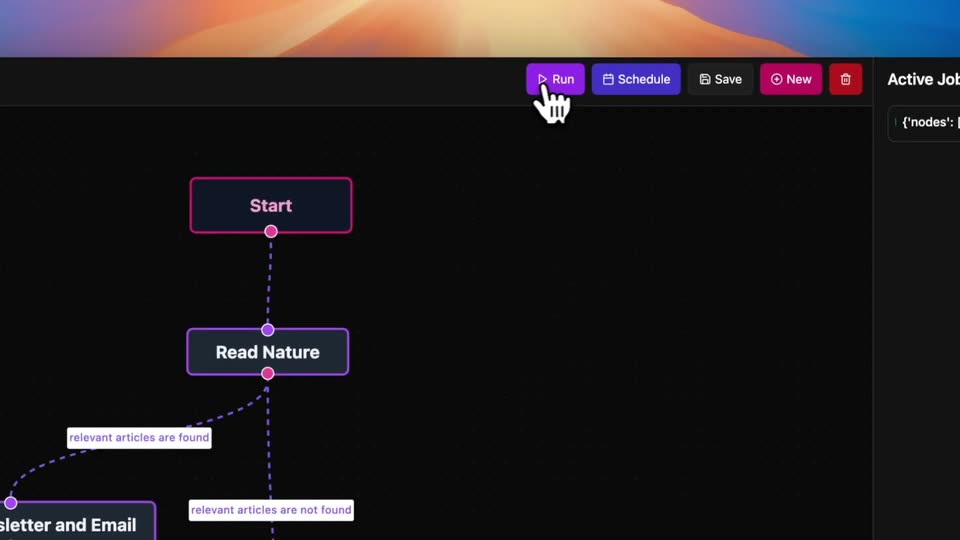 0:47–0:48Altrina · Workflow EditorA dark workflow canvas shows a vertical flowchart of four nodes linked by dashed purple lines, with a white hand cursor hovering at the right. The view reframes outward to reveal the top toolbar, and the cursor moves onto the purple Run button.
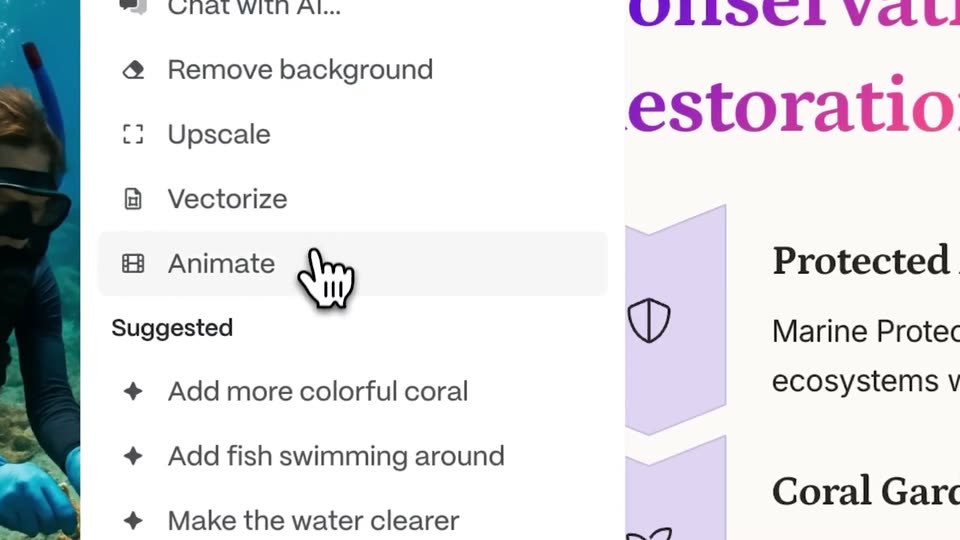 0:29–0:30Gamma · Gamma - Introducing AI Image Editing with animation! You can now edit and anA hand cursor slides down a white tool menu from Vectorize to Animate, which highlights gray, while a purple marine restoration document sits on the right and a scuba diver is visible at the left edge.
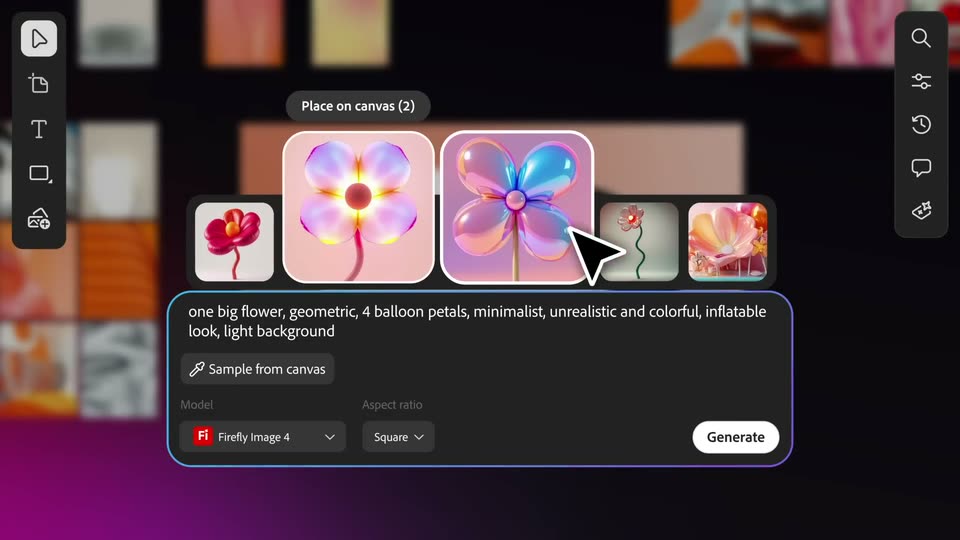 0:26–0:33Adobe · Adobe Firefly: The next evolution of creative AI is hereA dark prompt panel sits over a blurred canvas. A cursor types a flower prompt into the field, clicks Generate, and a row of generated flower thumbnails pops up. Hovering shows a Place on canvas tooltip, then the view reframes to the canvas with the flowers placed on a white card.
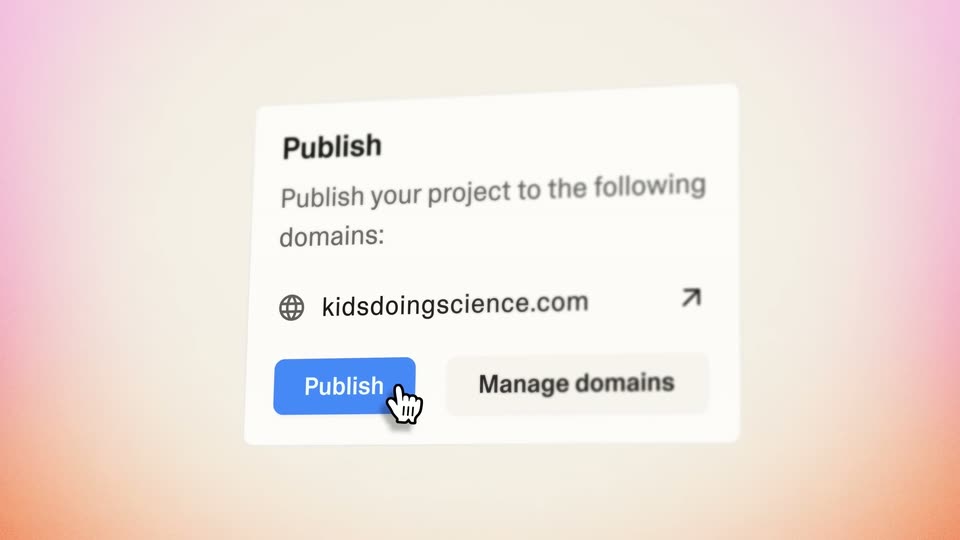 0:57–1:00Lovable · Lovable 2.0 is here. Multiplayer vibe coding. Smarter & more secure.A white Publish dialog sits centered on a pink-to-orange gradient, soft and out of focus at first. It snaps into focus as the domain line cycles through newyorkrunclub.co, jameshickman.co and cloudflowtech.com while a hand cursor rests on the blue Publish button, then the whole card tilts into a 3D angle.
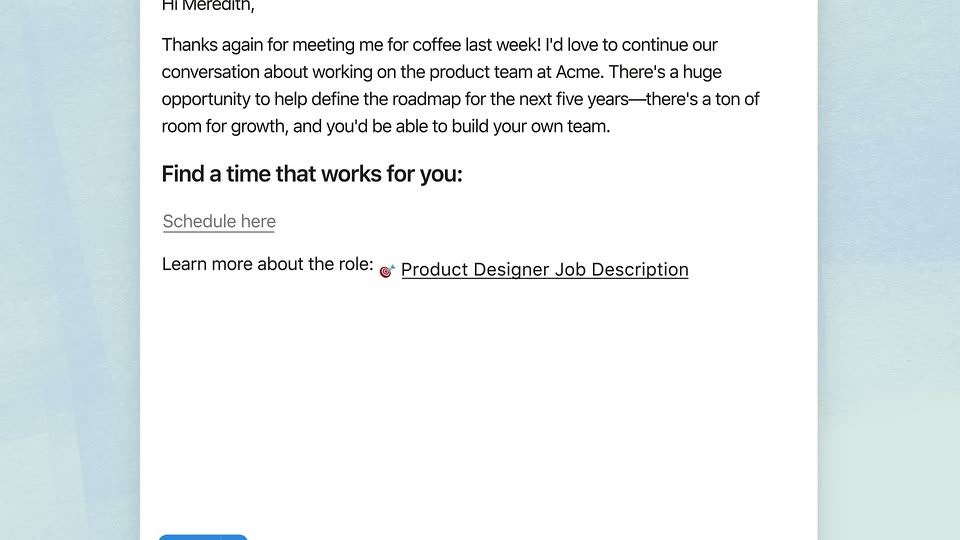 0:39–0:51Notion · Meet Notion MailA cursor drafts an email in the Notion Mail composer: AI text fills the body, a slash menu inserts a heading, and a page link is added. The camera zooms onto the Send button, and a large headline reads “It makes email beautiful”.
 0:48–0:49Ideogram · Ideogram - Meet Ideogram 3.0 — stunning realism, creative designs, and consistenA white pill holding the tagline sits on a light gray panel; the panel recedes to a dark background, centering the pill, while a white cursor with a black outline glides to the pill's right edge.
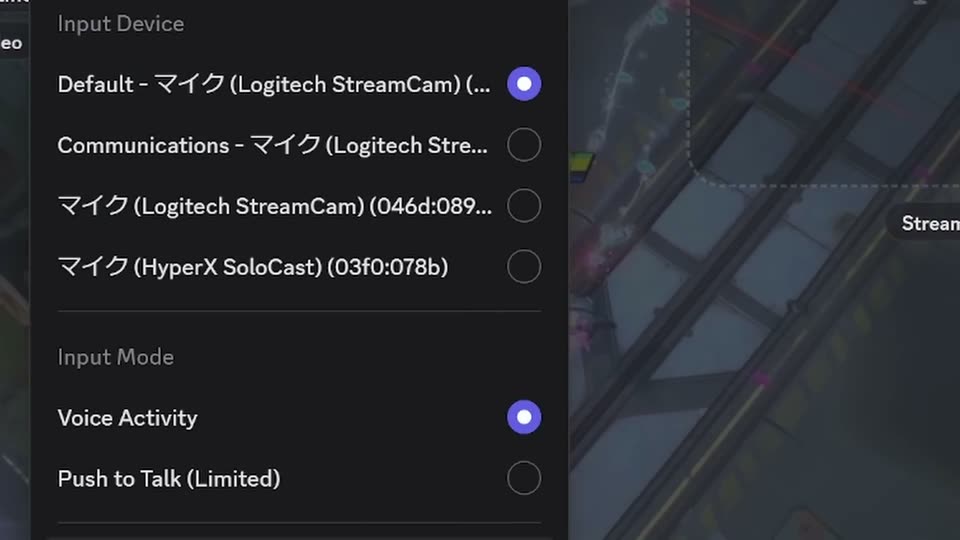 2:27–2:29Discord · Introducing the NEW Discord Game OverlayA dark settings panel lists microphone input devices over a top-down game view. The list scrolls up to reveal the Input Mode section with Voice Activity selected, while a cursor hovers over a device entry.
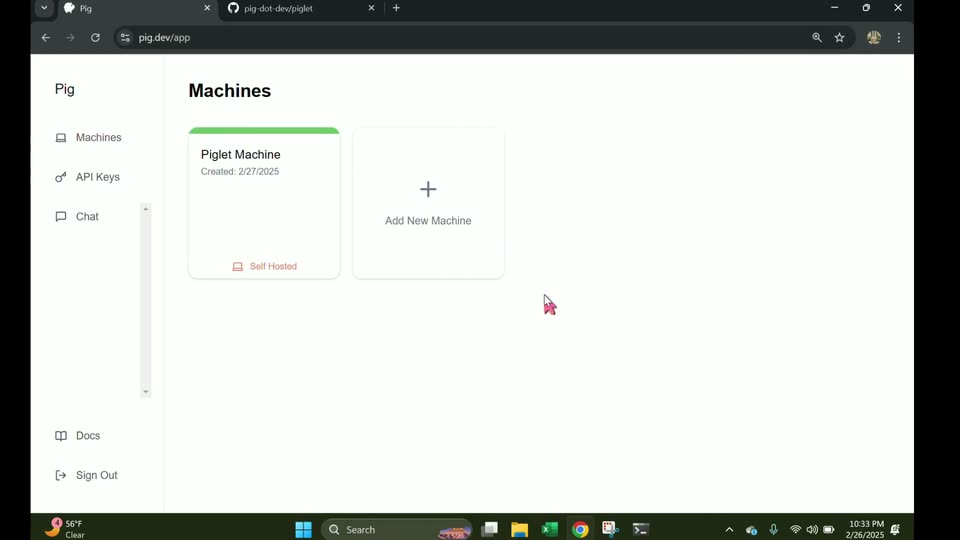 1:02–1:05Butter · Pig Official LaunchA browser window shows the Pig dashboard, switching from the API Keys page to the Machines page with a Piglet Machine card. The cursor moves, then the window shrinks and tilts into a 3D perspective on a gradient desktop.
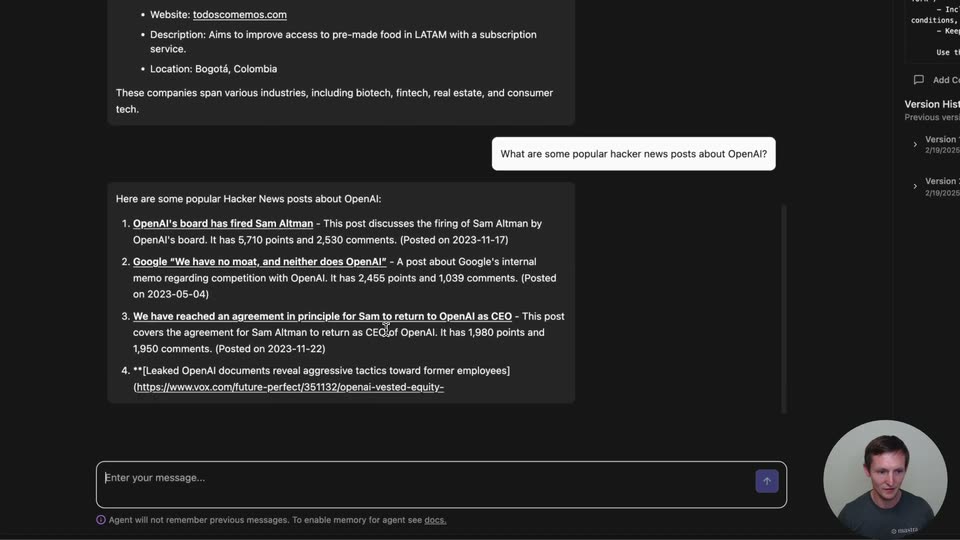 1:52–2:10Mastra · Mastra Demo - The Typescript AI Agent Framework (2024)Dark chat interface in a browser with a circular presenter webcam bottom-right. The frame pulls back from a close-up of the company list to the full app, scrolls the list, then a question about OpenAI is typed into the input bar and sent, and a numbered answer appears.
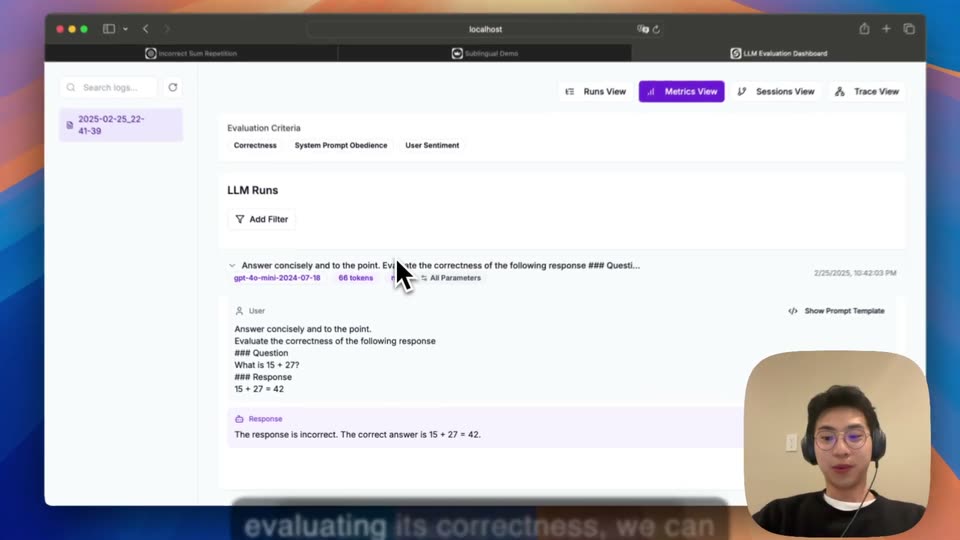 1:17–1:19Sublingual · Sublingual AI DemoA product dashboard dissolves from a tight crop on an LLM conversation log to the full browser window, showing the active view tab and a highlighted response row. A cursor hovers over the list and a small webcam feed of the presenter sits in the bottom right.
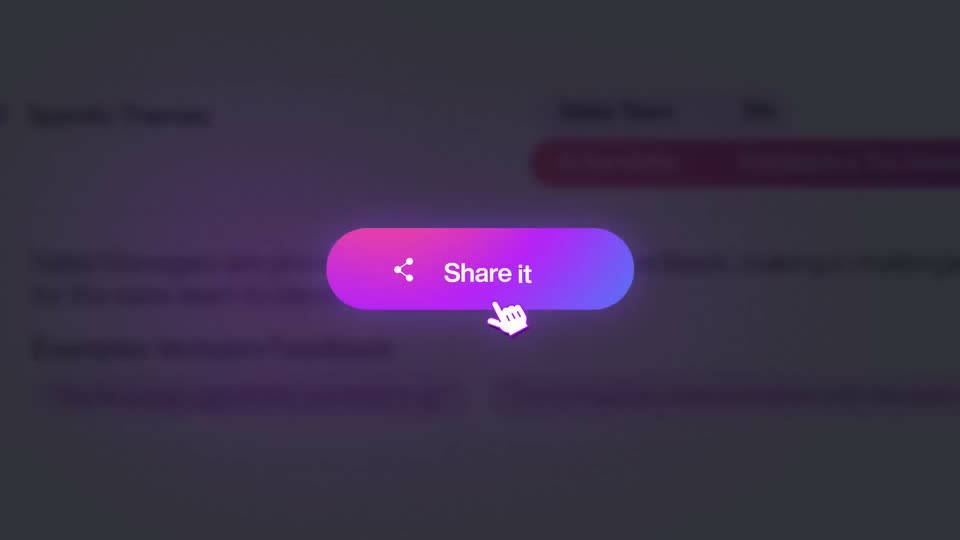 1:03–1:04Teamble · Best SaaS Product Demo Video | TeambleA white feedback card with theme labels and verbatim quotes blurs out of focus, and a pink-to-purple gradient pill labeled “Share it” settles in the center with a white hand cursor icon beneath it. The frame stays locked off.
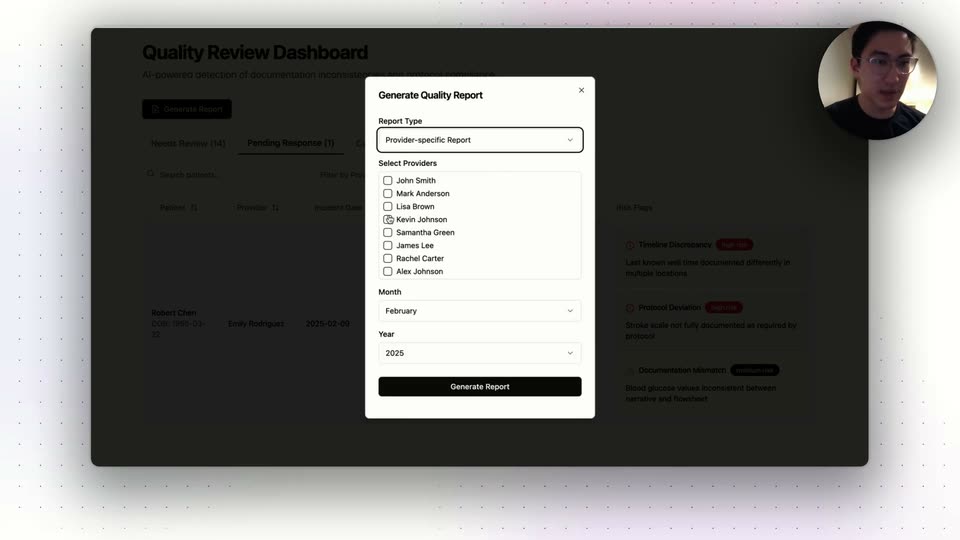 1:40–1:46Amby Health · Amby Health YC LaunchA dark dashboard screen shows a Generate Quality Report dialog. A cursor opens the report-type dropdown, picks Provider-specific Report, checks Lisa Brown, and clicks Generate Report, while a small round presenter cam sits in the top right.
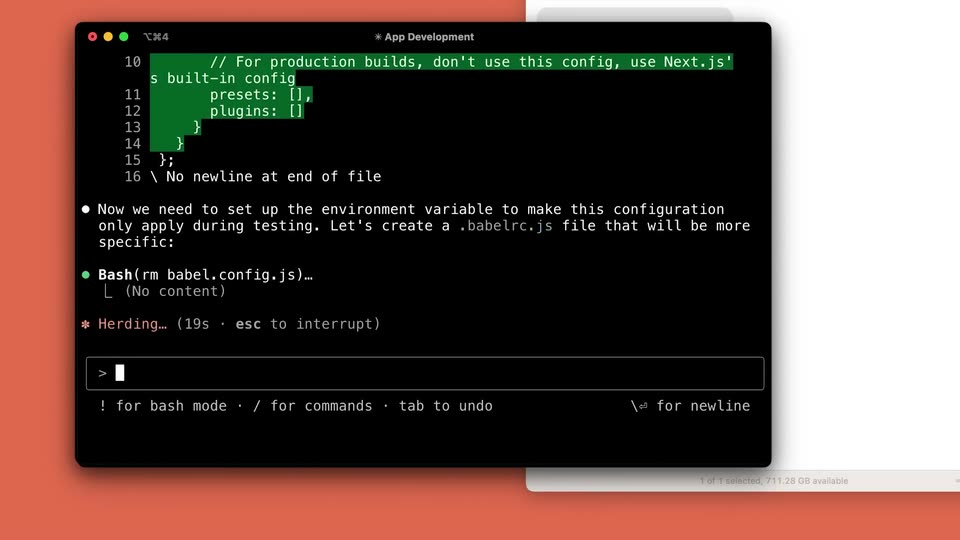 3:08–3:21Anthropic · Introducing Claude CodeA black terminal window sits on a coral background, a white window peeking behind it. The screen scrolls upward as a build command runs, then red error lines and green code diffs fill the view. A mouse cursor hovers over the input box. A status line counts the seconds.
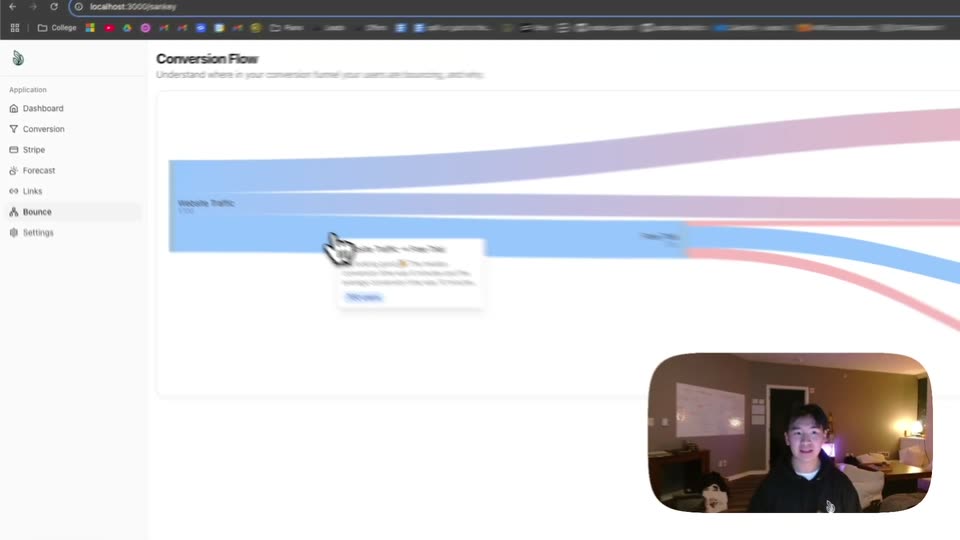 1:18–1:21Cedar · Cedar Demo 🌲A Conversion Flow dashboard shows a funnel diagram with blue and pink bands. A cursor hovers over the blue band, opening a tooltip with conversion stats. The view zooms out to the full browser window, with a webcam of a person in the corner.
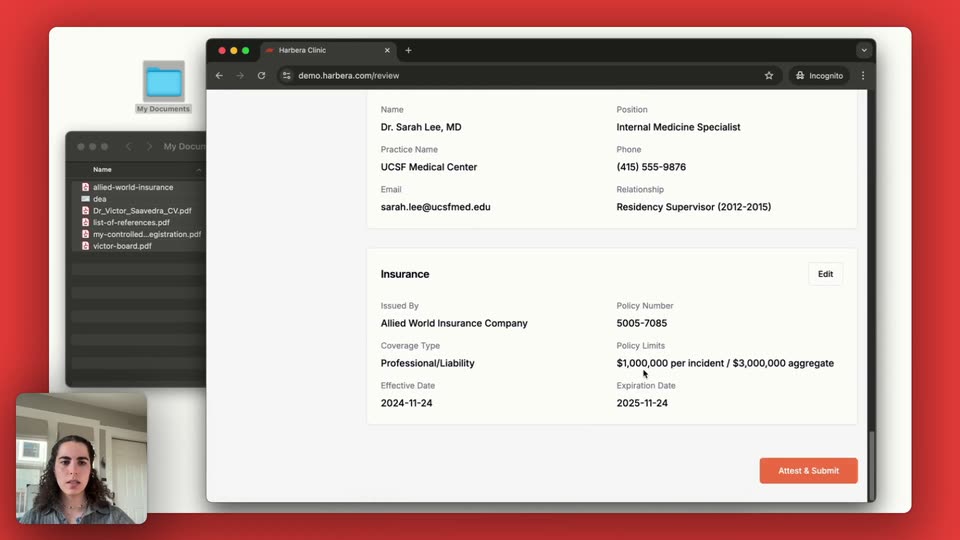 0:56–1:00Harbera · Launch YC: HarberaA screen recording of the Harbera Clinic review page scrolls down past education and work history, a cursor moves to the orange Attest & Submit button and clicks it, cutting to a submission-complete screen. A small webcam feed of a presenter sits in the lower-left corner.
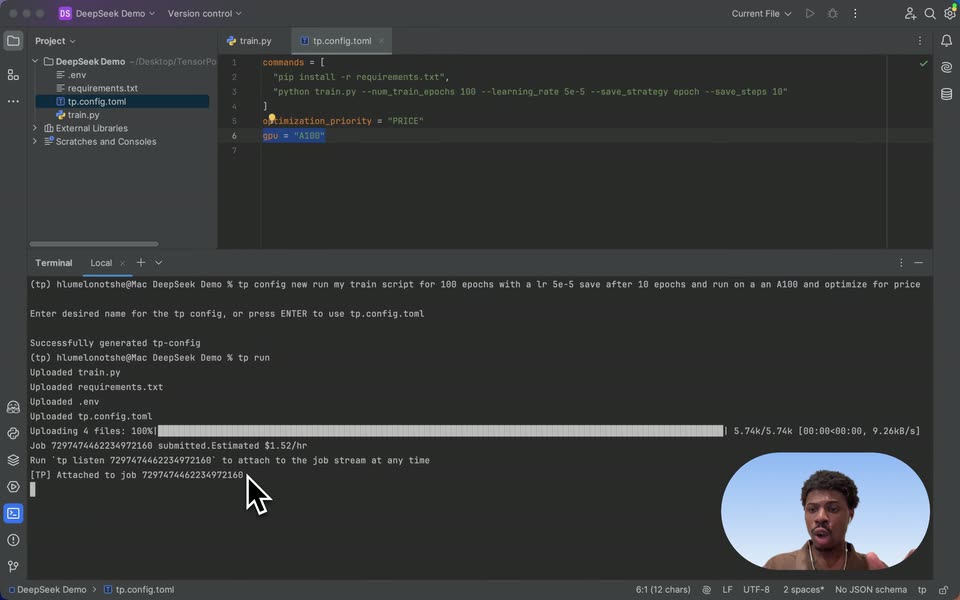 1:30–1:42TensorPool · TensorPool (W25) - The Easiest Way to Access GPUsA dark VS Code window fills the frame: a TOML config file sits in the editor above a terminal where commands stream in, a progress bar fills, and job lines appear. A man talks in a circular webcam bubble at the bottom right, while the cursor drifts across the terminal.
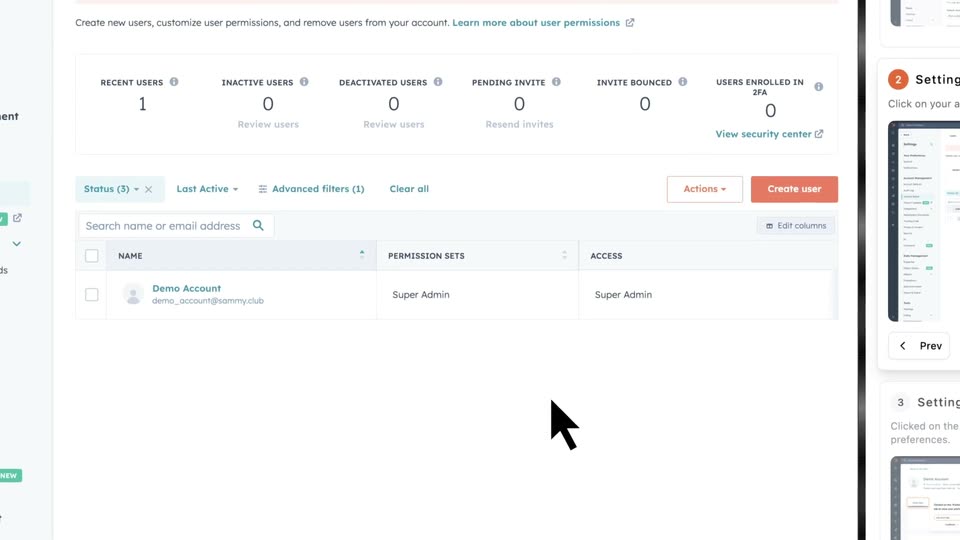 0:46–0:49SAMMY Labs · SAMMY Labs - Product TourA HubSpot settings submenu on the left slides away, reframing the users table with its stat counters and a single Demo Account row. A cursor drifts down and right across the empty table area.