Cursor demo
A visible cursor operates the interface.
15,025 scenes · page 205 of 251
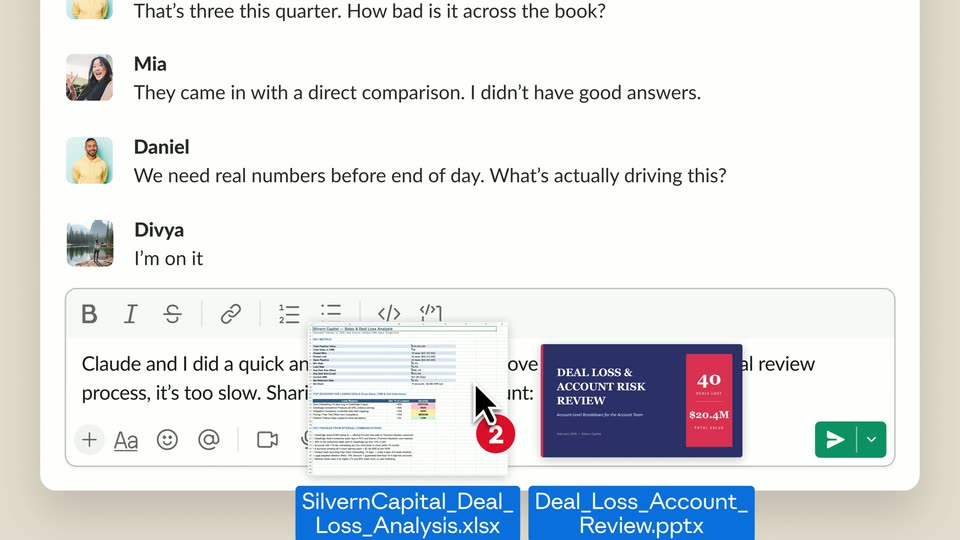 0:58–1:00Anthropic · Claude - Introducing Cowork and plugin updates that help enterprises customizeA chat thread with messages from Mia, Daniel and Divya sits above a message composer holding a typed analysis summary. A cursor moves into the composer and two file attachments, an Excel sheet and a PowerPoint deck, pop up along the bottom edge.
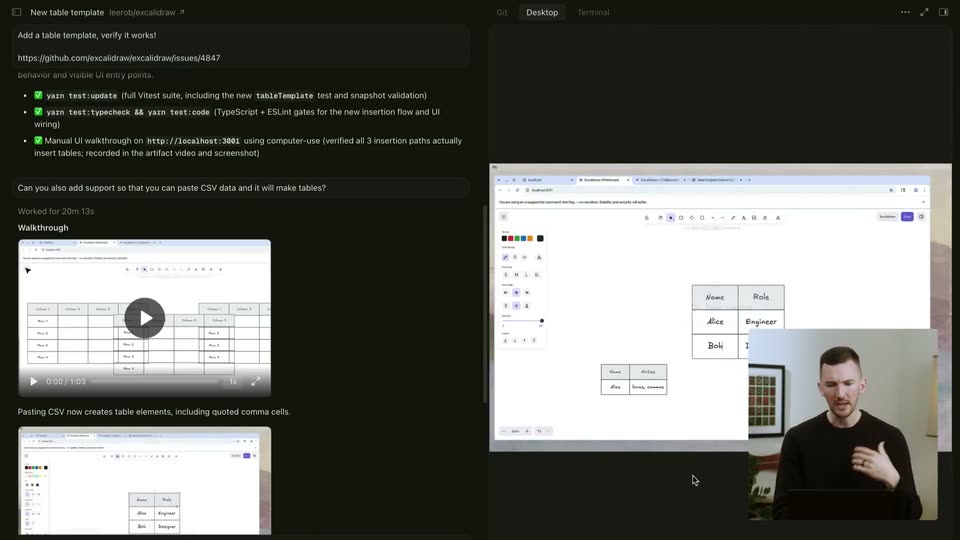 2:03–2:04Cursor · A computer for every agentA split view shows a dark chat panel on the left listing task steps and video thumbnails, while the right holds a browser window with a table editor and a small webcam feed of a man at a laptop. A cursor moves in the editor.
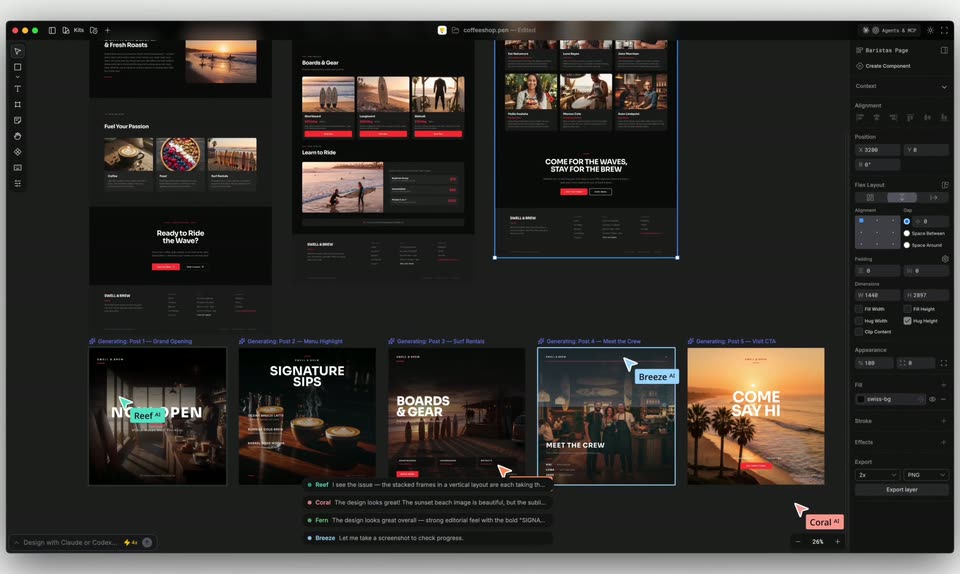 0:28–0:31Pencil · Tom Krcha - Pencil just crossed 100,000 users! Today we are introducing SWARM modA dark design-tool canvas shows a grid of website artboards for a surf café. Named AI agent chips, each with a colored tag and an arrow cursor, drift across the layout and select different artboards, while a status bar at the bottom types their comments.
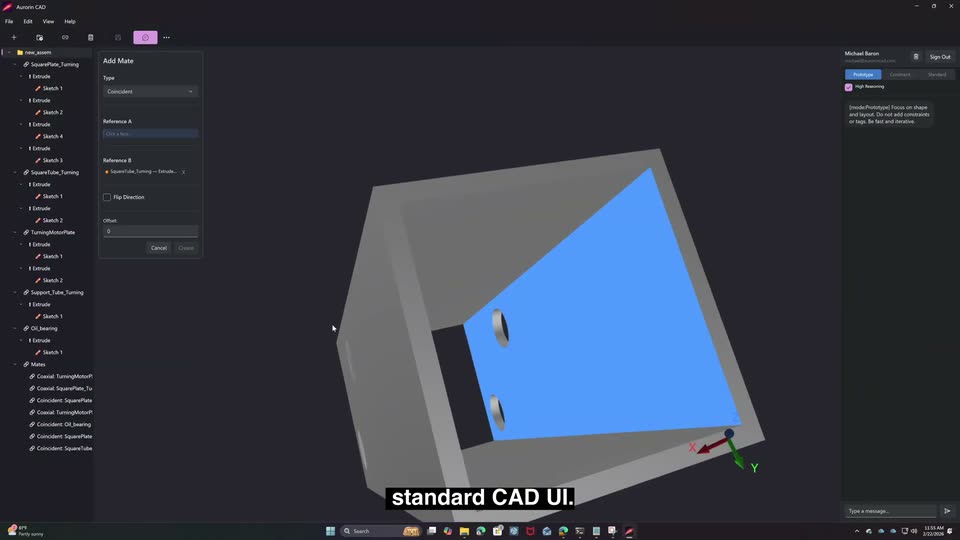 0:43–0:45Y Combinator · Y Combinator - Aurorin is building new professional CAD Software from the ground upA dark CAD workspace shows a gray box model with a blue face and an open Add Mate dialog, then transitions to a chat panel where a photo of a printed part and the question can you make this appear. A white caption reads standard CAD UI.
 0:56–0:58Canary · Canary - Friday. 5:47 PM. Quick Claude session, small auth refactor. LGTM, meA test suite list with green pass badges and a hand cursor hovering over rows; the view pulls back to reveal dashboard stat cards, then pushes in toward a generate-tests panel. A caption runs along the bottom throughout.
 1:01–1:04Contra Payments · ben - Introducing Contra Payments. The first payments platform that lets yA notifications panel scrolls upward, repeating matched entries with avatars and timestamps, as a black cursor hovers over the list. A workspace card with a discovery score sits on the left, and a dark caption box reads along the bottom.
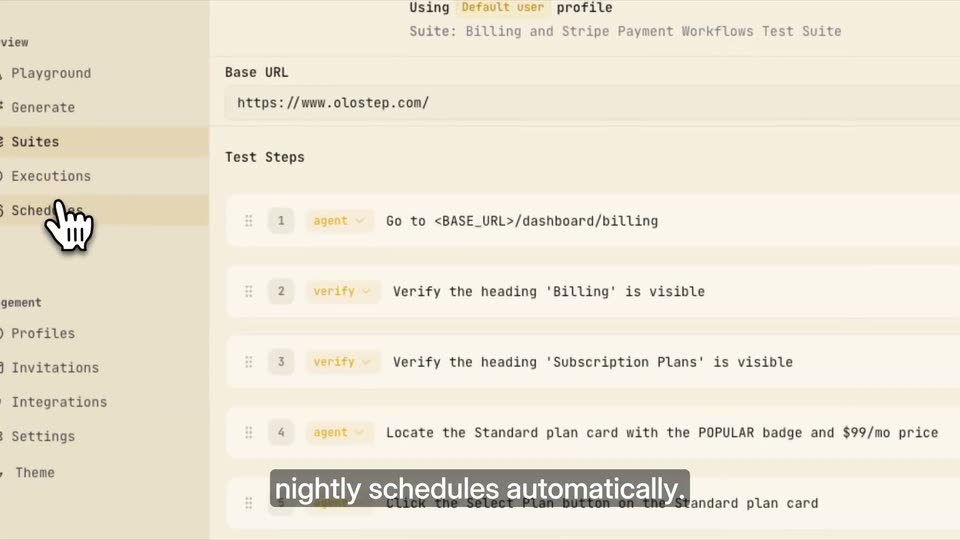 1:01–1:03Canary · Canary Launch VideoA light test-suite editor shows a numbered step list; a hand cursor clicks the Schedules item in the left menu, and the view reframes onto a schedules card listing timezone, suite and environment. White subtitle captions read across the bottom.
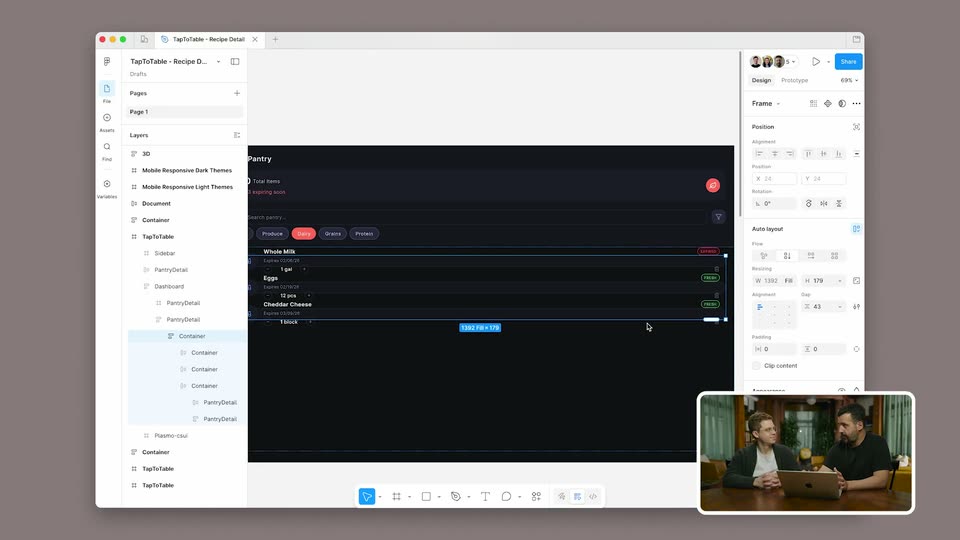 2:19–2:23Figma · Figma - Tired: code or canvas Wired: code AND canvas Introducing Claude CodeA Figma window fills the frame, its dark canvas showing a pantry app with three food cards. A cursor selects elements as the zoom shifts. A small rounded clip of two men at a laptop sits in the corner, then cuts to them full screen.
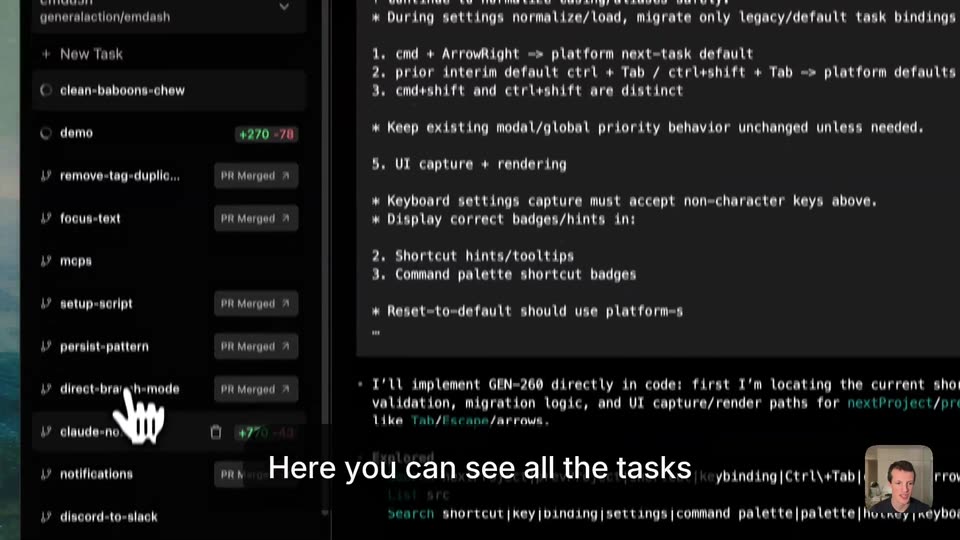 0:29–0:30Emdash · Y Combinator - .@emdashsh is building an open-source Agentic Development EnvironmentA dark task-management interface fills the screen: a left sidebar lists tasks with merge badges while a code panel occupies the right. A white hand cursor glides down the list, and a small webcam self-view sits bottom right. A white caption reads at the bottom.
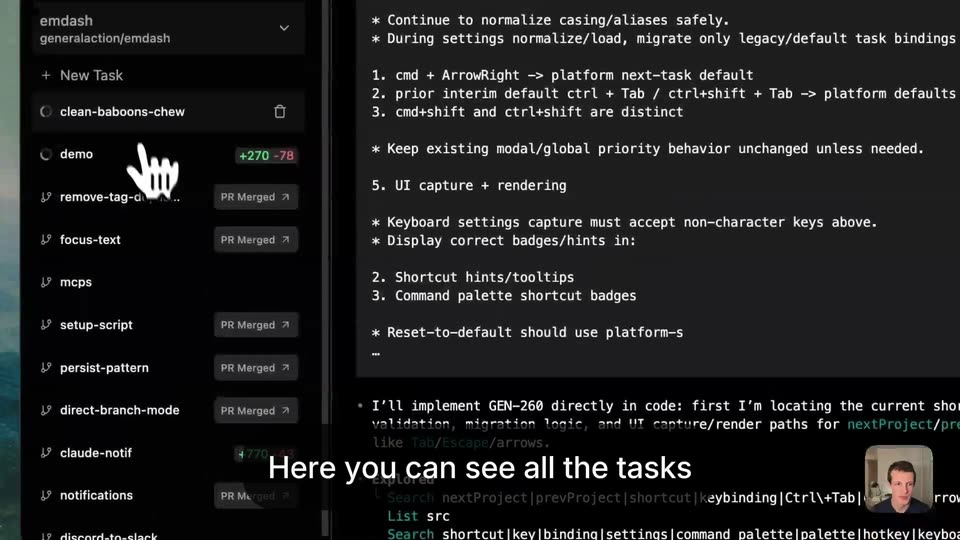 0:28–0:29Emdash · Launch Emdash (YC W26)A dark app screen shows a left sidebar of task names beside a right panel of notes. A white hand cursor glides up the list, hovering over rows, while a caption fades in at the bottom and a small face cam sits in the corner.
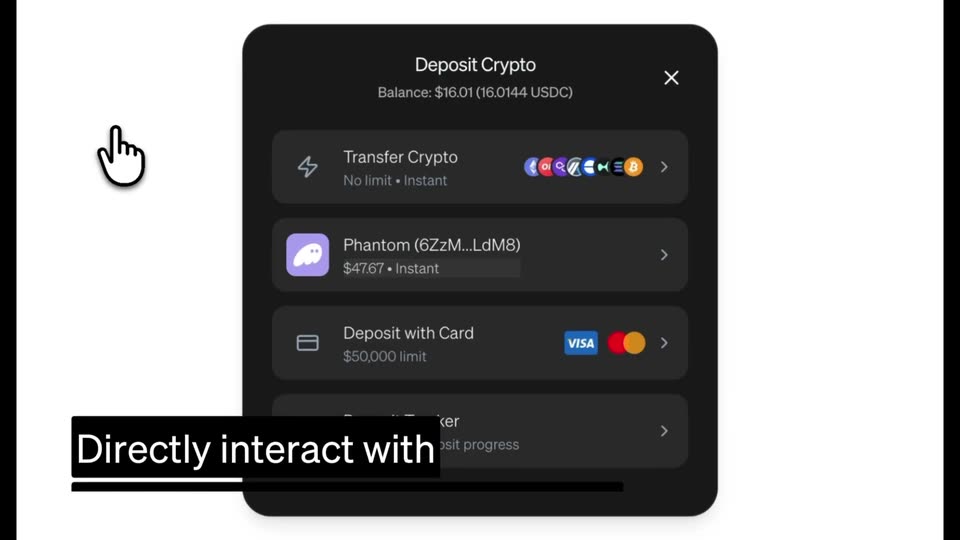 0:22–0:24Unifold · Unifold - Universal Deposit InfrastructureA dark Deposit Crypto panel sits on a white background, its list of options sharpening in. A hand cursor glides in from the left and taps the Phantom wallet row, which fills in with its balance. A caption bar appears at the lower left.
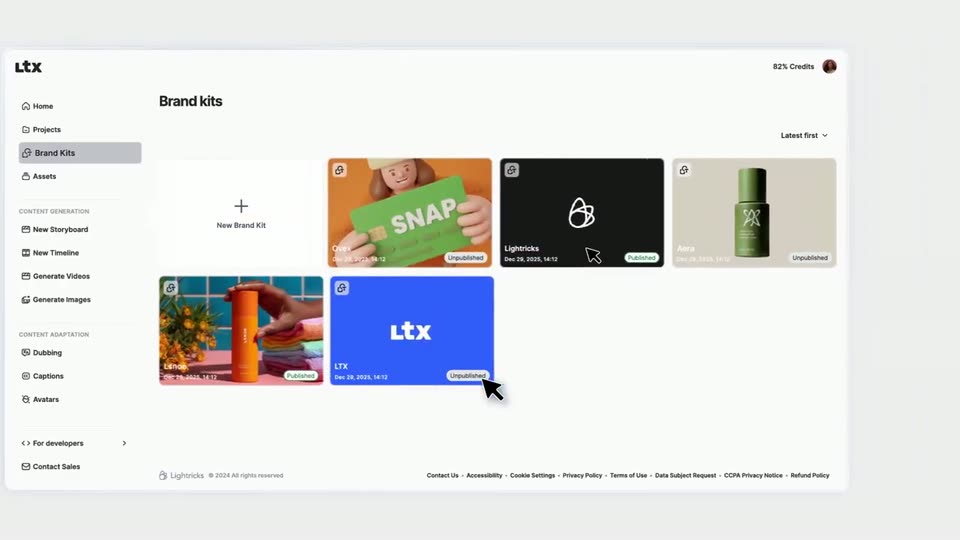 0:27–0:28Lightricks · LTX.io - Introducing Brand Kit. A new enterprise feature in LTX Studio that lA 3D-tilted LTX dashboard sits in space as the camera pans across it from the left sidebar to the right edge, gliding over a row of brand kit cards. A cursor hovers over the blue LTX card.
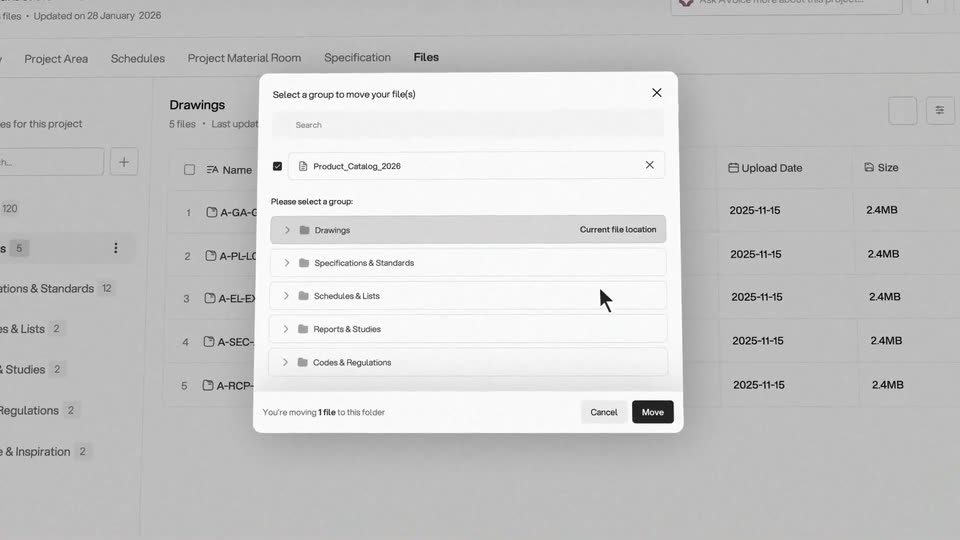 1:06–1:11Avoice · Avoice | The AI Workspace For ArchitectsA browser window of the Avoice file manager dissolves from a doubled ghost into a clean frame. A cursor clicks the Drawings group, opens a small menu, then a centered move-file dialog appears; the cursor travels to the Move button.
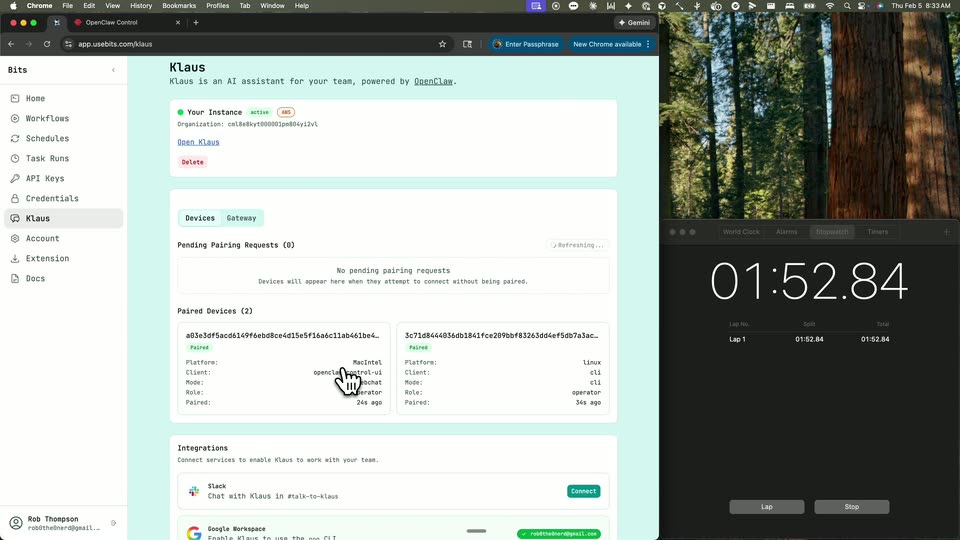 0:23–0:24usebits_inc · Y Combinator - OpenClaw is a new viral and scarily effective virtual assistant. ButA split screen pairs a browser window of the Klaus dashboard on the left with a dark stopwatch app on the right. A cursor hovers over a paired device card while the stopwatch digits tick upward against a forest backdrop.
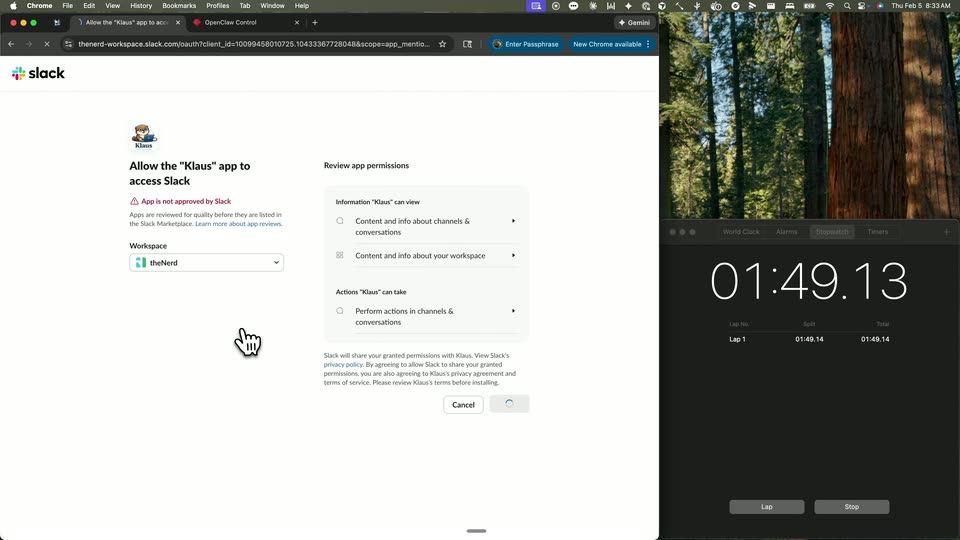 0:32–0:33Klaus AI · Klaus launchA screen recording shows a Slack permission page in a browser on the left and a stopwatches app counting up on the right. A hand cursor clicks the green Allow button, then the page switches to a success message confirming the Klaus app is installed.
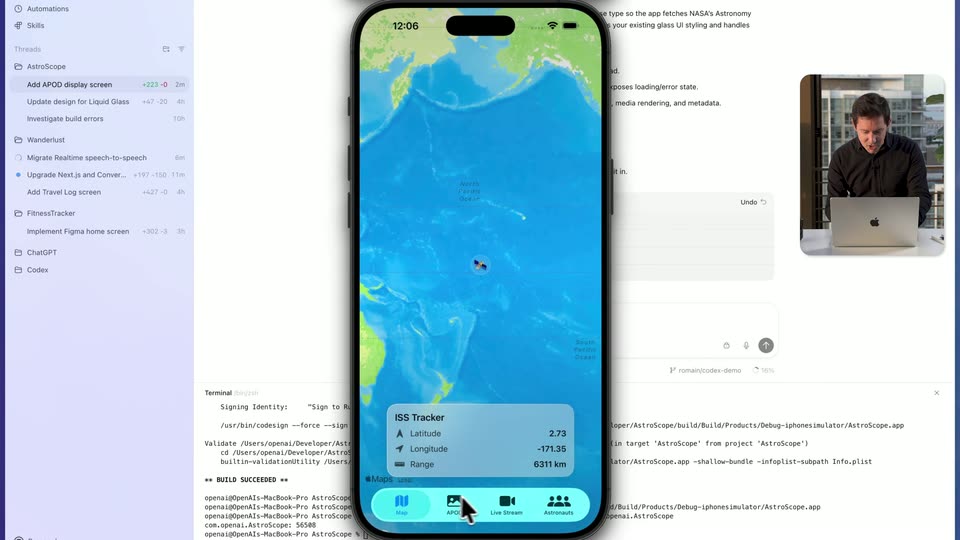 1:59–2:02OpenAI · Introducing the Codex appA Mac desktop shows an iPhone simulator on a map app with an ISS Tracker card. A cursor taps the APOD tab, switching the screen to a Picture of the Day view with a loading spinner. A video call window on the right shows a man gesturing.
 1:16–1:17Project Genie · Google DeepMind - Step inside Project Genie: our experimental research prototype that lA close-up of a dark interface panel shows a cursor resting on a white Create world button. The frame then zooms out with heavy motion blur, revealing a brown cardboard humanoid standing in a colorful 3D world.
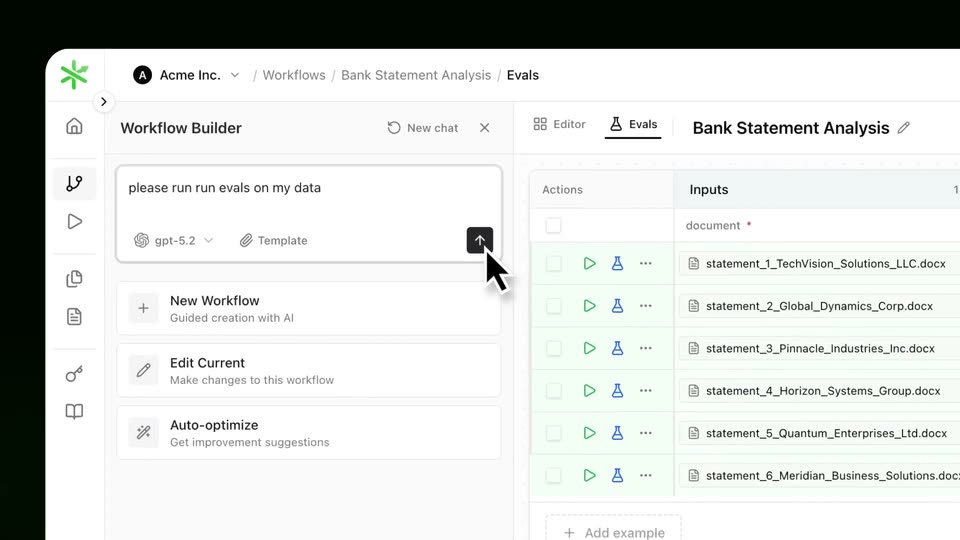 1:02–1:03EigenPal · Introducing EigenPalThe interface crossfades between two views: on the left a workflow builder chat with a cursor hovering a dark run button, on the right an evals table listing bank statement files under Actions and Inputs columns.
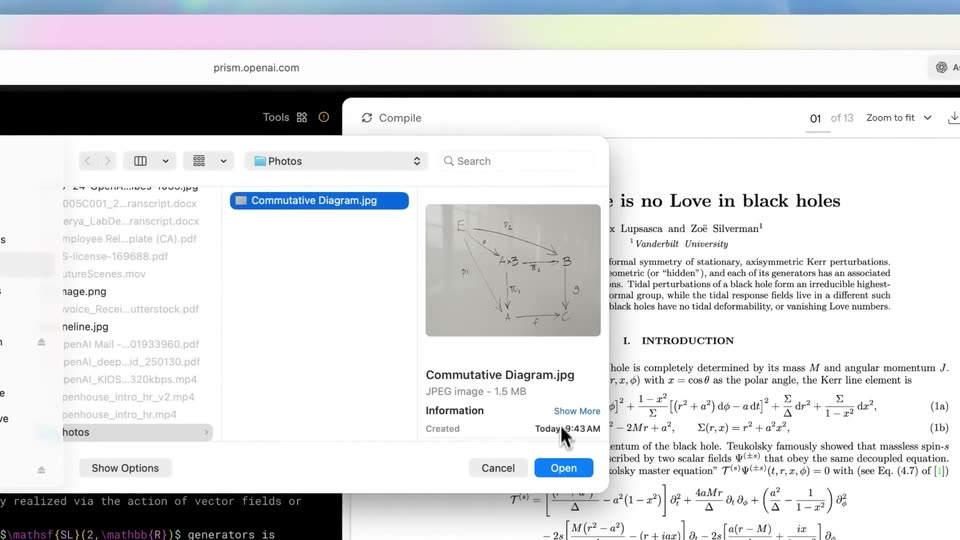 0:33–0:39OpenAI · Introducing Prism, a free workspace for scientists to write and collaborate on researchA macOS file picker dialog sits over a browser page showing a math paper. The cursor clicks the file Commutative Diagram.jpg, a preview of the hand-drawn node-and-arrow diagram appears, then the cursor moves down and clicks the blue Open button.
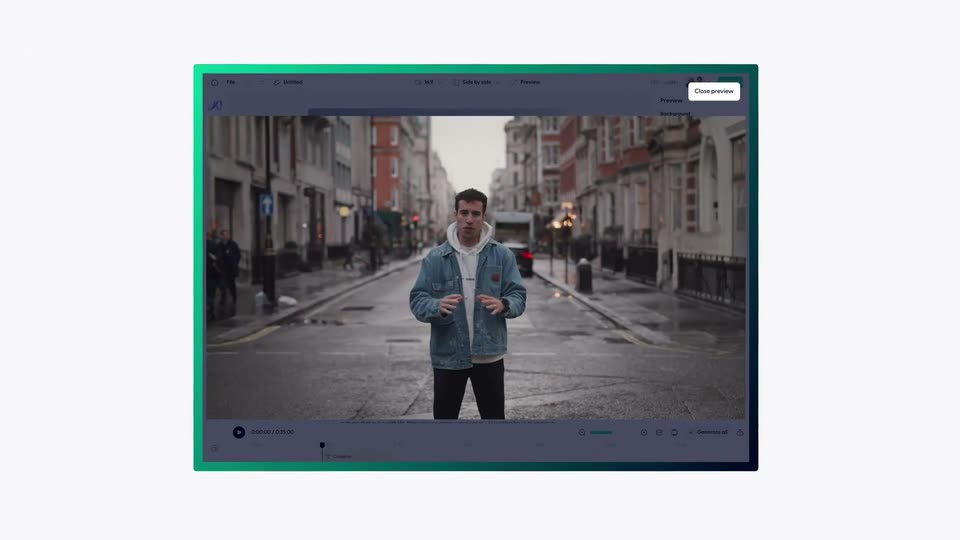 1:07–1:09Wondercraft · Dimi Nikolaou - Today AI Video stops being slop. Introducing Wondercraft Video, an AA settings panel with a green Generate button is in focus as a hand cursor taps it. The panel blurs away, a video preview of a man on a street opens, and the view zooms in until he fills the frame against a brick wall.
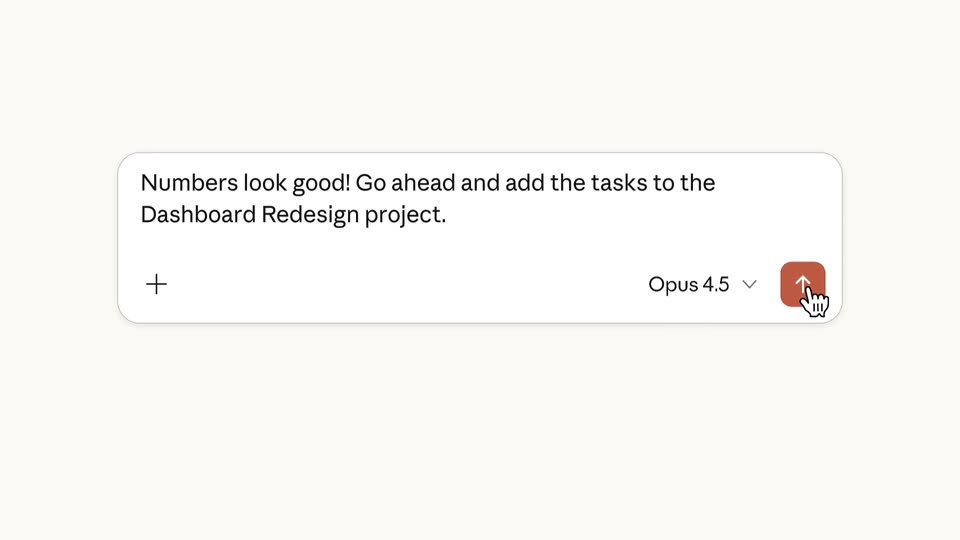 0:28–0:30Anthropic · Claude - Your work tools are now interactive in Claude. Draft Slack messages,A white chat card on a cream background holds a two-line message. A hand cursor taps the orange send button, the card collapses into a thin line with a small spinner, then a new reply line streams in word by word at the left.
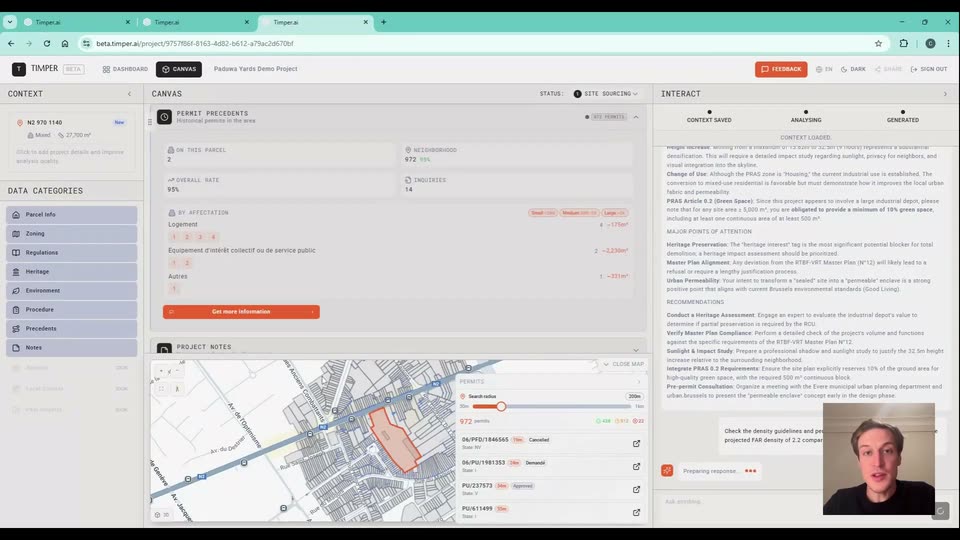 0:47–1:36Timper · Timper.ai - Demo Jan 2026A full-screen view of the Temper web app shows three side-by-side panels while the AI streams a zoning analysis, the data list expands row by row under a moving cursor, and the map zooms onto an orange parcel; a presenter's webcam sits in the lower right corner.
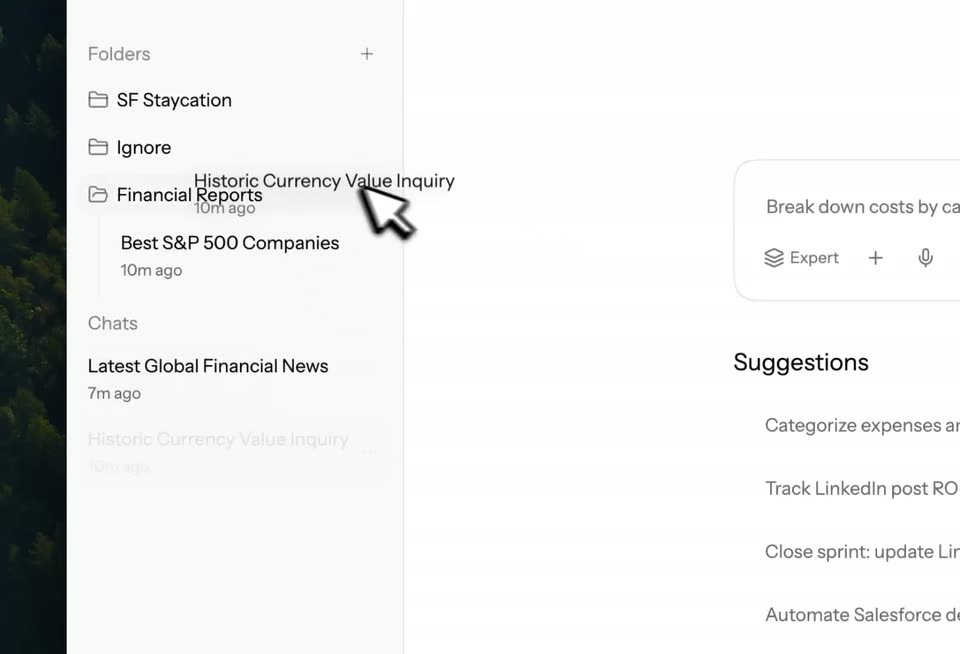 0:08–0:09Doe · doe - We're announcing folders for chat sessions and files!A light product sidebar lists folders and recent chats. A cursor arrow glides between entries, pausing over Financial Reports and Historic Currency Value Inquiry, while a suggestions panel and a prompt card stay static on the right.
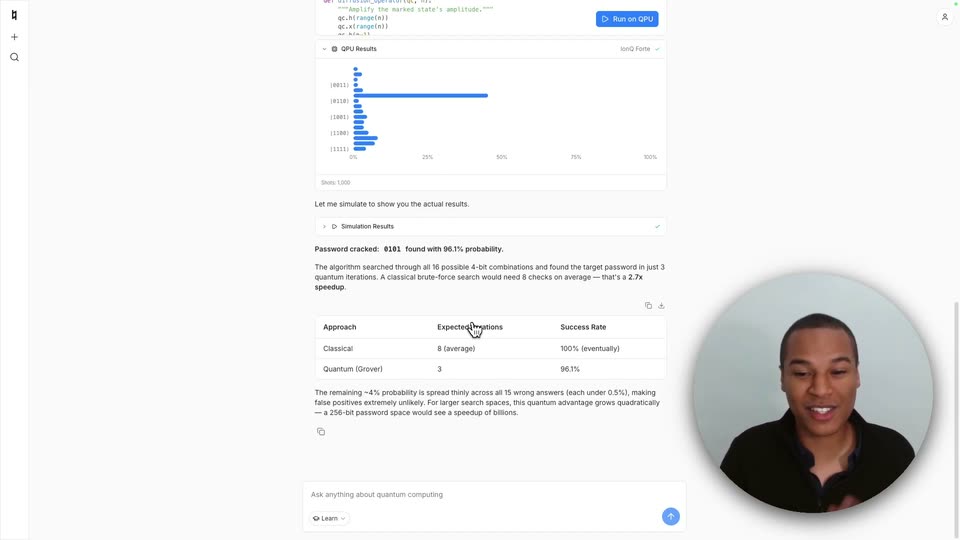 3:01–3:30Conductor Quantum · Coda | Natural language quantum computingA document interface for a quantum simulation fills the screen: a bar chart, a results table, and a circular video of a presenter in the bottom right. A cursor hovers over the chart, the view pulls back to the full page, then zooms in on the results text.
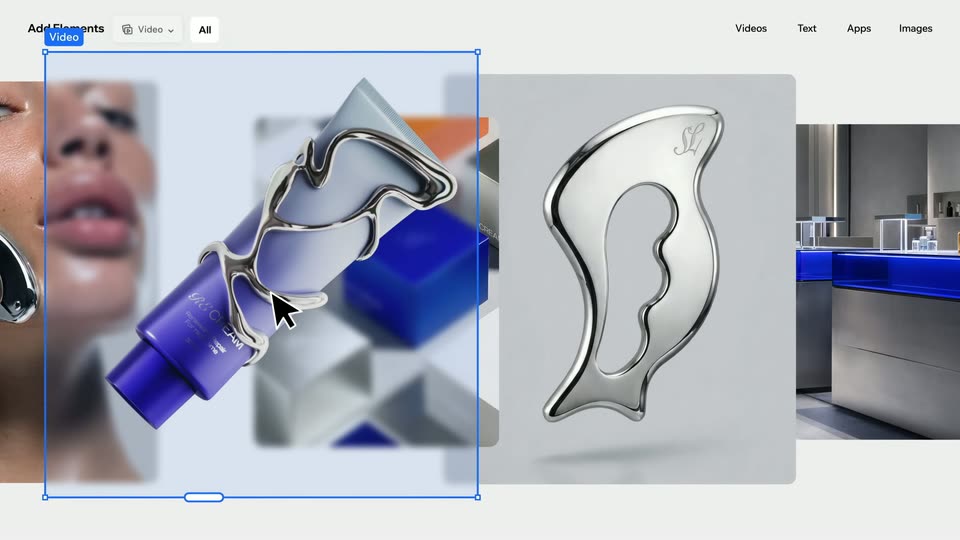 0:35–0:37Wix Harmony · Wix Harmony: The new way to createA video card with a woman applying cream hovers over a 3D chrome ring, then drops onto a light gray editor canvas. It lands as a playing clip inside a blue selection box with handles, a cursor arrow beside it.
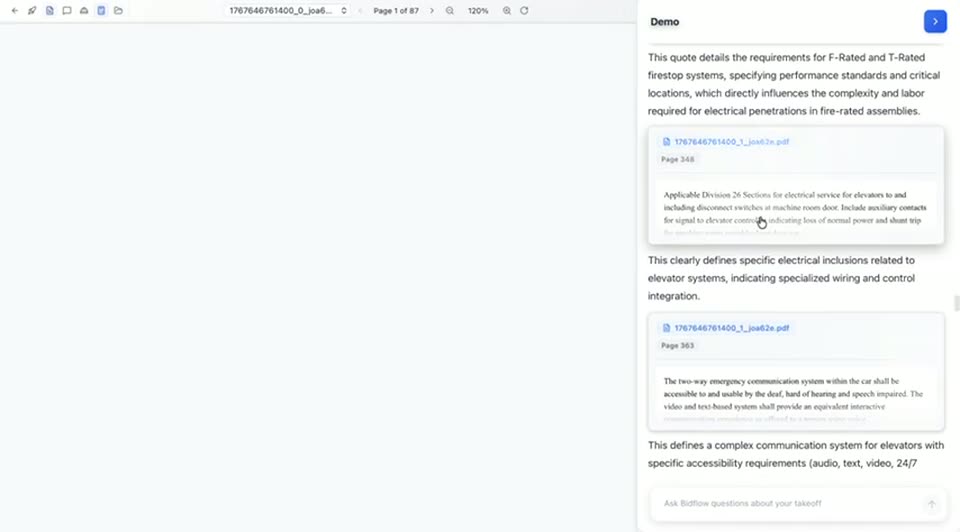 1:08–1:09Bidflow · Bidflow DemoA split product view shows a blank PDF page on the left and a Demo panel on the right listing two quoted source cards. A cursor rests on the first card as the frame holds on the static screen.
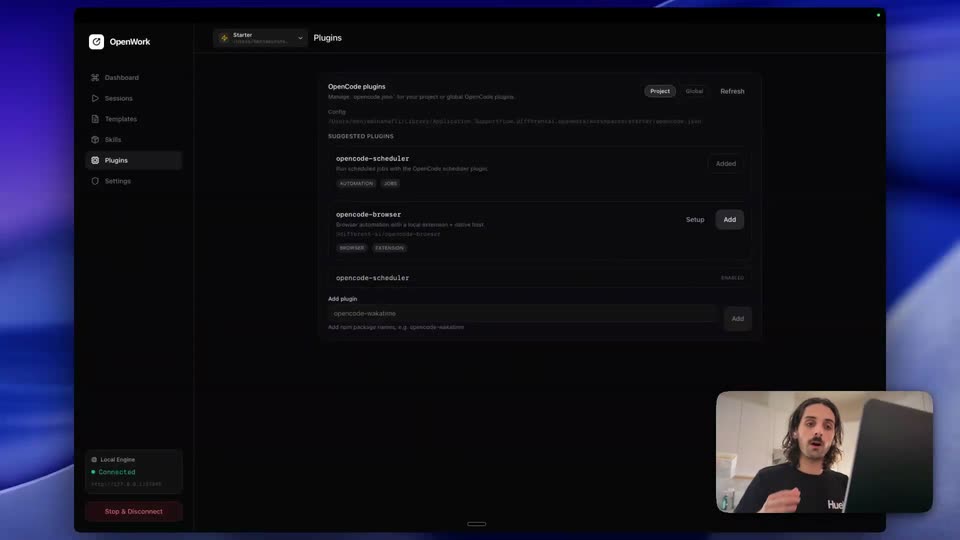 1:42–1:48OpenWork · OpenWork: The open-source alternative to Claude CoworkA dark OpenWork interface shows the Plugins panel with a list of suggested plugins and an add field, while a small video inset in the corner shows a man talking and gesturing. A cursor hovers over the Add button.
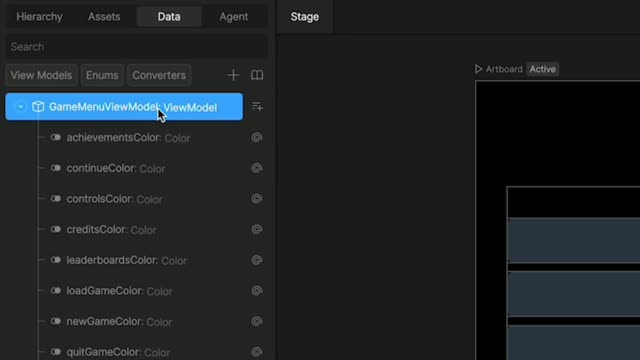 1:10–1:11Rive · Scripting is Live in Rive ✨A dark IDE interface fills the frame. A cursor hovers over the highlighted GameMenuViewModel row in the left data panel, then glides right into the empty Stage area as the row's blue selection bar fills in.
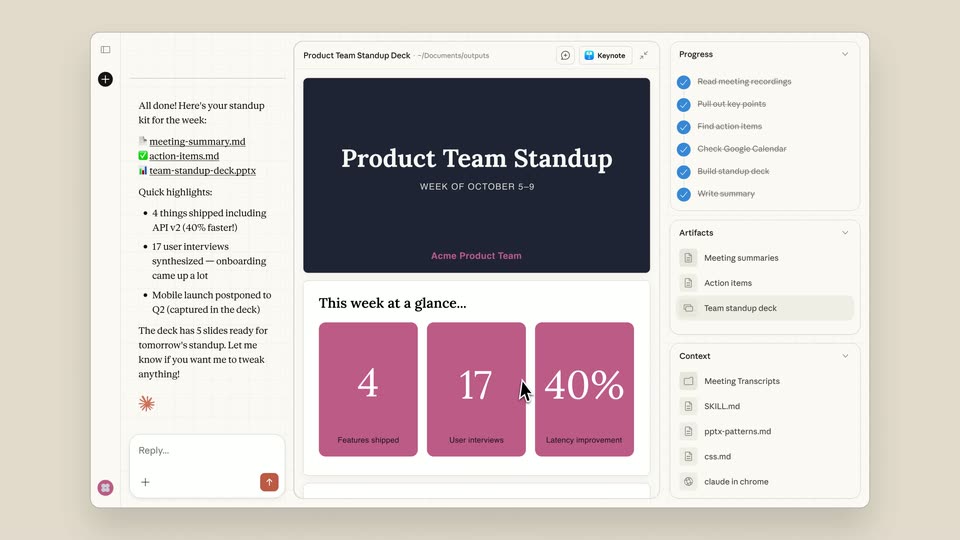 0:53–0:57Anthropic · Introducing Cowork: Claude Code for the rest of your workA three-panel app interface settles into view: a chat summary on the left, a Product Team Standup slide deck with pink stat cards in the center, and a progress checklist on the right. A cursor hovers over the standup deck artifact, then the frame tightens onto the central slide.
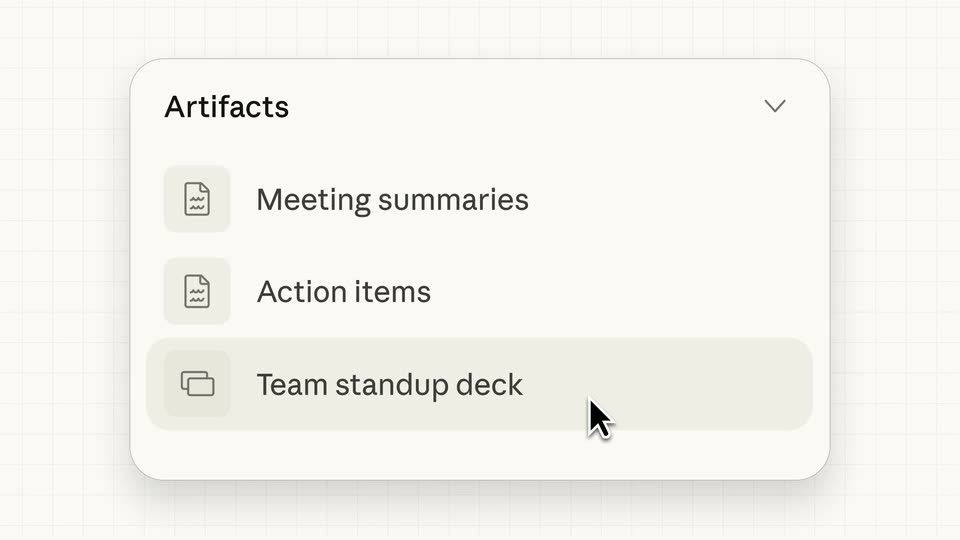 0:50–0:53Anthropic · Claude - Introducing Cowork: Claude Code for the rest of your work. Cowork leA white rounded panel titled Artifacts floats on a pale grid background. A third row, Team standup deck, slides in with a soft gray highlight as a black cursor glides up to hover over it.
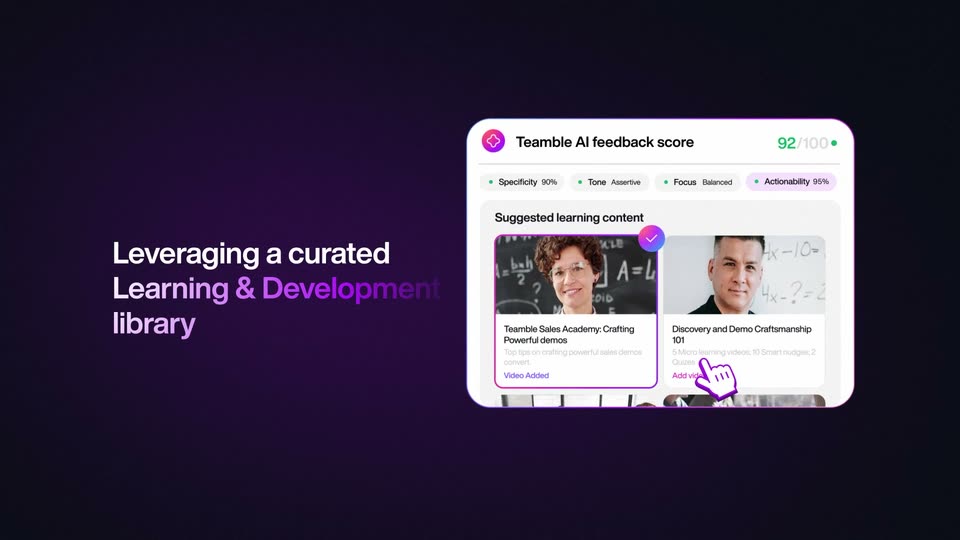 0:53–0:56Teamble · Teamble launch filmA dark purple stage holds a left-aligned headline with two pink sparkles, while a flat UI card on the right shows a feedback score counting up from 81 to 92. A purple hand cursor taps the first video card, then slides to the second card's add button.
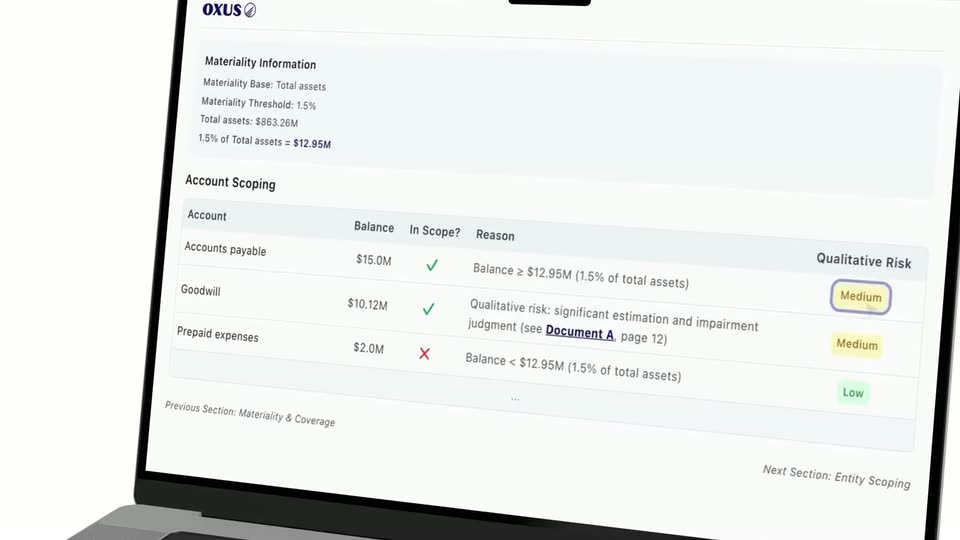 1:03–1:08Oxus · Oxus: Modern intelligence for better auditsA 3D laptop mockup on white shows an OXUS scoping table. A black headline builds word by word on the left, then the view zooms into the table where a cursor hovers a Medium badge.
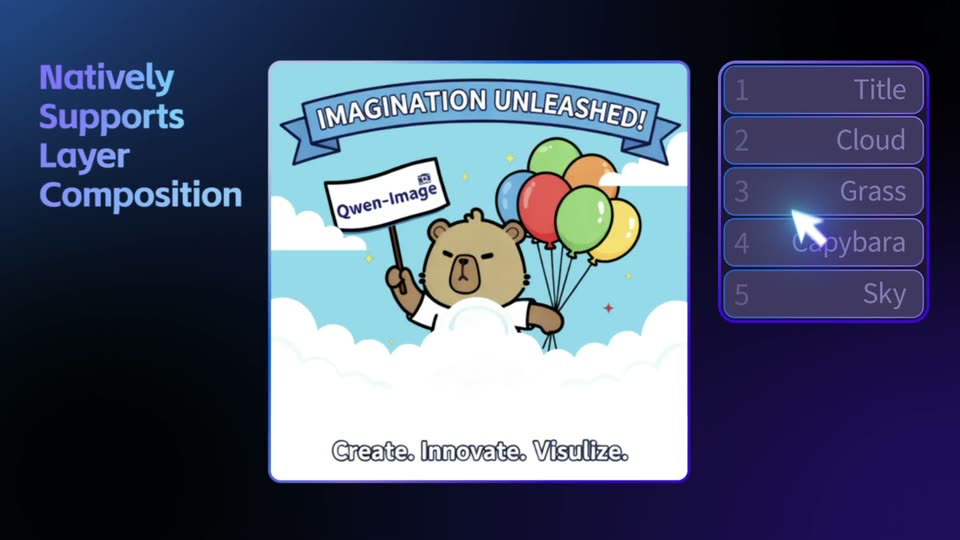 0:40–0:44Qwen · Qwen - 🎨 Qwen-Image-Layered is LIVE — native image decomposition, fully openA dark blue gradient stage holds a cartoon card of a capybara holding a Qwen-Image flag and balloons. The headline types in word by word on the left, while a five-row layer panel on the right shuffles its rows as a cursor hovers, demonstrating reordering.
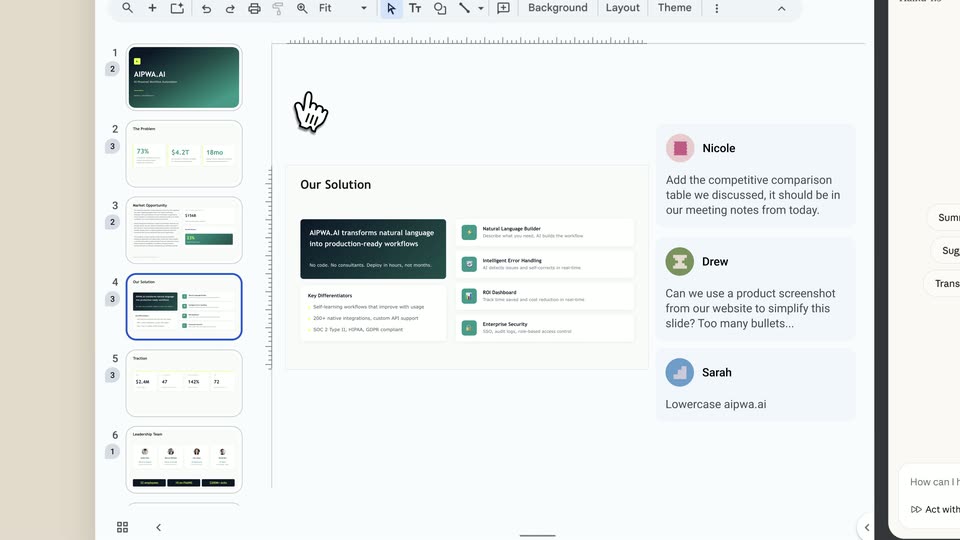 0:36–0:40Anthropic · Let Claude handle work in your browserA presentation app screen with a slide thumbnail rail on the left and a comment panel on the right. A white hand cursor clicks the Our Solution thumbnail, and the main canvas switches from the Market Opportunity slide to the Our Solution slide.
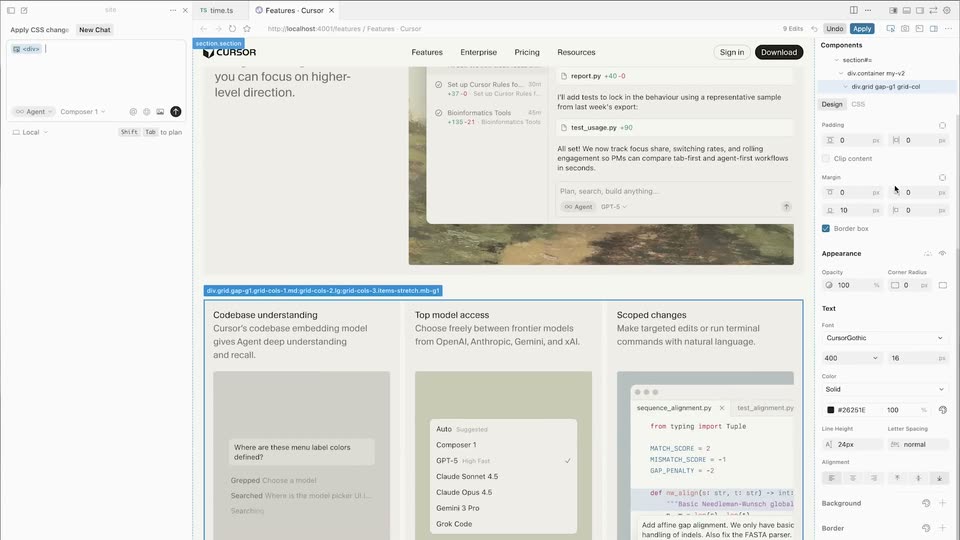 1:53–1:56Cursor · A new visual editor: design directly in your codebaseA design tool canvas displays a Cursor landing page. A cursor works in the right panel, adjusting margin and grid settings; the preview's three feature cards rearrange as the layout value changes.
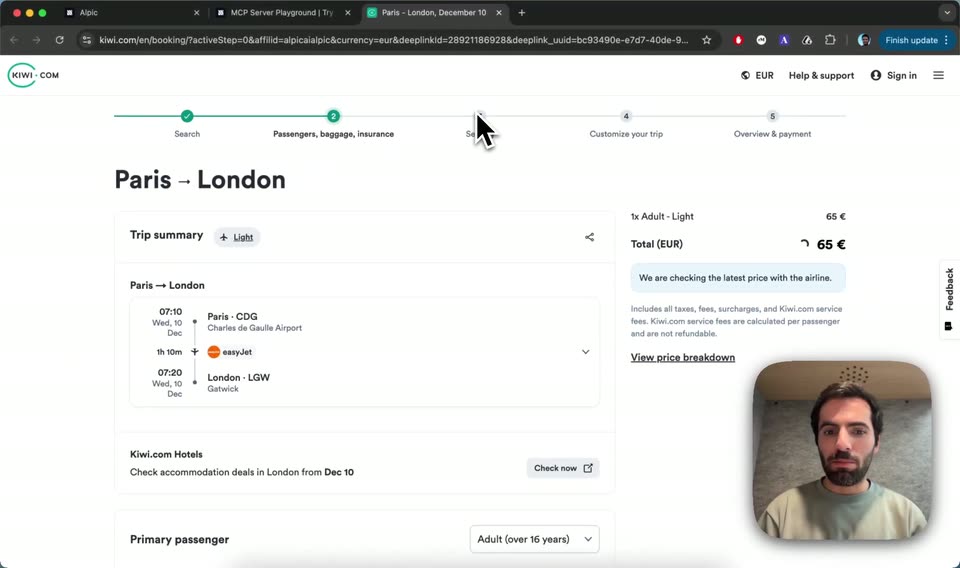 0:58–1:02Alpic · Alpic launch week 2: PlaygroundA browser window shows the Kiwi.com booking page. The view scrolls from a 'Trusted by millions' block up to the Paris to London trip summary, with a price panel on the right. A cursor moves across the form while a presenter's video avatar stays pinned bottom right.
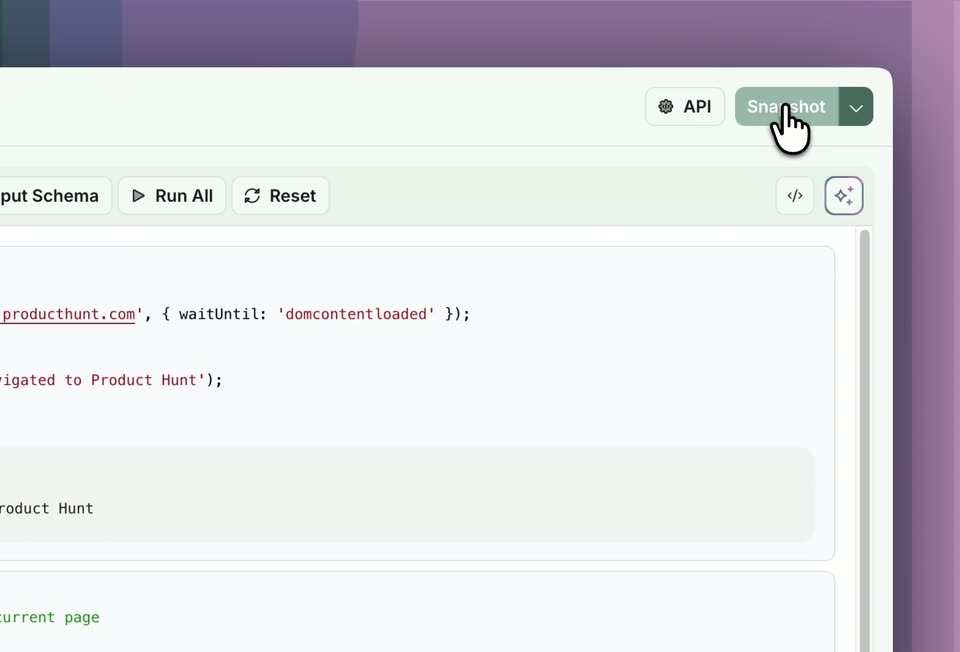 2:32–2:41Kilvin · BrowserBook YC DemoA flat notebook interface splits the screen between a Product Hunt browser view and code blocks. The frame zooms to the top-right corner as a hand cursor clicks the Snapshot button, which flashes Snapshotting, then moves to the API button.
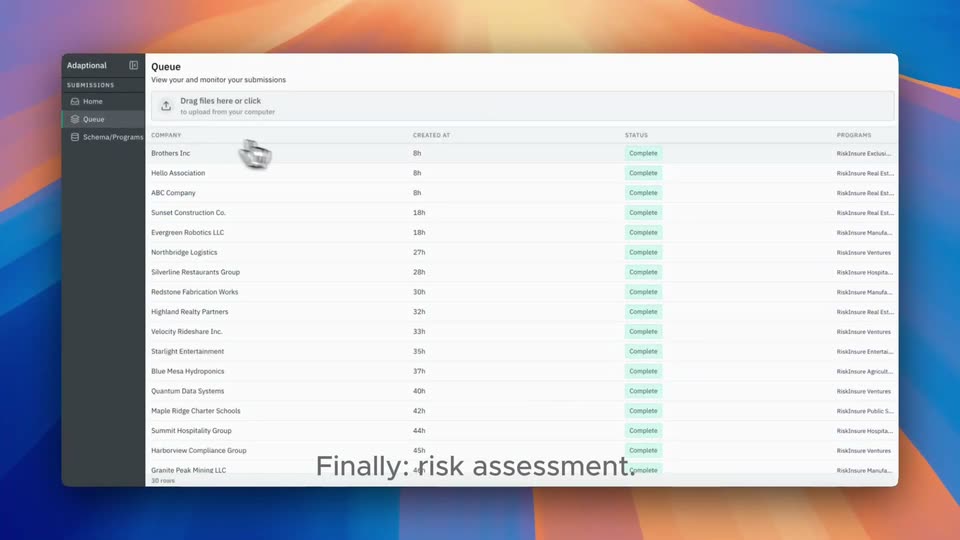 1:08–1:09Adaptional · Adaptional IntroA light dashboard with a dark left sidebar shows a Queue table of company submissions, each row tagged Complete. A cursor glides from the sidebar item to a row in the table while a caption rests at the bottom.
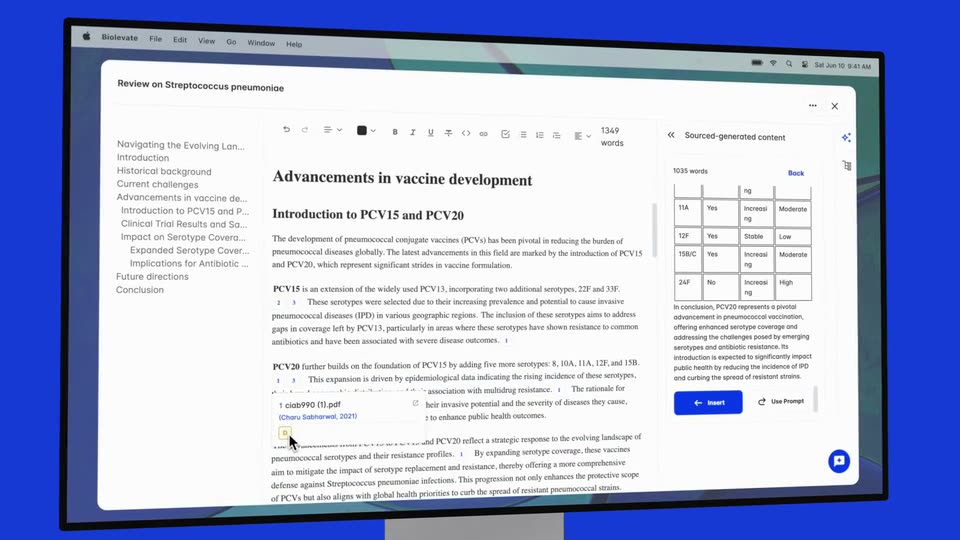 0:44–0:46Biolevate · Biolevate launch filmA tilted monitor on a blue field shows a document editor with a right-hand content panel. A citation popup appears in the body text as the cursor hovers over it, and the camera slowly pushes in toward the page.
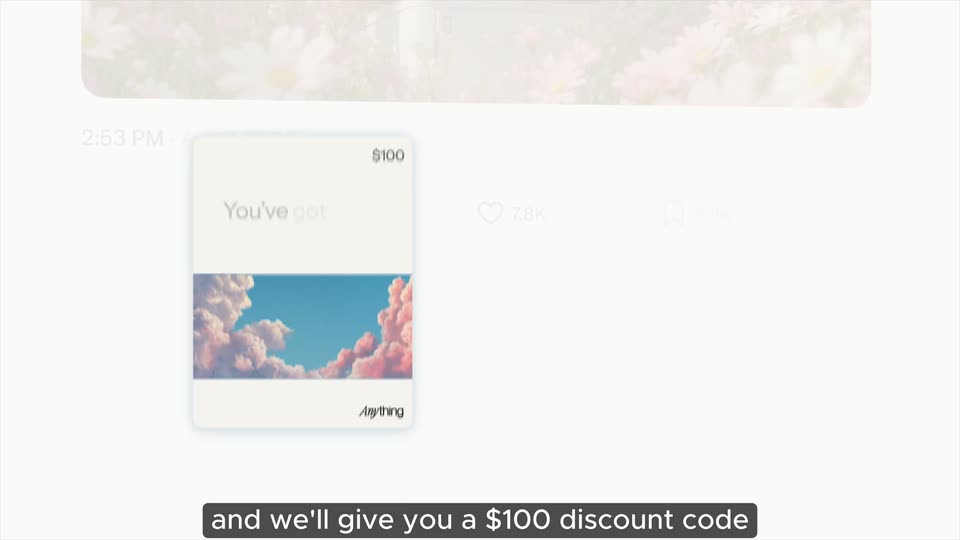 2:09–2:11Anything · Anything - Introducing Anything Max: Vibe Coding that's leaps above Lovable andA black cursor moves to the retweet icon on a social post and clicks it, the icon flashing green. The post blurs out as a white credit card slides in from the right, reading $100 You've got in credits above a photo of a hand holding a phone.
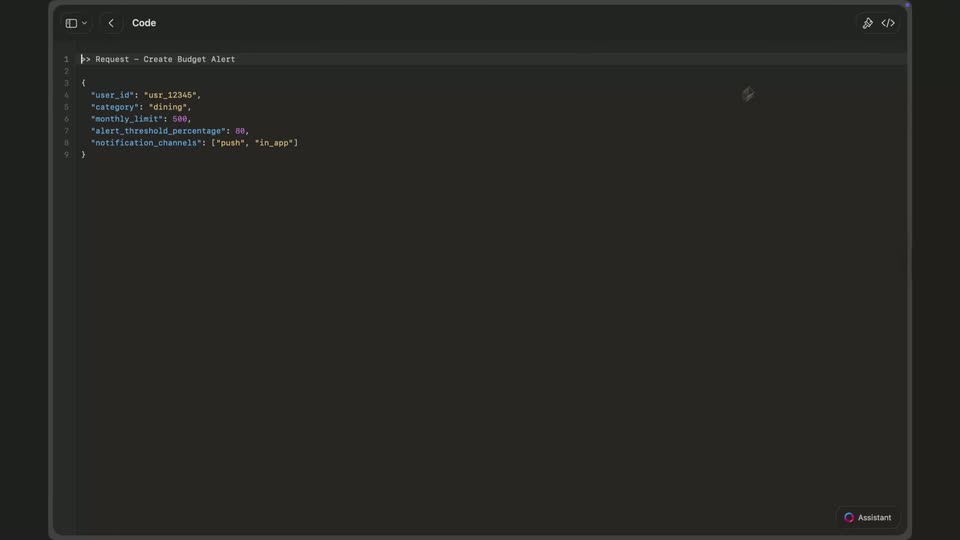 1:10–1:12Craft · Introducing the new Craft Assistant, MCP & API and more!A dark code editor panel showing a JSON budget-alert request scales down toward the top-left corner and back to full size on a black background, while a hand cursor hovers over the top-right toolbar icons.
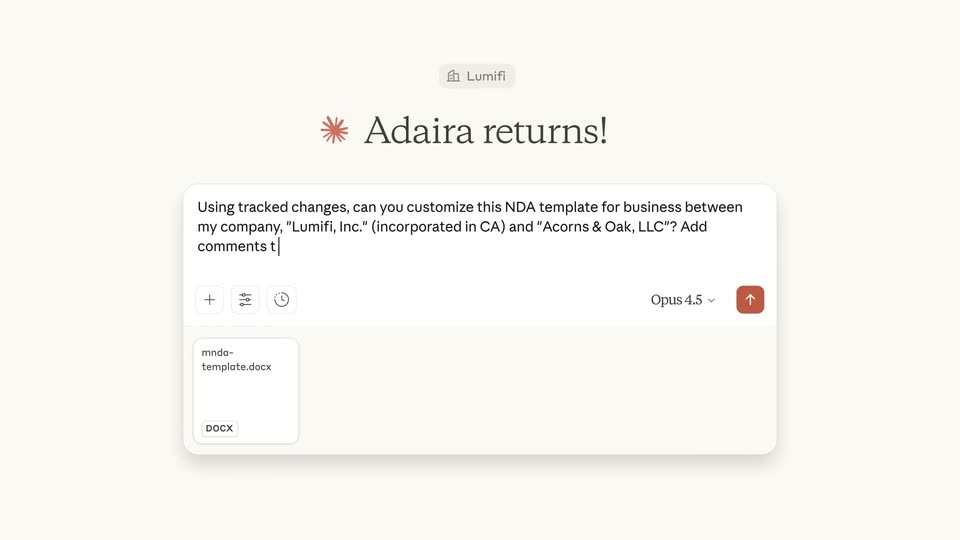 1:03–1:11Anthropic · Claude works with you on slides, spreadsheets, and contract redlinesA cream chat screen fades in under a serif “Adaira returns!” headline. A cursor drags a document into the input, where it becomes a file card, then types a prompt and clicks the orange send button.
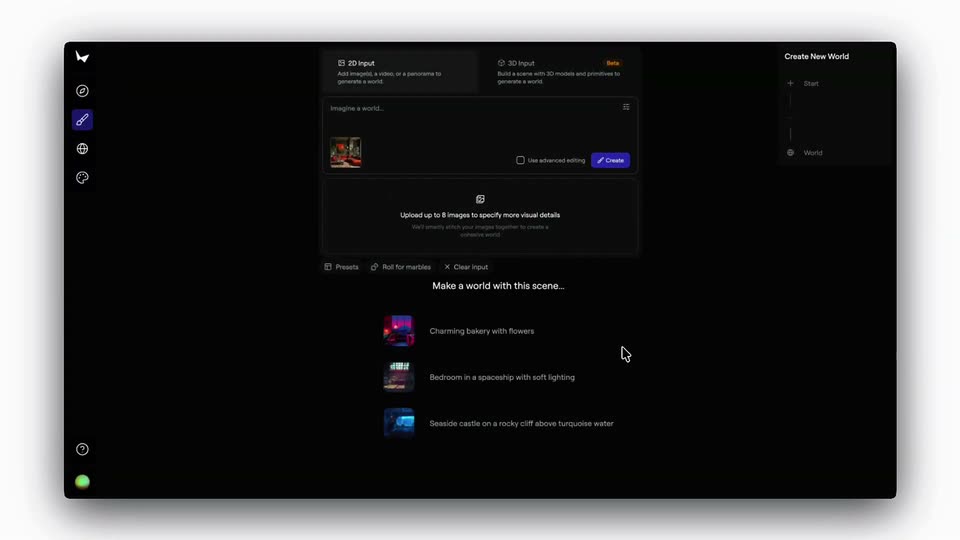 0:45–0:46World Labs · Welcome to Marble!A dark app window shows a file picker dialog centered over the prompt field. The cursor clicks Open and the dialog closes, dropping a small image thumbnail into the input box and revealing an upload panel below.
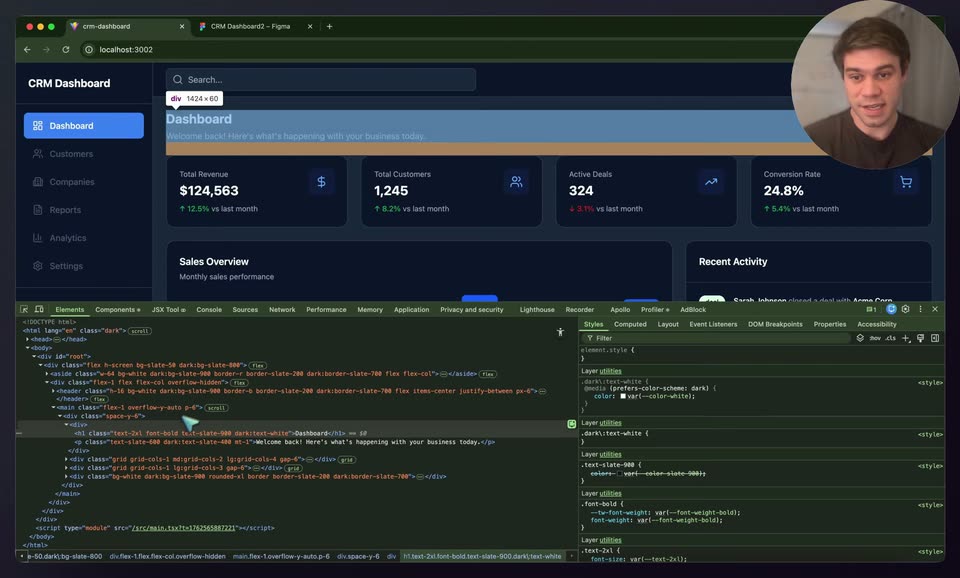 0:52–0:55Coasts · JSX Tool DemoA browser window shows a dark CRM dashboard with developer tools open below it. A circular webcam of a presenter sits in the top right corner. A cursor hovers over the header, then an element is selected in the DOM tree, casting a blue highlight over the top section.
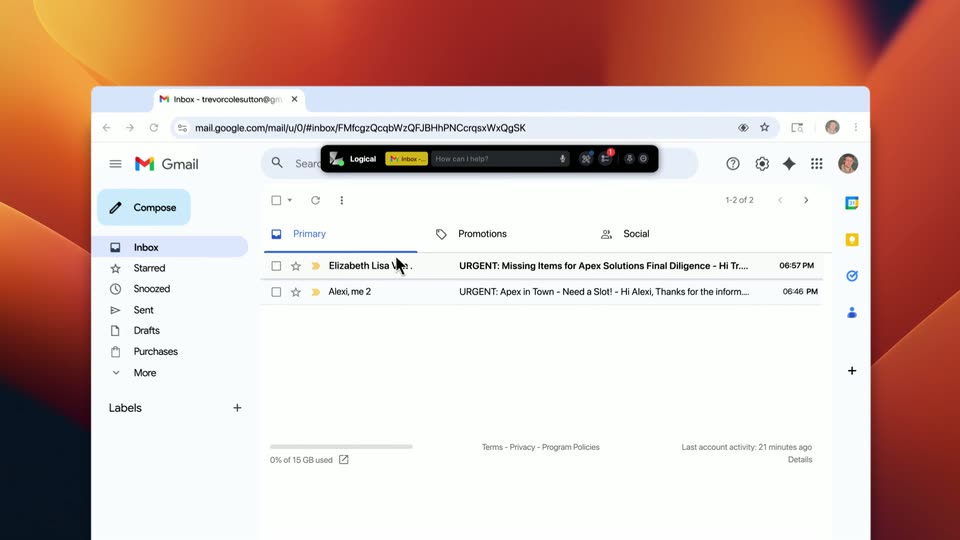 1:03–1:04Logical · Logical | The Proactive Desktop CopilotA Gmail window in 3D perspective floats over an orange gradient background. The inbox list shows two flagged emails, a cursor hovers, then the view switches to the opened email body.
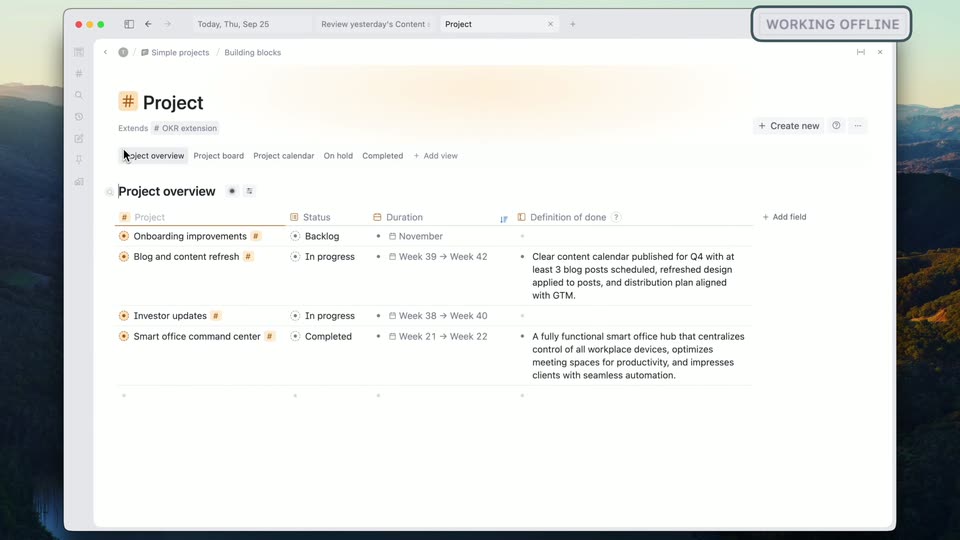 0:56–0:57Tana · Tana Outliner Offline Is HereA cursor clicks Project in the pinned sidebar list, and the task board view is replaced by a project overview table with status, duration and definition-of-done fields. A WORKING OFFLINE pill at the top right fades out as the new view settles.
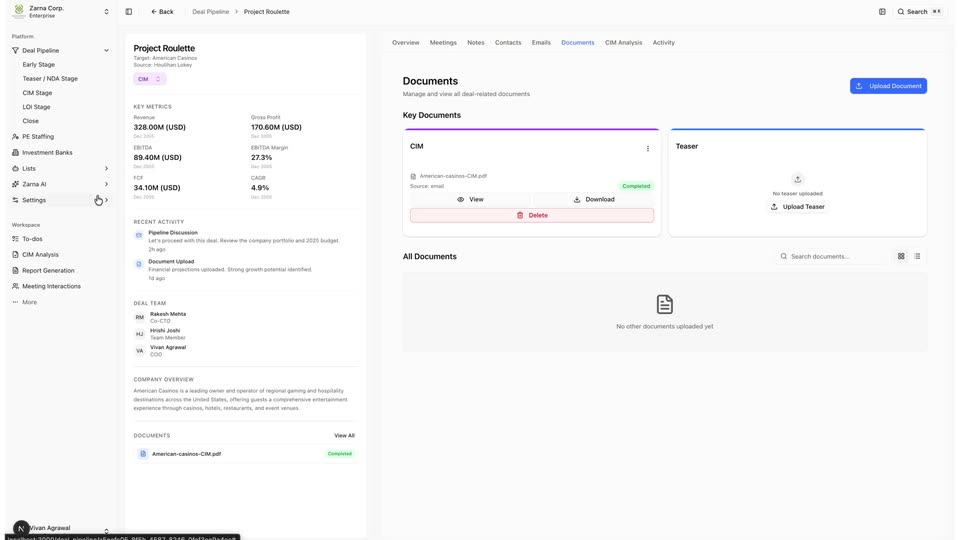 1:14–1:19Zarna · Demo Video - ZarnaA cursor moves from the deal metrics panel to the left sidebar, then hovers over Zarma AI to open its submenu. The three-column CRM view with documents and metrics remains still.
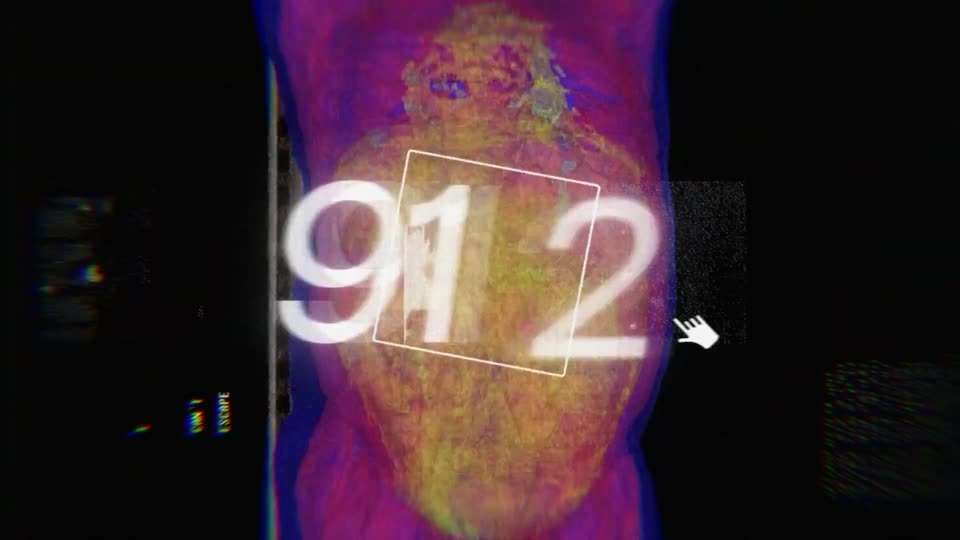 1:12 · 0.5sNucleo · Nucleo - Automated cancer diagnosticsA glitchy thermal scan of a human torso fills the frame in purple, pink and orange against black. A white selection box flickers over the chest while a hand cursor hovers at the right edge, the whole image jittering with RGB noise and block artifacts.
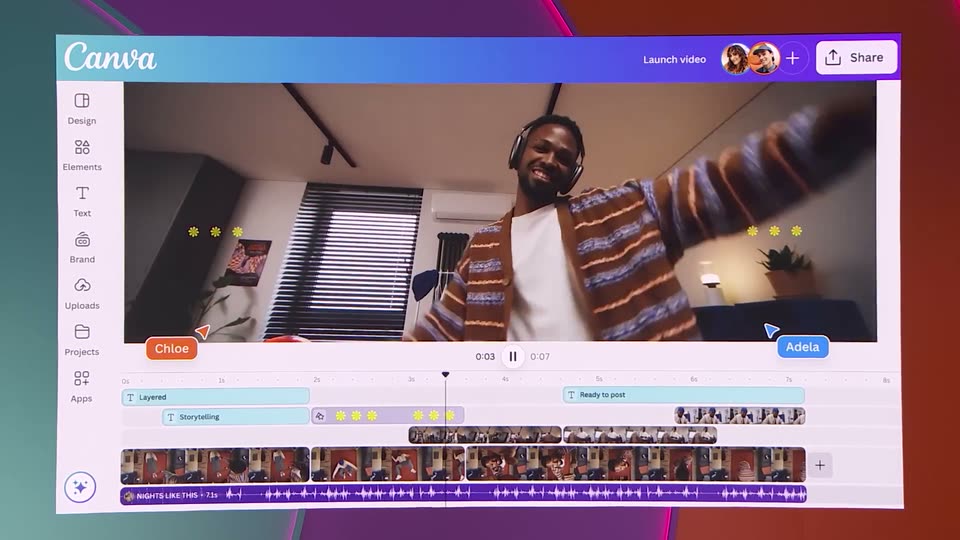 3:47 · 0.7sCanva · Introducing Canva Video 2.0A tilted Canva editor window floats over a teal-to-orange gradient. In the preview, a man in a brown cardigan dances while two named cursors, Chloe and Adela, hover over the frame. Text, video and audio tracks fill the timeline below.
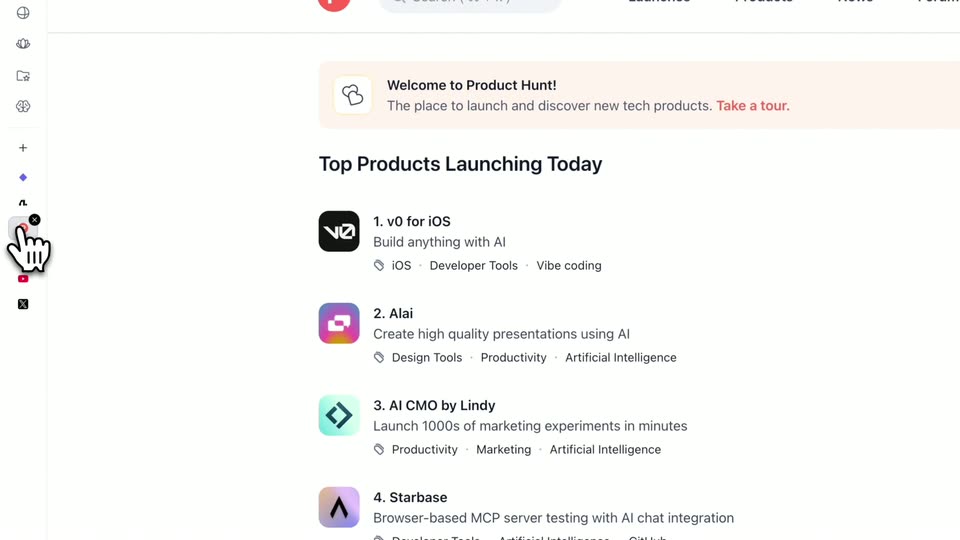 1:01–1:02Flowith · Derek Nee - introducing the OpenAI Atlas killer. might be the last browser you'llA browser window lists Product Hunt launches; a hand cursor taps a sidebar icon and the main panel swaps to a GitHub Copilot chat with code, as a GitHub tooltip pops out beside the dock and the backdrop turns to a purple gradient.
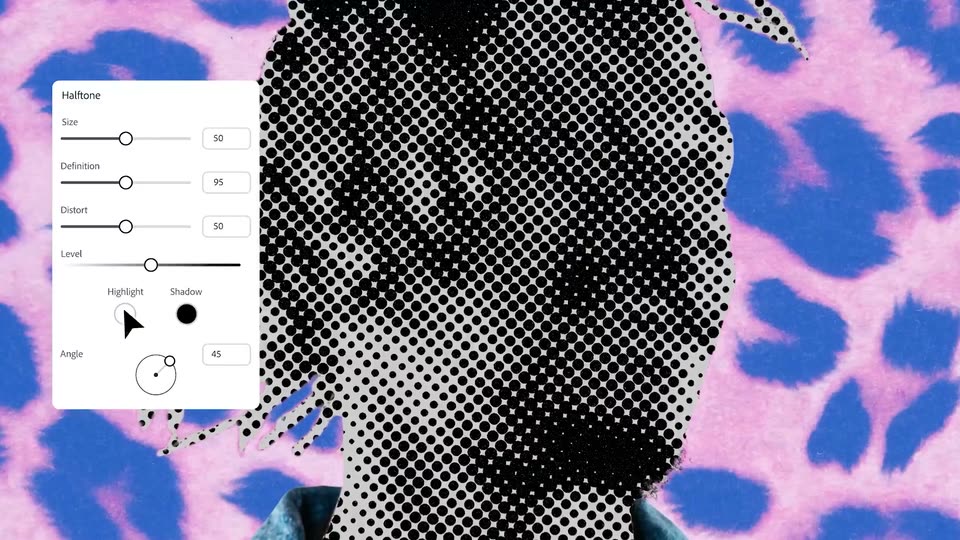 0:30 · 0.6sTopaz Labs · Topaz Labs - @Adobe + Topaz Labs 🤝🙌 Just announced—you can now access select TopazA white Halftone control panel with sliders and a dial sits on the left over a halftone-dotted portrait of a woman against a pink and blue tie-dye backdrop. A cursor hovers over the Highlight and Shadow radio buttons. The frame is locked-off.
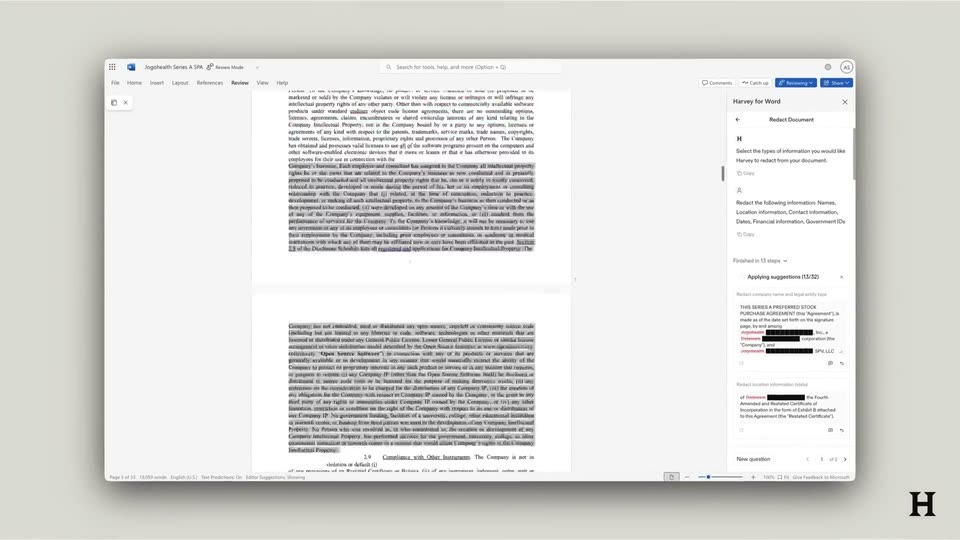 1:36–1:42Harvey · Microsoft IntegrationsA Word document sits beside a Harvey side panel; a cursor picks the Redact tool and toggles category checkboxes, then a progress checklist runs and black bars redact names and company data in the text. The view pulls back to the full Word window.
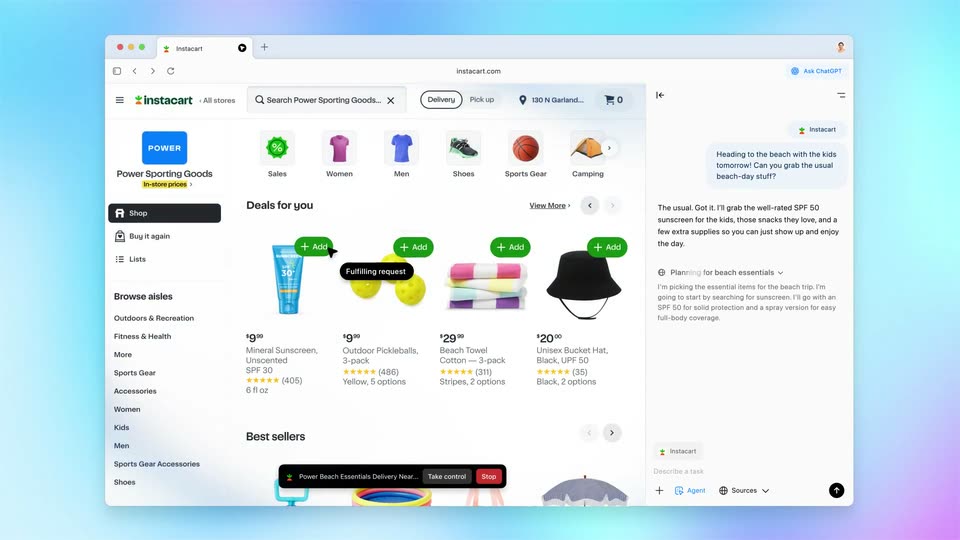 1:12–1:16OpenAI · OpenAI - Meet our new browser—ChatGPT Atlas. Available today on macOS:A flat browser mockup on a blue gradient shows a shopping page with a right-side chat panel. A cursor hovers across products, green Add buttons pop in, a black status tooltip switches from Getting started to Fulfilling request, and a new assistant message fills the chat.
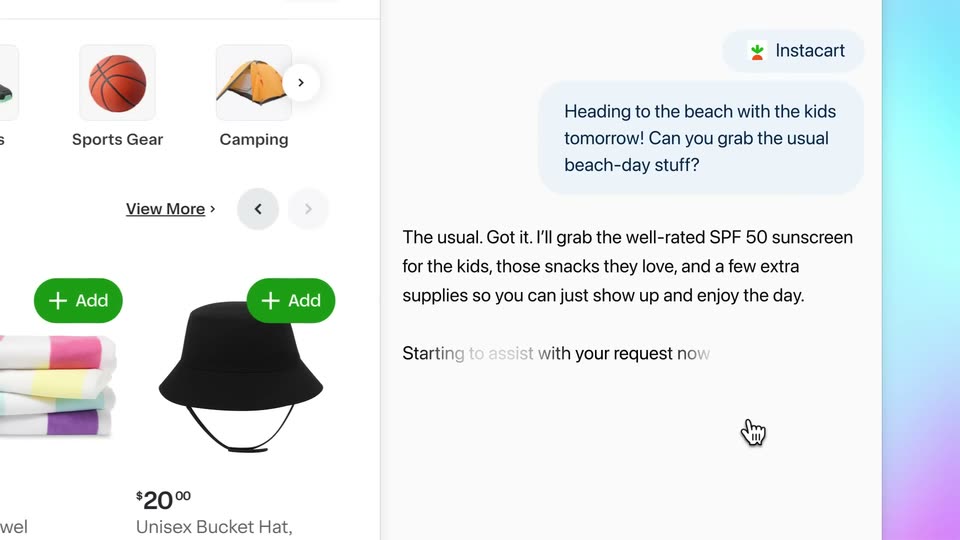 1:06–1:12OpenAI · Introducing ChatGPT AtlasA split screen pairs a grocery catalog with product cards and green Add buttons on the left with an Instacart chat on the right. The reply types in line by line, a permission prompt fades in, and a cursor clicks Continue.
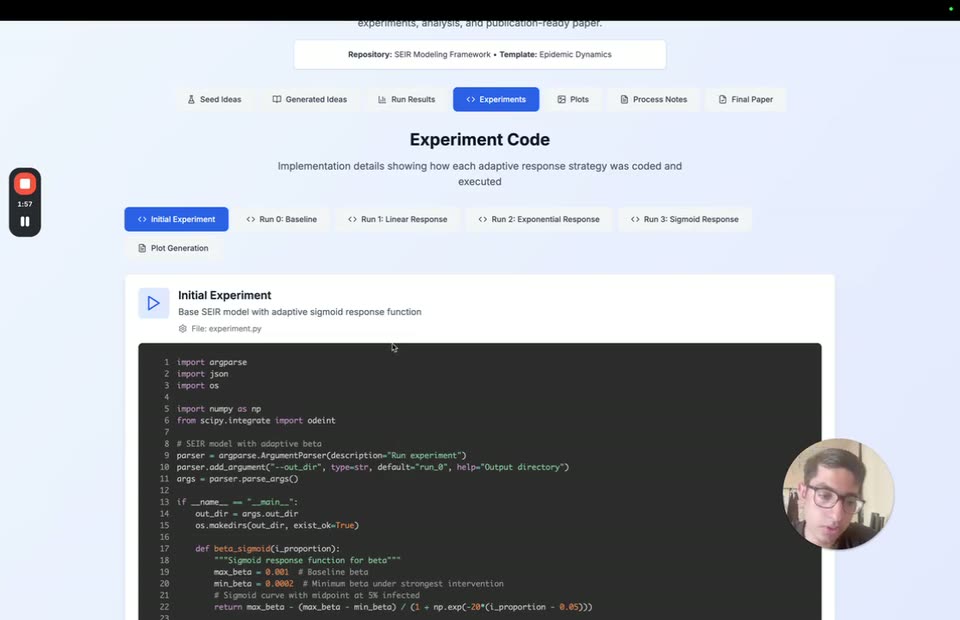 1:56–1:58Sciloop · Sciloop - End to End Scientific DiscoveryA screen share of a web app displays the Experiments tab with a dark code editor showing Python. A facecam of a man with glasses sits in the corner. The cursor slides down from the Experiments tab to the Run 0: Baseline tab.
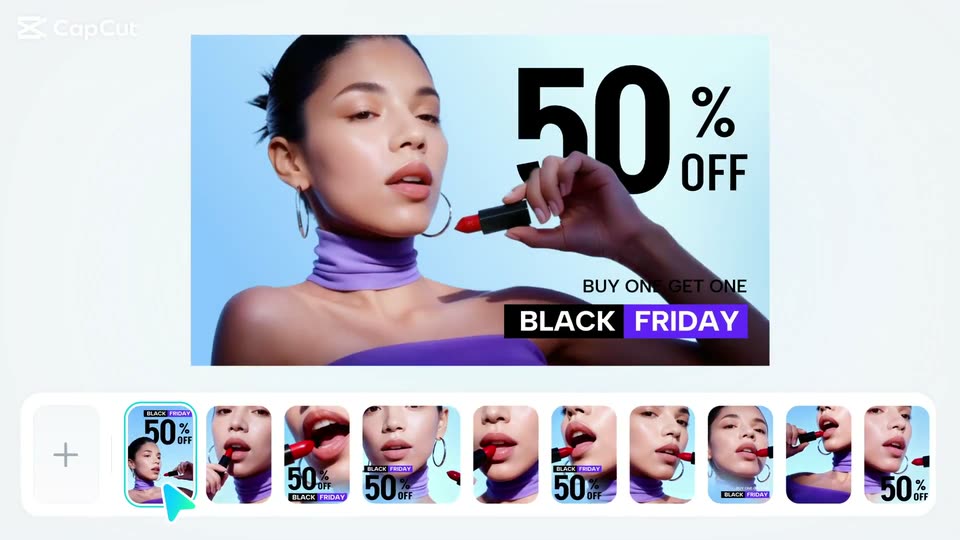 0:49–0:50CapCut · CapCut - Your all-in-one e-comm toolkit is here. Meet the new CapCut Desktop!The CapCut editor shows a Black Friday beauty ad in the main preview, its 50% OFF and BLACK FRIDAY text snapping into a clean layout, while a teal cursor taps the first template in the filmstrip of thumbnails below.
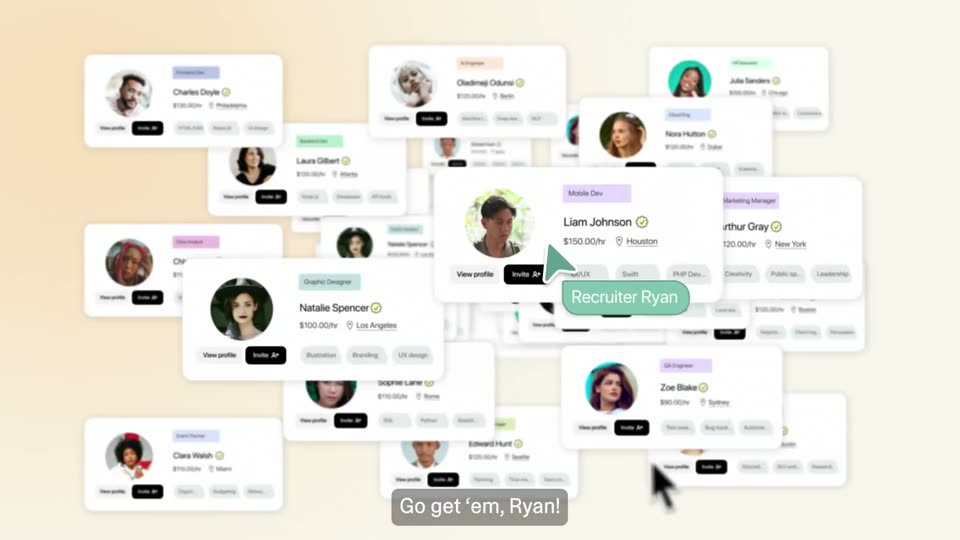 0:37 · 0.8sStrawberry · Charles Maddock - We've raised $6M from General Catalyst, EQT Ventures, and founders ofA scattered field of recruiter profile cards on a peach background pulls from blur into focus. A cursor hovers over one card, a green Recruiter Ryan tag pops in beside it, and a gray caption with white text sits at the bottom.
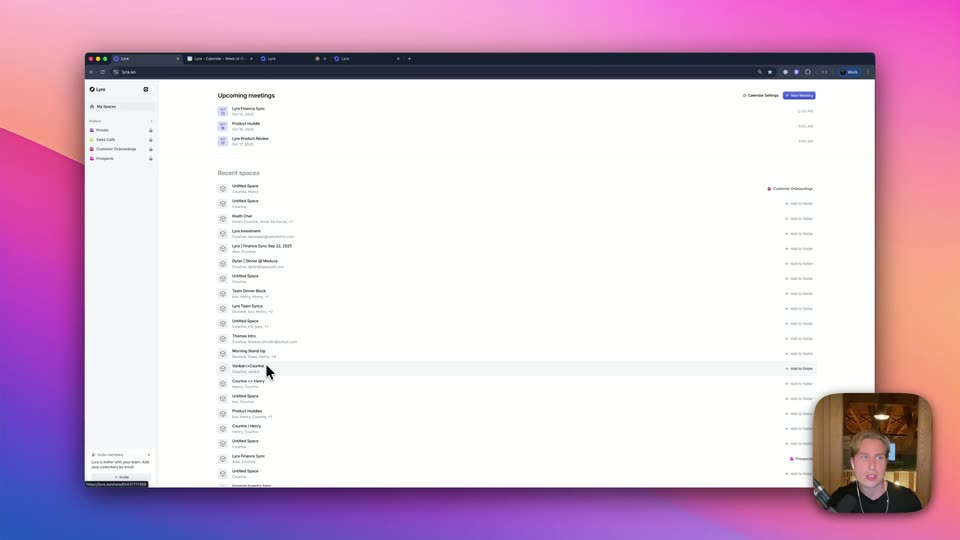 0:12–0:13IRBC · Lyra, The Final Meeting Platform.A browser window shows the Lyncr interface with a list of recent spaces and upcoming meetings. A cursor glides down the list, hovering over entries, while a small selfie video of a man sits in the bottom right corner.
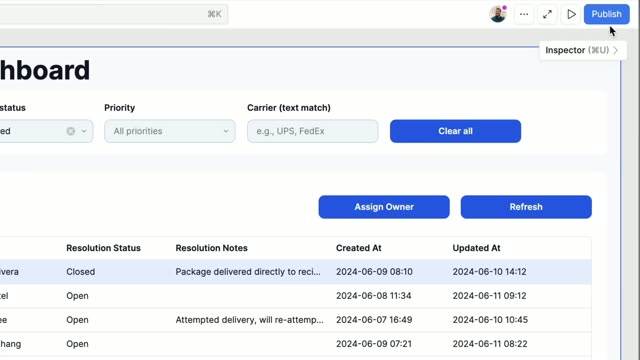 1:27–1:30Retool · Introducing Enterprise AppGen: AI-Assisted Development from RetoolA cropped dashboard with filter fields and a results table holds still while the cursor moves to the blue Publish button top right and clicks it; the screen then cuts to an empty light-gray page with a thin top bar.
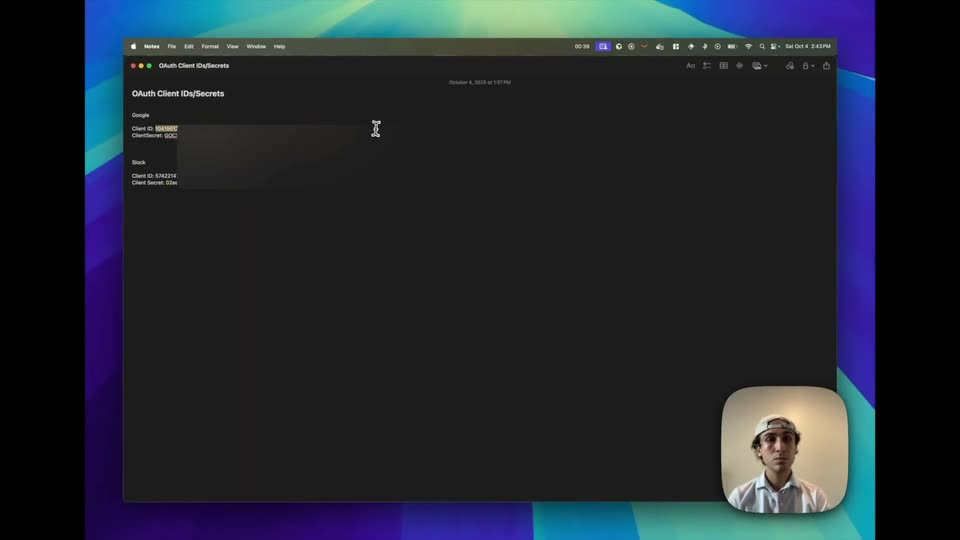 0:38–0:39Metorial · Introducing Metorial - YC F25A dark macOS Notes window on a gradient desktop displays a note titled OAuth Client IDs/Secrets, its lines filling in as if typed. A small rounded webcam tile of a man in a cap remains in the lower right corner.