0:38

Loom - It’s a new year — and it’s easier than ever to embrace new ways of wo
Loom · Productivity · Jan 2024
Jam · Oct 2026 · 0:43 · AI-annotated
Jam’s 0:43 launch film runs 20 scenes, about 2.2 s each. The product shows up at 0:36 and 1 feature is revealed. The call to action lands at 0:39 (92% in). The video is one continuous macro demo that chains a 3D keyboard open, a recorded buggy checkout, the resulting Jam report and logs, and an agent terminal fix, ending on flat brand cards. Pacing is steady at about 103 bpm with quick rack-focus and blur-to-sharp transitions, floating dark pill panels, and a lime-green accent that marks every key action.
Is this your launch? to your site or press kit.
Loom · Productivity · Jan 2024
Warp · Developer tools · Apr 2026
Discord · Consumer · May 2026
A dark laptop keyboard in 3D close-up. The camera glides across the keys, then a second copy of the keyboard dissolves over it as the option and J keys light up green.
Techniques: 3D mockup
Camera: Push in
A dark rounded toolbar on a blue field pulls from blur into sharp focus. A cursor hovers the monitor icon, a tooltip pops above it, then the cursor shifts to the window icon.
Techniques: Cursor demo
Camera: Static
A tight close-up of a dark macOS screen-mirroring menu bar on a blue background, its icons and options in sharp focus. A white cursor rests on the mirroring icon. The frame then pulls out of focus, blurring the entire bar.
Techniques: Cursor demo
Camera: Push in
A dark rounded recording panel floats over a blurred pink checkout page. The app icon above it and the green label below switch from Safari to Chrome to Electron. The panel then expands into a toolbar row, where a cursor hovers the No Camera pill as it presses.
Techniques: Cursor demo
Camera: Push in
A dark dropdown menu lists camera options with a cursor hovering over the highlighted FaceTime HD Camera row, above a toolbar showing No Camera and MacBook Pro labels, as the frame zooms out slightly.
Techniques: Cursor demo, UI zoom
Camera: Static
A coral checkout panel sits on a blue gradient. The view starts tight on the name field and a circular webcam clip, pulls back to reveal the full form and order summary with a Safari icon and a dark Record Window control floating in the center, then pushes back in on that control as a cursor hovers the red button.
Techniques: UI zoom, Cursor demo
Camera: Pull out
A checkout summary panel shows a Canvas tote line with a quantity stepper and a black Pay button. A cursor hovers at the plus control, and a circular video call window of a man sits in the lower right corner.
Techniques: Cursor demo, UI zoom
Camera: Pan
A close-up checkout panel shows a canvas tote line, tax, total, and a black Pay button. A cursor moves to the button, which turns dark red with a spinner, then returns black as red error text appears below.
Techniques: Cursor demo
Camera: Static
A checkout panel in close-up shows a red Pay button with a cursor and a red error message, while a circular webcam feed of a man sits in the lower right. The panel then slides upward and blurs out of frame.
Techniques: Cursor demo
Camera: Pan
A dark rounded control bar on a blue field holds a restart icon, a pause icon and a red stop button with a timer. The timer ticks from 00:12 to 00:24 as a white cursor glides in to hover on the red button.
Techniques: Cursor demo
Camera: Static
A blurred close-up of a white note card racks into focus. The card shows a Title field, an Add a description prompt, and a Thinking status with three purple dots, under a green Create Jam button, with a blue panel and a dark list panel behind it.
Camera: Pan
A white report panel floats in 3D perspective over a blurred blue backdrop, its body filling from a Thinking state into an error summary. The view racks focus onto the panel as a cursor hovers the green Create Jam button.
On-screen text: “Can't complete checkout”
Techniques: 3D mockup, Parallax, Cursor demo
Camera: Push in
A white circle with an up arrow expands into a horizontal pill on a blue gradient. A cloud icon and a spinning progress ring appear, then swap to a green check and an Open button that a cursor clicks, as the pill fades out.
Techniques: Morph, Cursor demo
Camera: Static
A session replay tool shows a video player beside an info panel on a blue background. The view zooms into the panel as the cursor clicks the Network tab, then selects the failed pay request, opening its JSON error response.
Techniques: UI zoom, Cursor demo
Camera: Push in
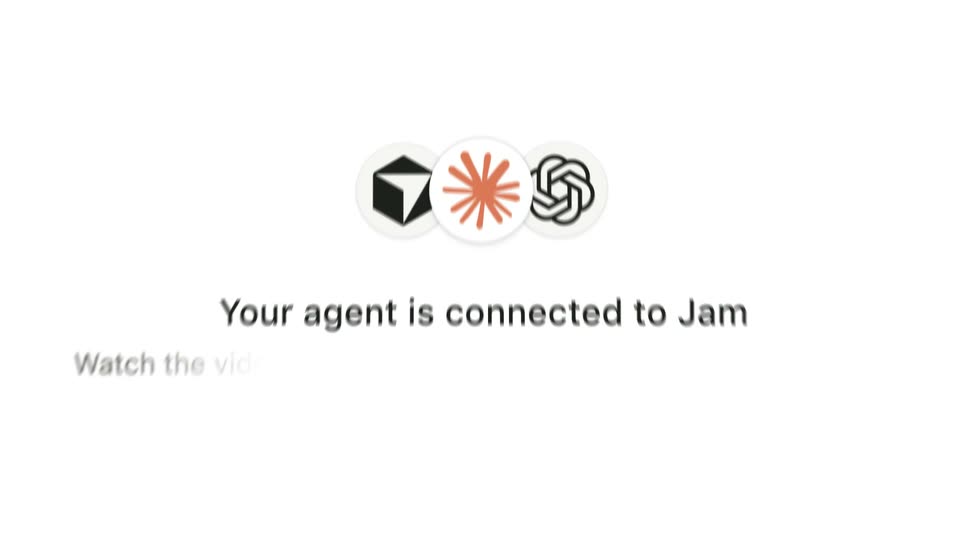
Three white circles holding flat icons, a black cube, an orange starburst and a black loop, line up in the center as the outer two slide in from the sides. A bold gray headline and a lighter subline fade in beneath them.
On-screen text: “Your agent is connected to Jam”, “Watch the video, read log”
Camera: Pull out
A product panel shows three agent logos above the line “Your agent is connected to Jam” and a prompt code block. The view scrolls down as a cursor clicks the Copy prompt button, which flips to a checkmark and “Copied”.
Techniques: Cursor demo
Camera: Push in
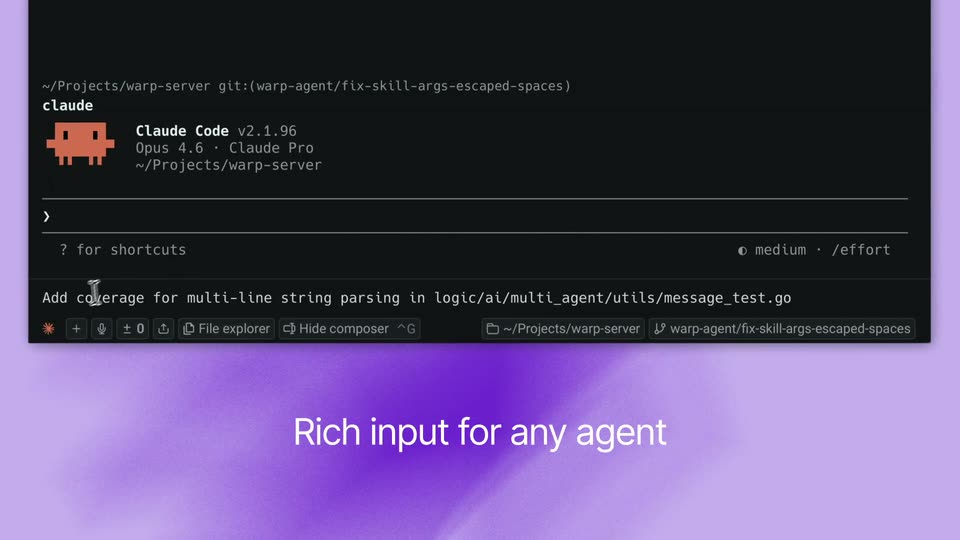
A dark terminal fills with monospace text as an agent works a bug fix. A prompt and URL appear, then result lines stream in with green bullets, a red-and-green code diff, and the view scrolls to keep the newest line in view.
Techniques: Kinetic type
Camera: Pull out
On a flat green field, the black word Jam sits left of center, then the phrase for Mac slides in and the whole line re-centers to read Jam for Mac. The motion is a single quick beat.
On-screen text: “Jam for Mac”
Techniques: Kinetic type
Camera: Static
A strawberry app icon, a red rounded shape with three black seeds and a green leafy top on a cream tile, sits centered on a black field and gently scales down then eases back.
Camera: Static
A lime-green pill holding the black URL sits centered on a flat black field. The text snaps into place with a brief wobble at the start, then the frame holds still.
On-screen text: “jam.dev/mac”
Camera: Static