0:33
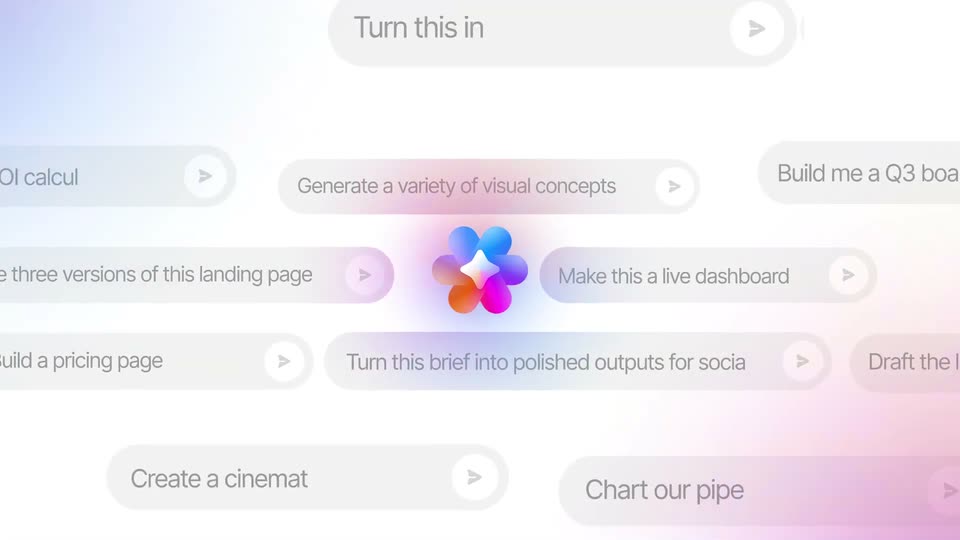

ClickUp Artifacts Feature Launch Video
ClickUp · Productivity · Oct 2026
Replit · May 2026 · 1:14 · AI-annotated
Replit’s 1:14 launch film runs 44 scenes, about 1.7 s each. The product is on screen from the first frame and 6 features are revealed. There is no explicit call to action. Structure: a fast masked montage of sample designs introduces the product, then each feature gets a two-tone headline card followed by a flat demo on the dotted canvas built from sliding pill buttons, typed prompts and named cursors. Signature moves: circular and pill-shaped masks that open and close every panel, the coral accent word inside each headline, and the constant cream dot grid under all UI.
Is this your launch? to your site or press kit.
ClickUp · Productivity · Oct 2026
Shopify · Business software · May 2026
Slack · Productivity · Apr 2024
The Replit logo and title sit on a light grid background as a circular mask opens in the center. It reveals a collage of app cards with an abstract image, a text panel, and small data tiles.
On-screen text: “Replit Canvas”
Techniques: Masking
Camera: Static
A horizontal pill mask reveals a grid of colorful dashboard cards on a white field. A white circle at the center grows into a rounded square as the word SERUM fades in in bold black type over it.
On-screen text: “SERUM”
Techniques: Masking, Morph, Kinetic type
Camera: Push in
A white skincare site sits behind a blue rounded card reading MONEY THAT MOVES WITH YOU. The card opens from a central blob to fill the frame, showing floating phones, pink and green flowers, and a bitcoin coin.
On-screen text: “MONEY THAT MOVES WITH YOU”
Techniques: Masking, 3D mockup
Camera: Push in
A white note card with the headline Your notes. Margin style. opens through a circular mask over a blue 3D set of holographic flowers, a phone and a green coin, then pushes to fill the frame as flat colorful icons orbit it.
Techniques: Masking, UI zoom
Camera: Push in
The Margin website opens on a dotted canvas ringed by colorful paper-cut shapes. The nav bar and shapes blur and fade while the centered headline builds to Your AI Design Tool, then a white rounded mask frames the text.
On-screen text: “Your AI Design Tool”
Techniques: Kinetic type, Masking
Camera: Static
A pale dotted grid holds the centered headline 'Your AI Design Tool', gray and orange. It fades as the orange Replit mark and gray 'Replit Canvas' scale up from the same center.
On-screen text: “Your AI Design Tool”, “Replit Canvas”
Techniques: Kinetic type
Camera: Push in
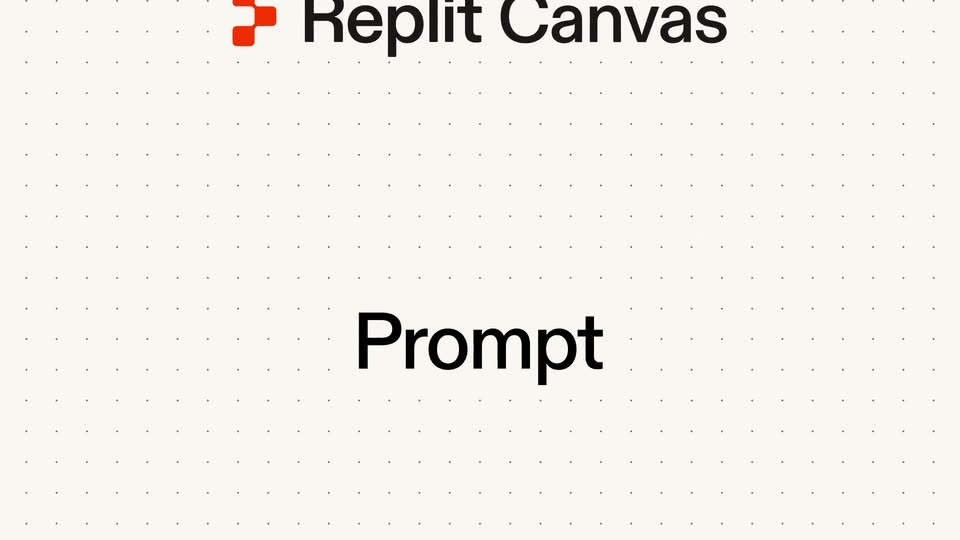
On a cream dotted-grid background, the red Replit icon and the Replit Canvas wordmark scale in at the top. The bold word Prompt slides into the center as a white rounded button enters from the right edge.
On-screen text: “Replit Canvas”, “Prompt”
Techniques: Kinetic type
Camera: Pan
On a light cream dotted grid, the bold black word Prompt slides left out of frame while a white rounded input field with the gray placeholder What you want to design. slides in from the right to center.
Camera: Pan
A close-up of a white rounded input field on a dotted cream background. The olive placeholder is swapped for a black prompt that types out and scrolls left, ending beside a blue up-arrow button. A red Paul bubble with a pointer sits below.
Techniques: Kinetic type
Camera: Pan
A flat search field on a dotted cream canvas shows the typed query, a caret, a mouse pointer over the blue app icon, and a small tag. The query and tag clear away and the field slides off, leaving the icon enlarged and centered.
Techniques: Cursor demo
Camera: Static
A blue dot logo mark fills a white rounded card on a dotted cream background. The card morphs into a horizontal pill badge with the mark and the label E-Commerce Website, as a thin line draws down and right from the badge, ending in a dot.
On-screen text: “E-Commerce Website”
Techniques: Morph
Camera: Static
A cream dotted background holds a white pill with a blue dot logo and the gray title E-Commerce Website. The pill drifts up-left while a connector line redraws into a big rectangle, and a blurred website mockup with a serif tagline fades in inside it.
On-screen text: “E-Commerce Website”, “Design | Variant 1”
Camera: Static
Two flat website mockups for a fashion brand slide across a dotted grid canvas, the cream layout with a model in a light beam exiting left as a green garden layout enters from the right. A small pill label at top left updates with the variant.
On-screen text: “Design | Variant 4”
Camera: Static
A flat fashion-website mockup fades and scales in over a dotted design canvas, its hero photo and headline resolving. A thin outlined tag reading 'Design | Variant 3' holds at the top-left, with a second mockup clipped at the left edge.
On-screen text: “Design | Variant 3”
Camera: Static
A ROUVIERE fashion homepage mockup sits centered on a dotted cream grid with a thin border, a 'Design | Variant 4' pill above, and a sliver of a second beige layout at the left. The hero shows a model in a white dress between three topiary balls; the frame stays static.
On-screen text: “Design | Variant 4”
Camera: Static
A cream dotted background holds a two-line headline, “Explore several directions at once,” with “several” and “directions” in orange. Below, pill buttons and a flat browser mockup of the ROUVIERE fashion site sit in view, drifting slightly as a Pause pill appears at the lower right.
On-screen text: “Explore several directions at once.”
Camera: Push in
A cream dotted-grid background holds the two-tone headline at the top. A toolbar of three pill buttons sits below, the left one filling blue as a cursor arrow and a red Paul speech bubble point at it, above a faded website mockup.
On-screen text: “Explore several directions at once.”, “Paul”
Camera: Push in
A dotted-grid design canvas holds four scattered UI mockups plus a blue logo card. The view pans down, reframing onto the lower 'Editorial Spread' and 'Lookbook grid' frames while the 'on an infinite canvas' headline blurs out of focus.
On-screen text: “on an infinite canvas”
Techniques: UI zoom
Camera: Pull out
Three flat web mockups of the Rouviere fashion site, showing a model in a white dress among green topiary spheres, scroll upward past a static dotted grid, each card carrying a small design label.
On-screen text: “Design | Rouviere - Editorial Spread”, “Design | Rouviere - Lookbook grid”
Techniques: Parallax
Camera: Static
A fashion website mockup assembles beneath the heading 'Refine designs just by chatting.' The view zooms into the Dresses panel, a cursor selects it, and a chat input types 'Add a background image,' swapping the panel to a model photo. 'Or edit by hand' fades in below.
On-screen text: “Refine designs just by chatting”, “Paul”, “Or edit by hand”
Techniques: Kinetic type, UI zoom, Cursor demo
Camera: Push in
A design canvas on a dotted cream background shows a fashion campaign: a model in a white dress among green hedges with a white serif headline. A second panel slides out to the right while a cursor hovers over a red “Paul” comment bubble below.
On-screen text: “The Spring Collection”, “Paul”
Techniques: Kinetic type, Cursor demo
Camera: Push in
A dotted cream canvas shows a model in a white dress before green hedges. A serif headline types out inside a blue selection box with a div tag, beside a Paul comment bubble. The photo collapses into a thin top strip, leaving the bubble on the canvas.
On-screen text: “The Spring Collection 2026”, “Paul”, “div”
Techniques: Kinetic type, Morph
Camera: Pan
A dotted canvas pulls back from a close-up of a spring collection slide to reveal three named cursors, Emily, Paul and Maria, drifting across the grid. The headline Bring teammates slides into the center, with teammates set in coral.
On-screen text: “Bring teammates”
Techniques: UI zoom, Kinetic type
Camera: Static
On a cream background, the headline “Bring teammates” sits among three white speech bubbles labeled Emily, Paul and Maria, each with a paper-plane tail. The headline and bubbles drift upward as a website design canvas slides up from the bottom edge.
On-screen text: “Bring teammates”
Camera: Static
A design canvas shows a fashion lookbook grid with a hero image and a dresses panel. Teammate cursors with name bubbles (Maria, Emily, Paul) glide over the panels, then two AI prompt boxes type commands before fading out. A large headline, “Bring teammates,” slides in over the canvas.
On-screen text: “Paul”, “Bring teammates”
Techniques: Kinetic type, Cursor demo
Camera: Pan
A design tool view shows a Rouviere lookbook page on the left with a chat prompt to add a catalogue page; a cursor sits at the send button as the right panel resolves from a dotted placeholder into a second page.
On-screen text: “Design | Rouviere - Lookbook grid”
Techniques: Cursor demo
Camera: Static
A horizontal strip of Rouvriere design boards scrolls right: a topiary lookbook cover, two ivory-gown product cards, and a wide panel of white dots over a blurred warm-toned image. The dotted grid and cards drift left as the frame pans, the dark image emerging behind the dots.
Camera: Pan
A rounded title pill reading “Design Rouviere Catalogue” and a flat dress-catalogue website mockup slide right over a dotted cream field, the left detail card drifting the other way. A diagonal glint crosses two product images early.
On-screen text: “Design Rouviere Catalogue”
Techniques: Parallax, Light sweep
Camera: Pan
The text “and Generate” slides into the center of a cream dotted background, “and” in black and “Generate” in coral red. It sharpens from a soft blur and holds in a locked-off frame.
On-screen text: “and Generate”
Techniques: Kinetic type
Camera: Pan
A red-and-gray headline 'Generate whatever you need' slides off to the left on a cream background, then a rounded toolbar with Edit, Draw, Chat and Generate icons slides in from the right beside a cursor labeled Paul.
On-screen text: “Generate whatever you need”
Techniques: Kinetic type
Camera: Static
A white toolbar with Draw, Chat, Edit and Generate options sits on a cream field. A cursor clicks Generate, opening a dropdown menu with Image, Video and Vector Graphic rows, then the menu closes as a red Paul speech bubble drifts in from the right.
Techniques: Cursor demo
Camera: Static
A white dropdown menu lists three options, Image, Video, and Vector Graphic, each with an icon and a short caption. A cursor moves from the Generate button up to the Image row, which fills with a beige highlight, while a small speech bubble reading Paul follows the pointer.
On-screen text: “Paul”
Techniques: Cursor demo
Camera: Static
A light product UI shows a dropdown with Image, Video, and Vector Graphic rows. A cursor hovers the Image row, a white callout reads Paul, and a blurred portrait preview slides up from the bottom.
On-screen text: “Paul”
Techniques: Cursor demo
Camera: Pull out
A square portrait of a woman in profile, dark hair and gold earring, holds the center of a cream field. Orange “Images” on the left and dark “Nano Banana” and “GPT-image 2” on the right blur in and settle into place while the photo eases to a smaller size.
On-screen text: “Images”, “Nano Banana”, “GPT-image 2”
Techniques: Kinetic type
Camera: Pull out
A rounded video clip at the center plays a woman in a floral dress walking a garden path, then zooms to her face and vanishes. The orange label 'Videos' scrambles its letters as the gray labels 'Seedance' and 'Veo 3.1' hold still on the right.
On-screen text: “Videos”, “Seedance”, “Veo 3.1”
Techniques: Kinetic type
Camera: Static
A line-drawn hanger and black shirt logo build up inside a centered card as the ROUVIÈRE wordmark fades in. The orange SVGs label and the dark model names on either side resolve from stacked ghost copies into clean text, then a faint dotted grid fades across the cream background.
On-screen text: “SVG's”, “Claude 4.7 Opus”, “Gemini 3.1 Pro”
Camera: Static
On a cream background with a faint dotted grid, two centered lines of text slide into place, a black line above a red line. The frame stays locked off on the static layout.
On-screen text: “When you're ready,”, “make your idea real.”
Techniques: Kinetic type
Camera: Static
A design canvas holds two fashion mockups, a topiary hero image and an ivory-gown product card, beneath a toolbar with Reimagine, Build this app and Preview buttons. A two-line tagline slides in.
On-screen text: “When you're ready,”, “make your idea real.”
Camera: Static
A dotted-grid backdrop holds three pill buttons, Reimagine, Build this app, Preview, above a fashion-site preview. A cursor taps the middle button, which fills blue as the preview below softens out of focus.
Techniques: Cursor demo
Camera: Static
A front-facing smartphone mockup rests on a cream field, its screen showing a fashion app: a model in white between hedges under the header ROUVIERE. The shot resolves from a soft blur, and the serif word Collection scales in beside The Spring.
Techniques: 3D mockup
Camera: Static
A black smartphone rests centered on a pale cream field, its screen showing a fashion app with the serif heading 'The Collection' and two model photos below. The word 'Collection' scales up into place while the locked frame holds the device steady.
Camera: Static
A centered phone mockup displays a fashion app product page. The view pushes in to the lower screen, then a black button labeled Publish to the App Store turns blue as a cursor and a Paul speech bubble appear.
Techniques: UI zoom, Cursor demo
Camera: Static
Centered text on a plain off-white background: 'Design Freely' in black above 'Replit Canvas' in orange. The frame stays locked and the type holds still for the full duration.
On-screen text: “Design Freely”, “Replit Canvas”
Camera: Static
On a cream field, a red rounded blob morphs into the Replit bracket mark while the word Replit slides in to its right, locking into a centered logo.
On-screen text: “Replit”
Techniques: Morph
Camera: Pan