Cursor demo
A visible cursor operates the interface.
15,015 scenes · page 212 of 251
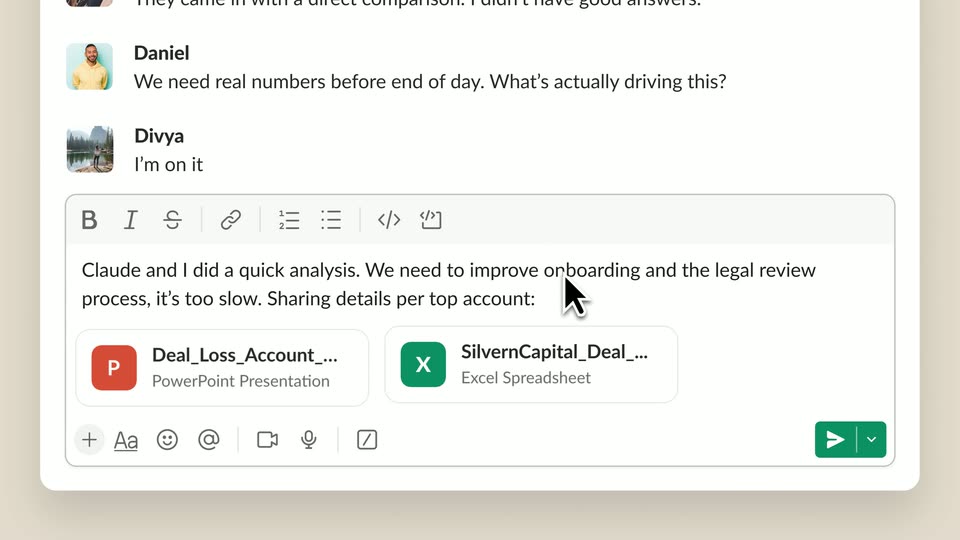 1:00–1:01Anthropic · Claude - Introducing Cowork and plugin updates that help enterprises customizeA white chat panel on a beige backdrop shows two file cards, a spreadsheet and a slide, above blue filename tags. The view then settles into the message composer, where a cursor types a reply and the same files appear as attachment chips.
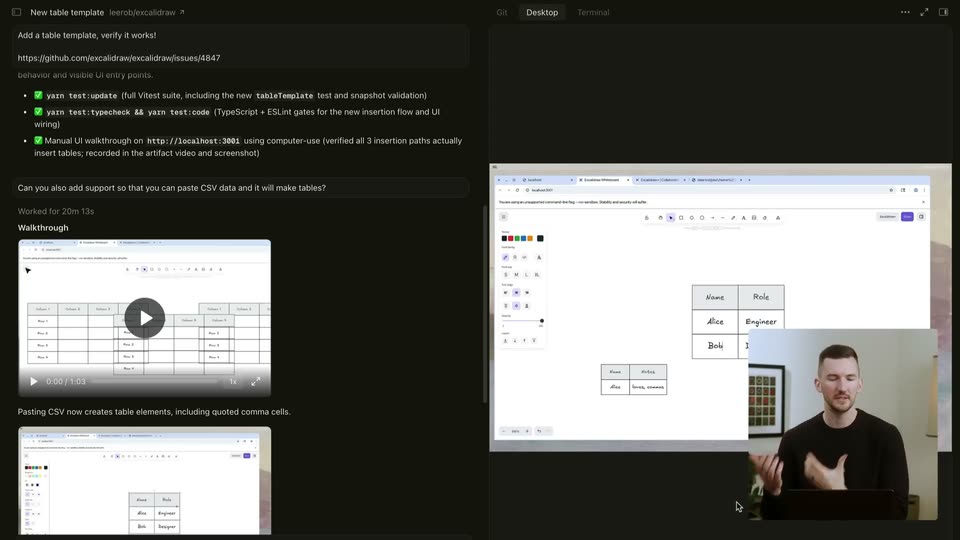 2:04–2:11Cursor · A computer for every agentA chat panel with a walkthrough clip sits left of a whiteboard window holding a hand-drawn table, while a presenter in a black shirt gestures in a bottom-right inset. A Take control cursor hovers over the table, then the frame widens to the whiteboard showing two tables.
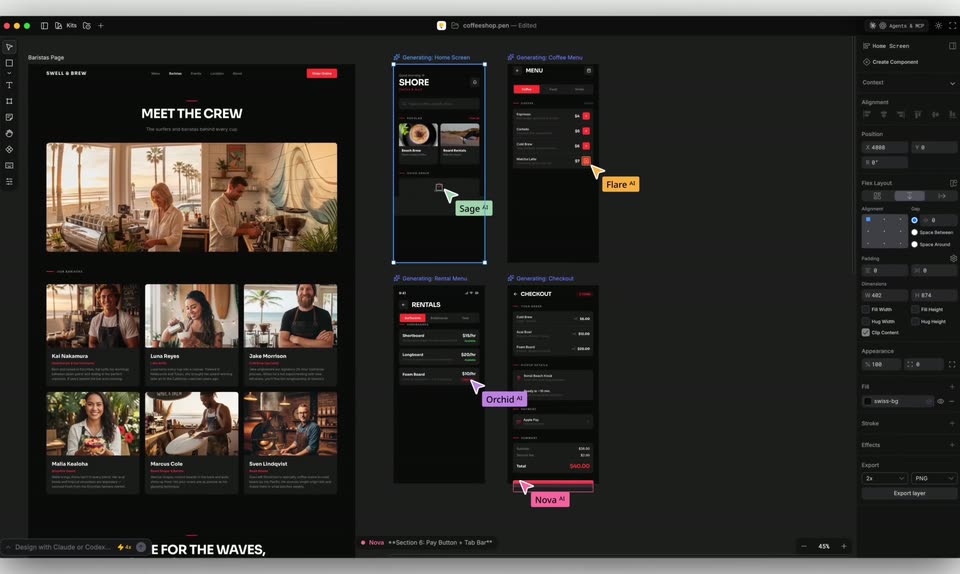 0:31–0:36Pencil · Tom Krcha - Pencil just crossed 100,000 users! Today we are introducing SWARM modA dark design-tool canvas shows four artboards generating in real time; colored agent tags with cursors (Flare, Sage, Orchid, Nova) move between frames as each screen fills with content, while a finished barista page with photos sits on the left.
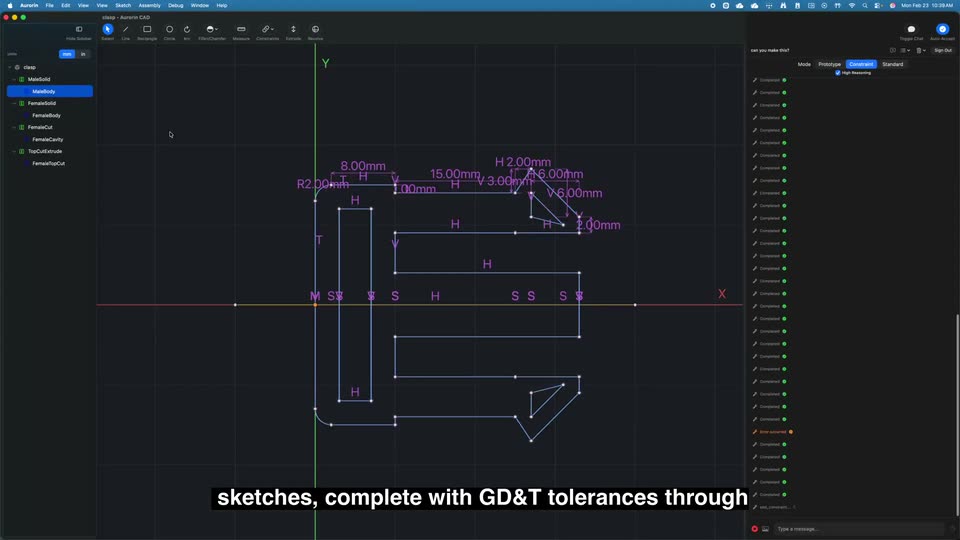 0:45–0:49Y Combinator · Y Combinator - Aurorin is building new professional CAD Software from the ground upA dark CAD screen starts zoomed on the right-hand chat panel, then pulls back to show two gray 3D parts in the viewport. A cursor moves, and the view switches to a 2D sketch with blue geometry, pink dimensions, and a constraints list; white captions run along the bottom.
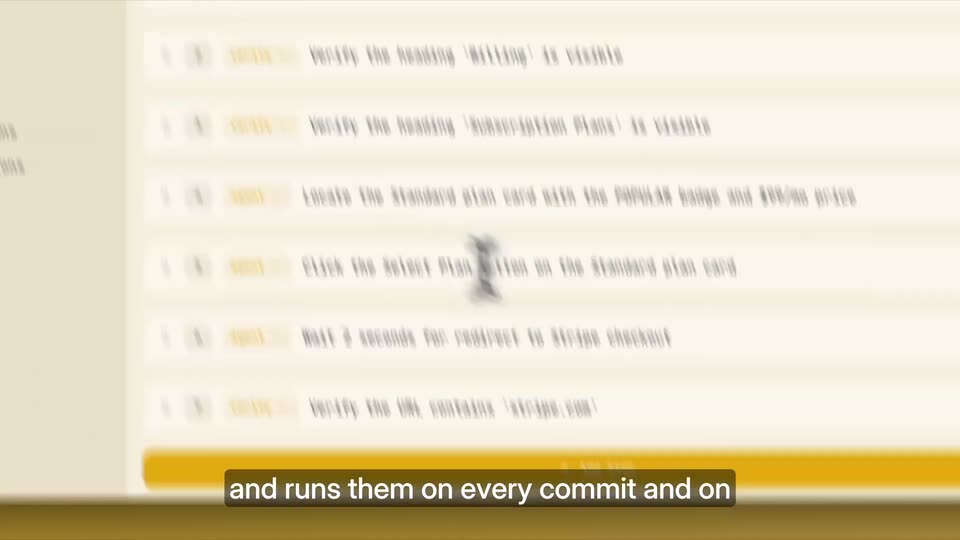 0:58–1:03Canary · Canary - Friday. 5:47 PM. Quick Claude session, small auth refactor. LGTM, meA test-suite editor pans through a numbered list of agent and verify steps. A hand cursor then moves to the left sidebar and clicks Schedules, revealing a panel with one configured schedule. Subtitle captions track the voiceover along the bottom.
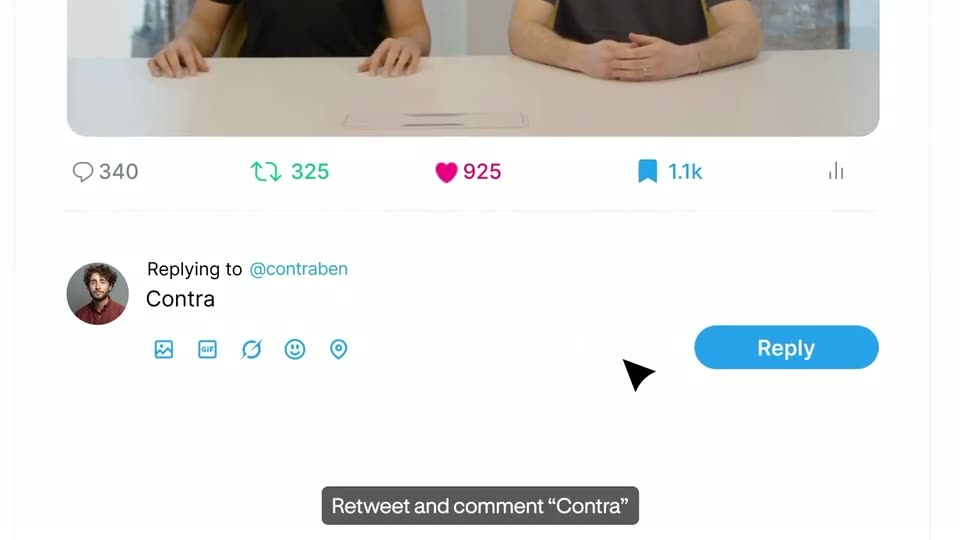 1:31–1:34Contra Payments · ben - Introducing Contra Payments. The first payments platform that lets yOn a white Twitter interface, a reply box shows the prompt as a cursor types the word Contra and clicks the blue Reply button. The posted comment then appears below with the user's name and handle. A dark caption pill at the bottom states the instruction.
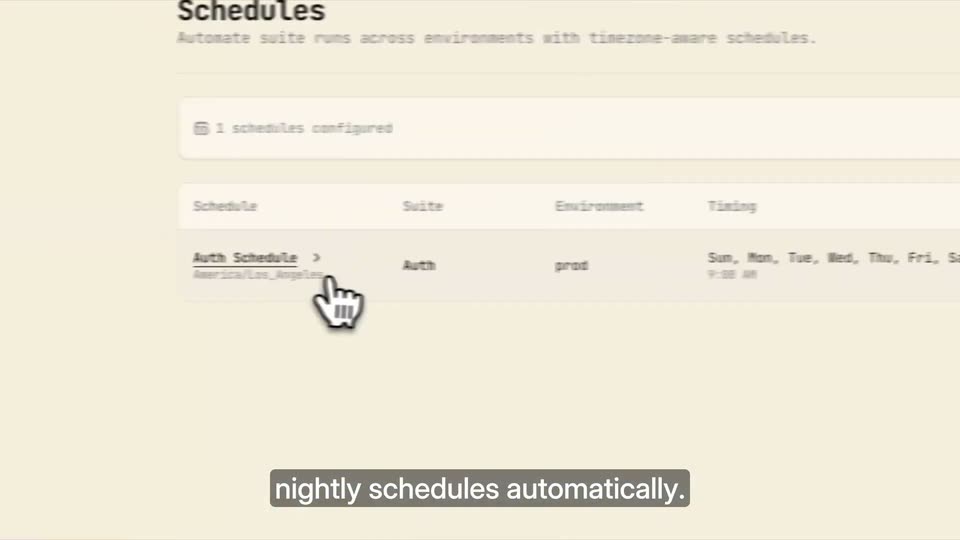 1:03 · 0.8sCanary · Canary Launch VideoA hand cursor sweeps right across a beige dashboard, landing on a schedules table as the frame reframes onto the list. A dark caption bar reads nightly schedules automatically at the bottom.
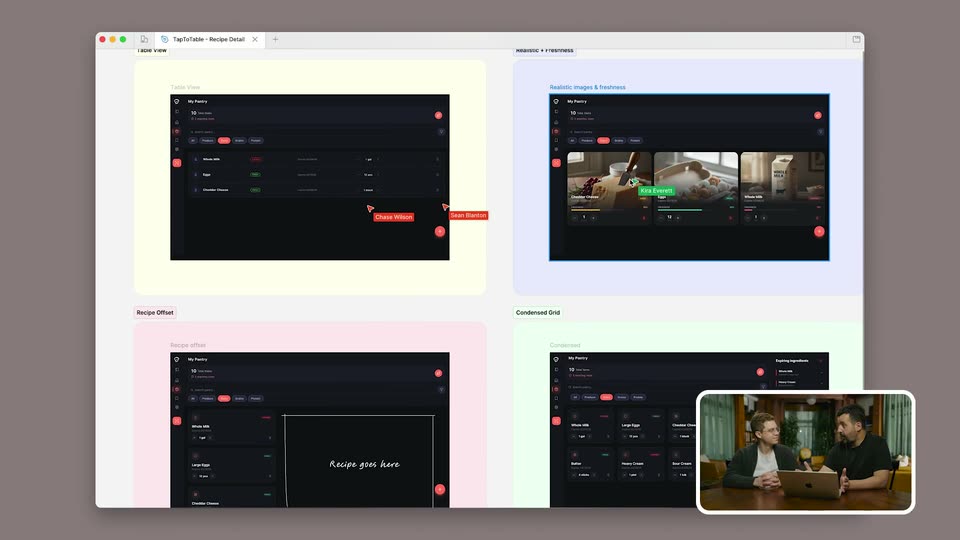 2:26–2:31Figma · Figma - Tired: code or canvas Wired: code AND canvas Introducing Claude CodeA design tool canvas holds a two-by-two grid of dark mobile screens on colored tiles. The view zooms into the grid and a cursor drifts across it. A small video call of two men at a laptop stays pinned in the bottom-right corner.
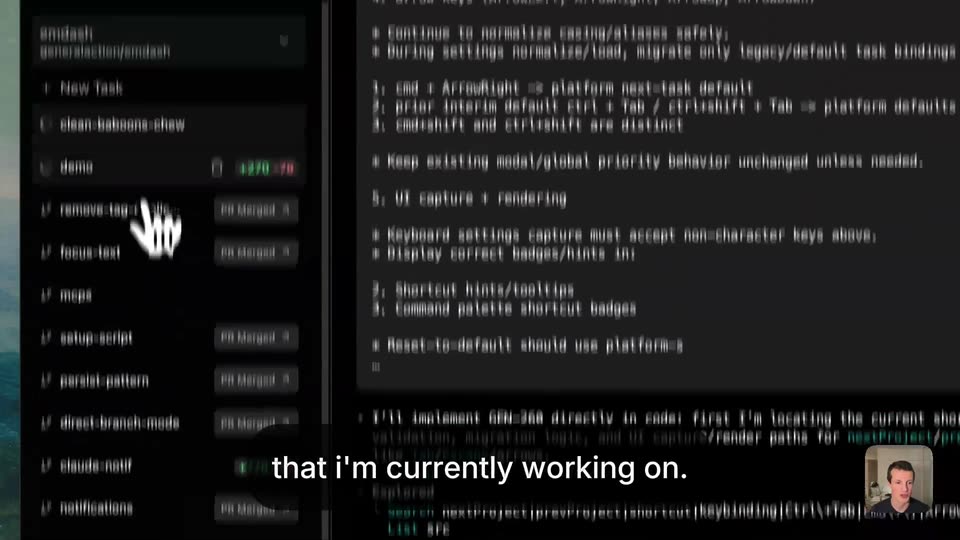 0:30–0:32Emdash · Y Combinator - .@emdashsh is building an open-source Agentic Development EnvironmentA dark app window shows a task list on the left and a code panel on the right. A white hand cursor glides down the list, pausing on items, while a small webcam feed sits in the bottom corner and a caption runs along the bottom edge.
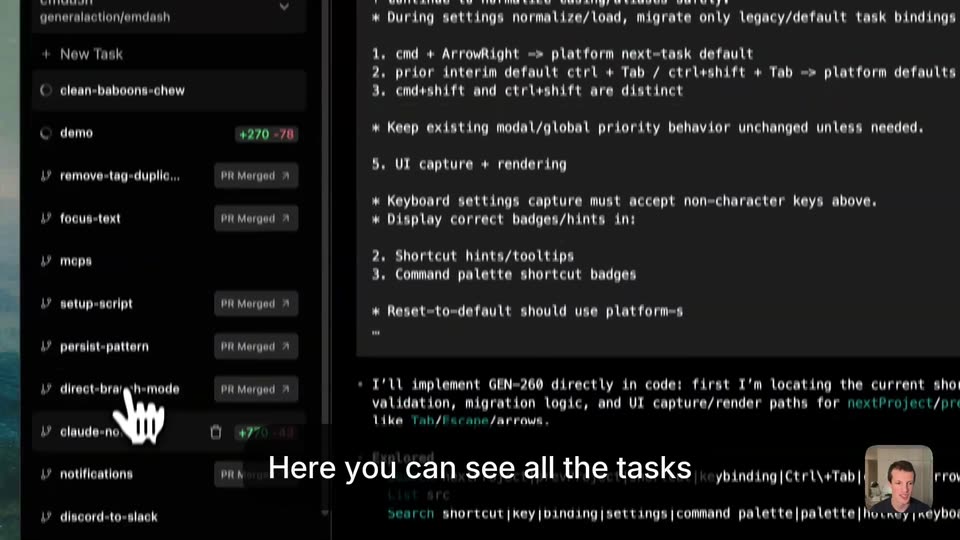 0:29–0:30Emdash · Launch Emdash (YC W26)A dark task-manager screen shows a left sidebar of task rows and a right panel of code notes. A white hand cursor glides down the list, pausing on rows. A caption sits at the bottom and a small circular webcam feed of a man appears in the lower right corner.
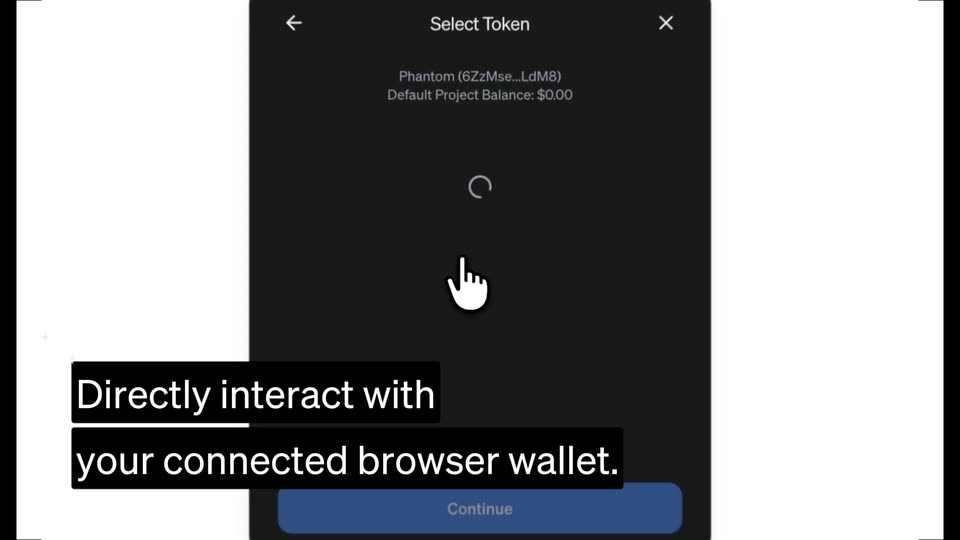 0:24 · 0.8sUnifold · Unifold - Universal Deposit InfrastructureA dark deposit modal lists wallet options on a light background. A white hand cursor taps the Phantom row, and the view switches to a Select Token screen showing a loading spinner. A two-line caption box sits at the lower left.
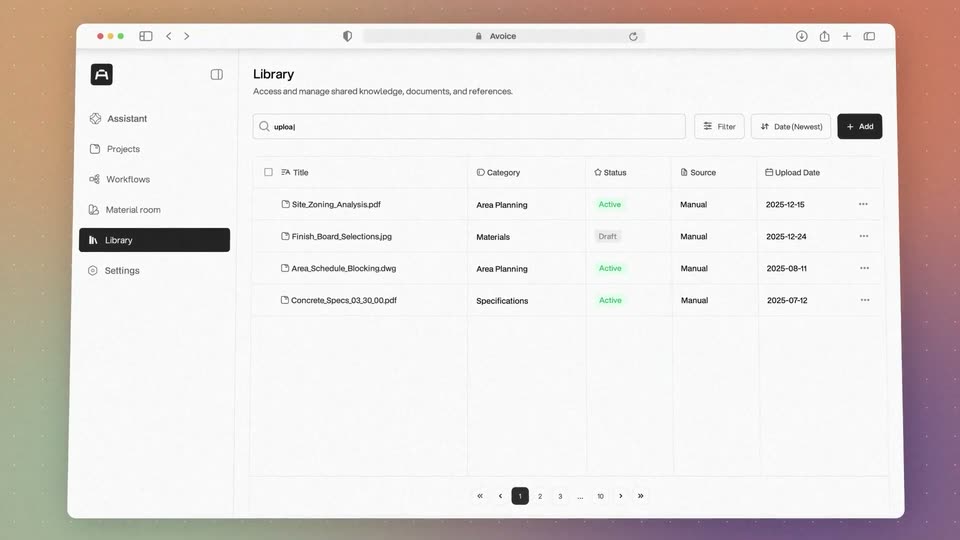 1:24–1:30Avoice · Avoice | The AI Workspace For ArchitectsA close-up of a Library search field types the word Manual, filtering a document list, then the frame pulls back to reveal the full app window with a left sidebar. The search is cleared and upload is typed, refiltering the rows.
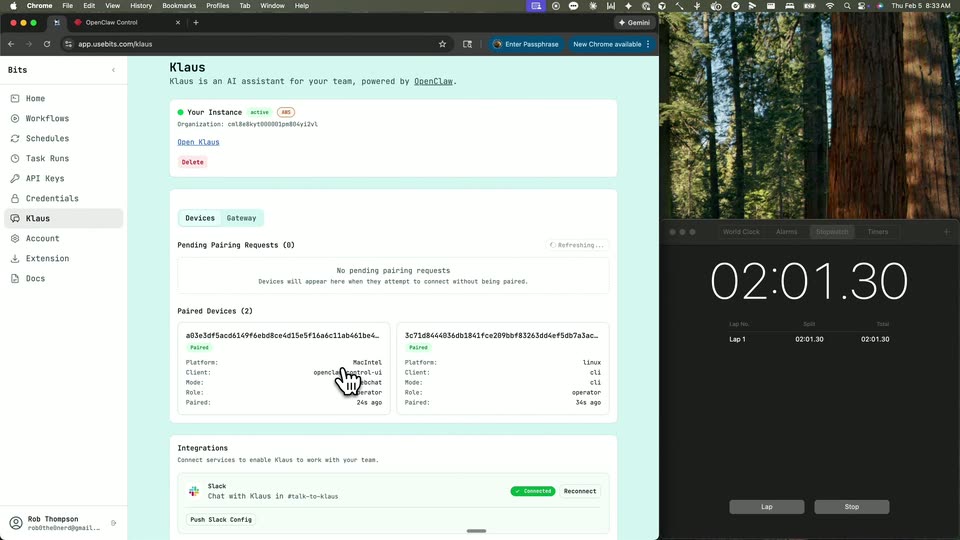 0:24–0:28usebits_inc · Y Combinator - OpenClaw is a new viral and scarily effective virtual assistant. ButA screen capture shows the Klaus app in a browser on the left, with a stopwatch counting up on the right. A cursor hovers over a paired device card, then moves to the Push Slack Config button as the Slack row switches to Connected.
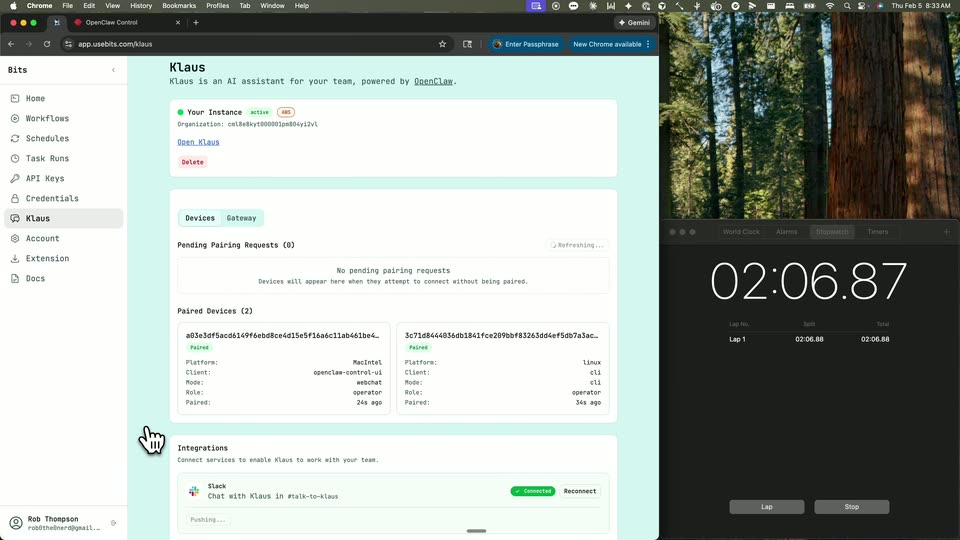 0:33–0:42Klaus AI · Klaus launchSide-by-side screen capture: a web dashboard on the left, a dark stopwatch ticking up on the right. A hand cursor hovers a device card, scrolls down, and clicks a button that flips the Slack row to Connected, then to a green success note.
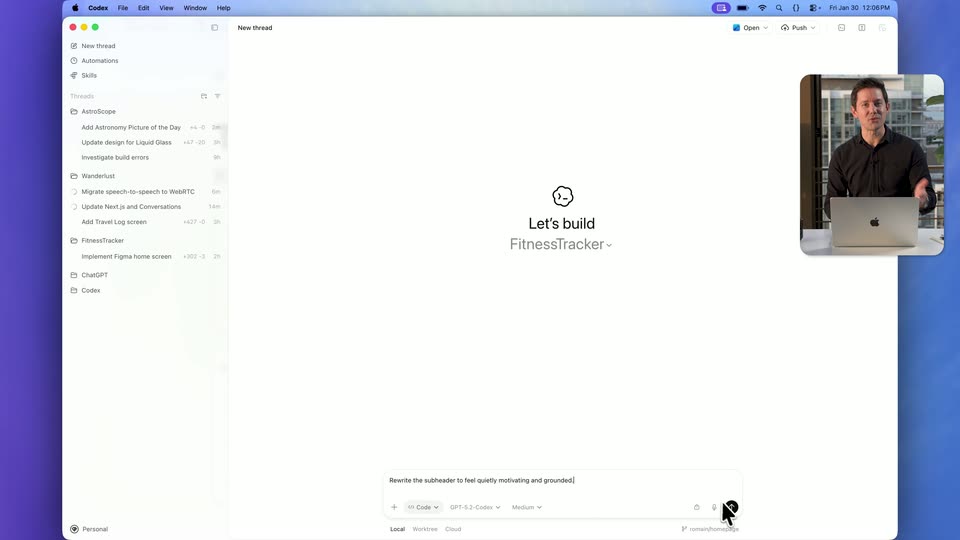 2:11–2:13OpenAI · Introducing the Codex appA browser window displays a fitness tracker dashboard, then cuts to a Codex new-thread screen reading Let's build FitnessTracker. A frosted app-icon dock fades out across the center as a cursor moves to the send button, and a small webcam feed of the presenter stays in the top-right corner.
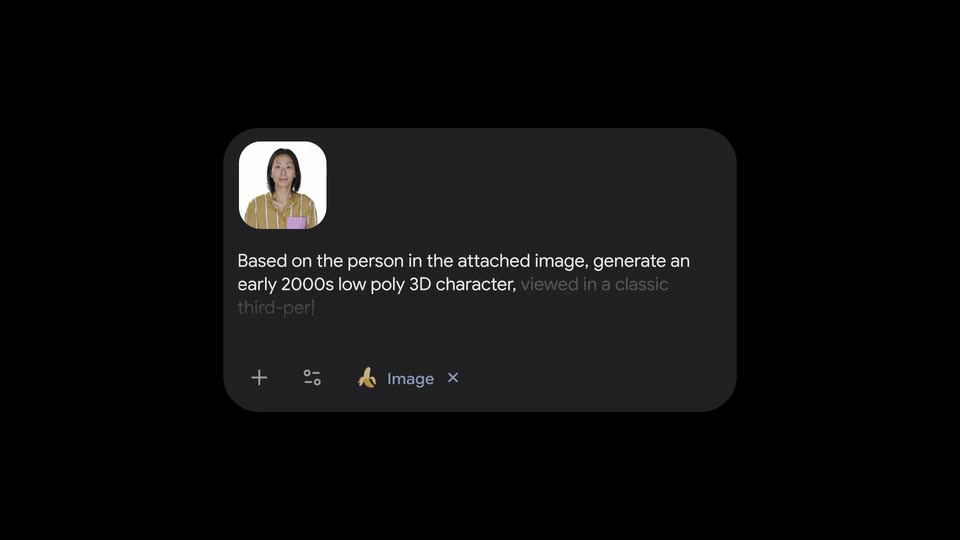 1:34–1:37Project Genie · Google DeepMind - Step inside Project Genie: our experimental research prototype that lA dark rounded prompt card sits centered on a black background. A cursor drags a small portrait thumbnail into the card's top-left corner, then white text types out a prompt about generating a low poly 3D character, while an Image attachment chip stays at the bottom.
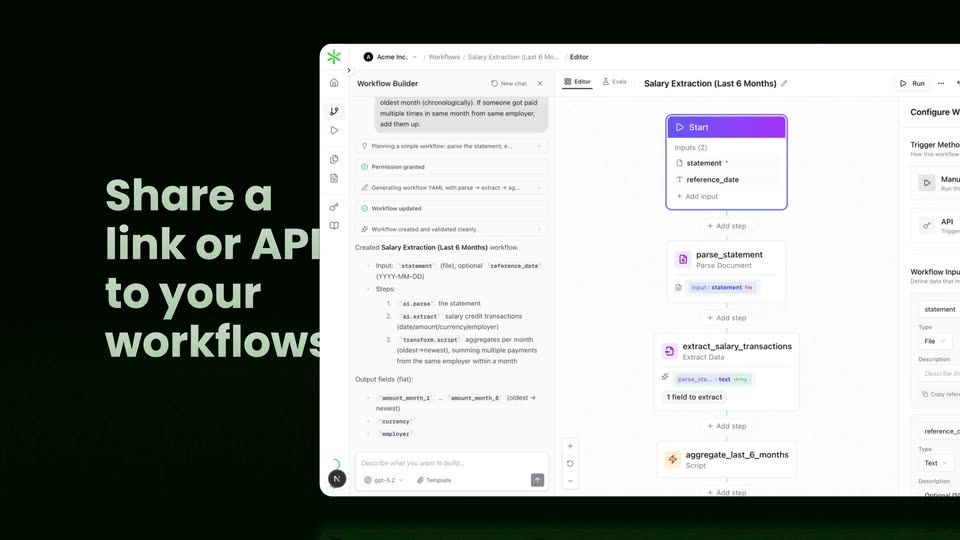 1:14–1:17EigenPal · Introducing EigenPalA dark scene pairs a large pale-green headline on the left with the workflow editor shown in 3D perspective on the right. The headline slides in and out while the mockup rotates flat toward the camera and a cursor clicks the Save button.
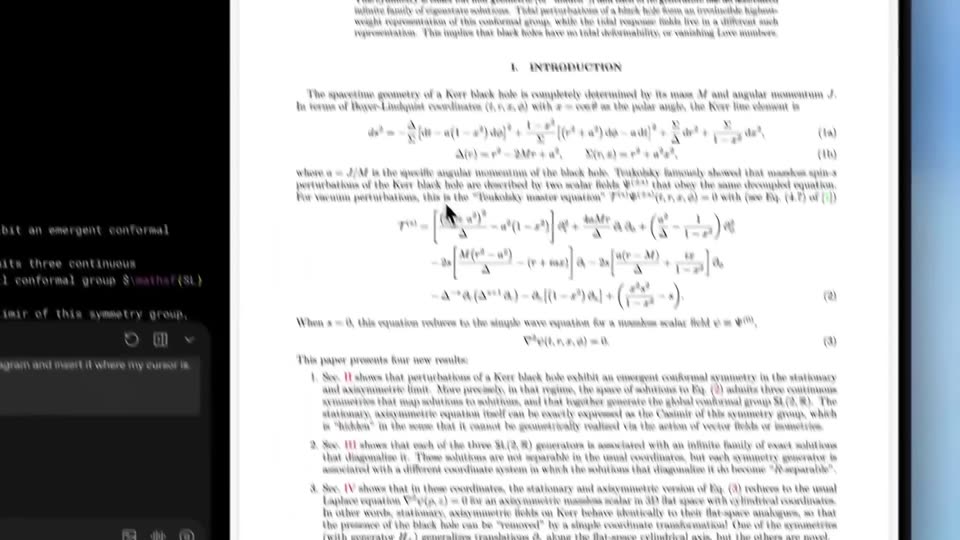 0:40–0:56OpenAI · Introducing Prism, a free workspace for scientists to write and collaborate on researchA chat input types a user prompt word by word over a LaTeX editor. The frame pulls back to a split of source code and compiled PDF, then zooms into the paper's title page and body text as a cursor drifts across it.
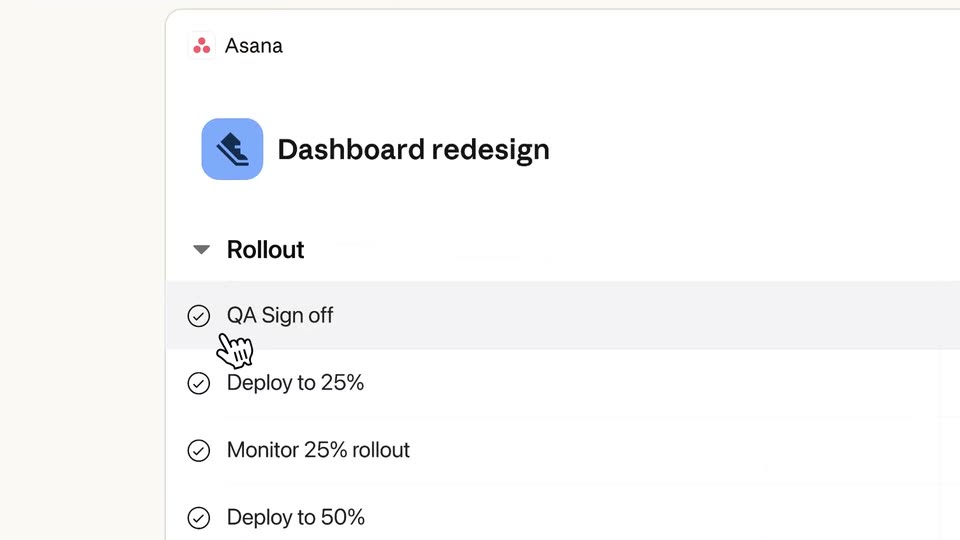 0:30–0:34Anthropic · Claude - Your work tools are now interactive in Claude. Draft Slack messages,A bold serif caption under an Asana card slides in, the view widens to the full app screen, then zooms into the Rollout task list where a hand cursor clicks the QA Sign off row and its check turns green.
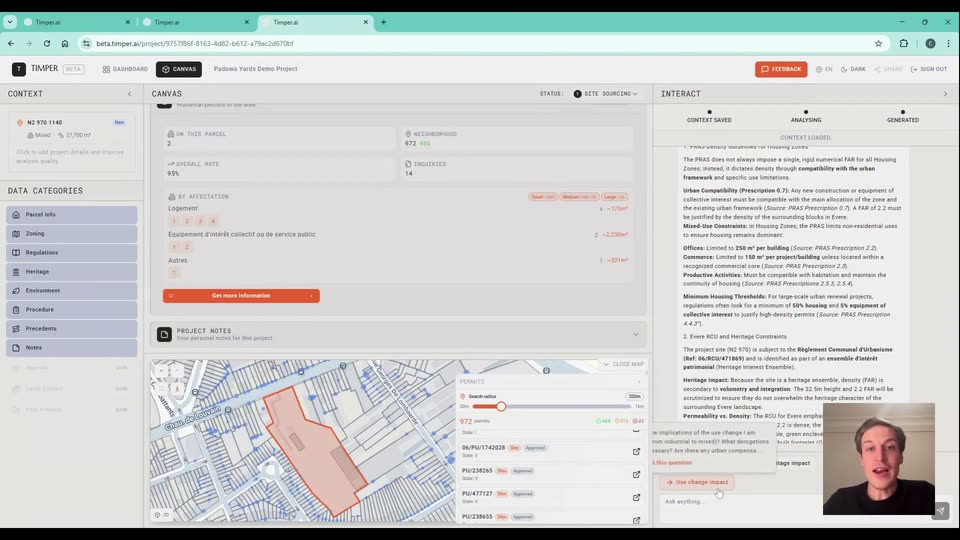 1:39–1:51Timper · Timper.ai - Demo Jan 2026The Temper.ai dashboard fills the frame in three columns. The right AI panel resolves from a dark placeholder into generated text, the language menu opens, a sample question types into the chat box, and the cursor hovers over sidebar categories while a presenter video sits in the corner.
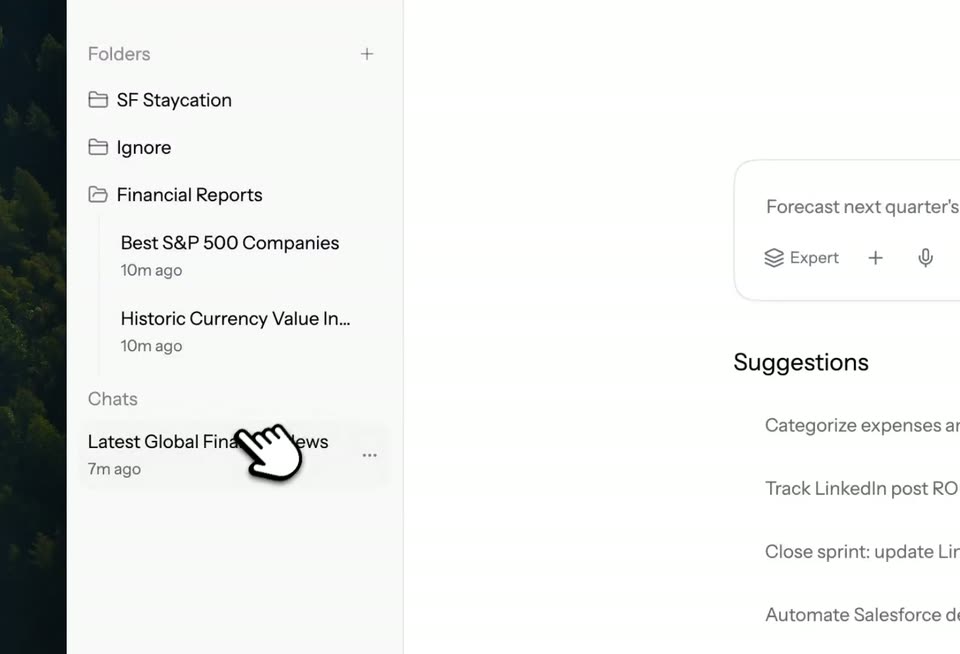 0:09–0:10Doe · doe - We're announcing folders for chat sessions and files!A cursor hovers over the app sidebar, then grabs the Latest Global Financial News chat and drags it up into the Financial Reports folder, the item floating as a small chip with a paper plane icon. The right panel holds a prompt field and a suggestions list.
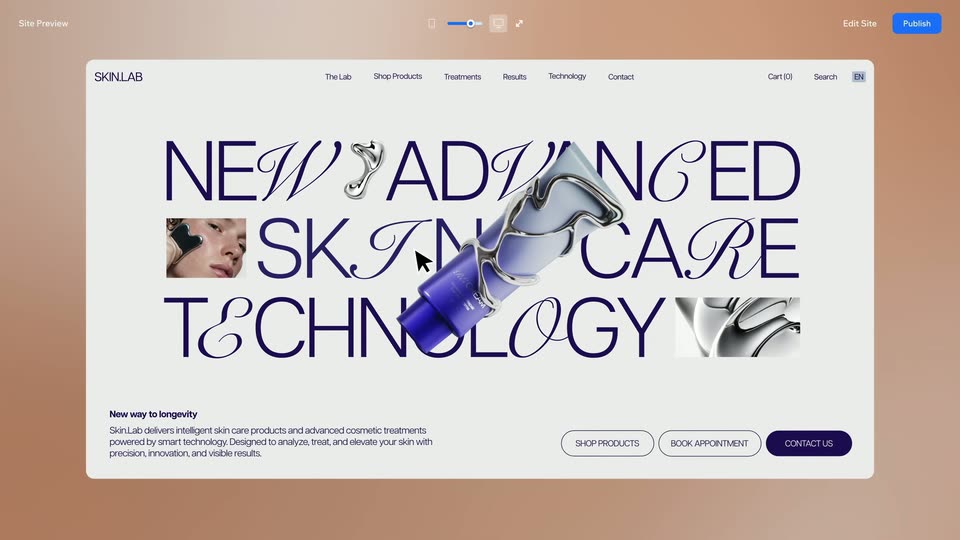 0:37–0:38Wix Harmony · Wix Harmony: The new way to createA website editor displays a skincare site hero with a large mixed serif and script headline and a 3D metallic liquid tube. The cursor clicks the headline, and a blue selection frame with a small Text tag snaps around the block.
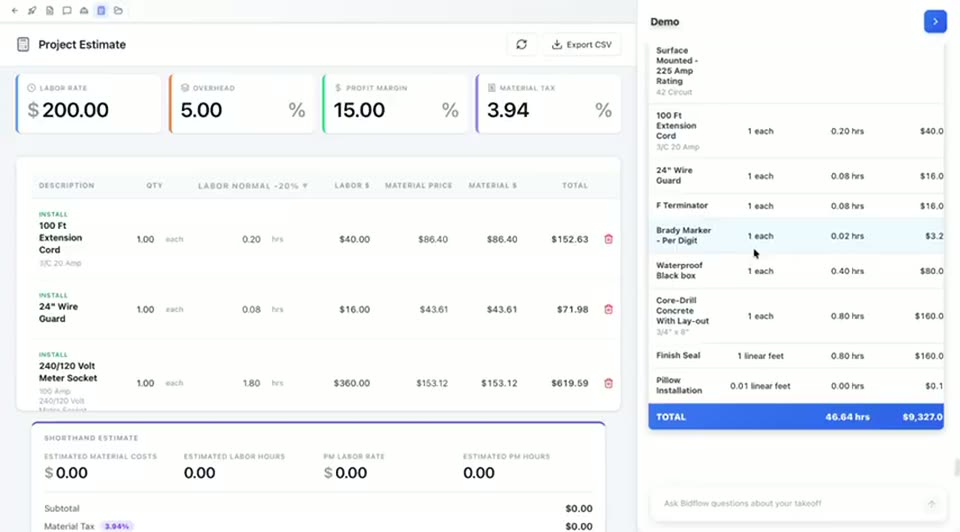 1:11–1:15Bidflow · Bidflow DemoA project estimate screen sharpens into focus: summary cards above a line-item table, a material takeoff panel on the right with a blue total row. A cursor hovers over a highlighted row, then the camera zooms in on the top cards.
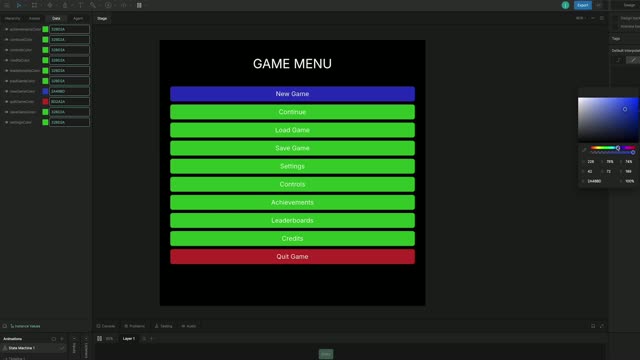 1:11–1:13Rive · Scripting is Live in Rive ✨A design tool window frames a game menu mockup with a stack of colored buttons. A cursor drags the hue slider in the right color picker, and the New Game button shifts from magenta to green while its hex value updates in the left data panel.
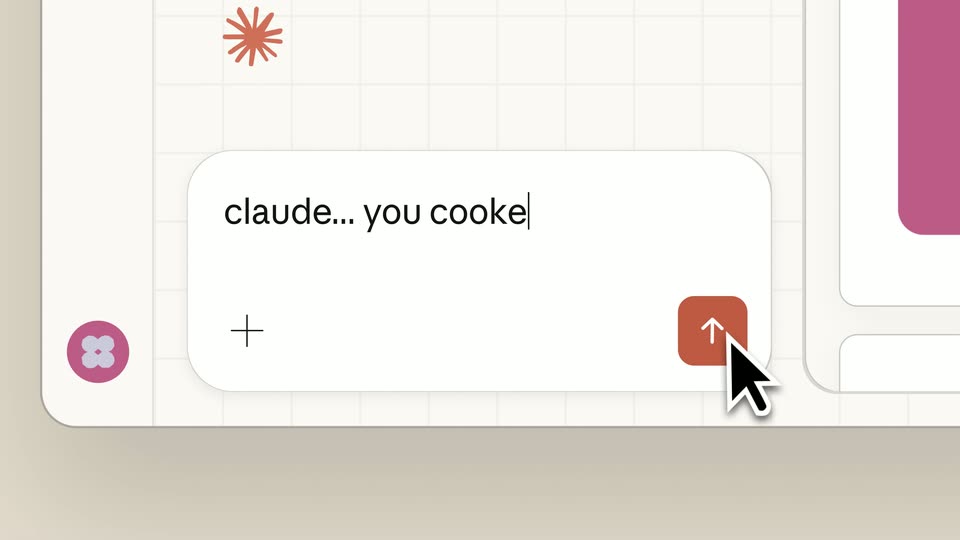 0:57–1:02Anthropic · Introducing Cowork: Claude Code for the rest of your workClose-up of a white rounded reply box on a faint grid. The placeholder 'Reply...' is typed over into 'claude... you cooked' while a black cursor arrow rests on the orange send button.
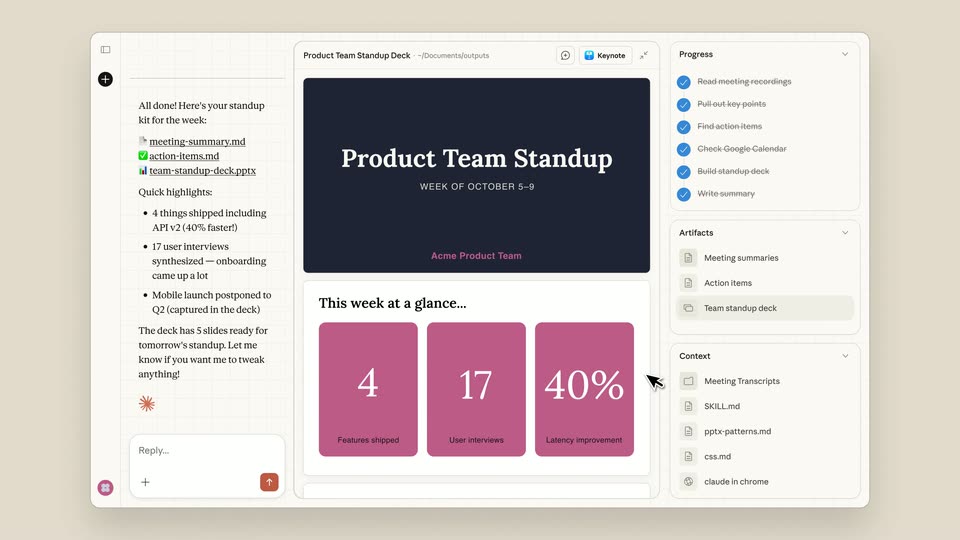 0:53–0:57Anthropic · Claude - Introducing Cowork: Claude Code for the rest of your work. Cowork leA three-panel app interface fills the frame: a chat log on the left, a generated slide deck in the center, and task lists on the right. A cursor glides from the Artifacts panel down to Context, then the view zooms in on the deck's pink stat cards.
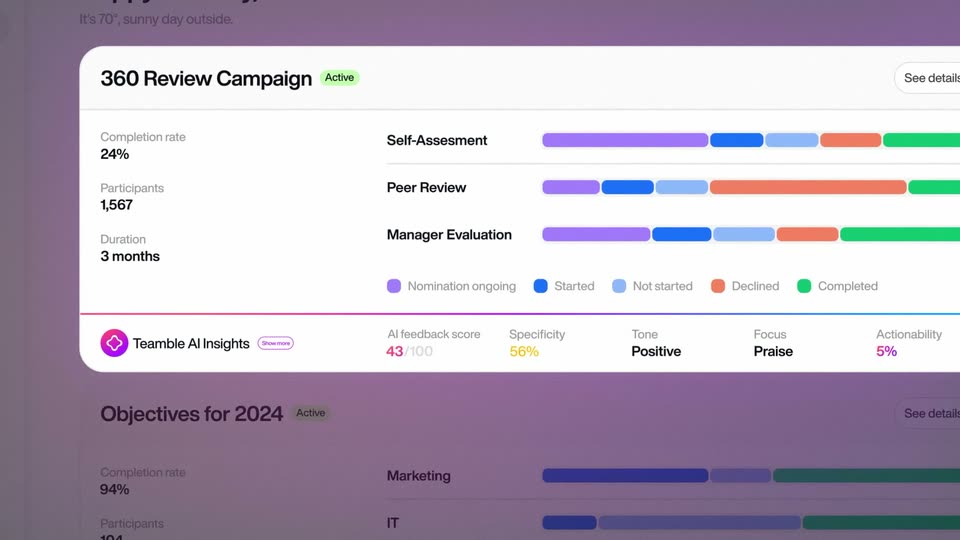 1:11–1:17Teamble · Teamble launch filmA tilted 3D dashboard rotates to face the camera as the 360 Review Campaign card lifts into a floating panel. The view zooms to its bottom row, where a glowing hand cursor taps the Show more pill on the Teamble AI Insights bar.
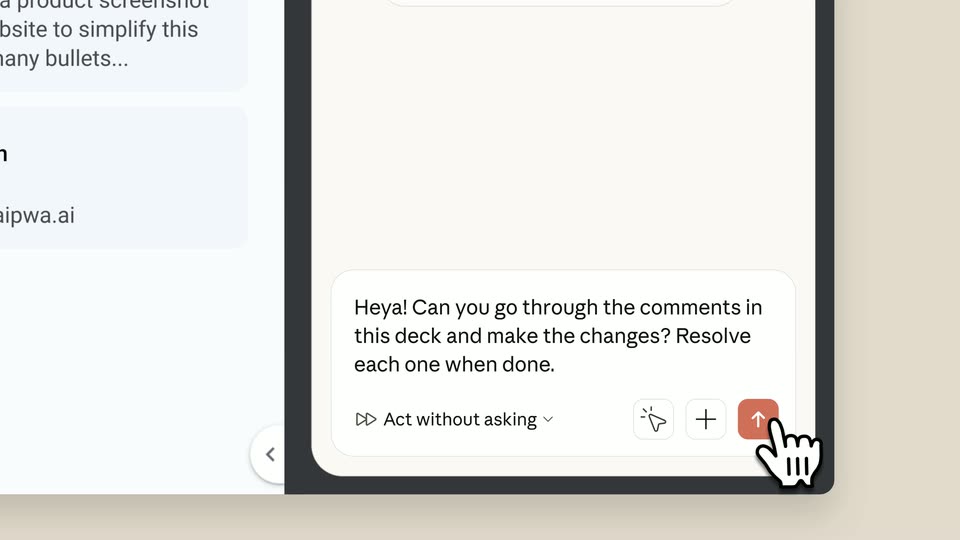 0:40–0:45Anthropic · Let Claude handle work in your browserA slide editor with comment cards sits beside an AI chat panel. The view reframes onto the input field as a white hand cursor rests on the orange send button while a prompt to resolve the deck comments is typed. The camera then pans to the comment cards.
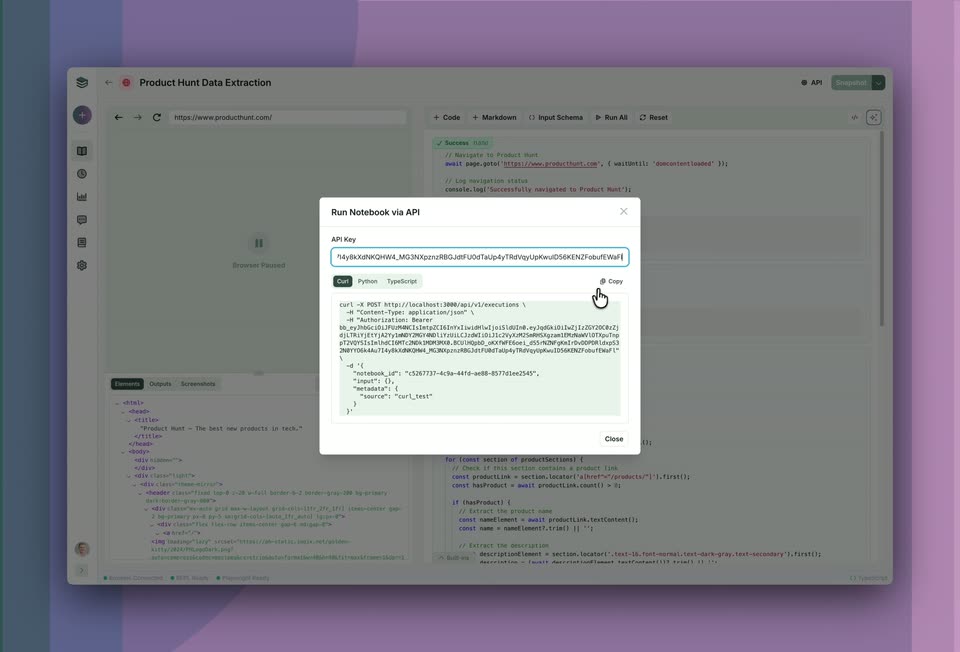 2:41–2:52Kilvin · BrowserBook YC DemoA centered 'Run Notebook via API' dialog sits over a dimmed browser window. A cursor fills the API key field, the curl command below refreshes with the new token, then the cursor clicks Copy and 'Copied!' appears beside it.
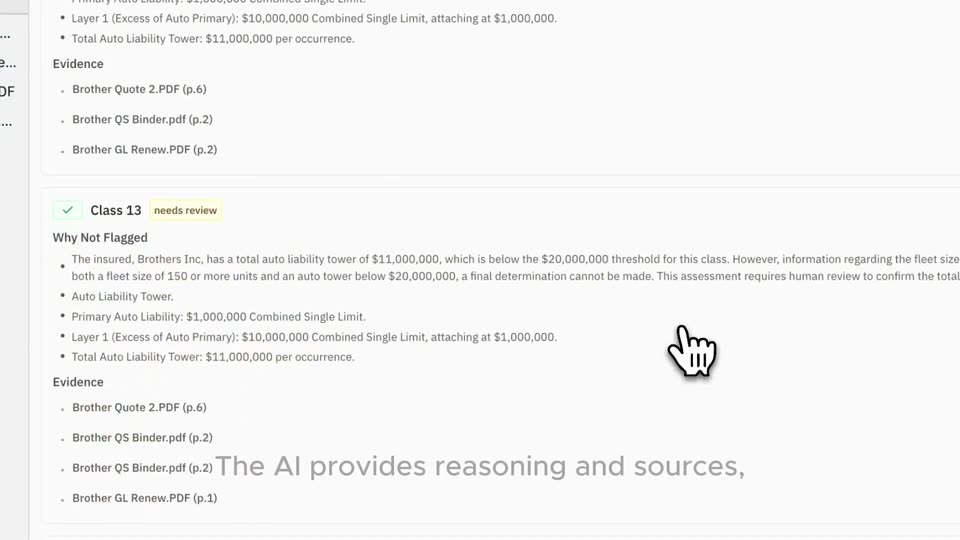 1:09–1:16Adaptional · Adaptional IntroA product interface titled Test: Brothers Inc scrolls down through a list of flagged insurance classes, a hand cursor hovering over the content. The view then zooms into the Class 13 entry, where a needs review tag is highlighted in yellow.
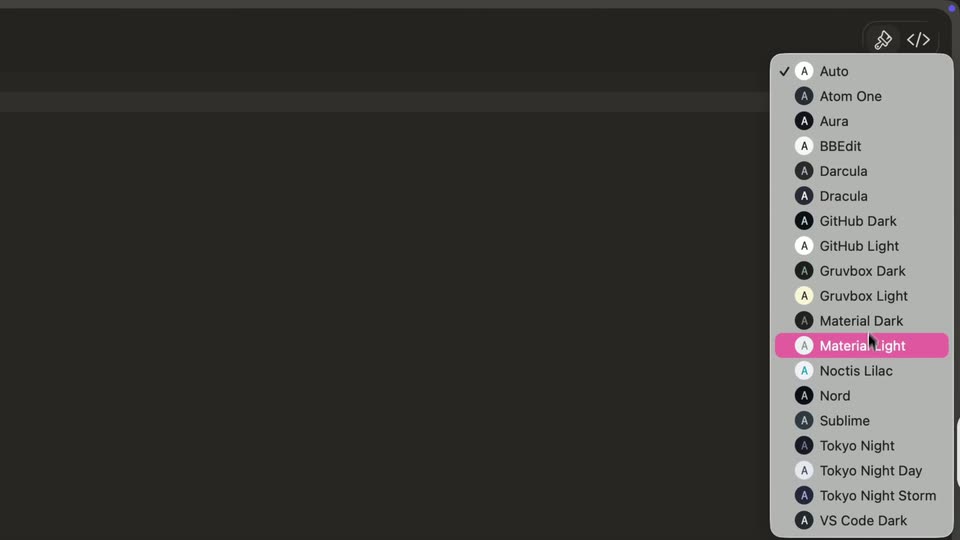 1:12–1:14Craft · Introducing the new Craft Assistant, MCP & API and more!A dark code editor fills the frame with a theme picker dropdown open at the top right. The cursor glides down the list of color schemes, and each row it passes, such as BBEdit and Noctis Lilac, flashes with a pink highlight.
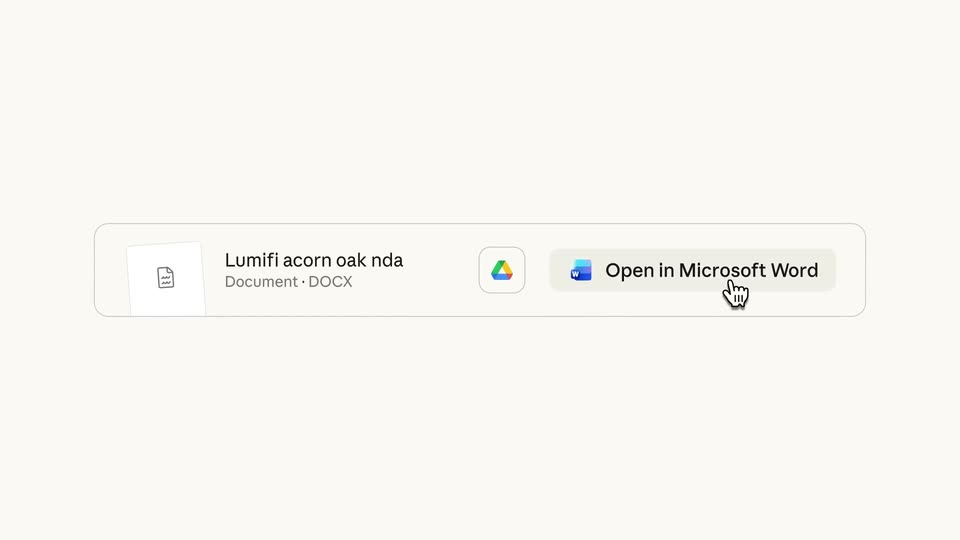 1:17–1:18Anthropic · Claude works with you on slides, spreadsheets, and contract redlinesA file row card with a document icon, filename, Drive icon and an Open in Microsoft Word button appears on a cream background. A hand cursor moves up to the button and clicks it, the button fills with a darker tone.
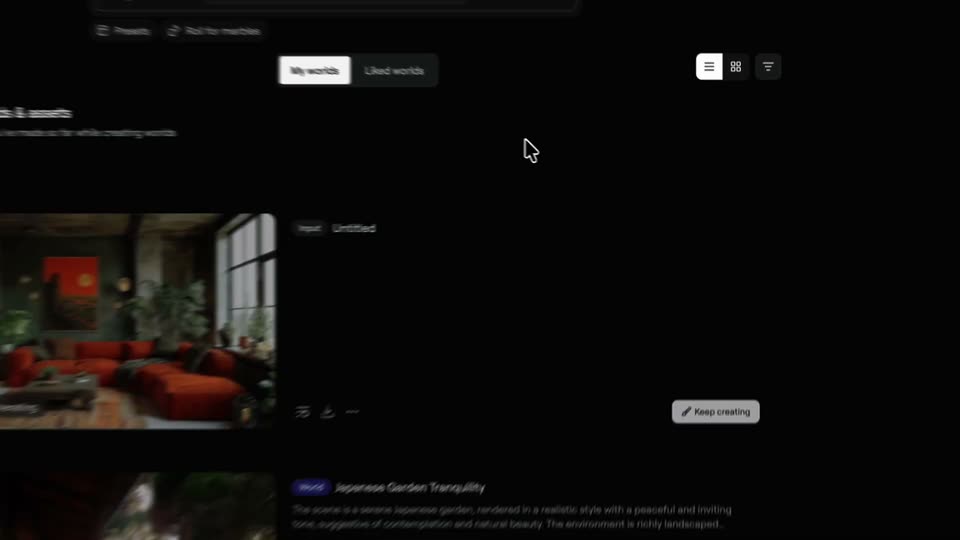 0:46–0:47World Labs · Welcome to Marble!A dark world-creation panel shows a prompt field and a blue Create button as the cursor hovers and clicks it. The view then switches to a My worlds list with two world cards, one marked Generating.
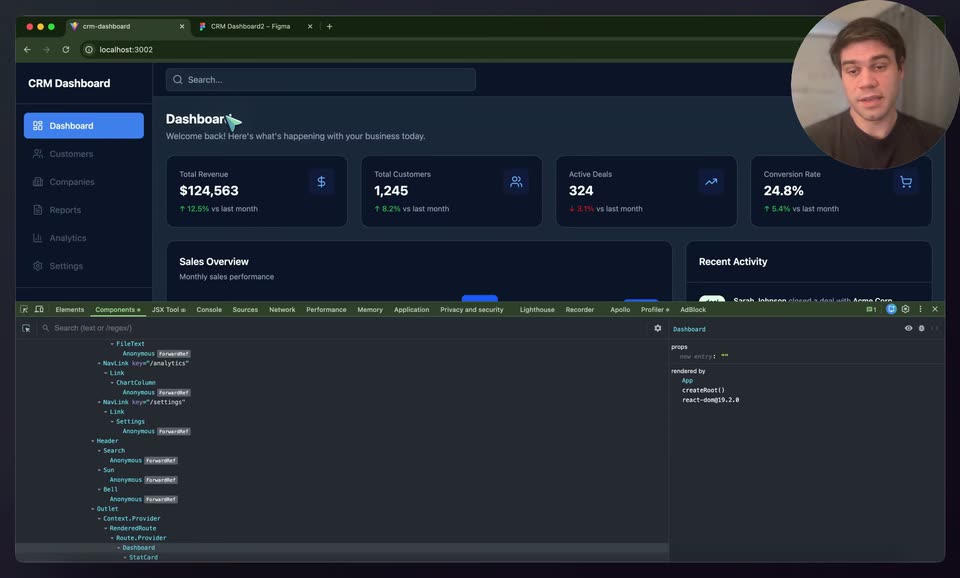 0:55–1:00Coasts · JSX Tool DemoA dark CRM dashboard fills the top of a browser window while Chrome DevTools open below. A cursor hovers over stat cards and the page heading, highlighting each as the React component tree updates. A circular webcam feed of the presenter sits in the top right corner.
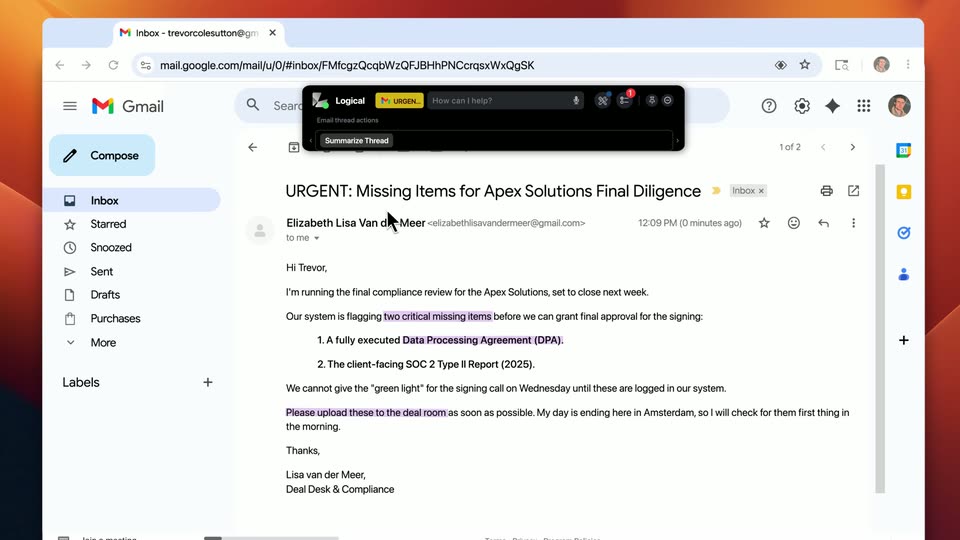 1:04–1:07Logical · Logical | The Proactive Desktop CopilotA Gmail email window opens tilted in 3D perspective over an orange gradient, then flattens to frontal. A dark command bar with a yellow URGENT badge floats above it; the cursor hovers and the bar swaps to a Summarize Thread button as the window blurs.
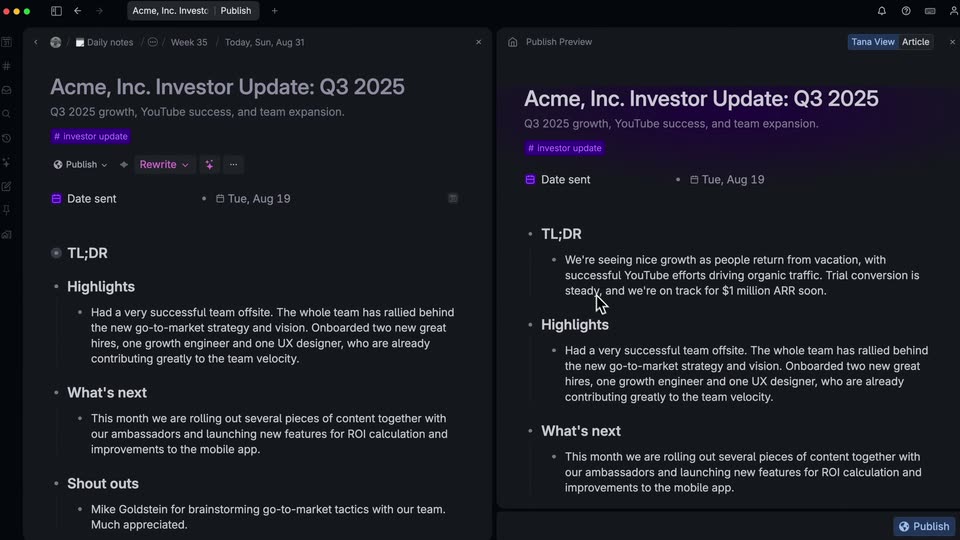 1:01–1:03Tana · Tana Outliner Offline Is HereA dark note editor and a publish preview panel sit side by side, both showing the same investor update document. A cursor glides over the preview's headings, moving from TL;DR down to Highlights.
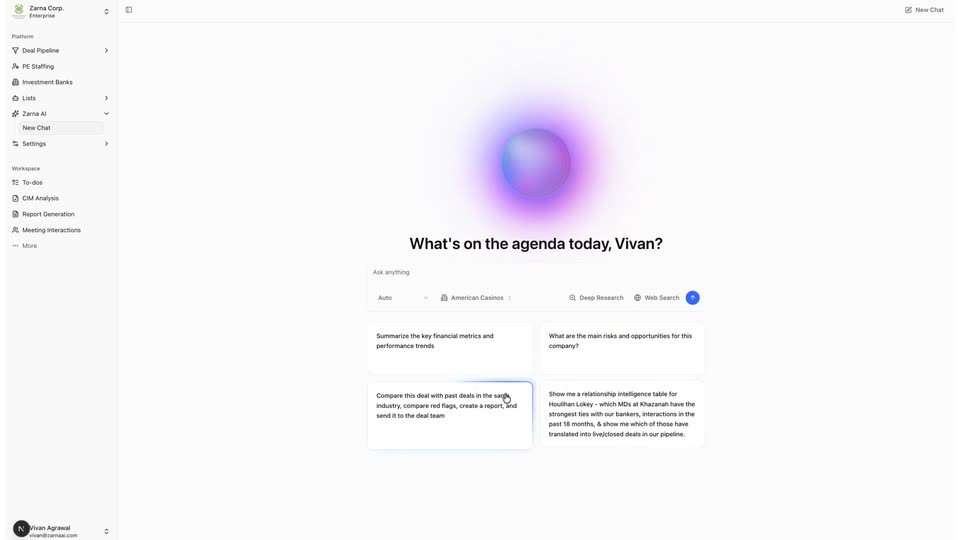 1:19–1:22Zarna · Demo Video - ZarnaA light SaaS dashboard with a left sidebar and a glowing purple orb above the greeting What's on the agenda today, Vivan? and four suggestion cards. A cursor moves from the sidebar onto a card, highlights it, then a loading spinner appears on it.
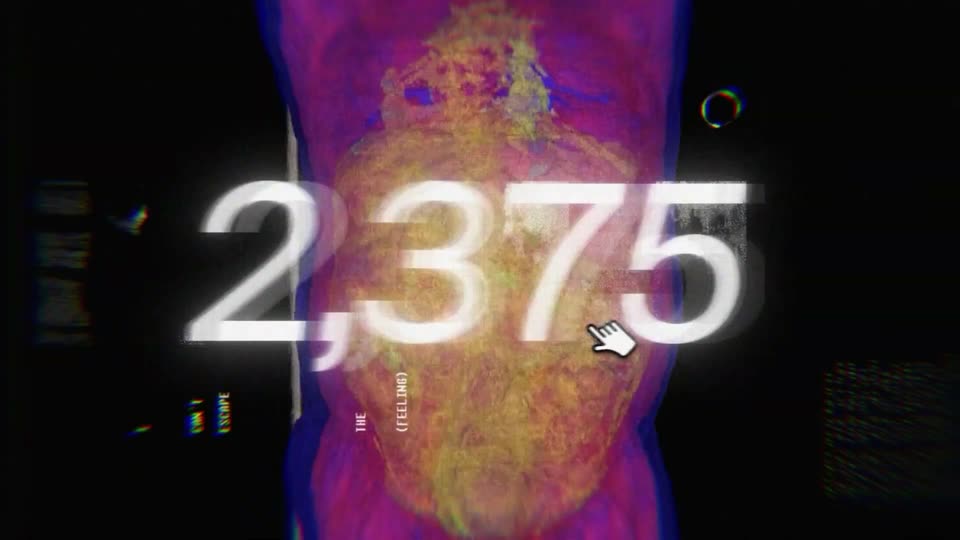 1:13 · 0.8sNucleo · Nucleo - Automated cancer diagnosticsA thermal heat-map of a human torso glows purple and orange on black as a huge white number counts up from 2,009 to 2,500, scaling slightly. A hand cursor and a dotted frame with a flame icon hover over the scan, and the word faster fades in below.
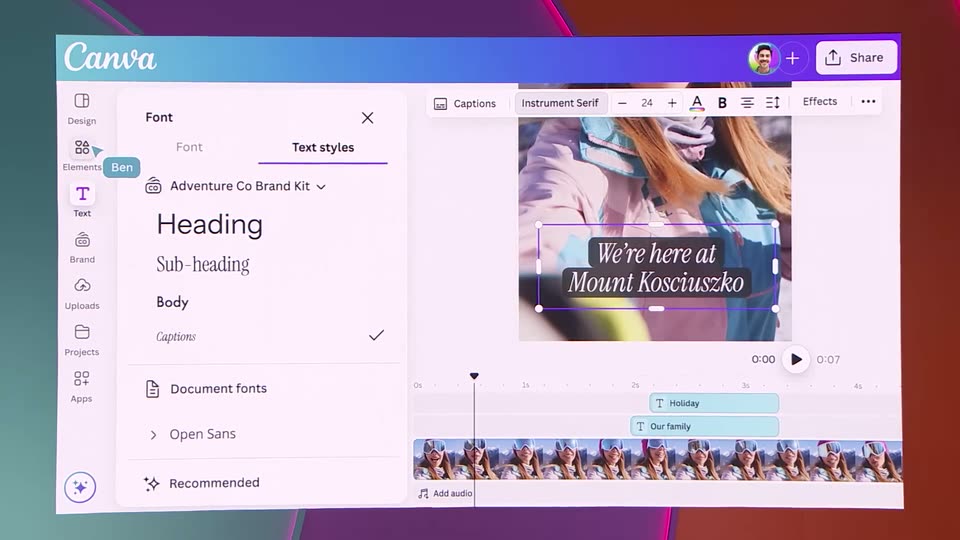 4:00–4:10Canva · Introducing Canva Video 2.0The Canva video editor sits tilted in 3D over a gradient backdrop. A tagged cursor clicks the Captions text style, switching the caption font to a serif, then opens the Elements panel and drags a yellow blob shape onto the video frame.
 1:02–1:04Flowith · Derek Nee - introducing the OpenAI Atlas killer. might be the last browser you'llA hand cursor moves down a sidebar in a code editor, then the screen cuts to a terminal and an AI agent panel running commands, with the text NEO OS AGENT IN OPERATION at the bottom.
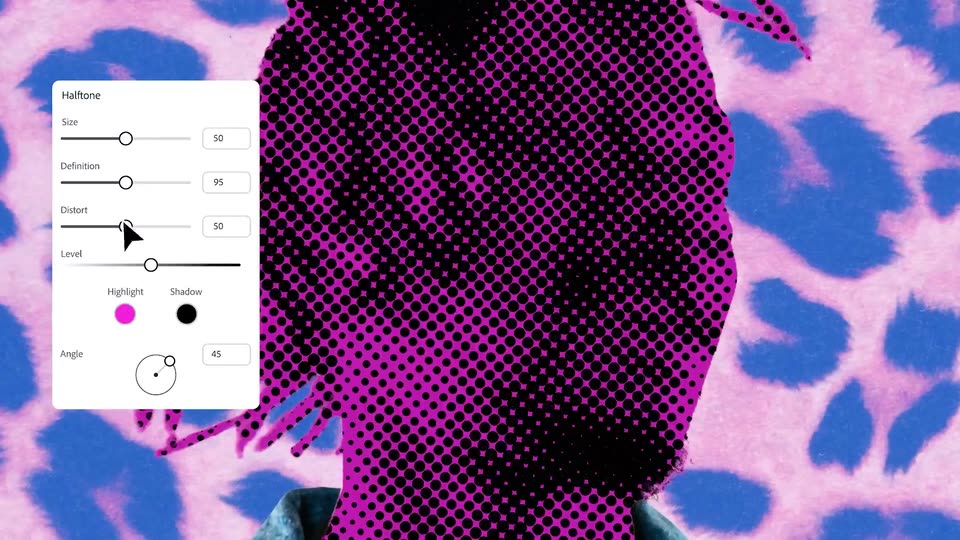 0:30–0:31Topaz Labs · Topaz Labs - @Adobe + Topaz Labs 🤝🙌 Just announced—you can now access select TopazA white Halftone control panel sits over a halftone-dotted portrait against a pink and blue mottled background. A cursor lifts off the magenta Highlight swatch and slides up to the Size slider.
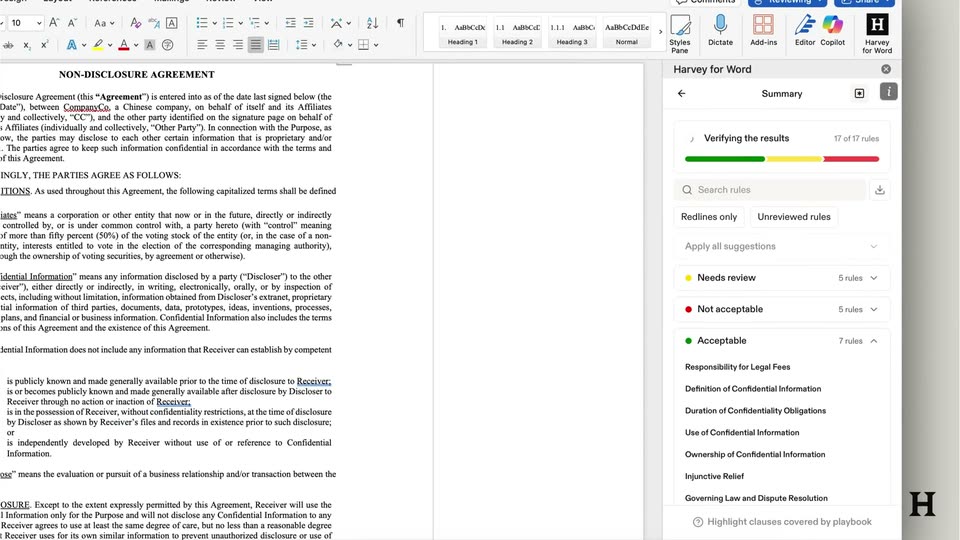 1:42–1:49Harvey · Microsoft IntegrationsA Microsoft Word window with the Harvey for Word sidebar open. A cursor clicks Run on the NDA Playbook, the panel shifts to a processing progress bar, then to a review-complete list of flagged clauses, and the view zooms into the results.
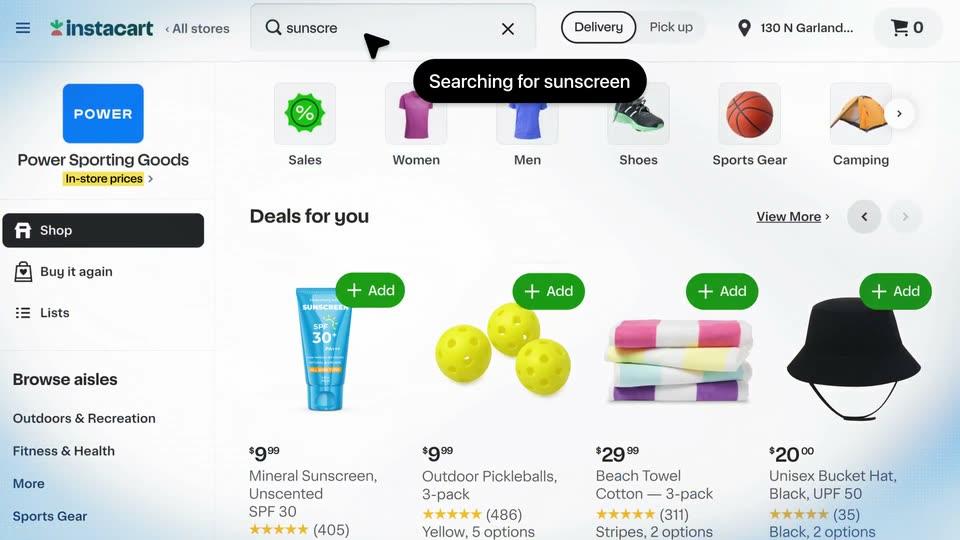 1:16–1:17OpenAI · OpenAI - Meet our new browser—ChatGPT Atlas. Available today on macOS:A black cursor glides to the search bar of a light shopping interface and types the word sunscreen. A black rounded caption bubble labeled Searching for sunscreen hovers below the bar while product tiles with green Add buttons stay static.
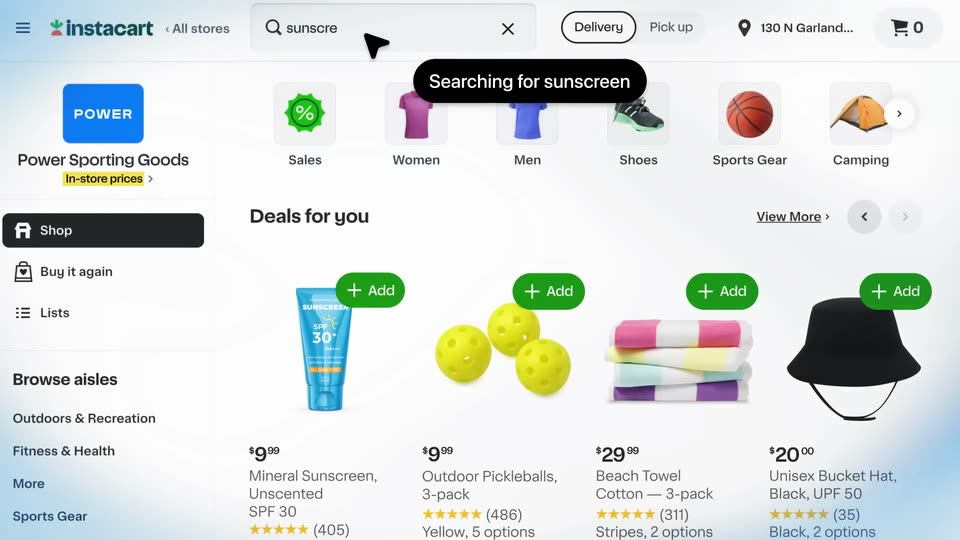 1:16–1:17OpenAI · Introducing ChatGPT AtlasThe Instacart web interface fills the frame. A black tooltip labeled Searching for sunscreen hovers over the search bar as a cursor types the query into the field. A row of deal tiles with green Add buttons stays static below.
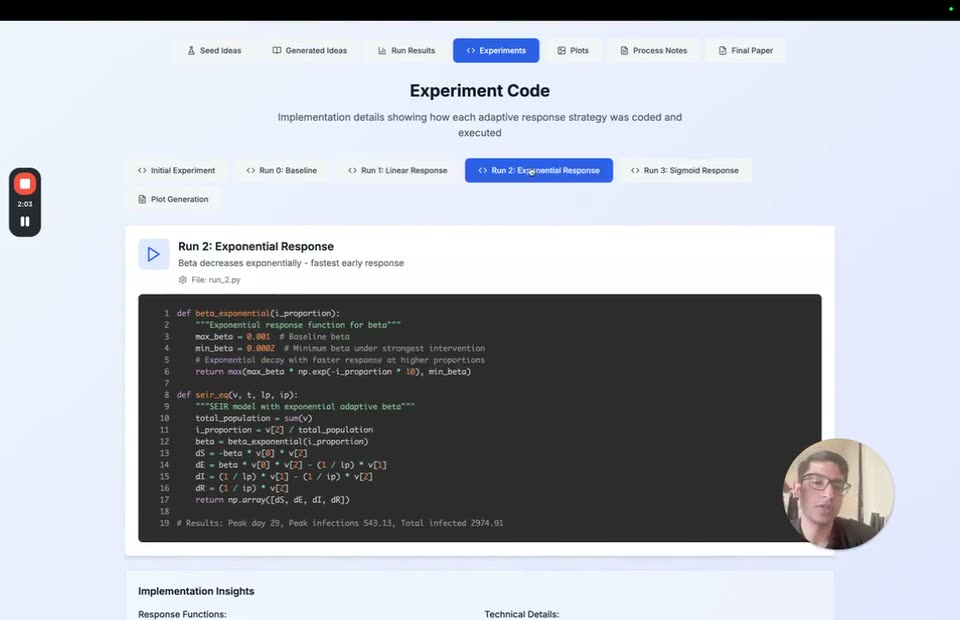 1:58–2:08Sciloop · Sciloop - End to End Scientific DiscoveryScreen recording of the app's Experiment Code view: the cursor clicks through the run tabs, and the code card swaps from Run 1 to Run 2 to Run 3, while a circular webcam of the presenter sits in the bottom right.
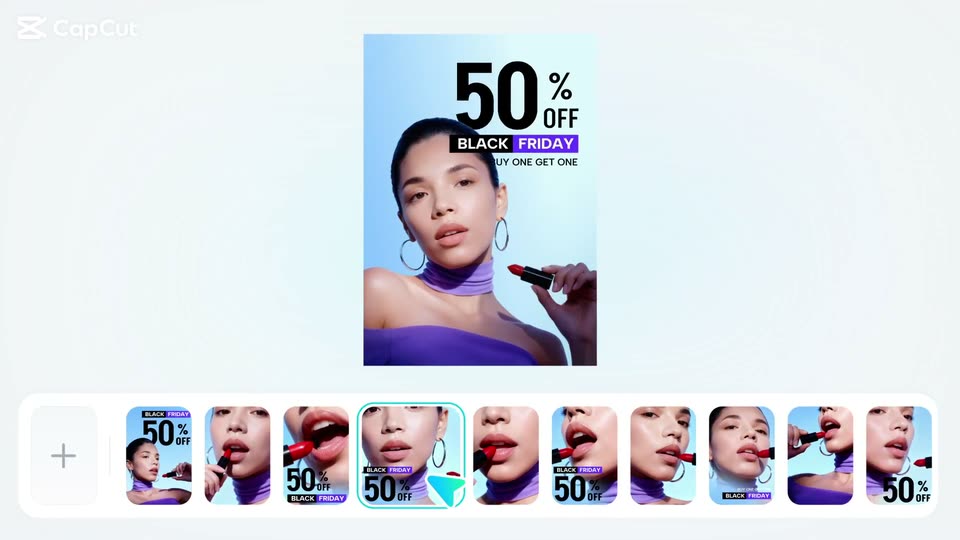 0:50–0:51CapCut · CapCut - Your all-in-one e-comm toolkit is here. Meet the new CapCut Desktop!A CapCut template preview plays in the center, a woman in purple holding red lipstick under animated 50% OFF and Black Friday text. A horizontal row of thumbnail variations sits below on a light gray background, with a cursor resting on the selected tile.
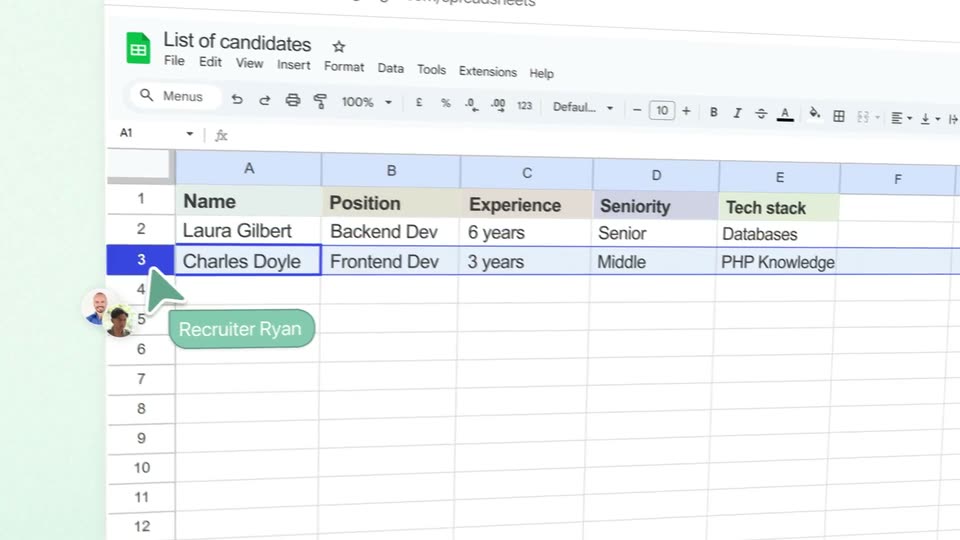 0:40–0:43Strawberry · Charles Maddock - We've raised $6M from General Catalyst, EQT Ventures, and founders ofA Google Sheets spreadsheet titled List of candidates fills the frame, with a green Recruiter Ryan label and a cluster of small avatar photos drifting across the rows. The view zooms out to reveal the browser window, where a black cursor clicks the Mail tab at the top.
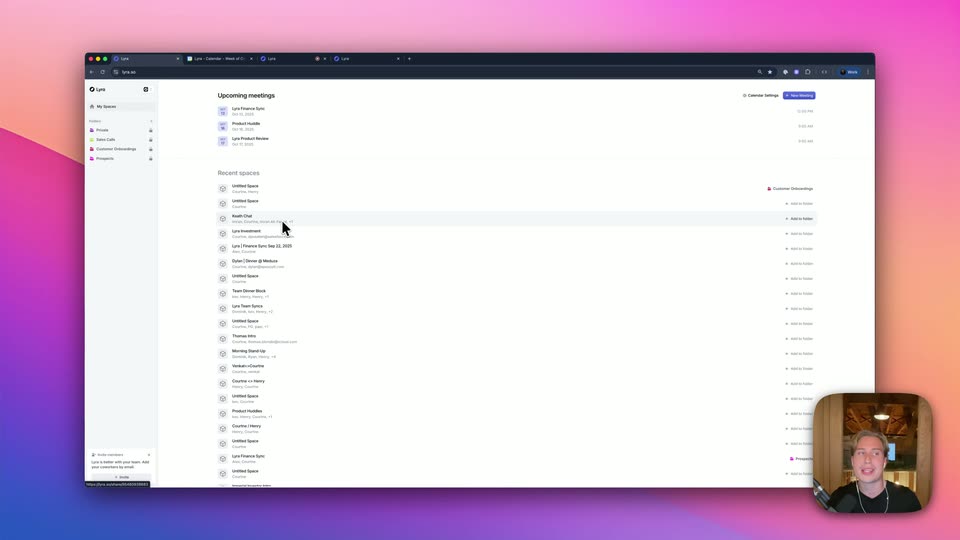 0:13–0:14IRBC · Lyra, The Final Meeting Platform.A pink-purple gradient frames a browser window showing the Lync calendar, with an Upcoming meetings header and a long Recent spaces list. A cursor hovers over one row. A small rounded webcam inset of a talking man sits in the lower right corner.
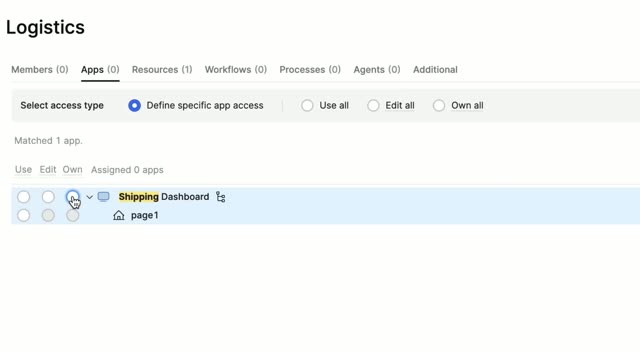 1:34–1:38Retool · Introducing Enterprise AppGen: AI-Assisted Development from RetoolA white permissions screen titled Logistics shows the Apps tab active. A cursor clicks the expand chevron on the Shipping Dashboard row, revealing a page1 sub-row, then clicks the Use, Edit and Own circles in turn, filling them blue as the assigned count updates.
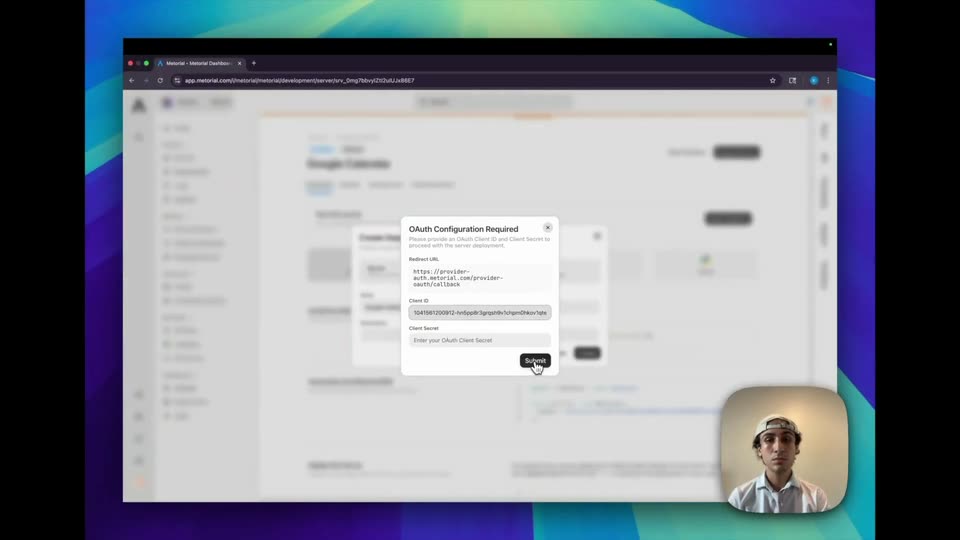 0:39–0:40Metorial · Introducing Metorial - YC F25A browser window shows the Meteor dashboard with a centered OAuth configuration modal over a blurred page. A small rounded video of a man in a cap sits in the lower right corner. The cursor moves to and clicks the Submit button.
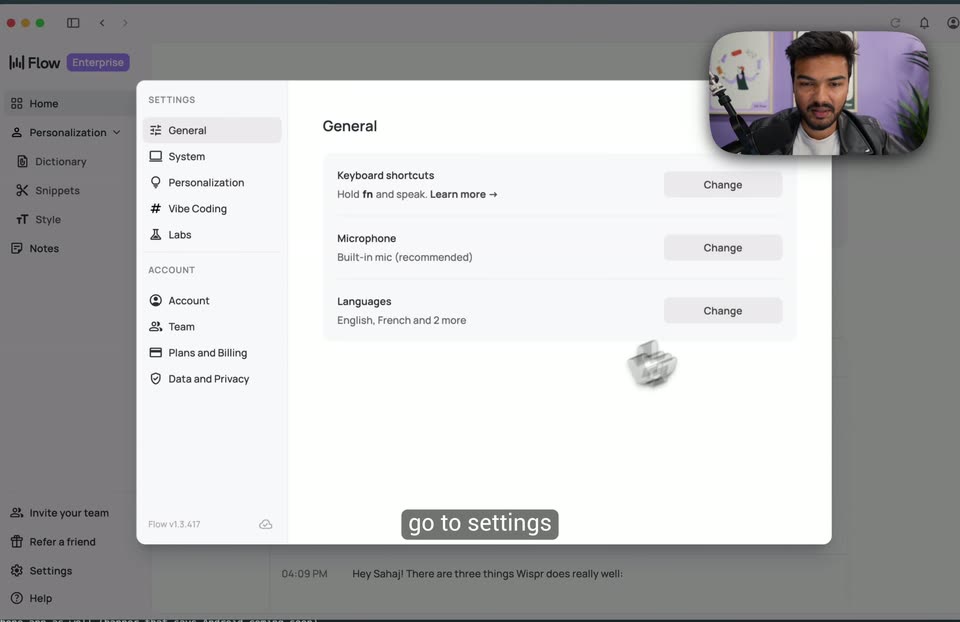 1:48–1:49Wispr Flow · Intro to Wispr Flow: voice-to-text AI that turns speech into clear, polished writing in every app.The Flow settings window is open on the General page, with rows for keyboard shortcuts, microphone, and languages. A hand cursor slides from the left sidebar to the Languages row. A presenter's webcam clip is pinned in the top right, and a 'go to settings' caption sits at the bottom.
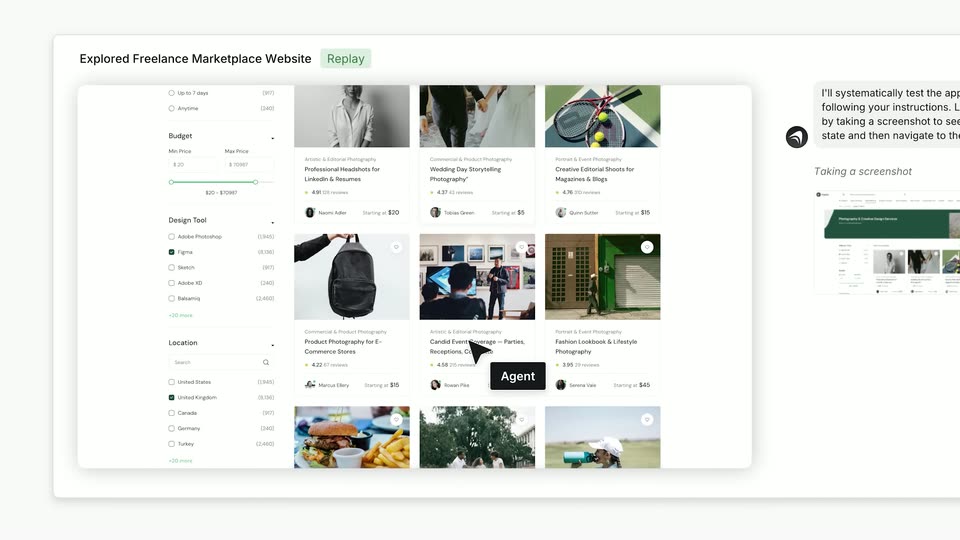 0:43–0:44Anything · Introducing Anything MaxA marketplace interface fills the frame, a filter sidebar on the left and a grid of photography service cards on the right. A black cursor glides from one card to the next with an Agent tag beside it, while a notes column scrolls on the right edge.
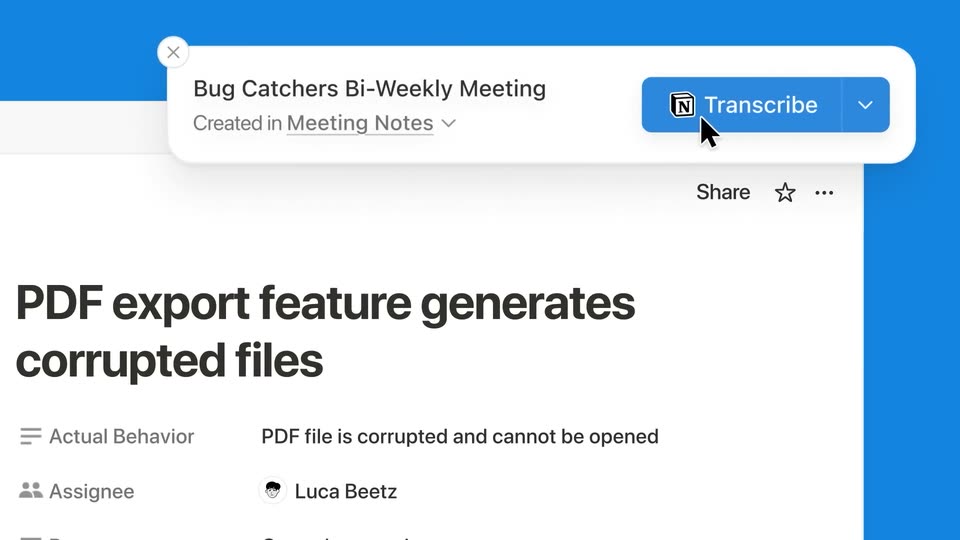 1:00–1:01Notion · Introducing Notion 3.0: AgentsClose-up of a white bug report card on a blue field, topped by a floating meeting bar with a blue Transcribe button. A cursor glides in from the left and rests on the button.
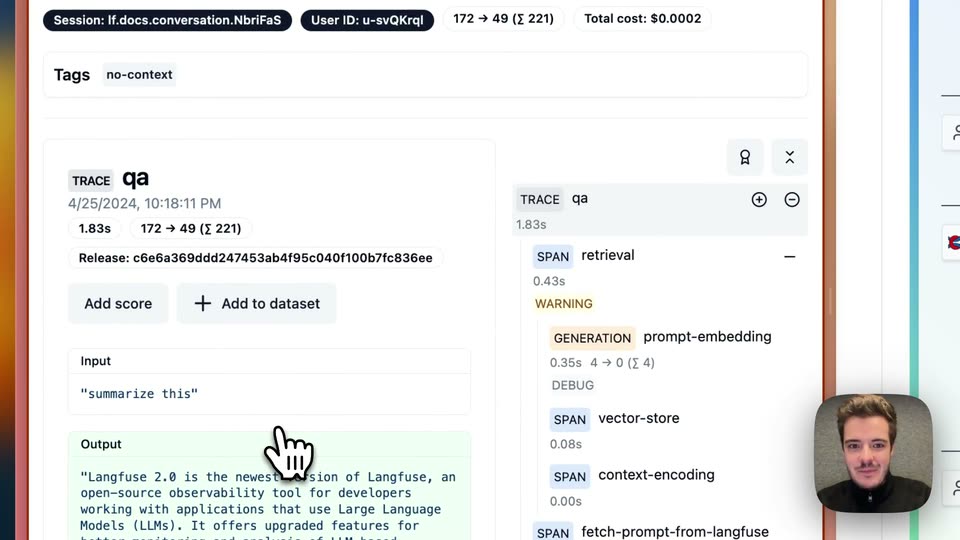 1:17–1:20Langfuse · Introducing Langfuse 2.0The LangFuse trace detail page fills the screen. A hand cursor hovers over the input and output fields, then the view pulls back to reveal the full page and a chat panel on the right. A small webcam feed of the presenter sits in the lower corner.
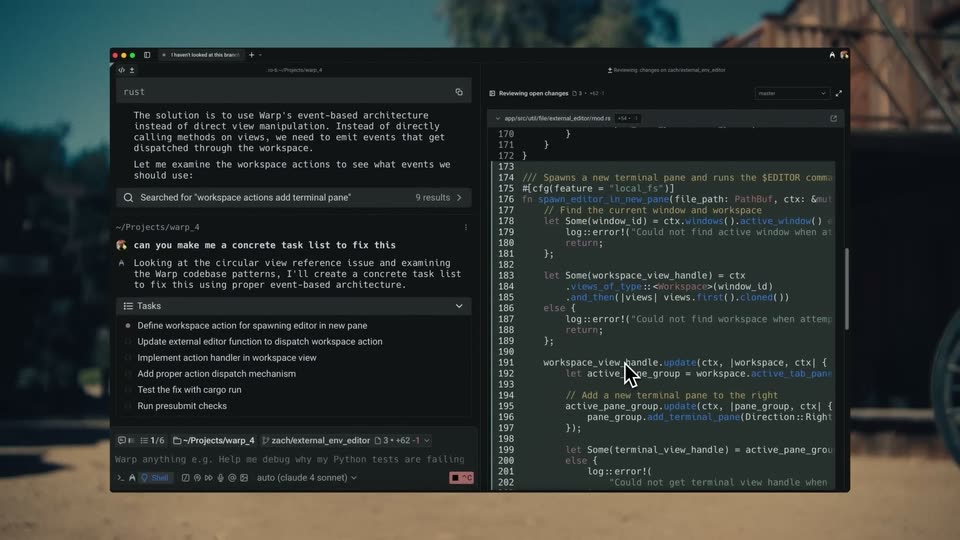 1:30–1:39Warp · Introducing Warp Code | The fastest way from prompt to productionA tilted Warp window floats over a blurred desk, its left chat panel streaming an agent reply that expands into a checkbox task list while a cursor clicks between the panes; the right pane holds static Rust code.
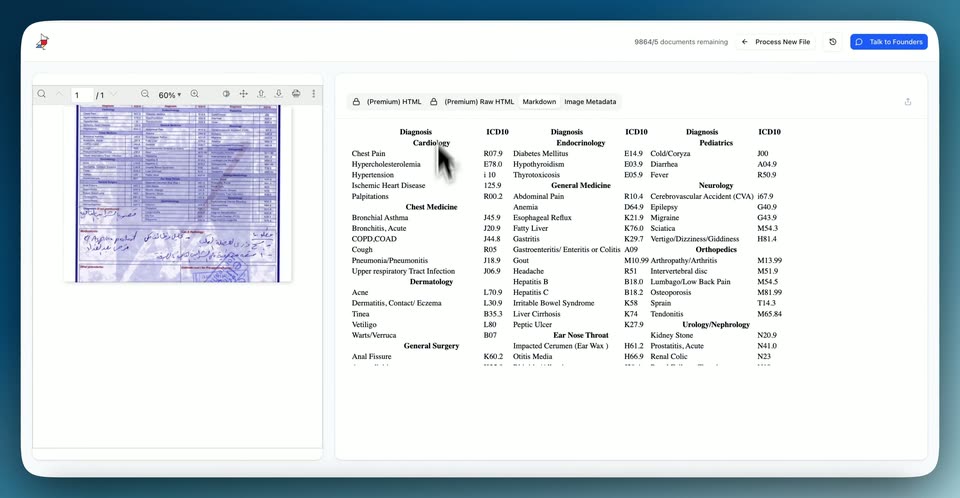 0:36–0:38Cardinal · cardinal demoA document processing interface holds still: a scanned medical table on the left and a categorized diagnosis list on the right, while a cursor drifts into the left pane.
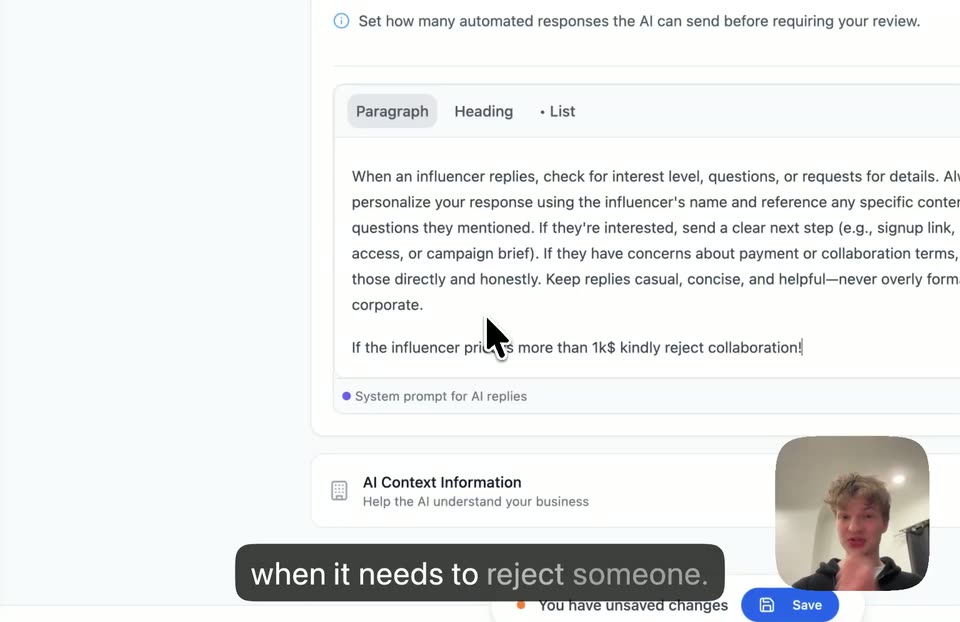 1:24–1:26Stormy · Stormy AI launch videoA light interface shows a prompt editor with a paragraph on influencer replies and a Save button. A mouse pointer hovers over the rejection line, and a dark caption pill reads when it needs to reject someone. A small webcam video of a presenter sits in the bottom-right corner.
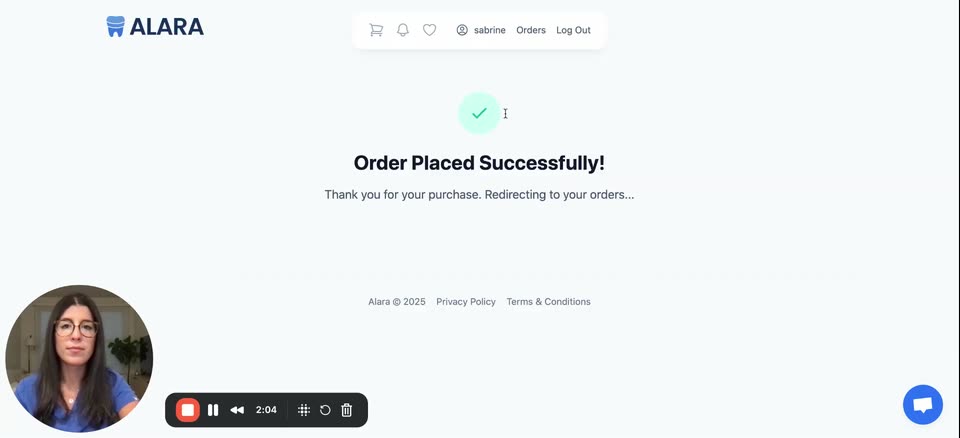 2:01–2:03Alara · Alara Dental - Transforming Dental Supply PurchasingA light gray order confirmation page holds still, showing a green checkmark, the bold heading and a gray subline. A mouse cursor drifts from the right edge toward the text. A small circular webcam of a woman in a blue shirt sits in the bottom left corner.
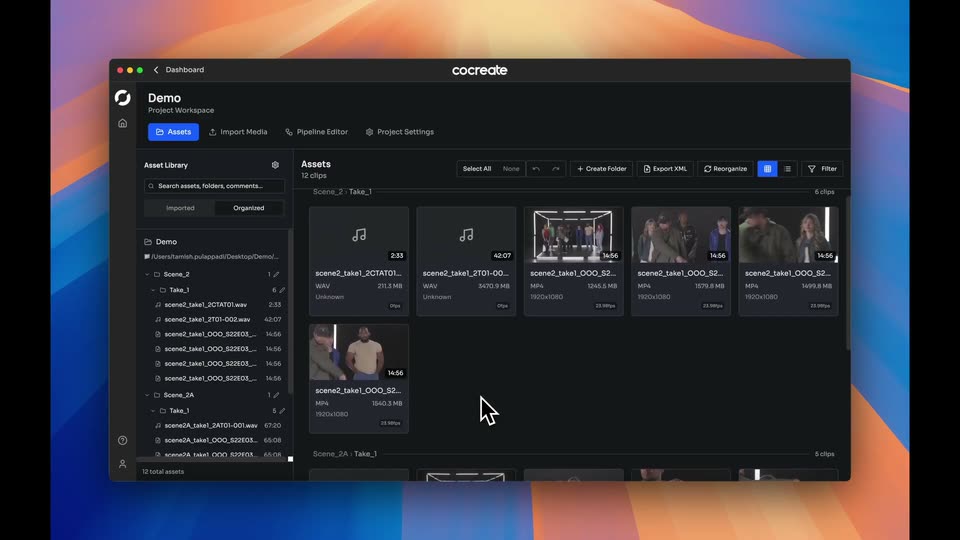 1:01–1:27cocreate · Cocreate demo videoA dark cocreate app window shows the Import Media file list, then zooms into the Assets tab where clips are grouped by scene and take. The cursor scrolls the grid, selects six clips, and opens a Sync Media dialog, clicking Sync as a spinner appears.
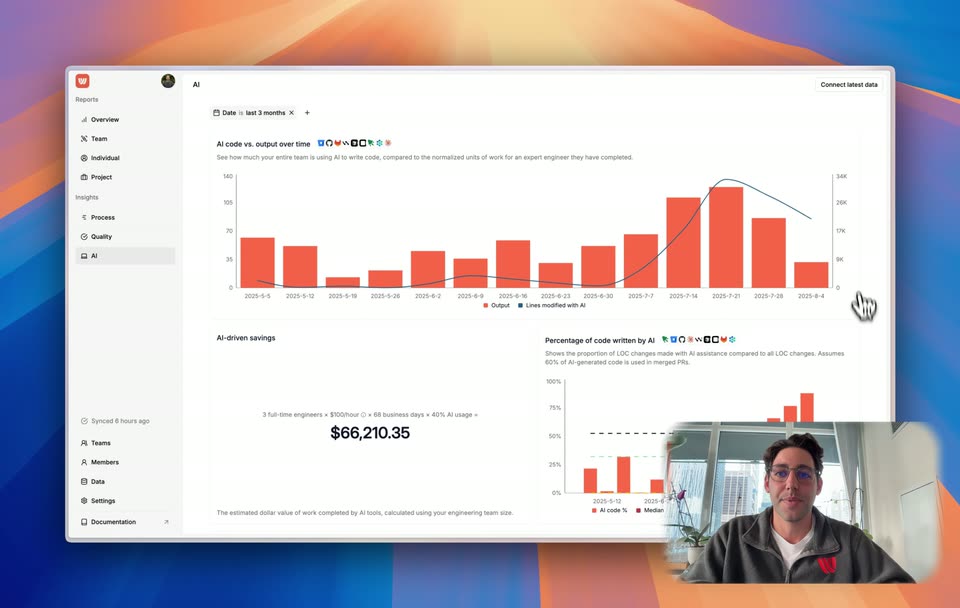 0:49–1:24Weave · Product Hunt Launch VideoA reports dashboard on a wavy orange and blue backdrop, with a man in a small corner window. A hand cursor clicks the AI menu item, the page switches to orange bar charts and a dollar figure, then scrolls down to reveal more graphs.