Cursor demo
A visible cursor operates the interface.
14,972 scenes · page 222 of 250
 1:09–1:10Moda · Anvisha - We raised $7.5M to kill AI slop. Introducing Moda: the world's firstA light gray product page shows a prompt card with the typed request for a LinkedIn job post. The view zooms in on the pink Create button as a large black cursor moves over and clicks it.
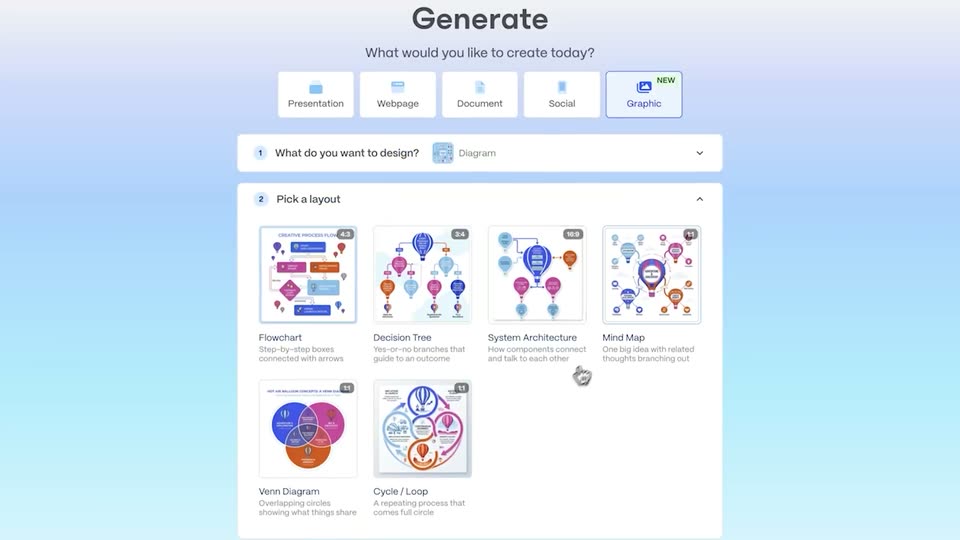 0:35 · 0.6sGamma · Gamma - Introducing Gamma Imagine! Gamma Imagine lets you create standaloneA white Generate panel sits on a light blue gradient, listing creation buttons and a grid of six diagram layout thumbnails. A cursor glides in from the right and hovers over the Mind Map card.
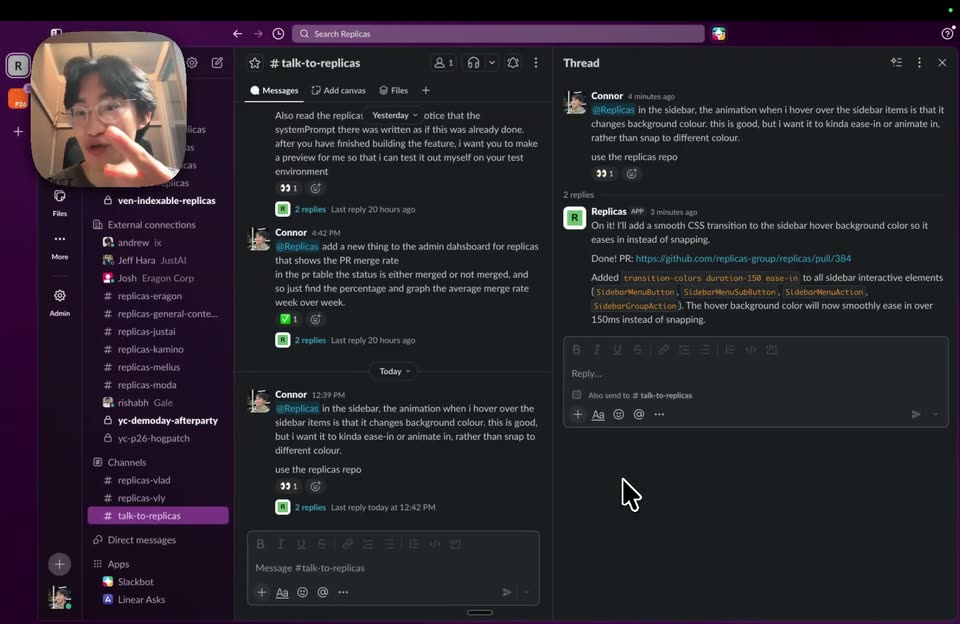 2:47–2:52Replicas · Replicas V1 DemoA dark Slack channel and thread panel fill the frame, with a small video-call inset of a bespectacled man in the top-left corner. A cursor slides up to a GitHub link in the thread, then the screen switches to that pull-request page.
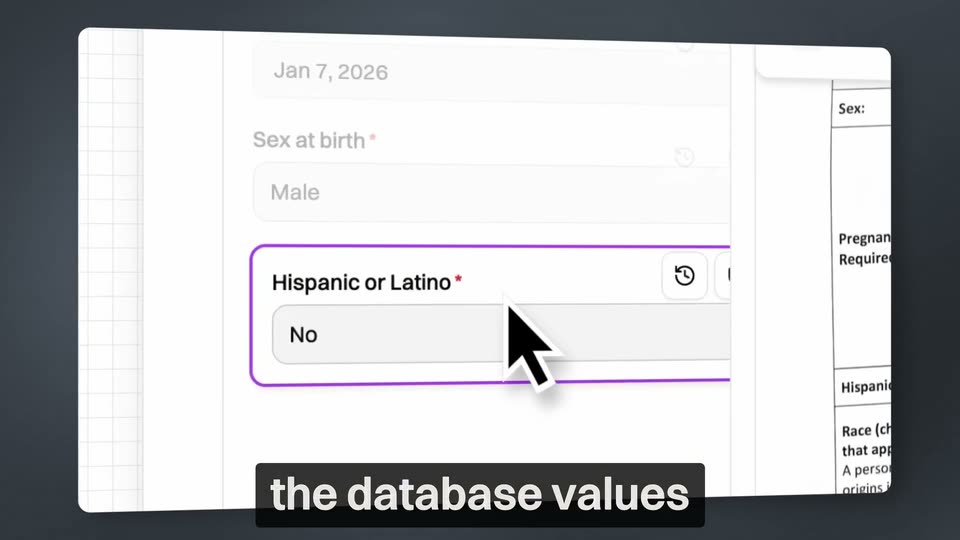 1:22–1:23Harbor · Y Combinator - Harbor (@runharbor) is a new electronic data capture platform for cliA tilted 3D mockup of a study form sits on a dark backdrop, its Hispanic or Latino field outlined in purple with a cursor resting on the No dropdown. A right-side panel mirrors the field labels. A bottom caption reads the database values.
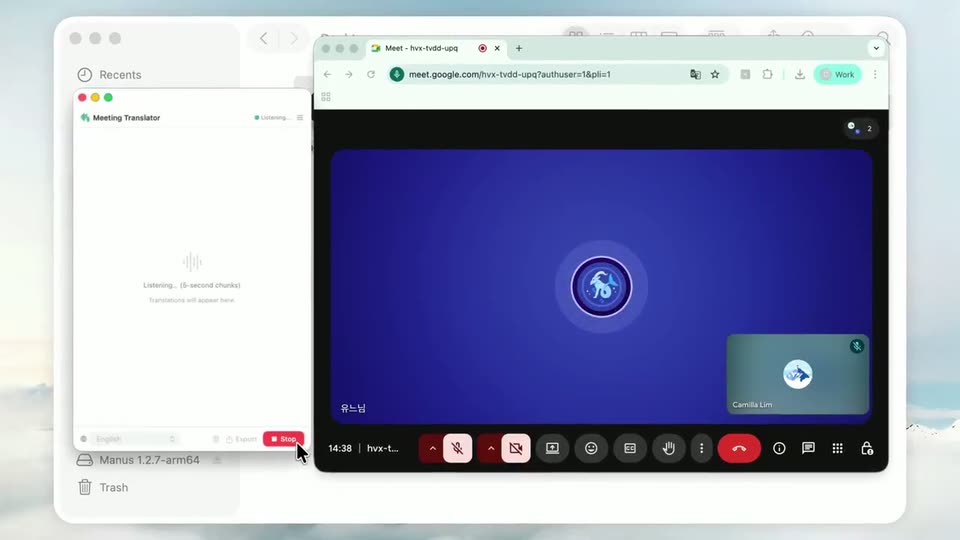 0:43–0:47Manus · Manus - Today, we're taking Manus out of the cloud and putting it on your desA desktop shows a Meeting Translator app beside a Google Meet browser window. A cursor moves to the green Start button and clicks it; the app switches to a Listening state with a pulsing waveform, and the button turns into a red Stop.
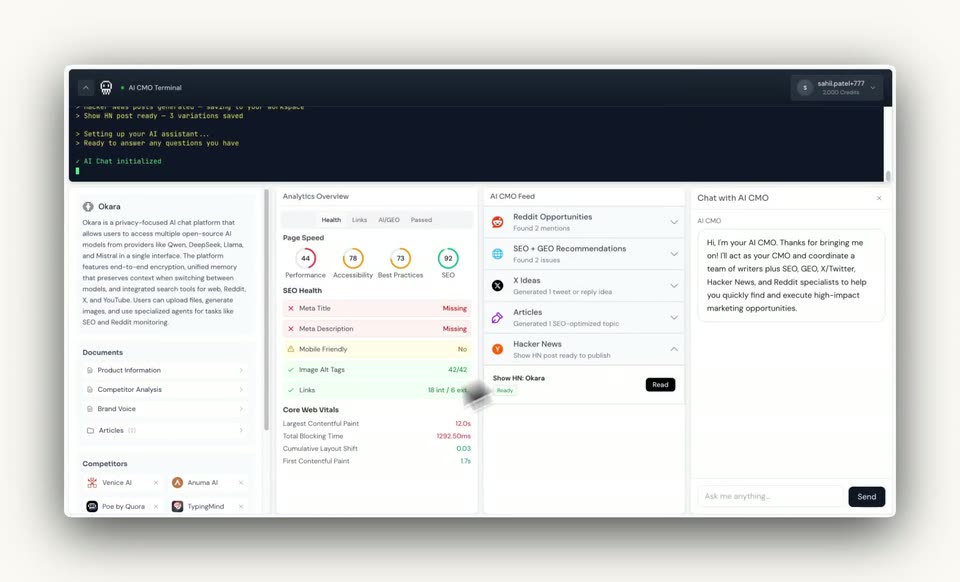 0:52–0:53Okara · Okara - Today we're introducing the world's first AI CMO. Enter your websiteA tilted 3D mockup of the Okara dashboard sits on a pale background, with a dark terminal strip across the top and four panels below. A cursor glides from the Hacker News card down and left to the Core Web Vitals list.
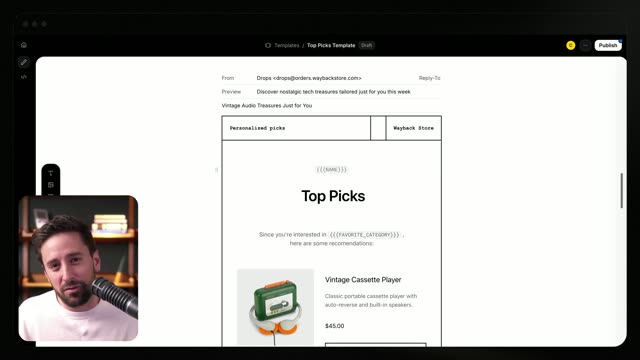 2:47–2:56Resend · The NEW Email Editor is here!A dark email editor shows a Switch to writing mode dialog. The cursor types CONVERT TO WRITING into the confirm field and clicks the red button; the screen fades to a light template view. A man at a microphone appears in a small inset at the bottom left.
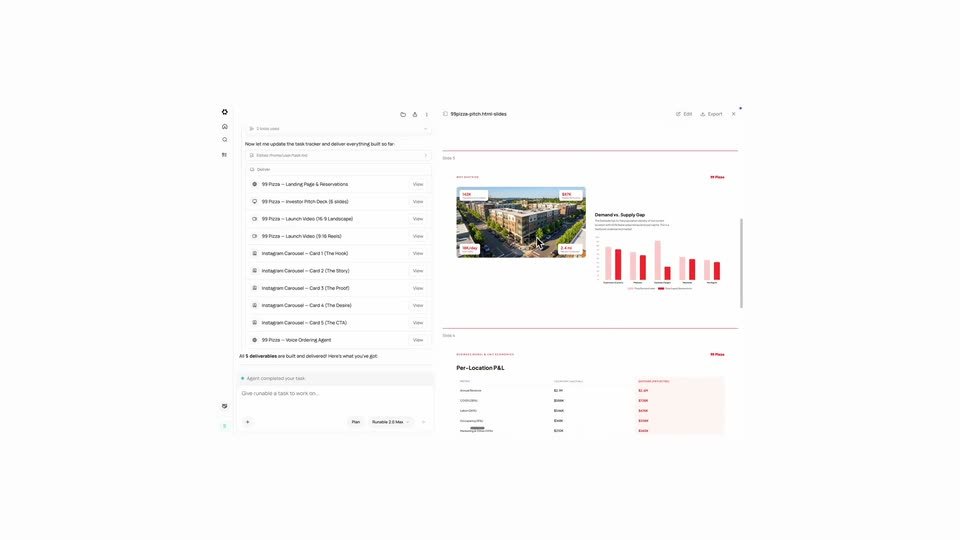 1:45–1:50Runable · Umesh Kumar - Introducing Runable 2.0 — the best way to work with AI. Runable nowA cursor hovers the View button on a deliverables list while the caption below fades from light gray to solid black. The frame then widens to the full workspace, and the cursor scrolls the pitch-deck slides, revealing charts, a map and figures.
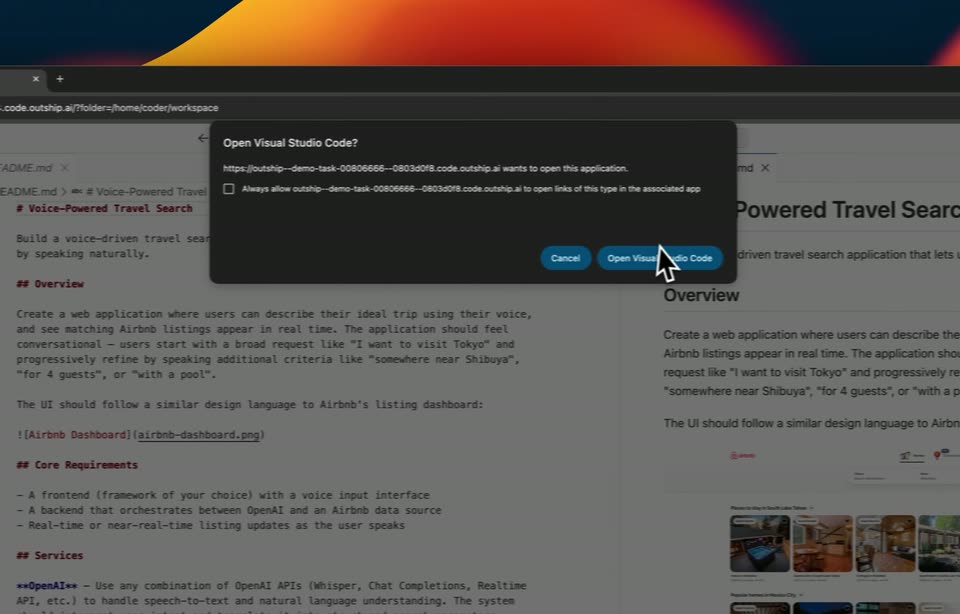 0:37–0:38Outship · OutshipA browser workspace with a markdown README is shown; the frame zooms into a centered dialog titled Open Visual Studio Code, and a cursor rests on its blue Open in VS Code button.
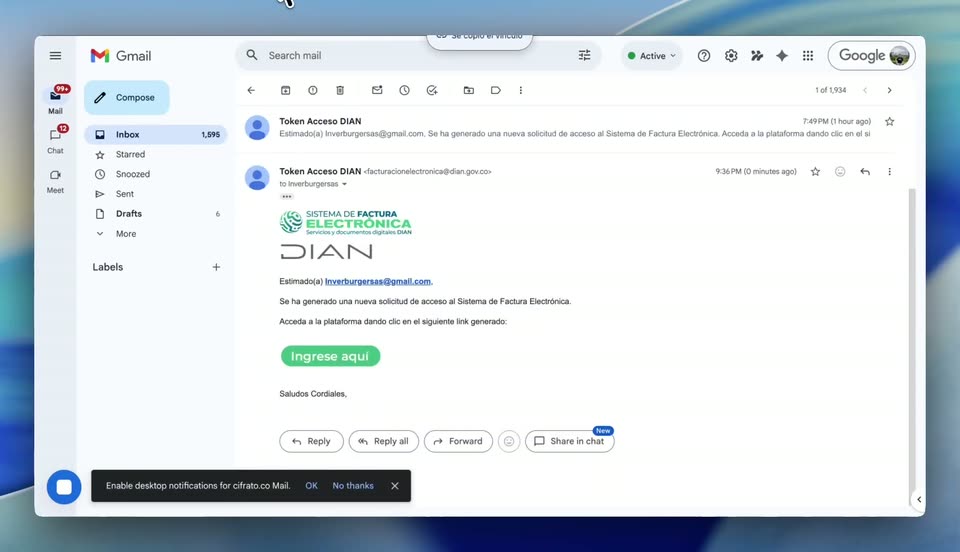 0:46–0:47Cifrato · Demo CifratoA right-click context menu is open over a Gmail email, with the cursor hovering over the 'Copiar vínculo' option. The menu then disappears, revealing the full email body.
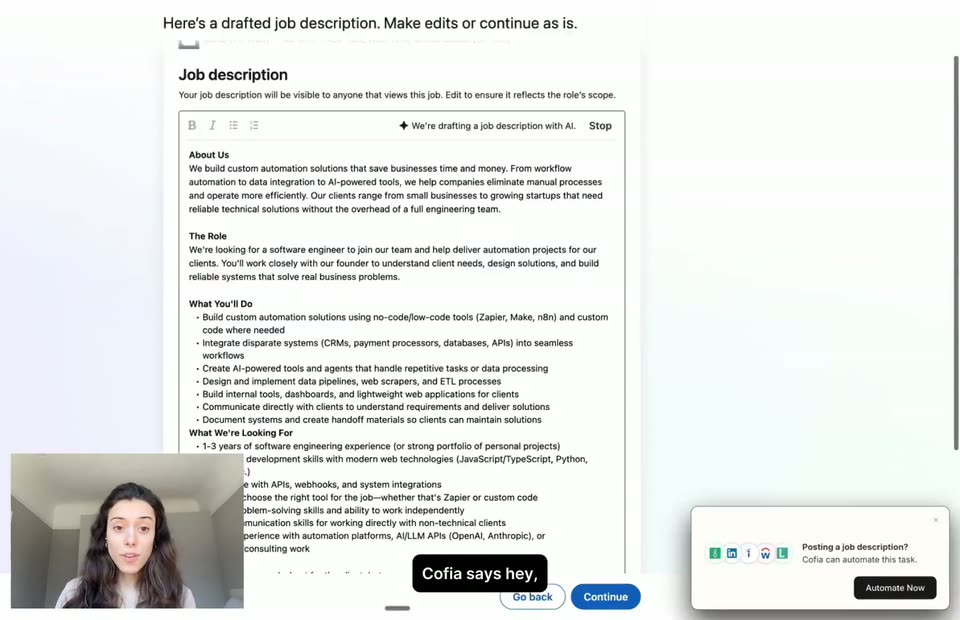 0:50–0:51Cofia · Introducing CofiaA screen capture of a browser shows a job description document beside a small webcam feed of a woman. A black caption sits at the bottom. The view zooms into the document as a cursor hovers and an automation popup appears at the lower right.
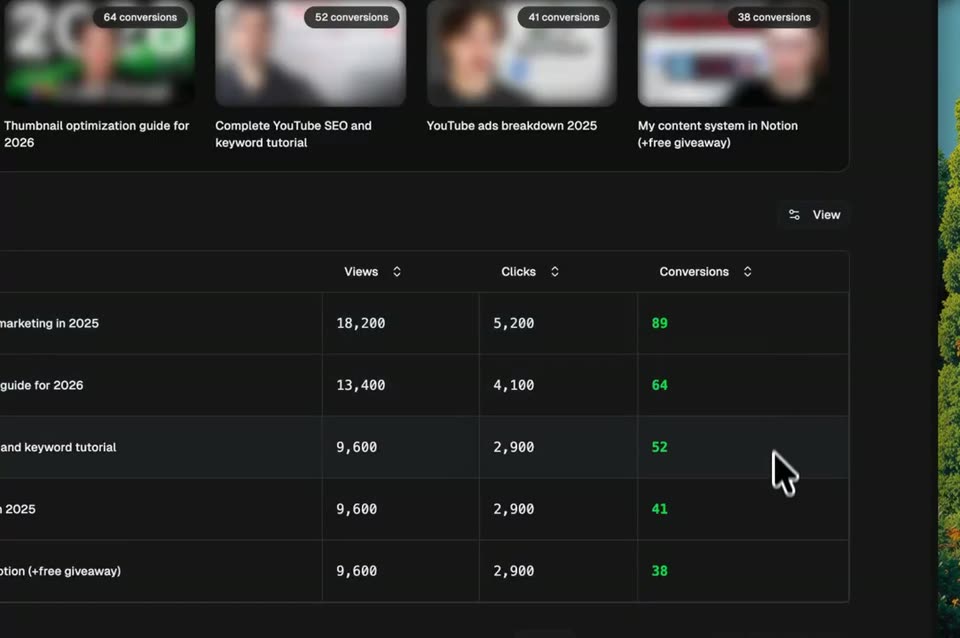 0:30–0:31Pulse · Pulse App - Psst, dark mode is here. If you're running youtube lead gen offers,A dark analytics dashboard shows a row of video thumbnails with conversion badges above a table of Views, Clicks and Conversions. A white cursor arrow glides steadily down the right edge of the table, passing each row.
 1:08–1:09Anthropic · Claude - Introducing Cowork and plugin updates that help enterprises customizeA light dashboard view with green “New task” and “New document” buttons reframes into a chat screen. A green speech-bubble icon sits above a rounded input field with placeholder text. A cursor hovers near the buttons at the start.
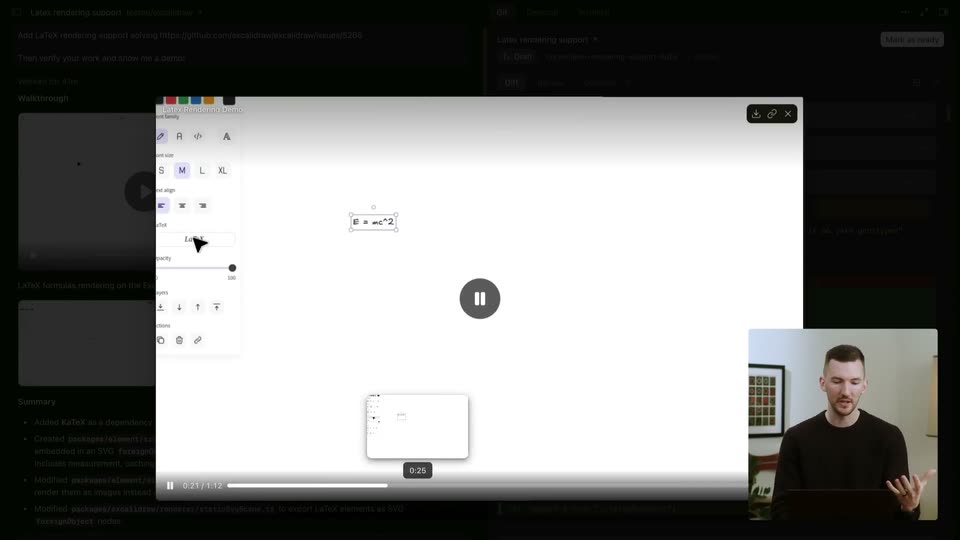 2:29–2:50Cursor · A computer for every agentA screen capture plays a LaTeX demo inside a whiteboard app: rendered equations on a white canvas are selected and deleted as ^A and Del key hints pop up, then re-typed. A presenter's webcam inset sits in the lower right corner.
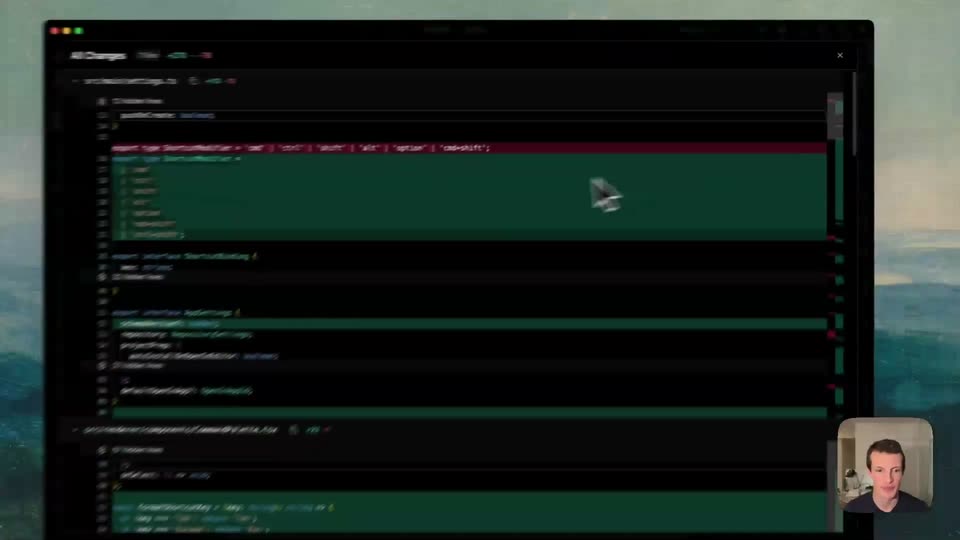 0:37–0:38Emdash · Y Combinator - .@emdashsh is building an open-source Agentic Development EnvironmentA dark code editor loads a diff view. A loading spinner spins at left while a white cursor hovers the right panel, then the screen cuts to a full list of changed files with green and red highlighted lines. A small webcam self-view sits in the bottom-right corner.
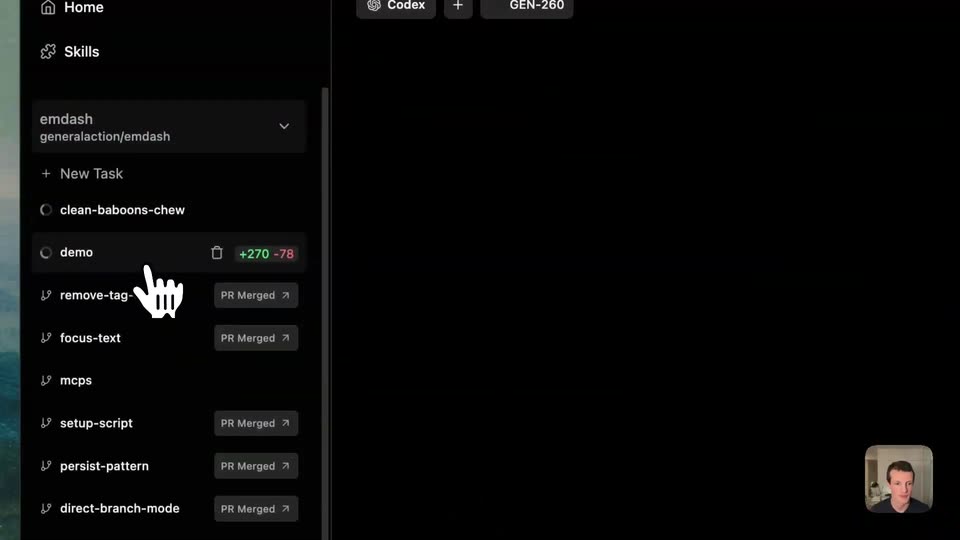 0:32 · 0.4sEmdash · Launch Emdash (YC W26)A dark interface shows a left sidebar of task entries beside a right panel of numbered notes. A white hand cursor rests over one entry, and a small webcam feed of a man sits in the bottom right corner.
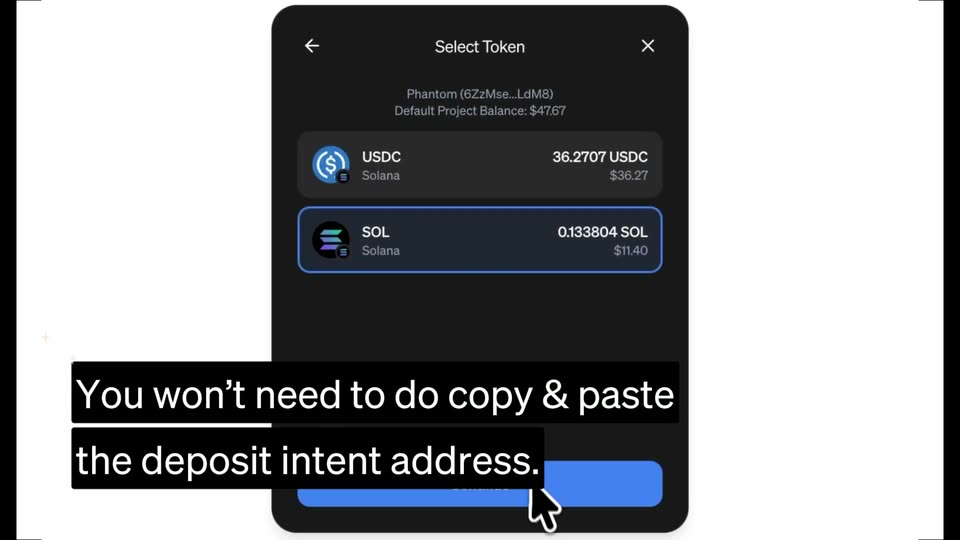 0:26–0:28Unifold · Unifold - Universal Deposit InfrastructureA dark mobile token selector lists USDC and SOL rows; a hand cursor taps SOL, the view switches to an amount entry screen, and the cursor taps a blue button. A white caption on black bars sits at the bottom left.
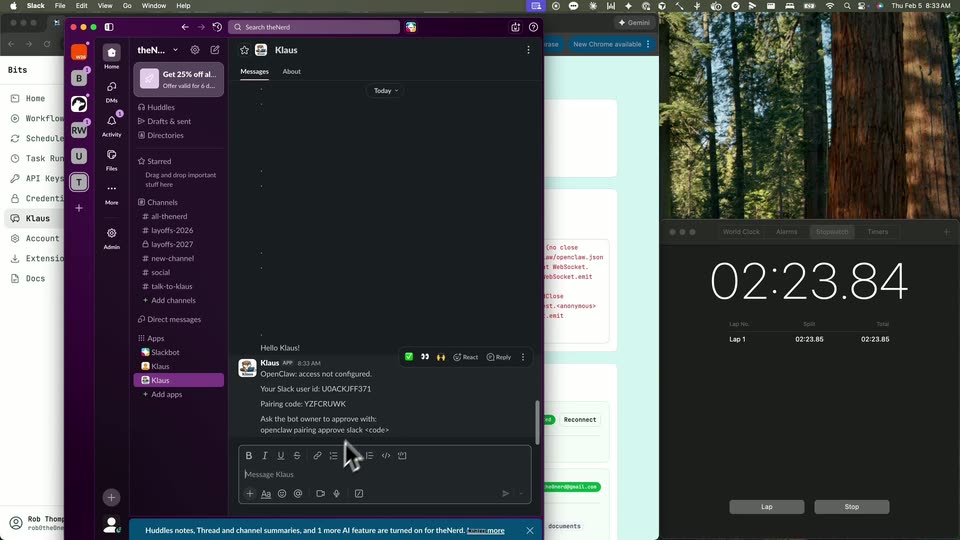 0:31–0:36usebits_inc · Y Combinator - OpenClaw is a new viral and scarily effective virtual assistant. ButA screen capture shows a Slack chat where the cursor types Hello Klaus and sends it; a bot reply with a pairing code appears and is highlighted, while a stopwatch on the right counts up from 02:13.
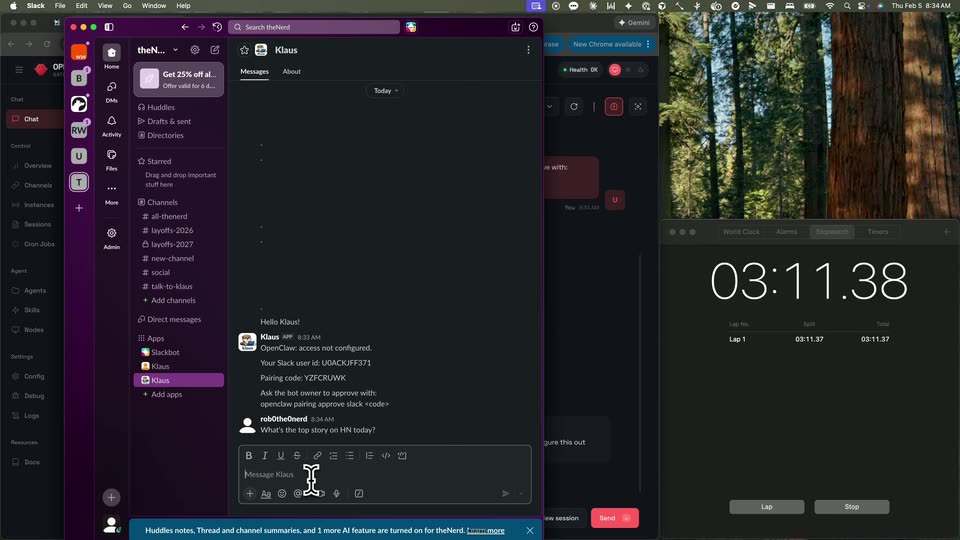 0:58–1:10Klaus AI · Klaus launchA locked-off screen recording shows a dark messaging app on the left and a stopwatch on the right. The cursor types a question into the chat, and the bot replies with a Hacker News story while the timer counts up.
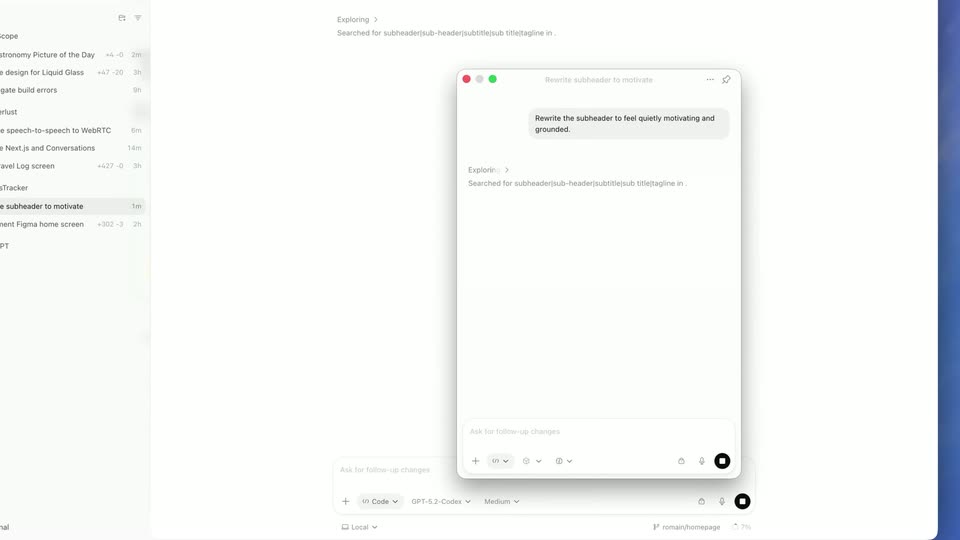 2:18–2:23OpenAI · Introducing the Codex appThe view zooms into the top-right corner of the Codex app as a cursor clicks a pop-out icon. The conversation detaches into a floating window that appears centered over the blurred app, then the cursor hovers the pin icon, opening a small tooltip.
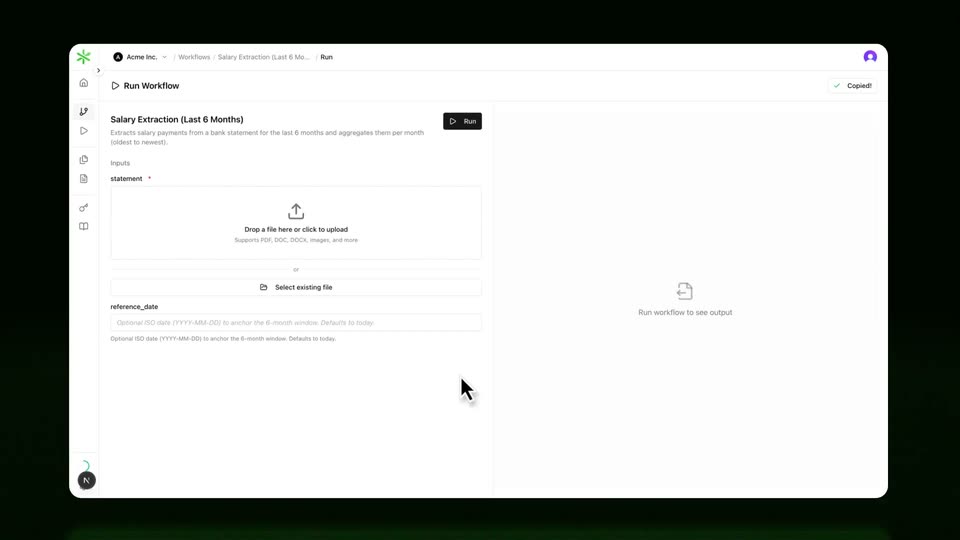 1:19–1:20EigenPal · Introducing EigenPalA close-up of a workflow editor zooms out to reveal the full screen. A black cursor hovers near a green Copied toast in the top right, then drifts to the center as the layout widens, showing the title, input fields and an empty output panel.
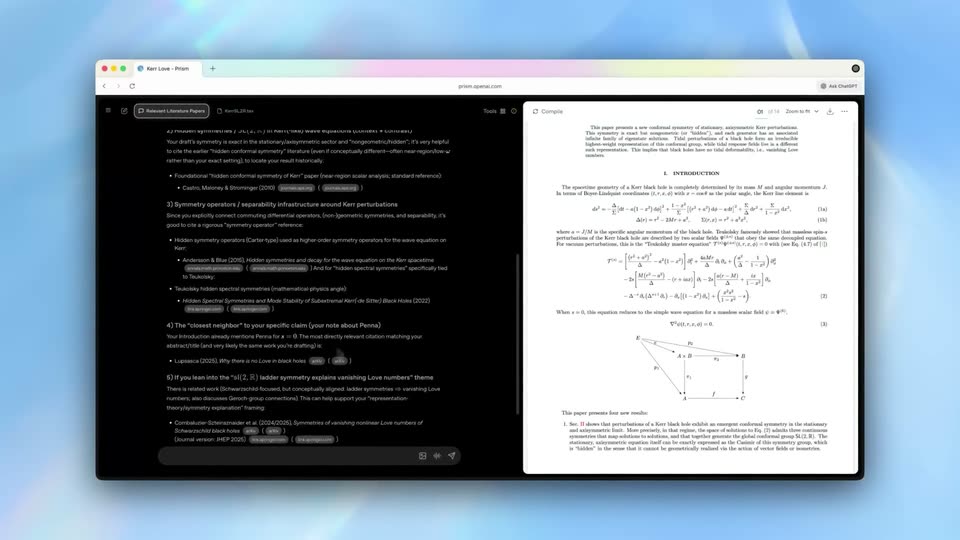 1:10–1:16OpenAI · Introducing Prism, a free workspace for scientists to write and collaborate on researchDark chat panel with a question and Thinking indicator pulls back to a split view beside a white paper document. The assistant streams a numbered citation list that scrolls up, then the view zooms into the closing text and the input box where 'These papers are all' is typed.
 0:35–0:36Anthropic · Claude - Your work tools are now interactive in Claude. Draft Slack messages,A white input card holds a typed prompt with a model label and a red send button; a hand cursor clicks the button, the card fades out, and a serif line types out beneath it beside a growing orange asterisk logo.
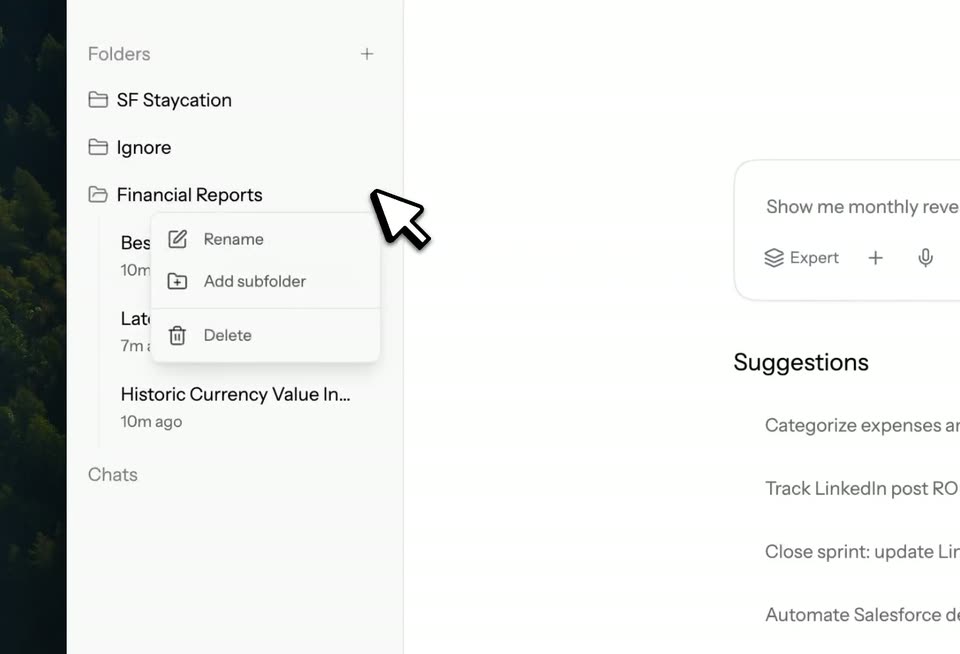 0:11–0:12Doe · doe - We're announcing folders for chat sessions and files!Close-up of the product's file sidebar. A hand cursor moves to the three-dot menu beside the Financial Reports folder and clicks it, opening a small dropdown listing Rename, Add subfolder, and Delete. The right panel holds a chat prompt and a suggestions list.
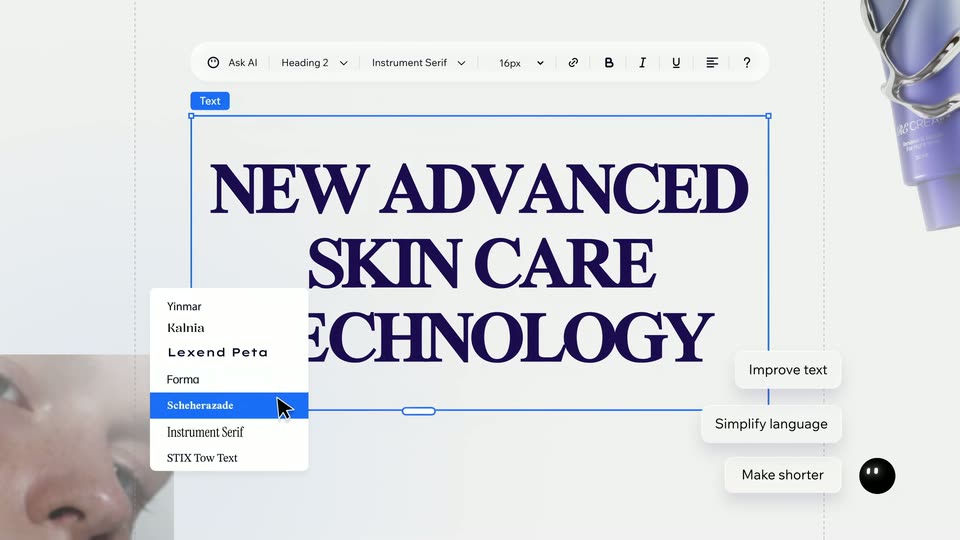 0:39 · 0.6sWix Harmony · Wix Harmony: The new way to createA design canvas shows a large navy serif headline inside a blue selection box. A cursor moves down a font dropdown on the left, and the headline typeface swaps with each pick. White action buttons sit at the right edge.
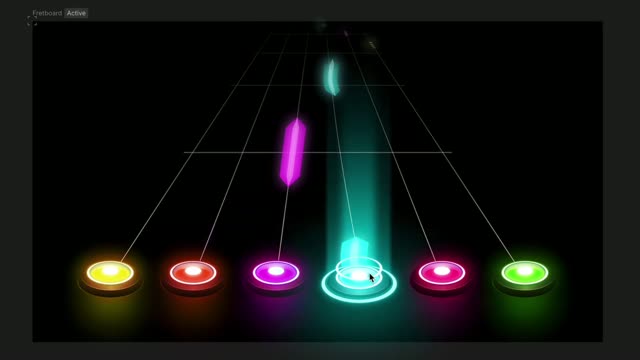 1:15–1:17Rive · Scripting is Live in Rive ✨On a black 3D fretboard grid, six glowing colored pads line the foreground. Hexagonal light prisms travel down the lanes toward the pads, and a cursor hovers over the magenta then cyan pad as each fires a ripple ring.
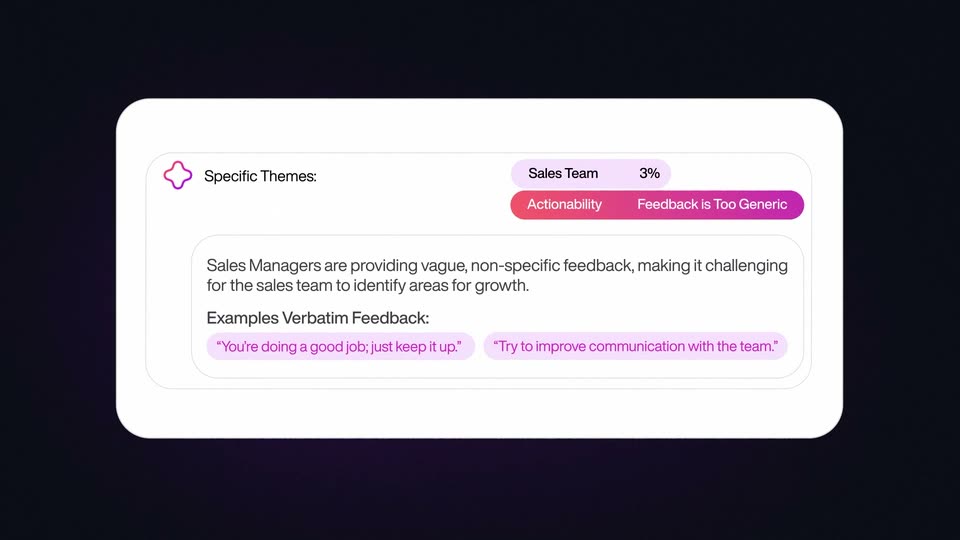 1:21–1:25Teamble · Teamble launch filmA white rounded card on a dark background fills in with typed feedback text: a sentence about vague sales feedback types out, then a label and two quoted verbatim pills appear. The card blurs and a gradient expand button with a hand cursor pops into focus.
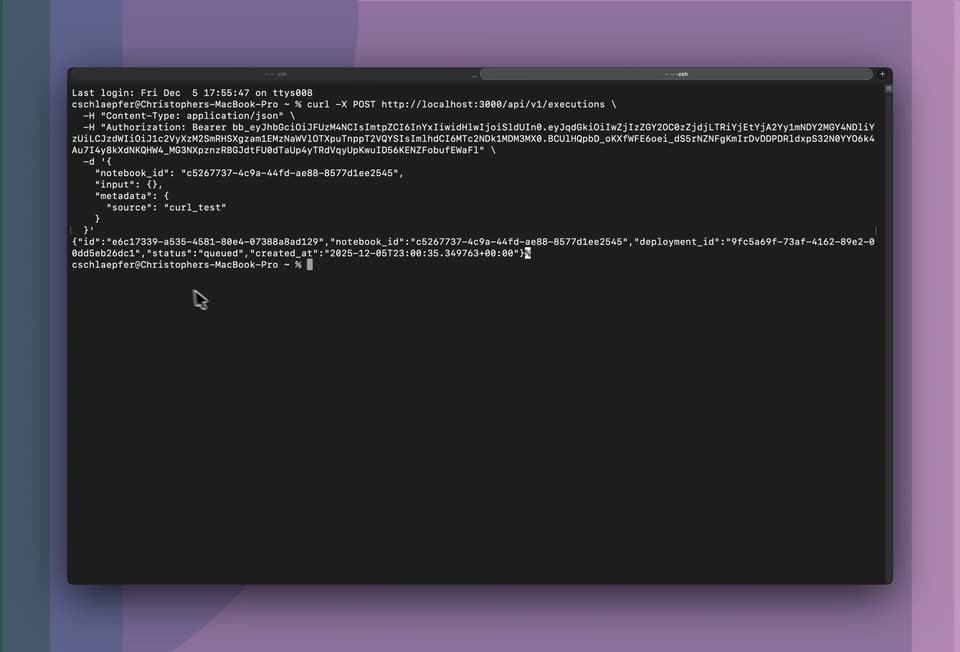 2:56–3:00Kilvin · BrowserBook YC DemoA dark macOS terminal window sits on a soft lavender gradient. A curl command and its JSON response print line by line at the top, while a white mouse pointer drifts from the center to the lower-left prompt.
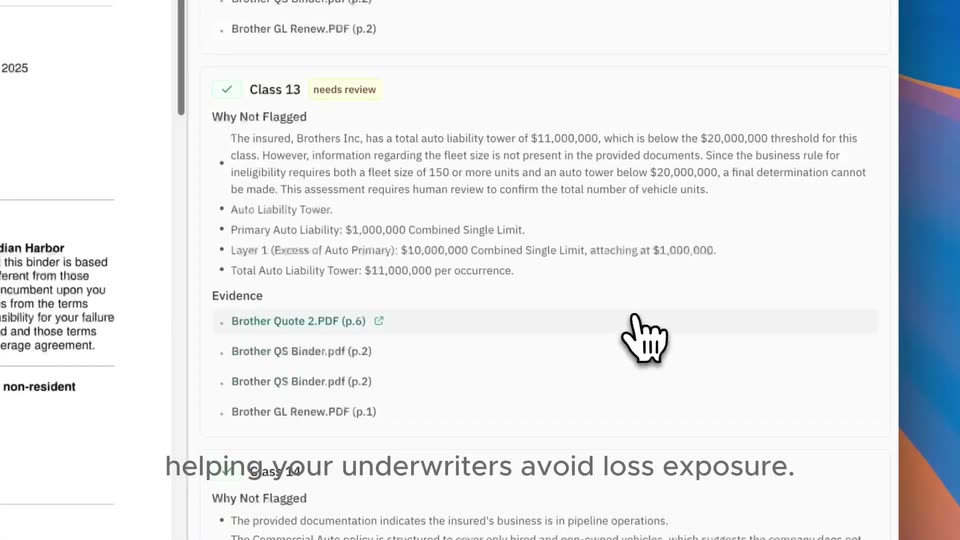 1:16–1:18Adaptional · Adaptional IntroA light underwriting document scrolls upward in a locked-off frame, revealing review cards with class labels, needs-review tags and evidence file lists, while two hand cursors hover in the center. A gray tagline stays fixed along the bottom.
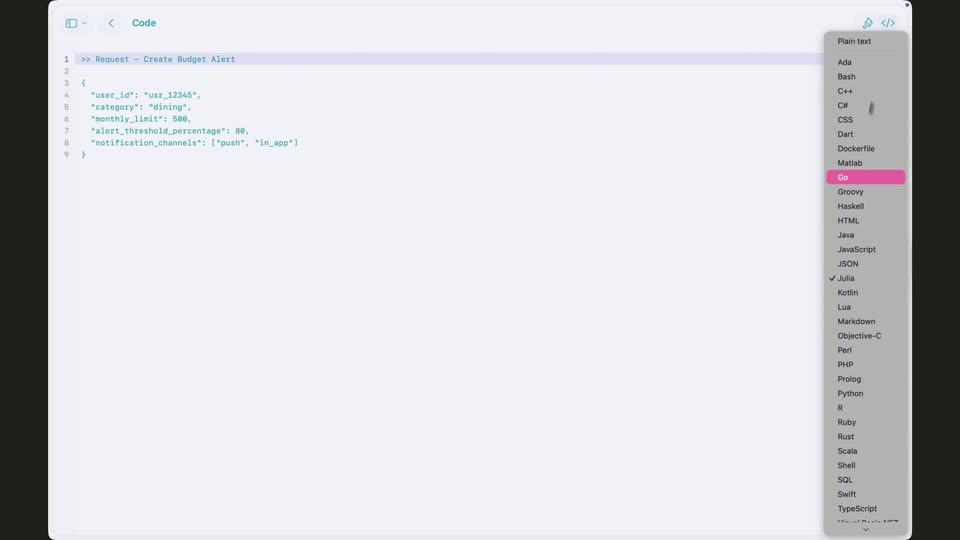 1:15–1:25Craft · Introducing the new Craft Assistant, MCP & API and more!A light code panel displays a JSON request for a budget alert. A cursor clicks the language button at top right, opening a dropdown of languages; it hovers over C++, scrolls past Java to R, then the menu closes while the code stays still.
 0:50 · 0.7sWorld Labs · Welcome to Marble!A dark product window on a light gradient background zooms in toward a card titled Industrial-Bohemian Living Space, where a cursor rests on the View button and a small tooltip reads Keep creating.
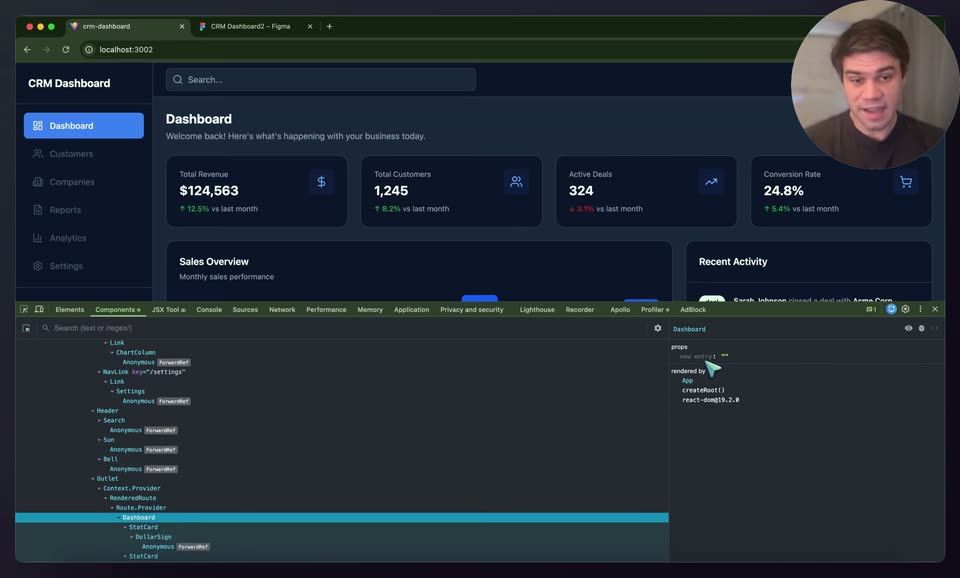 1:01–1:02Coasts · JSX Tool DemoA dark CRM dashboard fills the top of a browser window above an open developer tools panel, its component tree and React inspector visible. A circular webcam of a man is pinned in the top right corner while a cursor hovers over the inspector text.
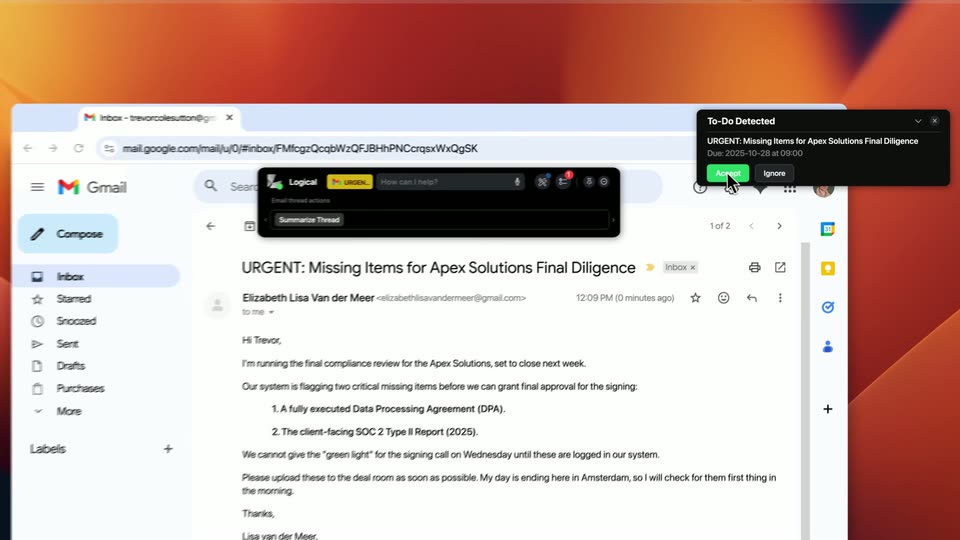 1:09 · 1sLogical · Logical | The Proactive Desktop CopilotA Gmail inbox sits on an orange gradient desktop with a dark floating command bar and a To-Do Detected alert card in the top right. A cursor hovers the green Acknowledge button while the frame pulls back slightly.
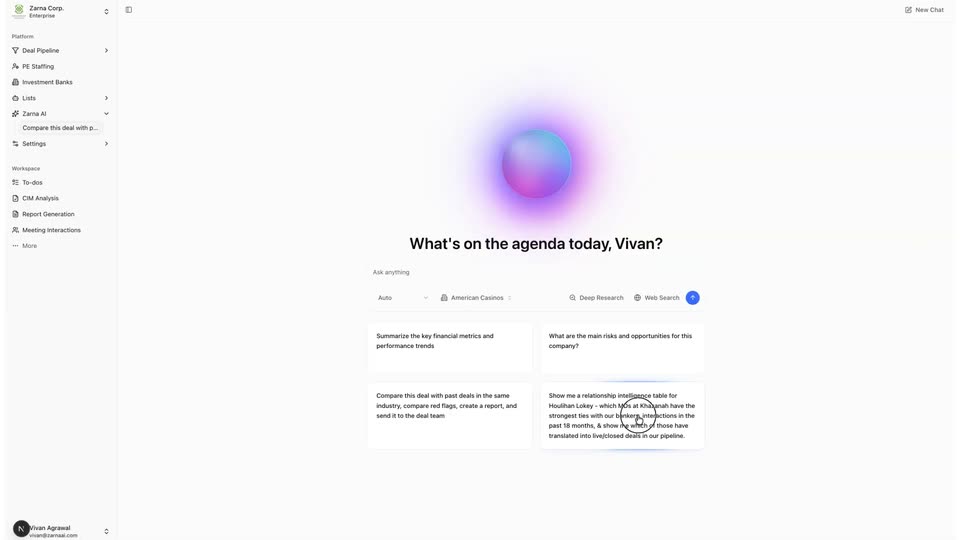 1:52–1:53Zarna · Demo Video - ZarnaA light dashboard with a left sidebar and a centered greeting under a glowing gradient orb. A cursor clicks a suggestion card, which lifts into a blue prompt bar at the top as the view scrolls up.
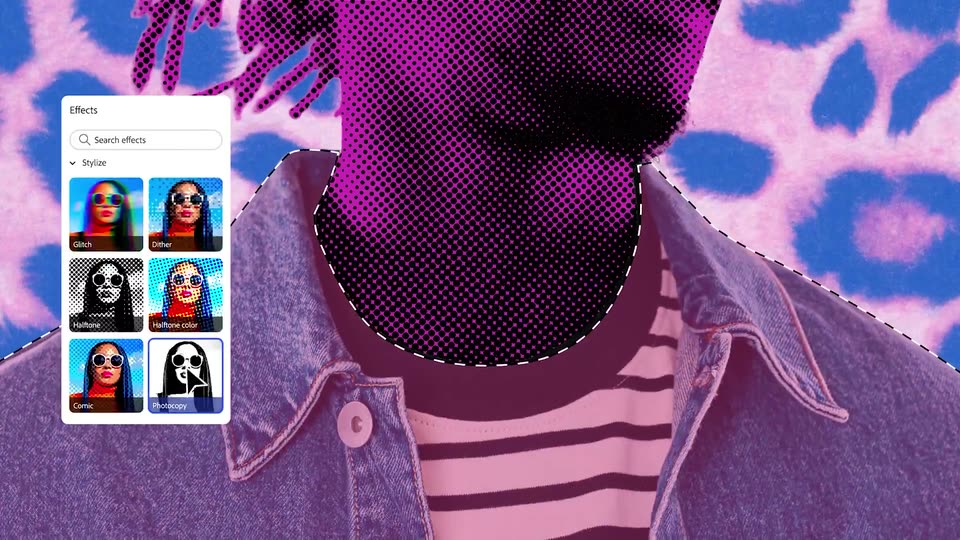 0:33–0:34Topaz Labs · Topaz Labs - @Adobe + Topaz Labs 🤝🙌 Just announced—you can now access select TopazA close-up of a man in a denim jacket, his face and neck in purple halftone dots inside a dashed outline, over a pink and blue tie-dye background. An Effects panel with stylize thumbnails sits at left while the cursor moves to the Photocopy thumbnail.
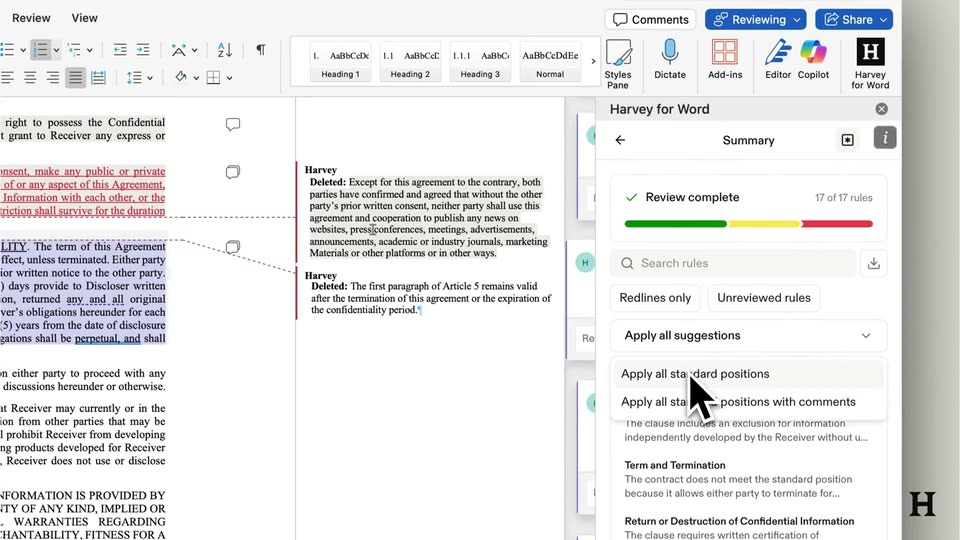 1:54–1:55Harvey · Microsoft IntegrationsA Word document with tracked changes sits beside the Harvey for Word panel. The panel switches from a Needs review state to Review complete with a progress bar, and a cursor opens the Apply all suggestions dropdown.
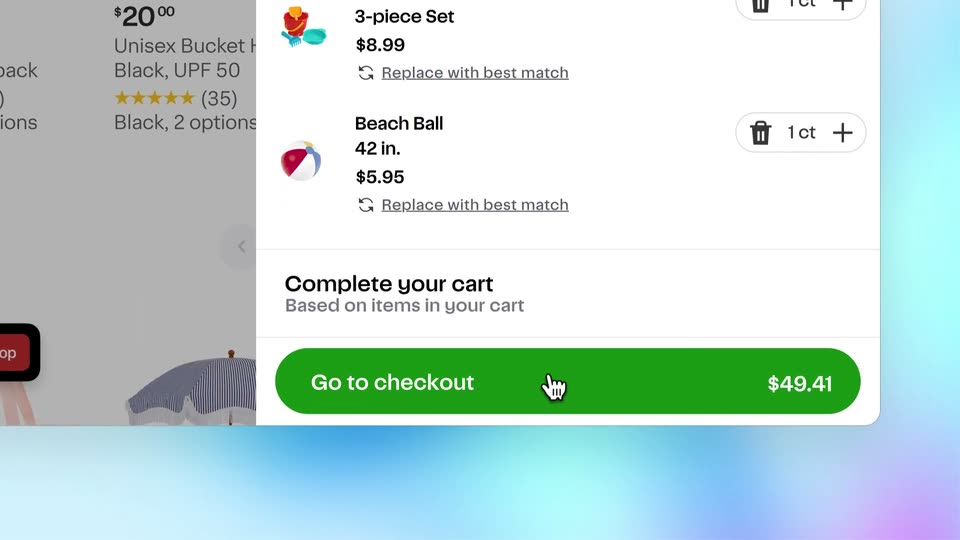 1:25–1:26OpenAI · OpenAI - Meet our new browser—ChatGPT Atlas. Available today on macOS:A white cart panel lists beach items over a dimmed product page, set on a soft blue-purple gradient. A hand cursor moves down and hovers on the green Go to checkout button showing the total.
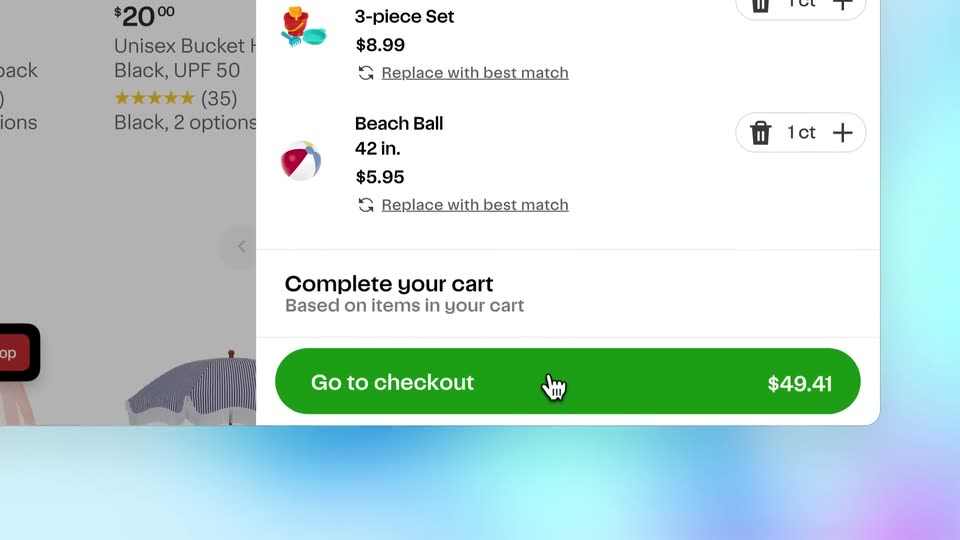 1:25–1:26OpenAI · Introducing ChatGPT AtlasA white cart panel overlays a dimmed storefront page, listing items and a green checkout bar. A hand cursor glides down to the green checkout button and clicks it, the button pressing down on contact.
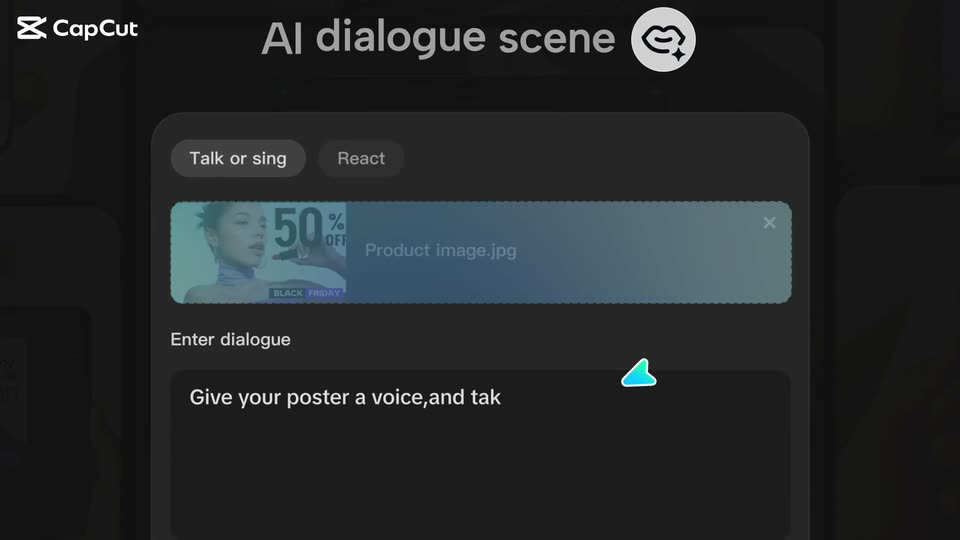 0:56–0:58CapCut · CapCut - Your all-in-one e-comm toolkit is here. Meet the new CapCut Desktop!A dark CapCut panel for the AI dialogue scene feature shows its upload box filling with a blue-to-teal gradient as a teal cursor hovers over it. The dialogue field types Give your poster a voice while a tilted promo video card fades out.
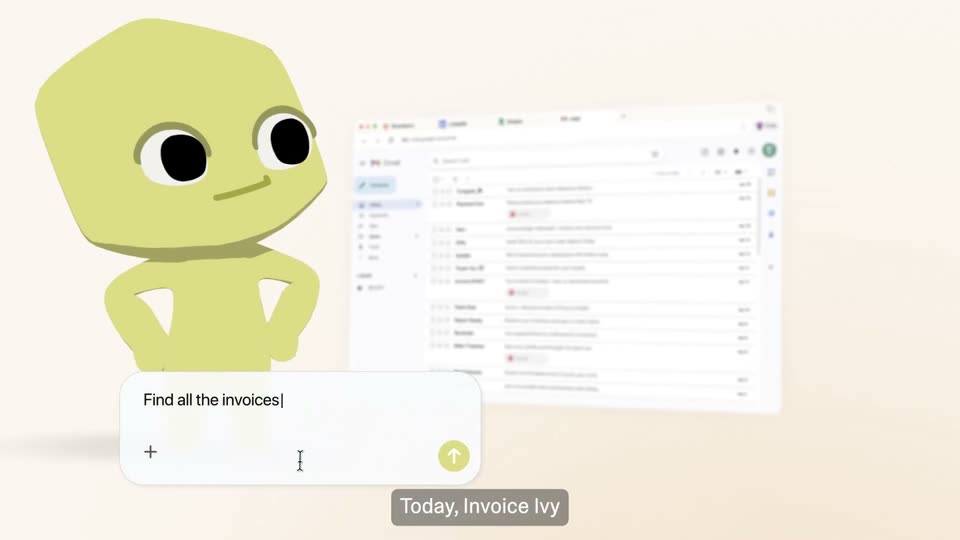 0:47–0:48Strawberry · Charles Maddock - We've raised $6M from General Catalyst, EQT Ventures, and founders ofA green 3D alien mascot stands left of a blurred task list panel tilted in 3D perspective. A foreground chat bar types 'Find all the invoices an' while a cursor blinks, and a caption reads 'that are due.'
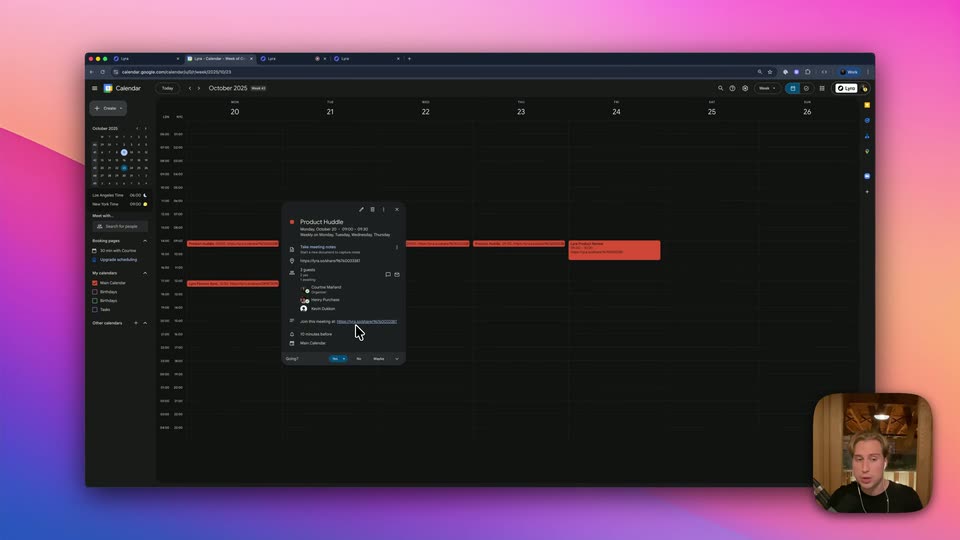 0:19–0:41IRBC · Lyra, The Final Meeting Platform.A dark Google Calendar week view with an open Product Huddle event card. The cursor hovers over guest names, a contact card pops up, then the view zooms out to the full browser window on a pink gradient, and zooms back in. A facecam sits in the bottom right.
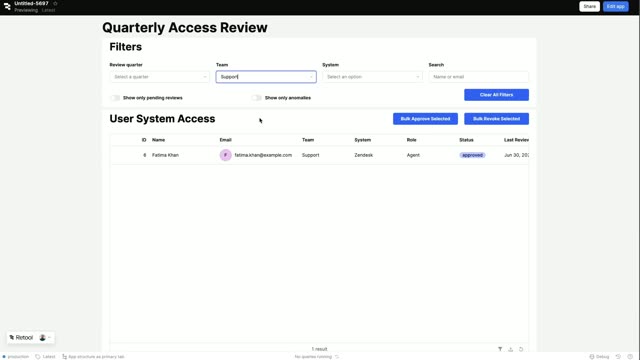 2:01–2:11Retool · Introducing Enterprise AppGen: AI-Assisted Development from RetoolFlat screen of the Quarterly Access Review app. A cursor opens the Team dropdown and selects Finance, then Support, then Engineering; the user table below filters to the matching rows after each pick.
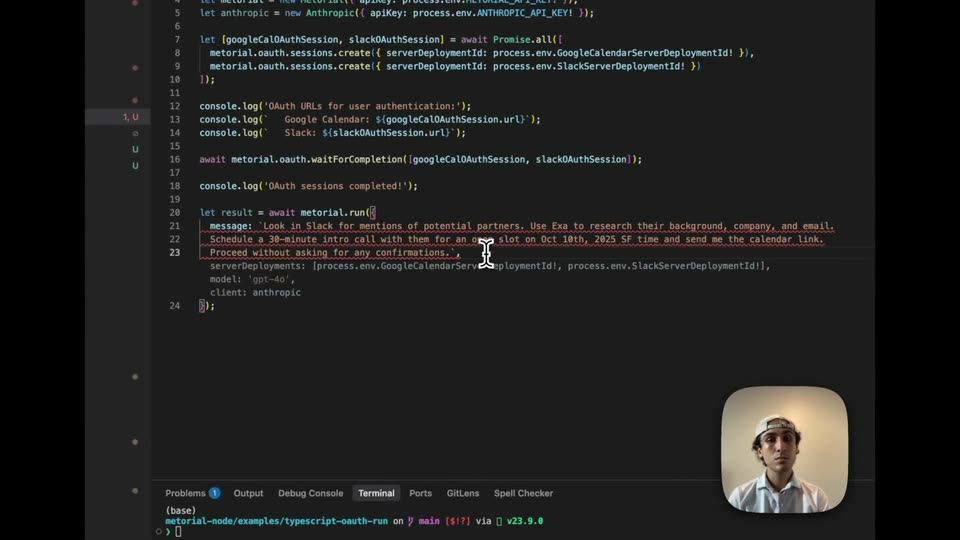 0:46–1:09Metorial · Introducing Metorial - YC F25A Cursor editor window fills the frame on a colorful macOS desktop, TypeScript code typing out line by line with a visible cursor, a terminal panel docked below. A small rounded webcam feed of the presenter sits in the bottom right corner. Pink caption cards appear at the lower left.
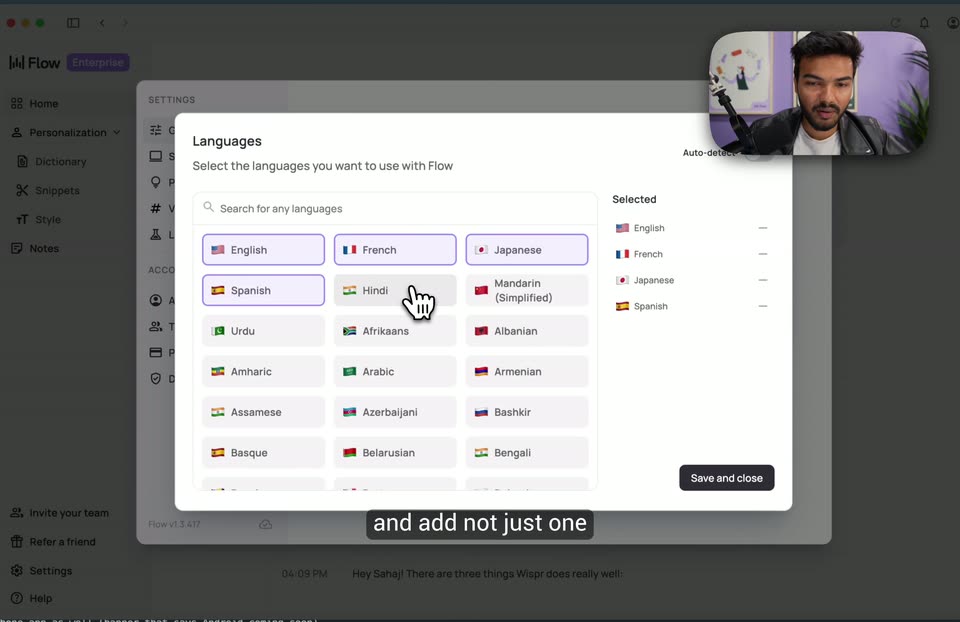 1:50–1:52Wispr Flow · Intro to Wispr Flow: voice-to-text AI that turns speech into clear, polished writing in every app.A dimmed app sits behind an open Languages settings modal. A white cursor clicks the Hindi tile, which appears in the Selected list on the right, while a small webcam video of a man plays in the top right corner.
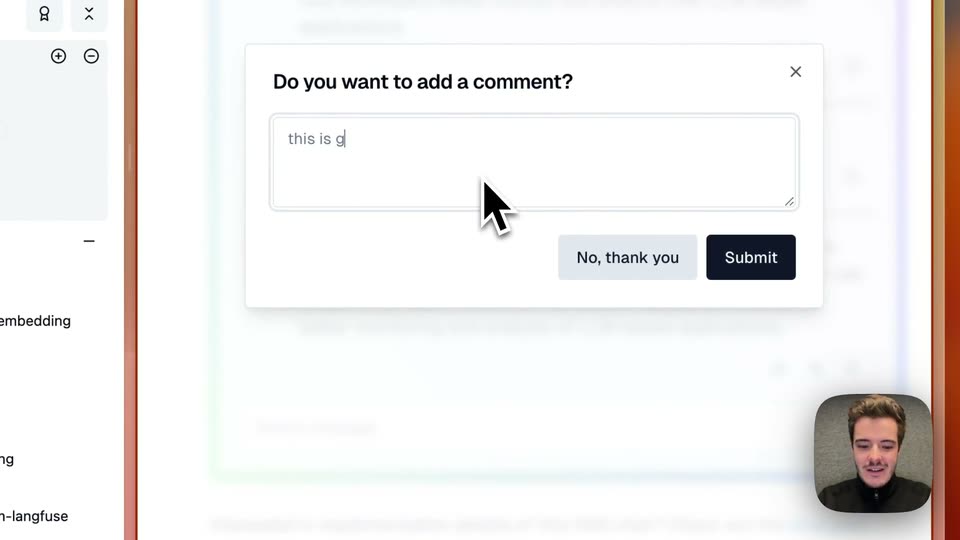 1:25–1:27Langfuse · Introducing Langfuse 2.0A white modal dialog centered on a light interface asks to add a comment. A cursor clicks the text field, types this is great, then moves to the dark Submit button. A small rounded webcam feed of a man sits in the bottom right corner.
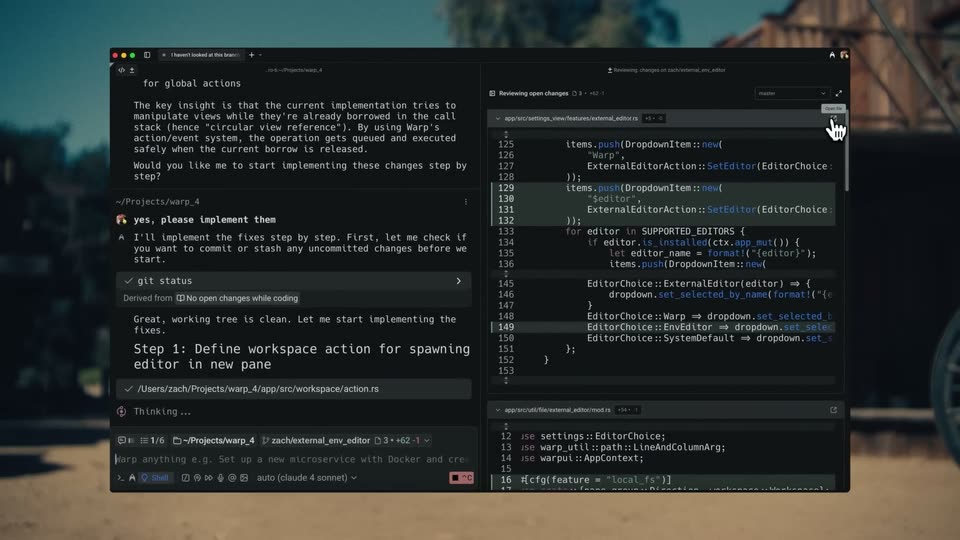 1:44–1:52Warp · Introducing Warp Code | The fastest way from prompt to productionA dark editor window floats over a blurred coastal backdrop, split into an agent chat pane left and a code diff pane right. A white cursor glides to the top-right corner and hovers a button, popping an “Open file” tooltip.
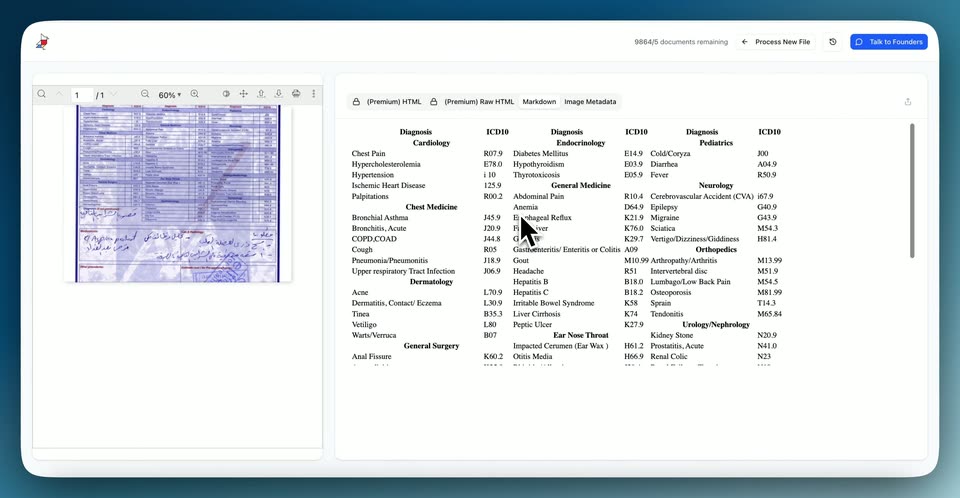 0:45–0:48Cardinal · cardinal demoA two-pane interface shows a scanned medical table on the left and the extracted diagnosis list with ICD10 codes on the right. Both panes scroll vertically while a cursor moves across them, under a top toolbar with a document counter.
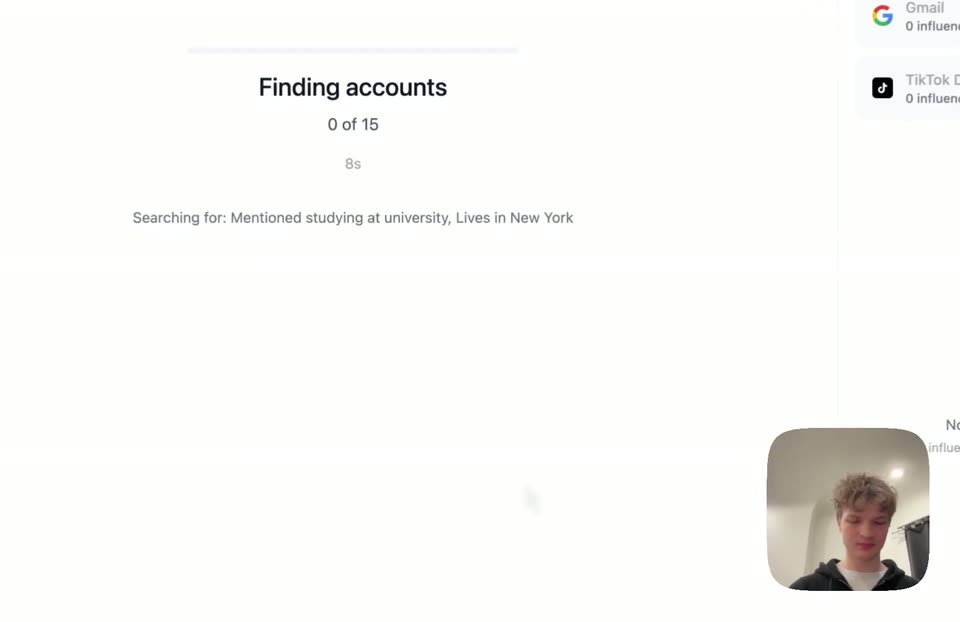 1:33–1:34Stormy · Stormy AI launch videoA white interface shows a 'Finding accounts...' status with a countdown timer ticking from 8s to 1s and a search criteria line. A small webcam clip of a young man sits in the bottom right corner, and a cursor hovers in the center.
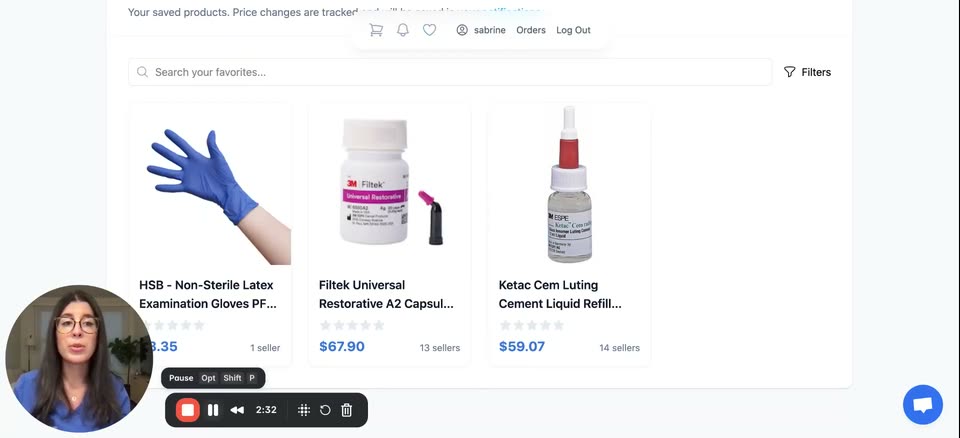 2:09–2:36Alara · Alara Dental - Transforming Dental Supply PurchasingA screen recording of a dental supply site's Favorite Products page, with a circular webcam of a presenter in the lower left. The cursor clicks the heart icon to fill it blue, then the page scrolls to reveal prices and the cursor hovers the recorder's pause button.
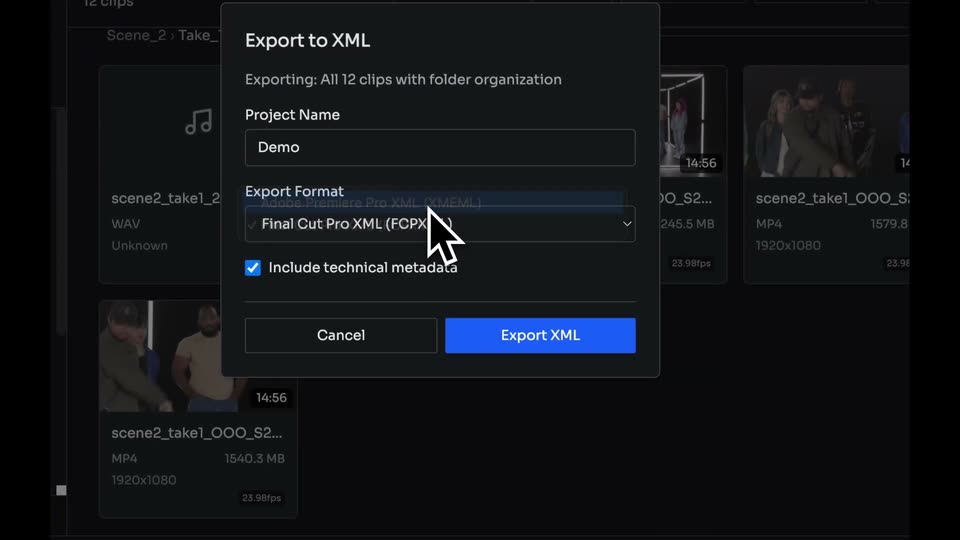 1:30–1:37cocreate · Cocreate demo videoA close-up of a dark export dialog over a file grid. A hand cursor opens the format dropdown, picks Final Cut Pro XML, switches back to Adobe Premiere Pro XML, and clicks the blue Export XML button. The view zooms out to the full cocreate window on a colorful desktop.
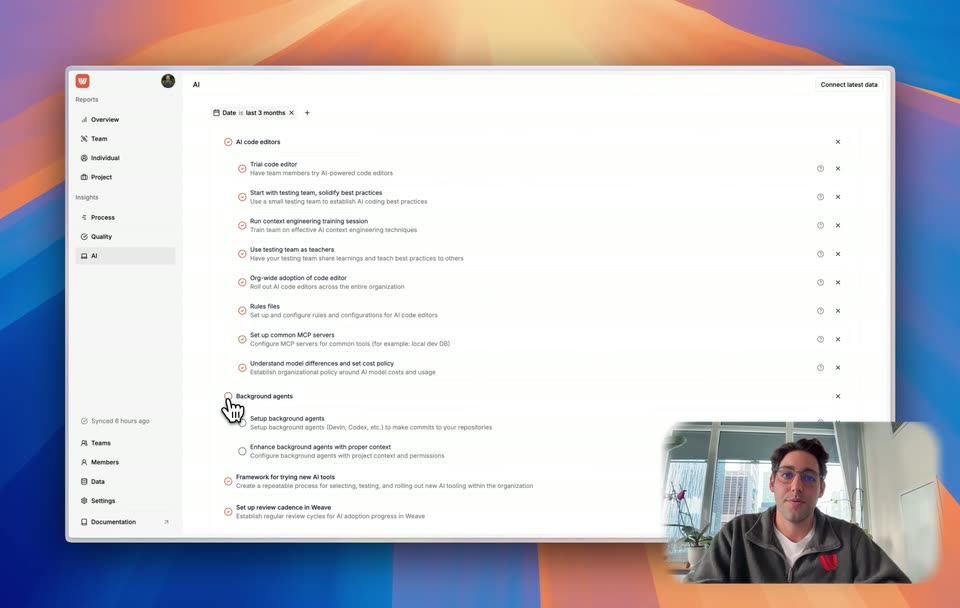 2:02–2:04Weave · Product Hunt Launch VideoA white dashboard scrolls down an AI adoption checklist as a cursor hovers over the items. The view then bursts into scattered colored particles and settles into an analysis panel listing rule files and recommendations. A presenter's video window stays in the bottom right corner.
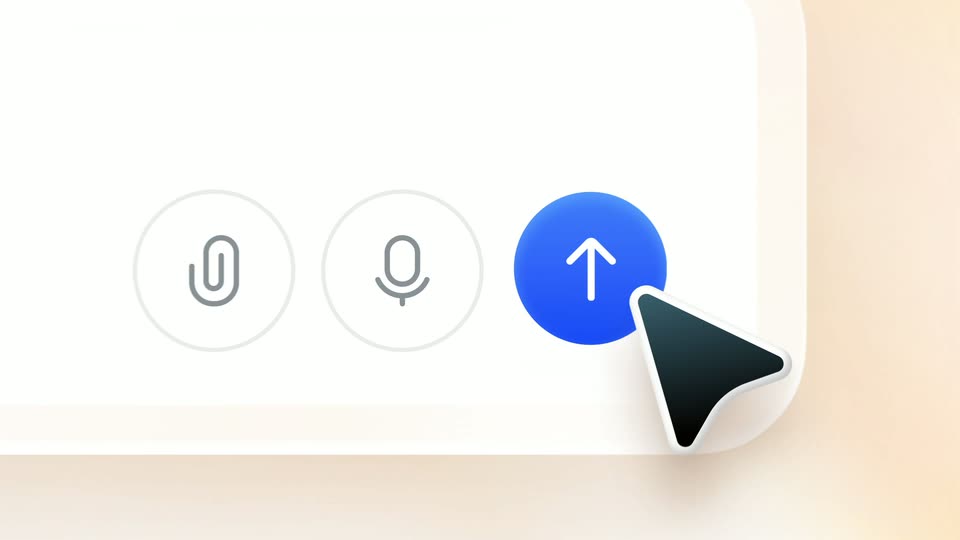 0:49–0:51Lindy · Lindy - Lindy 3.0 is live. You can now create agents with a simple prompt anA cream gradient background with a dotted grid holds a white chat input under the prompt “How can I help?”. The cursor types “Give them a phone call”, then the view zooms into the right edge of the field as the cursor presses the blue up-arrow button, which scales up.
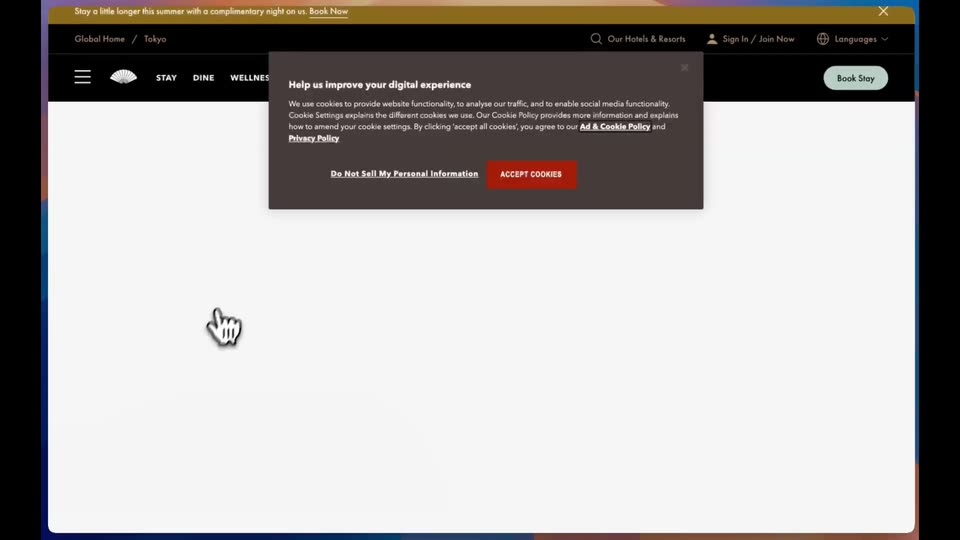 1:14 · 0.5sImprezia · Imprezia Launch VideoA hotel website page fills the frame with a top navigation bar and body copy. A cookie consent modal drops into the center while a hand cursor tilts and moves toward it.
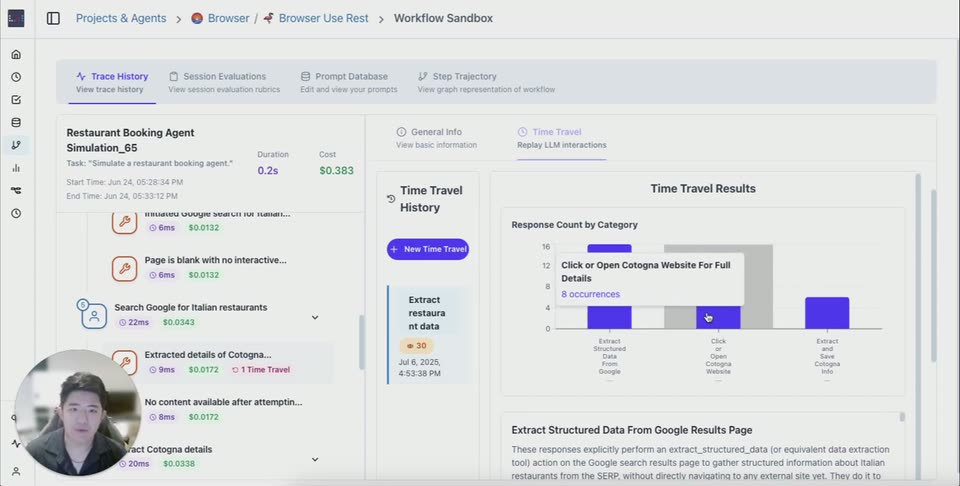 1:17–1:39Lucidic AI · Lucidic HN DemoA full-screen view of a workflow dashboard, with a circular webcam of the speaker in the lower-left corner. The cursor selects the Results tab, a purple bar chart of response categories appears, and the cursor hovers two bars to pop up count tooltips.
 2:11–2:12Granola · Introducing Granola + Zapier | Your meeting notes, now connected with over 8,000 appsA notes app interface with a left folder sidebar and a Muesli Inc panel sharpens from a soft blur. A black cursor glides down the empty notes area toward the Add notes button.
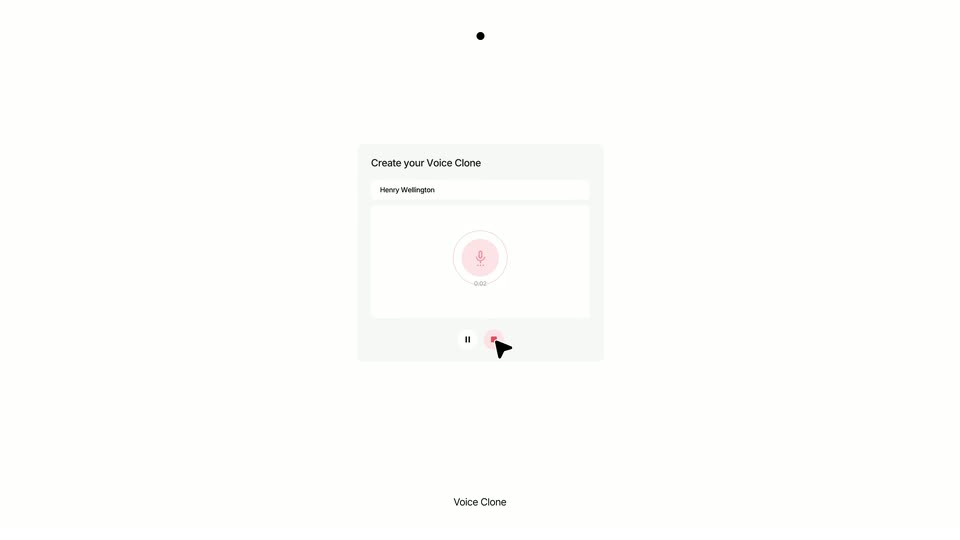 1:06–1:15GhostEye · Introducing: GhostEyeA white page centers a gray voice clone card. A cursor types a name into the field, clicks Start Recording, and the mic icon turns red with pulsing rings while the timer counts up. The card then fades into a Recording Complete state with accent, language and character fields.
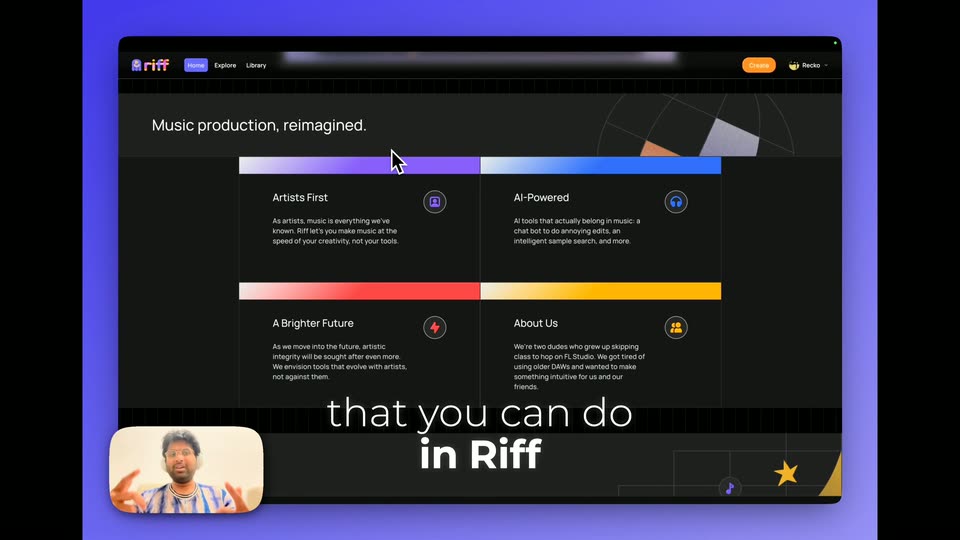 1:49–1:52Physical Turing · Welcome to RiffA tilted browser window of the Riff site floats on a purple gradient, its home page showing four feature cards under “Music production, reimagined.” A cursor hovers on the page. A man gestures in a small webcam inset at the corner as white captions cycle across the bottom.
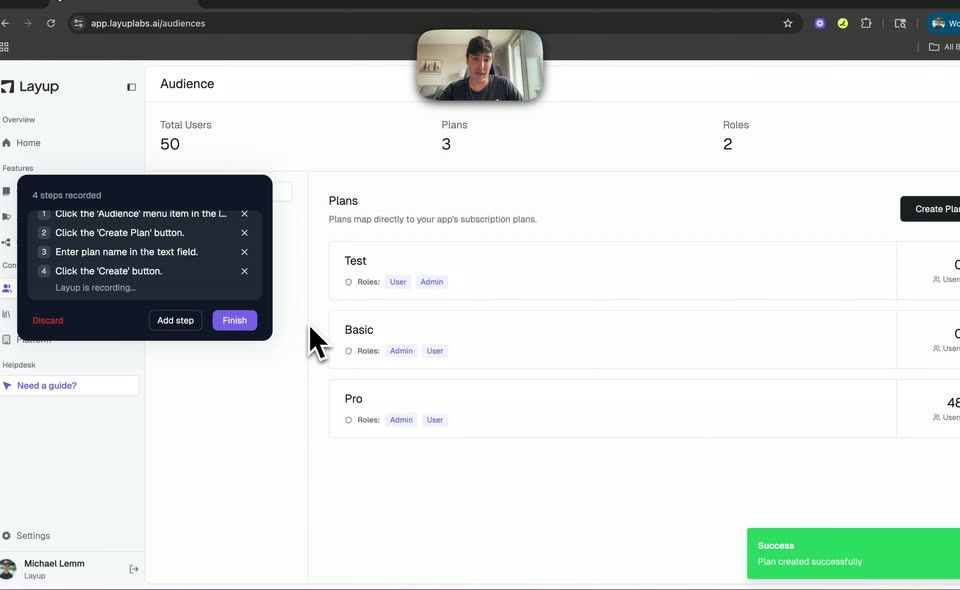 0:57–1:02Andco · Layup 2.0 July LaunchA dimmed screen recording of the Layup dashboard brightens to reveal the Audience page after a cursor clicks the Create button in a modal, popping a green success toast. The cursor then moves to the recorded-steps panel and clicks Finish, switching the view to an Overview form.
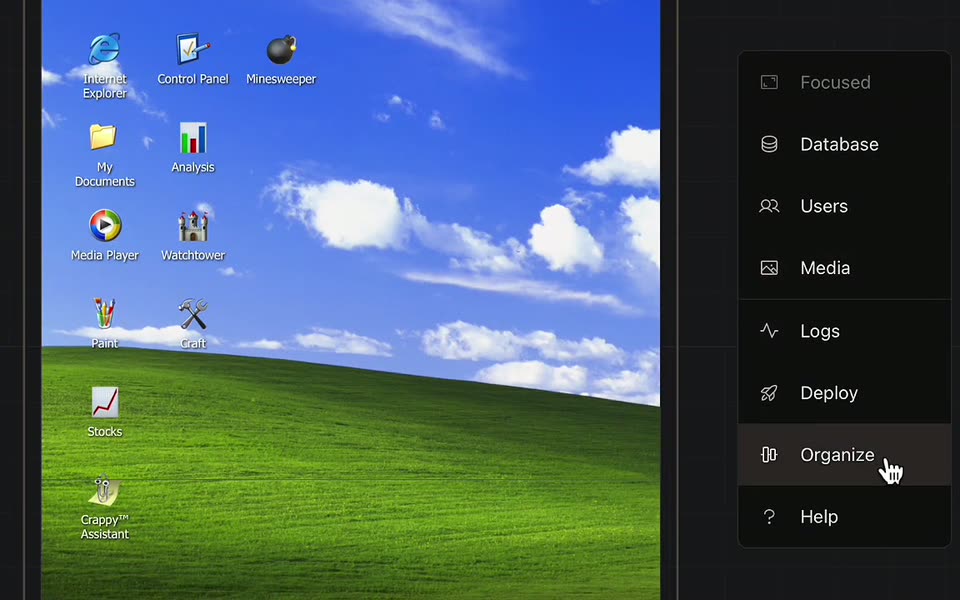 1:01–1:02Sharpe · Introducing Solar by LumenaryA desktop interface with a sky and grass background sits next to a dark vertical menu. A hand cursor moves down the menu, hovering over different options.
 1:04–1:06Flowith · Flowith - flowith neo is now open to everyone. no more codes hunting. gen anytA dark gray pill button labeled Invite Friends with a small people icon sits centered on a plain light background. A white hand cursor rests at its lower right. The button fills with teal and the label swaps to Get Credits! as the cursor holds position.