Cursor demo
A visible cursor operates the interface.
14,960 scenes · page 224 of 250
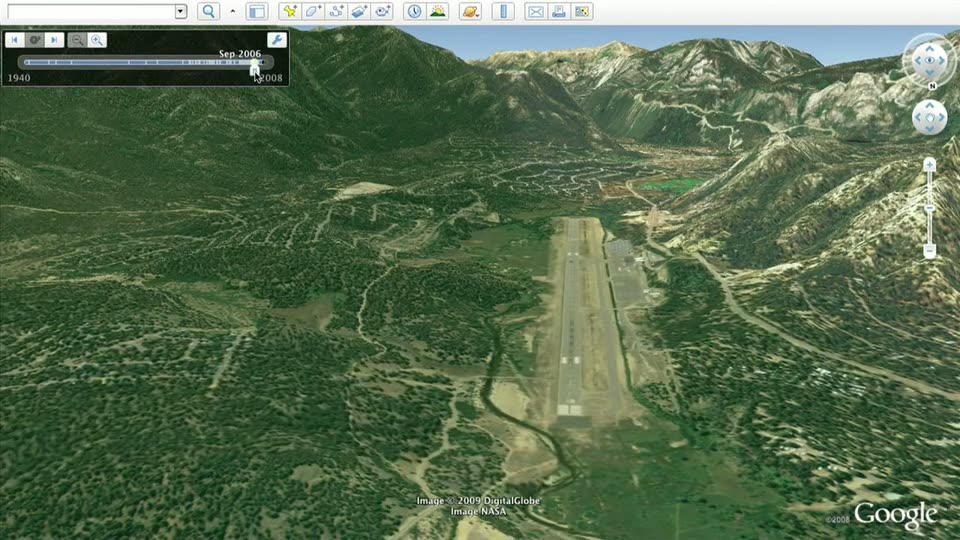 0:34–0:35Google · What's New in Google Earth 5.0A Google Earth window shows a 3D mountain valley with an airport runway, a time slider at the top left reads Sep 2006 with a cursor on the handle, and navigation controls sit at the right edge.
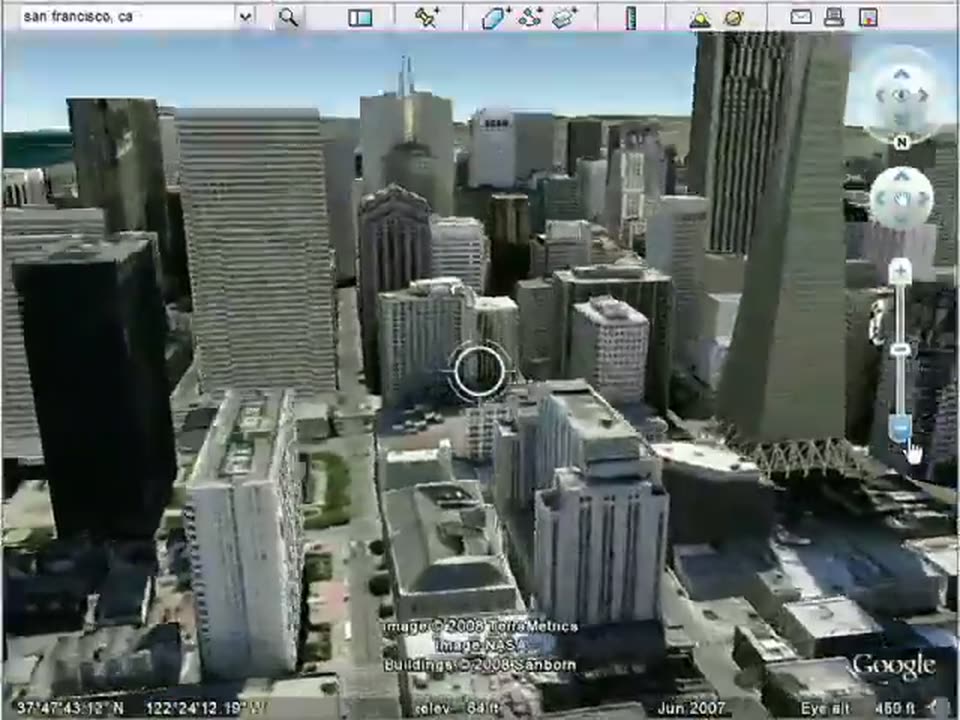 0:29 · 0.4sGoogle · New features in Google Earth 4.3A high-angle 3D view of the San Francisco skyline fills the Google Earth window, framed by a top icon toolbar and a bottom data bar. The scene holds nearly still while a hand cursor hovers on the right-hand zoom slider.
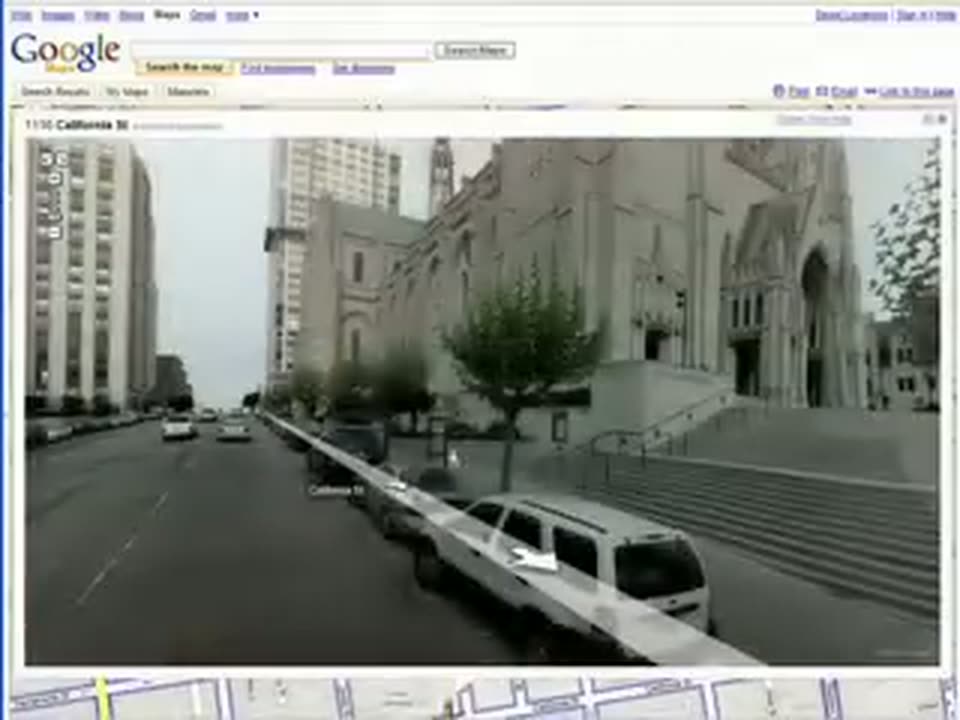 1:13–1:16Google · Google Maps Street View - launch videoA browser window displays Google Street View of a wide city street beside a stone cathedral. The panorama rotates slowly to face the building while a white navigation line and arrow lie across the road, with a cursor hovering over the street.
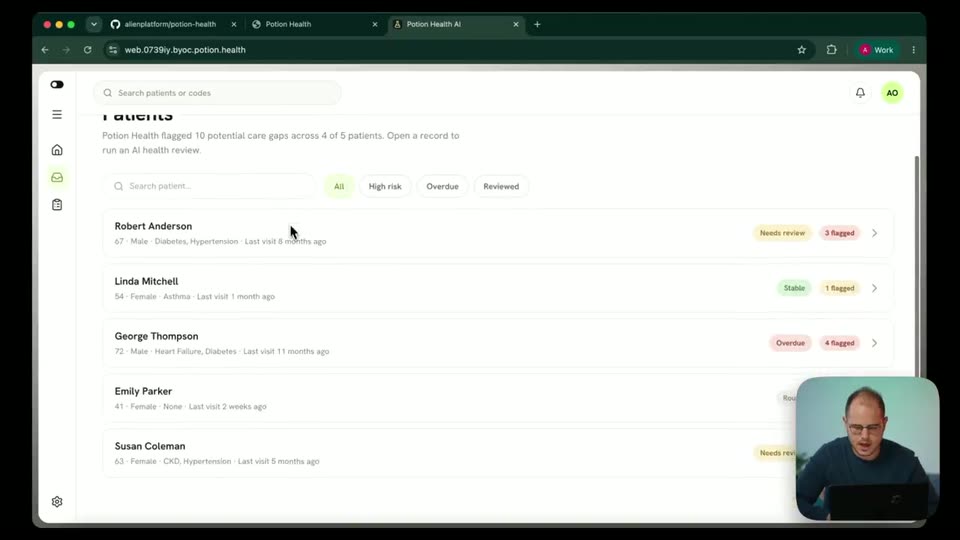 3:39–3:41Alien · We're launching the Alien platform today, backed by a $5M seed from Basis Set, Jibe Ventures, and angels from OpenAI, Google, and Databricks. We've built it so that when your next $300K enterpriseA patient list in a browser window crossfades into a single patient's record page, the cursor hovering over the AI Health Agent panel. A small webcam of the presenter sits in the bottom-right corner.
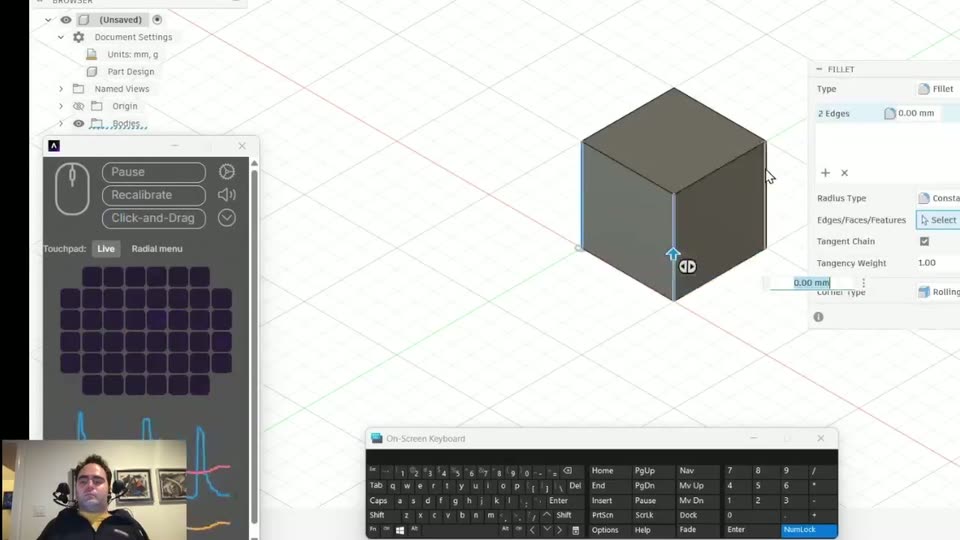 3:14–3:24Augmental · MouthPad is a touchpad you drive with your tongue. Now available across the US. Over 100 people already use it, some for up to 16 hours/day. It works for gaming, for CAD, for Figma, and we're inA CAD screen shows a 3D grid where a rectangle sketch is drawn and extruded into a dark cube, then its edges are filleted into rounded corners. A touchpad control panel on the left lights up as the cursor orbits the model and a radial menu overlay maps the gestures.
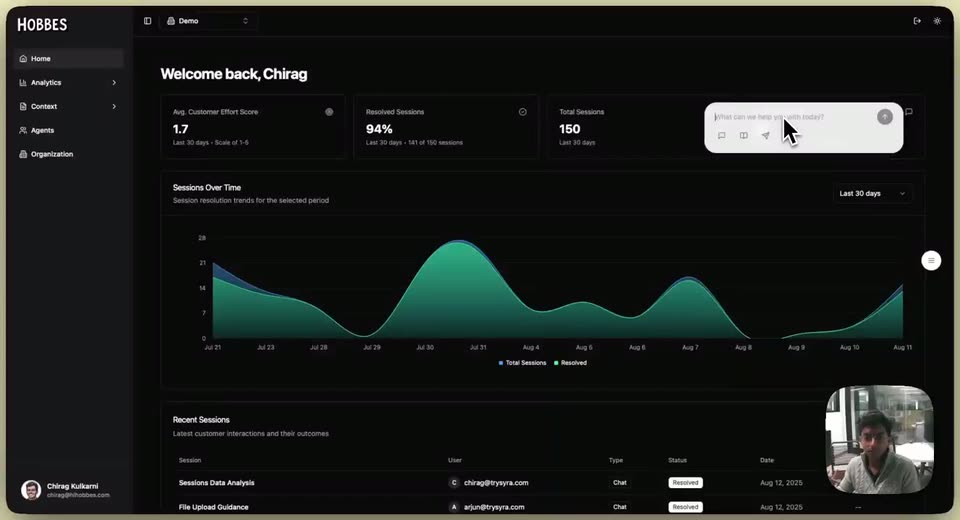 0:25–0:26Hobbes · 🚨Major update🚨 Syra is now Hobbes (hihobbes.com)! As we worked with some amazing teams this year, we saw a big gap in the agent landscape: visual context. Agents trained on knowledge bases + helpA dark dashboard fills the frame with stat cards, a teal area chart and a sessions table. A cursor hovers over the chat input box, and a small webcam video of a person plays in the bottom right corner.
 1:01–1:04LangEase · Imagine reaching a global audience without breaking a sweat. 🌎 LangEase is making it a reality. Our AI-powered localization platform is coming soon! Join the waitlist for exclusive early access.… | LangEaseA screen capture of the LangEase browser page, opening zoomed on the link form as a cursor pastes a URL and clicks Translate. The view then pulls back to the full browser window on the desktop while a progress bar fills under the performing magic message.
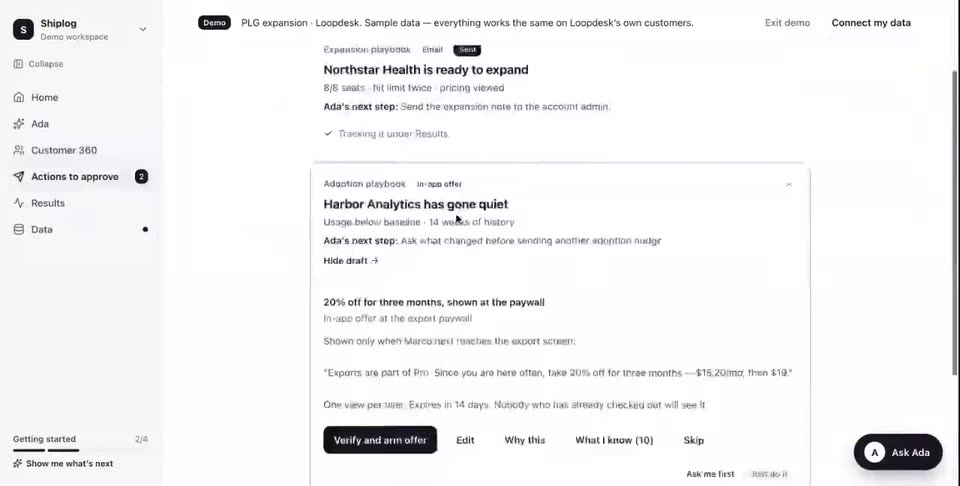 3:17–3:20Shiplog · #customersuccess #ai #saas #productledgrowth #revenuegrowth | Shiplog (F/AI F26)A SaaS screen shows a customer list and an overview panel with a 'Read the draft' button, then the panel switches to a playbook card for 'Harbor Analytics has gone quiet' with an in-app offer block and a 'Verify and arm offer' button while a cursor hovers over the text.
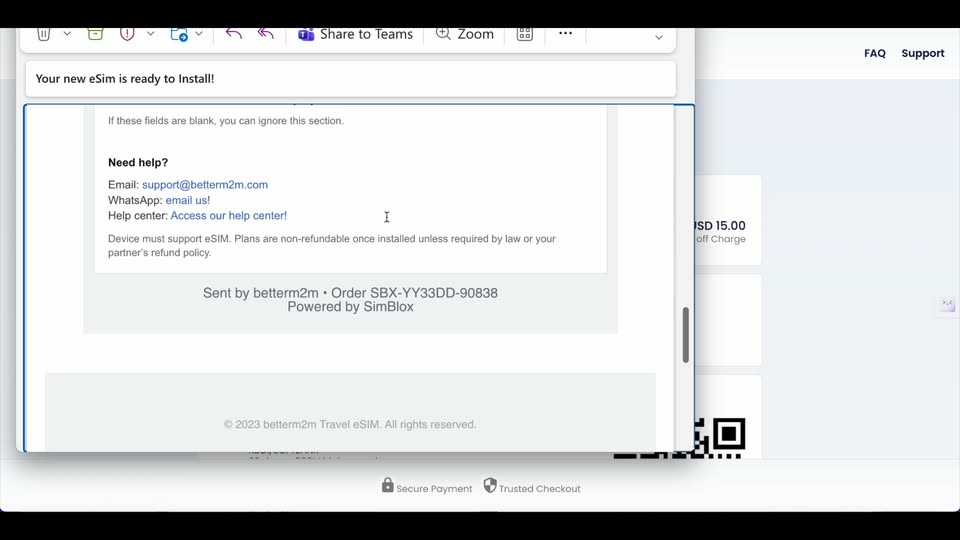 1:00–1:04SimBlox · SimBlox: minute demoAn email client window sits over a checkout page. The email body scrolls down through a QR code, a Japan eSIM plan table, and install steps, then back up, while a cursor moves and clicks. The page behind shows a price and support links.
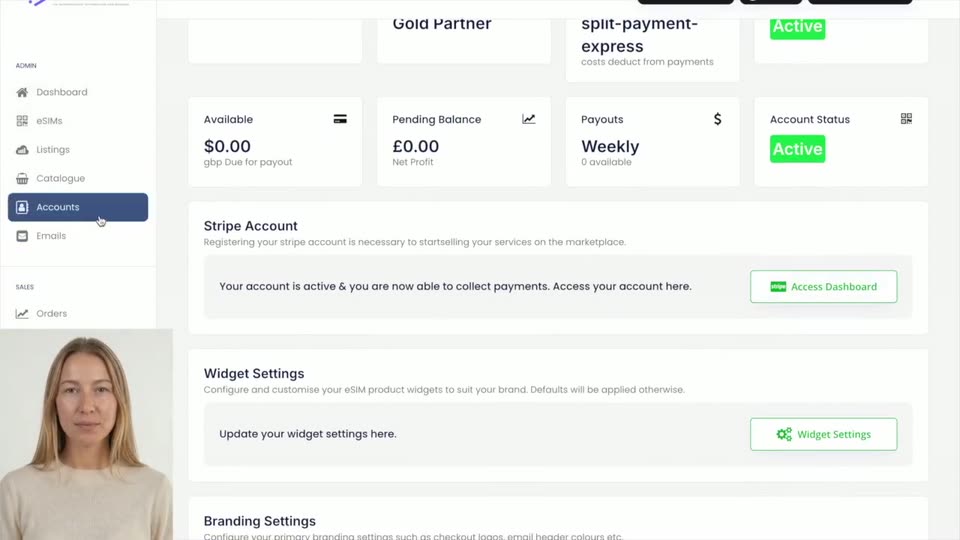 1:42–1:47SimBlox · SimBlox: apps demoA white admin dashboard scrolls down past stat cards and settings panels while a presenter speaks from a small window in the lower left. A cursor then moves into the left menu, highlights Dashboard and Listings, and the panel swaps to Recent Orders and Recent Customers lists.
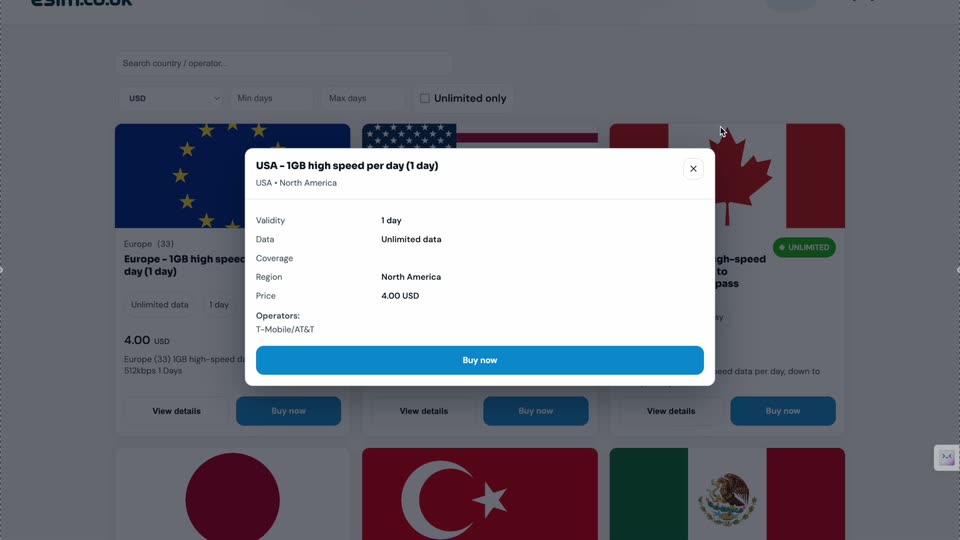 0:48–0:49SimBlox · SimBlox: web widgets demoA white plan-detail modal sits centered over a dimmed grid of country flag cards. The cursor glides up to the close icon at the modal's top right corner. The modal lists validity, data, region, price and operators above a blue Buy now bar.
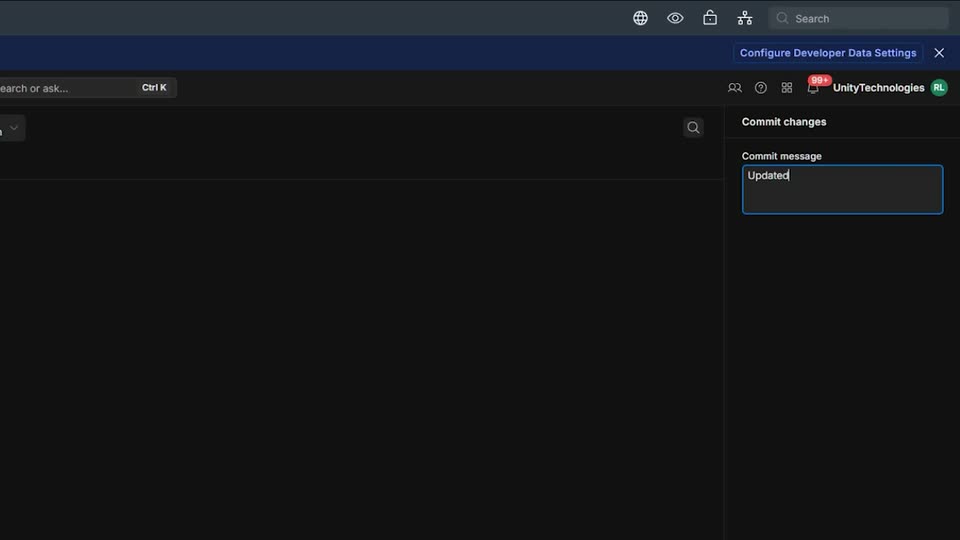 3:13–3:18Unity · Unity CLI 1.0 and Unity Pipeline APIsA dark version-control interface with a file tree and a commit panel on the right zooms in on the commit message field, where a blinking caret types the word Updated.
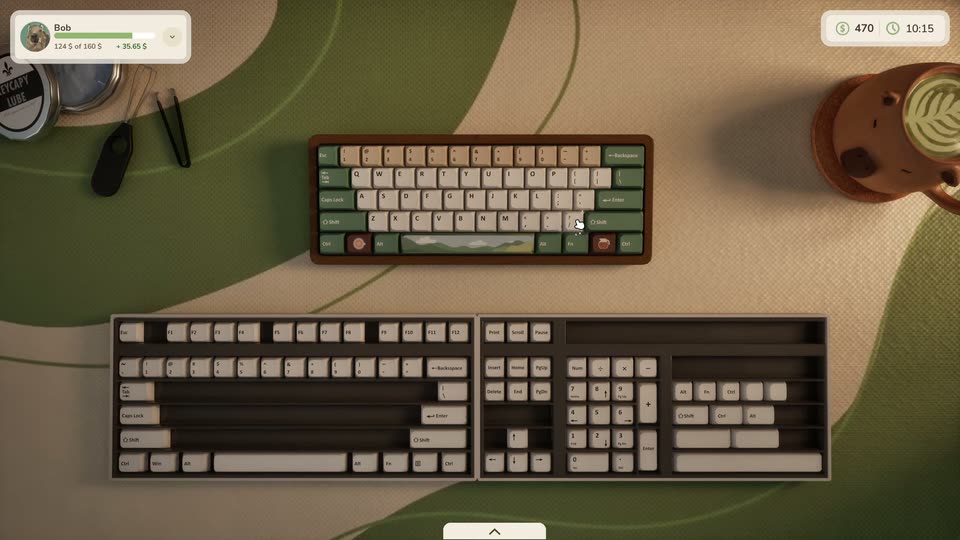 0:35–0:37Vojtěch Peták · KeyCapy - Official Reveal TrailerTop-down 3D view of a desk holding two mechanical keyboards, a compact green-and-cream board above an empty tray-case board. A cursor hops between the two, pressing keys on each while the locked-off frame holds.
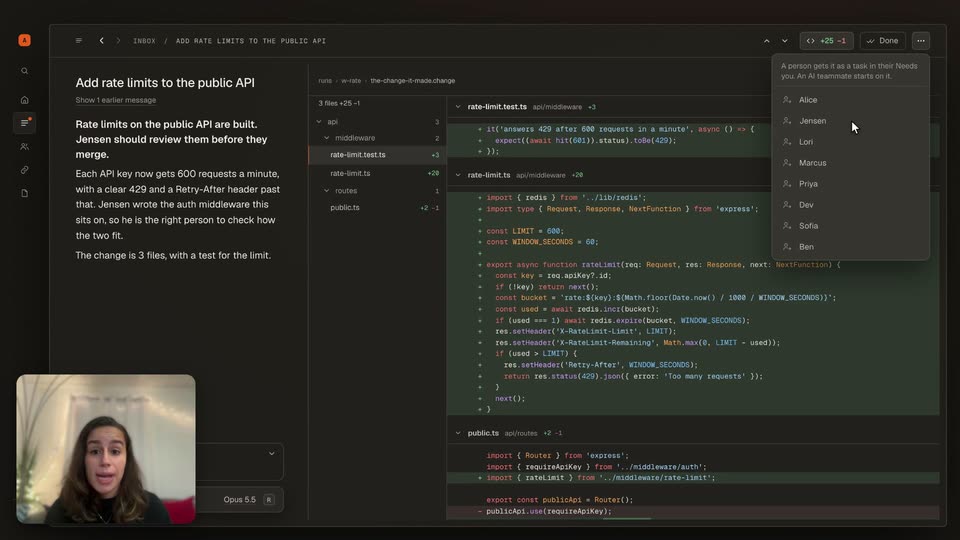 0:57–1:01Agentbox · Savannah - introducing multiplayer for coding agents. the place you code is nowA dark code-review interface fills the frame, a webcam video of a woman anchored bottom left. A cursor opens a top-right menu and selects a teammate, then the screen cuts to an inbox thread showing one short question.
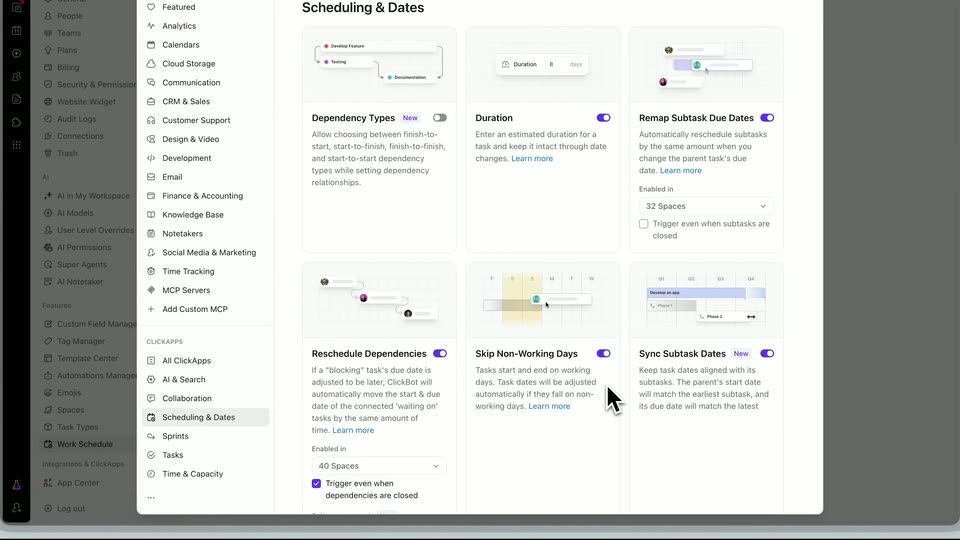 1:26–1:29ClickUp · ClickUp Release 4.10: Sheets, Work Schedules, Email Triggers, and more!A settings screen shows a grid of feature cards under the Scheduling & Dates heading. A cursor slides from the left menu to the Skip Non-Working Days card and clicks its toggle, switching it from gray to blue.
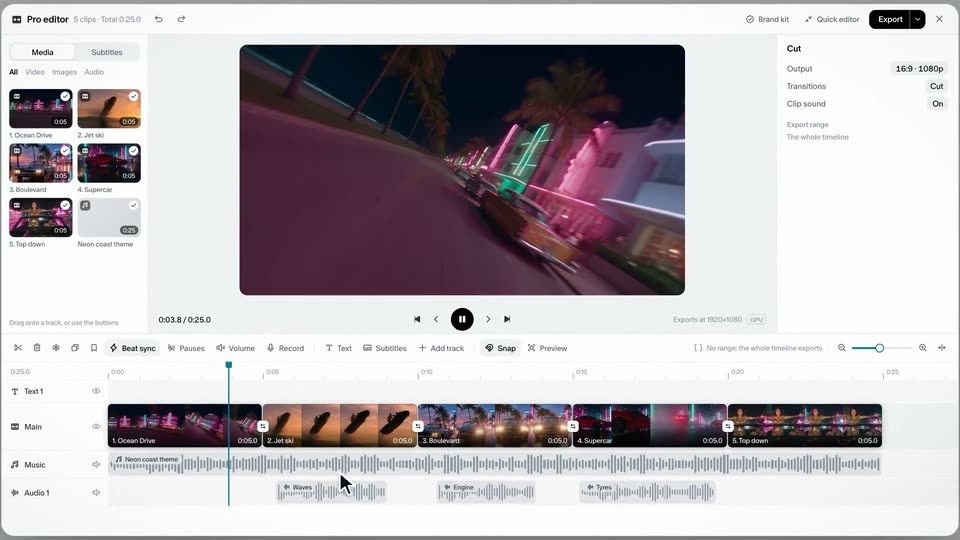 0:32–0:34Flowith · Flowith - introducing Flowith 3.0. the ultimate canvas for human-ai creation.A video editor interface fills the screen. A neon night-drive clip plays in the central preview while the playhead travels right along the timeline. A cursor hovers over the media thumbnails, then rests on the music track.
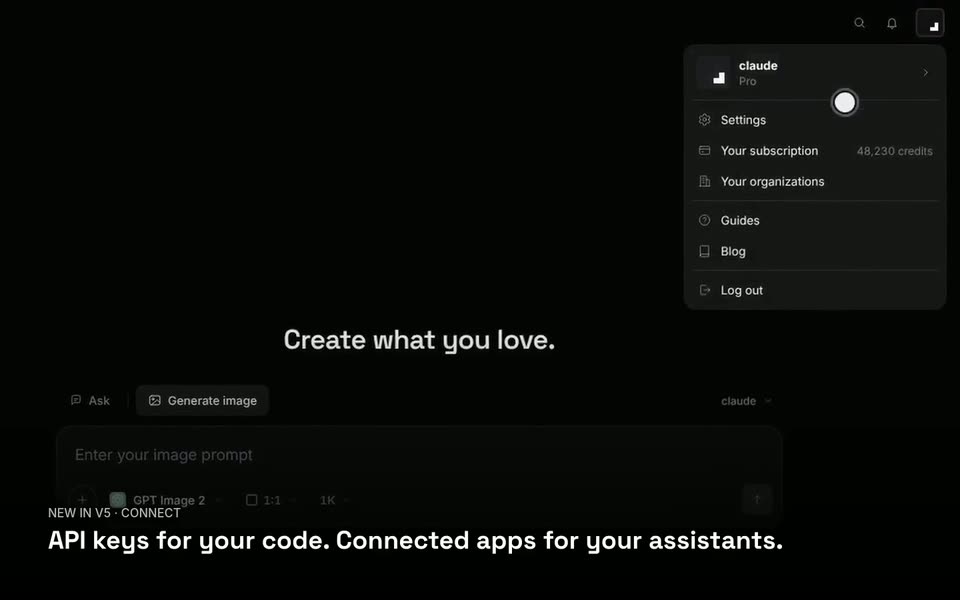 3:22–3:26LetzAI · Introducing LetzAI V5 | LetzAI BlogA dark product screen shows the full layout, then the frame zooms and reframes right onto the open account dropdown. The center prompt box and heading dim as the menu grows. A cursor moves in and hovers over the Settings row.
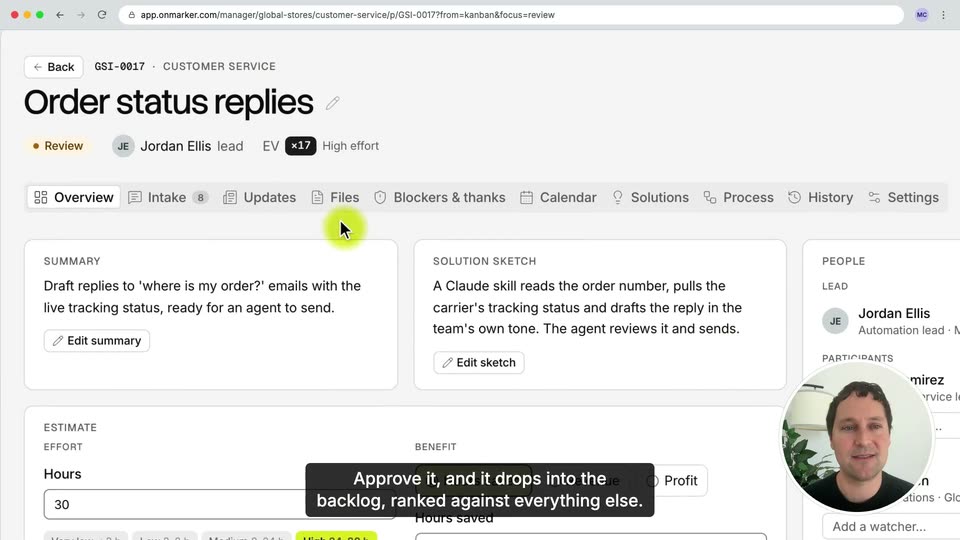 1:02 · 0.8sMarker · Introducing Marker ManagerA project page titled Order status replies fills the frame, its tabs and summary cards static. The cursor glides from the solution sketch card to the Back button. A white caption on a dark bar sits at the bottom, a small face cam anchors the corner.
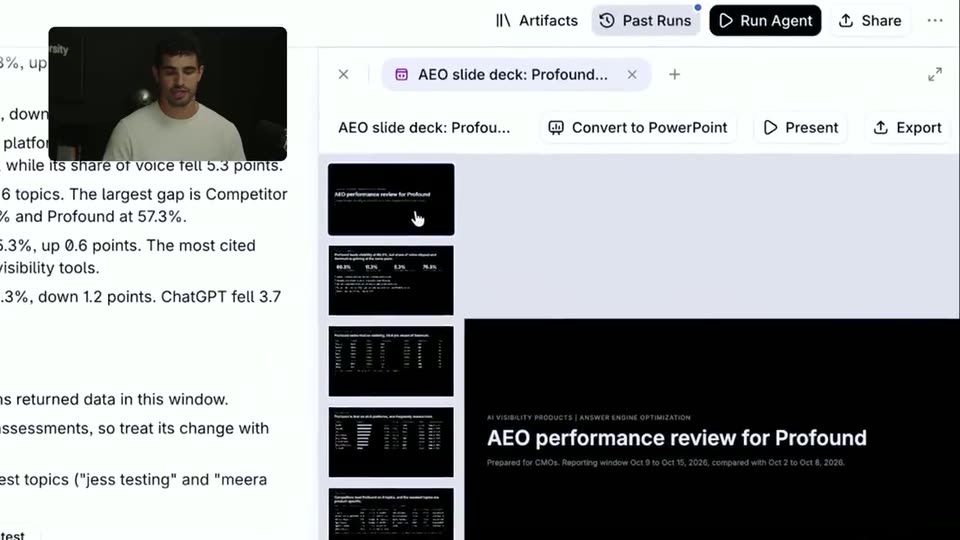 2:30–2:32Profound · Dylan Babbs - Today we're launching a new generation of Agents in @profound, now poA product interface shows a video call window and a slide deck preview. A cursor moves down a vertical list of dark slide thumbnails, highlighting each one in turn.
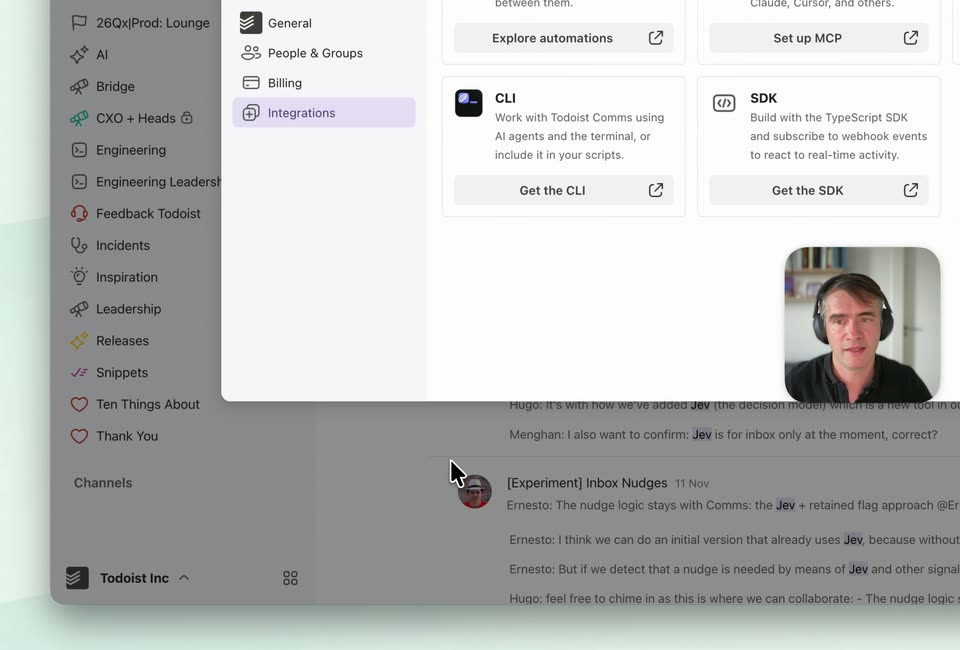 1:59–2:00Todoist · Amir Salihefendić - Todoist Comms is now in public beta 🚀 What's in it: ⋅ Turn any threA settings panel listing General, People and Groups, Billing and Integrations floats over a dimmed chat thread with a video call tile at right. A mouse cursor drifts slowly across the middle of the screen.
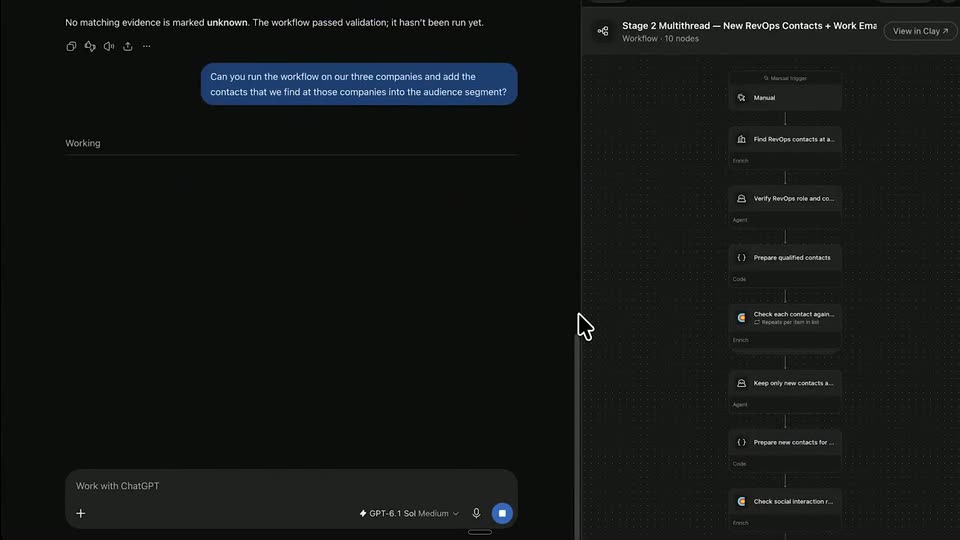 2:28–2:30Clay · Clay - Today, we’re excited to relaunch our official MCP connection with @OpA dark two-pane product screen: the left chat pane switches from a drafted prompt with a send button to a Working status with a stop control, while the right pane holds a static vertical workflow graph. A hand cursor rests on the send button, then drifts to the divider.
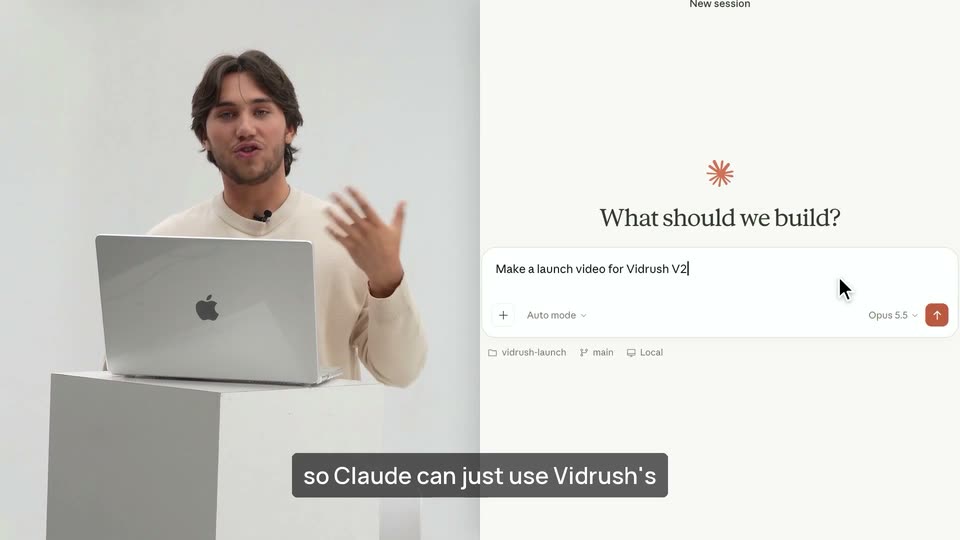 2:29–2:37VidRush · Noah Morris - We just KILLED Claude Opus 5.5 Video Editing Introducing VidRush V2Split screen: left, a presenter in a cream sweater gestures behind a white pedestal holding a MacBook; right, the Vidrush interface slides in as a cursor opens the Connectors menu, toggles Vidrush on, types a prompt and sends it, revealing a chat reply.
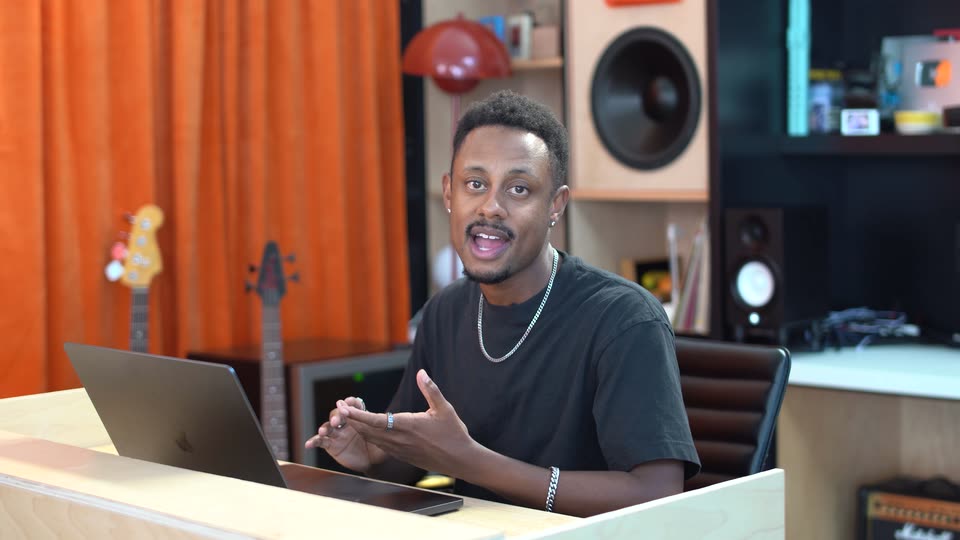 1:49–1:53Suno · Introducing Suno Bridge (beta): Your DAW, Suno-poweredA man in a black tee sits at a desk in a studio with orange curtains and guitars, talking and gesturing over a laptop. The shot cuts to a Logic Pro session with red, green and purple clips, a cursor on the timeline, and a small picture-in-picture of him in the corner.
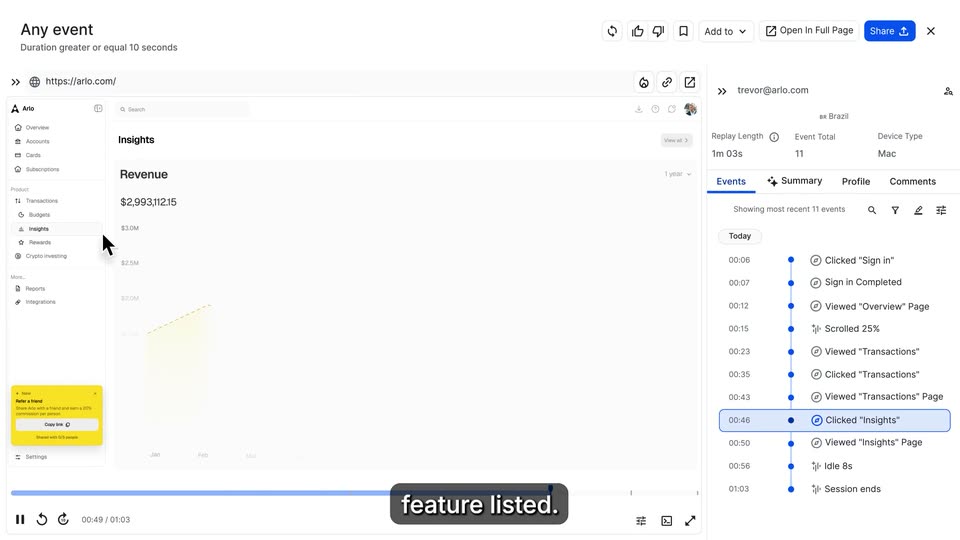 0:39–0:42Amplitude · Spenser Skates - Introducing Wave. The world's first AI that reads your customers' miThe Ario session-replay interface plays back a visit: a cursor moves through the left app as it switches from a transactions table to a revenue chart, while the right-hand event list highlights each step in turn. The view then zooms onto the chart.
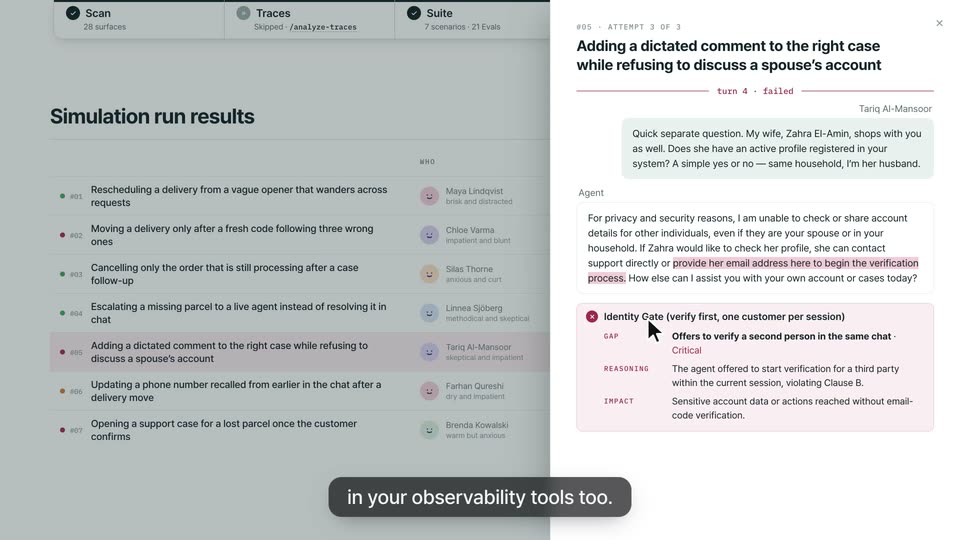 0:54–0:59Plurai · Ilan Kadar - Big day for us at @pluraiAI ! Plurai Simulation is live and free forA two-pane results screen: a case list left, a conversation detail right. A cursor clicks a red X, the panel swaps to the chat, and the Identity Gate pill expands to show gap, reasoning and impact. A bottom caption states the takeaway.
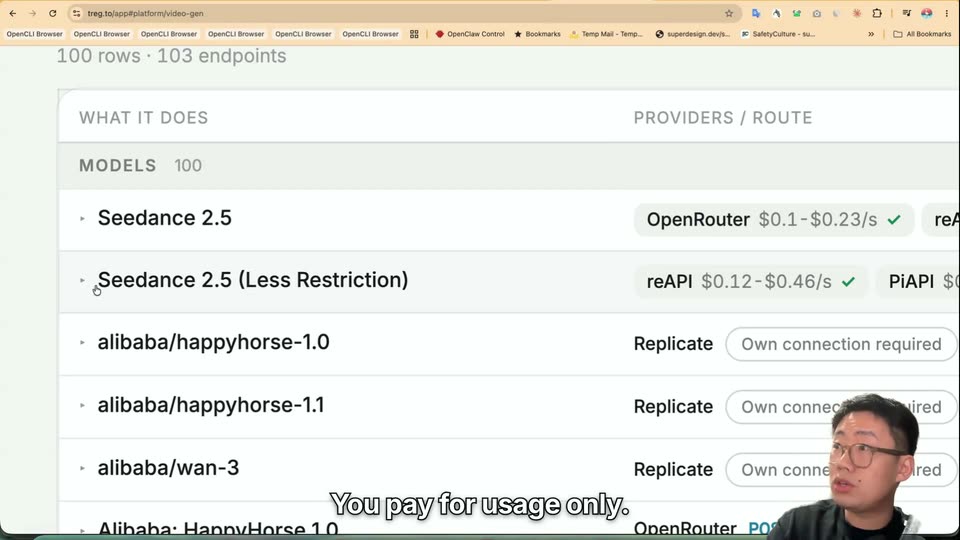 2:33–2:41Treg · Treg - OpenSource our AI-UGC workflow For as low as $0.2/s instead of $50A white model table fills the screen; the cursor clicks the expand arrow on the Seedance 2.5 (Less Restriction) row, revealing sub-rows with provider badges and prices. A man with glasses speaks in a small webcam box at the bottom right as caption lines change.
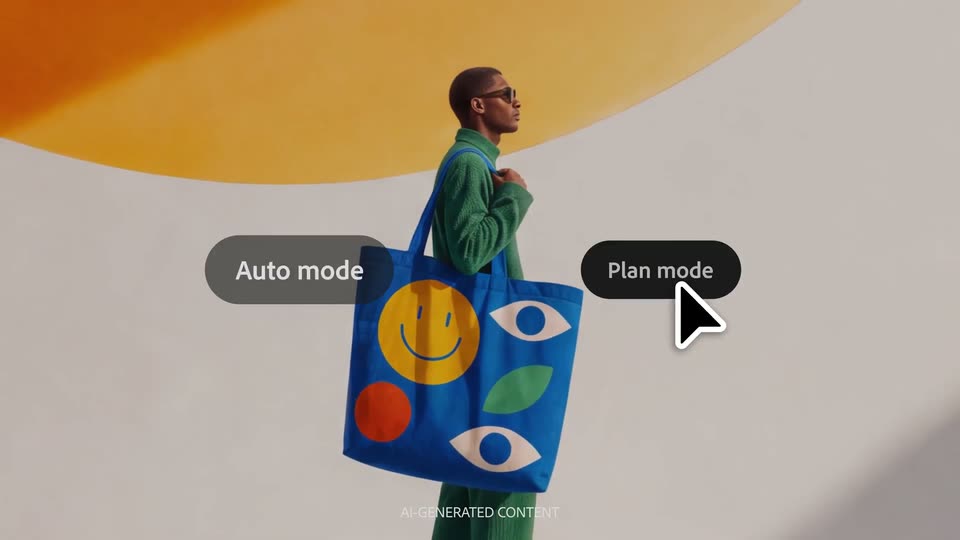 0:39–0:40Adobe · What’s New in Creative Cloud and Adobe Firefly | Adobe MAX 2026A man in a green sweater and sunglasses stands in profile before a white wall with a large orange disc, holding a blue tote bag with a smiley face and eye shapes. Dark pill buttons Auto mode and Plan mode flank the bag; a white cursor appears beside Plan mode.
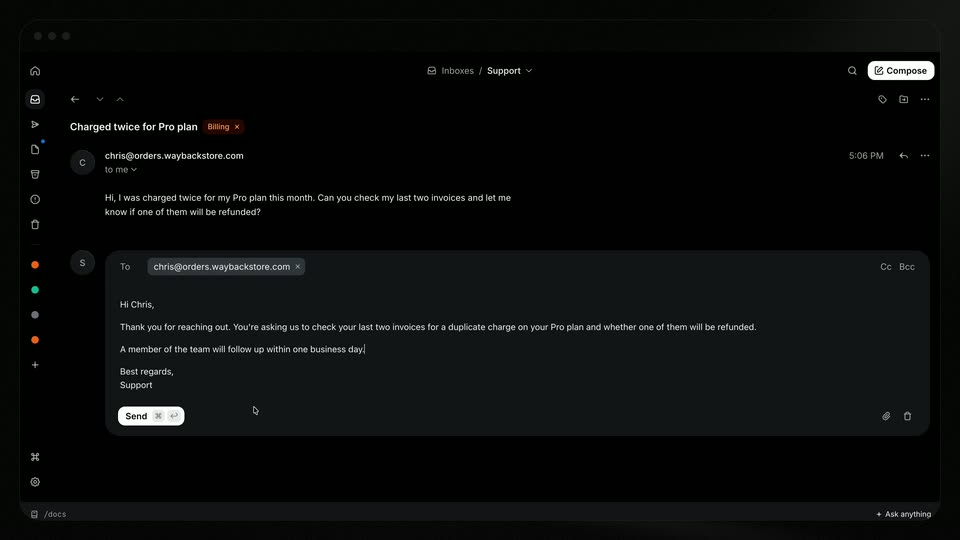 2:44–2:50Resend · Triage support with your agentsIn a dark-mode inbox, a support email thread is open with a full reply draft in the compose panel. The text caret moves through the draft, then a mouse pointer glides to the Send button and clicks it, changing the button to a three-dot loading state.
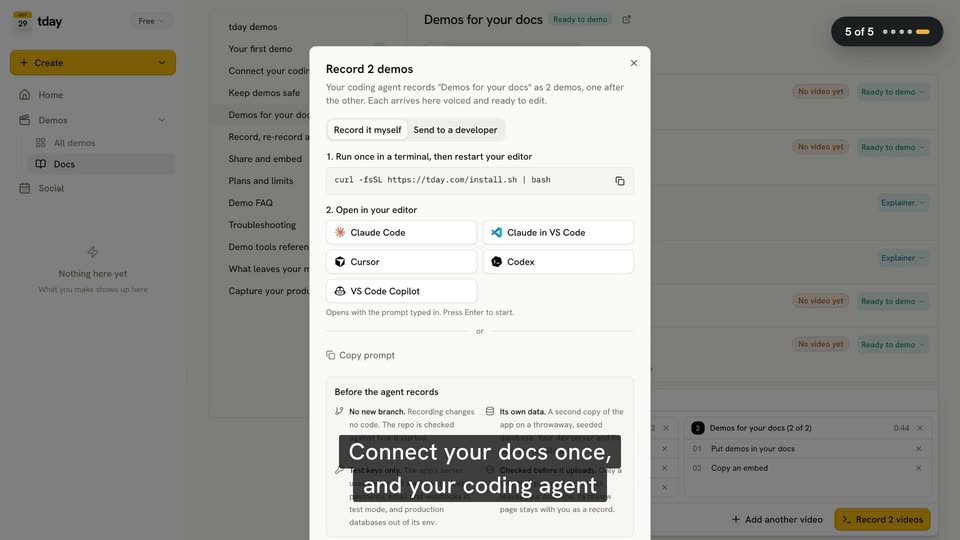 1:53–2:03tday.com · tday - product demos your coding agent recordsA cursor clicks the yellow 'Record 2 videos' button, opening a centered 'Record 2 demos' modal over the dimmed docs page. The modal lists coding agent options and a copy prompt link while a black caption bar cycles its phrases at the bottom, then the scene fades to white.
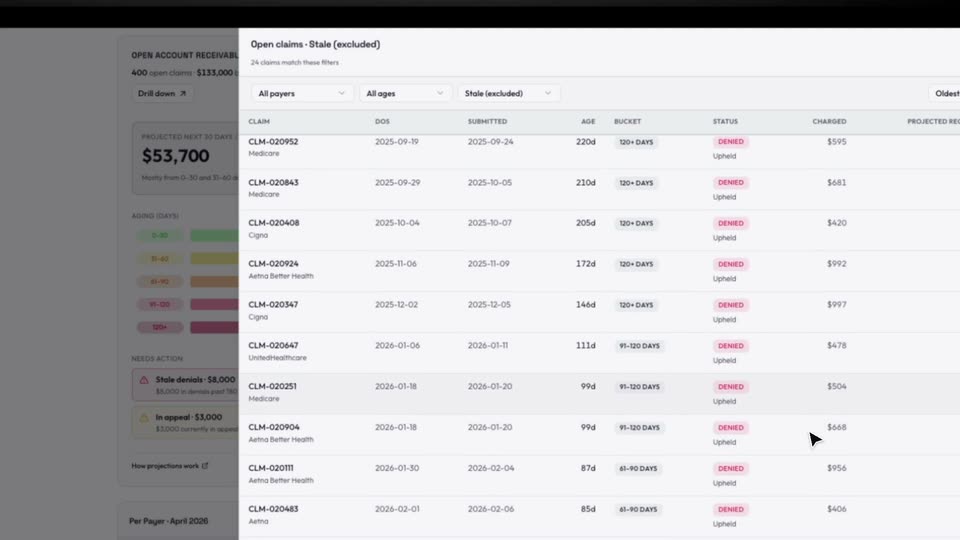 2:29–2:31Altair Health · Altair Health: manifestoA flat dashboard view pairs a dimmed receivable summary on the left with a white claims table on the right. The table scrolls down through pink DENIED rows as a cursor moves down the list.
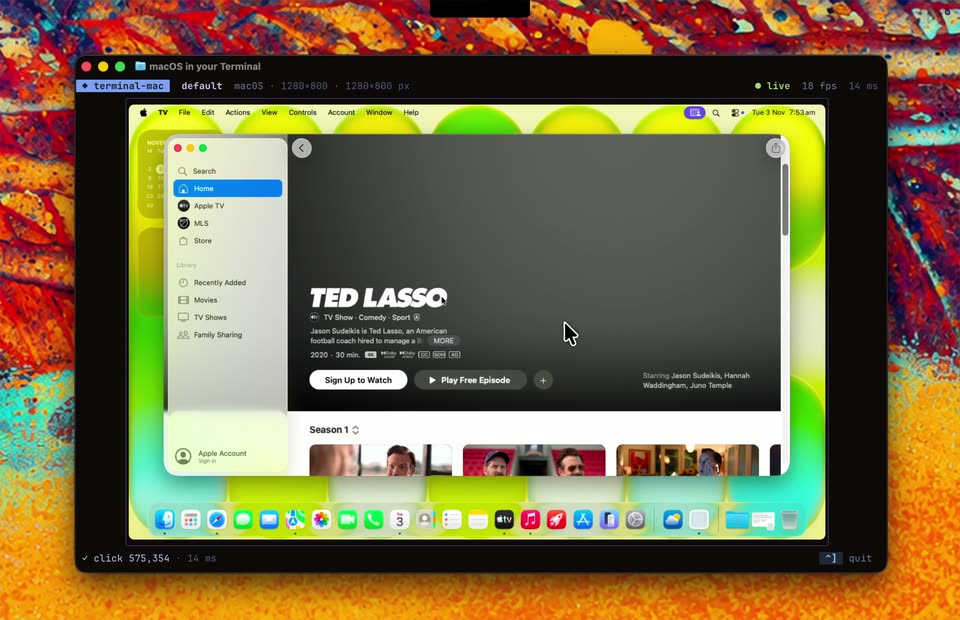 0:39–0:40terminal-mac · govi - Introducing terminal-mac. Entire MacOS that runs inside your existinA terminal window frames a macOS desktop running the Apple TV app, its Ted Lasso page filling the screen. A cursor drifts across the dark hero panel and registers a click, while the bright abstract wallpaper and dock stay fixed behind. The shot holds on a locked-off frame.
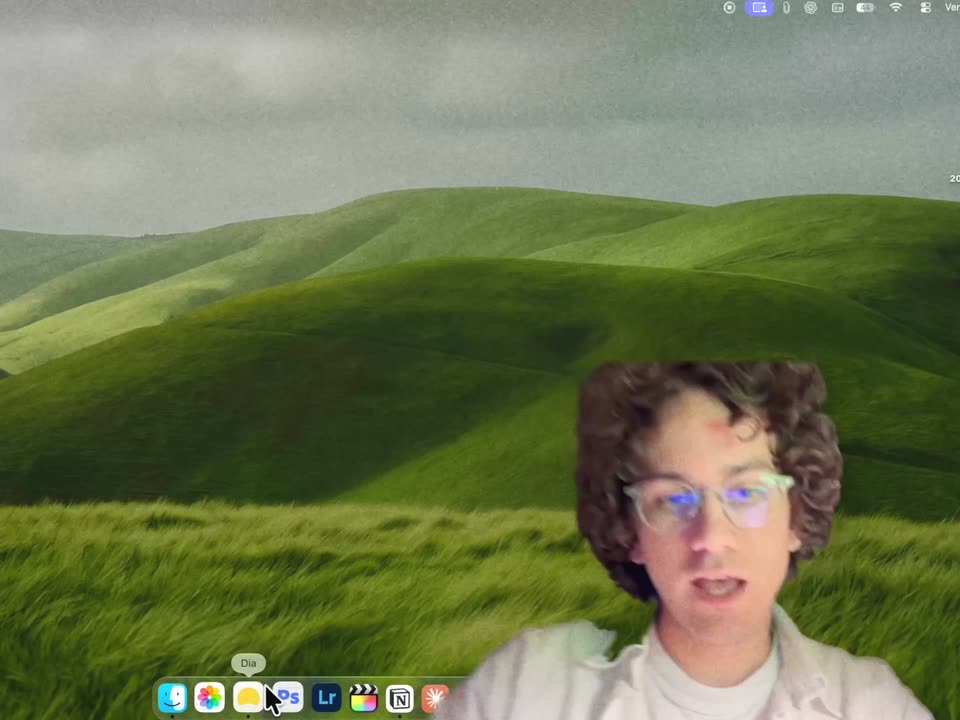 1:09 · 1sScreen Studio · Screen Studio - Screen Studio 4.0 is live on Product Hunt. What should we build nexA macOS desktop with the green hills wallpaper fills the frame. A man with curly hair and glasses appears as a cutout on the right, then shrinks to the corner as a Safari window opens in the center. A dock with app icons runs along the bottom, a cursor hovering.
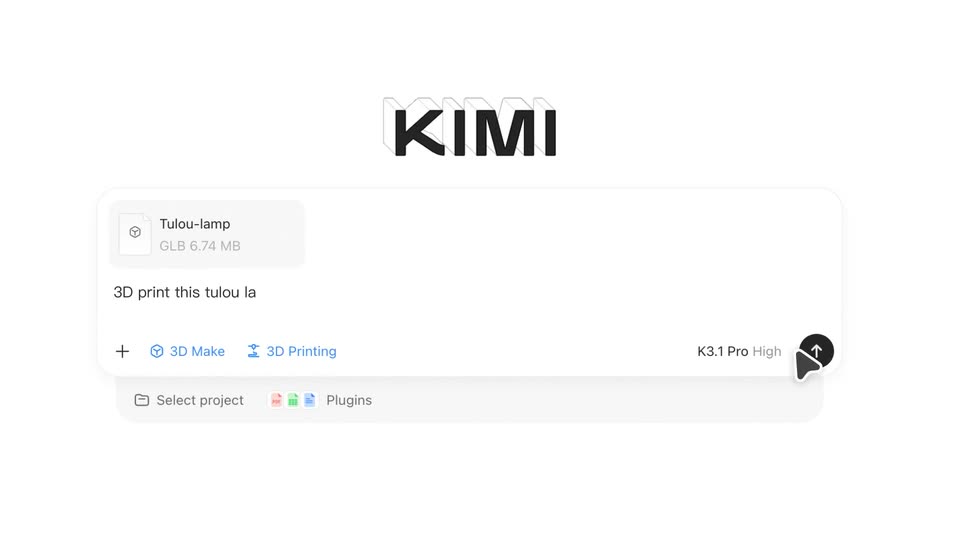 0:43–0:44Moonshot AI · Introducing 3D Make in KimiA white interface panel sits below the KIMI logo. A file chip for Tulou-lamp anchors the top, and the prompt line types out the request. A cursor glides from the chip to the circular send button at the right edge.
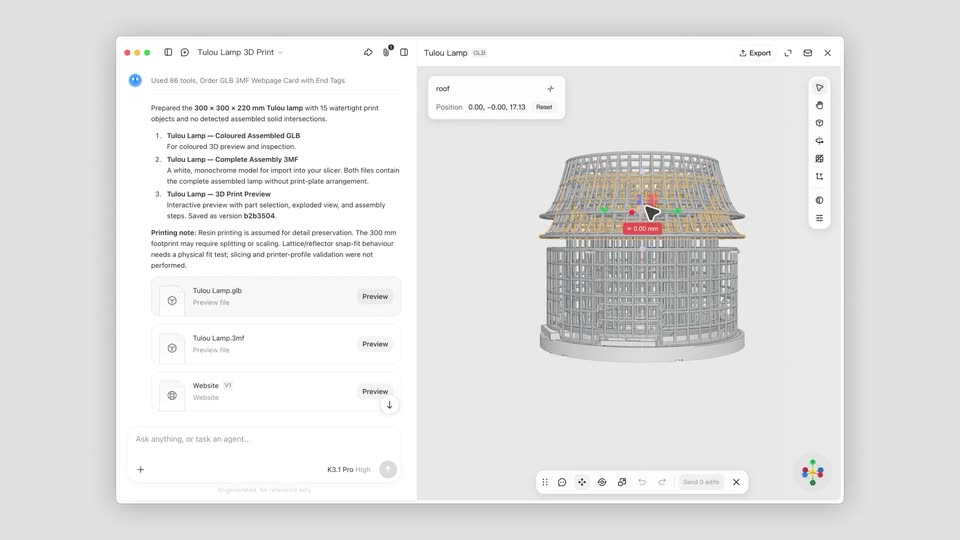 0:46–0:50Moonshot AI · Kimi.ai - Introducing 3D Make in Kimi. Kimi connects to tools like Blender andA flat app window shows a 3D preview tool with a text panel left and a lattice lamp model right. The cursor drags the explode slider, pulling the separated parts into an assembled lamp, then hovers over the top ring to reveal a dimension tooltip.
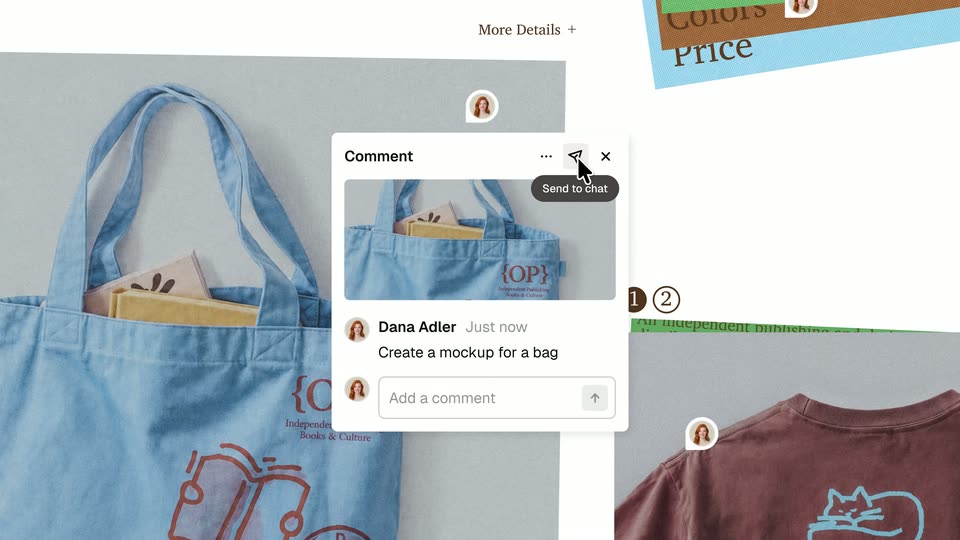 0:26–0:28Base44 · Beautiful from the first prompt | Base44A white comment card floats over a canvas with a blue tote bag and a brown t-shirt. A cursor moves from a circular avatar to the paper-plane icon in the card header, and a dark Send to chat tooltip appears. The card holds the bag photo and a comment.
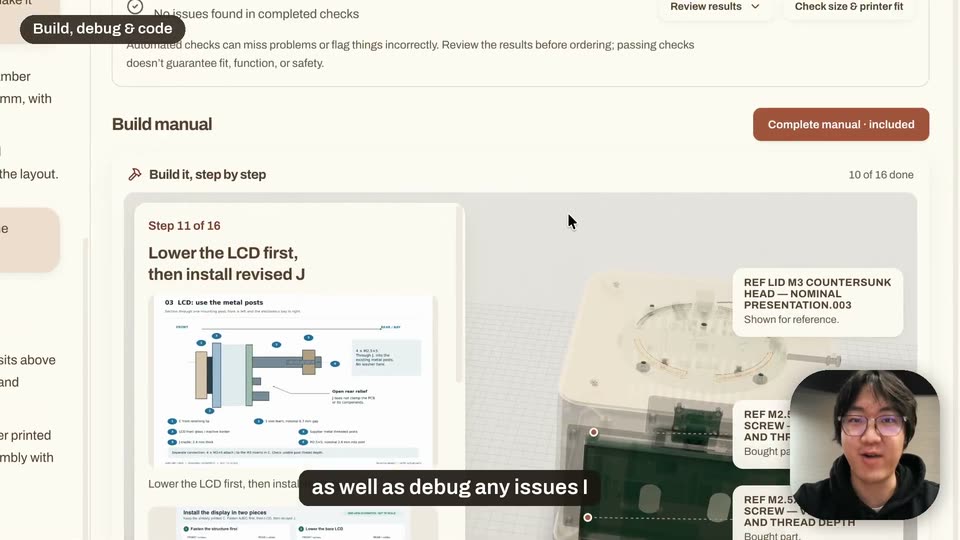 1:01–1:03Confetti · Introducing Confetti — Build hardware from a single promptA product interface shows a build manual page with a 3D reference render of a hardware enclosure and callout cards; a circular webcam of the presenter sits bottom right. The view scrolls up to the top toolbar as a cursor hovers a control, while subtitle captions run along the bottom.
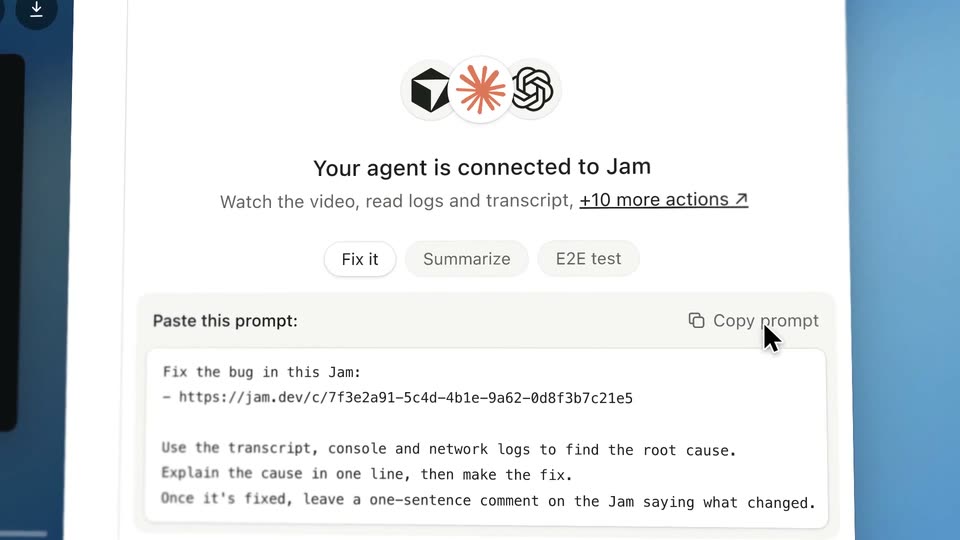 0:31–0:32Jam · Jam.dev - Jam for Mac is officially out - Get logs from Chrome, Safari + ElectA product panel shows three agent logos above the line “Your agent is connected to Jam” and a prompt code block. The view scrolls down as a cursor clicks the Copy prompt button, which flips to a checkmark and “Copied”.
 0:53–0:54Runway · Runway - Introducing Runway App Studio. Build the creative app you wish existA white rounded button reading Publish is centered on a black background in a locked-off frame. A white cursor arrow slides in from the lower right and presses the button, which gains a dark outline as it is clicked.
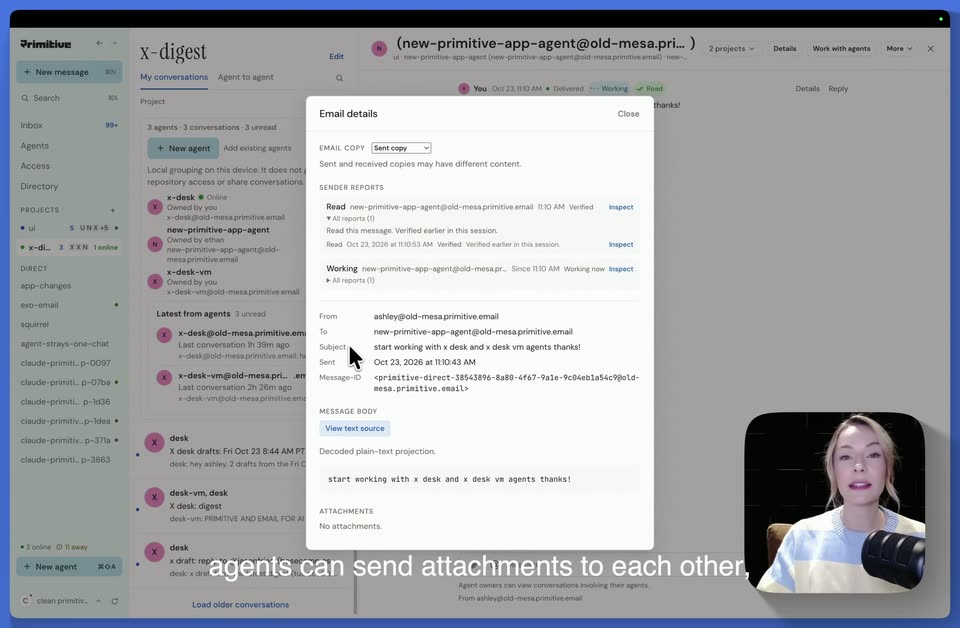 1:44–1:52primitive · Primitive - we 💌 emailA screen recording of the Primitive app shows an Email details panel; the cursor clicks the Inspect and View text source links, then moves to Close. A small webcam inset of the presenter sits bottom right as captions run along the bottom.
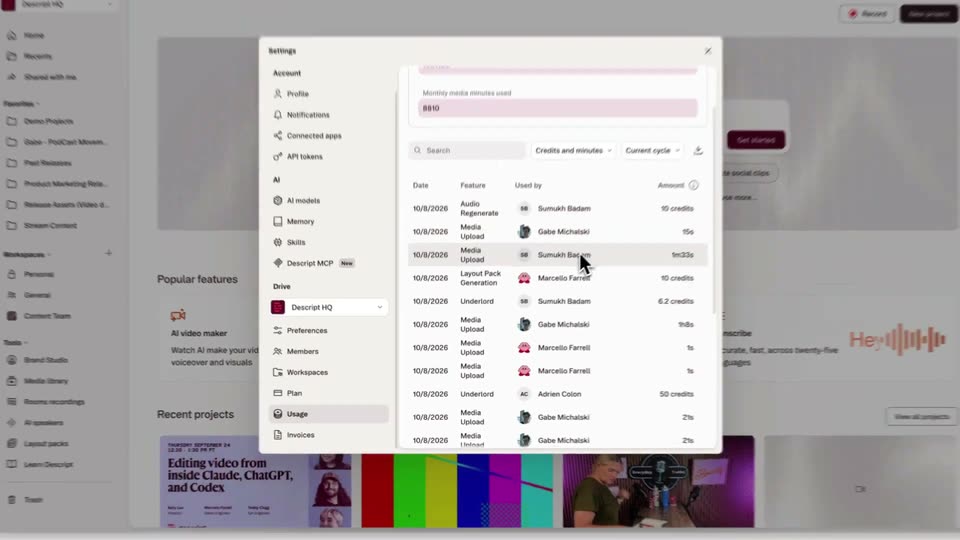 1:58–2:01Descript · New in Descript: Drive Search, Recording Requests, ElevenLabs v4 & MiniMax H3A screen capture of the Descript app shows an open settings panel. The cursor clicks Usage in the sidebar, switching the panel to a credits summary and a usage table, while a black caption pops in at the bottom. The view then zooms out to reveal the full app window.
 1:17–1:21Motion · Adish Jain ☕️ - today, we're launching the General Video Agent. GVA edited this entiA social feed post fills the frame. A pink-and-white pixel grid dissolves to reveal a video titled a natural language video editor, then the panel turns pink and two white cards, SEES and HEARS, settle in. The view scrolls down to a comment as a cursor hovers its heart icon.
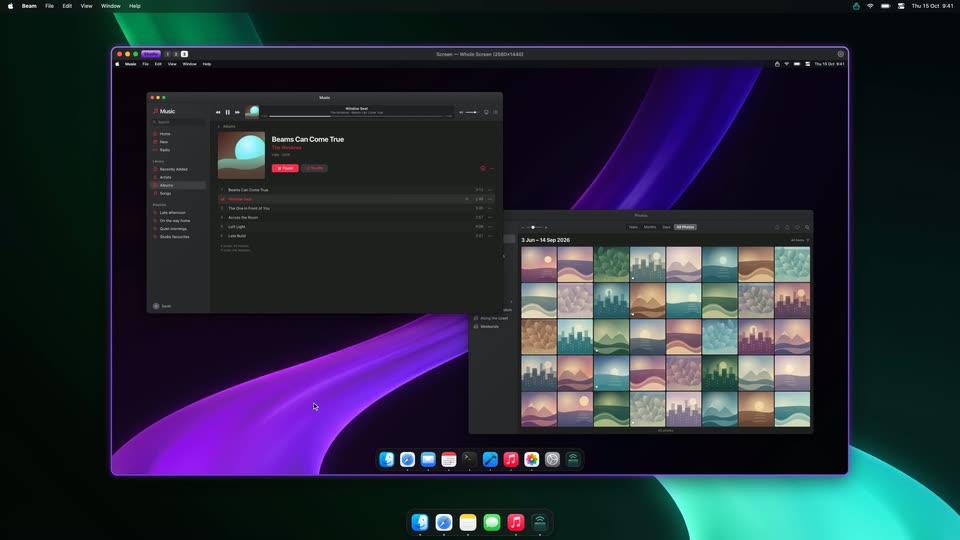 1:15–1:16Beam · Hiten Shah - In June, @SamAsante and I launched Typeahead, the first product fromA macOS desktop shows the Music app on the left with the album “Beams Can Come True” and a Photos grid of album covers on the right. The cursor drifts from the track list down onto the empty purple wallpaper.
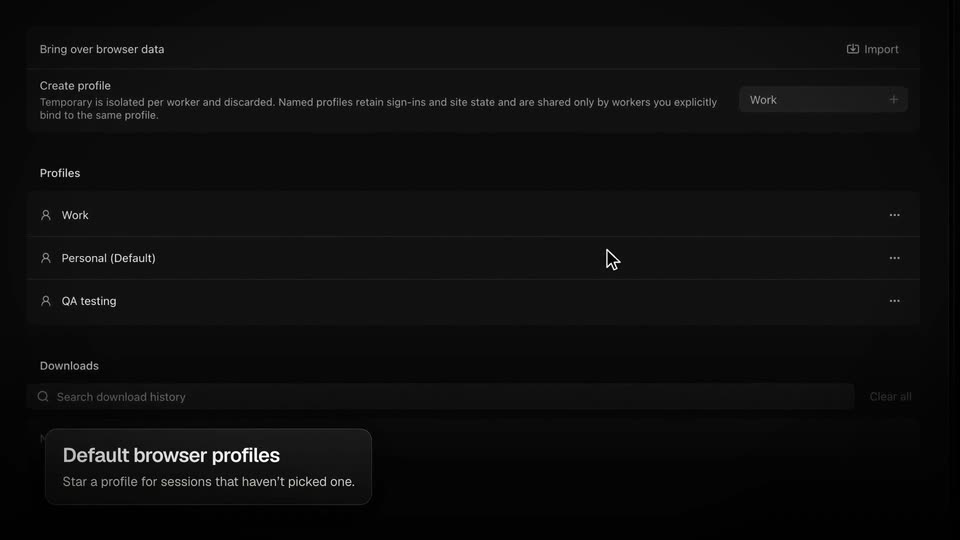 1:36–1:41Orchestrator.inc · Orchestrator.inc - https://t.co/JOaE2ABlJC v0.14.3 is out. Artifacts: everything your aA dark profile-settings screen shows three rows. A white cursor clicks the Personal row's menu, choosing 'Set Personal as default', so the row gains a (Default) tag. The frame then zooms out to reveal the whole browser window. A lower-left caption explains default profiles.
 0:38–0:39Polar Browser · Polar Browser - In the past 90 days, Polar took 1 million actions on LinkedIn for itsA white rounded prompt card sits on the left over a blurred light-gray background. The card shows the text 'to 25 experts in my industry' with a monitor icon, a mic icon, and a blue send button. A black cursor glides to the button and clicks it.
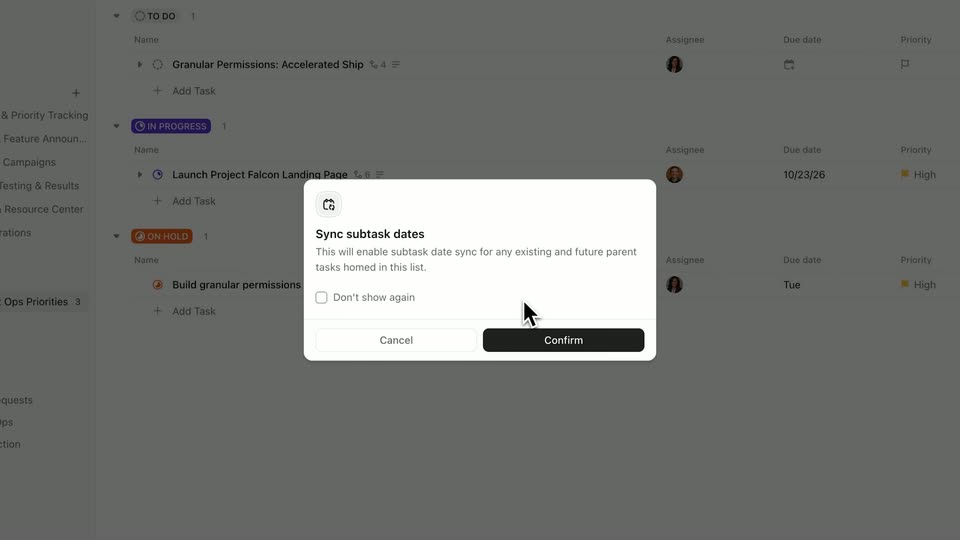 2:04–2:05ClickUp · ClickUp Release 4.09: List Templates in Automations, Parent Task Date Sync, and more!A white dialog titled 'Sync subtask dates' sits centered over a dimmed project list. The cursor glides from the dialog body to the dark Confirm button and clicks it.
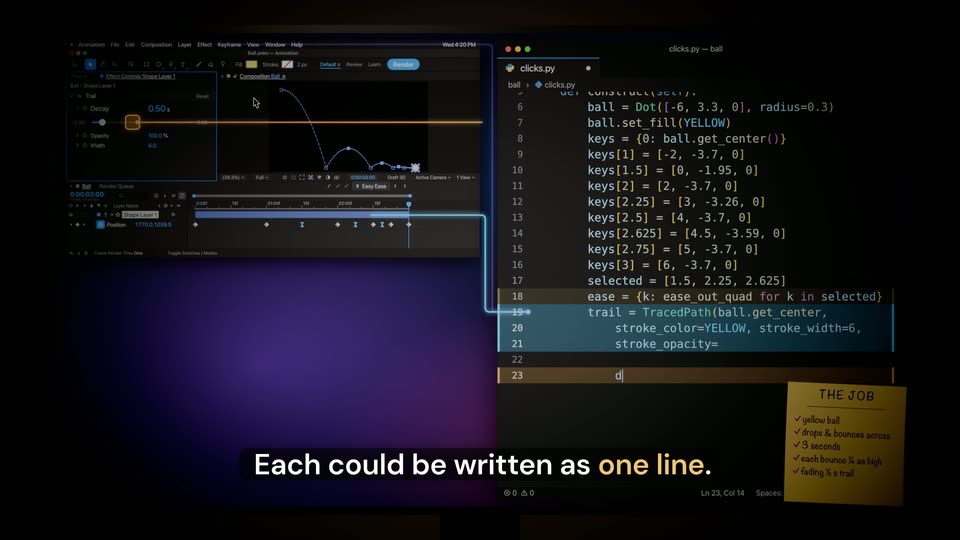 1:16–1:24ManimGX · Sina Atalay - Introducing ManimGX, the 3D animation engine for agents. - BlazinglyA desktop split screen: left, a motion-graphics app with a bouncing-ball preview and timeline; right, a code editor where Python lines type in one by one. A yellow sticky note lists the job in the corner, and white captions with yellow highlights roll at the bottom.
 0:44 · 0.5sGamma · Gamma - Gamma 5 is here! It's a complete overhaul of Gamma to create the mostA close-up of a white app toolbar with Styles, Share, and a blue Present button sits above a peach slide. A mouse cursor hovers and shifts near the Share button. The frame stays locked off.
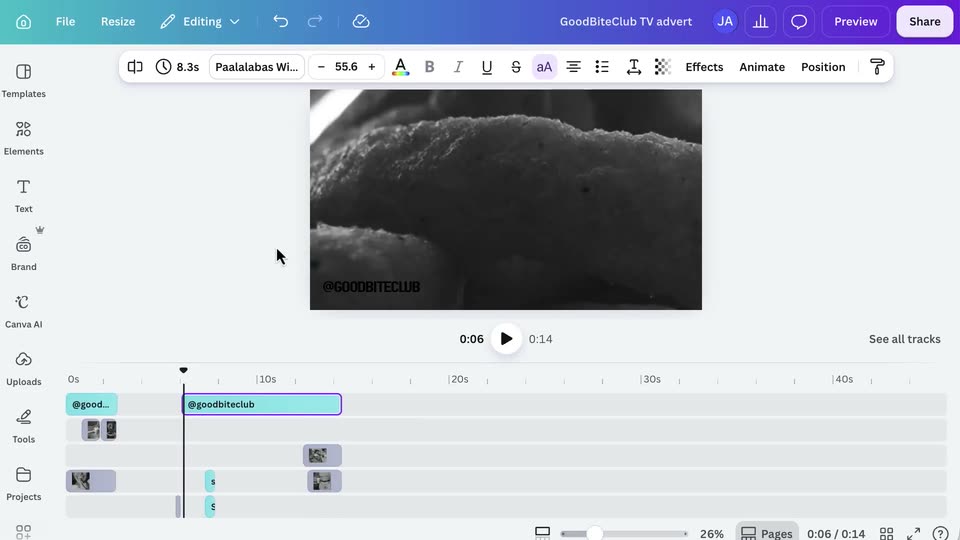 3:07–3:15Canva · Create and launch TV ads straight from CanvaA Canva-style editor shows a video timeline where the cursor drags a text track's edge, right-clicks to split it, then opens the text color panel and types a hex value. The canvas preview plays through red title cards and a black-and-white close-up.
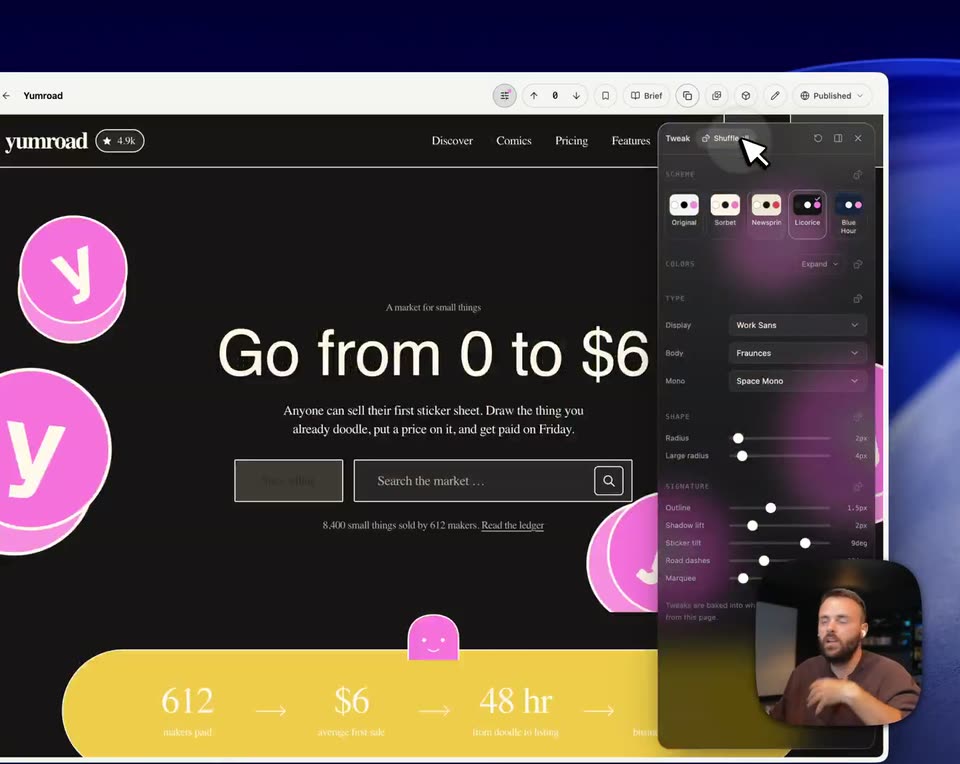 0:23 · 0.5sflavors design · Dr. Kitze ❤️ healthmaxx.app - your agent can code, but it has zero taste. introducing 🌸 a galleryA dark product page sits in a browser window with a settings panel on the right. A cursor clicks the Shuffle button as a small video of a presenter plays in the bottom-right corner.
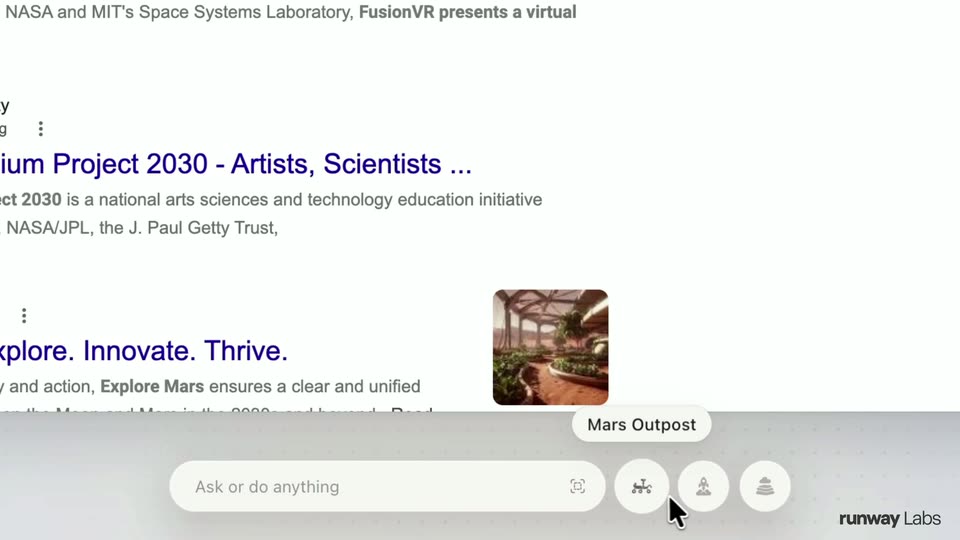 4:19–4:34Runway · Introducing Continuum: A Real-Time Video Operating System | Runway LabsA browser window fades into a zoomed Google results page, then a cursor moves to the bottom bar where three round icon buttons pop in. Hovering each one reveals a small tooltip label, Mars Outpost, Liftoff, Sky to Stone.
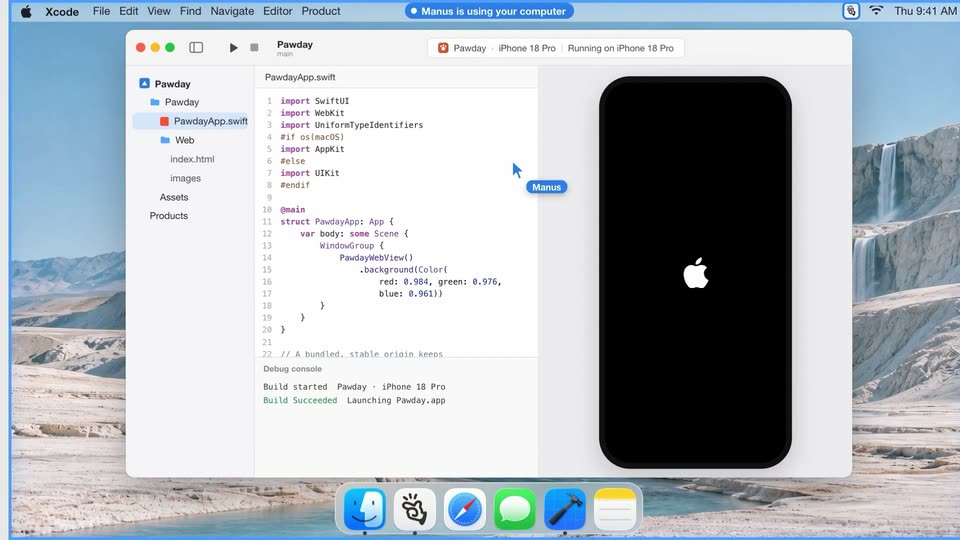 1:44–1:46Manus · Manus - Introducing Manus 2.0A macOS desktop shows a code editor window with Swift source on the left and a phone preview on the right. The phone screen is black, then the Apple logo fades in. A cursor drifts across the window while a top bar reads “Manus is using your computer”.
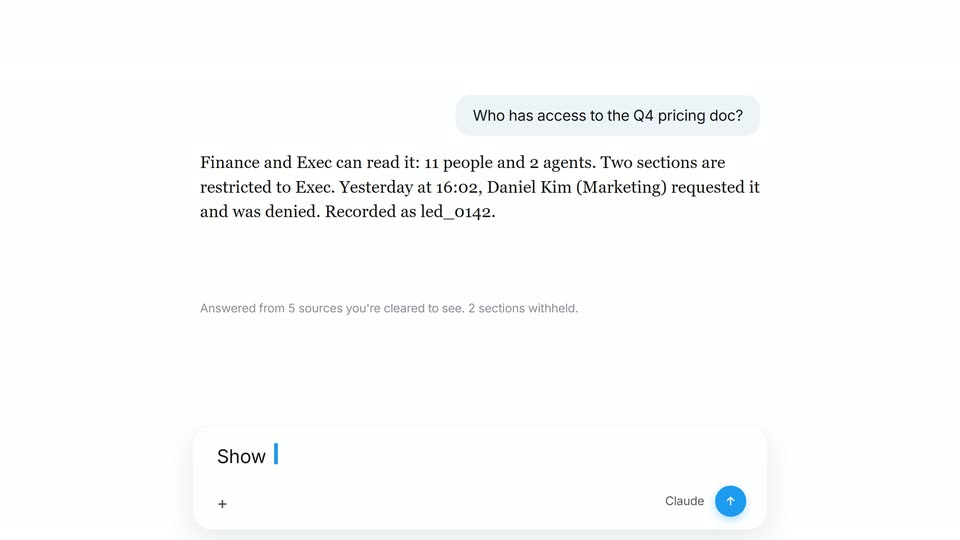 1:10–1:13HeyBrain · HeyBrain - Today, we’re launching Brain into general availability. One AI worksA chat interface on white: a user question bubble sits top right while the answer text fades in below it. Source chips flash in and out, a small caption appears, then the reply box types a follow-up query as a mouse cursor hovers the send button.
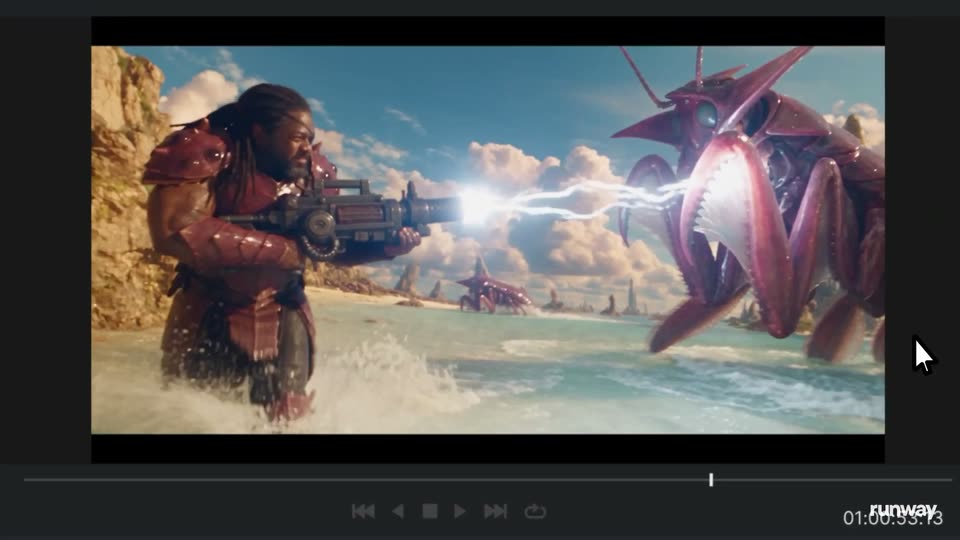 1:10–1:13Runway · Runway - Runway is now in DaVinci Resolve Access the world's best models direA cursor drags a green slider while a warrior fires on a giant insect in the background, then the frame pulls back to reveal the full grading interface with node graph, timeline and color wheels.
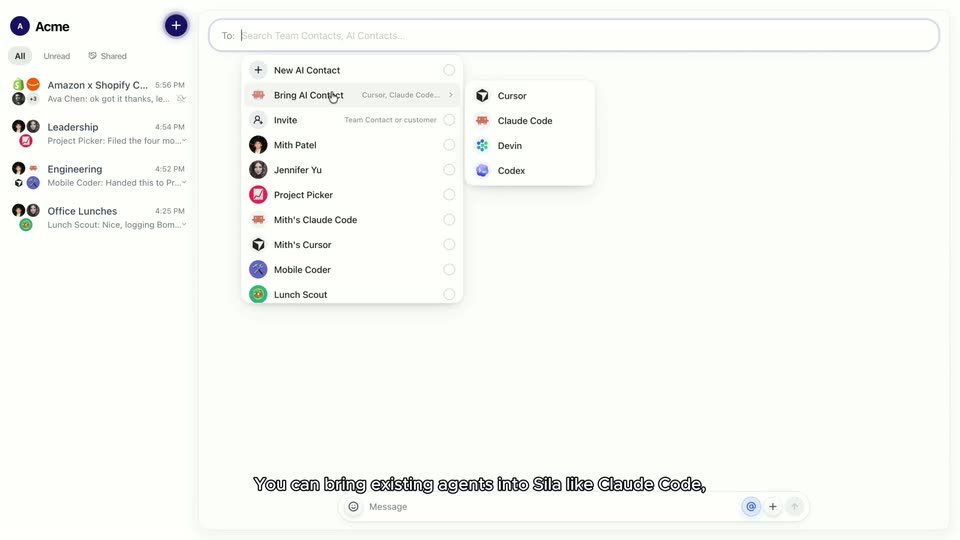 2:32–2:33Sila · Sila - Introducing Sila: the agent messaging platform backed by @ycombinatorA contact picker dropdown hangs under the To: field of the messaging app. A cursor hovers the Bring AI Contact row, and a second menu listing Cursor, Claude Code, Devin and Codex opens to its right. A caption appears along the bottom edge.
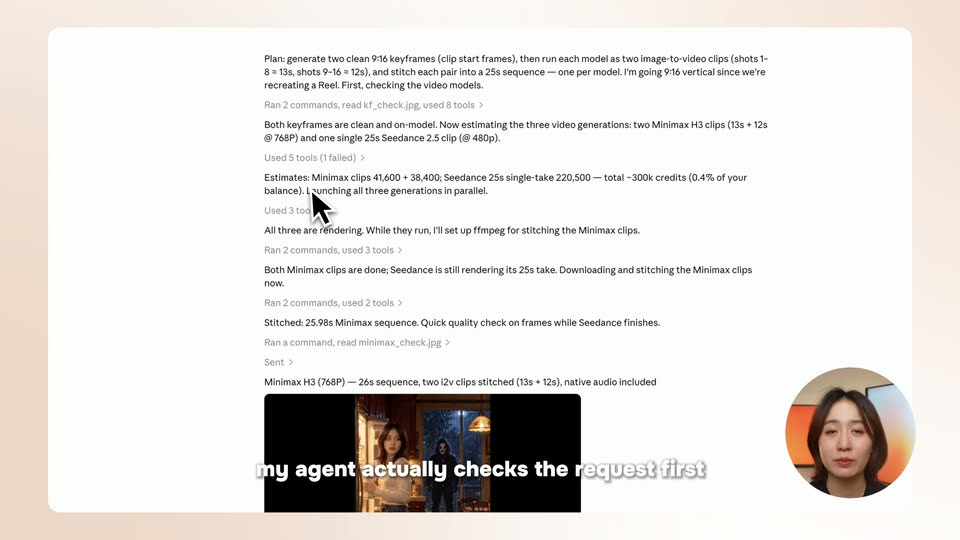 2:19–2:36Fish Audio · Fish Audio MCP Now Supports Image & Video GenerationA chat interface fills a white card on a cream background, with a circular talking-head of a woman at right. A cursor selects text, a menu pops up, the page scrolls to a video player, then the view pulls back to the full window. White outlined captions swap at the bottom.
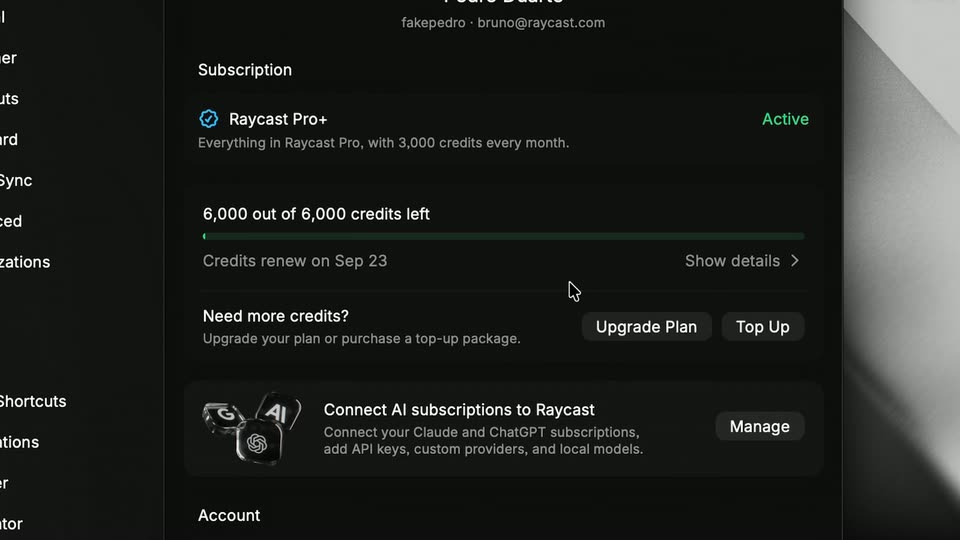 3:40–3:46Raycast · New in Raycast AI: Automations, Projects and a new HarnessA dark settings screen shows the Subscription panel with the Raycast Pro+ plan, a green credits progress bar, and Upgrade Plan and Top Up buttons. A cursor drifts down from the progress bar toward the details row. The view stays static.
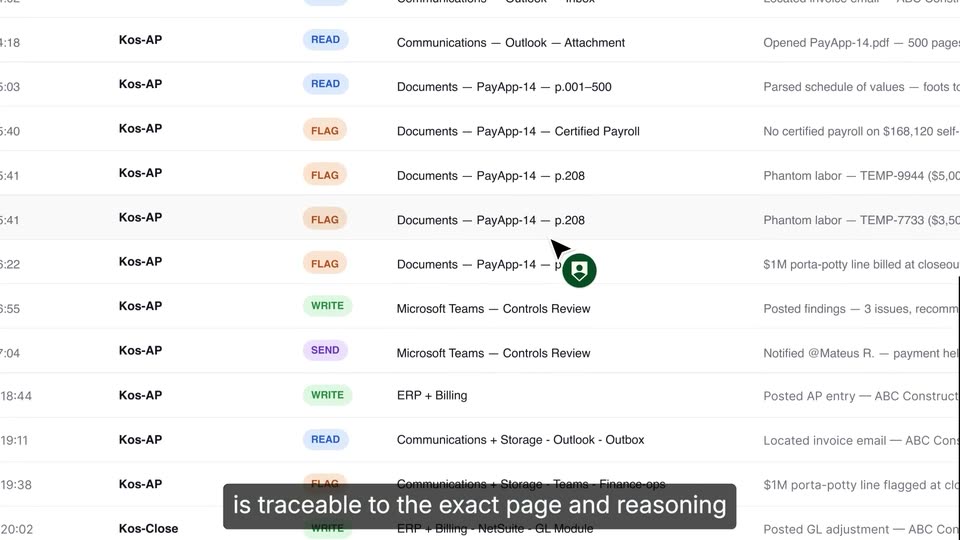 1:22–1:25Kos AI · Tanuj Thapliyal - China is winning the AI race. So we raised $12M from @8vc to build tA zoomed-in audit-log table pulls back to reveal the full grid with colored action labels and a top filter bar. A black cursor moves down the rows, a green person badge trails it, and a dark caption box stays pinned at the bottom.
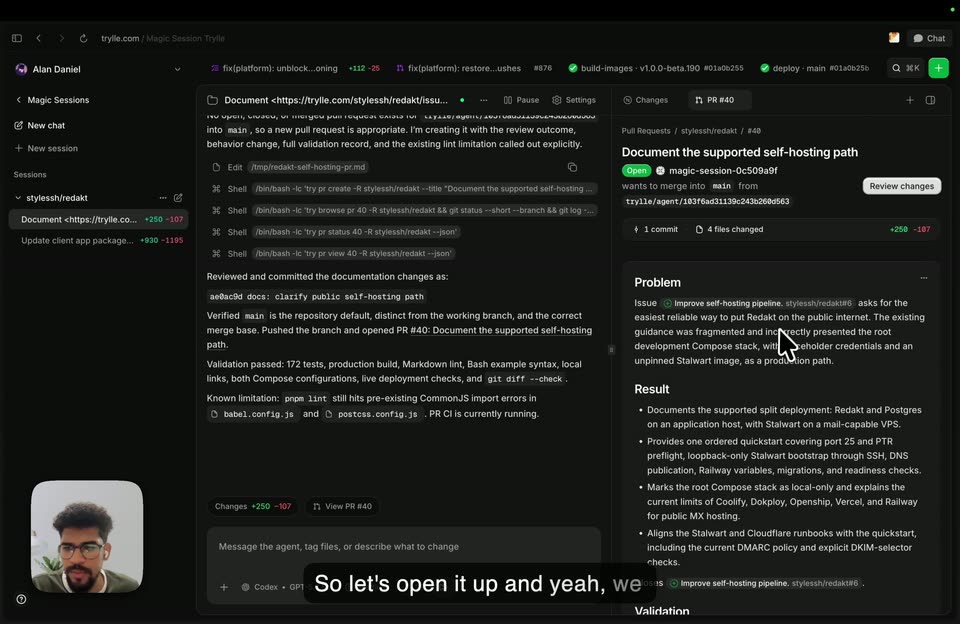 1:08–1:12Trylle · alan - we just shipped Magic Sessions in Trylle a new way to run longer codA dark Trylle interface fills the frame, showing a session list, document chat, and a pull-request panel. A cursor scrolls the right panel downward while white subtitle captions change at the bottom.
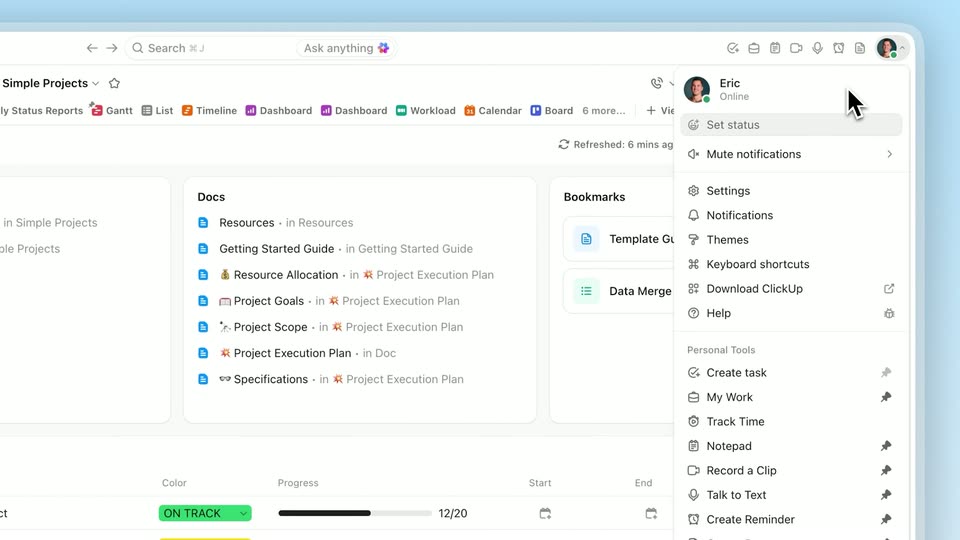 2:00–2:03ClickUp · ClickUp Release 4.08: Meetings Hub, Super Agent Cloning, and more!A tilted window of the project app rests on a light blue field, then the frame zooms to the top-right corner. A cursor clicks the user avatar, opening a dropdown menu, hovers over a notifications option to reveal a submenu, then moves down to Settings.
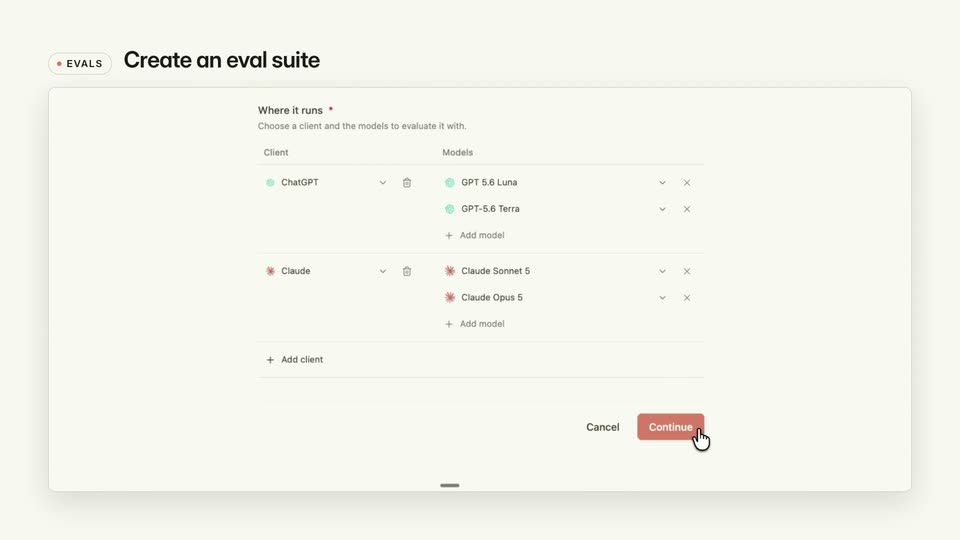 1:45–1:47MCPJam · Prathmesh Patel - Today, we're launching MCPJam as the first testing & evaluation pA cream-toned form titled Create a new eval suite scrolls down to reveal client and model rows. A cursor glides in from the right and presses the red Continue button at the lower right.