Cursor demo
A visible cursor operates the interface.
14,960 scenes · page 226 of 250
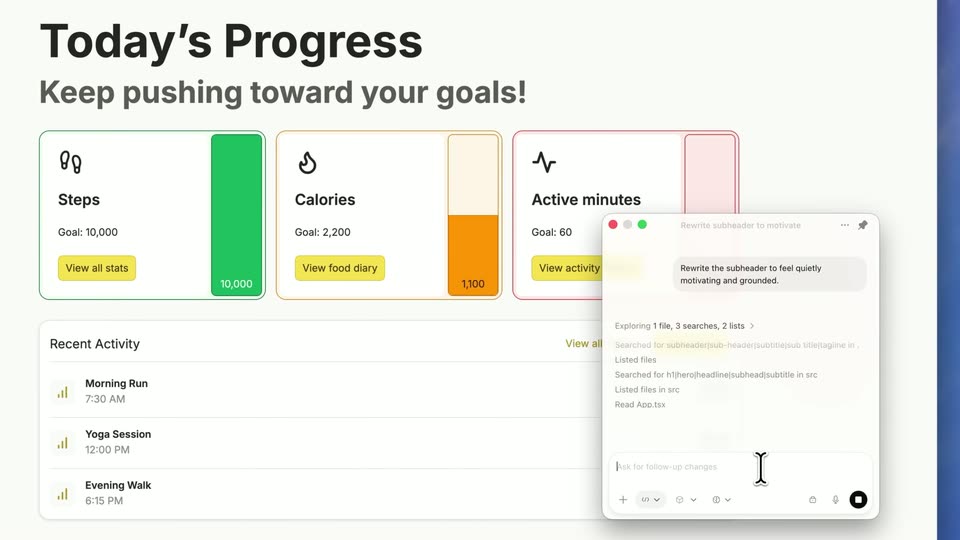 2:23–2:26OpenAI · Introducing the Codex appA fitness dashboard fades in from a ghosted copy as its green, orange and pink goal bars fill to their values, while a Codex chat window settles on the right with a blinking text cursor in the prompt field.
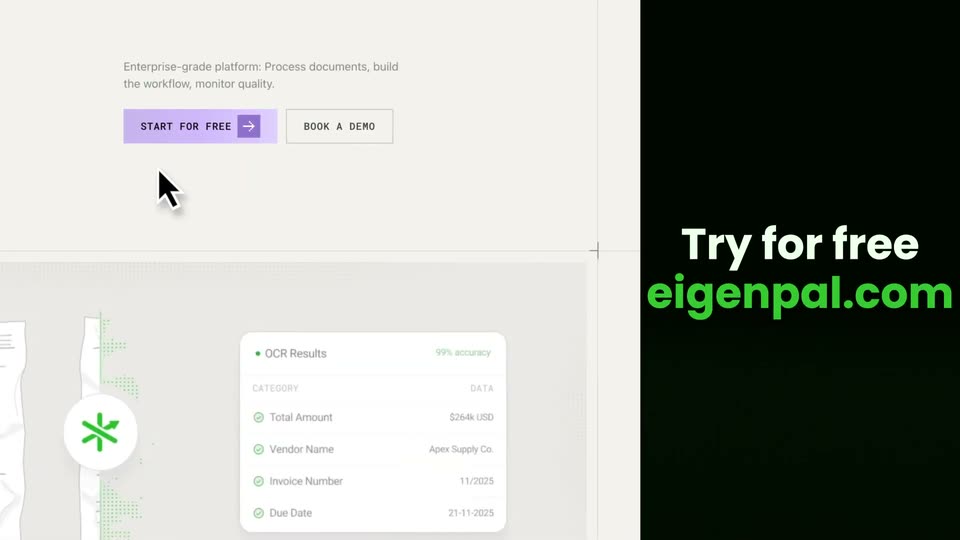 1:38–1:39EigenPal · Introducing EigenPalSplit screen: the left half scrolls through a product webpage, moving from a hero headline and two buttons to a document with an OCR results card, a cursor hovering along the way. The right half is a black panel holding the static white text 'Try for free' over green 'eigenpal.com'.
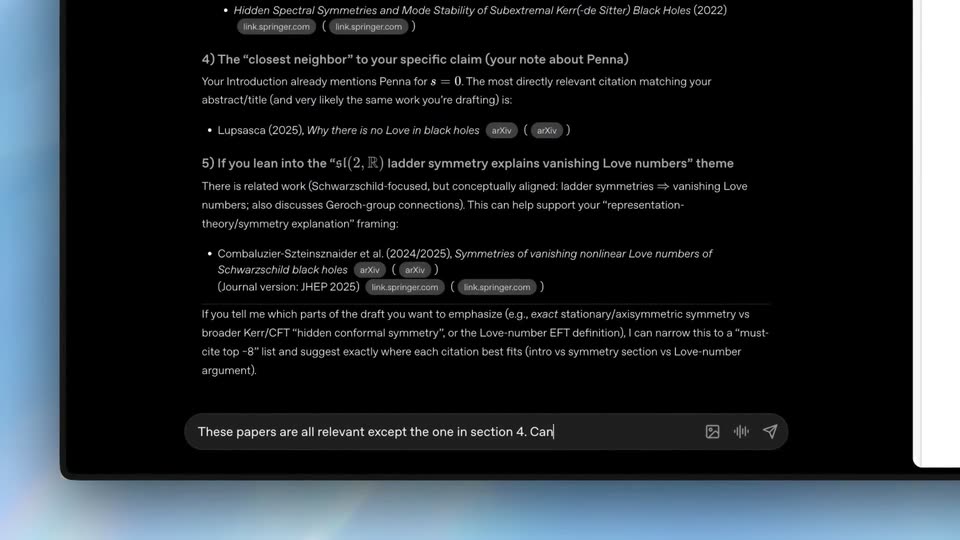 1:17–1:18OpenAI · Introducing Prism, a free workspace for scientists to write and collaborate on researchA dark chat interface displays a numbered list of academic citations with arXiv and Springer links. In the bottom input bar, a prompt is typed out letter by letter, ending mid-sentence.
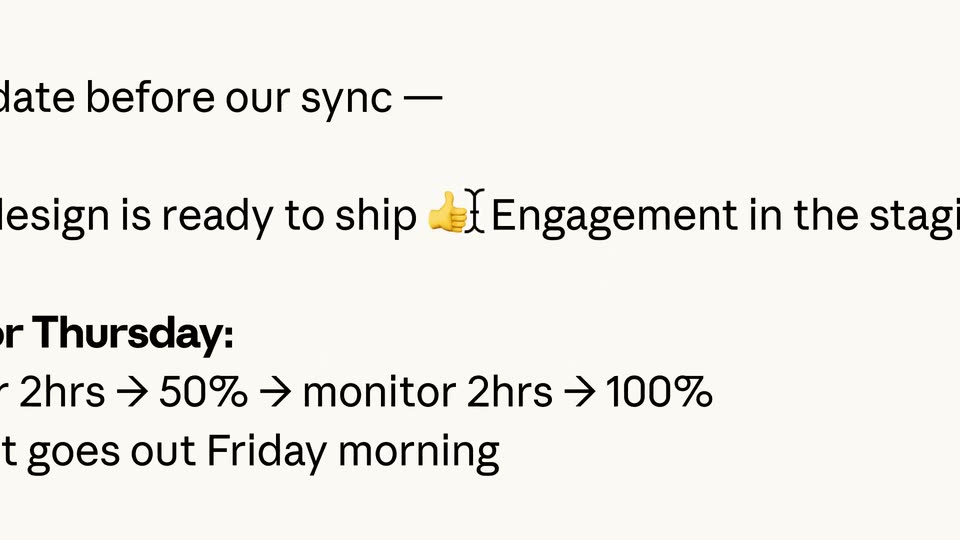 0:36–0:44Anthropic · Claude - Your work tools are now interactive in Claude. Draft Slack messages,A serif caption sits under a Slack draft card assembling over cream, a dotted loader spinning. The card expands into a full message UI as the body types out. The view zooms in, the last line is selected and retyped, then pulls back with a cursor on Send.
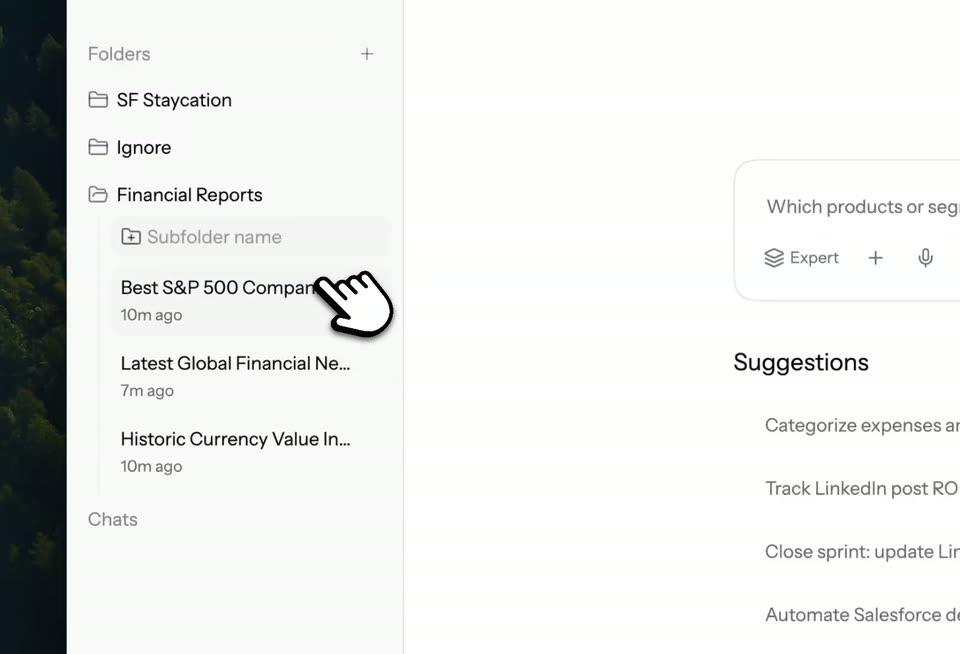 0:12–0:13Doe · doe - We're announcing folders for chat sessions and files!A light inbox interface shows a folder tree on the left and a chat panel with a suggestions list on the right. A cartoon hand cursor clicks a folder, dismissing a context menu and opening a subfolder name field.
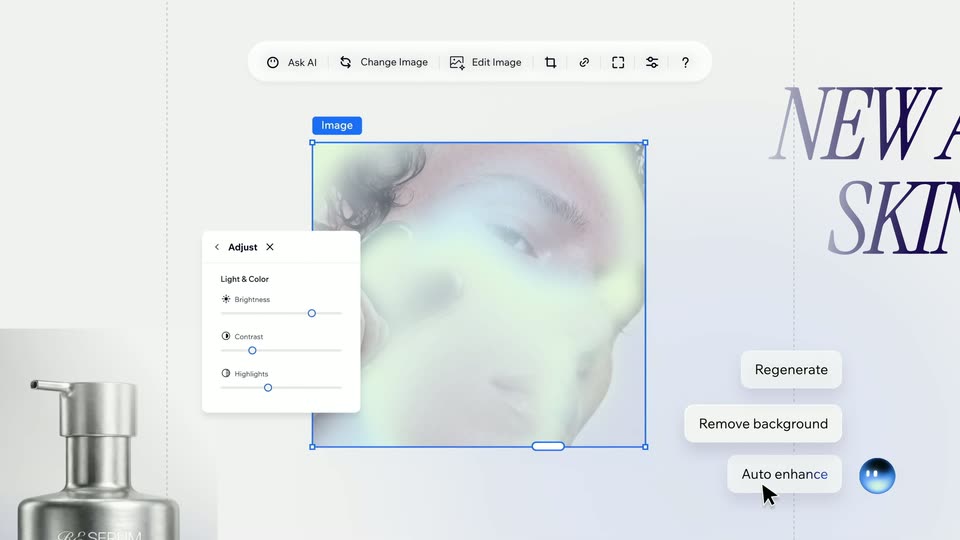 0:39–0:41Wix Harmony · Wix Harmony: The new way to createA design canvas UI: a selected serif headline block opens a font dropdown, the cursor picks a typeface, then the blue selection frame jumps to a portrait photo as an Adjust panel with brightness and contrast sliders slides in. Action chips sit at the right.
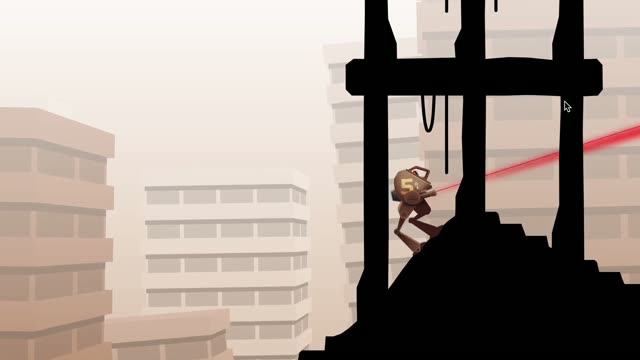 1:17–1:19Rive · Scripting is Live in Rive ✨A low-poly figure with a boxy head crouches on the rim of a black tower silhouette, a hazy beige city of blocky buildings behind. A mouse cursor drifts up the right side as a red laser beam streaks across the frame.
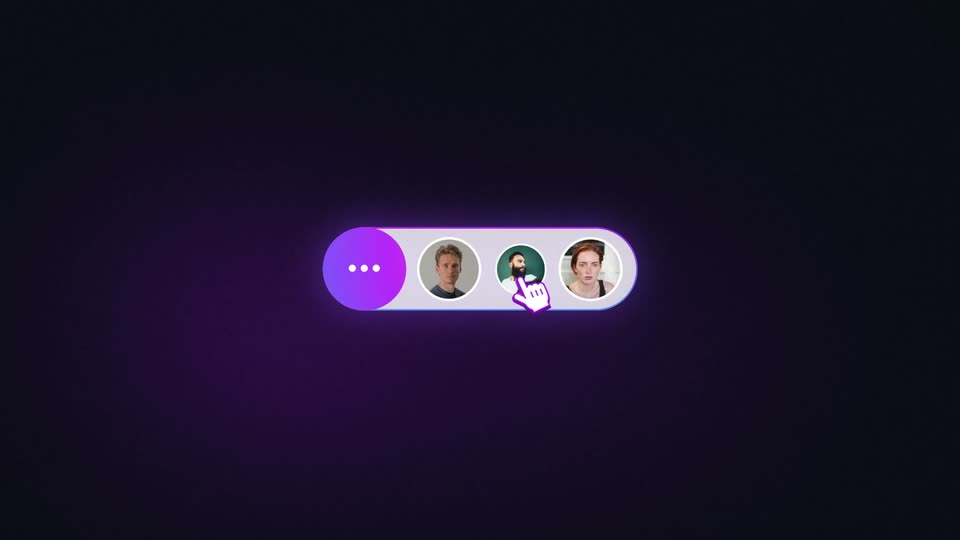 1:25–1:27Teamble · Teamble launch filmA pink-to-purple 'Share it' button sits centered over a blurred interface, a hand cursor below it. It morphs into a horizontal pill holding a three-dot circle and three circular avatars, the button sliding along the row. The pill shrinks and a purple 'Sales VP' tag scales in under one avatar.
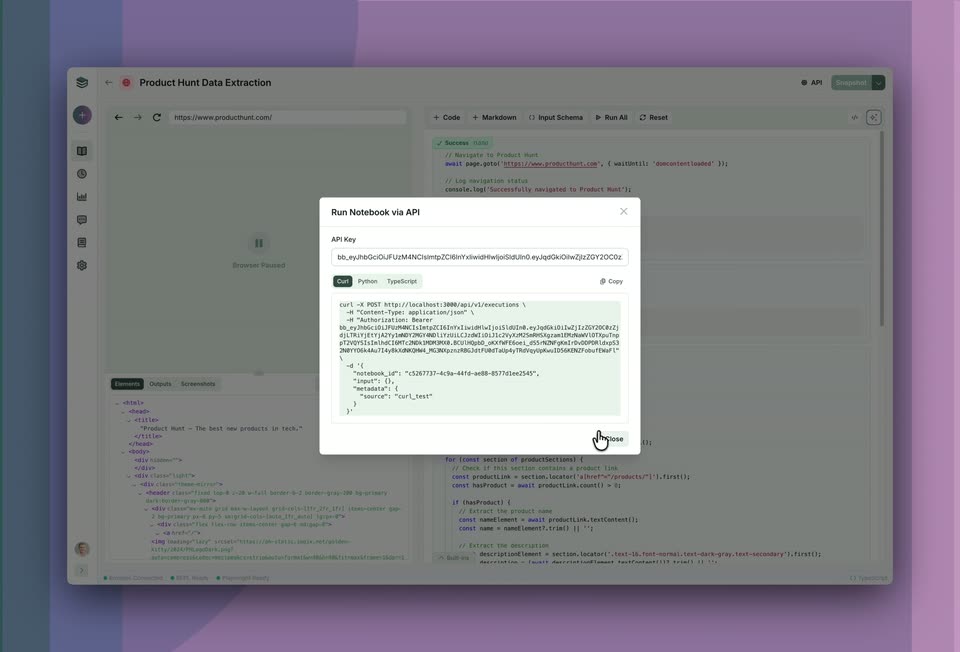 3:03–3:06Kilvin · BrowserBook YC DemoAfter a brief crossfade, a locked-off browser automation interface on a purple gradient shows a centered 'Run Notebook via API' modal with an API key field and a curl code block. A cursor glides to the Close button at the modal's lower right.
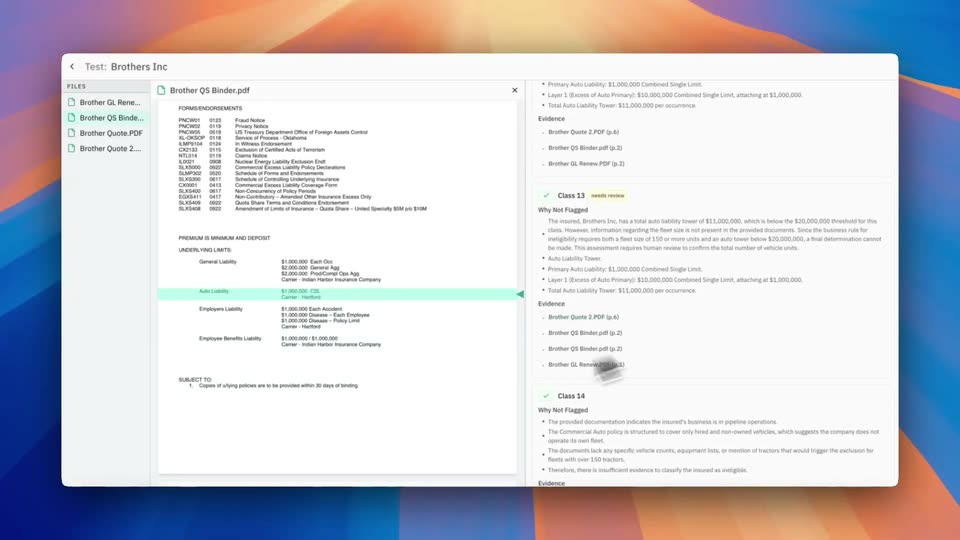 1:18–1:20Adaptional · Adaptional IntroA close crop of an underwriting panel shows a hand cursor hovering a PDF link, then the frame pulls back to reveal the full three-column window. The interface dissolves into a man in a gray suit speaking in a sunlit office, the UI ghosted over him.
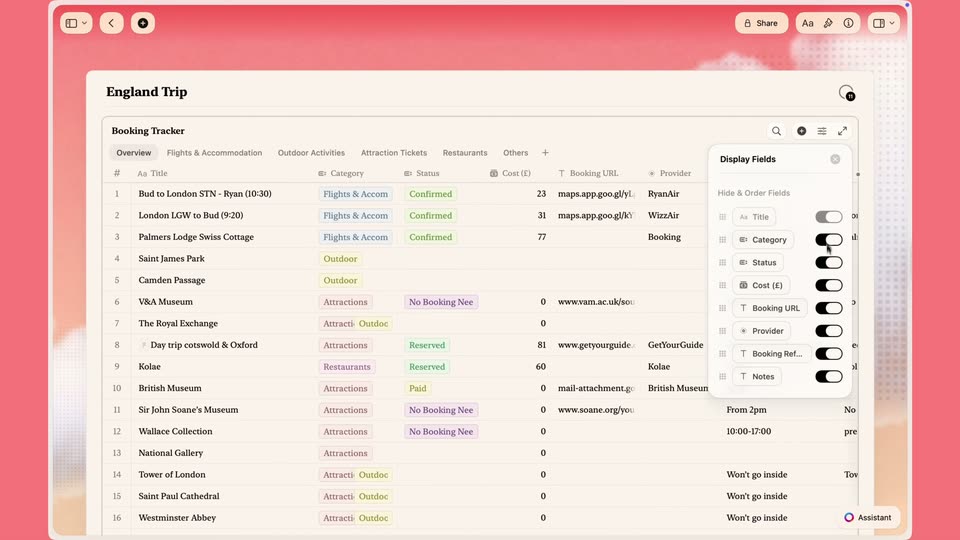 1:43–2:11Craft · Introducing the new Craft Assistant, MCP & API and more!A white spreadsheet card titled England Trip floats on a pink dotted backdrop. A cursor opens the view menu, hides and restores columns, then groups rows by category while the frame zooms between the full card and the toolbar.
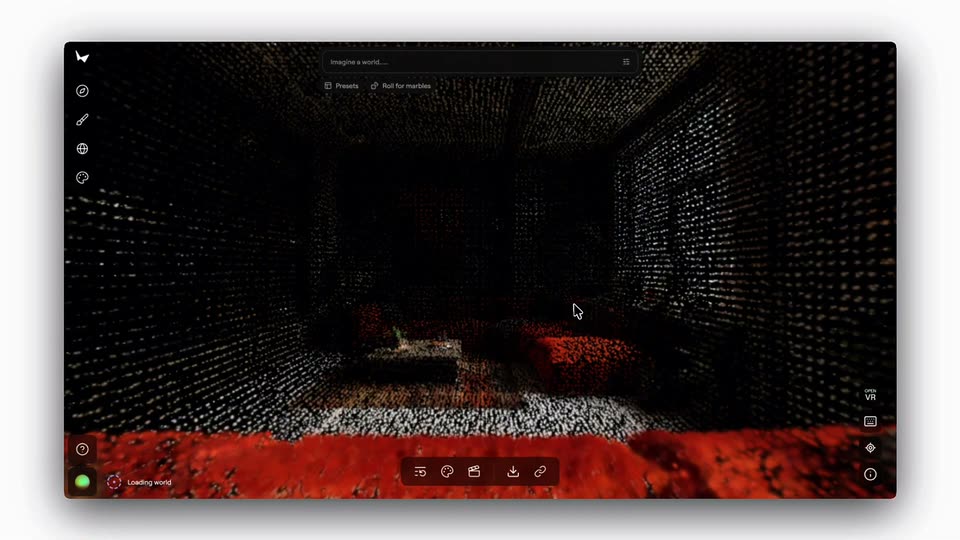 0:50–0:51World Labs · Welcome to Marble!A product window on a white background frames a dark room built from dense dots, its floor and blocks glowing orange. Toolbars line the edges, a spinner reads loading, and a white cursor hovers in the open space.
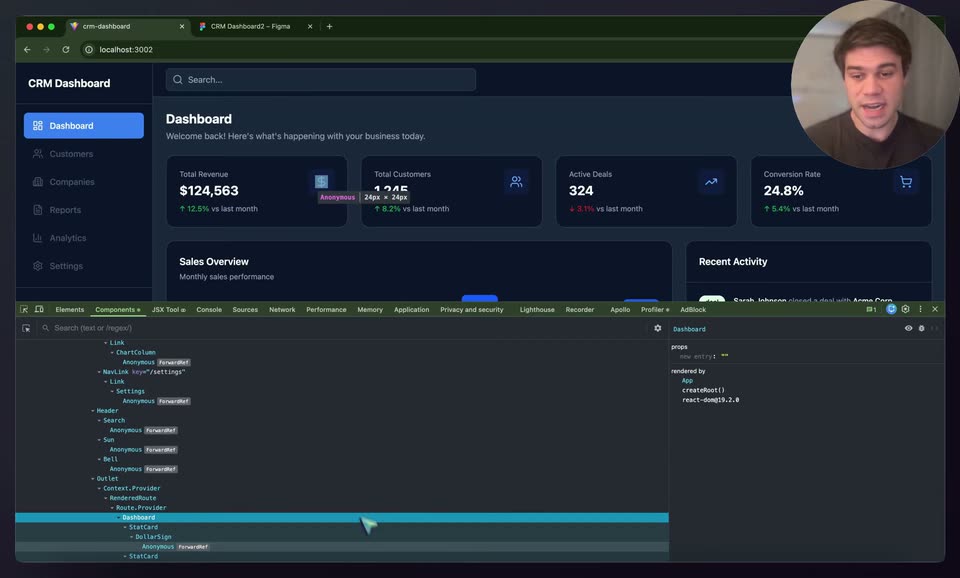 1:02–1:03Coasts · JSX Tool DemoA browser window shows a CRM dashboard above an open Chrome DevTools panel, where the React component tree is expanded and the Dashboard node is highlighted in blue. A circular webcam of a man speaking floats in the top right corner while a cursor drifts across the elements pane.
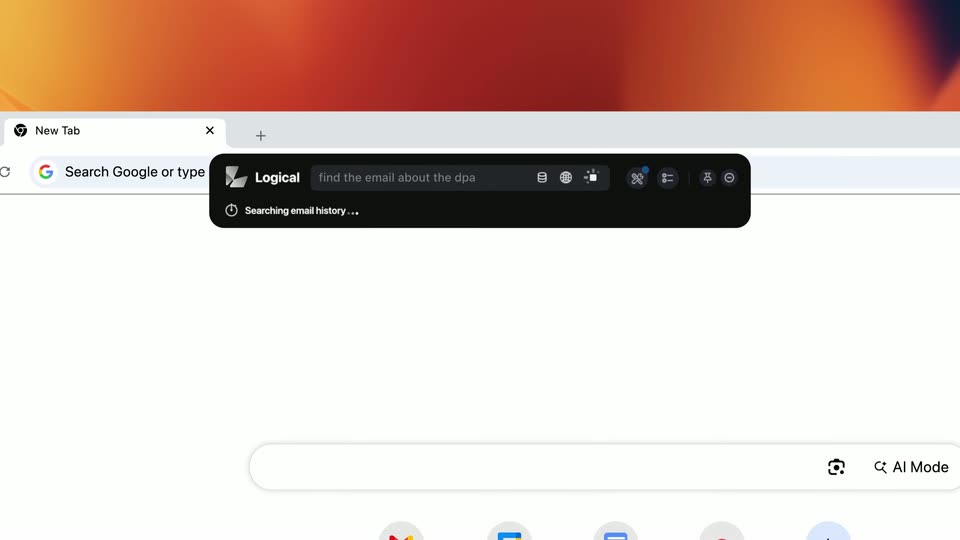 1:09–1:14Logical · Logical | The Proactive Desktop CopilotA dark search pill labeled Logical floats over a browser's address bar. A cursor clicks in, types a query about an email, and hits send; a status line reading Searching email history... slides in beneath as the view zooms in.
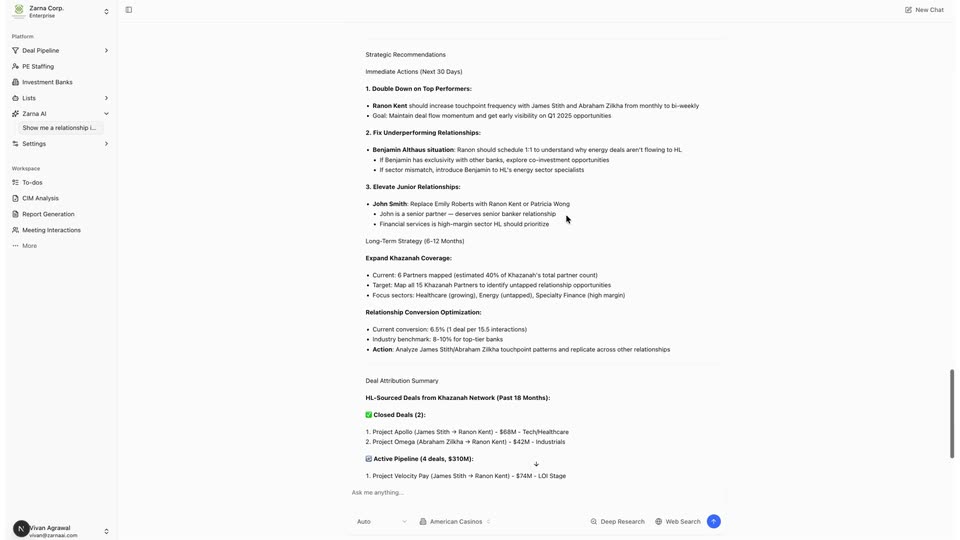 1:53–2:12Zarna · Demo Video - ZarnaA white chat screen streams an AI answer beneath a blue prompt bubble. A reasoning line expands, then five action rows drop in one by one, each trailing name tags. A data table appears, and the view scrolls a long bulleted report while a cursor hovers the left sidebar.
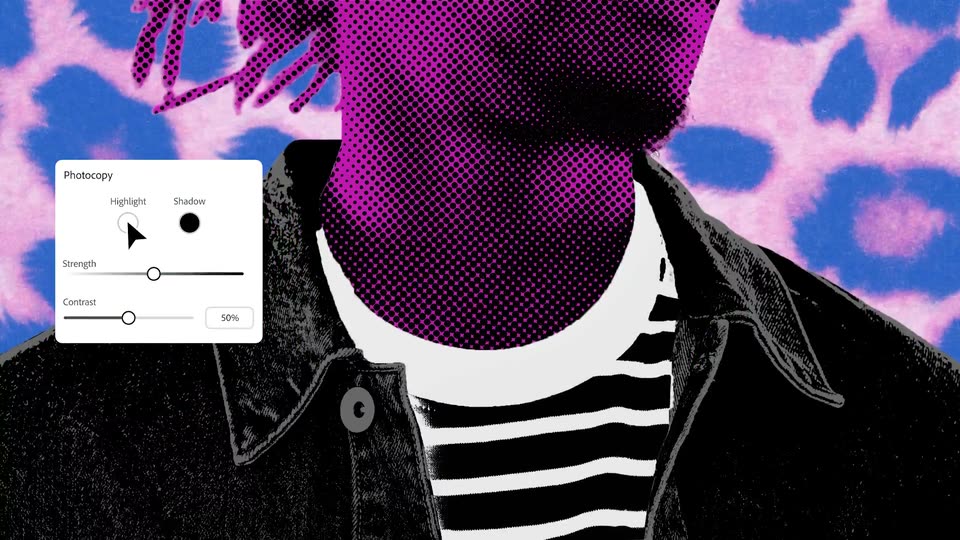 0:34–0:35Topaz Labs · Topaz Labs - @Adobe + Topaz Labs 🤝🙌 Just announced—you can now access select TopazA halftone portrait with a purple dotted face and black jacket sits against a blue and pink cloud backdrop. On the left, an effects panel switches from a grid of stylize thumbnails to the Photocopy settings, while a cursor moves from the Photocopy tile to the Contrast slider.
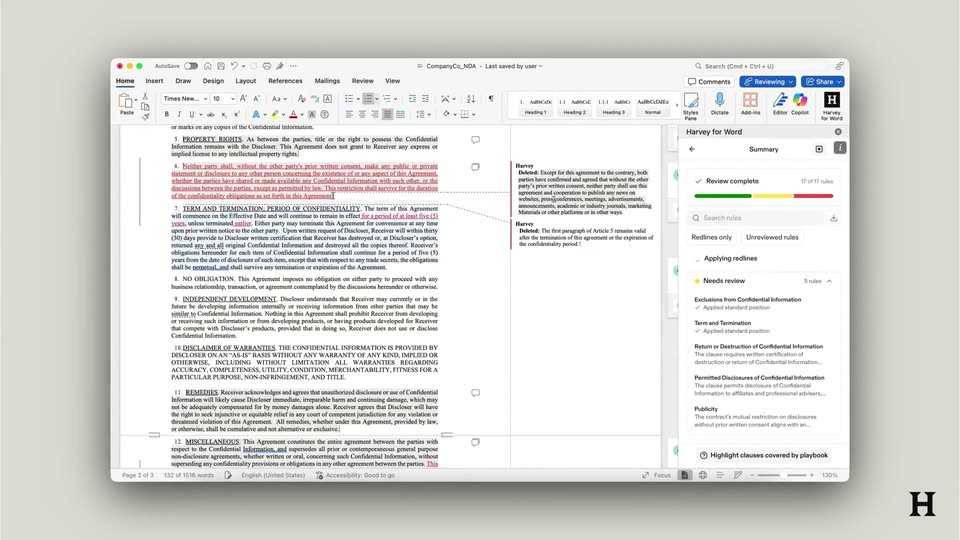 1:55–1:58Harvey · Microsoft IntegrationsA Word document with tracked-change redlines sits beside a Harvey sidebar whose progress bar fills and flips from Generating suggestions to Review complete; a cursor clicks rule rows as the frame pulls back to reveal the whole window.
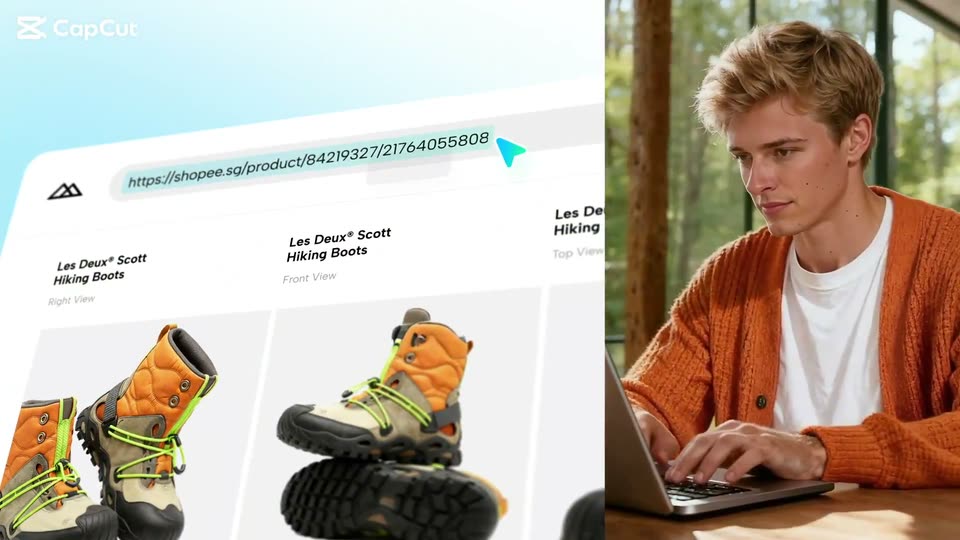 1:07–1:09CapCut · CapCut - Your all-in-one e-comm toolkit is here. Meet the new CapCut Desktop!A hiking-boot product page fills a laptop screen as a light beam sweeps across it. The view zooms into the address bar, a Copy button pops in and a cursor clicks it, while the right half reveals a man in an orange cardigan typing.
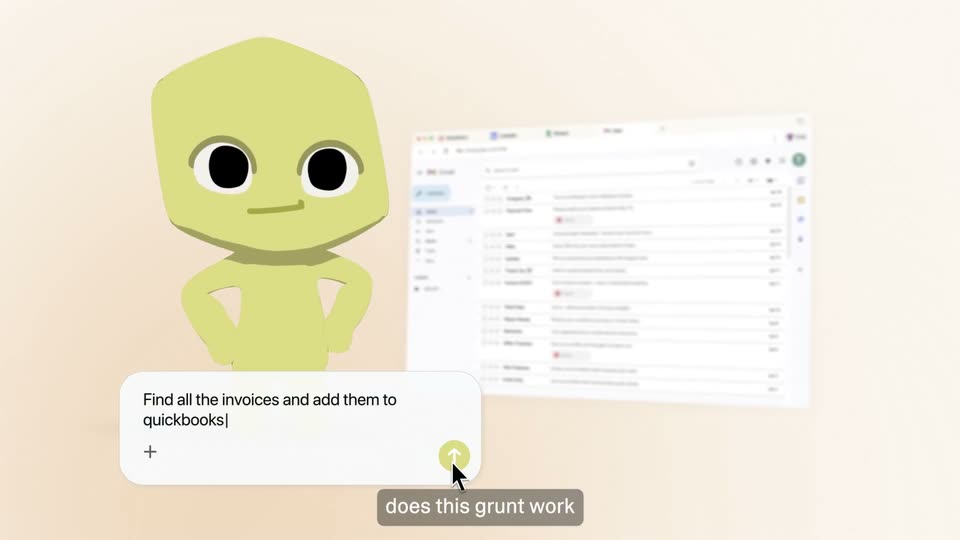 0:48–0:50Strawberry · Charles Maddock - We've raised $6M from General Catalyst, EQT Ventures, and founders ofA smiling green mascot stands left of a blurred app list. A white prompt card types “Find all the invoices and add them to quickbooks”, then a cursor clicks the green send arrow. A gray caption below reads “Today, Invoice Ivy”, then “does this grunt work”.
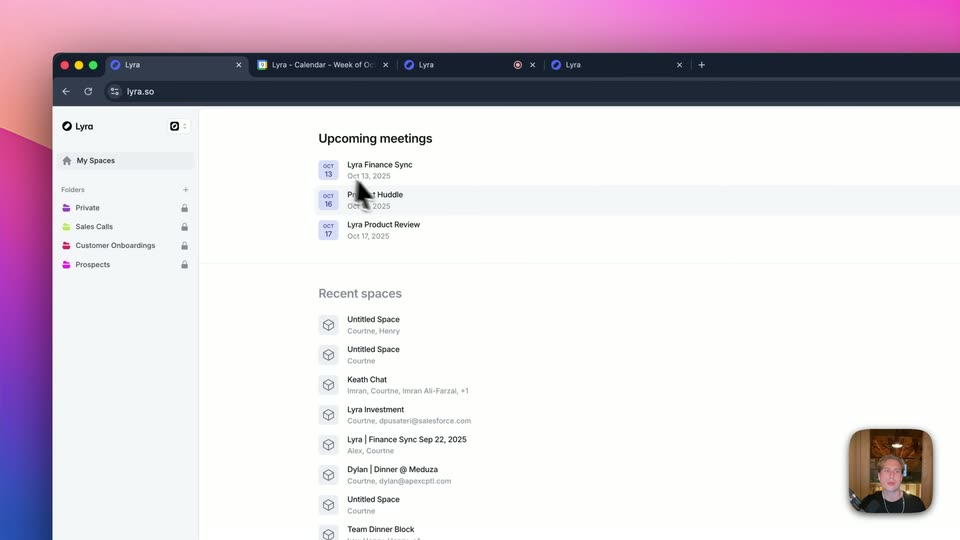 0:41–0:45IRBC · Lyra, The Final Meeting Platform.A tilted browser window of the Lyra app floats over a pink and purple gradient. The page lists upcoming meetings and recent spaces, with a video-call thumbnail of a man in the corner. A cursor moves from the tab bar to the Product Huddle row, then back to the tabs.
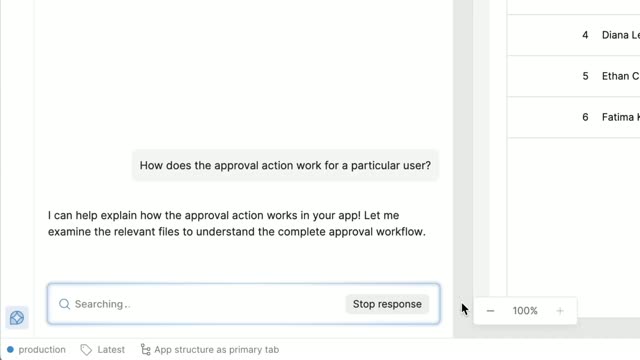 2:11–2:19Retool · Introducing Enterprise AppGen: AI-Assisted Development from RetoolClose-up of the Retool app: the view pushes in on the chat input as a question is typed and sent. The reply streams in with file-search steps, then the view pulls back to show the answer beside the access table.
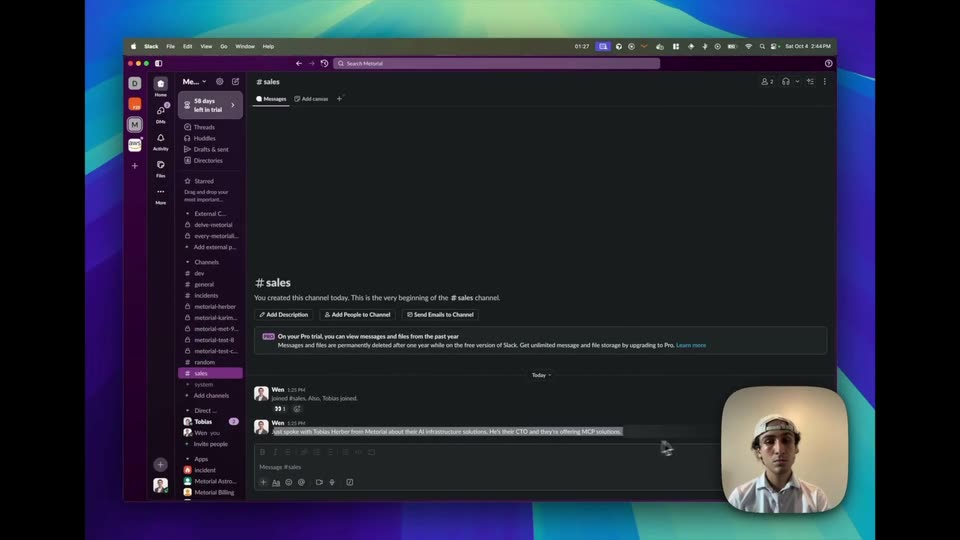 1:09–1:12Metorial · Introducing Metorial - YC F25Slack's #sales channel shows a message about a call with Tobias, with a video tile of a man in a cap in the corner. The cursor moves over the message box, then the frame zooms out to reveal the desktop and a browser window behind the app.
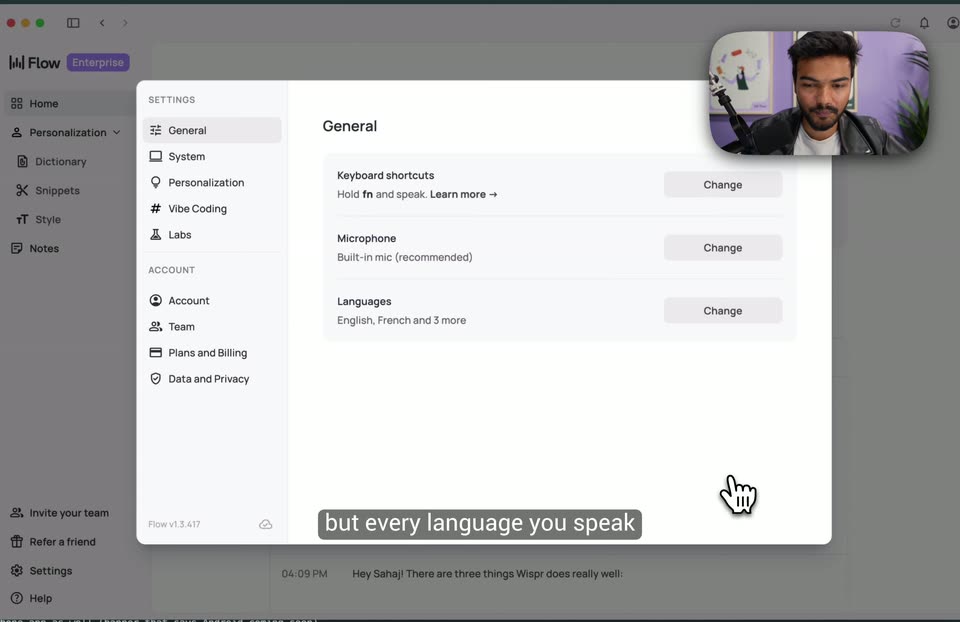 1:52–1:53Wispr Flow · Intro to Wispr Flow: voice-to-text AI that turns speech into clear, polished writing in every app.A Languages settings modal with flag labels fades out as a hand cursor clicks Save and close, revealing the General settings page. A small video call window with a man sits in the top right corner. A caption reads at the bottom.
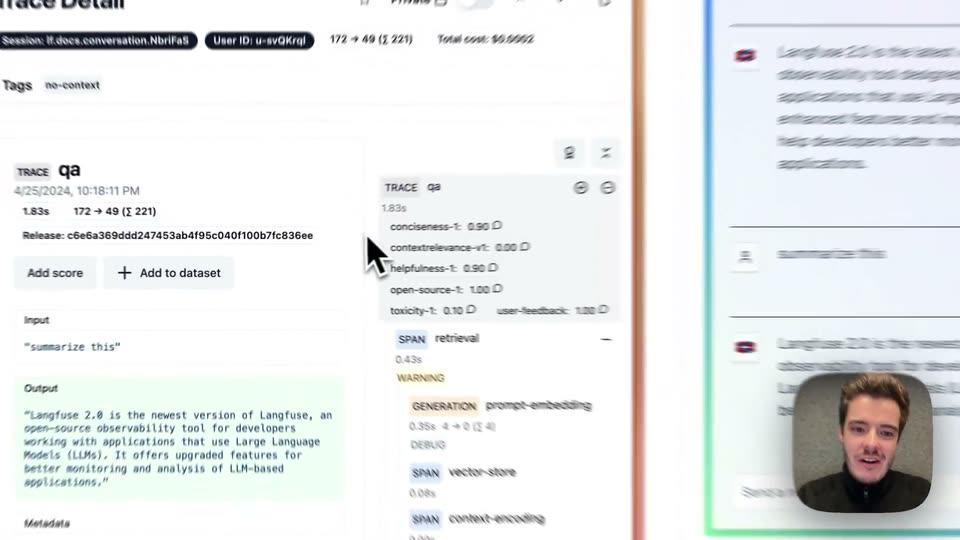 1:27–1:30Langfuse · Introducing Langfuse 2.0A chat panel with a gradient border fills the screen, a hand cursor hovering over the response. The view widens to a trace detail pane beside the chat, then zooms into the pane's score list. A presenter's webcam sits in the corner.
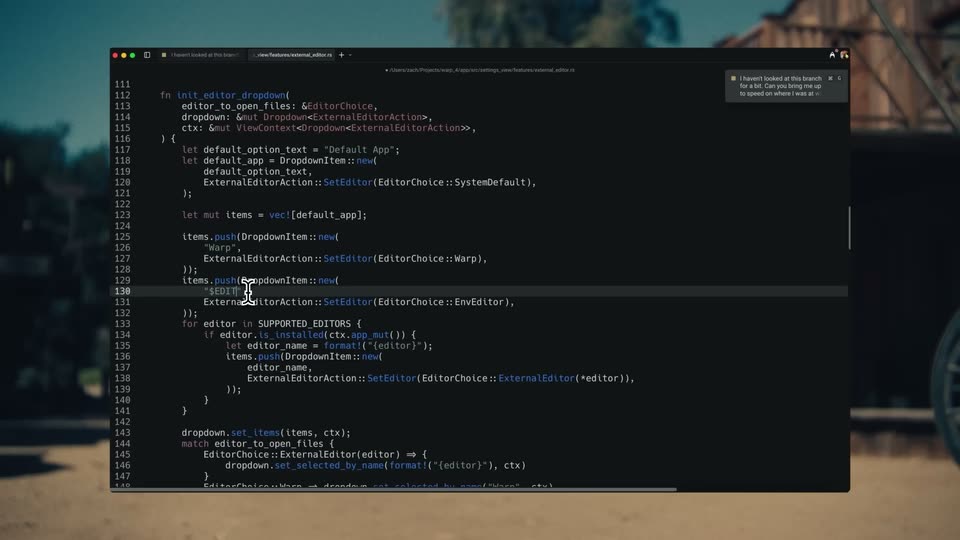 1:52–1:56Warp · Introducing Warp Code | The fastest way from prompt to productionA dark code editor window floats over a blurred outdoor backdrop, showing Rust source with line 129 highlighted. A text cursor moves down the lines, a chat note slides into the top right, then the window reframes smaller to reveal a terminal line running cargo check.
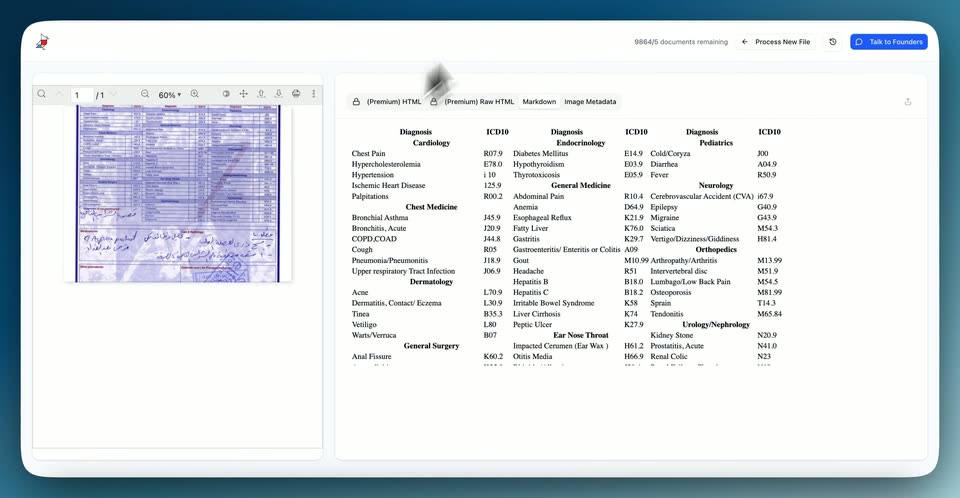 0:48–0:49Cardinal · cardinal demoA document-processing interface fills the frame. The left pane shows a blue-tinted scanned table with a cursor hovering over it, while the right pane lists extracted diagnosis and ICD10 codes in columns. A small pointer drifts along the top bar.
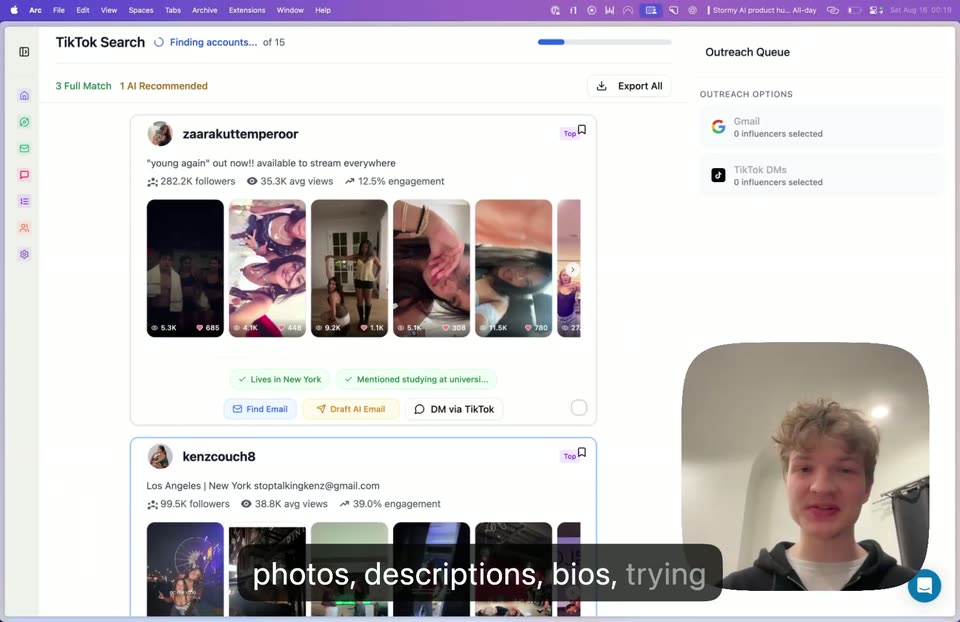 1:34–1:46Stormy · Stormy AI launch videoA screen recording of the TikTok Search interface lists influencer profiles with photo grids and stat rows. The frame starts zoomed into the cards, then pulls back to the full browser window. A face-cam of a young man gestures at lower right while white subtitles roll along the bottom.
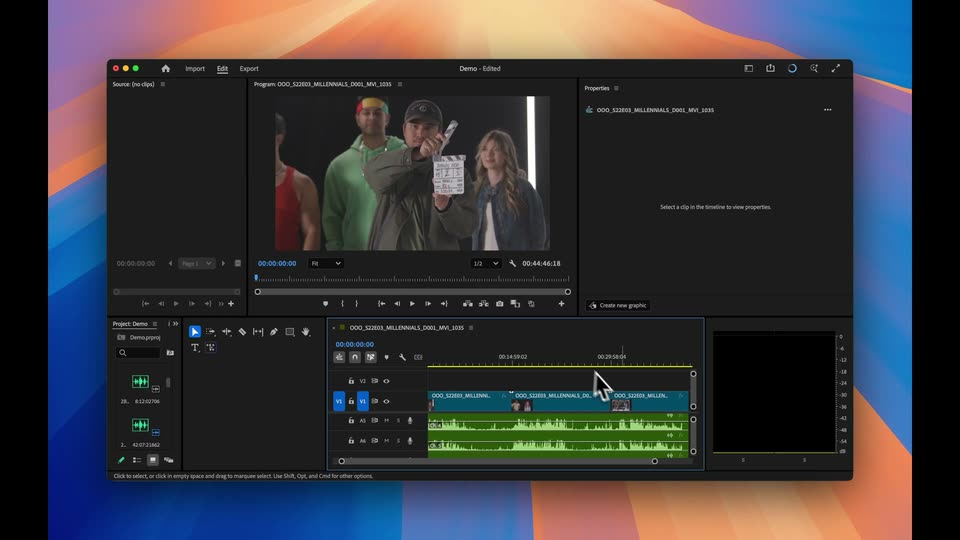 1:37–1:47cocreate · Cocreate demo videoA dark video editor window sits on a colorful abstract desktop. A white cursor glides across the lower timeline, hovering over blue video clips and green audio tracks, popping up small tooltips with clip names and durations.
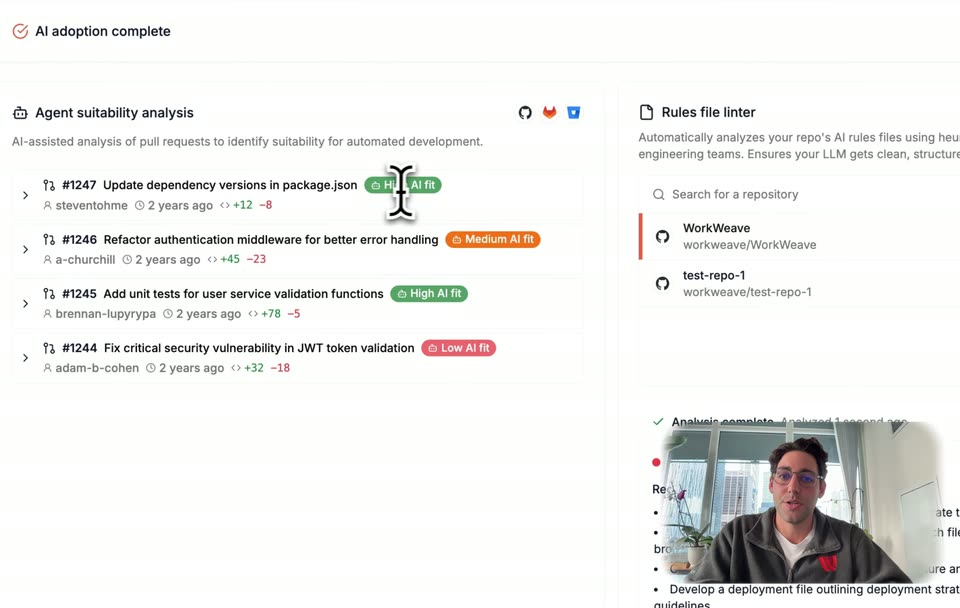 2:04–2:21Weave · Product Hunt Launch VideoA WorkWeave dashboard window sits on a gradient background, a presenter's video call inset in the corner. The view zooms into the AI analysis panels as a cursor clicks through rule files and AI-fit badges, confetti dots drifting over the screen at the start.
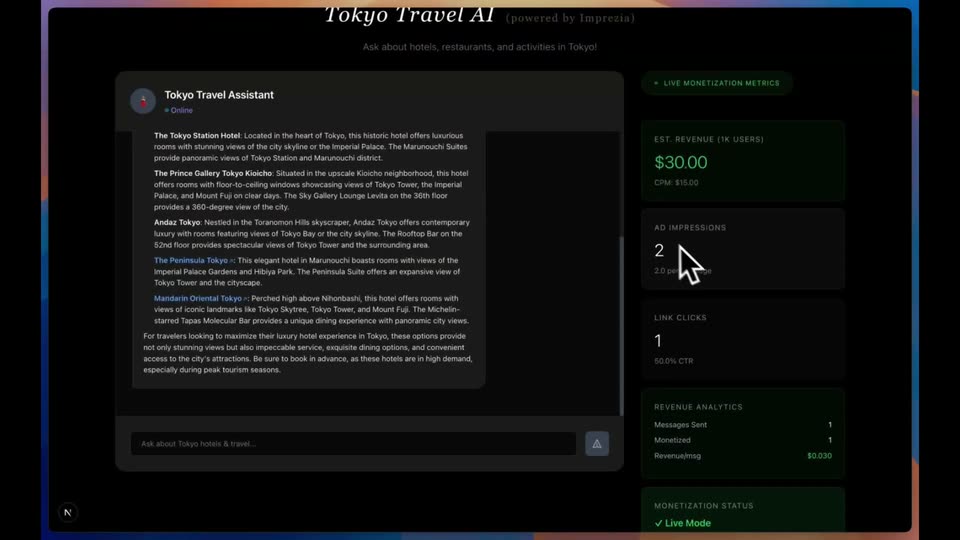 1:16–1:19Imprezia · Imprezia Launch VideoA dark chat window with a block of hotel text sits left of a green metrics panel. A white cursor hovers across the revenue, impressions, and clicks cards. The interface then scales down and slides left as the right half fades to black.
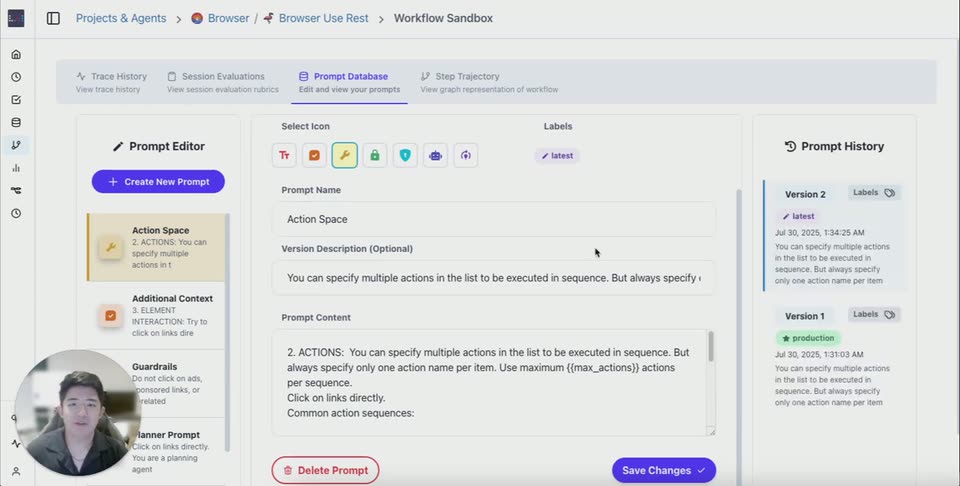 1:39–2:20Lucidic AI · Lucidic HN DemoScreen recording of the Prompt Database view with a circular presenter webcam in the corner. The page scrolls as a cursor types into the prompt field and clicks Save Changes; a green toast confirms and the history panel gains a Version 2 entry, then a labels popover opens and closes.
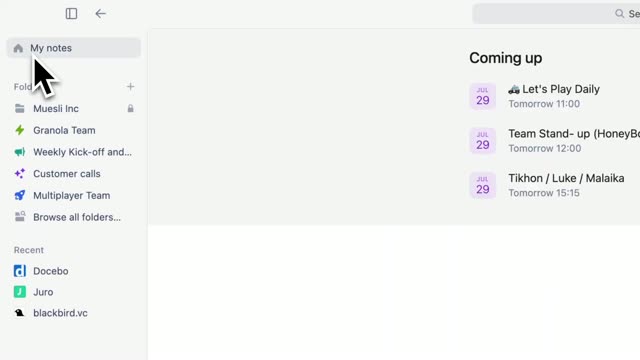 2:12–2:13Granola · Introducing Granola + Zapier | Your meeting notes, now connected with over 8,000 appsA notes app screen crossfades from a faded folder page to the home view. A cursor hovers over My notes in the left sidebar as a Coming up schedule fills the right panel.
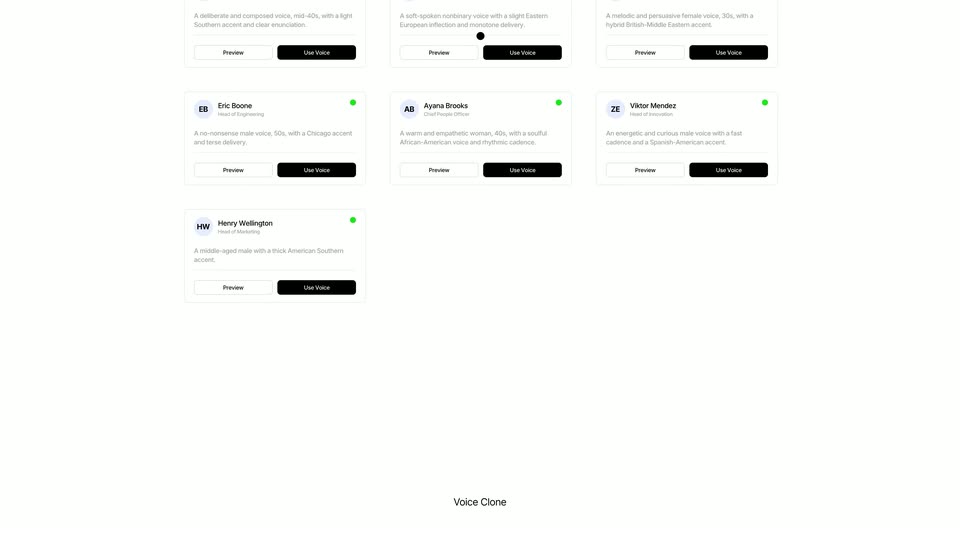 1:15–1:20GhostEye · Introducing: GhostEyeA grid of voice profile cards sits behind a focused card titled Create your Voice Clone, with a cursor on its Save Changes button. The card clears, the grid scrolls to reveal the full list above a scaling Voice Clone label, then a white corner mask wipes to white.
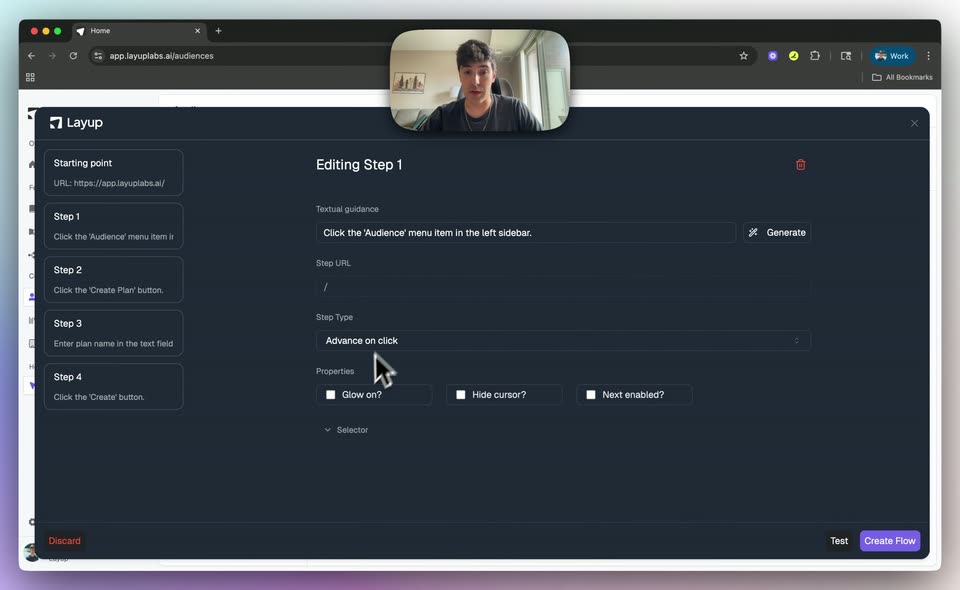 1:02–1:36Andco · Layup 2.0 July LaunchA dark 'Layup' app fills a browser window, with a small webcam inset of the presenter at the top. A white hand cursor completes the Overview form, opens the Permissions dropdown, then clicks sidebar steps to load step-editing panels. The frame zooms between states.
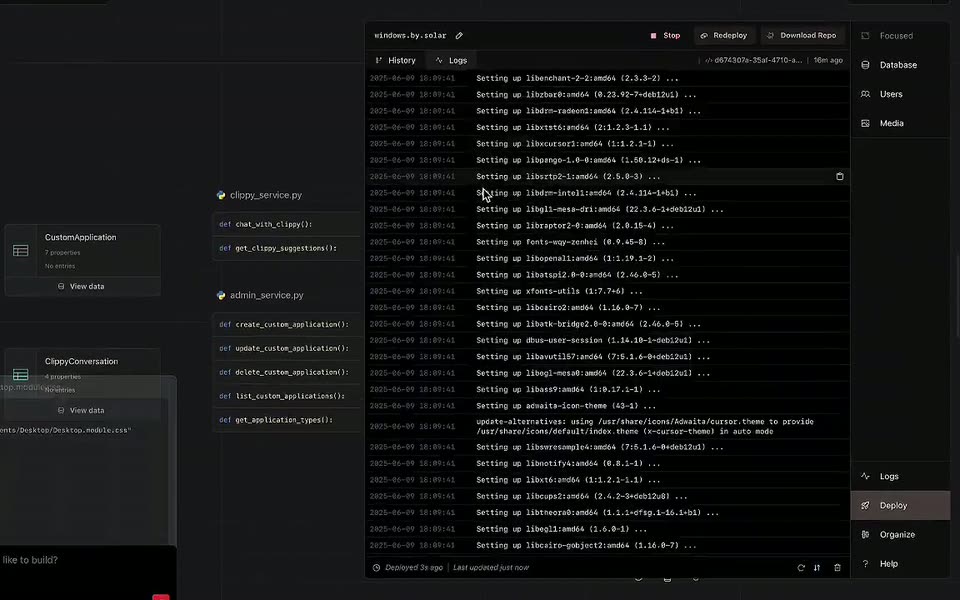 1:02–1:05Sharpe · Introducing Solar by LumenaryA dark deployment panel spins a loading indicator, then the log view fills with timestamped build lines. The frame zooms onto the top toolbar as the cursor hovers the Redeploy button beside Stop and Download Repo.
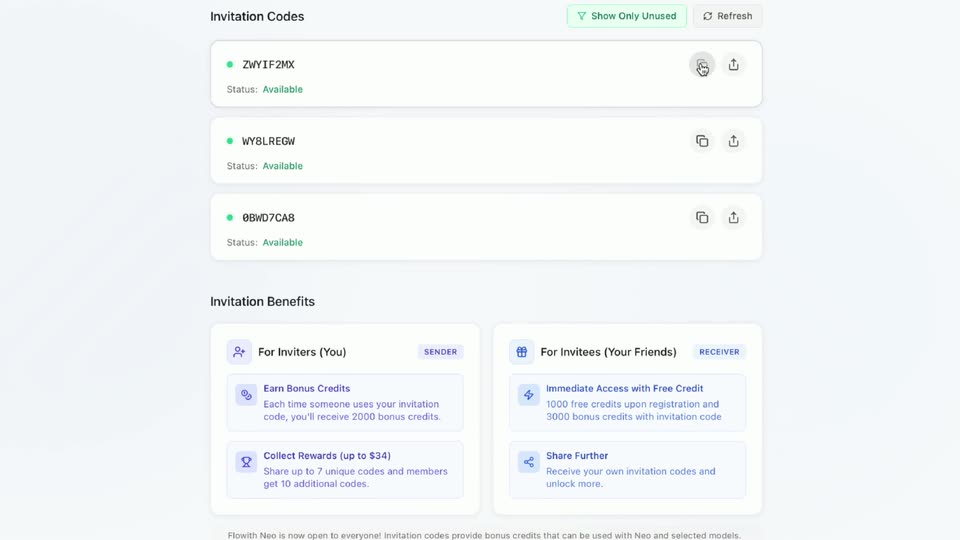 1:07–1:10Flowith · Flowith - flowith neo is now open to everyone. no more codes hunting. gen anytA light invitation page lists three available codes with copy and download icons, above two benefit cards for inviters and invitees. The view settles from a brief dissolve, and a cursor moves to hover the copy icon of the first code.
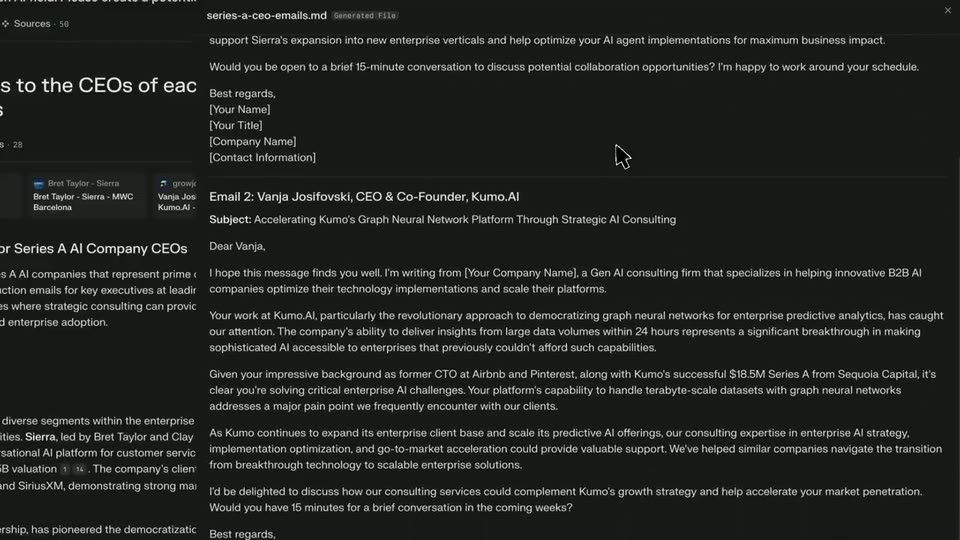 0:35–0:38Perplexity · Perplexity - Today we're launching Perplexity Labs. Labs is for your more complexA dark interface shows a generated markdown file of intro emails. A prompt bar at the bottom displays the request with a cursor resting on the teal send button, then the page scrolls up to expose the second email.
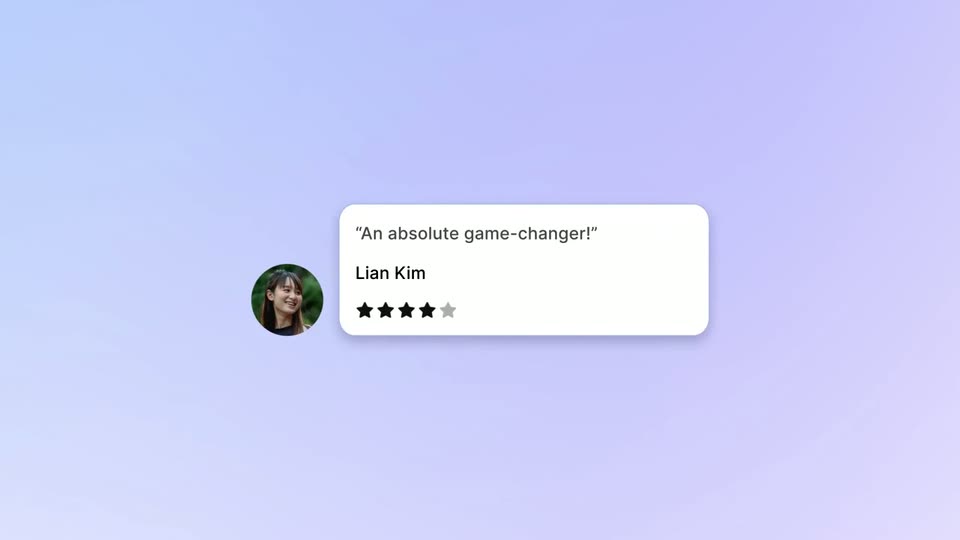 0:36–0:39Sketch · Sketch - Remember when we said auto layout was coming to Sketch? It’s here. ItA white review card slides in from the right on a lavender gradient, the quote typing out behind a blinking caret, then the quote flashes a peach highlight. The frame pulls back to seat the card below a text-formatting icon and a purple bar, an arrow cursor at top.
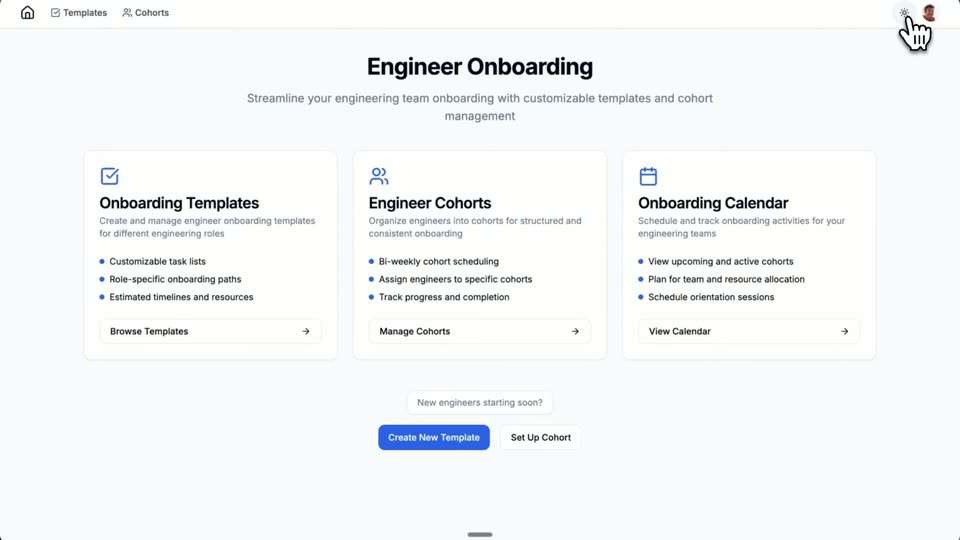 1:36–1:38Vybe · Vybe Demo - Build internal apps 10X fasterA product screen displays an Engineer Onboarding page with three feature cards and two action buttons. A white hand cursor with motion lines hovers at the top right corner near the avatar, the only moving element on the otherwise static layout.
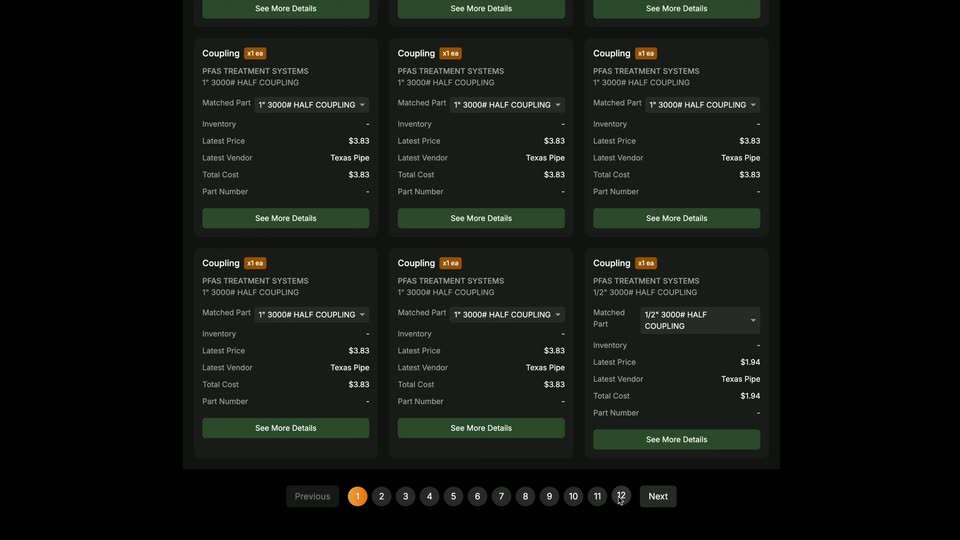 3:23–3:26Jeevy Fabrication · Introducing Jeevy FabricationA dark grid of six part cards fills the frame, each listing a coupling with price, vendor and a green See More Details button. A pagination row of numbered circles sits below. A cursor moves along it from page 12 toward page 10.
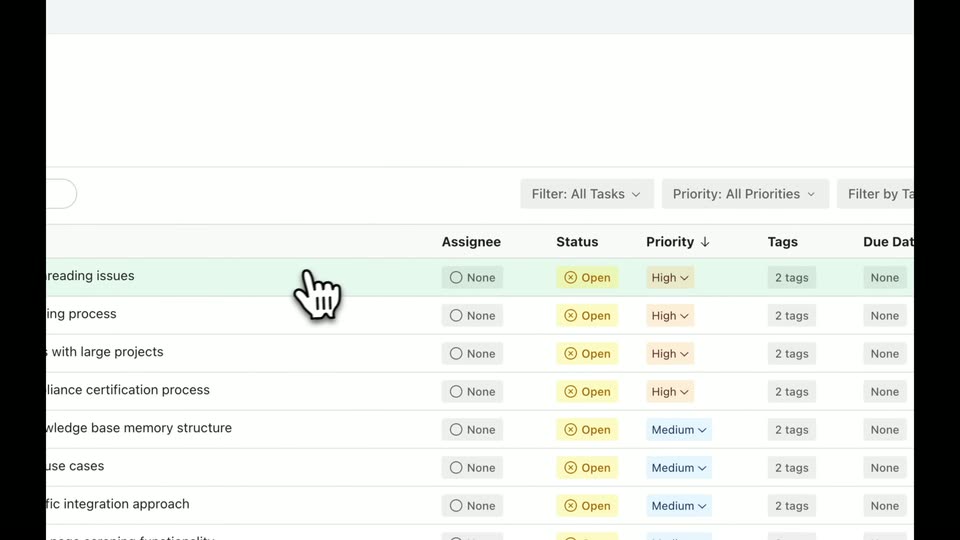 0:58–0:59Kestral · Kestral - Your AI Work Prioritizer -- Launch YCA light task table lists rows with status, priority, and tag labels. A hand cursor glides left from a High priority dropdown toward the assignee column. Filter dropdowns sit in a toolbar above the header row.
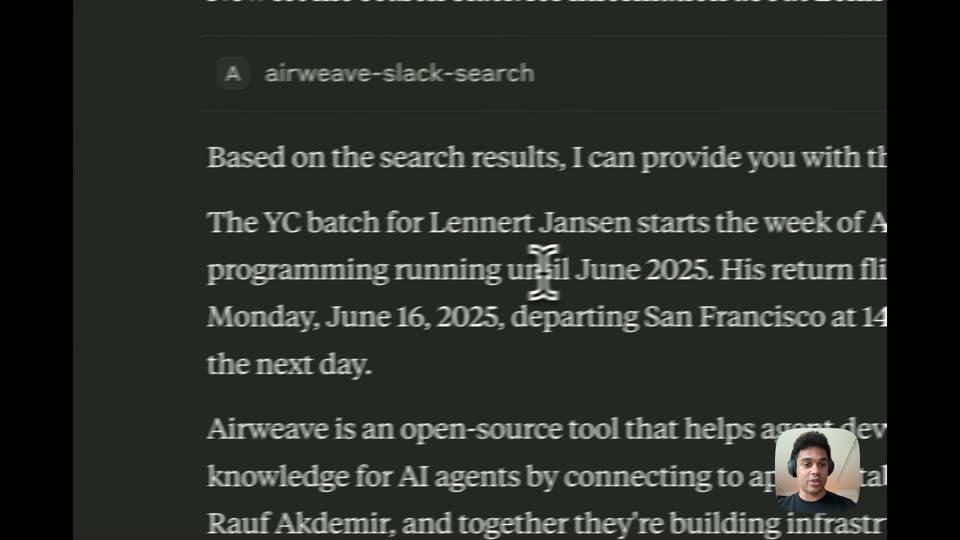 1:13–1:37Airweave · Airweave AI // Launch YC DemoA dark chat interface streams an AI reply and expands a Google Drive search call, then scrolls to the Slack results. The frame zooms in on the answer while a cursor highlights two dates, and a small webcam of the speaker sits in the corner.
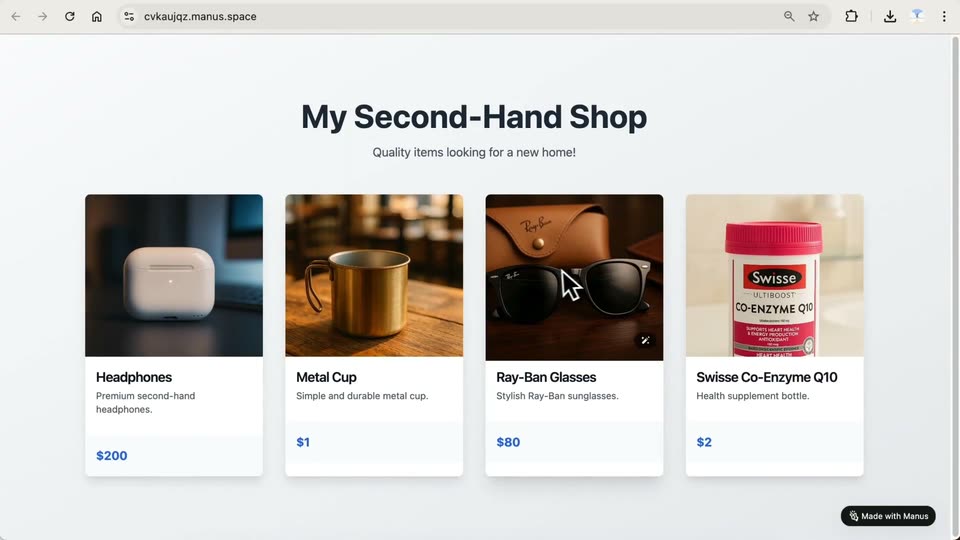 0:43–0:47Manus · Manus - Introducing Manus image generation. Manus doesn’t just generate imagA browser window shows the Manus app finishing a task, then the view lands on the generated My Second-Hand Shop page with four product cards. A cursor hovers across the cards while the window takes on a soft gradient glow border.
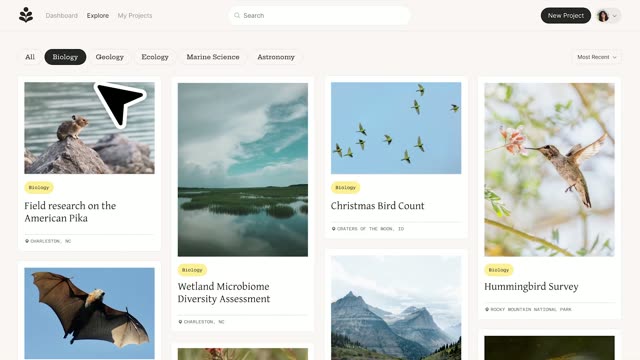 0:34–0:35Figma · All the launches at Config 2025 | FigmaA light dashboard shows a grid of nature project cards with photos, tags and titles beneath a row of filter pills. A large black cursor with a white outline moves from the dark Biology pill down over the pika card.
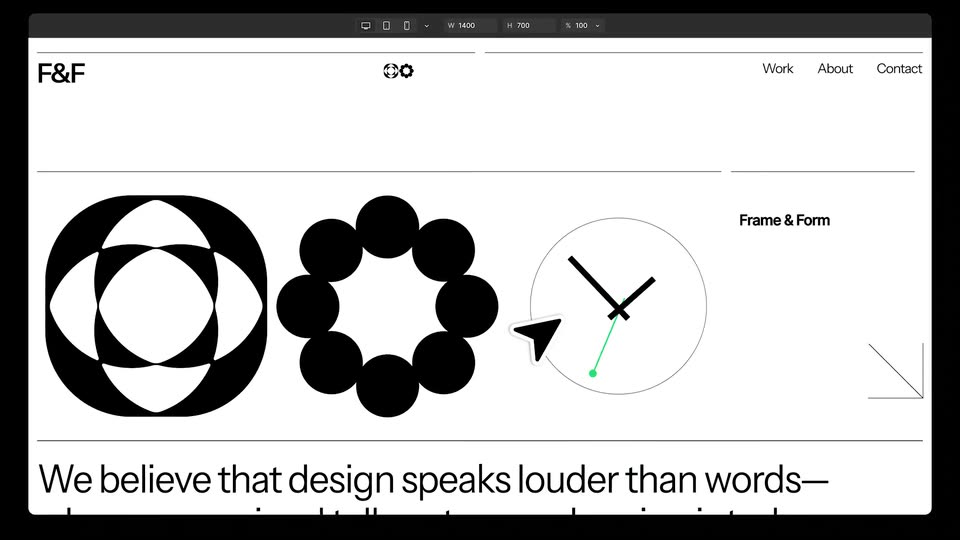 0:48–0:49Figma · Figma - Introducing Figma Sites Take your designs straight to the web. WithA design tool canvas shows a black-and-white logo of three geometric marks, a ring of circles, and a clock face with a green hand. A blue selection box and a black cursor sit over the clock, then the view zooms in as the box clears.
 0:46–0:47Gamma · Gamma - Introducing AI Image Editing with animation! You can now edit and anClose-up of a chat interface beside a partially visible article. In the input field, the text Surprise me! is typed letter by letter under four suggestion chips and a chat message about creating something with a panda.
 1:00 · 0.8sIdeogram · Ideogram - Meet Ideogram 3.0 — stunning realism, creative designs, and consistenA black cursor hovers over a white file card showing the project name and metadata as the view reframes right, sliding the cream logo canvas off the left edge.
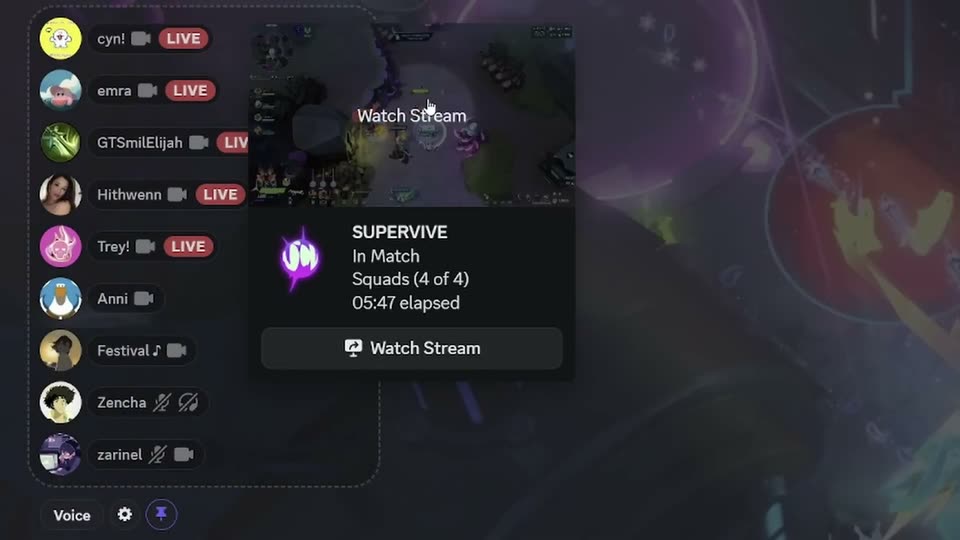 2:49–2:52Discord · Introducing the NEW Discord Game OverlayOver a dimmed game screen, a left panel lists streamers with LIVE badges. A cursor hovers a small game preview that grows and shifts right into a full stream view, while the list stays put.
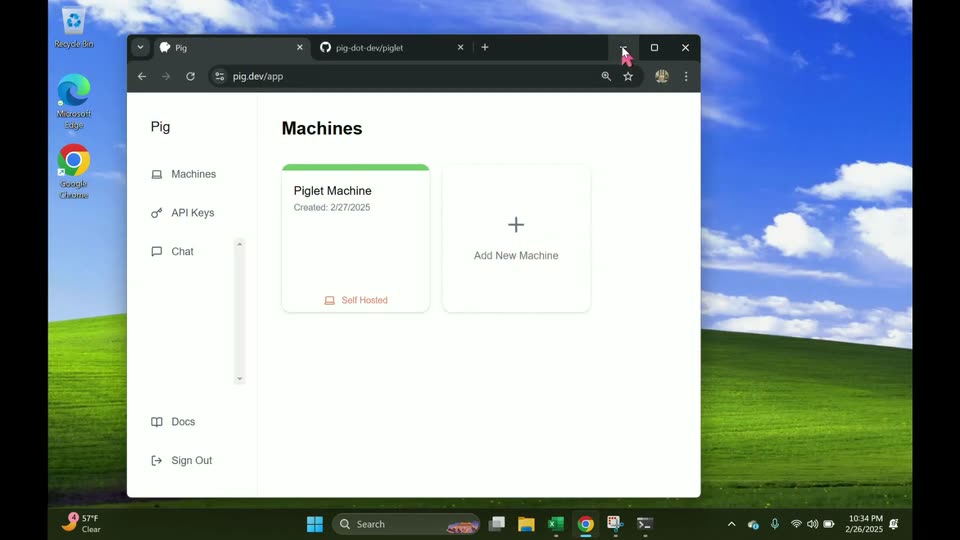 1:40–1:44Butter · Pig Official LaunchA browser window on a Windows desktop shows the Pig app's Machines page. A red cursor slides from the Add New Machine card up to the minimize button, hovers to reveal a tooltip, then clicks it.
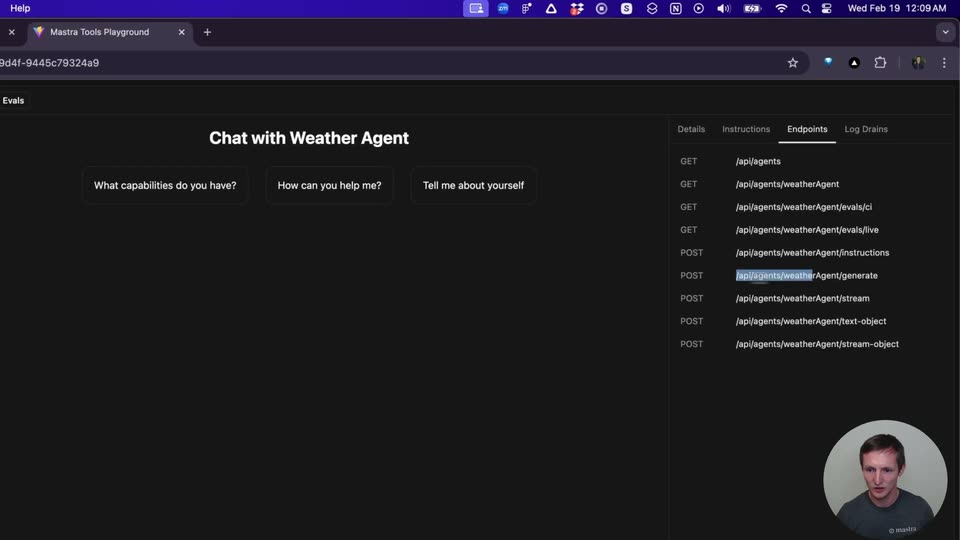 2:49–2:52Mastra · Mastra Demo - The Typescript AI Agent Framework (2024)The screen sharpens from a blur onto the Mastra Tools Playground app, showing the Chat with Weather Agent page with an endpoint list on the right. The cursor moves down the list and hovers the generate row, highlighting it. A circular presenter video sits bottom right.
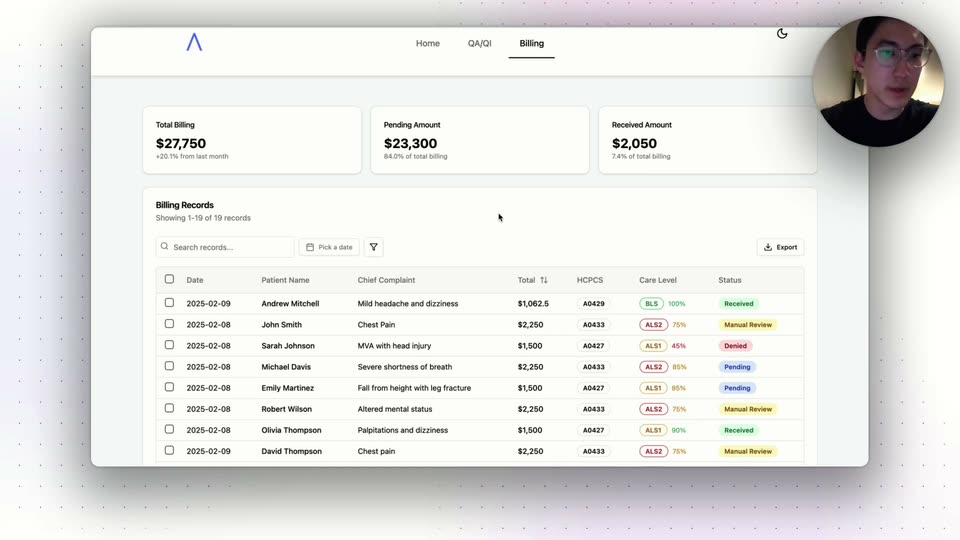 2:08–2:18Amby Health · Amby Health YC LaunchA billing dashboard fills the frame inside a browser window on a dotted background, with a small circular webcam of a presenter in the top right. A cursor drifts down the records table and clicks the John Smith row, opening a detail panel with assessment and AI notes.
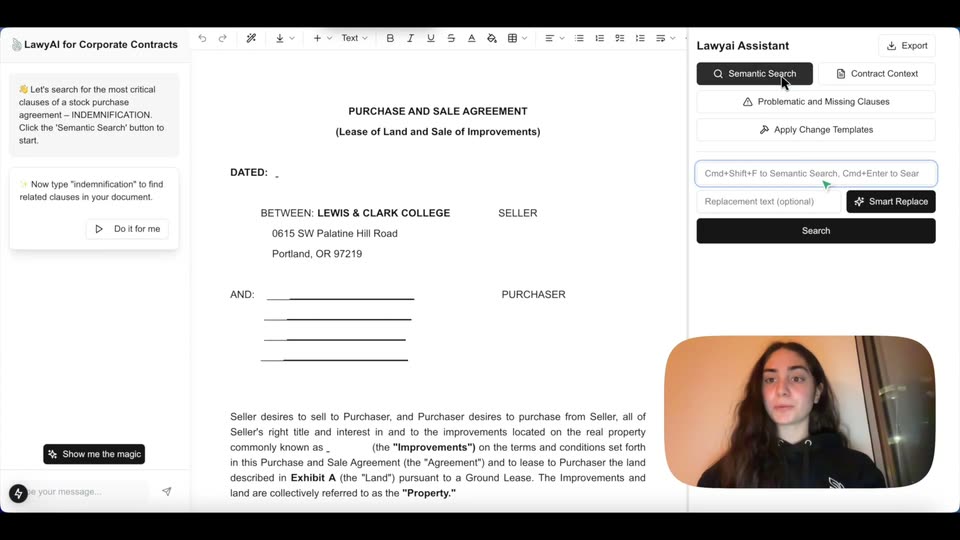 2:30–3:23Cedar · Cedar Demo 🌲A full-screen contract editor shows a purchase agreement, left chat and right assistant panels, plus a lower-right presenter webcam. Green tooltips guide a cursor that clicks Semantic Search, types indemnification, and clicks Search as the view zooms in.
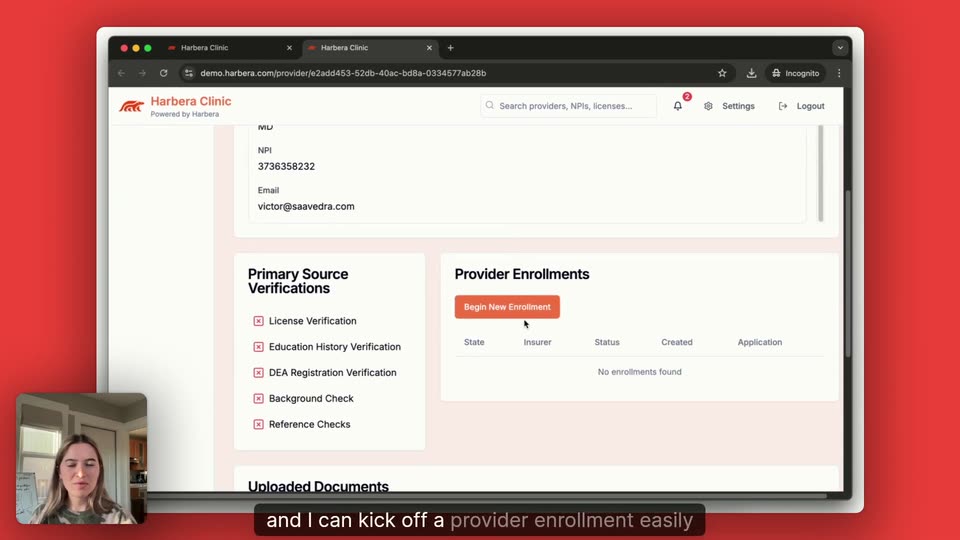 1:32–1:42Harbera · Launch YC: HarberaA browser window on a red background shows the Harbera Clinic provider page; the page scrolls down through verifications and documents, then back up, while a face-cam inset sits bottom-left and a cursor drifts to the Reports menu. Subtitle captions run along the bottom.
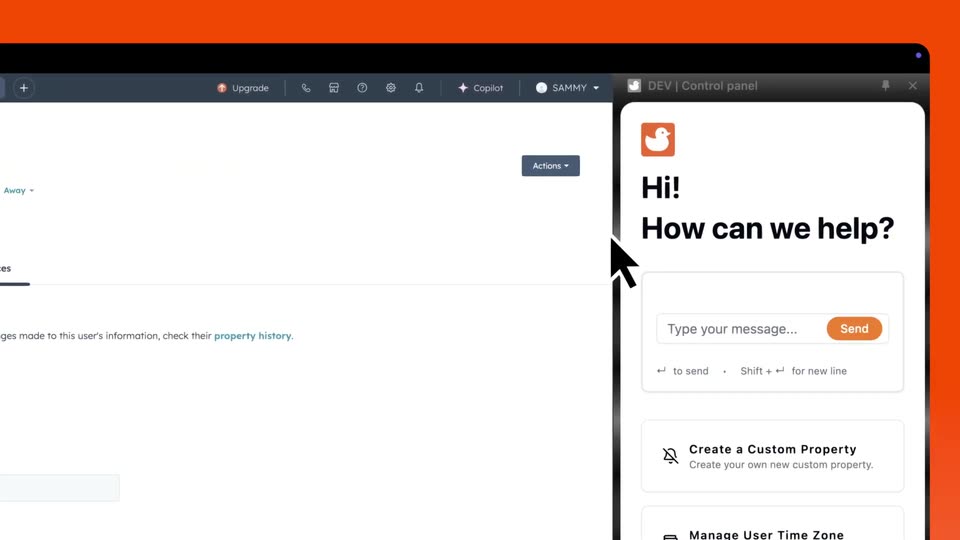 1:23–1:25SAMMY Labs · SAMMY Labs - Product TourA flat HubSpot screen shows a user profile on the left and a Copilot control panel on the right reading 'How can we help?'. A white hand cursor taps the panel, then a black arrow cursor glides down to the message box as the profile view refreshes.
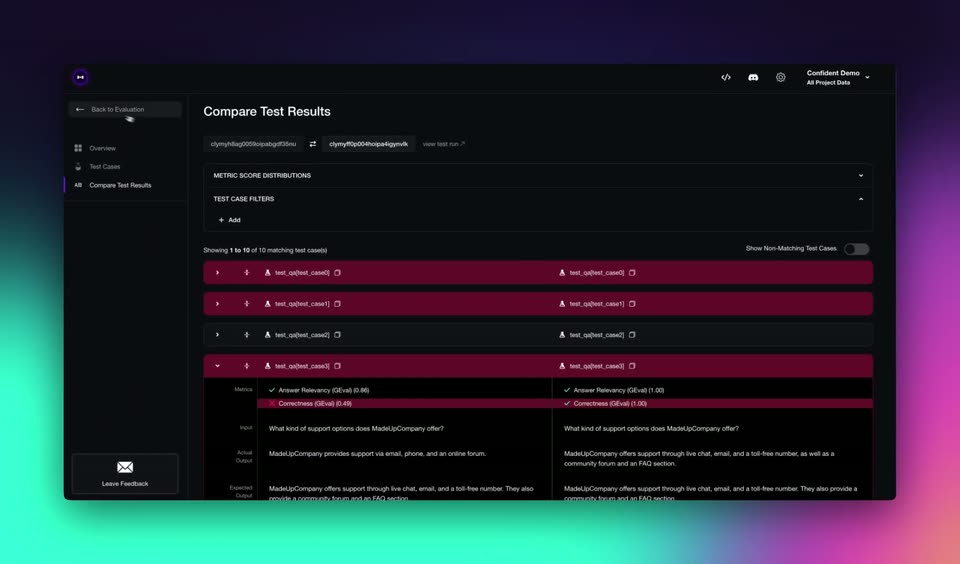 1:16–1:17Confident AI · Confident AI Launch YCA dark Compare Test Results dashboard floats on a purple-to-teal gradient. The test-case list dissolves between two states, rows shifting as the last row expands to show input and output text; a cursor drifts toward the sidebar.
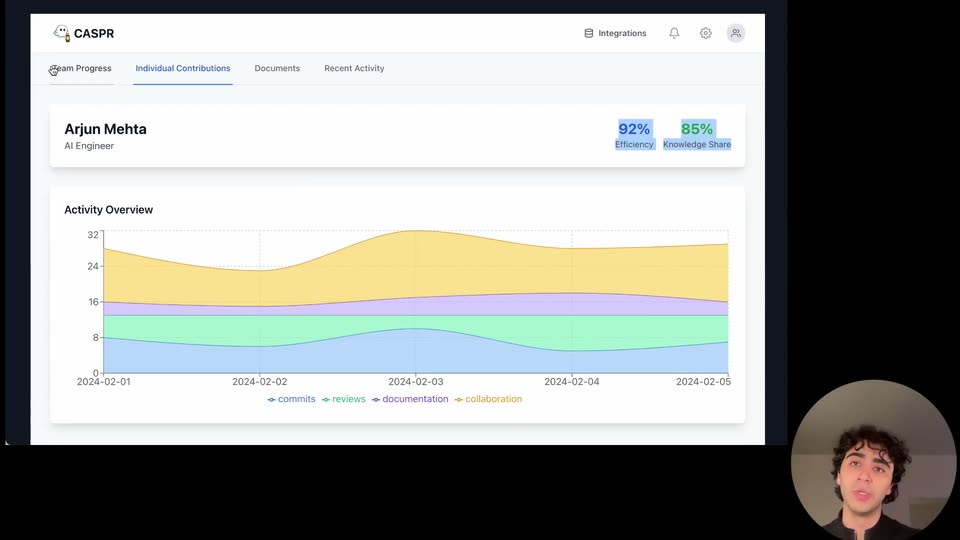 1:19–1:21Peppr AI · Peppr AI Demo VideoA light dashboard for an AI engineer shows a name header, two percentage badges, and a stacked area chart of activity over five days. A cursor hovers the chart to reveal a tooltip, then moves to the top menu. A circular webcam of the presenter sits bottom right.
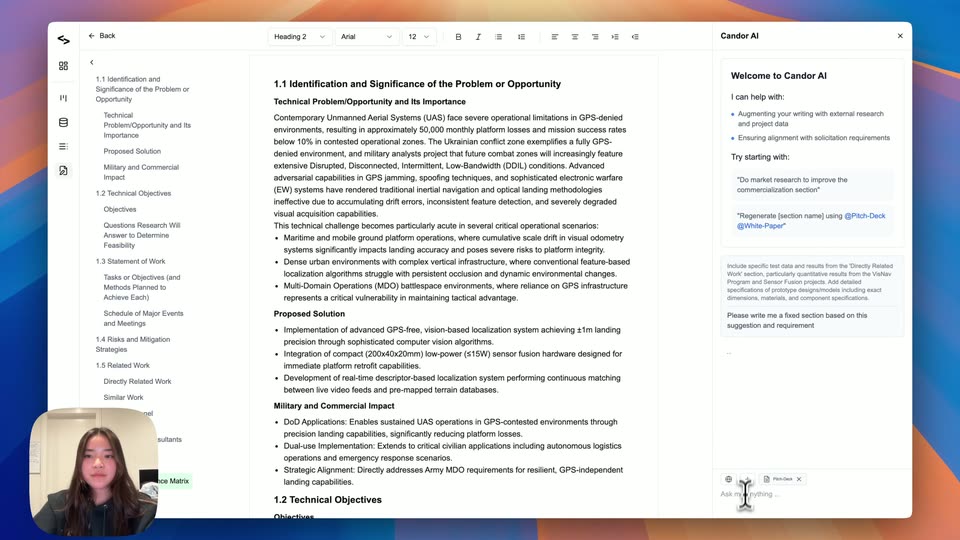 2:32–2:58Candor · Candor (YC W25) Demo || Win Government Funding With AIA grant-proposal editor shows an outline, a document body, and a Candor AI side panel. A cursor types a prompt into the AI box, the panel then fills with generated text, and a presenter's video avatar stays in the lower-left corner.
 1:13–1:17BlindPay · BlindPay - DemoThe view zooms out from an empty payins table reading 'We didn't find any payins for this instance.' to reveal the full dashboard with a left sidebar and top bar. A cursor moves, and a small webcam feed of a man with headphones sits in the bottom-right corner.
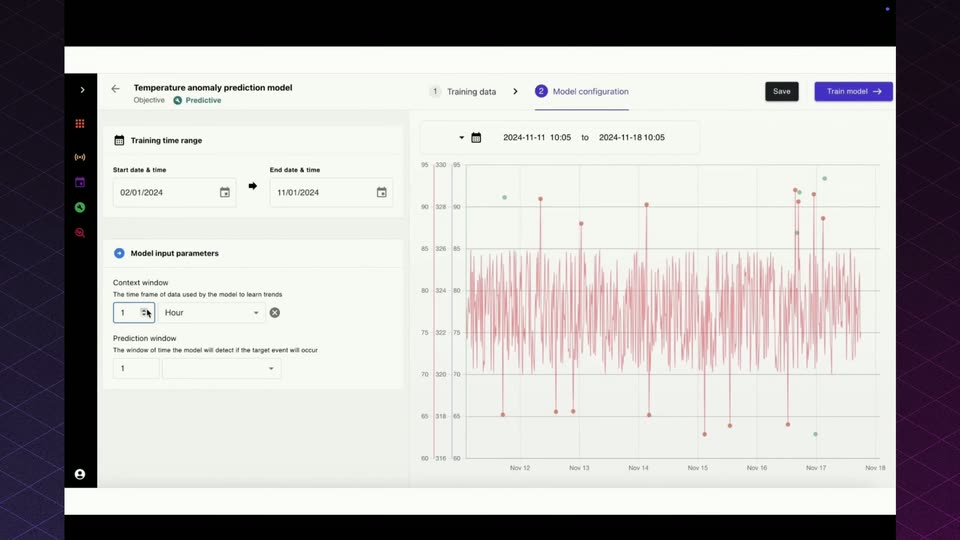 1:47–1:50Vortexify · Praxis AI LaunchThe model configuration screen of a prediction app stays locked off while a cursor opens a date picker, picks a start date, and types the end date. A red line chart with scattered dots fills the right panel.
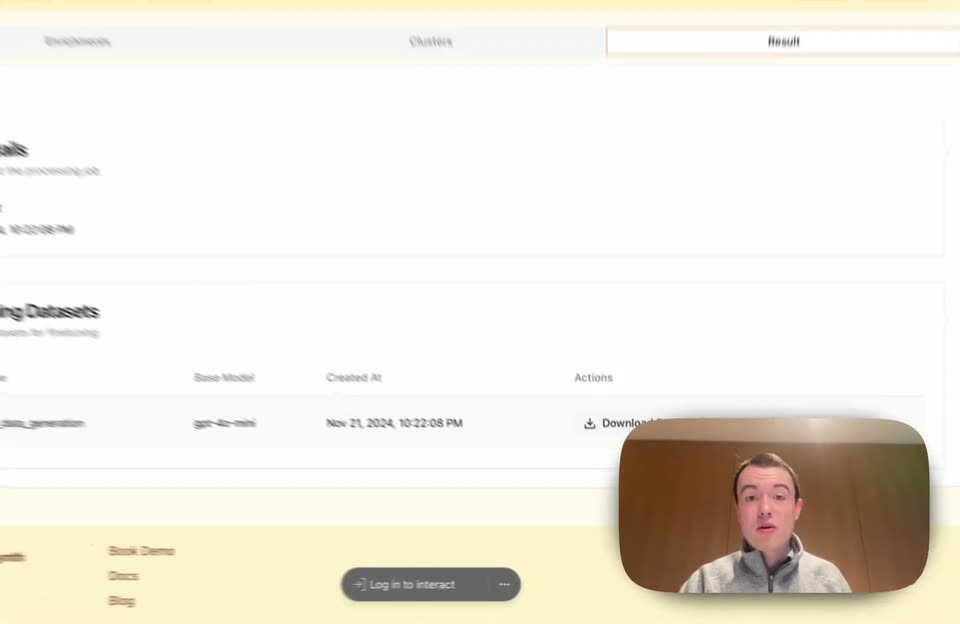 2:42–2:48Synth · Synth AI YC LaunchBrowser window shows a yellow dashboard with a Clusters table. A hand cursor clicks the Result tab, and the view blurs and zooms into the Result panel showing a creation date and download link. A small webcam of a man in a gray jacket sits bottom-right.