2:48
Explore
HeyGen - Introducing companion mode The difference between ordering a video a
HeyGen · Jul 2026 · 1:12 · Full motion · AI-annotated
- Length
- 1:12
- Scenes
- 40 · 1.8 s avg
- Product on screen
- 0:20
- Features shown
- 1
- Call to action
- 1:07 · 92%
- Voiceover
- No
- Views, all posts
- 3.7M
- X
- 3.7M · 2 posts
as of November 14, 2026
00:00:00 / 01:12:18
- Length
- 1:12
- Scenes
- 40 · 1.8 s avg
- Product on screen
- 0:20
- Features shown
- 1
- Call to action
- 1:07 · 92%
- Voiceover
- No
- Views, all posts
- 3.7M
- X
- 3.7M · 2 posts
as of November 14, 2026
HeyGen’s 1:12 launch film runs 40 scenes, about 1.8 s each. The product shows up at 0:20 and 1 feature is revealed. The call to action lands at 1:07 (92% in). The video alternates dark abstract 3D interludes with flat UI mockups, using letter-by-letter typing in a prompt bar to drive every beat and flip clocks to mark time jumps. Signature moves are the grainy iridescent slabs behind title cards, monospace status logs, and light serif words like Thinking and Building.
No filming indicatedEstimated needs: 4 capture groups — your screens or recordings · 1 official logo — reused across the film · 6 graphic passages — draw or supply · 8 3D passages — build or supply
Is this your launch? to your site or press kit.
More like this
1:01


Y Combinator - Pops (@pops_fyi) lets anyone create and play AI games. Describe your
Pops · Consumer · May 2026
1:04
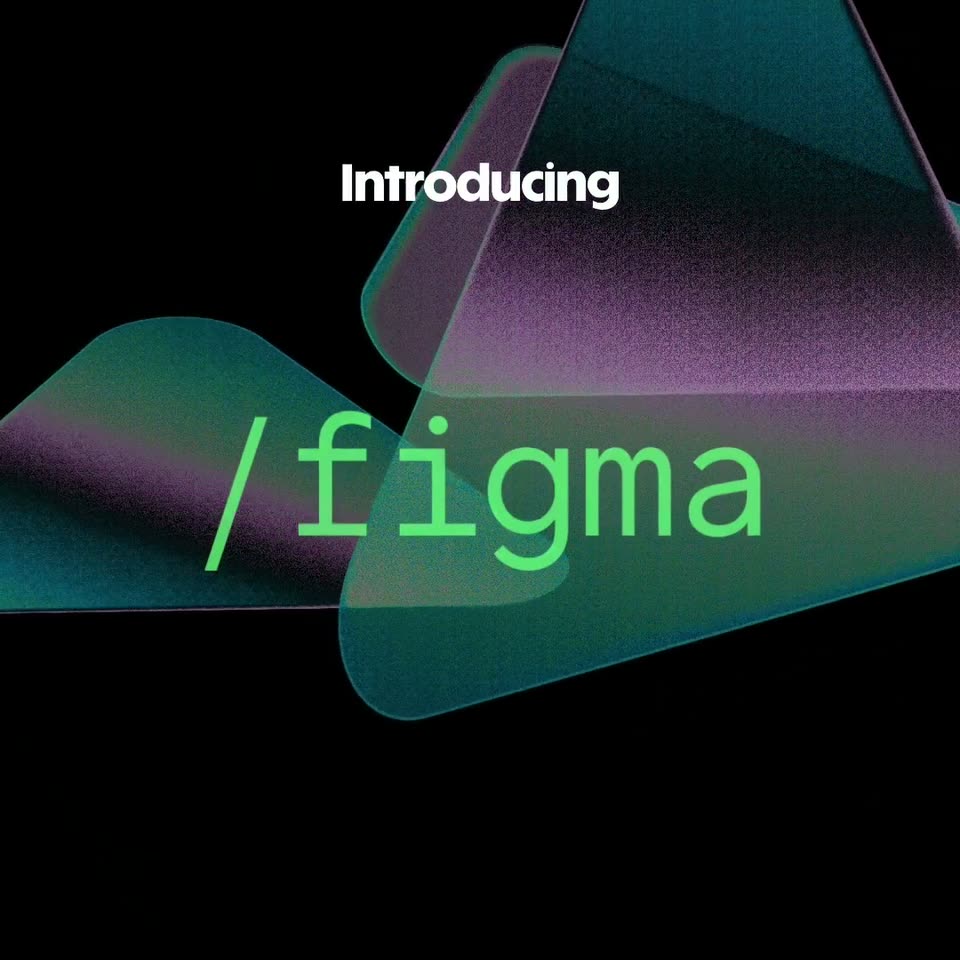
HeyGen - Figma -> HyperFrames Designers can now ship launch videos straigh
HyperFrames · Jul 2026
HeyGen - Introducing companion mode The difference between ordering a video a, scene by scene
· 40 scenes as text
01 · Hook · 0:00–0:06
A dark rounded input field on black shows a prompt typed letter by letter, an orange caret trailing the text. The field scrolls left to follow the typing, then a white mouse cursor slides in and clicks the enter arrow at the right edge.
On-screen text: “Create a video about heygen.com”
Techniques: Kinetic type, Cursor demo
Camera: Static
02 · Problem · 0:06–0:08
A flip-clock counter of white digits on dark rounded tiles flips through values over a grainy 3D abstract shape in purple and teal on black. The digits roll vertically while a small caption reads MINUTES ELAPSED below.
On-screen text: “MINUTES ELAPSED”
Techniques: Kinetic type
Camera: Static
03 · Problem · 0:08–0:10
Grainy purple and teal abstract shapes fill a black frame behind a flip-clock timer reading 30:00 with MINUTES ELAPSED below. The digits roll, then the timer is replaced by the green word Done.
On-screen text: “30:00”, “MINUTES ELAPSED”, “Done.”
Techniques: Kinetic type, Morph
Camera: Static
04 · Problem · 0:10–0:13
A flat black video frame on a violet field holds five portrait cards of spokespersons on colored backdrops. A green cursor arrow glides left across the cards while a file-name and timecode overlay ticks in the corner and a white pill caption sits below.
On-screen text: “AI Spokesperson Videos”
Techniques: Cursor demo
Camera: Static
05 · Problem · 0:13–0:13
Grainy iridescent rounded slabs sit in 3D perspective on black while the caption 30:00 LATER fades in at top left. A translucent rounded input bar with a caret and a cursor arrow then fades in across the middle.
On-screen text: “Al Spokesperson Videos”, “30:00 LATER”
Camera: Static
06 · Problem · 0:13–0:16
Grainy purple and teal 3D rounded shapes drift on black while a dark input bar types out a question character by character with an orange caret. A small gray '30:00 LATER' caption sits in the top left, static.
On-screen text: “30:00 LATER”
Techniques: Kinetic type
Camera: Static
07 · Problem · 0:16–0:18
Grainy purple and teal 3D rounded shapes drift and rotate on black. A dark rounded chat bubble holds white text that types out line by line with a blinking cursor, while a small monospace label sits top-left and fades.
On-screen text: “30:00 LATER...”, “Why didn't you clarify? you used our old branding and wasted 30 minutes”
Techniques: Kinetic type
Camera: Static
08 · Problem · 0:18–0:20
Two rounded-corner panels with grainy purple-to-teal gradients cross in an X on black. The white word Familiar holds center, then a question mark pops in beside it and the frame holds.
On-screen text: “Familiar?”
Techniques: Kinetic type
Camera: Static
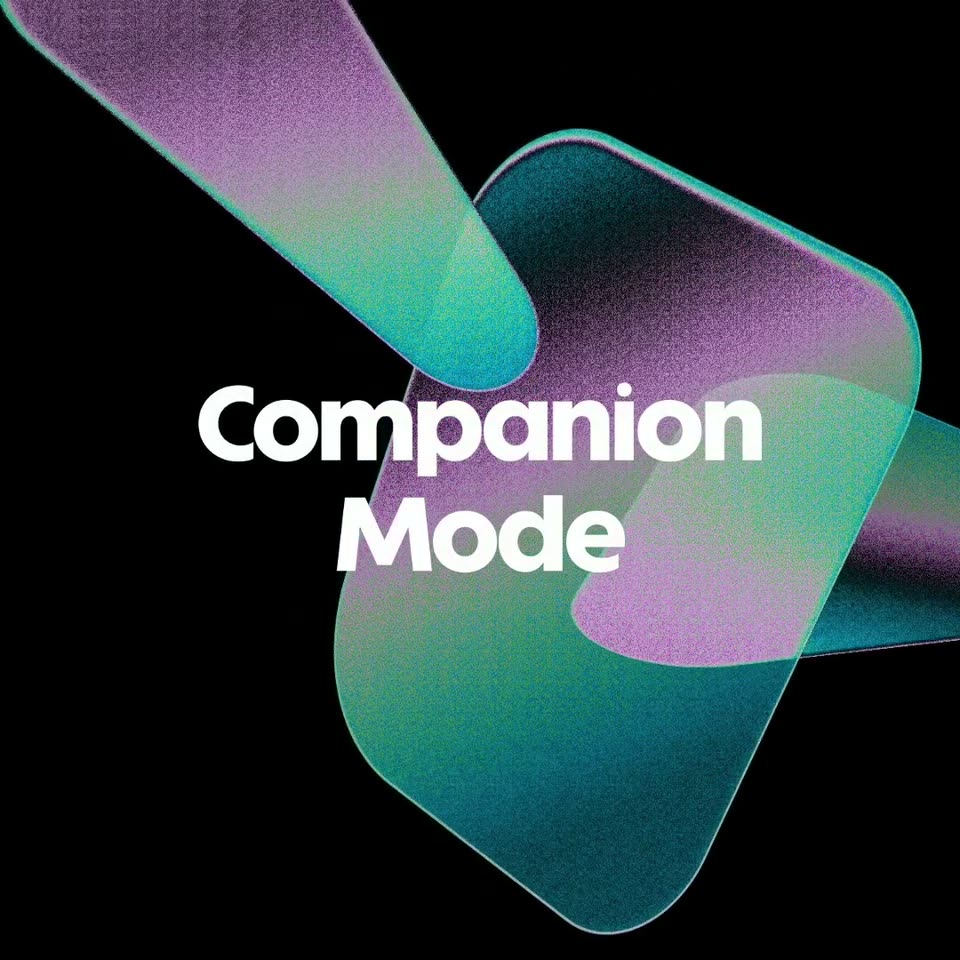
09 · Feature reveal · 0:20–0:24
Grainy purple and teal rounded slabs float and rotate over black. White bold sans-serif text holds center as it swaps: 'Introducing' blurs out, 'Companion Mode' scales in, then two short lines of copy fade up.
On-screen text: “Familiar?”, “Introducing”, “Companion Mode”, “Control the process.”, “Don't waste tokens and time.”
Techniques: Kinetic type
Camera: Static
10 · Feature reveal · 0:24–0:25
Abstract grainy purple and teal shapes drift slowly on a black background. White text sits centered over the shapes.
On-screen text: “Control the process.”, “Don't waste tokens and time.”
Camera: Static
11 · Feature reveal · 0:25–0:25
Grainy iridescent 3D shapes in purple and teal float on a black field. A dark prompt bar holds the typed line with a blinking caret, then a white arrow cursor drops in at the lower right.
On-screen text: “Control the process.”, “Don't waste tokens and time.”
Techniques: Cursor demo
Camera: Static
12 · Feature reveal · 0:25–0:26
A dark rounded prompt bar holds the typed line with a blinking caret, set over slowly shifting iridescent purple and green 3D shapes on black. A white arrow cursor rests at the bar's right edge.
On-screen text: “Create a video about heygen.com”
Techniques: Cursor demo
Camera: Static
13 · Feature reveal · 0:26–0:28
On a black screen, a rounded prompt bar holds the gray placeholder 'Create a video about heygen.com' with a white arrow cursor at its corner. The bar and cursor vanish, and a second monospace status line types in below the first, its tail glowing as it lands.
Techniques: Cursor demo, Kinetic type
Camera: Static
14 · Feature reveal · 0:28–0:30
A black terminal-style log fills the left of the frame in monospace type. Three checkmarked lines sit in place as a fourth line with a pink asterisk slides in at the bottom.
On-screen text: “✓ routing → product-launch-video”, “✓ memory . flow: companion - you build together”, “✓ captured heygen.com . 7 sections . 65 assets .”, “brand tokens”, “* drafting five story variations...”
Techniques: Kinetic type
Camera: Static
15 · Feature reveal · 0:30–0:32
Over grainy purple and teal 3D slabs, a green monospace header sits above five numbered list rows that slide from offset positions into a tidy stack.
On-screen text: “agent · five ways to tell it —”, “1 · The demo desk — one avatar, six languages, live”, “2 · The translation relay — a message crosses the world”, “3 · The camera-shy founder — no crew, no reshoots”, “4 · The numbers story — 40h of studio time, counted down”, “5 · The inbox POV — a video message lands”
Techniques: Kinetic type
Camera: Static
16 · Feature reveal · 0:32–0:35
A five-row menu list sits over drifting grainy purple and teal 3D blobs on black, the first row outlined in green. A dark input bar at the bottom types out a prompt character by character behind a blinking caret.
On-screen text: “agent · five ways to tell it —”, “1 · The demo desk — one avatar, six languages, live”, “2 · The translation relay — a message crosses the world”, “3 · The camera-shy founder — no crew, no reshoots”, “4 · The numbers story - 40h of studio time, counted down”, “5 · The inbox POV - a video message lands”
Techniques: Cursor demo
Camera: Static
17 · Feature reveal · 0:35–0:36
A dark storyboard screen fills in: a single numbered card sits at the left, then five more cards fade in to complete a two-by-three grid beneath a breadcrumb header.
Camera: Static
18 · Feature reveal · 0:36–0:36
A dark storyboard grid of six numbered cards, each labeled 'Not built yet', with a title, outline tag and timing note beneath each. The view holds static for the whole clip.
Camera: Static
19 · Feature reveal · 0:36–0:38
A dark storyboard grid of six numbered shot cards fills the frame. A centered overlay card for shot 1, The hook, holds a dashed placeholder and caption. The top-left grid card animates in with the same dashed box and text, mirroring the overlay.
Camera: Static
20 · Feature reveal · 0:38–0:40
A dark storyboard grid of six numbered placeholder cards labeled with shot titles sits on a black background. At the bottom, a rounded prompt bar types out the text “Looks good, sketch it” character by character with a blinking caret.
Camera: Static
21 · Feature reveal · 0:40–0:43
A dark storyboard grid of six numbered cards fills in from 'Not built yet' placeholders with white preview thumbnails, the status badges flip from OUTLINE to BUILT, and the bottom row shifts up as the text input bar clears.
Camera: Static
22 · Feature reveal · 0:43–0:43
A white prompt card with a soft lavender gradient settles into the center of a black frame, a monospace prompt typing out beside a cyan Generate video button. Below, the caption The hook sits in bold white, with a cyan BUILT badge to the right.
On-screen text: “The hook”, “BUILT”
Camera: Static
23 · Feature reveal · 0:43–0:44
A white card on black shows a prompt field with a blinking caret and a cyan Generate video button. A white label sits below the card, and an outlined pill rests at the right edge.
On-screen text: “The hook”, “BUILT”
Camera: Static
24 · Feature reveal · 0:44–0:45
A white rounded card on black holds the product view. The corner badge counts 2 to 3 as the title blurs out and a two-panel interface fades in: a Script card and a Visuals card with a photo. The caption below shifts from Title reveal to Script & visuals.
On-screen text: “Meet HeyGen's Video Agent”, “Not a tool.”, “Title reveal”, “BUILT”, “Script & visuals”
Camera: Pan
25 · Feature reveal · 0:45–0:45
On a black field, a white step card showing a script panel and a photo tilts and is replaced by an angled 3D interface card with a robot and a media grid. The caption below switches from Script and visuals to Full production beside a BUILT badge.
On-screen text: “Script & visuals”, “BUILT”, “A full production”, “Full production”
Techniques: 3D mockup
Camera: Pan
26 · Feature reveal · 0:45–0:48
A white card on black holds a video editor UI with a clay presenter and a media panel, under the heading 'A full production' and a 4 badge. Below, a field types a note letter by letter, then a cursor moves to a save button.
On-screen text: “A full production”, “4”, “Full production”, “BUILT”
Techniques: Cursor demo
Camera: Static
27 · Feature reveal · 0:48–0:50
A white card with a blue border holds a media-browser panel showing a 3D figure and a thumbnail grid, titled “A full production” with a numbered 4 badge. Below it, a white “Full production” headline and a “BUILT” badge sit above a note field with a blinking cursor and a “Save & copy message” button that a pointer arrow clicks.
On-screen text: “A full production”, “4”, “Full production”, “BUILT”
Techniques: Cursor demo
Camera: Static
28 · Feature reveal · 0:50–0:50
Grainy purple and teal rounded slabs float in 3D over black while a dark chat input bar fades in across the center. A white arrow cursor rises from the bottom edge toward the bar's right side.
On-screen text: “BUILT”, “A full production”, “4”, “Full production”
Techniques: Cursor demo
Camera: Static
29 · Feature reveal · 0:50–0:52
A dark chat input bar with a white cursor arrow floats over grainy, folded 3D planes in purple, teal and green on black. The placeholder “Reply to the agent...” is typed over with “Read the storyboard feedback I saved in .hyperframes/frame-comments.json and revise the frames.”
Techniques: Cursor demo
Camera: Static
30 · Feature reveal · 0:52–0:54
A dark rounded prompt box with white text and a return icon sits over grainy 3D purple and teal ribbon shapes on black. A white mouse cursor drifts from the text to the right edge as a red caret blinks at the end of the line.
Techniques: Cursor demo
Camera: Static
31 · Feature reveal · 0:54–0:54
A black screen holds a small green 'agent' label and two lines of text in the top left. The block fades in from dim to full brightness, with 'frame 4' set in bold white and the second line in gray.
On-screen text: “Read the storyboard feedback I saved in .hyperframes/frame-comments.json and revise the frames.”, “agent”, “Revised frame 4 — trimmed to a single beat.”, “Only that frame changed.”
Camera: Static
32 · Feature reveal · 0:54–0:56
A white card holding a video-editing interface, with a 3D man in a hat and sunglasses inside a frame and a thumbnail panel to the right, sits on a black field beneath two lines of agent message text. A dark input bar slides up at the bottom and the word Good is typed.
Camera: Static
33 · Feature reveal · 0:56–0:58
A dark chat interface stays locked off while an agent message and a white card labeled A full production sit in the center. At the bottom, a text field types out a command character by character, the cursor tracking the end of the line.
On-screen text: “Good to go — build the video.”
Techniques: Kinetic type
Camera: Static
34 · Demo · 0:58–1:00
On a black background, a 3x3 dot grid sits at left, its dots lighting up in shifting patterns. To the right, serif status words cycle: Thinking..., then Crafting..., then Building..., each fading in and out.
On-screen text: “Thinking...”, “Crafting...”, “Building...”
Techniques: Kinetic type
Camera: Static
35 · Demo · 1:00–1:01
On a black background, a small dot-grid mark sits left of the centered word Building... in a light serif face. The frame is locked off and the text stays still for the full duration.
On-screen text: “Building...”
Camera: Static
36 · Demo · 1:01–1:03
A flat 2x2 grid of white cards (Script, Visuals, Voiceover, Edits) settles on a cream field, each tagged with a teal check. A teal label sits top-left and a dark timecode pill ticks top-right. A bottom caption swaps from 'and polishes' to 'editor would.'
On-screen text: “The agent gets to work”, “and polishes”, “editor would.”
Techniques: Kinetic type
Camera: Static
37 · Demo · 1:03–1:07
A flat video-editor mockup fades in on a light background, a claymation detective in a hat and sunglasses sits in the canvas while a Media panel of thumbnails fills the right. A bold headline reads A full production and a lower caption swaps to a talking head. then Motion graphics
On-screen text: “+ Storytelling”, “A full production”, “not”, “just”, “a talking”, “head.”, “Motion”, “graphics,”
Techniques: Kinetic type
Camera: Static
38 · CTA · 1:07–1:08
A white abstract logo mark sits centered on tilted, grainy panels with purple and green iridescent gradients, set in 3D perspective on a black background. A white cursor arrow drifts up from the lower center toward the logo.
On-screen text: “+ Storytelling”, “Afull production”, “Motion”, “The Case”
Techniques: 3D mockup, Cursor demo
Camera: Static
39 · CTA · 1:08–1:11
Grainy purple and teal 3D slabs drift on black as the white headline HeyGen HyperFrames pops in and the logo glides to the top right. A cursor clicks a GitHub-style button that flips from Star 36.7k to Starred 36.8k with a yellow star.
On-screen text: “HeyGen”, “HyperFrames”
Techniques: Kinetic type, Cursor demo
Camera: Static
40 · Outro · 1:11–1:12
A plain black background holds the brand wordmark and a star metric, all static in a locked-off frame.
On-screen text: “HeyGen”, “HyperFrames”, “Starred”, “36.8k”
Camera: Static