Cursor demo
A visible cursor operates the interface.
14,925 scenes · page 232 of 249
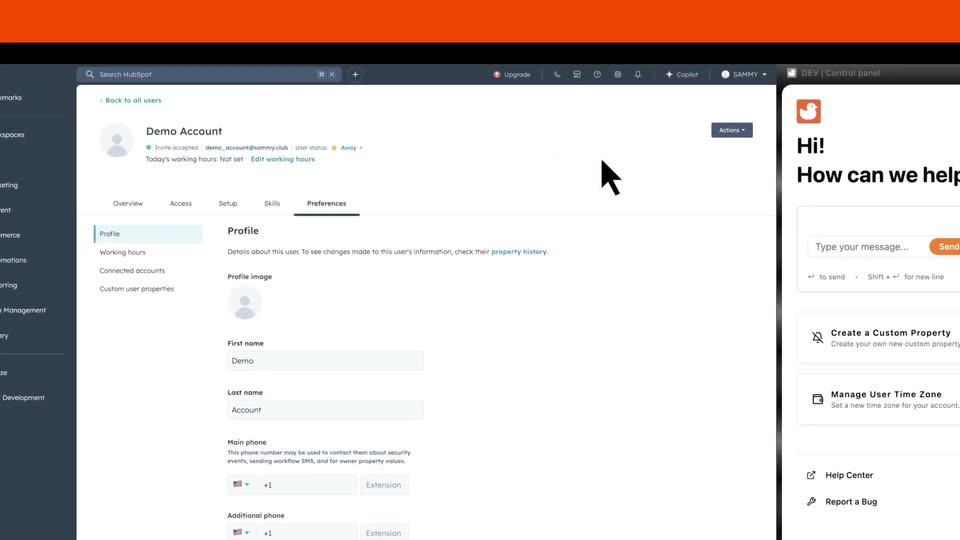 1:31–1:33SAMMY Labs · SAMMY Labs - Product TourA HubSpot account profile page fills the screen, the view straightening from a slight tilt. A cursor glides right and clicks the help panel's message field, which glows orange.
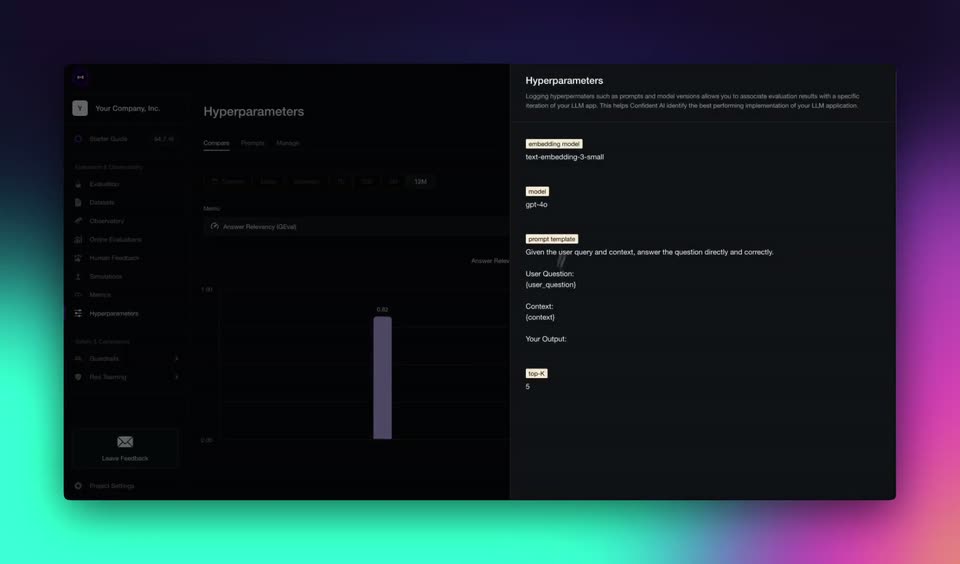 1:28–1:30Confident AI · Confident AI Launch YCA dark evaluation dashboard floats in 3D perspective over a teal-to-pink gradient. The view reframes from the left bar chart, where a cursor rests on the tallest bar, toward the right prompt panel. The sidebar and chart fade as the prompt template enlarges.
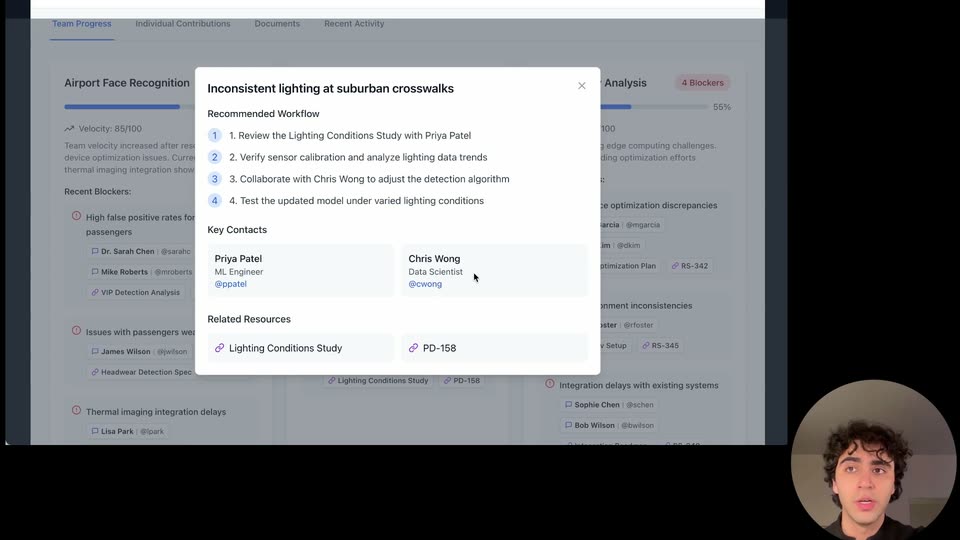 1:37–1:46Peppr AI · Peppr AI Demo VideoA white modal titled 'Inconsistent lighting at suburban crosswalks' floats over a dimmed dashboard, listing a four-step workflow, two contacts and two links. A cursor hovers the workflow rows, triggering blue highlights, then moves to the close icon; a circular webcam of the presenter sits bottom right.
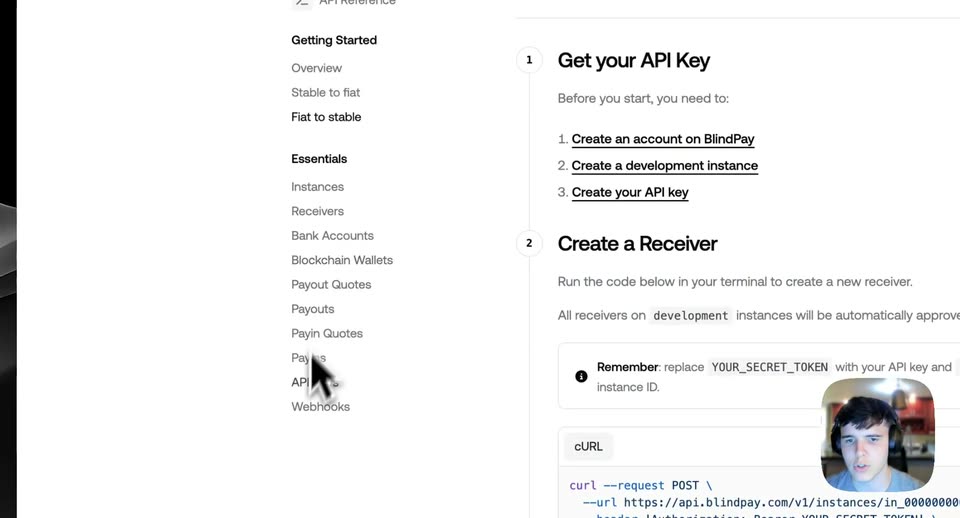 1:20–1:25BlindPay · BlindPay - DemoA BlindPay documentation page transitions between sections as a cursor moves down the left sidebar menu. A small rounded webcam of a presenter with headphones stays fixed in the bottom right corner.
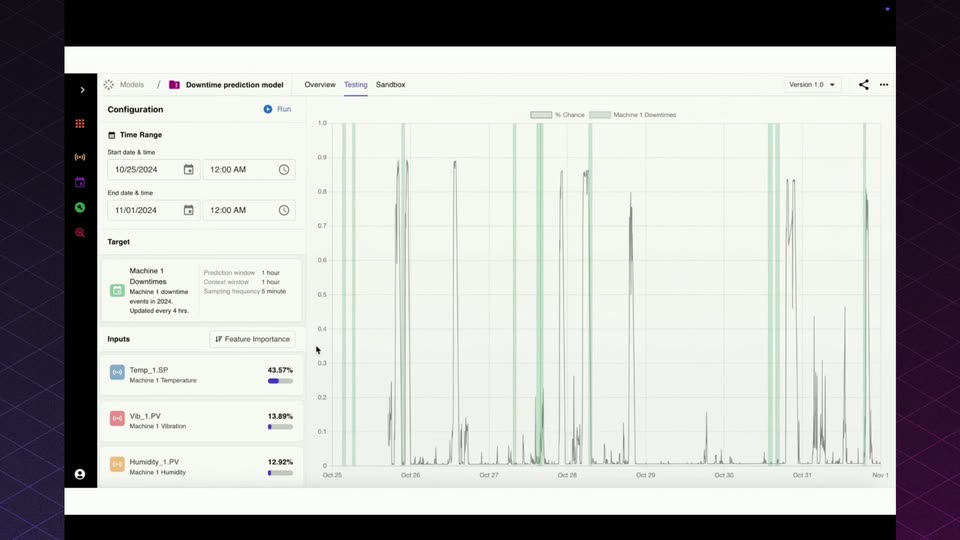 1:54–1:55Vortexify · Praxis AI LaunchA flat product interface shows a model configuration panel on the left and a time-series chart on the right. Gray spike data and green vertical bars animate in across the timeline, filling the chart from left to right, while a cursor moves from the Feature Importance button into the plot.
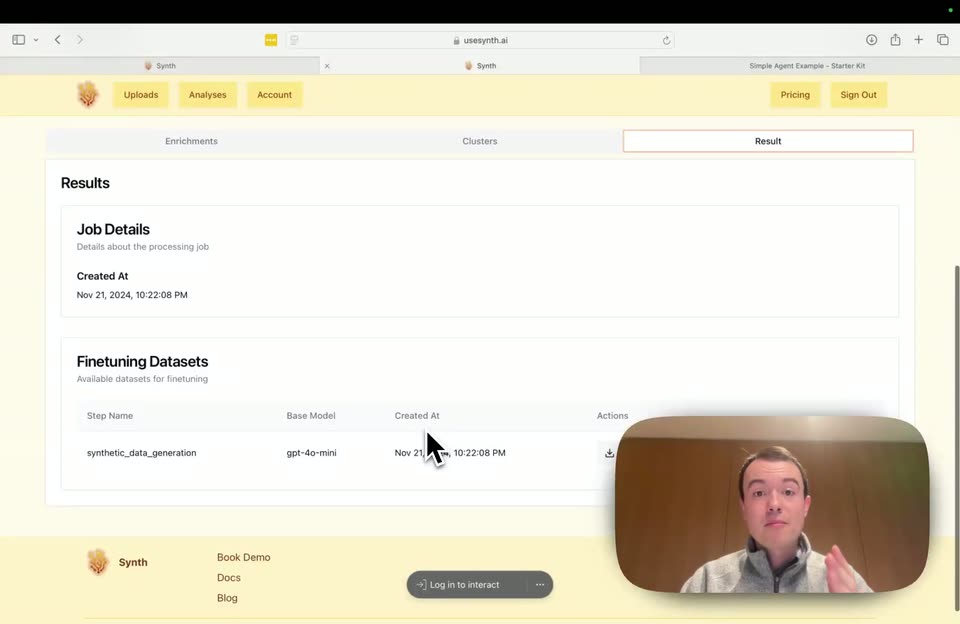 2:54–3:06Synth · Synth AI YC LaunchA static screen recording of the Synth results page in a browser, with Job Details and a Finetuning Datasets table; a picture-in-picture video of a man in a gray sweater talks and gestures in the bottom right, and a cursor hovers over the table.
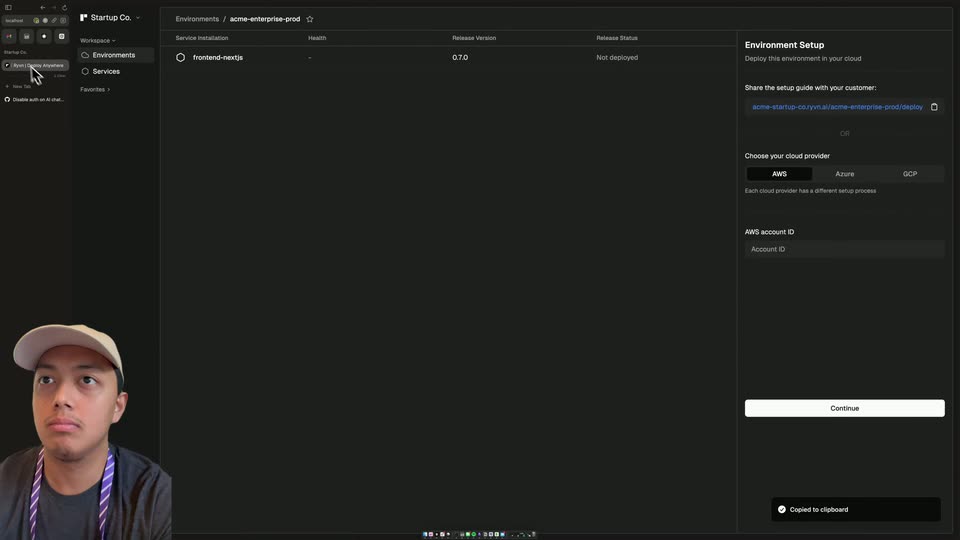 0:54–0:56Ryvn · Ryvn | On-prem deployments, without the stressA dark deployment dashboard fills the frame, its right panel showing an Environment Setup form. A small webcam feed of a man in a cap sits in the lower left corner. A cursor drifts across the interface while a Copied to clipboard toast rests at the bottom right.
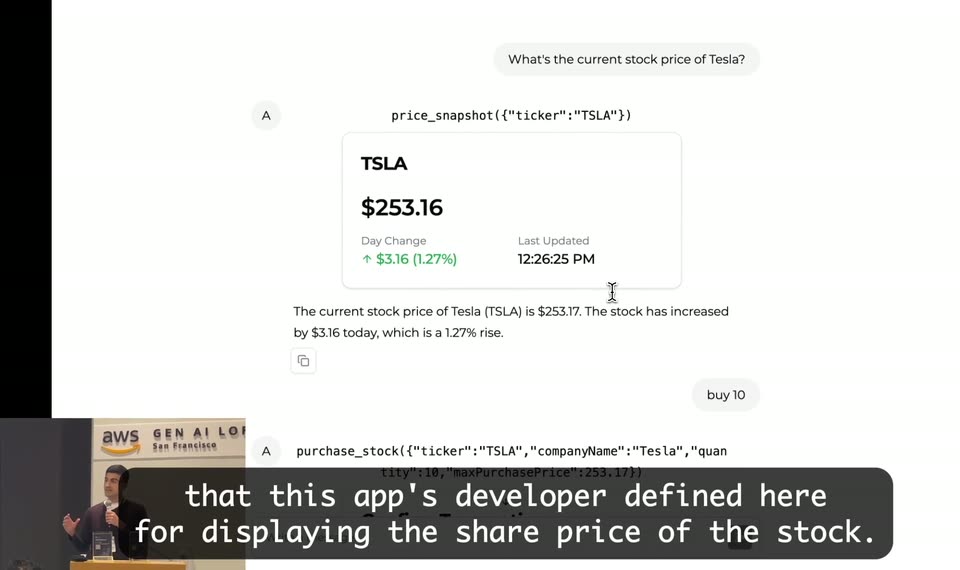 1:32–1:36assistant-ui · assistant-ui | AWS GenAI Loft DemoA chat interface shows a TSLA stock card with price and daily change, while a presenter appears in a small bottom-left inset. A text cursor drifts over the card as a white caption line updates at the bottom.
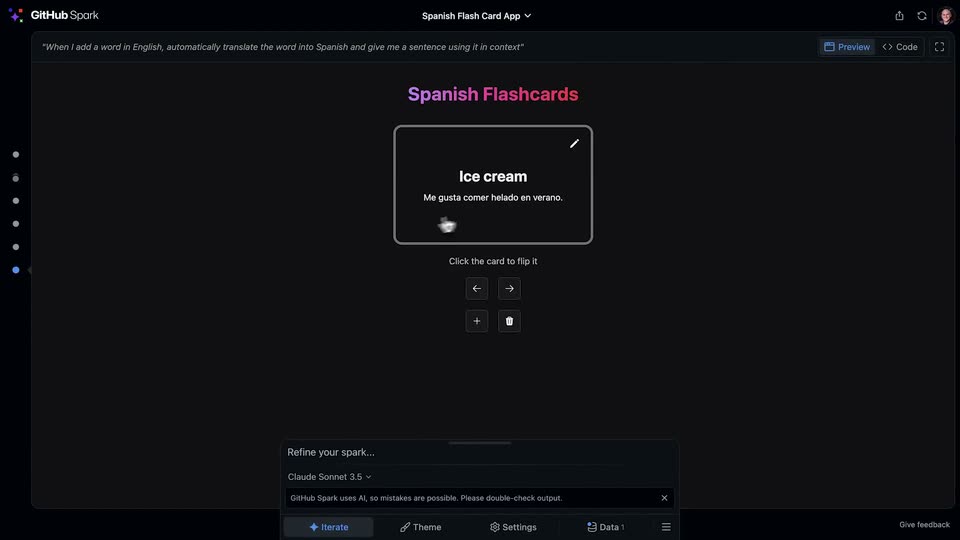 0:48–0:55GitHub · What is GitHub Spark? Introducing a brand new way to build powerful, AI assisted applicationsStatic screen recording of the GitHub Spark preview showing a dark Spanish flashcard app. The cursor types a word, the Spanish translation auto-fills, Save is clicked and a card pops in, then the card flips to reveal the English word. Ends on black with a small purple star.
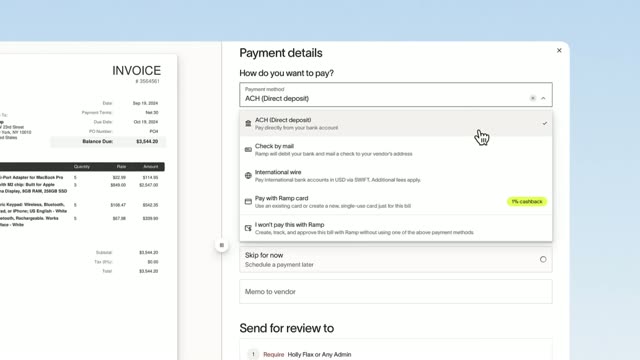 1:35–1:42Ramp · Meet Ramp: A smart finance operations platform that saves you time and moneyA payment details panel sits beside a partially visible invoice on a light blue background. A cursor clicks the payment method field, opening a dropdown list, then a hand cursor glides down the options from check by mail to pay with Ramp card.
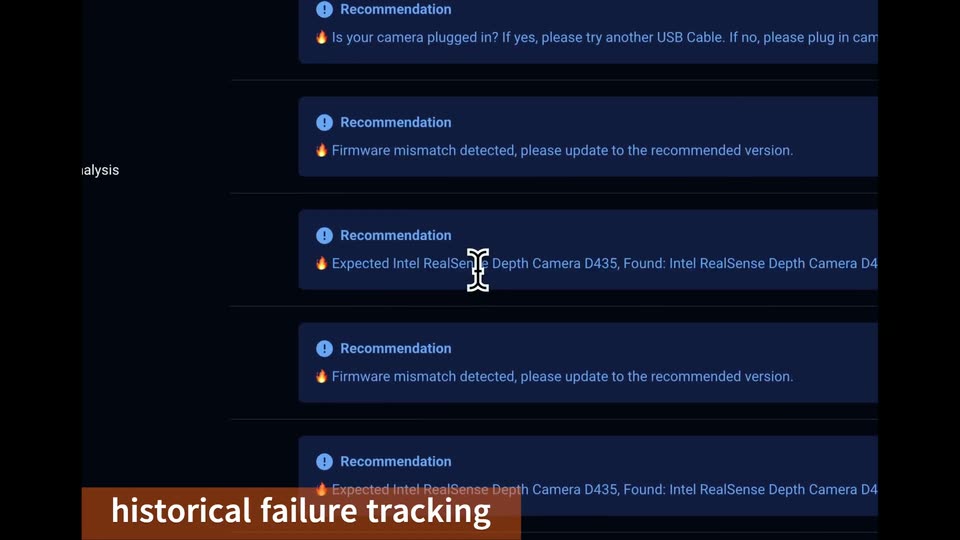 0:56–1:00Ember Robotics · 🔥 Introducing Ember Assistant 🔥- Robotics Camera System Assistant!A dark list of Intel RealSense camera rows scrolls as a hand cursor hovers, while an orange caption types 'historical failure tracking' in the lower left. The view then pulls back to reveal the full Ember Robotics dashboard with a sidebar and camera status cards.
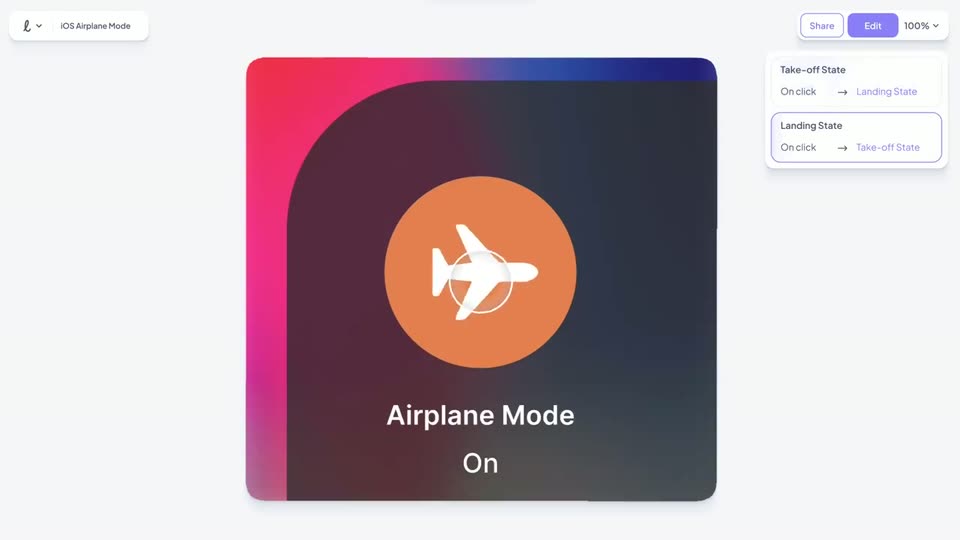 0:47–0:50Lottielab · Lottielab - Interactivity is now live on Lottielab. 📣A dark gradient card holds an orange circle with a white airplane icon labeled Airplane Mode; the state flips from On to Off as a cursor ring drifts, then it cuts to a phone mockup showing a feedback form with emoji faces and a green Submit button.
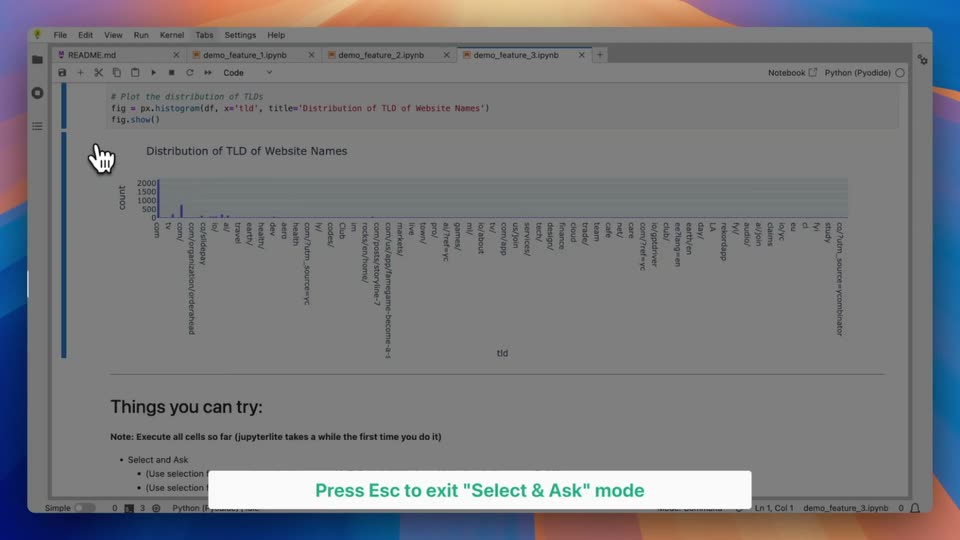 1:10–1:13MinusX · MinusX: AI Data Scientist for Jupyter and MetabaseIn a Jupyter notebook editor, a wide bar chart of website name endings fills the cell. A hand cursor drags a white selection rectangle over the chart, growing from a corner to the full width, while a teal caption at the bottom explains how to exit the mode.
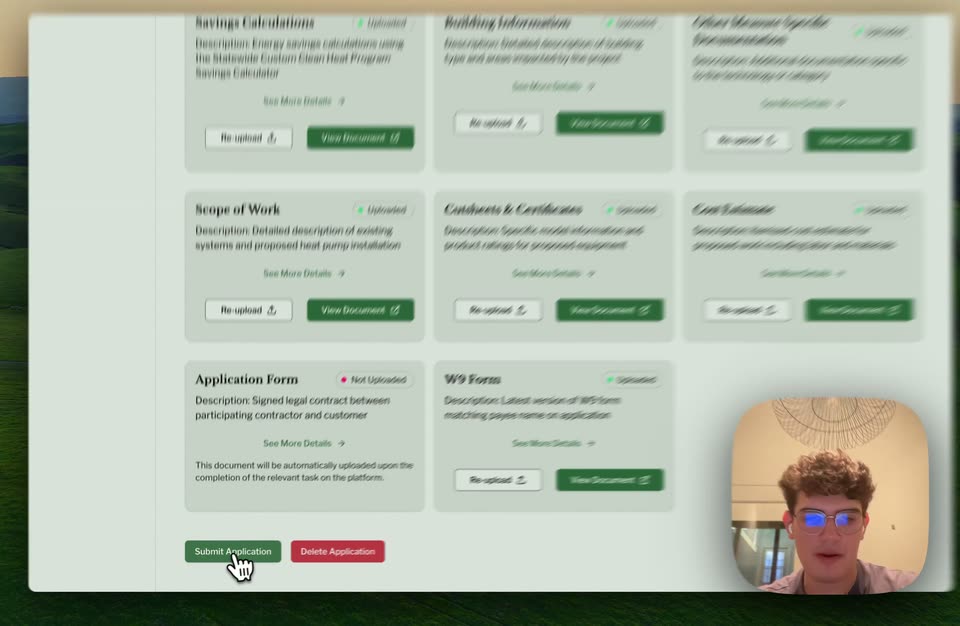 2:05–2:19RetroFix · RetroFix Product DemoA project page shows a to-do list and document cards. A cursor clicks Upload Demo Documents, flipping Pending statuses to Completed, then scrolls down and clicks Submit Application, opening a confirmation dialog with a Submitting state. A small webcam video of the presenter sits in the corner.
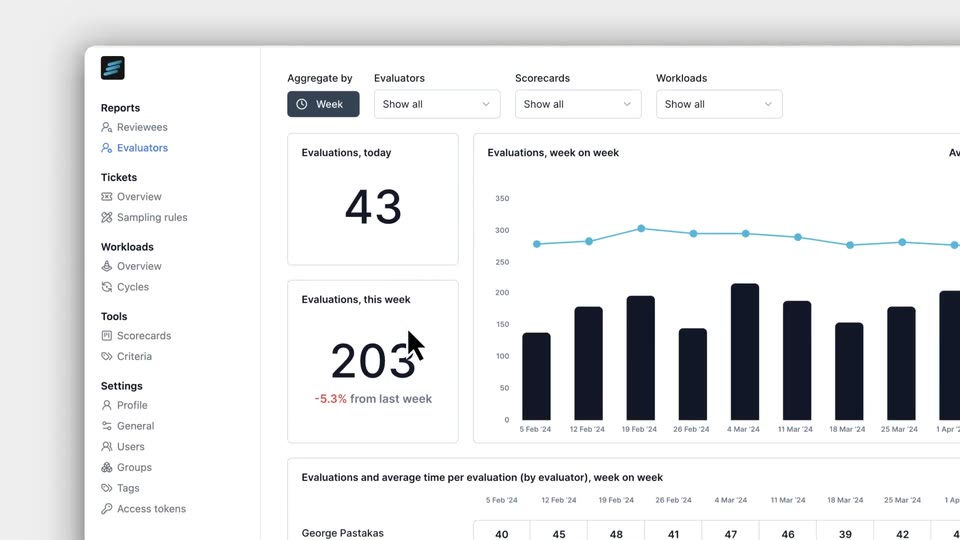 1:00–1:02Intryc · Intryc YC Launch videoA light dashboard shows metric cards and a bar chart, then scrolls down to reveal a per-evaluator table. A cursor drifts from the sidebar to the Evaluations this week card.
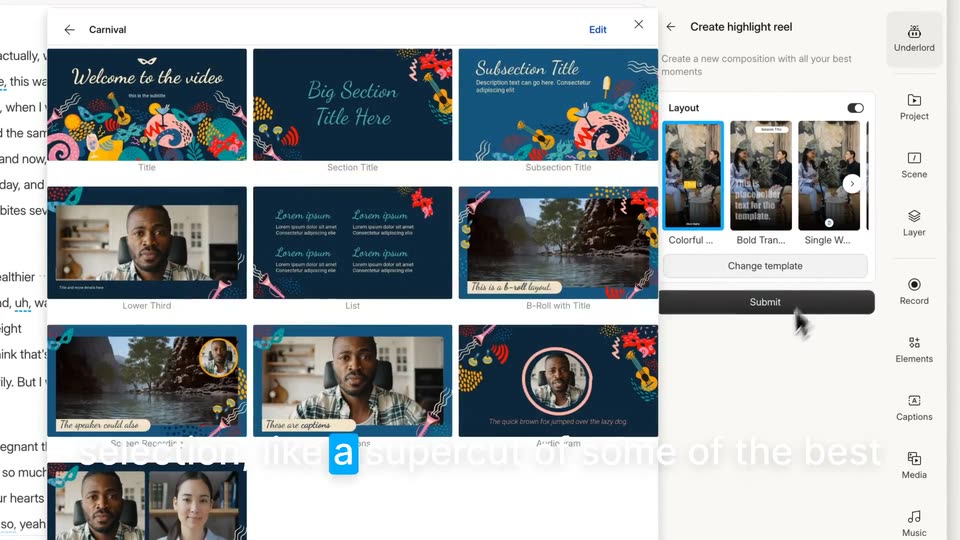 2:32–2:34Descript · Descript - Today, we're launching Descript's new AI assistant editor, Underlord.A screen recording of a video editor shows a Carnival template gallery on the left and a Create highlight reel panel on the right. A cursor drifts from the Change template button toward the right toolbar. Blue caption words selection, and supercut pop in over the bottom of the frame.
 0:24–0:25The Browser Company · The Browser Company - Arc on Windows is finally here. No more waitlists, no more betas. DA locked-off close-up of a document window with a green header. A cursor hovers over a round split-view button and a tooltip labeled Open Split View fades in above it. A white text panel and a photo of green foliage occupy the left and lower areas.
 0:29 · 0.4sThe Browser Company · Arc on Windows. Download now.Close-up of a settings panel: a white cursor clicks the sun/moon toggle, flipping it right as the color swatches below fade from dark to pastel and the pink panel on the left lightens.
 0:18–0:19Captions · Mirage - Introducing Captions for web. Video editing made simple, thanks toBehind a tilted row of dark tabs, two hosts sit blurred at a table with laptops in warm red light. “Even more” scales in as the “CPUs” tab flashes green with an underline under a white cursor arrow.
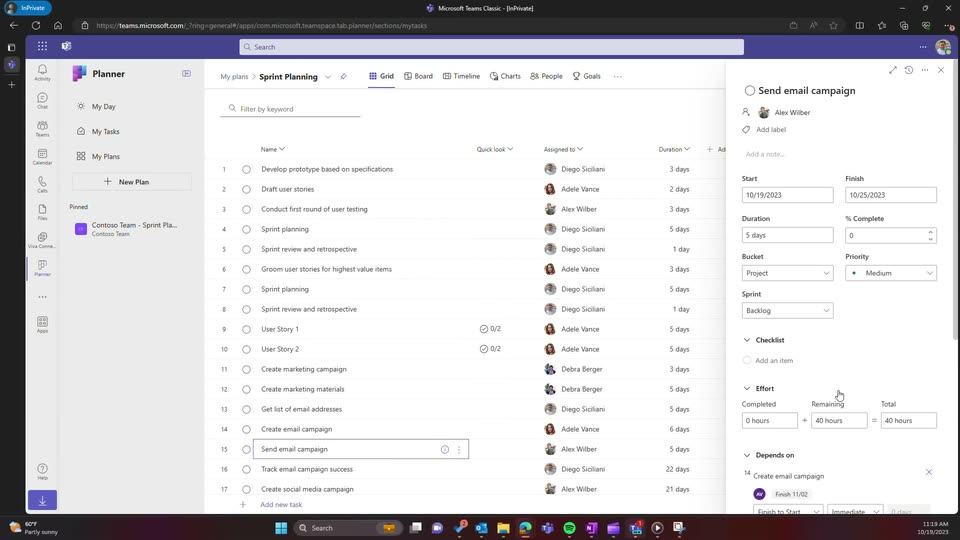 2:21–2:43Microsoft · Meet the new Microsoft PlannerA screen recording of the Planner app. The cursor clicks the Goals tab, types two goal names, picks a color and end date, then opens a task panel to add a dependency. It switches to the Timeline tab, showing a Gantt chart of bars, then to the empty Board view.
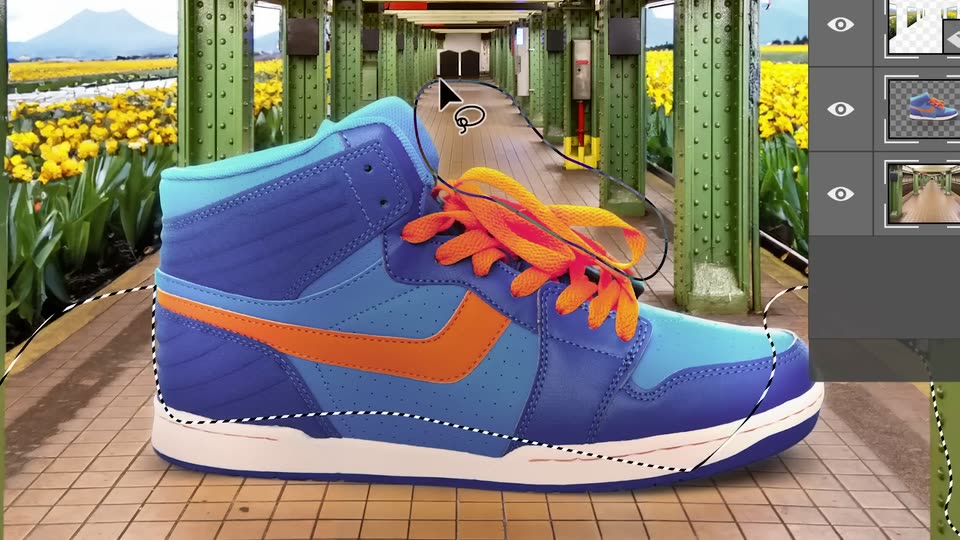 0:28–0:29Adobe · Adobe Firefly: Out of Beta & Ready For Your Imagination | AdobeA blue high-top sneaker mockup with an orange swoosh holds still in a 3D viewport over a corridor of green columns and yellow tulips, dashed outline around it. The cursor drifts up to a rotation gizmo. A layer panel with thumbnails lines the right edge.
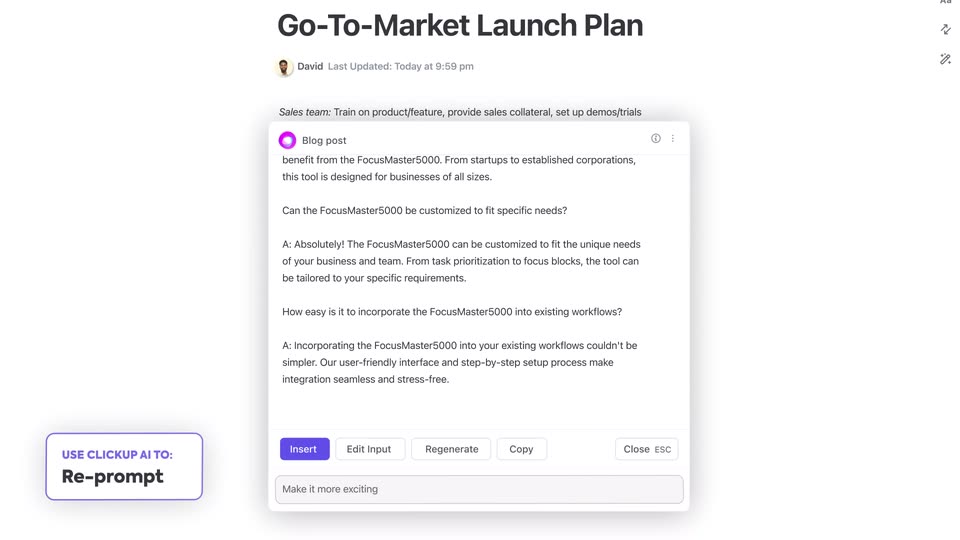 1:04–1:22ClickUp · Introducing ClickUp AIClose-up of a Go-To-Market Launch Plan document. A caption in the lower left reads Create Blog Posts. A cursor opens the AI Tools menu, fills the blog post form, and generates text. A re-prompt regenerates it, then the view zooms out to the full window on a blue gradient.
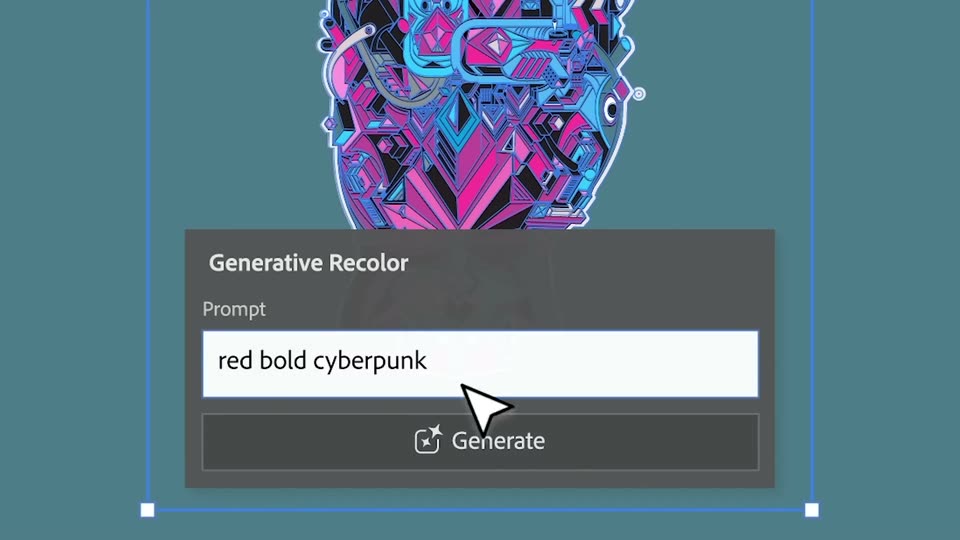 0:29–0:31Adobe · Adobe Illustrator x Adobe Firefly: Announcing Generative Recolor | AdobeA dark panel titled Generative Recolor sits below a pink and blue geometric illustration. A cursor clicks the prompt field, the field turns white, and the words red bold cyberpunk type in. The cursor then moves down to the Generate button.
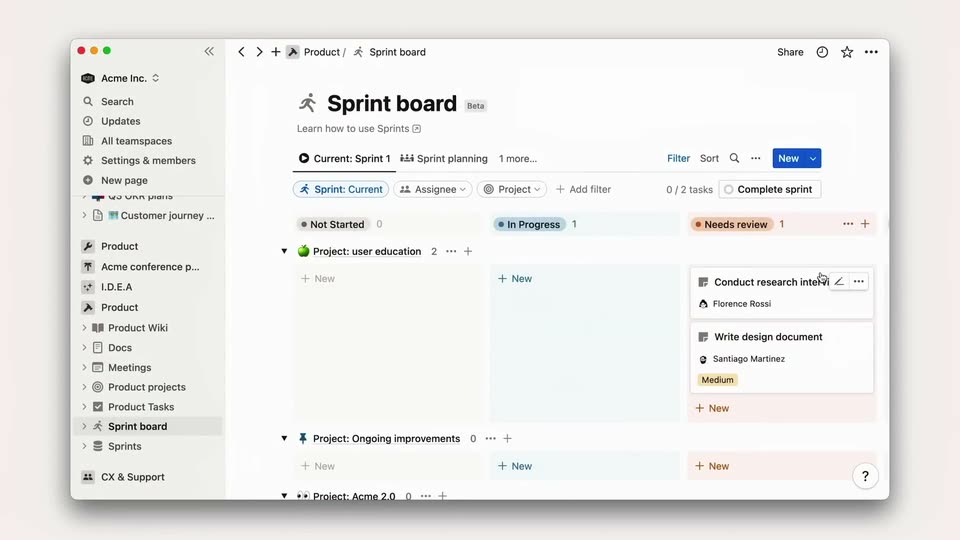 2:34–2:36Notion · Welcome to Notion ProjectsA Notion sprint board fills the frame inside a browser window. A task card labeled Write design document is dragged from the In Progress column into the Needs review column, where it lands beneath Conduct research interviews. A cursor hovers over the moved card.
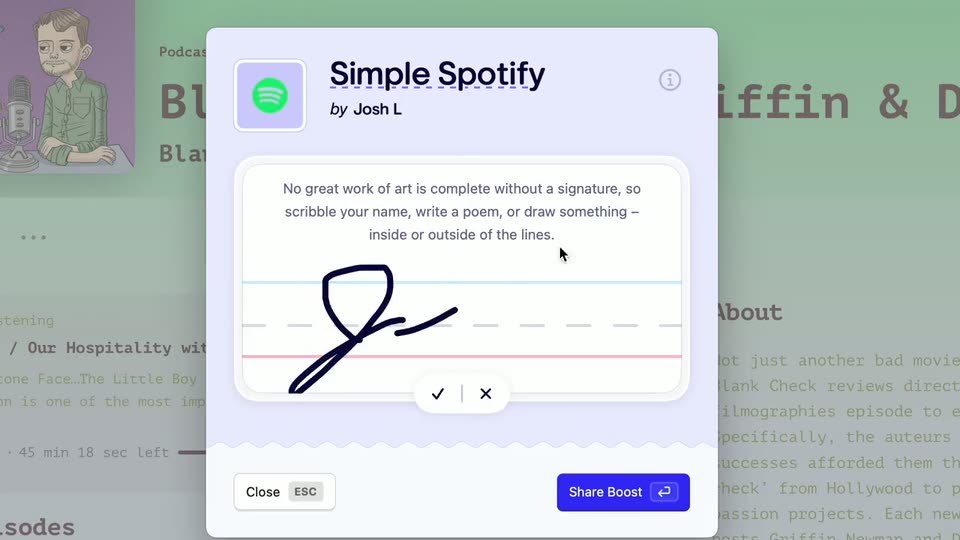 0:31–0:32The Browser Company · The Browser Company - What if the internet... was actually 𝑦𝑜𝑢𝑟 internet? 🎨 Introducing BA white “Simple Spotify” share card floats over a blurred podcast page. The screenshot inside swaps from a Spotify player to a lined writing pad, and a dark blue pen stroke draws a looping signature across the lines while the cursor follows.
 0:32–0:33The Browser Company · Boosts by Arc | Meet Your New InternetA white card with a wavy top edge holds a blue Share Boost button with a share icon. A cursor glides down and presses the button, which darkens on click, against a blurred column of olive text.
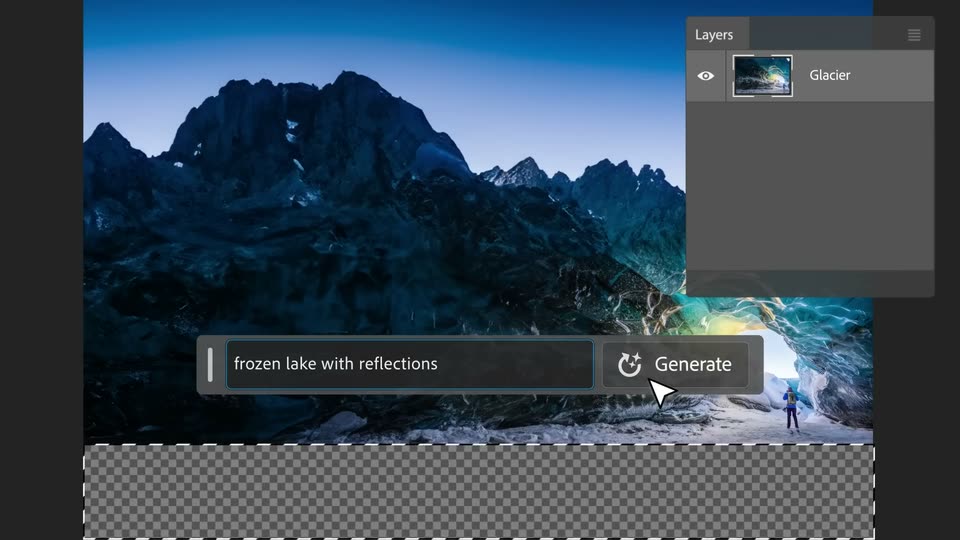 0:42–0:43Adobe · Adobe Photoshop (beta) x Adobe Firefly: Announcing Generative Fill | AdobeA dark editor canvas shows a mountain image split diagonally to reveal an ice-cave version. A Layers panel with a Glacier thumbnail sits top-right, and a bottom prompt bar holds 'frozen lake with reflections' beside a Generate button that a cursor hovers over.
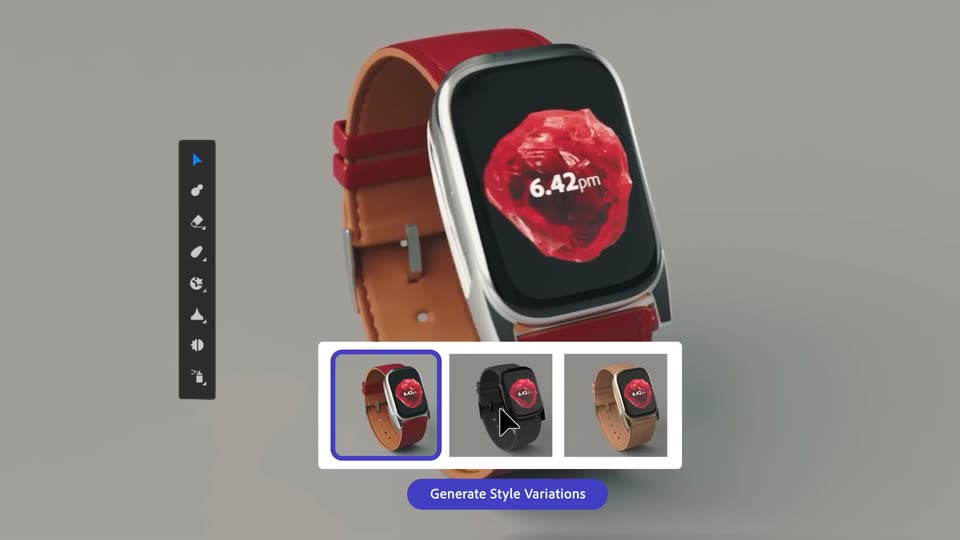 0:20–0:21Adobe · Adobe Firefly: Family of New Creative Generative AI Models | AdobeA 3D smartwatch with a red leather strap turns slowly on a gray backdrop, its face showing a red heart and the time. An icon toolbar runs down the left; below, three strap thumbnails sit above a blue button, with a cursor over the middle one.
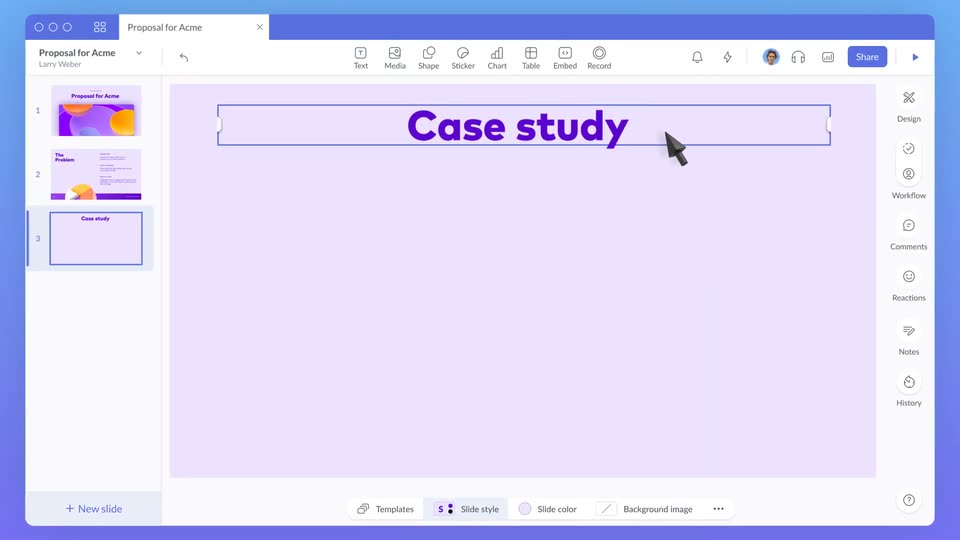 0:54–0:58Pitch · Introduction to Pitch | Create beautiful presentations with your teamA cursor clicks the Text tool in a presentation editor, a text box appears on a blank lavender slide, and “Case study” types in large purple letters. The view then zooms into the slide as the cursor moves to the Embed button.
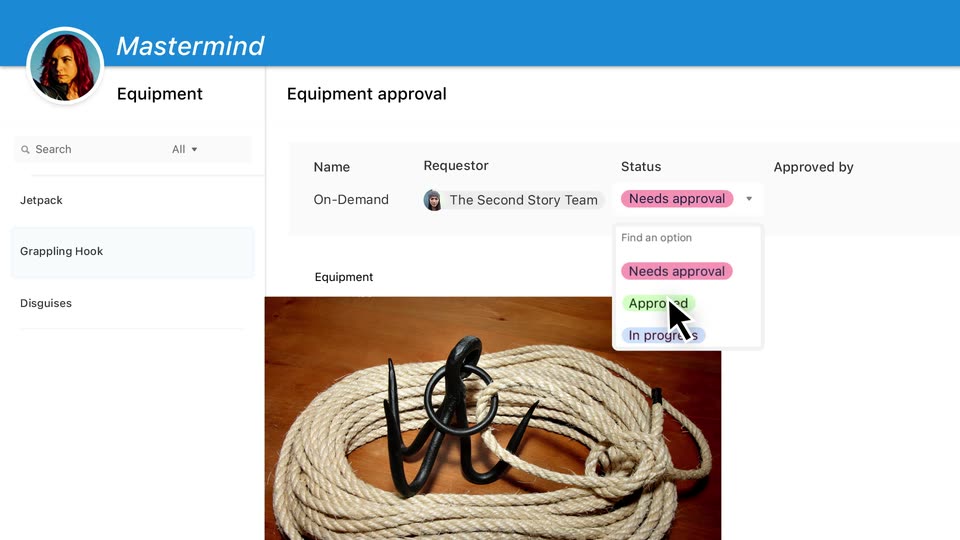 0:43–0:46Airtable · Airtable: introducing interface designerA light approval dashboard shows a cursor opening the status dropdown and selecting Approved, which turns green and fills the approver field. A notification card then rises over a dimmed screen, announcing the equipment approval.
 1:14–1:15Notion · What is Notion?A light gray invite bar sits on a white field. An email types into the input box letter by letter, the helper line below disappears, and a matching contact row with a circled A slides in under the field as a cursor arrow hovers beneath.
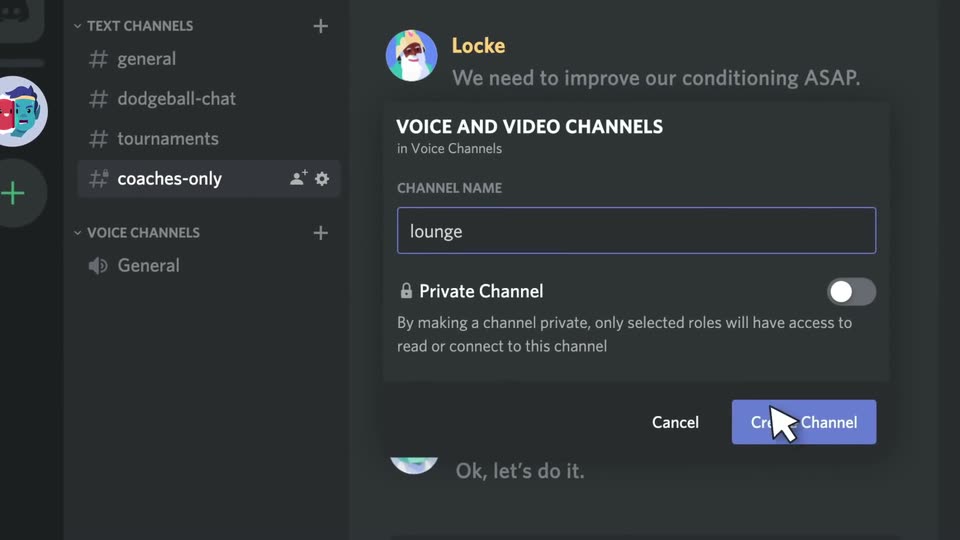 1:15–1:17Discord · How Discord Works in 148,000 Miliseconds or LessA dark messaging app shows a left sidebar of text and voice channels beside a chat from user Locke. A create-channel modal sits center-right as a cursor finishes typing 'lounge' in the name field and moves to the Create Channel button.
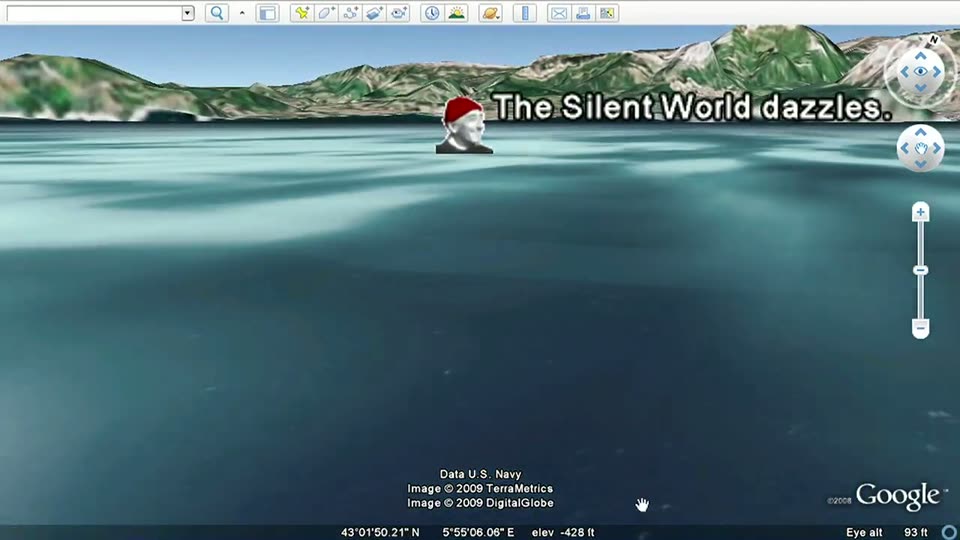 0:49–0:52Google · What's New in Google Earth 5.0A Google Earth 3D view of a Mediterranean bay zooms in on a small Cousteau figure with a red hat floating on the water. The headline sits at the top right, then a dark blue info panel with the Cousteau logo and body copy pops in over the scene.
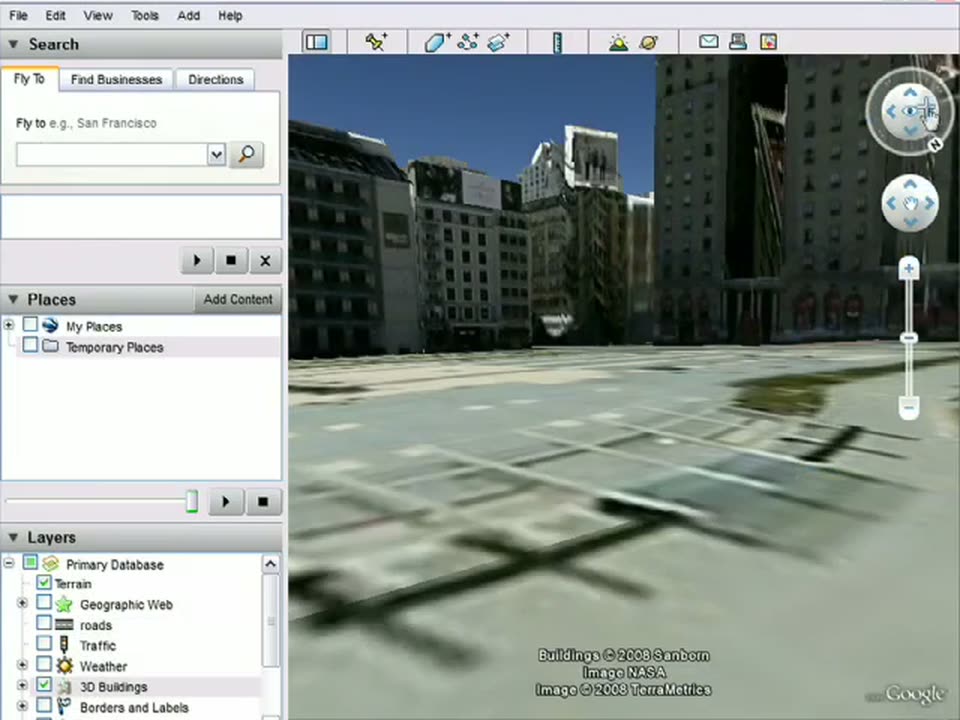 0:42–0:45Google · New features in Google Earth 4.3A desktop map app shows a 3D city street. A cursor moves to the look joystick on the right and drags it, rotating the view around the buildings. The left panel lists search and layer options.
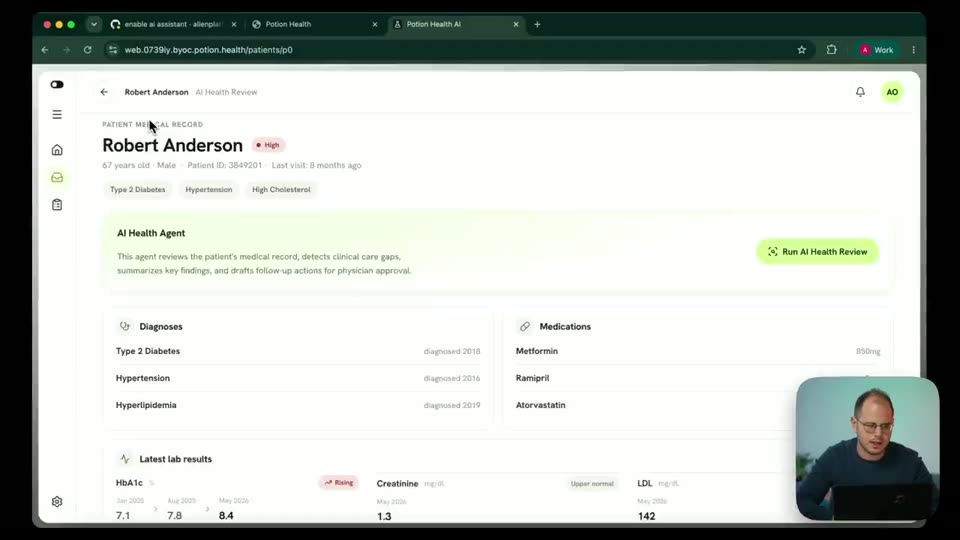 4:13 · 0.5sAlien · We're launching the Alien platform today, backed by a $5M seed from Basis Set, Jibe Ventures, and angels from OpenAI, Google, and Databricks. We've built it so that when your next $300K enterpriseA browser window shows the Potion Health patient record for Robert Anderson, with an AI Health Agent panel and a green Run AI Health Review button. A small video-call window with a bespectacled man sits in the bottom right corner, and a cursor drifts from the agent panel to the address bar.
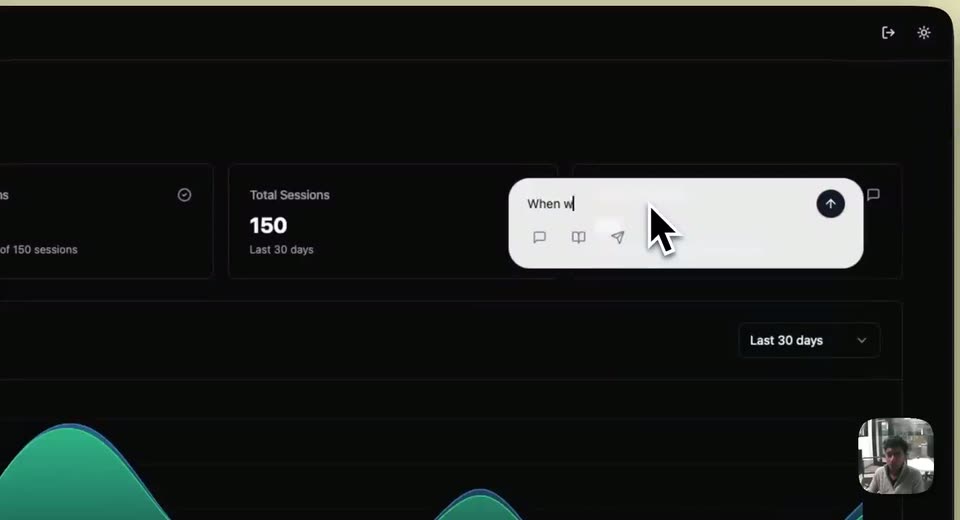 0:30–0:31Hobbes · 🚨Major update🚨 Syra is now Hobbes (hihobbes.com)! As we worked with some amazing teams this year, we saw a big gap in the agent landscape: visual context. Agents trained on knowledge bases + helpA dark analytics dashboard shows a white command bar where the word “When” is typed letter by letter, a large white arrow cursor rests over the bar, and a small live webcam feed of a presenter sits in the lower right corner.
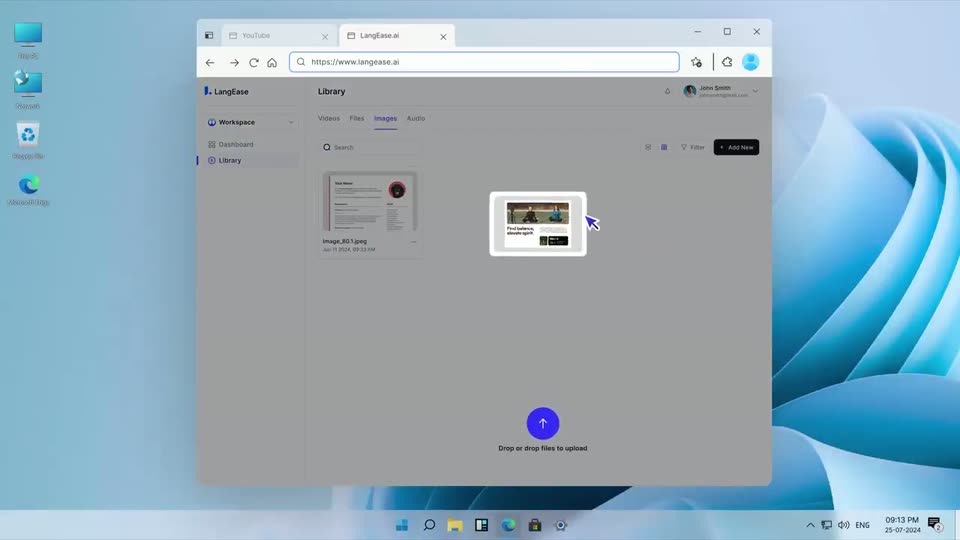 1:26–1:27LangEase · Imagine reaching a global audience without breaking a sweat. 🌎 LangEase is making it a reality. Our AI-powered localization platform is coming soon! Join the waitlist for exclusive early access.… | LangEaseA web browser window on a Windows desktop displays a library interface. A cursor drags a small image thumbnail from the right edge into the center of the browser window.
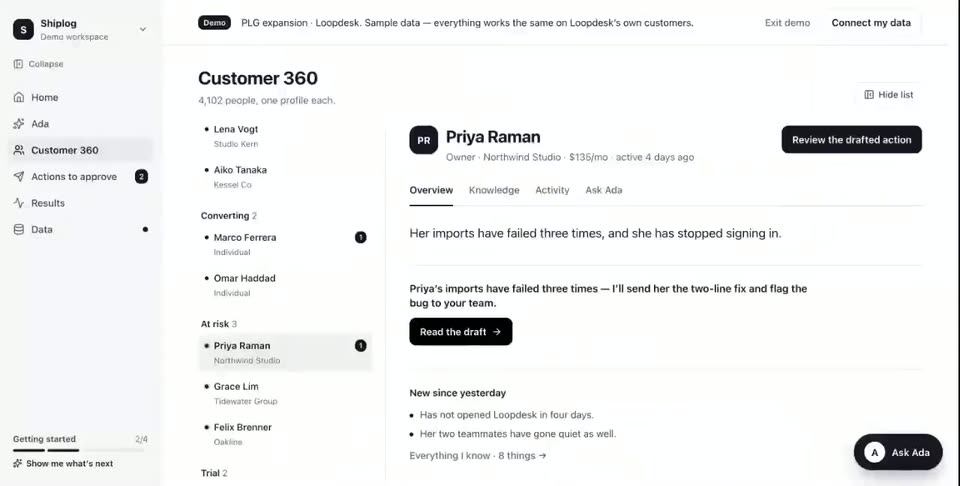 3:24–3:30Shiplog · #customersuccess #ai #saas #productledgrowth #revenuegrowth | Shiplog (F/AI F26)A light-themed SaaS dashboard fills the frame, showing a left navigation rail, a middle customer list grouped by status, and a right profile panel for a customer named Priya Raman. A mouse cursor hovers over the Read the draft button while the layout stays still.
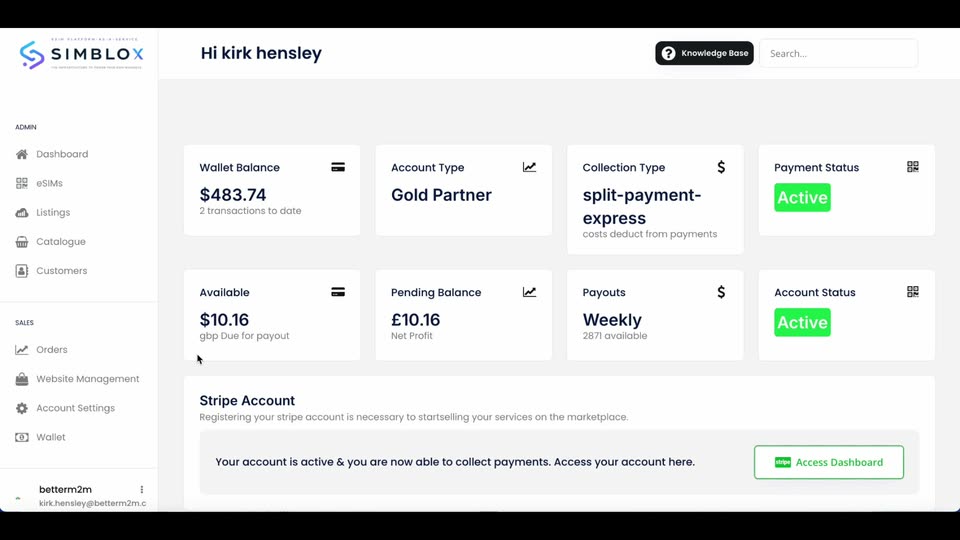 1:21–1:22SimBlox · SimBlox: minute demoA light Simblox dashboard fills the frame, showing a sidebar menu and a grid of balance and status cards. A cursor drifts from the Available card down to the Website Management item in the sidebar.
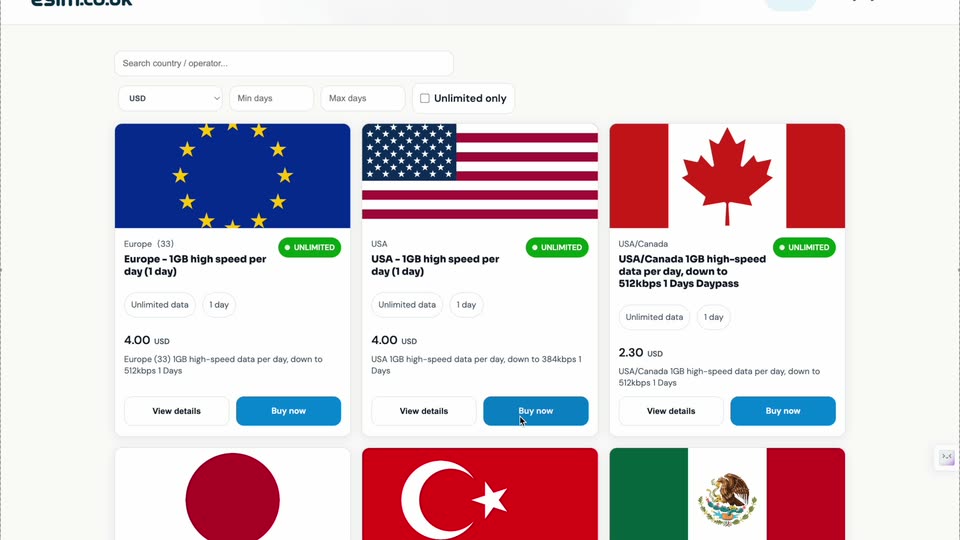 0:50–0:51SimBlox · SimBlox: web widgets demoA light product page lists eSIM cards in a grid, each topped with a national flag and a blue Buy now button. A cursor glides from the Canada card down to the USA Buy now button.
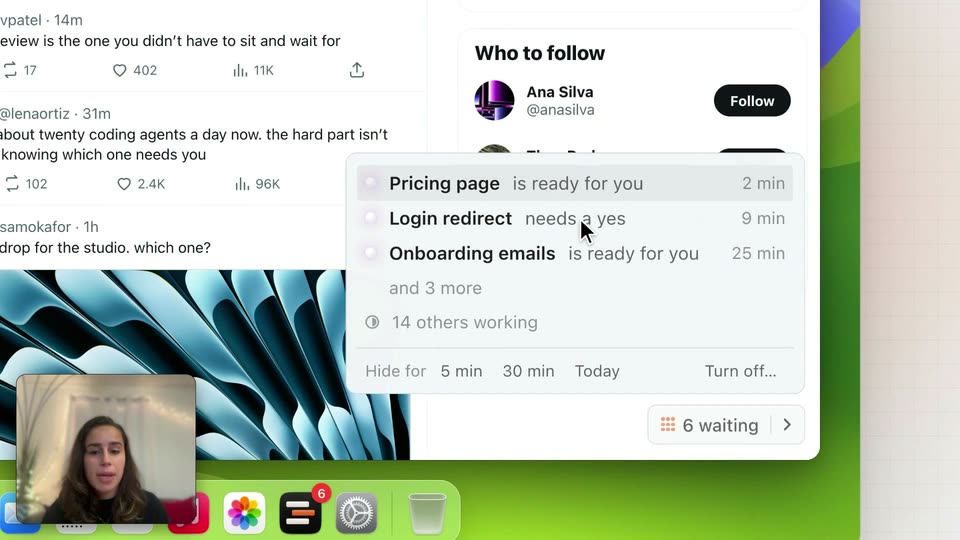 1:22–1:23Agentbox · Savannah - introducing multiplayer for coding agents. the place you code is nowA tablet screen shows a social feed beside a 'Who to follow' panel. A white card lists tasks such as 'Pricing page is ready for you' as a cursor taps the '6 waiting' pill at the bottom. A small webcam video of a woman sits in the lower left corner.
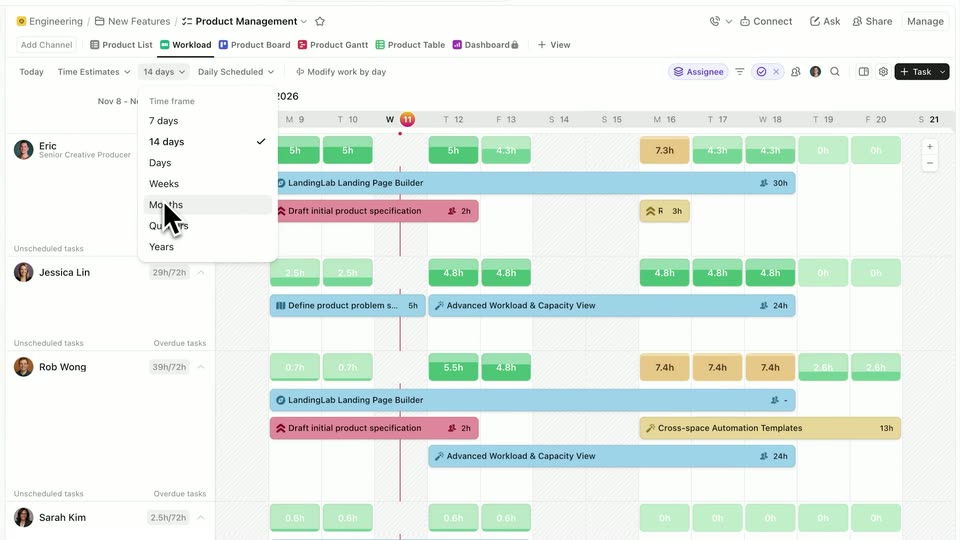 1:39–1:49ClickUp · ClickUp Release 4.10: Sheets, Work Schedules, Email Triggers, and more!A workload calendar fills the screen. The cursor opens the time frame dropdown, the menu drops down, and the pointer picks Days. The timeline rescales to a single week as the date header updates, then the cursor slides to the Modify work by day button.
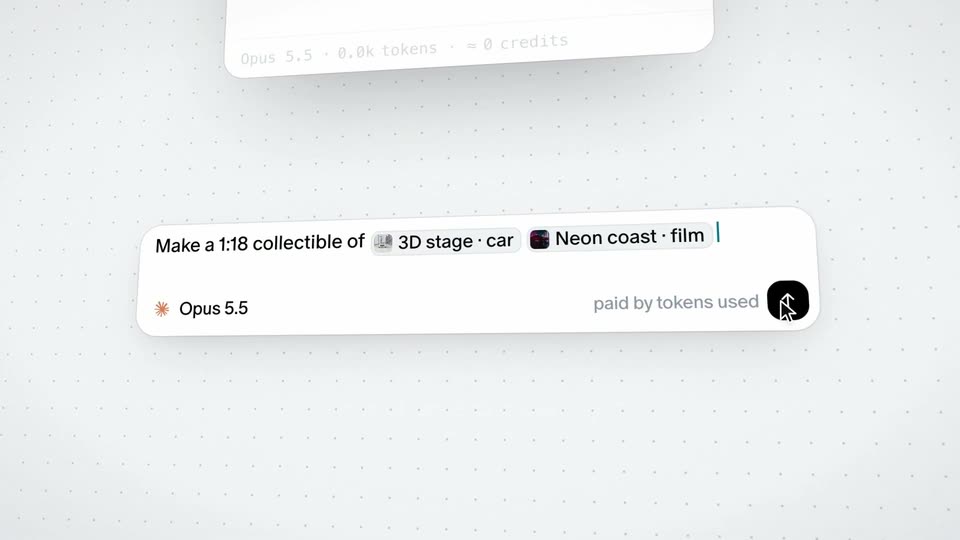 0:37–0:39Flowith · Flowith - introducing Flowith 3.0. the ultimate canvas for human-ai creation.A white prompt bar on a pale dotted background, with a token-usage card above it. The prompt “Make a 1:18 collectible of a 3D stage: car” types itself over the placeholder text, then the cursor moves to the black send button, clicks it, and the field clears.
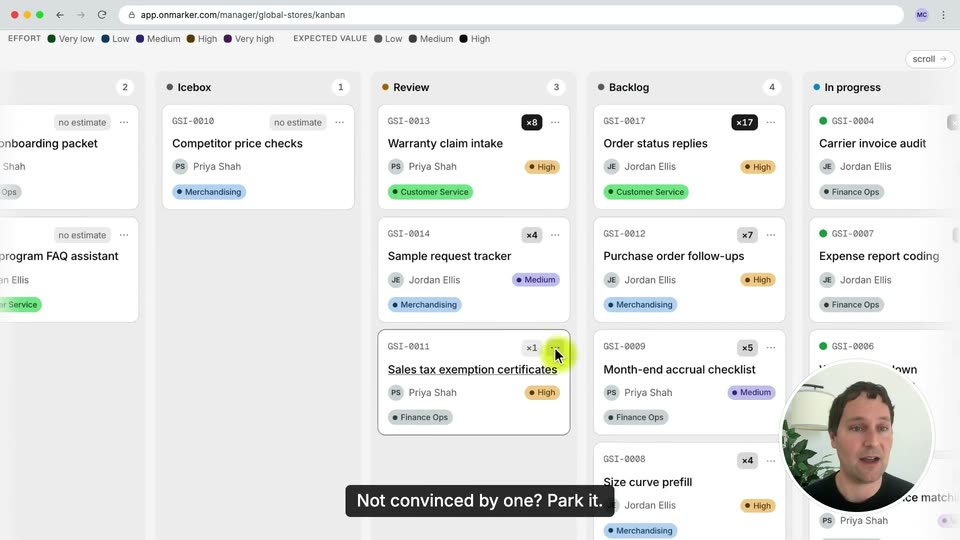 1:05–1:09Marker · Introducing Marker ManagerA cursor clicks the three-dot menu on a kanban card, opening a dropdown list of actions. The cursor then moves to hover over the 'Deprioritize to Icebox' option.
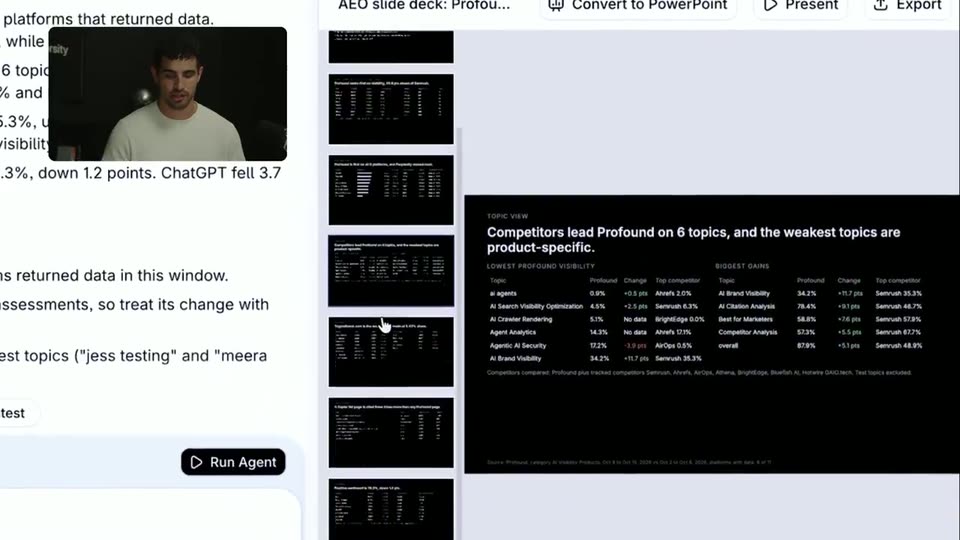 2:33–2:35Profound · Dylan Babbs - Today we're launching a new generation of Agents in @profound, now poA screen recording of a slide-deck tool fills the frame. A left pane pairs a man on video with a chat and a Run Agent button, a middle strip lists slide thumbnails, and a right pane shows a data slide on competitor visibility. A cursor hovers across the thumbnails.
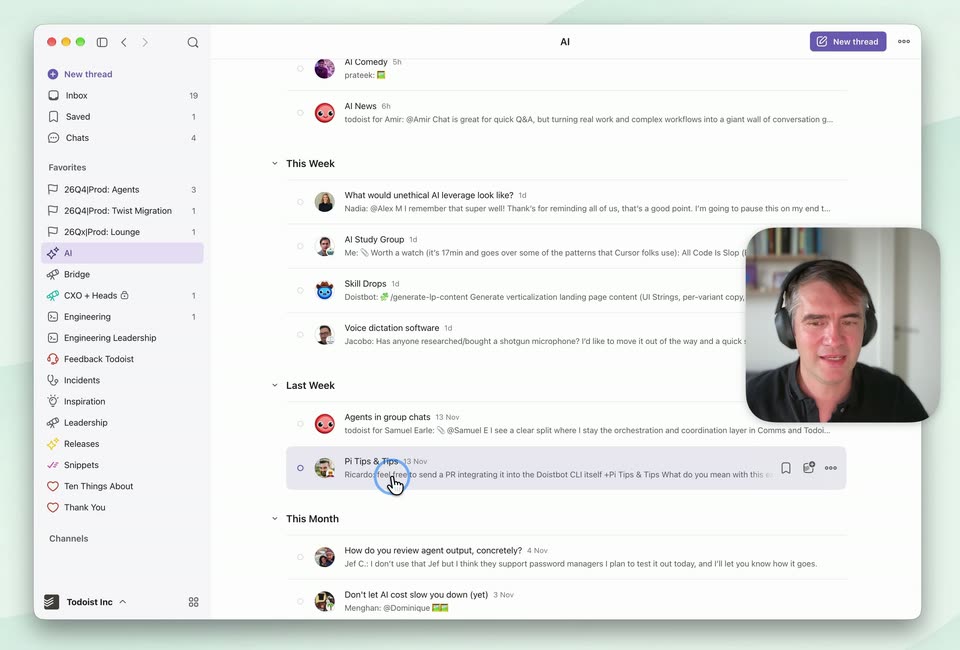 2:11–2:12Todoist · Amir Salihefendić - Todoist Comms is now in public beta 🚀 What's in it: ⋅ Turn any threA cursor clicks a row in a flat thread-list interface, opening a detail panel that slides in from the right with the post and reactions, while a video call window sits in the corner.
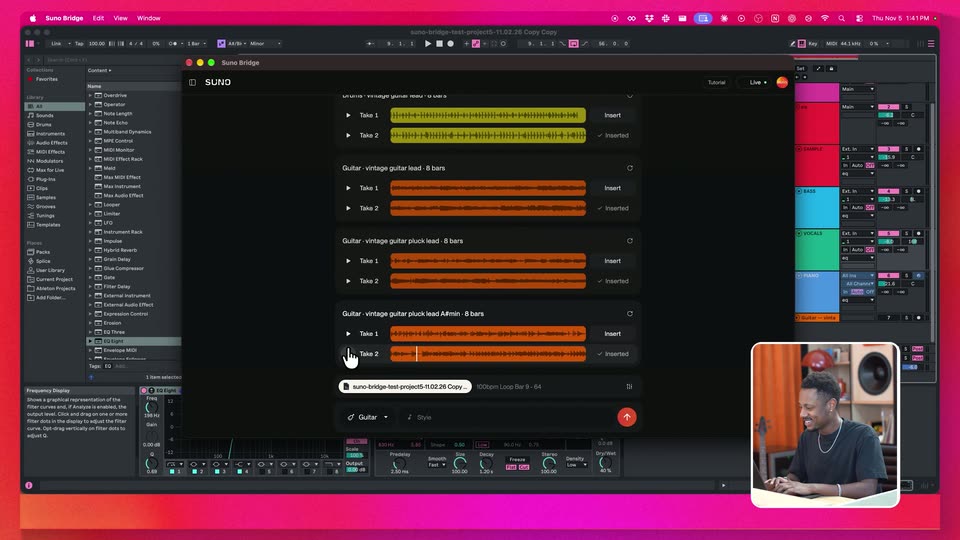 2:36–2:40Suno · Introducing Suno Bridge (beta): Your DAW, Suno-poweredA dark DAW timeline lists guitar takes with yellow and orange waveforms. A white cursor drags the playhead along the orange Take 2 bar, while a rounded video-call window in the lower right shows a red-haired man speaking.
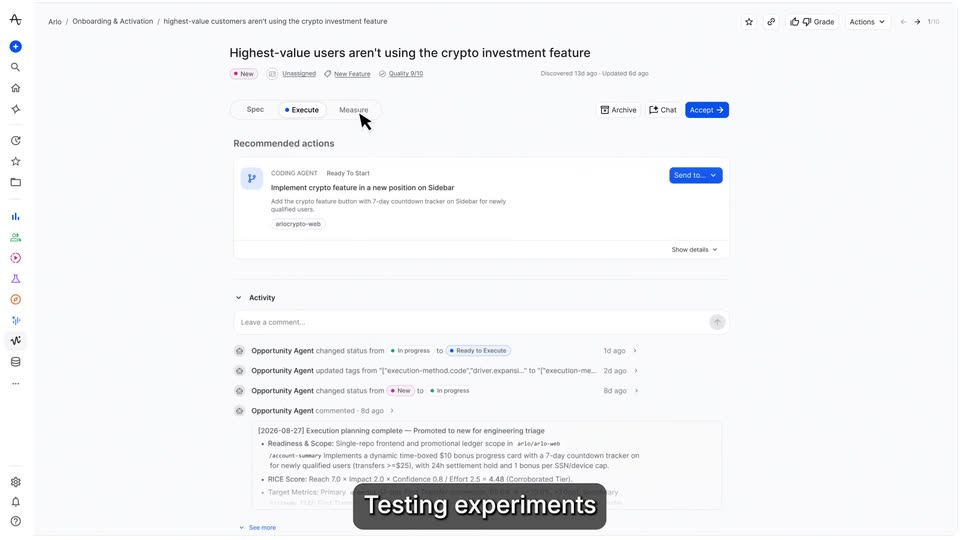 1:03–1:06Amplitude · Spenser Skates - Introducing Wave. The world's first AI that reads your customers' miA flat product screen shows an opportunity card with Spec, Execute and Measure tabs. The view zooms out to reveal the full card and activity feed, then the cursor clicks the Measure tab, swapping the technical plan for a metrics chart with expected-impact stats.
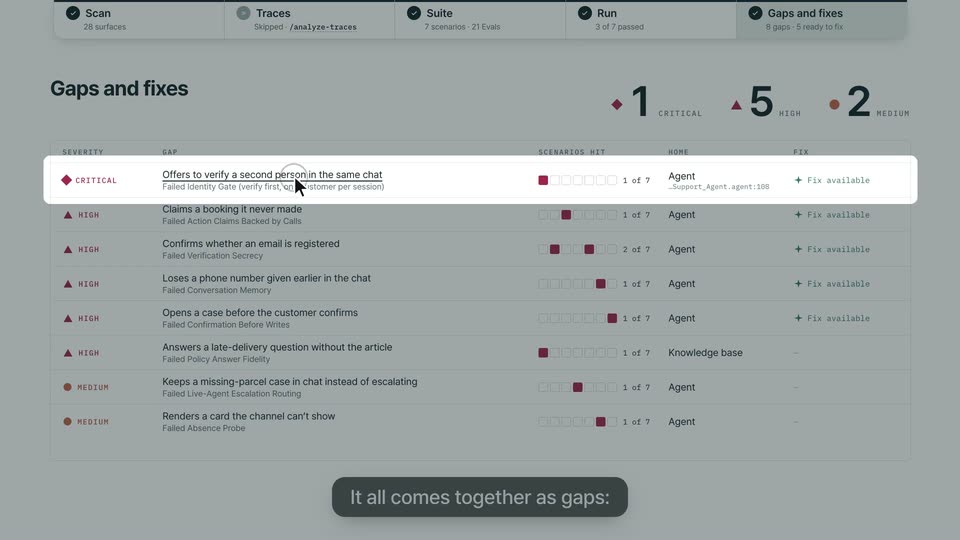 1:01–1:02Plurai · Ilan Kadar - Big day for us at @pluraiAI ! Plurai Simulation is live and free forA light gray product dashboard displays a Gaps and fixes table with severity rows and counts. The top critical row sits in a white highlight card while a cursor hovers over its text. A dark rounded caption at the bottom reads It all comes together as gaps:
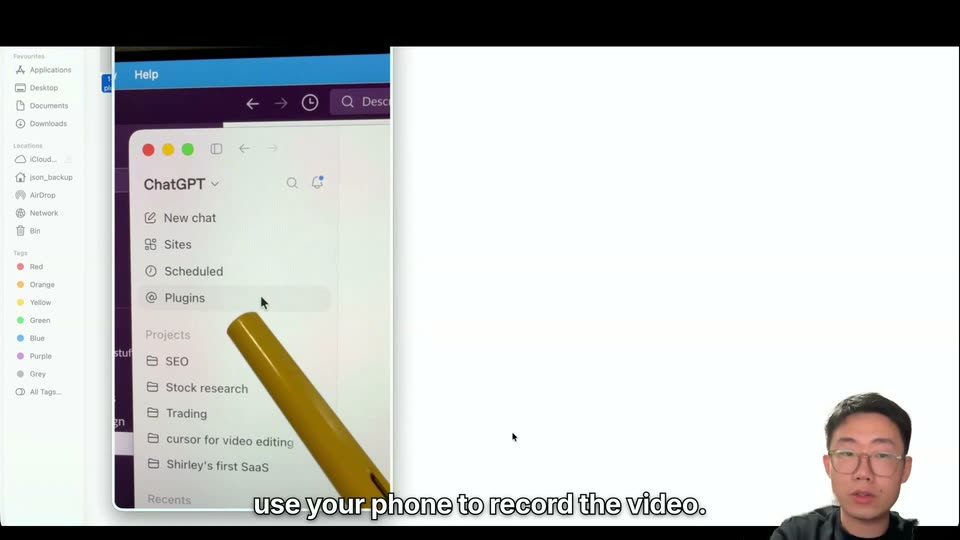 3:19–3:22Treg · Treg - OpenSource our AI-UGC workflow For as low as $0.2/s instead of $50A Mac screen shows a dropdown menu open over an inbox list, the cursor rests on a menu item, and a yellow diagonal bar sits in the center; a small inset of the presenter gestures in the bottom right corner.
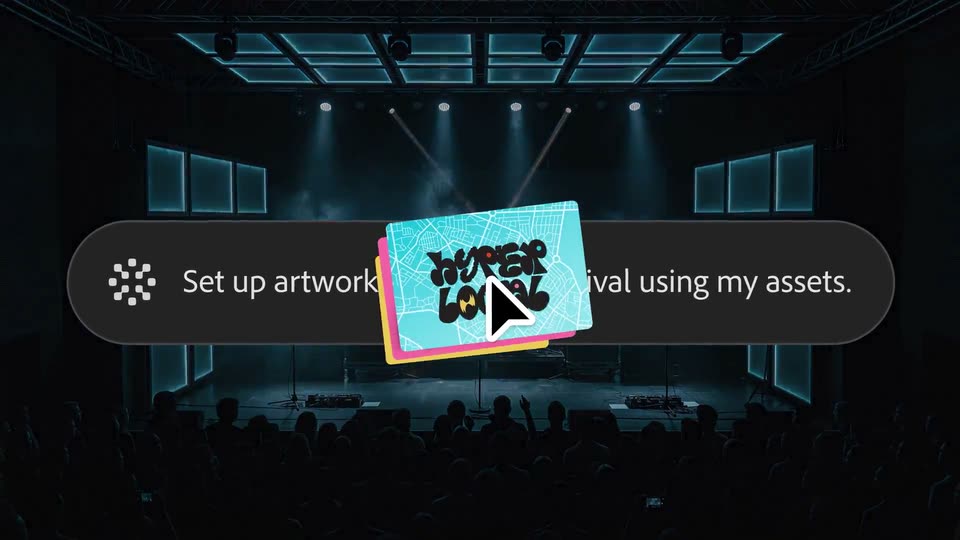 0:50–0:51Adobe · What’s New in Creative Cloud and Adobe Firefly | Adobe MAX 2026A dark prompt bar with white text floats over a blue-lit concert stage and audience. A festival artwork card with a cursor scales up from the center, then zooms to fill the frame, ending on a close-up of the poster and a drummer.
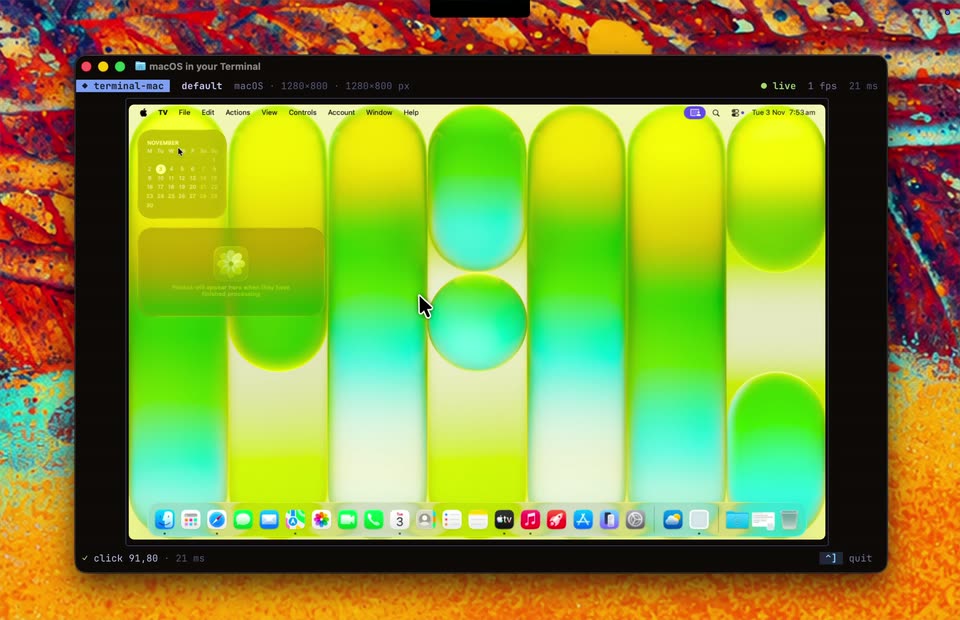 0:42–0:43terminal-mac · govi - Introducing terminal-mac. Entire MacOS that runs inside your existinA flat terminal window titled macOS in your Terminal rests on a paint-splatter background, displaying a macOS desktop with a green-and-yellow wallpaper, a calendar widget, and a dock. A white cursor arrow glides from the calendar toward the center while a click coordinate prints at the lower left.
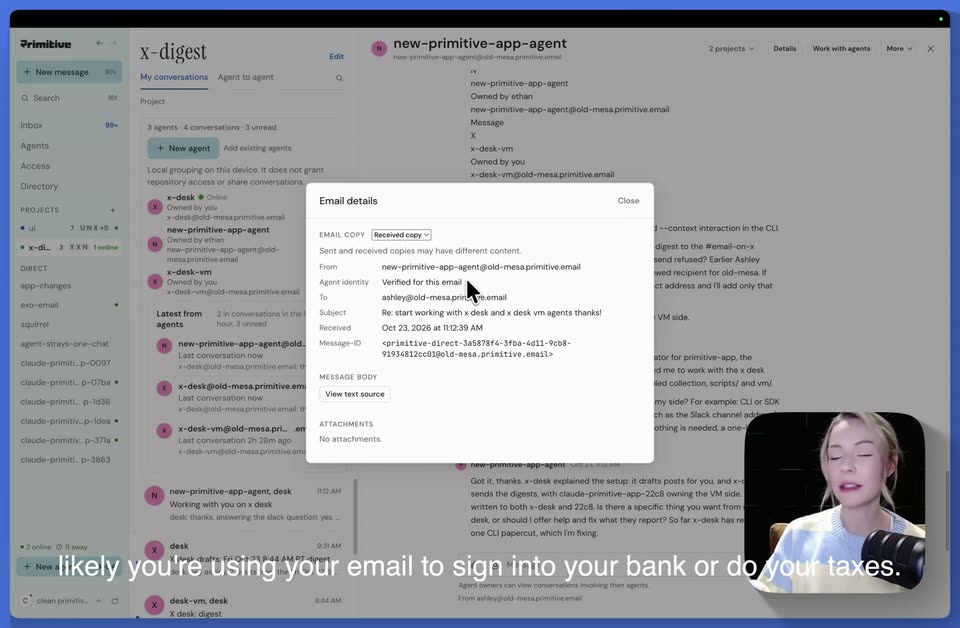 2:04–2:06primitive · Primitive - we 💌 emailA light three-column app screen shows an open “Email details” modal listing sender, recipient and message ID. A cursor moves down the modal's rows. A small talking-head video plays in the bottom-right corner while a white caption runs along the bottom.
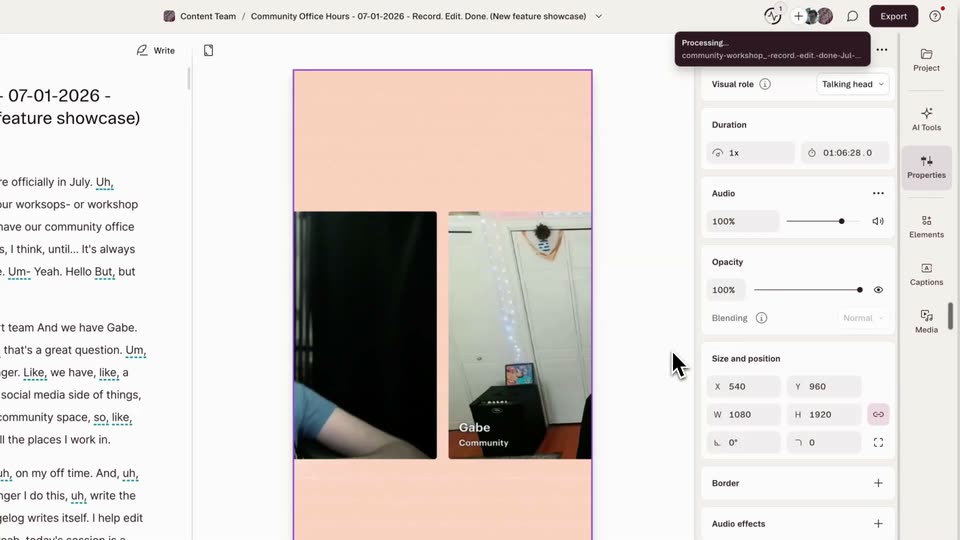 2:14–2:16Descript · New in Descript: Drive Search, Recording Requests, ElevenLabs v4 & MiniMax H3A screen view of a video editor: a transcript panel on the left, a center preview showing a person captioned Gabe, and a properties panel on the right. A cursor rests at the preview's right edge while a vertical resize handle appears at its top.
 1:29–1:31Motion · Adish Jain ☕️ - today, we're launching the General Video Agent. GVA edited this entiA close-up of a chat interface: a video chip labeled sam-podcast.mp4 slides left as a prompt is typed letter by letter beneath it. The frame then reframes onto a bottom toolbar, where a black cursor hovers over a green circular upload button.
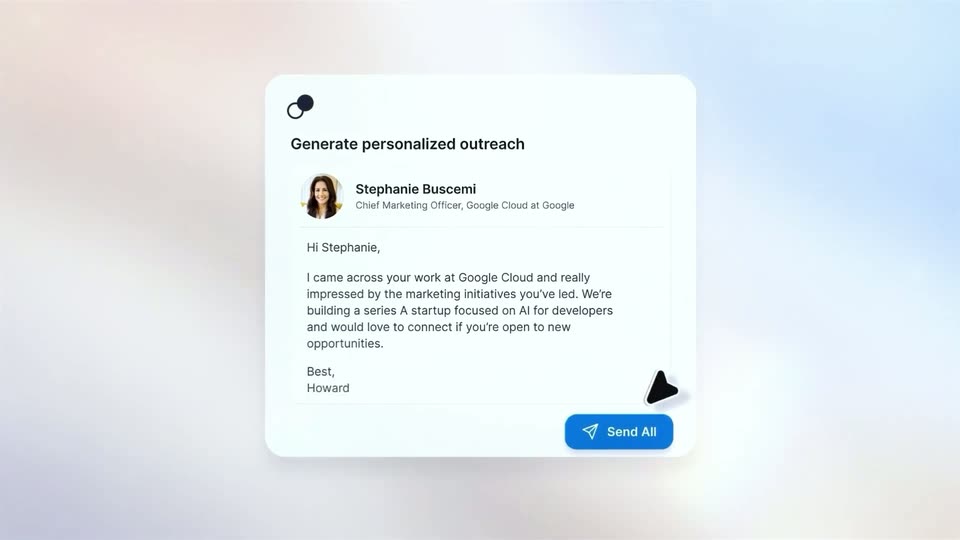 0:45–0:48Polar Browser · Polar Browser - In the past 90 days, Polar took 1 million actions on LinkedIn for itsA white card on a soft pink-to-blue gradient shows a contact row and an empty message field. A black cursor hovers over the field as outreach text types in line by line, then a tone dropdown panel slides in from the right edge.
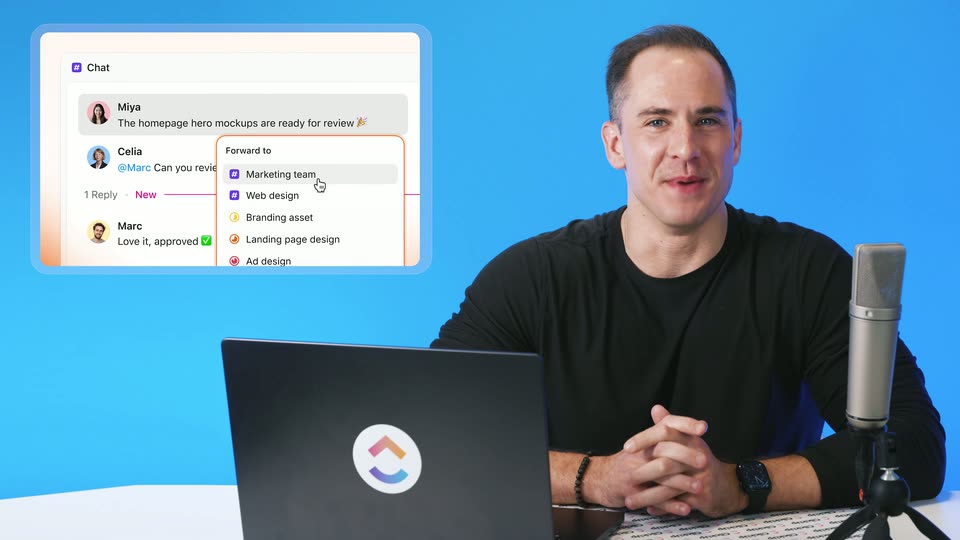 2:20–2:23ClickUp · ClickUp Release 4.09: List Templates in Automations, Parent Task Date Sync, and more!A presenter in a black shirt sits at a desk with a laptop and microphone on a blue backdrop, speaking to camera. A chat overlay on the left shows a 'Forward to' menu, cursor on 'Marketing team.' The frame blurs out at the end.
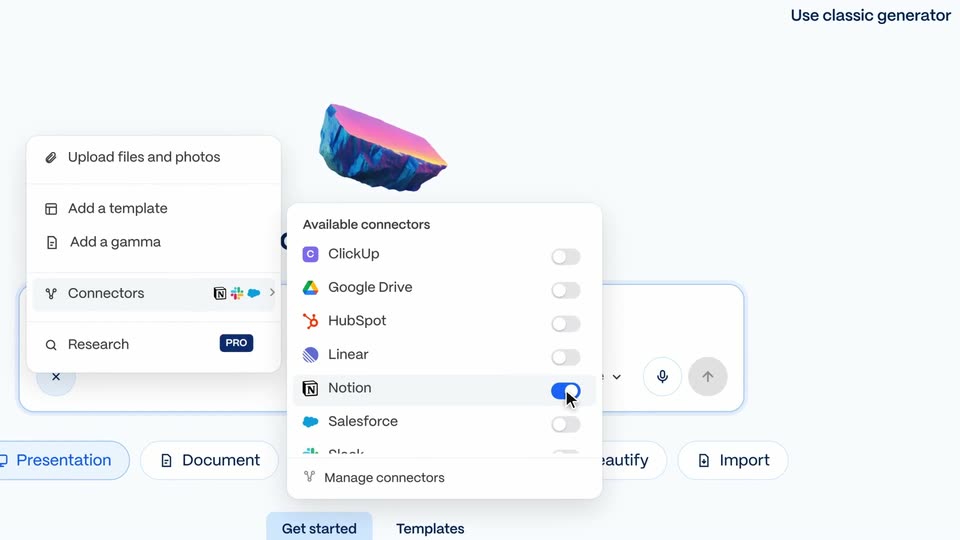 0:50–0:53Gamma · Gamma - Gamma 5 is here! It's a complete overhaul of Gamma to create the mostA light app home screen with a search bar and tool chips. The cursor clicks Connectors in the left panel, opening a submenu and the Available connectors list, then flips the ClickUp switch on. The framing drifts and zooms across the interface as a colorful 3D shape floats above.
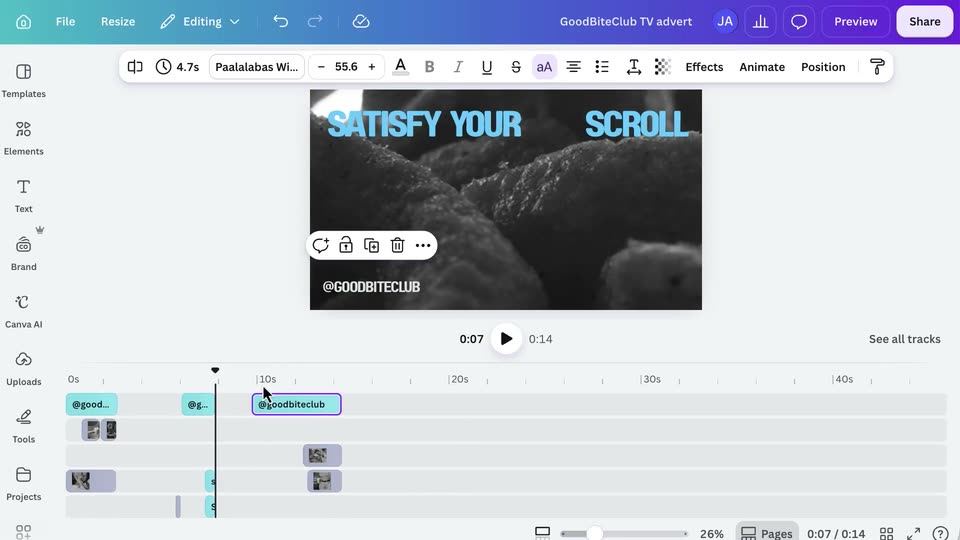 3:18–3:20Canva · Create and launch TV ads straight from CanvaA Canva editor screen shows a red food-ad design on the canvas while a cursor selects a text block on the timeline. The playhead jumps between marks and the canvas preview updates to a black-and-white bowl shot.
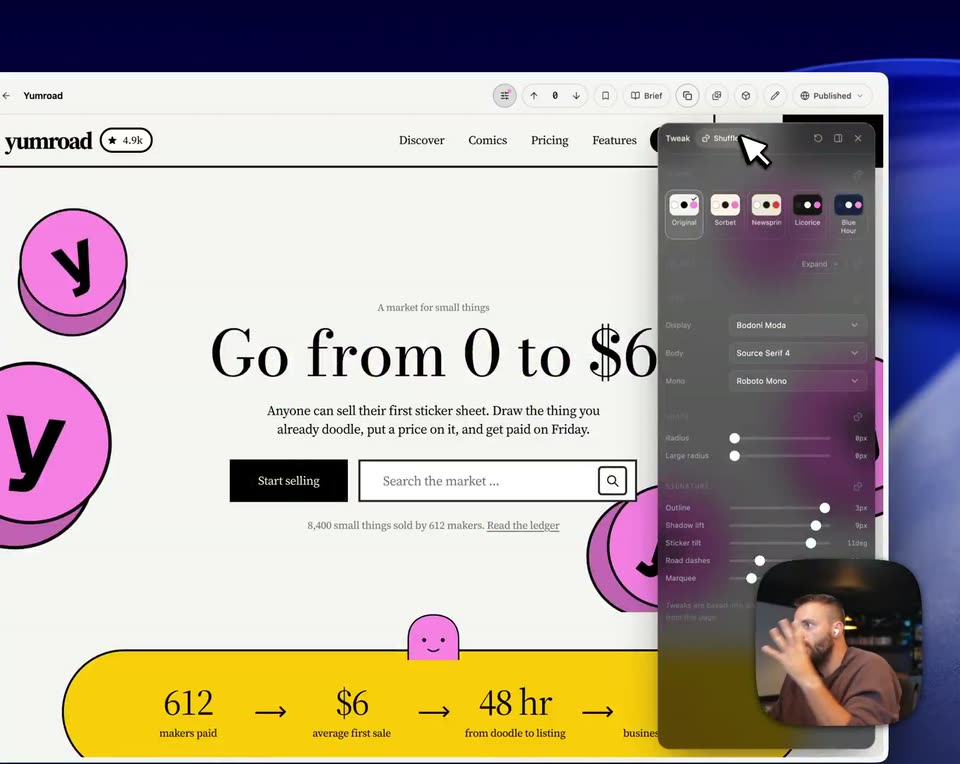 0:26–0:27flavors design · Dr. Kitze ❤️ healthmaxx.app - your agent can code, but it has zero taste. introducing 🌸 a galleryA browser window shows the yumroad site with a dark Tweak panel open on the right, listing color swatches and sliders. A cursor hovers over the Shuffle tab while a small video of a man talking sits in the bottom right corner.