Cursor demo
A visible cursor operates the interface.
14,884 scenes · page 238 of 249
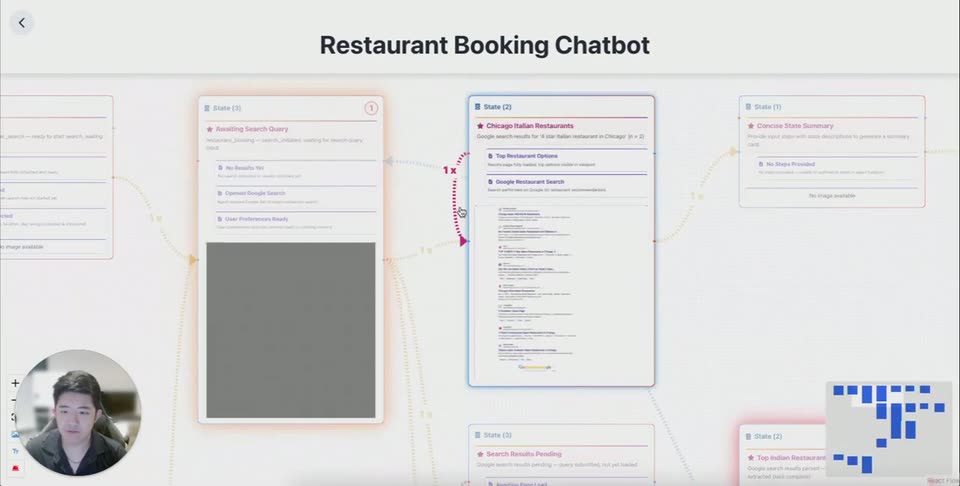 3:06–3:10Lucidic AI · Lucidic HN DemoA whiteboard diagram of the chatbot flow shows state cards linked by dashed orange and blue lines. The view zooms in to reframe on the cards, a red glow highlights one card, and a cursor moves across the connectors. A small webcam of the presenter sits in the lower left.
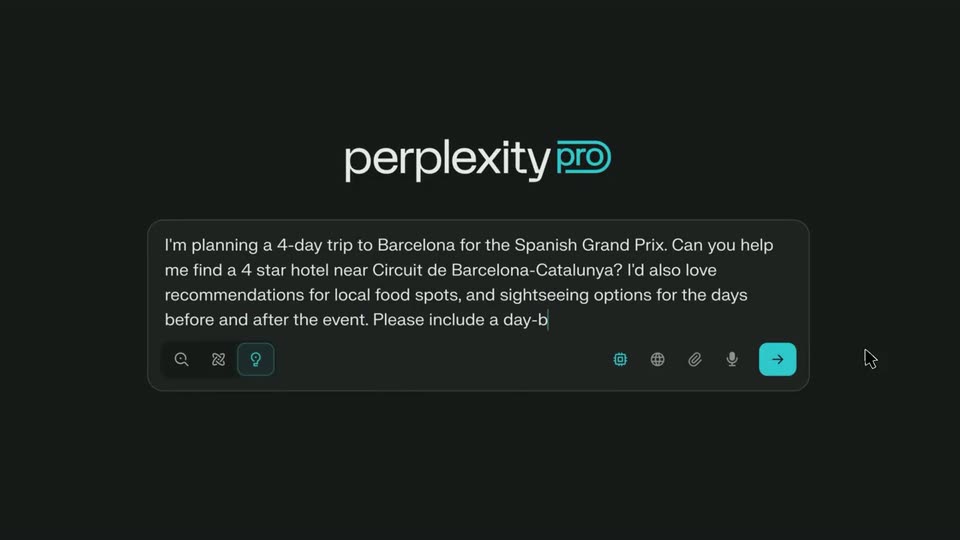 1:13–1:21Perplexity · Perplexity - Today we're launching Perplexity Labs. Labs is for your more complexA dark prompt field types out a long travel query about a Barcelona trip, the box stretching taller as new lines fill. The perplexity pro logo sits static above, and a white arrow cursor drifts in to press the teal send button.
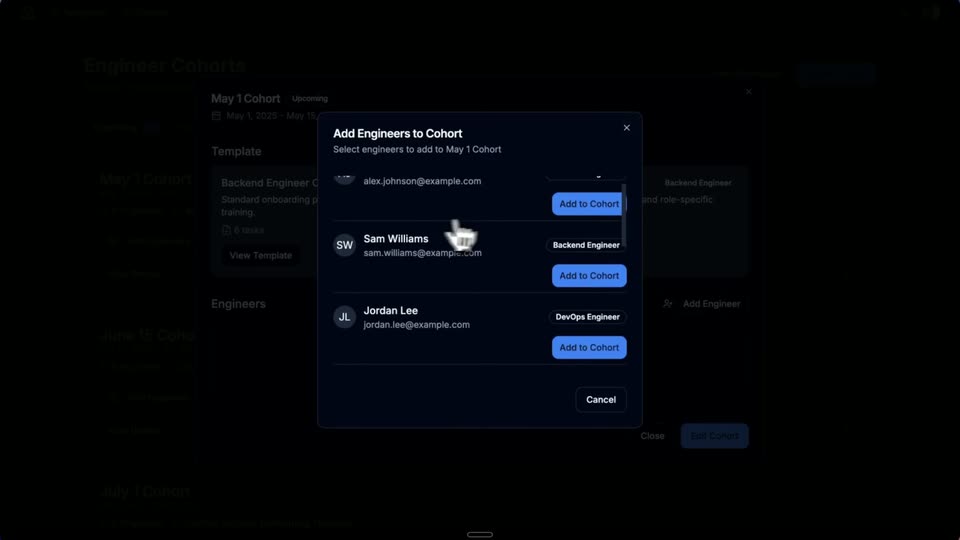 1:50–1:51Vybe · Vybe Demo - Build internal apps 10X fasterA dark modal listing three engineers with role tags and blue Add to Cohort buttons sits over a dimmed dashboard. The list scrolls up as a white hand cursor glides to hover the middle button.
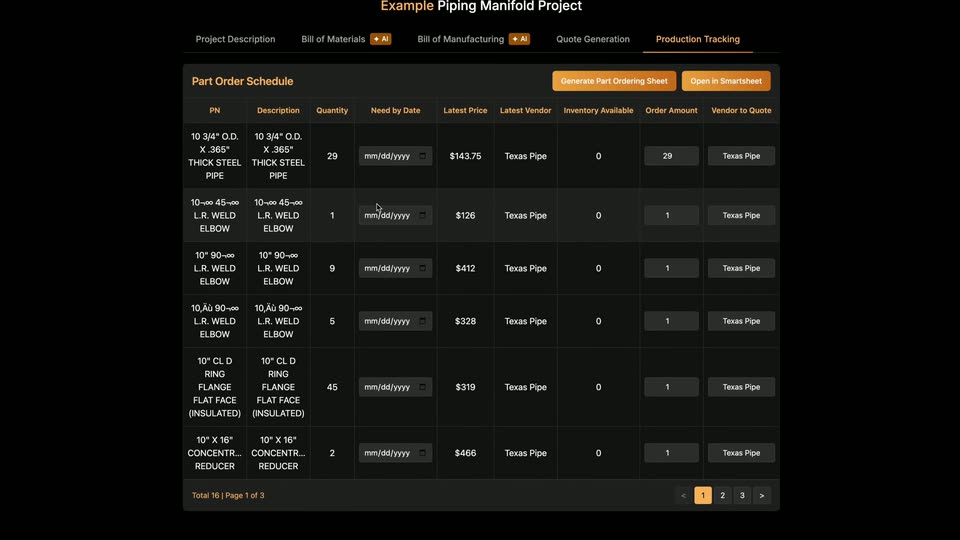 3:43–3:47Jeevy Fabrication · Introducing Jeevy FabricationA dark project dashboard shows a part order schedule table under a row of tabs. A cursor clicks the orange Generate Part Ordering Sheet button, a spinner with Loading part ordering data text fills the table, then the rows refresh and a pagination footer appears.
 0:59–1:00Figma · All the launches at Config 2025 | FigmaA close-up of a settings panel shows two member rows above a Publish templates option. A large black cursor glides upward and hovers the row, which tints gray.
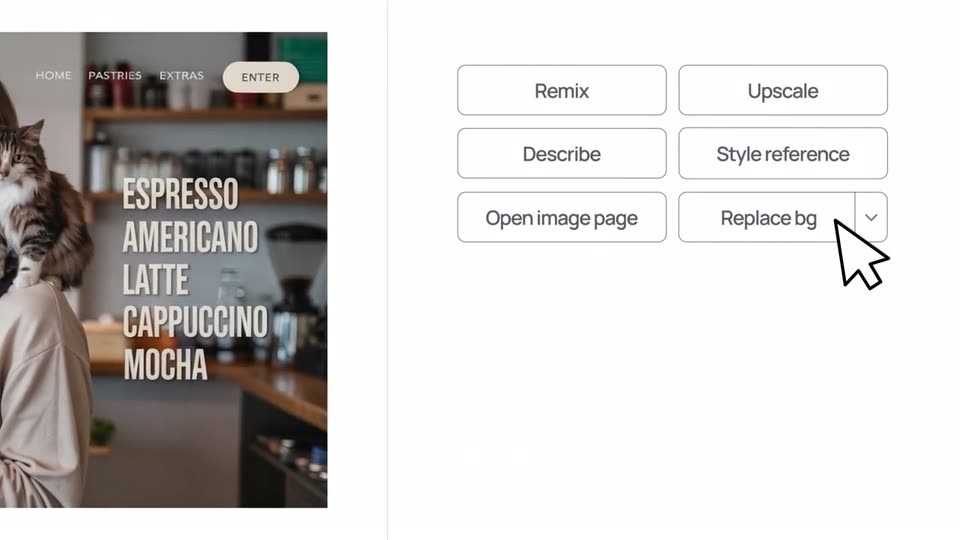 1:27–1:30Ideogram · Ideogram - Meet Ideogram 3.0 — stunning realism, creative designs, and consistenSplit screen: a coffee shop website on the left, a panel of editing buttons on the right. A cursor moves across the buttons while the hero image swaps between a barista with a cat, a cat on a shoulder, and a blank frame, then fades to white.
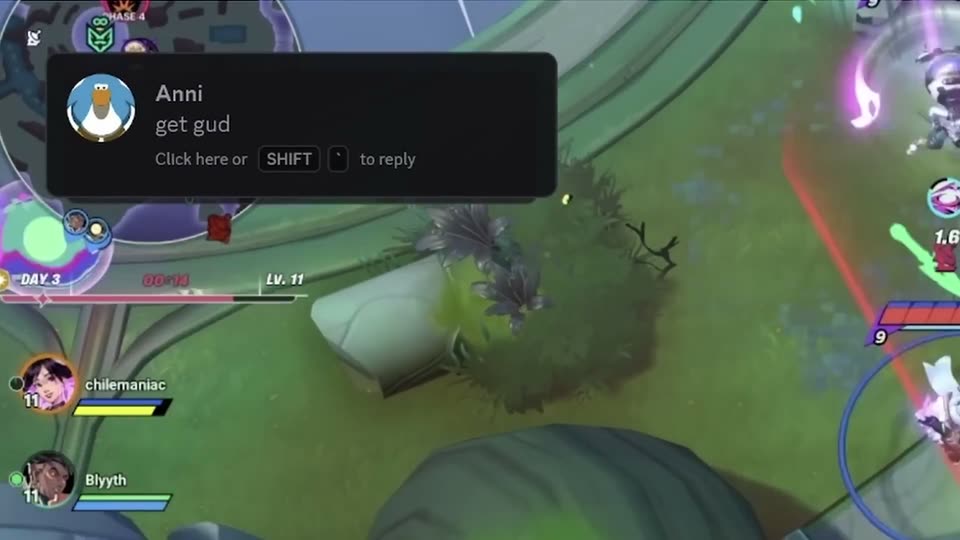 3:10–3:14Discord · Introducing the NEW Discord Game OverlayA dark chat bubble in the top-left shows a player's message updating from “lol” to “get gud” above a reply prompt. A cursor glides to the prompt and clicks it as the camera pans across the game map.
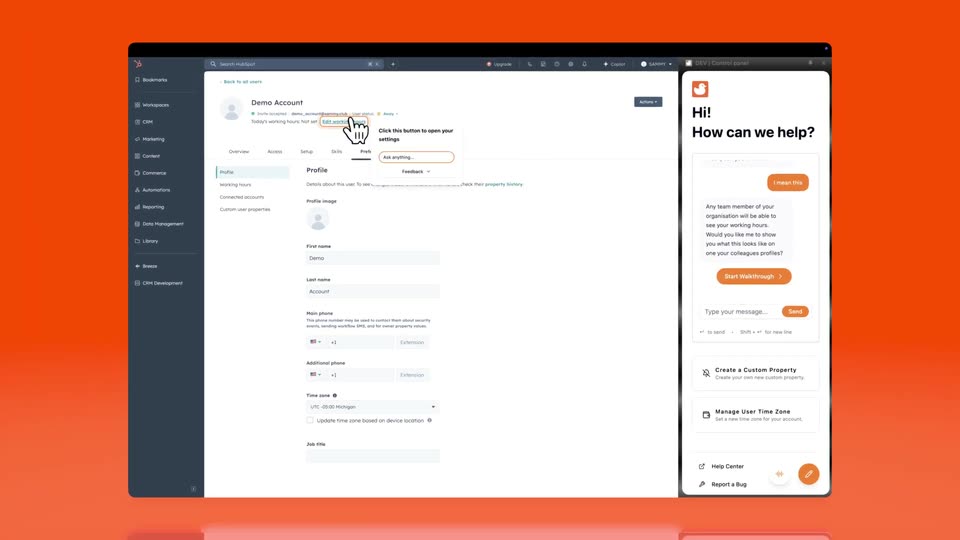 2:04–2:08SAMMY Labs · SAMMY Labs - Product TourA tilted laptop on an orange surface shows a helpdesk interface. A hand cursor drifts from the right chat panel to the Edit working hours button, a tooltip pops up, then the main panel switches to the Working hours tab.
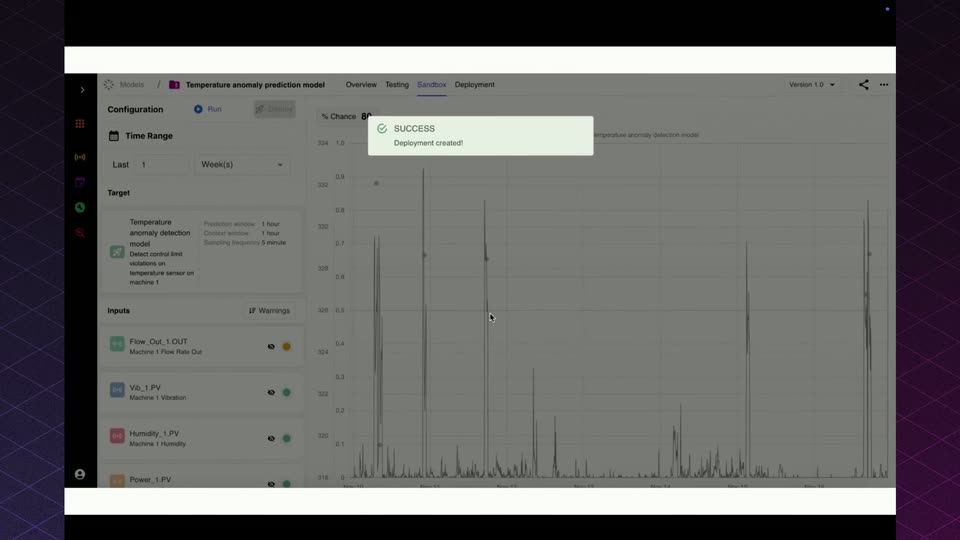 2:13–2:14Vortexify · Praxis AI LaunchOn a model dashboard with a left configuration panel and a time-series chart, the Deploy model confirmation dialog closes, the dimmed overlay fades, and a SUCCESS toast reading Deployment created! appears at top center. A cursor rests on the green Confirm deployment button.
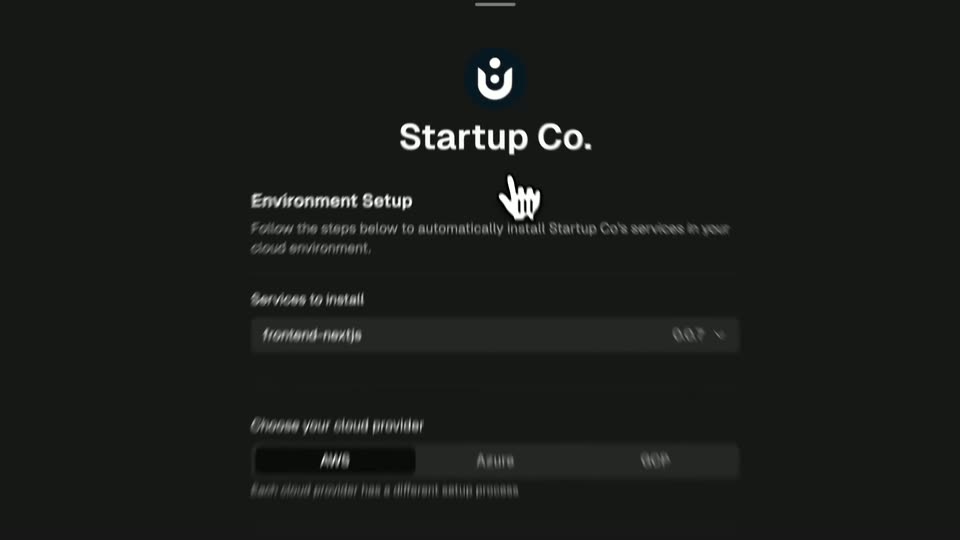 1:12–1:13Ryvn · Ryvn | On-prem deployments, without the stressA dark email client shows a message with an installation link under a white hand cursor, then transitions to a Startup Co. environment setup form listing cloud provider options and a Continue button.
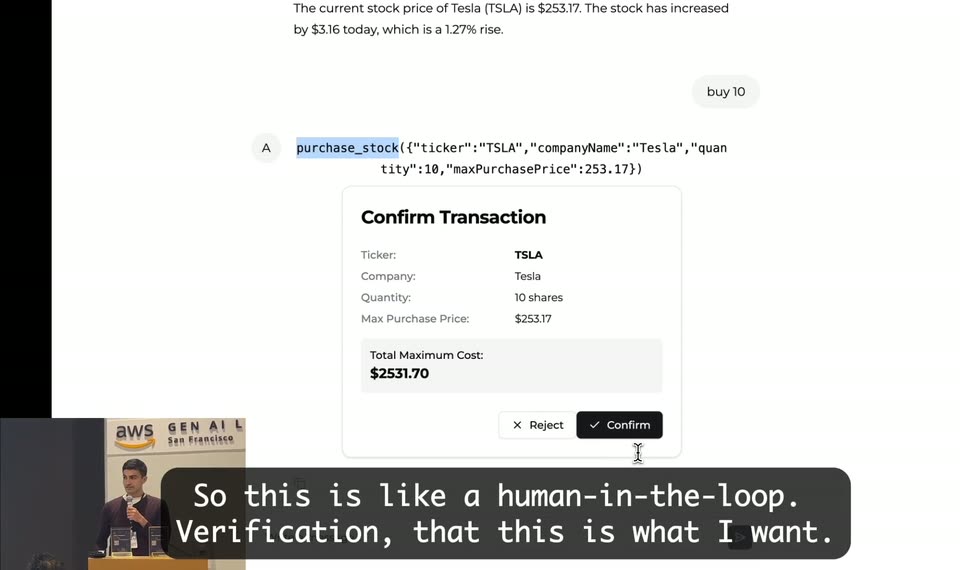 1:48–1:52assistant-ui · assistant-ui | AWS GenAI Loft DemoA stock-trading chat shows a Confirm Transaction card with TSLA details while a cursor hovers over the Confirm and Reject buttons. A small speaker video sits in the lower-left corner and a dark caption bar at the bottom updates with the narrator's words.
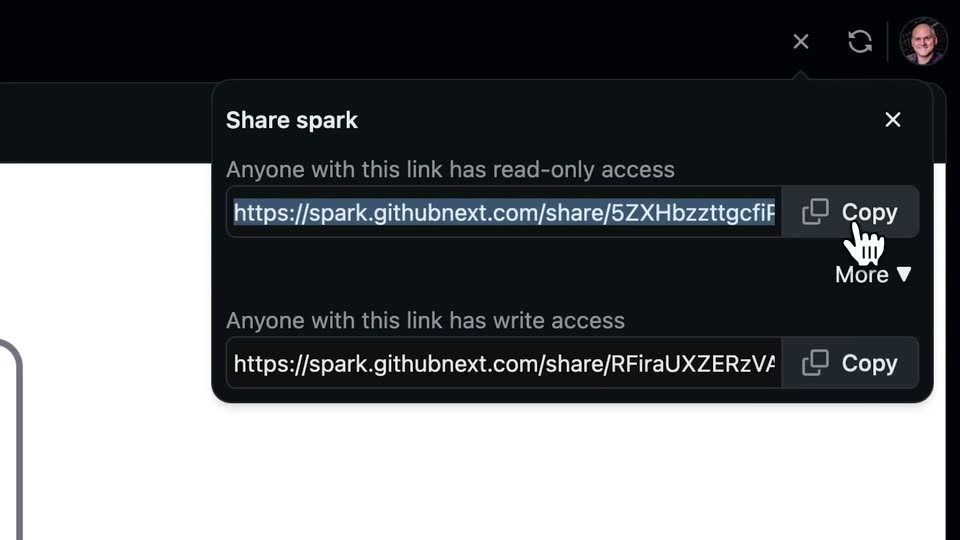 1:06–1:07GitHub · What is GitHub Spark? Introducing a brand new way to build powerful, AI assisted applicationsA dark share dialog shows two URL fields and copy buttons. A white hand cursor moves from a More menu to the top Copy button and clicks it.
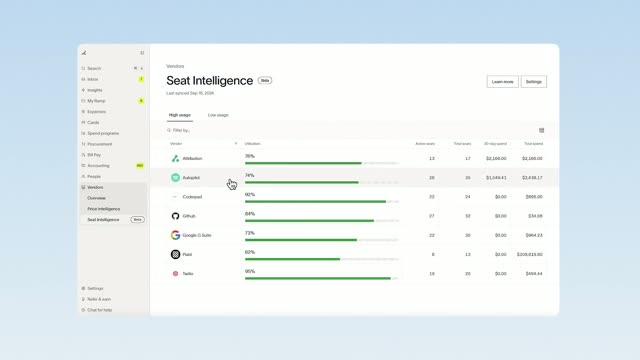 1:58–2:00Ramp · Meet Ramp: A smart finance operations platform that saves you time and moneyA vendor usage dashboard with green utilization bars sits on a light blue backdrop. A cursor moves down to the Autopilot row and clicks it, sliding a detail panel in from the right that lists the vendor's users while the table behind dims.
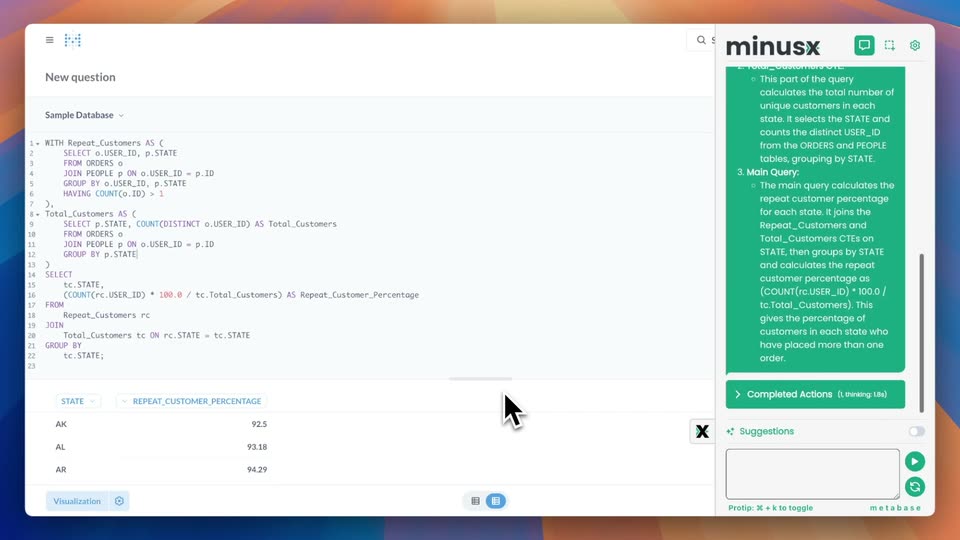 1:17–1:20MinusX · MinusX: AI Data Scientist for Jupyter and MetabaseA SQL query editor fills the left half with code and a results table, while the right sidebar types 'explain th' into a prompt box. The panel then fills with a green, numbered explanation of the query, ending on a 'Completed Actions' bar.
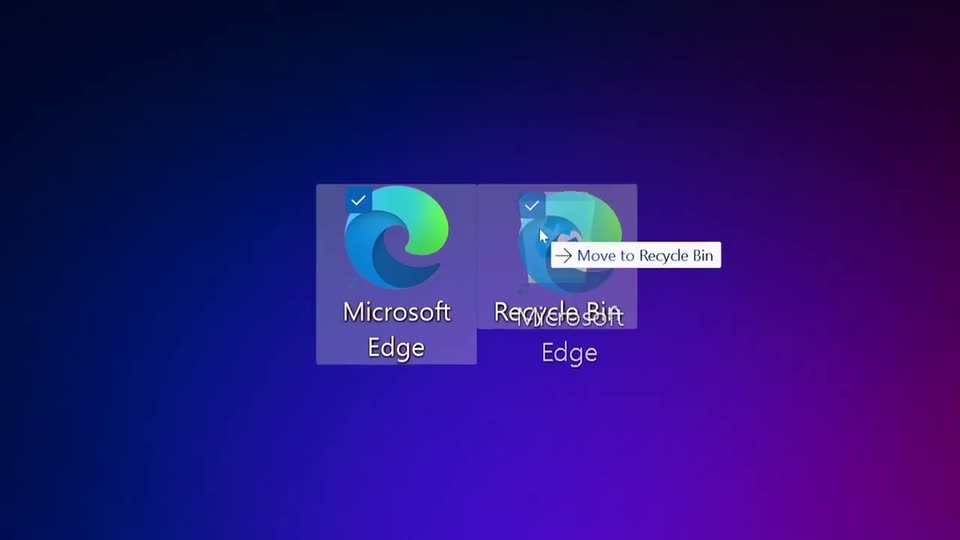 0:33–0:35The Browser Company · The Browser Company - Arc on Windows is finally here. No more waitlists, no more betas. DA Windows desktop on a blue-purple gradient shows the selected Microsoft Edge icon beside the Recycle Bin. A 'Move to Recycle Bin' menu label appears as the Edge icon slides into the bin and fades out, leaving the Recycle Bin highlighted.
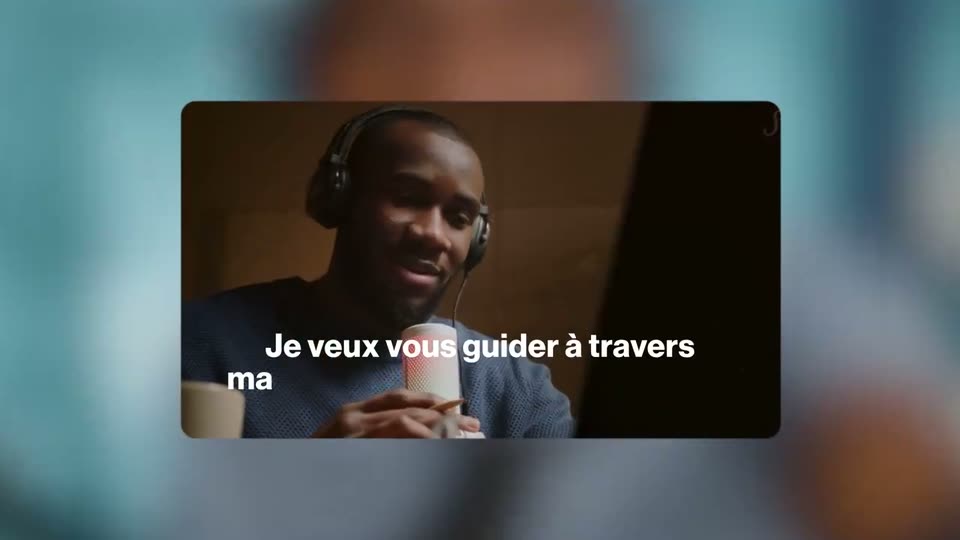 0:27–0:32Captions · Mirage - Introducing Captions for web. Video editing made simple, thanks toNine video tiles of the same man with headphones form a grid, each tagged with a country flag, over a blurred backdrop. A white cursor moves between tiles, then the view zooms into one tile as French subtitles appear.
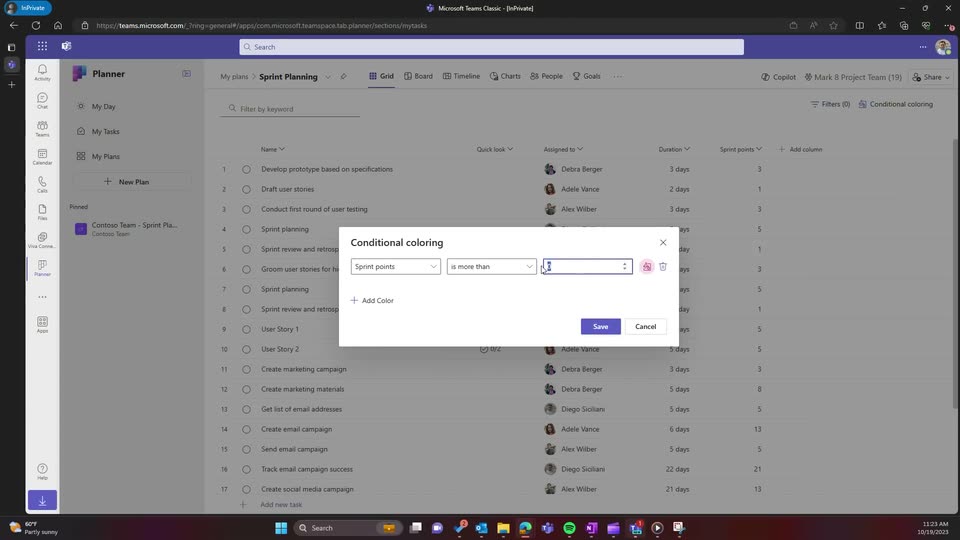 2:58–3:01Microsoft · Meet the new Microsoft PlannerA Planner grid view is dimmed behind a Conditional coloring dialog. A cursor opens the Field and Operator dropdowns, enters 0, picks red, and saves; several sprint point cells in the grid turn orange.
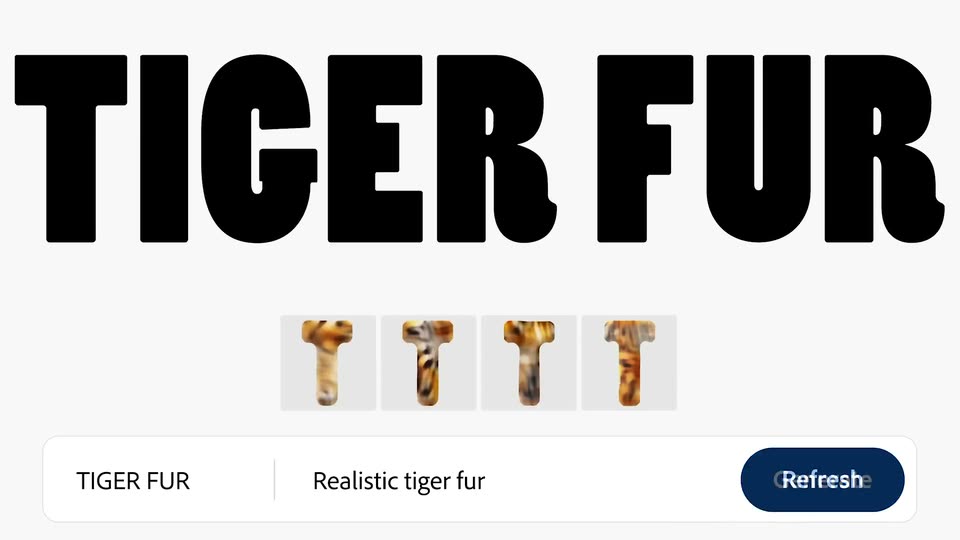 0:33–0:34Adobe · Adobe Firefly: Out of Beta & Ready For Your Imagination | AdobeA locked-off frame shows a huge black TIGER FUR title above a white input bar with a blue Generate button. A cursor rests at the button, then four square tiles, each a letter T filled with tiger-fur texture, appear in the center.
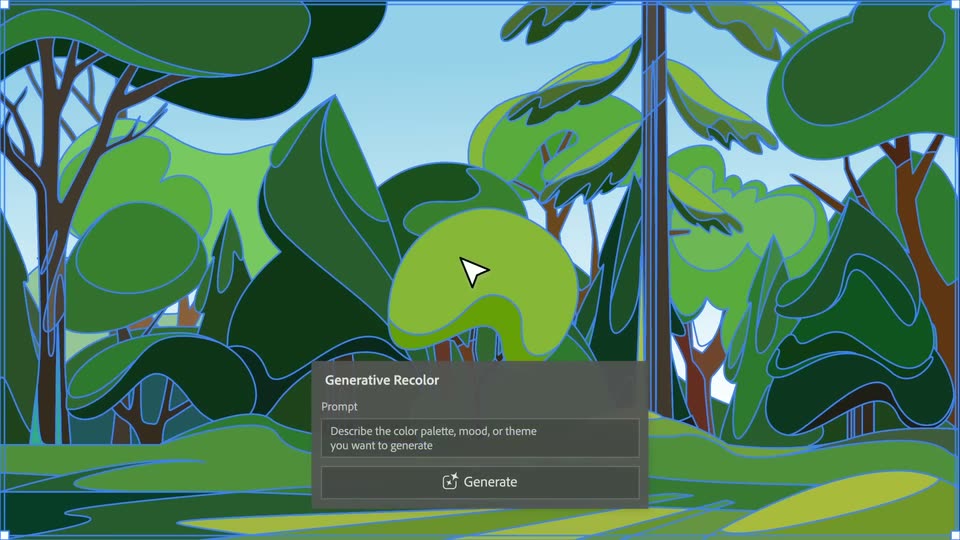 0:38–0:40Adobe · Adobe Illustrator x Adobe Firefly: Announcing Generative Recolor | AdobeA flat vector forest illustration fills the locked-off frame while a mouse cursor hovers over it. Thin blue outlines trace every shape, then a dark prompt panel scales in at the bottom center with a title, text field, and Generate button.
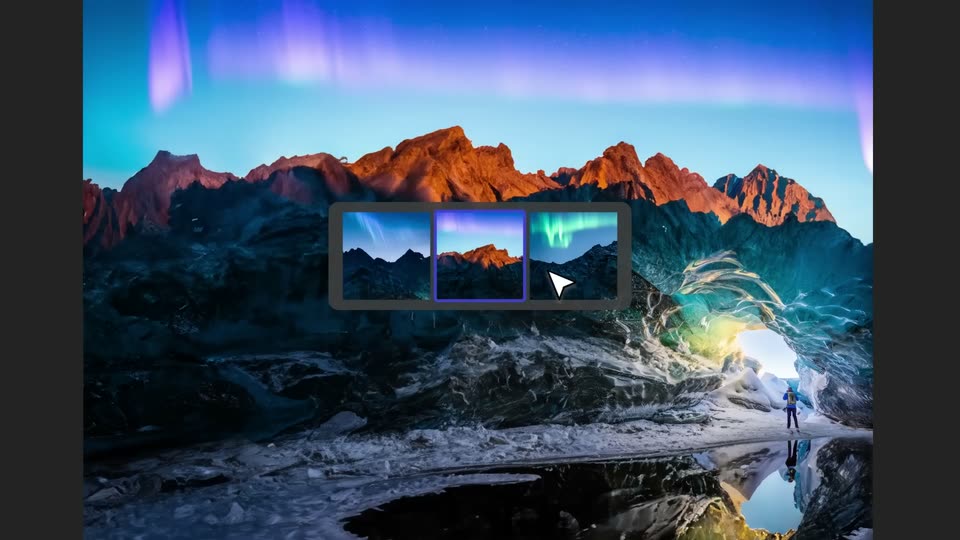 0:53–0:54Adobe · Adobe Photoshop (beta) x Adobe Firefly: Announcing Generative Fill | AdobeA full-bleed mountain and aurora photo fills the frame. A centered rounded filmstrip holds three thumbnails of the same scene, the middle one outlined in purple. A white cursor glides rightward from the middle thumbnail to the third.
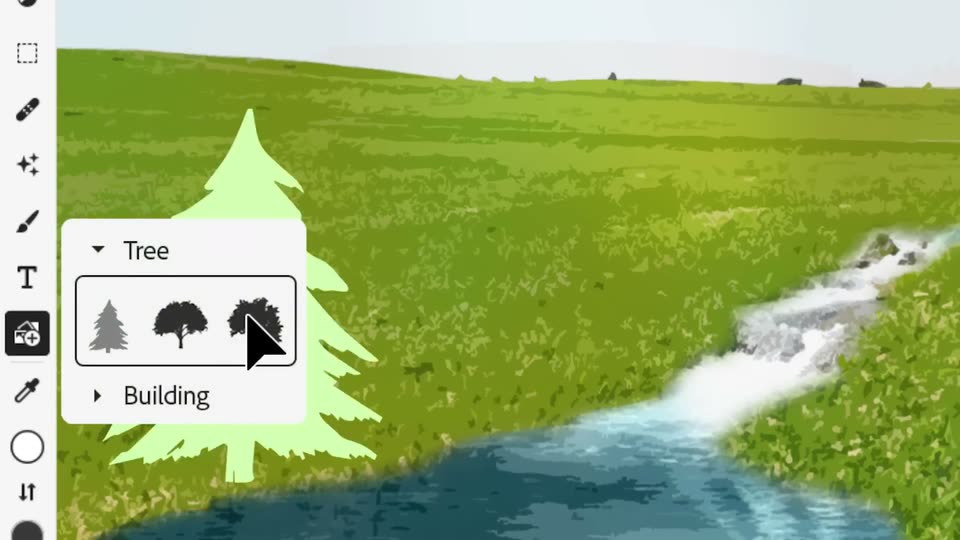 0:27–0:29Adobe · Adobe Firefly: Family of New Creative Generative AI Models | AdobeA landscape canvas fills the frame with a vertical tool rail at the left edge. A dropdown panel lists tree and building options. A cursor clicks the first pine icon, and pine trees appear one by one across the green hills beside the stream.
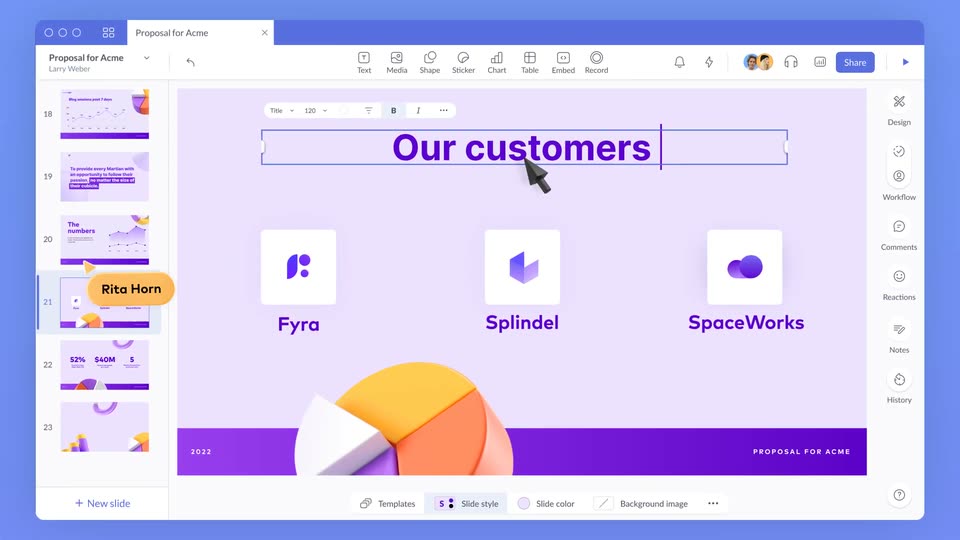 1:21–1:24Pitch · Introduction to Pitch | Create beautiful presentations with your teamA presentation editor fills the frame. A black cursor types the title letter by letter while a placeholder logo swaps to a brand mark. A collaborator comment tag pops in and out, then the cursor slides to the slide panel.
 1:18 · 0.8sNotion · What is Notion?A cursor hovers over a plus button in a workspace sidebar. The view pans right, sliding the list out of frame to center and zoom in on a large 'Untitled' title.
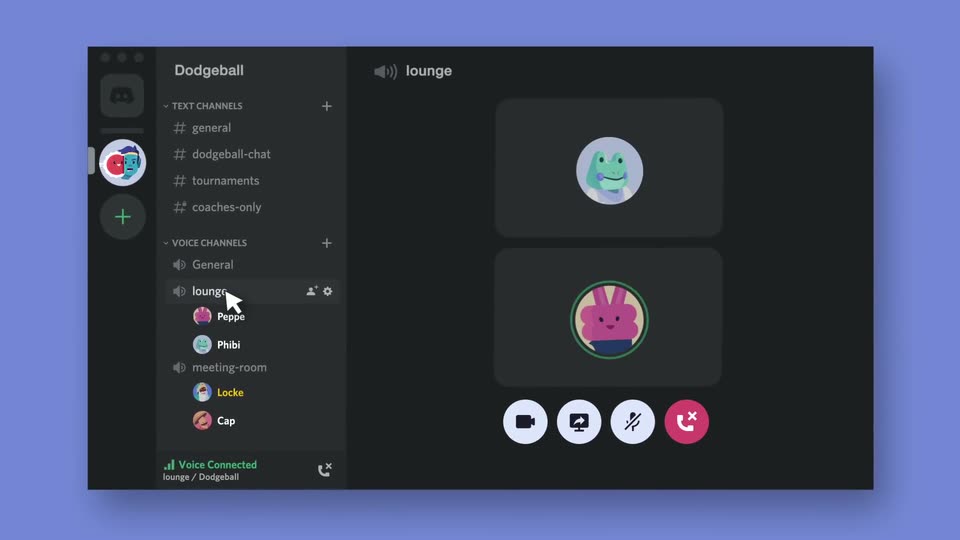 1:26–1:28Discord · How Discord Works in 148,000 Miliseconds or LessA dark voice-chat interface sits on a purple background. A cursor moves to the lounge channel and clicks it; the participant tiles rearrange from one large tile with two side tiles into two stacked tiles, and the header updates to lounge.
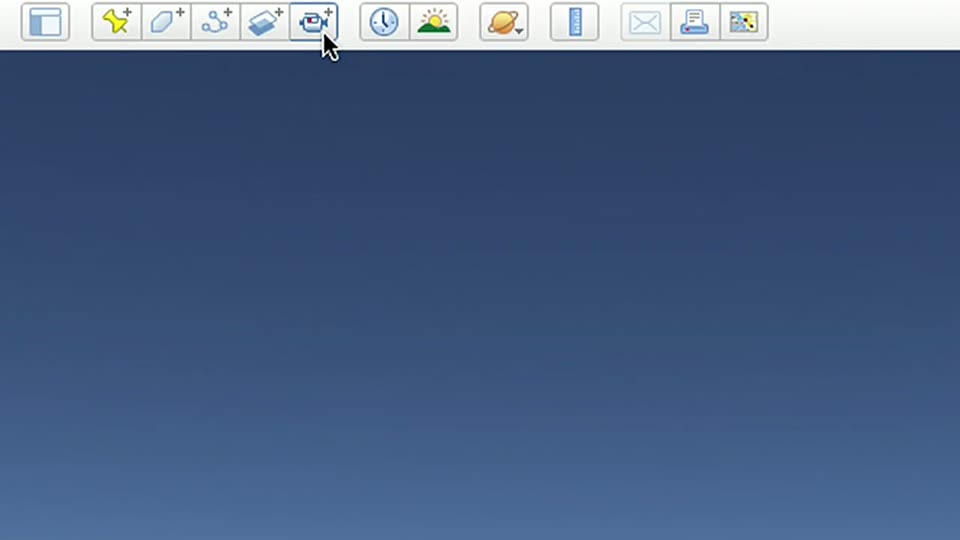 1:10–1:14Google · What's New in Google Earth 5.0A white toolbar of small icons runs along the top of a blue gradient screen. A cursor glides to the camera icon and clicks it, and the button flashes blue to confirm recording has started.
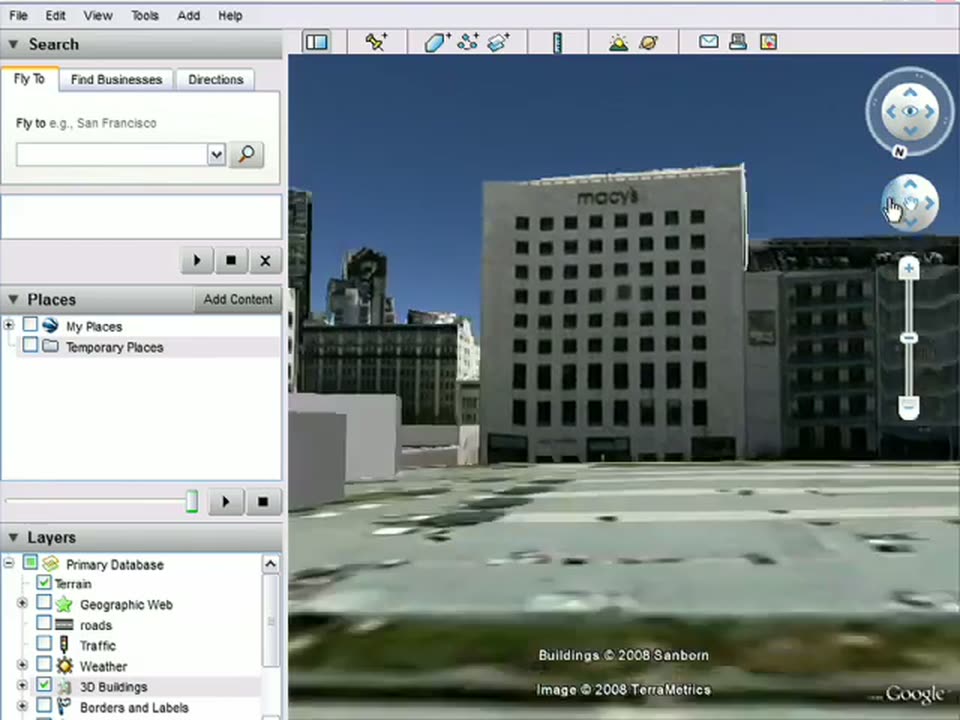 0:48–0:50Google · New features in Google Earth 4.3The Google Earth window shows a 3D street-level view of a city block with a Macy's building under a blue sky. A hand cursor rests on the navigation joystick at the right while the view pans across the block, revealing neighboring buildings.
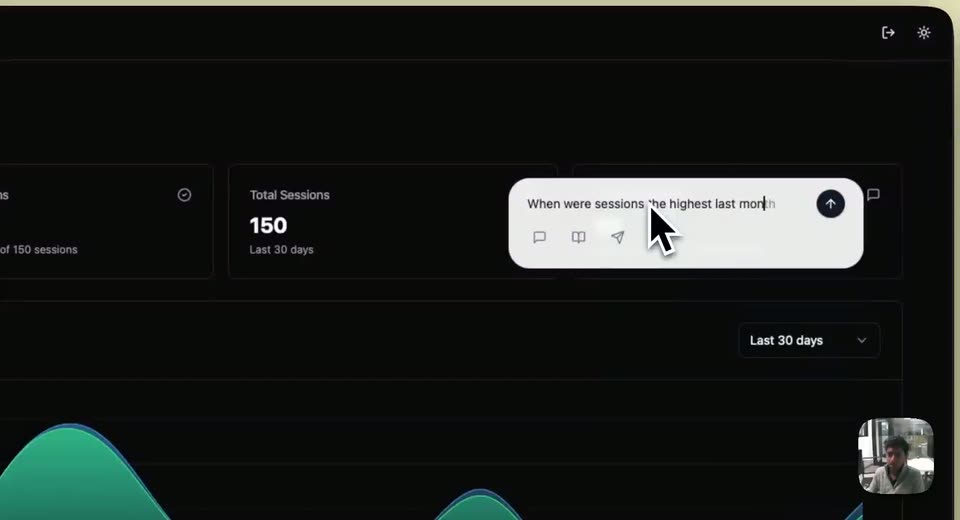 0:34–0:35Hobbes · 🚨Major update🚨 Syra is now Hobbes (hihobbes.com)! As we worked with some amazing teams this year, we saw a big gap in the agent landscape: visual context. Agents trained on knowledge bases + helpA dark analytics dashboard fills the frame with a white rounded input bar center-right. A cursor hovers over it as the query “When were sessions the highest last month” types out letter by letter. A small webcam self-view sits in the bottom right corner.
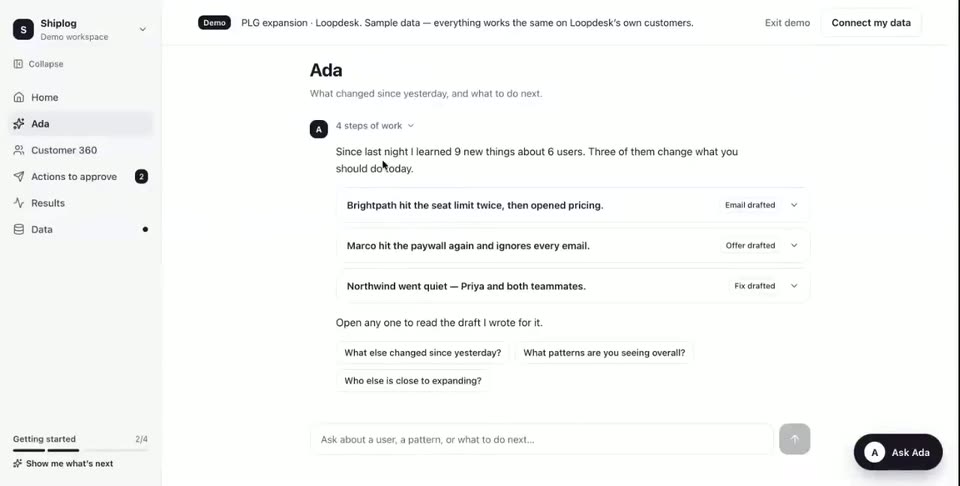 4:13–4:19Shiplog · #customersuccess #ai #saas #productledgrowth #revenuegrowth | Shiplog (F/AI F26)A light-themed SaaS dashboard fills the frame, with a left navigation rail and a central Ada panel listing three customer insights as rows. A mouse cursor drifts across the rows and into the sidebar, hovering over each element. The layout stays static.
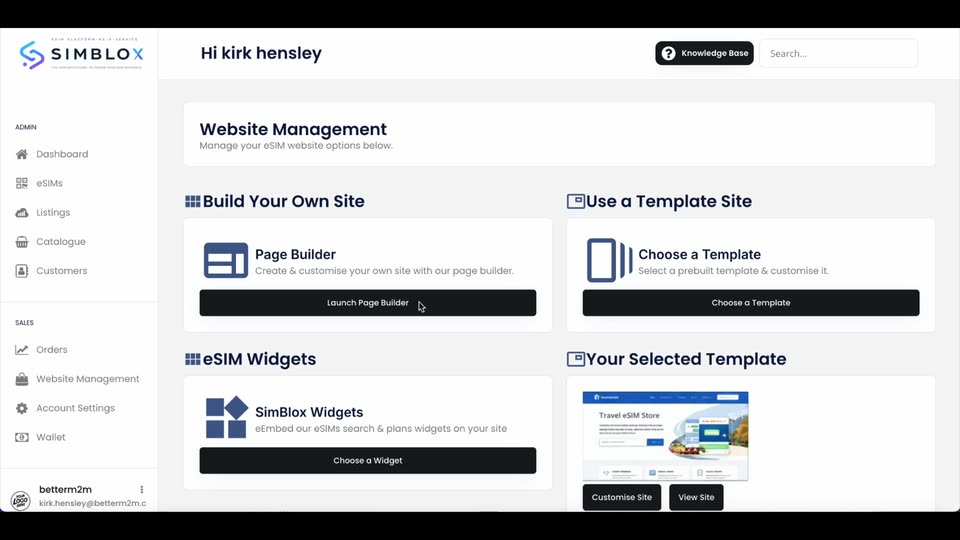 1:31–1:33SimBlox · SimBlox: minute demoThe SimBlox admin dashboard displays a Website Management page with four option cards for building or embedding a site. A cursor glides down and hovers over the Launch Page Builder button.
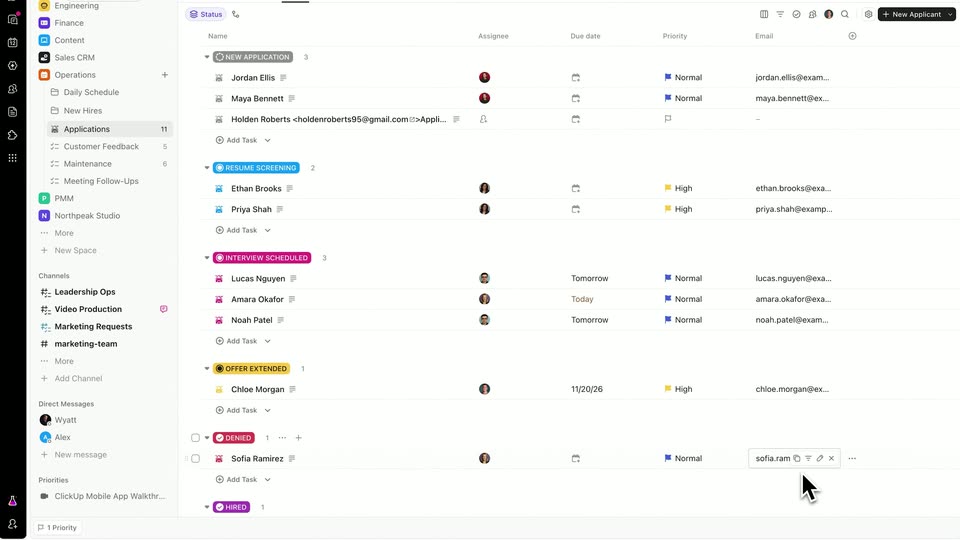 2:41–2:44ClickUp · ClickUp Release 4.10: Sheets, Work Schedules, Email Triggers, and more!A grouped applicant list fills the screen, rows under colored status tags. A new row for Holden Roberts drops into the New Application group, raising its count to three. A cursor glides to the Denied row, then hovers the new row, popping up edit icons.
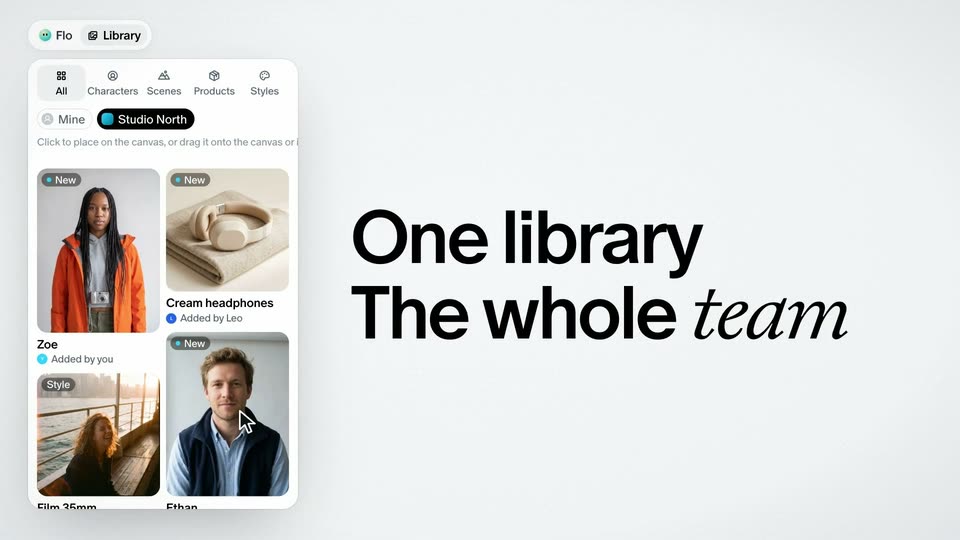 0:52–0:54Flowith · Flowith - introducing Flowith 3.0. the ultimate canvas for human-ai creation.A flat library panel sits on the left; a cursor clicks the Studio North chip, swapping the card grid. On the right, a large two-line headline fades in, then fades out.
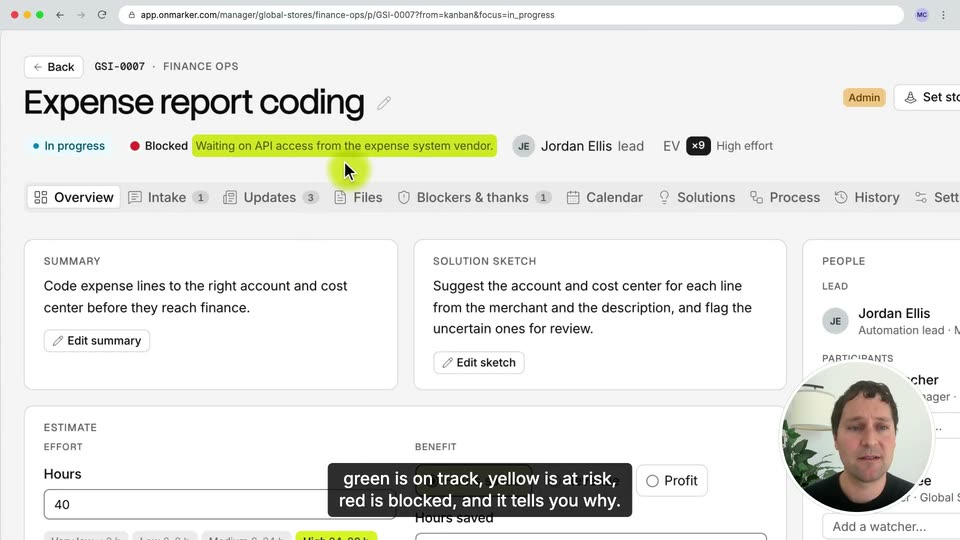 1:34–1:36Marker · Introducing Marker ManagerA cursor hovers over a yellow status note on a task detail page in a project app, then the view cuts to a kanban board with delivered cards. A circular webcam of a presenter sits in the corner as a dark caption box explains the color coding.
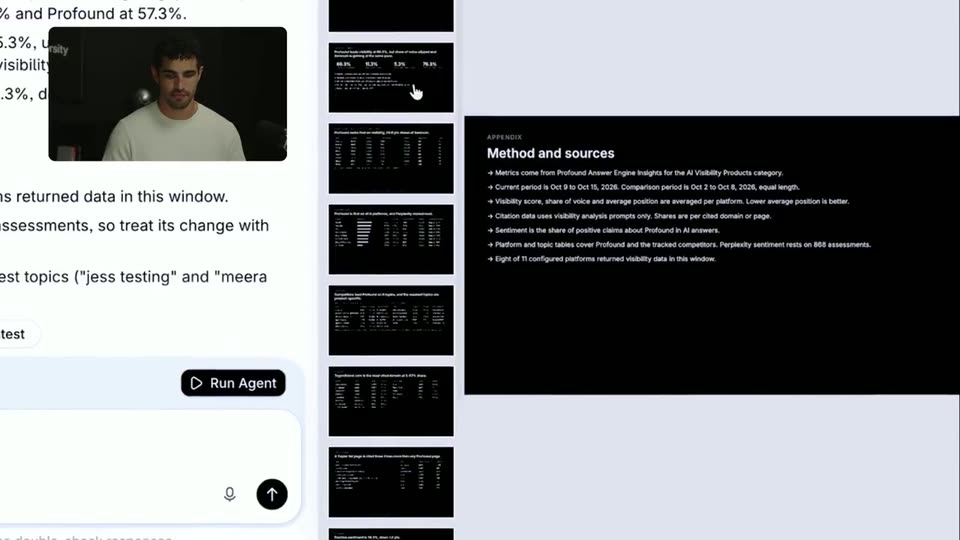 2:38–2:41Profound · Dylan Babbs - Today we're launching a new generation of Agents in @profound, now poA three-pane interface fills the frame. On the left, a chat thread with a video of a man speaking scrolls; in the middle, a vertical feed of report thumbnails scrolls under a hovering cursor; on the right, a document turns pages between a black appendix page and a white title page.
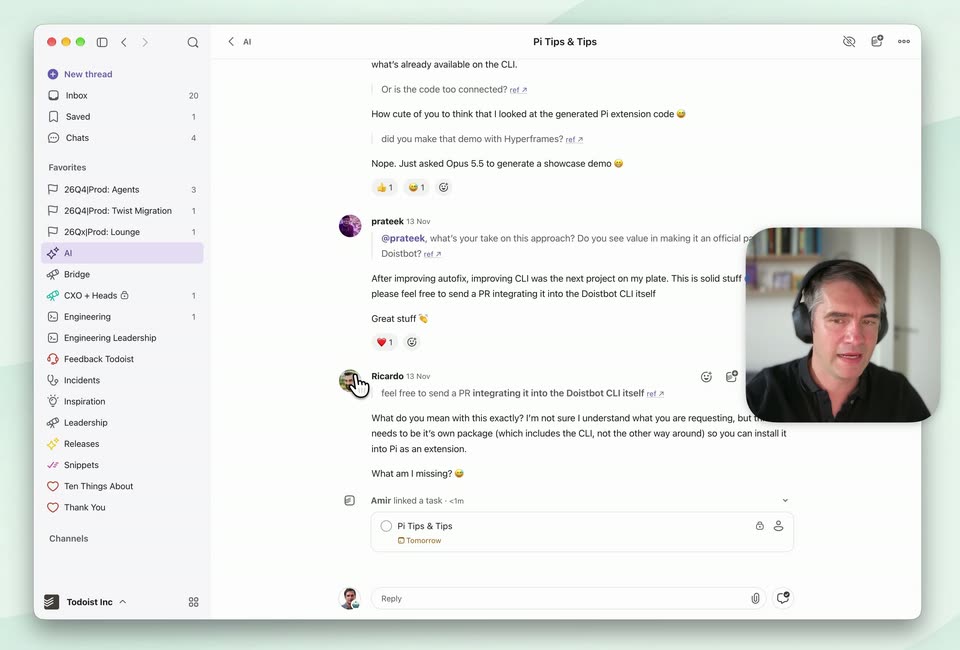 2:29–2:43Todoist · Amir Salihefendić - Todoist Comms is now in public beta 🚀 What's in it: ⋅ Turn any threA chat thread in a team app fills the screen, a video call of a man with headphones pinned at the right. The cursor hovers a linked task, an Open in Todoist tooltip pops, and the view zooms into the messages before pulling back out.
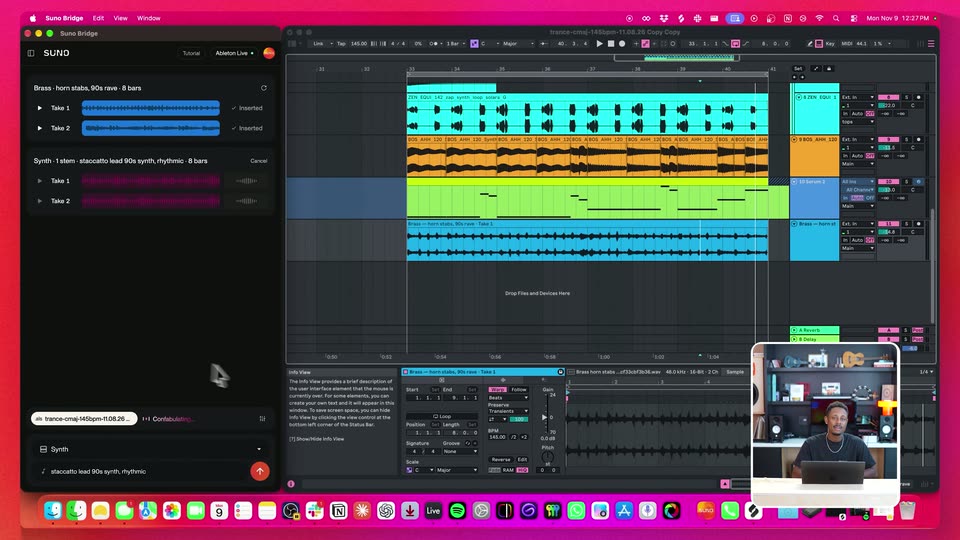 3:27–3:34Suno · Introducing Suno Bridge (beta): Your DAW, Suno-poweredA close-up of a dark SUNO input panel shows a cursor typing a synth prompt, then a fast blurred zoom-out reveals the full Ableton Live session. The cursor clicks to insert a new pink clip into the timeline. A small webcam feed of the presenter sits in the lower right.
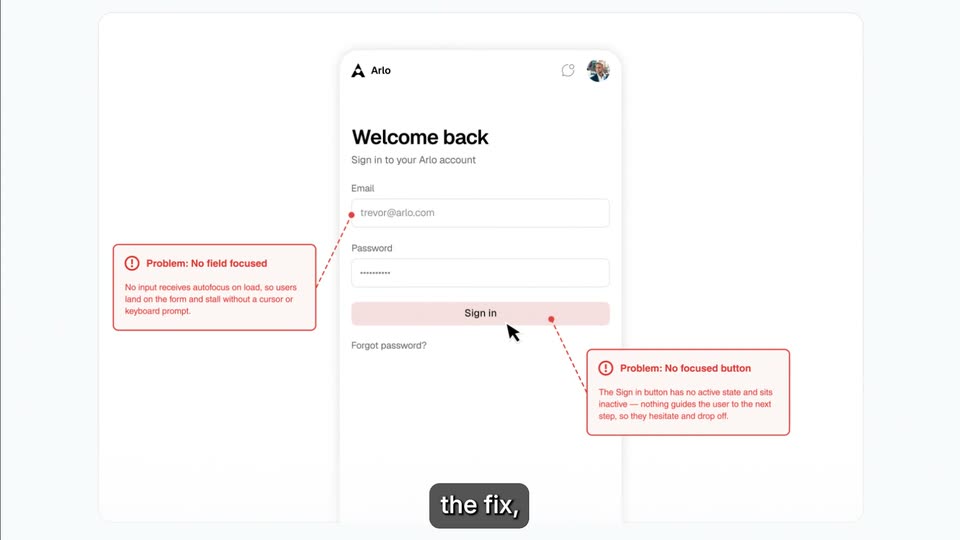 1:20–1:23Amplitude · Spenser Skates - Introducing Wave. The world's first AI that reads your customers' miA white login form card is centered, with red dashed annotation boxes pointing to the email and sign-in fields. A cursor hovers near the button. The scene cuts to a document interface with green annotation boxes highlighting new features.
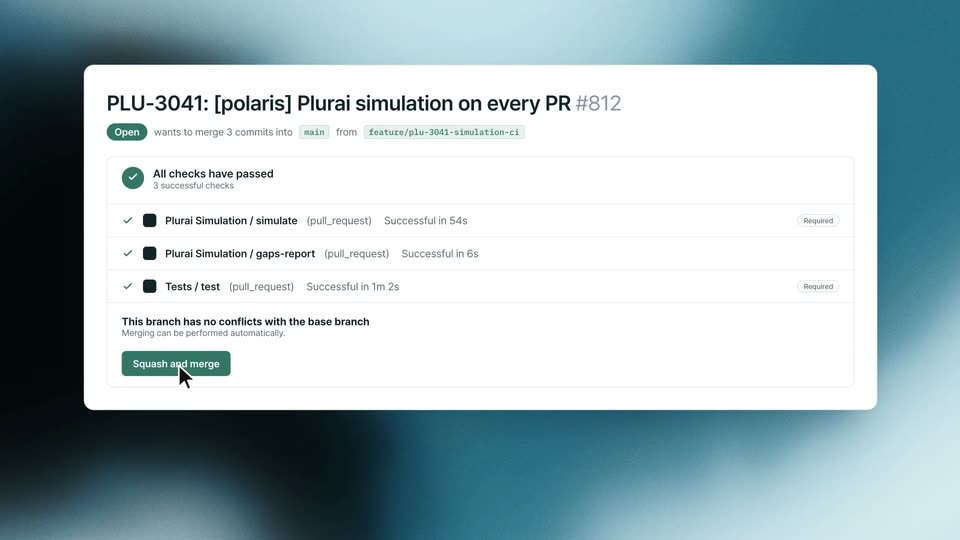 1:11–1:12Plurai · Ilan Kadar - Big day for us at @pluraiAI ! Plurai Simulation is live and free forA white pull request card floats over a blurred blue background, its check rows all marked green with a cursor resting on the Squash and merge button. Below the card, a dark pill caption reads or headless in CI/CD., fading in and then out.
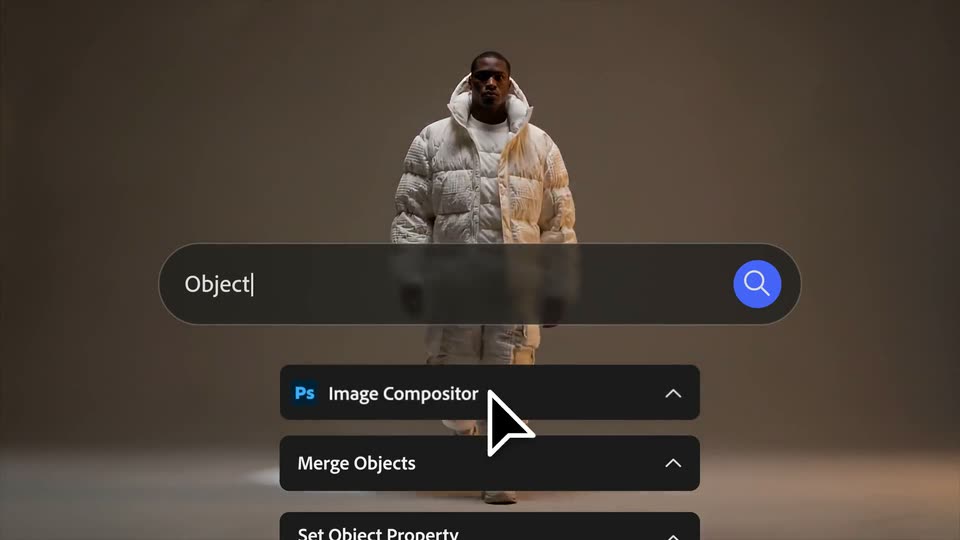 1:05–1:07Adobe · What’s New in Creative Cloud and Adobe Firefly | Adobe MAX 2026A man in a white puffer jacket stands centered against a taupe studio backdrop. A dark search bar overlay types a query while white cursors flank it, then a dropdown of compositing tools slides in below as the man blurs out of focus.
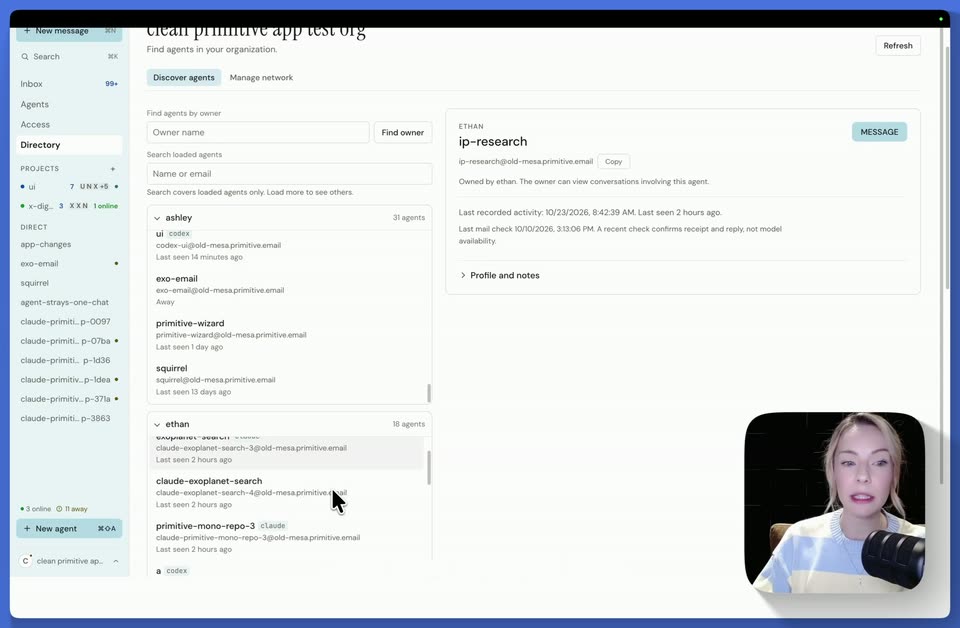 2:16–2:20primitive · Primitive - we 💌 emailA tilted 3D mockup of a messaging directory sits on a blue gradient, its right panel showing the ip-research agent details while a cursor scrolls the agent list on the left. A small webcam inset of a woman at a microphone runs in the bottom right corner.
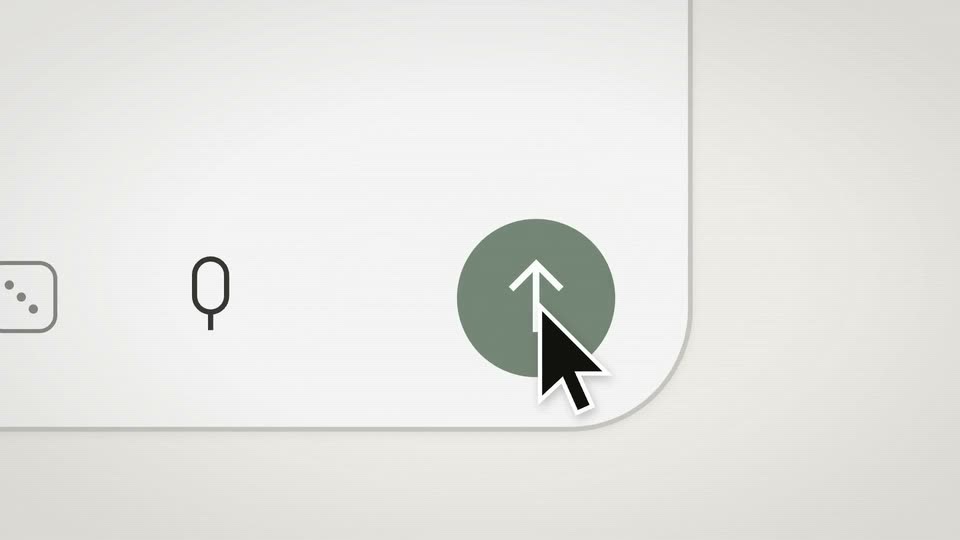 1:46–1:48Motion · Adish Jain ☕️ - today, we're launching the General Video Agent. GVA edited this entiA light product UI shows a Memories list of file-and-prompt entries. The view shifts from a .mov screen-recording entry to a .zip entry, the panel reframing, while a mouse cursor rests on a green up-arrow button.
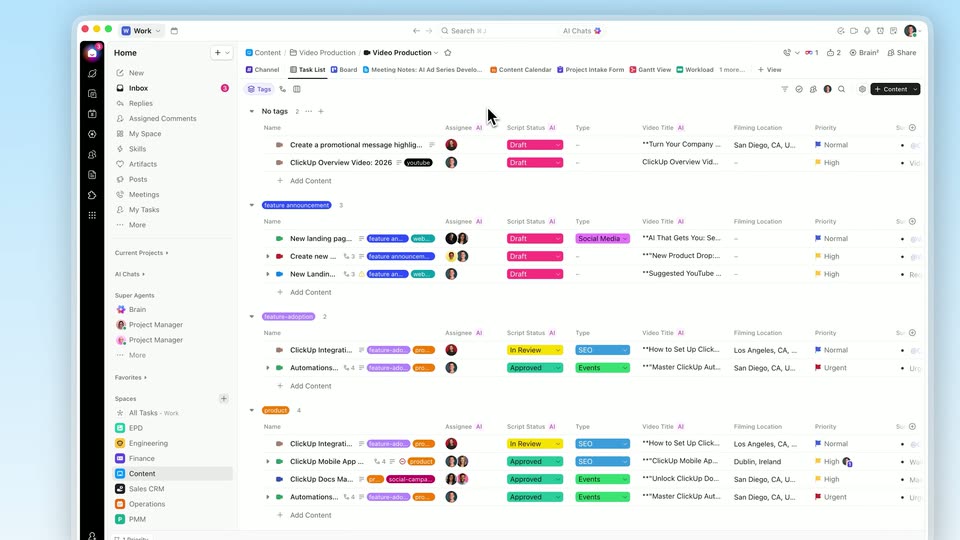 2:48–2:51ClickUp · ClickUp Release 4.09: List Templates in Automations, Parent Task Date Sync, and more!A flat product window on a pale blue field scales up from a small centered card to fill the frame, then a cursor drifts to the left sidebar and rests on the Artifacts row.
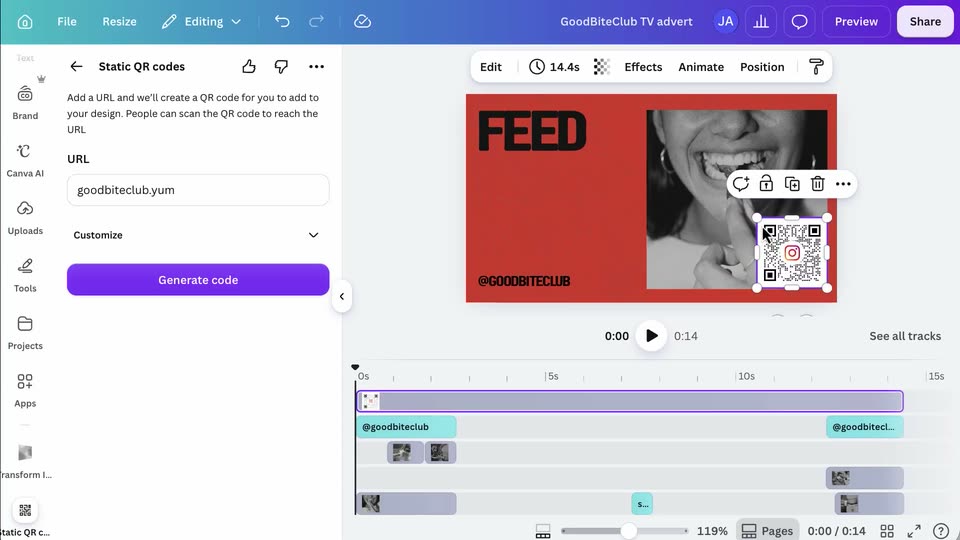 3:37–3:49Canva · Create and launch TV ads straight from CanvaFull-screen view of the editor. A cursor types a URL into the QR form and clicks Generate code, then drags the resulting QR code onto the red FEED poster and to its corner.
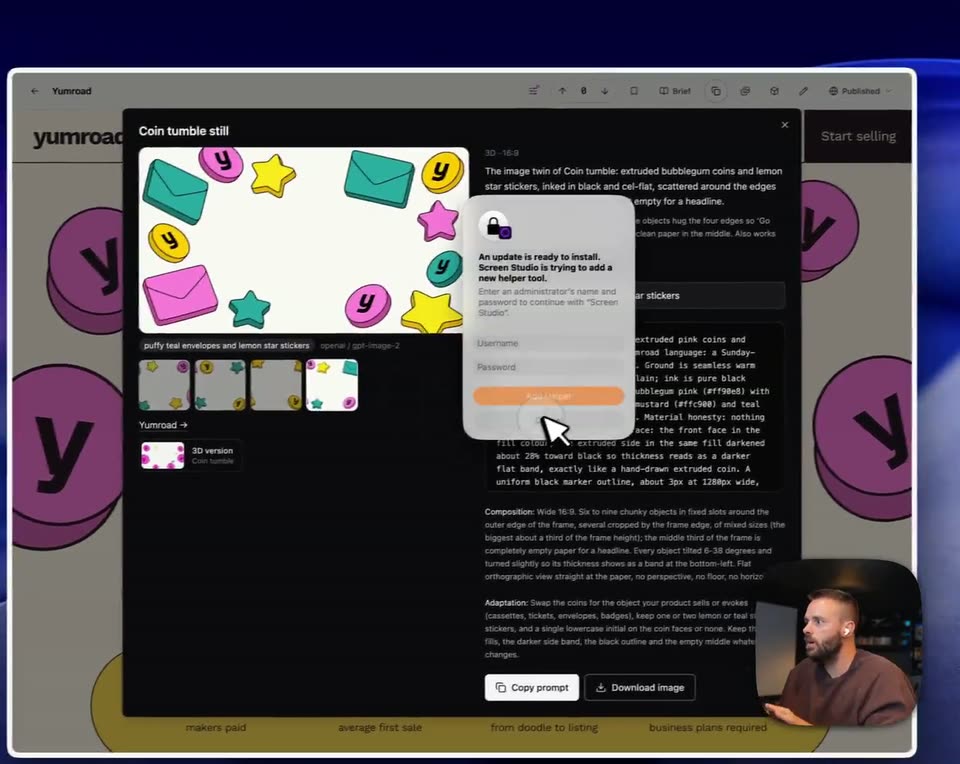 0:38–0:41flavors design · Dr. Kitze ❤️ healthmaxx.app - your agent can code, but it has zero taste. introducing 🌸 a galleryA dark modal over the product interface displays an illustration of pink coins and yellow stars beside a long prompt text. A cursor moves across the result thumbnails and to the top bar, while a small webcam video of the presenter stays in the lower corner.
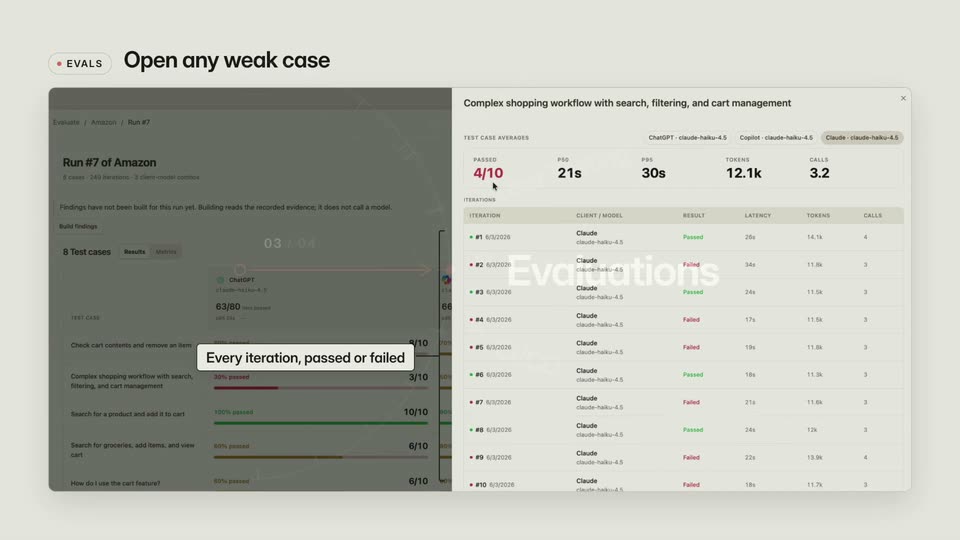 2:00–2:04MCPJam · Prathmesh Patel - Today, we're launching MCPJam as the first testing & evaluation pA tilted 3D mockup of an evals dashboard shows a test-case list and a results table, with a cursor over the rows. A white caption 'Every iteration, passed or failed' pops in below. The panel then dissolves into a circular 'Evaluations 03 / 04' section marker on white.
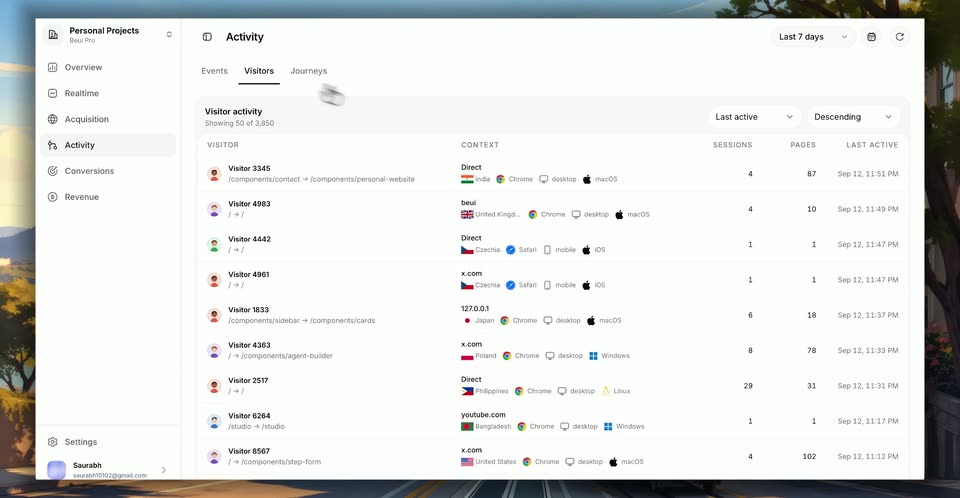 1:30–1:34Tracwell · Saurabh - INTRODUCING TRACWELL ( @tracwellapp ) 🚀 An agent-first analytics plaA product analytics dashboard floats over a blurred outdoor backdrop, easing in with a subtle zoom. A cursor clicks the Visitors tab, swapping the events table for a visitor list, then hovers a row to raise a detail panel.
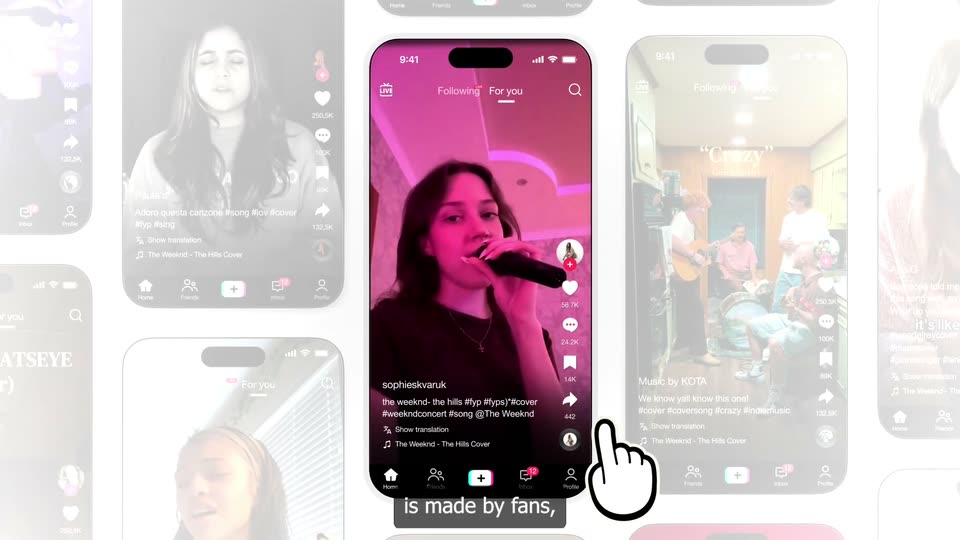 1:25–1:26Hook · Gaurav Sharma - AI platforms are stealing from artists > Millions spent on data cA front-facing phone mockup plays a pink-lit singing video at center, ringed by dimmed phone screens of the same app. A white hand cursor taps the right-side action icons, then drops to the bottom tab bar. A caption pill at the bottom reads “is made by fans,”.
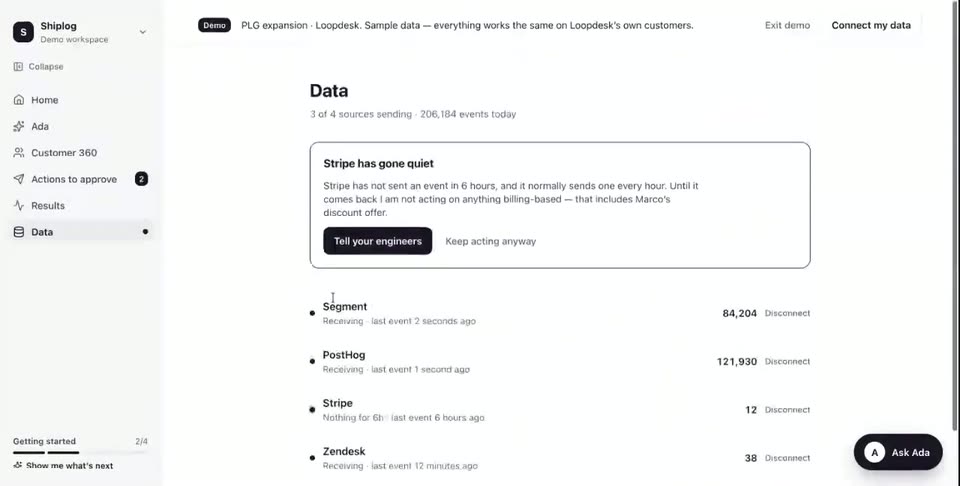 4:26–4:30Shiplog · AI for Customer Success: How Ada Automates Expansion, Retention & Churn PreventionA light dashboard crossfades into the Data view, a source list topped by a warning card. A cursor leaves the Data menu item and clicks Home, switching the panel to a welcome screen with a live-status card and a line-art device illustration.
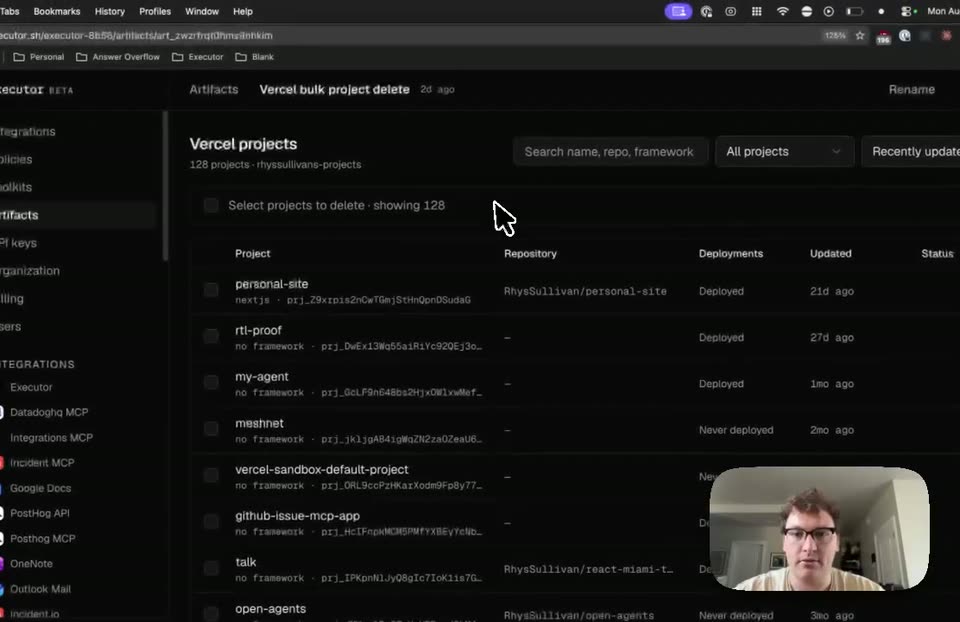 1:35–1:44Executor · Executor DemoA dark web interface loads a Vercel projects table, skeleton bars giving way to rows of project names as the cursor scrolls the list downward. A small rounded webcam feed of a man with glasses sits in the lower right corner.
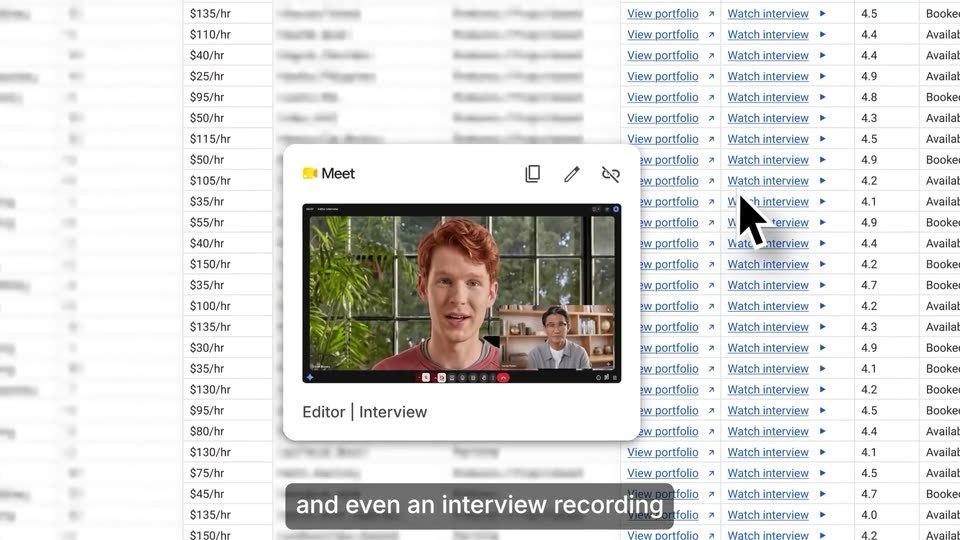 1:43–1:44Melius · joowon - If you’re a creative not using AI you’re fcked. Introducing Melius:A blurred spreadsheet of hourly rates and interview links fills the background while a white Meet video-call card with a red-haired man speaking floats in the center. A black cursor points at a link, and a dark caption bar carries the line along the bottom.
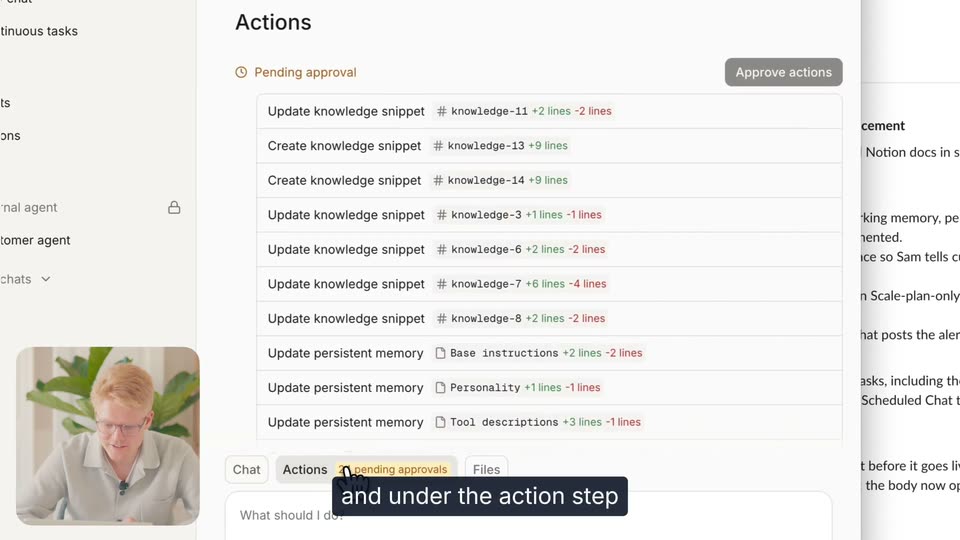 3:04–3:06Parahelp · Mads Lunau - Today, we’re launching Parahelp 3. With Parahelp 3, we’re doubling dA screen share of a documentation interface shows a cursor clicking the Actions tab, switching from a text page to a list of pending approvals. A small video of a man is in the bottom left corner, and a black caption box at the bottom displays text.
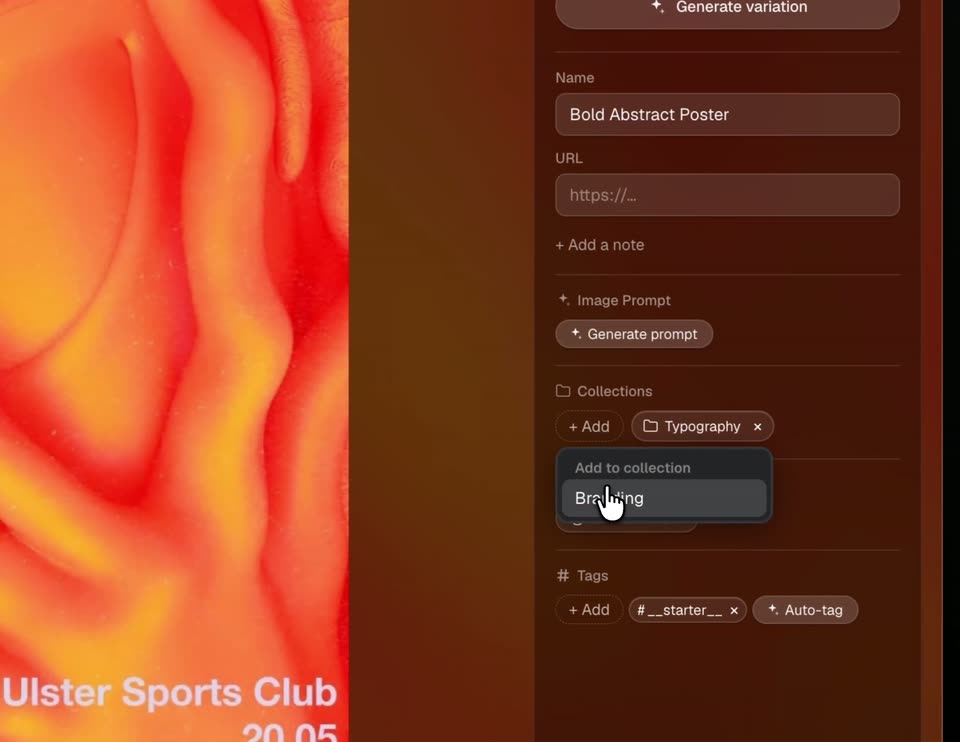 1:01–1:08GatherOS · Brett - Introducing GatherOS™ [beta]. The Mac app for design inspiration, buA dark app window shows an orange abstract poster titled BLOCK beside a details sidebar. The cursor hovers the poster, then the view zooms into the sidebar, where a tooltip highlights the Branding chip. It pulls back and the cursor moves to the back arrow.
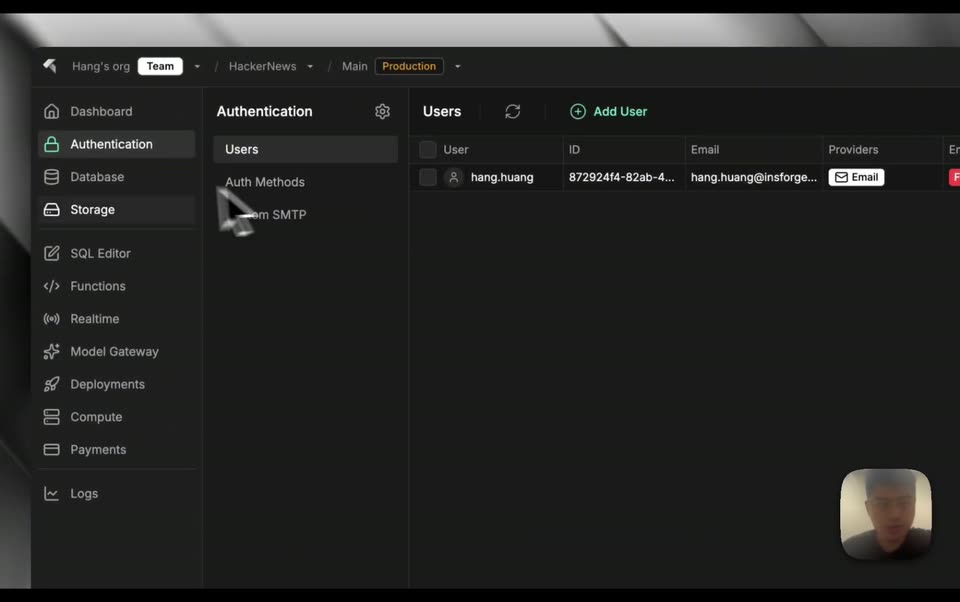 1:32–1:36InstaBox · InsForge YC Launch VideoA dark dashboard screen: the cursor leaves the Users table, clicks Database in the left sidebar, then opens the api_keys table showing one record. A small video-call bubble with a person stays in the bottom-right corner.
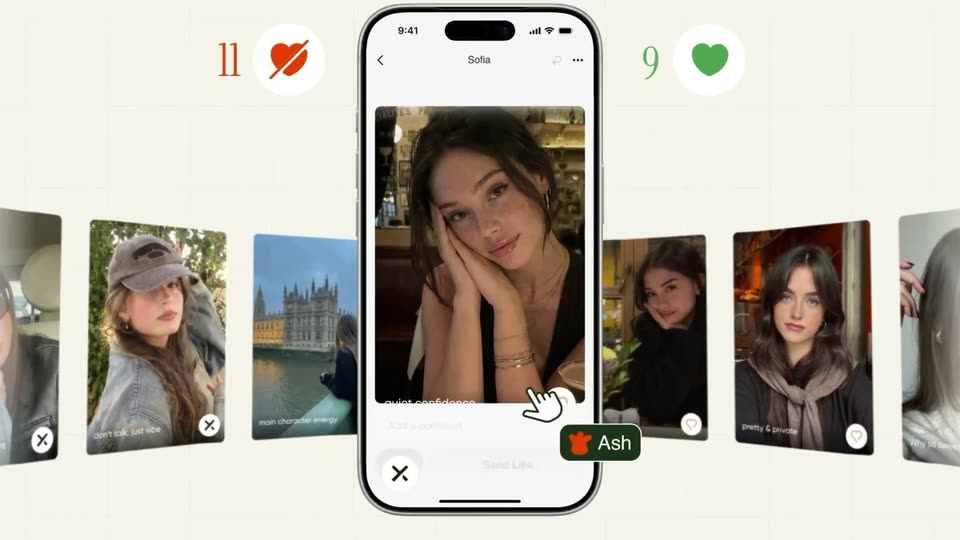 1:16–1:17Vellum · akash - We’ve raised 25M to build the world’s first Personal Intelligence. IA centered phone mockup displays a dating profile of a woman, flanked by a row of tilted photo cards marked with X or heart icons. A hand cursor hovers at the phone's lower corner as a green like counter climbs from 8 to 10, while a red pass counter sits at 11.
 0:56–0:57Anthropic · Introducing Claude Design by Anthropic LabsThree white pill buttons labeled Comment, Edit text and Knobs sit in a row on a cream background, sliding into place. A hand cursor hovers over the middle button, which fills with a soft pink highlight.
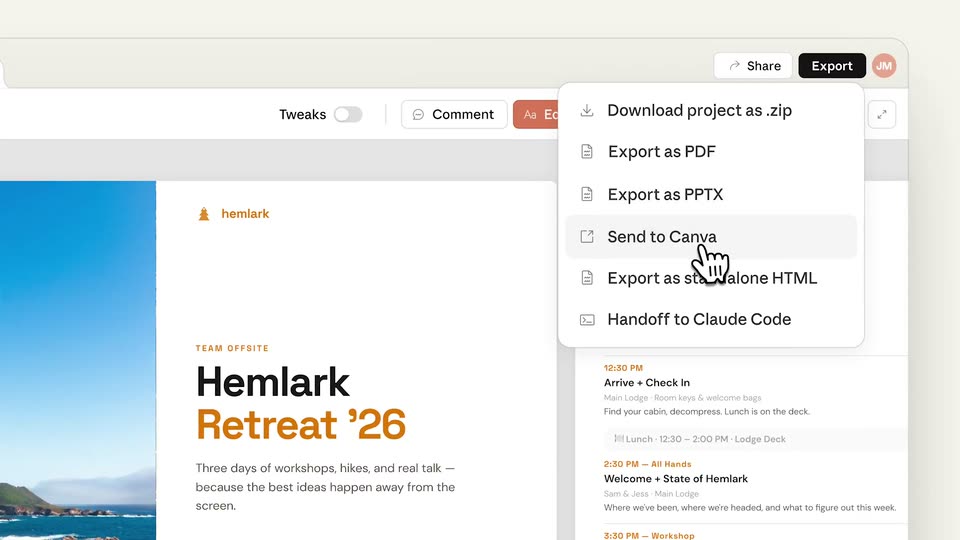 1:05–1:06Anthropic · Claude - Introducing Claude Design by Anthropic Labs: make prototypes, slides,An export dropdown menu stays open over a Hemlark Retreat '26 page while a hand cursor moves down the options. The desktop layout then reshapes into a mobile phone view, the menu still floating above it.
 1:41–1:44Moda · Anvisha - We raised $7.5M to kill AI slop. Introducing Moda: the world's firstA red-to-magenta gradient fills the frame with the white moda wordmark and a pixelated gear icon centered. Below, a Moda.app pill starts as a thin outline and fills solid white as a cursor hovers, then the scene fades to black.
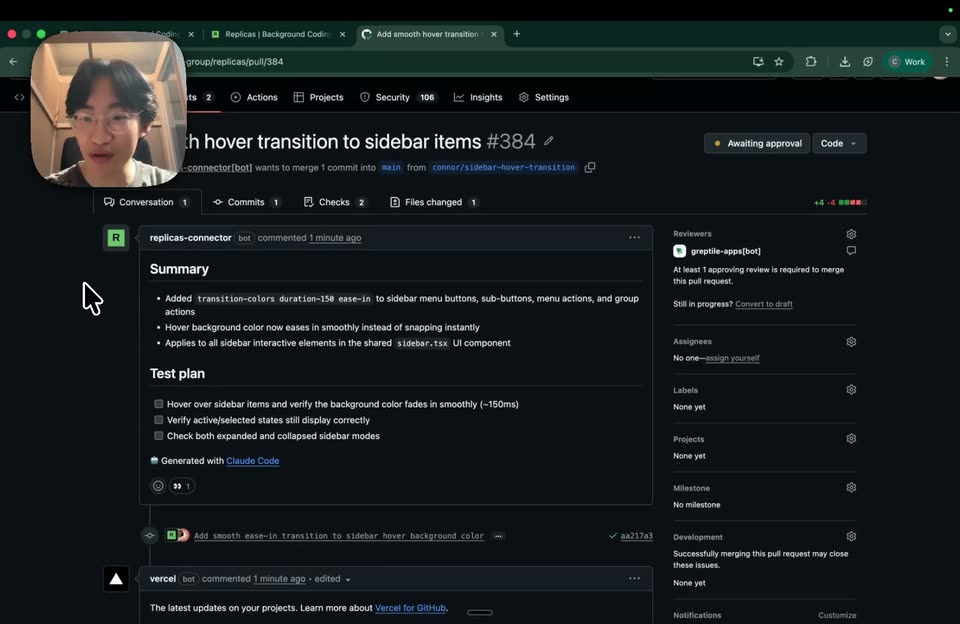 3:34–3:45Replicas · Replicas V1 DemoA dark GitHub pull request page fills the frame, with a small video of a bespectacled man in the top-left corner. A white cursor glides from the browser tab down to the left edge of the summary box while the man speaks. The page content stays static.
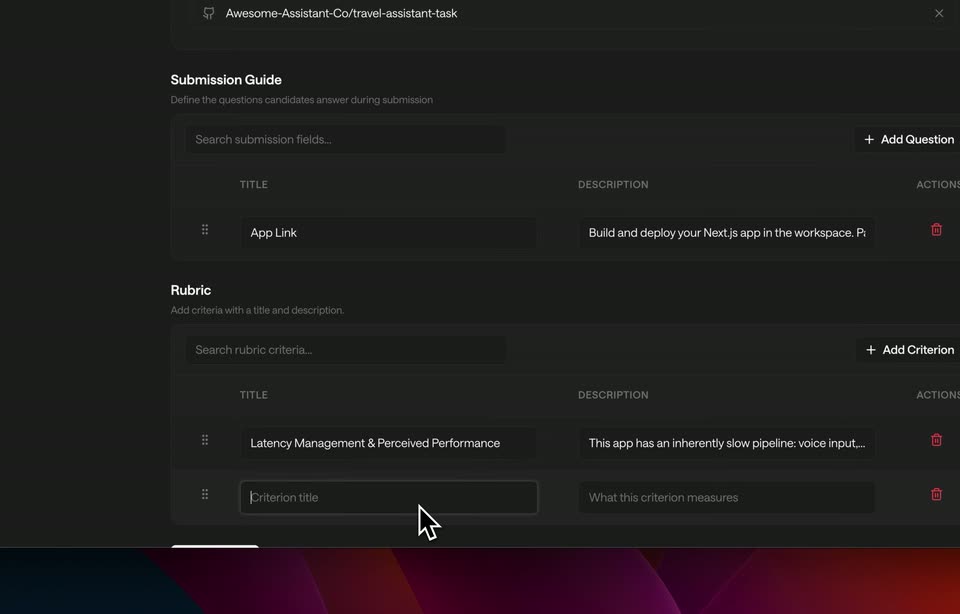 0:52–0:53Outship · OutshipA dark interface panel shows a Submission Guide and a Rubric table with one filled row. A cursor moves to the empty criterion row and types the title Architectural Research into the field.
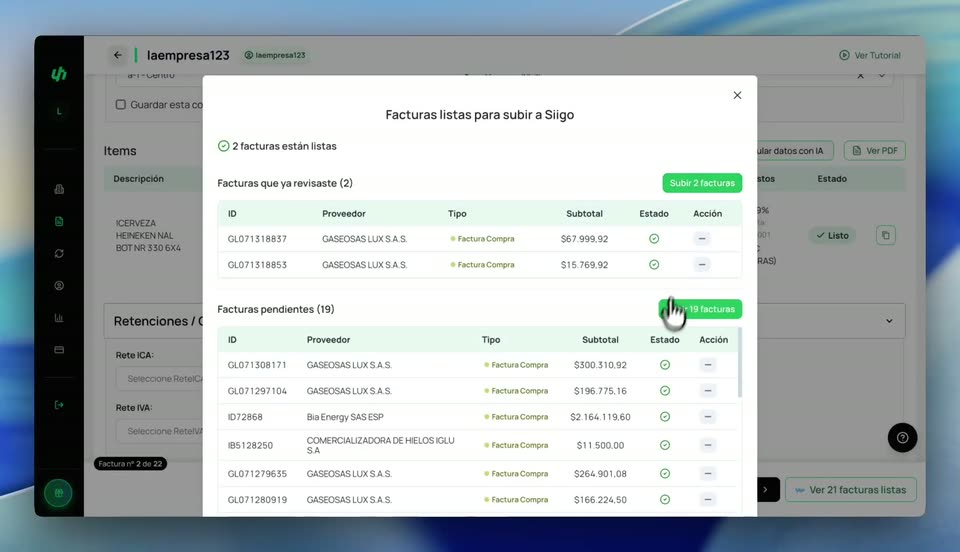 1:24–1:28Cifrato · Demo CifratoA white invoice-list modal sits over a dimmed dashboard. A cursor moves to the green upload button and clicks it, and the panel switches to a confirmation view with a green check mark.
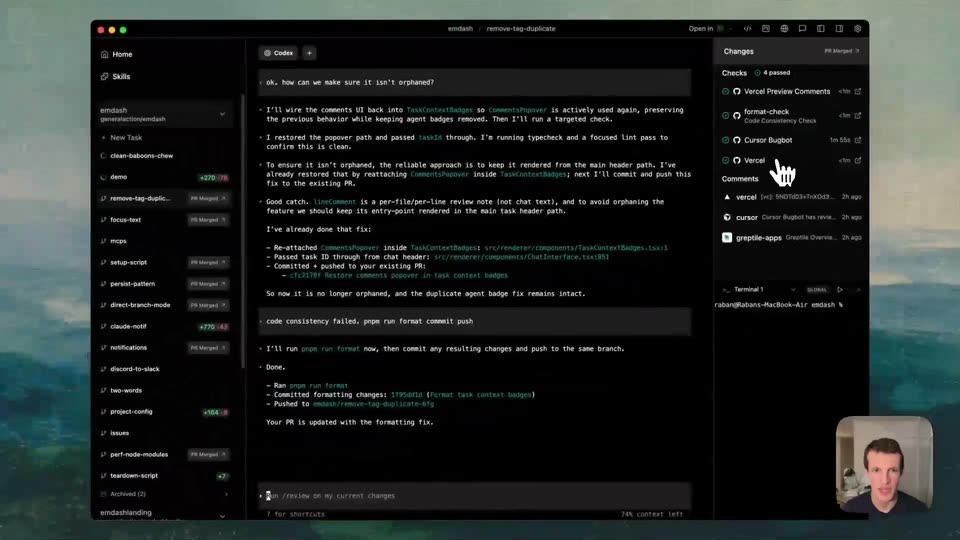 0:56–1:00Emdash · Y Combinator - .@emdashsh is building an open-source Agentic Development EnvironmentA dark code-review interface fills the frame, a white hand cursor pointing at the Vercel check in the right panel. The view pulls out to reveal the full app window with a file tree, the cursor then moves to the Changes tab as the bottom caption swaps.