Cursor demo
A visible cursor operates the interface.
14,884 scenes · page 239 of 249
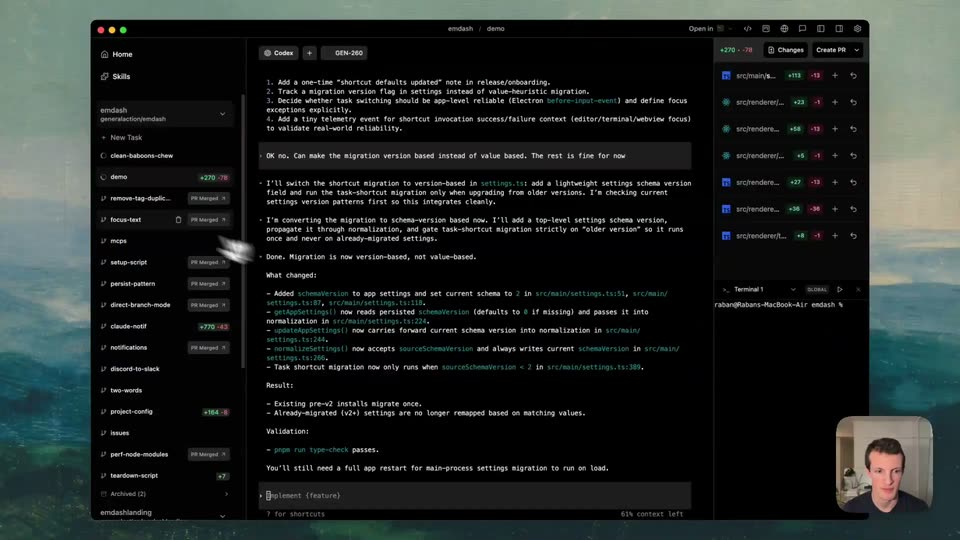 0:52 · 0.7sEmdash · Launch Emdash (YC W26)A dark three-column development tool screen stays locked off, with a task list left, a document center, and a file-changes list plus terminal right. A white hand cursor moves along the left list while a small webcam feed of a man sits bottom right.
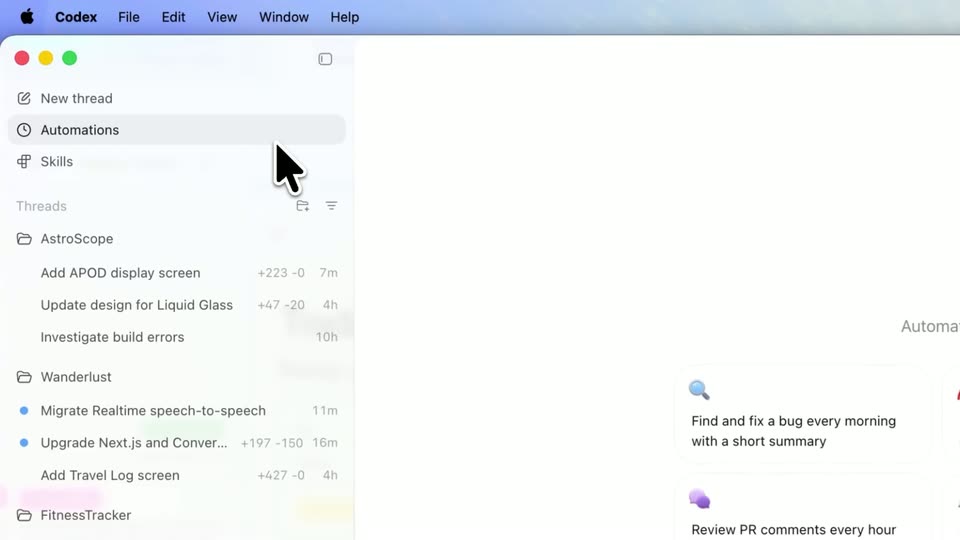 3:31–3:32OpenAI · Introducing the Codex appA cursor clicks the Automations tab in the left sidebar, and the main panel updates to show a list of scheduled tasks with icons and descriptions.
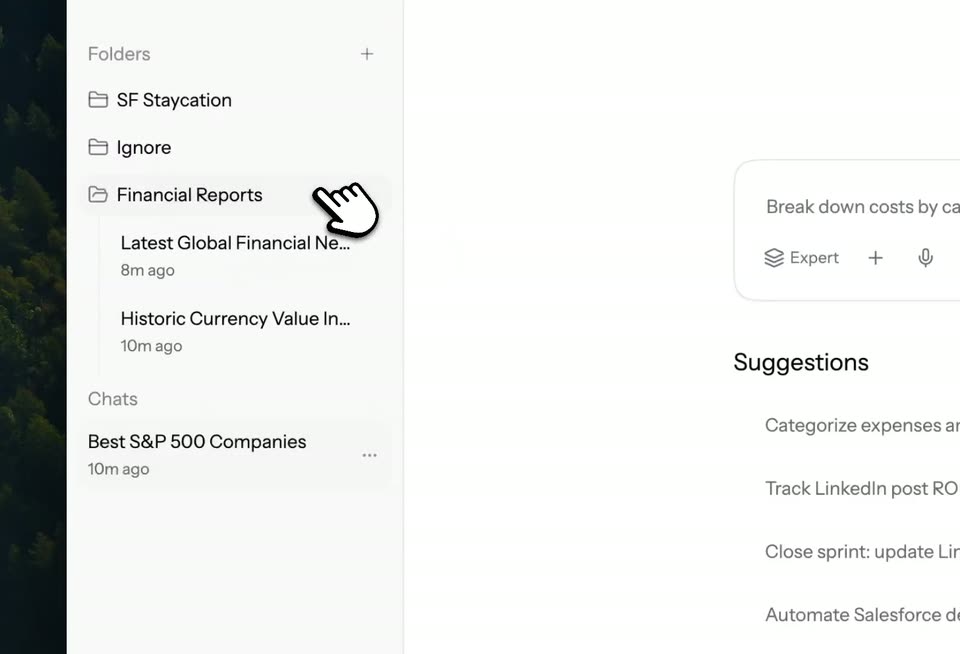 0:19–0:20Doe · doe - We're announcing folders for chat sessions and files!A product sidebar close-up. A hand cursor moves onto the Financial Reports folder and clicks it, expanding the row to reveal three dated entries. On the right, the chat input placeholder text swaps while a Suggestions list stays fixed.
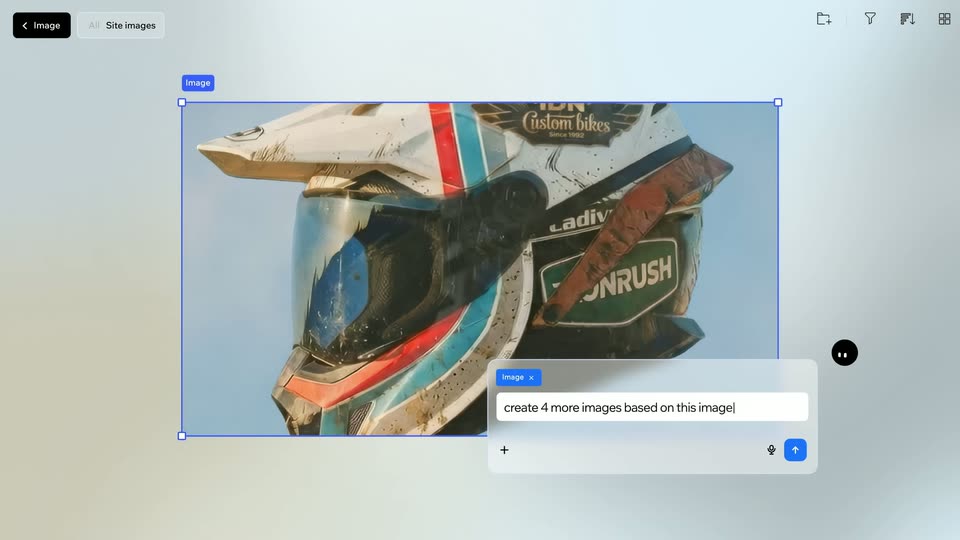 0:48–0:51Wix Harmony · Wix Harmony: The new way to createA light gray image editor shows a motorcycle helmet photo inside a blue selection box. In a prompt box at the bottom right, the text “create 4 more images based on this image” types itself out, and a cursor moves to the blue send button.
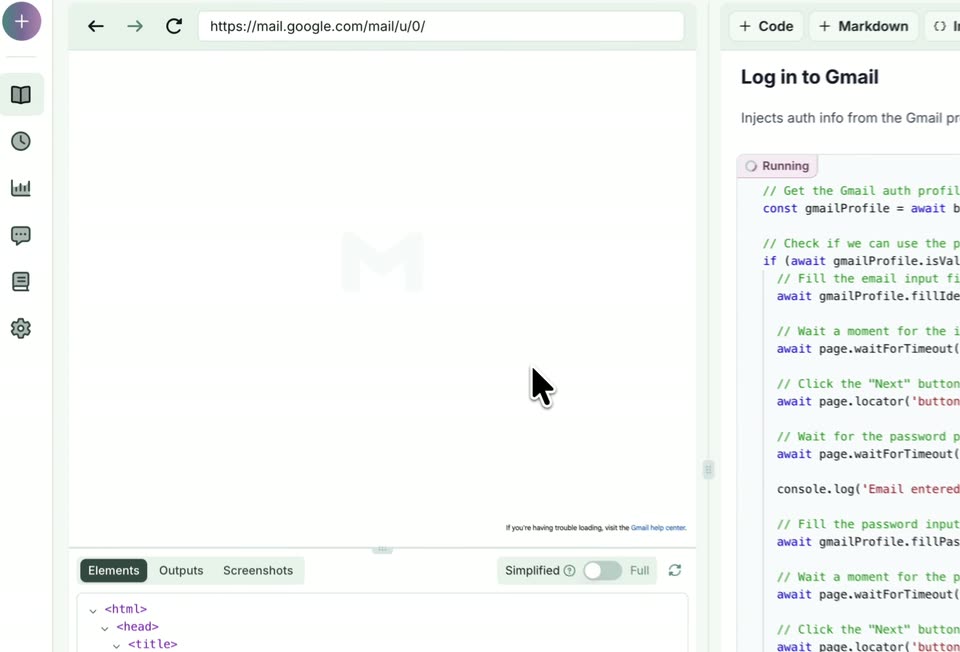 4:08 · 0.6sKilvin · BrowserBook YC DemoA split screen pairs a Gmail browser window on the left, where a cursor hovers over a loading page, with a code panel on the right showing JavaScript under a Log in to Gmail heading and a Running badge. The code lines animate into place.
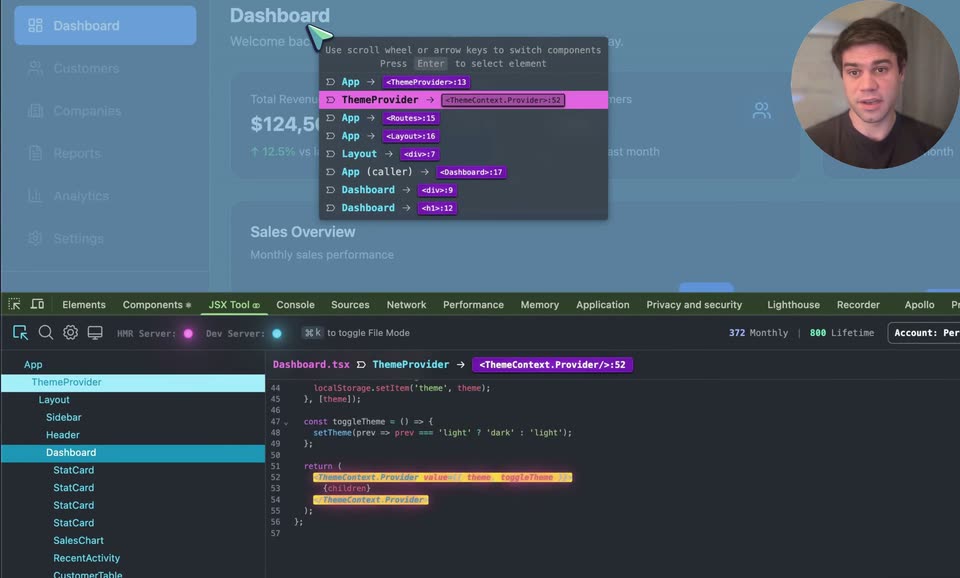 1:21–1:23Coasts · JSX Tool DemoA screen recording of a dashboard app with a component inspector overlay and a code editor below. A cursor hovers over rows, highlighting them in pink, while the selected component's code updates. A developer's face appears in a circular inset at the top right.
 0:45–0:46Topaz Labs · Topaz Labs - @Adobe + Topaz Labs 🤝🙌 Just announced—you can now access select TopazA screen shows a louvered slatted wall under a pink header and dark rail, with a defocused horizontal band across the middle. A person in a yellow beanie slides in from the left edge while a mouse cursor drifts downward.
 1:28–1:29CapCut · CapCut - Your all-in-one e-comm toolkit is here. Meet the new CapCut Desktop!A teal Export button with an upload icon is centered on a white background. A small gradient arrow cursor glides in from the right and taps the button, which darkens with a drop shadow as it presses.
 1:54–1:56IRBC · Lyra, The Final Meeting Platform.A locked-off browser window shows the Lyra app. The left sidebar slides in with Meeting, Replays and Admin rows. A cursor glides down to hover the Replays item while a Next Steps panel with Onboarding and three steps sits on the right; a small self-view video fills the corner.
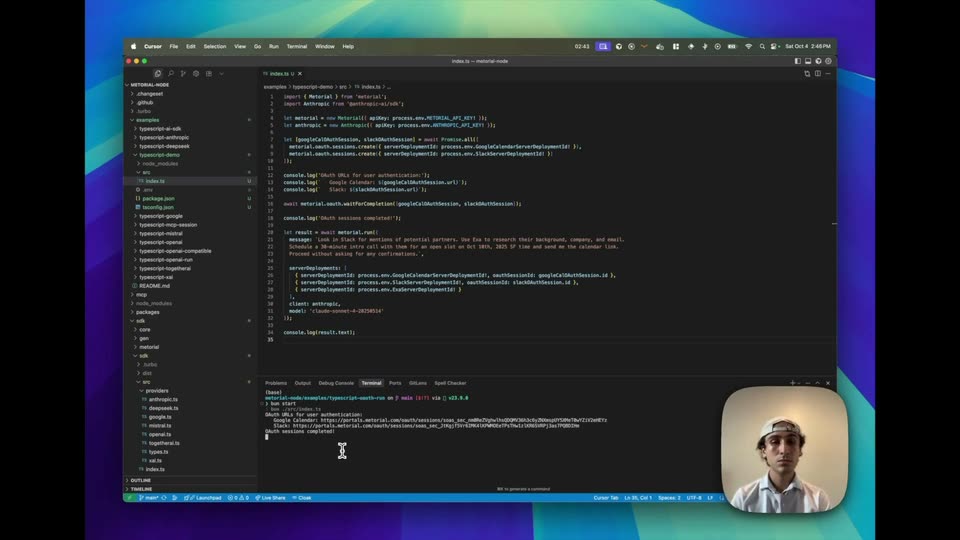 1:26–1:34Metorial · Introducing Metorial - YC F25A screen recording of the Cursor IDE shows a TypeScript file and a terminal typing out OAuth and meeting-scheduling output. The view zooms into the terminal to read the scheduled details, then cuts to a Google Calendar tab. A small webcam of the presenter stays in the corner.
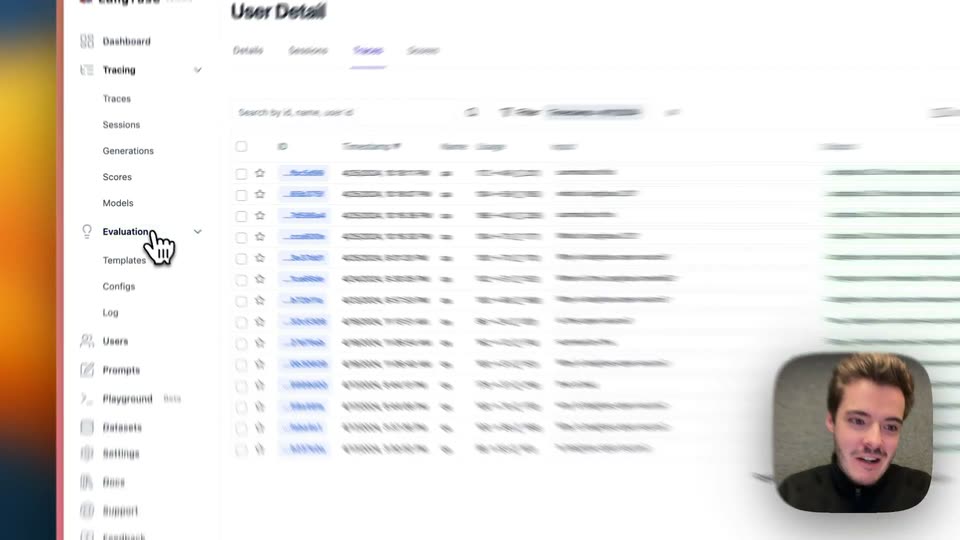 1:59–2:01Langfuse · Introducing Langfuse 2.0A product interface displays a traces table beside a sidebar menu. The view zooms in as a hand cursor clicks the Evaluation item, expanding it into Templates, Configs, and Log, then rests on Templates. A smiling man appears in a webcam bubble at the lower right.
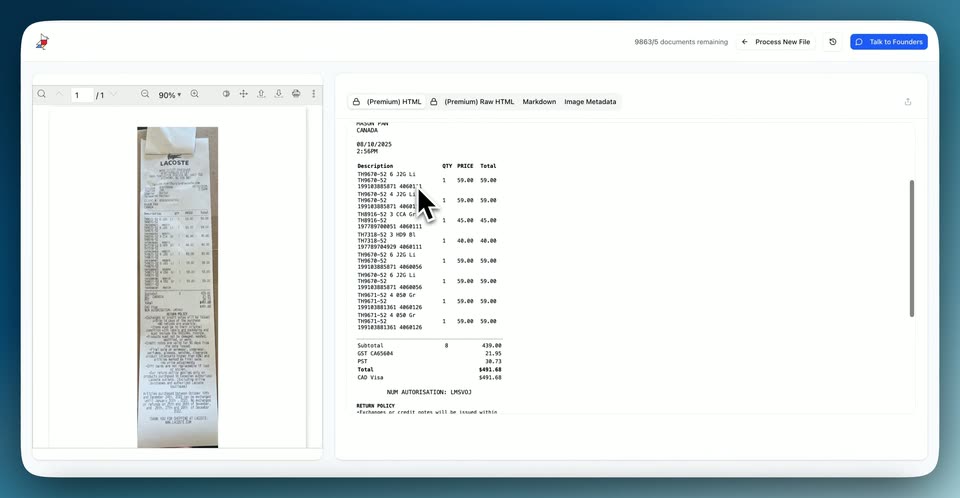 0:55–0:56Cardinal · cardinal demoA document processing screen splits into a scanned receipt on the left and extracted text on the right, with a cursor resting on the line items. The frame stays locked as a single text line slides into position.
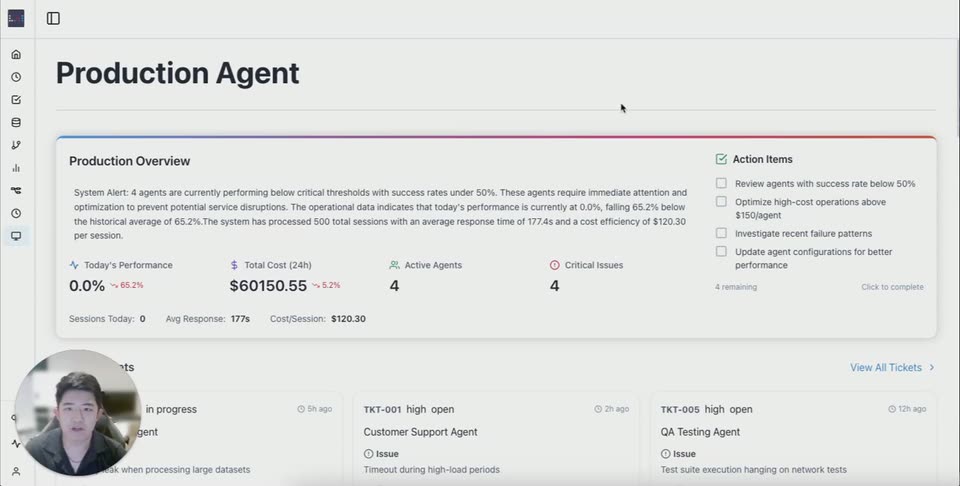 3:15–3:28Lucidic AI · Lucidic HN DemoA light Production Agent dashboard fills the frame: a gradient-topped overview card, four metric figures and an Action Items checklist. A cursor drifts across, hovering the checklist and a View All Tickets link. The page scrolls to reveal ticket cards, while a circular presenter webcam sits in the lower-left corner.
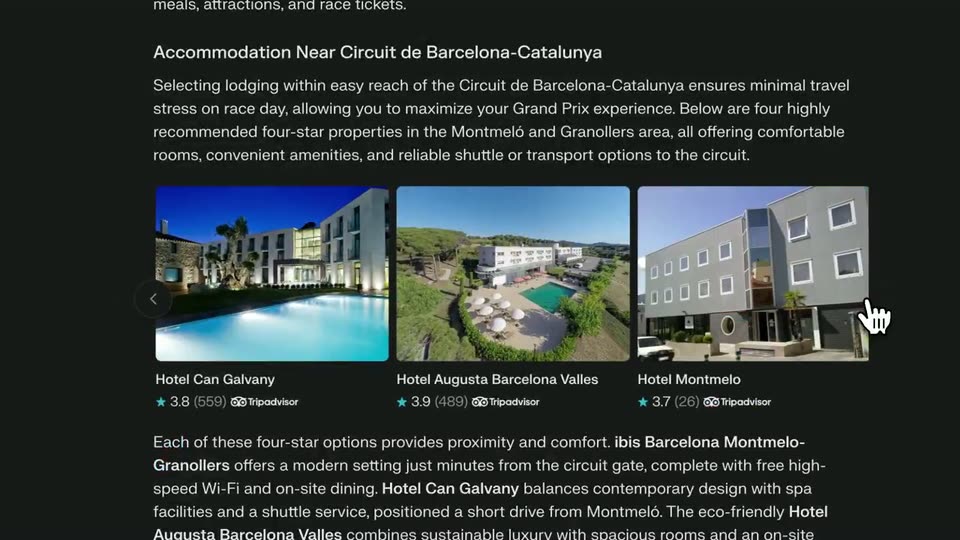 1:24–1:26Perplexity · Perplexity - Today we're launching Perplexity Labs. Labs is for your more complexA dark webpage article on Barcelona accommodation shows a horizontal carousel of hotel photos. A hand cursor sits at the right edge as the carousel scrolls left, swapping in new hotel cards and a back arrow.
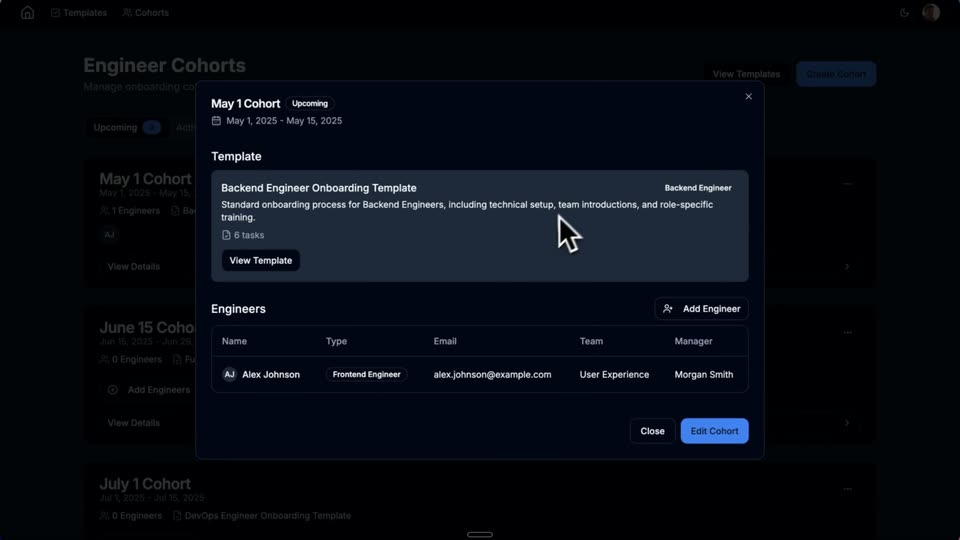 1:51–1:52Vybe · Vybe Demo - Build internal apps 10X fasterA dark modal titled May 1 Cohort overlays a dimmed cohort list, showing a template card and an engineers table. A white cursor glides from the template area down across the panel.
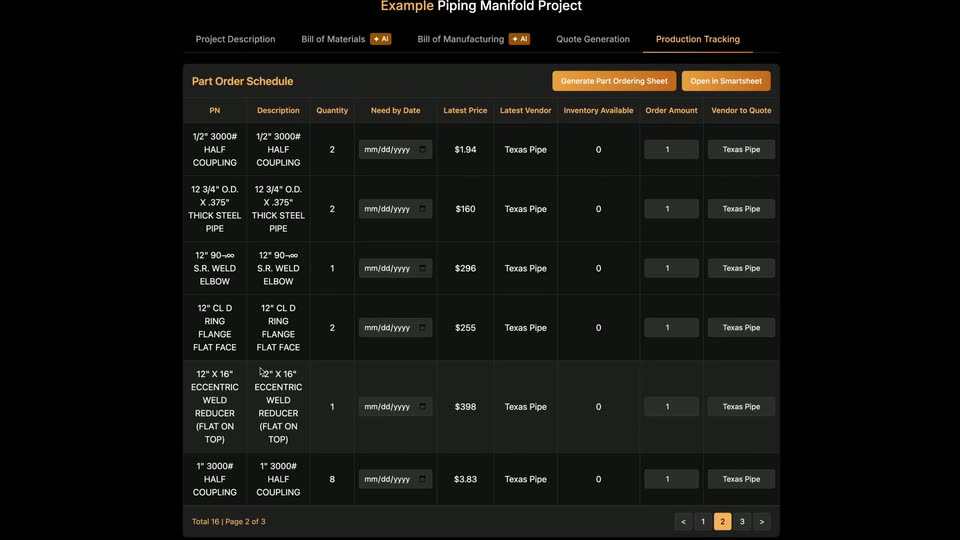 3:47–3:51Jeevy Fabrication · Introducing Jeevy FabricationA dark project interface displays a Part Order Schedule table with pipe components, quantities, prices, and vendor fields. The cursor moves to the pagination control and selects page 2, replacing the list with new rows.
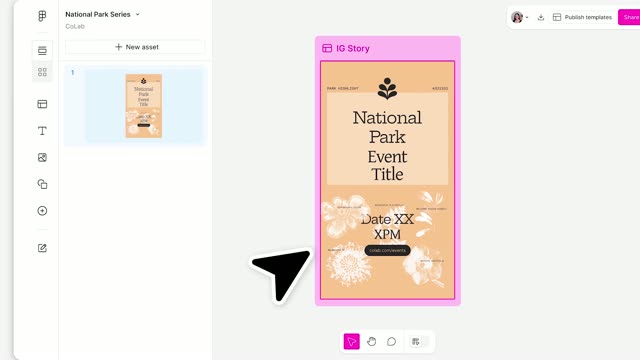 1:00–1:01Figma · All the launches at Config 2025 | FigmaA design app workspace shows a selected event poster framed by pink handles on a white canvas, with a left icon rail and asset panel. A large black cursor arrow drifts right along the lower canvas while the floating bottom toolbar settles into a single row.
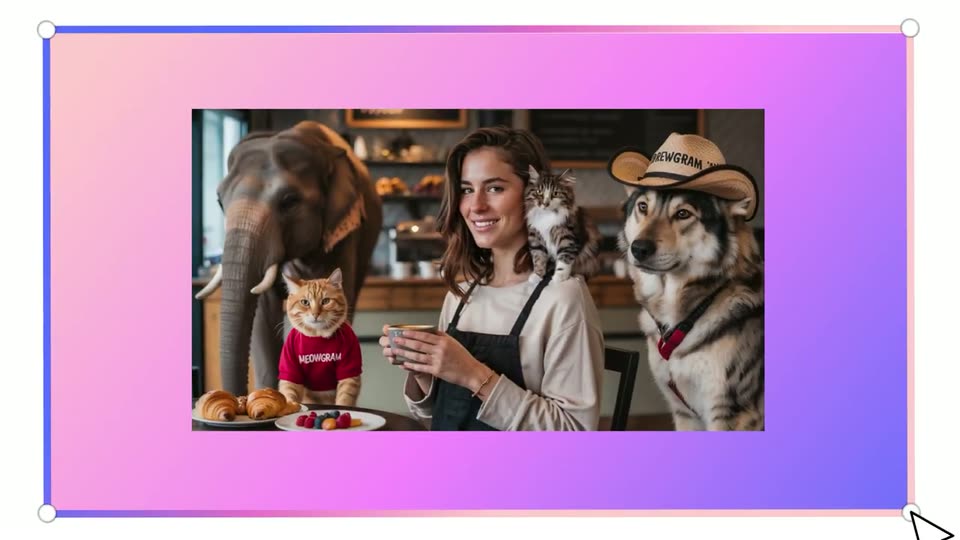 1:36–1:37Ideogram · Ideogram - Meet Ideogram 3.0 — stunning realism, creative designs, and consistenOn a white canvas, a pink-to-purple gradient selection box with corner handles is dragged outward by a cursor, scaling up a centered photo of a woman with cats, an elephant and a dog in a cafe.
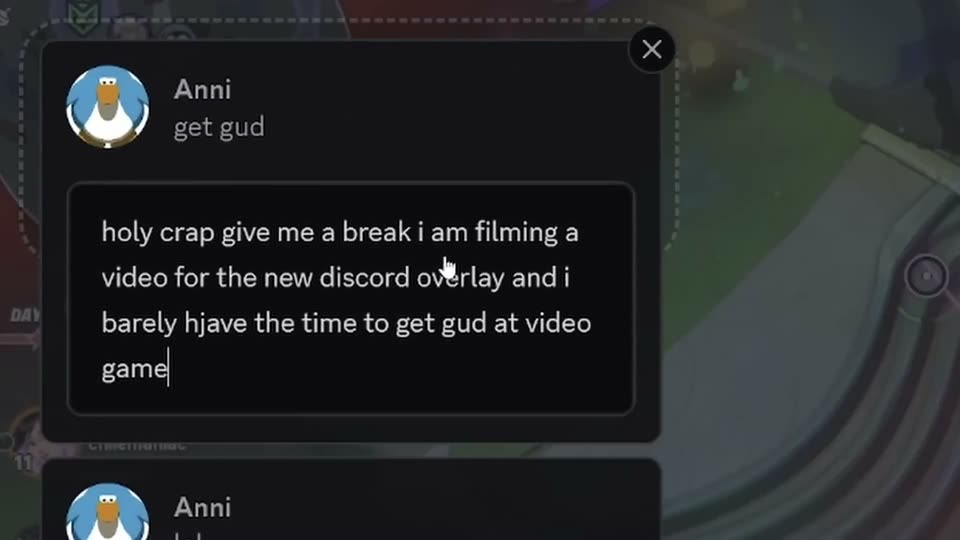 3:14–3:17Discord · Introducing the NEW Discord Game OverlayA hand cursor hovers in a dark Discord overlay's message box as a long reply types out character by character. The overlay card floats over a dimmed game map, with a notification entry and a shift-to-reply hint below.
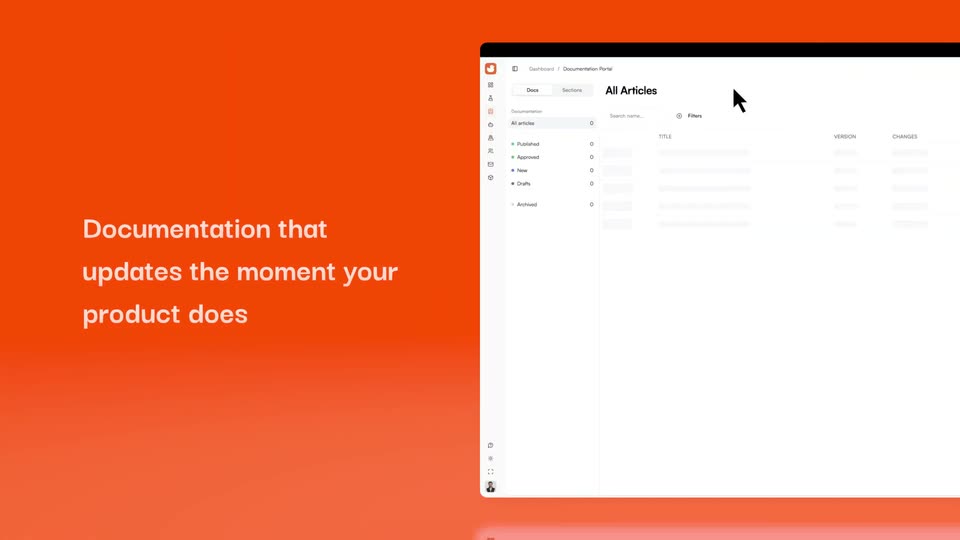 2:09–2:14SAMMY Labs · SAMMY Labs - Product TourA tilted 3D browser window of a documentation dashboard sits right on an orange gradient beside a white headline. A hand cursor highlights a demo panel that fades into a skeleton article table; the cursor rests at the top, then the headline fades and the window slides left.
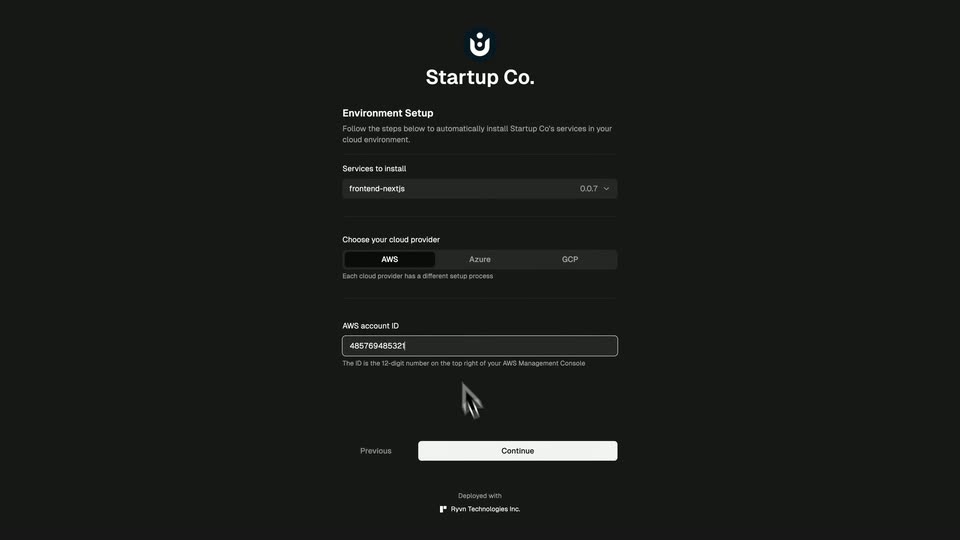 1:13–1:15Ryvn · Ryvn | On-prem deployments, without the stressA dark Startup Co. setup form stays locked on screen while a text cursor types a 12-digit AWS account ID into the input field, then the pointer glides down and hovers over the Continue button.
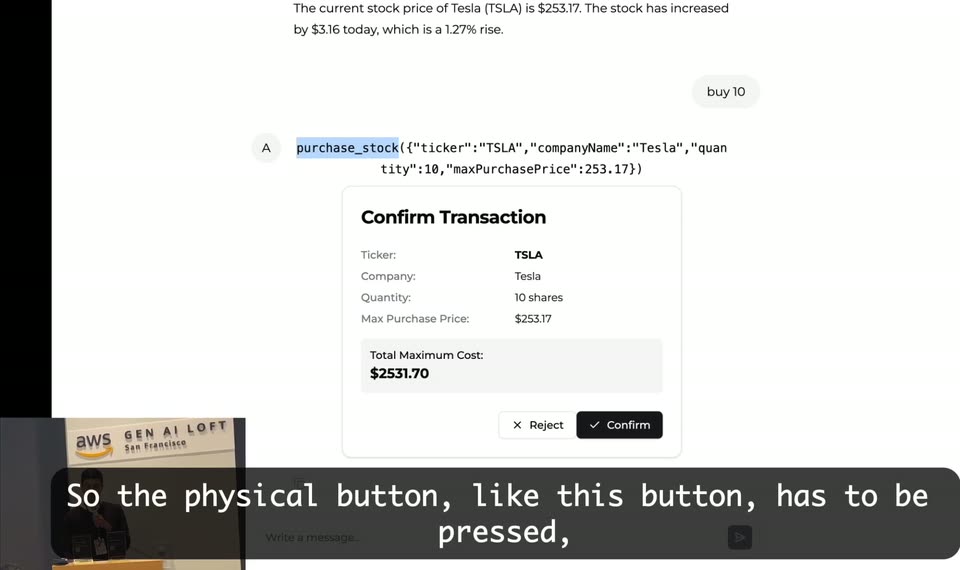 2:00–2:04assistant-ui · assistant-ui | AWS GenAI Loft DemoA chat interface shows a Confirm Transaction card for a Tesla stock purchase, with Reject and Confirm buttons. A small picture-in-picture of a speaker sits bottom-left, and white caption lines swap across the bottom. A cursor moves onto the Confirm button.
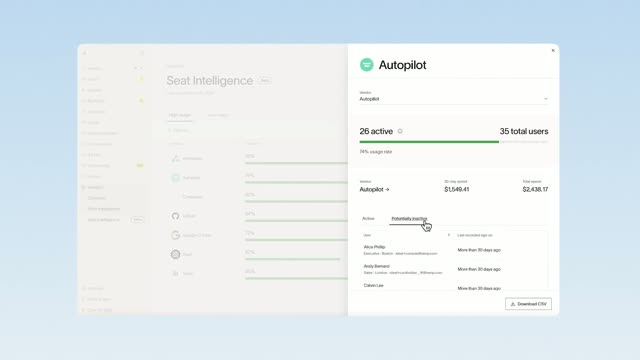 2:00–2:05Ramp · Meet Ramp: A smart finance operations platform that saves you time and moneyA vendor detail panel for Autopilot slides in from the right over a seat-usage dashboard, showing stats and an active users table. A hand cursor clicks the Potentially inactive tab, swapping the list to users with no recent sign-in.
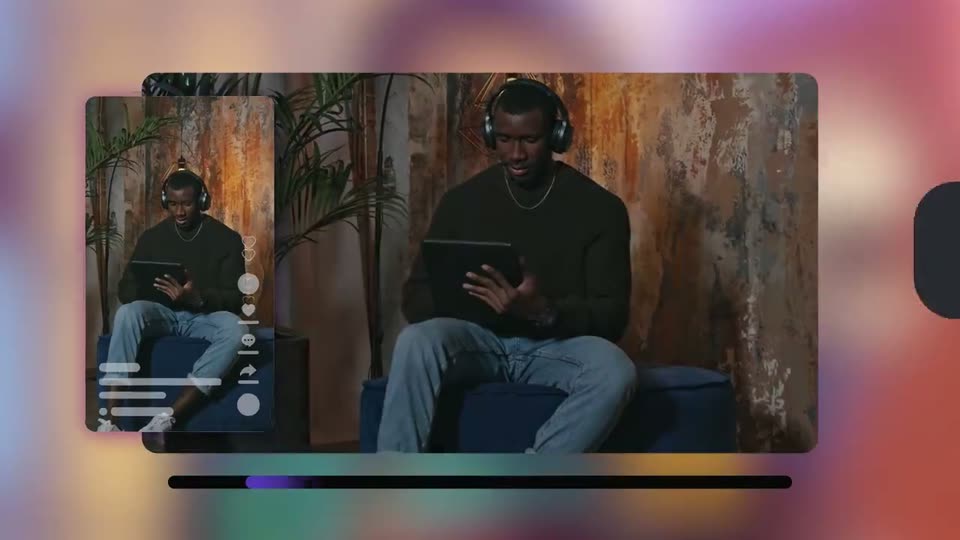 0:32–0:34Captions · Mirage - Introducing Captions for web. Video editing made simple, thanks toA man in headphones sits in a rounded video card over a blurred gradient. A cursor flips the “shorts?” toggle to purple, the pill slides away, and the card shrinks as a progress bar plus a smaller card with an icon rail appear.
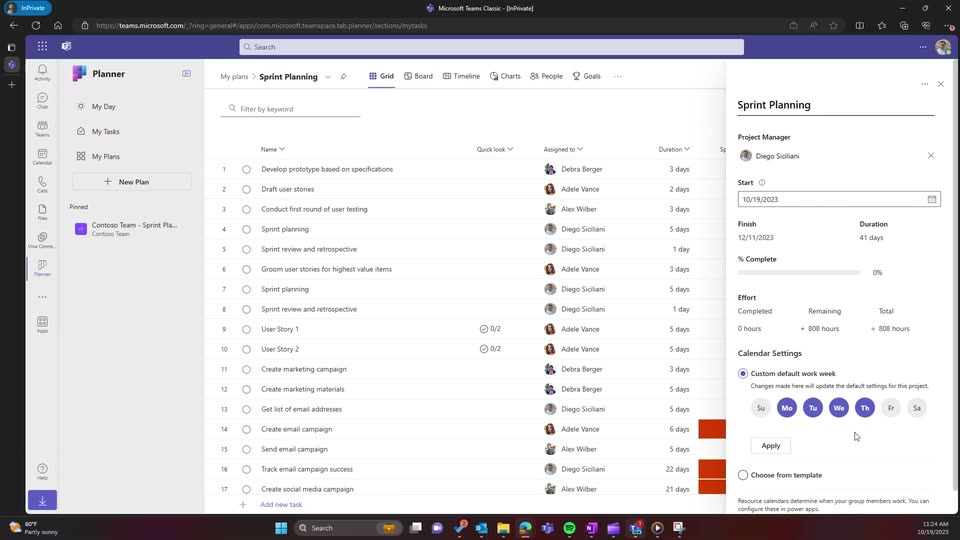 3:01–3:05Microsoft · Meet the new Microsoft PlannerA screen recording of a task management interface shows a list of tasks. A details panel appears on the right, and a cursor moves to an apply button. The view then switches to a page listing multiple project plans.
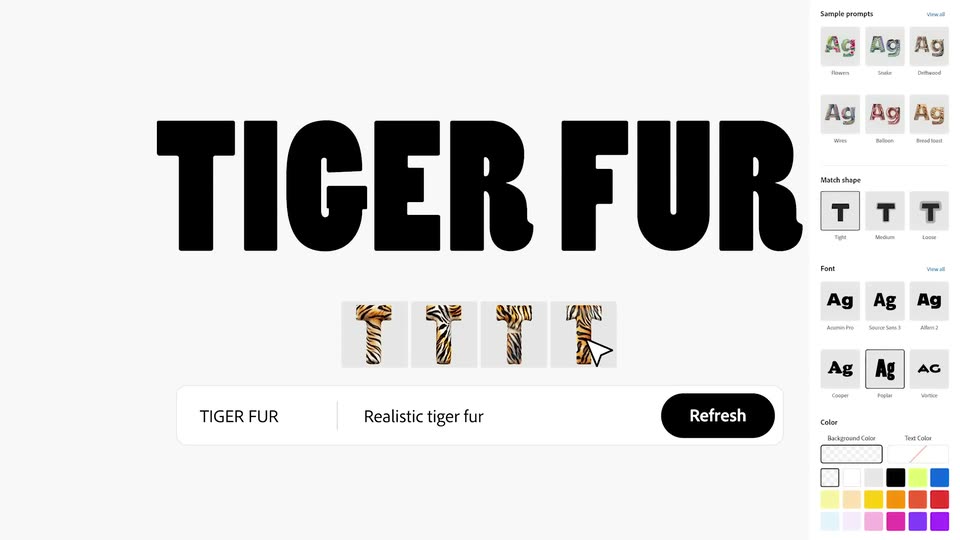 0:34–0:36Adobe · Adobe Firefly: Out of Beta & Ready For Your Imagination | AdobeA product interface shows a bold headline TIGER FUR filling from solid black to a tiger-fur texture as a cursor selects a fur swatch in a row of letter samples; a side panel lists prompts, fonts and colors, and an input bar reads Realistic tiger fur with a Refresh button.
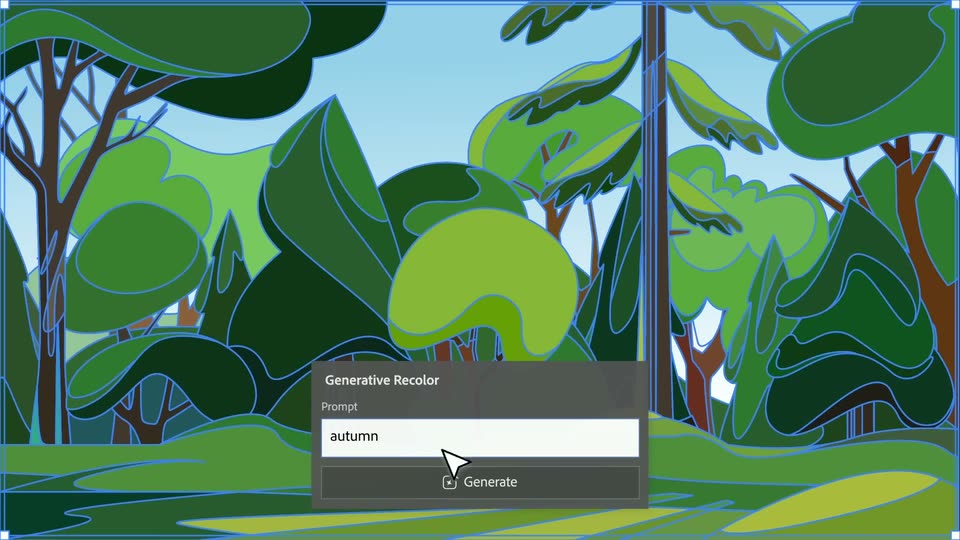 0:40–0:42Adobe · Adobe Illustrator x Adobe Firefly: Announcing Generative Recolor | AdobeA dark Generative Recolor dialog sits over a flat illustrated forest. The word autumn is typed into the prompt field, then a white cursor moves to the Generate button as the frame zooms out to reveal the full scene.
 0:54–0:56Adobe · Adobe Photoshop (beta) x Adobe Firefly: Announcing Generative Fill | AdobeA horizontal filmstrip of three photo thumbnails sits over a full-frame aurora landscape, a white cursor resting on the selected frame. The strip fades out and the landscape zooms in to fill the screen.
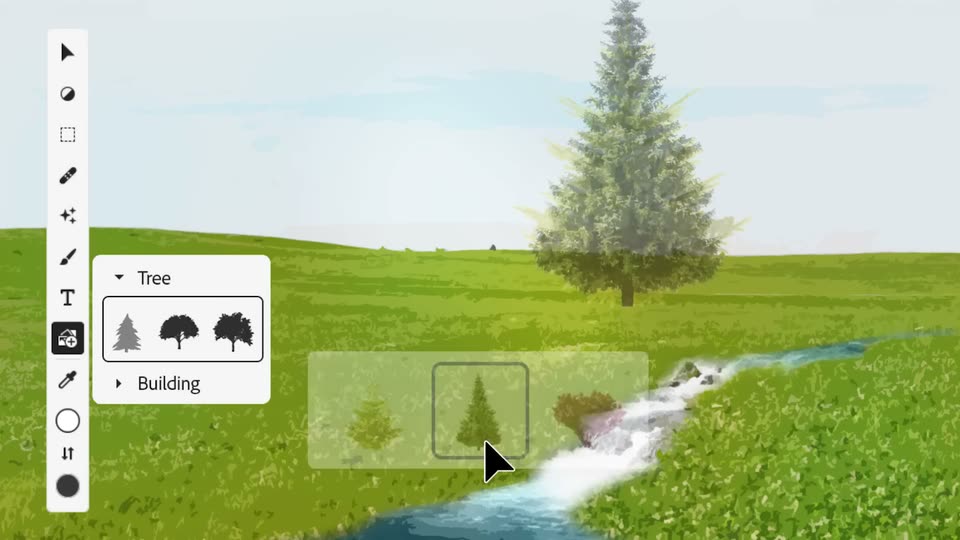 0:29–0:30Adobe · Adobe Firefly: Family of New Creative Generative AI Models | AdobeA 3D grassy field with a stream and a yellow pine tree. A cursor hovers over the tree, then moves to a bottom palette and clicks the dark green option, morphing the tree in the scene to dark green.
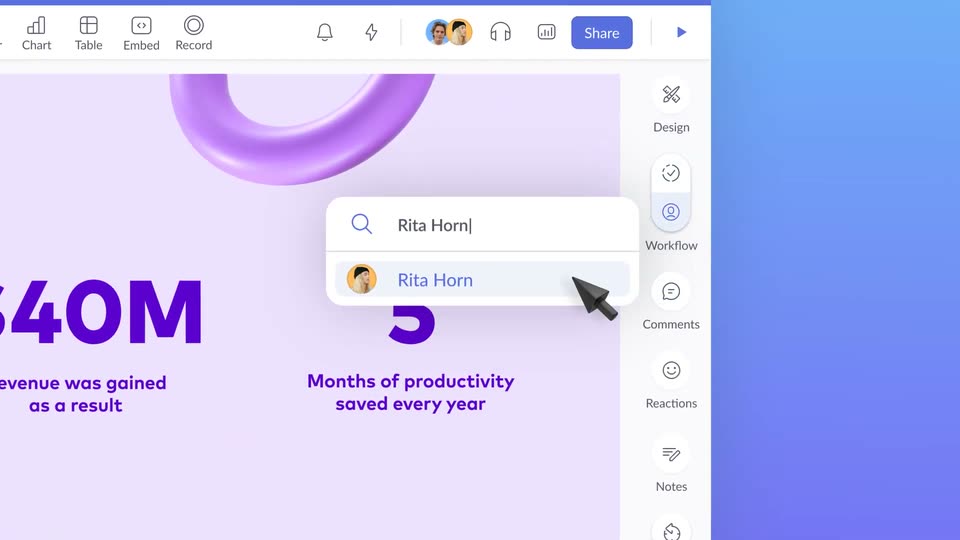 1:24–1:30Pitch · Introduction to Pitch | Create beautiful presentations with your teamA pitch editor shows a stats slide. A cursor taps the slide thumbnail, then the view zooms into the right sidebar. The cursor clicks the Workflow icon, a search field opens, the name Rita Horn is typed and selected, and the icon fills with two avatars and a check.
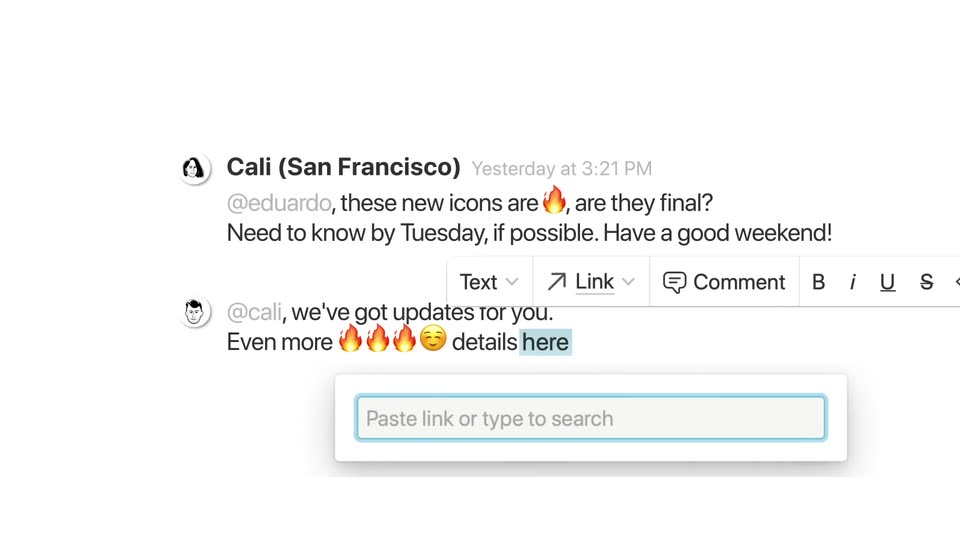 1:51–1:59Notion · What is Notion?A comment thread on white. A reply types itself out, a toolbar pops up, a cursor clicks Link and a URL field fills, “here” becomes a link, and the sender label “Eduardo (Sydney)” drops in. The view then whips right with motion blur to reveal a data table.
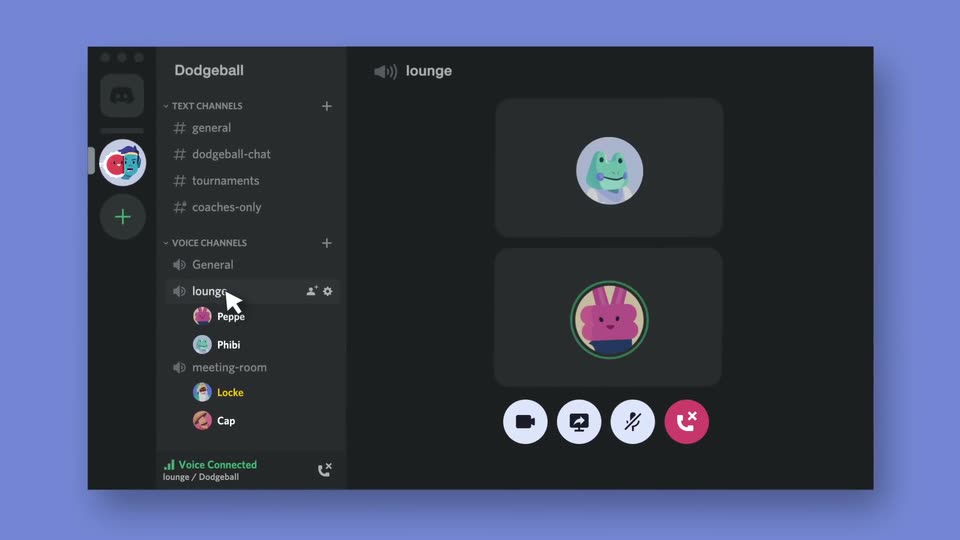 1:28 · 0.5sDiscord · How Discord Works in 148,000 Miliseconds or LessA static shot of a dark app interface on a blue backdrop: a cursor rests on the lounge channel in the sidebar, and two avatar cards sit in the main panel.
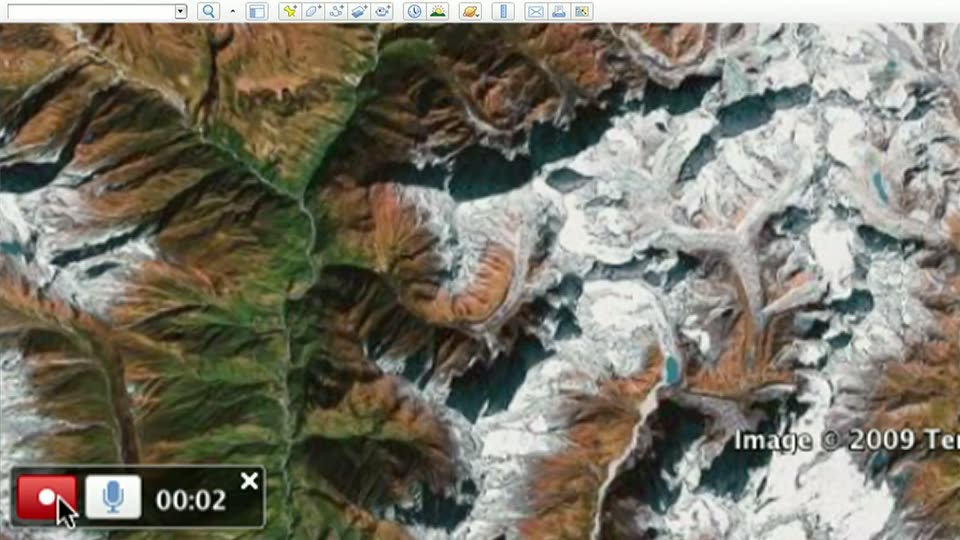 1:14–1:18Google · What's New in Google Earth 5.0A satellite map of mountains fills the screen with a corner recording bar. A cursor clicks the red record button as the timer counts from 00:00 to 00:02. The view then opens into a 3D perspective of snow-capped peaks under a blue sky, with side navigation controls.
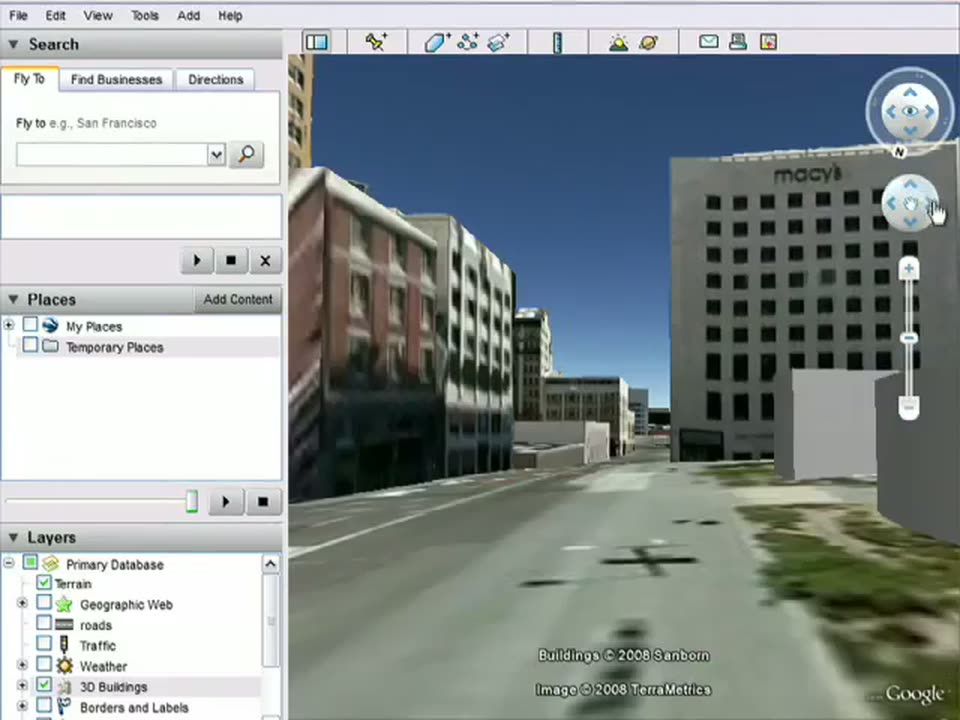 0:50–0:51Google · New features in Google Earth 4.3A mapping app window shows a 3D street view of a city, with a gray Macy's building on the right and a control panel on the left. A cursor drifts toward the round navigation joystick at the right edge.
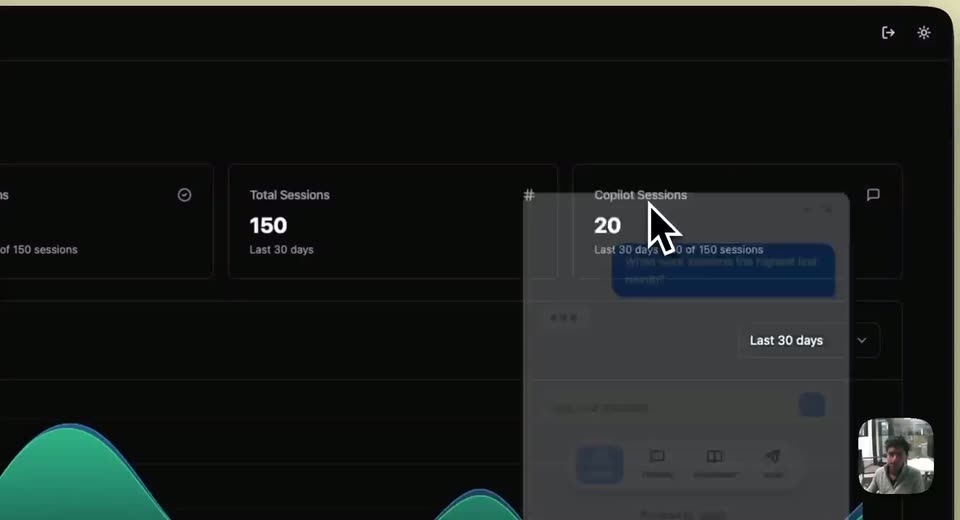 0:35–0:36Hobbes · 🚨Major update🚨 Syra is now Hobbes (hihobbes.com)! As we worked with some amazing teams this year, we saw a big gap in the agent landscape: visual context. Agents trained on knowledge bases + helpA dark analytics dashboard shows a white prompt bar mid-screen. A large white cursor hovers over it while the query 'When were sessions the highest last month?' is typed, finishing with a blinking caret. A small webcam self-view of a person sits in the bottom right corner.
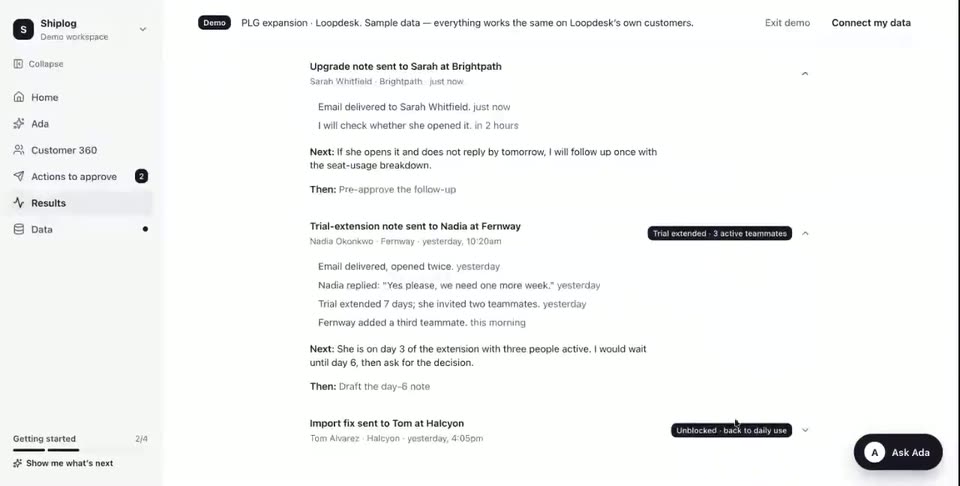 4:19–4:26Shiplog · #customersuccess #ai #saas #productledgrowth #revenuegrowth | Shiplog (F/AI F26)A light product dashboard opens on a Results list. A cursor clicks each row to expand it, revealing detail lines, and the list scrolls to follow. The cursor then selects Data in the left sidebar, swapping the panel for a source-status view.
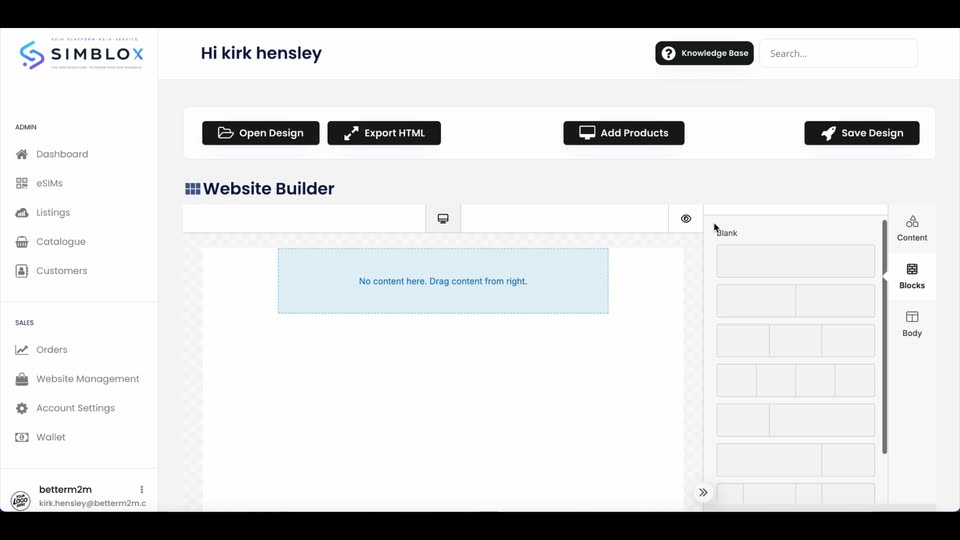 1:33–1:36SimBlox · SimBlox: minute demoA web admin dashboard shows a Website Builder canvas with an empty blue row. The right panel switches to a grid of layout blocks, then the cursor drags a tilted two-column block toward the canvas, where a blue pill marks the insertion line.
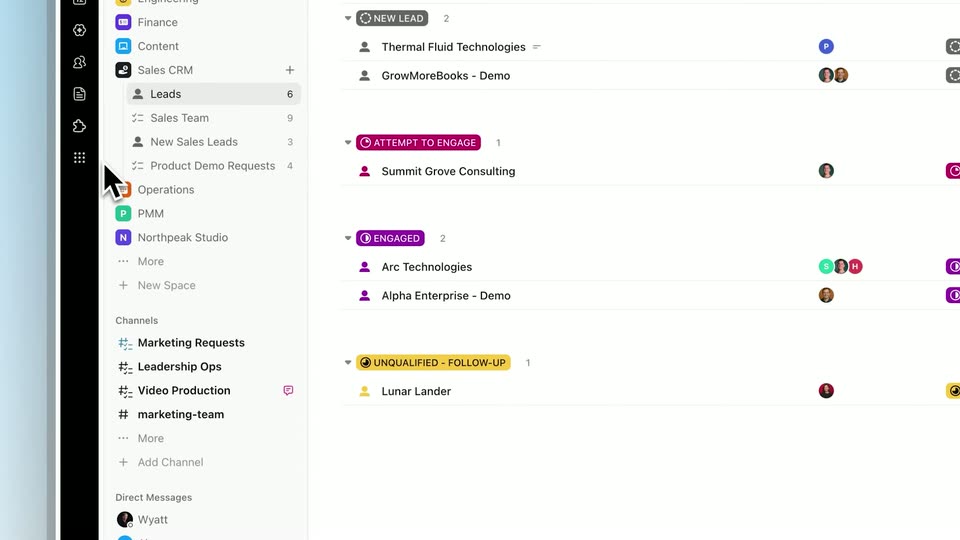 2:50–2:51ClickUp · ClickUp Release 4.10: Sheets, Work Schedules, Email Triggers, and more!A ClickUp leads list fills the frame inside a window edged with a soft blue glow. The view zooms in on the rows while a cursor glides down to the red Attempt to Engage status label.
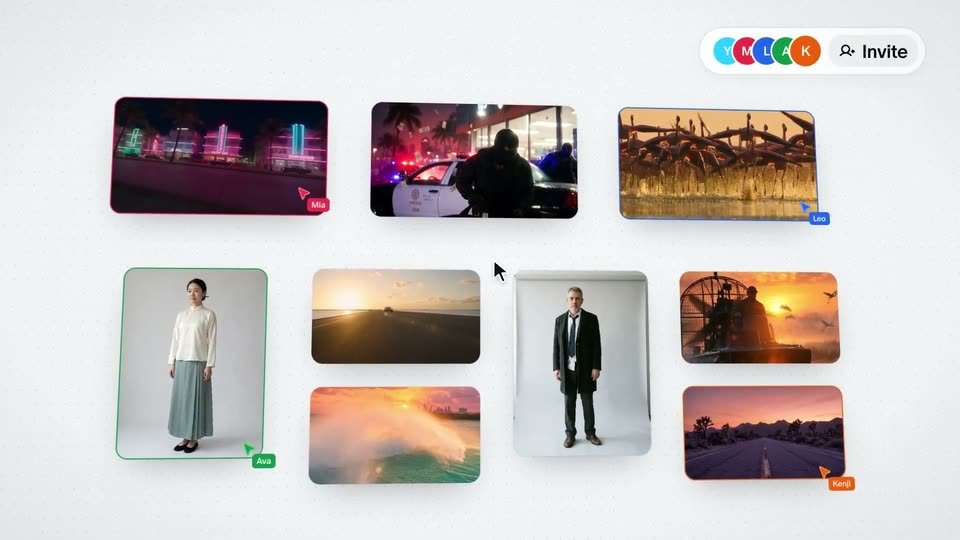 0:54–0:57Flowith · Flowith - introducing Flowith 3.0. the ultimate canvas for human-ai creation.A grid of photo thumbnails on a dotted gray background. A cursor hovers at the Invite button top right as five colored avatar circles pop in. Colored outlines and name tags appear around several photos, then the camera pushes in on the grid.
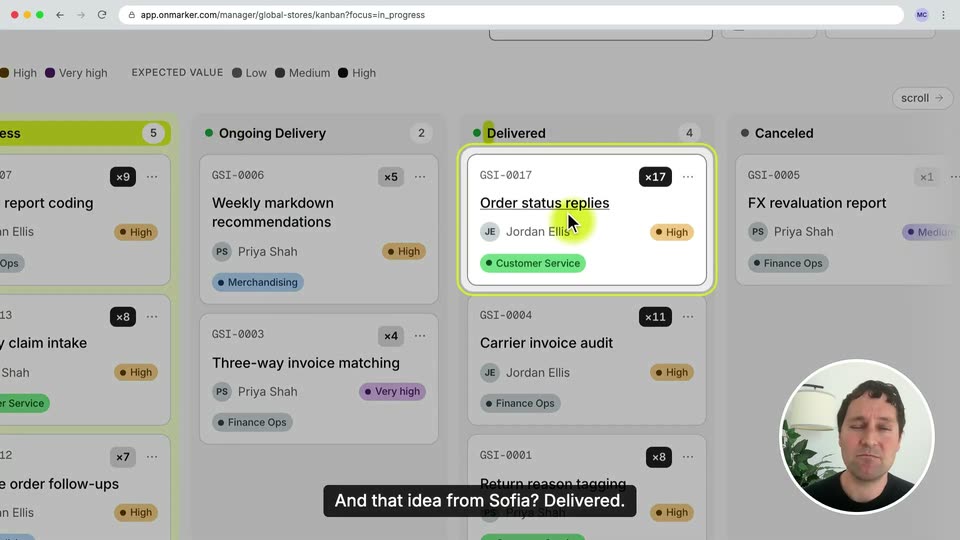 1:36–1:38Marker · Introducing Marker ManagerA browser window shows a kanban board with columns for ongoing, delivered and canceled work. A cursor moves onto a highlighted card, and a circular video of a man speaks in the lower right. A dark caption bar appears at the bottom.
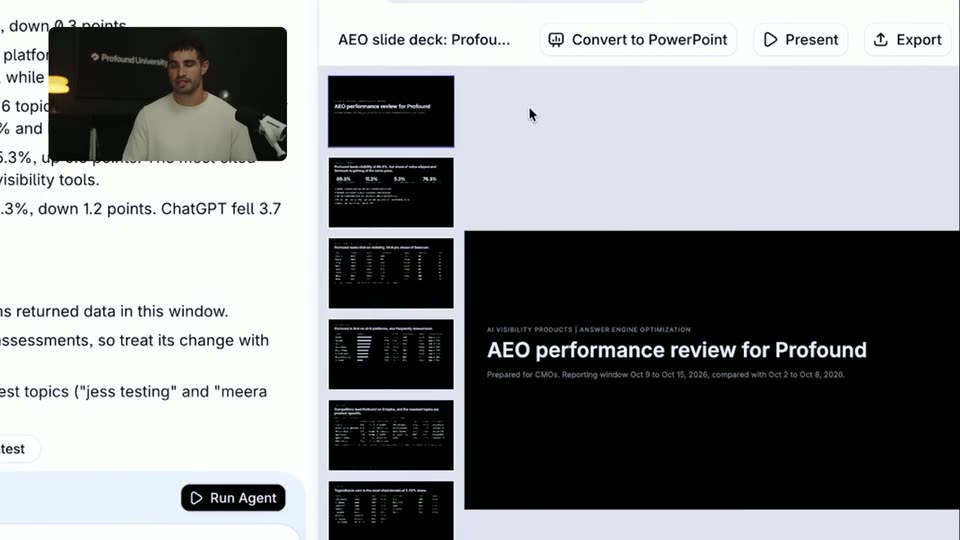 2:41–2:49Profound · Dylan Babbs - Today we're launching a new generation of Agents in @profound, now poA static three-panel interface shows a chat with a small video of a man in a white shirt, a column of dark slide thumbnails, and a black title slide on the right. A cursor glides across the top bar, hovering over the Convert to PowerPoint and Export buttons.
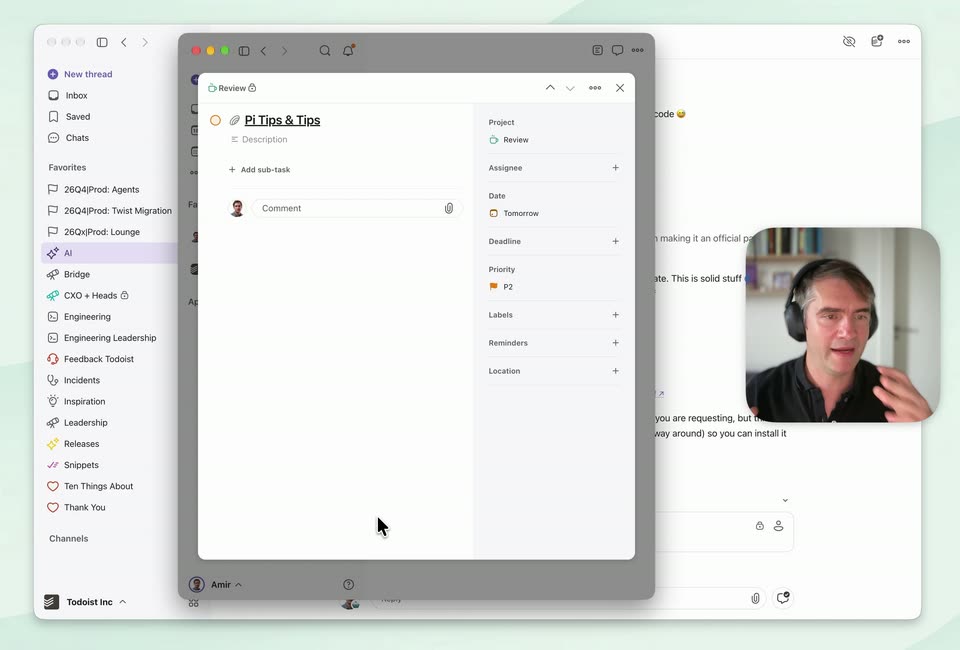 2:43–3:02Todoist · Amir Salihefendić - Todoist Comms is now in public beta 🚀 What's in it: ⋅ Turn any threA static screen share of a task app shows a 'PI Tips & Tips' detail panel over a channel sidebar, with a cursor drifting to the lower pane. A rounded-corner webcam inset on the right shows a man in headphones talking and gesturing throughout.
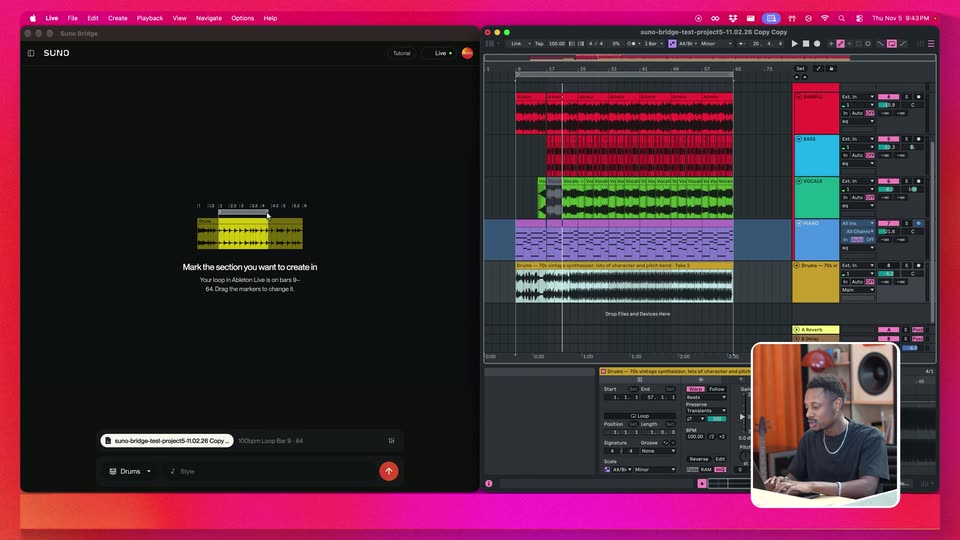 3:34–3:38Suno · Introducing Suno Bridge (beta): Your DAW, Suno-poweredTwo app windows fill a macOS desktop: a dark Suno Bridge panel with a yellow step sequencer and caption, and an Ableton Live arrangement view with multicolored audio tracks. A rounded inset at bottom right shows a man gesturing in a studio while the cursor hovers over the timeline.
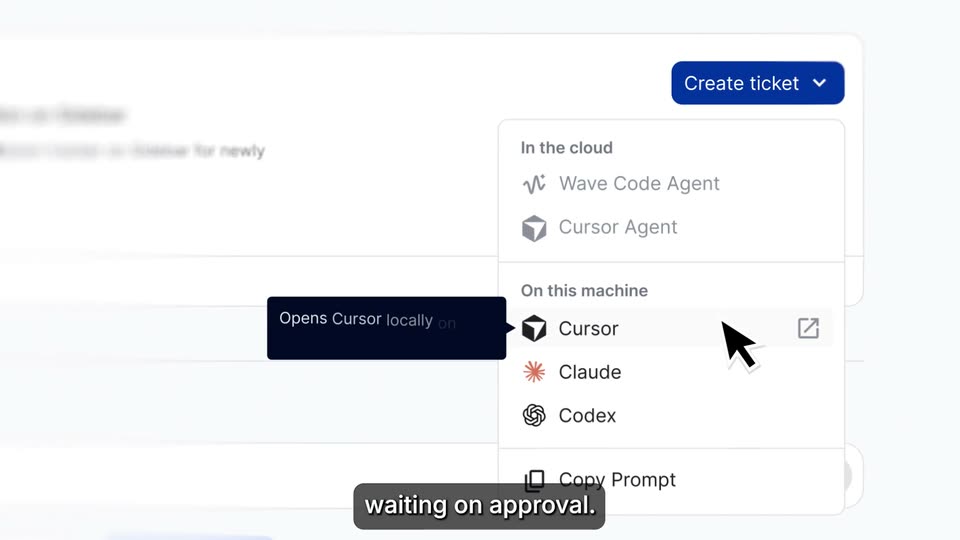 1:24–1:27Amplitude · Spenser Skates - Introducing Wave. The world's first AI that reads your customers' miA task detail screen zooms in on the blue Create ticket button, opening a dropdown of cloud and local agents. A cursor hovers over the Cursor row, and a dark tooltip slides in beside it.
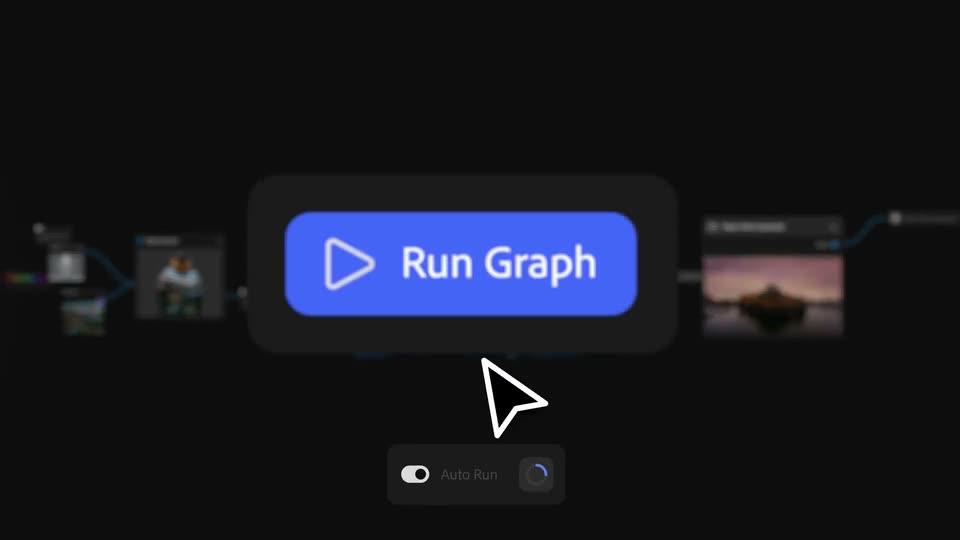 1:15–1:16Adobe · What’s New in Creative Cloud and Adobe Firefly | Adobe MAX 2026A dark node-graph interface is blurred except for a centered blue Run Graph button that scales into focus as a white cursor arrow hovers over it, with a small Auto Run control bar at the bottom.
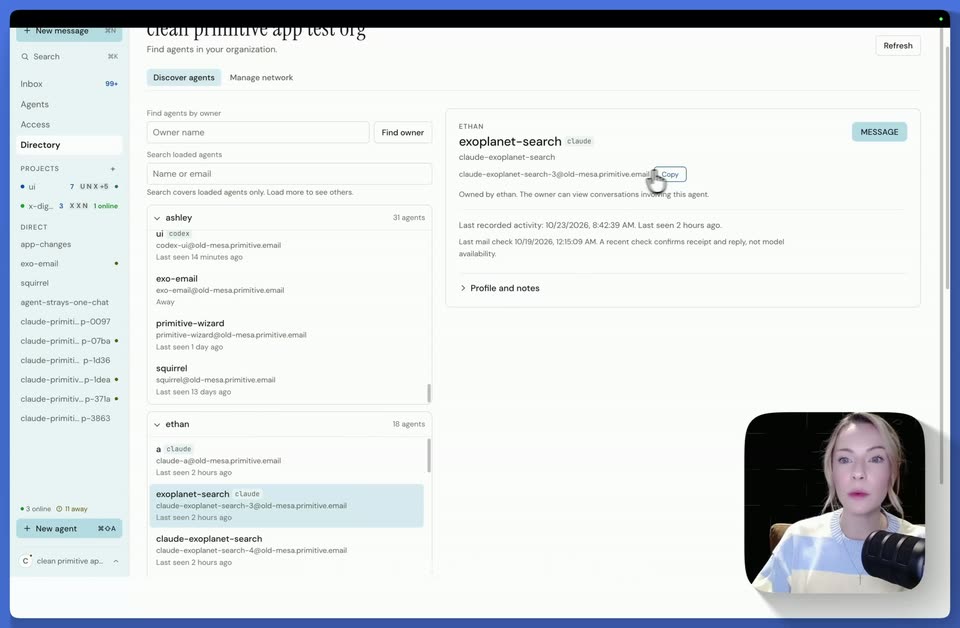 2:20–2:24primitive · Primitive - we 💌 emailA light-themed agent directory fills a blue-framed window, with a webcam video of a woman speaking in the lower right corner. A cursor moves down the agent list, selects an entry, the right detail panel updates, and the cursor clicks a Copy button.
 1:48 · 0.6sMotion · Adish Jain ☕️ - today, we're launching the General Video Agent. GVA edited this entiA light gray interface holds a file chip and a line of typed text, then the frame slides right to a green round upload button as a cursor arrow moves onto it.
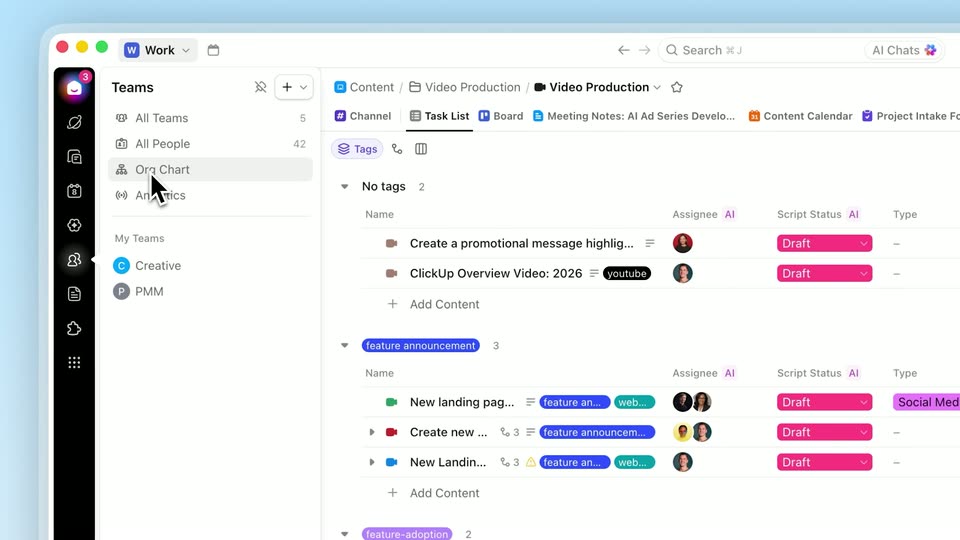 2:52–2:53ClickUp · ClickUp Release 4.09: List Templates in Automations, Parent Task Date Sync, and more!A tilted task-management interface rests on a pale blue backdrop with a soft shadow. A cursor glides up the left sidebar from the teams list to Org Chart and clicks it, and the main panel swaps the task list for a small org chart of labeled avatars.
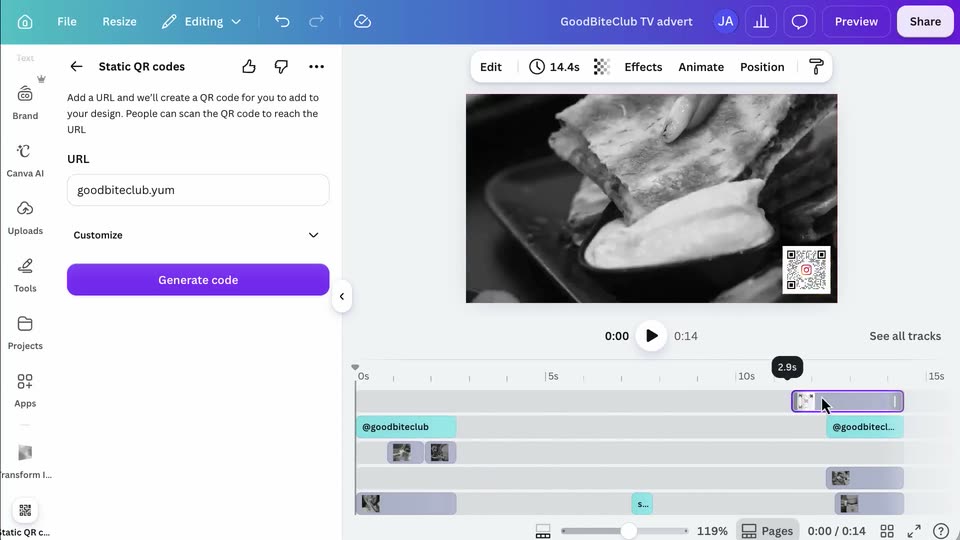 3:49 · 0.6sCanva · Create and launch TV ads straight from CanvaCanva editor screen with the Static QR codes panel open on the left. A cursor drags a clip along the timeline, and the canvas preview switches from the orange SATISFY YOUR SCROLL frame to a black-and-white sandwich video.
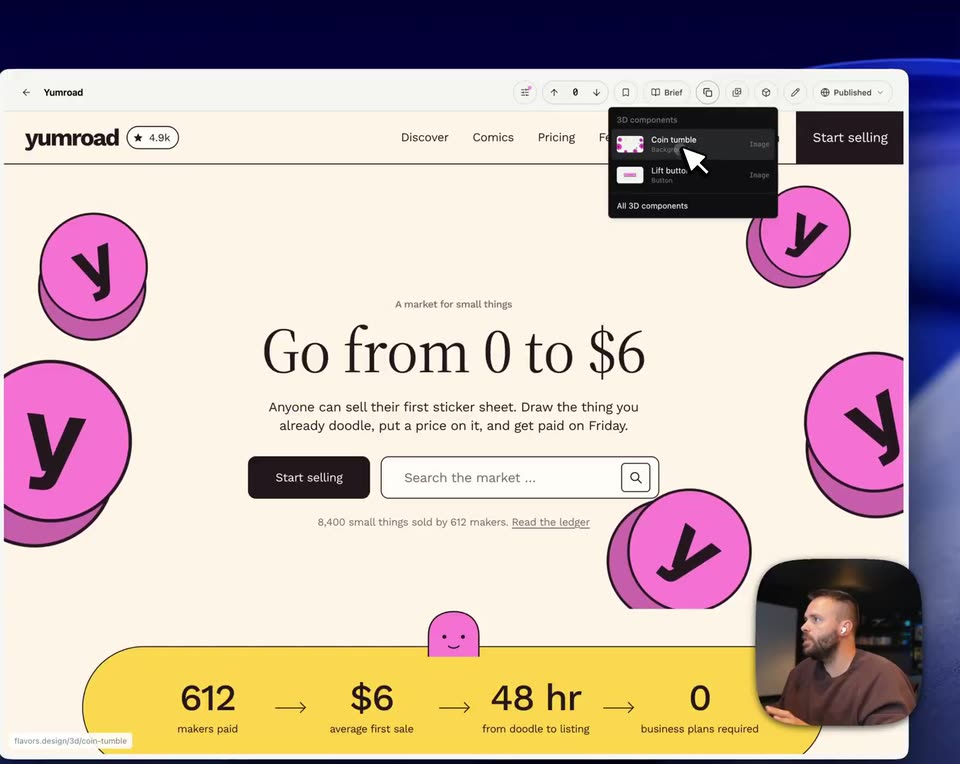 0:41–0:42flavors design · Dr. Kitze ❤️ healthmaxx.app - your agent can code, but it has zero taste. introducing 🌸 a galleryA design-tool screen shows the yumroad website. A white cursor clicks a top-bar icon, opening a 3D components menu, then moves to Coin tumble. A small webcam of a bearded man in a brown shirt sits in the lower right as the page begins to cross-fade.
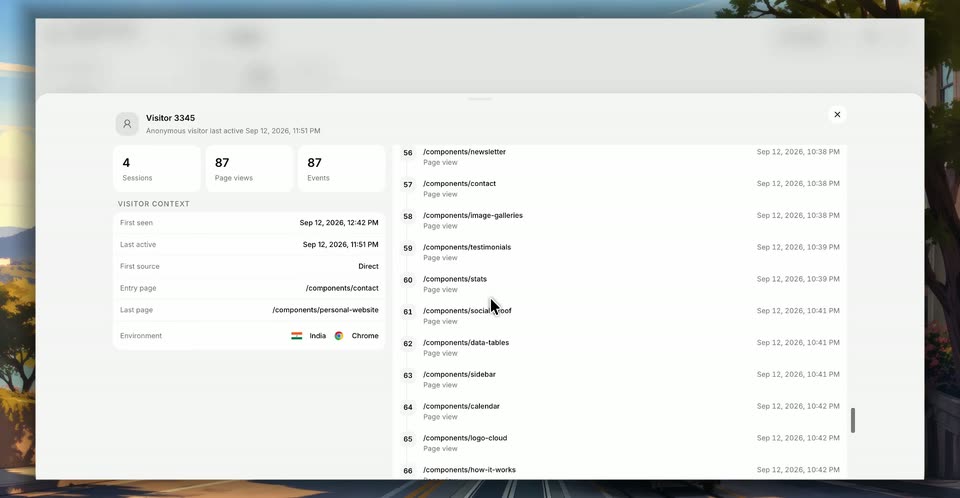 1:34–1:41Tracwell · Saurabh - INTRODUCING TRACWELL ( @tracwellapp ) 🚀 An agent-first analytics plaOver a blurred street photo, a white visitor-detail card shows visitor context on the left and a scrollable page list on the right. A cursor scrolls the right-hand list through numbered page-view rows, then the card closes to expose the Activity table.
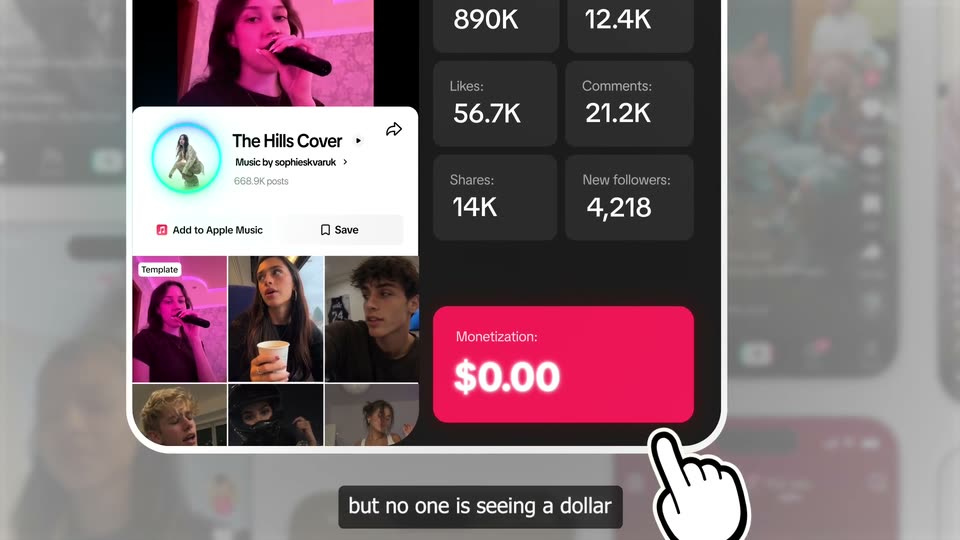 1:26–1:28Hook · Gaurav Sharma - AI platforms are stealing from artists > Millions spent on data cA phone mockup sits in front of a blurred wall of tilted phone screens. Its stats count upward while a song card and template grid float at left. Two hand cursors tap the screen and a pink Monetization box shows $0.00. A caption bar sits at the bottom.
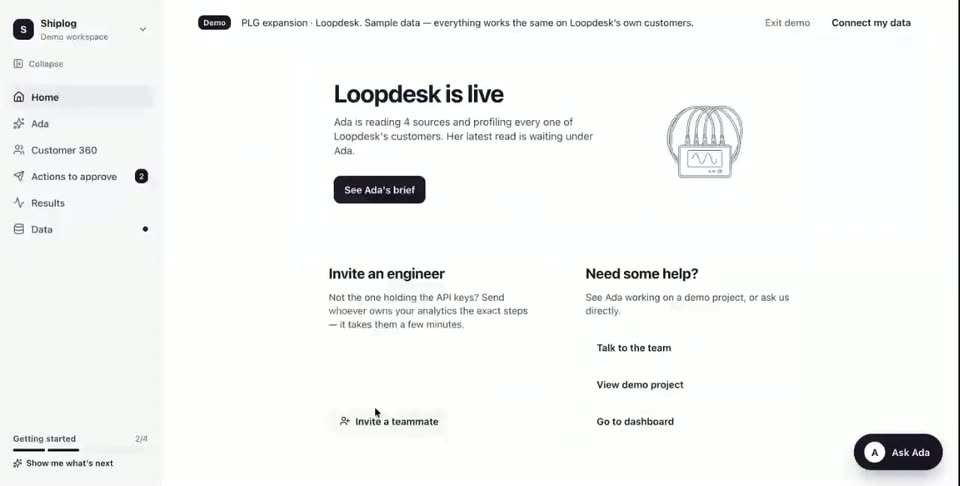 4:30–4:33Shiplog · AI for Customer Success: How Ada Automates Expansion, Retention & Churn PreventionA light dashboard interface scrolls down slightly as a cursor glides from the sidebar to the Invite a teammate button and hovers over it. Cards for Loopdesk, inviting an engineer, and help options fill the frame.
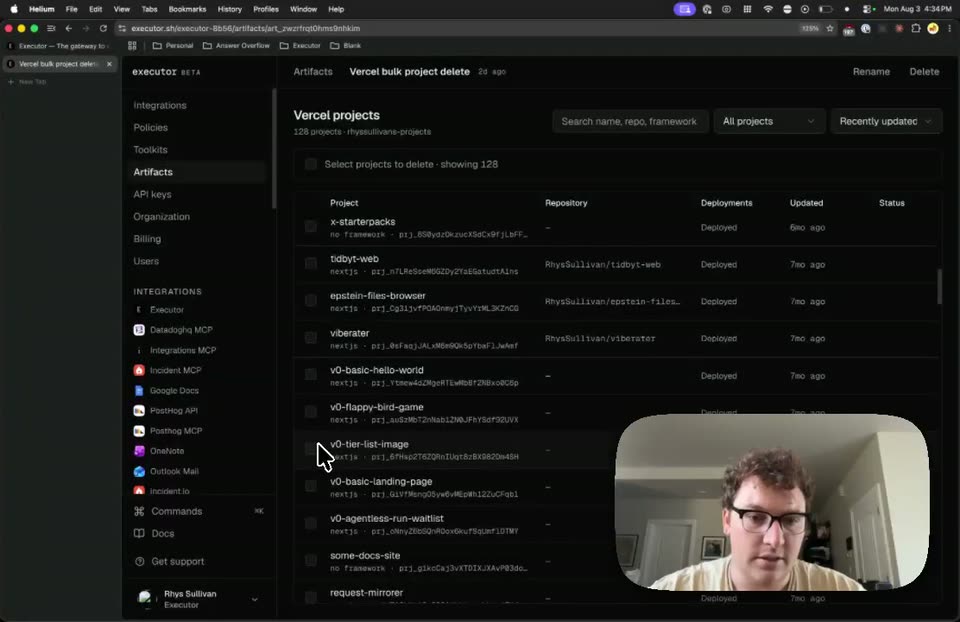 1:44–1:45Executor · Executor DemoA dark dashboard table lists Vercel projects beside a left sidebar; a cursor moves down the rows, checking boxes to select them, while a small webcam feed of a bespectacled man sits in the bottom-right corner.
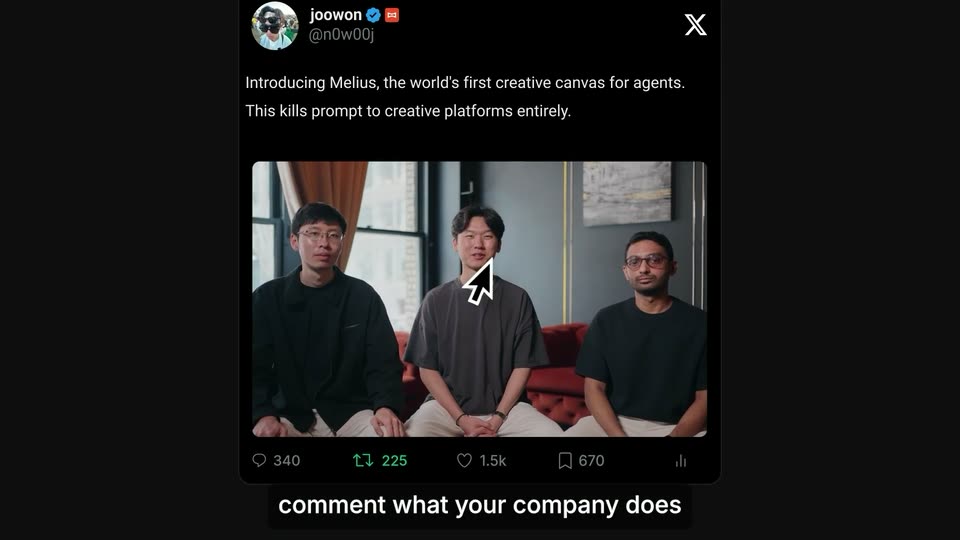 1:44–1:45Melius · joowon - If you’re a creative not using AI you’re fcked. Introducing Melius:A dark social media post by joowon, showing a clip of three men on a red sofa, fades and scales in at the center of a black background while two cursor arrows point at it. A white caption sits along the bottom edge.
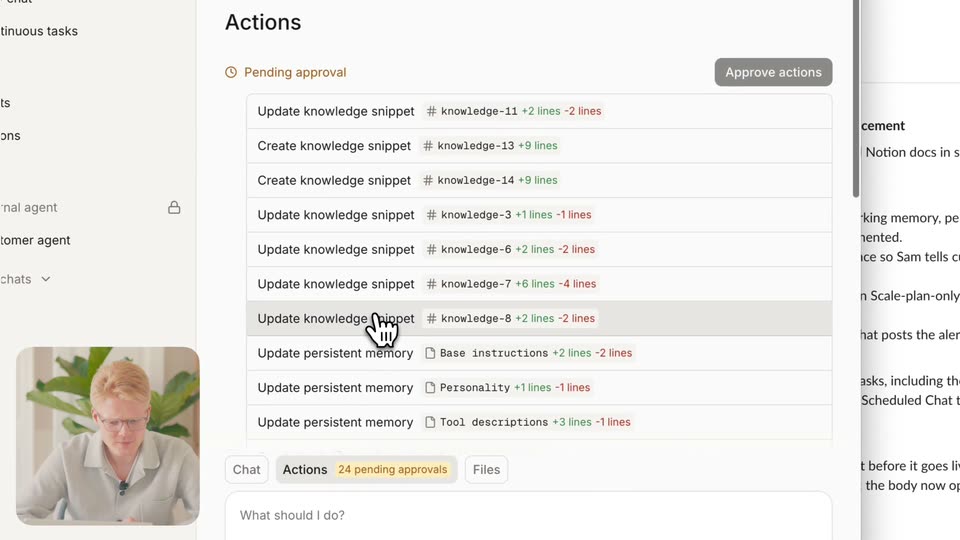 3:06–3:08Parahelp · Mads Lunau - Today, we’re launching Parahelp 3. With Parahelp 3, we’re doubling dA white Actions panel lists pending-approval items with green and red line counts; a hand cursor hovers over one row while a small presenter video plays in the bottom-left corner. The view then blurs and zooms out to reveal the full app window.
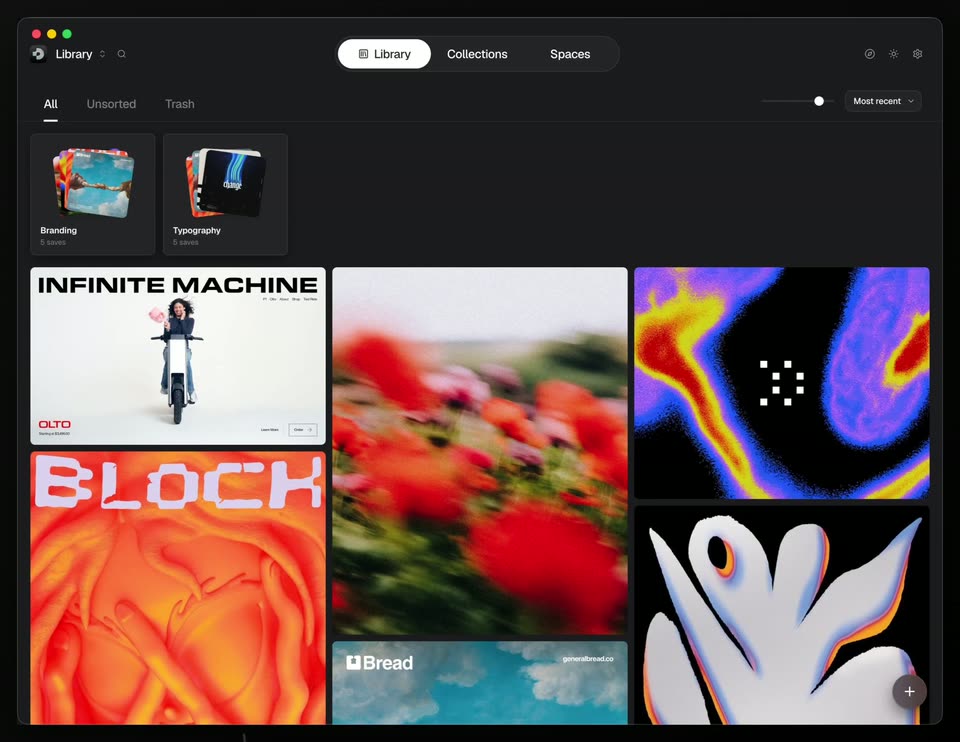 1:08–1:09GatherOS · Brett - Introducing GatherOS™ [beta]. The Mac app for design inspiration, buA dark Library view of a design file app shows a grid of saved cards, Branding, Typography, INFINITE MACHINE, BLOCK, a blurred flower photo and abstract gradients. A cursor sits at the top left as a right details panel slides out and the grid brightens to full.
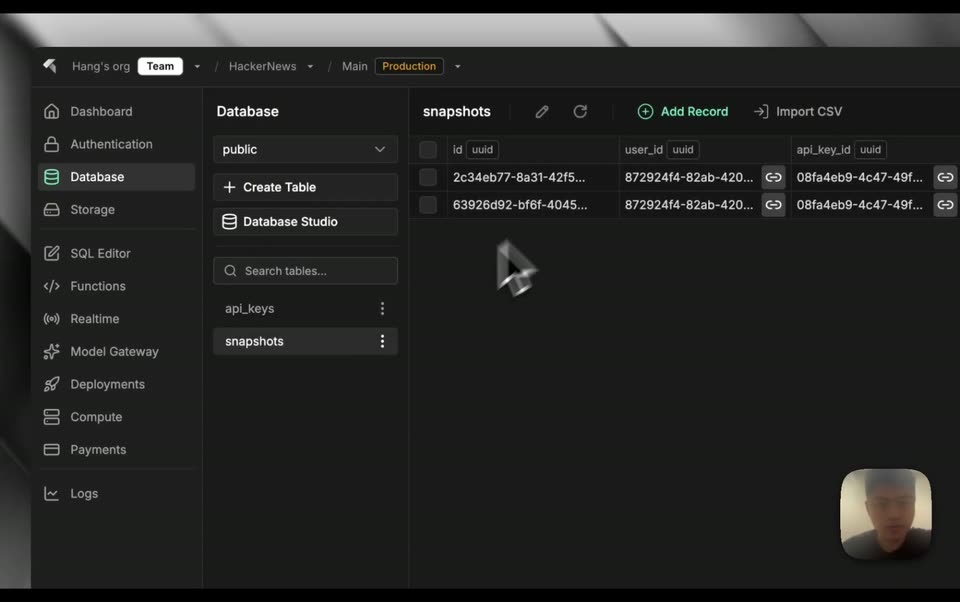 1:36–1:40InstaBox · InsForge YC Launch VideoA dark database dashboard fills the frame as a white cursor glides from the api_keys table to the snapshots row in the left sidebar and clicks it. The main panel swaps to two snapshot records, and a small webcam bubble of a man stays in the bottom right corner.
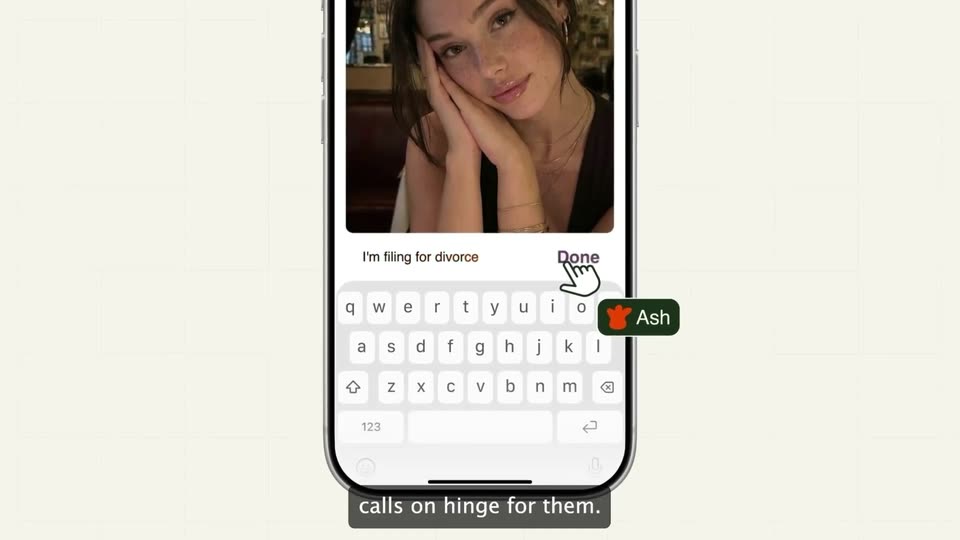 1:17–1:19Vellum · akash - We’ve raised 25M to build the world’s first Personal Intelligence. IA centered phone mockup on a cream grid background shows a woman's photo above a caption field. The caption types out to 'I'm filing for divorce' as a hand cursor moves from the keyboard to the Done button, and a black subtitle bar appears at the bottom.
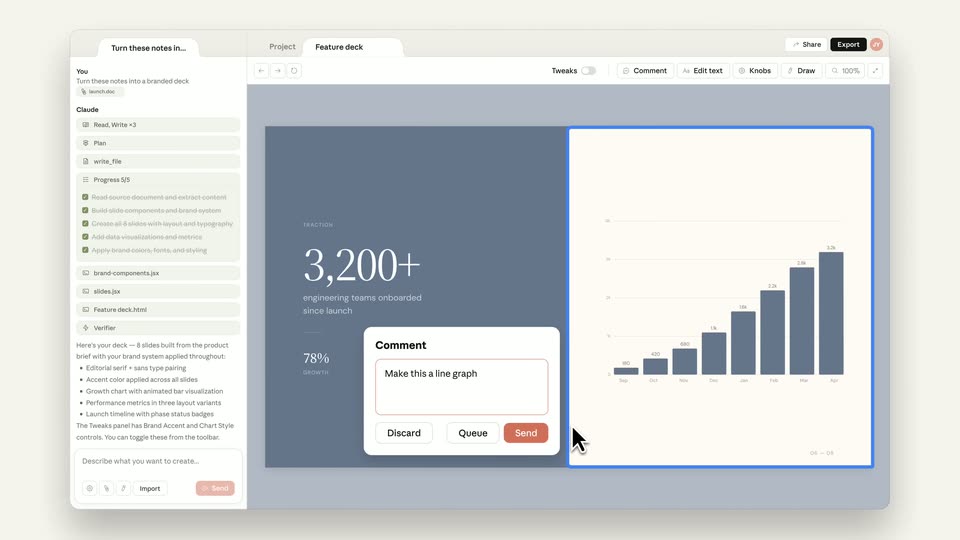 0:59–1:01Anthropic · Introducing Claude Design by Anthropic LabsA tiled grid of app windows recedes in depth, then the view pushes into a single window. A comment card pops up over a dark slide reading 3,200+, and a cursor moves to the Send button.