Cursor demo
A visible cursor operates the interface.
14,884 scenes · page 241 of 249
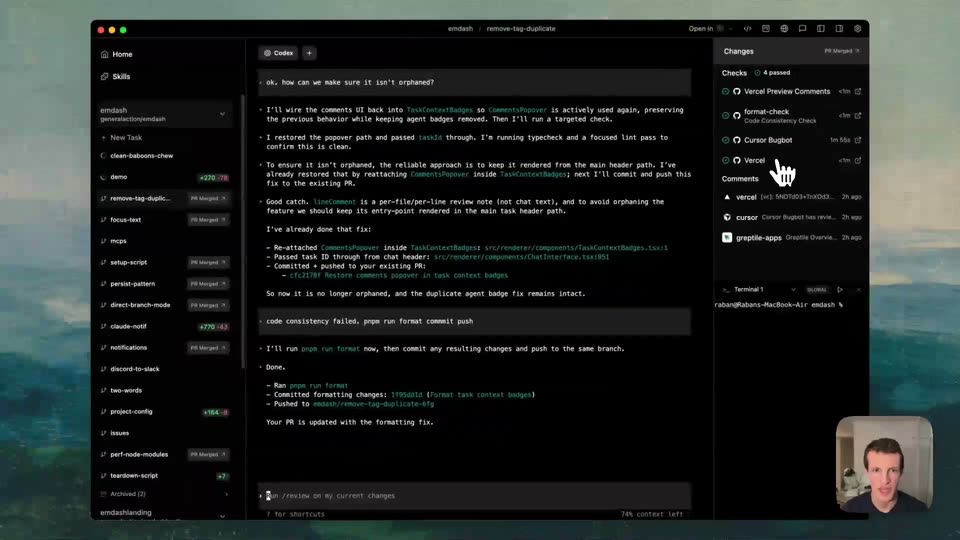 0:56–1:00Emdash · Launch Emdash (YC W26)A dark code editor fills the screen, a chat panel on the left and a Checks list on the right showing four passed checks. A white hand pointer hovers over the list, then the camera pulls back to reveal the window on a teal desktop as a caption changes.
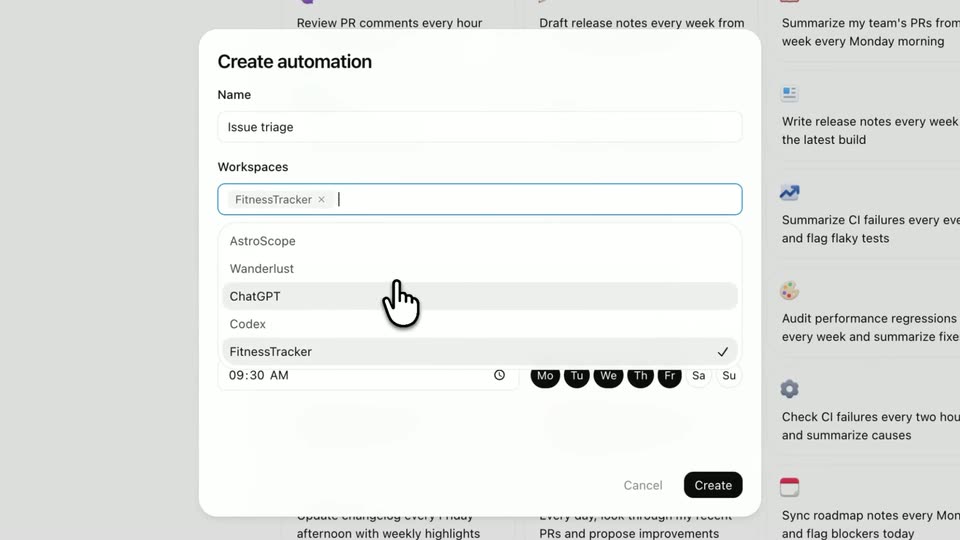 3:35–3:40OpenAI · Introducing the Codex appA Create automation modal floats over a blurred template list. The Name field reads Issue triage. A cursor clicks the Workspaces field, a dropdown opens, and FitnessTracker is picked as a chip. The screen then wipes white to an empty state showing a cloud icon and No unread automations.
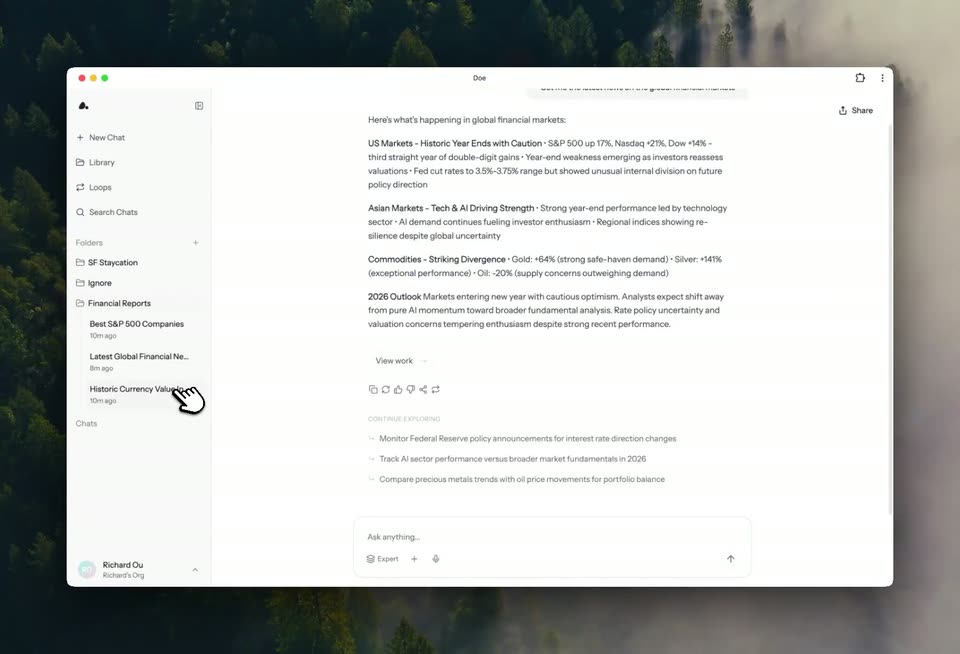 0:21–0:26Doe · doe - We're announcing folders for chat sessions and files!A chat app window sits flat over a forest desktop, fading from translucent to solid. A hand cursor clicks down the sidebar list, and the main panel swaps from a text brief to a page of blue financial charts.
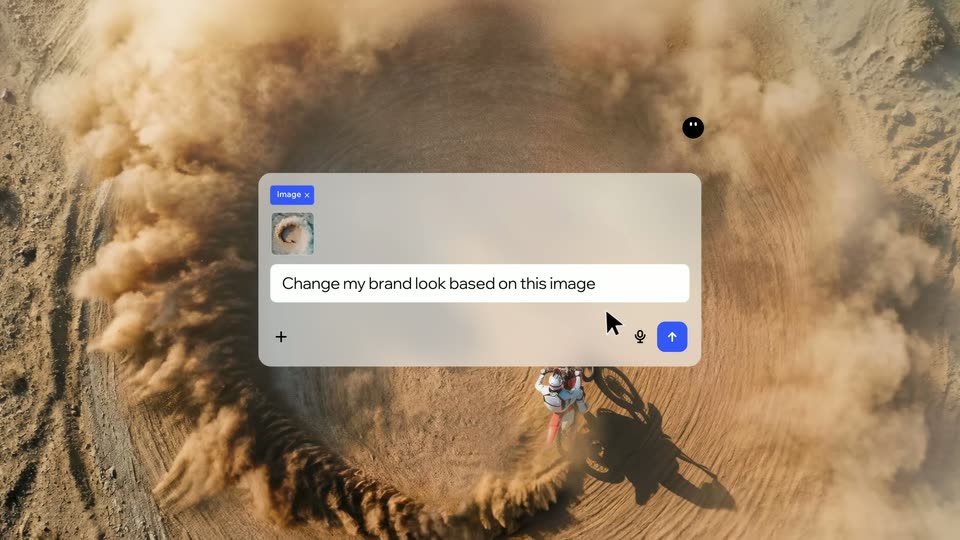 0:55–0:57Wix Harmony · Wix Harmony: The new way to createA frosted prompt card floats over an aerial shot of a dirt-bike rider kicking up dust, a cursor resting on the blue send button. It cuts to a side view where two color swatches pop in on the right and a cursor hovers over them.
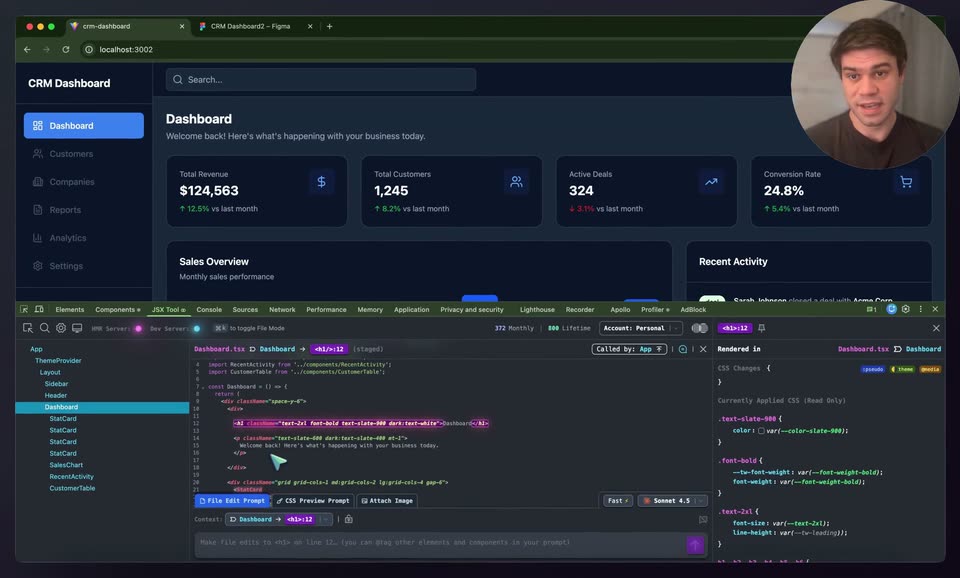 1:24–1:25Coasts · JSX Tool DemoA component-tree overlay fades out over a dark CRM dashboard, then a cursor hovers the pink-highlighted heading line in the code panel below. A circular webcam feed of a presenter stays in the top right corner.
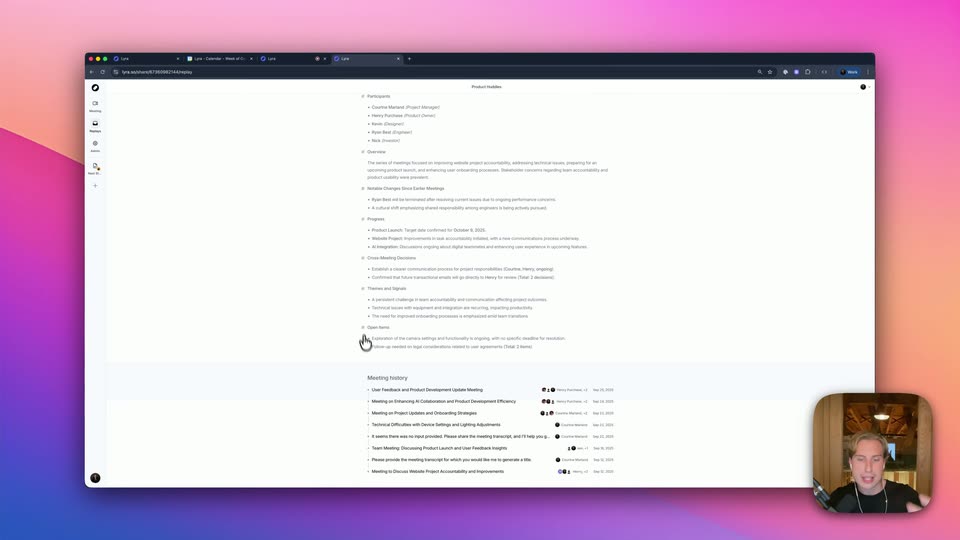 1:59–2:00IRBC · Lyra, The Final Meeting Platform.A Luma meeting notes page fills a browser window over a pink gradient background. A cursor glides down the left margin of the document toward the Meeting History list. A small webcam feed of the presenter, gesturing with both hands, sits in the bottom right corner.
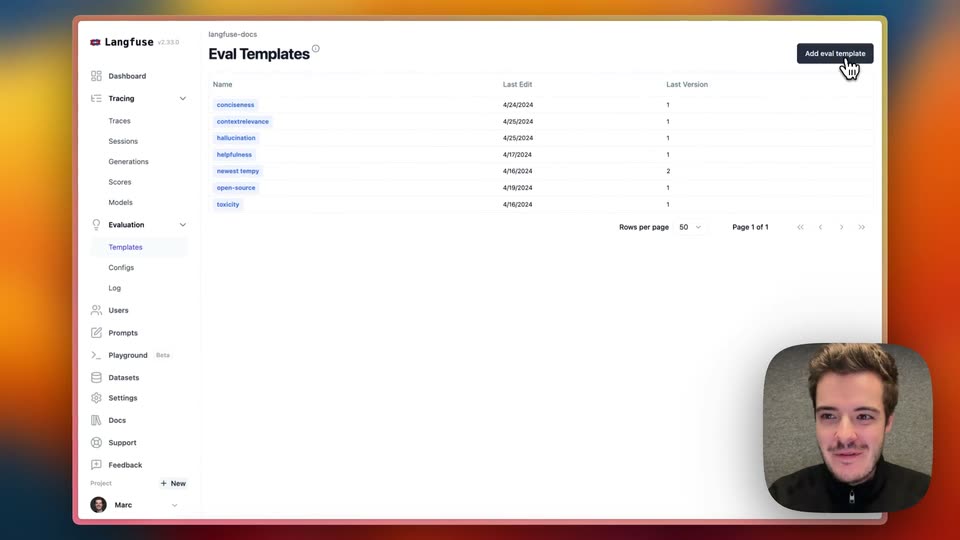 2:04–2:05Langfuse · Introducing Langfuse 2.0A Langfuse dashboard shows the Eval Templates list, then a cursor clicks the Add eval template button and the view switches to a Create eval template form with model settings. A small rounded webcam feed of the presenter sits in the lower right corner throughout.
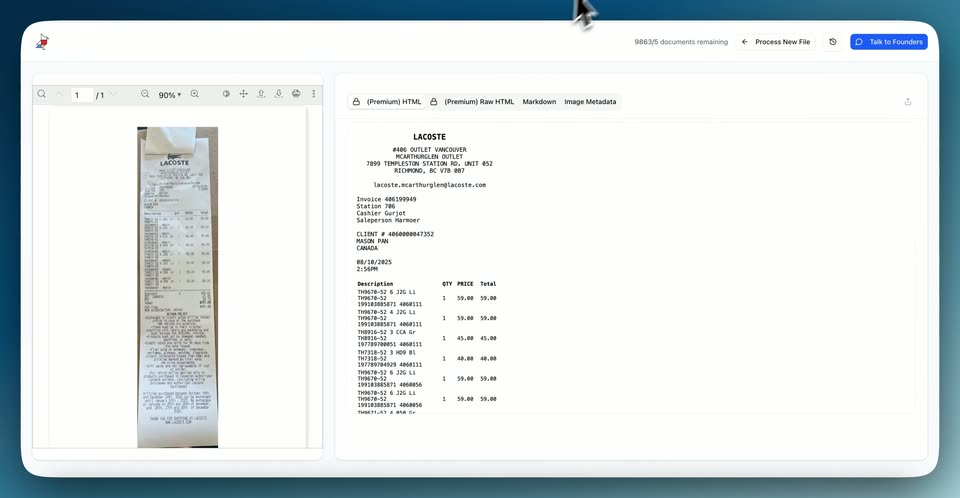 0:58–0:59Cardinal · cardinal demoA locked-off view of a document processing interface: a scanned LACOSTE receipt sits in the left pane while the extracted text fills the right pane. A cursor drifts across the top bar.
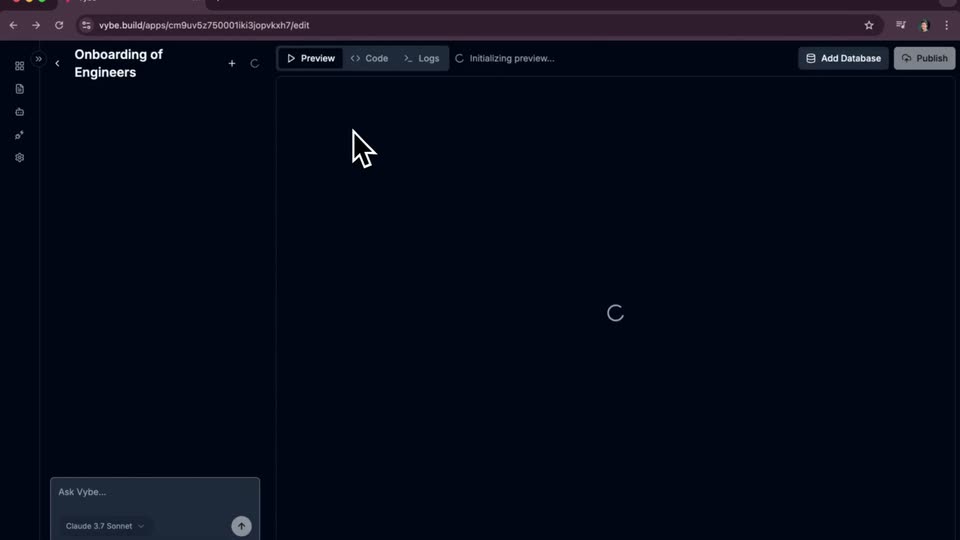 1:58–1:59Vybe · Vybe Demo - Build internal apps 10X fasterA dark editor screen loads in a browser window: a top bar with Preview, Code and Logs tabs appears, a spinner spins in the preview pane, and a white cursor drifts down toward the project title. A chat box labeled Ask Vybe sits at the bottom left.
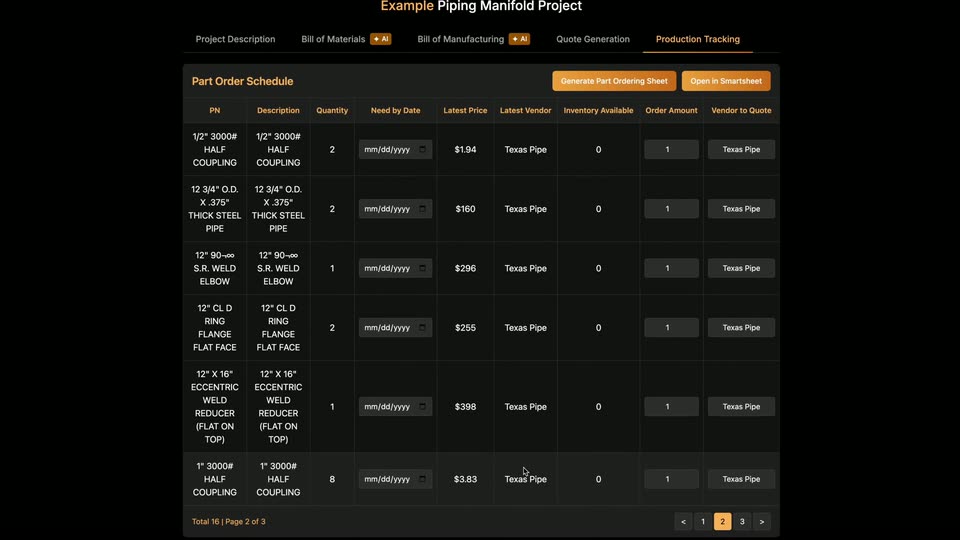 3:55–4:00Jeevy Fabrication · Introducing Jeevy FabricationA dark dashboard displays a Part Order Schedule table under the Production Tracking tab. A cursor moves down the Latest Vendor column, pausing over rows that read Texas Pipe.
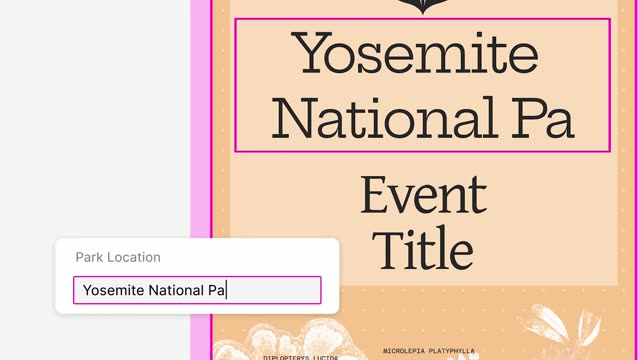 1:02–1:04Figma · All the launches at Config 2025 | FigmaA white input card labeled Park Location is typed into; the text Yosemite National Pa appears in a large serif inside a pink box on a peach poster. It cuts to a lavender layout with green leaves, where typing Hartfo in the Company field shows in large serif.
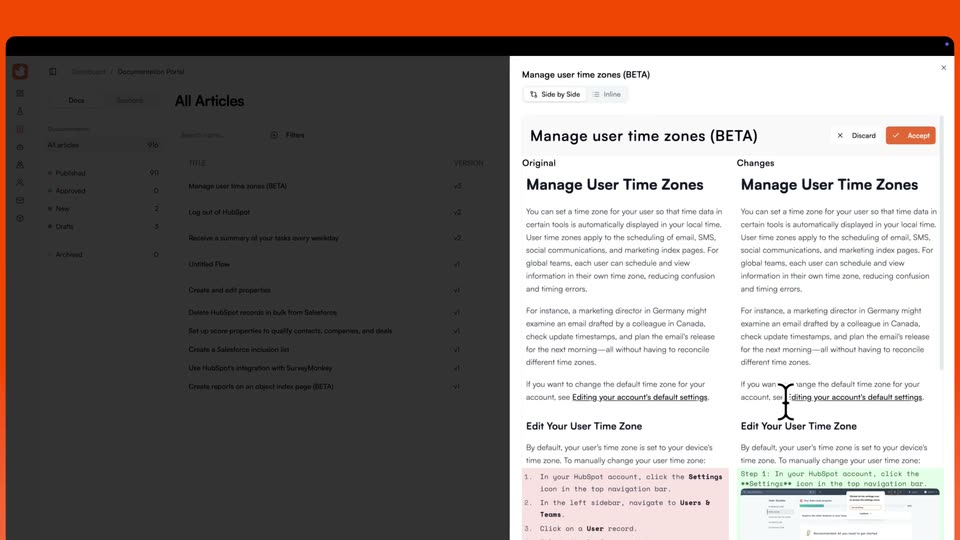 2:21–2:23SAMMY Labs · SAMMY Labs - Product TourA browser window frames a documentation portal, an article list on the left and a document diff on the right. A cursor hovers over a Compare control, and the Original and Changes columns settle into a clean side-by-side layout.
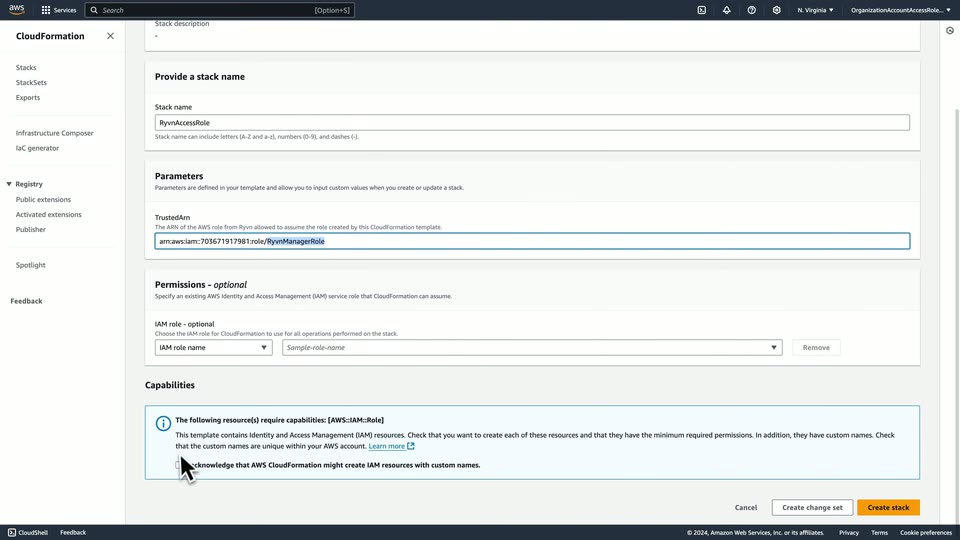 1:17–1:24Ryvn · Ryvn | On-prem deployments, without the stressA screen recording of the AWS CloudFormation Quick create stack form. The cursor types the stack name RyvnAccessRole, a Parameters field with a TrustedArn value appears, the page scrolls to the Capabilities notice, and the cursor checks the acknowledgment box before clicking the orange Create stack button.
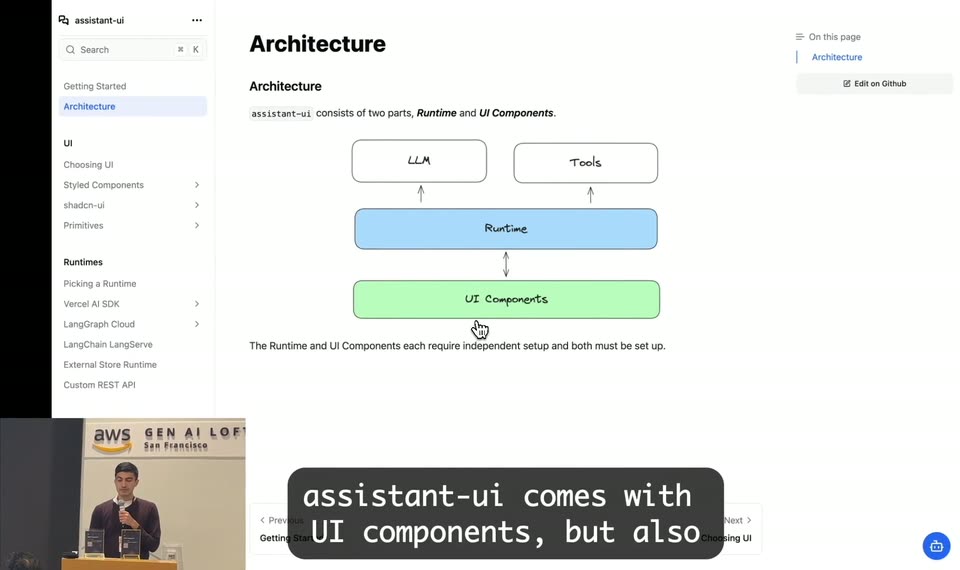 2:21–2:25assistant-ui · assistant-ui | AWS GenAI Loft DemoA documentation page shows an architecture diagram: white LLM and Tools boxes above a blue Runtime bar and a green UI Components bar. A cursor glides over the diagram while a small speaker video sits bottom-left and a dark caption box reads the narration at the bottom.
 2:17–2:18Ramp · Meet Ramp: A smart finance operations platform that saves you time and moneyThe view opens on a close-up of a spending-by-category bar chart with a cursor on a red bar and an $11,302 tooltip, then zooms out to reveal the full Reporting dashboard with sidebar, line chart and per-person list.
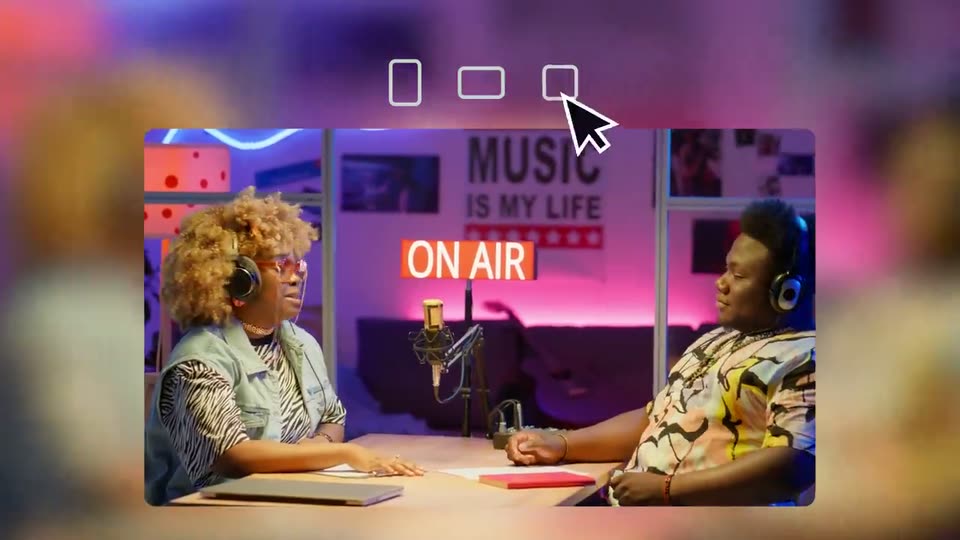 0:38–0:39Captions · Mirage - Introducing Captions for web. Video editing made simple, thanks toA rounded video-call window over a blurred studio background shows two hosts in a neon-lit radio booth; a cursor clicks from the middle tab to the right tab as the footage zooms in on the ON AIR sign.
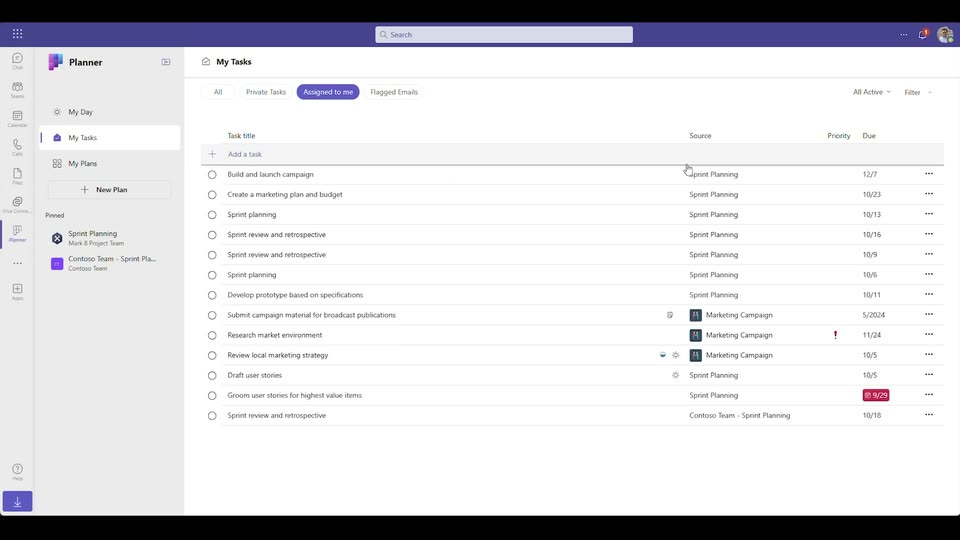 3:16–3:26Microsoft · Meet the new Microsoft PlannerA cursor clicks My Tasks in the Planner sidebar, the Sprint Planning grid crossfades into a personal task list, then the cursor taps the Assigned to me tab and the rows re-sort before it hovers down the list.
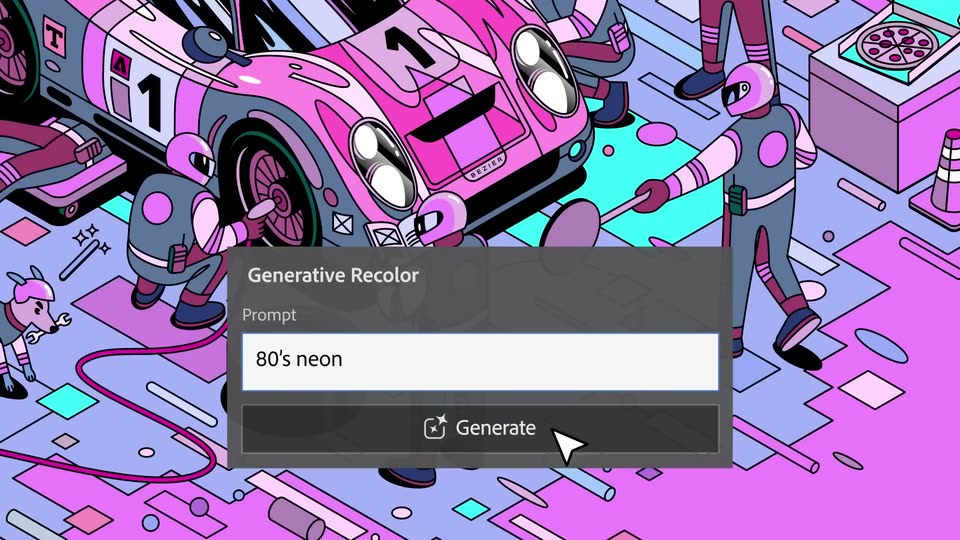 0:38 · 0.4sAdobe · Adobe Firefly: Out of Beta & Ready For Your Imagination | AdobeA dark Generative Recolor panel floats over a pink isometric illustration of a pit crew servicing a race car. The prompt field reads 80's neon and a cursor hovers on the Generate button. The frame is locked off and static.
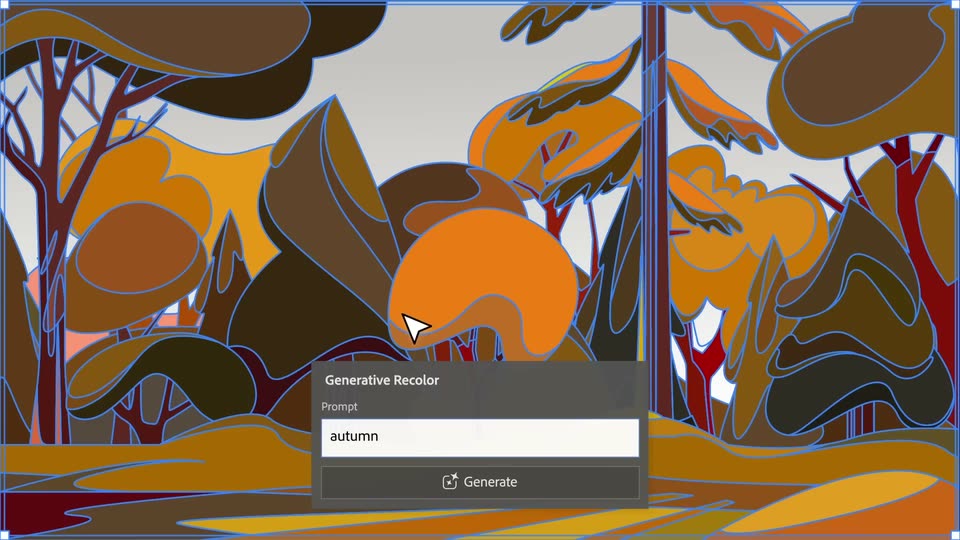 0:43 · 0.5sAdobe · Adobe Illustrator x Adobe Firefly: Announcing Generative Recolor | AdobeA flat autumn forest illustration with blue selection outlines fills the frame. A dark Generative Recolor panel sits at bottom center with a prompt field reading autumn and a Generate button. A white cursor hovers just above the panel and drifts slightly.
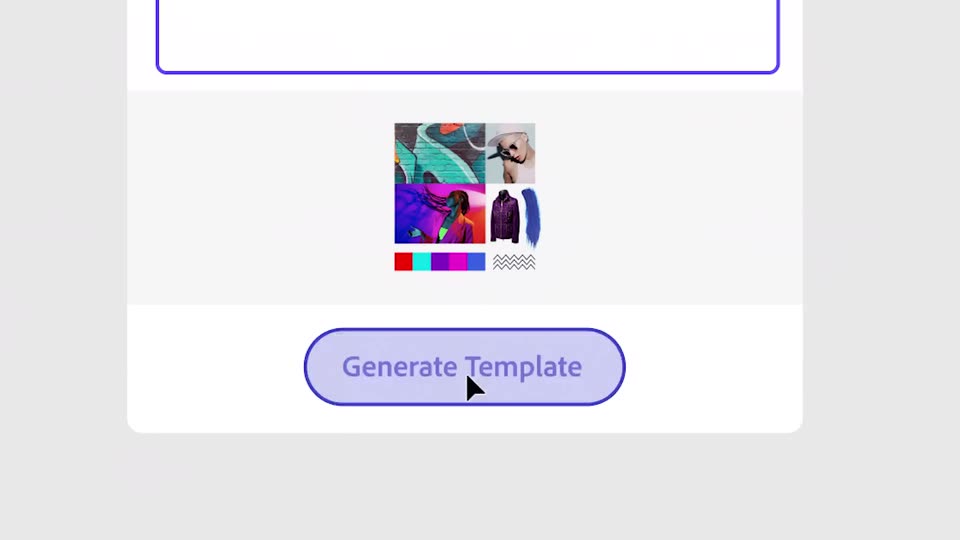 0:33–0:34Adobe · Adobe Firefly: Family of New Creative Generative AI Models | AdobeA white card on a gray background holds a 2x2 image grid and a color palette strip above a purple pill button. A cursor glides down onto the Generate Template button and clicks it, briefly dimming the label in a pressed state.
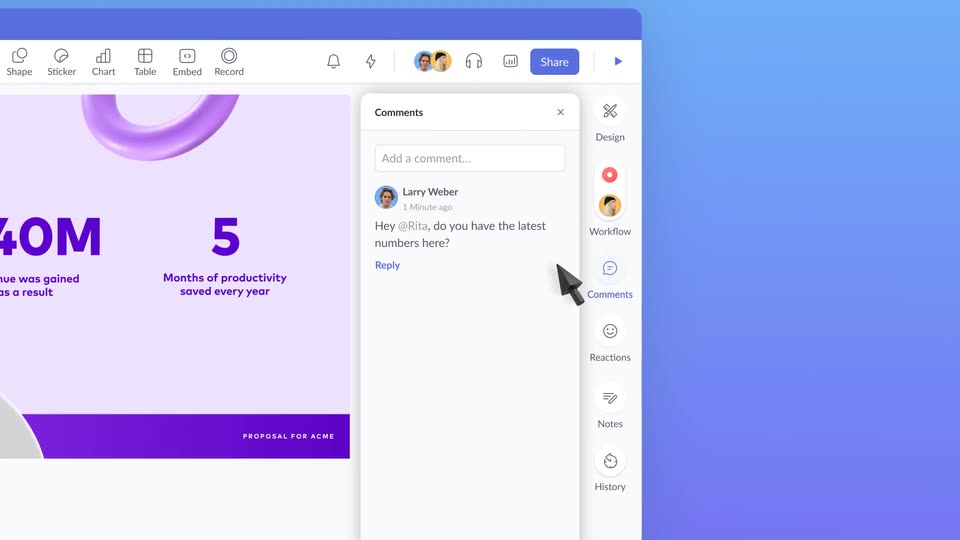 1:32–1:36Pitch · Introduction to Pitch | Create beautiful presentations with your teamA cursor clicks the Comments icon in a slide editor's right sidebar, opening a panel. Text types into the field, then a posted comment from Larry Weber appears. The view zooms onto the comments panel.
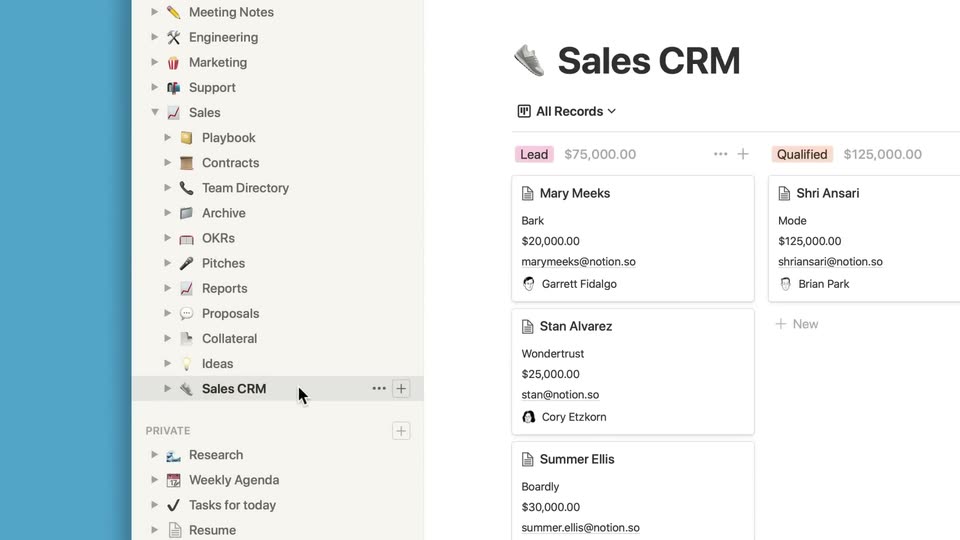 2:08 · 0.6sNotion · What is Notion?A Notion workspace shows a Sales CRM board with two columns of record cards. A black cursor hovers on the Sales CRM row in the left sidebar, highlighting it and revealing action icons. The view holds still.
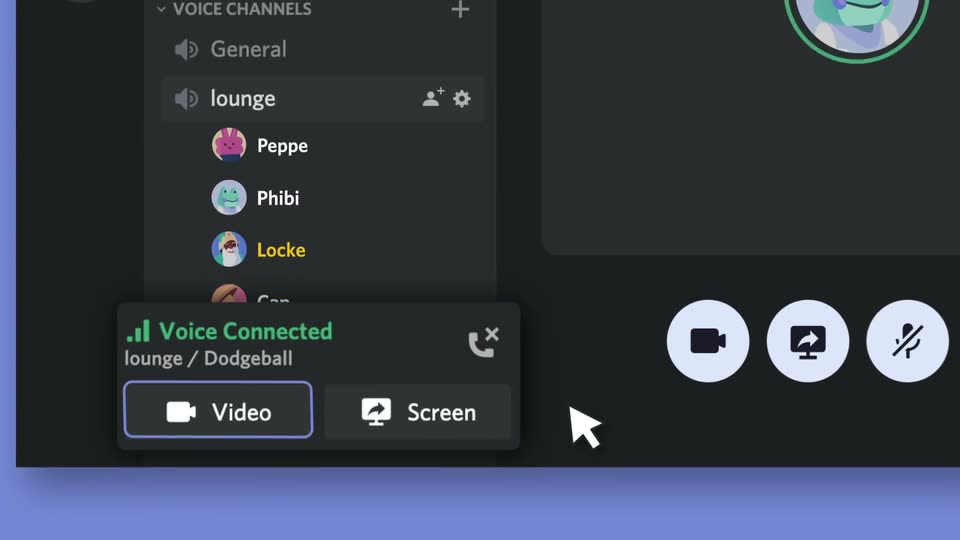 1:41–1:45Discord · How Discord Works in 148,000 Miliseconds or LessA dark app window floats in 3D over a blue background. The camera zooms into the Voice Connected card, and the cursor hovers over the Screen and Video buttons.
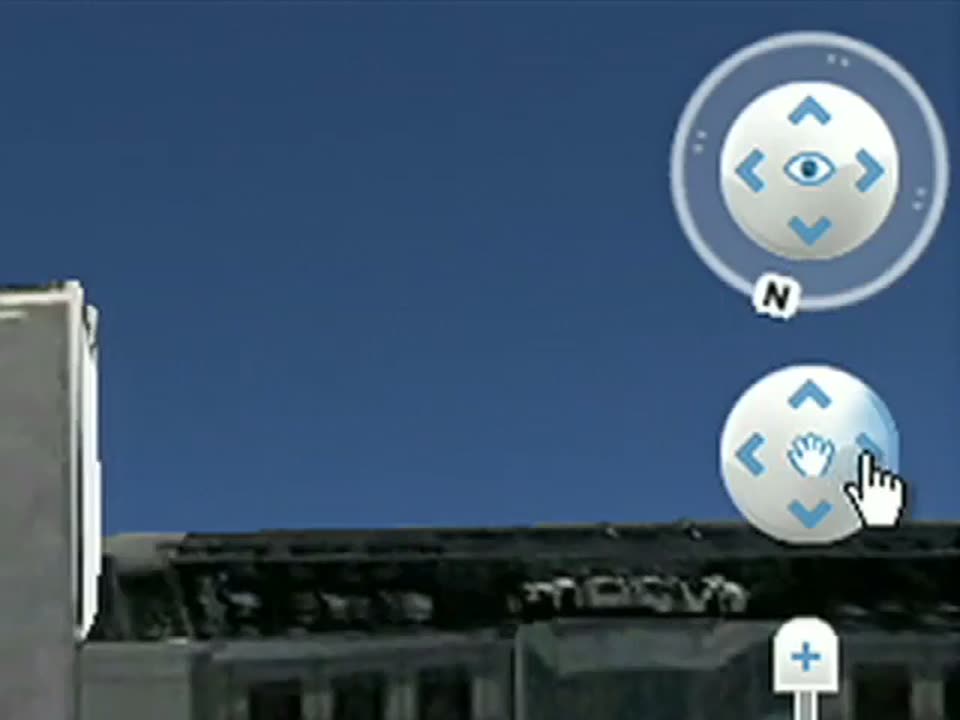 0:51–0:53Google · New features in Google Earth 4.3A 3D city map pans left past a gray building marked macys under a flat blue sky. Two circular navigation controls with blue arrows sit on the right, an eye icon on the top and a hand icon on the lower move joystick, where a white hand cursor rests.
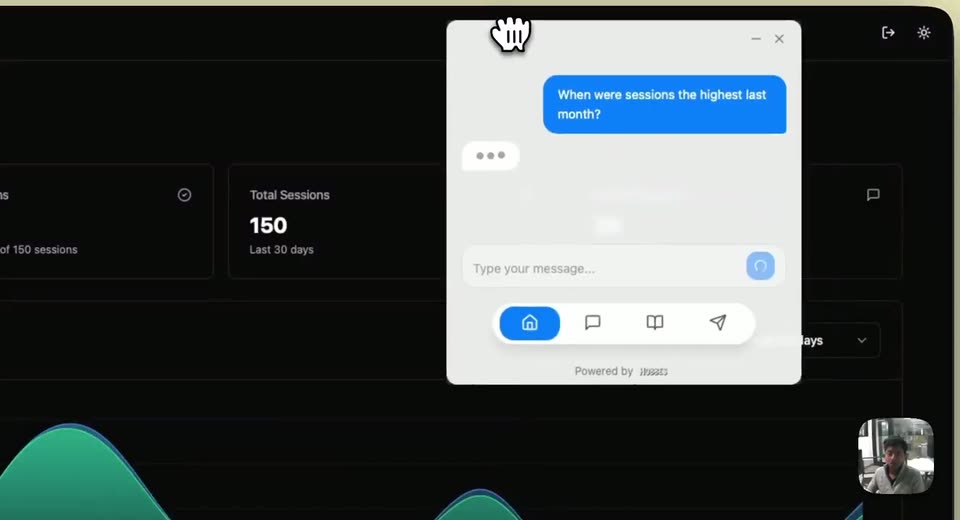 0:37–0:38Hobbes · 🚨Major update🚨 Syra is now Hobbes (hihobbes.com)! As we worked with some amazing teams this year, we saw a big gap in the agent landscape: visual context. Agents trained on knowledge bases + helpA dark analytics dashboard fills the screen behind a white chat widget on the right. A hand cursor grips the widget's top edge and lifts it into place as a blue message bubble and a three-dot typing indicator sit inside. A small webcam self-view holds the corner.
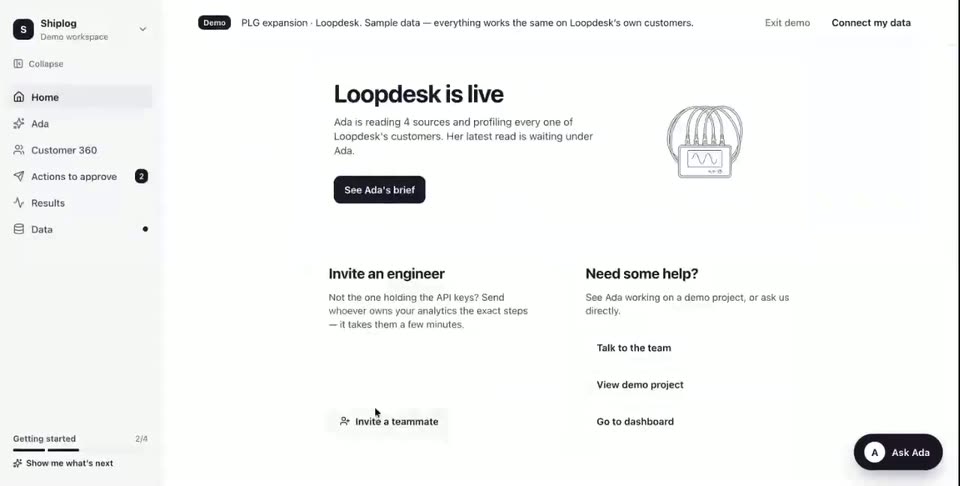 4:29–4:33Shiplog · #customersuccess #ai #saas #productledgrowth #revenuegrowth | Shiplog (F/AI F26)A light product dashboard fills the frame with a left nav rail and three content cards. The page scrolls up a notch, then a cursor glides from the sidebar down to the Invite a teammate button and rests on it.
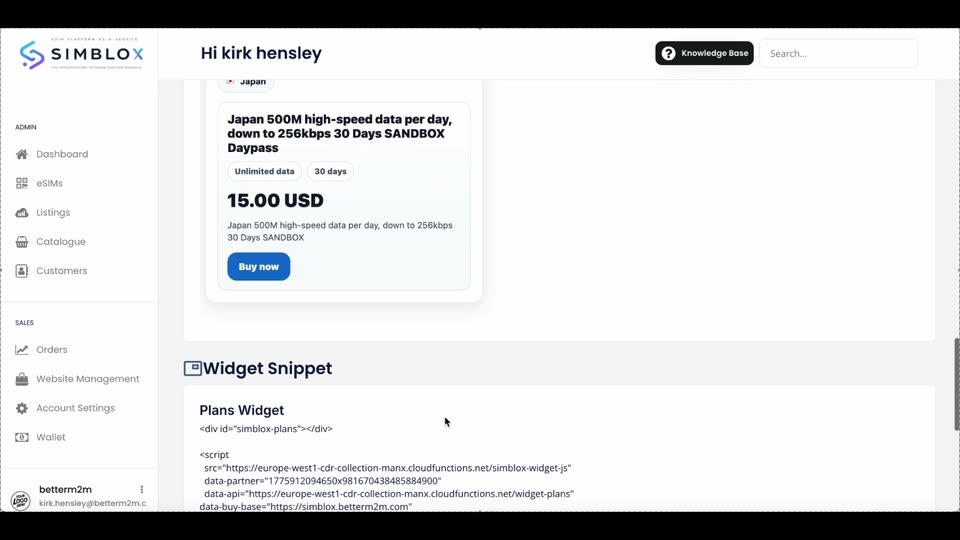 1:38–1:45SimBlox · SimBlox: minute demoA light admin dashboard of the Simbox platform scrolls downward past Appearance and Layout control panels, revealing eSIM plan preview cards, country flag tiles, and an embed code block, while a cursor hovers over form fields.
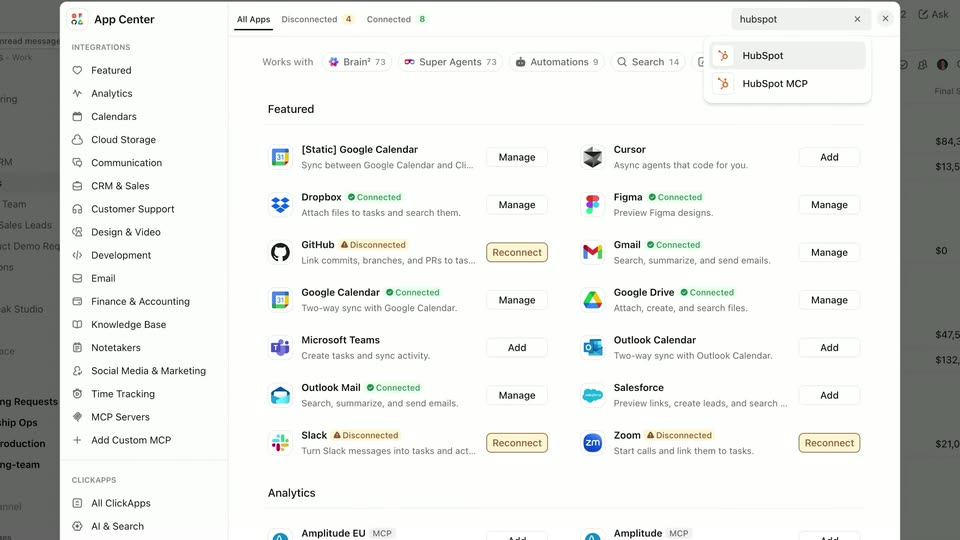 2:53–2:58ClickUp · ClickUp Release 4.10: Sheets, Work Schedules, Email Triggers, and more!A cursor moves into the search field of an App Center window and types hubspot, narrowing a dropdown to HubSpot MCP. The screen then switches to the HubSpot MCP detail page showing a Connect button and category tags.
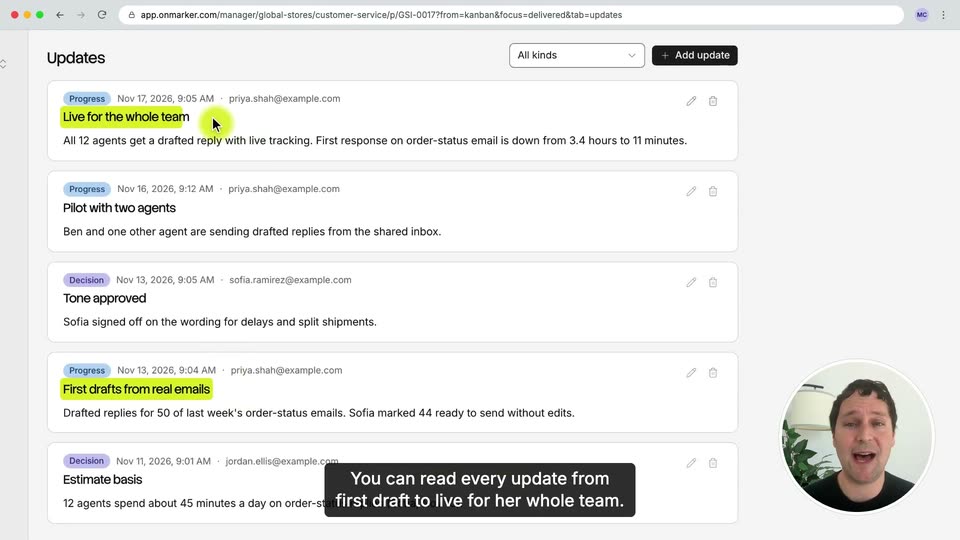 1:39–1:44Marker · Introducing Marker ManagerA browser window shows a project page; the cursor clicks the Updates tab and the view reframes onto a scrolling list of update cards. Two card titles flash a yellow highlight while a circular webcam feed of a man sits in the corner and a caption holds at the bottom.
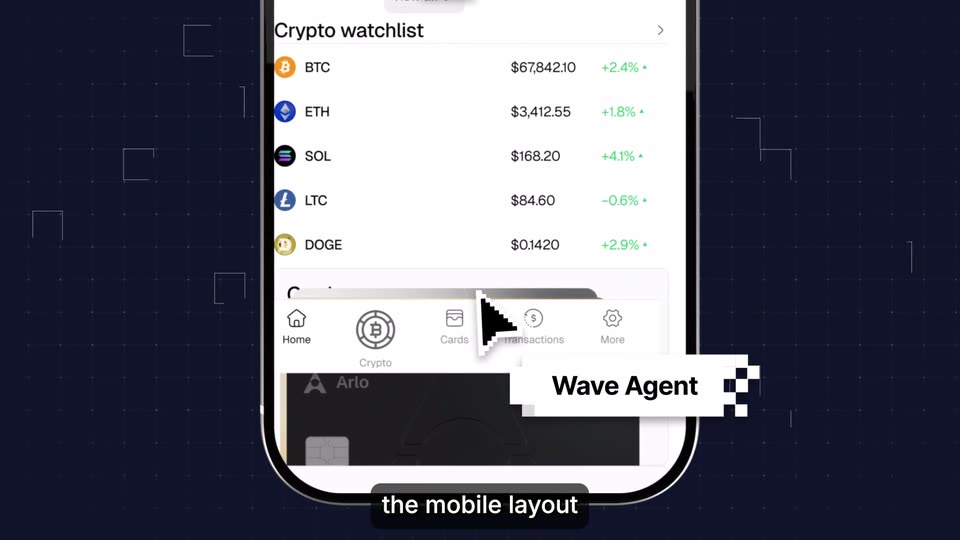 1:40–1:41Amplitude · Spenser Skates - Introducing Wave. The world's first AI that reads your customers' miA tilted phone mockup displays a crypto watchlist on a dark grid background. A blue glitch bar flashes across the screen, then the view reframes to the lower half where a pixelated cursor and a white Wave Agent tag appear. A caption reads the mobile layout.
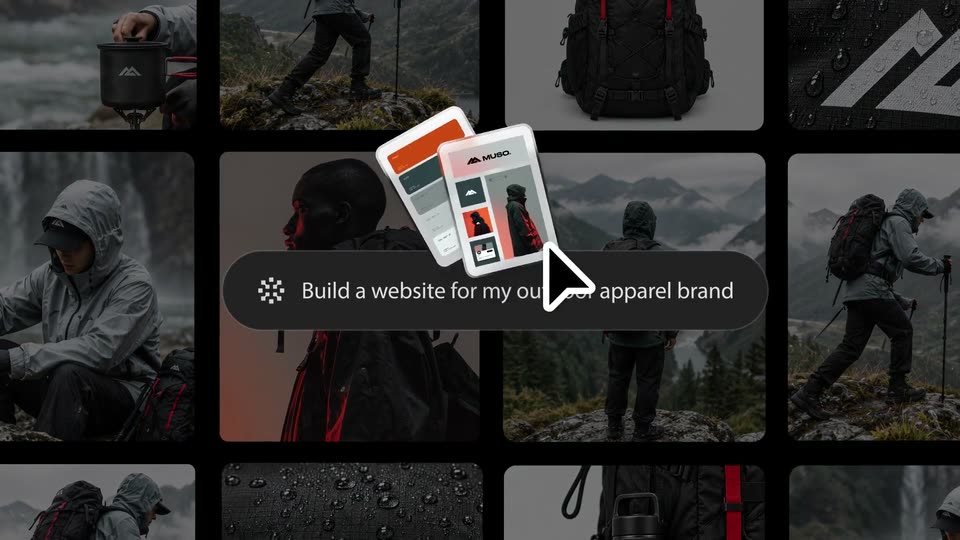 1:19–1:21Adobe · What’s New in Creative Cloud and Adobe Firefly | Adobe MAX 2026A grid of rounded outdoor-gear photos fills the frame on black. A dark pill-shaped input bar sits in the center with a pixel-grid icon and the prompt text. A white cursor glides over the bar, then a small tilted website preview card pops up above it.
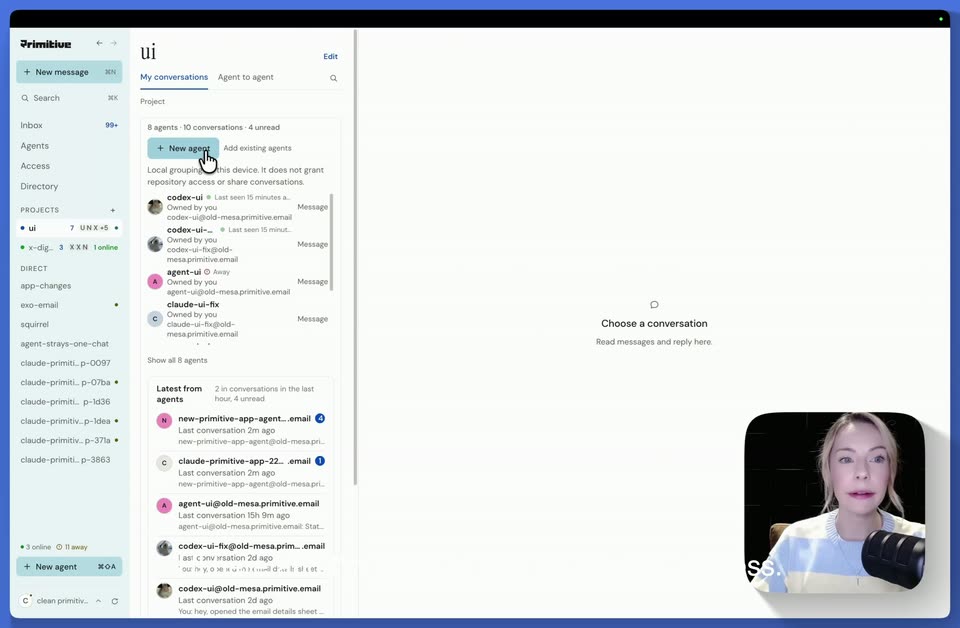 2:25–2:27primitive · Primitive - we 💌 emailA light messaging interface fills the frame, showing a left sidebar, a middle agent list and an empty right pane. A cursor glides from a project row to the New agent button. A small webcam inset of a woman at a microphone sits in the lower right corner.
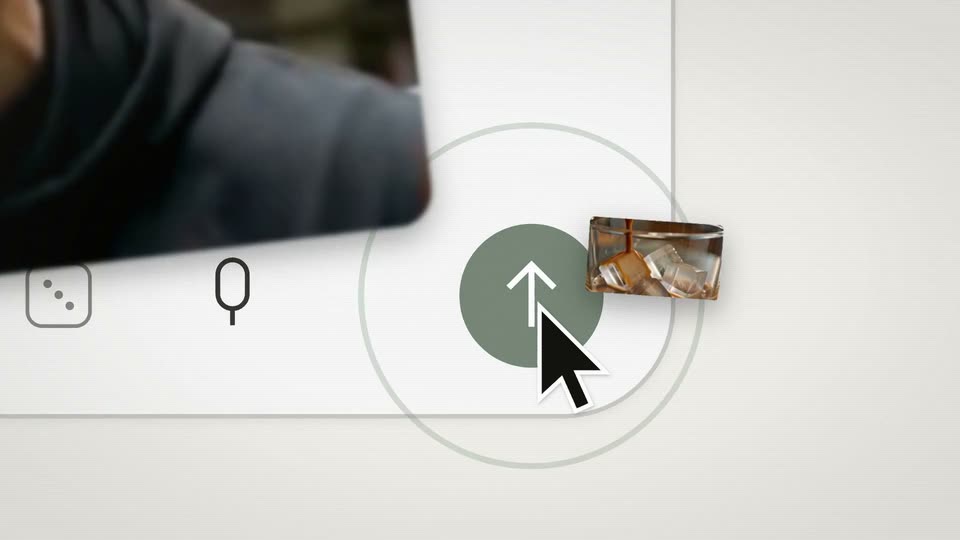 1:50–1:51Motion · Adish Jain ☕️ - today, we're launching the General Video Agent. GVA edited this entiA white file card sharpens from a heavy blur, revealing a video file row with a man's face thumbnail. A black cursor drags the file onto a green circular upload button with an up arrow, and the card tilts into 3D perspective as a second video thumbnail slides in.
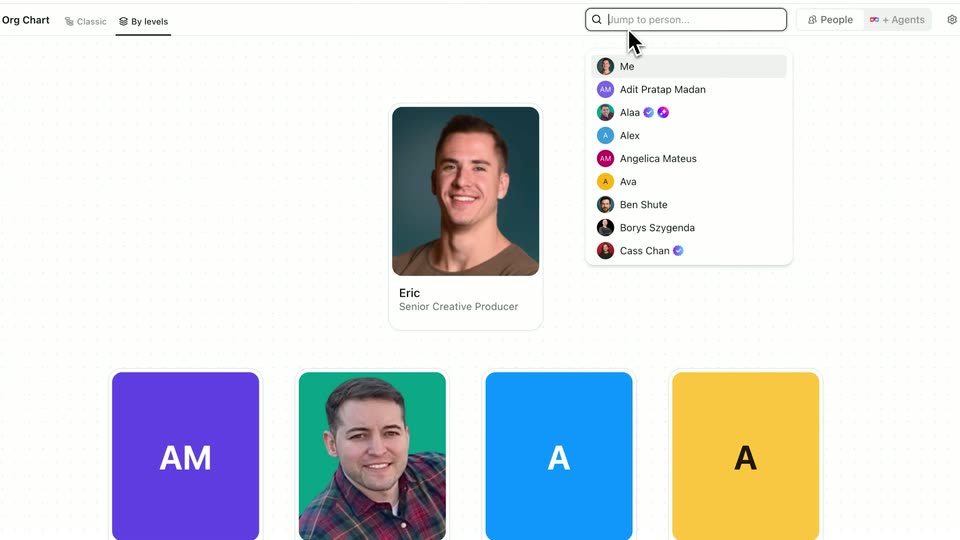 2:56–2:59ClickUp · ClickUp Release 4.09: List Templates in Automations, Parent Task Date Sync, and more!A flat org chart view shows a central profile card above four colored sub-cards. The cursor glides to the top-right search field, types two letters, and a dropdown list of matching names drops in beneath it.
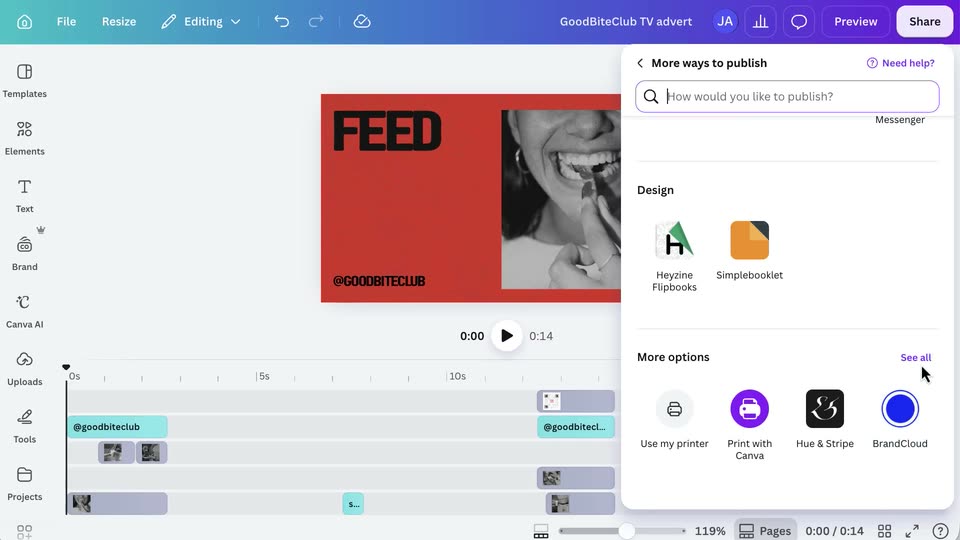 3:56–4:02Canva · Create and launch TV ads straight from CanvaA locked-off screen recording of the Canva editor shows a red FEED design on the canvas. The cursor clicks Share, opens the publish panel, scrolls through More options, and hovers the Vibe icon.
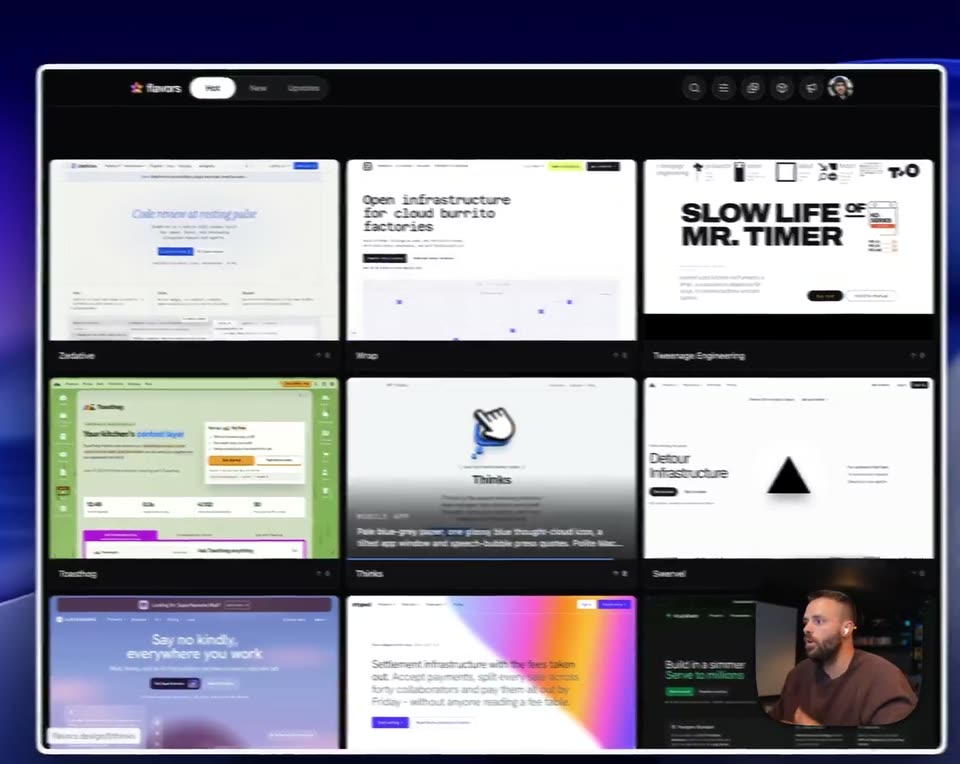 0:47–0:49flavors design · Dr. Kitze ❤️ healthmaxx.app - your agent can code, but it has zero taste. introducing 🌸 a galleryA gallery interface tilts in 3D perspective against a dark blue field, its grid of design cards animating with sliding and scaling type. A hand cursor drifts across the cards while a small presenter video plays in the lower right corner.
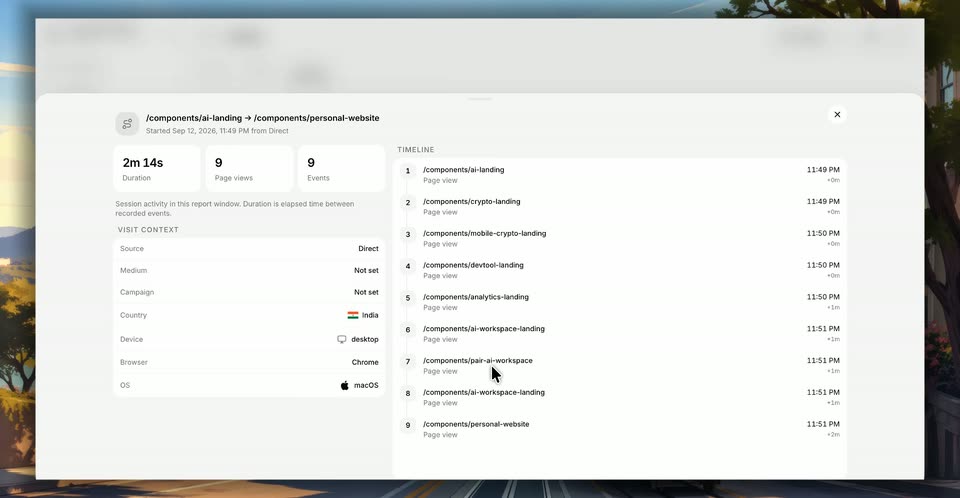 1:44–1:46Tracwell · Saurabh - INTRODUCING TRACWELL ( @tracwellapp ) 🚀 An agent-first analytics plaA white session-detail panel floats over a blurred desktop, showing a path, three stat cards and a nine-row timeline, while a cursor hovers the list. The panel then closes to reveal the full Activity screen with a left sidebar and a grid of visitor journey cards.
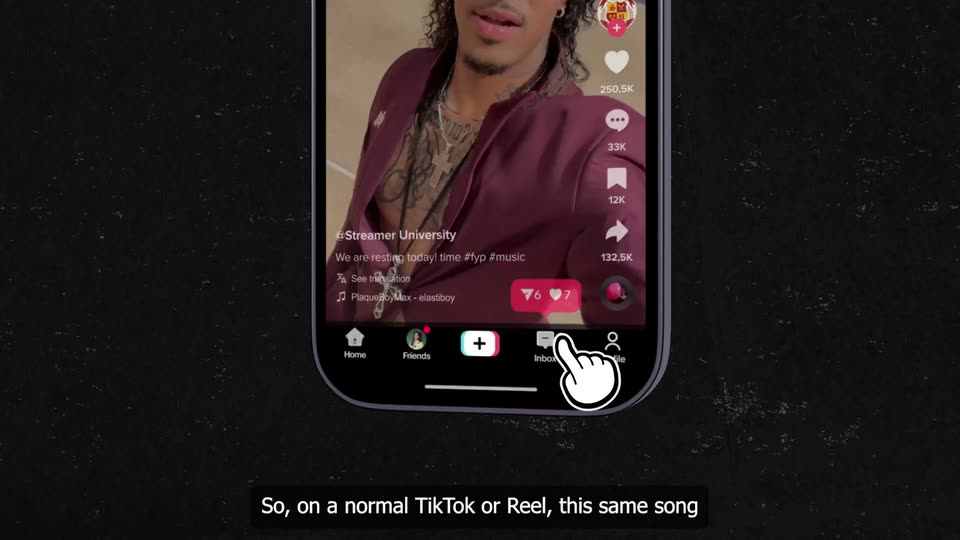 1:31–1:33Hook · Gaurav Sharma - AI platforms are stealing from artists > Millions spent on data cA front-facing iPhone on a dark textured background brightens from dim to full, revealing a TikTok feed of a man in a maroon jacket. A white hand cursor taps the Profile tab at the bottom right of the screen.
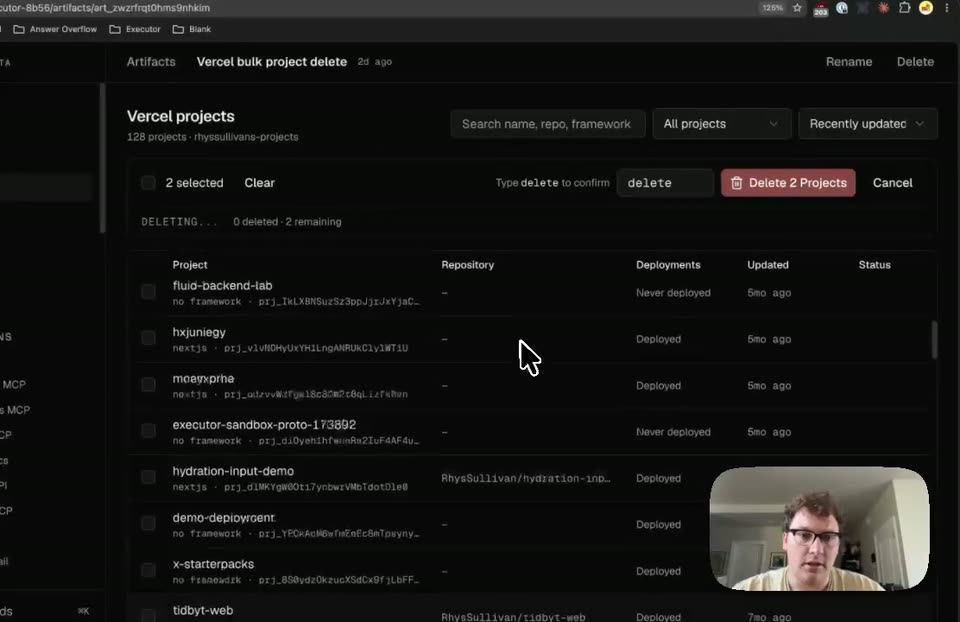 1:45–1:55Executor · Executor DemoA dark project-list interface fills the screen, reframed from a wider browser view, with a small webcam feed of a man in the corner. The cursor checks two rows, types delete into a confirm field, and clicks the red Delete button as a DELETING status appears.
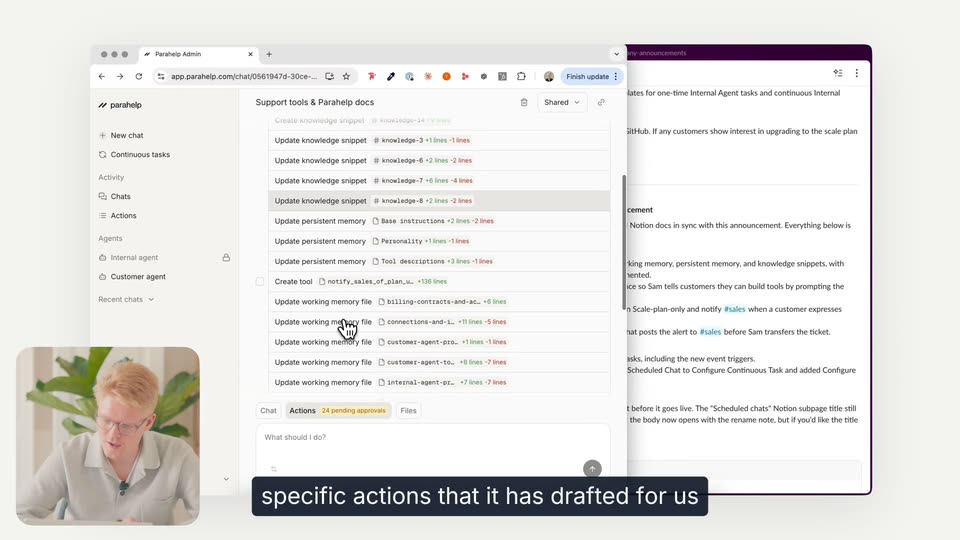 3:10–3:12Parahelp · Mads Lunau - Today, we’re launching Parahelp 3. With Parahelp 3, we’re doubling dA browser window shows the Parahelp admin interface with a pending-approval list of drafted actions scrolling upward under a hovering cursor. A dark caption bar at the bottom carries the voiceover line, and a small clip of a man in a white shirt sits in the lower-left corner.
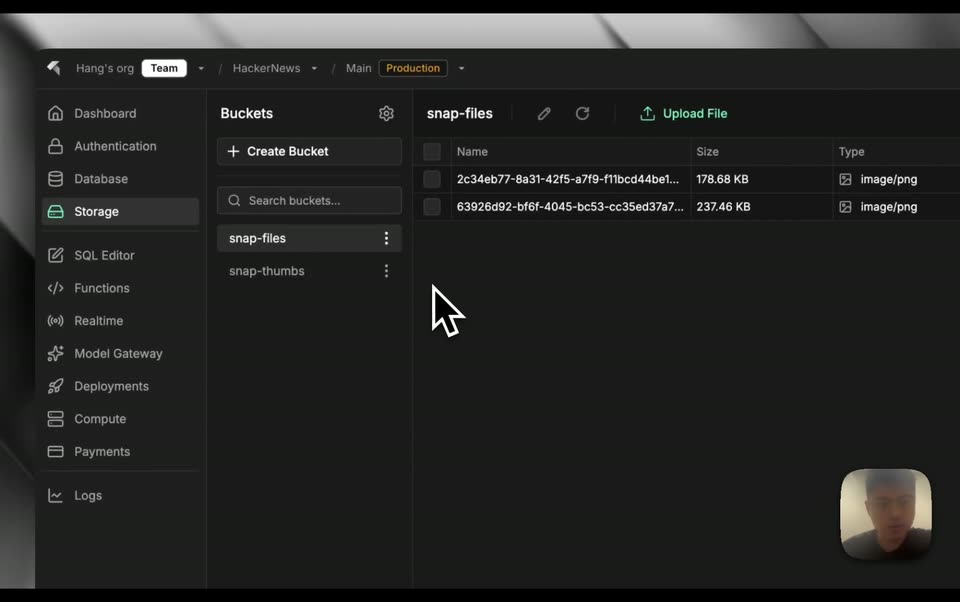 1:41–1:44InstaBox · InsForge YC Launch VideoA dark dashboard shows a left menu, a buckets column, and a file table. A white cursor glides from the highlighted Storage item down to the snap-thumbs row. A small webcam feed of a presenter sits in the bottom right corner.
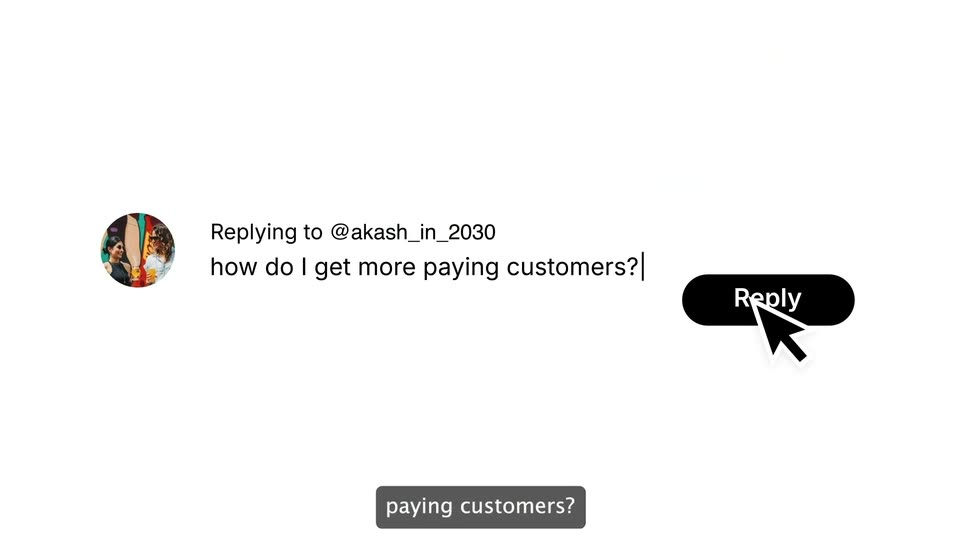 1:40–1:42Vellum · akash - We’ve raised 25M to build the world’s first Personal Intelligence. IA white reply composer fills in as a cursor types a question and clicks the black Reply button, then the frame pans right to a Generating a response panel. Dark caption pills at the bottom echo the typed words.
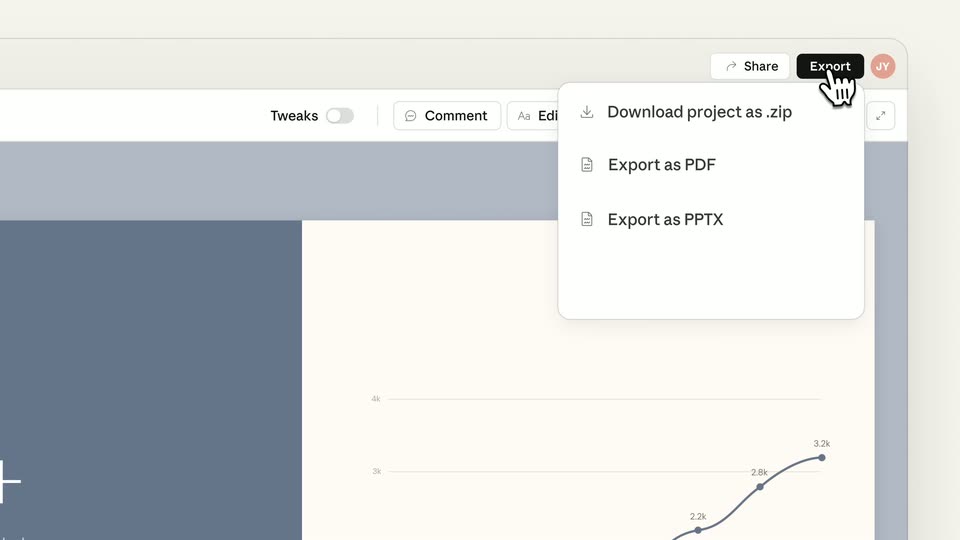 1:02–1:05Anthropic · Introducing Claude Design by Anthropic LabsThe view starts on a pitch slide whose bar chart switches into a line, then pulls back to reveal the editor toolbar. A cursor clicks Export, opening a dropdown menu, and hovers over Export as PPTX.
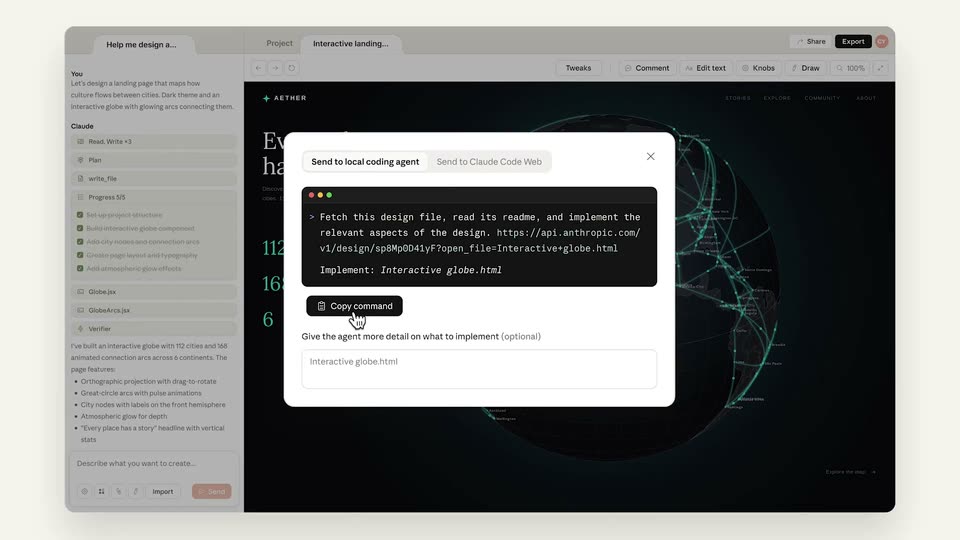 1:09–1:10Anthropic · Claude - Introducing Claude Design by Anthropic Labs: make prototypes, slides,A chat panel sits beside a dark landing page; a send-to-agent modal with a code prompt and copy button covers the view, a cursor hovers the button, then the modal clears to reveal the rotating green globe and city stats.
 0:56–0:57Outship · OutshipA laptop screen shows a document editor with a rubric; the view sharpens from a soft blur and reframes onto the page. A context menu with AI writing options hovers over the text while a cursor rests on a heading.
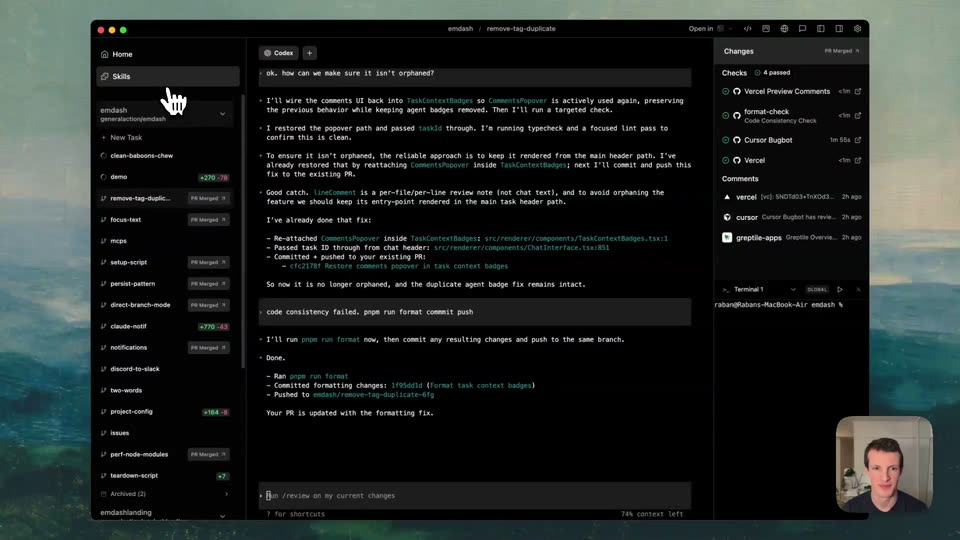 1:02–1:03Emdash · Y Combinator - .@emdashsh is building an open-source Agentic Development EnvironmentA dark app window fills the frame over a blurred mountain wallpaper, split into a left task list, a center agent chat log, and a right changes panel. A small face-cam sits in the corner while a hand cursor drifts across the sidebar.
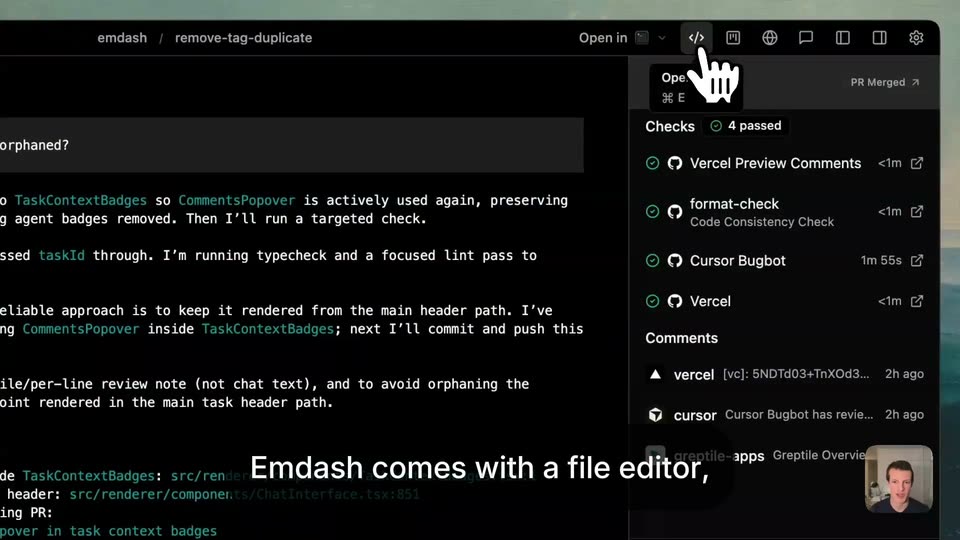 1:00–1:01Emdash · Launch Emdash (YC W26)A dark code editor fills the frame, a hand cursor hovering over a code icon in the top toolbar. A right panel lists checks and comments. A white caption sits at the bottom. The view holds steady.
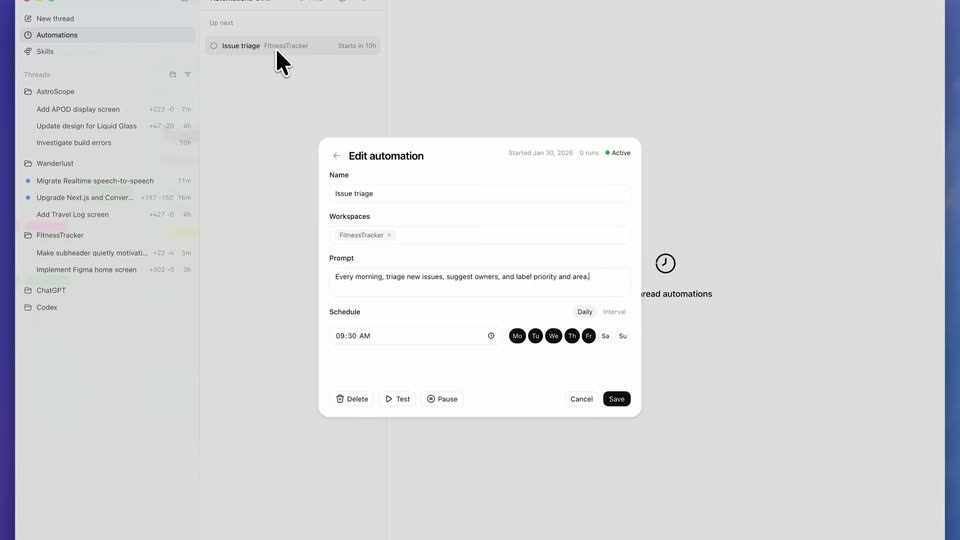 3:40–3:43OpenAI · Introducing the Codex appA tilted macOS app window shows an empty Automations panel. A cursor moves up and clicks the Issue triage row, opening an Edit automation dialog, then the view zooms into the dialog.
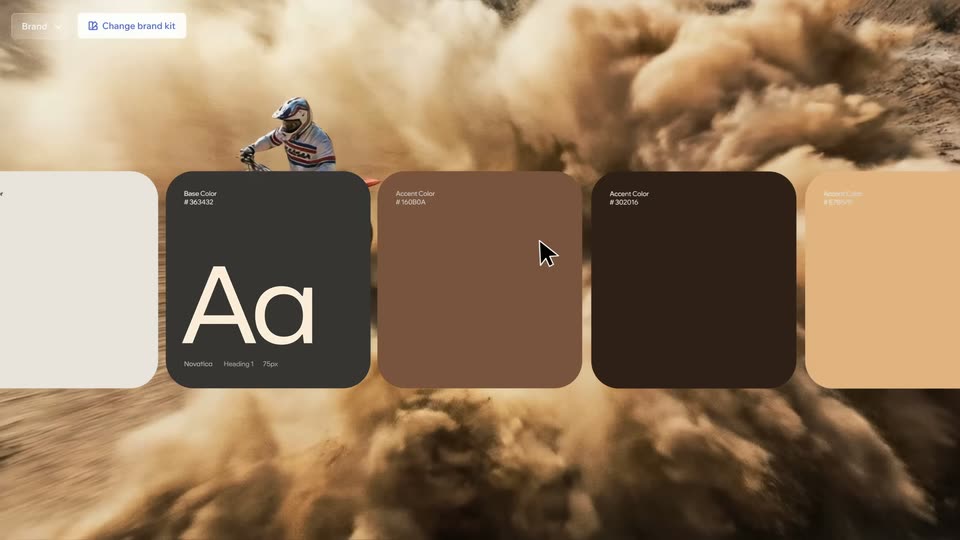 0:57–0:58Wix Harmony · Wix Harmony: The new way to createA row of rounded brand-kit cards, a typography specimen and color swatches, floats over a dusty motocross clip. The cards recolor and the cursor hops between swatches as the top-left button toggles to selected.
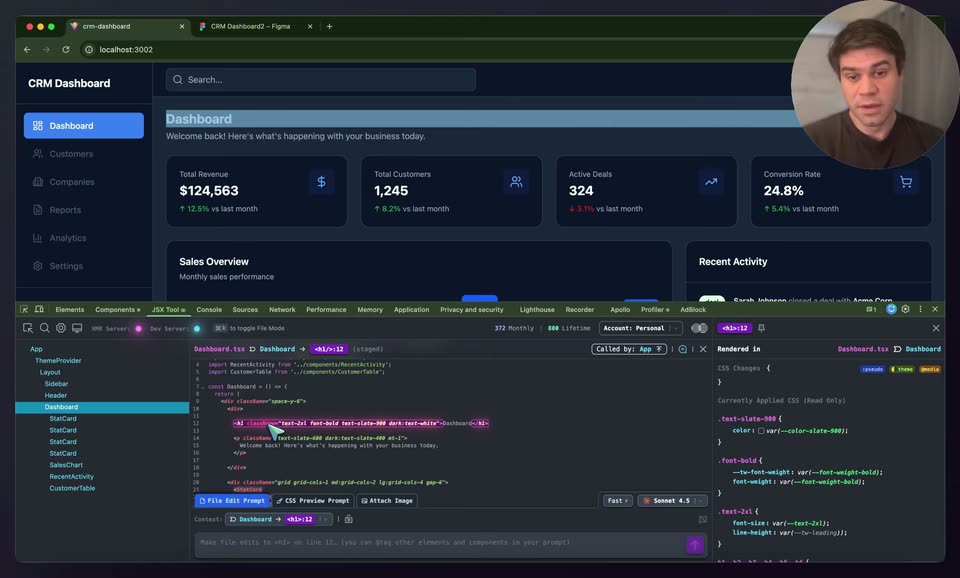 1:25–1:28Coasts · JSX Tool DemoA browser window shows a dark CRM dashboard with stat cards, while a code editor panel below highlights a line of code as a cursor hovers over it. A small circular webcam of the presenter sits in the top right corner.
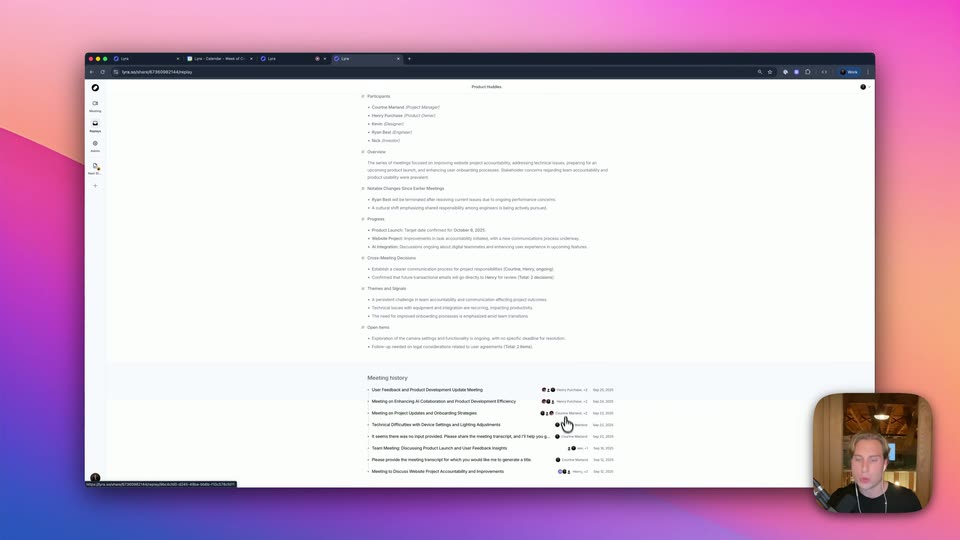 2:00–2:04IRBC · Lyra, The Final Meeting Platform.A browser window with the Lyra product updates document floats on a pink-purple gradient beside a small presenter webcam. A cursor hovers over the meeting history rows as the page scrolls to reveal the timeline of past meetings, then the window tilts in 3D.
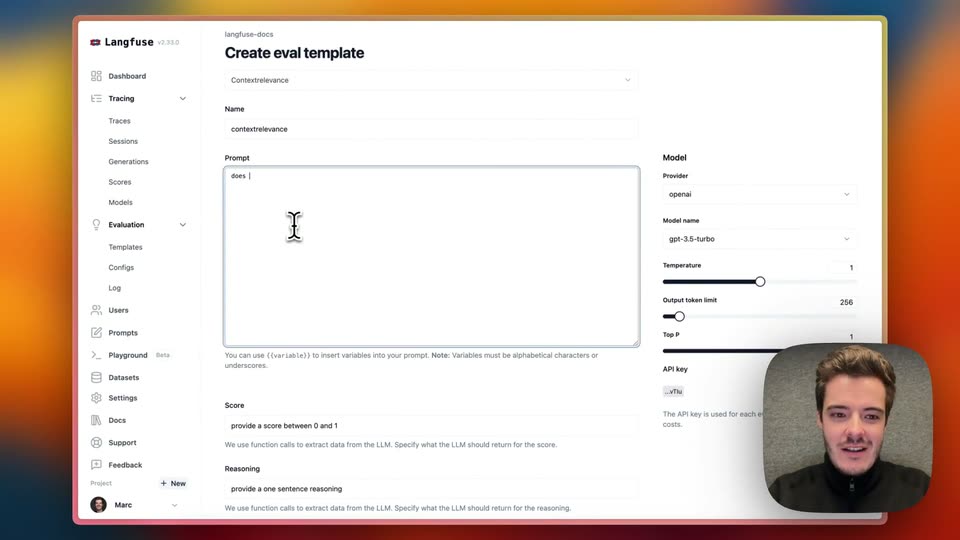 2:05–2:14Langfuse · Introducing Langfuse 2.0Screen recording of the Langfuse Create eval template form, with a small presenter webcam in the corner. The cursor opens the template dropdown, the view zooms in as the list scrolls, and Contextrelevance is picked, filling the fields. The prompt is cleared and does this mention Langfuse? is typed.
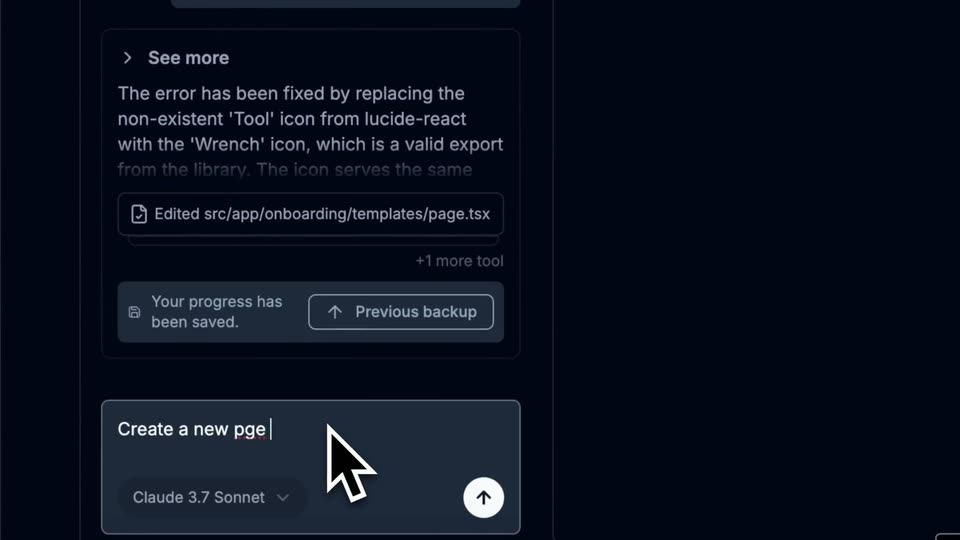 1:59–2:02Vybe · Vybe Demo - Build internal apps 10X fasterA dark web-app interface fills the browser: a chat log on the left, a black preview pane with a loading spinner on the right. The view reframes onto the left column as a cursor types 'Create a new page' into the prompt box.
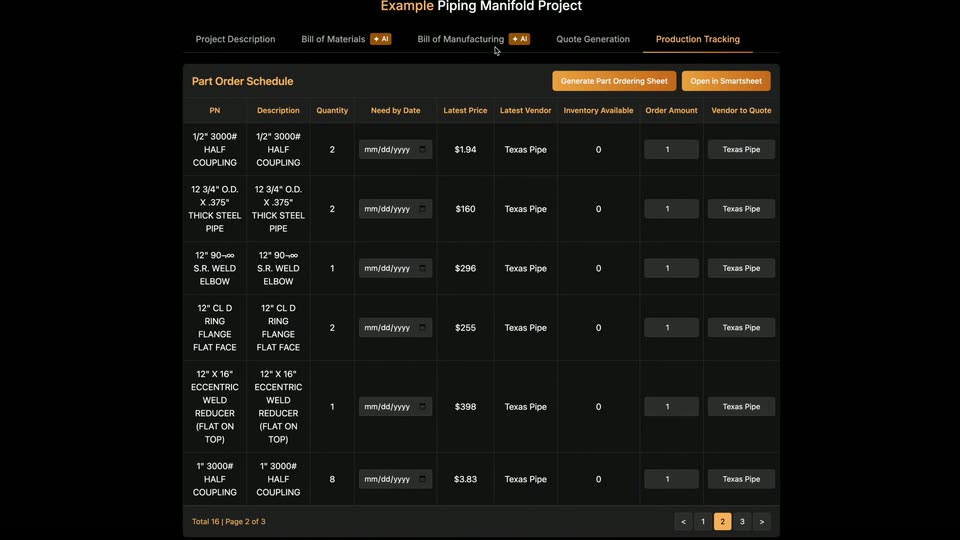 4:00–4:01Jeevy Fabrication · Introducing Jeevy FabricationA dark Part Order Schedule table fills the screen beneath a row of project tabs, with two orange action buttons at the top right. A white cursor arrow drifts from the price column up to the Bill of Manufacturing tab.
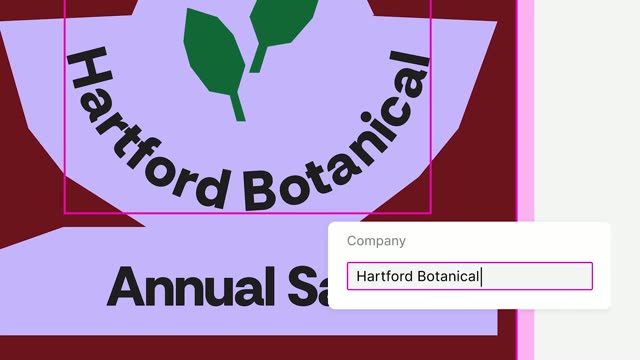 1:04–1:05Figma · All the launches at Config 2025 | FigmaA lavender leaf poster with curved black Hartford Botanical text and large Annual Sale letters sits on a dark red canvas. A white Company field at lower right types Hartford Botanical letter by letter, and the poster text updates and rotates into place as the word completes.
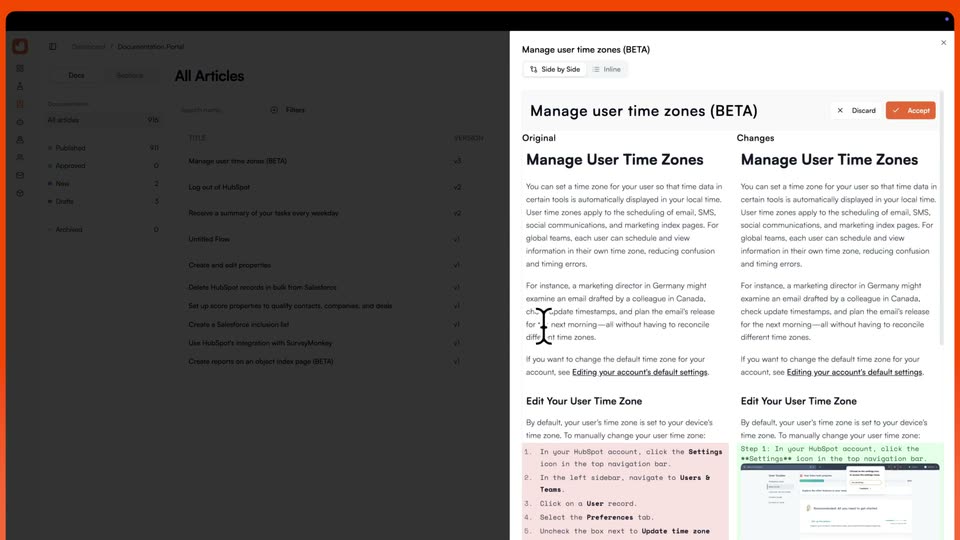 2:23–2:30SAMMY Labs · SAMMY Labs - Product TourA docs portal screen with a dimmed article list left and a preview panel right showing red and green highlighted edits. The panel scrolls up, then switches to a side-by-side Original versus Changes view with an orange Accept button. The list brightens and gains Changes and Status columns.
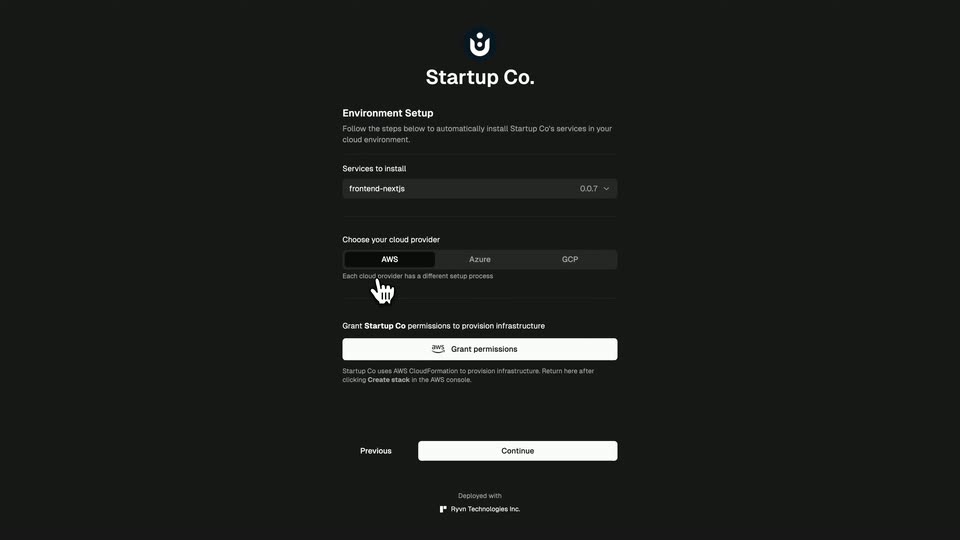 1:24–1:25Ryvn · Ryvn | On-prem deployments, without the stressA dark setup screen for Startup Co. shows an Environment Setup form with a service dropdown and a cloud provider selector where AWS is highlighted. A hand cursor moves down the page from the provider tabs toward the Continue button.
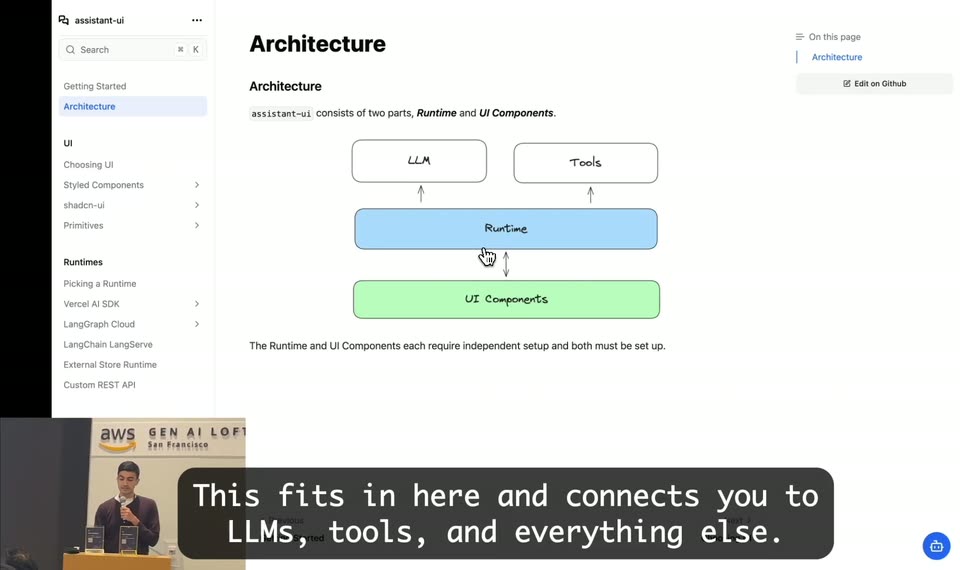 2:25–2:33assistant-ui · assistant-ui | AWS GenAI Loft DemoA documentation page titled Architecture shows a diagram of LLM, Tools, Runtime, and UI Components boxes. A cursor moves across the diagram, a small inset video of a speaker plays in the corner, and white captions swap in at the bottom.
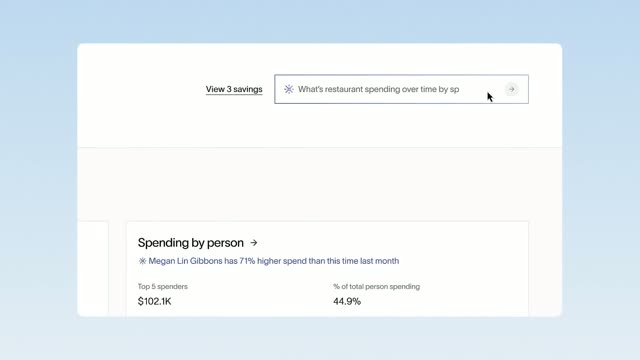 2:18–2:22Ramp · Meet Ramp: A smart finance operations platform that saves you time and moneyA flat reporting dashboard with a line chart and spender list fills the frame, then the view zooms to the top question bar. A cursor types a question into the field and moves to the send arrow.
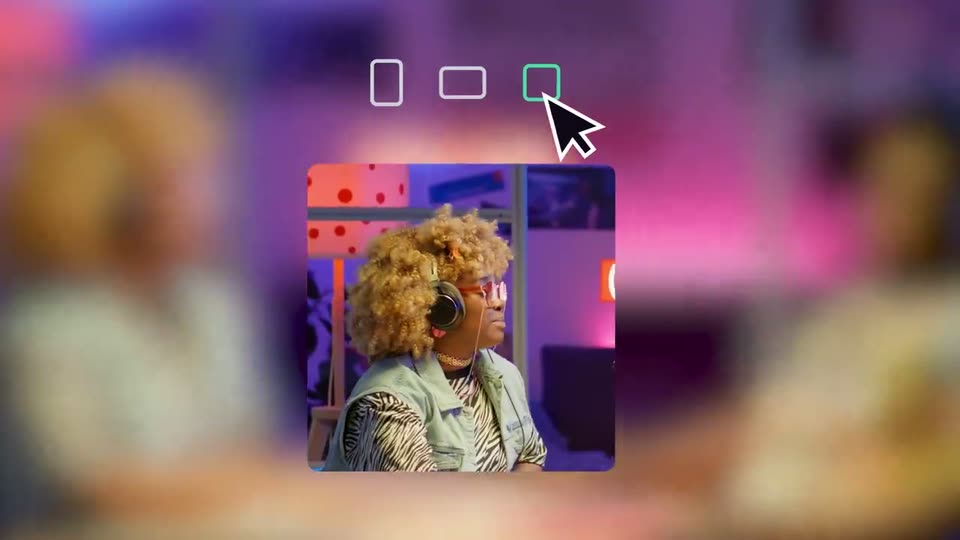 0:39–0:40Captions · Mirage - Introducing Captions for web. Video editing made simple, thanks toA blurred studio set with two hosts sits behind a rounded video window showing a curly-haired person in headphones and pink glasses. A white cursor arrow quickly hops between three outline aspect-ratio shapes above the window, highlighting each in green.