Cursor demo
A visible cursor operates the interface.
14,884 scenes · page 242 of 249
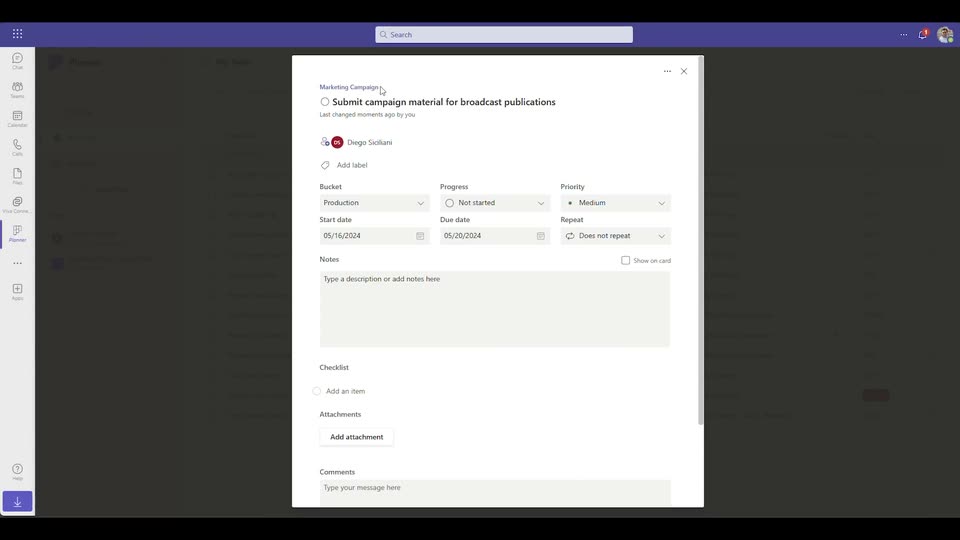 3:26–3:31Microsoft · Meet the new Microsoft PlannerA white task dialog is centered over a dimmed Planner board, showing fields for dates, progress and priority. The cursor drifts from the Progress dropdown up to the task title, then slides right to the close button.
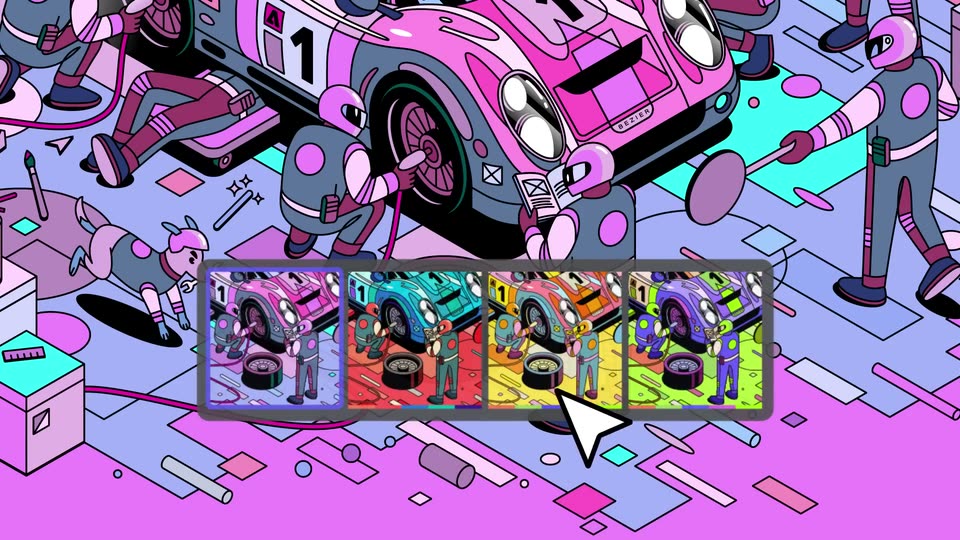 0:38–0:40Adobe · Adobe Firefly: Out of Beta & Ready For Your Imagination | AdobeA flat comic illustration of a pink race-car pit crew fills the frame. A bordered strip of four thumbnails shows the same scene recolored in different palettes. A white cursor arrow glides leftward across the panels.
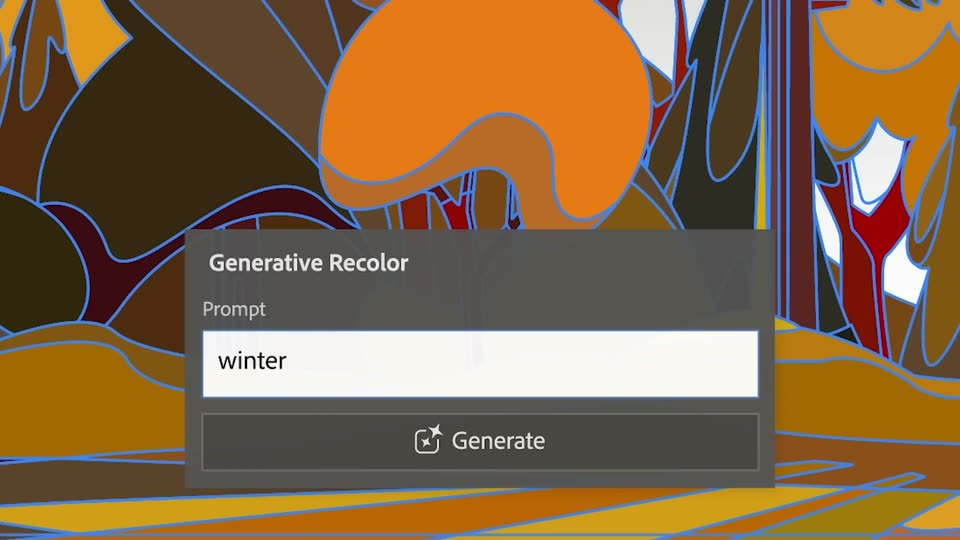 0:43–0:45Adobe · Adobe Illustrator x Adobe Firefly: Announcing Generative Recolor | AdobeA dark “Generative Recolor” panel floats over a flat orange forest illustration. The prompt field shows “autumn” typed, then “winter,” while the mouse cursor moves from the field down to the Generate button.
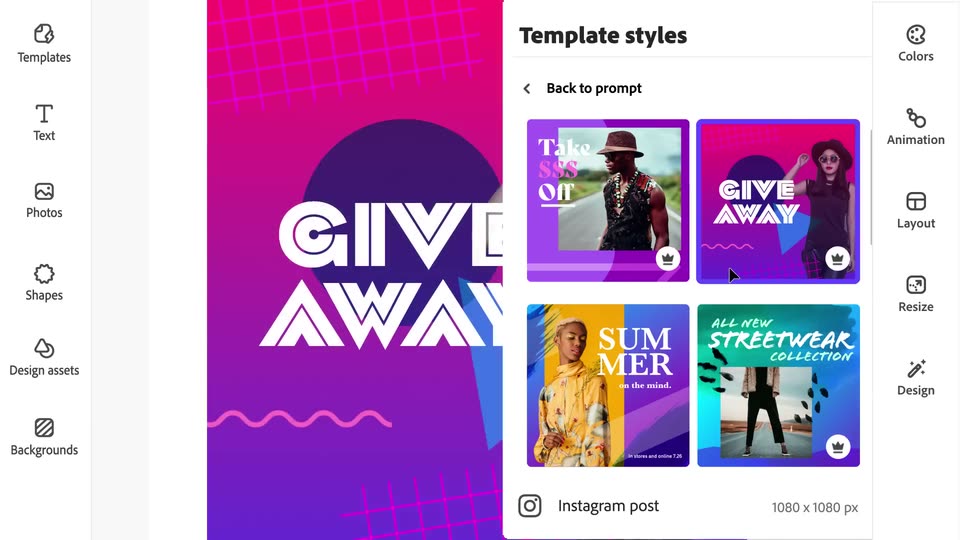 0:34–0:35Adobe · Adobe Firefly: Family of New Creative Generative AI Models | AdobeA design app screen: the canvas shows a purple poster while a right panel lists four template thumbnails. The cursor moves onto the pink GIVE AWAY thumbnail and selects it, and the canvas switches to that pink and purple design.
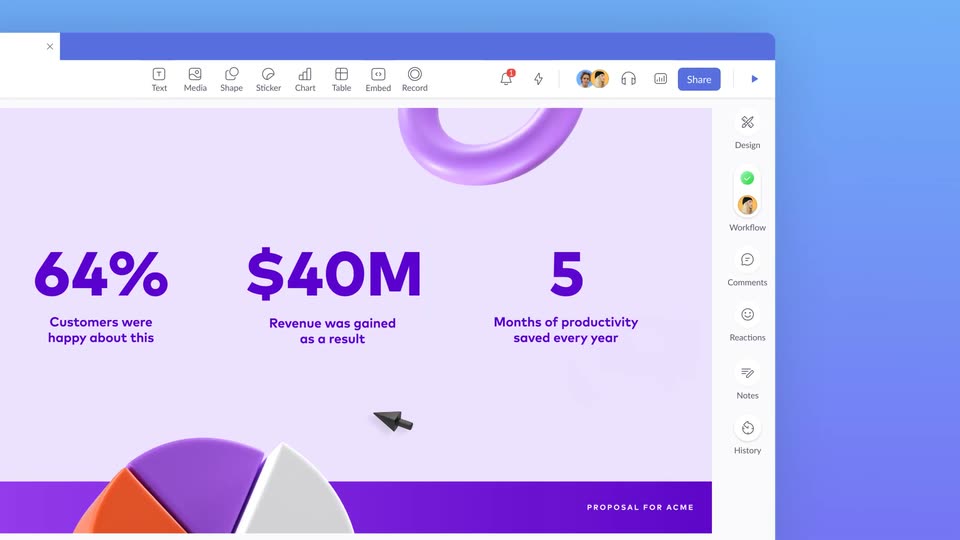 1:40–1:44Pitch · Introduction to Pitch | Create beautiful presentations with your teamA close-up of a presentation editor shows an open status dropdown; the cursor moves down and selects Done, then the frame zooms out to reveal the full app window with a column of slide thumbnails on the left.
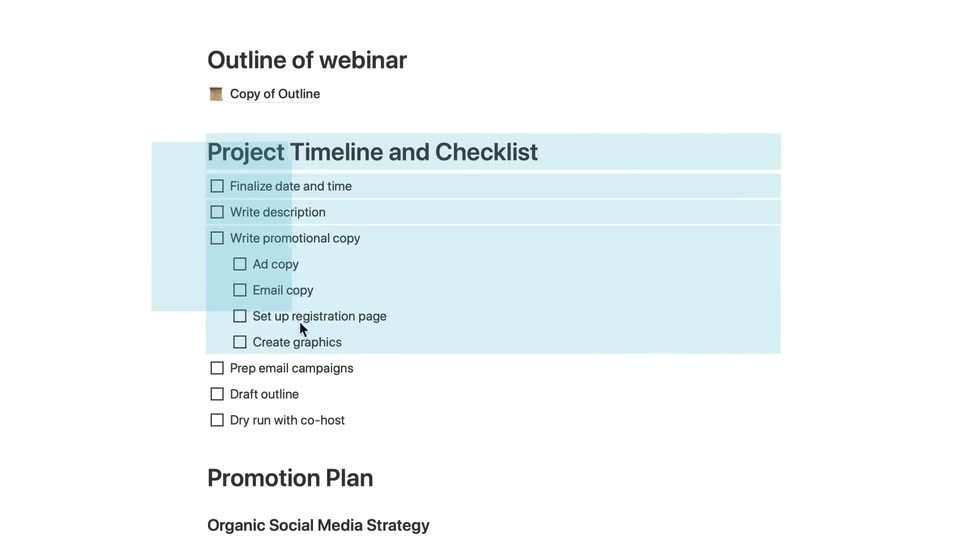 2:11–2:15Notion · What is Notion?A Notion page settles onto a checklist under “Outline of webinar.” A light blue highlight fills the rows and expands to cover the whole block, then a hand cursor glides to the top-left corner beside the add and drag controls.
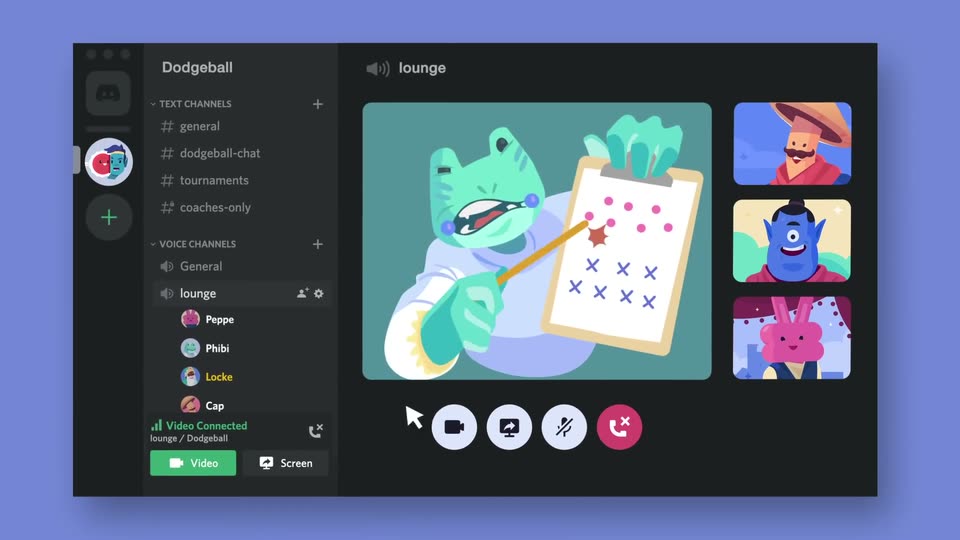 1:45–1:47Discord · How Discord Works in 148,000 Miliseconds or LessA close-up of the video call panel with the cursor on the green Video button zooms out to the full Discord call screen: a cartoon frog holding a score sheet, the channel list, and three participant thumbnails.
 0:58–1:03Google · New features in Google Earth 4.3A Google Earth horizon under a blue sky fills the frame. A hand cursor clicks the sun icon in the toolbar, opening a horizontal time slider. The cursor drags the handle left, and the sky fades to a starry night as the time readout updates.
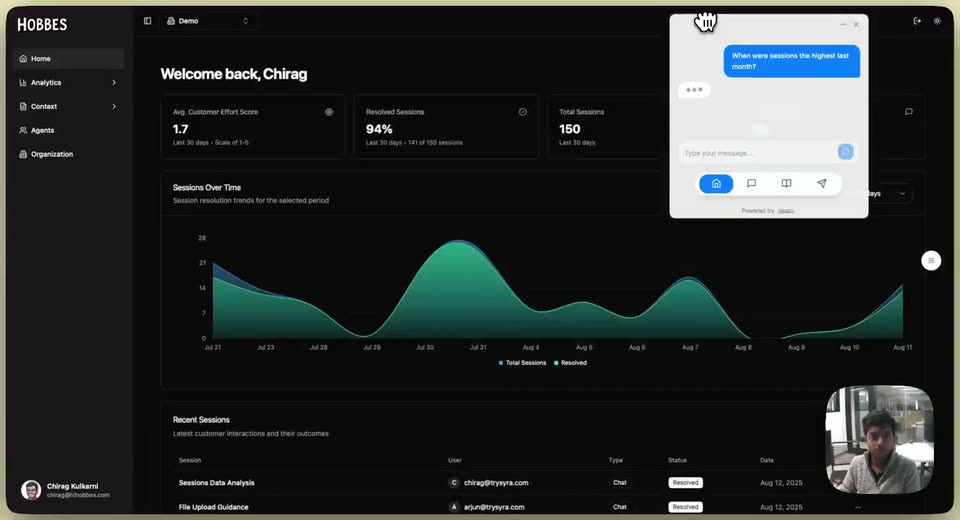 0:40–0:41Hobbes · 🚨Major update🚨 Syra is now Hobbes (hihobbes.com)! As we worked with some amazing teams this year, we saw a big gap in the agent landscape: visual context. Agents trained on knowledge bases + helpA dark analytics dashboard fills the screen with a sidebar, stat cards and a green area chart. A chat widget top right holds a blue question bubble; a video call window shows a person bottom right. A hand cursor hovers over the chat panel.
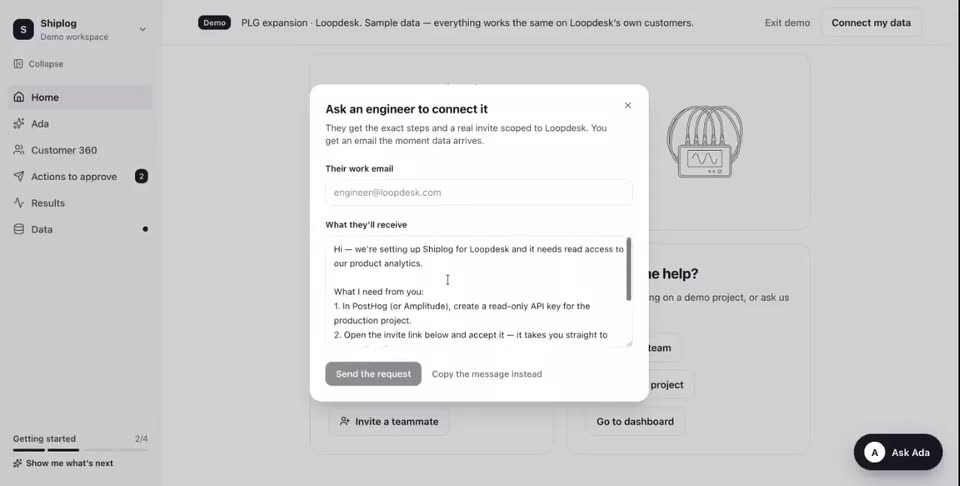 4:33–4:37Shiplog · #customersuccess #ai #saas #productledgrowth #revenuegrowth | Shiplog (F/AI F26)A white modal titled “Ask an engineer to connect it” sits centered over a dimmed Shiplog dashboard. A cursor hovers the email field, scrolls the message box, then moves to the close icon.
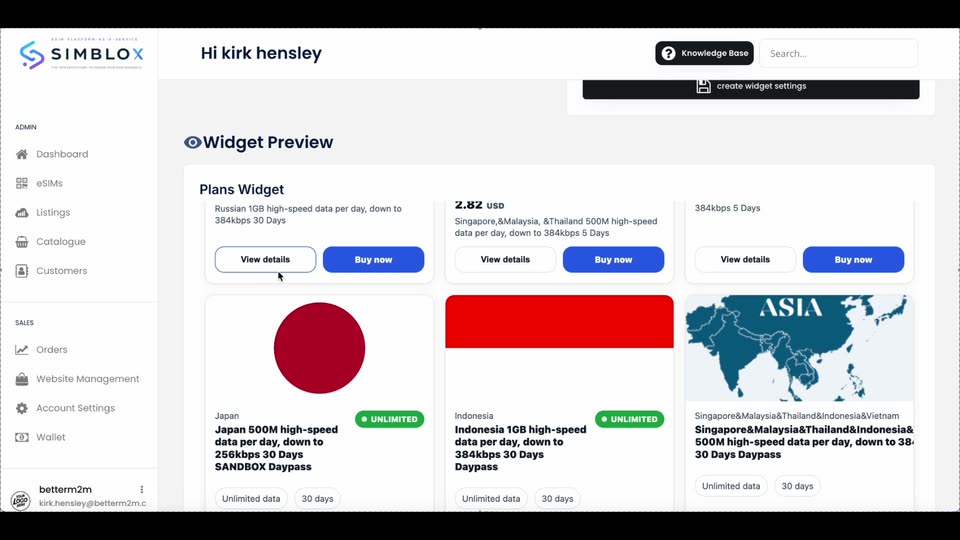 1:47–1:49SimBlox · SimBlox: minute demoA light admin dashboard with a left sidebar and a Widget Preview panel. A grid of data-plan cards showing national flags and prices scrolls upward, revealing more plans, while a cursor moves onto a View details button.
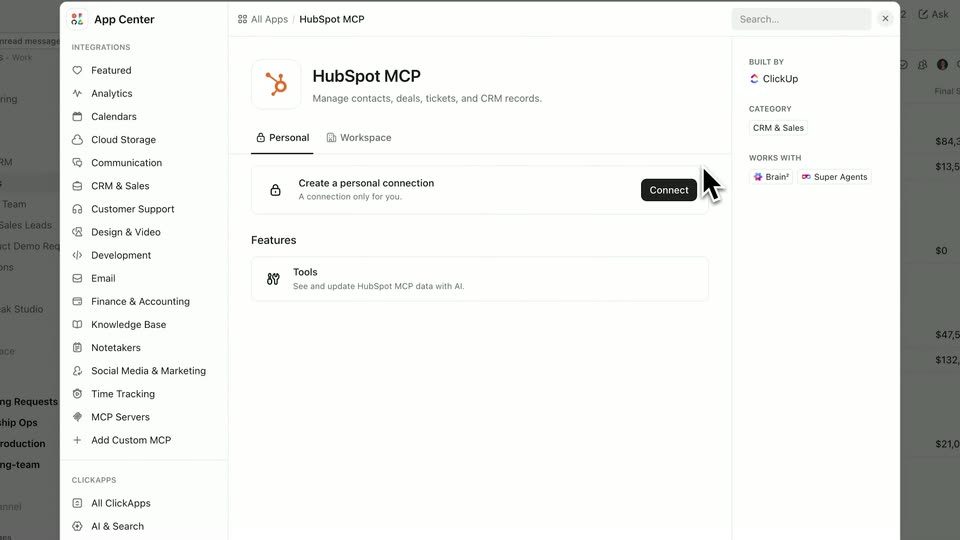 2:58–2:59ClickUp · ClickUp Release 4.10: Sheets, Work Schedules, Email Triggers, and more!A white App Center window floats over a blurred dashboard. The mouse cursor glides from the upper right down to the black Connect button and rests on it.
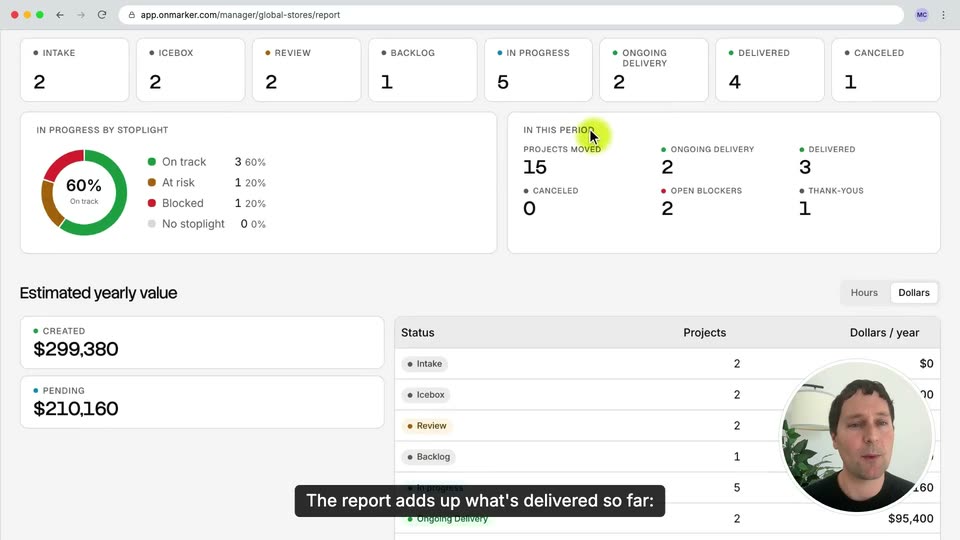 1:44–1:45Marker · Introducing Marker ManagerA browser window displays a status report dashboard. The view scrolls down past the title and metric cards to a donut chart and a yearly value table. A glowing cursor hovers over the page and a circular webcam feed of a man sits in the bottom right corner.
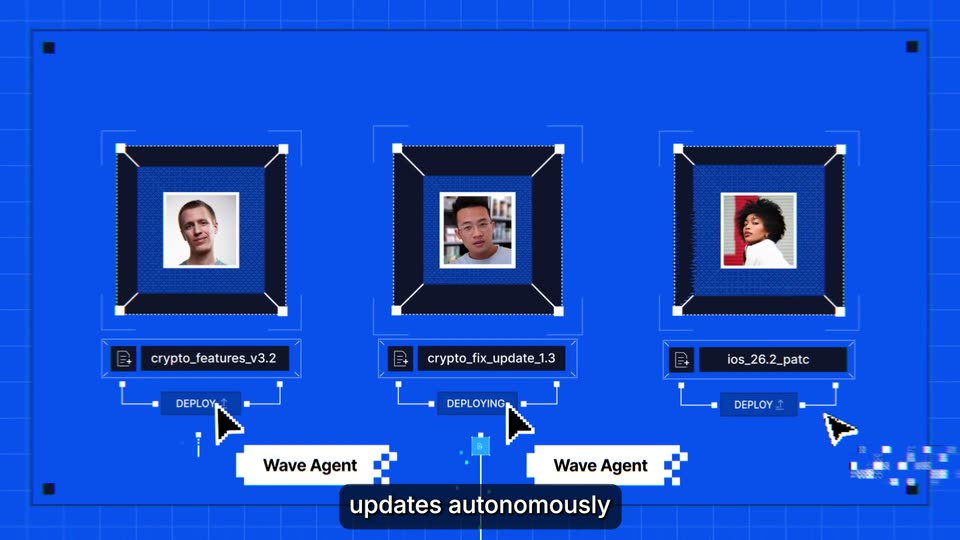 1:46–1:48Amplitude · Spenser Skates - Introducing Wave. The world's first AI that reads your customers' miThree dark photo cards, each holding a team member's headshot, rotate flat into a row on a blue grid. Below each, a file label and a DEPLOY button with a cursor icon flip to DEPLOYING, while pixelated Wave Agent tags pop in.
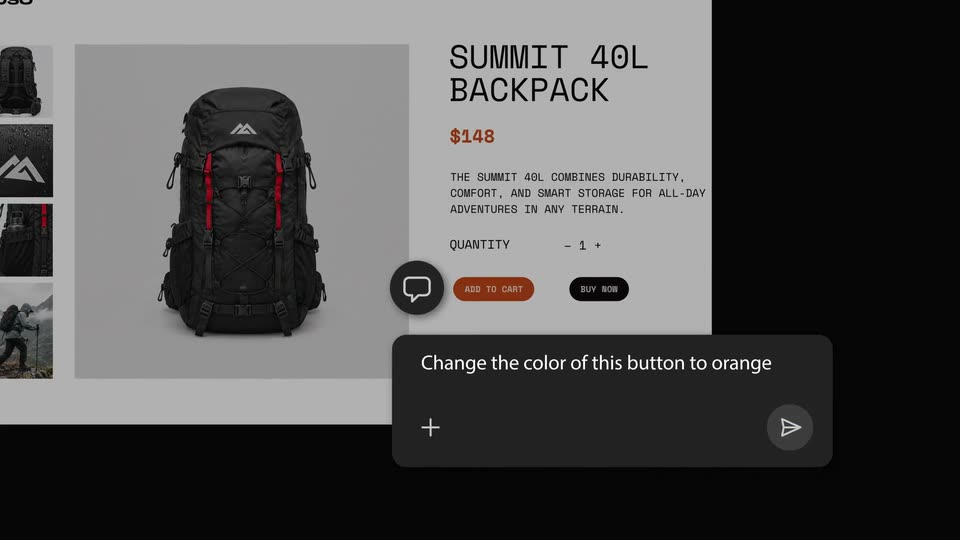 1:25–1:27Adobe · What’s New in Creative Cloud and Adobe Firefly | Adobe MAX 2026A dimmed e-commerce product page for a Summit 40L backpack sits behind a dark chat box that types out an instruction. A cursor moves to the send icon and clicks, the overlay lifts, and the Add to Cart button turns orange.
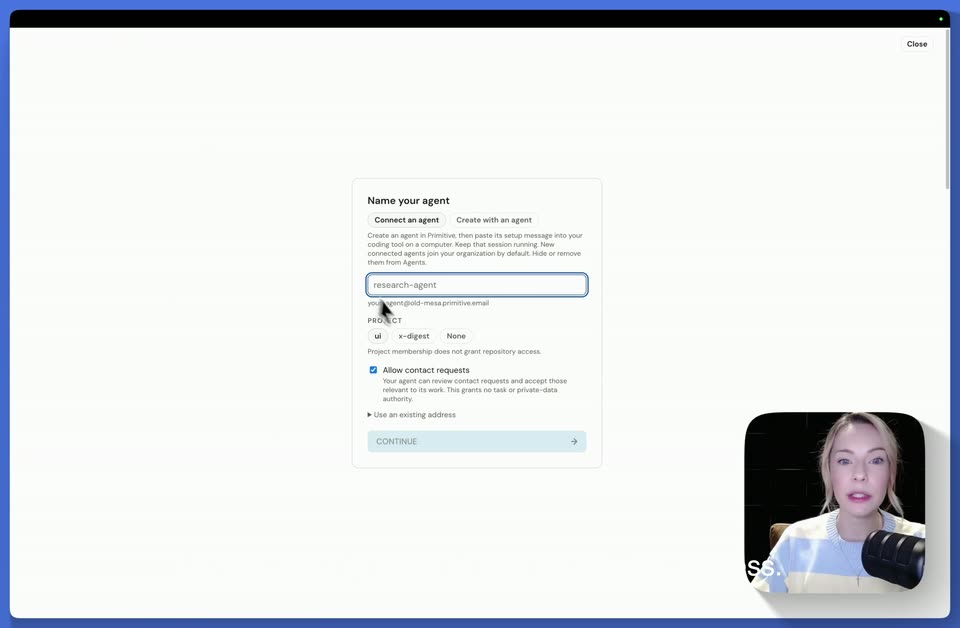 2:27–2:28primitive · Primitive - we 💌 emailA light interface form titled “Name your agent” fills the center, its text field and a checkbox already set, while a small rounded webcam clip of a woman at a microphone plays in the lower right. A cursor moves across the empty upper-left area.
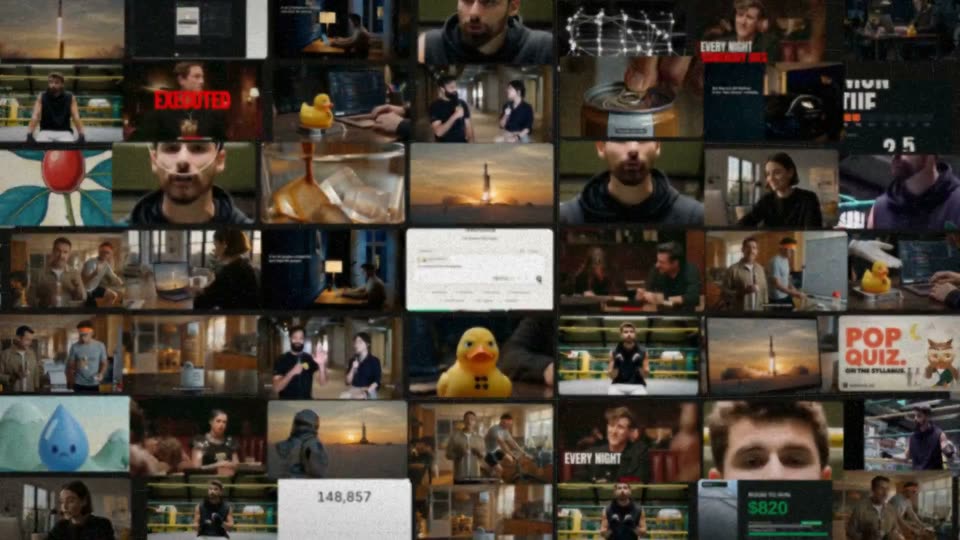 1:51–1:52Motion · Adish Jain ☕️ - today, we're launching the General Video Agent. GVA edited this entiA green circular button with an up arrow sits on a white background, a cursor hovering over it, while small video thumbnails drift around it. The camera zooms into one thumbnail, revealing a home office with a man at a laptop and a rubber duck.
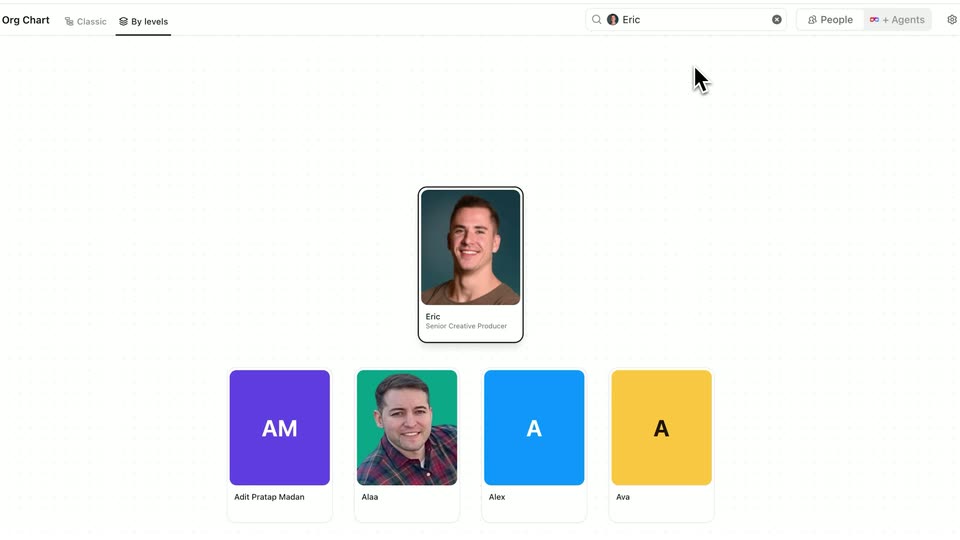 2:59–3:06ClickUp · ClickUp Release 4.09: List Templates in Automations, Parent Task Date Sync, and more!On a white dotted-grid org chart, a cursor clears the search box and a name dropdown opens; picking a name recenters the chart on a new person and their report cards. The cursor then drifts toward the Agents button.
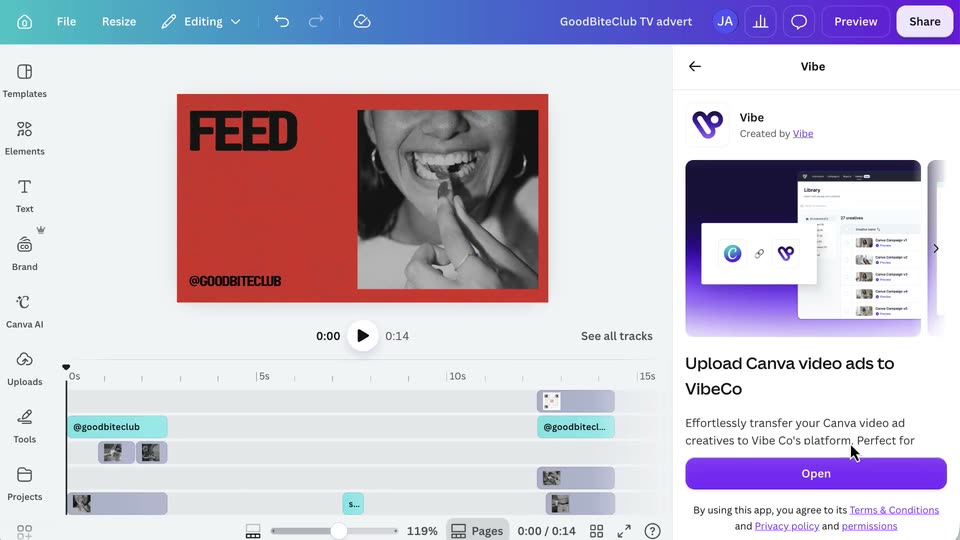 4:02–4:03Canva · Create and launch TV ads straight from CanvaA Canva editor fills the frame: a red FEED video preview and timeline on the left, an app panel on the right. The mouse cursor glides up from below and hovers on the purple Open button in the Vibe app card.
 0:49 · 0.5sflavors design · Dr. Kitze ❤️ healthmaxx.app - your agent can code, but it has zero taste. introducing 🌸 a galleryA light interface showing a grid of design project thumbnails dissolves to a dark empty canvas, leaving the top toolbar and a white cursor hovering mid-frame. A small video of a bearded man in white earbuds stays pinned to the bottom-right corner.
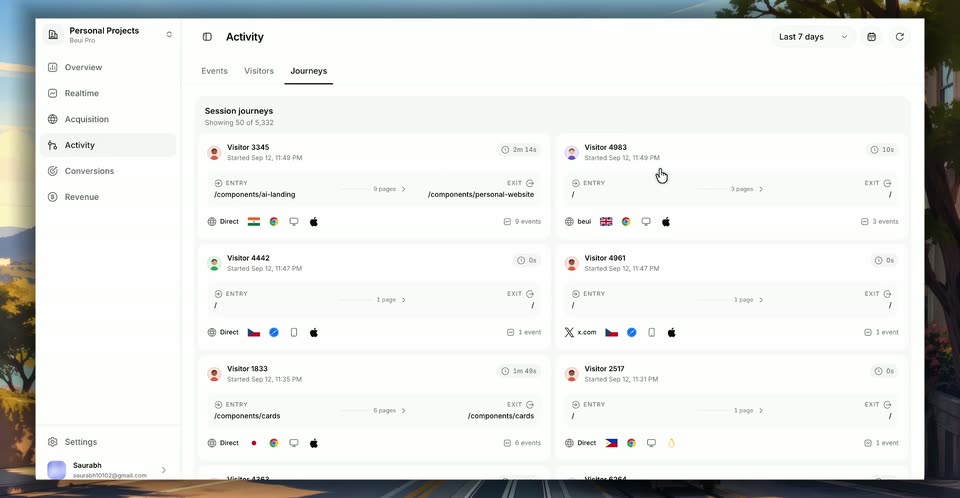 1:46–1:48Tracwell · Saurabh - INTRODUCING TRACWELL ( @tracwellapp ) 🚀 An agent-first analytics plaA flat analytics dashboard, listing session journey cards under the Journeys tab, sits over a blurred street backdrop. A cursor glides in and hovers over the date filter at the top right.
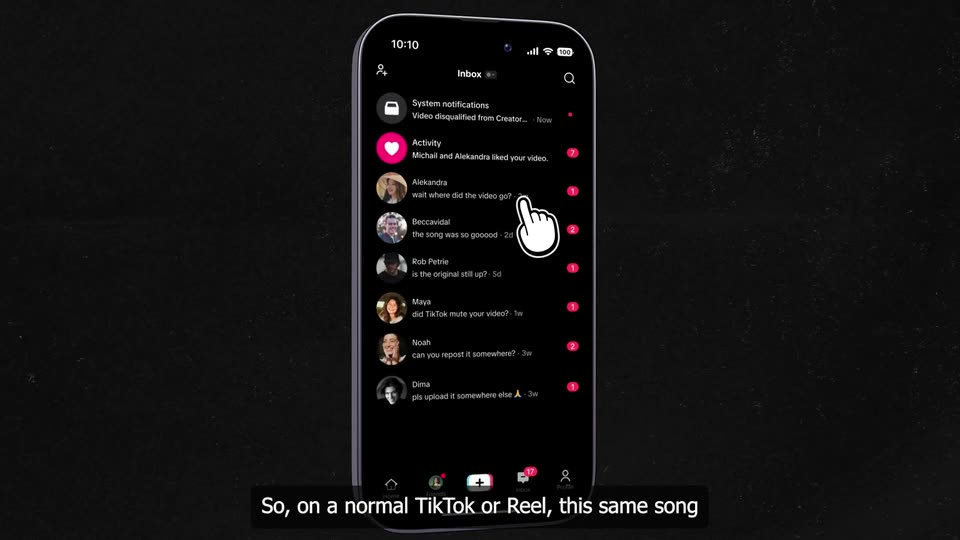 1:33–1:34Hook · Gaurav Sharma - AI platforms are stealing from artists > Millions spent on data cA 3D phone mockup on a dark grainy surface with a reflection below shows an inbox list. A white hand cursor taps the Inbox tab, then the device rises to reveal the full list as the cursor hovers the Activity row. A white caption sits at the bottom.
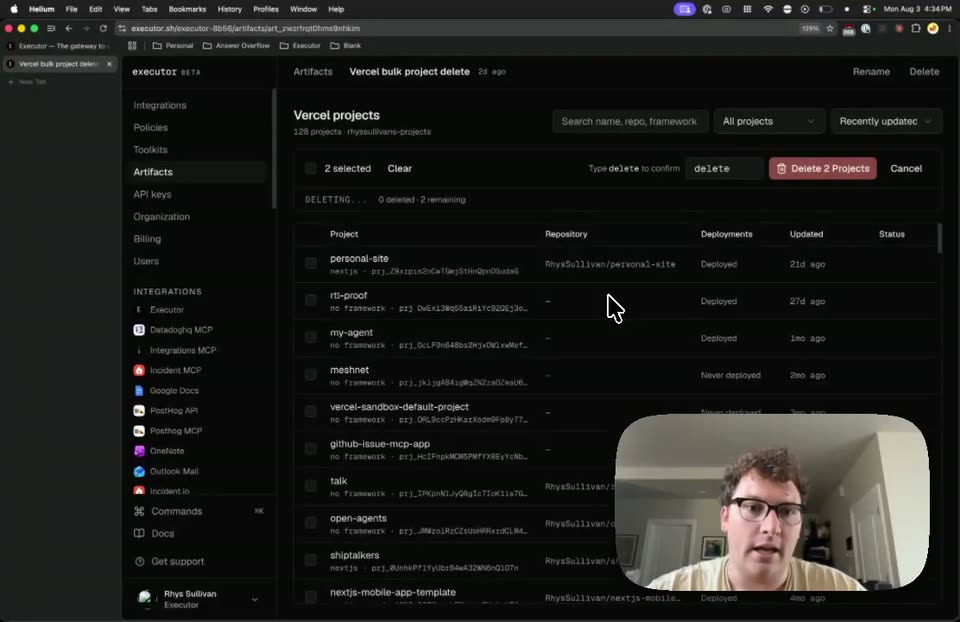 1:55–1:56Executor · Executor DemoA dark web app lists Vercel projects in a table; two rows are selected and a red Delete button sits at the top. A cursor hovers over the list while a small webcam feed of a man with glasses speaks in the bottom right corner.
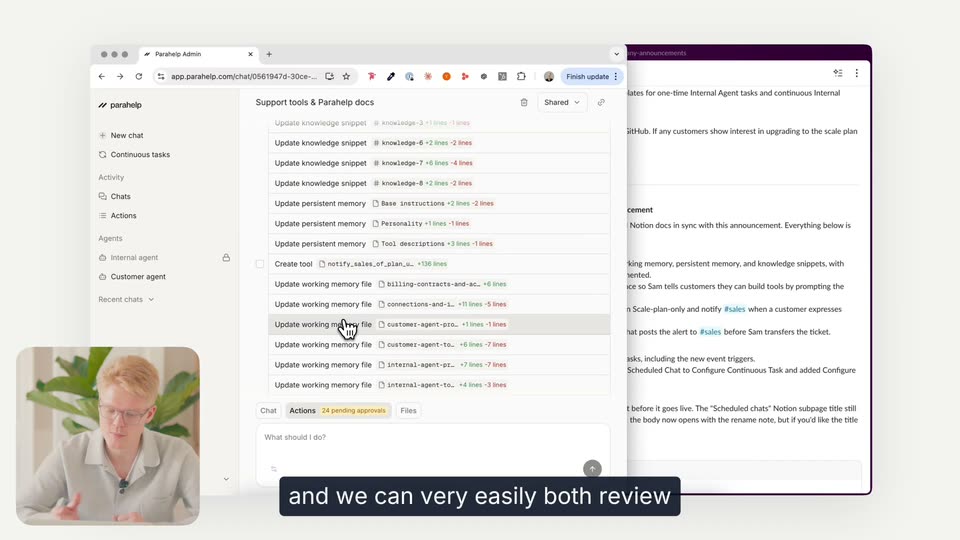 3:12–3:14Parahelp · Mads Lunau - Today, we’re launching Parahelp 3. With Parahelp 3, we’re doubling dA product admin screen lists memory and snippet updates, a cursor hovers over one row, a small webcam inset of a man talks in the lower left, and a white caption on a dark bar sits at the bottom.
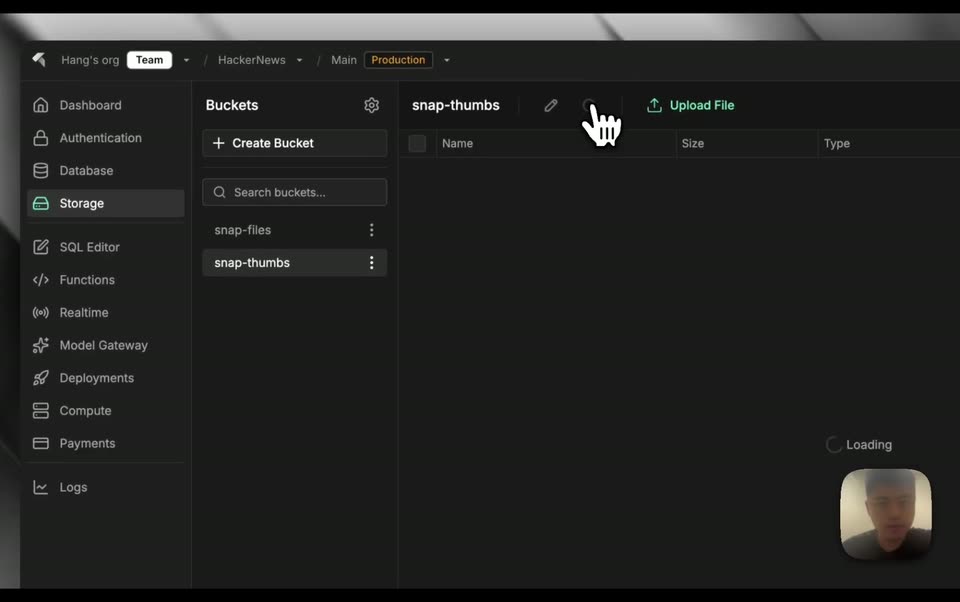 1:44–1:48InstaBox · InsForge YC Launch VideoA dark storage dashboard fills the frame. A cursor clicks the snap-thumbs bucket, and the right panel refreshes from empty to two image rows. A small webcam bubble of a man sits in the lower right corner.
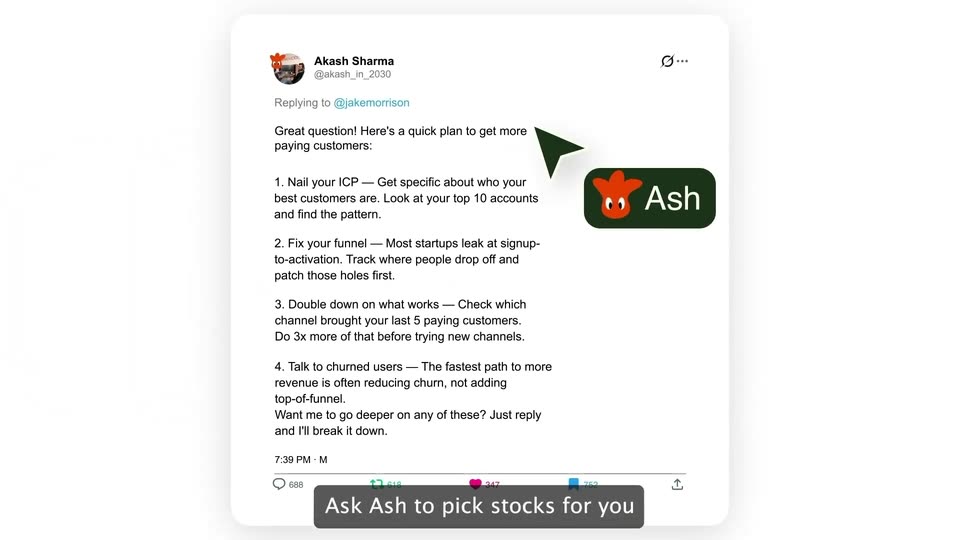 1:43–1:45Vellum · akash - We’ve raised 25M to build the world’s first Personal Intelligence. IA white post card fills the frame; a numbered reply fades in while a black cursor taps a green 'Ash' badge, then the view zooms into a stock-price list. Dark caption pills swap at the bottom.
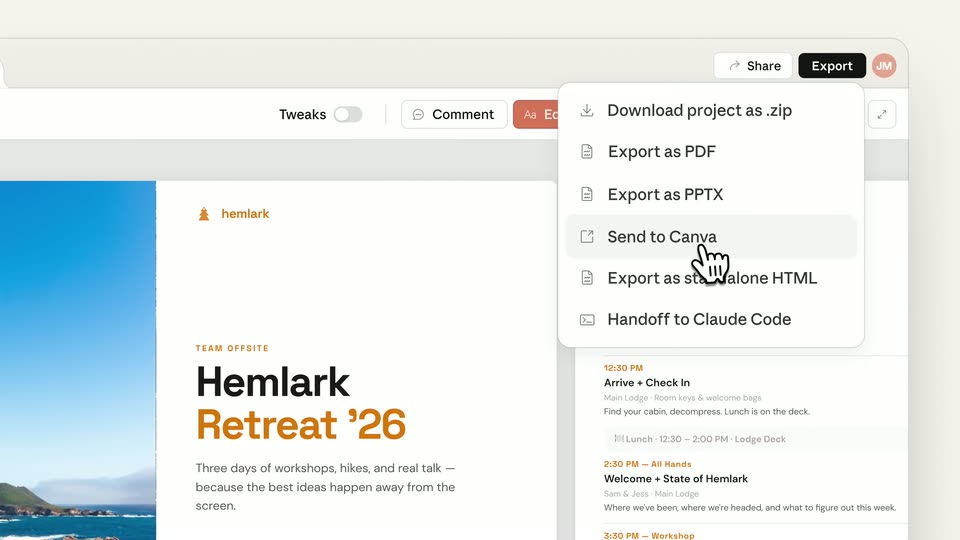 1:05–1:06Anthropic · Introducing Claude Design by Anthropic LabsA close-up of a design tool shows an open Export dropdown with options such as PDF, PPTX and standalone HTML, while two hand cursors hover over the rows. The document behind, titled Hemlark Retreat '26, scrolls up slightly.
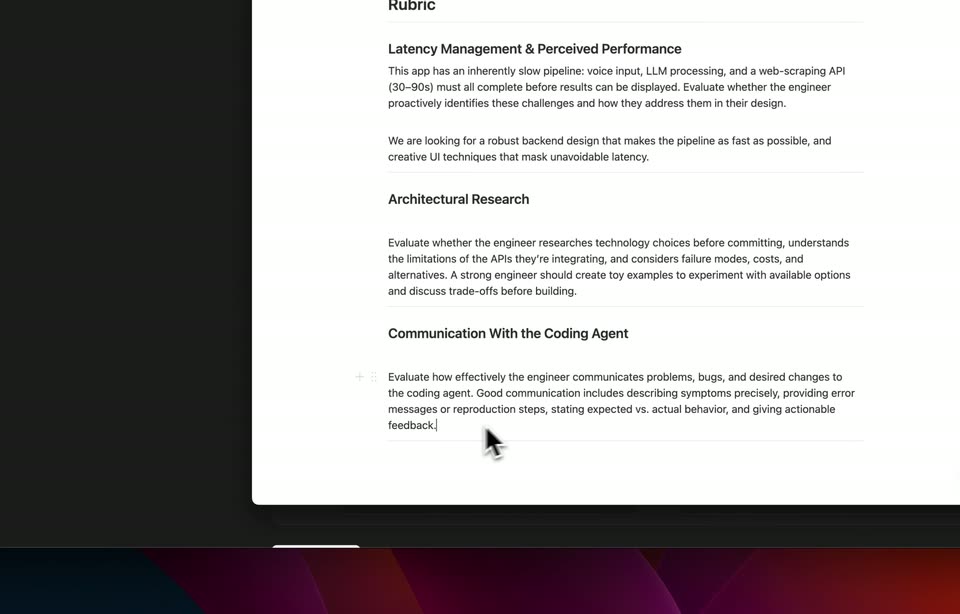 0:57–0:58Outship · OutshipA rubric document in a white panel over a dark app sidebar. A context menu of AI actions closes, the cursor moves to the plus icon beside the last criterion row, and that row's description text highlights in blue.
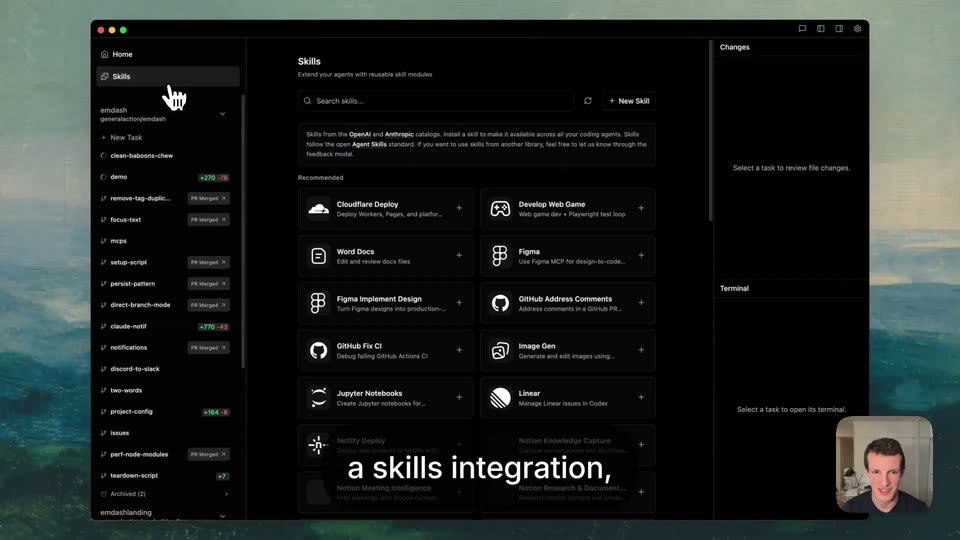 1:03–1:04Emdash · Y Combinator - .@emdashsh is building an open-source Agentic Development EnvironmentA dark product interface fills the frame. A white hand cursor clicks the Skills item in the left sidebar, and the center panel switches from a chat log to a grid of skill cards. A white caption fades in at the bottom. A small face-cam video sits in the lower right corner.
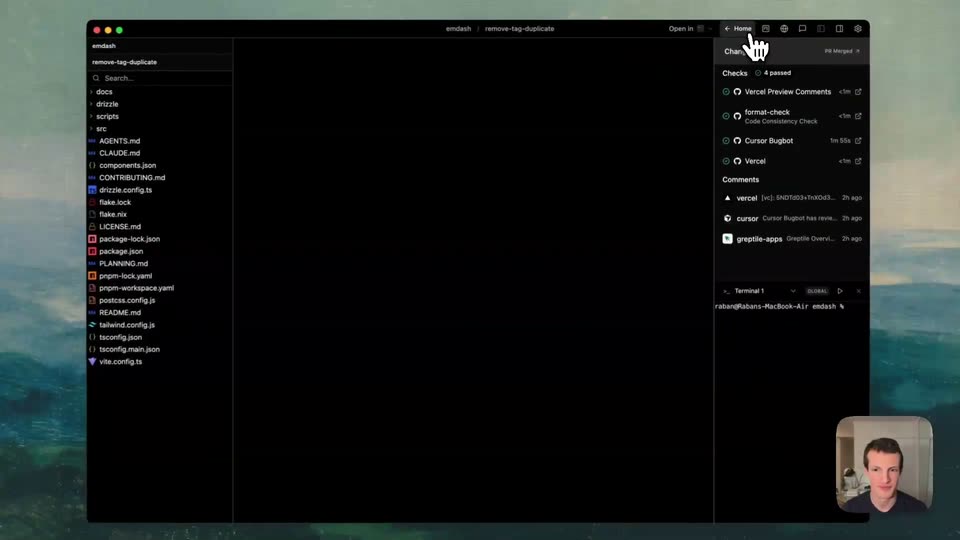 1:01–1:02Emdash · Launch Emdash (YC W26)A dark IDE screen with a file tree on the left, an empty black editor in the center and a checks and comments panel on the right. The view settles from a horizontal motion blur into a sharp frame while a hand cursor hovers at the top. A small presenter webcam sits in the lower right corner.
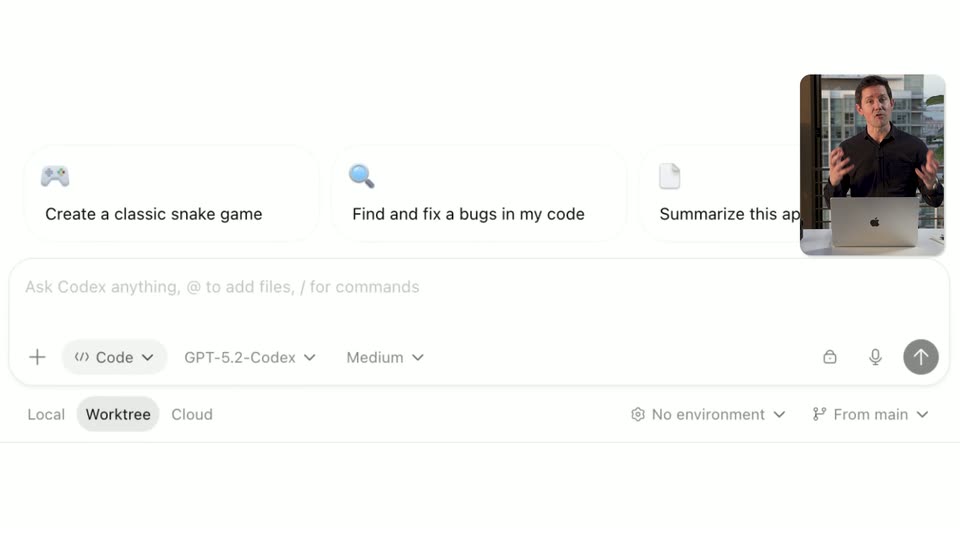 3:43–3:50OpenAI · Introducing the Codex appThe Codex app window fills the frame, then the view reframes down to the prompt bar and three suggestion cards. A cursor glides to the Worktree tab and selects it, while a small video of a presenter at a laptop stays pinned in the top right corner.
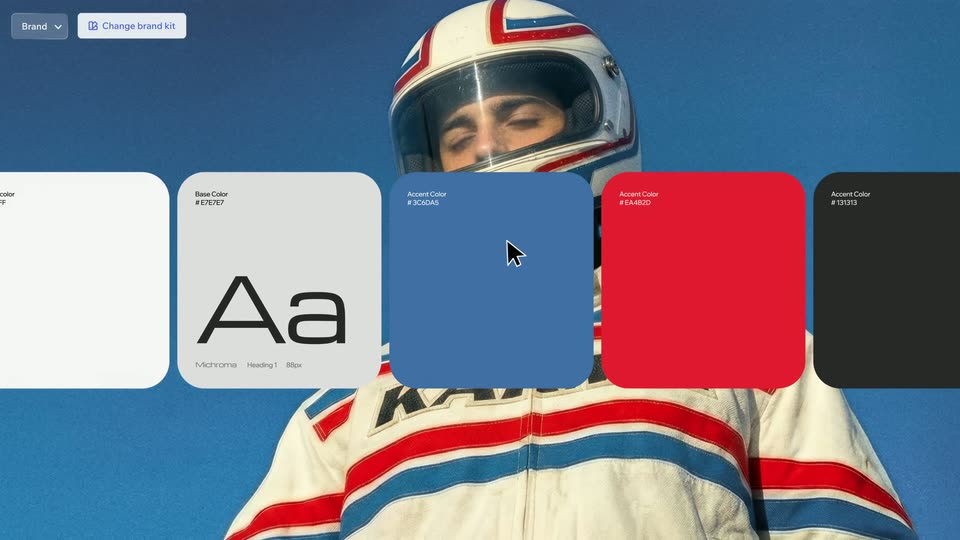 0:58–0:59Wix Harmony · Wix Harmony: The new way to createA person in a white racing suit and helmet stands against a blue backdrop while a horizontal row of brand-kit cards slides right across the frame. A cursor moves over the color swatches and the large Aa on the typography card scales up.
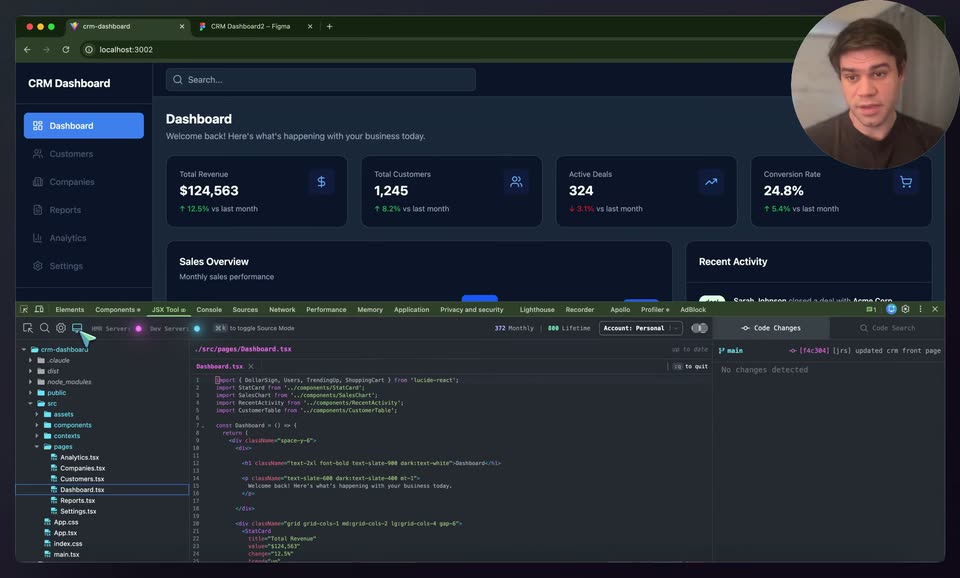 1:28–1:31Coasts · JSX Tool DemoA dark CRM dashboard occupies the top of the screen above an open code inspector. A cursor hovers over the inspector, then the frame blurs and pushes in on the highlighted code lines.
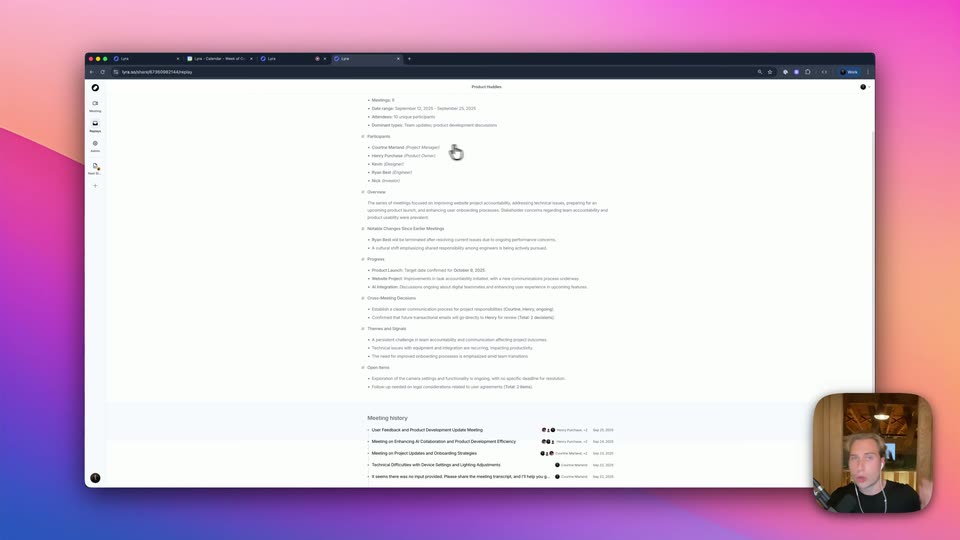 2:04–2:05IRBC · Lyra, The Final Meeting Platform.A browser window on a purple gradient displays a Luma meeting notes page. A cursor scrolls the document down past the participants and action items sections, while a small video call tile of a man remains in the lower right corner.
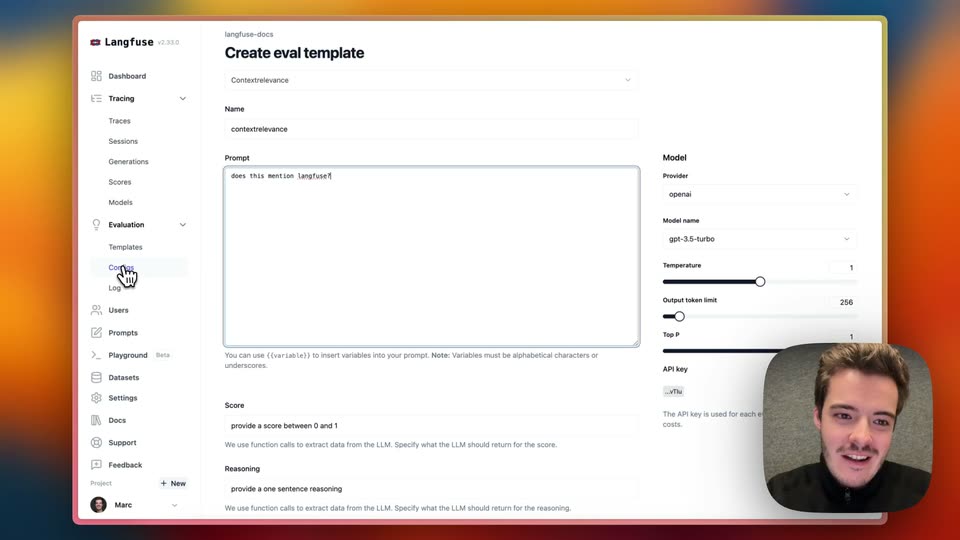 2:14–2:15Langfuse · Introducing Langfuse 2.0The Langfuse interface opens on the Create eval template form with a prompt field. A hand cursor clicks Configs in the left menu, and the view switches to an empty Evaluation configs table reading Loading. A webcam video of a man sits in the bottom right over a gradient background.
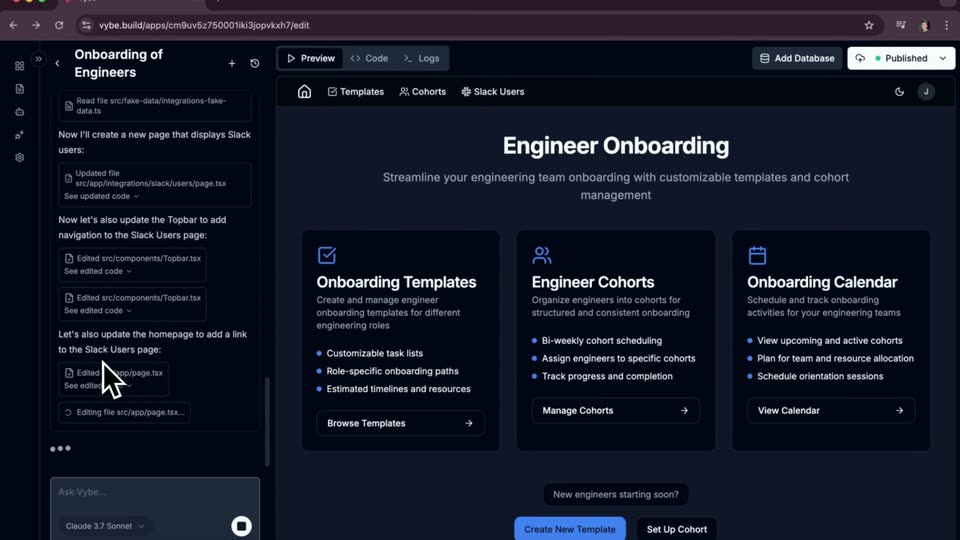 2:05–2:13Vybe · Vybe Demo - Build internal apps 10X fasterA dark app builder interface fills the screen. The left chat panel streams the AI agent's steps as a cursor clicks through them, while the right preview of an Engineer Onboarding page with three cards stays put until it scrolls down to reveal a Slack Integration card.
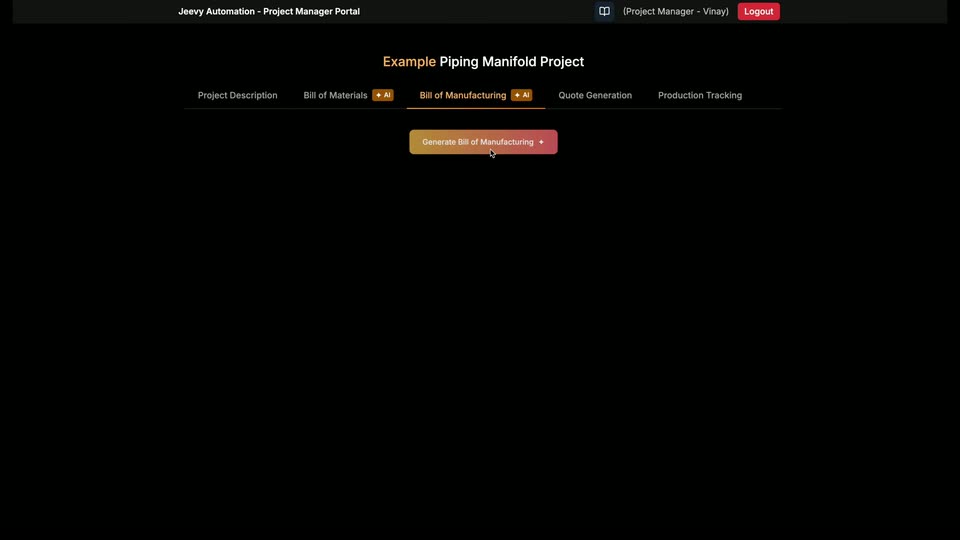 4:01–4:03Jeevy Fabrication · Introducing Jeevy FabricationA dark project-manager portal shows the Bill of Manufacturing tab active beneath the title Example Piping Manifold Project. A cursor glides down from the heading and rests on the amber-to-red Generate Bill of Manufacturing button.
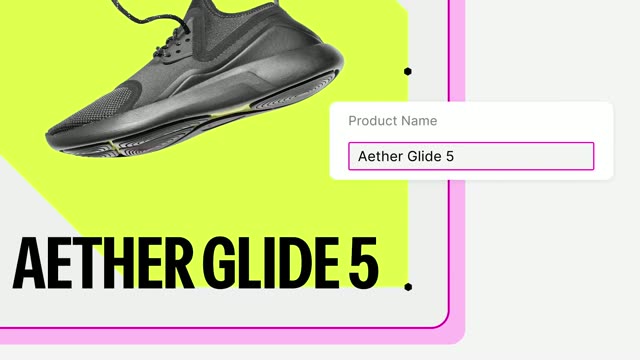 1:05–1:07Figma · All the launches at Config 2025 | FigmaA blinking cursor types Aether Glide 5 into a form field beside a black sneaker on a lime panel, while a large black headline fills in letter by letter; the scene then cuts to a two-column table holding the shoe.
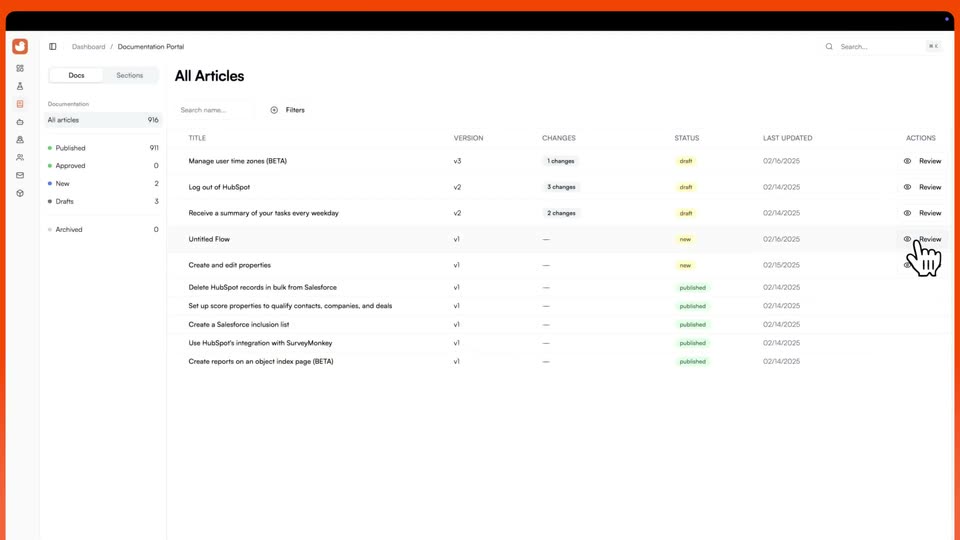 2:30–2:33SAMMY Labs · SAMMY Labs - Product TourA documentation portal's All Articles table fills the frame beside a left nav rail and top breadcrumb. A cursor slides from the middle of the list to the Review button on the right, where a hand-click icon appears.
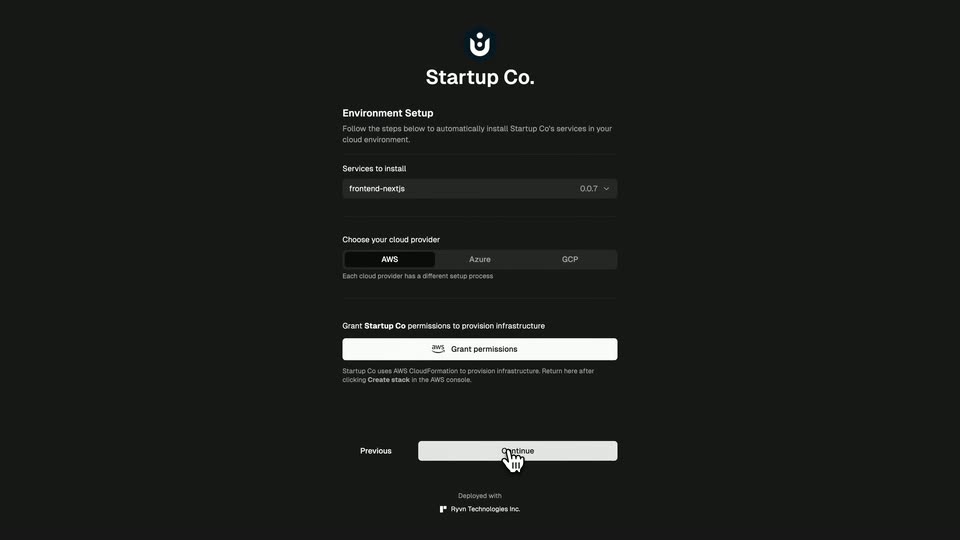 1:25–1:27Ryvn · Ryvn | On-prem deployments, without the stressA dark setup form with a hand cursor resting on the Continue button slides up and fades as a centered loading state takes over, a thin spinner and the heading Installing Services slide in above a progress bar.
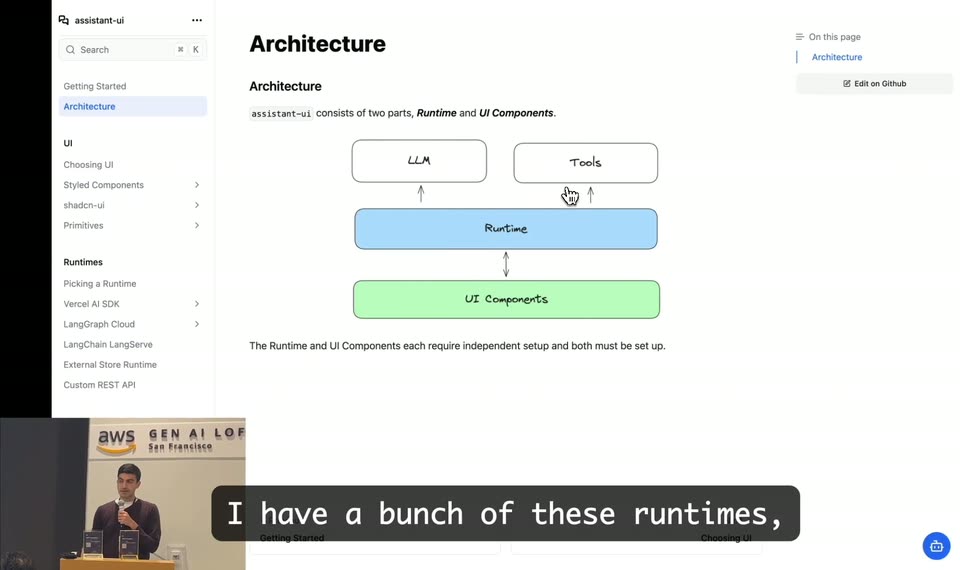 2:33–2:37assistant-ui · assistant-ui | AWS GenAI Loft DemoA documentation page displays an architecture diagram with LLM, Tools, Runtime, and UI Components boxes. A cursor taps the diagram, then moves down the sidebar runtimes list while a speaker inset and a bottom caption play.
 0:40–0:41Captions · Mirage - Introducing Captions for web. Video editing made simple, thanks toA flat purple rounded EXPORT button sits centered over a blurred live-action plate of people at a table. A white outlined cursor glides from the lower right to hover at the button's corner as small plus-shaped sparkles pop in around it.
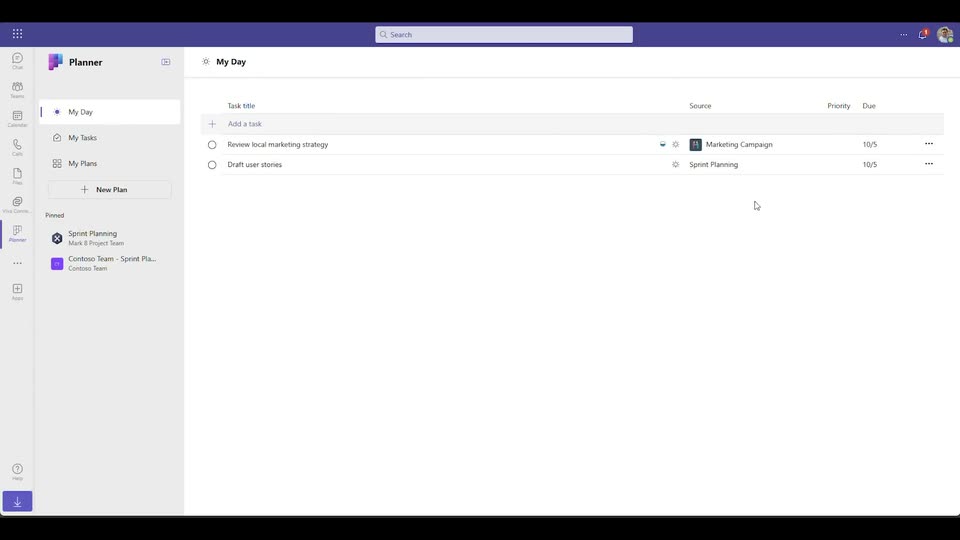 3:31–3:35Microsoft · Meet the new Microsoft PlannerA cursor glides to the My Day item in the Planner sidebar and clicks it, swapping the long task list in the main panel for a short two-row My Day list.
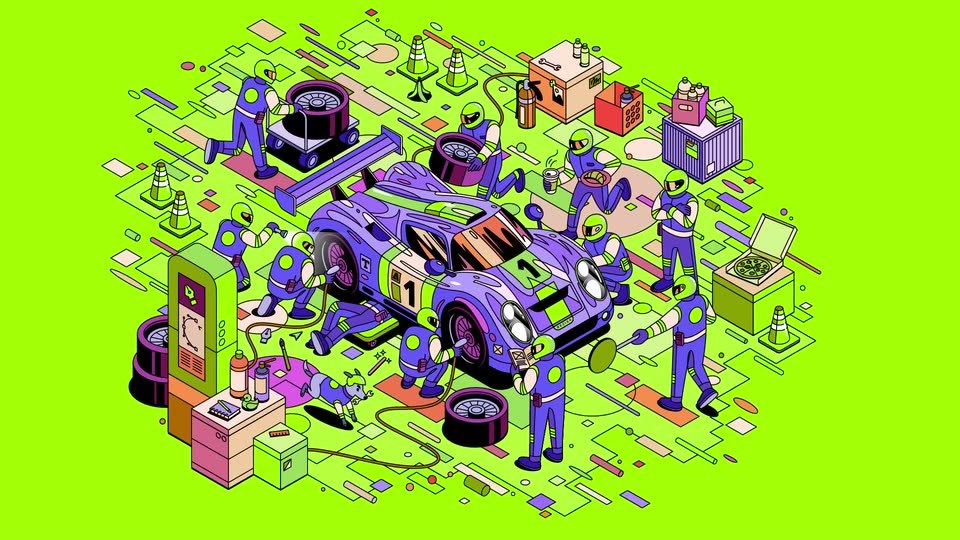 0:40–0:41Adobe · Adobe Firefly: Out of Beta & Ready For Your Imagination | AdobeAn isometric illustration of a purple race car and a pit crew on a lime green field. A strip of four color-variant thumbnails sits across the lower center; a white cursor taps the rightmost one, then the strip and cursor disappear, leaving the full scene.
 0:45–0:47Adobe · Adobe Illustrator x Adobe Firefly: Announcing Generative Recolor | AdobeA dark Generative Recolor dialog with the prompt winter and a cursor on the Generate button overlays a stylized snowy forest. The dialog scales out, revealing the full winter forest illustration, which slowly pushes in.
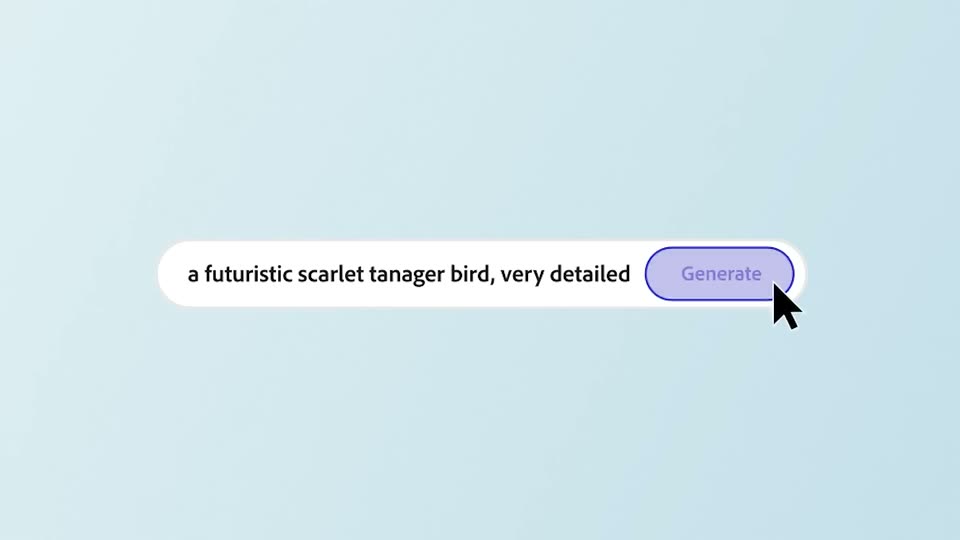 0:36–0:37Adobe · Adobe Firefly: Family of New Creative Generative AI Models | AdobeOn a pale blue field, a white prompt bar types out a scarlet tanager bird request, the word detailed fading in, then a cursor arrives and clicks the blue Generate button.
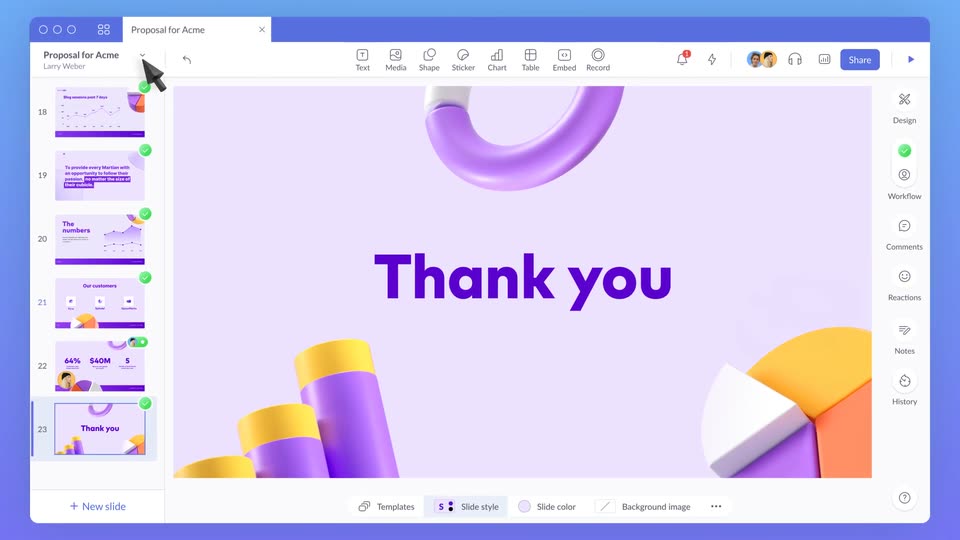 1:44–1:49Pitch · Introduction to Pitch | Create beautiful presentations with your teamA cursor types “Thank you” into a text box on a slide over a 3D abstract background, then opens the file menu and hovers over “Save as template”.
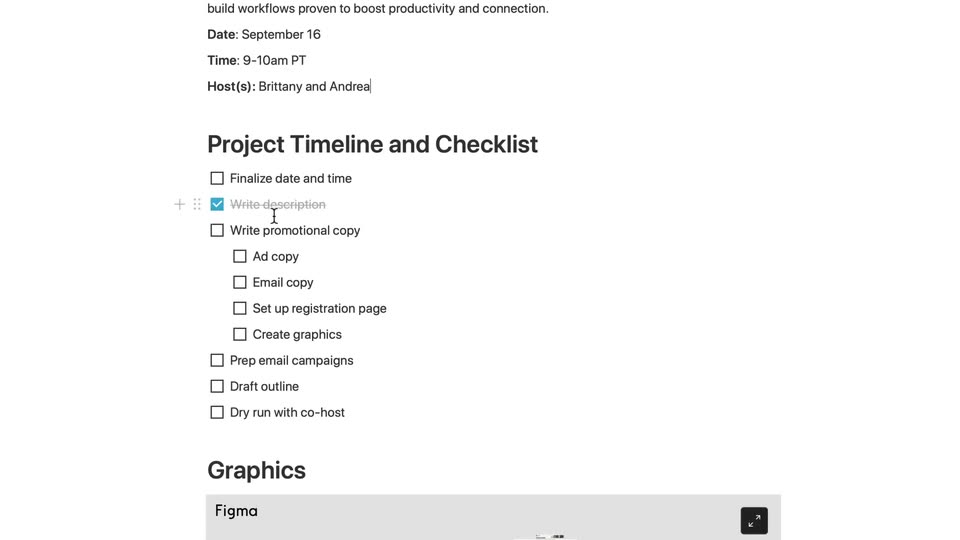 2:15–2:19Notion · What is Notion?A project checklist document sits in a white editor view. A hand cursor clicks the Write description box, filling it blue and striking the label through, then moves down to the next item.
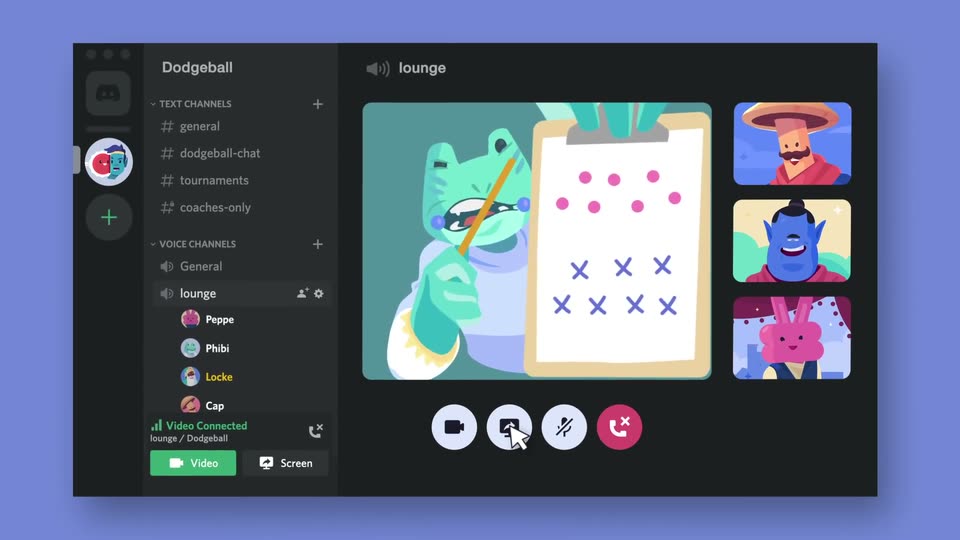 1:47–1:48Discord · How Discord Works in 148,000 Miliseconds or LessA dark video-call screen shows a frog avatar holding a strategy clipboard. A cursor clicks the screen-share button and the center tile zooms onto the board, while three teammate avatars sit in a column at the right.
 1:03 · 0.9sGoogle · New features in Google Earth 4.3A white hand cursor drags the timeline slider handle right, and the readout below updates from 12:05pm to 9:04pm on Mar 27, 2008. The dark satellite terrain below brightens as the time advances, while the icon toolbar stays fixed at the top.
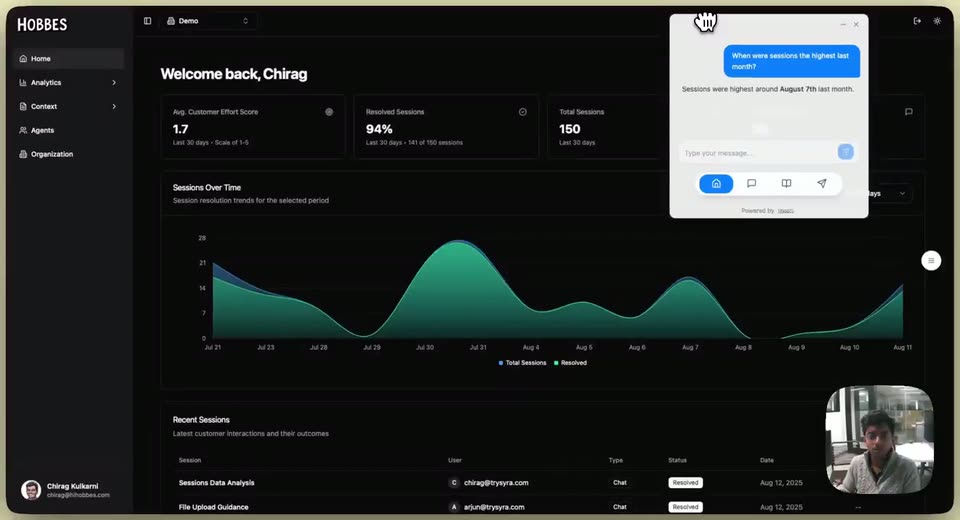 0:41–0:42Hobbes · 🚨Major update🚨 Syra is now Hobbes (hihobbes.com)! As we worked with some amazing teams this year, we saw a big gap in the agent landscape: visual context. Agents trained on knowledge bases + helpA dark dashboard fills the frame, showing metrics, a teal area chart, and a table. In the top right, a chat widget receives a blue question bubble, then a reply types out; a hand cursor hovers above it. A small webcam window at bottom right shows a man.
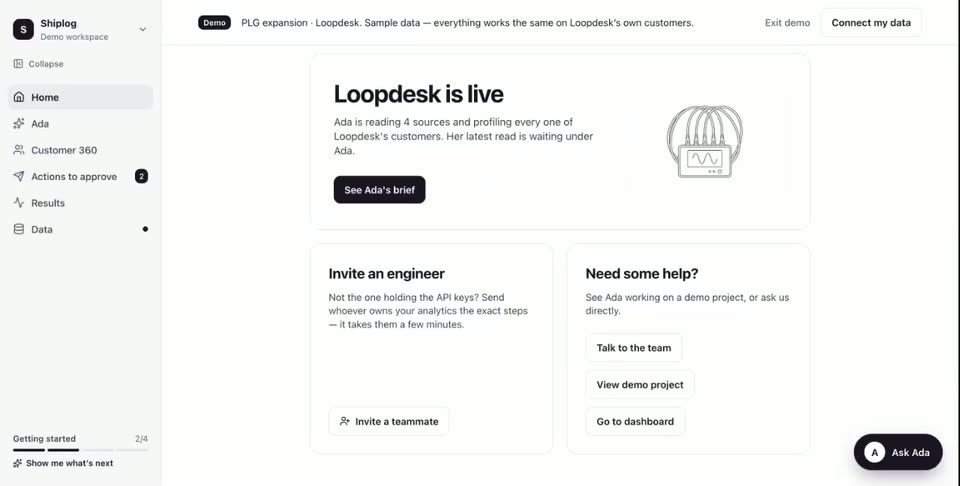 4:37–4:42Shiplog · #customersuccess #ai #saas #productledgrowth #revenuegrowth | Shiplog (F/AI F26)A light web dashboard with a left sidebar and three white cards fills the frame. A mouse cursor hovers over the top card, then the view scrolls up a few pixels as the top banner slides out of frame.
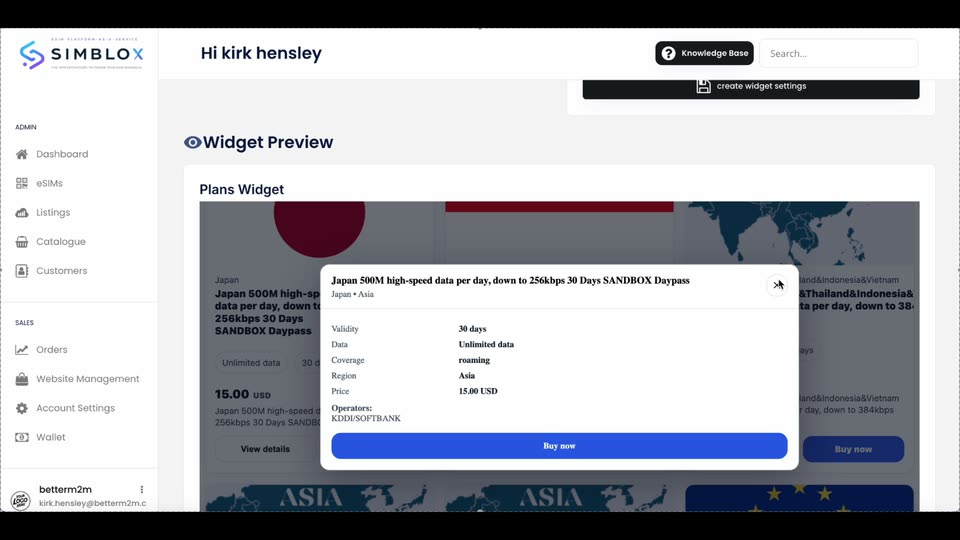 1:49–1:50SimBlox · SimBlox: minute demoA light admin dashboard for SIMBLOX fills the frame, a left menu listing Dashboard, eSIMs and Wallet beside a central Widget Preview panel. A white data-plan modal for a Japan daypass sits open, and the cursor glides from the View details button to the modal's close icon.
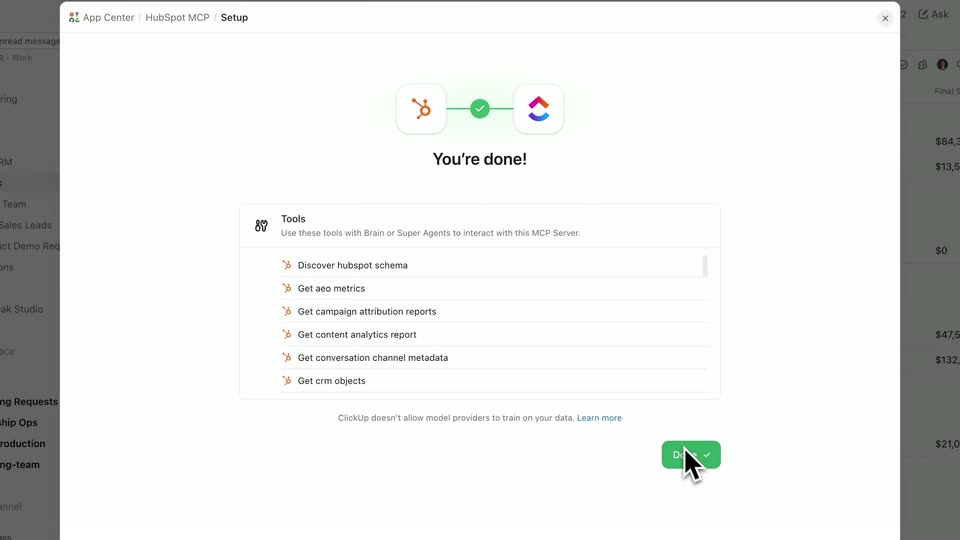 2:59–3:00ClickUp · ClickUp Release 4.10: Sheets, Work Schedules, Email Triggers, and more!A white setup modal shows a 'You're done!' confirmation with two connected icons and a panel listing available tools. A cursor glides from the upper right down to the green Done button and clicks it.
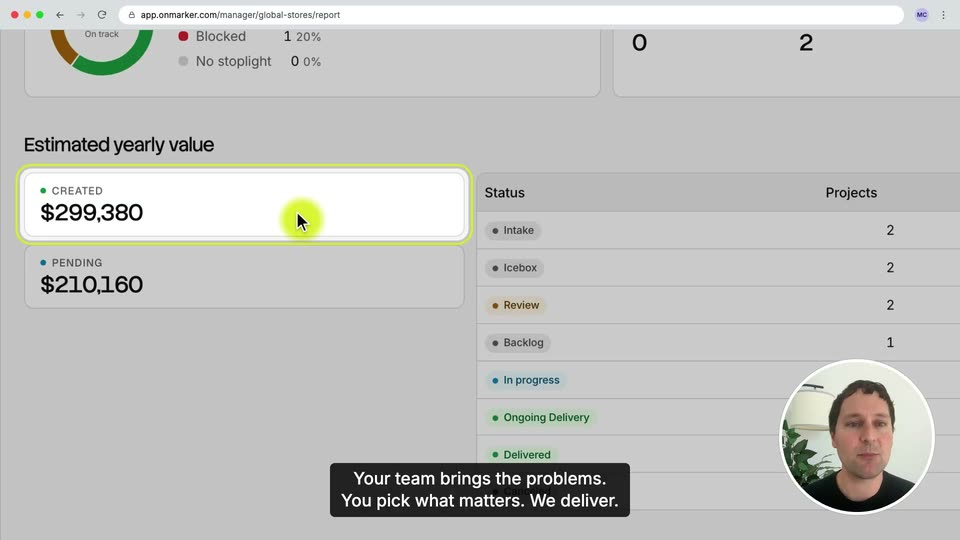 1:45–1:55Marker · Introducing Marker ManagerA browser window shows a report dashboard with a donut chart and value cards. A yellow outline highlights the period stats, then the view reframes onto the created-value card as a glowing cursor hovers over it. A circular presenter video sits in the corner while captions run along the bottom.
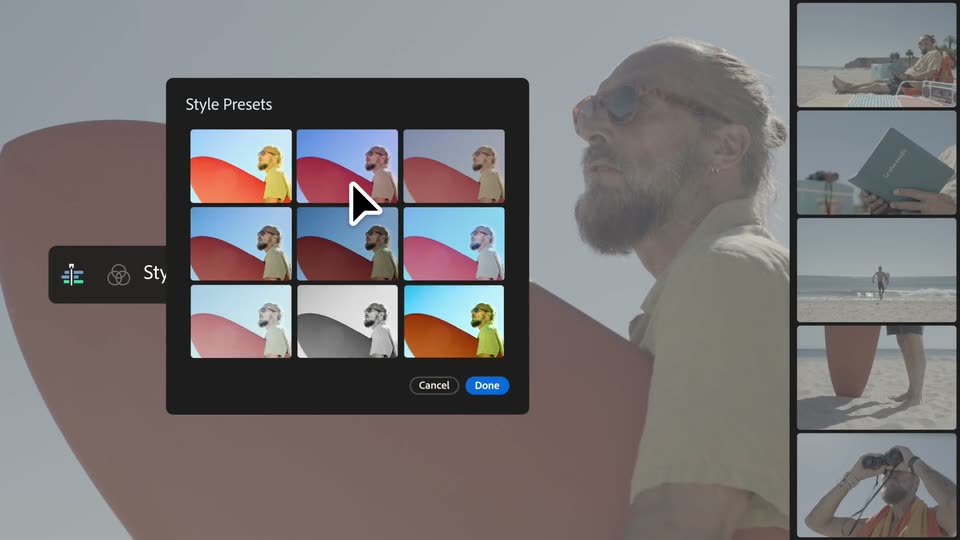 1:32–1:36Adobe · What’s New in Creative Cloud and Adobe Firefly | Adobe MAX 2026A desaturated clip of a man holding a surfboard plays behind a dark Style 1 pill and a right-hand column of thumbnails. The cursor clicks plus, a Style Presets grid scales in, and picking a thumbnail snaps the footage to a saturated orange grade.
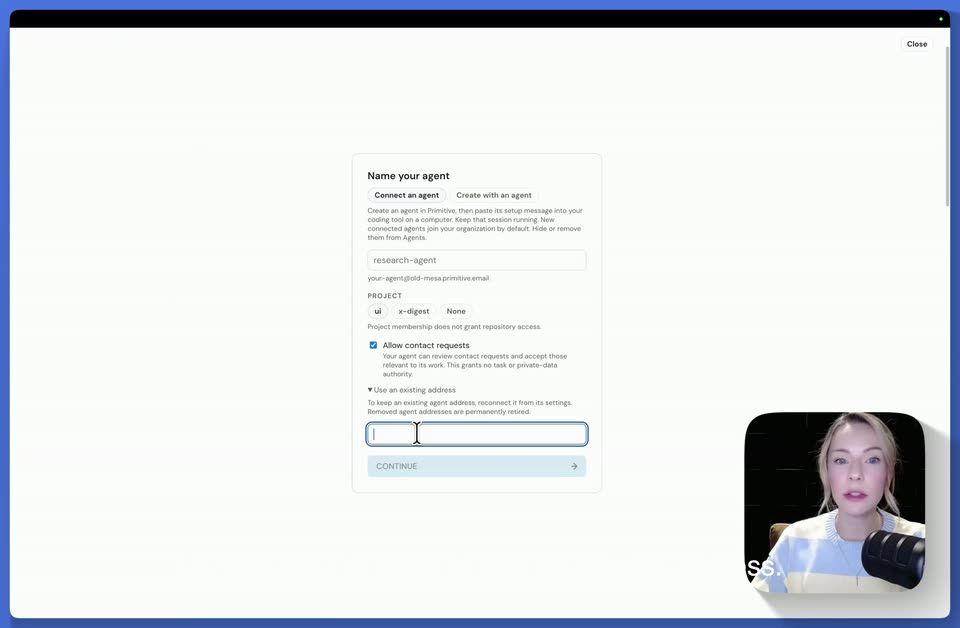 2:28–2:30primitive · Primitive - we 💌 emailA product dialog titled Name your agent sits on a white screen with a small webcam feed of a woman in the corner. The view zooms into the dialog as the cursor clicks the Use an existing address toggle, revealing an empty input field above the Continue button.
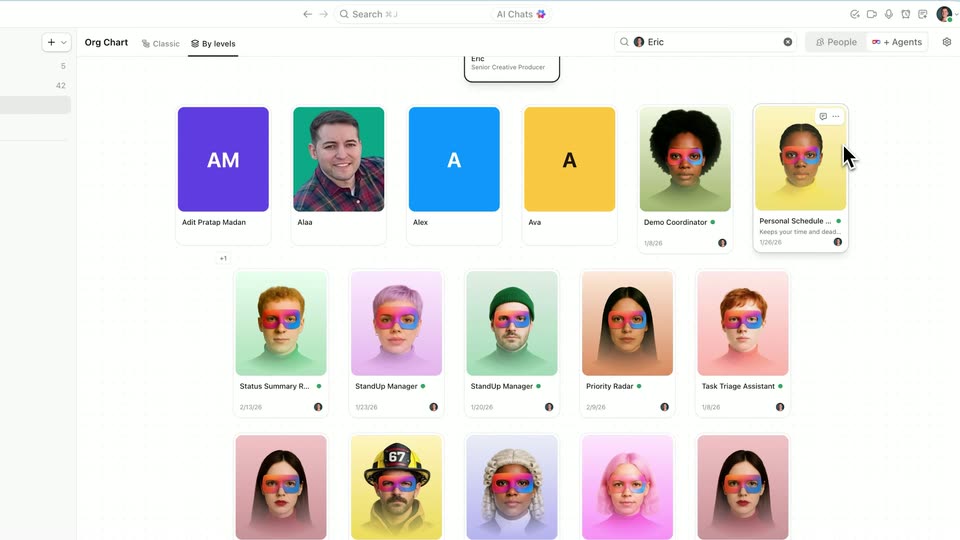 3:06–3:11ClickUp · ClickUp Release 4.09: List Templates in Automations, Parent Task Date Sync, and more!An org chart interface in By levels mode shows a person card above a grid of member and agent cards. The view zooms out to reveal the full grid while a cursor glides from the Agents button to the top bar.
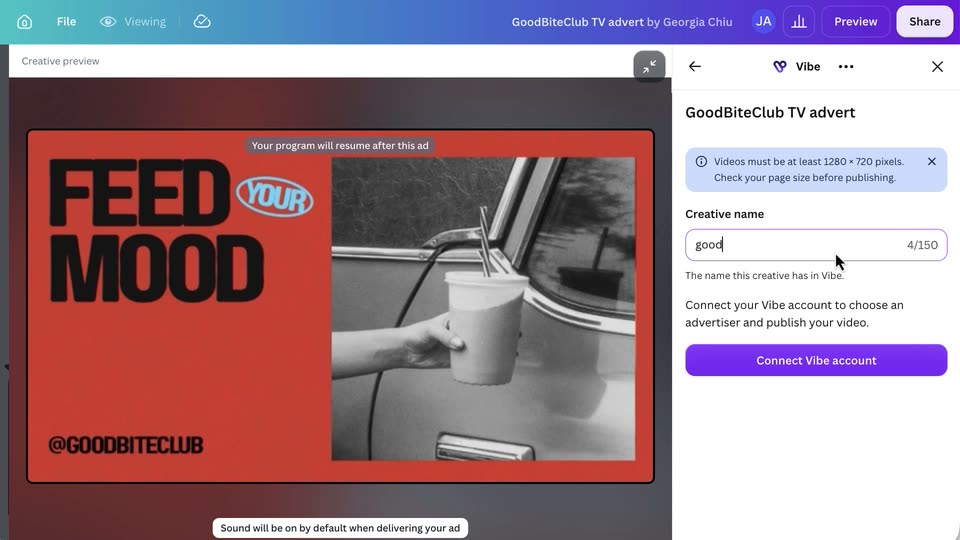 4:03–4:05Canva · Create and launch TV ads straight from CanvaScreen recording of an ad editor. The left panel previews an orange FEED MOOD TV ad with black-and-white footage of a person eating; on the right, a cursor types goodbiteclub into the Creative name field, then moves to the purple Connect Vibe account button.
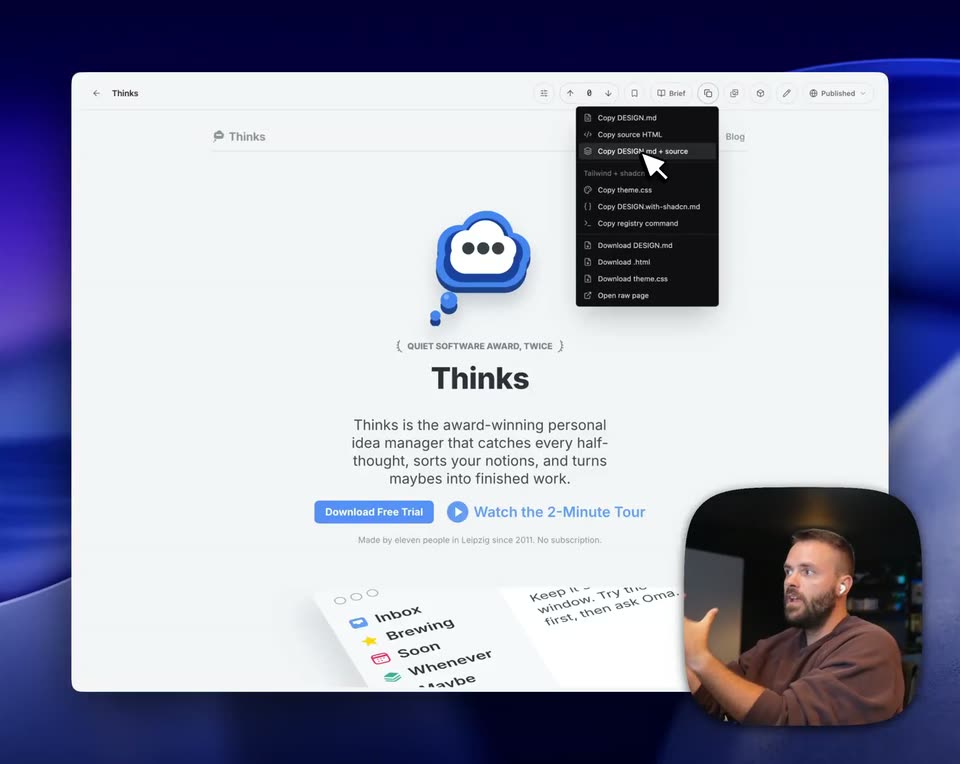 0:49–1:13flavors design · Dr. Kitze ❤️ healthmaxx.app - your agent can code, but it has zero taste. introducing 🌸 a galleryA rounded browser window shows the Thinks landing page on a dark blue field, with a small webcam feed of a gesturing man in the lower right. A cursor opens a dark copy-and-download menu, then clicks Tweak to slide in a theme panel that recolors the page green.