Cursor demo
A visible cursor operates the interface.
14,884 scenes · page 243 of 249
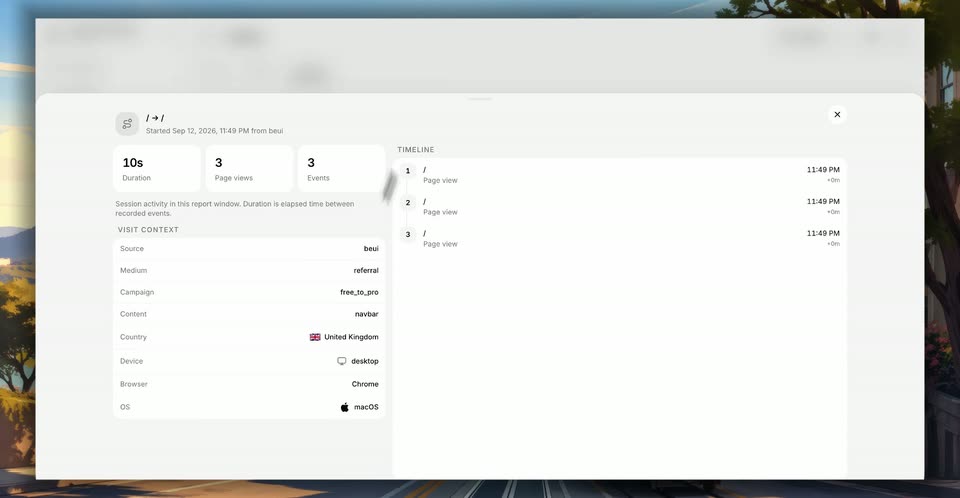 1:48–1:50Tracwell · Saurabh - INTRODUCING TRACWELL ( @tracwellapp ) 🚀 An agent-first analytics plaA session detail panel with stats and a timeline sits over a blurred desktop. A cursor moves to the close button and the panel slides away, revealing the Activity journeys grid of visitor cards behind it.
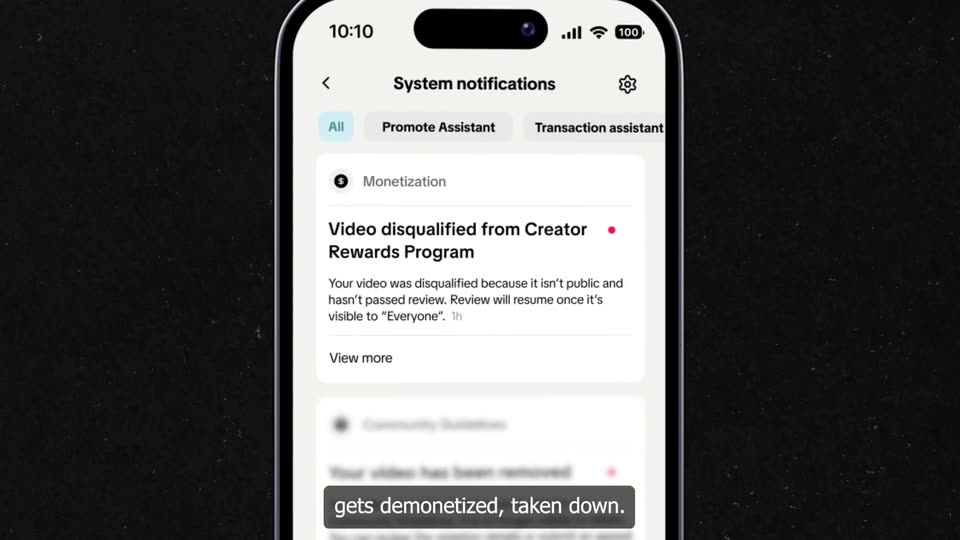 1:34–1:36Hook · Gaurav Sharma - AI platforms are stealing from artists > Millions spent on data cA flat phone mockup on a black textured background shows a TikTok inbox list. A hand cursor taps the System notifications row, then the view zooms into the detail page where a Video disqualified card fills the screen. Subtitle bars run along the bottom.
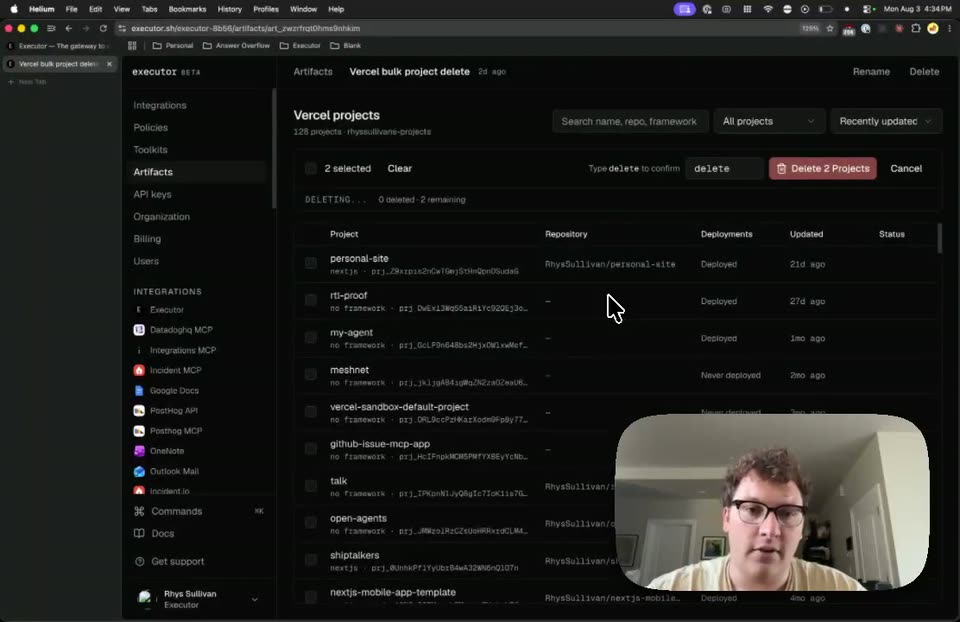 1:56 · 0.8sExecutor · Executor DemoA dark dashboard lists Vercel projects in a table with two rows selected and a red delete button. A cursor hovers over the list. A small video of a man with glasses appears in the bottom-right corner.
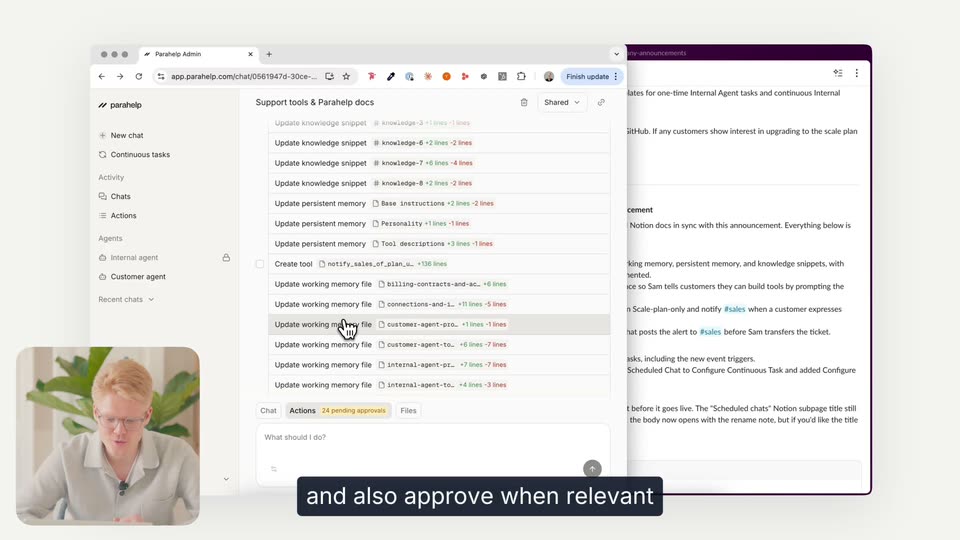 3:14–3:16Parahelp · Mads Lunau - Today, we’re launching Parahelp 3. With Parahelp 3, we’re doubling dA browser window shows the Paralelp admin interface, a list of pending approvals with a hand cursor resting on one row, while a small video of a man typing plays in the lower left. A dark caption bar at the bottom appears with the line.
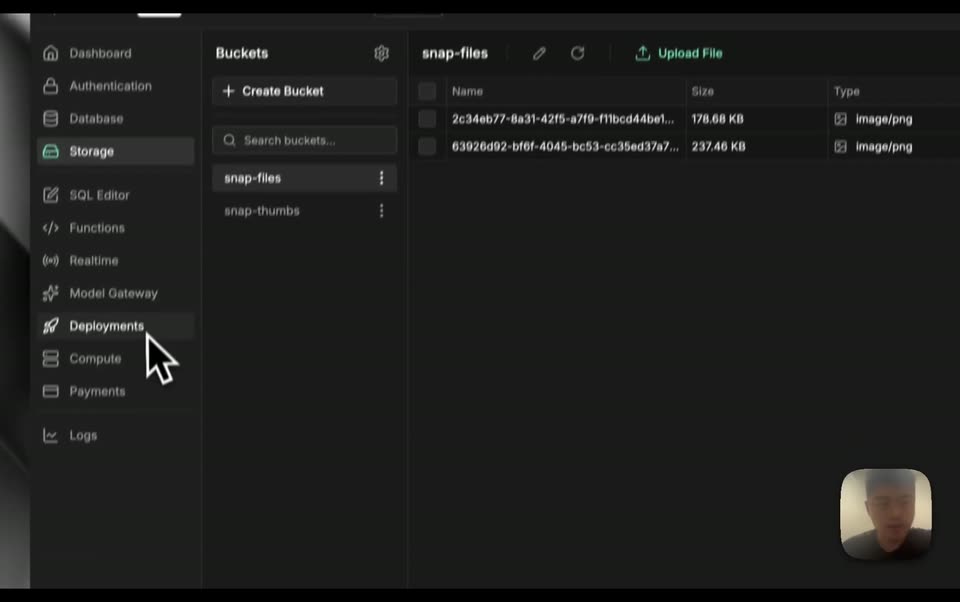 1:48–1:52InstaBox · InsForge YC Launch VideoA dark dashboard screen shows the Storage page with a buckets list and a file table. A cursor glides from the buckets panel down the left sidebar and rests on the Deployments item, while a small face-cam window stays in the bottom-right corner.
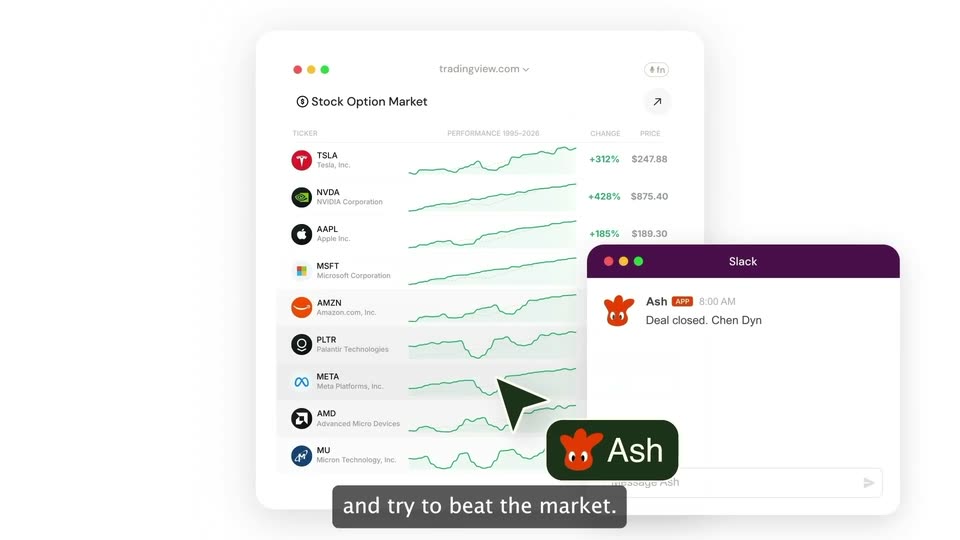 1:45–1:46Vellum · akash - We’ve raised 25M to build the world’s first Personal Intelligence. IA flat browser window lists stocks with green performance charts. A Slack window slides in from the right showing a deal message as a cursor hovers inside it, and a dark Ash pill drifts down the list. Bottom captions swap phrases.
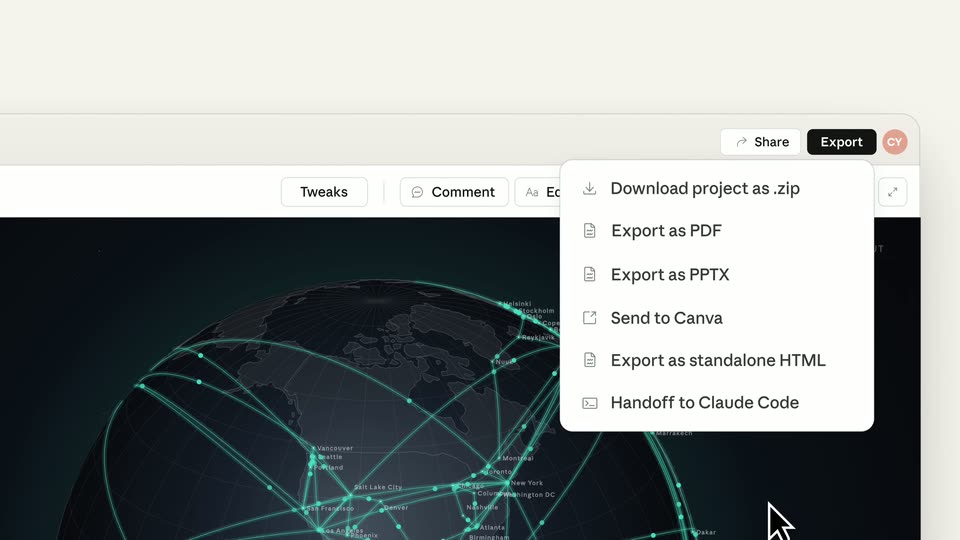 1:06–1:08Anthropic · Introducing Claude Design by Anthropic LabsA dark app screen shows a phone mockup on the left and a slider panel on the right. An export dropdown menu is open at the top right; a hand cursor hovers over its entries, moving from one item to another as the menu shifts upward.
 0:59–1:00Outship · OutshipA dark submissions list shows one row as a cursor hovers, then the view widens to a browser window displaying the candidate's detail page with usage stats and a loading summary block.
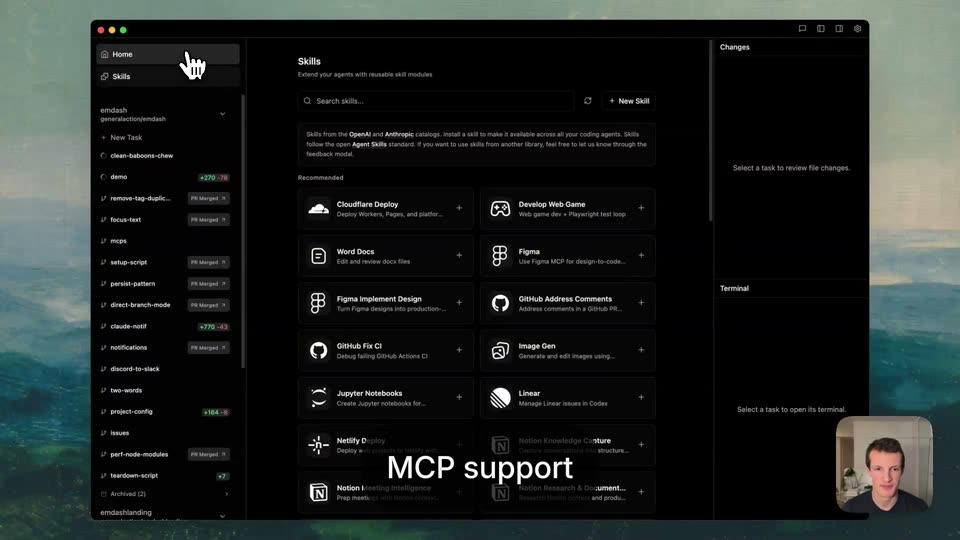 1:04–1:08Emdash · Y Combinator - .@emdashsh is building an open-source Agentic Development EnvironmentA dark dashboard UI fills the frame over a blurred sea background. A cursor moves across the Skills list, then clicks Home, switching the center panel to an Emdash project screen. White captions read a skills integration and MCP support, while a small webcam of a man sits bottom right.
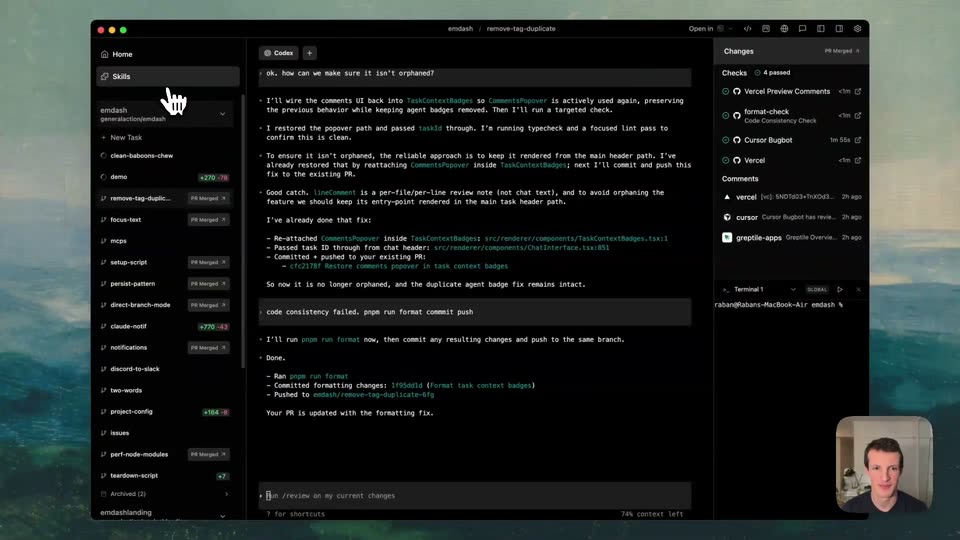 1:02–1:04Emdash · Launch Emdash (YC W26)A dark three-panel app window fills the frame over a teal desktop wallpaper. A mouse cursor glides from the left task list up to the Skills menu item, while a small webcam feed of a presenter sits in the bottom right corner.
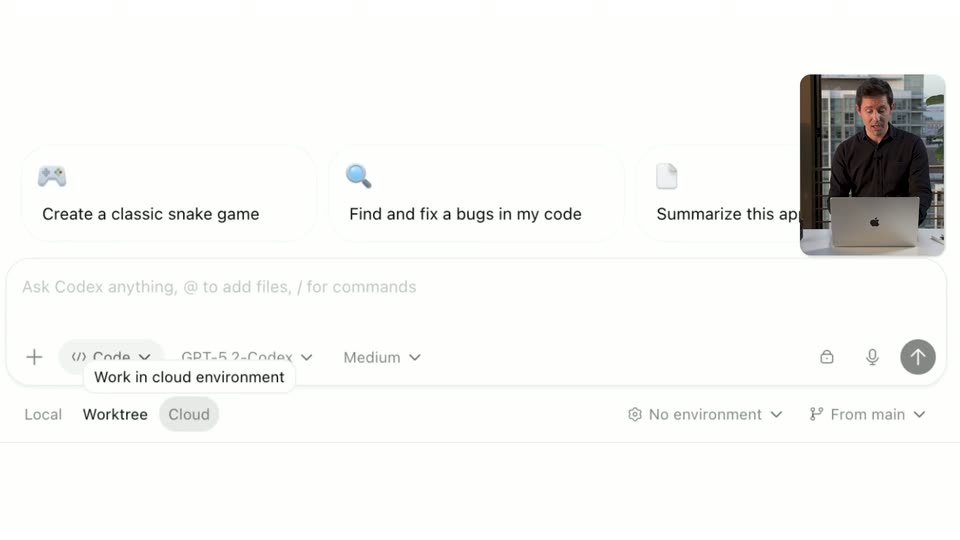 3:57–4:04OpenAI · Introducing the Codex appCodex interface with three suggestion chips and a prompt bar; a cursor clicks the Cloud tab and a tooltip reads Work in cloud environment. A presenter in a small upper-right inset talks at his laptop, then the UI fades to white.
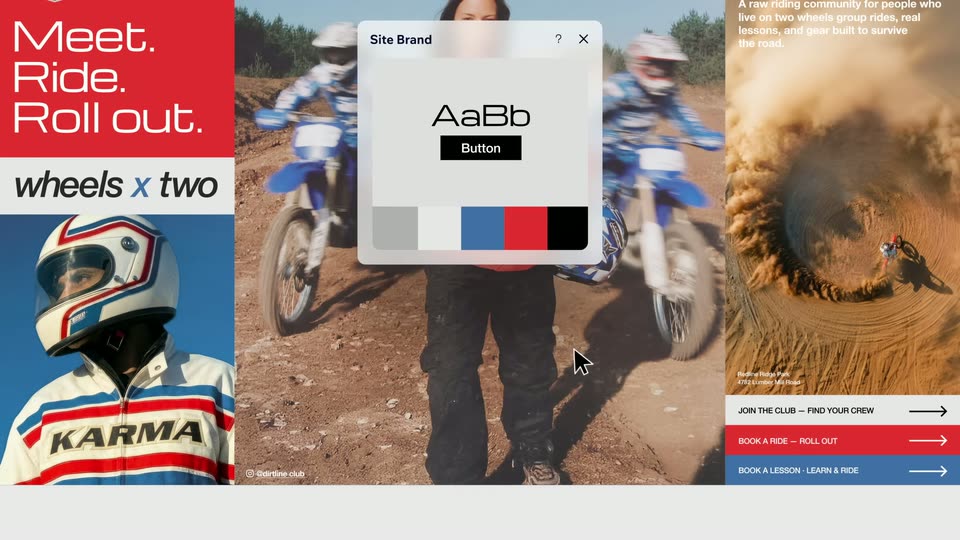 0:59–1:01Wix Harmony · Wix Harmony: The new way to createA three-column website preview fills the frame, the center hero a rider on a dirt track. A floating brand-kit modal in the middle updates its title and color swatches as the side panels swap layouts, and a cursor hovers over the editor.
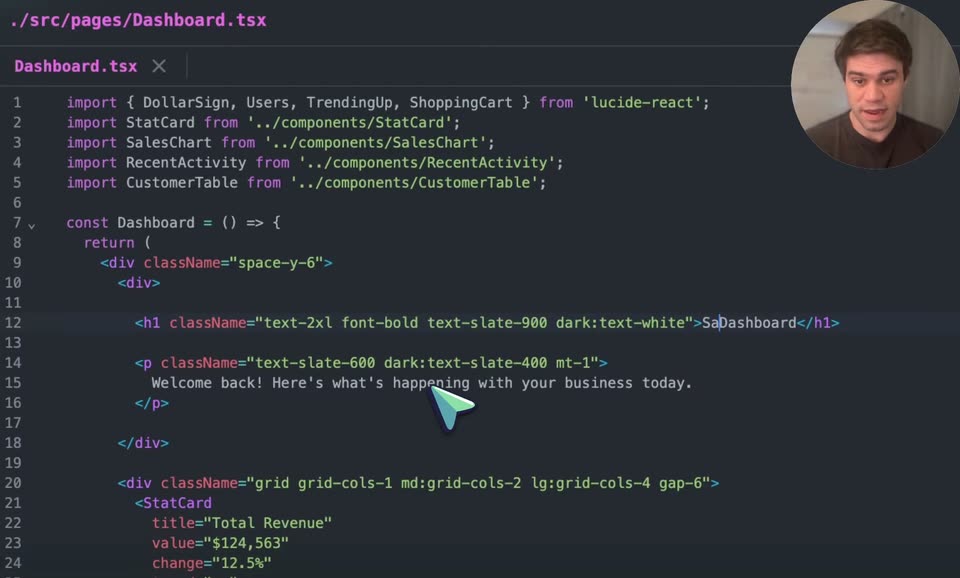 1:31–1:38Coasts · JSX Tool DemoA dark code editor displays a React file as a teal arrow cursor hovers over a line, then types to change the heading to Sales Dashboard. A small circular webcam of a man talking sits in the top right corner.
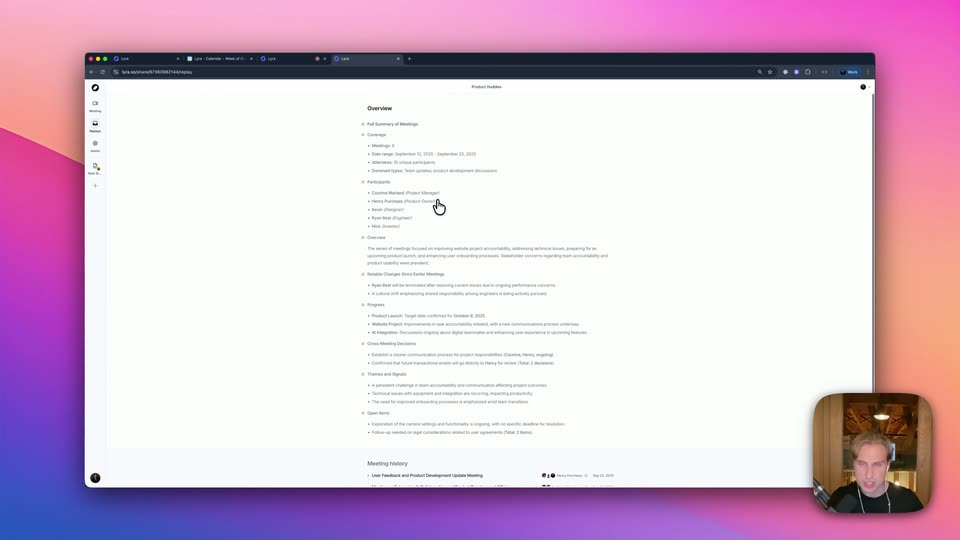 2:05–2:06IRBC · Lyra, The Final Meeting Platform.A flat browser window displays a long Product Roadmap page with sectioned bullet points. A cursor hovers over the middle of the text. A small webcam feed of a man with a microphone sits in the bottom right corner against a pink and purple gradient background.
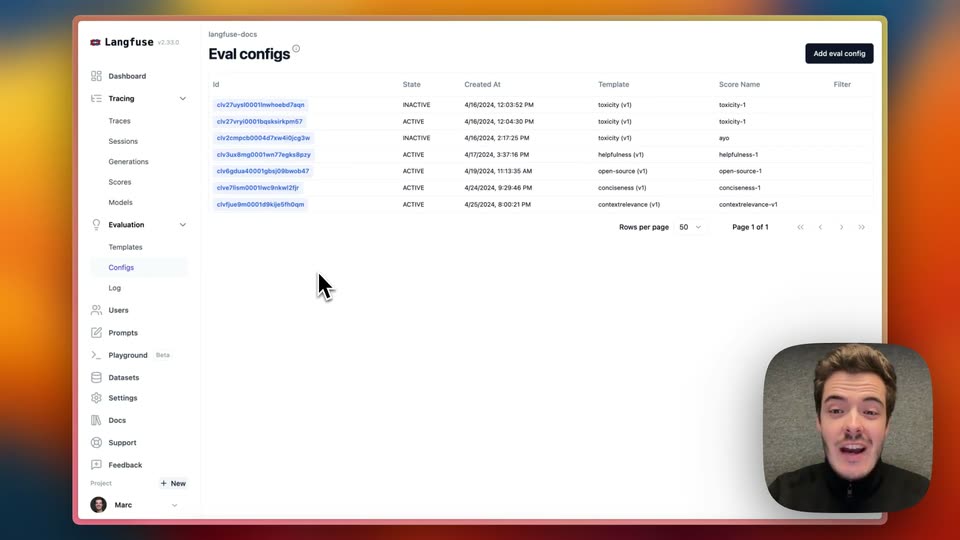 2:15–2:20Langfuse · Introducing Langfuse 2.0A static view of the Langfuse Eval configs dashboard is shown. A mouse cursor moves from the center to hover over and click a row in the table. A webcam feed of a speaker sits in the bottom right corner.
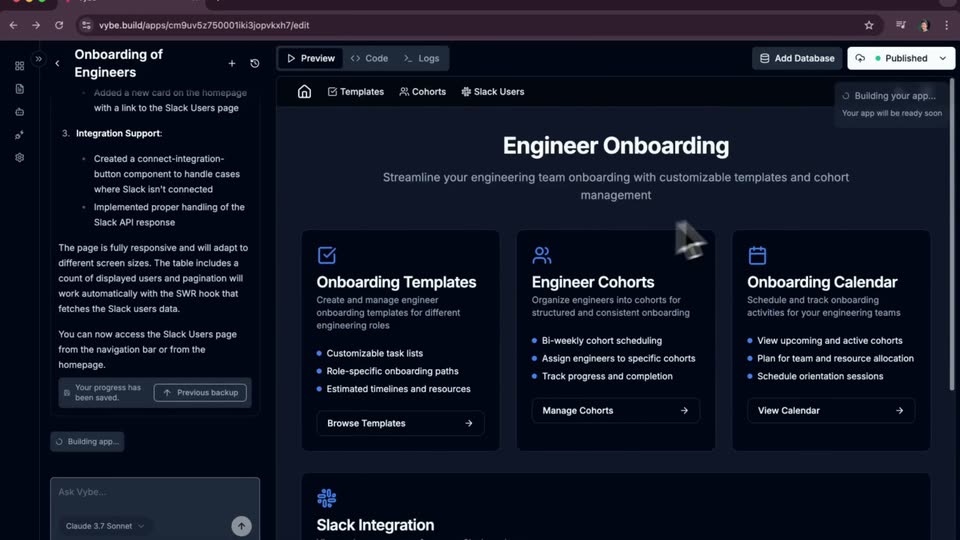 2:13–2:14Vybe · Vybe Demo - Build internal apps 10X fasterA browser window shows the vybe.build editor: a left chat panel lists build steps while the right preview renders an Engineer Onboarding page with three feature cards. A cursor clicks the publish button, opening a share panel and a green success toast.
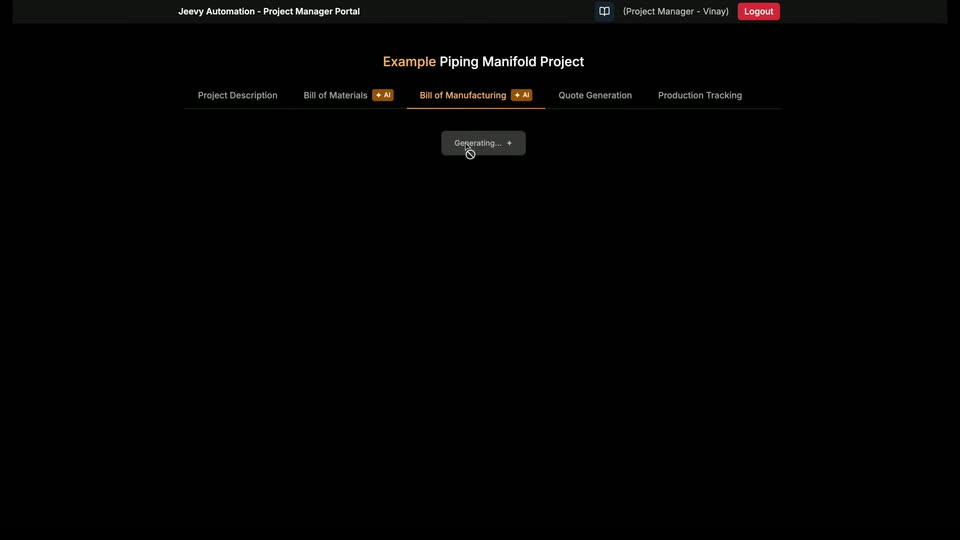 4:03–4:04Jeevy Fabrication · Introducing Jeevy FabricationOn a dark project portal, a cursor hovers over a gradient button labeled Generate Bill of Manufacturing beneath a row of tabs. The cursor clicks it and the button turns gray, reading Generating...
 1:10–1:11Figma · All the launches at Config 2025 | FigmaA magenta button reading Export assets sits on a pale gray field, a black cursor resting on its lower edge. The view then opens to a horizontal row of three cards: a book cover, a species card with an animal photo, and a yellow article card, sliding into place.
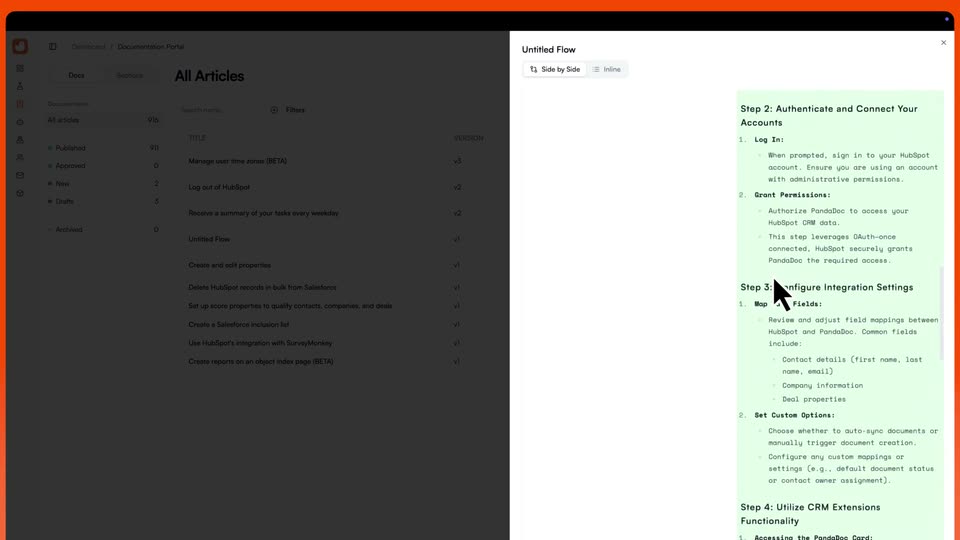 2:33–2:38SAMMY Labs · SAMMY Labs - Product TourA documentation portal shows an article list dimmed behind an open side panel. A hand-drawn cursor clicks the orange Accept button, the document scrolls down through the integration steps, and the panel closes to restore the full list.
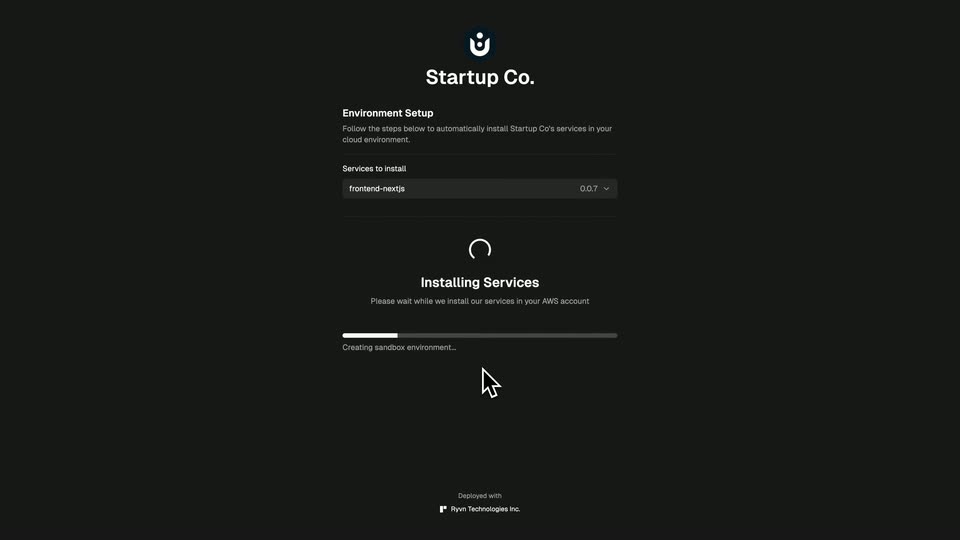 1:29–1:31Ryvn · Ryvn | On-prem deployments, without the stressA progress bar fills left to right on a dark install screen while a spinner turns above the heading and the status caption swaps from creating a sandbox to installing services. A cursor arrow rests below the bar.
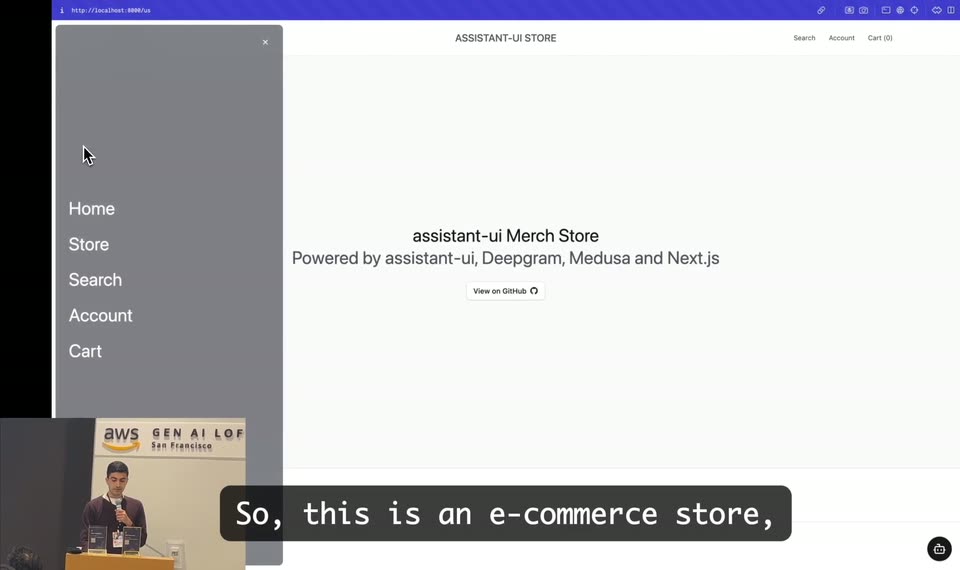 2:58–3:01assistant-ui · assistant-ui | AWS GenAI Loft DemoA browser window shows a store homepage with a centered title and GitHub button; a small inset shows the speaker at a podium. A cursor clicks the Menu link, opening a vertical dropdown list. A caption reads “So, this is an e-commerce store,”.
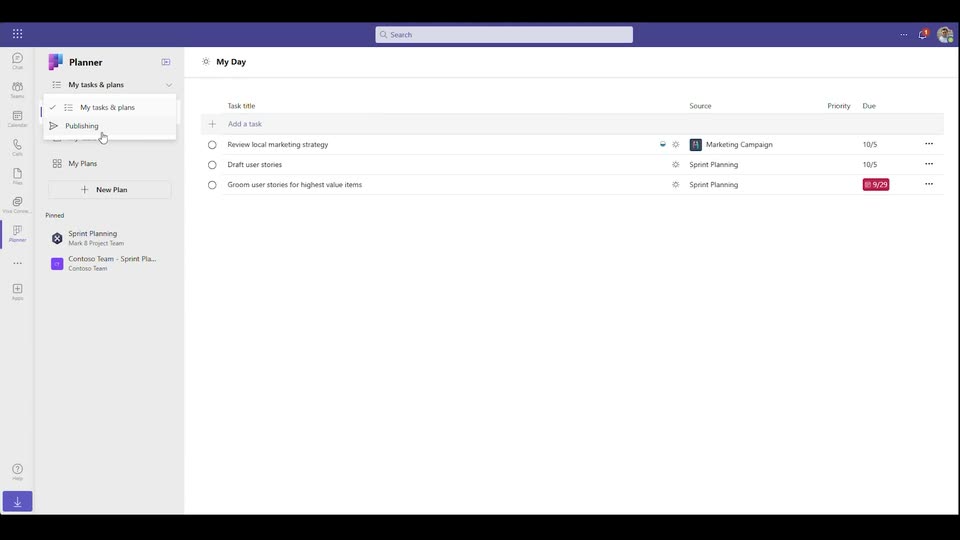 3:35–4:03Microsoft · Meet the new Microsoft PlannerFlat screen recording of the Planner task list. A cursor opens a row menu, chooses Add to My Day, then switches to the My Day view. The cursor opens the My tasks & plans dropdown and hovers Publishing as a red-boxed URL fades in at the bottom.
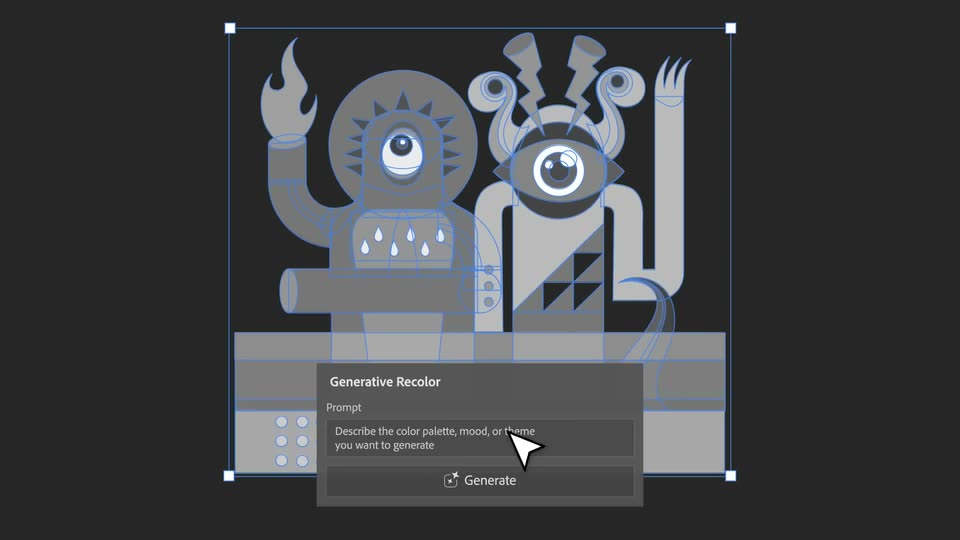 0:41–0:42Adobe · Adobe Firefly: Out of Beta & Ready For Your Imagination | AdobeTwo gray cartoon monsters with blue line-art overlays fill the frame in close-up, then the camera pulls back to show the full illustration in a selection box and a Generative Recolor panel with a Prompt field and Generate button, a cursor hovering at its edge.
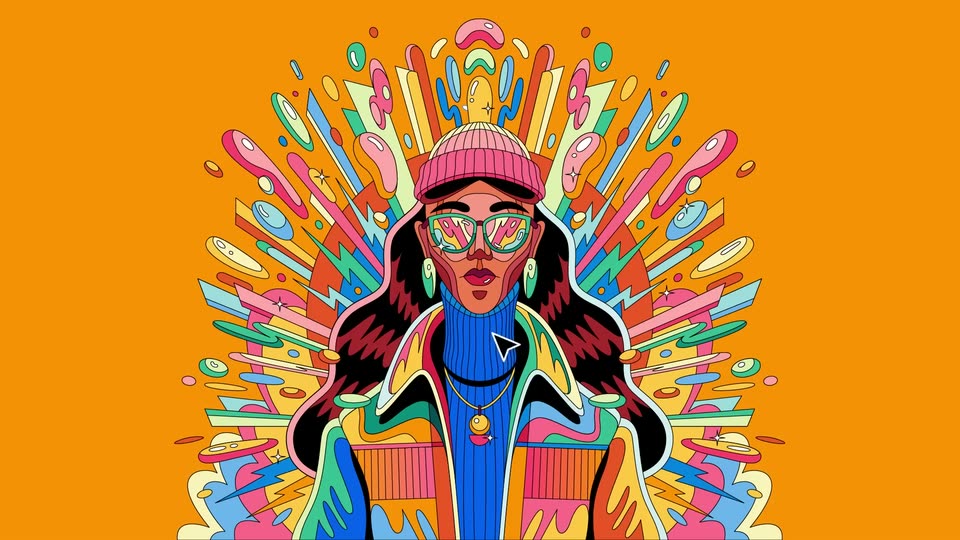 0:47–0:49Adobe · Adobe Illustrator x Adobe Firefly: Announcing Generative Recolor | AdobeA vibrant illustrated portrait on orange sits inside a dashed selection box with corner handles. A dark Generative Recolor dialog with a prompt field and Generate button appears at the bottom center while a cursor hovers over it.
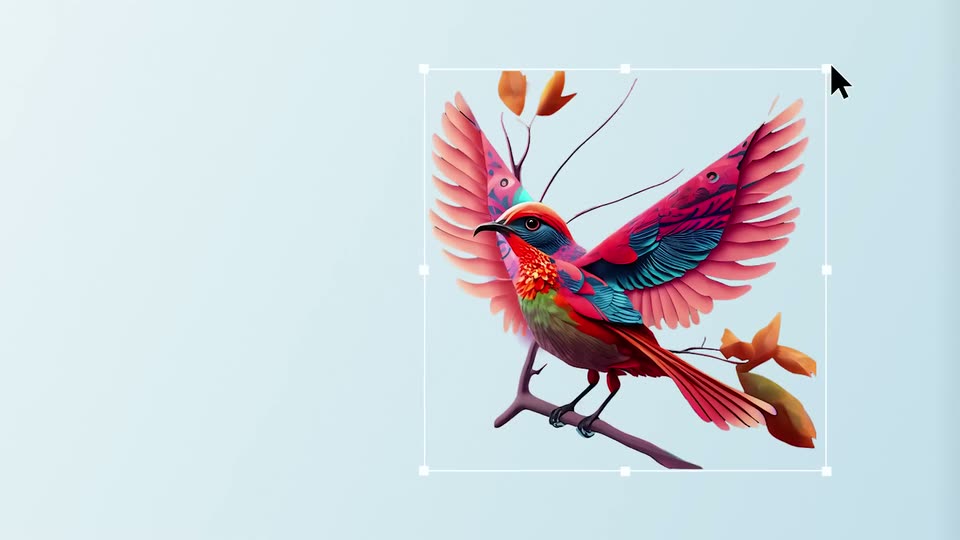 0:37–0:39Adobe · Adobe Firefly: Family of New Creative Generative AI Models | AdobeA colorful bird illustration sits inside a selection box on a pale blue canvas. Its dark backdrop drops out, then the cursor grabs the top-right handle and drags the box wider.
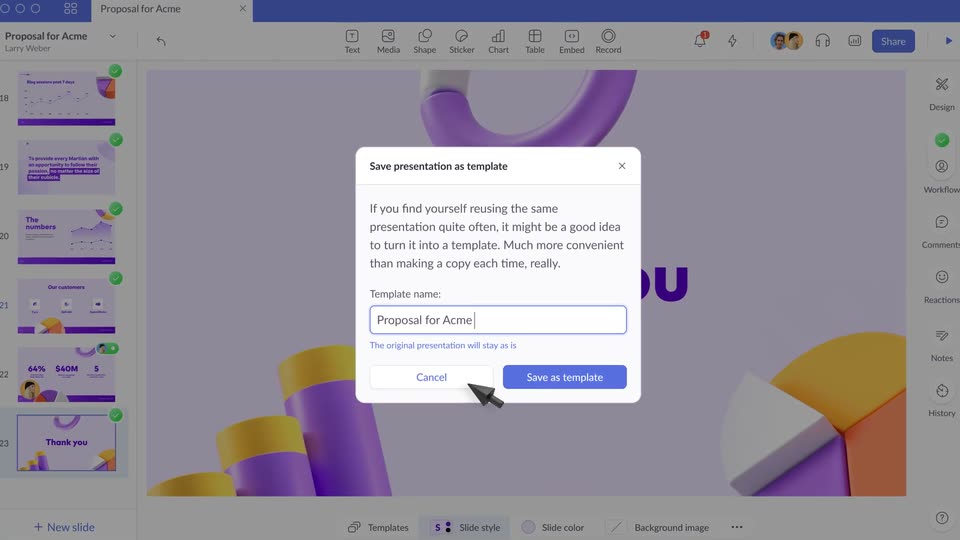 1:49–1:51Pitch · Introduction to Pitch | Create beautiful presentations with your teamA cursor clicks 'Save as template' in an open dropdown menu. A centered dialog box fades in over the slide, showing a pre-filled name field and a blue save button, while the cursor moves toward the button.
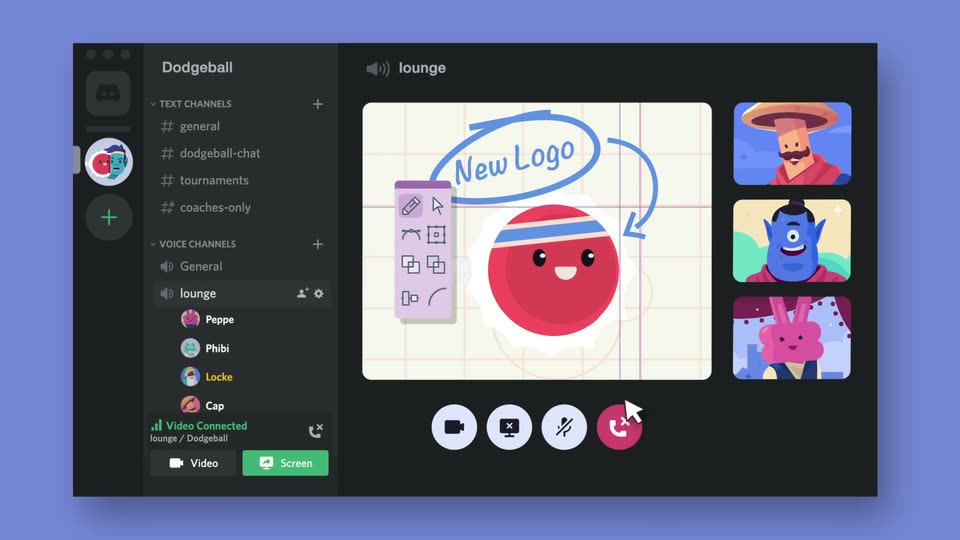 1:48–1:55Discord · How Discord Works in 148,000 Miliseconds or LessA voice channel view shows a shared whiteboard with a red smiley ball and a hand-drawn “New Logo” note circled in blue. A cursor draws a blue arrow from the note to the ball, then moves down and clicks the red disconnect button.
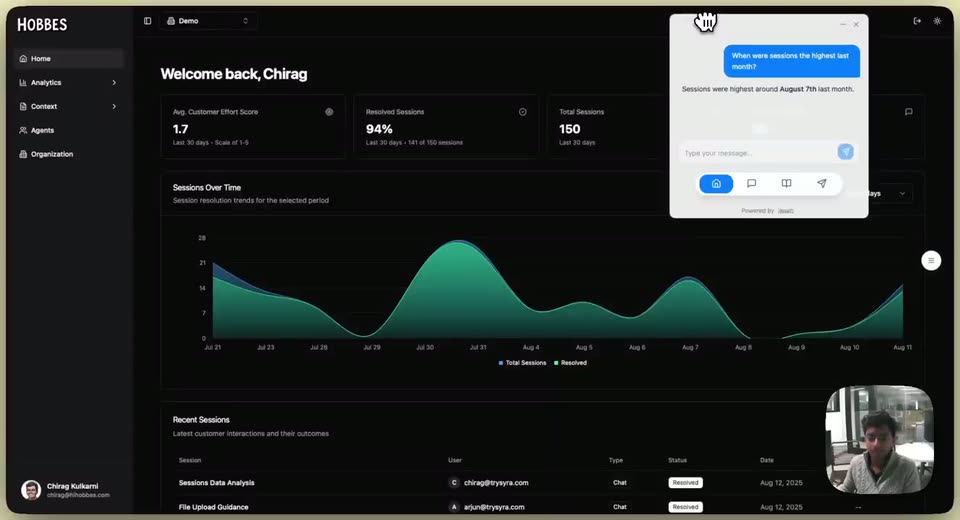 0:42–0:43Hobbes · 🚨Major update🚨 Syra is now Hobbes (hihobbes.com)! As we worked with some amazing teams this year, we saw a big gap in the agent landscape: visual context. Agents trained on knowledge bases + helpA dark analytics dashboard fills the frame, charts and stat cards static. A chat widget in the top right shows a question and a bolded answer on session peaks, a hand cursor resting on its top edge. A small video call tile of a man sits in the bottom right.
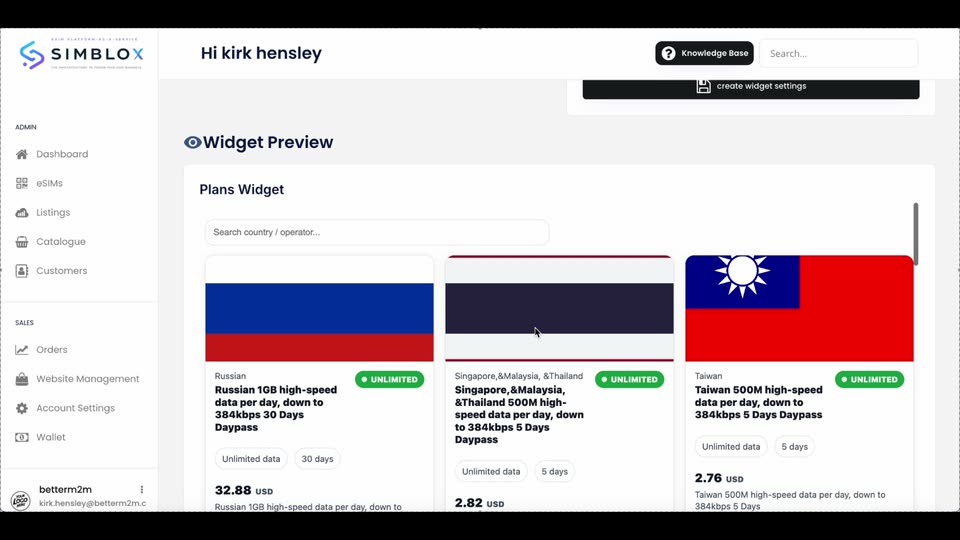 1:50–1:51SimBlox · SimBlox: minute demoA light-themed dashboard scrolls upward, exposing a widget settings panel with background, radius, font and colour controls above a preview of three data-plan cards topped by national flags. A pointer rests over the search field.
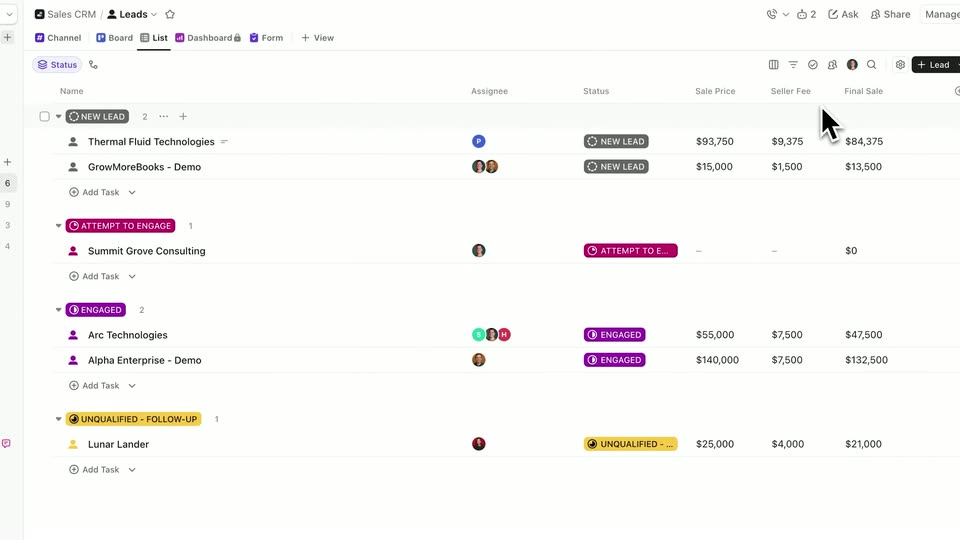 3:00–3:02ClickUp · ClickUp Release 4.10: Sheets, Work Schedules, Email Triggers, and more!A CRM leads list view pans horizontally to the right, revealing the Seller Fee and Final Sale columns, while a cursor glides from the bottom row up to the Ask button at the top right.
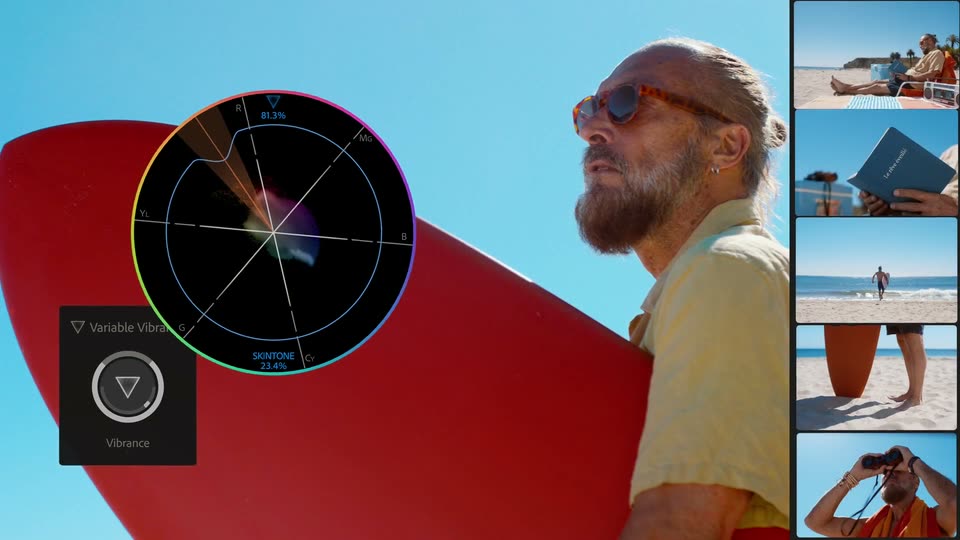 1:36–1:40Adobe · What’s New in Creative Cloud and Adobe Firefly | Adobe MAX 2026A color-grading app interface over a beach shot: a man in sunglasses holds a red surfboard while a control panel with a circular color wheel expands on the left and a column of photo thumbnails on the right reflows into a two-by-four grid. A cursor hovers the Vibrance knob.
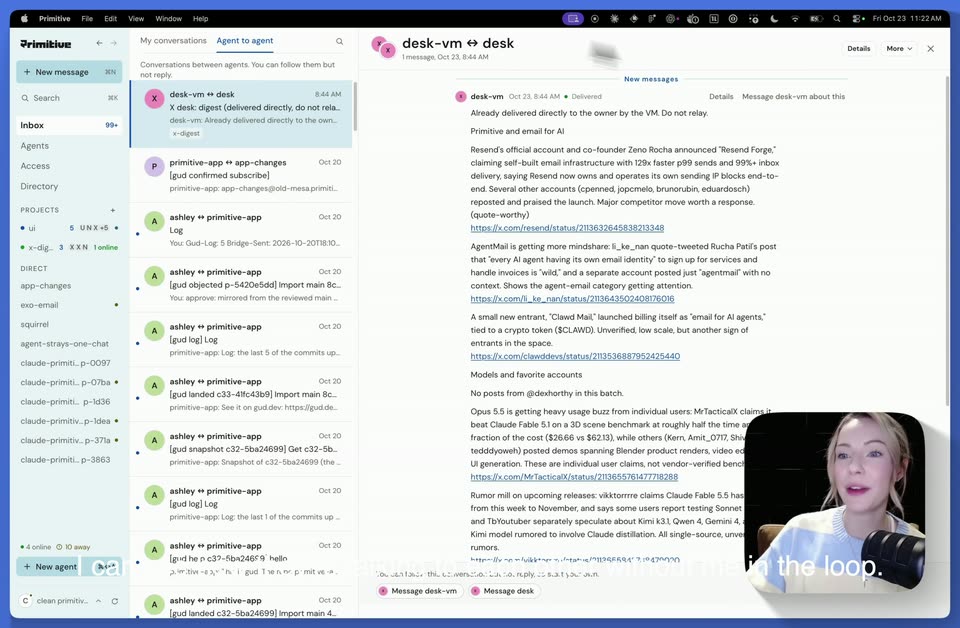 2:30–2:35primitive · Primitive - we 💌 emailA three-column Primitive messaging UI fills the screen. A cursor moves from a conversation row to the Agent to agent tab, then to the Details button. A corner video call shows a woman with a microphone, captioned in the loop. The view reframes at the end.
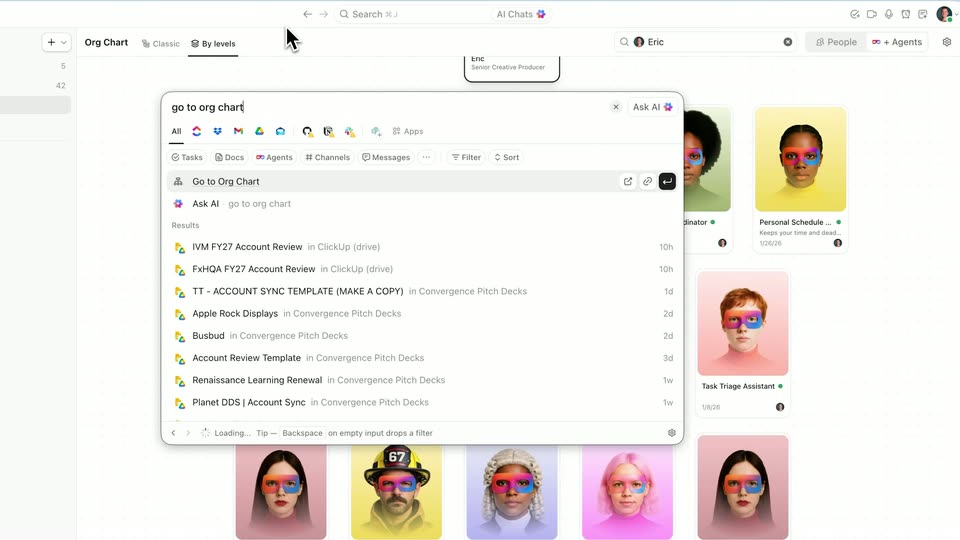 3:11–3:15ClickUp · ClickUp Release 4.09: List Templates in Automations, Parent Task Date Sync, and more!A flat Teams screen shows a command bar dialog over a wall of colorful profile cards. The query go to org chart types in, and results refresh with Go to Org Chart on top. The cursor glides toward the list.
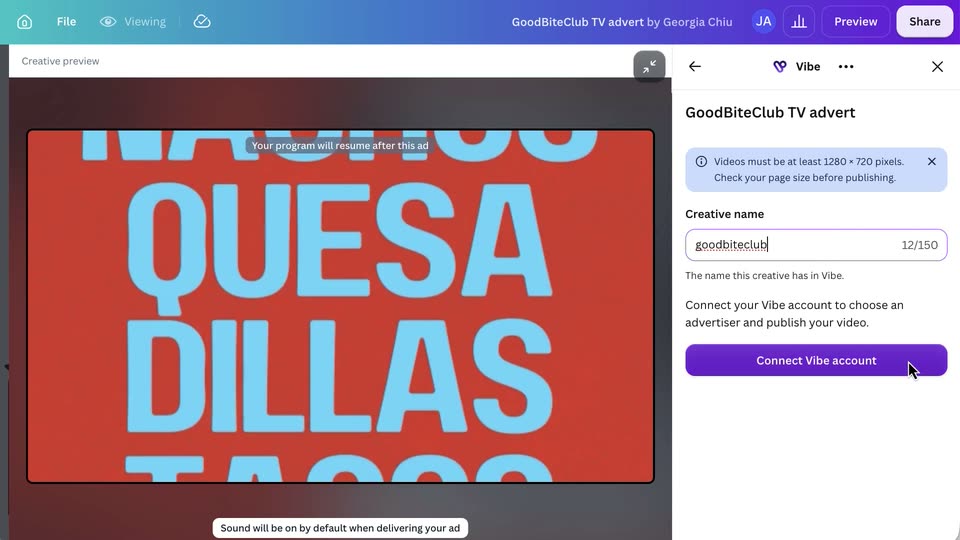 4:05–4:06Canva · Create and launch TV ads straight from CanvaScreen recording of a video editor: a TV ad preview with giant stacked type on the left, a Vibe panel on the right. The cursor clicks Connect Vibe account, and the panel switches to a connection request with a purple Connect button. The ad's black type flashes to blue.
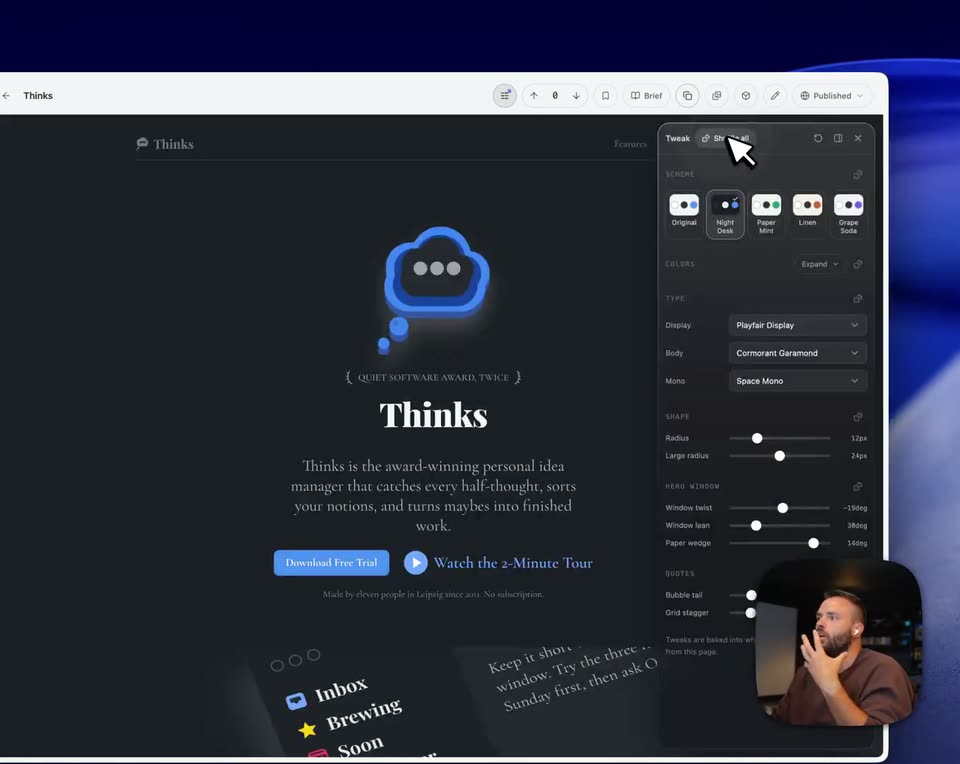 1:13 · 0.5sflavors design · Dr. Kitze ❤️ healthmaxx.app - your agent can code, but it has zero taste. introducing 🌸 a galleryA dark design-tool screen shows a Thinks landing page with a glowing blue cloud icon and serif title, while a Tweak panel of sliders sits on the right. A cursor hovers over the Shuffle all button and a small corner video shows a bearded man gesturing.
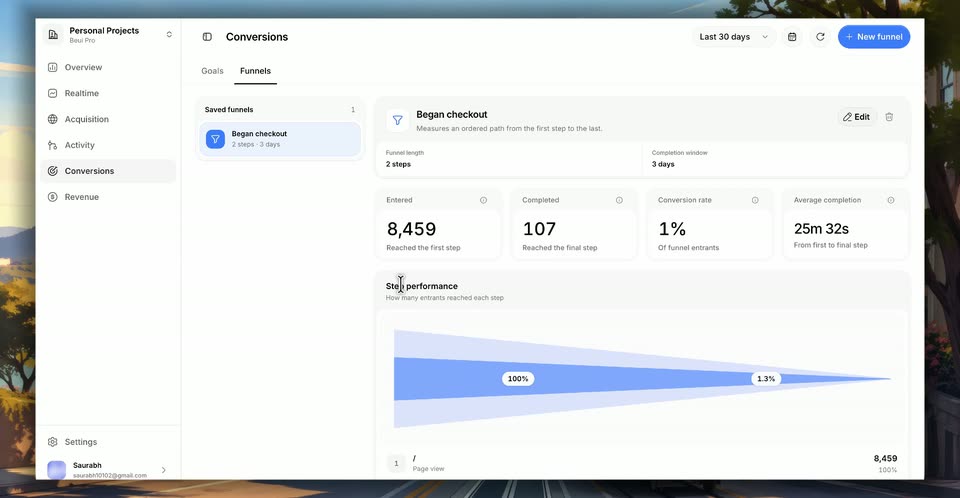 1:50–2:06Tracwell · Saurabh - INTRODUCING TRACWELL ( @tracwellapp ) 🚀 An agent-first analytics plaA flat analytics dashboard floats over a blurred sunset road. A cursor clicks Conversions; skeleton cards load, then goal metrics and a blue trend line fill in. The cursor hovers the chart for a tooltip, switches to the Funnels tab, and hovers the funnel shape as its numbers appear.
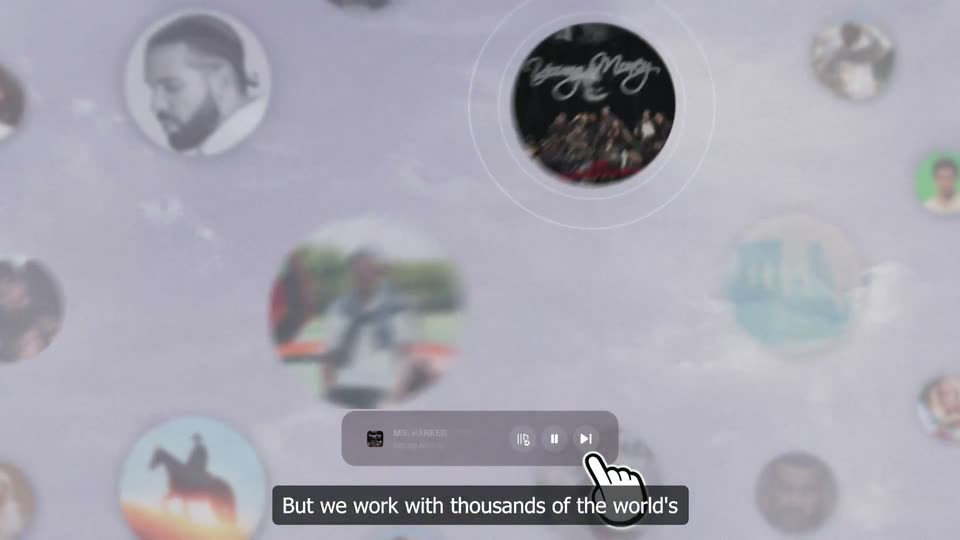 1:37–1:40Hook · Gaurav Sharma - AI platforms are stealing from artists > Millions spent on data cA blurred grid of circular album covers drifts behind a focused center circle that swaps from a Lil Baby track to a Young Money album, while a hand cursor taps the play button on the mini player below.
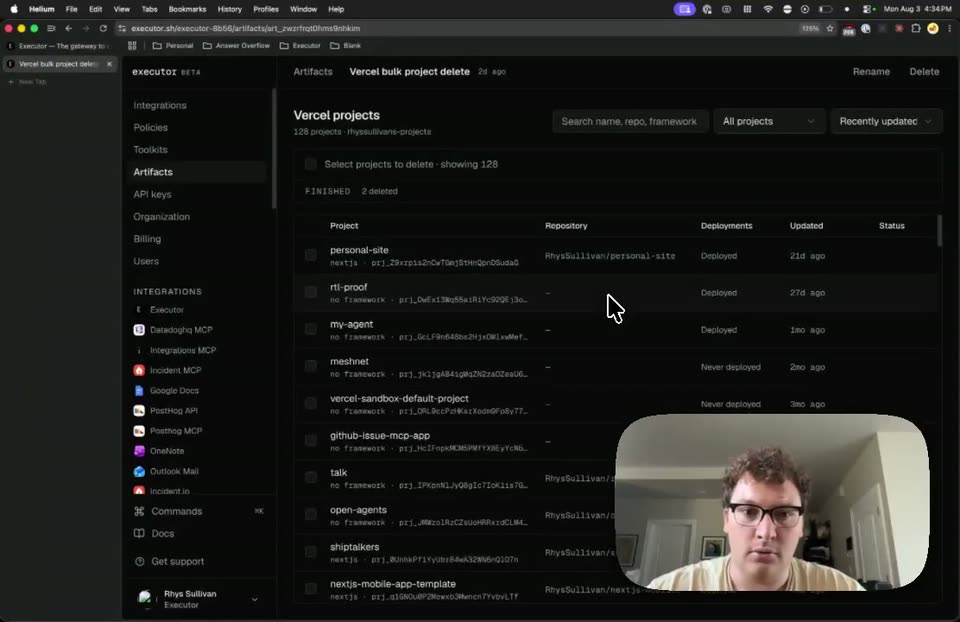 1:56–1:57Executor · Executor DemoA dark web dashboard lists Vercel projects in a table, with a small webcam inset of a bespectacled man in the lower right corner. The status line at the top switches from a deleting state to finished as two selected projects are removed, while a cursor hovers over the rows.
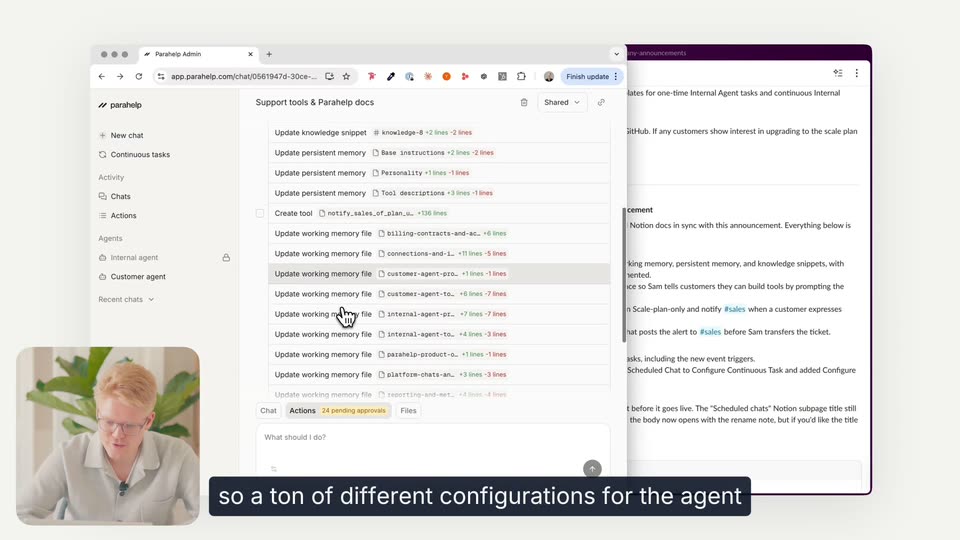 3:16–3:20Parahelp · Mads Lunau - Today, we’re launching Parahelp 3. With Parahelp 3, we’re doubling dA browser window of an admin panel shows a list of agent configuration rows that scroll upward as a cursor hovers over them. A small video of a speaker sits in the lower left, and white captions on a dark bar appear at the bottom.
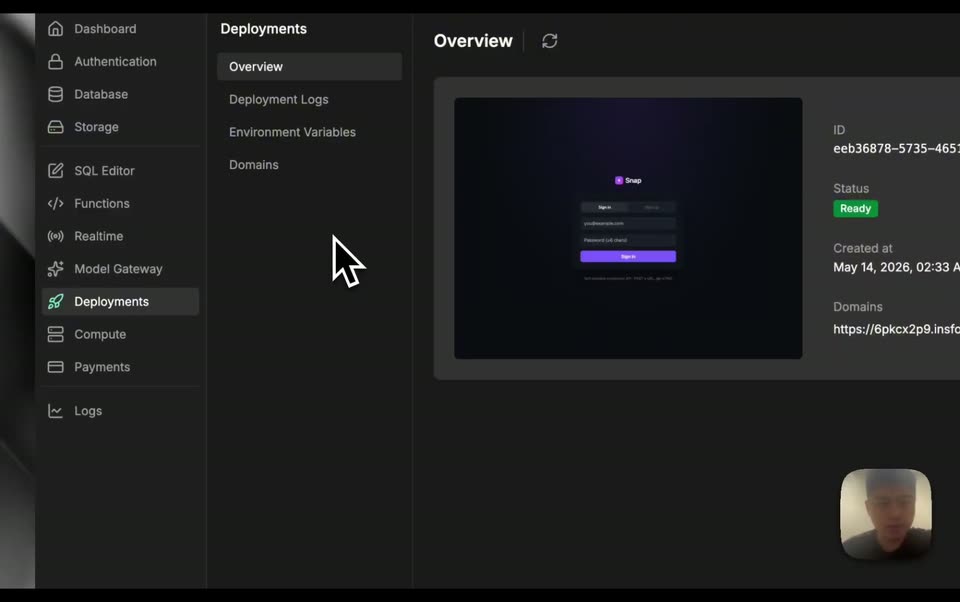 1:52–1:54InstaBox · InsForge YC Launch VideoA dark dashboard fills the frame. A white hand cursor rests on the Deployments menu item, then slides down and clicks Compute, swapping the main panel from a deployment overview to a services list. A small webcam thumbnail of a man stays in the bottom-right corner.
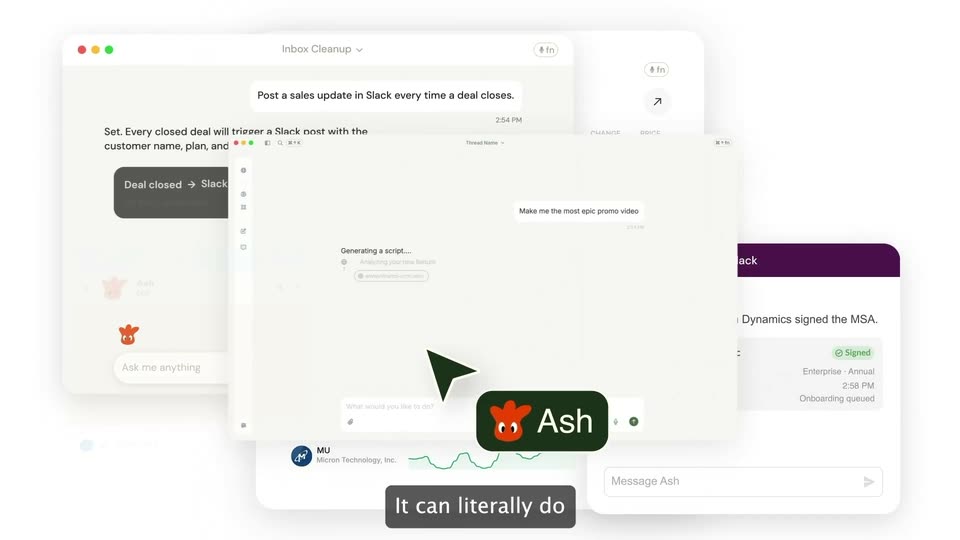 1:46–1:48Vellum · akash - We’ve raised 25M to build the world’s first Personal Intelligence. IFlat interface windows for Inbox, Slack and Telegram float on a white background while a dark pill badge with the orange Ash mascot and the name Ash glides from right to left, trailed by a cursor arrow.
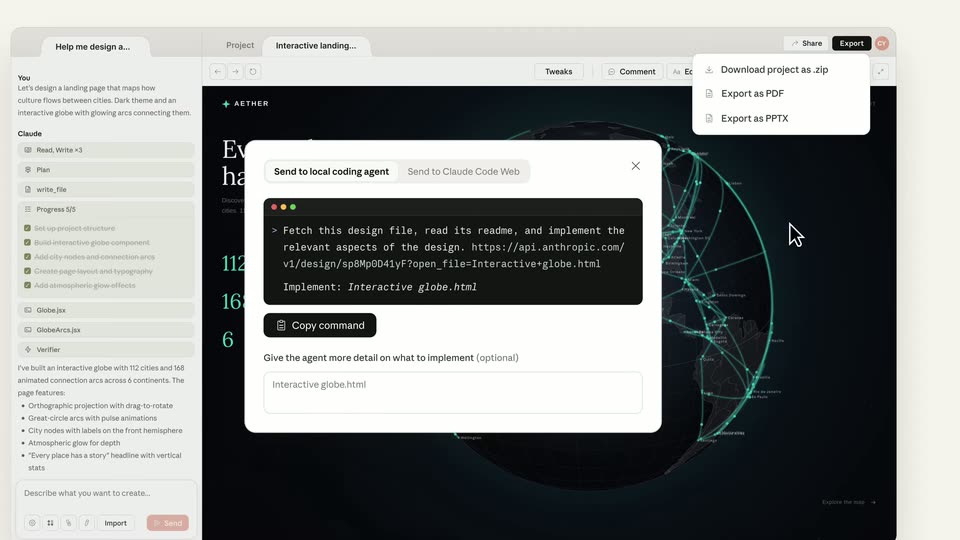 1:08–1:09Anthropic · Introducing Claude Design by Anthropic LabsA product interface displays a dark globe map with cyan connection lines and city labels. The Export dropdown is open at the top right, and a hand cursor hovers over the highlighted 'Handoff to Claude Code' row as the menu re-renders with coding-agent options.
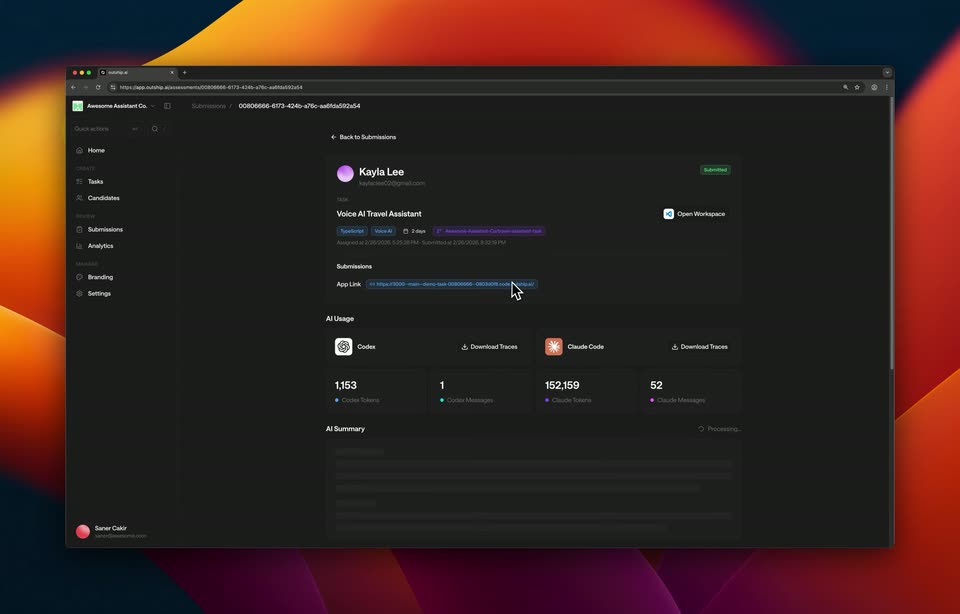 1:00–1:01Outship · OutshipA dark candidate profile page floats in a browser window over a glowing orange and purple gradient. A mouse cursor glides down from the name field to rest on the App Link pill, while usage stats and a processing summary stay still.
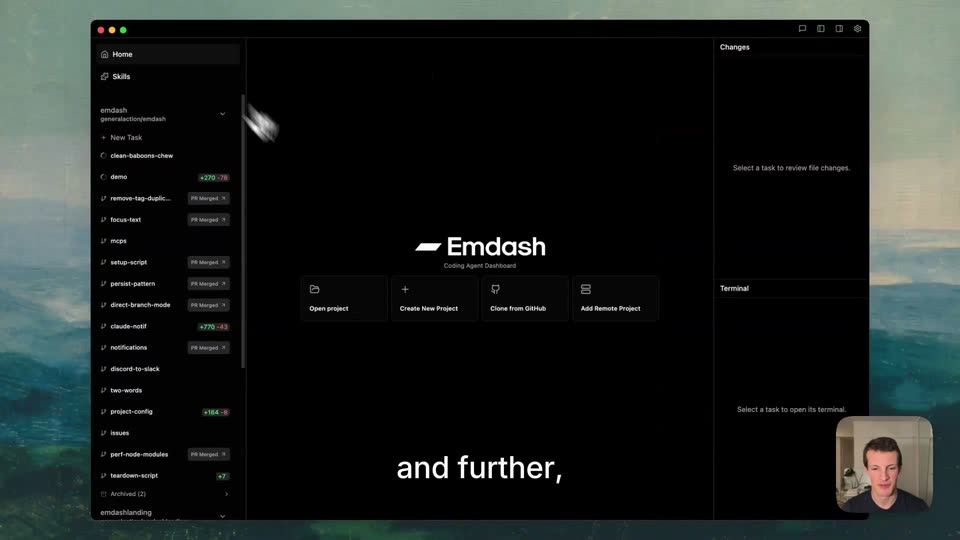 1:08 · 0.6sEmdash · Y Combinator - .@emdashsh is building an open-source Agentic Development EnvironmentA dark Emdash dashboard sits over a blurred aerial backdrop, with a task list on the left and four action cards under the logo. A cursor glides from the sidebar to the center, a webcam inset of the presenter holds the bottom-right, and the caption 'and further,' rests at the bottom.
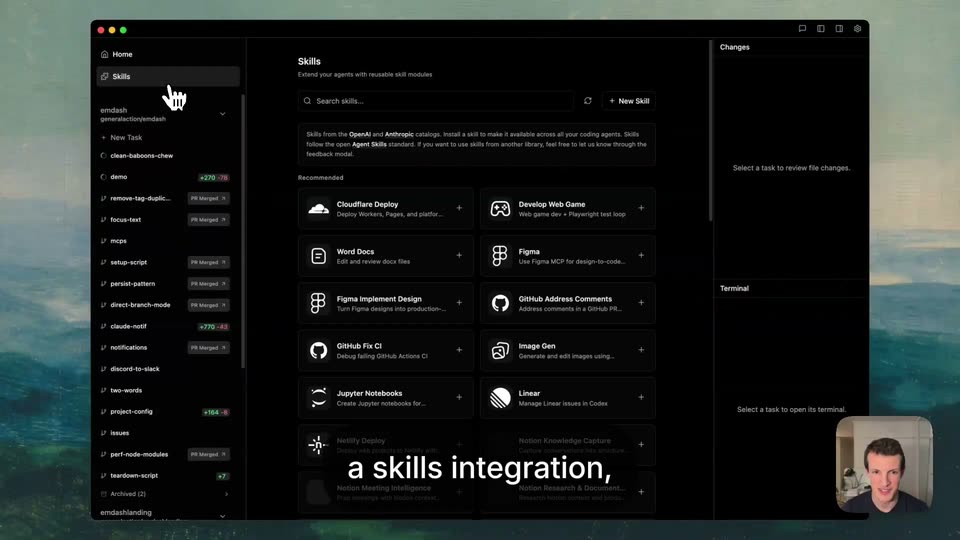 1:04 · 0.8sEmdash · Launch Emdash (YC W26)A dark app window with a left task list and right changes panel. The center panel cuts from a chat transcript to a grid of skill cards. A white cursor hovers over the Skills item. A small webcam feed sits bottom right. White caption reads a skills integration
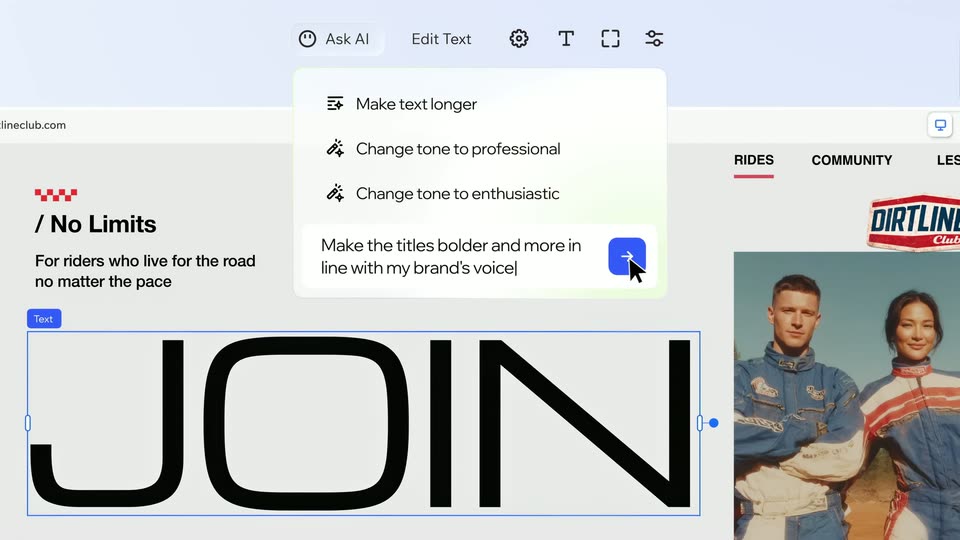 1:01–1:04Wix Harmony · Wix Harmony: The new way to createA design tool shows an AI text panel open over a webpage. The cursor types a prompt into the field, then the panel closes and the page reframes on the updated hero, where a huge black heading reads RIDE and a glint sweeps across the DIRTLINE badge.
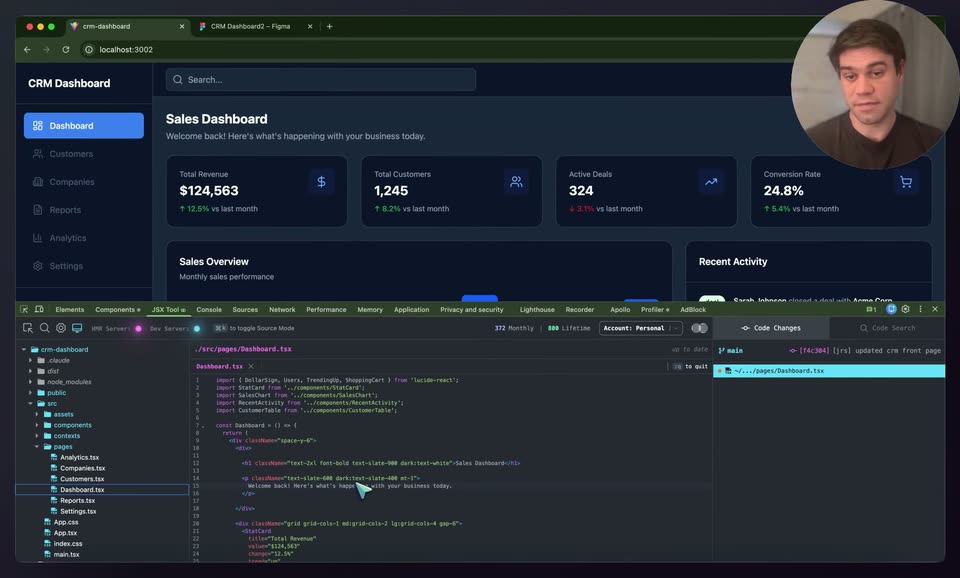 1:38–1:42Coasts · JSX Tool DemoA browser window shows a dark CRM sales dashboard above a code editor pane with a file tree and an open Dashboard.tsx file. A circular webcam bubble of the presenter sits in the top right corner. A cursor hovers over the code lines while the layout stays static.
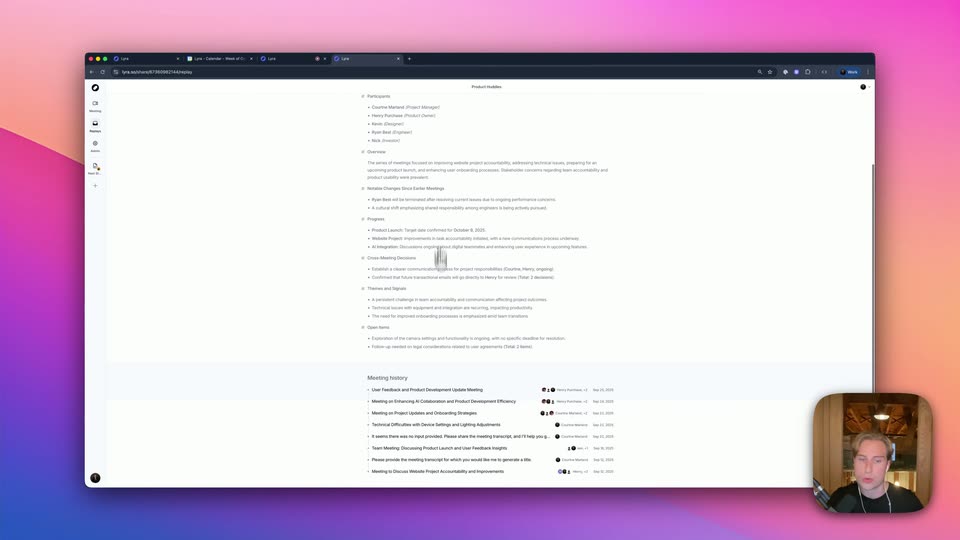 2:06–2:07IRBC · Lyra, The Final Meeting Platform.A browser window shows a Luma product features page with meeting notes and a history table. The page scrolls up as a cursor moves down. A small face-cam video of a man in a dark room sits in the bottom right corner over a pink and purple gradient.
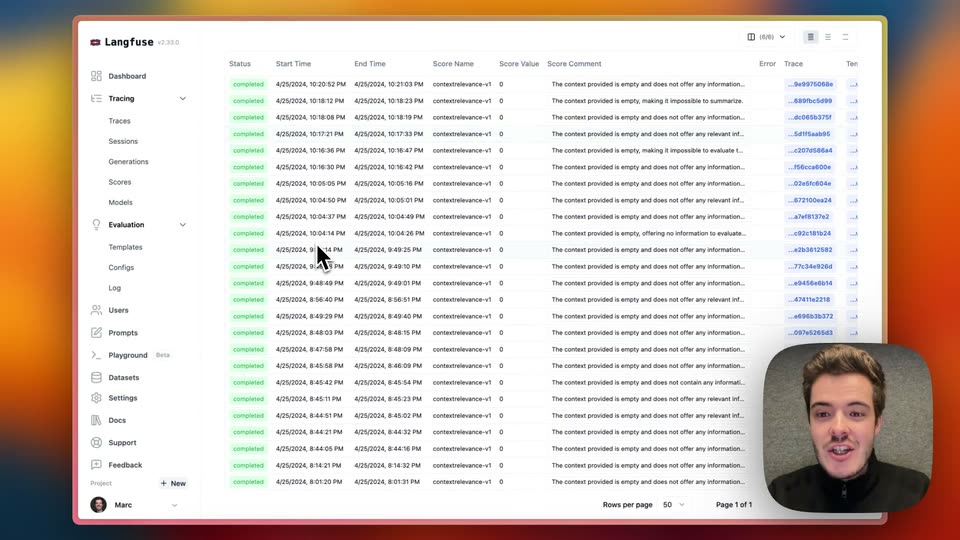 2:20–2:32Langfuse · Introducing Langfuse 2.0A screen recording of the Langfuse evaluation log table fills the frame; a cursor hovers over rows, the view zooms in, then the cursor clicks Prompts in the sidebar and the page loads a prompts list. A small presenter video sits in the bottom-right corner.
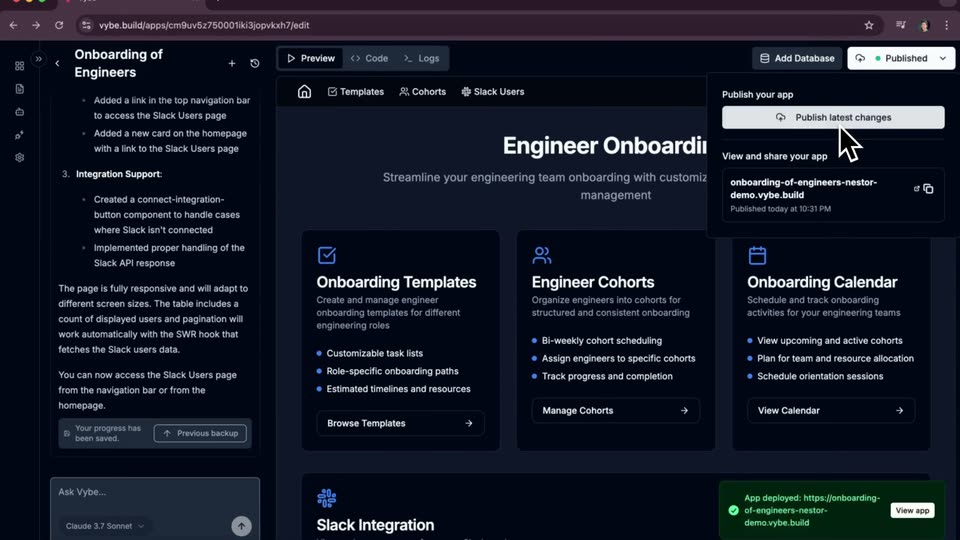 2:14–2:17Vybe · Vybe Demo - Build internal apps 10X fasterA dark app-builder screen shows a chat panel left and a page preview center. The cursor clicks the Publish latest changes button top right; it spins, the header flips to Published, and a green toast with the deployed URL slides in at the bottom right.
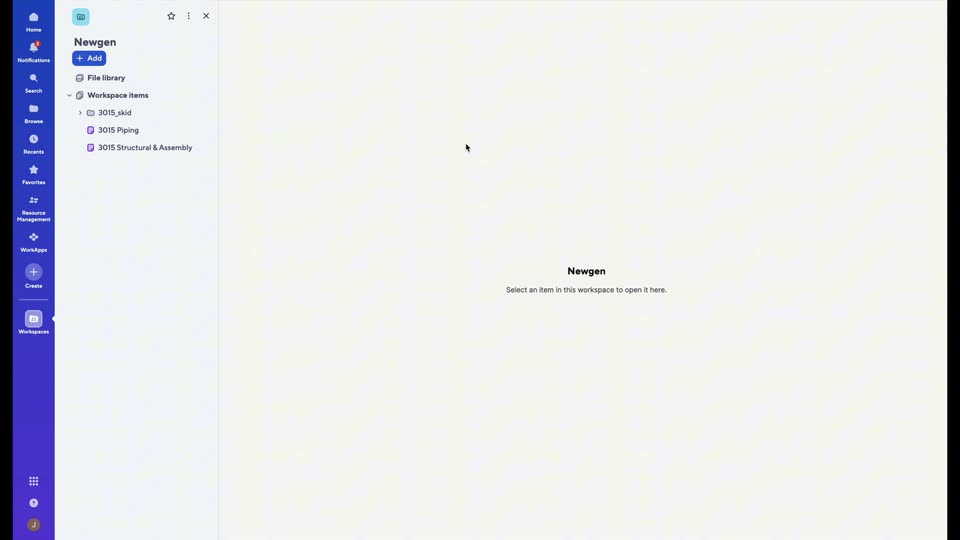 4:08–4:18Jeevy Fabrication · Introducing Jeevy FabricationA flat product interface shows a blue sidebar and an empty canvas. A workspace panel opens on the left listing files, a badge appears on Notifications, then the cursor moves to the 3015 Piping file and clicks it, and a loading spinner fades in on the canvas.
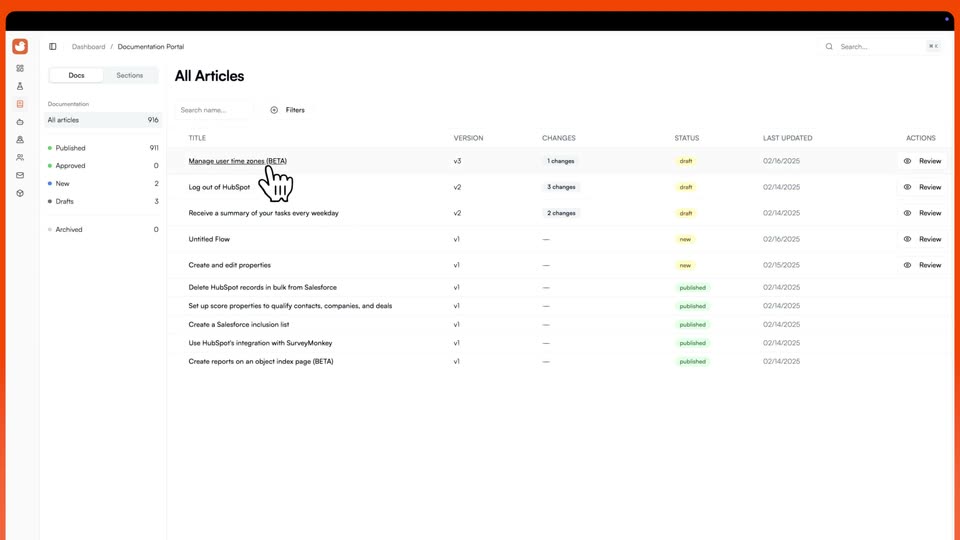 2:38–2:42SAMMY Labs · SAMMY Labs - Product TourA documentation dashboard shows an All Articles table with version, status and date columns. A cursor glides up the list, a hand cursor clicks the first row, then the view zooms in and the sidebar collapses to icons.
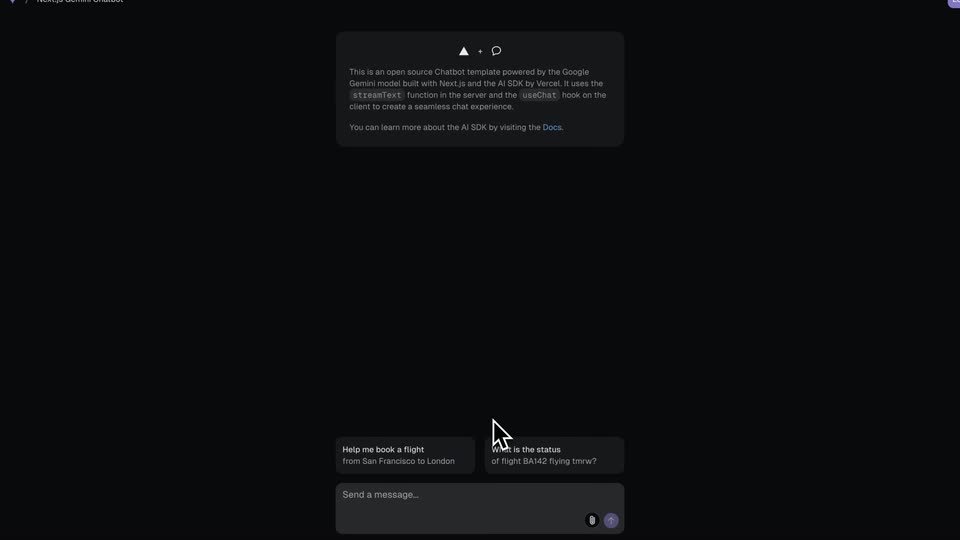 1:35–1:37Ryvn · Ryvn | On-prem deployments, without the stressA dark app interface opens on a setup panel with a green check and a 'Go to application' link. The view scrolls up to the chat screen, revealing a welcome message bubble and two flight suggestion chips above the input bar, as an arrow cursor drifts down.
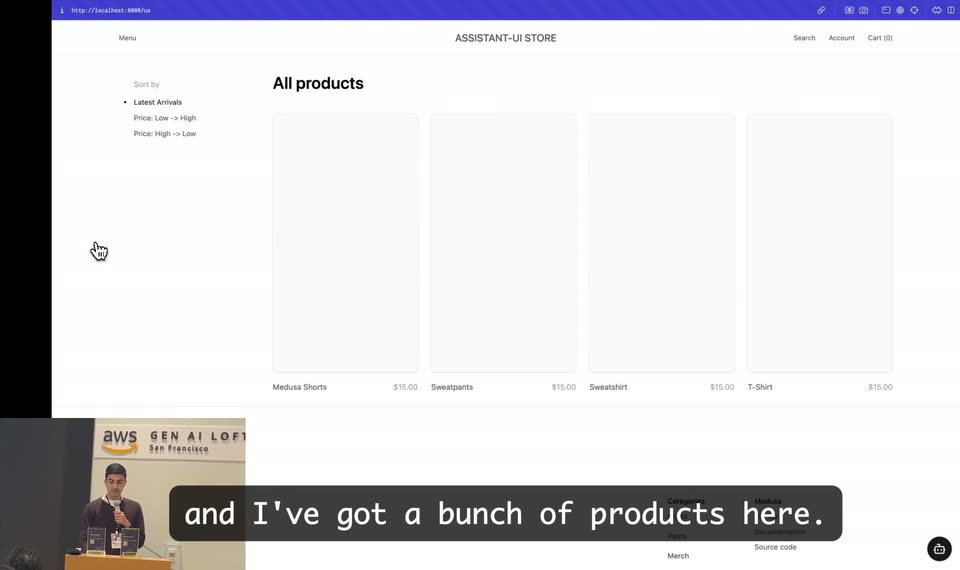 3:01–3:02assistant-ui · assistant-ui | AWS GenAI Loft DemoA browser window shows a web store. A cursor hovers the left menu, which closes to reveal a grid of product cards. A small webcam feed of a speaker sits in the corner while a caption updates at the bottom.
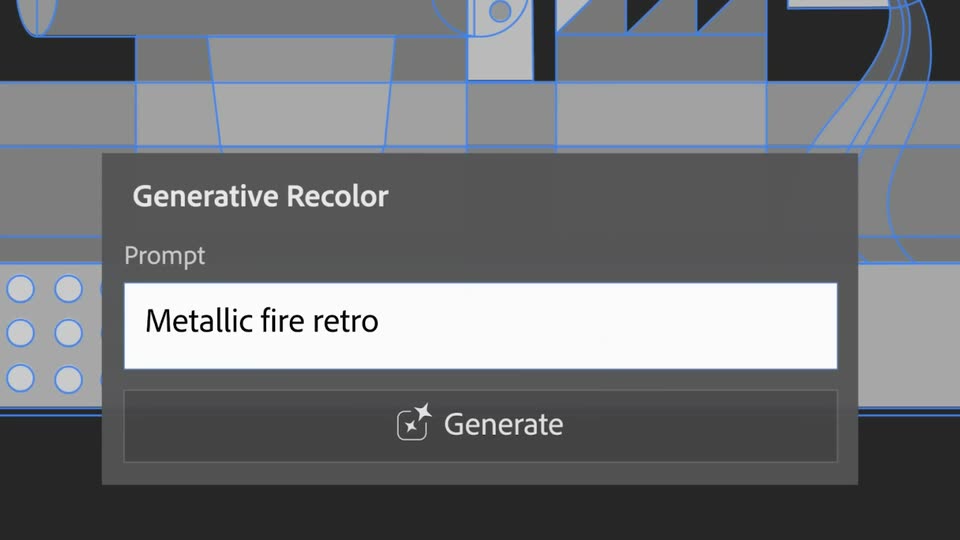 0:42–0:44Adobe · Adobe Firefly: Out of Beta & Ready For Your Imagination | AdobeA dark gray Generative Recolor panel floats over a blue line-art background. A cursor hovers over the prompt field while the words Metallic fire retro are typed in letter by letter above a Generate button.
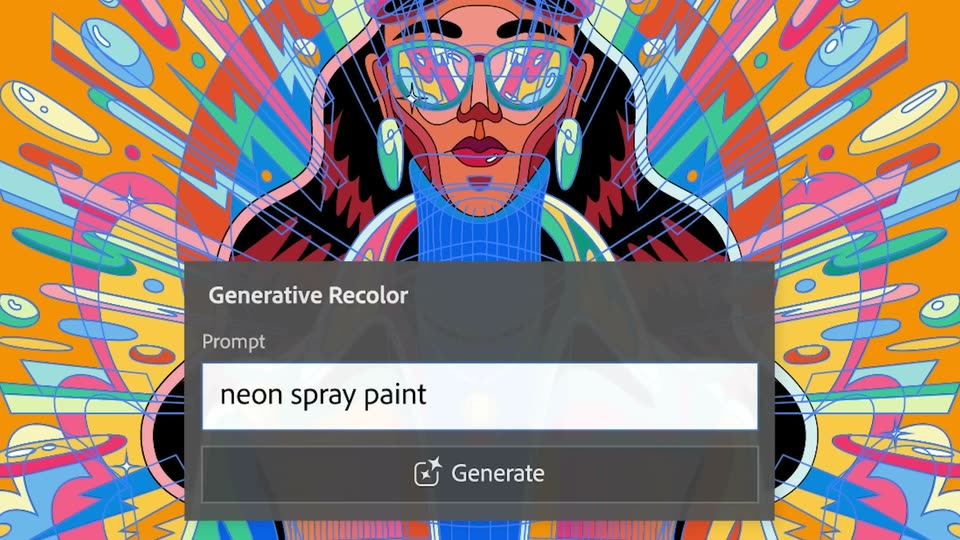 0:49–0:50Adobe · Adobe Illustrator x Adobe Firefly: Announcing Generative Recolor | AdobeA dark gray modal titled Generative Recolor sits over a vibrant psychedelic portrait. A cursor types neon spray paint into the prompt field, which turns white as the text completes.
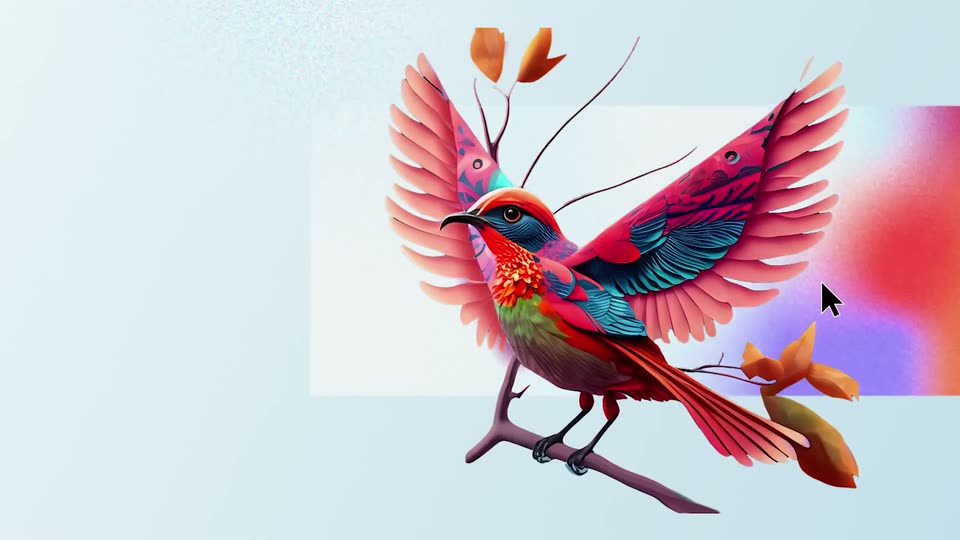 0:39–0:40Adobe · Adobe Firefly: Family of New Creative Generative AI Models | AdobeA colorful bird illustration rests inside a white selection frame with corner handles on a pale blue canvas. The frame dissolves, the bird scales up to the center, and a glowing magenta panel slides in from the right as a cursor hovers over it.
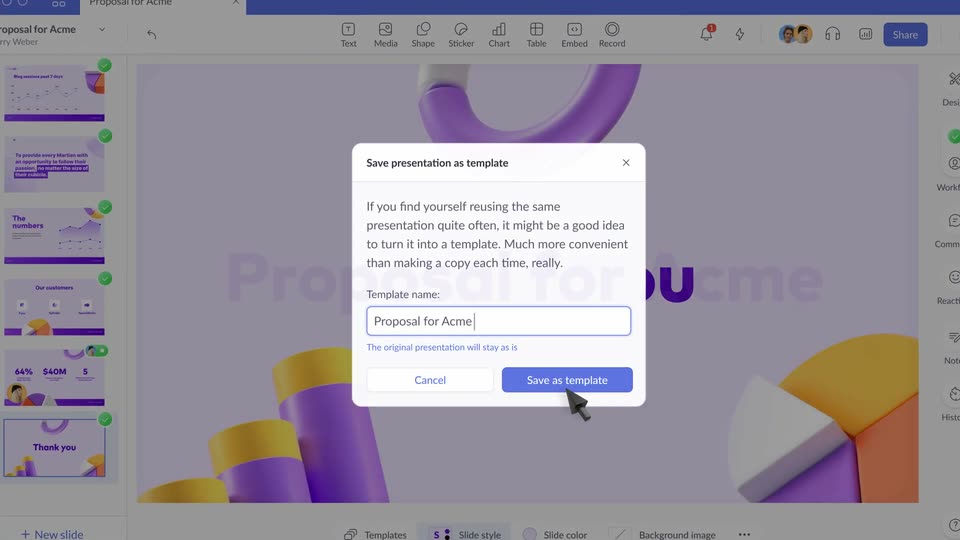 1:51–1:52Pitch · Introduction to Pitch | Create beautiful presentations with your teamA cursor hovers over the Save as template button in a centered modal dialog, then the screen cuts to the template library, where the new Proposal for Acme card appears under the Templates heading.
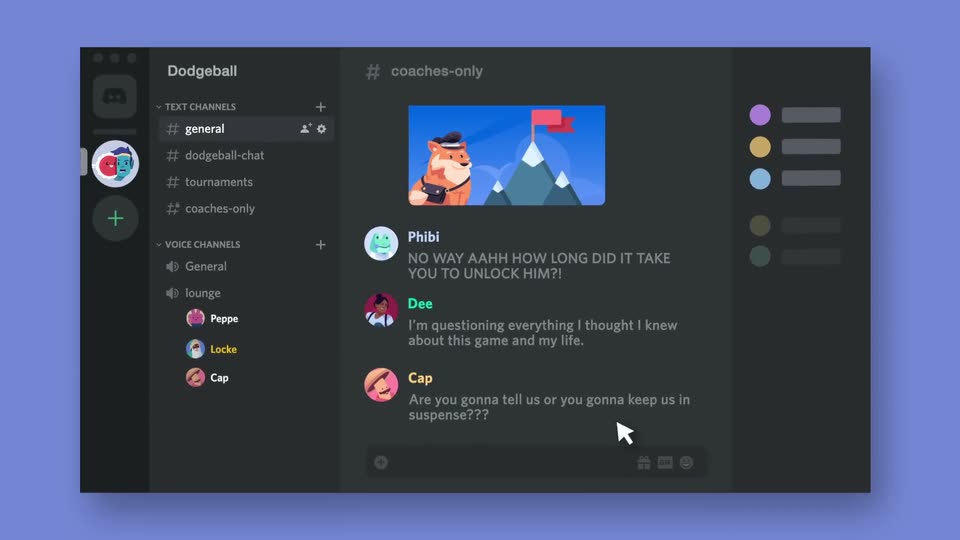 1:55–1:56Discord · How Discord Works in 148,000 Miliseconds or LessA dark Discord window in 3D perspective sits on a periwinkle field; a phone mockup of the same app scales up in front as the background blurs. A cursor moves to a voice channel row and a red disconnect button pops in.
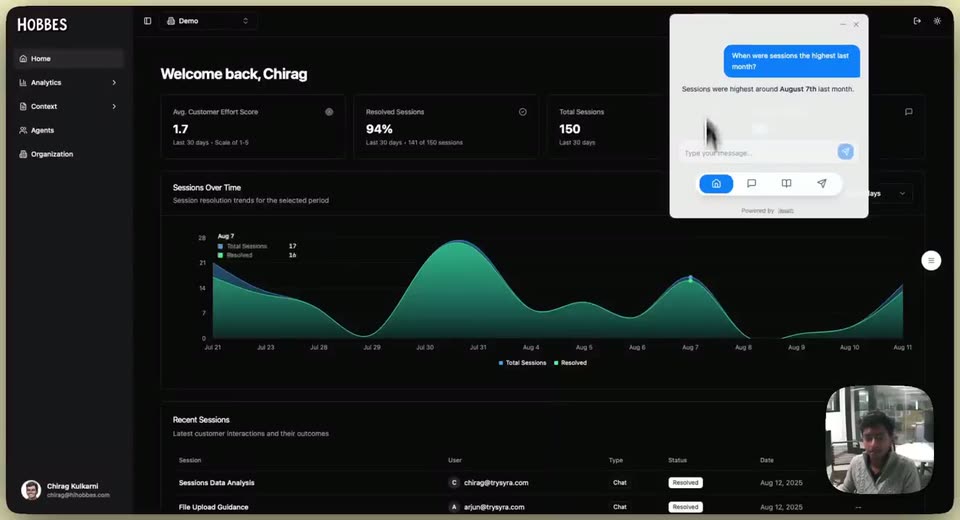 0:43 · 0.7sHobbes · 🚨Major update🚨 Syra is now Hobbes (hihobbes.com)! As we worked with some amazing teams this year, we saw a big gap in the agent landscape: visual context. Agents trained on knowledge bases + helpA dark HOBBS dashboard with metric cards, a teal area chart and a sessions table. A chat widget top right answers a peak-sessions question. A cursor glides from the widget to the chart, hovering the August 7th peak to pop a tooltip; a presenter video sits bottom right.