UI zoom
A zoom or reframe onto one part of the interface.
9,898 scenes · page 157 of 165
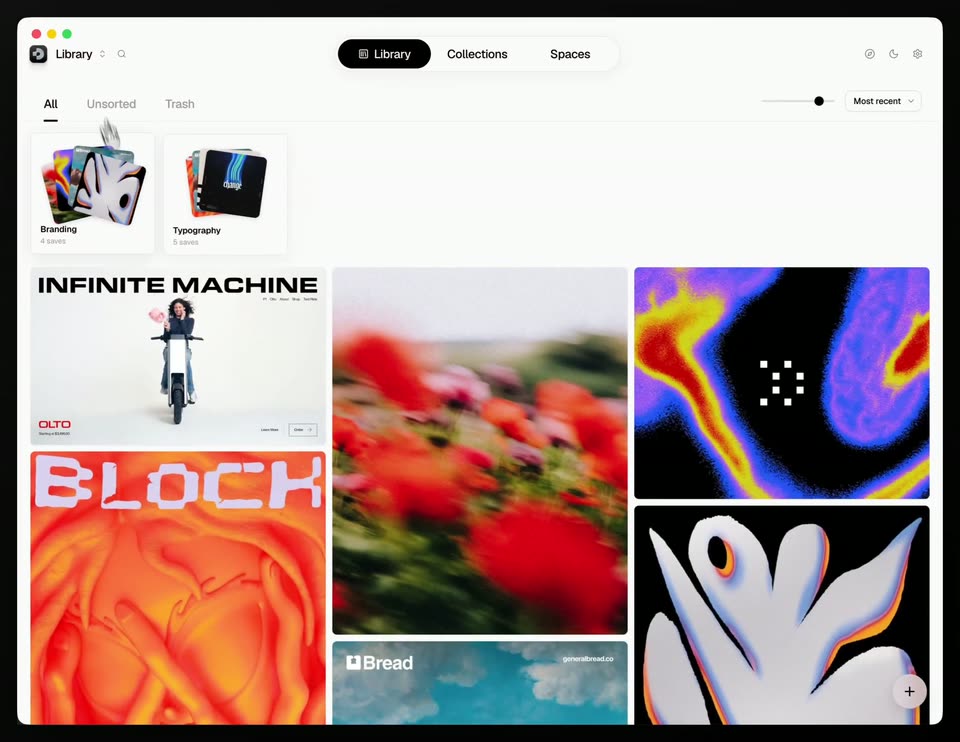 0:39–0:41GatherOS · Brett - Introducing GatherOS™ [beta]. The Mac app for design inspiration, buA blurred browser window zooms out and tilts into a 3D perspective, then flattens to a front view of a library grid. A hand cursor moves from the back button to a poster thumbnail.
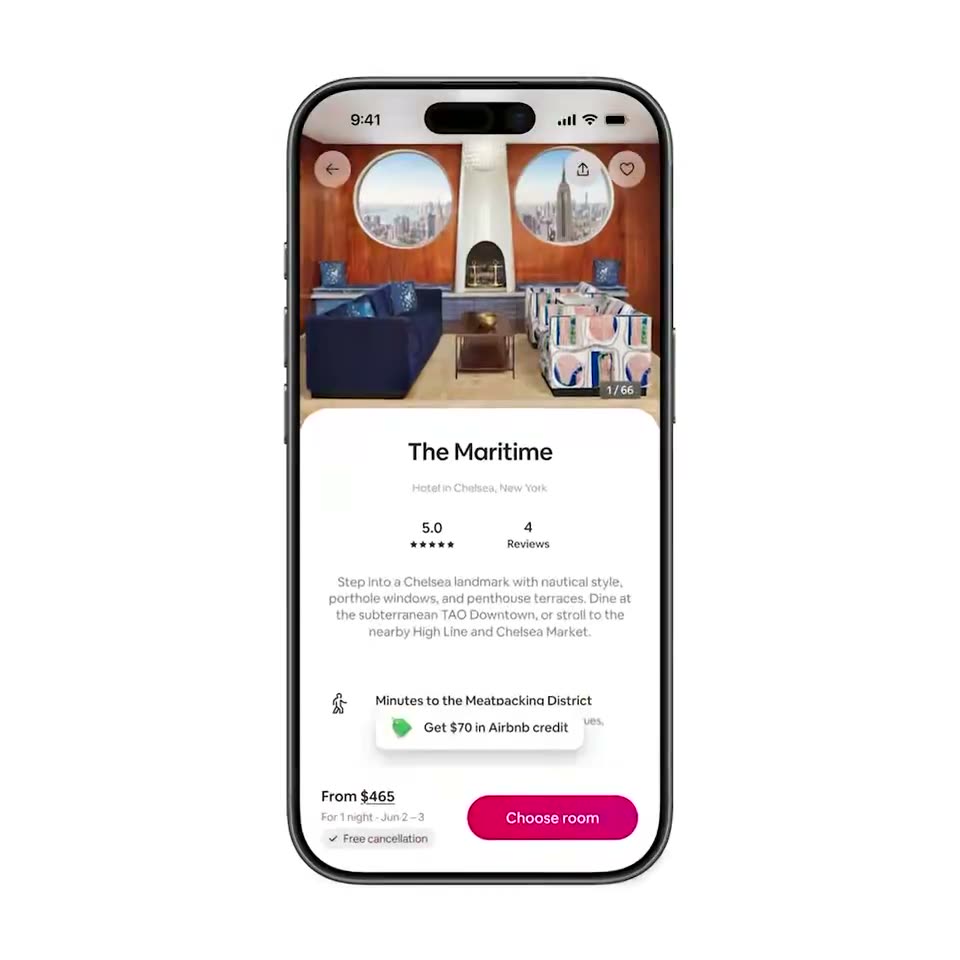 0:53–0:55Airbnb · Brian Chesky - Introducing the Airbnb 2026 Summer ReleaseA front-facing phone mockup shows an Airbnb hotel listing, the detail card sliding up into place. The view then zooms into the 3D room render, filling the frame with porthole windows, blue sofas and patterned chairs.
 1:04–1:10Google · What’s New in SearchA 3D-tilted mobile cart zooms into the desk item; a blue 'Lowest price in 30 days' badge slides in, the price ticks down to $113.99 with 70% off, and the camera pushes onto the subtotal and Buy now button.
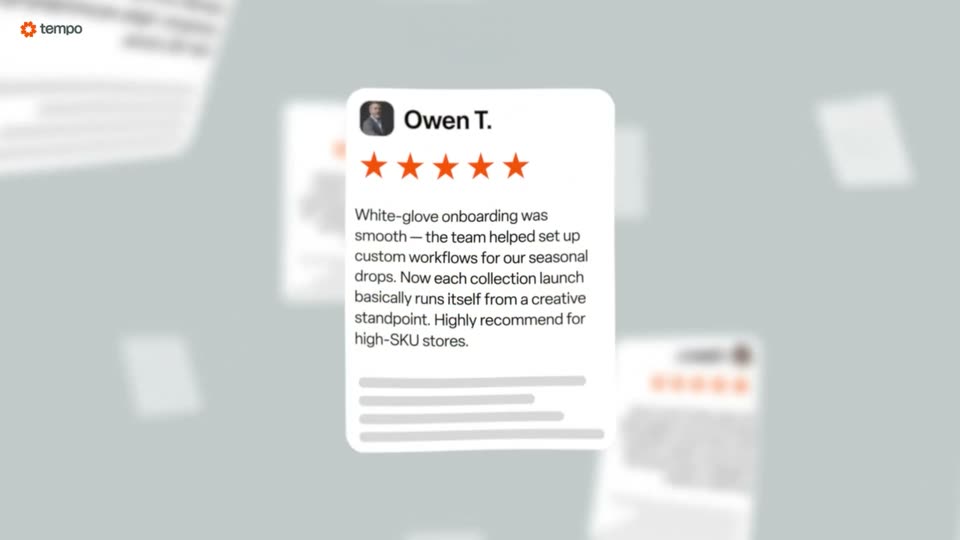 0:50–0:51Tempo · Joe Devoy - Introducing Tempo: The world’s first AI Head of Growth. AI can now sA field of white review cards drifts in a gray 3D space, all blurred, while the tempo logo sits top left. The camera pushes in and racks focus onto one central card, sharpening a five-star review from Owen T. A caption reads And reviews. at the bottom.
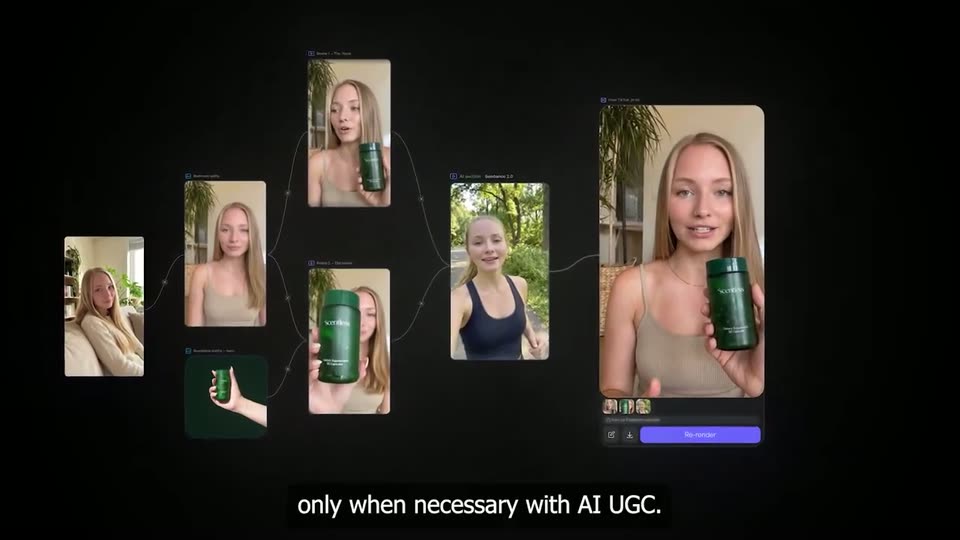 1:10–1:14Creatify AI · Creatify AI - Introducing Creatify Agent. The world’s first multi-agent orchestratA node graph of short video clips floats on black, thin lines linking thumbnails of a woman holding a green jar. The view zooms toward the right, where a larger phone frame shows the same clip above a purple button. White subtitles read at the bottom.
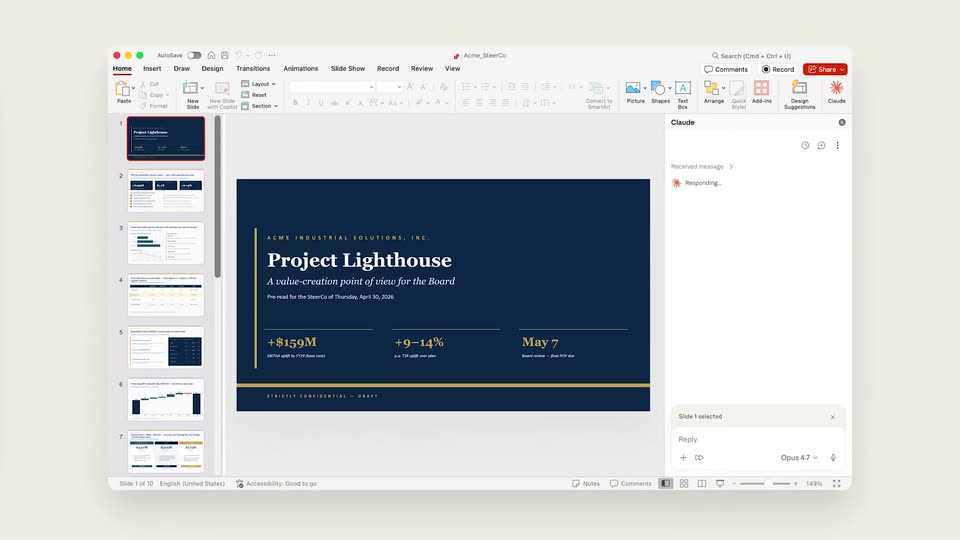 1:07–1:08Anthropic · Claude - Claude for Excel, PowerPoint, and Word are now generally available, aA presentation app window floats on a cream background, its dark navy Project Lighthouse slide centered between a thumbnail rail and a comment panel. The view tightens on the slide as a second Responding line appears in the panel.
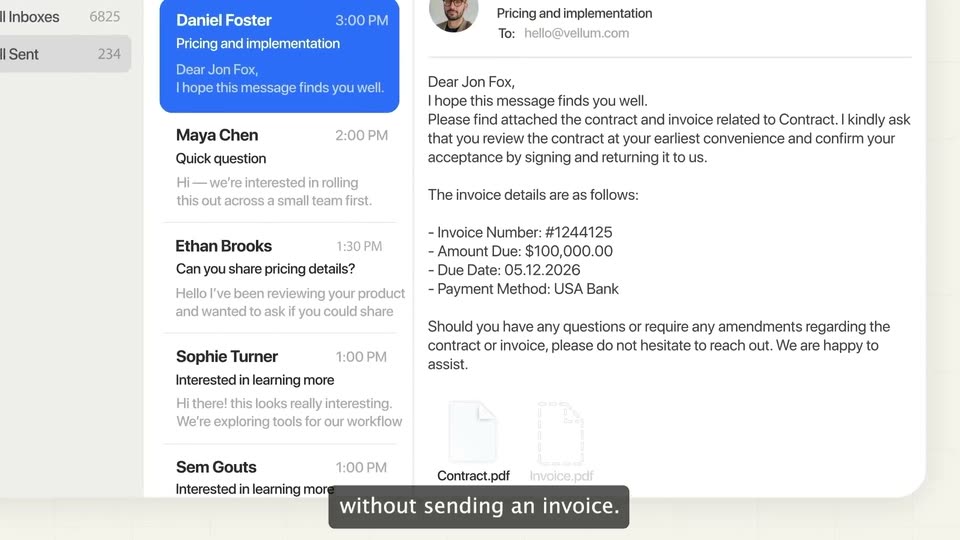 0:55–0:58Vellum · akash - We’ve raised 25M to build the world’s first Personal Intelligence. IA flat email app window sits on a light background. The frame starts zoomed into the sent list and the open contract email, then pulls back to reveal the full window with its sidebar. A dark caption bar at the bottom swaps lines of text.
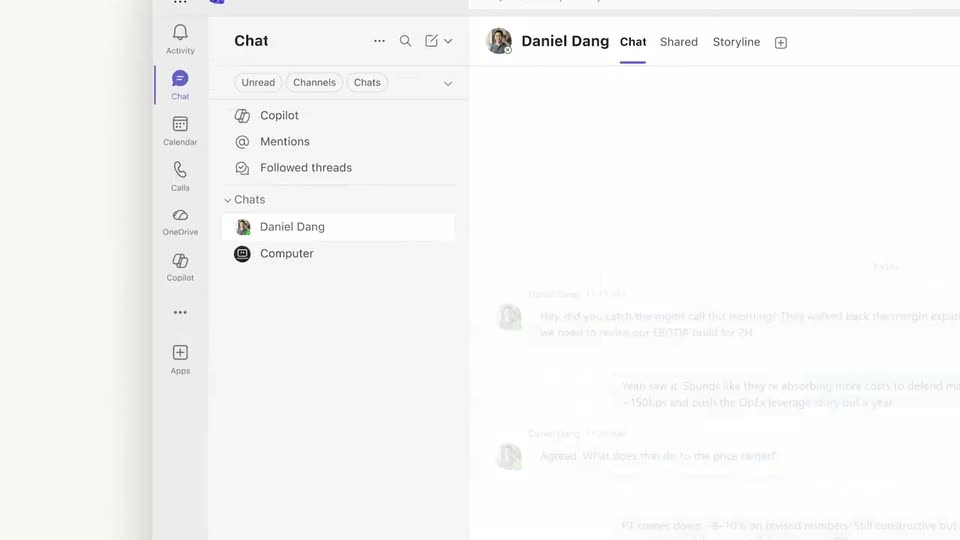 1:33–1:38Perplexity · Perplexity - Today we're launching Perplexity Computer for Professional Finance.A Teams chat view with a conversation and a file preview card fills the frame, then the camera zooms into the left sidebar, reframing on the Computer entry as a cursor hovers beside it.
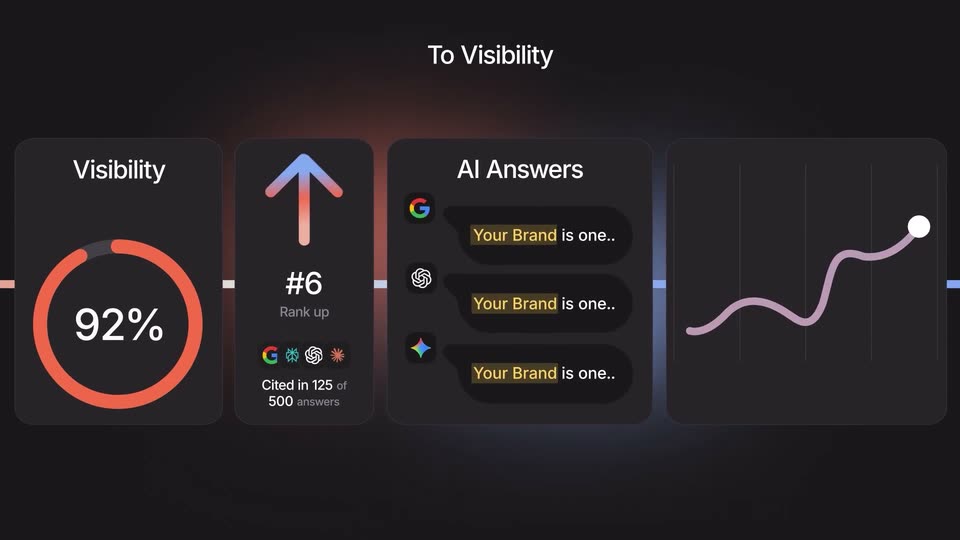 1:24–1:25CrowdReply · CrowdReply - We just raised $23M Series A from Halberd Ventures to help brands ranA dark dashboard of four stat cards sits under a centered headline. The cards push in and rise, scaling up until the top row crops out, while the headline holds its position.
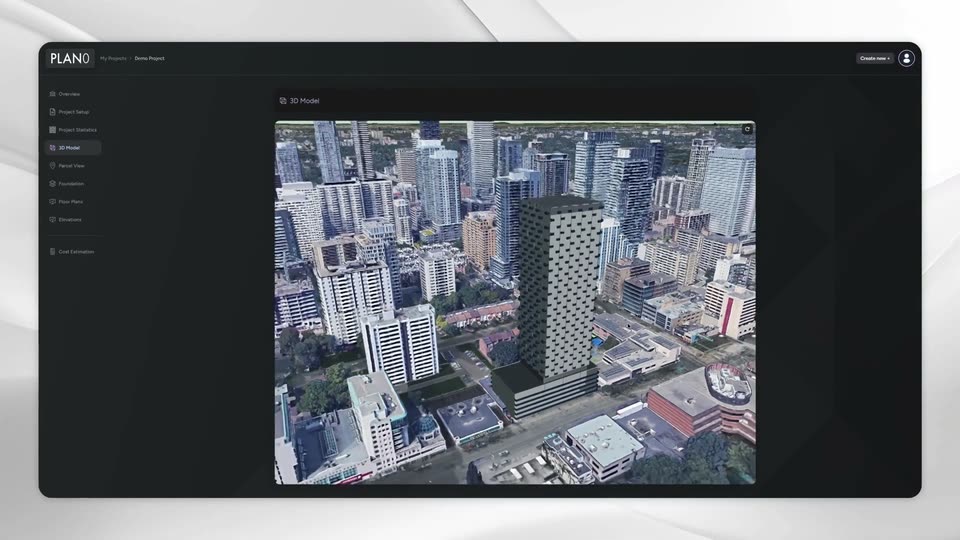 2:20–2:36PLAN0 AI · PLAN0 Demo VideoA dark PLANO interface shows an aerial satellite view of a dense city. A perforated tower model fades in and materializes in the view, then the camera pulls back as the screen tilts into 3D perspective.
 0:52–0:53Zed · Zed - Zed 1.0: Your last next editor.A dark code editor displays a remote-connection menu with a hand cursor hovering over it. The frame then zooms fast with radial blur into a 3D perspective of a laptop screen showing a Meet Zed's Users webpage.
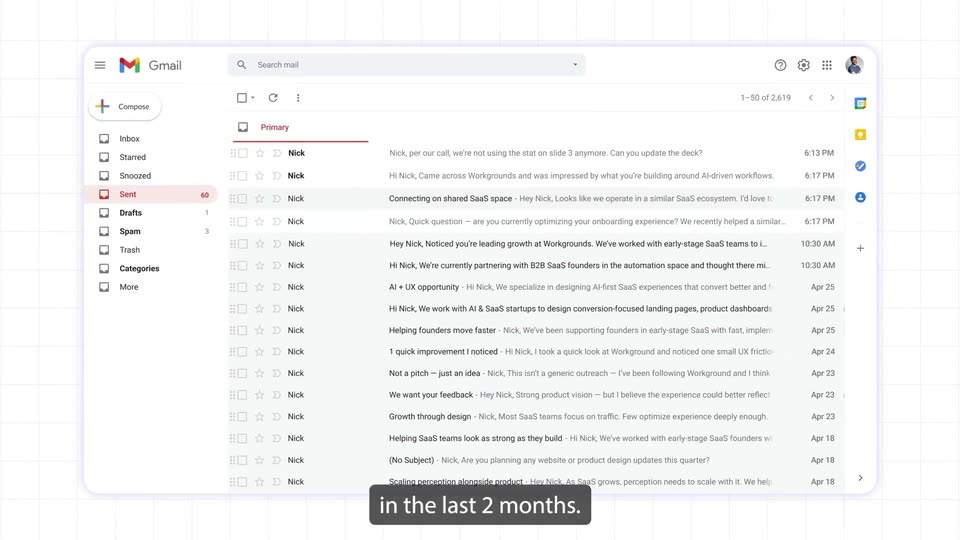 0:42–0:46Draftboard · Zach Roseman - We just killed cold email: Introducing Draftboard. The world’s firstA tilted Gmail inbox mockup sits on a faint grid background, packed with emails from Nick, while the view zooms in. A dark caption bar at the bottom updates phrase by phrase.
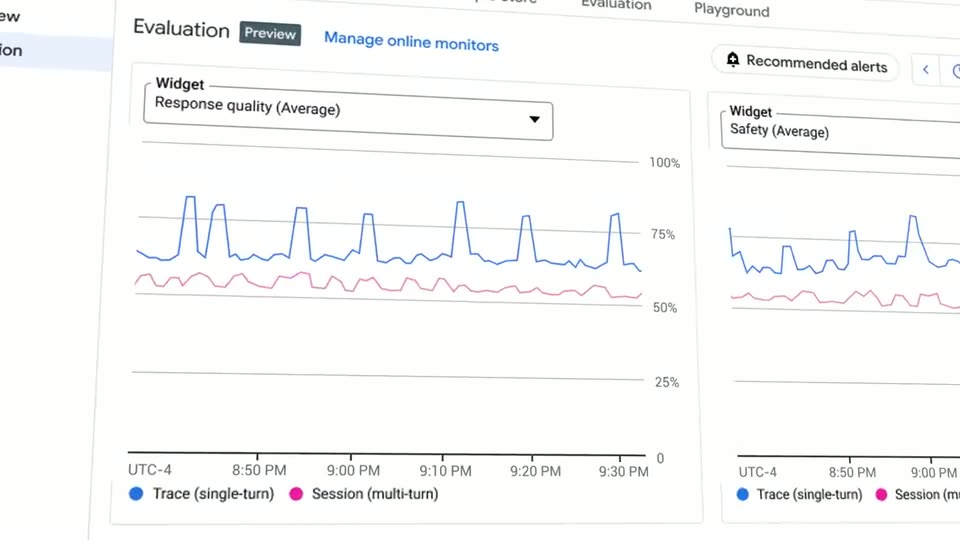 1:03–1:06Google · Google Cloud - Introducing Gemini Enterprise Agent Platform—our new platform to builA Google Cloud agent dashboard fills the screen with a left nav and a grid of evaluation widgets. The view pushes in on the widgets, framing two line charts that plot response quality and safety as blue and pink traces over a time axis.
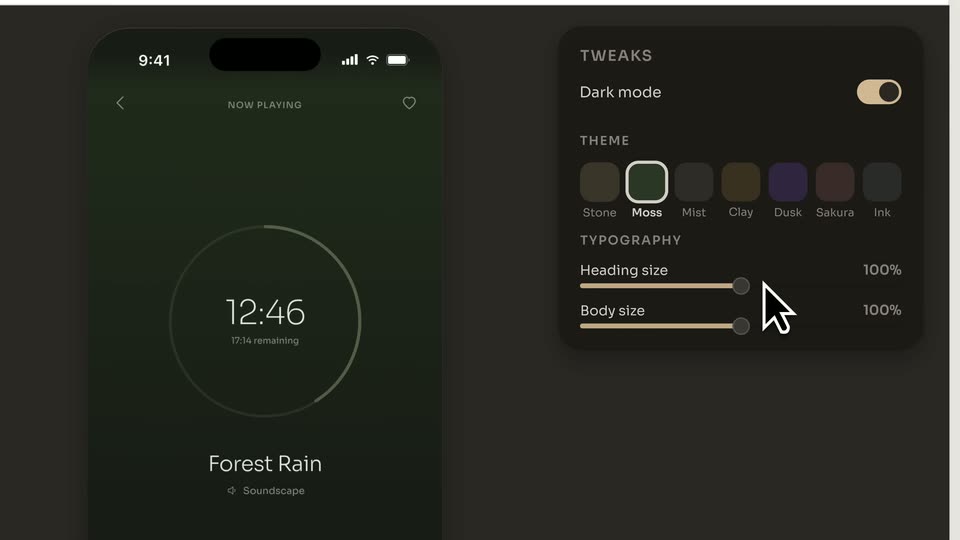 0:45–0:46Anthropic · Introducing Claude Design by Anthropic LabsA close-up of a dark phone player and tweaks panel pulls back to reveal a design-tool canvas with top toolbar and sidebars. A cursor hovers over the heading-size slider.
 0:47–0:49Anthropic · Claude - Introducing Claude Design by Anthropic Labs: make prototypes, slides,A wide view of a document editor zooms into the top toolbar, where a hand cursor rises and taps the coral Comment button.
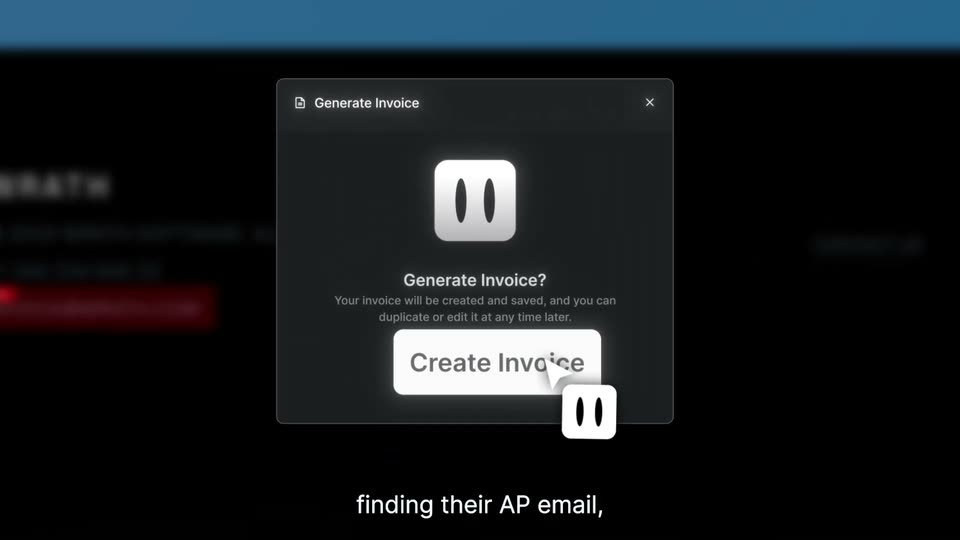 1:25–1:26Slash · Victor Cardenas Codriansky - We (@slashapp) raised a $100M Series C at $1.4 billion valuation to bA dark website footer blurs as the frame reframes onto a centered Generate Invoice modal. The modal's loading logo resolves into a confirmation dialog with a Create Invoice button, and a cursor hovers over it.
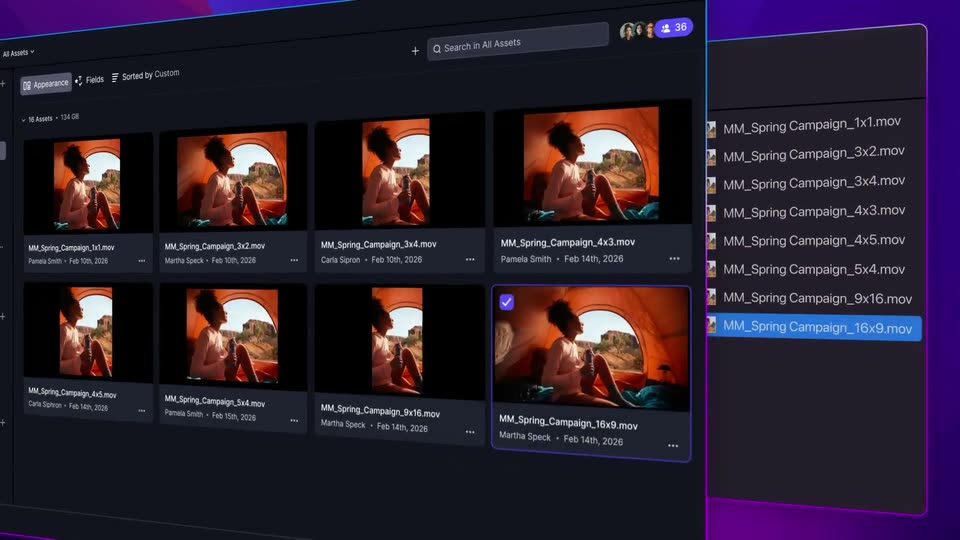 0:53–0:55Frame.io · Frame.io - Say goodbye to lengthy downloads, sync delays, and version chaos. FrA tilted 3D view of a dark asset-manager screen begins zoomed in and dim, then brightens and pulls back to reveal a grid of video thumbnails and a side list of filenames. One thumbnail in the lower row gains a blue border and checkmark as it is selected.
 1:20–1:23HockeyStack · Emir Atli - We raised $50M to build the First AI Revenue Agent. It runs New BusiA close-up of a dark input field types out a phrase as a white cursor hovers beside it, then moves to click a teal send button. The view zooms out to reveal a wider two-panel interface. White subtitles sit at the bottom.
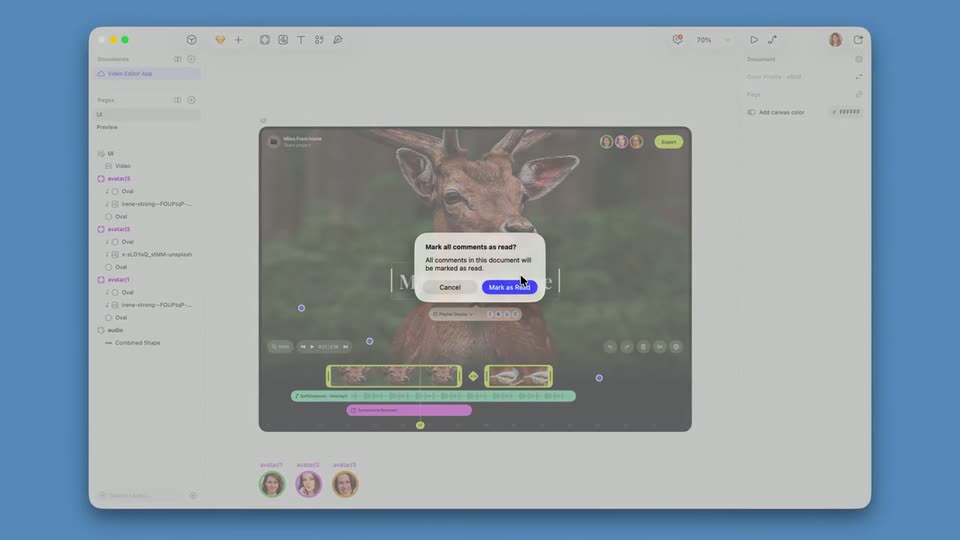 1:34–1:39Sketch · Sketch - 🆕 Things you’ve been asking us for 🆕 Selection colors, independent bA collaborative video editor opens zoomed into its comments list. The frame pulls back to the full window over a deer video titled Miles From Home. A confirm dialog pops up, the cursor clicks Mark as read, and the dialog closes to a clean canvas.
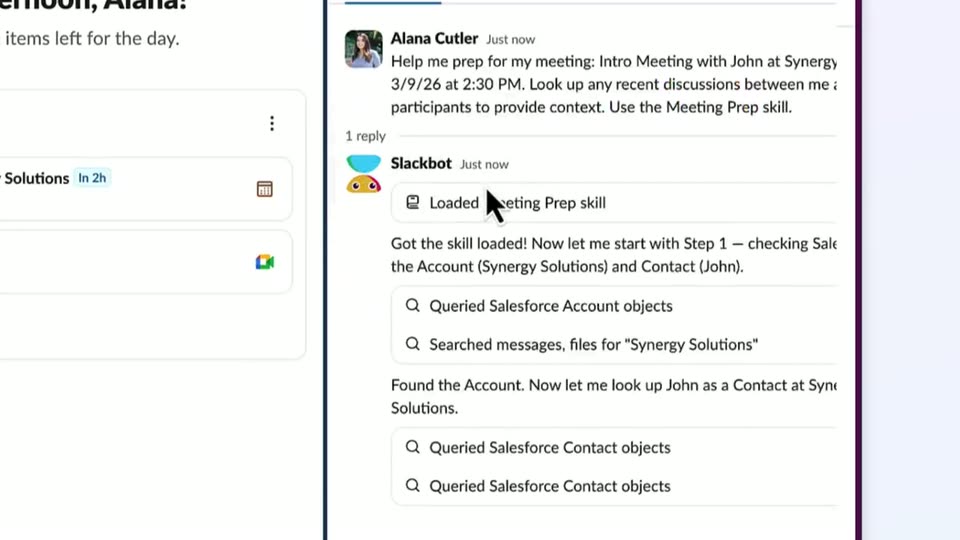 0:43–0:52Slack · Slack - Slack CRM is here for small businesses. 👋 Manage every customer reA flat browser mockup of a Slack workspace shows an agenda panel beside a Slackbot chat. The view zooms into the chat as a cursor clicks the Prep with Slackbot button, Slackbot's reply stacks up action lines, and a Meeting Prep canvas card pops up centered over the chat.
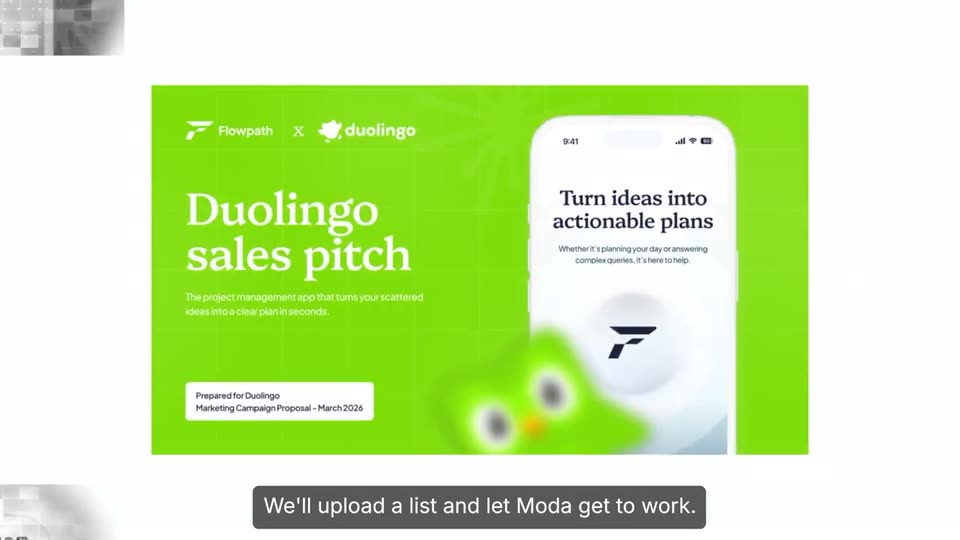 1:04–1:06Moda · Anvisha - We raised $7.5M to kill AI slop. Introducing Moda: the world's firstA blurred app interface with top tabs and a pink Create button pulls focus into a grid of generated slides. A green Duolingo sales pitch deck sits centered among white, blue and pink variant decks.
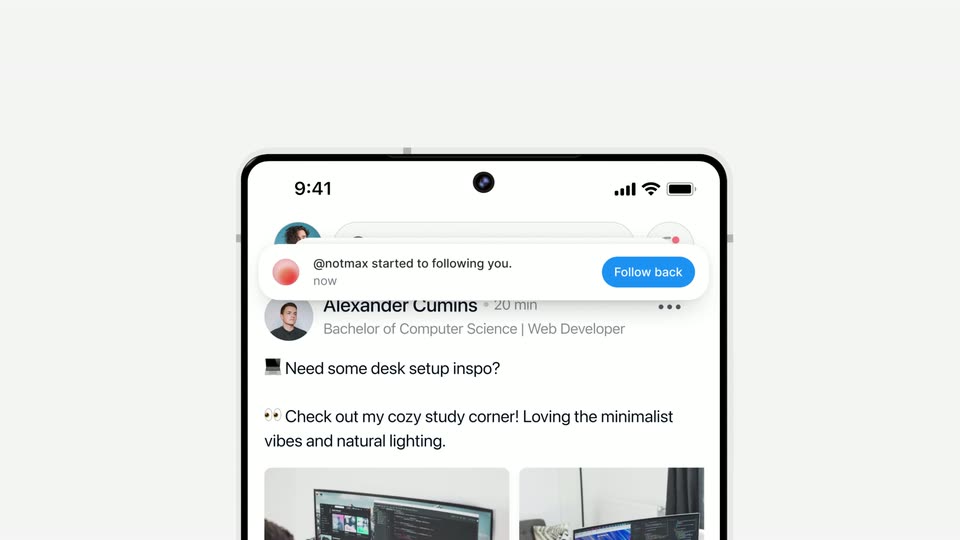 0:53–0:57HeroUI · Introducing HeroUI v3A front-facing phone mockup on a light gray background shows a social media feed. The feed scrolls upward past posts and a follow notification while the camera zooms out to reveal the full device, then zooms back in to fill the frame with the feed content.
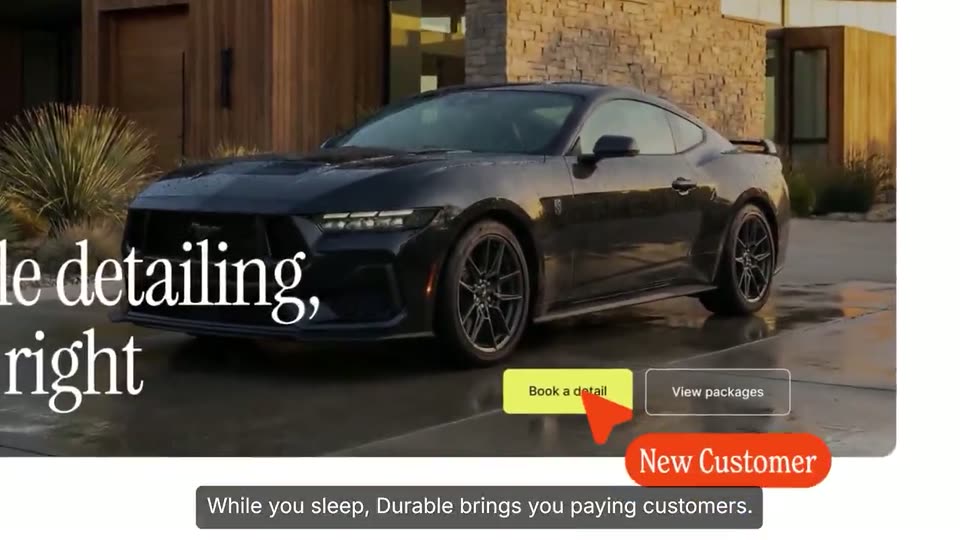 1:02–1:05Durable · James Clift - Introducing Durable. The first AI business builder that replaces youA tilted 3D mockup of a mobile detailing website straightens as the view pushes in on the hero photo of a black car and its buttons. A red cursor clicks the yellow “Book a detail” button and a red “New Customer” badge pops in beside it.
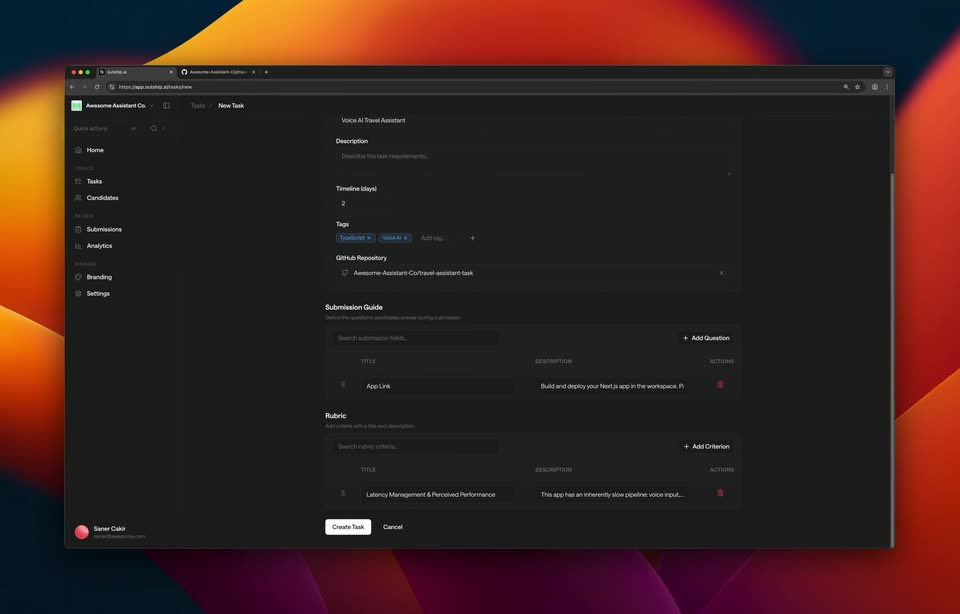 0:47–0:51Outship · OutshipA dark task-creation screen opens on an Edit Description dialog, which brightens then closes to reveal the full browser window. The view zooms to the Rubric table, where a cursor clicks Add Criterion and an empty row appears.
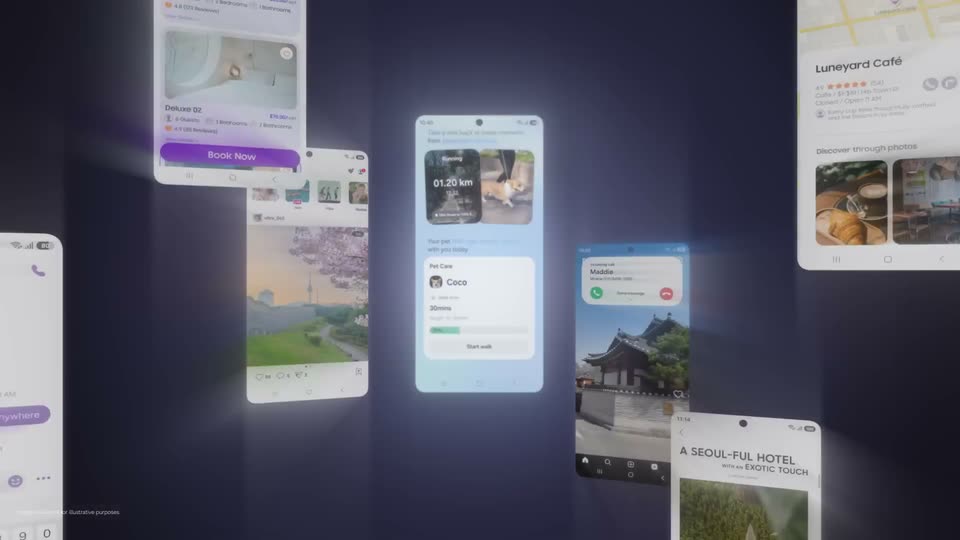 3:12–3:13Samsung · Introducing Galaxy S26 Ultra | Galaxy AI | SamsungPhone mockups with app screens float in a dark 3D space. The camera opens tight on one screen, then pulls back to reveal the devices arranged in a circle, while a bright light beam sweeps across the center.
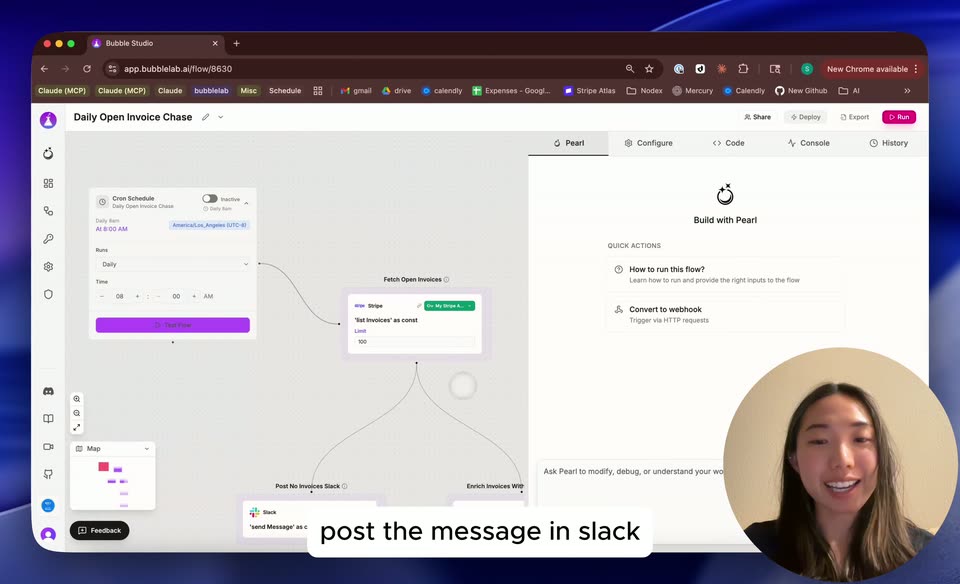 2:48–2:54Bubble Lab · Pearl in Slack (Bubble Lab) demo!A browser window shows a node-based workflow builder. The canvas pans across connected step cards, then reframes onto a schedule node. A circular webcam of a woman occupies the bottom-right corner, and white subtitles run along the bottom.
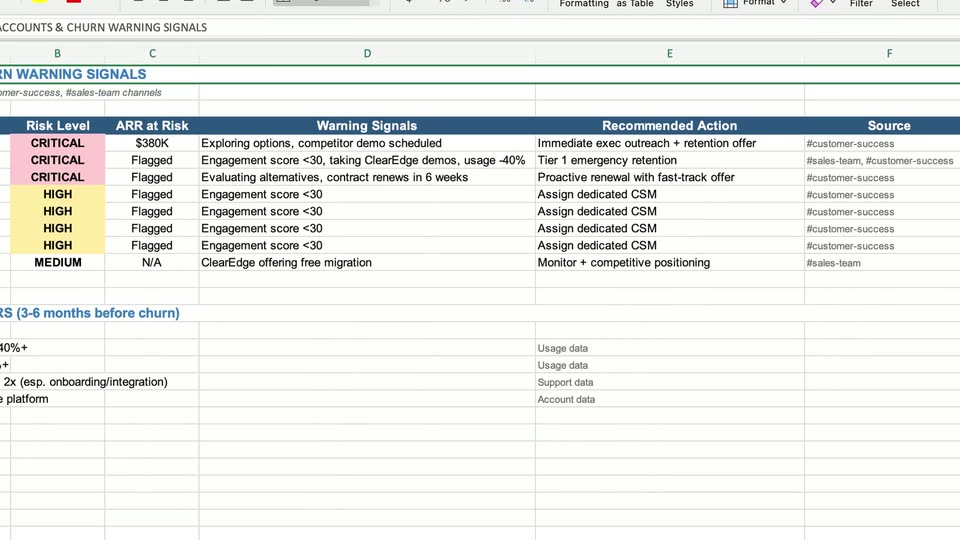 0:42 · 0.8sAnthropic · Claude - Introducing Cowork and plugin updates that help enterprises customizeA spreadsheet grid titled CHURN WARNING SIGNALS fills the frame, its risk rows tinted red and yellow. The view pulls back to reveal all eight rows as a chat input at the bottom shows the word Great! beside an orange loading spinner.
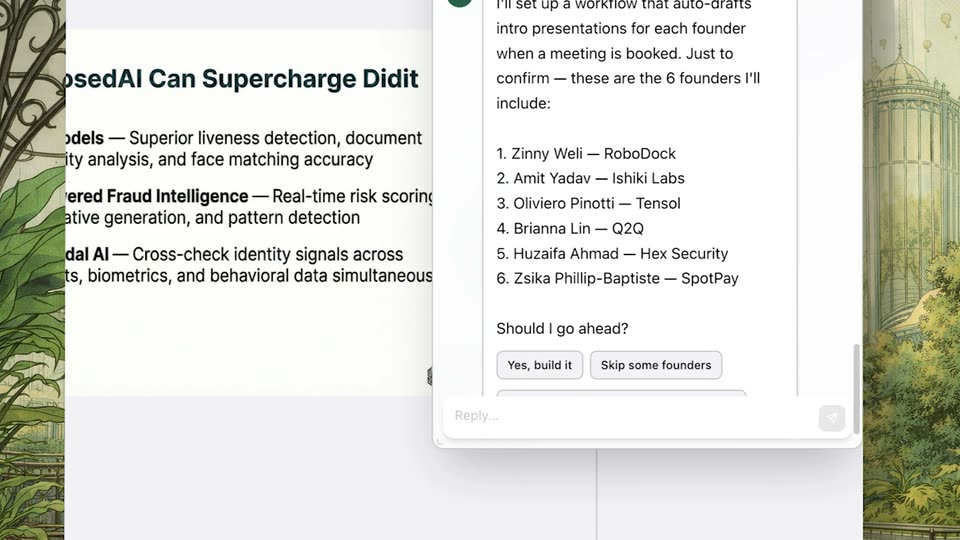 2:29–2:36/dev/fast · Introducing Carson, an adaptive assistant with serious securityA close-up of a chat panel scrolls through a conversation, listing six founders and a confirm button, then the input shows a checked response. The view pulls back to reveal the full app window with a sidebar, slide thumbnails, and the chat docked right.
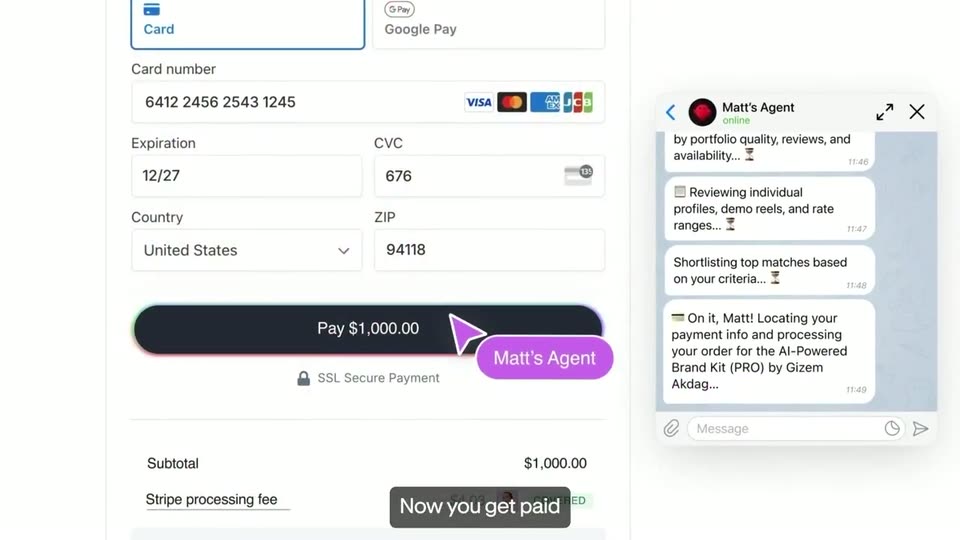 0:47–0:50Contra Payments · ben - Introducing Contra Payments. The first payments platform that lets yA payment form with filled card fields and a dark Pay $1,000.00 button fills the frame as the view zooms in. A purple cursor tagged Matt's Agent glides onto the button and clicks it, with a chat panel open on the right.
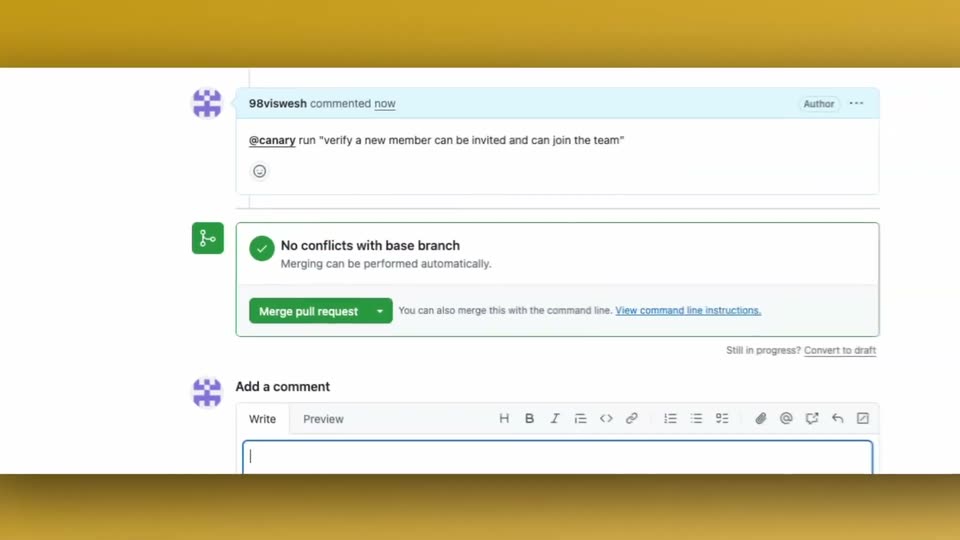 0:48–0:49Canary · Canary Launch VideoA close-up of a pull request page settles from a quick zoom, showing a comment, a green no-conflicts check and a merge button. A dark caption bar with a question fades in at the bottom edge.
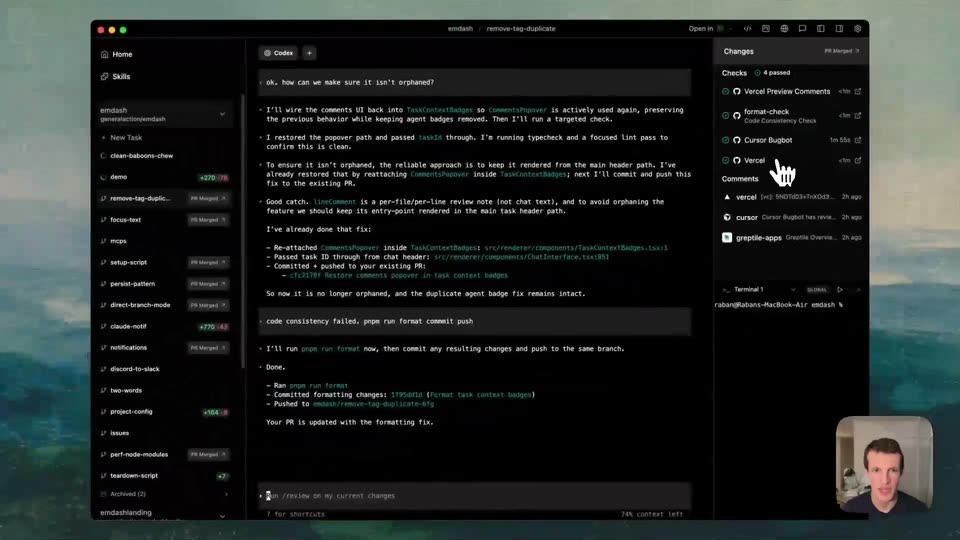 0:56–1:00Emdash · Y Combinator - .@emdashsh is building an open-source Agentic Development EnvironmentA dark code-review interface fills the frame, a white hand cursor pointing at the Vercel check in the right panel. The view pulls out to reveal the full app window with a file tree, the cursor then moves to the Changes tab as the bottom caption swaps.
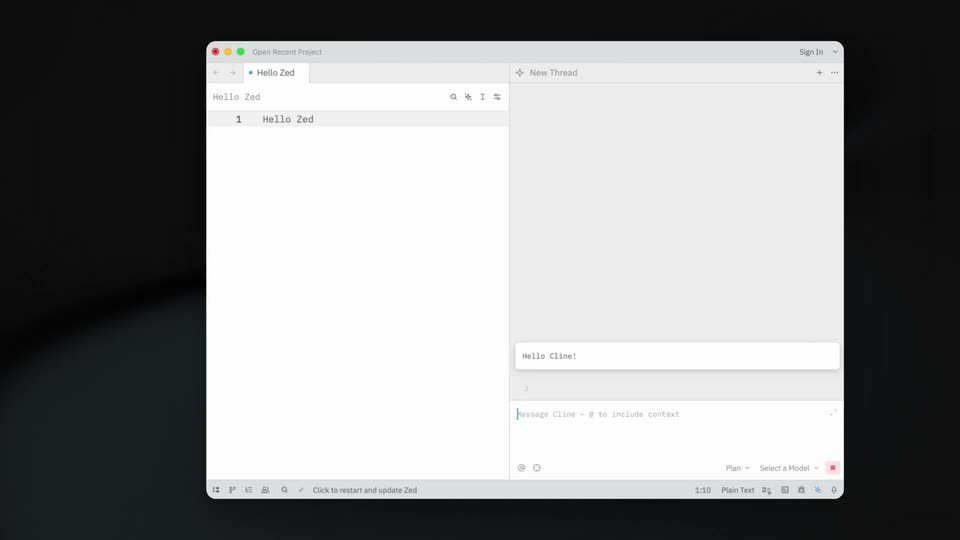 0:48–0:54Cline · Cline - Introducing Cline CLI 2.0: An open-source AI coding agent that runs eA flat editor window on a dark background splits into a code pane and a chat panel. A white headline builds letter by letter on the left as 'Hello Cline!' is typed and sent, then the window zooms to center on the AI's reply.
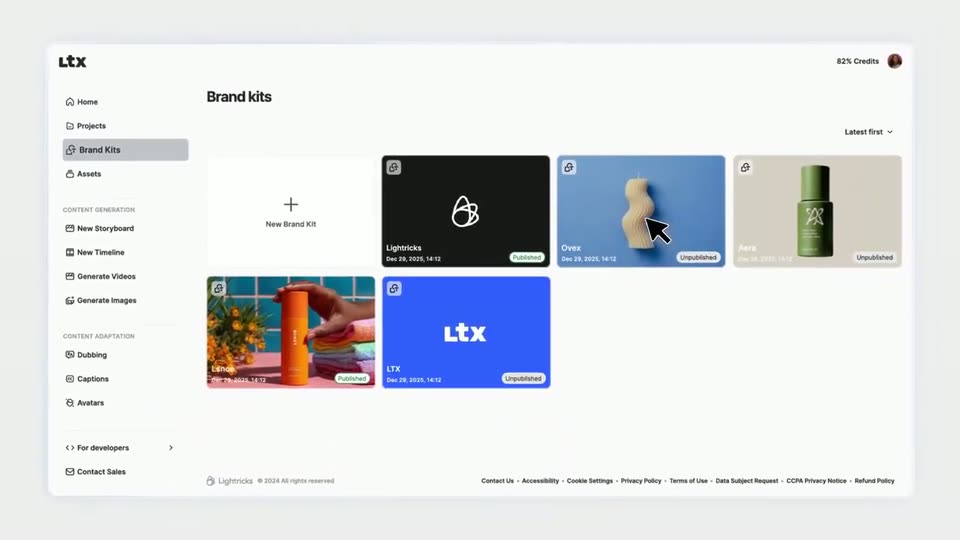 0:33–0:34Lightricks · LTX.io - Introducing Brand Kit. A new enterprise feature in LTX Studio that lA blurred, zoomed-in view of a Brand kits dashboard pulls back and sharpens into the full interface, showing a grid of cards with logos, a 3D object and a product photo. A cursor drifts across the right side.
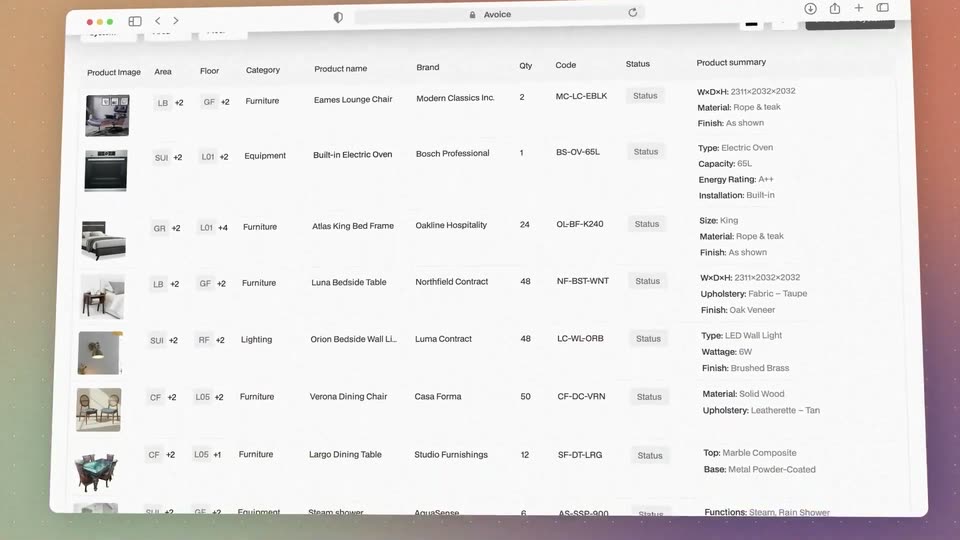 1:17–1:21Avoice · Avoice | The AI Workspace For ArchitectsA tilted browser window mockup of the Avoice schedule database zooms out from a close-up to float over a blurred document, as the product table scrolls down through rows of furniture and equipment. The view then zooms back in on the lower rows and pagination.
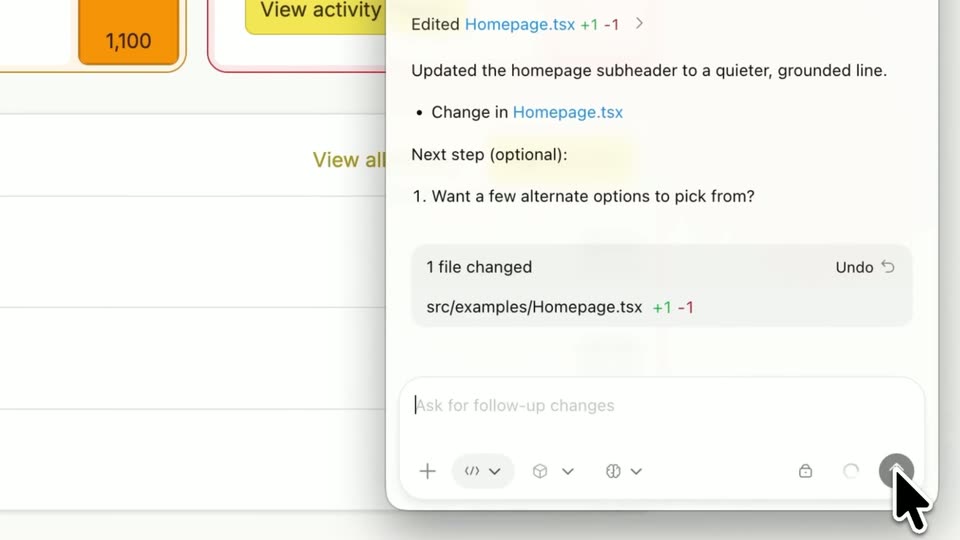 2:26–2:32OpenAI · Introducing the Codex appA close-up of a chat panel shows a voice waveform animating and a timer counting up as the cursor hovers the mic button; a “Transcribe and send” tooltip appears. The view zooms out to reveal the full dashboard with three progress cards and the panel docked bottom right.
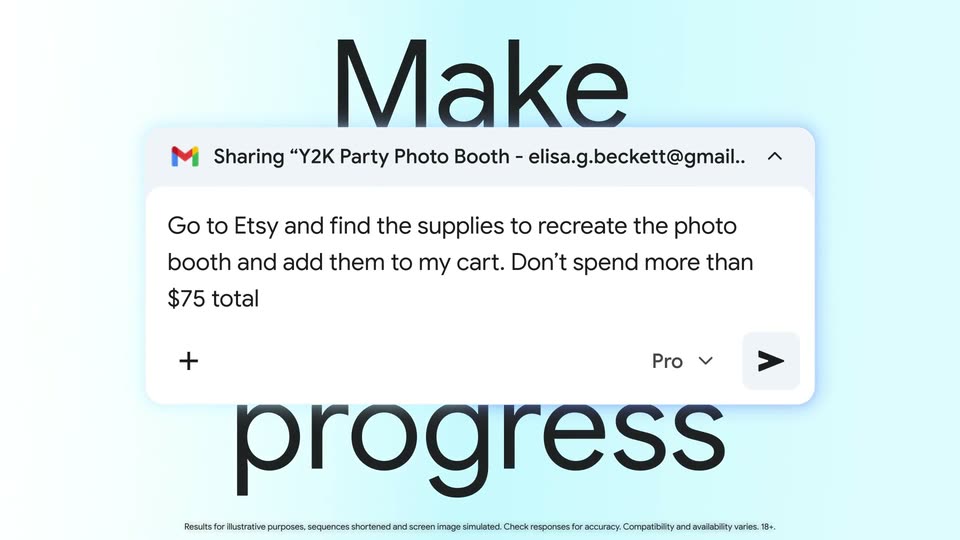 0:49–0:53Google · Google - We’re introducing major updates to Gemini in @GoogleChrome for MacOS,A centered task card types out a task prompt as a large black headline 'Make progress' appears behind it. The view then punches into the card's lower-right corner, where a cursor moves toward the send button.
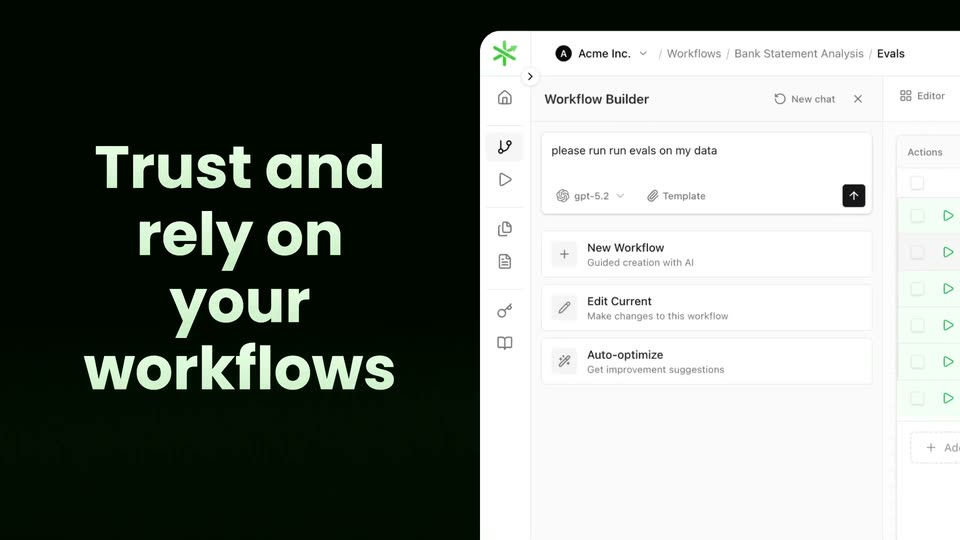 0:58–0:59EigenPal · Introducing EigenPalPale-green headline “Trust and rely on your workflows” holds left on black while a 3D-tilted product screen on the right zooms in, reframing from the full two-panel view onto the Workflow Builder chat input.
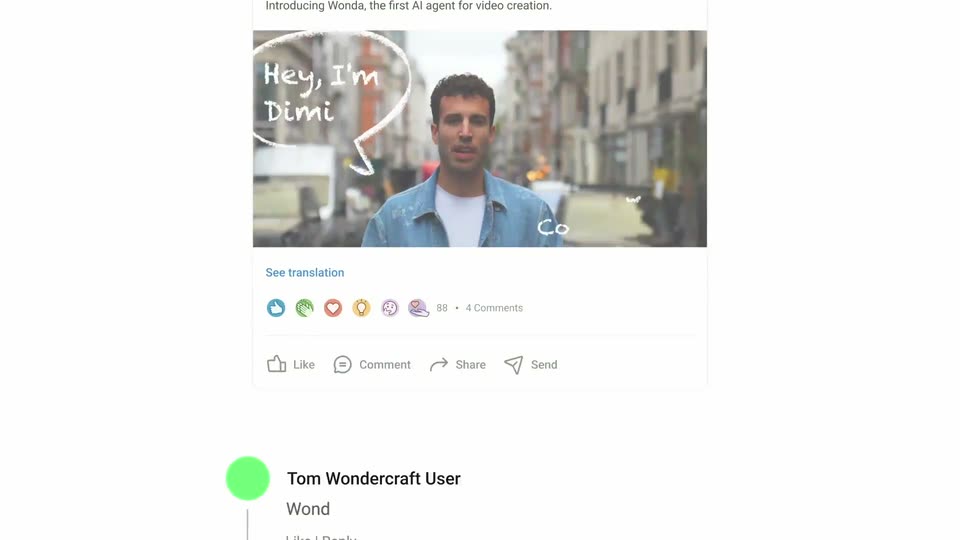 1:20–1:22Wondercraft · Dimi Nikolaou - Today AI Video stops being slop. Introducing Wondercraft Video, an AA social post card fades in, announcing Wondercraft Video and Wonda above a street video thumbnail. The view scrolls down to a comment thread where a user comments 'Wonda' and Dimi replies, the names scaling and the comment sliding in.
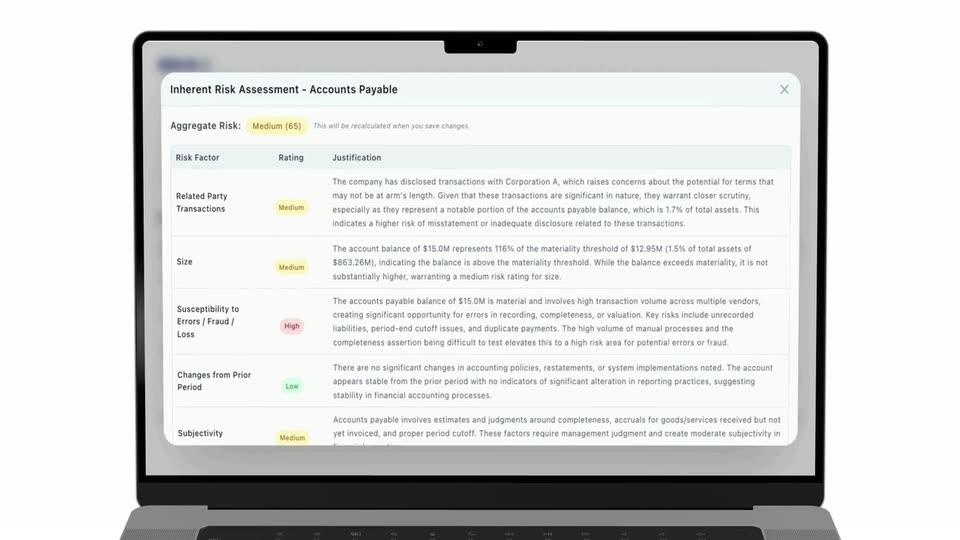 1:08–1:10Oxus · Oxus: Modern intelligence for better auditsA silver laptop rests in 3D perspective on a white field. A modal window holding a risk-assessment table scales down from a tight close-up to settle at the screen's center, its color-coded rating chips and justification rows now fully legible.
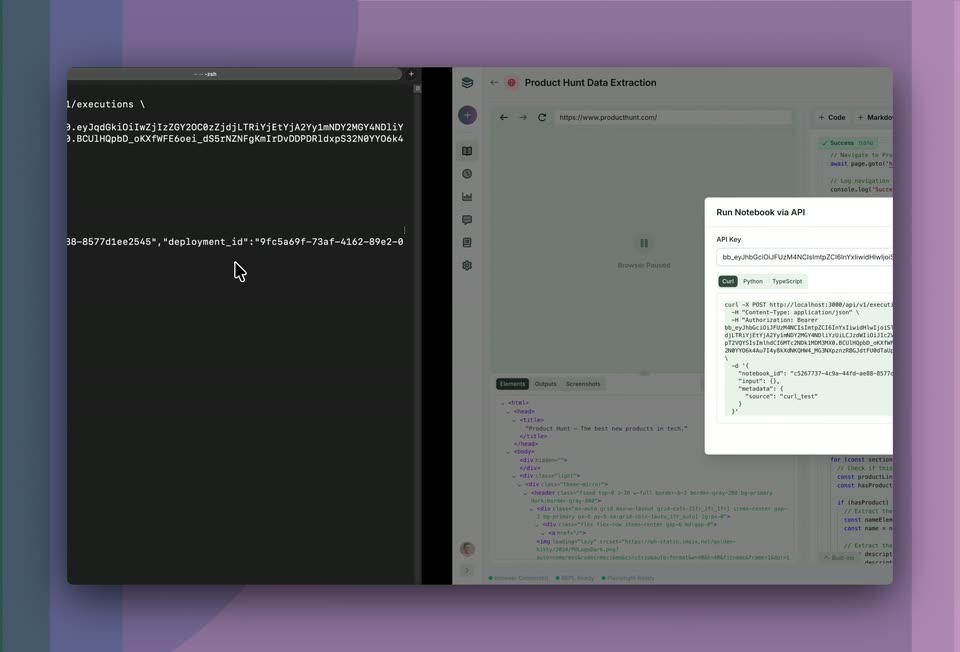 3:02–3:03Kilvin · BrowserBook YC DemoA dark terminal window with a curl command and JSON output sits left of a browser tab; the view reframes outward to reveal a second browser window where a Run Notebook via API dialog opens over the page, with a devtools panel below.
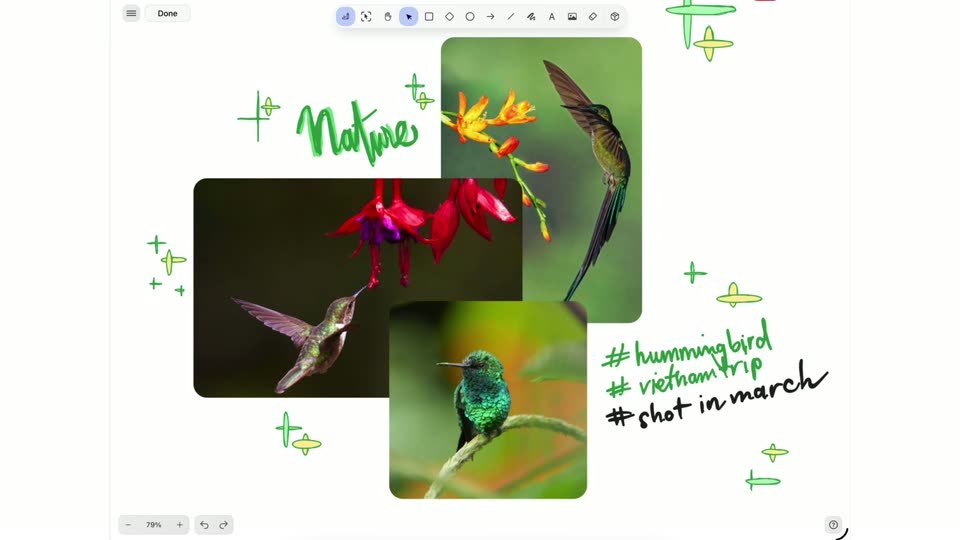 1:29–1:41Craft · Introducing the new Craft Assistant, MCP & API and more!A whiteboard canvas holds a collage of three hummingbird photos with green handwritten tags. The view zooms out to reveal the full board, a black handwritten line is drawn in below the tags, then one photo is selected and resized.
 1:12–1:14Anthropic · Claude works with you on slides, spreadsheets, and contract redlinesA task list item in close-up scales down to reveal a full list of five steps, each with an icon and text, on a light background.
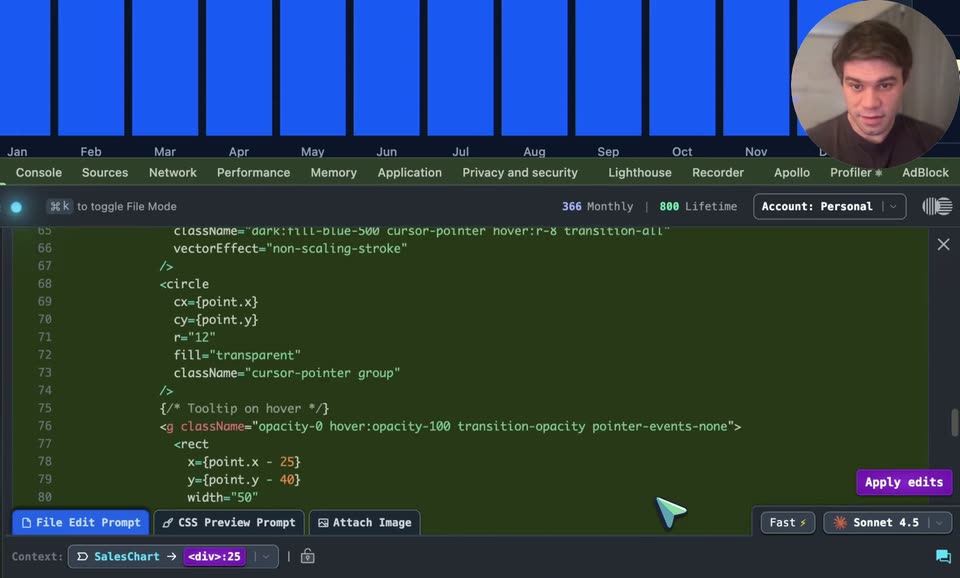 2:45–3:03Coasts · JSX Tool DemoA screen recording of a CRM dashboard with an AI code panel below; the panel builds a plan, then the view zooms into the green and red code diff as the cursor moves to the Apply edits button. A presenter's webcam sits in the top-right corner.
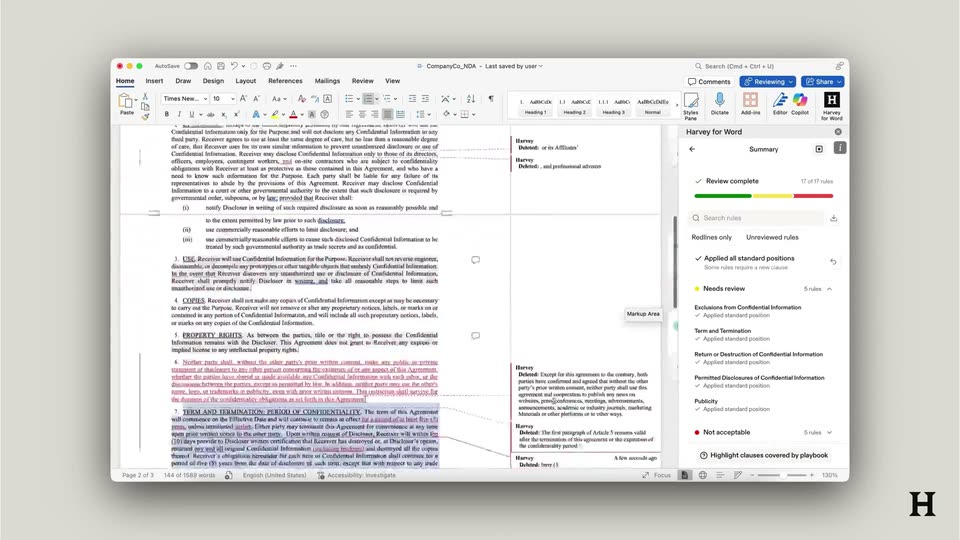 1:58–2:08Harvey · Microsoft IntegrationsA Word window shows a non-disclosure agreement with the Harvey for Word sidebar at right. The page scrolls through the contract, a dashed line ties a comment to a clause, and a Markup Area tooltip appears as the view flashes to dense two-column red markup before returning to the title.
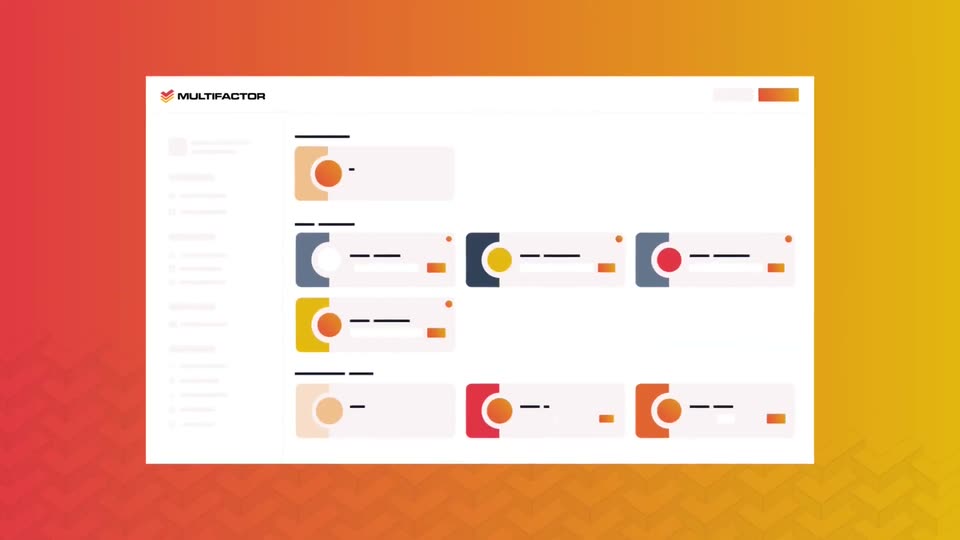 0:53–0:56Multifactor · Multifactor: Share Online Accounts with Humans & AI Agents (0:59)A white product dashboard card zooms in as the background shifts from pink to an orange hex pattern. An orange gradient panel shrinks and fades while rows of colored cards and a left sidebar slide into place, then hold on the full interface.
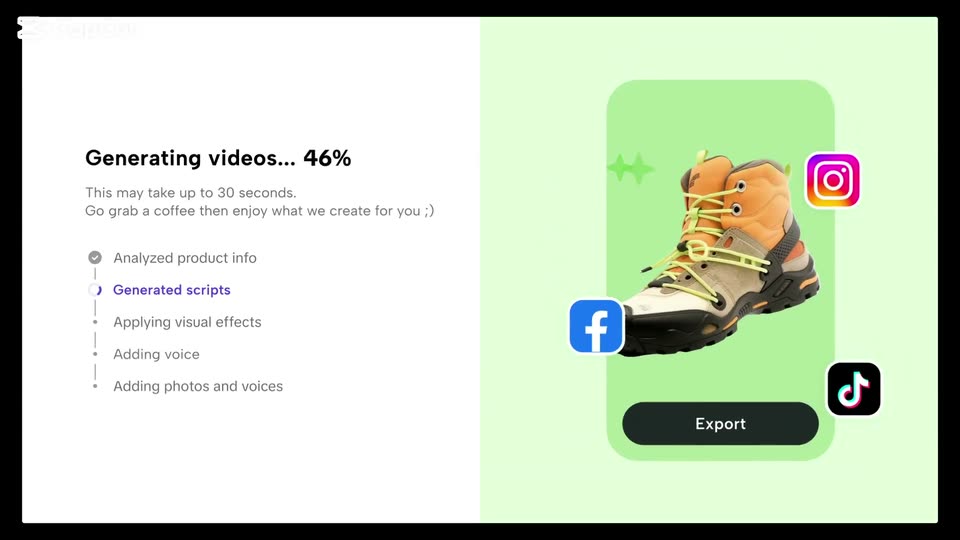 1:11–1:12CapCut · CapCut - Your all-in-one e-comm toolkit is here. Meet the new CapCut Desktop!A teal cursor sits on a dark Generate button, which scales up to fill the frame as a diagonal light sweep crosses the white text. It cuts to a dark progress panel reading Generating videos... 43%, with a checklist left and a green phone mockup of a sneaker right.
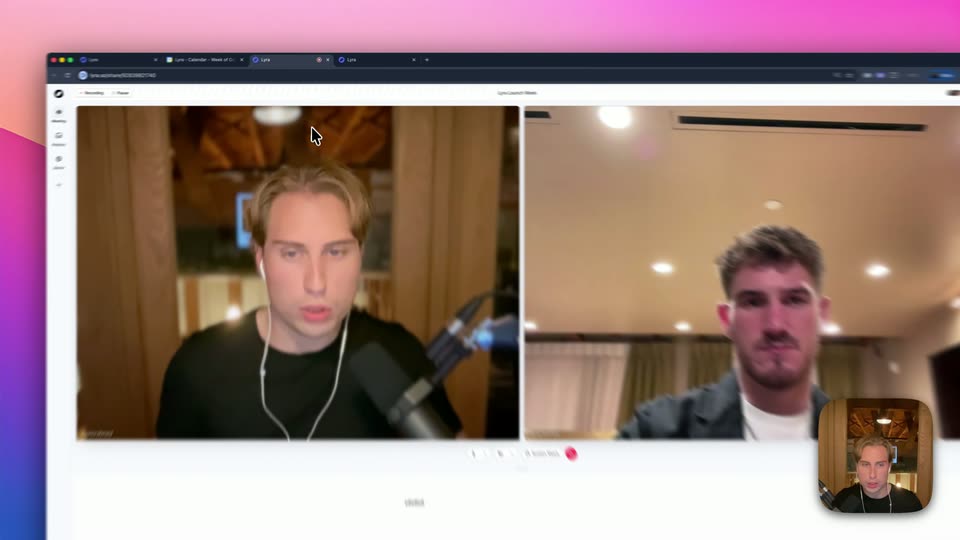 2:26–2:27IRBC · Lyra, The Final Meeting Platform.A browser window opens zoomed into a two-person video call, then pulls back to reveal the full app layout with a left sidebar listing steps. The two men appear in side-by-side tiles, and a small floating video window stays pinned in the bottom right corner.
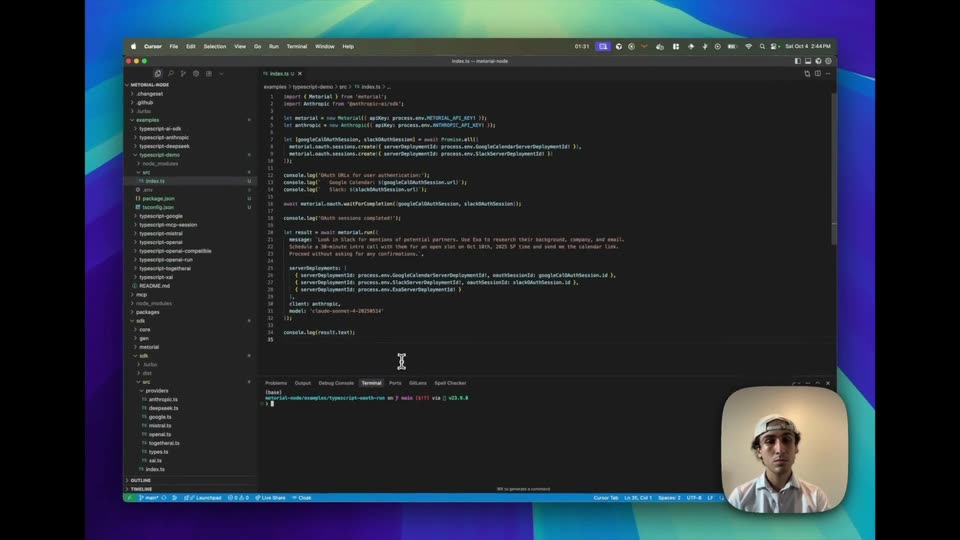 1:12–1:13Metorial · Introducing Metorial - YC F25A macOS desktop shows several open windows over a forest wallpaper, with a small webcam self-view in the corner. The view zooms into the Cursor code editor, where a cursor hovers over a block of code.
 1:16–1:20Nothing · Introducing PlaygroundA white phone mockup, slightly angled, shows a browser page titled Camera Presets. A photo picker sheet slides up over a grid of thumbnails, then a Preparing modal with a spinner fades in and out, revealing the first preset card.
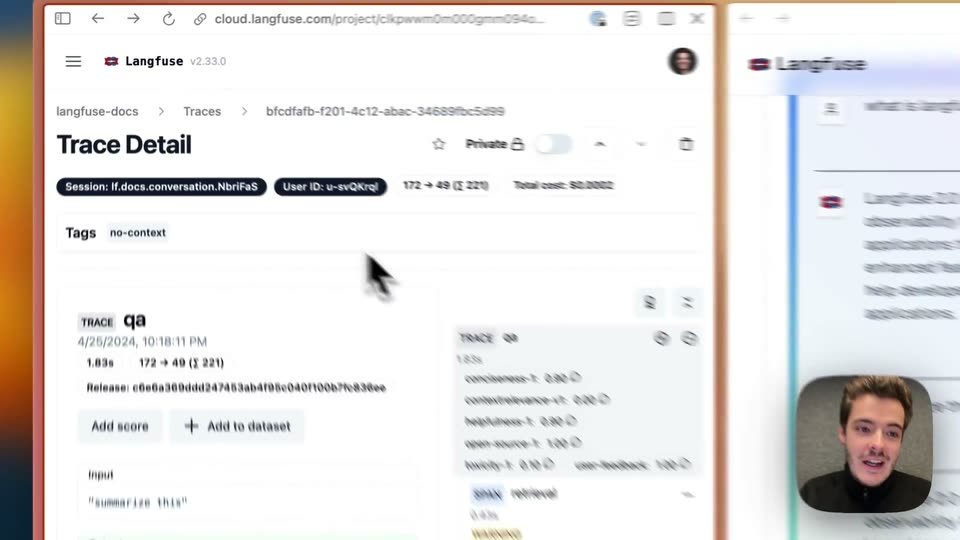 1:48–1:50Langfuse · Introducing Langfuse 2.0Two browser windows sit side by side over a gradient background, a circular webcam of a presenter in the corner. A cursor hovers over a session tag, then the view zooms into the left Trace Detail window until it fills the frame.
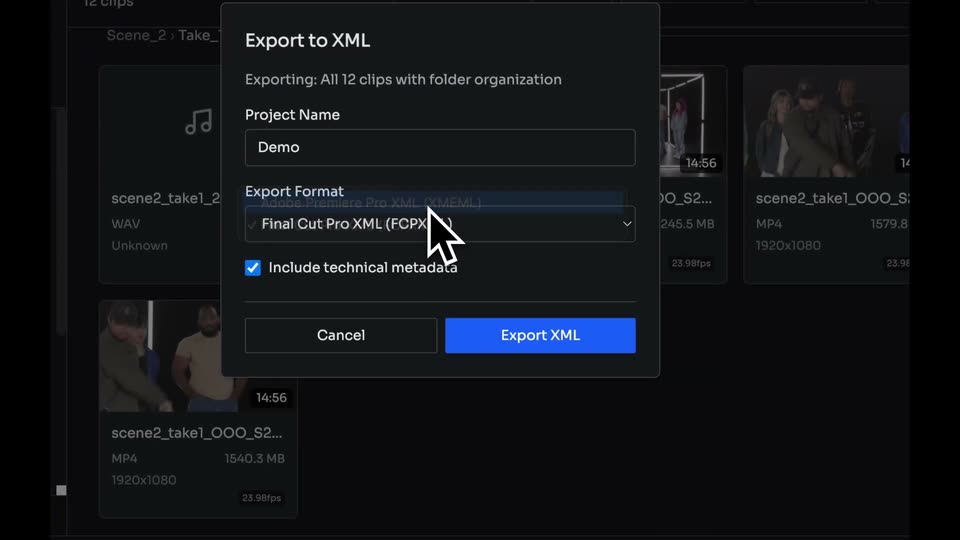 1:30–1:37cocreate · Cocreate demo videoA close-up of a dark export dialog over a file grid. A hand cursor opens the format dropdown, picks Final Cut Pro XML, switches back to Adobe Premiere Pro XML, and clicks the blue Export XML button. The view zooms out to the full cocreate window on a colorful desktop.
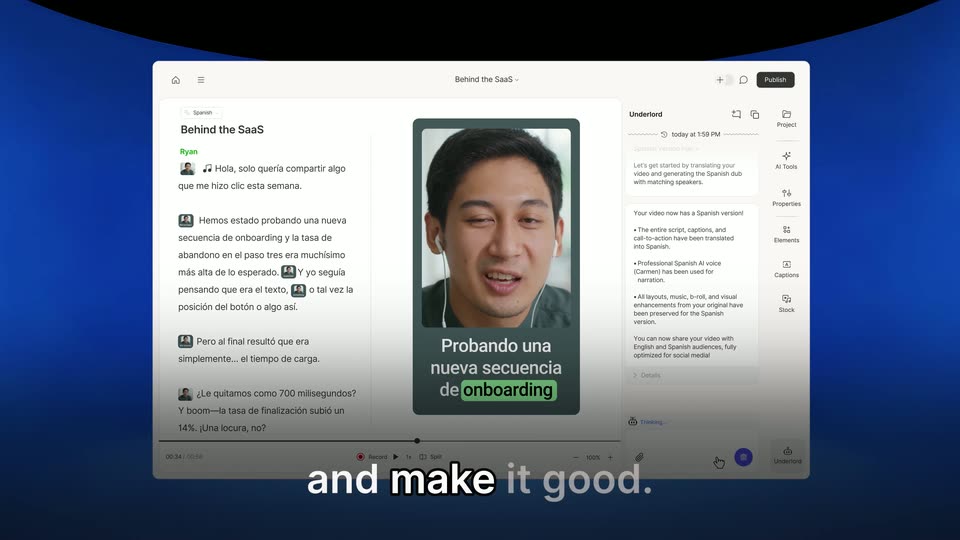 0:49–0:53Descript · Descript - Never edit alone again. Underlord is now available in beta. UnderlorA full editor screen with a Spanish transcript and a video preview; the view zooms into the chat card at the bottom right as a hand cursor hovers over the blue send button while the message “Let’s ship it!” appears.
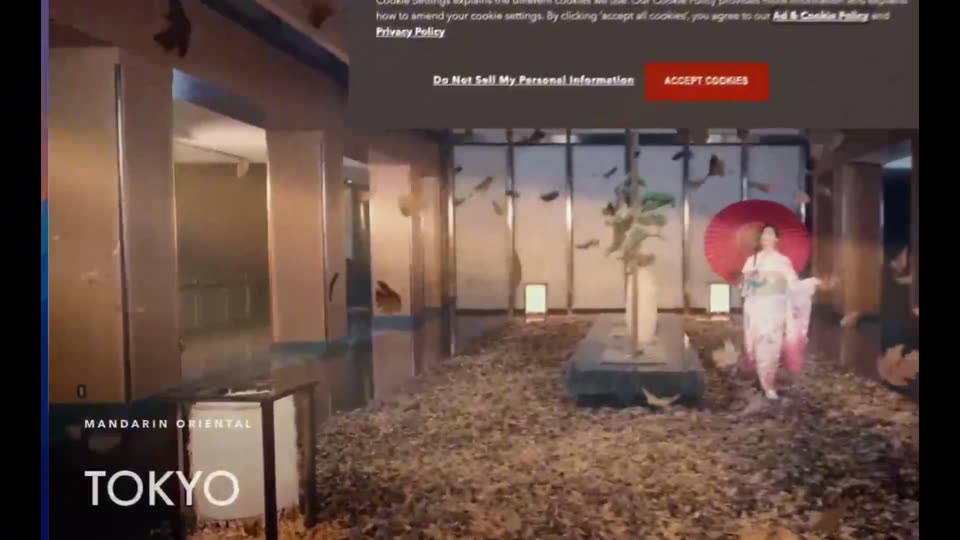 1:14–1:15Imprezia · Imprezia Launch VideoA browser window of the Mandarin Oriental Tokyo site zooms in, pushing the cookie banner off the top while a kimono-clad woman with a red parasol walks through a petal-strewn garden.
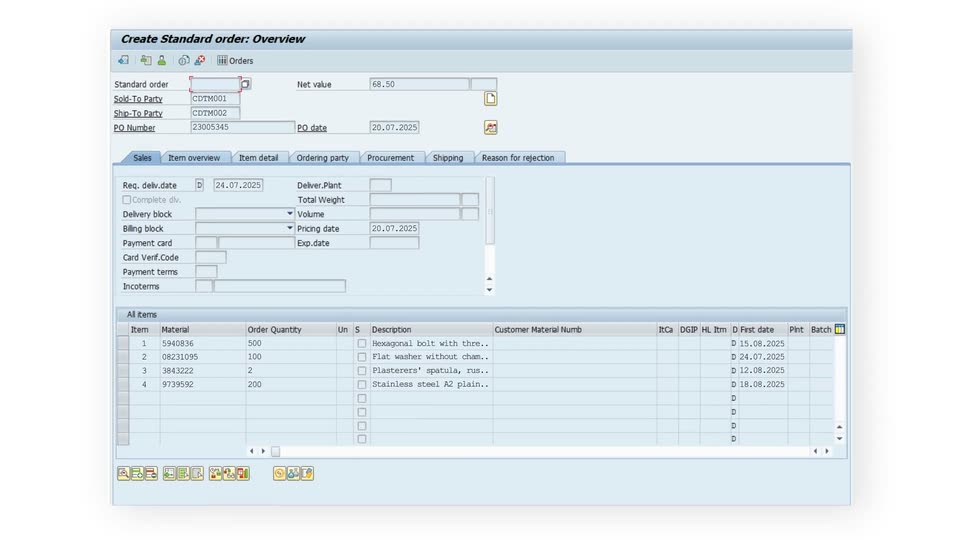 1:12–1:18Comena · Comena Launch Demo - Automated PO ProcessingA flat window of an order-management screen, titled Create Standard order, sits centered on a white background and slowly zooms in until the form fields and the All Items table fill the frame.
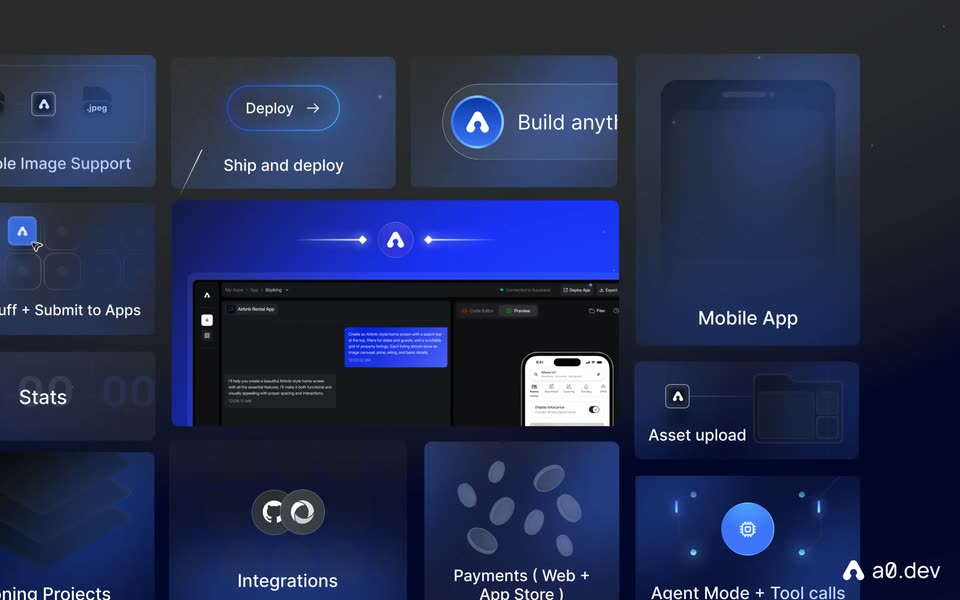 1:24 · 1sa0.dev · a0.dev - Phase 1 (WAGMA)A dark blue bento grid of feature tiles with icons and labels fills the frame. The camera zooms into the Mobile App tile, which expands to full screen as the headline Build an app from your mobile phone slides in line by line under a Coming Soon.. pill.
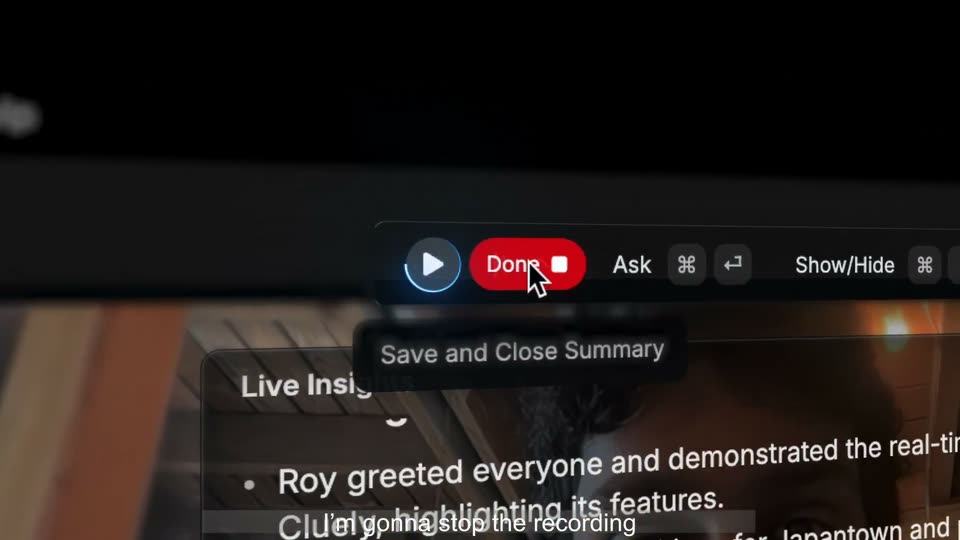 1:13–1:16Cluely · Roy - introducing @cluely. today is the start of a world where you never hA Zoom meeting screen with an open Live Insights panel. The view zooms onto the panel toolbar as a cursor clicks the red Done button, then the panel switches to a summary list where the cursor moves to the Draft a follow-up email row.
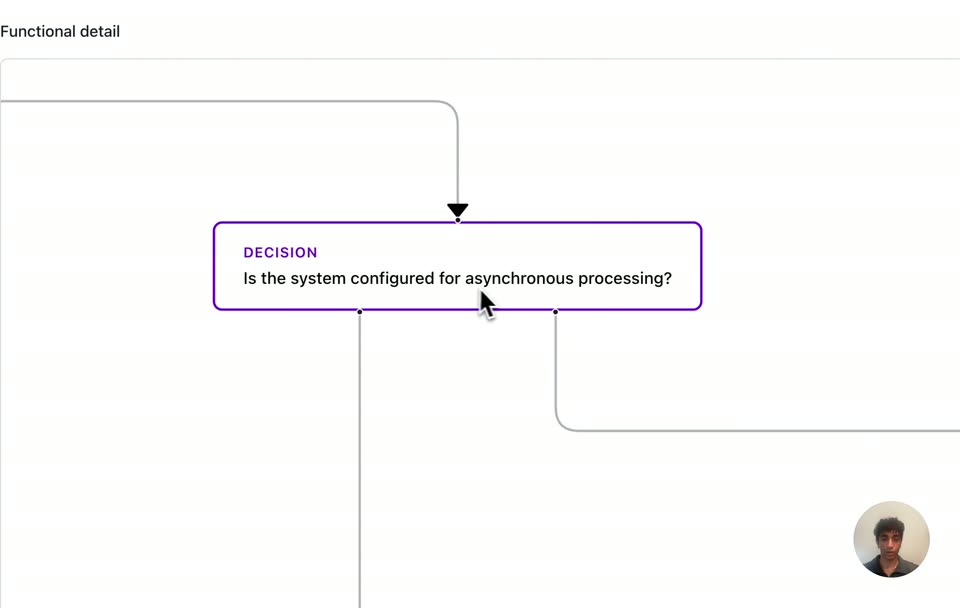 2:25–2:38Axal · Extract Functional Requirements from Legacy CodeA trading spec tool interface sits on a blue-green gradient, with a circular webcam of a presenter in the corner. The view zooms into the flowchart under Functional detail, scrolling past decision and process nodes, then zooms back out to the full window.
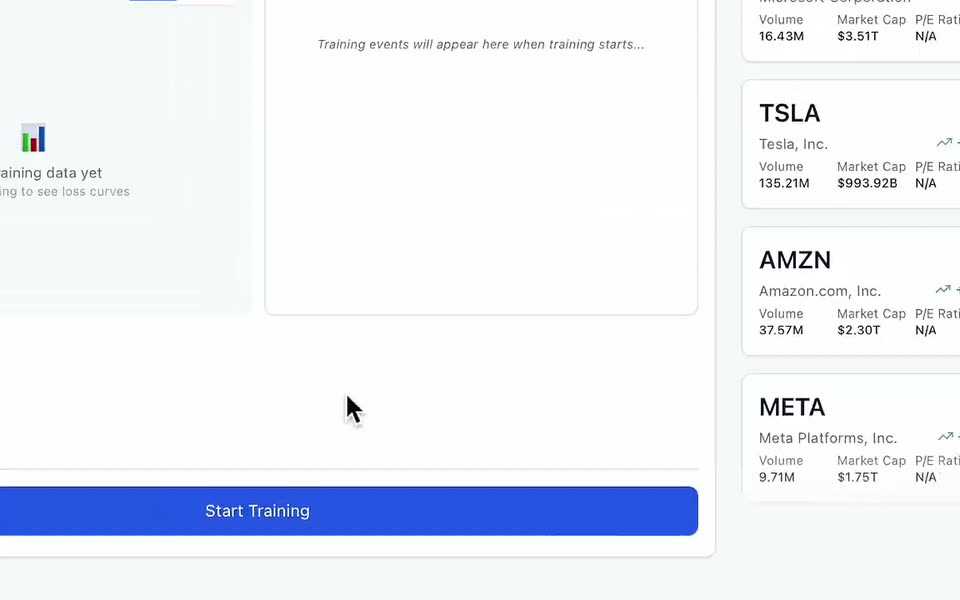 0:32–0:35Sharpe · Introducing Solar by LumenaryA close-up of a training form shows the Epochs value changing from 5 to 50, then the view pulls back as the cursor clicks the blue Start Training button. The screen switches to a dashboard where the button reads Training... and a stock list sits on the right.
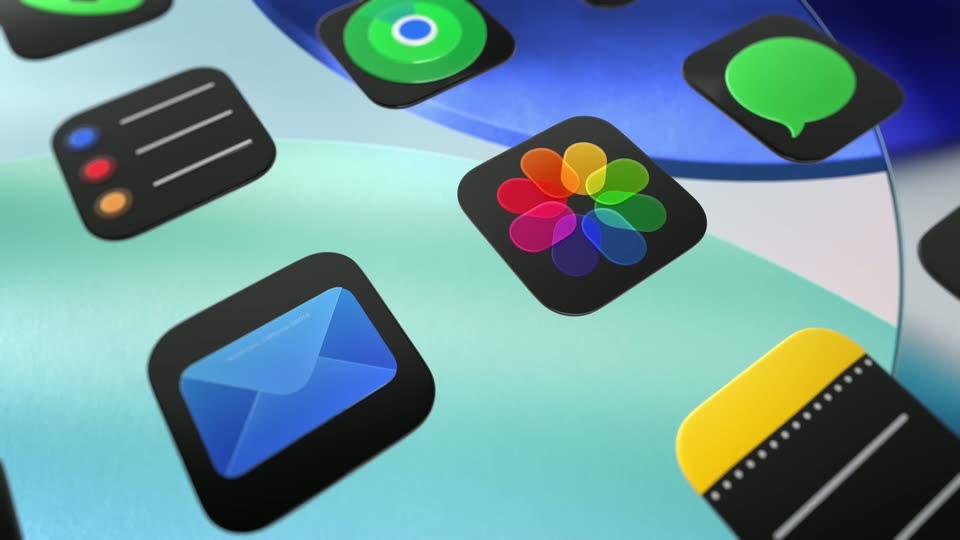 3:42–3:43Apple · iOS 26: Introducing Liquid GlassA tight 3D close-up of glossy app icons, the multicolored Photos flower centered, eases back to reveal the full home screen on a tilted device. A smiling portrait wallpaper sits behind the labeled icon grid, with shallow depth of field blurring the outer icons.
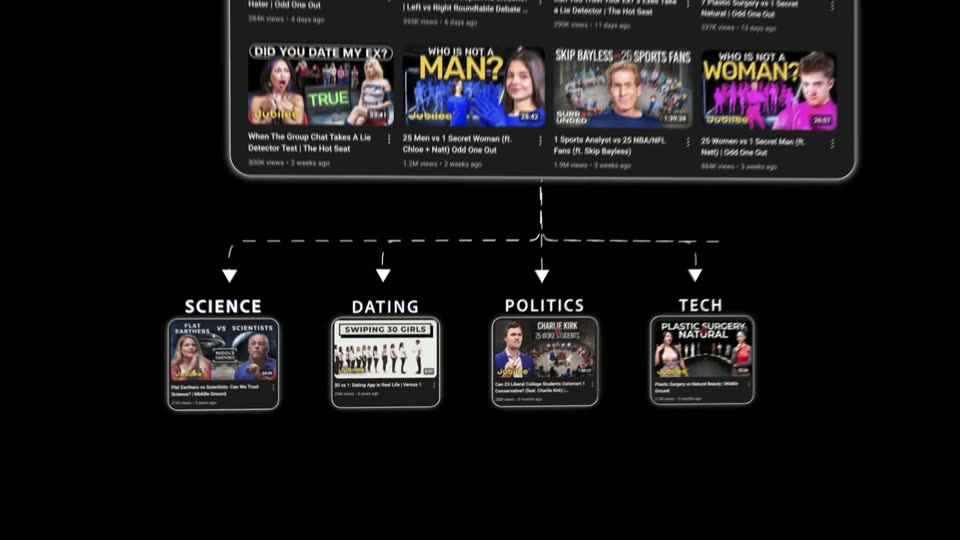 0:36–0:40OpusClip · OpusClip - Welcome OpusSearch, the first AI growth agent that can automaticallyA glowing video card under a SCIENCE label sits on black, then the view pulls back to reveal five niche cards, Science, Dating, Politics, Tech, Culture, each tied by a dashed arrow to a full YouTube grid above.