UI zoom
A zoom or reframe onto one part of the interface.
9,898 scenes · page 158 of 165
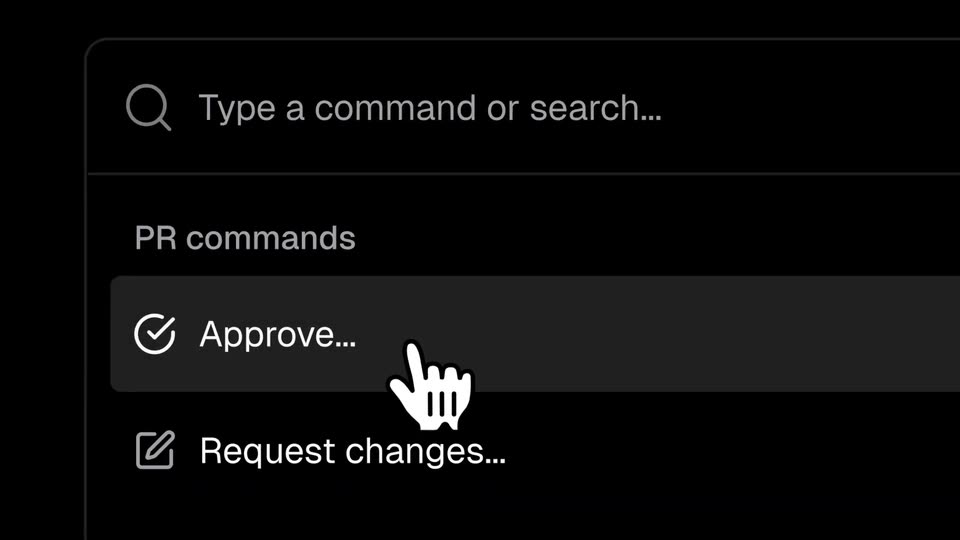 0:55–0:57cubic · Introducing cubic.devA dark command palette over a code review screen zooms in and expands to list more PR commands. A white hand cursor hovers over the Merge row, then the screen fades to black, leaving a small gray arc logo centered.
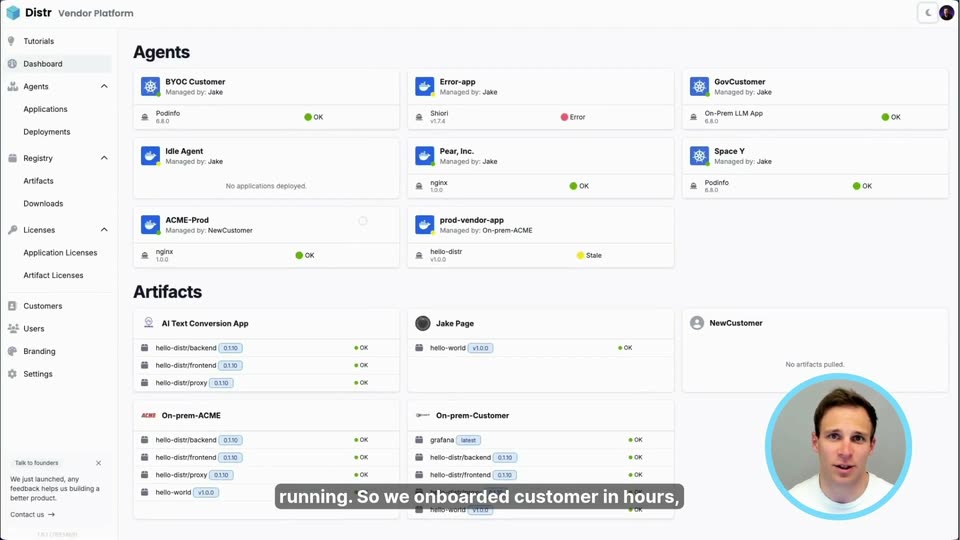 2:30–2:35Glasskube · Distr DemoThe Distr vendor dashboard shows Agents and Artifacts card grids with green OK dots. The view zooms into the center cards and back out. A circular face cam of a man in a white shirt sits bottom right; white captions on a dark bar run along the bottom.
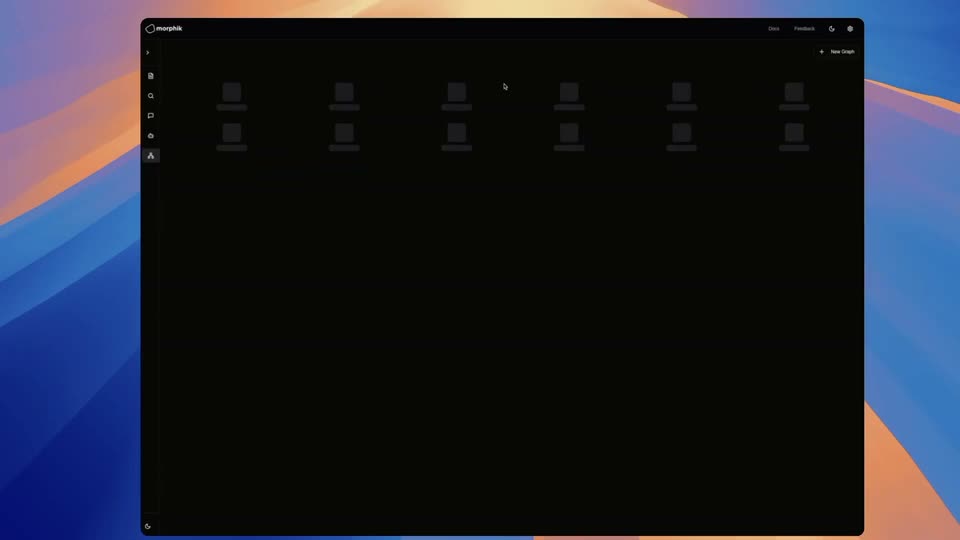 0:47–0:48Morphik · Morphik Launch DemoA dark interface window fills the frame, showing a left icon rail and a top band of gray placeholder blocks. The camera pulls back to reveal the full rounded window floating on a blue and orange gradient desktop.
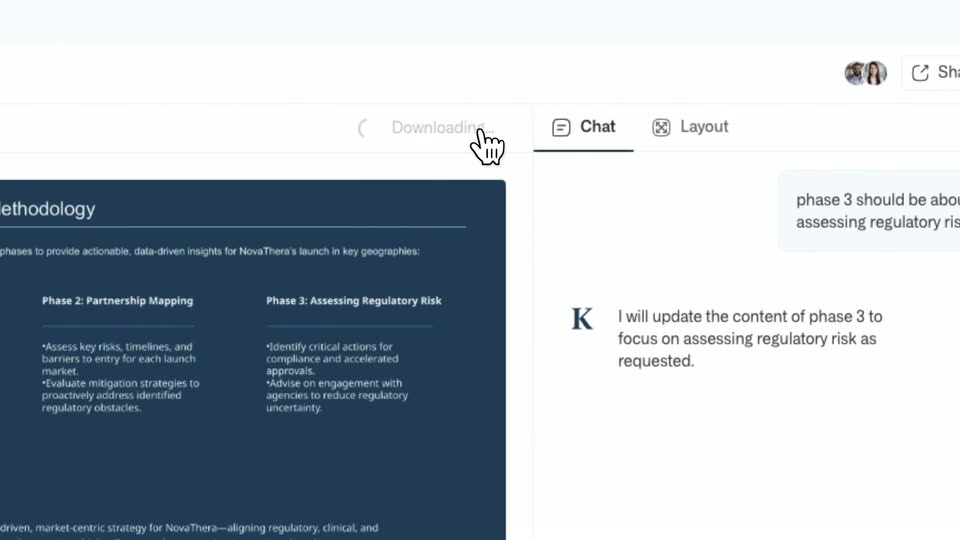 0:46–0:50Kenley · Introducing Kenley WorkStreamsSplit view of a presentation editor: a dark slide lists three launch phases beside a chat panel showing a request and a reply. The cursor clicks the download icon in the top bar; the label becomes Downloading with a spinner as the camera zooms in.
 0:51–0:52Dropbox Dash · Dropbox Dash: Search videos, images, and create content fastA dark notification toast with a checkmark icon and white text zooms out from a large close-up on the right to a small centered element.
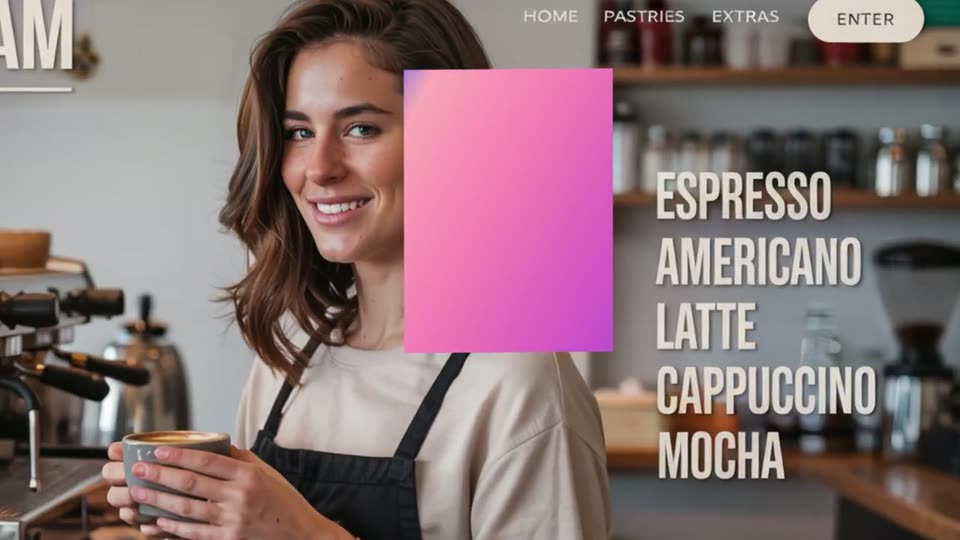 1:21–1:27Ideogram · Ideogram - Meet Ideogram 3.0 — stunning realism, creative designs, and consistenA Magic Fill toolbar overlays a coffee shop photo; the cursor selects the rectangle tool and drags a pink box over the barista's shoulder. The box fills with a pink gradient, a cat appears on her shoulder, and the frame zooms out to a card on gray.
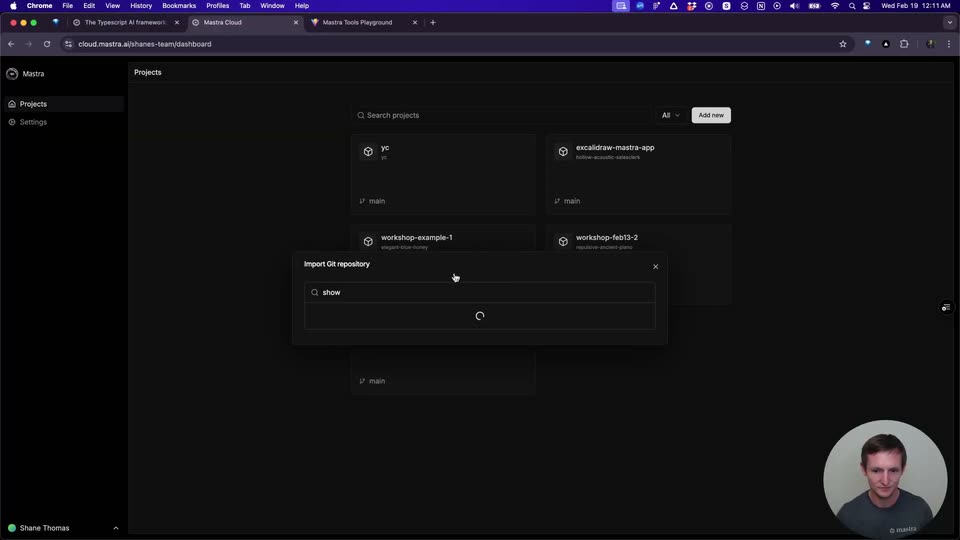 3:07–3:12Mastra · Mastra Demo - The Typescript AI Agent Framework (2024)A dark Mastra projects dashboard shows a grid of repository cards. A cursor clicks Add new, opening an Import Git repository modal, and types show into the search field until one result appears. A circular webcam of a man sits in the corner as the view zooms in.
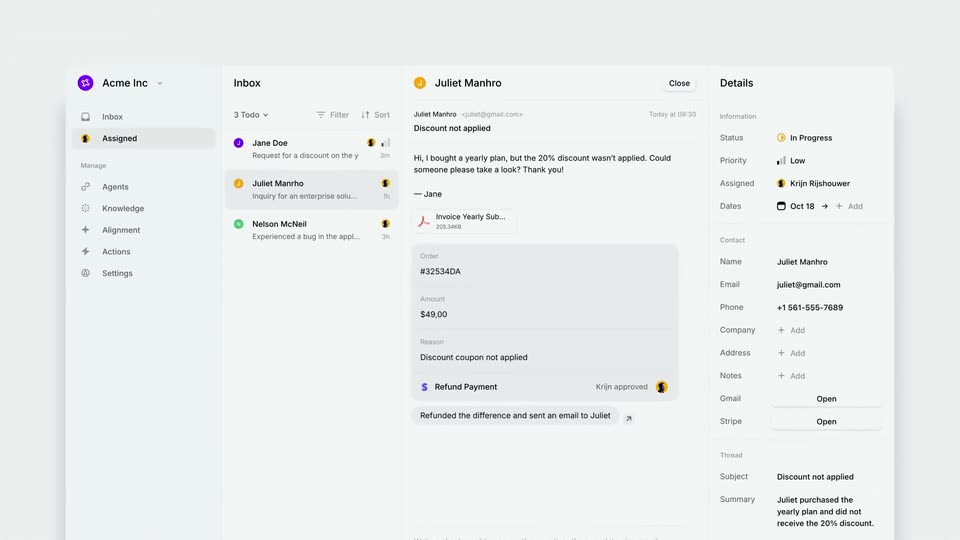 1:02–1:08Input Systems · Input - Meet Lemni. Set up Ai agents for all your customer interactions, in jA refund card is centered on a light gray field, its approval label popping in large then settling into place, while a status pill types out the agent's action. The view then pulls back to reveal the full three-column inbox interface, which darkens at the end.
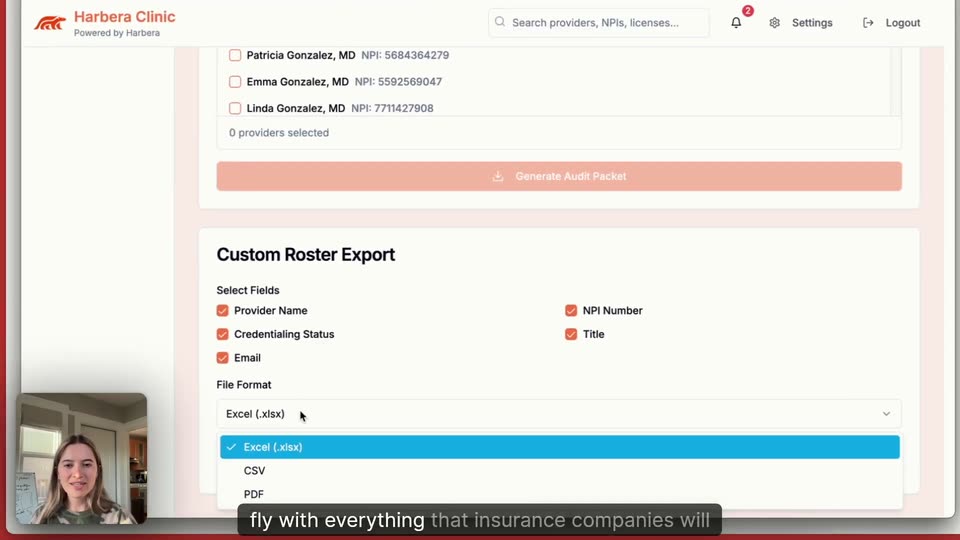 1:42–1:53Harbera · Launch YC: HarberaA browser window on an orange background shows the Harbera reports page. The view zooms into the Custom Roster Export panel while a cursor checks field boxes and opens the format dropdown, then clicks Generate Roster Export to open a save dialog. A presenter's webcam sits in the corner.
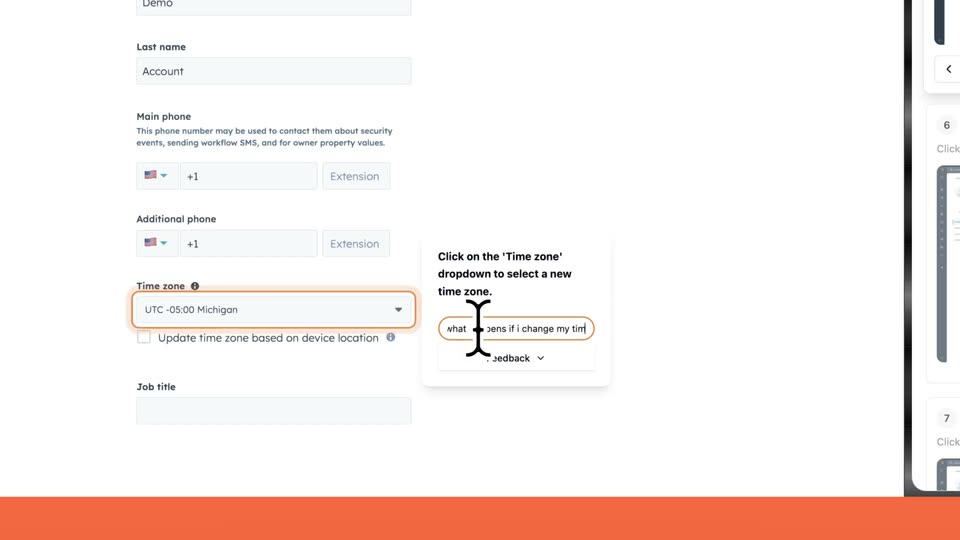 0:49–1:20SAMMY Labs · SAMMY Labs - Product TourA laptop and phone mockup sit in 3D on an orange field as the screen opens a user profile; the view zooms into the time zone dropdown while a cursor types a question into the assistant box, which then answers.
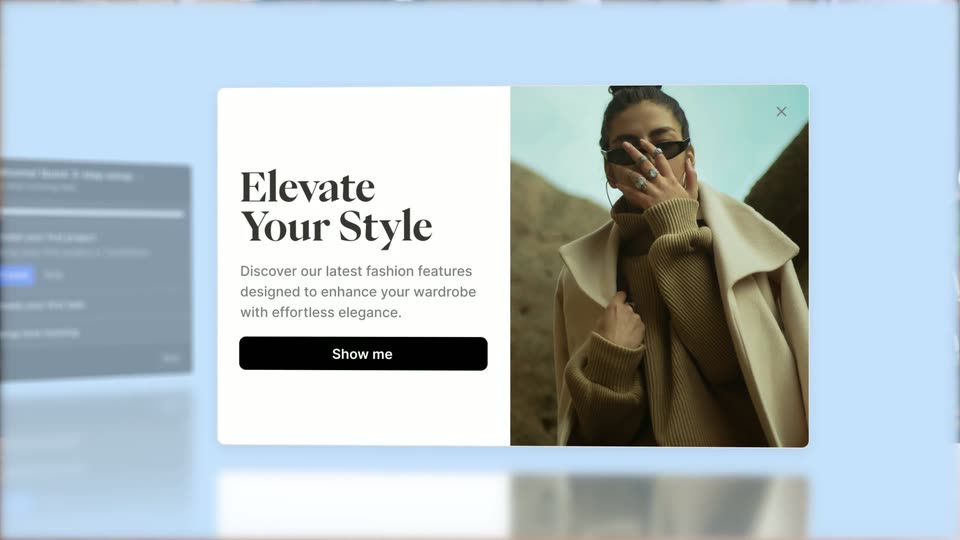 2:36–2:37Amplitude · Amplitude Guide and Survey OverviewTwo UI cards float in 3D perspective over a soft blue gradient, a dark setup panel on the left and a white fashion card with a model photo on the right. The camera pushes in, sharpening focus on the central card as the left panel blurs.
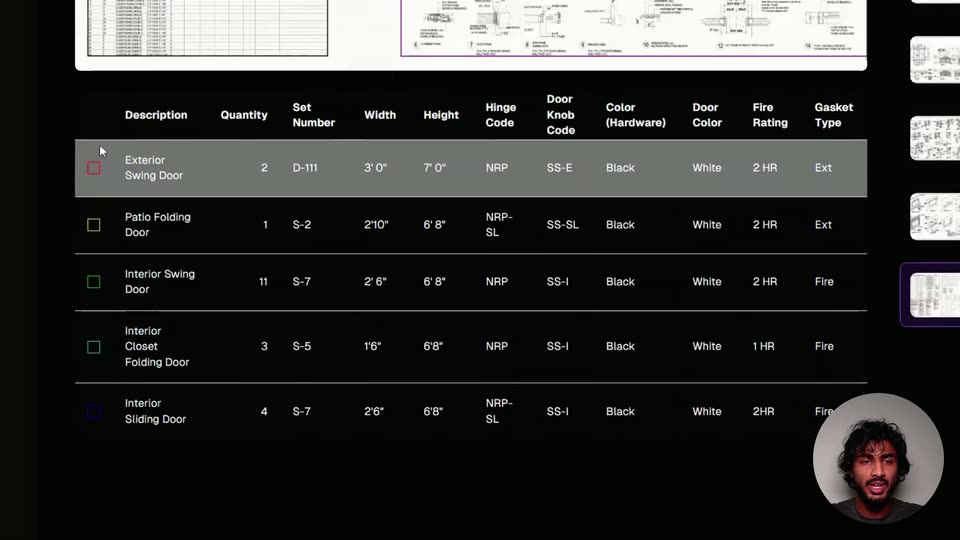 1:13–1:15Bild AI · Read Blueprints Using Bild AIA dark document viewer shows architectural drawings beside a vertical page navigator with labeled thumbnails. The view zooms into a door schedule table, reframing row by row until one highlighted row fills the screen.
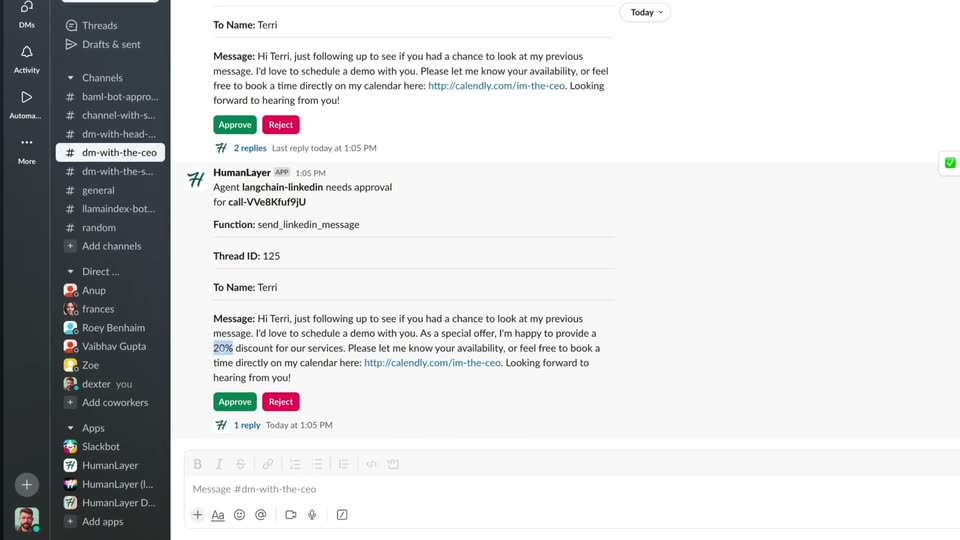 2:23–2:31HumanLayer · HumanLayer Deep DiveA Slack-style DM thread zooms in from a full browser window to a close-up of the messages. A new line with a 20% discount appears and is underlined, then a cursor clicks Reject and a spinner spins as the reply count updates, while a black countdown badge ticks down.
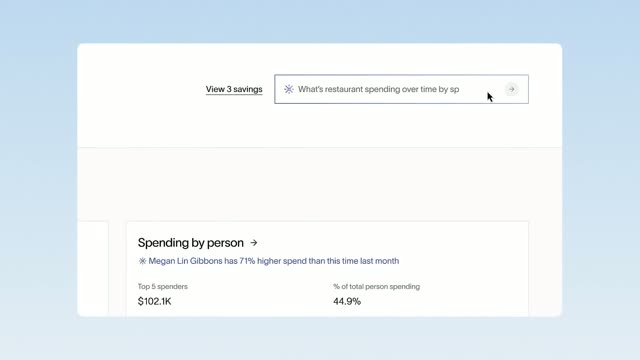 2:18–2:22Ramp · Meet Ramp: A smart finance operations platform that saves you time and moneyA flat reporting dashboard with a line chart and spender list fills the frame, then the view zooms to the top question bar. A cursor types a question into the field and moves to the send arrow.
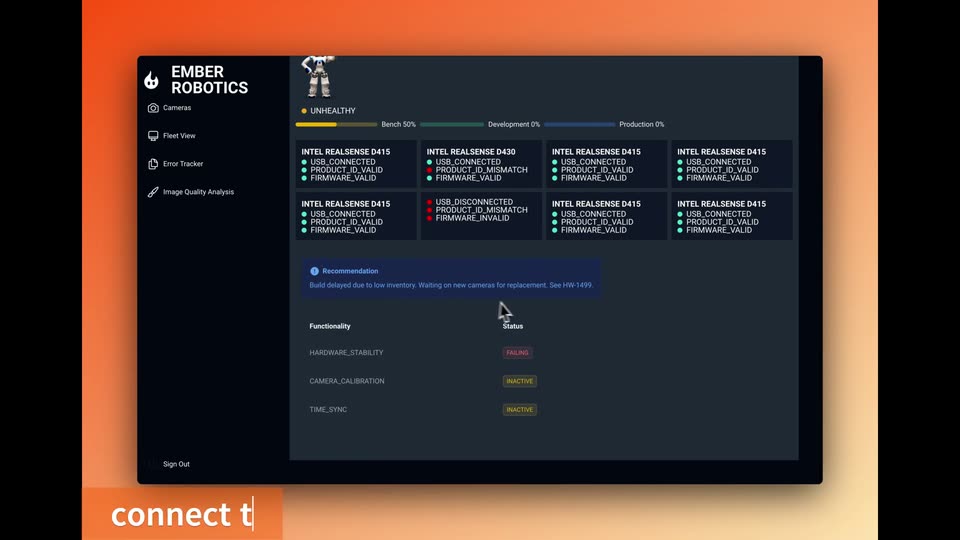 0:47–0:54Ember Robotics · 🔥 Introducing Ember Assistant 🔥- Robotics Camera System Assistant!A dark robotics dashboard on a tablet mockup floats over an orange gradient; a cursor clicks the sidebar and wanders the status grid while a typewriter caption types 'track deployment readiness', then the view zooms into the recommendation row and the caption resets to 'connect to tickets'.
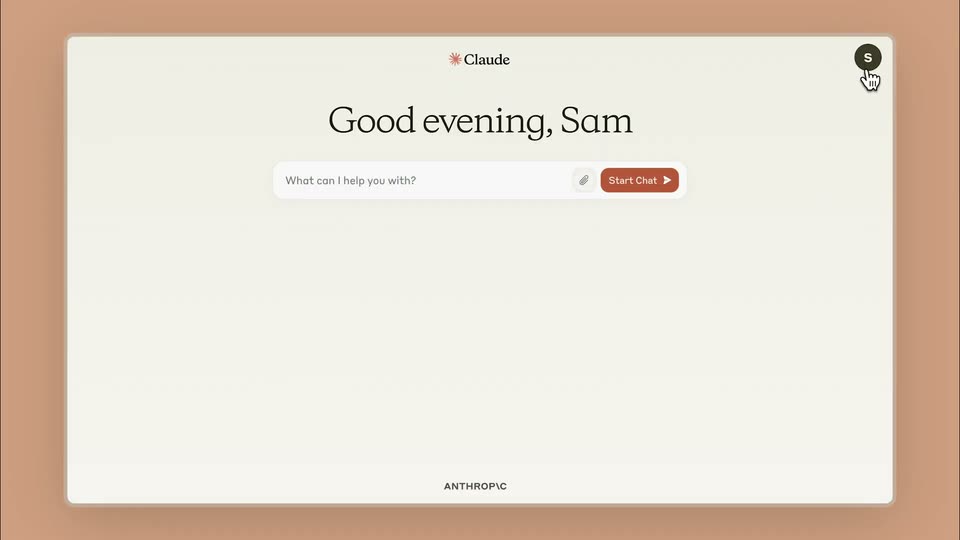 1:14–1:16Anthropic · Claude 3.5 Sonnet for sparking creativityA cream Claude web interface shows a greeting and a chat input bar. A cursor moves up and clicks the user avatar in the top right, opening an account dropdown menu as the view zooms in on the menu.
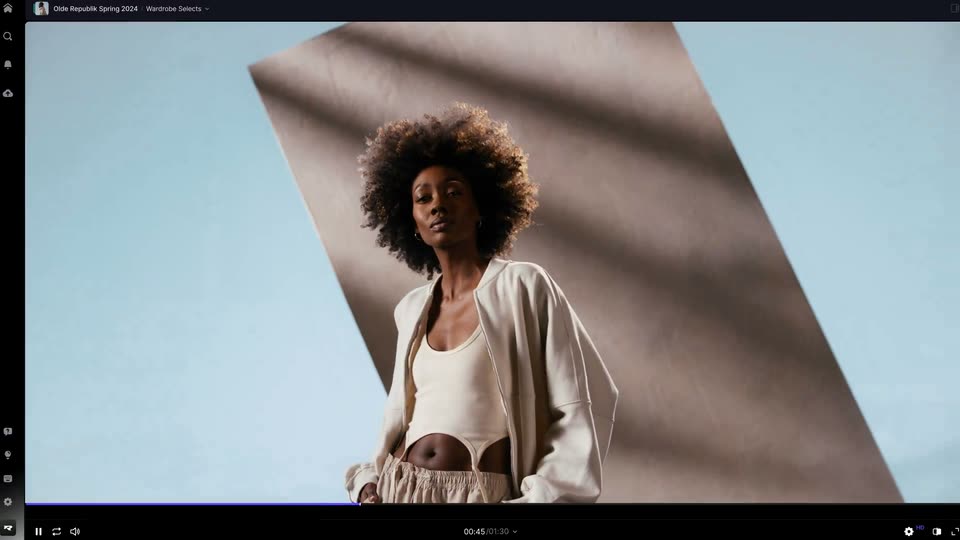 0:46–0:47Frame.io · Frame.io - It's here. The all-new Version 4. Now in beta.A fashion clip of a woman in a cream cardigan against a beige wall and blue sky scales down to reveal it playing inside a dark video editor, with a tool rail on the left and a timeline below.
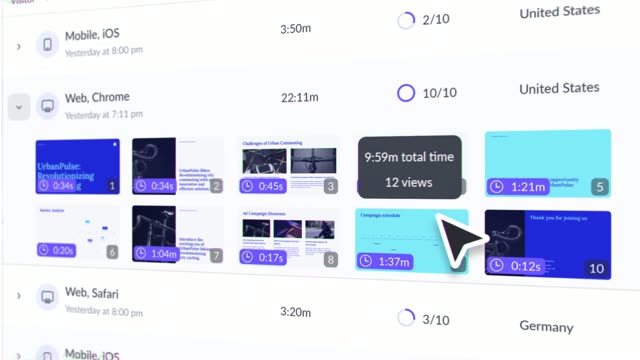 1:11–1:13Pitch · Introducing Pitch 2.0A cursor moves across a visitor analytics list and hovers a slide thumbnail, raising a dark tooltip showing 9:59m total time and 12 views. The view then zooms out to the full table, tilted in 3D perspective against a blurred background.
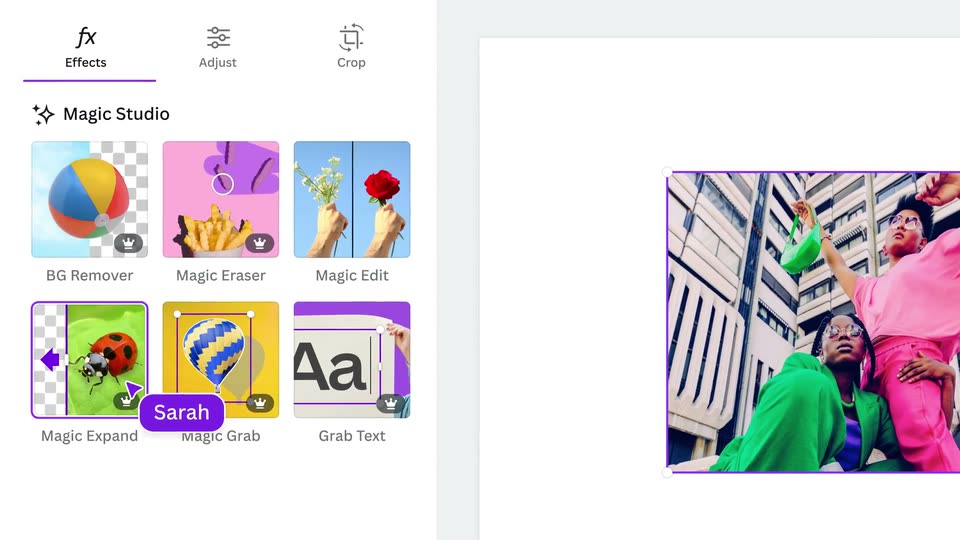 1:06–1:08Canva · Canva - Meet Magic Studio. Supercharge your workflow with all the power of AIA close-up of the Canva editor shows a cursor labeled Sarah clicking the Magic Expand tile. The panel switches to the Expand tab with size options, and the photo of two people on the right grows to fill a wider frame.
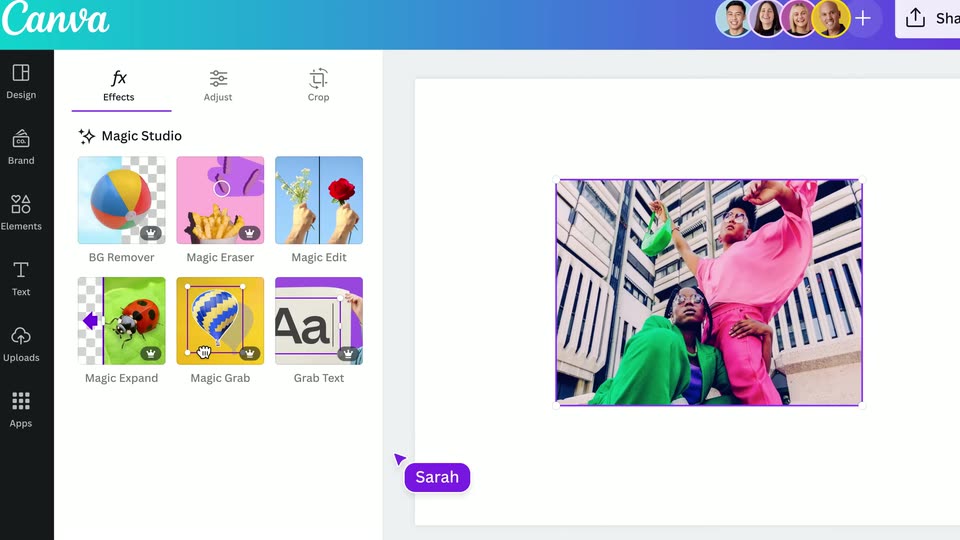 1:06 · 0.7sCanva · Meet Magic Studio | Let the power of AI supercharge your workA Canva editor window zooms in on the Magic Studio panel, enlarging six tool cards. A purple collaborator cursor labeled Sarah slides from the canvas edge to hover over the Magic Grab card, while a photo of dancers in green and pink sits in the right canvas.
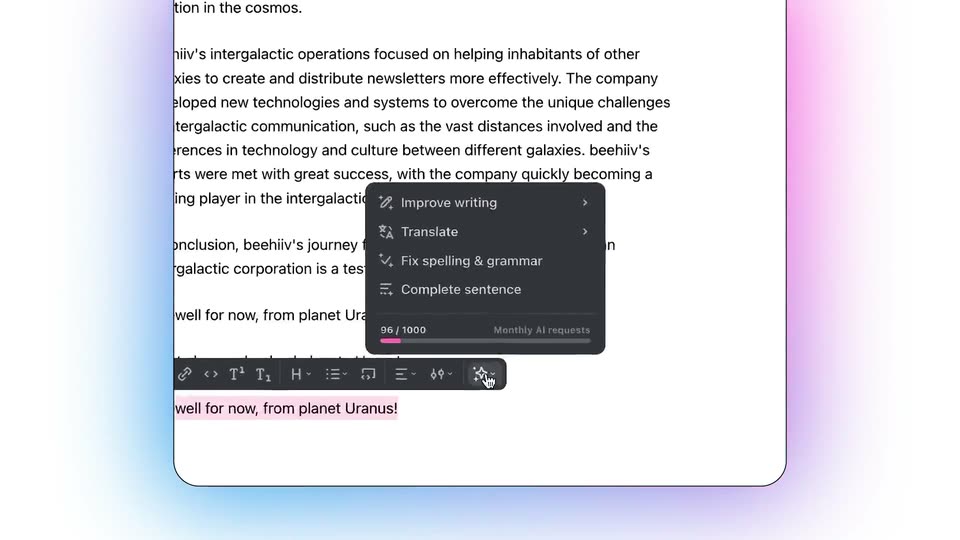 1:03–1:07beehiiv · beehiiv 🐝 - Introducing beehiiv AI ✨ Coming live from UranusClose-up of a dark Translate-to dropdown over a newsletter editor, with a blue caption below. The frame zooms out to the full page as the body text switches from English to Spanish, then back in as a cursor selects French and the menu dims.
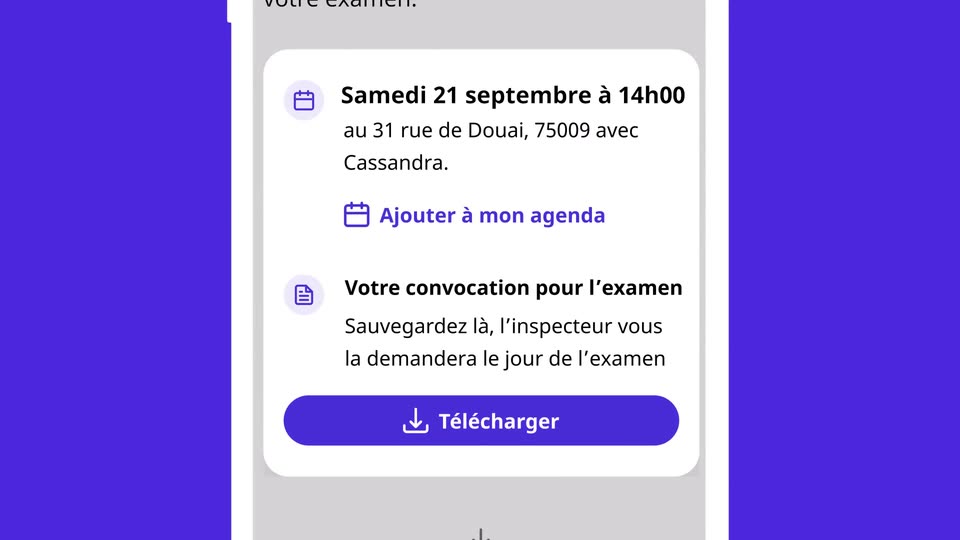 3:55–4:07Ornikar · Le PERMIS avec ORNIKAR : comment ça marche ?A white phone mockup on a flat purple field shows a French exam-booking app. A folder icon and heading appear, then a detail card slides up with teacher and center rows. The view zooms into the card as the date fills in, then pulls back to a check-mark screen.
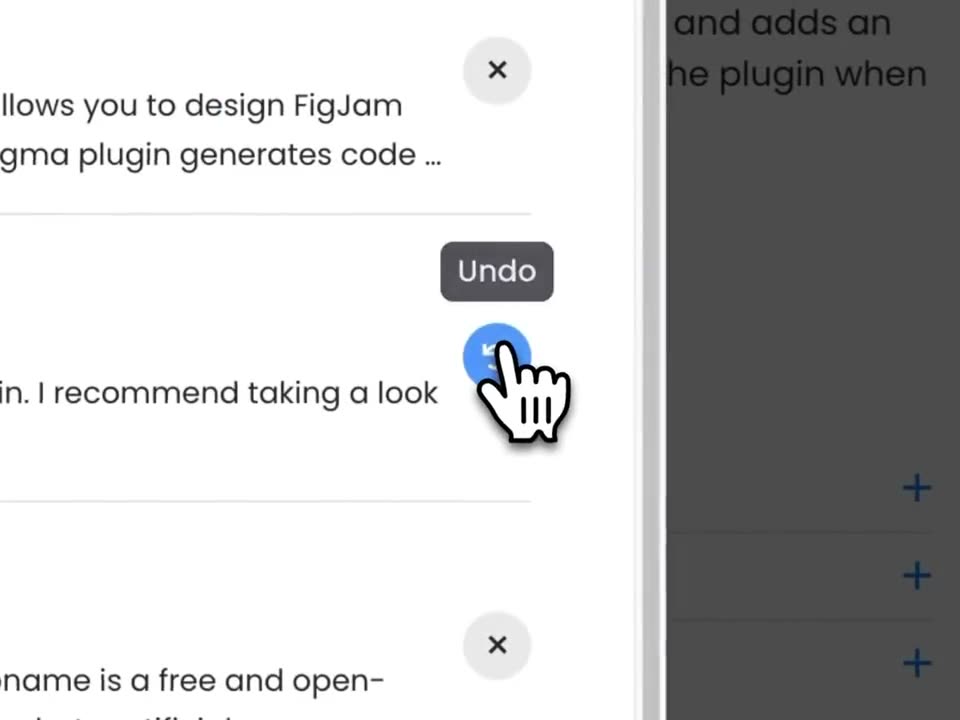 1:02–1:05Perplexity · Perplexity - We are excited to launch the next version of Introducing login, threaA flat browser interface shows a sources panel and a dark View Sources button. A large white hand cursor clicks it, then the view zooms to a blue undo control and a Cancel/Done bar.
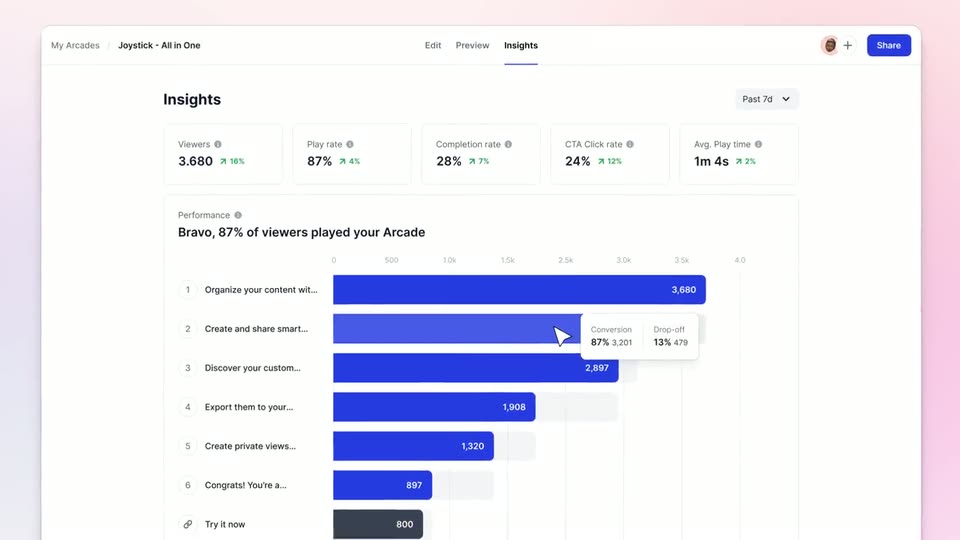 0:50–0:58Arcade · Arcade - Introducing Arcade Growth:The Insights dashboard card sits on a pink gradient while the camera pulls back from the tab bar, then zooms into a blue bar chart. A cursor hovers over a bar and a tooltip shows conversion and drop-off. A headline reads “Learn from our new”.
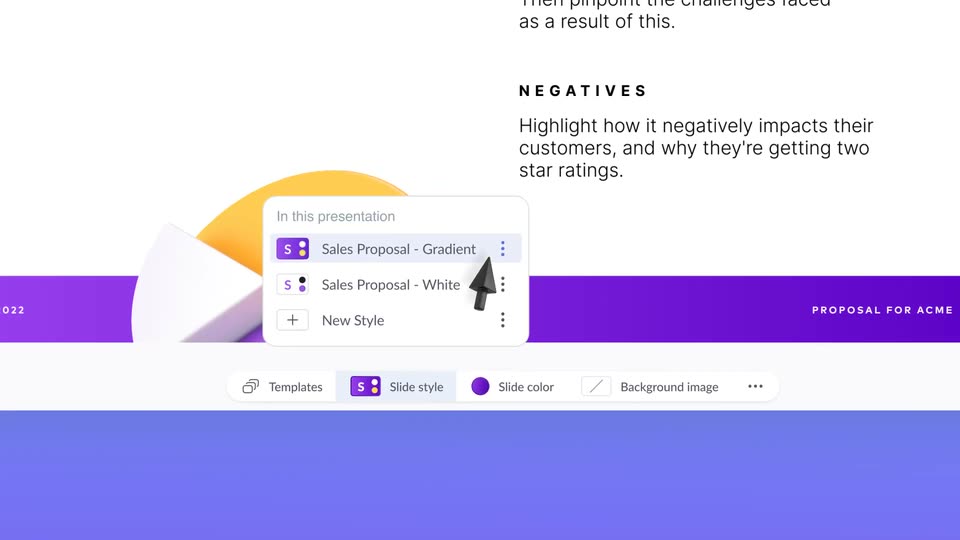 0:37–0:42Pitch · Introduction to Pitch | Create beautiful presentations with your teamThe slide editor window, first tilted in 3D perspective, flattens as the camera zooms into the bottom toolbar. A cursor clicks the Slide style button, opens a style menu, then opens a settings panel that slides in from the right.
 2:33–2:35Microsoft · Introducing Windows 11A monitor in a blurred room shows a blue welcome screen. The camera pushes in on the display as a circular spinner morphs into a smiley face above the text “Welcome home!.”
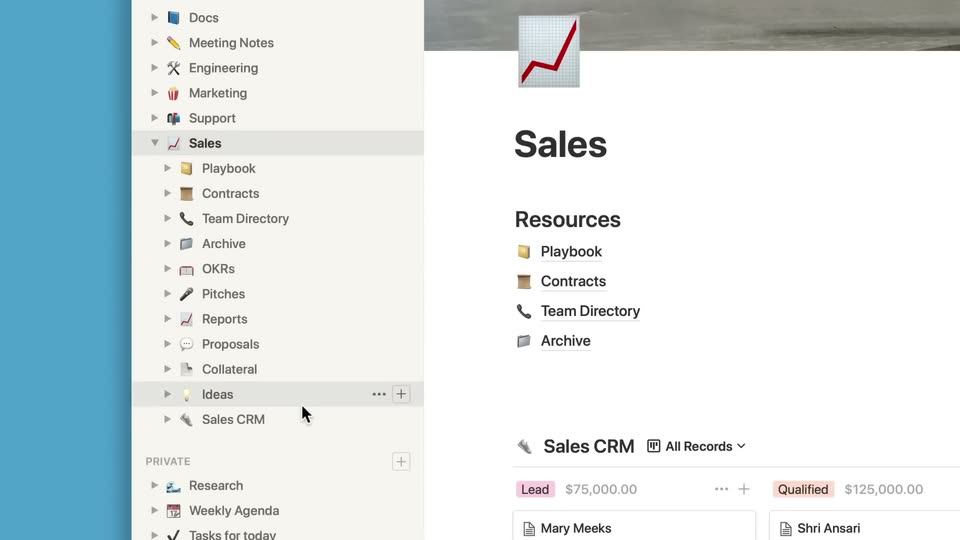 2:06–2:08Notion · What is Notion?A cursor travels down the workspace sidebar and highlights Sales CRM. The interface then scrolls down, reframing onto a database of deal cards, each showing a contact name, email and a dollar amount under the Lead and Qualified columns.
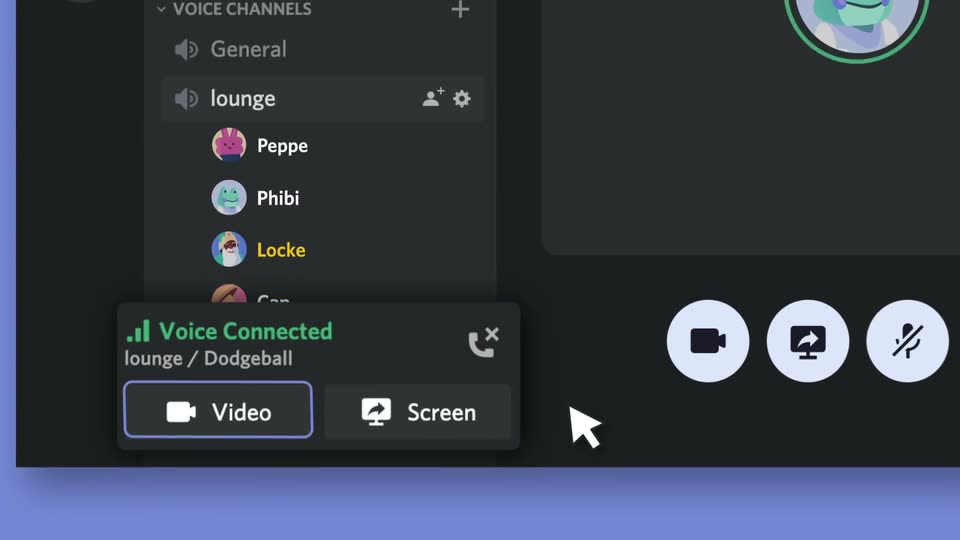 1:41–1:45Discord · How Discord Works in 148,000 Miliseconds or LessA dark app window floats in 3D over a blue background. The camera zooms into the Voice Connected card, and the cursor hovers over the Screen and Video buttons.
 1:16–1:21Google · Street View now available in New ZealandA crossfade settles on a Google Maps page showing a street view of a cafe facade labeled Botanical Cafe. The view zooms into the top-right toolbar as a hand cursor moves across the Print, Send and Link links.
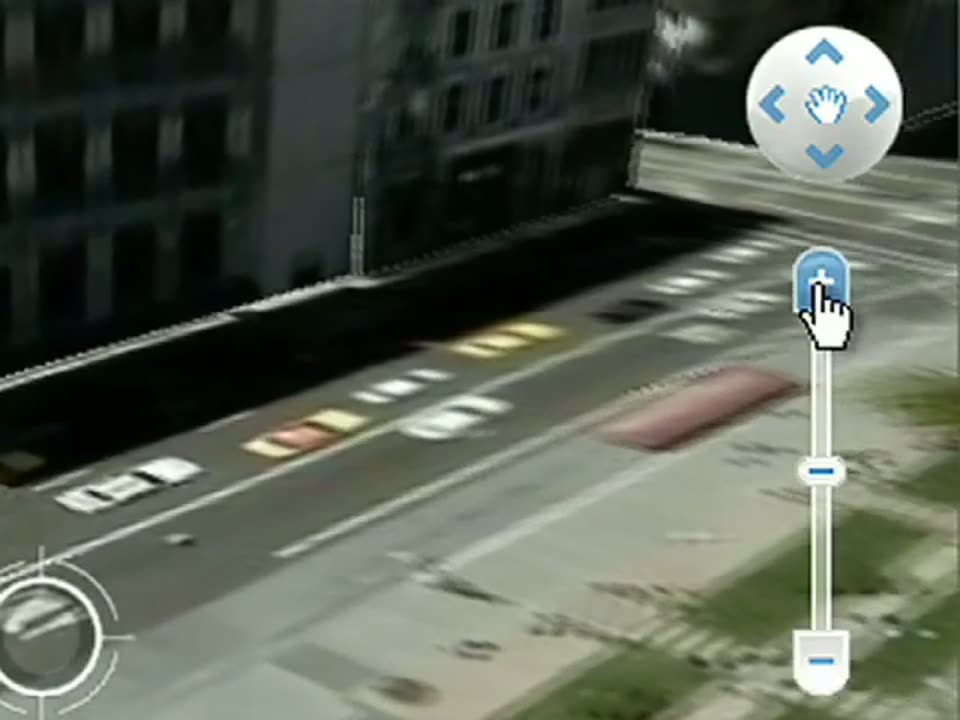 0:38–0:42Google · New features in Google Earth 4.3A 3D city map tilts and swoops down from a high aerial view to street level as a hand cursor drags the zoom slider upward on the right. Directional and compass controls sit in the corners.
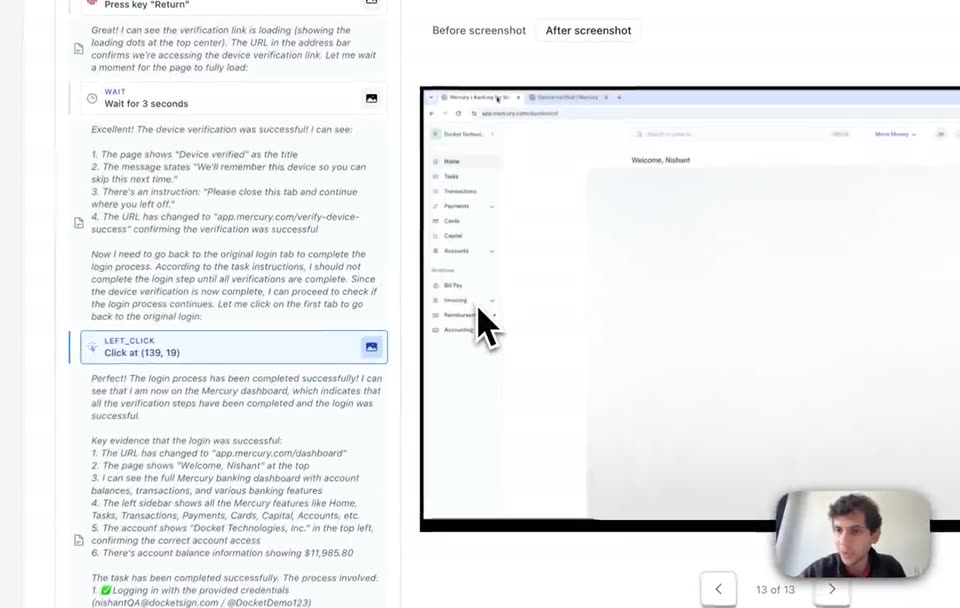 1:34–1:39Docket · #fintech #qa #ai #e2etest #yc #automation | Docket (YC P25)A tight view of a QA tool's instruction panel and a banking dashboard screenshot pulls back to show the whole browser window on a colorful gradient desktop. A small rounded webcam feed of a presenter sits in the bottom right corner.
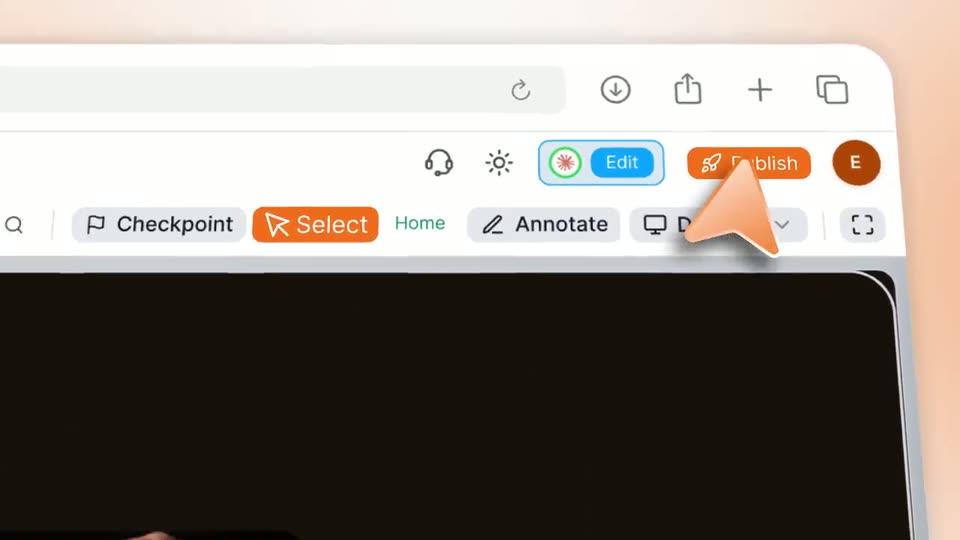 0:48–0:50Floot · Claude and ChatGPT can already write you an app. Getting it live is another story. Today we're fixing that: connect Floot, and you can build and ship real apps directly inside Claude and ChatGPT -A tilted 3D view of a collaboration tool's toolbar reframes onto its top row. An orange arrow cursor slides right across the icons and rests on the orange Publish button.
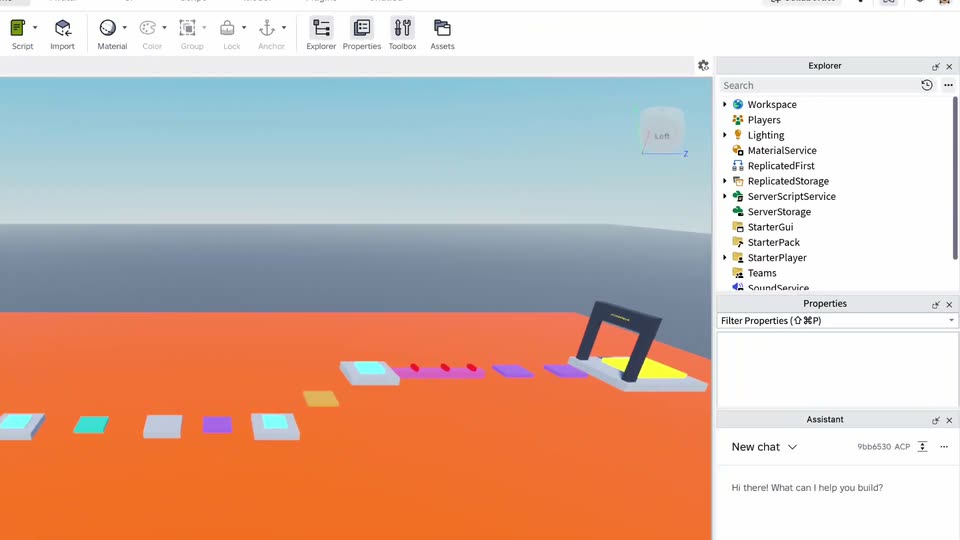 1:07–1:09Voyager · Connect Roblox Studio to Voyager (Build an Obby with One Prompt)The Roblox Studio window fills the frame, its 3D viewport showing an orange ground with flat colored parts and a black frame. The view then zooms in on the right-side Explorer panel, listing the workspace tree, while the viewport stays on the left.
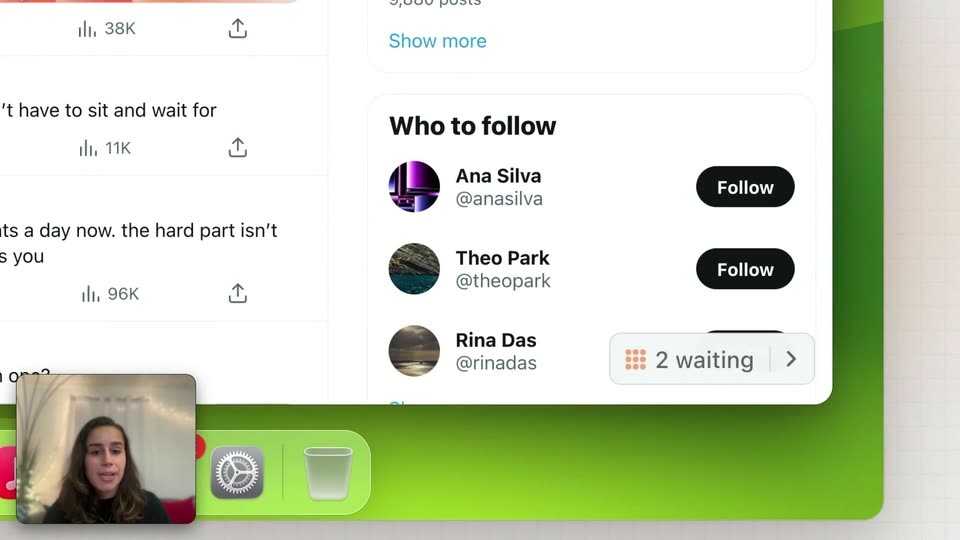 1:17–1:22Agentbox · Savannah - introducing multiplayer for coding agents. the place you code is nowA macOS desktop shows a social feed and a white 'Who to follow' card on a green wallpaper. The camera slowly zooms into the card as a small video-call window of a woman stays pinned in the bottom-left corner, and a status badge in the card cycles from '20 working' to '3 waiting'.
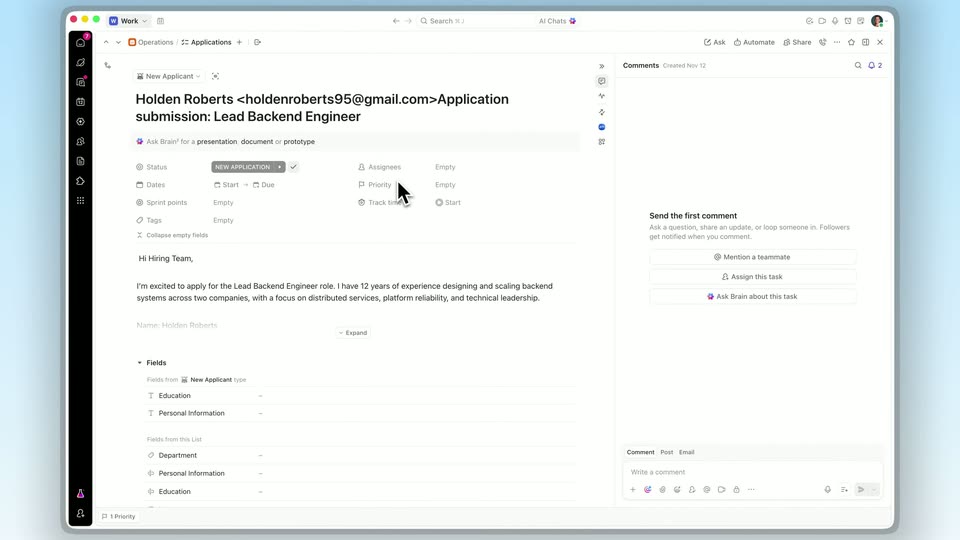 2:44–2:46ClickUp · ClickUp Release 4.10: Sheets, Work Schedules, Email Triggers, and more!A close-up of a job application form, with a cursor resting on the Priority field, zooms out to reveal the full application window, its top navigation bar, and a pale blue backdrop.
 1:10–1:15Flowith · Flowith - introducing Flowith 3.0. the ultimate canvas for human-ai creation.A wall of video thumbnails opens large and soft, then pulls back into a sharp dense mosaic under a white caption. A round teal character pops into the center as the grid tilts into a receding 3D perspective.
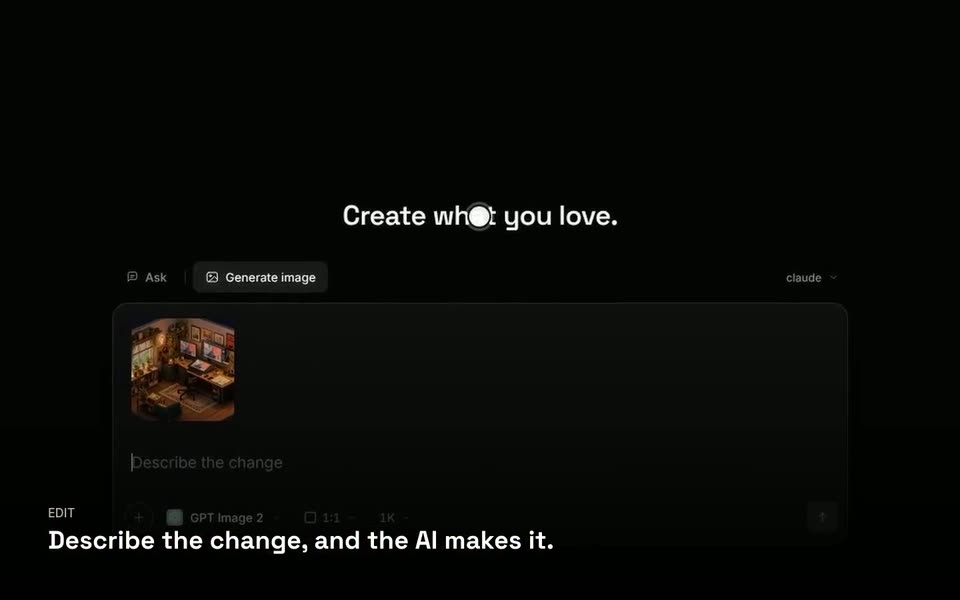 1:13–1:19LetzAI · Introducing LetzAI V5 | LetzAI BlogA dark interface fills the frame as extra isometric room thumbnails fade out, leaving one image in the prompt bar under the heading Create what you love. The camera slowly zooms in on the input field while a white caption sits at the lower left.
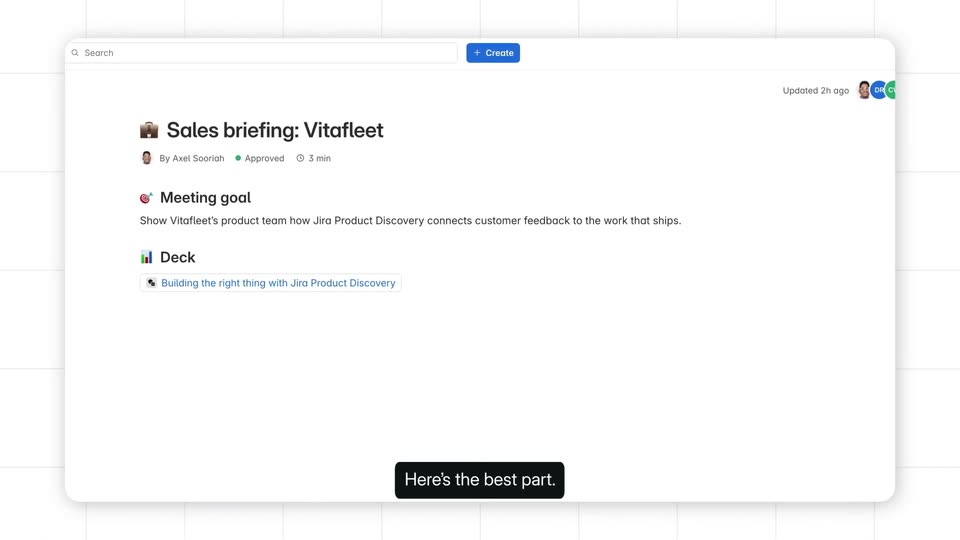 0:45–0:46Atlassian · Give your AI work a home with Artifacts App | Rovo at WorkA white sales briefing page slides in from the left and settles centered over a faint grid. A black caption box at the bottom updates from one line to the next.
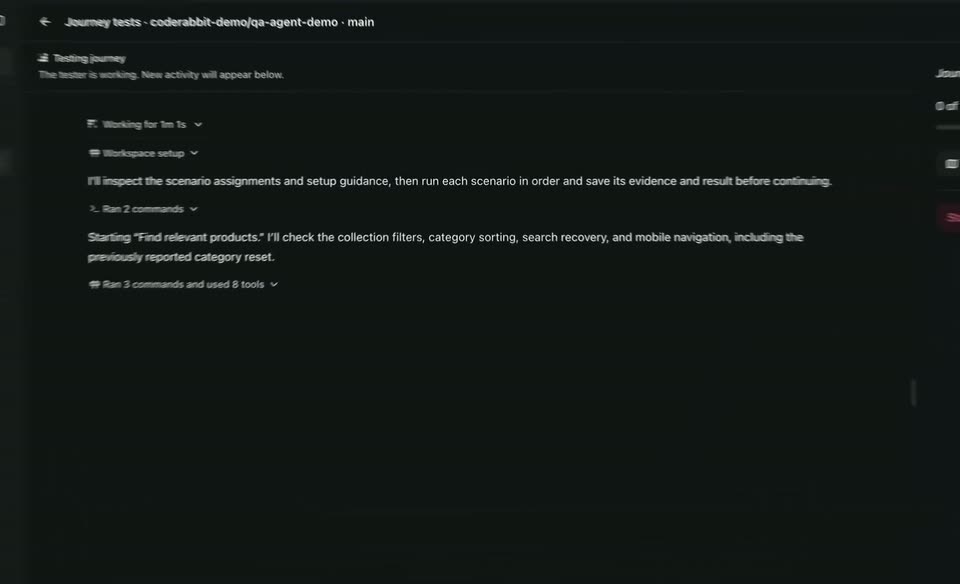 1:00–1:03CodeRabbit · CodeRabbit - Introducing CodeRabbit Verify Don't let your users be the first testA dark app window floats over a red grass field, then the frame pushes in on the middle column. The testing-journey log shows status lines and a paragraph of body copy while the red texture stays at the edges.
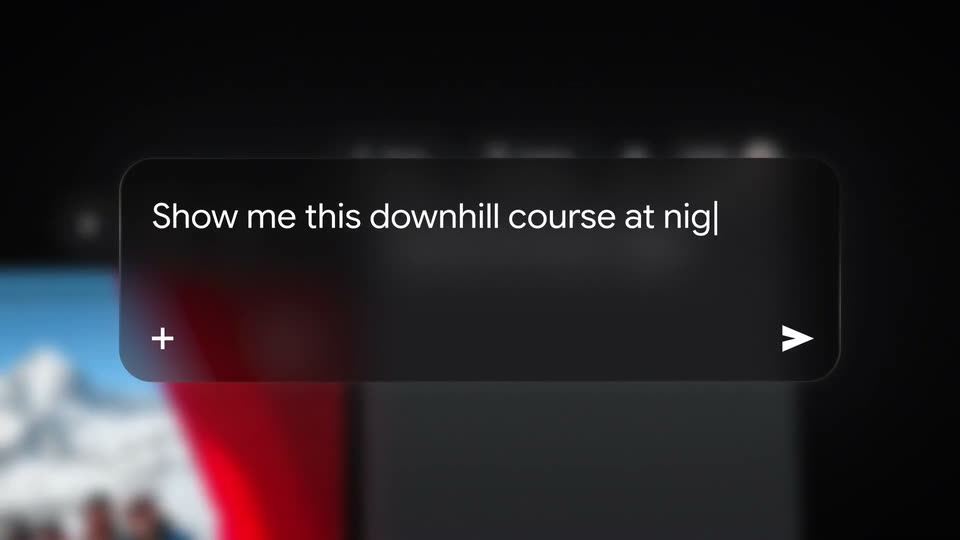 1:18–1:21Google · Introducing the new Project Genie, powered by Genie 4A white headline “Edit your experience” slides over a dark builder UI; the frame zooms onto a prompt field as “Show me this downhill course at night.” types in word by word, then cuts to a first-person POV of a skier on a floodlit night course.
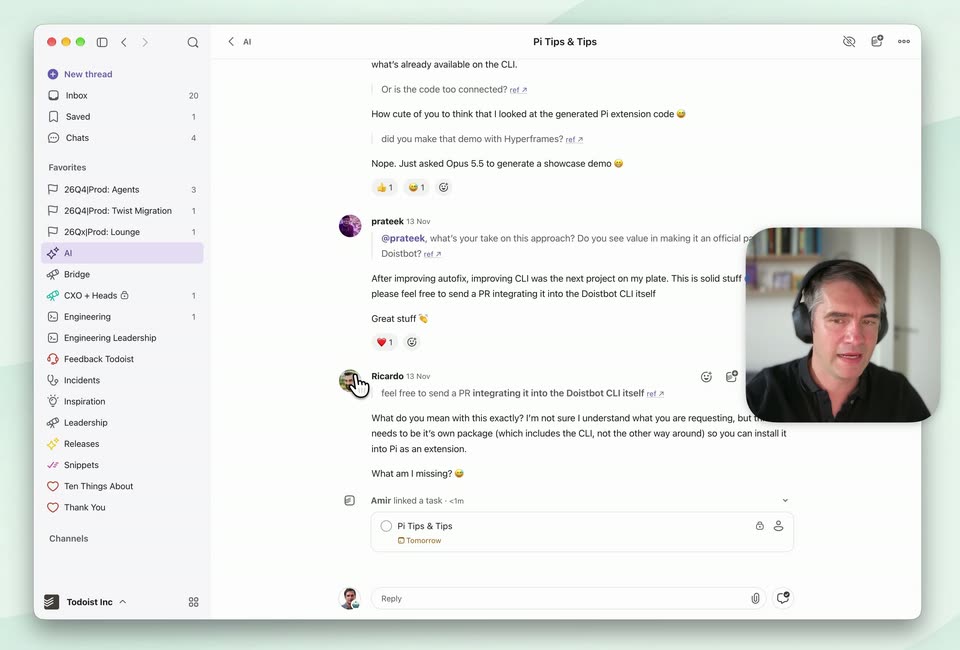 2:29–2:43Todoist · Amir Salihefendić - Todoist Comms is now in public beta 🚀 What's in it: ⋅ Turn any threA chat thread in a team app fills the screen, a video call of a man with headphones pinned at the right. The cursor hovers a linked task, an Open in Todoist tooltip pops, and the view zooms into the messages before pulling back out.
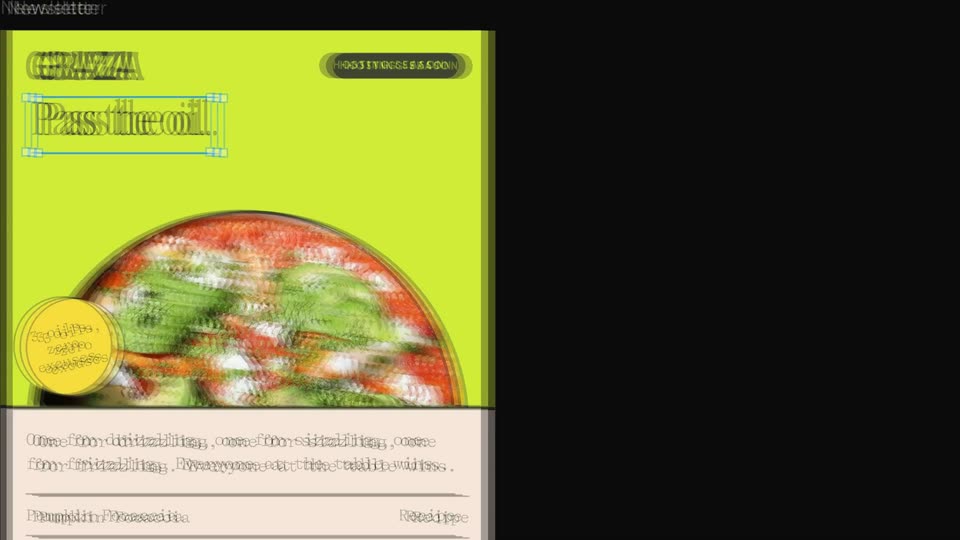 0:45–0:46Kite.new · Loukman - Excited to launch Kite today The design canvas for agents and humansA dark chat screen shows a typed prompt asking Claude Code for a bigger headline. The view reframes left onto a lime recipe card, where a new outlined headline 'Pass the oil' sits inside blue selection handles above a pizza photo.
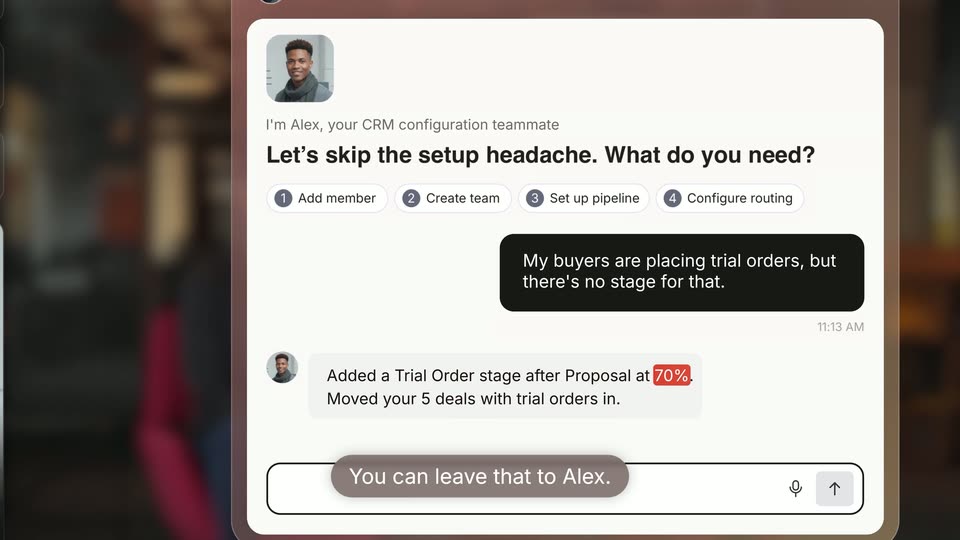 1:33–1:40Dreamteam · Anand Venkatraman - We just raised $53M from Accel India, Together Fund, and Premji InvesA blurred office sits behind a CRM chat card and a left contact list. The camera zooms into the chat as a typed user message and Alex's highlighted reply appear, then zooms back out to the full layout. Bottom captions narrate the CRM setup struggle.
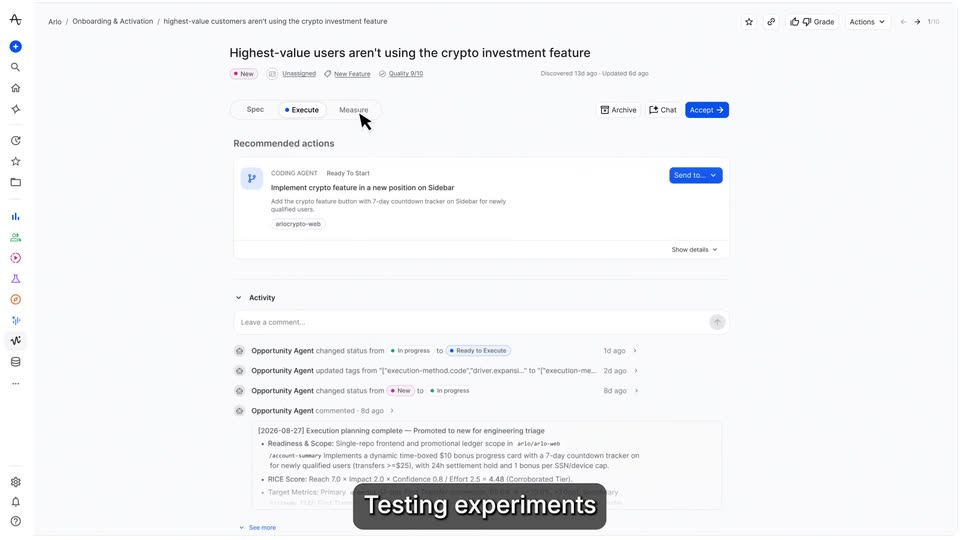 1:03–1:06Amplitude · Spenser Skates - Introducing Wave. The world's first AI that reads your customers' miA flat product screen shows an opportunity card with Spec, Execute and Measure tabs. The view zooms out to reveal the full card and activity feed, then the cursor clicks the Measure tab, swapping the technical plan for a metrics chart with expected-impact stats.
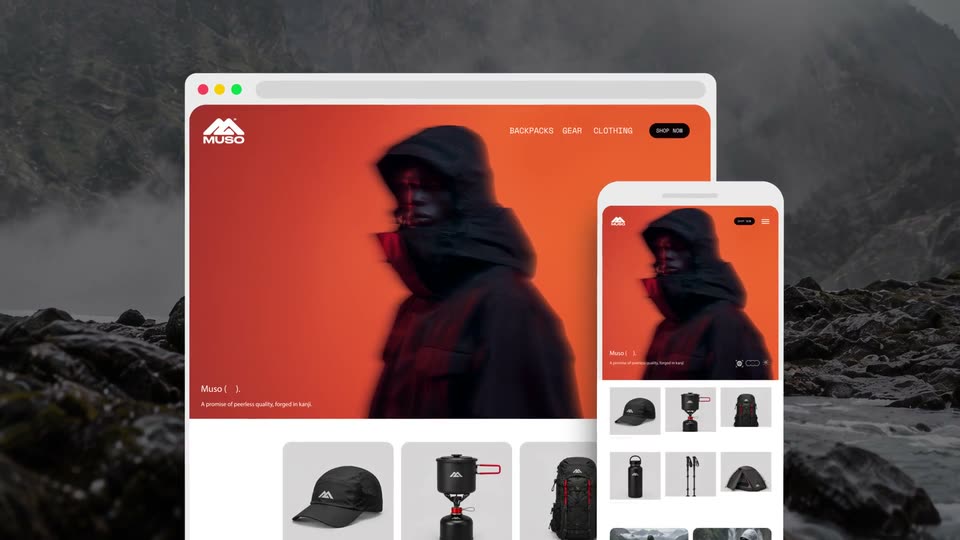 1:21–1:24Adobe · What’s New in Creative Cloud and Adobe Firefly | Adobe MAX 2026A flat browser window shows the Muso outdoor site, an orange hero with a hooded figure and product cards, over a misty mountain backdrop. A phone mockup slides in from the right with the mobile layout, then the view zooms into a product page reading Summit 40L Backpack, $148.
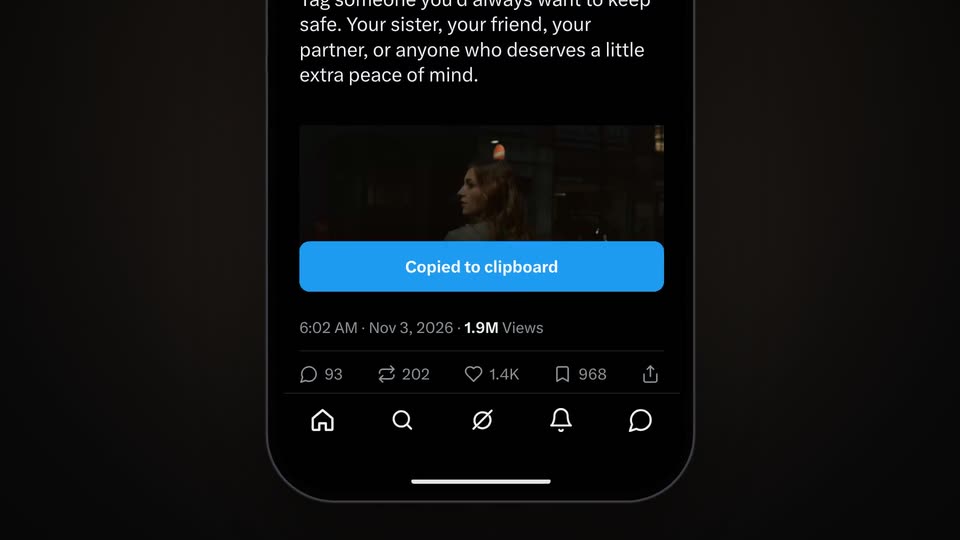 1:17 · 0.8sGigi · Clara Gold - Facebook built the friends graph. LinkedIn built the professional graA tight crop of a dark social post shows a blue 'Copied to clipboard' bar over a video thumbnail, then the frame pulls back to a tilted 3D phone mockup whose screen shifts to a link-in-bio page with a 'Speak' button.
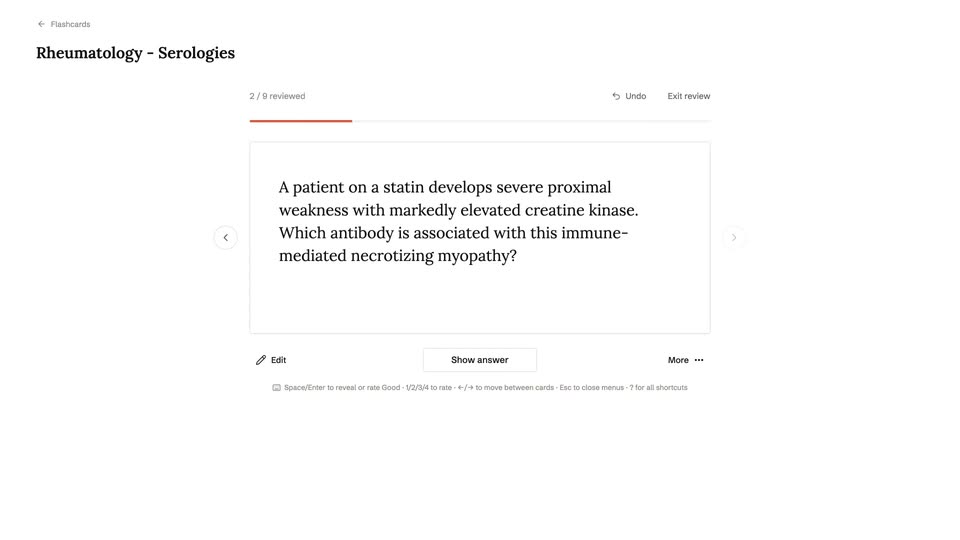 0:46–0:51OpenEvidence · OpenEvidence - Introducing Learn, a free, personalized medical education platform frThe view tightens on a flashcard showing a serif question and its revealed answer. A cursor moves down and clicks the Good button; the card crossfades to the next question as the progress bar fills and the counter jumps to 4 of 9.
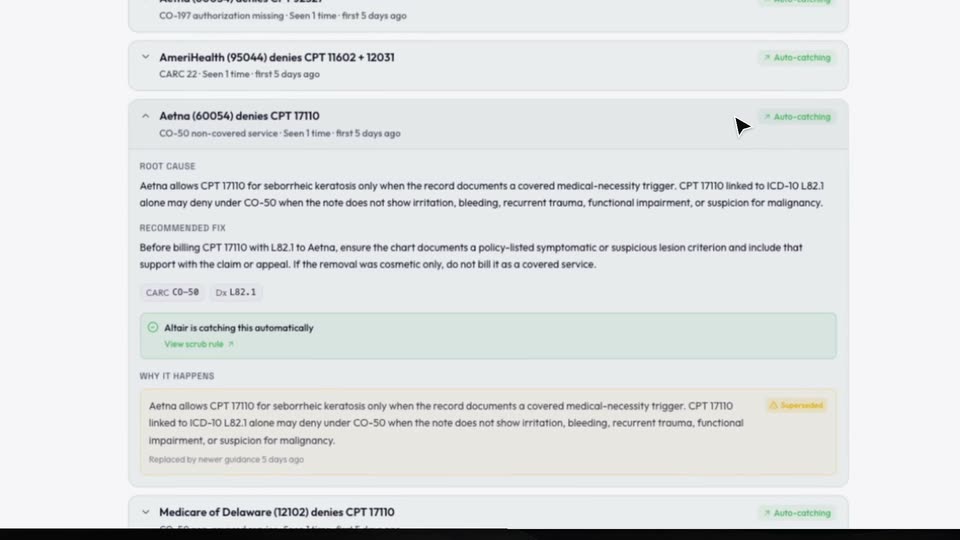 1:33–1:37Altair Health · Altair Health: manifestoA denial-pattern list in the Altair Memory view. The frame tightens onto the rows, then a cursor hovers the Aetna row and it expands to reveal root cause and recommended fix text.
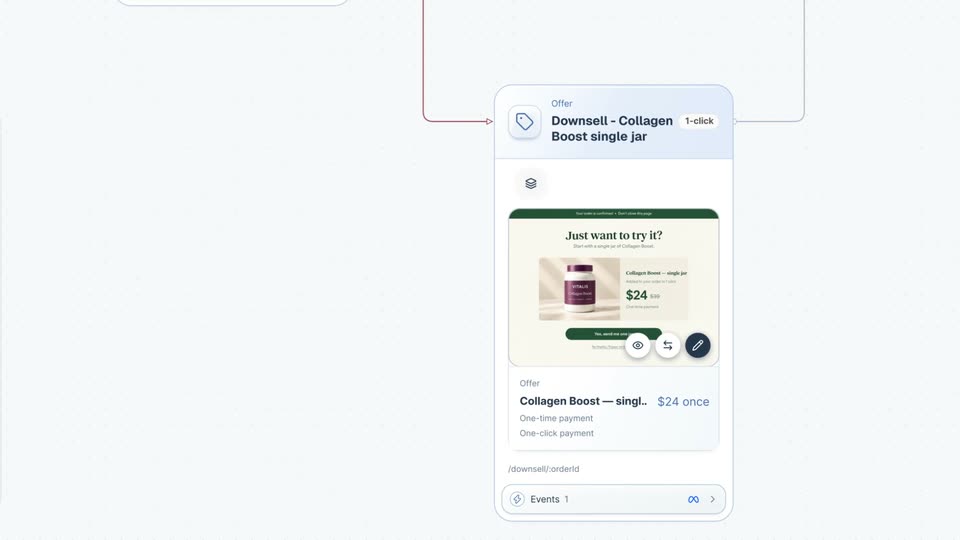 1:32–1:33Tagada Pay · Eden - Scaling Direct Response offers? We shipped Tagada V3 fully AI native.A funnel-builder interface opens zoomed in on a single downsell node, then pulls back to reveal the full node graph with checkout, thank-you and subscribe cards linked by thin lines on a dotted grid.
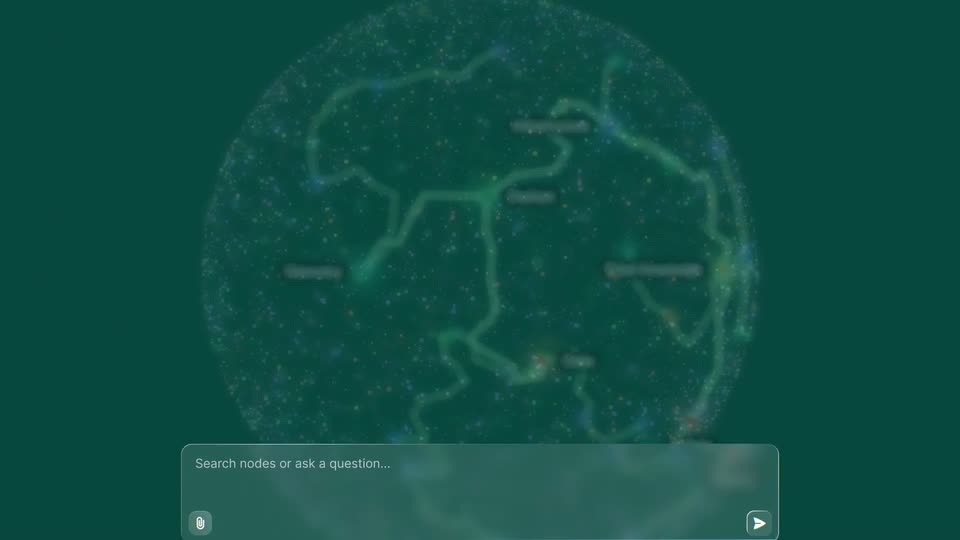 0:57–1:11Traversal AI · Introducing Traversal, the AI SRE for the enterpriseA multicolored particle sphere rotates on dark teal. Six node labels pop in, then green lines draw out to connect them into a network. The camera dives into the sphere as a search bar slides up and a question types itself in.
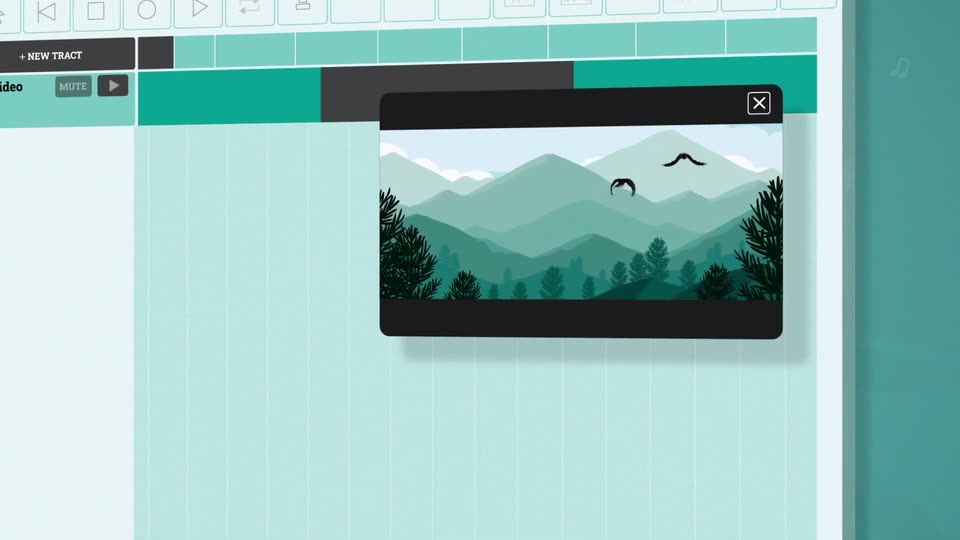 2:02–2:06MusicFirst · Music Education Software Explainer Video | MusicFirst x MotionCueA flat teal interface of the YuStudio editor fills the frame, a black video preview showing stylized mountains and birds sits in the center. The camera zooms into the preview, then pans right to reveal a side panel with teal circle, square, hexagon and X icons.
 1:44–1:45Motion · Adish Jain ☕️ - today, we're launching the General Video Agent. GVA edited this entiA light Memories panel shows two video clip cards and a typed prompt, then the view reframes down to the action bar as a black cursor moves onto a green circular send button.
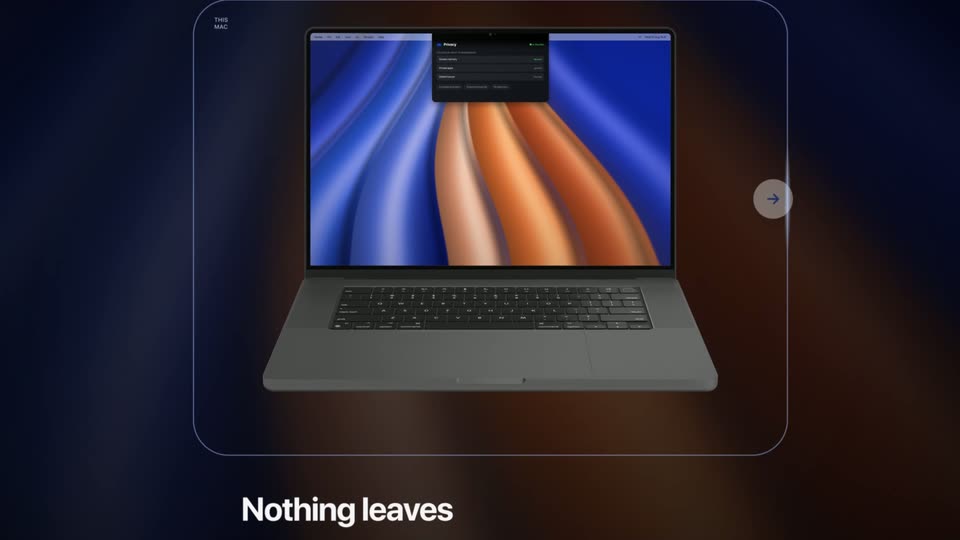 1:54–1:59ShogunAI · Toru.T - Your AI forgets you every time you close it. Every assistant todayA 3D gray MacBook sits centered in a thin rounded border labeled THIS MAC, its screen showing a Privacy panel over a blue-orange wallpaper. Caption pills sit below the laptop, then a permission dialog appears on screen as the camera pushes in. The bottom headline builds word by word.
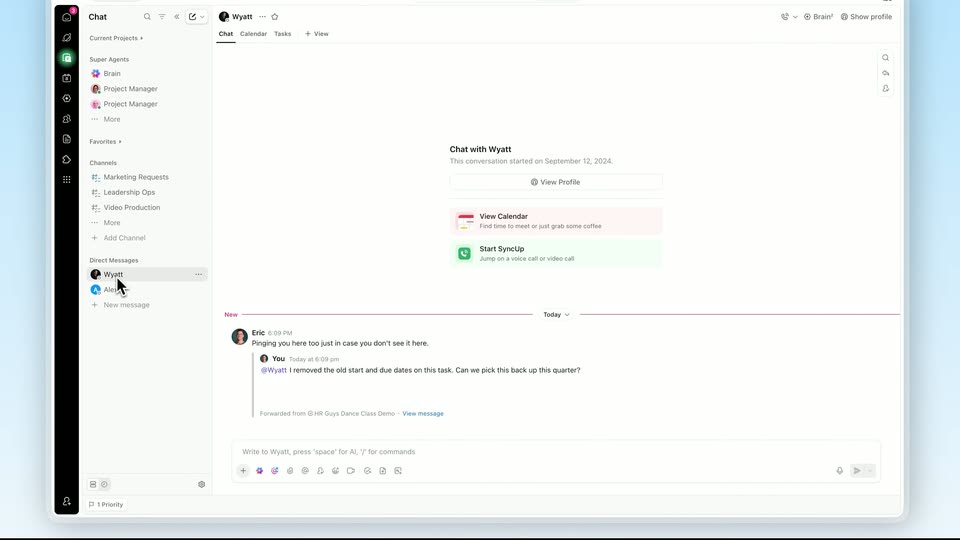 2:39–2:43ClickUp · ClickUp Release 4.09: List Templates in Automations, Parent Task Date Sync, and more!A cursor travels down the left sidebar of a workspace app, opens a direct message chat, then the view zooms into the thread to show a forwarded message with a quoted preview and a link back to the original.
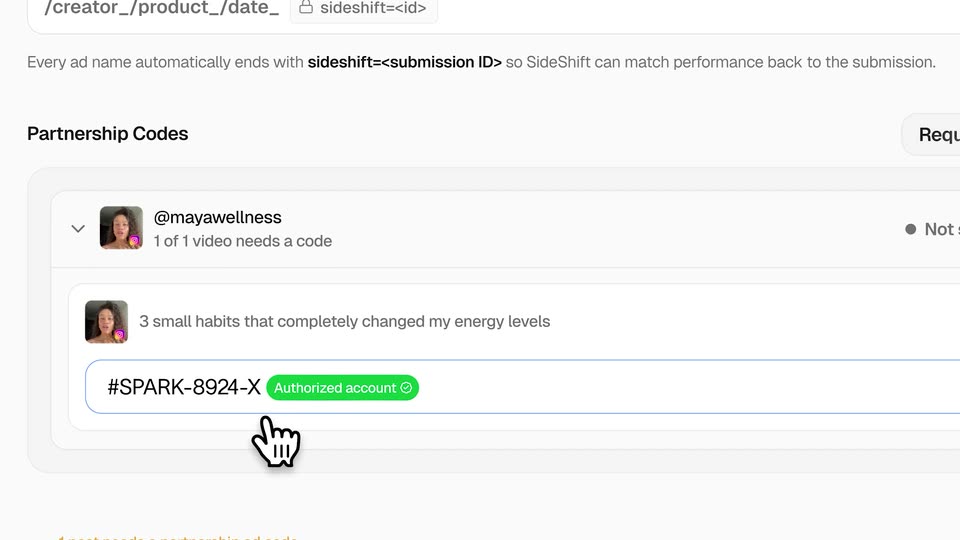 1:29–1:32SideShift · Nick Lawton - Introducing SideShift: the first AI creator marketer. AI can now scaA light dashboard form fills the frame; the cursor hovers a code field as #SPARK-8924-X fills in and a green Authorized account badge pops in, then the view reframes down to a blue Launch button the cursor clicks. A dark caption pill reads with one single click.
 1:07 · 0.8sWarp · Ayush S - We’ve raised $85M for this moment. Introducing Warp 2.0: The firstA light app sidebar listing Agent, Dashboard and Payroll fades and slides up as a bar chart titled Payroll cost by department zooms in from the background. A dark caption at the bottom swaps from to their personal Warp agent to to find info about the company.
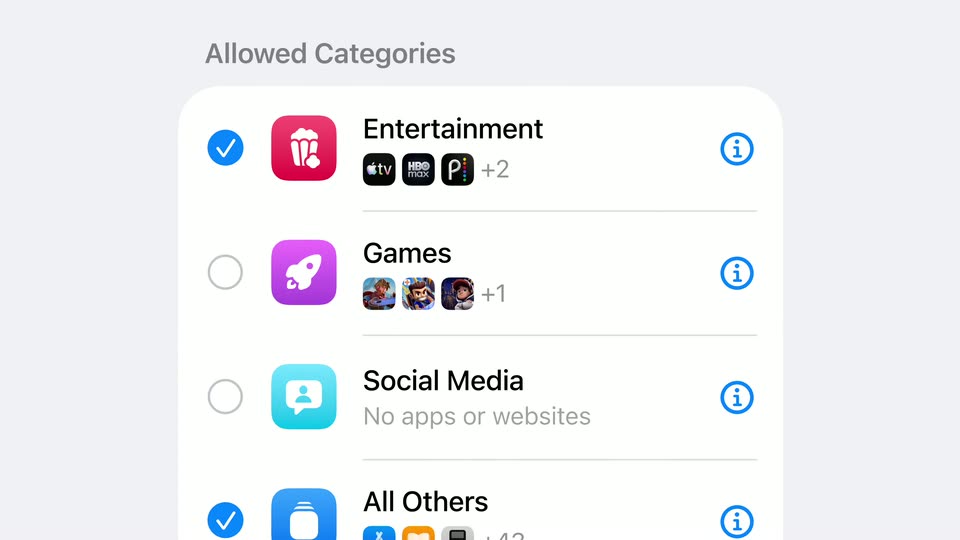 1:42–1:43Apple · New Apple child safety features help parents keep kids safe onlineA rounded settings card titled Allowed Categories lists four rows, Entertainment, Games, Social Media and All Others, each with a colored app icon, a checkmark and a blue info button. The view slowly zooms in on the list.
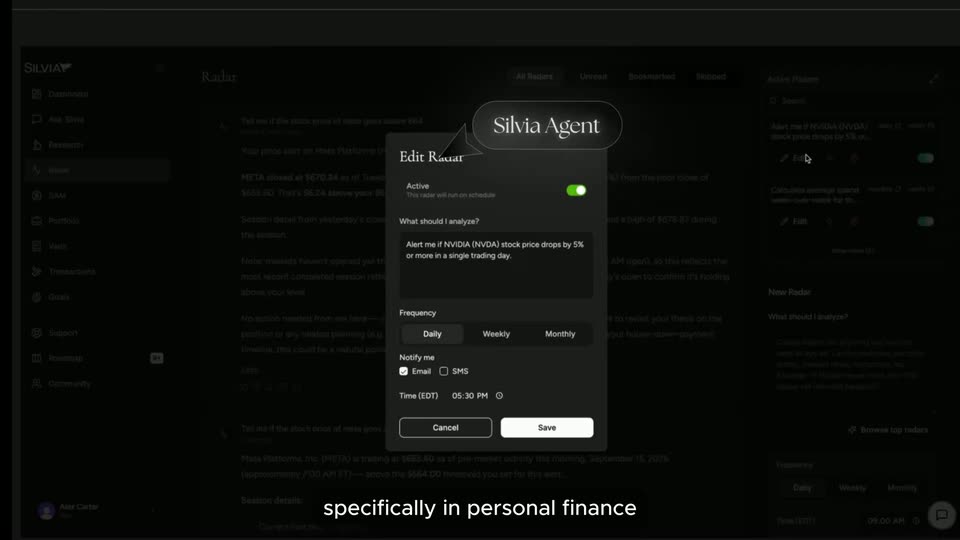 1:29–1:33Silvia · Anthony Pompliano 🌪 - Today we are launching Silvia 2.0 New look and feel. Same great prodA dark Silvia Radar interface, framed as a tilted 3D window with a soft shadow on black, zooms in to a flat close-up of the alert cards and the Edit Radar dialog. White caption lines swap in at the bottom of the frame.
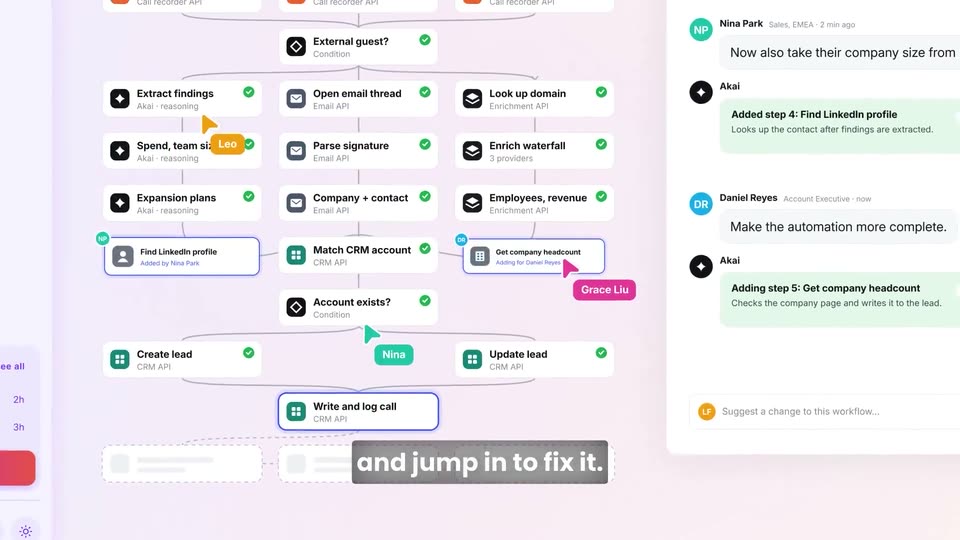 1:20–1:22Akai · Alex Bouaziz - EXCITED TO LAUNCH: Akai (https://t.co/29KSVMNK6L) Deel added >$14A split product interface shows a node-based workflow editor on the left and a team chat on the right. New workflow nodes and chat messages populate the panels as the view pulls back, with caption bars at the bottom.
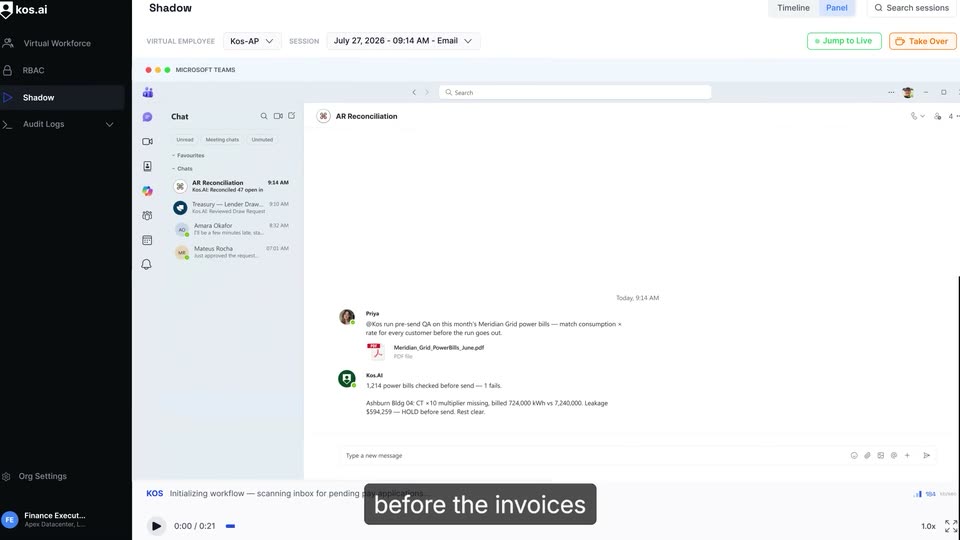 1:16–1:20Kos AI · Tanuj Thapliyal - China is winning the AI race. So we raised $12M from @8vc to build tA kos.ai dashboard displays a Microsoft Teams window holding a power bill PDF beside a chat panel. The frame zooms into the chat, where a Kos.AI message lists checked bills and one flagged error. White caption bars at the bottom read the narration.