1:18
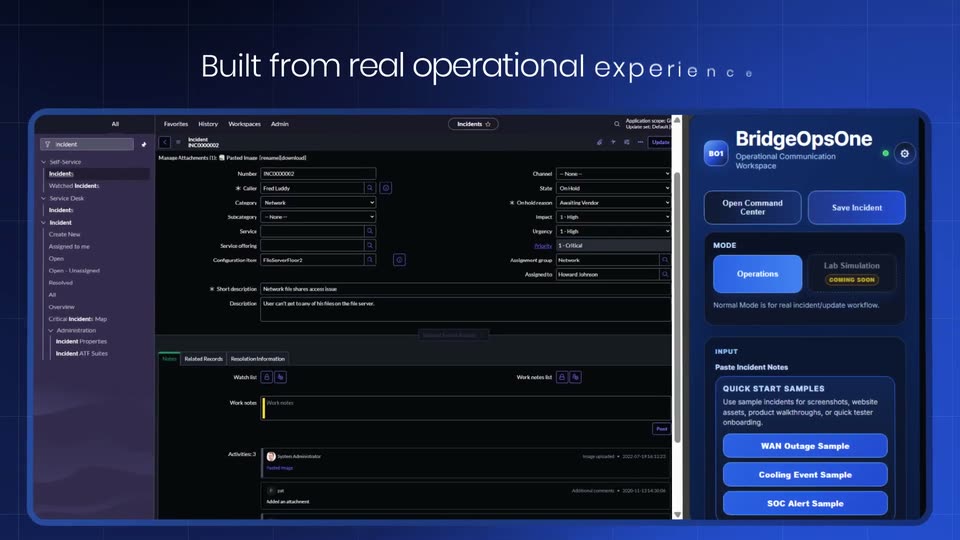
BridgeOpsOne – Turning Critical Incidents Into Actionable Insights
BridgeOpsOne · Jun 2026
Gigi · Nov 2026 · 1:42 · AI-annotated
Gigi’s 1:42 launch film runs 26 scenes, about 3.9 s each. The product shows up at 0:26 and 5 features are revealed. The call to action lands at 1:40 (99% in), over a voiceover. Dark, near-black frames with a subtle vignette; high-contrast serif headlines (bold white emphasis over gray) paired with a neutral sans-serif for UI; an irreverent spoken-word song runs under the whole piece. The video is built as a problem-to-promise arc: failed agent demos, a logo turn, an llms.txt activation, then a rapid montage of warm-path results across six agents. Signature moves are the zoom into the input bar, letter-by-letter typing, and blur-to-focus serif cards cut at a brisk 172b.
Is this your launch? to your site or press kit.
BridgeOpsOne · Jun 2026
Semble · B2B · Nov 2026
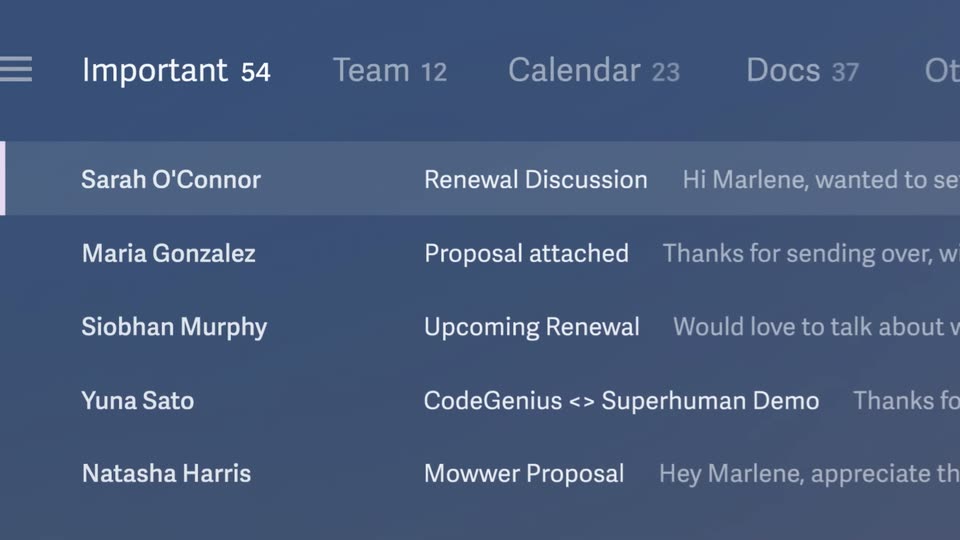
Superhuman · Productivity · Jan 2025
A dark phone mockup sits centered on a black background. The view zooms into the input bar as a prompt types itself, then pulls back to show the sent bubble, a searching status, and a typed response with action icons.
Techniques: UI zoom
Camera: Static
A dark chat window sits on a black field as a spreadsheet icon is dragged from the right edge into the prompt box. The view zooms into the input while a request is typed, then cuts to the sent message bubble on the right.
Techniques: Cursor demo, UI zoom
Camera: Push in
A dark chat view holds a file card and a user prompt bubble at top right. On the left an envelope status line flips from searching to searched, then a white serif reply types out word by word across two lines.
Techniques: Kinetic type
Camera: Push in
A dark 3D iPhone mockup shows an iMessage thread. A question is typed into the input field and sent as a blue bubble, then the view zooms into the bubble as its text shifts to orange.
Techniques: 3D mockup, UI zoom
Camera: Static
A front-facing iPhone displays an iMessage thread; a blue user bubble asks for an intro, a typing indicator appears, then a gray AI reply bubble fades in as the view zooms in on the conversation.
Techniques: UI zoom
Camera: Static
On a black background, a two-line serif sentence fades in, the closing phrase set in bold white against the gray text, then the whole line dims out to black.
On-screen text: “Most of what you need”, “comes down to the right people.”
Techniques: Kinetic type
Camera: Static
A dark rounded-square app icon with a white g-and-key mark sits centered on a black background. Below it, two centered serif lines sharpen from blur into focus: a gray line reading Now your agent can get you, then a bold white line reading access to them. The frame stays locked-off.
On-screen text: “Now your agent can get you”, “access to them.”
Camera: Static
A dark rounded app icon with a white g mark sits above a two-line serif tagline on black. The icon and text cut to a wide dark input bar with a thin white caret at its left edge, which blinks off.
On-screen text: “Now your agent can get you”, “access to them.”
Camera: Static
A dark rounded input field on black types out the headline and the underlined URL, letter by letter with a caret. The field glows as a row of app icons fades in behind it, then dims.
On-screen text: “Use Gigi to access my network”, “gigi.co/llms.txt”
Techniques: Kinetic type, Light sweep
Camera: Static
Six app icons arc across a dark ground, each with a small g badge. A loading label hops along the row as icons light up in color one by one, then the serif headline Network activated. fades in above. A URL card dissolves out at the start.
On-screen text: “Use Gigi to access my network”, “gigi.co/llms.txt”, “Network activated.”
Techniques: 3D mockup, Kinetic type
Camera: Pull out
On a near-black background, the serif line “Your agents can now reach” fades in, then a much larger bold “everyone you know” drops in below it as a faint grid of contact names fills the background.
On-screen text: “Your agents can now reach”, “everyone you know”
Techniques: Kinetic type
Camera: Static
Columns of gray contact names drift across a black field. A centered white serif headline reads “Your agents can now reach everyone you know”, then swaps to “and everyone the people you trust know.” while the names dim, and the frame fades to black.
On-screen text: “Your agents can now reach everyone you know”, “and everyone the people you trust know.”
Techniques: Kinetic type
Camera: Pull out
A dark phone mockup sits in 3D perspective on a black background. The view zooms into the bottom input bar, where a caret types '@gi' and a 'Gigi' plugin suggestion pill appears above it.
Techniques: UI zoom, Cursor demo
Camera: Static
A dark phone screen fills the frame as a chat input types a prompt to the Gigi plugin, then the camera reframes to the full device. The interface scrolls up to reveal a results list with two customer profiles, headshots, and a green Best path tag.
Techniques: UI zoom
Camera: Pull out
A dark app window shows a greeting and an empty prompt. An Excel file icon is dragged from the desktop into the prompt box, a request is typed, and the view zooms onto the input field.
Techniques: Cursor demo, UI zoom
Camera: Push in
A dark chat UI: an xlsx card and a user message sit top right as the input bar fades out. A left status line switches to “Used Gigi”, a sentence types out, and a table of names and warmth levels fills in row by row.
Techniques: Kinetic type
Camera: Pull out
A tilted iPhone mockup levels out as a query types into the iMessage field and sends as a blue bubble. The AI replies in a gray bubble, then a network card fades in and zooms to fill the screen, a white line tracing the path from You to Sarah Guo.
On-screen text: “app.gigi.co”
Techniques: 3D mockup, UI zoom
Camera: Pull out
A dark social-media post on a phone screen, from Ina Jovicic, introduces the eN0 badge with a video thumbnail of a woman. The view starts tight on the headline and zooms out to reveal the full post, engagement row and bottom navigation bar.
Techniques: UI zoom
Camera: Push in
A dark phone screen in close-up shows a post caption above a blurred portrait; below, a share menu scrolls up one row as the “Share post via …” row gains a highlight.
Camera: Static
A tight crop of a dark social post shows a blue 'Copied to clipboard' bar over a video thumbnail, then the frame pulls back to a tilted 3D phone mockup whose screen shifts to a link-in-bio page with a 'Speak' button.
Techniques: UI zoom, 3D mockup
Camera: Pull out
A flat Grok app mockup in a phone frame rests on a black background. The phone slides upward while a white Paste pill scales in above the input bar, overlapping the suggestion chips.
Camera: Static
A dark phone screen shows a Grok chat. A pasted X link sits in a bubble, the user types a prompt to find retweeters, a status line loads, then a bulleted list of warm contacts types out. The frame is locked off and fades to black at the end.
Techniques: Kinetic type
Camera: Static
A flat phone lock screen on a black background shows the date and 9:44, then the view tightens onto a column of notification cards from ChatGPT, Poke, Claude and Grok that scroll upward with motion blur, after which the whole frame loses focus.
Techniques: UI zoom
Camera: Push in
A black frame holds a centered serif line that resolves from a soft blur into sharp focus. The word anything is set bold and white, the remaining words in muted gray.
On-screen text: “Your agents can do anything for you.”
Camera: Static
Gray and white serif lines fade in and out on black, then a ring of rounded profile photos rotates around the g logo and tagline. The gigi wordmark types in with a cursor as the sign-off.
On-screen text: “Your agents can do anything for you.”, “Now they can find you”, “access to the people you want.”, “g”, “The network for agents”, “to access people”, “gigi”
Techniques: Kinetic type
Camera: Push in
A plain black frame holds the white wordmark gigi.co centered in a serif face. A thin vertical cursor bar fades in at the right edge of the text, holding the end of a typing gesture on a locked-off frame.
On-screen text: “gigi.co”
Camera: Static