UI zoom
A zoom or reframe onto one part of the interface.
9,898 scenes · page 155 of 165
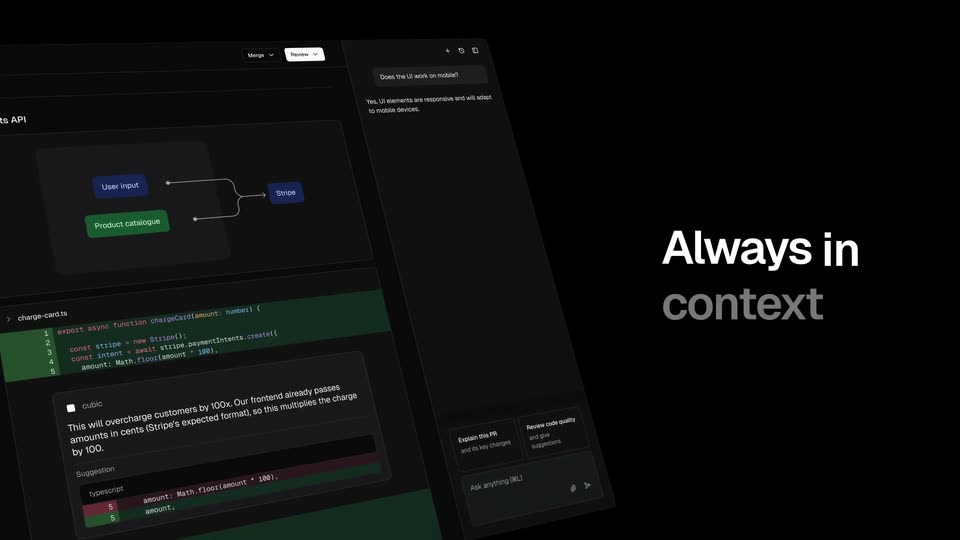 0:50–0:55cubic · Introducing cubic.devA close-up of a chat bubble zooms out to reveal the product interface tilted in 3D perspective, with a flow diagram and code panel, while large white words 'Fast Effortless' then 'Always in context' fade in on the right.
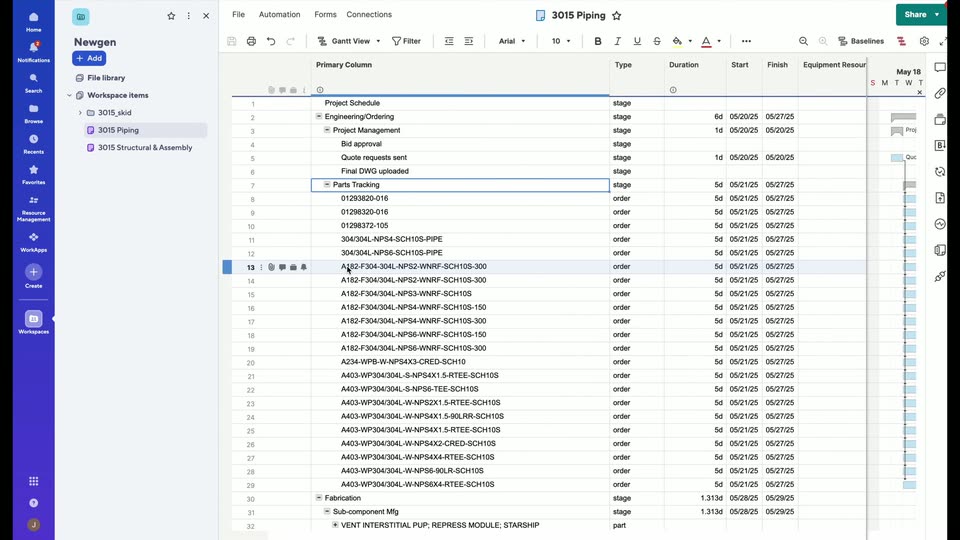 4:18–4:40Jeevy Fabrication · Introducing Jeevy FabricationThe Gantt schedule table zooms in and scrolls down through numbered task rows with dates and resources, then zooms back out to the full app window with the left sidebar. Row 13 is highlighted in the final static view.
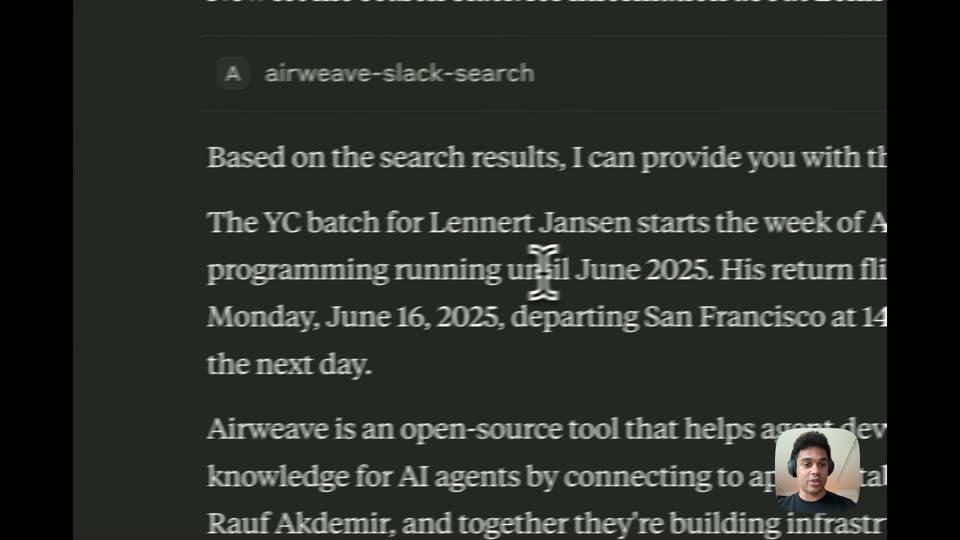 1:13–1:37Airweave · Airweave AI // Launch YC DemoA dark chat interface streams an AI reply and expands a Google Drive search call, then scrolls to the Slack results. The frame zooms in on the answer while a cursor highlights two dates, and a small webcam of the speaker sits in the corner.
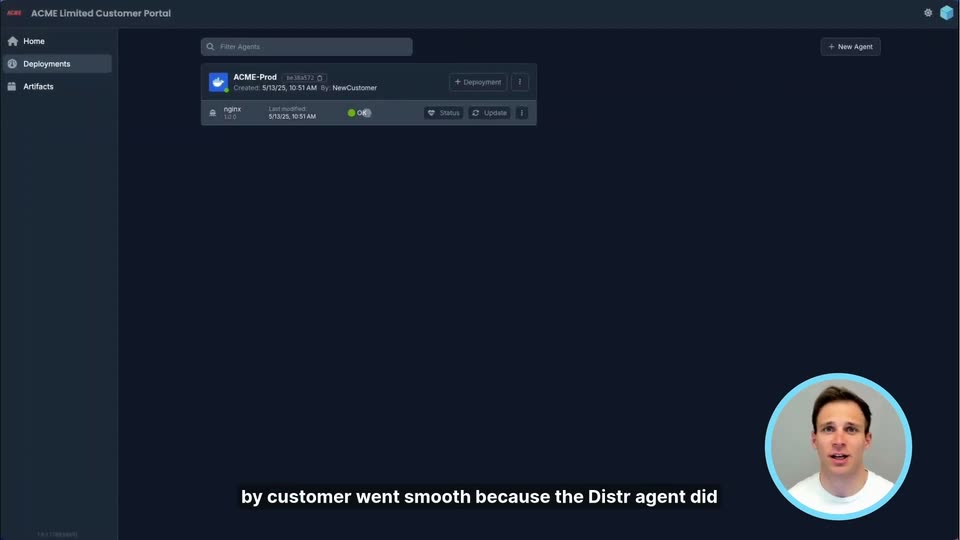 2:16–2:29Glasskube · Distr DemoA dark portal screen zooms in on the nginx deployment row as its status flips from gray to green OK, then pulls back; a user menu opens top right and the view cuts to a vendor sign-in page. A circular webcam sits bottom right, with subtitles below.
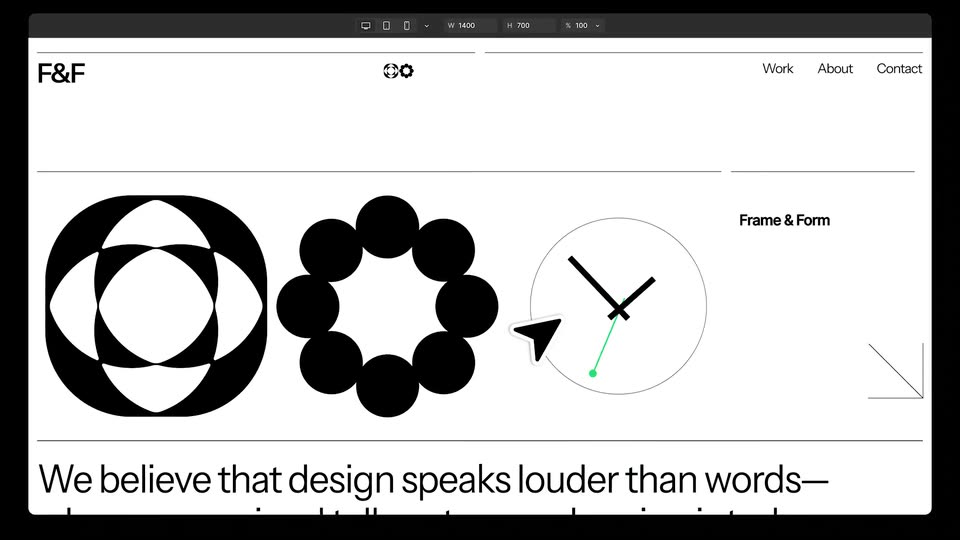 0:48–0:49Figma · Figma - Introducing Figma Sites Take your designs straight to the web. WithA design tool canvas shows a black-and-white logo of three geometric marks, a ring of circles, and a clock face with a green hand. A blue selection box and a black cursor sit over the clock, then the view zooms in as the box clears.
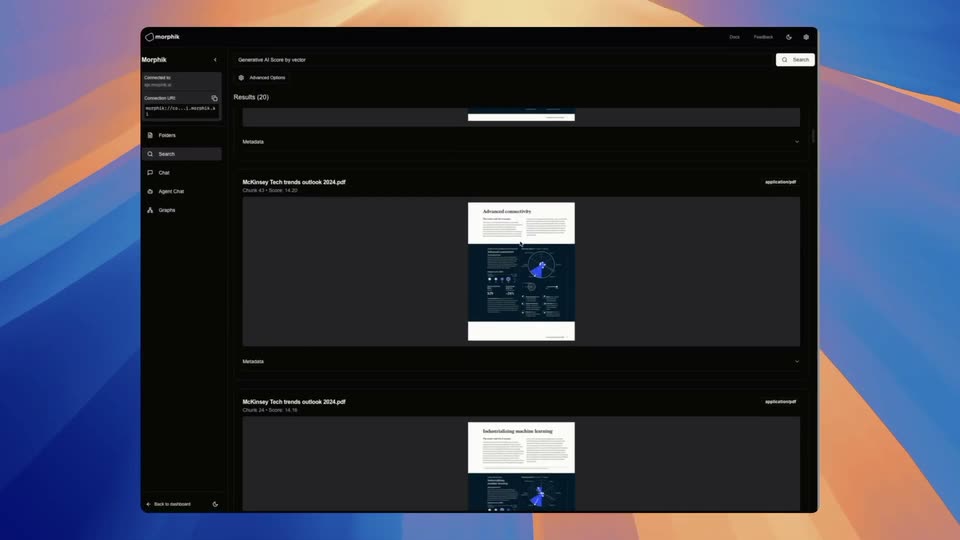 0:46–0:47Morphik · Morphik Launch DemoA dark app window floats over a diagonal blue and orange abstract background. Inside, the results view scrolls and settles so a metadata table with a filename row sits above a PDF preview showing a white document page and a blue infographic.
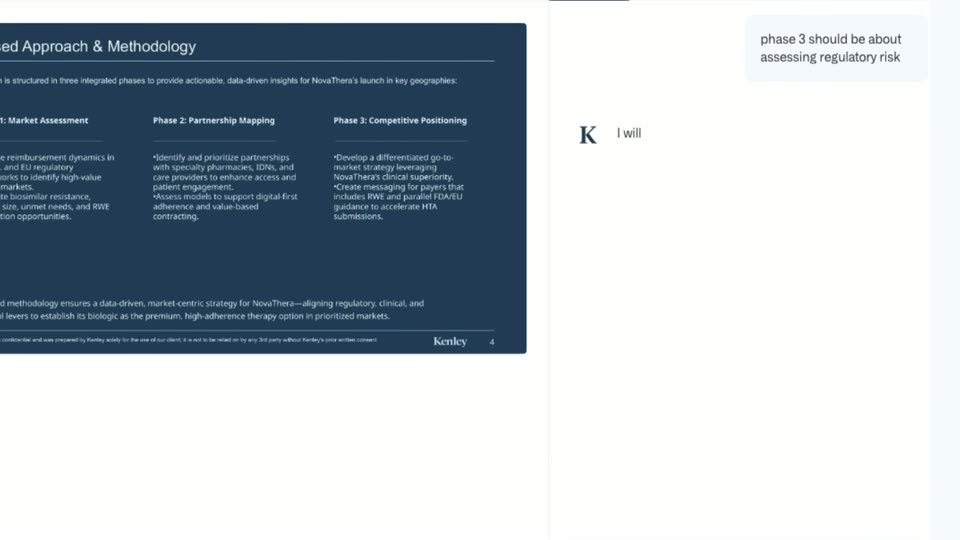 0:43–0:46Kenley · Introducing Kenley WorkStreamsA dark slide titled Proposed Approach & Methodology, listing three phases, sits on the left of a white workspace. In the right chat panel a comment about regulatory risk is typed, then a reply bubble reads I will update the content. The view then zooms into the slide.
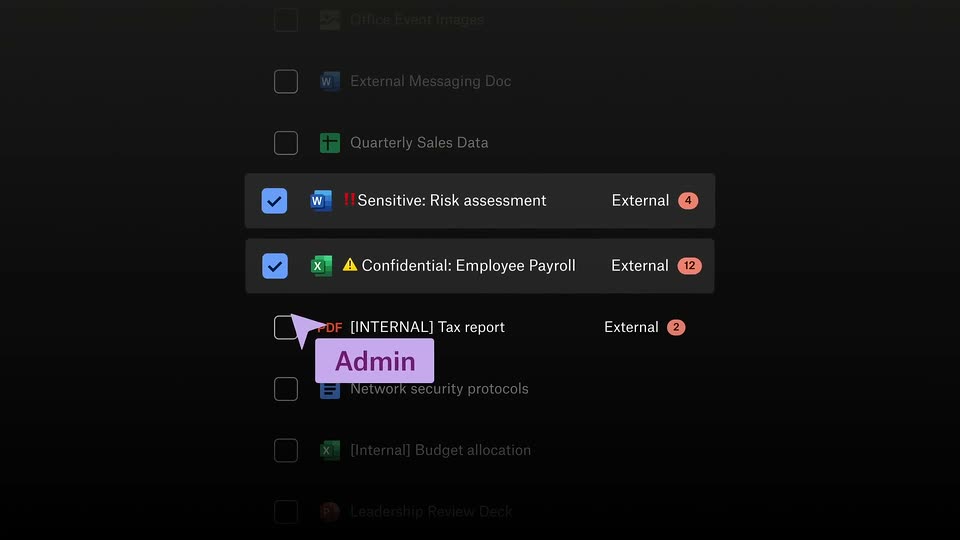 0:46–0:49Dropbox Dash · Dropbox Dash: Search videos, images, and create content fastA dark file list in an admin console is reframed close as a cursor tagged Admin moves down the rows, checking three boxes. The selected rows brighten while the rest dim.
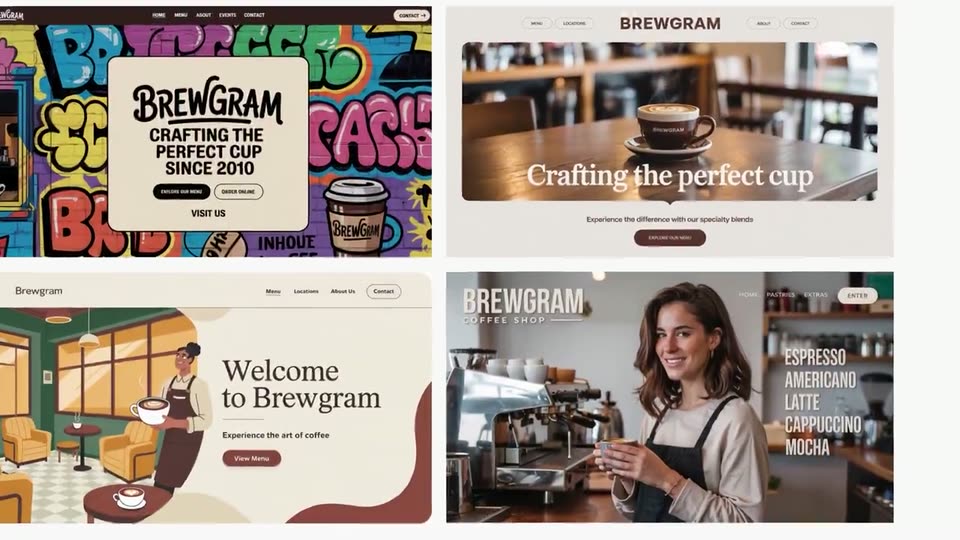 1:20–1:21Ideogram · Ideogram - Meet Ideogram 3.0 — stunning realism, creative designs, and consistenA 2x2 grid of Brewgram coffee-shop website mockups fills the frame, then the view zooms into the bottom-right panel showing a smiling barista holding a cup beside a drink menu.
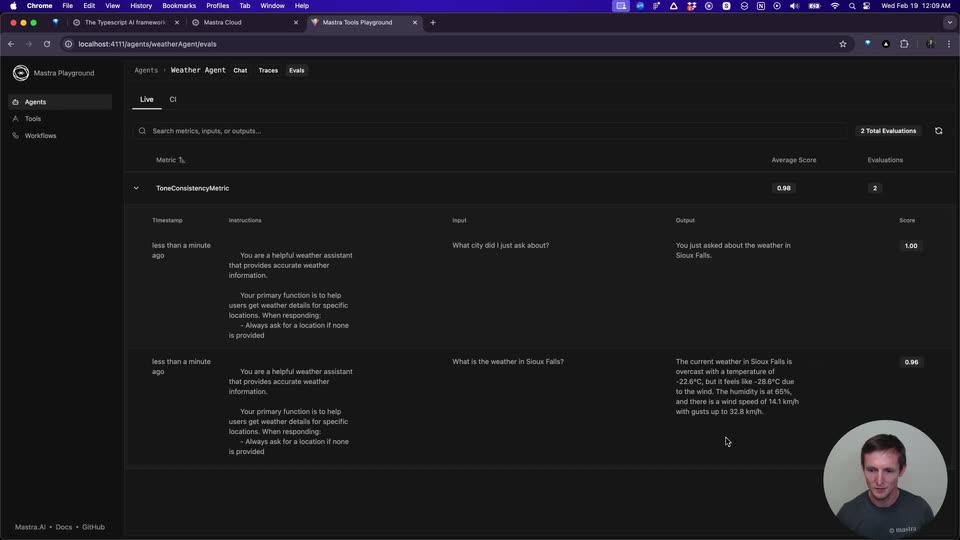 2:41–2:49Mastra · Mastra Demo - The Typescript AI Agent Framework (2024)A dark web app fills the frame, with a circular webcam of a man in the corner. The cursor clicks Evals and the chat panel swaps to an evals table; a metric row expands into two scored entries, then the frame blurs into a zoom.
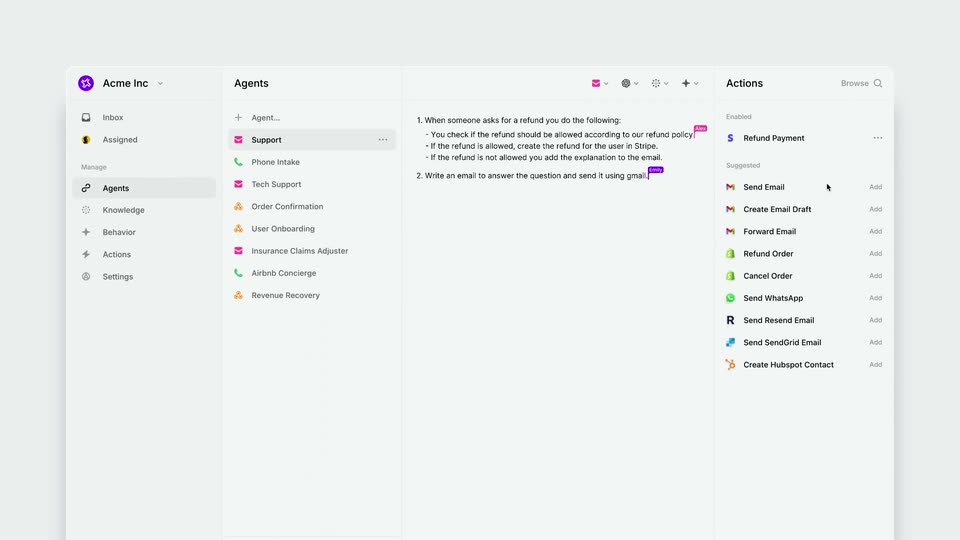 0:47–0:55Input Systems · Input - Meet Lemni. Set up Ai agents for all your customer interactions, in jA purple Emily comment bubble sits on a line of instruction text, then the view zooms out to reveal the full dashboard with agent and actions lists. A cursor moves to Send Email, and the right panel switches to its setup form with approval options.
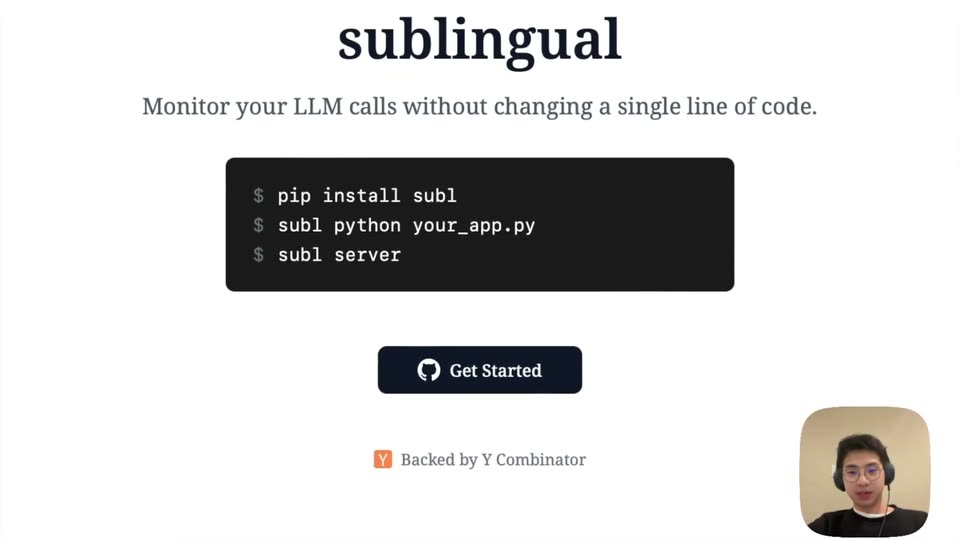 1:55–2:03Sublingual · Sublingual AI DemoA browser window on a colorful abstract background shows the sublingual landing page with a serif headline, a dark command block and a Get Started button. The view zooms into the page, and a small rounded webcam feed of a man with headphones sits in the bottom right corner.
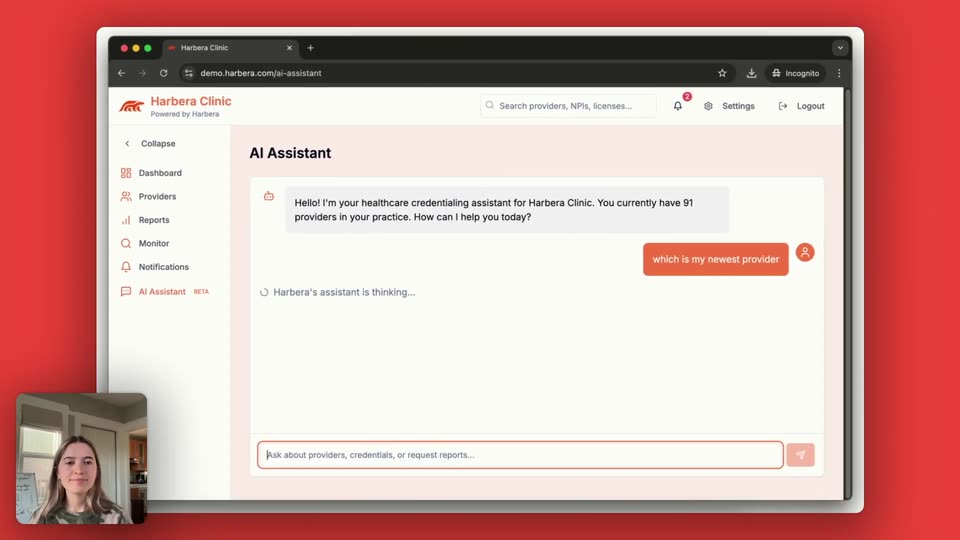 1:21–1:31Harbera · Launch YC: HarberaA flat browser window on an orange background shows the AI Assistant chat, with a webcam inset of a presenter in the lower-left. The view zooms into the input field as a question is typed, then back out as the reply appears. The cursor hovers over the View Profile link.
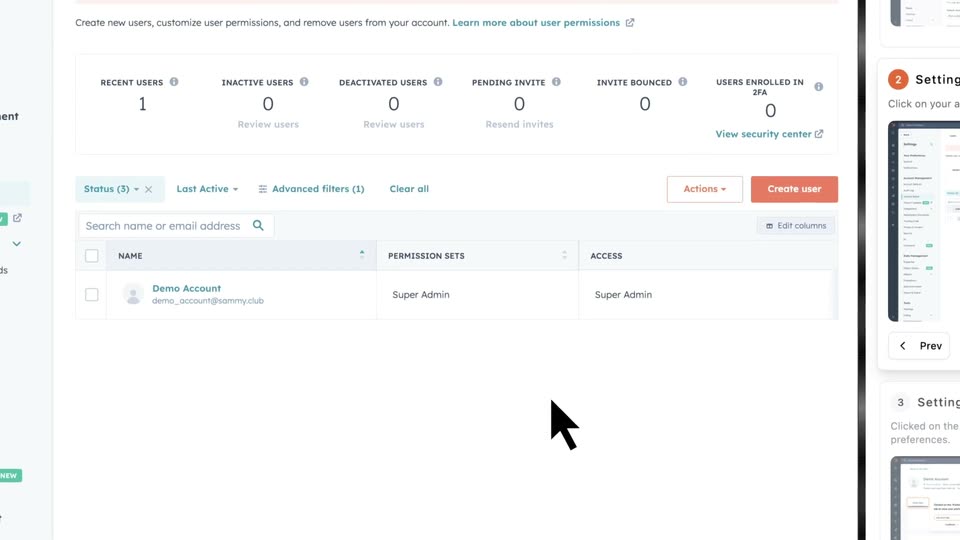 0:46–0:49SAMMY Labs · SAMMY Labs - Product TourA HubSpot settings submenu on the left slides away, reframing the users table with its stat counters and a single Demo Account row. A cursor drifts down and right across the empty table area.
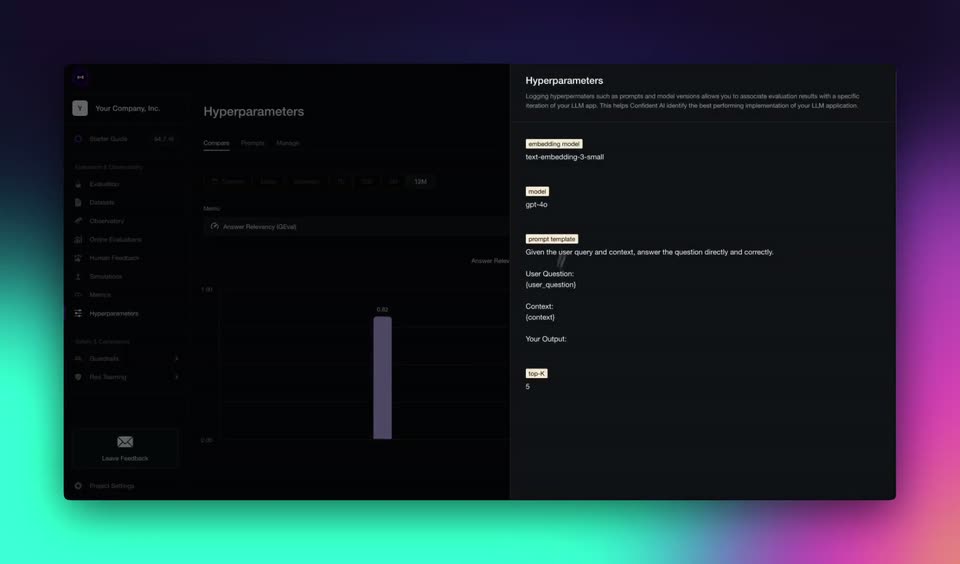 1:28–1:30Confident AI · Confident AI Launch YCA dark evaluation dashboard floats in 3D perspective over a teal-to-pink gradient. The view reframes from the left bar chart, where a cursor rests on the tallest bar, toward the right prompt panel. The sidebar and chart fade as the prompt template enlarges.
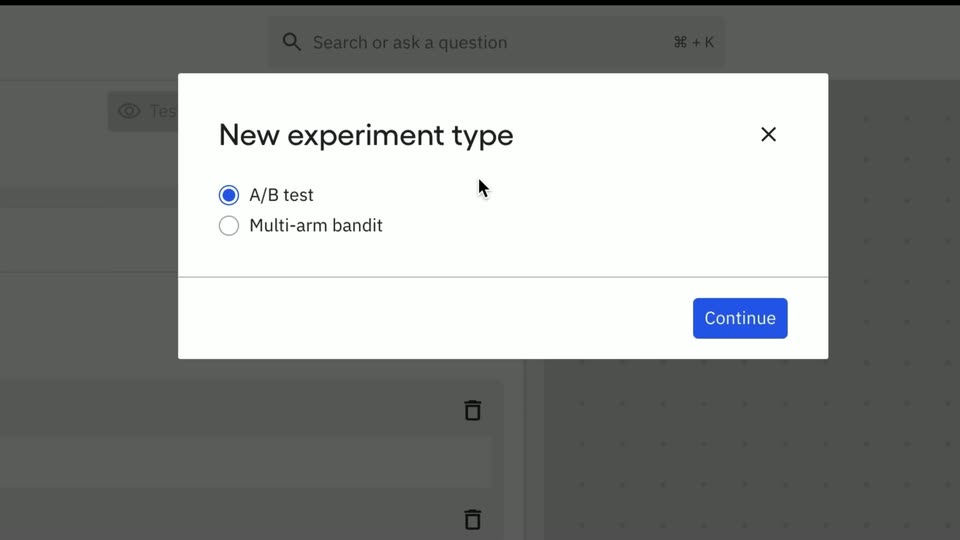 2:08–2:12Amplitude · Amplitude Guide and Survey OverviewA white modal titled New experiment type zooms out to center over a dimmed dashboard, A/B test selected and Continue button at the lower right, while a cursor drifts across the card.
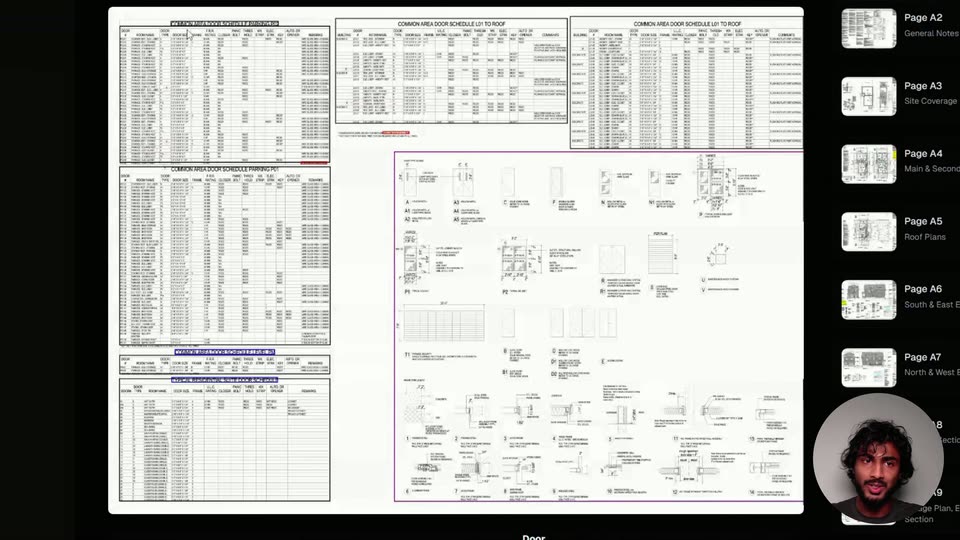 1:04–1:09Bild AI · Read Blueprints Using Bild AIThe dark Bild AI interface sits over a starfield. The view pushes in on a blueprint page labeled Door Hardware Mapping, its tables and door diagrams enlarging, while a Page Summary thumbnail list holds on the right and a circular webcam feed of a man sits bottom right.
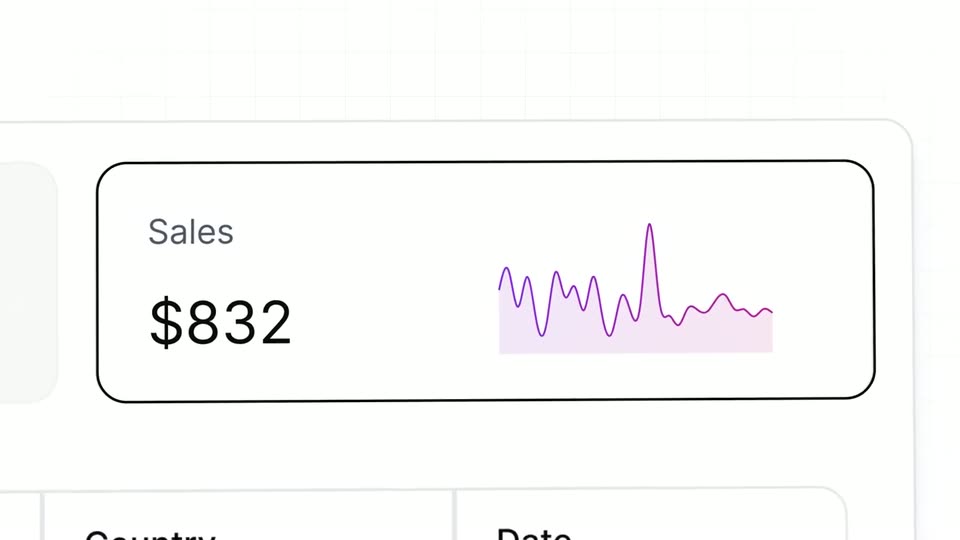 0:38–0:44Dub · Dub.co - Introducing Dub Conversions 📈 Track how your clicks convert to signuA light dashboard interface pans right across metric cards for Clicks, Leads, and Sales, a black outline highlights each card as the numbers count, then the view zooms into the Sales card.
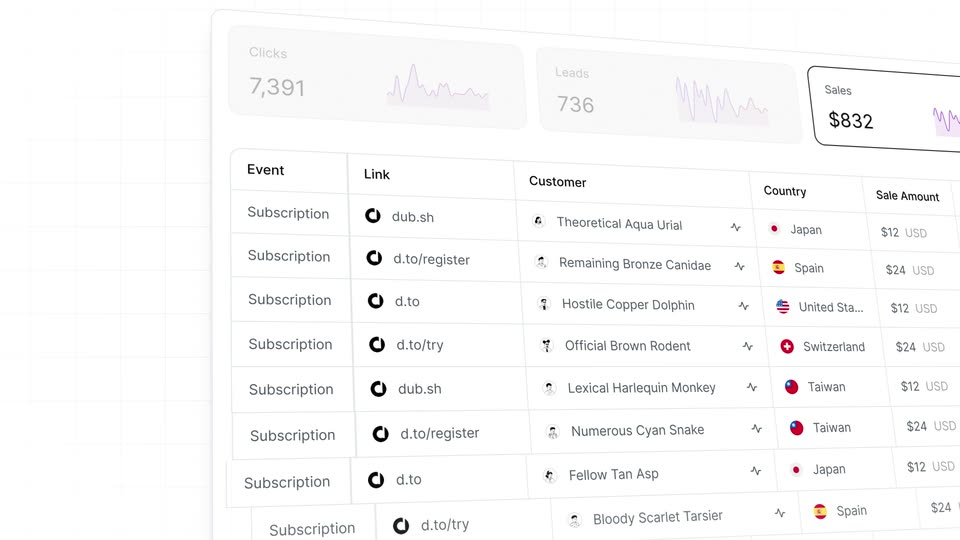 0:42–0:45Dub · Dub: conversionsClose-up of a white Sales card with a purple sparkline, then the frame pulls back to a dashboard of stat cards and a transaction table. It cuts to a white grid where the headline and the brand name scale in.
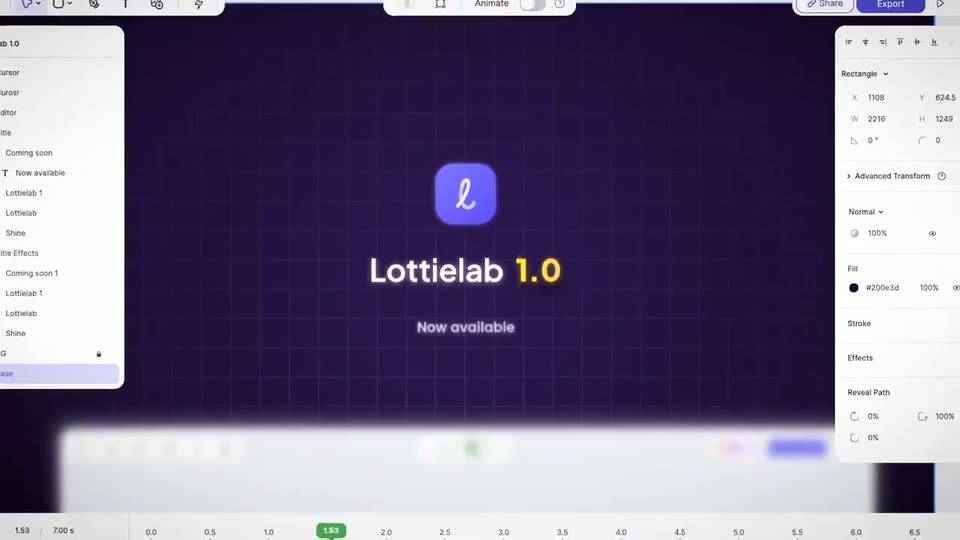 1:50–1:51Lottielab · Lottielab - After months in public beta, we’re thrilled to announce that LottielaA dark purple grid canvas centers the blue LottieLab icon above a white “Lottielab” title and orange “1.0”, with “Now available” below. The camera pulls back and the focus sharpens, revealing the surrounding design-tool panels, top toolbar and bottom timeline around the centered title.
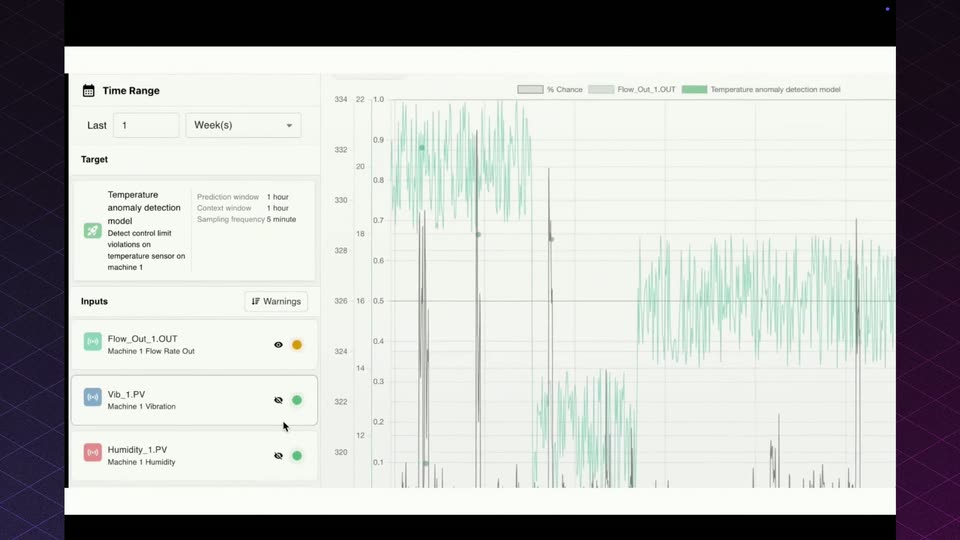 2:06–2:13Vortexify · Praxis AI LaunchA model sandbox screen: the empty chart fills with gray spikes and a green line, an inputs list slides in. The view zooms into the chart, a tooltip notes the value is within the warning range, then zooms back out as the cursor moves to the Deploy button.
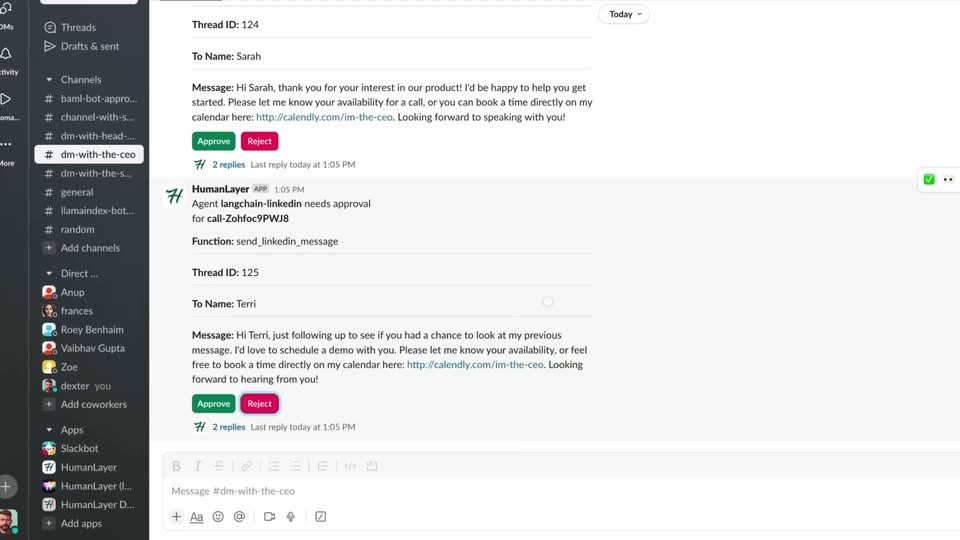 2:18–2:19HumanLayer · HumanLayer Deep DiveA Slack workspace thread view fills the frame, listing two approval requests with Approve and Reject buttons and a HumanLayer bot note. The view zooms in slightly, cropping the right edge and the message input bar.
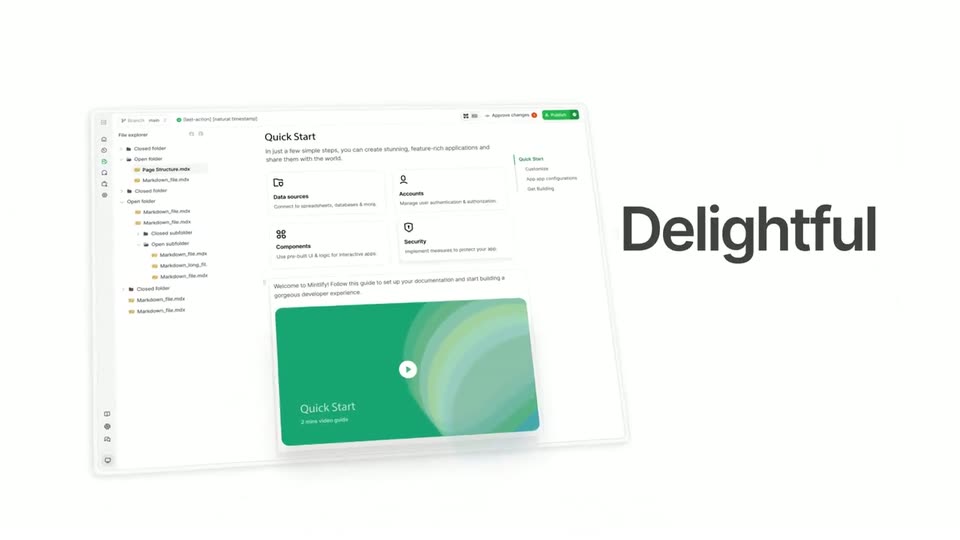 0:33–0:37Mintlify · Mintlify - Introducing our new Web Editor! You can now create, edit, and publisA documentation UI mockup tilts in 3D perspective, opening zoomed in, then reframing to the left as the headline “Delightful to read” assembles on the right. It zooms back in as “Build better docs today” scales over the center.
 2:17–2:18Ramp · Meet Ramp: A smart finance operations platform that saves you time and moneyThe view opens on a close-up of a spending-by-category bar chart with a cursor on a red bar and an $11,302 tooltip, then zooms out to reveal the full Reporting dashboard with sidebar, line chart and per-person list.
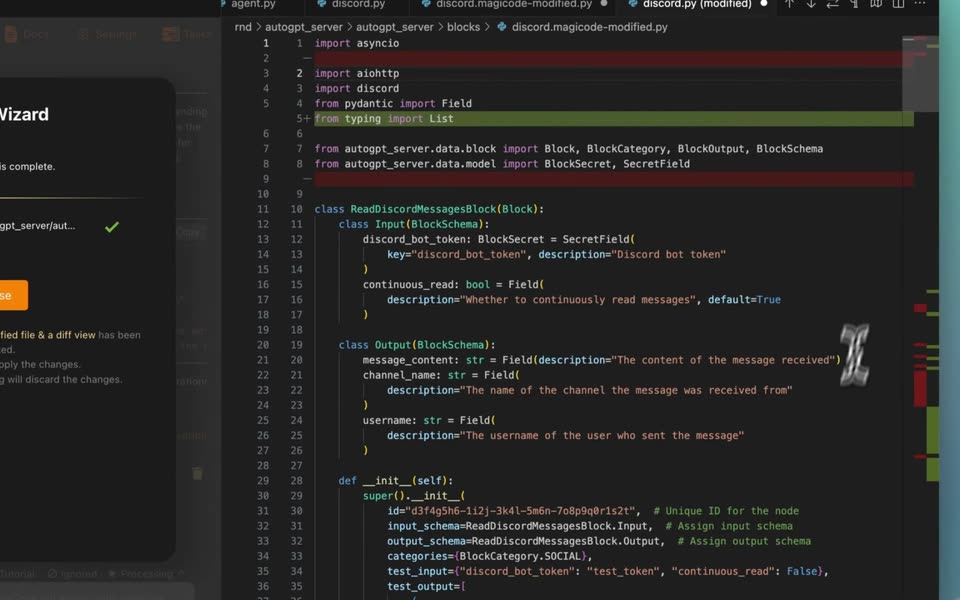 1:42–1:53MagiCode · MagiCode: Your Proactive Pair ProgrammerA dark code editor shows a Code Wizard panel with a spinner, then a green checkmark, while the view zooms into the Python file as a red-and-green diff fills the screen and a hand cursor moves across it.
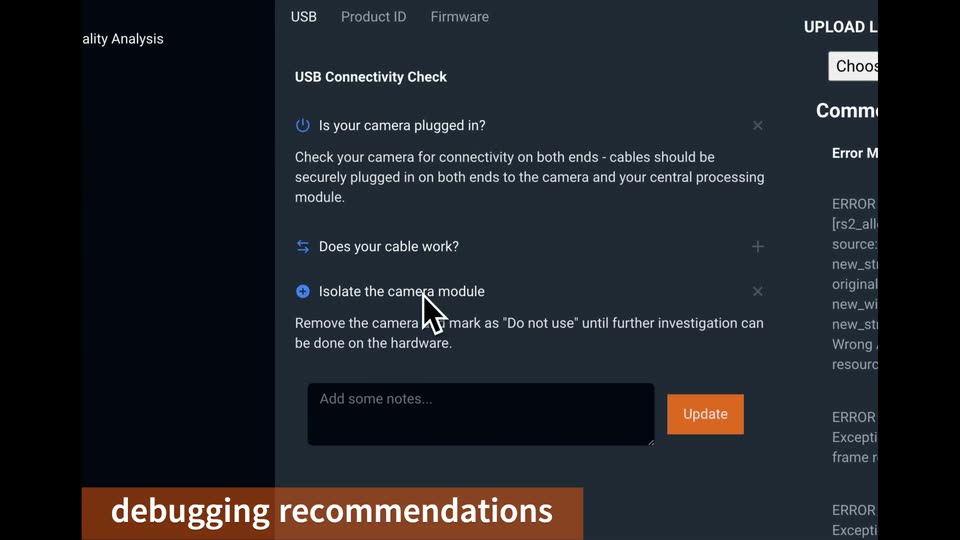 0:41–0:44Ember Robotics · 🔥 Introducing Ember Assistant 🔥- Robotics Camera System Assistant!A dark robotics dashboard zooms from the full error tracker view into the USB connectivity check panel. A cursor hovers a checklist row, then the notes field gains focus with a blinking caret, while a solid orange bar at the bottom holds the caption.
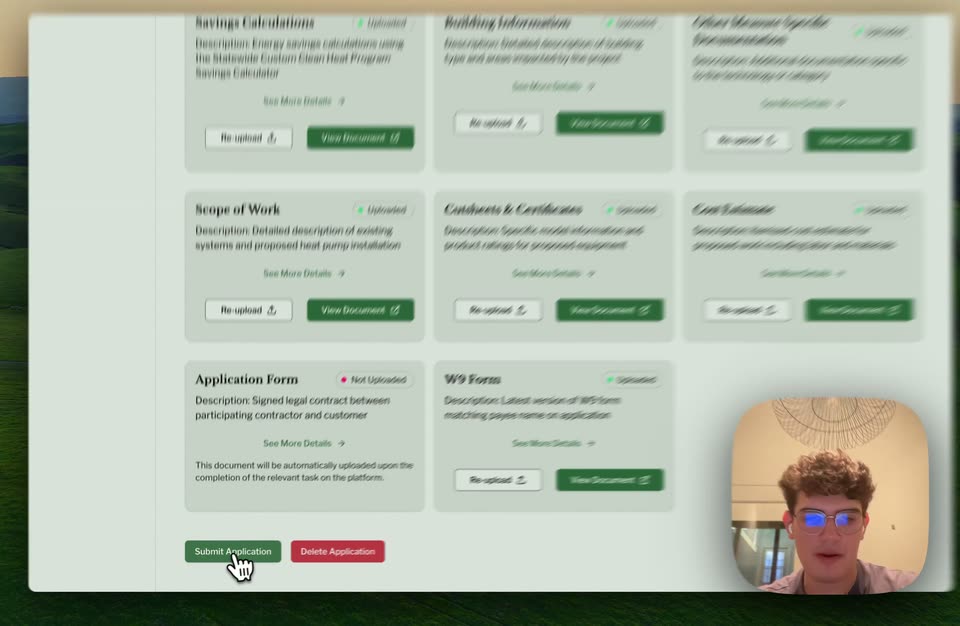 2:05–2:19RetroFix · RetroFix Product DemoA project page shows a to-do list and document cards. A cursor clicks Upload Demo Documents, flipping Pending statuses to Completed, then scrolls down and clicks Submit Application, opening a confirmation dialog with a Submitting state. A small webcam video of the presenter sits in the corner.
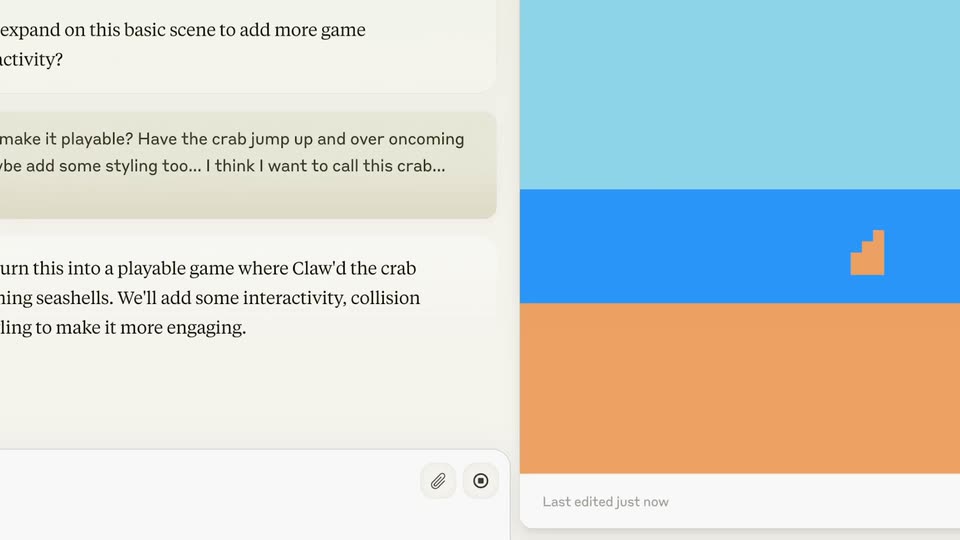 1:02–1:03Anthropic · Claude 3.5 Sonnet for sparking creativityA white chat panel with a user prompt and an AI reply fills the left side, while the right shows a pixel-art crab on a striped beach. The view zooms out to bring the game preview into frame beside the conversation.
 1:21–1:25Google · Search in the Gemini era | Google I/O 2024A green-framed phone mockup floats in 3D perspective on a soft green gradient, its Google search screen cycling loading status text above pale green skeleton bars, while the camera pushes in toward the search bar.
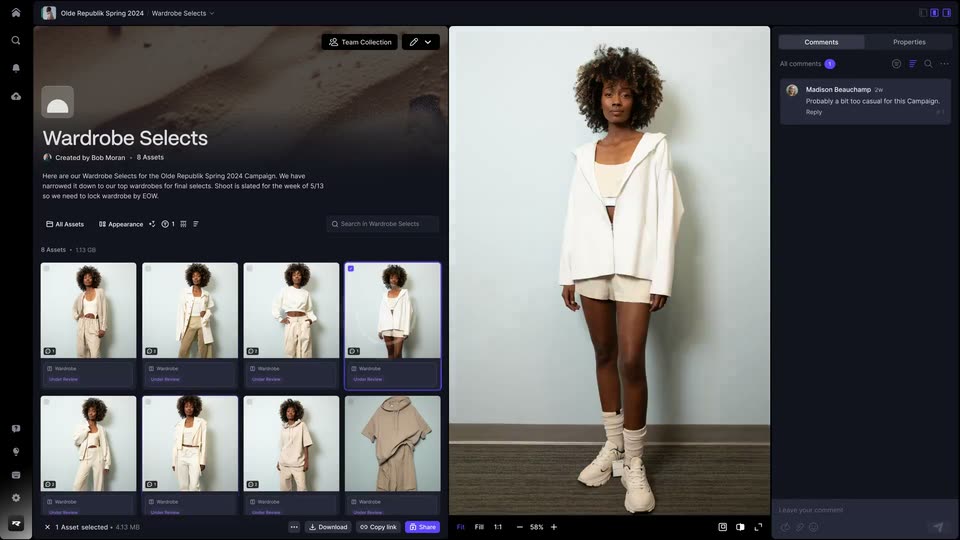 0:44–0:46Frame.io · Frame.io - It's here. The all-new Version 4. Now in beta.A dark collaboration interface fills the frame: a left panel lists the Wardrobe Selects collection with model thumbnails, a center panel previews a model in cream clothing, and a right panel shows comments. The view then zooms into the center image as the comments update.
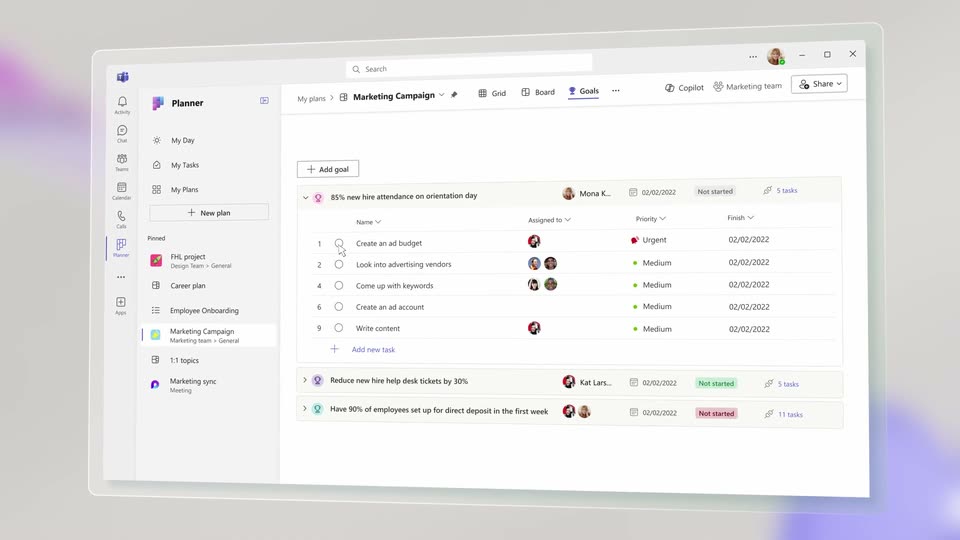 1:35–1:38Microsoft · The new Microsoft Planner: Manage all your tasks and plans in one simple, familiar experienceA Planner goals view floats in 3D perspective over a soft gradient, tilted at first. The camera pushes in and the panel rotates flat as a cursor glides from the sidebar to the top task row.
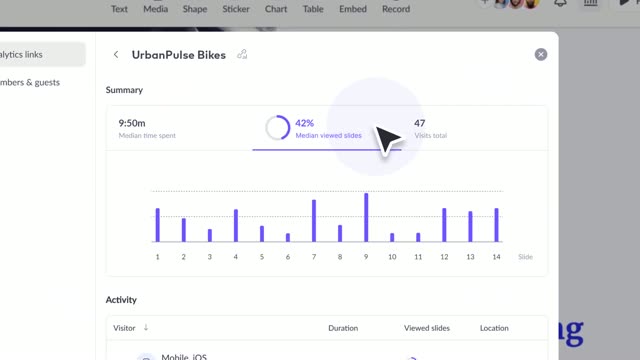 1:05–1:09Pitch · Introducing Pitch 2.0The slide editor fills a purple field as a cursor opens an analytics panel over the canvas. The view zooms into the panel, the bar chart switches from time to views, then scrolls down to a visitor activity table.
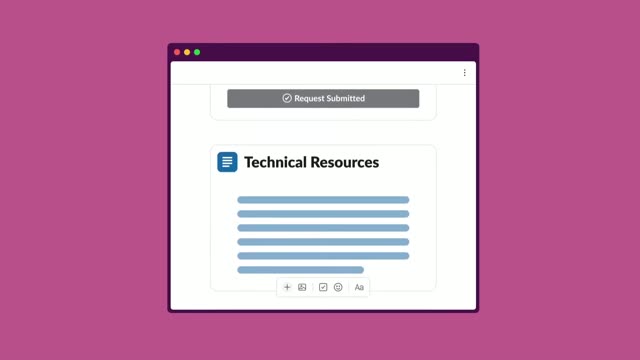 1:15–1:16Slack · Introducing canvas | A new surface to share and organize knowledge | SlackA 3D window mockup on a magenta field shows a cursor tapping a Request Submitted button. The camera swings to a flat front view and zooms onto the Technical Resources card, where a purple dot pulses over blue placeholder lines.
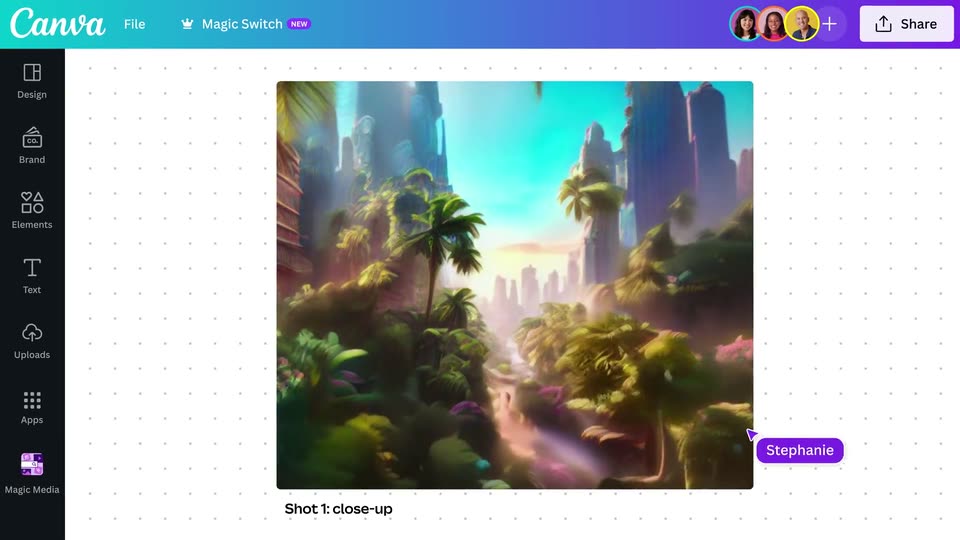 1:03–1:05Canva · Canva - Meet Magic Studio. Supercharge your workflow with all the power of AIThe Canva editor shows a square artwork of a tropical city with palm trees on a dotted canvas. The image scales up steadily, filling the frame, while a purple collaborator cursor labeled Stephanie hovers at its edge.
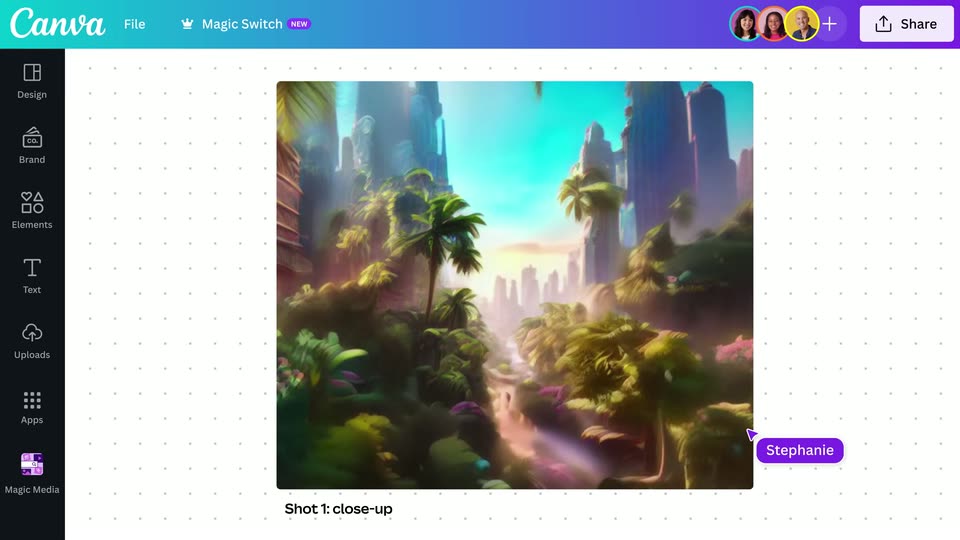 1:03–1:05Canva · Meet Magic Studio | Let the power of AI supercharge your workThe Canva editor shows a fantasy landscape with palm trees and a river on the canvas. The image scales up to fill the canvas while a named cursor sits at its edge. A caption reads Shot 1: close-up.
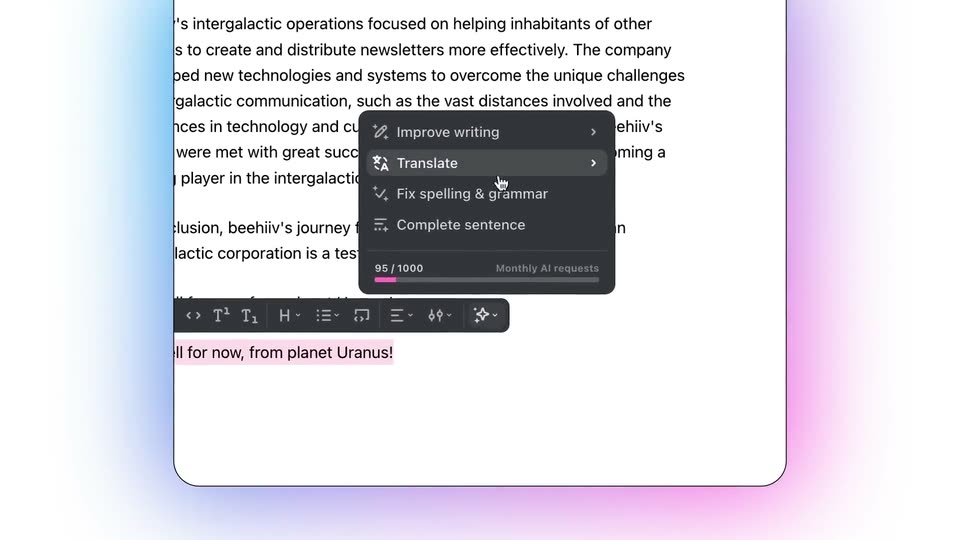 1:00–1:03beehiiv · beehiiv 🐝 - Introducing beehiiv AI ✨ Coming live from UranusA white document card with body copy floats in 3D perspective on a blue-to-pink gradient. The view zooms in as a cursor opens a dark context menu, selects Translate, and a language dropdown appears while the closing line highlights pink. Blue pill captions sit at the bottom.
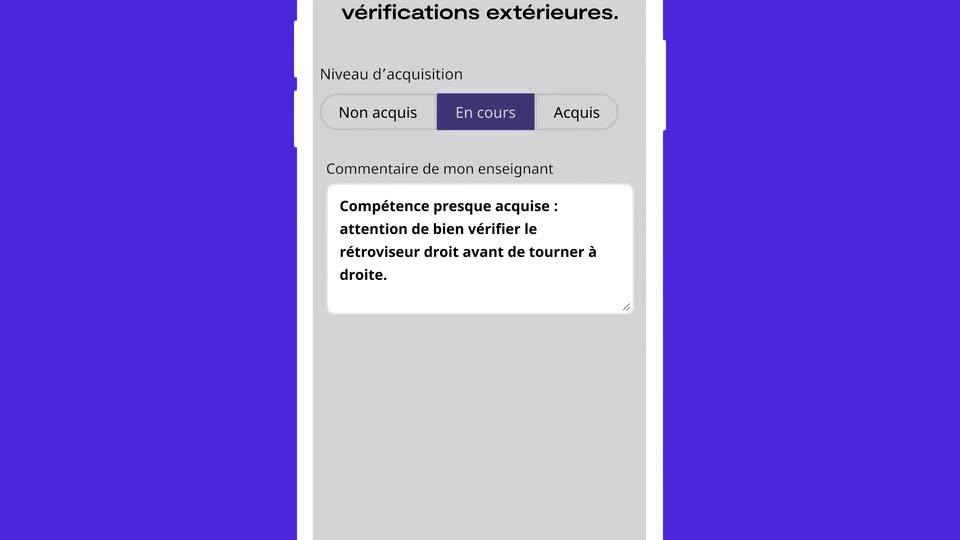 3:24–3:35Ornikar · Le PERMIS avec ORNIKAR : comment ça marche ?A flat phone on a violet background loads a French driving-app checklist; rows fade in with checkmarks, one ring fills to a tick. The view zooms into the list, then scrolls down to a level toggle and a teacher comment box.
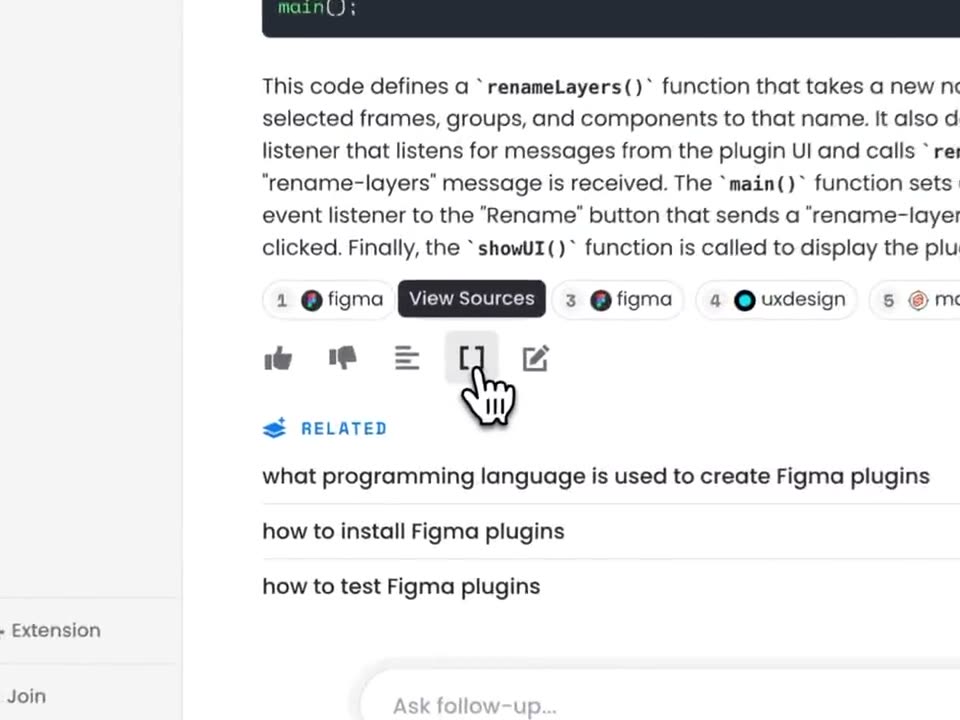 1:01–1:02Perplexity · Perplexity - We are excited to launch the next version of Introducing login, threaA tilted 3D code editor window recedes as a flat white answer card with code text and related links comes forward; a hand cursor taps the copy icon while the frame reframes tighter on the explanation.
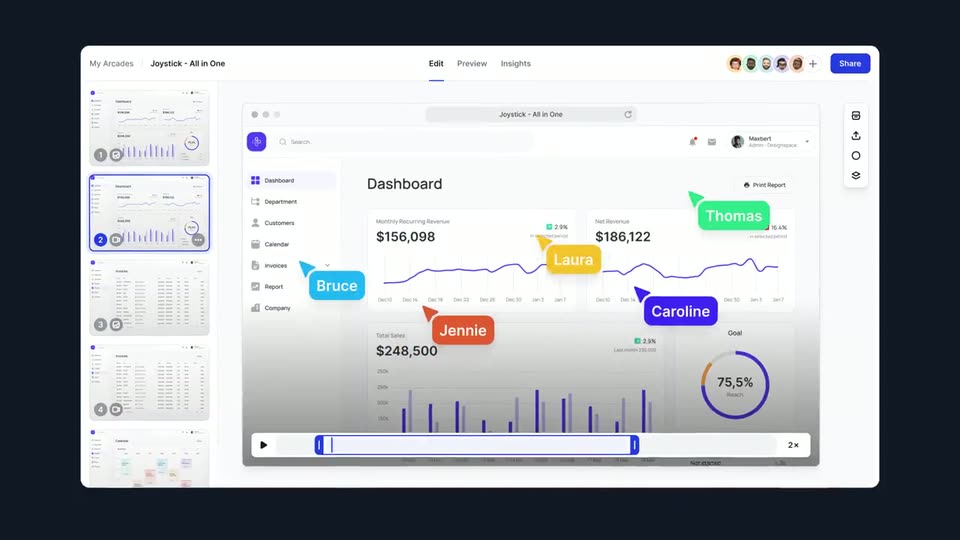 0:47–0:49Arcade · Arcade - Introducing Arcade Growth:A 3D-tilted browser window of a SaaS dashboard zooms out from a close-up of the top bar to reveal the full interface, with a video scrubber along the bottom. Five colored name tags, Thomas, Bruce, Jennie, Laura, Caroline, float over the charts, arrows pointing to data points.
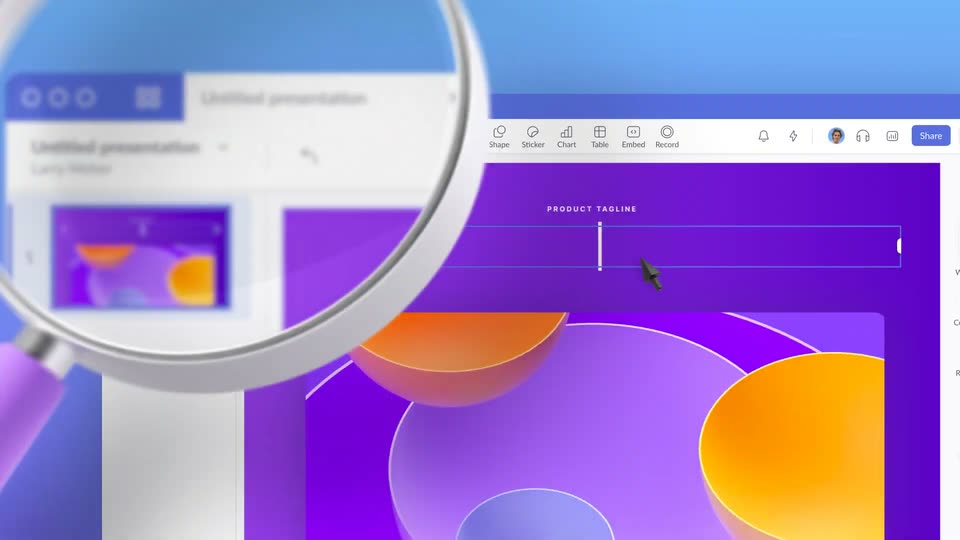 0:25–0:34Pitch · Introduction to Pitch | Create beautiful presentations with your teamIn a presentation app window, the cursor picks a purple template from the gallery panel, and the slide fills with it as the view zooms into the canvas. The cursor deletes the placeholder title, then a magnifying glass graphic highlights the title “Proposal for Acme” being typed.
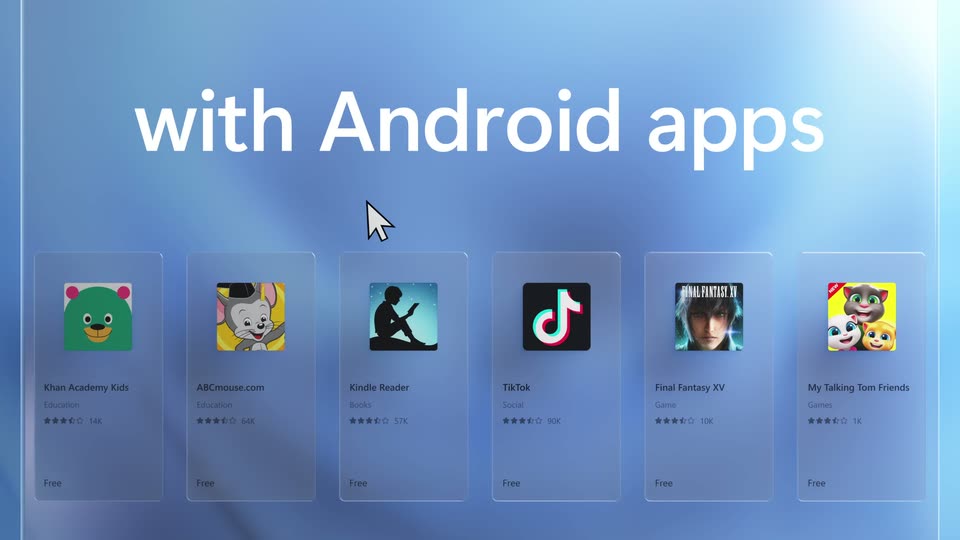 2:14–2:17Microsoft · Introducing Windows 11A device home screen with app tiles fills the frame, then the view pushes into the Android apps section, revealing a row of frosted app cards. The white headline with Android apps fades in above the cards while a cursor hovers over one tile.
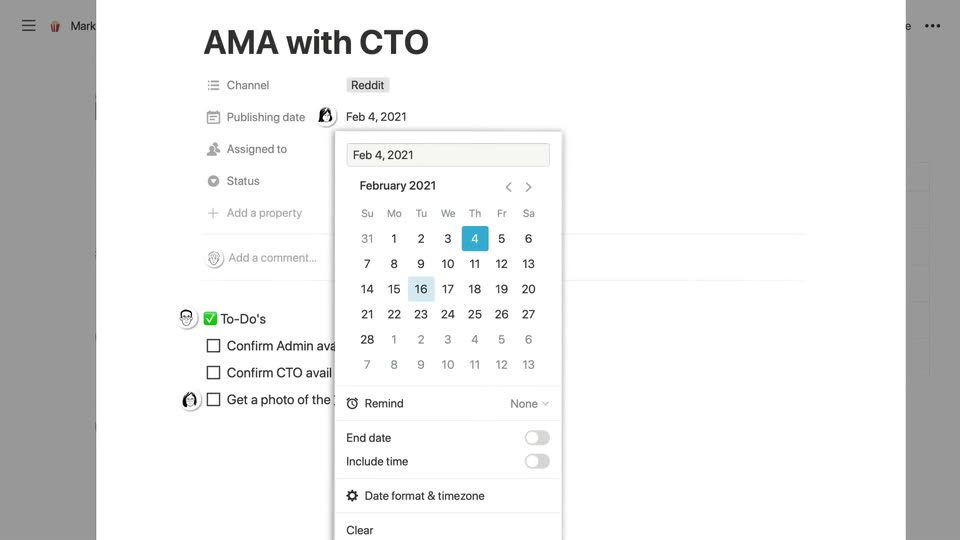 1:46–1:50Notion · What is Notion?A white record card titled AMA with CTO scales open over a blurred table. A date picker dropdown opens and the publishing date flips from Feb 4 to Feb 16, then an assignee name fills in and a formatting toolbar pops up under a selected to-do line.
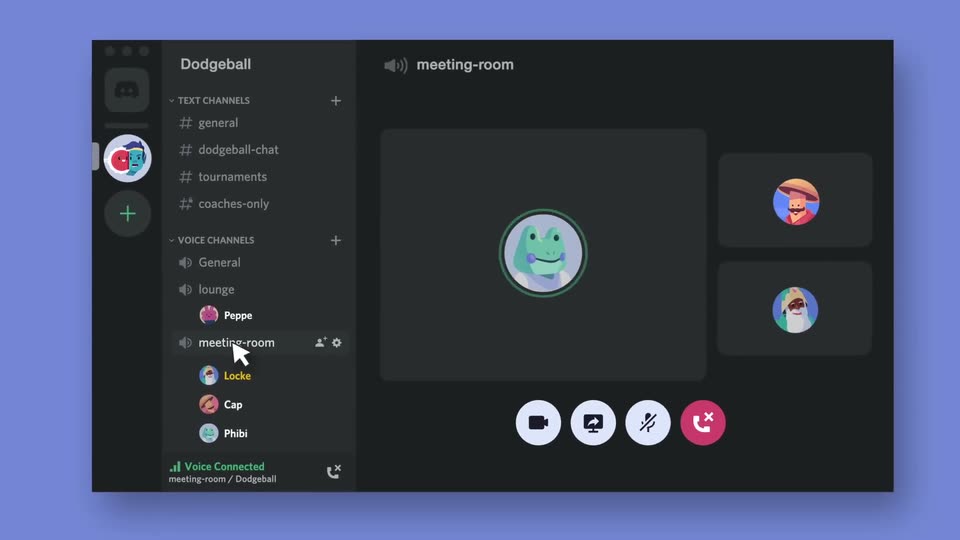 1:24–1:26Discord · How Discord Works in 148,000 Miliseconds or LessA close-up of a dark channel list with a cursor over the meeting-room row zooms out to reveal the whole app window floating on a blue background, showing three avatars in the voice room and a frog avatar in the main video tile.
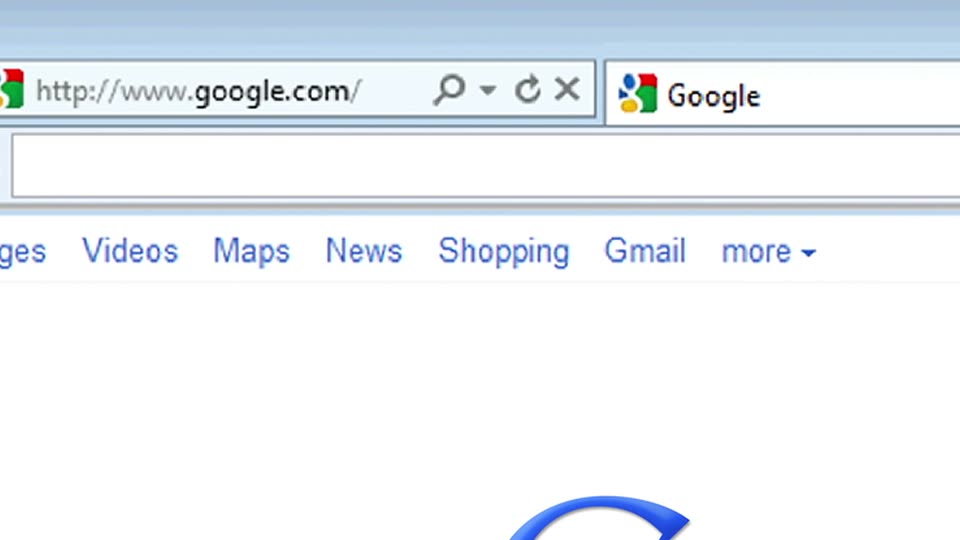 1:24–1:30Google · Introducing Google Toolbar 7A browser window shows the Google homepage with its colorful logo and search box. The view zooms in on the top toolbar, tracking the Search and More buttons and the row of nav links, then zooms back out to the full page.
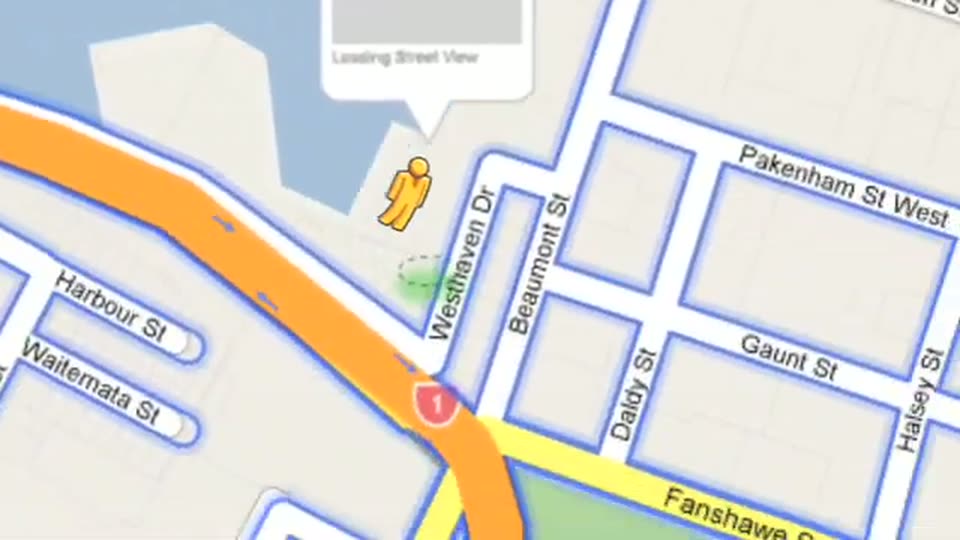 1:10–1:16Google · Street View now available in New ZealandA Google Maps view zooms in on a city map as a yellow Street View figure is dragged from the controls onto a blue-outlined street, dropping a green marker.
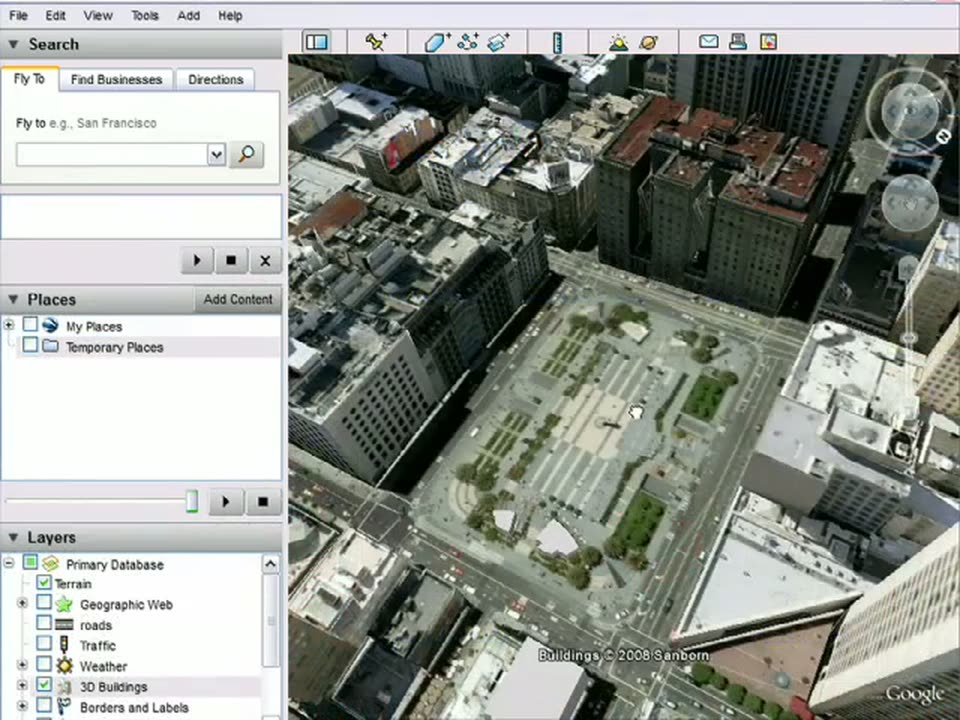 0:35–0:38Google · New features in Google Earth 4.3A flat screen capture of a 3D mapping app, with search and layers panels on the left, shows a white info card over a 3D city view. The card fades out as the 3D camera tilts to a closer overhead view of a plaza.
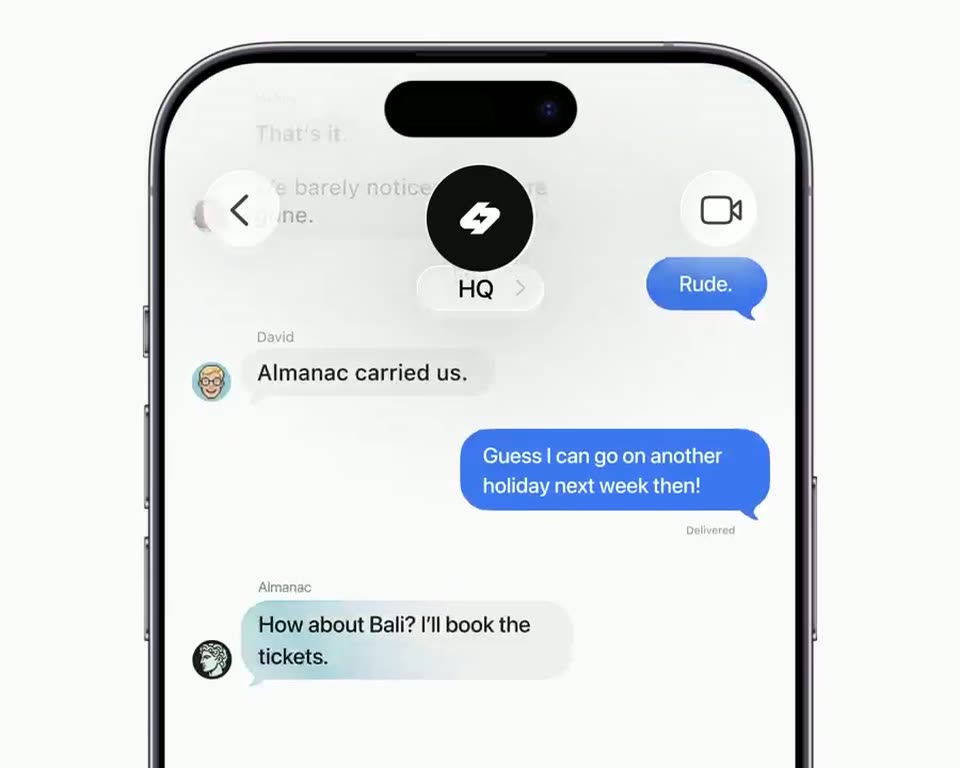 0:42–0:50Almanac · We just killed two biggest limitations of your favourite AI agents: Their memory and Your laptop Almanac’s agents have unlimited memory, their own computers, browsers and access to the tools theyA front-facing iPhone shows a chat with HQ. A checklist summary card and a blue bubble sit at the top as emoji reactions pop in, then the thread scrolls down through replies. The phone frame drops away, leaving the last two bubbles enlarged on a plain background.
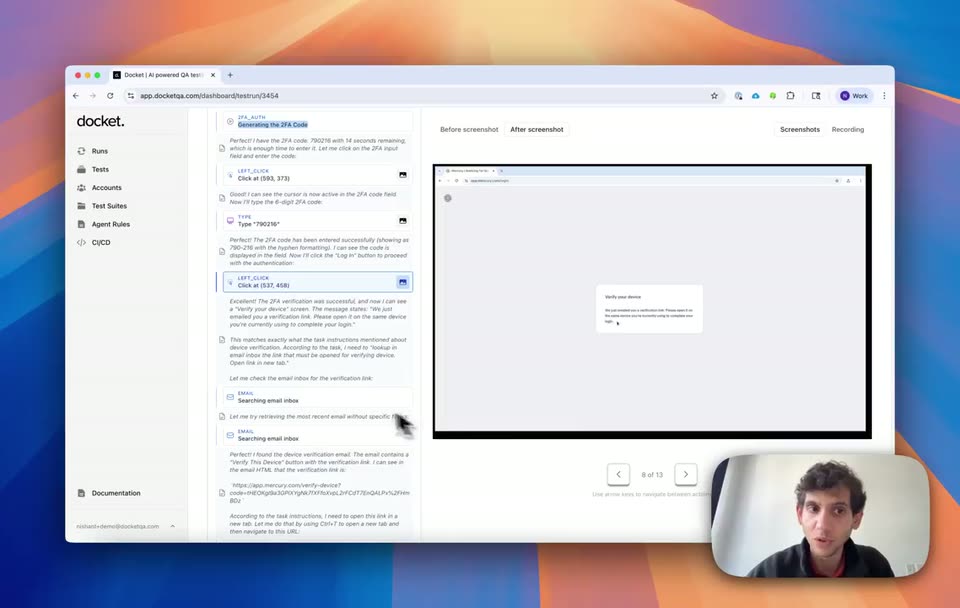 1:18–1:22Docket · #fintech #qa #ai #e2etest #yc #automation | Docket (YC P25)A browser window showing the Docket dashboard sits on a striped gradient background, with a small webcam feed of a presenter in the corner. The view then zooms into the action log on the left, where a cursor rests over an email step.
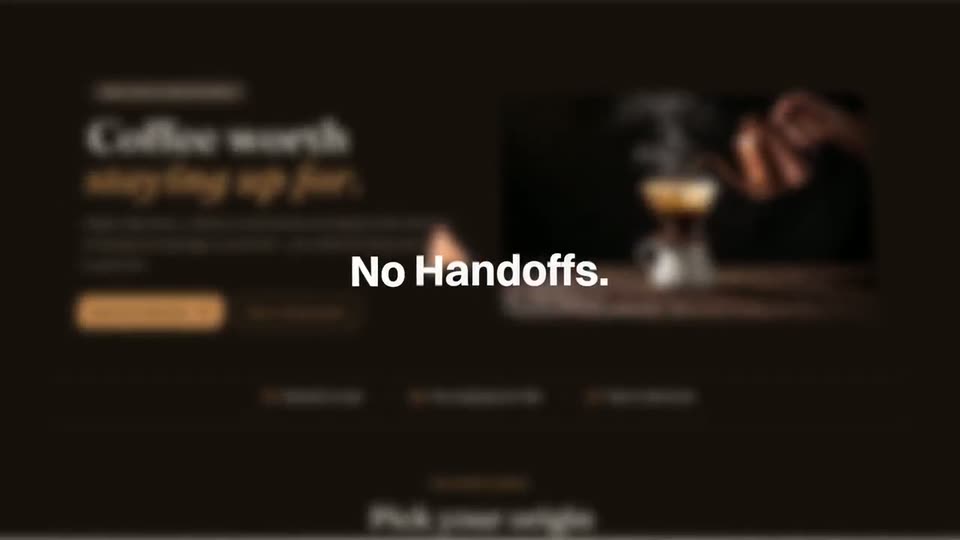 0:42–0:48Floot · Claude and ChatGPT can already write you an app. Getting it live is another story. Today we're fixing that: connect Floot, and you can build and ship real apps directly inside Claude and ChatGPT -A dark coffee landing page fills the frame, a play button over the pour-over shot. The view blurs as centered white captions read No Tabs., No Handoffs., No Git. in sequence, then sharpens and pulls back to show the page tilted in 3D under the editor toolbar.
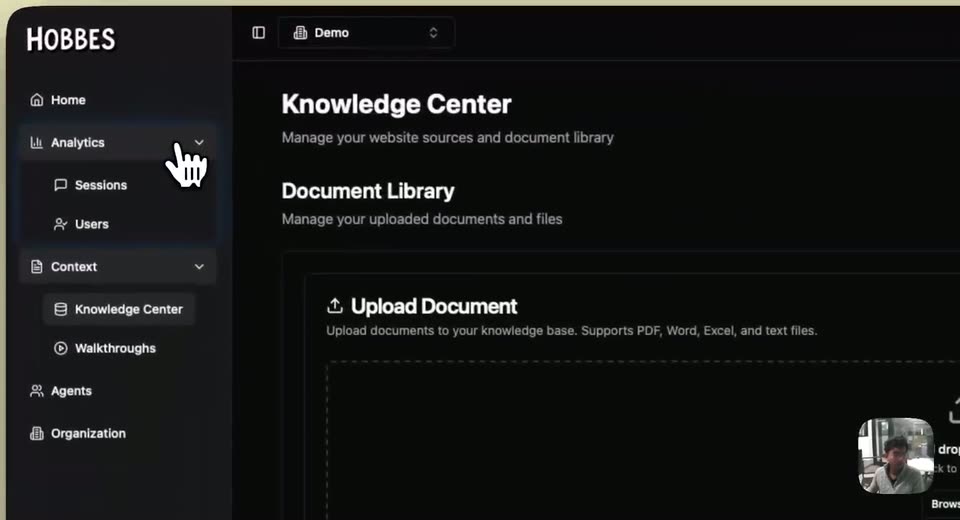 2:00–2:01Hobbes · 🚨Major update🚨 Syra is now Hobbes (hihobbes.com)! As we worked with some amazing teams this year, we saw a big gap in the agent landscape: visual context. Agents trained on knowledge bases + helpA dark product dashboard zooms in from a wide view, cropping a chat panel and a video-call window out of frame. A hand cursor hovers over the Analytics item in the left sidebar.
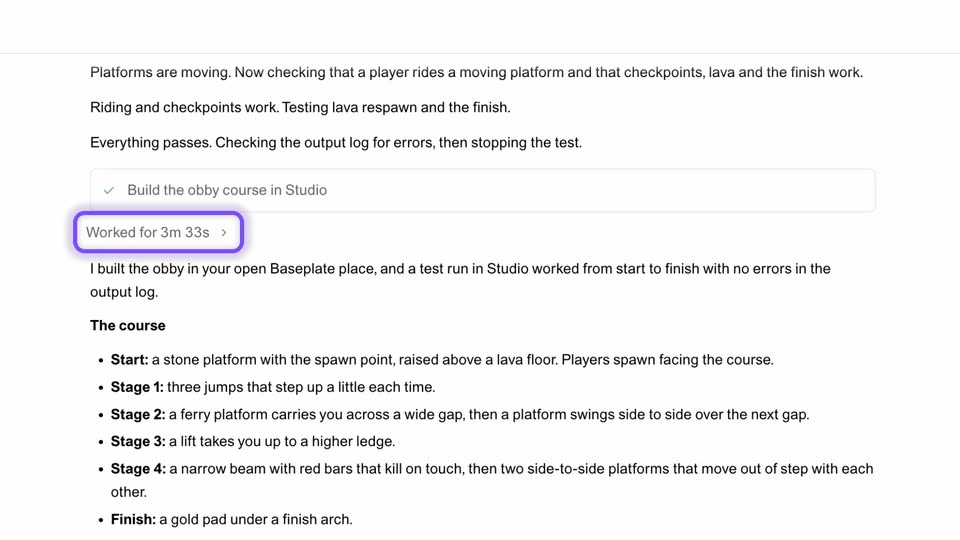 1:05–1:07Voyager · Connect Roblox Studio to Voyager (Build an Obby with One Prompt)A documentation page with body text and a bulleted course list sits on a white background. A purple-outlined pill reading 'Worked for 3m 33s' is highlighted. The view slowly zooms in, enlarging the text and pushing the top line off frame.
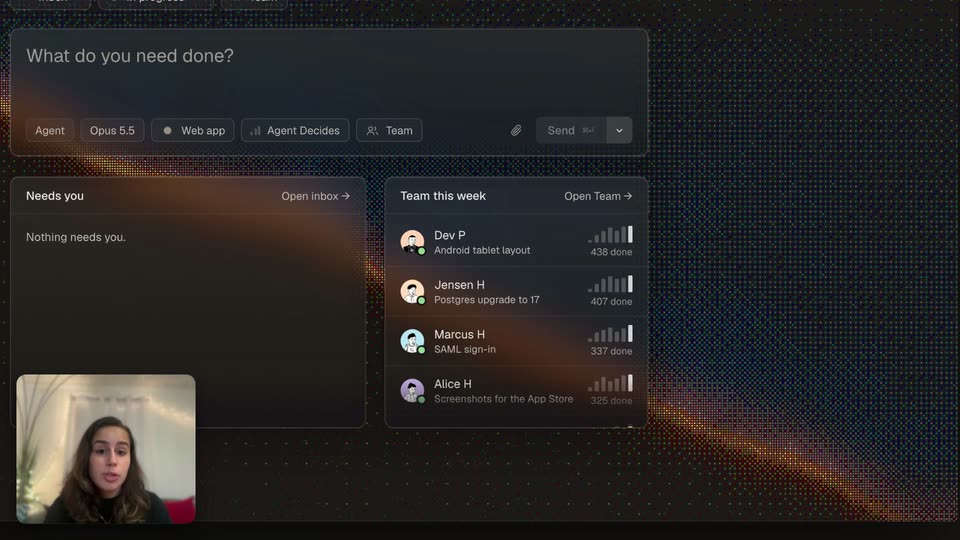 1:04–1:14Agentbox · Savannah - introducing multiplayer for coding agents. the place you code is nowA dark dashboard with a greeting, a task prompt and two status panels sits over a dotted background. The view zooms in on the panels, holds, then pulls back and cuts to an empty inbox screen. A small webcam inset of a woman speaking stays in the bottom-left corner.
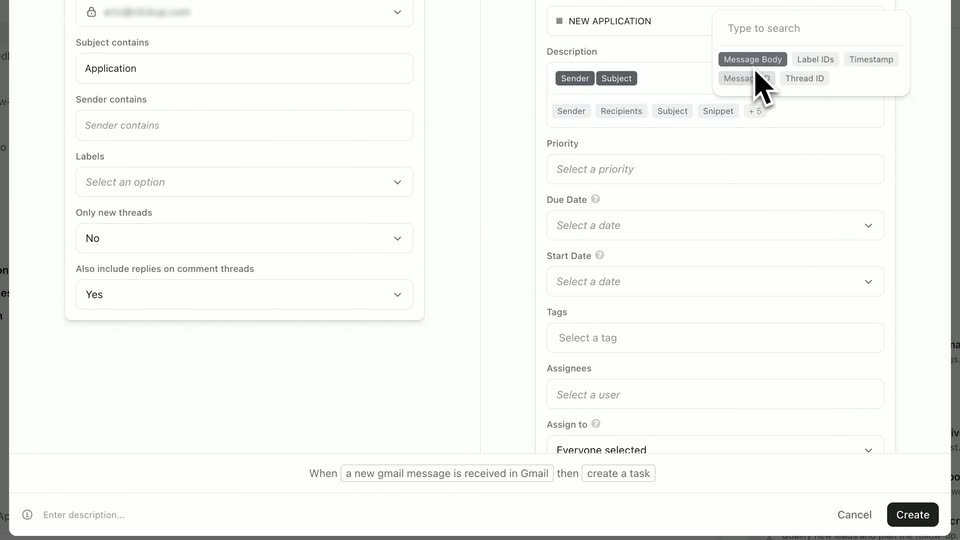 2:17–2:41ClickUp · ClickUp Release 4.10: Sheets, Work Schedules, Email Triggers, and more!A two-panel automation editor pairs a Gmail trigger with a task form. A cursor types 'Application' into the subject field, adds sender and subject chips, opens dropdowns to set list, status and task type, then the frame pulls back to the full app and clicks Save.
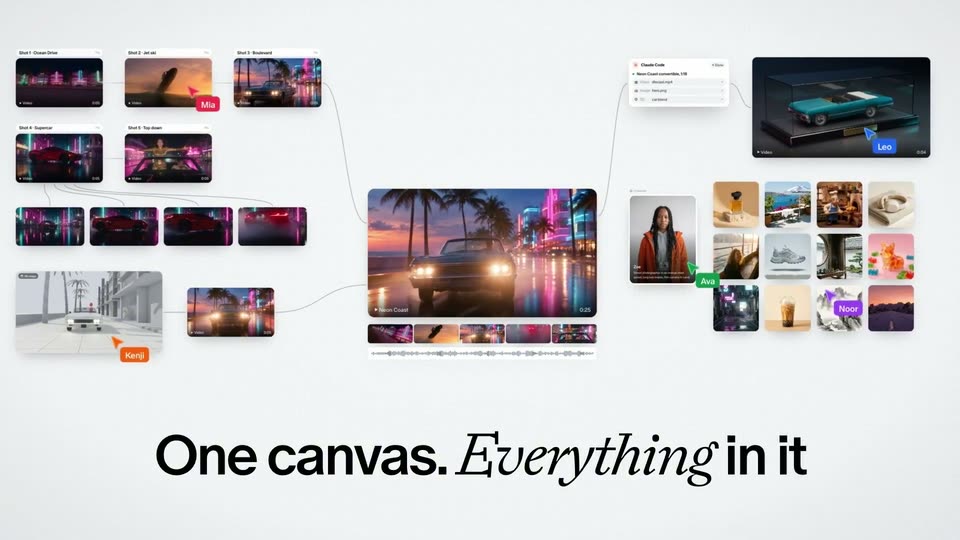 1:04–1:08Flowith · Flowith - introducing Flowith 3.0. the ultimate canvas for human-ai creation.A white collaboration canvas fills the frame, its shot panels, video player and thumbnail grid linked by thin lines, while colored collaborator cursors sit over each item. The view zooms out to fit the full layout, then a tagline fades in at the bottom.
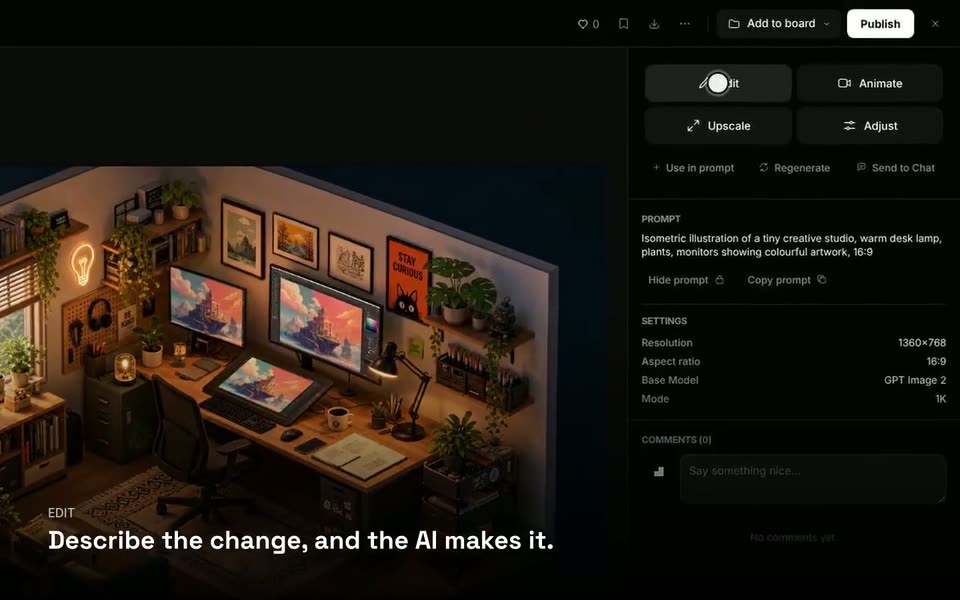 1:10–1:13LetzAI · Introducing LetzAI V5 | LetzAI BlogA dark image-detail view of the product interface. The isometric studio illustration on the left zooms in, reframing onto the desk and monitors, while the right sidebar slides out of frame. A white caption holds at the bottom left throughout.
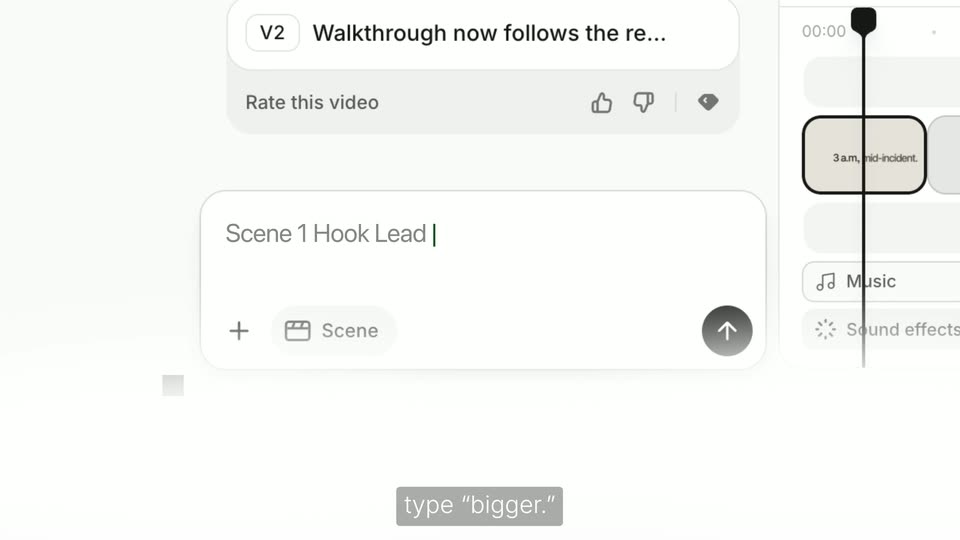 1:18–1:22Arcade · Caroline Clark - Frontier AI has solved math. Science. Coding. But it still hasn’t solA video editor screen shows a preview with the Introducing Darkmode headline; the cursor clicks it to select, then the frame zooms into the chat input as Make the text bigger is typed. Gray captions narrate each step at the bottom.
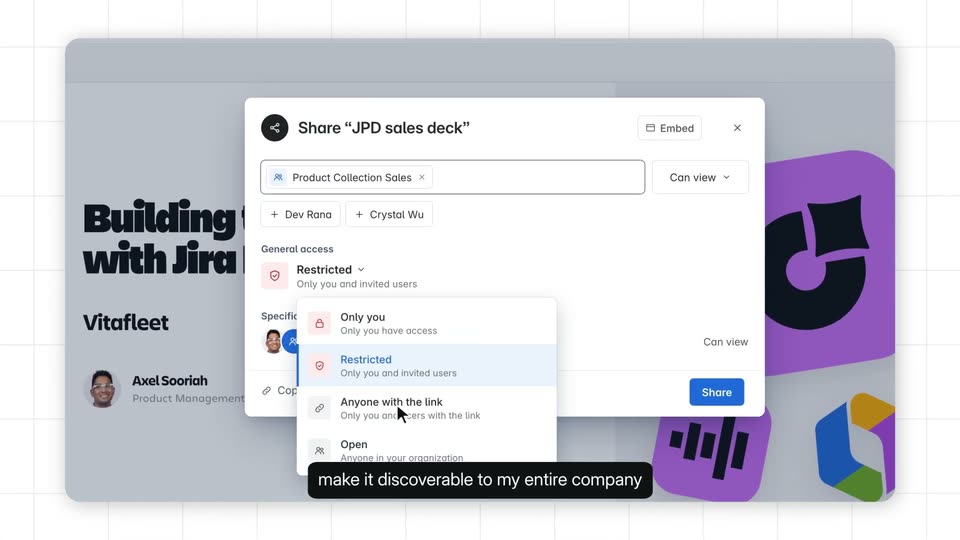 0:37–0:42Atlassian · Give your AI work a home with Artifacts App | Rovo at WorkA share dialog floats over a dimmed document page. A cursor adds a team name to the recipient field, then opens the access dropdown and selects Open while the caption continues.
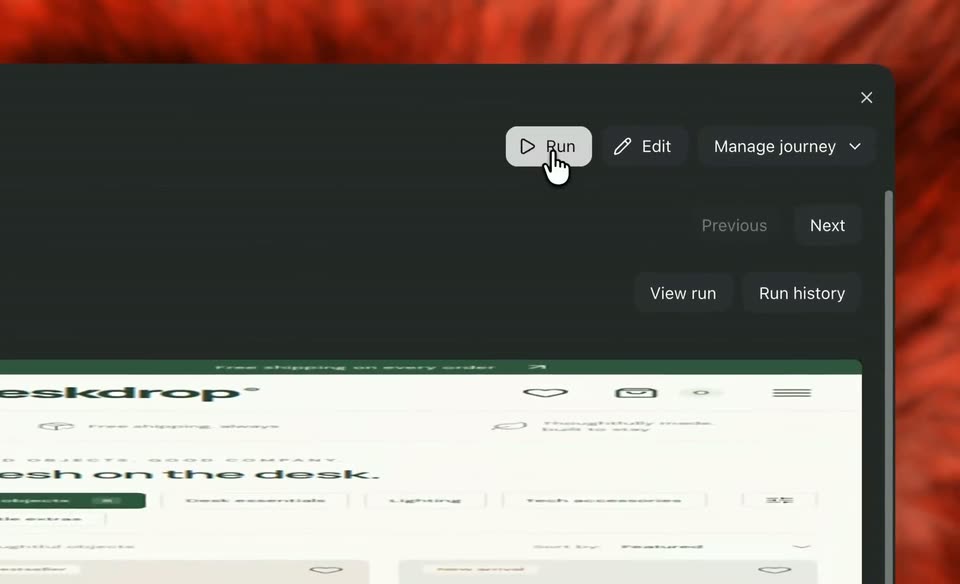 0:56–0:57CodeRabbit · CodeRabbit - Introducing CodeRabbit Verify Don't let your users be the first testA dark control panel hovers over a website mockup on a red textured background. The frame sharpens from motion blur as it settles. The cursor moves onto the Run button, which lights up, while Edit, Manage journey, and history buttons sit to the right.
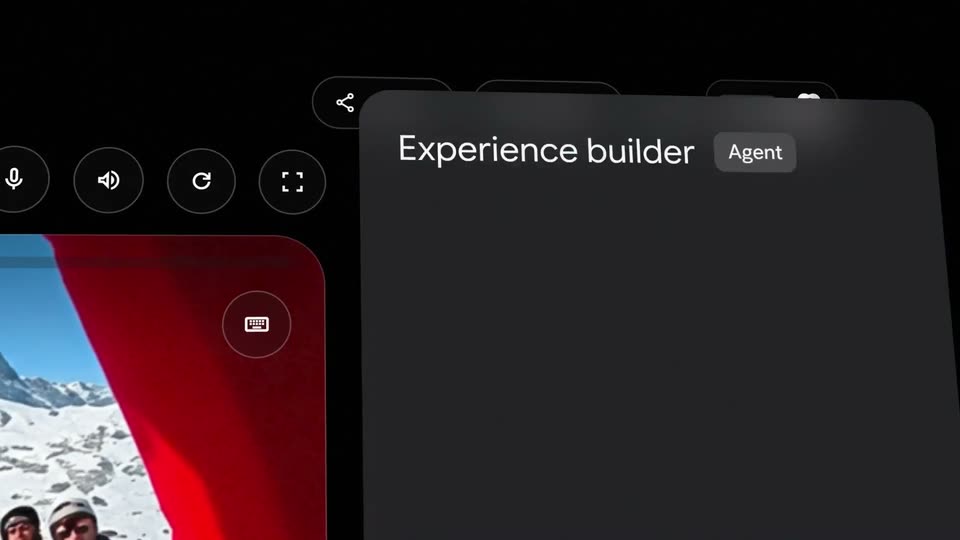 1:16–1:18Google · Introducing the new Project Genie, powered by Genie 4A tight close-up holds on a dark Remix pill button, sharp against a blurred video of climbers. The shot pulls back to reveal the full interface: a video player with round control icons on the left and an Experience builder panel with Share and Publish buttons on the right.
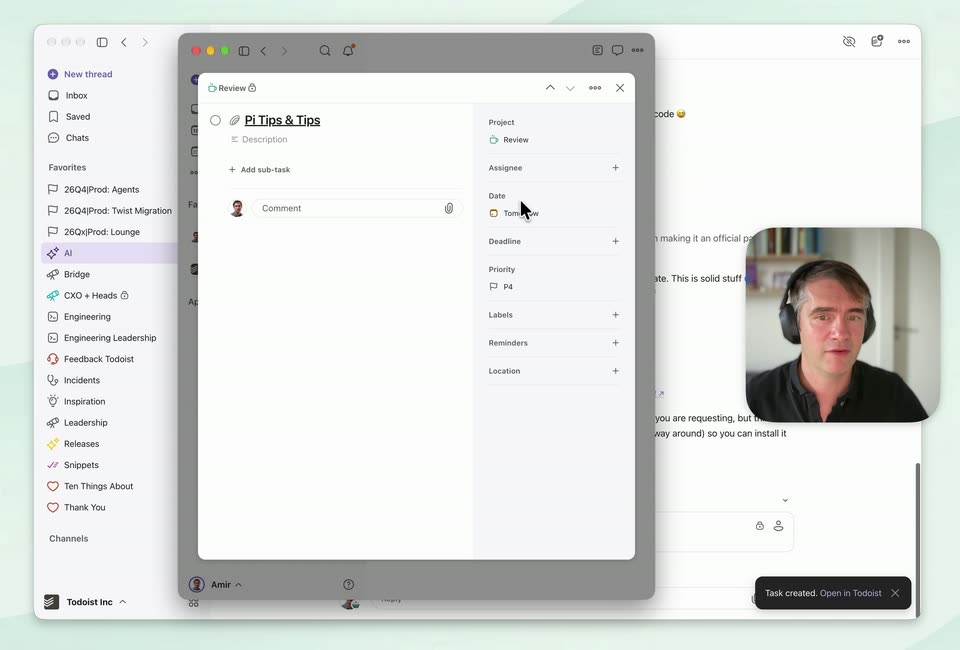 2:22–2:28Todoist · Amir Salihefendić - Todoist Comms is now in public beta 🚀 What's in it: ⋅ Turn any threA Todoist inbox modal sits over a document, with a video-call inset of a man at the right. The cursor moves up and clicks the Priority field, opening a dropdown. The frame zooms in on the dropdown as Priority 4 is selected.