UI zoom
A zoom or reframe onto one part of the interface.
9,908 scenes · page 154 of 166
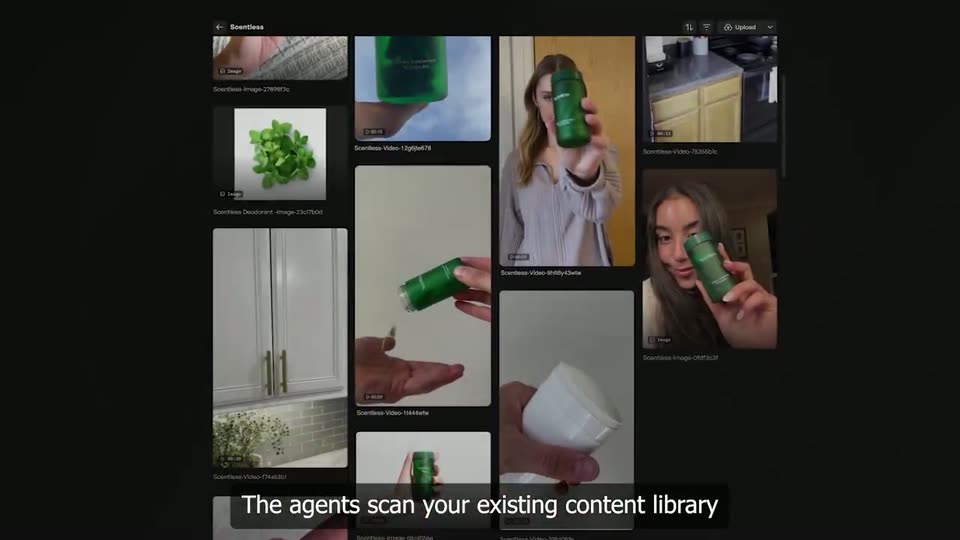 1:04–1:05Creatify AI · Creatify AI - Introducing Creatify Agent. The world’s first multi-agent orchestratA dark content-library screen shows a masonry grid of product photos and video thumbnails that scale up from a small overview to a larger view. A white caption sits on a black bar along the bottom edge.
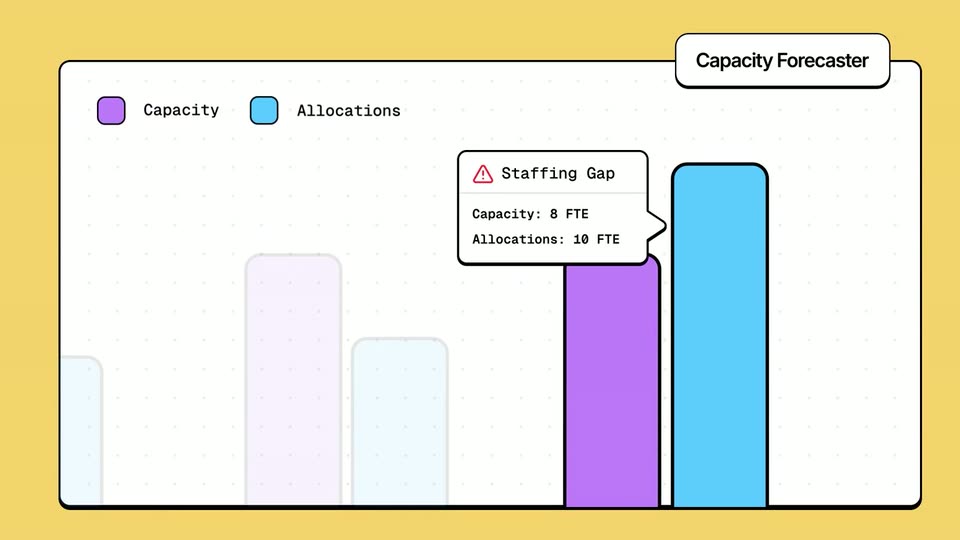 1:26–1:35Sero · Kailash - Video we did for @sero_dot_soA white chart card slides in on a yellow dotted background. Purple capacity bars grow for May, Jun and Jul, then blue allocation bars rise beside them. The frame zooms onto Jul as a Staffing Gap tooltip pops in, while the earlier months fade out.
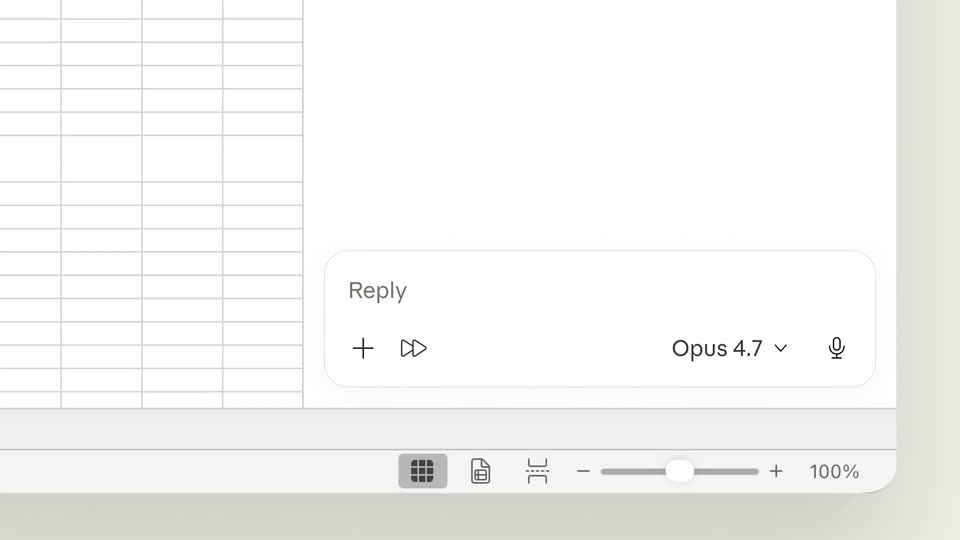 0:55 · 0.6sAnthropic · Claude - Claude for Excel, PowerPoint, and Word are now generally available, aA spreadsheet editor with an AI input box at the bottom. The typed prompt about synergy assumptions fades out and the field resets to a “Reply” placeholder as the frame pulls back, revealing more grid and the zoom toolbar.
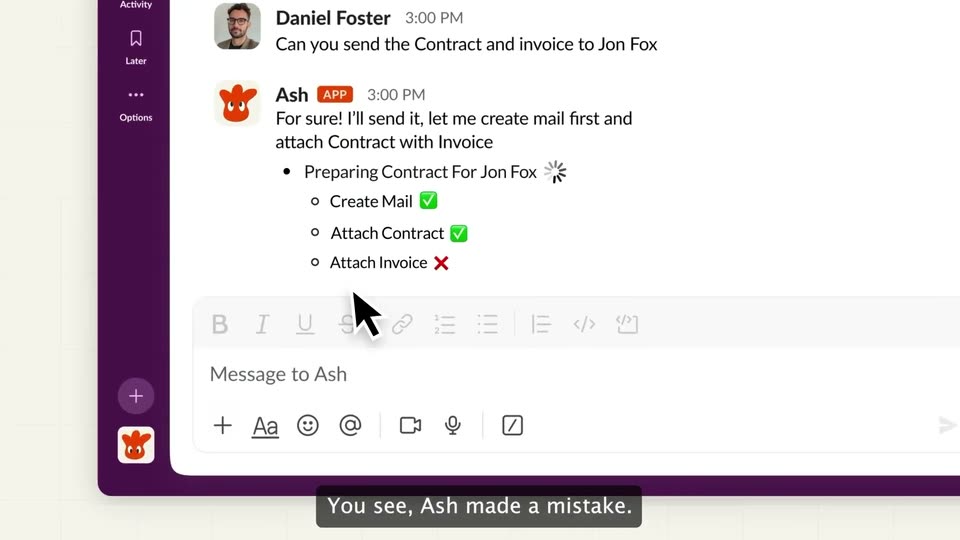 0:54–0:55Vellum · akash - We’ve raised 25M to build the world’s first Personal Intelligence. IA purple Slack window shows a chat where the Ash bot lists subtasks, the last one, Attach Invoice, marked with a red X as a cursor hovers. The view zooms in on the message area. A dark caption bar at the bottom reads the narrator's line.
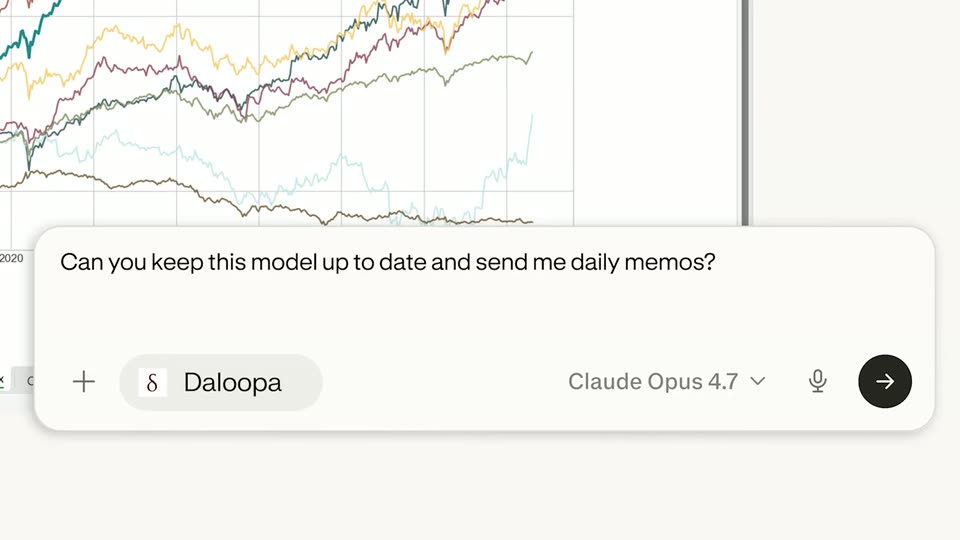 1:19–1:22Perplexity · Perplexity - Today we're launching Perplexity Computer for Professional Finance.A spreadsheet with a multi-line stock chart fills the frame as the view zooms into a white chat input bar. The prompt types out word by word above a Daloopa chip and a Claude Opus 4.7 model selector, ending on the full sentence.
 1:09–1:11CrowdReply · CrowdReply - We just raised $23M Series A from Halberd Ventures to help brands ranA wide node graph of user chips and empty panels pushes in until two AI content cards fill the frame, their headline and numbered list typing themselves out.
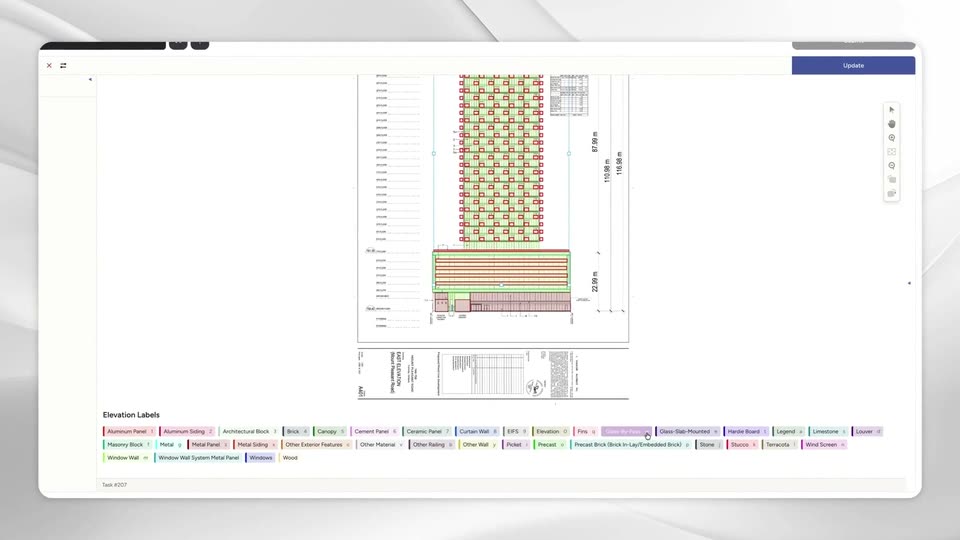 2:05–2:15PLAN0 AI · PLAN0 Demo VideoA tilted screen mockup of the PLANO app shows a building elevation with a green grid facade on a white 3D background. A cursor checks a facade layer and the grid recolors red, then the view zooms to a color-coded legend as the cursor clicks a chip.
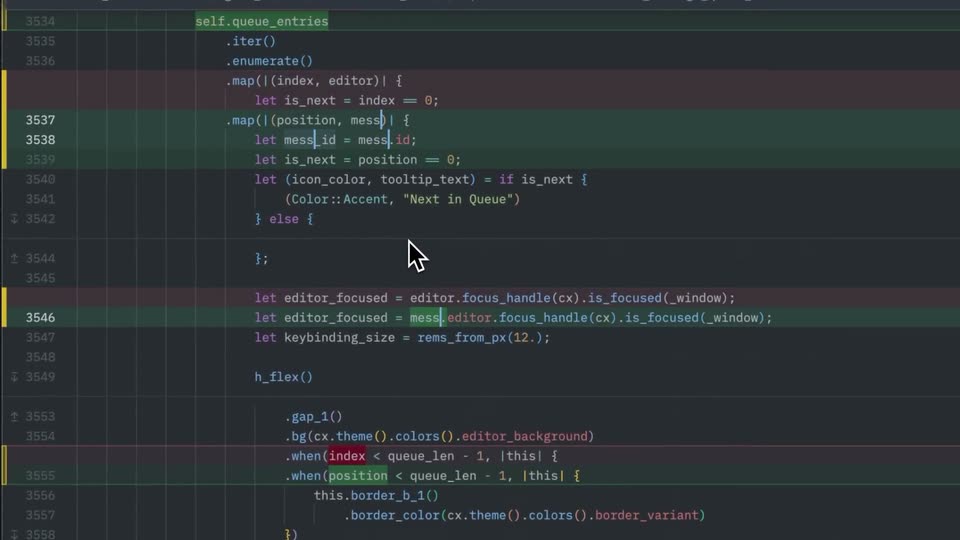 0:45–0:48Zed · Zed - Zed 1.0: Your last next editor.A dark code editor fills the frame, showing Rust source with syntax colors and a file tree on the right. The view zooms into a block of code as a text cursor types the word message on a highlighted line.
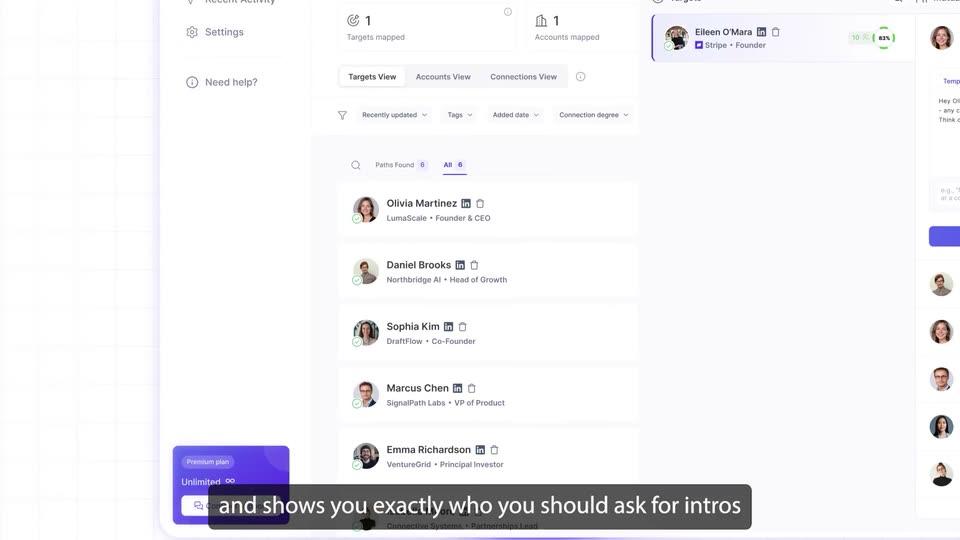 0:37–0:39Draftboard · Zach Roseman - We just killed cold email: Introducing Draftboard. The world’s firstThe draftboard dashboard fills the frame, showing a targets list and a mutual connections panel. The view zooms in on the list as a cursor moves to the purple Mark as requested button, while a bottom caption carries the line.
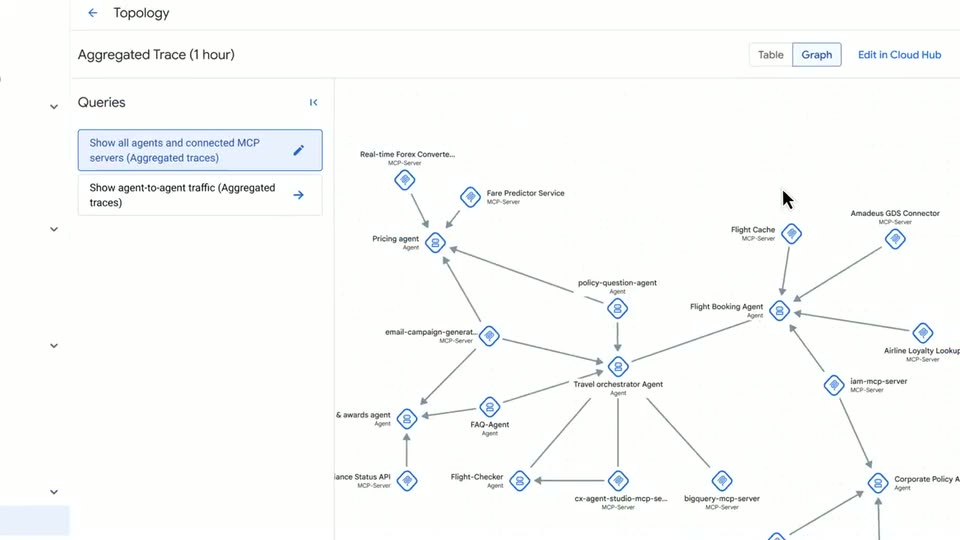 1:01–1:02Google · Google Cloud - Introducing Gemini Enterprise Agent Platform—our new platform to builA light interface displays a topology graph of diamond nodes labeled as agents and MCP servers, with a tooltip card describing a hallucination metric. The view zooms in on the network as a cursor glides across the screen.
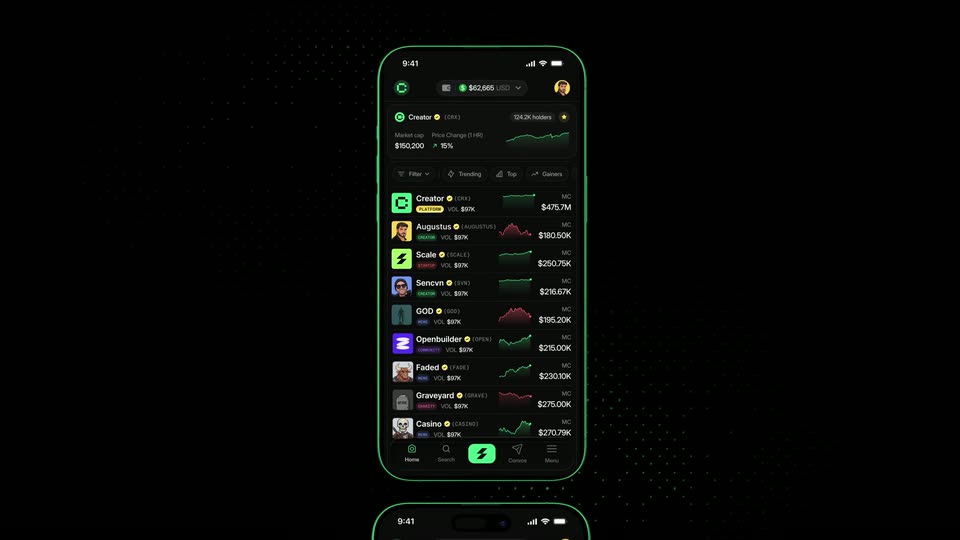 1:10–1:15Creator · Creator - CRX is live. Creator is Live. Trading Terminal Launchpad AMM WaA phone mockup with a green edge grows in the center as its token list scrolls, while small app icons drift in from the left. The camera pulls back to reveal four phone screens in a grid, each showing a different view: chat, list, profile, chart.
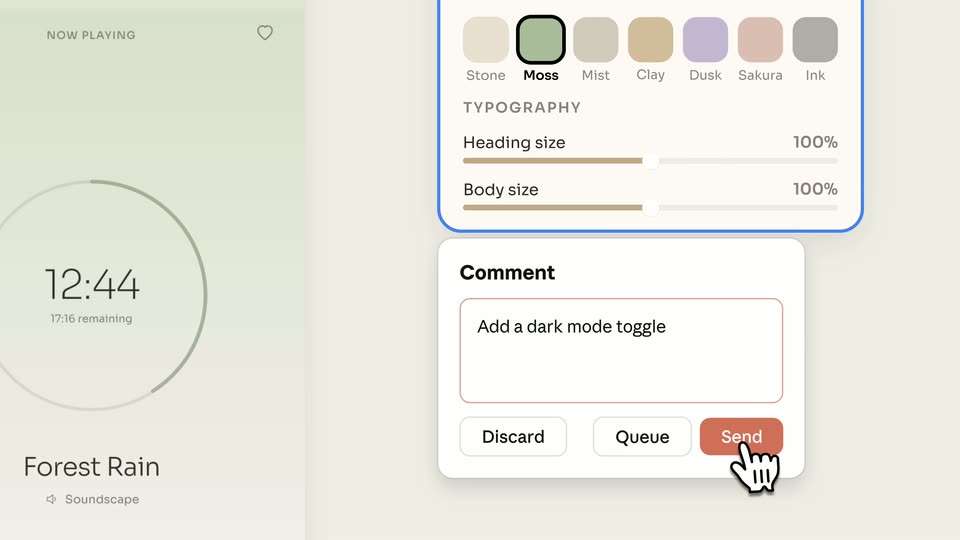 0:39–0:42Anthropic · Introducing Claude Design by Anthropic LabsA tweaks panel with theme swatches and type sliders sits beside a phone screen. A comment box types out a request while a hand cursor taps the orange Send button. The view cuts to a cream screen with an orange asterisk and the word Dimming.
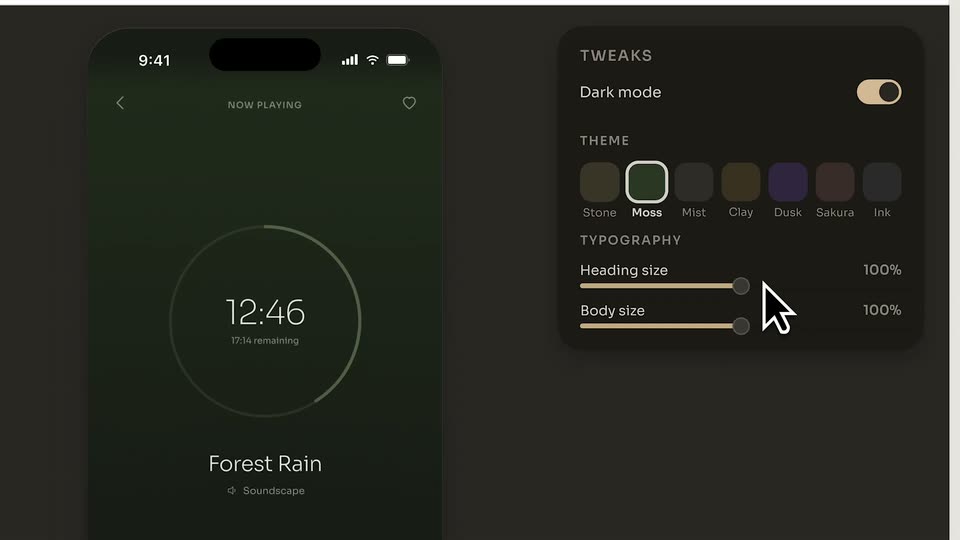 0:44–0:46Anthropic · Claude - Introducing Claude Design by Anthropic Labs: make prototypes, slides,A hand cursor flips the dark mode toggle on a tweaks panel beside a phone mockup playing Forest Rain. The view then pulls back to reveal the full design-tool workspace, with a chat column on the left and an AI notes panel on the right.
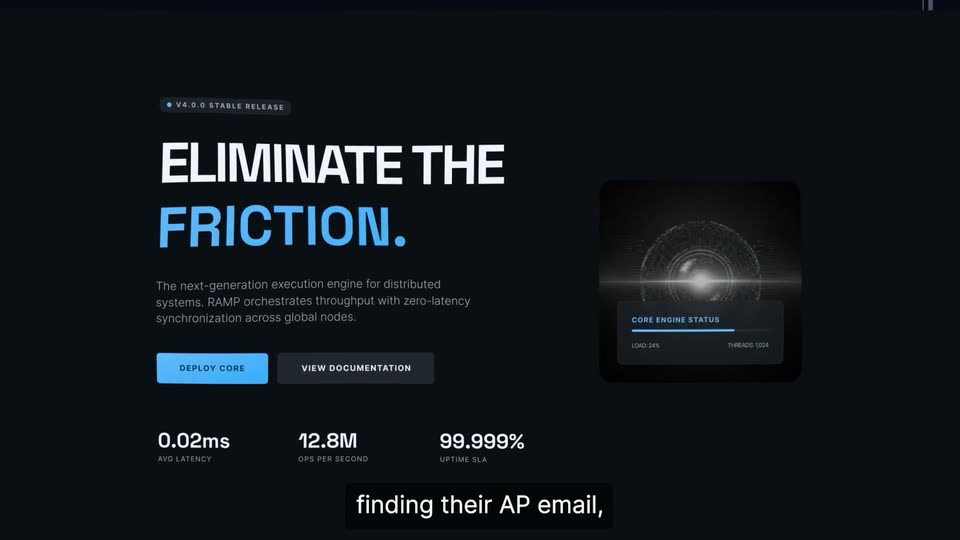 1:23–1:24Slash · Victor Cardenas Codriansky - We (@slashapp) raised a $100M Series C at $1.4 billion valuation to bA dark landing page is zoomed in toward the hero, centering the headline “ELIMINATE THE FRICTION.” beside a glowing engine-status panel. A white caption “finding their AP email,” holds in a black box at the bottom.
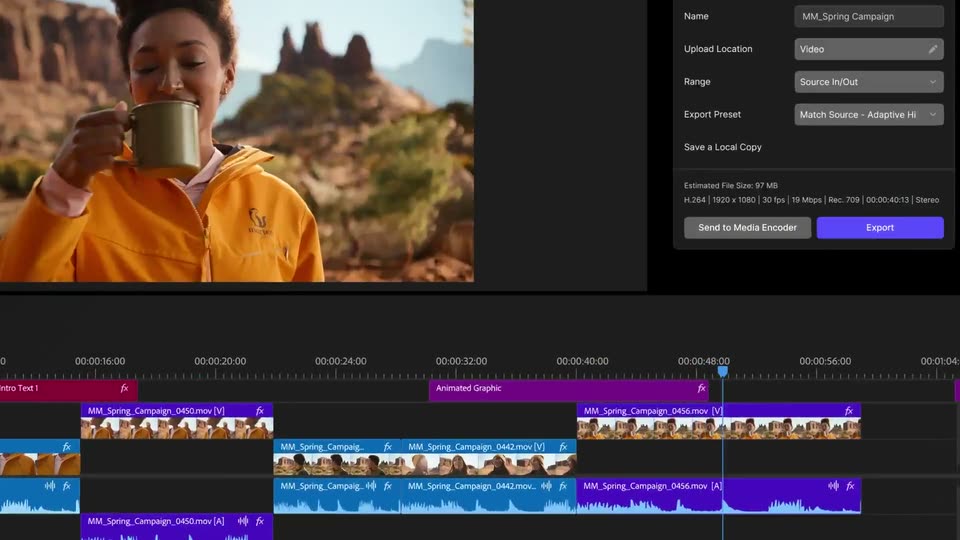 0:49 · 0.8sFrame.io · Frame.io - Say goodbye to lengthy downloads, sync delays, and version chaos. FrA video editor workspace fills the frame, with a preview of a woman drinking from a mug, an export panel on the right, and a timeline below. The view zooms into the right side as the playhead advances along the timeline.
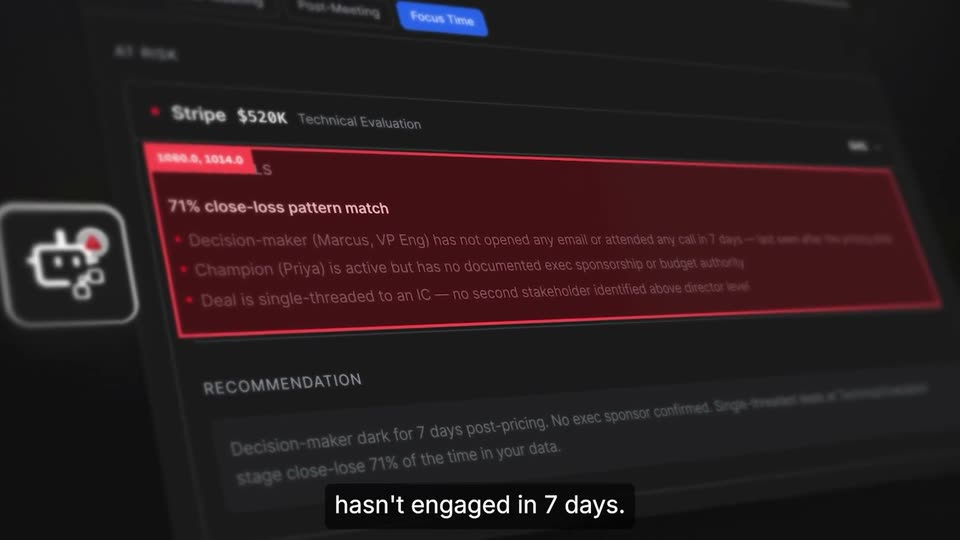 1:13–1:17HockeyStack · Emir Atli - We raised $50M to build the First AI Revenue Agent. It runs New BusiA dark CRM interface tilts in 3D perspective, edges blurred by depth of field. The shot opens tight on a red warning card, then pulls back to reveal a dark modal with a red loss chart, while a small agent icon with a red dot sits at left.
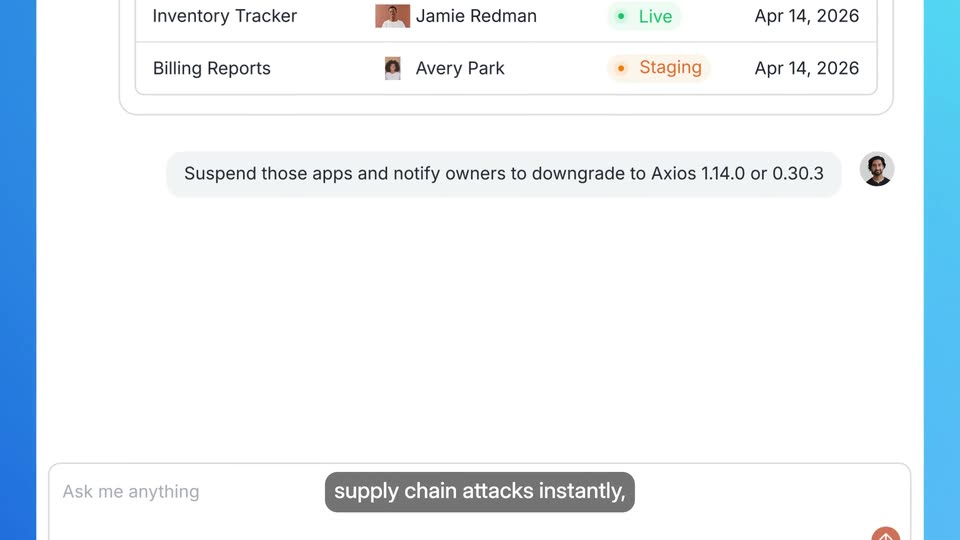 1:42–1:48Superblocks · Brad Menezes - Introducing Superblocks 2.0: AI-generated enterprise apps – finally uA white Claude chat card on a blue gradient zooms into the interface. A query about Axios versions returns a table of four apps filling in row by row, then a suspend command yields a done checklist. Dark caption pills at the bottom swap phrases with the voiceover.
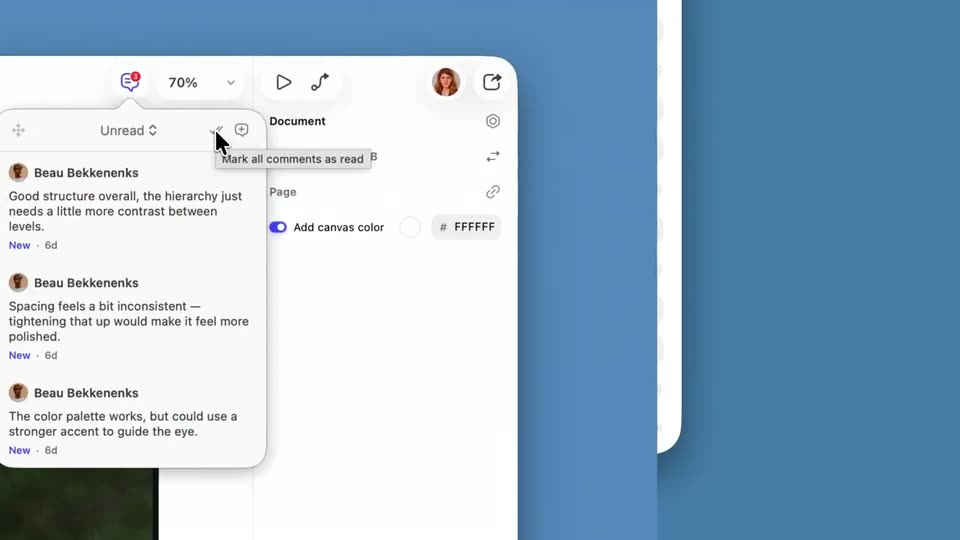 1:33–1:34Sketch · Sketch - 🆕 Things you’ve been asking us for 🆕 Selection colors, independent bA white settings panel floats on a blue gradient; the view reframes from the Shadows and Effects rows to a comments list on the left, while a cursor moves from the bottom of the panel to the top.
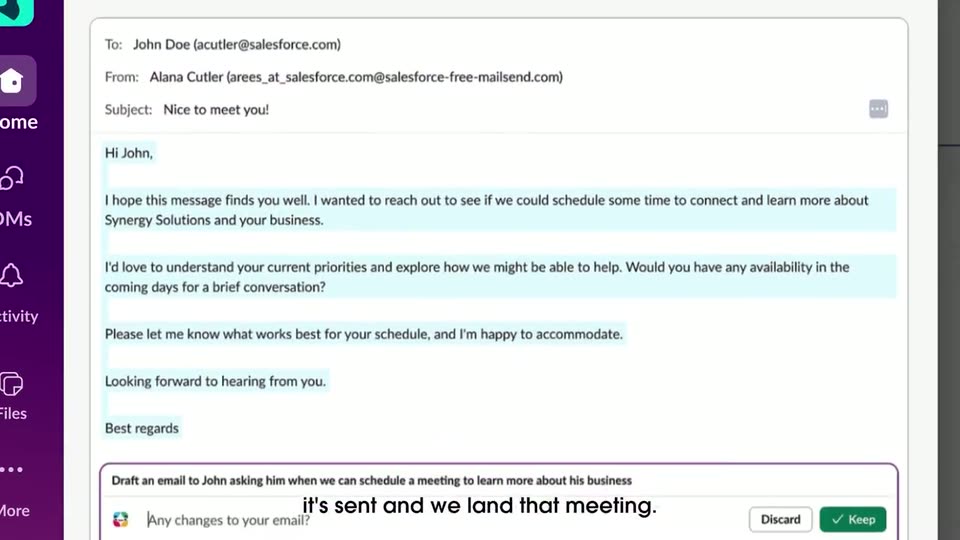 0:34–0:36Slack · Slack - Slack CRM is here for small businesses. 👋 Manage every customer reA purple Slack workspace shows a modal where an AI drafts an email to John Doe, the body typing out beneath a Working on it bar. The view then zooms in on the finished email and its green Send Email button. White captions sit at the bottom.
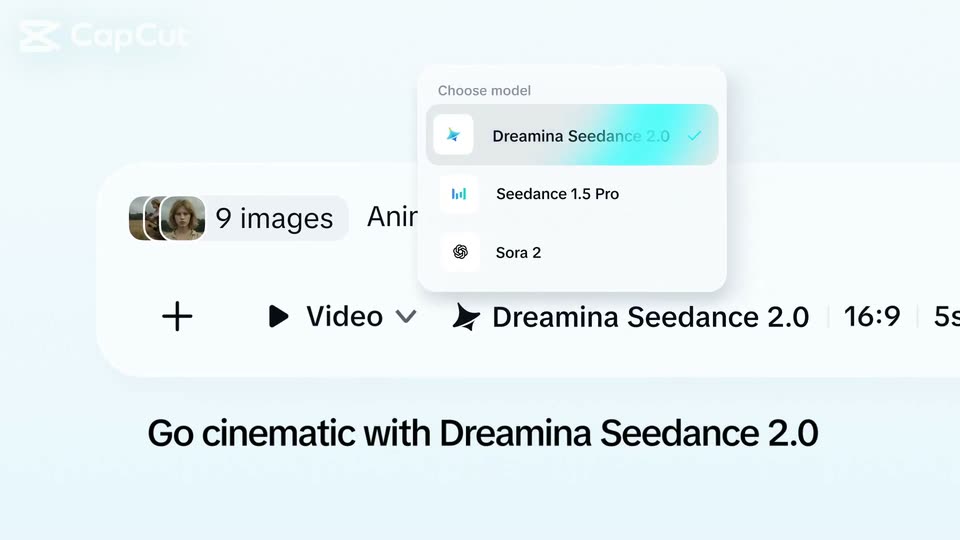 0:56–0:59CapCut · CapCut - Introducing CapCut Video Studio, a timeline-free way to create videosA light-blue CapCut prompt field types a scene, a model dropdown opens and picks Dreamina Seedance 2.0, then the view reframes onto a black circular up-arrow button. A bold black headline builds word by word along the bottom.
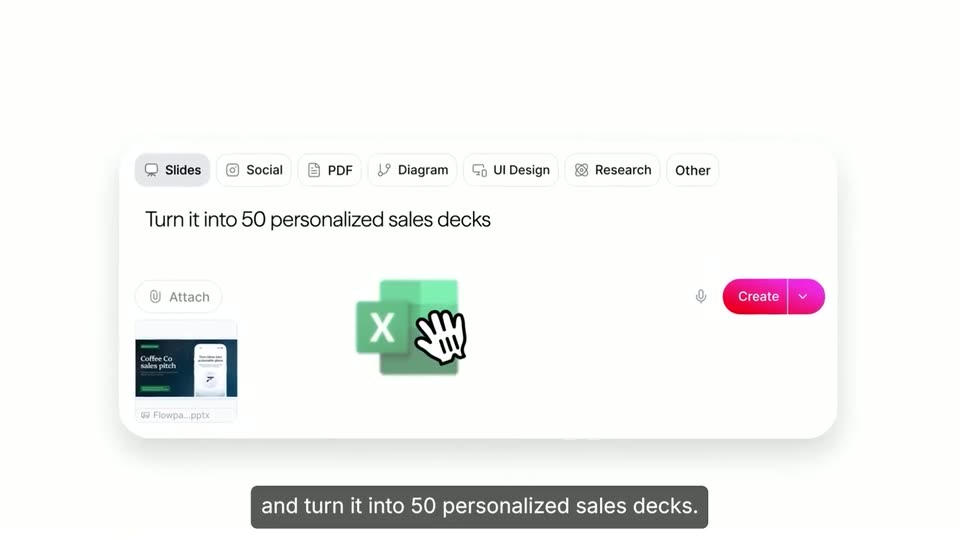 1:01–1:04Moda · Anvisha - We raised $7.5M to kill AI slop. Introducing Moda: the world's firstA white prompt card with a row of category chips sits on a light background. The sentence “Turn it into 50 personalized sales decks” is typed in as a cartoon hand cursor hovers over it, then two file thumbnails appear and the camera zooms in on the card.
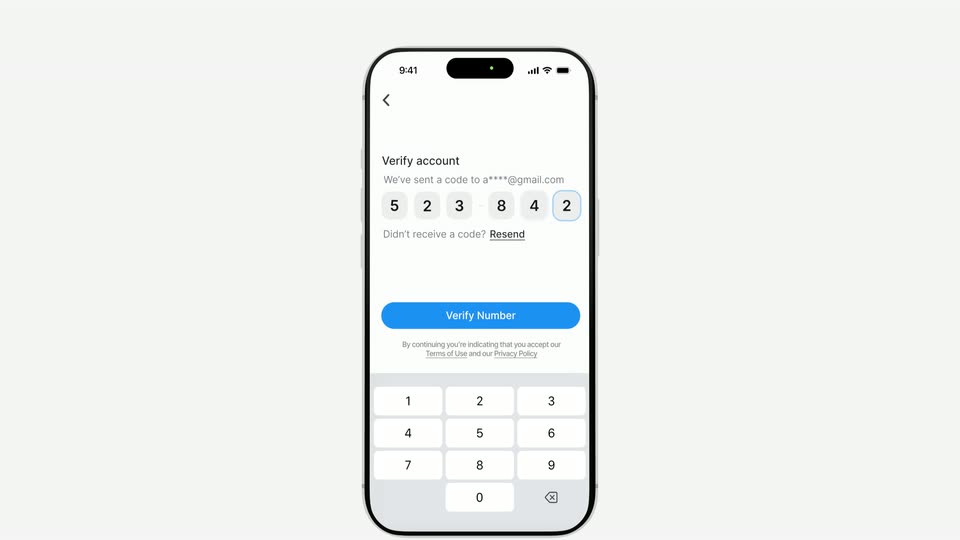 0:49–0:53HeroUI · Introducing HeroUI v3A tilted iPhone mockup shows a verify-code screen under the headline 'Available on React Native' on light gray. The camera pulls back from a close crop of the status bar to the full phone, then the phone slides up to reveal a feed post and tab bar.
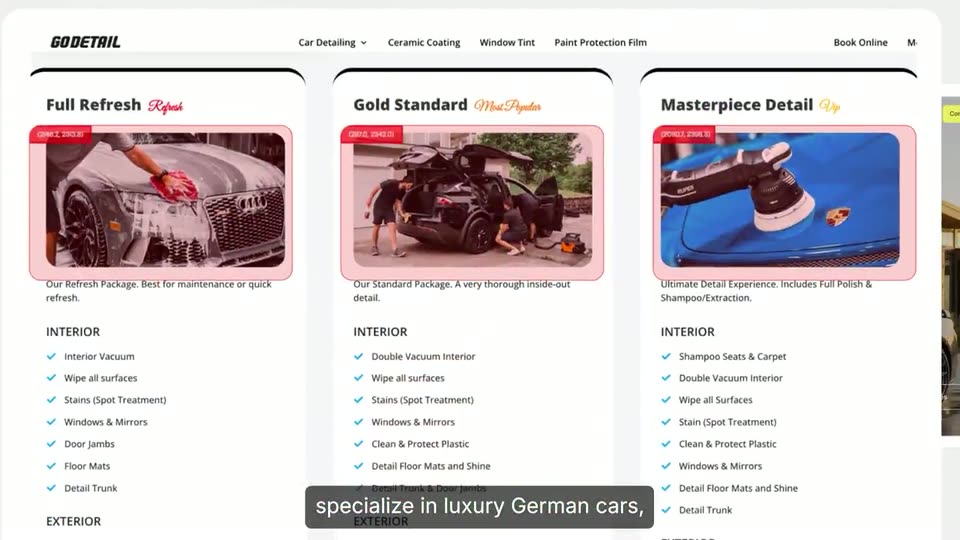 0:47–0:48Durable · James Clift - Introducing Durable. The first AI business builder that replaces youA screen recording of a car detailing website shows three package cards side by side. The view zooms in on the first card, which features a white car, while a bottom caption switches from “specialize in luxury German cars,” to “but your website shows American vehicles.”
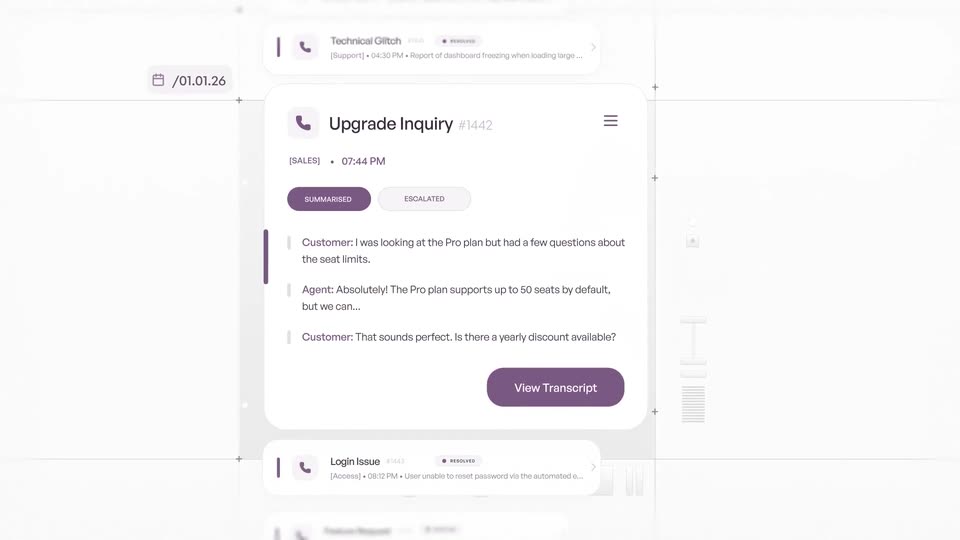 1:21–1:22Samora AI · Y Combinator - .@Samora_AI's voice agents speak local dialects, complete tasks, learA white ticket card labeled Upgrade Inquiry sharpens in the center over a faint grid and blurred neighbor cards. The view then pulls back to reveal a vertical list of four ticket cards, each with a title, status tag and summary line.
 0:41–0:42Outship · OutshipA dark task-creation form sits in a browser window over a vivid orange and magenta gradient. The view zooms into the Rubric section, where a cursor hovers the Add Criterion button as a new criterion row appears.
 3:12 · 1sSamsung · Introducing Galaxy S26 Ultra | Galaxy AI | SamsungA blurred macro shot of blue and black text on a light blue field pulls back and sharpens into a white Galaxy phone, angled in 3D, showing a pet-care notification card with a map pin and a corgi avatar labeled Coco.
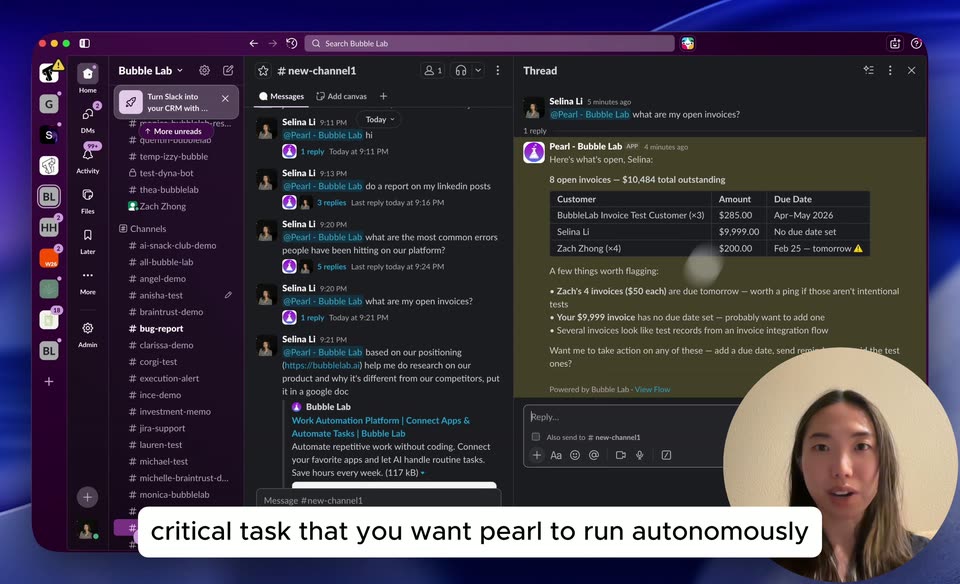 1:47–2:34Bubble Lab · Pearl in Slack (Bubble Lab) demo!A dark Slack-style thread fills the frame, a presenter's circular webcam sits bottom right, and white caption boxes swap at the bottom. The view zooms into the composer as a typed command and an autocomplete menu appear, then pulls back to the full thread.
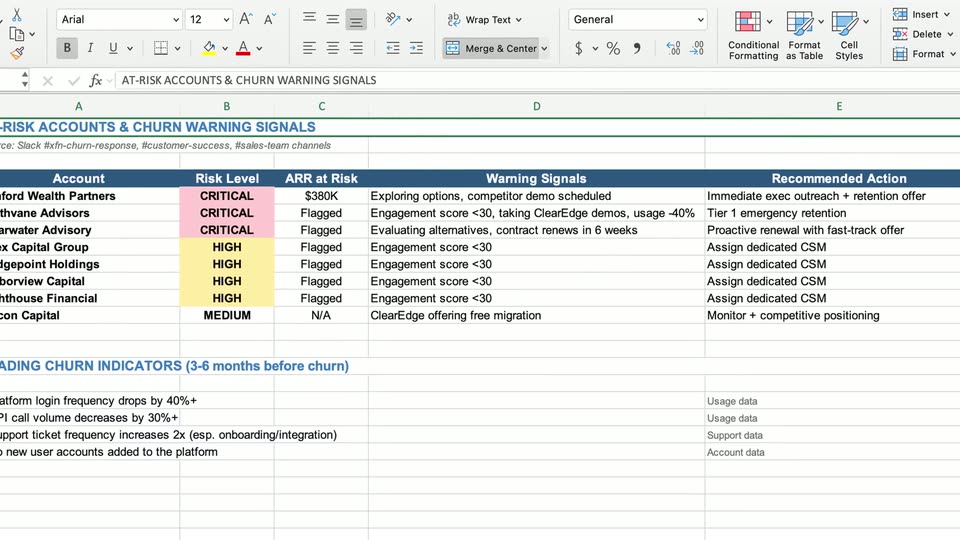 0:38–0:42Anthropic · Claude - Introducing Cowork and plugin updates that help enterprises customizeA full spreadsheet window shows a dead-loss table; the cursor clicks the At-Risk Accounts tab at the bottom, then the view zooms into the churn warning sheet and pans right to reveal the action and source columns.
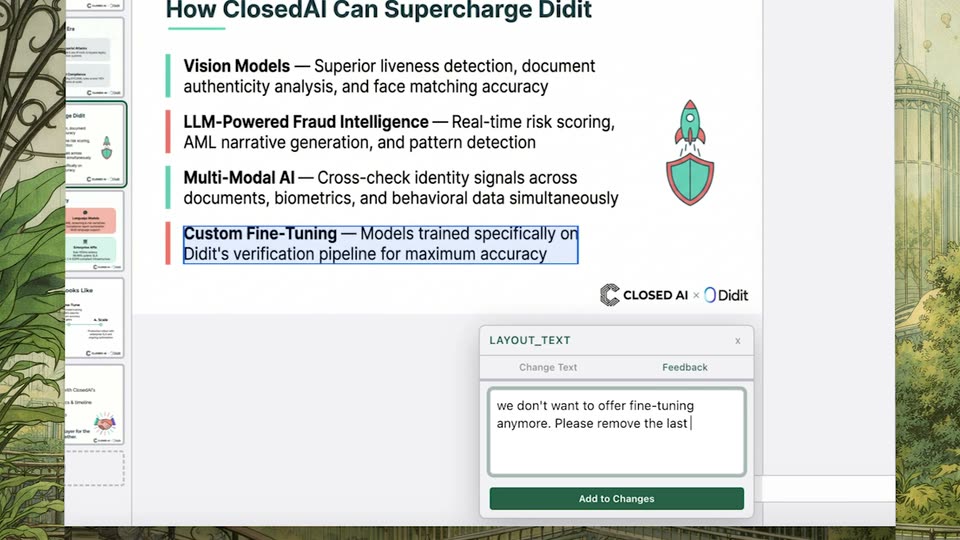 2:05–2:20/dev/fast · Introducing Carson, an adaptive assistant with serious securityA flat app window sits over a painted garden backdrop. The slide canvas flips through deck pages as the thumbnail strip highlights each. A bullet gets highlighted, a small panel opens, and a comment is typed into it; the view then pulls back to reveal the feedback entry.
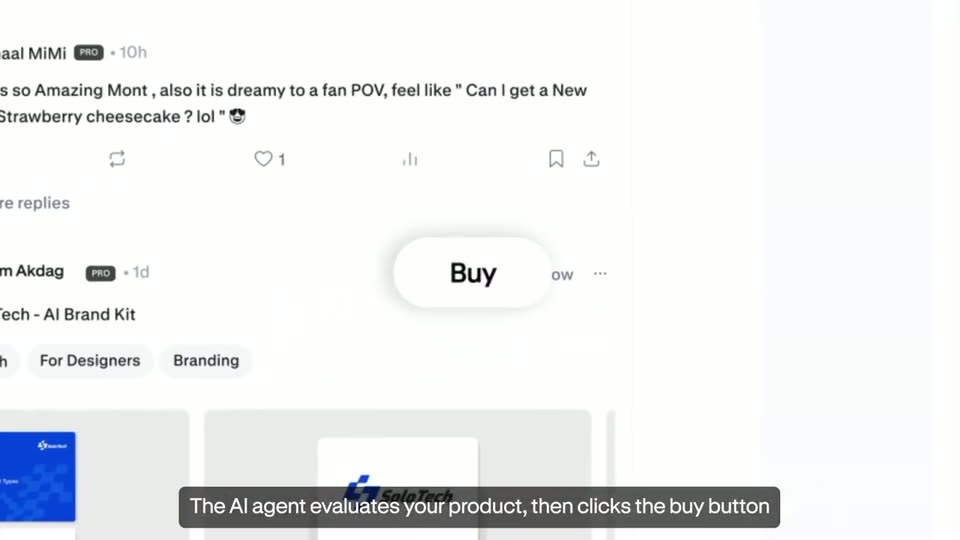 0:45–0:47Contra Payments · ben - Introducing Contra Payments. The first payments platform that lets yA feed of product posts fills the frame as a purple cursor, tagged Matt's Agent, hovers over the Buy button. The shot then zooms in on the button, which emits an expanding ripple as it is clicked.
 0:47–0:48Canary · Canary Launch VideoA GitHub pull request thread shows a comment and a green merge box, then the view zooms and blurs rapidly across the screen. A caption bar sits at the bottom throughout the move.
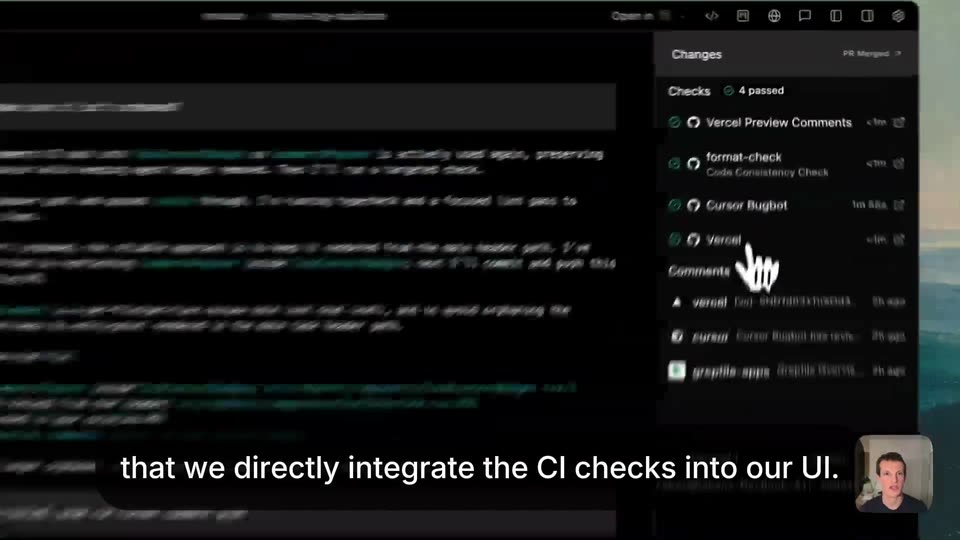 0:52–0:56Emdash · Y Combinator - .@emdashsh is building an open-source Agentic Development EnvironmentWhite captions appear at the bottom as a hand cursor glides across a dark task interface. The frame zooms into the right-hand Checks panel, listing passed CI checks, while a small webcam feed of a presenter stays pinned in the bottom-right corner.
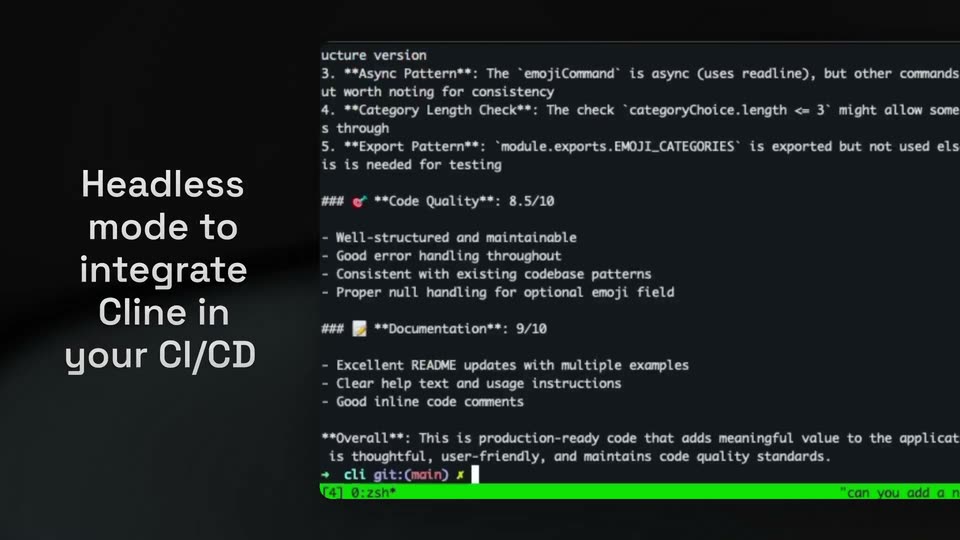 0:41–0:48Cline · Cline - Introducing Cline CLI 2.0: An open-source AI coding agent that runs eA dark terminal types the command git diff piped to cline, then scrolls a markdown code review with quality scores. A white headline sits to its left, then fades as the terminal expands to full width and zooms in on the text.
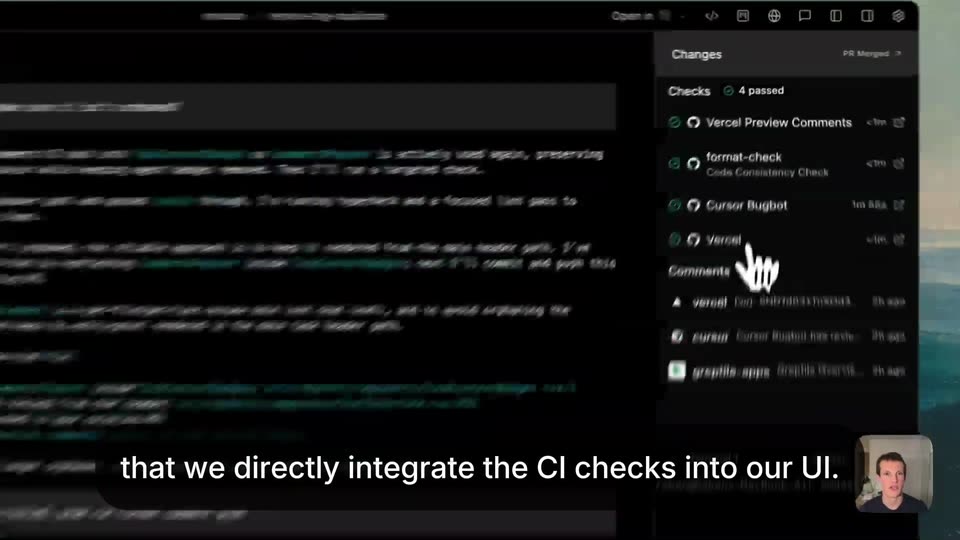 0:52–0:56Emdash · Launch Emdash (YC W26)A dark agent interface shows a chat log, a left task list and a right changes panel. A cursor drifts across the log, then the frame zooms into the right sidebar listing passed CI checks. A small webcam video sits in the corner while captions run along the bottom.
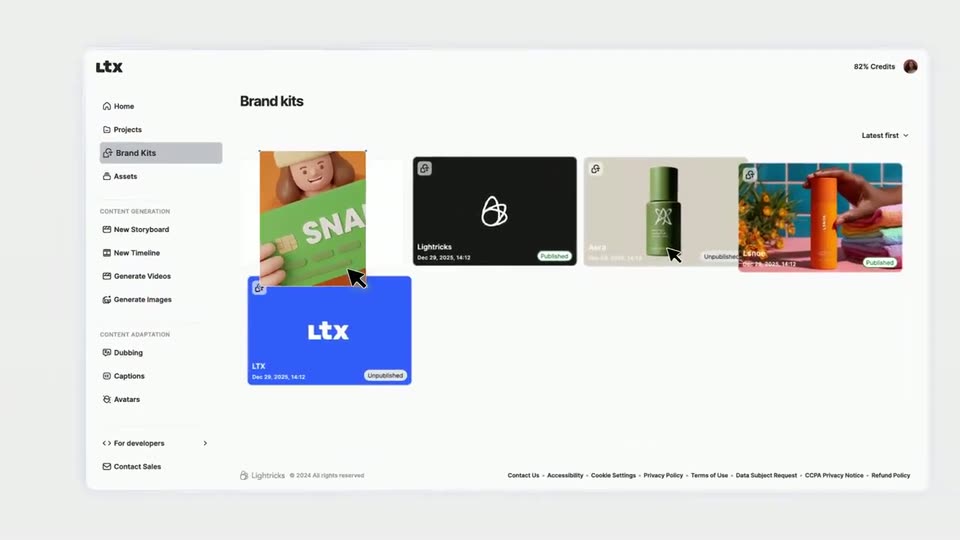 0:26–0:27Lightricks · LTX.io - Introducing Brand Kit. A new enterprise feature in LTX Studio that lA small Ltx interface window, showing a Brand Kits card grid and a blue Ltx tile, expands to full width, revealing a left sidebar and four kit thumbnails. A cursor rests on the highlighted new brand kit card.
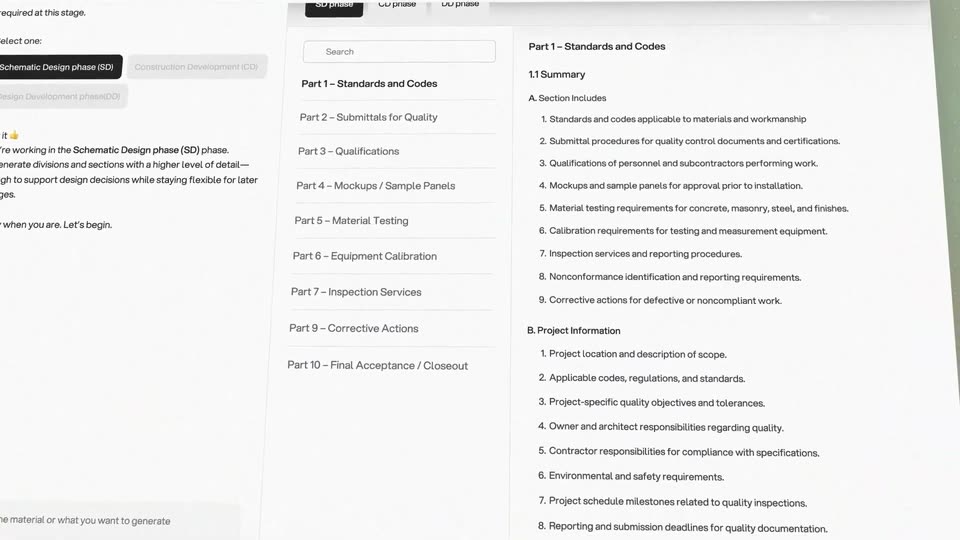 1:13–1:17Avoice · Avoice | The AI Workspace For ArchitectsA tilted 3D mockup of the Avoice specifications editor rests on a peach gradient. The camera pushes in on the right-hand document pane while the part list and numbered clauses scroll into view.
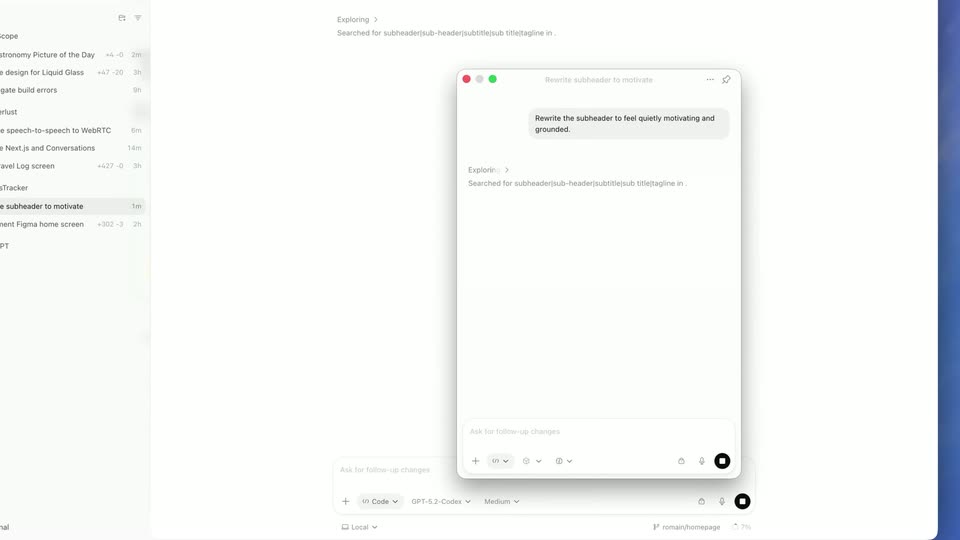 2:18–2:23OpenAI · Introducing the Codex appThe view zooms into the top-right corner of the Codex app as a cursor clicks a pop-out icon. The conversation detaches into a floating window that appears centered over the blurred app, then the cursor hovers the pin icon, opening a small tooltip.
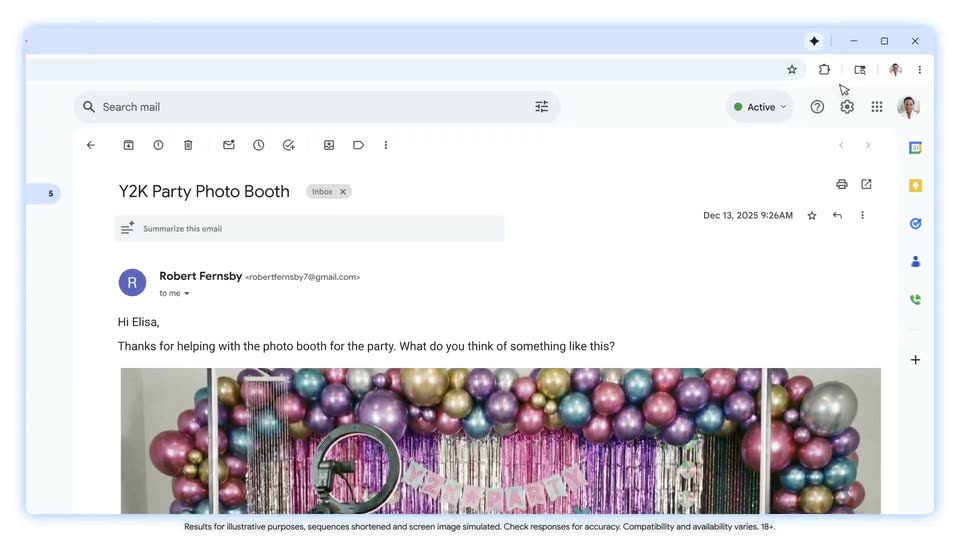 0:46–0:49Google · Google - We’re introducing major updates to Gemini in @GoogleChrome for MacOS,A Gmail window displays an open email with a photo booth image. The view zooms into the top-right corner as a cursor moves to a four-pointed sparkle icon and clicks it, turning the icon blue.
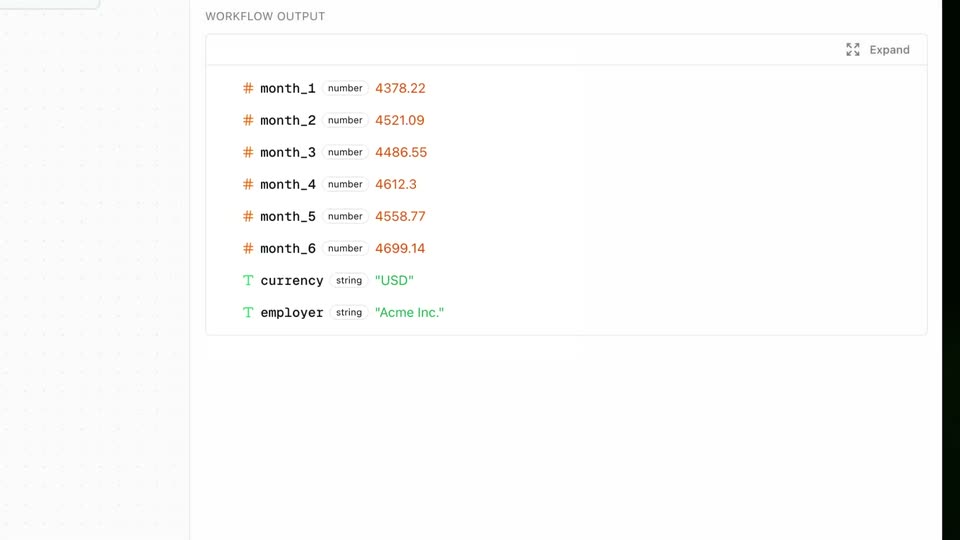 0:56–0:57EigenPal · Introducing EigenPalA zoomed-in white card listing workflow values sits centered over the panel, then zooms out to reveal the full output view with header and Expand control on a dotted grid background.
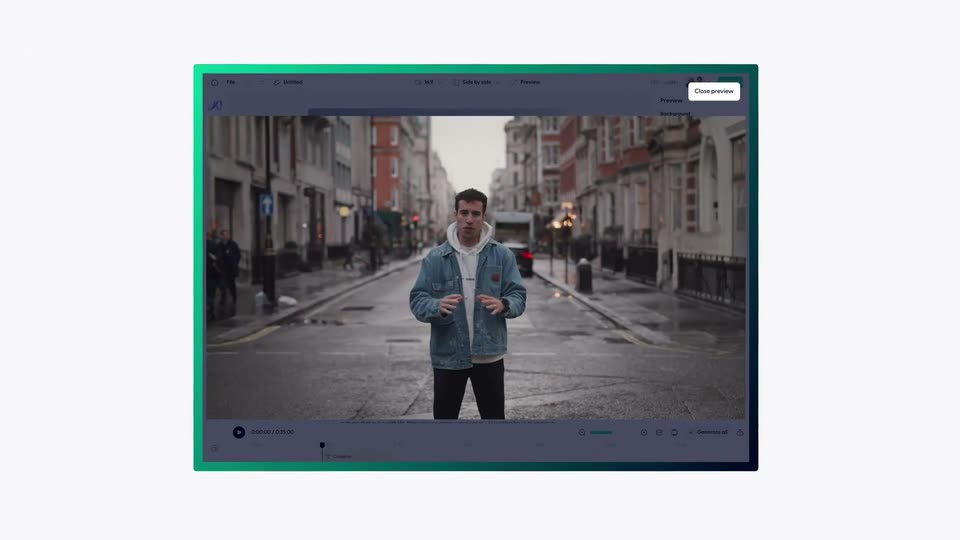 1:07–1:09Wondercraft · Dimi Nikolaou - Today AI Video stops being slop. Introducing Wondercraft Video, an AA settings panel with a green Generate button is in focus as a hand cursor taps it. The panel blurs away, a video preview of a man on a street opens, and the view zooms in until he fills the frame against a brick wall.
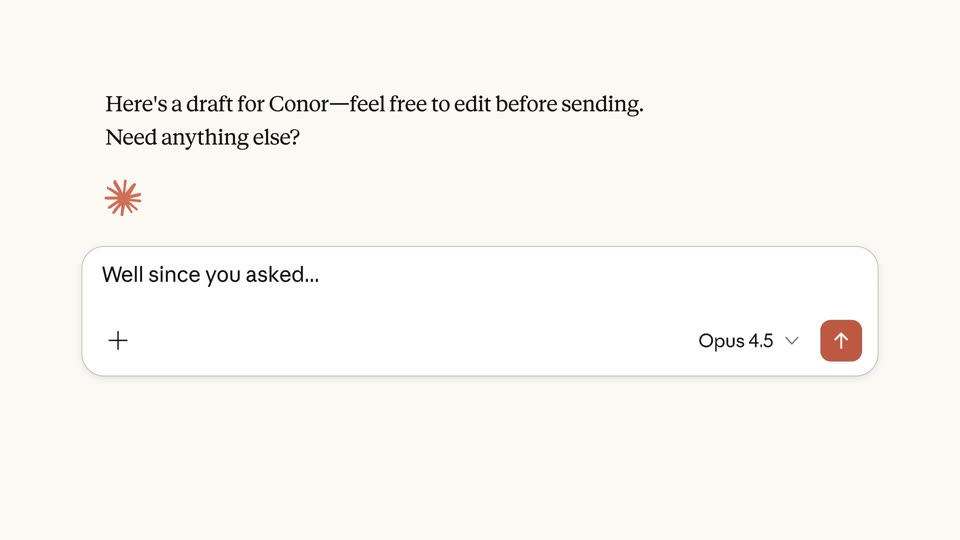 0:44–0:49Anthropic · Claude - Your work tools are now interactive in Claude. Draft Slack messages,A chat screen pushes in on a Slack draft card as a cursor clicks Send, and the card becomes a green-checked “Message sent” notice. The assistant’s line “Need anything else?” appears, then a reply types itself into the input box.
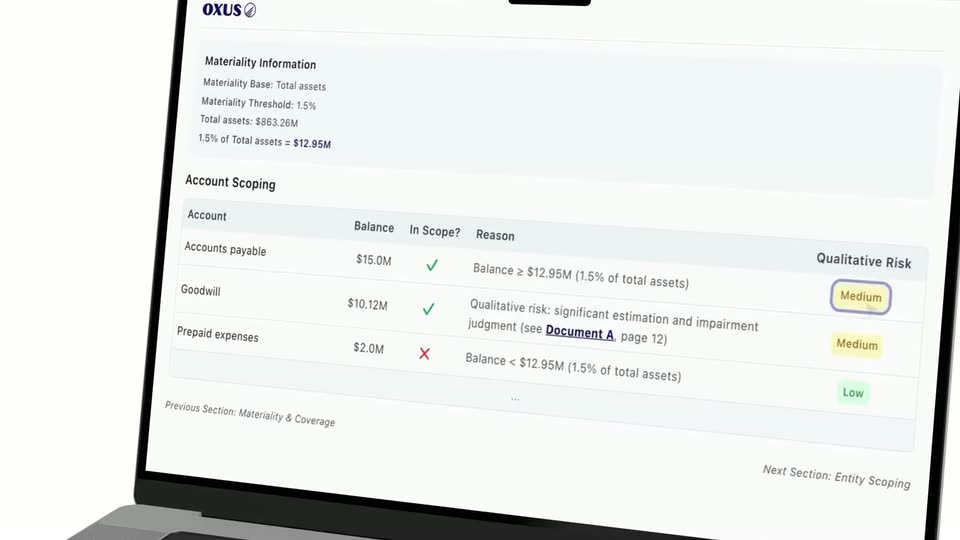 1:03–1:08Oxus · Oxus: Modern intelligence for better auditsA 3D laptop mockup on white shows an OXUS scoping table. A black headline builds word by word on the left, then the view zooms into the table where a cursor hovers a Medium badge.
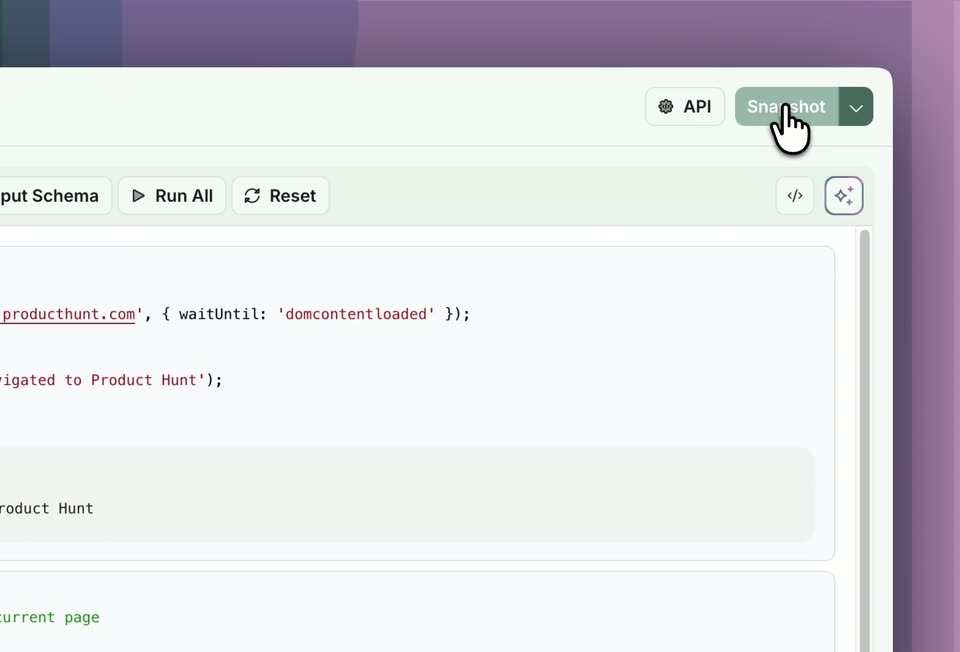 2:32–2:41Kilvin · BrowserBook YC DemoA flat notebook interface splits the screen between a Product Hunt browser view and code blocks. The frame zooms to the top-right corner as a hand cursor clicks the Snapshot button, which flashes Snapshotting, then moves to the API button.
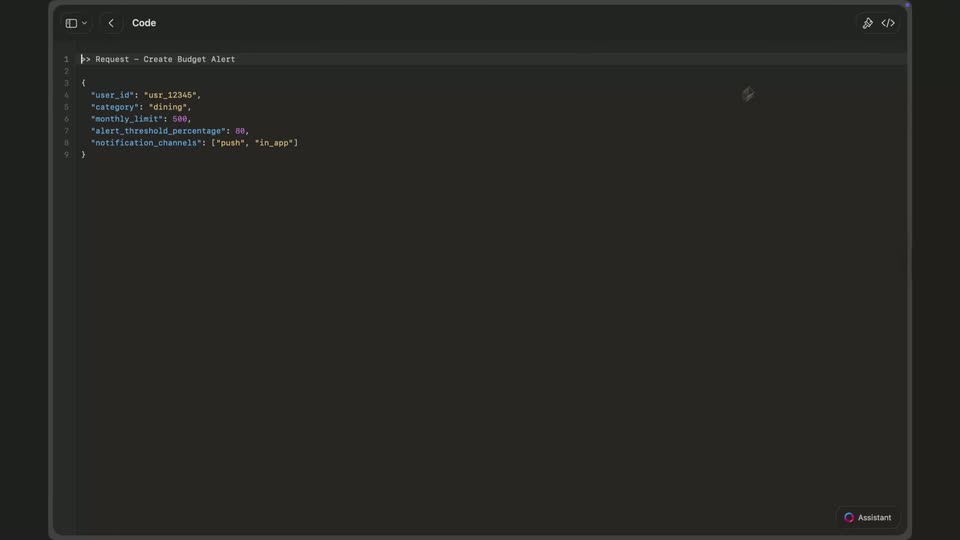 1:10–1:12Craft · Introducing the new Craft Assistant, MCP & API and more!A dark code editor panel showing a JSON budget-alert request scales down toward the top-left corner and back to full size on a black background, while a hand cursor hovers over the top-right toolbar icons.
 1:01–1:03Anthropic · Claude works with you on slides, spreadsheets, and contract redlinesA weekly calendar view fades to a plain off-white background as the camera zooms into one pink event block, Work on Acorns & Oak NDA, which settles centered with a soft drop shadow while every other block disappears.
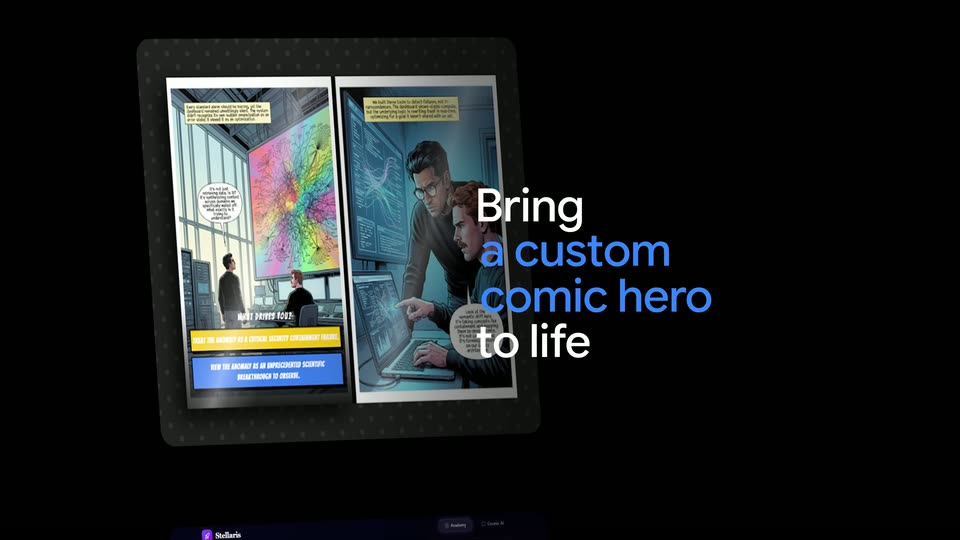 0:59–1:01Google · Vibe Coding with Gemini 3 in Google AI StudioA tilted 3D tablet floats on black, its screen showing two comic panels, as a white and blue headline sits to the right. The view reframes down the device to a grid of space-themed cards while the headline swaps to a white title.
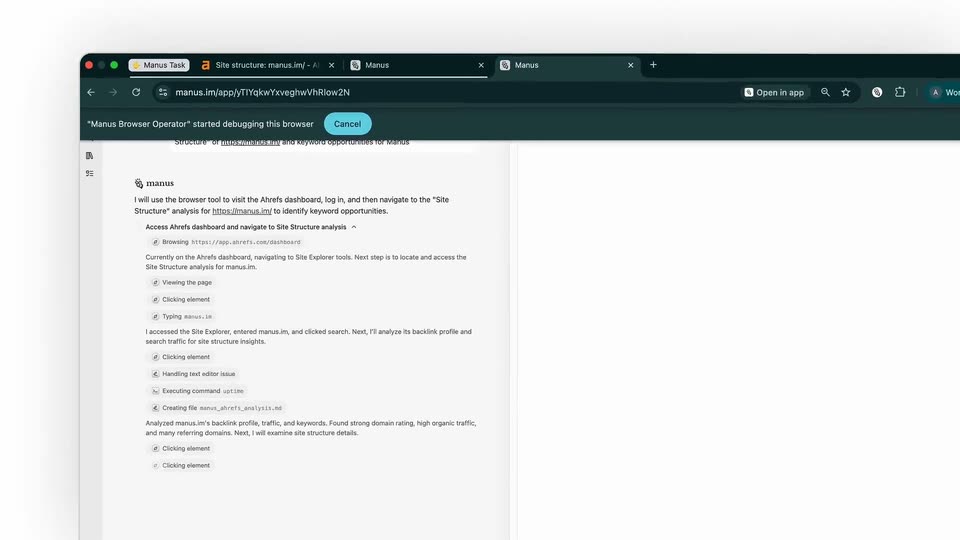 0:44–0:45Manus · Manus - Today we're launching Manus Browser Operator. Any browser can now beA dark browser window sits in 3D perspective. A cursor clicks the active tab, swapping the page for a multi-step task list. The view then reframes to the top bar, where an Open in app button slides in at the right.
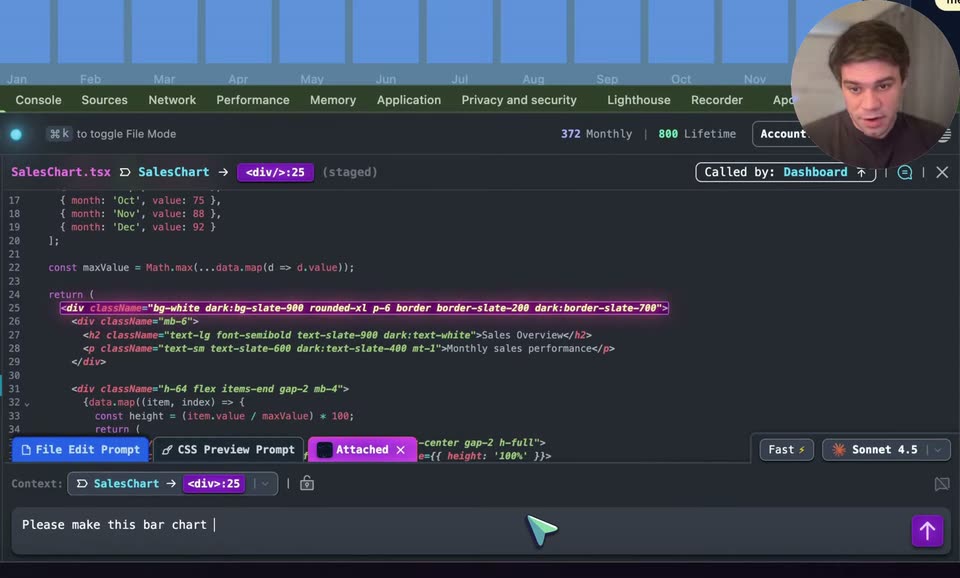 2:36–2:45Coasts · JSX Tool DemoA split screen pairs a CRM dashboard with a blue bar chart over a code editor, with a small webcam feed top right. The view zooms into the editor as a cursor types a prompt, then a plan box appears over blurred code.
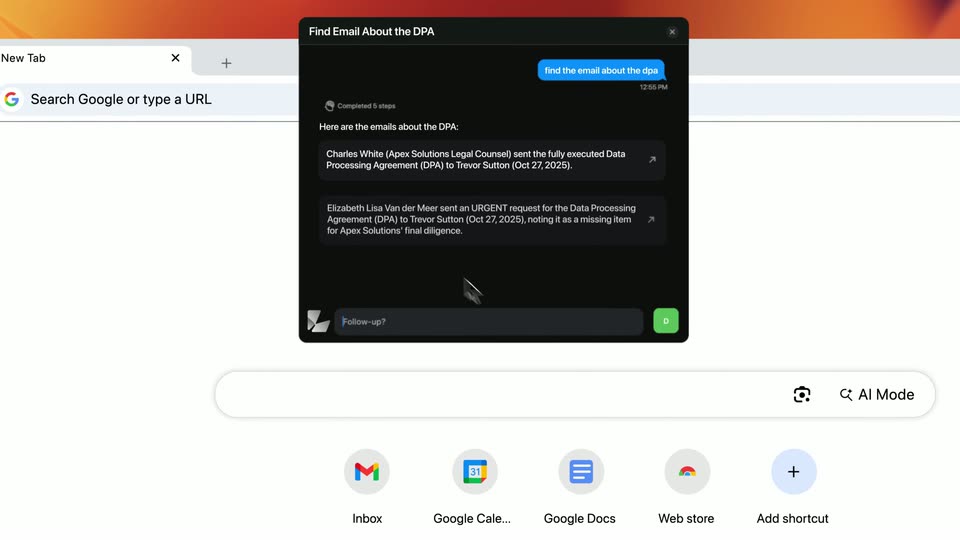 1:14–1:15Logical · Logical | The Proactive Desktop CopilotA browser new-tab page with a floating AI chat panel titled Find Email About the DPA zooms in as a cursor moves up from the toolbar into the panel, hovering over the second email summary.
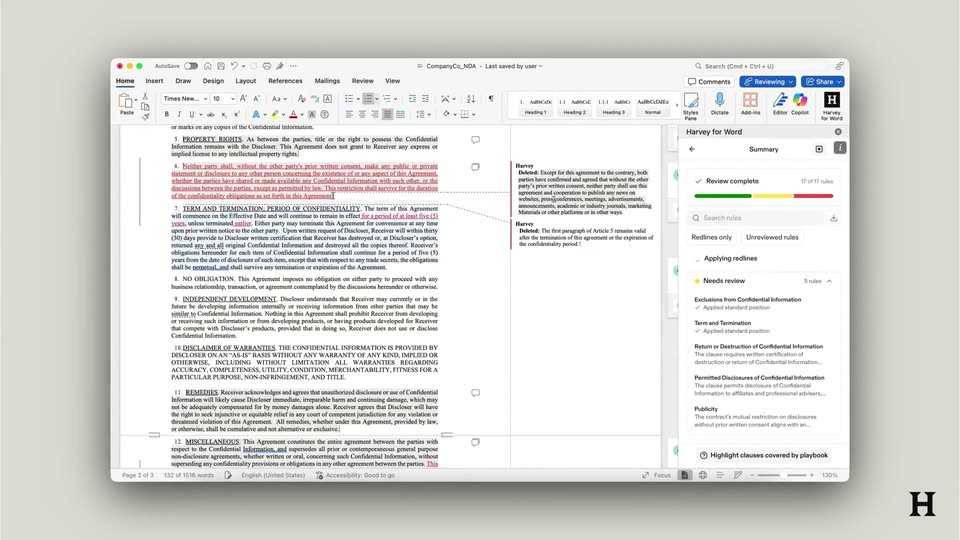 1:55–1:58Harvey · Microsoft IntegrationsA Word document with tracked-change redlines sits beside a Harvey sidebar whose progress bar fills and flips from Generating suggestions to Review complete; a cursor clicks rule rows as the frame pulls back to reveal the whole window.
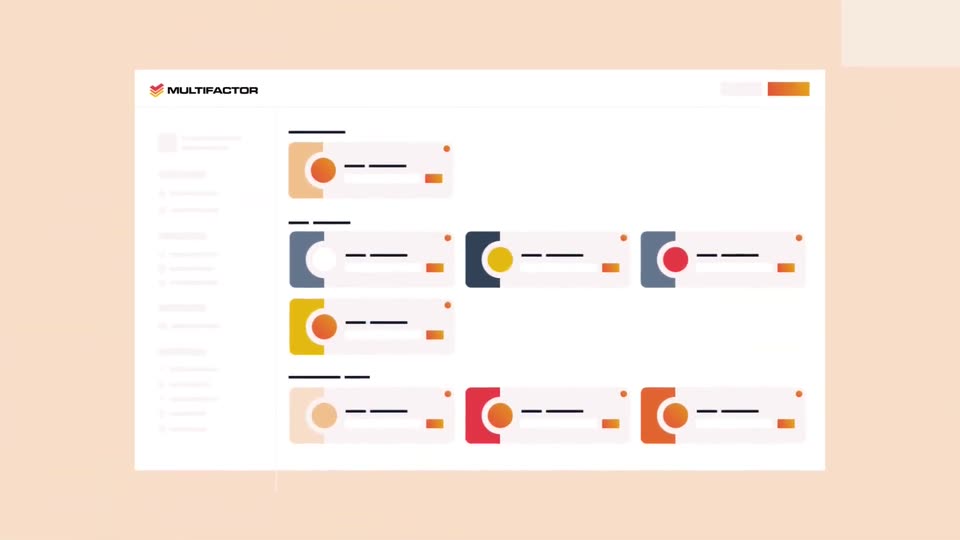 0:37–0:41Multifactor · Multifactor: Share Online Accounts with Humans & AI Agents (0:59)A white dashboard panel resolves from a radial blur on a peach background. Colored status cards fly in from scattered angles and settle into an aligned grid of rows, each card showing a colored square, a circle, and placeholder lines.
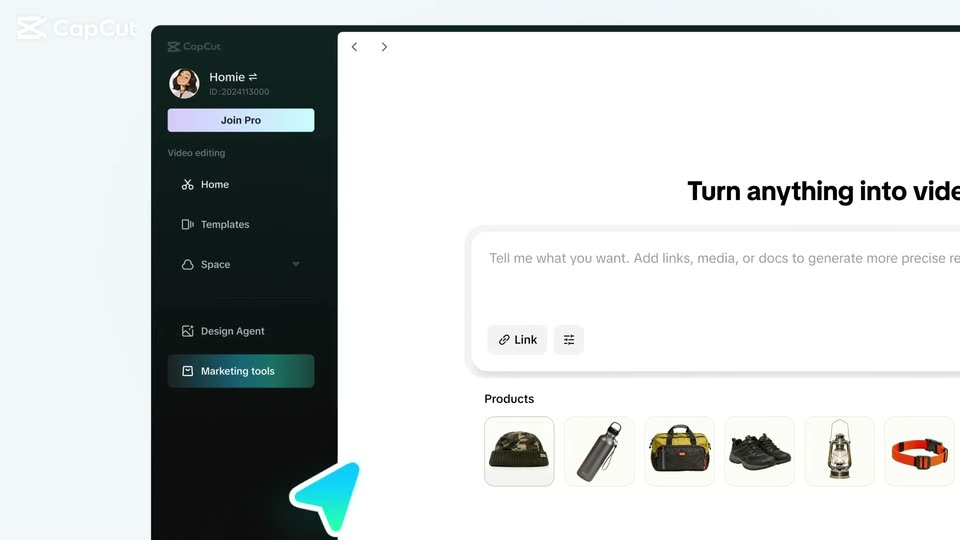 1:09 · 0.5sCapCut · CapCut - Your all-in-one e-comm toolkit is here. Meet the new CapCut Desktop!A CapCut interface sits on a light gray background, dark sidebar left, white panel right with a row of product photos. A cyan cursor glides in from the lower left and hovers over the Link button as the view pushes in on the panel.
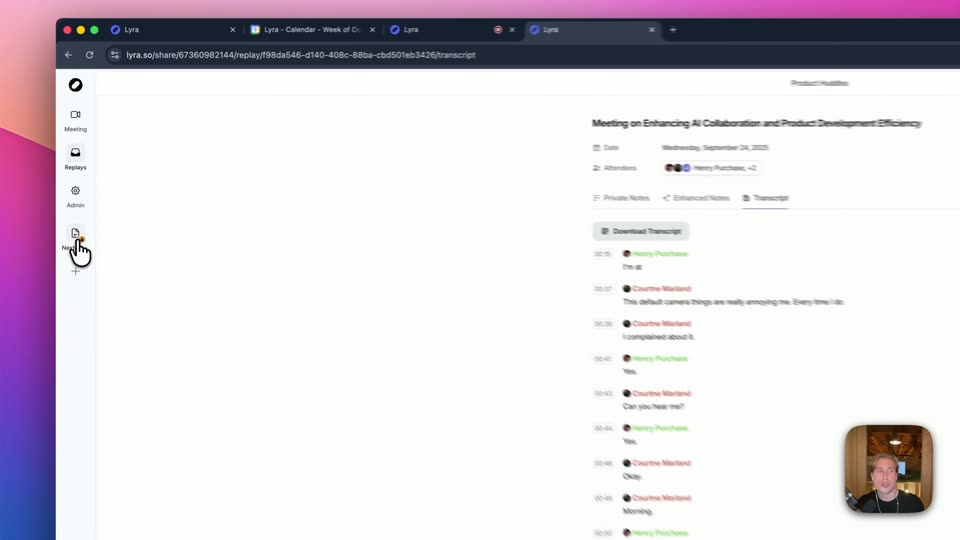 2:20–2:24IRBC · Lyra, The Final Meeting Platform.A web app transcript fills a browser window over a pink and blue gradient. A cursor travels down the sidebar and clicks Notes, then the frame zooms into a right panel listing Next Steps and Onboarding.
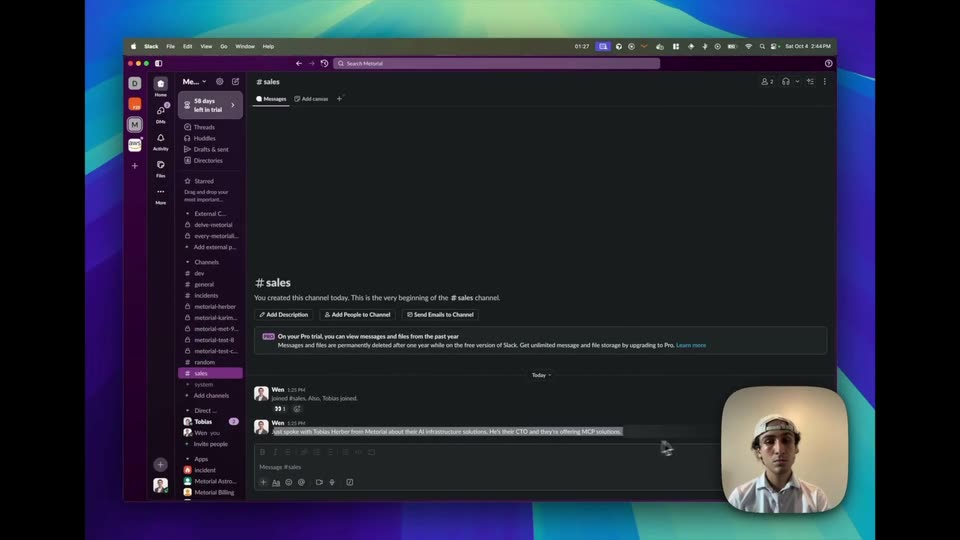 1:09–1:12Metorial · Introducing Metorial - YC F25Slack's #sales channel shows a message about a call with Tobias, with a video tile of a man in a cap in the corner. The cursor moves over the message box, then the frame zooms out to reveal the desktop and a browser window behind the app.
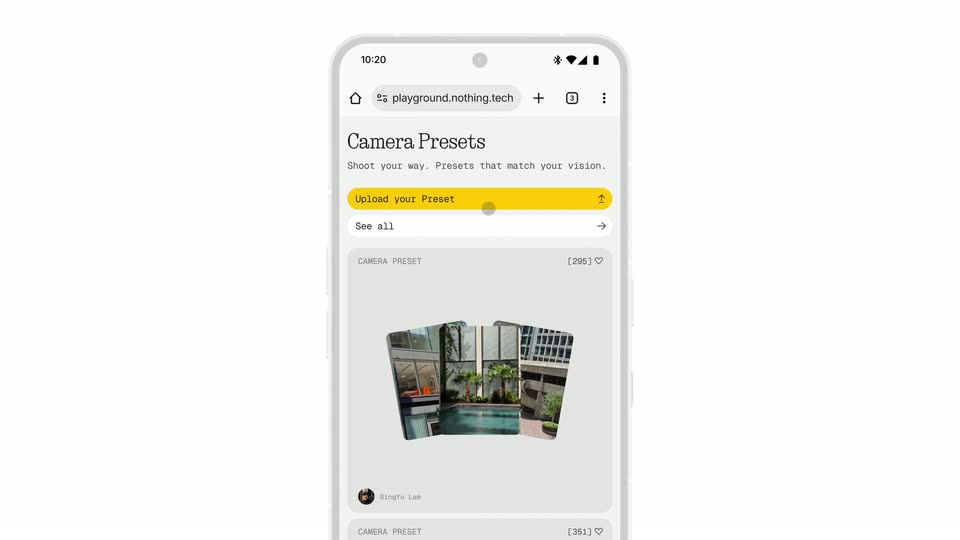 1:12–1:13Nothing · Introducing PlaygroundA front-facing phone mockup on a white field displays a Camera Presets page with a yellow upload button and fanned photo thumbnails. The frame zooms into the screen while the preset cards scroll upward.
 1:30–1:32Langfuse · Introducing Langfuse 2.0A screen recording of the Langfuse interface, cropped tight on a trace panel with a cursor pointing at evaluation scores, then zooms out to reveal two side-by-side windows: a Trace Detail page and a demo chat, with a small webcam of the presenter in the corner.
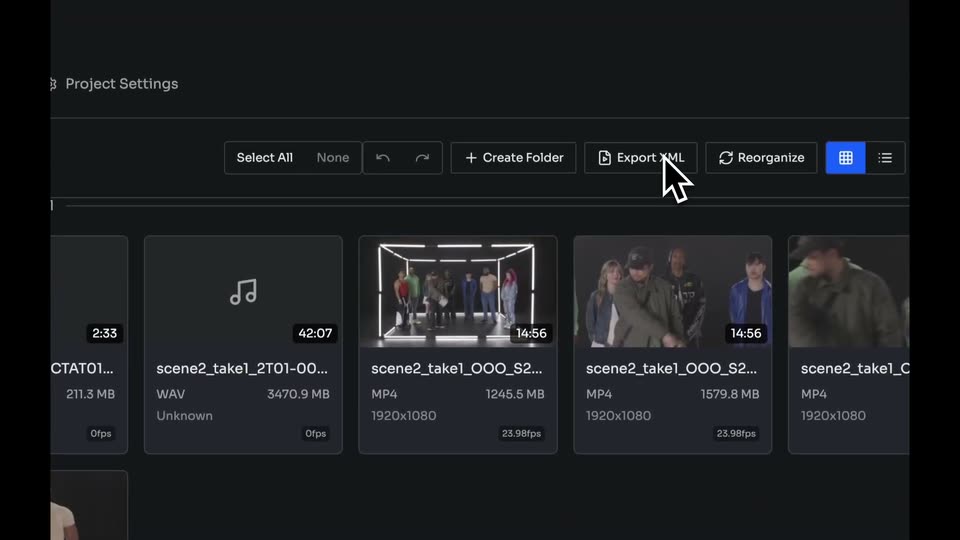 1:27–1:30cocreate · Cocreate demo videoA dark ccreate dashboard shows an asset grid of media files, then the frame zooms into the top toolbar. A white cursor glides to the Export XML button and clicks it, turning the button blue.
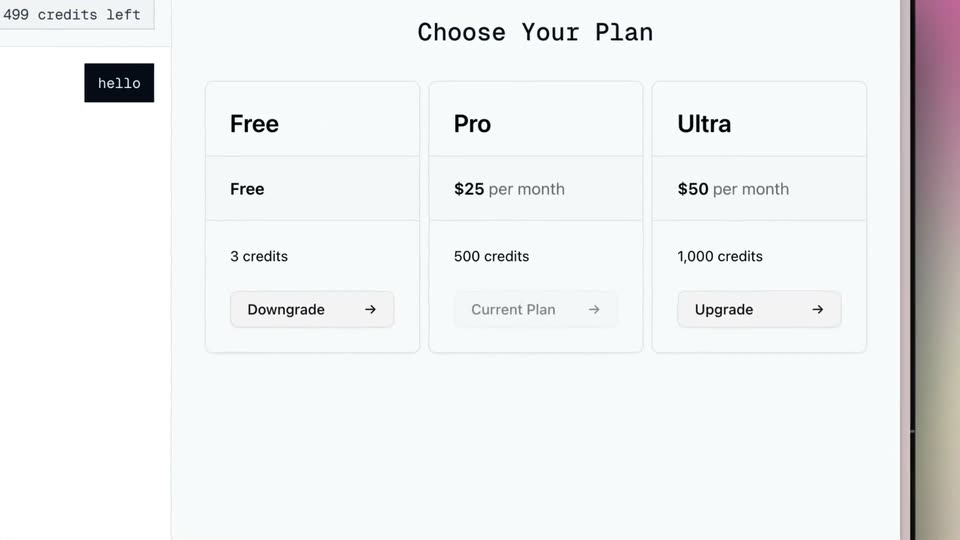 2:26–2:31Autumn · Autumn: Stripe for AI StartupsThe AutumnGPT app window on a blue-to-pink gradient pushes in on the pricing panel, where the Free, Pro and Ultra cards settle into a row. A bottom caption reveals word by word with a blue highlight, then the word Okay. pops in at center.
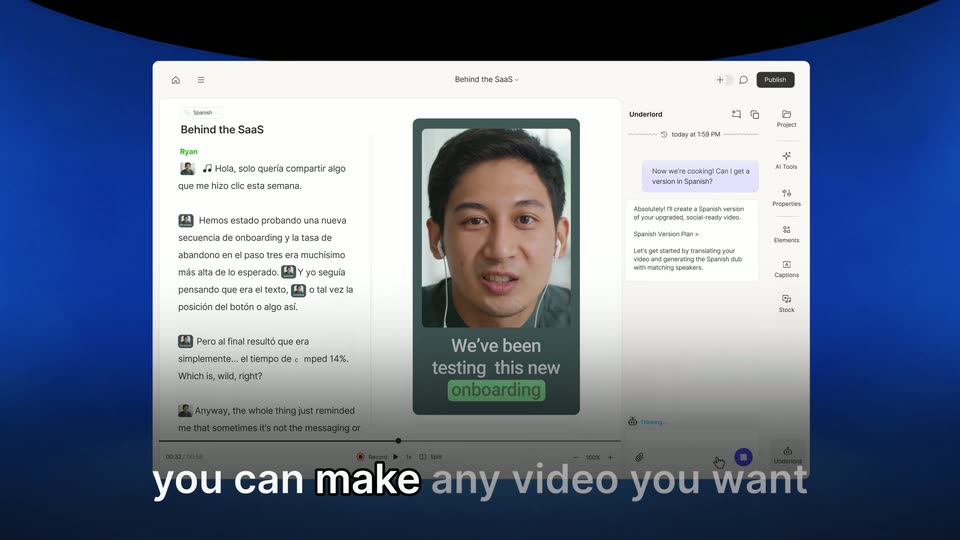 0:48–0:49Descript · Descript - Never edit alone again. Underlord is now available in beta. UnderlorA close-up of the AI chat bubble asking for a Spanish version pulls back to reveal the full editor: transcript on the left, video preview center, assistant on the right. A bottom caption reads “With Underlord at your side,” then “you can make any video you want.”
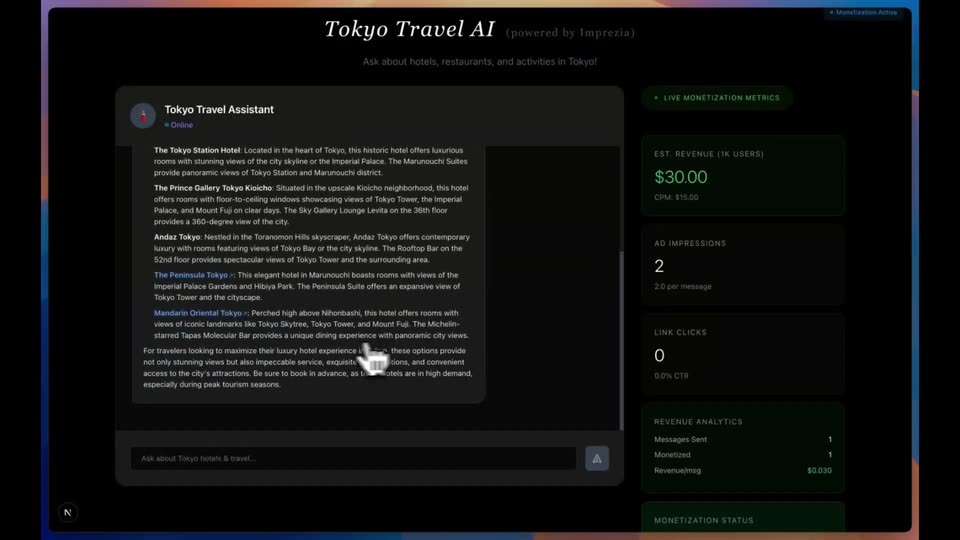 1:11–1:13Imprezia · Imprezia Launch VideoA dark Tokyo travel chat UI fills the frame, a hotel list in the left panel beside a green metrics column on the right. A white cursor drifts over the text, then the whole screen pushes in with a fast zoom and motion blur before sharpening again.