Cursor demo
A visible cursor operates the interface.
15,034 scenes · page 201 of 251
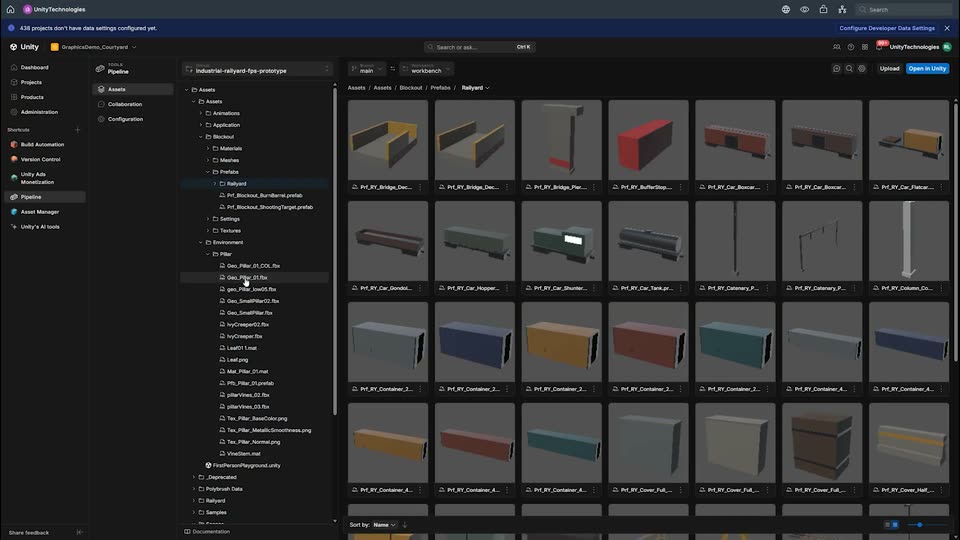 2:56–2:59Unity · Unity CLI 1.0 and Unity Pipeline APIsA dark Unity editor window fills the frame. The left file tree collapses the Railyard folder and expands a Pillar subfolder as the cursor moves down to hover a file, while a grid of 3D container and bridge thumbnails stays fixed on the right.
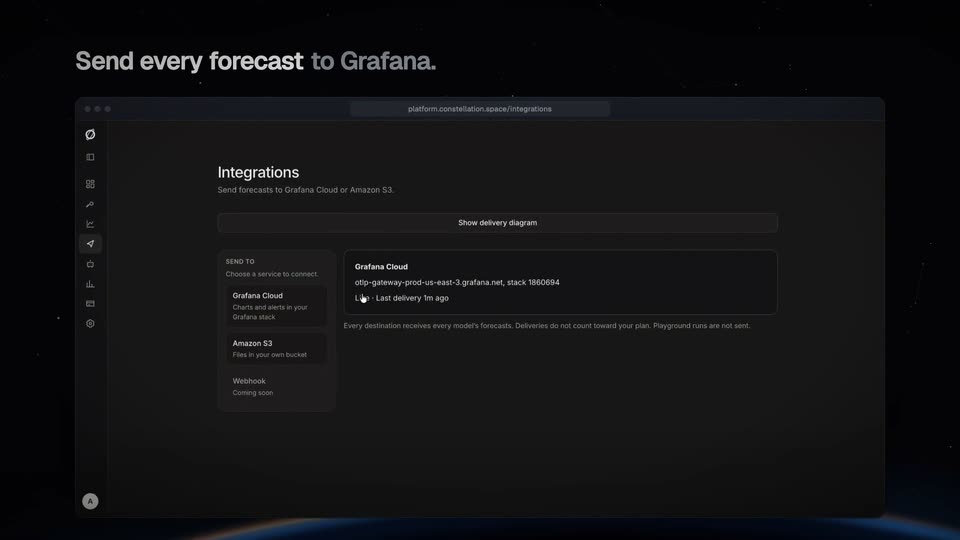 1:25–1:26Constellation Space · Space intelligence for all: Constellation SpaceA tilted browser window showing the integrations page floats over a starry space backdrop with Earth's horizon below. The white headline types in at top left as the interface brightens and a cursor hovers over the Grafana Cloud row.
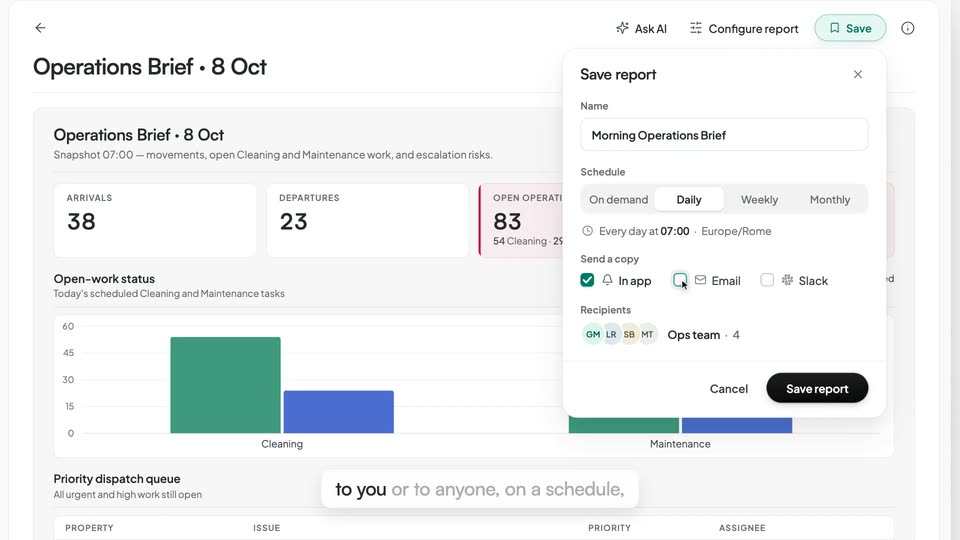 1:08–1:14Trellis · Introducing Trellis ReportsA browser window shows an Operations Brief dashboard; a cursor clicks Save and a Save report panel opens on the right. The view zooms in as the cursor ticks Email and Slack under Send a copy, then rests on the Save report button. A bottom caption bar reads the narration.
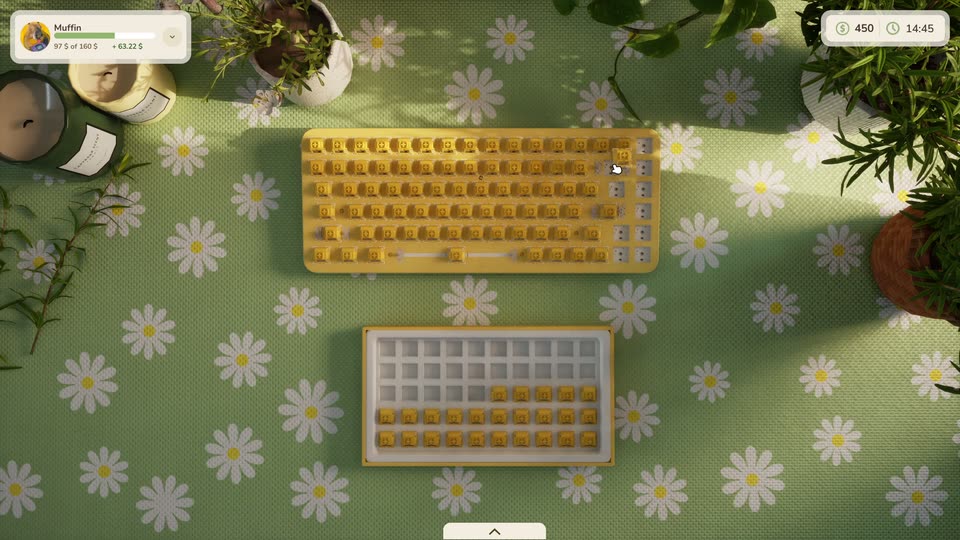 0:20–0:24Vojtěch Peták · KeyCapy - Official Reveal TrailerTop-down 3D desk with a green daisy cloth: a yellow keyboard above a tray of loose yellow keycaps. A white cursor moves between them, clicking keycaps until one is highlighted. HUD pills show the Muffin profile, 450 and 14:45.
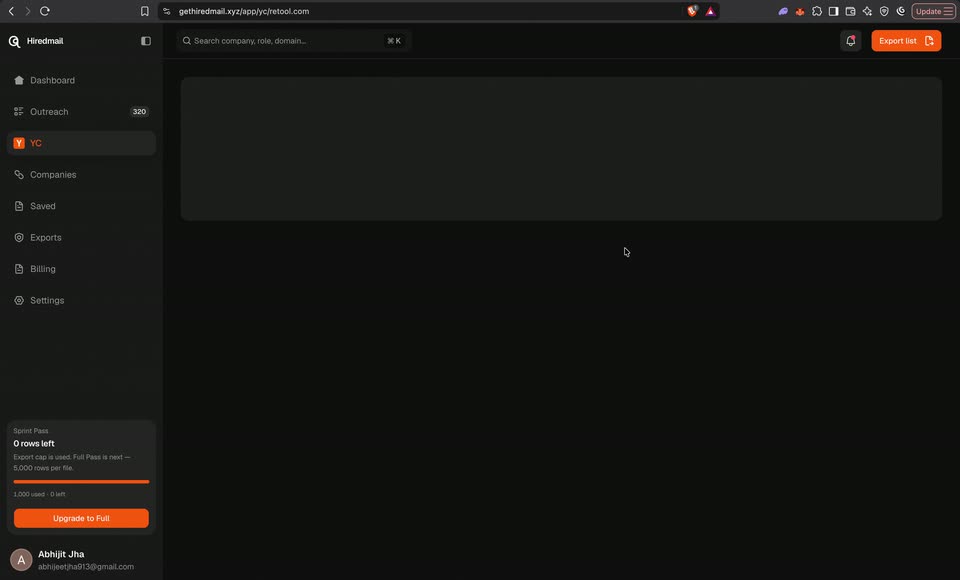 0:45–0:46Hiredmail · Abhijit - Introducing Hiredmail Hiring inboxes, verified and sorted. YC compaA dark Hiredmail dashboard fills the frame, its left sidebar and top search bar framing a large empty panel. A mouse cursor glides from the right side toward the middle of the blank area.
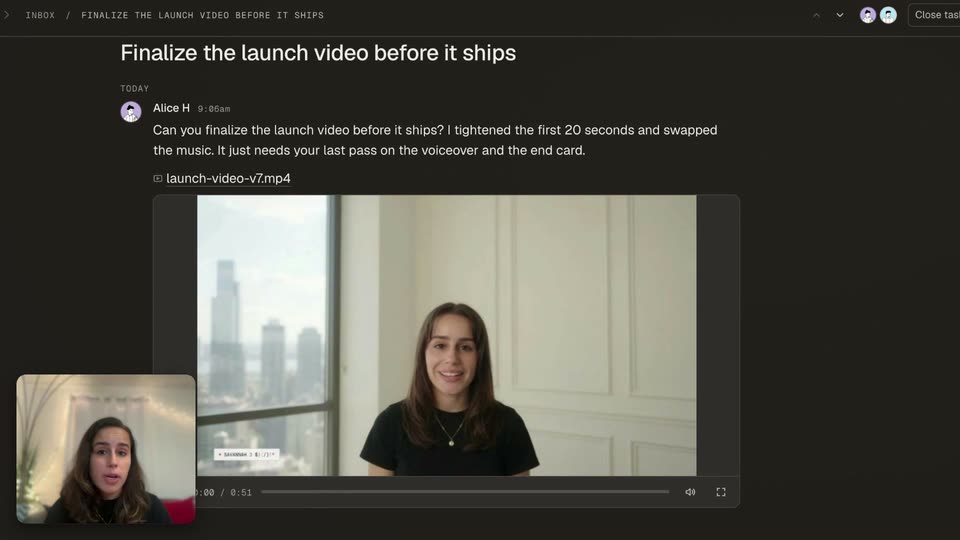 0:41–0:44Agentbox · Savannah - introducing multiplayer for coding agents. the place you code is nowA dark inbox screen zooms out from a close-up of a task message and an embedded video of a talking woman to reveal the full interface with sidebar and top bar. A cursor moves to the launch-video file link while a small face-cam overlay stays in the corner.
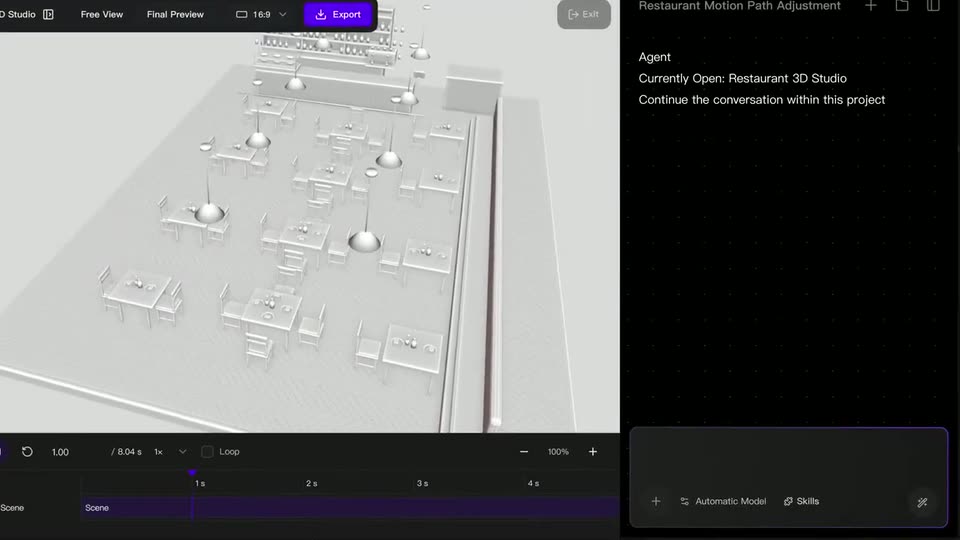 1:17–1:18Alibaba Cloud · Alibaba Cloud - 3D Studio is now live on WonderClip. Try it free for a limited timeA 3D studio window displays a white clay restaurant model with tables and pendant lamps. The window expands to fill the frame while the viewport zooms in, a large cursor hovers, and a purple playhead moves along the bottom timeline.
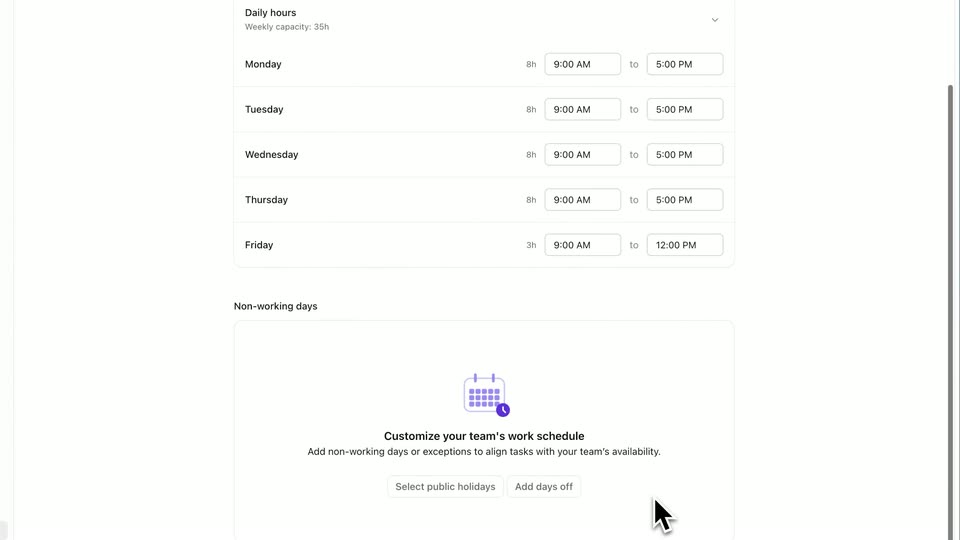 1:01–1:08ClickUp · ClickUp Release 4.10: Sheets, Work Schedules, Email Triggers, and more!A Work Schedule settings form fills the screen. A cursor clicks Custom working hours, expanding per-day rows, then opens a time dropdown and sets Friday to 12:00 PM. The view scrolls to the Non-working days card, where the cursor hovers the Select public holidays button.
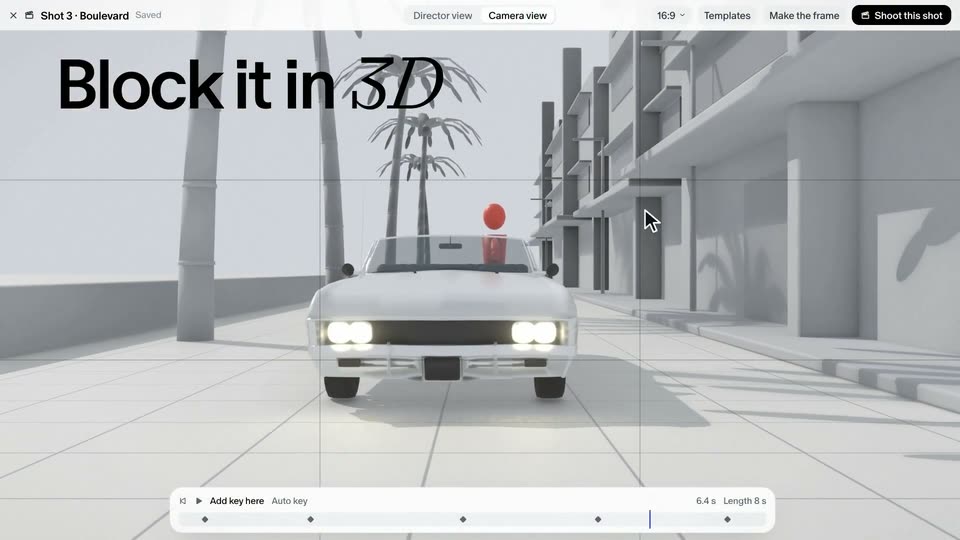 0:24–0:27Flowith · Flowith - introducing Flowith 3.0. the ultimate canvas for human-ai creation.Inside the editor's 3D viewport, a white car with a red figure on its hood drives toward the camera down a grayscale street lined with palm trees and buildings. The headline holds top-left while the cursor slides to the top-right button.
 2:45–2:53LetzAI · Introducing LetzAI V5 | LetzAI BlogA dark product UI shows a left sidebar and a grid of recent canvas cards. A white ring cursor hovers the Canvas menu item, then moves to the New canvas button and clicks it, opening a centered Create a canvas dialog with a name field.
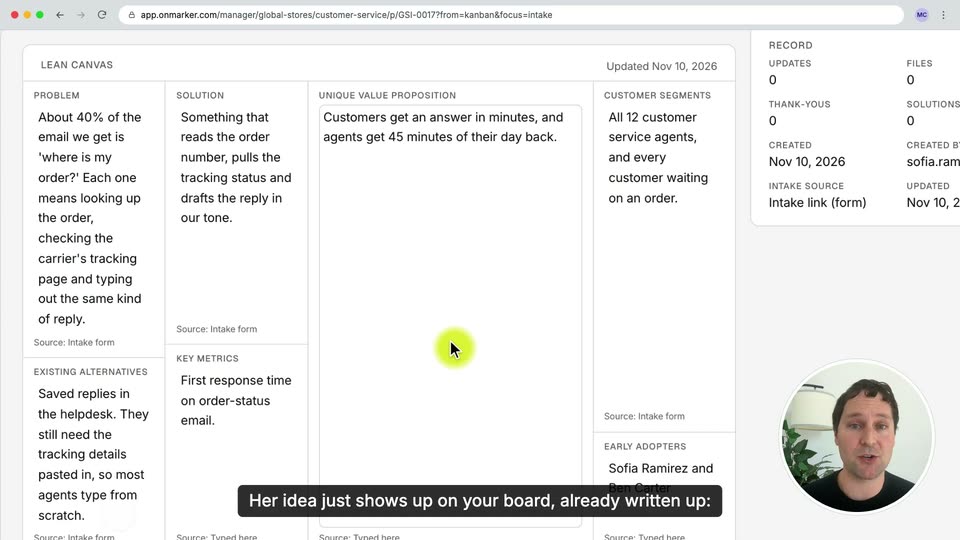 0:35–0:36Marker · Introducing Marker ManagerA kanban board fills the frame with columns of task cards. The card 'Order status replies' is ringed in yellow with a cursor dot, then a LEAD CANVAS detail panel expands over the right showing a text table. A circular face-cam sits bottom right; a caption reads at the bottom.
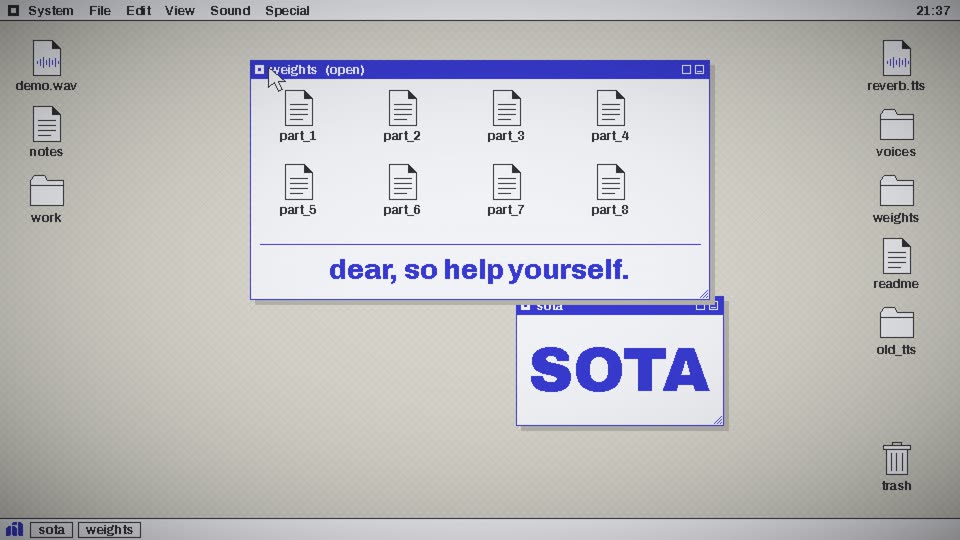 0:38–0:39Software Mansion · Software Mansion AI Labs - Introducing Reverb-TTS, a state-of-the-art voice-cloning text-to-speeA beige retro desktop shows several windows. The center file-list window swaps to a blue live-recording circle, while the lower windows change to an empty player and a pixelated figure. A cursor clicks the live control.
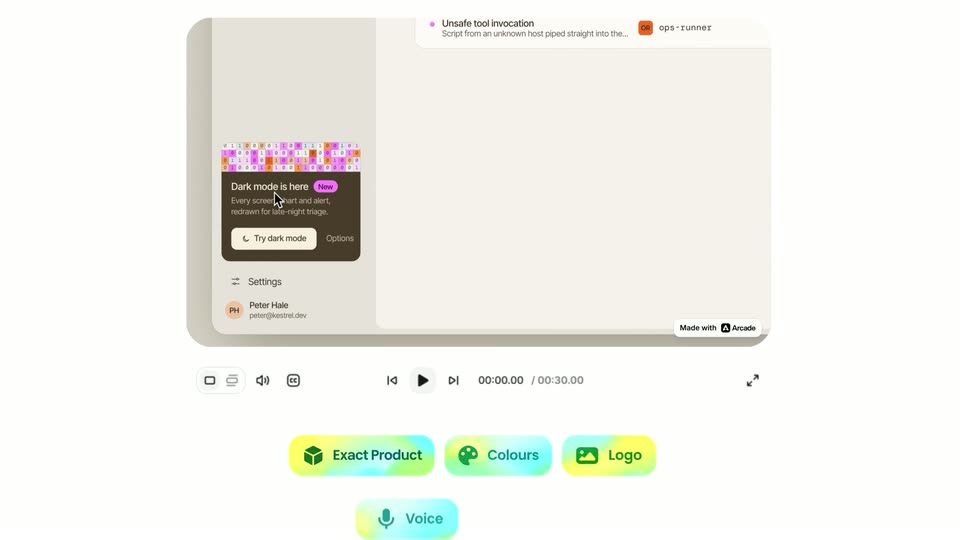 1:05–1:06Arcade · Caroline Clark - Frontier AI has solved math. Science. Coding. But it still hasn’t solA flat Kestrel dashboard mockup, showing an Incidents list, scrolls down to reveal a dark mode card while a cursor hovers over it. Editor playback controls and feature buttons sit below the frame.
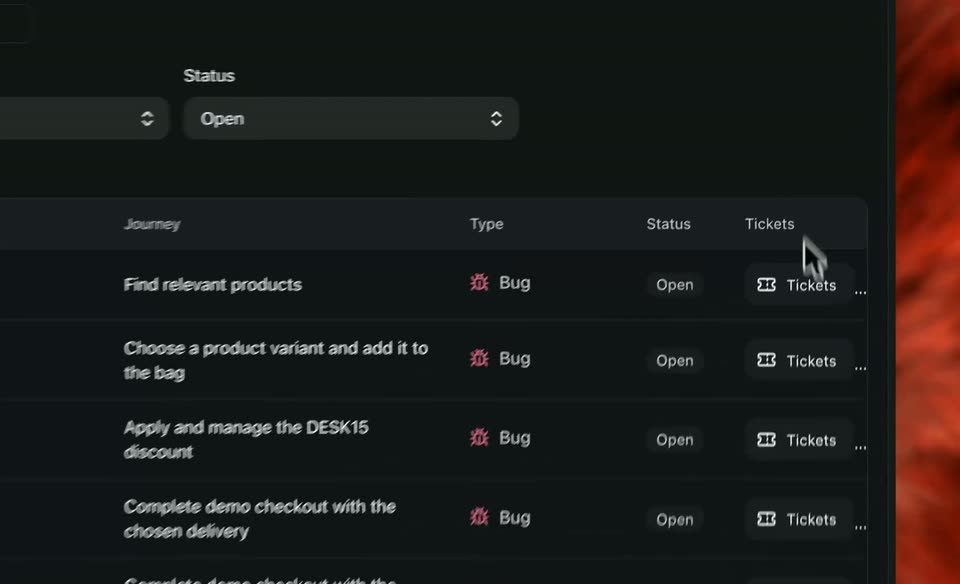 1:12–1:17CodeRabbit · CodeRabbit - Introducing CodeRabbit Verify Don't let your users be the first testA dark bug-tracker window sits on a red abstract background; the camera zooms into the findings table, then a cursor hovers the Tickets button in the first row, which expands into a Create ticket button as the screen dims.
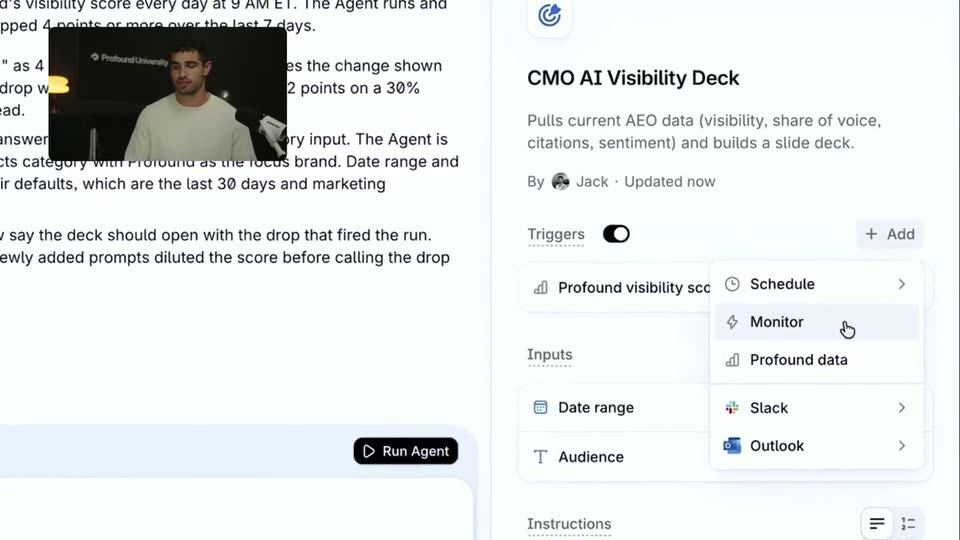 2:02–2:05Profound · Dylan Babbs - Today we're launching a new generation of Agents in @profound, now poA product interface fills the frame. On the right, a panel titled CMO AI Visibility Deck opens a Triggers dropdown, and a cursor glides down the list, highlighting Monitor then Profound data. On the left, a small video of a man speaking sits over a page of body text.
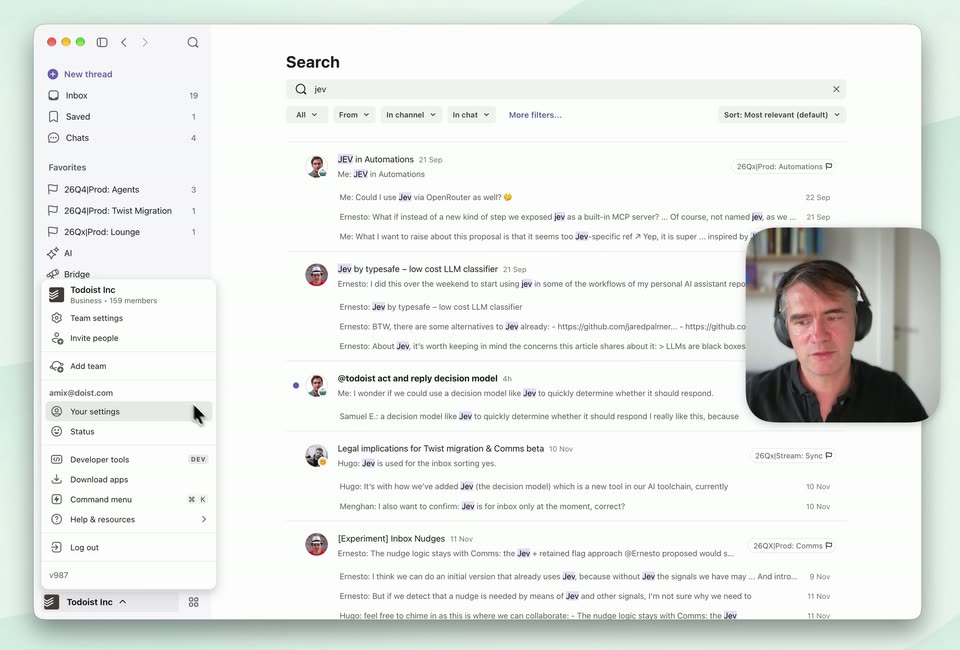 1:28–1:42Todoist · Amir Salihefendić - Todoist Comms is now in public beta 🚀 What's in it: ⋅ Turn any threA presenter's webcam sits in the corner of a chat app screen. The cursor clicks a recent search, skeleton rows load, results with highlighted terms appear. The frame pulls back to a card on a gradient, the cursor opens the workspace menu, and the view zooms into the sidebar.
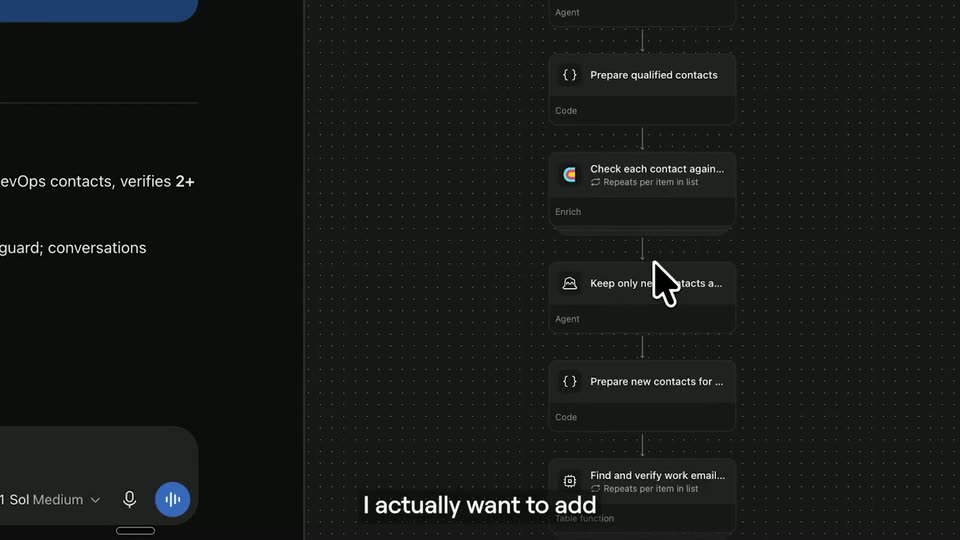 1:50–1:52Clay · Clay - Today, we’re excited to relaunch our official MCP connection with @OpA dark dotted workflow canvas fills the right side, showing a vertical stack of node cards connected by lines, with a chat panel cut off at the left edge. A white cursor hovers over the middle node while a white caption at the bottom reads the voiceover, then changes to the next phrase.
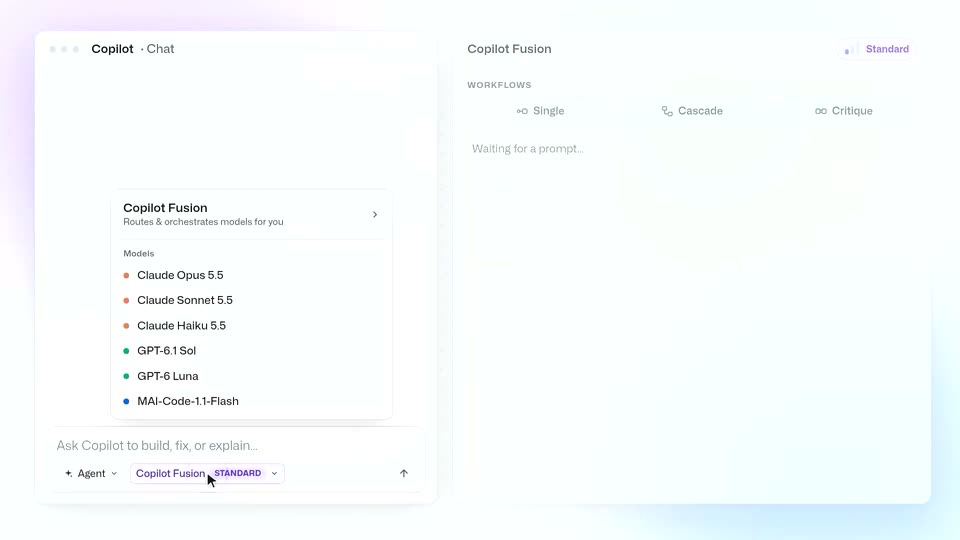 2:39–2:42GitHub · Stop manually picking AI models: how GitHub Copilot Fusion worksA full app window cuts to a clean two-panel mockup on a soft gradient. The frame zooms onto the chat bar, where the cursor clicks the model selector and a dropdown of model names with colored dots slides open.
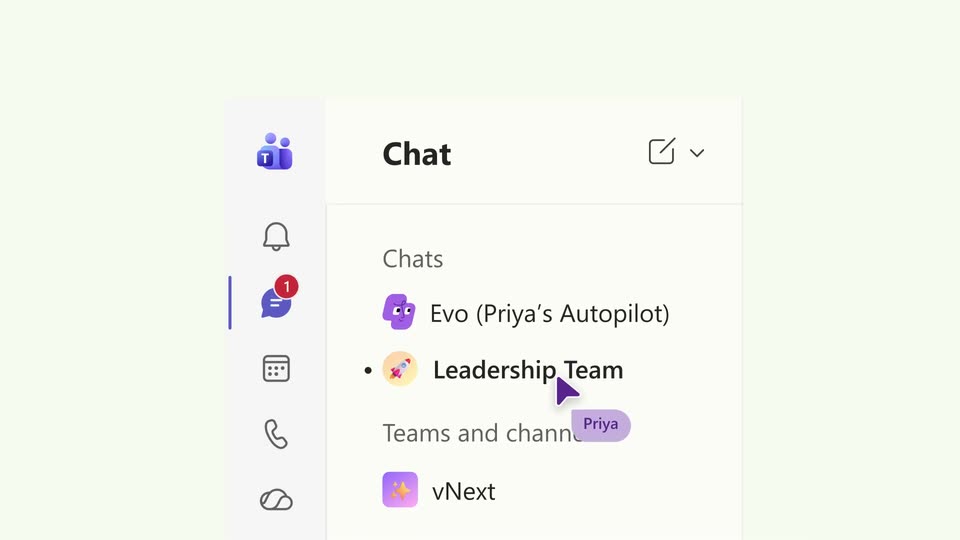 1:01–1:03Microsoft · Introducing Copilot Workspaces | Microsoft Ignite 2026A purple cursor moves down the chat list and clicks Leadership Team, then the view reframes to the open channel showing two Priya message bubbles and the message input box.
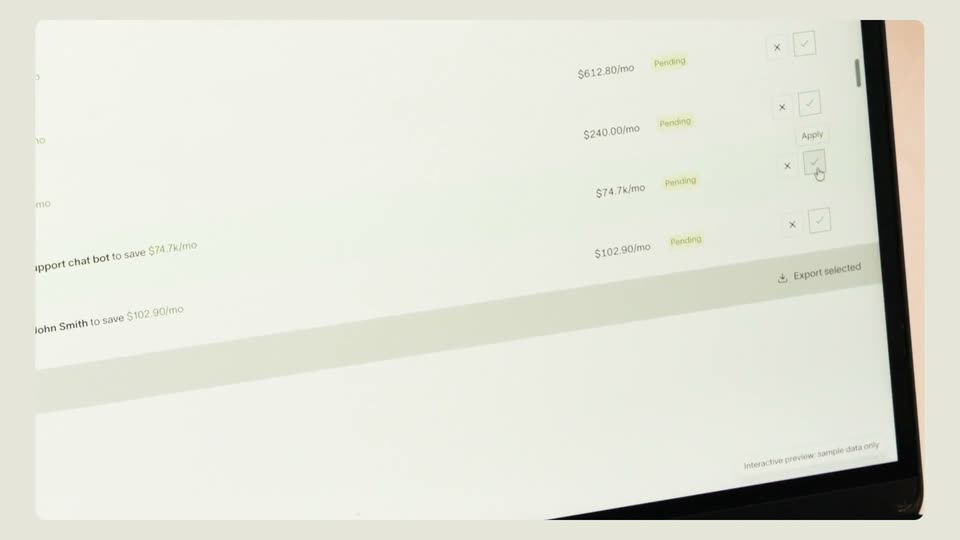 1:32–1:35Ramp · AI spend x Router demoA close-up of a laptop screen shows a recommendations list; a real finger taps a checkbox, then the on-screen cursor checks it and hovers an Apply button. The camera pulls back to reveal the tilted laptop and a hand resting on the keyboard.
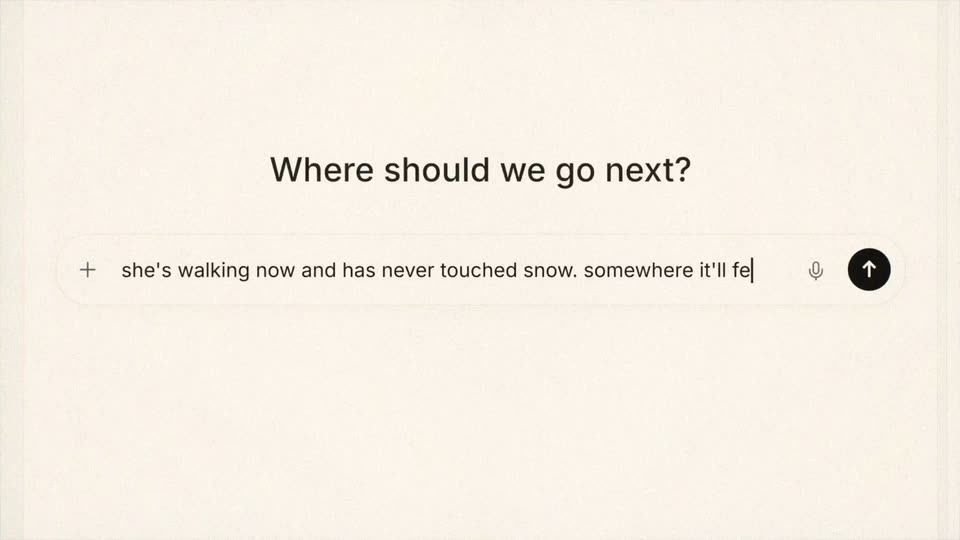 0:42–0:47Voyage Labs · Manik Gupta - Yogesh and I just raised $12M to help everyone experience more of theA cream travel app screen holds the prompt “Where should we go next?” above an input bar. A sentence types itself in letter by letter, wraps to a second line, then the frame fades to white and lands on a stay options list.
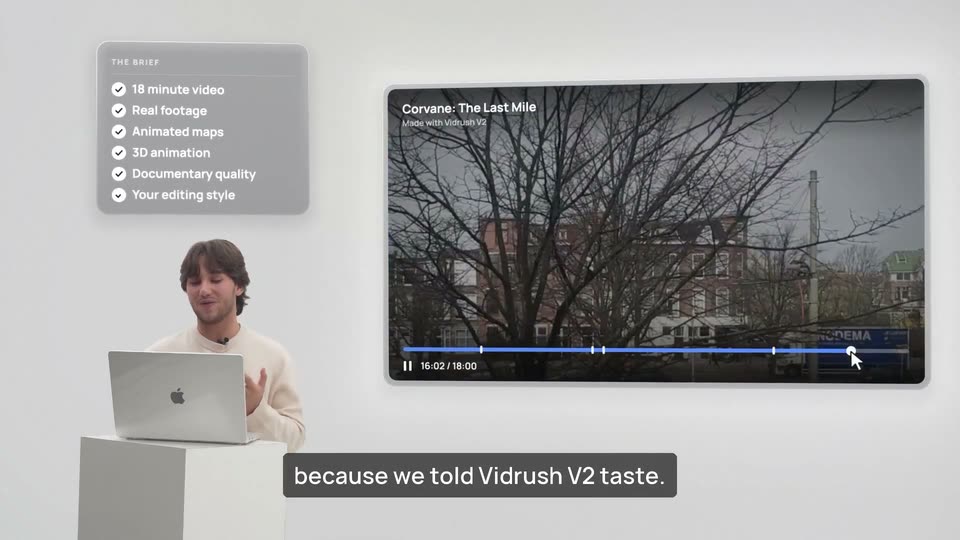 1:39–1:42VidRush · Noah Morris - We just KILLED Claude Opus 5.5 Video Editing Introducing VidRush V2A man in a cream sweater talks and gestures at a white desk with a laptop, subtitles below. A brief card on the left ticks its last item; a player on the right scrubs from an isometric 3D warehouse to real street footage as a cursor drags the timeline.
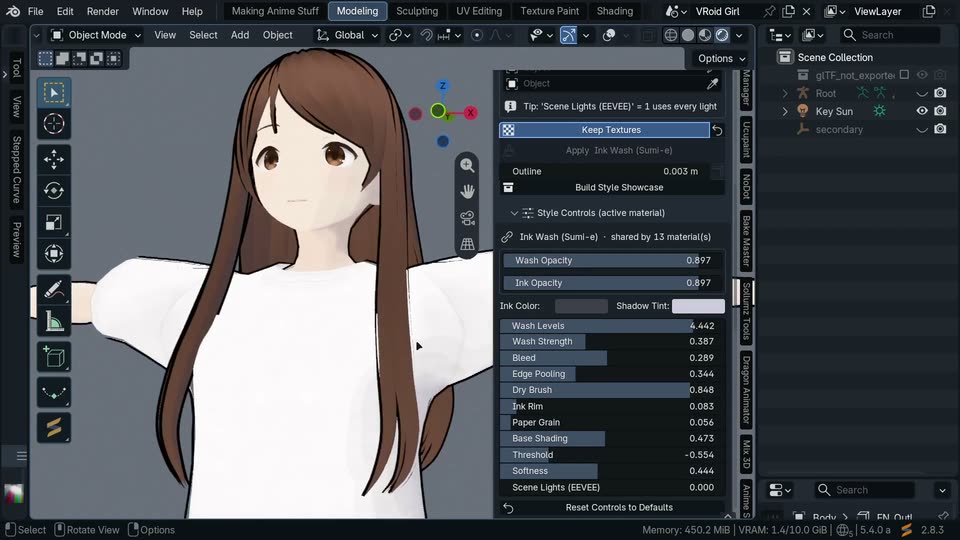 1:42–2:10Mix 3D Design · Mix 3D - Your 3D character is just ONE shader away from looking like an ANIME!A 3D modeling app displays an anime girl model in the viewport, which orbits from front to back. Sliders in the right panel adjust the Ink Wash style values, and the model's shading updates live as the view reframes onto her head, torso and legs.
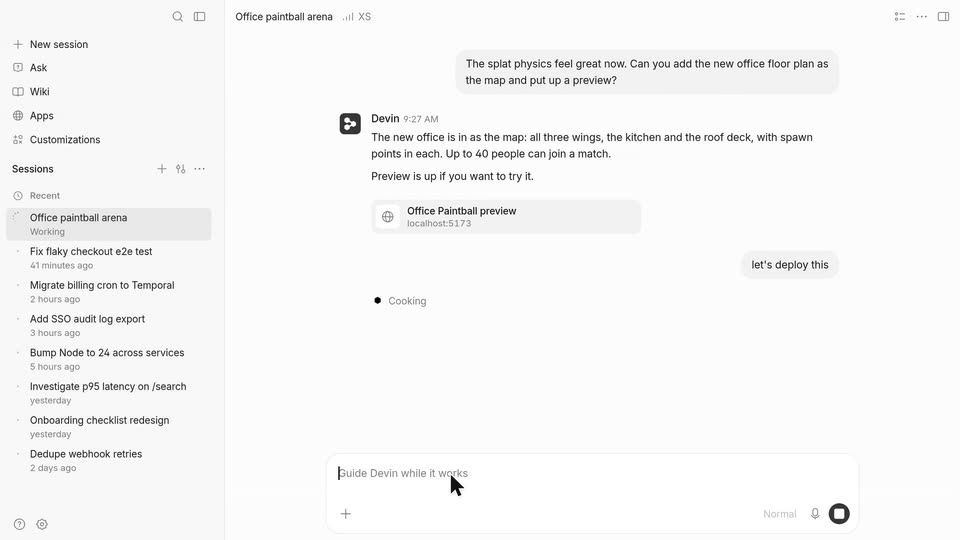 1:32–1:38Cognition · Cognition - Introducing: Devin Apps Private, secure, sharable web applications rA chat interface fills the frame as a cursor clicks the input field and types a deploy command. The message sends, a cooking spinner appears, then a live deployment card with a thumbnail and a link slide in as the view zooms onto the conversation.
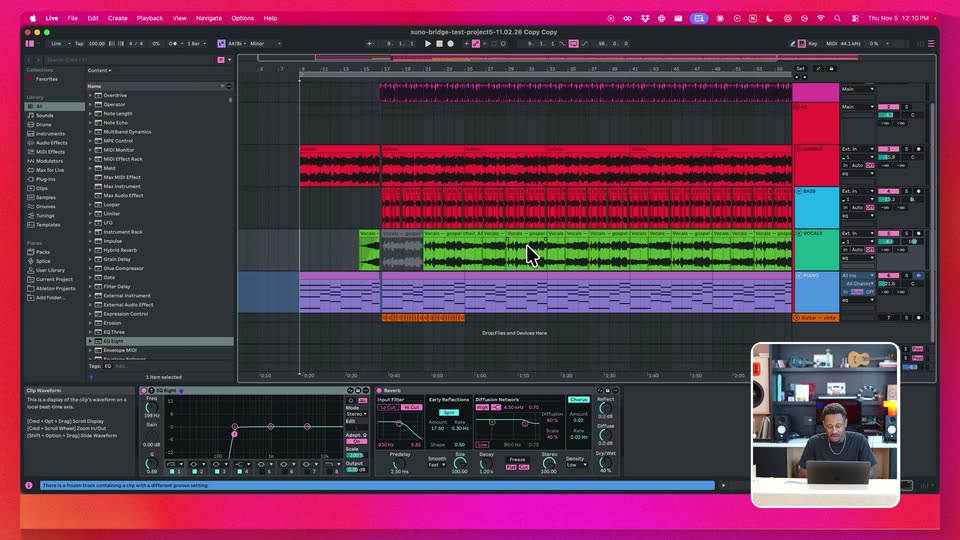 0:57–1:00Suno · Introducing Suno Bridge (beta): Your DAW, Suno-poweredA static screen recording of a DAW timeline with red, green and purple audio clips and a moving cursor. A central dialog with the Suno logo and an Upload project button appears. A small webcam window in the corner shows a man at his desk.
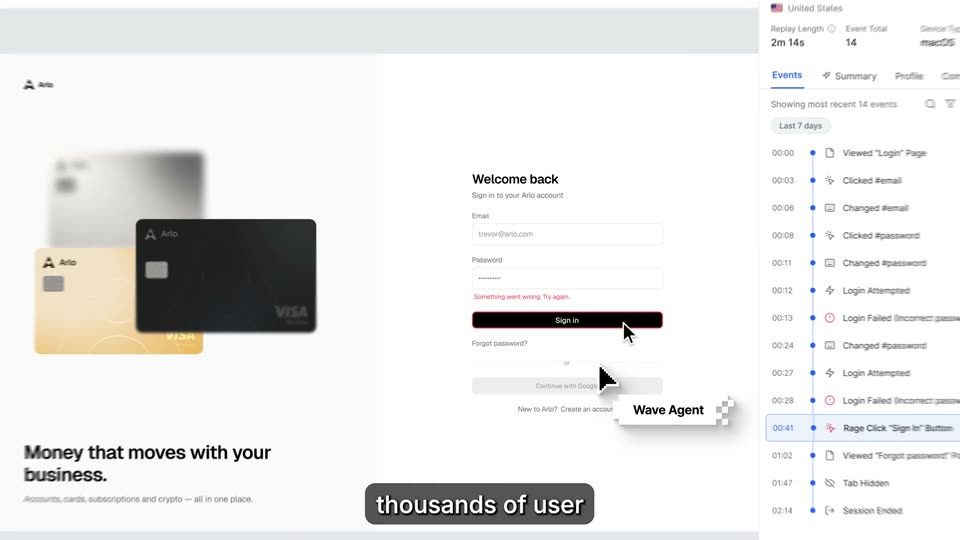 0:21–0:24Amplitude · Spenser Skates - Introducing Wave. The world's first AI that reads your customers' miA session-replay dashboard centers a login page; a pixelated cursor tagged Wave Agent clicks the Sign In button, which flashes red, then the view zooms in. It cuts to a product analytics dashboard with metric cards and a line chart as the cursor hovers.
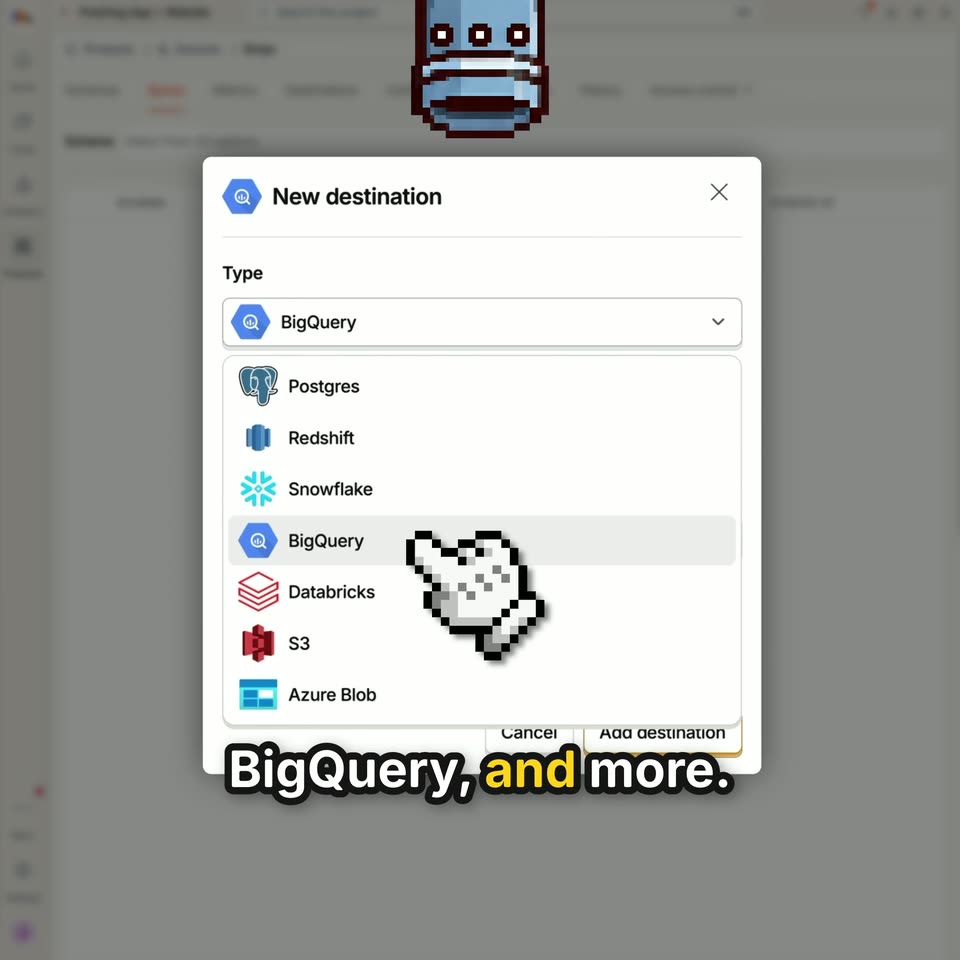 0:29 · 0.8sPosthog · PostHog - Mamma Mia, PostHog Sources is here - Sync from 700+ sources like StrA white 'New destination' modal listing database types floats over a blurred dashboard, a pixel-art hand pointing at the BigQuery row. The card flips through stacked copies as the yellow caption scales up and a pixel-art robot head appears at the top.
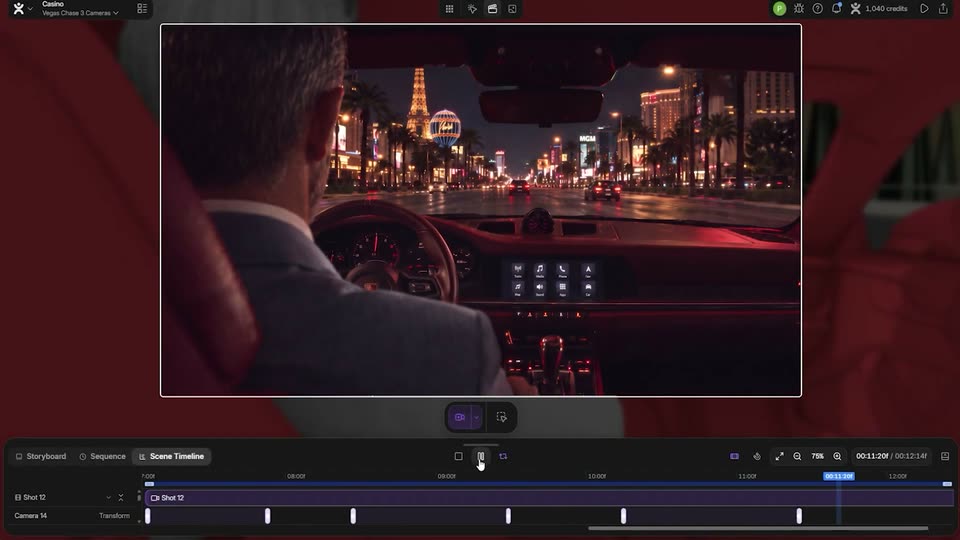 1:14–1:15Intangible · Bharat Vasan 🇺🇸 - Today, excited to launch Intangible 2.0. Finally, one AI studio for iA dark editor interface with a top toolbar and a bottom timeline. The central viewport holds a 3D scene of a suited man driving through a neon-lit Las Vegas street at night, switching from an untextured clay model to the fully shaded render. A cursor rests on the playhead as the timecode advances.
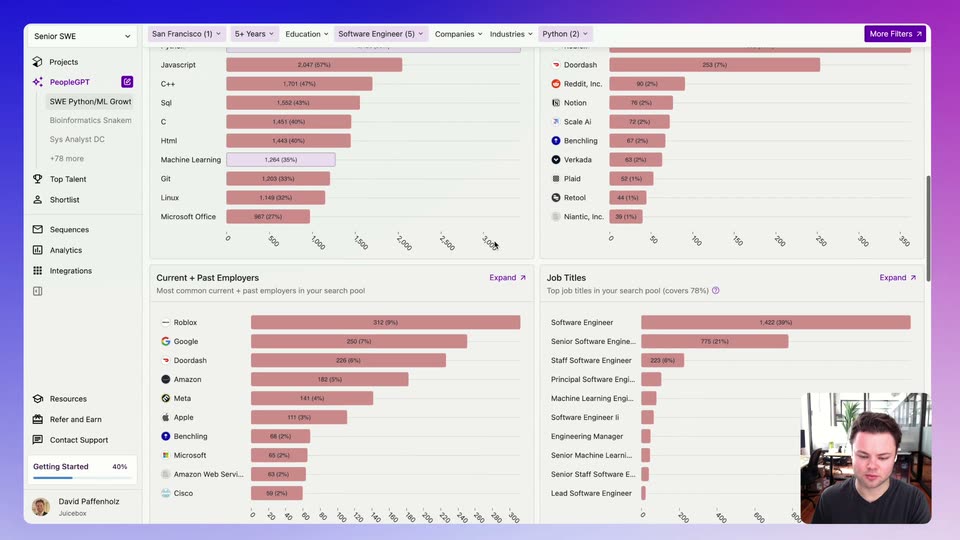 2:11–2:24Juicebox · Juicebox - The Leading AI Recruiting PlatformA product dashboard loads from a spinner into a talent-insights grid of maps and bar charts, the view scrolling down through the panels. A webcam of the presenter sits in the corner, the cursor moves, and the sidebar switches to the sequences view.
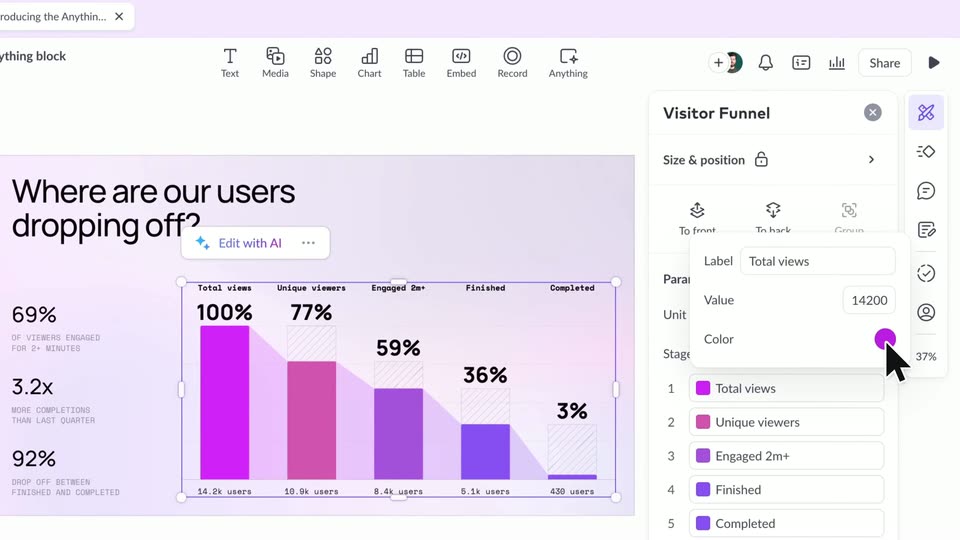 0:34–0:38Pitch · Make interactive slides with AI | Meet Pitch’s Anything blockOn a static screen, a cursor clicks a stage in the Visitor Funnel panel, opens a parameter popover, and edits the value and color; the left bar chart updates its percentages and the first bar turns red.
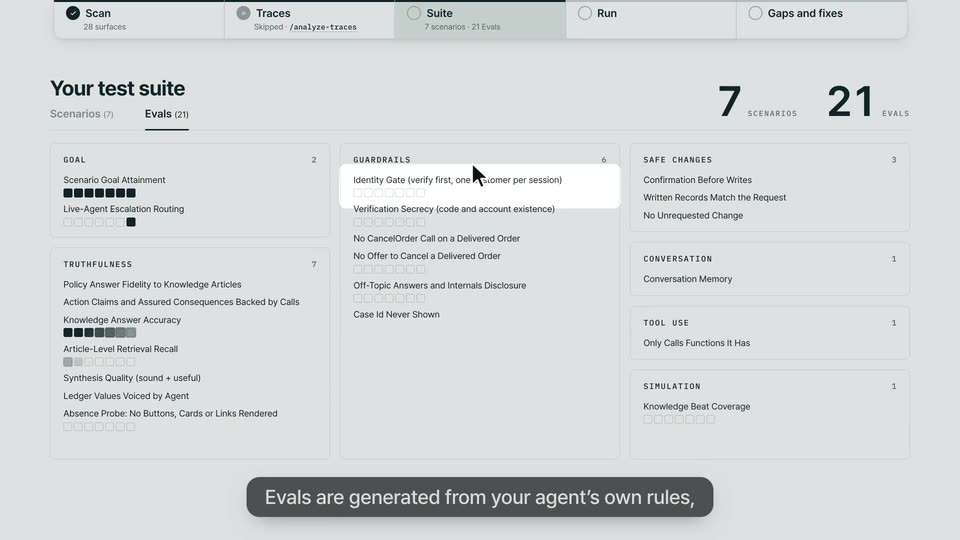 0:41 · 0.6sPlurai · Ilan Kadar - Big day for us at @pluraiAI ! Plurai Simulation is live and free forA light product dashboard displays a test suite in three columns of labeled cards. A cursor hovers over the Guardrails card, opening a white tooltip that lists two rule names. A dark rounded caption bar with white text sits at the bottom edge.
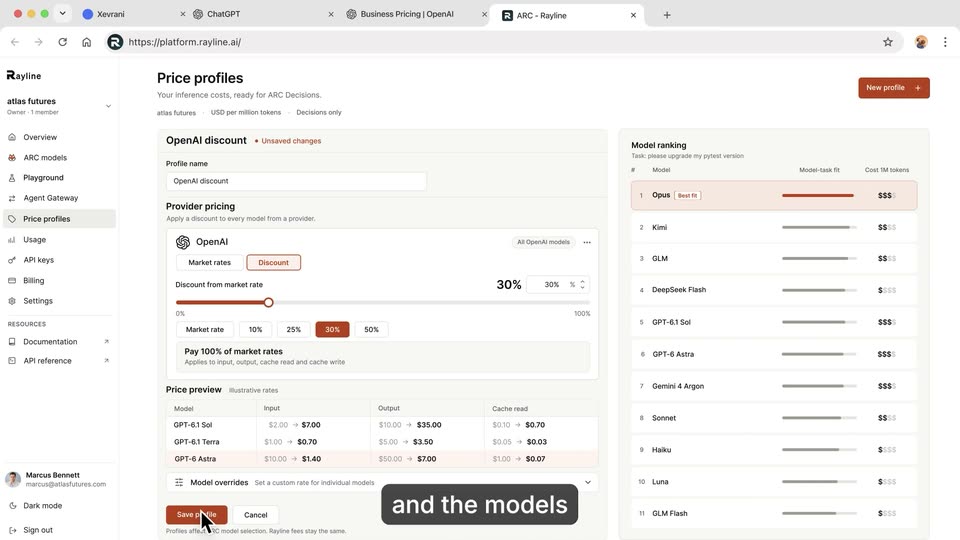 1:18–1:24Rayline · David Valerio Gilmore - In 2015, I built an AI that detects early cancer. Today, we’re introA flat browser view of the Rayline Price profiles page. A cursor drags the OpenAI discount slider from 0% to 30%, the price preview table recalculates, then the cursor clicks Save profile and a Saved tag appears. The frame zooms in on the pricing panel as the scene ends.
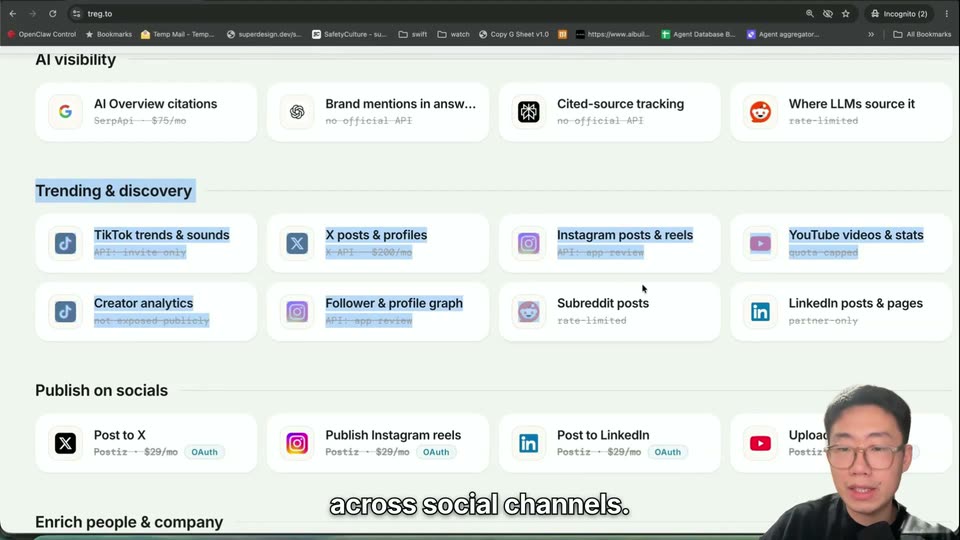 0:49–0:53Treg · Treg - OpenSource our AI-UGC workflow For as low as $0.2/s instead of $50A screen recording of a product webpage listing social media API cards. The Trending & discovery heading and card labels get highlighted in blue as a cursor moves across, while a small webcam of a man sits in the bottom right corner.
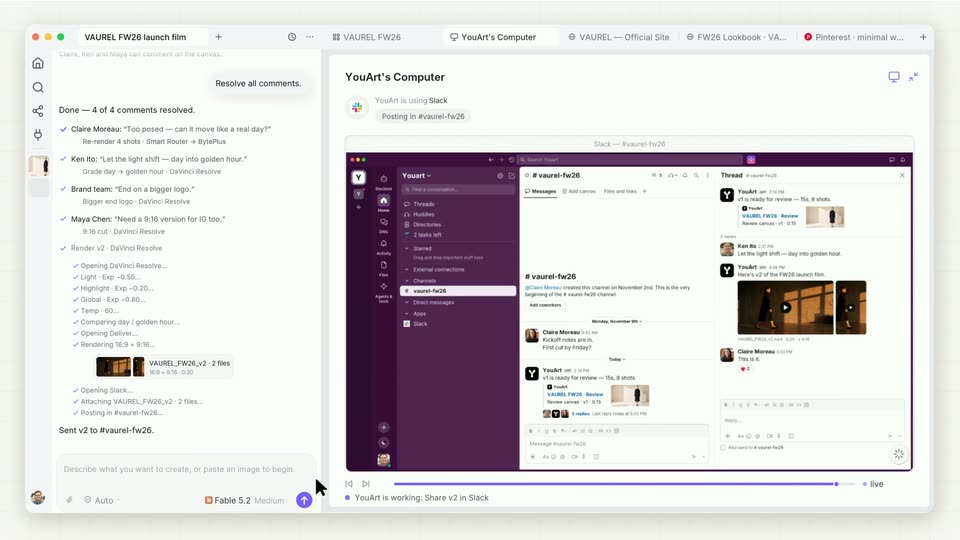 1:14–1:18YouArt · YouArt Desktop — an AI creative teammateSplit-view browser UI: an agent feed on the left appends status lines while a remote Slack window on the right loads through a fading purple veil. A video file and a reply post appear in the channel, a cursor moves in, and a check marks the task complete.
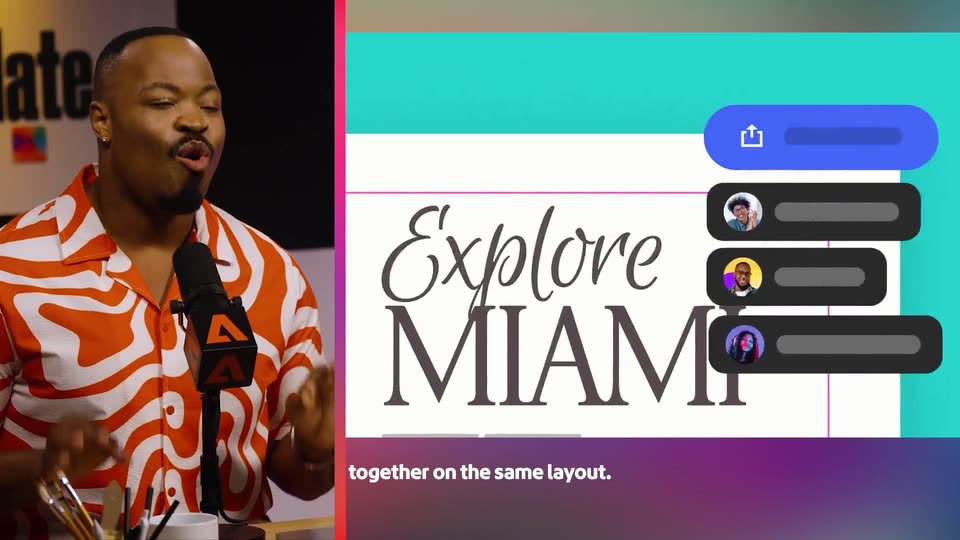 1:03–1:08Adobe · Exploring the Latest Release for Adobe Illustrator and InDesign | The Update | Adobe Creative CloudSplit screen: a man in an orange patterned shirt speaks into a mic on the left; on the right a design canvas zooms in on an Explore MIAMI poster as a blue share pill and three collaborator avatars pop in and a cursor hovers the share button.
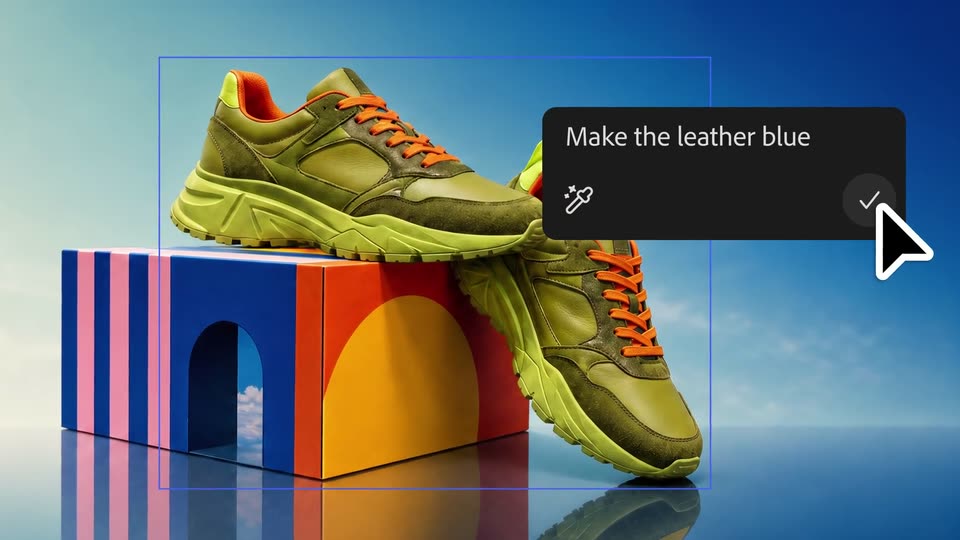 0:21–0:26Adobe · What’s New in Creative Cloud and Adobe Firefly | Adobe MAX 2026Olive sneakers with orange laces sit on a striped blue and orange block, mirrored on a glossy floor. A white headline scales in, then a blue selection box and 'Edit object' tooltip appear, a prompt 'Make the leather blue' is entered, and the leather panels turn blue.
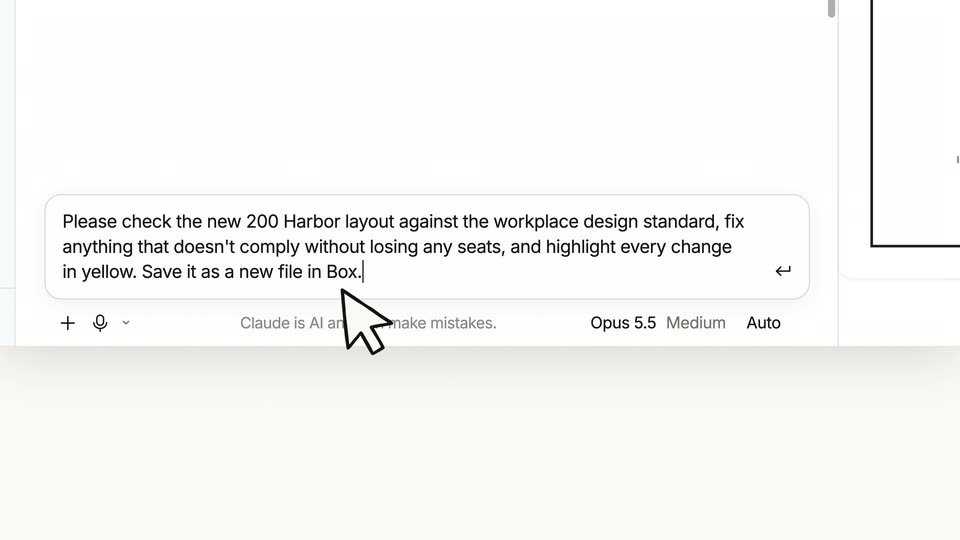 0:36–0:41Anthropic · Your apps have moved into ClaudeA close-up of a white AI chat screen frames a rounded prompt box near the bottom. A black arrow cursor hovers as a long instruction is typed out letter by letter, the text wrapping to a second line. The frame stays static on the input field.
 0:44–0:45TagadaRx · TagadaRx: presentationA tilted white card labeled Minoxidil Tablets floats in 3D space with a hand cursor at its corner, while a gray caption sits to the right. The view reframes onto the card as large text All 50 scales in on the left.
 0:32–0:33Proto · Maayan Albert - I was shocked that 3/4s of designers work in coding agents rather thaA 3D-tilted browser window on a purple field; a large purple cursor arrow slides toward the address bar and clicks, the URL field flashing purple as the window drifts slightly right.
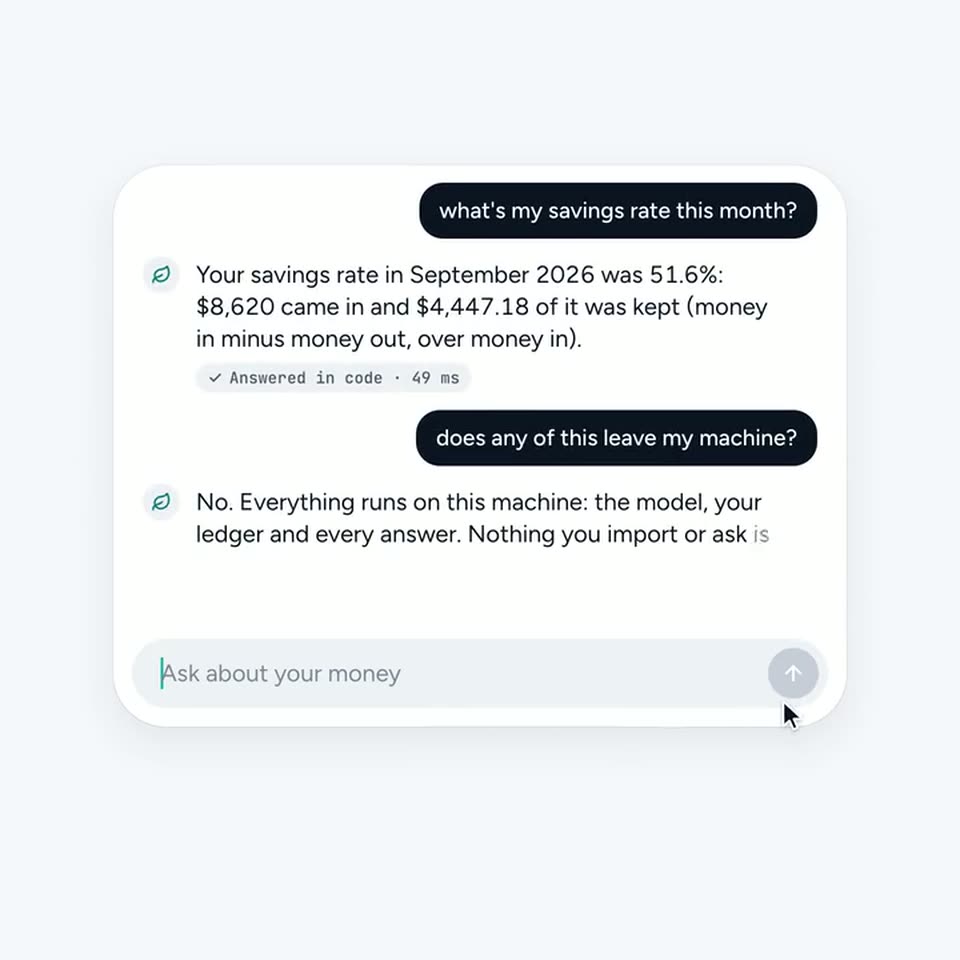 0:21–0:30Pulse Local · Pulse Local: budgeting that never leaves your machineA white chat card sits on a pale lavender field. A dark bubble asks about the savings rate; the assistant's reply types out beside a leaf icon. The cursor then types a follow-up question in the input bar and clicks send, and a second reply types out.
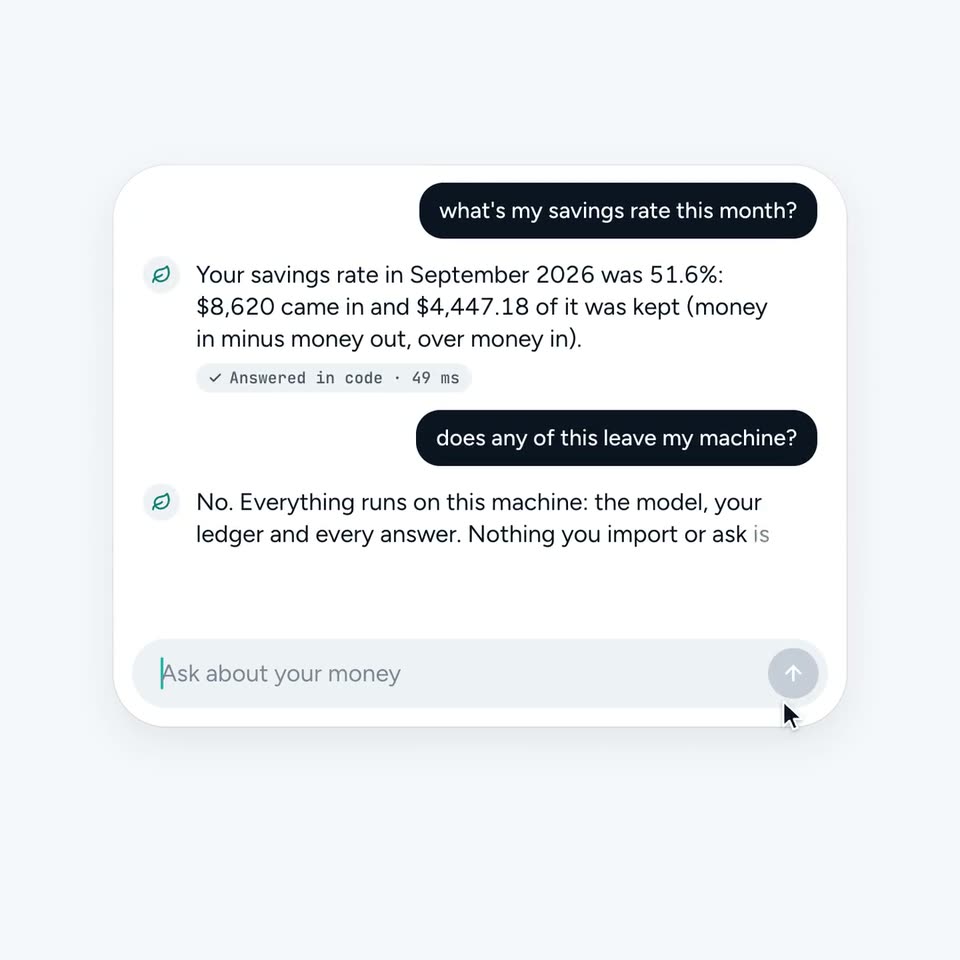 0:21–0:30Pulse Local · Pulse Local: reelA white chat card on a pale gray field. A cursor types a question and clicks the send button; the leaf-icon assistant answers in dark bubbles, text typing out line by line. The thread scrolls up as a second question and reply fill the card.
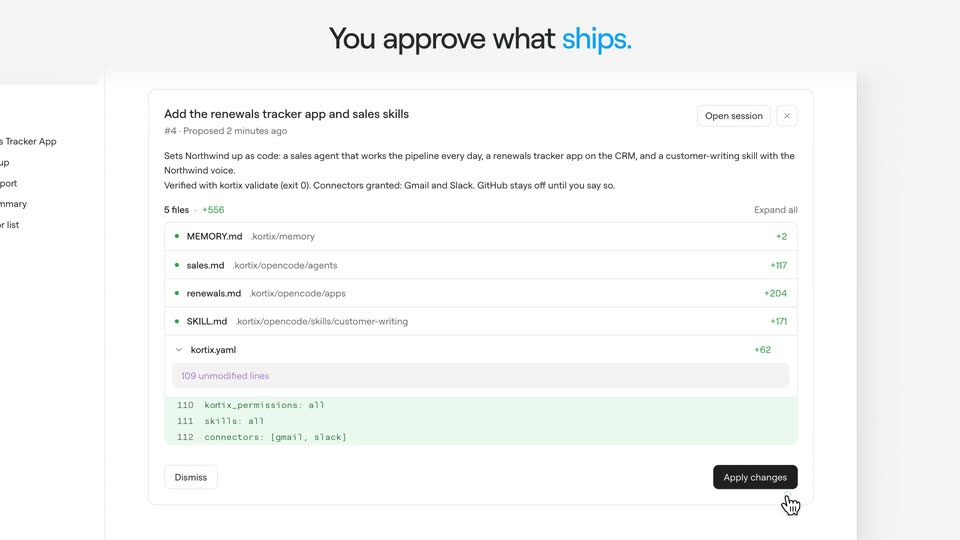 0:53–0:55Kortix · Marko Kraemer - Introducing the open-source @kortix CompanyOS: Your entire companyA product interface shows a code review panel with a list of changed files. A cursor moves to the 'Apply changes' button and clicks it, changing the label to 'Applying...'. The headline above transitions from 'Triggers run them in loops, 24/7.' to 'You approve what ships.'
 1:55–1:57Resend · Triage support with your agentsThe cursor moves to the gear icon in the lower left of a dark inbox screen and clicks it. A settings panel with inbox fields slides in from the left, dimming the empty-state view behind it.
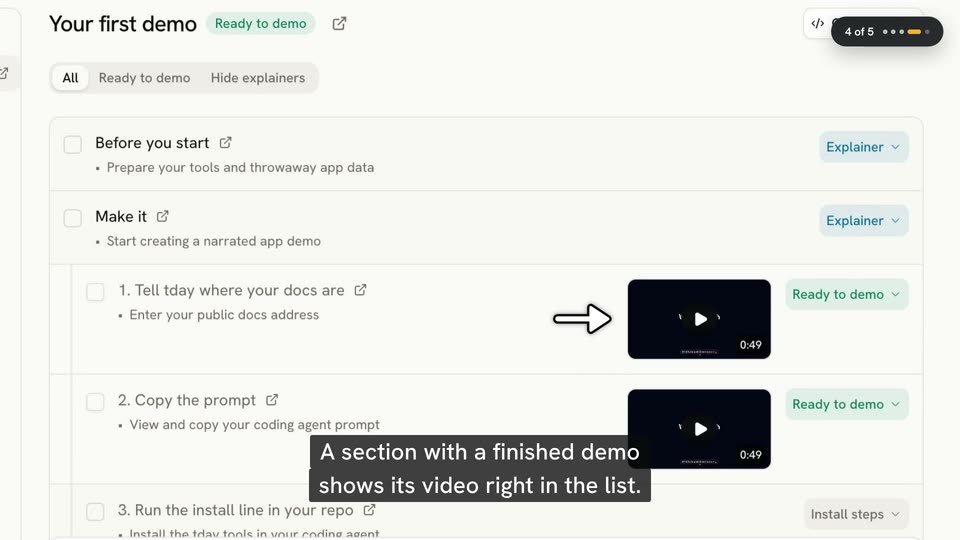 1:13–1:19tday.com · tday - product demos your coding agent recordsA docs list shows section rows with checkboxes and status pills; two rows hold dark video thumbnails with play buttons. A white outline arrow points at the first thumbnail while a dark caption swaps between two lines, then the frame zooms out to reveal the sidebar and top bar.
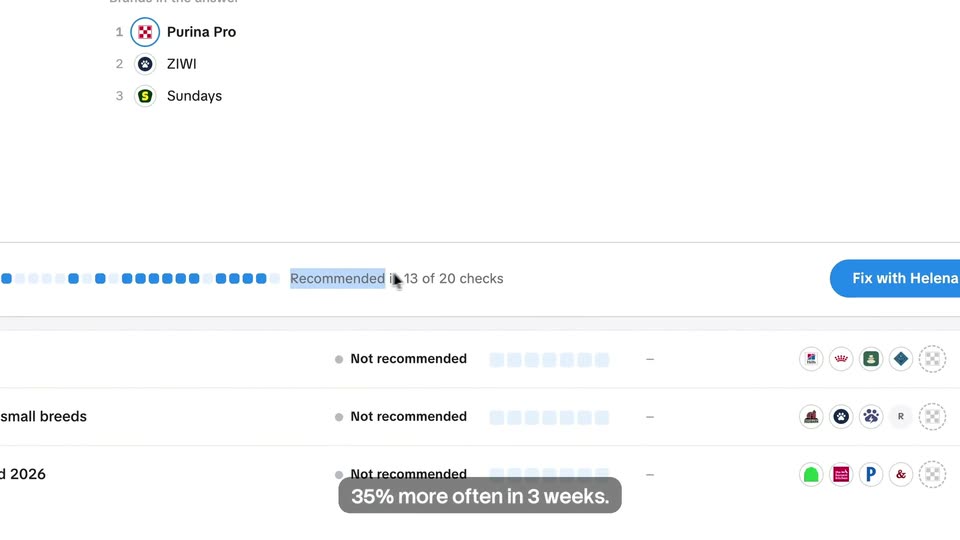 1:01–1:07Enrich Labs · Seijin Jung - Today, we're introducing Agent Conversion Optimization → Muse, InstiA customer-questions table fills the screen. A cursor clicks a row, which expands into a detail card listing the brands in the answer, and the view zooms in on the recommendation bar before pulling back to the full list.
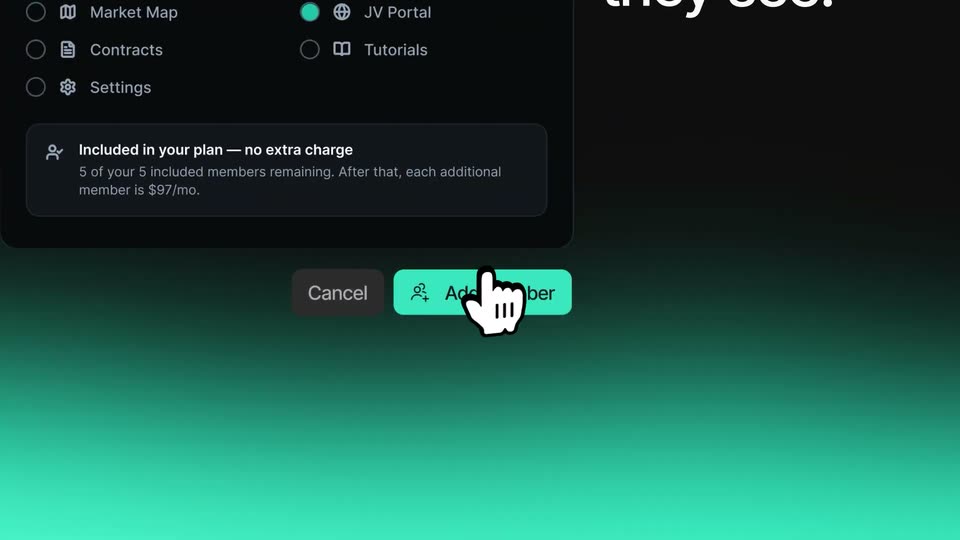 0:52–0:55LandAtlas · Launch Video for LandAtlasA dark Add Team Member dialog sits over a teal gradient. A white hand cursor clicks the My Companies checkbox, turning it teal, then the view pans down to the footer as the hand presses the Add member button.
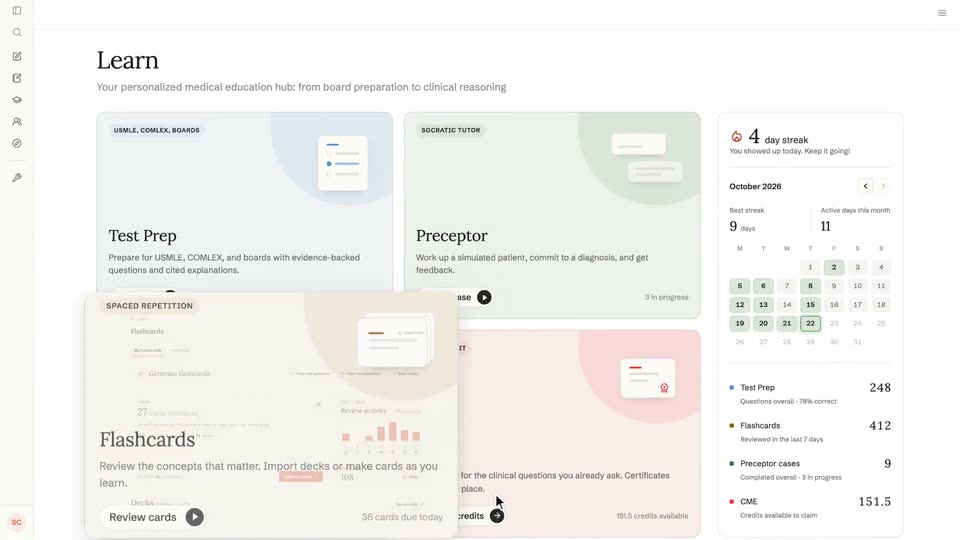 0:42–0:43OpenEvidence · OpenEvidence - Introducing Learn, a free, personalized medical education platform frA light dashboard titled Learn shows four module cards (Test Prep, Preceptor, Flashcards, CME) beside a streak and calendar panel, then switches to the Flashcards screen with generation options and a seven-day review chart. A cursor hovers the Flashcards card.
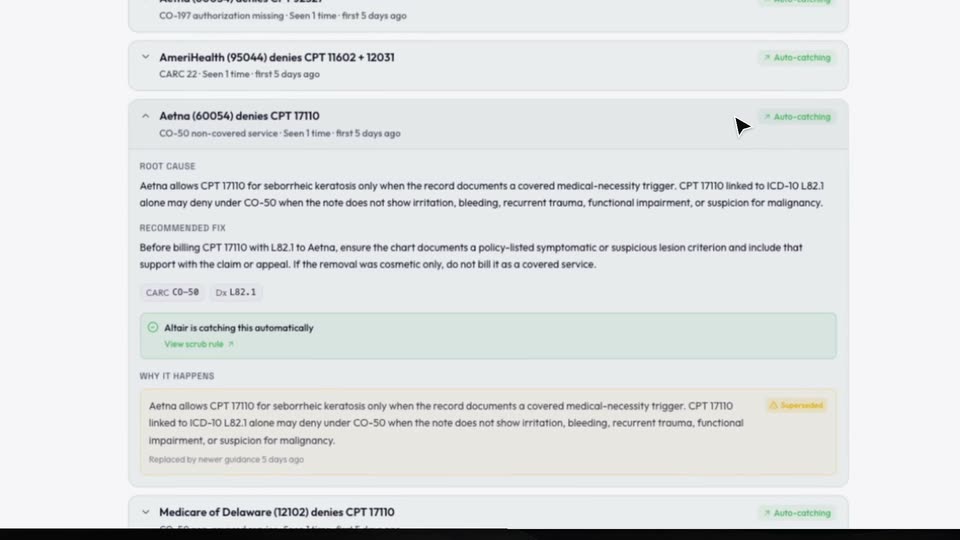 1:33–1:37Altair Health · Altair Health: manifestoA denial-pattern list in the Altair Memory view. The frame tightens onto the rows, then a cursor hovers the Aetna row and it expands to reveal root cause and recommended fix text.
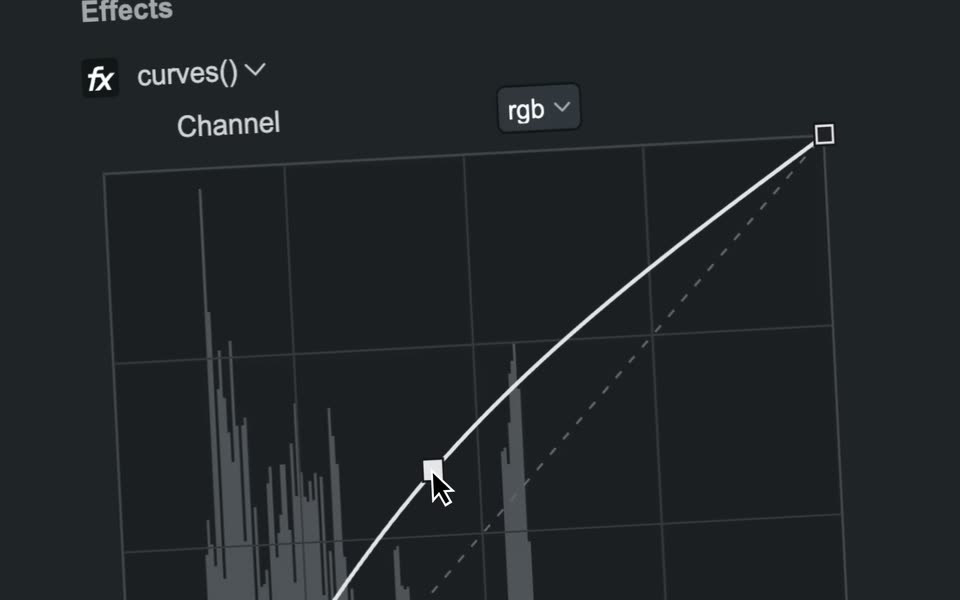 0:28 · 1sRemotion · Remotion — edit agent-made videosClose-up of a dark curves panel with a Channel label and rgb dropdown. A mouse cursor drags a square control point upward, bending the diagonal line into an S-curve while the grid and gray histogram bars stay static.
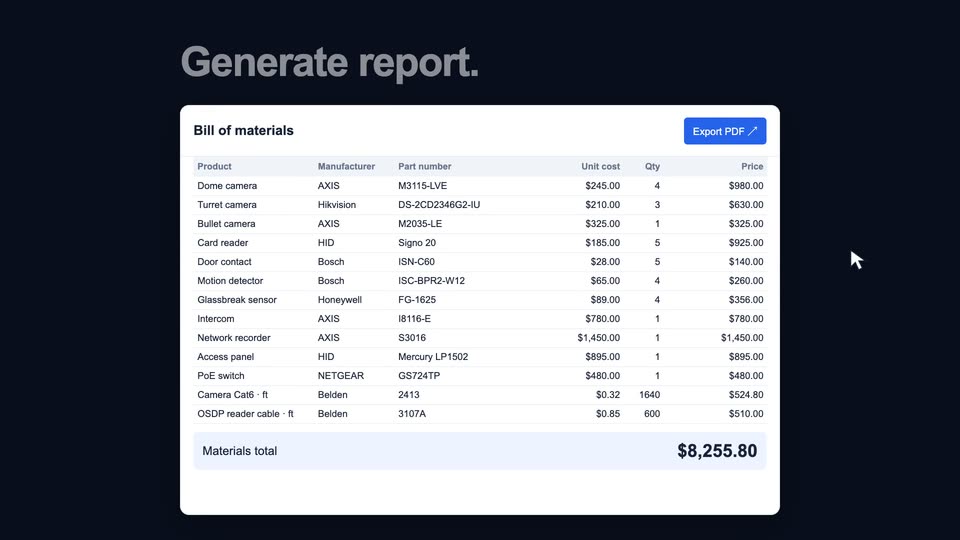 0:46–0:49Semble · Semble launch filmA white bill-of-materials table card sits centered on a dark navy background. A bold white headline reads “Generate a BOM.” at top, then swaps to “Generate report.” as a mouse cursor moves in and hovers the blue Export PDF button.
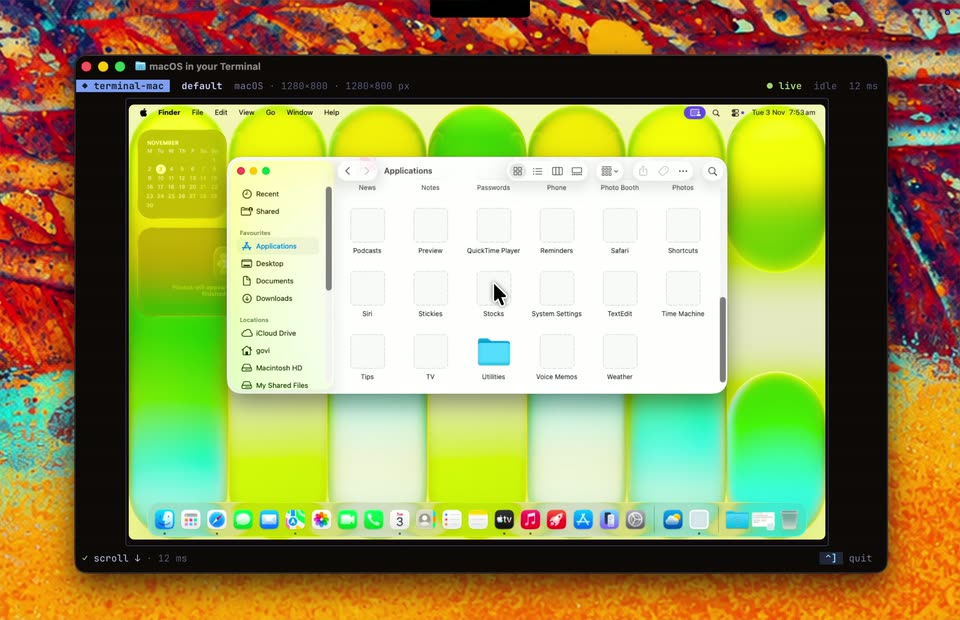 0:28–0:35terminal-mac · govi - Introducing terminal-mac. Entire MacOS that runs inside your existinA terminal window on a painted backdrop renders a macOS desktop. A cursor clicks the Finder icon in the dock, scrolls the sidebar, selects Applications to load app icons, then closes the window to reveal the desktop.
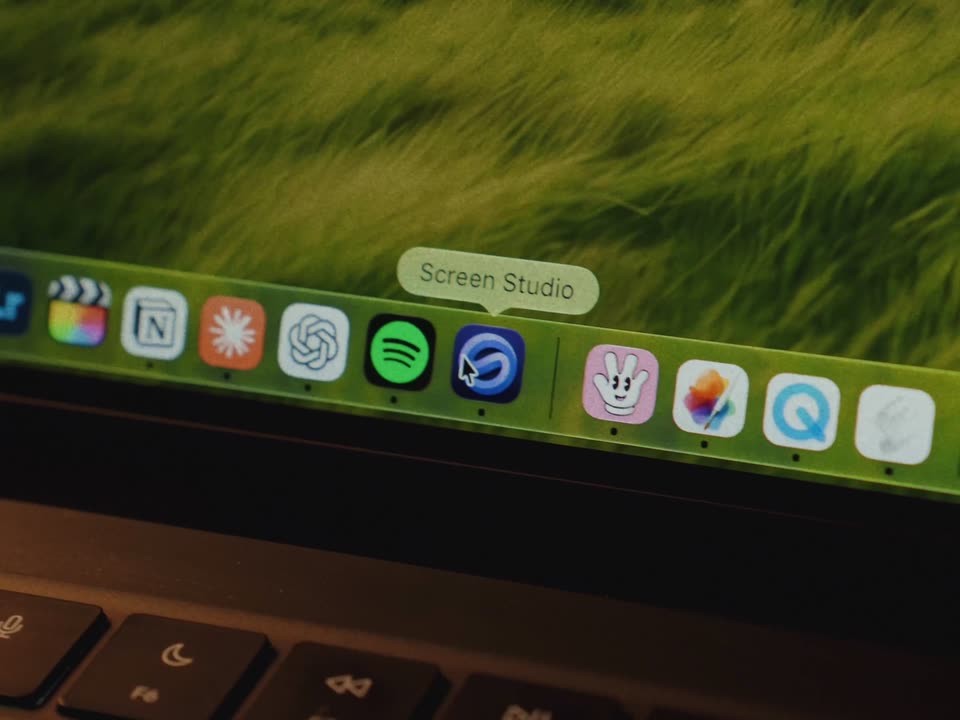 0:42–0:45Screen Studio · Screen Studio - Screen Studio 4.0 is live on Product Hunt. What should we build nexA low, angled close-up of a laptop screen shows the macOS Dock running diagonally across the frame, the keyboard blurred below. The shot opens with a quick pan that locks off, then a cursor glides to an icon and a 'Screen Studio' tooltip slides in above it.
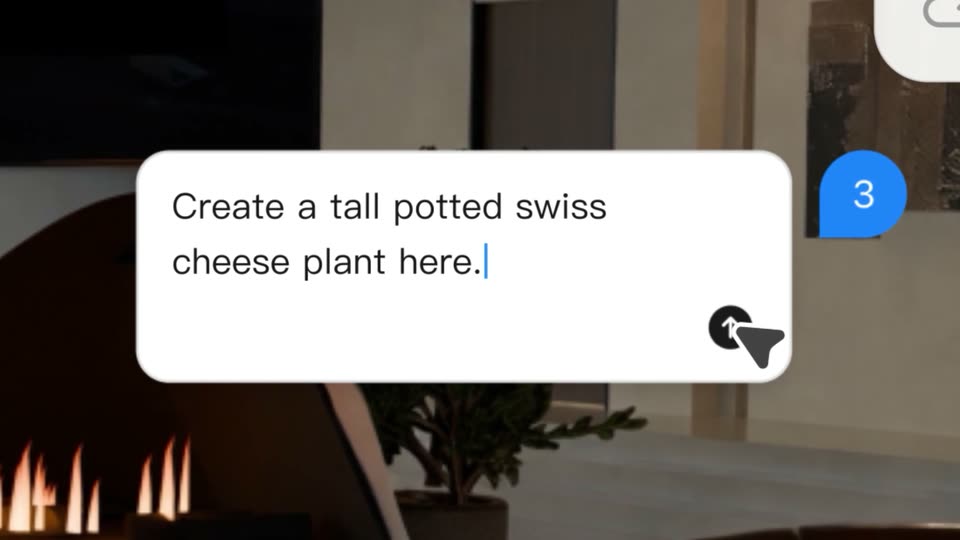 0:31–0:32Moonshot AI · Introducing 3D Make in KimiA white rounded command box floats over a dimmed 3D living room, holding the typed prompt with a blinking cursor. A white cursor glides to the dark send button and clicks it, making the box glow blue.
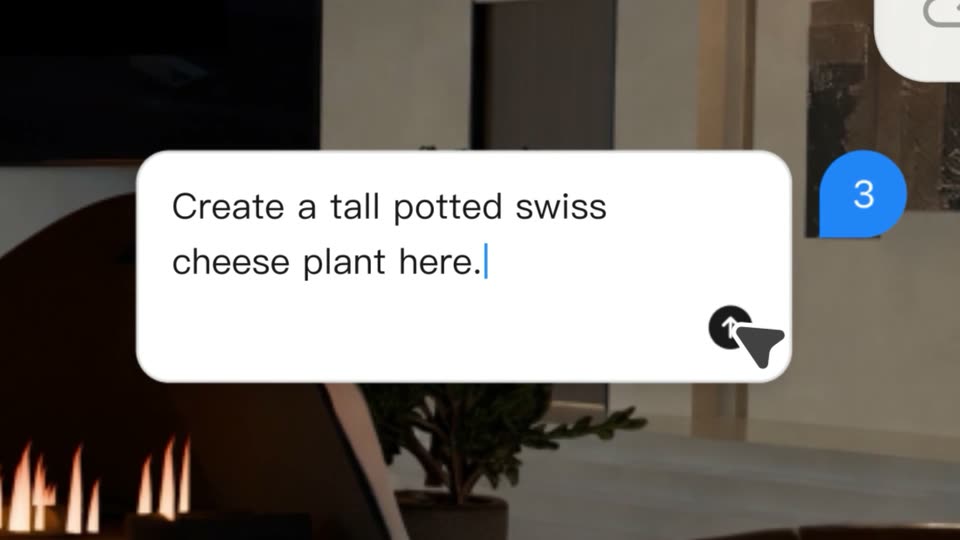 0:31–0:32Moonshot AI · Kimi.ai - Introducing 3D Make in Kimi. Kimi connects to tools like Blender andOver a blurred living room, a white rounded prompt box reads “Create a tall potted swiss cheese plant here.” A cursor presses the black send button and the box flares with a soft white glow.
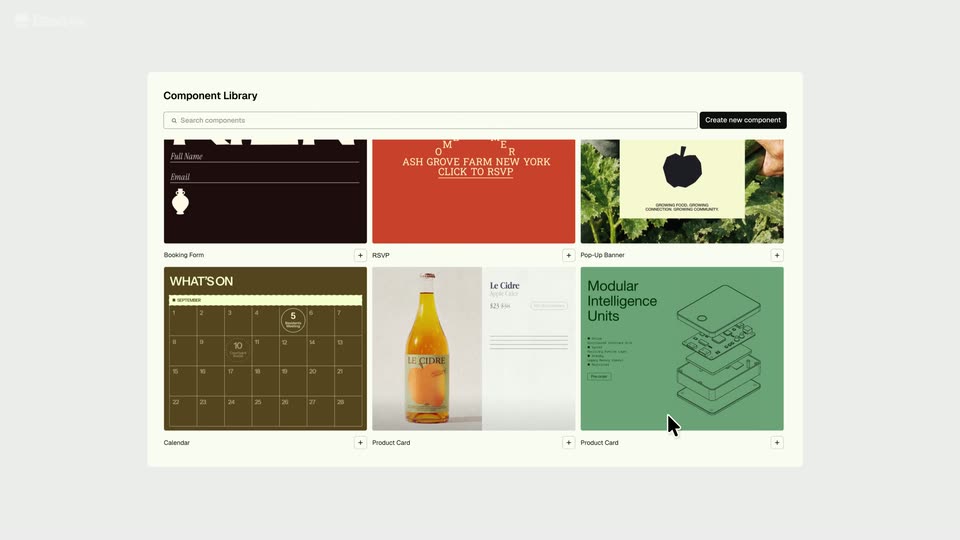 0:14–0:16Base44 · Beautiful from the first prompt | Base44A white Component Library panel floats on a pale gray background, its grid of design tiles scrolling upward to expose new cards such as a calendar and product pages. A black cursor rests over a bottle tile as the list moves.
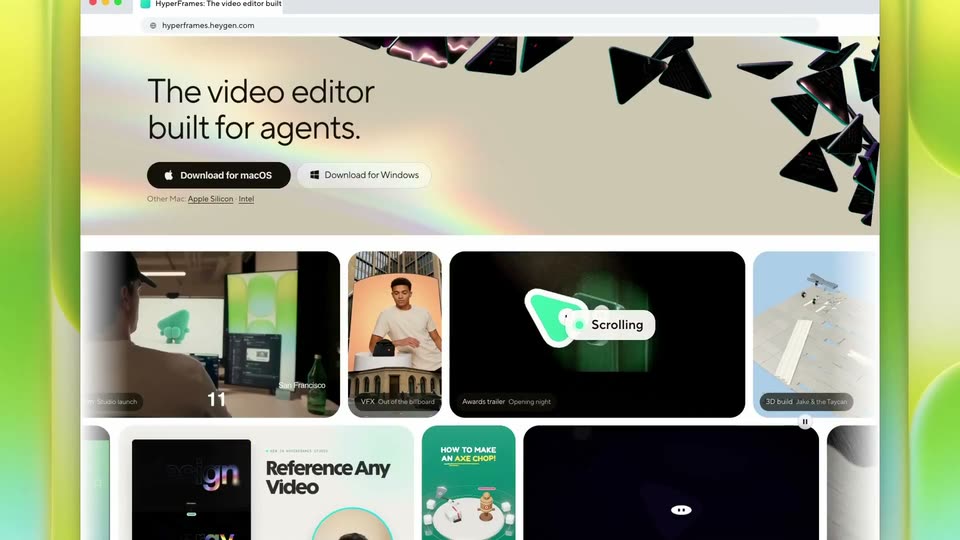 0:39–0:41HyperFrames · HyperFrames - the AI slop launch video killer is here Computer use is live in HypeA browser window on the HyperFrames homepage zooms in and scrolls down, passing the 'The video editor built for agents' headline, a download table and open-source stats, while a green cursor tagged 'Scrolling' hovers at center-right.
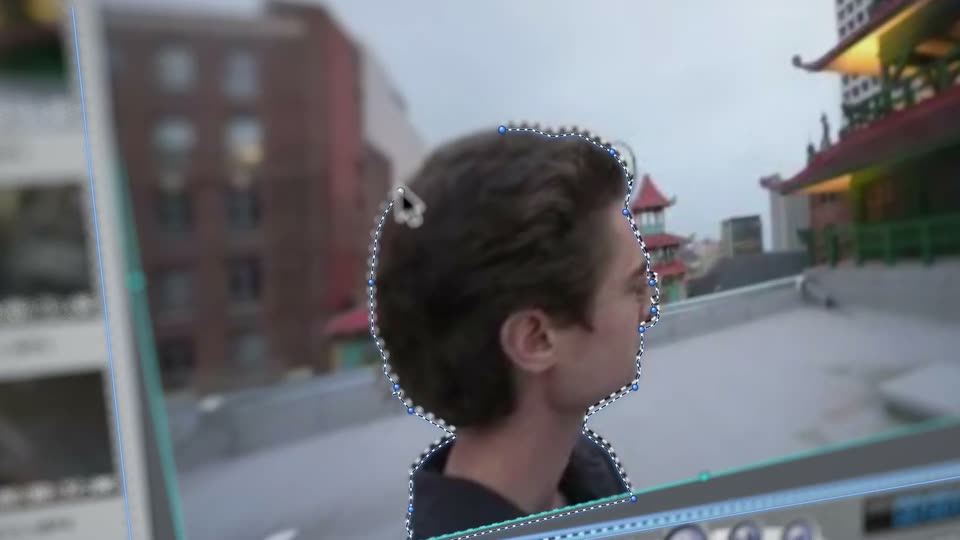 1:04–1:05Kino · Luke Igel - Introducing Kino: make videos end-to-end with Claude Code and Codex.A tilted 3D view of a video editing timeline shows keyframe rows and a yellow playhead. The camera then pushes into the preview monitor, where a dotted tracking outline traces a man's head in profile and a cursor rests on his face.
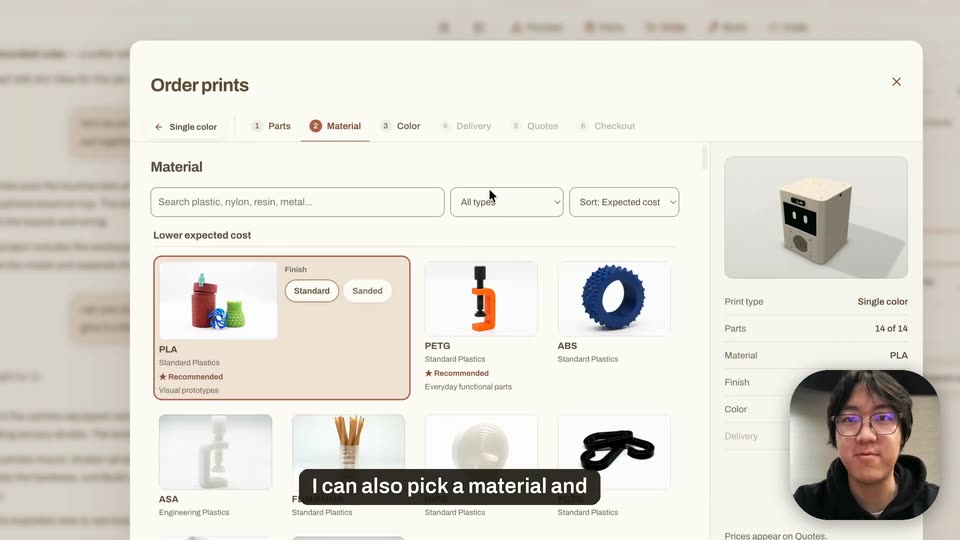 0:48–0:49Confetti · Introducing Confetti — Build hardware from a single promptAn 'Order prints' modal shows the Material step: a grid of material cards with 3D objects beside a right panel holding a 3D model of the enclosure. A cursor rests on the Material tab, ringed in red, and a circular webcam of the speaker sits bottom right.
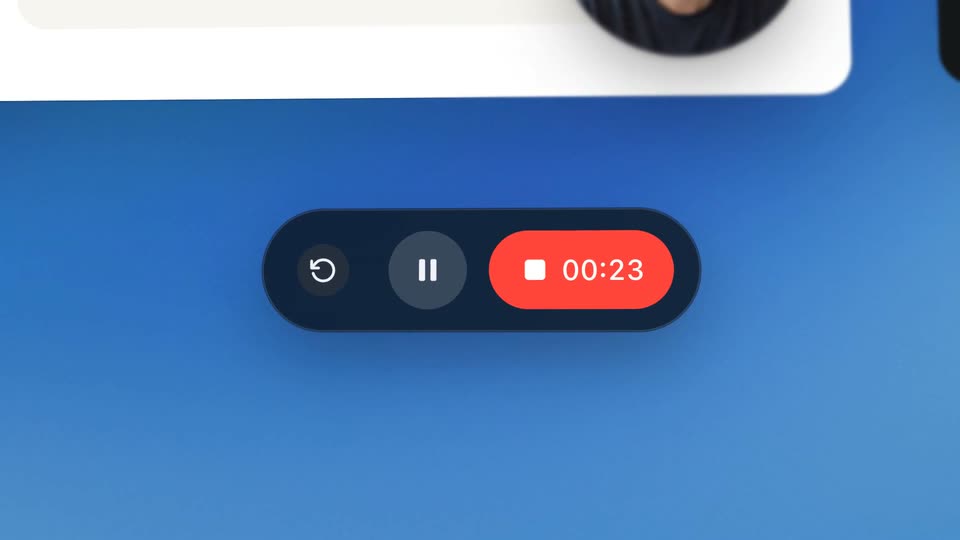 0:17–0:19Jam · Jam.dev - Jam for Mac is officially out - Get logs from Chrome, Safari + ElectA dark rounded control bar on a blue field holds a restart icon, a pause icon and a red stop button with a timer. The timer ticks from 00:12 to 00:24 as a white cursor glides in to hover on the red button.
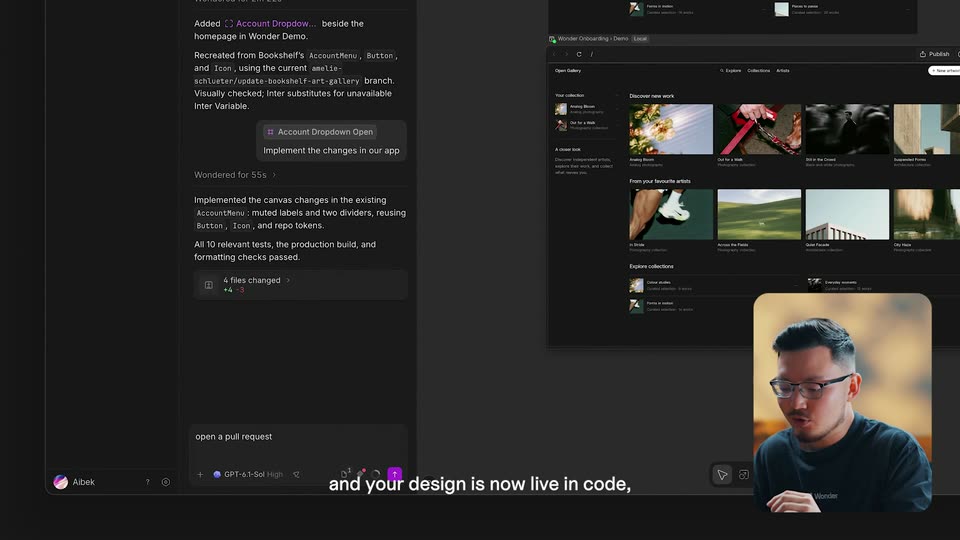 1:59–2:09Wonder · Wonder - Today we're launching the new Wonder! The fastest way to go from desA dark app window pairs an AI chat panel with a gallery design canvas, plus a video tile of a man in glasses at bottom right. The view zooms into the chat as open a pull request is typed and the assistant replies, then pulls back; captions track the voiceover.