0:34
Pulse local reel
Pulse Local · Finance · Nov 2026
Pulse Local · Nov 2026 · 0:34 · AI-annotated
Pulse Local’s 0:34 launch film runs 11 scenes, about 3.1 s each. The product is on screen from the first frame and 4 features are revealed. There is no explicit call to action; a voiceover carries the film. A chain of single-purpose white cards on a flat pale field, each feature demoed in one locked-off frame by a live cursor. Signature moves: the file chip collapsing into the leaf mark, staggered row reveals with strikethrough dedup, and type-on chat bubbles.
Is this your launch? to your site or press kit.
Pulse Local · Finance · Nov 2026
Pulse Local · Finance · Nov 2026
OpenAI · AI · Apr 2026
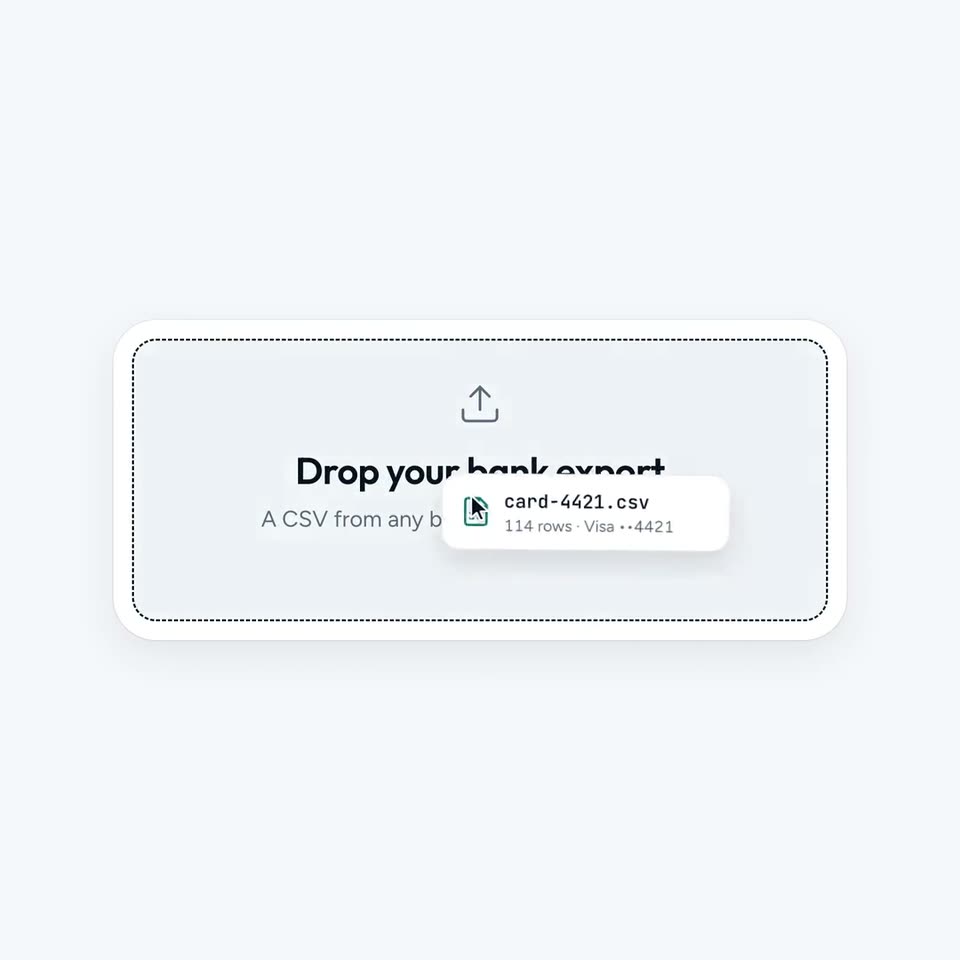
A light gray drop zone with a dashed border and an upload icon sits centered. A white file chip labeled card-4421.csv, with a cursor on it, slides from the bottom right into the center of the zone as the zone's text darkens.
Techniques: Cursor demo
Camera: Static
On a pale lavender background, a white rounded card holding a blurred search bar collapses into a circle while a leaf icon draws itself inside. A green cart badge sits top-left and an orange waveform badge pops in top-right as the cursor drifts away.
Techniques: Morph
Camera: Static
A teal leaf badge sits centered on a pale gray field, ringed by four smaller white circles holding green cart, orange cutlery, brown cup and purple car icons. A black cursor drifts in from the right toward the car icon as the center circle flashes teal.
On-screen text: “台”, “Q”
Techniques: Cursor demo
Camera: Static
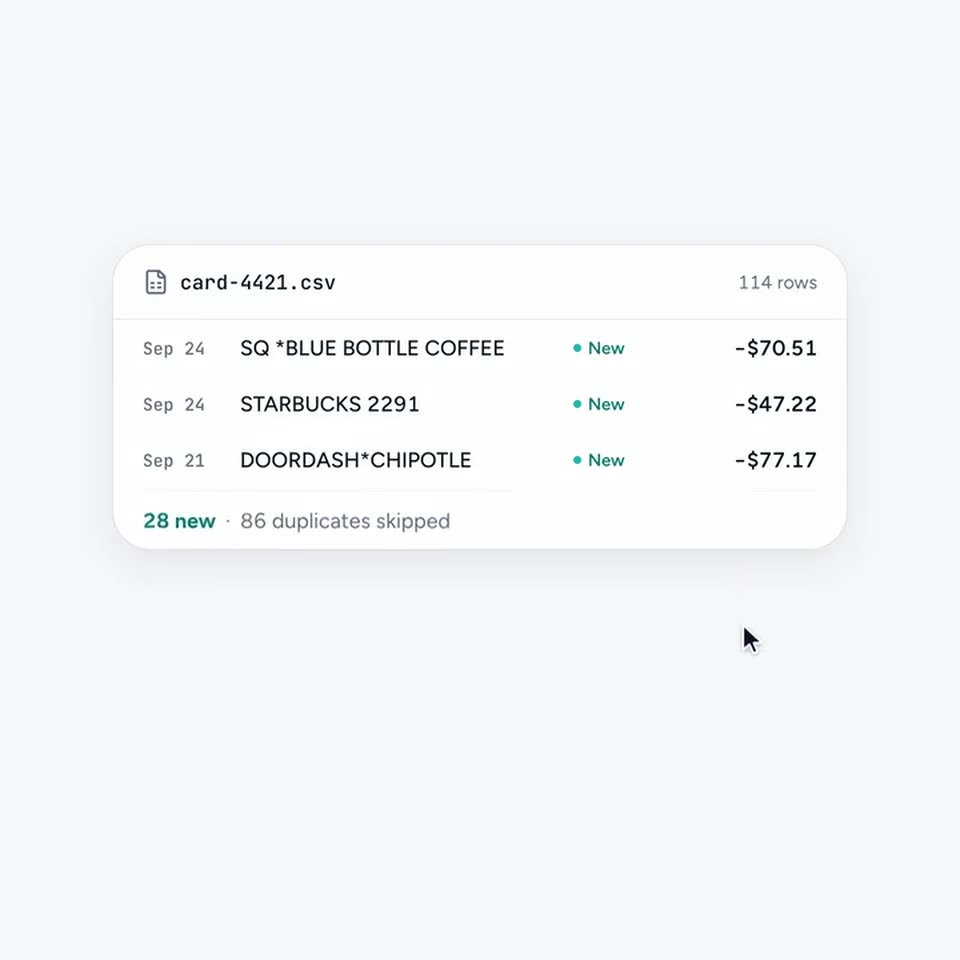
A white CSV file card on a light gray background clears a teal blur to reveal a list of transactions. Three rows are tagged New in teal, while three others are tagged Duplicate with a strikethrough. The duplicate rows disappear, shrinking the card as a cursor moves down and right.
Techniques: Cursor demo
Camera: Static
A white rounded settings card sits centered on a light gray background. It reads “Offline mode” with the line “Nothing leaves this machine” beneath, and a toggle switch on the right. A black cursor hovers over the toggle knob. Locked-off frame.
Techniques: Cursor demo
Camera: Static
A white rounded settings card sits centered on a pale gray field. A black cursor arrow taps the toggle on the right, flipping it from a light gray off state to a solid black on state. The heading and gray subtext remain still in a locked-off frame.
Techniques: Cursor demo
Camera: Static
A white pill-shaped segmented control sits centered on a pale gray field, listing July, August and September. A dark rounded indicator slides left to right across the three labels, ending under September where a black cursor arrow hovers.
Techniques: Cursor demo
Camera: Static
A white card builds a money-flow chart: colored bands fan out from an Income bar into Housing, Food & Dining, Shopping, Everything else, Left over. A cursor hovers the bands, popping dark tooltips with each amount, then the card fades and a search bar reading Ask about your money appears below.
Techniques: Cursor demo
Camera: Static
A rounded search bar sits on a plain light gray field. A query types out letter by letter, then the cursor moves to the dark send button and clicks, lifting the question into a dark bubble above the empty input.
Techniques: Cursor demo
Camera: Static
A white chat card on a pale gray field. A cursor types a question and clicks the send button; the leaf-icon assistant answers in dark bubbles, text typing out line by line. The thread scrolls up as a second question and reply fill the card.
Techniques: Cursor demo
Camera: Static
A white rounded card sits centered on a pale gray field, holding a small teal leaf mark above two lines of text. The card and text fade from near-white to full contrast in the first second, then hold still. A black cursor rests in the lower right.
On-screen text: “Not your machine, not your data.”
Camera: Static