0:34
Pulse local reel
Pulse Local · Finance · Nov 2026
Pulse Local · Nov 2026 · 0:34 · AI-annotated
Pulse Local’s 0:34 launch film runs 10 scenes, about 3.5 s each. The product is on screen from the first frame and 3 features are revealed. There is no explicit call to action. A local-first finance app is presented as a cold open of three back-to-back feature cards, each announced by a heading and demoed through a single cursor-driven micro-interaction. The motion language is built on cards that collapse into pills, icons that draw and flood with color, and data that snaps or grows into place, all on a flat pale field with soft shadows and a teal accent.
Is this your launch? to your site or press kit.
Pulse Local · Finance · Nov 2026
Routant · B2B · Oct 2026
Sona8 · B2B · Nov 2026
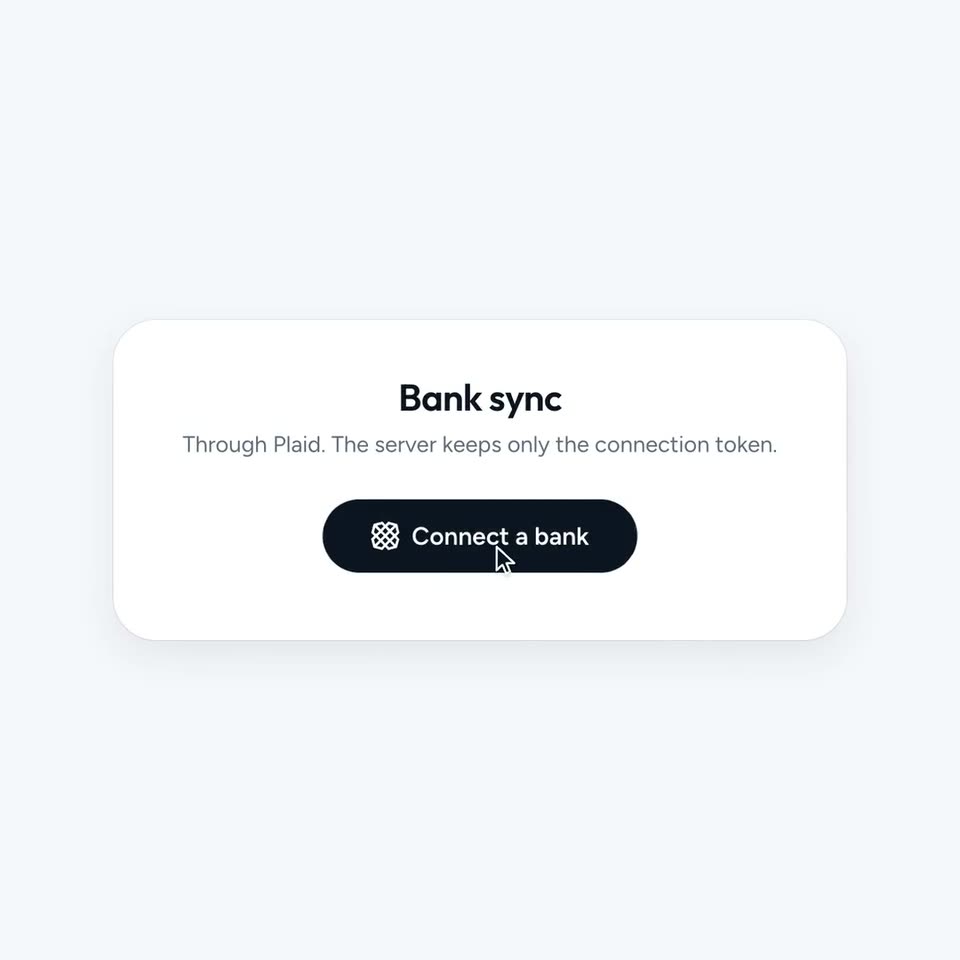
A white card centered on a pale lavender field shows a Bank sync heading, body copy, and a dark Connect a bank button. A cursor glides up and presses the button, then the card collapses into a small pill with a faint leaf icon.
Techniques: Cursor demo, Morph
Camera: Static
On a pale gray field, white circular badges carry line icons: green cart, orange fork, brown cup, purple car. A cursor drifts right as the central leaf icon draws itself in teal, then its circle floods teal and the leaf flips white.
Techniques: Cursor demo
Camera: Static
A white transaction card sits on a pale gray field. A soft teal blur covers its center and dissolves as six dated rows and colored category tags snap into place, the text sharpening from gray to black. A cursor drifts near the lower right.
Techniques: Masking
Camera: Static
A white settings card on a pale gray field shows an Auto-sync row; a cursor clicks the toggle, sliding the knob right and darkening the track. The view cuts to a pill-shaped month selector, where the dark selection glides from July to September under the cursor.
Techniques: Cursor demo
Camera: Static
A light interface close-up holds a month pill with September selected under a cursor, then opens into a Money flow card as a teal income bar rises beside a gray expenses bar.
Techniques: Cursor demo
Camera: Static
A white card on a light gray background shows a Sankey money-flow chart. Colored ribbons grow from a black income bar to a second bar as labels and amounts fade in on the right. A cursor hovers over ribbons in turn, and a dark pill tooltip shows each amount.
Techniques: Cursor demo
Camera: Static
On a pale lavender background, a white chat card collapses into a single pill-shaped input bar. The placeholder text and round send button scale up to full size as the card shrinks away, then hold. A small cursor sits at the lower right.
Techniques: Morph
Camera: Static
A rounded input bar sits in the lower third of a pale gray field. A green caret types the query letter by letter, then a mouse cursor clicks the dark round send button. The query lifts into a dark pill above the bar as the field resets to its placeholder.
Techniques: Cursor demo
Camera: Static
A flat white chat card sits centered on a pale lavender field. A dark bubble asks about the savings rate; the reply types out with a code badge, then a second question types in the input bar and a cursor clicks the send arrow, scrolling the thread up.
Techniques: Cursor demo
Camera: Static
A white rounded card settles into the center of a light gray field, sliding up from a lower position. A teal line-drawn leaf icon and the tagline fade in from gray to black, above a static black cursor at the card's lower right.
On-screen text: “Not your machine, not your data.”
Camera: Static