Cursor demo
A visible cursor operates the interface.
15,048 scenes · page 199 of 251
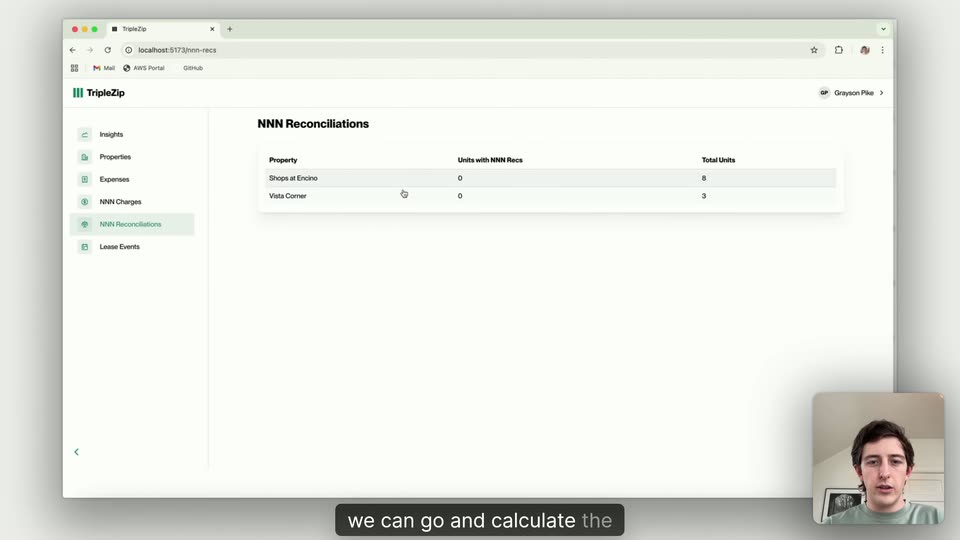 1:04–1:06OpenIntake · TripleZip (W25) - AI for Commercial Real Estate AccountingA browser window shows the TripleZip NNN Reconciliations list. A cursor clicks the Shops at Encino row, and the view switches to its detail table, whose rows load as gray bars. A small webcam feed of the speaker sits in the corner, with a caption bar at the bottom.
 0:53–0:54Rive · Feathering AnnouncementA flat application window with a light gray canvas holds a circular orange skull icon with a soft drop shadow. A small dark gizmo panel labeled Jaystick sits at the right edge while two cursors drift slowly across the canvas.
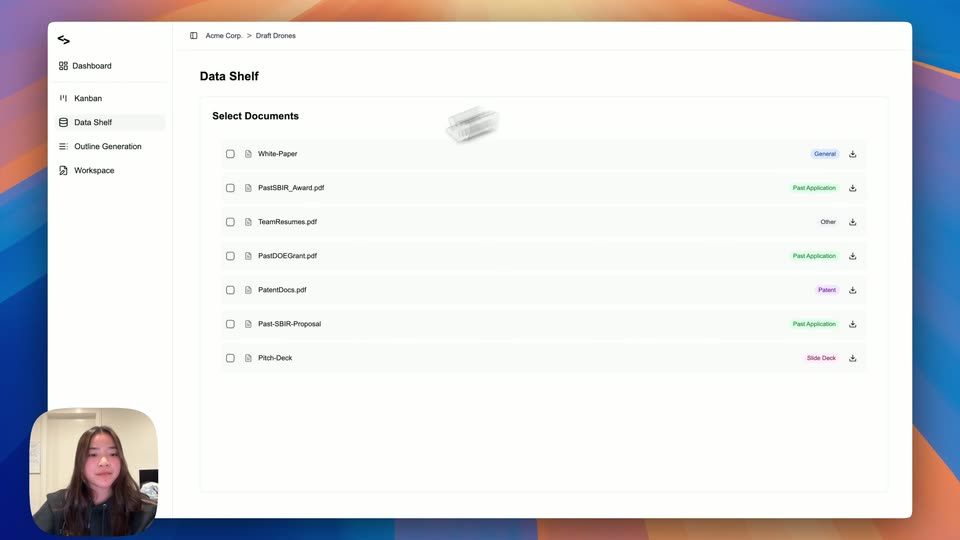 0:48–1:01Candor · Candor (YC W25) Demo || Win Government Funding With AIThe Data Shelf screen lists seven PDF documents with colored category tags; a hand cursor slides down the list, ticks the Pitch-Deck checkbox, then clicks Outline Generation in the sidebar as the view blurs and scales. A round webcam inset of the presenter sits bottom-left over a gradient background.
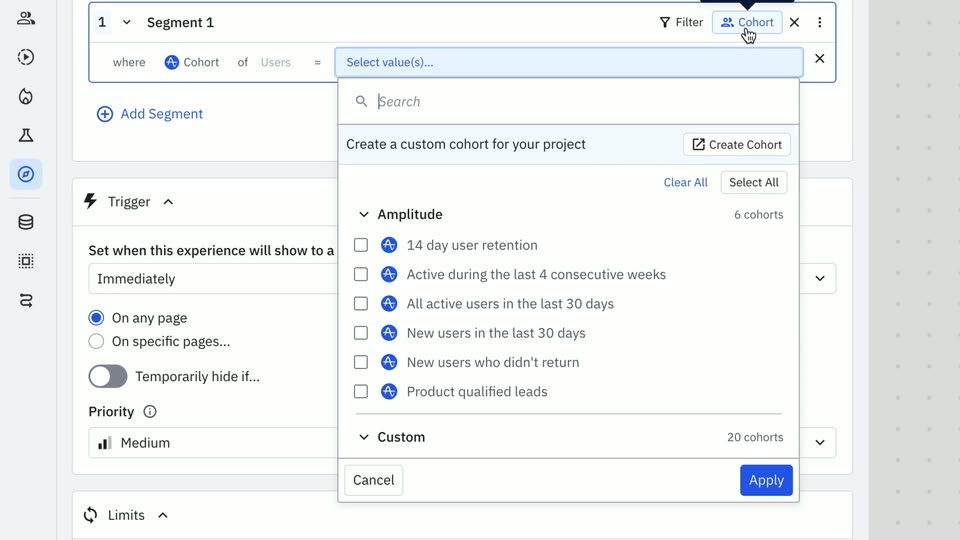 1:34–1:38Amplitude · Amplitude Guide and Survey OverviewA flat Amplitude targeting panel fills the frame. A cursor moves to the Cohort button on the Segment 1 row and clicks it, opening a dropdown of cohort options, while the view reframes to center on that row.
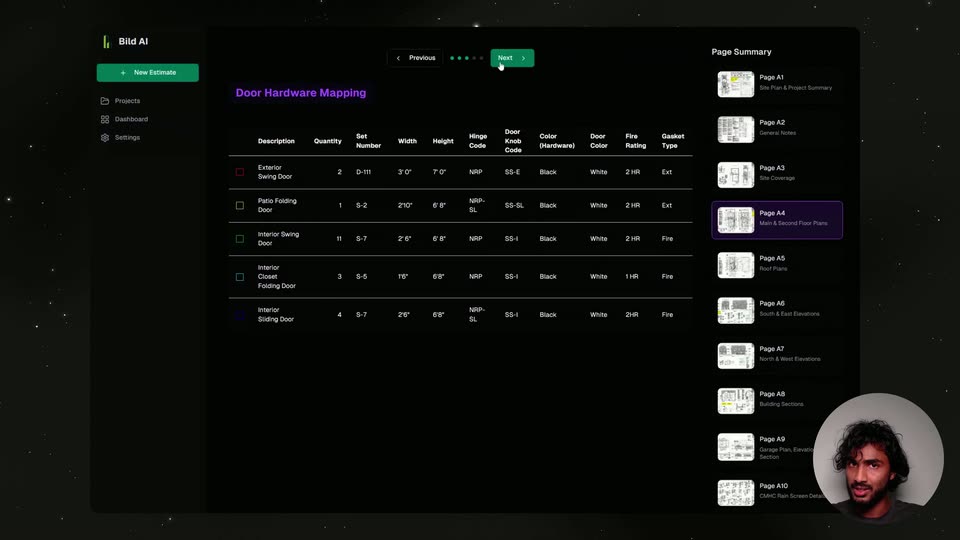 1:04 · 0.8sBild AI · Read Blueprints Using Bild AIA dark product interface fills the frame against a starry black backdrop, showing a door hardware table and a page summary sidebar. A white cursor hovers over the green Next button at the top, while a circular webcam of a man sits in the bottom right corner.
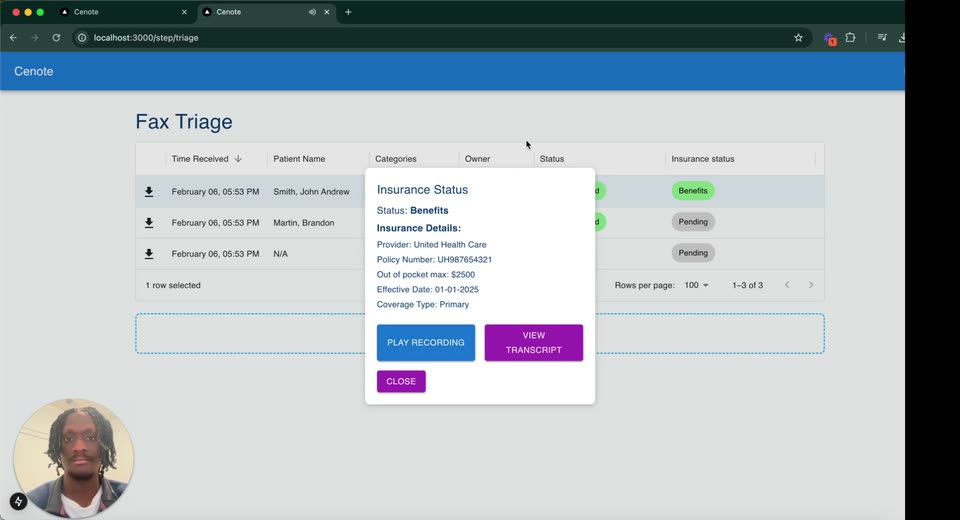 4:20–4:36Cenote · Cenote DemoA browser window shows the Cenote Fax Triage page with an Insurance Status modal centered, its Play Recording button hovered by the cursor. A small video-call avatar of a man sits in the lower-left corner while the cursor moves up to select the address bar URL.
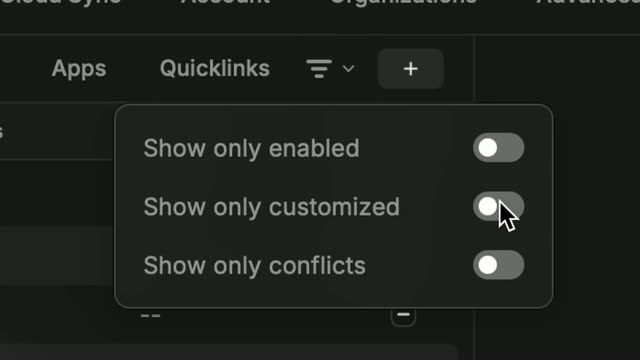 3:19–3:24Raycast · Raycast Just Got You A New KeyThe Raycast Settings window sits on a dark backdrop. The view zooms into the filter icon, the cursor clicks it to open a dropdown, then flips on the Show only customized toggle. The frame zooms back out to reveal the filtered list.
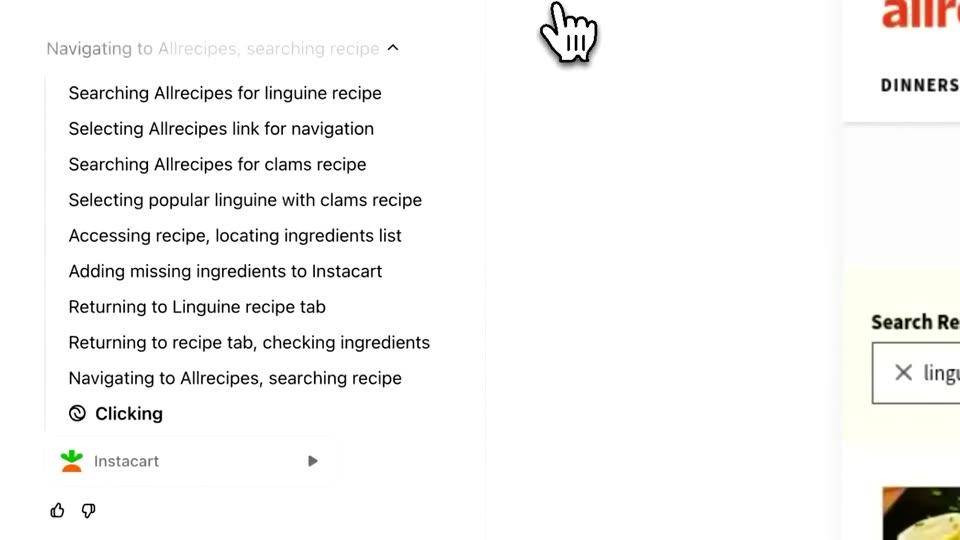 2:47–2:59OpenAI · Demonstrating OperatorA left panel logs the agent's steps, appending a new line at the end, while its status label toggles between Clicking and Typing. A hand cursor hovers over the Allrecipes page at right, where a search field appears with a typed query.
 0:30–0:32Zapier · Introducing Zapier Agents: The Future of Automation is Here!A screen recording of the Zapier Agents panel: a cursor clicks Outreach Agent and the panel blurs into a chat-history list that scrolls down to an empty chat and a New input field, while a webpage with a photo of three people scrolls on the left.
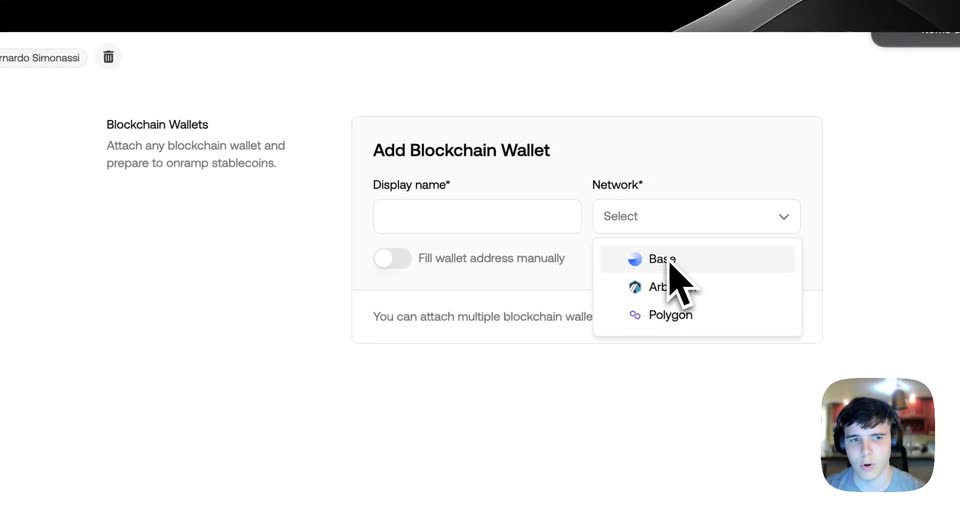 0:22–0:35BlindPay · BlindPay - DemoA white dashboard screen recording with a streamer's face cam in the corner. A cursor hovers the Bank Accounts panel, the view zooms into the Add Blockchain Wallet form, opens the network dropdown, then pulls back to the full window.
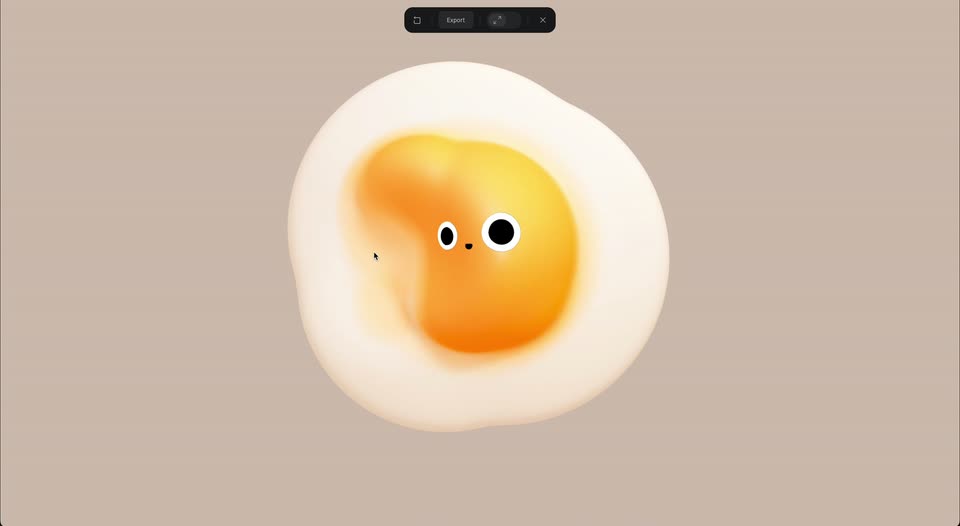 0:36–0:38Spline · Introducing 3D Shape Blend with Spline - SDF VolumesA fried egg with a cartoon face sits on a beige canvas below a small dark toolbar. A cursor drags the yolk, squishing it into a warped blob while the eyes squint, then the yolk relaxes back to round as the eyes reopen.
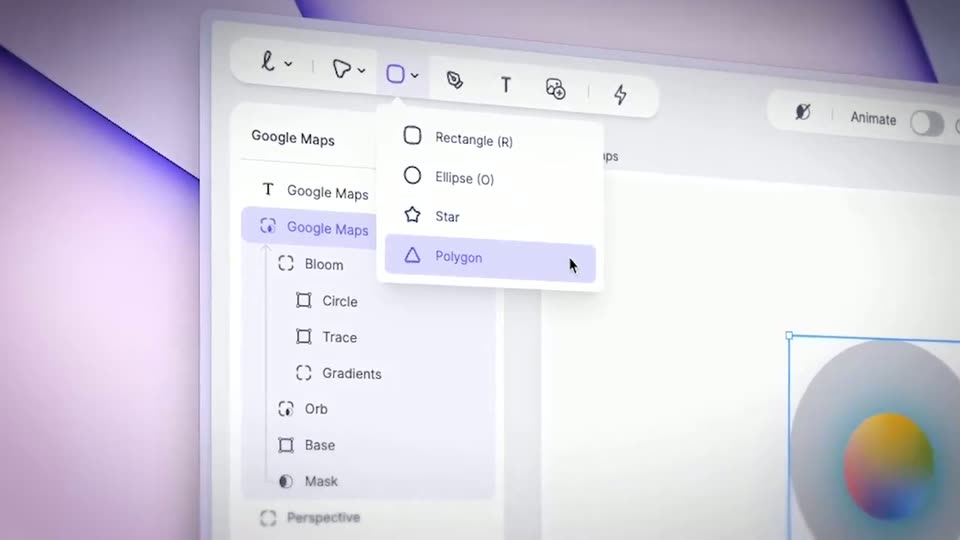 0:38–0:39Lottielab · Lottielab - After months in public beta, we’re thrilled to announce that LottielaA design app interface floats at a 3D angle on a lavender background. A cursor travels down an open shape menu, highlighting Rectangle, Star and Polygon in turn, while a multicolored orb fades onto the right canvas.
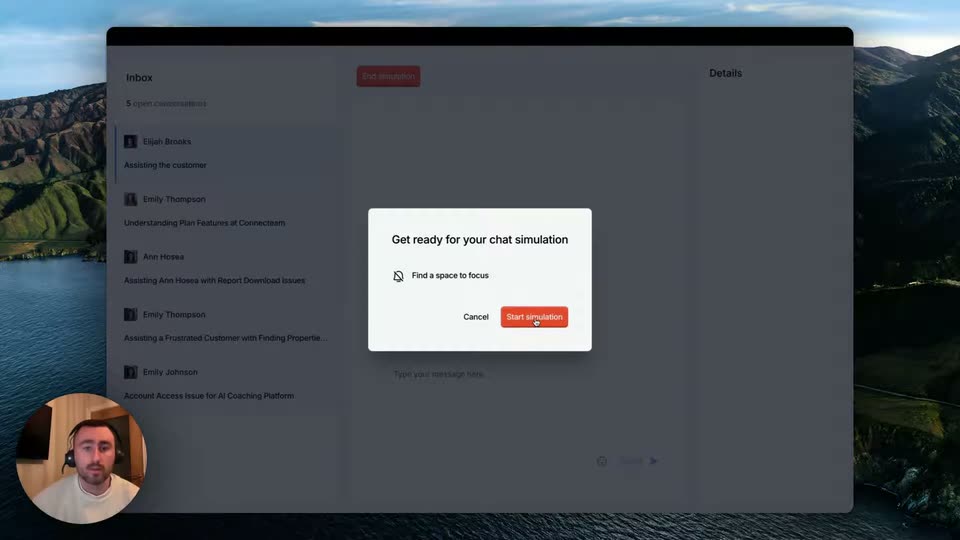 1:31–1:32Solidroad · Solidroad YC Launch DemoA locked-off screen recording shows an inbox list behind a centered modal titled Get ready for your chat simulation, with an orange Start simulation button. A circular webcam of a man in headphones sits bottom left, and the cursor drifts toward the button.
 1:29–1:32ElevenLabs · Introducing ElevenLabs Conversational AgentsA white rounded help card with a red-pink swirl avatar and a black Start a call button is centered on a plain white field. A cursor rests on the button while a Copied! pill and a larger avatar fade out, then the button text blurs and spreads.
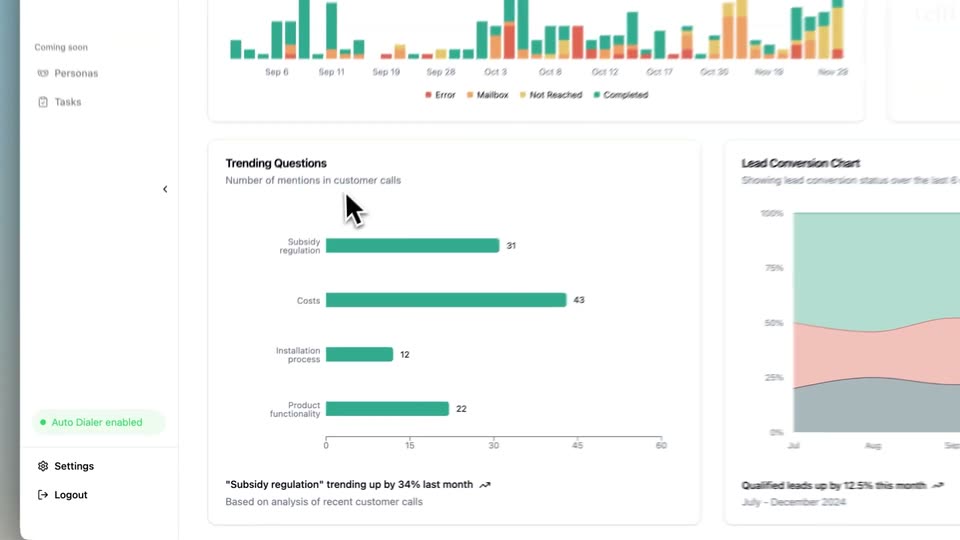 1:39–1:50telli · Launch YC - telli - outbound call automation for B2C companiesThe telli dashboard sits tilted in 3D against a soft gradient. The view zooms into the bar chart, the lead conversion chart and the trending questions chart in turn, a cursor hovers over each to pop a data tooltip, then the frame pulls back to the full screen.
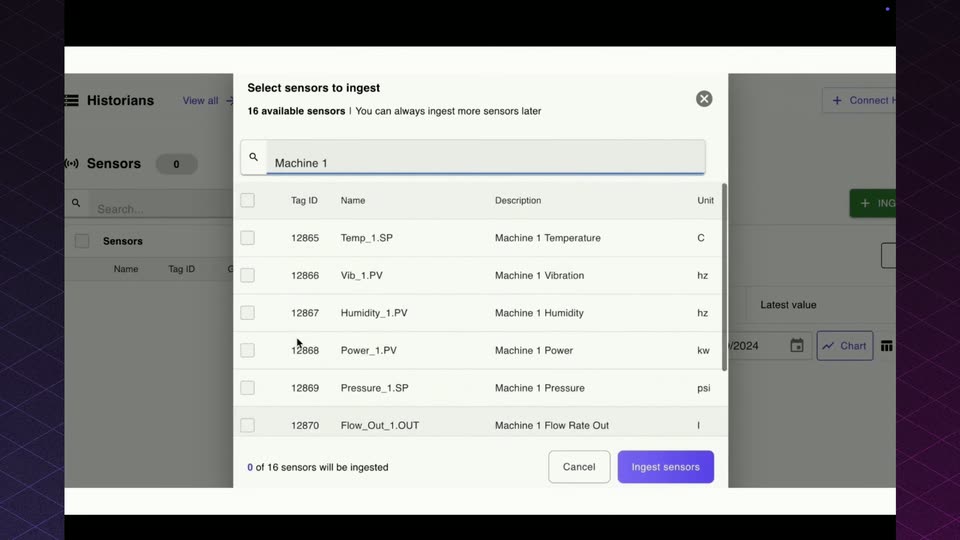 1:22–1:24Vortexify · Praxis AI LaunchA dimmed sensor dashboard sits behind a modal titled “Select sensors to ingest.” A cursor types “Machine 1” into the search bar, the list filters to eight rows whose checkboxes tick on, and the counter updates to 8 of 16.
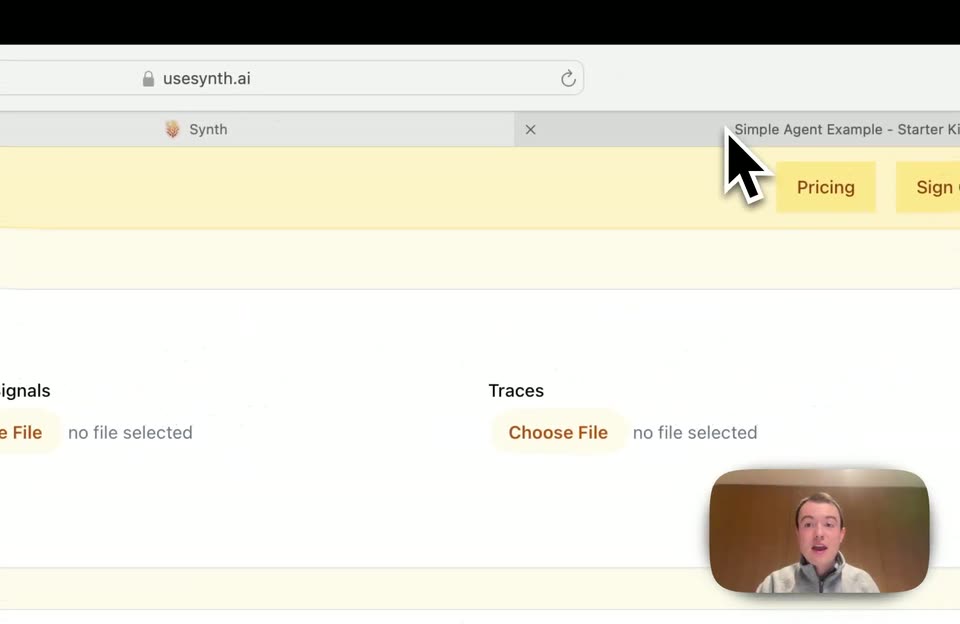 1:07–1:11Synth · Synth AI YC LaunchA product dashboard table with status rows and a Start Analysis button fills the frame; a hand cursor clicks the button, then an arrow cursor scrolls the view up to the browser bar showing the Synth site. A small webcam of a man speaking sits in the bottom-right corner.
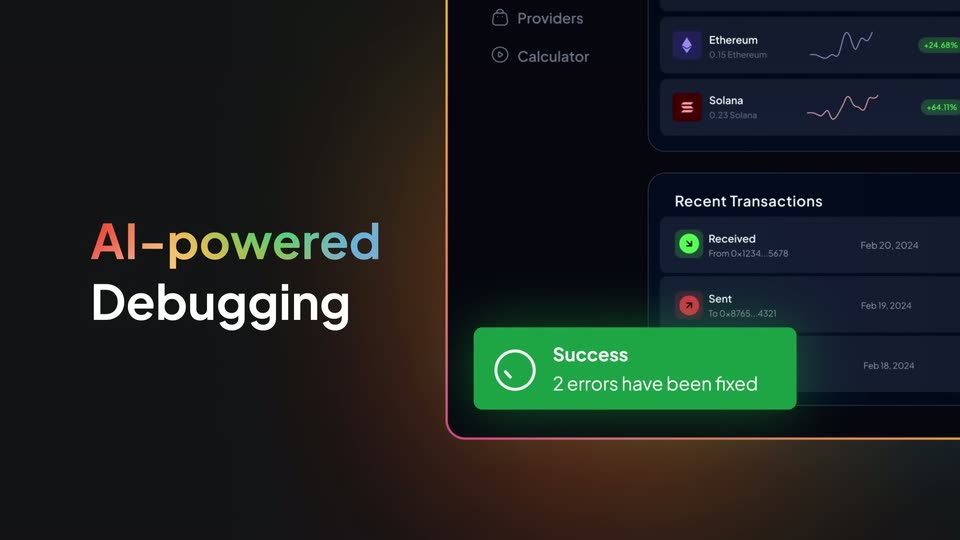 1:08–1:11Lovable · Lovable – An AI Full-Stack EngineerA dark crypto wallet dashboard fills the right side as the camera slowly pushes in. A hand cursor clicks the Fix it button on an error toast, which swaps to a green success toast, while the gradient headline AI-powered Debugging holds on the left.
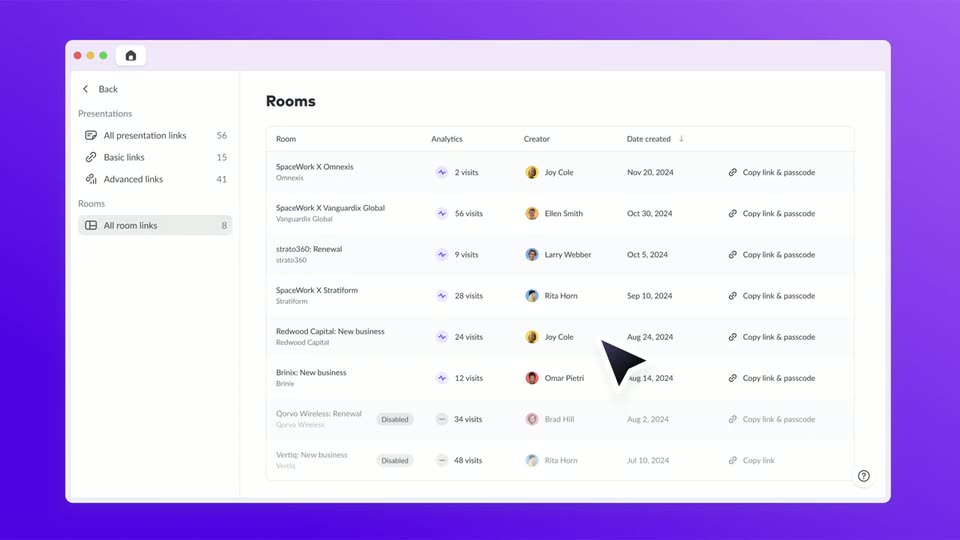 0:54–0:59Pitch · Pitch - Pitch is now more than just presentation software — it’s a complete pA flat browser window on a purple field shows the Rooms page, a table of room names, visit counts, creators, and dates. The view holds still while a black cursor glides from the Redwood row to the Stratiform row, and the row highlight follows.
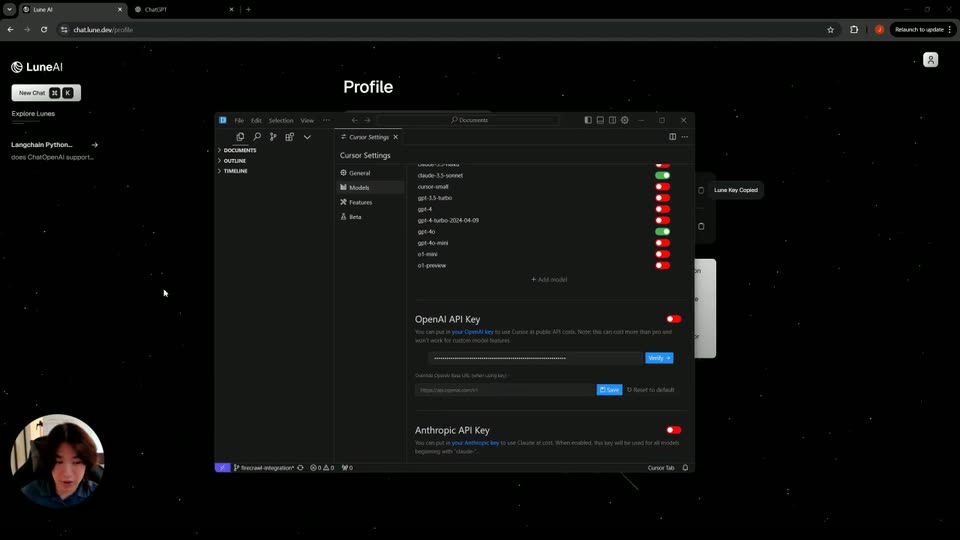 1:46–2:02Endstack · Lune AI DemoScreen recording of the Cursor settings panel, with a presenter's webcam feed in the corner. The cursor opens the Models tab, scrolls to the OpenAI API Key, types a new base URL, then clicks Save and Verify. The window is dragged aside to reveal the API keys page.
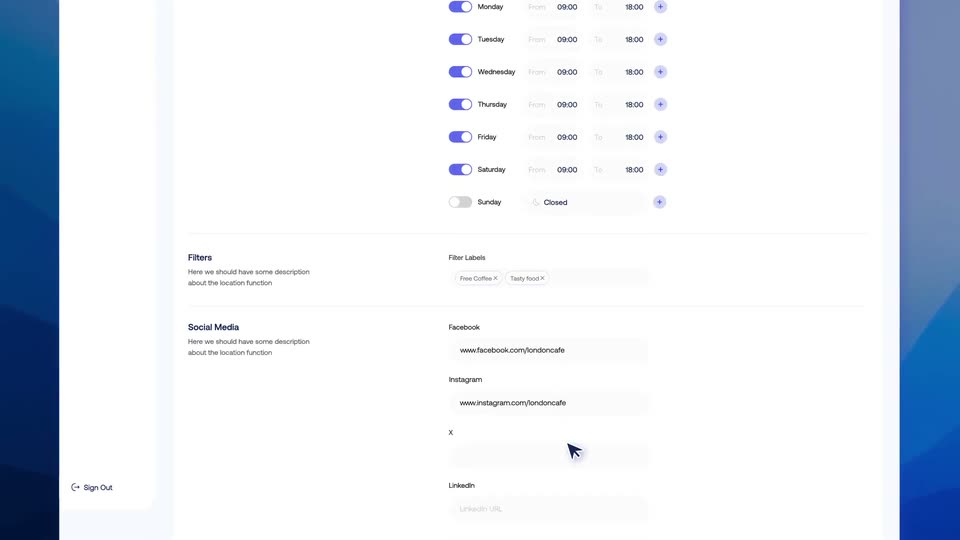 0:52–1:01StoreTrack · Product Explainer Video for SaaS | StoreTrack | ZeliosA browser window shows the StoreTrack Add Location form. A cursor types the website and email, selects a cover photo, toggles opening hours, and fills social links as the page scrolls down, then back up. A caption reads and you're ready to go.
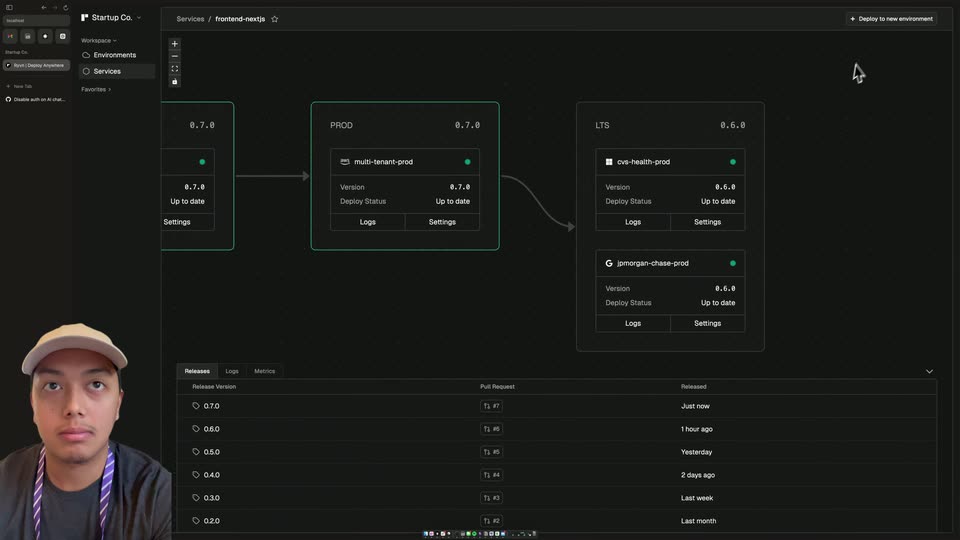 0:38–0:40Ryvn · Ryvn | On-prem deployments, without the stressA dark deployment dashboard shows three environment cards linked by arrows above a releases table. A cursor taps Services in the left sidebar, then moves to the Deploy to new environment button top right, beside a man in a cap in a corner face-cam.
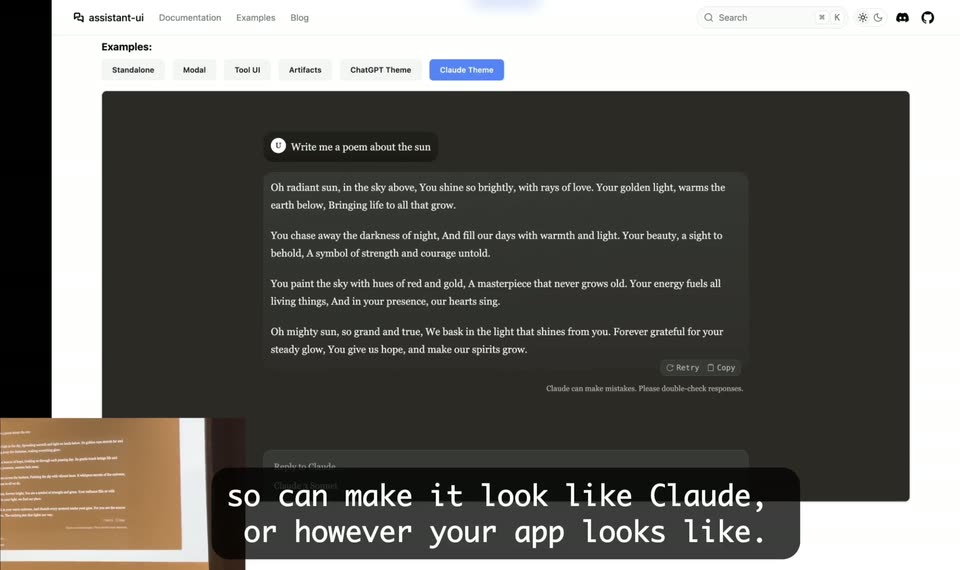 0:54–0:56assistant-ui · assistant-ui | AWS GenAI Loft DemoA documentation page displays a dark chat mockup with a poem. A cursor clicks the blue 'Claude Theme' tab, then a white caption types in line by line across the bottom.
 2:40–2:43Galini · Galini Product DemoA blue pill button reading request a demo sits centered on a light gray background. A black cursor glides in and rests on the button, then the button slides down out of frame as dark blue text begins to appear at left.
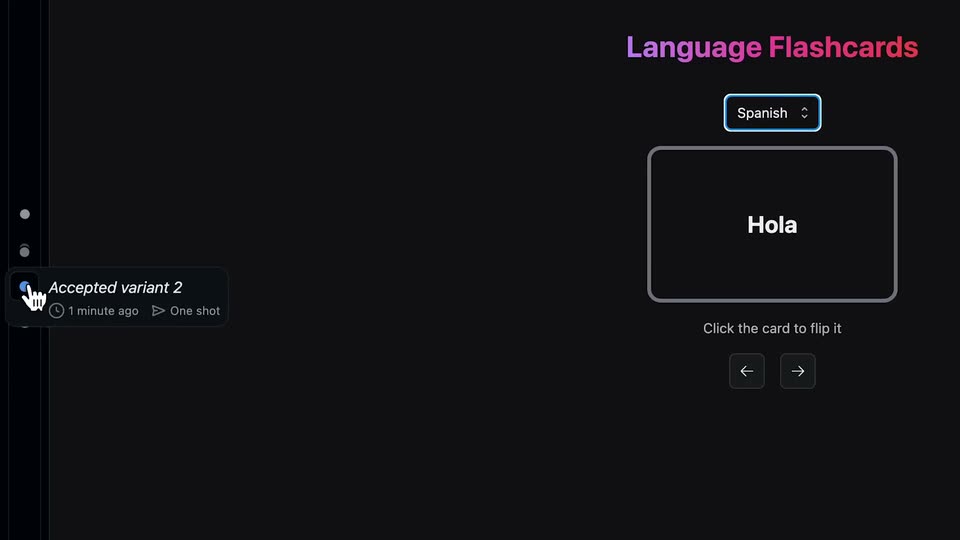 0:33–0:34GitHub · What is GitHub Spark? Introducing a brand new way to build powerful, AI assisted applicationsA dark flashcard app screen with a gradient heading, a Spanish dropdown and a card reading Hola. The cursor moves to the version dots on the left rail, a tooltip pops out, and the caption Step back in time scales in.
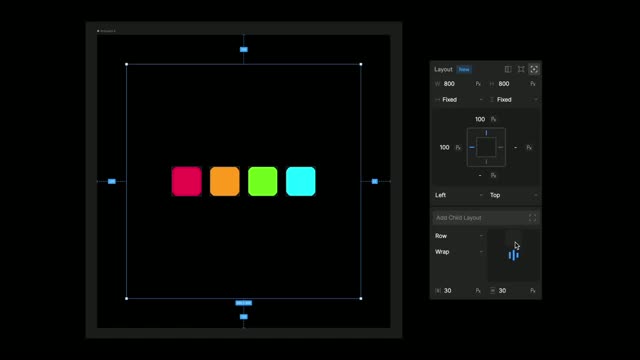 0:39–0:41Rive · Responsive Layouts have landedA dark design-tool view shows a black canvas holding four colored rounded squares stacked in a column, next to a Layout properties panel. A cursor edits the direction control, and the squares slide from the column into an even horizontal row aligned to the top edge.
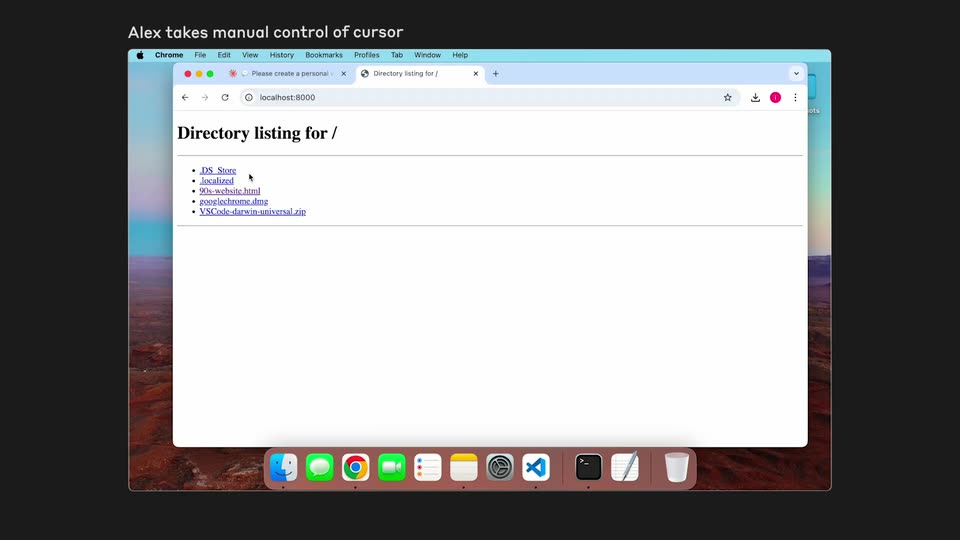 2:08–2:11Anthropic · Claude | Computer use for codingA Mac browser window sits on a dark desktop. A cursor moves to the address bar, a localhost URL is typed, the page loads a directory listing, then a retro 90s webpage with pink and cyan blocks appears.
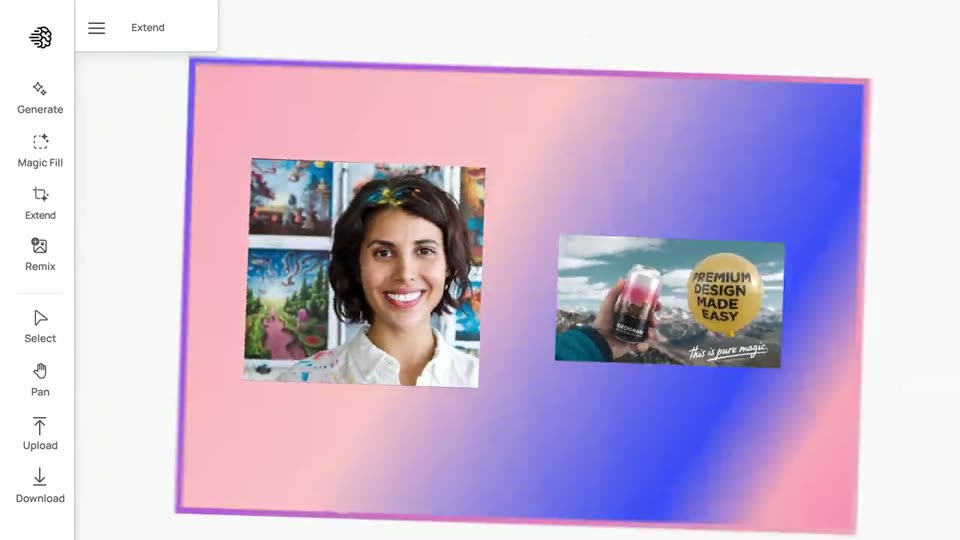 0:31–0:33Ideogram · Ideogram - Today, we’re introducing Ideogram Canvas, an infinite creative boardA prompt bar holding the text a woman holding a frame displaying soda sits over two reference photos as a cursor clicks the Extend button. The view then cuts to a canvas with a left toolbar, where the woman's image rests on a pink field inside a purple selection frame.
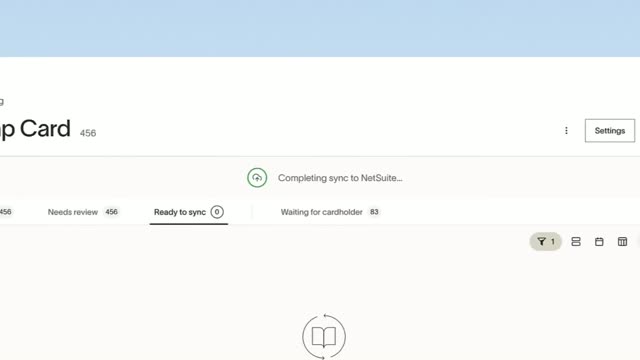 0:56–0:57Ramp · Meet Ramp: A smart finance operations platform that saves you time and moneyA light accounting interface shows a Review & sync panel over the Ramp Card screen, then reframes to the main dashboard where a sync status appears. A cursor hovers the sync button.
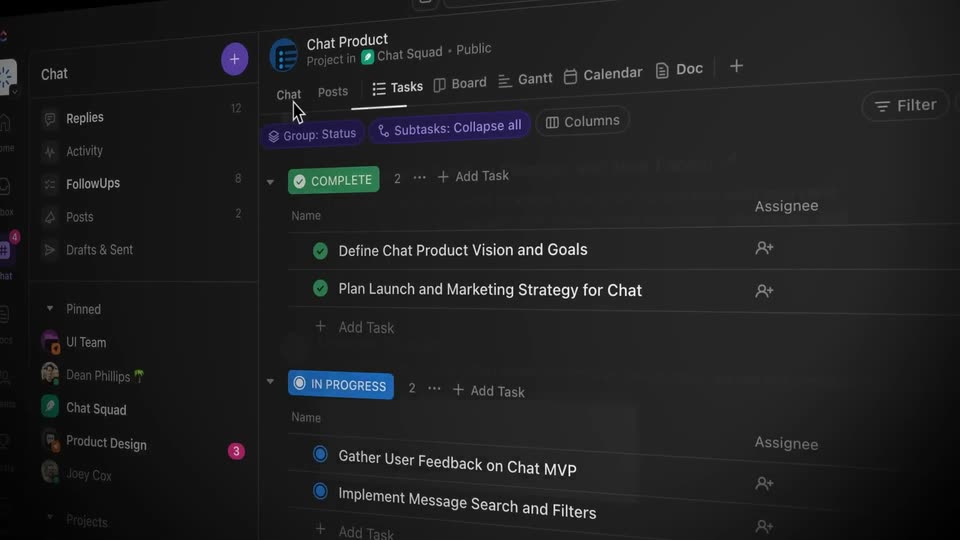 0:44–0:45ClickUp · Introducing ClickUp ChatA dark project UI shows a left sidebar and a task list. A cursor clicks the Posts tab, the task rows fade out, and a post card with a team update and an embedded screenshot slides in as the sidebar dims.
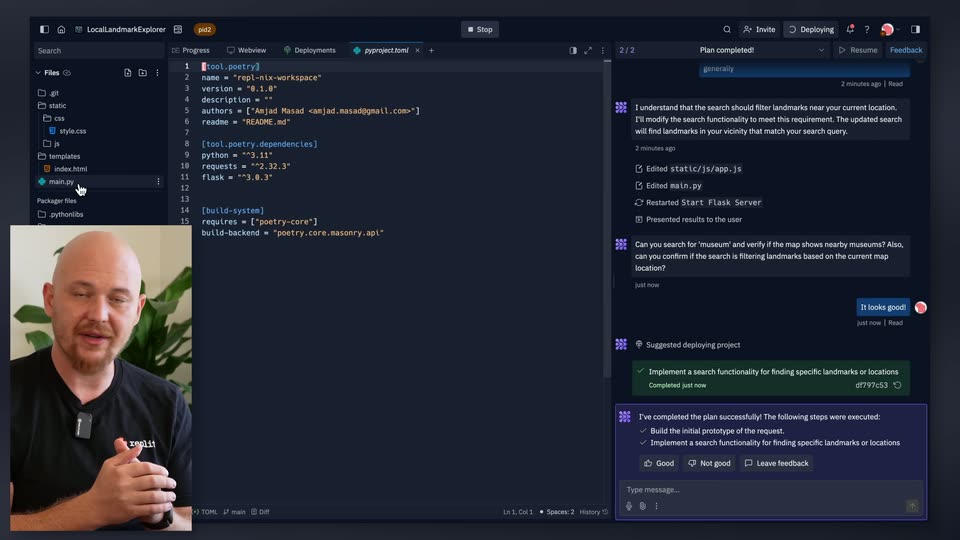 2:33–2:48Replit · Meet the Replit AgentA full-screen capture of the Replit editor shows a CSS file, then pyproject.toml, then Python code, while the agent chat panel on the right lists completed steps. A small live-action inset of the presenter gestures in the lower-left corner as the cursor clicks through files.
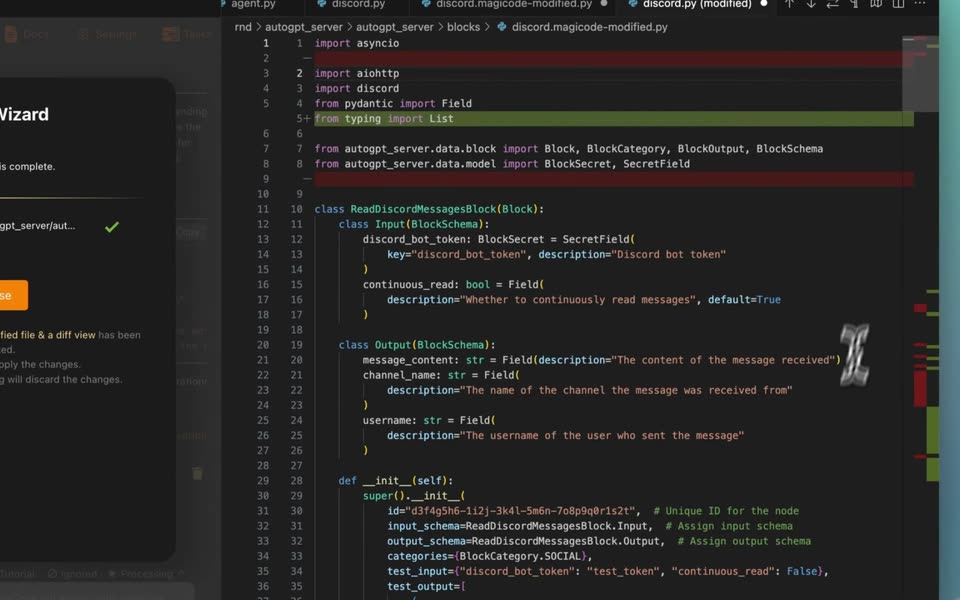 1:42–1:53MagiCode · MagiCode: Your Proactive Pair ProgrammerA dark code editor shows a Code Wizard panel with a spinner, then a green checkmark, while the view zooms into the Python file as a red-and-green diff fills the screen and a hand cursor moves across it.
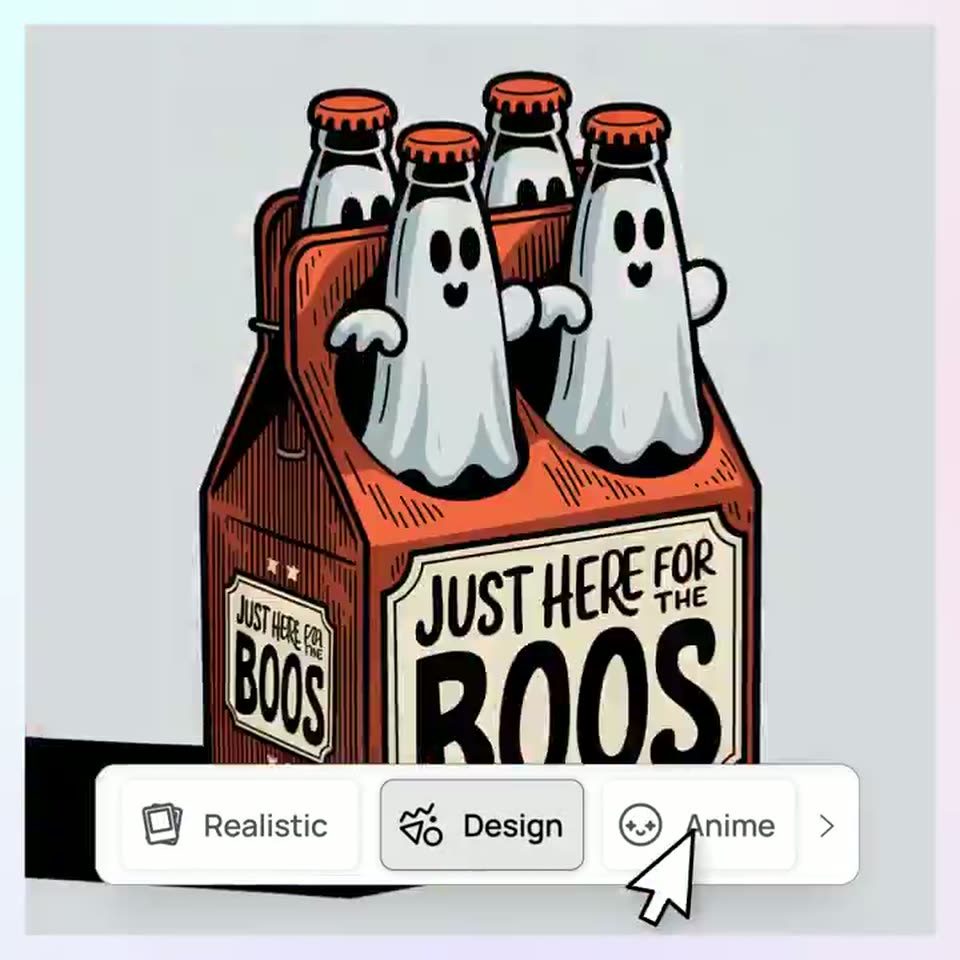 0:17 · 0.5sIdeogram · Ideogram - Introducing Ideogram 2.0 — our most advanced text-to-image model, nowA flat design-tool screen shows a generated illustration that swaps from a wedding invitation to a cartoon beer carrier. A cursor travels along the bottom style bar from the Design button toward the Anime button.
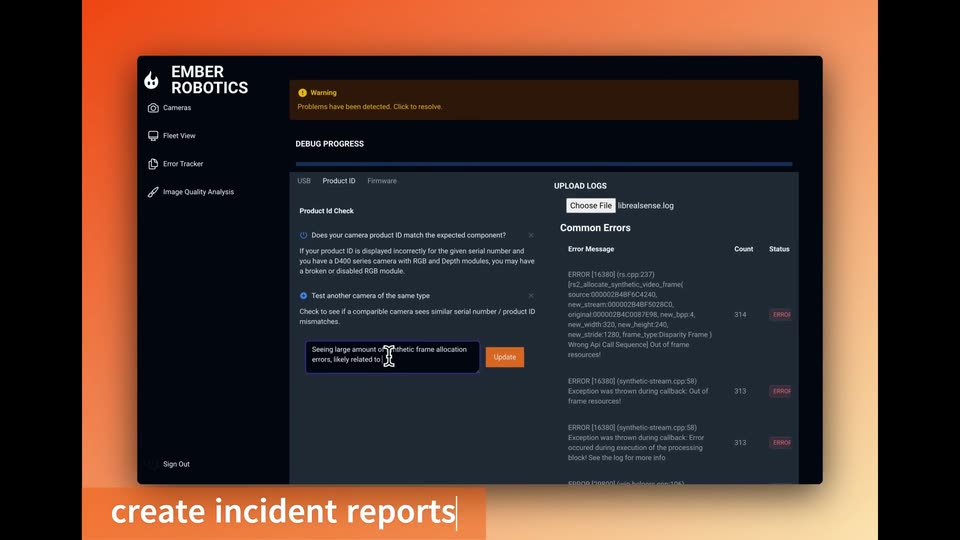 0:28–0:37Ember Robotics · 🔥 Introducing Ember Assistant 🔥- Robotics Camera System Assistant!A dark Ember Robotics dashboard on an orange gradient shows a cursor uploading a log, scrolling the error list and typing a note, with a caption reading parse logs then create incident reports. The view zooms into the notes box before the cursor clicks Update.
 0:24–0:30Lottielab · Lottielab - Interactivity is now live on Lottielab. 📣A white settings card on a pink background opens a dropdown of trigger options. A large dark cursor glides down the list, highlighting Follow cursor and Custom formula, then scrolls back up to select While hover, closing the menu.
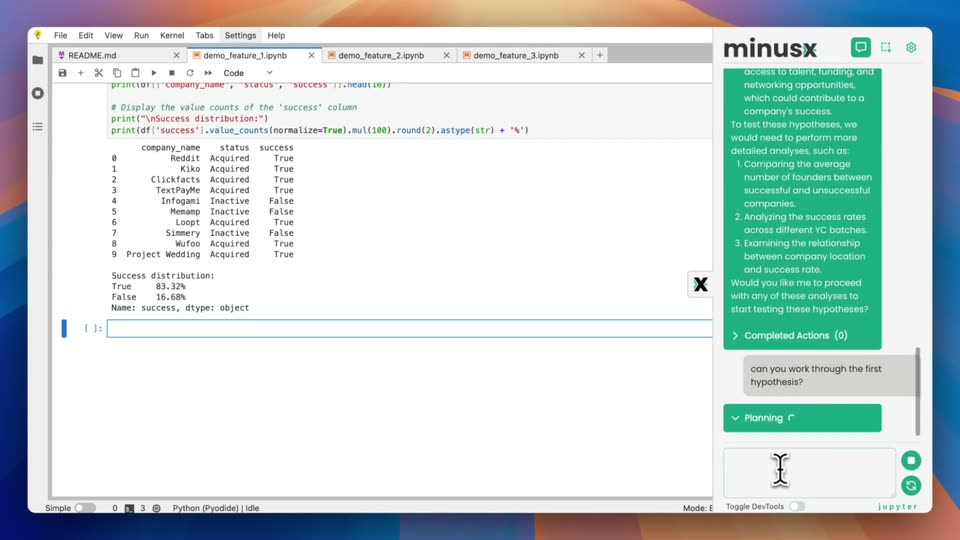 0:34–0:41MinusX · MinusX: AI Data Scientist for Jupyter and MetabaseA Jupyter notebook window fills the frame, code pane left, minusx chat panel right. The chat log scrolls as a cursor types prompts and the assistant answers in green bubbles; the left pane updates from a data table to a box plot.
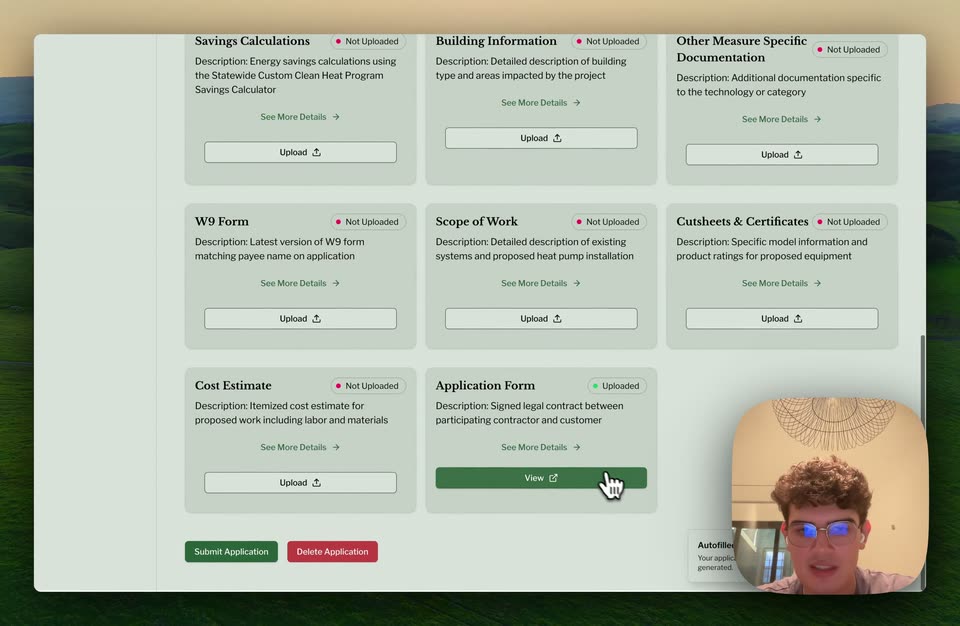 1:33–1:35RetroFix · RetroFix Product DemoA white application screen lists program tasks and document cards; the view scrolls down to the Application Form card as a cursor rests on its green View button. A small video call window with the presenter stays in the bottom-right corner.
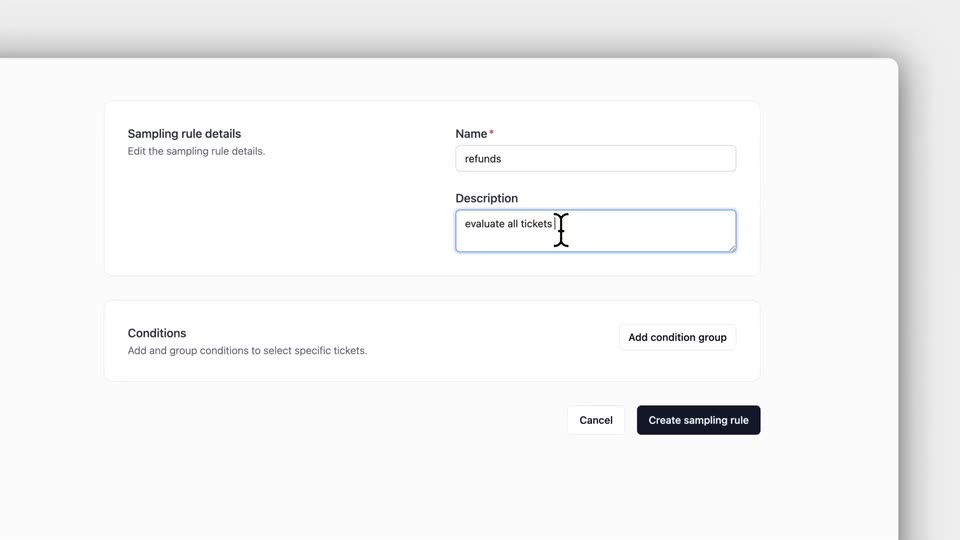 0:26–0:32Intryc · Intryc YC Launch videoA light form panel on white shows a Name field typed as refunds, then a Description field typed as evaluate all tickets that had a refund. A suggestion chip appears beside the Description label. A Conditions section and two buttons sit below, with a mouse pointer and text caret visible.
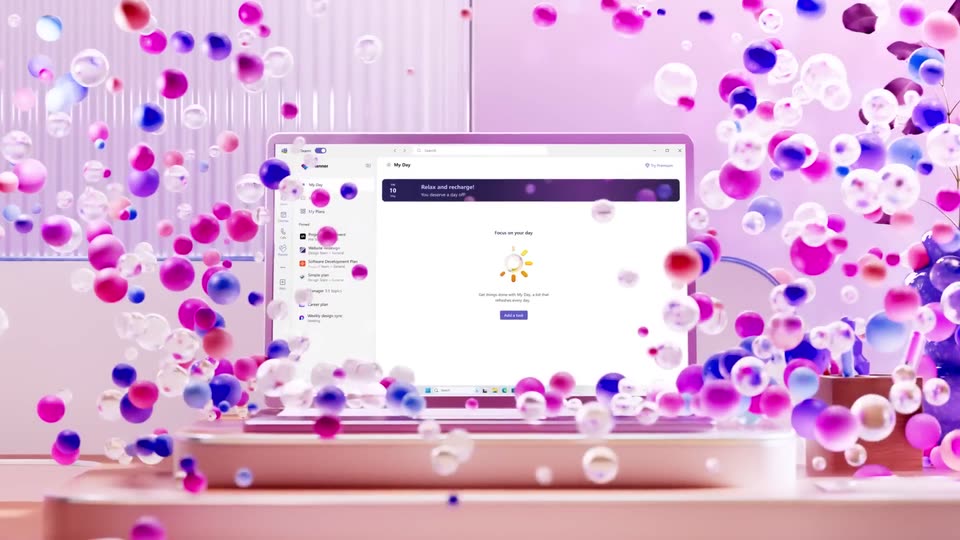 1:00–1:01Microsoft · The new Microsoft Planner is here! Streamline the planning, management, and execution of workA 3D laptop sits on a pink desk inside a pastel room, its screen showing a messaging app with a sun icon. A swarm of glossy pink, blue and white spheres floats around the device, drifting and bobbing. A cursor hovers over the chat list.
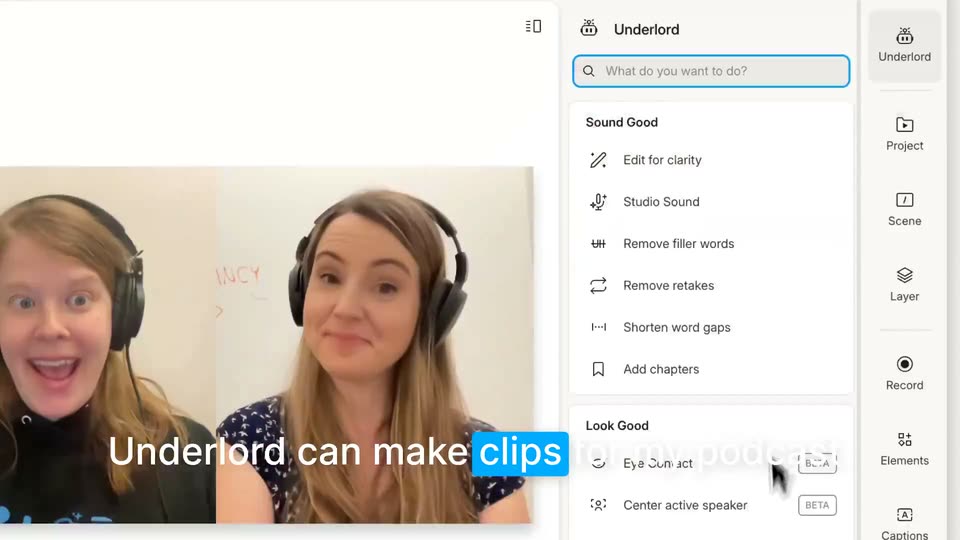 2:20–2:21Descript · Descript - Today, we're launching Descript's new AI assistant editor, Underlord.A screen recording of the Underlord app shows a video call with two women in headphones. A cursor glides down the right panel as the menu scrolls, reframing to reveal split clips and a timeline. White caption text overlays the video, a blue highlight hopping across its words.
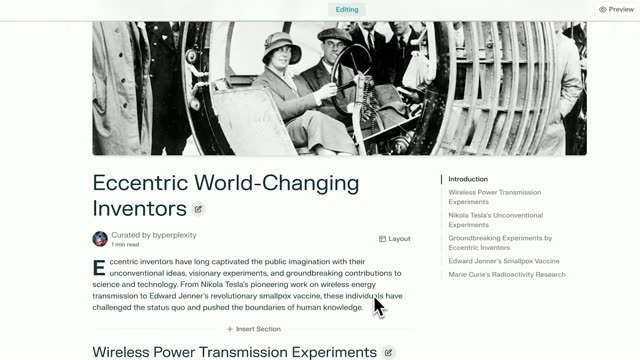 0:32–0:33Perplexity · Introducing Perplexity PagesA document editor displays a black-and-white cockpit photo above the title 'Eccentric World-Changing Inventors' and a right-side table of contents. A cursor travels down the body paragraph while the page scrolls to bring the next section heading into view.
 0:14–0:15The Browser Company · The Browser Company - Arc on Windows is finally here. No more waitlists, no more betas. DA flat blue desktop holds the colorful Arc icon in the center, a white cursor arrow resting on its edge. The icon zooms toward the viewer, then the word Finally lands in white italic at the center.
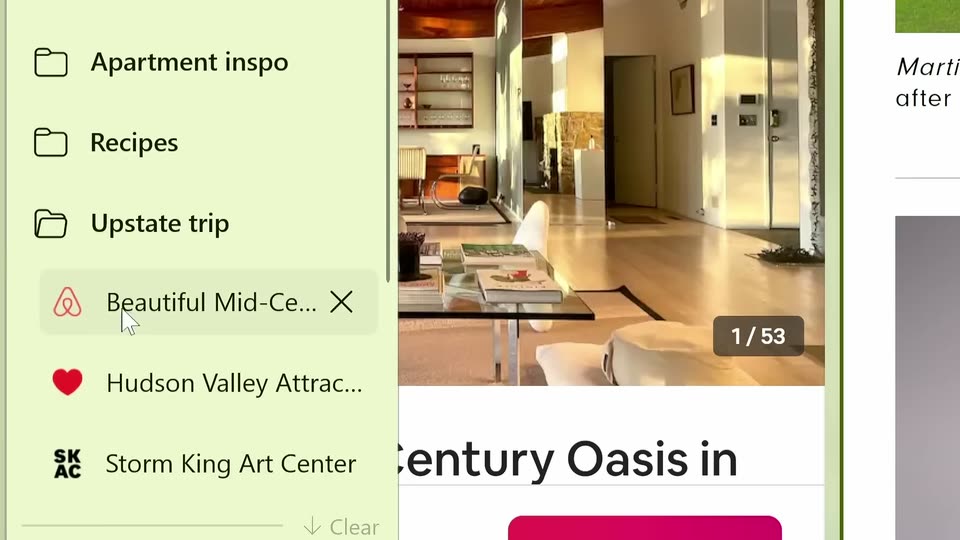 0:19–0:20The Browser Company · Arc on Windows. Download now.A light green sidebar lists saved folders and links, a cursor slides down the list and X icons appear beside two entries, while a living room photo and an article headline fill the right panel.
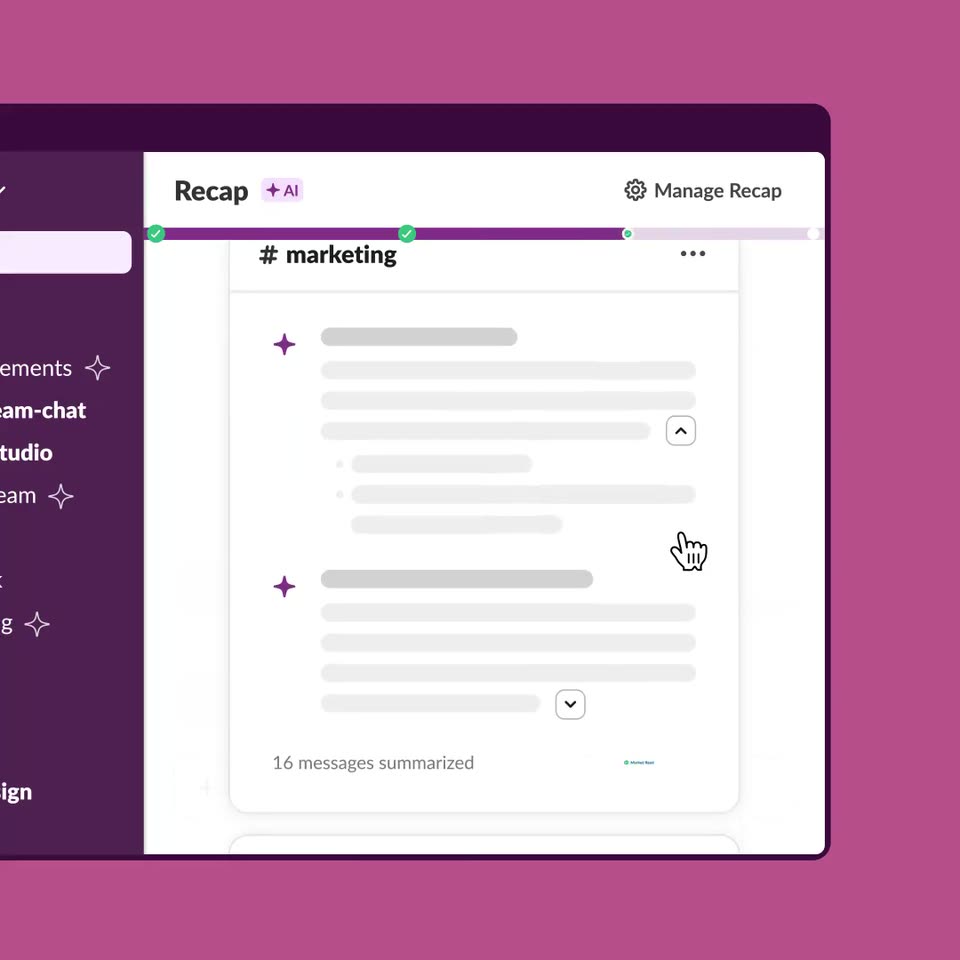 0:37–0:45Slack · Slack - Time is valuable. Slack AI gives you more of it. 🙌✨ And starting todA white Recap panel scrolls upward through summarized channel cards on a purple gradient. A hand cursor taps expand chevrons and marks each card read while a top progress bar fills with green checkmarks.
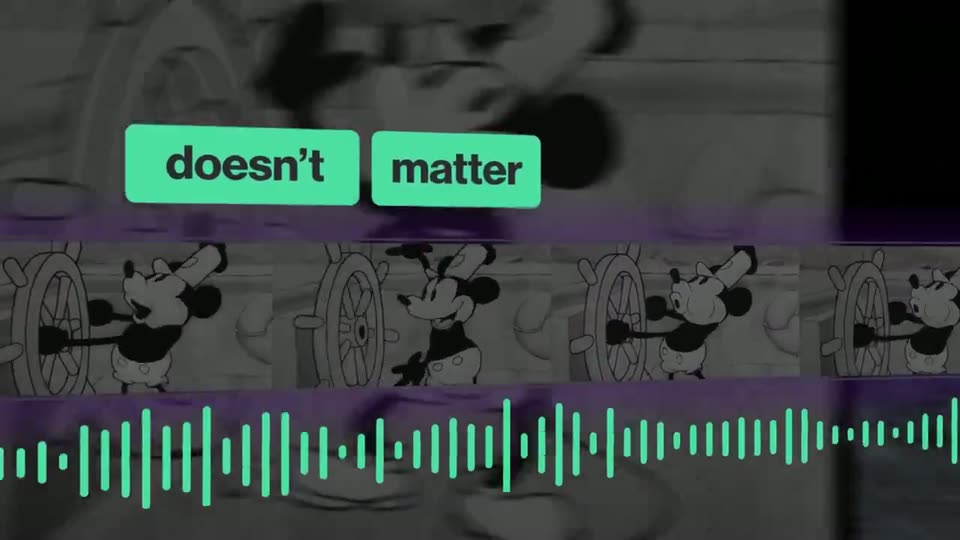 0:10–0:12Captions · Mirage - Introducing Captions for web. Video editing made simple, thanks toA cartoon of a mouse at a ship's wheel sits under a purple wash, with teal chips reading doesn't matter and a waveform below; a white cursor hovers a purple mute icon. The view reframes to the timeline, a beach clip above the waveform and a chip reading add.
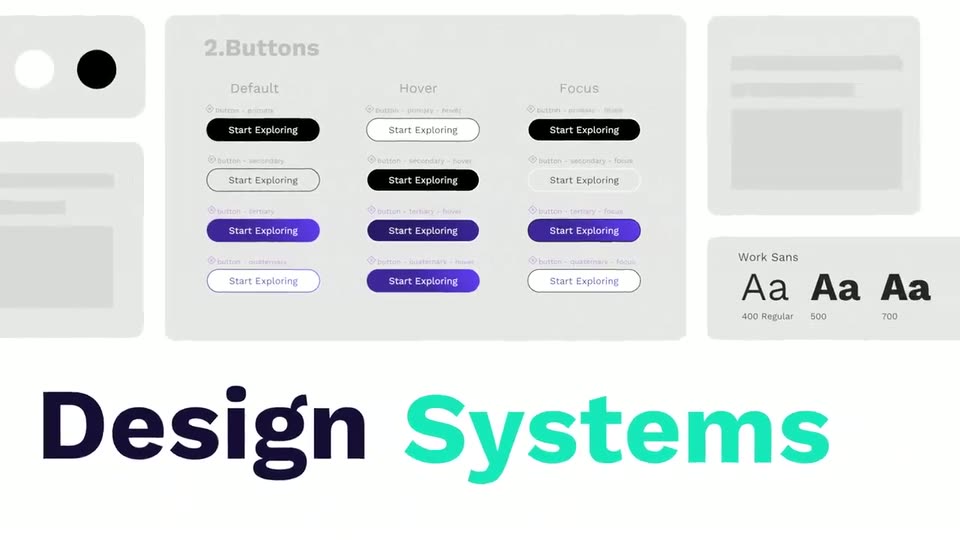 0:49–0:50Penpot · Penpot - 💥 Penpot 2.0 is now available! Explore & enjoy the unique featurA light panel of button components sits behind a large 'Design Systems' title, then both fade into a flat browser mockup of a Trendverse page with a component-swap panel on the right and a cursor hovering a button.
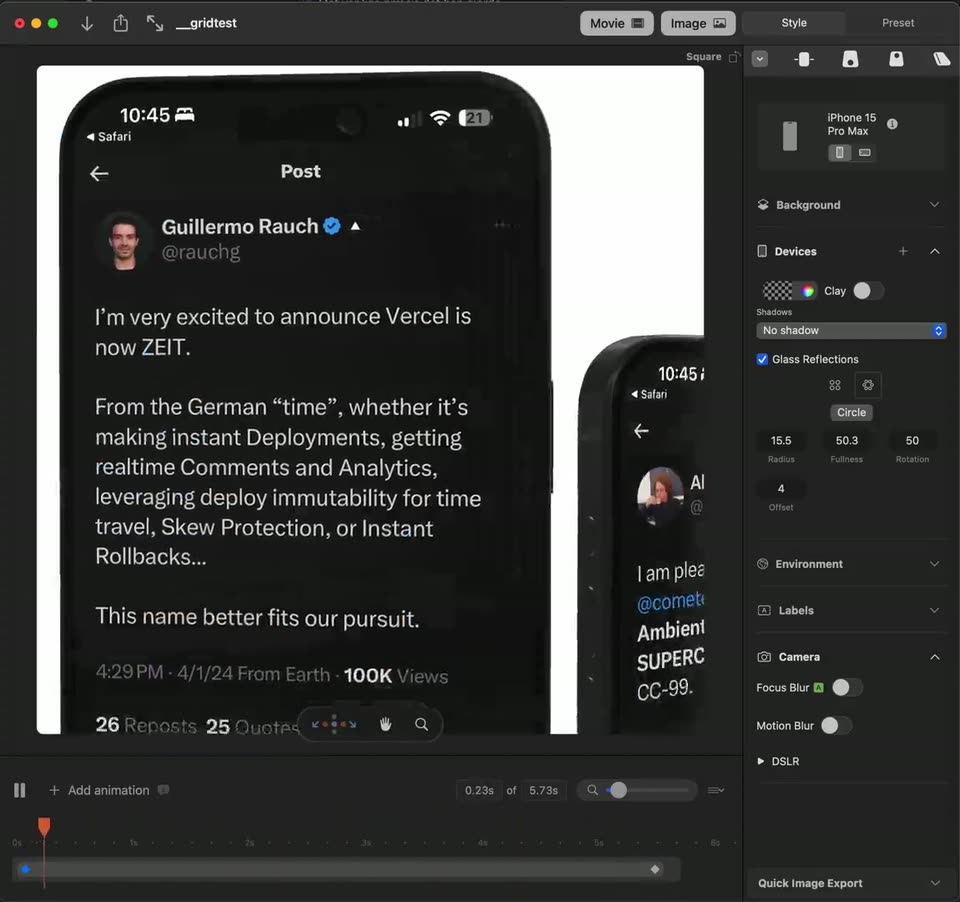 0:31–0:34Rotato · Morten from Rotato - Circles, half circles and grids rolling out to beta users soon:A dark mockup app window shows an iPhone mockup whose screen cycles through breaking-news posts. The canvas then pans and zooms out to reveal a second phone beside it, while a cursor scrubs the timeline at the bottom.
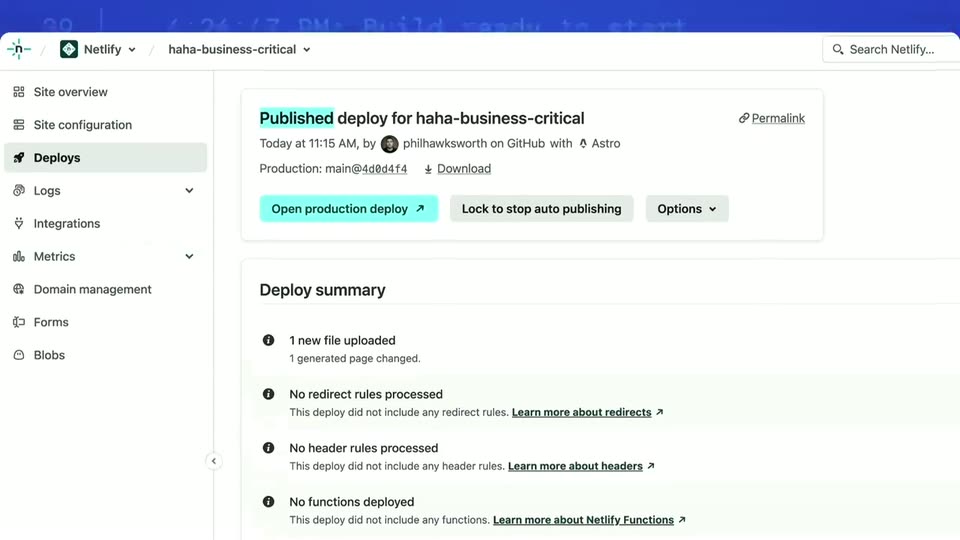 0:27 · 0.5sNetlify · Netlify - Problems debugging your build? AI can take a look. Learn more here:A white Netlify dashboard panel slides down to reveal a blue log console behind it, as a light green pill reading “Why did it fail?” with a circular AI icon slides in and a cursor points at it.
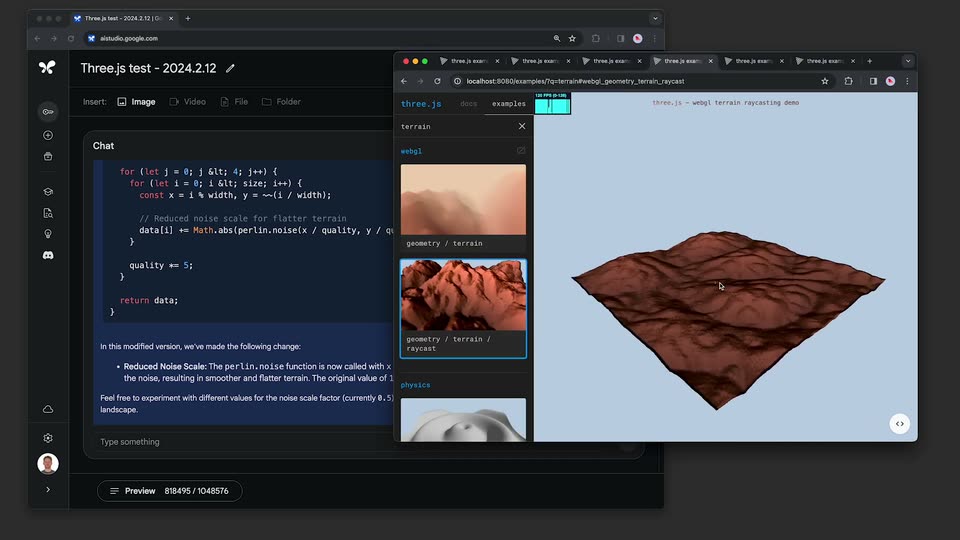 2:14–2:18Google · Problem solving across 100,633 lines of code | Gemini 1.5 Pro DemoA dark AI chat window with code sits left, overlapped by a browser on the right showing a brown 3D terrain mesh on a light blue field. The mesh tilts and rotates to display its flatter surface while a cursor drifts across the viewport.
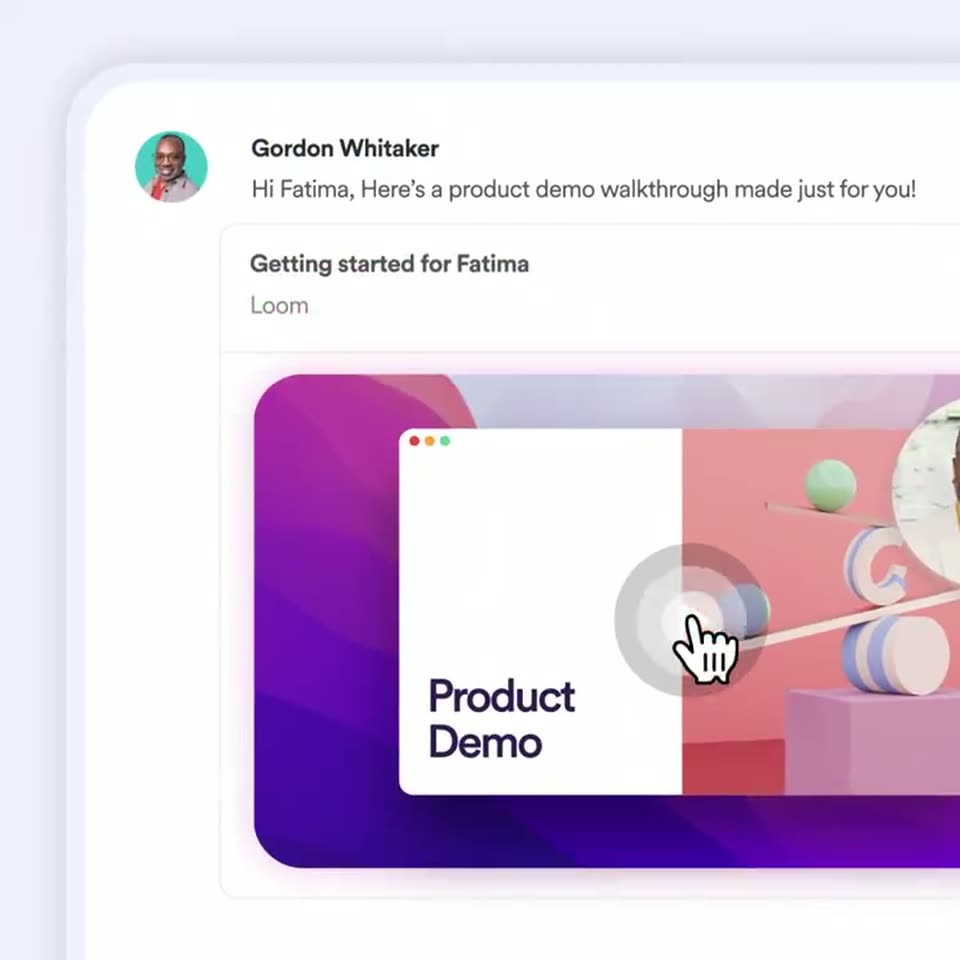 0:17–0:19Loom · Loom - 🚨 Sales & customer-facing teams — unlock more revenue with Loom!A white message card with a sender avatar, a greeting line and a video thumbnail marked Product Demo fades in, then a hand cursor moves onto the play button and clicks.
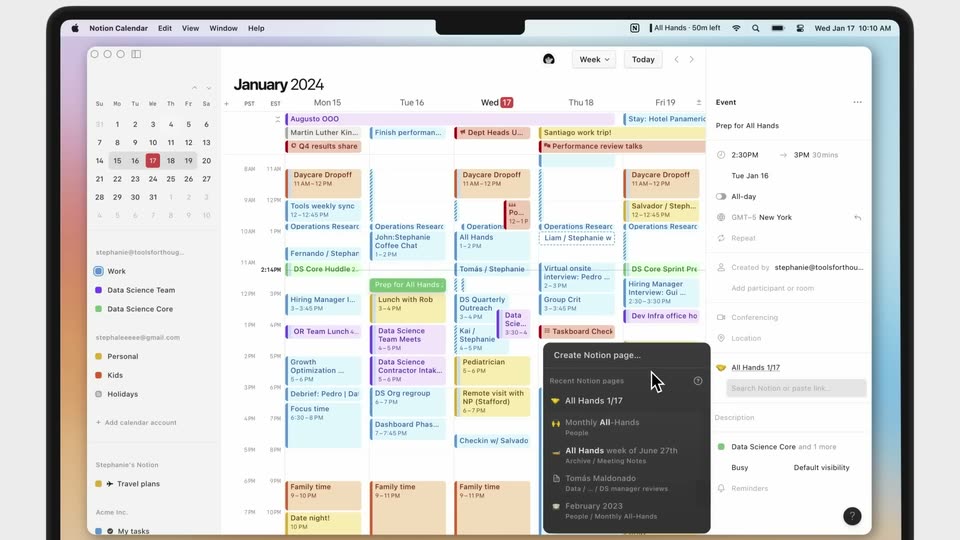 0:53–0:57Notion · Meet Notion CalendarA Notion Calendar week view fills a laptop screen. A cursor clicks into the event panel, opens a Create Notion page dropdown, picks a page, and a matching dialog pops up over the calendar.
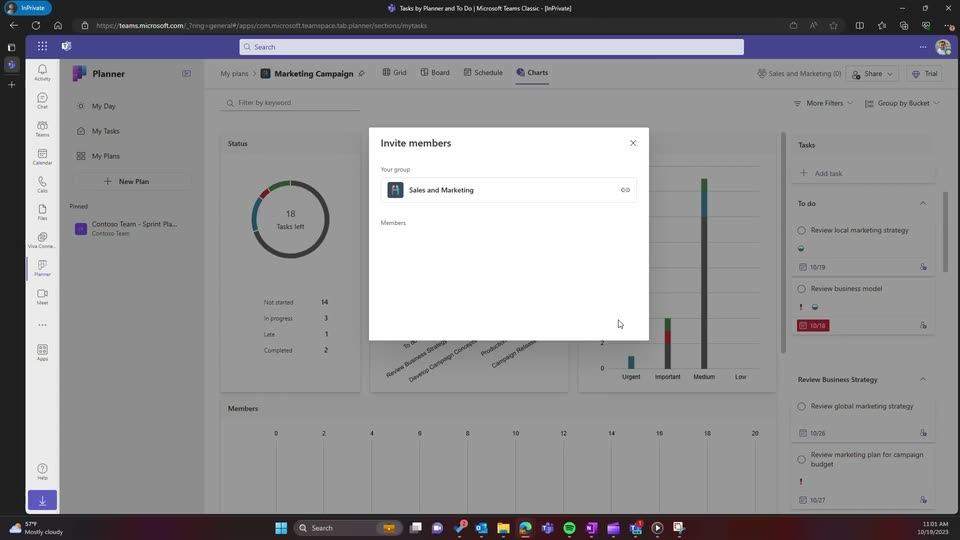 1:32–1:46Microsoft · Meet the new Microsoft PlannerA screen recording of the Teams Planner dashboard with an Invite members dialog centered. A cursor clicks the Add to existing group tab, opens the Select Group dropdown, chooses Sales and Marketing, and presses Add, revealing a scrollable list of 21 member avatars.
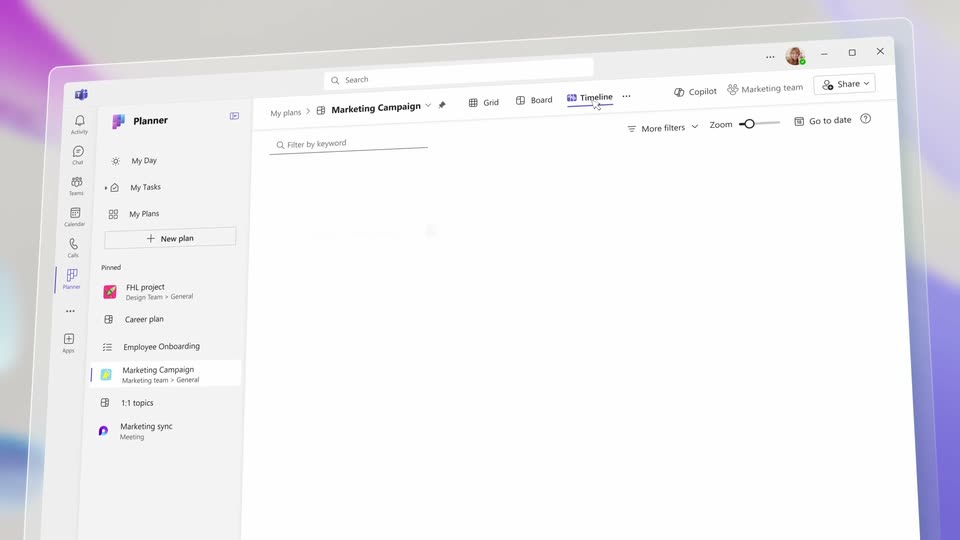 1:02–1:09Microsoft · The new Microsoft Planner: Manage all your tasks and plans in one simple, familiar experienceA tilted Planner window floats over a blurred gradient. The shot opens close on the plan list, then pulls back to the full window. A cursor selects a plan and clicks the view tabs, the grid animating into board columns and then into a timeline of blue bars.
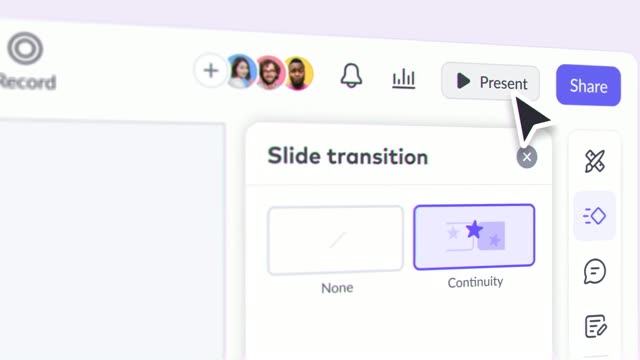 0:57–0:59Pitch · Introducing Pitch 2.0A close-up of a presentation editor shows the slide transition panel with Continuity selected. The cursor moves from the option to the Present button and clicks, then the view pulls back to reveal the full window and the blue slide text.
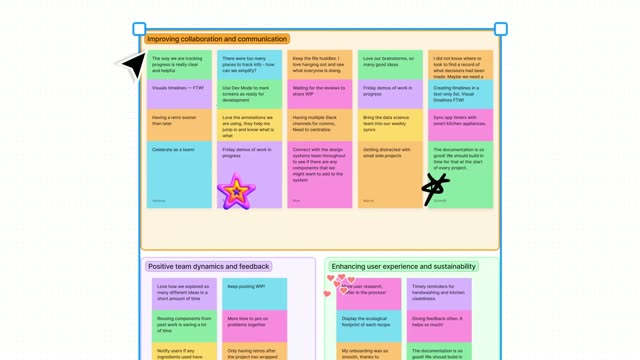 0:26–0:27Figma · Introducing FigJam AIA locked-off view of a digital whiteboard with three panels of colorful sticky notes under orange, purple and green titles. A black arrow cursor drifts on the left as blue selection handles pop onto the top panel's corners.
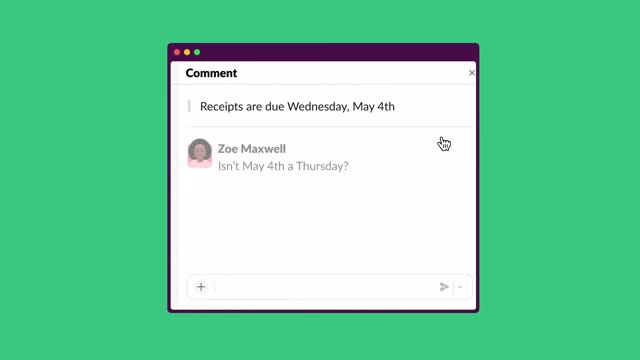 0:41–0:42Slack · Introducing canvas | A new surface to share and organize knowledge | SlackA white app window on a green background crossfades from a decisions page to a comment thread, where a user questions the due date. A hand cursor hovers over the comment icon at the right edge.
 0:23–0:28Retool · Retool - Say hello to the fusion of visual programming, code, and AI. RetoolA white output card holding a sales report sits on a dotted canvas. The framing shifts left as a hand cursor moves down and a dropdown menu of node types opens, the cursor resting on the top item.
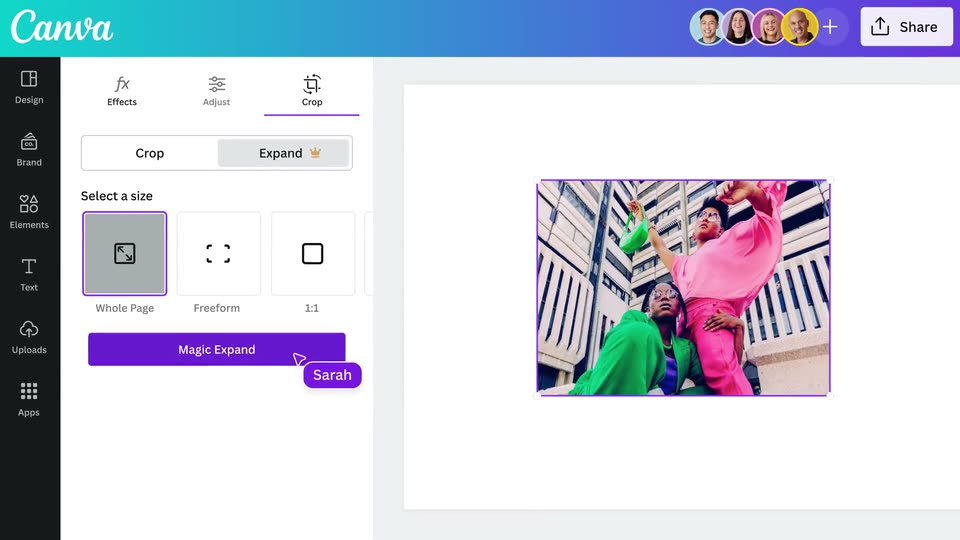 1:08–1:10Canva · Canva - Meet Magic Studio. Supercharge your workflow with all the power of AIA Canva editor view opens on the crop panel, zooms out to reveal the full workspace as the cursor moves to the purple Magic Expand button, then zooms into the selected photo of two people on the canvas.
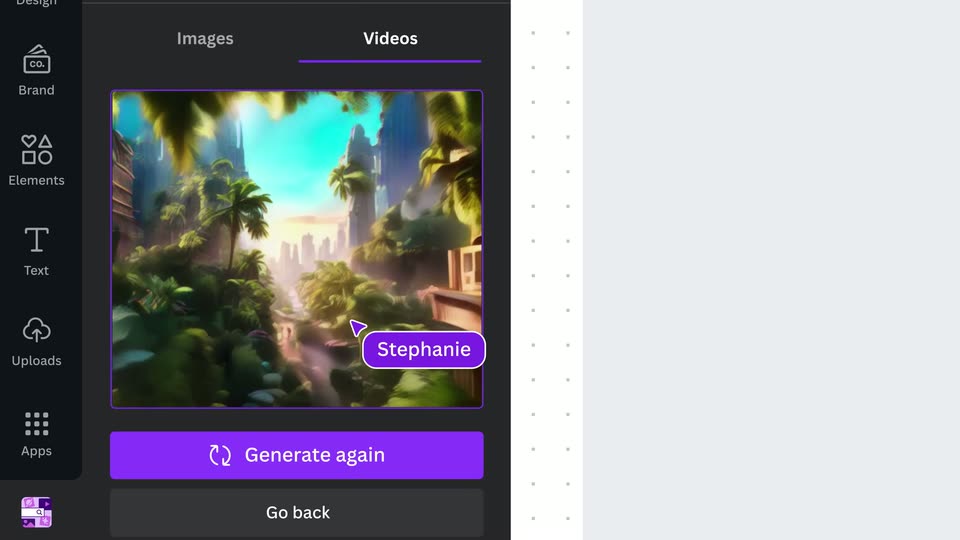 1:00–1:03Canva · Meet Magic Studio | Let the power of AI supercharge your workThe Canva Magic Media panel displays a text prompt; the cursor clicks the Generate video button, a loading bar fills, then a generated image of a lush jungle city fades in while the frame zooms in on it.
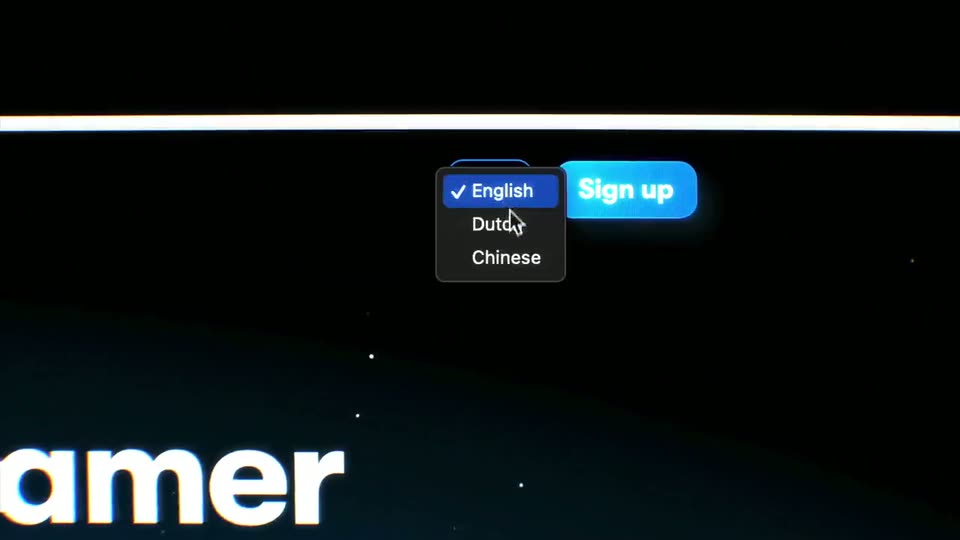 0:25–0:26Framer · Framer - 🌎 Hola, Bonjour, こんにちは! Introducing AI-powered Localization for yourClose-up of a dark website header. A cursor clicks the globe language selector, opening a dropdown listing English, Dutch and Chinese. A blue Sign up button sits to the right while a large white word fragment 'amer' anchors the lower left.