1:28
October 2026 Launch: MCP
Airtable · Productivity · Oct 2026
Framer · Oct 2023 · 0:33 · AI-annotated
Framer’s 0:33 launch film runs 22 scenes, about 1.5 s each. The product shows up at 0:10 and 1 feature is revealed. There is no explicit call to action; a voiceover carries the film. The video opens on a multilingual typographic hook, then cuts rapidly through the Framer interface to walk the localization workflow from adding a locale to AI translation and live language switching, closing on a title card and the logo. Its signature moves are heavy uppercase type with a chromatic-aberration glow, a typing caret, and quick language crossfades locked to a fast beat.
Is this your launch? to your site or press kit.
Airtable · Productivity · Oct 2026
Airtable · Productivity · Oct 2026
Airtable · Productivity · Oct 2026
A solid black screen holds for the full duration of the clip. No elements, motion or text are visible; the frame remains completely dark and static.
Camera: Static
A blue text cursor sits on a black field, then bold white French copy types out word by word across three left-aligned lines. The cursor lands after the final word and the block holds.
On-screen text: “LE SUCCÈS COMMENCE AVEC UN SITE”
Techniques: Kinetic type
Camera: Static
On a black background, a bold white two-line tagline swaps languages in quick cuts: French, Spanish, Chinese, Italian, then English. Each block is left-aligned with a soft white glow and a blue typing caret at the end of the second line.
On-screen text: “LE SUCCÈS COMMENCE AVEC UN SITE”, “EL ÉXITO COMIENZA CON UN SITIO WEB”, “成功从一个网站开始!”, “IL SUCCESSO INIZIA CON UN SITO”, “SUCCESS STARTS WITH A SITE”
Techniques: Kinetic type
Camera: Static
A dark interface top bar holds a profile avatar, globe, gear and play icons plus an Invite button and a blue Publish button. A white cursor rises from below and clicks the globe icon, which highlights. A left panel shows a Breakpoint label above a glowing blue Sign up button.
Techniques: Cursor demo
Camera: Static
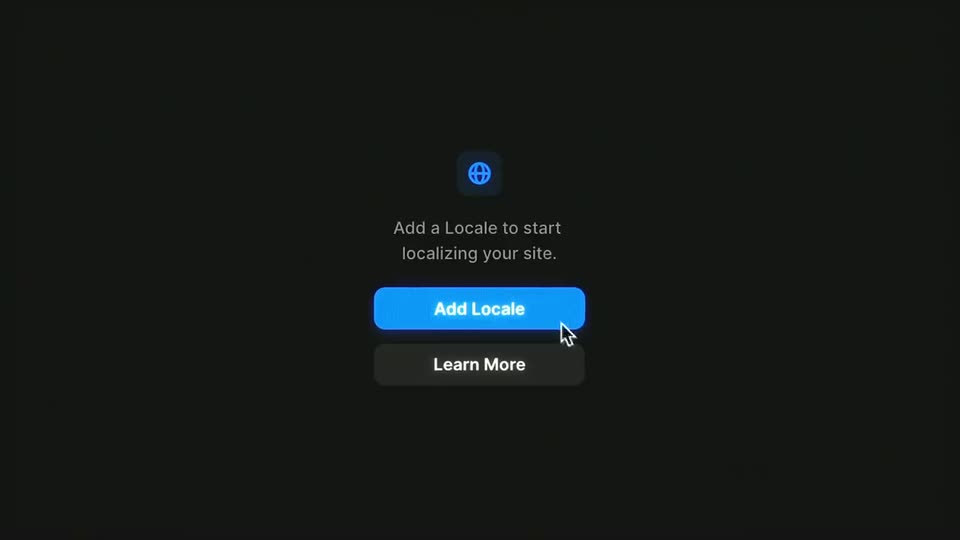
A dark localization panel shows a globe icon, a caption, and two stacked buttons. A hand cursor hovers the blue Add Locale button, then a modal form with language, name, slug, and fallback fields opens over a dimmed background.
Techniques: Cursor demo
Camera: Static
A dark Add Locale dialog sits centered on a black background. The word dutch types into the language search field, and the dropdown list filters to Dutch options, the top row highlighted in blue. Cancel and Add buttons rest at the bottom.
Camera: Static
A dark Add Locale dialog sits centered over a blurred, slowly rotating 3D cityscape. A cursor glides to the blue Add button and clicks it, triggering a ripple.
Techniques: Cursor demo
Camera: Pull out
A dark browser window opens on a Framer localization screen. The left panel lists a Dutch locale with a flag and 0%, while the right panel shows an English search field and Site Settings. The frame sharpens from soft focus to a crisp close-up.
Camera: Static
A dark project list fills the frame, rows carrying short text snippets and blue NEW badges beneath a top bar with avatars and a blue Publish button. A hand cursor glides in from below and hovers a Translate button marked with a sparkle icon.
Techniques: Cursor demo
Camera: Static
A blurred list of localized strings sits behind a centered AI Translate dialog. A blue progress bar fills from left to right while the counter climbs from 24 to 49 of 60 above a Cancel button.
Camera: Static
A dark localization screen shows two panels side by side with the same copy in English and Dutch. The paragraphs slide horizontally with ghosting while the top bar with language chips and a Translate button holds still.
Techniques: Kinetic type, Split screen
Camera: Static
A dark page editor shows a centered Image modal with a photo preview, a Resolution dropdown and Crop and Unsplash buttons. The preview swaps to a second photo as a cursor hovers over it and a Choose Image tooltip pops up. Rows of body text sit blurred behind the modal.
Techniques: Cursor demo
Camera: Static
A dark Framer editor fills the frame, its center canvas showing a bright blue globe under a white headline. The view zooms in toward the right properties panel, framing the Meetups/Header component, variable fields and component list in close-up.
Techniques: UI zoom
Camera: Push in
A dark blue Framer webpage with a dotted globe fills the left half, while a component inspector panel occupies the right. A cursor clicks a button, opening a Variant modal in the center, then picks Dutch and New York from two dropdowns.
Techniques: Cursor demo
Camera: Static
A dark Framer editor shows a layers panel and component cards that fade out, revealing a website preview. The frame reframes onto the site's top bar, where a cursor rests on the blue Sign up button and blue resize brackets outline the navigation.
Techniques: UI zoom, Cursor demo
Camera: Pan
Close-up of a dark website header. A cursor clicks the globe language selector, opening a dropdown listing English, Dutch and Chinese. A blue Sign up button sits to the right while a large white word fragment 'amer' anchors the lower left.
Techniques: Cursor demo
Camera: Static
A dark Framer landing page sits as a glowing framed screen over a starfield, a dotted globe rising at the bottom. A vertical band opens in the center, blending the English headline and buttons into a purple Chinese localized version.
Techniques: Masking
Camera: Static
A glowing screen mockup holds a dark Framer page with a dotted globe rising from below. Locked-off, the headline, subtext and buttons swap from Chinese to English while the globe fills in as a solid blue sphere.
Techniques: 3D mockup, Morph
Camera: Static
A locked-off, slightly tilted view of the Framer meetups page inside a glowing rounded border. The Dutch hero headline crossfades out to reveal the English version, above a dark blue hero and a glowing dot-matrix globe.
On-screen text: “Vind of host een meetup in jouw stad.”, “Find or host a Framer meetup in your city.”
Techniques: Kinetic type, 3D mockup
Camera: Static
A dark landing page hero, framed by a thin glowing border on a blue background, shows a dotted globe rising at the bottom. The headline and subtext crossfade from Dutch to Chinese in place while the nav bar and buttons stay fixed.
Camera: Static
A black frame holds two centered lines of bold white uppercase text, LOCALIZATION over NOW IN FRAMER, each edged with a faint orange and blue chromatic glow. The type stays locked in place for the full duration while the voiceover signs off.
On-screen text: “LOCALIZATION”, “NOW IN FRAMER”
Camera: Static
A small white logo of two angular shapes, offset diagonally, glows softly at the center of a black screen and holds still for the sign-off.
Camera: Static