Cursor demo
A visible cursor operates the interface.
15,048 scenes · page 198 of 251
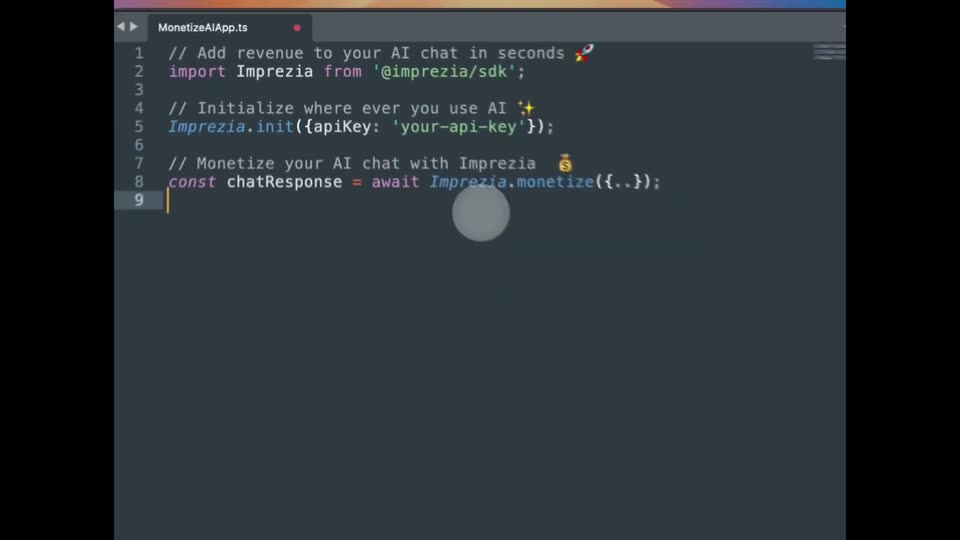 0:53–1:03Imprezia · Imprezia Launch VideoA dark code editor fades in over a blurred dashboard; TypeScript lines type themselves out around a drifting gray cursor dot, then the frame zooms out to the full editor card before dissolving into a Tokyo Travel AI chat screen with a monetization metrics sidebar.
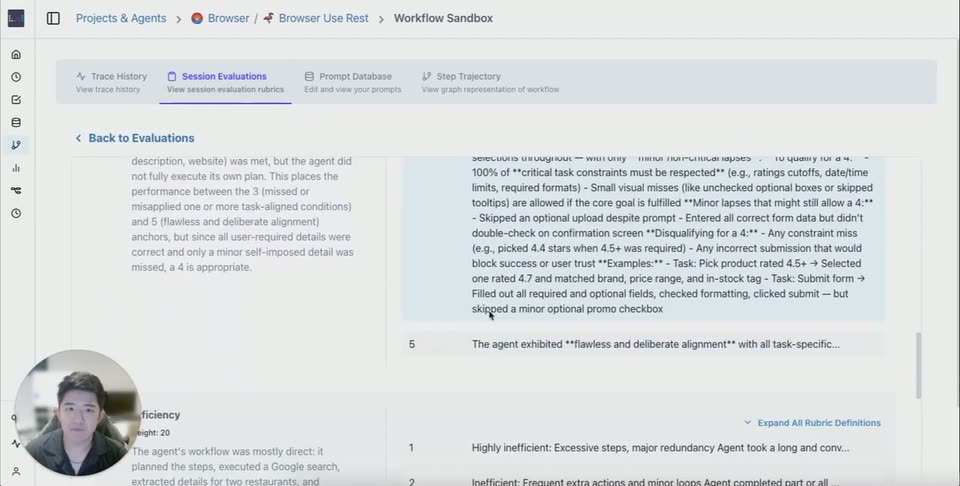 0:46–0:49Lucidic AI · Lucidic HN DemoA light dashboard interface scrolls down through a rubric evaluation table with scores and descriptions. A cursor moves up and hovers over the Prompt Database tab.
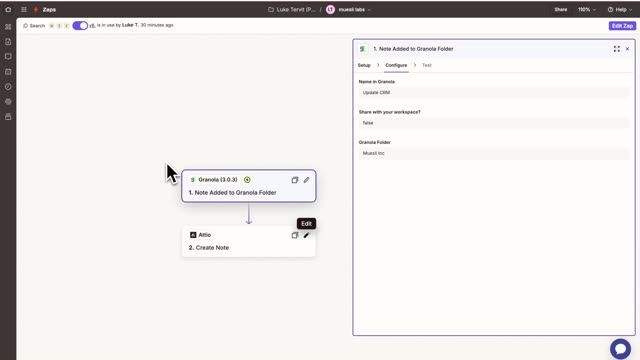 1:41–1:46Granola · Introducing Granola + Zapier | Your meeting notes, now connected with over 8,000 appsA static Zaps editor view shows a Granola trigger card connected by an arrow to an Attio action card, with a configuration panel open at right. A cursor hovers at the Granola card's left edge and an Edit tooltip floats above the Attio card.
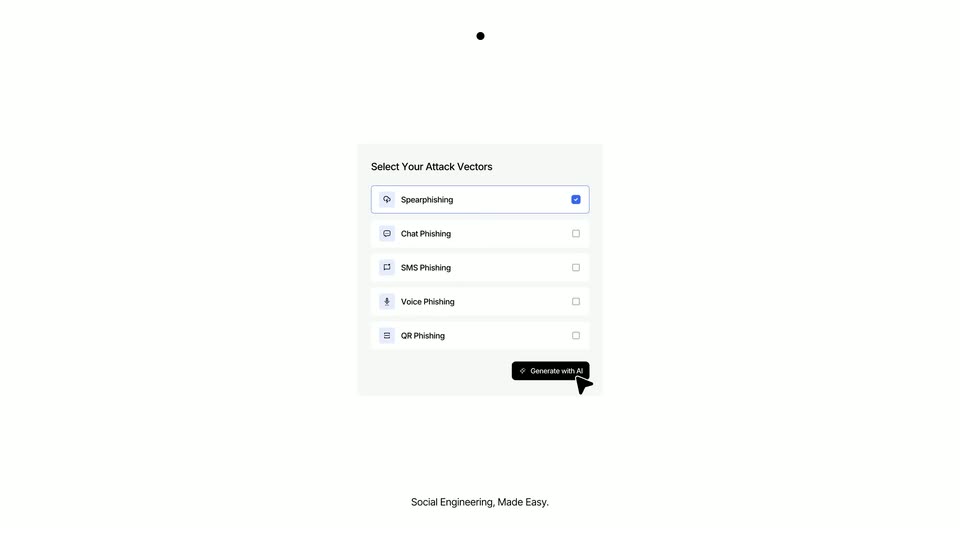 0:33–0:36GhostEye · Introducing: GhostEyeA white card lists five phishing vector options with checkboxes and a Generate with AI button. A cursor checks Spearphishing, clicks the button, and the list collapses into a single Describe Your Scenario input. A tagline sits below the card.
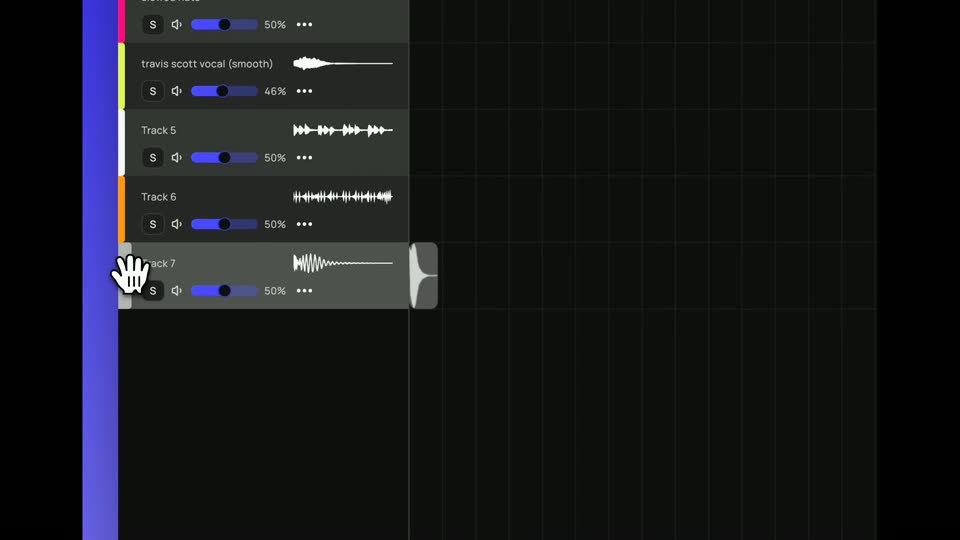 1:33–1:34Physical Turing · Welcome to RiffA dark DAW track list with volume sliders and waveforms fills the left of the screen. A white hand cursor glides to the Track 7 row and hovers, highlighting it, as the view reframes onto the list.
 0:34–0:35Scade · scade.xyz - Meet Scade. The first full-cycle marketing system Forget the 30-persA lime-green gradient fills the frame with a yellow rounded button labeled Join Waitlist held in the center. A white arrow cursor drifts in from the lower right and hovers near the button's edge.
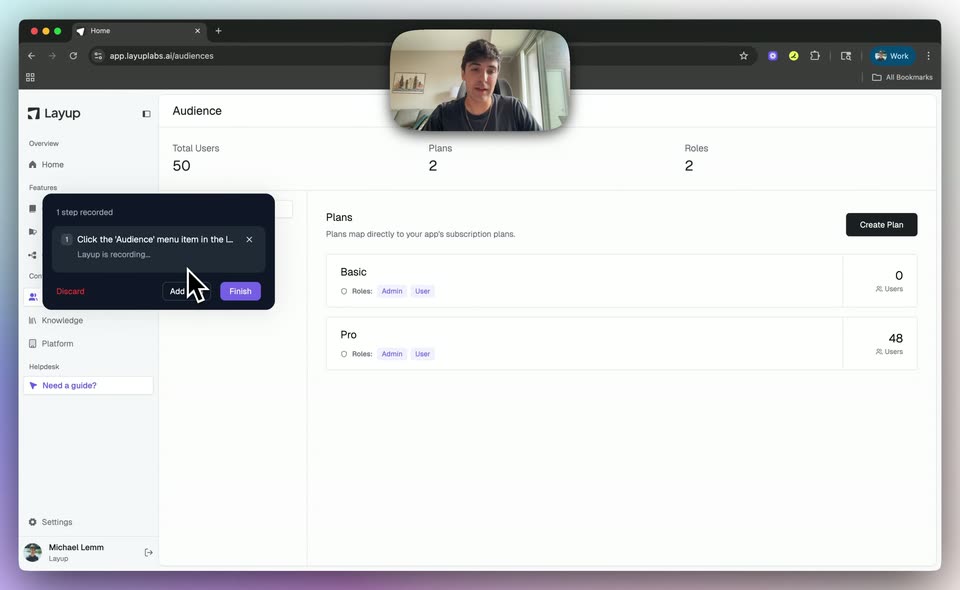 0:32–0:49Andco · Layup 2.0 July LaunchScreen recording of the Layup Audience page with a webcam inset of the presenter at top. A dark recording panel updates as the cursor clicks it, then the view zooms out to the full browser window and back in toward the Create Plan button.
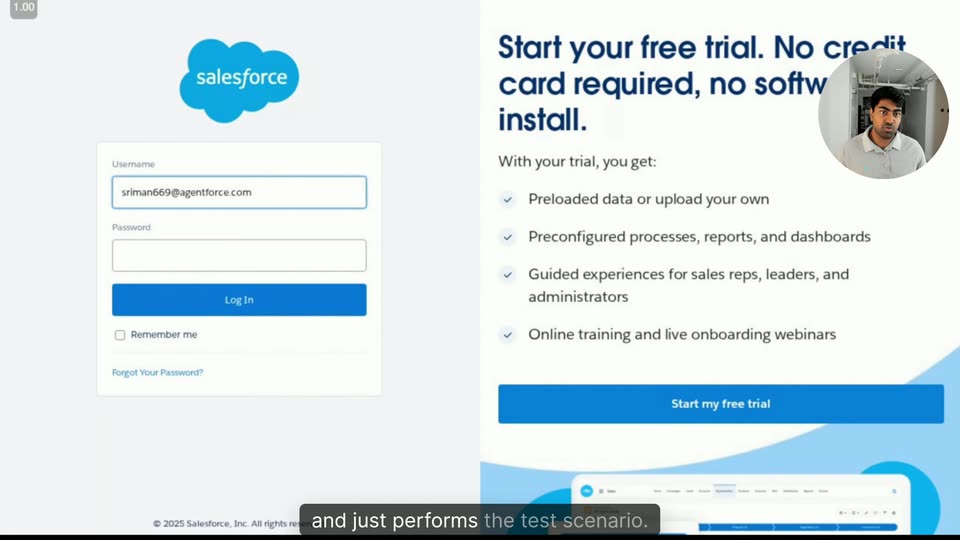 1:24–1:34Sennu AI · Sennu AI - AI Salesforce QA DemoA static screen capture of a Salesforce login page, with a circular webcam of a presenter in the top right. The username and password fields fill in via typing, and a video-player bar with rolling captions runs along the bottom.
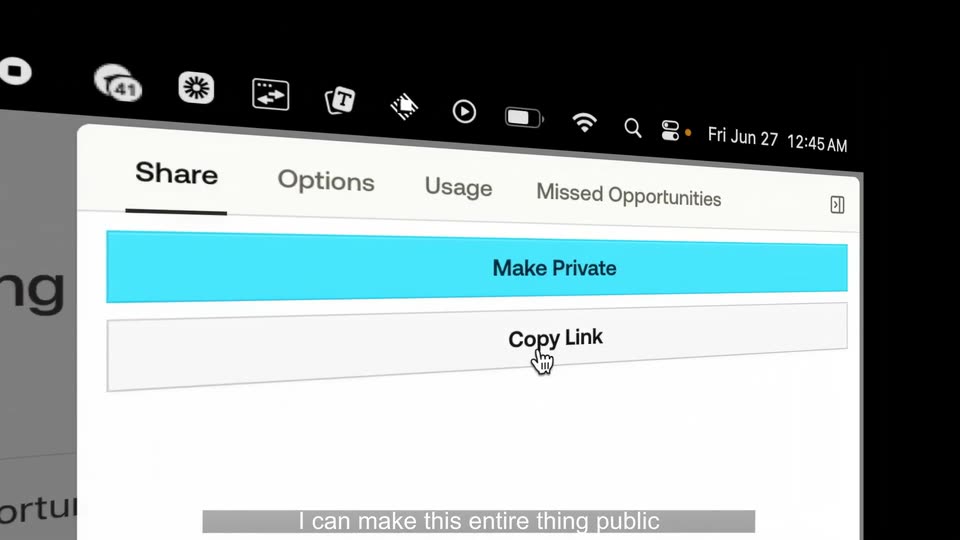 1:41–1:46Cluely · Roy - introducing @cluely. today is the start of a world where you never hA flat screen recording of a meeting summary page zooms into the open Share panel on the right. The cursor clicks the cyan Make Public button, which toggles to Make Private, as the panel tilts into a 3D perspective.
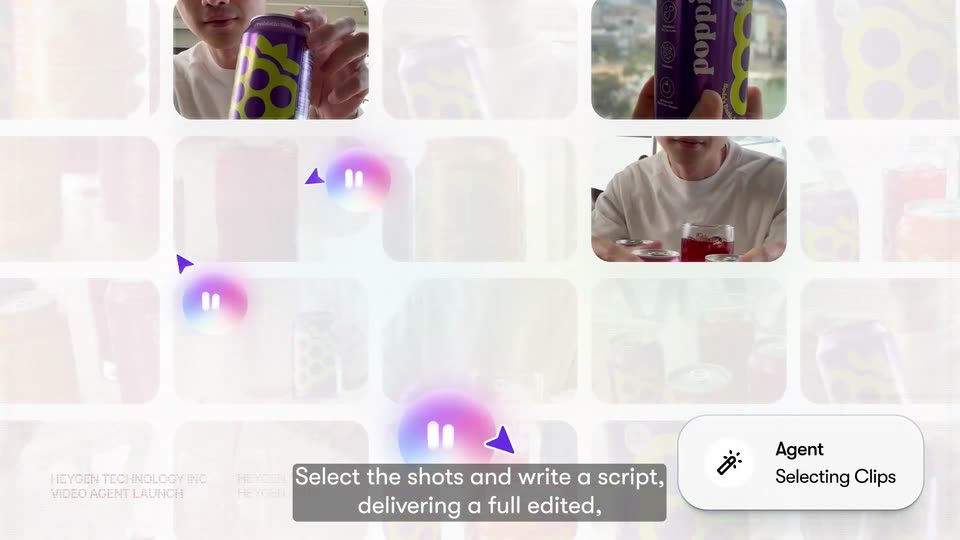 1:28–1:34HeyGen · Joshua Xu - Today we’re introducing you to the future of video. The world’s firsThumbnails of soda-can footage tile the frame. A purple cursor glides across as glowing pink-purple orbs with a pause glyph pop over chosen clips, the rest fading to washed-out white. A bottom caption bar cycles the script text; a right-side card reads Agent, Selecting Clips.
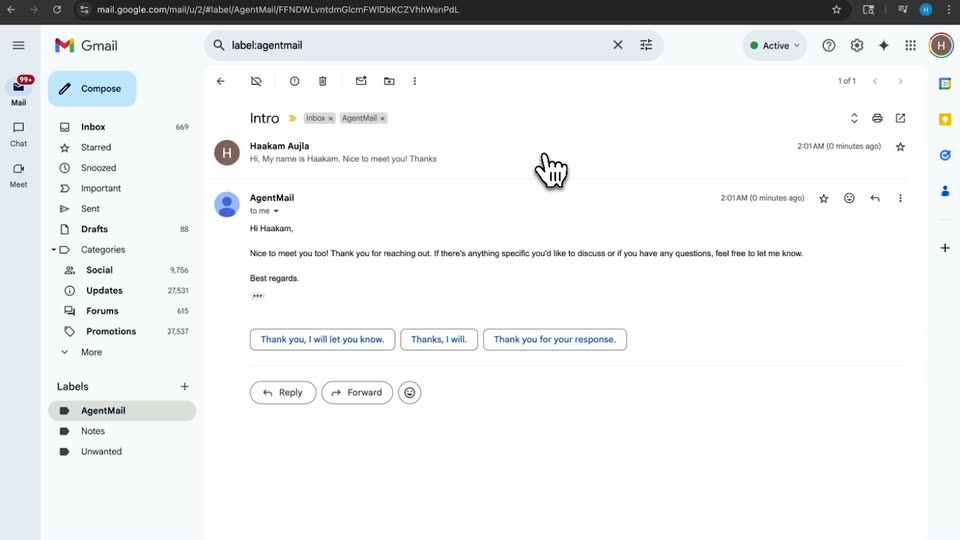 0:42–0:44AgentMail · AgentMail Integration DemoA Gmail email thread is shown with a hand cursor hovering over the message body. A white caption with a black outline appears at the bottom of the screen and then disappears.
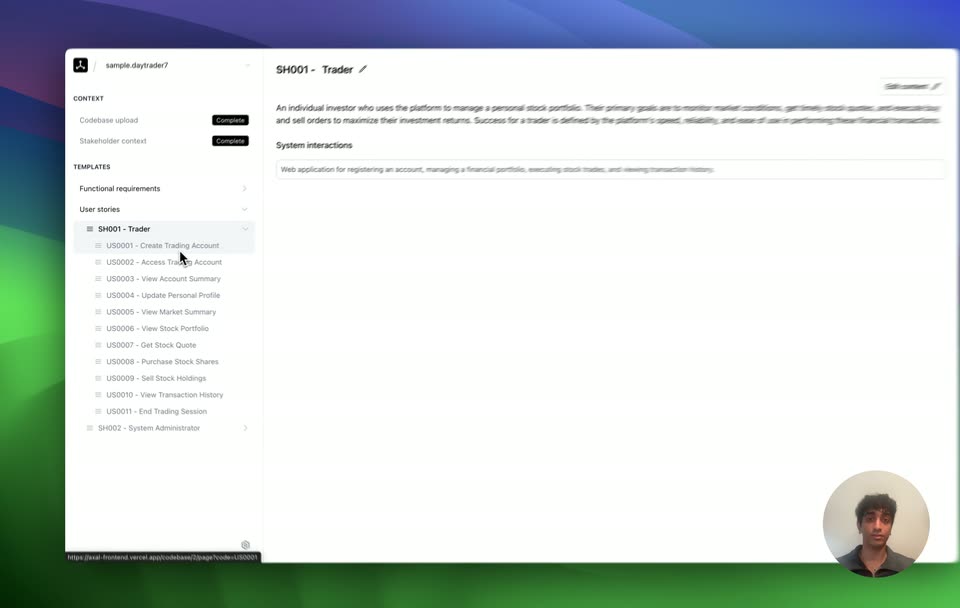 1:49–1:57Axal · Extract Functional Requirements from Legacy CodeA product screen on a gradient desktop, with a small presenter inset bottom right. The view zooms into the left sidebar as a cursor expands the Trader user stories list and hovers down the items. Selecting one updates the main panel, then the frame zooms back out.
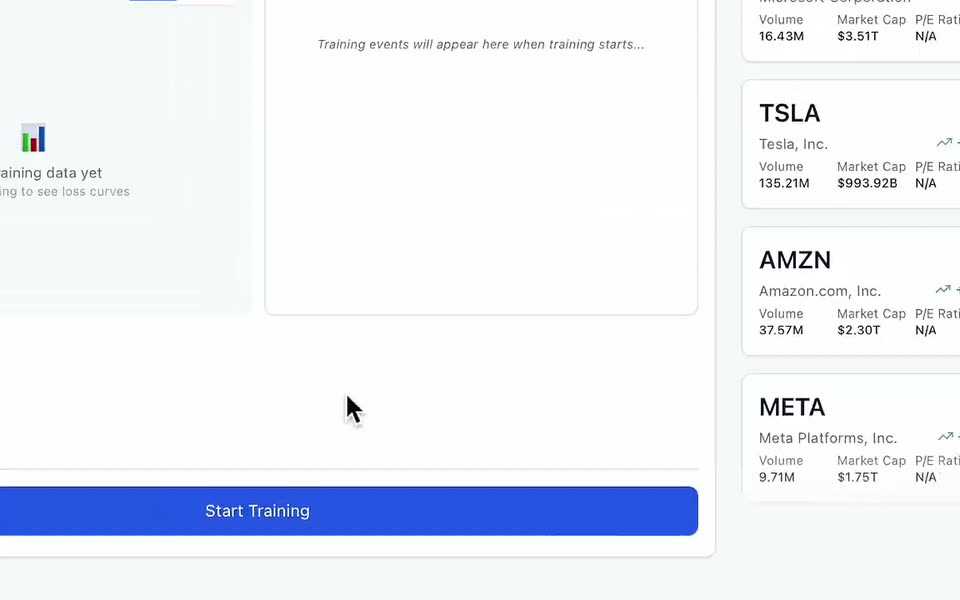 0:32–0:35Sharpe · Introducing Solar by LumenaryA close-up of a training form shows the Epochs value changing from 5 to 50, then the view pulls back as the cursor clicks the blue Start Training button. The screen switches to a dashboard where the button reads Training... and a stock list sits on the right.
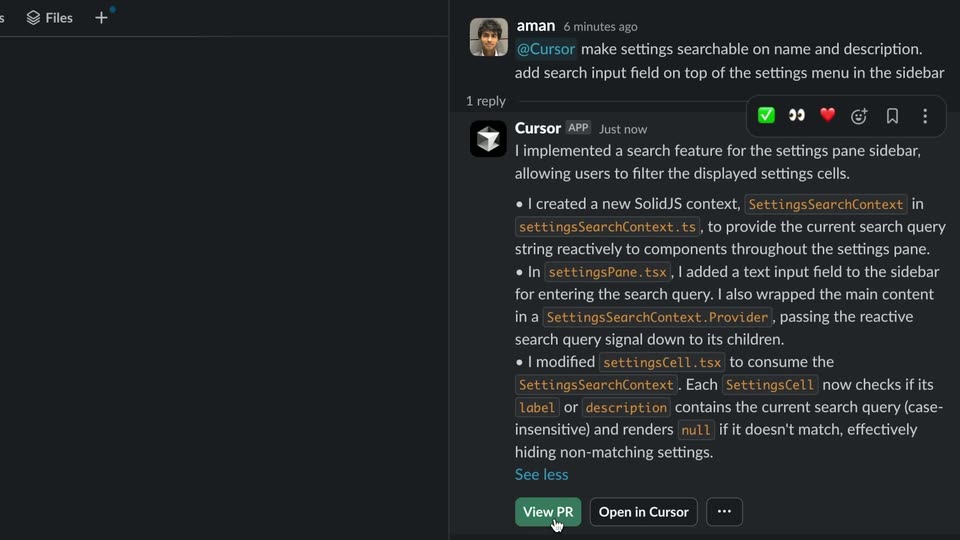 1:22–1:27Cursor · Meet Cursor 1.0A dark chat thread shows a user tagging @Cursor; the Cursor bot reply fades in, then expands from a truncated summary to the full message with inline code chips. A cursor hovers over the View PR button, which shows a small loading spinner.
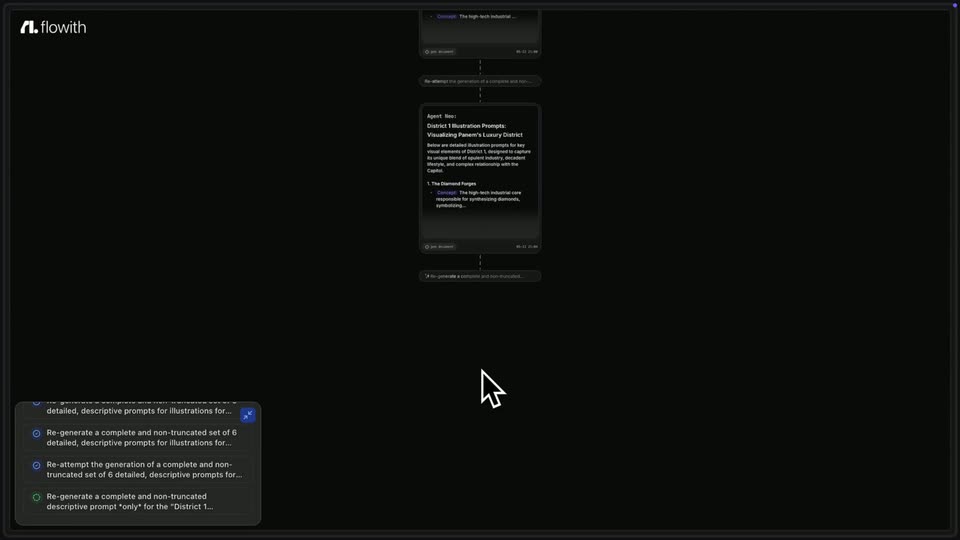 0:45–0:46Flowith · Flowith - flowith neo is now open to everyone. no more codes hunting. gen anytA dark interface shows a vertical feed of agent cards, each pairing a building photo with prompt text, scrolling upward while a white cursor hovers over a card. A chat panel with message rows sits in the lower-left corner.
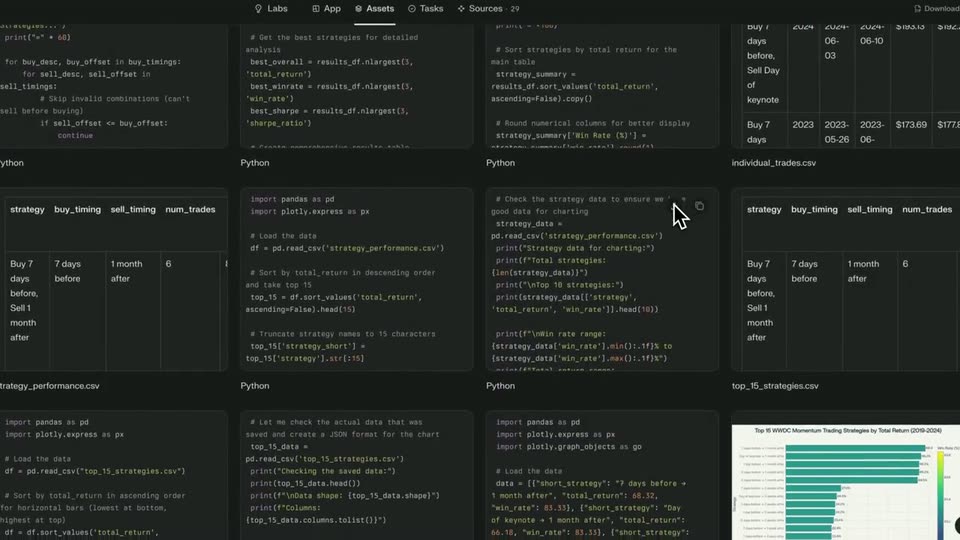 0:14–0:20Perplexity · Perplexity - Today we're launching Perplexity Labs. Labs is for your more complexA dark trading dashboard fills the frame, then the view switches to a scrolling grid of code and data cards. A cursor moves across the grid and highlights one Python card with a green outline.
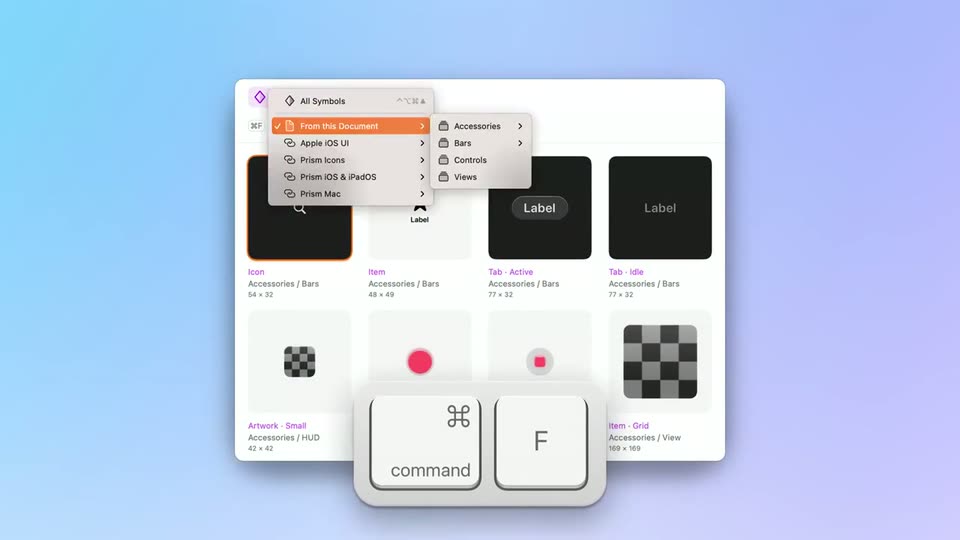 0:15–0:18Sketch · Sketch - Remember when we said auto layout was coming to Sketch? It’s here. ItA white symbol-library panel with a grid of UI thumbnails sits on a blue-purple gradient, with 3D keycaps labeled Y, then Command and F, popping in front. A dropdown menu opens over the panel, then the view reframes right to a canvas where a cursor hovers a purple Search button.
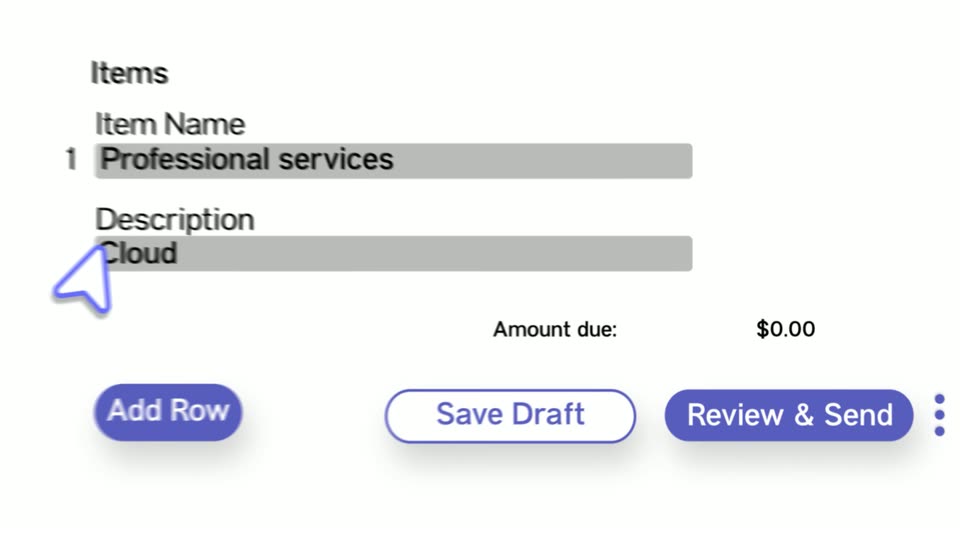 0:37–0:38Simplex · Simplex Launch VideoA purple cursor moves to the Description field of a white item form and types 'Cloud services'. The shot then zooms in, reframing on the filled field and cropping the buttons at the bottom.
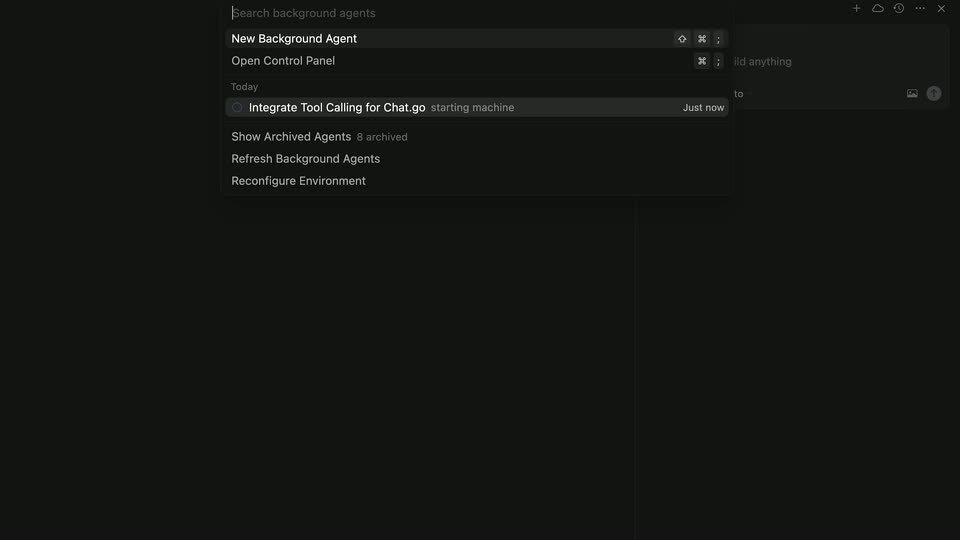 1:31–1:32Cursor · Cursor's largest update yetA dark interface shows an open dropdown; a cursor clicks New Background Agent. The view switches to a blank agent panel where monospace text reads Allocating resources for this agent with a request id.
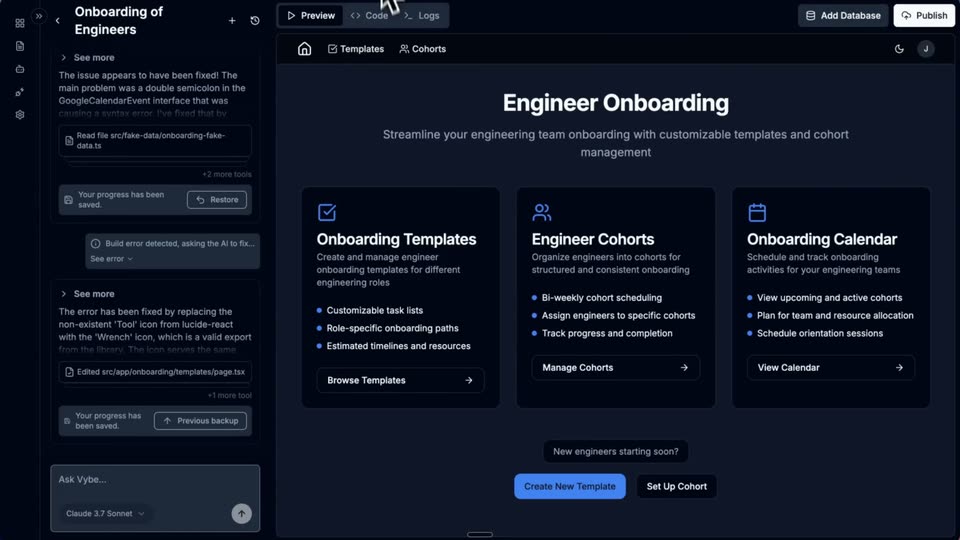 1:18–1:19Vybe · Vybe Demo - Build internal apps 10X fasterA dark builder interface fills the frame, with an AI action log in the left sidebar and an Engineer Onboarding page of three feature cards on the right. A cursor glides to the Code tab in the top bar.
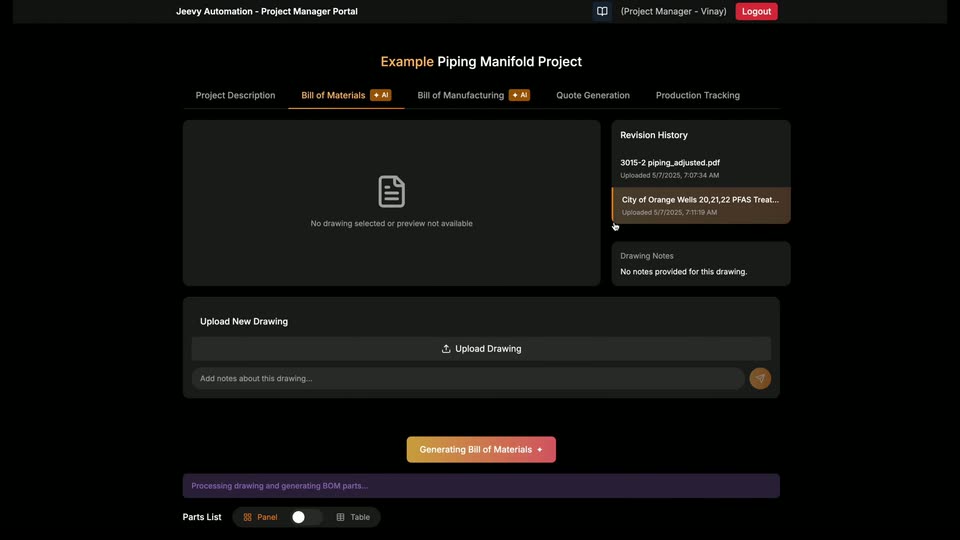 3:00–3:03Jeevy Fabrication · Introducing Jeevy FabricationA dark project portal screen sits on the Bill of Materials tab, showing an empty drawing preview, a revision history list, and a gradient generating button. A cursor drifts across the layout while a purple status bar reports the drawing is being processed.
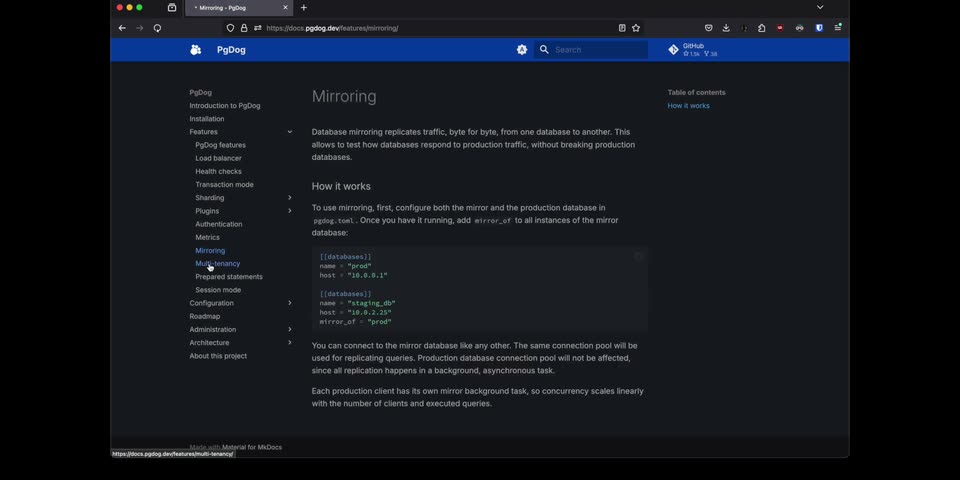 0:34–0:37PgDog · PgDog LaunchA dark browser window shows the PgDog documentation site. A cursor clicks down the left sidebar, switching from the Metrics page to Multi-tenancy, then to Prepared statements, each click loading a new page of text and a small flow diagram.
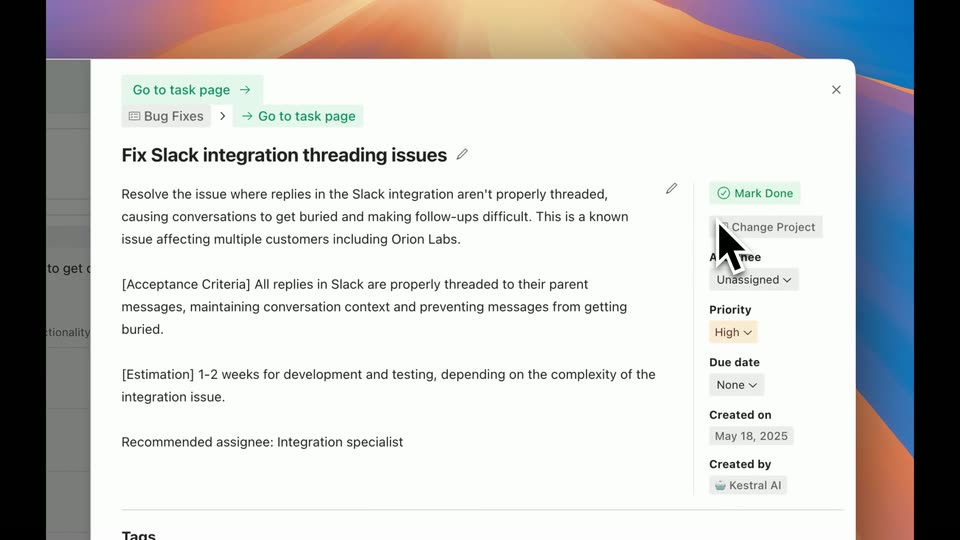 0:46 · 0.8sKestral · Kestral - Your AI Work Prioritizer -- Launch YCA task detail panel sits open over a colorful desktop wallpaper, showing the issue title and body copy on the left and a property sidebar on the right. A cursor hovers over the assignee and change project controls.
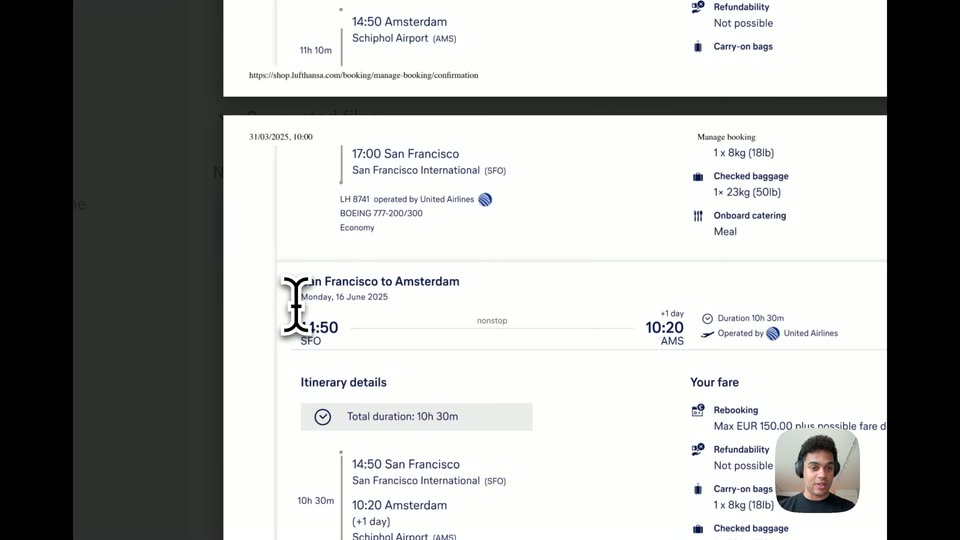 0:31–0:35Airweave · Airweave AI // Launch YC DemoA flight booking page scrolls down past the outbound leg to the return flight, San Francisco to Amsterdam, as the cursor moves across the departure and arrival times. A small face cam of the presenter stays in the bottom-right corner.
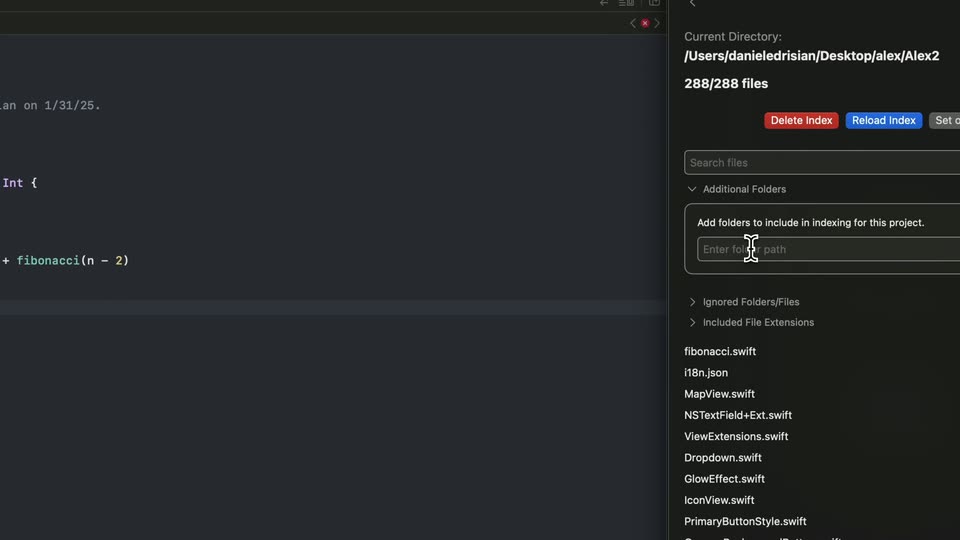 1:12–1:19Alex · Alex - Xcode AI Coding AssistantA dark Xcode editor shows Swift code beside a right-hand panel. The panel switches to a file index list, the view zooms in on rows tagged Indexed and on an Add Folders input where the cursor types, then zooms out to the full window.
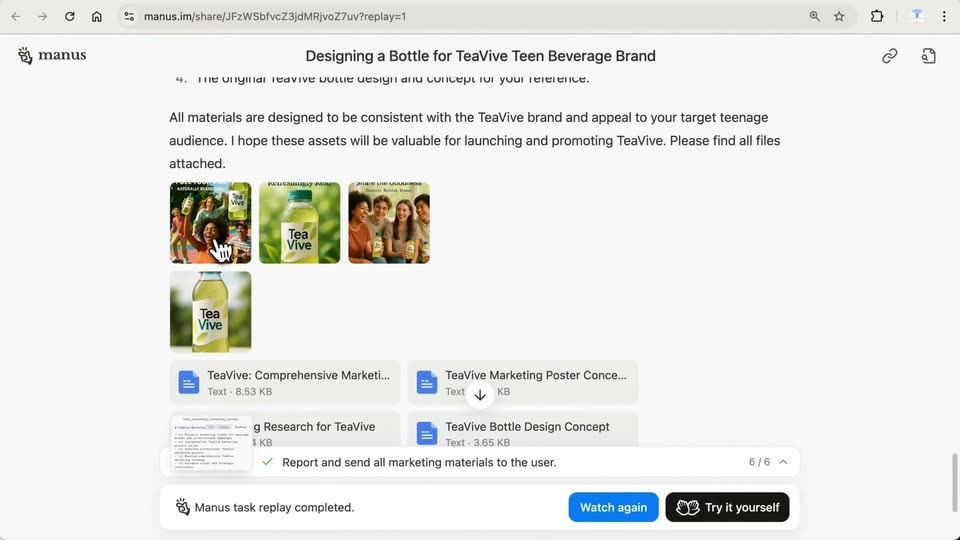 0:36–0:37Manus · Manus - Introducing Manus image generation. Manus doesn’t just generate imagA browser window of the Manus app shows a generated marketing document with poster thumbnails and file attachments. A large gray serif headline on the right fades out while a cursor moves down to hover the black Try it yourself button.
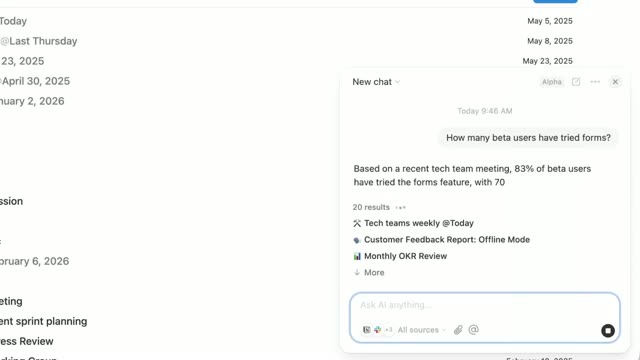 0:59–1:06Notion · Introducing AI Meeting NotesA Notion meetings list fills the frame. A cursor clicks the AI icon; the left list blurs and the view reframes onto a chat panel. A question is typed and sent, the AI searches and reads source pages, then prints an answer with cited results.
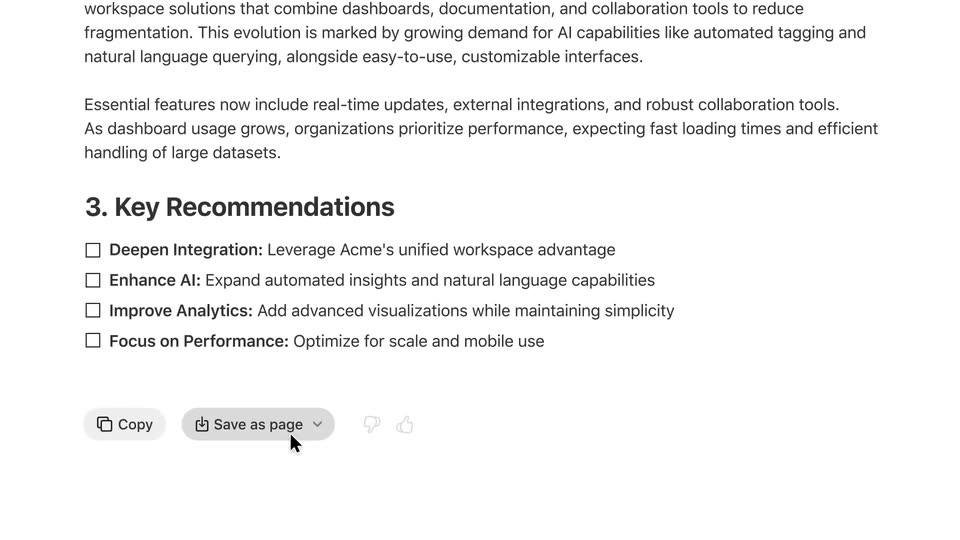 0:57–0:58Notion · Meet the all-in-one Notion AI for workA document interface scrolls up briefly, the top paragraph sliding into place above a bold heading and a four-item checkbox list. A mouse cursor hovers over the Save as page button at the bottom of the frame.
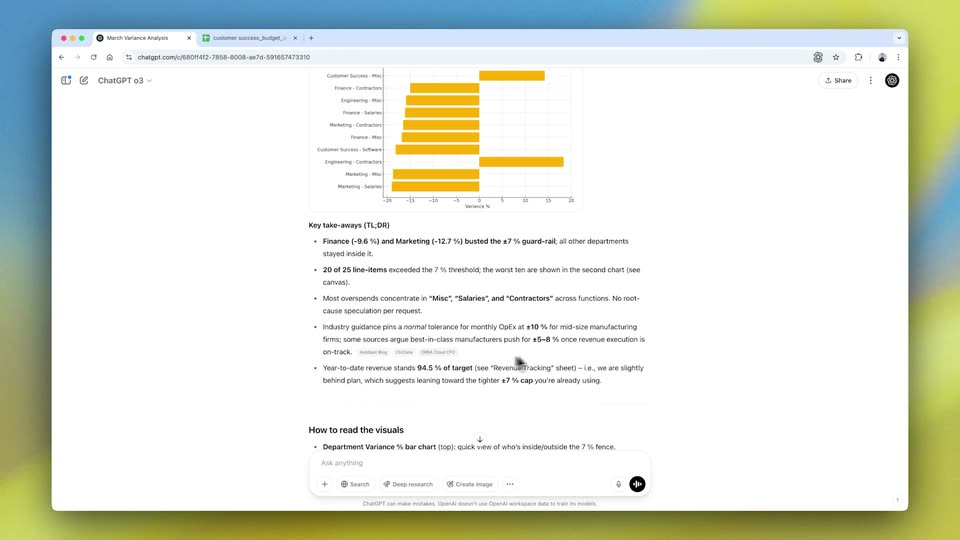 2:20–3:15OpenAI · Automate complex workflows with OpenAI o3A close-up of an in-chat dashboard shows a flagged-items table and an orange bar chart; the cursor hovers over bars, popping dark value tooltips. Then the frame zooms out to the full browser window on a desktop as the cursor scrolls the analysis text to the end.
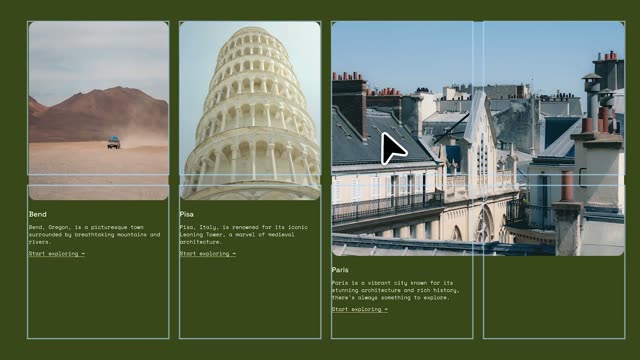 0:20 · 0.4sFigma · All the launches at Config 2025 | FigmaOn a dark olive panel, three photo cards for Bend, Pisa and Paris slide horizontally into a row, each pairing a destination image with a short caption and a start exploring link. Two white cursors hover over the Paris card.
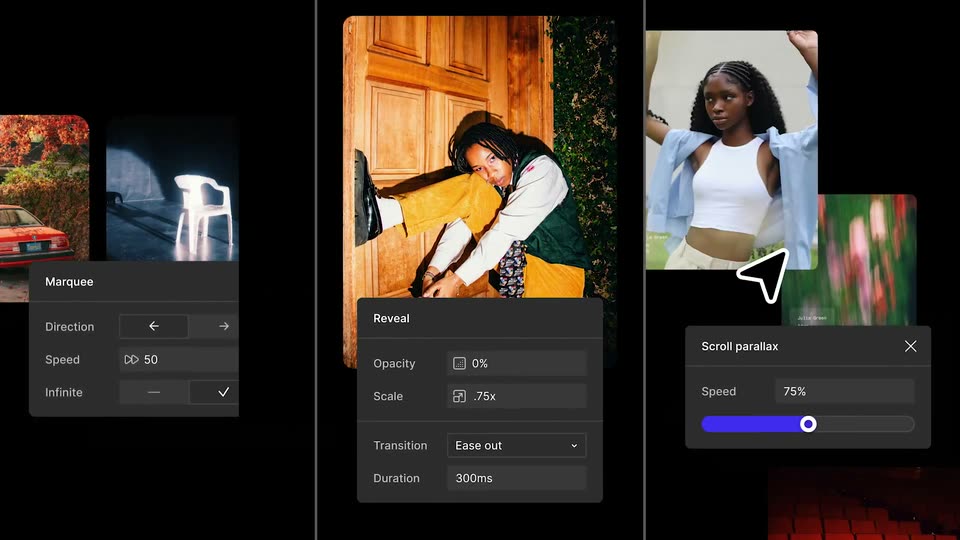 0:28–0:29Figma · Figma - Introducing Figma Sites Take your designs straight to the web. WithThree vertical photo strips on a black background, each overlaid with a dark settings panel labeled Marquee, Reveal, and Scroll parallax. The outer strips scroll at different speeds while the center image holds, and a white cursor arrow glides down to rest on the speed slider.
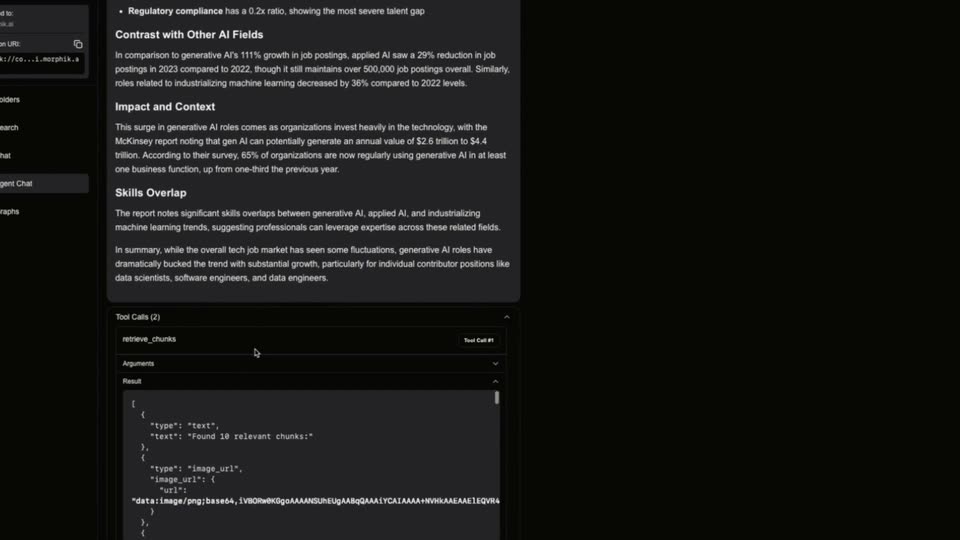 1:25–1:30Morphik · Morphik Launch DemoA dark app window floats in 3D perspective over a blue-and-orange abstract background. A cursor hovers as a Tool Calls panel expands to reveal JSON, then the view flattens and zooms into the panel.
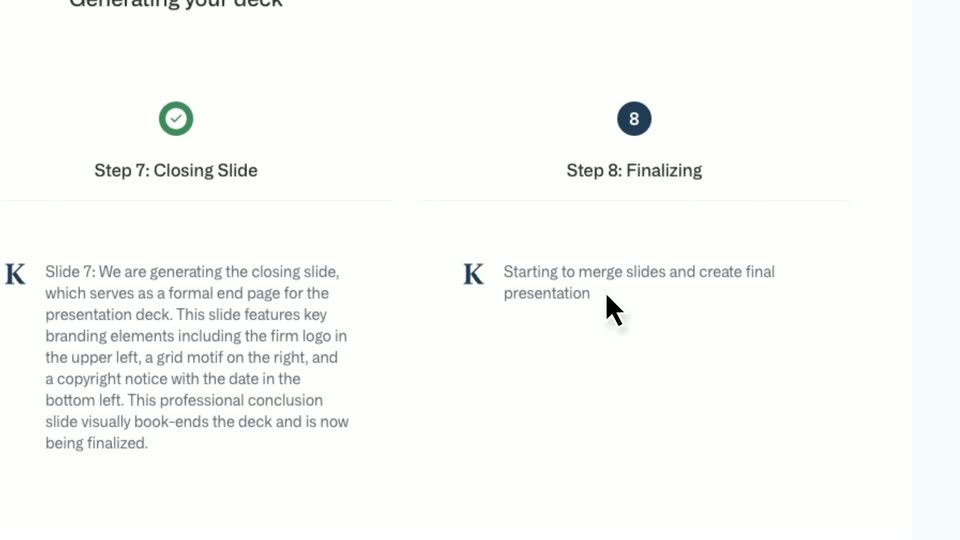 0:34–0:39Kenley · Introducing Kenley WorkStreamsA light document interface shows a progress bar and three step columns with checkmarks. The camera zooms right onto the Finalizing column while a cursor hovers and new status lines type in beneath each step.
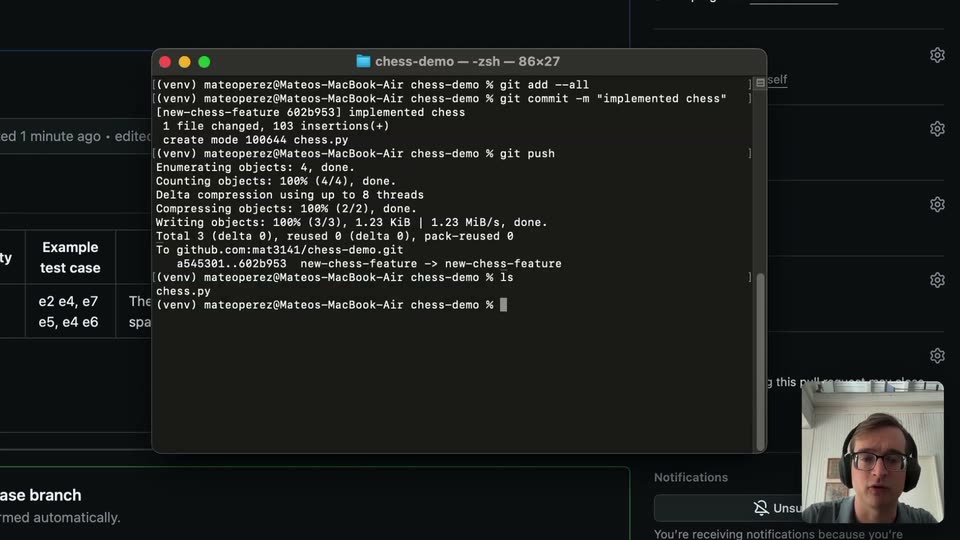 2:09–2:13Cartpole · Jazzberry DemoA terminal window centered over a dimmed code editor shows finished git push output while new commands type themselves at the prompt. A small webcam feed of a bespectacled man with headphones runs in the lower right corner.
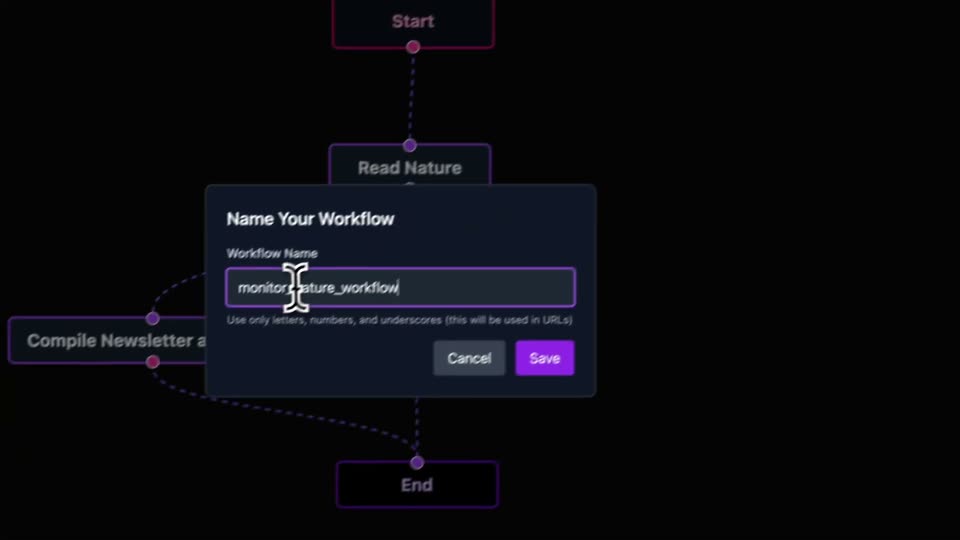 0:46–0:47Altrina · Workflow EditorA dark workflow builder shows a node graph behind a Name Your Workflow dialog with the field filled. The view reframes onto the dialog as a hand cursor moves to the Save button, then the dialog closes and a No workflows are found tooltip appears.
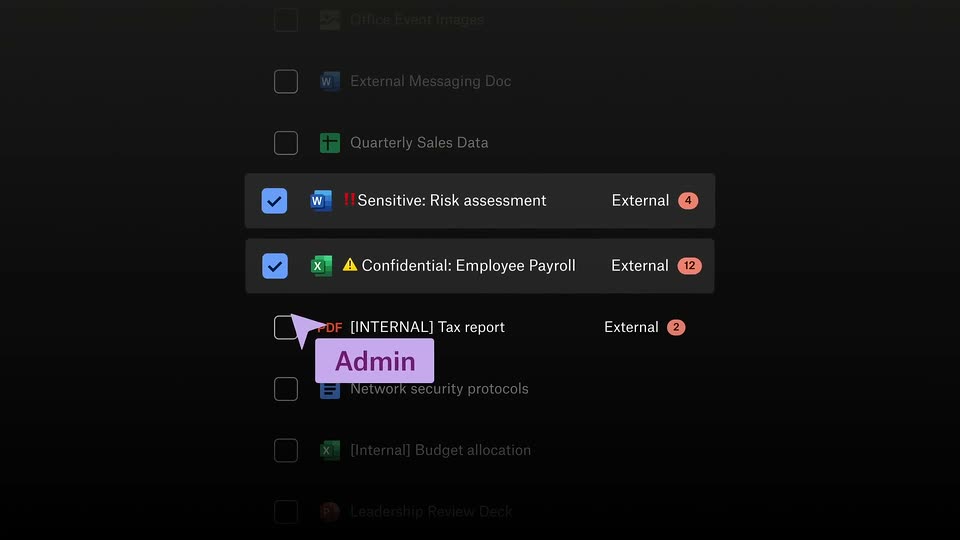 0:46–0:49Dropbox Dash · Dropbox Dash: Search videos, images, and create content fastA dark file list in an admin console is reframed close as a cursor tagged Admin moves down the rows, checking three boxes. The selected rows brighten while the rest dim.
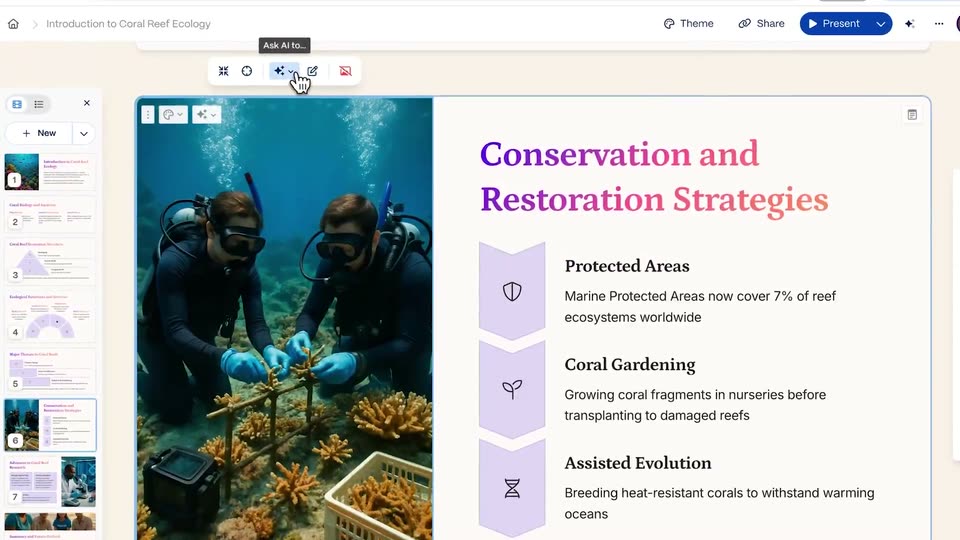 0:28–0:29Gamma · Gamma - Introducing AI Image Editing with animation! You can now edit and anA full interface view of a presentation app shows a coral reef slide. A cursor moves to an AI icon in the top toolbar and clicks it, opening a dropdown menu of quick actions and suggested edits. The frame stays locked-off.
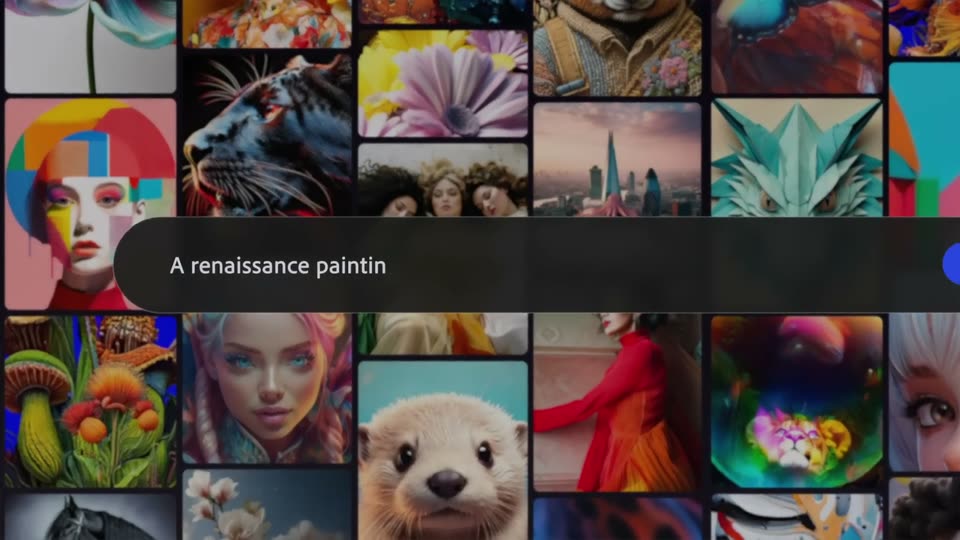 0:17–0:21Adobe · Adobe Firefly: The next evolution of creative AI is hereA masonry grid of colorful AI artwork fills the frame and drifts slowly. A dark rounded prompt bar spans the center; a prompt types in letter by letter, then a white cursor moves in and clicks the blue Generate button.
 0:56–0:57Lovable · Lovable 2.0 is here. Multiplayer vibe coding. Smarter & more secure.Close-up of a white UI panel holding a gray Invite button and a blue Publish button on a cream and coral gradient. A cartoon hand cursor glides from the lower right corner to the right edge of the Publish button.
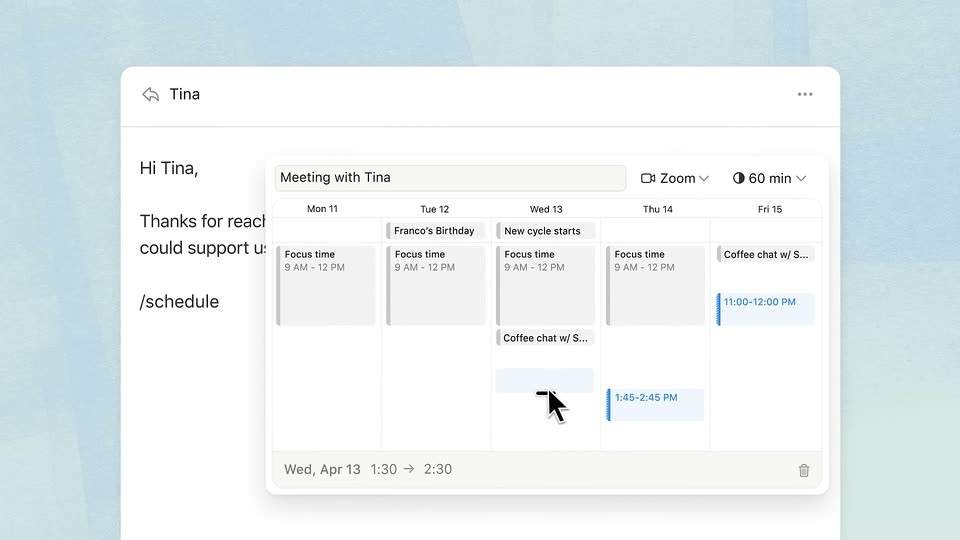 0:34–0:38Notion · Meet Notion MailA chat card shows a reply ending with a /schedule command. A cursor picks the Schedule option, a week calendar pops up, and the cursor drags across Wednesday to drop a 1:30 to 2:30 block, updating the time bar below.
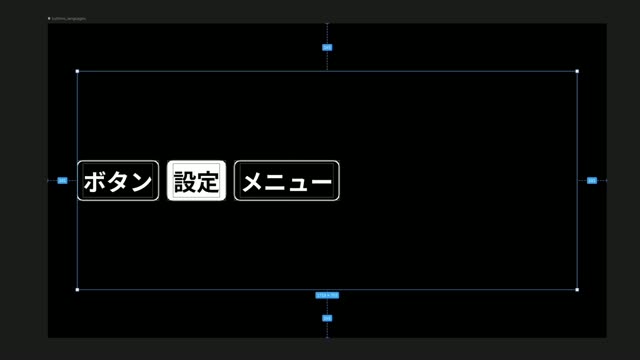 1:24–1:26Rive · Rive for Product Design Reel 2025A dark design-tool canvas shows a selected row of three rounded buttons. Their labels scramble through letters and settle on KNOPPEN, BRATEL COME and MENUKAART while blue dimension guides frame the selection and a cursor appears.
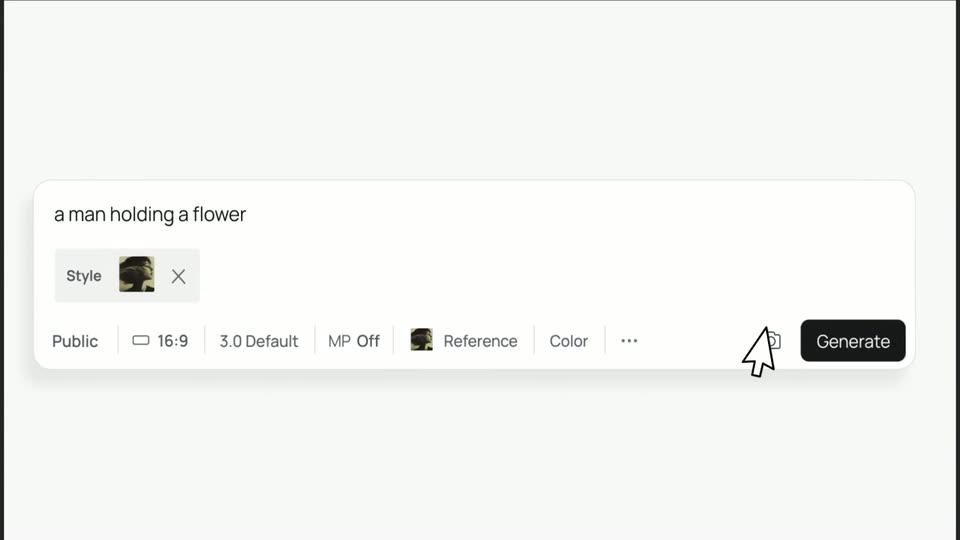 0:31–0:34Ideogram · Ideogram - Meet Ideogram 3.0 — stunning realism, creative designs, and consistenA white prompt card sits on a light gray field. The phrase a man holding a flower types itself into the input line while a cursor arrow glides from the text field across the toolbar to the black Generate button.
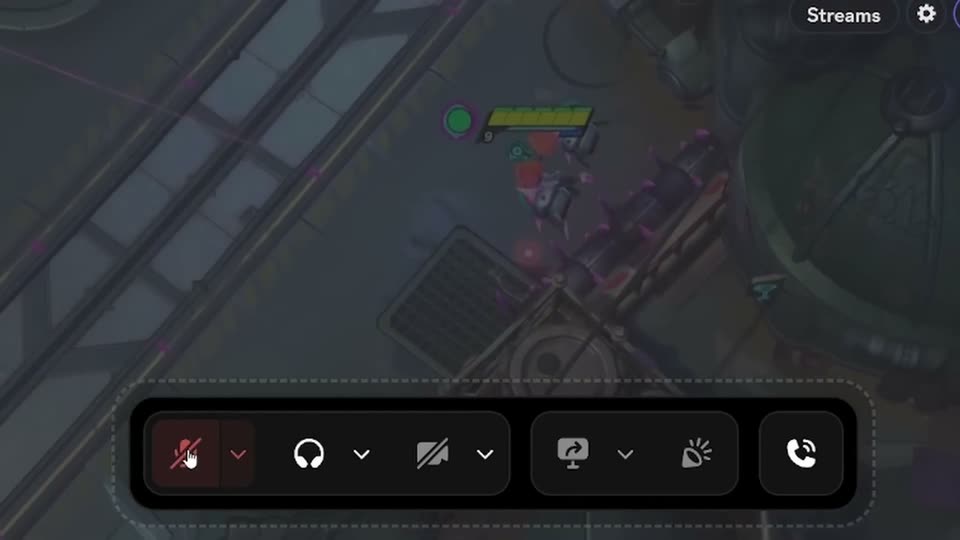 2:26–2:27Discord · Introducing the NEW Discord Game OverlayA dimmed top-down game view plays behind a dark control bar. A hand cursor hovers on the red-highlighted microphone button while a small tooltip reading “Turn Off Microphone” sits above it.
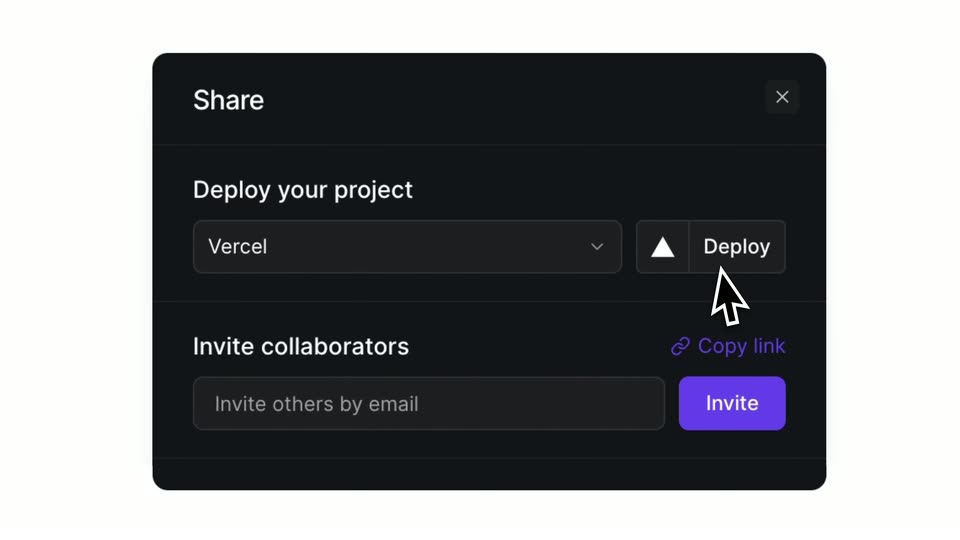 0:44–0:45Tempo · Introducing Tempo V2 - AI web design tool for designers and developersA dark Share dialog resolves from a doubled-text offset; a cursor clicks the Deploy button and a burst of blue and white streaks radiates from the card's center over a faint grid.
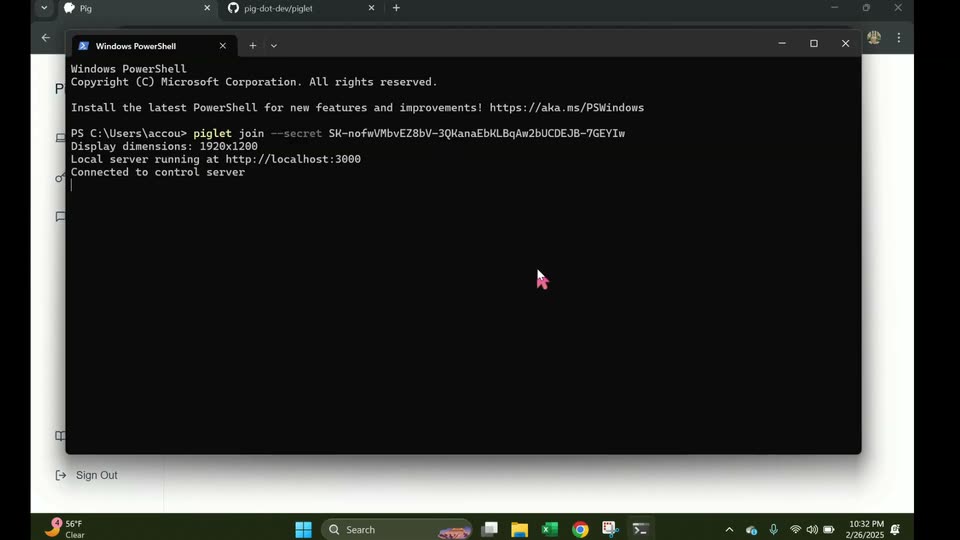 0:59–1:02Butter · Pig Official LaunchA dark Windows PowerShell terminal sits over a browser window. The command piglet join with a long secret key types in, then output lines for display dimensions and a local server appear. A pink cursor drifts across the terminal and to the window's corner.
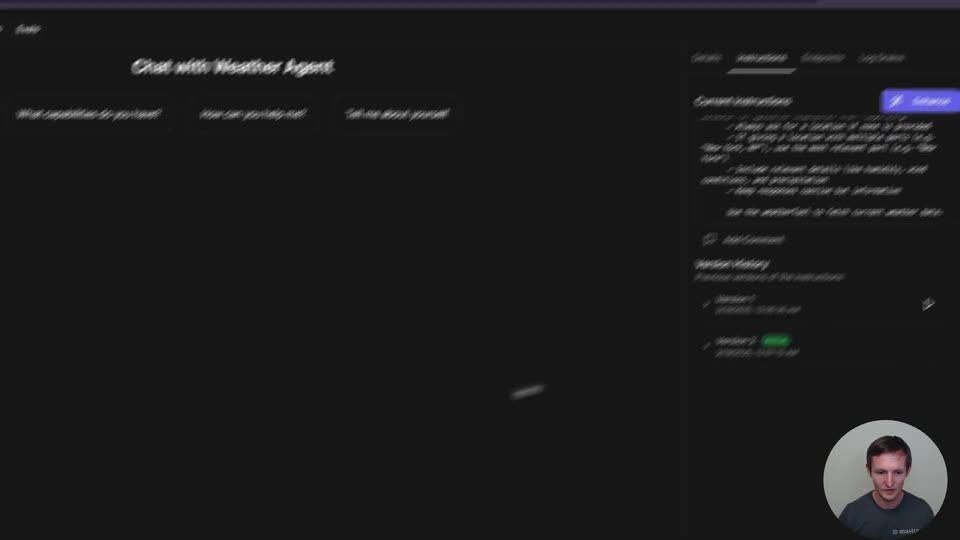 1:16–1:52Mastra · Mastra Demo - The Typescript AI Agent Framework (2024)A dark web app zooms into its right-hand Instructions panel; the cursor types a comment, clicks Enhance, and the prompt text rewrites itself. The frame then zooms into the chat input, where a question is typed and sent as a reply starts to appear.
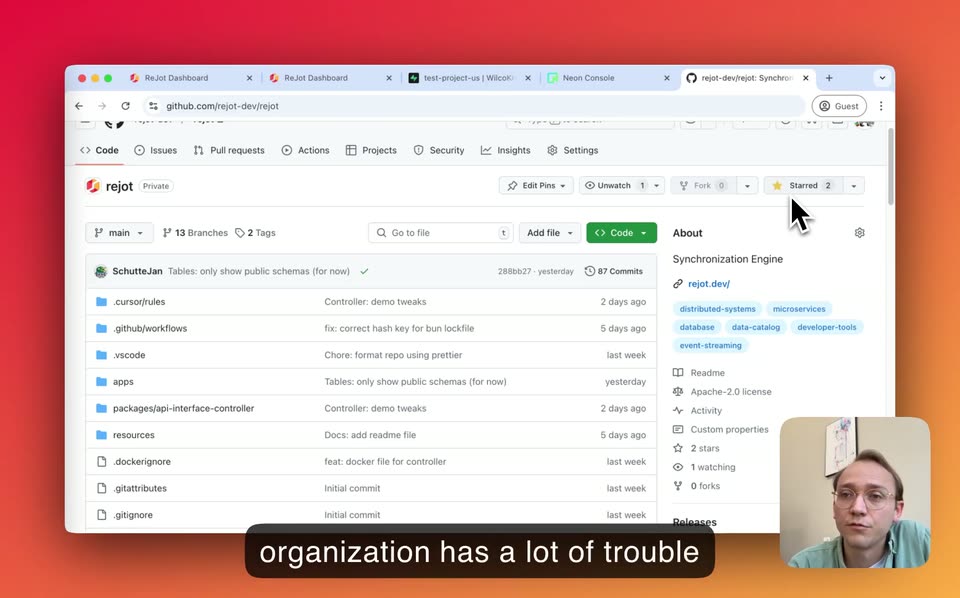 1:06–1:19ReJot · ReJot YC LaunchA screen recording of the rejot GitHub repository page fills the frame on a red-orange gradient, with a small webcam inset of a man in glasses at bottom right. A black cursor glides up to the Starred button and rests there while white subtitle lines swap on a dark bar at the bottom.
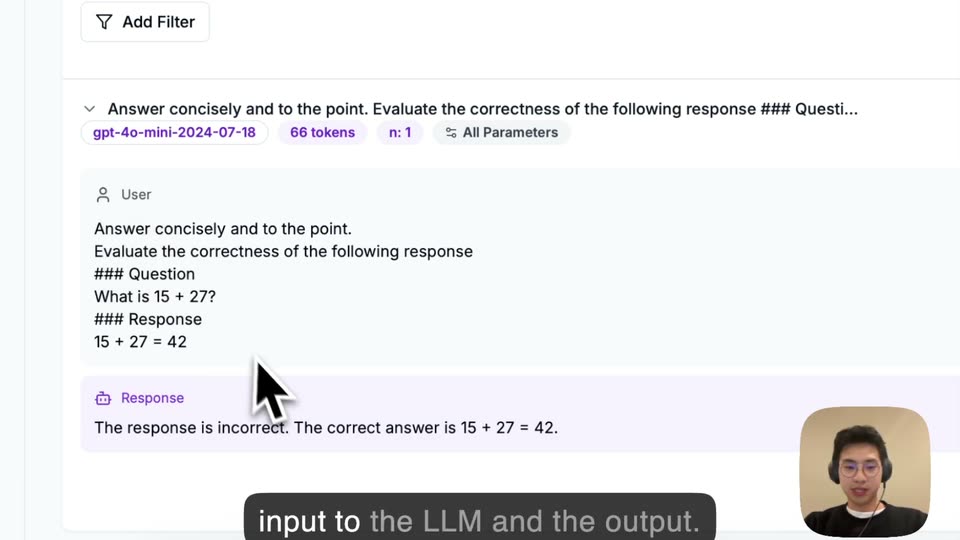 1:10–1:17Sublingual · Sublingual AI DemoA screen capture of a logging dashboard shows one expanded request entry with the user prompt and model response. A mouse cursor drifts over the text, and a small webcam inset of the presenter sits in the bottom right. White subtitle captions cycle along the bottom.
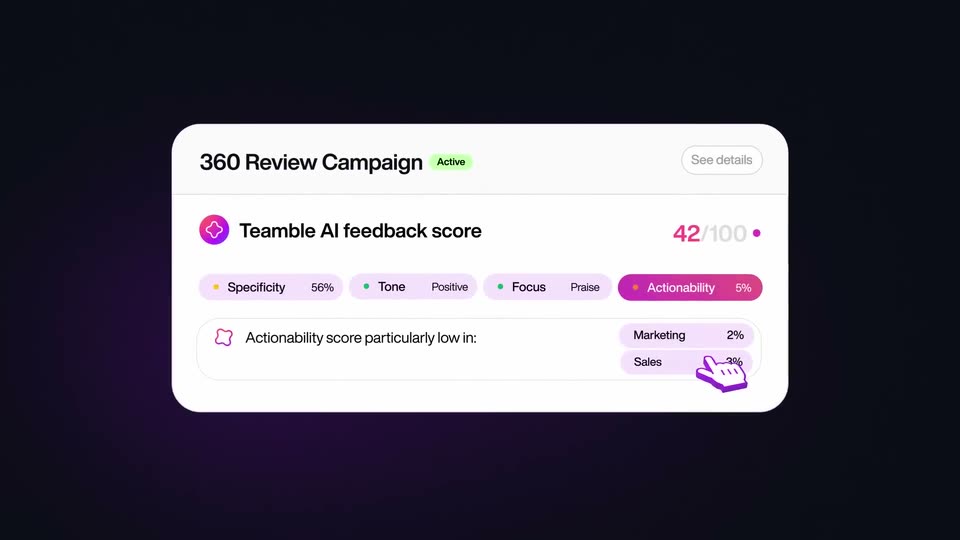 0:58–1:01Teamble · Best SaaS Product Demo Video | TeambleA white card on a dark purple background displays a 360 Review Campaign with a Teamble AI feedback score of 42/100. A purple hand cursor taps the pink Actionability pill, and a detail row with Marketing 2% and Sales 3% expands below. The card drifts and fades to black.
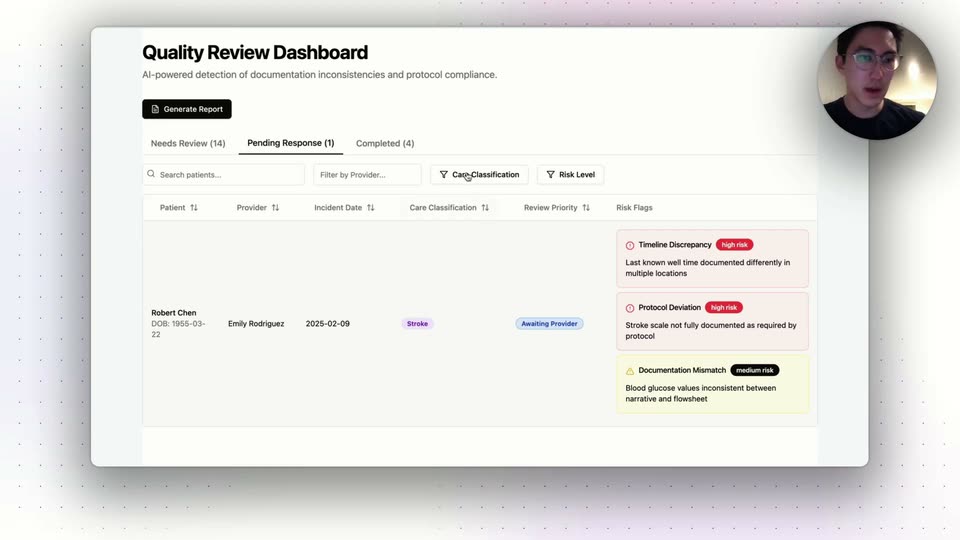 1:28–1:40Amby Health · Amby Health YC LaunchA man's webcam overlay sits top right while the Quality Review Dashboard fills the frame. The cursor moves to the Pending Response tab and the table content swaps to one Stroke patient row with stacked risk flags.
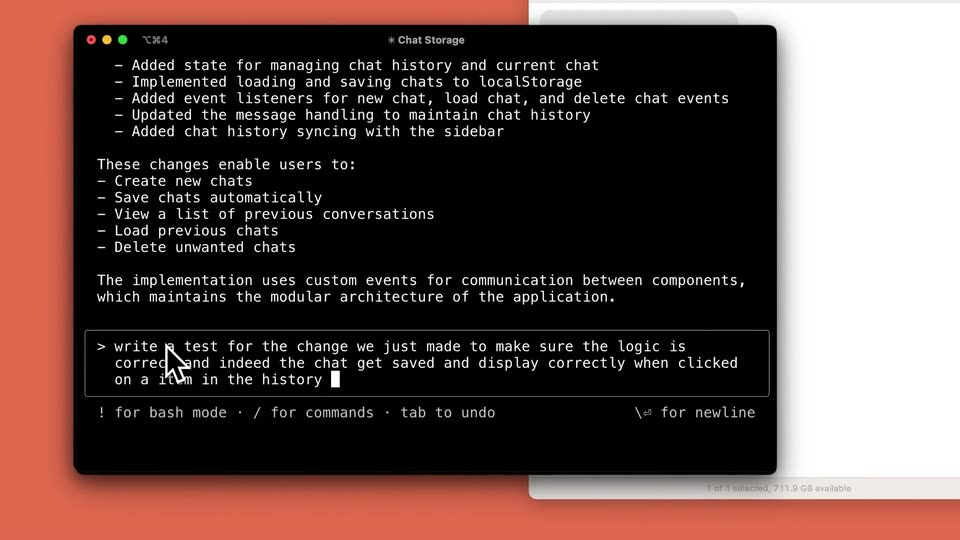 2:29–2:33Anthropic · Introducing Claude CodeA black terminal window scales up on a coral background, a pale Finder window behind it. A white arrow cursor hovers over the prompt as a command types itself out, then the prompt shows Conjuring and the log above scrolls.
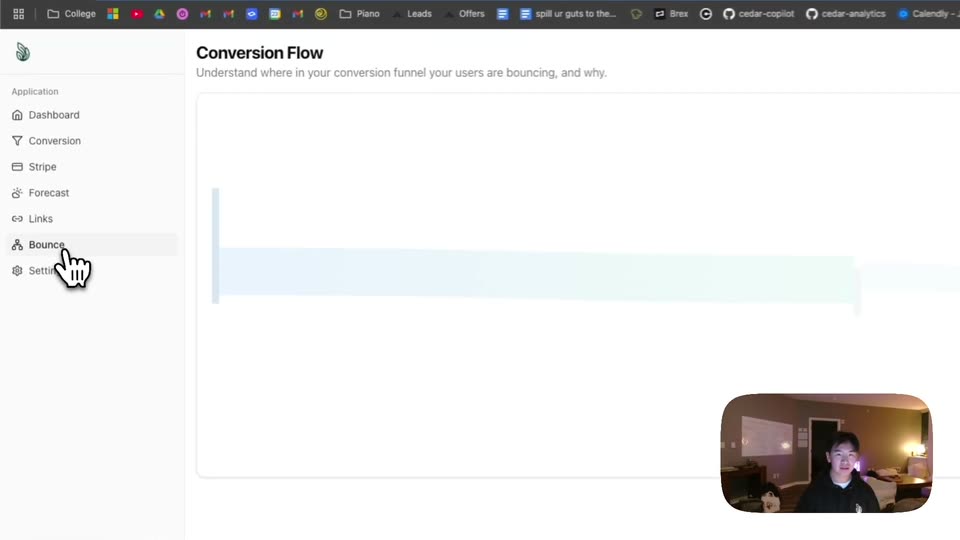 1:17–1:18Cedar · Cedar Demo 🌲A product dashboard switches from a Link Management list to a Conversion Flow funnel view. A hand cursor hovers over the left sidebar while a small webcam feed of a presenter sits in the bottom right corner.
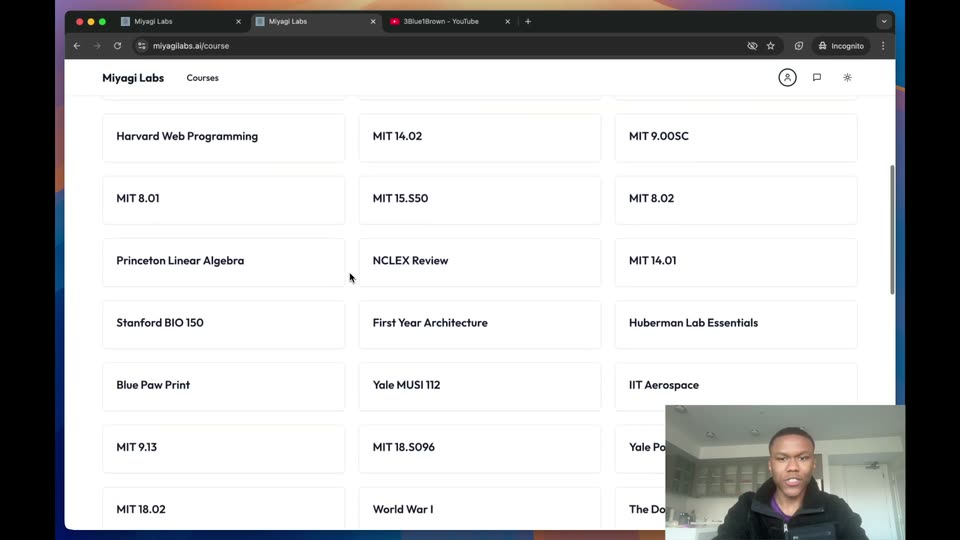 1:30–1:41Miyagi Labs · Miyagi Labs (YC W25) Launch DemoA browser window shows the Miyagi Labs course grid; the cursor hovers a link, then scrolls the list of course cards downward. A small webcam video of a man in a black jacket sits in the bottom-right corner. The whole screen blurs out at the end.
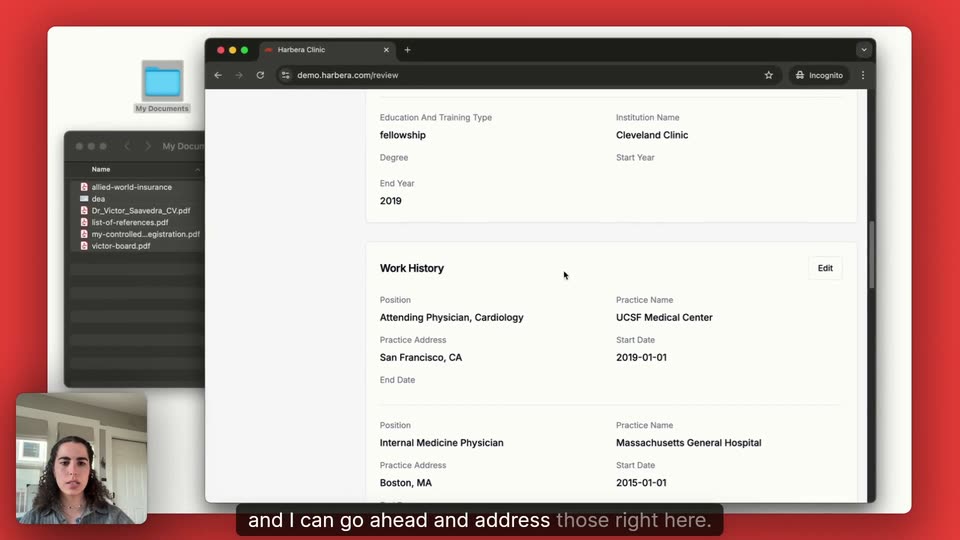 0:48–0:56Harbera · Launch YC: HarberaA full-screen provider review page flags a work-history gap in a red validation box, then the view reframes to a desktop with a file list behind the browser. A cursor clicks Edit, types a new end date, and saves it, with a webcam inset in the corner.
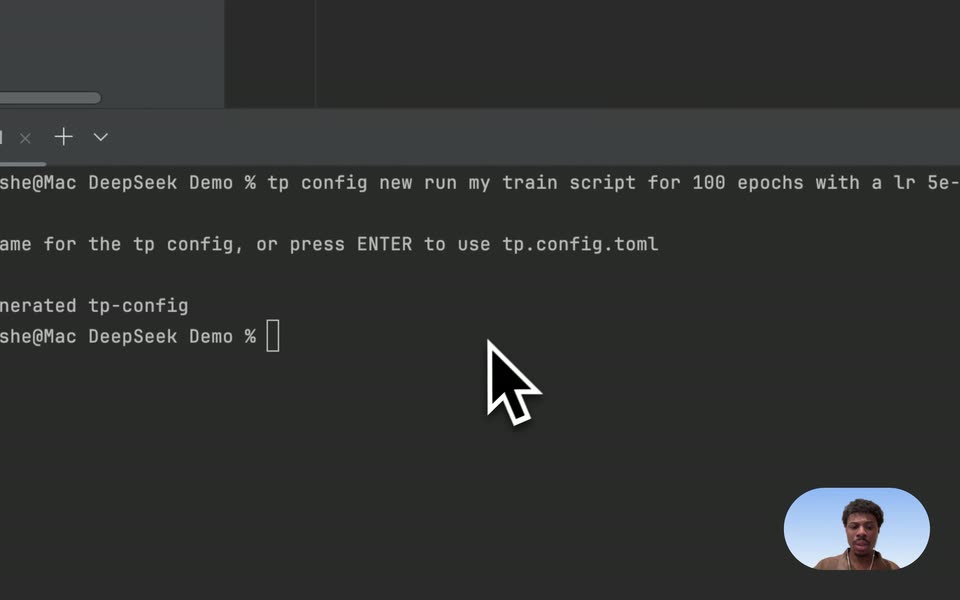 1:15–1:26TensorPool · TensorPool (W25) - The Easiest Way to Access GPUsA dark code editor shows a TOML config; a large I-beam cursor glides over lines, highlighting them, then the view zooms out and reframes onto the terminal panel. A large arrow cursor hovers over the prompt as the generated config message prints, with a small circular webcam inset in the corner.
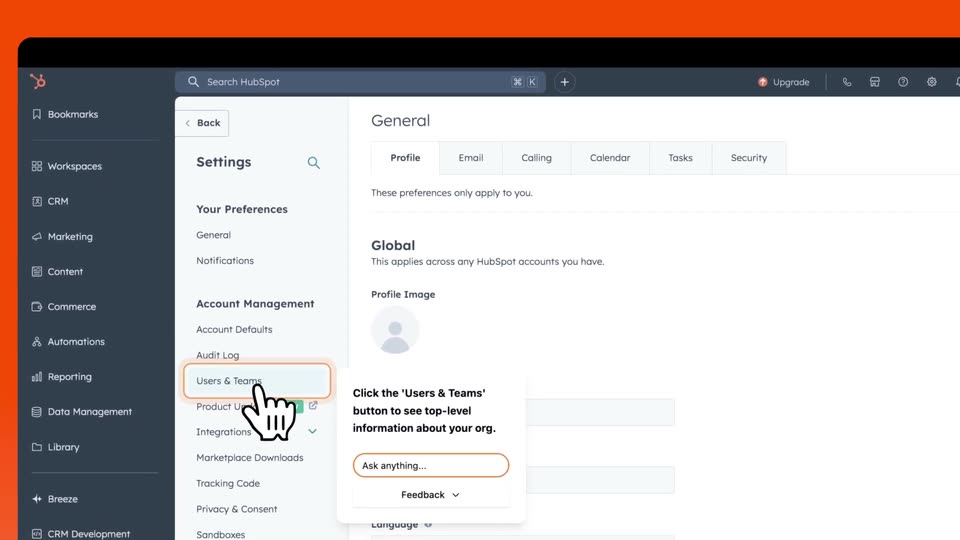 0:39–0:46SAMMY Labs · SAMMY Labs - Product TourA split screen shows the HubSpot settings interface on the left and a documentation sidebar on the right. A cursor moves to the settings gear, then the view zooms into the settings panel as a hand pointer highlights the Users & Teams option.
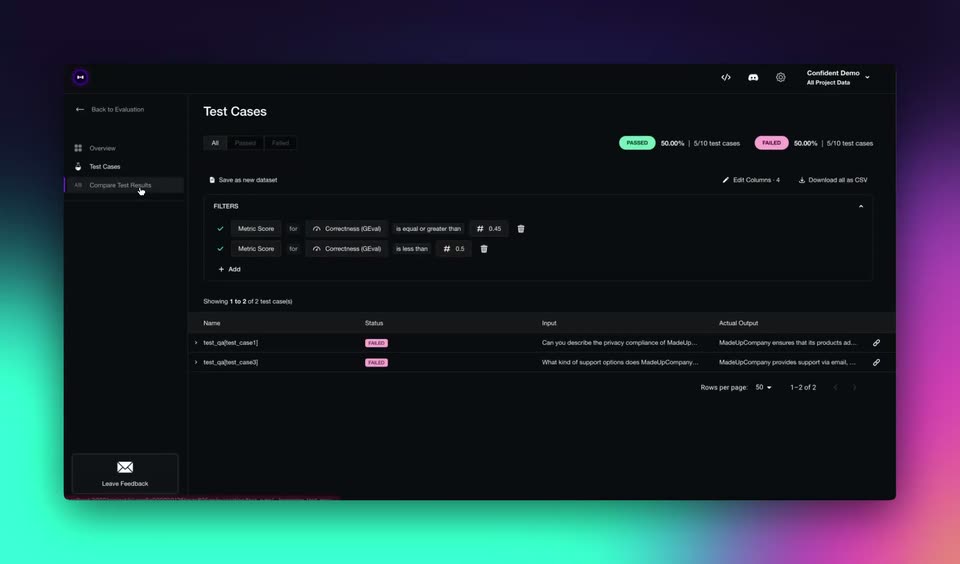 1:03–1:04Confident AI · Confident AI Launch YCA dark test dashboard sits on a teal-to-pink gradient. The cursor moves down the left sidebar and clicks Compare Test Results, and the main panel switches from a test case table to a metric score section showing a loading spinner.
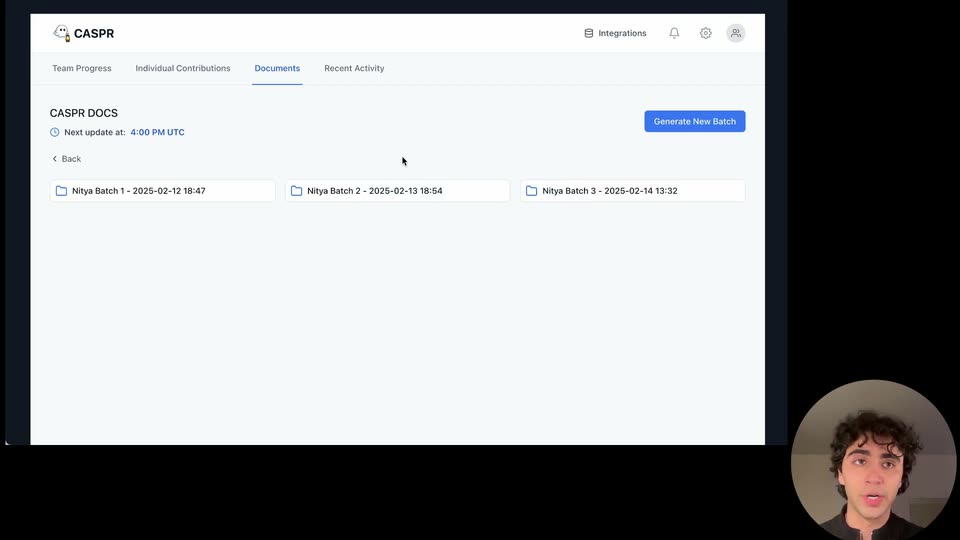 0:44–0:49Peppr AI · Peppr AI Demo VideoA screen recording of the CASPR Documents interface fills the frame, with a circular webcam of the presenter in the bottom-right corner. A cursor clicks Back, opens the CASPR - Nitya folder, and a brief spinner loads the teammate's document cards.
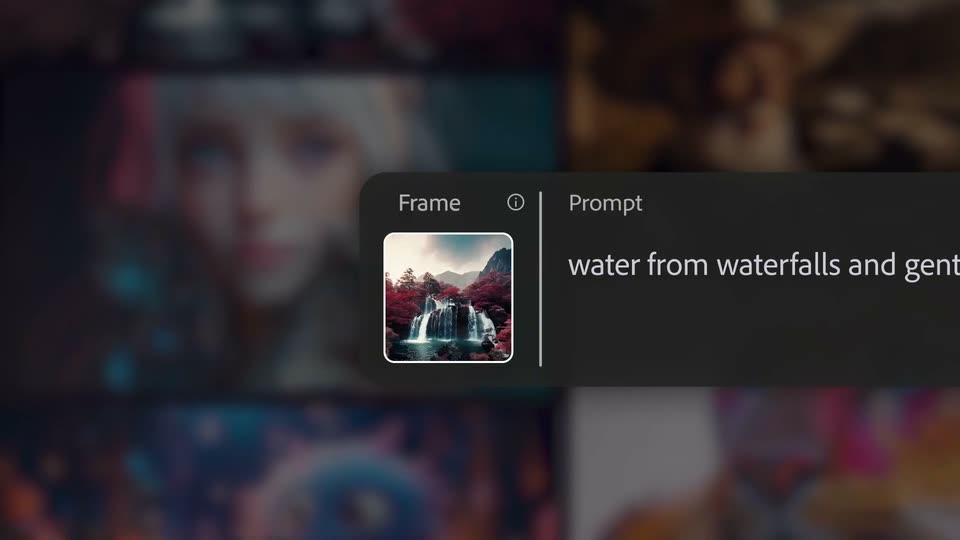 0:34–0:35Adobe · Meet Firefly Video Model | AdobeA white cursor drags a waterfall photo card over a dark two-column panel and drops it into the Frame slot, where it shrinks into a square thumbnail, then carries the card back down. The Prompt column holds a static line of text. A blurred photo grid fills the background.
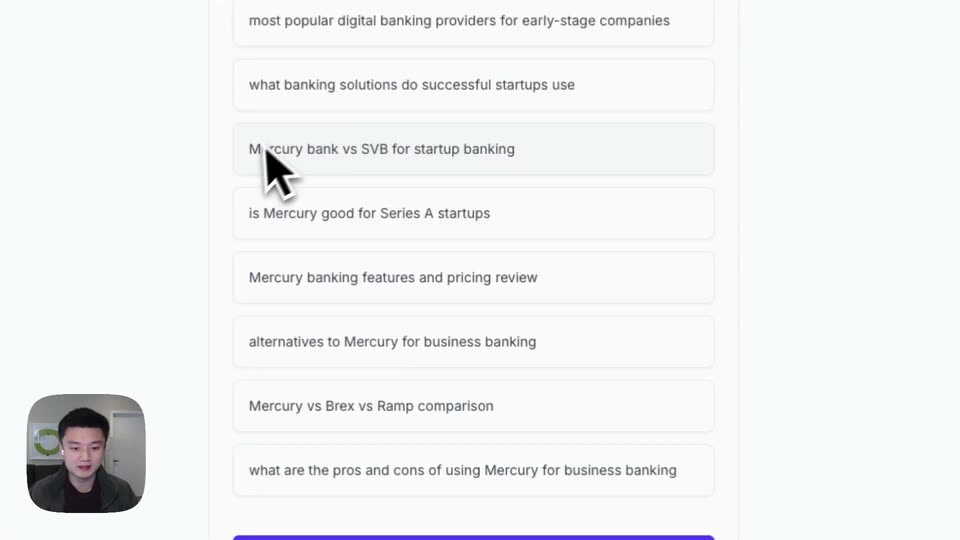 0:53–0:54AthenaHQ · AthenaHQ with Andrew, Co-Founder and CEOA light interface shows a vertical list of banking query suggestions in rounded cards, while a cursor moves down and hovers over the items. A small webcam video of a man sits in the lower left corner.