Cursor demo
A visible cursor operates the interface.
15,054 scenes · page 196 of 251
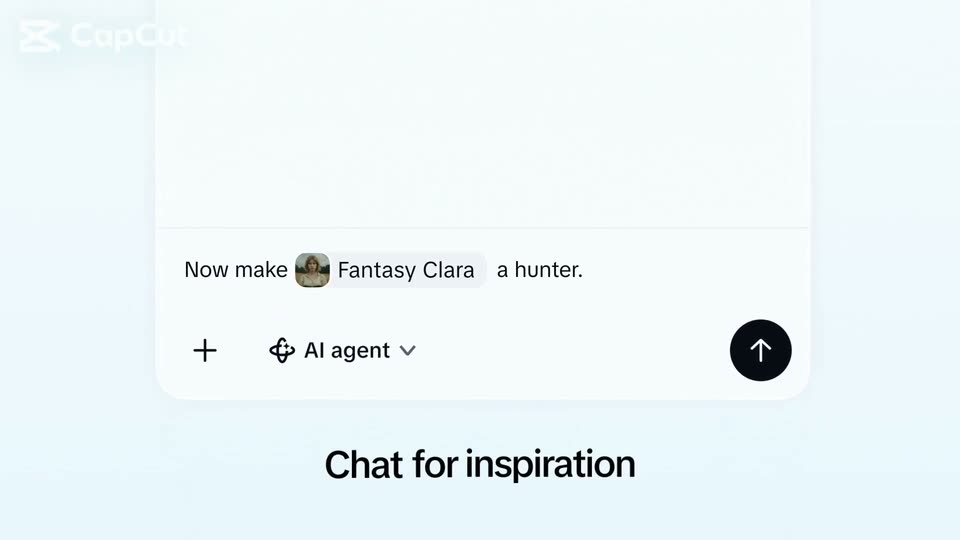 0:42–0:44CapCut · CapCut - Introducing CapCut Video Studio, a timeline-free way to create videosA CapCut chat panel is shown in close-up. A prompt line with a small photo chip reads “Now make Fantasy Clara a hunter.” A cyan cursor drifts downward and a gray caption “Chat for inspiration” fades in at the bottom.
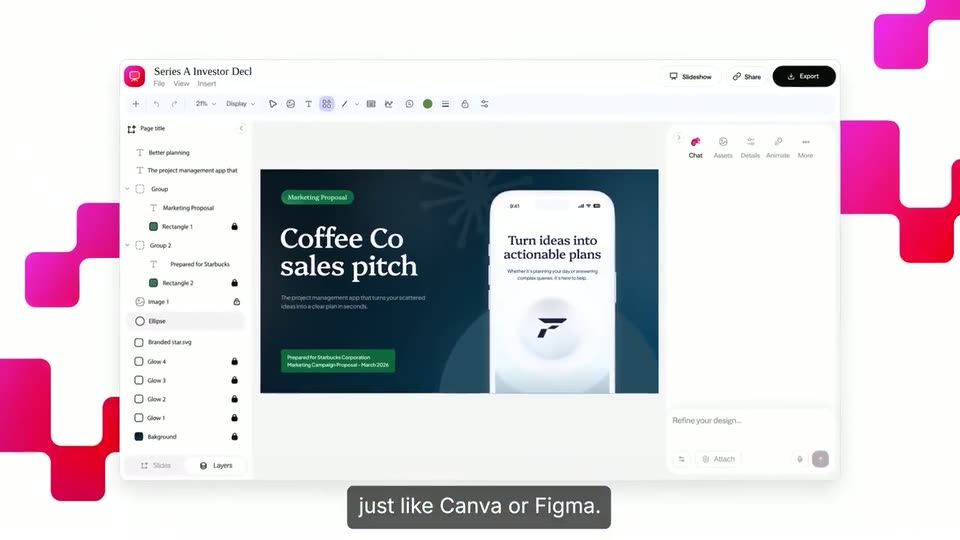 0:55–1:01Moda · Anvisha - We raised $7.5M to kill AI slop. Introducing Moda: the world's firstA slide editor shows a dark deck with a phone mockup; a pixel hand cursor picks layers in the left panel, the view pulls back to the whole window, then zooms into the slide.
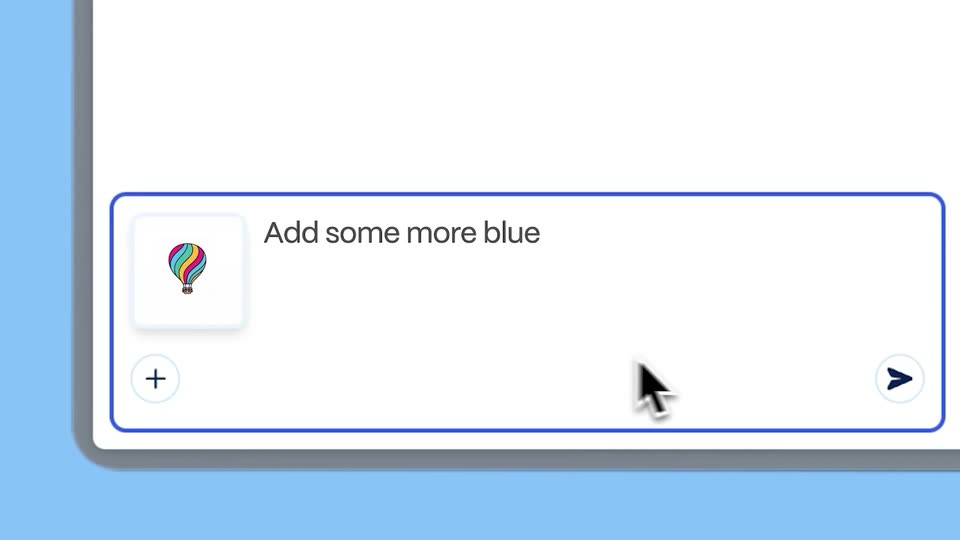 0:22–0:25Gamma · Gamma - Introducing Gamma Imagine! Gamma Imagine lets you create standaloneA white prompt composer with a blue outline sits on a light blue backdrop. A hot air balloon emoji flanks the field as “Add some more blue” types out, then a cursor moves to the send button and a dark “Send to AI, Enter” tooltip pops up.
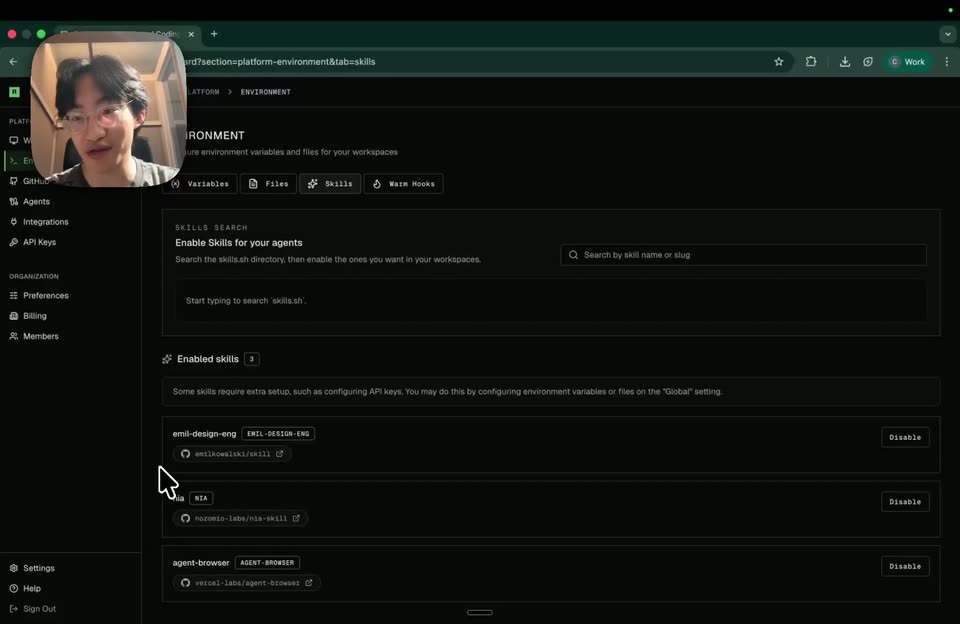 0:54–1:39Replicas · Replicas V1 DemoA dark dashboard fills the frame with a small rounded video of the presenter in the top-left corner. A cursor clicks the Files, Skills and Variables tabs of the Environment page, and the view zooms into each section as it loads.
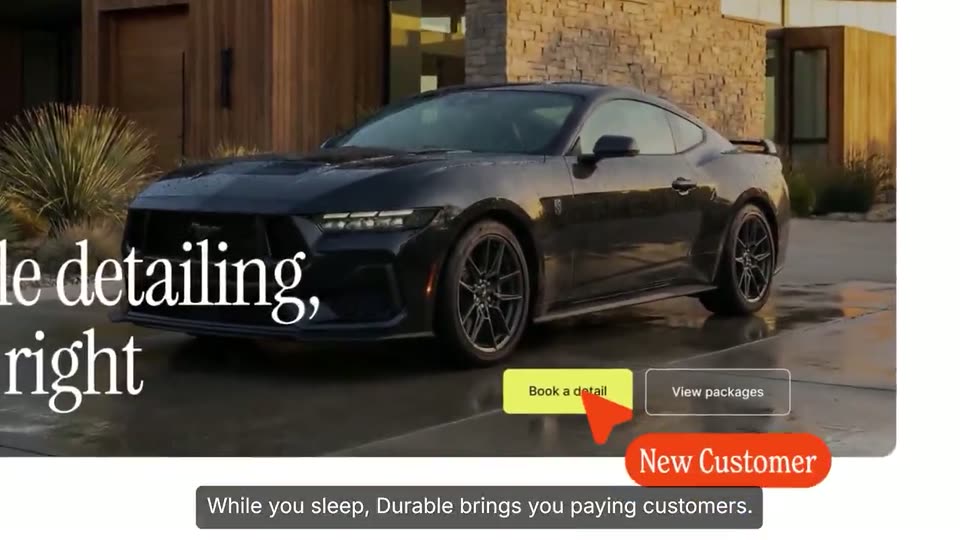 1:02–1:05Durable · James Clift - Introducing Durable. The first AI business builder that replaces youA tilted 3D mockup of a mobile detailing website straightens as the view pushes in on the hero photo of a black car and its buttons. A red cursor clicks the yellow “Book a detail” button and a red “New Customer” badge pops in beside it.
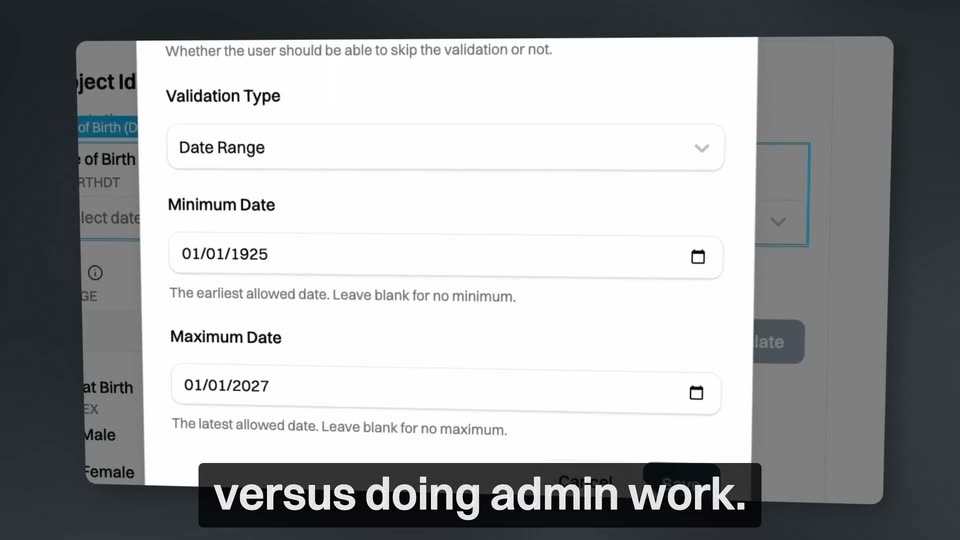 0:47–0:53Harbor · Y Combinator - Harbor (@runharbor) is a new electronic data capture platform for cliA form builder screen shows an Edit Validation modal; the view zooms into the name and date-range fields, then pulls back as a cursor moves toward Save. The scene cuts to a woman in scrubs standing in a bright office.
 0:24–0:25Manus · Manus - Today, we're taking Manus out of the cloud and putting it on your desA blue folder icon labeled “Invoices” sits centered on a soft blue-to-cream gradient. A mouse cursor slides in from the right and pauses beside the folder, while the headline “Rename Projects Automatically” stays fixed on screen.
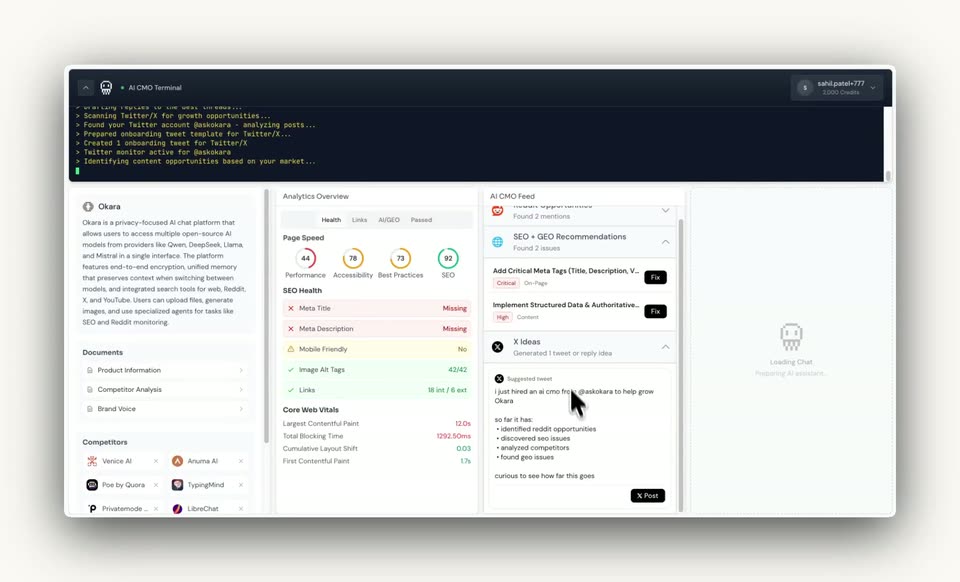 0:35–0:41Okara · Okara - Today we're introducing the world's first AI CMO. Enter your websiteA flat product dashboard with four columns: a dark terminal strip on top, an Okara doc panel, an analytics overview with score rings, and an AI CMO feed. A cursor clicks to expand and collapse feed cards, revealing a generated tweet with a Post button, while terminal lines scroll.
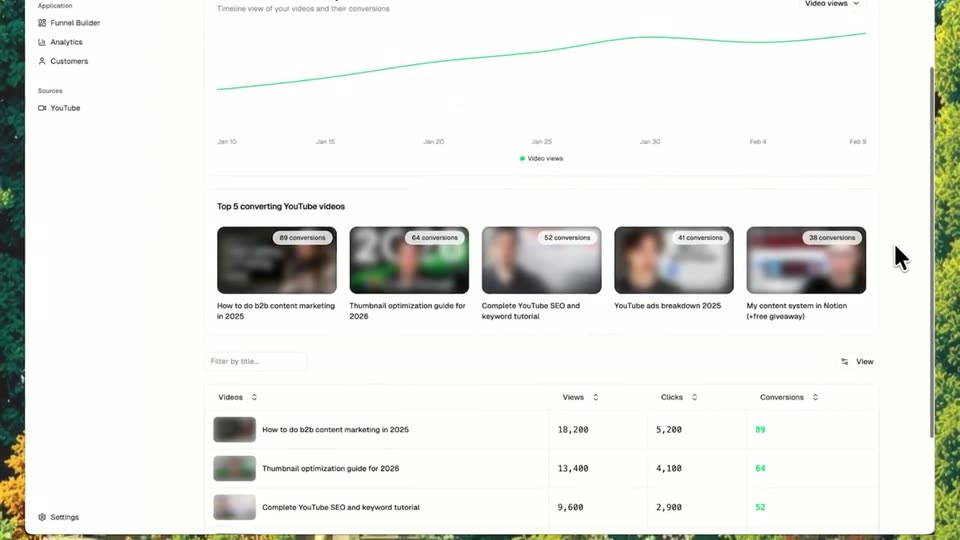 0:32–0:39Pulse · Pulse App - YouTubers creating b2b content keep looking at youtube dashboard thinA YouTube dashboard fills the frame over a blurred outdoor backdrop. A dark stats card settles under the heading, then a cursor opens the chart dropdown and scrolls down to the video table, ending on a tighter crop of the rows.
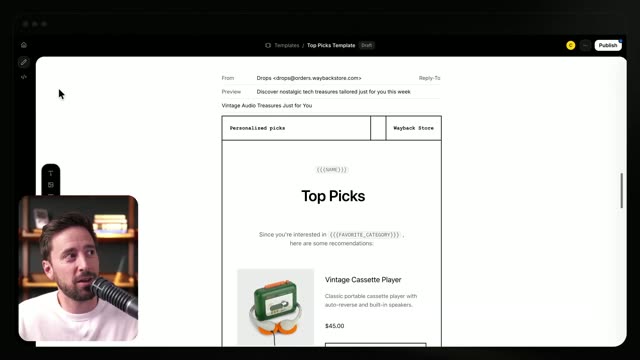 2:23–2:26Resend · The NEW Email Editor is here!A locked-off view of an email template editor shows a 'Top Picks' layout with a cassette player card. A cursor glides across the template, then to the left toolbar, clicking the code tab to open an HTML panel. A bearded presenter speaks in a small inset at lower left.
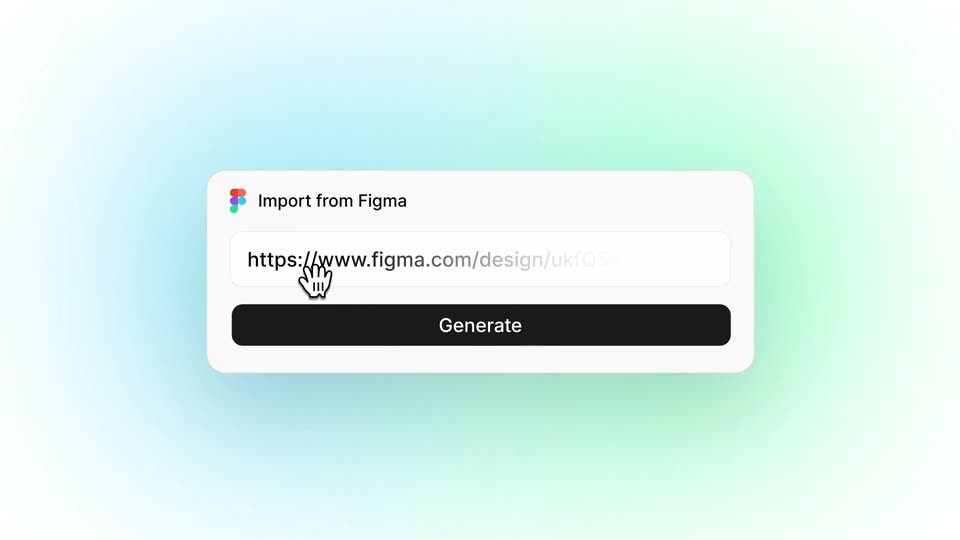 0:20–0:22Anything · Anything - BREAKING: design-first vibe coding is here! import your Figma designOn a mint gradient, a white “Import from Figma” card shows an empty field and a black Generate button. A blue “Link copied.” toast fades as a hand cursor types a Figma URL, then clicks Generate; the card dissolves into a blue-green gradient.
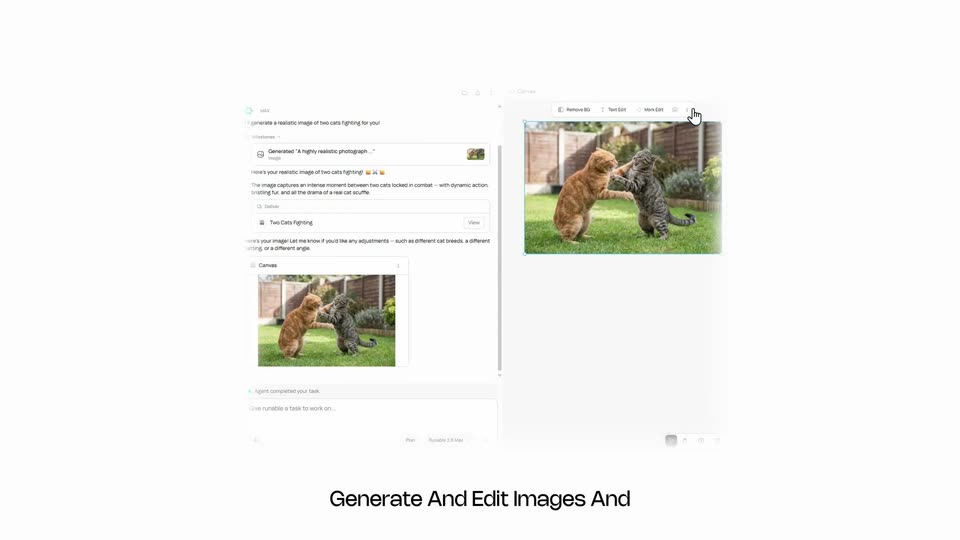 1:24–1:26Runable · Umesh Kumar - Introducing Runable 2.0 — the best way to work with AI. Runable nowA two-panel product screen sits on a white background: a chat workspace on the left and a canvas on the right showing a photo of two cats on grass. A cursor moves across the right toolbar while a black caption types out at the bottom.
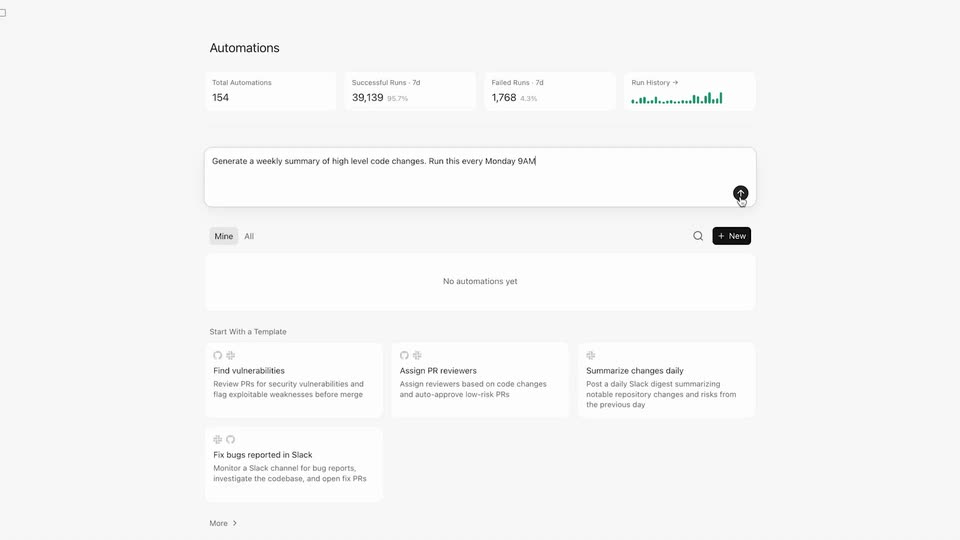 1:13–1:16Cursor · Introducing Automations: always-on coding agentsA light dashboard titled Automations shows stat cards, a banner and template tiles. A cursor glides to the dark arrow button on the banner, then the view cuts to the Weekly Code Changes Summary page with trigger, instructions and tools panels.
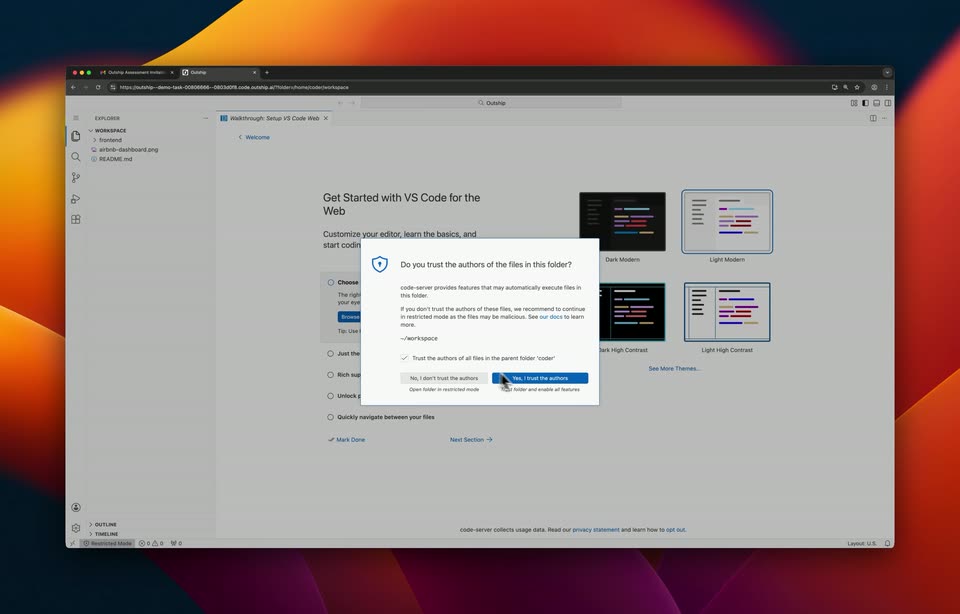 0:26–0:28Outship · OutshipA browser window shows the VS Code web interface. A trust dialog sits in the center; the cursor opens a small dropdown, then the dialog closes, revealing the Welcome tab and theme cards.
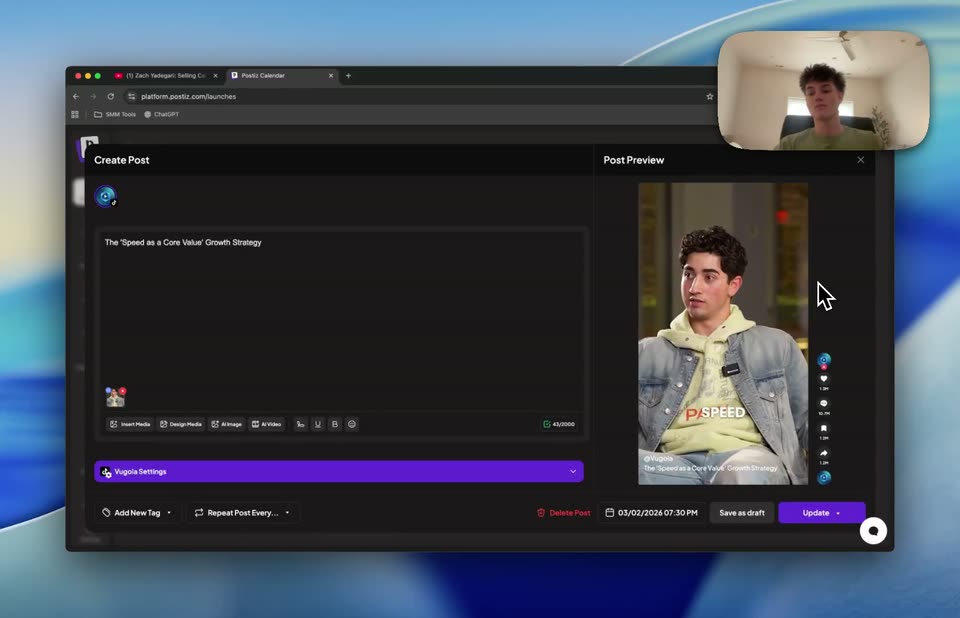 0:44–0:50Clippers · 0xMarioNawfal - CLIPPERS ARE DONE. Drop a YouTube link. AI finds the viral cuts, ediA dark Postiz post editor fills a browser window, its right panel playing a vertical video of a man in a denim jacket, with the presenter's webcam in the top corner. The frame zooms in, then tilts into 3D perspective as the cursor moves across the panels.
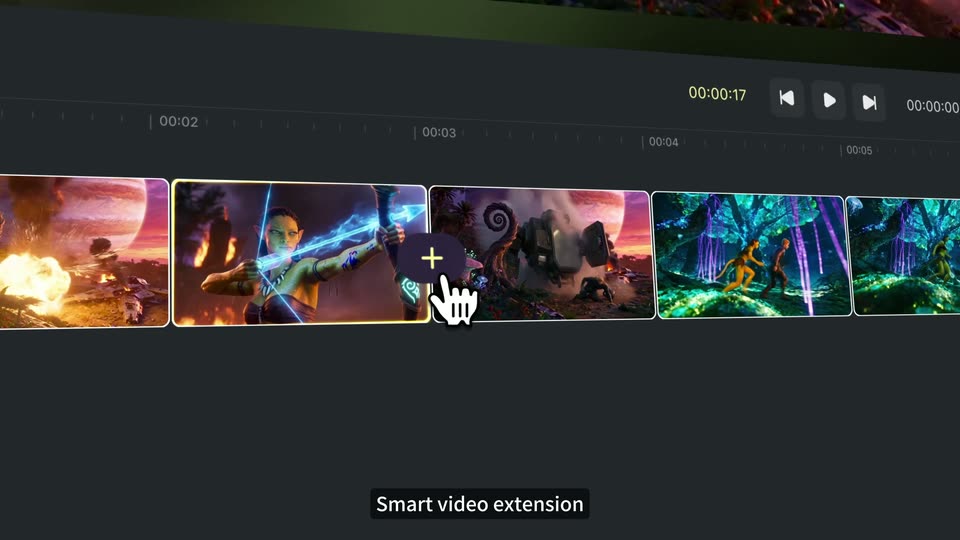 1:23–1:24Zopia · Zopia AI - We’re introducing Zopia — an end-to-end AI Video Director Agent for FA dark editor timeline shows a row of sci-fi video thumbnails with a purple plus button between two clips. A hand cursor glides in to hover the button as the clips shift, while a caption labels the feature.
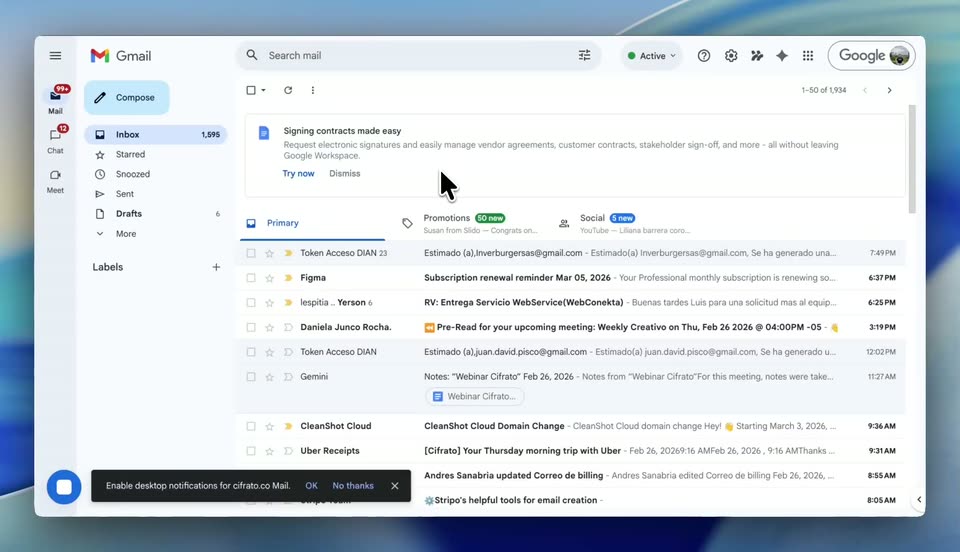 0:41–0:43Cifrato · Demo CifratoA tilted Gmail inbox mockup floats on a blue gradient. A cursor glides down from the top banner to hover over the Token Acceso DIAN row, which highlights and sprouts a small New badge.
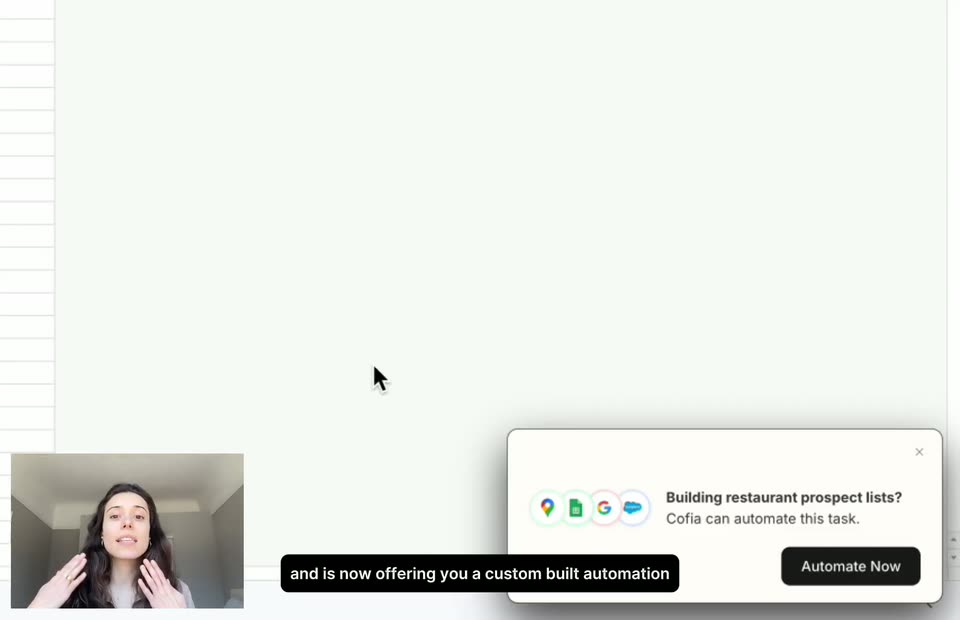 0:26–0:36Cofia · Introducing CofiaA static spreadsheet view with a small webcam inset of a woman speaking in the bottom left corner. A white card with app icons and an Automate Now button sits in the bottom right; a cursor drifts across the screen and rests on the button. Black caption bars swap lines at bottom center.
 0:37–0:41Google · Google Flow - Today we're expanding Flow into a full AI creative studio. We’ve redeA dark panel in 3D perspective holds two rounded thumbnails, a dragon render and a desert photo, with a plus icon below. The caption 'Dragon flies into scene.' types in word by word, then the frame zooms onto a Video x1 pill and a hand cursor button, ending soft-focused.
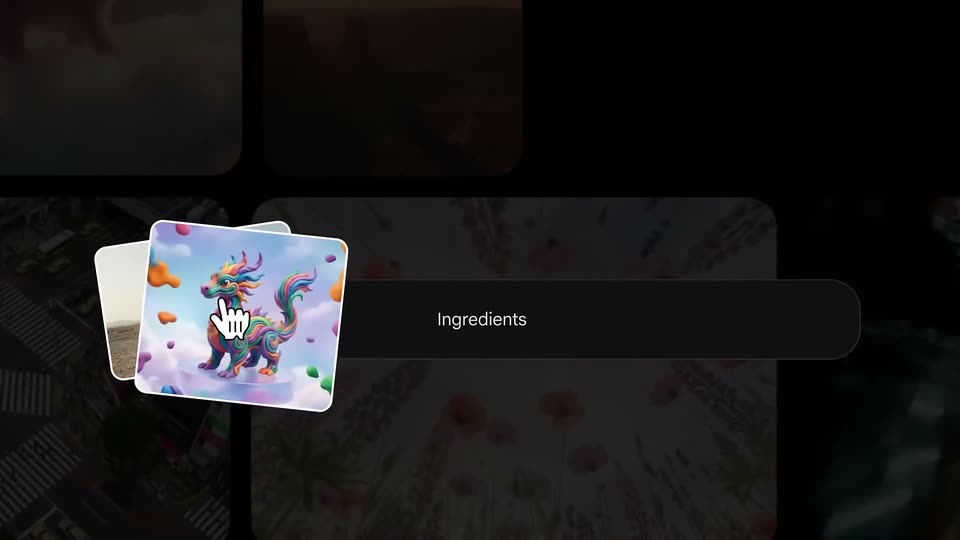 0:36–0:37Google · Introducing the New Flow, Your AI Creative StudioA blurred photo grid sits behind two tilted cards showing a colorful dragon, with a hand cursor hovering on them. White text 'Image and Video' scales and fades as the cards drift left and an 'Ingredients' bar slides in from the right.
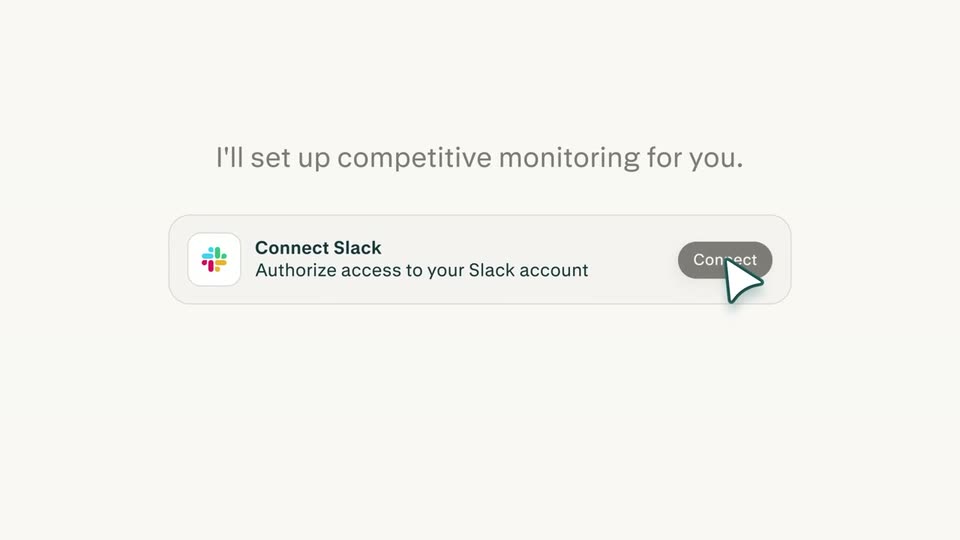 1:08–1:11Perplexity · Perplexity - Introducing Perplexity Computer. Computer unifies every current AI cA gray sentence scales in at the center of a cream field. A white rounded card with the Slack logo and a Connect button appears below it. A cursor clicks the button, which turns into a green Connected pill.
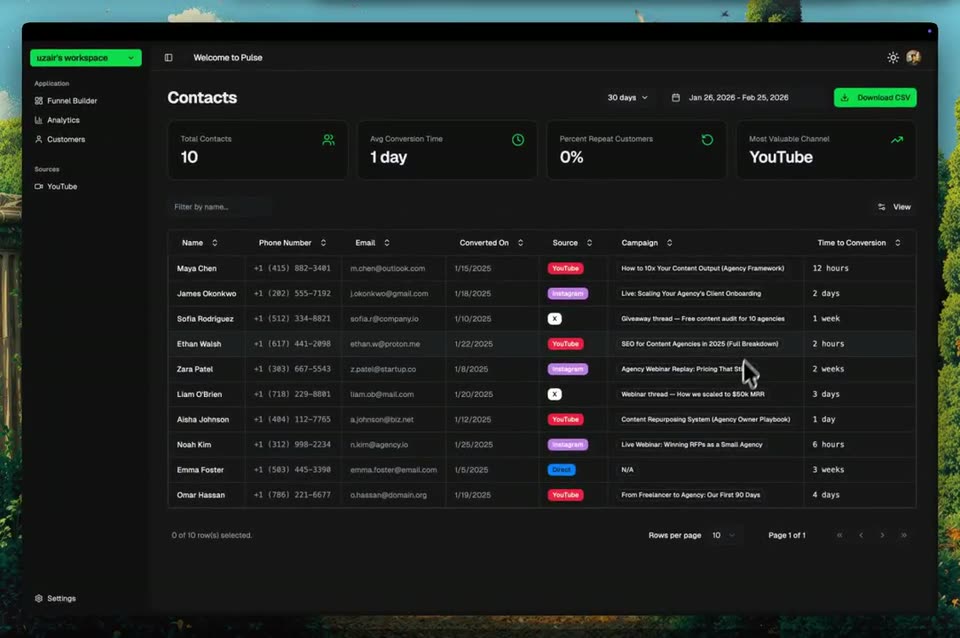 0:21–0:25Pulse · Pulse App - Psst, dark mode is here. If you're running youtube lead gen offers,A dark contacts dashboard floats over a 3D landscape backdrop. The frame starts tight on metric cards and the table, pulls back to the full layout with sidebar, the cursor moves across rows and a sidebar item, then zooms back into the top metrics.
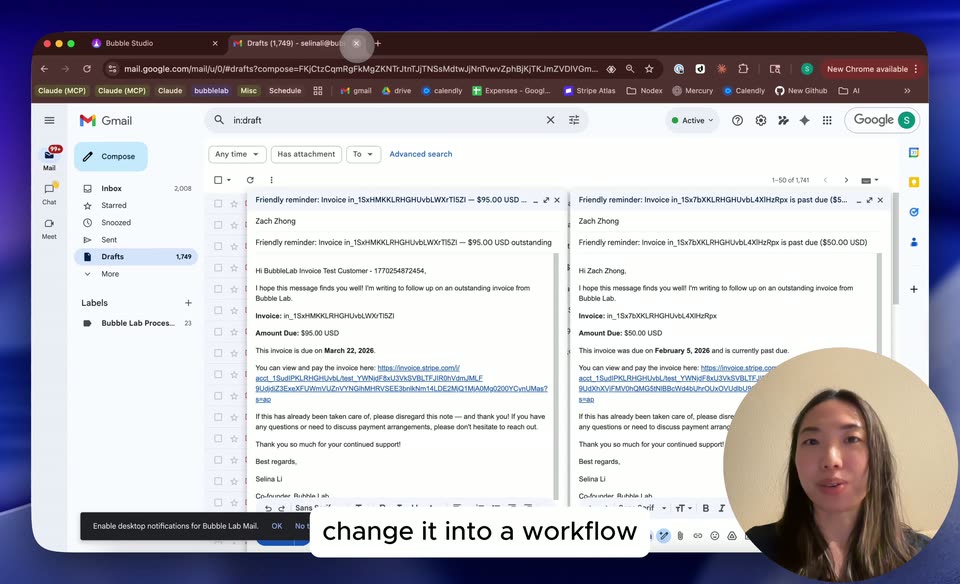 3:05–3:34Bubble Lab · Pearl in Slack (Bubble Lab) demo!A Gmail drafts list fills the screen, with a circular webcam feed of a smiling woman in the bottom-right. A white caption bar at the bottom cycles through the voiceover phrases. At 5 seconds the list switches to another draft; a cursor hovers over the tab close button.
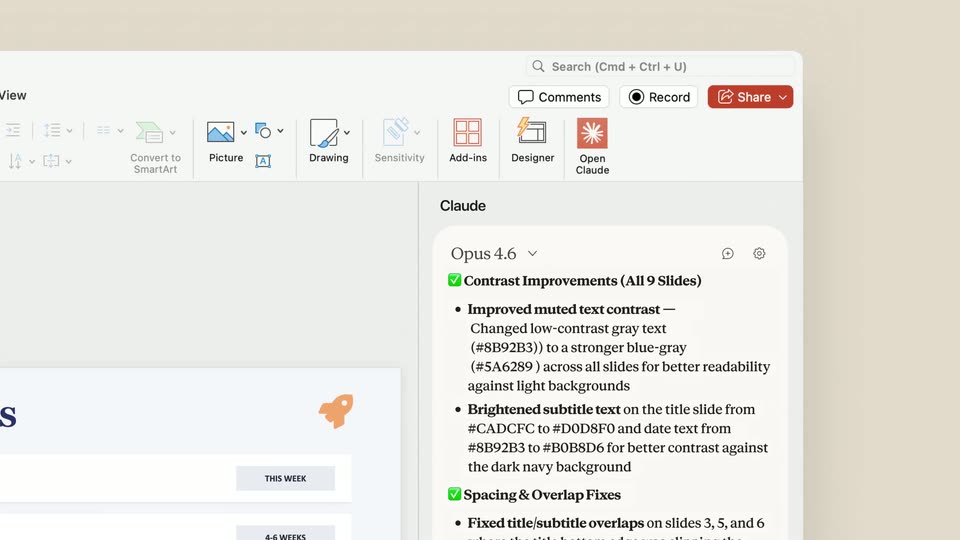 0:53–0:56Anthropic · Claude - Introducing Cowork and plugin updates that help enterprises customizeA close-up of a PowerPoint comment card shows a typed request, then a hand cursor clicks the orange send button as the camera pulls back to the full window. The frame then shifts to a Slack channel where Claude posts a checklist of contrast fixes.
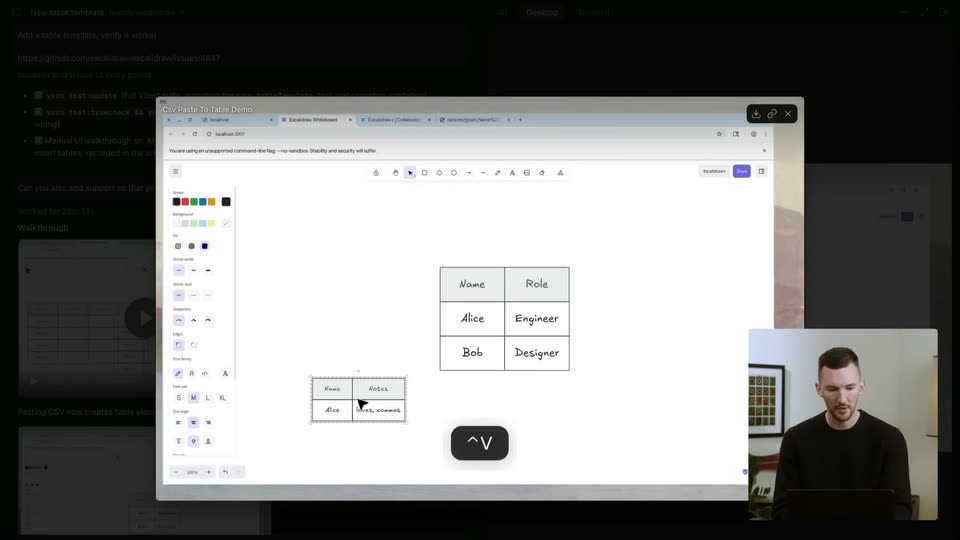 2:01–2:03Cursor · A computer for every agentA dimmed desktop frames a browser window of a spreadsheet app showing a two-column table (Name, Role) with two rows and a smaller table below it. A paste-shortcut badge sits at the bottom center, and a small webcam feed of a man at a laptop fills the lower right corner.
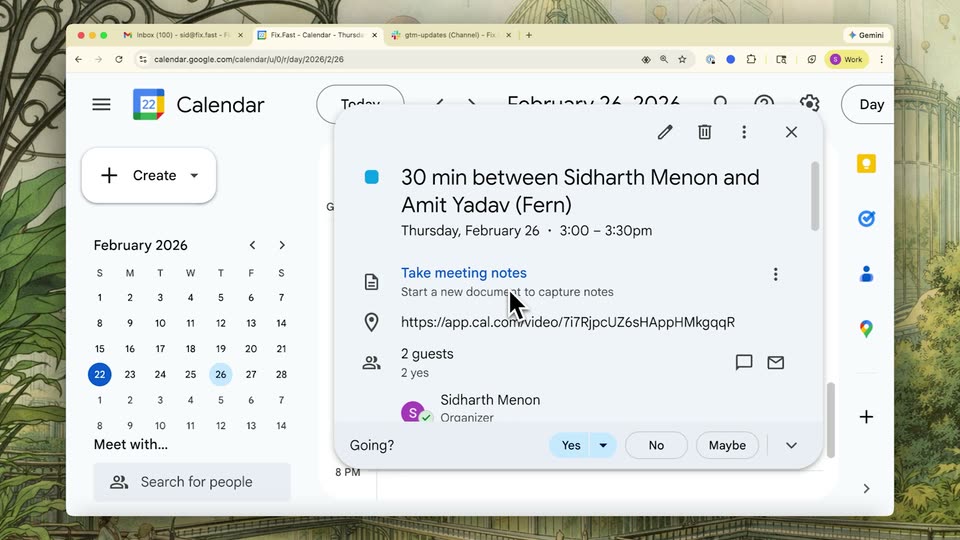 2:50–2:55/dev/fast · Introducing Carson, an adaptive assistant with serious securityA browser window over a blurred building illustration shows a calendar day view. A cursor clicks a blue event bar, opening a white details card. A Slack notification toast slides in at the top right.
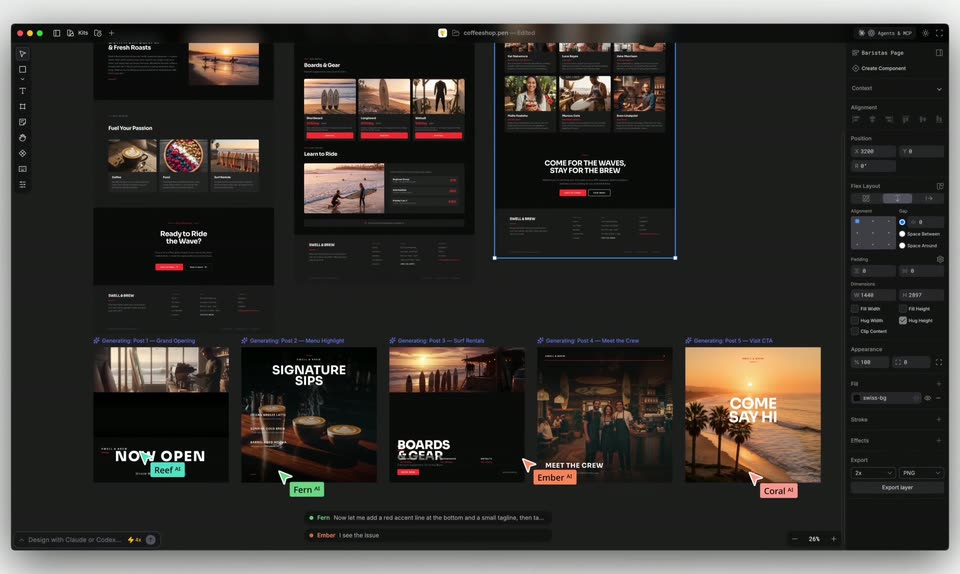 0:24–0:28Pencil · Tom Krcha - Pencil just crossed 100,000 users! Today we are introducing SWARM modA locked-off view of a dark design canvas holding five coffee-shop artboards. Four named agent cursors, Reef, Ember, Breeze and Coral, glide between the boards, selecting frames and dragging text while a chat log streams their notes along the bottom.
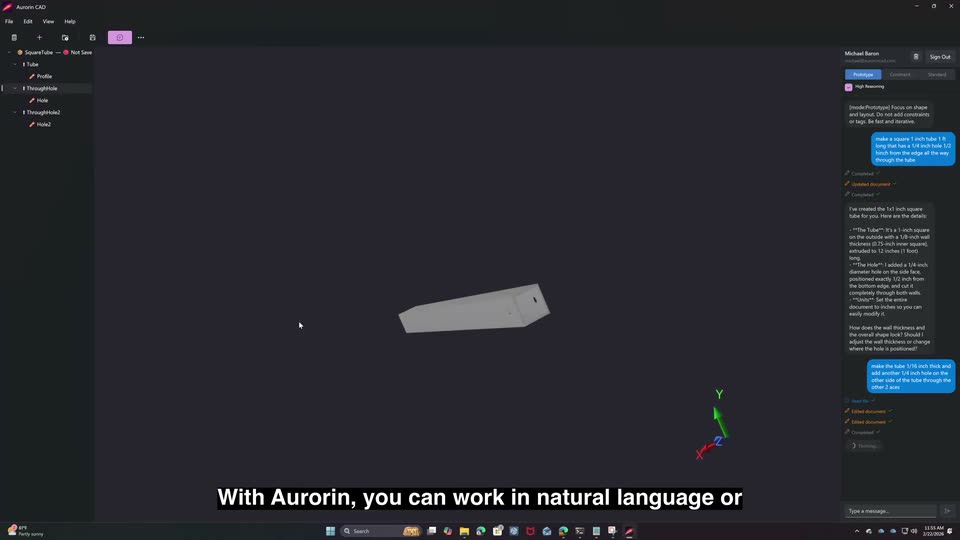 0:41–0:43Y Combinator · Y Combinator - Aurorin is building new professional CAD Software from the ground upScreen recording of the Aurorin CAD app: a gray 3D tube frame rotates and shrinks in the dark viewport as a parameter dialog closes, while a chat panel runs on the right. A cursor moves in the viewport. White subtitles at the bottom swap between two lines.
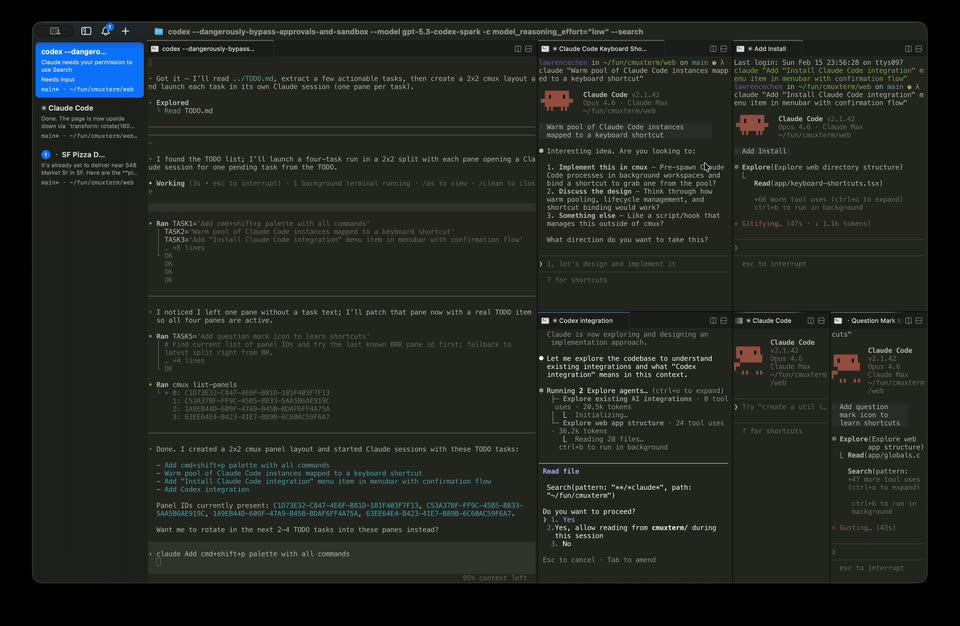 1:44–1:46cmux · cmux - the terminal built for multitaskingA dark multi-pane terminal fills the frame. A blue highlighted session card sits top-left; a cursor moves down and hovers over a second item while the left pane's log scrolls with fresh lines.
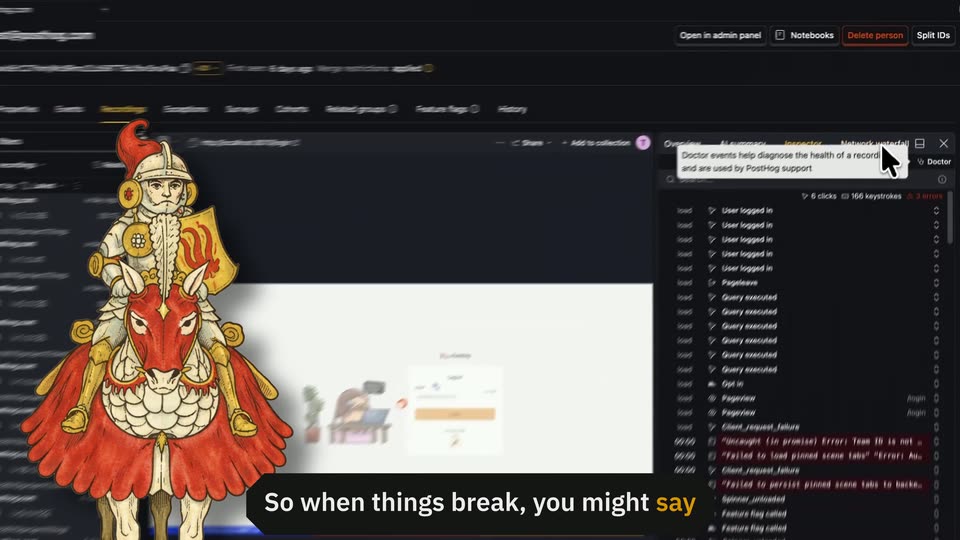 1:48–1:50Posthog · PostHog - Introducing Logs by PostHog - Free, up to 50 GB for free every monthA dark PostHog screen opens tight on the Inspector panel, a hand cursor hovering the Doctor button with a tooltip, then zooms out to the full browser window revealing the left sidebar and a red-and-white armored illustration. A bottom caption carries the voiceover.
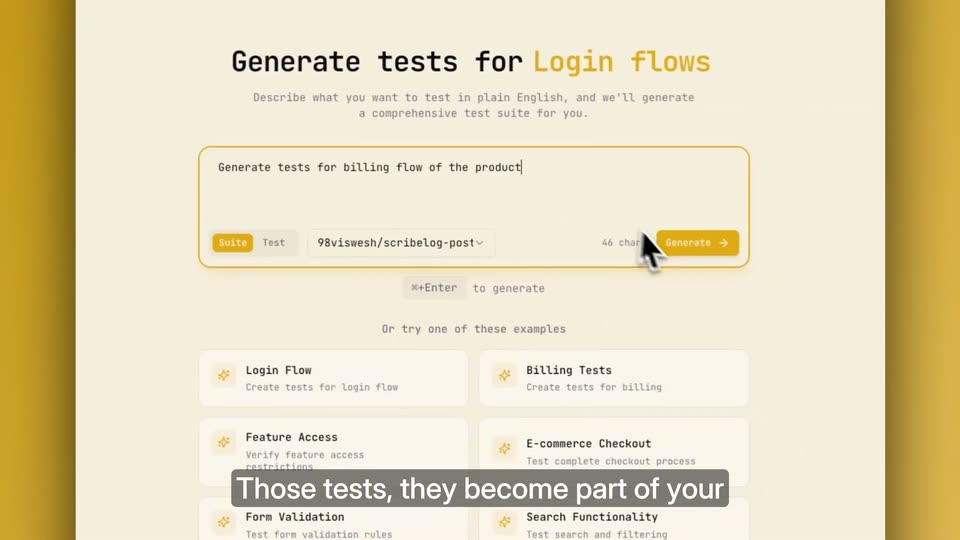 0:49–0:55Canary · Canary - Friday. 5:47 PM. Quick Claude session, small auth refactor. LGTM, meA flat product screen titled 'Generate tests for' is reframed and zoomed as a mouse cursor types a sentence into the input box, then a hand cursor clicks the yellow Generate button, which switches to a red Stop button. Dark caption bars with white text appear along the bottom.
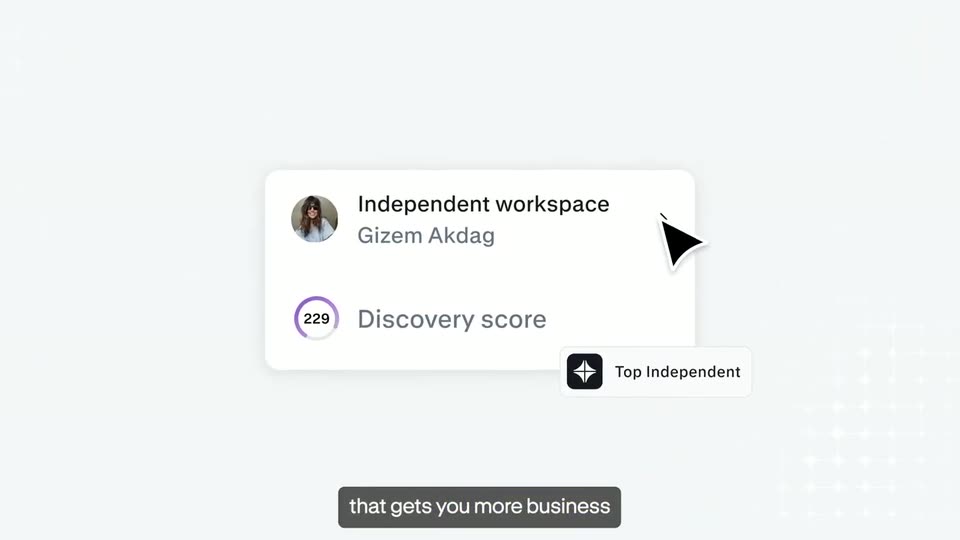 1:00–1:01Contra Payments · ben - Introducing Contra Payments. The first payments platform that lets yA white profile card floats on a light background, showing a workspace name and a discovery score whose number counts up from 122 to 242. A cursor glides toward the chevron, and a dark caption pill below swaps from “and a reputation signal” to “that gets you more business.”
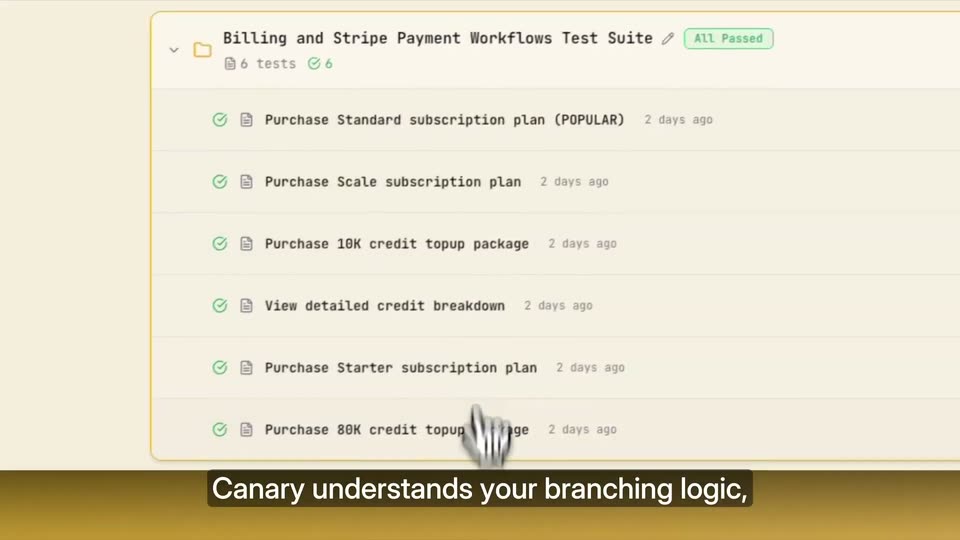 0:56–0:58Canary · Canary Launch VideoA close-up of a test suite list with green checkmarks and a hand cursor pulls back to reveal the wider dashboard, showing Total Suites, Total Tests and Bugs stat cards. A bottom caption reads Canary understands your branching logic.
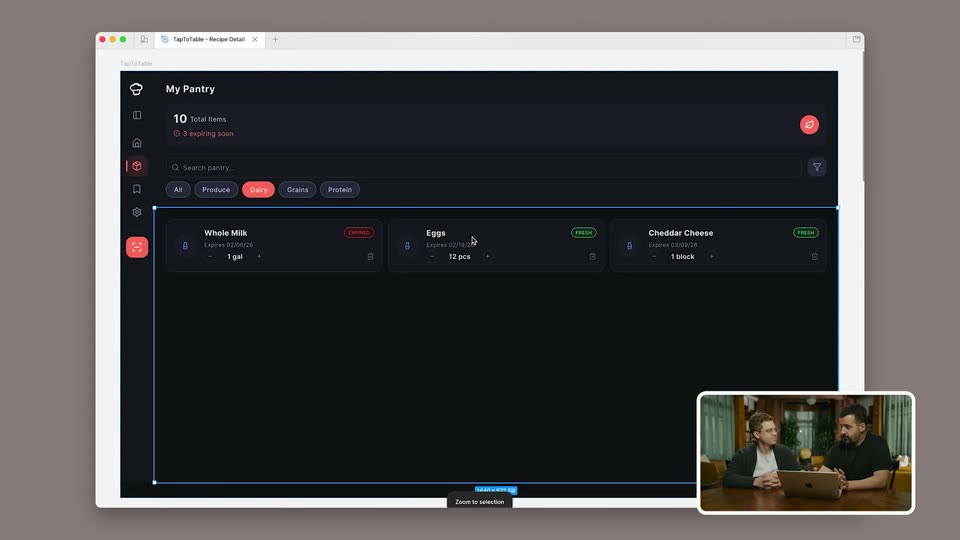 2:18–2:19Figma · Figma - Tired: code or canvas Wired: code AND canvas Introducing Claude CodeA dark My Pantry interface fills a browser window, listing three ingredient cards with status badges. A cursor draws a blue selection box over the list as a Zoom to selection tooltip appears, while a small live-action inset of two men at a laptop sits in the lower right corner.
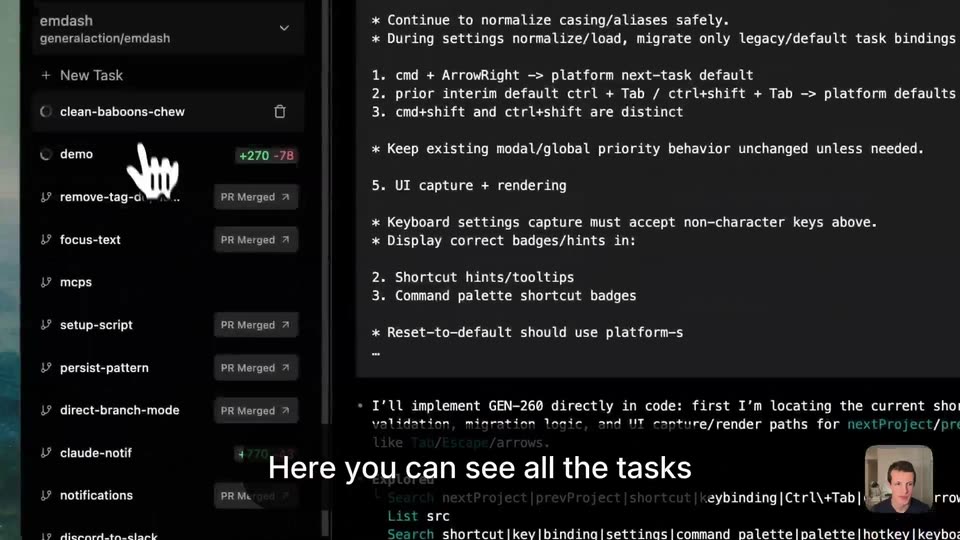 0:28–0:29Emdash · Y Combinator - .@emdashsh is building an open-source Agentic Development EnvironmentA dark app screen shows a left sidebar of task branches beside a code panel and a Changes column. The frame zooms into the sidebar as a hand cursor moves down the rows, and a white caption appears along the bottom.
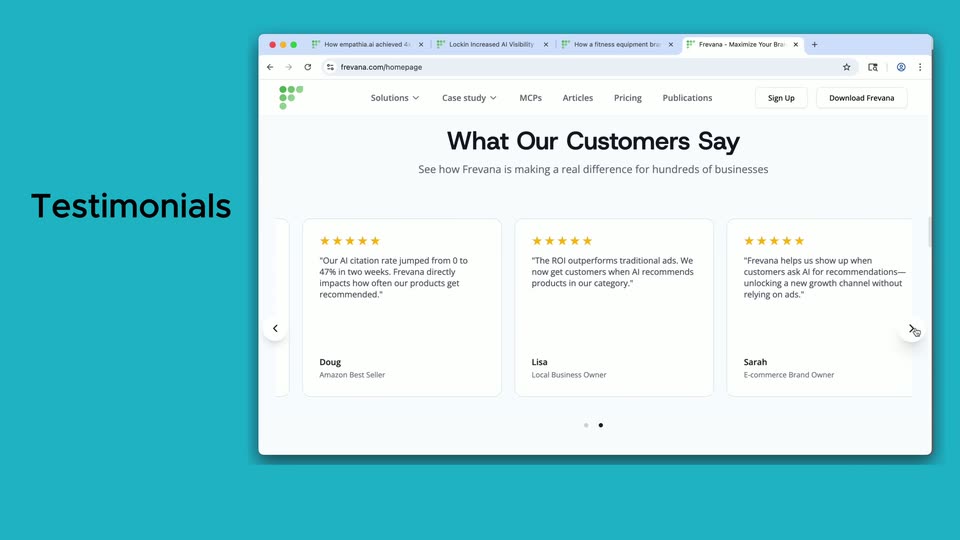 1:26–1:29Frevana · Frevana AEO Agent Team Launched 🎉A flat browser window on a teal background shows a testimonials section. A cursor taps the right arrow and the row of review cards slides to the next set, text overlapping mid-transition. The word Testimonials sits in black on the left.
 0:28 · 0.4sEmdash · Launch Emdash (YC W26)A dark IDE window fills the locked-off frame: a task list on the left, a code panel in the center, a terminal panel on the right. A small webcam feed of a man sits in the bottom right corner, and a white hand cursor hovers over the center panel.
 0:21–0:22Unifold · Unifold - Universal Deposit InfrastructureA dark interface list scrolls rapidly with heavy motion blur, a white cursor hovers mid-screen and a purple button sits at the top right as rows flash past.
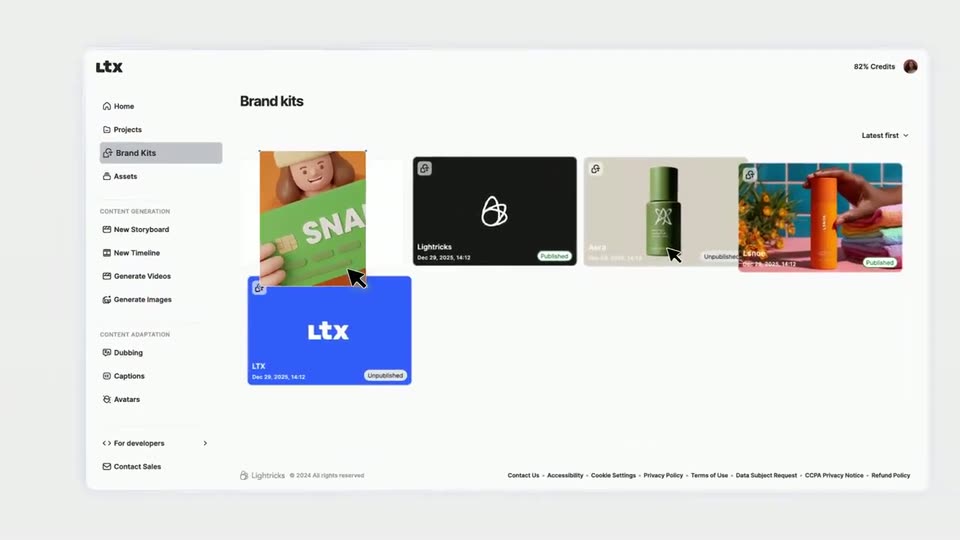 0:26–0:27Lightricks · LTX.io - Introducing Brand Kit. A new enterprise feature in LTX Studio that lA small Ltx interface window, showing a Brand Kits card grid and a blue Ltx tile, expands to full width, revealing a left sidebar and four kit thumbnails. A cursor rests on the highlighted new brand kit card.
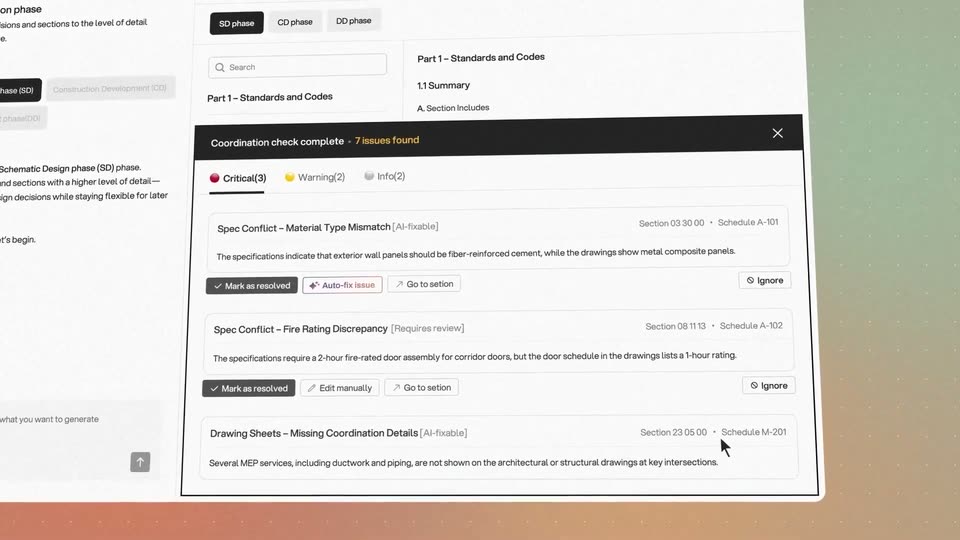 0:54–0:57Avoice · Avoice | The AI Workspace For ArchitectsA tilted product interface rests on a wooden desk in 3D perspective. A cursor clicks Run in a coordination-check dialog, and a list of seven flagged issues fills the panel. The cursor scrolls the list as a large white word Batch appears over the center.
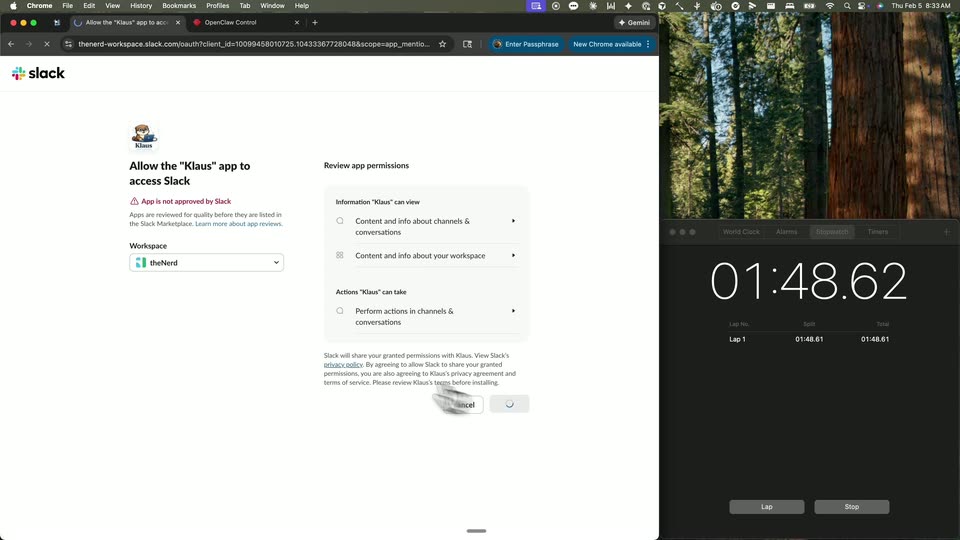 0:20–0:23usebits_inc · Y Combinator - OpenClaw is a new viral and scarily effective virtual assistant. ButA split screen shows a Chrome window on the left and a stopwatch on the right. The Slack permission page for the Klaus app fills the left, a hand cursor moves across it and rests on the Allow button while the stopwatch counts up.
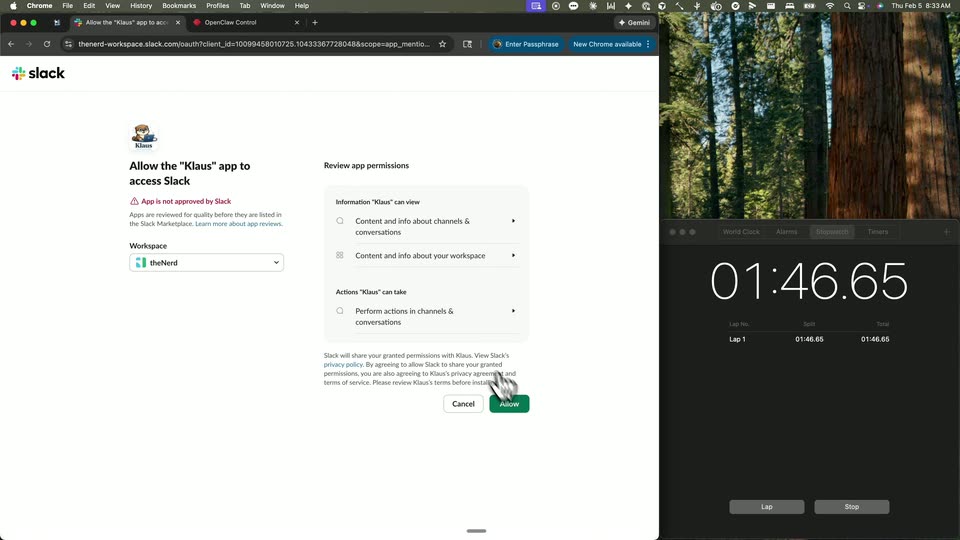 0:31–0:32Klaus AI · Klaus launchLocked-off screen capture of a Mac desktop. A Chrome window loads the Slack consent page for the Klaus app, the form fading in as a cursor hovers over the permission list, while a dark stopwatch window at right ticks from 01:44 to 01:46.
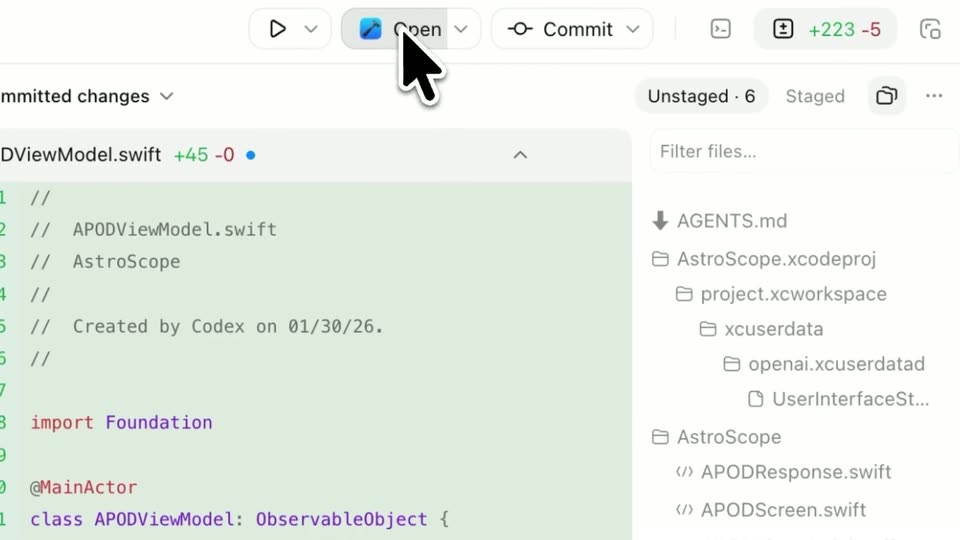 1:37–1:49OpenAI · Introducing the Codex appA screen recording of the Codex app blurs between a Swift file, the source-control panel, and the full window. A cursor hovers over the Commit and Open buttons before the terminal shows the build running.
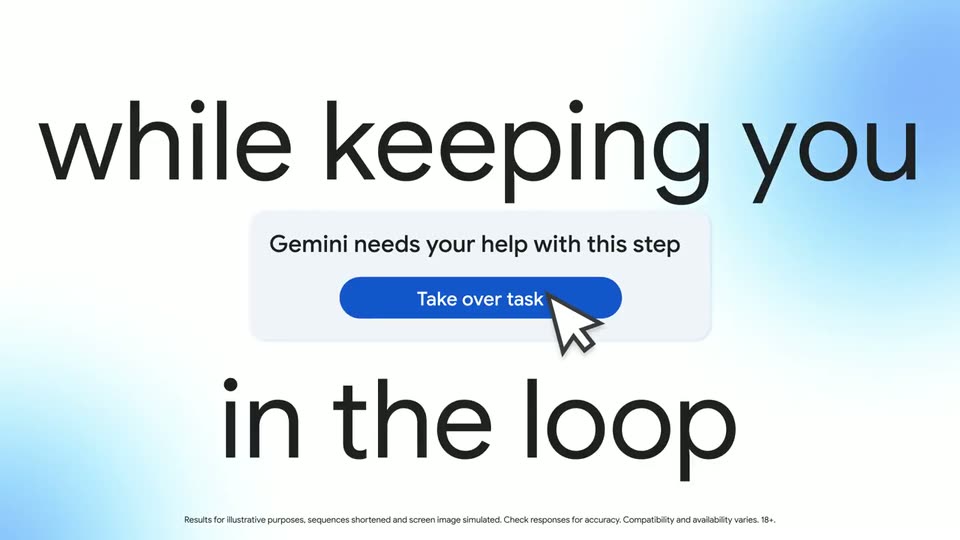 0:53–0:56Chrome · Chrome - Auto browse in Gemini in Chrome (now available for Google AI Pro andLarge black text while keeping you and in the loop slide in above and below a pale gray dialog card that fades in. A cursor glides to the blue Take over task button, hovers, then exits. Soft blue gradient at the edges.
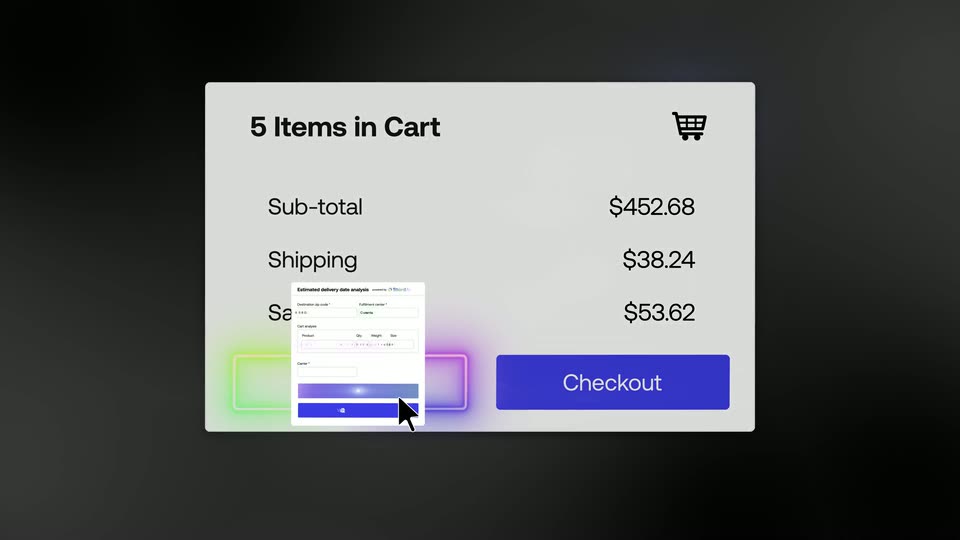 0:26–0:28Stord · Smart Commerce - Meet Stord AIA white cart summary card on a dark background shows rolling total-price digits while its labels resolve from garbled to readable. A cursor hovers at the top right. A second white card, an estimated delivery date form, slides in from the left and overlaps the cart card.
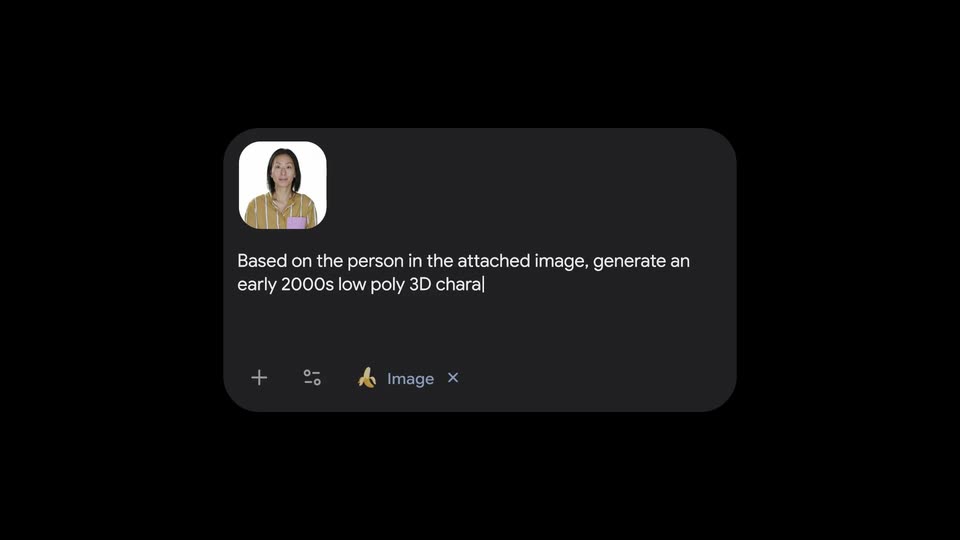 1:50–1:52Google · Google AI - Last August, we previewed Genie 3: a general-purpose world model thatA dark rounded chat card sits centered on black. A small photo of a woman in a yellow striped shirt, held by a white cursor, slides in from the left into the card's top-left corner. Below it, a prompt types out word by word in white sans-serif, filling three lines.
 1:14–1:16Project Genie · Google DeepMind - Step inside Project Genie: our experimental research prototype that lA dark UI card showing a world prompt and a small room thumbnail pans across the screen, reframing onto a Create world button where a white cursor hovers and shifts.
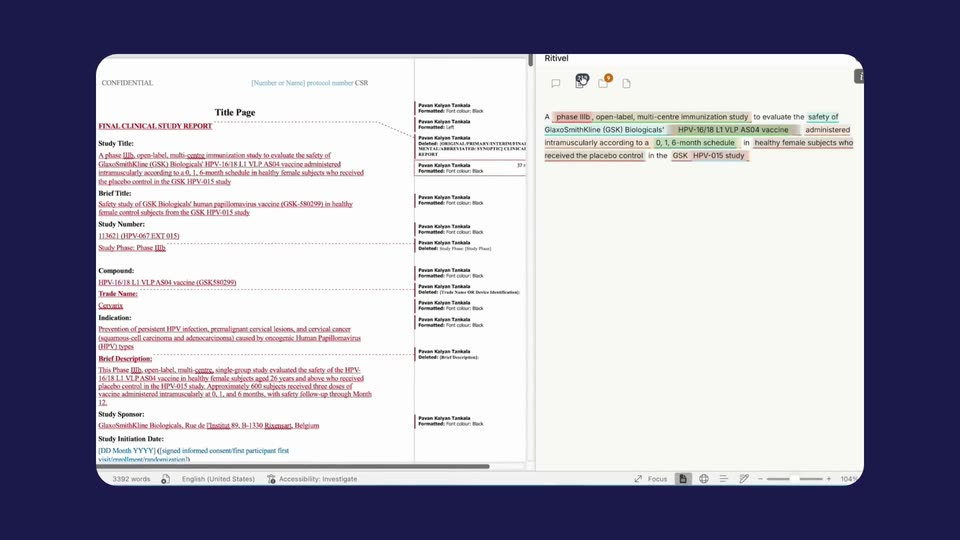 0:53–1:08TensorTest · ritivel drafts regulatory documents in minutes!A document with red tracked changes and an AI chat panel sits as a tilted card on navy. A cursor clicks Send via Outlook; a green toast confirms the email. The card then rotates in 3D and pans to a PDF page, where a red box highlights the synopsis text.
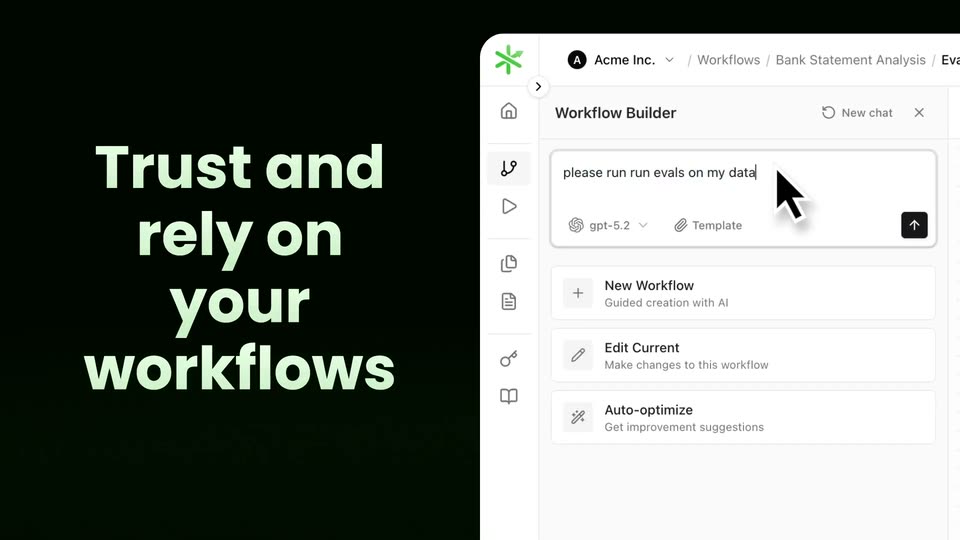 0:59–1:02EigenPal · Introducing EigenPalA light green headline holds on a black field at left. At right, a white Workflow Builder panel shows a prompt box; a cursor moves in over the text, then a second panel listing statement inputs slides in beside it.
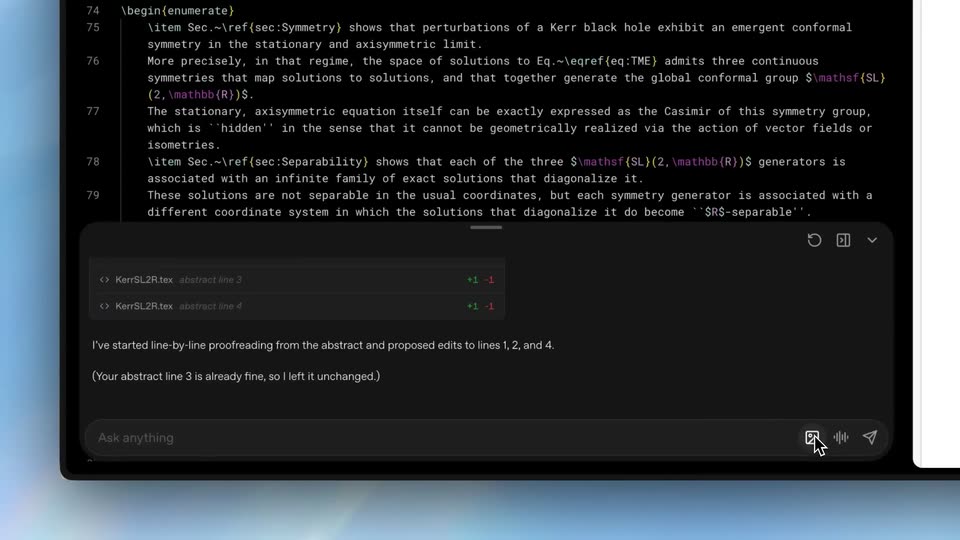 0:31–0:33OpenAI · Introducing Prism, a free workspace for scientists to write and collaborate on researchA dark assistant panel with diff rows and a proofreading message floats over a LaTeX document; the cursor drifts to the attach icon, then the screen blurs into a pale wash as the dark two-line headline “Turn images into technical diagrams” fades in and holds.
 1:05–1:07Wondercraft · Dimi Nikolaou - Today AI Video stops being slop. Introducing Wondercraft Video, an AA white form panel shows a goal field and format toggles. Text types into the field, then a hand cursor slides in and points at the green Generate button.
 0:27–0:28Anthropic · Claude - Your work tools are now interactive in Claude. Draft Slack messages,A rounded chat input box sits on a cream background as a message types itself out word by word behind a blinking caret. An orange arrow button rests at the right edge of the field.
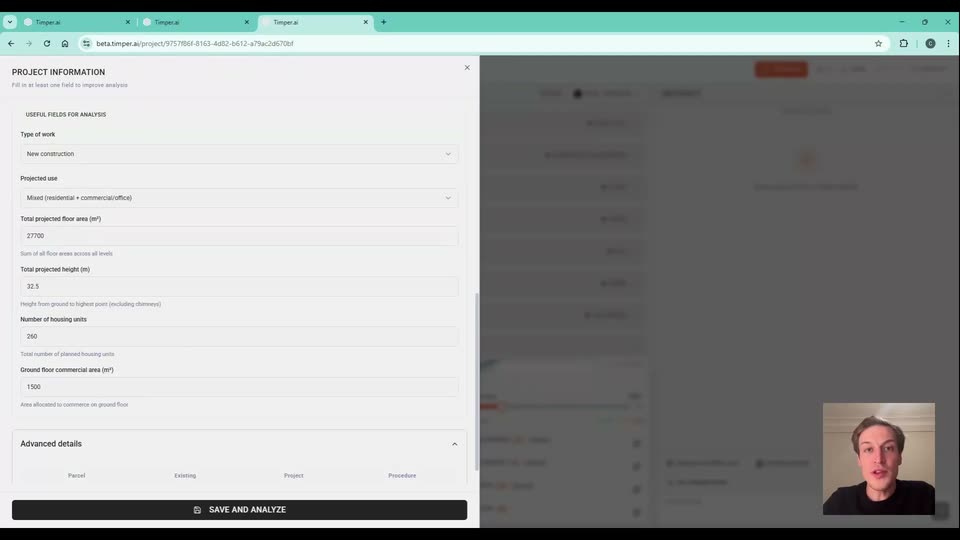 0:42–0:47Timper · Timper.ai - Demo Jan 2026A browser window shows a project information form on the left while a blurred dashboard sits behind it. The form scrolls down through address, parcel and analysis fields as the cursor moves along. A small webcam feed of the presenter stays fixed in the bottom right corner.
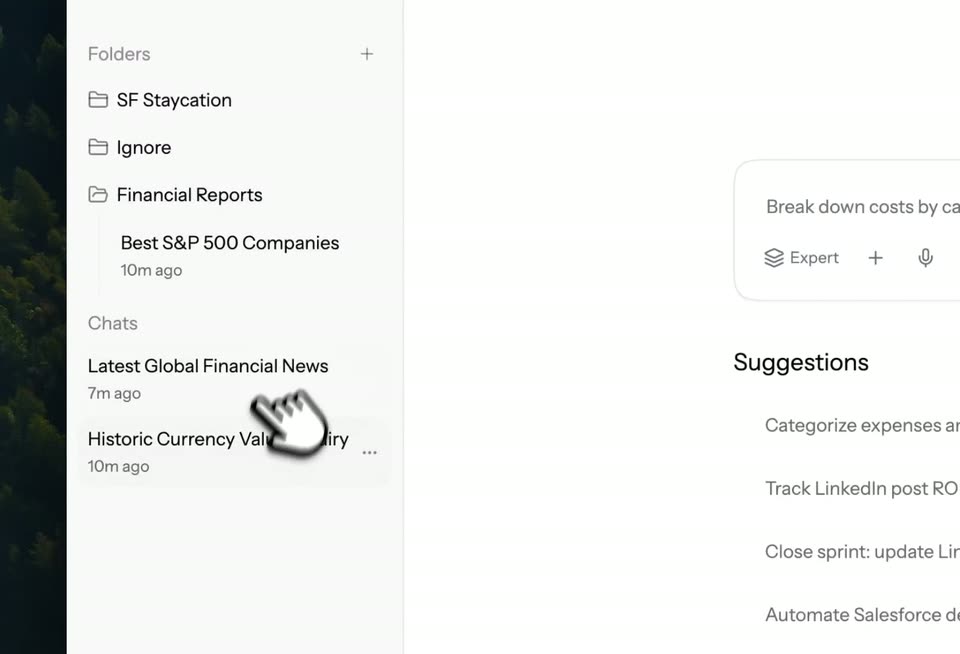 0:07–0:08Doe · doe - We're announcing folders for chat sessions and files!A white app interface with a left sidebar listing folders and chats. A black cursor moves to the Financial Reports row and clicks it, expanding the folder to reveal a nested item. The right pane holds a chat input box and a suggestions list.
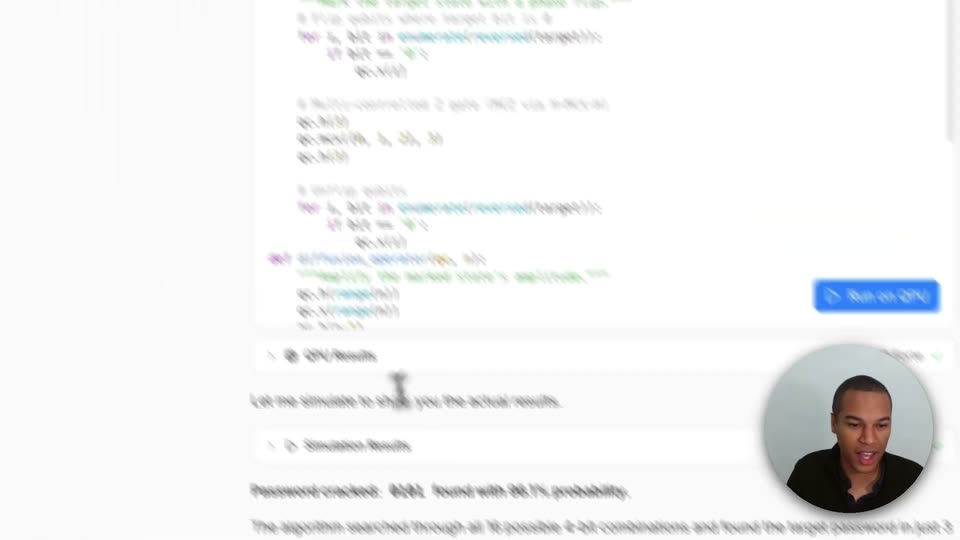 2:58–3:01Conductor Quantum · Coda | Natural language quantum computingA screen recording of a quantum-coding interface scrolls vertically past Python code, a blue Run on QPU button, and a results table, while a hand cursor hovers over the QPU Results row. A circular webcam of the presenter sits in the lower right corner.
 0:33–0:34Wix Harmony · Wix Harmony: The new way to createA translucent button with a green outline and the label “+ Add” scales in at the center over a soft-focus video of white flowers against a blue sky. A black cursor rests at the button's lower-right corner. The frame is locked off.
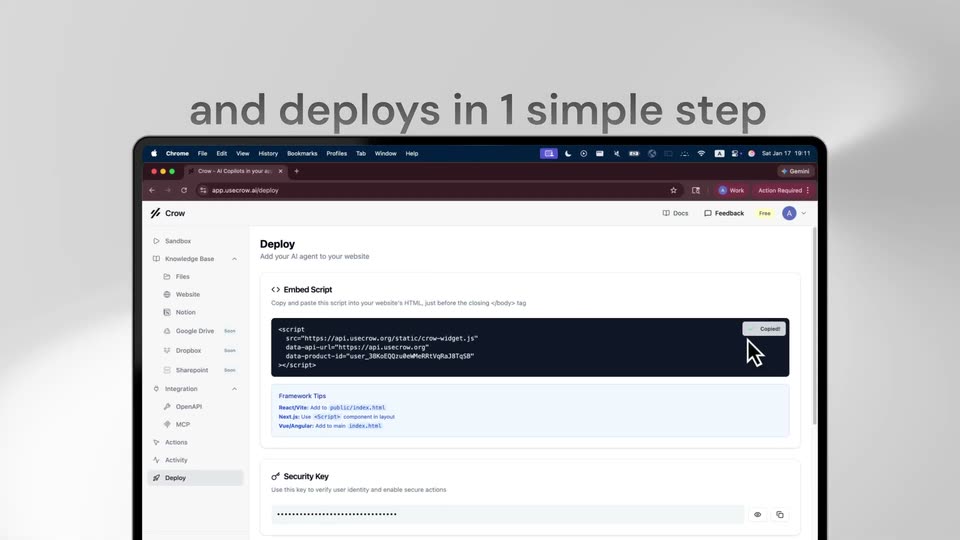 0:40–0:42Turnstone · Crow Launch VideoA tilted laptop mockup shows the Crown deploy page with a dark embed-script code block. A cursor glides across the interface toward the Deploy button. A large gray headline sits above the device on a light background.
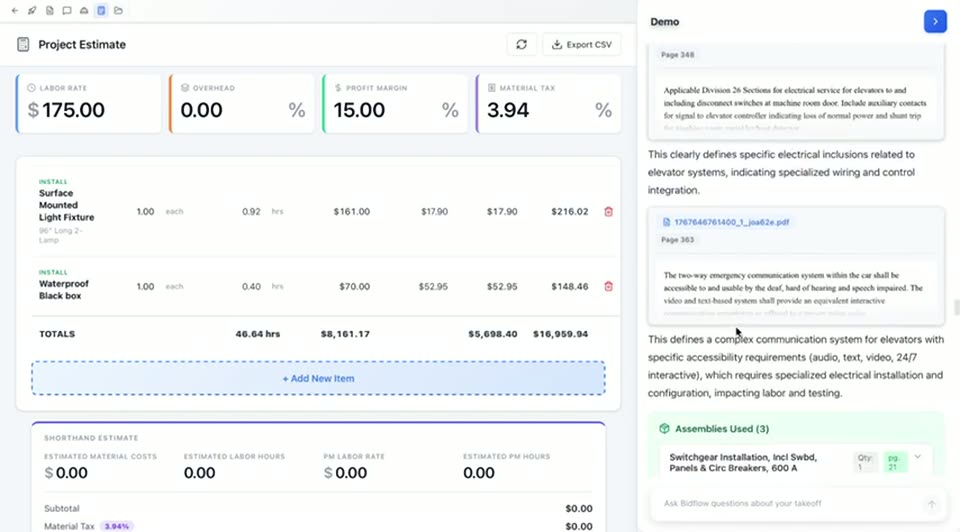 1:07–1:08Bidflow · Bidflow DemoA split screen shows a project estimate table on the left and a document panel labeled Demo on the right. A cursor hovers over extracted text snippets as the right column scrolls upward.
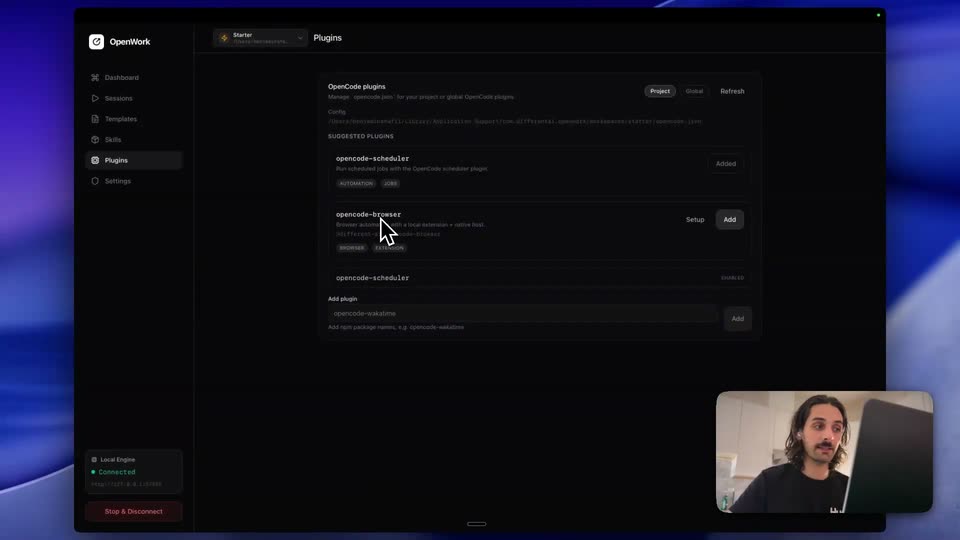 1:10–1:12OpenWork · OpenWork: The open-source alternative to Claude CoworkA dark OpenWork plugins page sits in a locked frame, listing suggested plugins with Setup and Add buttons. A white cursor drifts down from the first row to the browser row. A small webcam of a presenter sits in the bottom right corner.
 1:00–1:03Accordio · Accordio AI - Vibe coded a gift contract tool yesterday. Took 2 hours. Add someoneThe Accordo dashboard tilts in 3D perspective on a soft blue gradient while a cursor taps the green send button. The view then zooms through a motion blur into a flat close-up of the Campaign Tracking panel, where the cursor opens a follow-up dropdown listing three options.