Cursor demo
A visible cursor operates the interface.
15,048 scenes · page 197 of 251
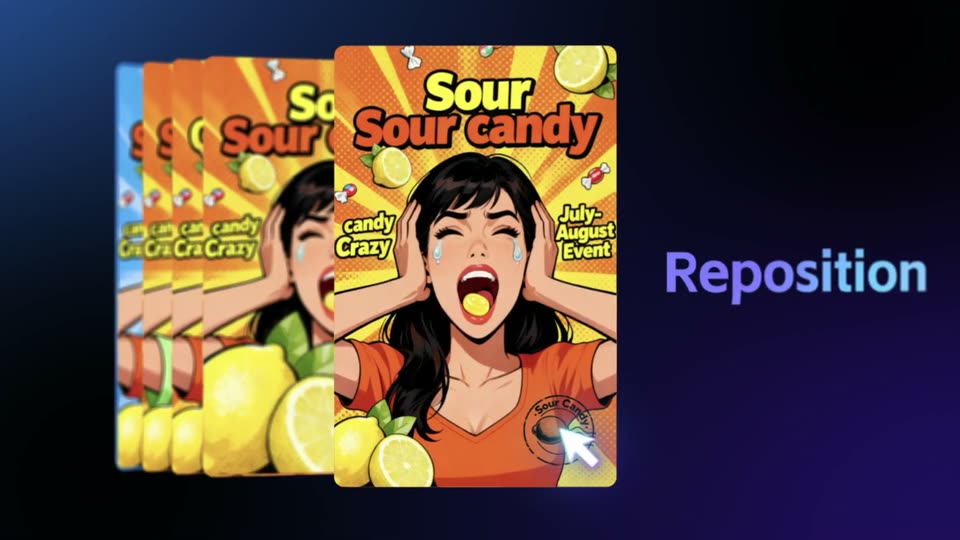 0:33–0:39Qwen · Qwen - 🎨 Qwen-Image-Layered is LIVE — native image decomposition, fully openA fanned stack of comic-style cards floats in 3D on a dark blue gradient. A glowing cursor taps the front card while a lemon element grows, then slides to a new spot as the card pushes toward the camera. Feature labels appear one by one on the right.
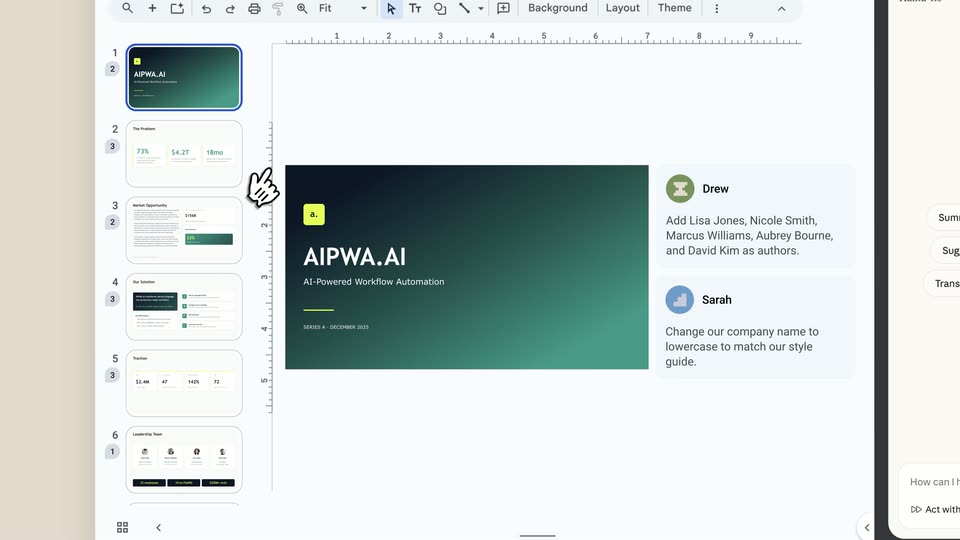 0:35–0:36Anthropic · Let Claude handle work in your browserA presentation editor fills the frame, with slide thumbnails on the left, a dark title slide in the center and an AI chat panel on the right. A hand-drawn cursor drifts from the top toolbar to the left edge of the canvas.
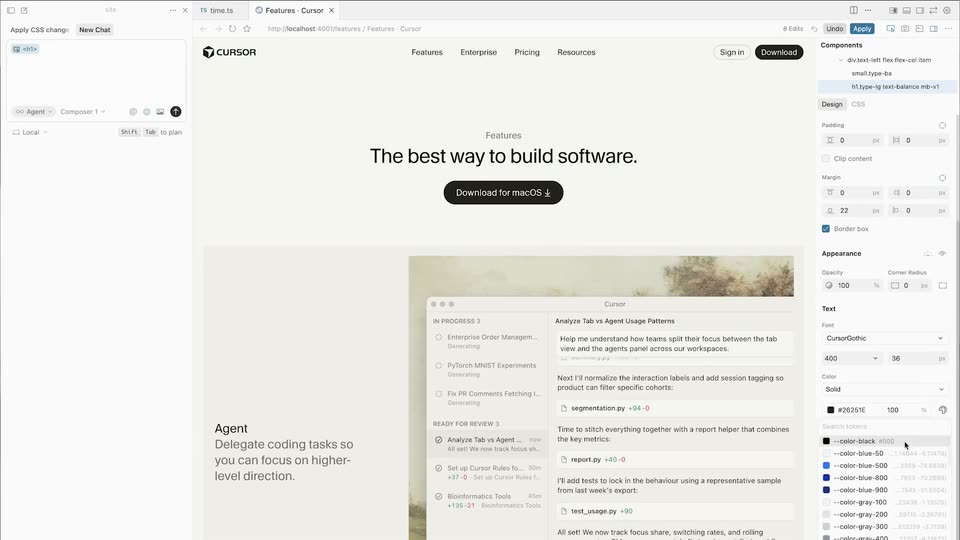 1:48–1:53Cursor · A new visual editor: design directly in your codebaseA design tool edits the live Cursor page. The inspector panel scrolls, a color dropdown opens and the cursor hovers a blue token, then the canvas scrolls down to the Agent and feature sections.
 0:57–0:58Alpic · Alpic launch week 2: PlaygroundA dark screen shows a white hand cursor that switches to an arrow as a gray envelope icon fades in at center-right, with the presenter's face cam in the bottom-right corner.
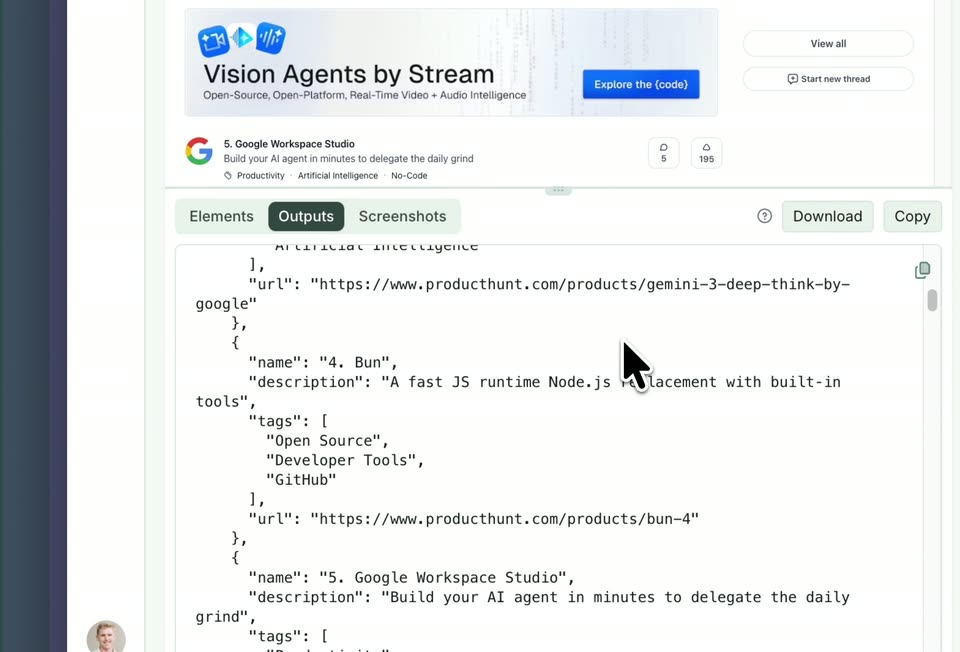 2:22–2:29Kilvin · BrowserBook YC DemoScreen capture of a dev tool interface. The cursor clicks the Outputs tab, and the panel switches from an HTML tree to a JSON list that scrolls down through product entries. A top card reads Vision Agents by Stream with a blue Explore the (code) button.
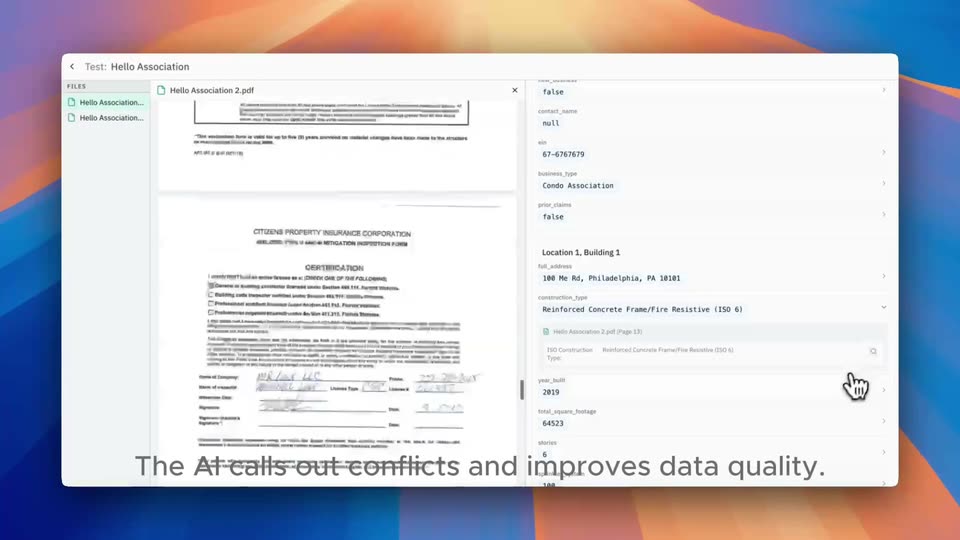 0:59–1:08Adaptional · Adaptional IntroA product window shows an extractions panel; a hand cursor scrolls the fields and opens a PDF source, where a green highlight links a row to a cited value. The window zooms out to reveal the full layout. Captions run along the bottom.
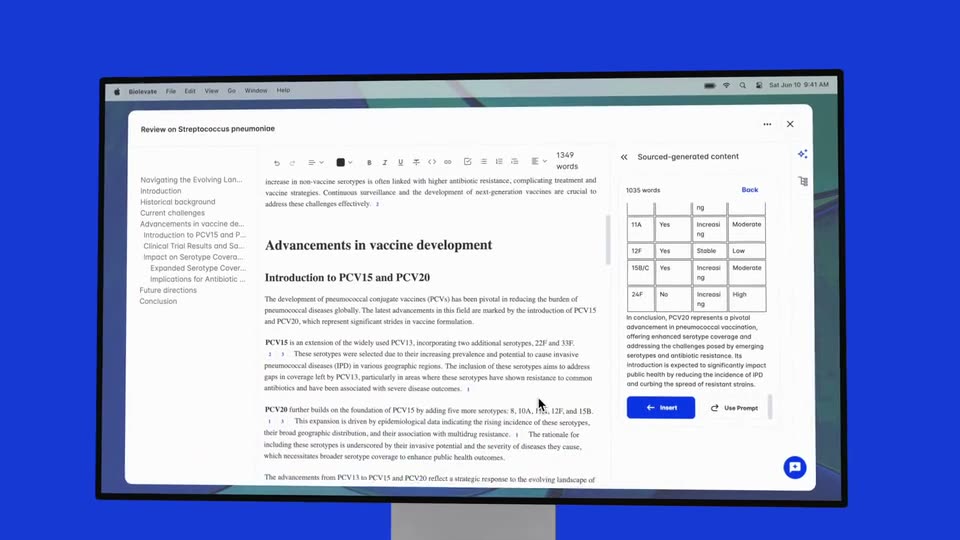 0:38–0:44Biolevate · Biolevate launch filmA 3D monitor on a flat blue field displays a document editor with a left outline, central text and a right source panel. The camera pushes in to a frontal close-up of the interface as a cursor hovers over the right panel.
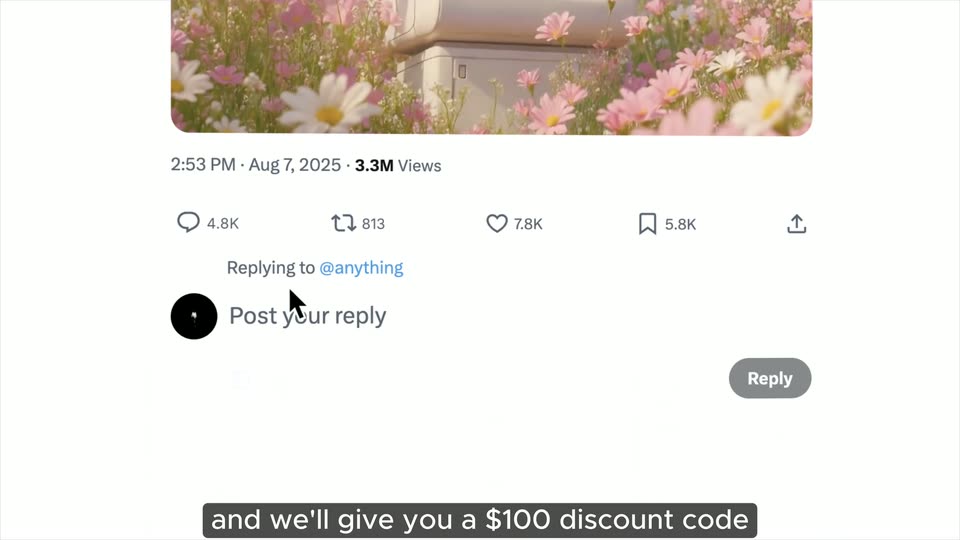 2:07–2:09Anything · Anything - Introducing Anything Max: Vibe Coding that's leaps above Lovable andA close-up of a Twitter post by @Anything scrolls down to the reply section. A cursor moves onto the retweet button and clicks it, turning it green, while “LFG!!!” is typed into the reply box.
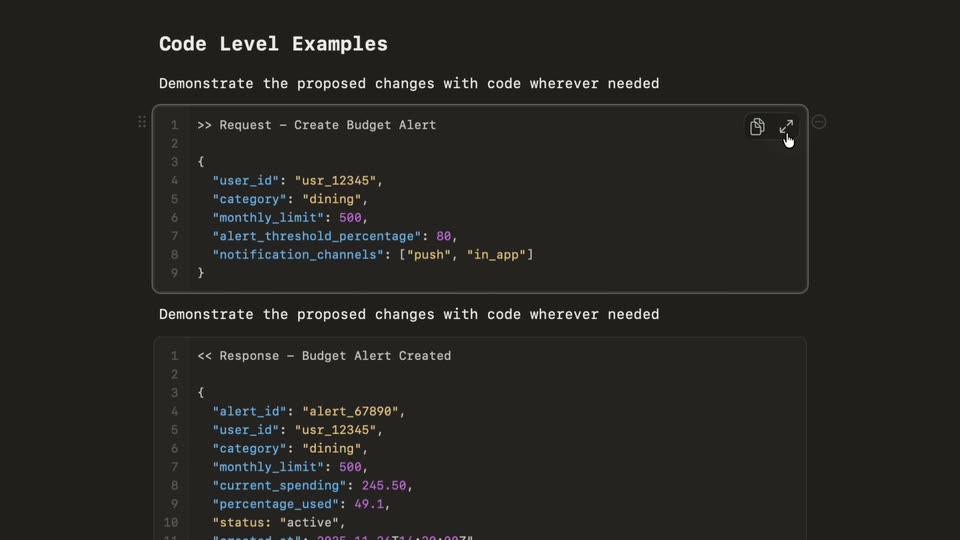 1:06–1:09Craft · Introducing the new Craft Assistant, MCP & API and more!A dark docs page titled Code Level Examples stacks two JSON code blocks, a request and a response for a budget alert. The frame zooms in on the code, then a cursor glides to the expand icon at the top right of the first block and clicks it.
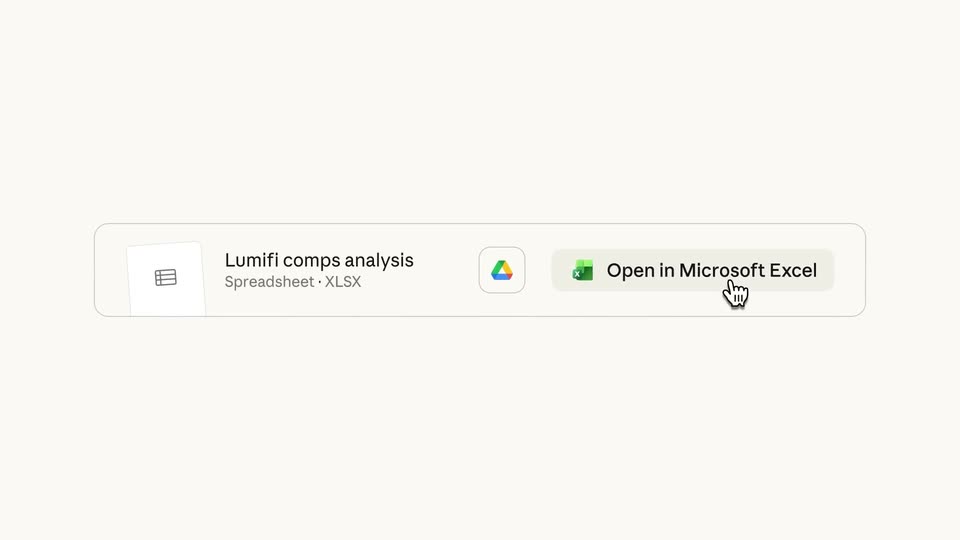 0:49–0:52Anthropic · Claude works with you on slides, spreadsheets, and contract redlinesA file chip on a cream background shows the spreadsheet name and an Open in Microsoft Excel button with a hand cursor on it. The chip zooms, then the Excel window opens below it, showing a comps analysis table on the left and an AI chat panel on the right.
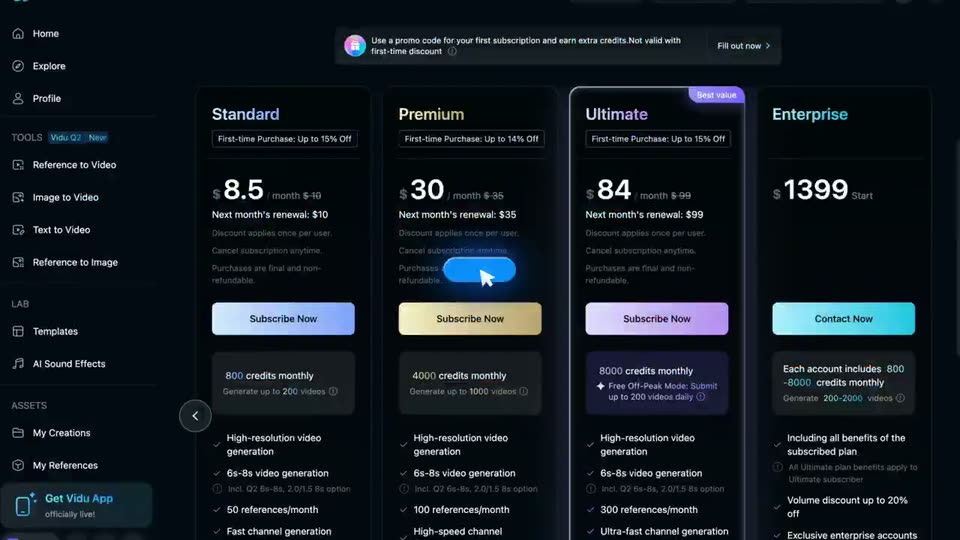 0:41–0:42Vidu · Vidu AI - 10-Image video creation with seamless creative transitions Upscale noA dark pricing page interface tilts into view in 3D perspective, showing a left sidebar and four plan cards. A blue banner reading “Enterprise plan now available” sits centered over the cards with a white cursor arrow pointing at it.
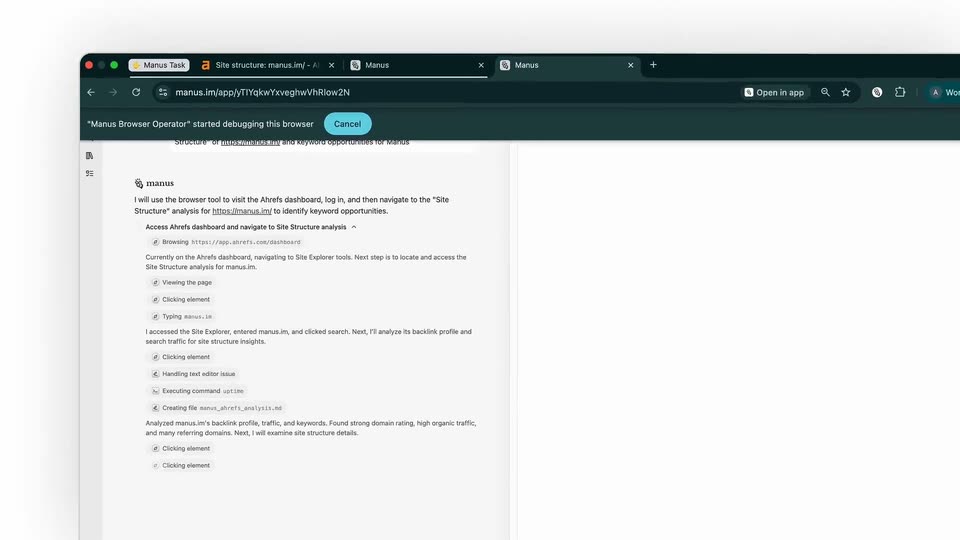 0:44–0:45Manus · Manus - Today we're launching Manus Browser Operator. Any browser can now beA dark browser window sits in 3D perspective. A cursor clicks the active tab, swapping the page for a multi-step task list. The view then reframes to the top bar, where an Open in app button slides in at the right.
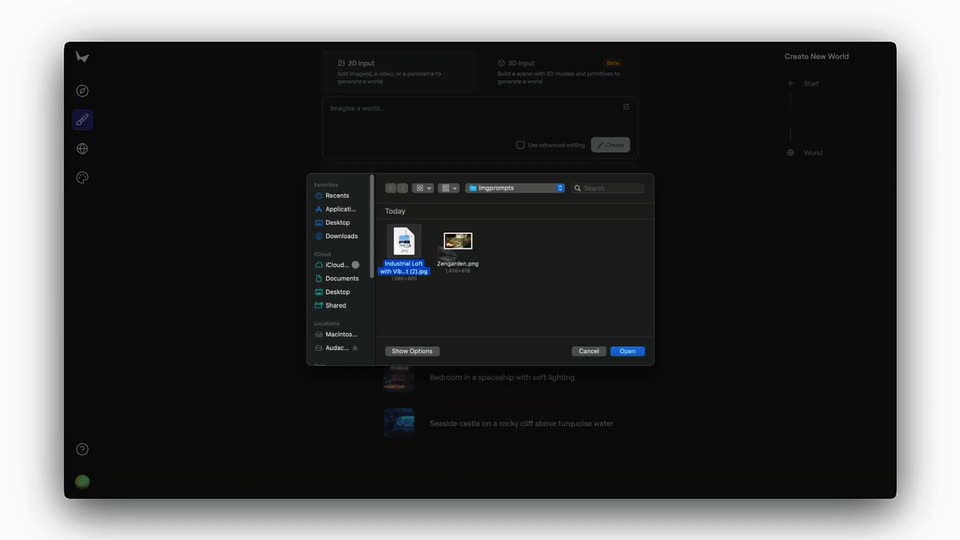 0:44–0:45World Labs · Welcome to Marble!A dark world-creation app screen with a macOS open-file dialog centered; the cursor hovers over the selected image file, then slides right and clicks the Open button.
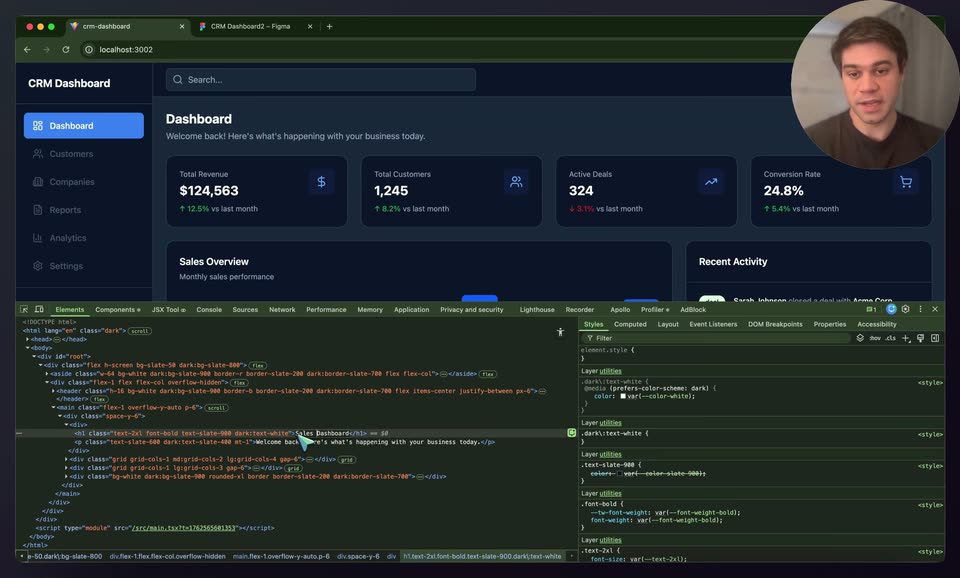 0:46–0:52Coasts · JSX Tool DemoA browser shows a dark CRM dashboard with a developer tools panel docked below. A cursor hovers the page title, a tooltip lists the element's classes, then the cursor drops to the matching h1 line in the code. A circular webcam of a presenter sits top right.
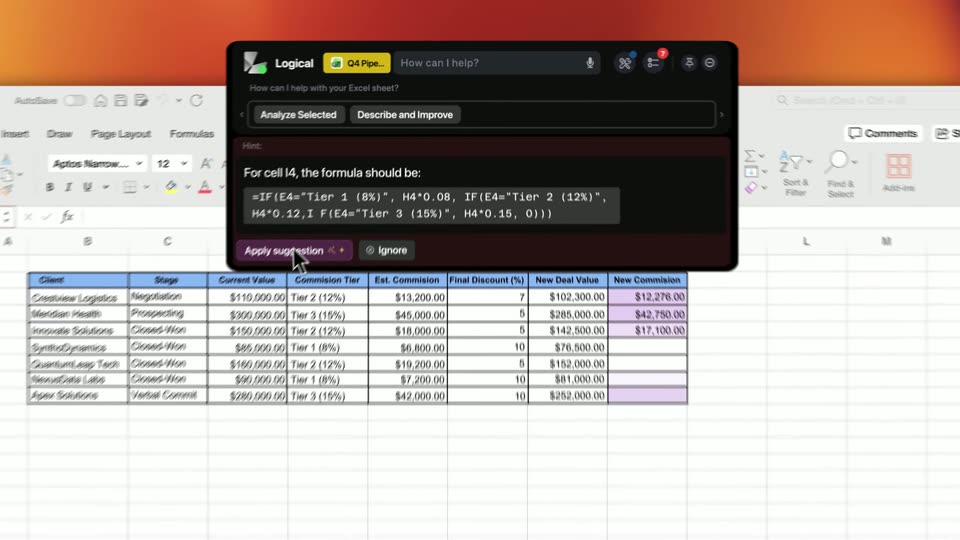 0:58–1:03Logical · Logical | The Proactive Desktop CopilotA dark AI panel floats over a spreadsheet and types a formula suggestion for cell I4. A cursor clicks Apply suggestion, the panel shrinks to a top bar, and the frame pulls back to reveal the filled New Commission column.
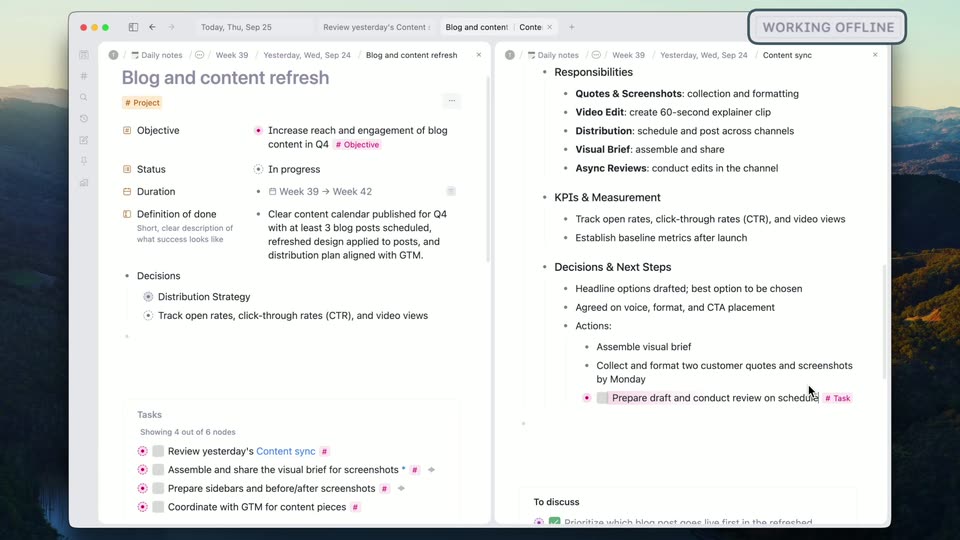 0:53–0:56Tana · Tana Outliner Offline Is HereA two-panel note app sits over a mountain wallpaper. The left note's Decisions list fills in as a cursor types, and the right note scrolls down to reveal more meeting sections, while a WORKING OFFLINE badge stays pinned in the top-right corner.
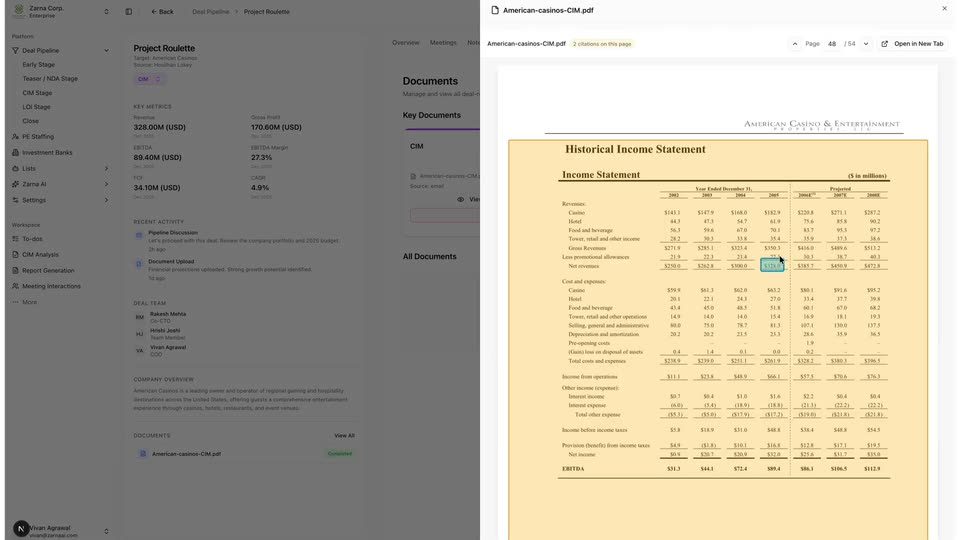 1:11–1:14Zarna · Demo Video - ZarnaA CRM deal screen fills the left half with a metrics and activity panel; on the right a PDF income statement zooms in to fill its panel as a cursor drifts across the table.
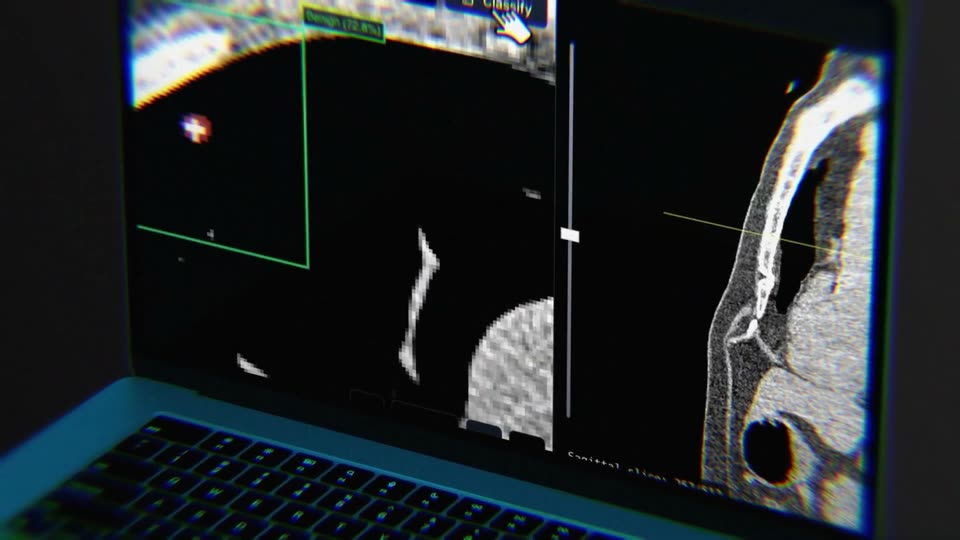 1:03–1:04Nucleo · Nucleo - Automated cancer diagnosticsA laptop sits at an angle in 3D perspective, its screen showing a dark medical imaging view split into two CT scan panels. A cursor rests near a top-right label while the frame holds still.
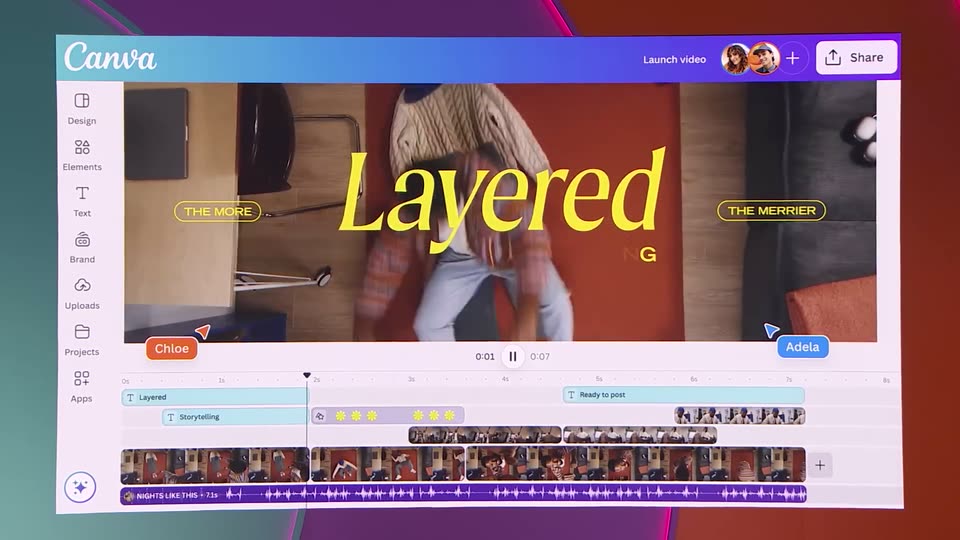 3:44–3:47Canva · Introducing Canva Video 2.0A tilted Canva editor sits on an abstract teal and magenta backdrop. Inside the preview, a top-down clip of a person on a rug plays as yellow title text and star ratings pop in. Two named cursors, Chloe and Adela, drift from the canvas center to the lower corners.
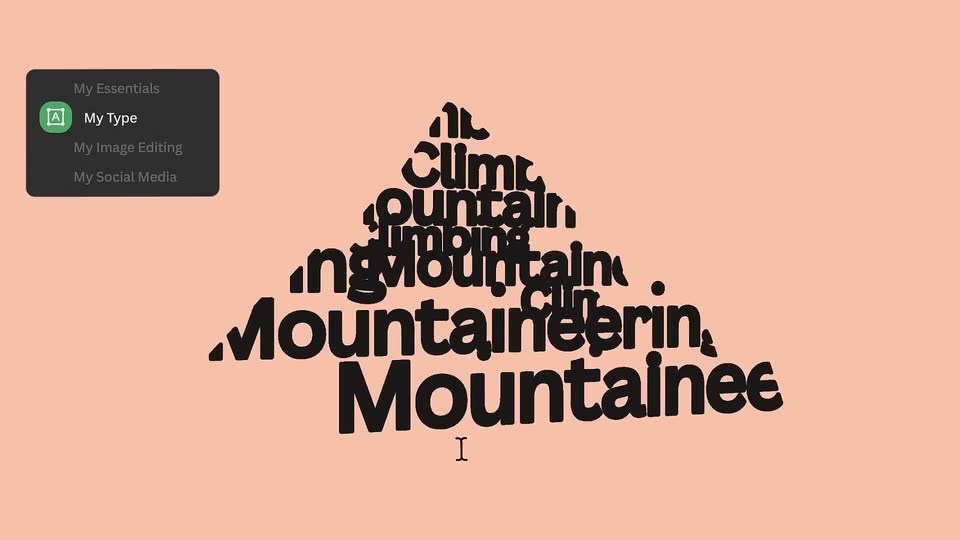 0:34–0:35Affinity · Creative FreedomA dark rounded menu on the left lists four items, with one highlighted in white beside a green icon, while black serif words stacked into a mountain peak fill a peach background. A thin text cursor drifts from the right edge down to the bottom.
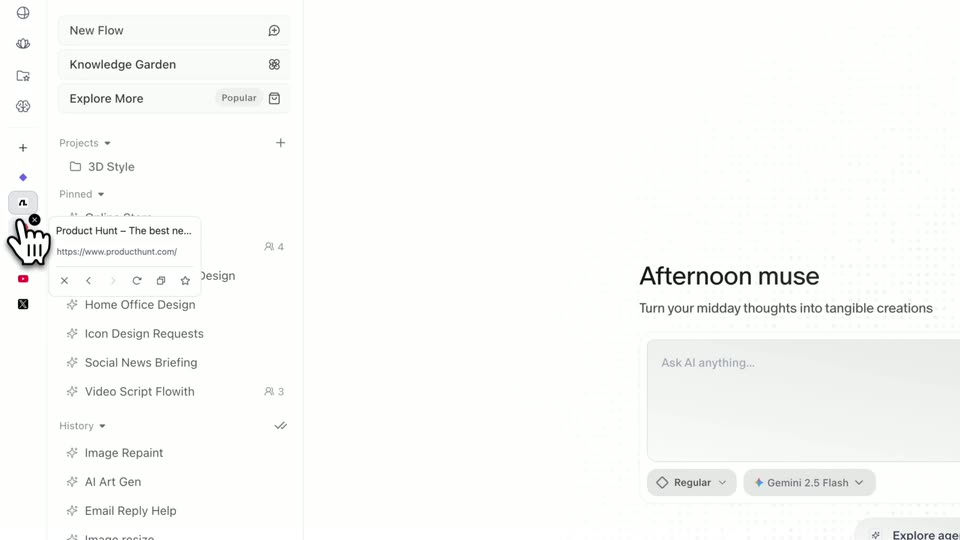 1:00–1:01Flowith · Derek Nee - introducing the OpenAI Atlas killer. might be the last browser you'llA white interface sidebar lists projects and pinned flows. A hand cursor clicks a small icon, and a compact browser window pops out showing a Product Hunt tab with its URL. The main canvas holds an 'Afternoon muse' heading and an empty prompt box.
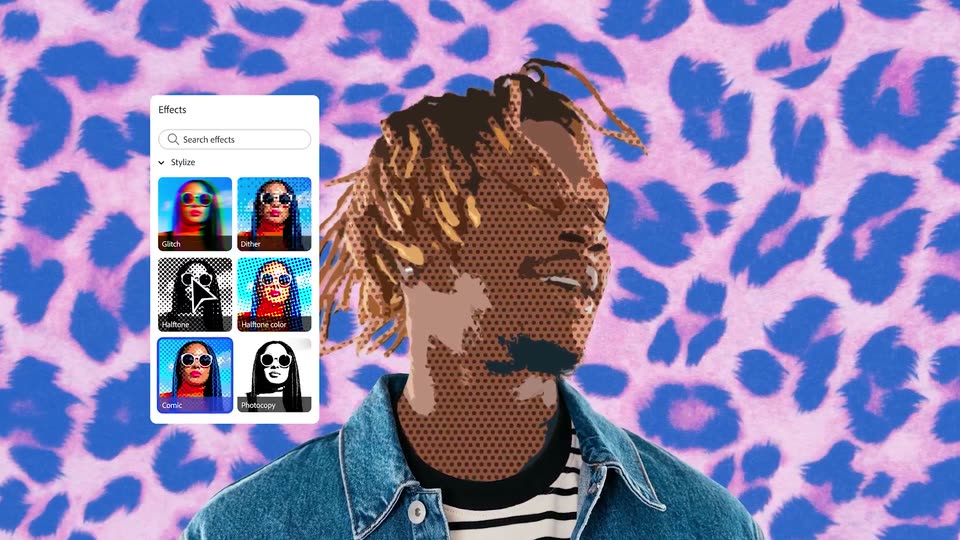 0:25–0:29Topaz Labs · Topaz Labs - @Adobe + Topaz Labs 🤝🙌 Just announced—you can now access select TopazA man with blonde dreadlocks against a pink and blue leopard print background, his head outlined by a dashed selection. A cursor clicks effect thumbnails in a left panel as his face dithers into brown dots, then black and white halftone.
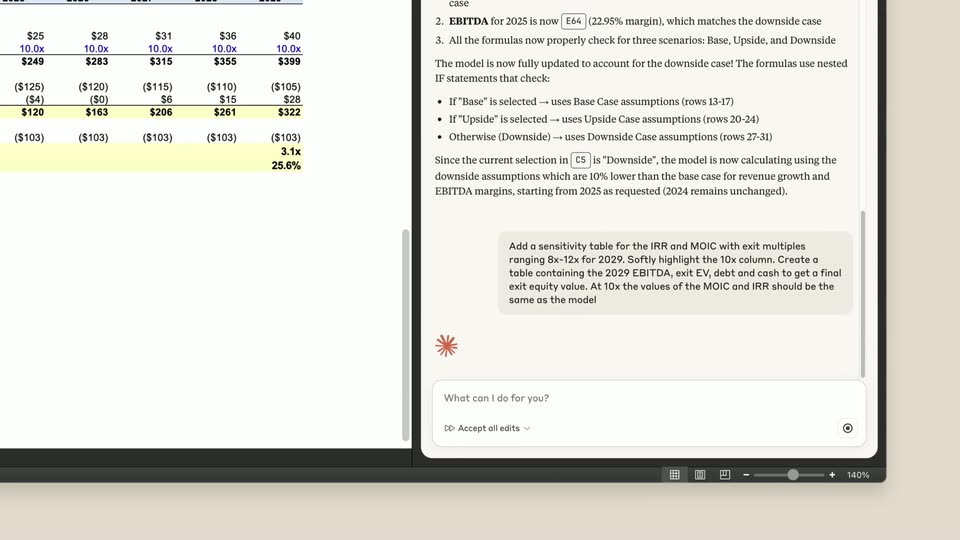 1:08–1:22Anthropic · Anthropic - We’re expanding Claude for Financial Services, with an Excel add-in,A Mac screen shows an Excel LBO model beside a Claude add-in chat panel. The view zooms into the downside case rows, then into the chat box where a sensitivity-table prompt is typed. It zooms out, then back in on the new table framed by red hand-drawn braces.
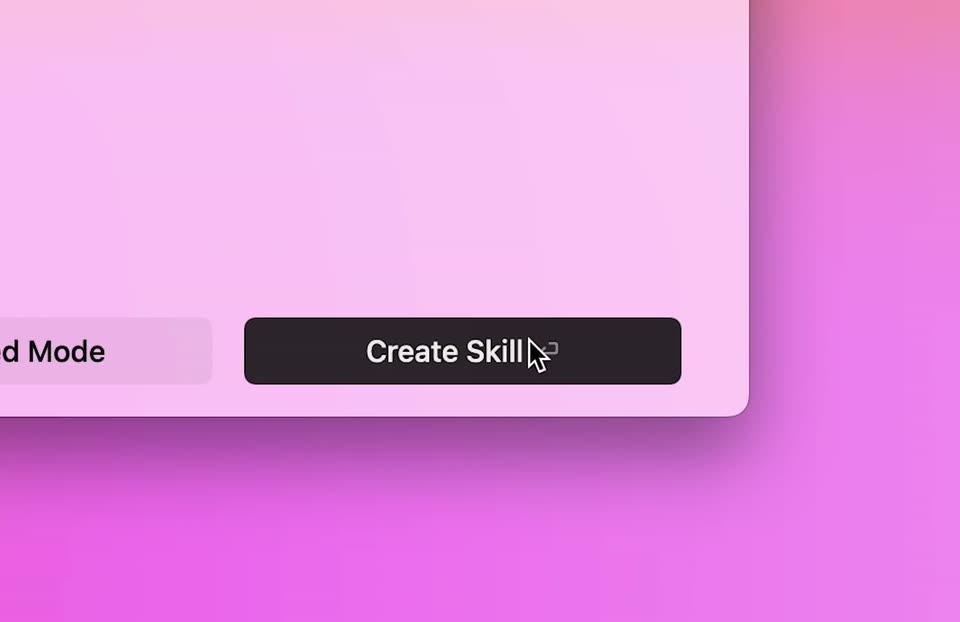 0:40–0:41The Browser Company · Dia - Complex Skills, simple words. Create expert-level prompts with the rClose-up of the lower corner of a pale-pink interface card on a magenta gradient. A thin text caret blinks in the empty field, then a mouse cursor glides in and presses the dark Create Skill button, which darkens on click. The Advanced Mode button sits to its left.
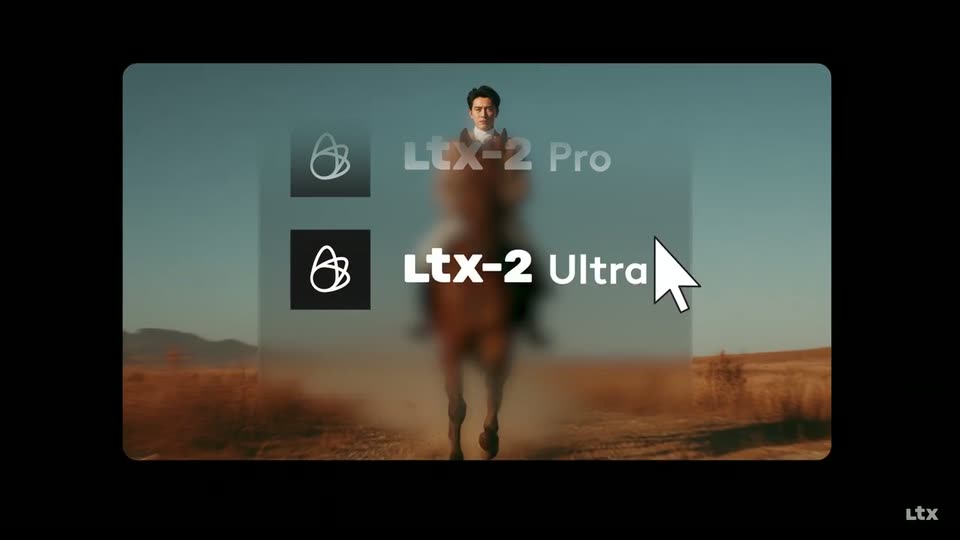 0:34–0:35LTX · LTX.io - Today we’re launching LTX-2 in LTX (we're more than a studio). LTX-2A rounded video card shows a man riding a horse across a dry field. A vertical menu of model names scrolls up, the selected row gains a dark bar and bold white text as it scales up, moving from Pro to Ultra under a large white cursor.
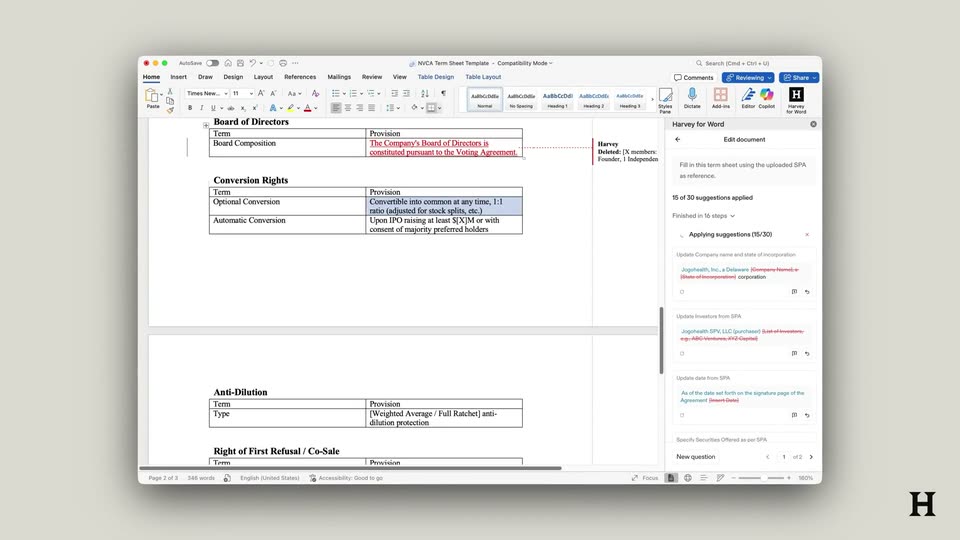 1:26–1:36Harvey · Microsoft IntegrationsA Mac window shows a Word term sheet beside the Harvey sidebar, which zooms in on an apply button as a cursor clicks it. A counter then climbs from 1 to 30 while the document scrolls and redlines fill in.
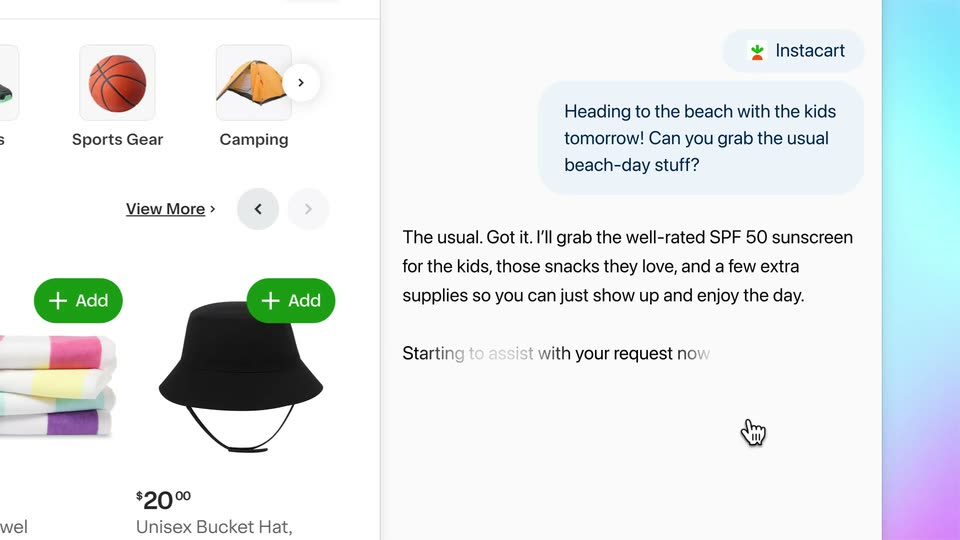 1:06–1:12OpenAI · OpenAI - Meet our new browser—ChatGPT Atlas. Available today on macOS:A browser window shows the Instacart shopping page on the left and an assistant chat on the right, where a cursor clicks the black Continue button. The question and buttons fade out, replaced by the line Starting to assist with your request now.
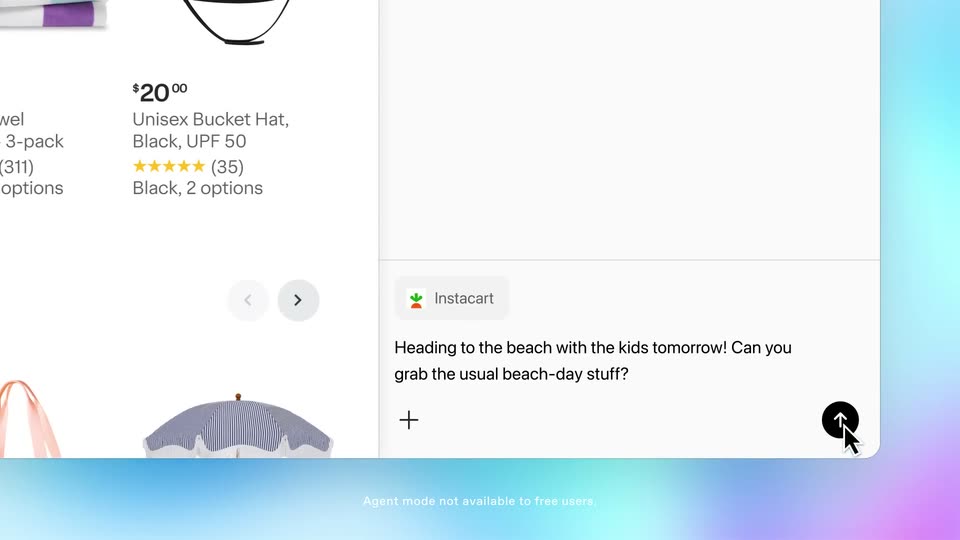 1:02–1:06OpenAI · Introducing ChatGPT AtlasA shopping app interface fills the frame: a bucket hat listing on the left, a chat panel on the right where a message types itself out word by word, then a cursor glides to the black send button and presses it.
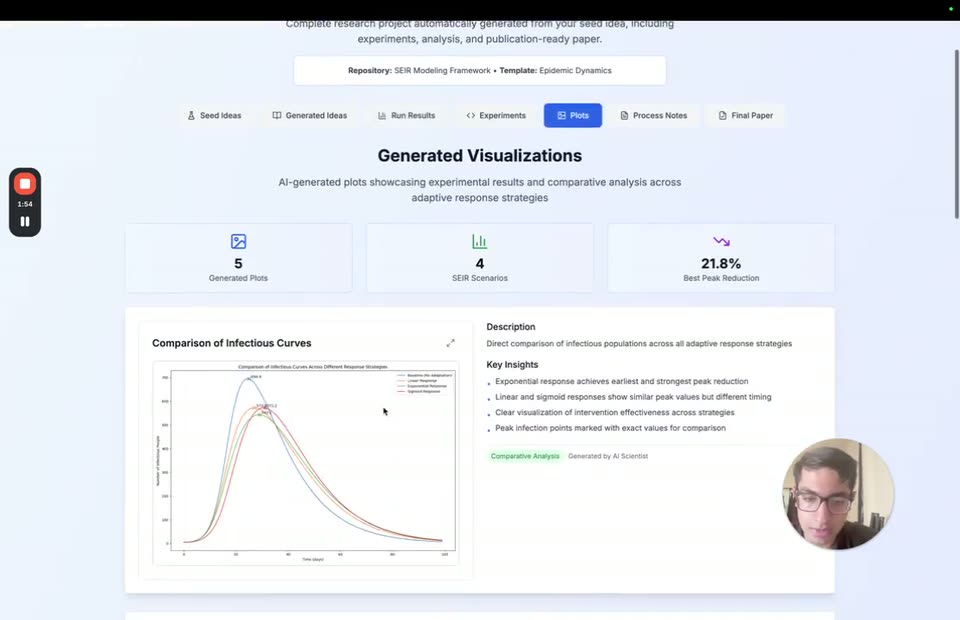 1:52–1:56Sciloop · Sciloop - End to End Scientific DiscoveryA research dashboard fills the frame. A cursor clicks the Run Results tab, then Plots, and the page cross-fades from a list of experiment runs to a line chart comparing infectious curves. A small circular webcam of a man with glasses sits in the bottom-right corner.
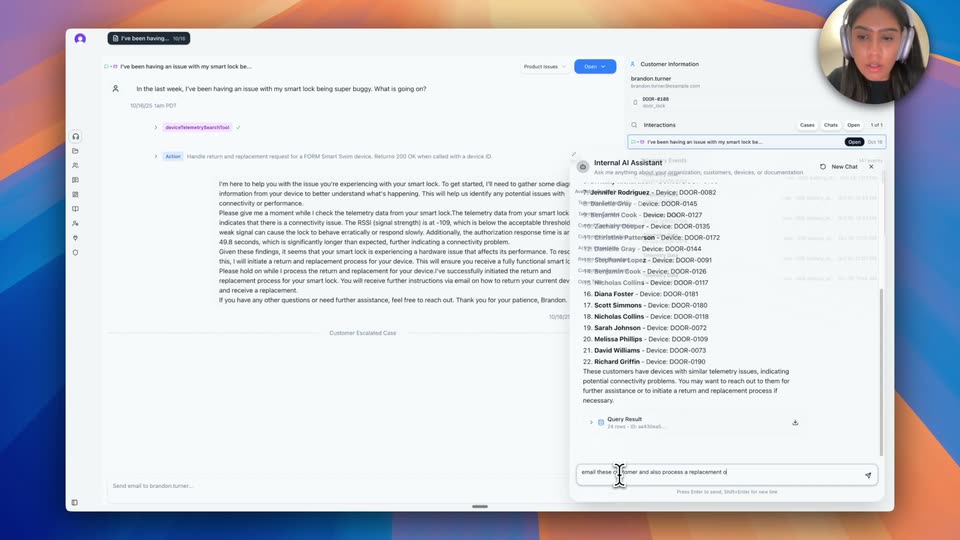 2:19–2:36Layers · Telemetron DemoClose-up of the AI assistant panel zooms out to the full helpdesk window, tilted in perspective over a striped blue and orange backdrop. A cursor types a command into the chat input, clicks send, and the panel fills with executing task rows. A presenter's facecam sits in the top right.
 0:46–0:47CapCut · CapCut - Your all-in-one e-comm toolkit is here. Meet the new CapCut Desktop!A close-up of a white interface card on a pale gray backdrop. A teal circular button with a white up-arrow sits center-right. A blue-to-green gradient cursor hovers at its lower edge and presses it, the circle shrinking slightly as it is clicked.
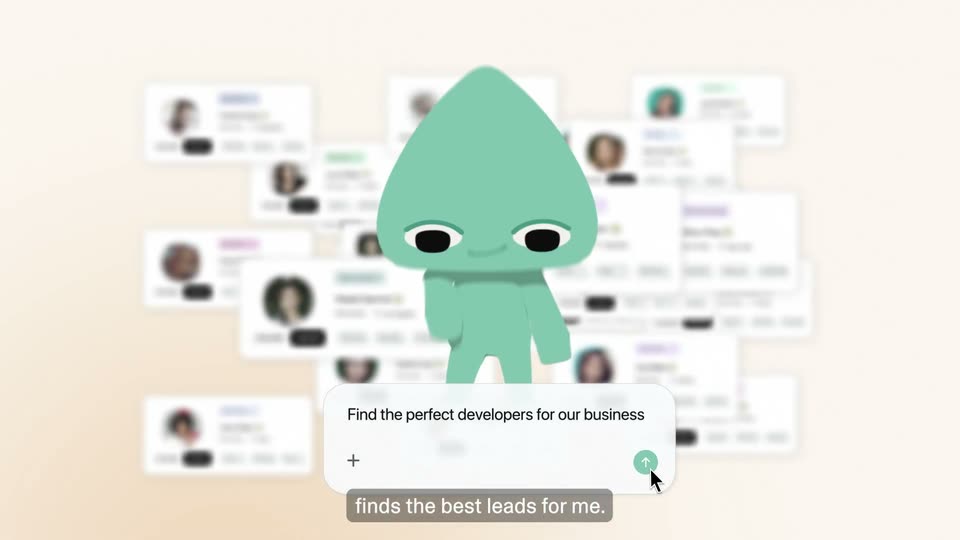 0:33–0:37Strawberry · Charles Maddock - We've raised $6M from General Catalyst, EQT Ventures, and founders ofA green 3D alien mascot stands before a blurred wall of chat cards, focus sharpening on it. A chat box types a prompt, then a cursor clicks the send button. The mascot shrinks away, leaving the cards behind as the caption cheers Ryan on.
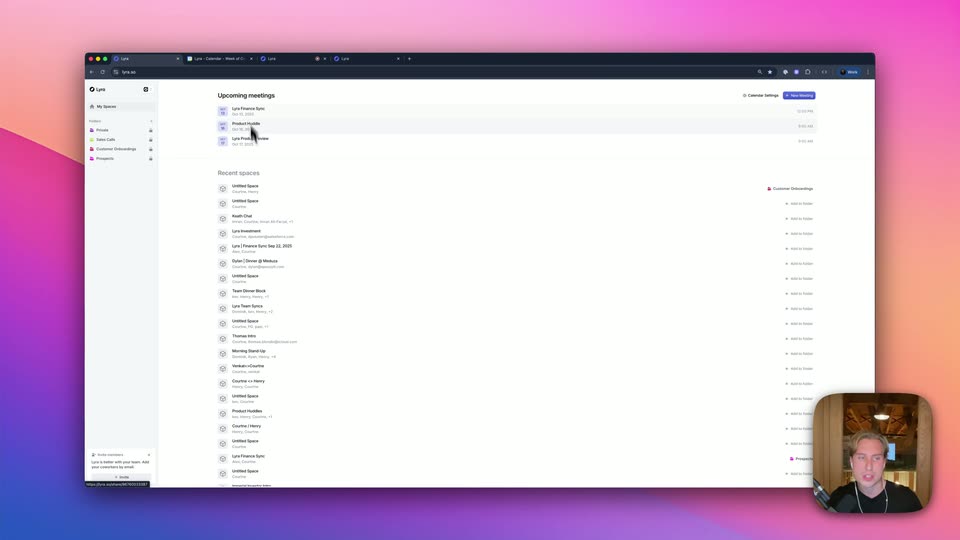 0:11–0:12IRBC · Lyra, The Final Meeting Platform.A dark browser window fills the frame over a pink-purple gradient, showing the Lync home page with an upcoming meetings list and a long recent spaces list. A cursor travels down the list. A small webcam feed of the presenter sits in the bottom right corner.
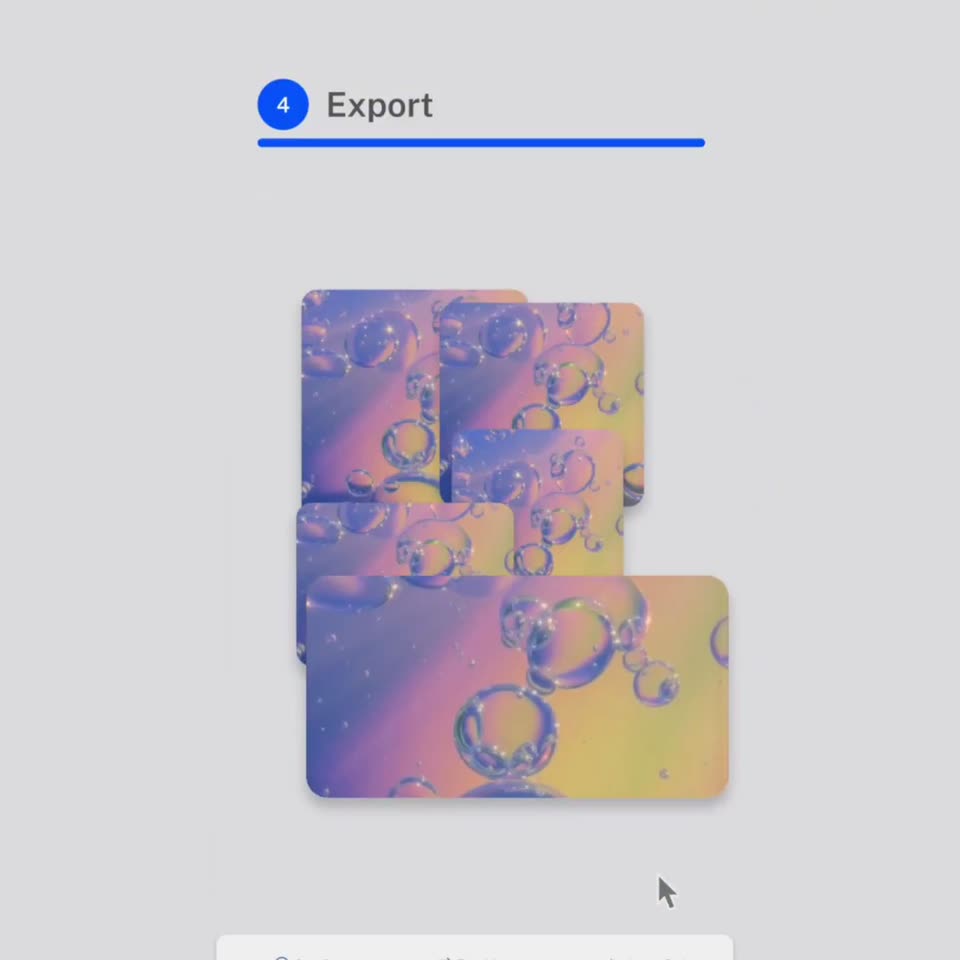 0:23–0:24Kaiber · Kaiber - Most AI tools just generate. But Superstudio helps you create. MakeA product interface shows a 4 Export header above a central preview card. The card starts as 16:9 landscape with a pink transparent motorcycle, then morphs into a 9:16 portrait of a purple and yellow bubble gradient. A bottom control bar lists aspect ratio options with a cursor on the 16:9 button.
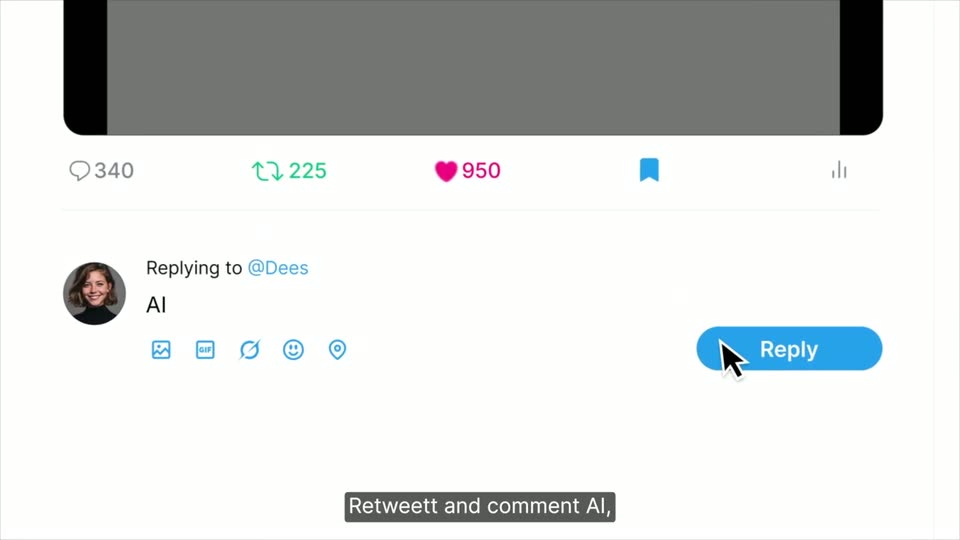 1:33–1:36Meridian · Alex Dees - Introducing Meridian. 50% of searches are now powered by AI (Think CA close-up of a Twitter post shows a reply box under the engagement icons. A cursor clicks into the field, types the word AI, then hits the blue Reply button. The box refreshes into the posted reply from Sandra Hefner. Subtitles run along the bottom.
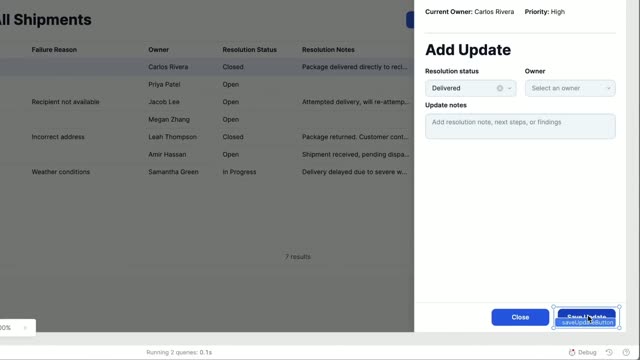 1:19–1:27Retool · Introducing Enterprise AppGen: AI-Assisted Development from RetoolOver a dimmed shipments table, a cursor opens the resolution status dropdown in the Add Update panel, selects Delivered, and clicks Save Update. The view then zooms out to the full Shipment Triage Dashboard with the Delivered filter set.
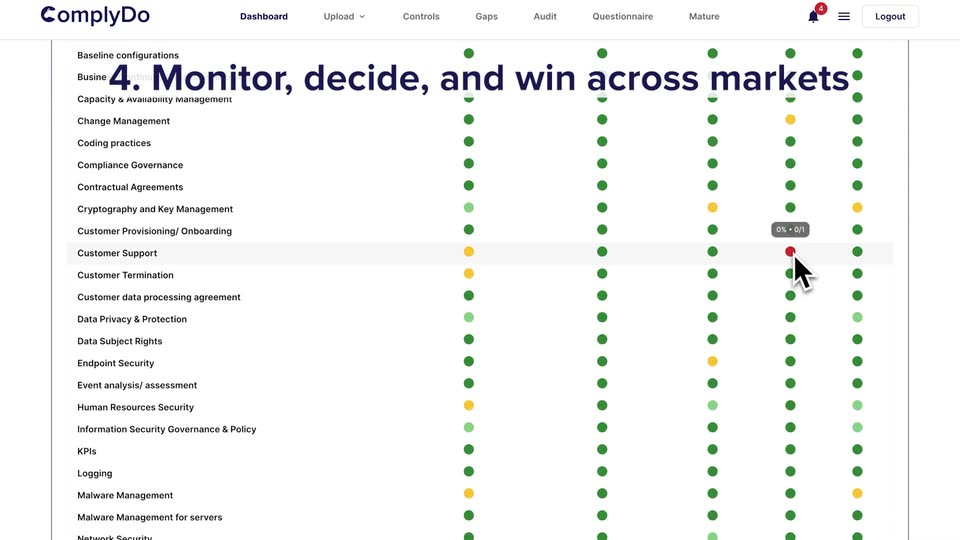 0:33–0:36ComplyDo · Compliance is CHAOS. ComplyDo (YC F25) - The most flexible enterprise compliance engine.A compliance matrix of category rows with columns of green, yellow and red dots scrolls upward behind a large navy headline that fades out. A cursor hovers a red dot to reveal a small tooltip, then moves away to the right.
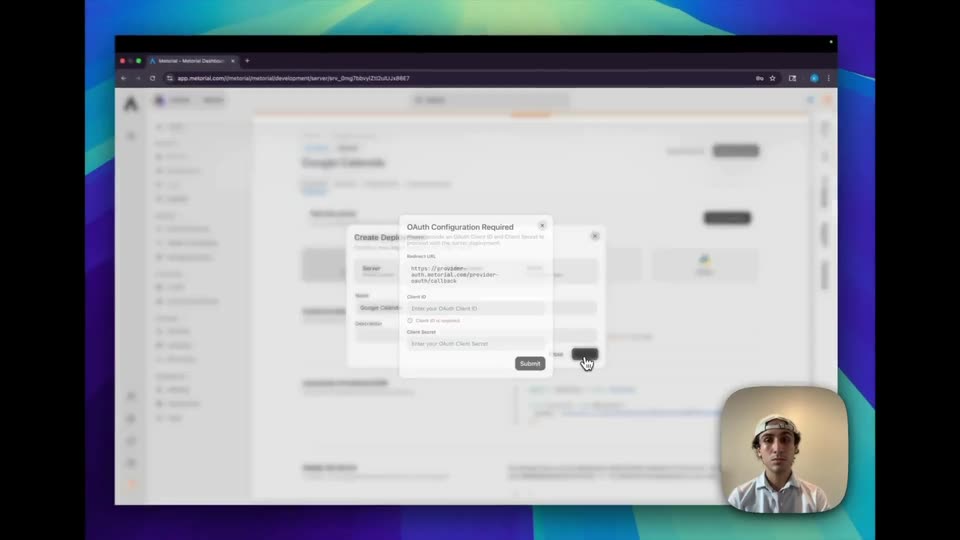 0:37–0:38Metorial · Introducing Metorial - YC F25The view eases out from a tight crop of a Create Deployment dialog to the full browser window, where it switches to an OAuth form as a hand cursor clicks. A rounded webcam video of a presenter sits bottom right over a colorful gradient.
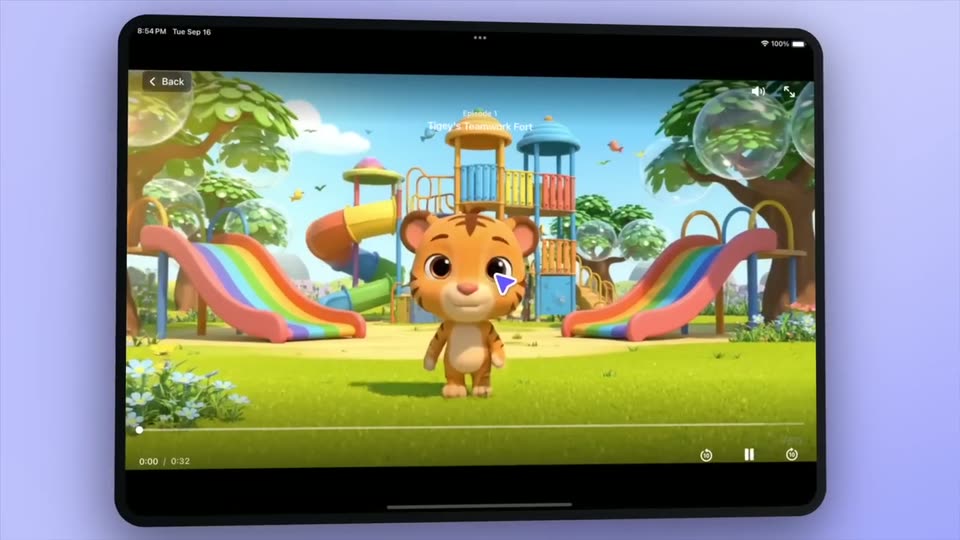 0:41–0:44Pixley AI · Introducing Pixley AIA tablet in 3D on a flat lavender field shows a paused video of a cartoon tiger in a rainbow playground. A cursor glides to the center play button and taps it; the tiger begins to move and the player switches to a pause icon.
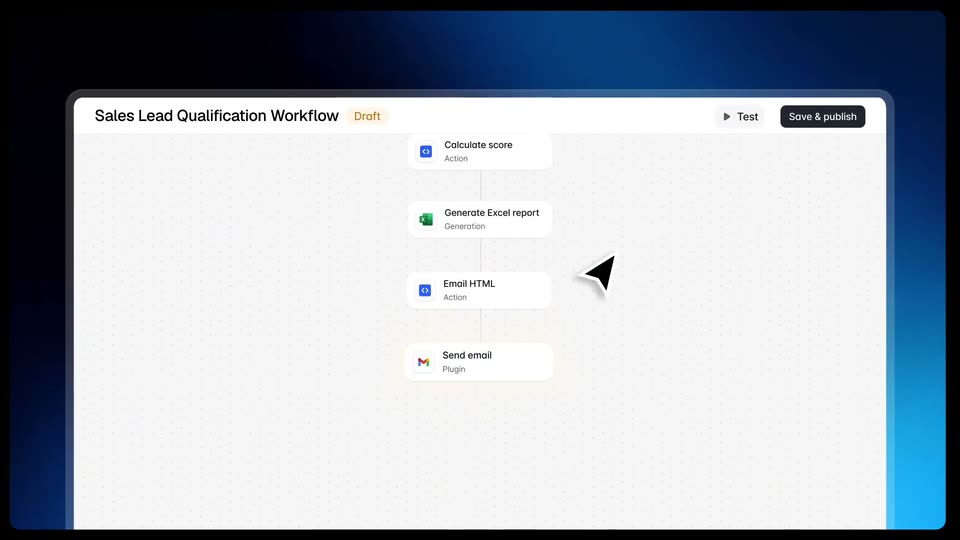 0:34–0:39Nexus · Nexus - Enabling business teams to build agent without codingA workflow canvas shows a trigger picker; the cursor clicks Agent, the picker collapses into an Agent input node, and the list scrolls down to reveal added steps. The cursor then clicks Save & publish and the screen blurs out.
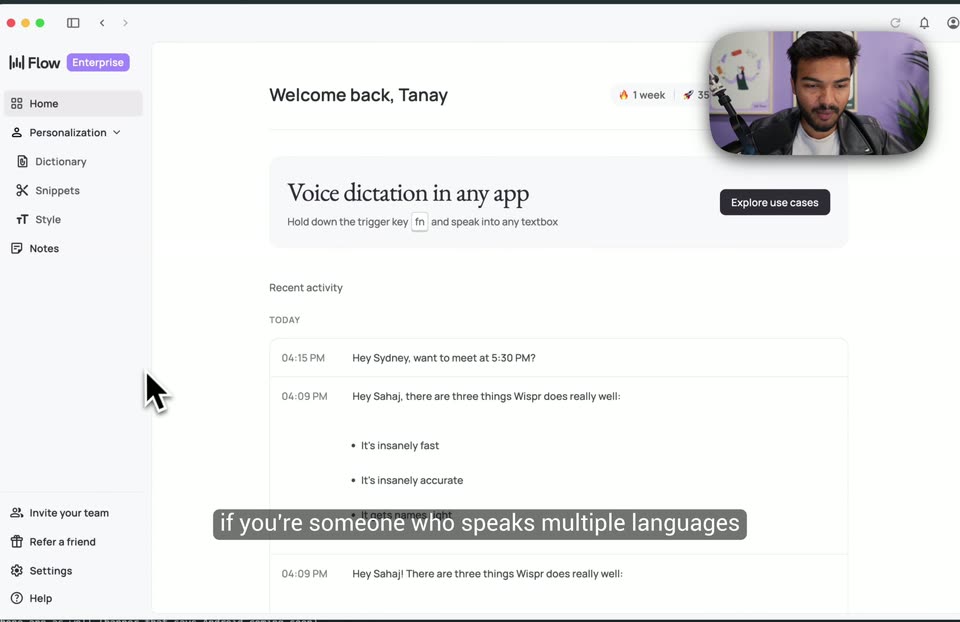 1:46–1:48Wispr Flow · Intro to Wispr Flow: voice-to-text AI that turns speech into clear, polished writing in every app.A product dashboard fills the frame with a left sidebar and a recent-activity list, while a small webcam inset shows the presenter in the top right. A cursor hovers at the sidebar edge and a gray caption bar at the bottom cycles through phrases.
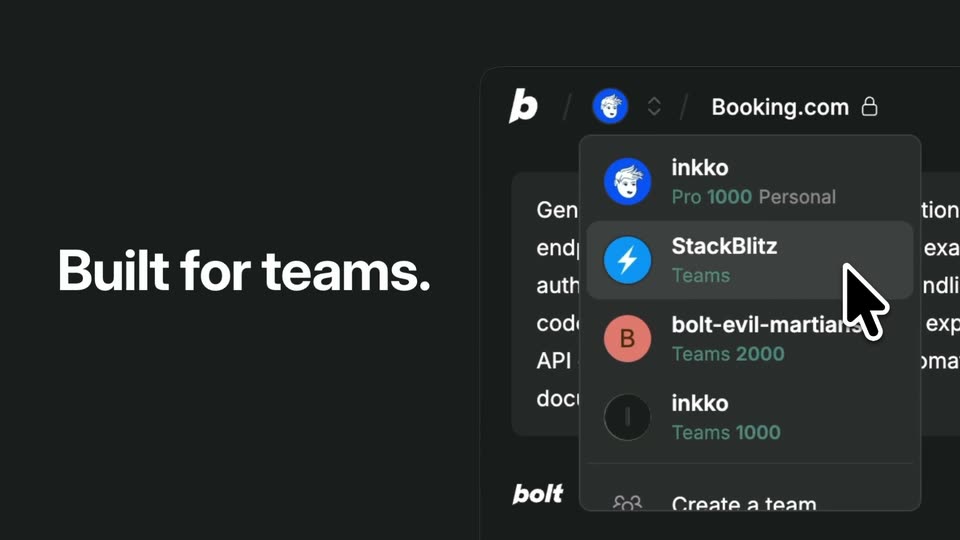 2:02–2:05Bolt · bolt.new - Today vibe coding goes pro. Introducing Bolt v2: → World's best ageA dark browser mockup of the product sits on the right while the white headline “Built for teams.” holds on the left. A cursor clicks the account switcher, a team list drops down, and the cursor hovers the highlighted StackBlitz row before the scene fades to black.
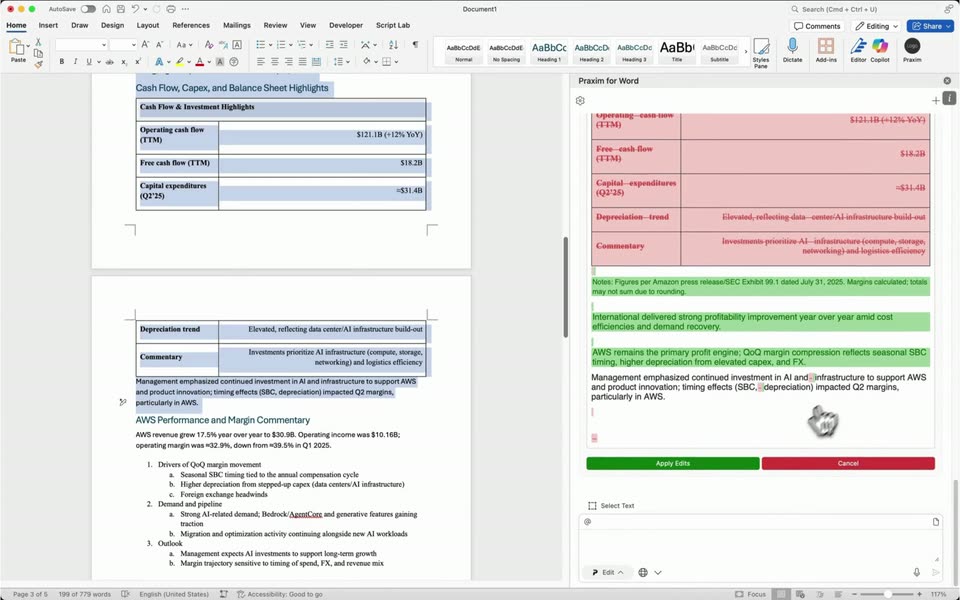 1:00–1:10Praxim · Praxim for Word DemoA Word document with financial tables sits left of a Praxm sidebar. A cursor clicks a prompt, the sidebar streams a suggested edit preview with green and red diff rows, then the consolidated table is inserted into the document and the page scrolls down.
 0:40–0:42Anything · Introducing Anything MaxA dark green website hero holds a white headline and subheadline on the left above a rounded search bar reading Photographers with a green Search button. On the right, a photo card of a smiling woman with glasses sits under a Proof of quality badge and an Agent badge with avatar circles. A cursor glides up to the Search button while the second line of body copy slides in.
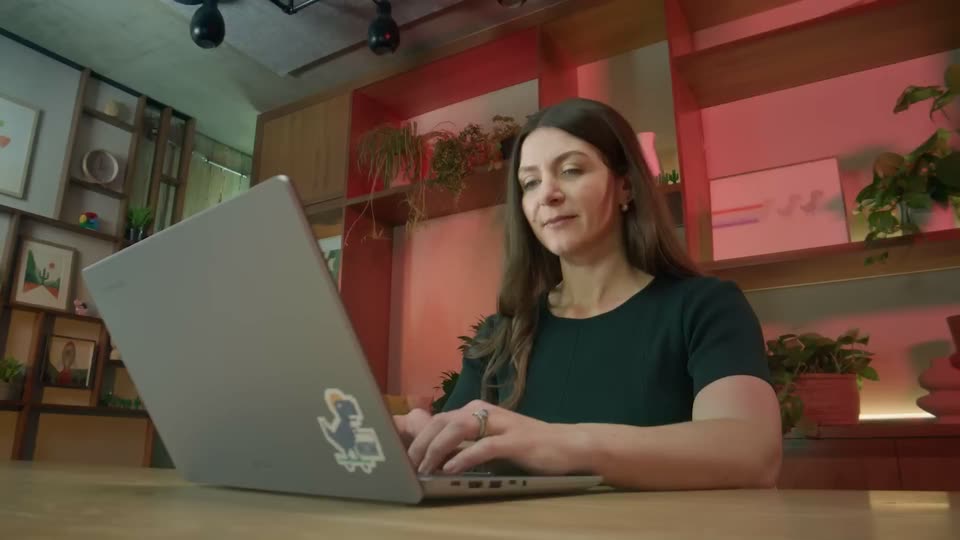 1:51 · 0.5sGoogle · Behind the Browser: AI Edition HighlightsA woman at a desk types on a laptop as a 3D browser window behind her displays a Coursera login; a cursor moves into the email box. It cuts in from a blue-tinted video-call frame with floating app icons.
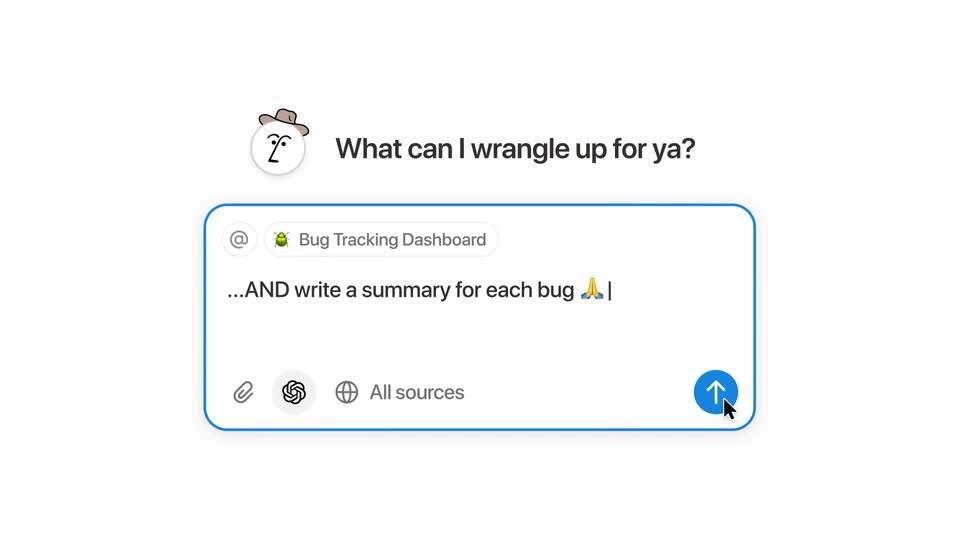 0:52–0:55Notion · Introducing Notion 3.0: AgentsA white prompt card with a blue border sits under a small cowboy avatar and headline. A black cursor types the request character by character after a bug tracking dashboard chip, then moves to the blue send button.
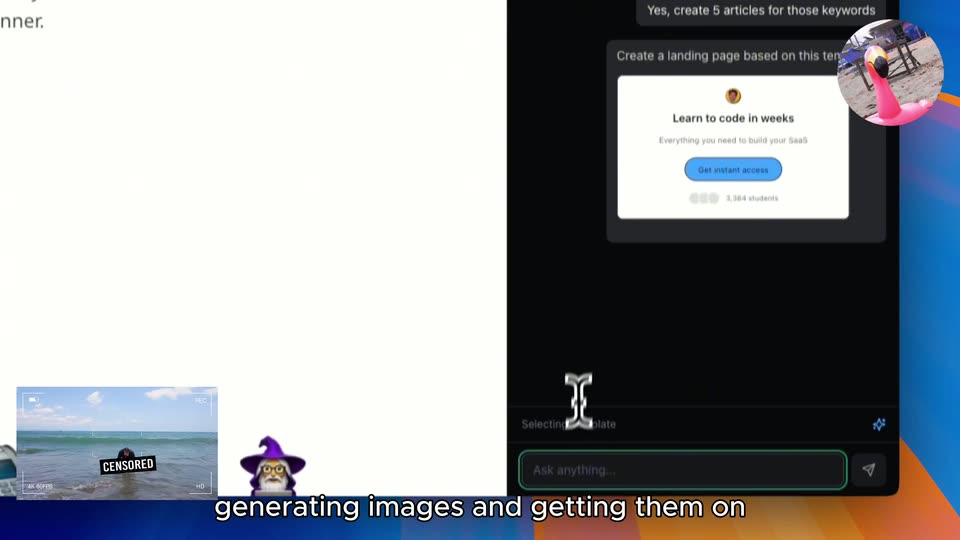 0:35–0:41Ablad · Claudio C - I’m building the first Cursor for WordPress in the world. See how AbA screen recording of a WordPress dashboard fills in a list of SEO article titles while an AI chat panel on the right types messages and a cursor clicks a landing-page template. A colorful gradient fills the background, with a small beach clip and a circular webcam in the corners.
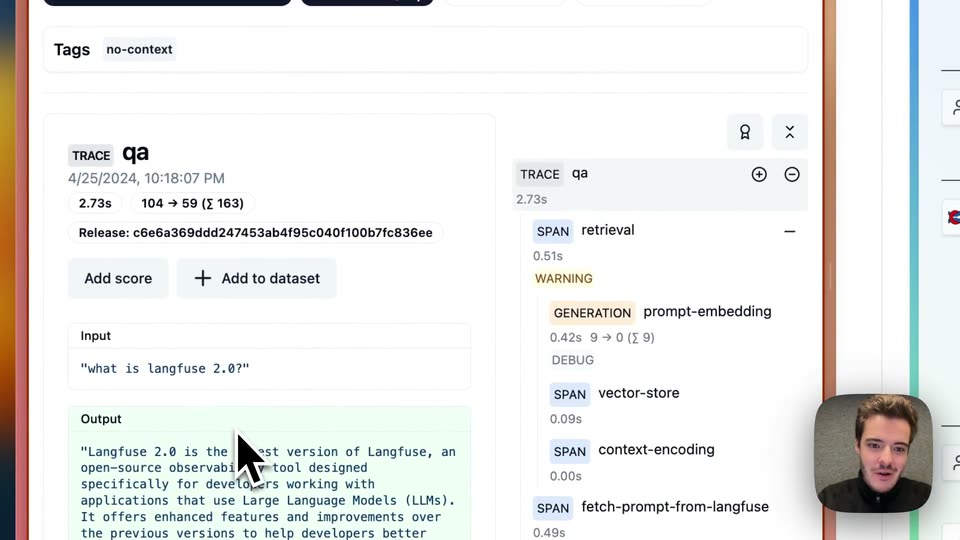 1:13–1:16Langfuse · Introducing Langfuse 2.0A light trace detail interface shows an input and output panel on the left and a column of span and generation labels on the right. A cursor moves down and clicks as the view scrolls, with a small webcam feed of the speaker in the bottom right corner.
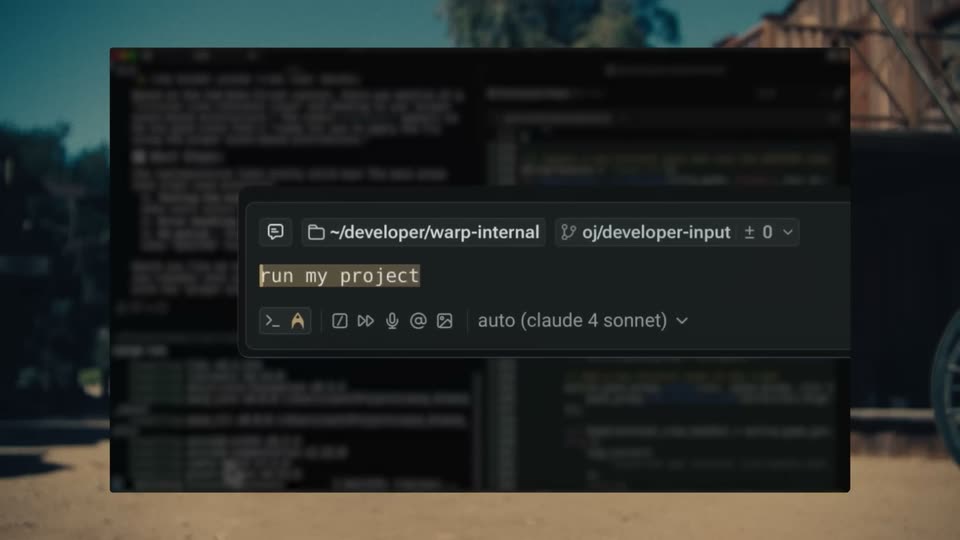 1:01–1:09Warp · Introducing Warp Code | The fastest way from prompt to productionA dark terminal window floats in 3D perspective over a blurred outdoor backdrop, pulling into focus. The prompt types “run my project”, highlights it, then swaps to “cargo check --workspace” and types “cargo run --features”, ending on the full terminal with code.
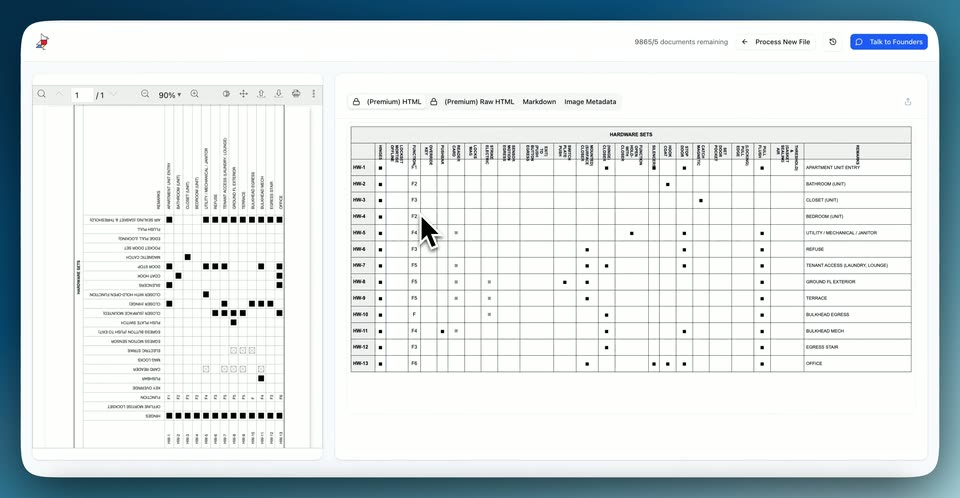 0:27–0:30Cardinal · cardinal demoA flat two-pane document tool on a blue backdrop. A cursor taps the HTML tab in the right pane, and a wide hardware-sets table fills the panel, while the left pane keeps a static PDF matrix.
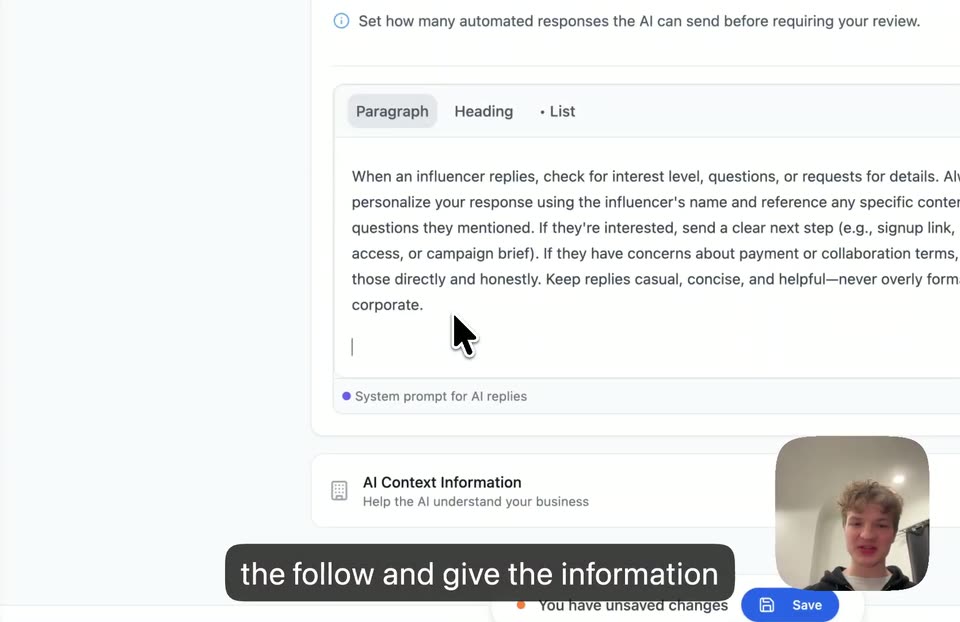 1:22–1:23Stormy · Stormy AI launch videoA close-up of a text editor interface shows a mouse cursor. A dark caption box at the bottom displays the text, then changes to a new phrase.
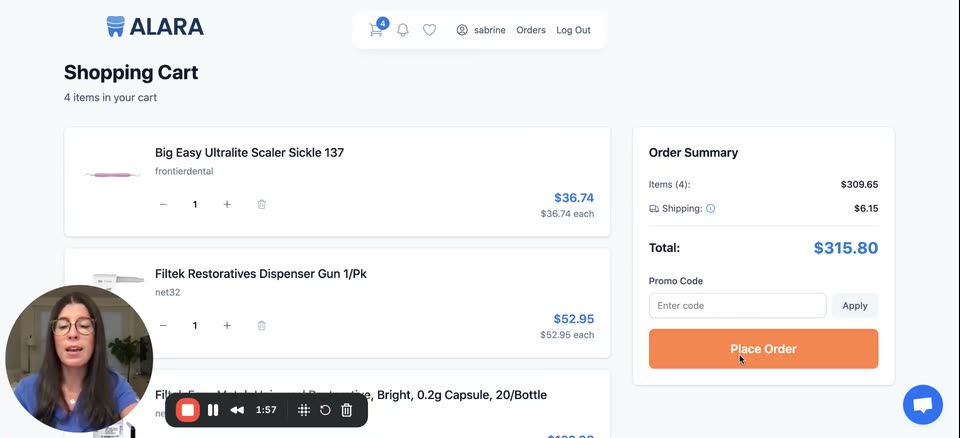 1:52–1:58Alara · Alara Dental - Transforming Dental Supply PurchasingA screen recording of the Alara shopping cart fills the frame, with a circular webcam of a woman in the lower left. The view settles from a brief zoom, and a cursor rests on the orange Place Order button in the order summary.
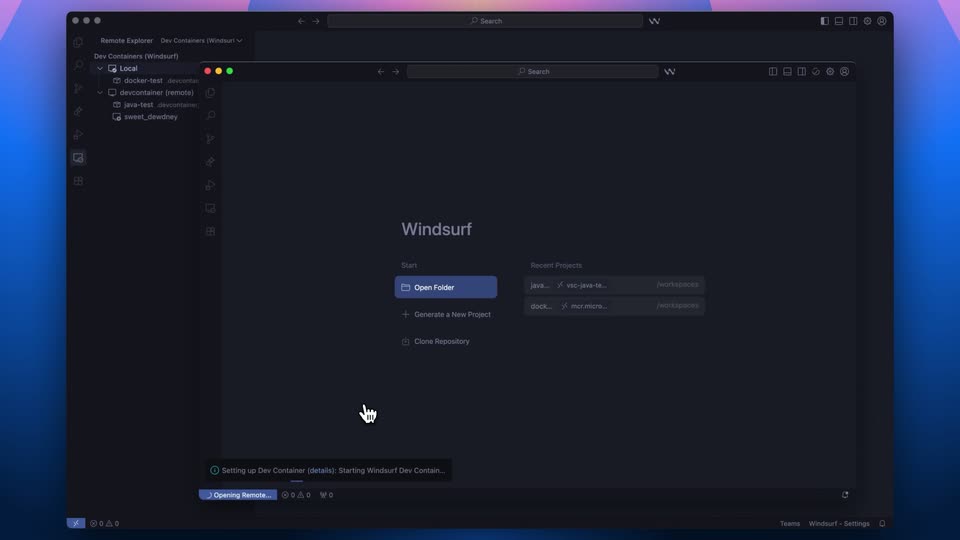 2:52–2:59Windsurf · Windsurf Wave 12: Devin features in Windsurf!A dark IDE sidebar lists remote dev containers; a cursor hovers over one entry. A second editor window scales open at the center on the Windsurf welcome screen. A bottom status bar cycles through SSH and dev container setup messages as the cursor drifts along the lower edge.
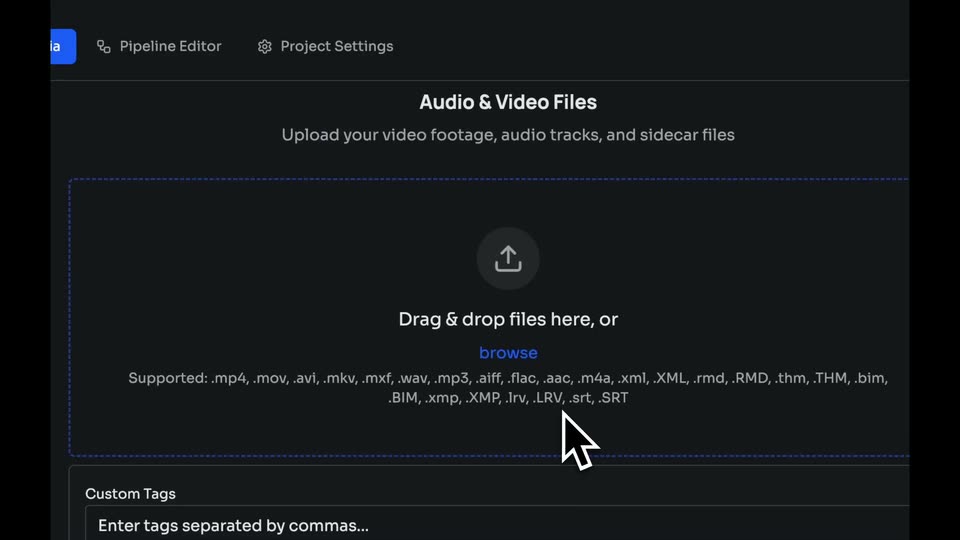 0:45–0:47cocreate · Cocreate demo videoA dark upload panel fills the frame, a white cursor drifts down to the blue browse link, then the view pulls back to reveal the full project page with the cocreate logo and an Import Media button.
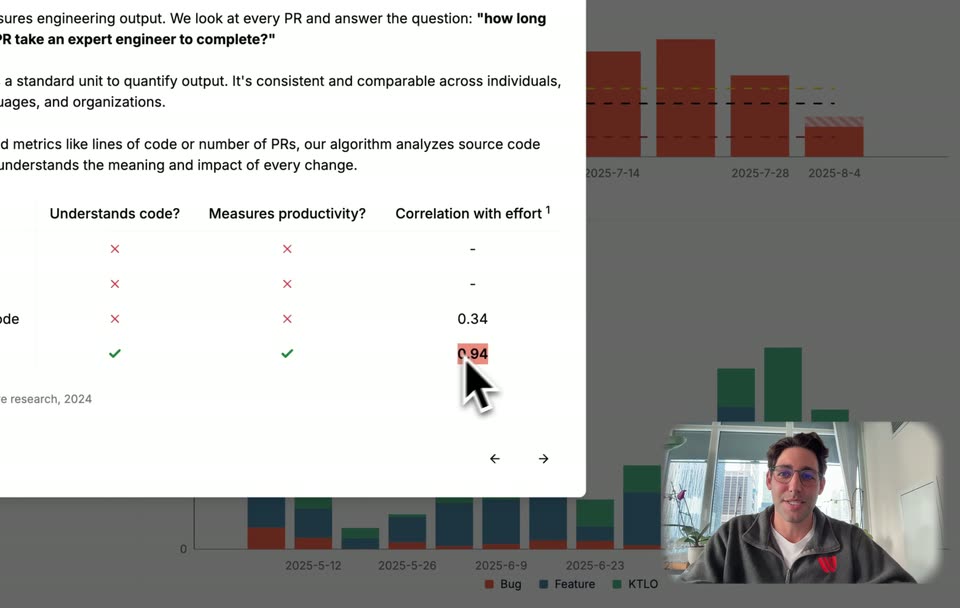 0:46–0:47Weave · Product Hunt Launch VideoA white card with a comparison table and body text overlays dimmed red and green bar charts. A small webcam inset of a smiling man in a gray jacket sits in the bottom right corner. A cursor drifts from the highlighted 0.94 cell toward the charts.
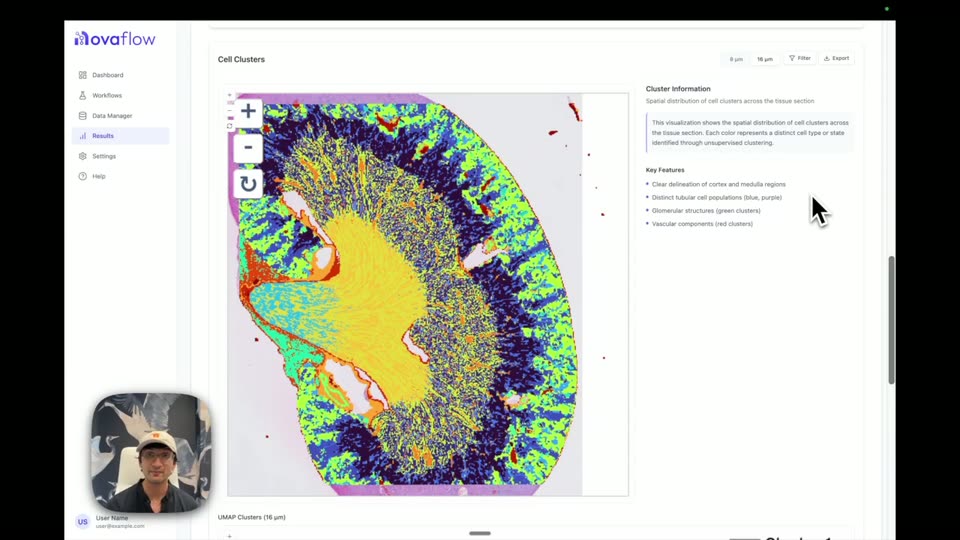 1:52–2:11Novaflow · Novaflow Launch VideoA Novaflow results screen shows a multicolored kidney tissue cluster map beside an info panel, with a small webcam of the presenter in the corner. The cursor moves to the top-right controls and clicks the 16 um toggle, the map re-renders finer.
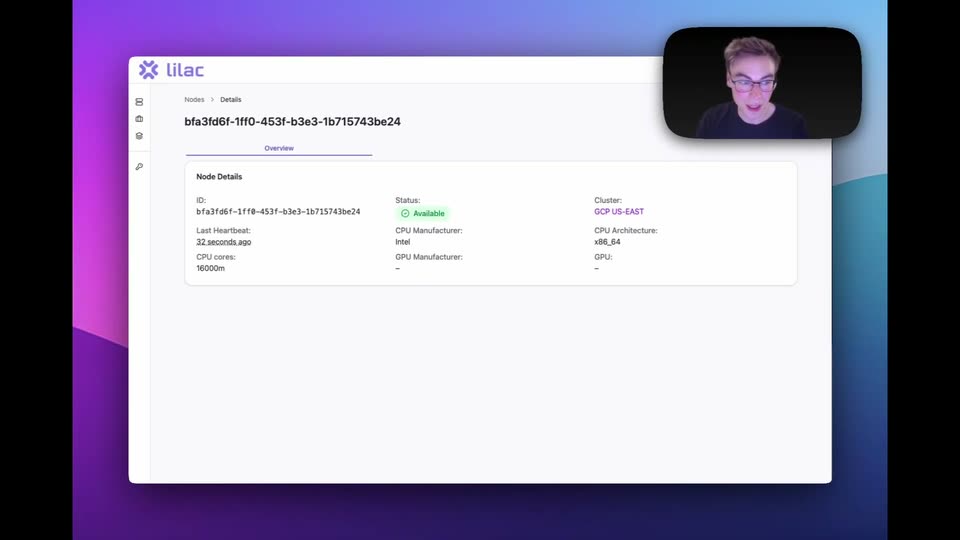 1:26–1:33Lilac · Lilac Launch -- Ensuring GPU Availability!A flat lilac dashboard shows a Node Details card with ID, status and cluster fields on a purple gradient background. A round webcam feed of a man in glasses sits in the top right corner, talking. A cursor glides to the Overview tab near the end.
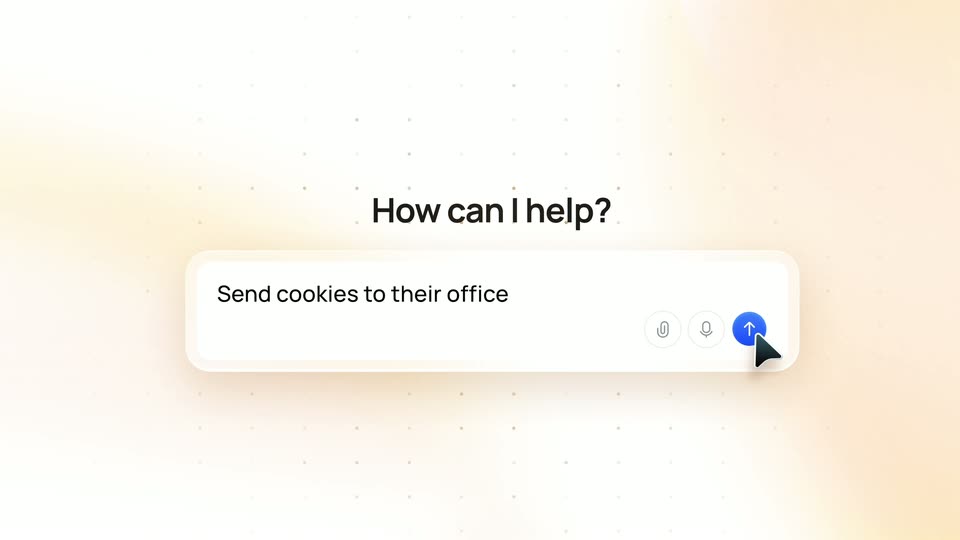 0:43–0:45Lindy · Lindy - Lindy 3.0 is live. You can now create agents with a simple prompt anOn a soft peach gradient with a faint dot grid, a white rounded chat field sits under the line “How can I help?” as the typed prompt “Send cookies to their office” fills in. A black cursor moves right and presses the blue up-arrow send button.
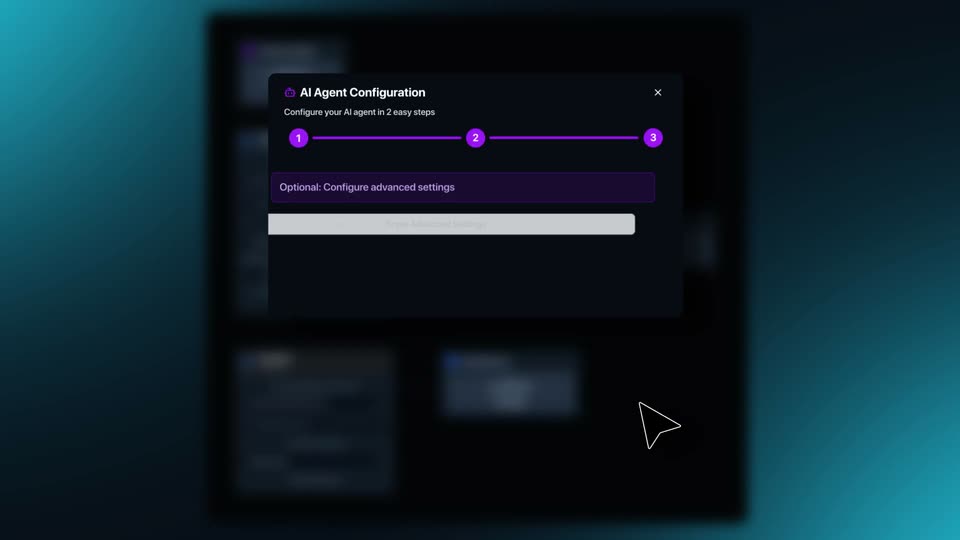 1:31–1:38VibeFlow · YC Launch Video: VibeFlowA dark settings modal titled AI Agent Configuration sits centered over a blurred dashboard. A white cursor clicks the Next button, advancing a three-step progress bar and swapping the form fields from identity details to model settings, then to a green Complete Setup button.
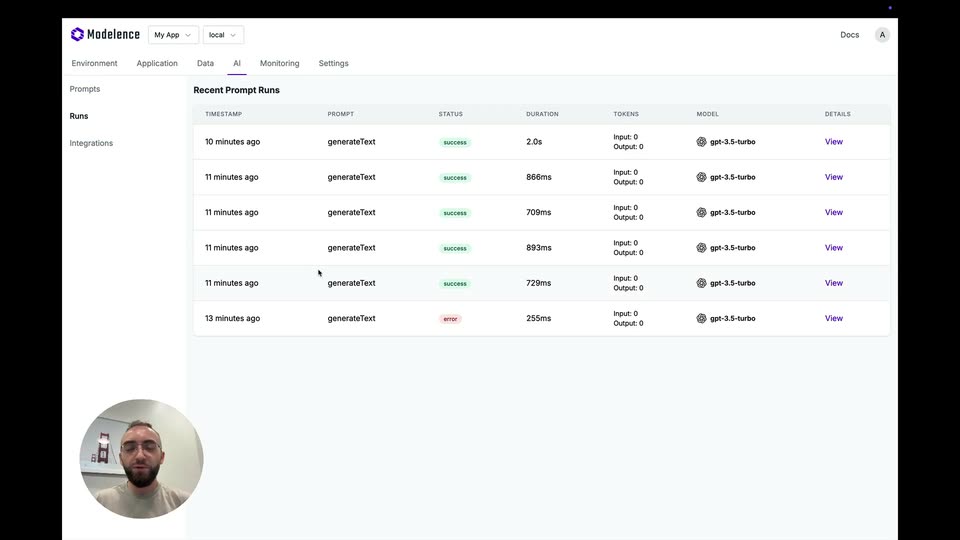 1:29–1:33Modelence · Modelence - Launch DemoA light-themed dashboard screen shows the AI tab with a Recent Prompt Runs table. A cursor glides across the rows, then clicks the Application tab, swapping the view to a User Management table. A circular webcam of a man sits in the lower-left corner.