1:33
Ghostbusters Software Tour | Rivian
Rivian · Oct 2026
Lilac’s 1:38 launch film runs 11 scenes, about 9.0 s each. The product is on screen from the first frame and 2 features are revealed. The call to action lands at 1:26 (88% in), over a voiceover. A two-founder live-action intro hands off to a screen-recorded walkthrough of the Lilac dashboard, where a hand cursor and a small face-cam inset guide the viewer from clusters to queues to a submitted job. The UI floats over a purple gradient with 3D tilt and zoom transitions, and the video closes on a static logo card with two URLs.
Is this your launch? to your site or press kit.
Rivian · Oct 2026
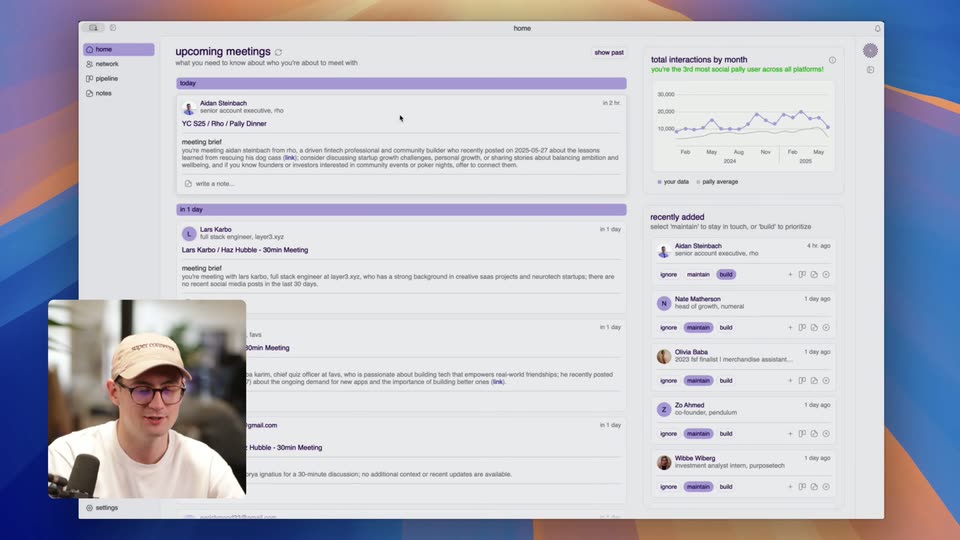
Pally · B2B · Jun 2025
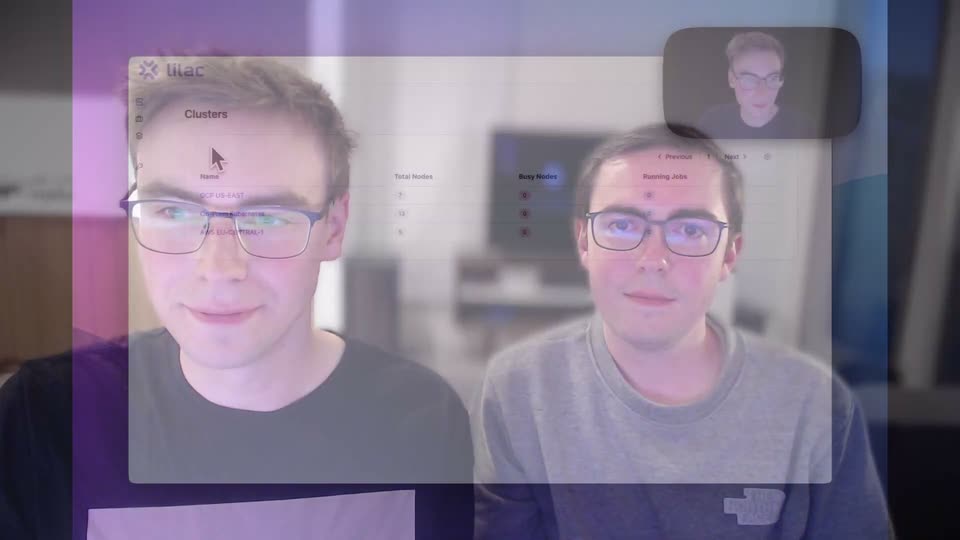
Two men with glasses sit side by side in a dim room, a blurred monitor and window behind them. The man in the gray sweatshirt speaks first, then the man in the black tee takes over, gesturing with his hand. The camera holds a steady medium close-up.
Camera: Static
Two men sit in a room as a white interface panel fades in, displaying a clusters table and a small video inset of the speaker in the top right.
Techniques: Cursor demo
Camera: Static
A white lilac dashboard panel shows a Clusters table with three rows; a mouse cursor glides down to hover the GCP US-EAST row, tinting it purple, while a small webcam feed of the presenter sits in the top right corner. The view then zooms into the table.
Techniques: Cursor demo, UI zoom
Camera: Push in
A 3D-tilted lilac dashboard floats over a purple gradient, with a small webcam of a man in the top-right corner. The cursor hovers on the Overview panel, then clicks the Jobs tab; the screen blurs and crossfades into a jobs table with colored status badges.
Techniques: 3D mockup, Cursor demo
Camera: Pull out
A lilac dashboard fills the frame over a purple gradient. A hand cursor taps Queues in the sidebar, then hovers the High Priority row as the sidebar collapses to icons. A small face-cam inset sits in the top-right corner.
Techniques: Cursor demo
Camera: Push in
A lilac dashboard shows a High Priority queue with an ID, priority and a cluster table, while a small webcam feed of the presenter sits top right. A terminal panel slides in on the right and a CLI submit command types out behind a pointer hand.
Techniques: Cursor demo
Camera: Pull out
A lilac dashboard: the High Priority queue card and cluster table fill the Overview tab while a terminal overlay prints a CLI submit command and success output. The terminal vanishes; the cursor clicks the Jobs tab, and one queued job row appears. A webcam of the presenter stays top right.
Techniques: Cursor demo
Camera: Push in
A close-up of a job detail card zooms out to reveal the full Lilac app window on a purple gradient desktop, with a face-cam overlay in the top right. A hand cursor clicks the Node link and the view zooms into the node page showing cluster and CPU details.
Techniques: UI zoom, Cursor demo
Camera: Pull out
A flat lilac dashboard shows a Node Details card with ID, status and cluster fields on a purple gradient background. A round webcam feed of a man in glasses sits in the top right corner, talking. A cursor glides to the Overview tab near the end.
Techniques: Cursor demo
Camera: Pull out
A dark indigo end card holds the gray lilac logo and wordmark centered, with two gray URLs stacked at the bottom. The frame stays locked and still through the brief sign-off.
On-screen text: “https://getlilac.com”, “https://github.com/getlilac/lilac”
Camera: Static
A static purple background holds the white lilac logo and wordmark in the center, with two white URLs stacked at the bottom.
On-screen text: “https://getlilac.com”, “https://github.com/getlilac/lilac”
Camera: Static