Cursor demo
A visible cursor operates the interface.
15,048 scenes · page 200 of 251
 1:23–1:26Slack · Conversations in SlackFlat illustration on a peach background: a white panel with a gray dropdown pill, and a dark purple circular help button with a white question mark at the top right. A white hand cursor glides to the button and clicks it, sending a ripple ring outward.
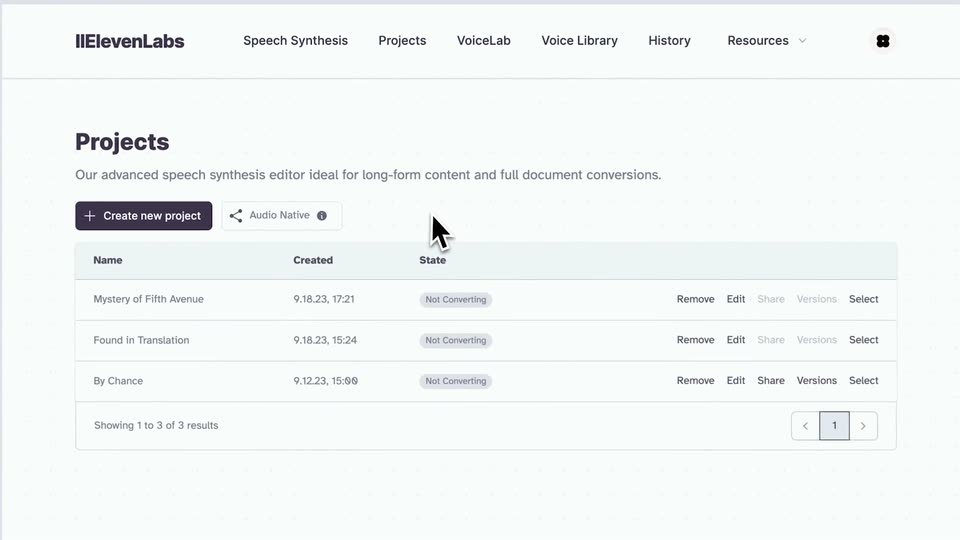 1:01–1:03ElevenLabs · Introducing: ProjectsA hand cursor glides across the top of the ElevenLabs Projects page as the view pulls back from a blurred close-up to a full, in-focus screen showing the project list table.
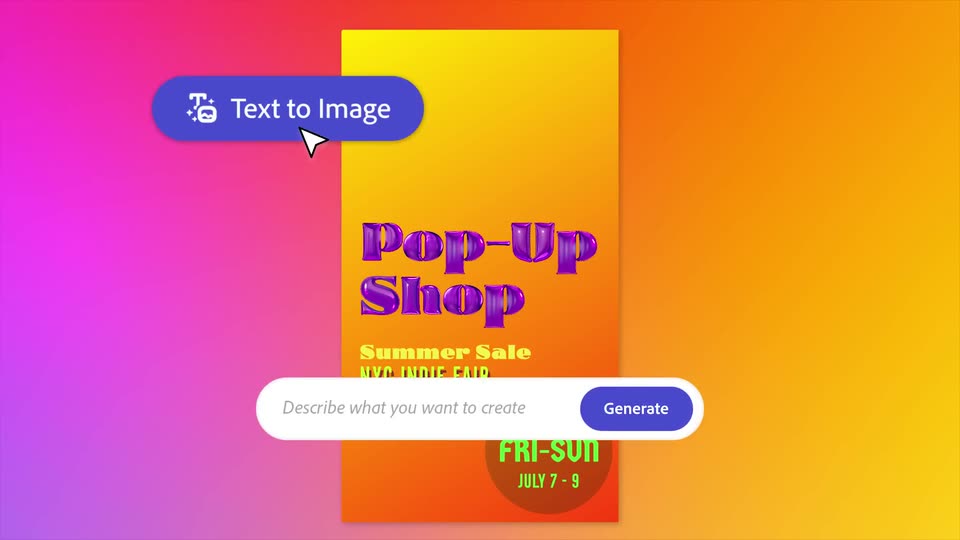 0:17–0:18Adobe · Adobe Firefly: Out of Beta & Ready For Your Imagination | AdobeA pink-to-orange gradient frames a vertical poster reading Pop-Up Shop in purple 3D type. A cursor taps the blue Text to Image pill, and a white prompt bar with a Generate button slides in below the poster.
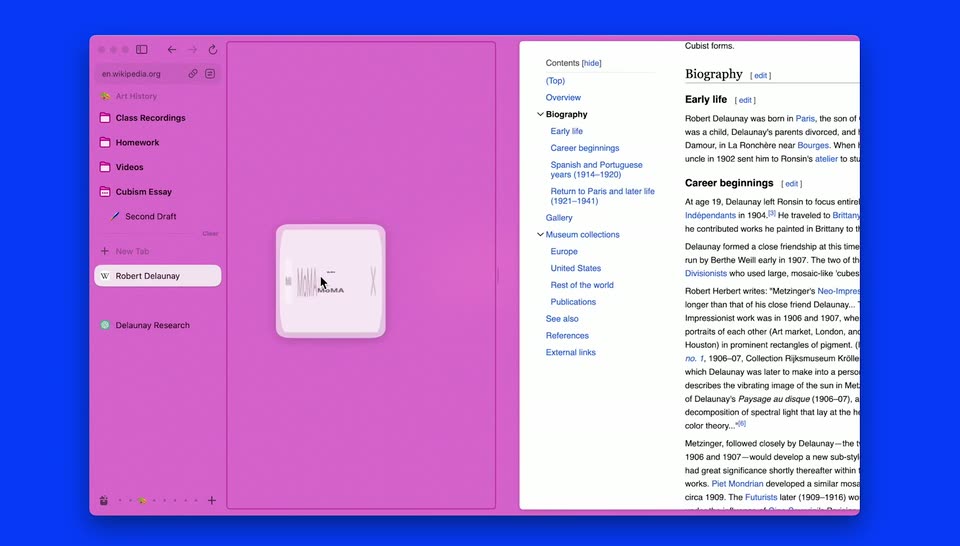 0:18–0:19The Browser Company · Arc for Students | Everything in its right placeA pink-themed browser window shows a left tab list, a central MoMA card, and a Wikipedia biography panel on the right. A cursor hovers on the card as ghosted duplicate text on the right resolves into a single clean column.
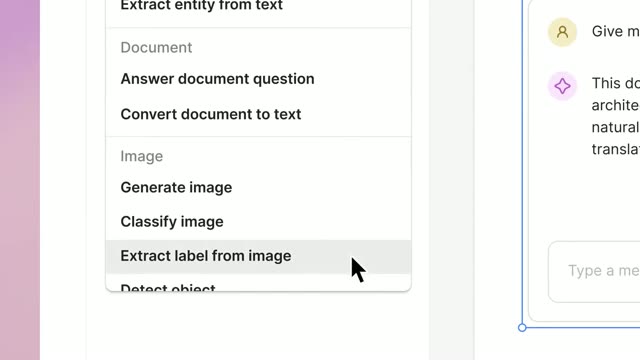 0:14–0:17Retool · Introducing Retool AI—powerful AI building blocksA cursor clicks the send button in an Ask PDF chat, and an AI reply streams in summarizing the document. The view then cuts to a builder dropdown and to an Inventory Management screen where clicking Generate tags populates tag chips for a black high-heel shoe.
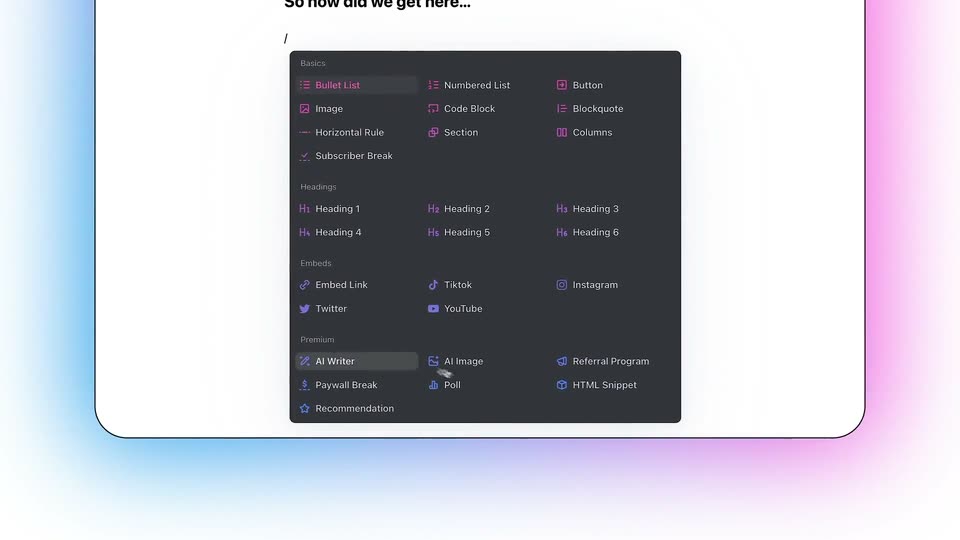 0:34–0:39beehiiv · beehiiv 🐝 - Introducing beehiiv AI ✨ Coming live from UranusA white card on a soft blue and pink glow shows a pink dome building photo above typed text. A slash opens a dark block menu; the view zooms in as a cursor hovers over AI Writer, and a blue caption pill reads the line.
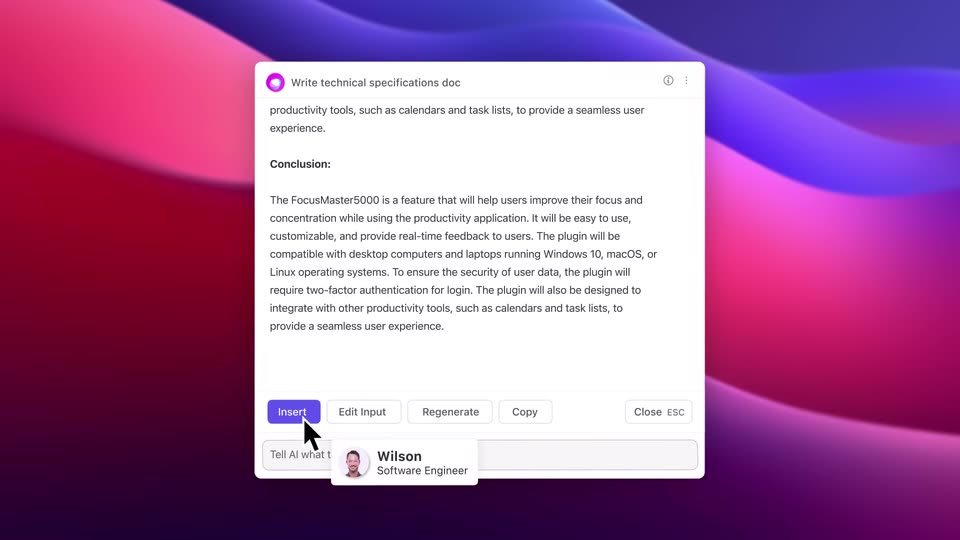 0:37–0:39ClickUp · Introducing ClickUp AIA white document card showing generated spec text and action buttons floats over a pink and purple wave background. A cursor hovers over the purple Insert button as a small white chip with a purple icon fades in at the bottom left.
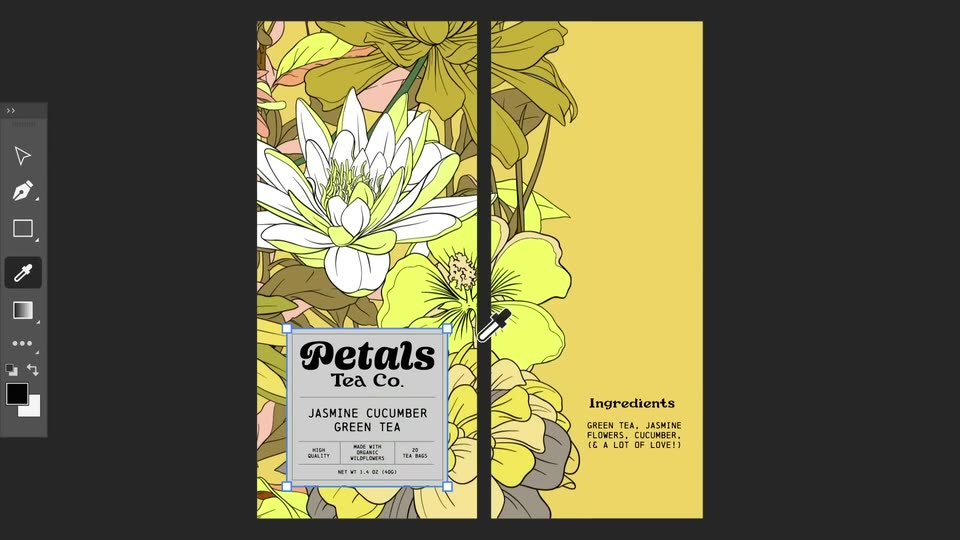 0:14–0:15Adobe · Adobe Illustrator x Adobe Firefly: Announcing Generative Recolor | AdobeA design tool canvas displays a two-page floral tea box spread. A selected strip of five label color variations disappears, the cursor clicks the pen tool on the left, and the main Petals Tea Co. label remains selected with blue handles.
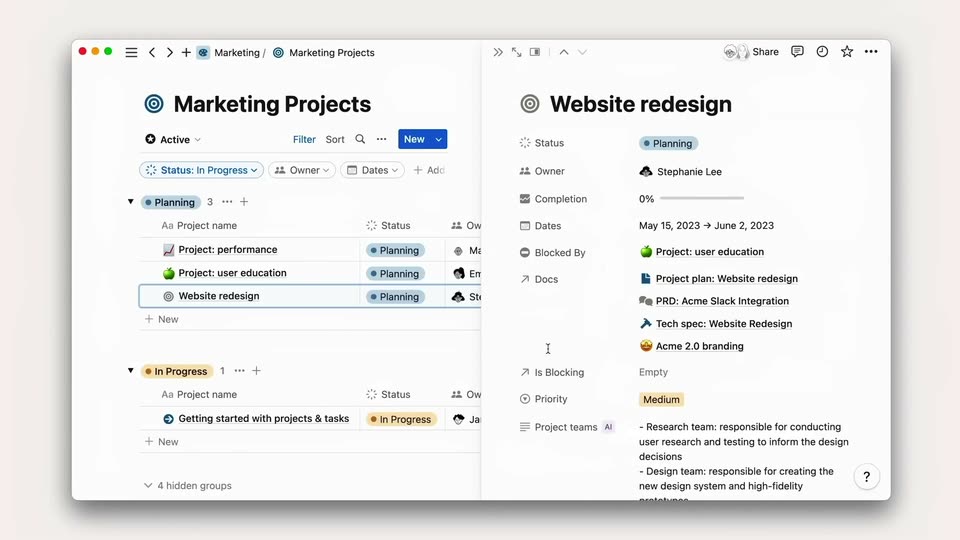 1:38–1:44Notion · Welcome to Notion ProjectsA two-pane project tool shows a task list on the left and a detail panel on the right. A cursor moves down a dropdown of linked pages, each row revealing a plus button on hover, then the dropdown closes and the pages appear inline in the Docs field.
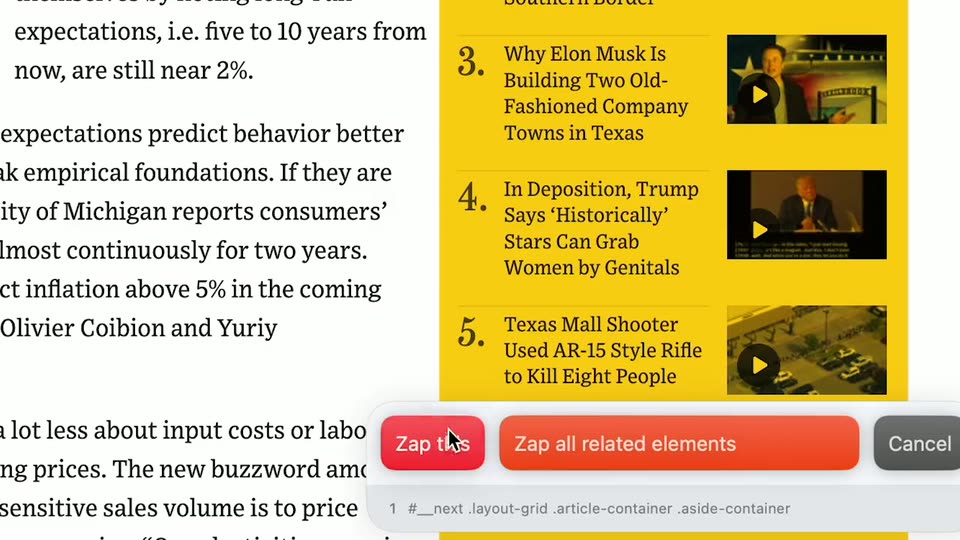 0:20 · 0.8sThe Browser Company · The Browser Company - What if the internet... was actually 𝑦𝑜𝑢𝑟 internet? 🎨 Introducing BA desktop browser view shows a news page with a yellow sidebar of numbered video stories. A cursor rests on a red button in a floating toolbar that also offers an orange and a gray option.
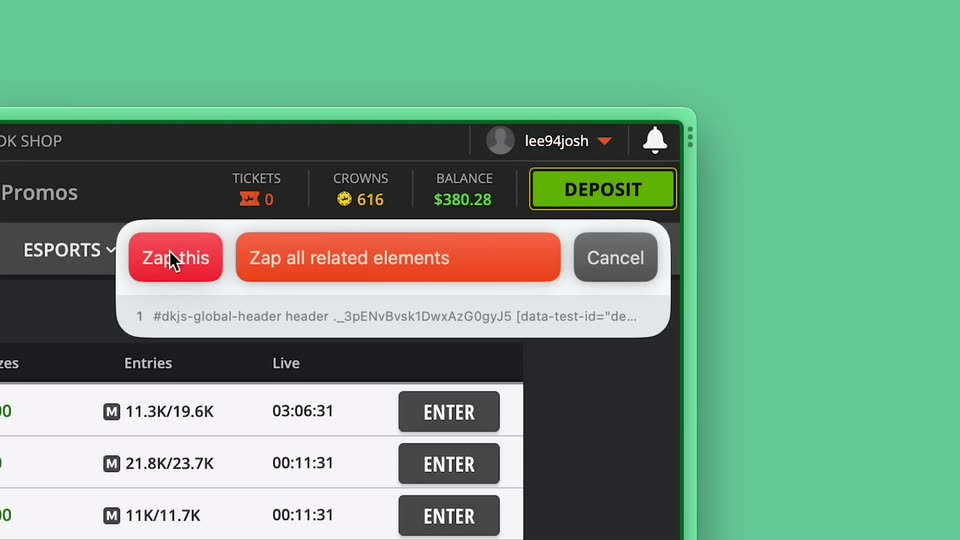 0:20–0:22The Browser Company · Boosts by Arc | Meet Your New InternetA dark esports betting panel with a green DEPOSIT button and ENTER rows slides in over a green background with article text. A cursor hovers the button, then a Figma zap popup with red and orange options appears and the cursor moves to Zap this.
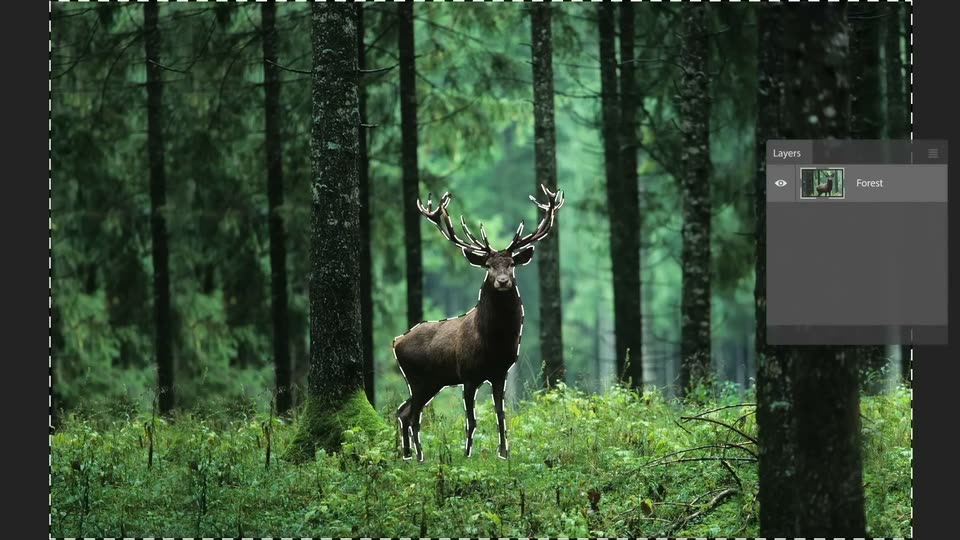 0:20–0:24Adobe · Adobe Photoshop (beta) x Adobe Firefly: Announcing Generative Fill | AdobeA cursor clicks Select subject over a forest photo of a stag, tracing a white outline around it. A Layers panel slides in right, the canvas gains a dashed frame, and the bottom bar becomes a prompt field whose placeholder text scales in beside a Generate button.
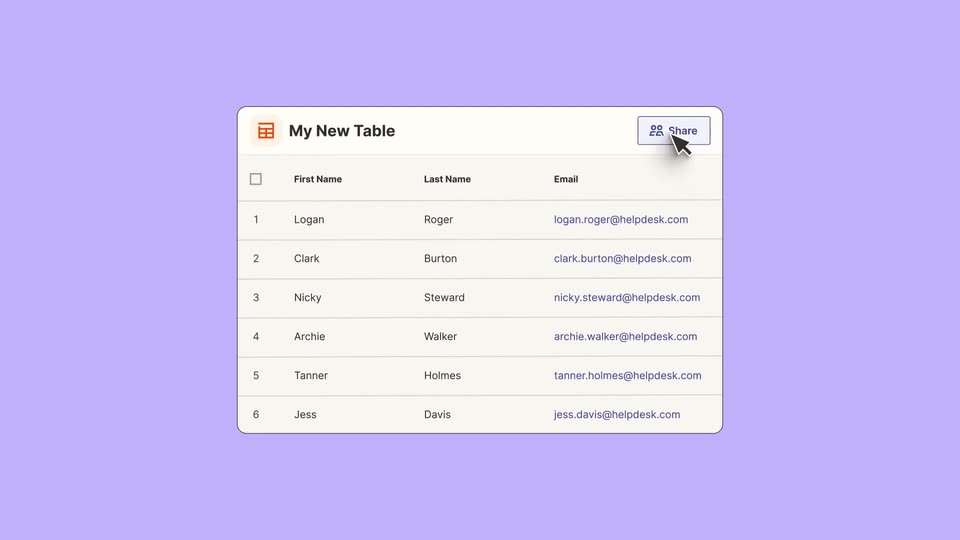 0:43–0:45Zapier · Introducing Zapier TablesA light table card titled My New Table sits centered on a lavender field, listing first names, last names and email addresses. A cursor glides to the Share button in the top right corner and clicks it.
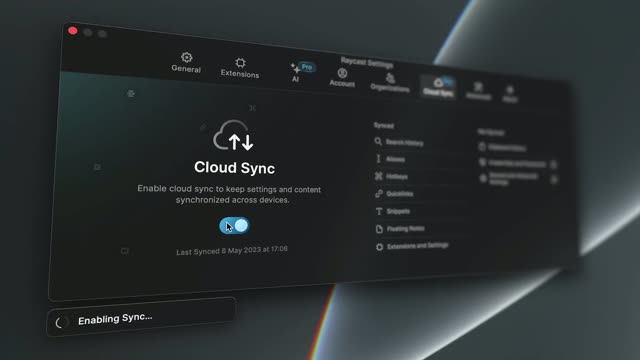 0:58–1:02Raycast · Introducing Raycast ProA dark Raycast settings window floats tilted in 3D space over curved light streaks. It racks from blur to focus on the Cloud Sync panel, a cursor resting on the blue toggle; the camera then pulls back to frame the whole window.
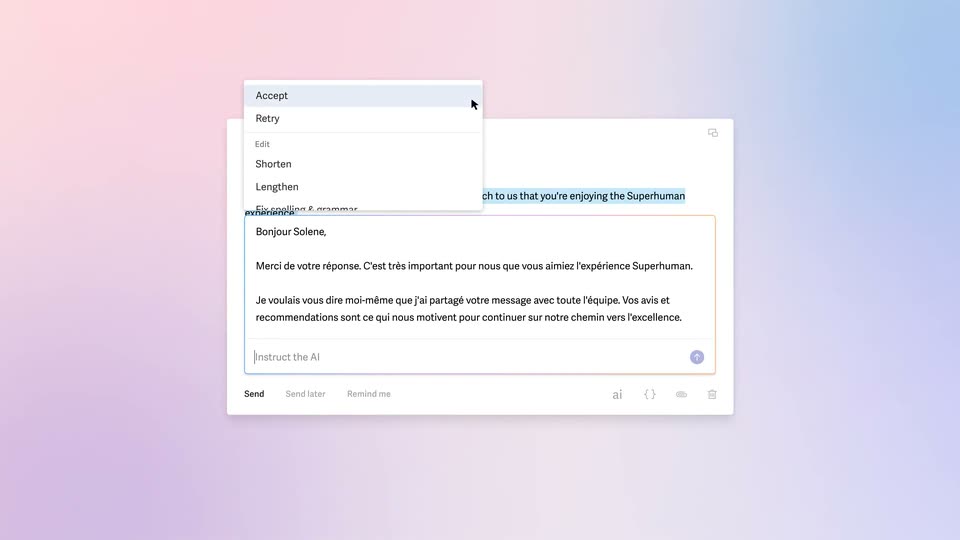 1:01–1:12Superhuman · Superhuman AIA highlighted email draft opens a dark AI toolbar; a cursor taps the AI button and an options menu drops down. The user types 'make it french', the body rewrites in French as the card recenters, then a cursor clicks Accept.
 0:28–0:29Vercel · Vercel - Introducing Visual Editing for Headless ◆ Designed with our launch pA dark interface close-up frames a circular maze image inside a teal selection box. A red cursor slides left to hover the Edit button, which highlights teal. A large white and coral headline spans the lower half of the frame.
 0:52–0:53Perplexity · Perplexity - We are excited to launch the next version of Introducing login, threaA close-up of a product screen shows a blue Share button with an open dropdown of Twitter, WhatsApp, Facebook and Copy Link. A cartoon hand cursor hovers over the list and slides down from Twitter to WhatsApp while the background body text stays still.
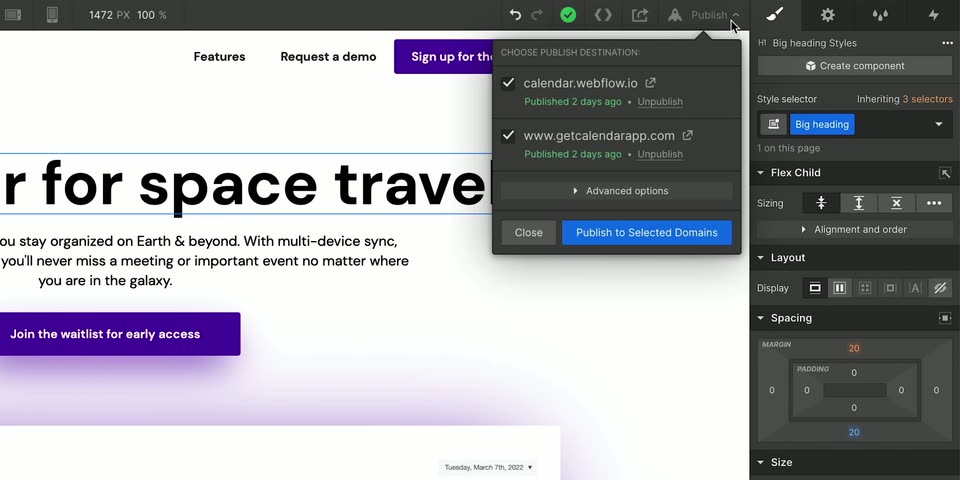 0:57–1:03Webflow · Introducing WebflowA design tool canvas displays a landing page titled “A calendar for space travel”. The frame zooms to the top toolbar, a cursor clicks Publish, and a dropdown opens with two publish destinations.
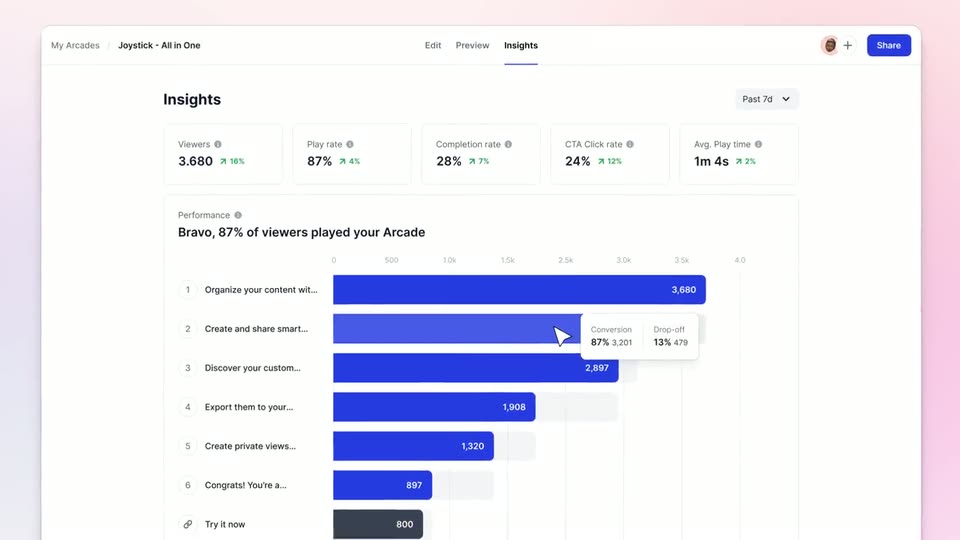 0:50–0:58Arcade · Arcade - Introducing Arcade Growth:The Insights dashboard card sits on a pink gradient while the camera pulls back from the tab bar, then zooms into a blue bar chart. A cursor hovers over a bar and a tooltip shows conversion and drop-off. A headline reads “Learn from our new”.
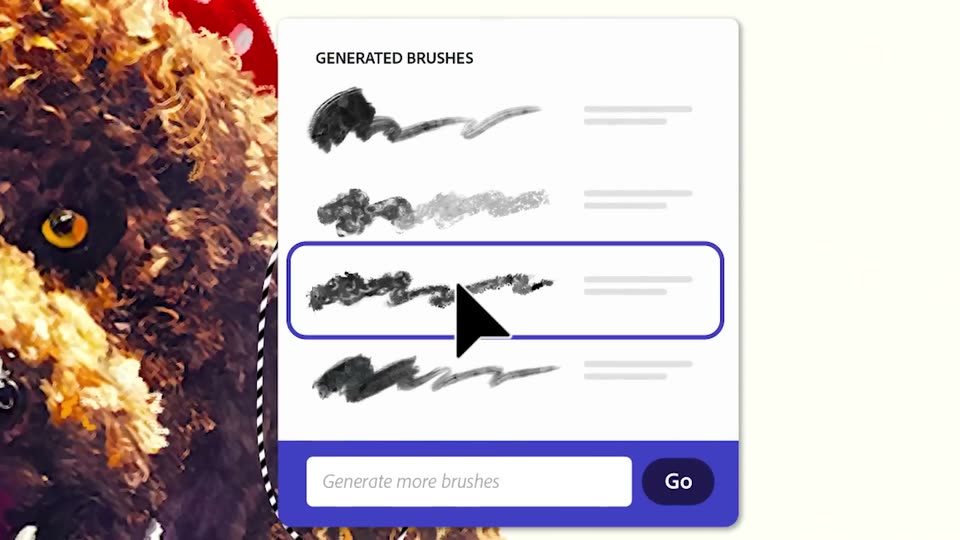 0:12–0:13Adobe · Adobe Firefly: Family of New Creative Generative AI Models | AdobeA teddy bear photo sits left of a white GENERATED BRUSHES panel whose rows slide up into place. A purple Generate Similar Brushes button scales out, and the cursor hovers the third swatch, now outlined in purple, above a Go button.
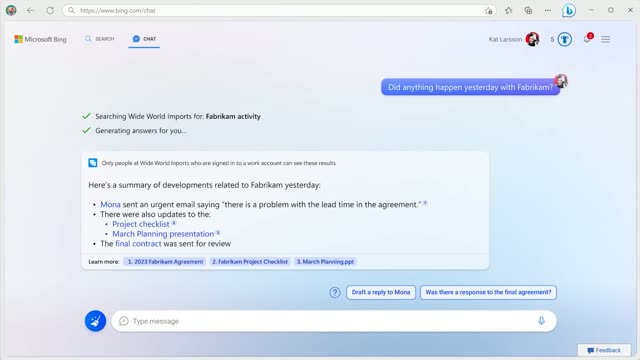 1:37–1:39Microsoft · The Microsoft 365 Copilot AI Event in Less than 3 MinutesA split screen shows the Bing chat and the Microsoft 365 chat side by side, each displaying a summary reply to a question about Fabricram. A cursor moves across both windows while the left panel scrolls up to reveal a Q1 Projections file card.
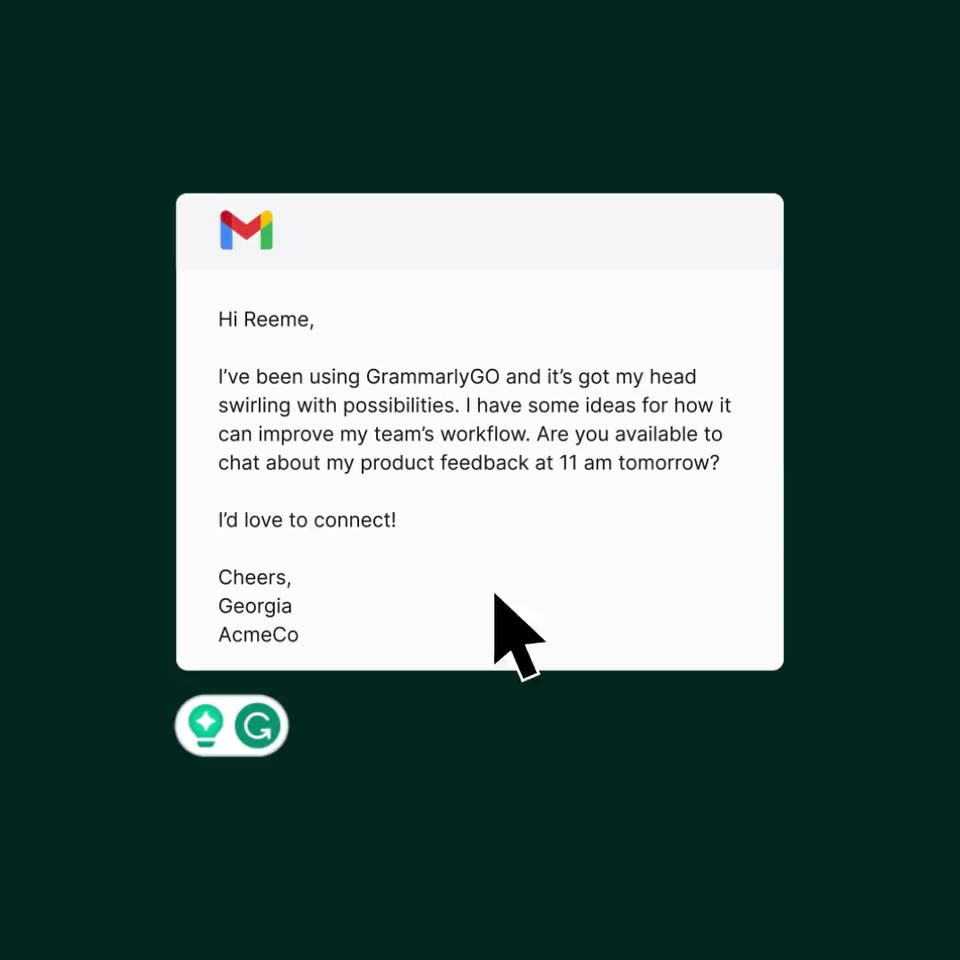 0:43–0:44Grammarly · Superhuman - Introducing GrammarlyGO—a new generation in writing. Speed up your wA white Gmail email card holds focus at center as the blurred inbox behind it dissolves into a flat dark green field. A black cursor arrow appears at the card's lower right, with a second outline cursor hovering the green action pill below.
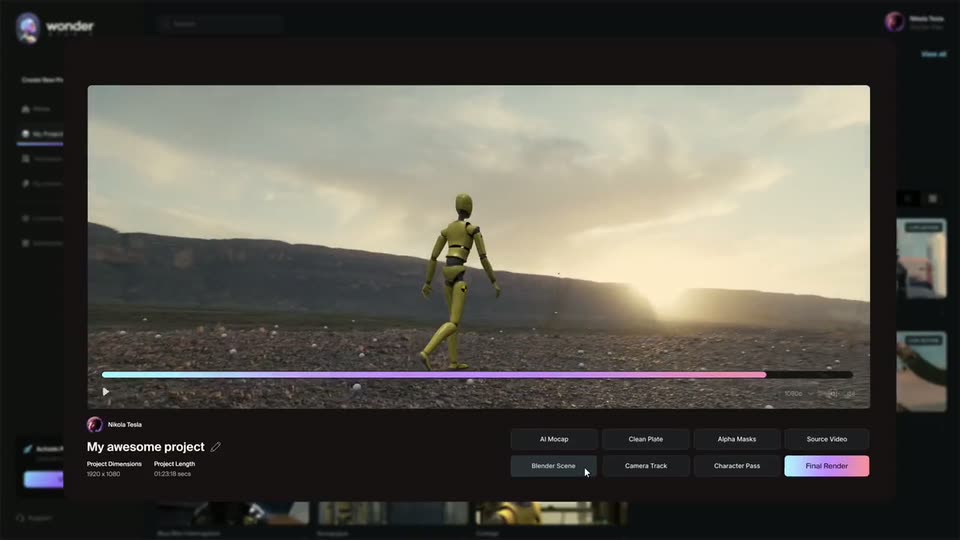 1:34–1:37Wonder Studio · Autodesk Flow Studio - We are proud to introduce Wonder Studio. An AI tool that automaticalA dark editing interface frames a desert sunset preview; a cursor moves to the Blender Scene button and the preview swaps to a yellow 3D humanoid walking, then the camera zooms into the preview so the character fills the frame as it strides across the rocky plain.
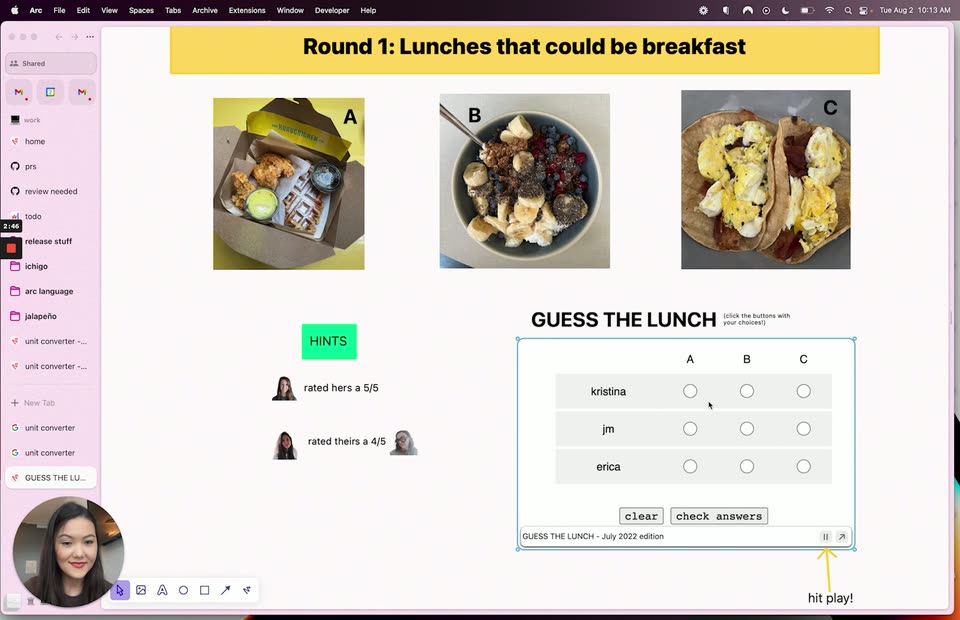 2:39–2:51The Browser Company · Arc Browser | Introducing Live Captures on Easel with RoseyA browser window scrolls up to reveal a quiz page with three food photos labeled A to C and a GUESS THE LUNCH grid. The cursor clicks clear, picks radio buttons, then check answers, coloring rows red and green. A yellow arrow captioned hit play! points at the audio bar.
 0:56–0:57Notion · Introducing Notion AIA dark document view shows a Japanese paragraph above a row of action buttons. A white hand cursor glides down onto the blue Replace button and clicks it.
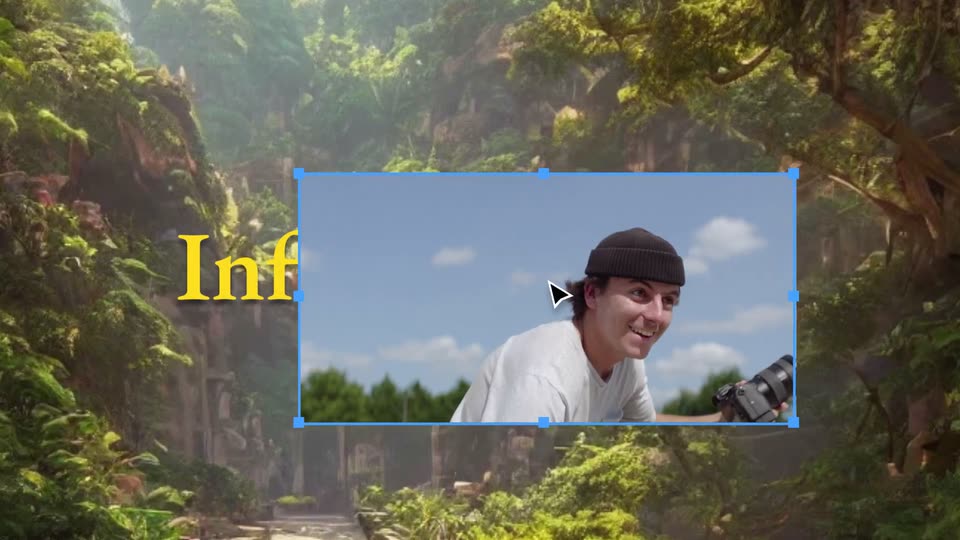 0:37–0:38Runway · Text to Video: Early Access Waitlist | RunwayA sunlit jungle of overgrown stone ruins fills the frame with the yellow title centered. A blue editor selection box holding a clip of a woman with a camera slides across the title, then clears to reveal it again.
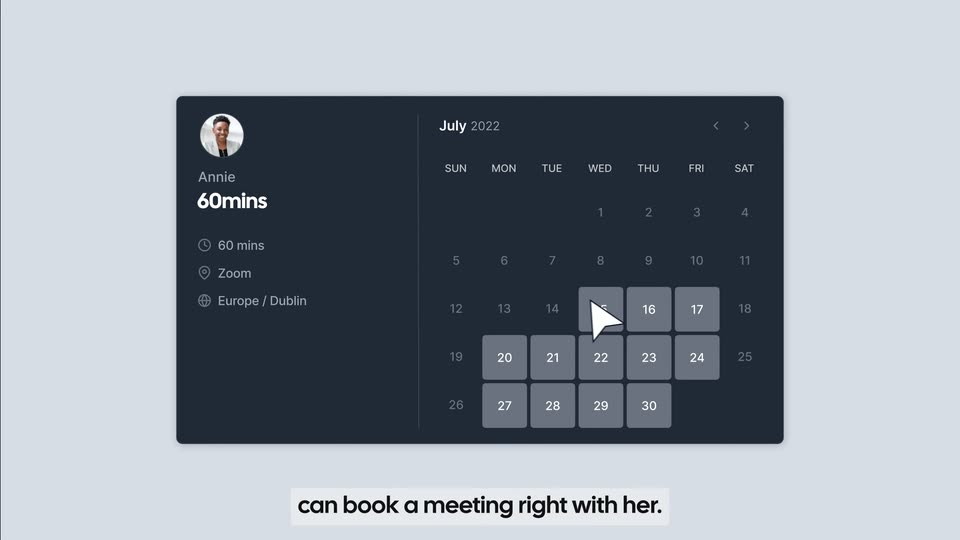 0:57–1:00Cal.com · Cal.com introducing TeamsA dark scheduling card on a light gray background fills in: an avatar, name and meeting details fade into the left panel while a July 2022 calendar sits on the right, and a white cursor glides to hover a date. A caption line swaps at the bottom.
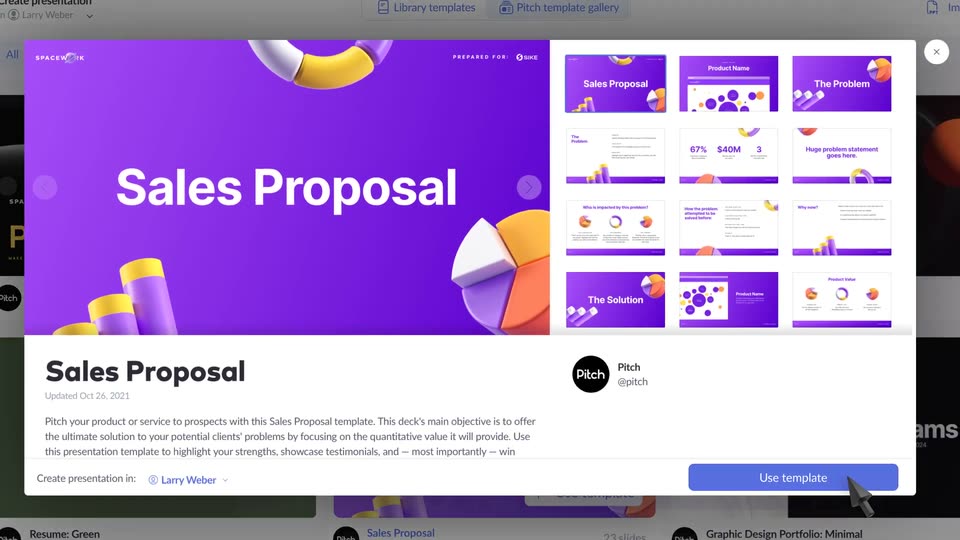 0:24–0:25Pitch · Introduction to Pitch | Create beautiful presentations with your teamA purple 'Sales Proposal' template card, with a cover slide and a grid of thumbnails, zooms forward over a dimmed grid of other templates. A blue 'Use template' button and a cursor sit at the lower right.
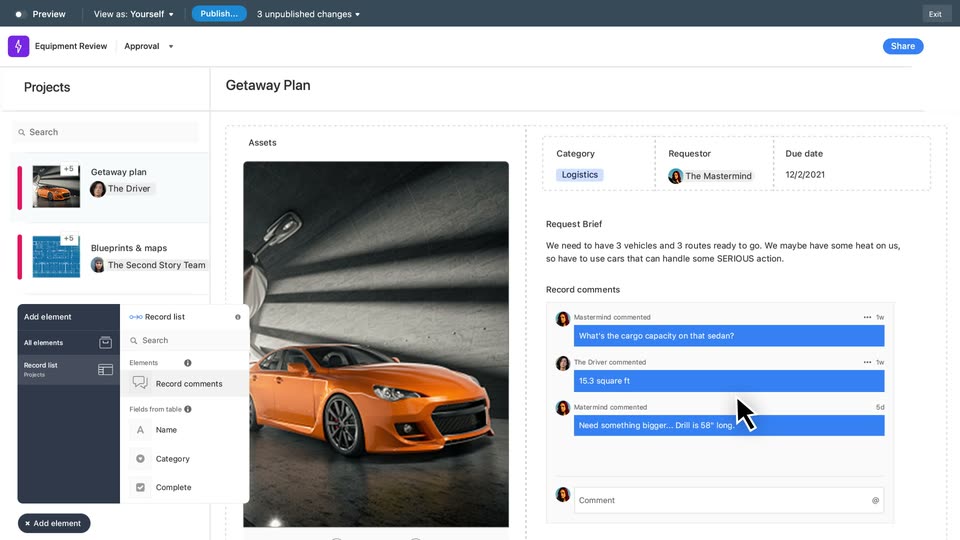 0:20–0:24Airtable · Airtable: introducing interface designerA cursor clicks the Publish button in a project tracker interface, the view zooms onto the top bar, then the screen tilts into a 3D perspective with a Share dialog open and a large Getaway Plan headline scaling in below.
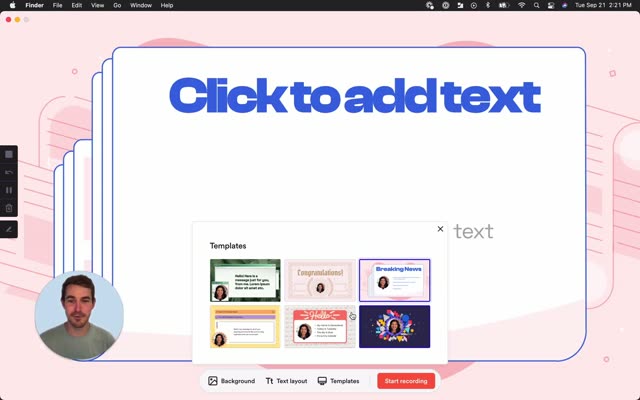 1:01–1:02Loom · Introducing CanvasA slide app window on a pink illustrated backdrop shows a white canvas with a blue title placeholder. A Templates panel of six cards sits below, and the cursor glides from the Breaking News card to the Hello certificate. A round webcam feed of the presenter anchors the lower left.
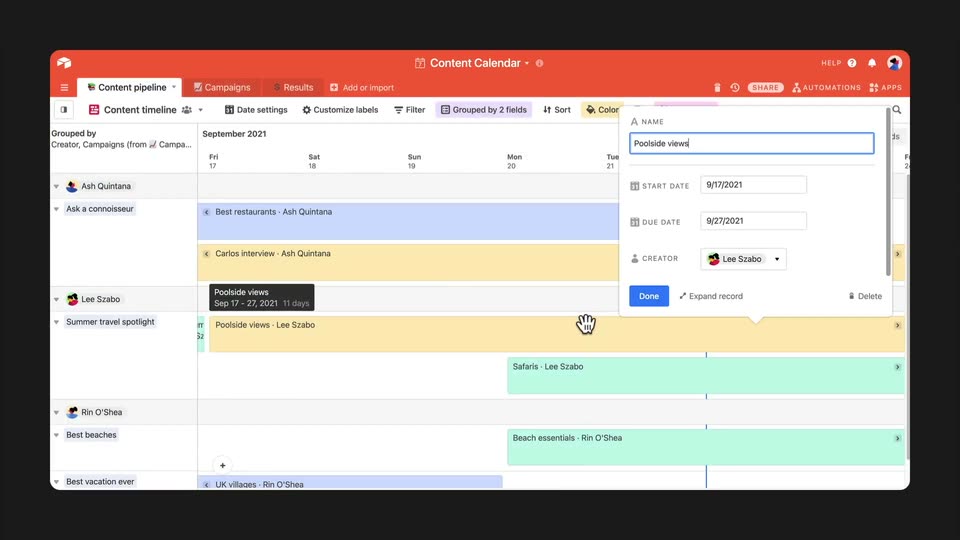 2:29–2:34Airtable · Introducing Timeline View | AirtableThe Airtable timeline view pans right as a hand cursor drags the canvas, then a record panel opens on the right listing the name, dates and creator of the Poolside views entry.
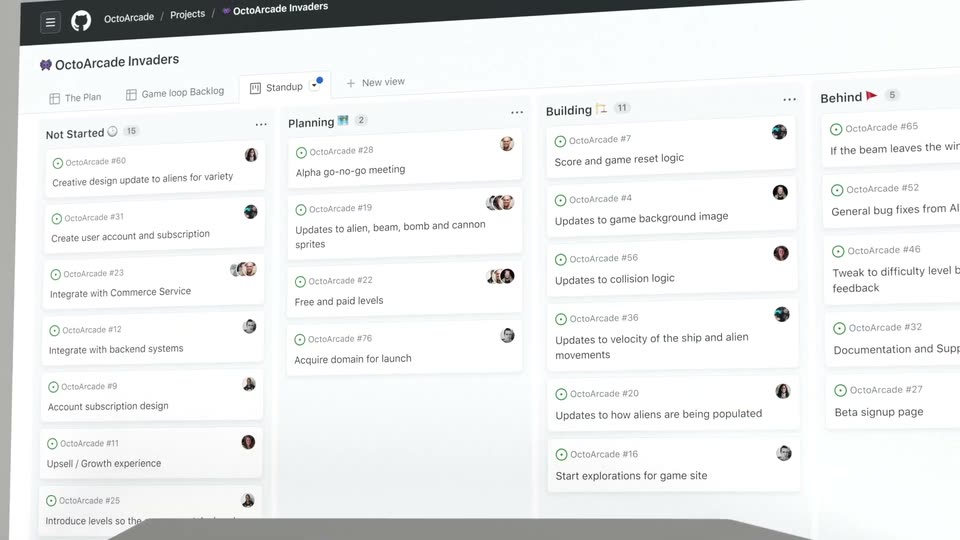 0:51–0:55GitHub · The new GitHub IssuesA hand cursor taps the Board option in a layout dropdown. The flat table view then folds and rotates in 3D, unfolding into a four-column kanban board labeled Not Started, Planning, Building, Behind.
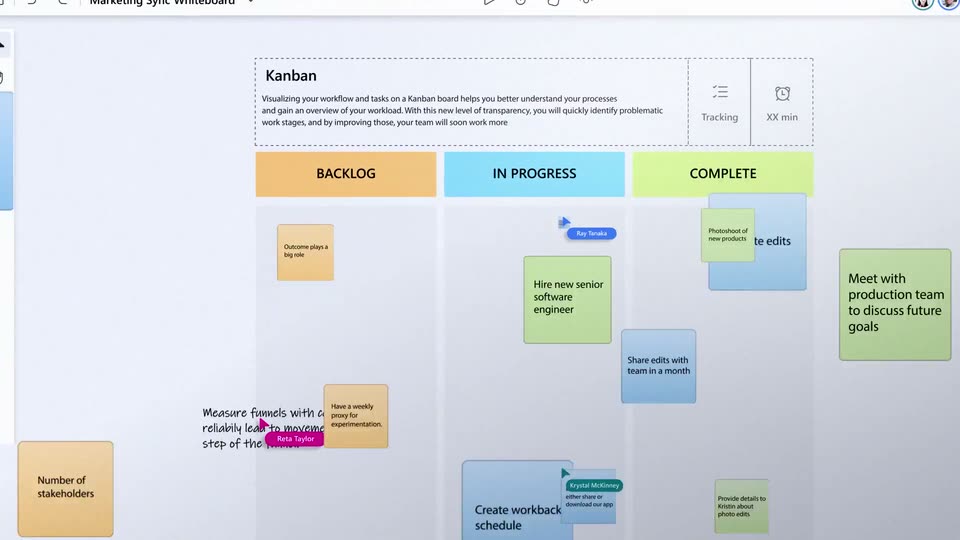 0:30–0:33Microsoft · Meet the new Microsoft Whiteboard designed for Hybrid WorkA whiteboard interface opens zoomed in on a Kanban title and three column headers. The view pulls back to reveal the full board, with colored sticky-note cards stacked under BACKLOG, IN PROGRESS and COMPLETE, while named multiplayer cursors drift across the canvas.
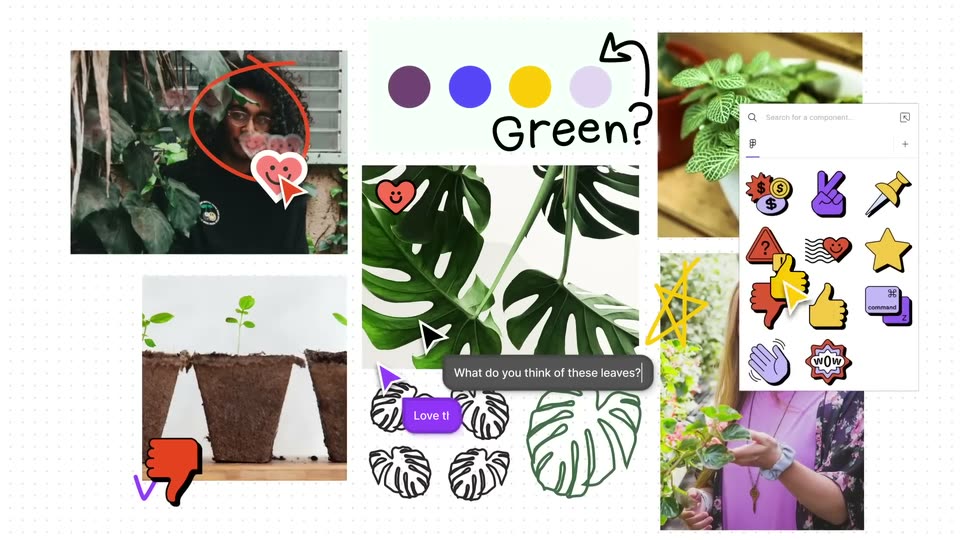 0:15–0:18Figma · Welcome to FigJamA dotted white canvas holds a plant-photo collage with doodles, four color dots and handwritten “Green?”. A cursor drops a heart sticker on the top-left photo, then a sticker panel appears on the right as a thumbs-up lands on the top-right photo.
 0:44–0:45Ramp · Meet Ramp: The finance automation platform that saves you time & moneyThe interface zooms out from an Accounting page, where a Review & Sync panel lists vendors with prices and a cursor hovers the Sync to QuickBooks button, to a full Vendors dashboard with an expanded sidebar and a spend table.
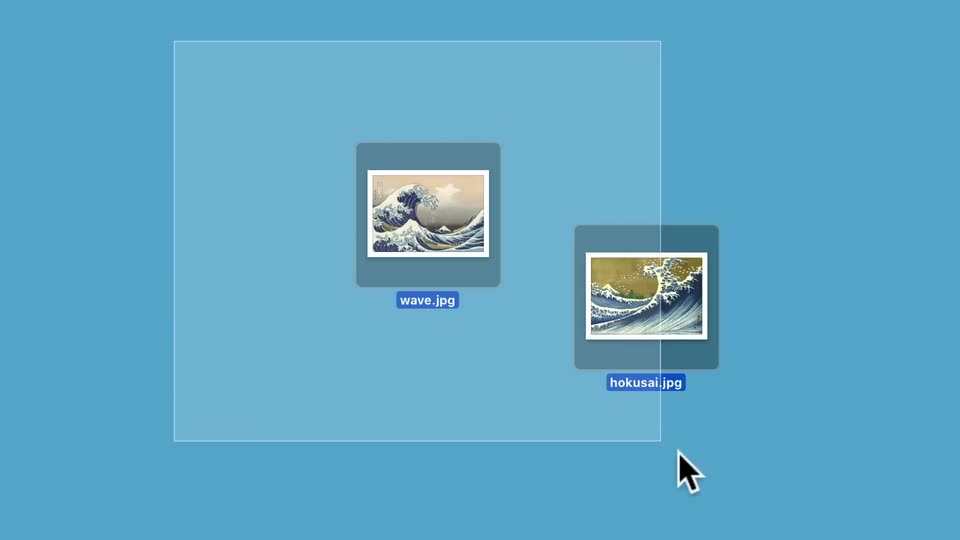 0:53–0:54Notion · What is Notion?A flat blue canvas holds two Great Wave prints with file-name labels. A cursor drags a thin marquee rectangle to a large area around both images, and their labels light up blue. The marquee then shrinks back to a small box and the labels unhighlight.
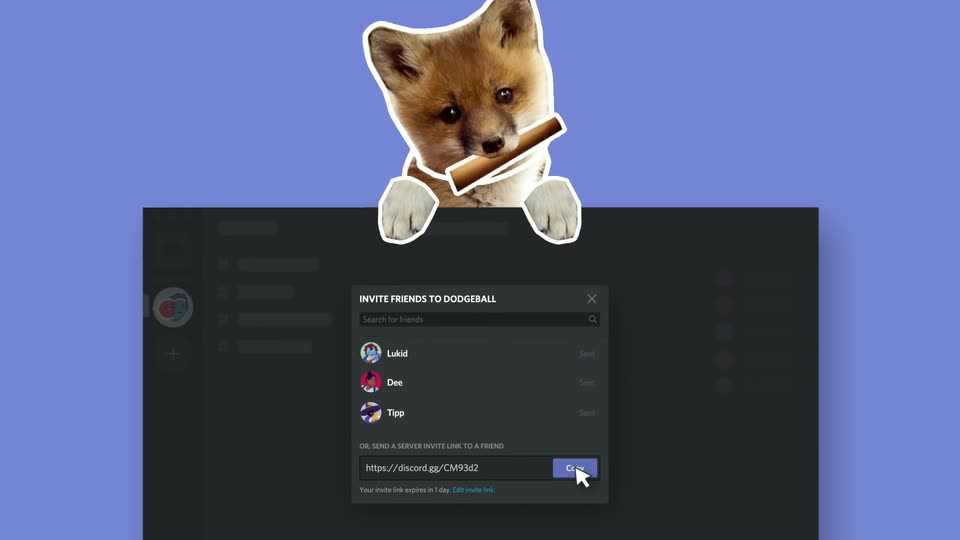 0:36–0:42Discord · How Discord Works in 148,000 Miliseconds or LessA dark Discord invite modal sits on a periwinkle field, the window scaling up while a cursor hovers the Copy button. A green typing bubble pops above, then a fox sticker holding a rolled scroll peeks over the top edge with two paws.
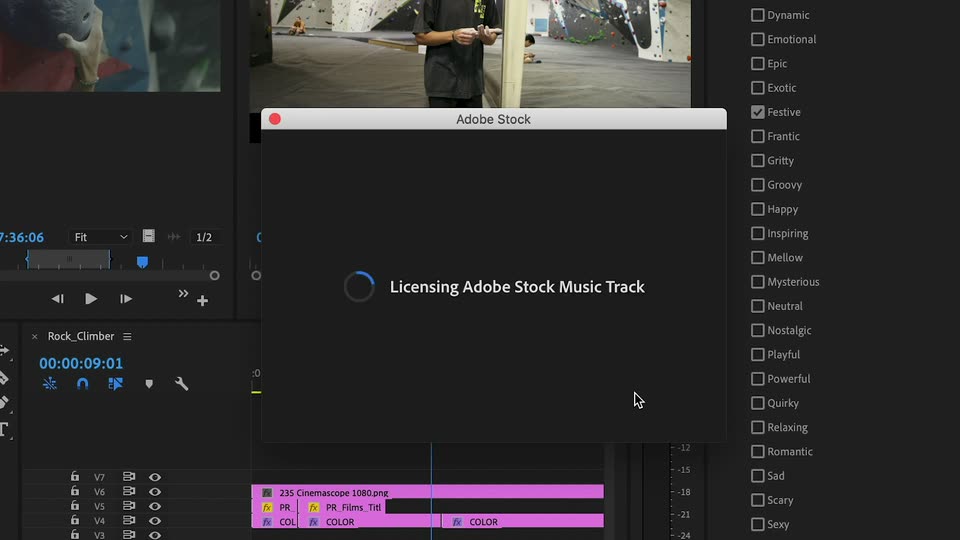 1:30–1:41Adobe · New in Premiere Pro - Introducing Adobe Stock Audio | Adobe Creative CloudPremiere Pro screen capture: an Adobe Stock dialog loads, then asks to license a music track; the cursor clicks Confirm, a spinner runs, then a ready panel shows a license code. The cursor clicks OK and the dialog closes to the timeline. A blue 'Easy Licensing' pill sits bottom left.
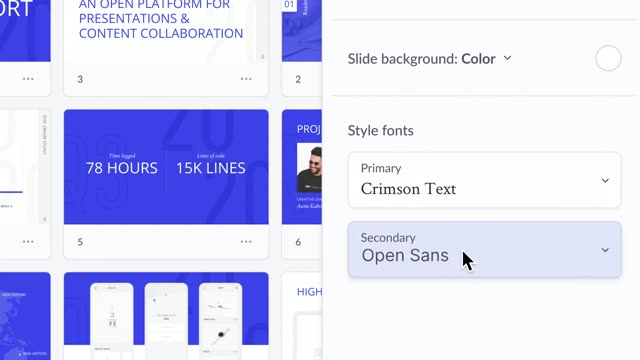 0:48–0:54Pitch · A first look at PitchA presentation app window on a blue backdrop: the cursor clicks a blue color swatch in the style editor, the yellow slide previews recolor to blue, then the secondary font changes to Pathway Gothic, with the view zooming into each control and back out.
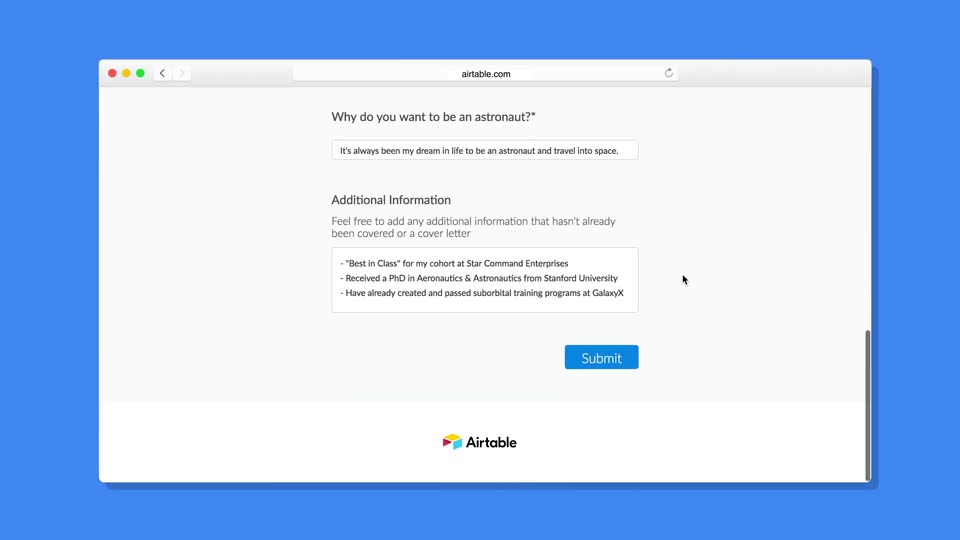 1:12–1:18Airtable · Meet AirtableA browser window mockup on a blue background shows an Airtable form titled Official Astronaut Application. It sharpens from a soft blur, scrolls down through the applicant, resume and role fields, and the cursor clicks the blue Submit button.
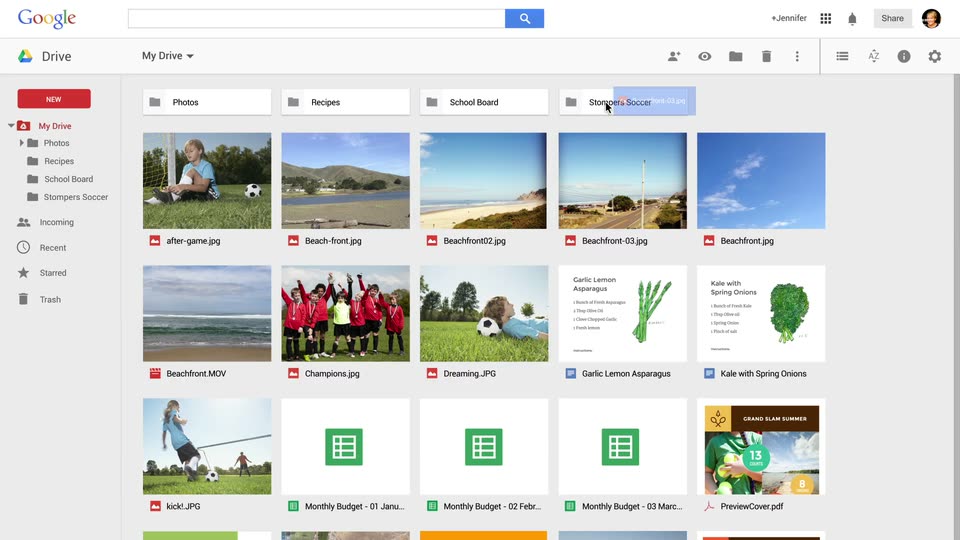 0:48–0:52Google · Meet the new Google DriveThe Drive desktop grid shows a cursor dragging a group of selected photo files toward the Stompers Soccer folder. At the end, a smartphone rises in the center, its screen showing the mobile app's list view of the same Drive items.
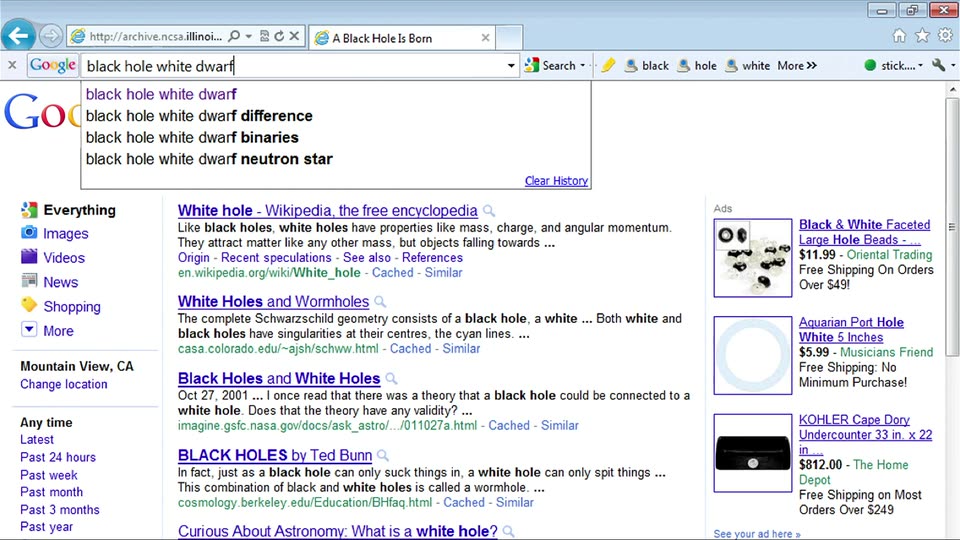 0:42–0:43Google · Introducing Google Toolbar 7A browser window shows a Google search page. A text cursor types into the search bar as an autocomplete dropdown expands with matching suggestions. The page layout stays fixed while the typed text and dropdown update.
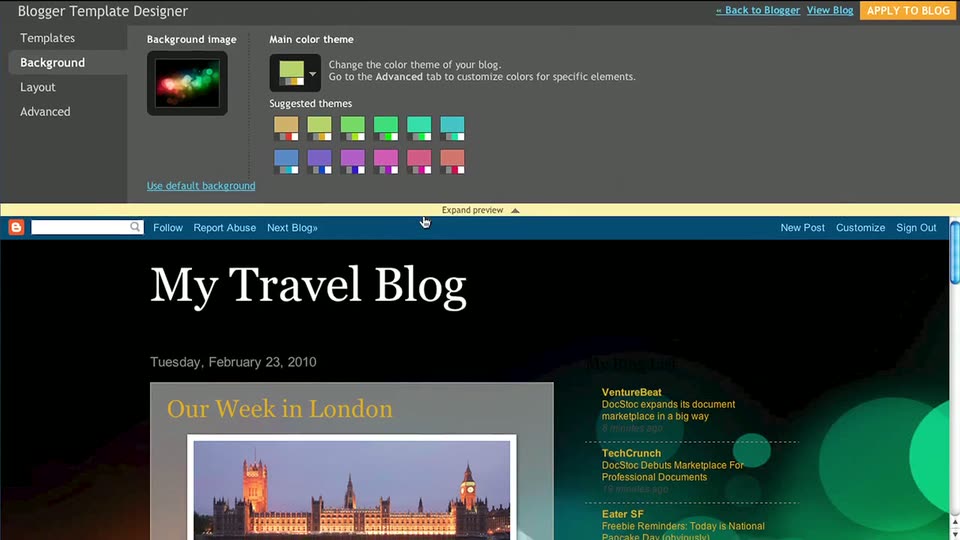 0:24–0:25Google · Introducing the Blogger Template DesignerA split interface shows the Blogger Template Designer panel above and a live blog preview below. The preview displays a dark travel blog titled My Travel Blog with a London photo and a sidebar of links. A mouse cursor drifts across the preview area.
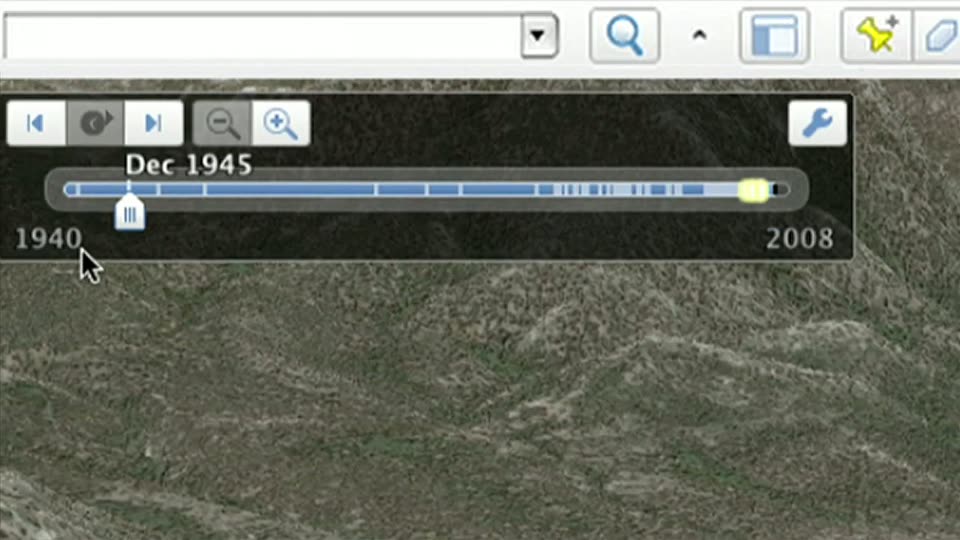 0:29–0:30Google · What's New in Google Earth 5.0A dark timeline panel overlays a satellite terrain view, its blue slider marked 1940 to 2008. Two cursors drag the slider handle left as the date labels shift from Aug 1961 and Dec 2002 to Dec 1953 and Nov 2006, a yellow dot fixed at the right end.
 1:00–1:07Google · Street View now available in New ZealandA Google Maps directions page zooms into the street view, isolating the underlined Report a concern link in sharp focus as the rest blurs. A black arrow cursor slides in and rests beside it.
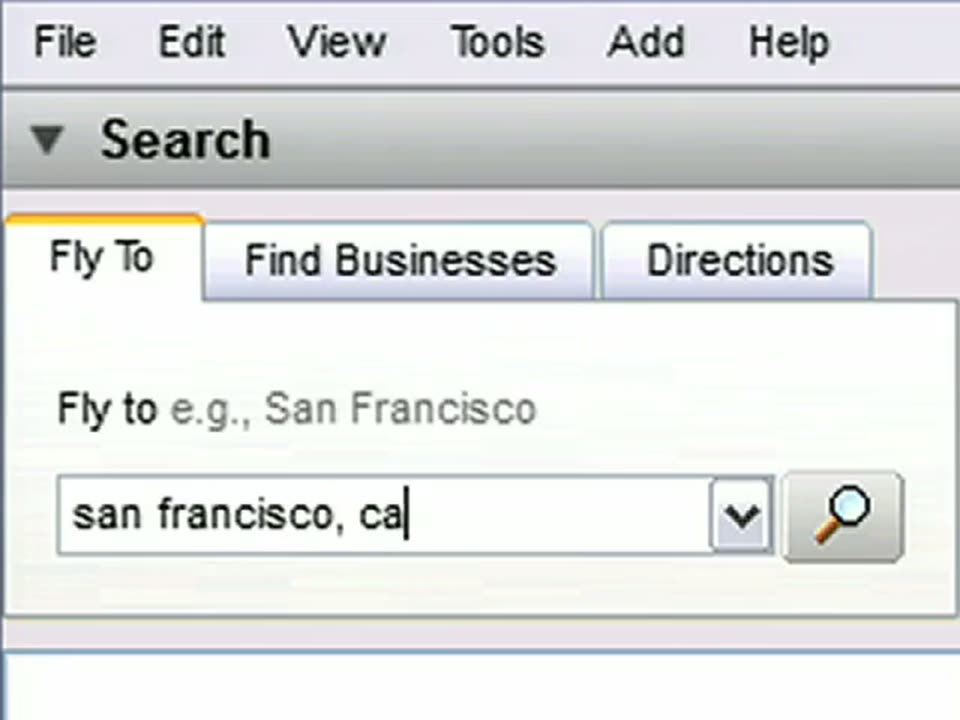 0:17–0:19Google · New features in Google Earth 4.3A close-up of a desktop search panel with the Fly To tab active. The text 'san francisco, ca' is typed letter by letter into the input field, a text caret blinking beside it, next to a dropdown arrow and a magnifying glass button.
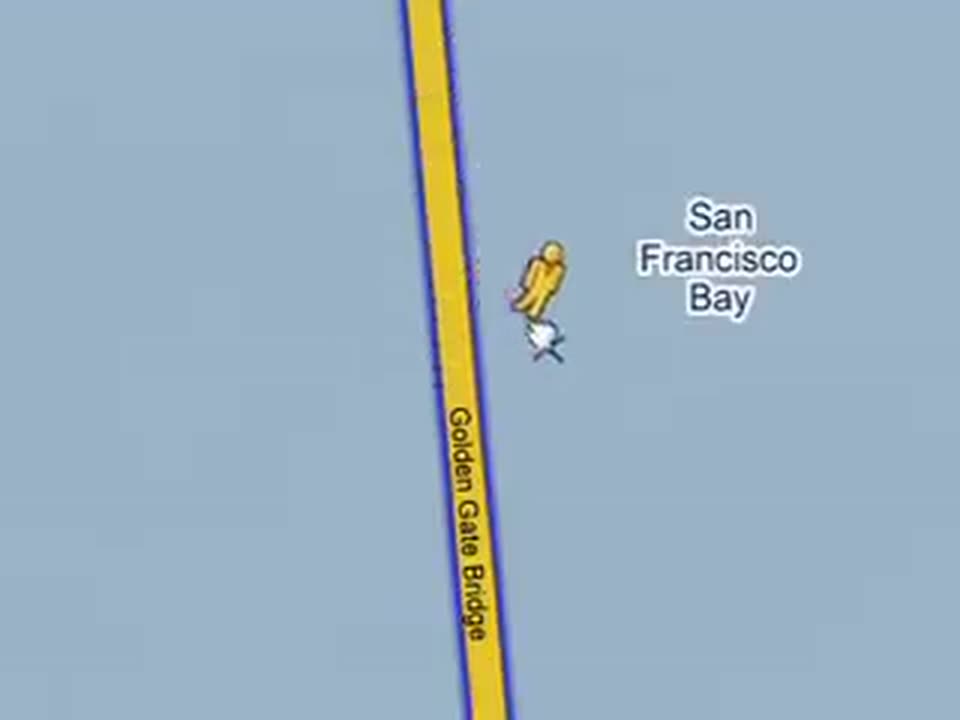 0:46–0:49Google · Google Maps Street View - launch videoA map shows the Golden Gate Bridge as a yellow line on blue water. A hand cursor drags an orange person icon off the bridge and drops it in the bay, then the view cuts to a tilted street grid of San Francisco.
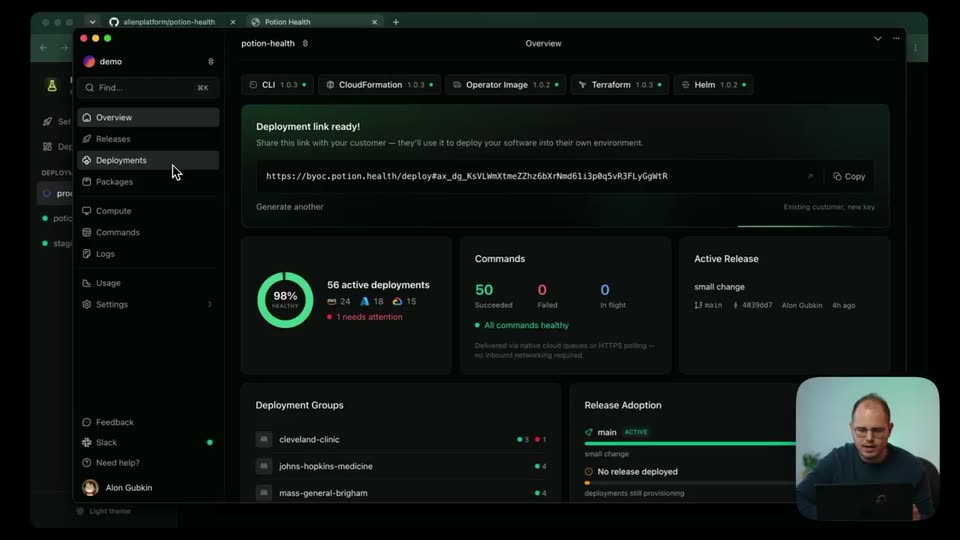 2:35–2:39Alien · We're launching the Alien platform today, backed by a $5M seed from Basis Set, Jibe Ventures, and angels from OpenAI, Google, and Databricks. We've built it so that when your next $300K enterpriseA dark dashboard interface fills the frame, showing a deployment link card and stat panels. A mouse cursor drifts from the top of the page down to the left sidebar, hovering over menu items. A small webcam video of a man at a laptop sits in the bottom right corner.
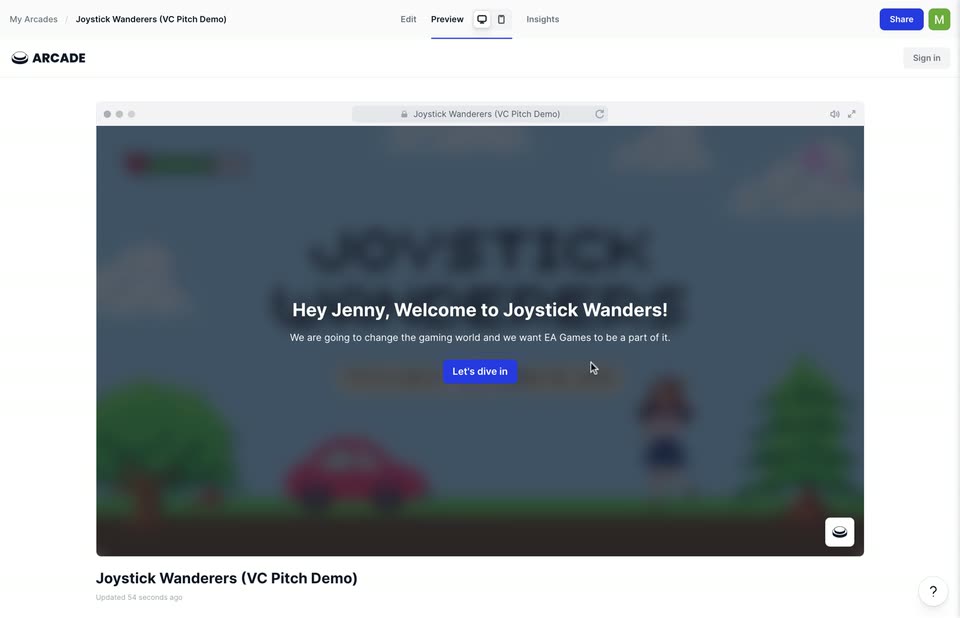 2:27–2:37Arcade · Arcade Adventure 👾A white app screen shows a browser preview of a pixel-art pitch deck. A dark welcome overlay with a Let's dive in button fades out after the cursor clicks it, revealing a retro game title screen, then the slide switches to an Expansion Opportunities layout.
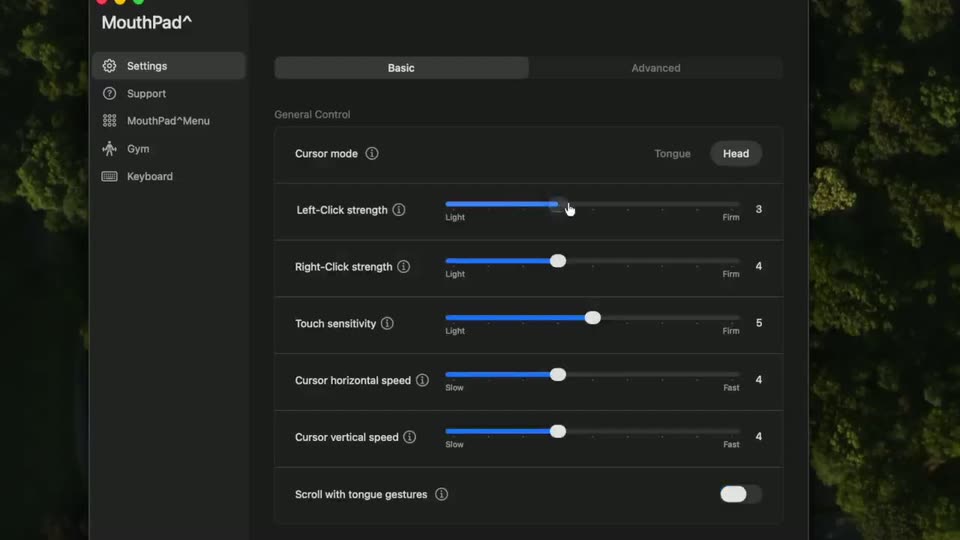 2:09 · 0.8sAugmental · MouthPad is a touchpad you drive with your tongue. Now available across the US. Over 100 people already use it, some for up to 16 hours/day. It works for gaming, for CAD, for Figma, and we're inA dark MouthPad settings window fills the frame over a blurred green backdrop. A hand cursor drags the Left-Click strength slider rightward, raising its value from 3 to 6 and extending the blue fill, while the other sliders and the sidebar menu stay still.
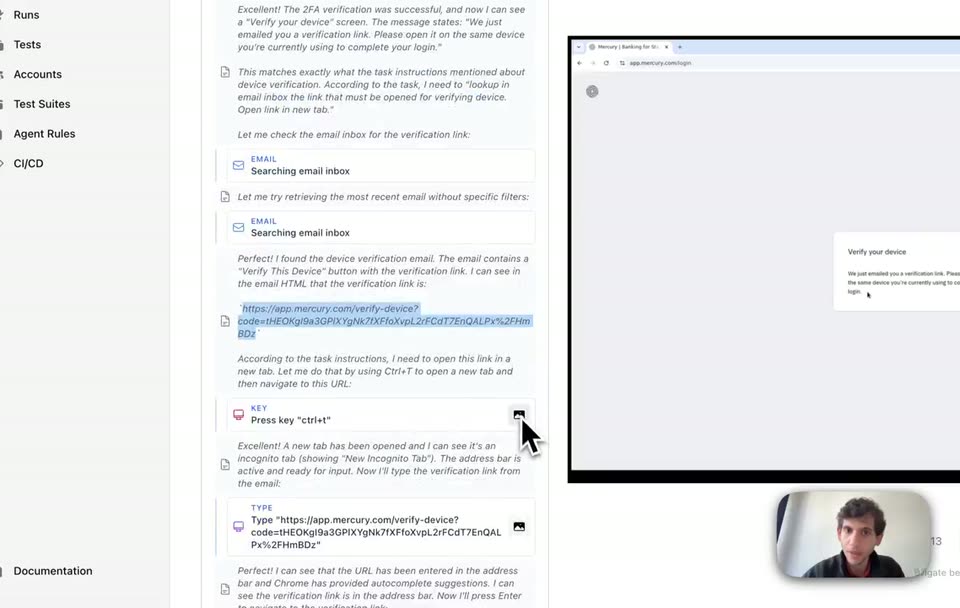 1:22–1:30Docket · #fintech #qa #ai #e2etest #yc #automation | Docket (YC P25)A split view shows an agent action log scrolling up on the left while a browser on the right moves from a login page to a new incognito tab with a typed URL. A small webcam feed of a presenter sits in the corner.
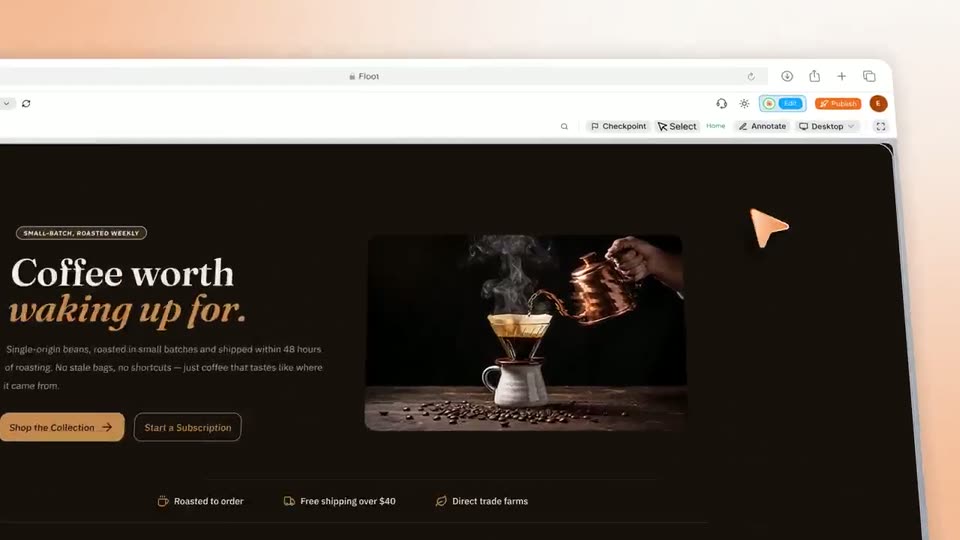 0:35–0:36Floot · Claude and ChatGPT can already write you an app. Getting it live is another story. Today we're fixing that: connect Floot, and you can build and ship real apps directly inside Claude and ChatGPT -A tilted 3D browser mockup of a dark coffee landing page. The camera reframes and zooms toward the hero image of a copper kettle pouring over a dripper, while a peach cursor arrow drifts in from the right and hovers over the image.
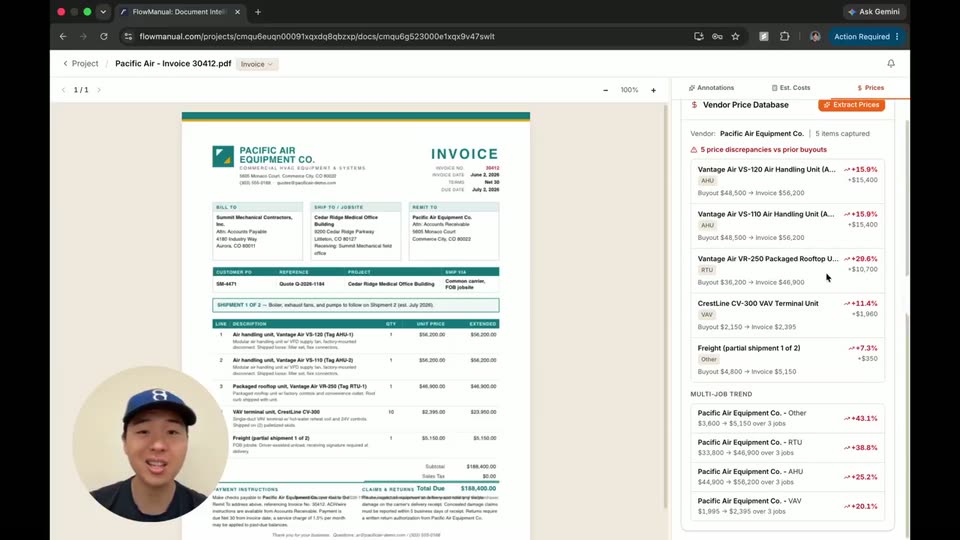 1:07–1:17FlowManual · Hey! This is FlowManual; an AI-native back office for construction contractors. Here’s a little demo to show you what we’ve been working on. We've talked with hundreds of contractors and realized… | FlowManual (YC S26)A split view pairs a PDF invoice on the left with a vendor price panel on the right. A cursor glides down the line-item list, pausing on the rooftop unit row, beside a small circular webcam of a presenter. An orange Extract Prices button appears top right.
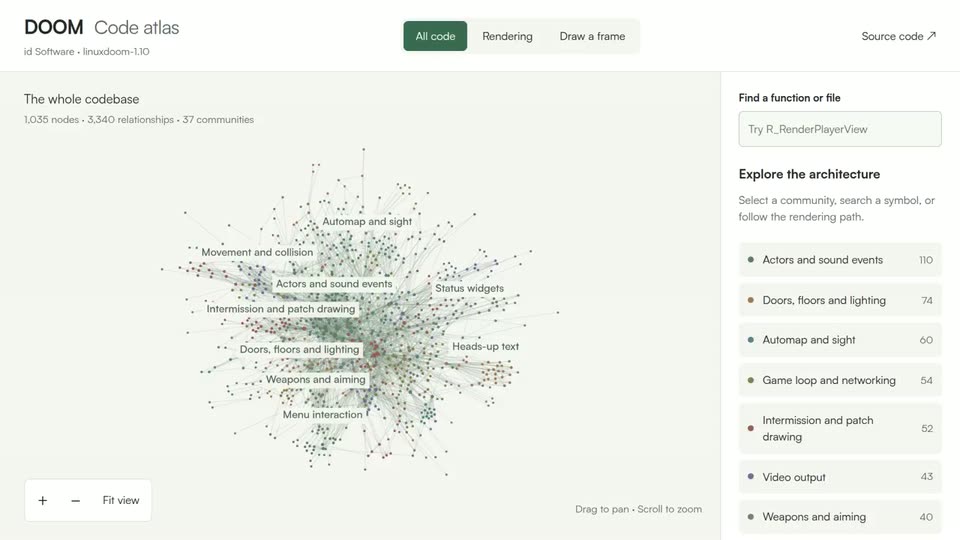 0:40–0:49Graphify Labs · Graphify is now in Perplexity Every user gets 5,000 free credits through Oct 31 to turn any codebase into an interactive map of files, functions, and dependencies. Point it at your repo and go. | Graphify Labs (YC S26)A code-graph interface fills the screen, a dense web of colored nodes and thin lines. A cursor hovers over a node, then clicks the Fit view button. The graph zooms out and the clusters settle into labeled communities, while a sidebar lists them with counts.
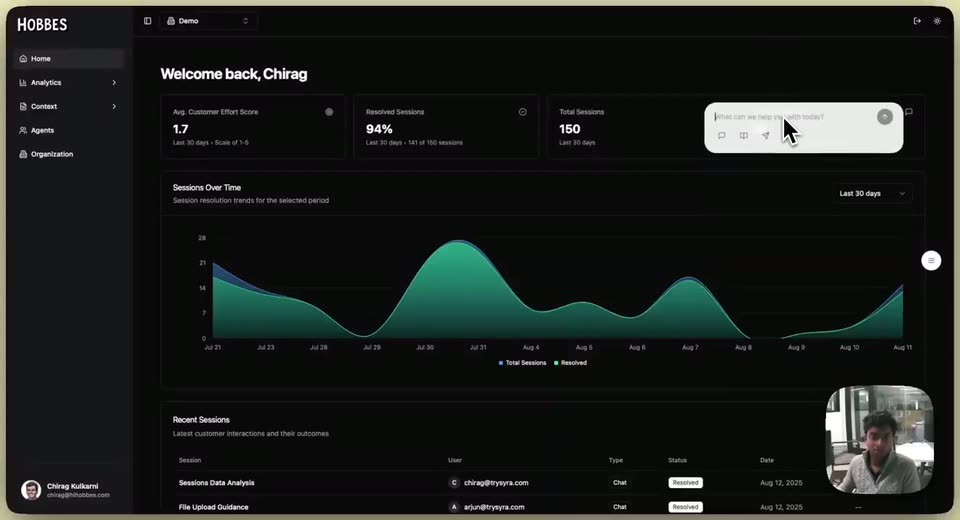 0:21–0:22Hobbes · 🚨Major update🚨 Syra is now Hobbes (hihobbes.com)! As we worked with some amazing teams this year, we saw a big gap in the agent landscape: visual context. Agents trained on knowledge bases + helpA dark support dashboard shows stat cards, a teal area chart and a sessions table, with a video call of a man in a beige sweater in the bottom-right corner. Top-right, a chat widget collapses into a single input field as the cursor moves onto it.
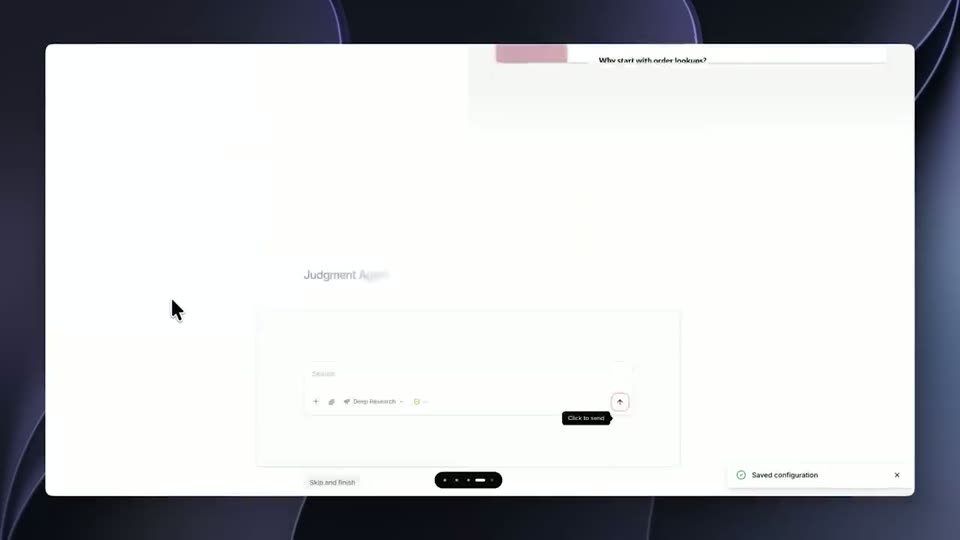 0:48–0:49Judgment Labs · See Judgment Labs’ activity on LinkedInA cursor clicks a red button on a Slack setup panel beside a thread preview; the screen fades to white and a 'Saved configuration' toast slides in at the bottom right.
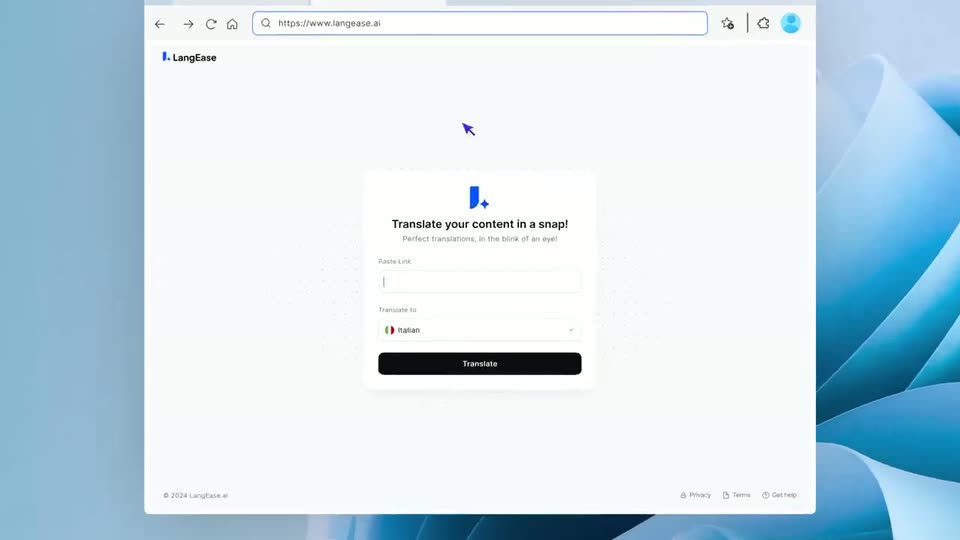 0:51–0:52LangEase · Imagine reaching a global audience without breaking a sweat. 🌎 LangEase is making it a reality. Our AI-powered localization platform is coming soon! Join the waitlist for exclusive early access.… | LangEaseA Windows desktop shows a browser window open to a translation webpage. The frame zooms in on the white page as a cursor moves over the form.
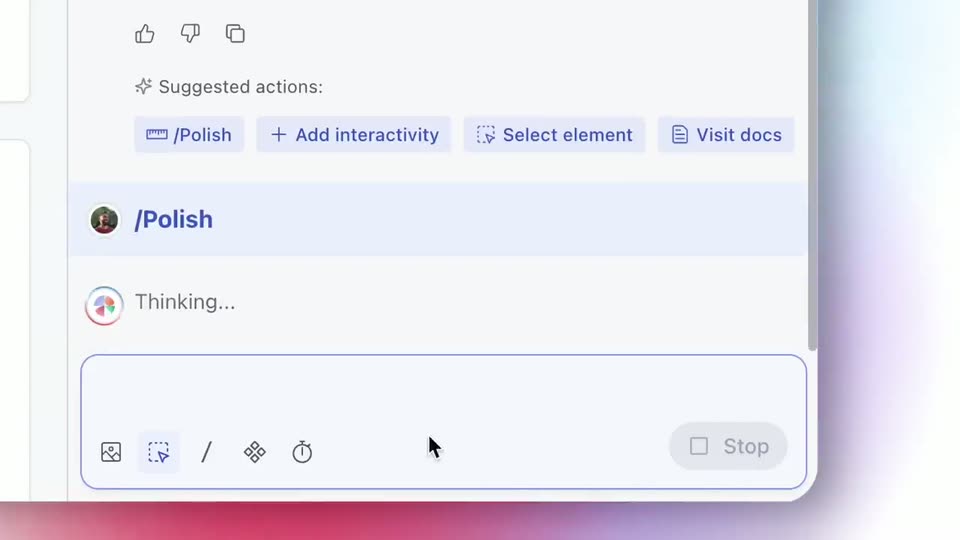 0:52–0:54Magic Patterns · Announcing our $6M Series A and Magic Patterns 2.0. We’ve grown profitably, hit $1M ARR, and quietly built an AI design tool loved by product managers, designers, and website builders. PreviouslyClose-up of an AI editor chat panel. The input field holds “/Polish” with a Commands popup open, and the cursor clicks the blue Send button. The command posts as a message bubble, and a colorful spinner with “Thinking…” appears beneath it while the button turns into Stop.
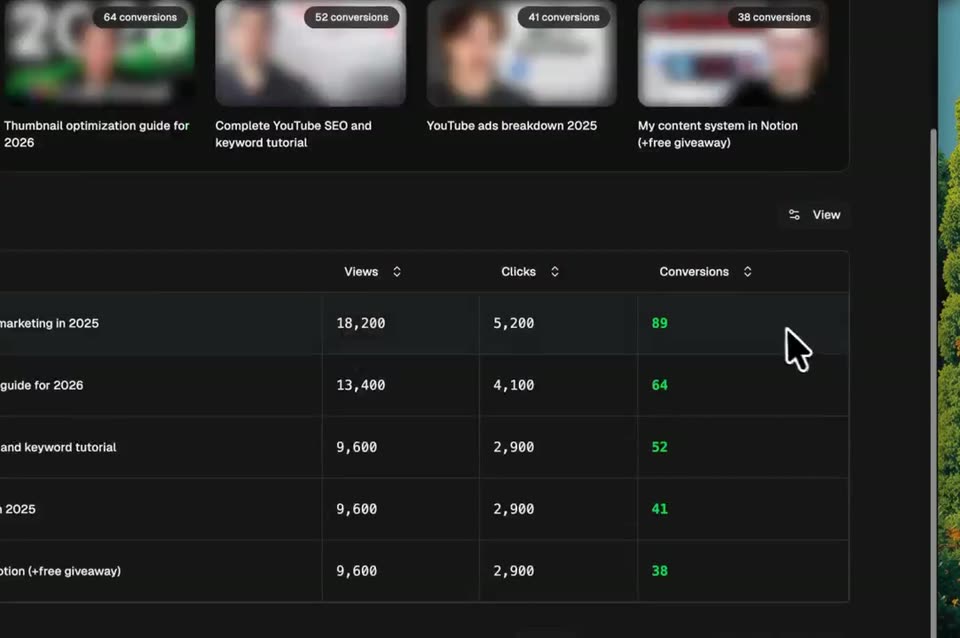 0:29–0:30Pulse · Psst, dark mode is here. If you're running youtube lead gen offers then you need to setup some tracking for your content, because YouTube dashboard only tells views. Pulse makes it easy by giving… | PulseA dark dashboard shows a row of video thumbnails with conversion badges above a data table listing views, clicks and conversions. A white cursor arrow drifts down and right across the table's right edge.
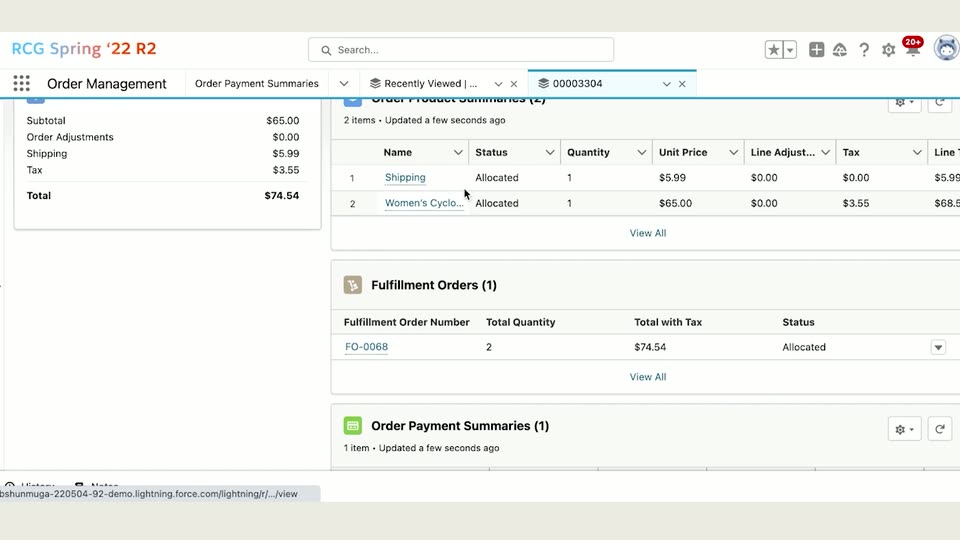 1:02–1:10Salesforce · Commerce Cloud - TikTok Integration for Commerce EnhancementsA Salesforce order page scrolls vertically down a long form. A blue dot spinner loads the product table, then rows populate. The viewport pans past the Totals, product, fulfillment, and payment tables while a cursor follows the scroll.