Cursor demo
A visible cursor operates the interface.
15,034 scenes · page 202 of 251
 1:36–1:38Riverside · Nadav Keyson - Meet Riverside Agents, the first AI production team built only for viA dark scheduling screen shows a video preview above Like, Comment, Repost and Send actions, with a date field and a purple Schedule 1 post button. A cursor glides to the button and clicks it as a white caption line appears at the bottom.
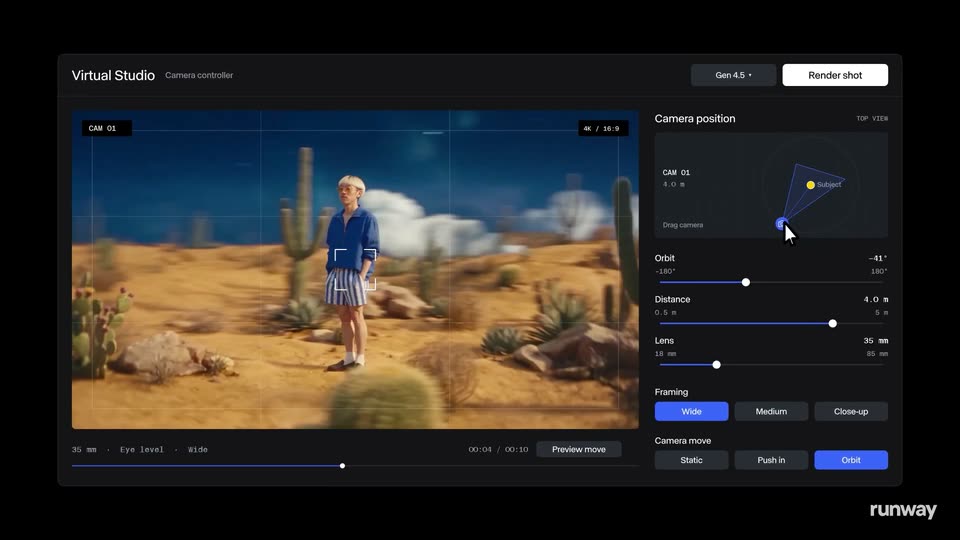 0:28–0:35Runway · Runway - Introducing Runway App Studio. Build the creative app you wish existA night desert scene with a standing figure pushes in to a face close-up as camera-control panels appear. The view then pulls back to the Virtual Studio window, where a cursor drags the top-view camera node and clicks Orbit and Push in, updating the framing.
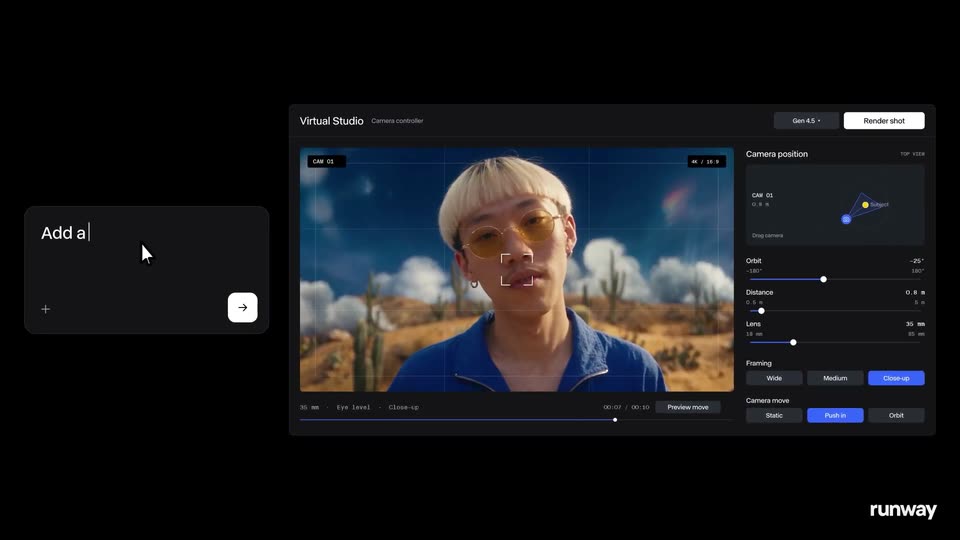 0:29–0:38Runway · Introducing App Studio | RunwayThe view pulls back from a full-frame desert close-up to the Virtual Studio interface, where a cursor drags the camera in the top view as the preview reframes from close-up to wide. A side card types a green-screen prompt and the preview switches to a green plate.
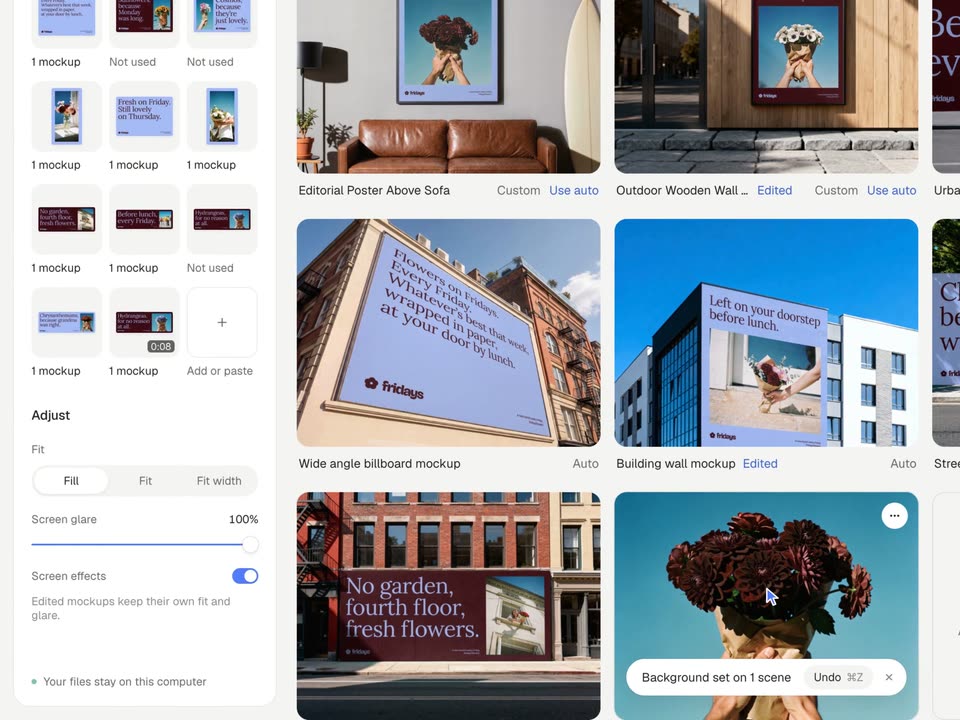 0:43–0:44Showroom · Seyi - Introducing Showroom, an app that lets you see your designs in everyA design tool screen shows a left control panel beside a grid of poster mockups, then the canvas swaps to an empty drop zone with a hand holding a dark red flower and a Pick a background button. A cursor hovers near the button.
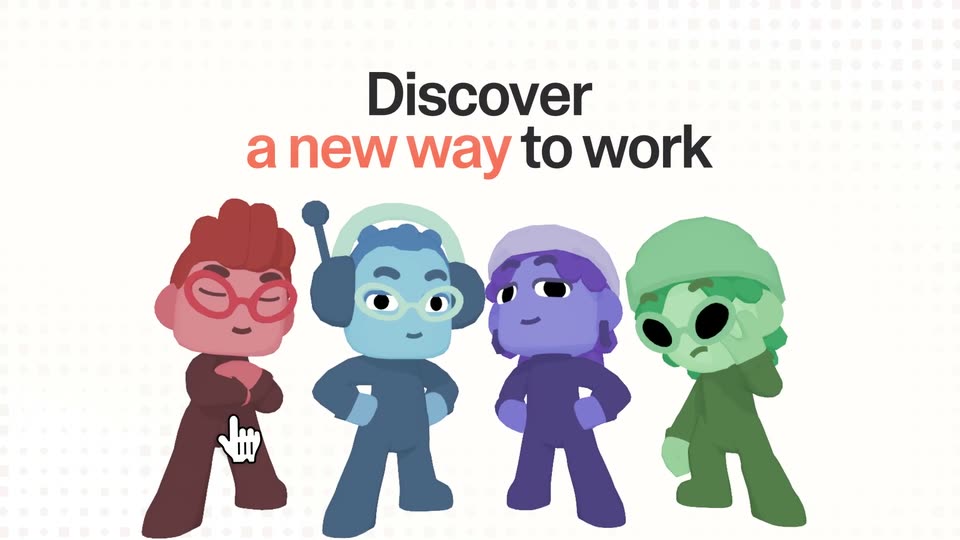 1:16–1:22Strawberry · Charles Maddock - Delete Chrome Delete Granola Delete Claude Strawberry 1.0 is here, tDiscover scales down on a white dotted background as a new way to work slides in below. Four cartoon characters pop into a row, then the headline swaps to Claim your companion today while a white cursor hovers over the blue figure.
 0:57–0:58TagadaRx · TagadaRx motion design video: launch the next Hims & HersA green pill button reading Launch instantly sits centered over a rippling field of gray dots, a black cursor hovering at its lower right edge. The dot waves drift and reflow across the white background while the button and cursor hold still.
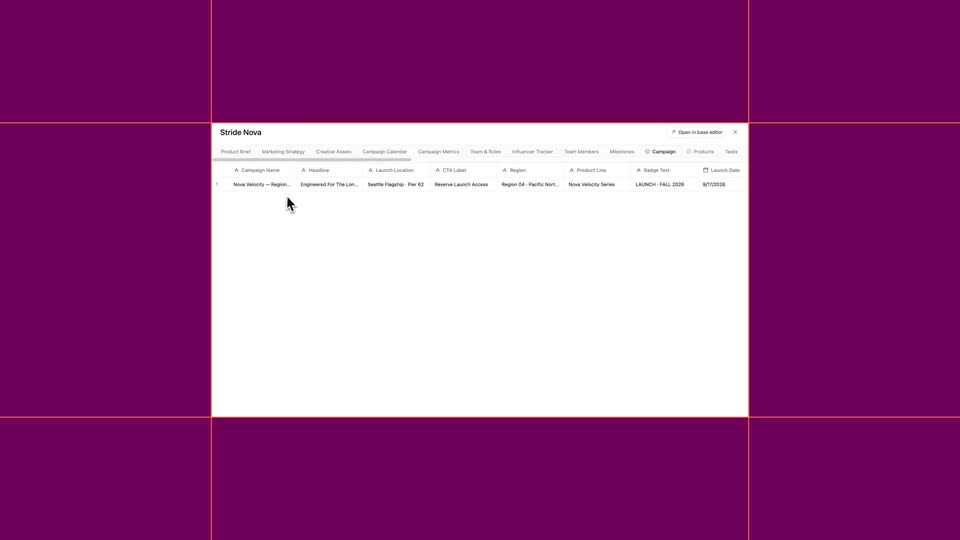 0:51–0:53Airtable · October 2026 Launch: CanvasA white spreadsheet titled Stride Nova sits on a magenta field crossed by an orange grid. A cursor glides from the header to the first row, selecting a cell, then the whole sheet scales down toward the center.
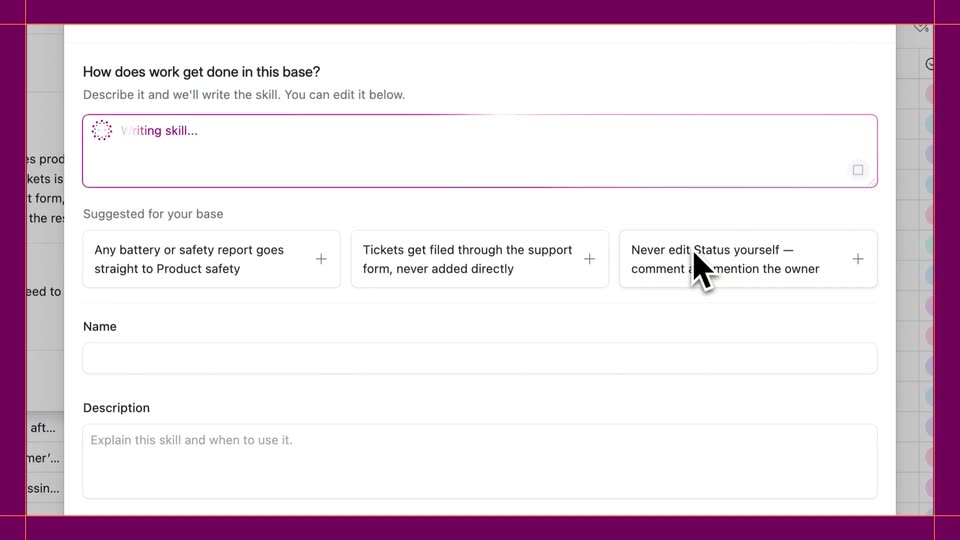 1:12–1:15Airtable · October 2026 Launch: MCPA form view marked by corner crosshairs zooms in on the prompt field. A cursor clicks a suggestion card, a spinner loads, then the name and description fields fill in and a 'Skill updated' note appears as a colored-label sidebar slides in from the right.
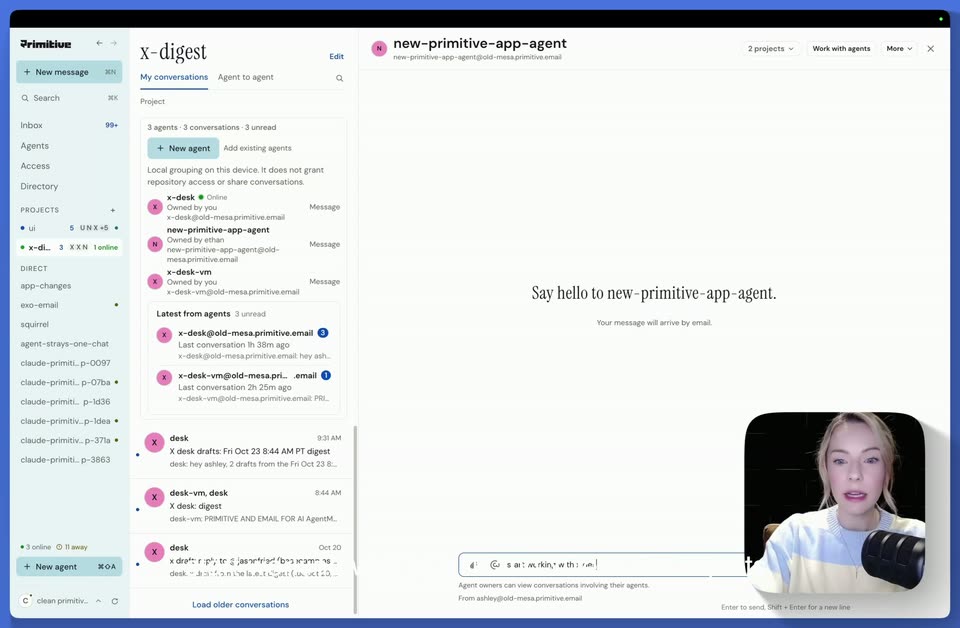 1:29–1:36primitive · Primitive - we 💌 emailA full-screen view of the Primitive agent app fades in, showing a three-column inbox and a chat panel. A webcam feed of a woman with a microphone sits in the lower right as a cursor types into the message box.
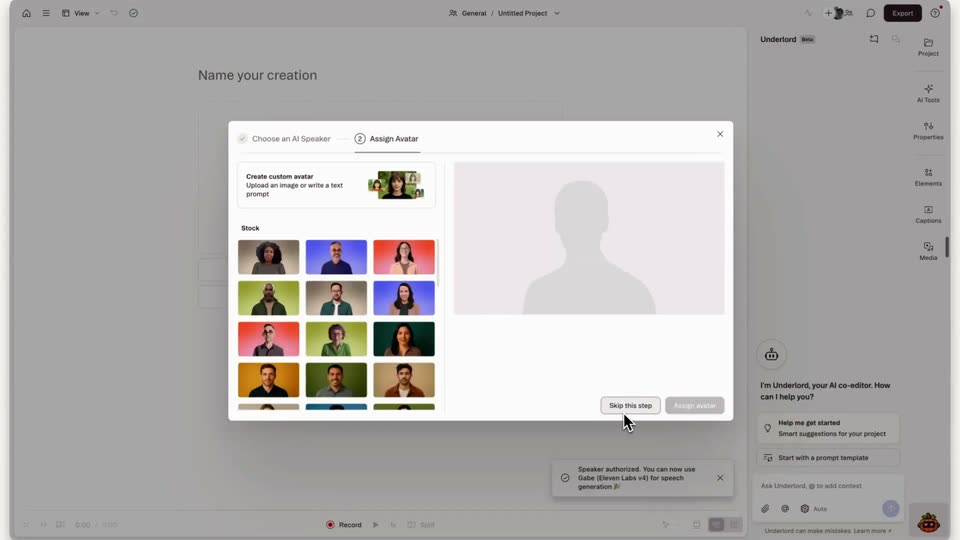 1:23–1:25Descript · New in Descript: Drive Search, Recording Requests, ElevenLabs v4 & MiniMax H3A modal titled Assign Avatar sits over a dimmed editor, listing stock portrait thumbnails on the left and a gray silhouette placeholder on the right. A cursor glides from the Skip button to hover one thumbnail.
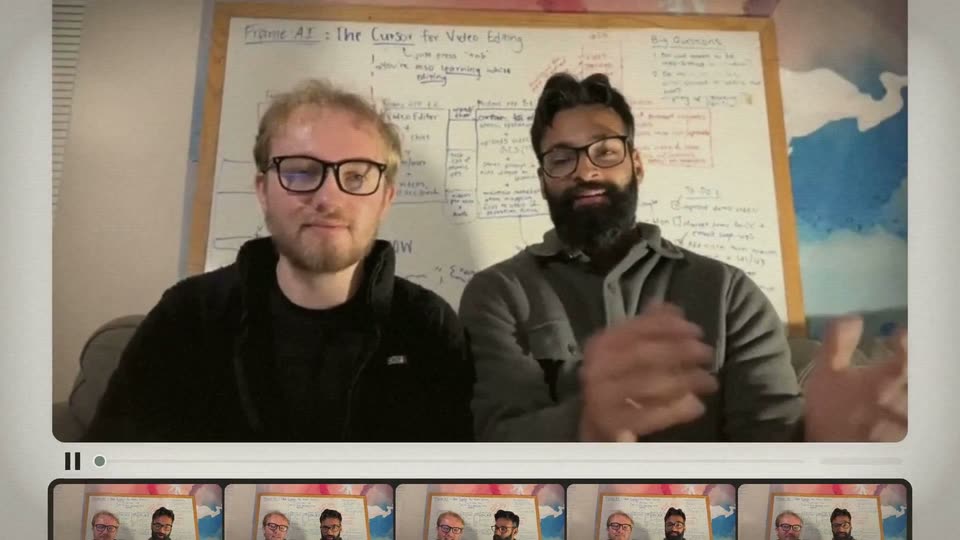 1:01–1:04Motion · Adish Jain ☕️ - today, we're launching the General Video Agent. GVA edited this entiA horizontal filmstrip of video thumbnails scrolls across a white background, then zooms into one frame, expanding it into a full player with a pause control and the strip docked below. Two men sit before a whiteboard in the clip.
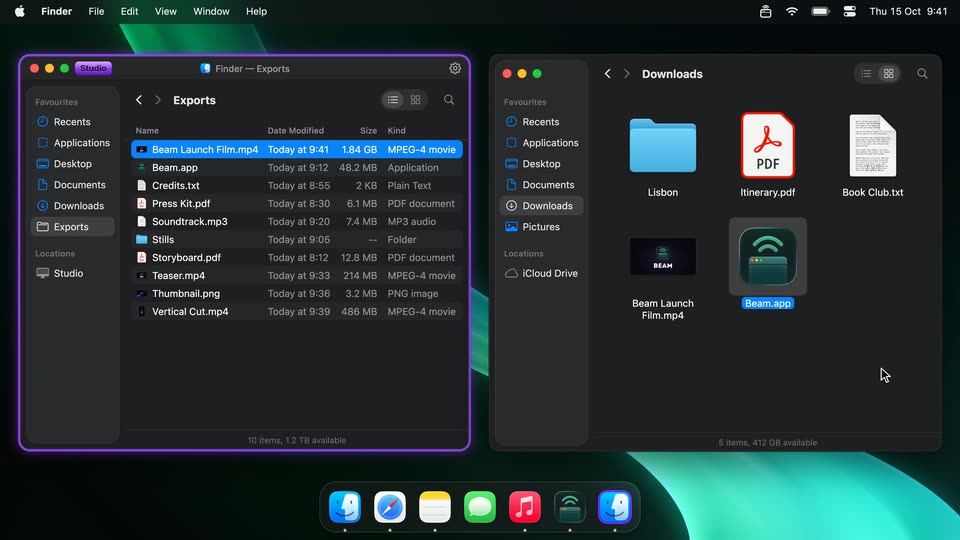 0:56–1:01Beam · Hiten Shah - In June, @SamAsante and I launched Typeahead, the first product fromTwo dark Finder windows sit side by side on a macOS desktop. A cursor right-clicks the video file in the left list, picks Copy, then right-clicks the right window and picks Paste, so the file and app icons pop in with a green plus.
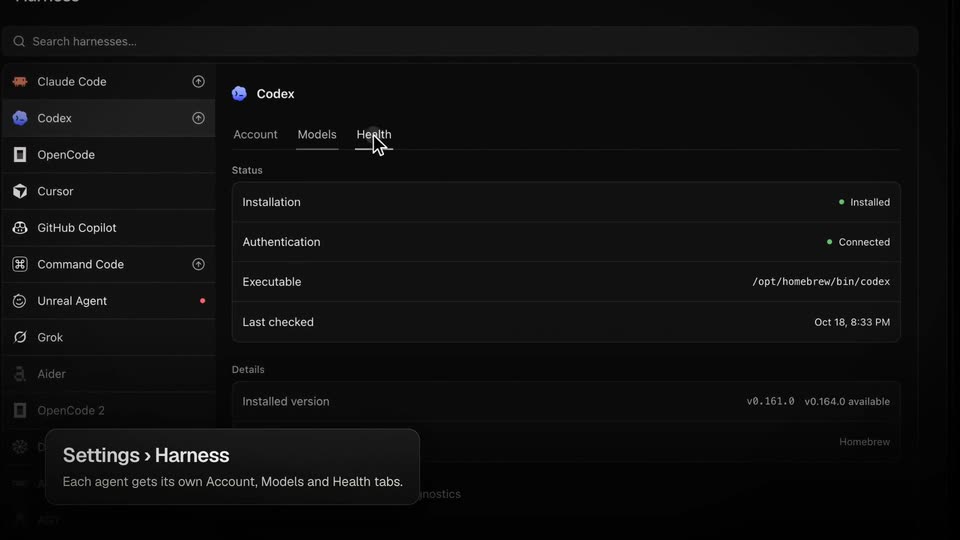 1:03–1:08Orchestrator.inc · Orchestrator.inc - https://t.co/JOaE2ABlJC v0.14.3 is out. Artifacts: everything your aA dark settings screen lists AI agents in a left sidebar; the frame zooms in as the cursor flips off a model toggle under the Models tab, then clicks the Health tab to reveal status rows. A caption card stays in the bottom-left corner.
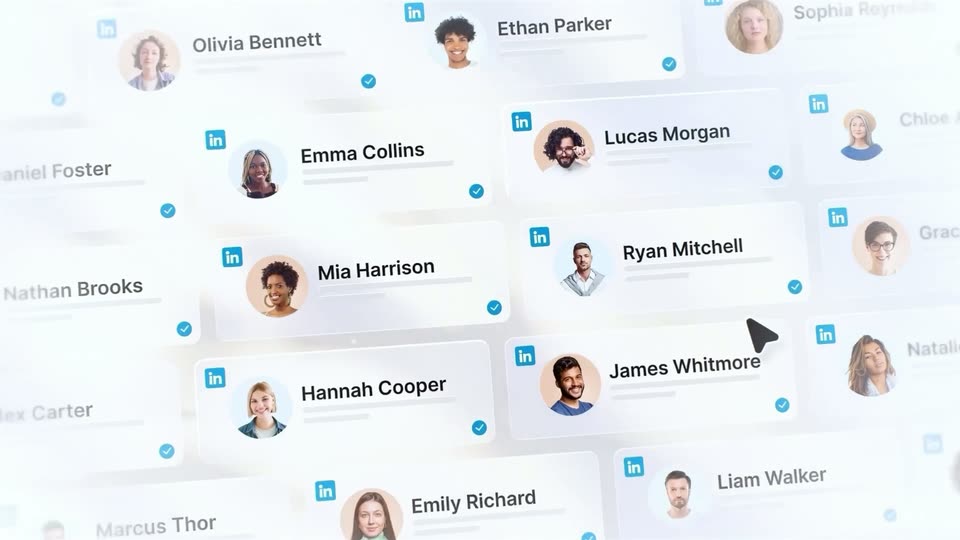 0:25–0:26Polar Browser · Polar Browser - In the past 90 days, Polar took 1 million actions on LinkedIn for itsA white grid of contact cards, each with an avatar and name, fills the frame. A search field reading 'Find my next sales hire' with a Medium dropdown and blue arrow button hovers over the center card. A cursor glides across the interface as the grid shifts.
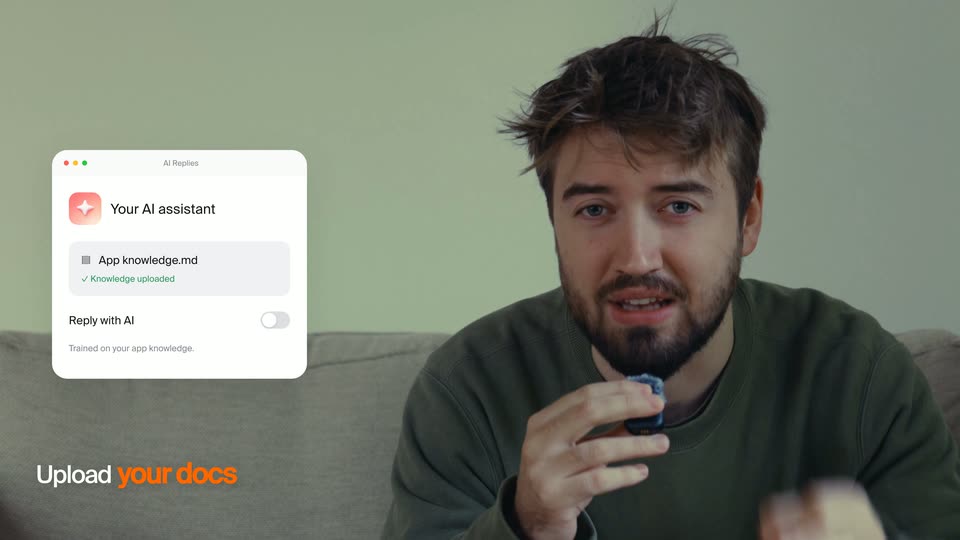 1:24–1:26Reception · Frederick James - Today we're launching Reception. In app support for iOS apps. • TurA bearded man in a green sweatshirt sits on a couch, gesturing as he talks. A white macOS-style card floats at left, showing Your AI assistant and an uploaded App knowledge.md file. A cursor clicks the Reply with AI toggle, which flips on green.
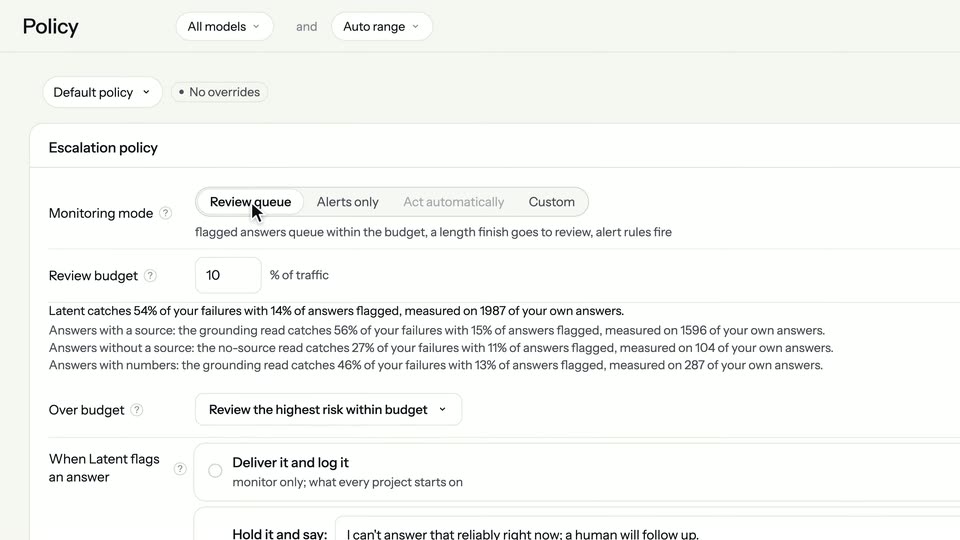 2:10–2:17Latent · Introducing LatentThe settings page scrolls down as a cursor clicks three radio options, the selection moving from 'Deliver it and log it' to 'Hold it and ask a stronger model'. It scrolls back up and a black tooltip appears beside the 'Review queue' tab before a crossfade.
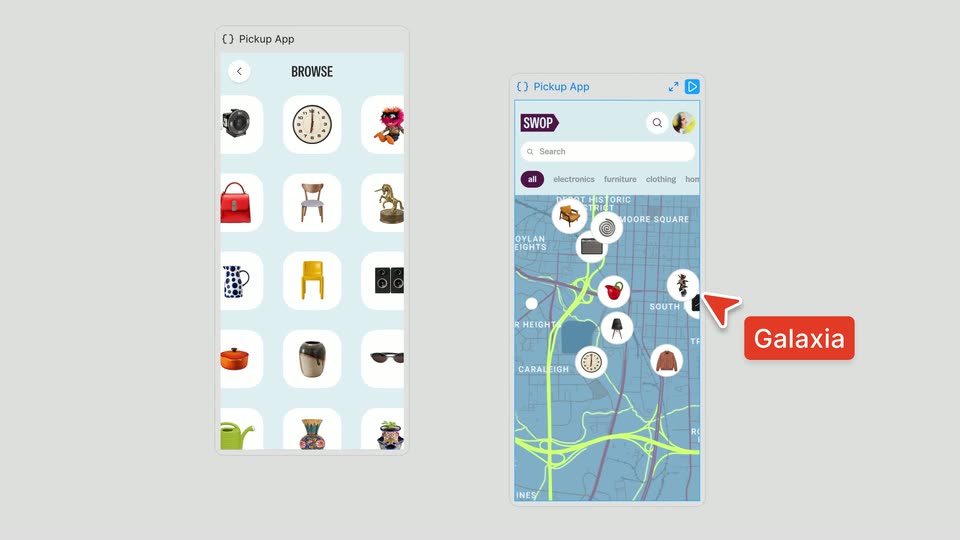 0:22–0:24Figma · Figma - Together at last: design and code on the canvas Code Layers are hereTwo flat phone mockups sit side by side on gray. The left Browse grid scrolls through product thumbnails while the right map pans and a red cursor taps a pin, marked by a red Galaxia tag. The map zooms into a clock pin, opening a detail card.
 1:22–1:23Ant Ling · Ant Ling - Ling-3.1-flash is now open source: ~560B total parameters, ~25B activA white prompt card sits on a light dotted background scattered with faint code glyphs. A prompt about an office agent types out in the input field, then a black play-shaped cursor glides in and rests on the blue up-arrow send button.
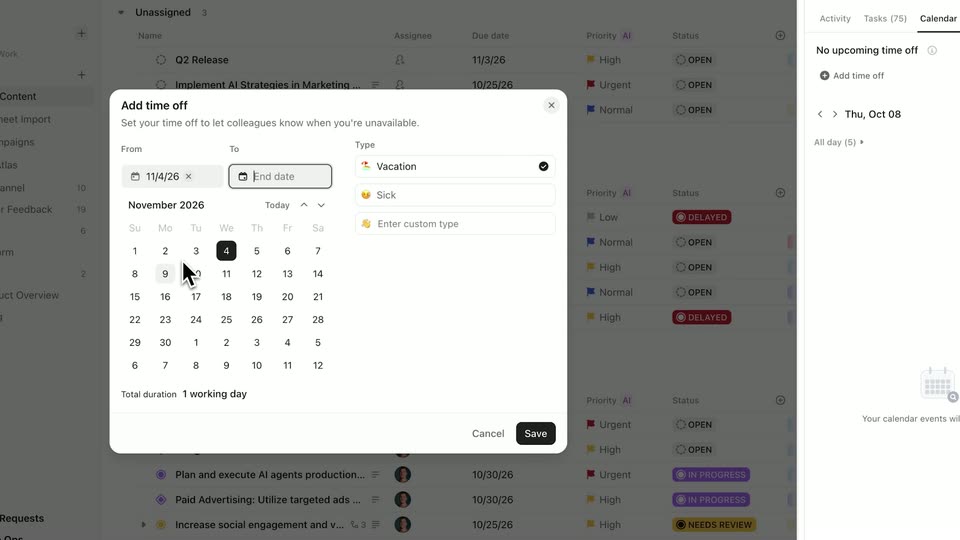 0:59–1:08ClickUp · ClickUp Release 4.09: List Templates in Automations, Parent Task Date Sync, and more!A dimmed task list sits behind an Add time off modal. A cursor flips the calendar from October to November, clicks the 4th and 8th, the duration reads 3 working days, then the cursor presses Save.
 0:38–0:39HyperFrames · HyperFrames - No more one-shot slop - storyboard first Just like working with an aA white chat panel on a green-to-blue gradient shows a typed command with a cursor on the send button, then the panel slides left off frame, leaving the blurred gradient and a faint dark panel on the right.
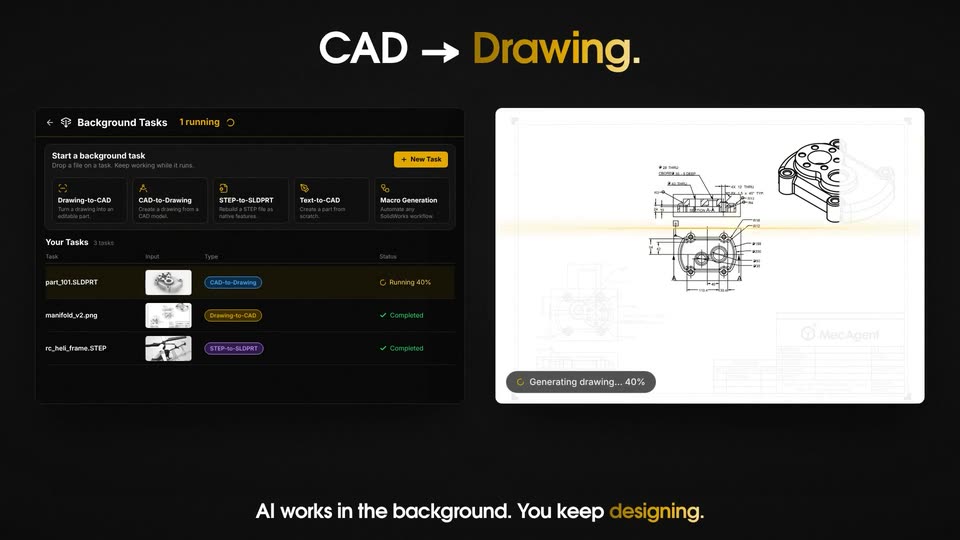 1:58–2:03MecAgent · MecAgent - Introducing MecAgent V2.0.0 - The Future of AI & CAD.A dark task-runner UI sits under a CAD to Drawing headline. A cursor clicks the CAD-to-Drawing card, a new row appears at the top of the task list with a counting percentage, and a technical line drawing builds up in the right pane while a caption fades in below.
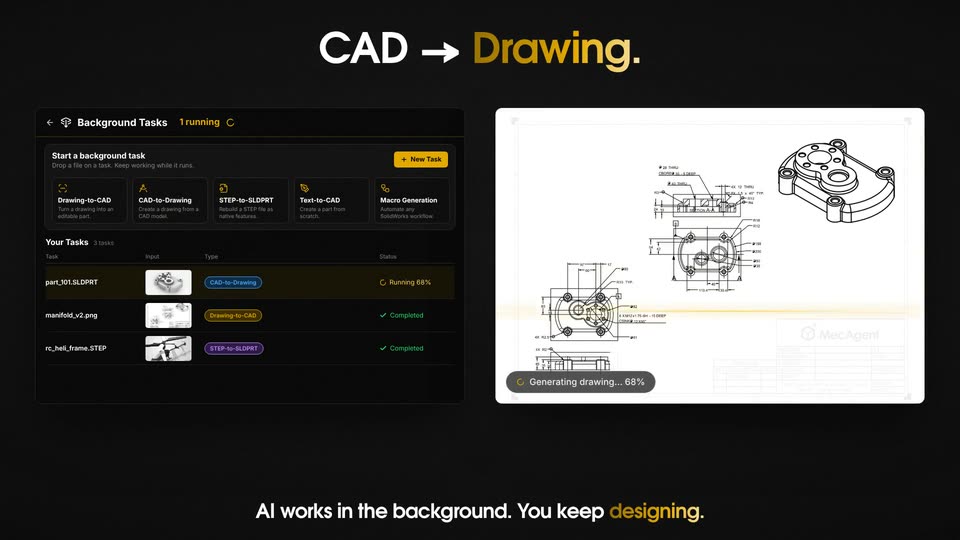 1:58–2:04MecAgent · Owein - After a year and a half of hustle, I’m proud to introduce MecAgent 2.A dark Background Tasks UI sits under a CAD to Drawing headline. A cursor clicks the CAD-to-Drawing card, the right panel fills with a technical drawing sheet and a progress bar runs to a green check, while a bottom caption fades in.
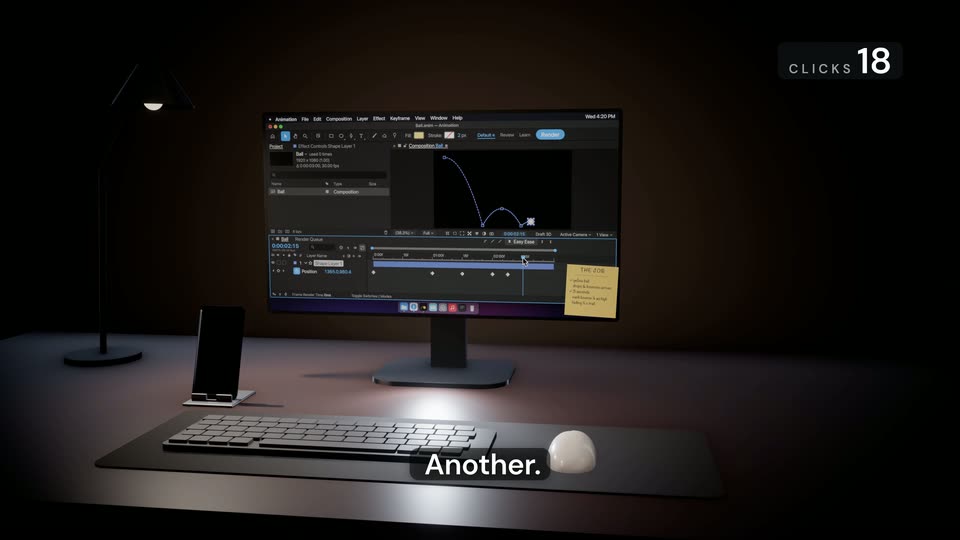 1:05–1:10ManimGX · Sina Atalay - Introducing ManimGX, the 3D animation engine for agents. - BlazinglyA dim 3D desk holds a monitor, keyboard, mouse and phone; the screen runs an animation app plotting a bouncing ball. The camera pushes in on the display while a cursor clicks menus and sets keyframes. Bottom captions and a top-right click counter update.
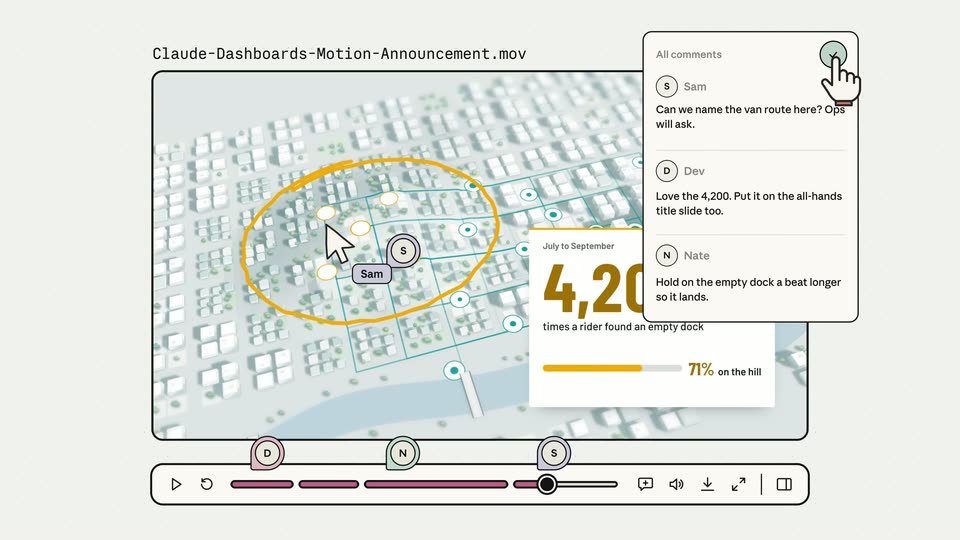 1:05–1:07Anthropic · Introducing Claude Dashboards and Claude MotionThe view pulls back to a video-player mockup. The dock animation zooms out to the city and a 4,200 statistic; the cursor closes the comment panel, and orange mask edges wipe into the export graphic.
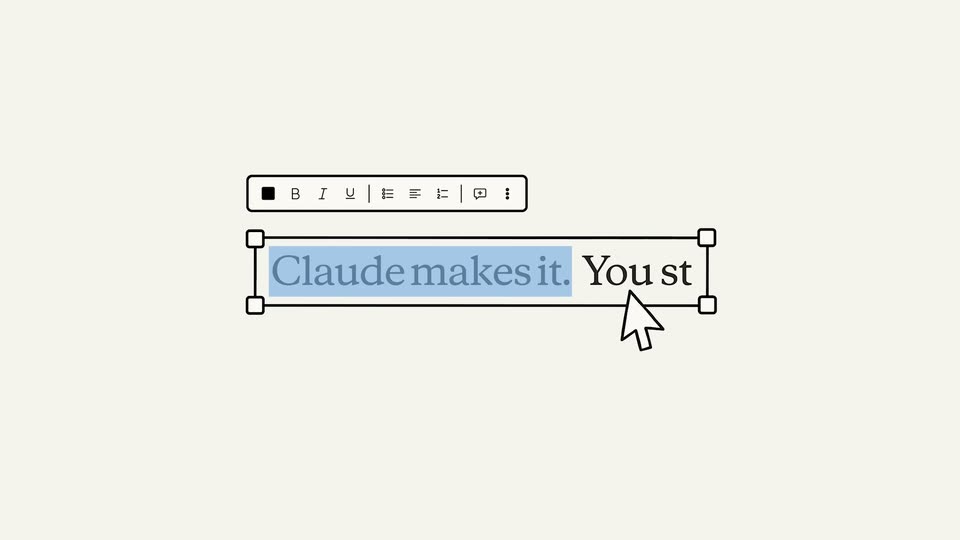 1:13–1:16Anthropic · Claude - Claude Dashboards and Claude Motion are in beta today. Ask Claude toA line-drawn rich-text toolbar hovers over a text box with “Claude makes it.” highlighted in blue. A cursor arrow rests on a corner handle. The box slides left as the text extends to “Claude makes it. You steer it.”, then the frame and toolbar fade, leaving plain black text.
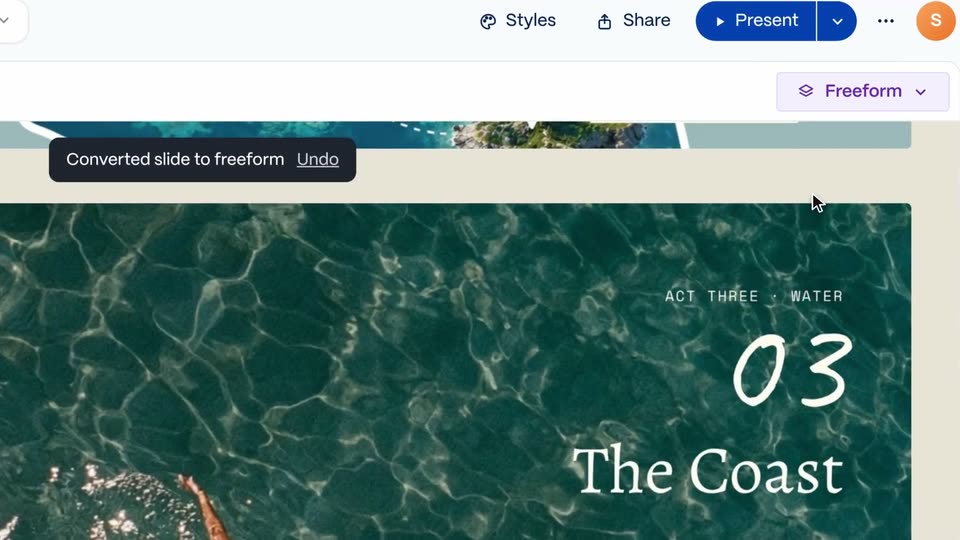 0:35–0:36Gamma · Gamma - Gamma 5 is here! It's a complete overhaul of Gamma to create the mostA presentation app screen shows a slide with an aerial water photo and serif title. A cursor clicks a menu item, the dropdown closes, and a dark toast with an Undo link slides in at the top left.
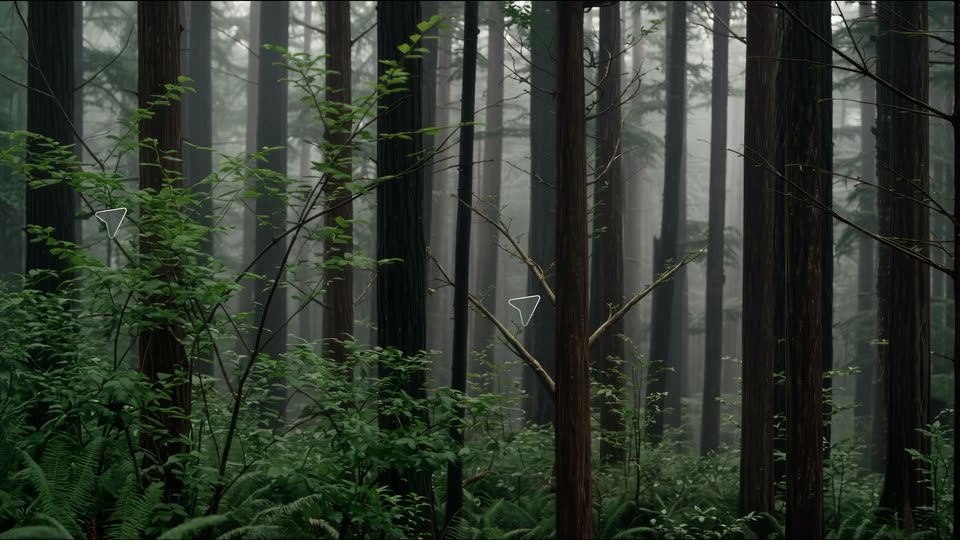 0:46–0:47Voyager · Voyager - AI Harness for Creative WorkA foggy redwood forest holds steady as the review surface. A white outlined arrow cursor glides from the left toward the center, with a small white comment reading 'Pls remove this tree' pinned nearby.
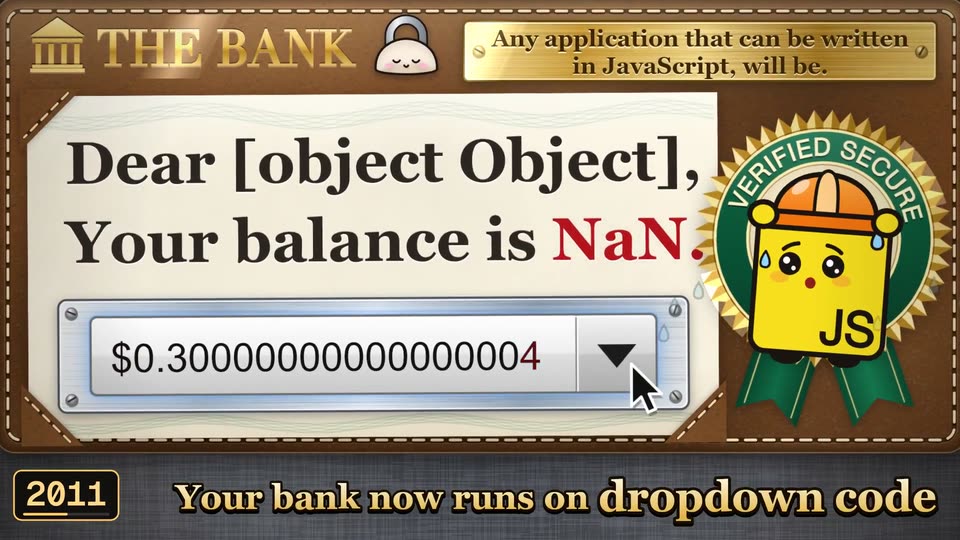 0:50–0:51Bun · Bun - bun check ./slopcore.tsA cartoon bank page shows a letter reading 'Dear [object Object], Your balance is NaN' with a long decimal in a dropdown field. A cursor sits on the arrow, and the dropdown opens into a list of JavaScript quirks, highlighting 'node_modules'. A crying JS character wears a hard hat in a secure badge.
 0:34–0:35Envato · Envato - Most AI tools expect you to know exactly what you want. But creativeA phone card on a dark dotted backdrop holds a night photo of a woman in pink on a rearing white horse. A dark prompt pill and a green Vary chip sit over it while a white cursor hovers the green up-arrow. The card then tilts out in 3D.
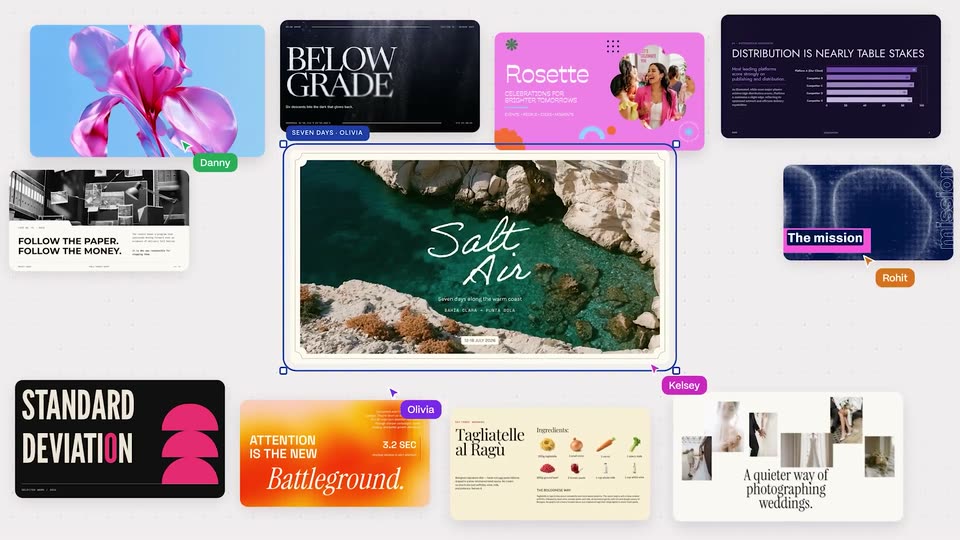 1:58 · 0.9sGamma · Grant Lee - Everyone is sick of generic AI, including us. Gamma was the first AIA flat design canvas shows a grid of poster cards on a dotted gray background. The central Salt Air card grows inside a blue selection box as small named collaborator cursors drift around the layout.
 0:48–0:52Mirage · Mirage - Now Claude and ChatGPT can natively create Premiere (.PRPROJ) and AftOn a black canvas, a white line outline of a galloping horse shifts pose, trailing faint ghost lines. A pixelated white cursor drags along a teal timeline with diamond markers at the bottom. A small gray caption appears at the lower left.
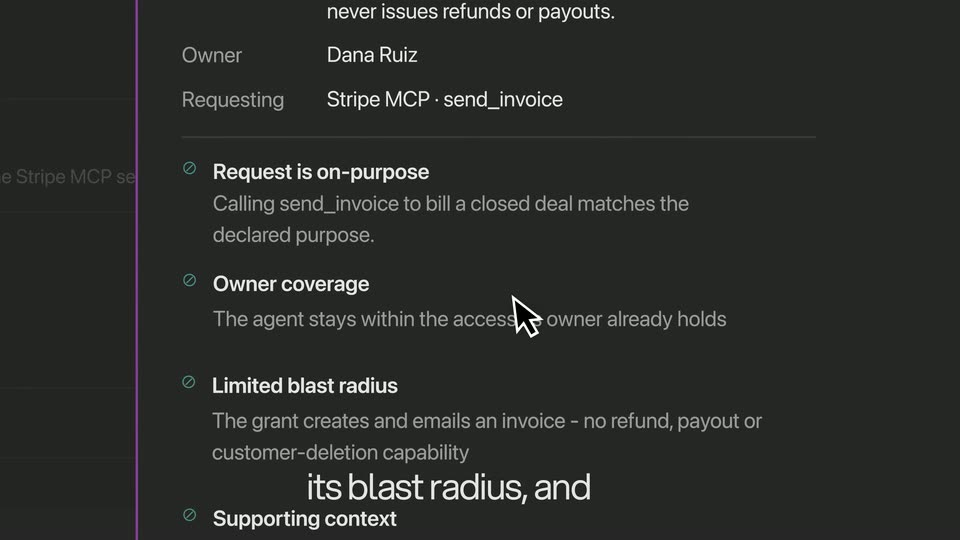 1:05–1:19Opal · Opal Zero — SaaS Product Explainer Video | SaaS AnimateA dark dashboard shows a pending request page; a cursor hovers as a review panel slides in from the right with the agent's purpose and risk checks, then the view zooms into the panel and scrolls down to a row of low-risk signals.
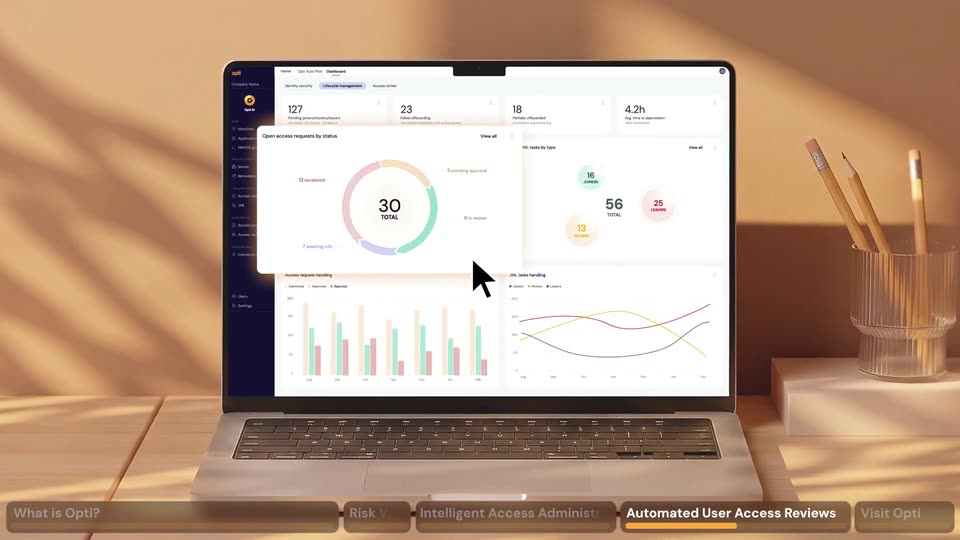 1:07–1:09Opti · Opti — SaaS Product Explainer Video | SaaS AnimateA silver laptop on a warm-lit desk shows an access-management dashboard in 3D. The view reframes upward to reveal four KPI tiles while a black cursor drifts across the charts. A bottom chapter bar keeps 'Automated User Access Reviews' highlighted in orange.
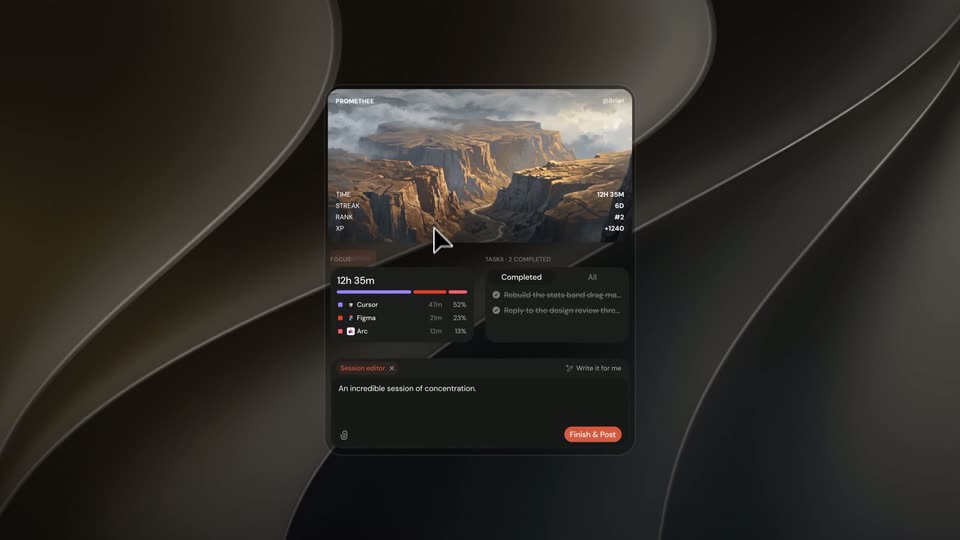 1:07–1:10Promethee · N. - introducing Promethee, an app that turns your work into a multiplayerA dark session-share card, tilted in 3D, settles flat against a curved abstract background. Text types into the session editor field, then a red Customize chip appears as the cursor hovers the cover image.
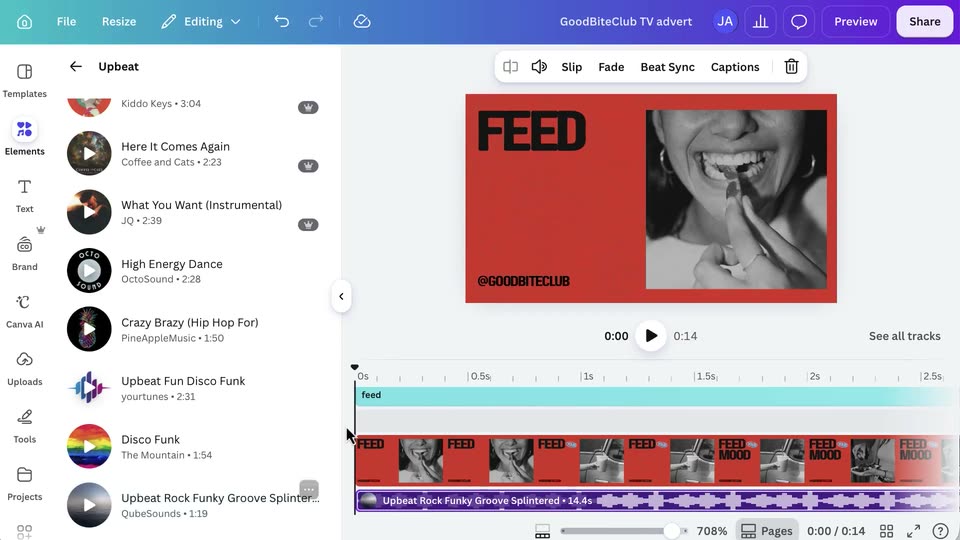 2:44–2:46Canva · Create and launch TV ads straight from CanvaA screen recording of a video editor. The canvas holds a red ad card with a black FEED logo and a monochrome photo, above a timeline of clips and a purple audio track. A cursor glides from the timeline to the sidebar's collapse arrow.
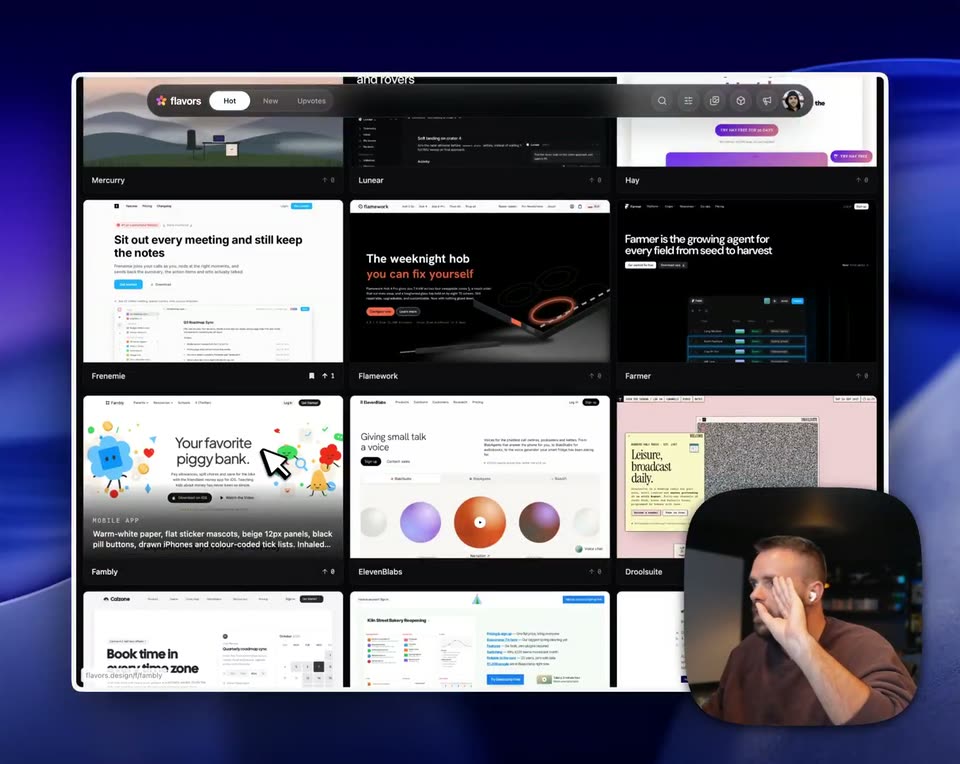 0:15–0:17flavors design · Dr. Kitze ❤️ healthmaxx.app - your agent can code, but it has zero taste. introducing 🌸 a galleryA rounded product window fills the frame, showing a grid of design cards that scrolls upward as a white cursor drifts across them. A small rounded webcam inset in the lower right shows a man in a brown shirt against a dark background.
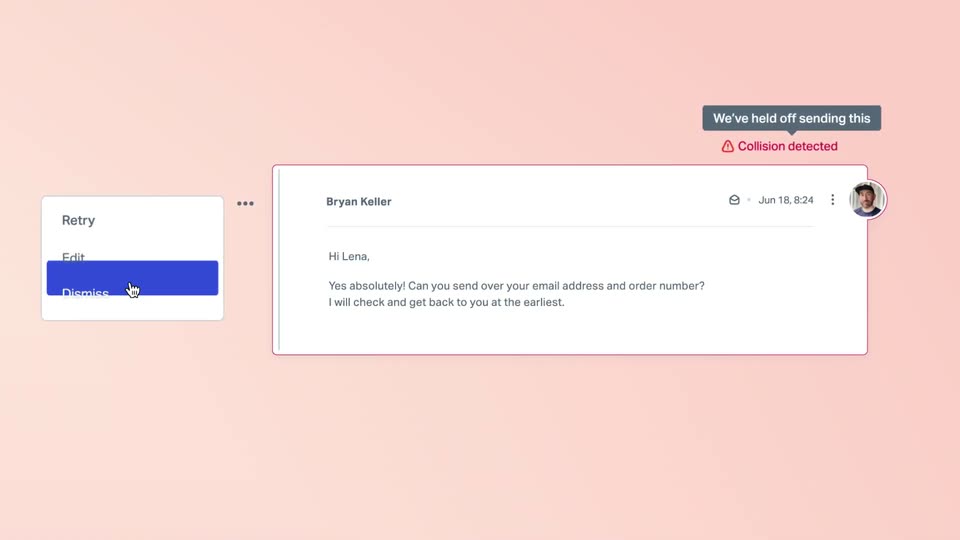 0:39–0:45Help Scout · Customer Support Software Demo | Help Scout x MotionCueA two-thread email list sits on a peach background. A red collision flag and a dark tooltip pop up on the second email, the first thread fades out, and a hand cursor opens a Retry/Edit/Dismiss menu, hovering Dismiss.
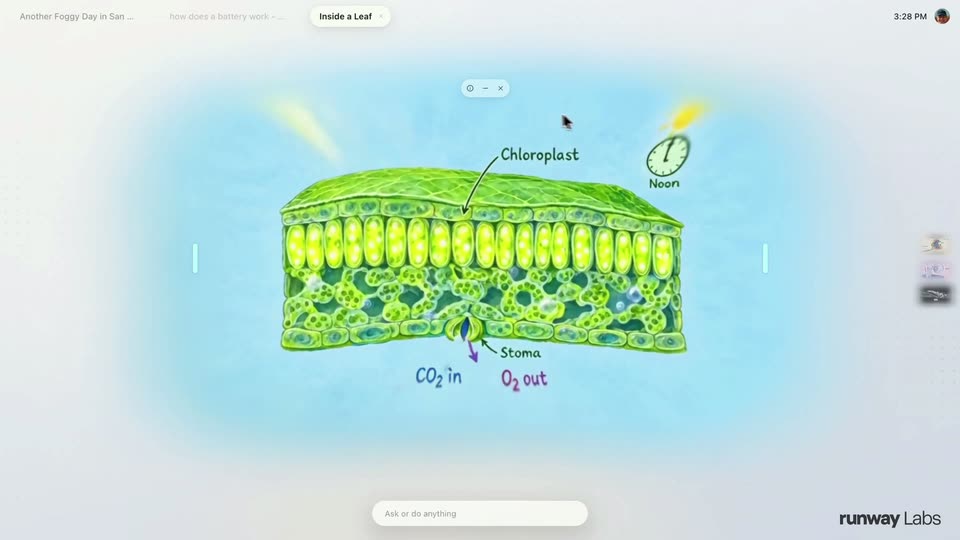 2:46–2:50Runway · Introducing Continuum: A Real-Time Video Operating System | Runway LabsA cursor clicks the close button on a centered prompt card, which fades away to reveal a full airbrushed leaf cross-section on a pale blue field. The diagram shows glowing cell layers, a Chloroplast label, sunlight rays, a Noon clock, and hand-lettered Stoma, CO2 in, O2 out labels.
 0:45–0:46Arcads · arcads AI - Introducing Arcads Singing Ads 🎶 This format is CRUSHING on Meta ..On a dark background, a magenta rounded button reading Launch slides into the center while a white cursor arrow moves from the left toward it. Two blurred image cards on the left fly out of frame.
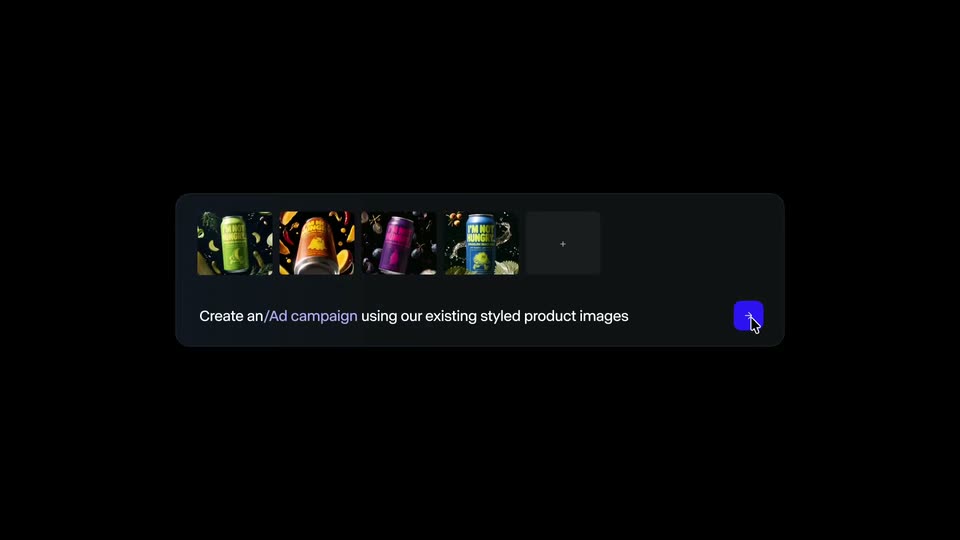 1:26–1:30Runway · Introducing Runway Ads | RunwayA dark chat card holds four product thumbnails and a plus tile. The prompt “Create an/Ad campaign using our existing styled product images” types out beneath it, then a cursor clicks the blue arrow button and the frame cuts to a “Campaign library” header with an asset count.
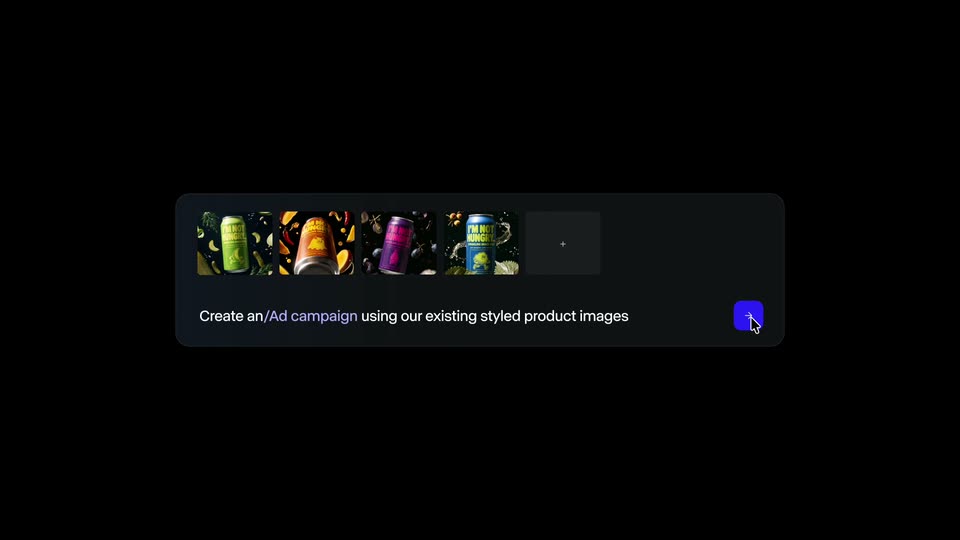 1:26–1:30Runway · Runway - Introducing Runway Ads, an autonomous engine for performance marketinA dark chat UI on black scrolls to center a card of four colorful drink-can images and a plus tile. The prompt types out, a blue arrow button appears, and a cursor hovers it. The card slides up as 'Campaign library, 2 assets' slides in.
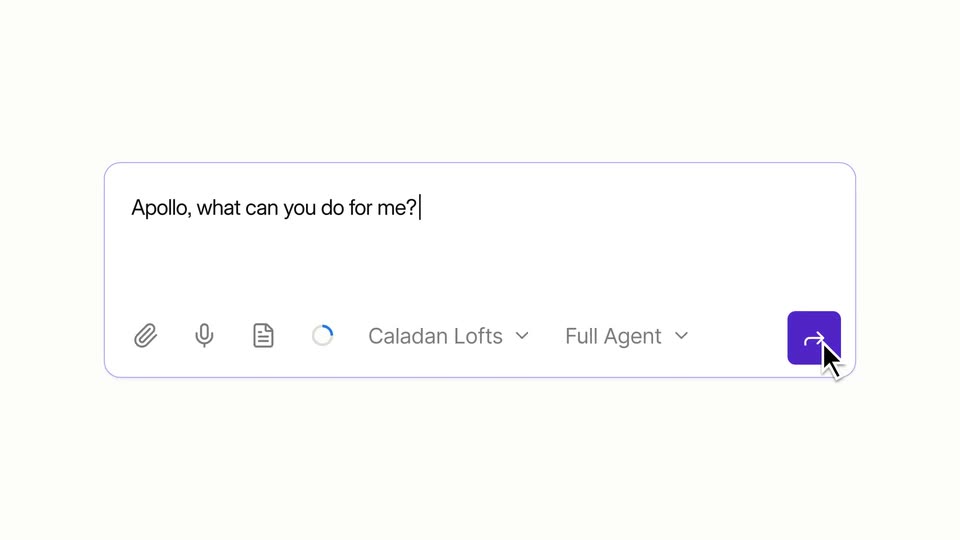 1:36–1:38Apollo · Best AI SaaS Product Video | ApolloA white chat input field with a purple border fills the frame as the query types out letter by letter. The view zooms out to reveal the full toolbar with icons and dropdowns, then a cursor slides in and hovers the purple send button.
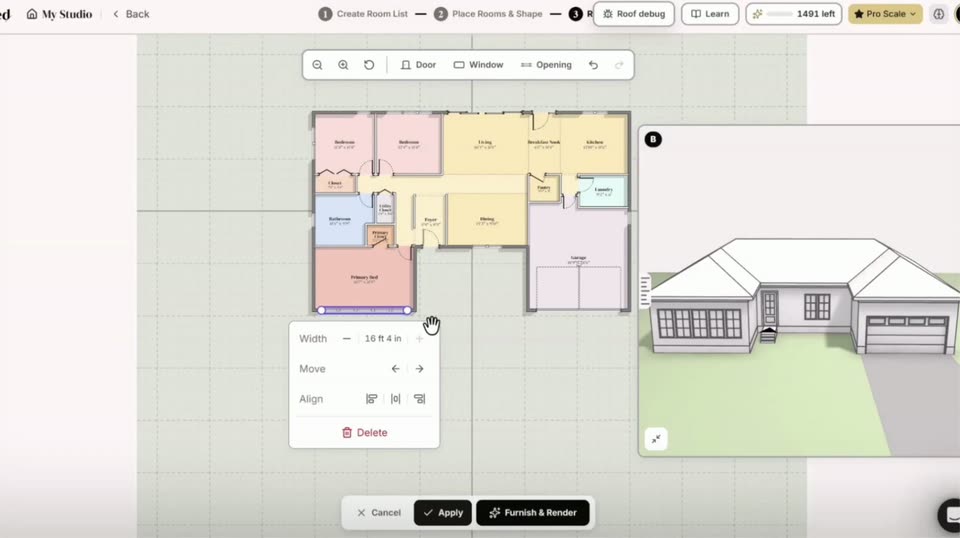 0:37–0:40Drafted · Drafted - Introducing Drafted in Revit. Draw a footprint, add your room list,A cursor drags a wall on a colored 2D floor plan as width panels update; a 3D perspective of the house sits in a panel to the right. The interface fades to white and a large serif word begins to type in on the left.
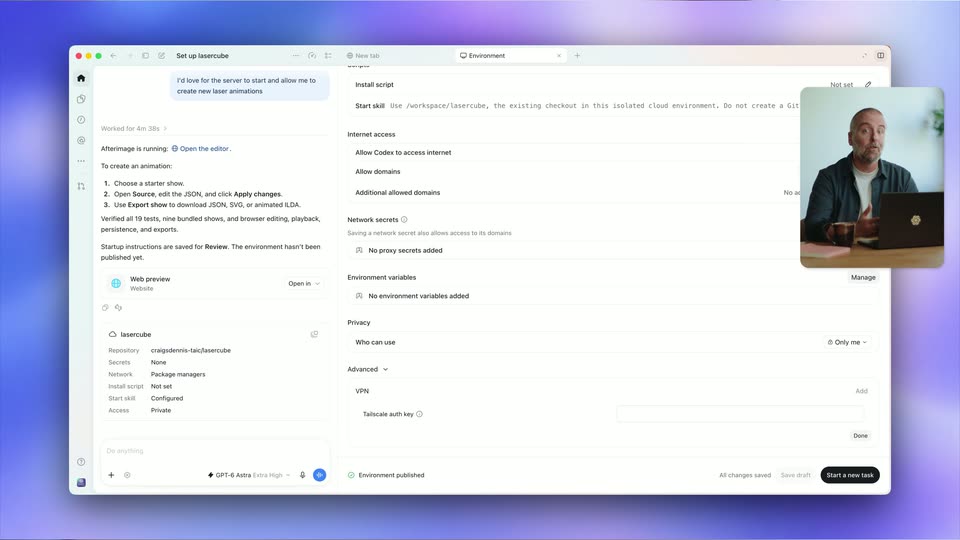 2:05–2:13OpenAI · Meet the all new Codex CloudClose-up of a white settings panel with a small talking-head video inset top right. The cursor slides to the Publish button, a tooltip pops up, the button switches to a loading state, then the frame zooms out to the full browser window showing the published environment.
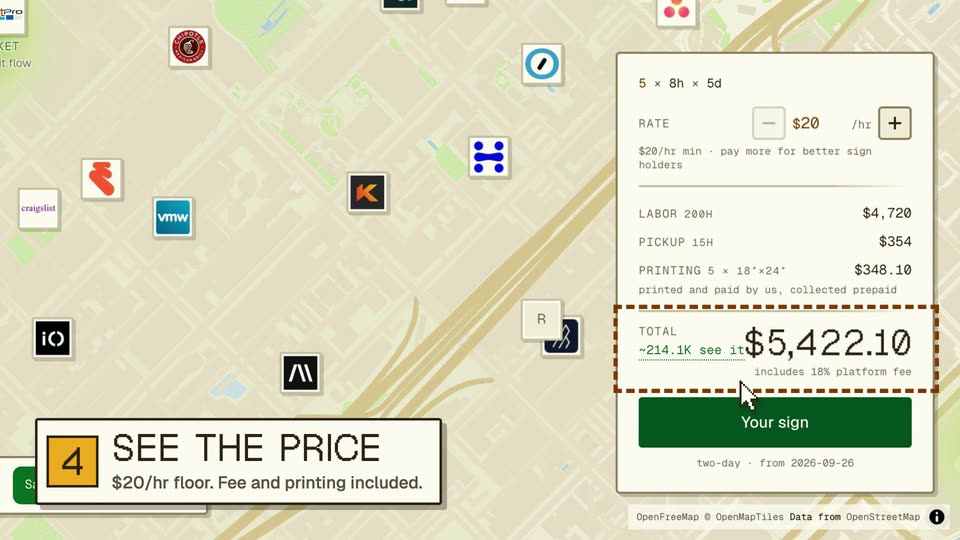 0:24–0:26Rentahuman · Alex - Today we're launching The easiest way to advertise your product to tA beige street map dotted with brand logo pins fills the left, a pricing panel sits on the right. A cursor glides from a map pin to the total row, and a dashed orange box snaps around the price. A caption reads 4 SEE THE PRICE at lower left.
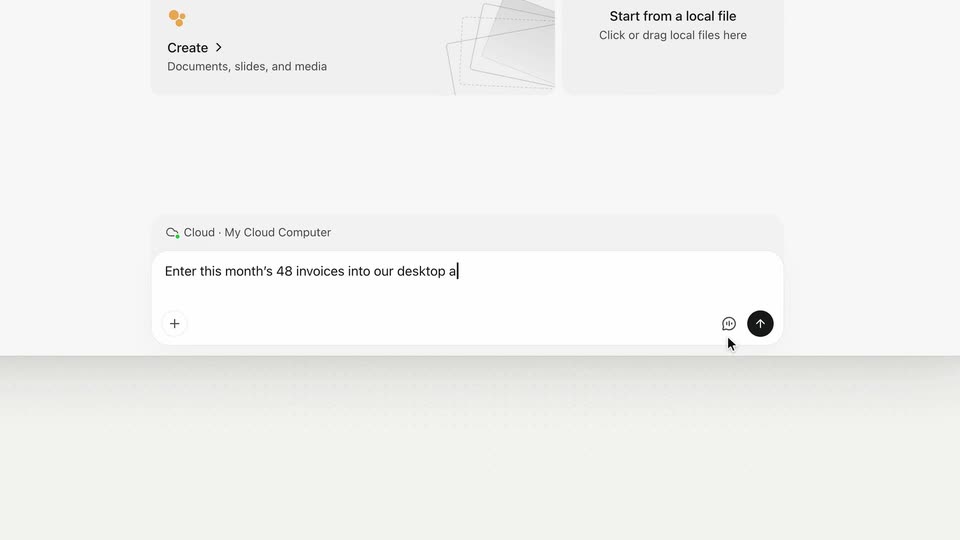 1:24–1:31Manus · Manus - Introducing Manus 2.0A light gray card shows the headline fading in word by word, then the frame cuts to the Manus interface. A cursor opens the run-on menu, selects a cloud computer, and types a task into the prompt box, after which the agent screen replies.
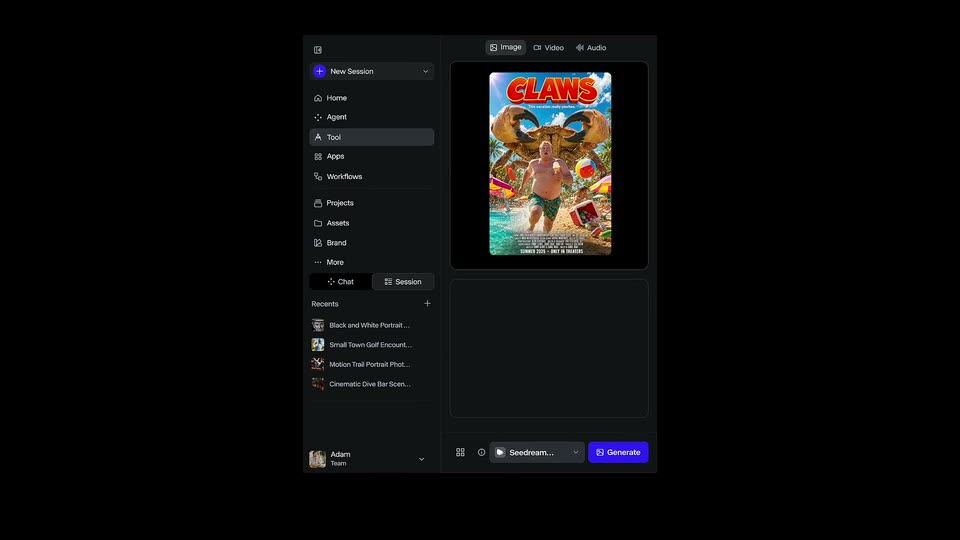 0:26–0:27Runway · Runway - New in Runway, Layers. Split any image into editable layers with a siA close-up of an upload card shows a photo of a man holding a crab with a gray caption below and a cursor at its edge. The view pulls back to the full app interface with a left sidebar, and the same photo, now titled CLAWS, sits in the top panel pulsing in scale.
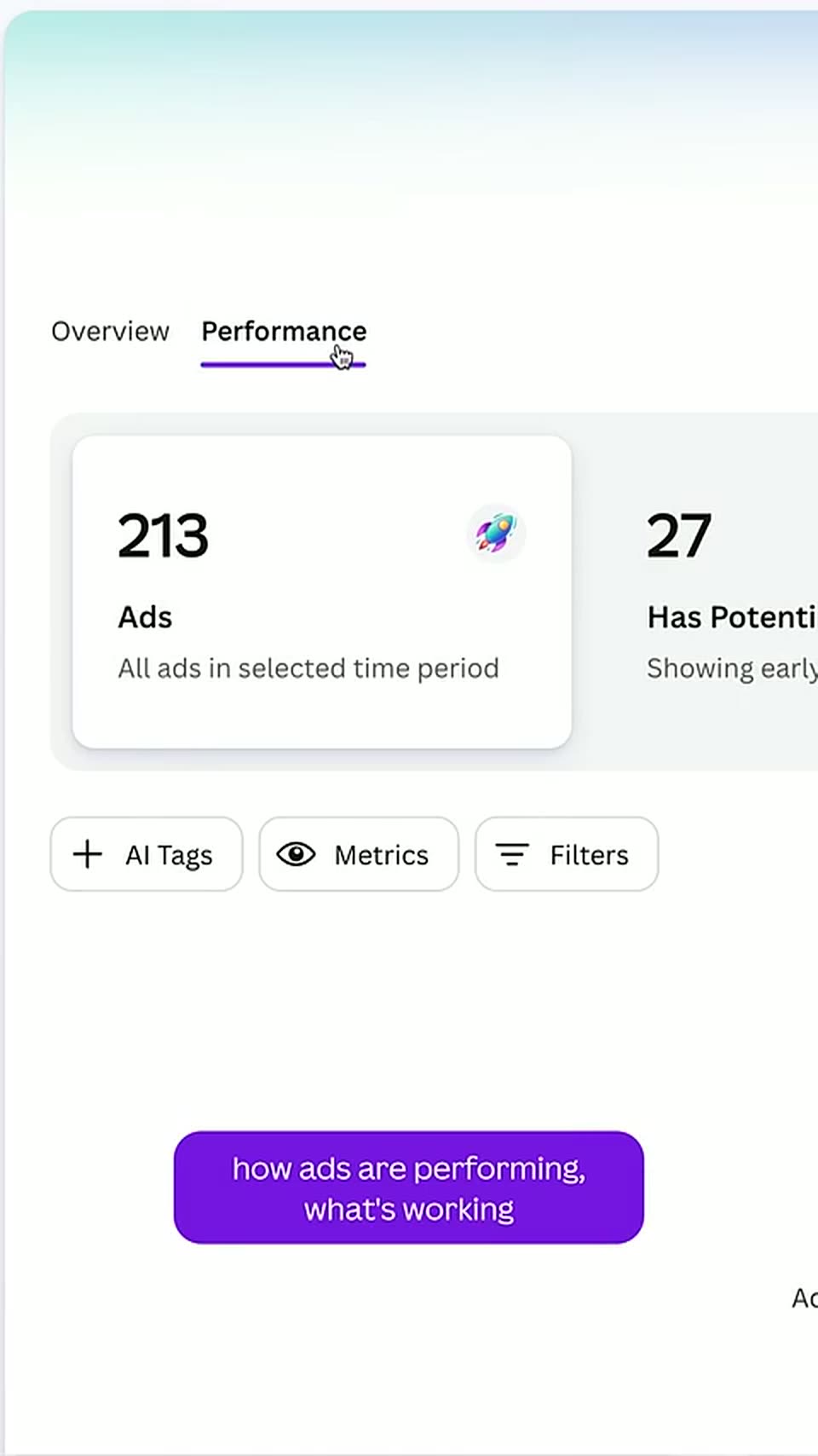 0:25–0:26Canva · Create & launch LinkedIn Ads without leaving CanvaA light dashboard shows the Overview tab with Spend and Account Health cards. A cursor taps the Performance tab, and the content swaps to Ads and Has Potential cards with filter buttons, while a purple caption pill sits at the bottom.
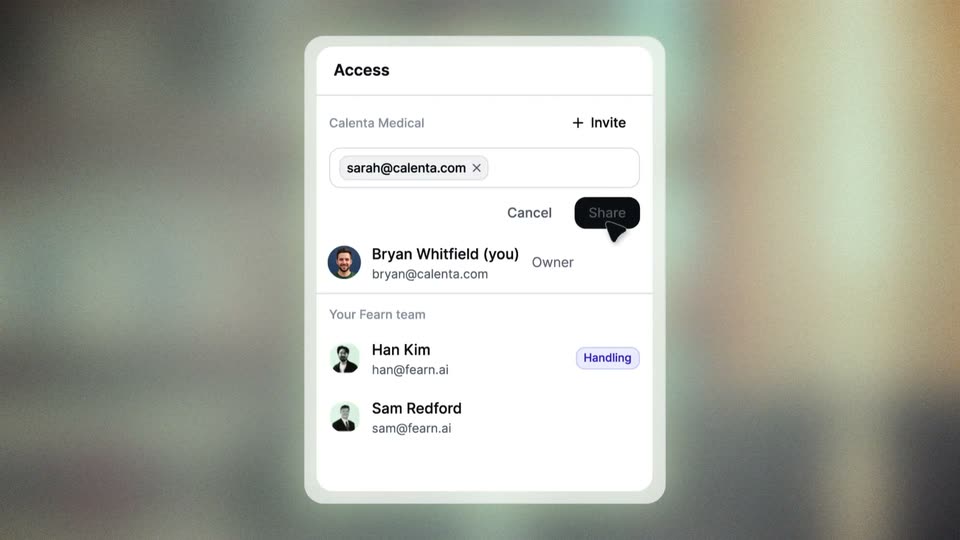 1:02–1:08Fearn · han - Today, we're killing the billable hour for patent work. Fearn LegalA white Access panel sits over a blurred background. A cursor clicks Invite, types an email in the field, then clicks Share, and a pending invitation row slides in above the owner.
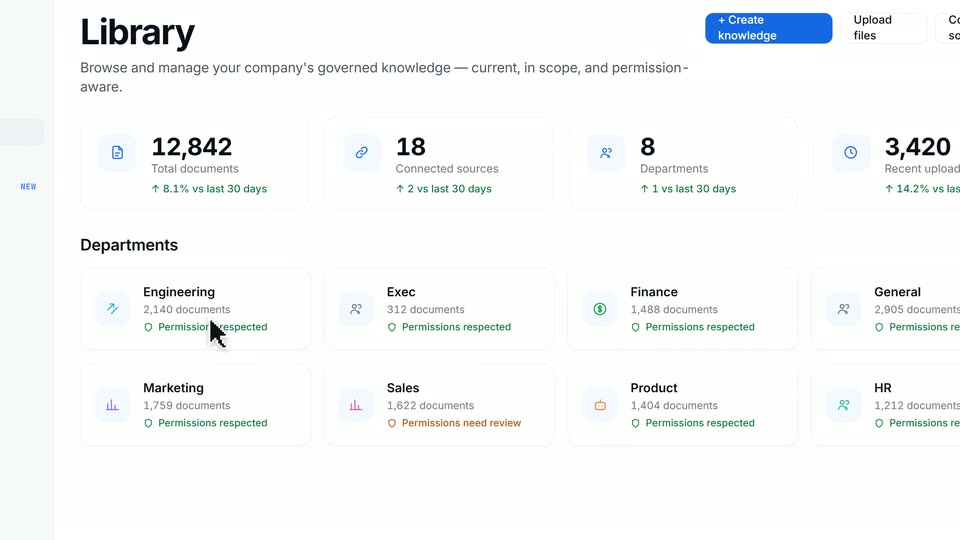 0:58–0:59HeyBrain · HeyBrain - Today, we’re launching Brain into general availability. One AI worksA light dashboard titled Library shows stat cards and a grid of department tiles. A cursor rises from the bottom and hovers the Engineering tile, which gains a soft border highlight.
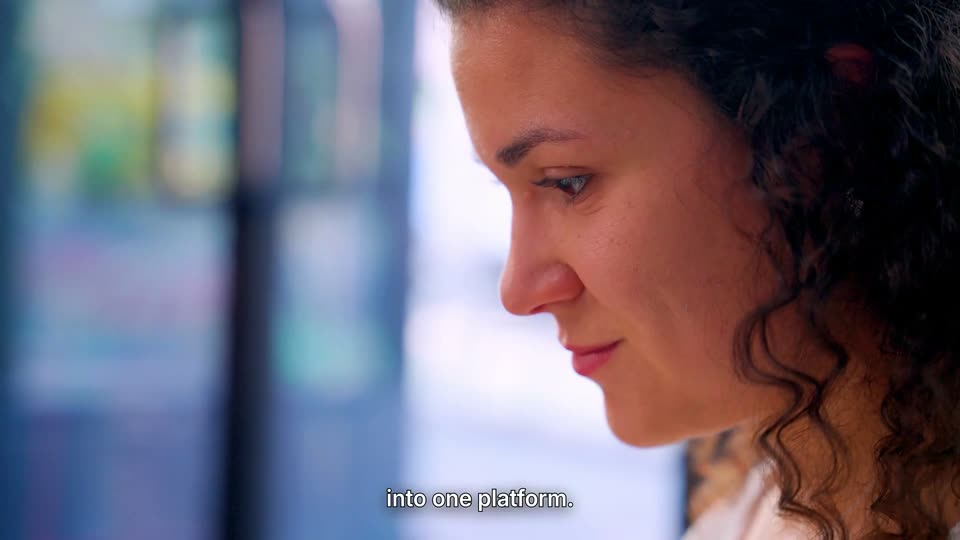 1:06–1:08Oasive · Anaïs Howland, CFA - Today, I'm excited to bring @OasiveAI out of stealth and announce thaA white reporting interface panel with a hovering cursor floats over a blurred office, then the shot cuts to a close-up of a woman in profile looking down at her laptop.
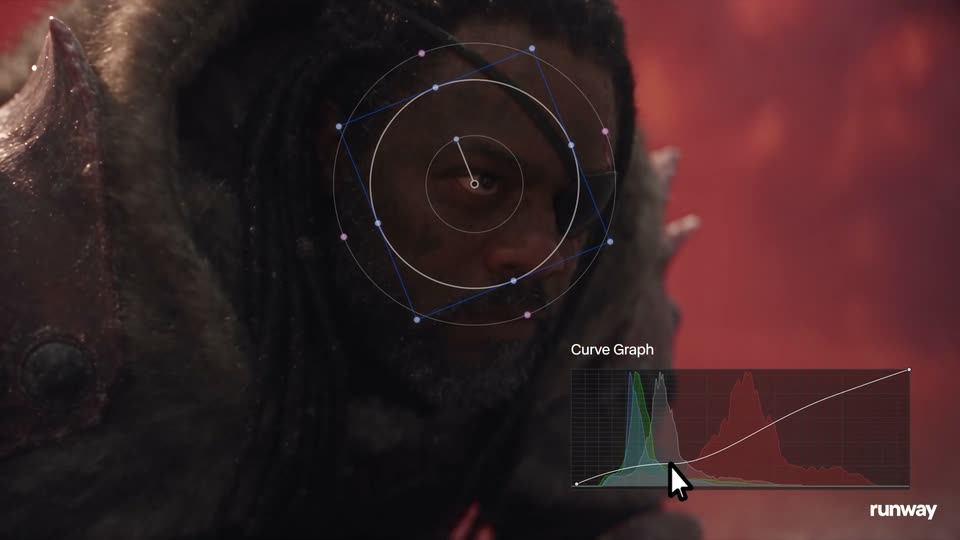 1:04–1:06Runway · Runway - Runway is now in DaVinci Resolve Access the world's best models direAn armored figure against a red set is overlaid with a circular tracking reticle and pentagon control points on the face. A cursor moves from the reticle to a Curve Graph panel in the corner and drags a point along the white curve.
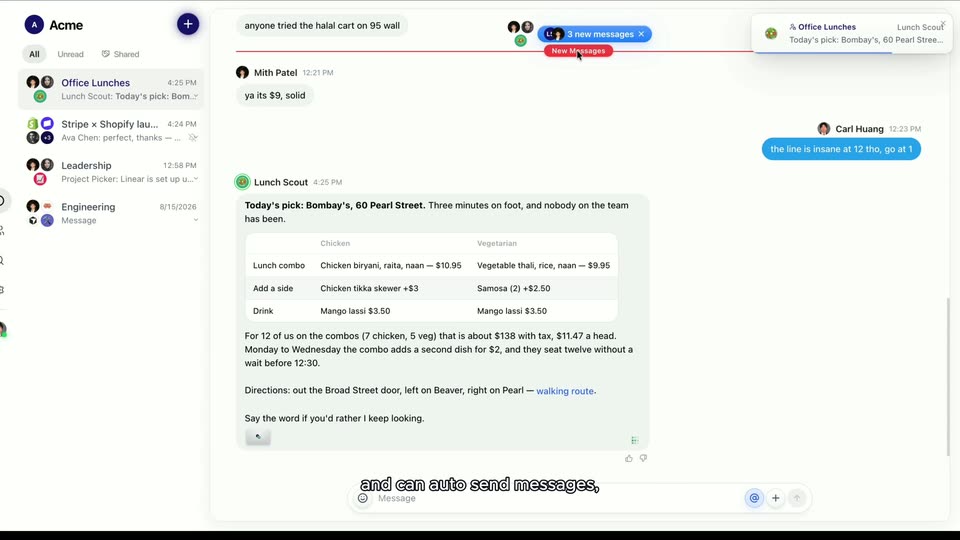 2:00–2:02Sila · Sila - Introducing Sila: the agent messaging platform backed by @ycombinatorA light Slack-style workspace fills the frame, sidebar on the left, a chat thread with a bot message and a food table on the right. A cursor glides to the top right and clicks the channel dropdown, while a serif caption swaps at the bottom edge in sync with the voiceover.
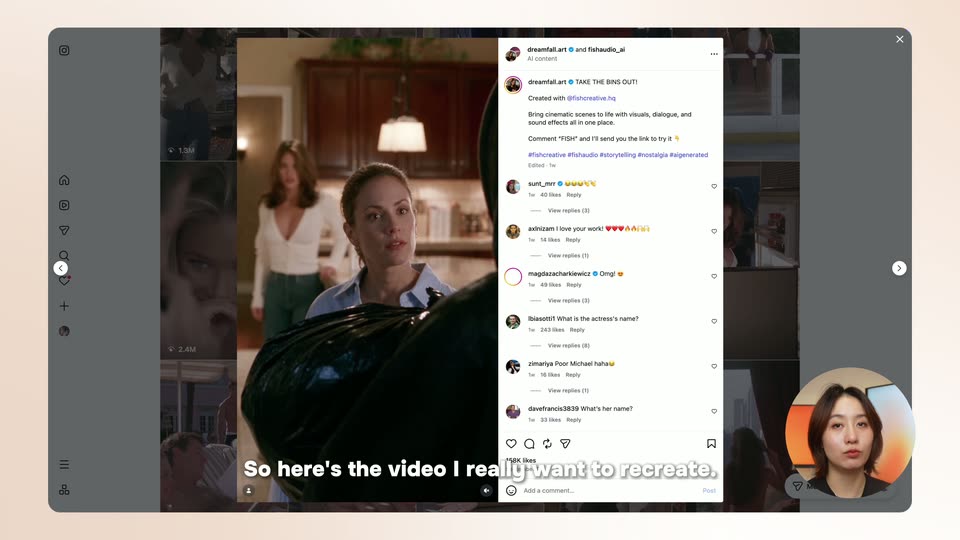 1:39–1:41Fish Audio · Fish Audio MCP Now Supports Image & Video GenerationA desktop Instagram view with a post open in a center modal; its embedded video plays a kitchen scene where a woman lifts a black trash bag. A circular webcam of the presenter speaks in the bottom right corner, a cursor hovers at the top of the post, and a caption sits along the bottom edge.
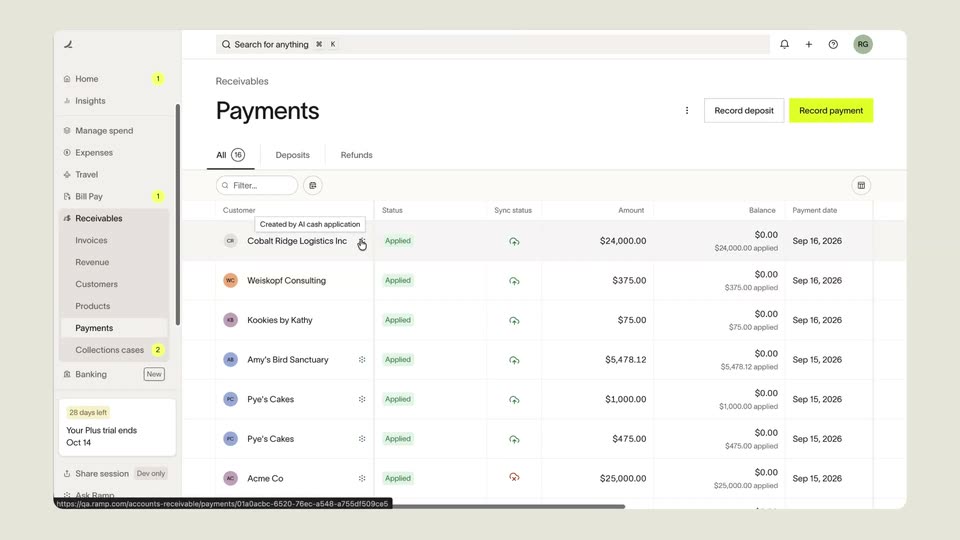 1:29–1:34Ramp · Introducing Ramp Accounts ReceivableA light payments table fills the screen. A cursor moves to the top customer row, and a tooltip reading Created by AI cash application appears. The view then cuts to that payment's detail page, showing a full green applied-balance bar.
 2:16–2:20Raycast · New in Raycast AI: Automations, Projects and a new HarnessA dark project-memory panel listing goal and focus notes closes, leaving a lightbulb status line that reads Thinking: Updating project memory, then swaps to Updating memory with a small count badge beside it.
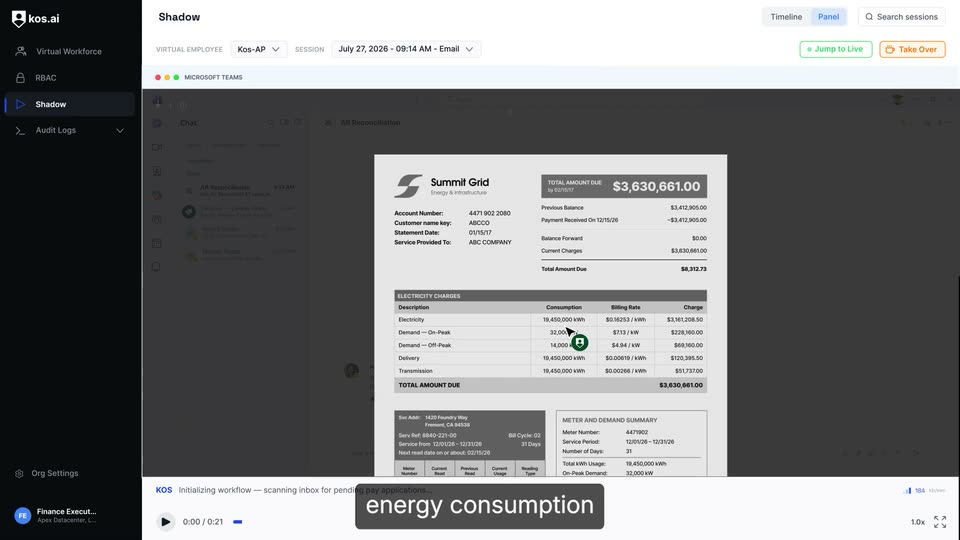 1:14–1:15Kos AI · Tanuj Thapliyal - China is winning the AI race. So we raised $12M from @8vc to build tA dashboard panel shows a Teams chat displaying a Summit Grid energy bill. A cursor hovers over the charges table as the matching rate cells flash green and a green check badge appears, while a bottom subtitle reads the voiceover.
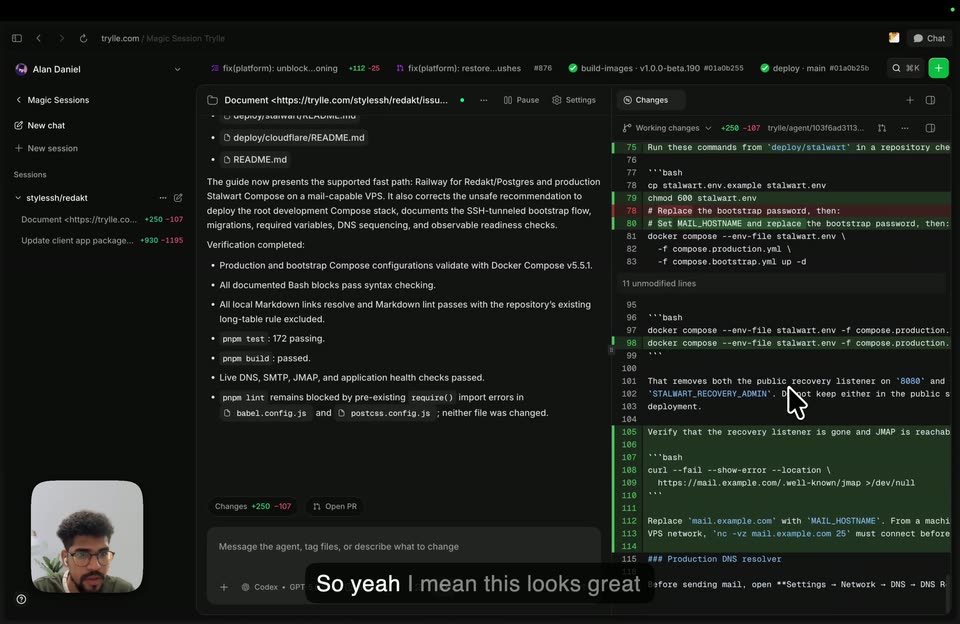 0:48–1:00Trylle · alan - we just shipped Magic Sessions in Trylle a new way to run longer codA dark web interface fills the screen: a left sidebar with a small video call of a man, a center document pane, and a right diff pane of green and red lines. The diff scrolls up as the cursor moves to the Open PR button, subtitles appearing at the bottom.
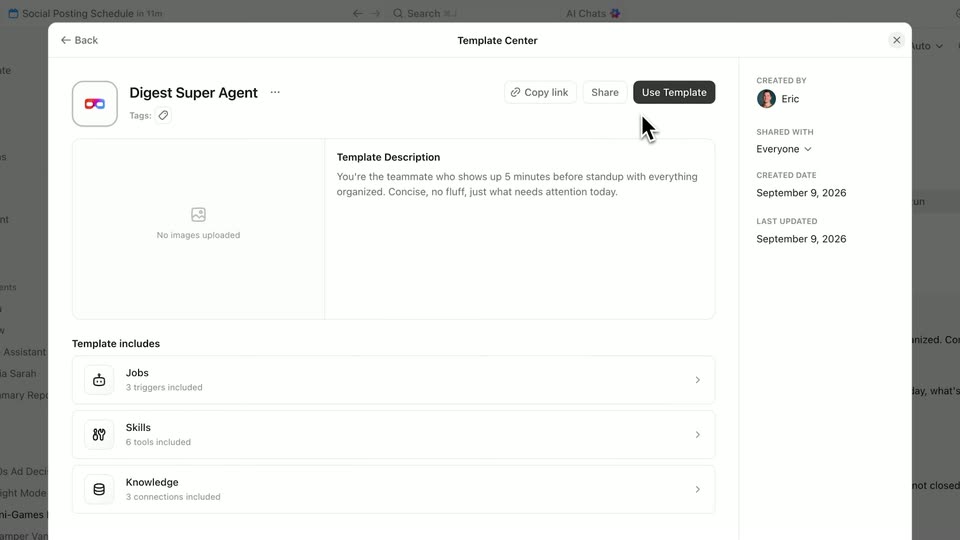 1:26–1:27ClickUp · ClickUp Release 4.08: Meetings Hub, Super Agent Cloning, and more!A Template Center modal overlays a dimmed chat interface. A cursor moves up from the skills section to hover over the Use Template button in the top right corner.
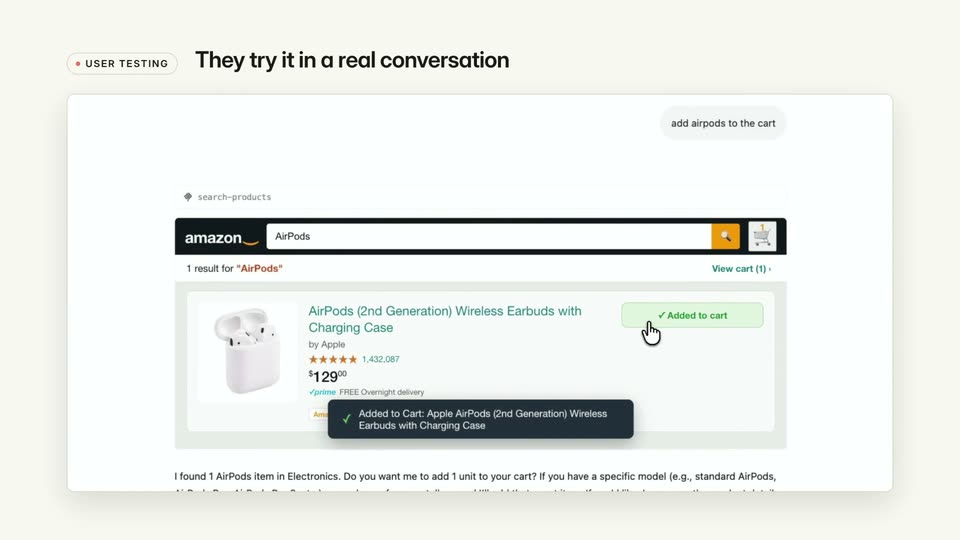 1:23–1:26MCPJam · Prathmesh Patel - Today, we're launching MCPJam as the first testing & evaluation pA chat card shows a user message and an embedded Amazon product card. A cursor clicks the yellow Add to cart button, which flips to a green Added to cart state with a dark tooltip, then the panel scrolls down to reveal the assistant reply and a five-star rating.