0:37
Explore
Runway - Introducing Runway Ads, an autonomous engine for performance marketin
Runway · Sep 2026 · 1:54 · AI-annotated
- Length
- 1:54
- Scenes
- 45 · 2.5 s avg
- Product on screen
- 0:19
- Features shown
- 6
- Call to action
- 1:42 · 90%
- Voiceover
- Yes
00:00:00 / 01:54:06
Runway’s 1:54 launch film runs 45 scenes, about 2.5 s each. The product shows up at 0:19 and 6 features are revealed. The call to action lands at 1:42 (90% in), over a voiceover. Black-key product launch built on a problem statement, a named reveal, then a long autonomous demo where chat prompts, UI panels and metric cards cut on a slow 99 bpm pulse. Signature moves are motion-blur text resolves, count-up numbers, the white cursor clicking blue buttons, and full-frame mosaics of the soda brand's creative bookending the piece.
Footage neededEstimated needs: 8 capture groups — your screens or recordings · 1 official logo — reused across the film · 7 filmed passages — shoot, supply or replace · 2 graphic passages — draw or supply · 1 3D passage — build or supply
Is this your launch? to your site or press kit.
More like this

Runway - Introducing Runway Ads, an autonomous engine for performance marketin, scene by scene
· 45 scenes as text
01 · Hook · 0:00–0:01
A smiling person holds two blue cans over their eyes against a cream wall, teeth showing between them; near the end the shot pulls back and a white photo border frames the image.
Techniques: Masking
Camera: Pull out
02 · Hook · 0:01–0:03
A black grid of video tiles fills the frame. The center clip, a person holding two blue cans to their face, scales down as four clips pop in around it: a stocked fridge, a hand with a green can, a can pouring into a glass, and a purple can.
On-screen text: “西”
Techniques: Split screen
Camera: Static
03 · Problem · 0:03–0:06
On a black background, the sentence builds word by word, the newest words in white and the earlier ones dimmed to gray, then it cuts to the single word Everyone left of center.
On-screen text: “Every brand faces the same problems.”, “Everyone”
Techniques: Kinetic type
Camera: Static
04 · Problem · 0:06–0:10
On a black background, the white phrase Everyone needs holds on the left while a right-hand list of gray phrases builds line by line: more ads, more languages, more sizes, more consistent spend, constant optimization. Each new line fades in bright while earlier ones dim, and the whole block softens into a blur at the end.
On-screen text: “Everyone needs”, “more ads”, “more languages”, “more sizes”, “more consistent spend”, “constant optimization”
Techniques: Kinetic type
Camera: Static
05 · Problem · 0:10–0:10
On a black background, the phrase 'Too many surfaces' enters with a horizontal motion blur and settles into sharp white type, positioned left of center. The motion is brief and the text holds for the rest of the clip.
On-screen text: “Too many surfaces”
Techniques: Kinetic type
Camera: Static
06 · Problem · 0:10–0:12
On a black field, a white headline 'Too many surfaces' holds the left side while a right-hand list of ad channels with thin leader lines drifts upward and dims, the frame dissolving to black.
On-screen text: “Too many surfaces”, “Meta”, “Instagram”, “Facebook”, “TikTok”, “YouTube”, “Google Search”, “Google Display”, “Snapchat”, “Pinterest”
Camera: Static
07 · Problem · 0:12–0:13
A dark abstract wireframe of stacked rounded-rectangle panels sweeps left across a black field while the white tagline resolves from blur to sharp in the center-left.
On-screen text: “Not enough creative.”, “Scale.”
Camera: Pan
08 · Problem · 0:13–0:17
White text “Not enough creative.” sits left of a 3D render of a blue soda can with yellow lettering; “Scale.” and “Optimization.” are typed in after it. Small yellow cartoon creatures multiply and hop around the cans as they shrink toward the right edge.
On-screen text: “Not enough creative. Scale. Optimization.”
Techniques: Kinetic type, 3D mockup
Camera: Static
09 · Problem · 0:17–0:19
A black frame holds a thin horizontal line and the centered white headline. A fast blurred streak runs along the line at the start. On the right, a stack of outlined rounded rows fades in, one filled at the bottom.
On-screen text: “We're changing that.”
Camera: Static
10 · Product intro · 0:19–0:20
On a black field, rectangular video tiles scale in from small to full size, packing the frame into a staggered grid. The clips show hands holding green, purple and blue cans, a pour into a stemmed glass, and people drinking, mixed with solid color text tiles.
On-screen text: “SOMETIMES YOU'RE JUST”, “I'M NOT HUNGRY”
Techniques: Split screen
Camera: Pull out
11 · Product intro · 0:20–0:22
A dense mosaic of small filmed clips showing people, cans and food fills the frame. The grid dims and the white word Introducing scales in at center, then the mosaic gives way to a single green can on a dark background with a light sweep across it.
On-screen text: “Introducing”
Techniques: Kinetic type, Light sweep
Camera: Push in
12 · Product intro · 0:22–0:25
On a black background, the word Introducing scales in at center, then shrinks and slides left as Runway Ads slides in from the right, larger, and settles in place. The frame stays locked off throughout.
On-screen text: “Introducing”, “Runway Ads”
Techniques: Kinetic type
Camera: Static
13 · Product intro · 0:25–0:27
A black card centers a tagline that fills in from left to right, the first phrase in gray and the second in white, then holds as a static line.
On-screen text: “An autonomous engine for performance marketing.”
Techniques: Kinetic type
Camera: Static
14 · Feature reveal · 0:27–0:30
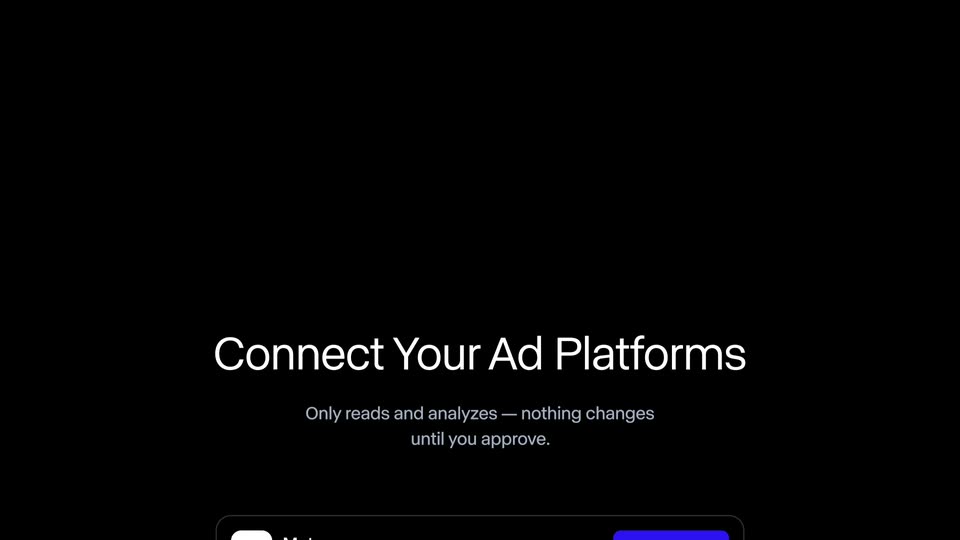
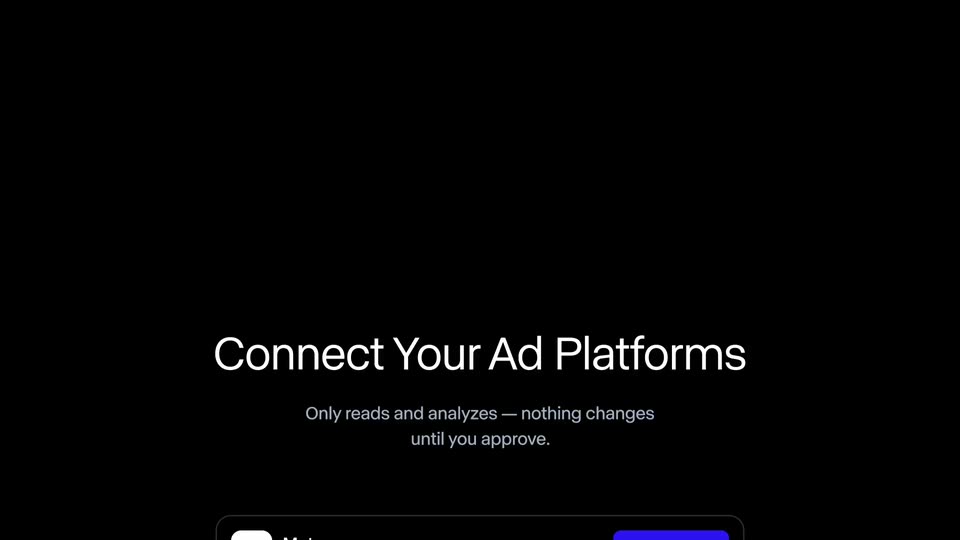
A blue Get Started button pops in centered on black, a white cursor glides to its lower corner and clicks, then the frame cuts to a dark Connect Your Ad Platforms screen listing Meta and TikTok rows with Connect buttons.
On-screen text: “Get Started”, “An autonomous engine for performance marketing.”
Techniques: Cursor demo
Camera: Static
15 · Feature reveal · 0:30–0:31
A dark settings screen shows the heading 'Connect Your Ad Platforms' with a short disclaimer above rows for Meta and TikTok, each with a status button. The frame drifts downward, bringing a third Google Ads row into view at the bottom edge.
Camera: Pan
16 · Feature reveal · 0:31–0:33
A dark list of four ad-platform rows resolves from motion blur, centered on black. A white cursor clicks the Connect buttons for Google Ads and Snapchat, each flipping to a blue Connected label.
Techniques: Cursor demo
Camera: Static
17 · Feature reveal · 0:33–0:35
A dark rounded card with a sparkle icon and white text appears on a black background. A thin progress bar slides in below the text and fills from left to right.
On-screen text: “Importing your campaigns...”, “Meta Ads - Google Ads - TikTok - Snapchat · 9 active campaigns found so far”
Camera: Static
18 · Demo · 0:35–0:37
A dark campaign dashboard on black: the white title INH-Prospecting-Q3 slides left out of frame while a green Active pill with a dot glides right across the middle. Along the bottom, a row of dark rounded metric cards scrolls left, passing Total impressions and Total clicks to reveal Avg. cost per reg.
Camera: Pan
19 · Demo · 0:37–0:41
Opens zoomed on the campaign title, then pulls back to a dark dashboard where metric cards count up over a bar chart. A variants panel slides in on the right, and the view zooms into it with a cursor on the Create 3 Variants button.
Techniques: UI zoom, Cursor demo
Camera: Push in
20 · Feature reveal · 0:41–0:43
A dark rounded pill sits centered on black, growing from a small chip showing a dot icon and the letter G into a wider pill reading Generating variants..., with a diagonal light sweep glinting across the text.
Techniques: Masking, Light sweep
Camera: Static
21 · Feature reveal · 0:43–0:50
Four vertical clips of people in cars holding soda cans line up on a black background, each captioned with a variant name. A message streams in below, then a chat bar slides up as a cursor types a reply and clicks the purple send button.
Techniques: Cursor demo
Camera: Pan
22 · Feature reveal · 0:50–0:51
A dark UI shows a cursor on a send button, then reveals three vertical video cards labeled United States, Mexico, and Germany, each showing a woman holding a purple can.
Techniques: Cursor demo, Split screen
Camera: Static
23 · Feature reveal · 0:51–0:59
Three vertical panels show the same woman in a car holding a purple soda can, each tagged with a country name. A purple outline jumps from the United States panel to Mexico to Germany as she repeats her line in English, Spanish and German, with matching subtitles.
On-screen text: “United States”, “Mexico”, “Germany”, “Okay, so this is my new favorite soda.”, “Bueno, este es mi refresco favorito ahora.”, “Okay, also das ist gerade meine Lieblingslimo.”
Techniques: Split screen
Camera: Static
24 · Feature reveal · 0:59–1:01
On black, a dark rounded message card with a gray sparkle icon grows from left to right, revealing white text across two lines. The first line appears at once, the second scales in as the card widens.
On-screen text: “Those are running now.”, “I've got some campaign learnings so far.”
Techniques: Kinetic type
Camera: Static
25 · Feature reveal · 1:01–1:05
A dark UI list shows a chat message and a '3 action items' header above a recommendation card with a four-row market table. The card sharpens, then the frame zooms to the footer buttons as a cursor moves to the white Approve.
Techniques: UI zoom, Cursor demo
Camera: Pull out
26 · Feature reveal · 1:05–1:08
A dark metric card sits centered on black; the figure counts down from $56 to $41 while a green down arrow, 27% and a falling sparkline draw in. The card slides out left and a second card with a sparkle icon types out a headline placeholder.
Techniques: Kinetic type
Camera: Static
27 · Feature reveal · 1:08–1:10
A dark gray card on black grows from a thin strip to full width, revealing two white headline lines. Small gray stat text and two square ad thumbnails fade in beside a blue Publish button, then the view zooms into the card with motion blur.
Techniques: Masking, UI zoom
Camera: Push in
28 · Feature reveal · 1:10–1:12
A dark rounded panel holds a blue Publish button on a black background. The shot zooms in on the button as a white outlined cursor arrow slides in and hovers at its lower-right corner, about to click.
On-screen text: “Publish these new headline options?”
Techniques: UI zoom, Cursor demo
Camera: Static
29 · Feature reveal · 1:12–1:14
Three vertical panels sit side by side on black: a hand holding a blue soda can over a yellow drink, a red gradient with a big yellow 3D headline, and a flat-lay of the can among small fruits. The panels shift with a slow subtle motion.
On-screen text: “SOME TIMES YOU'RE JUST”
Techniques: Split screen
Camera: Static
30 · Feature reveal · 1:14–1:16
A dark metric card scales in on black, its number counting up to 1,214 while a green sparkline draws itself. It is replaced by a second message card whose white text and small sparkle icon fade in, the subtitle typing out.
Camera: Static
31 · Feature reveal · 1:16–1:19
A dark recommendation card shows a headline about moving type, a metrics line, and three beverage ad thumbnails. The view zooms onto the white Approve button as a cursor slides in to hover over it.
Techniques: UI zoom, Cursor demo
Camera: Push in
32 · Feature reveal · 1:19–1:21
Three vertical panels appear on black: a hand pours from a blue soda can, amber liquid fills a glass, and the can sits among yellow lychees. A bold yellow headline, “SOME TIMES YOU'RE JUST”, overlays all three.
On-screen text: “SOME TIMES YOU'RE JUST”
Techniques: Split screen
Camera: Static
33 · Feature reveal · 1:21–1:23
A dark rounded dashboard card on a black background; the large white revenue figure counts up from $13,128 to $15,236 while a green sparkline draws in on the right, above a green 18% arrow and the prior-week figure.
Techniques: Kinetic type
Camera: Static
34 · Feature reveal · 1:23–1:24
A dark stats card with a green line graph and an 18% figure slides up out of frame. A dark chat bubble with a sparkle icon slides into the center, and the text 'Nice work. What should we tackle next?' slides in beside it.
Camera: Static
35 · Feature reveal · 1:24–1:26
A dark rounded prompt bar with a small four-dot icon sits centered on black. The bar expands left to right, wiping the white text 'Nice work. What should we tackle next?' from dim to full brightness.
On-screen text: “Nice work. What should we tackle next?”
Techniques: Masking
Camera: Static
36 · Feature reveal · 1:26–1:30
A dark chat UI on black scrolls to center a card of four colorful drink-can images and a plus tile. The prompt types out, a blue arrow button appears, and a cursor hovers it. The card slides up as 'Campaign library, 2 assets' slides in.
Techniques: Cursor demo
Camera: Static
37 · Feature reveal · 1:30–1:31
On a black screen, the white heading Campaign library 2 assets slides into the center, then two rounded asset thumbnails rise from the bottom edge: a photo of a person holding two blue cans and a close-up of a blue can with yellow lettering.
Camera: Static
38 · Feature reveal · 1:31–1:36
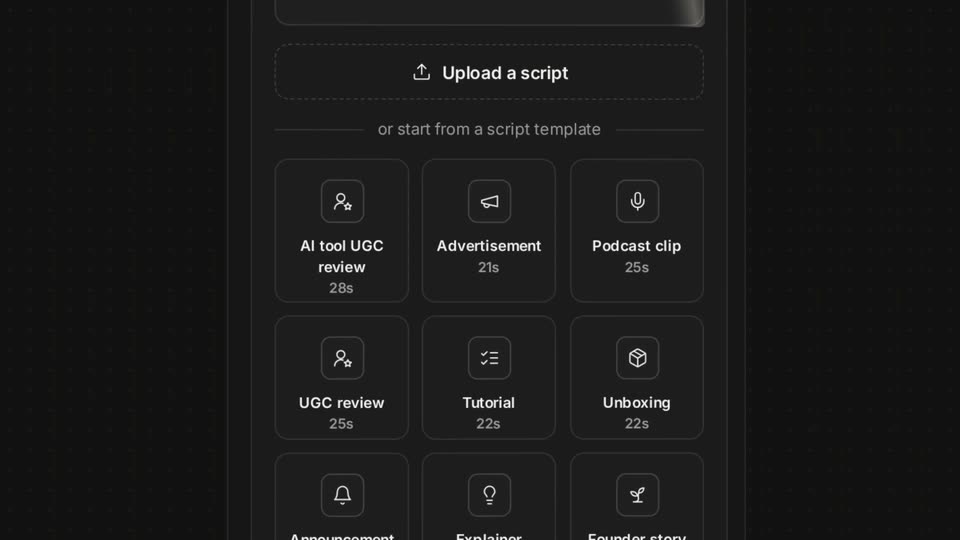
A centered Campaign library title sits over a dimmed grid, then the grid scrolls down through rows of tagged ad thumbnails. The view zooms onto the Approve set button as a cursor hovers over it.
Techniques: UI zoom, Cursor demo
Camera: Pull out
39 · Feature reveal · 1:36–1:37
A dark content dashboard lists video thumbnails with caption labels. A cursor sits on a white Approve set pill, then the list scrolls up and a blue Publish button appears beneath the cursor.
Techniques: Cursor demo
Camera: Pan
40 · Demo · 1:37–1:39
A product screen fills the frame with a dense mosaic of short clips and stills for a canned drink brand. Tiles of varied sizes show people drinking, cans in bright settings and repeated taglines, cutting in from black.
Camera: Static
41 · Demo · 1:39–1:42
A dense mosaic of small video tiles plays at once, showing people drinking colorful cans and product shots in varied settings. The tiles swap footage, then fade to black one by one until only a sparse few remain lit.
Camera: Static
42 · CTA · 1:42–1:47
On a black field, the white phrase “Scale your” stays fixed at left while a right-hand column cycles through three words. Each word slides up to the baseline and brightens as the others dim, running audiences, then creative, then revenue.
On-screen text: “Scale your”, “audiences.”, “creative.”, “revenue.”
Techniques: Kinetic type
Camera: Static
43 · CTA · 1:47–1:48
On a black field, the white line 'Scale your revenue' holds in the upper third, then the line clears and 'With Runway Ads' slides into the center, its letters offset mid-motion.
On-screen text: “Scale your revenue.”, “With Runway Ads”
Techniques: Kinetic type
Camera: Static
44 · CTA · 1:48–1:50
A solid black frame holds a single centered white line reading “With Runway Ads.” The text stays locked in place for the whole clip with no movement or reveal.
On-screen text: “With Runway Ads”
Camera: Static
45 · Outro · 1:50–1:54
A white lowercase runway wordmark fades in at the center of a black frame, holds for a beat, then fades out to black. The frame stays locked and static throughout the sign-off.
On-screen text: “runway”
Camera: Static