
1:31
Explore
Miyagi Labs (YC W25) Launch Demo
Miyagi Labs · Feb 2025 · 1:55 · AI-annotated
- Length
- 1:55
- Scenes
- 16 · 7.2 s avg
- Product on screen
- 0:00
- Features shown
- 4
- Voiceover
- Yes
- Views
- 3K on YouTube
as of November 24, 2026
00:00:00 / 01:55:26
- Length
- 1:55
- Scenes
- 16 · 7.2 s avg
- Product on screen
- 0:00
- Features shown
- 4
- Voiceover
- Yes
- Views
- 3K on YouTube
as of November 24, 2026
Miyagi Labs’s 1:55 launch film runs 16 scenes, about 7.2 s each. The product is on screen from the first frame and 4 features are revealed, with social proof. There is no explicit call to action; a voiceover carries the film. The video is built as a three-act structure: a two-person live-action skit names the product, one long screen capture demos it feature by feature, and a run of flat typographic cards plus a wordmark card closes it out. Pacing is relaxed in the skit, steady in the demo, and snappy in the cards, with the signature moves being the blur-zoom cuts between UI states, the fixed corner webcam, and the blurred card wipe on the end cards.
Footage neededEstimated needs: 4 capture groups — your screens or recordings · 1 official logo — reused across the film · 3 filmed passages — shoot, supply or replace
Is this your launch? to your site or press kit.
More like this


Similar soundtrack
Films whose music sounds like this one, voice left out
1:06
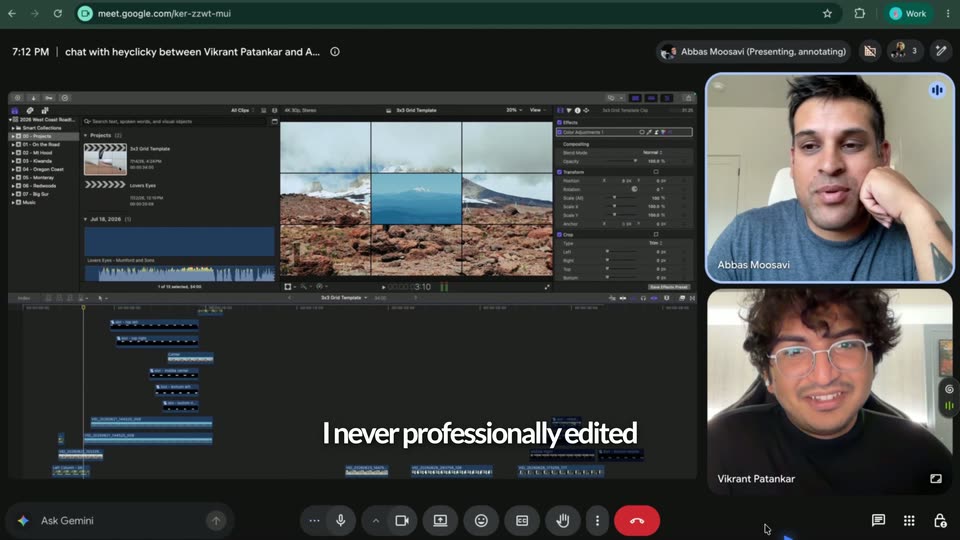

heyclicky - he can fly
HeyClicky · Electronic
1:23
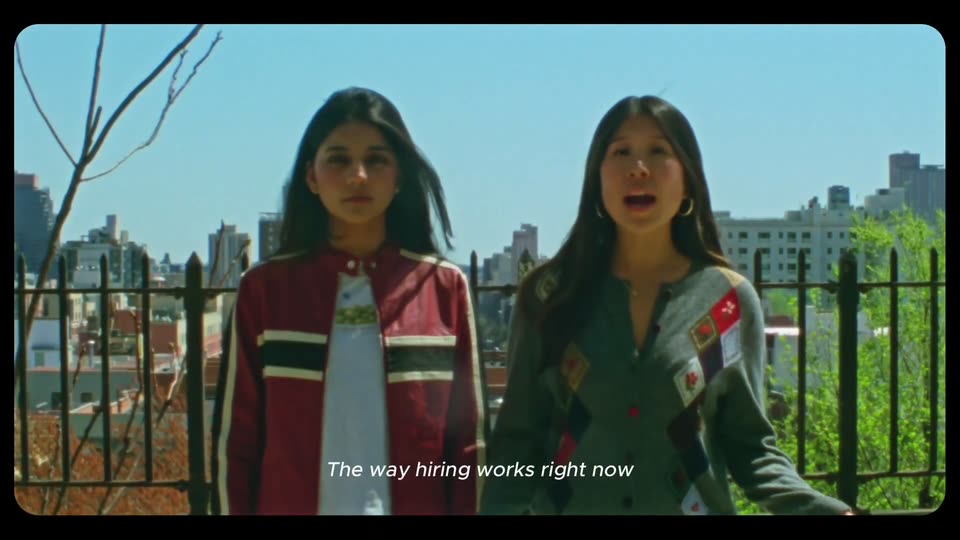
Litmus - Run an async work trial on every engineer you interview.
Litmus · Upbeat electronic
1:25
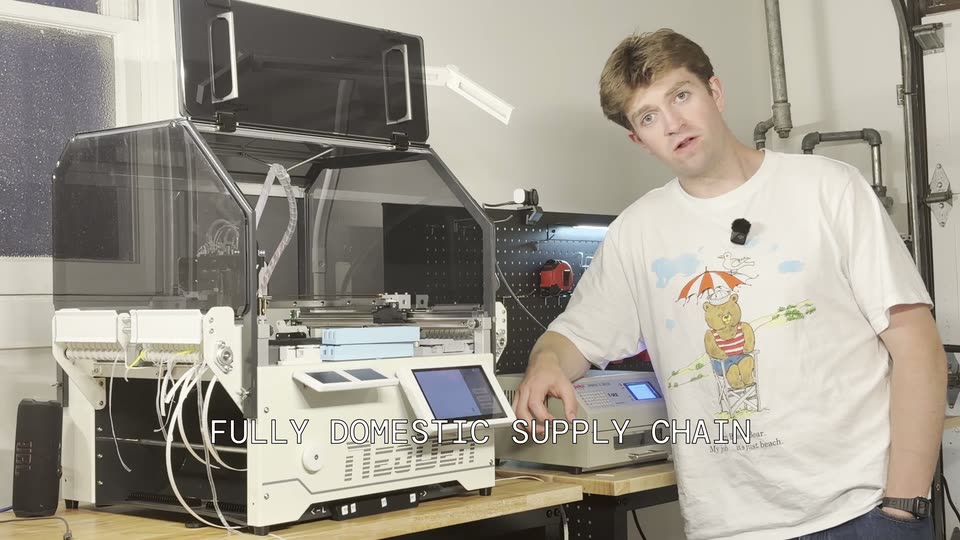

ProvenMetal Launch
ProvenMetal · Synth-pop, electronic, and rock
Miyagi Labs (YC W25) Launch Demo, scene by scene
· 16 scenes as text
01 · Product intro · 0:00–0:23
A laptop screen shows a calculus video, then the camera pulls back to two men seated at a table, one in a black fleece, one in a purple hoodie, talking over open laptops, a notebook and a cold-brew bottle.
Camera: Pull out
02 · Feature reveal · 0:23–0:31
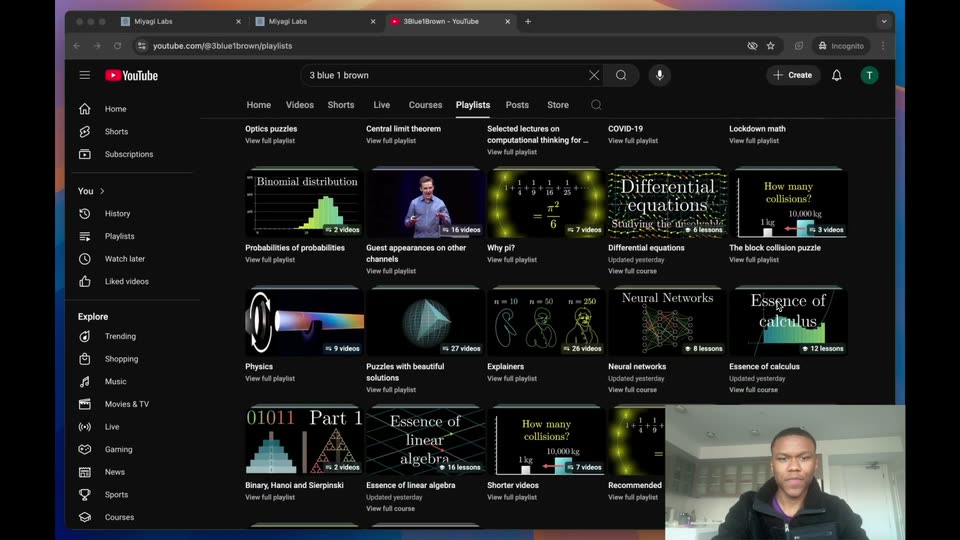
A dark YouTube channel page for 3Blue1Brown fills a browser window, with a small video-call window of a man in the lower right. The page scrolls through playlist thumbnails, then blurs and zooms onto a right-click menu as the cursor picks “Copy link address”; a “Link copied” toast pops.
Techniques: Cursor demo, UI zoom
Camera: Pan
03 · Feature reveal · 0:31–0:32
A browser window on a dark desktop shows the Miyagi Labs homepage fading in from a ghosted double-exposure state. The page holds a brain logo, headline, three pill buttons and a grid of course cards, while a small webcam feed of a man sits in the bottom-right corner and a cursor drifts over the cards.
Camera: Static
04 · Feature reveal · 0:32–0:35
A browser form modal fills in as a cursor types a course name and YouTube link, then clicks Submit. A chat confirmation appears over the page, with a webcam self-view bottom right.
Techniques: Cursor demo
Camera: Static
05 · Feature reveal · 0:35–0:36
A dark browser window shows the Miyagi Labs course site with a grid of course cards and a cursor hovering the buttons, while a small webcam feed of a man in a black jacket sits in the bottom right corner.
On-screen text: “miyagilabs.ai”
Techniques: Cursor demo
Camera: Static
06 · Feature reveal · 0:36–0:38
A browser window shows the Miyagi Labs course page for 3b1b Calculus, with a lecture list on the left and a webcam feed of a man in the bottom right corner. The cursor moves to Lecture 4 as the view zooms in toward the Start Course button.
Techniques: Cursor demo, UI zoom
Camera: Push in
07 · Feature reveal · 0:38–1:17
A screen capture of the Miyagi Labs course page scrolls down a calculus lecture. The cursor picks a multiple-choice answer, submits it, and a green Correct banner appears; it then types a wrong text answer that triggers red feedback. A presenter's webcam stays in the corner.
Techniques: Cursor demo
Camera: Pull out
08 · Feature reveal · 1:17–1:29
A browser window shows the Myigai Labs course page with a Chat with Lexy (AI Tutor) panel. A cursor clicks the chat button, types a sentence and sends it as a blue bubble while the AI's reply scrolls in. A small webcam feed of the presenter sits in the corner.
Techniques: Cursor demo
Camera: Static
09 · Feature reveal · 1:29–1:30
A browser window on the Myigai Labs site cuts from an AI tutor chat page to a grid of course cards as a cursor clicks the Courses tab. A small webcam feed of the speaker remains fixed in the bottom-right corner throughout.
Techniques: Cursor demo
Camera: Static
10 · Feature reveal · 1:30–1:41
A browser window shows the Miyagi Labs course grid; the cursor hovers a link, then scrolls the list of course cards downward. A small webcam video of a man in a black jacket sits in the bottom-right corner. The whole screen blurs out at the end.
Techniques: Cursor demo
Camera: Pan
11 · Social proof · 1:41–1:45
A smiling young man in a maroon hoodie and backpack steps into a doorway, then lifts a white sheet into frame and holds it up, gesturing with his free hand. A small disclaimer caption sits in the lower right corner.
On-screen text: “* Results may vary”
Camera: Pull out
12 · Social proof · 1:45–1:48
A bespectacled man in a maroon hoodie stands in a doorway holding up a white sheet marked Calculus Midterm with 100% and A+, then lowers the sheet and gestures. A small white caption * Results may vary sits in the lower right.
On-screen text: “* Results may vary”
Camera: Pull out
13 · Social proof · 1:48–1:50
A pale blue card centers the black headline Learning is back. A small blurred rectangular object drifts across the letters from right to left, then the line cuts to 100+ courses.
On-screen text: “Learning is back.”, “100+ courses.”
Camera: Static
14 · Social proof · 1:50–1:52
A light gray card holds the black two-line headline “Partners with awesome creators and professors.” A smaller tilted “100+ courses.” label blurs diagonally across the middle of the frame and exits, leaving the headline alone.
On-screen text: “Partners with awesome creators and professors.”, “100+ courses.”
Camera: Static
15 · Outro · 1:52–1:55
A bold black brand name, Miyagi Labs, holds center on a pale blue-gray field. A two-line tagline, Partners with awesome creators and professors., accompanies it as the background fades to a flat dark gray, locking off the sign-off.
On-screen text: “Miyagi Labs”, “Partners with awesome”, “creators and professors.”
Camera: Static
16 · Outro · 1:55–1:55
A black frame holds the centered Miyagi Labs logo, still and locked off for the brief sign-off.
On-screen text: “Miyagi Labs”
Camera: Static