UI zoom
A zoom or reframe onto one part of the interface.
9,929 scenes · page 145 of 166
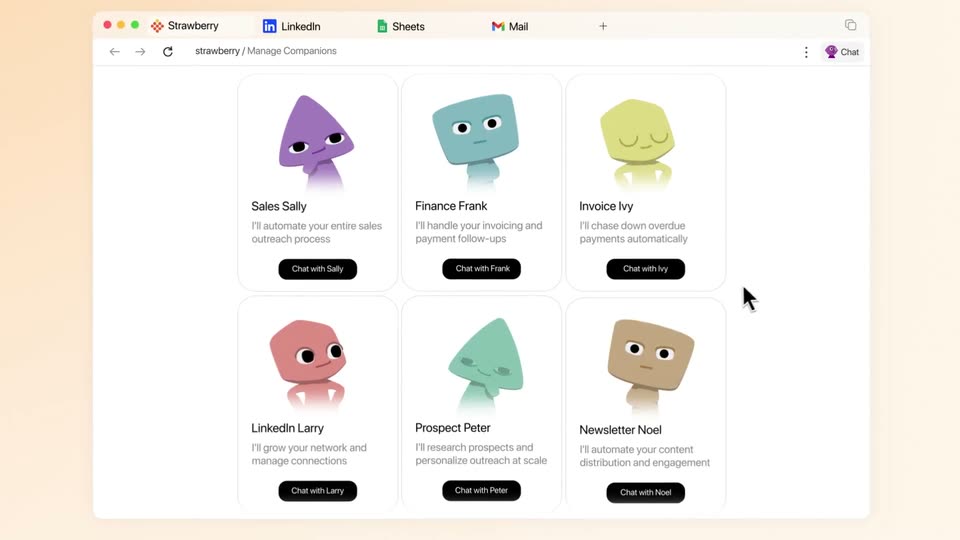 1:11–1:13Strawberry · Charles Maddock - We've raised $6M from General Catalyst, EQT Ventures, and founders ofThe view opens zoomed into a grid of six companion cards, each pairing a 3D mascot with a name, blurb and Chat button. It then pulls back to reveal the full browser window and tab bar, while a 'to choose from.' caption sits at the bottom.
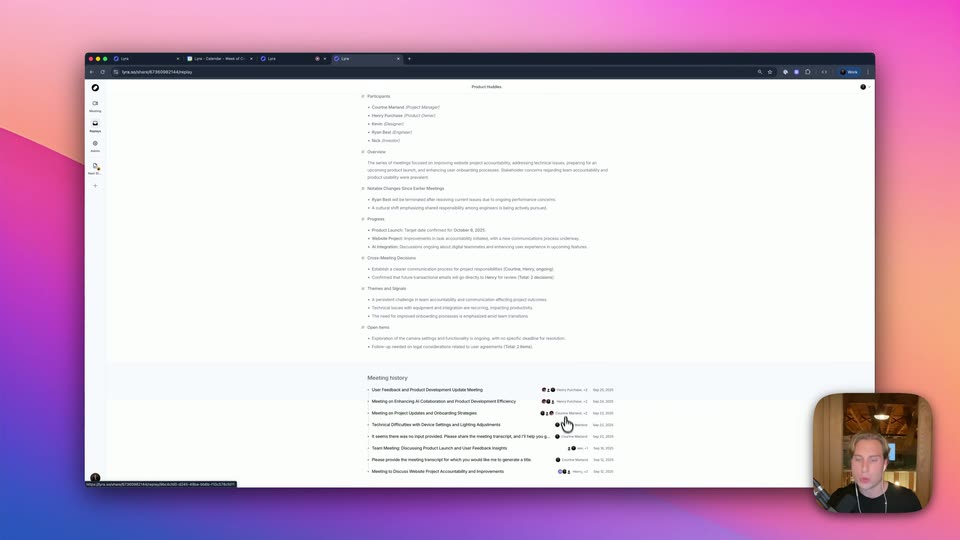 2:00–2:04IRBC · Lyra, The Final Meeting Platform.A browser window with the Lyra product updates document floats on a pink-purple gradient beside a small presenter webcam. A cursor hovers over the meeting history rows as the page scrolls to reveal the timeline of past meetings, then the window tilts in 3D.
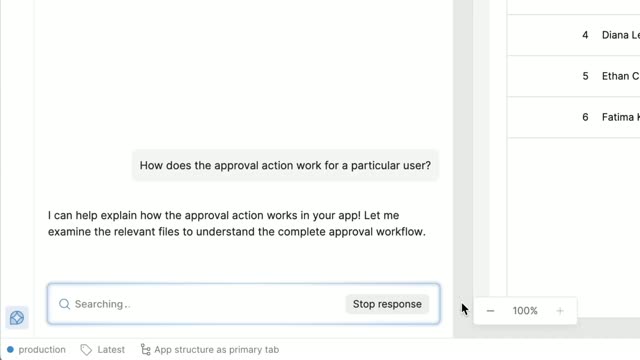 2:11–2:19Retool · Introducing Enterprise AppGen: AI-Assisted Development from RetoolClose-up of the Retool app: the view pushes in on the chat input as a question is typed and sent. The reply streams in with file-search steps, then the view pulls back to show the answer beside the access table.
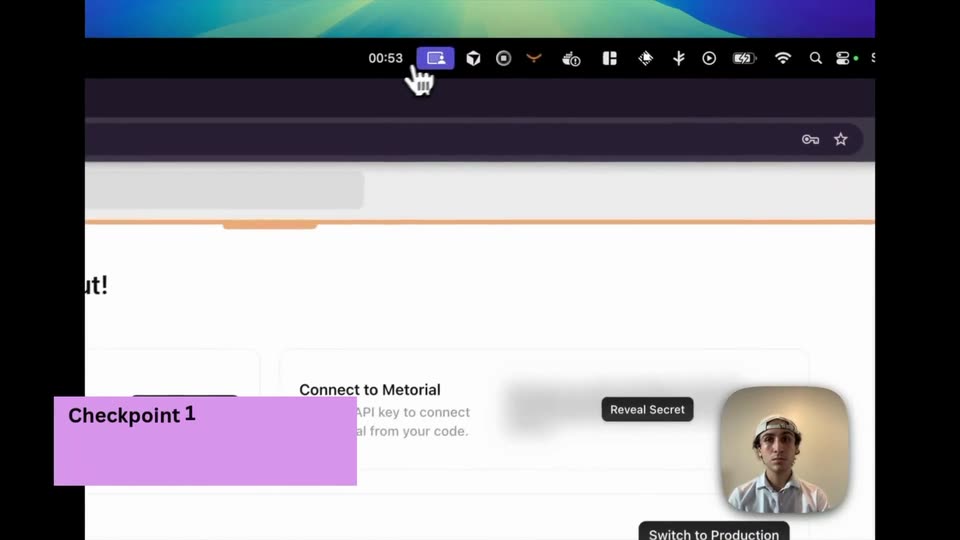 0:41–0:46Metorial · Introducing Metorial - YC F25A screen recording of the Material dashboard: the OAuth modal closes, then the cursor jumps to the macOS menu bar and clicks the screen-recording icon as the view zooms in. A lavender caption card slides in at the lower left. A presenter webcam bubble sits bottom right.
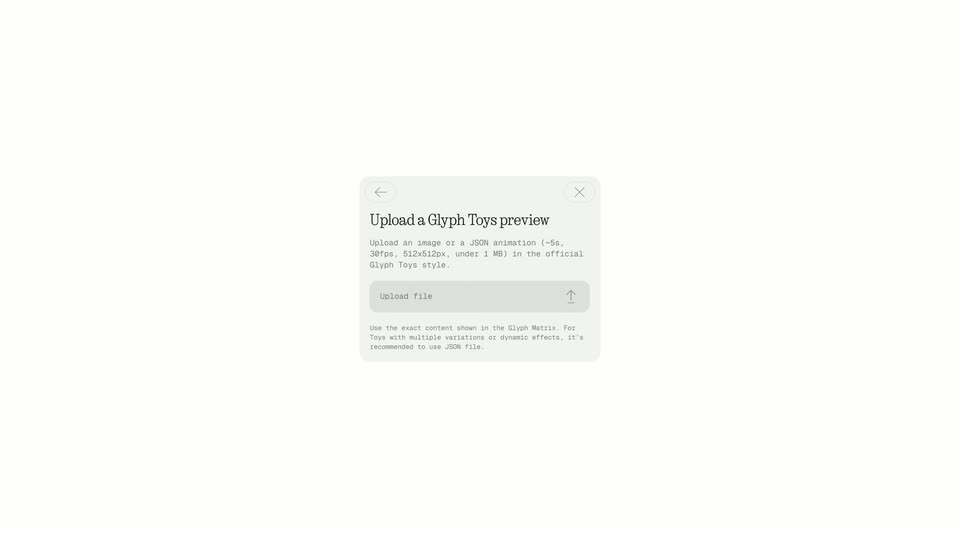 0:42–0:44Nothing · Introducing PlaygroundA white upload modal titled 'Upload a Glyph Toys preview' fills the frame, its text scaling as it fades. The view then reframes to a phone showing the Glyph Toys web page with a photo picker sheet at the bottom.
 0:58–1:00Mem · Mem - Meet Mem, your AI thought partner.A front-facing phone shows a notes list of hashtag entries that scrolls up, then the camera zooms in on the bottom tab bar, settling on a tight close-up of the plus button and icons.
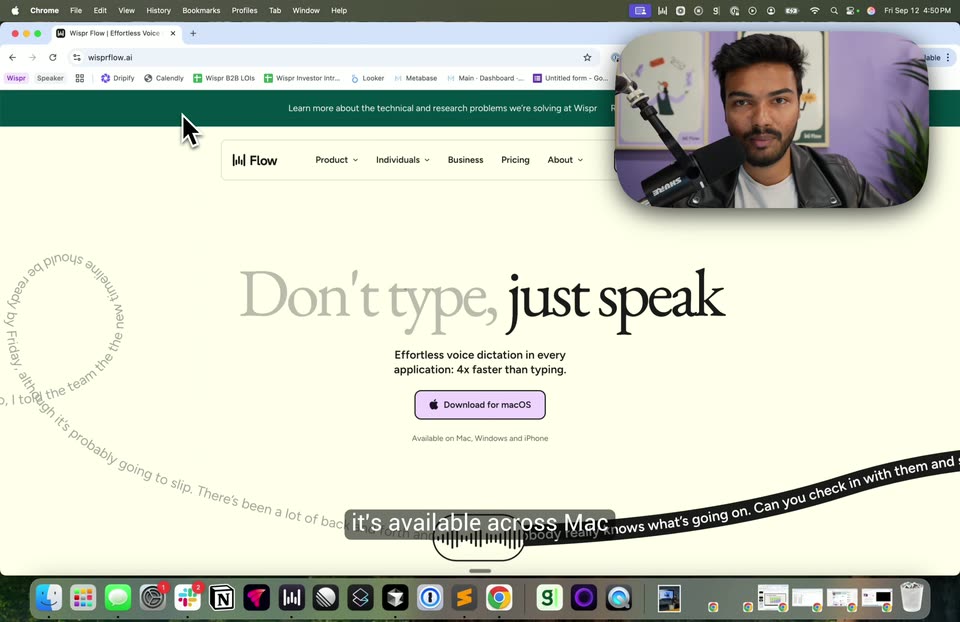 1:53–2:02Wispr Flow · Intro to Wispr Flow: voice-to-text AI that turns speech into clear, polished writing in every app.A screen recording of the Wispr Flow website fills the frame, with a small webcam feed of a man in the top right corner. The view zooms into the browser address bar, then back out, while caption pills roll across the bottom and a cursor hovers over the page.
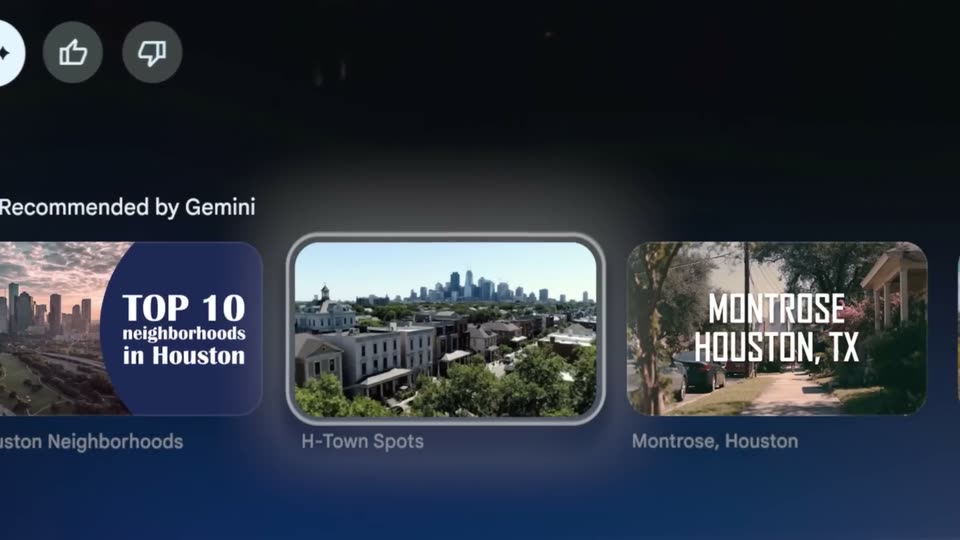 0:49–0:52Google · Introducing Gemini for Google TVA dark Gemini response scrolls up to reveal three video thumbnails in a row. The center thumbnail, a Houston skyline clip, gains a white border and zooms to fill the frame.
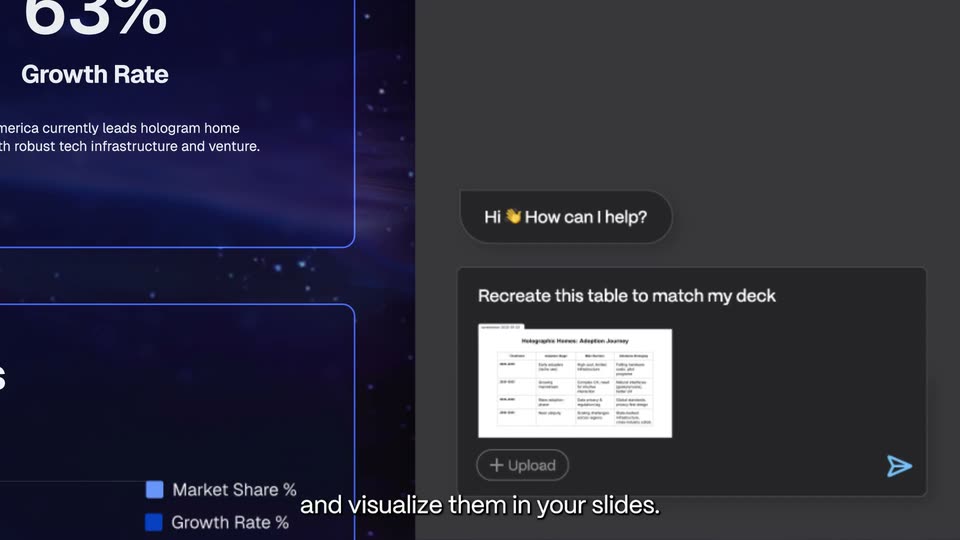 1:08–1:10Gamma · Gamma - Gamma 3.0 is here, so we put our CEO in a spaceship. And it got millA dark Gamma workspace shows a blue 63% Growth Rate slide on the left and a chat panel on the right, where a prompt box types “Recreate this table to match my deck design” over an uploaded table. The frame eases out to reveal both, white captions at the bottom.
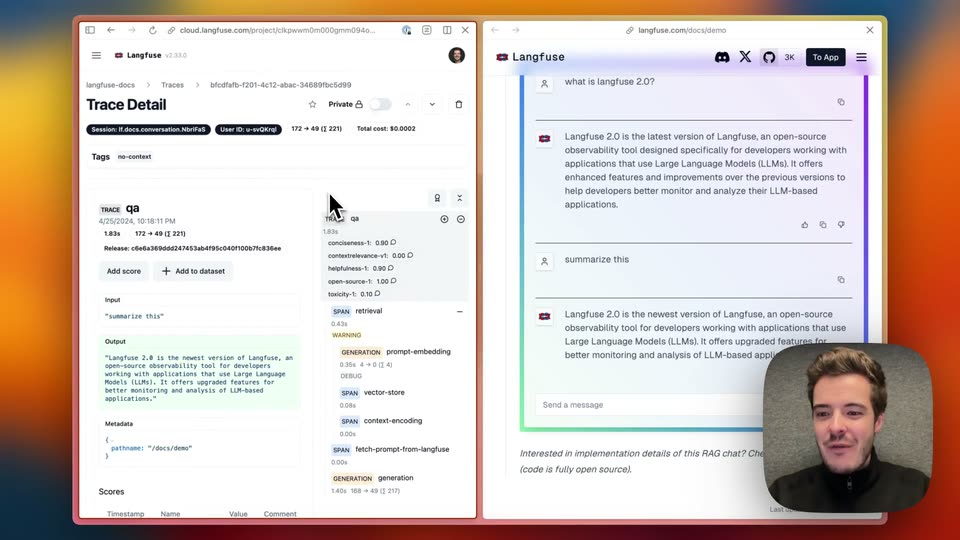 1:20–1:25Langfuse · Introducing Langfuse 2.0Two browser windows sit side by side on a gradient backdrop: a trace detail view on the left, a chat demo on the right, with a small webcam feed in the corner. The view zooms into the right panel as a cursor hovers the thumbs-up icon on a reply.
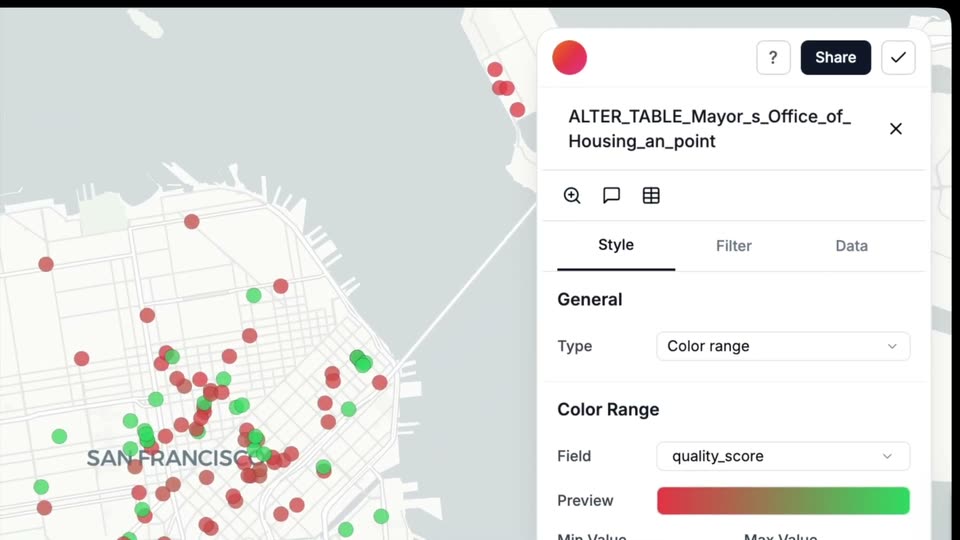 0:47–0:50Monarcha · Monarcha - The AI GIS PlatformA pale San Francisco map filled with red and green dots; the view drifts and zooms while a right panel expands to show a color range control with a red to green gradient, blurring briefly before settling.
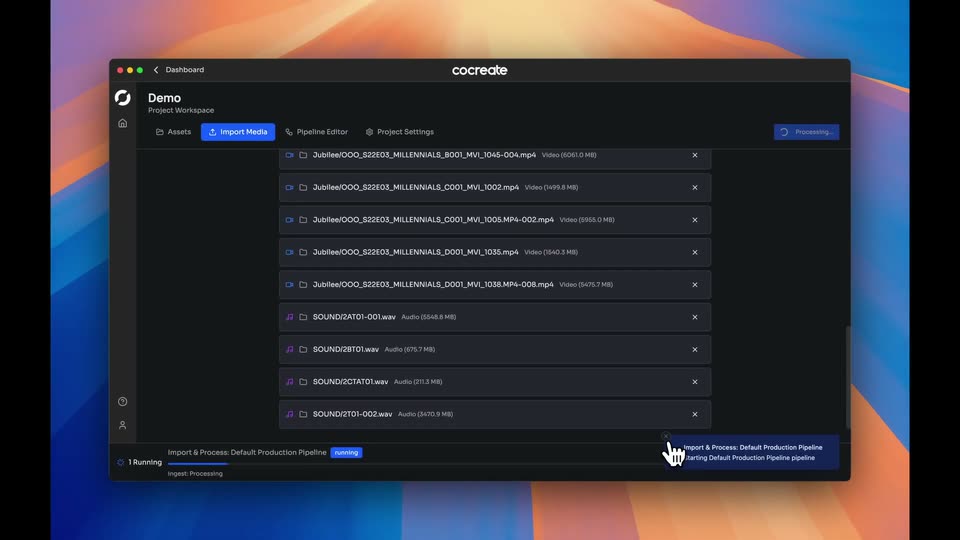 0:47–1:01cocreate · Cocreate demo videoA dark cocreate window sits on a colorful abstract desktop. A file list scrolls into place, the cursor moves down and clicks the blue Import & Process button. The view zooms onto the button, then pulls back as a progress bar fills along the bottom.
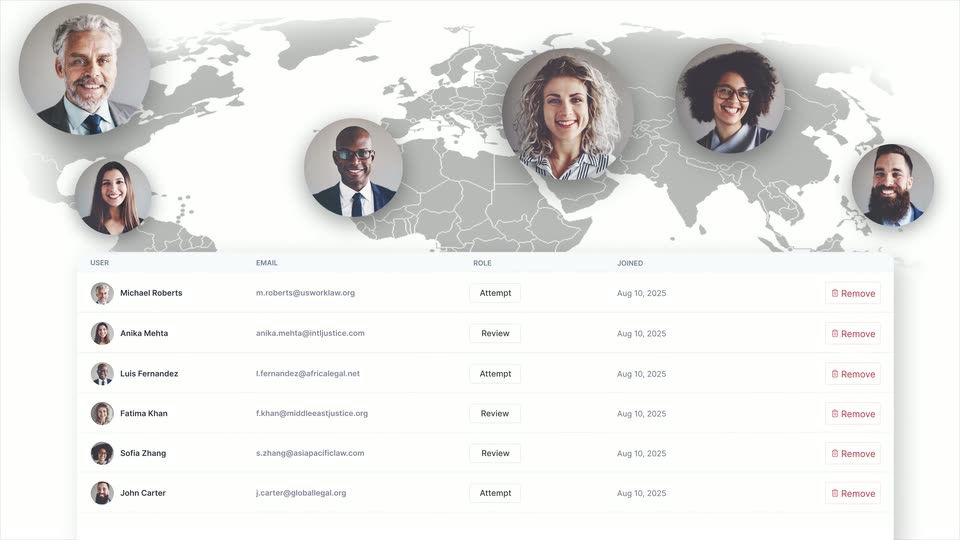 0:46–0:49MangoDesk · MangoDesk DemoA gray world map fills the top of the frame with six circular headshots pinned over continents. Below it, a user-management table lists names, emails, roles and dates with red Remove buttons. The camera slowly zooms in, cropping the top portraits.
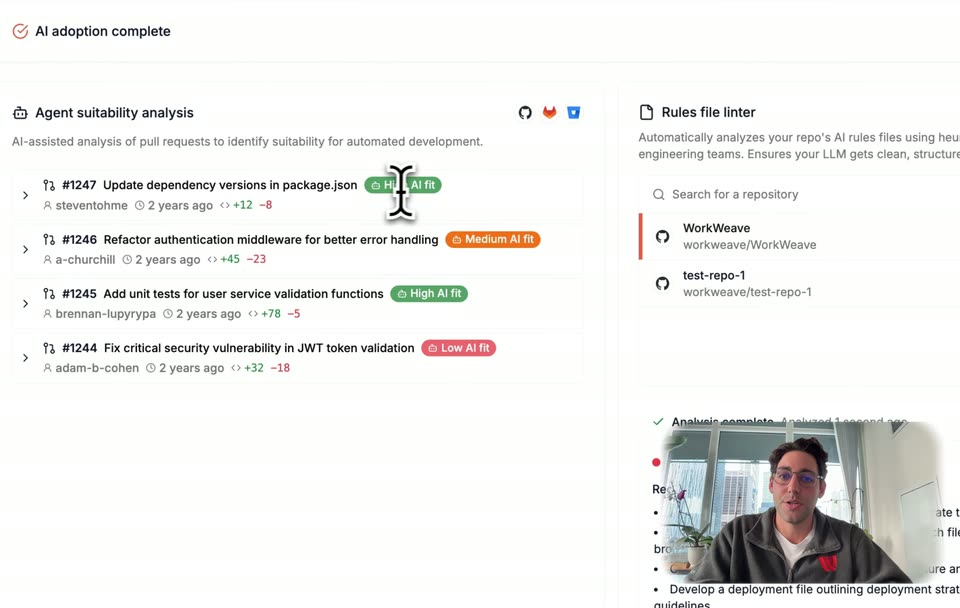 2:04–2:21Weave · Product Hunt Launch VideoA WorkWeave dashboard window sits on a gradient background, a presenter's video call inset in the corner. The view zooms into the AI analysis panels as a cursor clicks through rule files and AI-fit badges, confetti dots drifting over the screen at the start.
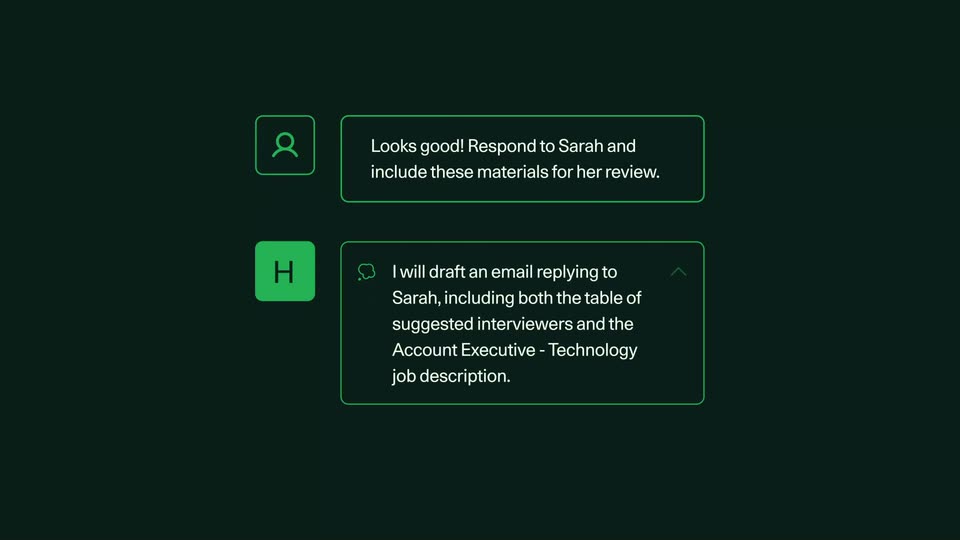 1:06–1:10Cohere · Cohere - Our secure agentic AI platform, North, is now widely available.Opens on a tight close-up of a green-outlined card with a message and a row of green icons labeled Tools, then pulls back to a two-row chat. The user message finishes typing, the H-marked assistant bubble types out a reply, and a Using Gmail chip pops in below.
 0:40–0:44Lotas · Rao — Cursor for RStudioAn RStudio window shows a console and a code editor with plotting commands. A cursor clicks the green Run button, then the view reframes onto the plot panel, where two histograms appear side by side: a blue Original Distribution and a green Corrected Distribution.
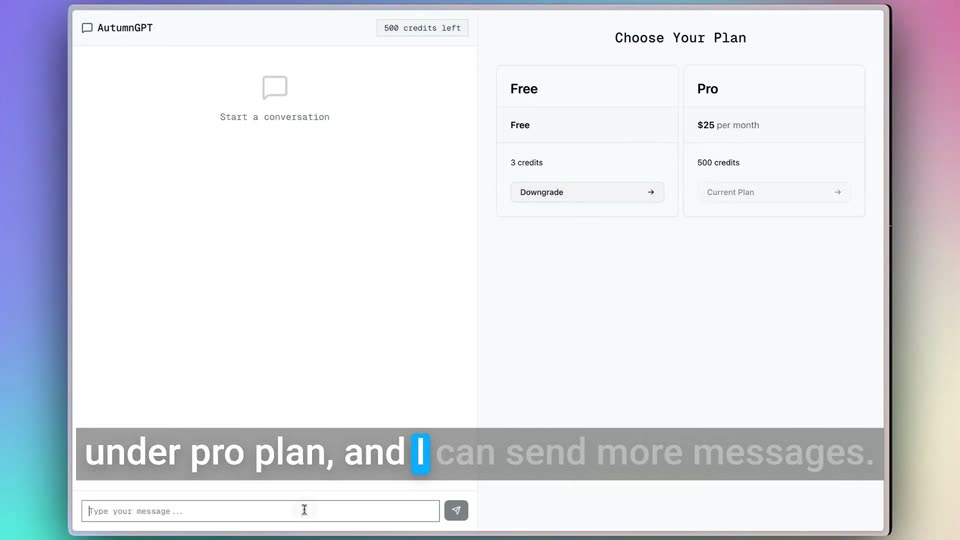 1:50–2:01Autumn · Autumn: Stripe for AI StartupsThe AutumnGPT app shows a chat pane beside a plan page; a cursor drifts while white subtitles type out word by word with a blue highlight. The view zooms into the chat, a black hello bubble pops in and the credits badge ticks from 500 to 499.
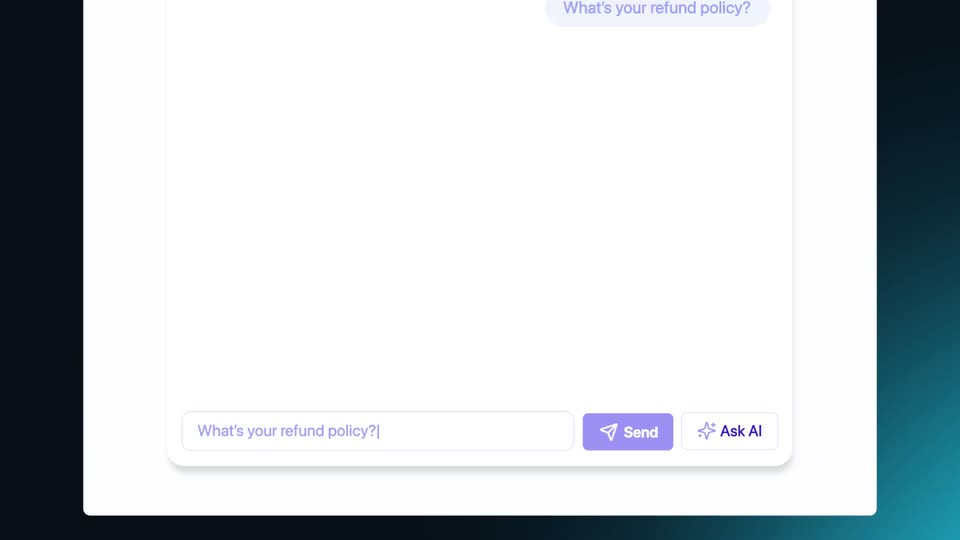 1:40–1:45VibeFlow · YC Launch Video: VibeFlowA white AI Customer Support chat card sits on a dark gradient. The frame zooms into the input bar as a question types itself, then pulls back to the full card as the user bubble appears and the AI answer types out word by word.
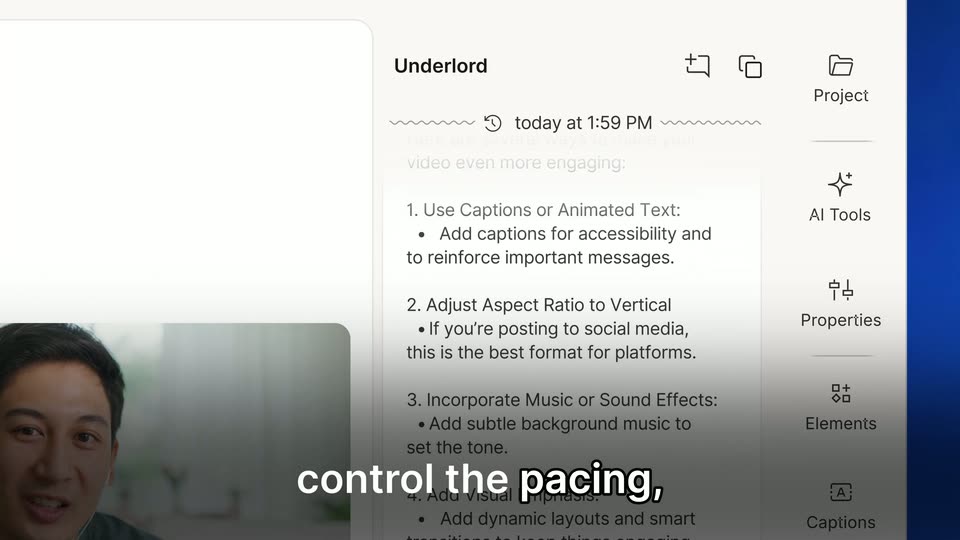 0:40–0:42Descript · Descript - Never edit alone again. Underlord is now available in beta. UnderlorA close-up of the AI chat document pulls back to reveal the full Underlord editor window on a blue background. The white caption “control the pacing,” holds at the bottom, then fades as the window settles smaller in frame.
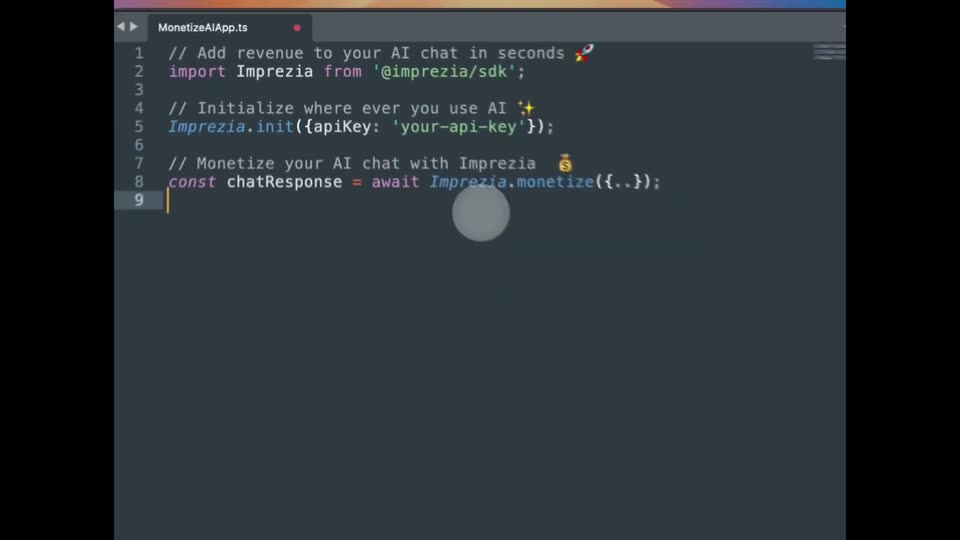 0:53–1:03Imprezia · Imprezia Launch VideoA dark code editor fades in over a blurred dashboard; TypeScript lines type themselves out around a drifting gray cursor dot, then the frame zooms out to the full editor card before dissolving into a Tokyo Travel AI chat screen with a monetization metrics sidebar.
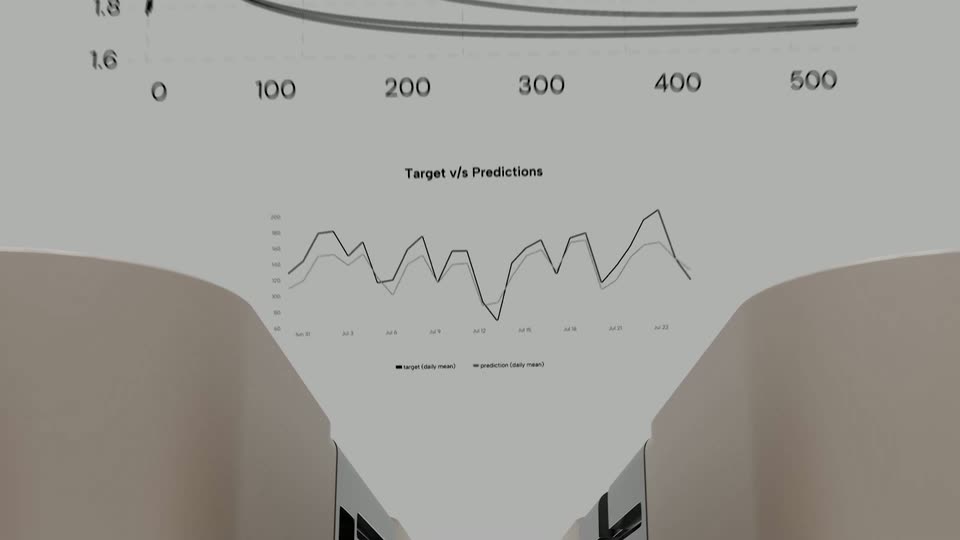 2:02–2:04Neo AI · Neo AI - Introducing NEO: The first Agentic Machine Learning Engineer. It worA white panel in 3D perspective shows a line chart titled Target v/s Predictions with two jagged lines and a legend. The camera tilts up and reframes onto the top axis, revealing numbers 0 to 500, while beige curved walls frame the lower corners.
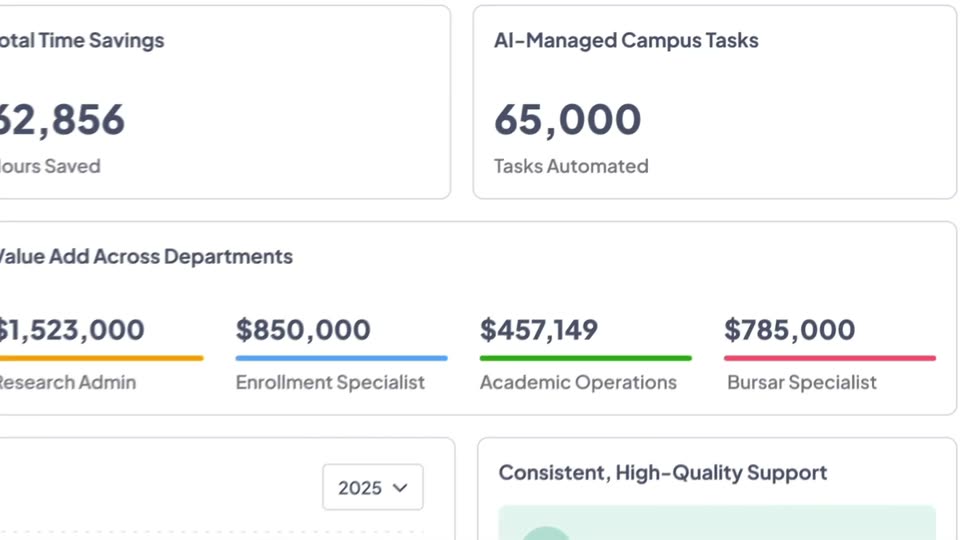 1:05–1:07Risely AI · Introducing Risely: AI agents that automate administrative tasks for universitiesA white dashboard of metric cards starts as a blurred close-up on one stat block, then sharpens and pulls back to reveal the full grid, with large numbers and a row of colored bars under a departments heading.
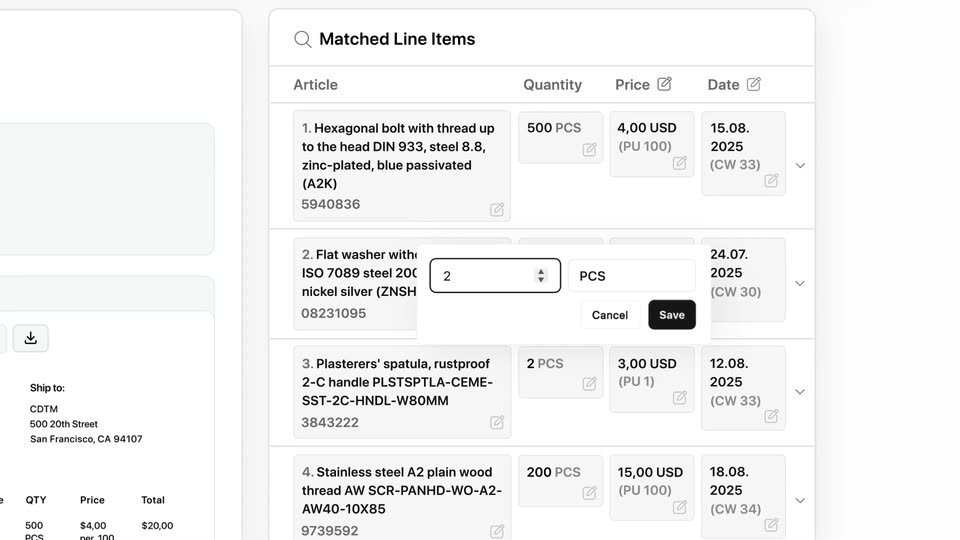 1:04–1:09Comena · Comena Launch Demo - Automated PO ProcessingA close-up of a line-item table shows a cursor hovering over a row. An inline edit box opens on a quantity cell with a number field and Save button. The view then zooms out to reveal the full purchase-order page with shipping details on the left.
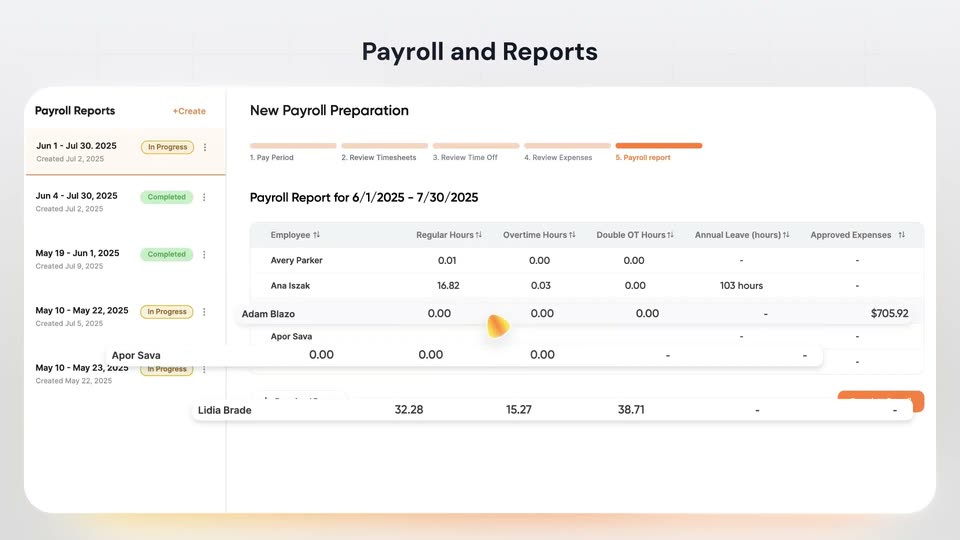 0:49–0:51Sira · HR, Payroll & Time Tracking… Automated in Minutes with AI 🤯A payroll dashboard fills in: the report table populates with hours and dollar amounts while the orange cursor glides down to hover over the orange Complete Payroll button. The framing reframes slightly to bring the button into view as the totals count up.
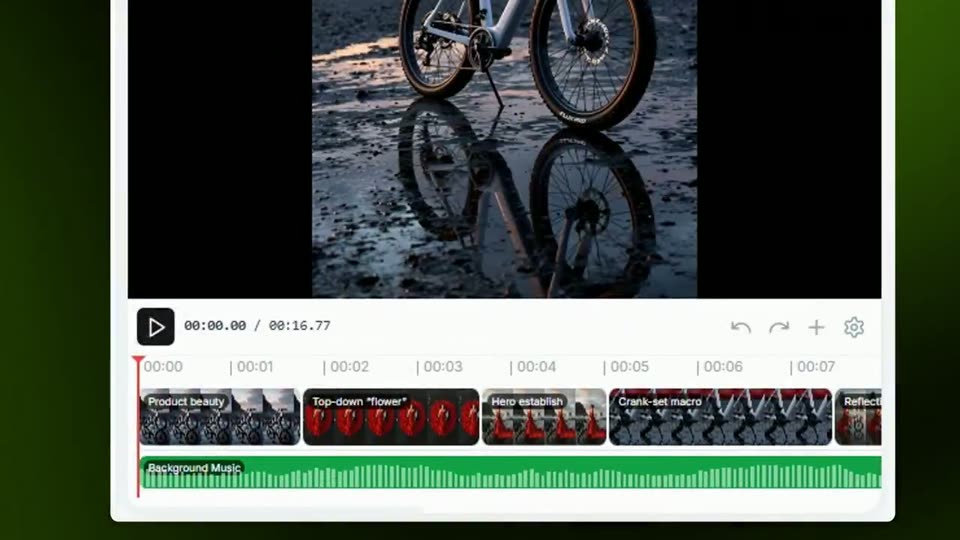 0:26–0:28Scade · scade.xyz - Meet Scade. The first full-cycle marketing system Forget the 30-persA video editor window slides into the center of the frame over a dark green background. Its preview shows a white mountain bike on wet sand, and the timeline below holds labeled clips above a green music waveform.
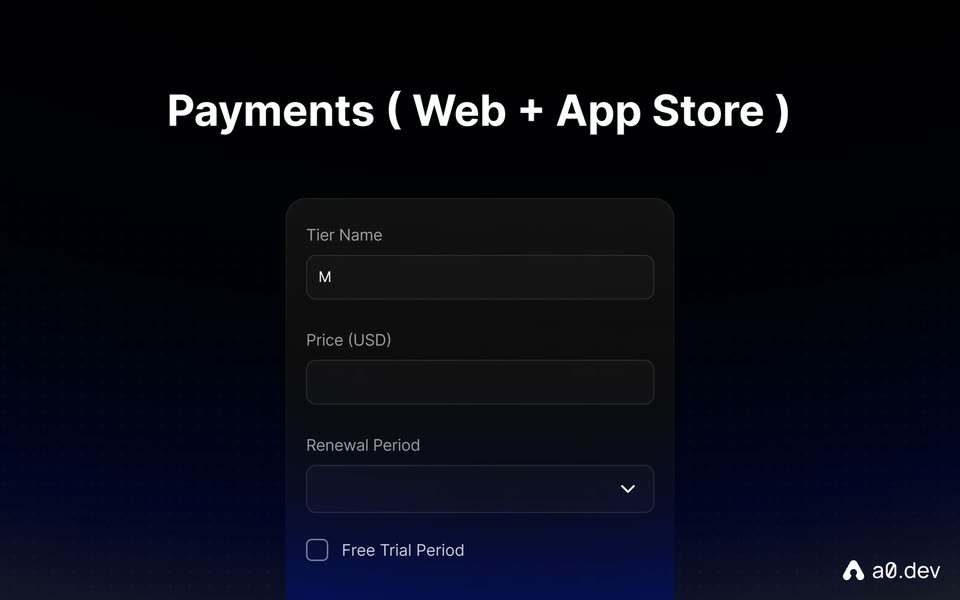 1:05–1:06a0.dev · a0.dev - Phase 1 (WAGMA)A dark pricing form sits under the white headline Payments ( Web + App Store ). The camera zooms in on the card as the word Monthly fills the Tier Name field.
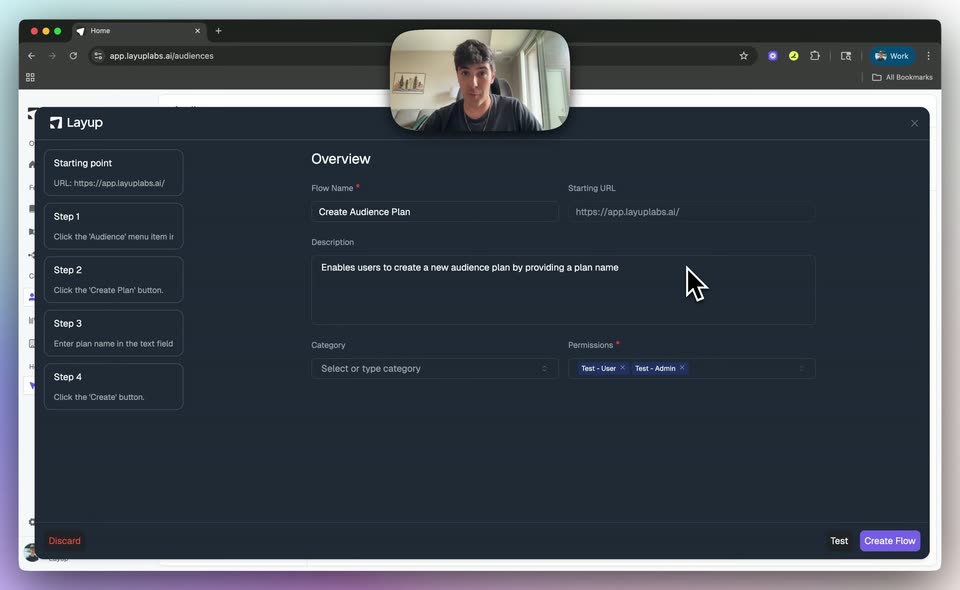 1:56–2:11Andco · Layup 2.0 July LaunchA screen capture of the Layup app's dark Overview form fills the frame, with a small webcam self-view of the presenter at the top. The view zooms out to show the full browser window over a purple gradient as a cursor drifts toward the Test button.
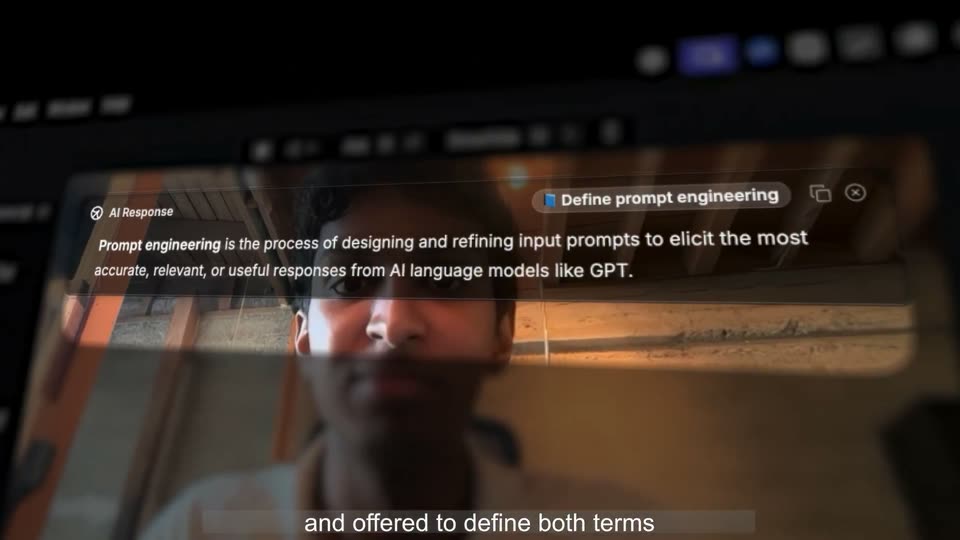 0:48–0:52Cluely · Roy - introducing @cluely. today is the start of a world where you never hA dark, blurred close-up of a suggestion list and an AI response card zooms in on the card, which floats in 3D over a video call, then pulls back to the full Zoom Workplace meeting window with two participants. Subtitles run along the bottom.
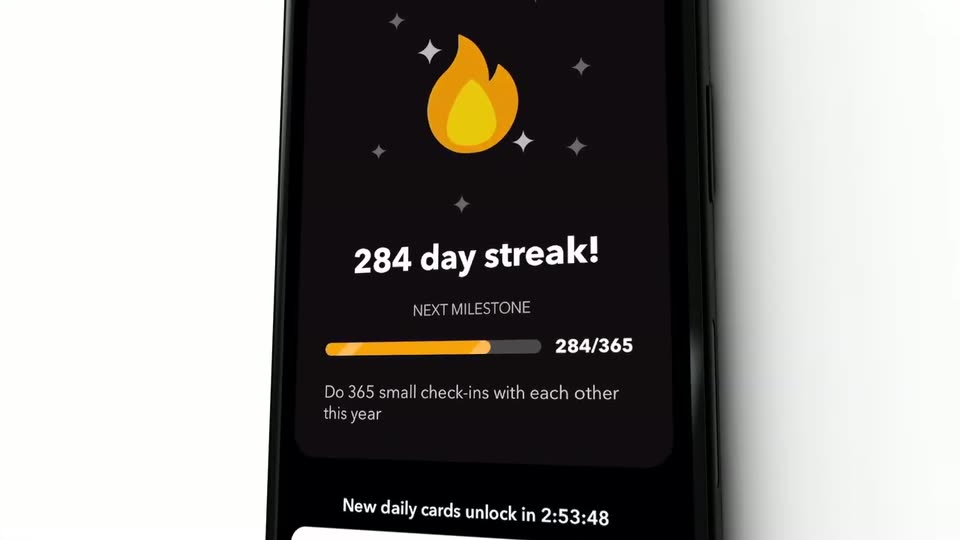 0:51–0:55Candle · Couple Games & Photos - Launch!A black phone mockup on a pale background rotates around its vertical axis, then the camera pushes into the dark screen. A flame icon sits above a streak counter that counts up from 7 to 360 while the orange progress bar fills to 365/365.
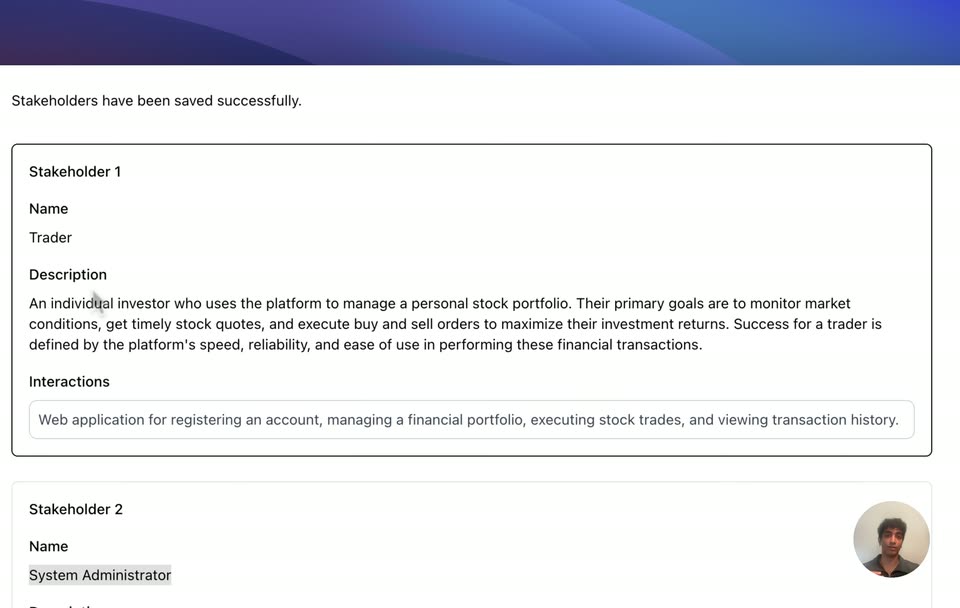 1:36–1:49Axal · Extract Functional Requirements from Legacy CodeA screen recording of a stakeholder view shows two cards, Trader and System Administrator, next to a sidebar menu, with a circular presenter webcam in the corner. The cursor hovers over a card, then the frame zooms in on the Trader card and back out.
 0:24–0:25Sharpe · Introducing Solar by LumenaryA Windows desktop with two open browser windows zooms into the green hill wallpaper, ending on a close-up of the grass with the taskbar and a cursor at the bottom.
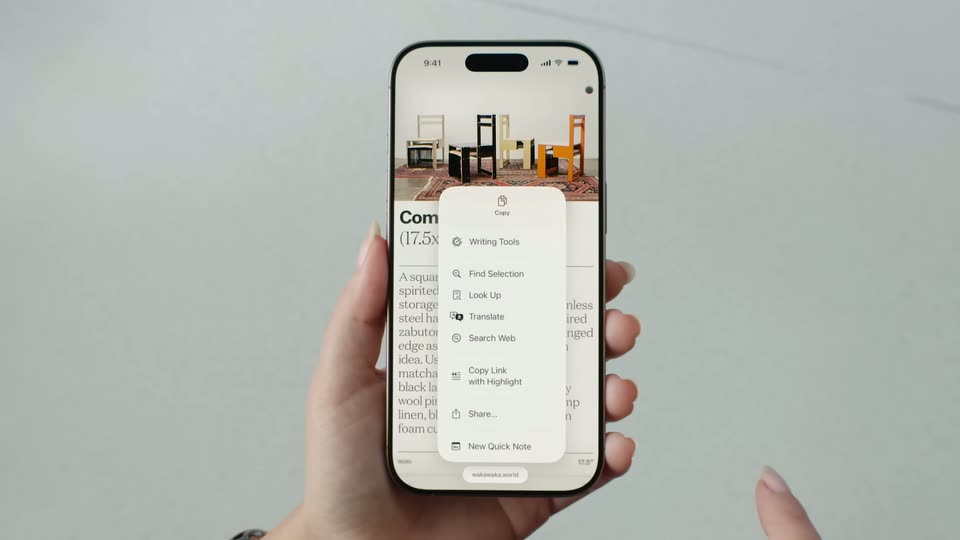 3:16–3:18Apple · iOS 26: Introducing Liquid GlassA hand holds a phone as a finger taps text, and the small context bar expands into a vertical list of options. The view then cuts to a close-up of a music screen where the bottom tab bar shrinks as the page scrolls.
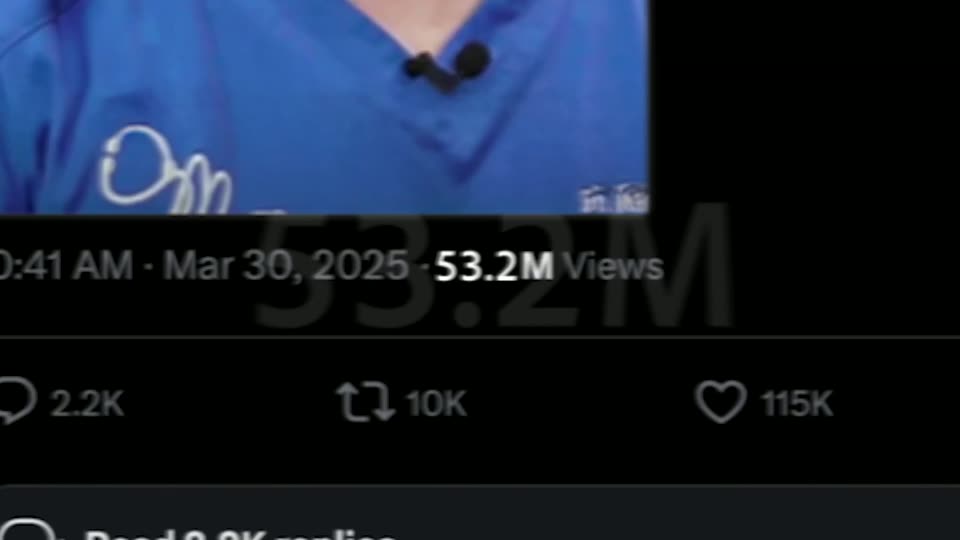 0:30 · 0.8sOpusClip · OpusClip - Welcome OpusSearch, the first AI growth agent that can automaticallyA tight close-up of a dark social media post: a person in blue scrubs above a timestamp and view count, with comment, repost and like counts below. The frame holds, then blurs and drifts as it transitions out.
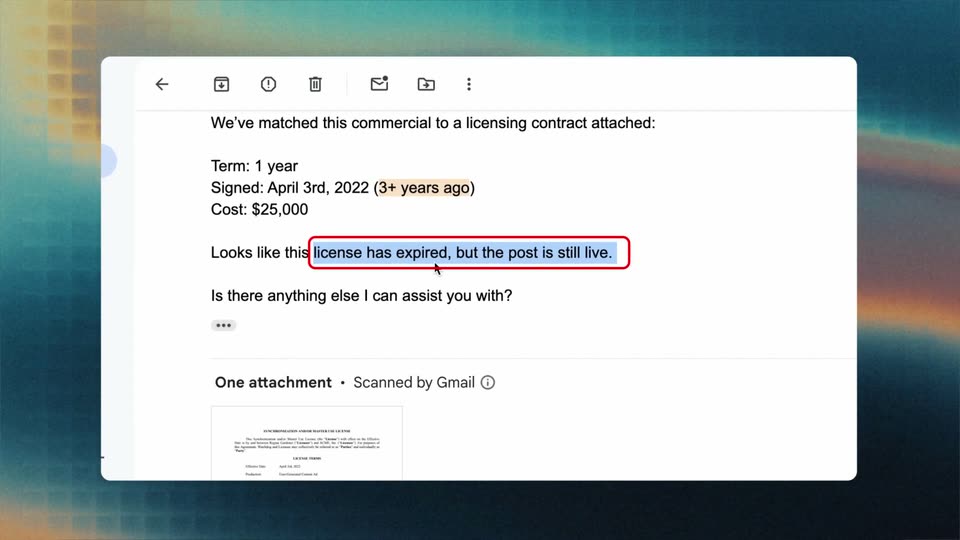 0:58–1:04Third Chair · Third Chair Product DemoA Gmail email in a browser window on a blurred desktop; the view zooms into the body, highlights and red-boxes 'license has expired, but the post is still live', then scrolls up to the sender and down to a trowel image and a $10,000 to $50,000 estimate.
 0:22–0:23Freesolo · Introducing Clado (YC X25): Deep Research for PeopleA profile card on a contact list blurs into a fast radial zoom as the word NOW slams in large at center, then the blur clears to reveal the interface again. A small clado wordmark sits in the lower left corner.
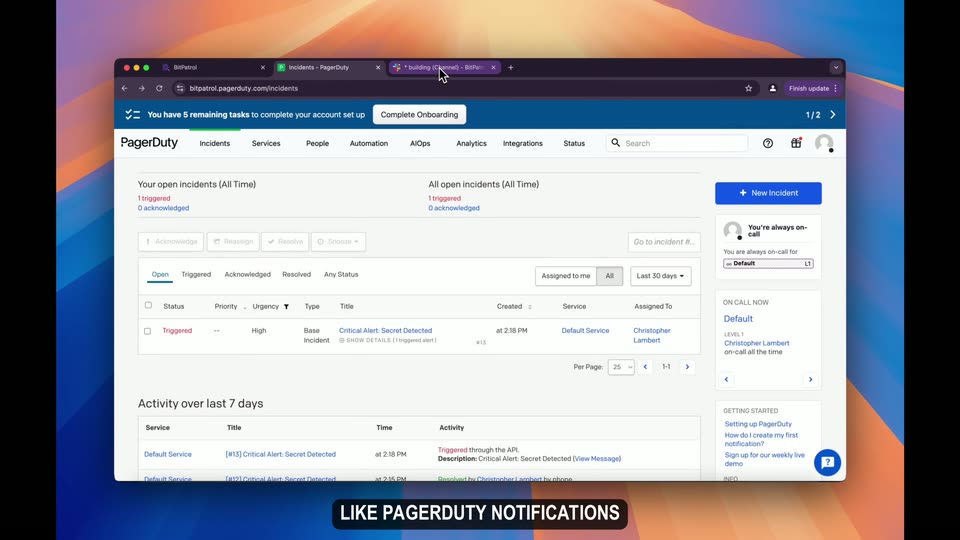 1:16–1:19BitPatrol · BitPatrol - Secret Detection That Actually Works (YC X25 Launch Video)A Chrome window shows the PagerDuty incident list. White captions in a black box build up at the bottom, then the cursor hovers a browser tab as the view zooms in to show a Slack tab tooltip.
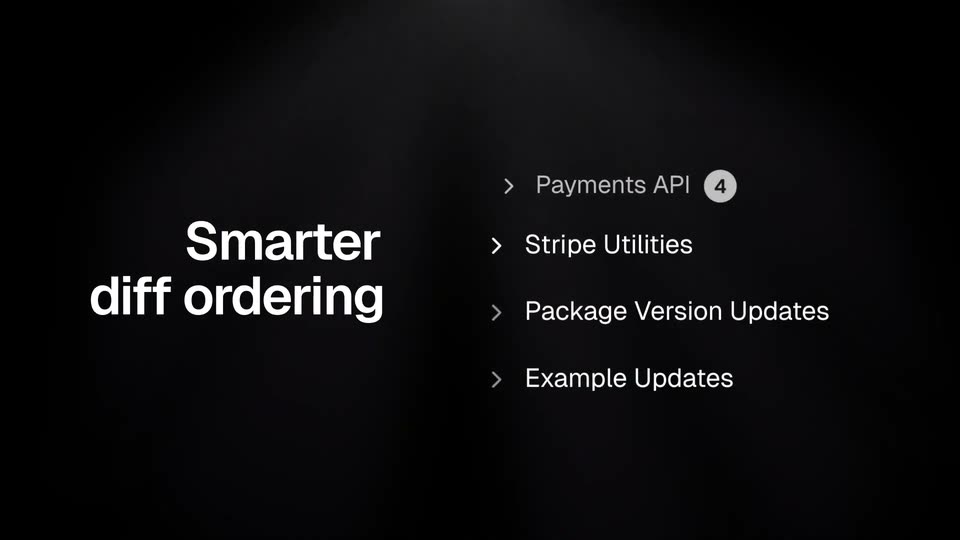 0:41–0:43cubic · Introducing cubic.devOn a dark gradient, the two-line headline slides left as a list of four chevroned rows fades in at right. The frame then zooms into the top row, which expands to reveal a file entry.
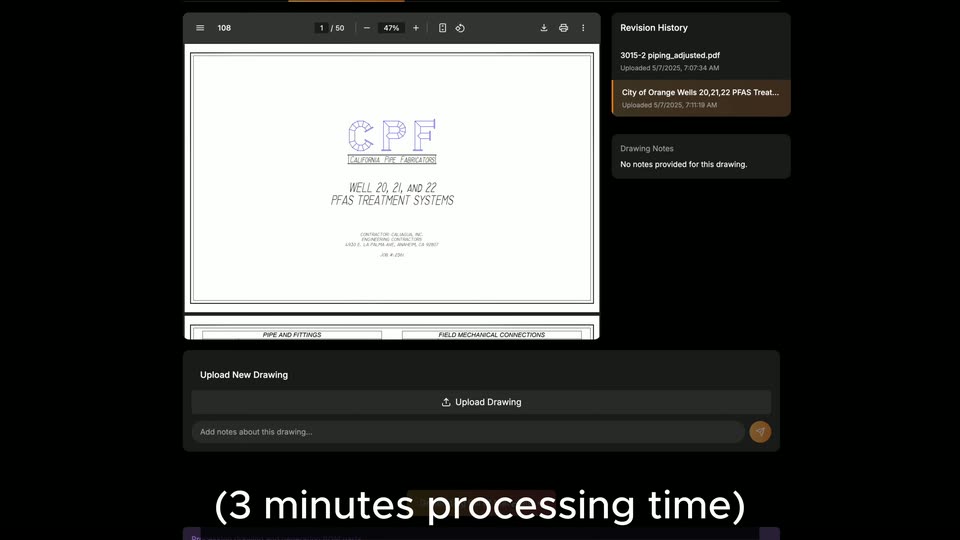 3:07–3:11Jeevy Fabrication · Introducing Jeevy FabricationA dark drawing-review interface shows a PDF title block, a revision history panel, and an upload section, with a cursor hovering over the Generating Bill of Materials button. The caption (3 minutes processing time) fades in at the bottom, then the view zooms out to reveal the top tabs.
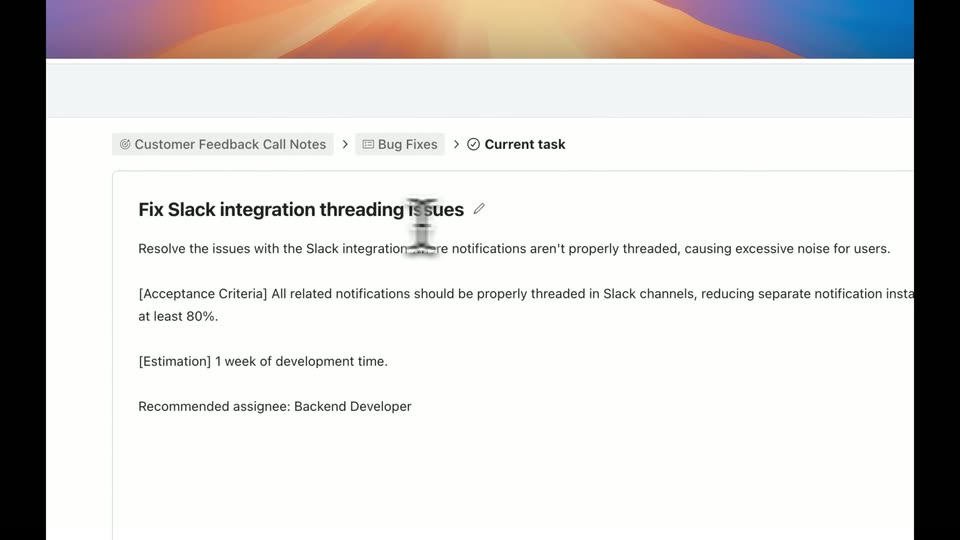 0:59–1:10Kestral · Kestral - Your AI Work Prioritizer -- Launch YCA close-up of a task detail screen scrolls down to the Citations list, where a cursor expands one entry to reveal a customer transcript. The view then zooms out to the full app window on a gradient desktop as a Follow Up dialog pops up.
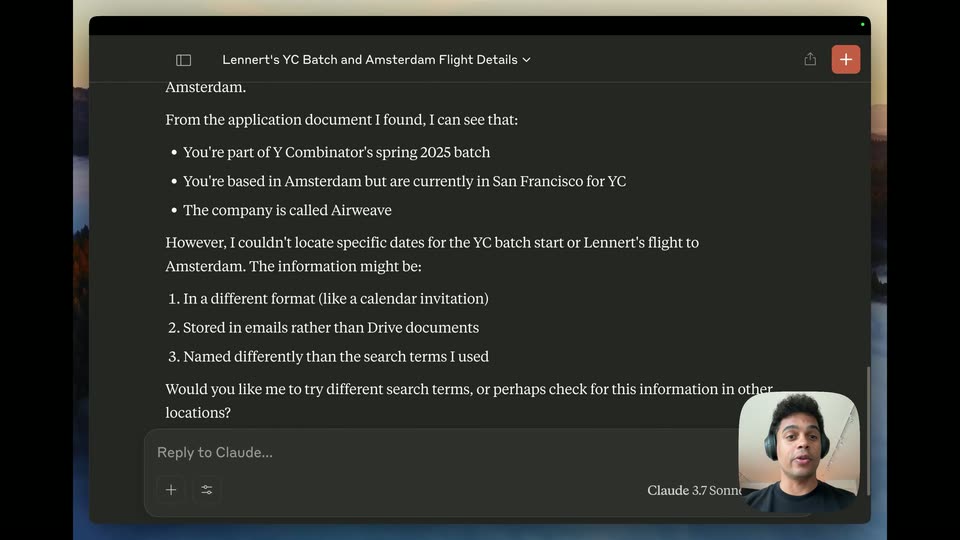 0:36–0:54Airweave · Airweave AI // Launch YC DemoA close-up of the Claude prompt zooms out to the full dark chat window; the assistant streams a reply and Google Drive search chips while the chat scrolls. A hand cursor clicks the new-chat button, clearing the screen.
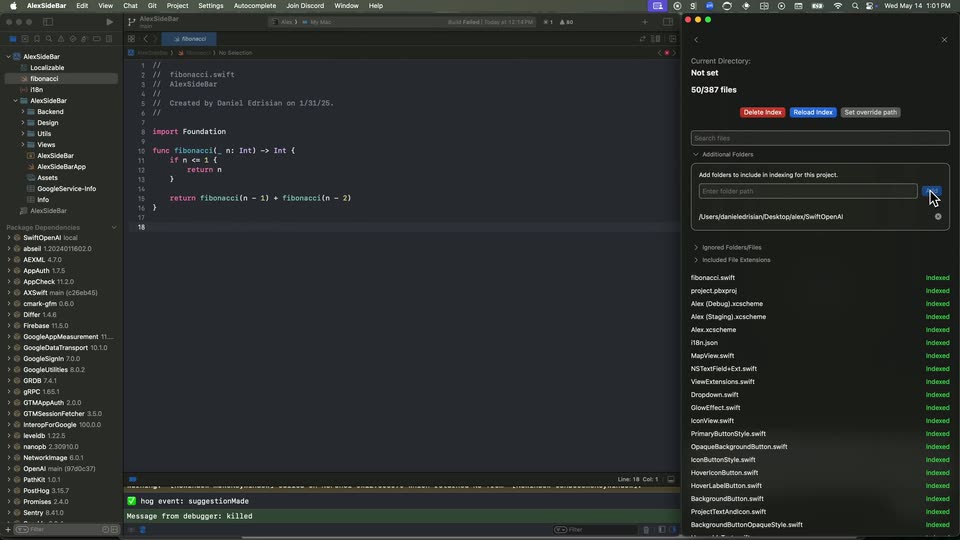 1:19–1:26Alex · Alex - Xcode AI Coding AssistantA dark index panel fills the right side, a folder path fills its input and the cursor clicks Add. The view pulls back to a full code editor, and the file list flips from red Not indexed to green Indexed row by row.
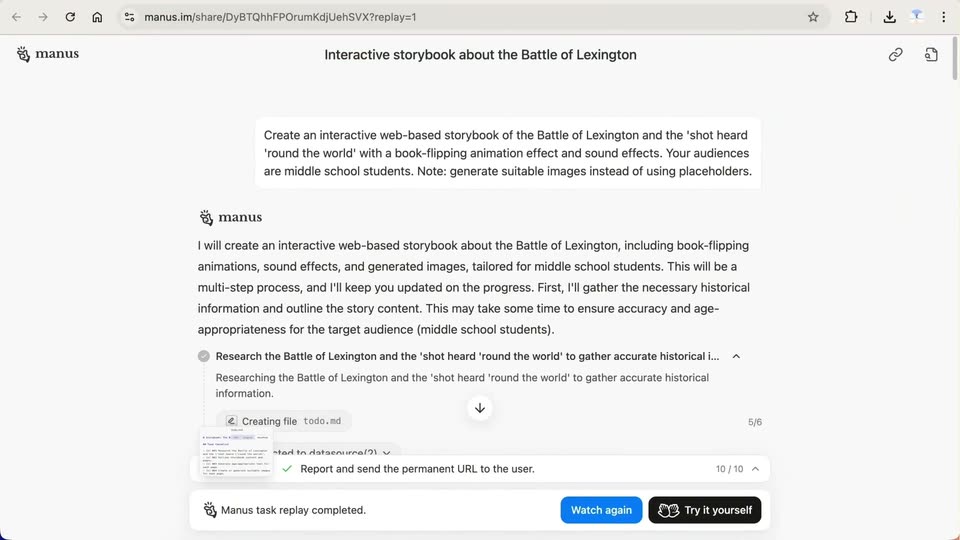 0:48–0:50Manus · Manus - Introducing Manus image generation. Manus doesn’t just generate imagA browser window on the Manus share page reframes to a tighter view of the chat column. A prompt bubble and the assistant reply fill the center as a hand cursor fades in over the text, and a bottom bar shows the replay is complete with two buttons.
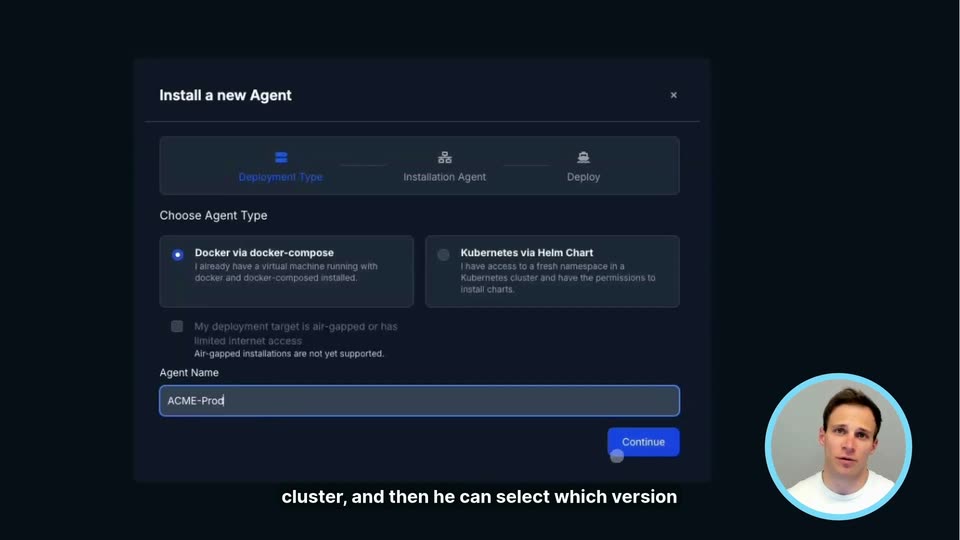 2:02–2:10Glasskube · Distr DemoA dark portal shows an Install a new Agent modal; the view zooms in, a cursor types ACME-Prod into the Agent Name field and clicks Continue, advancing to the Installation Agent step. A circular presenter video overlays the lower right, captions at the bottom.
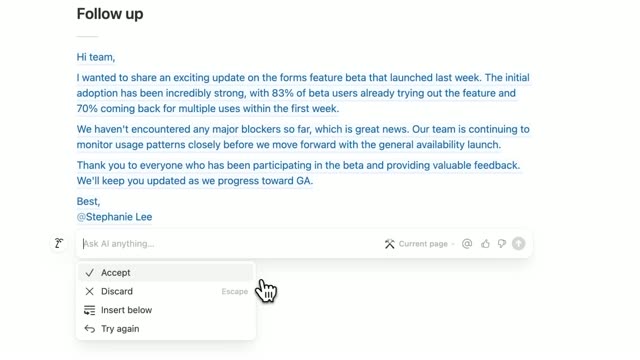 0:49–0:55Notion · Introducing AI Meeting NotesA document view zooms into a Follow up section as a floating summary card fades. An input field cycles through Thinking and Editing while a draft message types out in blue. A hand cursor clicks Accept, and the draft turns black.
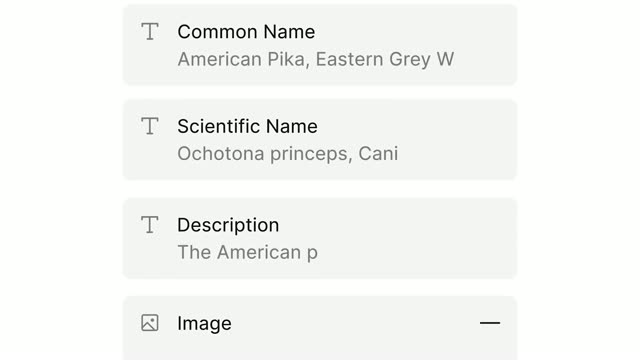 1:08–1:09Figma · All the launches at Config 2025 | FigmaA table of animal species collapses into a single-column form. Fields fill in one by one: Common Name, Scientific Name, Description, then a pika photo. The view zooms up, pinning the pink-highlighted Common Name row at the top.
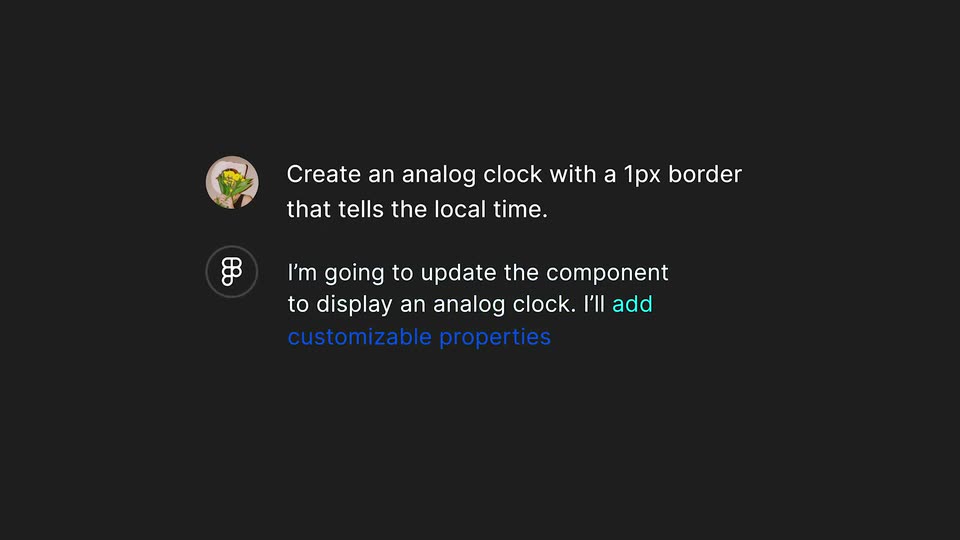 0:41–0:43Figma · Figma - Introducing Figma Sites Take your designs straight to the web. WithA dark chat interface opens on a user's white sans prompt beside a plant avatar. The view reframes wider as the assistant reply appears, 'going to update' in cyan, then a rounded Clock preview card slides up holding a white cursor arrow above a row of action icons.
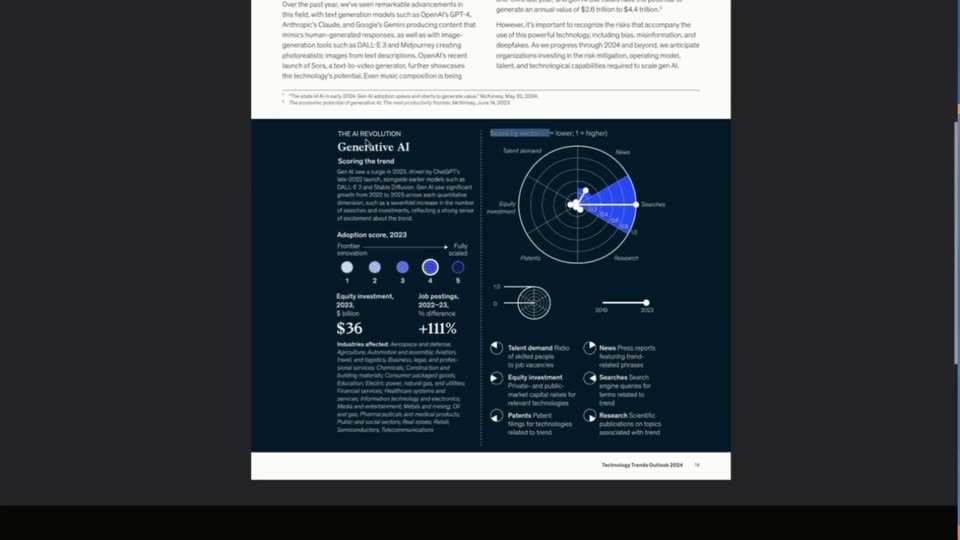 0:39–0:44Morphik · Morphik Launch DemoA two-tone report page scrolls slowly upward, white article text above a dark navy panel with a radar chart. The view zooms out to reveal a dark app interface, with a Results (20) header at the top and the report as a centered thumbnail beside a left sidebar.
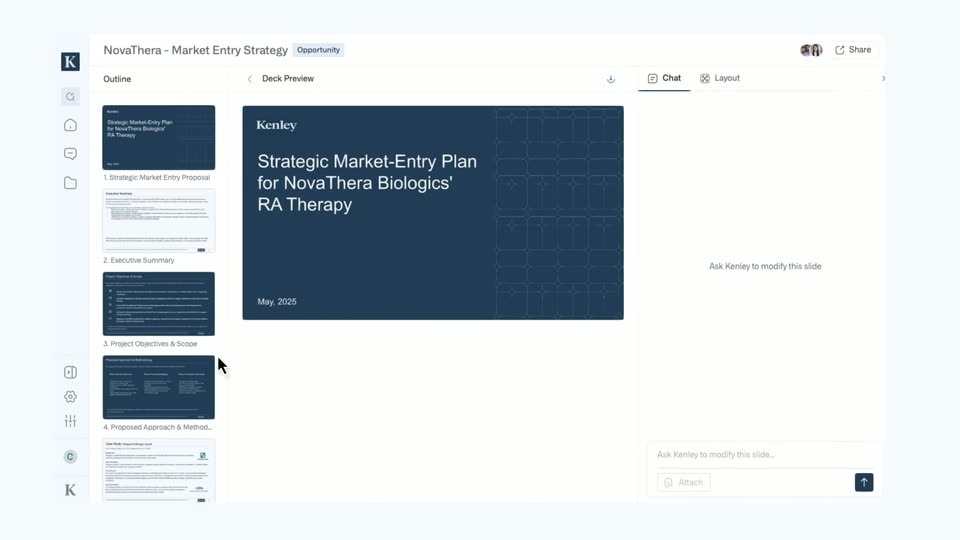 0:39–0:40Kenley · Introducing Kenley WorkStreamsA dark blue presentation slide zooms out to reveal the full application interface, showing a left sidebar with slide thumbnails and a right panel with a chat prompt.
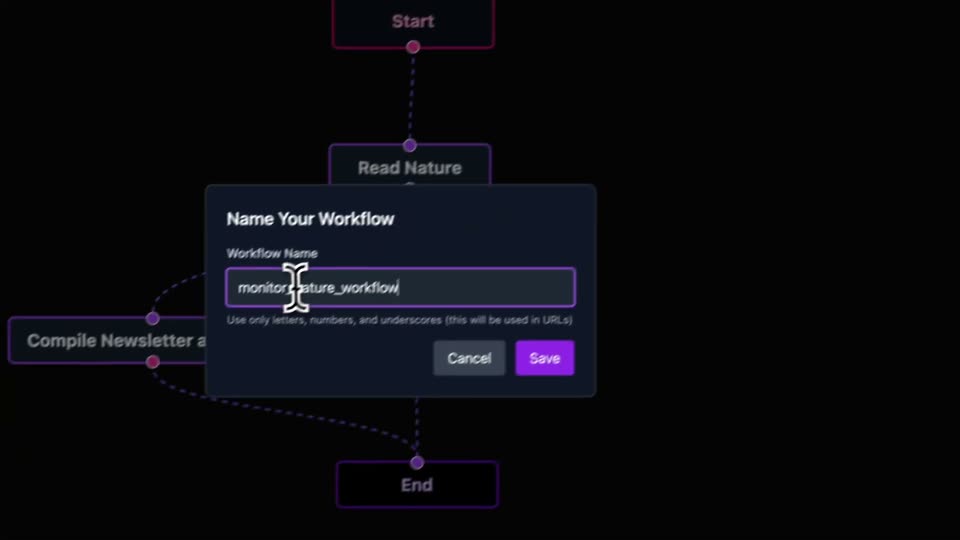 0:46–0:47Altrina · Workflow EditorA dark workflow builder shows a node graph behind a Name Your Workflow dialog with the field filled. The view reframes onto the dialog as a hand cursor moves to the Save button, then the dialog closes and a No workflows are found tooltip appears.
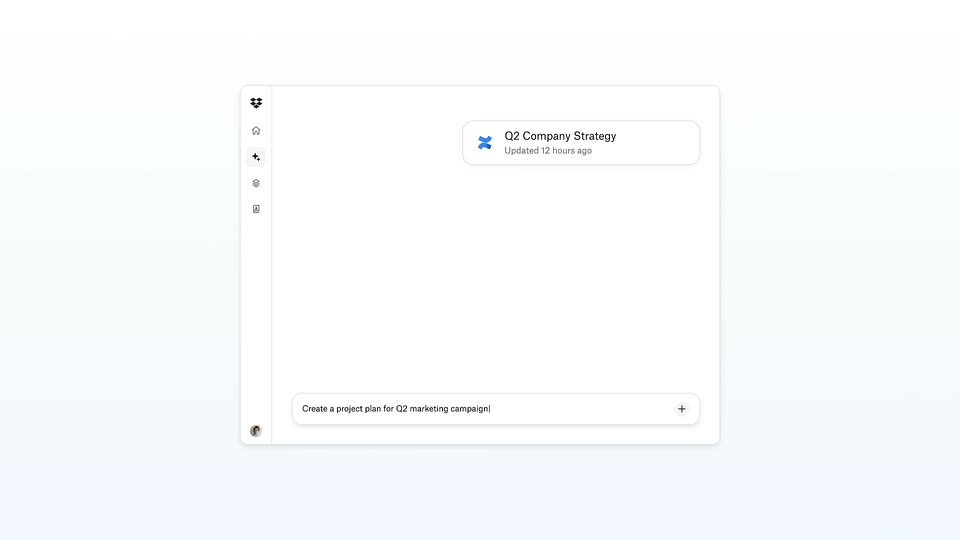 0:36–0:38Dropbox Dash · Dropbox Dash: Search videos, images, and create content fastA prompt is typed into a white input field, then the frame pulls back to reveal a left icon sidebar. The message becomes a right-aligned chat bubble, a “Thinking…” label appears, and a document card titled “Q2 Company Strategy” slides in at the top right.
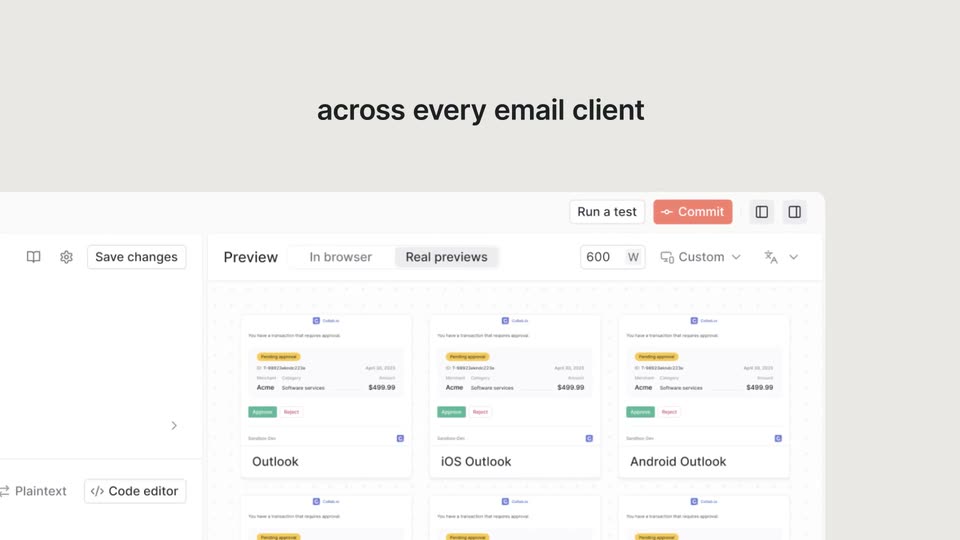 0:44–0:46Knock · Knock - Launch week → Day 2 Introducing Knock workflows 3.0. Rebuilt with aA dark gray headline fades in word by word above a white email-preview tool showing three client previews, Outlook, iOS Outlook and Android Outlook. The camera then zooms into the panel, enlarging the preview cards and the editor controls.
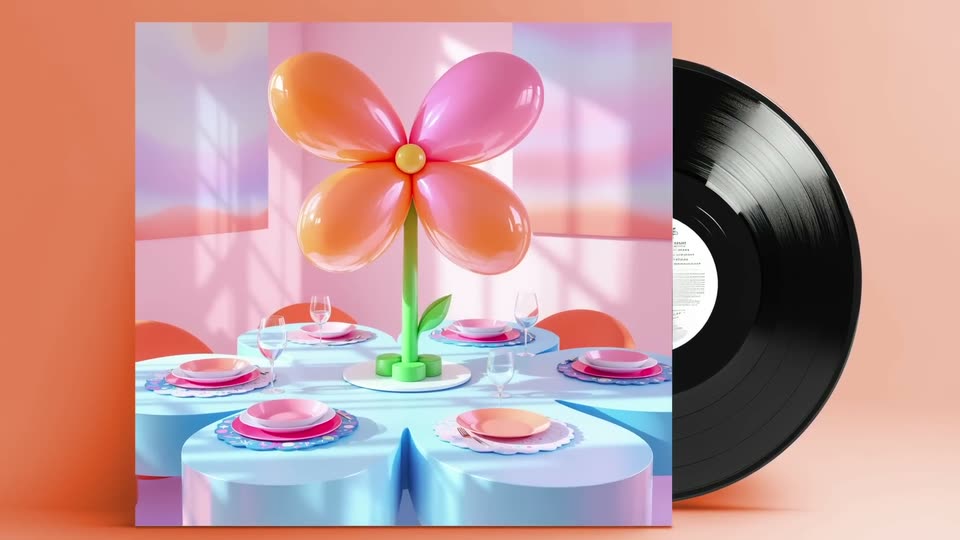 0:37–0:39Adobe · Adobe Firefly: The next evolution of creative AI is hereA 3D album cover with a balloon flower and a vinyl record sit on an orange gradient, framed by a thumbnail strip and two cursor arrows that vanish as the view zooms in to center the artwork.
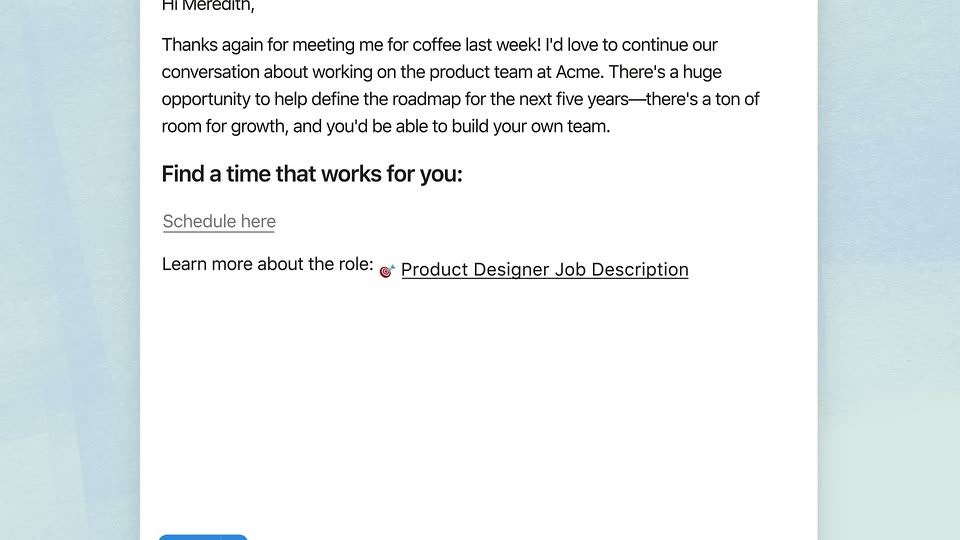 0:39–0:51Notion · Meet Notion MailA cursor drafts an email in the Notion Mail composer: AI text fills the body, a slash menu inserts a heading, and a page link is added. The camera zooms onto the Send button, and a large headline reads “It makes email beautiful”.
 1:19 · 0.8sGoogle · Introducing AI Mode: A New Experiment in Google SearchA defocused dark interface with colored light glows fills the frame while a sharp white word sits centered. The label scales from “research” to “plan” as the blurred search bars and suggestion pills drift and shift behind it.
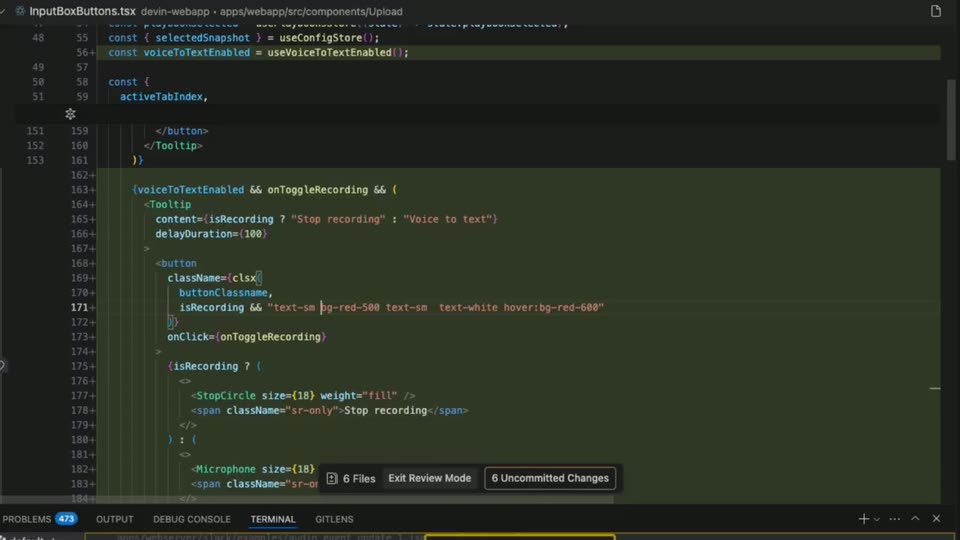 0:30–0:34Devin · Cognition - Introducing Devin 2.0: a new agent-native IDE experience. GenerallyA dark IDE window fills the frame with a file list on the left, a code diff in the center and a terminal below, a blue FOLLOWING DEVIN chip floating at the top. The view then zooms into the diff, tightening on a green-highlighted block of added code lines.
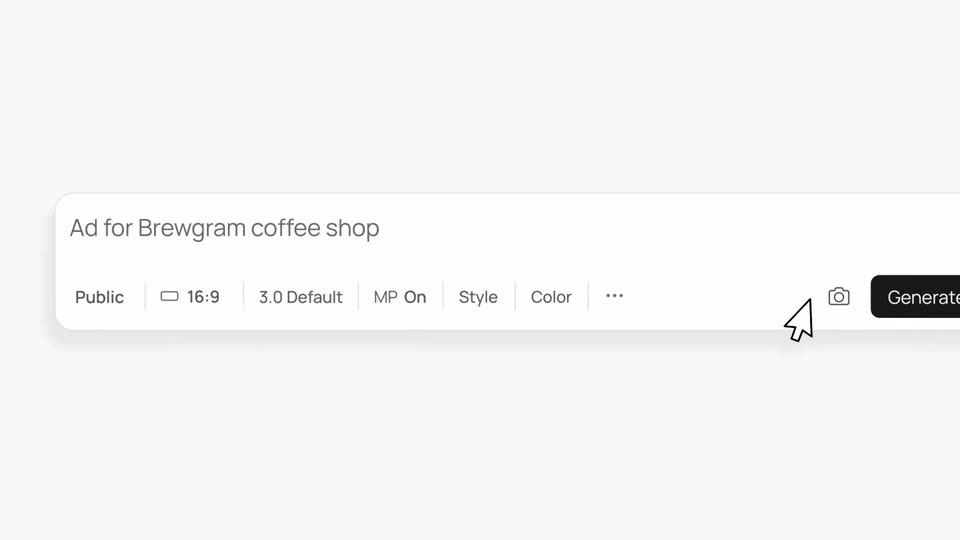 1:00–1:03Ideogram · Ideogram - Meet Ideogram 3.0 — stunning realism, creative designs, and consistenA white prompt panel fills the frame, the cursor hovers over the prompt text as it decodes into the coffee shop ad line. The panel then shrinks and recenters, the cursor moves to the Style control, and a column of generated photos slides in at the right edge.
 1:33–1:35Nexera · Web3 Explainer Video | Crypto Animation Video - NEXERAA row of dark feature cards sits in 3D perspective under a top light beam. The center card, labeled Bridges & Full Product Rollout, pulls forward as the side cards fade, then tilts and scales up to fill the frame.
 0:32–0:35Tempo · Introducing Tempo V2 - AI web design tool for designers and developersClose-up of a dark search bar with a row of icons. A hand cursor taps the brain and globe icons, a tooltip labels each, then an arrow cursor moves to the purple send button as the frame zooms in on it. A small headline scales in at the top.
 2:29–2:35Mastra · Mastra Demo - The Typescript AI Agent Framework (2024)A dark chat interface fills the screen with a circular webcam feed of a man in the bottom right. The view zooms into the input bar as a query is typed, then pulls back to reveal the sent message bubble and a new entry in the chat history.
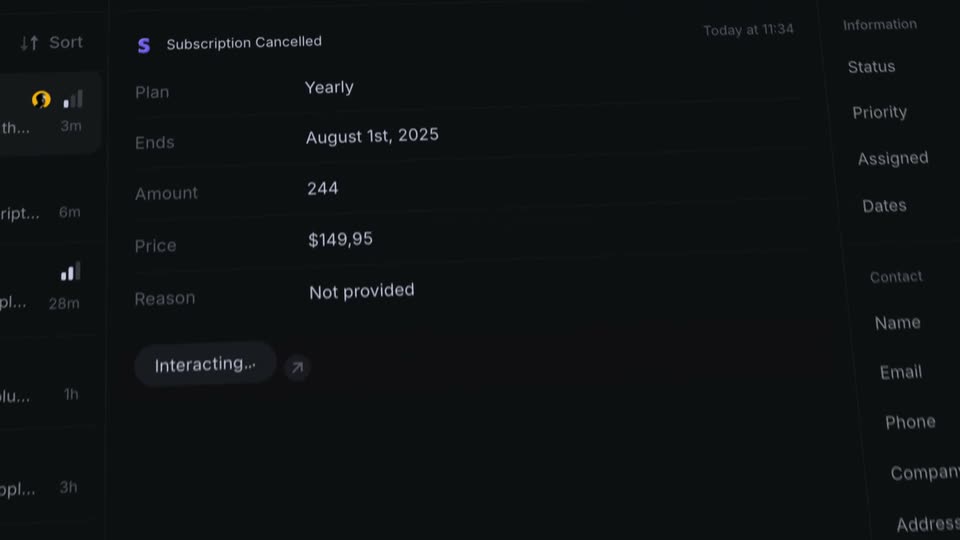 0:30–0:32Input Systems · Input - Meet Lemni. Set up Ai agents for all your customer interactions, in jA dark support app screen begins tilted in 3D with overlapping panels, then straightens as the camera pans to a customer detail list, scrolling down past plan and price rows to a drafted email to [email protected].