UI zoom
A zoom or reframe onto one part of the interface.
9,929 scenes · page 146 of 166
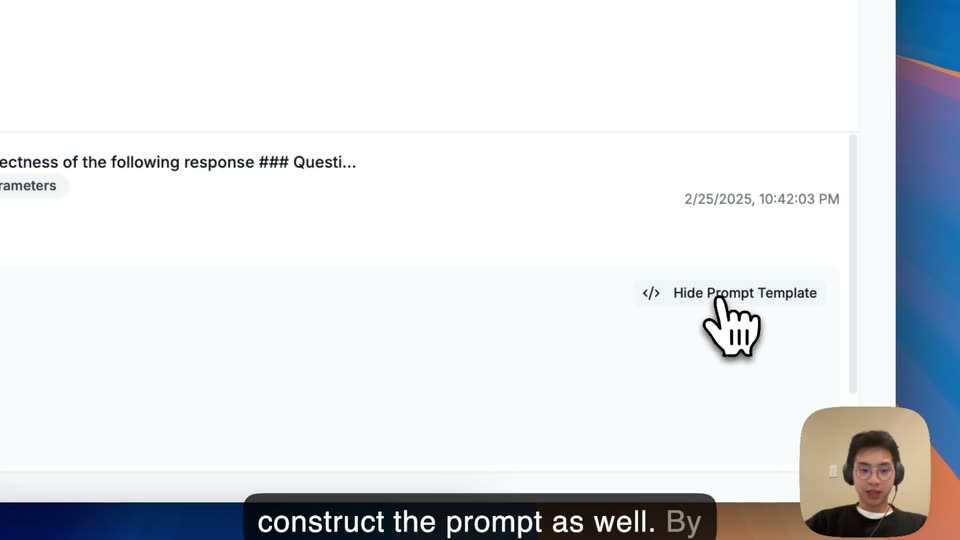 1:19–1:41Sublingual · Sublingual AI DemoA browser window shows the evaluation dashboard on a gradient desktop, with a webcam inset bottom right. The cursor taps the Correctness chip, then Evaluate All, and a 0% badge appears. Zooming in, the cursor clicks Show Prompt Template, highlighting the template in purple and the user input in green.
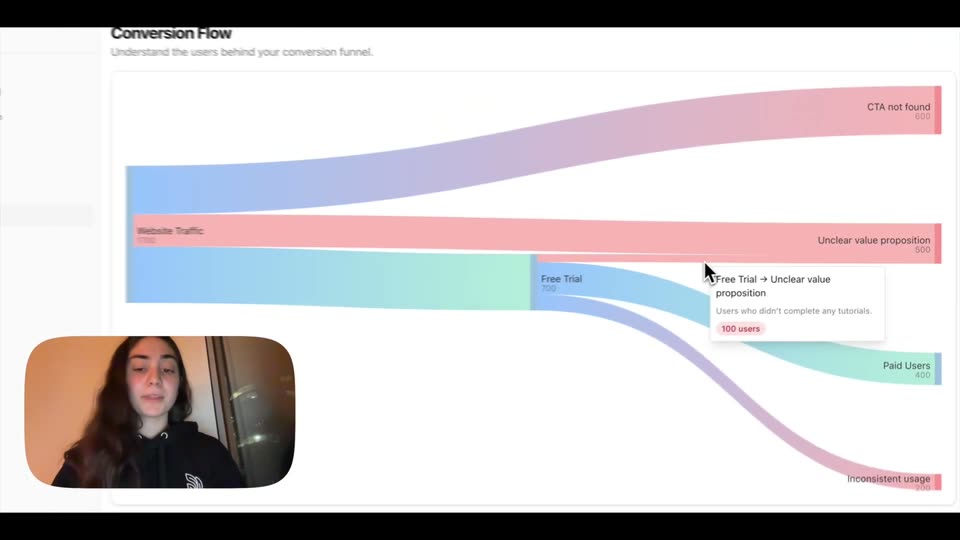 2:00–2:30Cedar · Cedar Demo 🌲A Sankey funnel in a white dashboard shows blue, teal, and pink flow bands. A cursor hovers over the bands, popping white tooltip cards with user counts as the view zooms out and back in. A presenter's webcam sits in a rounded box at bottom left.
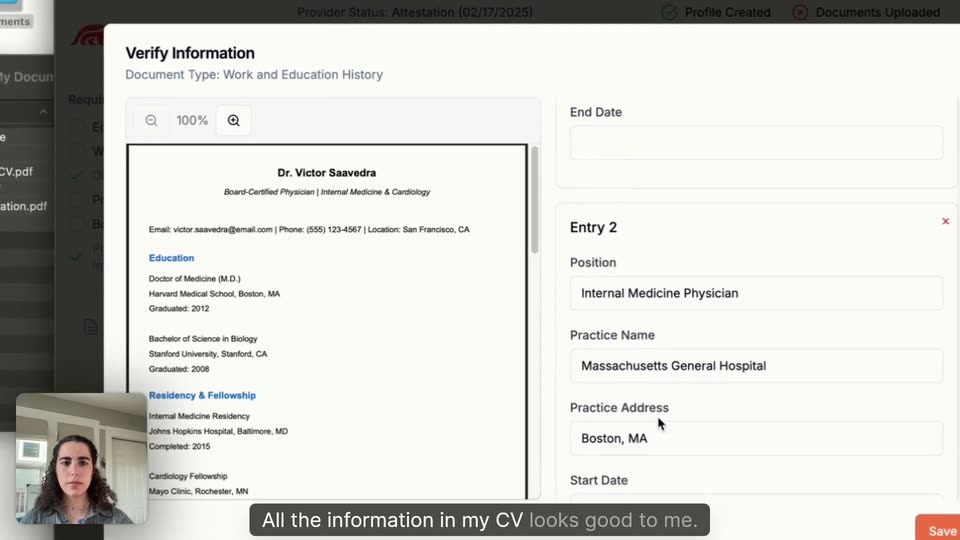 0:38–0:44Harbera · Launch YC: HarberaA browser window shows a verification form beside a CV preview, with a webcam inset of a woman in the corner. The view zooms into the modal as the form scrolls through work and education entries, while captions appear at the bottom.
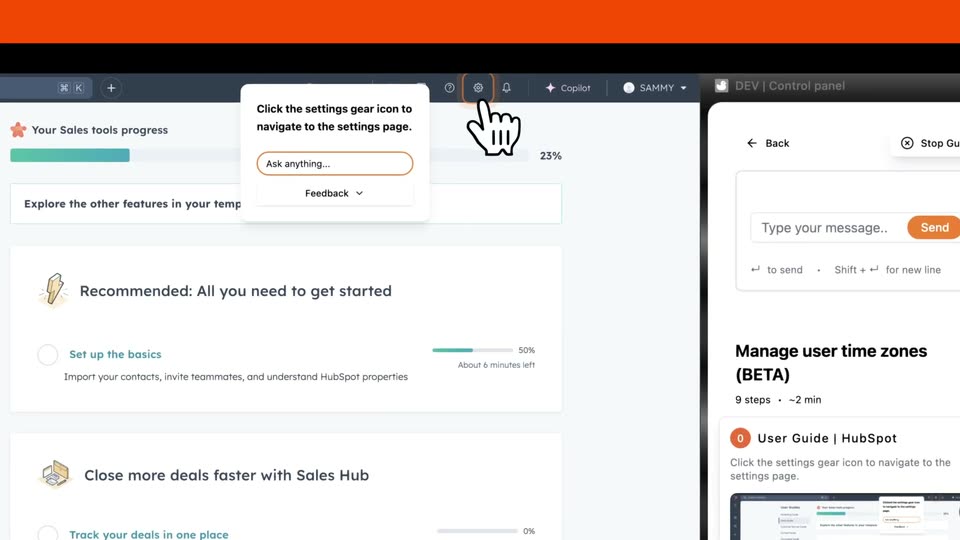 0:35–0:39SAMMY Labs · SAMMY Labs - Product TourA laptop mockup of the HubSpot dashboard sits on a glossy orange surface, then the view zooms into the top bar as a hand cursor taps the settings gear. A guided-tour panel on the right steps through the instructions.
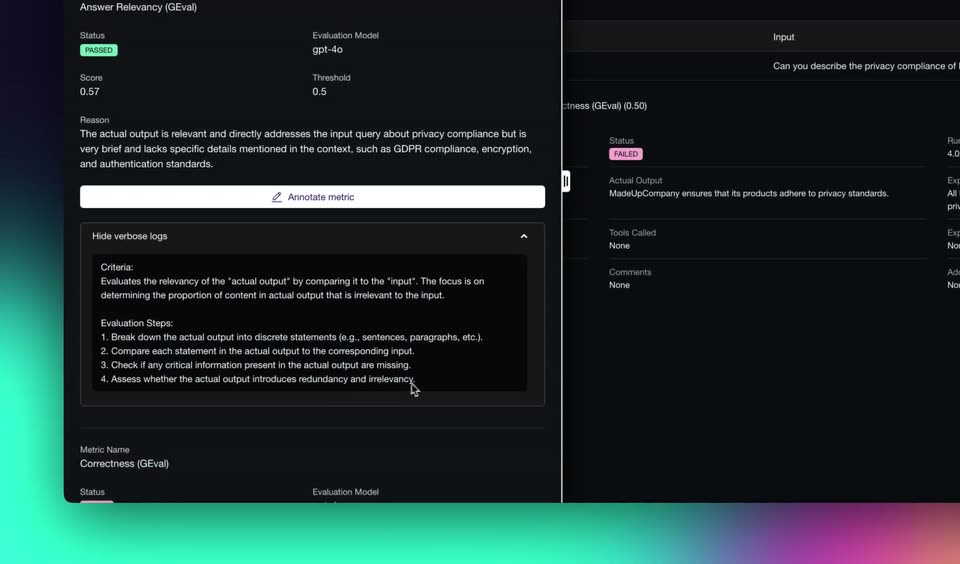 0:47–1:01Confident AI · Confident AI Launch YCA dark evaluation dashboard floats in 3D perspective over a teal-to-pink glow. A chart overlay fades into a failed test cases table; the cursor expands a row, zooms in on highlighted input and output text, then clicks View test case details, sliding a metrics panel in from the left.
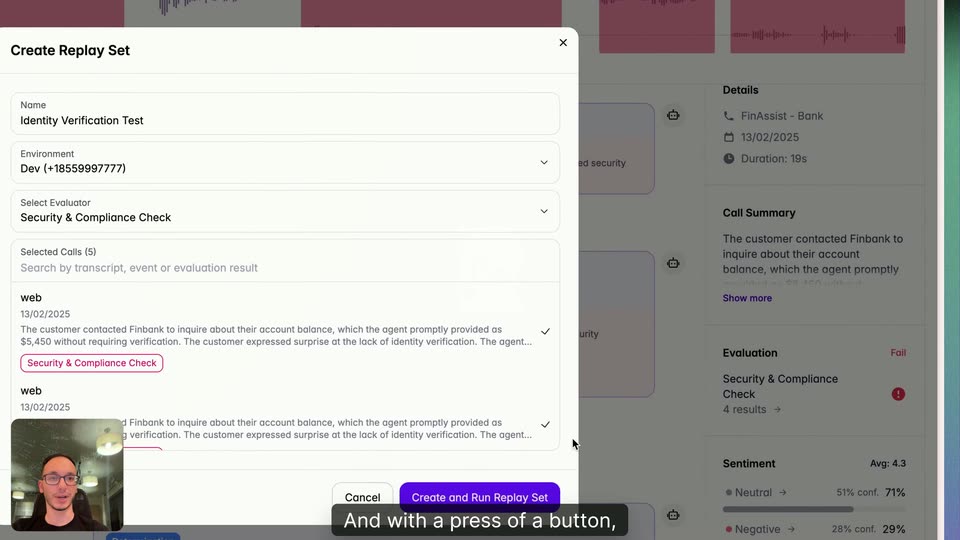 1:59–2:06Roark · Roark (YC W25) - DemoA Create Replay Set modal overlays a dimmed dashboard. A cursor opens the evaluator dropdown, selects Security and Compliance Check, then clicks the purple Create and Run Replay Set button as the frame zooms out to the full app. A small presenter webcam sits in the corner.
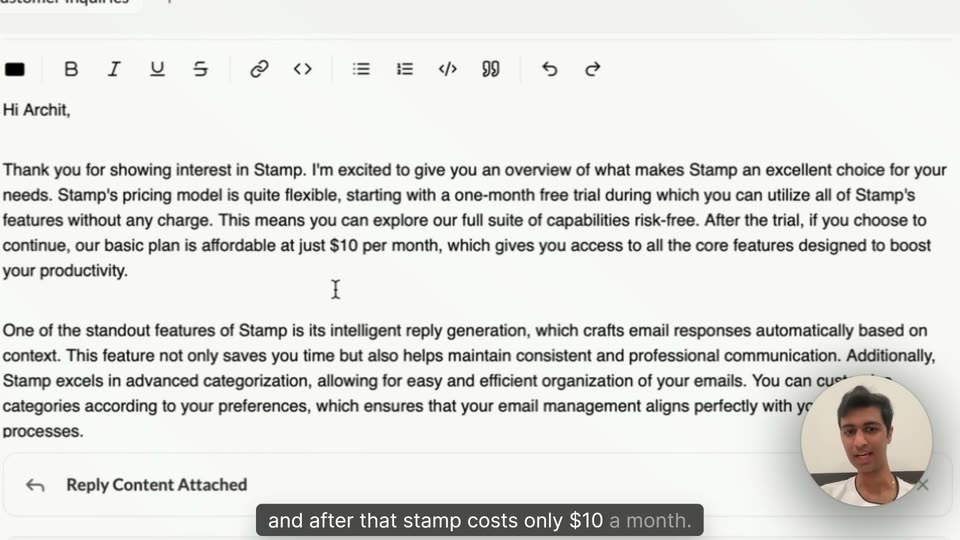 2:19–2:26Stamp · Introducing Stamp: The AI Native Email ClientA close-up of an email draft in the app's editor shows a blinking caret as captions roll in at the bottom. The view zooms out to reveal the full inbox app with sidebar and action items panel, a circular webcam feed of a man in the corner.
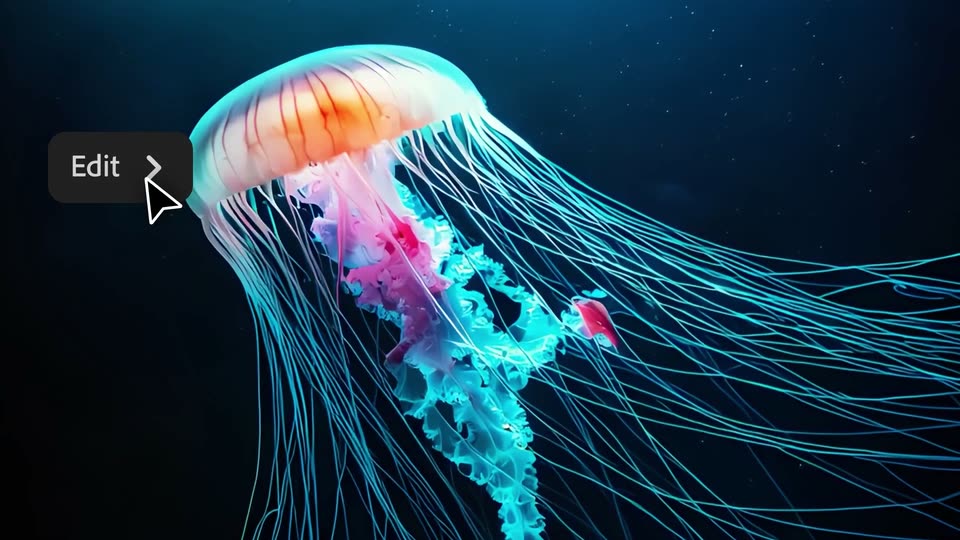 0:42–0:45Adobe · Meet Firefly Video Model | AdobeA glowing jellyfish drifts on a dark blue field as white headlines swap phrase by phrase. The frame then pulls back to reveal the image inside a Photoshop web window, with an Edit menu and a cursor on the left.
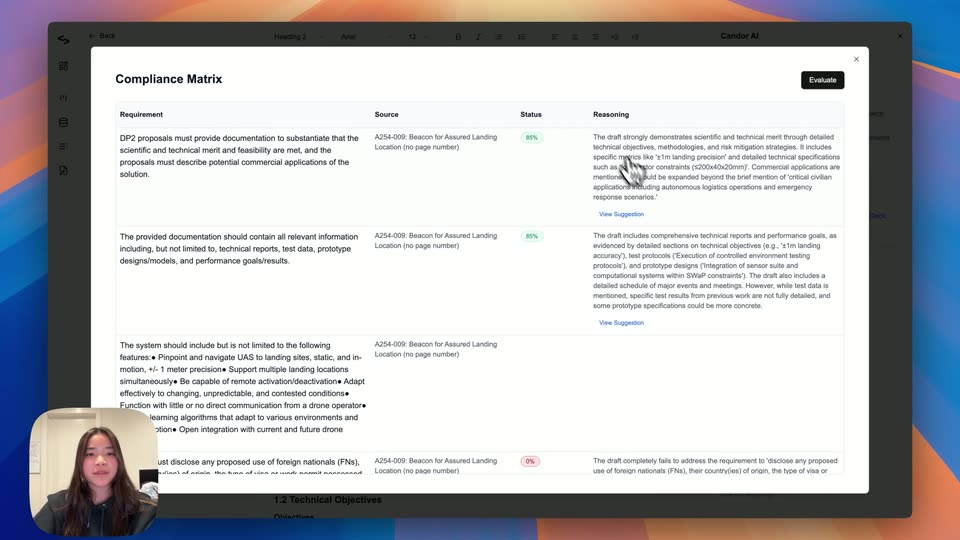 2:21–2:32Candor · Candor (YC W25) Demo || Win Government Funding With AIA screen recording of a document editor's Compliance Matrix. The cursor clicks Evaluate, and 85% and 0% badges with reasoning text fill the rows. The cursor clicks View Suggestion, opening a Suggested Changes card, and the view zooms in on it. A small webcam window sits in the corner.
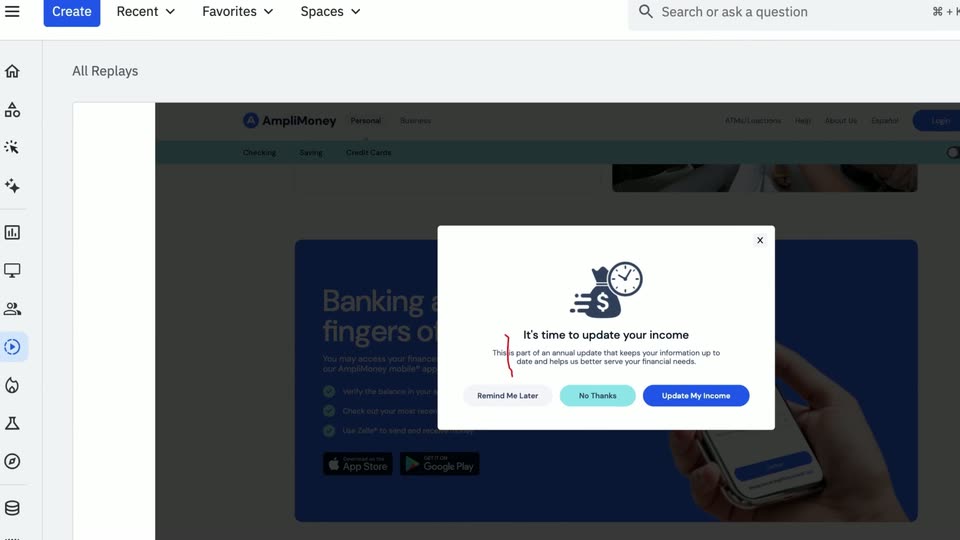 1:54–1:56Amplitude · Amplitude Guide and Survey OverviewA desktop app window plays back a session replay of the AmpliMoney website, its centered modal dialog prompting an income update. The frame pulls back to reveal the top toolbar and the left icon rail.
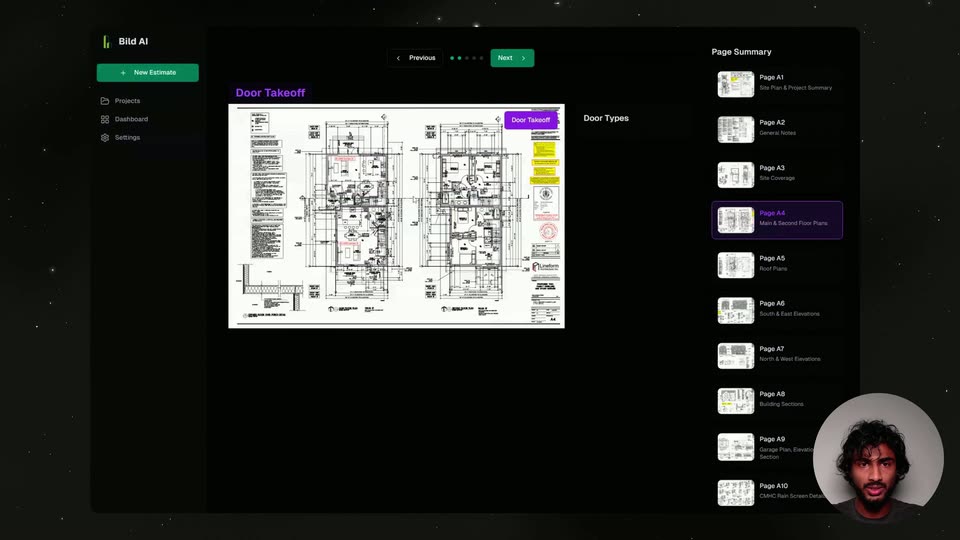 0:49–0:54Bild AI · Read Blueprints Using Bild AIOn a dark dashboard, a floor plan with colored area overlays and a legend sits beside a page list. A cursor clicks Next, the plan swaps to a door takeoff view with magenta markers, and the camera zooms into the plan.
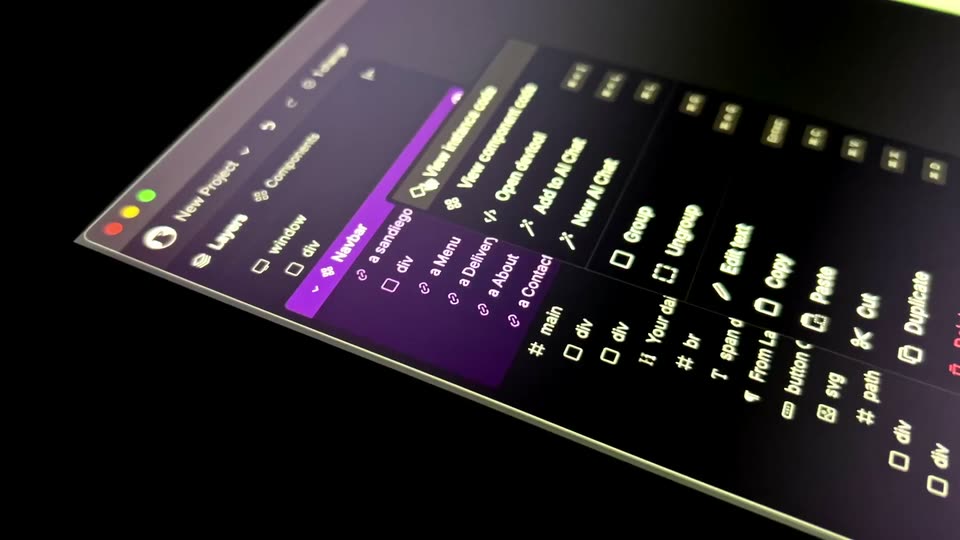 1:03 · 0.5sOnlook · Onlook - The Open-Source Cursor for DesignersA tilted 3D close-up of the Onlook design interface on a laptop screen, a glossy light streak gliding across the glass, then the camera pulls back to reveal the full laptop sitting on a dark desk with a pink glow.
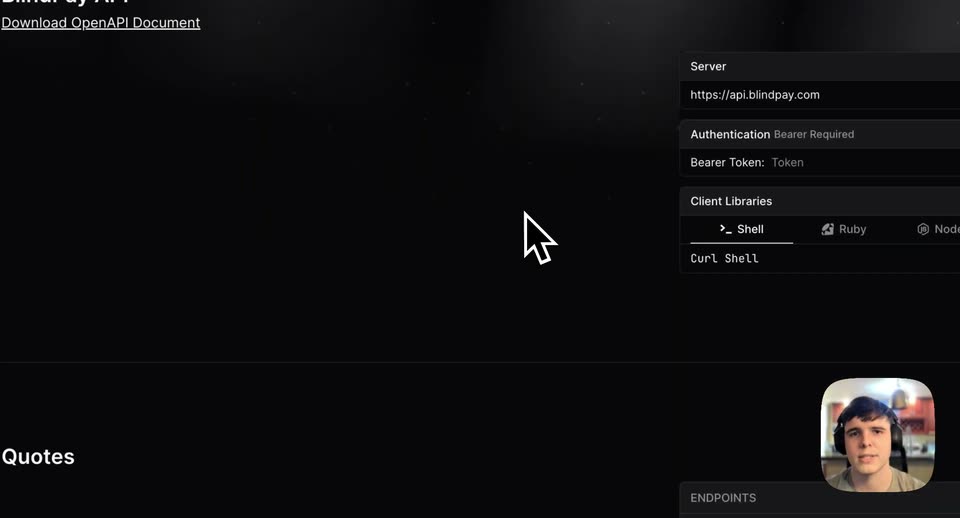 1:25–1:28BlindPay · BlindPay - DemoA dark API reference screen opens as a tight close-up on the server and authentication panel, the title ghosting at left. The view then pulls back to reveal the full documentation page, sidebar and endpoints, tilted in 3D against a dark abstract background, with a streamer facecam pinned in the corner.
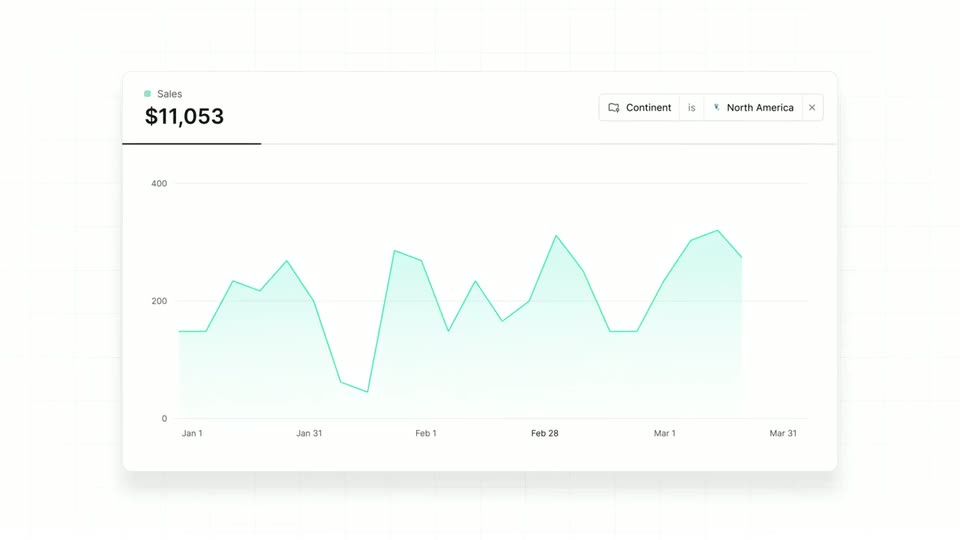 0:25–0:27Dub · Dub.co - Introducing Dub Conversions 📈 Track how your clicks convert to signuA white analytics card on a faint grid shows a teal area chart drawing in while the Sales figure counts up. A 'Continent is North America' filter chip starts large at center, then shrinks into the header as its close icon scales in.
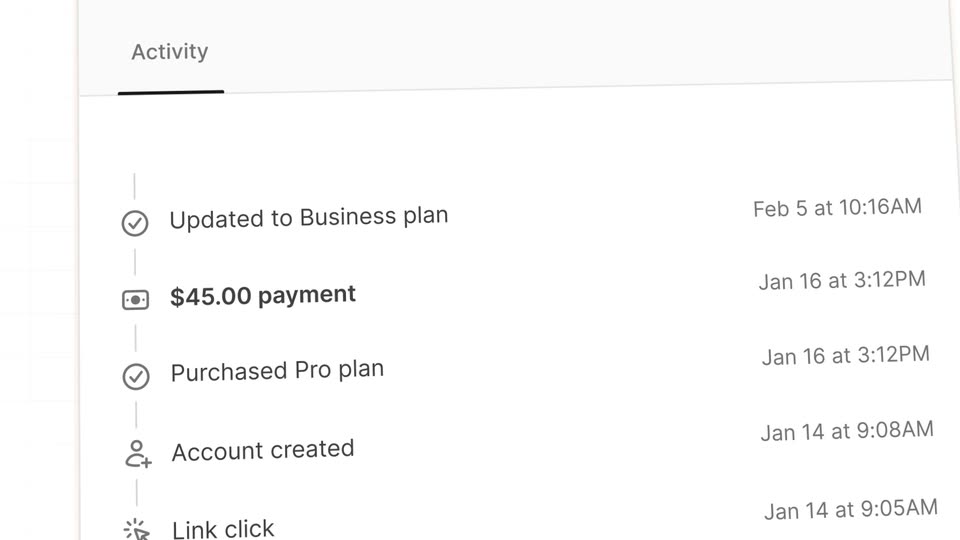 0:28–0:33Dub · Dub: conversionsA slightly tilted contact card on a faint grid scrolls down, then the view zooms into the activity timeline, enlarging the entries before reframing on the full list with dates on the right.
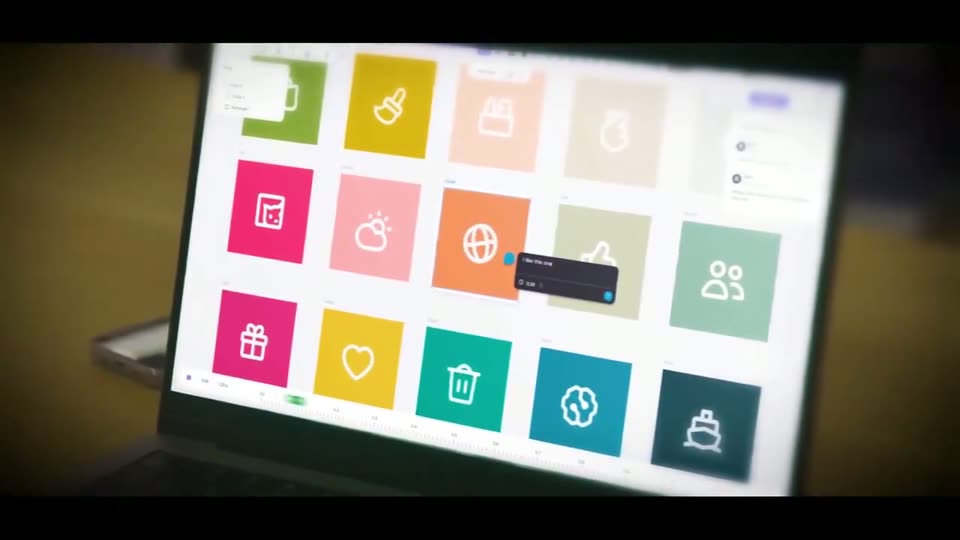 1:02–1:06Lottielab · Lottielab - After months in public beta, we’re thrilled to announce that LottielaA grid of colorful line-icon tiles fills a screen, the orange globe tile selected with corner handles. A dark comment tooltip slides out beside it as the camera pulls back from a tight macro to reveal the tilted display and a phone on the desk.
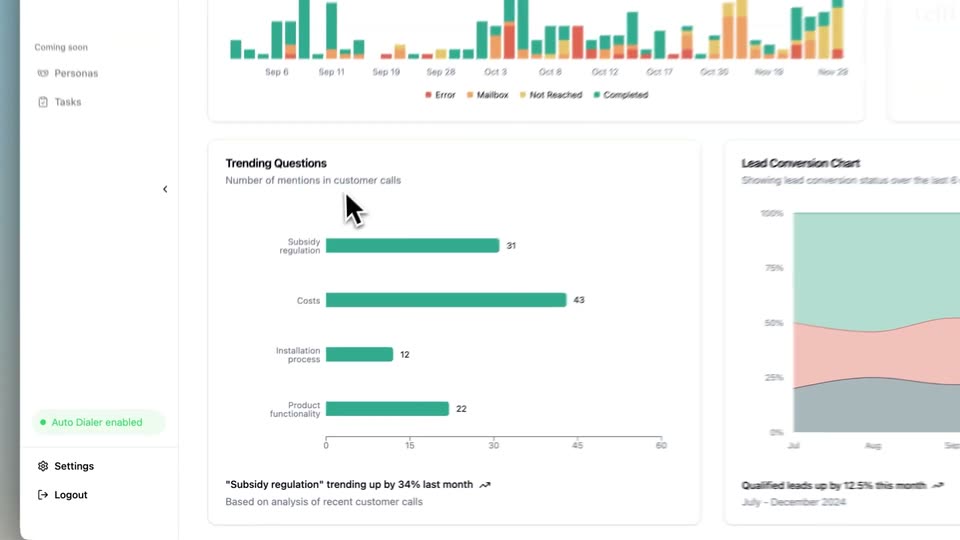 1:39–1:50telli · Launch YC - telli - outbound call automation for B2C companiesThe telli dashboard sits tilted in 3D against a soft gradient. The view zooms into the bar chart, the lead conversion chart and the trending questions chart in turn, a cursor hovers over each to pop a data tooltip, then the frame pulls back to the full screen.
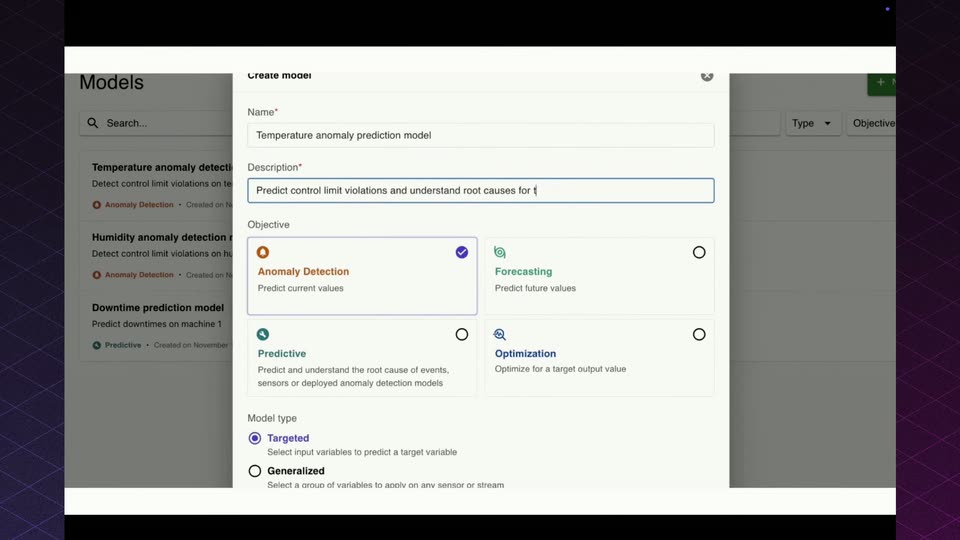 1:28–1:36Vortexify · Praxis AI LaunchA white Create model dialog sits over a Models list. Text types into the Name and Description fields, the objective radio switches from Anomaly Detection to Predictive, and a cursor clicks the green Create model button as the view zooms out.
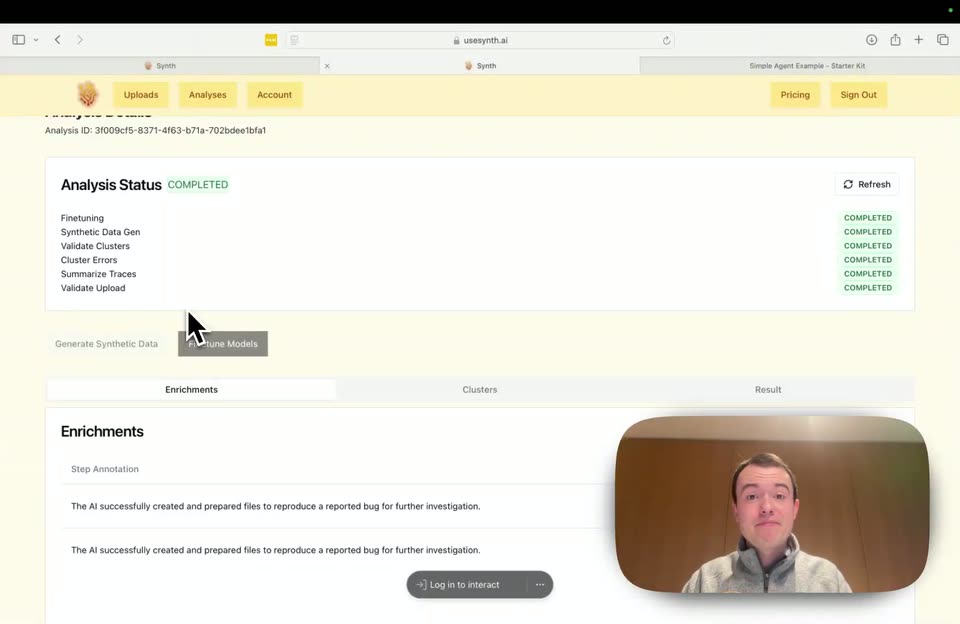 1:24–1:48Synth · Synth AI YC LaunchA web dashboard shows an Analysis Status list with all steps marked completed, above tabbed panels for Enrichments and Clusters. A presenter talks and gestures in a small rounded video window at bottom right. The cursor clicks the Clusters tab and the view zooms to a table of annotations.
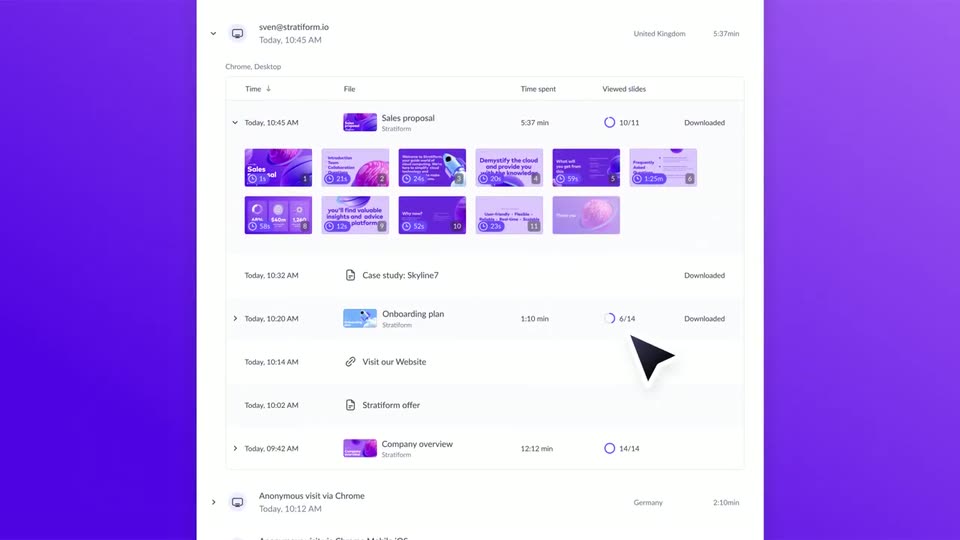 1:00–1:08Pitch · Pitch - Pitch is now more than just presentation software — it’s a complete pA white activity panel sits on a purple gradient. A cursor clicks a visitor row, which expands to reveal a file table and a grid of purple slide thumbnails. The view zooms in, then blurs as the headline appears.
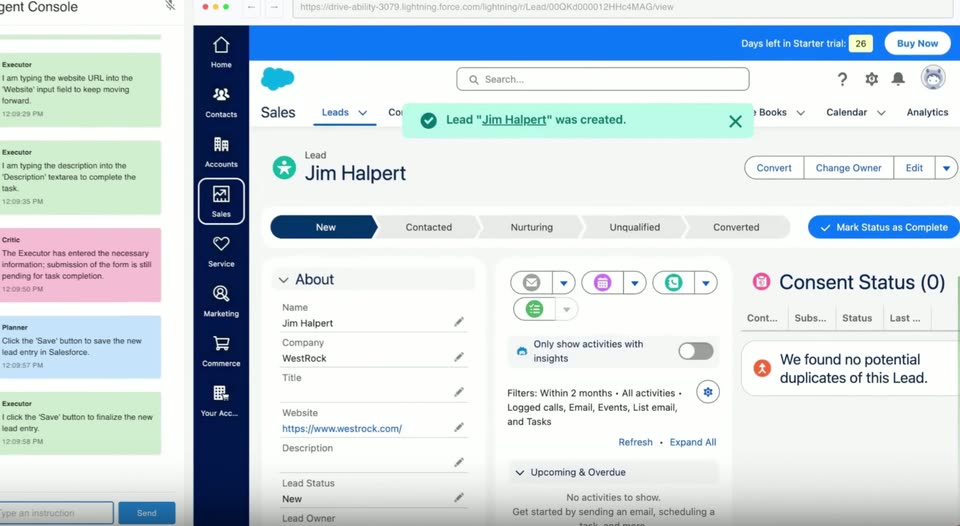 2:24–2:25Kura AI · Kura CRM demoA split view pairs an Agent Console step log on the left with a CRM lead page on the right. The shot opens zoomed and blurred on the lead page, then pulls back into focus to reveal both panels and a green toast confirming the new lead.
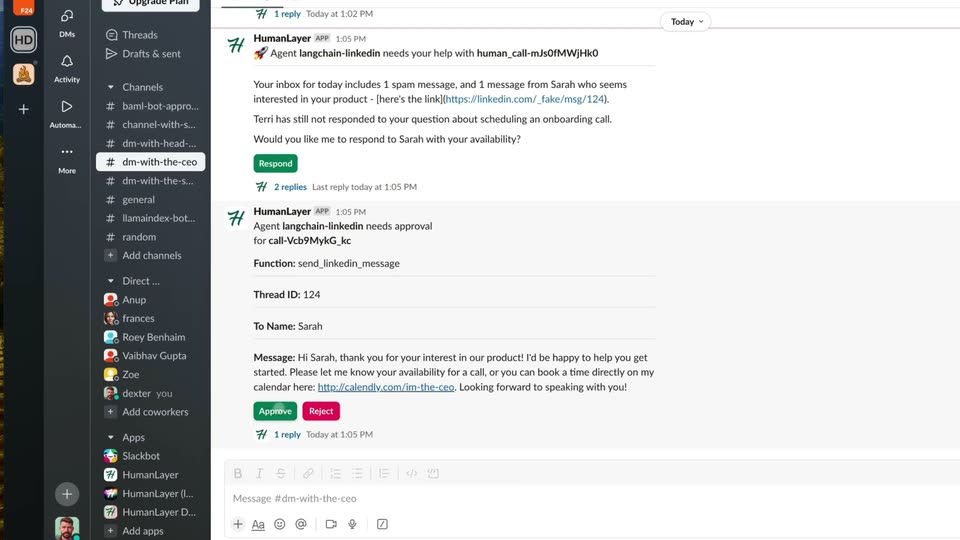 1:59–2:03HumanLayer · HumanLayer Deep DiveA split view of a Slack workspace and a code editor reframes onto the Slack thread. A cursor clicks the Approve button on a message request, and the thread updates from one reply to two.
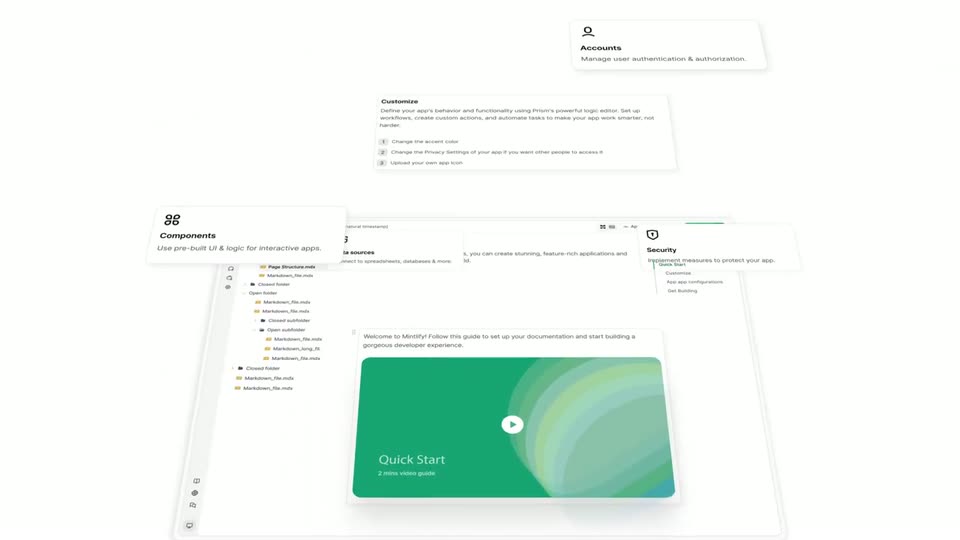 0:29–0:30Mintlify · Mintlify - Introducing our new Web Editor! You can now create, edit, and publisA 3D field of floating documentation cards fills a white space, the central Quick Start panel with a green video thumbnail in focus. The camera pushes in, reframing onto that panel as blurred foreground cards drift past at different depths.
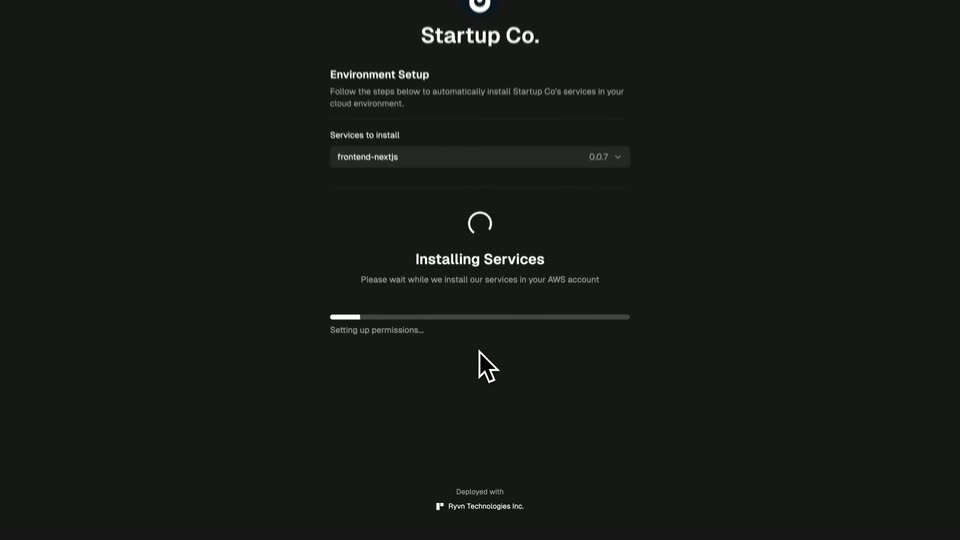 1:27–1:29Ryvn · Ryvn | On-prem deployments, without the stressA dark deployment page is shown. The frame opens zoomed on the installing section, a spinner and a partly filled progress bar, then zooms out to reveal the page header with the Startup Co. logo, an Environment Setup heading and body copy. A cursor icon rests over the page.
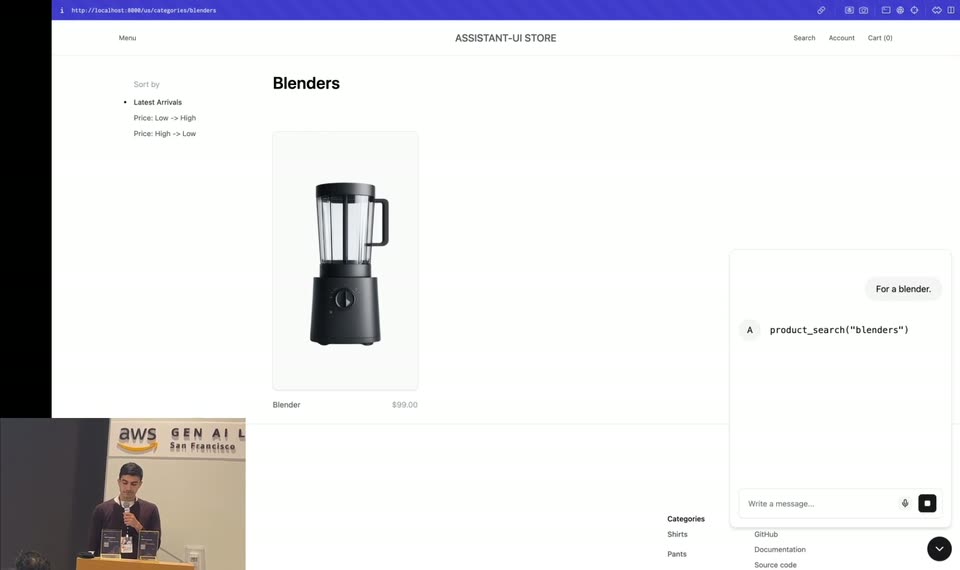 3:17–3:19assistant-ui · assistant-ui | AWS GenAI Loft DemoA browser window shows an e-commerce store. A right-side chat panel holds the message 'For a blender.' and the assistant call product_search. The main view crossfades from a four-item grid to a single Blender detail page with color swatches. A small presenter video sits bottom-left.
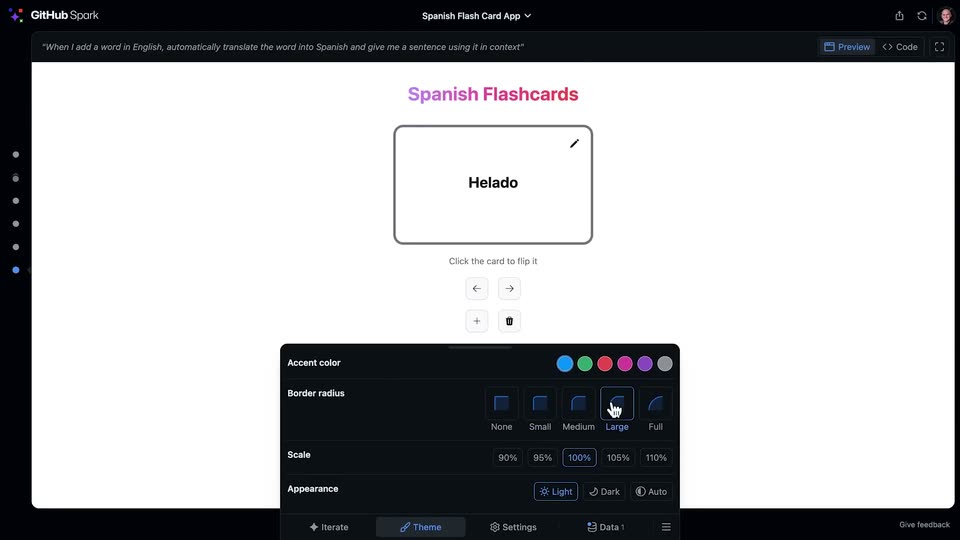 0:59–1:03GitHub · What is GitHub Spark? Introducing a brand new way to build powerful, AI assisted applicationsThe clip opens zoomed into a dark theme panel, then reframes to the whole flashcard app, a pink title above a card reading Helado. A cursor moves across border radius and scale controls in the panel.
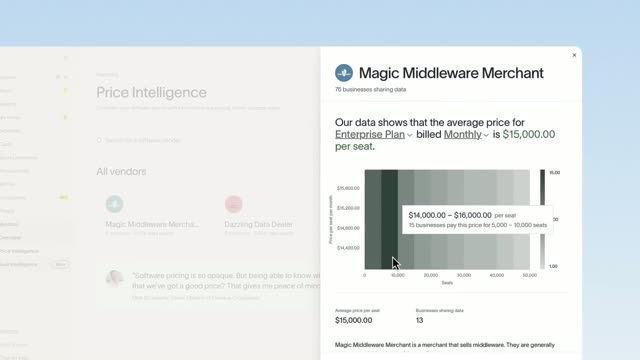 1:52–1:53Ramp · Meet Ramp: A smart finance operations platform that saves you time and moneyA dashboard screen shows a vendor pricing panel on the right; the view zooms into the panel while the background app slides left. A cursor hovers over the distribution chart, revealing a price-range tooltip.
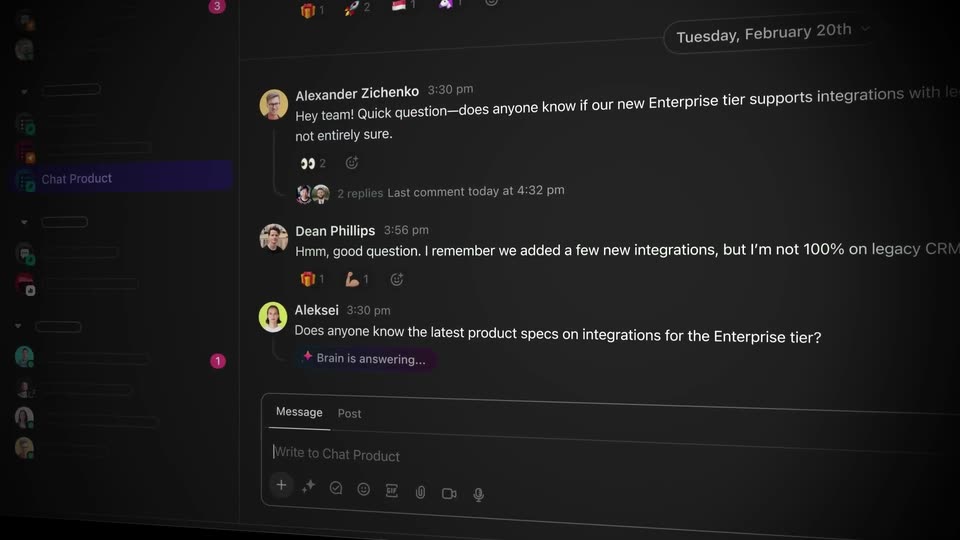 1:05–1:09ClickUp · Introducing ClickUp ChatA dark team-chat screen, tilted in 3D perspective, fills the frame. A thread of three user messages settles into view, then a purple sparkle pill appears under the last question and flips to a replied state as the view reframes right to expose an AI answer panel.
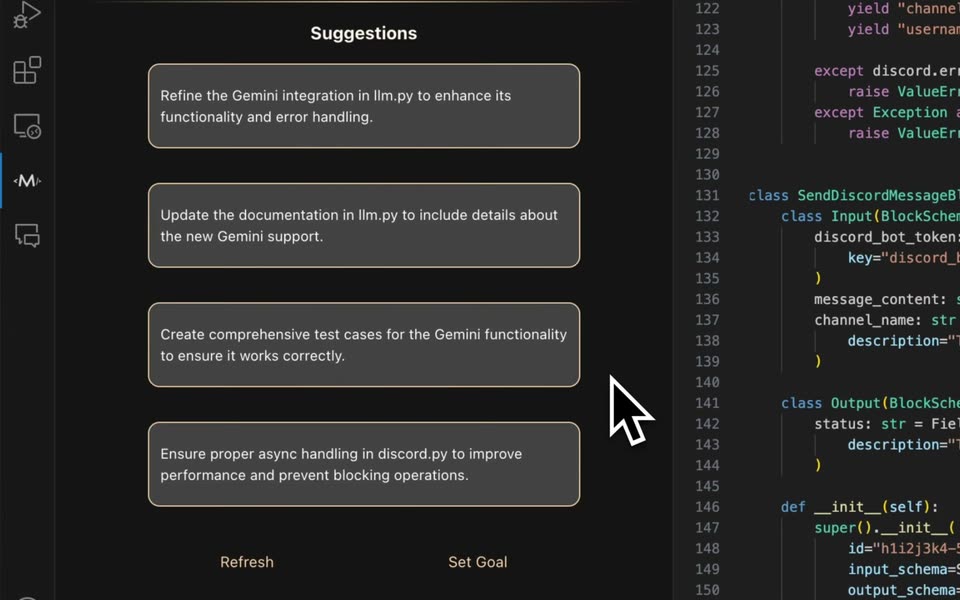 1:28–1:34MagiCode · MagiCode: Your Proactive Pair ProgrammerA laptop in 3D perspective on a blue and pink gradient zooms into its screen, revealing a Suggestions panel with four cards. A cursor moves down and hovers the last card, then the view pulls back to the laptop.
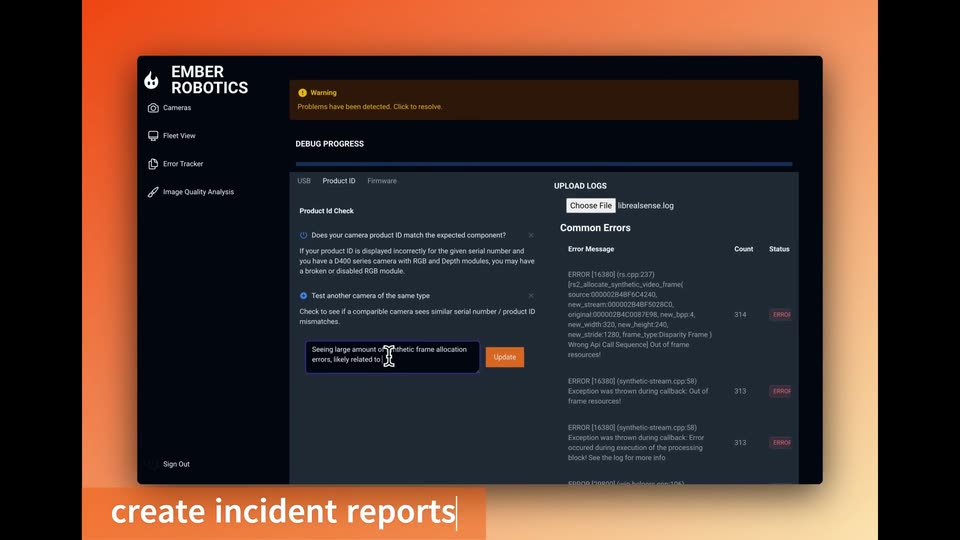 0:28–0:37Ember Robotics · 🔥 Introducing Ember Assistant 🔥- Robotics Camera System Assistant!A dark Ember Robotics dashboard on an orange gradient shows a cursor uploading a log, scrolling the error list and typing a note, with a caption reading parse logs then create incident reports. The view zooms into the notes box before the cursor clicks Update.
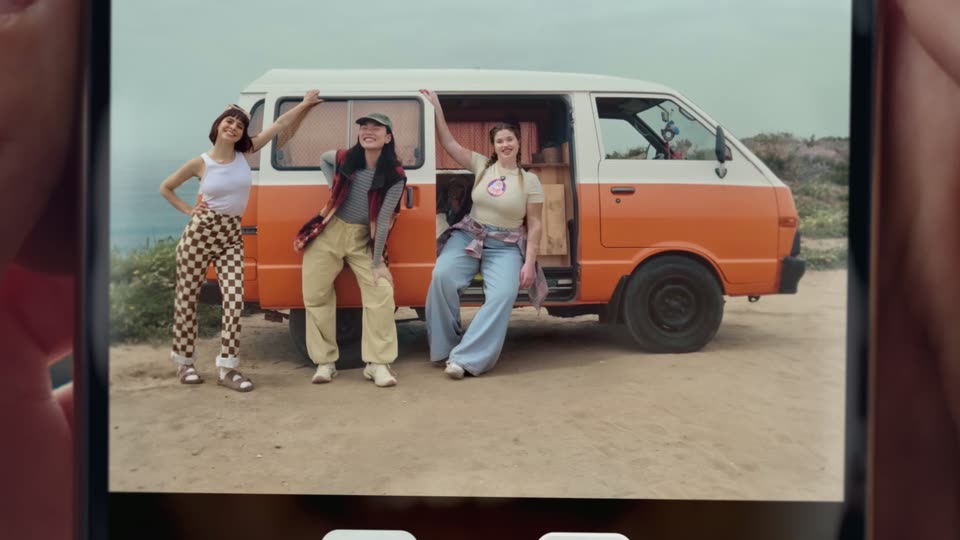 2:29–2:31Google · Meet Google Pixel 9 and Pixel 9 Pro With Gemini | The Best of Google AITwo hands hold a phone showing a camera app: a photo of three women by an orange van, a red selection frame and a Take photo button. The chrome drops away, the photo zooms to fill the screen, then cuts to the live shot of the same women posing by the van.
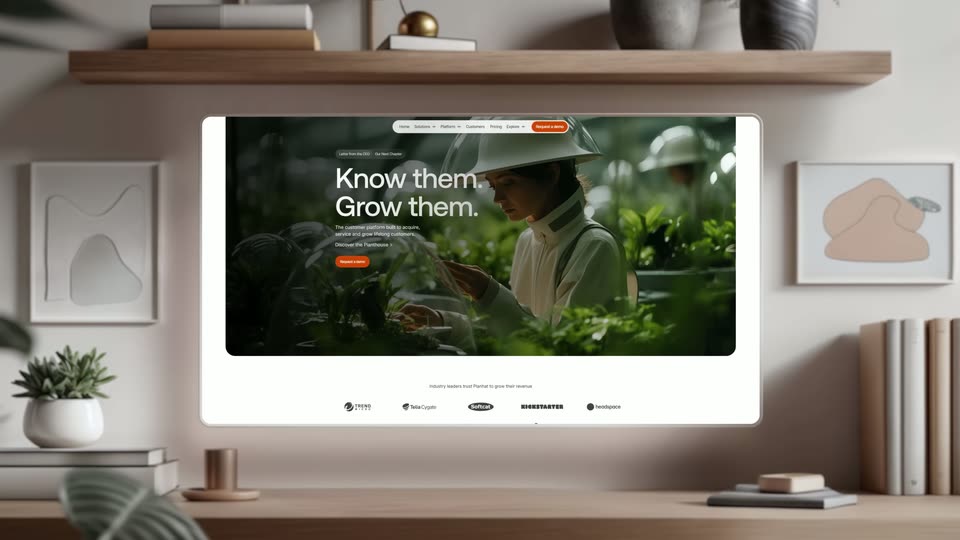 0:45–0:47Framer · Framer Design: Design on an intuitive CanvasA 3D desk set with shelves, plants and a monitor showing a website hero of a worker in a hard hat. The camera pushes into the screen as the page scrolls down, revealing a grid of client logos and the heading One customer platform. Everyone's business.
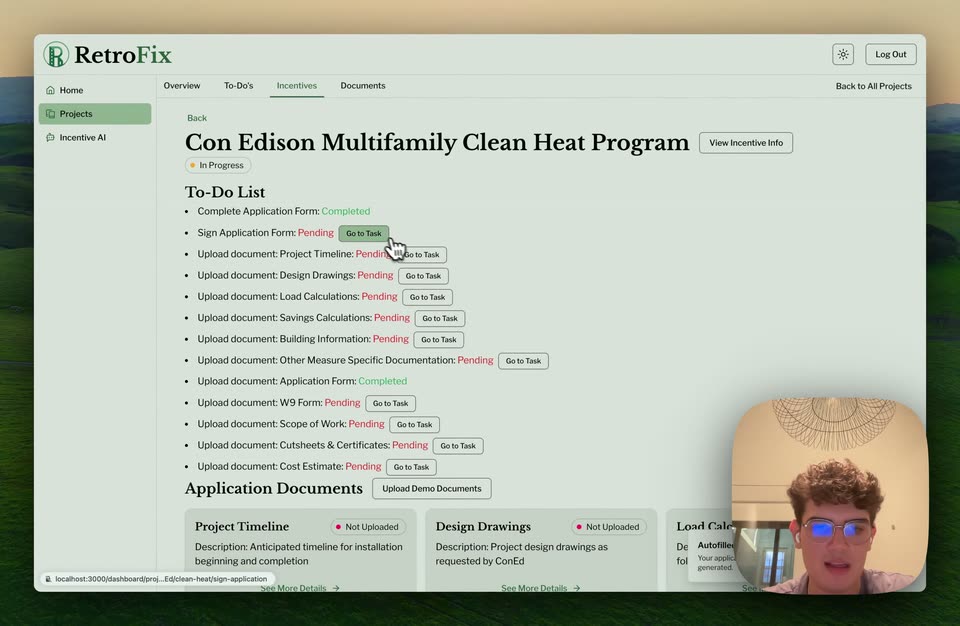 1:39–1:42RetroFix · RetroFix Product DemoA screen recording of the RetroFix dashboard plays with a presenter's video call inset bottom right. The view starts zoomed into a grid of document cards, then pulls back to the full project page and to-do list, where a hand cursor hovers over a Go to Task button.
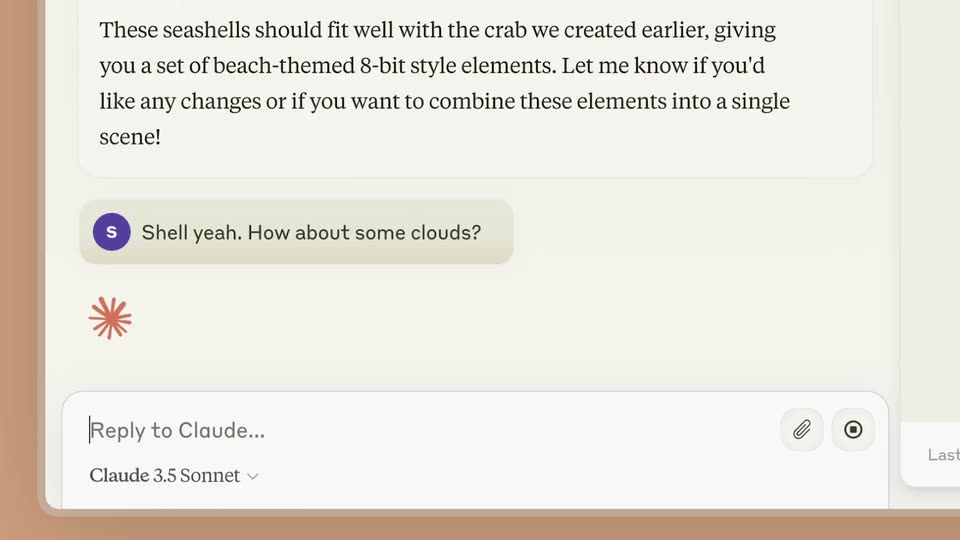 0:29–0:31Anthropic · Claude 3.5 Sonnet for sparking creativityA cream chat panel shows a user bubble and an orange spinner; the frame jumps up to the header showing the conversation title, then settles back as the assistant's reply text fills the white card.
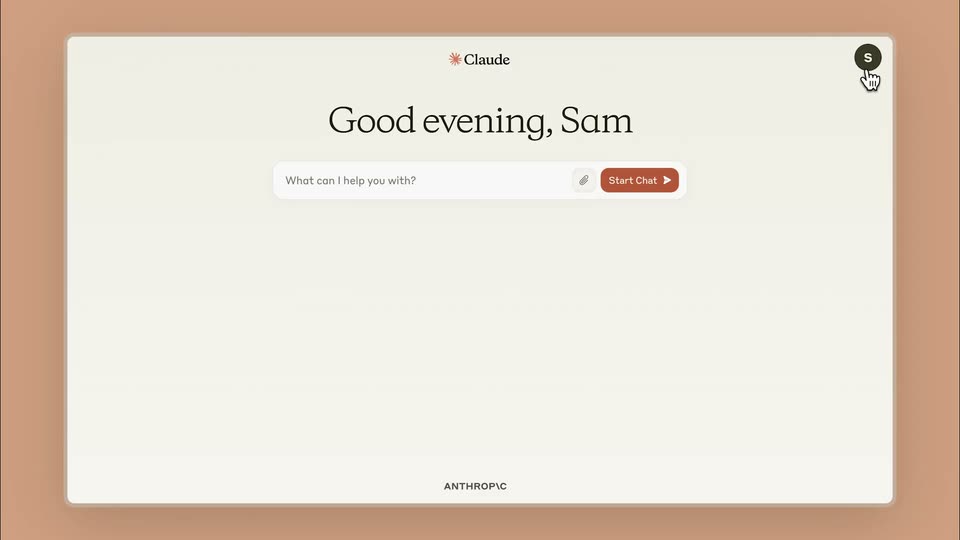 1:14–1:16Anthropic · Anthropic - We're also launching a preview of Artifacts on You can ask Claude toA cream Claude home screen on a tan backdrop shows the Good evening, Sam greeting and an input bar. A cursor moves to the profile avatar top right and clicks it, opening a dropdown menu as the frame zooms in.
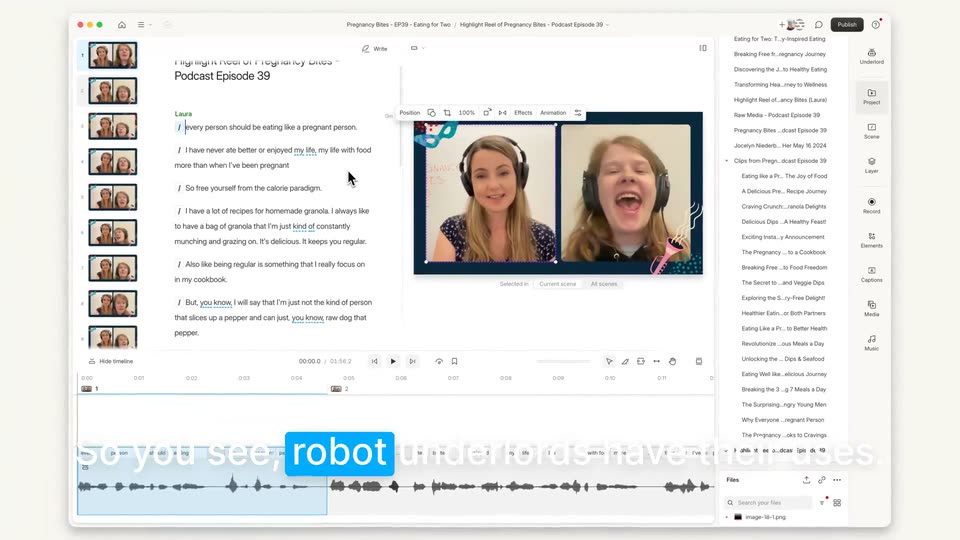 2:36–2:40Descript · Descript - Today, we're launching Descript's new AI assistant editor, Underlord.Screen recording of the podcast editor, starting zoomed on the transcript and preview window, then pulling back to the full interface. A clip of two women with headphones plays while a white caption slides in at the bottom, a blue box hopping word to word with the voiceover.
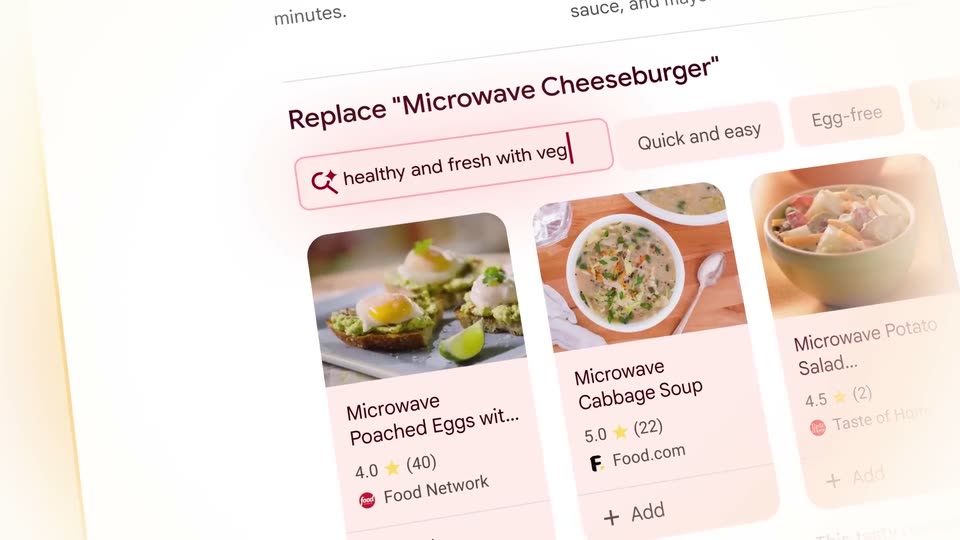 0:40–0:43Google · Search in the Gemini era | Google I/O 2024A tilted 3D view of a meal-planning app zooms in on a recipe-replacement panel as the query 'healthy and fresh with veg' types out letter by letter in the search bar.
 0:32–0:34Frame.io · Frame.io - It's here. The all-new Version 4. Now in beta.A dark details panel fills the frame on a rating row. A circular cursor slides to the fifth star, which fills yellow, then the camera zooms out to a grid of media cards showing thumbnails, filenames and metadata.
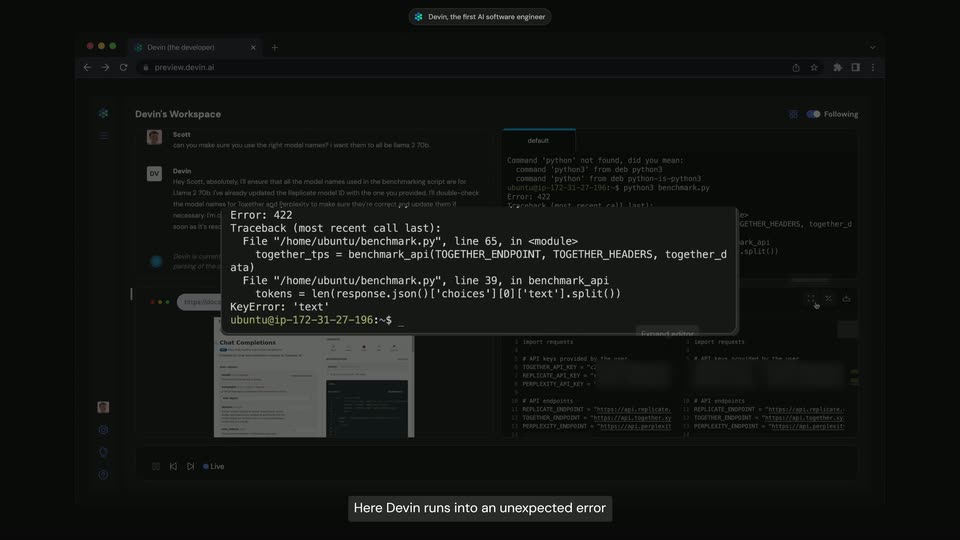 0:50–0:58Cognition · Introducing Devin, the first AI software engineerDevin's Workspace fills a dark browser window, a chat log left, terminal and benchmark.py editor right. The camera zooms into the terminal where a KeyError traceback now sits, a caption fades in below, then the frame pulls back to the full workspace.
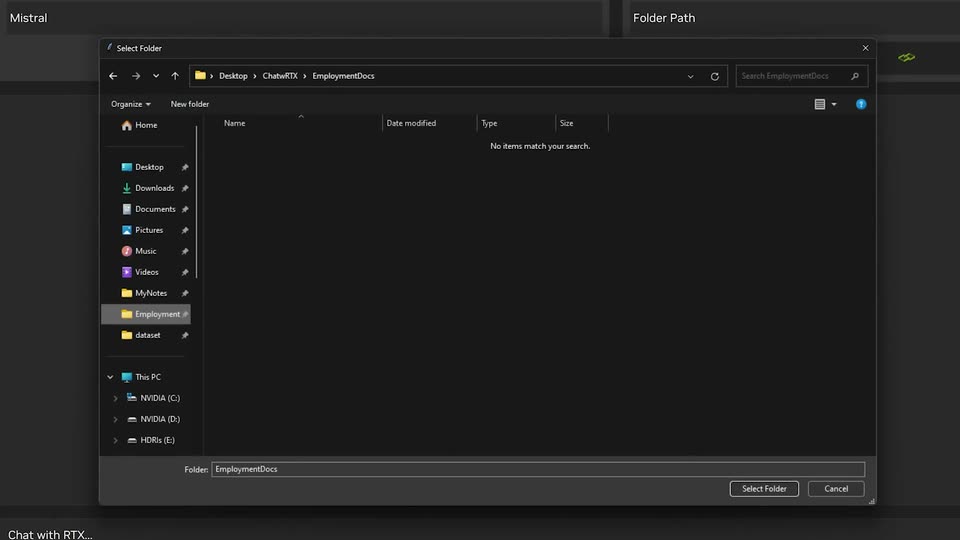 0:44–0:49NVIDIA · Create A Personalized AI Chatbot with Chat With RTXA dark screen recording of the Chat with RTX app. The frame reframes onto the dataset panel as a cursor clicks the edit icon, a file picker opens, the EmploymentDocs folder is chosen, and the folder path updates.
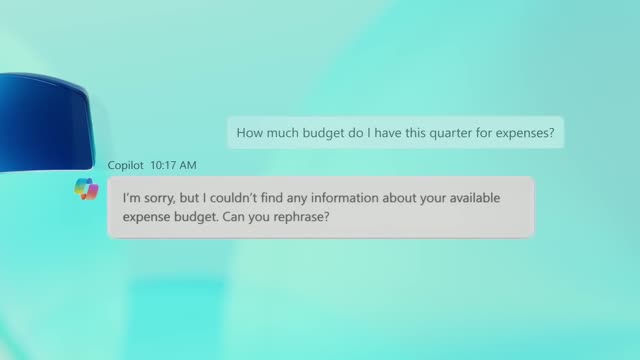 0:47–0:49Microsoft · Introducing Microsoft Copilot Studio | Your Copilot, Your WayA Copilot chat thread floats on a soft teal gradient. A user bubble asks about the quarterly budget and a Copilot bubble replies it found no information; both slide into place as a dark device edge enters from the left.
 1:09–1:11Microsoft · The new Microsoft Planner: Manage all your tasks and plans in one simple, familiar experienceThe gradient word Scalable holds centered on a pale background, then the Planner interface zooms in behind it, bringing the top toolbar and a cursor into frame.
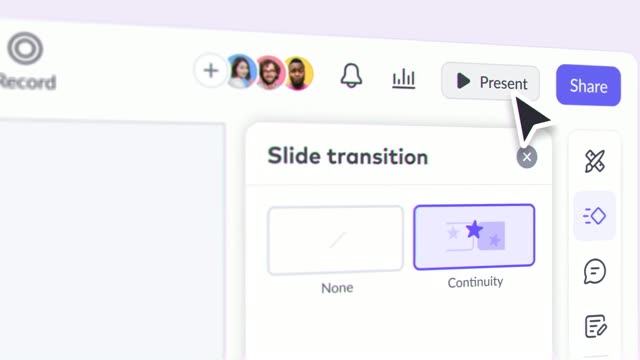 0:57–0:59Pitch · Introducing Pitch 2.0A close-up of a presentation editor shows the slide transition panel with Continuity selected. The cursor moves from the option to the Present button and clicks, then the view pulls back to reveal the full window and the blue slide text.
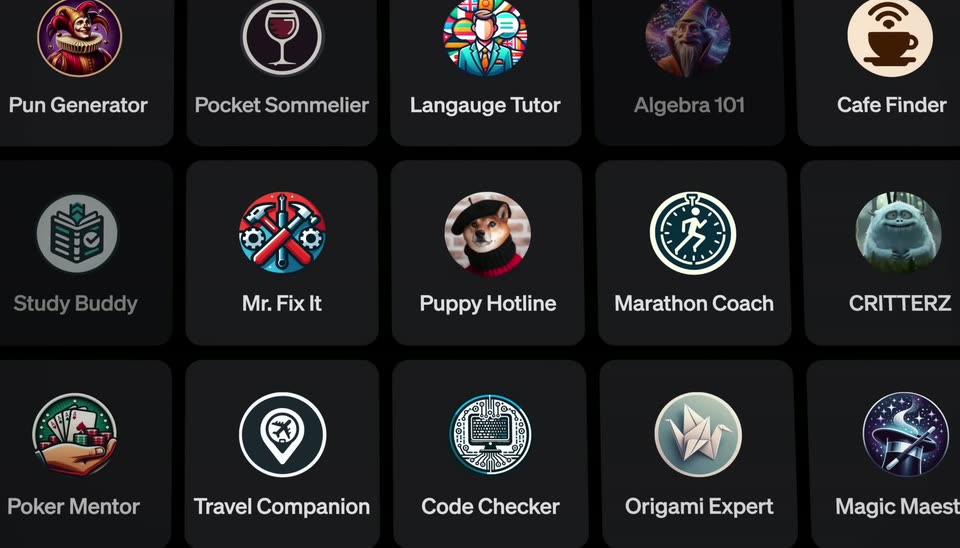 1:00–1:02OpenAI · Introducing GPTs in ChatGPTA dark grid of app tiles opens in close-up on the Puppy Hotline card, then pulls back to reveal a full wall of many labeled app icons.
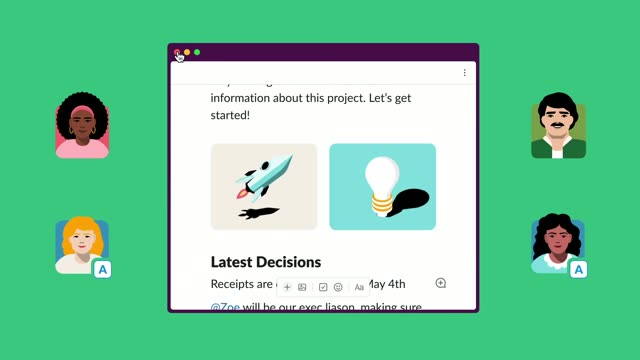 1:07–1:09Slack · Introducing canvas | A new surface to share and organize knowledge | SlackA flat illustrated project document with rocket and lightbulb cards opens in close-up, then the frame pulls back to reveal the full Slack workspace with sidebar, search bar, and Canvas panel. Four teammate avatars sit on a green backdrop; a cursor hovers at the window's top-left.
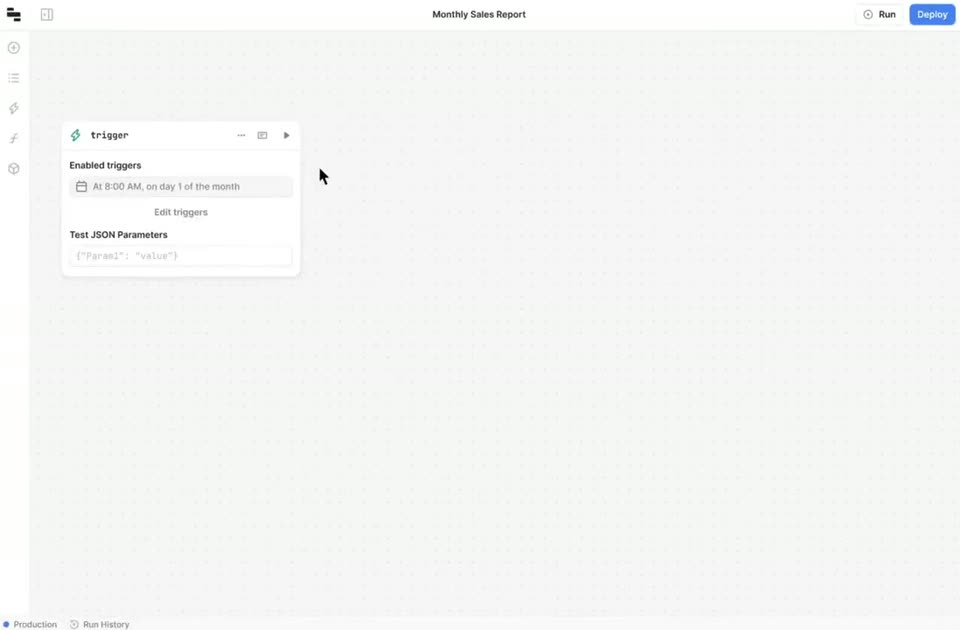 0:37–0:38Retool · Retool - Say hello to the fusion of visual programming, code, and AI. RetoolA light workflow canvas with a trigger card on the left and a dotted grid. The full interface zooms out from a tight crop, settling the centered title and the top-right Run and Deploy buttons into place in one smooth move.
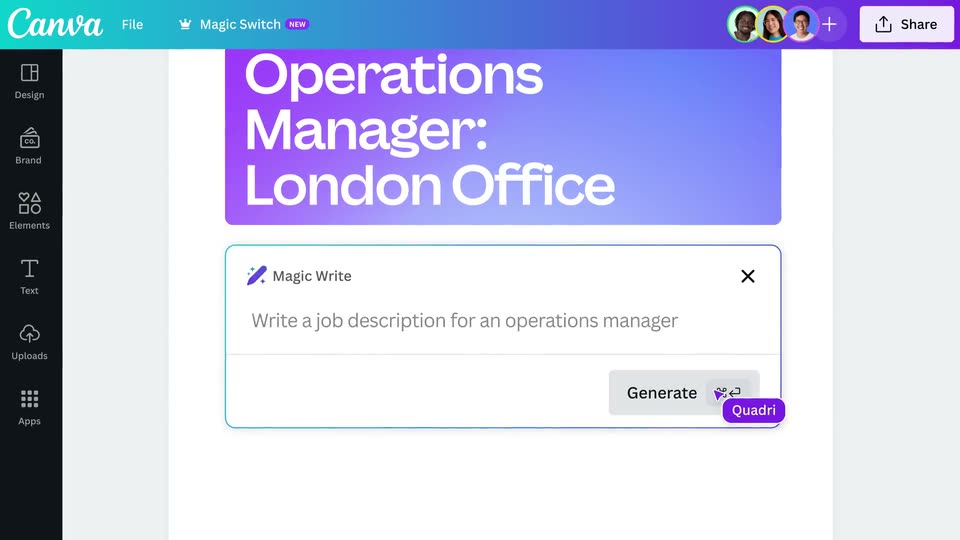 0:46–0:51Canva · Canva - Meet Magic Studio. Supercharge your workflow with all the power of AIA Canva canvas shows a purple-to-blue banner reading Operations Manager: London Office. A cursor labeled Quadri types a prompt into the Magic Write box, clicks Generate, and a paragraph of job-description text fills the page as purple sparkles scatter.
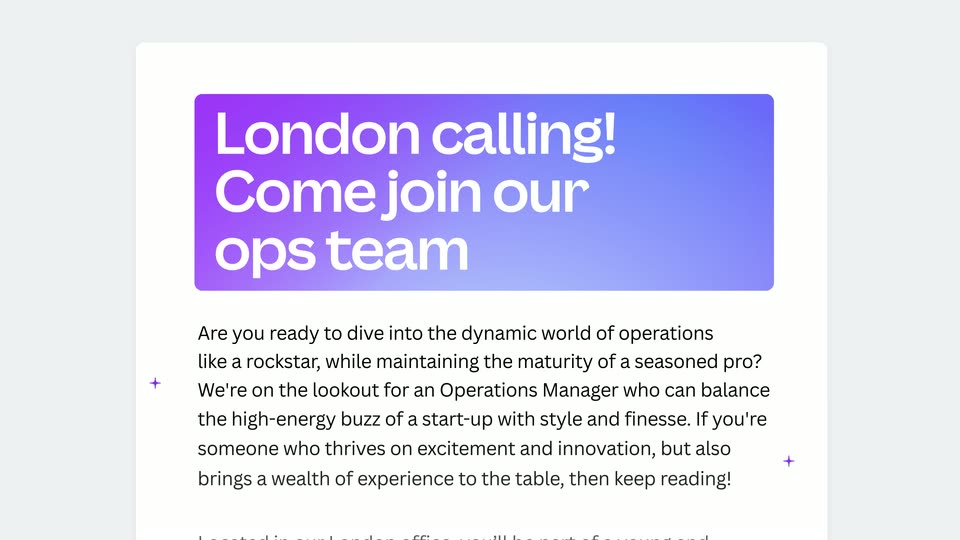 0:55–0:57Canva · Meet Magic Studio | Let the power of AI supercharge your workA white job-post card with a purple gradient banner and white headline sits on a light gray background. The camera pulls back from the banner to reveal the full card as body text types in line by line, while small purple sparkles drift near the edges.
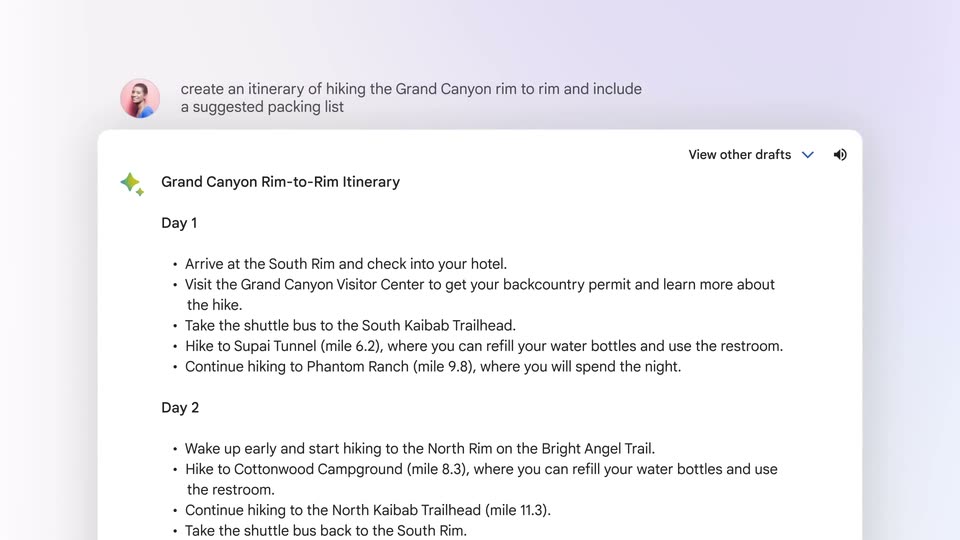 1:25–1:28Google · Introducing Extensions ✨ | BardThe view opens tight on a blue-outlined input field holding a hiking prompt, with a packing list floating above. It then pulls back to reveal the full chat: a user message and a generated itinerary card listing Day 1 and Day 2 bullets.
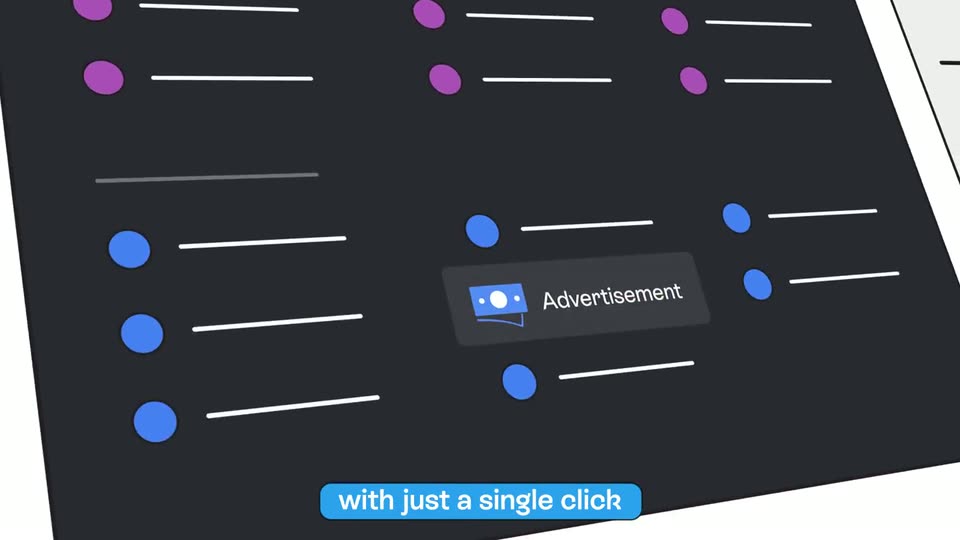 0:30–0:33beehiiv · beehiiv 🐝 - your newsletter 🤝 quality sponsors enter: the built in ad networkA tilted dark editor panel with placeholder lines and pink and blue dots on a white background zooms in, an Advertisement chip scales in, then the view pulls back as captions update.
 2:30 · 0.7sNothing · Phone (2): Lights, camera, less distractionA dark blurred photo sits behind a large white circle with a black dot-matrix cup icon. The camera pulls back to reveal a grid of smaller white circular buttons with flat icons: card, person, chat bubble, location pin. Thin white dashes line the edges.
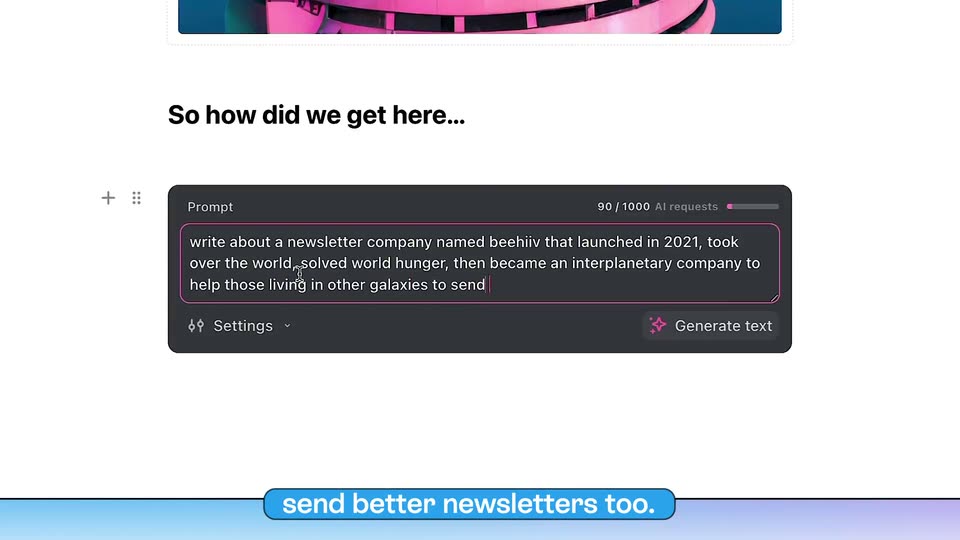 0:39–0:55beehiiv · beehiiv 🐝 - Introducing beehiiv AI ✨ Coming live from UranusInside a white document editor, a cursor types a long prompt into a dark AI card while blue caption pills carry the voiceover across the bottom. The view zooms into the Settings menu, length is changed to six paragraphs, and Generate text is clicked.
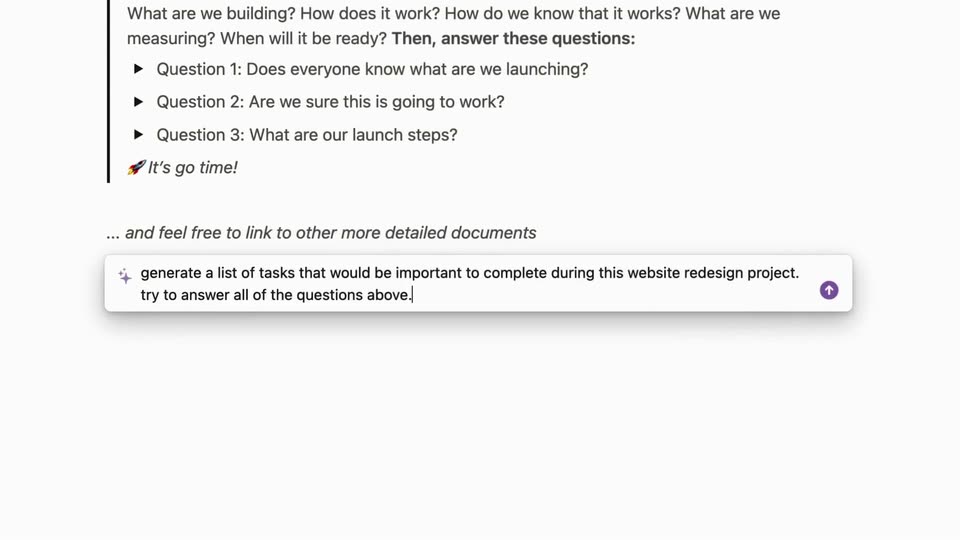 2:19–2:24Notion · Welcome to Notion ProjectsA Notion document window is shown, then the view zooms into the AI prompt field. A task-generation request is typed into the box, and the page populates with a generated checklist of launch tasks grouped by category.
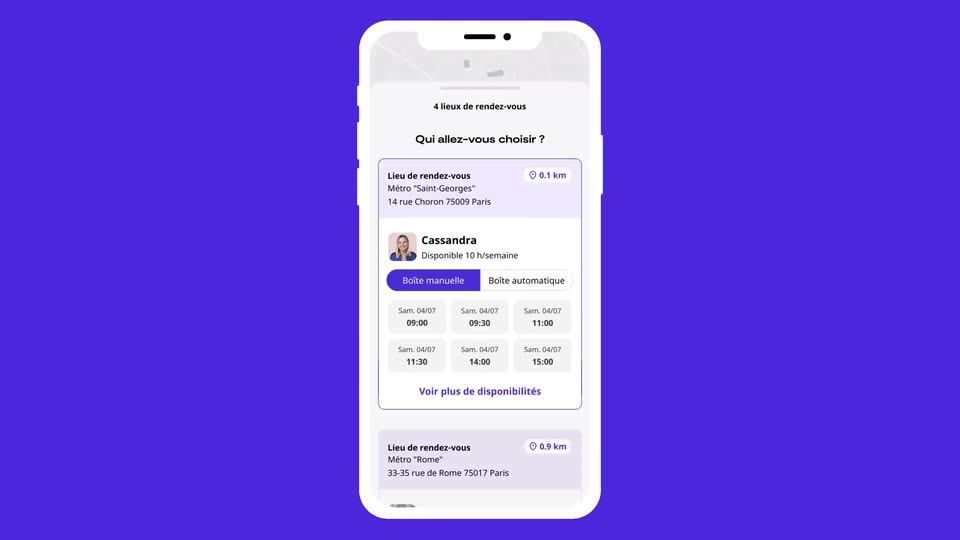 2:15–2:18Ornikar · Le PERMIS avec ORNIKAR : comment ça marche ?A white phone on a purple background shows an address-entry screen with a house-and-pin icon and a purple button. The screen switches to a map of nearby teachers, then the view zooms into a card for a teacher named Cassandra, showing a meeting location and a grid of time slots.
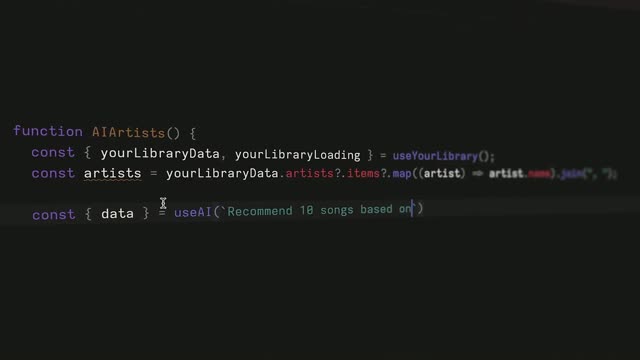 1:36–1:41Raycast · Introducing Raycast ProA dark code editor window floats over a blurred duplicate with purple diagonal shapes. The view zooms into the code as a line types out useAI(`Recommend 10 songs...`), then pulls back to the window showing an autocomplete list.
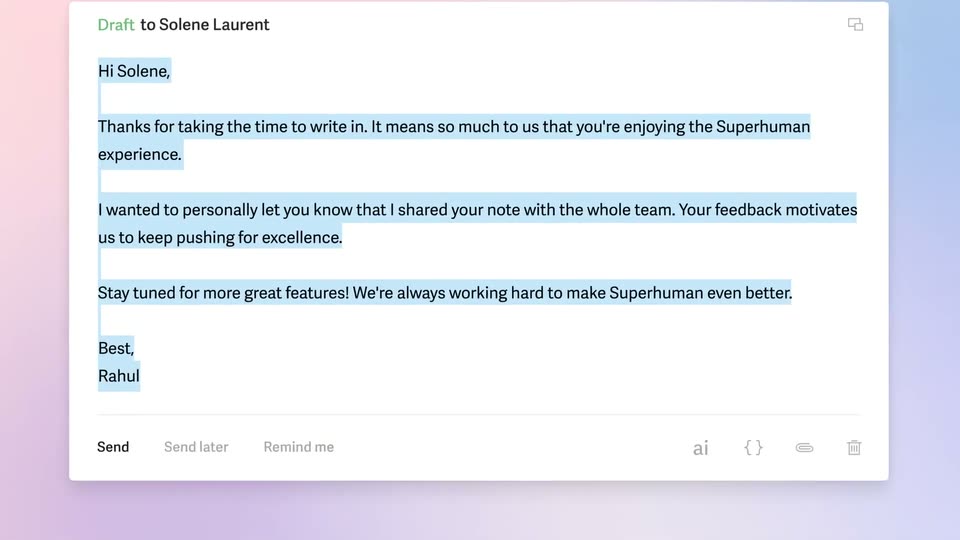 0:58–1:01Superhuman · Superhuman AIA white email draft card floats on a pink-to-blue gradient. The view zooms in on the body text as a blue highlight sweeps across the paragraphs. A formatting toolbar with bold, italic and link icons slides up at the bottom, a cursor resting on it.
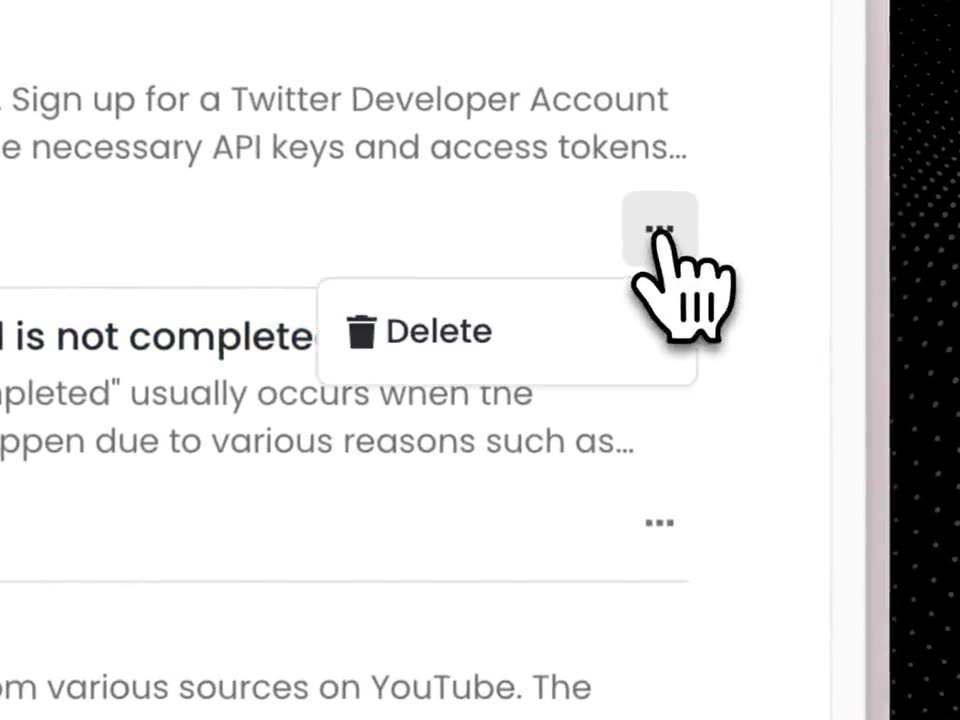 0:53–0:58Perplexity · Perplexity - We are excited to launch the next version of Introducing login, threaA flat Perplexity interface sits on a black dotted field. A hand cursor taps 'Your Threads' in the left sidebar; the view then zooms into the thread list, where the cursor clicks a three-dot button to pop open a Delete menu.
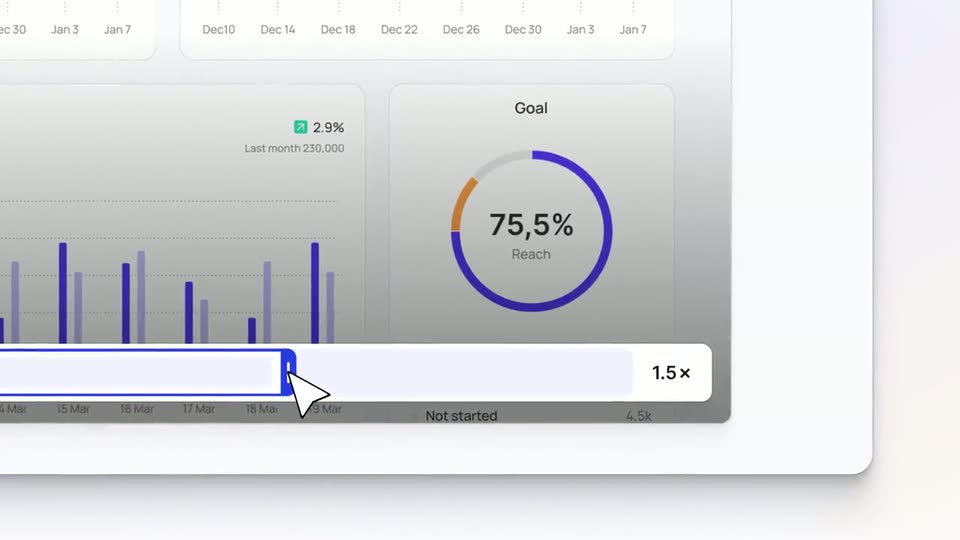 0:34–0:42Arcade · Arcade - Introducing Arcade Growth:A video editor view shows a column of five labeled thumbnails on the left and a dashboard preview on the right. The frame zooms in on the playback bar as a cursor presses play, drags the scrubber, then taps the speed label, changing it from 1.5x to 1.2x.
 0:50–0:52Google · Google’s new AI chatbot | Meet BardA close-up of a light search interface reframes onto a rounded button labeled with the Google logo and the word it, beside a blue refresh icon. The view scales up, pushing a partial Sign label off the left edge.
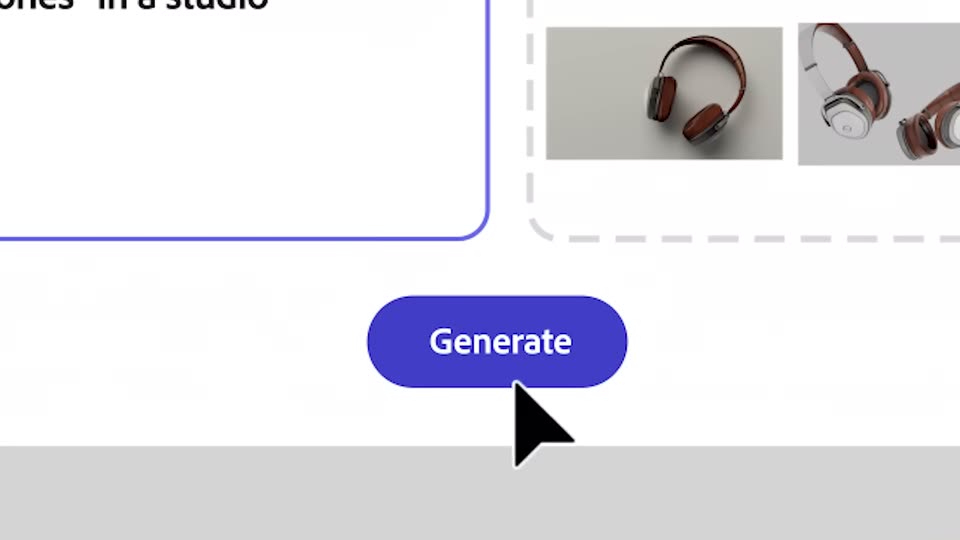 1:01–1:02Adobe · Adobe Firefly: Family of New Creative Generative AI Models | AdobeA UI panel titled “Train your model” shows a prompt box reading “My headphones in a studio” and a blue Generate button. The view zooms toward the button as a black cursor clicks it, while a grid of headphone product photos fills the right side.