UI zoom
A zoom or reframe onto one part of the interface.
9,932 scenes · page 144 of 166
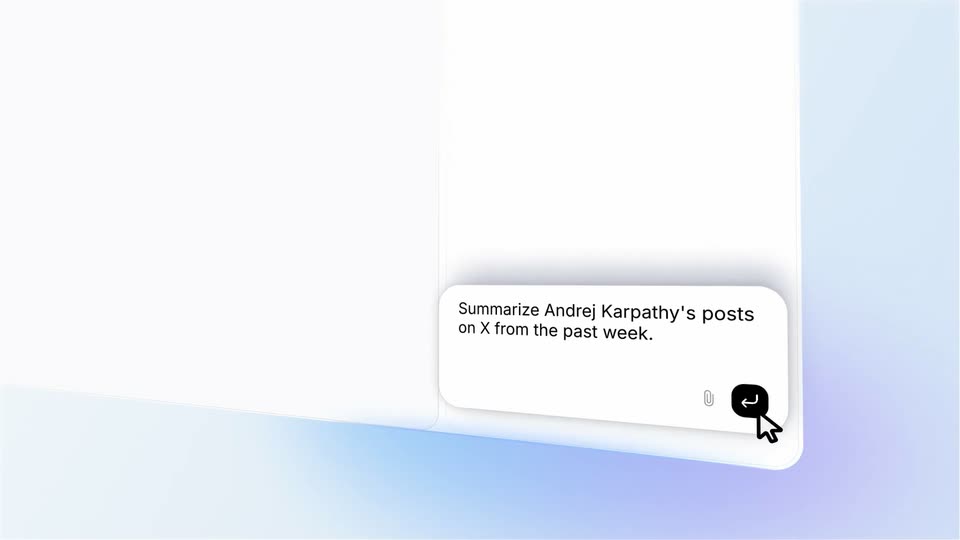 1:55–1:59Genspark · Genspark - 🚀 Introducing Genspark AI Workspace 3.0: Your First AI Employee We'vA tilted 3D browser mockup of the Genspark chat window floats on a light blue gradient. The camera zooms into the input field as a prompt types itself out, then a cursor moves in and clicks the black send button.
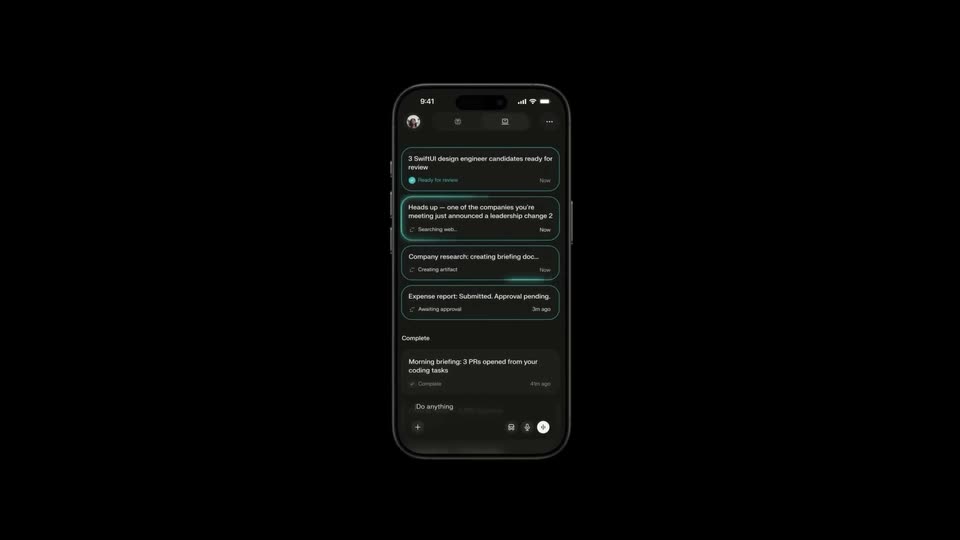 1:07–1:11Perplexity · Personal Computer, by PerplexityA dark task list fills the frame in close-up, then the view zooms out to reveal the full smartphone standing in 3D perspective on a black background. The screen shows several notification cards with teal accents and a bottom input bar.
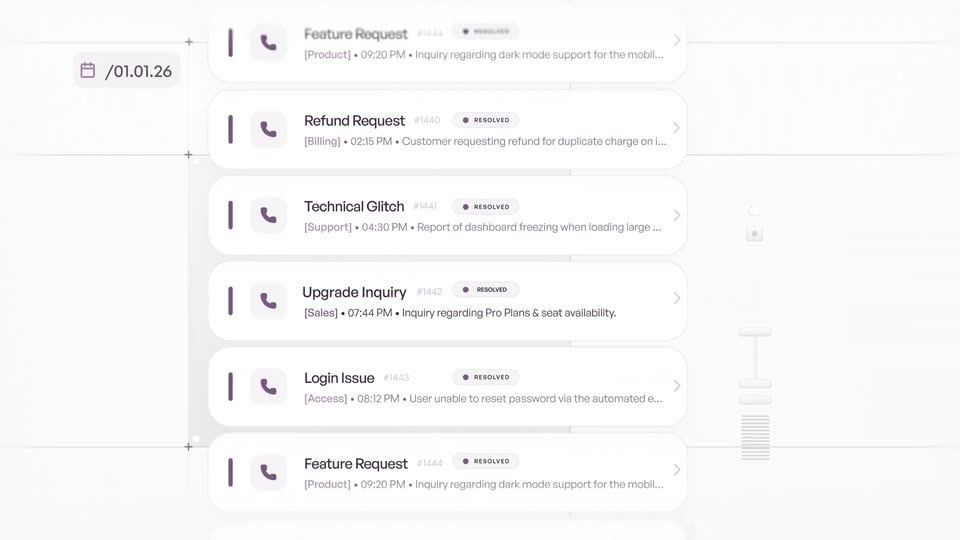 1:17–1:19Samora AI · Y Combinator - .@Samora_AI's voice agents speak local dialects, complete tasks, learA faded close-up of ticket cards pulls back to a full list that scales in over a faint grid with crosshair markers, a date field and a Rachel chip slide in, then the panel tilts into 3D perspective with parallax depth.
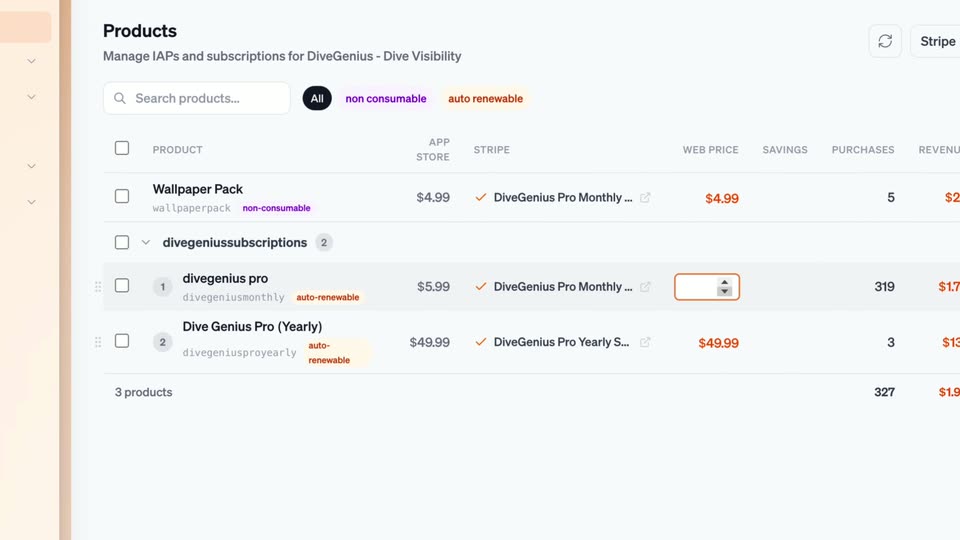 0:53–0:59ZeroSettle · ZeroSettle - Keep More of your Mobile App Revenue with Direct Billing!The app dashboard zooms into the Products table. A cursor clicks the web price cell of the divegenius pro row and lowers the value from 5.99 to 4.99, then a -17% savings figure appears in the row. The screen fades to white.
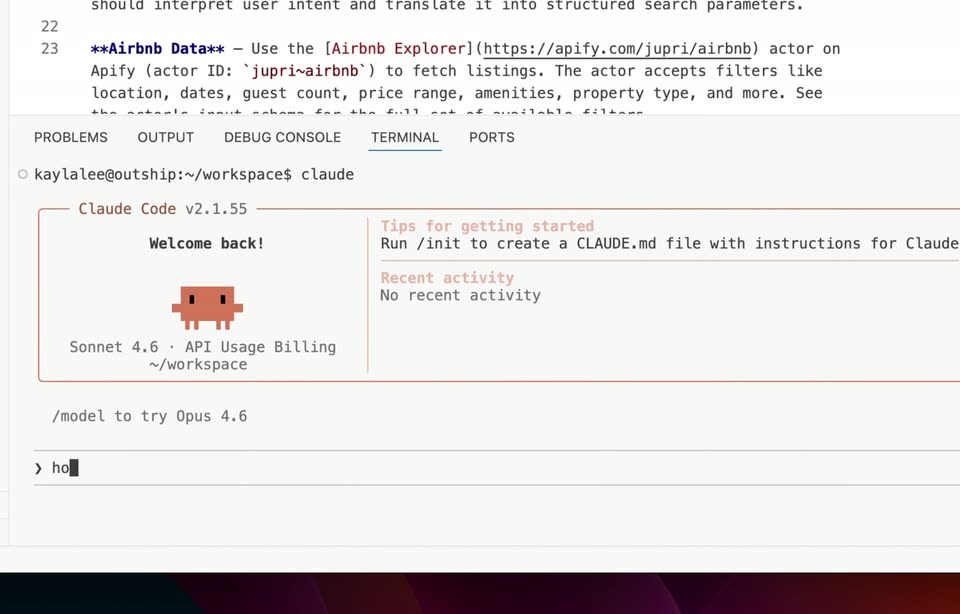 0:30–0:35Outship · OutshipA VS Code window on a gradient desktop zooms into its terminal as the command claude is typed. The Claude Code panel opens with a welcome prompt, then the view pulls back to the full window.
 1:04 · 0.8sNotion · Notion - Allow us to reintroduce ourselves.A two-line chat shows Catherine asking the launch date and Notion AI replying with a date and a link. The frame then reframes onto the fire reaction pill, where the count ticks up from six to twelve.
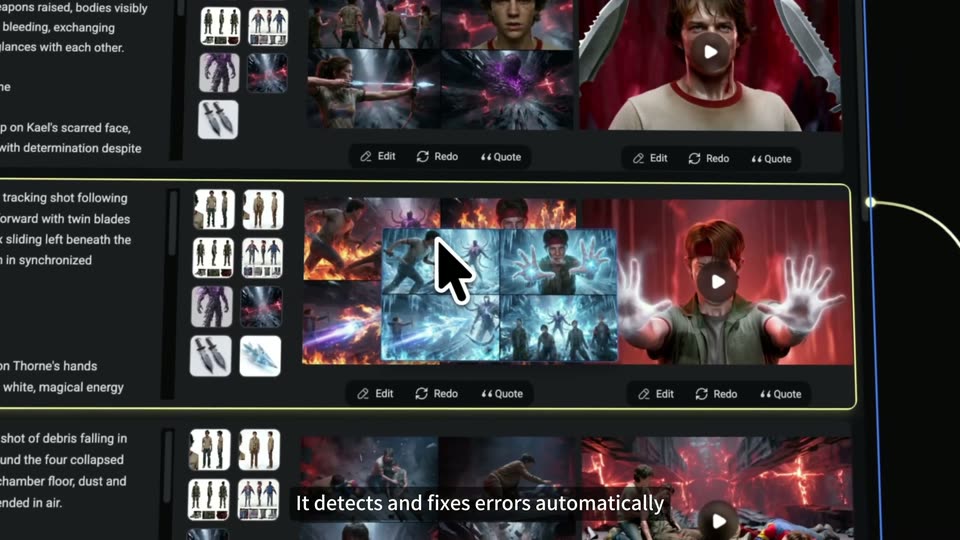 1:13–1:19Zopia · Zopia AI - We’re introducing Zopia — an end-to-end AI Video Director Agent for FA dark app canvas with a storyboard grid, text panel and prompt box. The view pushes in as a cursor types a prompt and a fiery scene regenerates into a frost version. Bottom captions swap in sequence.
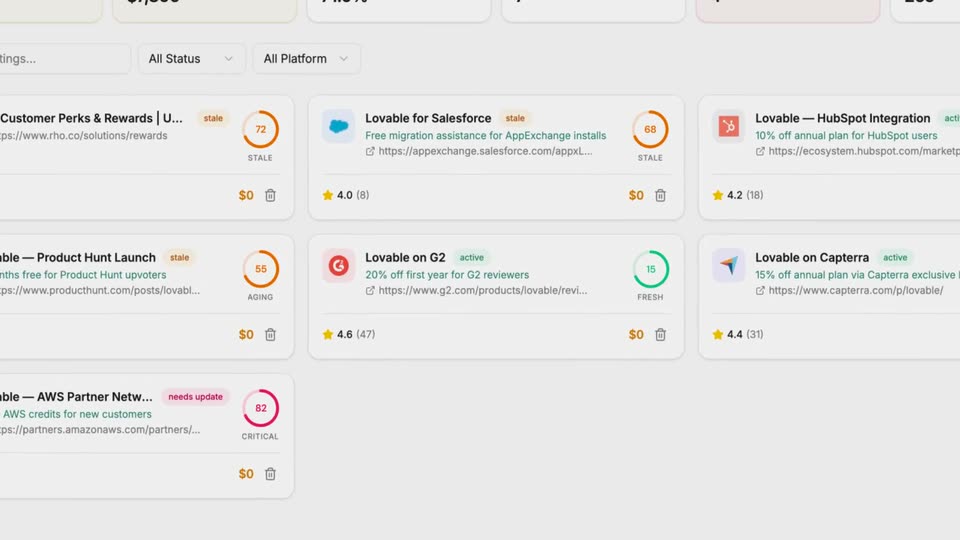 1:34–1:40ArzuleAI · Y Combinator - .@ArzuleAI builds AI agents that help B2B SaaS companies identify whiA light dashboard fills the frame, a row of six metric cards above a grid of marketplace listing cards. The camera slowly pushes in on the grid, reframing onto the middle rows of cards.
 0:30–0:32Axis · Axis Launch VideoA dark spreadsheet view opens zoomed in on a typed scenario prompt and a date column, then pulls back to reveal the full grid with assumption rows and a data table, the assistant panel showing a Thinking status.
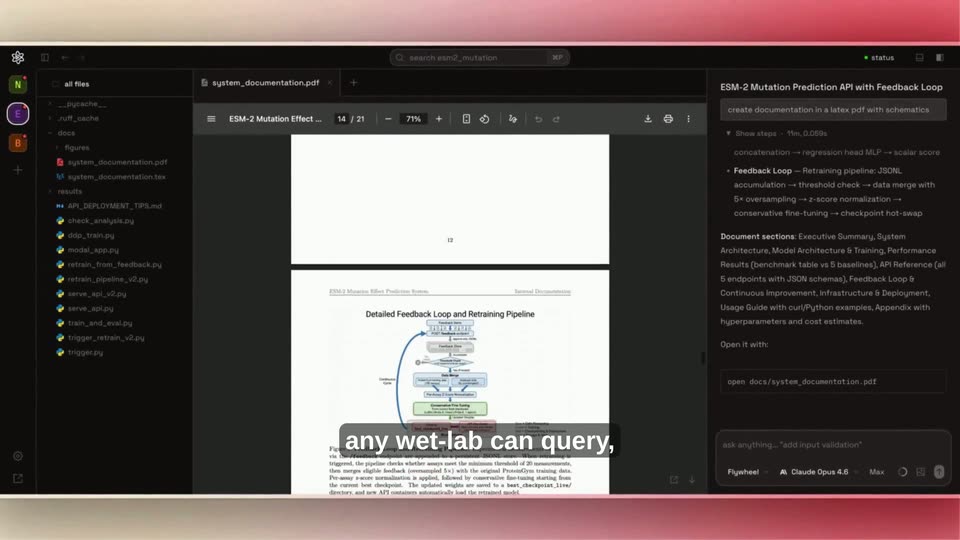 1:33–1:37SynScience · Y Combinator - .@SynScience is building AI co-scientists for end-to-end scientific rA tight crop on a PDF endpoint table pulls back to reveal a dark IDE workspace with a file tree and an AI chat panel. The document then turns to a flowchart page and zooms in on the retraining pipeline diagram.
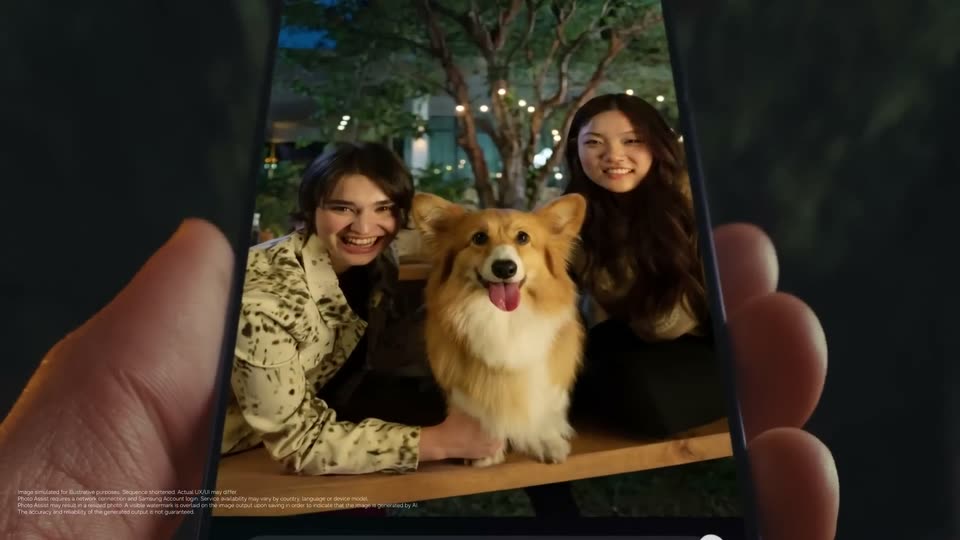 2:19–2:20Samsung · Introducing Galaxy S26 Ultra | Galaxy AI | SamsungA hand holds a tilted phone showing a photo of two women and a corgi, with a prompt field and a Generate button along the bottom. The view then pushes into the screen until the photo fills the whole frame.
 0:37–0:41Google · Introducing the New Flow, Your AI Creative StudioA dark prompt card floats in 3D perspective on black, holding a dragon illustration and a desert photo with a plus icon. A caption types out beneath them, then the focus shifts to a blurred bottom bar showing a video pill and a hand cursor button.
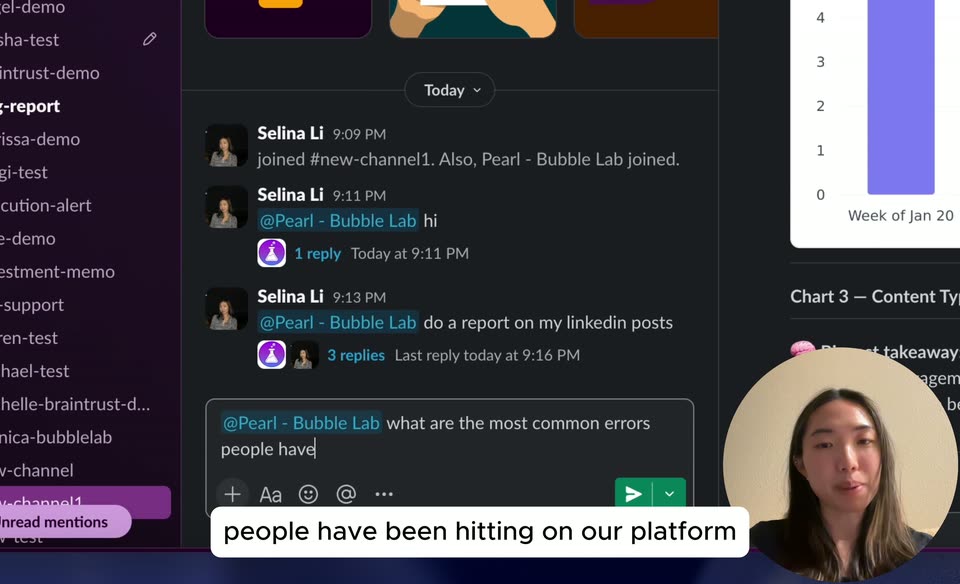 1:16–1:25Bubble Lab · Pearl in Slack (Bubble Lab) demo!A dark Slack channel fills the frame with a circular webcam of a presenter in the corner. The view zooms into the message thread as a cursor types a question to the Pearl bot in the input box. The sent message then appears in the channel.
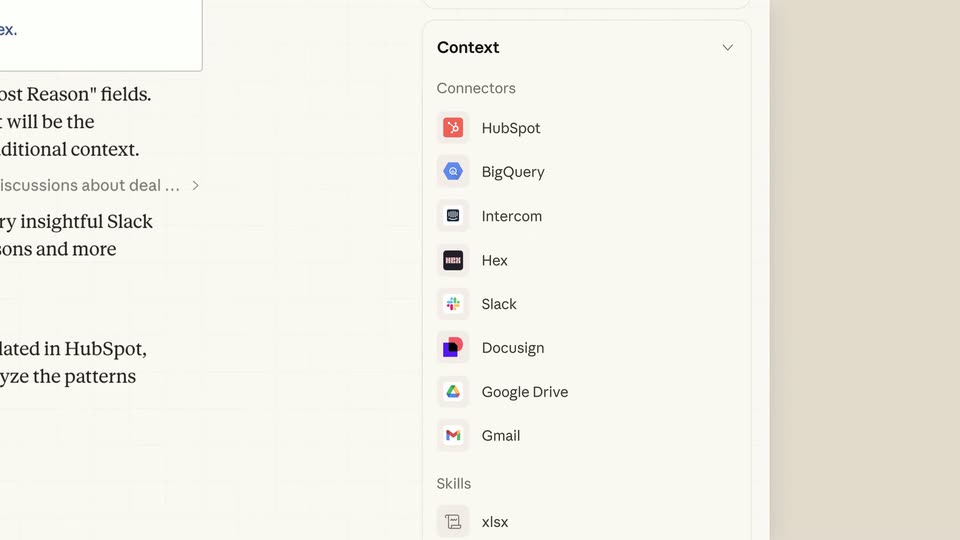 0:25–0:30Anthropic · Claude - Introducing Cowork and plugin updates that help enterprises customizeClose-up on a Progress panel as blue checkmarks fill in down the task list, then the panel scrolls to reveal a stack of connected app icons. The view zooms out to the full application window, showing the chat thread and a generated spreadsheet card.
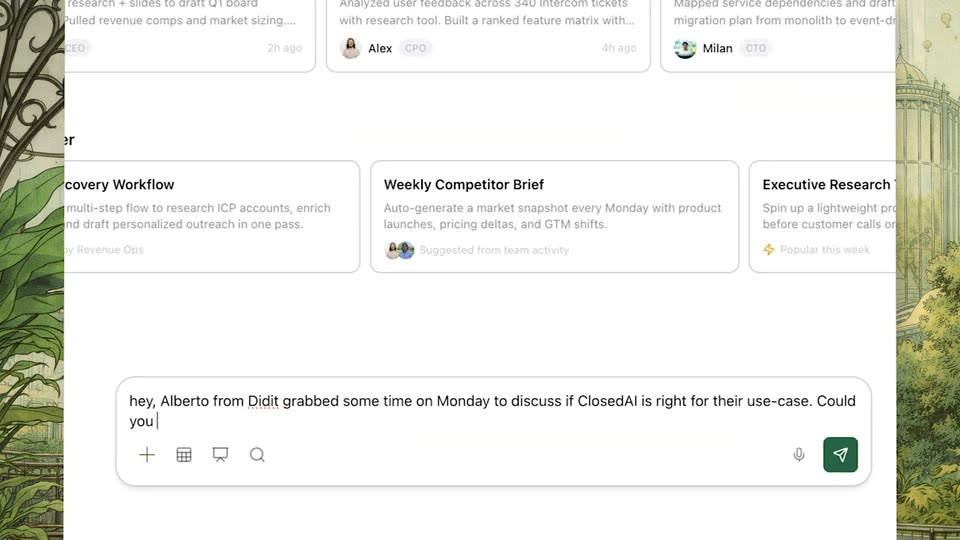 1:42–1:49/dev/fast · Introducing Carson, an adaptive assistant with serious securityA dark diagonal band wipes away to reveal a dashboard UI, then the cursor clicks the prompt field as the camera zooms in while a task message is typed letter by letter and sent.
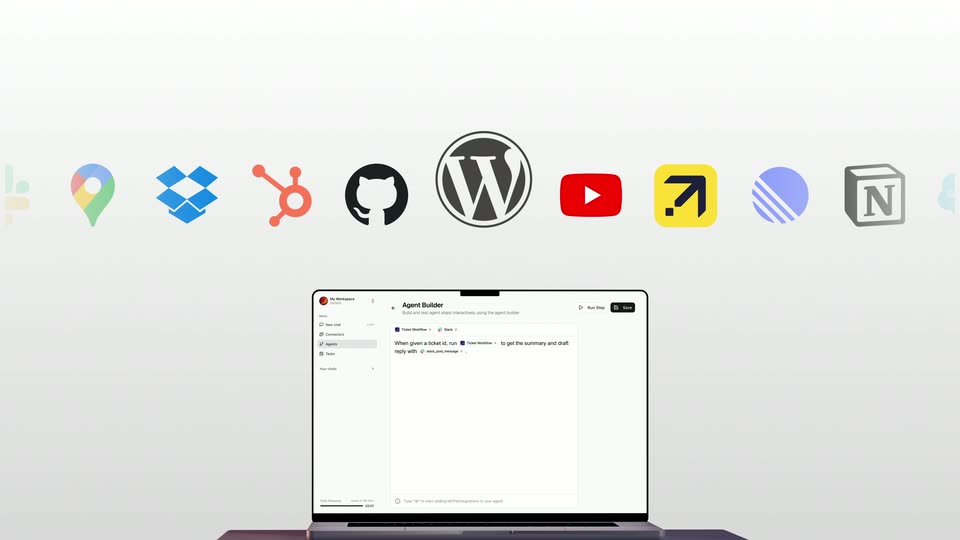 0:32–0:35Jinba · Jinba (YC W26) - Workflow Builder for Enterprise AI AutomationA laptop mockup on a desk displays the Agent Builder page while a row of integration icons scrolls left across the top. The frame starts close on the screen, widens to the full laptop, then blurs out.
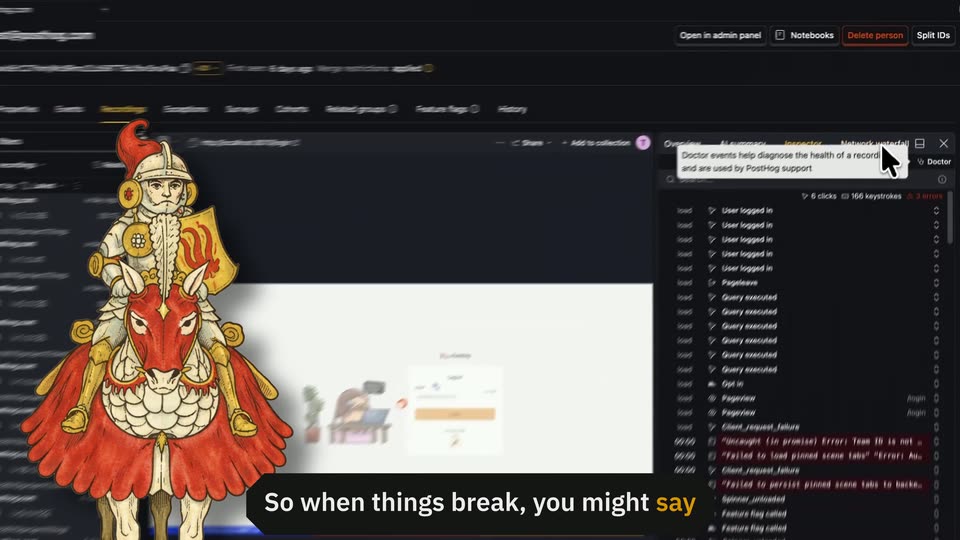 1:48–1:50Posthog · PostHog - Introducing Logs by PostHog - Free, up to 50 GB for free every monthA dark PostHog screen opens tight on the Inspector panel, a hand cursor hovering the Doctor button with a tooltip, then zooms out to the full browser window revealing the left sidebar and a red-and-white armored illustration. A bottom caption carries the voiceover.
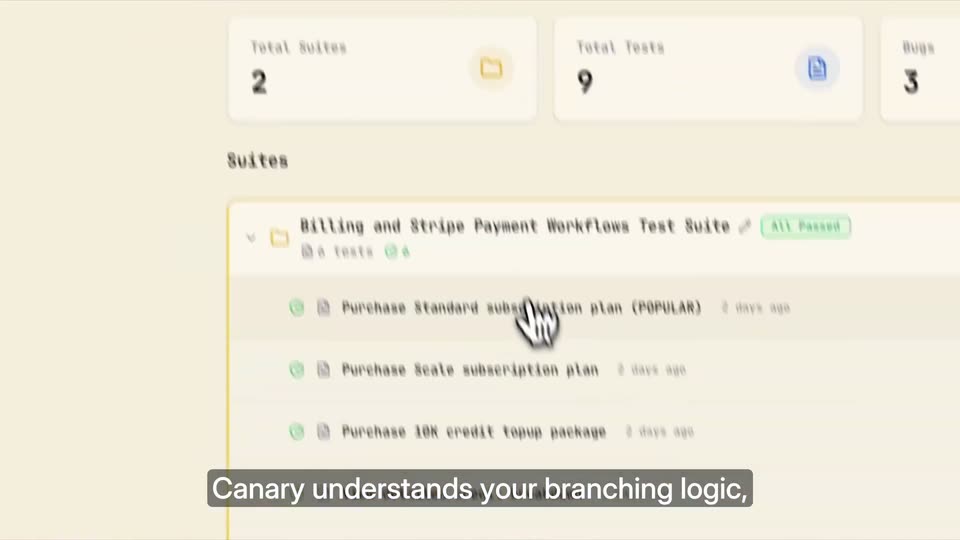 0:56–0:58Canary · Canary - Friday. 5:47 PM. Quick Claude session, small auth refactor. LGTM, meA test suite list with green pass badges and a hand cursor hovering over rows; the view pulls back to reveal dashboard stat cards, then pushes in toward a generate-tests panel. A caption runs along the bottom throughout.
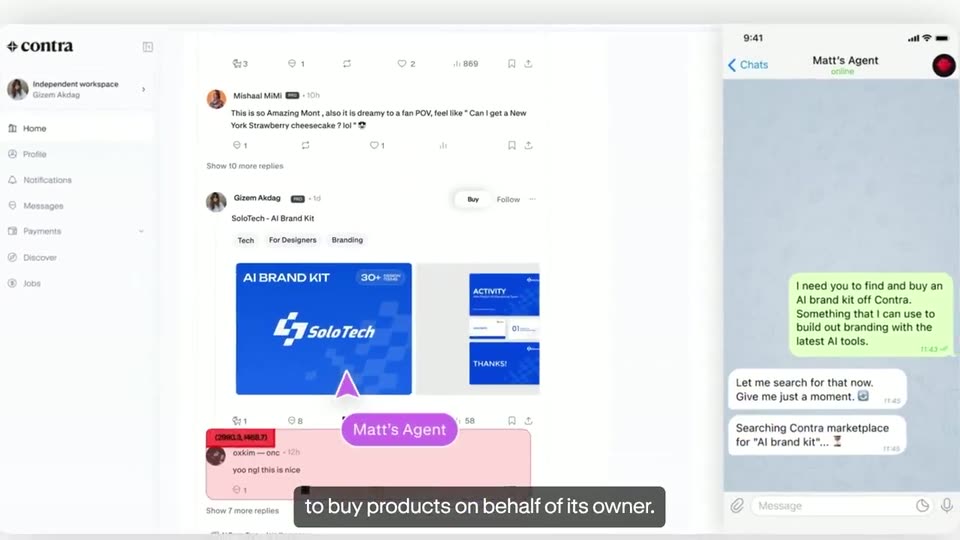 0:41–0:44Contra Payments · ben - Introducing Contra Payments. The first payments platform that lets yTwo product UI panels, a social feed and a chat window, slide in from a diagonal offset into a side-by-side layout on white. A purple cursor taps the feed and a mouse pointer hovers the chat as the camera pushes in. A dark bottom caption updates phrase by phrase.
 0:40–0:42Canary · Canary Launch VideoA product admin screen with a left menu and a team invitation card sits above a black video player bar showing a play icon and a running timecode. A hand cursor rests on the scrubber while the interface blurs in and out, and a mouse arrow drifts across the panel.
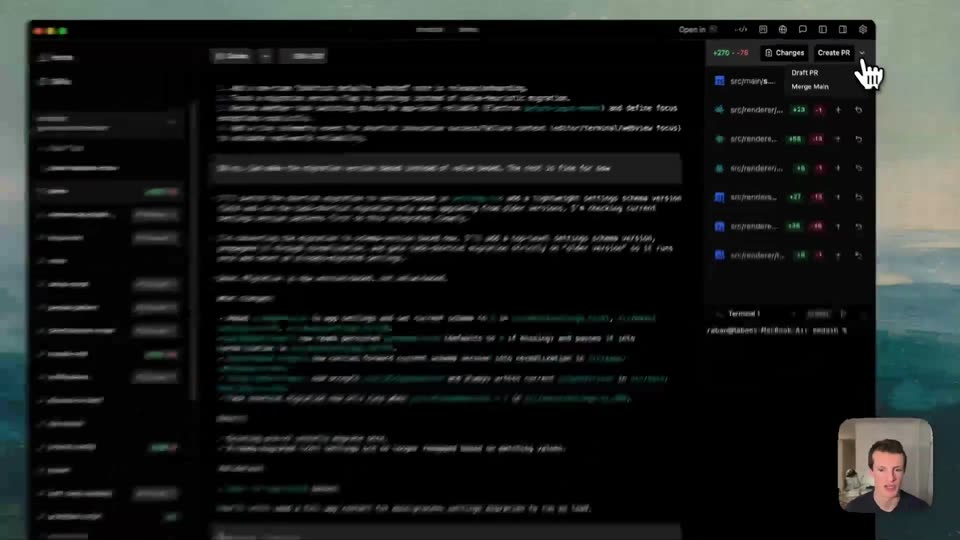 0:44–0:48Emdash · Y Combinator - .@emdashsh is building an open-source Agentic Development EnvironmentA dark pull-request view: code diff left, file list with change counts right. A hand cursor hovers the Create PR button, opening a Draft PR / Merge Main menu, then the frame pulls back to show the full app window with sidebar and terminal.
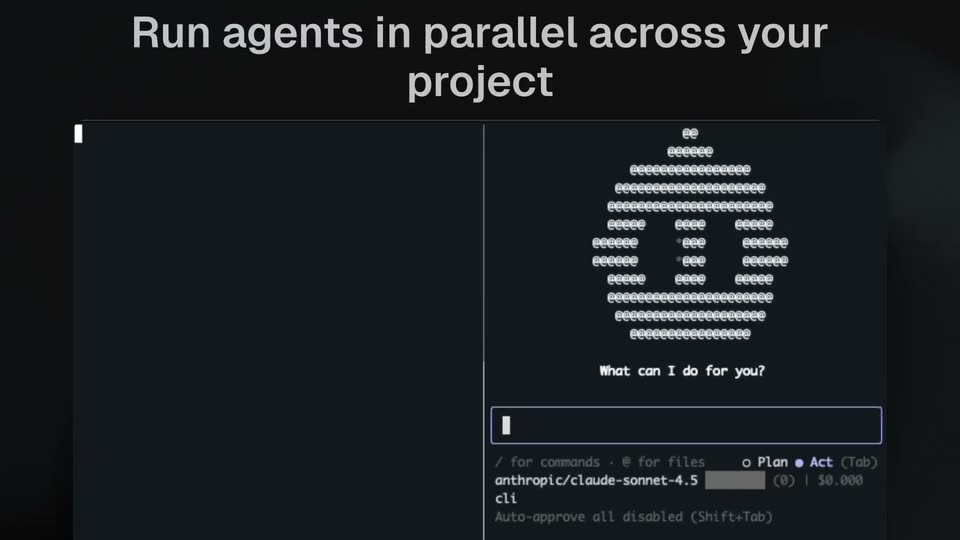 0:30–0:34Cline · Cline - Introducing Cline CLI 2.0: An open-source AI coding agent that runs eA dark terminal window fills the frame, then a divider splits it into two panes. The camera pulls back to reveal a white headline above both, each pane showing an ASCII cat, a prompt line and a green status bar.
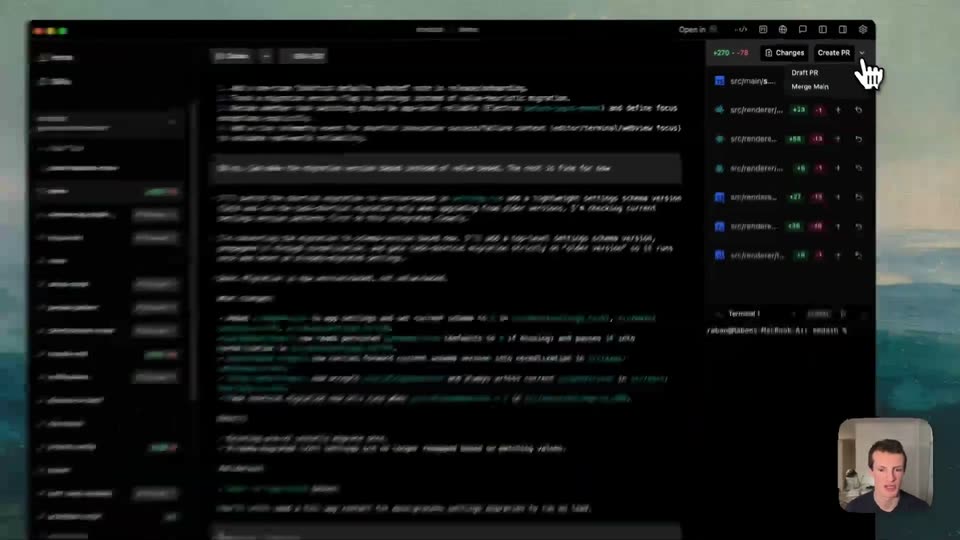 0:44–0:48Emdash · Launch Emdash (YC W26)A cursor clicks the Create PR button on the right panel, a dropdown with Draft PR and Merge Main opens, and the cursor picks Draft PR. The view then pulls back to reveal the full app window with its sidebar and chat panel.
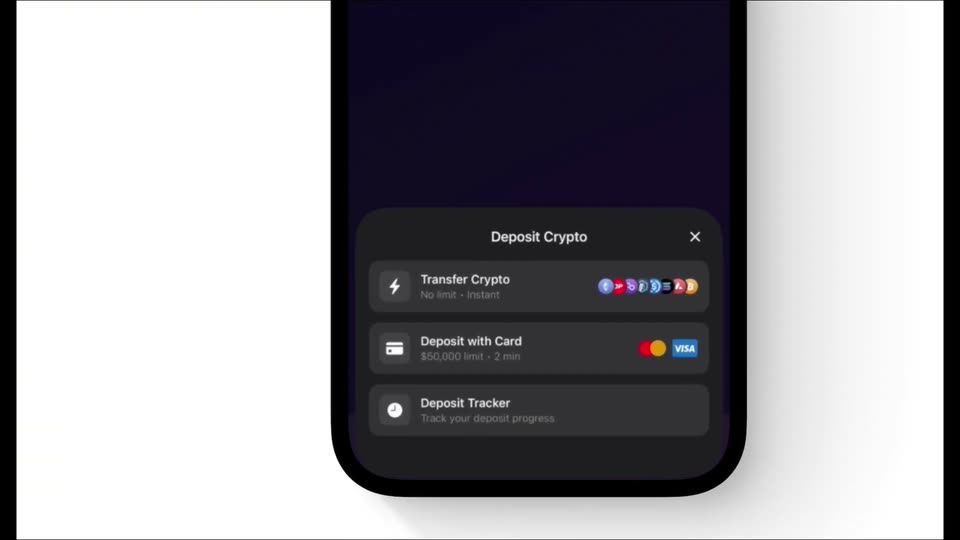 0:43–0:44Unifold · Unifold - Universal Deposit InfrastructureA dark phone mockup in 3D perspective turns from an angled view to face the camera as the frame zooms onto the lower half, holding the balance card and the Deposit Crypto sheet. The Withdraw button slides into place.
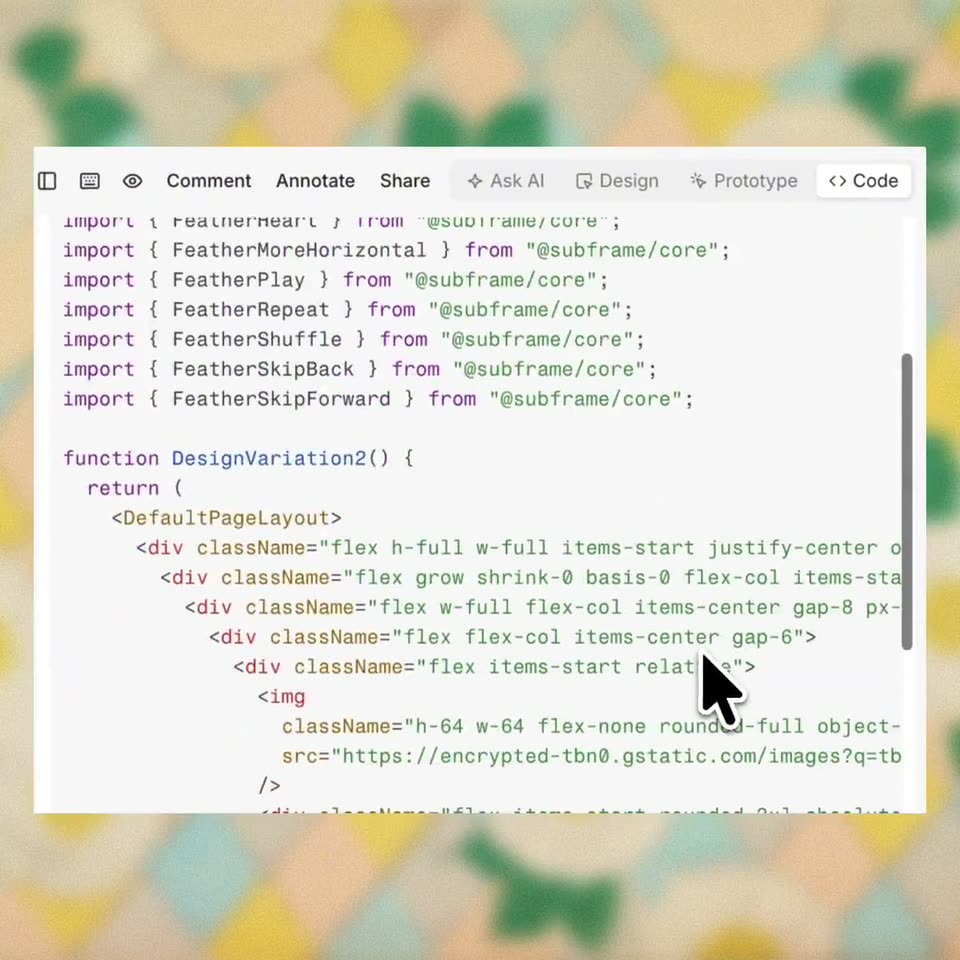 0:38–0:41Design Canvas · Irvin Zhan - Today we’re launching Design Canvas for AI agents. AI can build a feA design tool window shows a music player mockup beside a code panel; the view zooms into the code as a cursor hovers over it, then the panel dissolves into a blurred gradient.
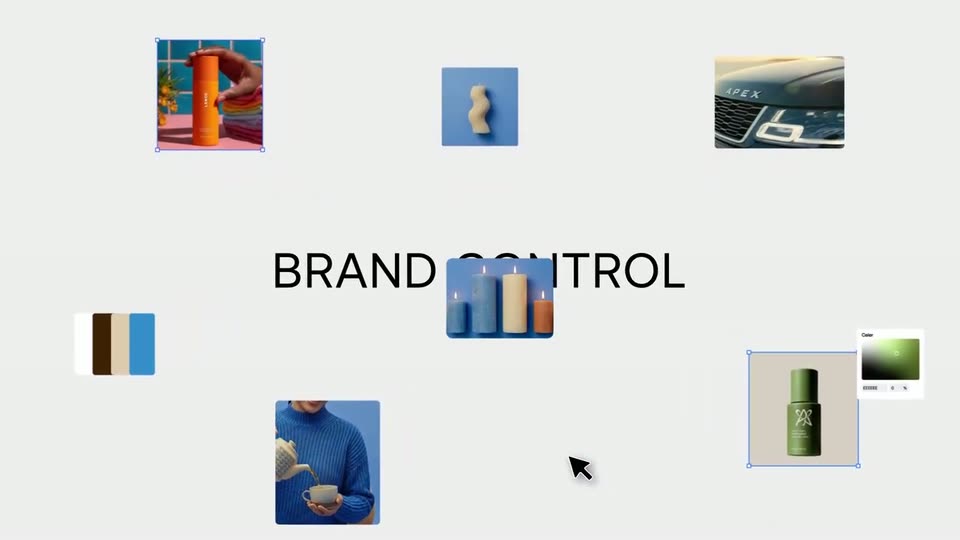 0:19–0:20Lightricks · LTX.io - Introducing Brand Kit. A new enterprise feature in LTX Studio that lA light gray canvas holds scattered product photos, some with selection handles, while the black headline BRAND CONTROL sits in the center. A cursor hovers and the blue candle photo scales up to fill the middle, covering the text.
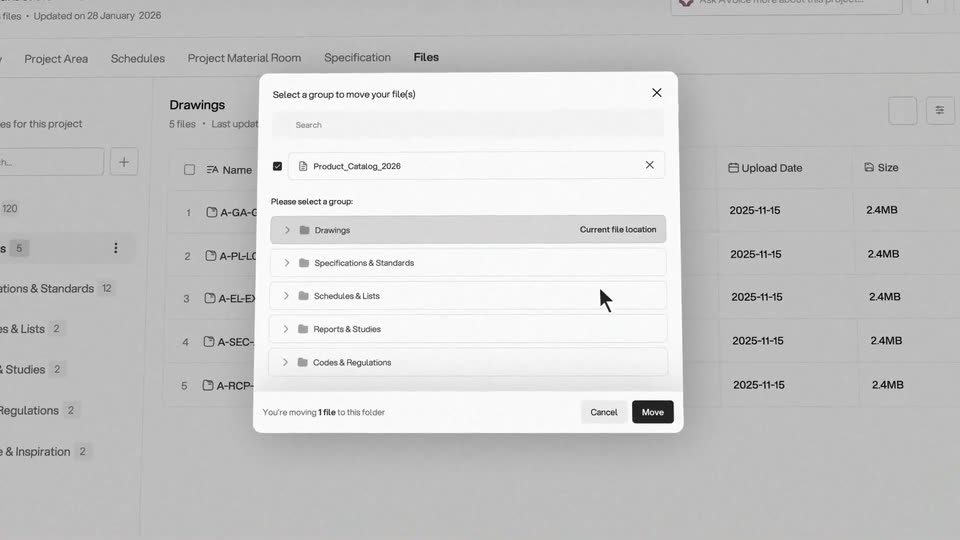 1:06–1:11Avoice · Avoice | The AI Workspace For ArchitectsA browser window of the Avoice file manager dissolves from a doubled ghost into a clean frame. A cursor clicks the Drawings group, opens a small menu, then a centered move-file dialog appears; the cursor travels to the Move button.
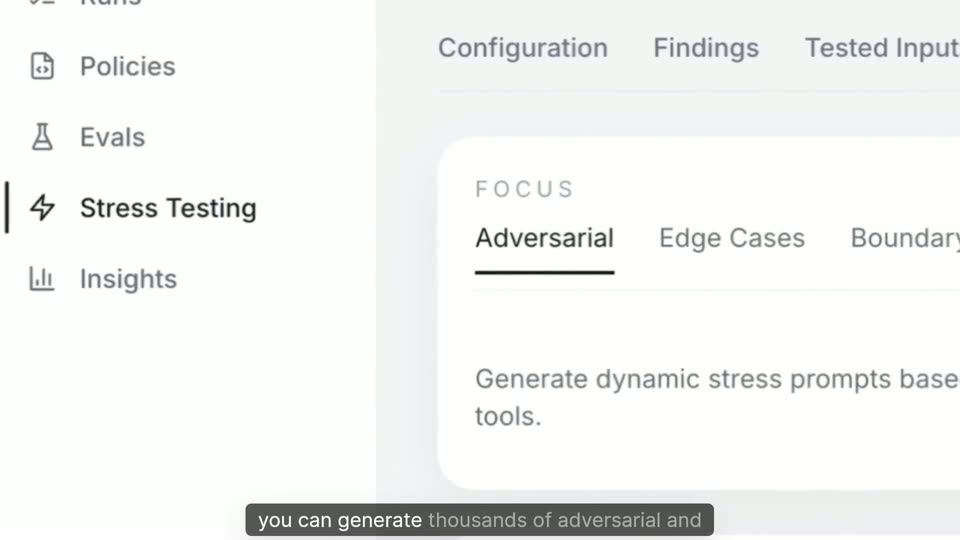 1:31–1:37Salus · Salus (YC W26) Launch DemoThe stress-testing dashboard fills the frame inside a browser window. The view zooms in on the focus tabs and the black generate button, then zooms back out to the full layout. A dark caption bar at the bottom swaps through narration lines.
 1:14–1:16Lance · guests got places to beA front-facing phone mockup with a glowing teal outline sits on a dark teal gradient. The screen shows the Lance logo, the name, and a green audio waveform that pulses. The camera slowly zooms in and drifts down, enlarging the interface.
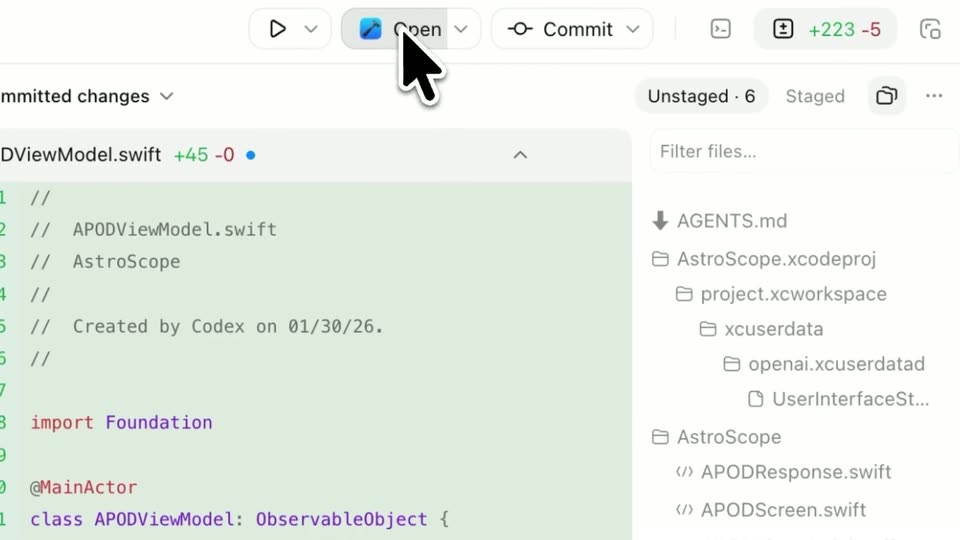 1:37–1:49OpenAI · Introducing the Codex appA screen recording of the Codex app blurs between a Swift file, the source-control panel, and the full window. A cursor hovers over the Commit and Open buttons before the terminal shows the build running.
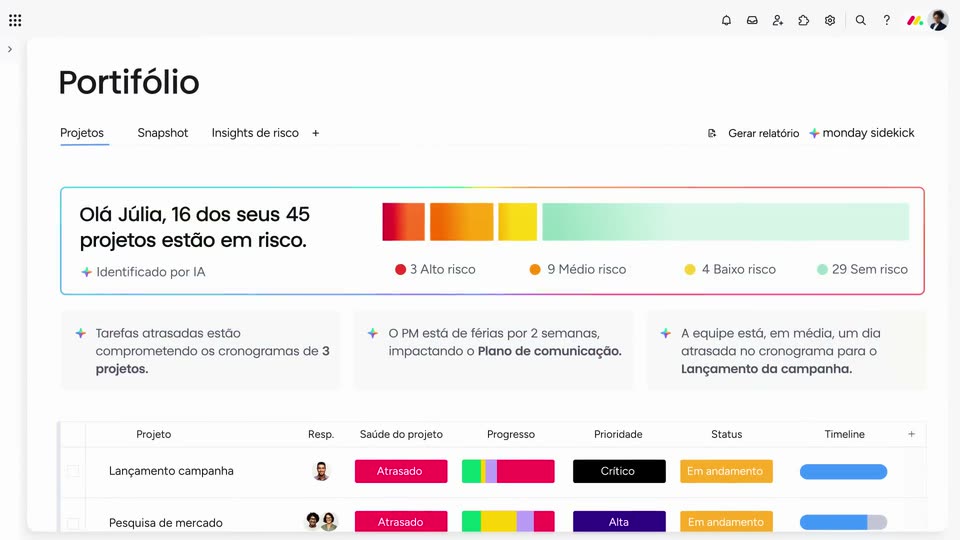 0:32–0:36monday sidekick · monday sidekick: a IA que realmente trabalhaA project table fills the frame while a rainbow star glides along its lower edge. An AI insight card with a risk chart and three notes slides in above the rows. The view then zooms to the top-right corner, locking off on the Gerar relatório button as a cursor enters.
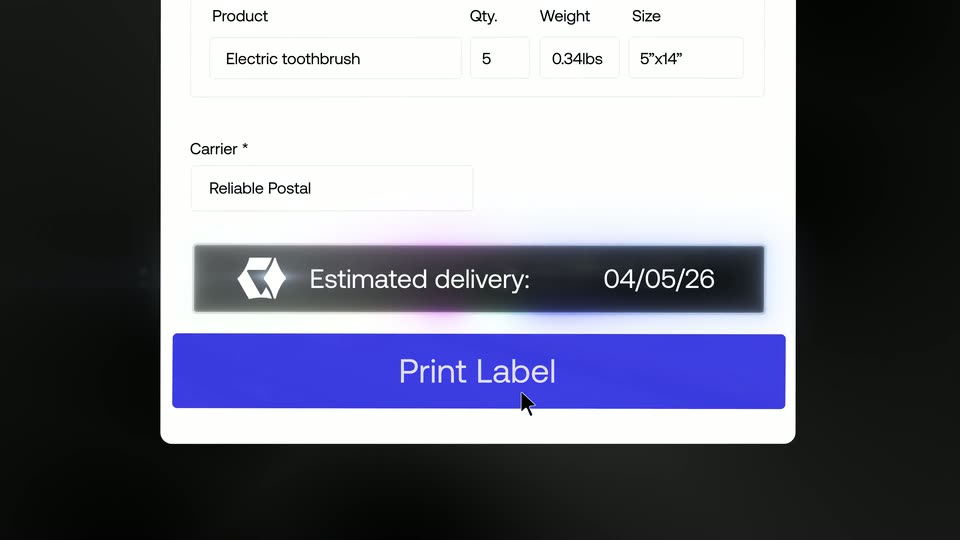 0:28–0:29Stord · Smart Commerce - Meet Stord AIA white shipping form UI fades into a dark banner displaying a delivery date. The banner shrinks into a horizontal strip, revealing a 3D render of a conveyor belt carrying boxes.
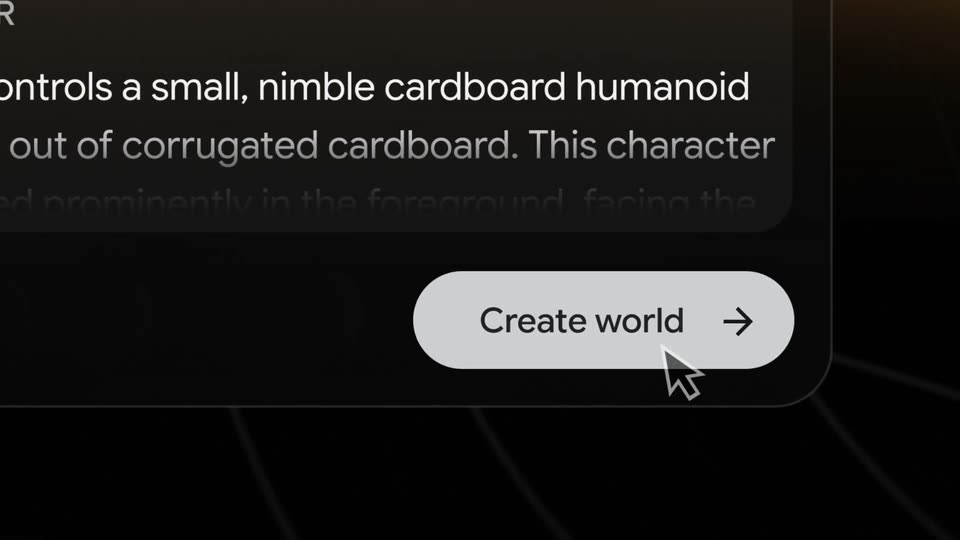 1:29–1:32Google · Google AI - Last August, we previewed Genie 3: a general-purpose world model thatA dark settings panel fills the frame while a motion-blurred 3D cardboard robot streaks across it from left to right. The view then reframes onto a white 'Create world' pill button, where a white cursor hovers over the label.
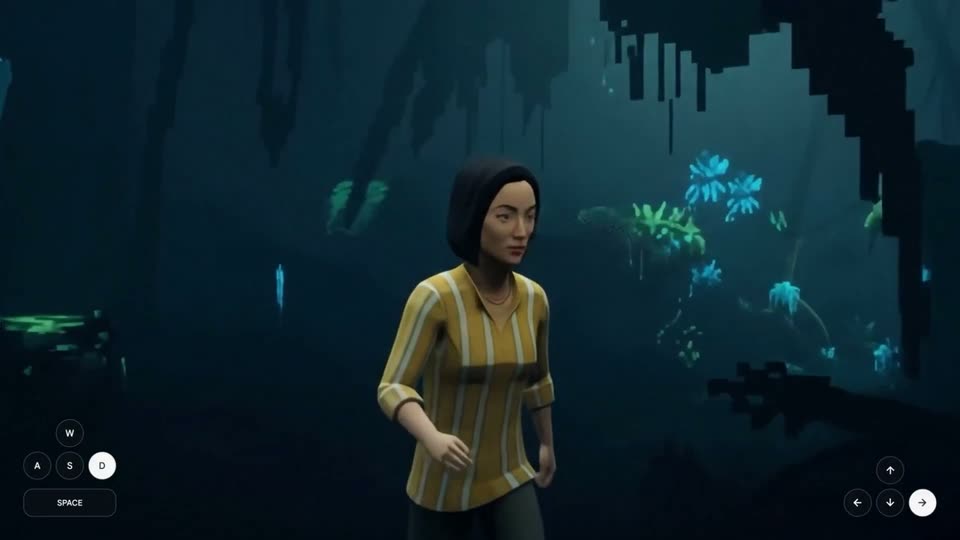 1:40–1:43Project Genie · Google DeepMind - Step inside Project Genie: our experimental research prototype that lA low-poly woman in a yellow striped shirt walks and turns inside a dark cave lit by glowing blue and green plants, keyboard control hints in the corners. The full-frame 3D view then reframes into a bordered window set on a wooden wall.
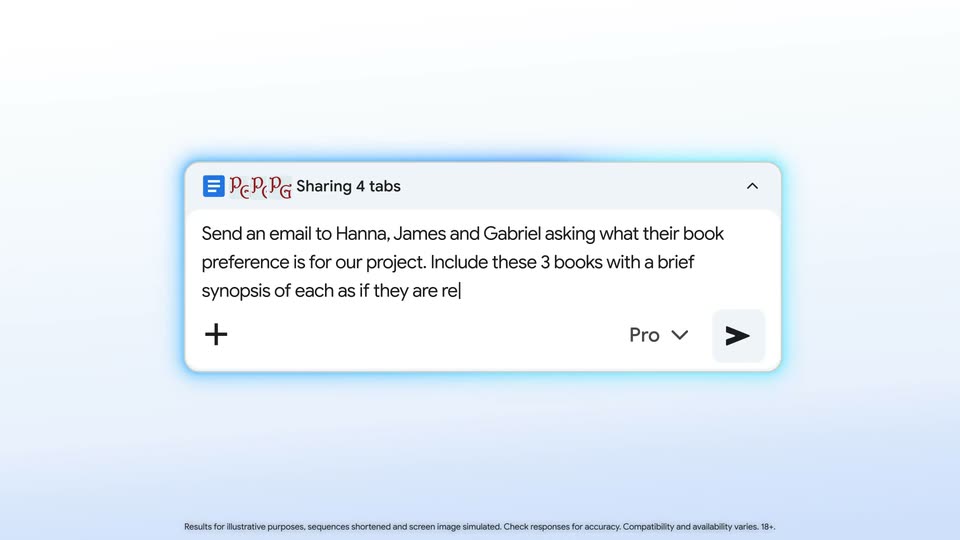 0:30–0:36Google · Google - We’re introducing major updates to Gemini in @GoogleChrome for MacOS,A close-up of a white prompt card zooms out to reveal the full card as a typed email request fills the field. The card then cuts to a taller response card showing a drafted email with a recipient field.
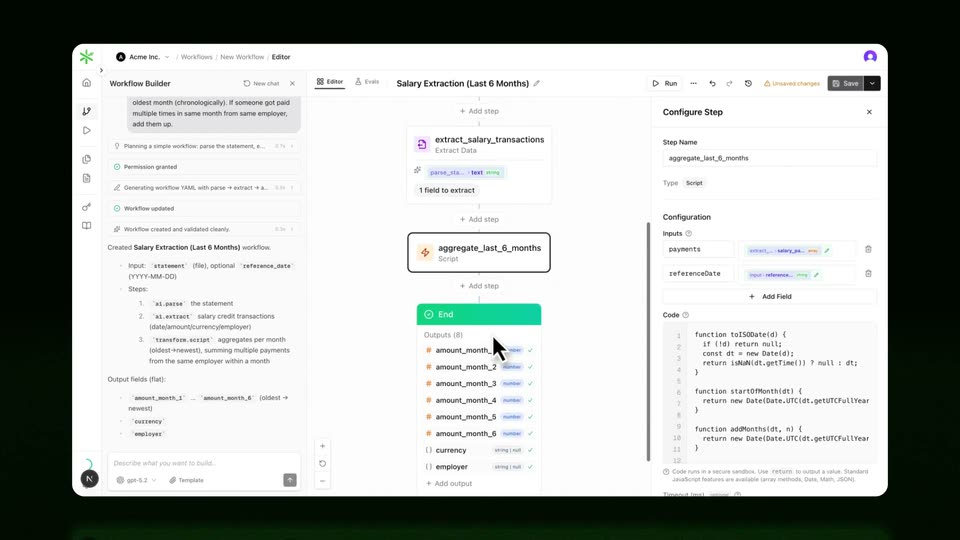 0:38–0:43EigenPal · Introducing EigenPalA tilted 3D view of a workflow editor sits on a dark background while a pale-green headline holds on the left. The camera pushes in as a cursor clicks through the parse, extract and aggregate steps, opening a configure panel, and rests on the green End node.
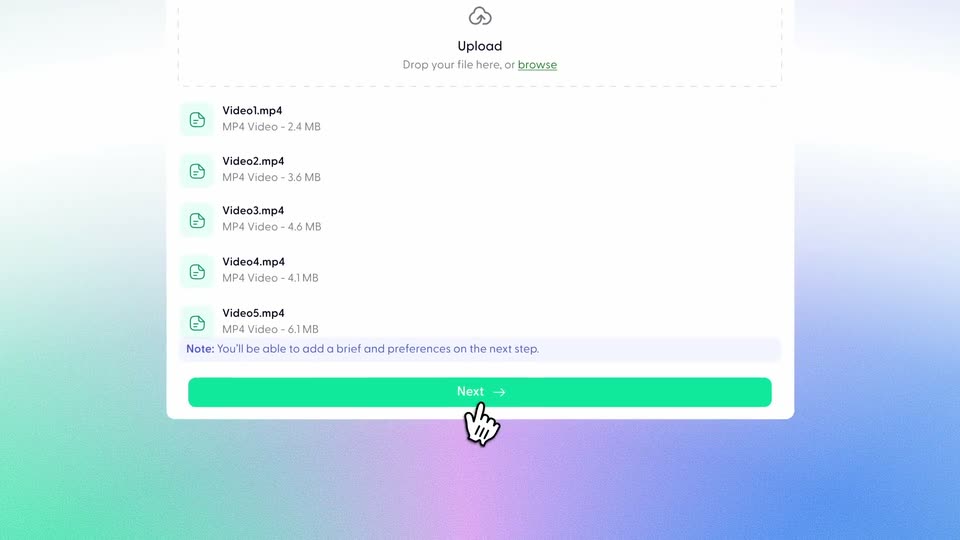 1:03–1:05Wondercraft · Dimi Nikolaou - Today AI Video stops being slop. Introducing Wondercraft Video, an AA flat product card on a soft gradient shows an upload panel. A cartoon hand cursor taps the green Next button, the view zooms in to reveal a list of five uploaded files, then reframes to the next step titled What is the video for?
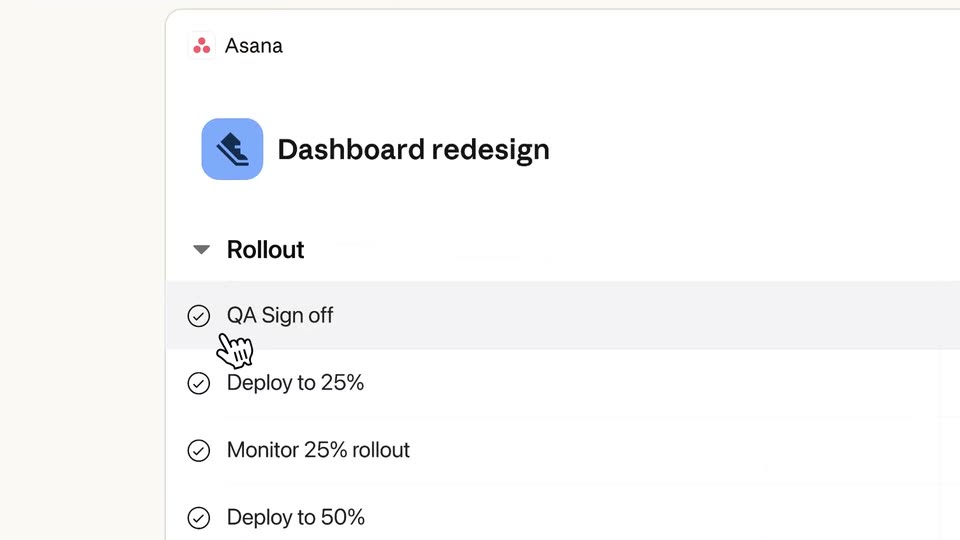 0:30–0:34Anthropic · Claude - Your work tools are now interactive in Claude. Draft Slack messages,A bold serif caption under an Asana card slides in, the view widens to the full app screen, then zooms into the Rollout task list where a hand cursor clicks the QA Sign off row and its check turns green.
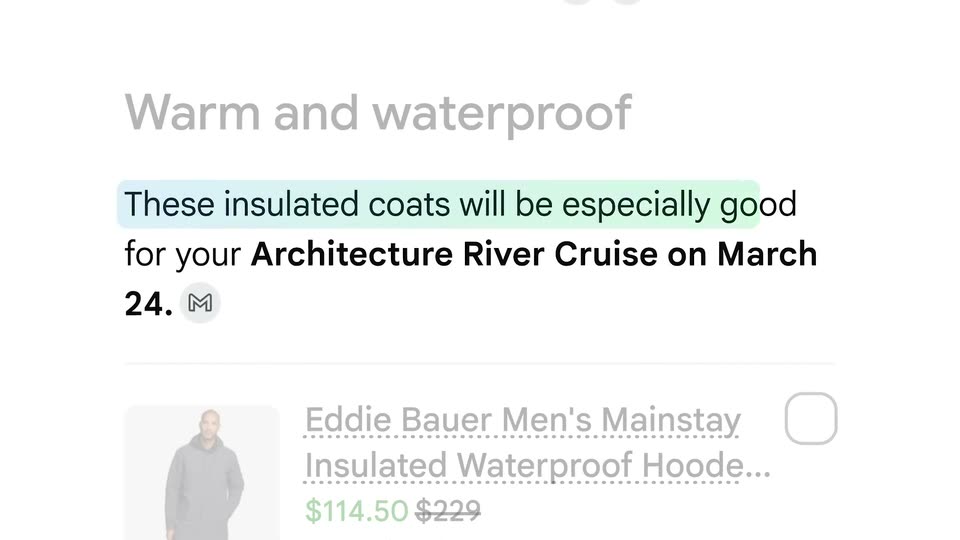 1:17–1:19Google · New in Search | Personal Intelligence in AI ModeA shopping assistant screen shows the headline “Warm and waterproof” above a product card; both fade out while soft yellow and green highlights sweep behind the message text. The view then zooms in on the sentence about the river cruise.
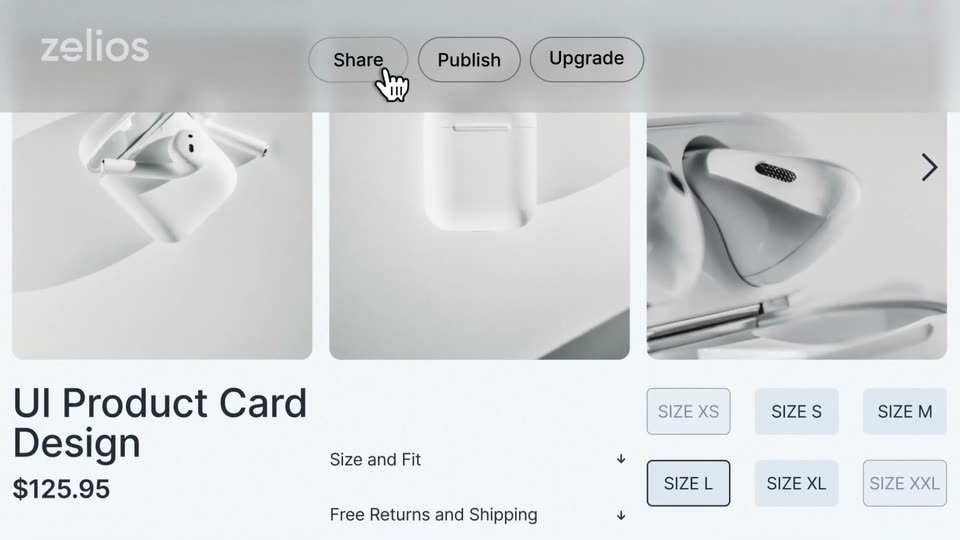 0:39–0:41Lovio · Best AI Product Video for SaaS | LovioA close-up of a light product-card UI shows three white earbud images, a price and size buttons; a cursor taps the Share pill, which turns blue. The view then pulls back so the whole card floats over a blurred outdoor background.
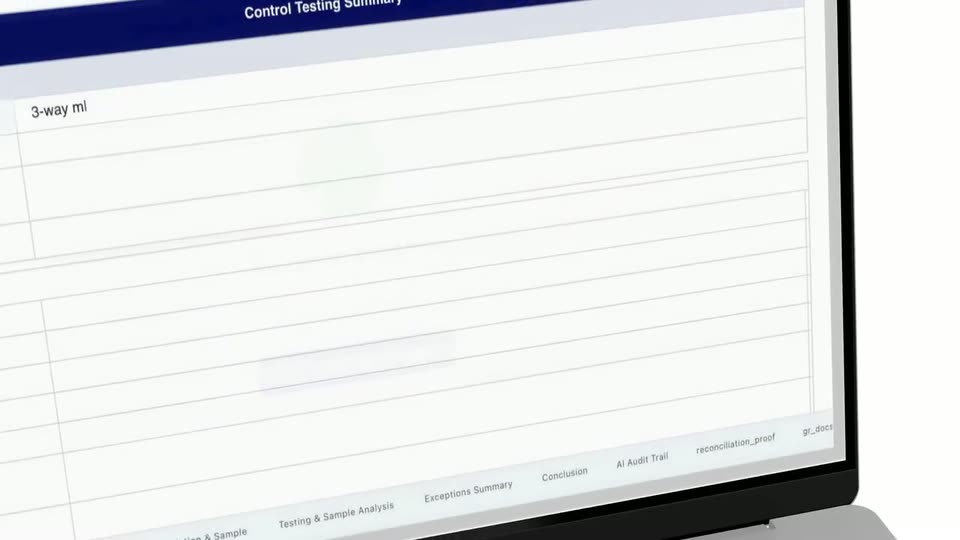 0:43–0:44Oxus · Oxus: Modern intelligence for better auditsA laptop mockup in 3D perspective shows a success card with a green check circle, a title, subline and a dark blue export button with a cursor resting on it. The view then pans down the screen to a lined table with section tabs along the bottom edge.
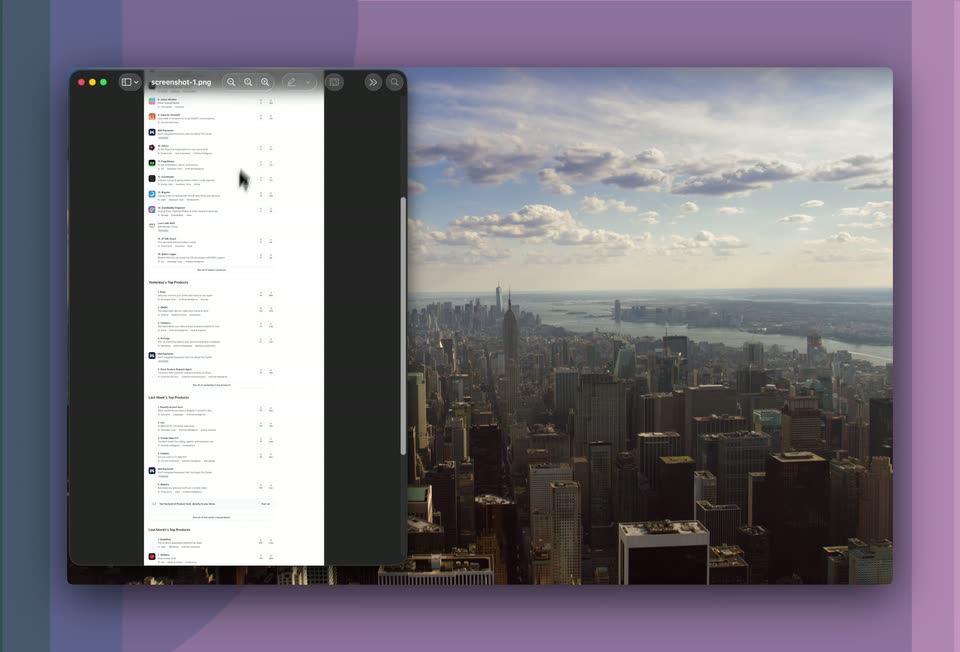 1:44–1:50Kilvin · BrowserBook YC DemoA dark app window floats over an aerial city photo on a purple gradient. Inside, a tall white list of items scrolls as a hand cursor moves up to the toolbar and clicks a zoom icon, widening the column.
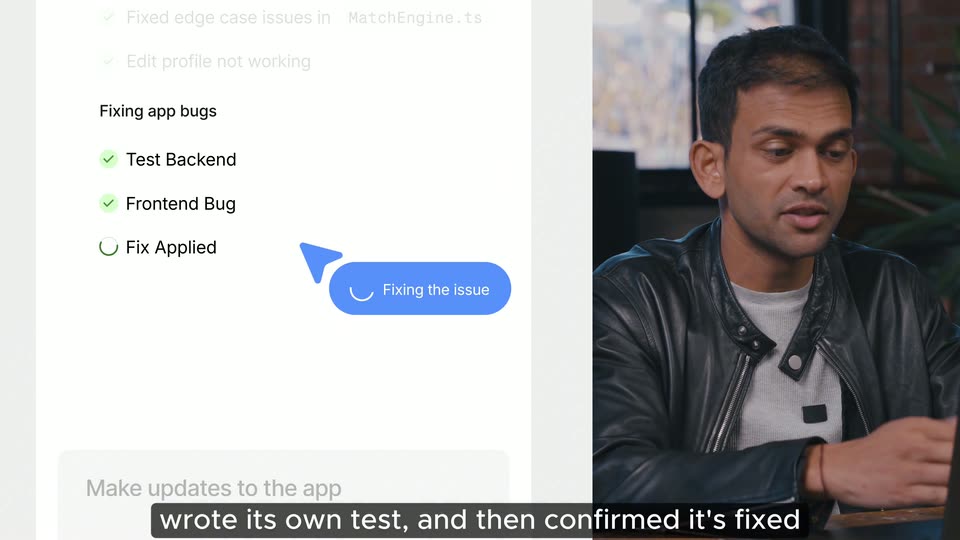 1:15–1:26Anything · Anything - Introducing Anything Max: Vibe Coding that's leaps above Lovable andSplit screen: a white task panel on the left zooms in as a checklist fills with green checks (Test Backend, Frontend Bug, Fix Applied, Test, Verified) and a blue chat bubble flips from a spinner to a check. On the right, a man in a leather jacket talks at a desk, a phone profile mockup at the seam.
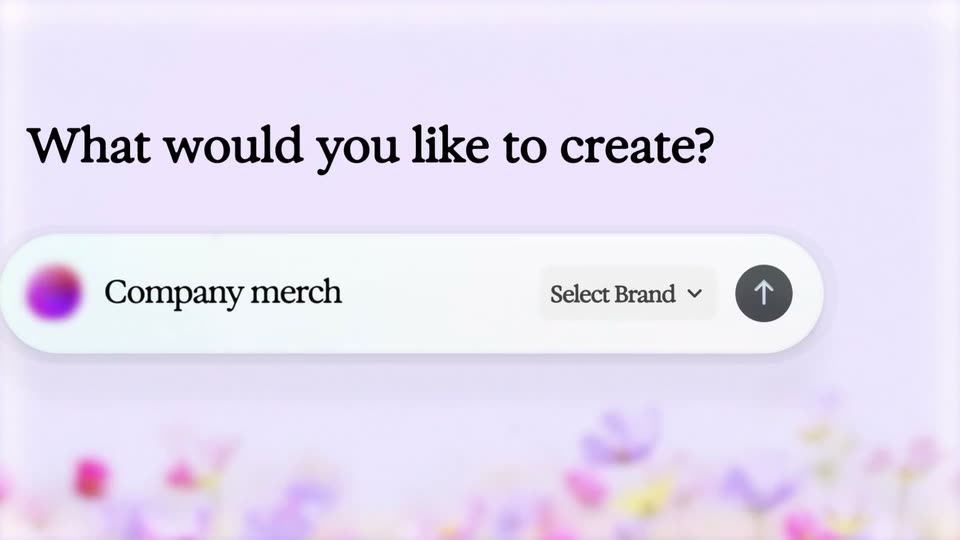 0:41–0:43Bloom · Ray - World's first on-brand AI. Introducing Bloom.A blurred field of pastel flowers fills the frame behind a white rounded search bar. The headline sits above it as “Company merch” types into the field. The view then zooms in on the “Select Brand” control, which opens to reveal “Ulysses”.
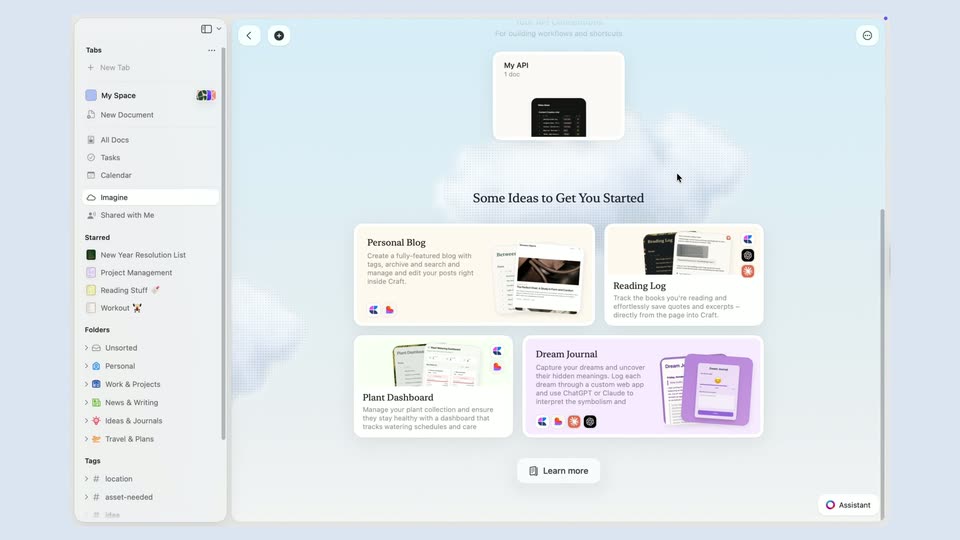 1:00–1:02Craft · Introducing the new Craft Assistant, MCP & API and more!The app interface opens zoomed in on the MCP connections page, then pulls back to show the full window with a left sidebar and stacked content cards. After a brief hold, the view cuts to a flat green paper background with torn orange and gold leaf shapes.
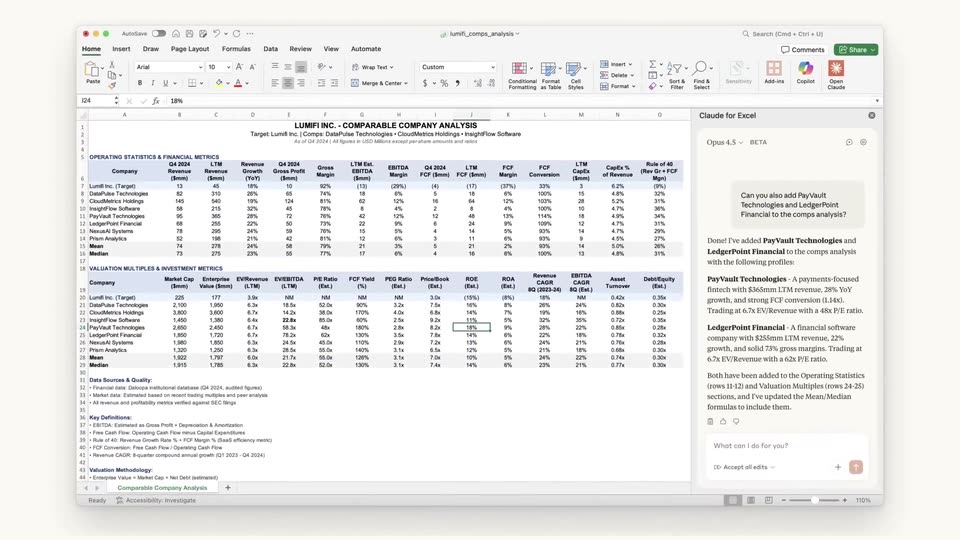 0:52–0:54Anthropic · Claude works with you on slides, spreadsheets, and contract redlinesA close-up of a spreadsheet table titled LUMI INC. comparable company analysis fills the left side, with a Claude for Excel chat panel on the right. The view zooms out smoothly to reveal the full application window and both panels.
 0:46–0:47Google · Vibe Coding with Gemini 3 in Google AI StudioA dark app screen shows a chat panel on the left and a top-down 3D racing track with two cars on the right. The camera tilts into perspective and zooms onto the track, reframing the live preview.
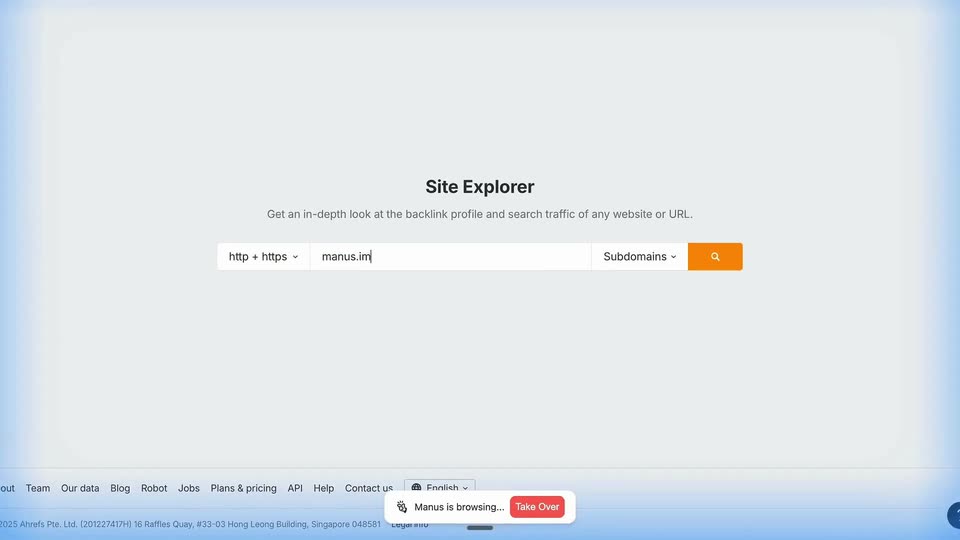 0:39–0:40Manus · Manus - Today we're launching Manus Browser Operator. Any browser can now beA light gray Ahrefs search screen holds the typed query manus.im, then reframes into the full browser window as a spinner loads, resolving into a dashboard of metric panels and ranked keyword and domain lists.
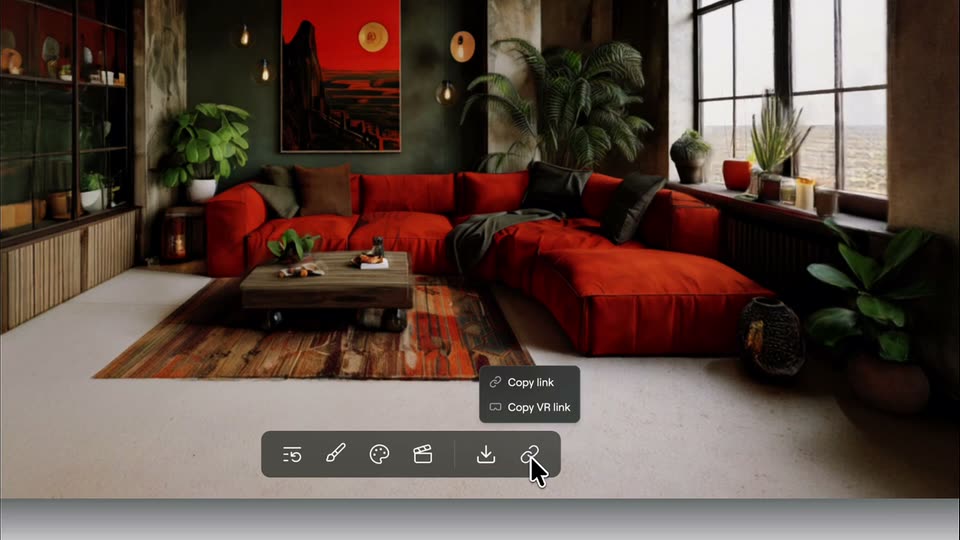 1:01–1:21World Labs · Welcome to Marble!A screen recording of a 3D world viewer showing a living room with an orange sofa. A cursor clicks the download icon, opening an export options menu, then the share icon, opening a copy-link menu. The view zooms out to a rounded card as the cursor opens the info menu.
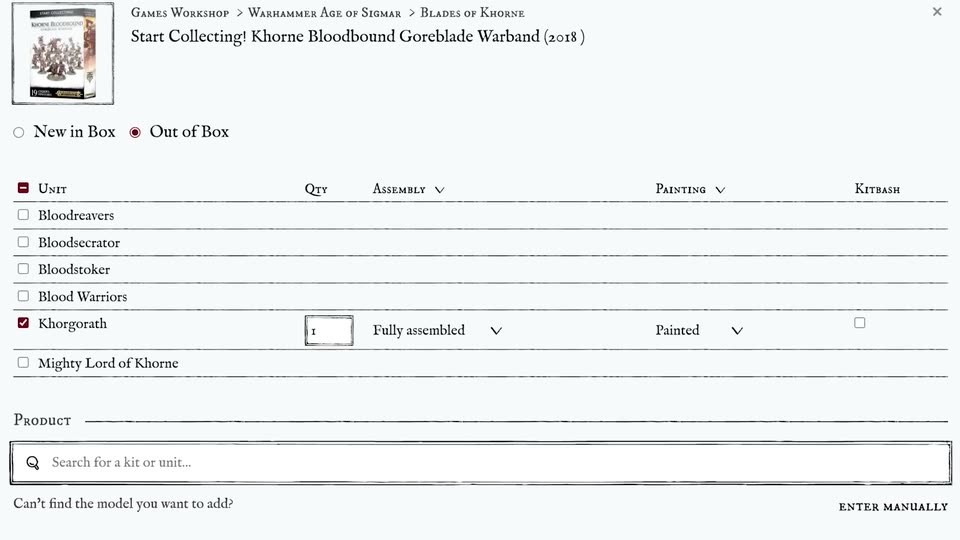 1:55–1:59Miniswap · Introducing Miniswap — The Marketplace For Tabletop GamesA pale collection-manager screen opens on the full page with a left sidebar, then the frame tightens onto the main panel. A unit table lists Khorne models, the Khorgorath row checked in red with quantity 1, fully assembled and painted, above a search field.
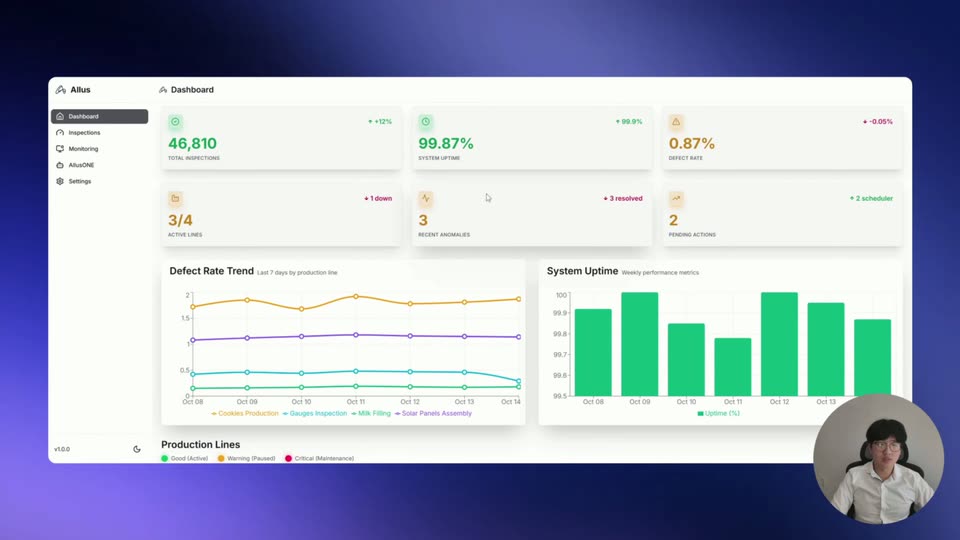 1:52–2:02Allus AI · Allus AI: Transforming Manufacturing with Next-Gen Vision Foundation ModelA white production dashboard card tilts in 3D against a blue gradient, then flattens as the total-inspections counter ticks up live. A cursor hovers the uptime bar chart and a tooltip pops up; a circular webcam of the presenter sits in the bottom right corner.
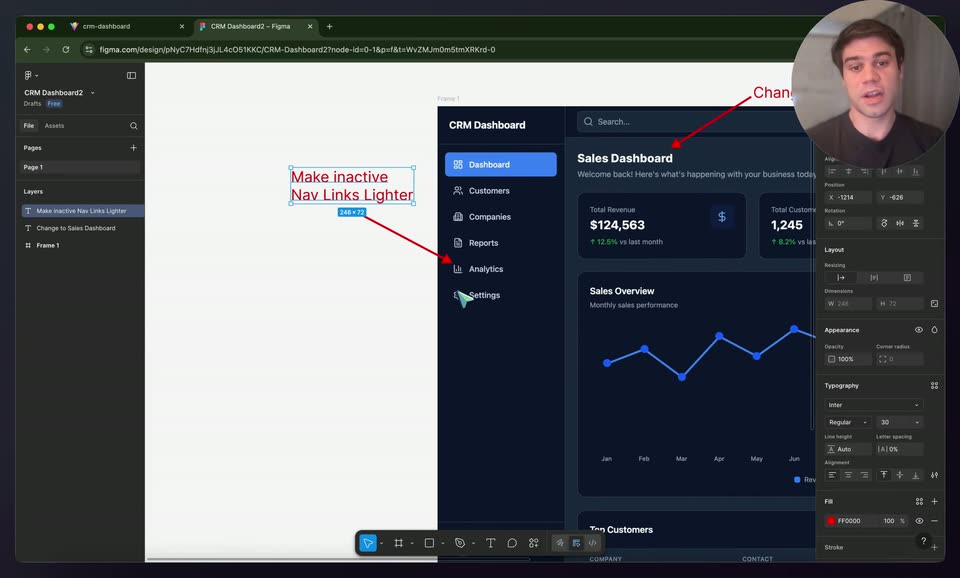 1:42–1:47Coasts · JSX Tool DemoA Figma canvas zooms out from a dark CRM dashboard to reveal red annotation arrows, then zooms back in on the left sidebar as the cursor hovers over the nav links. A circular webcam of the presenter stays in the top-right corner.
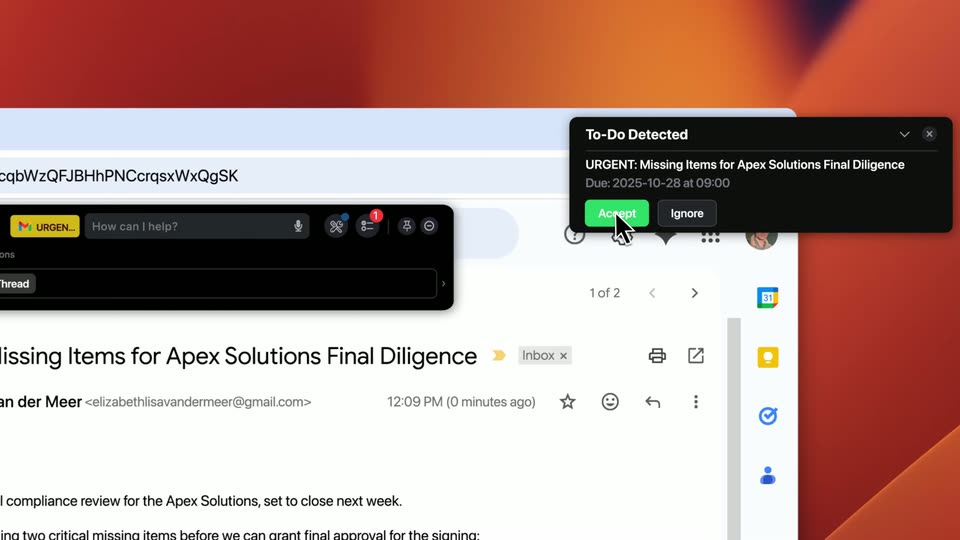 1:07–1:09Logical · Logical | The Proactive Desktop CopilotA tilted 3D email client on an orange background stays out of focus while a dark “To-Do Detected” card with a green Accept button holds focus top right. The camera reframes onto the card as a cursor moves in and clicks Accept.
 0:44–0:49Lexi · Lexi | Launch VideoA tilted 3D table of contract rows floats on a soft blue gradient. Rows highlight blue, then the view zooms in and the flagged rows turn red as a glare sweeps across the left edge.
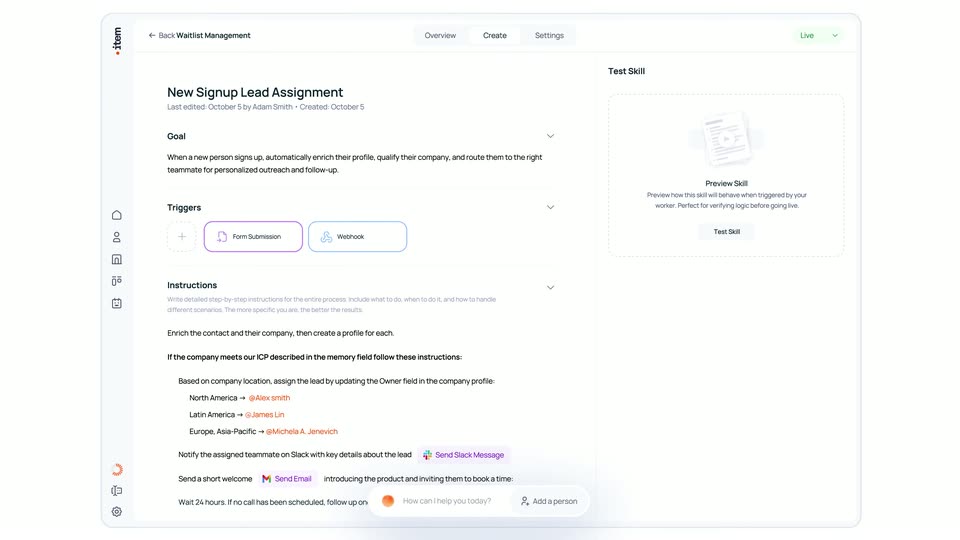 2:03–2:07Item · item YC Launch!The product interface opens on a lead-assignment page, then zooms out to reveal a left sidebar with the Item logo and navigation icons. The view then switches to a Companies table listing rows of company names, roles and locations.
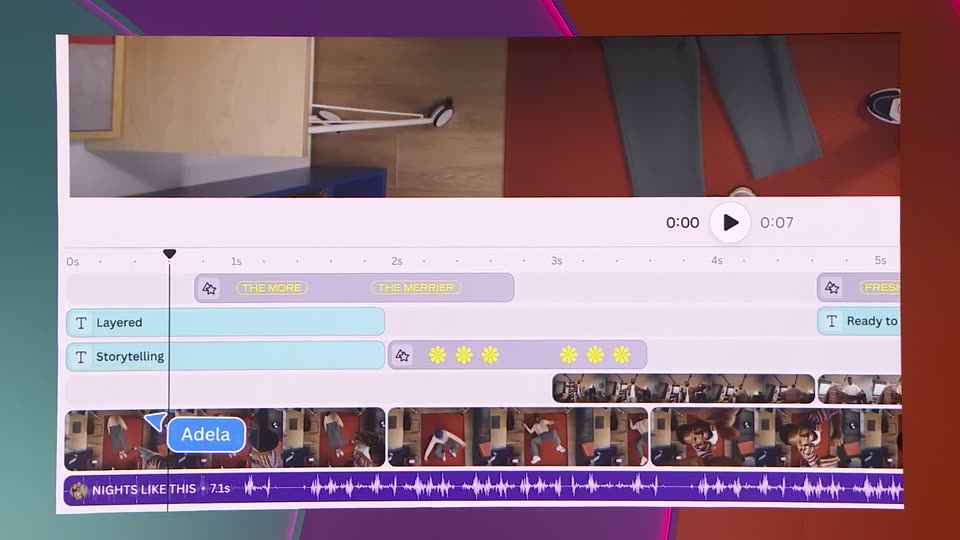 3:39–3:44Canva · Introducing Canva Video 2.0The Canva editor reframes from the full workspace onto the timeline. A cursor labeled Adela drags an audio clip from the media strip into a purple waveform track, then moves up to the play button.
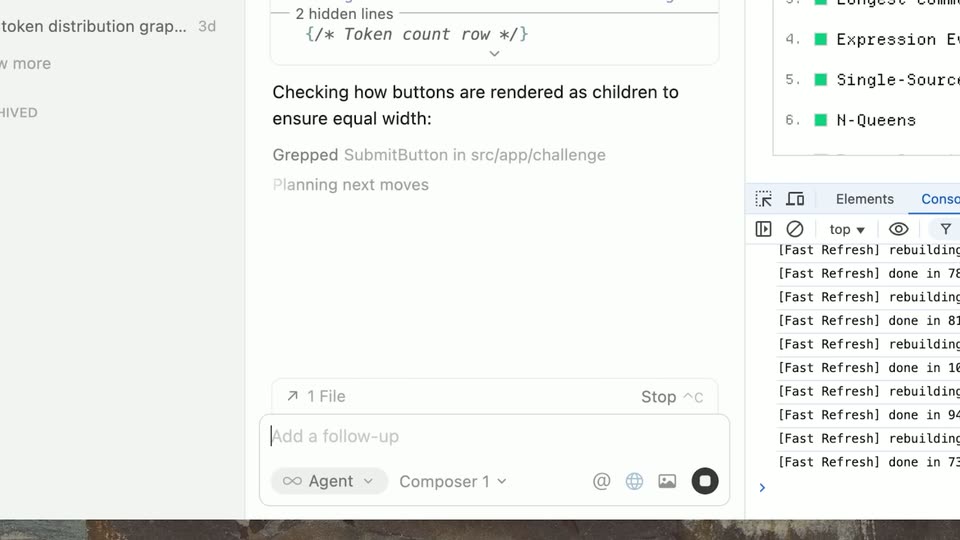 0:51–1:00Cursor · Introducing Cursor 2.0A close-up of the agent composer types a prompt about stacking tokens and actions; the camera pulls back to the full IDE window with the agent's task list, a live Colf preview, and a Fast Refresh console, then zooms into the chat log and ends on the console.
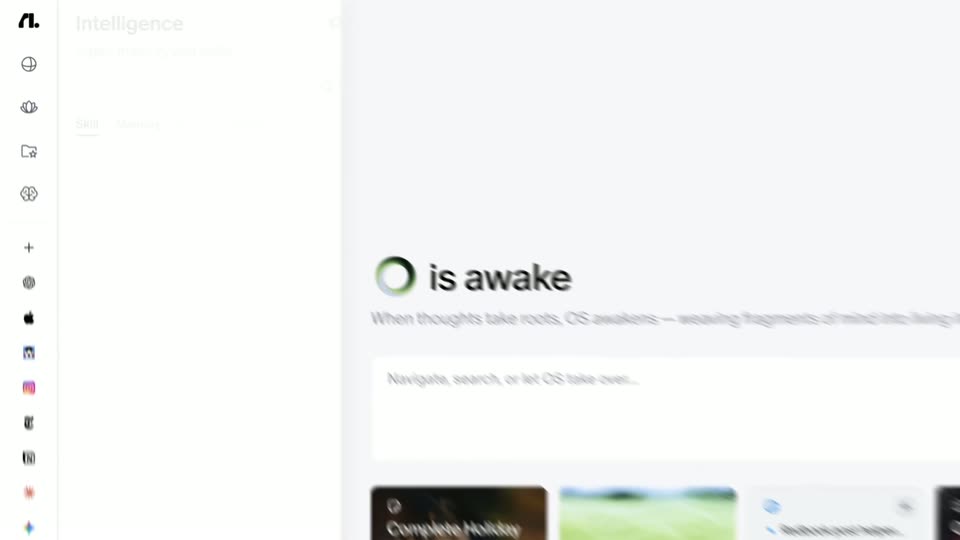 2:04–2:06Flowith · Derek Nee - introducing the OpenAI Atlas killer. might be the last browser you'llA light interface opens on an 'is awake' home view with a search field and a row of four content cards. The frame then slides left to reveal an 'Intelligence' panel titled Agent memory and skills, with Skill, Memory and Knowledge Base tabs.
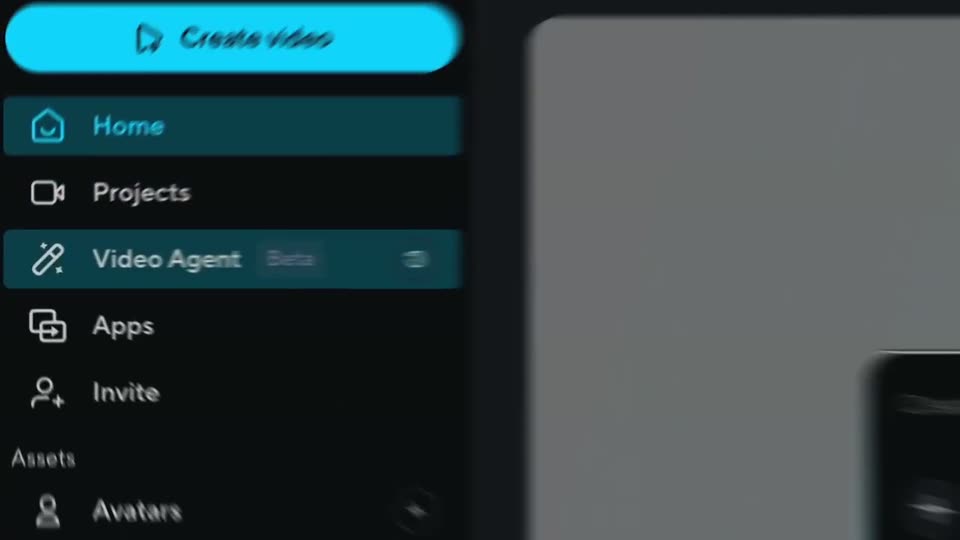 1:13–1:14HeyGen · HeyGen - If you can explain it, you can animate it. Turn your ideas into custThe HeyGen app interface fills the frame, then the view reframes onto the left sidebar. A cursor moves down the menu from Home to Video Agent, which highlights in teal as it is selected.
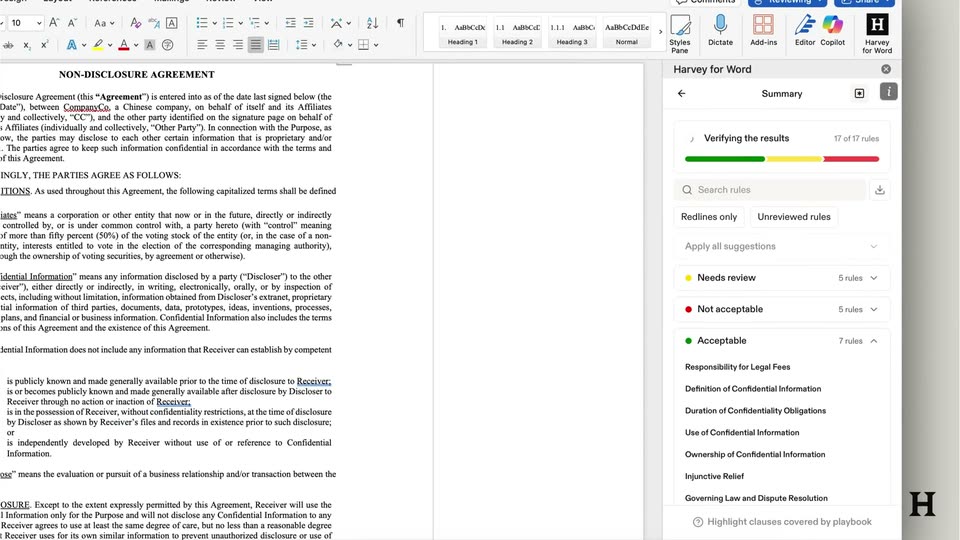 1:42–1:49Harvey · Microsoft IntegrationsA Microsoft Word window with the Harvey for Word sidebar open. A cursor clicks Run on the NDA Playbook, the panel shifts to a processing progress bar, then to a review-complete list of flagged clauses, and the view zooms into the results.