Cursor demo
A visible cursor operates the interface.
15,080 scenes · page 191 of 252
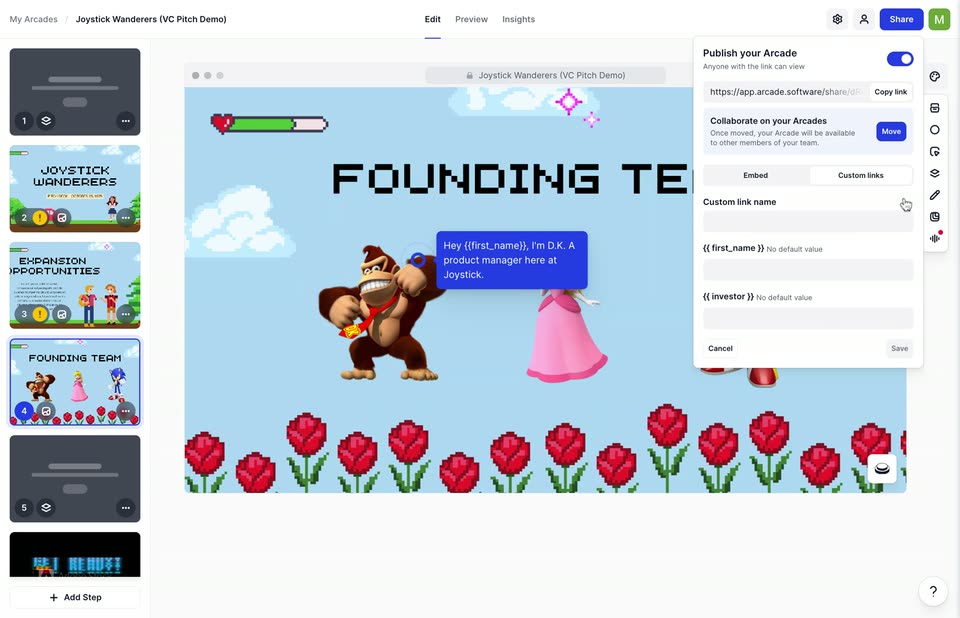 1:06–2:25Arcade · Arcade Adventure 👾Locked-off full window, a cursor works through the Arcade editor: it clicks a hotspot on the pixel-art canvas, opens a text panel, types a greeting with a name variable, saves it as a speech bubble, then opens the share panel, toggles publish, and fills two custom links. Confetti bursts.
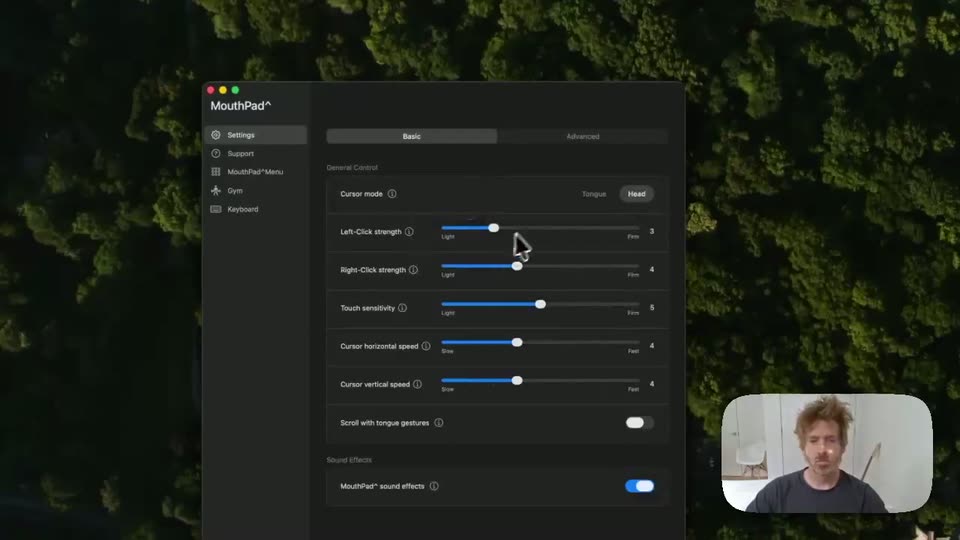 2:03–2:09Augmental · MouthPad is a touchpad you drive with your tongue. Now available across the US. Over 100 people already use it, some for up to 16 hours/day. It works for gaming, for CAD, for Figma, and we're inA dark MouthPad settings window slides in from the left over aerial tree footage, settling into place with its sidebar. A white hand cursor glides to the sliders, pops a tooltip on Cursor mode, and drags the Left-Click strength handle; a man's webcam feed stays in the bottom-right corner.
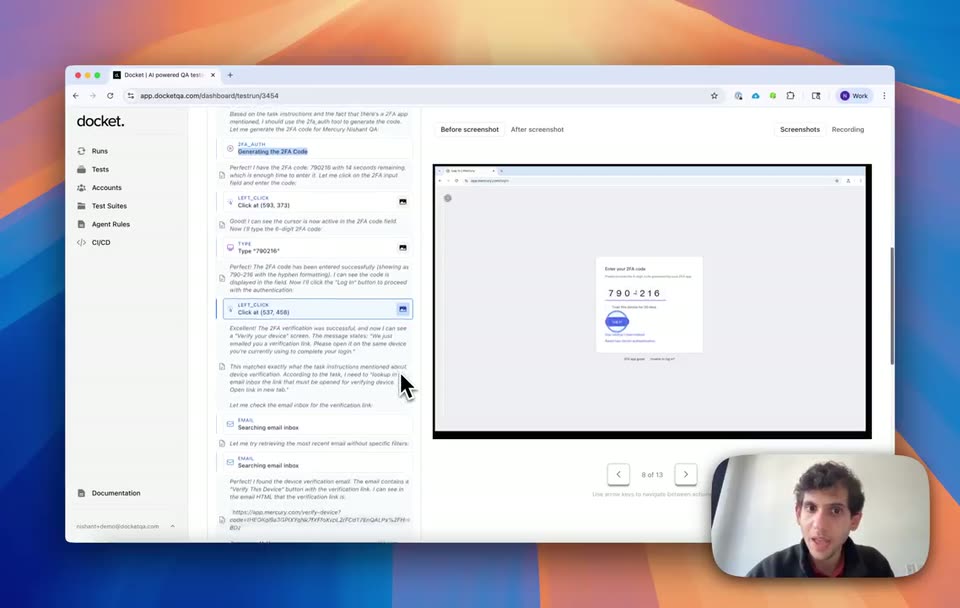 1:11–1:14Docket · #fintech #qa #ai #e2etest #yc #automation | Docket (YC P25)A Docket app browser window sits on a colorful desktop. The view zooms into the right panel as a hand cursor clicks the After screenshot tab, and the screenshot changes from a 2FA code entry to a Verify your device card. A webcam video stays in the corner.
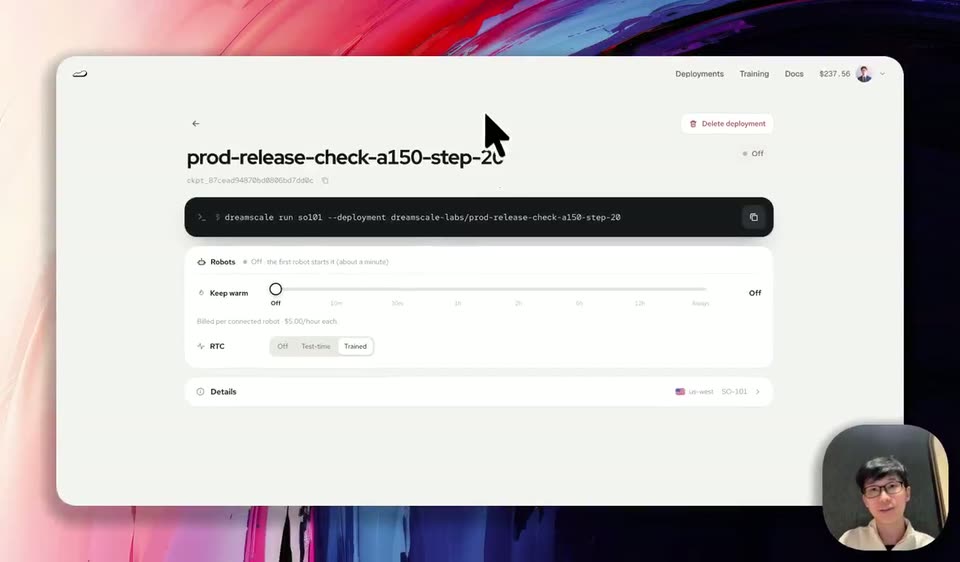 0:38–0:50Dreamscale Labs · Training is live on Dreamscale! | Dreamscale Labs (YC F26)A product panel floats over a painted pink-and-blue backdrop, with a small presenter webcam in the corner. A cursor scrolls the training run, hovers the loss chart and checkpoint rows to reveal tooltips, then opens the deployment page showing a CLI command.
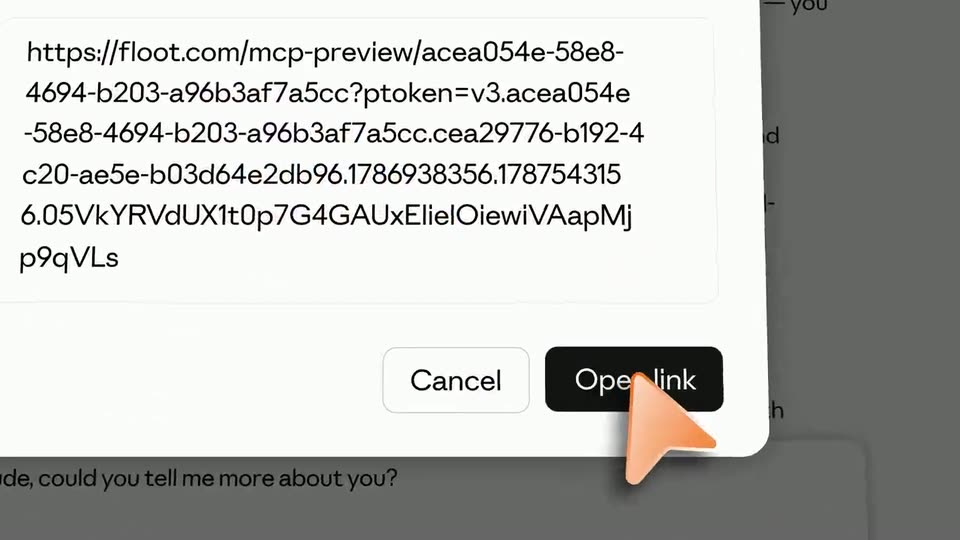 0:32–0:35Floot · Claude and ChatGPT can already write you an app. Getting it live is another story. Today we're fixing that: connect Floot, and you can build and ship real apps directly inside Claude and ChatGPT -A white dialog titled Open external link sits over a dimmed chat interface, showing a long URL and Cancel and Open link buttons. An orange cursor glides down the dialog and presses the black Open link button as the frame zooms in on it.
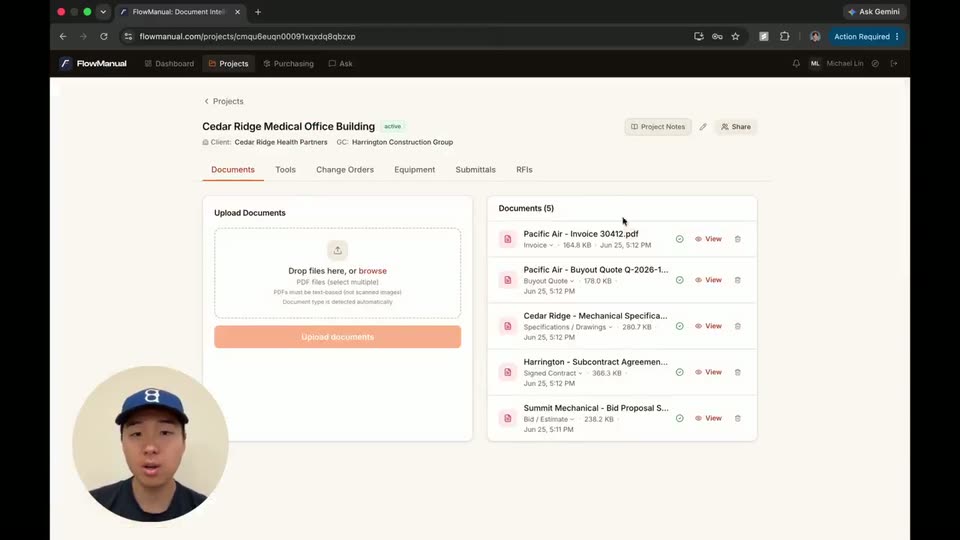 1:07 · 1sFlowManual · Hey! This is FlowManual; an AI-native back office for construction contractors. Here’s a little demo to show you what we’ve been working on. We've talked with hundreds of contractors and realized… | FlowManual (YC S26)A browser window shows the FlowManual project page for Cedar Ridge Medical Office Building, with an upload panel on the left and a five-row document list on the right. A small circular webcam feed of a man in a blue cap sits in the bottom left corner. A cursor glides to the View link on the first invoice row, which highlights as it is selected.
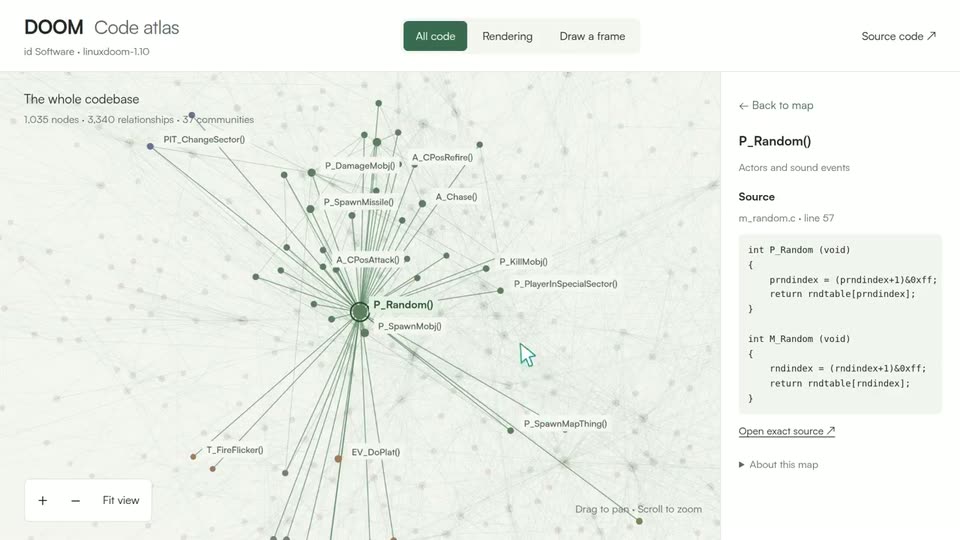 0:32–0:40Graphify Labs · Graphify is now in Perplexity Every user gets 5,000 free credits through Oct 31 to turn any codebase into an interactive map of files, functions, and dependencies. Point it at your repo and go. | Graphify Labs (YC S26)A cursor zooms into a force-directed code graph, clicks the P_Random() node, and a right panel appears with its source code. The view then resets to the full map and the original community list.
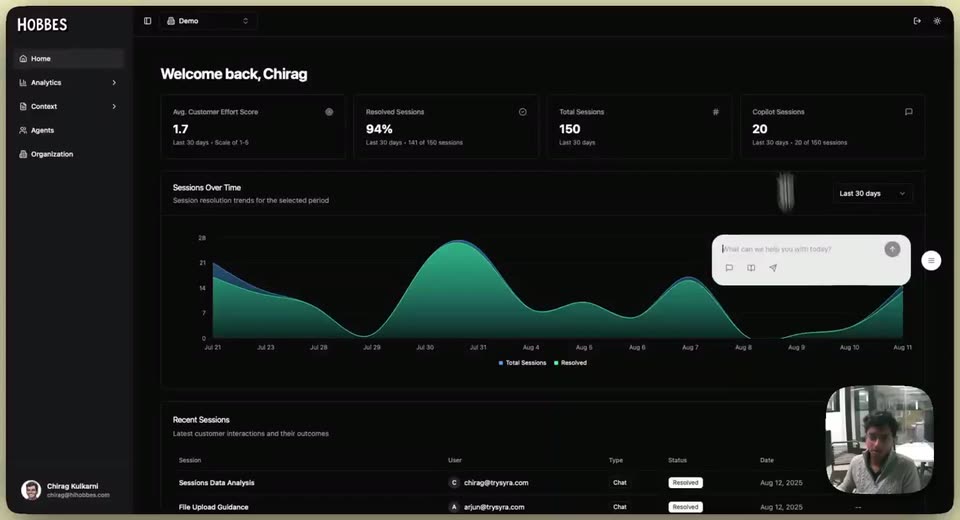 0:20–0:21Hobbes · 🚨Major update🚨 Syra is now Hobbes (hihobbes.com)! As we worked with some amazing teams this year, we saw a big gap in the agent landscape: visual context. Agents trained on knowledge bases + helpA dark analytics dashboard fills the frame, showing a green area chart, four stat cards and a sessions table. A white chat box on the right holds a cursor that shifts into a typing hand, and a small video call window of a man sits in the bottom right corner.
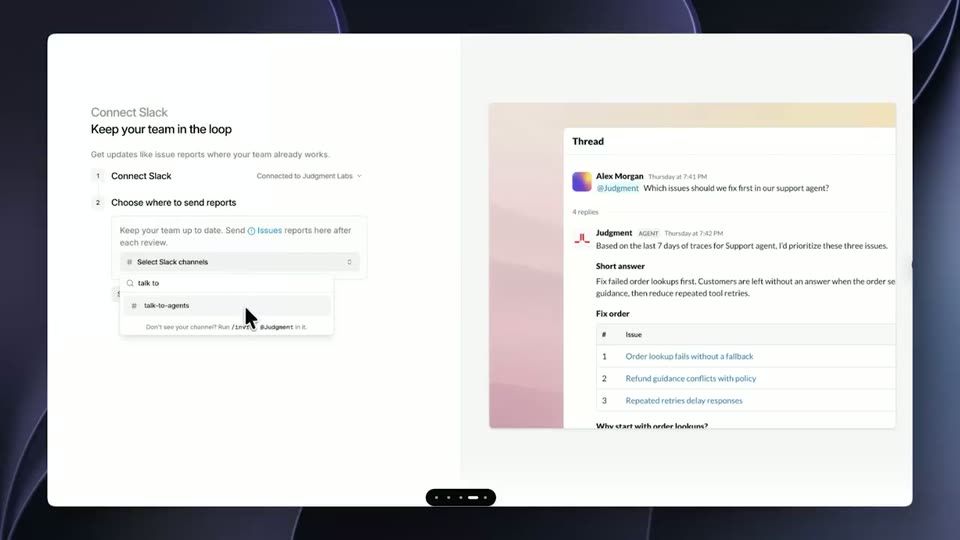 0:37–0:48Judgment Labs · See Judgment Labs’ activity on LinkedInA two-panel product screen sits flat on a dark backdrop, a Slack thread fixed on the right. A cursor clicks Set up Slack on the left, the panel wipes to a channel picker, the cursor types and picks a channel, then clicks Save and continue as the frame tilts.
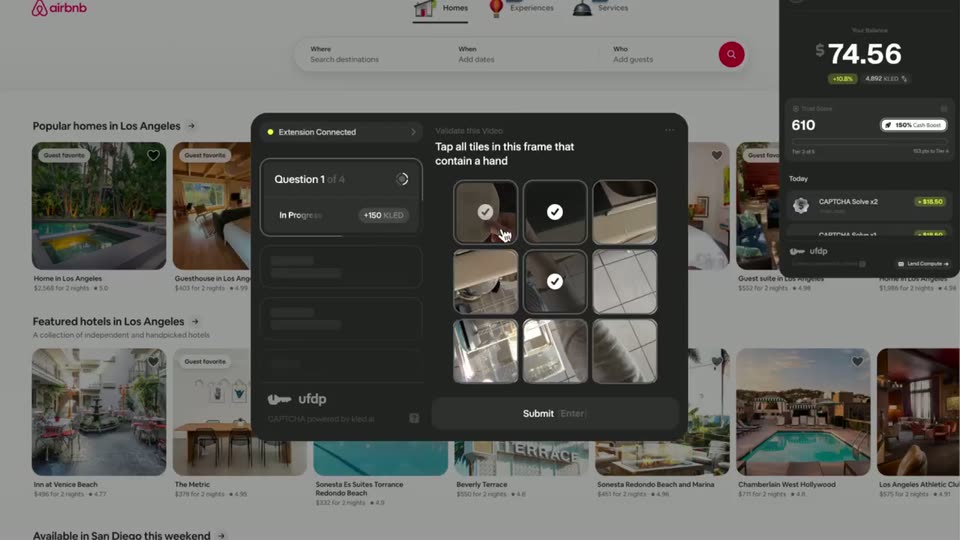 0:25–0:31Kled · We created the world’s best captcha. The first captcha that is: free for companies, pays you to solve it, impossible to bot, and instead of showing you images of random traffic lights, you’re shown… | Avi PatelA dark CAPTCHA modal overlays an Airbnb page; a cursor taps the tiles showing hands, each gaining a checkmark, then the frame cuts to a wall of browser windows around a black bar where a toggle marked YES and NO slides in.
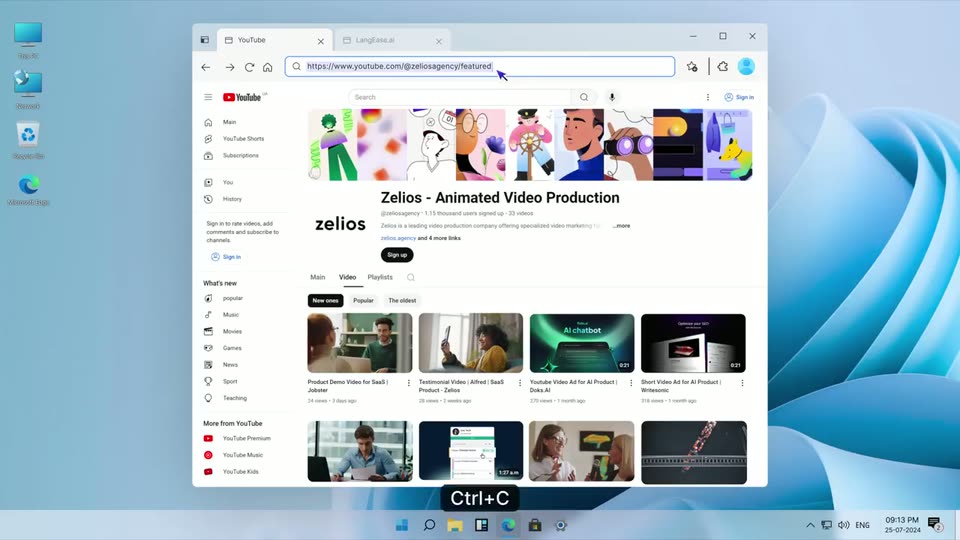 0:48–0:51LangEase · Imagine reaching a global audience without breaking a sweat. 🌎 LangEase is making it a reality. Our AI-powered localization platform is coming soon! Join the waitlist for exclusive early access.… | LangEaseA desktop screen recording shows a browser open on a YouTube channel page. The cursor clicks the address bar, highlighting the channel URL as a Ctrl+C hint appears, then moves to the second tab labeled LangEase.ai.
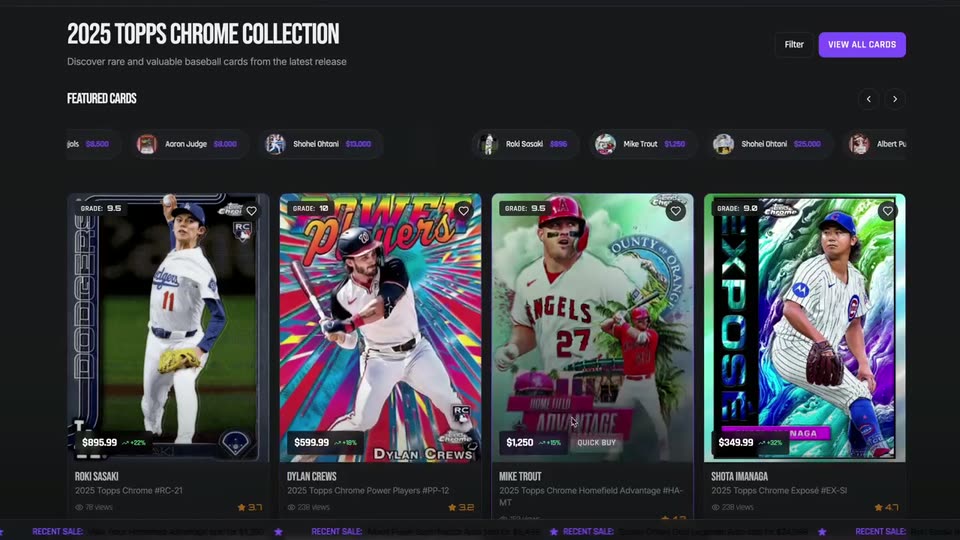 0:51–0:52Magic Patterns · Announcing our $6M Series A and Magic Patterns 2.0. We’ve grown profitably, hit $1M ARR, and quietly built an AI design tool loved by product managers, designers, and website builders. PreviouslyA dark card-marketplace screen shows four baseball card tiles in a row. The top row of player pills and the bottom sale ticker scroll left on their own, while a cursor hovers over the middle-right card.
 0:38–0:40Magnific · 🔥 Magnific Upscaler For Video 🔥 (BETA TESTING) Seedance at 720 res wasn't cool. You know what's cool? Seedance at 4k res! FINALLY The most anticipated Magnific feature of all times It's aBlue split-screen UI on a comparison view. Right side: a 3D parchment map gripped by a white skeletal hand beside a 3D skull. A vertical divider with chevron controls marks the middle. Left side: a flat 2D blonde character gives way to the 3D map as a hand cursor hovers.
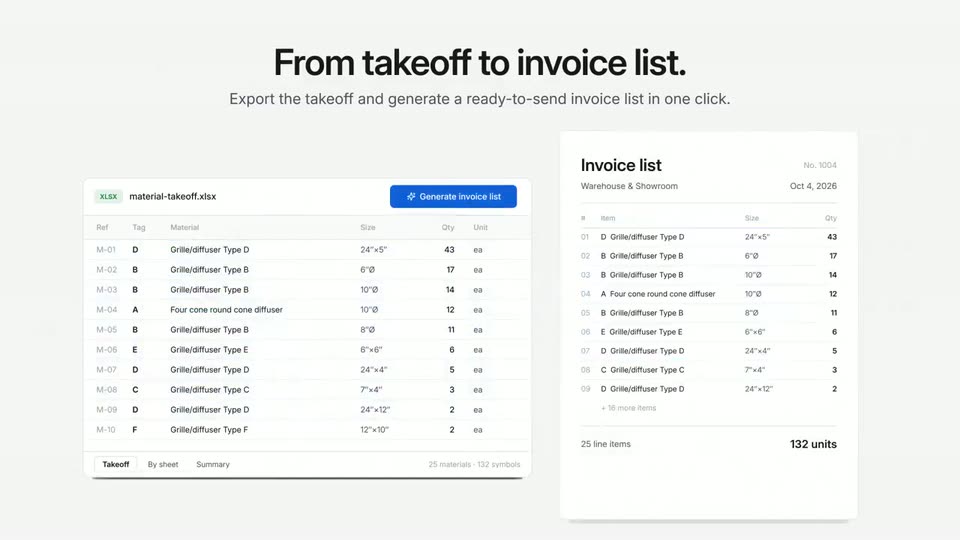 0:33–0:37Operon · We've received overwhelming requests from the HVAC & Construction industry over the past few months and today we're excited to launch our first product in this space! | Operon SolutionsOn a pale gray field, a bold black headline and gray subline sit above two flat cards. A materials spreadsheet left carries a blue button; a cursor clicks it, an invoice card slides in from the right, and a green Ready to send badge pops in below.
 0:25–0:27Pulse · Psst, dark mode is here. If you're running youtube lead gen offers then you need to setup some tracking for your content, because YouTube dashboard only tells views. Pulse makes it easy by giving… | PulseThe screen crossfades from a contacts table into a YouTube dashboard view as the titles “Welcome to Pulse” and “YouTube Dashboard” fade in. A hand cursor clicks the top-right “Video views” dropdown, opening a menu listing Video views, Link clicks and Conversions.
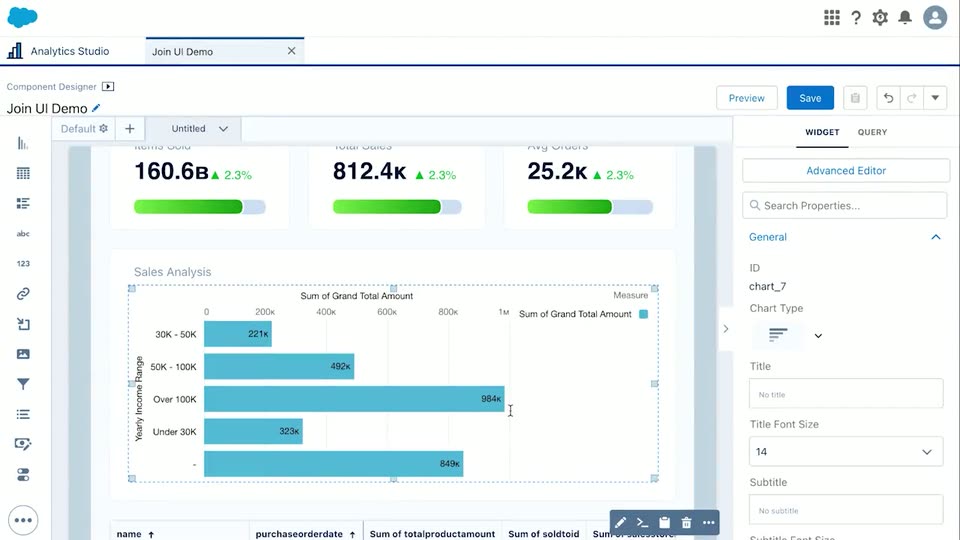 1:01–1:13Salesforce · Analytics - Join Data User InterfaceA dashboard builder screen shows KPI cards and an empty chart panel. A cursor hovers a data item in the right list, then a horizontal bar chart of sales by yearly income range fills the panel, the right panel switches to widget properties, then holds.
 1:00–1:02Salesforce · Commerce Cloud - TikTok Integration for Commerce EnhancementsA Salesforce order list shows one summary row; the cursor clicks the order number, opening a new tab where the order detail page loads with its fields and related-list quick links.
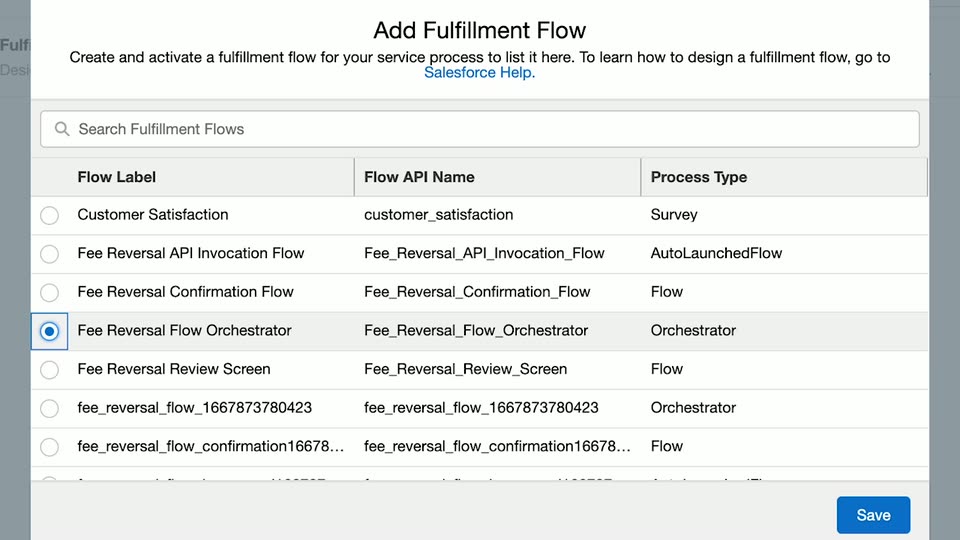 1:04–1:06Salesforce · Financial Services Cloud - Service Process AutomationA cursor moves down a list of flows and clicks the radio button beside Fee Reversal Flow Orchestrator, turning it blue and activating the Save button at the bottom right.
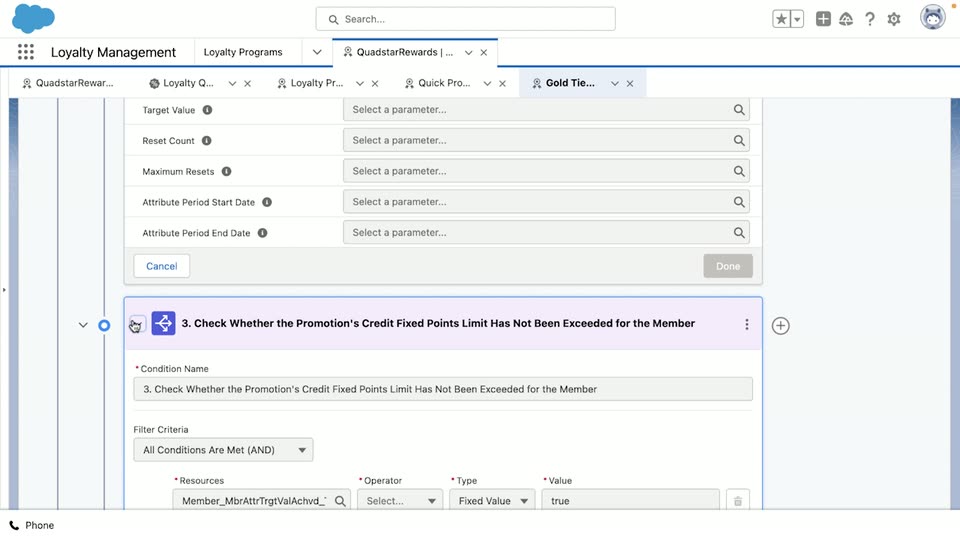 1:18–1:23Salesforce · Loyalty Management - Quick Promotion SetupA Salesforce Loyalty Management rule builder scrolls down through numbered rule cards. A cursor expands step 2 and step 3, revealing condition and parameter fields.
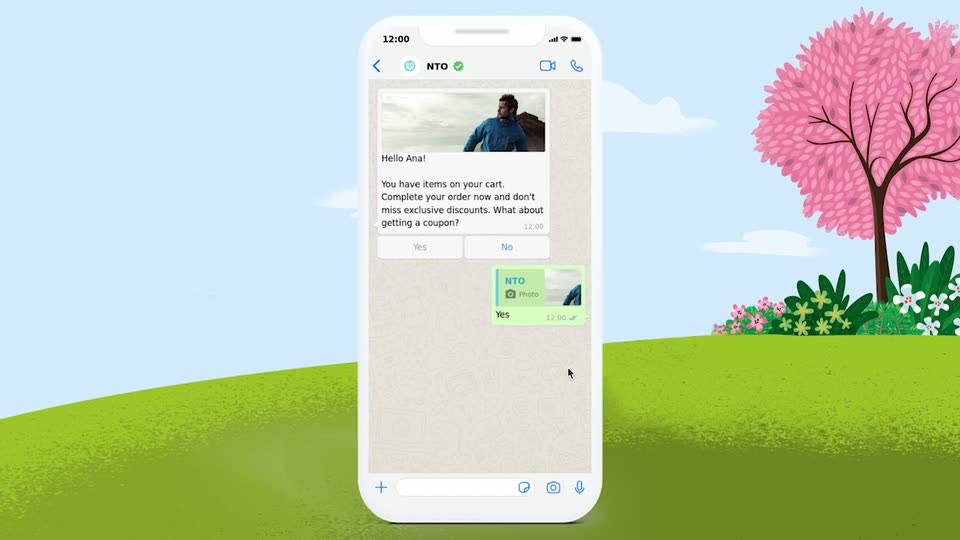 0:56–1:06Salesforce · Marketing Cloud - WhatsApp Business Messaging: Direct IntegrationA flat phone mockup sits centered on a flat illustration of a green hill, blue sky and pink tree. The screen shows a NTO chat thread with a video, a coupon message, Yes/No buttons and a sent Yes bubble. A cursor drifts inside the screen while the frame stays locked off.
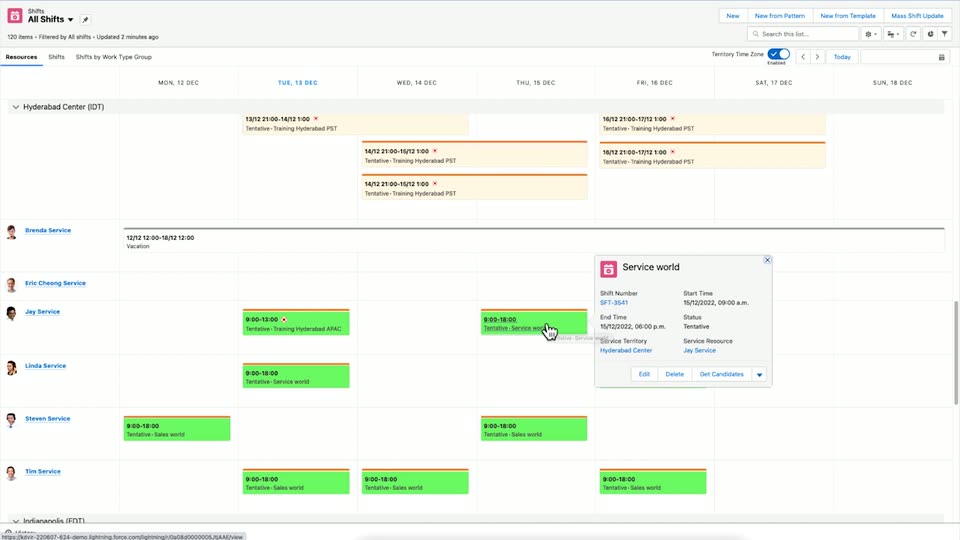 1:05–1:09Salesforce · Service Cloud - Salesforce Contact Center: Insights & SchedulingA shift-scheduling grid lists named resources against a week of dates, with green and peach blocks marking shifts. A cursor moves to a green block on Friday, clicks it, and a detail card pops up showing the shift's number, times and status, then expands with edit buttons.
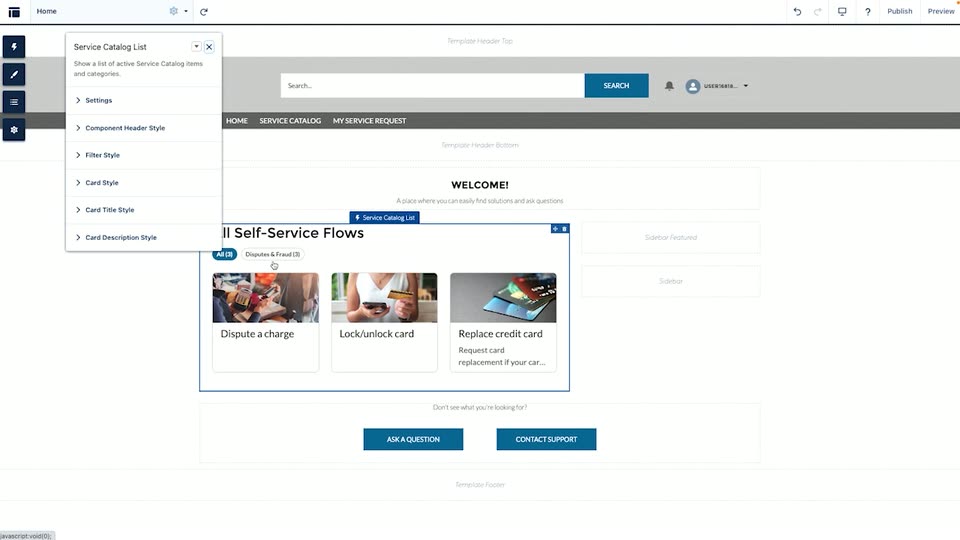 0:46–0:53Salesforce · Service Cloud - Service CatalogA page editor fills the frame. A cursor types 'service' in the components panel, drops the Service Catalog List onto the canvas so three service cards appear, then clicks Publish to open a confirmation dialog.
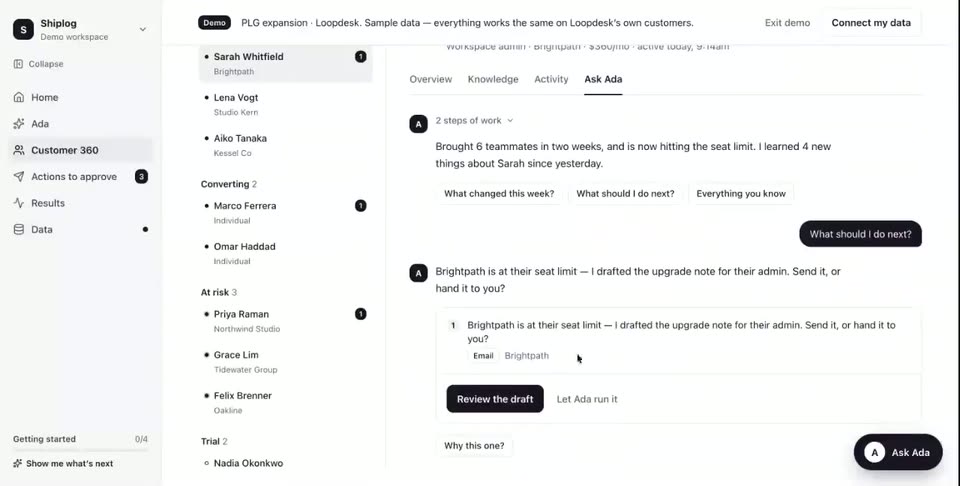 2:46–2:49Shiplog · #customersuccess #ai #saas #productledgrowth #revenuegrowth | Shiplog (F/AI F26)The Ask Ada chat shows Ada's reply with a draft card; the cursor moves down and clicks Review the draft. The main panel then crossfades to the Actions to approve view, where the Northstar Health expansion card and the draft email with a Verify and send button appear.
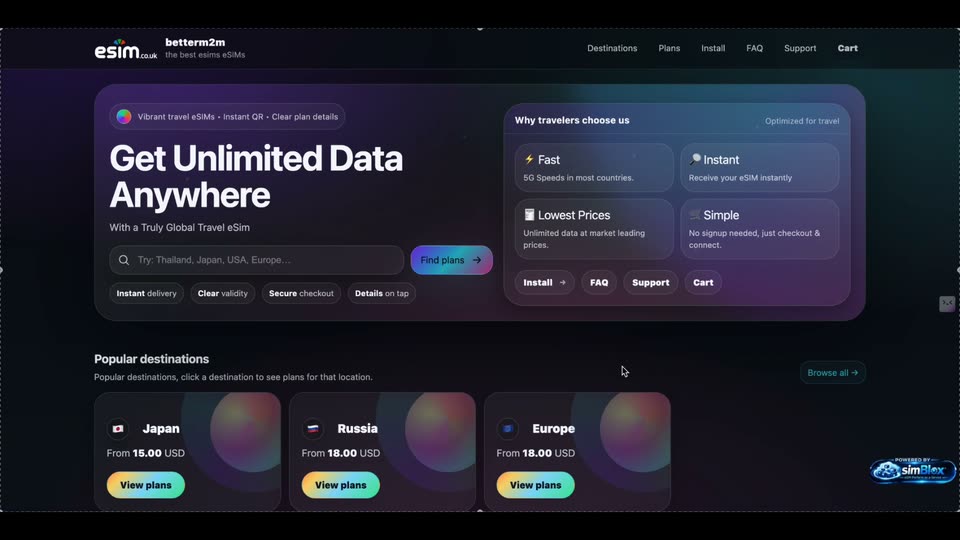 0:43–0:44SimBlox · SimBlox: minute demoA dark travel eSIM website fills the frame: a bold white hero headline and search bar sit left of a four-tile benefits panel, with destination cards for Japan, Russia and Europe below. A mouse cursor hovers over the Europe card.
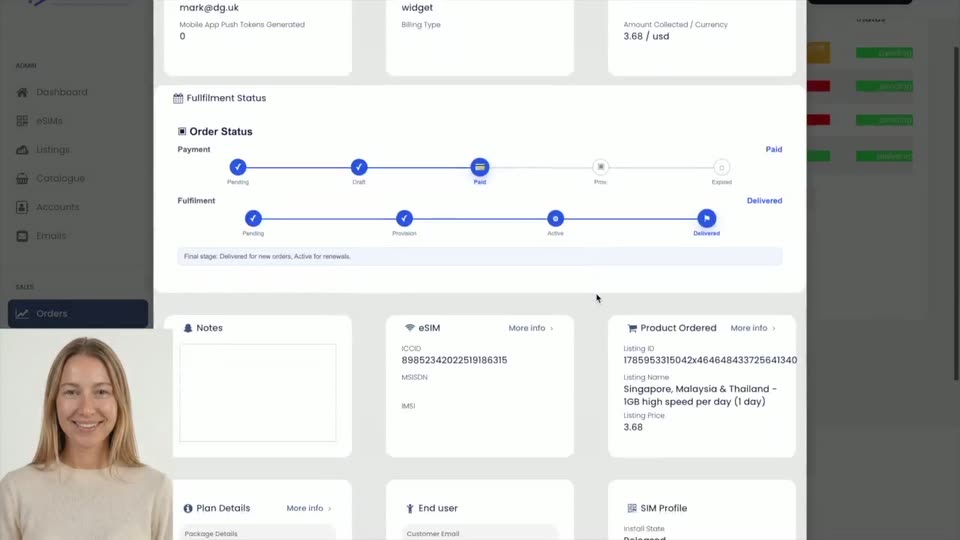 1:29–1:31SimBlox · SimBlox: apps demoA screen recording of an admin dashboard scrolls down through order detail cards while a presenter sits in a small webcam window at the bottom left and a cursor hovers over the panels.
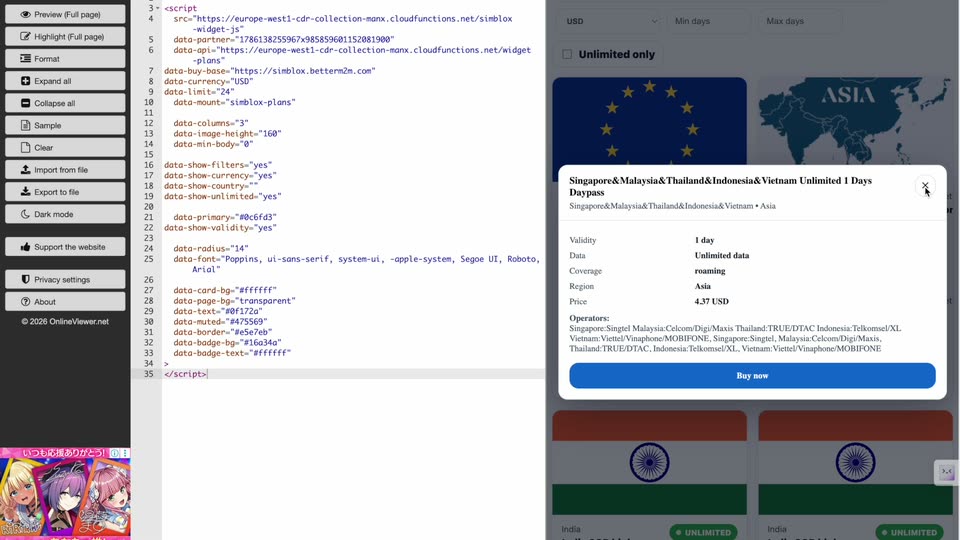 0:33–0:35SimBlox · SimBlox: web widgets demoA builder interface shows the widget's source code and a tool sidebar on the left, and a live SIM-plan preview on the right. A plan detail card closes to reveal two offer cards, and a cursor moves onto a Buy now button.
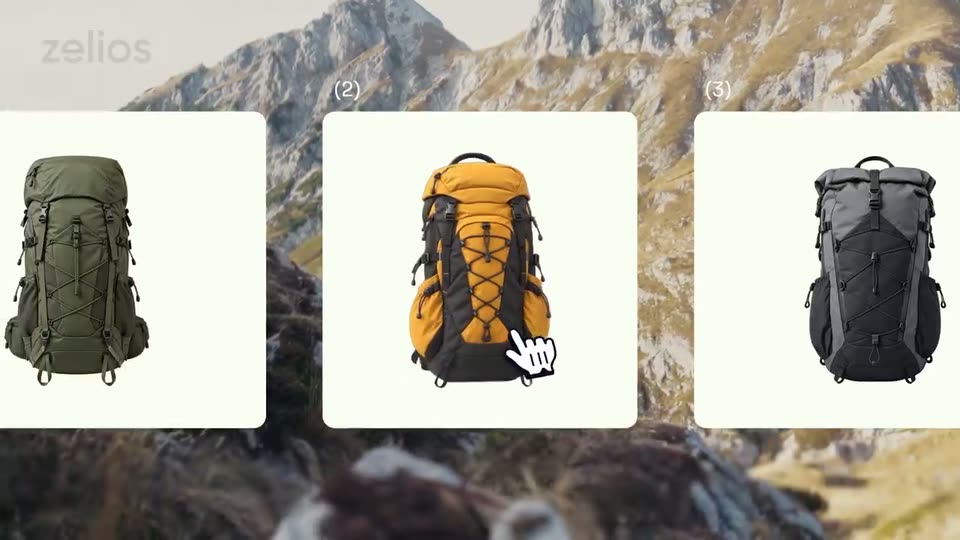 0:34–0:35SKUVE · Big thanks to the Zelios team for bringing Skuve to life in such a clear and engaging way! Skuve is all about making e-commerce product data smarter, simpler, and more actionable - and we love how… | SkuveThree white product cards with backpacks sit over a blurred mountain backdrop, a white hand cursor hovers on the center orange pack, and the row drifts slightly as the center card settles into focus.
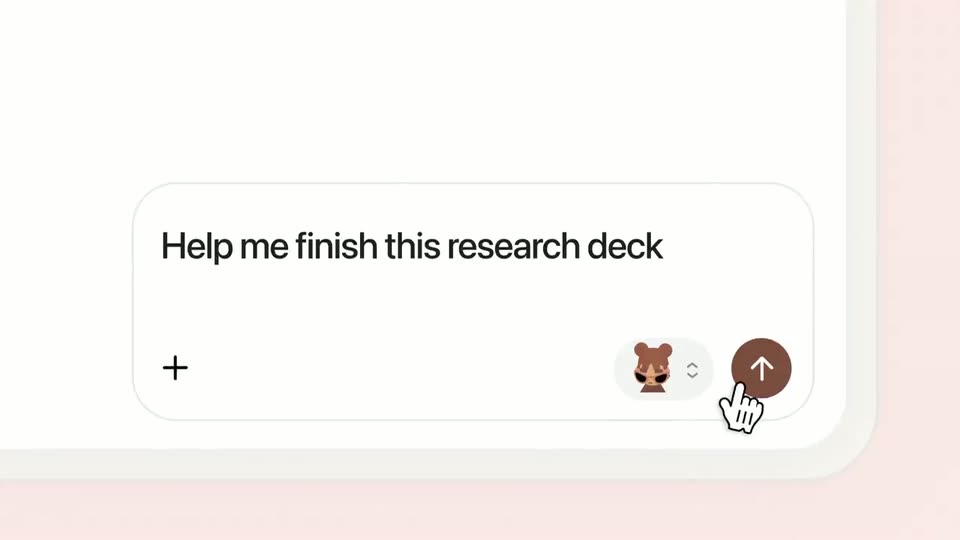 0:34–0:36Strawberry · Strawberry 1.0 is here. It marks a shift in how your team can work with AI. In Strawberry, you can create or hire virtual colleagues, called "Companions". Companions learn your preferences andClose-up of a white chat input bar on a pale pink backdrop. The prompt “Help me finish this research deck” types itself into the field, then a white hand cursor moves to and presses the brown round send button.
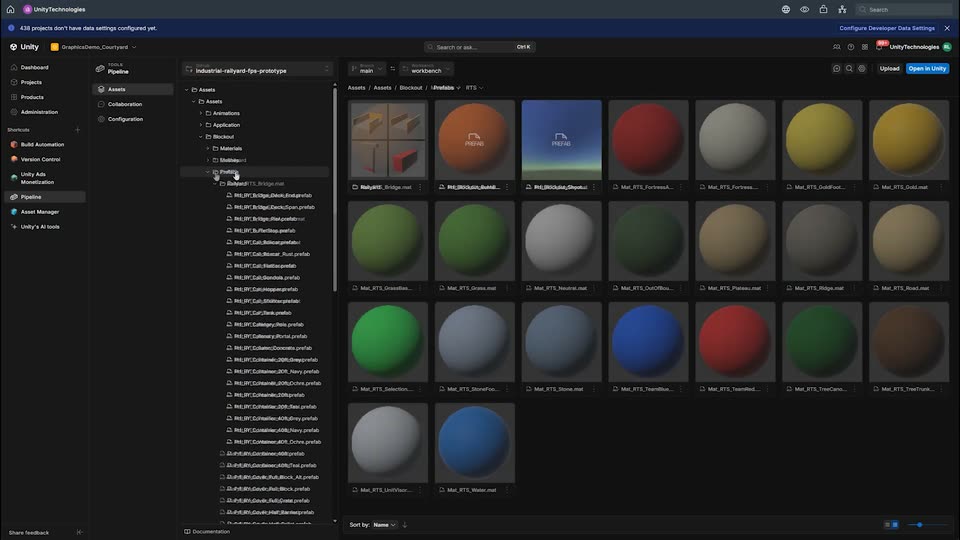 2:47–2:56Unity · Unity CLI 1.0 and Unity Pipeline APIsA dark Unity editor window fills the frame. The cursor clicks through the project tree on the left, expanding Materials, Meshes and Prefabs, while the thumbnail grid on the right swaps from colored spheres to 3D railway prefab previews.
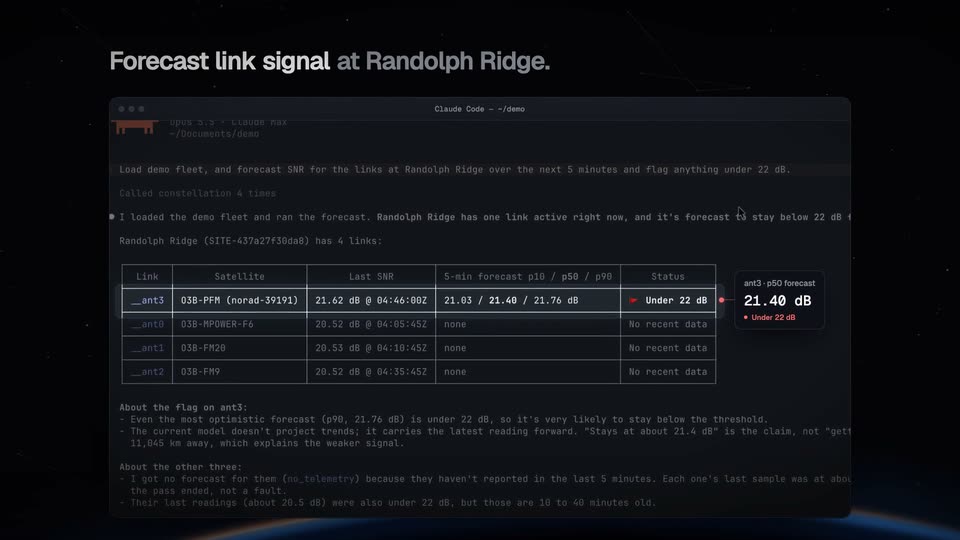 1:00–1:12Constellation Space · Space intelligence for all: Constellation SpaceA Claude Code terminal on a starfield under a headline. The prompt jumps to the top and a Sped up badge appears as the response fills the window with a link table. A red callout flags ant3 at 21.40 dB, then the view zooms out to fit the table.
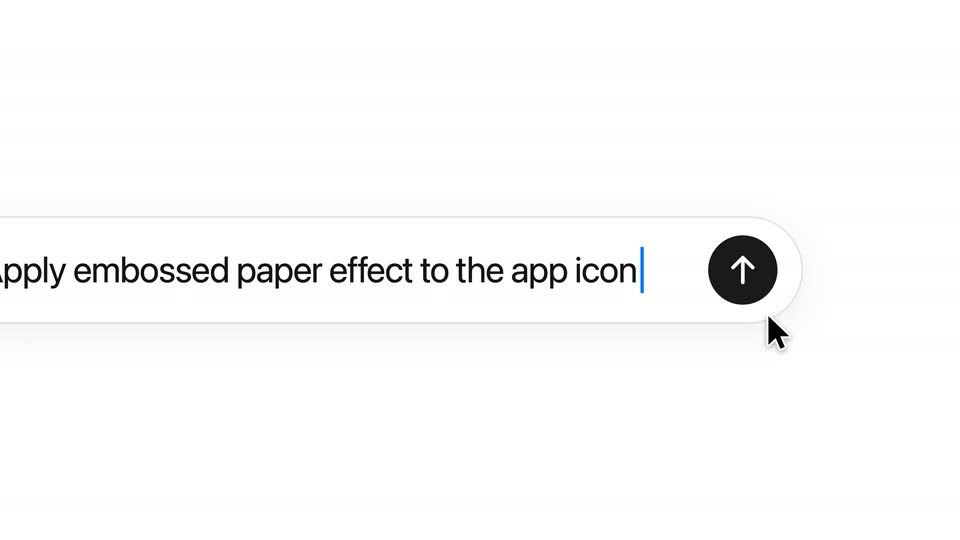 0:29–0:32Neueface · Ibelick - Introducing Neueface, a spatial environment to build with your agentsA white command bar with a plus button and a black app icon sits on a plain white background. The prompt text types out letter by letter while the frame pans right to follow it, then a black cursor clicks the dark circular up-arrow button.
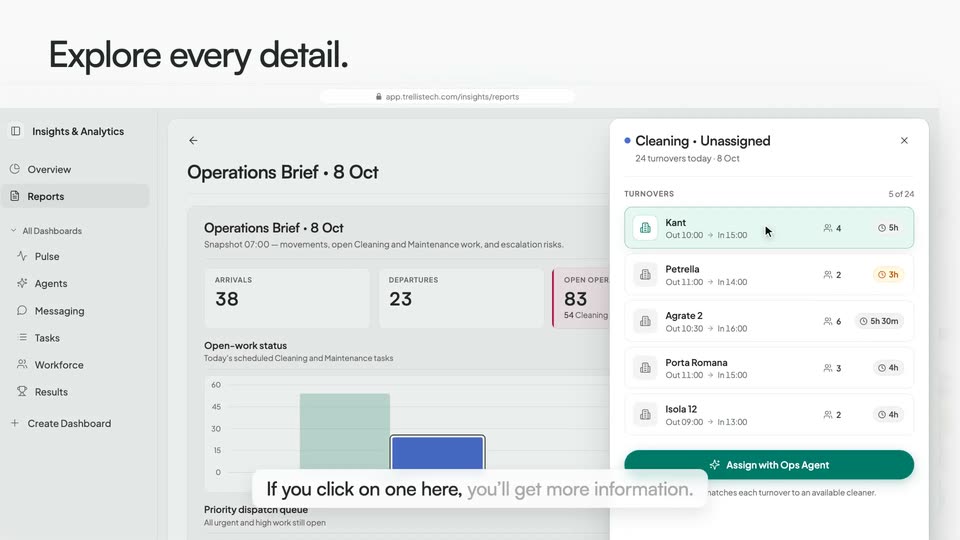 1:04–1:08Trellis · Introducing Trellis ReportsA light dashboard under the headline 'Explore every detail.' shows a bar chart; a cursor hovers the blue Cleaning bar with a tooltip, then the view reframes into an Operations Brief page with a right-hand list of turnovers and an Assign button.
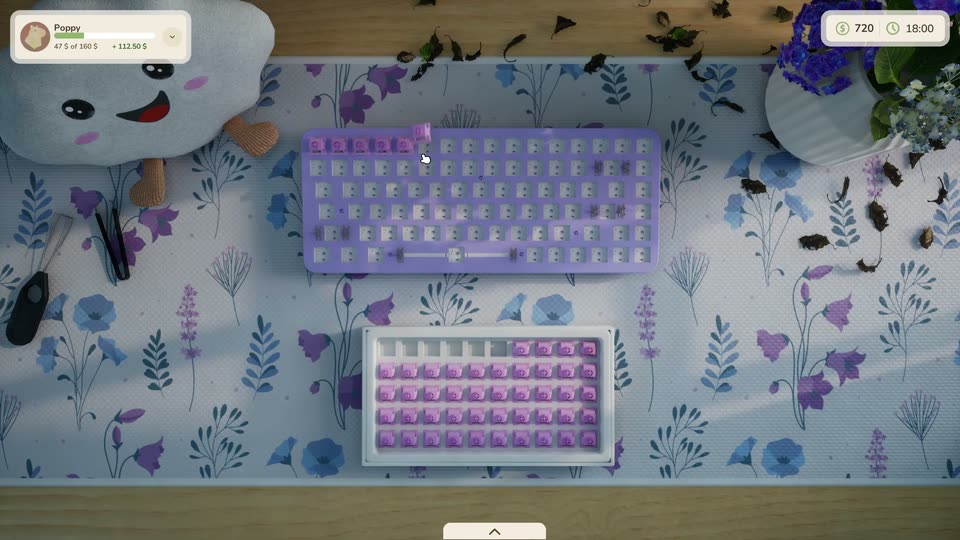 0:17–0:20Vojtěch Peták · KeyCapy - Official Reveal TrailerA top-down desk view shows a purple keyboard and a smaller white one on a floral mat, with HUD cards in the corners. A cursor glides across the keys, toggling keycaps between pink and white as it clicks.
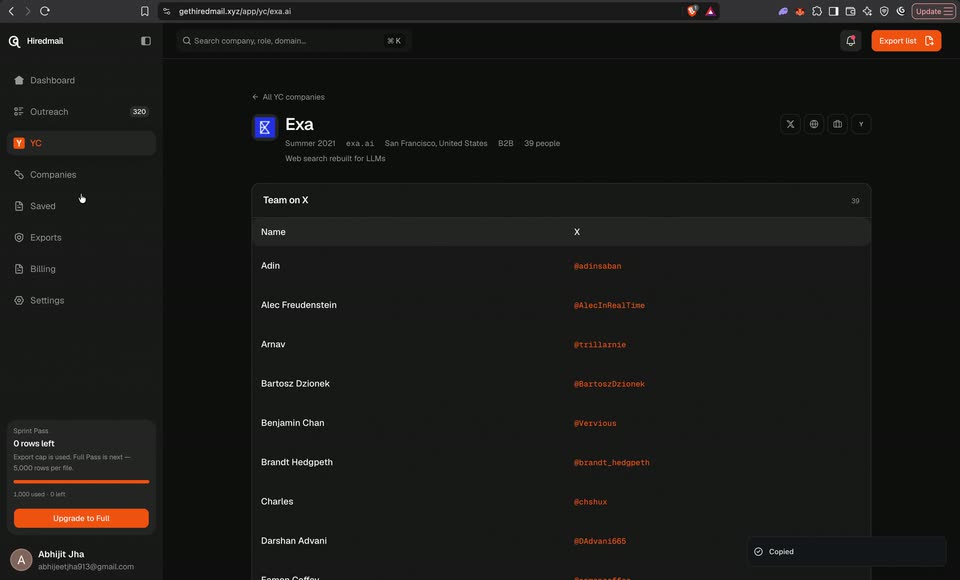 0:31–0:45Hiredmail · Abhijit - Introducing Hiredmail Hiring inboxes, verified and sorted. YC compaA dark dashboard scrolls through names and orange email handles; the cursor hovers copy icons and a Copied toast appears, then clicks Companies in the left menu, switching to a Companies page where skeleton rows fill into a table of company names and contact counts.
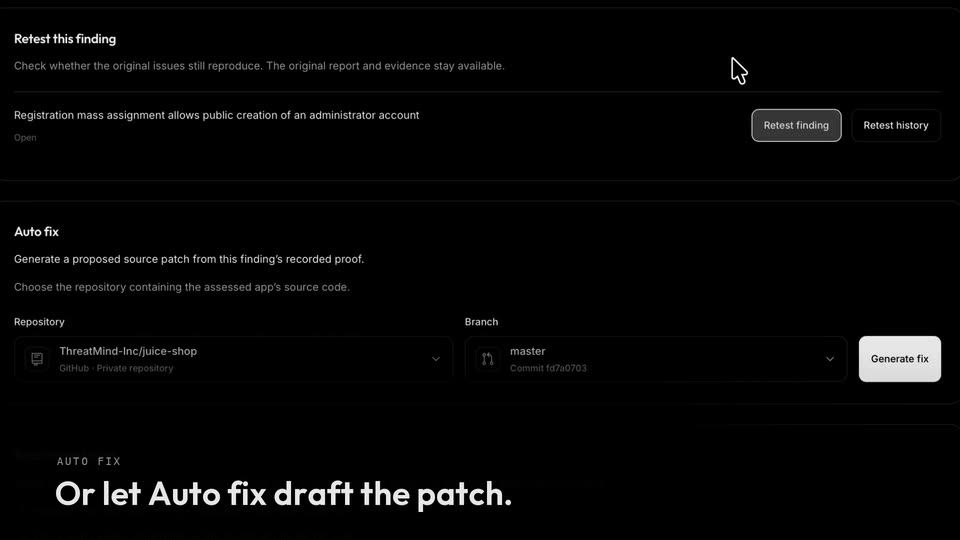 0:36–0:43Exploitforge · Ghost St Badmus - today we’re launching @StrikeHoundAI. software has never been easierA dark security finding report scrolls down through its sections: summary, impact, retest buttons, auto fix repository pickers, and annotated Python code. A cursor hovers over controls, and a large white caption with a small gray eyebrow swaps at the bottom for each section.
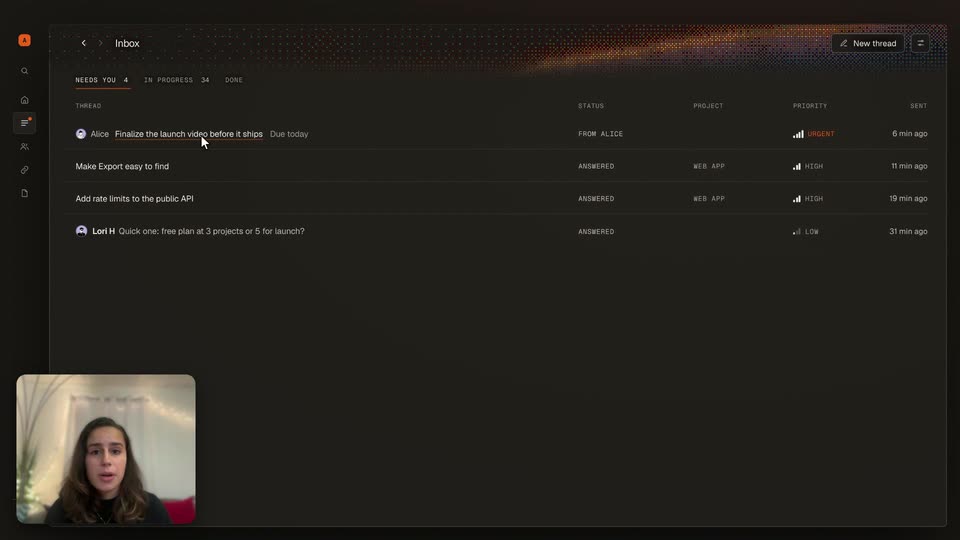 0:39–0:41Agentbox · Savannah - introducing multiplayer for coding agents. the place you code is nowA dark inbox table lists four threads with status, project, priority and sent columns. A cursor glides from the left sidebar to the top row and clicks it, while a small video-call window of a woman stays in the lower-left corner.
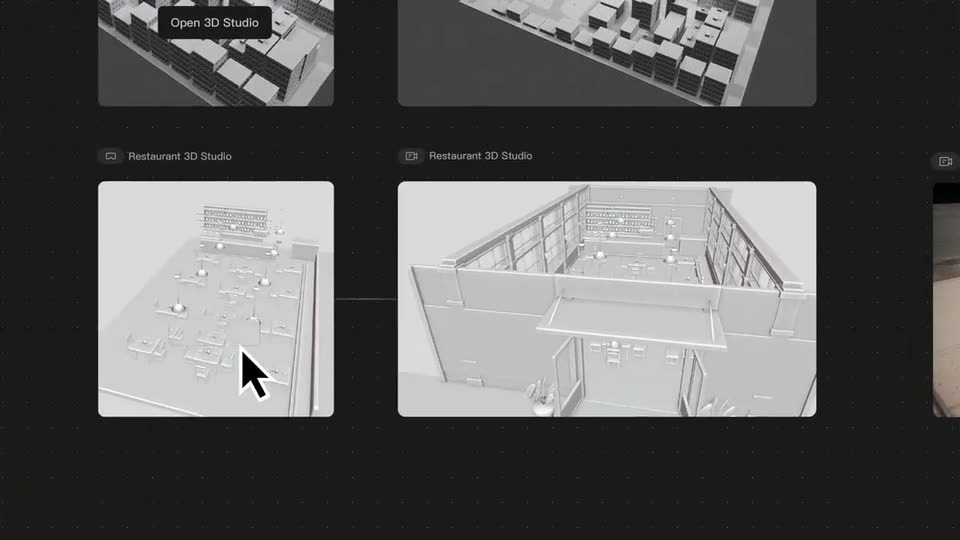 1:16–1:17Alibaba Cloud · Alibaba Cloud - 3D Studio is now live on WonderClip. Try it free for a limited timeThe canvas pans across grayscale city and restaurant model cards. A large white pointer hovers over a restaurant thumbnail, making its Open 3D Studio button visible.
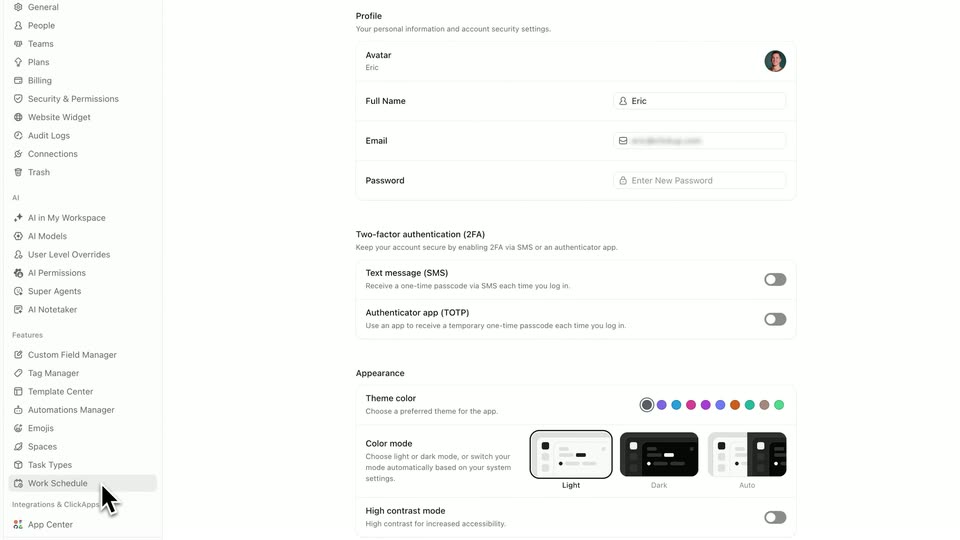 1:00–1:01ClickUp · ClickUp Release 4.10: Sheets, Work Schedules, Email Triggers, and more!A settings interface shows a left navigation menu beside a profile and appearance form. A cursor glides down the menu and pauses on the Work Schedule entry, which highlights in light gray.
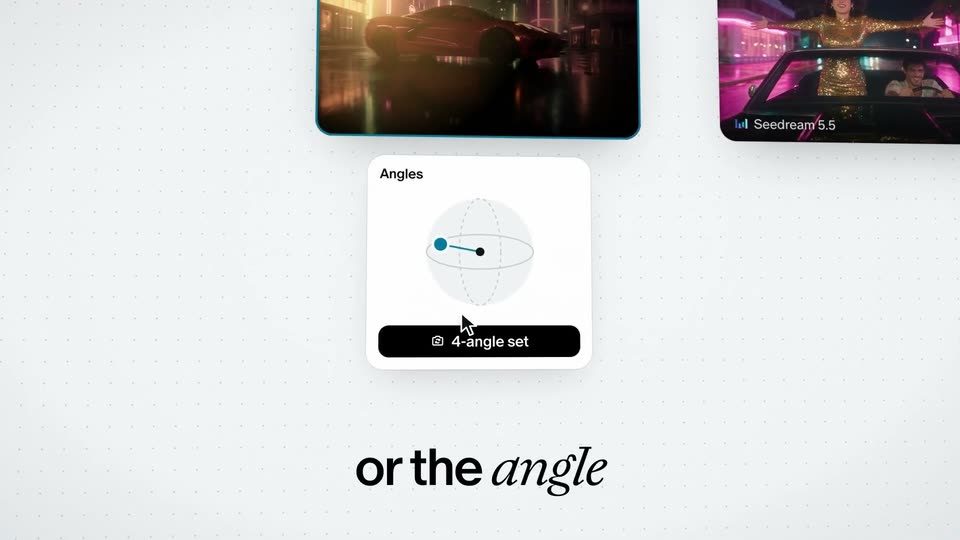 0:20–0:21Flowith · Flowith - introducing Flowith 3.0. the ultimate canvas for human-ai creation.A white Angles card on a dotted gray background shows a sphere diagram whose blue marker swings from right to left. Two video thumbnails slide up at the top, a cursor moves to the 4-angle set button, and the caption or the angle fades in below.
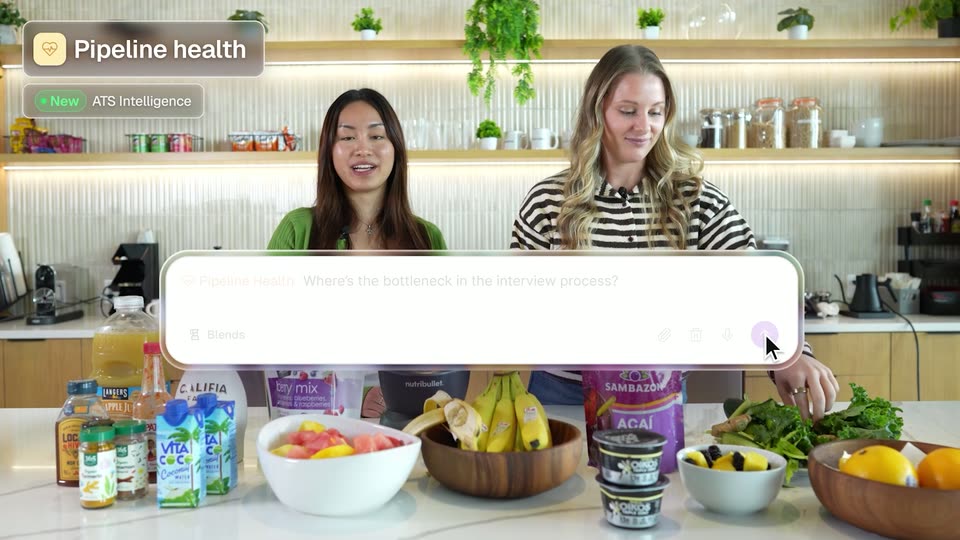 0:50 · 0.7sJuicebox · Introducing Blends in your Juicebox AgentsTwo hosts stand behind a fruit-laden kitchen counter while a white chat card floats in front of them. The card shows a typed question, then empties to a blank state as a cursor clicks the purple send button and a loading spinner appears.
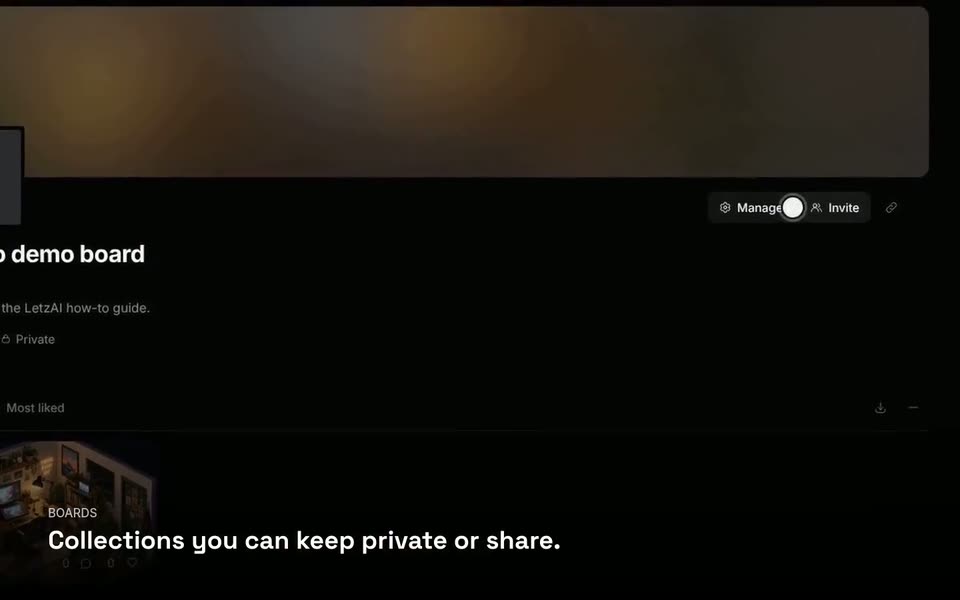 2:30–2:37LetzAI · Introducing LetzAI V5 | LetzAI BlogA dark app screen with a left sidebar. The camera pans right across the board page titled How-to demo board until the Manage and Invite buttons fill the frame, while a white dot cursor glides toward them. A bottom caption reads Collections you can keep private or share.
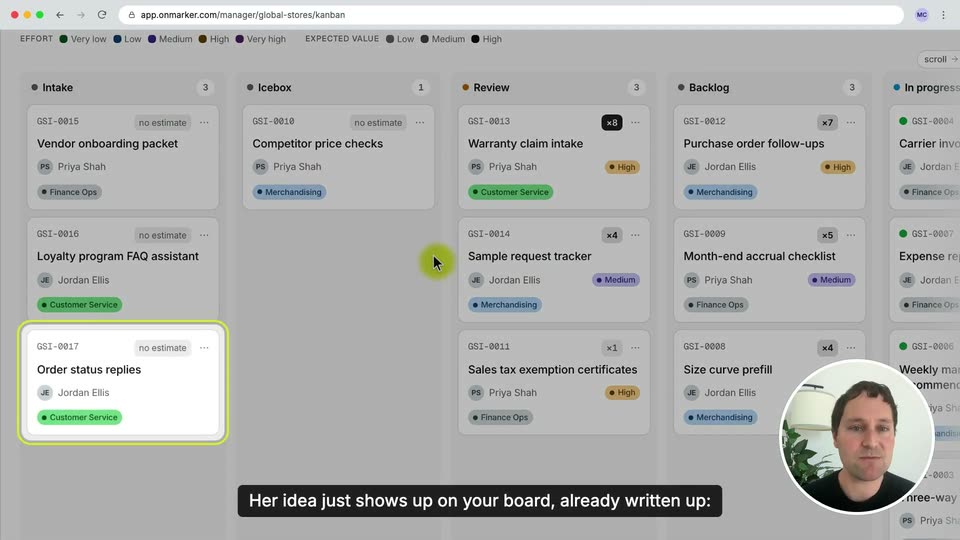 0:34–0:35Marker · Introducing Marker ManagerA kanban board of task cards fills the screen; a yellow outline highlights a card in the Intake column and a glowing cursor hovers in the Review column. A circular webcam of a man sits bottom right, and a dark caption bar appears below.
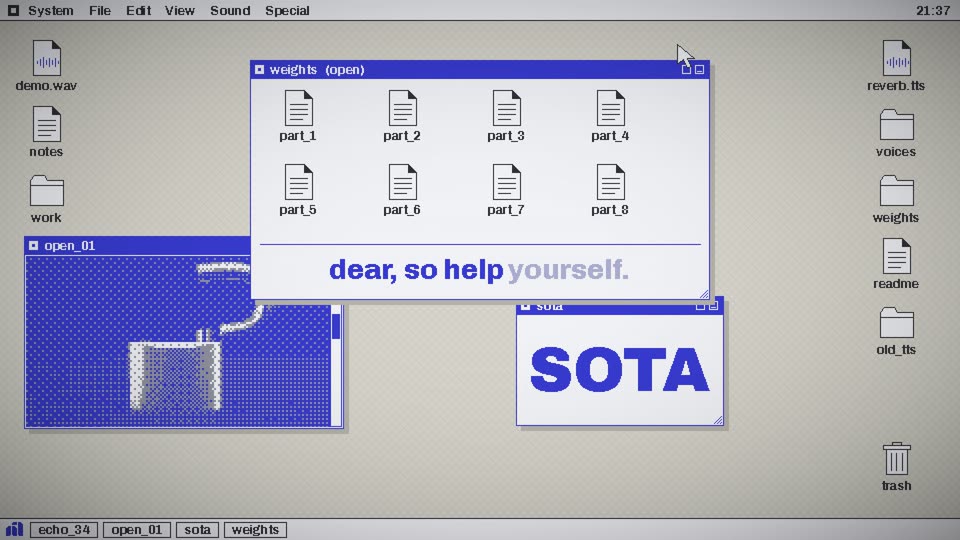 0:36–0:38Software Mansion · Software Mansion AI Labs - Introducing Reverb-TTS, a state-of-the-art voice-cloning text-to-speeA pixelated retro desktop shows a window listing eight file icons next to a padlock image. A blue caption appears word by word across the window, then a cursor drags it aside as a small window with large blue SOTA text pops up at the bottom right.
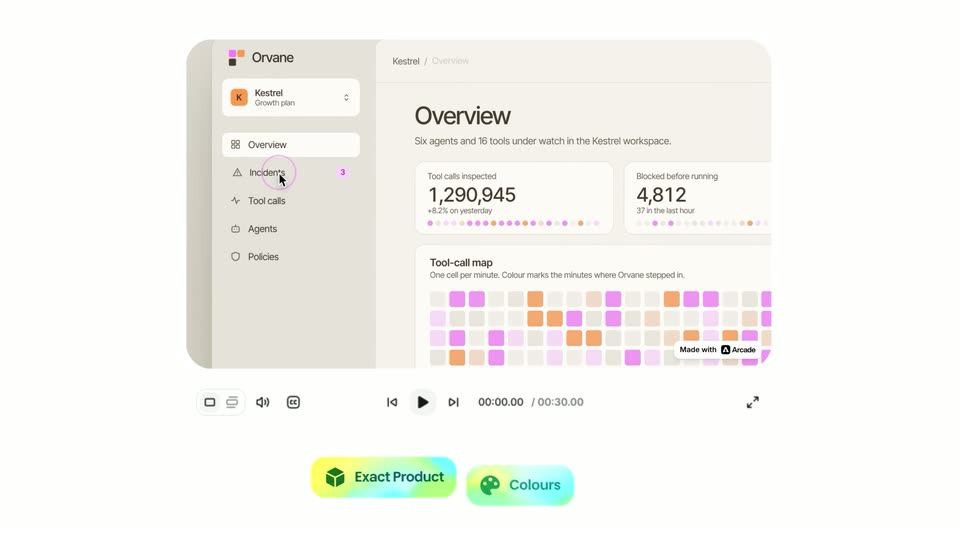 1:04–1:05Arcade · Caroline Clark - Frontier AI has solved math. Science. Coding. But it still hasn’t solA 3D tablet mockup of the Orvane dashboard tilts and zooms toward the camera, reframing onto the Overview screen. A cursor moves to the Incidents item, which lights up with a pink ring. A green gradient caption sits below the device.
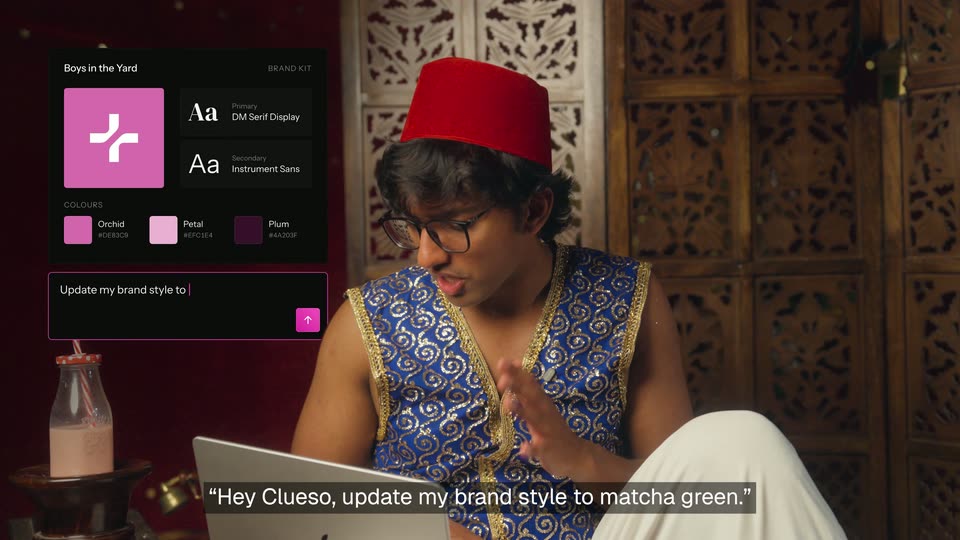 1:35–1:38Clueso · Akash Anand - Today, we're launching Clueso v2. AI has finally become good enoughA man in a red fez and blue embroidered vest sits at a laptop before carved wooden doors, speaking. A dark brand kit panel with logo, fonts and swatches sits at left while a chat field types his command. Subtitles caption the line.
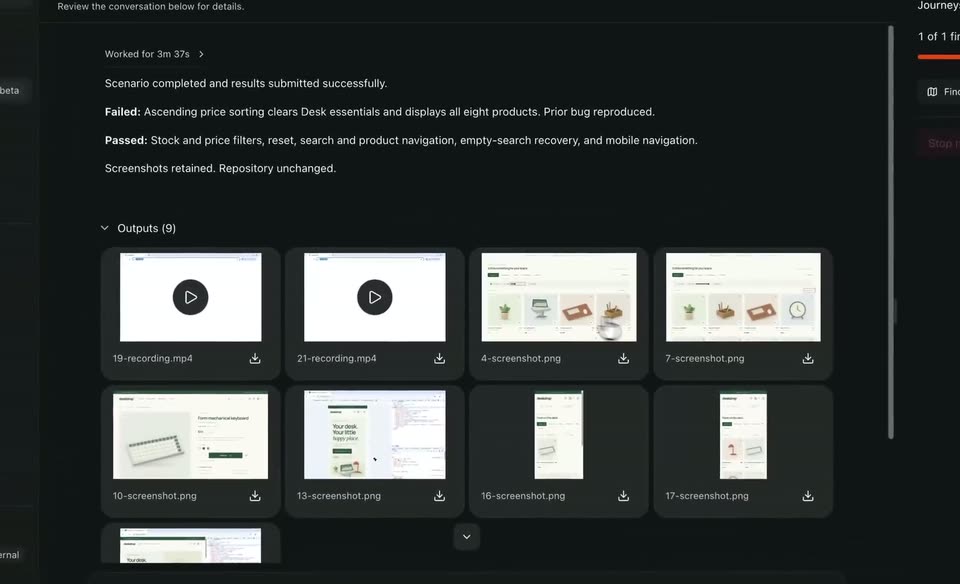 1:10–1:11CodeRabbit · CodeRabbit - Introducing CodeRabbit Verify Don't let your users be the first testA dark results panel rushes in from heavy motion blur and locks into focus, showing a pass-fail summary and a grid of nine output thumbnails. A cursor rests over one screenshot.
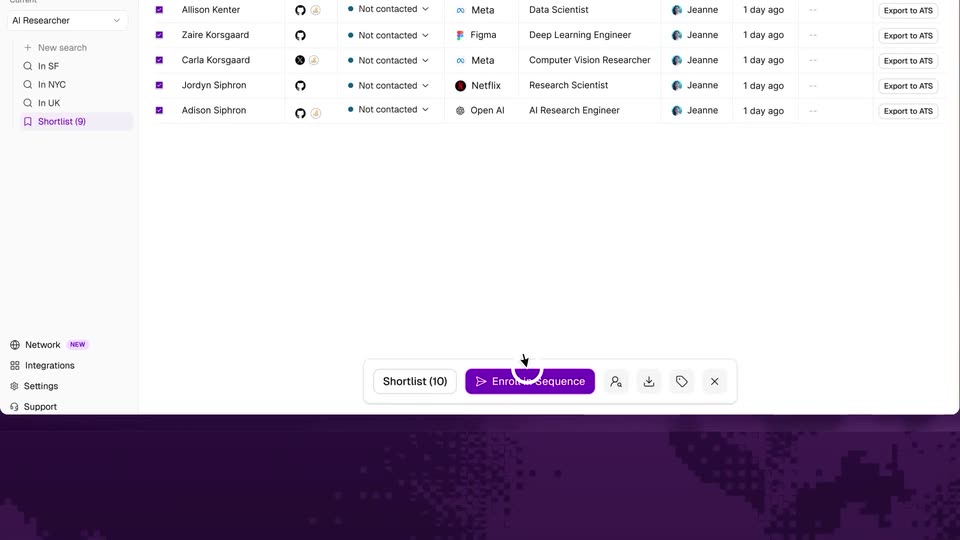 1:29–1:32Juicebox · Introducing Smarter Sequences from JuiceboxA contact table fills with purple checkmarks as a cursor selects the rows, then a bottom action bar slides in. The scene cuts to two men in a studio as a Gmail icon with a red dot pops up between them.
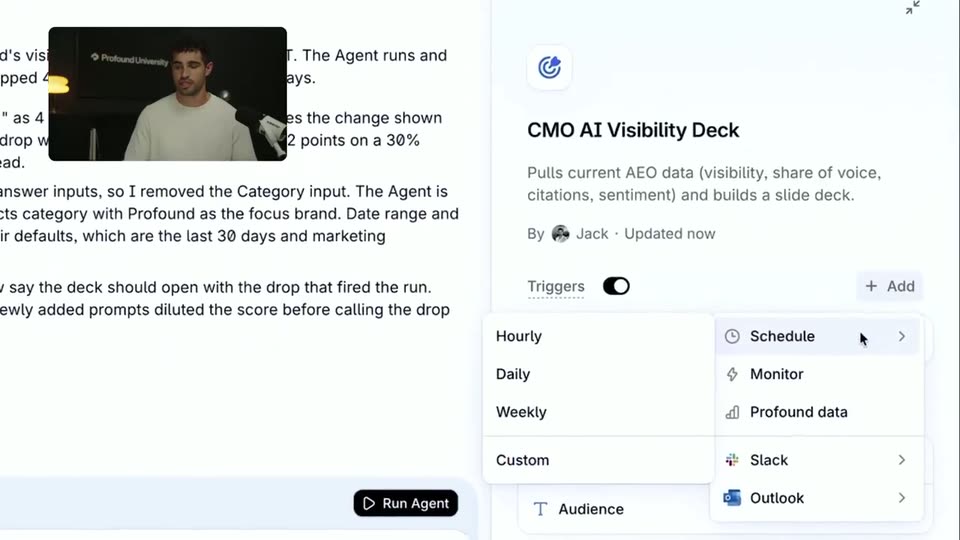 2:01–2:02Profound · Dylan Babbs - Today we're launching a new generation of Agents in @profound, now poA product interface shows an agent card with two open dropdowns listing trigger options. A cursor hovers over the Schedule row while a small video of a presenter plays in the top left corner.
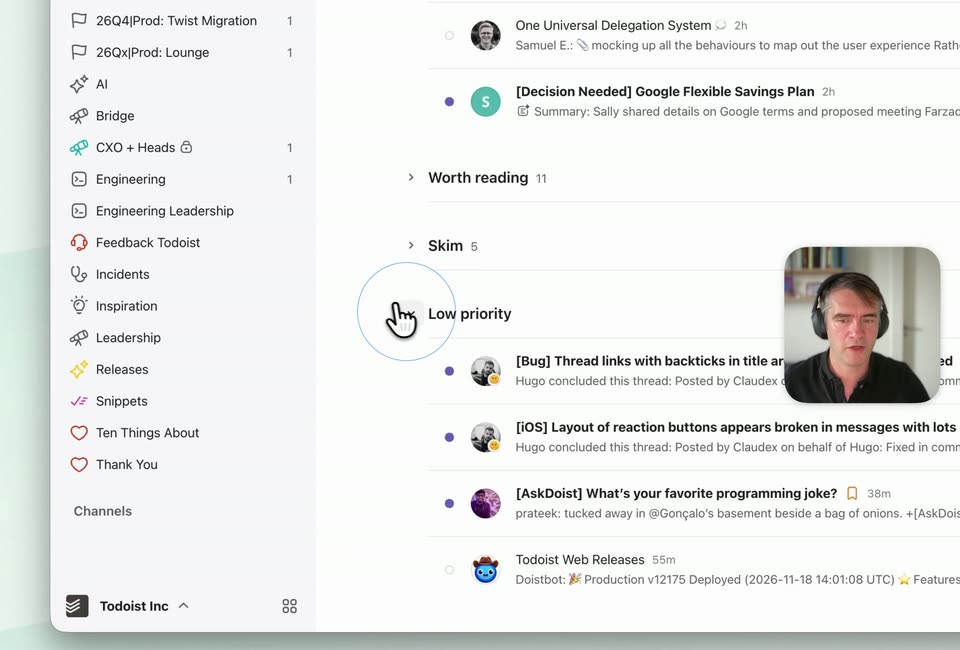 1:04–1:28Todoist · Amir Salihefendić - Todoist Comms is now in public beta 🚀 What's in it: ⋅ Turn any threA flat inbox interface fills the frame, with a facecam of a talking presenter in the lower right corner. The cursor hovers over rows as the view zooms in to show collapsed sections, Worth reading, Skim and Low priority, then expands Low priority to list its threads.
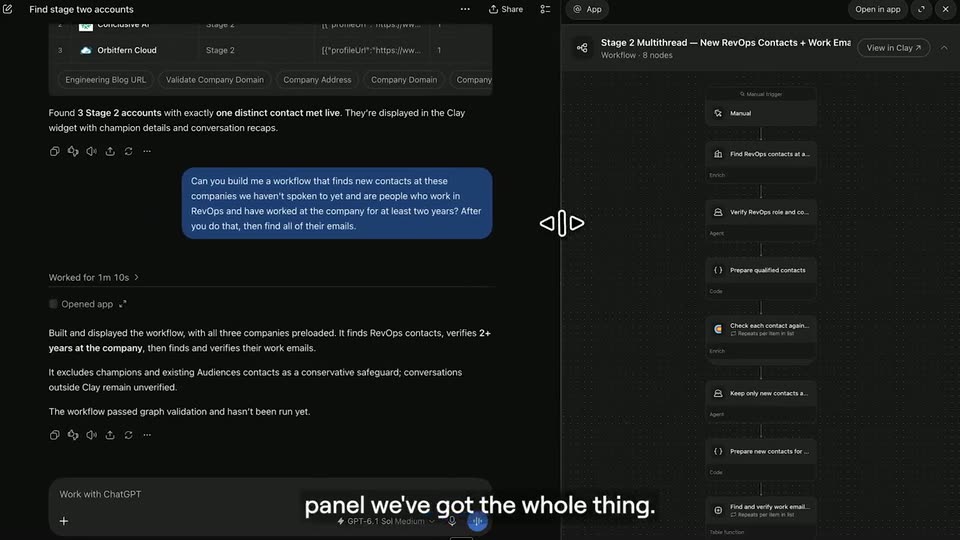 1:46–1:50Clay · Clay - Today, we’re excited to relaunch our official MCP connection with @OpA split view shows a chat panel on the left and a workflow canvas of stacked nodes on the right. The cursor hovers beside the nodes, then the view zooms into the right panel to read the node labels.
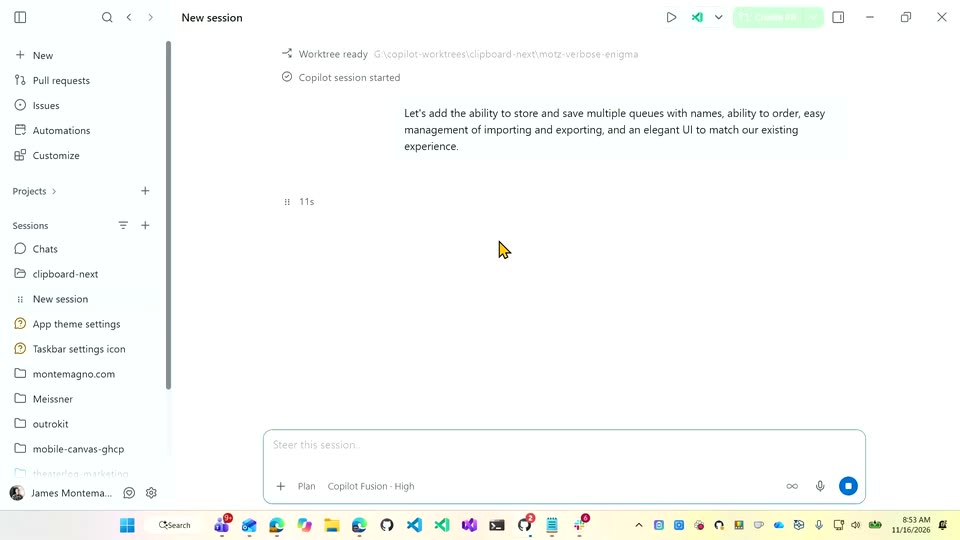 2:13–2:39GitHub · Stop manually picking AI models: how GitHub Copilot Fusion worksA Copilot window shows a typed prompt. The cursor picks Plan mode and sets Copilot Fusion effort to High, then sends it. The view zooms into the prompt bar, back out as the session starts, and in again on a red-boxed Main pass line.
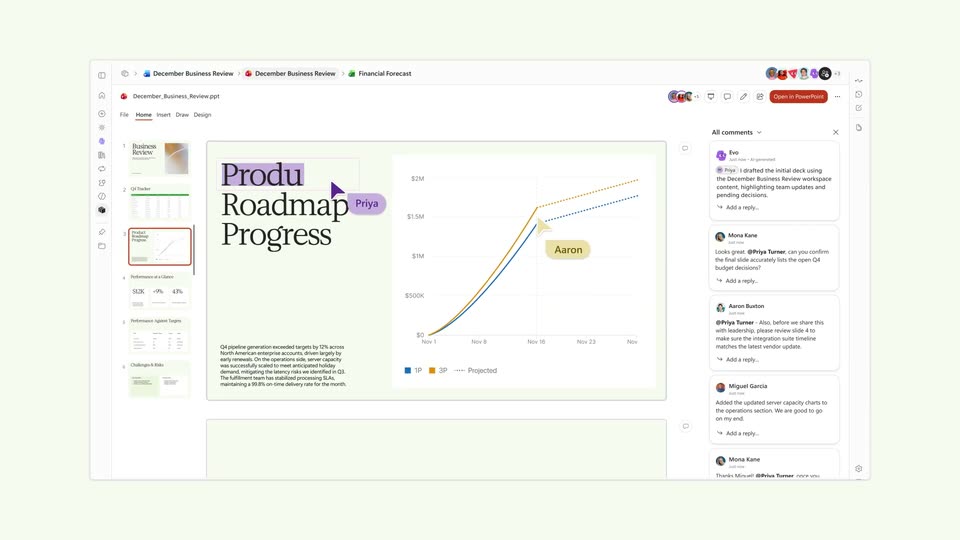 0:41–0:47Microsoft · Introducing Copilot Workspaces | Microsoft Ignite 2026A presentation editor shows a Q4 Tracker table slide beside a comments panel; a purple cursor and floating collaborator tags move over the table. The deck switches to a Product Roadmap Progress line chart slide, and a new comment appears in the panel.
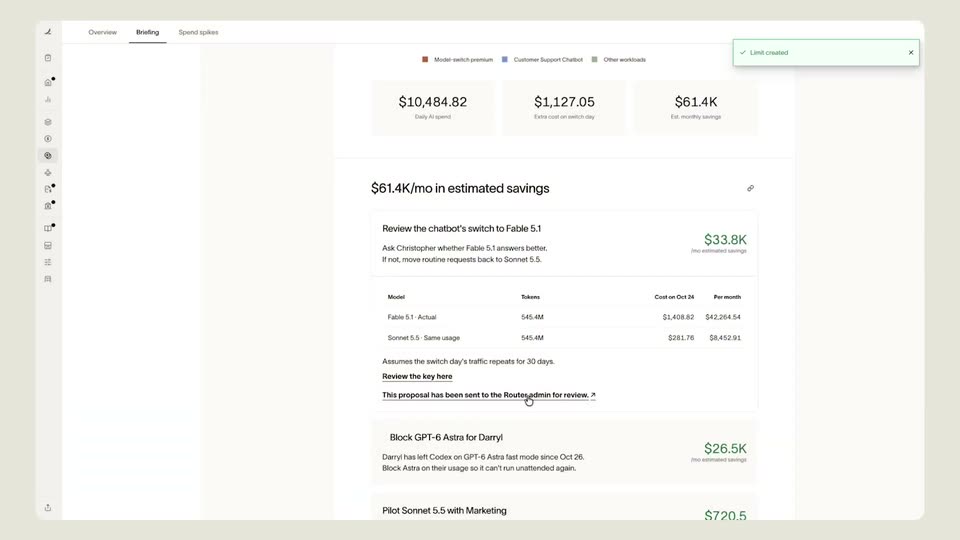 1:26–1:28Ramp · AI spend x Router demoA light analytics dashboard rests on the Briefing tab, showing daily spend figures and a model-cost comparison table. A cursor drifts down from a link to hover over the Router/admin link.
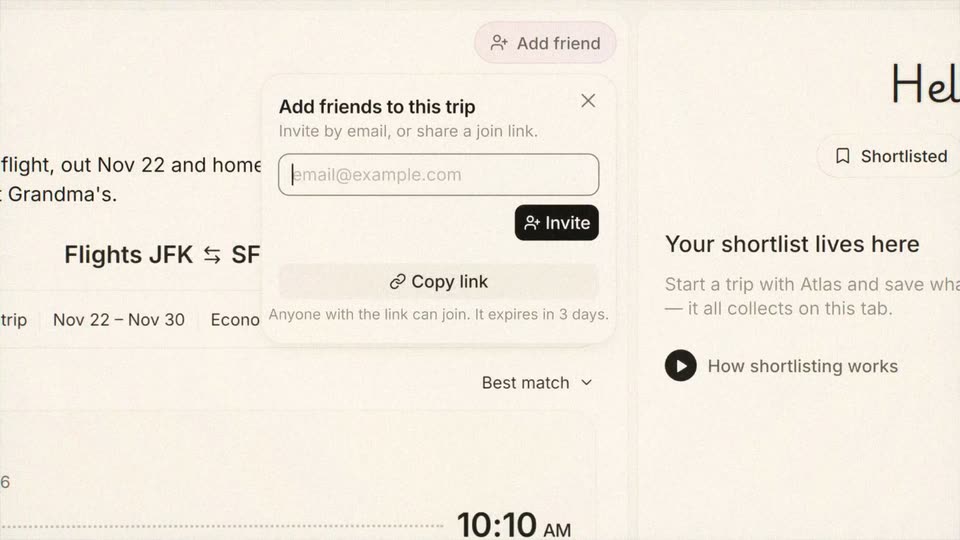 0:25–0:30Voyage Labs · Manik Gupta - Yogesh and I just raised $12M to help everyone experience more of theIn a cream-toned travel app, a cursor clicks Add friend, an invite modal opens, an email is typed, and the cursor clicks Invite. The modal fades out and a 3 members pill with two avatars scales in at the top of the trip panel.
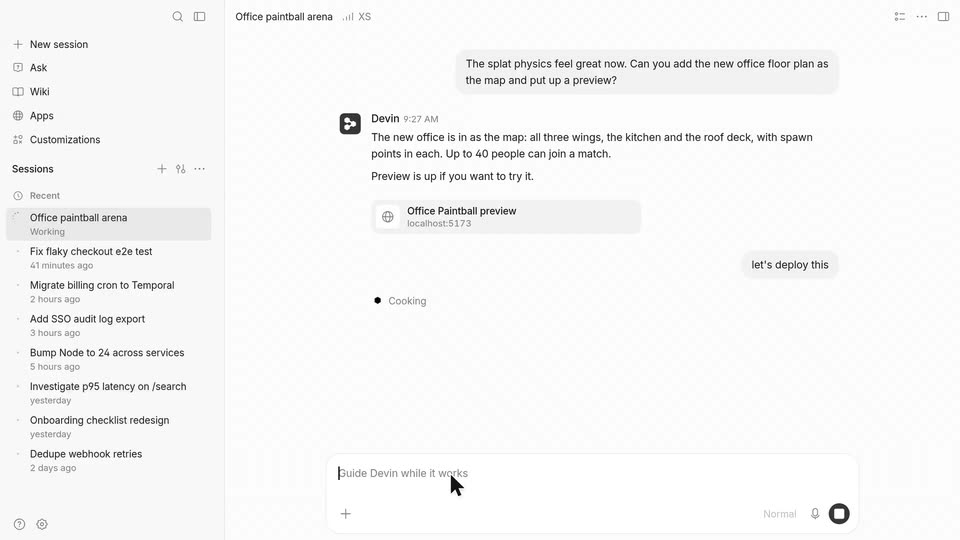 1:32–1:38Cognition · Introducing Devin AppsA chat app screen with a session list on the left. The cursor types “let's deploy this” into the prompt box and sends it, the agent status flips to a spinning “Cooking”, then the view reframes down to a deployment card showing a live app thumbnail and a staging link.
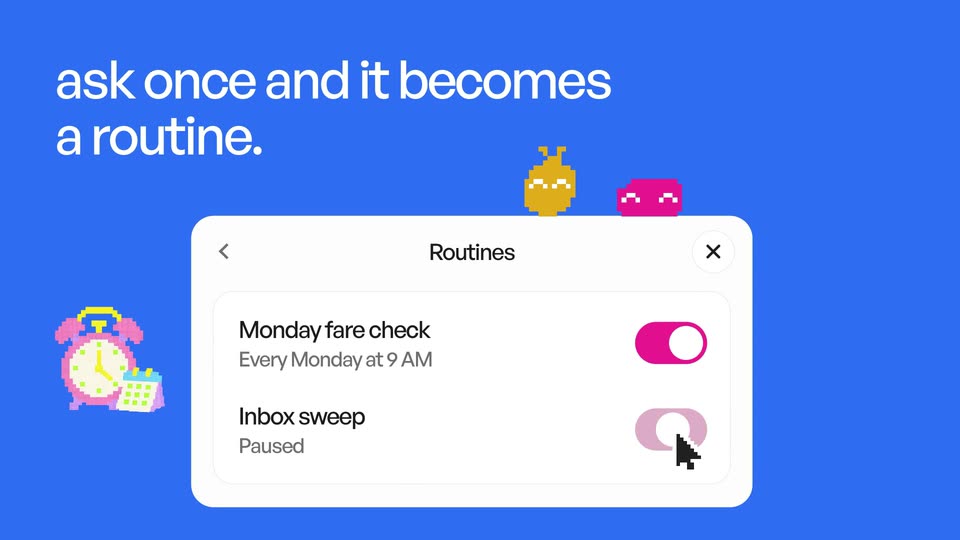 0:27–0:29dusk · siddharth - introducing dusk bot free open source Grok Bot alternativeA white email card slides off to the left, revealing a blue screen with a white headline and a centered Routines modal. A pixel cursor flips two gray toggles to pink, and the subtitles change from Paused to schedule times. Pixel-art clock and robot sit on the blue field.
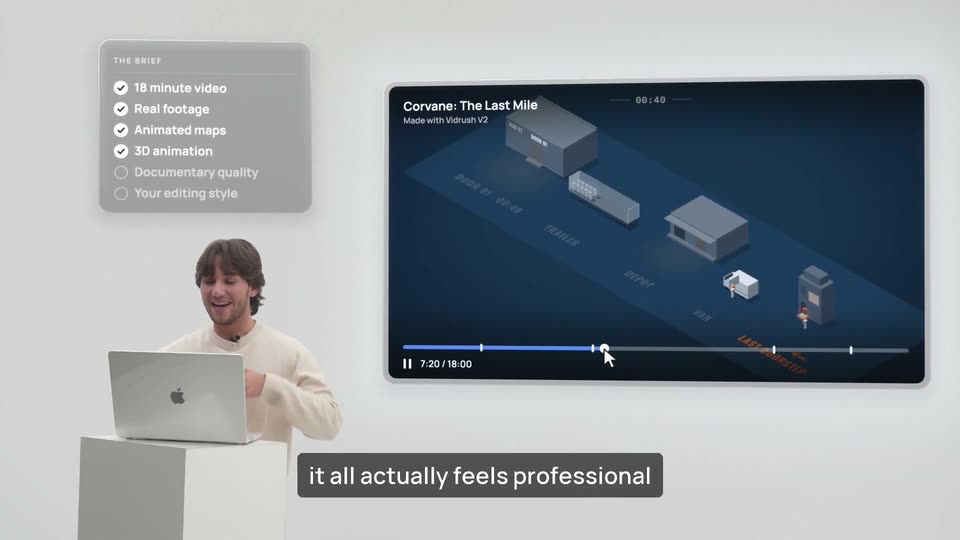 1:35–1:39VidRush · Noah Morris - We just KILLED Claude Opus 5.5 Video Editing Introducing VidRush V2A man in a cream sweater gestures at a laptop on a white desk. On the right, a video player mockup scrubs through dark map and 3D warehouse footage, its timeline dragged by a cursor; a brief checklist ticks off items top left. White captions run along the bottom.
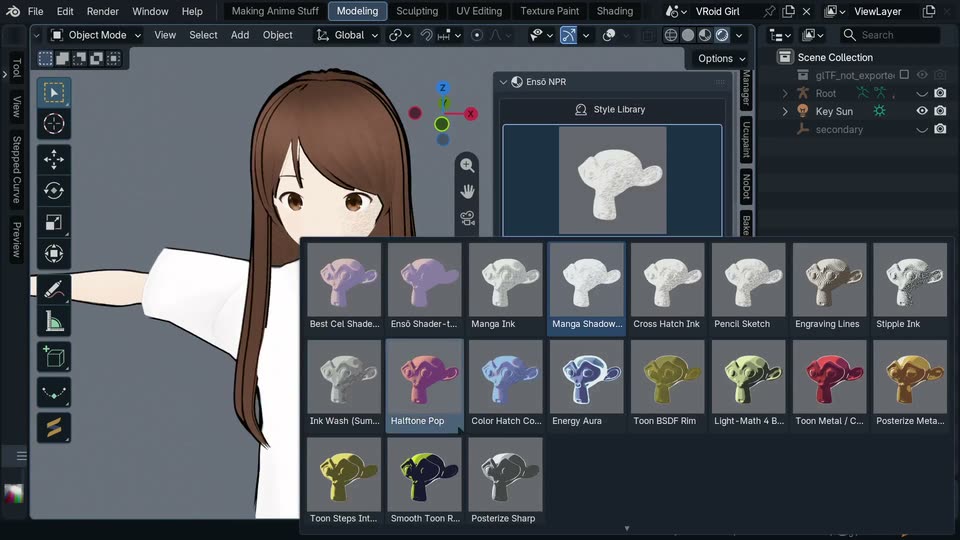 1:40–1:42Mix 3D Design · Mix 3D - Your 3D character is just ONE shader away from looking like an ANIME!A dark 3D modeling interface shows an anime character in the left viewport and a grid of shader thumbnails in a style library panel on the right. A cursor glides across the grid, highlighting each preset in turn.
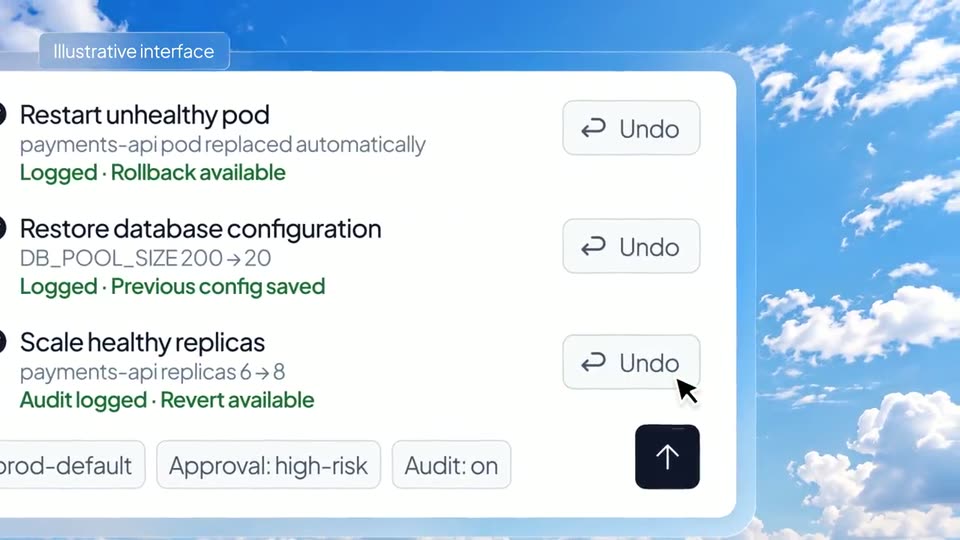 0:53–0:57Aokumo · Ctrl+Z for AI: the motion design video we made for AokumoA white action-log card floats over a blue sky. The camera zooms into the card as a cursor clicks a green Undo button, then pulls back as the third row's text updates to confirm the revert.
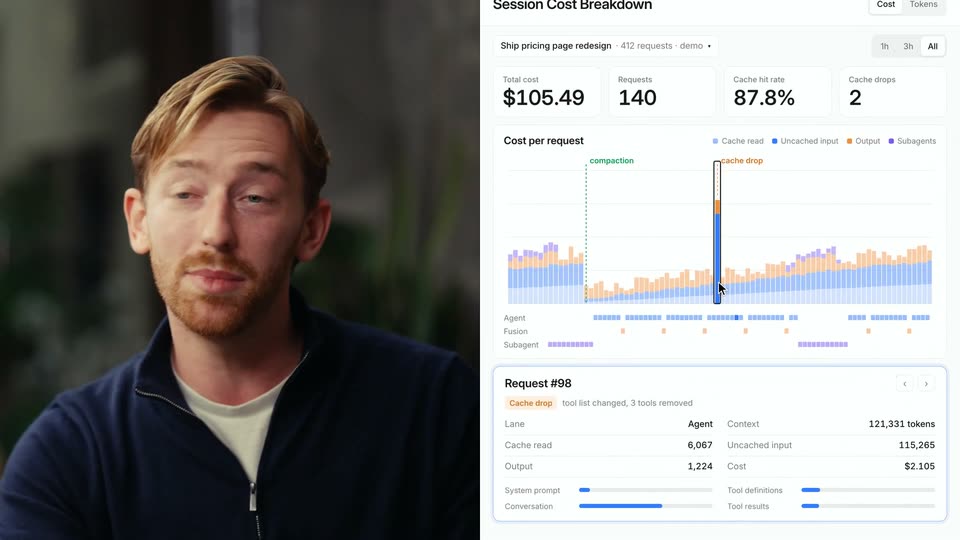 0:59–1:03Cognition · Cognition - Introducing: Devin Apps Private, secure, sharable web applications rA bearded man in a navy zip-up speaks to camera on the left, glancing down then up, against a soft-focus plant backdrop. The right half holds a cost-breakdown dashboard: a per-request bar chart with a cursor on the cache-drop spike and a request detail card below.