Cursor demo
A visible cursor operates the interface.
15,080 scenes · page 189 of 252
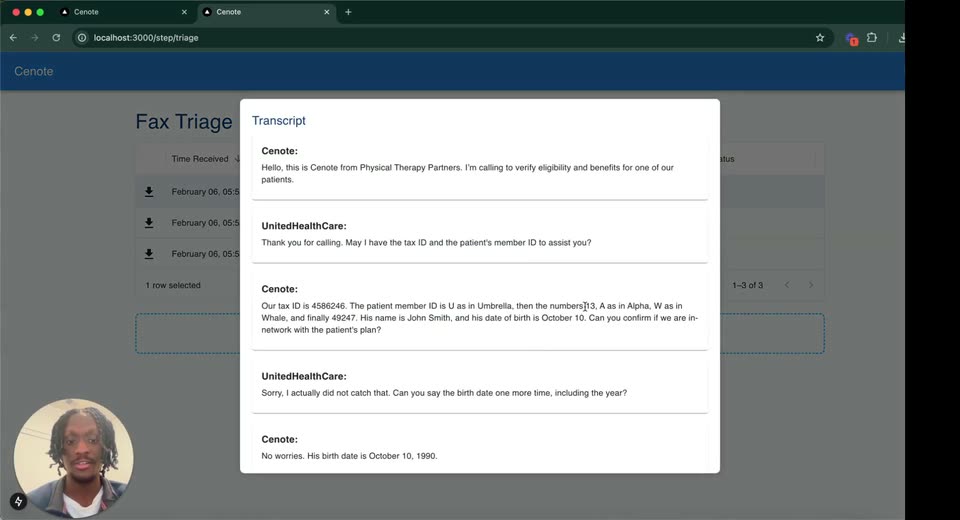 4:18–4:20Cenote · Cenote DemoA web browser opens the Cenote app with a white Transcript dialog centered over a dimmed Fax Triage table. A mouse cursor glides across the conversation text while a small circular video avatar sits in the lower left corner.
 2:56–2:58Raycast · Raycast Just Got You A New KeyLocked-off close-up of a messaging app: a white bubble reads “Merci beaucoup :)” with a 09:59 stamp, and in the input field below the letters A type in one by one behind a green caret, ending on “AAAA”.
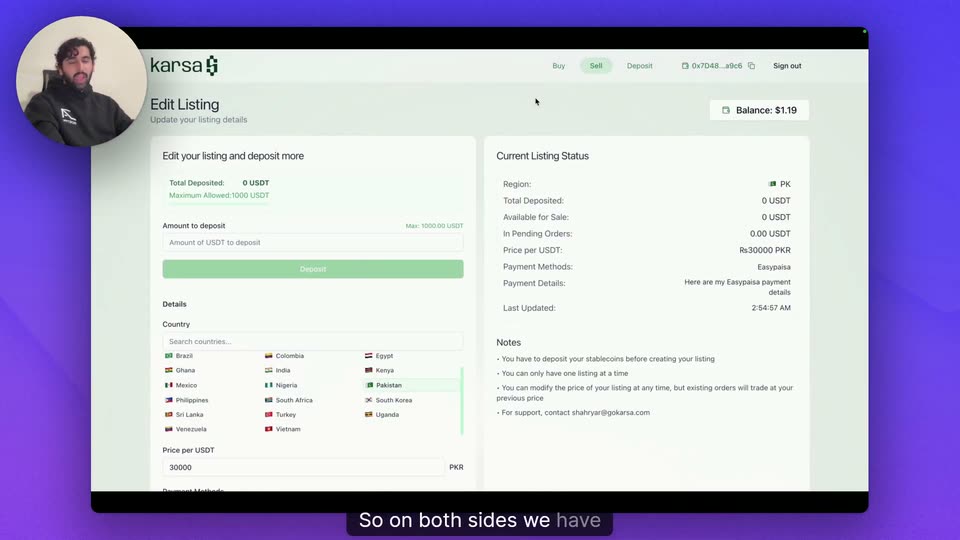 1:36–1:44Karsa · Karsa DemoA web app's Edit Listing page slides in and fills the screen, with a presenter in a circular webcam at the top left. Two side-by-side panels show a deposit form and listing status as the cursor drifts right. White subtitles run along the bottom.
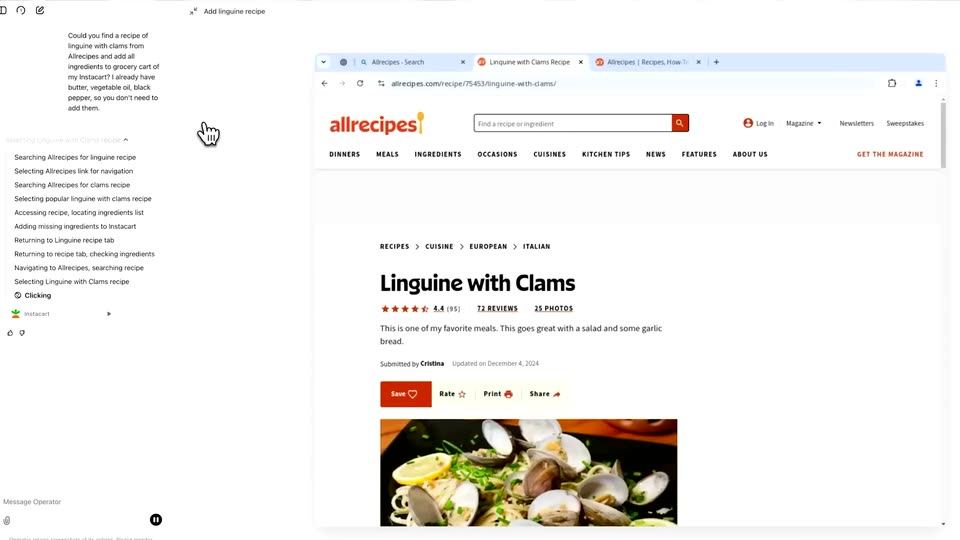 2:27–2:28OpenAI · Demonstrating OperatorA two-pane operator view: a left log lists the agent's steps, ending on a spinning Clicking indicator, while a hand cursor hovers in the gap. The right pane holds a static Allrecipes recipe page for Linguine with Clams.
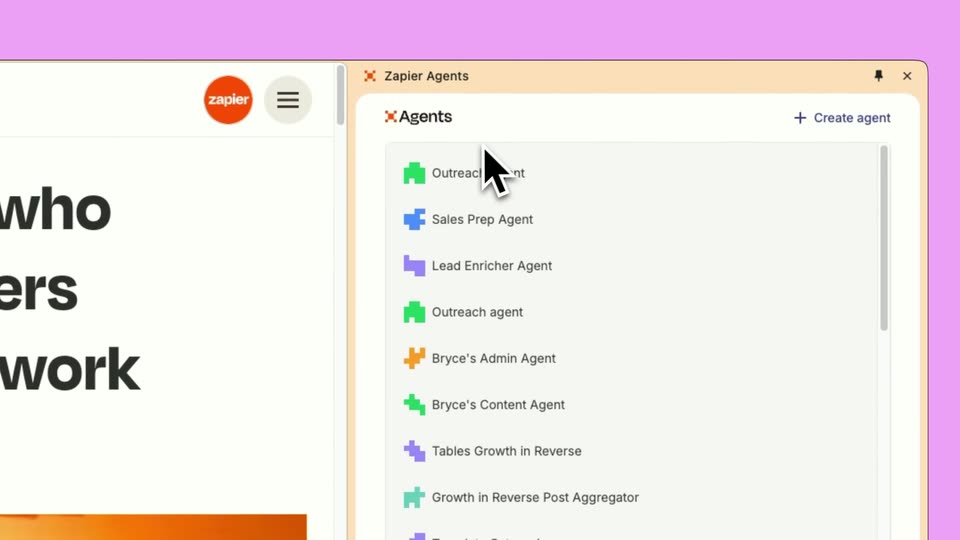 0:29–0:30Zapier · Introducing Zapier Agents: The Future of Automation is Here!A white Zapier Agents panel slides in from the right over a pink backdrop and a webpage, revealing a list of agents with colored icons. A cursor glides to the first row and hovers over it.
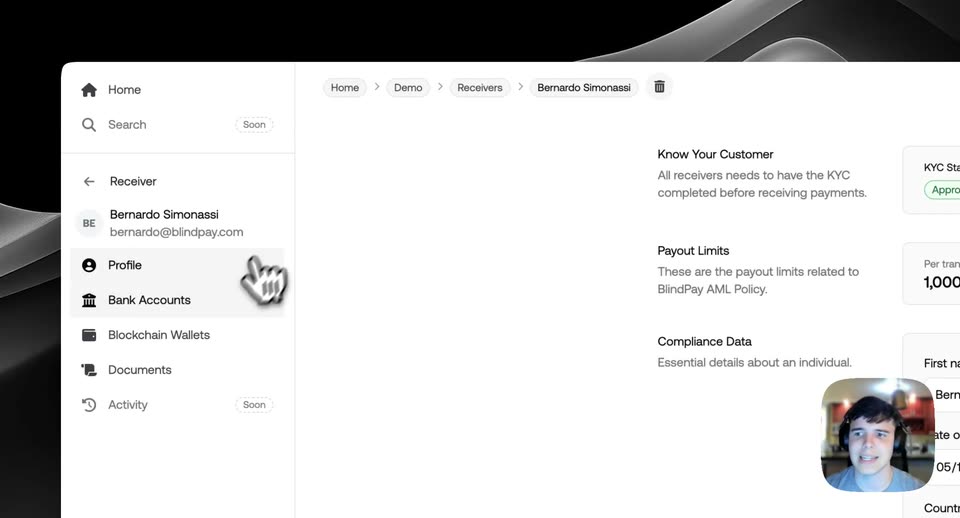 0:21–0:22BlindPay · BlindPay - DemoA flat white dashboard shows a receiver detail page with a left sidebar. A hand cursor slides from the top breadcrumb row down to the Profile item, and a small presenter video feed stays in the bottom-right corner.
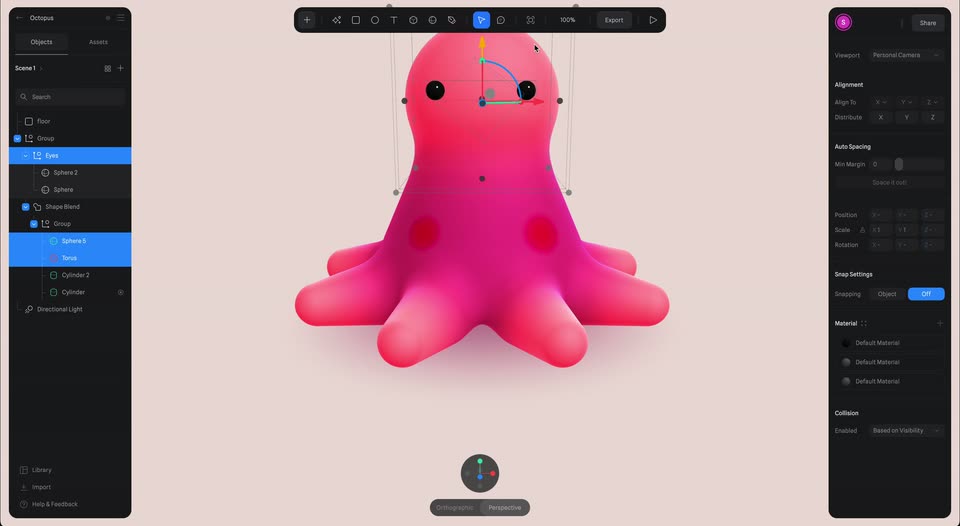 0:34–0:36Spline · Introducing 3D Shape Blend with Spline - SDF VolumesInside a 3D modeling app, a glossy pink creature with black eyes sits in the center viewport, wrapped in a transform gizmo. Dark side panels list the object hierarchy and material settings. A cursor hovers near the gizmo as it shifts slightly.
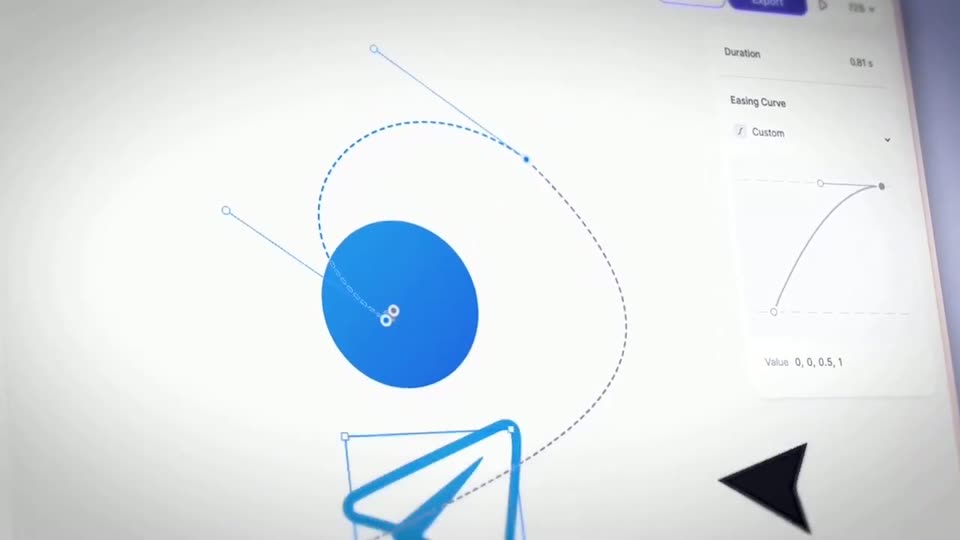 0:29–0:33Lottielab · Lottielab - After months in public beta, we’re thrilled to announce that LottielaA tilted 3D view of an animation editor canvas: a blue paper-plane sticker travels along a dashed loop toward a blue circle while a cursor drags its handles. The camera pushes in on the canvas as the caption Telegram Stickers appears at the bottom.
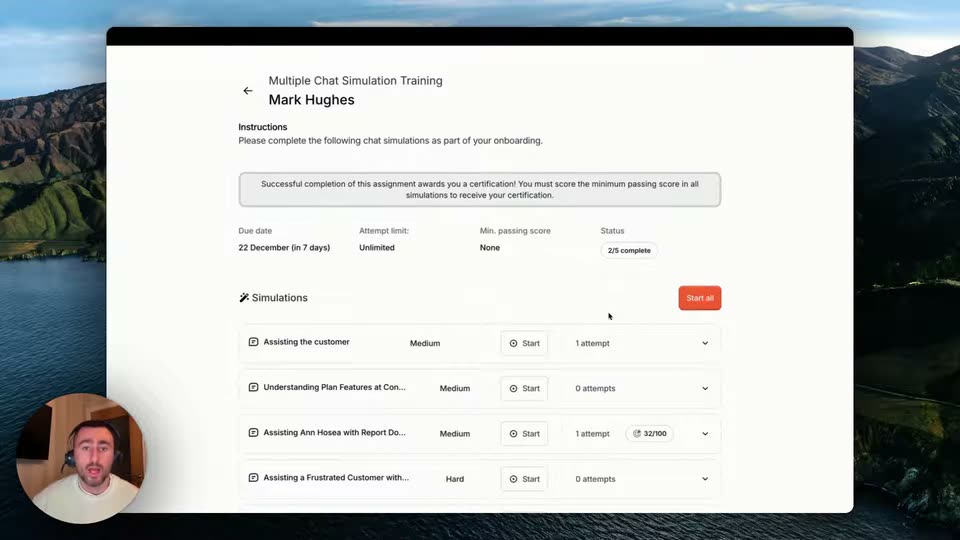 1:18–1:31Solidroad · Solidroad YC Launch DemoA white training page lists chat simulations in an inbox-style table, with a circular webcam of a bearded man in the lower left. The cursor scrolls the list down one row, then clicks the orange Start all button, which spins into a loader.
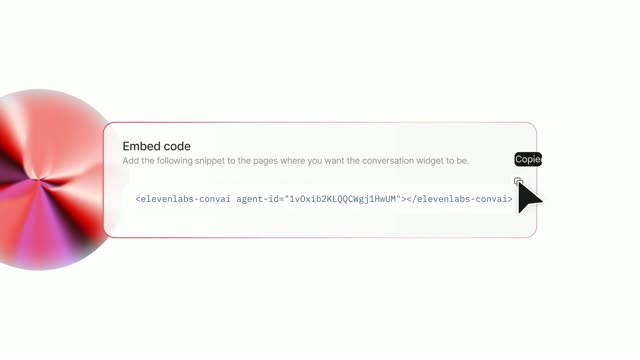 1:27–1:29ElevenLabs · Introducing ElevenLabs Conversational AgentsA white embed-code card with a red outline and a pink radial orb sits on a white field. A cursor clicks the copy icon, a black Copied! tooltip appears, then the card content becomes two rounded bars.
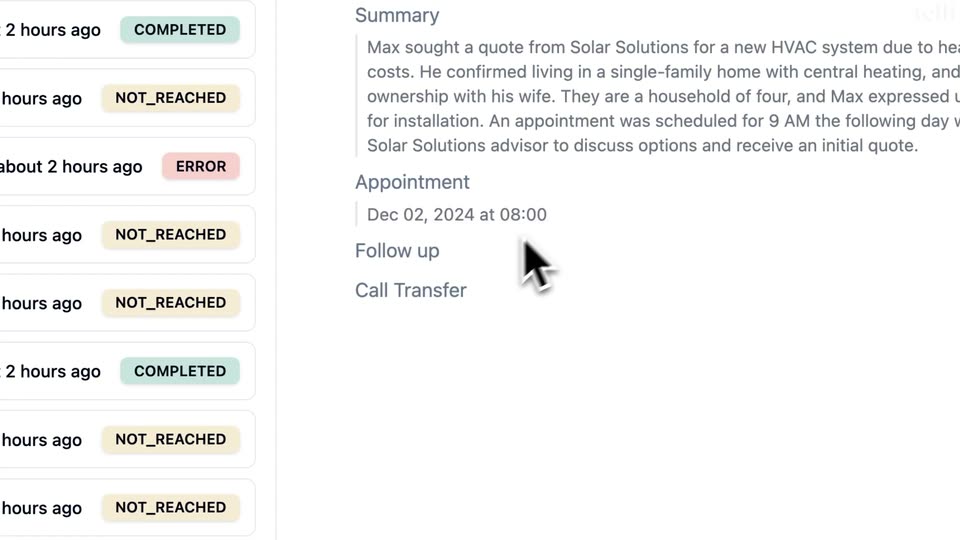 1:25–1:38telli · Launch YC - telli - outbound call automation for B2C companiesA call history dashboard fills the frame, then the view zooms into the right-hand detail panel. A cursor scrolls down the panel, pausing on the appointment date and the call transfer line, before zooming back out to the full layout.
 1:18–1:22Vortexify · Praxis AI LaunchA dimmed dashboard sits behind a white modal that opens on a grid of historian logos. The modal switches to a PI Vision login form as a cursor types the URL, username and password, then clicks Connect. A green checkmark and a Connection Successful panel appear.
 1:06–1:07Synth · Synth AI YC LaunchA light web interface with a yellow tab bar reading Uploads, Analyses, Account. A hand cursor glides right across the tabs as the view pans and blurs. A small rounded inset of a man speaking sits in the bottom right corner.
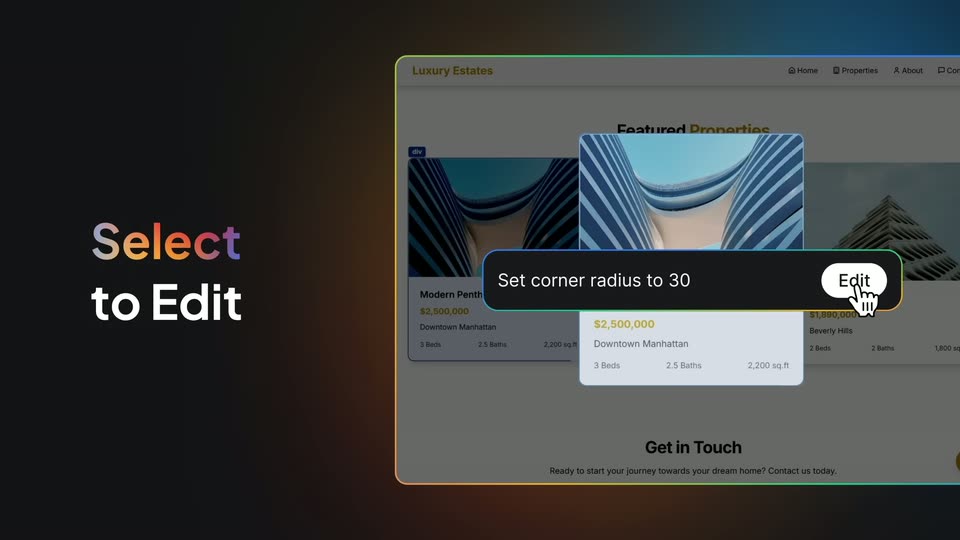 0:58–1:01Lovable · Lovable – An AI Full-Stack EngineerA real-estate website mockup tilts in 3D perspective at right, with the headline 'Select to Edit' on a dark field at left. A hand cursor taps the middle property card, which zooms forward, and a dark pill types 'Set corner radius to 30' next to an Edit button.
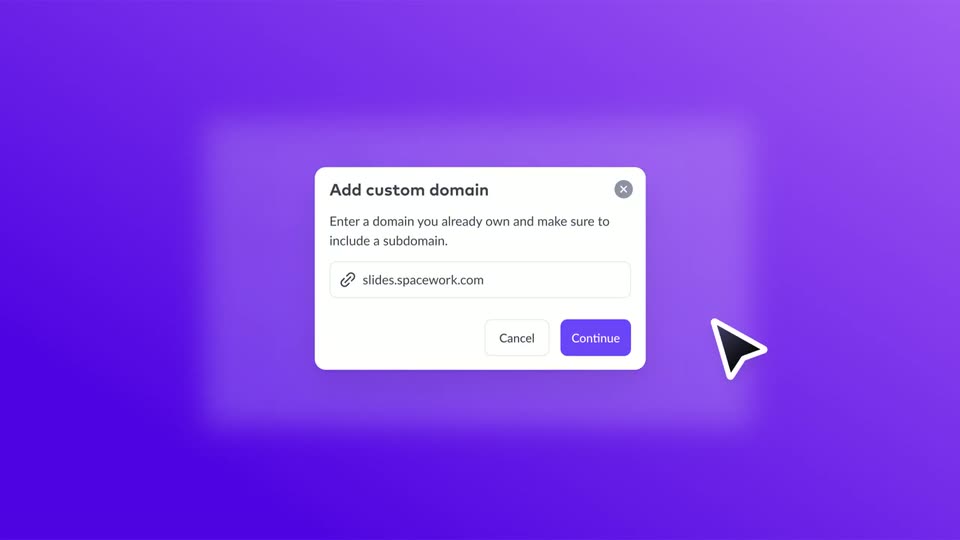 0:47–0:53Pitch · Pitch - Pitch is now more than just presentation software — it’s a complete pA white Add custom domain modal sharpens from blur on a purple gradient. A black cursor types slides.spacework.com into the input field, then glides to the purple Continue button and clicks, as the modal blurs back out.
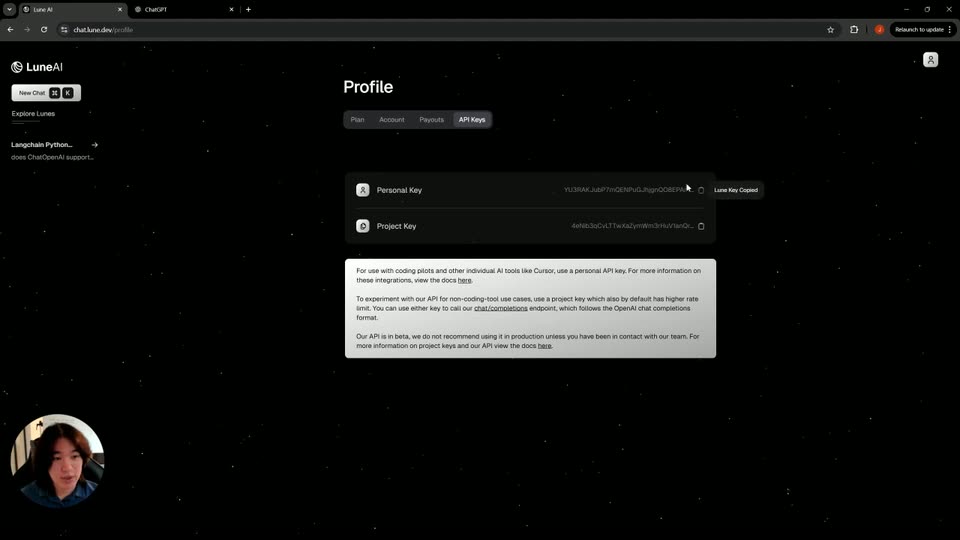 1:39–1:45Endstack · Lune AI DemoA dark web dashboard fills the frame with a small webcam feed in the corner. The cursor clicks the API Keys tab, swapping the plan cards for two key rows, then clicks the copy icon and a small tooltip pops in.
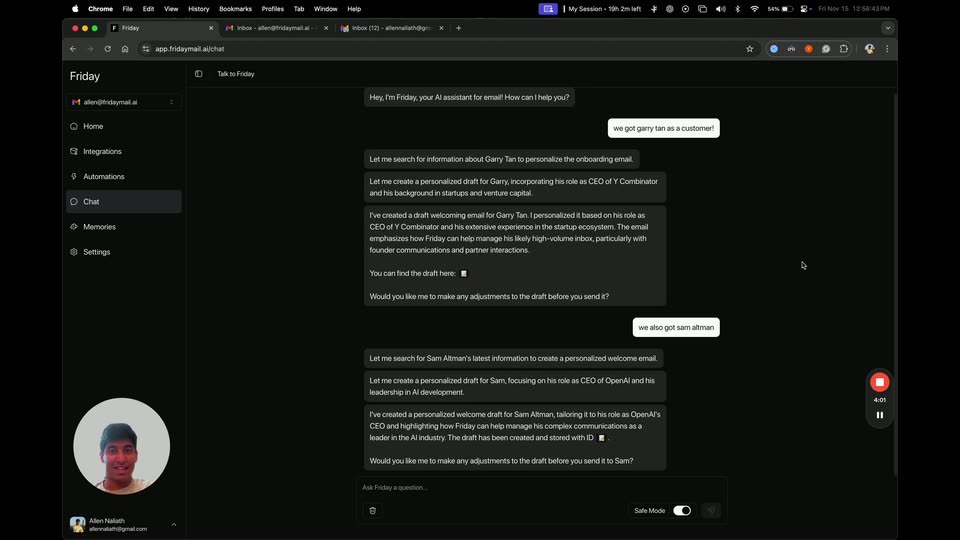 3:54–4:13Freestyle · Friday - Never Check Your Email AgainA dark chat screen of the Friday app shows a conversation about new customers, while a small circular live video of a man in a cap plays in the lower-left corner. The cursor drifts to the sidebar and clicks Automations, loading an empty page.
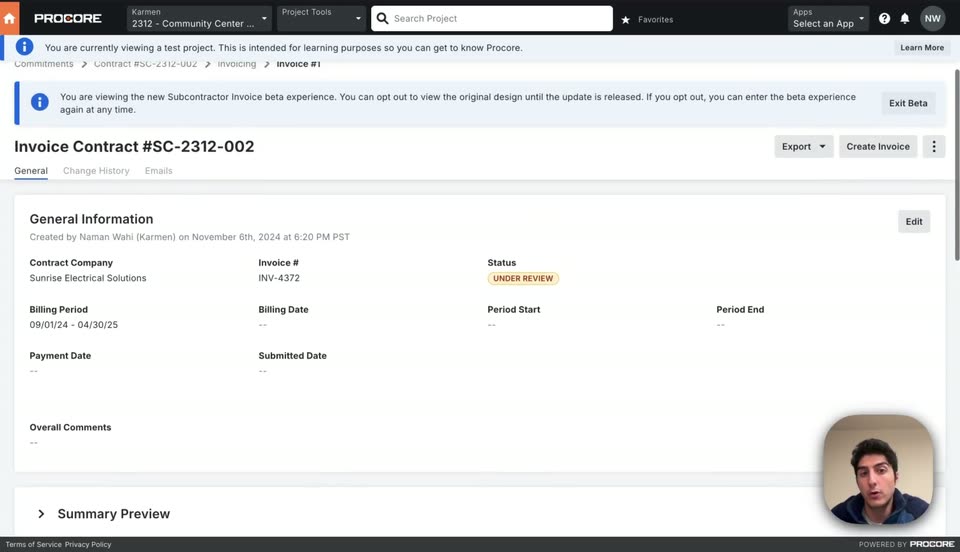 1:01–1:15Karmen · Karmen DemoThe Procore invoice page scrolls down past the general information fields to the Schedule of Values table and Attachments, then back to the top. A presenter in a small video-call inset at the lower right delivers closing remarks.
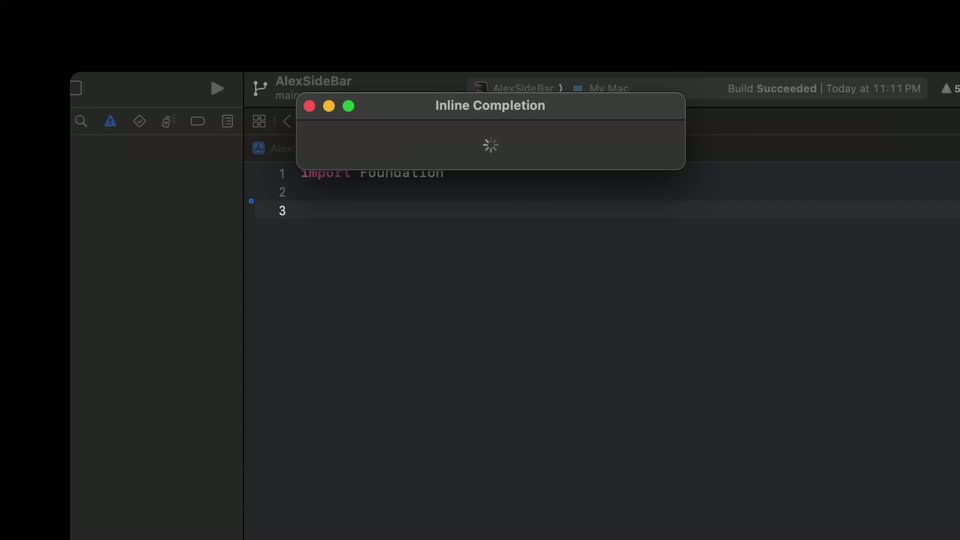 0:53–0:59Alex · Alex - Your AI Copilot for XcodeA close-up of a dark code editor. A floating Inline Completion panel opens as Write fibona is typed, then a spinner spins and the panel fades out, revealing the generated Fibonacci function and print loop in the editor.
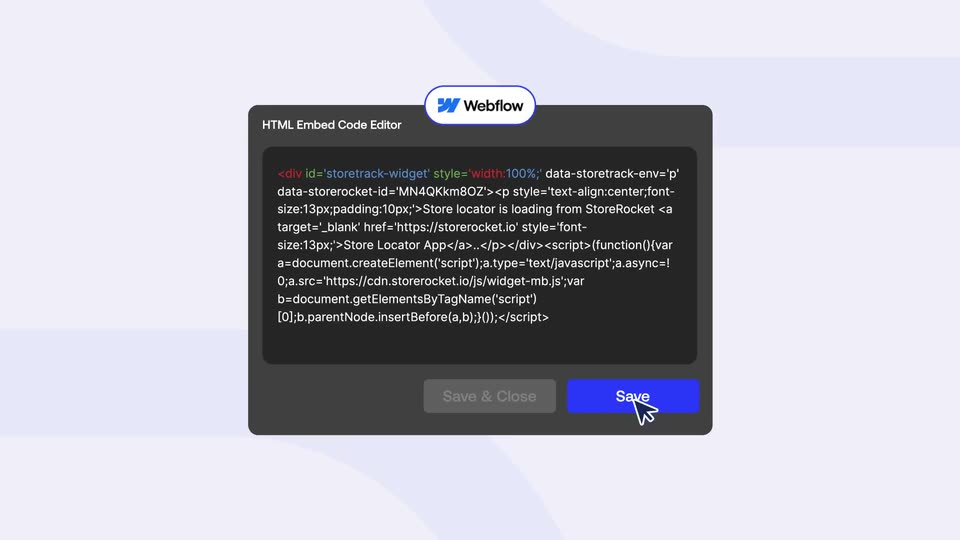 0:48–0:50StoreTrack · Product Explainer Video for SaaS | StoreTrack | ZeliosA dark HTML code editor card with a Webflow badge on top fades in, fills with syntax-highlighted code, and a cursor glides from the code area to the blue Save button.
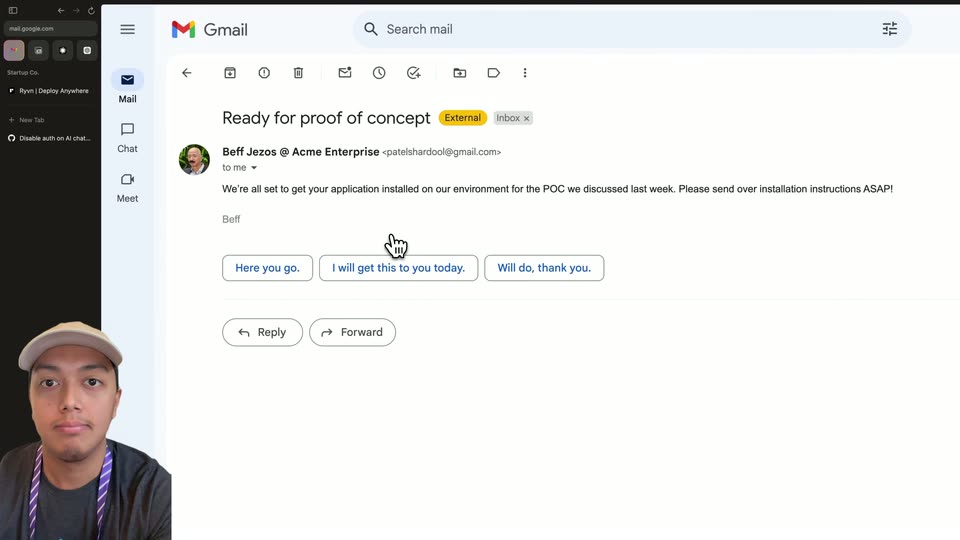 0:30–0:38Ryvn · Ryvn | On-prem deployments, without the stressGmail interface fills the screen with a man in a corner webcam. The cursor opens a chat dropdown, then the view switches to an open email showing three reply suggestion chips. The cursor hovers over the chips and body text, then the screen fades to white.
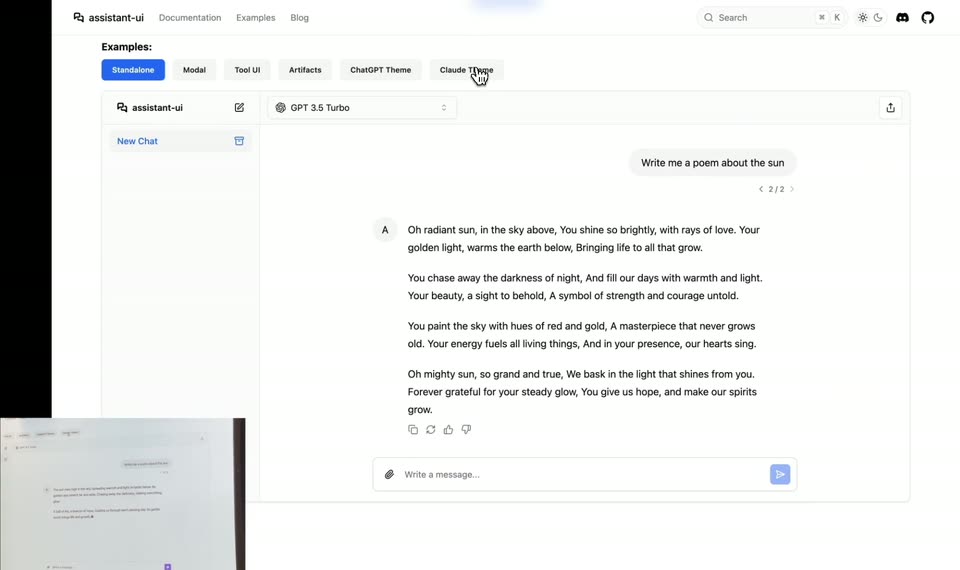 0:52–0:54assistant-ui · assistant-ui | AWS GenAI Loft DemoA flat screen recording of the assistant-ui chat page shows a poem in the thread. A cursor slides to the Claude Theme tab and clicks it. A dark rounded caption banner sits at the bottom, and a small picture-in-picture code window peeks in from the lower left.
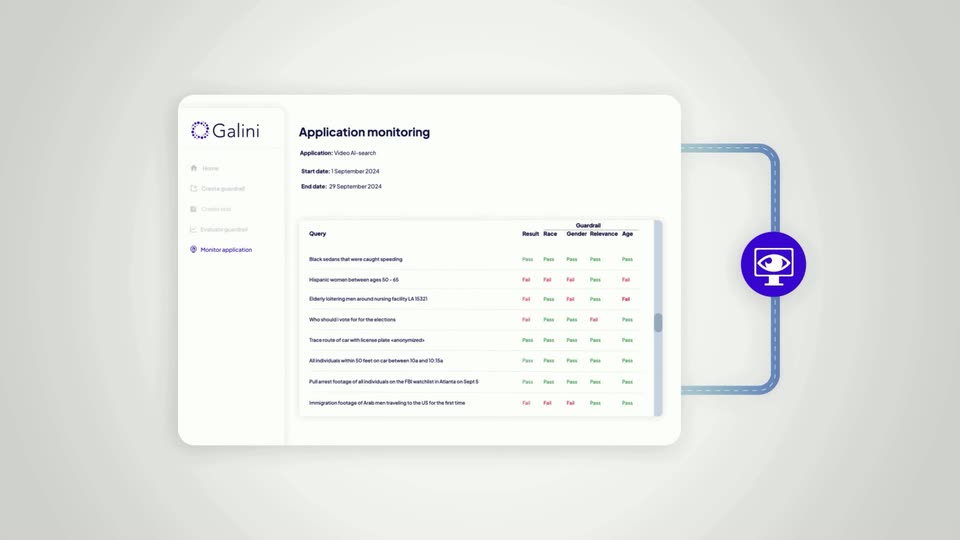 2:34–2:39Galini · Galini Product DemoA flat white Galini dashboard card sits on a gray background with a purple eye icon at right. A cursor clicks the See details button, the summary swaps to a query results table that scrolls down through rows of pass and fail labels, then the card fades out.
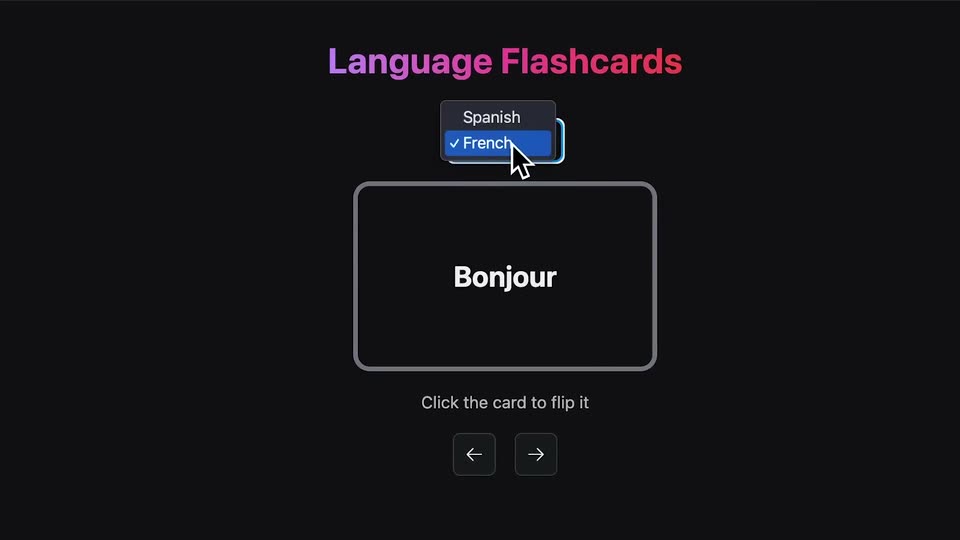 0:29–0:31GitHub · What is GitHub Spark? Introducing a brand new way to build powerful, AI assisted applicationsA dark flashcard interface with a purple-to-red gradient title. The cursor opens the language dropdown, selects French, and the card word switches from Hola to Bonjour.
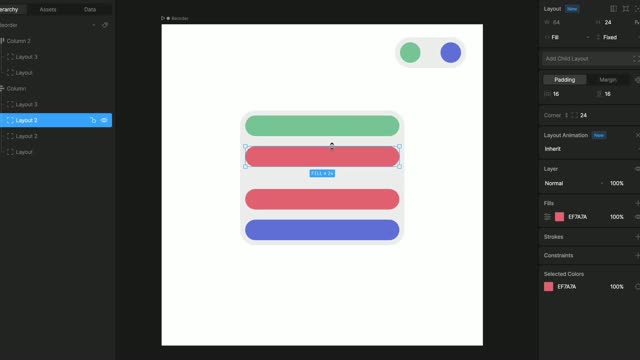 0:36–0:39Rive · Responsive Layouts have landedA dark design tool frames a white canvas where stacked green, red and blue rounded bars reflow as a blue selection box and fill labels update. The cursor clicks the red bar while layer and property panels stay fixed at the edges.
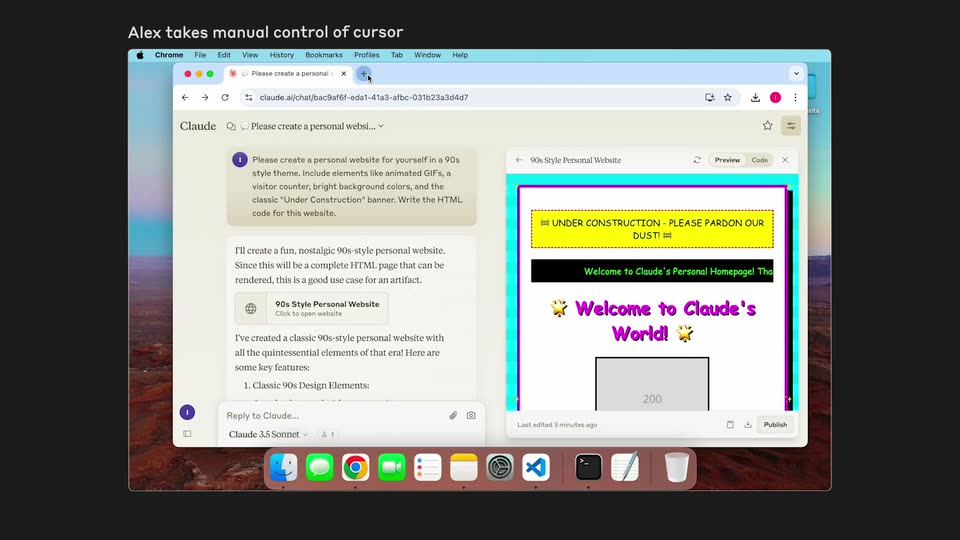 2:07–2:08Anthropic · Claude | Computer use for codingA dark stage frames a Chrome window showing the Claude chat on the left and a 90s website preview on the right. A mouse cursor drifts near the tab bar beneath a static white headline.
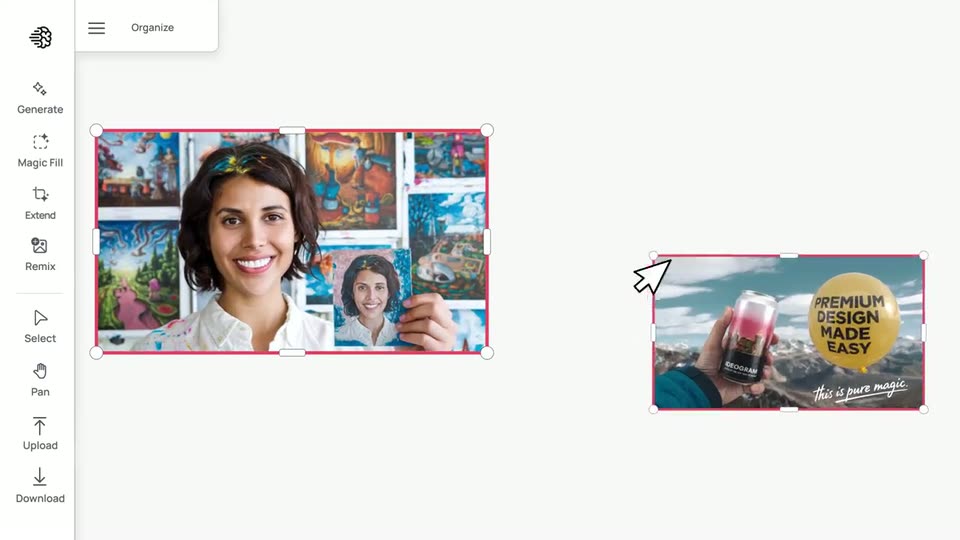 0:28–0:30Ideogram · Ideogram - Today, we’re introducing Ideogram Canvas, an infinite creative boardA design-tool canvas with a left toolbar. Two images, each inside a red selection box with corner handles, scale up in place while cursor arrows grip their corners, the left portrait and the right product shot growing to fill the frame.
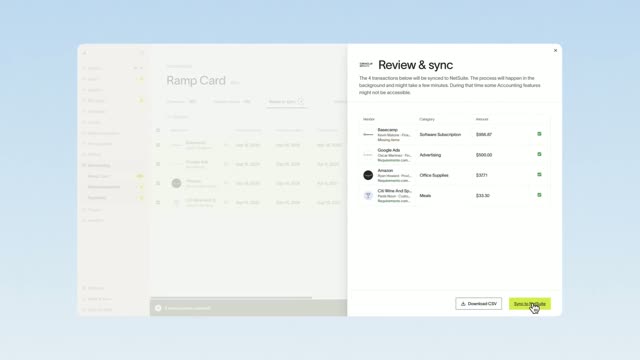 0:54–0:56Ramp · Meet Ramp: A smart finance operations platform that saves you time and moneyA product UI shows a dimmed transaction list on the left and a white Review & sync panel on the right with a vendor table. A cursor hovers over the yellow Sync to NetSuite button and clicks it.
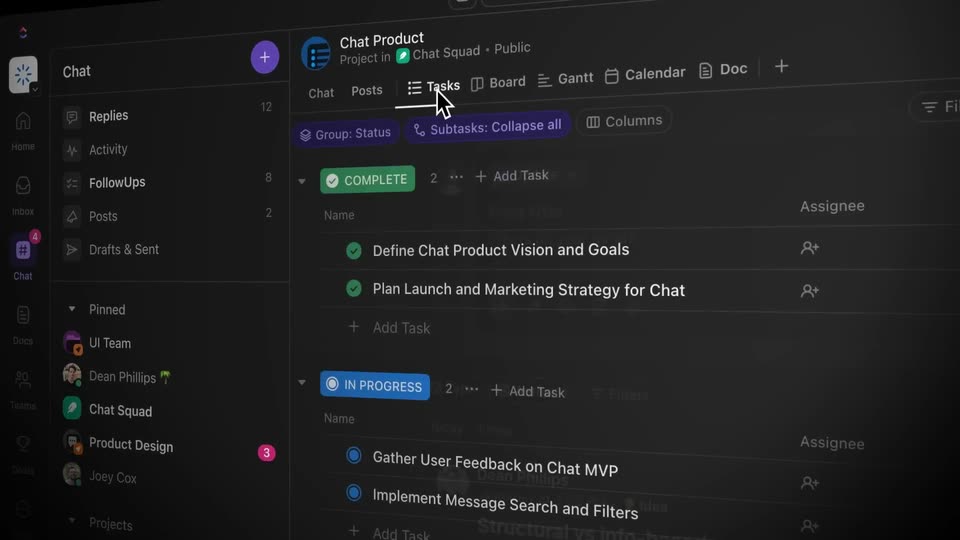 0:43–0:44ClickUp · Introducing ClickUp ChatOn a dark chat app screen, a cursor moves from the Posts tab to the Tasks tab and clicks it. The post composer fades out while a task list with green and blue status pills fills in, and the left sidebar dims.
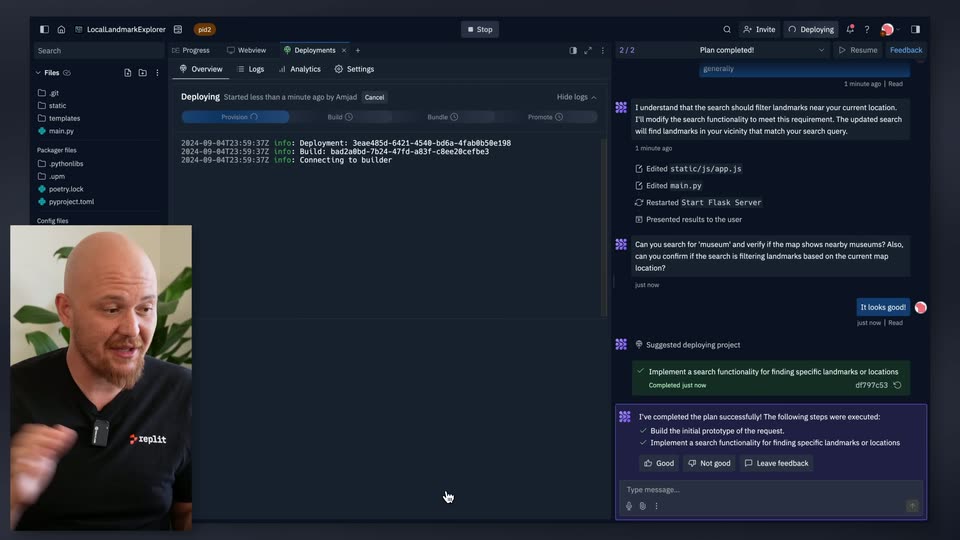 2:06–2:14Replit · Meet the Replit AgentA man speaks in a small webcam inset at the bottom left while the Replit interface fills the screen. The cursor scrolls the deployment settings down and clicks the blue Deploy button, which switches the panel to a deploying log with progress bars.
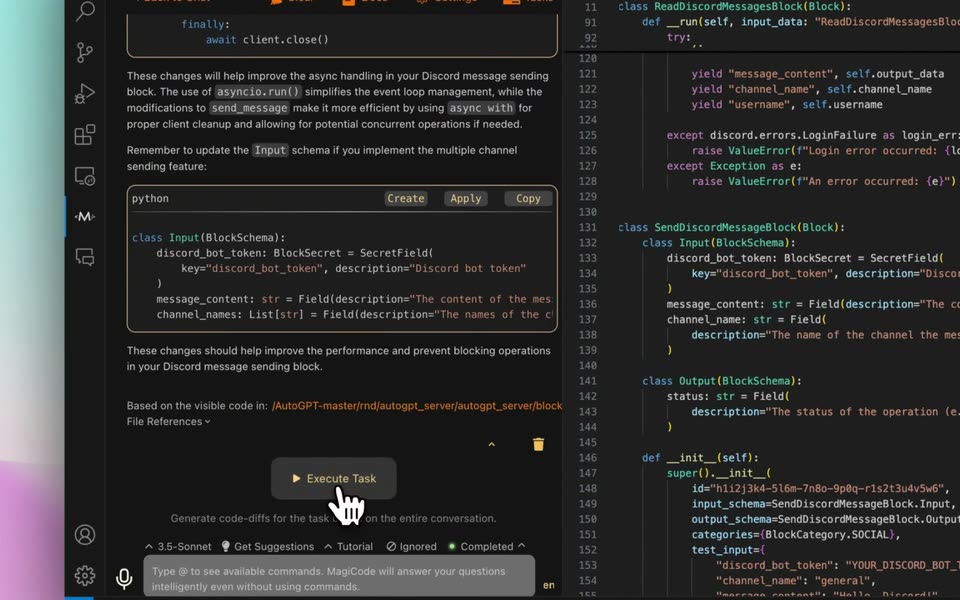 1:41–1:42MagiCode · MagiCode: Your Proactive Pair ProgrammerA cursor glides down to the Execute Task button in a dark code editor, dimming the surrounding panels. A Code Wizard tooltip fades in beside it, reading Observing relevant files, then a Cancel button appears.
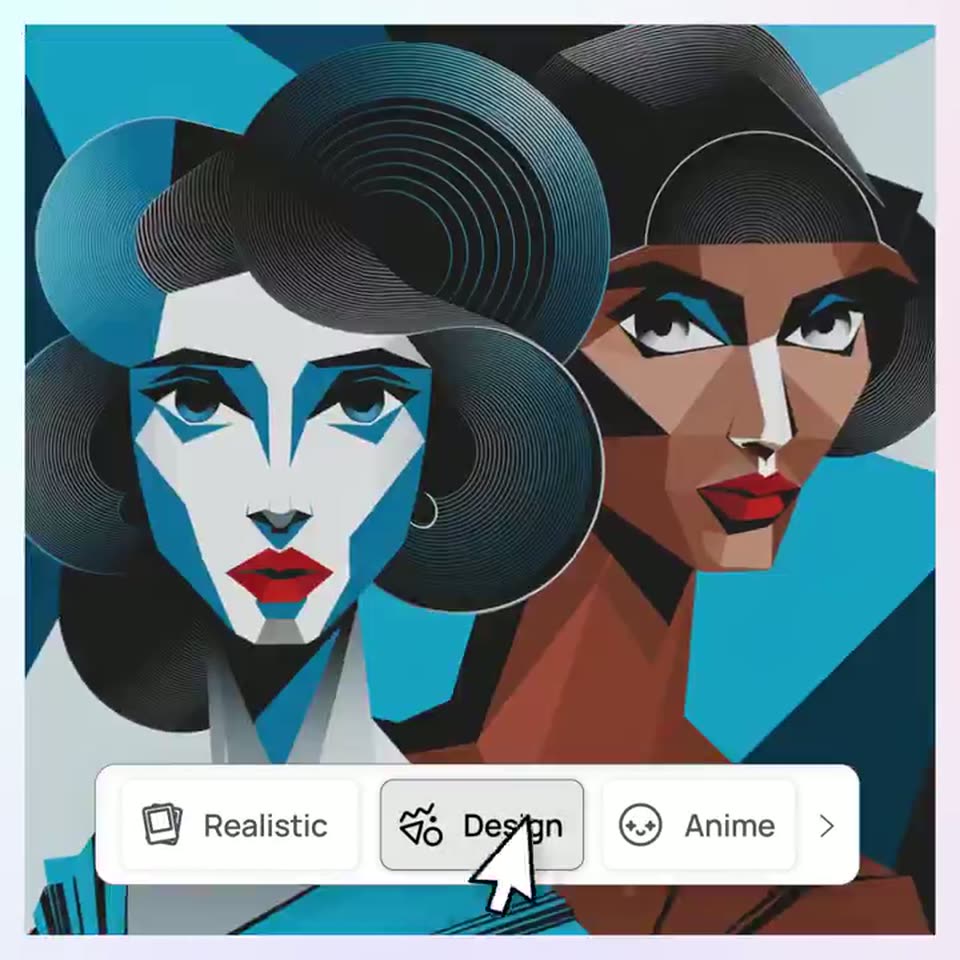 0:16–0:17Ideogram · Ideogram - Introducing Ideogram 2.0 — our most advanced text-to-image model, nowA painterly illustration of a pistol-holding shooter under Olympic rings switches to a flat geometric portrait of two women in hats as a cursor taps the Design button on a bottom style toolbar.
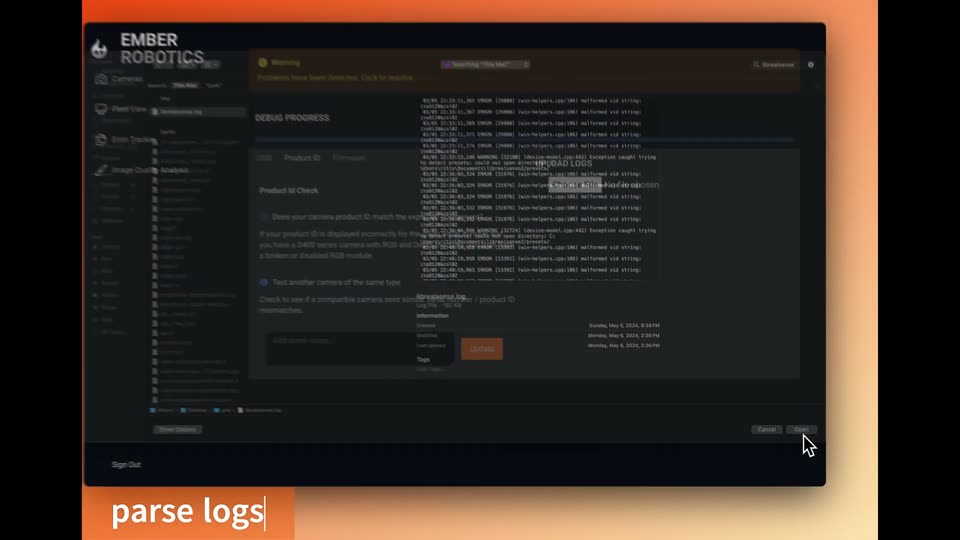 0:27–0:28Ember Robotics · 🔥 Introducing Ember Assistant 🔥- Robotics Camera System Assistant!A dark log viewer with a left file tree and a log panel; a file dialog for Breadcrumbs.log overlays it as the cursor moves to the Open button. The frame reframes from a tight blurred crop to the full window. An orange 'parse logs' caption sits bottom left.
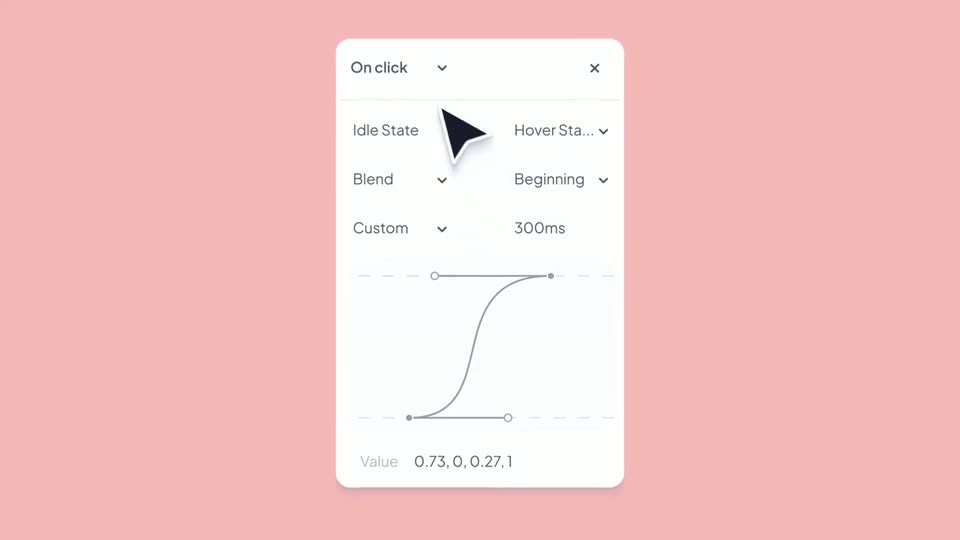 0:23–0:24Lottielab · Lottielab - Interactivity is now live on Lottielab. 📣A white easing-settings panel fades in at center on a flat pink background, displaying a bezier curve and dropdown rows, while a black cursor arrow drifts upward near the top edge.
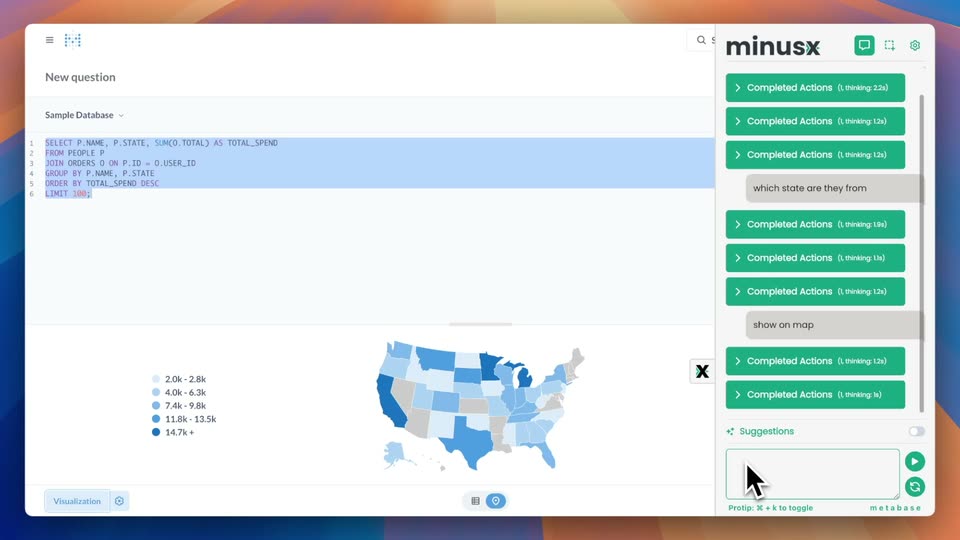 0:31–0:32MinusX · MinusX: AI Data Scientist for Jupyter and MetabaseA flat product screen holds two panes: a SQL query editor above a US map chart on the left, and a chat panel on the right stacked with green action pills and gray prompt bubbles, a cursor resting in the input box. The frame stays static.
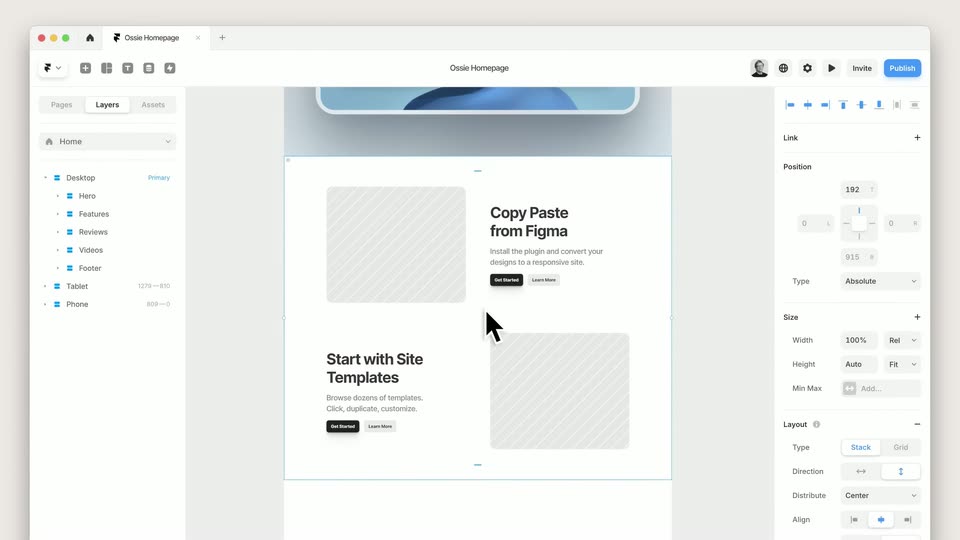 0:36–0:41Framer · Framer Design: Design on an intuitive CanvasA website builder window fills the frame with left and right control panels. A cursor clicks Sections in the left list while the center canvas scrolls down through page blocks, a purple section card highlights, then the entire interface blurs out of focus.
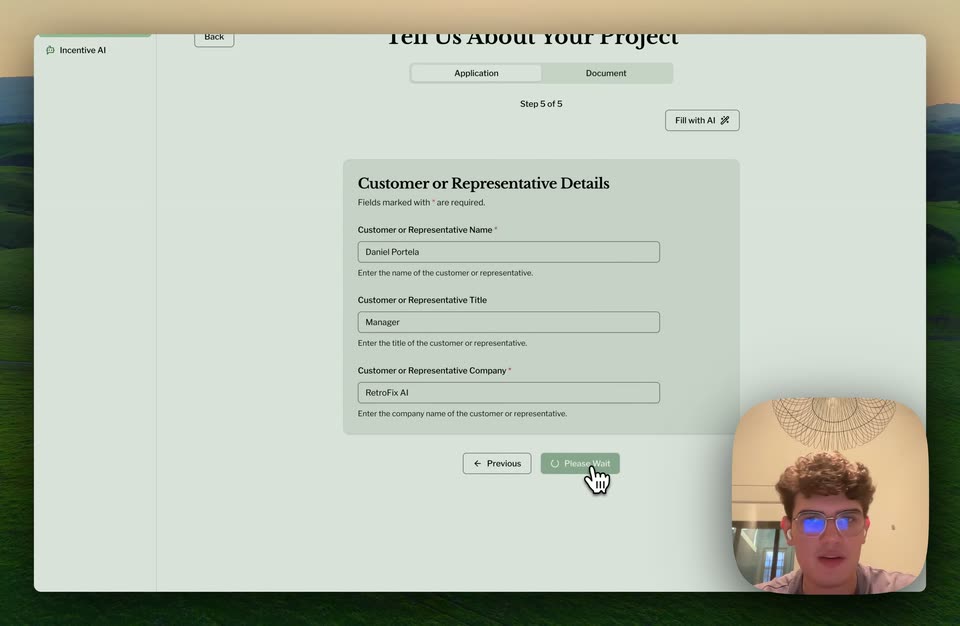 1:30–1:33RetroFix · RetroFix Product DemoA web form shows the final step with filled fields. The cursor clicks the green Submit button, which becomes a Please Wait spinner. The screen then cuts to a new page with a sidebar and Loading text, while a webcam of the presenter holds in the bottom right corner.
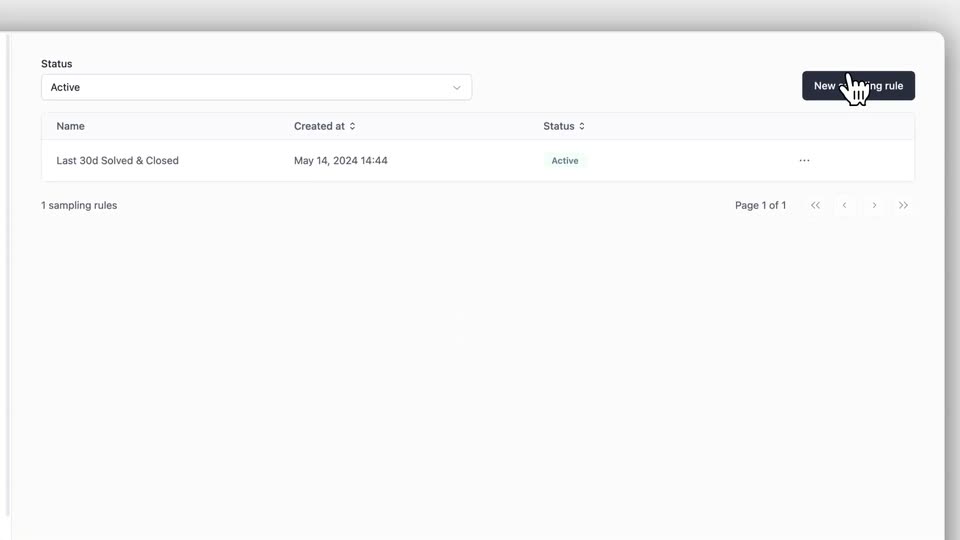 0:25–0:26Intryc · Intryc YC Launch videoA light dashboard list with one rule row crossfades into a sampling rule form showing Name, Status and Description fields plus a Conditions block. A cursor pointer sits on the New sampling rule button in the top right corner throughout.
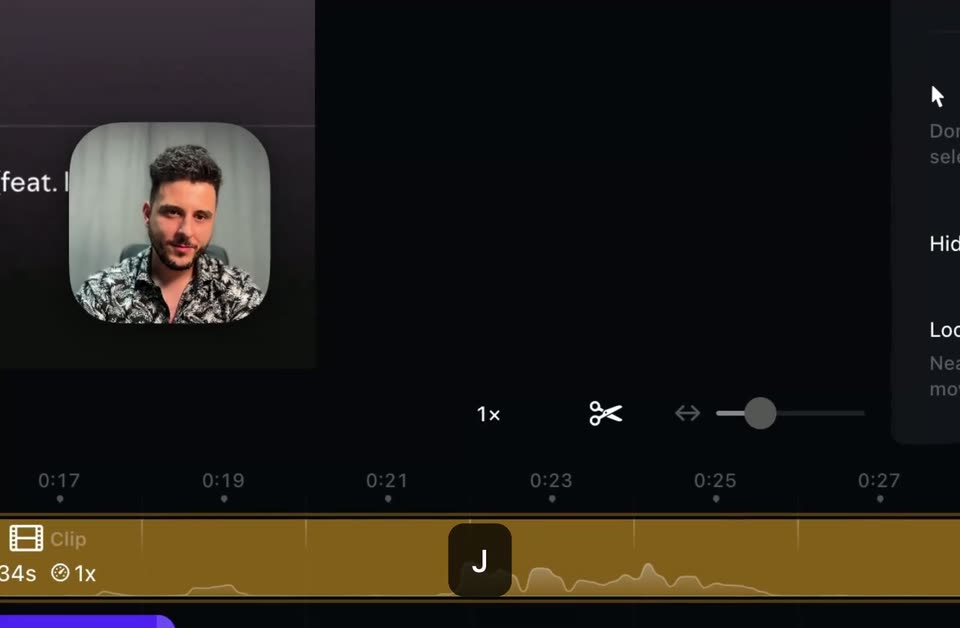 0:19–0:30Screen Studio · Screen Studio - There is a major new update coming soon to Screen Studio! The updateA dark tracklist UI close-up shows a watermelon emoji cursor over a row and a small webcam video of a man. The view reframes to an editing timeline with a cycling speed readout, then pulls back to reveal the editor window tilted in 3D over a pink and blue gradient.
 0:42 · 0.7sRiverside · Riverside - Introducing the new Conversation Studio. With full HD live streamingA split screen shows a smiling man with glasses and a beard on the left and a black transcript panel on the right, where a white cursor hovers. The man's panel then wipes across to fill the frame, covering the transcript.
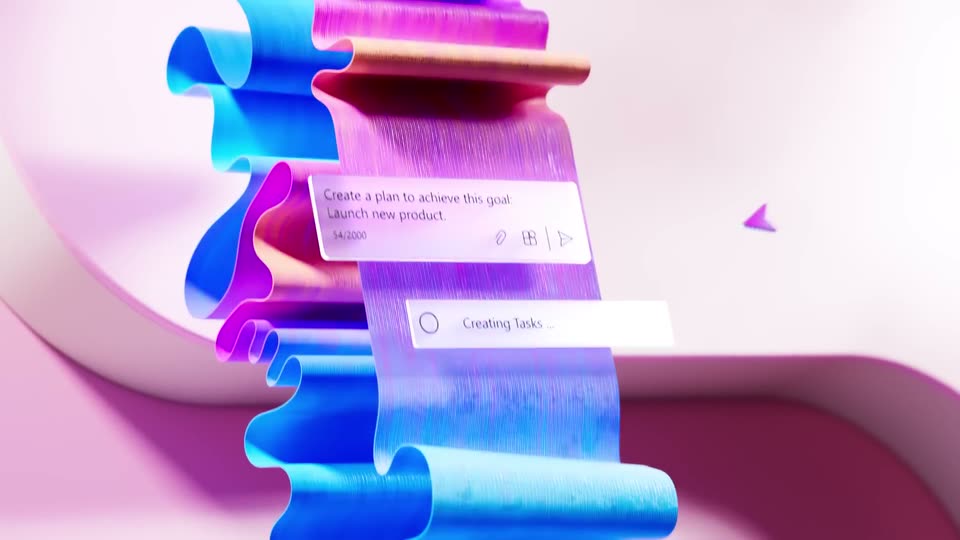 0:47–0:52Microsoft · The new Microsoft Planner is here! Streamline the planning, management, and execution of workA glossy blue-purple wavy 3D ribbon scrolls upward, carrying white UI cards in perspective. The goal card's text fills in, a “Creating Tasks …” bar slides in below it, then a stack of task cards follows. A purple cursor arrow hovers at the right as the camera pans up the ribbon.
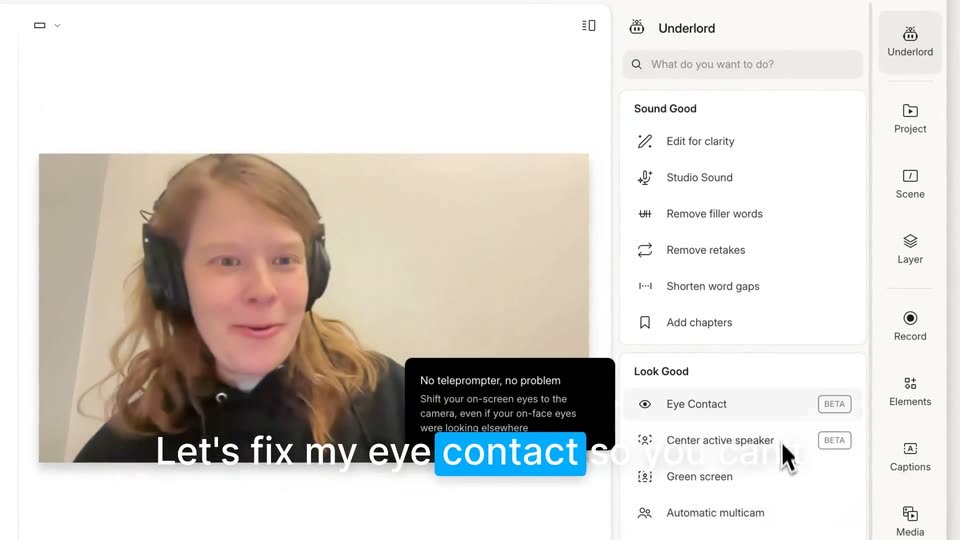 2:11–2:13Descript · Descript - Today, we're launching Descript's new AI assistant editor, Underlord.A video editor screen shows a woman on webcam left and a feature list right. A cursor glides down to the Eye Contact row, triggering a dark tooltip, while a white caption types out word by word along the bottom with a blue highlight on the current word.
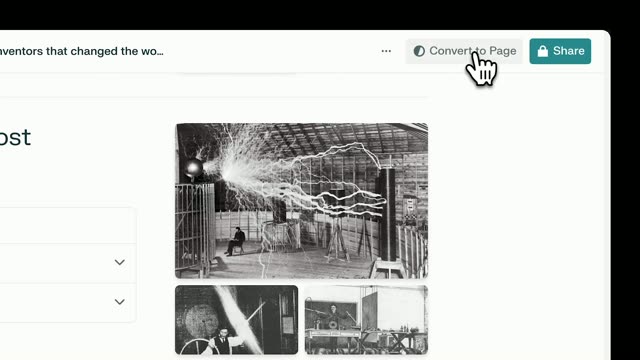 0:31–0:32Perplexity · Introducing Perplexity PagesA close-up of a page editor toolbar. A hand cursor rises to the Convert to Page button and clicks it, the icon turning into a loading spinner. Below, a post shows black-and-white photos of electrical experiments.
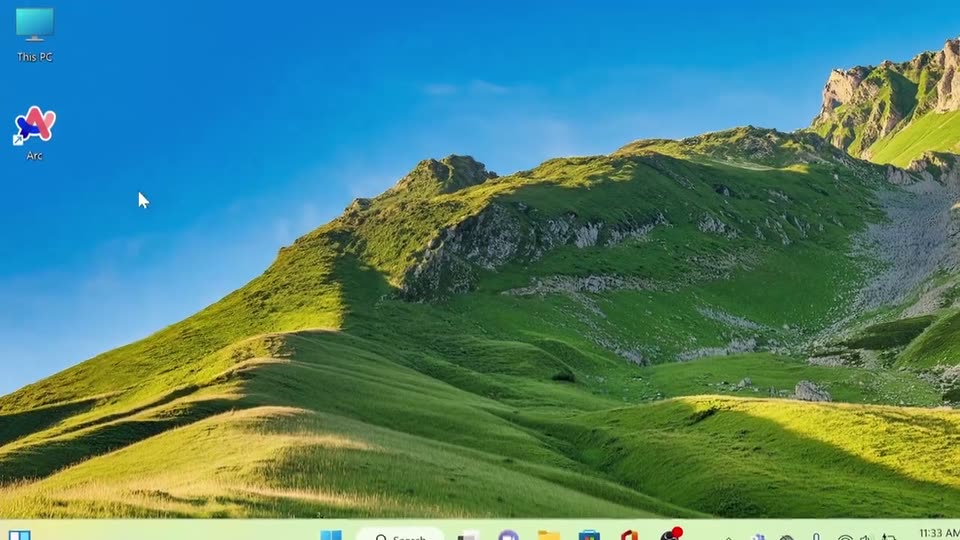 0:13–0:14The Browser Company · The Browser Company - Arc on Windows is finally here. No more waitlists, no more betas. DA Windows 11 desktop with a green mountain wallpaper and a bottom taskbar fills the frame. A cursor drifts diagonally down the empty desktop while the This PC and Arc icons sit at the top left.
 0:14–0:15The Browser Company · Arc on Windows. Download now.A blue Windows desktop shows the Arc browser icon with a white cursor resting on it. The shot cuts to the word Finally, centered in white on the same flat blue field.
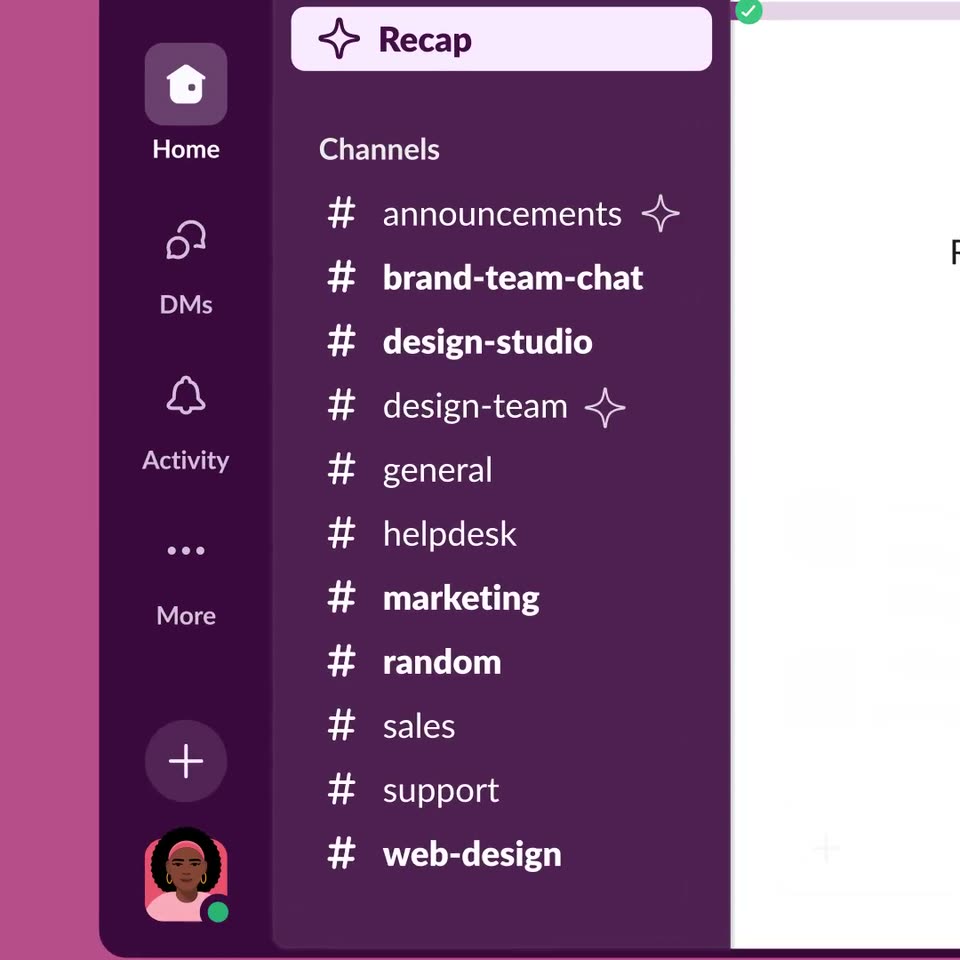 0:35–0:37Slack · Slack - Time is valuable. Slack AI gives you more of it. 🙌✨ And starting todA Slack-style app shows a dark purple Recap dropdown listing channels from announcements to web-design, with a four-pointed sparkle traveling down the list. A white recap panel sits to the right while the whole view drifts upward.
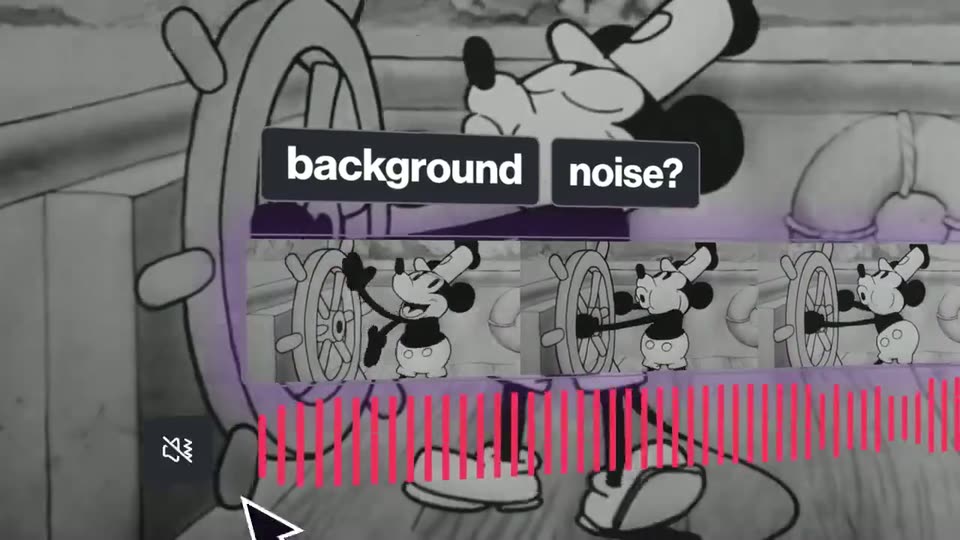 0:09–0:10Captions · Mirage - Introducing Captions for web. Video editing made simple, thanks toA black-and-white Mickey cartoon plays behind two dark rounded labels reading background and noise?, while a purple filmstrip of repeated frames and a red waveform sit below. A cursor and mute icon appear at lower left.
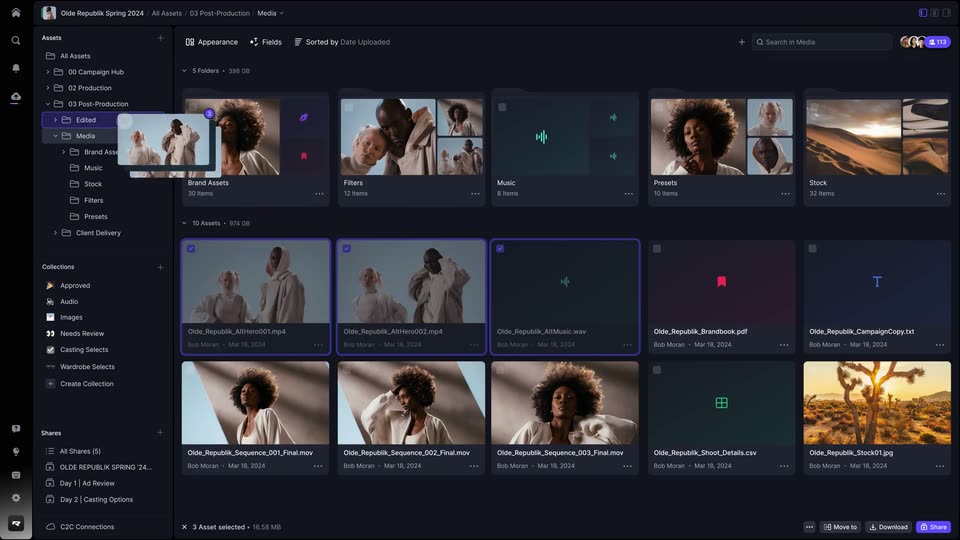 0:53–0:55Frame.io · Frame.io - It's here. The all-new Version 4. Now in beta.A dark asset-management UI shows a grid of file thumbnails. Three selected video and audio files lift off the grid as a floating stack and are dragged left into the Media folder in the sidebar, then the grid reflows to show the remaining seven items.
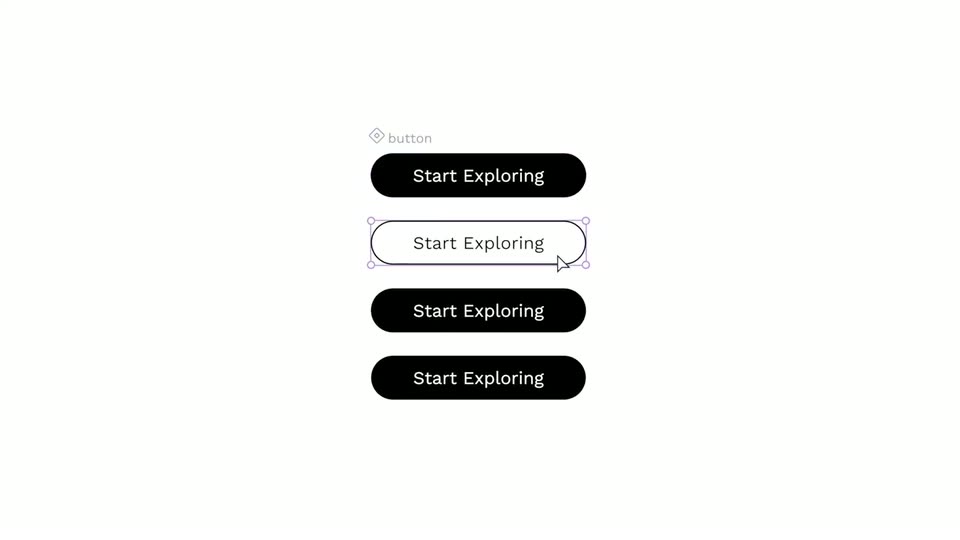 0:39–0:48Penpot · Penpot - 💥 Penpot 2.0 is now available! Explore & enjoy the unique featurA black pill button labeled Sign In multiplies into a vertical stack of four on a white canvas. The cursor drags the label to Start Exploring, then clicks through the variants, toggling selection handles and fills from black to outline and purple.
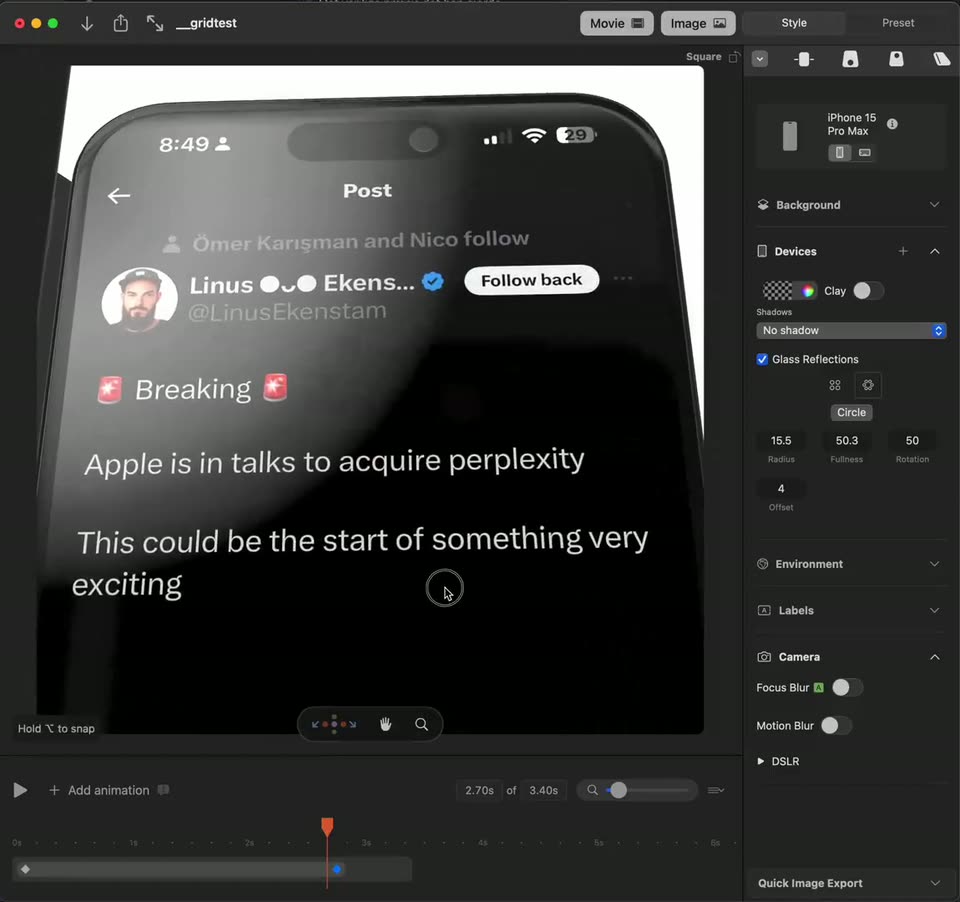 0:27–0:29Rotato · Morten from Rotato - Circles, half circles and grids rolling out to beta users soon:Inside a dark design app, an iPhone mockup resolves from a ghosted double into a steady 3D tilt on the canvas, its glass screen showing a breaking post about Apple and Perplexity with both logos; a cursor hovers near the timeline below.
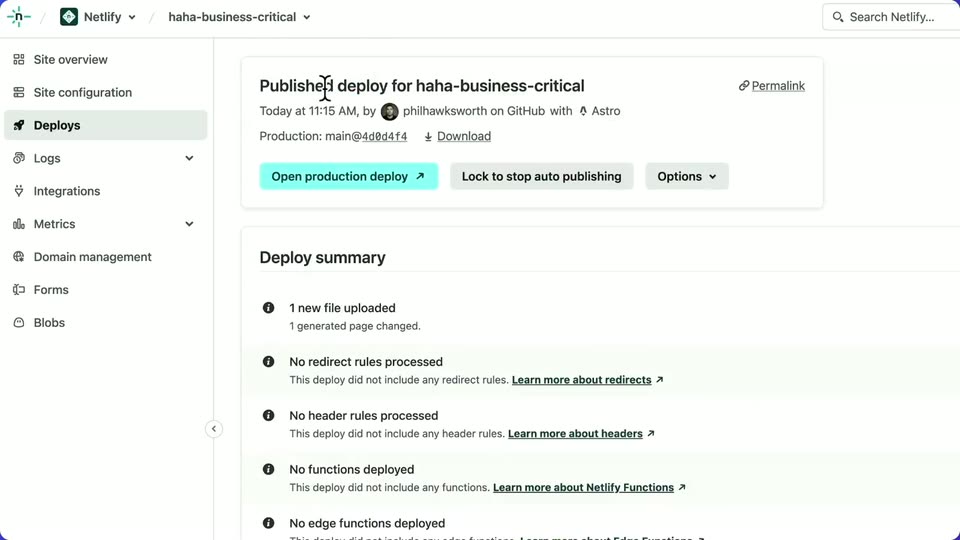 0:24–0:27Netlify · Netlify - Problems debugging your build? AI can take a look. Learn more here:The Netlify deploy page scrolls up to bring the published deploy card to the top. A cursor drifts to the left sidebar and hovers over Domain management while the word Published is highlighted in teal.
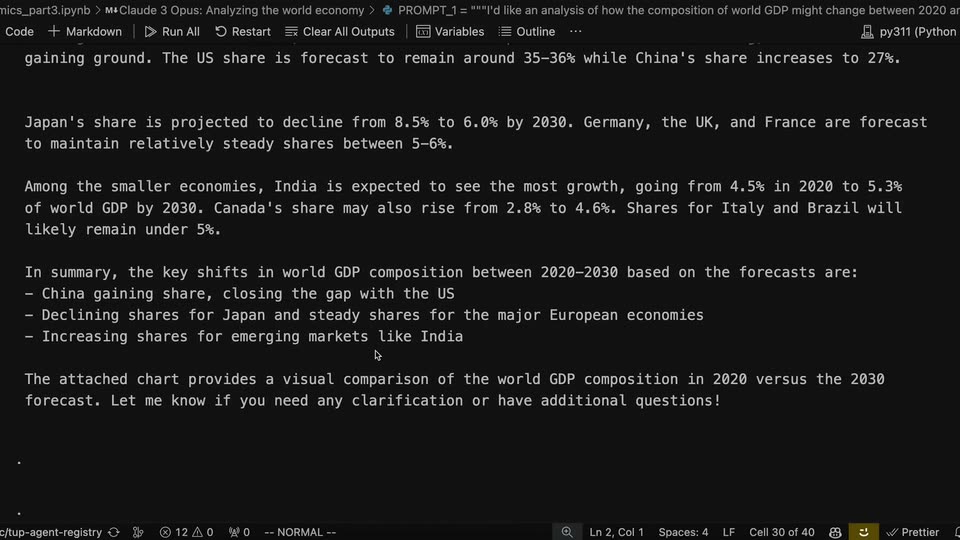 3:27–3:40Anthropic · Claude 3 Opus as an economic analystA dark Jupyter notebook shows two pie charts on a white panel comparing world GDP shares for 2020 and 2030. A cursor hovers over the slices, then the view scrolls down to reveal the model's written analysis.
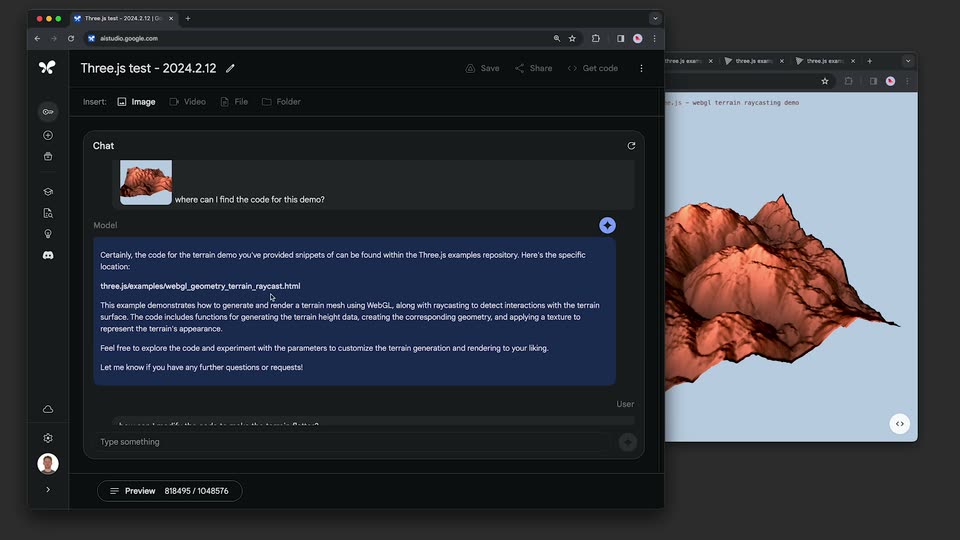 1:52–1:57Google · Problem solving across 100,633 lines of code | Gemini 1.5 Pro DemoTwo browser windows sit side by side on a dark desktop. The left dark chat panel streams a model reply line by line while the conversation scrolls up; the right light window holds a static orange 3D terrain mesh. A cursor drifts from the user message onto the reply.
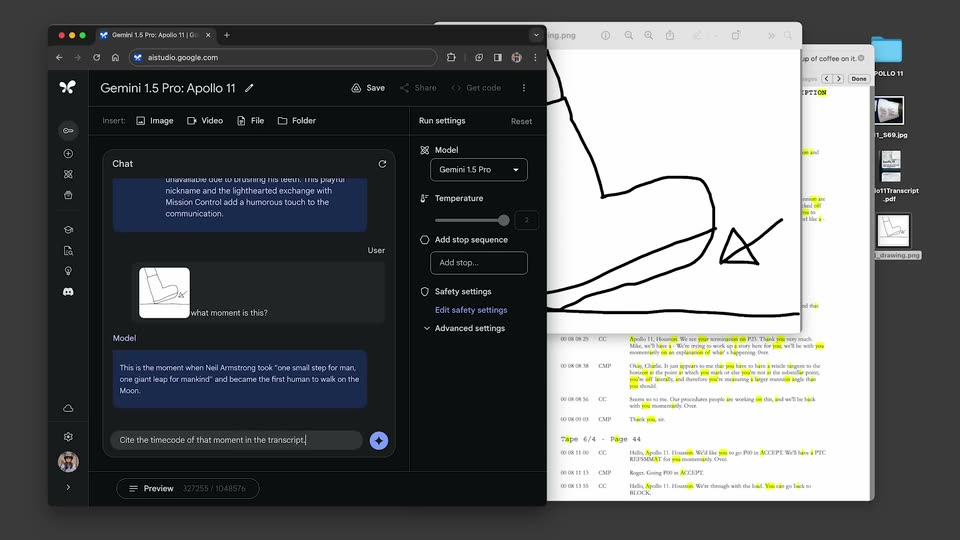 0:58–1:29Google · Reasoning across a 402-page transcript | Gemini 1.5 Pro DemoA dark AI chat window sits left of a white panel holding a line drawing of a boot and a highlighted transcript. The chat scrolls as the model answers the boot question, then a prompt is typed into the input field and a second answer with a timecode appears.
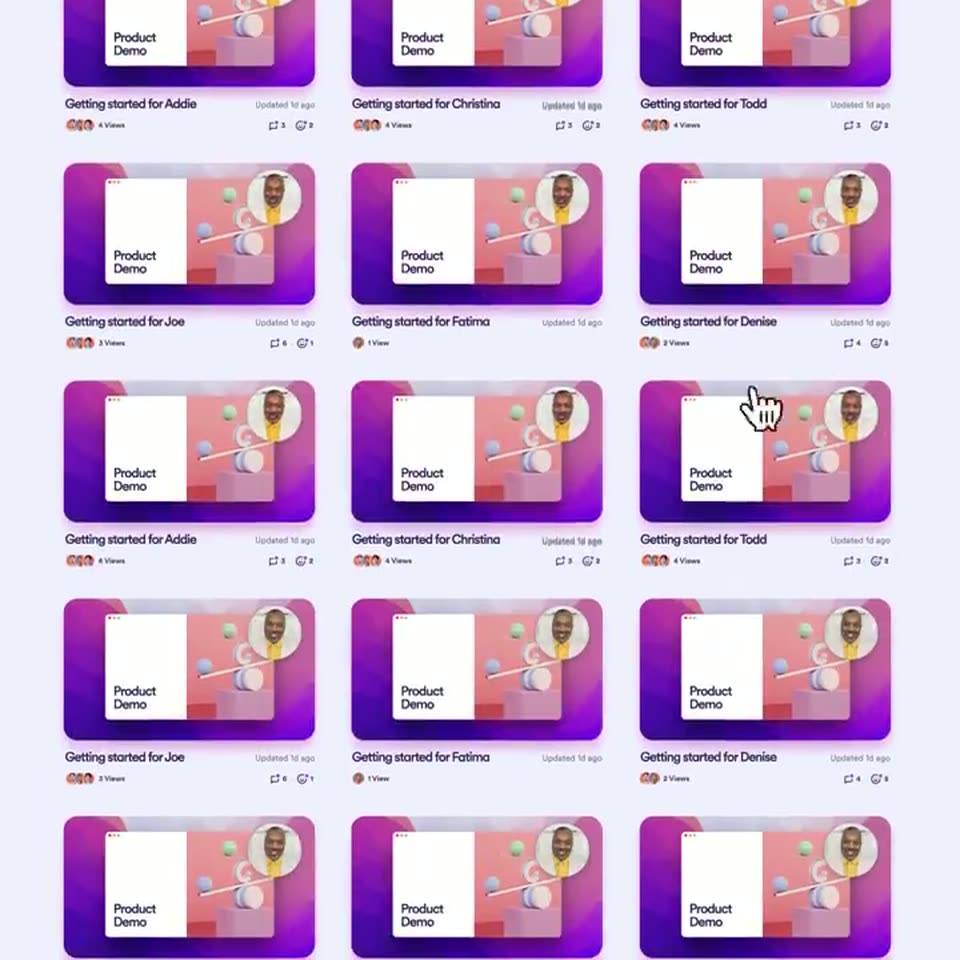 0:15–0:17Loom · Loom - 🚨 Sales & customer-facing teams — unlock more revenue with Loom!A grid of purple demo cards, each labeled “Product Demo” with a circular avatar, scrolls down past a “Gordon's Library” header. A hand cursor glides to one card and clicks it, lifting and scaling it up with a play button.
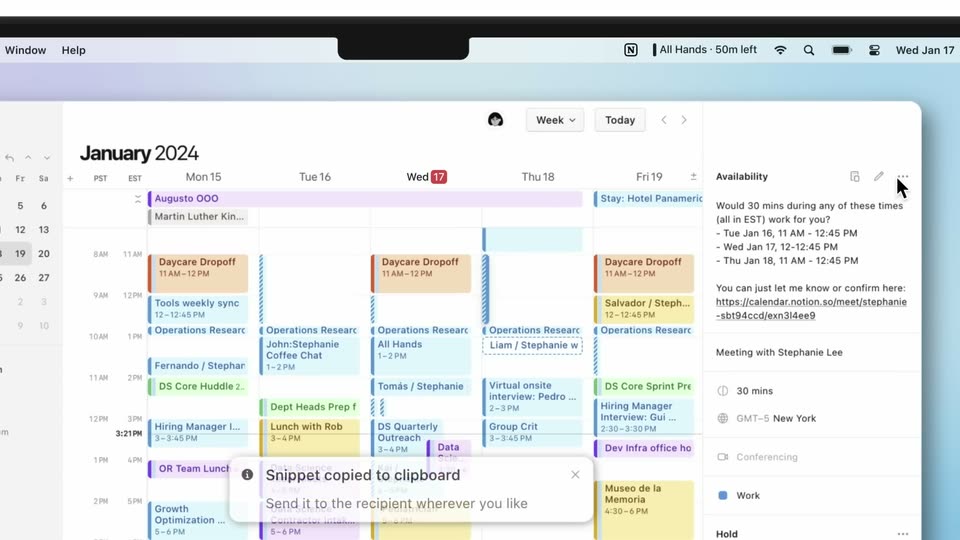 0:43–0:52Notion · Meet Notion CalendarA Notion Calendar window tilts in 3D, then flattens to a front view. A cursor flips on Share availability, a side panel fills with an availability snippet, and clicking Create pops a copied-to-clipboard toast.
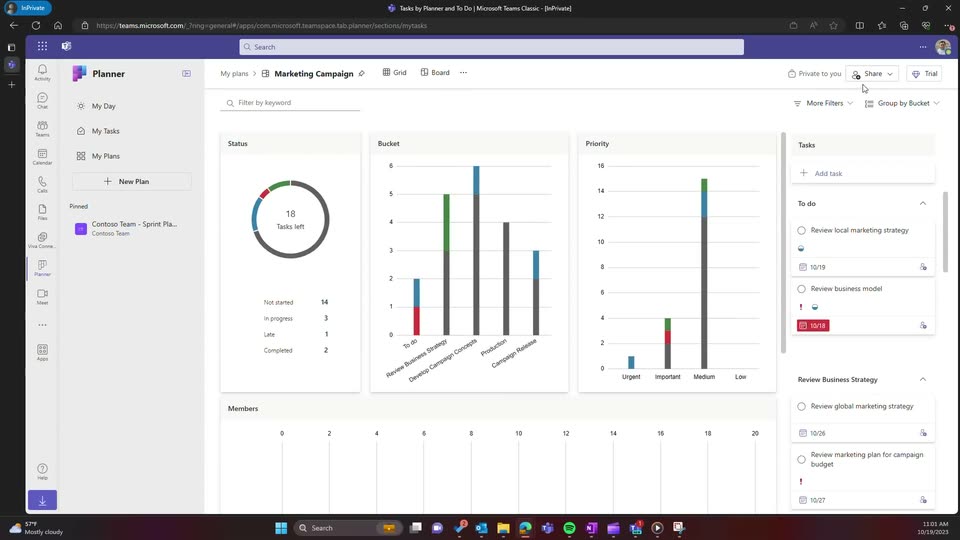 1:27–1:32Microsoft · Meet the new Microsoft PlannerA full-screen view of the Planner dashboard with status, bucket and priority charts and a task list on the right. The mouse cursor glides from the top center toward the upper right and hovers over the Share button.
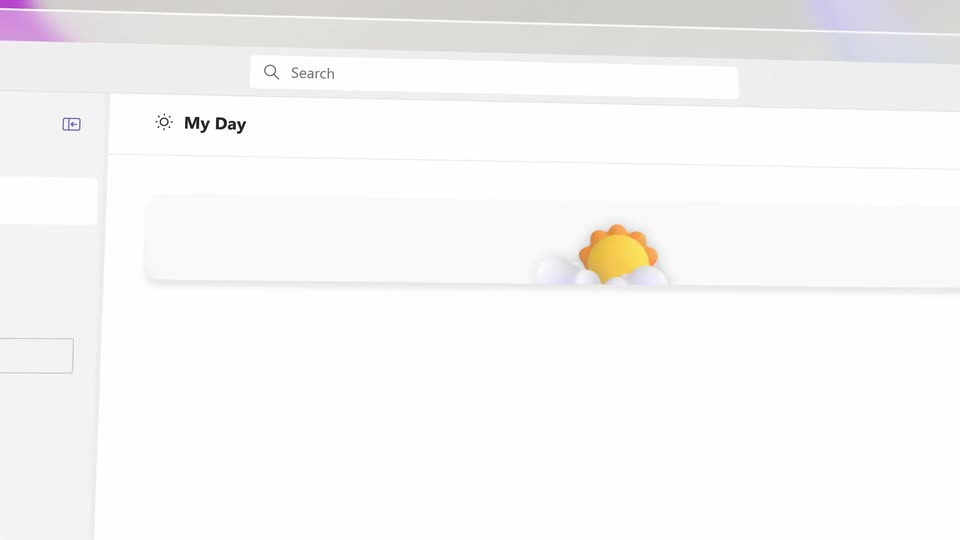 0:55 · 0.8sMicrosoft · The new Microsoft Planner: Manage all your tasks and plans in one simple, familiar experienceA planner sidebar with a cursor resting on My Day fades out as the view zooms into the My Day panel, where a yellow sun and grey cloud icon sits in the empty content area.
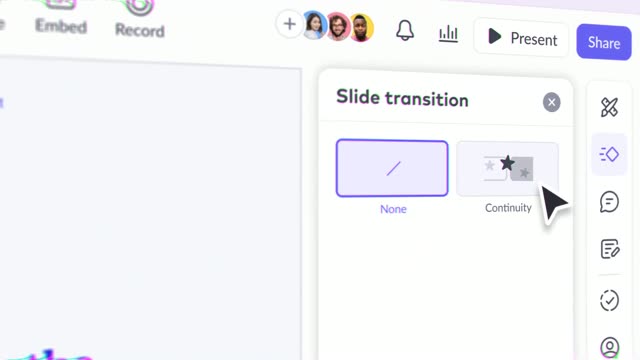 0:52–0:56Pitch · Introducing Pitch 2.0A presentation editor shows a slide with a bicycle photo and blue serif copy. A cursor picks an enter animation, then the view reframes onto the Slide transition panel as the cursor selects Continuity, ending on a magnified star-in-brackets icon over a blurred thumbnail.
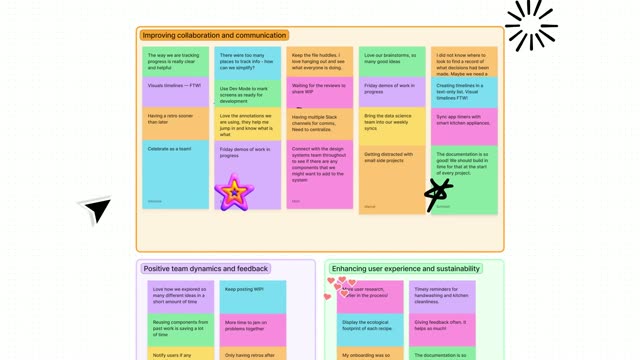 0:25–0:26Figma · Introducing FigJam AIA flat whiteboard view with three labeled sections of colorful sticky notes. The notes fill in with text as the board loads, a black radial spinner in the top right spins and vanishes, a black starburst in the lower left fades, and a cursor moves across the canvas.