Cursor demo
A visible cursor operates the interface.
15,080 scenes · page 187 of 252
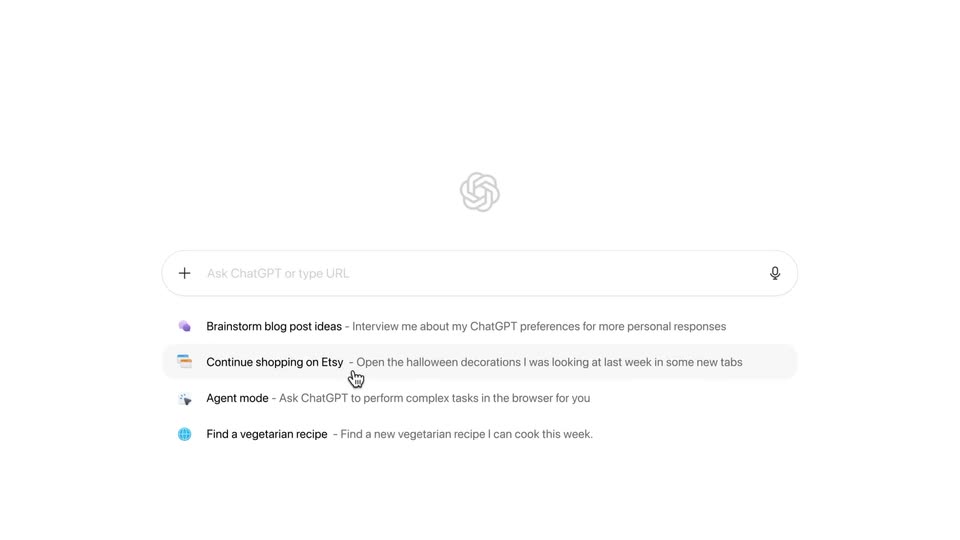 0:53–0:54OpenAI · Introducing ChatGPT AtlasA static browser new tab page shows a ChatGPT search bar above four AI suggestion rows. A cursor moves up to the second row, Continue shopping on Etsy, which fills with a light gray hover highlight.
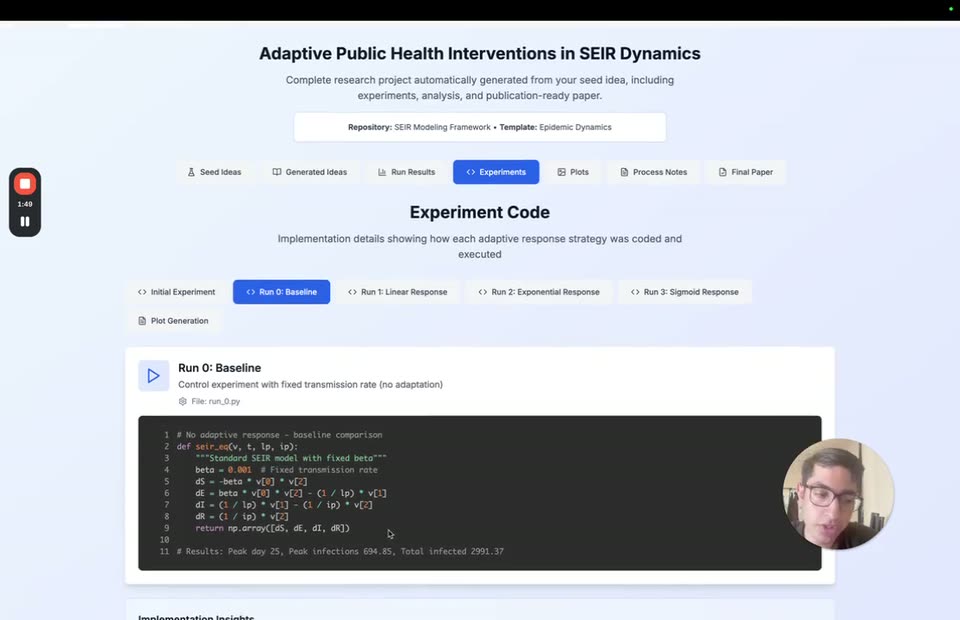 1:46–1:52Sciloop · Sciloop - End to End Scientific DiscoveryA light research results page scrolls while a cursor clicks the experiment tabs, swapping the dark code panel from the initial script to the baseline run. A circular webcam of a bespectacled presenter stays fixed in the lower right corner.
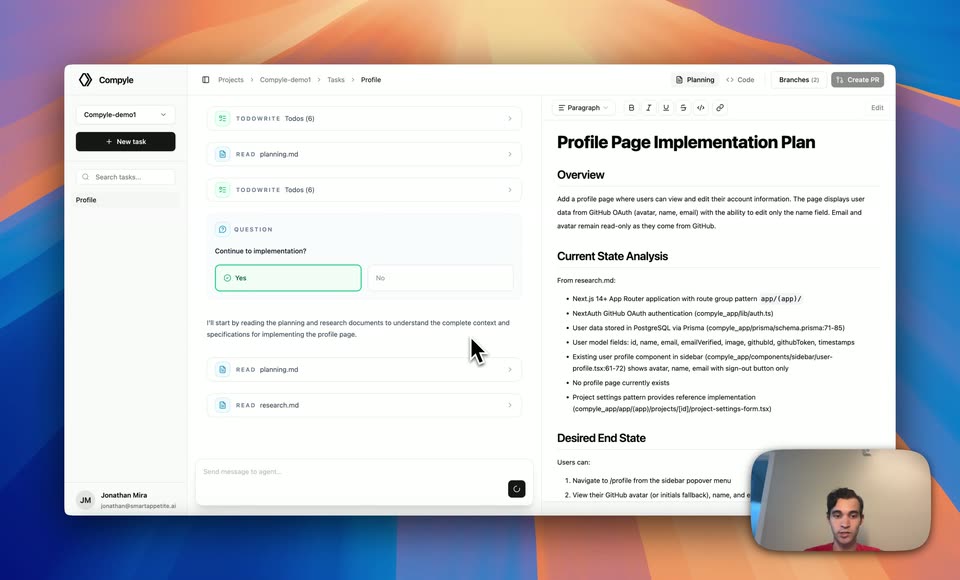 1:40–2:19Compyle · Compyle | Demo VideoA static screen capture of the Compile interface. The cursor selects the Yes option on a question card and clicks Confirm, then the task feed scrolls up as new agent messages and rows appear. A small webcam bubble of the presenter overlays the bottom right.
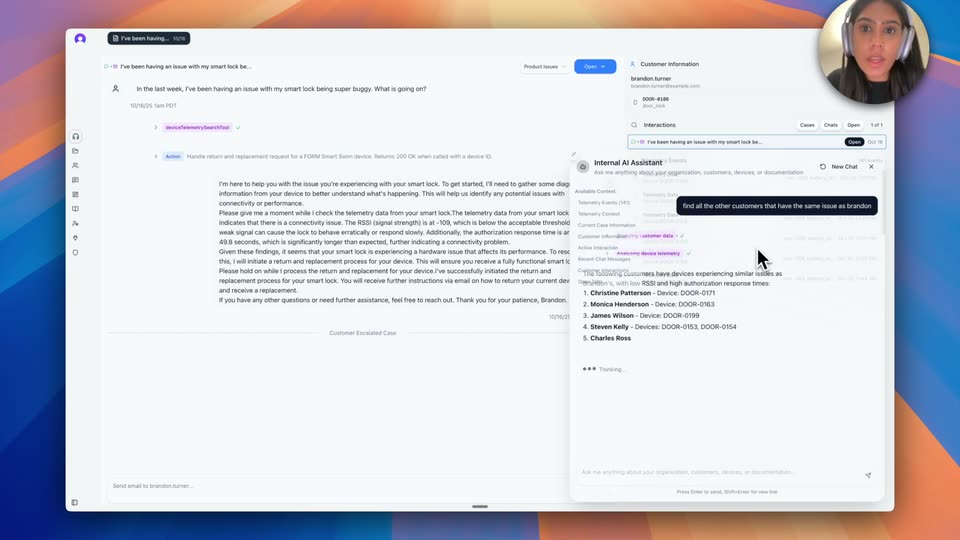 2:05–2:19Layers · Telemetron DemoA close-up of the AI assistant panel reframes out to a two-pane support screen with a black callout box over the prompt. The query is typed, and a numbered list of affected customers with device IDs scrolls down the right panel.
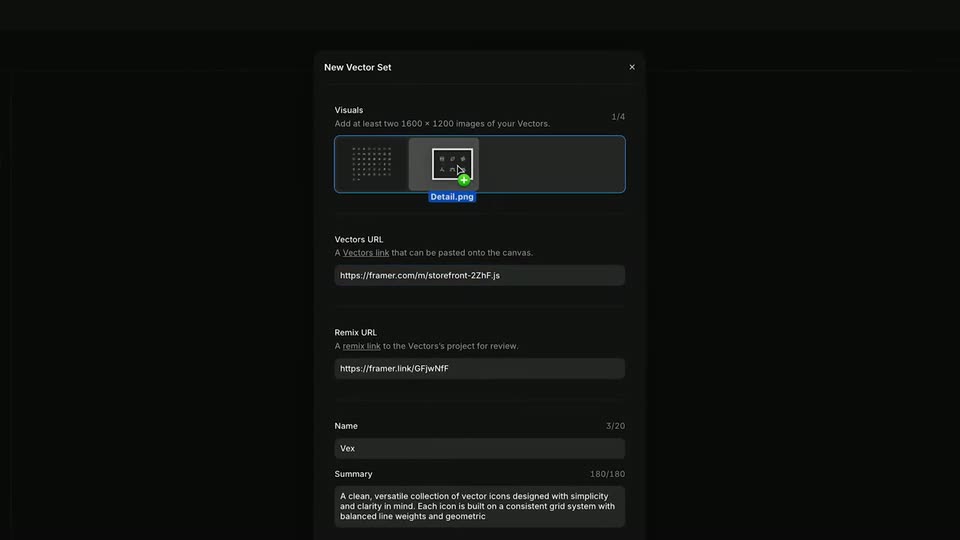 0:41–0:46Framer · Framer - 🖌️ Vectors are now available on the Framer Marketplace. Easily add reA dark dashboard screen shows a blue New Vector Set button at the top right. The cursor clicks it, and a modal form slides in from the left. Fields fill in as a URL is typed and two icon thumbnails drop into the Visuals slot, then the panel dims.
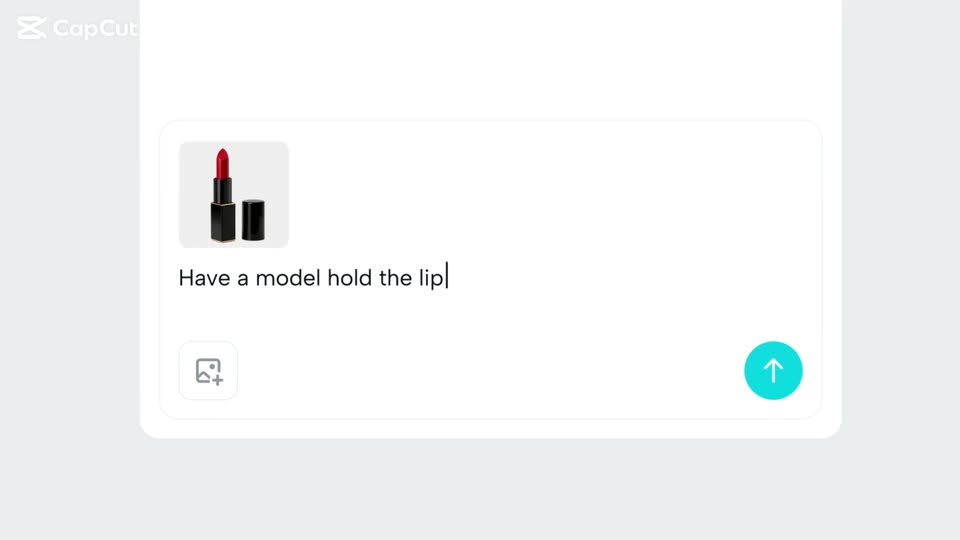 0:43–0:46CapCut · CapCut - Your all-in-one e-comm toolkit is here. Meet the new CapCut Desktop!A white input card on a light gray field fades in and expands; a lipstick thumbnail drops into its corner while the prompt 'Have a model hold the lipstick' types out, and a teal cursor sweeps in to rest on the send button.
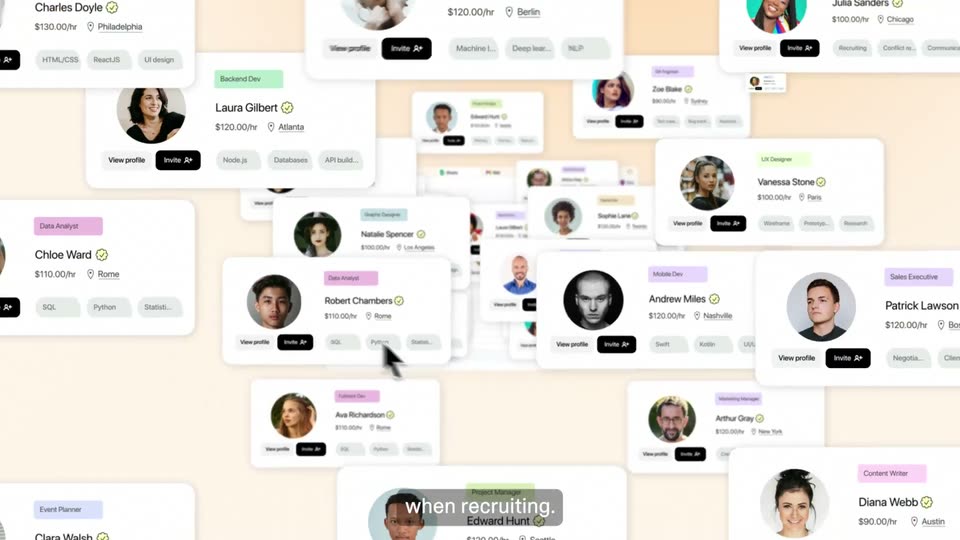 0:30–0:32Strawberry · Charles Maddock - We've raised $6M from General Catalyst, EQT Ventures, and founders ofA wide field of overlapping profile cards drifts across a peach background, each card showing a headshot, role tag, rate and location, while a cursor hovers over the Invite buttons. A gray caption pill with white text appears at the bottom center.
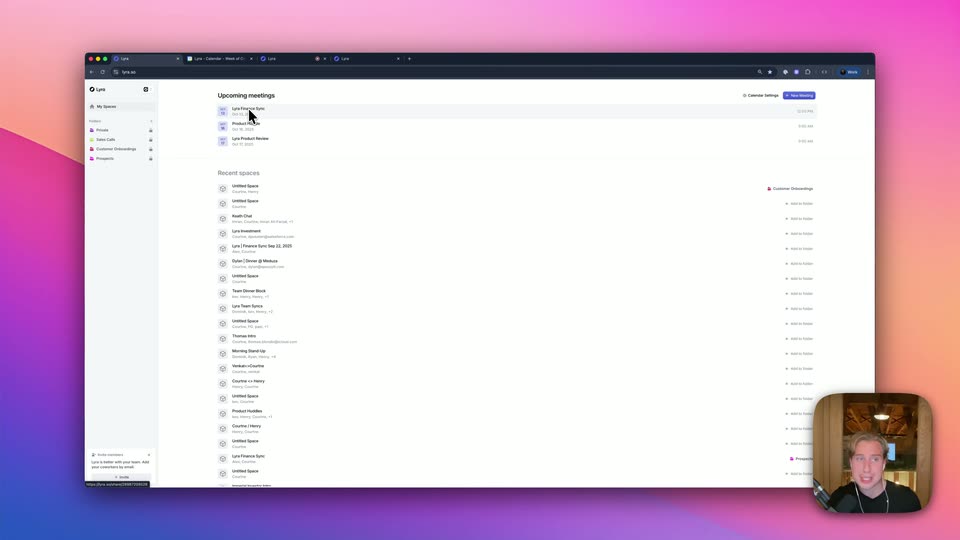 0:10–0:11IRBC · Lyra, The Final Meeting Platform.A static screen recording of the Lyra homepage fills a browser window over a pink-to-purple gradient, listing upcoming meetings and recent spaces. A mouse cursor hovers over the first meeting row while a small rounded video call window with a man sits in the bottom right corner.
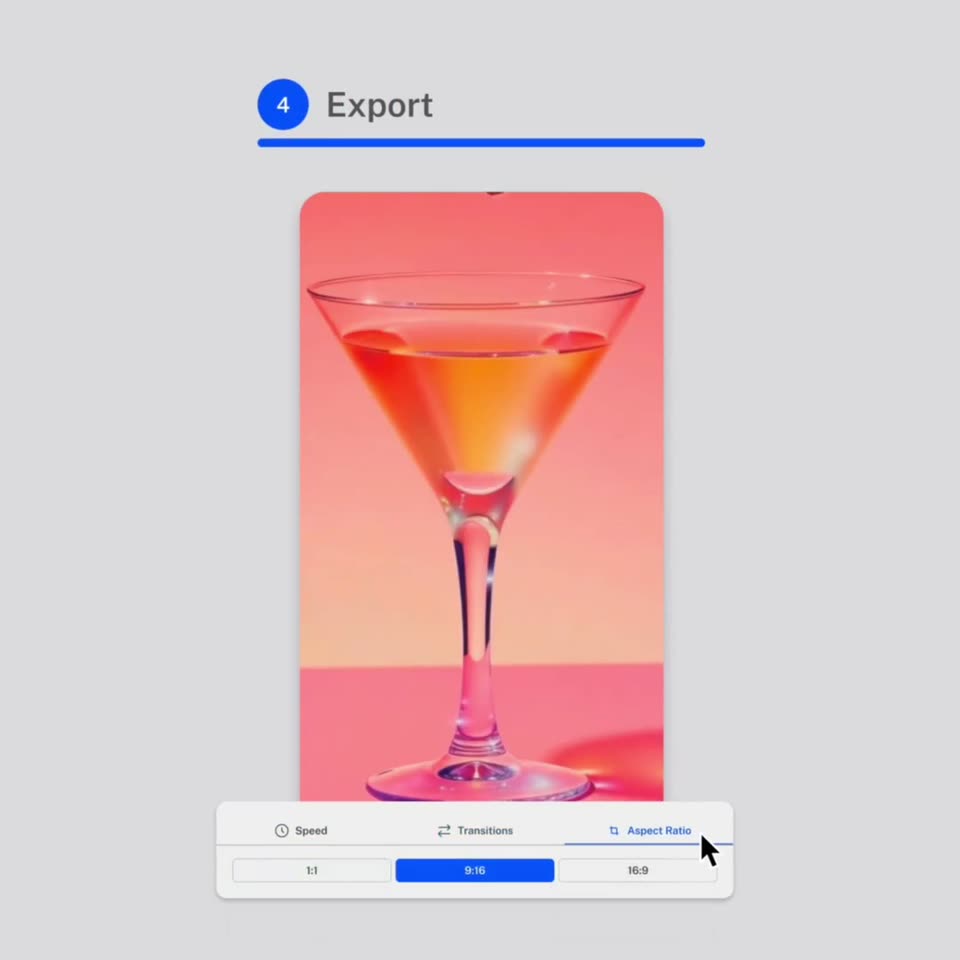 0:23 · 0.5sKaiber · Kaiber - Most AI tools just generate. But Superstudio helps you create. MakeA vertical 9:16 preview card plays a short clip of a pink cocktail glass, with a control bar below showing Speed, Transitions and Aspect Ratio tabs. A cursor hovers at the Aspect Ratio option while the 9:16 button stays selected. The frame stays locked off.
 1:31–1:33Meridian · Alex Dees - Introducing Meridian. 50% of searches are now powered by AI (Think CA white score card with an orange dot and radiating lines sits on a plain peach field, the score reading 60%. The card shrinks as a blurred Twitter post fades in behind it, a cursor hovering over the retweet icon, the score now 68%.
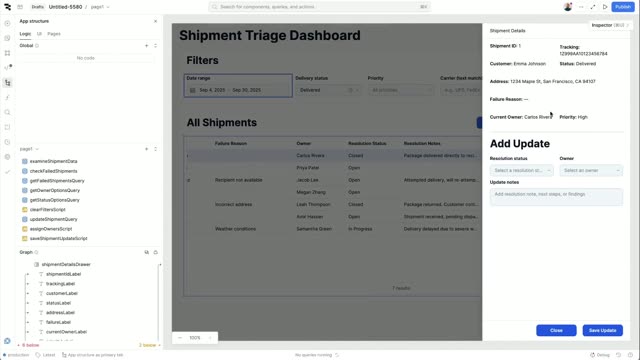 1:16–1:19Retool · Introducing Enterprise AppGen: AI-Assisted Development from RetoolA UI editor displays a shipment dashboard on the canvas as a side panel slides in from the right with shipment details and an update form. The view zooms into the form while a cursor hovers over a dropdown.
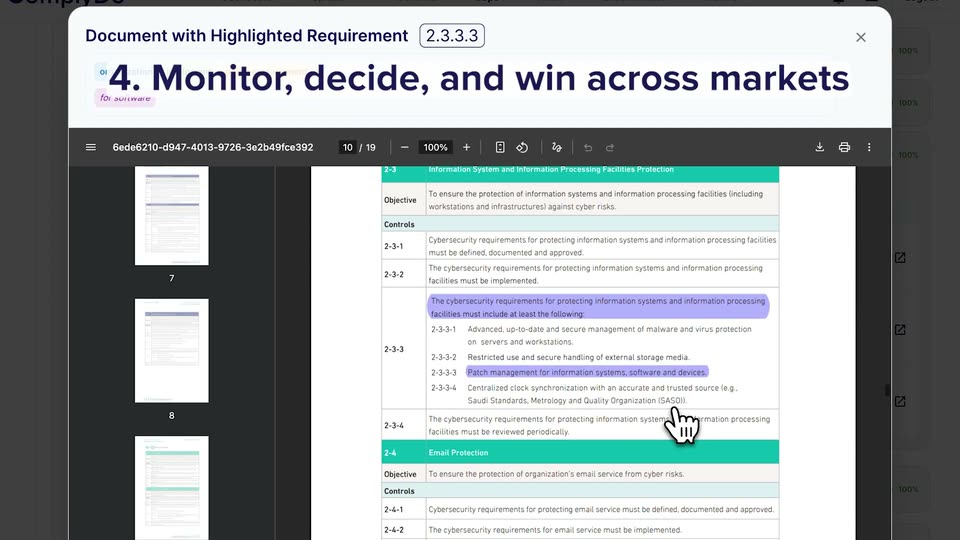 0:31–0:33ComplyDo · Compliance is CHAOS. ComplyDo (YC F25) - The most flexible enterprise compliance engine.A document viewer shows a table of cybersecurity controls with two rows highlighted in purple. A hand cursor scrolls the page down while a navy headline and a black caption bar with a version pill stay fixed at the top.
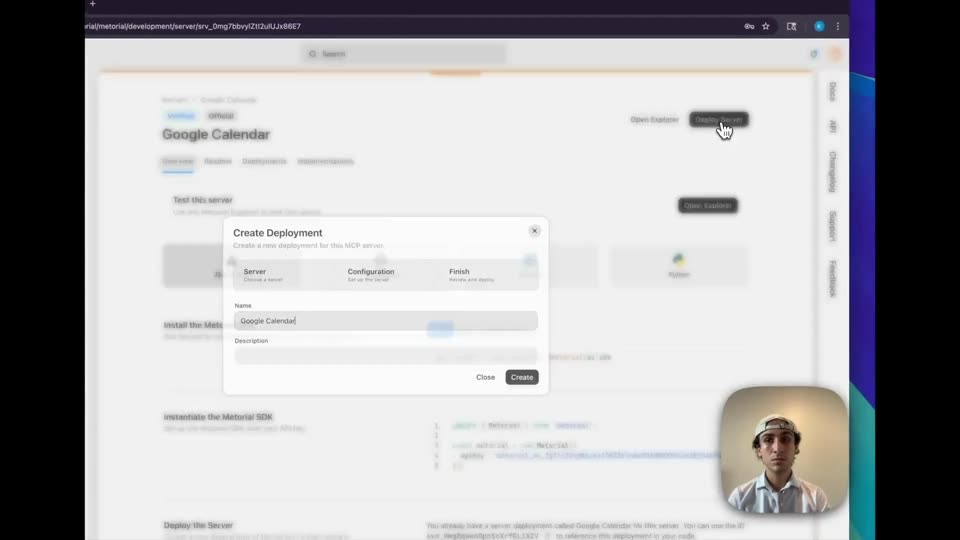 0:37 · 0.4sMetorial · Introducing Metorial - YC F25A browser window displays the Google Calendar server documentation page, with a cursor hovering over the Deploy Server button. A small webcam feed of a man in a cap sits in the lower right corner.
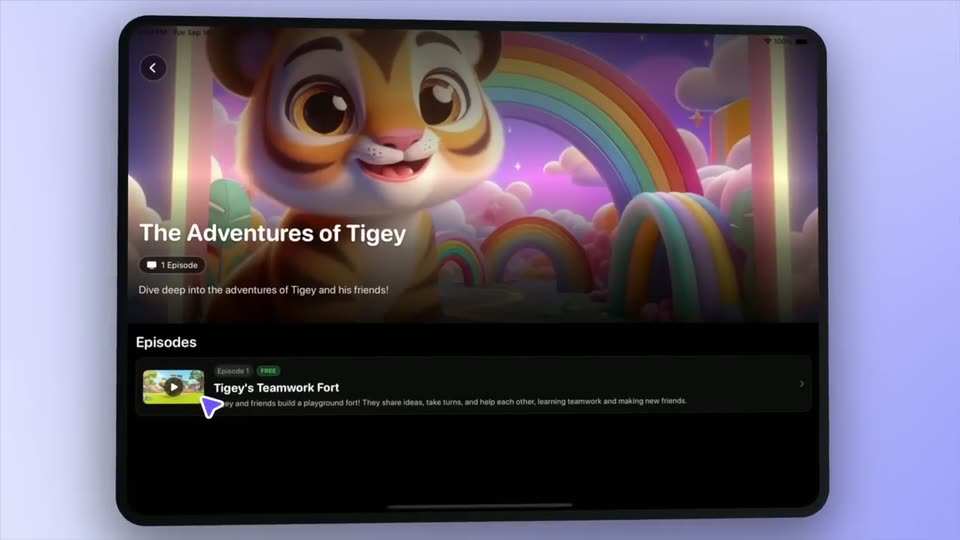 0:39–0:41Pixley AI · Introducing Pixley AIA tilted tablet mockup floats on a pale lavender gradient, its screen showing a streaming app page for an animated tiger show with rainbow artwork. A white arrow cursor glides leftward across the episode row, hovering the play thumbnail.
 0:32–0:34Nexus · Nexus - Enabling business teams to build agent without codingA white dotted card on a blue gradient shows a title field. A black arrow cursor hovers below as the words type out character by character, then an orange Draft badge pops in at the right edge while the frame reframes to reveal the header bar.
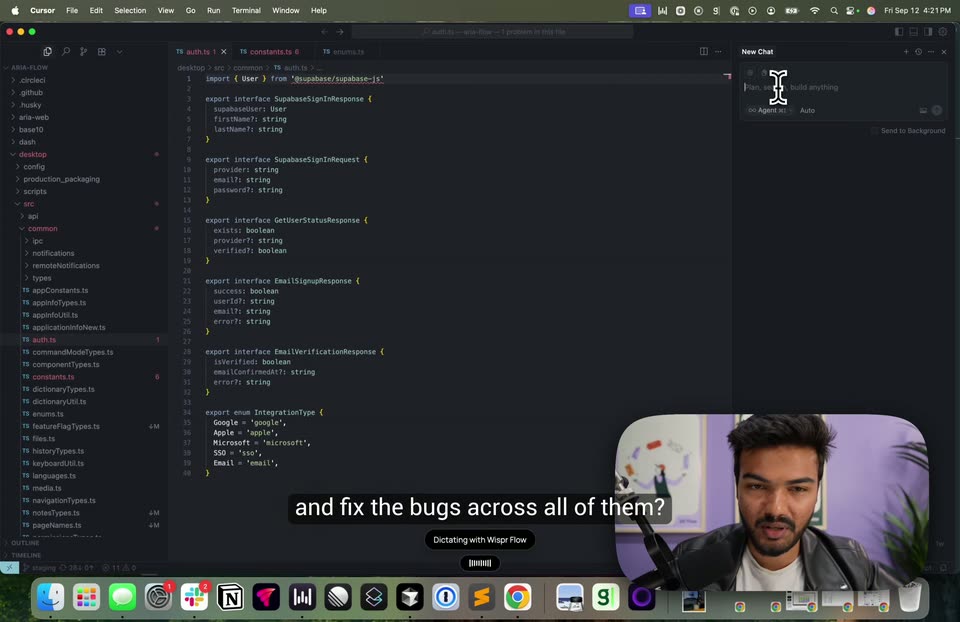 0:59–1:14Wispr Flow · Intro to Wispr Flow: voice-to-text AI that turns speech into clear, polished writing in every app.A locked-off screen recording of a code editor with TypeScript files open and a man's webcam in the corner. Subtitles swap at the bottom as the cursor moves to the chat panel; the view zooms in on the chat box where the dictated message with file tags appears.
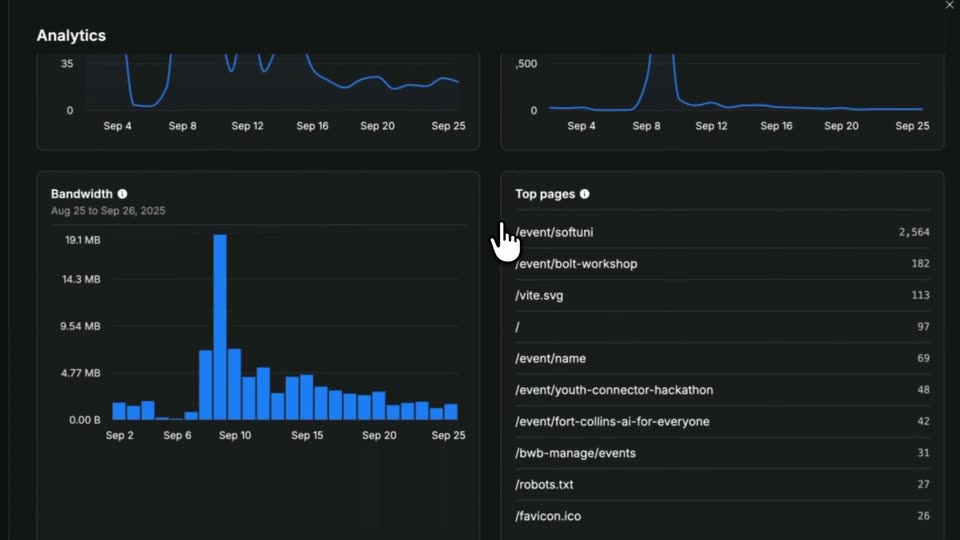 1:57–2:01Bolt · bolt.new - Today vibe coding goes pro. Introducing Bolt v2: → World's best ageA dark analytics dashboard fills the frame, its line charts drawing in across four panels. A cursor hovers over the top pages list as the view scrolls down to reveal the bandwidth bars and the full page list.
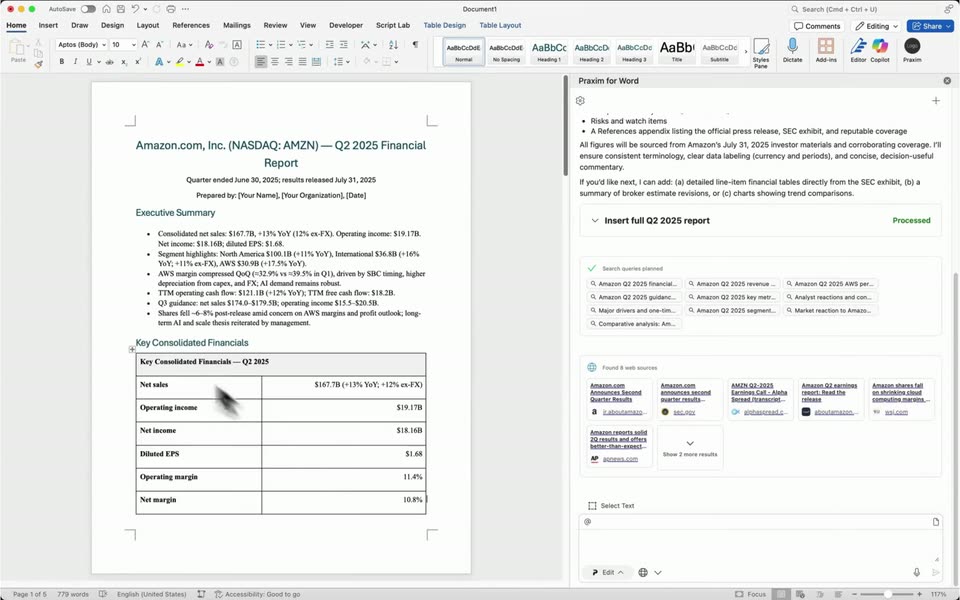 0:55–1:00Praxim · Praxim for Word DemoA Word window fills with a generated Amazon Q2 2025 financial report, scrolling down through summary, tables and references. On the right, an AI sidebar shows the processed prompt and source cards, then a selected-text preview. A cursor clicks a button at the end.
 0:39–0:40Anything · Introducing Anything MaxA white search bar on a dark green field, under a white two-line headline. A black cursor hovers at the bar while a dark Agent button scales in below; Photographers then types into the field, which ends empty.
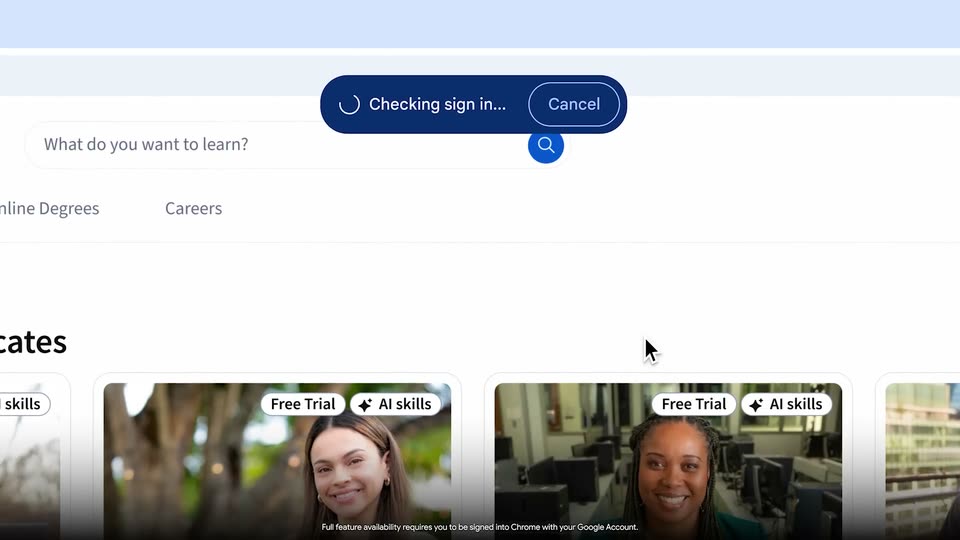 1:42–1:46Google · Behind the Browser: AI Edition HighlightsA dimmed browser page shows a white warning dialog about a breached password, with a cursor on the blue Change it for me button. The dialog closes and a dark blue status pill appears at the top, reading Checking sign in and then Changing password.
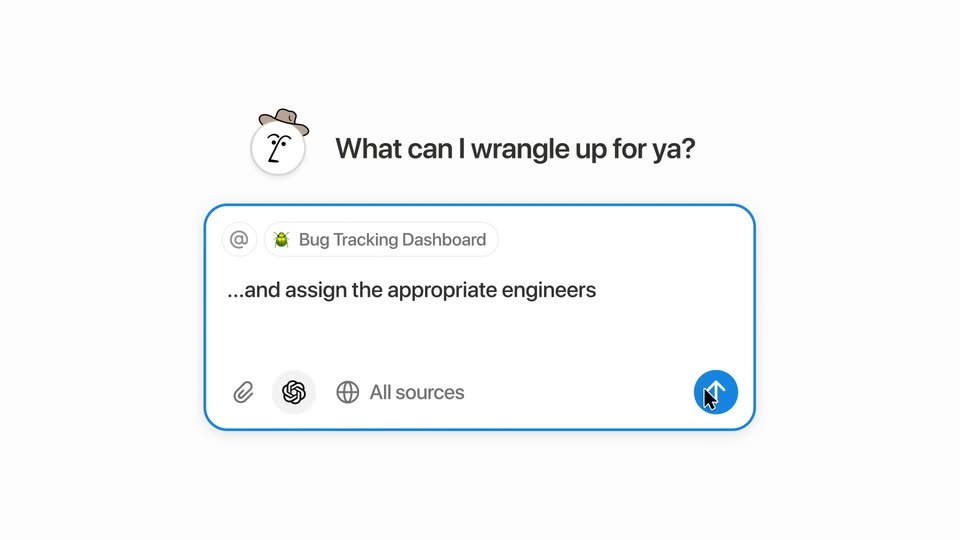 0:45–0:48Notion · Introducing Notion 3.0: AgentsA light-gray interface shows a rounded chat box with a Bug Tracking Dashboard tag. The prompt types in word by word, then the mouse cursor glides down to the blue send button and clicks it.
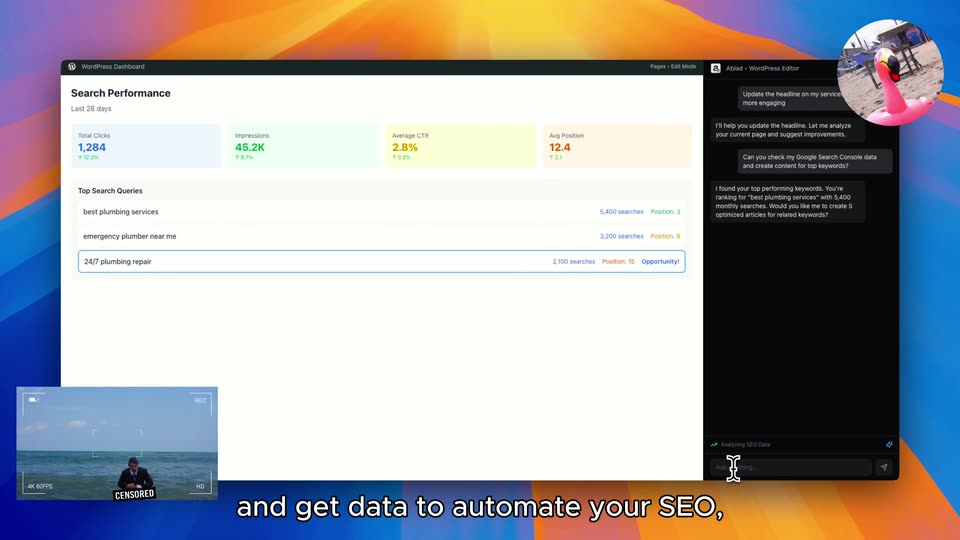 0:33–0:34Ablad · Claudio C - I’m building the first Cursor for WordPress in the world. See how AbA white WordPress Search Performance panel sits left of a dark AI chat panel, where a cursor moves to the input box. A beach webcam and a censored ocean clip frame the corners, and a caption runs across the bottom.
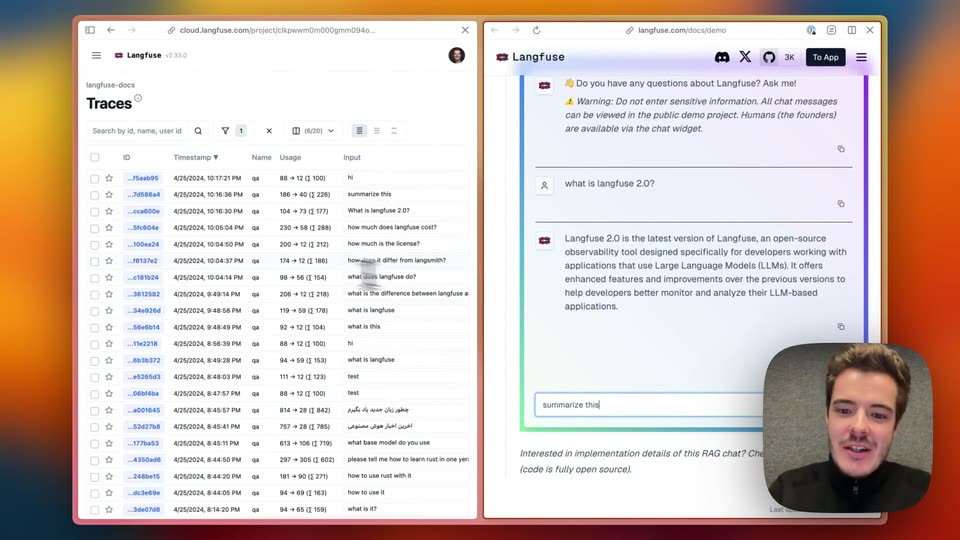 1:00–1:13Langfuse · Introducing Langfuse 2.0Two browser windows sit side by side over a gradient backdrop, with a presenter webcam in the corner. The shot zooms into the right chat panel as a cursor types a question and a prompt, then pulls back. The cursor clicks a left-table row, opening a detail timeline.
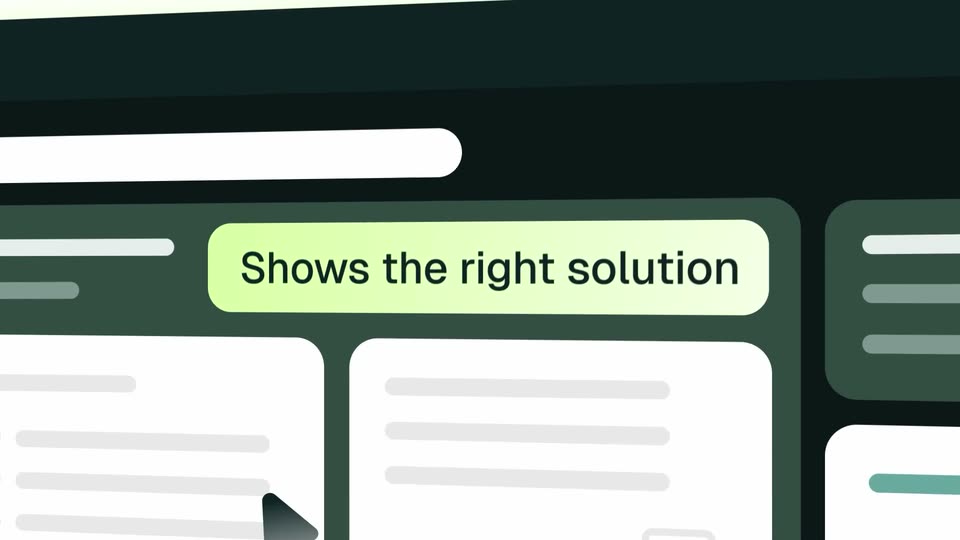 0:27–0:29SupersonikAI · Dani Carmona - The wait is over. Today we’re launching @SupersonikAI, the first AI tA dark green dashboard tilts in 3D perspective, white cards and checkmark lists filling the frame. A cursor glides toward a search bar as a pale green rounded label slides in over it.
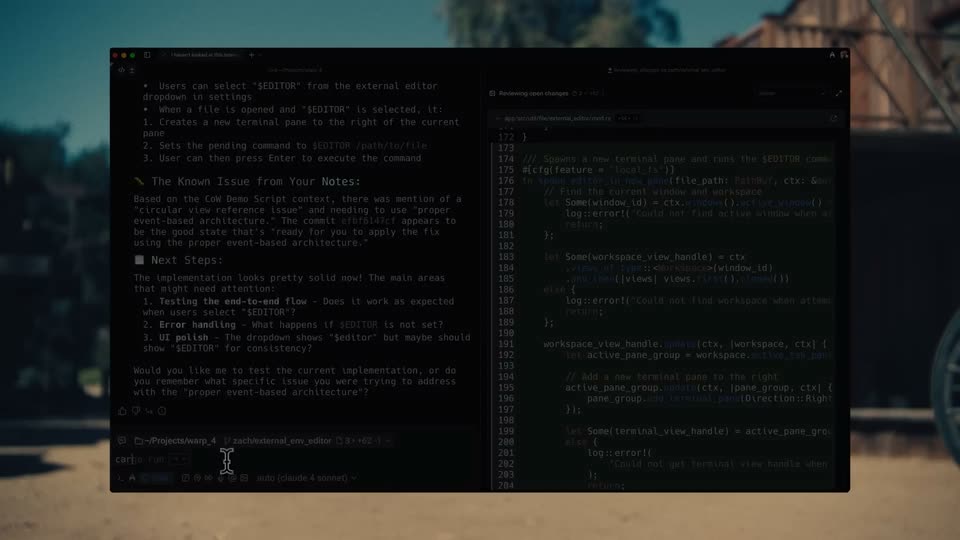 1:01 · 0.5sWarp · Introducing Warp Code | The fastest way from prompt to productionA split editor view fills the screen, markdown notes on the left, Rust code on the right, a terminal line at the bottom. A small review window with a hand cursor vanishes in the first beat, leaving the main interface.
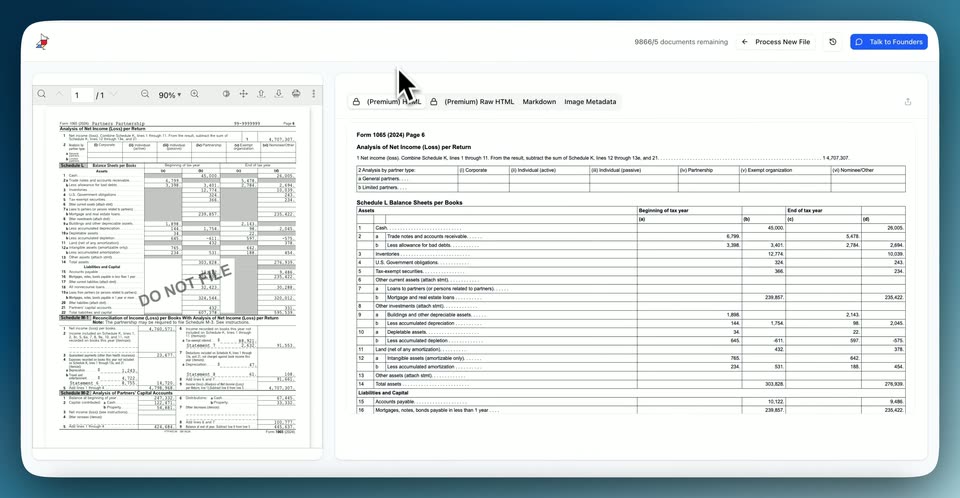 0:24–0:27Cardinal · cardinal demoA white app window on blue shows a scanned tax form with a DO NOT FILE watermark beside its clean HTML table. A cursor moves from the table to the format tabs, then a burst of small black text lines about locks and sensors scatters across the right panel.
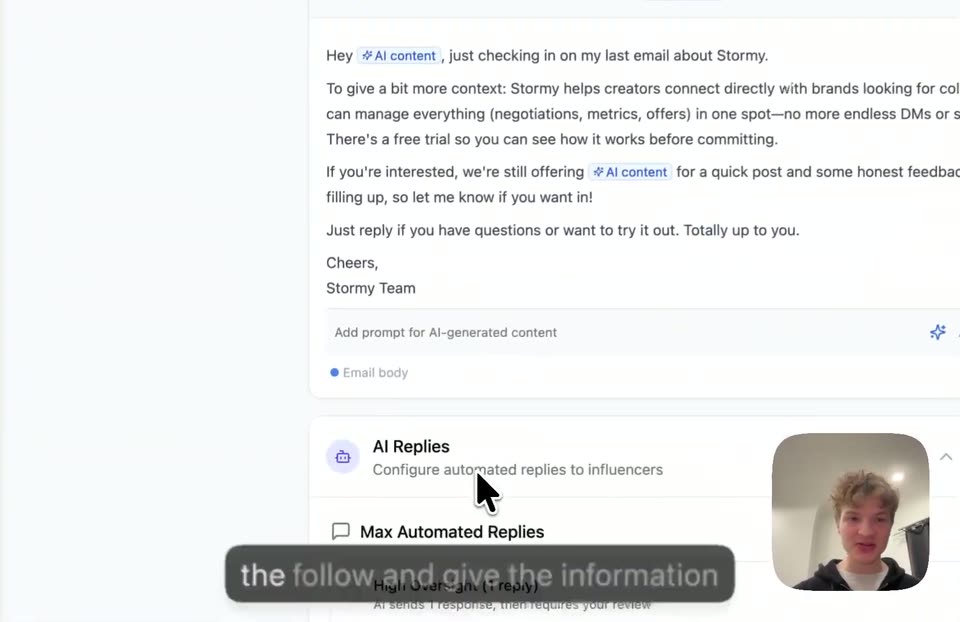 1:18–1:22Stormy · Stormy AI launch videoThe email template page scrolls down past the initial and follow-up message fields to the AI Replies section, where a cursor hovers. A small rounded face-cam of the presenter sits bottom right, and a black caption bar carries the voiceover.
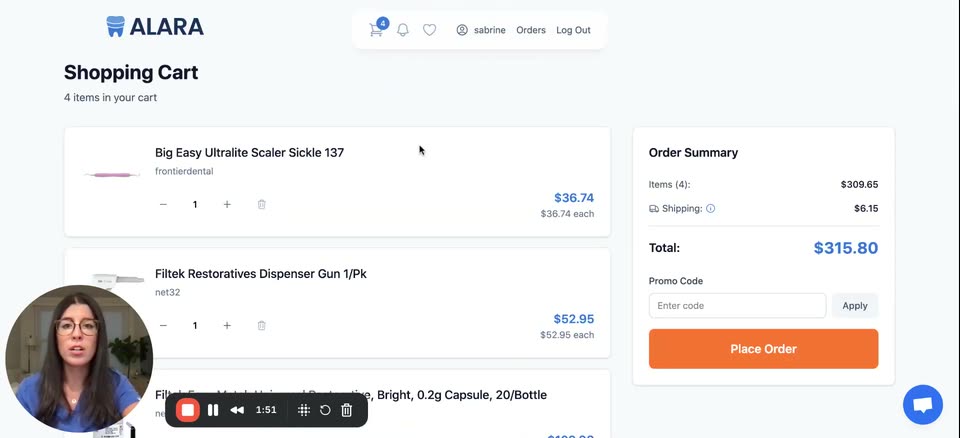 1:48–1:50Alara · Alara Dental - Transforming Dental Supply PurchasingA screen recording of the ALARA shopping cart page lists dental products beside an order summary panel. A circular webcam of a woman in a blue shirt sits in the lower left, and a screen-recorder control bar rests at the bottom center as the mouse cursor drifts across the page.
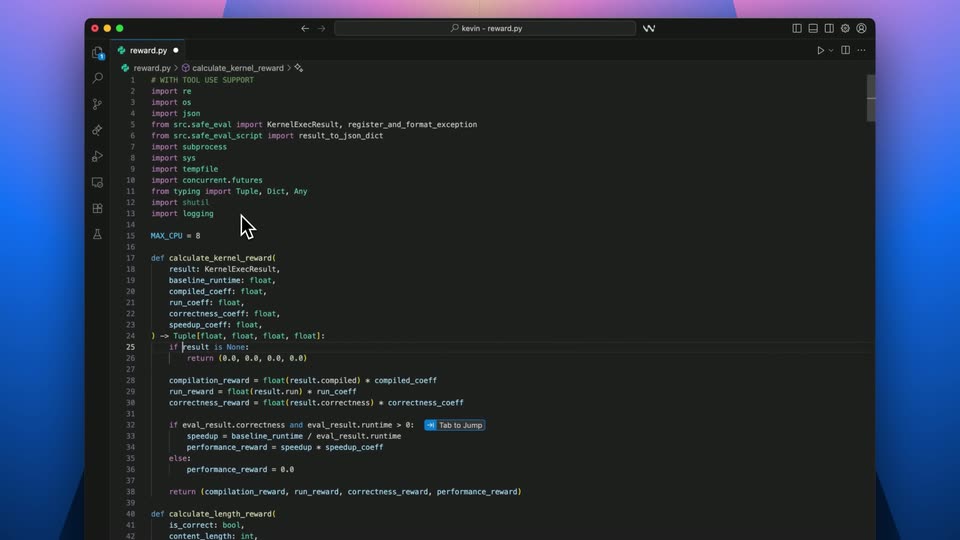 2:05–2:09Windsurf · Windsurf Wave 12: Devin features in Windsurf!A close-up of Python code in a dark editor holds a hover tooltip with Edit and Chat shortcuts, then the view pulls back to reveal the full editor window framed in a browser bar, the cursor drifting between lines.
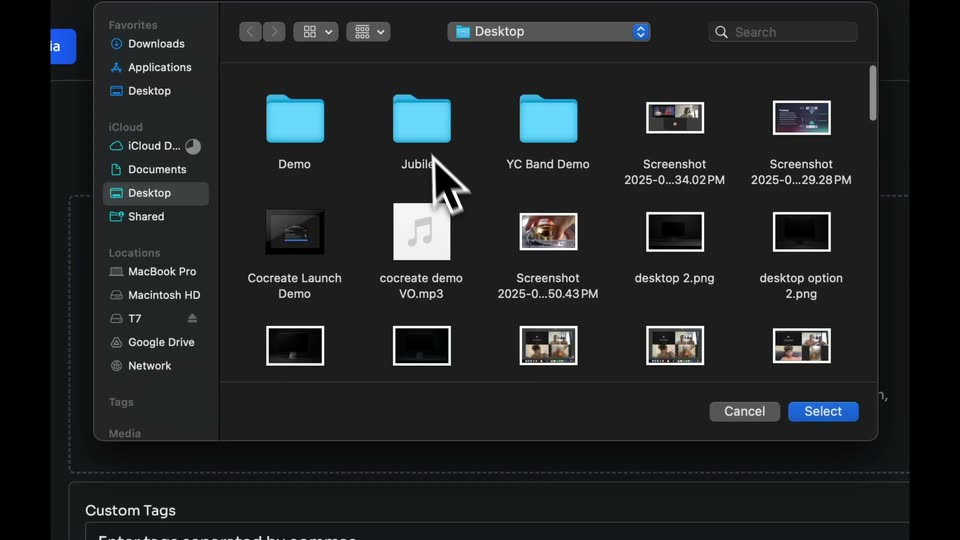 0:44–0:45cocreate · Cocreate demo videoA dark macOS file picker shows the Desktop folder in grid view, with folders and screenshots. A white cursor glides up from the center and clicks the Jubilee folder, which highlights blue.
 1:00–1:10MangoDesk · MangoDesk DemoOn a white background, the MangoDesk logo assembles at center: the orange fruit mark slides left as the wordmark fades in. A blue button reading Book a demo today drops in below, and a cursor glides in to hover over it.
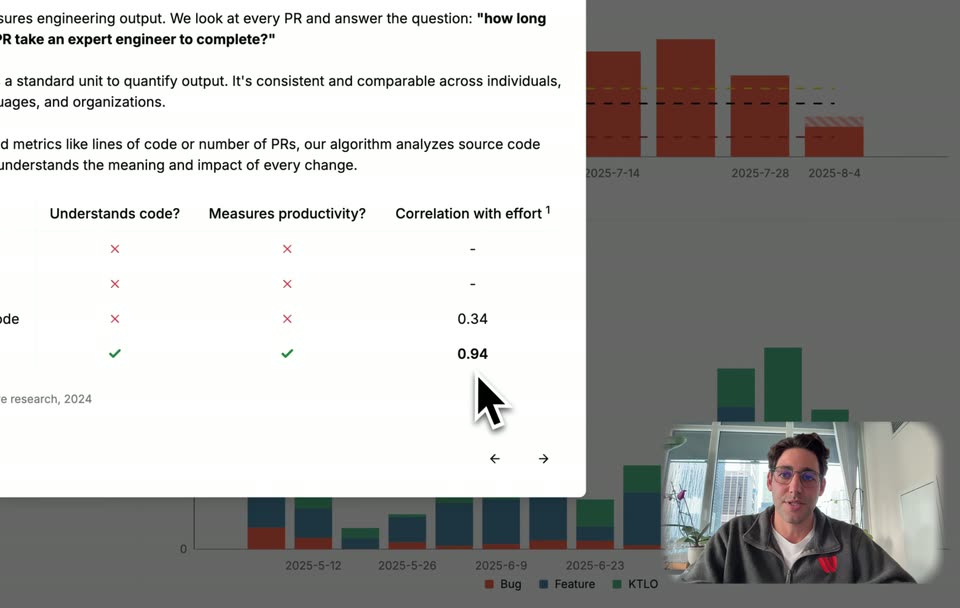 0:42–0:46Weave · Product Hunt Launch VideoA dashboard screen with a white 'Output in Wave' modal sits over a colorful gradient, a presenter video inset bottom right. The view zooms into the modal as a hand cursor points to the 0.94 value in the comparison table.
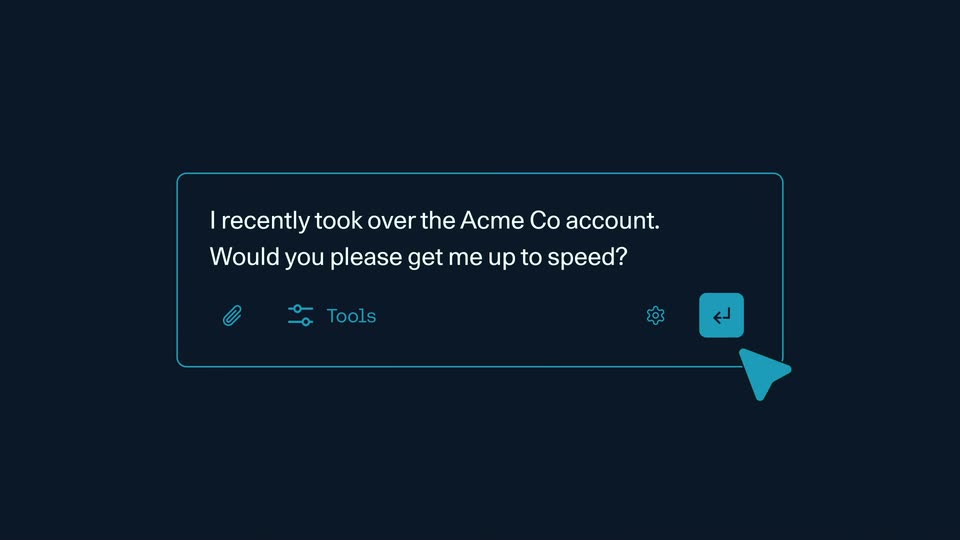 1:18–1:21Cohere · Cohere - Our secure agentic AI platform, North, is now widely available.A chat input card on a navy background types a message; a cursor arrow then clicks the blue send button. The card swaps to an agent row: a blue S tile, Sales Agent name, 1,241 USERS tag, CHAT WITH THIS AGENT button, and a spinner pill reading Reasoning...
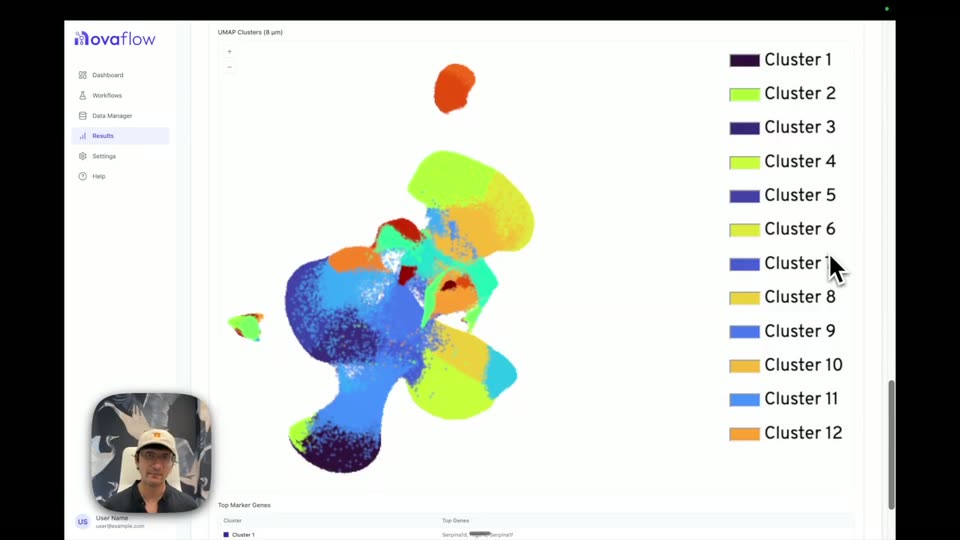 1:46–1:52Novaflow · Novaflow Launch VideoA white dashboard scrolls downward, revealing a colorful UMAP point-cloud plot beside a vertical legend of twelve color-coded clusters. A cursor drifts down the legend list, and a small webcam feed of a man in a cap sits in the lower-left corner.
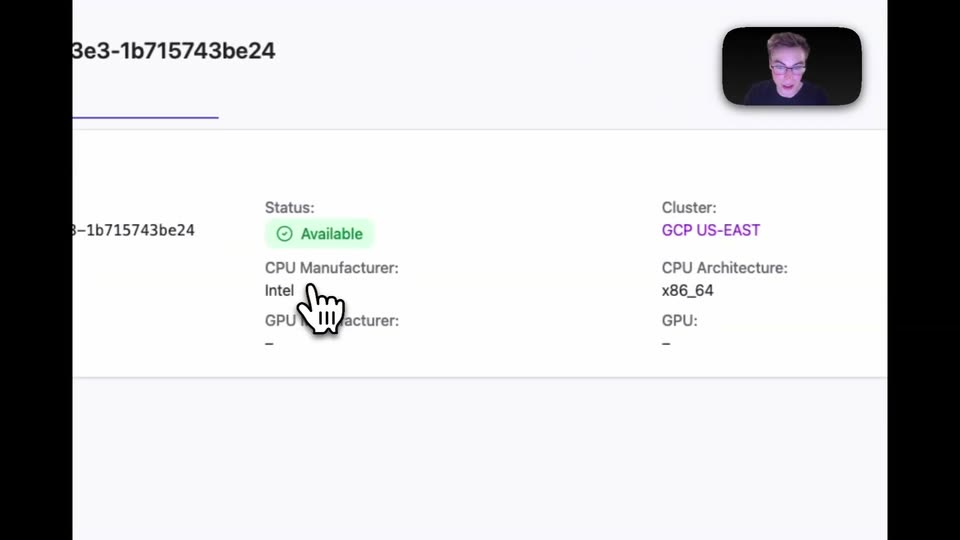 1:17–1:26Lilac · Lilac Launch -- Ensuring GPU Availability!A close-up of a job detail card zooms out to reveal the full Lilac app window on a purple gradient desktop, with a face-cam overlay in the top right. A hand cursor clicks the Node link and the view zooms into the node page showing cluster and CPU details.
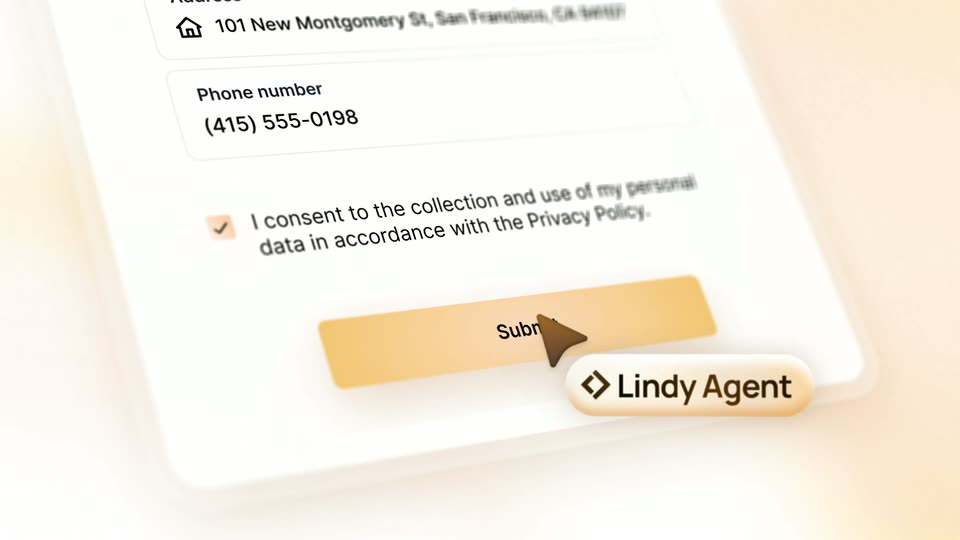 0:38–0:42Lindy · Lindy - Lindy 3.0 is live. You can now create agents with a simple prompt anA white contact form tilts in 3D over a cream background with faint rings, its fields auto-filling top to bottom as the camera zooms down the page. A brown cursor tagged Lindy Agent hops from the email field to the city field and rests on the orange Submit button.
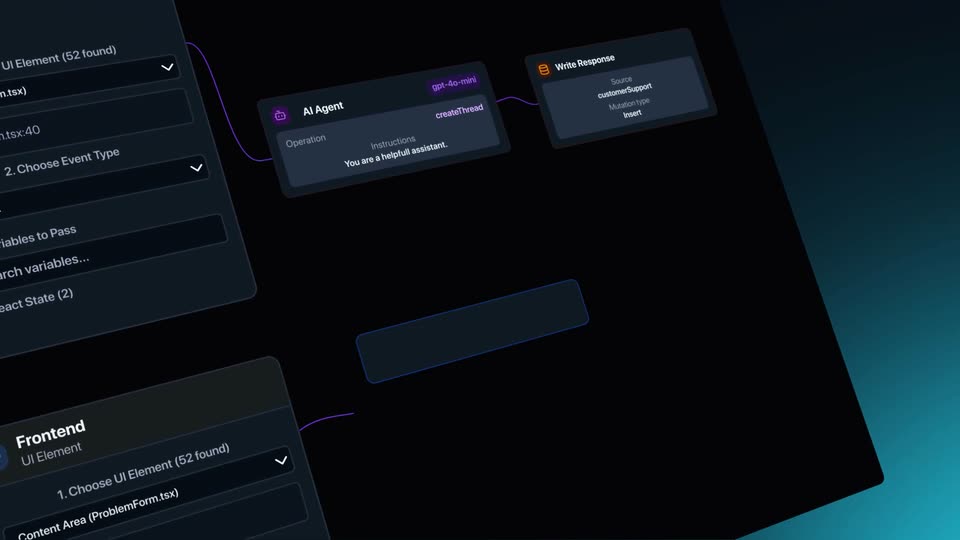 1:24–1:31VibeFlow · YC Launch Video: VibeFlowA dark node-graph interface tilts in 3D perspective as the camera glides past Customer Support, Frontend, AI Agent, and Write Response cards linked by purple wires. The view flattens, a cursor hovers on the AI Agent node, and a configuration modal fades in.
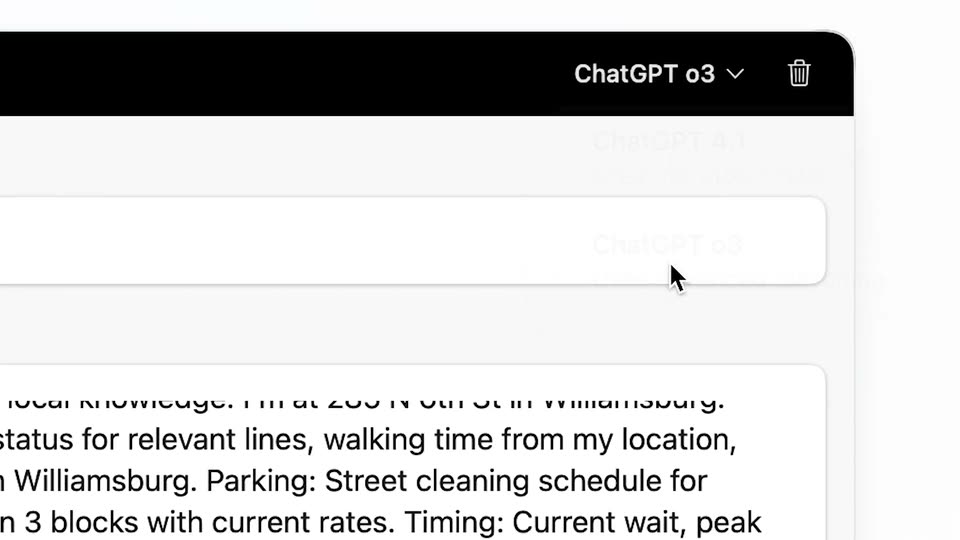 0:50–0:51The Browser Company · Dia - Sometimes you need a bit more… power. Reasoning models, now availablTight close-up of a chat window's black top bar. The cursor taps the model selector, a dropdown lists ChatGPT 4.1 and ChatGPT o3, then the cursor slides down to the o3 row and the header label switches from ChatGPT 4 to ChatGPT o3.
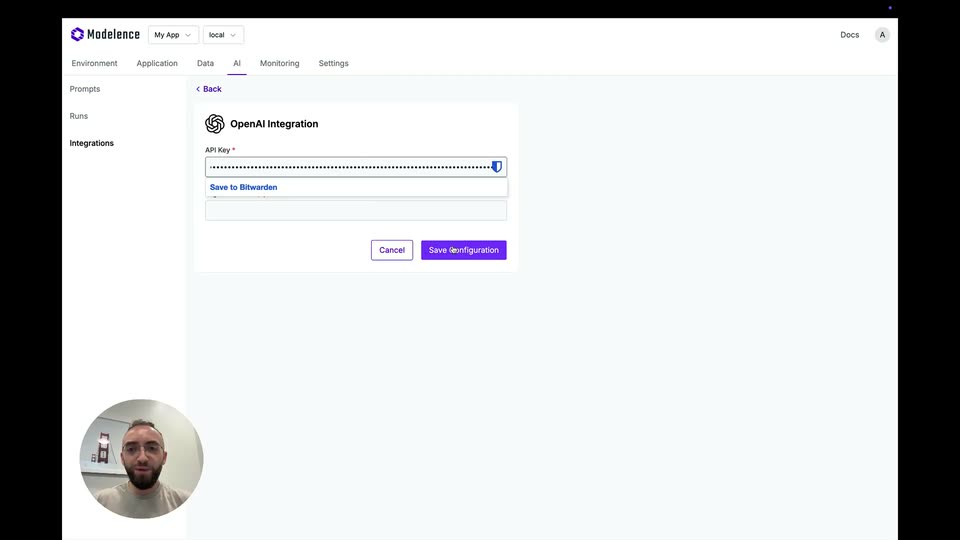 1:11–1:20Modelence · Modelence - Launch DemoThe ModeLence AI Integrations page shows three provider cards. The cursor clicks Configure on OpenAI, pastes an API key into the form, and clicks Save; the card then shows a green check and an Edit button. A presenter's webcam overlays the corner.
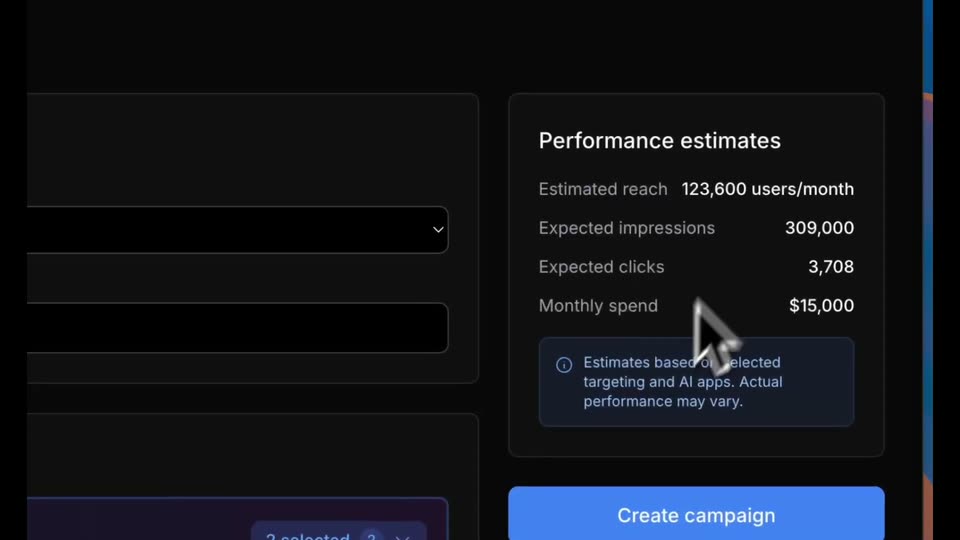 0:51–0:53Imprezia · Imprezia Launch VideoA dark campaign dashboard sits flat, then tilts into 3D perspective, revealing a code editor on the left while the performance estimates panel holds on the right. A cursor hovers over the form.
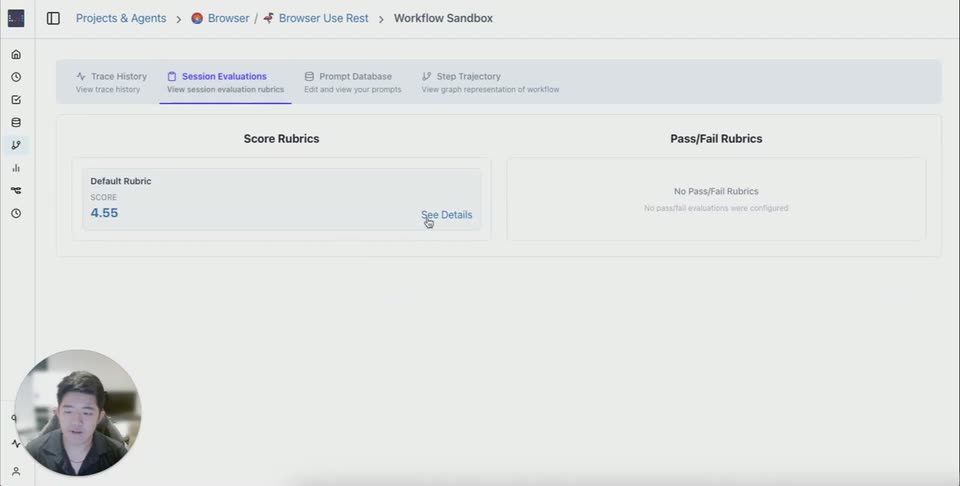 0:45–0:46Lucidic AI · Lucidic HN DemoA light dashboard screen with a left icon rail and a row of tabs. The cursor glides from the active evaluations tab down to the See Details link on a score card, while a small circular webcam feed of a presenter sits in the bottom-left corner.
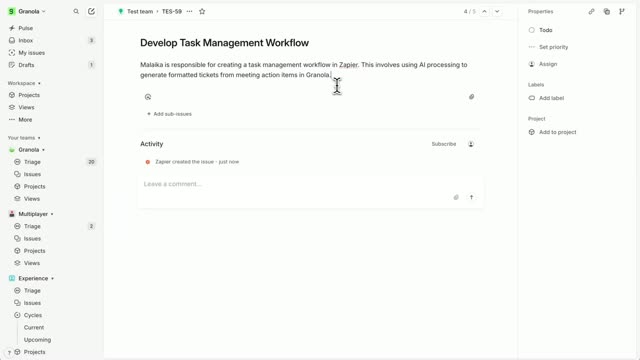 1:28–1:33Granola · Introducing Granola + Zapier | Your meeting notes, now connected with over 8,000 appsA project issue view displays the title and a multi-line description. The frame zooms in on the description, a text cursor resting at its end, then returns to the full three-panel layout.
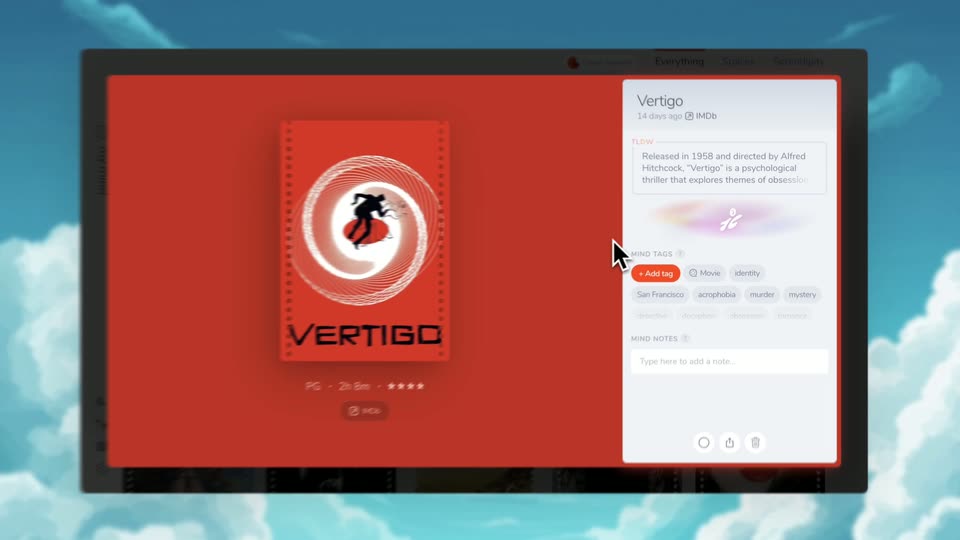 0:15–0:19mymind · mymind - You asked for it, we shipped it 🧡 We hope you enjoy this new feature!A tilted 3D window of a mind-mapping app floats over a cloudy sky, showing a red Vertigo poster beside a white detail panel. A hand cursor clicks a button in the panel, which bursts into a small pink spark as the view zooms into the panel.
 1:18–1:26Comena · Comena Launch Demo - Automated PO ProcessingA blue triple-stroke C mark sits on a soft white-to-blue gradient as the black Comena wordmark slides in beside it and the tagline types out below. A blue CTA button fades in, and a cursor glides in toward it, then exits.
 0:37–0:38Figma · Figma - Prompt it. Then push it to make it better. Figma Make, now availableA black arrow cursor with a white outline glides up from the lower left to hover over a blue circular button bearing a white up-arrow. The button sits on a white card with a rounded corner, against a faint grid background.
 0:32–0:33GhostEye · Introducing: GhostEyeA dark rounded button with a dashed-square icon and the label Create Scenarios sits centered on a white background. A cursor hovers at its lower corner, the button darkens, and a small dot pops in above. The caption Social Engineering, Made Easy. fades in at the bottom.
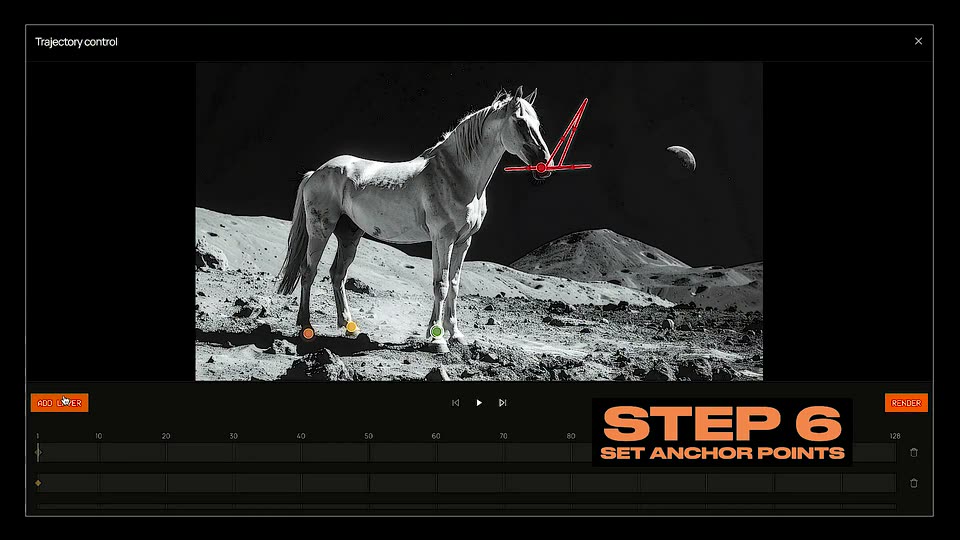 0:22–0:24Marey · Moonvalley - Most AI video tools rely on text prompts or preset motions to defineA dark Trajectory control window frames a black and white horse on a lunar surface, marked with orange, green and red anchor dots and a red 3D axis at its nose. A cursor hovers the ADD LAYER button, turning it orange, beside a large orange STEP 6 label.
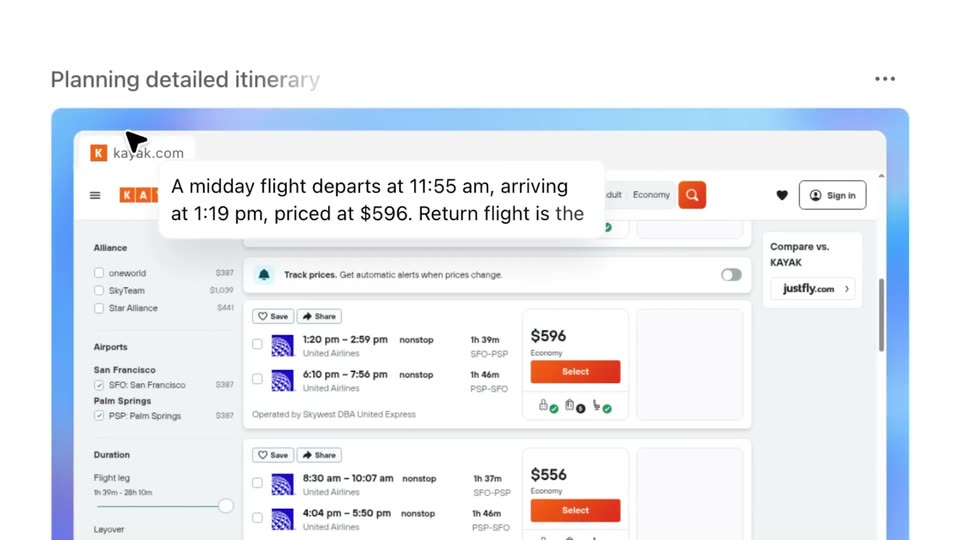 1:22–1:25OpenAI · Introducing ChatGPT agentThe kayak.com flight results page fills the frame beneath a gray heading. A white caption box types a sentence about a midday flight word by word, then clears and begins a new line, while a black cursor rests on the browser tab.
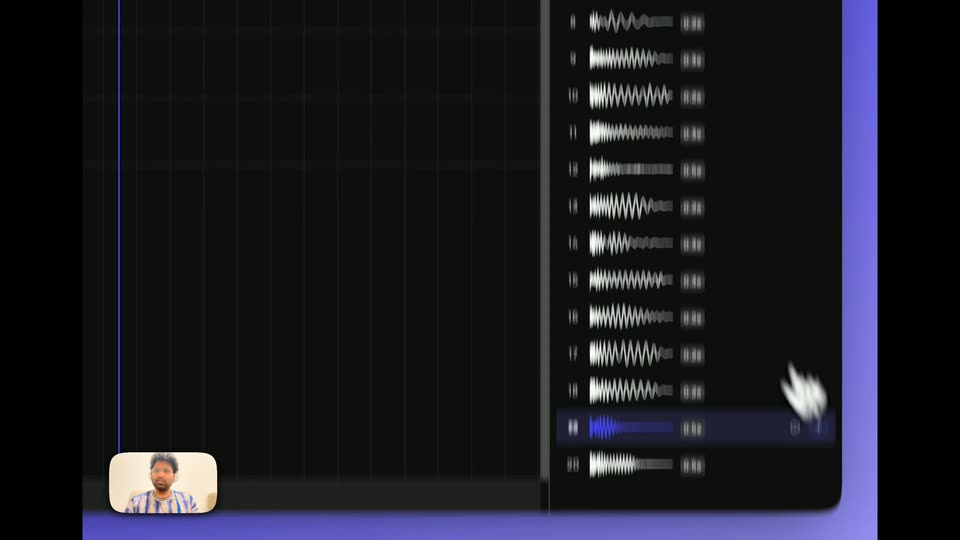 1:26–1:33Physical Turing · Welcome to RiffA zoomed-in list of numbered clips scrolls as a hand cursor hovers rows and clicks a plus button. The view pulls back to the full Riff DAW window with tracks and a chat panel, while white captions appear at the bottom and a small presenter video sits bottom left.
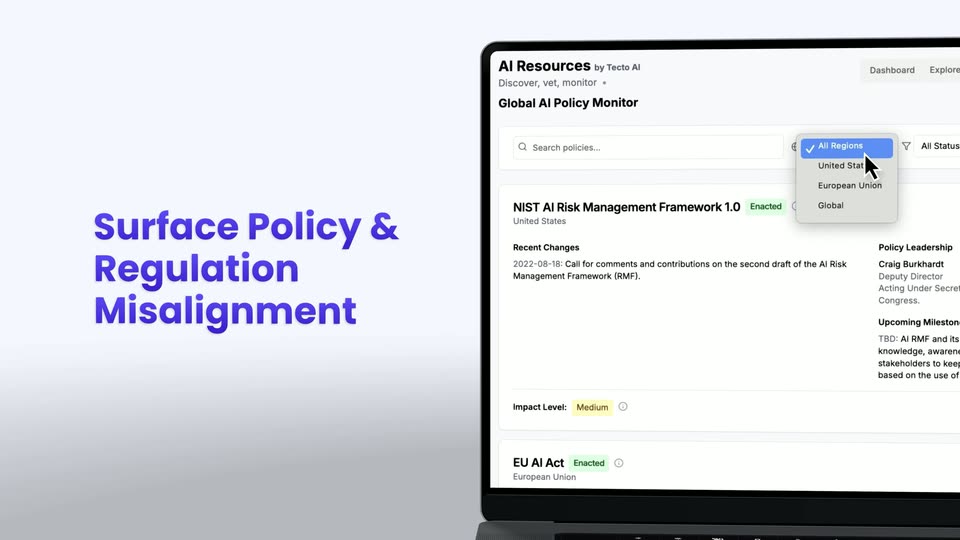 0:50–0:53TectoAI · Introducing Tecto - Governance Platform for AI EmployeesA 3D laptop on the right displays a policy monitor interface. A purple headline fades in on the left as a cursor clicks a region dropdown and hovers over a list of countries.
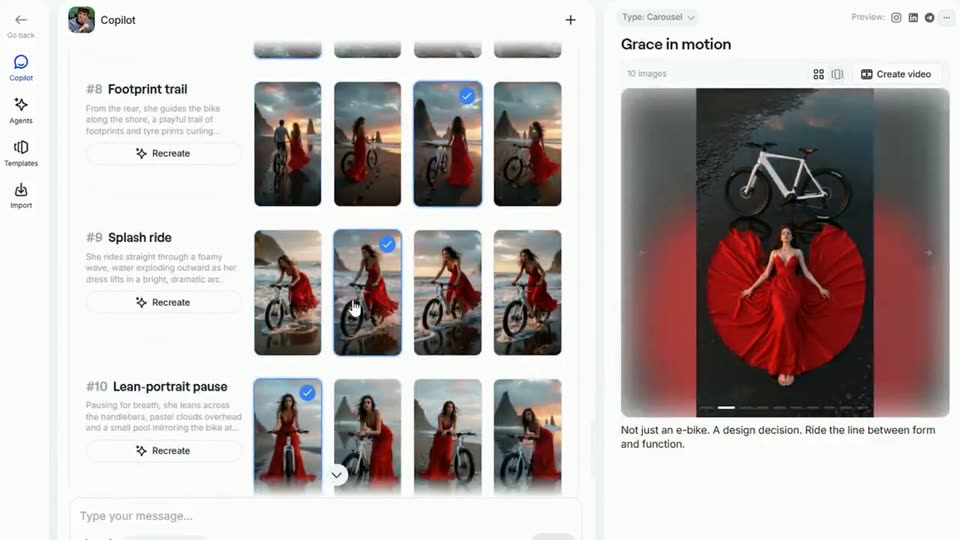 0:18–0:20Scade · scade.xyz - Meet Scade. The first full-cycle marketing system Forget the 30-persA flat Copilot storyboard interface: the prompt list and thumbnail grid scroll up as a hand cursor selects images, blue checks appear, the right preview crossfades from a bicycle photo to a woman in a red dress, and a Confirm storyboard button fades in.
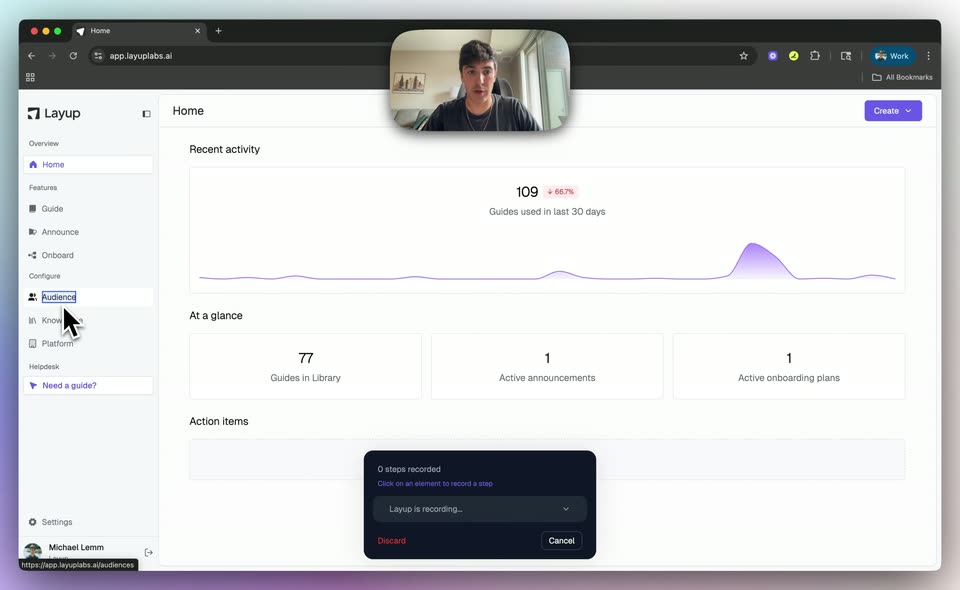 0:29–0:32Andco · Layup 2.0 July LaunchA browser window shows the Layup dashboard with a small webcam bubble of a man at the top. A cursor slides down the left menu from Onboard to Audience and clicks it, while a dark recording dialog sits at the bottom center.
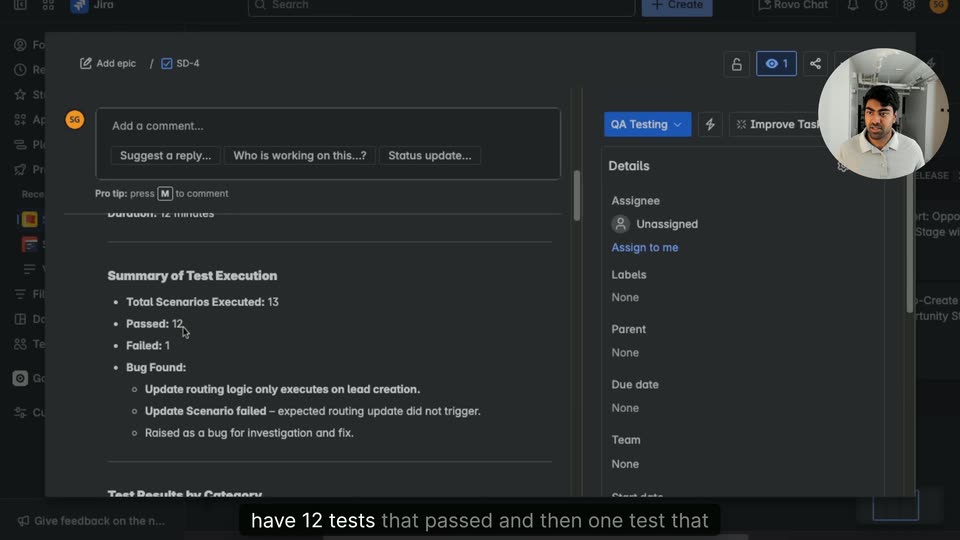 0:41–1:23Sennu AI · Sennu AI - AI Salesforce QA DemoA dark Jira ticket fills the screen with a circular webcam of the presenter top right. The comment panel scrolls through AI-generated test scenarios, the cursor clicks a thumbs-up reaction, then the comment swaps to a test execution report listing passed and failed results. Subtitles run along the bottom.
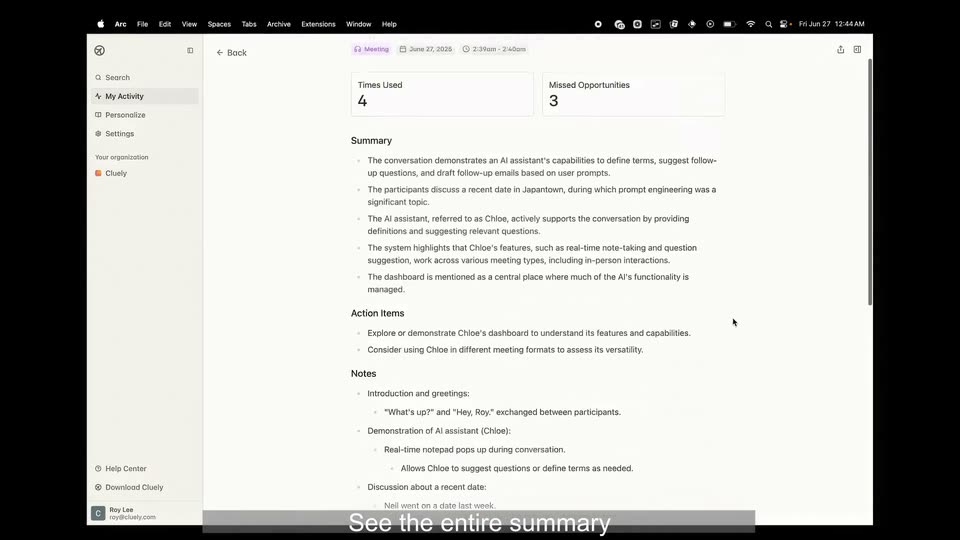 1:36–1:41Cluely · Roy - introducing @cluely. today is the start of a world where you never hA light app window on a dark desktop shows a meeting summary page with stat cards and bullet lists. A right-hand usage panel slides off to the right, then the page scrolls up to reveal the title. White captions run along the bottom edge.
 1:28 · 0.4sHeyGen · Joshua Xu - Today we’re introducing you to the future of video. The world’s firsA locked-off near-white grid frame shows a purple cursor arrow above a circular purple-to-teal pause button, a blurred gray status pill to the right, and a gray caption pill at the bottom center. All elements hold still.
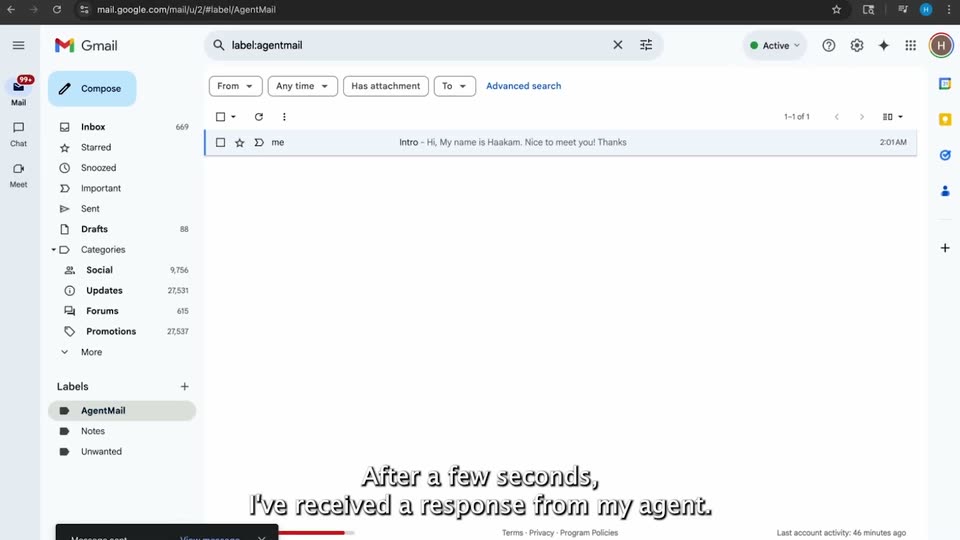 0:36–0:42AgentMail · AgentMail Integration DemoA Gmail search list shows one email row, which updates in place with a reply from AgentMail. A cursor clicks the row, opening the full thread with the agent's message and three suggested reply chips. Bottom captions narrate the exchange.
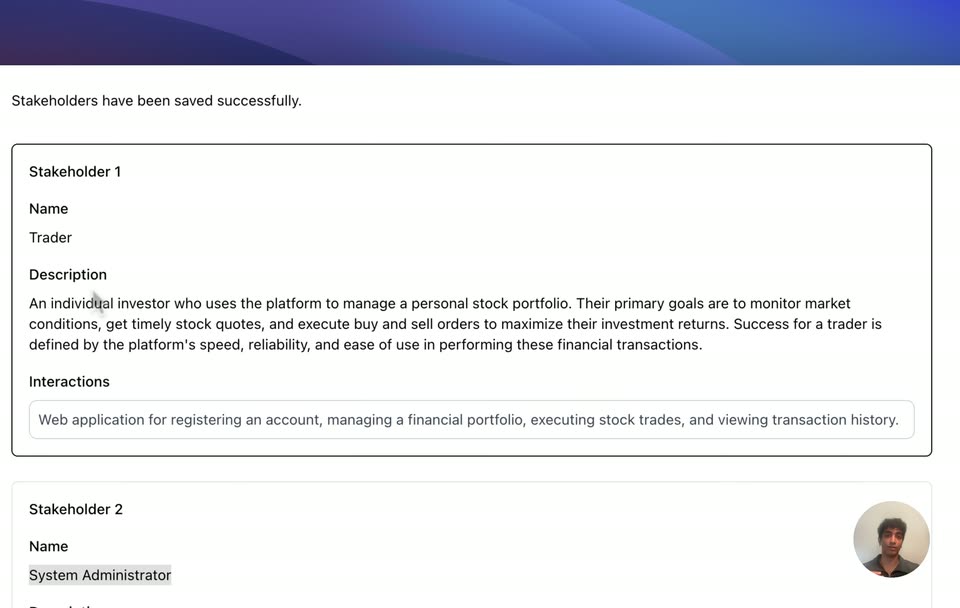 1:36–1:49Axal · Extract Functional Requirements from Legacy CodeA screen recording of a stakeholder view shows two cards, Trader and System Administrator, next to a sidebar menu, with a circular presenter webcam in the corner. The cursor hovers over a card, then the frame zooms in on the Trader card and back out.
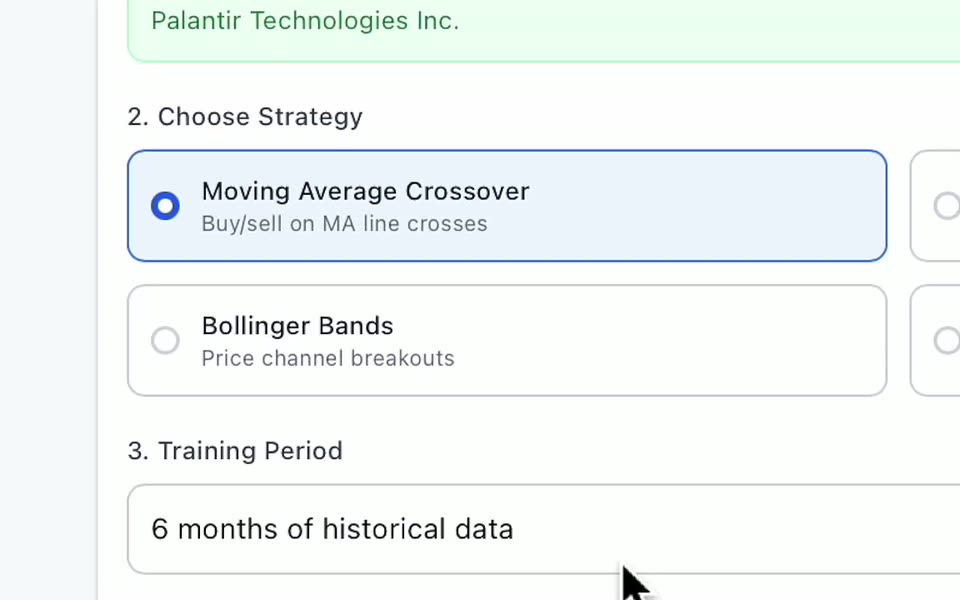 0:31–0:32Sharpe · Introducing Solar by LumenaryA light trading-bot setup form scrolls down past the stock and strategy fields. A cursor opens a data-range dropdown and rests on the one-year option, which then takes the checkmark.
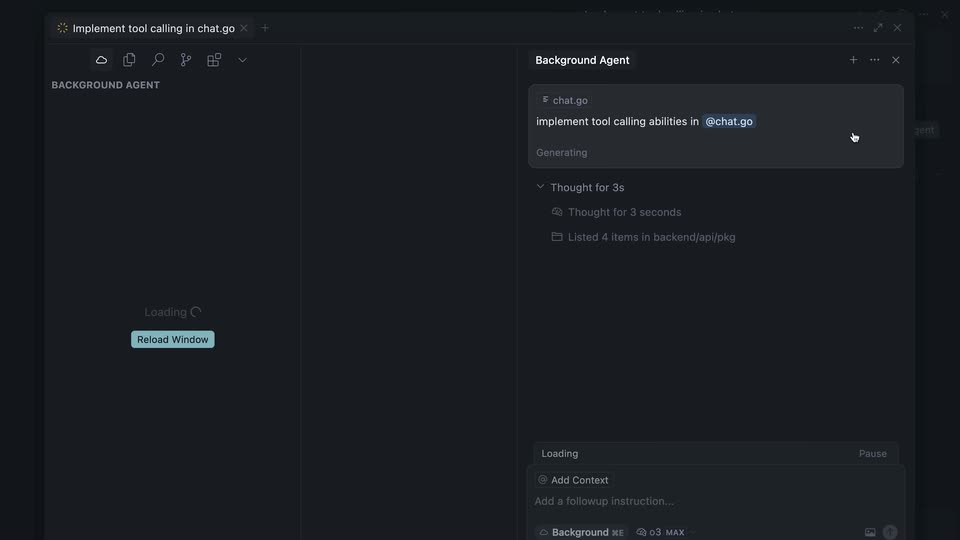 1:07–1:12Cursor · Meet Cursor 1.0A dark code editor opens a Background Agent panel. The prompt referencing @chat.go appears, followed by Generating and Thought for 3s status lines, while the left pane shows Loading and a Reload Window button. A cursor idles on the right.
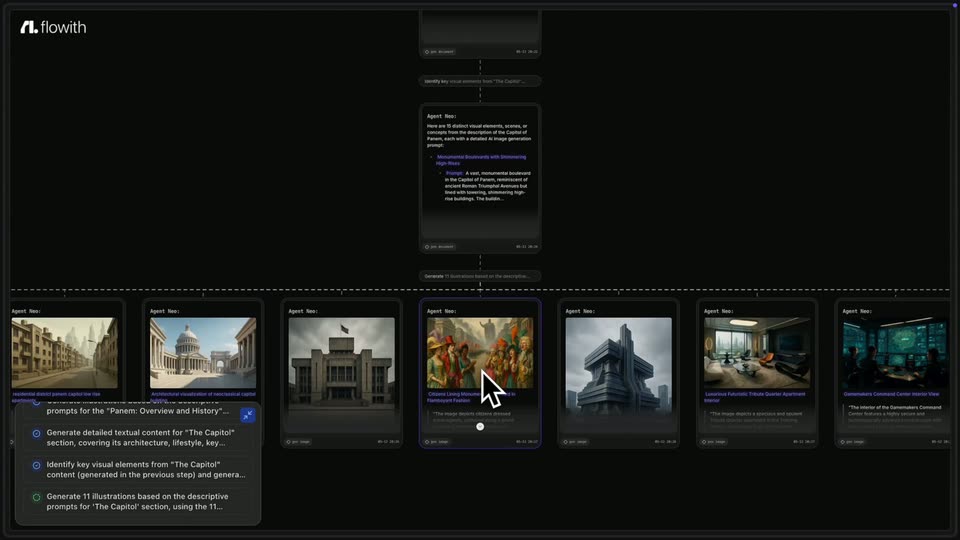 0:44–0:45Flowith · Flowith - flowith neo is now open to everyone. no more codes hunting. gen anytA dark flowchart of agent cards scrolls vertically and horizontally, each card holding a generated fantasy image, while a white cursor hovers over the center node and a task list panel stays fixed in the lower left corner.