Cursor demo
A visible cursor operates the interface.
15,080 scenes · page 188 of 252
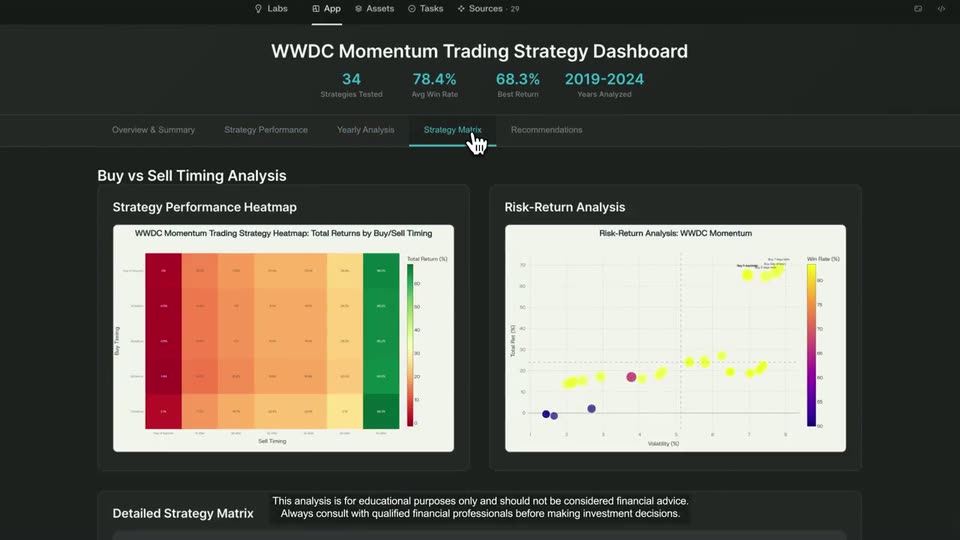 0:13–0:14Perplexity · Perplexity - Today we're launching Perplexity Labs. Labs is for your more complexA dark trading dashboard shows a top tab bar with a cursor. The cursor moves from the Strategy Matrix tab to Recommendations, and the panels below swap from a heatmap and scatter plot to three strategy comparison cards.
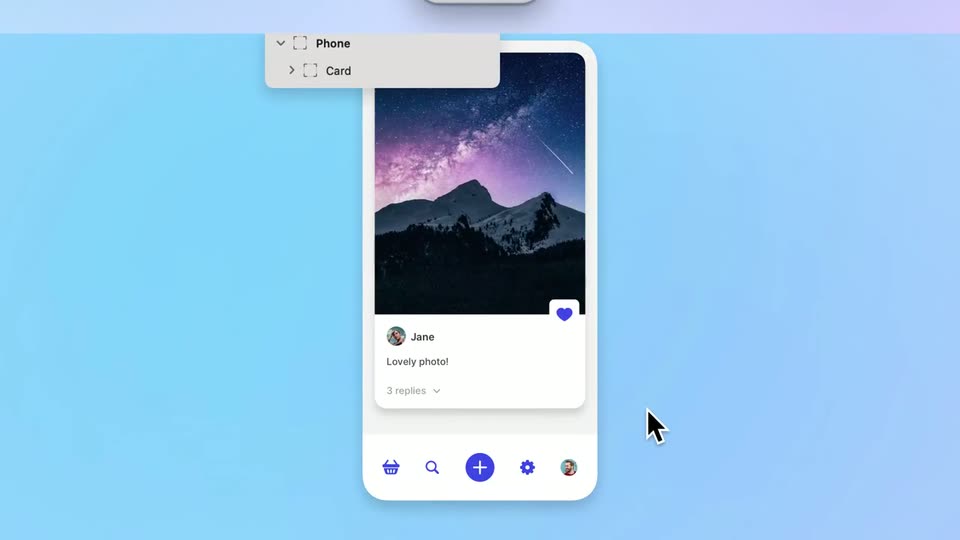 0:13–0:14Sketch · Sketch - Remember when we said auto layout was coming to Sketch? It’s here. ItA flat phone mockup on a light blue gradient shows a social post with a mountain photo and a comment from Jane. A layer panel at top lists Phone and Card; a cursor hovers the card, which carries white selection handles, then moves right as the selection clears.
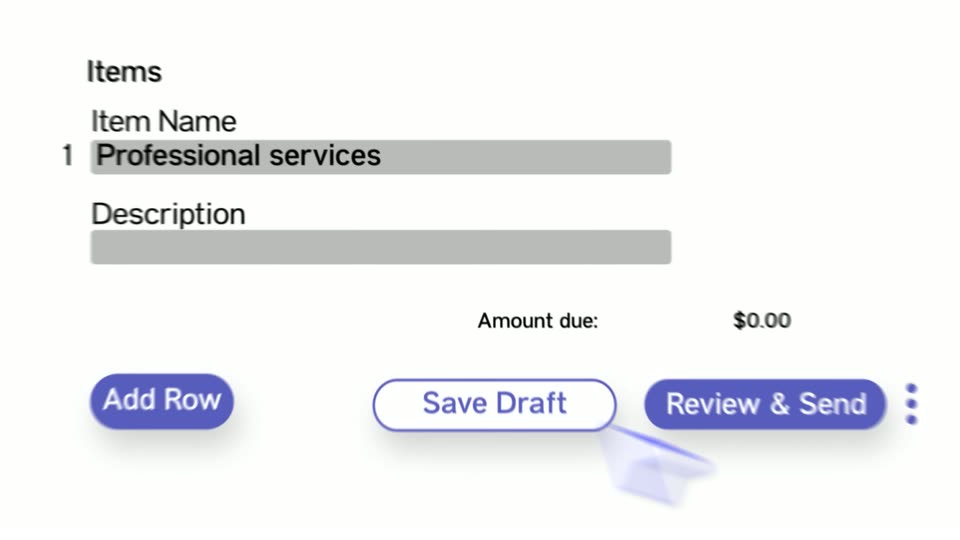 0:36–0:37Simplex · Simplex Launch VideoA white invoices list shows filter chips and a blue Create Invoice button as a blue cursor hovers over it. The view then cuts to an invoice form with an item row, amount due, and three action buttons.
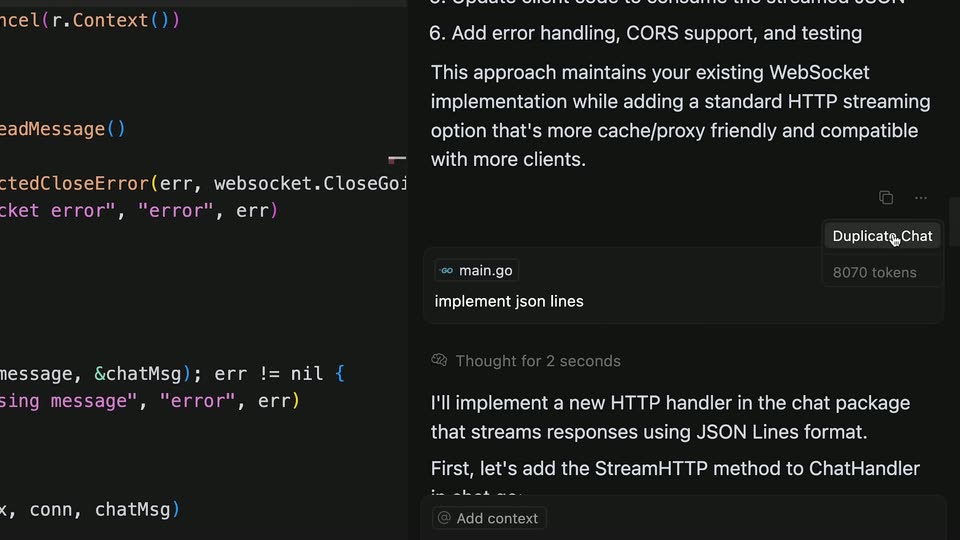 1:13–1:17Cursor · Cursor's largest update yetA dark code editor sits left of an AI chat panel. A cursor moves to the three-dot menu on a message, a Duplicate Chat dropdown pops open, then the chat scrolls up to reveal more of the response.
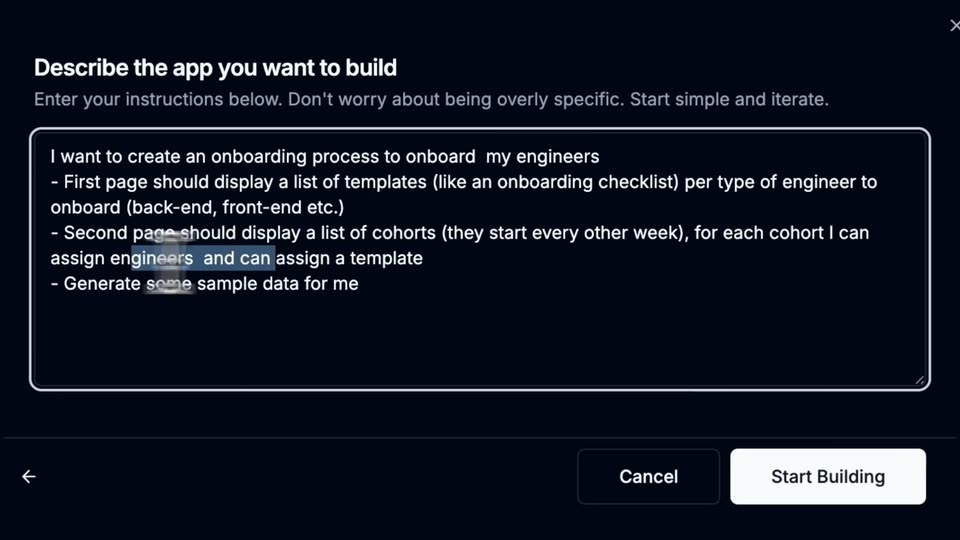 0:50–0:59Vybe · Vybe Demo - Build internal apps 10X fasterA dark prompt modal fades in from blur. A typed onboarding prompt fills the text box line by line as a stylized I-beam cursor drifts across it. A mouse pointer then hovers the Start Building button.
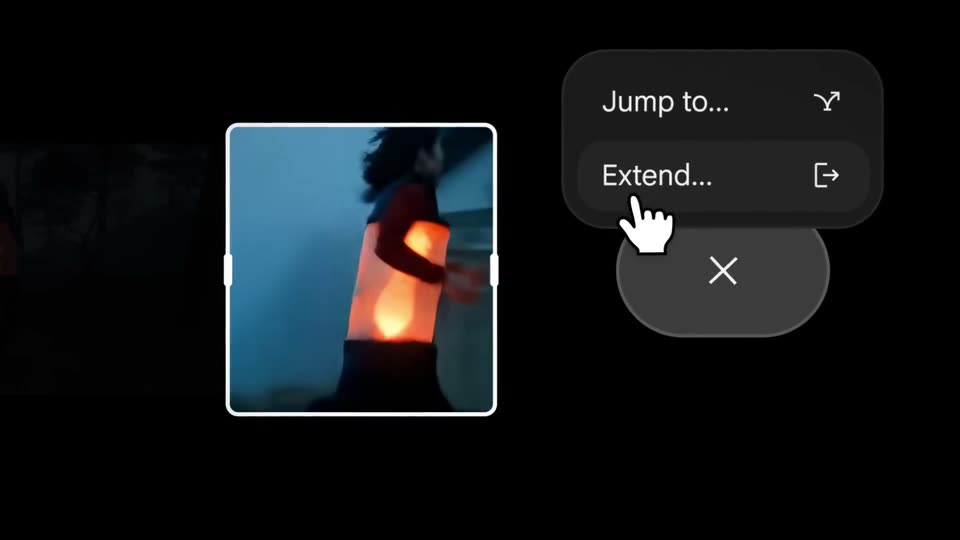 0:53–0:58Google · Introducing Flow | Google’s New AI Filmmaking ToolA white hand cursor drags the right trim handle of a dark clip, a person in a glowing vest, inward, then taps a pill button. A menu opens, the cursor picks Extend, and the frame widens to a blurred preview before fading to black.
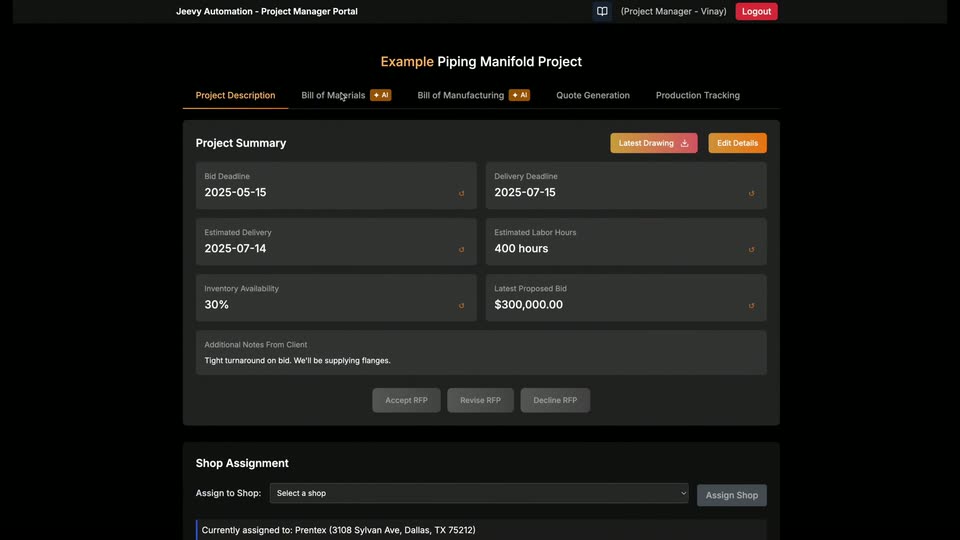 3:00 · 0.8sJeevy Fabrication · Introducing Jeevy FabricationA static view of a project management interface displaying a project summary with deadlines, labor hours, and bid amounts, with a cursor moving down the page.
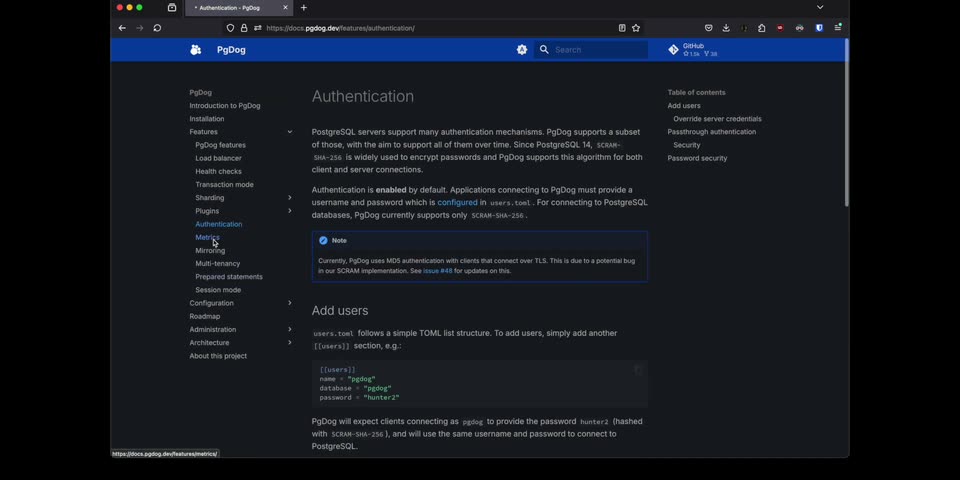 0:33–0:34PgDog · PgDog LaunchDark-mode browser window shows the PgDog Authentication documentation page with a left sidebar, body text and a TOML code block. A cursor drifts down the menu and hovers a link, opening a URL tooltip at the bottom edge.
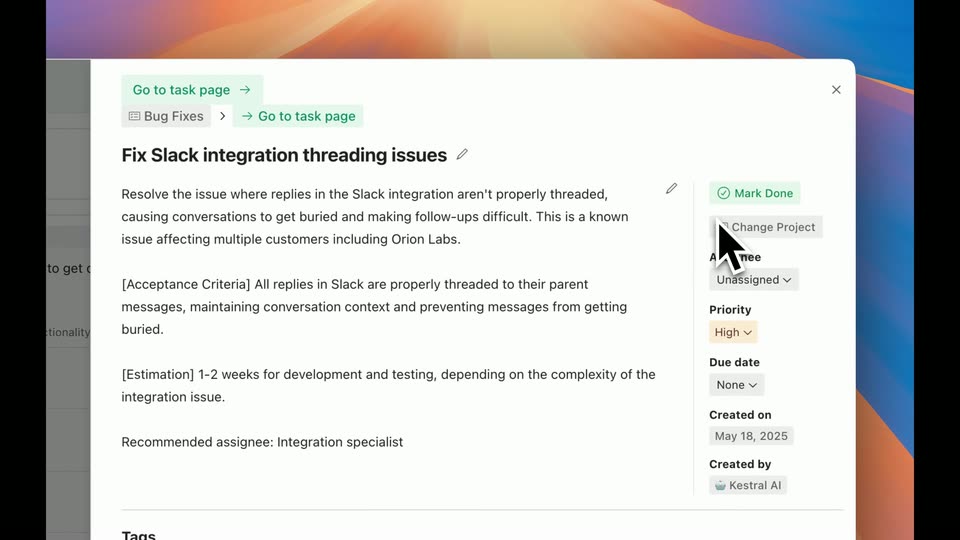 0:45–0:46Kestral · Kestral - Your AI Work Prioritizer -- Launch YCA task app window sits on a warm gradient desktop. A detail panel slides in from the right over the sidebar, revealing a task entry, as the cursor moves from the Bug Fixes row to the panel.
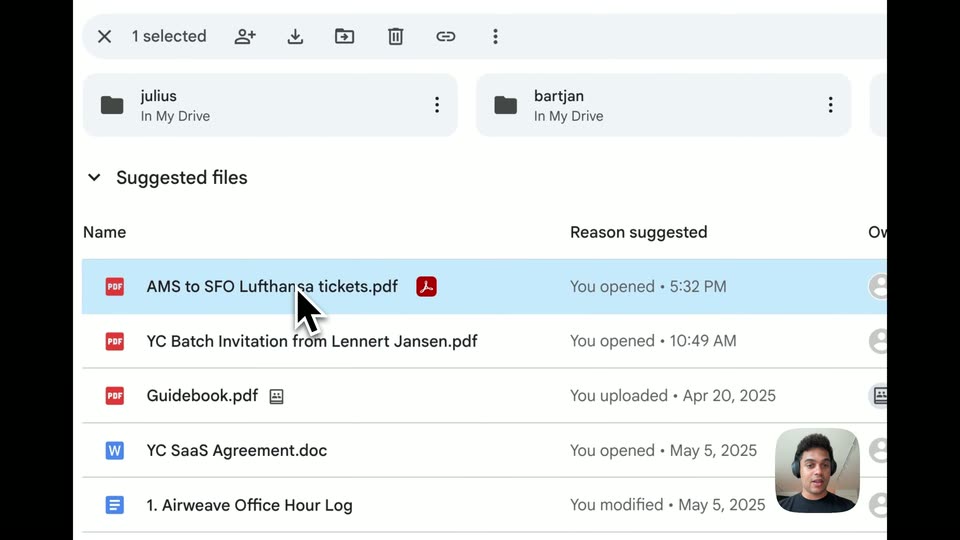 0:30–0:31Airweave · Airweave AI // Launch YC DemoA file manager list is shown with a small circular webcam of a presenter in the corner. A cursor moves up from one row and clicks the Lufthansa ticket file, highlighting it in blue.
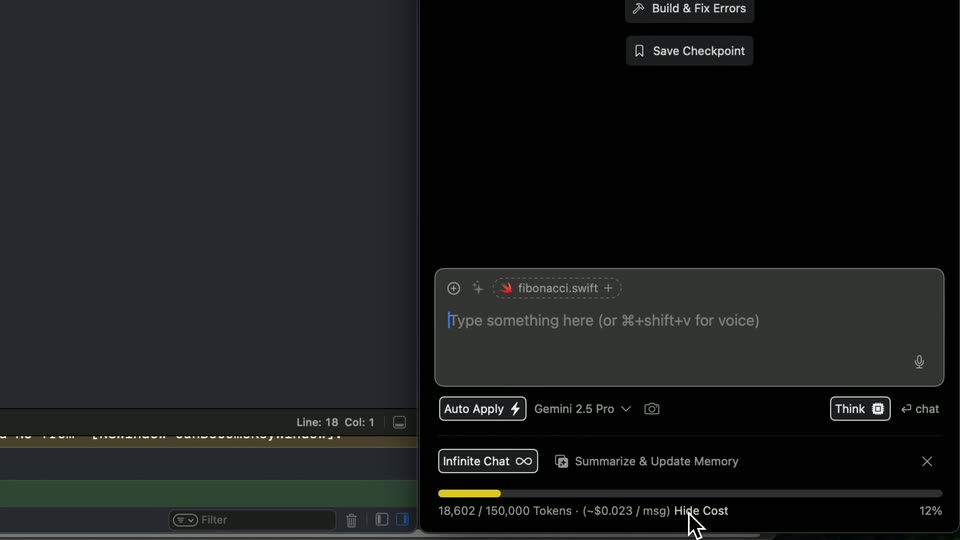 0:56–1:08Alex · Alex - Xcode AI Coding AssistantA screen recording of a code editor zooms into the right-hand ALEX chat panel. A cursor hovers the token bar, opens a breakdown tooltip, toggles the cost figure, then closes the row as the view pulls back into a tilted 3D perspective.
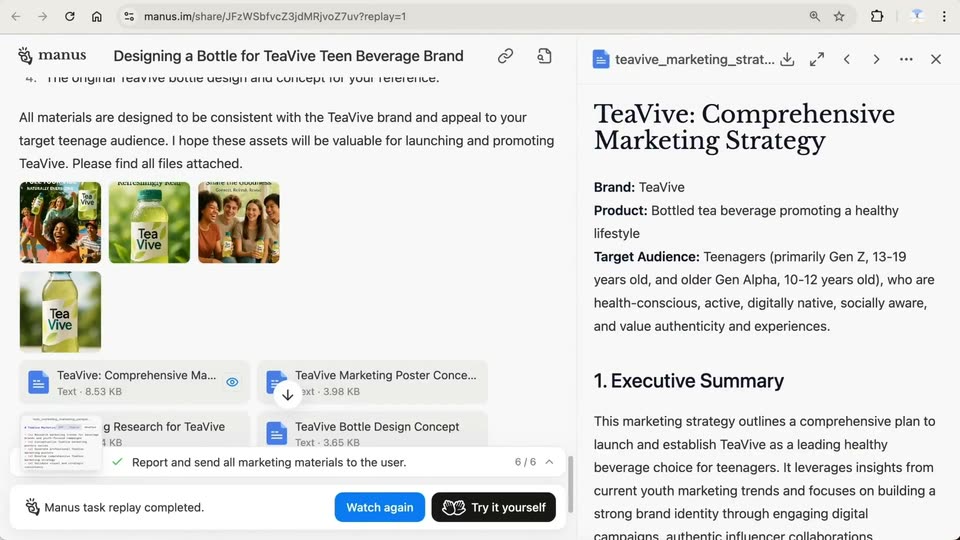 0:34–0:36Manus · Manus - Introducing Manus image generation. Manus doesn’t just generate imagA browser window shows the Manus interface with a chat on the left listing TeaVive poster and bottle images plus file attachments, and a marketing strategy document on the right. A cursor slides to the top right corner and hovers the close button, raising a Close tooltip.
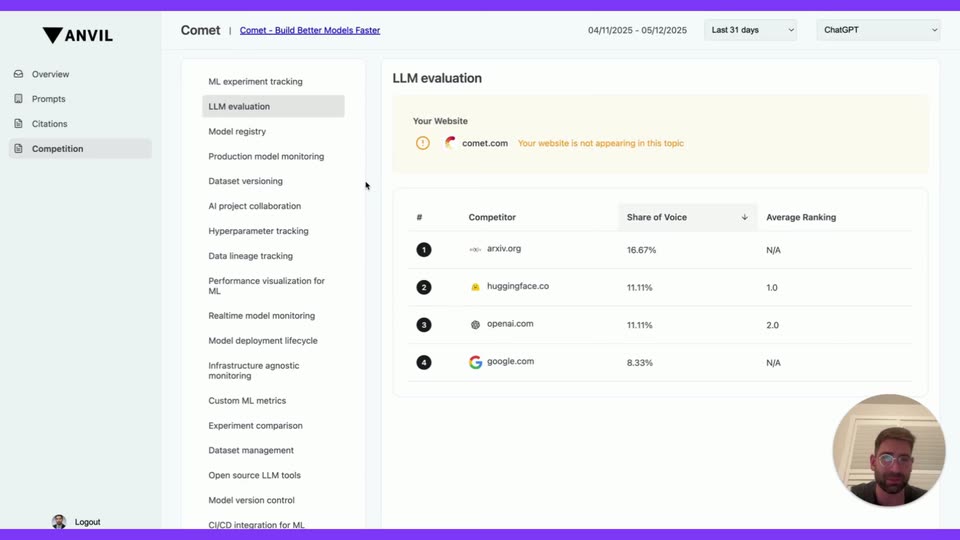 1:05–1:16Acolite · Anvil (YC X25) - Launch VideoScreen recording of the Anvil dashboard. A cursor hovers over the LLM evaluation topic, and the right panel fills from gray placeholders with a competitor ranking table. A small circular webcam of a man sits in the corner. A large black ANVIL wordmark scales in over the screen.
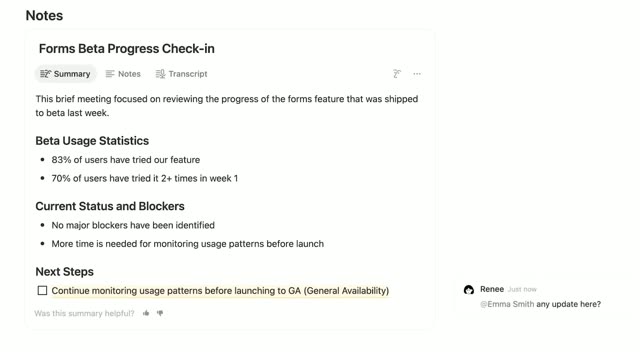 0:55–0:59Notion · Introducing AI Meeting NotesA note summary page shows a user typing a question in a reply box, which becomes a posted comment bubble. The view then cuts to a meetings list where a cursor hovers an AI icon, revealing a tooltip.
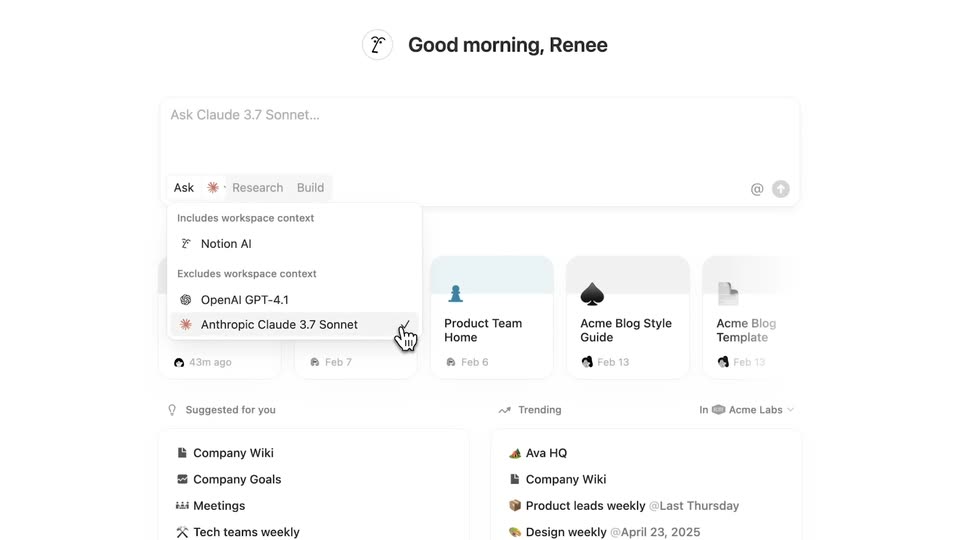 0:58–1:03Notion · Introducing Enterprise SearchA Notion workspace home screen shows a greeting and an ask bar. A hand cursor hovers the Ask tab, a tooltip fades in, then the cursor opens the model dropdown and selects Anthropic Claude 3.7 Sonnet, updating the placeholder text.
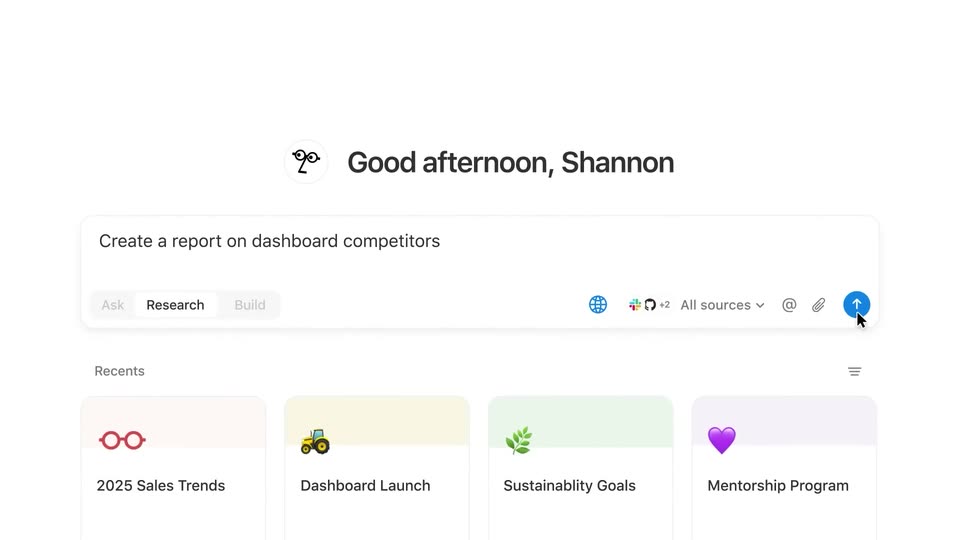 0:48–0:51Notion · Meet the all-in-one Notion AI for workA dashboard home screen greets Shannon above a prompt bar. The phrase Create a report on dashboard competitors types out letter by letter, then a cursor slides to the blue up-arrow button and clicks it. Recent report cards with emoji sit below.
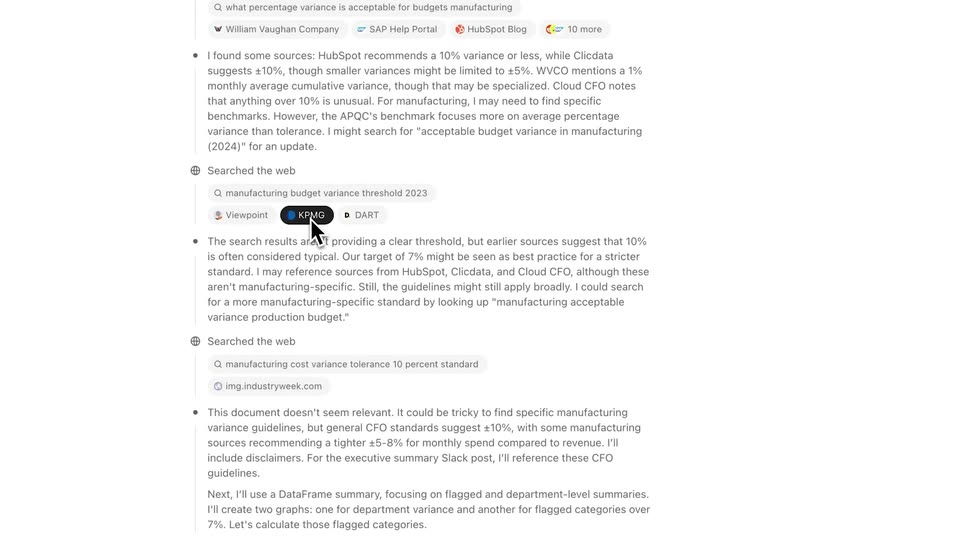 1:49–2:20OpenAI · Automate complex workflows with OpenAI o3A close-up of a ChatGPT chat scrolls past code blocks, analysis notes, and web search chips while a cursor hovers over source tags. The frame then pulls back to the full browser window on a gradient desktop, where summary tables and an orange bar chart appear.
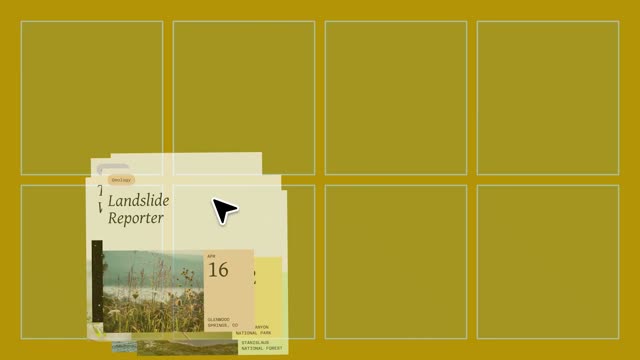 0:19 · 0.6sFigma · All the launches at Config 2025 | FigmaA white paper-collage card with a photo, serif title and date slips up into a grid of eight outlined frames on a mustard background, a black cursor riding along its corner.
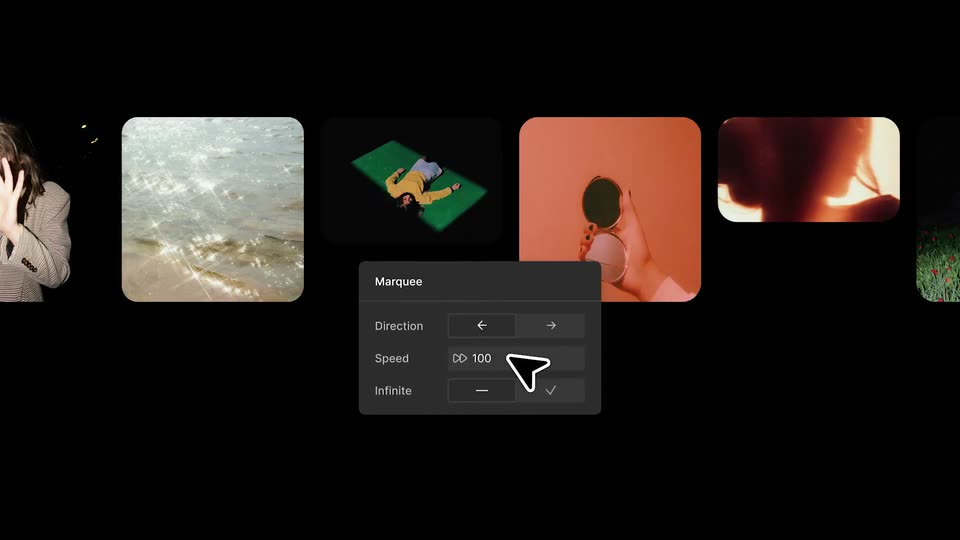 0:24–0:26Figma · Figma - Introducing Figma Sites Take your designs straight to the web. WithA horizontal strip of rounded video thumbnails scrolls left across a black field behind a dark Marquee settings panel. A large white outline cursor drifts in from the lower right and lands on the Infinite row, where a dash becomes a check.
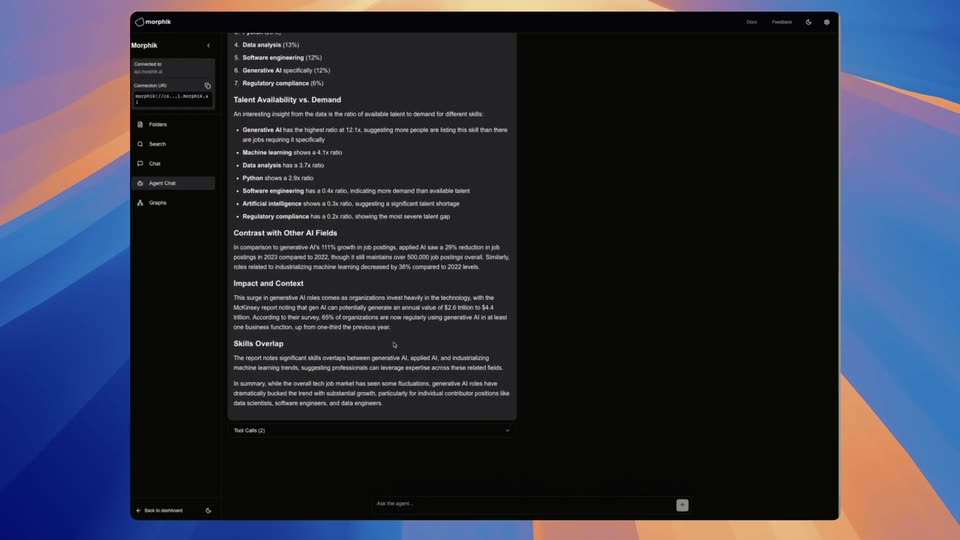 1:16–1:25Morphik · Morphik Launch DemoThe morphik agent interface sits over an abstract blue and orange backdrop, showing a long report on generative AI roles. The page scrolls down to a Tool Calls panel, then the view zooms in as a cursor hovers over the retrieve_chunks rows.
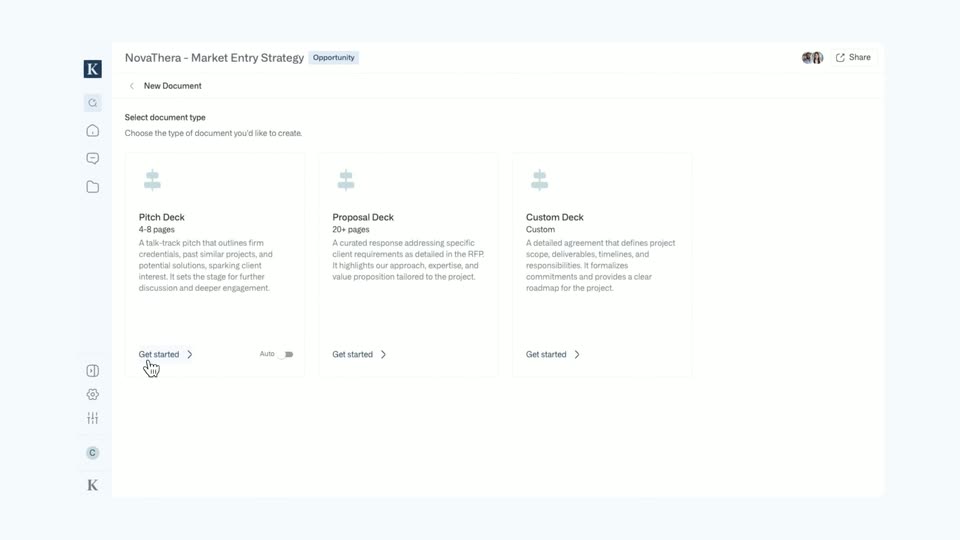 0:33–0:34Kenley · Introducing Kenley WorkStreamsA software interface displays three cards for selecting a document type, labeled Pitch Deck, Proposal Deck, and Custom Deck. A mouse cursor hovers over the 'Get started' button on the Pitch Deck card.
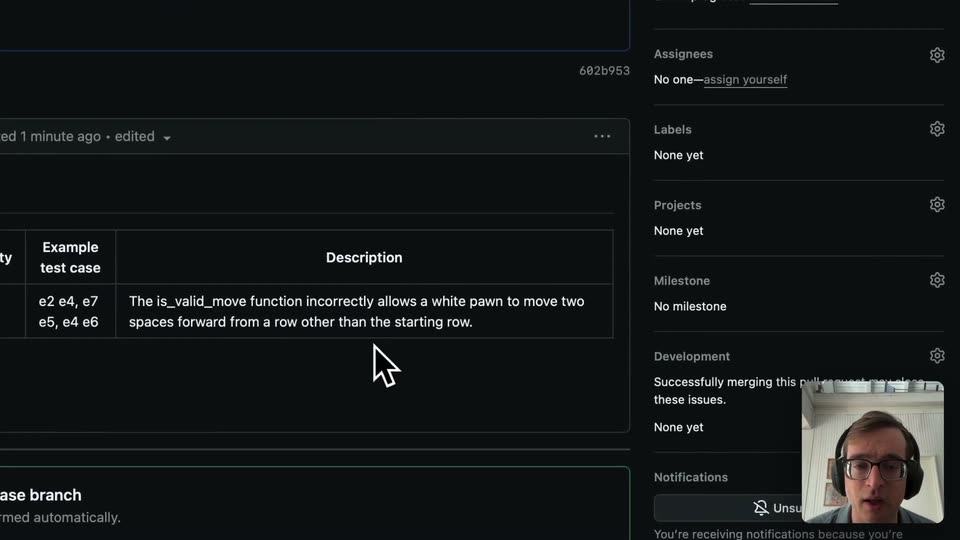 1:52–2:09Cartpole · Jazzberry DemoA dark GitHub pull request page fills the screen with a small webcam feed of a speaker in the lower right corner. The cursor hovers across a Bug Report table, then the view zooms in on the description cell as the speaker reads it.
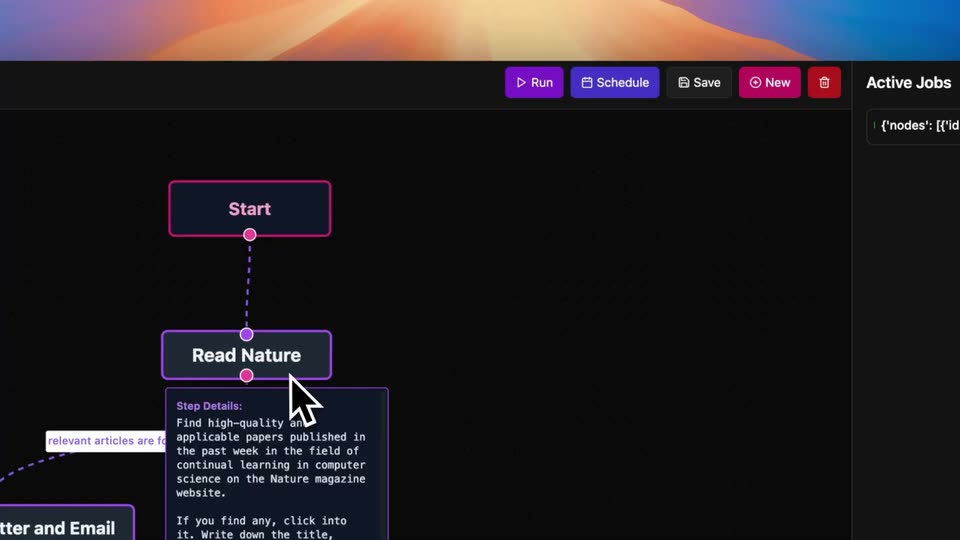 0:44–0:46Altrina · Workflow EditorA dark node-based workflow editor fills the frame. A white hand icon and an arrow cursor hover over the dotted canvas near a Read Nature node, while the view pans slightly. The top toolbar and the right-side jobs panel stay fixed.
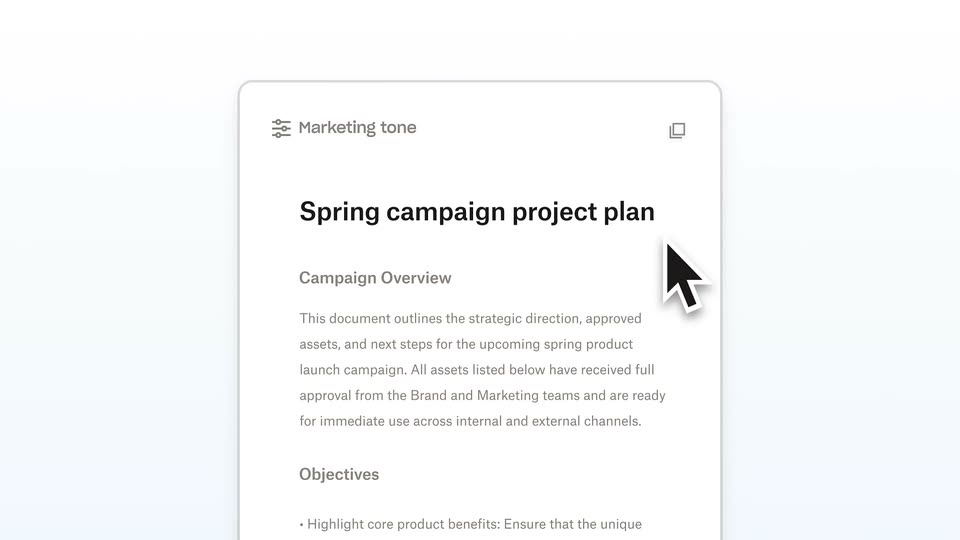 0:40–0:42Dropbox Dash · Dropbox Dash: Search videos, images, and create content fastTwo white document cards overlap on a pale gray background. The front card, headed Marketing tone, slides right to cover the back card as a large black cursor glides in and hovers over the copy icon in the header.
 0:24–0:26Gamma · Gamma - Introducing AI Image Editing with animation! You can now edit and anA close-up of an AI quick-actions menu with hand cursors fades out as the view pulls back to the full slide editor. A side chat panel then shows the background removal running on the slide image.
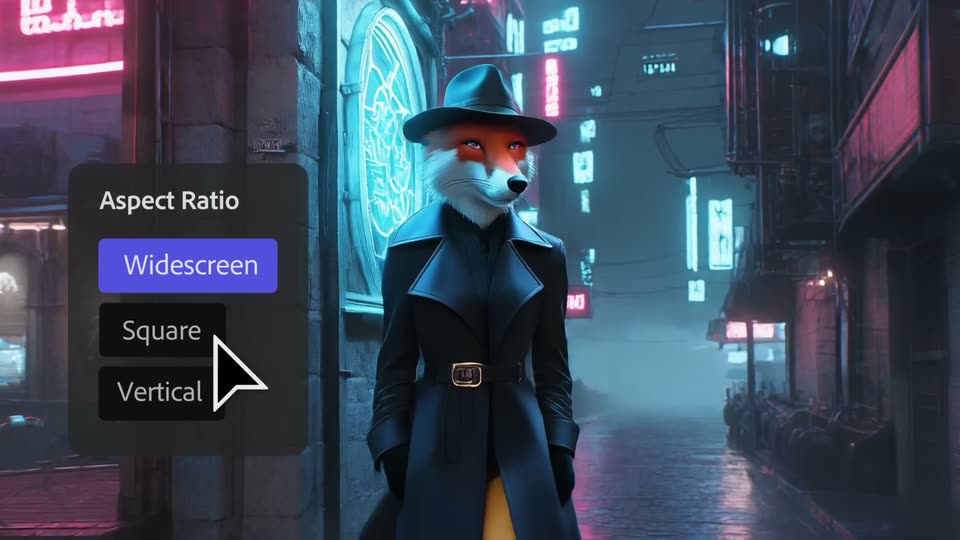 0:14–0:16Adobe · Adobe Firefly: The next evolution of creative AI is hereA 3D noir fox in a leather coat stands in a neon cyberpunk alley while a dark settings panel on the left switches from a Resolutions list to an Aspect Ratio list, the active row glowing purple and a cursor hovering over the options.
 0:46–0:52Lovable · Lovable 2.0 is here. Multiplayer vibe coding. Smarter & more secure.The editor UI sharpens from a blur as a hand cursor types in a dark Edit Text panel, picks XL from the text-size dropdown, then a color picker opens and a blue swatch recolors the second heading line as the view zooms out to the full page.
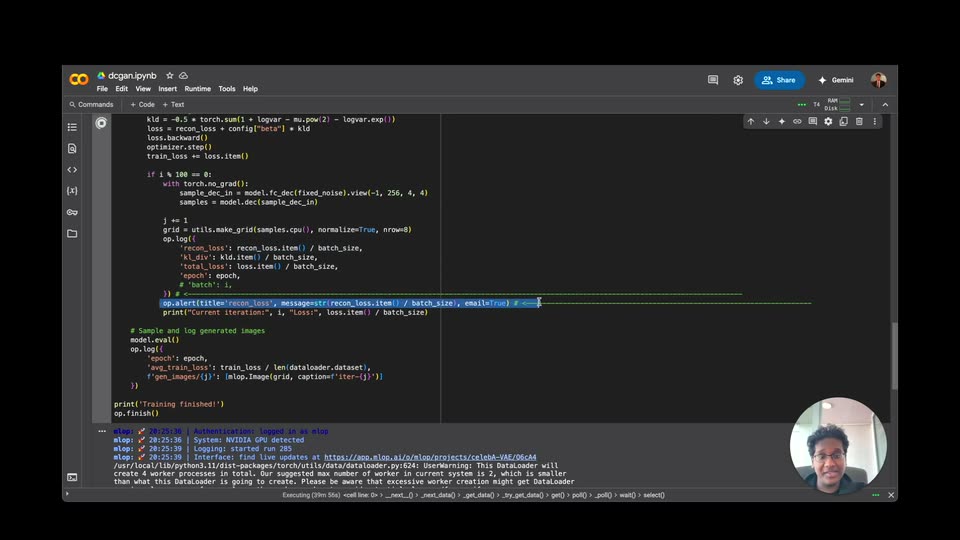 1:14–1:25mlop · mlop: introA dark code editor fills the frame, a small circular video call of a man sits in the lower right, and a text caret moves between lines. The view cuts to a Gmail inbox where an alert email from mlog about recon_loss is highlighted.
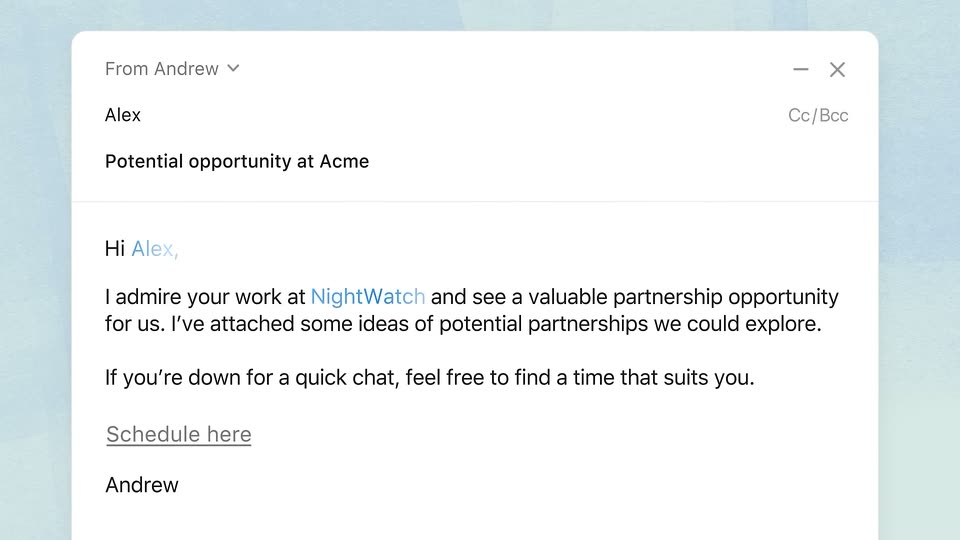 0:30–0:33Notion · Meet Notion MailA snippet list panel with a cursor hovering over Partnership sits over an email draft. The panel closes and the frame zooms into the email body, where the template variables resolve to the recipient's name and company.
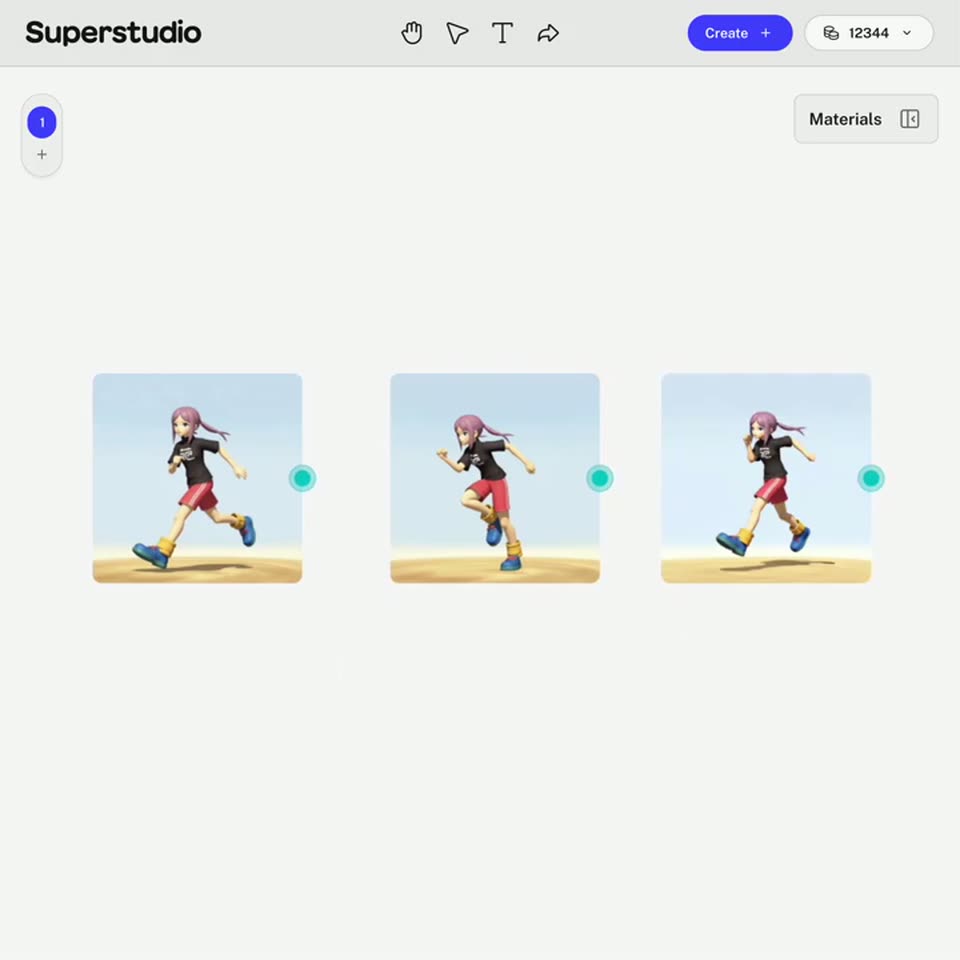 0:20–0:22Kaiber · Kaiber - 🚨 BIG NEWS: Image Editing — in Canvas. •ᴗ• Change colors, combineA Superstudio keyframe row shows a pink-haired 3D girl running on sand across two thumbnails. A cursor types “Make it snowy” into the field, a third frame slides in, then the row blurs and fades to white.
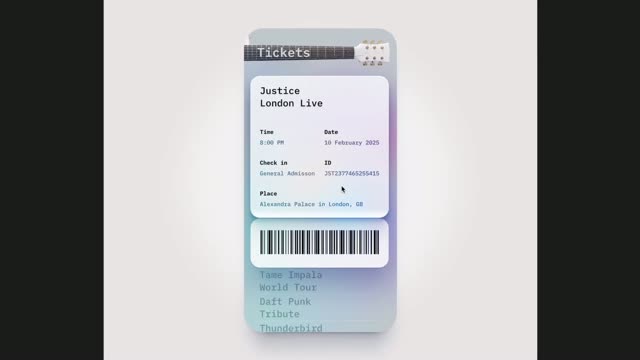 1:14–1:15Rive · Rive for Product Design Reel 2025A phone mockup on a light background shows the Tickets app. A Justice London Live ticket card slides and snaps into a stacked list, resolving overlapping text into a ticket stub with time, date, ID and barcode.
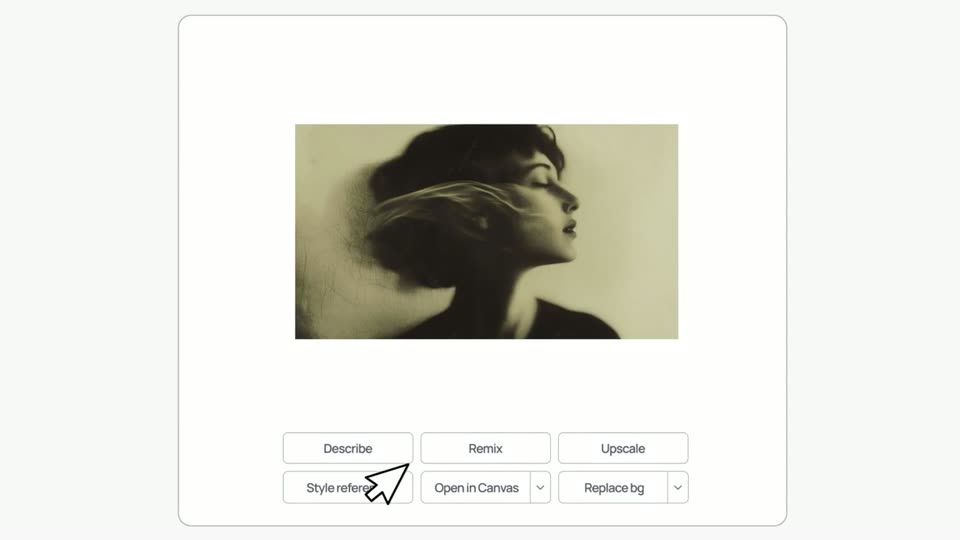 0:28–0:31Ideogram · Ideogram - Meet Ideogram 3.0 — stunning realism, creative designs, and consistenA white rounded interface card centers a sepia portrait of a woman in profile, hair blurred by wind. Six small buttons sit beneath it. A mouse cursor enters from the left, moves past the photo, and hovers over the lower-left buttons.
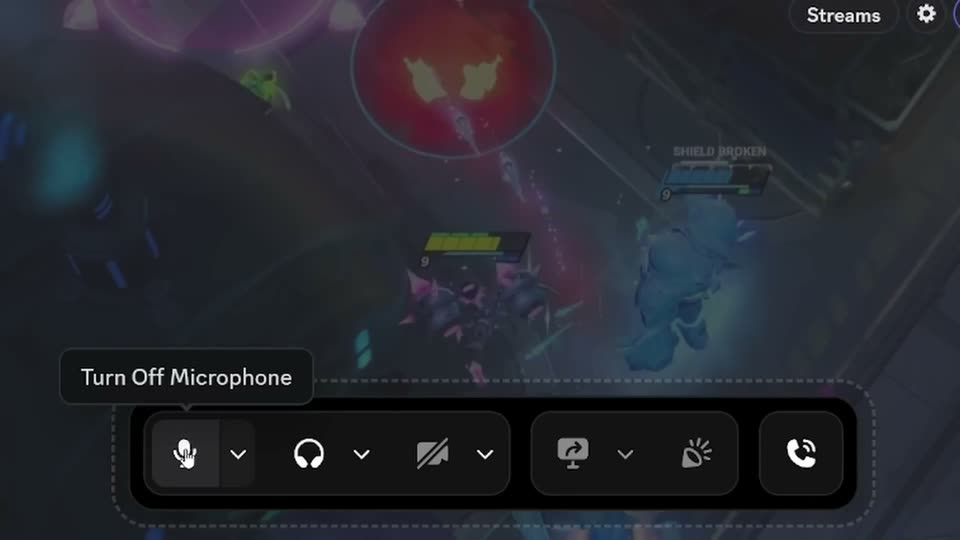 2:25–2:26Discord · Introducing the NEW Discord Game OverlayA dimmed game view sits behind a dark rounded control bar of mic, audio, camera and call icons. A hand cursor rests on the microphone button as the Turn Off Microphone tooltip above it fades out, then the mic icon flips to a muted state.
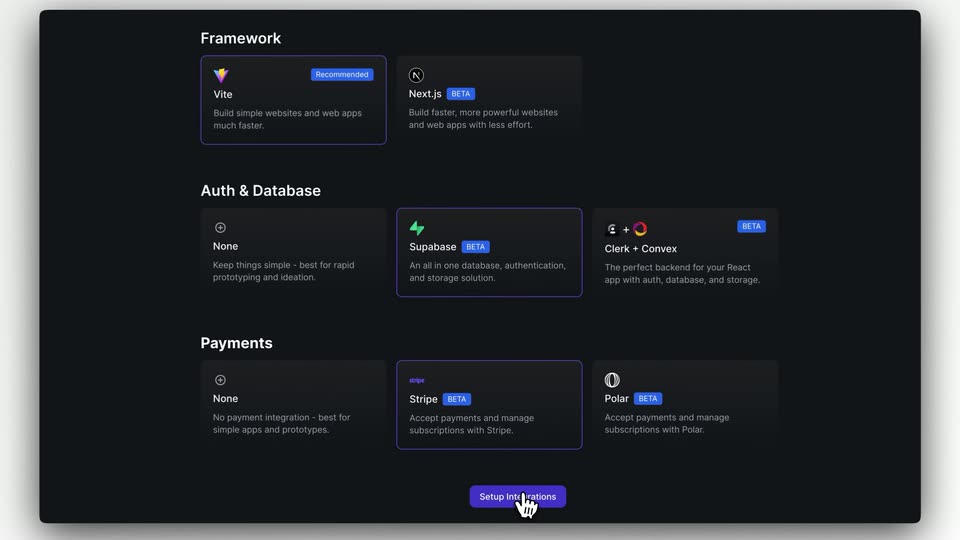 0:40–0:44Tempo · Introducing Tempo V2 - AI web design tool for designers and developersA dark integrations setup screen shows rows of option cards. A cursor selects the Supabase card, then the Stripe card, then rests on the Setup Integrations button as the view zooms out to the full page. A glowing caption reading start with pre-built templates fades out over the center.
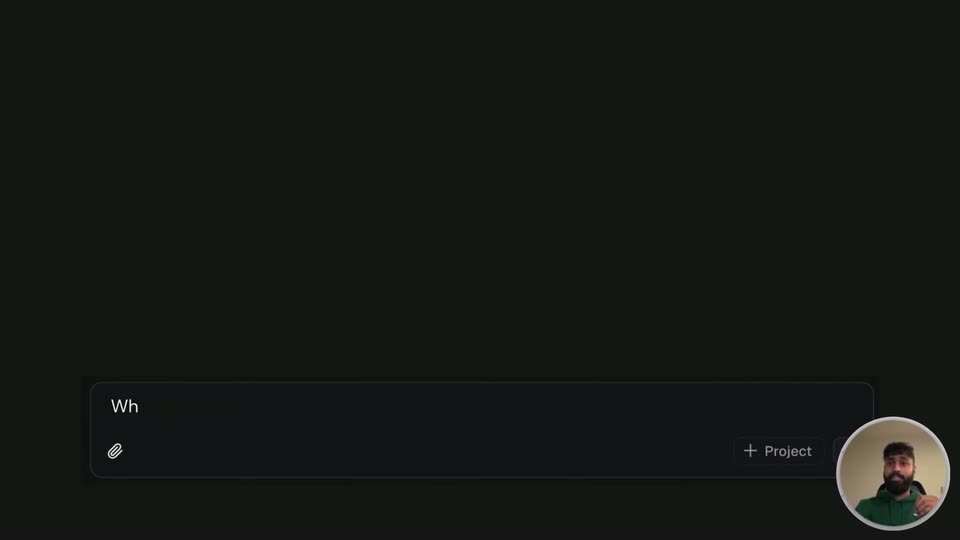 0:44–0:45Elip AI · Tejas AI Launch VideoA light dashboard listing processing-efficiency recommendations dims to a gray overlay, revealing a rounded + Project pill at the bottom right beside a circular webcam avatar of a bearded man. A mouse cursor drifts toward the new button while the frame stays locked off.
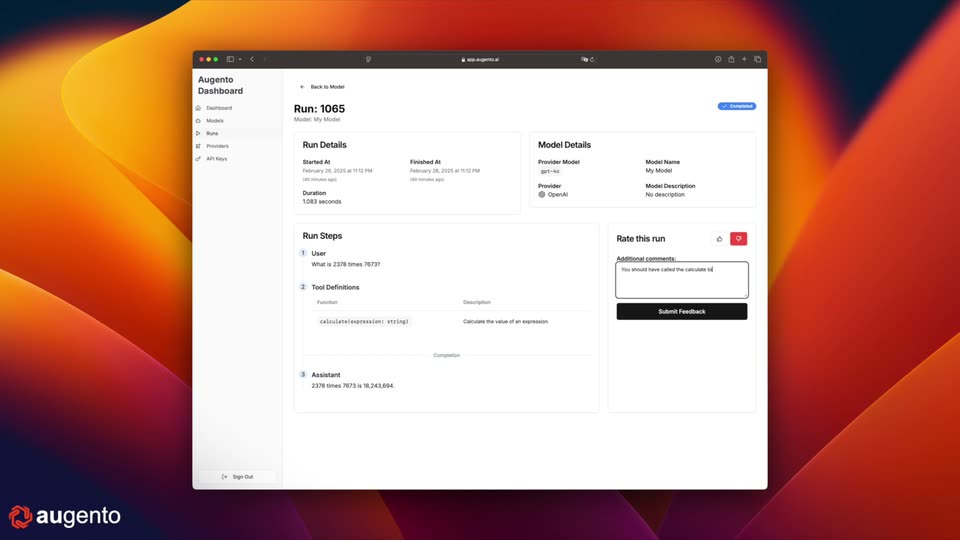 1:04–1:28Stillwind · Augento AI – DemoA browser window of the Augento dashboard rests on a wavy orange and purple gradient. The view zooms into the run steps, a cursor clicks the thumbs-down icon, types a comment and submits it, triggering a confetti burst and a success toast.
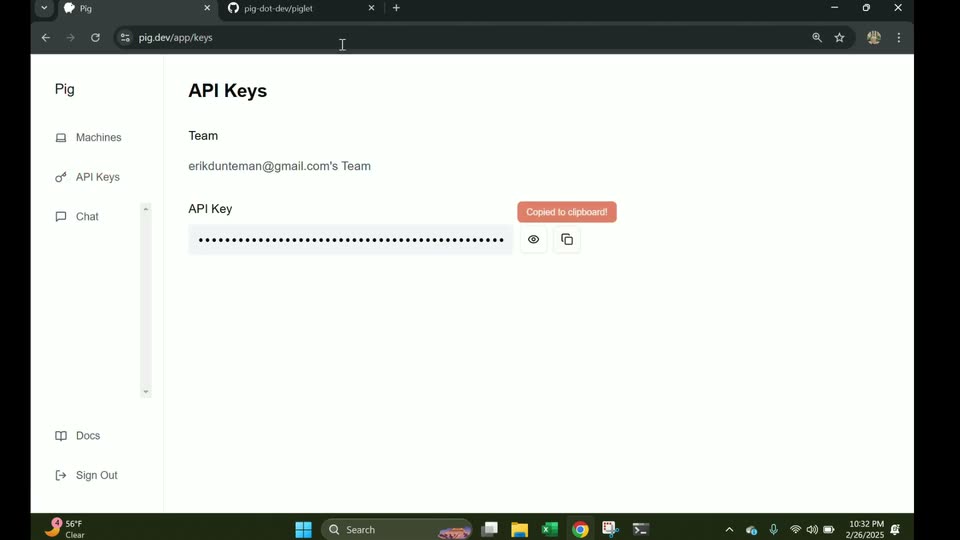 0:58–0:59Butter · Pig Official LaunchA browser window shows the Pig web app, opening on the Machines page with a modal offering self-host or cloud options. It cuts to the API Keys page where the cursor clicks the copy button and an orange Copied to clipboard! toast pops up beside the masked key.
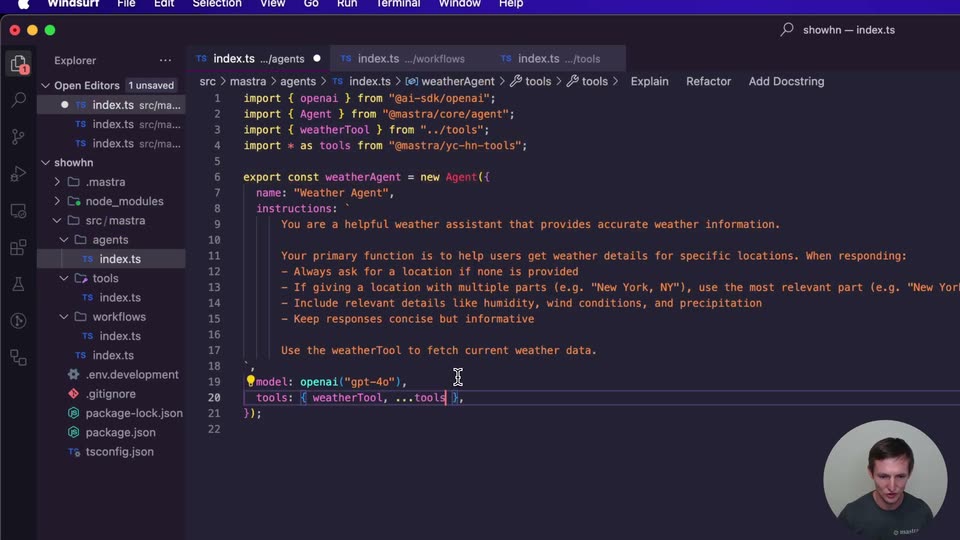 1:09–1:16Mastra · Mastra Demo - The Typescript AI Agent Framework (2024)A dark code editor fills the screen, file tree left, TypeScript file center. A cursor types an import line, an autocomplete menu pops up, then the cursor moves down to add a spread into the tools array. A circular webcam of a presenter sits bottom right.
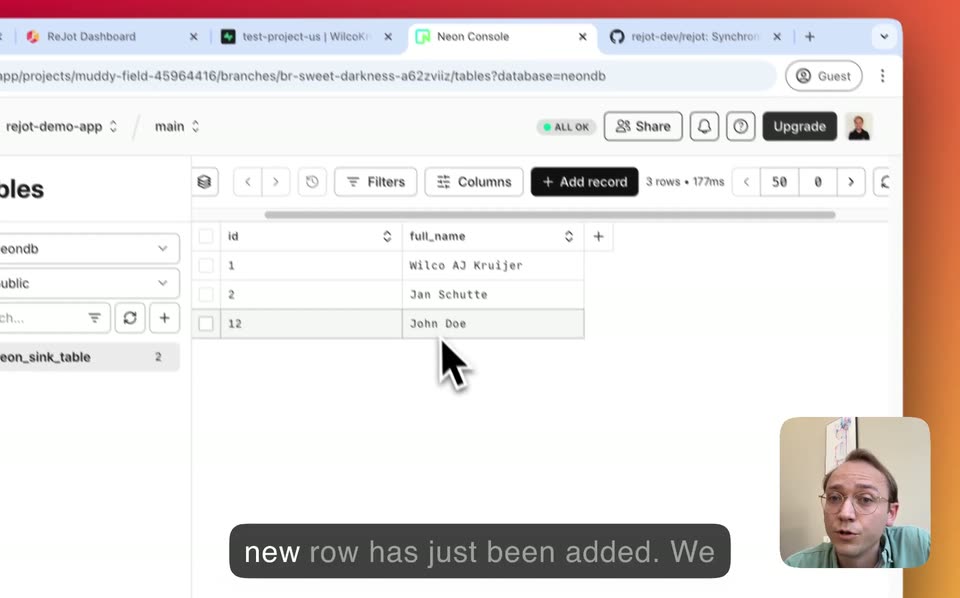 1:01–1:06ReJot · ReJot YC LaunchA browser screen capture of the Neon Console table view; the cursor clicks the Upgrade button, hovers over the rows, then switches to the GitHub repository tab. A small webcam feed of the speaker sits bottom right, and dark caption pills roll along the bottom.
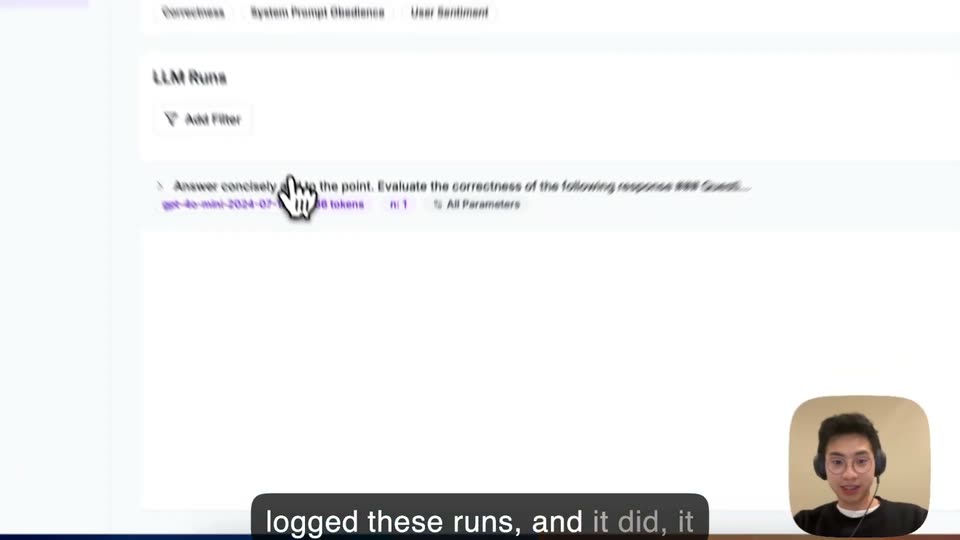 1:09–1:10Sublingual · Sublingual AI DemoA browser dashboard shows the LLM Runs list as a hand cursor hovers over a logged run, then the view zooms and blurs onto that row. A webcam feed of the presenter sits in the lower right and a caption bar runs along the bottom.
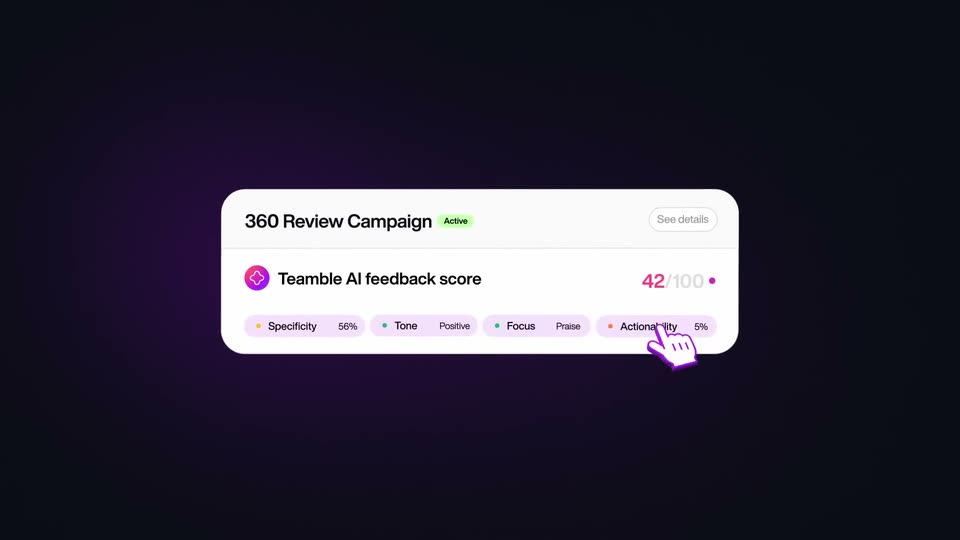 0:57–0:58Teamble · Best SaaS Product Demo Video | TeambleA white product card labeled 360 Review Campaign eases into frame on a dark purple gradient. Its AI feedback score ticks up from 40 to 42 while a purple hand cursor glides in and hovers over the Actionability tag.
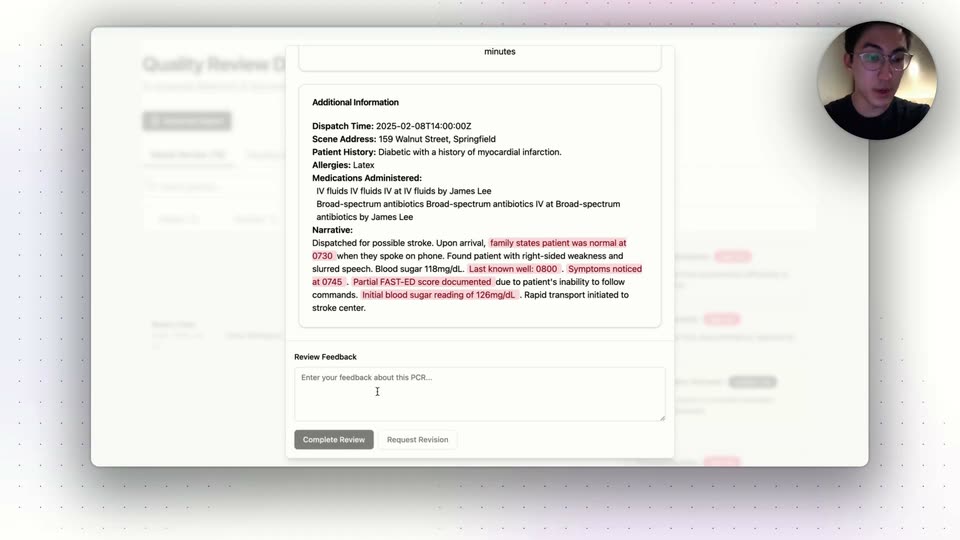 0:58–1:28Amby Health · Amby Health YC LaunchA patient record modal scrolls upward over a blurred dashboard, revealing risk flags and a narrative with a red discrepancy highlight, while a presenter appears in a circular webcam feed at the top right. A cursor then types into the feedback field.
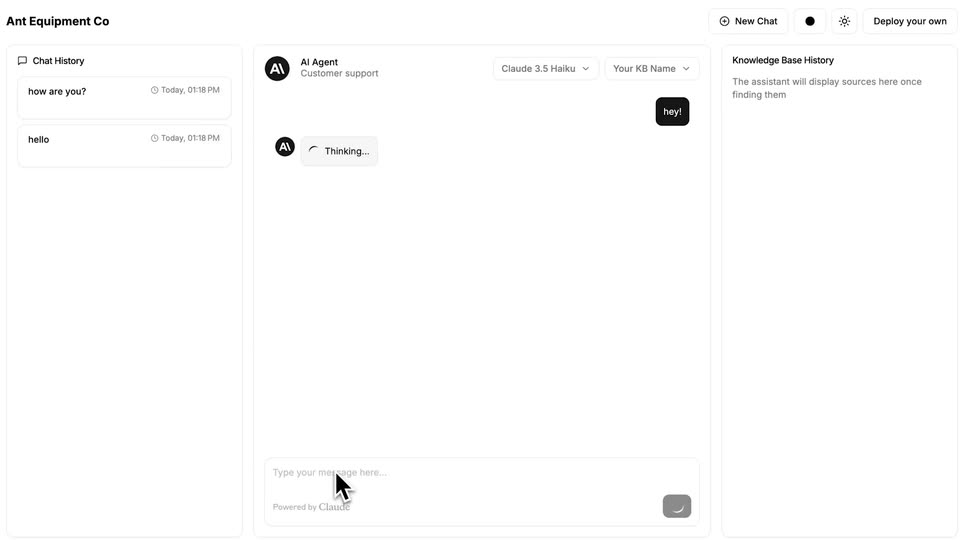 2:10–2:25Anthropic · Introducing Claude CodeA three-panel chat app opens; a brief zoom reframes the model and KB dropdowns before pulling back. A cursor types and sends 'hey', the AI replies with a greeting and chips; the cursor clicks New Chat, the thread saves to the history list, and a second message is answered.
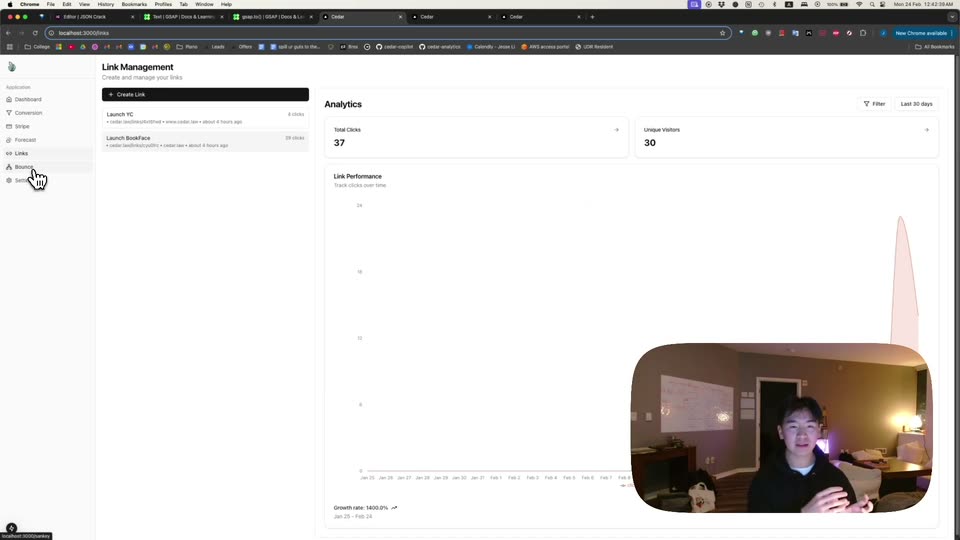 1:07–1:17Cedar · Cedar Demo 🌲A light analytics dashboard fills the frame: a left sidebar, two stat cards, and a large area chart. A rounded webcam window in the lower right shows a person talking and gesturing. The mouse cursor drifts across the chart, then hovers over sidebar menu items.
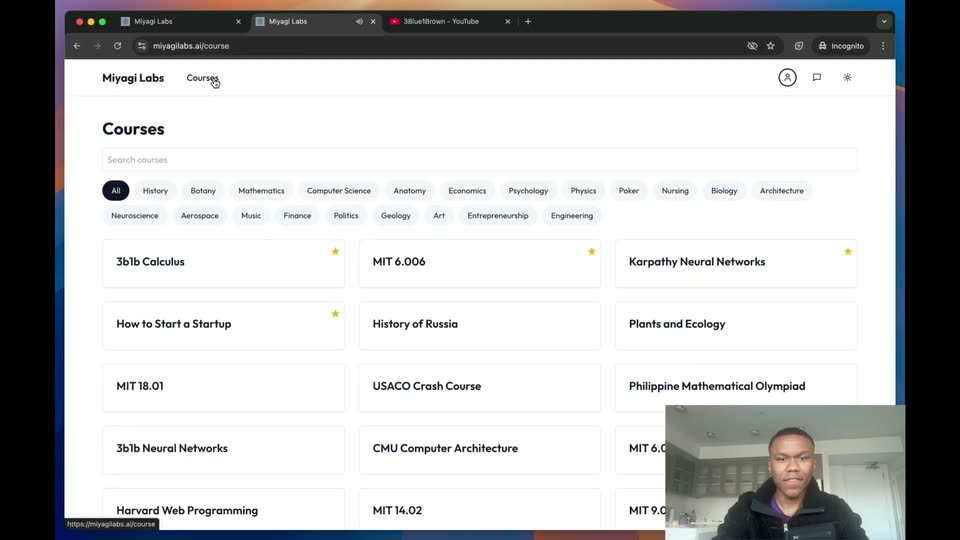 1:29–1:30Miyagi Labs · Miyagi Labs (YC W25) Launch DemoA browser window on the Myigai Labs site cuts from an AI tutor chat page to a grid of course cards as a cursor clicks the Courses tab. A small webcam feed of the speaker remains fixed in the bottom-right corner throughout.
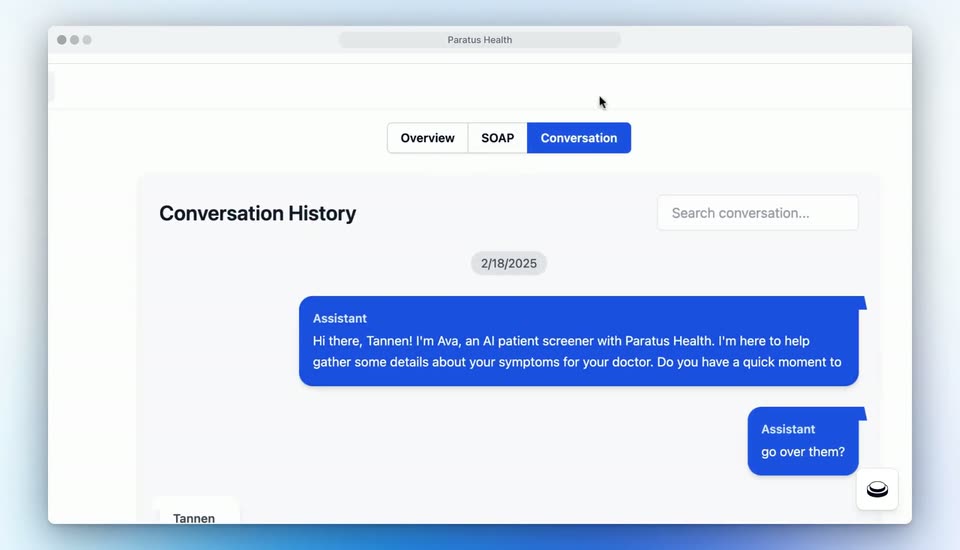 2:29–2:33Paratus Health · Paratus Health - Product DemoA flat browser window of the Paratus Health app opens on the Conversation tab, showing a chat transcript between Assistant and Tannen. The view zooms in to frame the message bubbles while a cursor drifts across the panel.
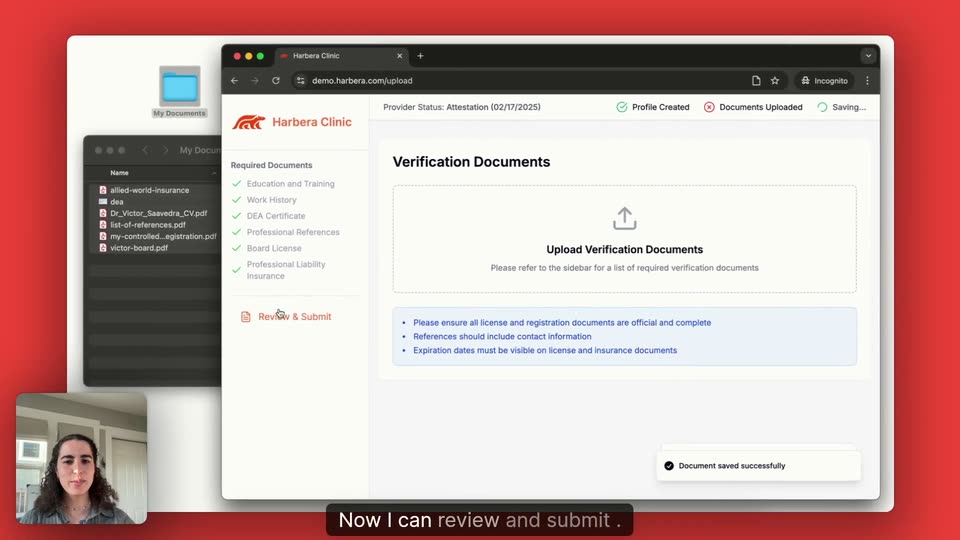 0:44–0:48Harbera · Launch YC: HarberaA browser window on a red backdrop shows the Harbera Clinic upload page, with a file browser at left and a webcam feed bottom left. The page shifts from a spinner to a saved state, then to a review view with a validation error, as a black caption bar narrates.
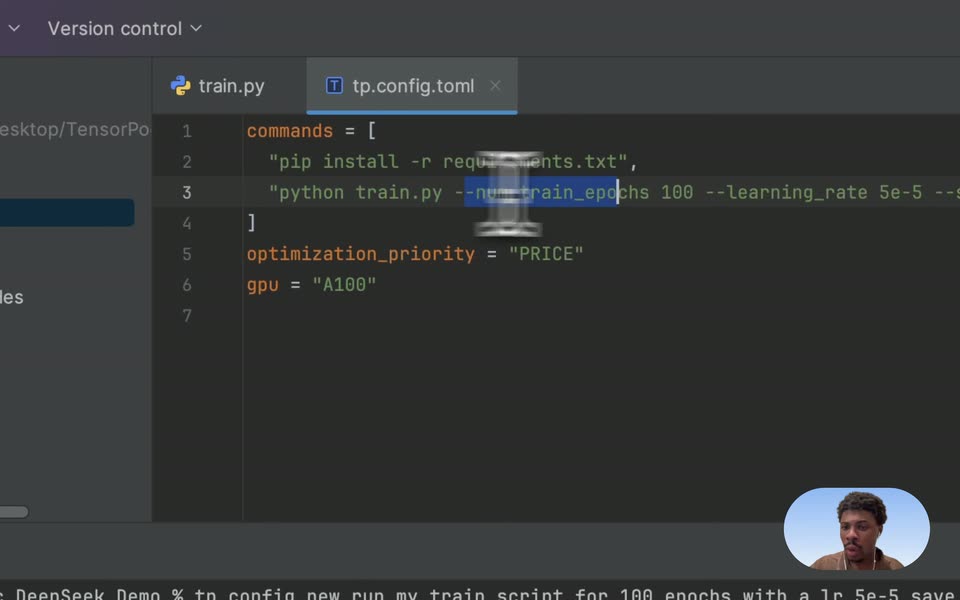 1:09–1:15TensorPool · TensorPool (W25) - The Easiest Way to Access GPUsA dark code editor shows a TOML config file with one command line highlighted in blue. A large white I-beam cursor drifts across the code, then a fast horizontal pan slides the view right to reveal the rest of the long line.
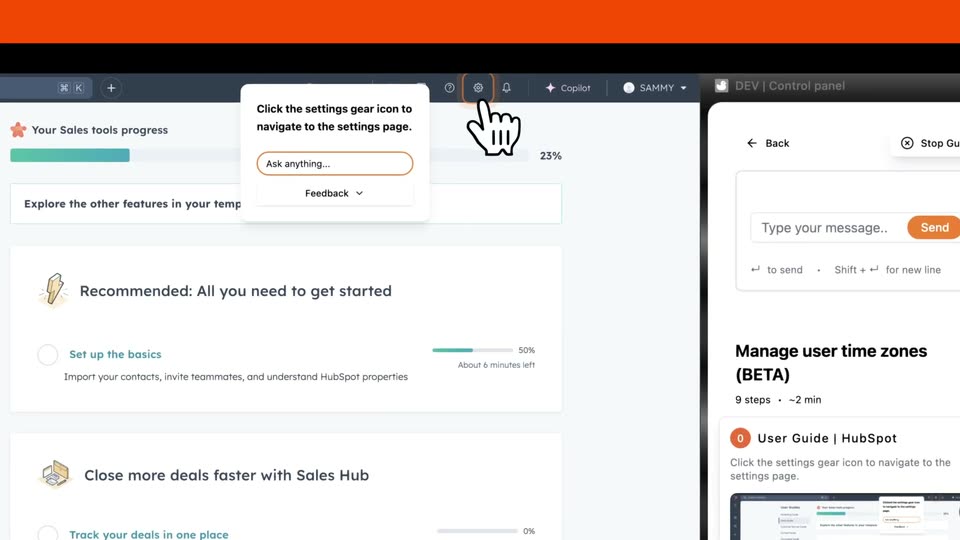 0:35–0:39SAMMY Labs · SAMMY Labs - Product TourA laptop mockup of the HubSpot dashboard sits on a glossy orange surface, then the view zooms into the top bar as a hand cursor taps the settings gear. A guided-tour panel on the right steps through the instructions.
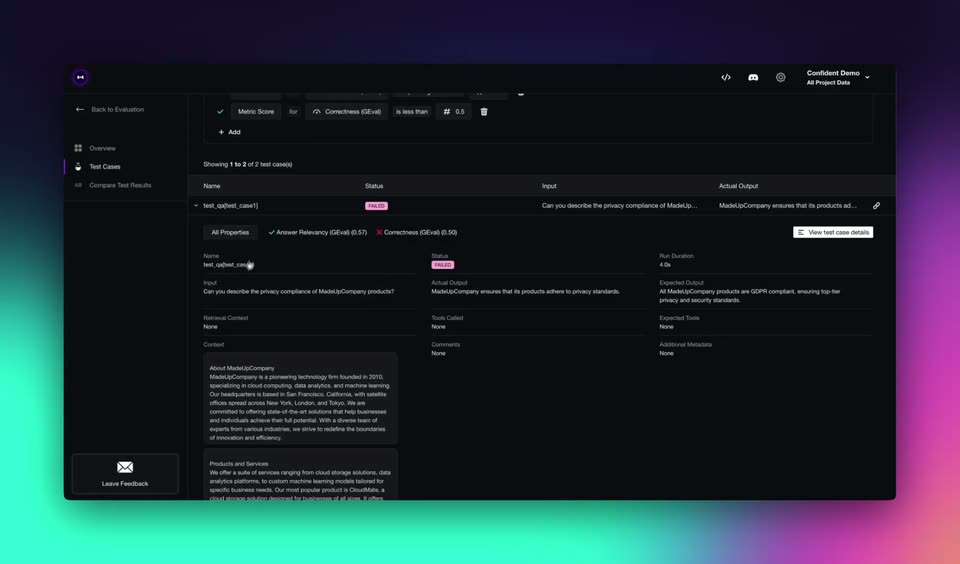 1:01–1:03Confident AI · Confident AI Launch YCA dark evaluation dashboard sits in a locked-off frame over a teal and pink gradient. A cursor glides down from the top bar to the expanded test case row, passing the Name, Status and Input fields while the FAILED badge and context panel stay in view.
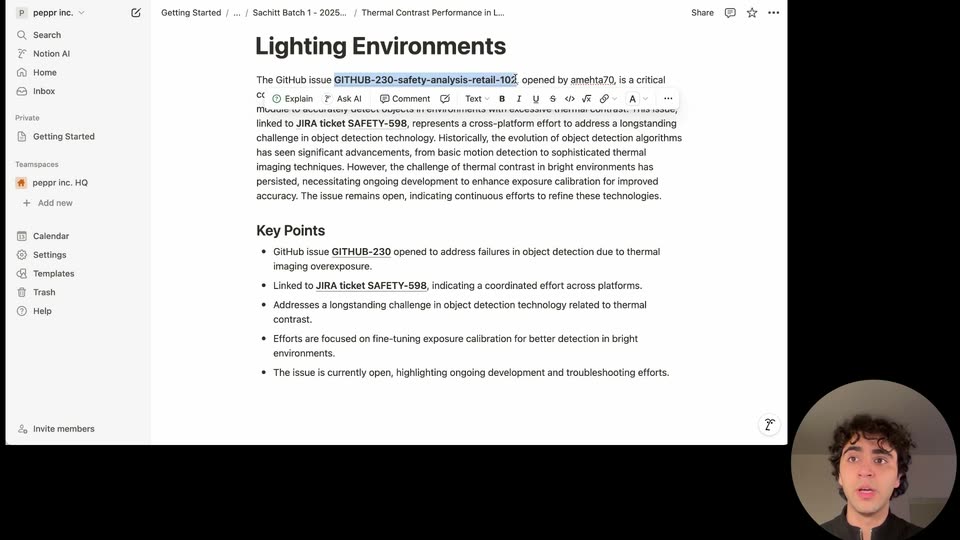 0:35–0:44Peppr AI · Peppr AI Demo VideoA Notion-style page fills with an AI-written article on thermal contrast, its cursor selects a source tag to open a floating AI toolbar, then the view scrolls back to the title. A circular webcam of the presenter stays in the lower right.
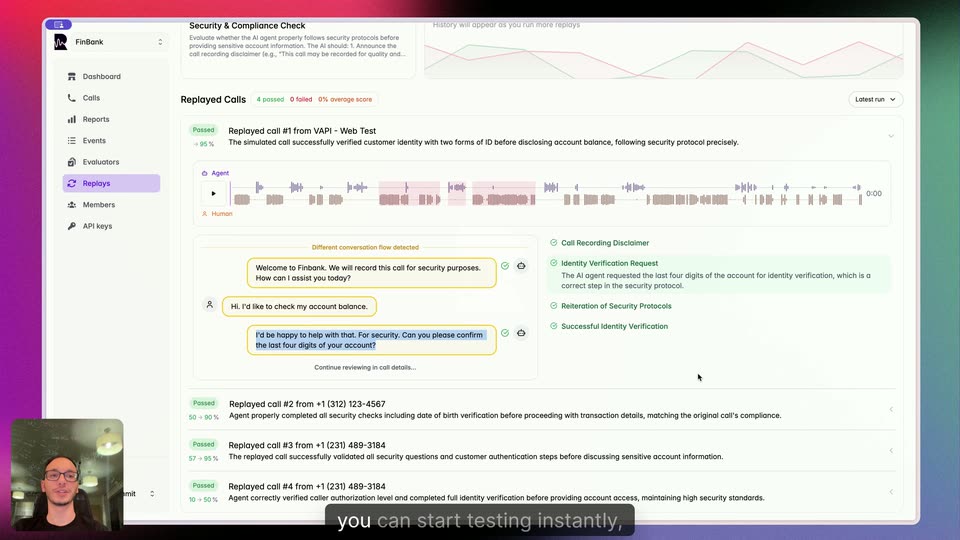 2:42–2:55Roark · Roark (YC W25) - DemoA screen recording of the FinBank Replays dashboard fills the frame over a pink-to-green gradient, with a small webcam of a man in the lower left. The interface holds on a replayed call transcript and waveform while a cursor drifts across it and white subtitle lines cycle at the bottom.
 0:30–0:32Adobe · Meet Firefly Video Model | AdobeA dark prompt bar with white text and a blue Generate button sits over a blurred grid of images. A white cursor hovers the button as the bar fills with a colorful gradient, then the bar fades out, leaving only the button.
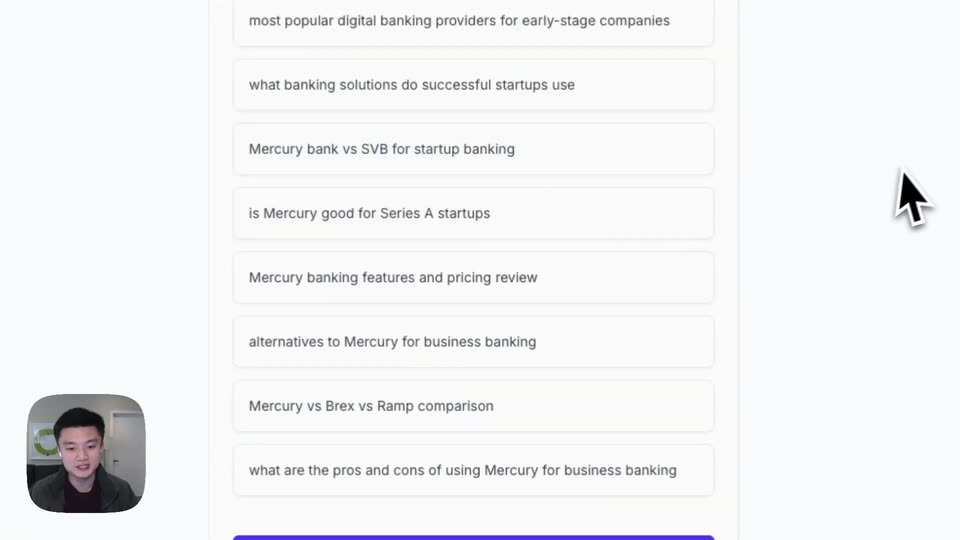 0:52–0:53AthenaHQ · AthenaHQ with Andrew, Co-Founder and CEOA light interface panel shows a vertical list of rounded search-query rows about Mercury banking. A small webcam clip of a man sits in the lower-left corner while a mouse cursor drifts across the right edge of the screen.
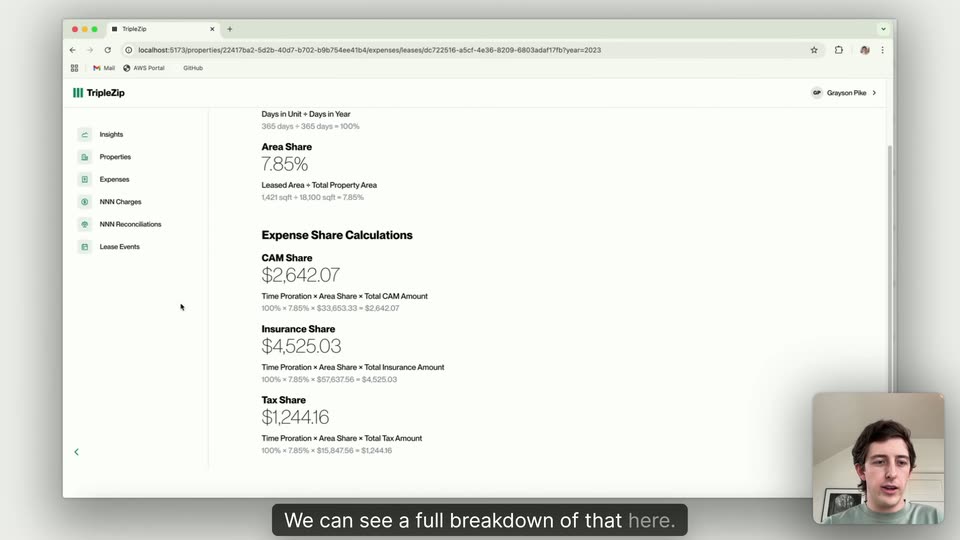 0:59–1:04OpenIntake · TripleZip (W25) - AI for Commercial Real Estate AccountingA browser window displays the TripleZip lease page with pro rata share calculations, scrolling up slowly. The cursor moves to the sidebar and clicks NNN Reconciliations, loading a table. A presenter's face-cam sits in the bottom-right corner above a caption bar.
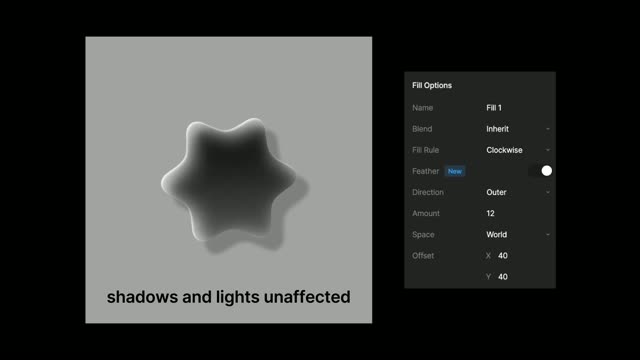 0:42–0:53Rive · Feathering AnnouncementA rotating gradient star sits on a gray canvas beside a dark Fill Options panel, captioned 'shadows and lights rotate.' A cursor switches the Space field from Local to World as arrows point to it, and the caption becomes 'shadows and lights unaffected.'
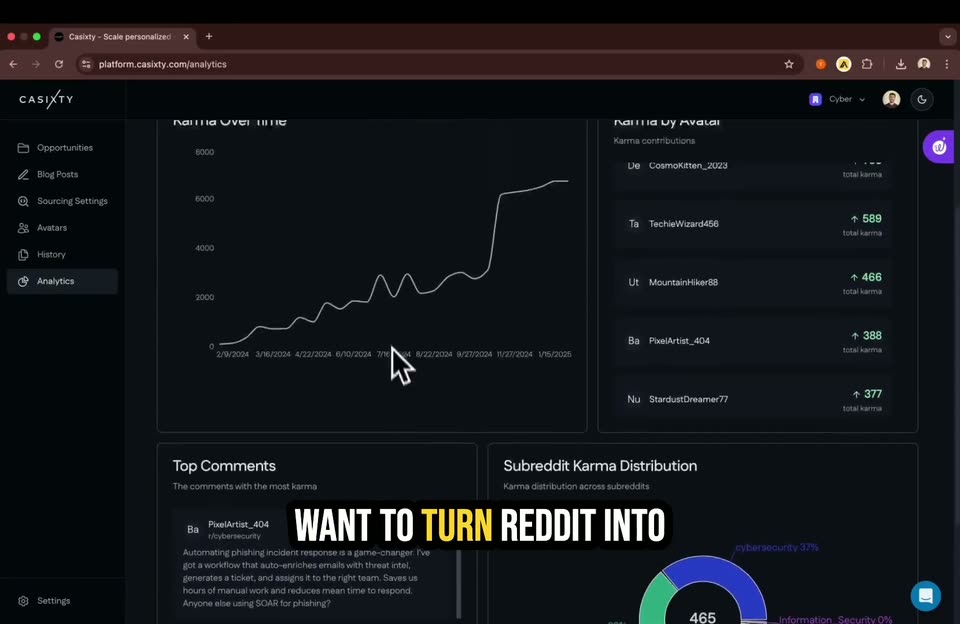 0:51–1:07Flowtel · Casixty DemoA dark SaaS dashboard fills the frame. A cursor hovers the Post button, then the view blurs and zooms onto the analytics page. The UI scrolls past karma charts and a donut chart, then reframes on engagement stat cards as bold captions with yellow words appear at the bottom.
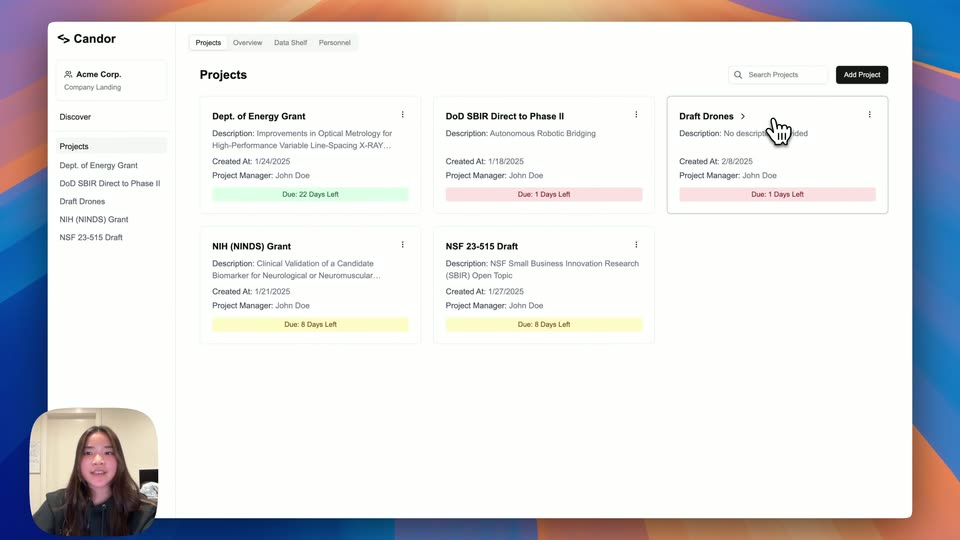 0:46–0:48Candor · Candor (YC W25) Demo || Win Government Funding With AIA presenter webcam sits in the lower left corner over a Candor app screen showing a grid of project cards. A hand cursor hovers on the Draft Drones card, then the view switches to a Data Shelf list of PDF files with colored tags.
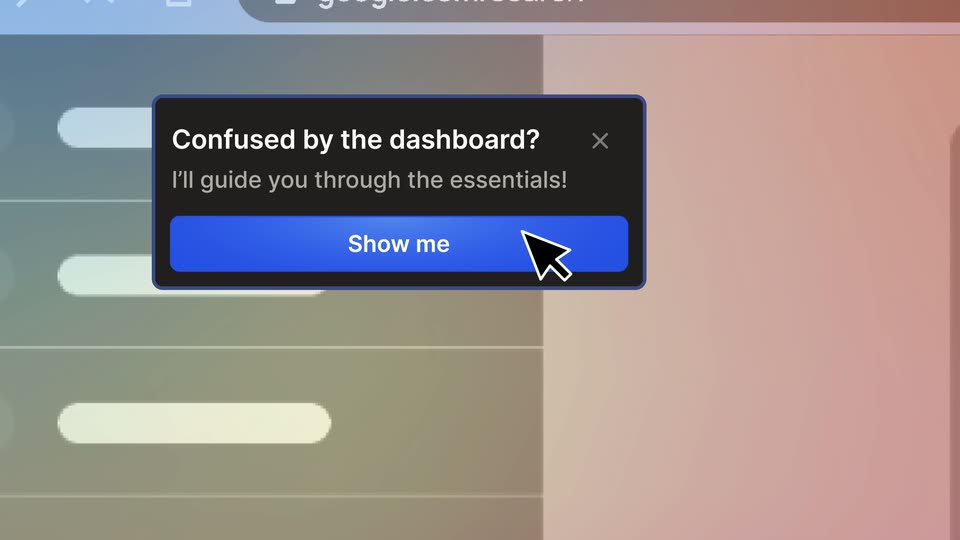 1:32–1:34Amplitude · Amplitude Guide and Survey OverviewA dark onboarding tooltip with a blue Show me button and a cursor sits over a blurred dashboard, then the tooltip closes and the view pulls back to a sharp settings form with Targeted Users selected.
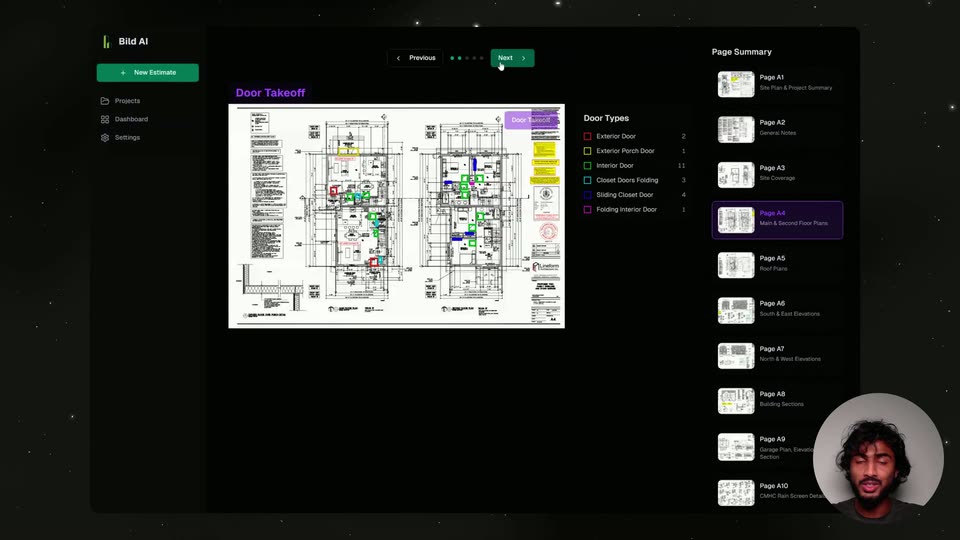 1:02–1:04Bild AI · Read Blueprints Using Bild AIA dark product screen shows a Door Takeoff view: two floor plans with colored door markers, a Door Types legend with counts, and a Page Summary thumbnail list on the right. A cursor rests on the Next button, and a circular webcam feed of a man sits in the bottom right.