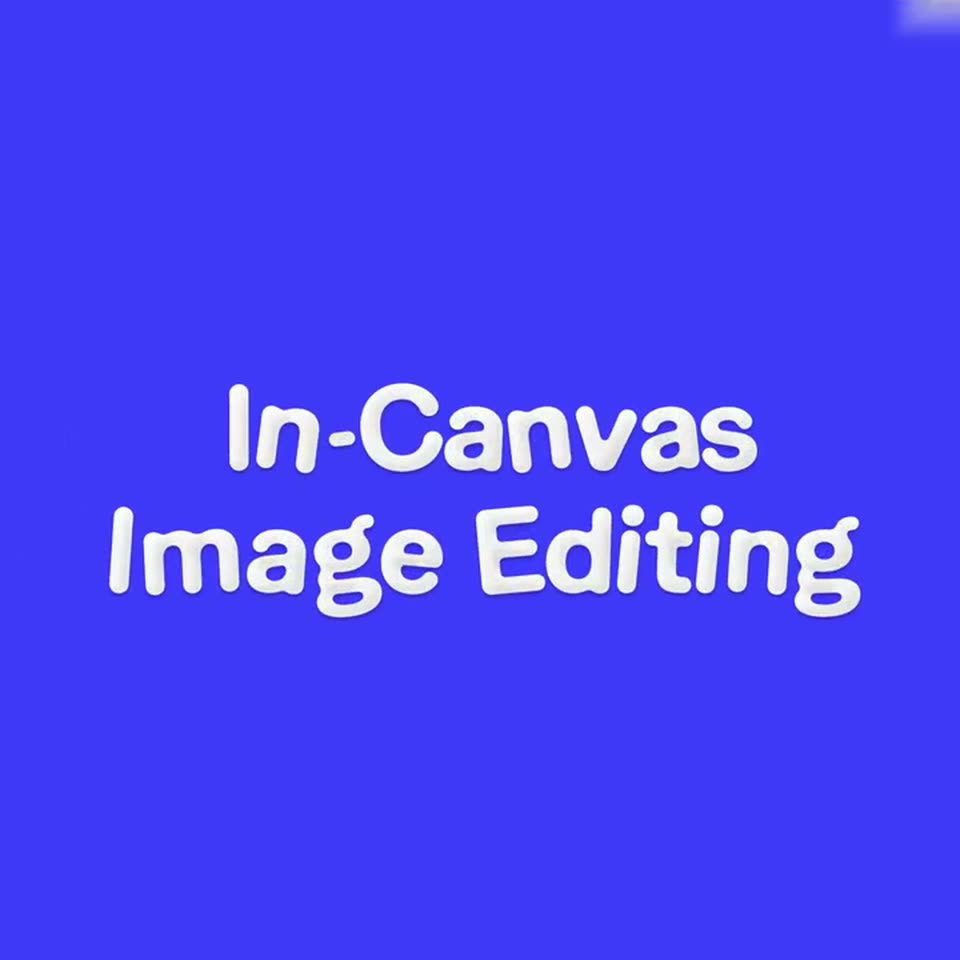
0:26
Explore
Kaiber - 🚨 BIG NEWS: Image Editing — in Canvas. •ᴗ• Change colors, combine
Kaiber · Apr 2025 · 0:25 · AI-annotated
- Length
- 0:25
- Scenes
- 16 · 1.6 s avg
- Product on screen
- 0:00
- Features shown
- 3
- Voiceover
- No
00:00:00 / 00:25:11
Kaiber’s 0:25 launch film runs 16 scenes, about 1.6 s each. The product is on screen from the first frame and 3 features are revealed. There is no explicit call to action. The video is built as three titled blocks: a flat blue card names a capability, then the editor UI demos it with a typed prompt that swaps or morphs the image in place. Signature moves are puffy rounded type on solid blue, a white band wipe that inverts the headline, and prompt chips whose send button triggers instant image changes.
No filming indicatedEstimated needs: 3 capture groups — your screens or recordings · 1 official logo — reused across the film
Is this your launch? to your site or press kit.
More like this
0:41

Introducing 3D Shape Blend with Spline - SDF Volumes
Spline · Design · Dec 2024
0:52


Biolevate launch film
Biolevate · Dec 2025
Kaiber - 🚨 BIG NEWS: Image Editing — in Canvas. •ᴗ• Change colors, combine, scene by scene
· 16 scenes as text
01 · Feature reveal · 0:00–0:01
A plain blue background holds centered white text, Introducing, that fades in, then gives way to two large light blue lines, In-Canvas and Image Editing, that slide into place. The frame stays locked off throughout the short clip.
On-screen text: “Introducing”, “In-Canvas”, “Image Editing”
Techniques: Kinetic type
Camera: Static
02 · Feature reveal · 0:01–0:02
A Superstudio editor window with a blue canvas. The white puffy title “In-Canvas Image Editing” slides across the center, then the canvas fills with an image-editing panel: a purple character inside a blue selection box above a text prompt field.
On-screen text: “In-Canvas”, “Image Editing”
Techniques: Kinetic type
Camera: Static
03 · Feature reveal · 0:02–0:04
A light Superstudio interface centers a yellow card holding a pink 3D mouse figure. A prompt bar types the words for a blue shirt, then a cursor taps the blue send button and a duplicate prompt row fades in beneath it.
On-screen text: “Make it anime”, “目”
Techniques: Cursor demo
Camera: Static
04 · Feature reveal · 0:04–0:06
The Superstudio interface shows a pink 3D mouse on a yellow card. A prompt field types 'add a blue shirt', the character wears a shirt, then 'make it chrome' turns it metallic, with a cursor moving to the field.
Techniques: 3D mockup, Cursor demo
Camera: Pan
05 · Feature reveal · 0:06–0:08
The Superstudio editor screen shows a chrome mouse figurine on a yellow canvas inside a blue selection frame. The cursor types “Make a necklace” into the prompt bar, a suggestion chip pops in below, and the cursor glides to the purple send button.
Techniques: Cursor demo
Camera: Static
06 · Feature reveal · 0:08–0:09
The Superstudio editor displays a 3D silver mouse pendant on a chain inside a yellow canvas with a blue selection frame. The pendant turns slowly in place while an 'Add a hat' input field and a count sit below the canvas.
Techniques: 3D mockup
Camera: Static
07 · Feature reveal · 0:09–0:10
On a flat blue field, “Edit Anything” fades in letter by letter in white. A white band wipes across the middle, inverting the text to blue, then expands into two rounded cards: a palm-tree photo with a white selection box, and the Superstudio logo.
On-screen text: “Edit Anything”
Techniques: Kinetic type, Masking
Camera: Static
08 · Feature reveal · 0:10–0:12
A light gray Superstudio canvas shows two blue-outlined cards side by side, a billboard photo and a blank card with the brand mark. Below, a prompt field types 'Add the l' as two hand cursors rest on the canvas.
Camera: Static
09 · Feature reveal · 0:12–0:13
The Superstudio editor shows two linked cards, a billboard photo and a logo card, while a prompt field types out a sentence and resubmits it as a small bullet line beneath a new main input.
Techniques: Cursor demo
Camera: Static
10 · Feature reveal · 0:13–0:15
The Superstudio editor fills the frame. A palm-tree clip sits in the center canvas under a blue outline, with a prompt box below. As a prompt is typed, the clip shifts from a clean shot to a low-res PS2 render, then a pink sunset. A cursor sits in the field.
Techniques: Cursor demo
Camera: Pan
11 · Feature reveal · 0:15–0:16
The Superstudio editor displays a square canvas holding a sunset photo with palm trees and a billboard showing the Superstudio wordmark. The photo scales up through the frame while the billboard text slides, a teal resize handle rests on its right edge, and the toolbar and side panels remain fixed.
Techniques: UI zoom
Camera: Pan
12 · Feature reveal · 0:16–0:17
A flat blue field holds a single white headline that slides into the center from the left and locks in place. The frame stays static throughout the brief shot.
On-screen text: “Edit Anywhere”
Techniques: Kinetic type
Camera: Static
13 · Feature reveal · 0:17–0:20
A light gray editor screen shows a 3D running-character thumbnail card on the left. A second card with the character mid-jump appears to the right, then clears, leaving the first card. A cursor moves across the canvas.
Techniques: Cursor demo
Camera: Static
14 · Feature reveal · 0:20–0:22
A Superstudio keyframe row shows a pink-haired 3D girl running on sand across two thumbnails. A cursor types “Make it snowy” into the field, a third frame slides in, then the row blurs and fades to white.
Techniques: Cursor demo
Camera: Static
15 · Outro · 0:22–0:24
A flat blue field holds white rounded text, “Now in Superstudio,” centered in the lower middle. The two lines sit still, then the block gives a brief blurred scale pulse before settling back.
On-screen text: “Now in”, “Superstudio”
Techniques: Kinetic type
Camera: Static
16 · Outro · 0:24–0:25
A small white smiley face mark, two dots above a curved smile, holds centered on a solid blue field. The frame is locked off and the logo stays still for the full duration.
Camera: Static