Cursor demo
A visible cursor operates the interface.
15,080 scenes · page 190 of 252
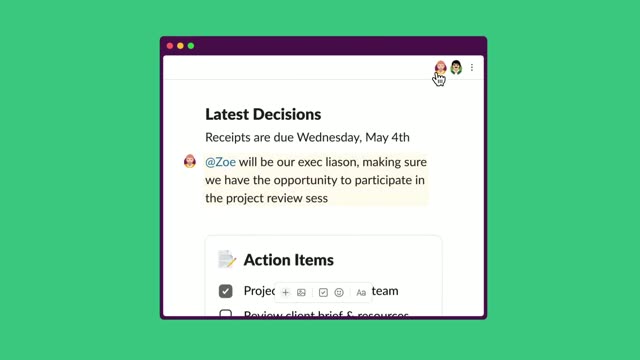 0:32–0:41Slack · Introducing canvas | A new surface to share and organize knowledge | SlackA flat browser window on a green field shows a doc editor. The cursor expands a Key Stakeholders card into member tiles, then clicks an avatar to switch to a decisions view where a sentence types itself and a comment icon appears.
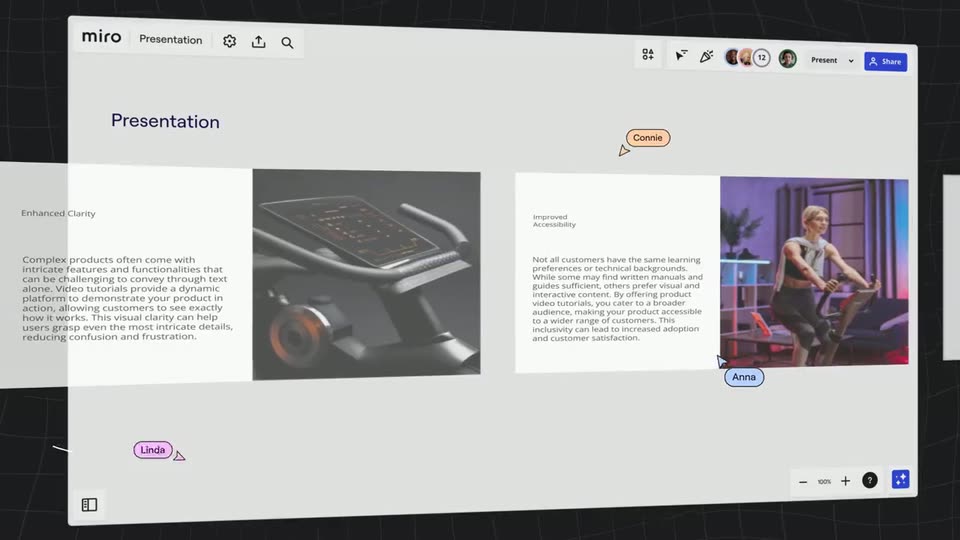 0:28–0:31Miro · Miro - Meet your AI partner for innovation, launching November 1. What wilA Miro whiteboard mockup floats in 3D perspective over a dark grid, scaling up as named cursors (Linda, Connie, Anna) drift across its presentation cards. The view then zooms into the board through an expanding octagonal mask, settling on a flat close-up of the two content cards.
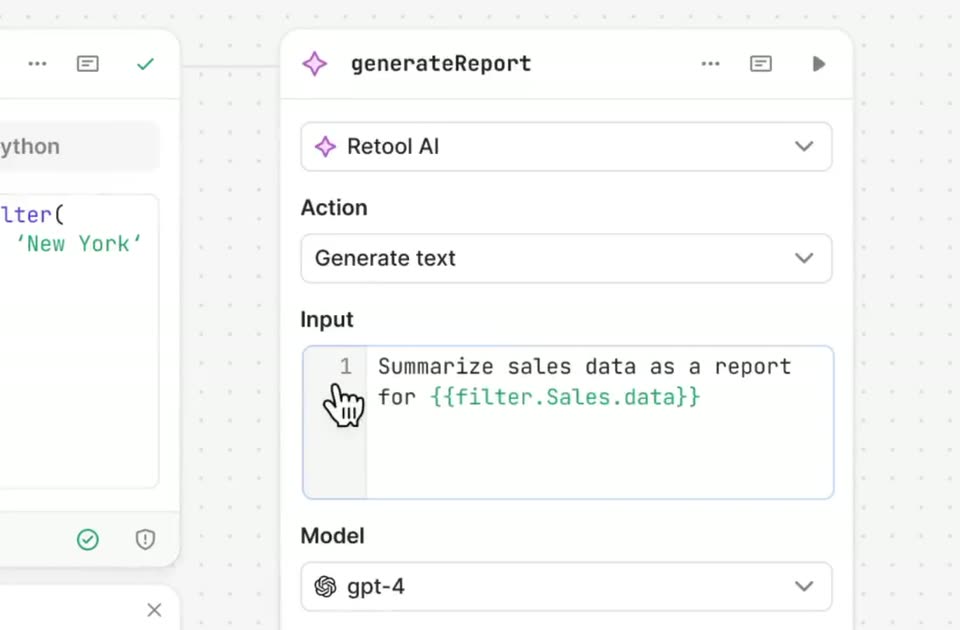 0:19–0:23Retool · Retool - Say hello to the fusion of visual programming, code, and AI. RetoolA white generateReport card with Retool AI, Action, Input and Model fields sits on a dotted grid, beside a partial Python code card. A hand-drawn cursor taps the Action field, a prompt fills the Input box, then the cursor moves to the play icon, which becomes a loading spinner.
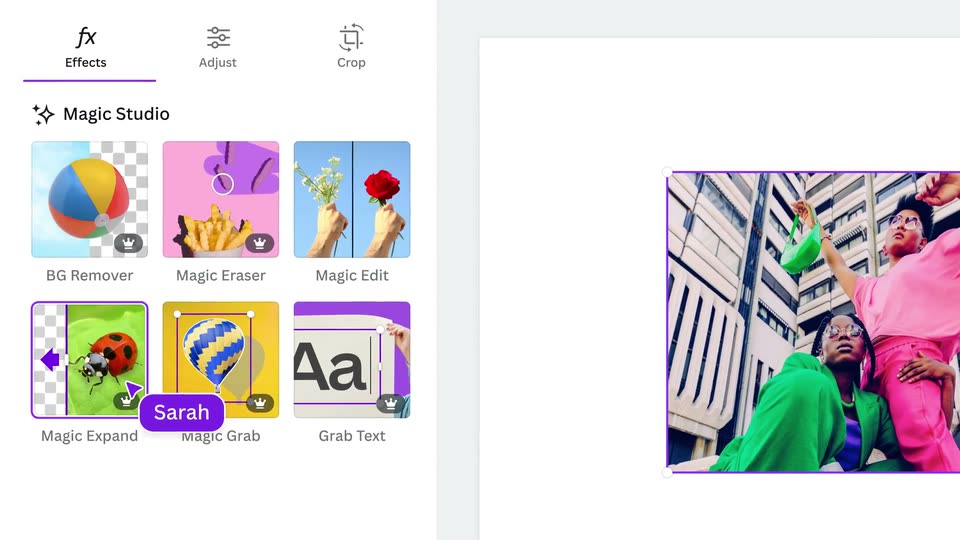 1:06–1:08Canva · Canva - Meet Magic Studio. Supercharge your workflow with all the power of AIA close-up of the Canva editor shows a cursor labeled Sarah clicking the Magic Expand tile. The panel switches to the Expand tab with size options, and the photo of two people on the right grows to fill a wider frame.
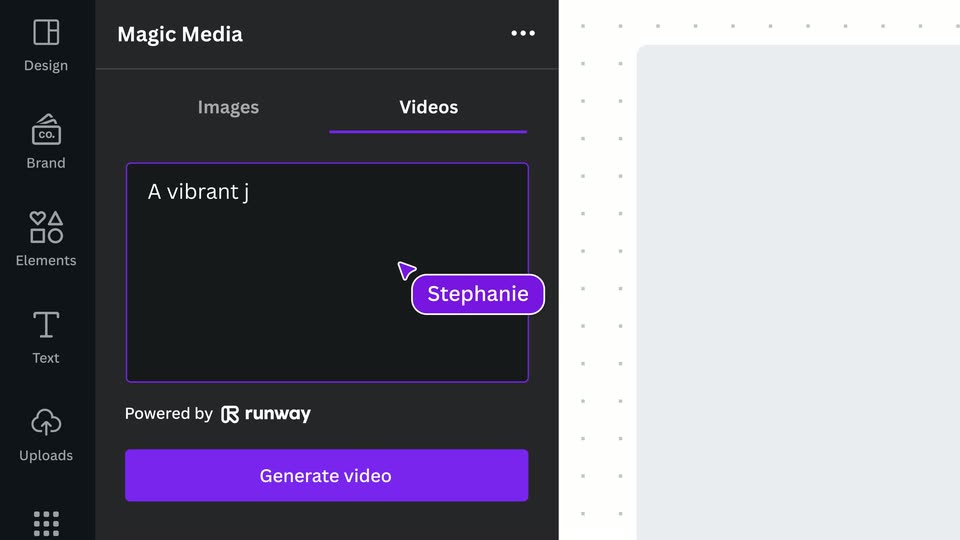 0:58–1:00Canva · Meet Magic Studio | Let the power of AI supercharge your workA dark Magic Media panel with the Videos tab active fills the left. A purple cursor tagged Stephanie hovers over the prompt box as the scene text types in letter by letter. A purple Generate video button sits below, and an empty light dotted canvas fills the right.
 0:24–0:25Framer · Framer - 🌎 Hola, Bonjour, こんにちは! Introducing AI-powered Localization for yourA dark Framer editor shows a layers panel and component cards that fade out, revealing a website preview. The frame reframes onto the site's top bar, where a cursor rests on the blue Sign up button and blue resize brackets outline the navigation.
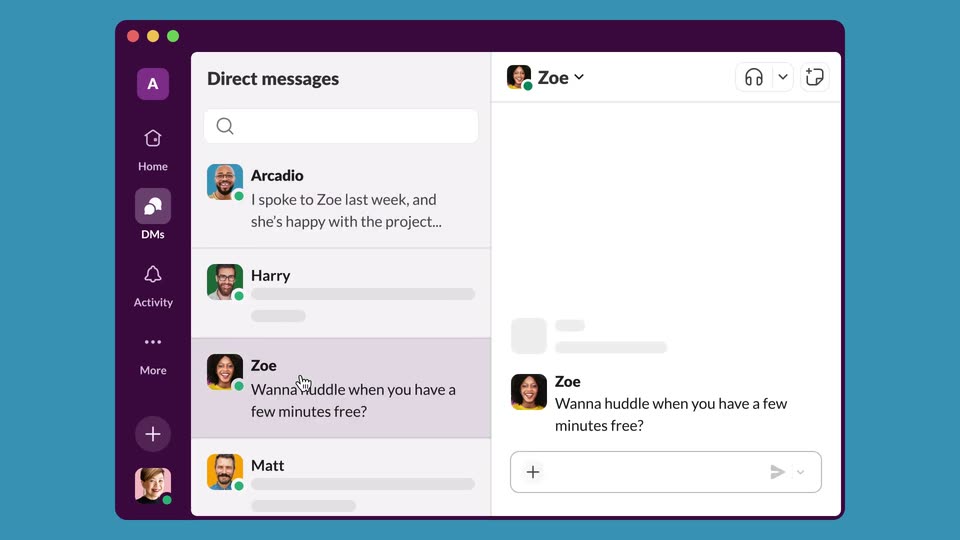 1:03–1:11Slack · Conversations in SlackA purple-framed chat window tilts in 3D, then flattens to a front view on a blue field. A cursor clicks through the DM list, swapping the right-hand chat between Arcadio and Zoe, then hits the headphone icon to pop open a two-person huddle window.
 1:00–1:01ElevenLabs · Introducing: ProjectsThe By Chance editor fills the frame with a chapter document on the left and a chapters list on the right. A cursor glides across the text, then the whole screen blurs as a large hand cursor moves to the back button, and the caption “Save and Resume Progress” with a small scaling number “6” appears.
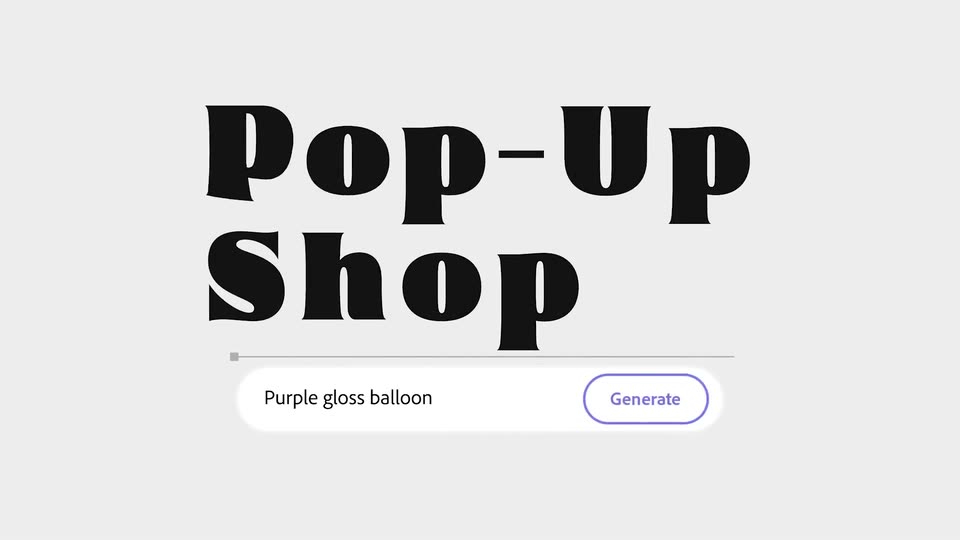 0:13–0:17Adobe · Adobe Firefly: Out of Beta & Ready For Your Imagination | AdobeA large black serif headline “Pop-Up Shop” sits above a white prompt bar. The prompt “Purple gloss balloon” is typed, a cursor hovers the purple Generate button, then the headline shrinks and morphs into inflated purple balloon letters.
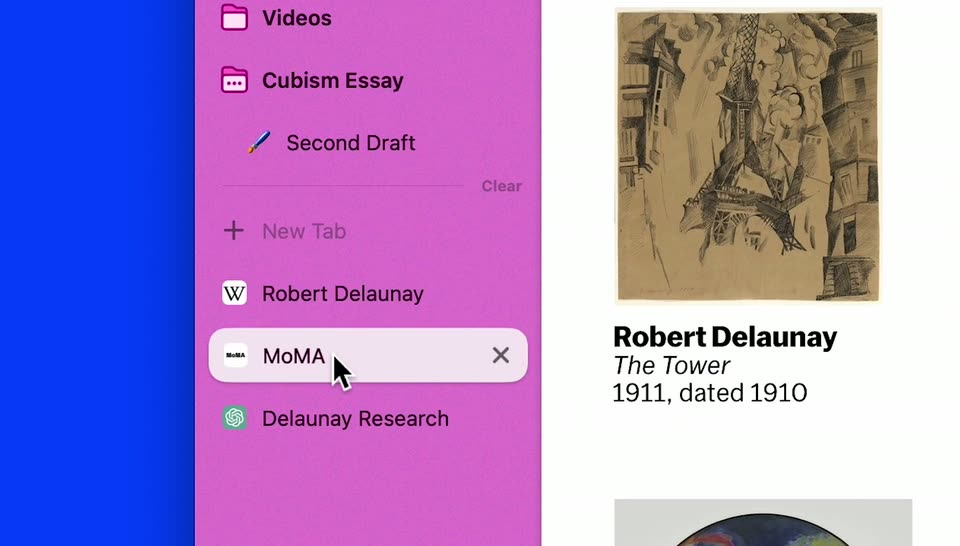 0:18 · 0.5sThe Browser Company · Arc for Students | Everything in its right placeA pink sidebar lists research tabs with the MoMA pill highlighted under a hovering cursor. On the right, overlapping artwork captions cross-fade apart and a sepia painting of the Eiffel Tower settles into place beside its title.
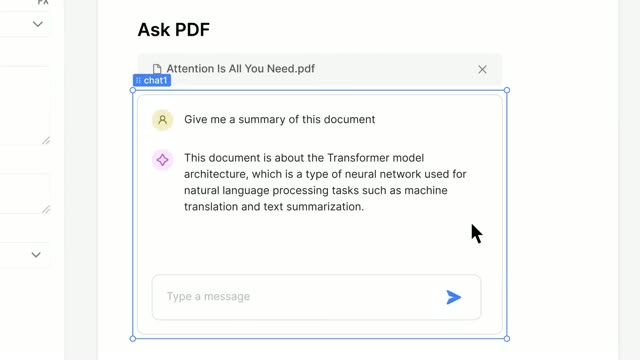 0:10–0:14Retool · Introducing Retool AI—powerful AI building blocksA cursor clicks the send button in an Ask PDF chat, and an AI reply streams in summarizing the document. The view then cuts to a builder dropdown and to an Inventory Management screen where clicking Generate tags populates tag chips for a black high-heel shoe.
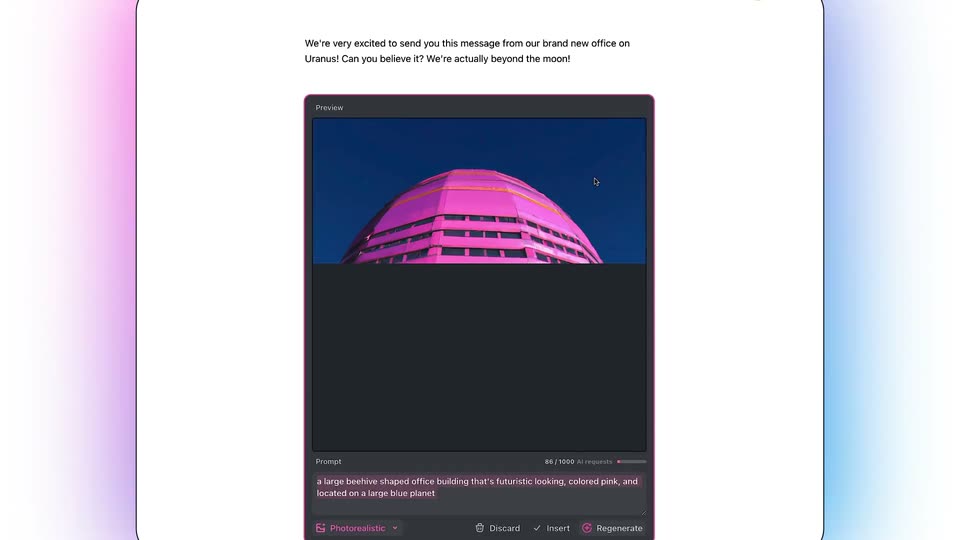 0:32–0:34beehiiv · beehiiv 🐝 - Introducing beehiiv AI ✨ Coming live from UranusA white document card on a pink-to-blue gradient holds a paragraph and an image panel. A cursor rests on the generate button as a loading tip shows; the panel then fills with a pink beehive-shaped building on a blue planet while the card scrolls up.
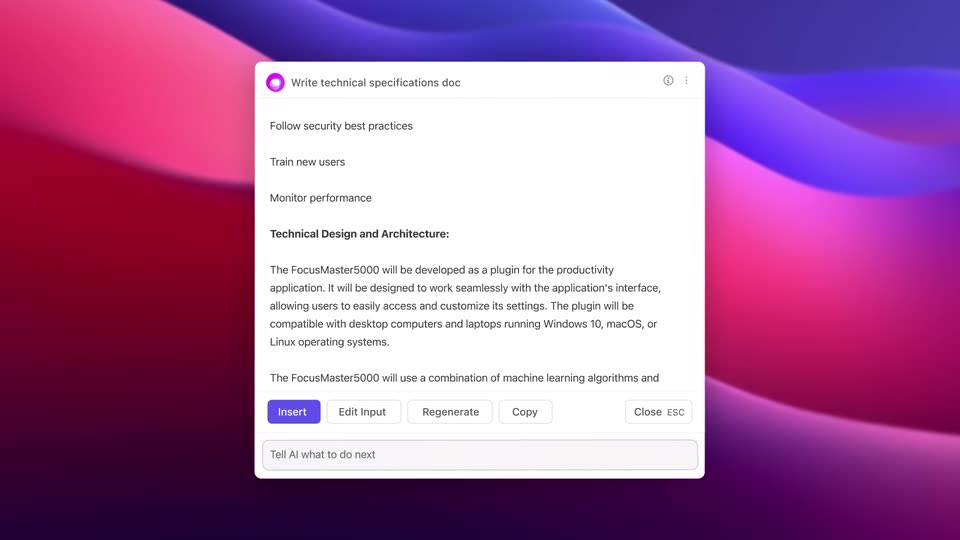 0:35–0:37ClickUp · Introducing ClickUp AIA white document card floats over a pink and purple gradient. The spec text scrolls upward inside the card, then a cursor moves to the Insert button and a small profile popover labeled Wilson appears.
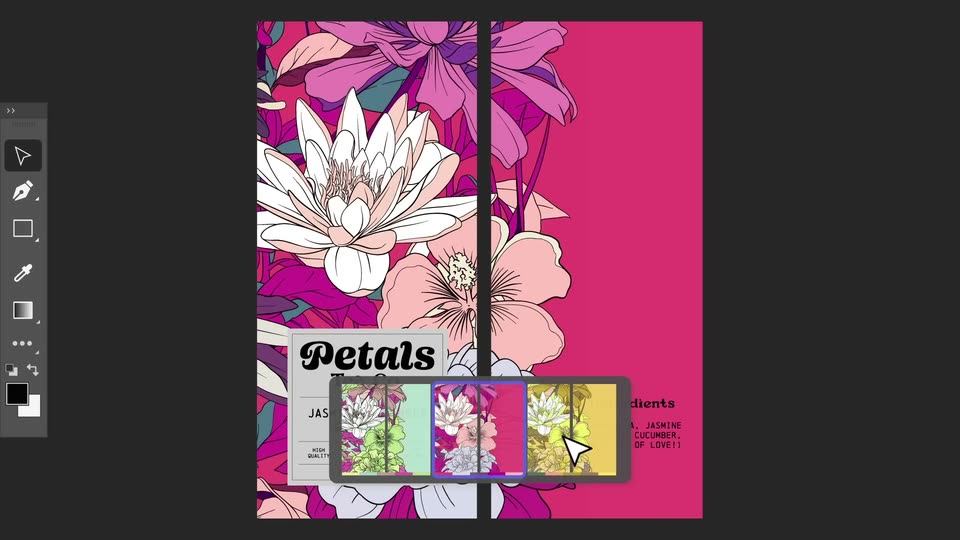 0:13–0:14Adobe · Adobe Illustrator x Adobe Firefly: Announcing Generative Recolor | AdobeA flat design-software canvas shows a pink floral illustration with a Petals label and a four-swatch color bar. A star-shaped cursor glides left and rests on the middle swatch, which holds a blue selection outline. The left tool panel stays fixed.
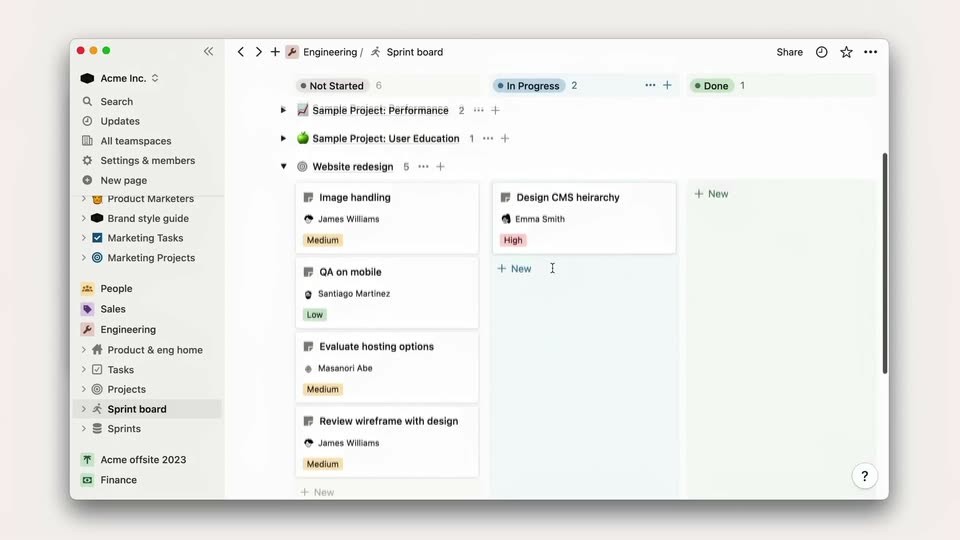 1:13–1:18Notion · Welcome to Notion ProjectsA flat sprint board fills the frame. A cursor grabs the Design CMS hierarchy card in the Not Started column and drags it right into the In Progress column, where it snaps into place. The column counts update and the list reflows as the card moves.
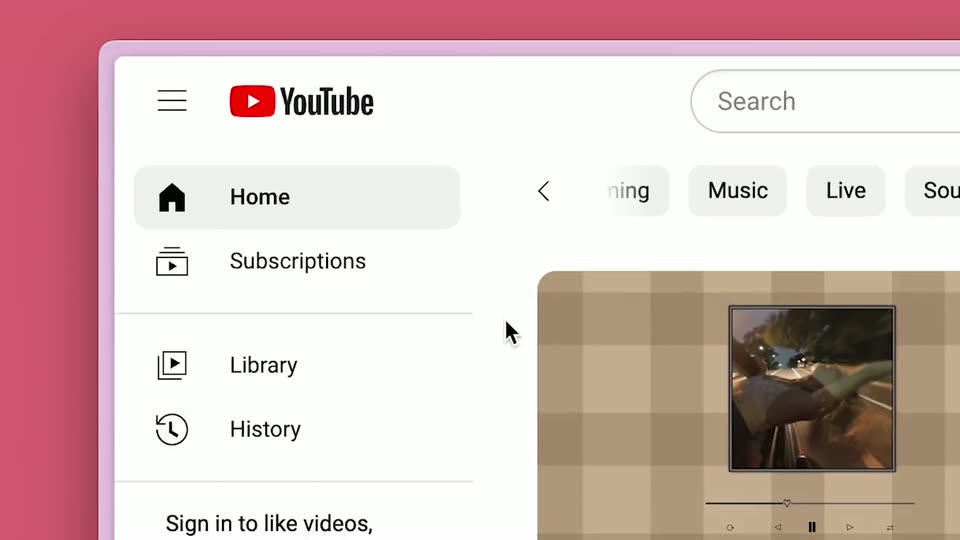 0:19–0:20The Browser Company · The Browser Company - What if the internet... was actually 𝑦𝑜𝑢𝑟 internet? 🎨 Introducing BA tilted 3D mockup of the YouTube desktop app floats on a pink backdrop, showing the sidebar and a video player with a rider. A cursor slides right across the sidebar's edge as the scrollbar thumb clears.
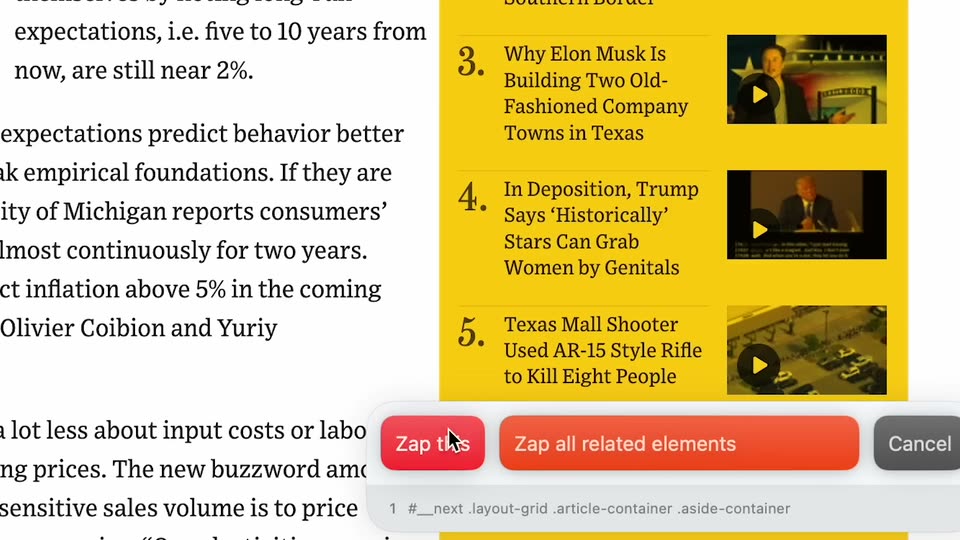 0:20 · 0.8sThe Browser Company · Boosts by Arc | Meet Your New InternetA static browser screen shows a serif article on the left and a yellow numbered video list on the right. A red overlay bar with action buttons and a CSS selector line anchors the bottom while a cursor hovers over the left button.
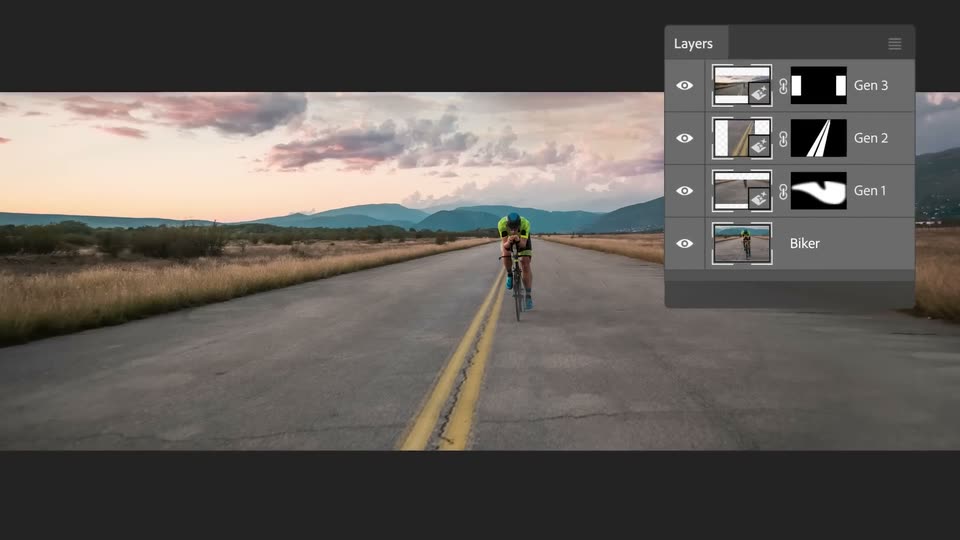 0:17–0:18Adobe · Adobe Photoshop (beta) x Adobe Firefly: Announcing Generative Fill | AdobeA screen recording of an image editor shows a cyclist on a sunset road inside the canvas, with a transparent checkerboard on both sides that shrinks as the photo expands horizontally. A layers panel sits at the right listing Biker and Gen layers, and a cursor hovers a Generative Fill tooltip at the lower left before it vanishes.
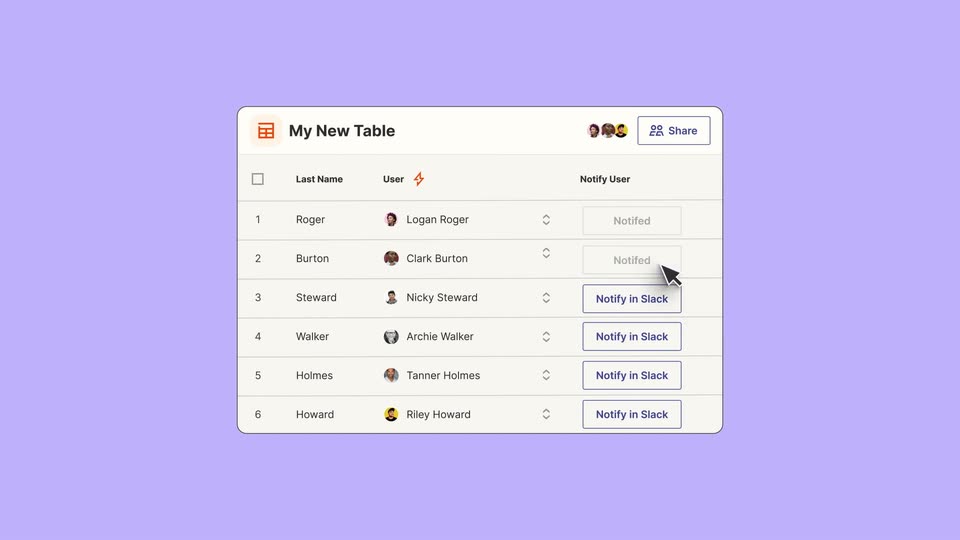 0:36–0:41Zapier · Introducing Zapier TablesA spreadsheet card titled 'My New Table' fades in on a lavender field. A cursor clicks the 'Notify in Slack' button on the second row, which turns into a grayed-out 'Notified', then the card fades out.
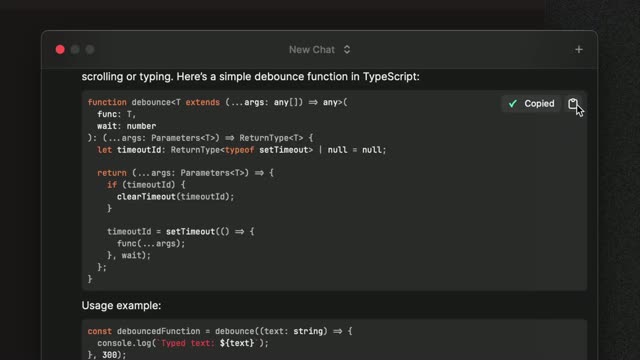 0:48–0:49Raycast · Introducing Raycast ProA dark code window displays a syntax-highlighted TypeScript function. A cursor glides up to the copy icon at the top right of the code block and clicks it, and a green-checked Copied tag pops in beside the icon.
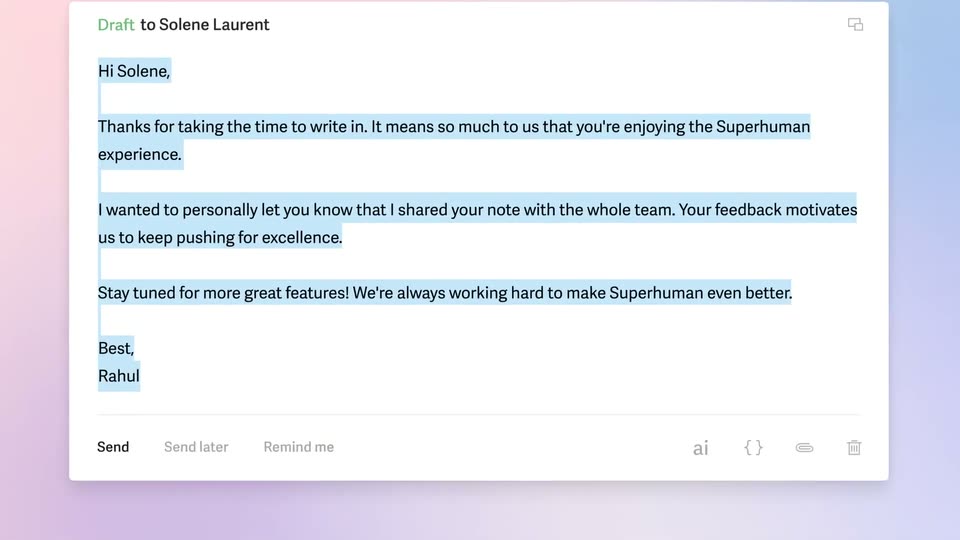 0:58–1:01Superhuman · Superhuman AIA white email draft card floats on a pink-to-blue gradient. The view zooms in on the body text as a blue highlight sweeps across the paragraphs. A formatting toolbar with bold, italic and link icons slides up at the bottom, a cursor resting on it.
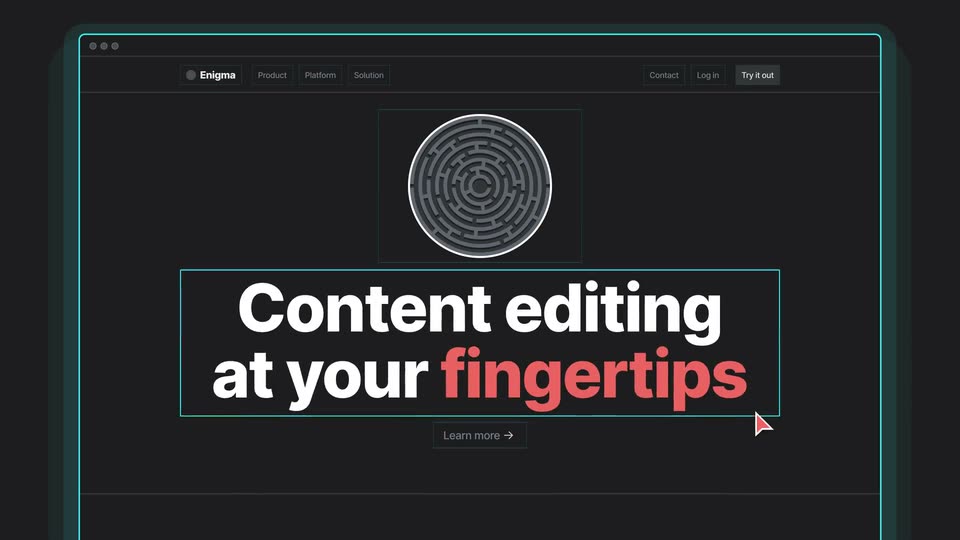 0:27–0:28Vercel · Vercel - Introducing Visual Editing for Headless ◆ Designed with our launch pA flat browser mockup of a dark Enigma site shows a circular maze icon above a hero headline. A red block and white ribbon carrying the headline collapse into a clean cyan-outlined box while a red cursor drifts across the lower right.
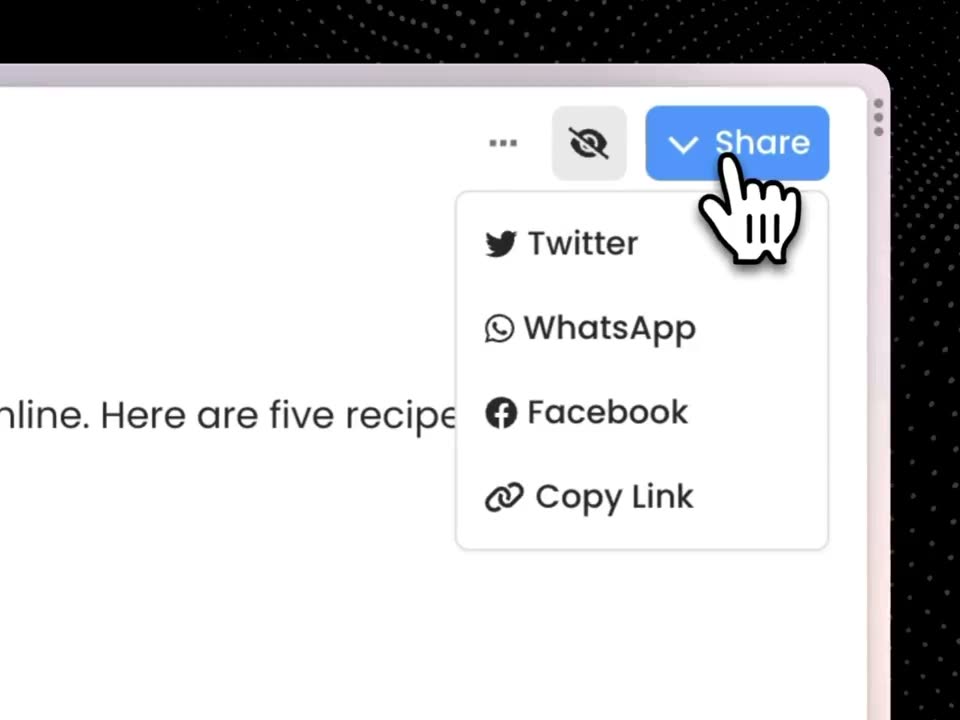 0:48–0:52Perplexity · Perplexity - We are excited to launch the next version of Introducing login, threaA close-up of a white interface on a black dotted background. A cartoon hand cursor moves to a blue Share button and clicks it, opening a dropdown that lists Twitter, WhatsApp, Facebook and Copy Link one by one.
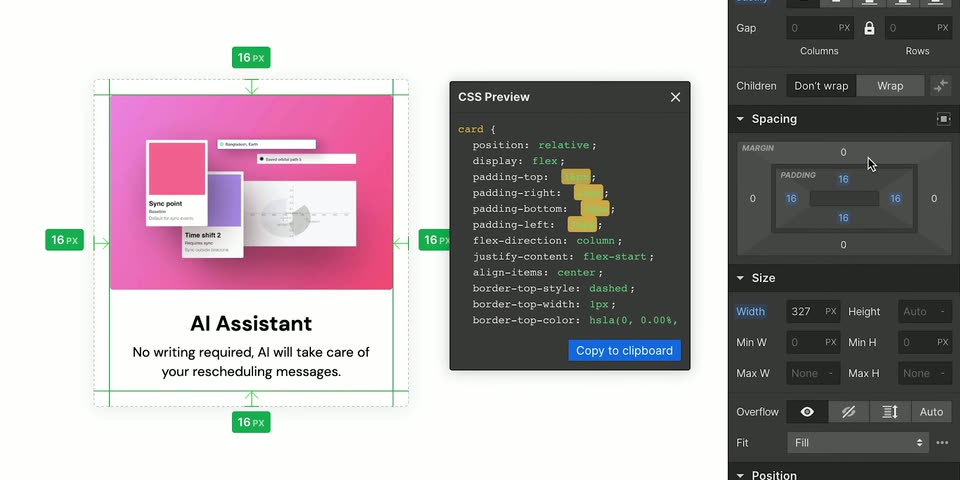 0:50–0:53Webflow · Introducing WebflowThe Webflow Designer shows a selected card, a CSS Preview panel, and a properties panel. As the padding value cycles 20px, 32px, 16px, the green badges, highlighted CSS values, and padding diagram update in sync while the card resizes. A cursor hovers near the Spacing section.
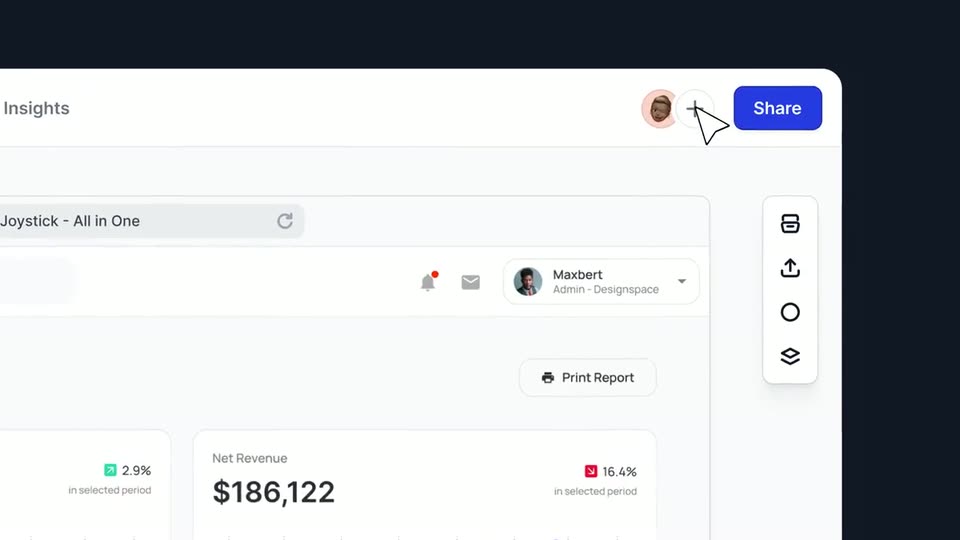 0:44–0:47Arcade · Arcade - Introducing Arcade Growth:The Joystick dashboard window fills the frame, then the view zooms into the top-right corner as a cursor taps the plus icon and a row of teammate avatars pops in beside the Share button, under the caption 'and collaborate with teammates' with name labels.
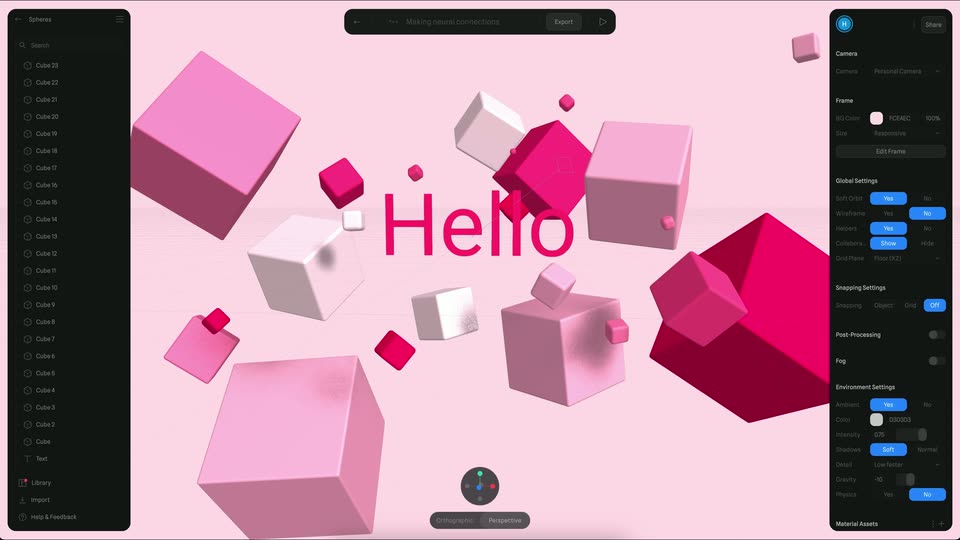 0:39–0:41Spline · Introducing Spline AI - Design in 3D using AIThe Spheres editor screen with a 3D viewport of pink and white cubes drifting and rotating around a red Hello text. The camera is locked. The cursor glides across the UI and clicks a cube, which highlights in the left list and shows transform gizmos plus its properties in the right panel.
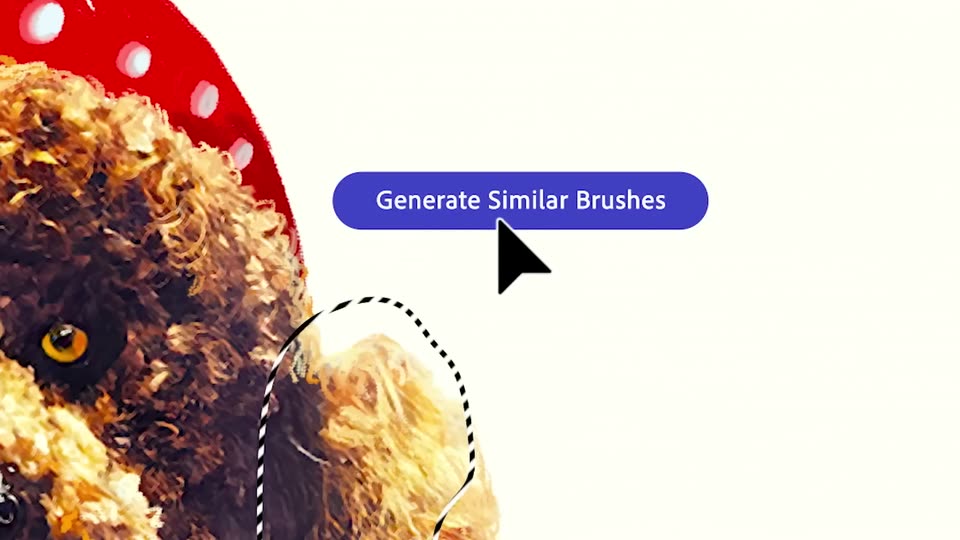 0:11–0:12Adobe · Adobe Firefly: Family of New Creative Generative AI Models | AdobeA curly brown brush texture fills the left edge beside a red polka-dot shape on a cream background. A purple pill button reads 'Generate Similar Brushes'. A black cursor slides up to hover the button, darkening it, above a hand-drawn dashed outline.
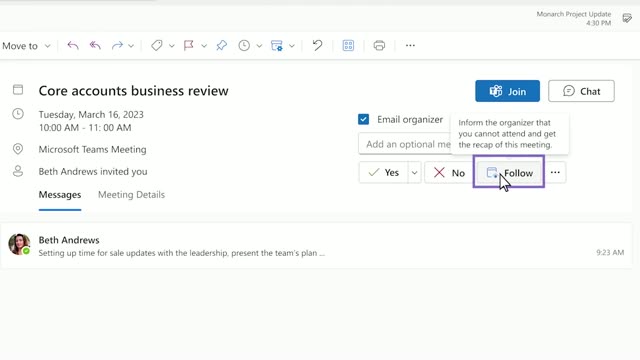 1:27–1:28Microsoft · The Microsoft 365 Copilot AI Event in Less than 3 MinutesA flat Teams invite screen holds still while a cursor glides to the Follow button at right and clicks it. The button border darkens and a tooltip fades in beside it. The rest of the interface, title and organizer fields, stays static.
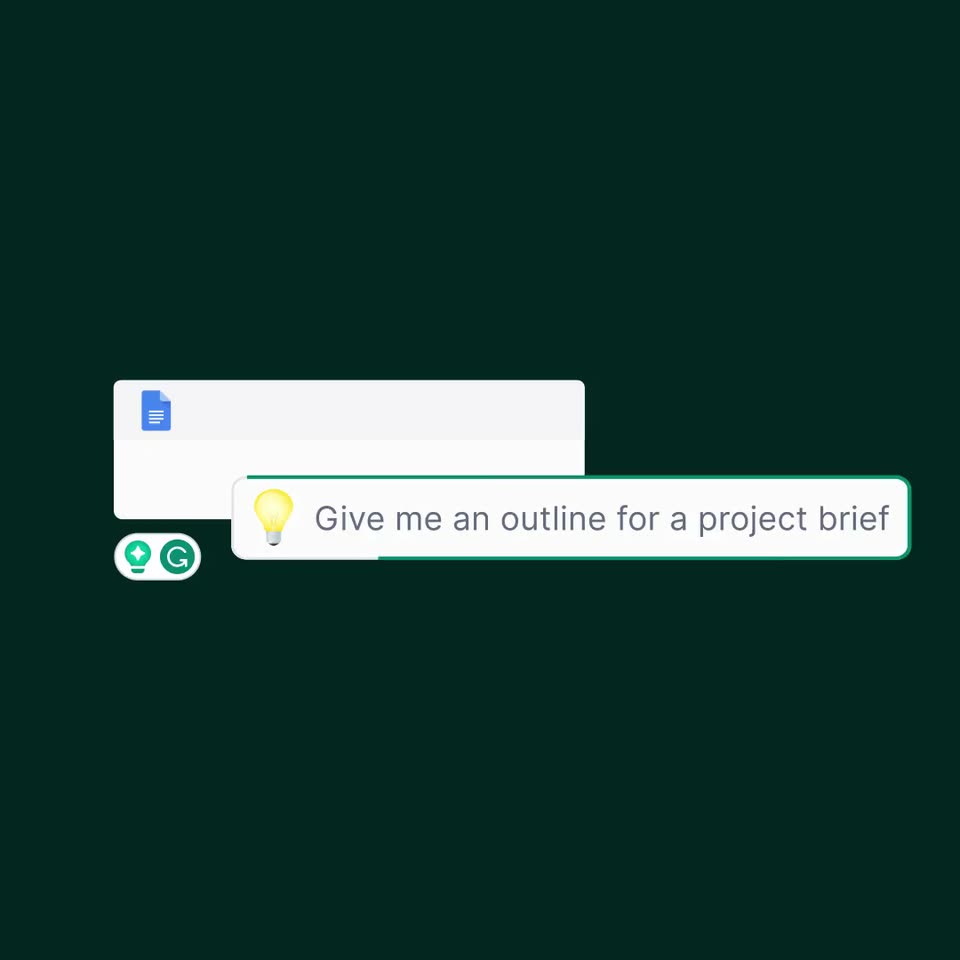 0:35–0:38Grammarly · Superhuman - Introducing GrammarlyGO—a new generation in writing. Speed up your wA white prompt card with a blue document icon and a blinking caret sits on a dark green field, a black cursor hovering a two-icon pill below it. The cursor clicks, a chip types out 'Give me an outline for a project brief', then hops above the card.
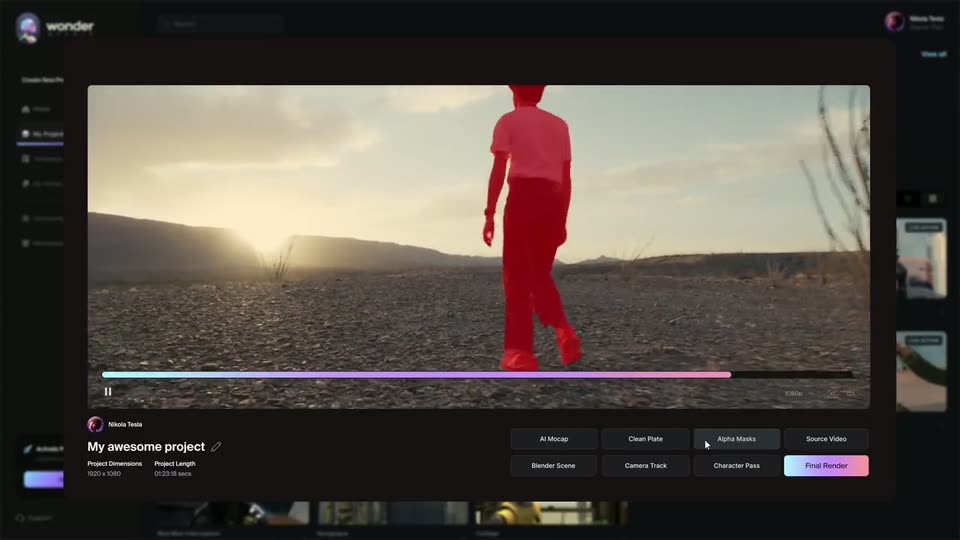 1:28–1:34Wonder Studio · Autodesk Flow Studio - We are proud to introduce Wonder Studio. An AI tool that automaticalThe Wonder Studio interface frames a desert sunset preview where a walking 3D figure cycles from a segmented purple mesh to a red silhouette, then vanishes to reveal the clean plate. A cursor steps through the pass buttons below as the timeline advances.
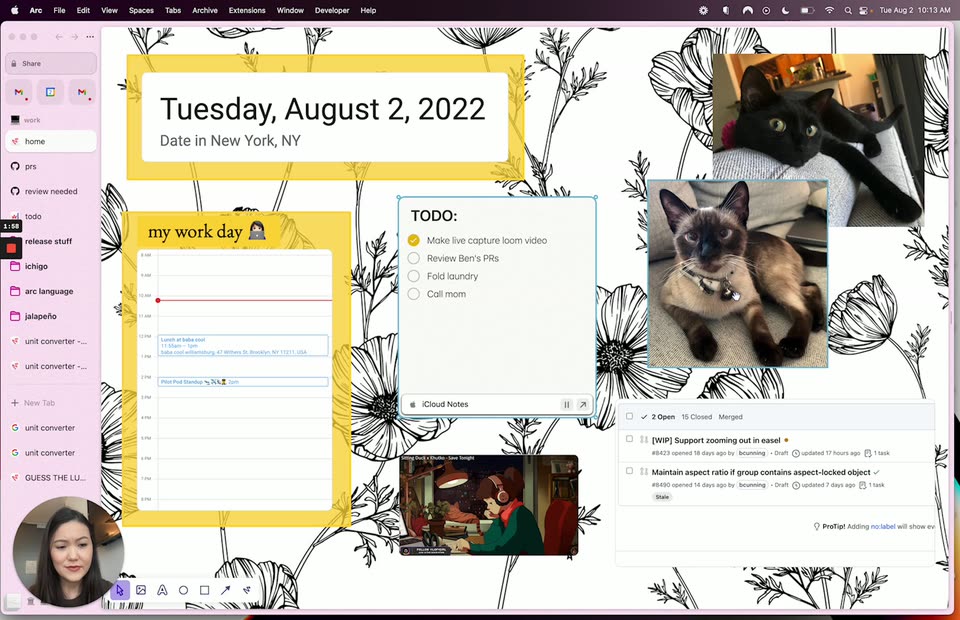 1:26–2:22The Browser Company · Arc Browser | Introducing Live Captures on Easel with RoseyOn a floral easel, a date card, calendar, to-do list, two cat photos and a lo-fi video sit beside a corner face-cam. The cursor clicks the date forward, ticks a to-do box, hovers the music and GitHub cards, then drags the to-do card.
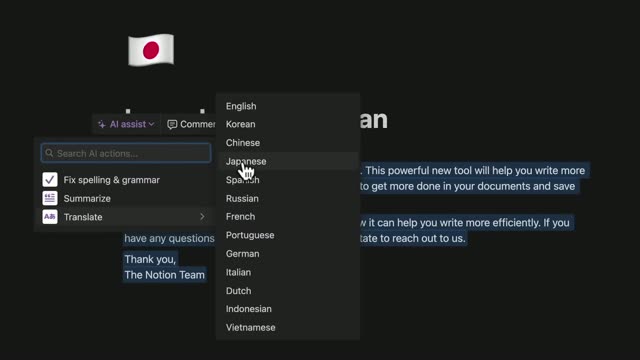 0:49–0:54Notion · Introducing Notion AIIn a dark Notion document, a cursor opens the AI assist menu, picks Translate, then Japanese from the language list. The view blurs and pulls back to a black screen with a small spinning 3D block on the left.
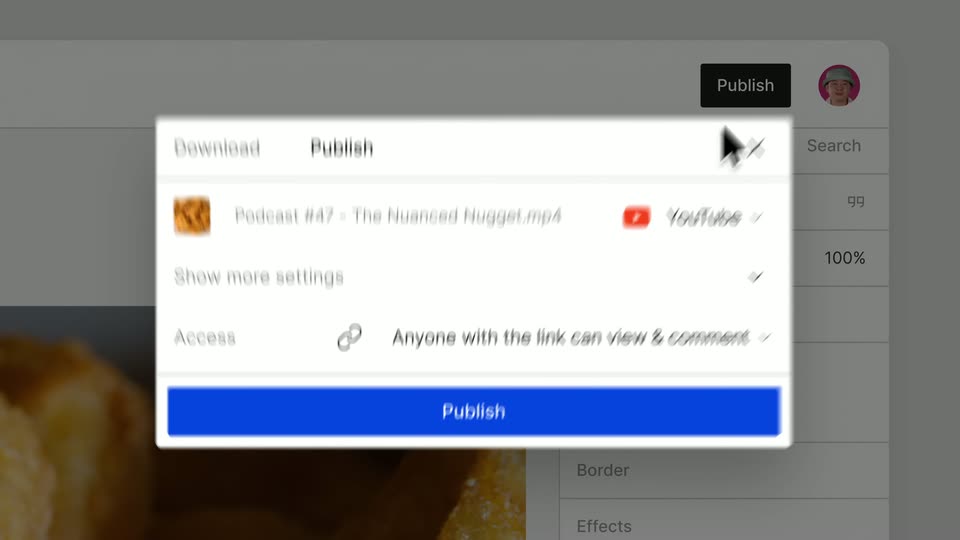 0:44–0:46Descript · The new Descript – made for podcastersA cursor clicks the black Publish button in the top right of a light editor window, opening a centered modal with a video file, a YouTube dropdown and a blue Publish bar. The background dims as the modal scales in.
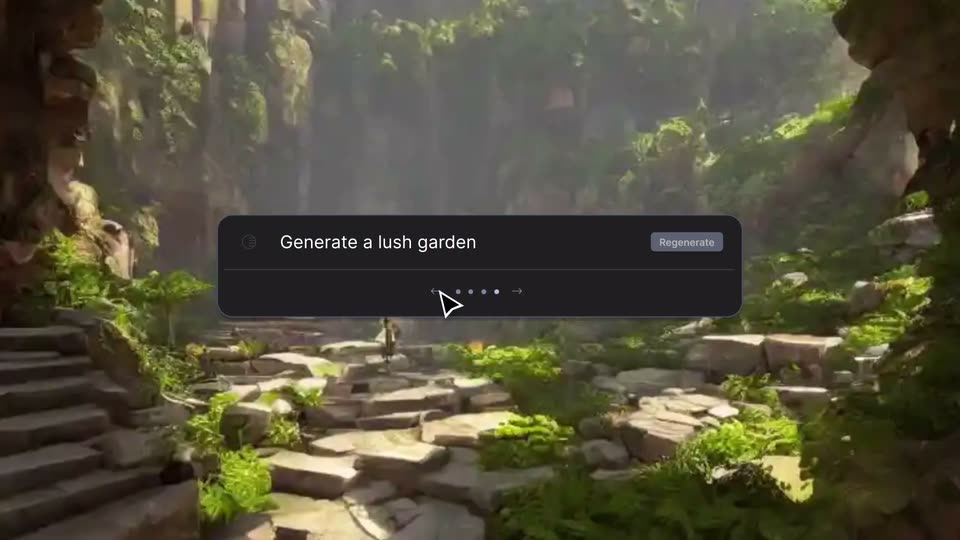 0:30–0:31Runway · Text to Video: Early Access Waitlist | RunwayA dark prompt panel with a Regenerate button floats over a 3D garden scene. A cursor moves across the panel's dot indicators and arrows.
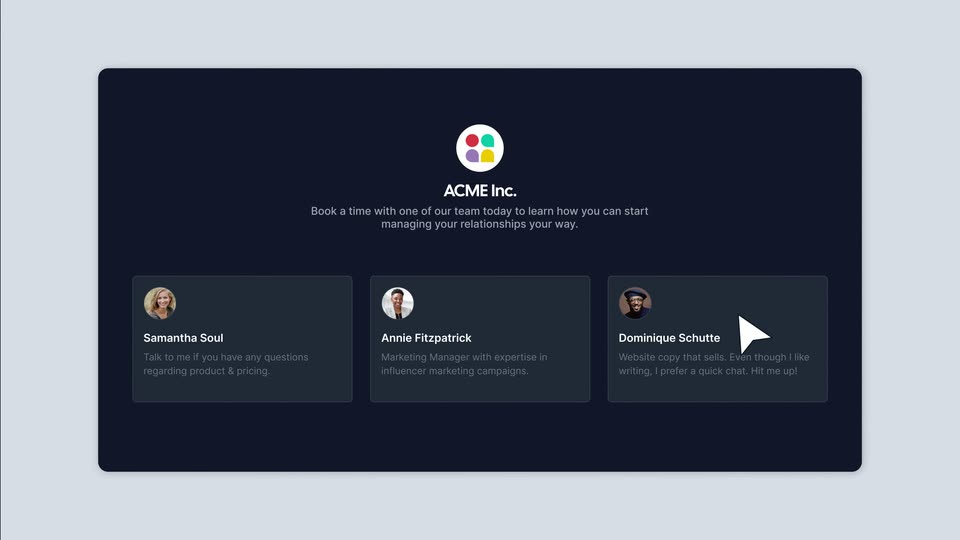 0:50–0:57Cal.com · Cal.com introducing TeamsA dark booking panel on a light gray field fades in its logo, title and two team cards, then widens to add a third card for Annie Fitzpatrick. A white cursor moves to her card, highlighting it with a border and arrow, then the panel dims.
 0:20–0:24Pitch · Introduction to Pitch | Create beautiful presentations with your teamA template gallery scrolls vertically as a cursor hovers over cards, each revealing a Use template tooltip. The view zooms onto the purple Sales Proposal card, then cuts to its detail page with a slide grid and description, where the cursor moves to the Use template button.
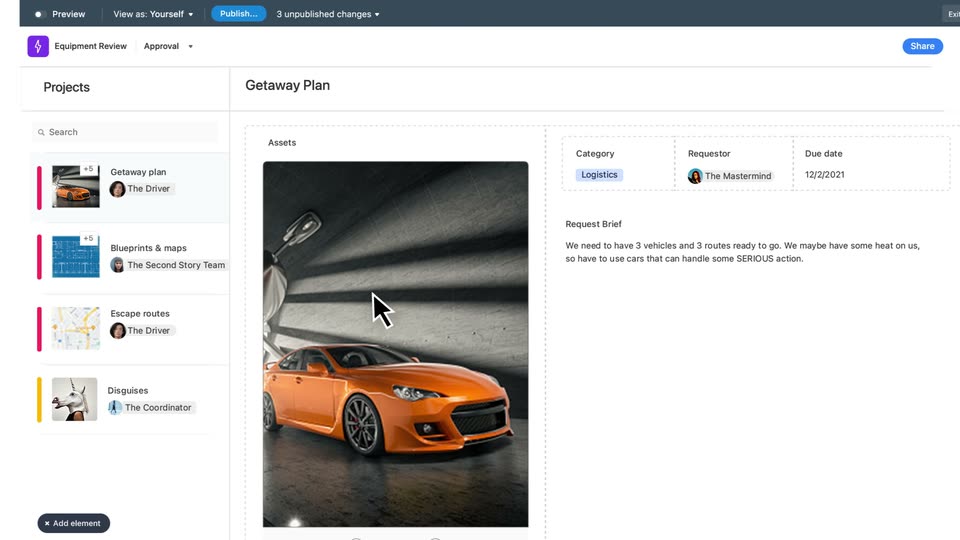 0:20 · 0.8sAirtable · Airtable: introducing interface designerA light app-builder interface shows a project list on the left and a detail panel on the right. The detail panel holds an orange car photo under an Assets heading, with a request brief beside it. A cursor hovers over the car as the view slides slightly left.
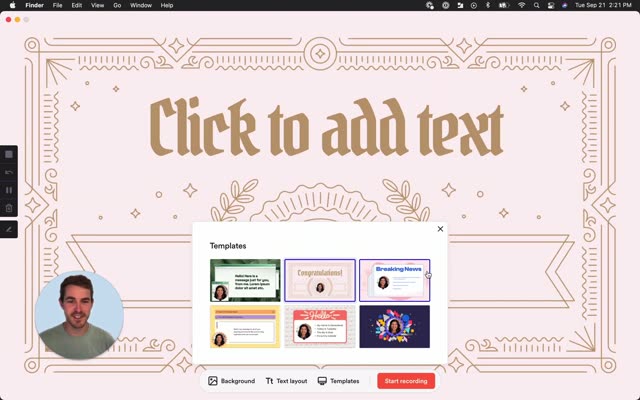 1:00–1:01Loom · Introducing CanvasA macOS app window shows a pink Art Deco canvas with a large vintage 'Click to add text' placeholder and a circular webcam feed of a man at lower left. A Templates modal lists six thumbnails while a cursor hovers over the Breaking News card.
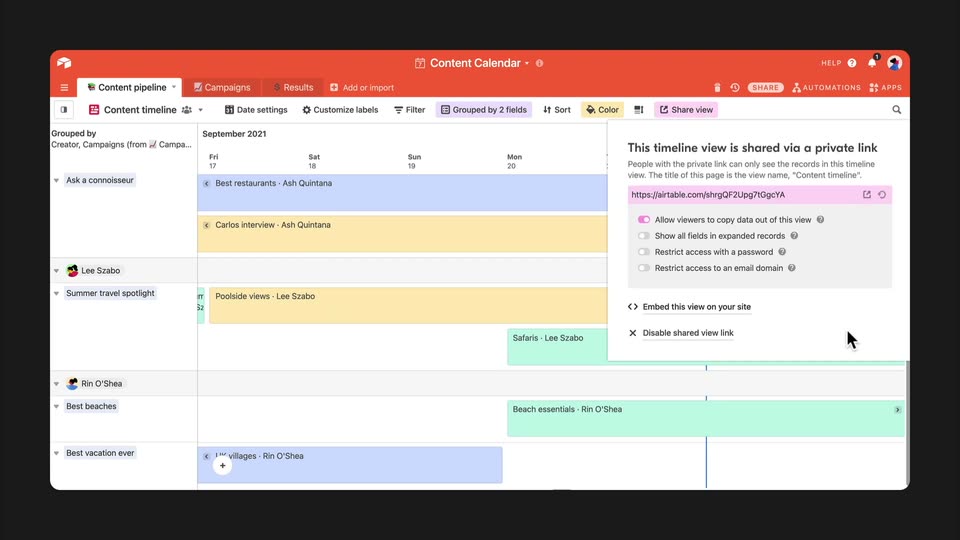 2:19–2:29Airtable · Introducing Timeline View | AirtableA large step recap (Agenda, 2 Create your timeline, 3 Share your timeline) fades out over a locked-off Airtable timeline view. A cursor then hovers a bar, clicks Share view, and a private-link sharing panel slides in from the right.
 2:31–2:32Microsoft · Introducing Windows 11A laptop on a glass table in a softly lit room. Its screen shifts from a dark desktop window to a three-person video call, then a cursor with a blue click burst hovers over one participant.
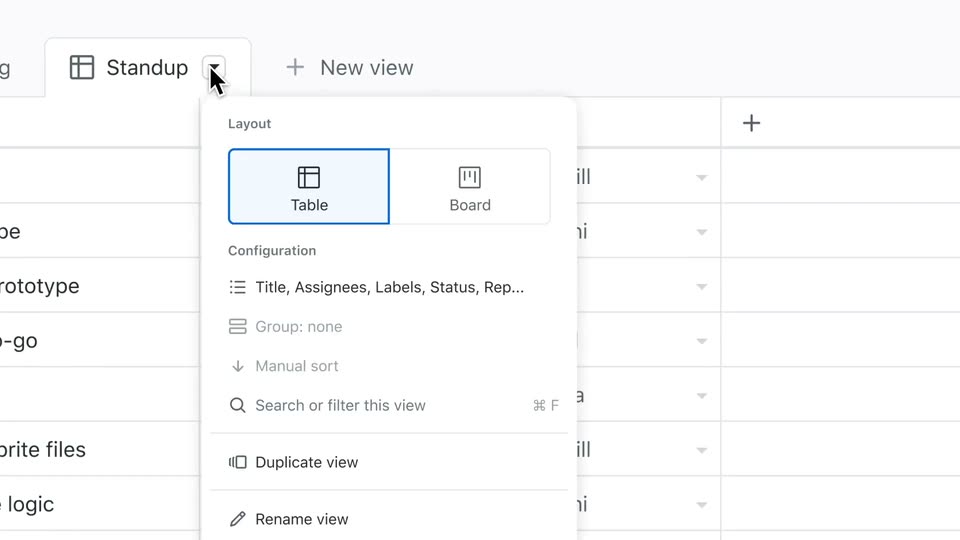 0:50–0:51GitHub · The new GitHub IssuesA cursor hovers over the small layout icon beside the Standup tab, then clicks it. A dropdown menu opens over the table, with the Table option highlighted by a blue outline, while Status and Assignees columns with labels and avatars stay visible behind.
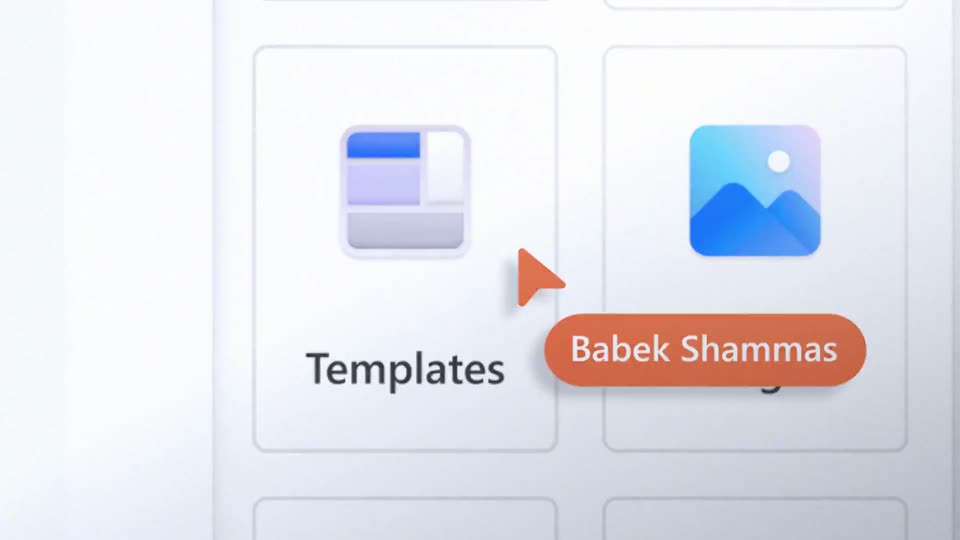 0:29–0:30Microsoft · Meet the new Microsoft Whiteboard designed for Hybrid WorkClose-up of a light interface grid: an orange cursor hovers over the Templates tile, which gains a blue selection border, while an orange pill reading Babek Shammas slides in beside the cursor.
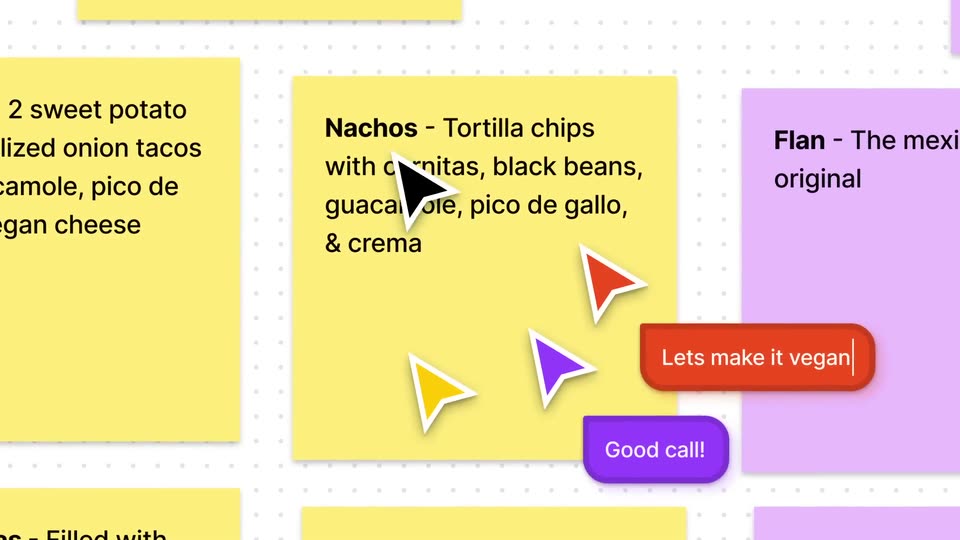 0:13–0:15Figma · Welcome to FigJamFlat whiteboard of yellow and purple sticky notes. A red bubble 'Lets make it vegan' pops in at right; the black cursor lands on the central note as its text re-types to 'vegan crema', a blue selection box snaps on, and a purple 'Good call!!' bubble drops below.
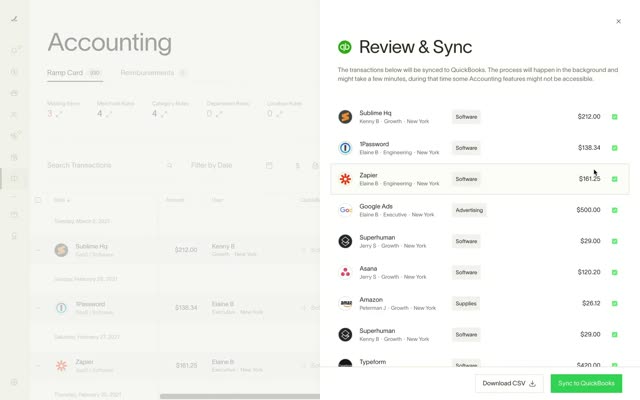 0:34–0:44Ramp · Meet Ramp: The finance automation platform that saves you time & moneyA QuickBooks Category Rules side panel slides in over the dimmed Accounting page; the cursor opens a dropdown, types tra and picks Travel. The panel closes, the cursor clicks the yellow Sync button, and a Review and Sync list of transactions appears, ending with the green button reading Synced.
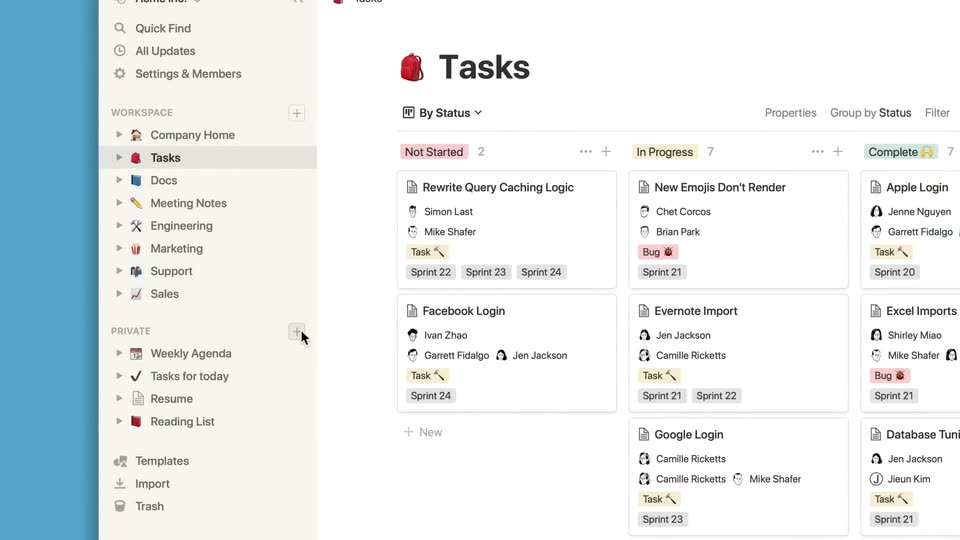 0:47–0:49Notion · What is Notion?A Notion workspace shows a sidebar and a Tasks board. A cursor hovers a card, then adds an Untitled page in the sidebar and creates a new My Tasks column on the board.
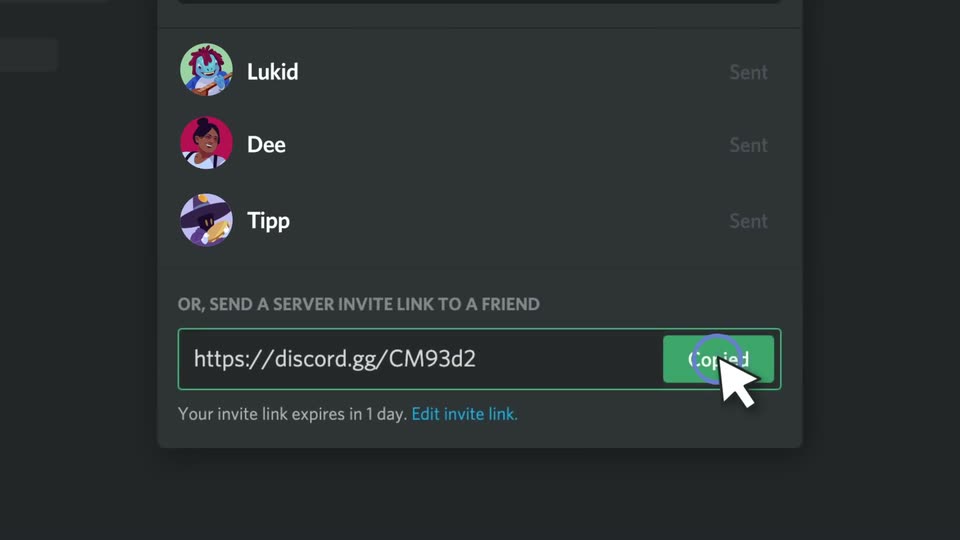 0:34–0:36Discord · How Discord Works in 148,000 Miliseconds or LessA Discord invite panel close-up shows three members marked Sent above an invite link field. A cursor clicks the blue Copy button; it turns green and reads Copied with a checkmark while the link's blue selection clears.
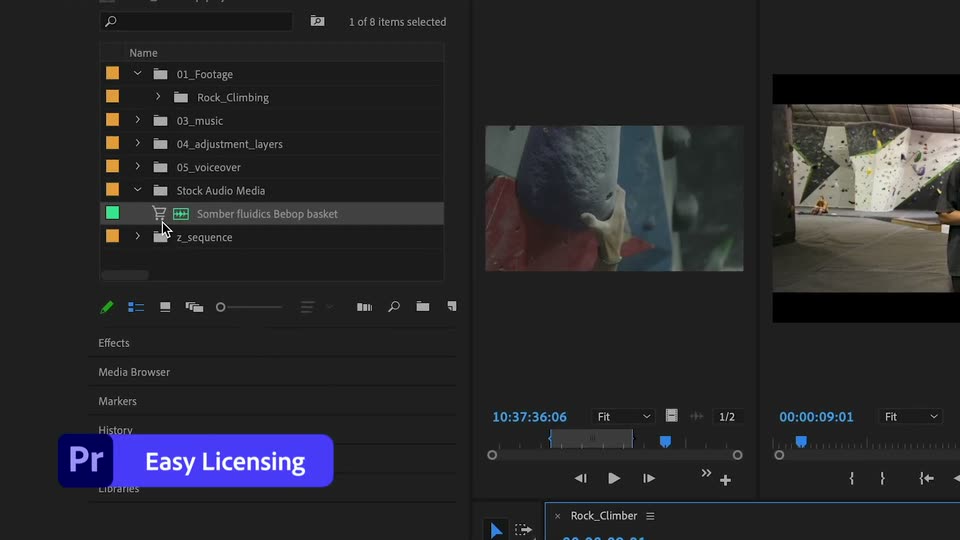 1:24–1:30Adobe · New in Premiere Pro - Introducing Adobe Stock Audio | Adobe Creative CloudA dark Premiere Pro workspace with a folder list, a source monitor showing a hand gripping a climbing hold, and a program monitor of a climbing gym. The cursor moves to the cart icon beside an audio file as a blue Pr Easy Licensing pill slides in from the left.
 0:56–1:03Miro · Introducing Miro for meetings and workshopsA small blue dot on a pale lavender field expands into a blue pill button reading “Sign up free →”, with the Miro logo and miro.com below. An orange cursor tagged “Kevin” slides in from the right and drifts around the button.
 0:34–0:36Pitch · A first look at PitchA flat collaboration interface shows an open emoji picker on the left and a vertical toolbar with a Reaction button in the center. A cursor glides from the Reaction icon to the party popper emoji, while a blue panel on the right carries the headline.
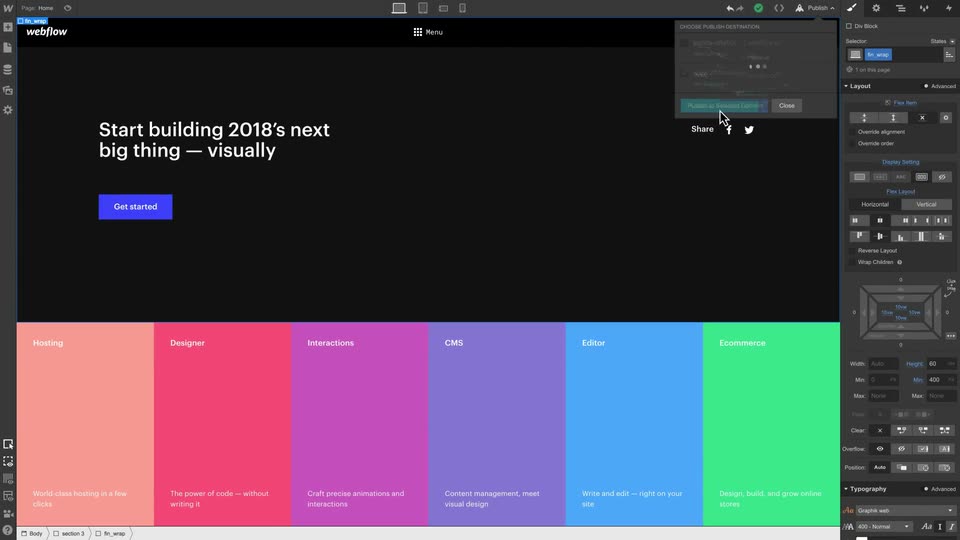 0:20–0:23Webflow · Meet the design tool from the future — WebflowA dark webflow editor fills the frame with a publish dropdown open top right. A cursor clicks Publish to Selected Domains and the domain gains a green check. The UI blurs and pulls back to a 3D laptop mockup, tilted in perspective, its dark screen showing white headline text.
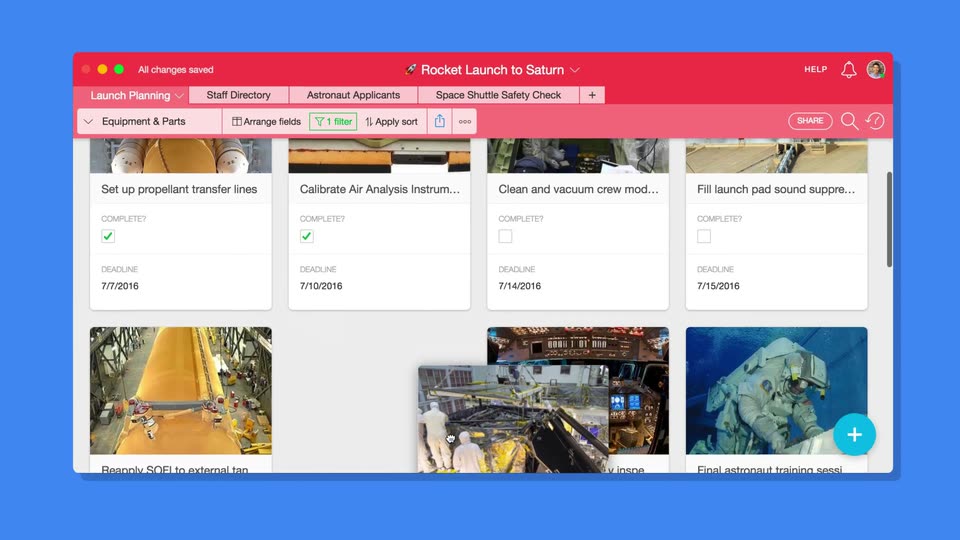 1:02–1:08Airtable · Meet AirtableA browser window with a red header slides in from the right onto a blue background, showing a grid of space-task cards with photos and checkboxes. A cursor drags cards to reorder them, then the view scrolls down. The window slides left as a second dark window enters.
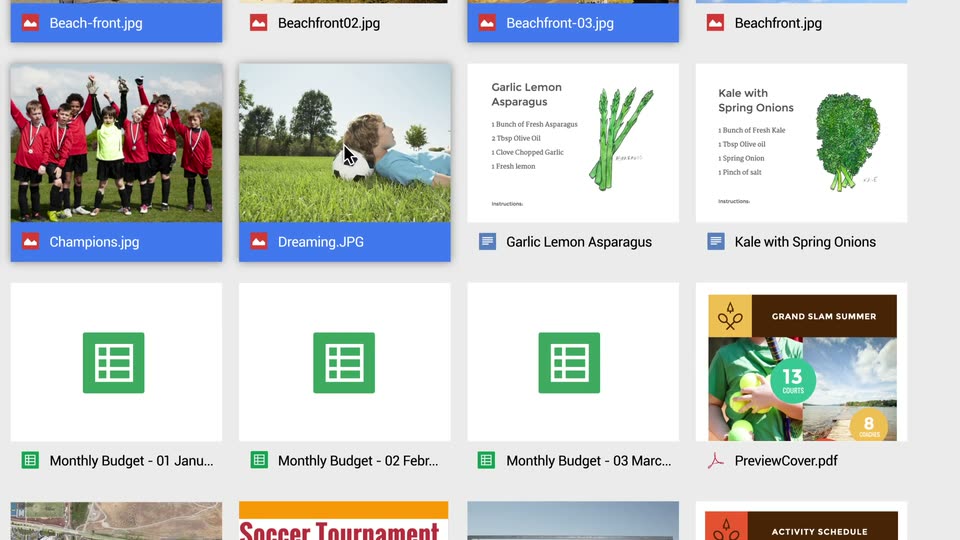 0:45–0:48Google · Meet the new Google DriveA white context menu listing file actions sits over a grid of Drive thumbnails, with a cursor resting beside it. The view then zooms out to reveal the full Drive window, its left sidebar and top bar, as the menu closes.
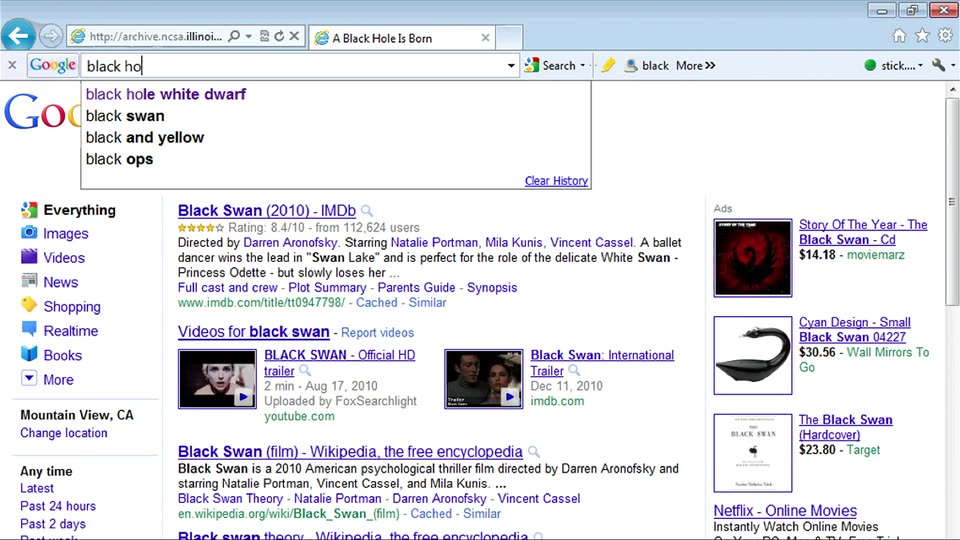 0:41–0:42Google · Introducing Google Toolbar 7A full browser window shows a Google search page. The query field is typed from black hole to black hole white as the suggestion dropdown and the results below update live, switching from Black Swan to Black Hole Sun entries.
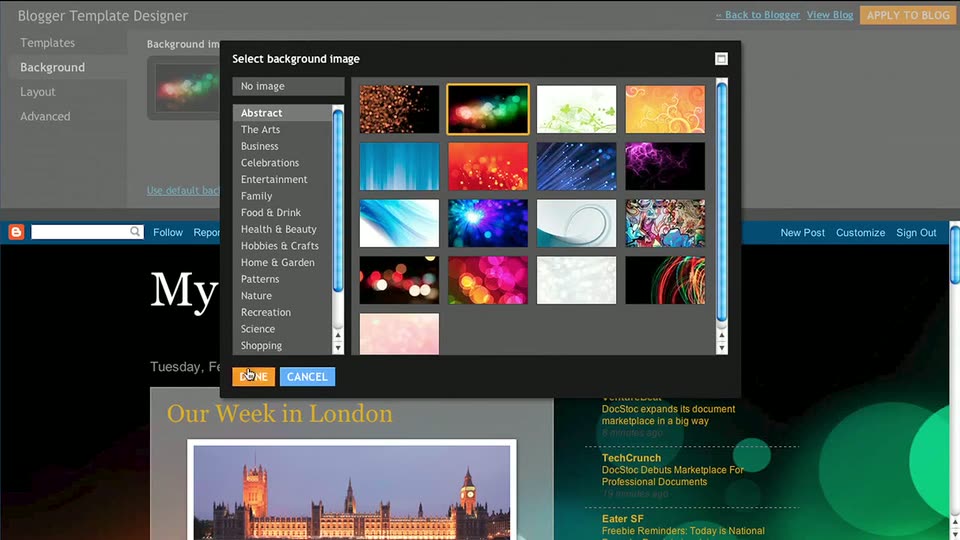 0:23–0:24Google · Introducing the Blogger Template DesignerA Blogger Template Designer interface shows a 'Select background image' dialog over a blog layout. The cursor moves from a highlighted bokeh thumbnail in the grid down to the category list on the left.
 1:14–1:16Google · Introducing the Street View snowmobileA Google Street View screen shows a snowy ski plaza with walking figures and a hand cursor over yellow route lines. The view lifts to a high aerial angle of a ski jump ramp on a snow-dusted forested ridge, the Google wordmark fixed at the bottom right.
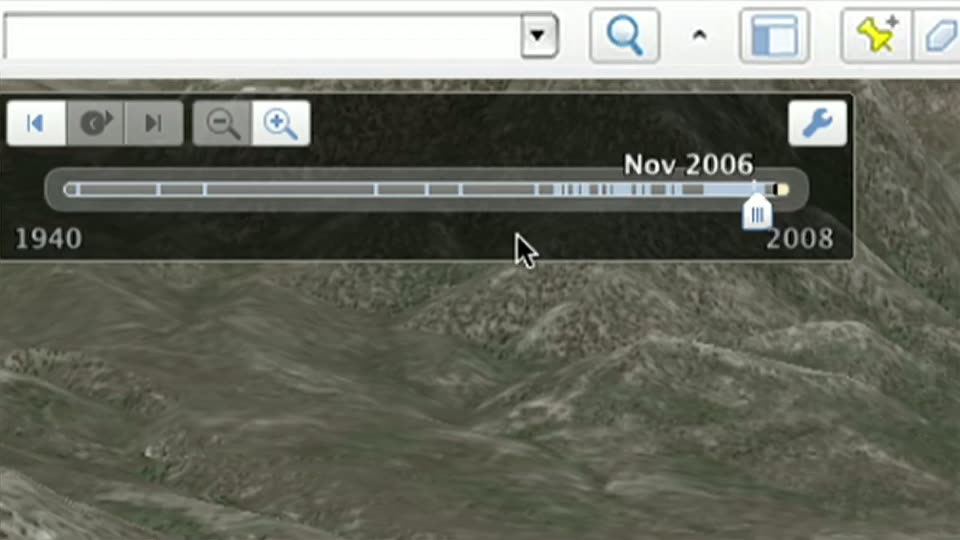 0:28–0:29Google · What's New in Google Earth 5.0A Google Earth screen with a dark timeline panel over a hilly terrain view. The cursor pulls the slider handle left, and the tooltip above it flips from Select date to Nov 2006 while the 1940 and 2008 markers stay fixed.
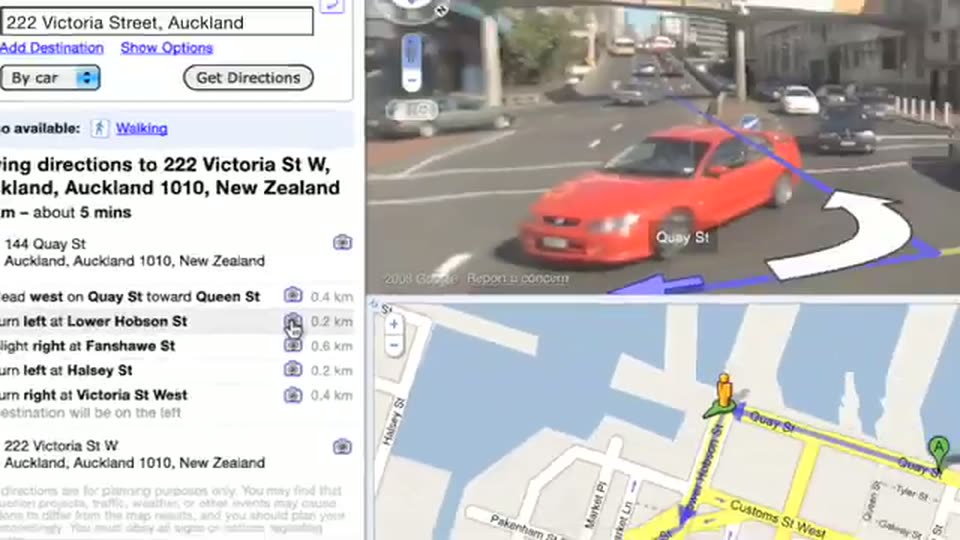 0:56–0:59Google · Street View now available in New ZealandA directions panel opens on a zoomed-in bold heading, then the view pulls back to the full step list as a cursor hovers the small camera icons beside each turn. The frame widens to the whole Google Maps page, showing a street view and a map with the route highlighted.
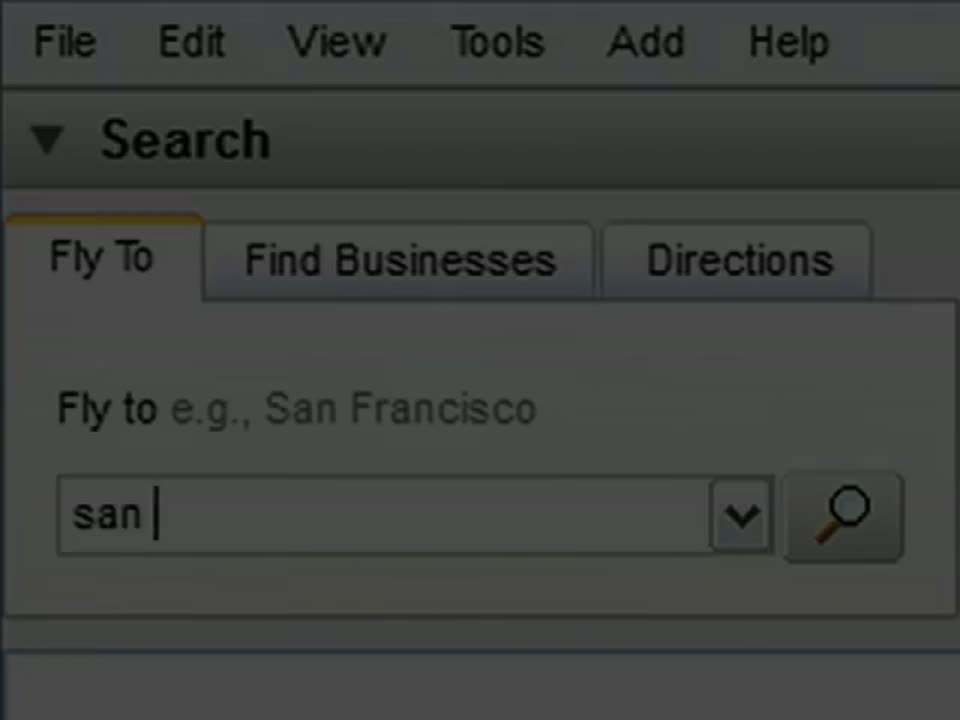 0:16–0:17Google · New features in Google Earth 4.3A 3D dusk view of a clock tower fills the Google Earth window, a hand cursor on the timeline. The view zooms into the search panel as 'san' is typed into the field.
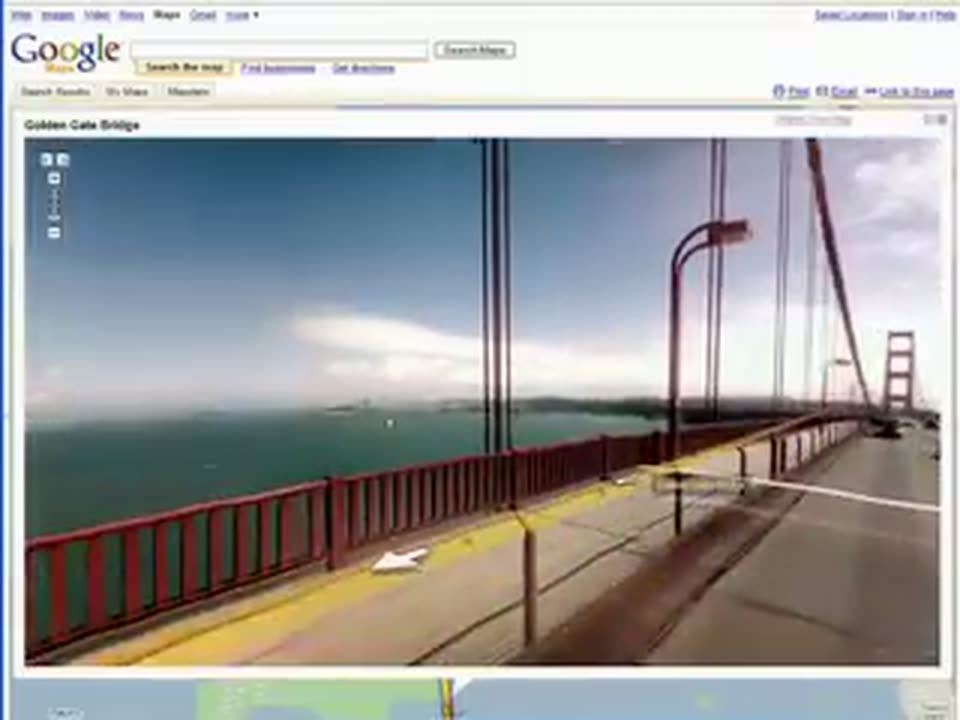 0:42–0:44Google · Google Maps Street View - launch videoA full Google Maps browser window frames a Street View panorama of the Golden Gate Bridge. The 360-degree view rotates past a red railing and a curved street lamp as a white cursor arrow sits on the sidewalk.
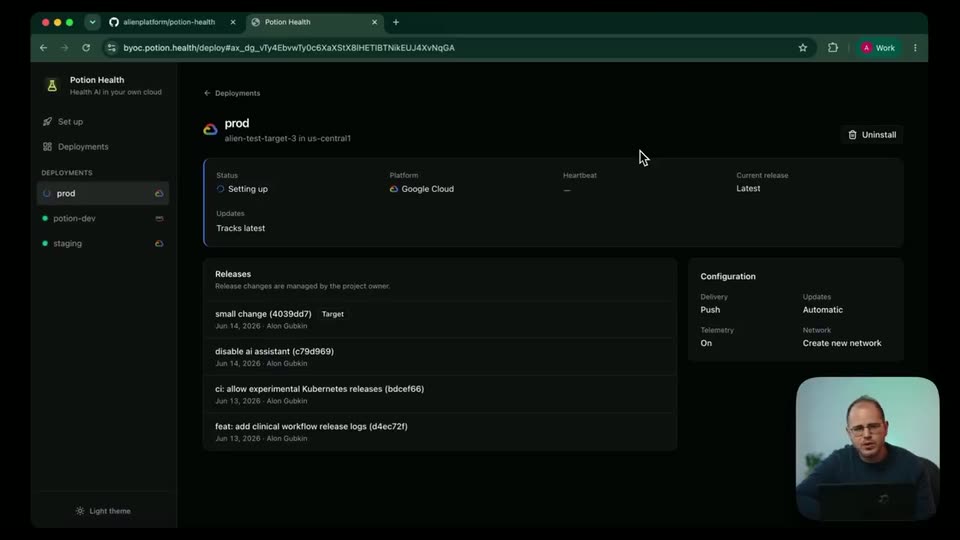 2:22–2:35Alien · We're launching the Alien platform today, backed by a $5M seed from Basis Set, Jibe Ventures, and angels from OpenAI, Google, and Databricks. We've built it so that when your next $300K enterpriseA dark browser window shows the Potion Health prod deployment page with a releases list and configuration panel. A small webcam inset in the lower right shows a man in a dark shirt gesturing as he speaks. The cursor hovers over the status card.