0:57

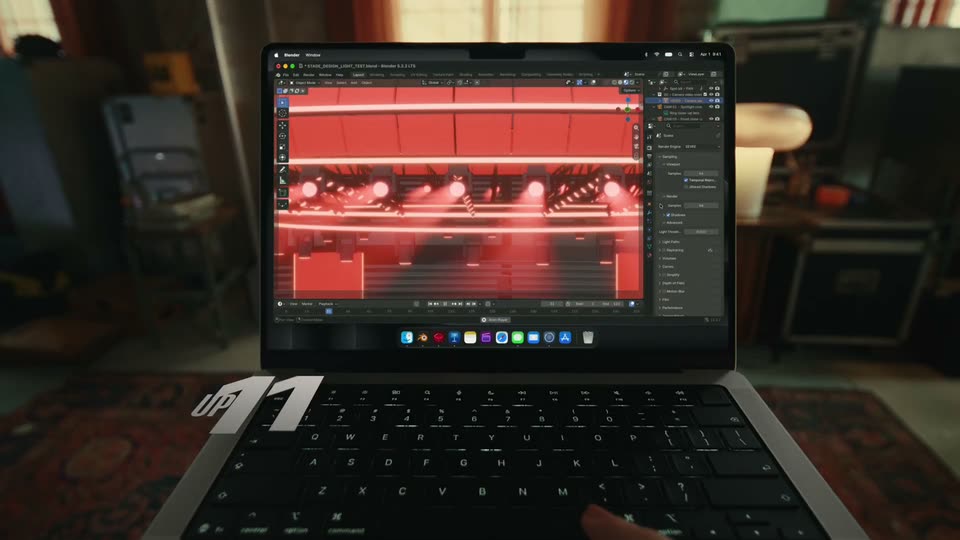
The new MacBook Pro with M6 delivers blazing-fast performance and up to 24 hours of battery life.
Apple · Hardware · Oct 2026
Miro · Oct 2023 · 0:38 · AI-annotated
Miro’s 0:38 launch film runs 13 scenes, about 3.0 s each. The product is on screen from the first frame and 3 features are revealed. There is no explicit call to action; a voiceover carries the film. Dark stage, white type, and floating frosted UI panels; the edit opens on a word-by-word headline, then runs three prompt-to-output demos (mind map, chat reply, presentation) at a brisk pace of about 15 cuts per minute, linked by zooms and mask wipes. Signature moves: a frosted highlight bar scanning menus, named cursors drifting over boards, and a closing logo morph from the Assist mark to the Miro lockup.
Is this your launch? to your site or press kit.
Apple · Hardware · Oct 2026
Apple · Hardware · Oct 2026
Rive · Design · Feb 2025
On a dark field, the white headline 'Introducing AI for innovation' assembles word by word. A small pink arrow then traces a curved path, drags the word 'innovation' up and to the right, and lands on a blue 'Assist' button that pops in at the bottom right.
On-screen text: “Introducing AI for innovation”
Techniques: Kinetic type
Camera: Static
A frosted highlight bar slides down a light Miro Assist menu on a dark background, enlarging each option in blue as it passes. The list scrolls to reveal more items, a cursor labeled Anna enters from the right, and the headline Introducing AI for innovation slides in.
On-screen text: “Introducing AI for innovation”
Techniques: UI zoom, Cursor demo
Camera: Pan
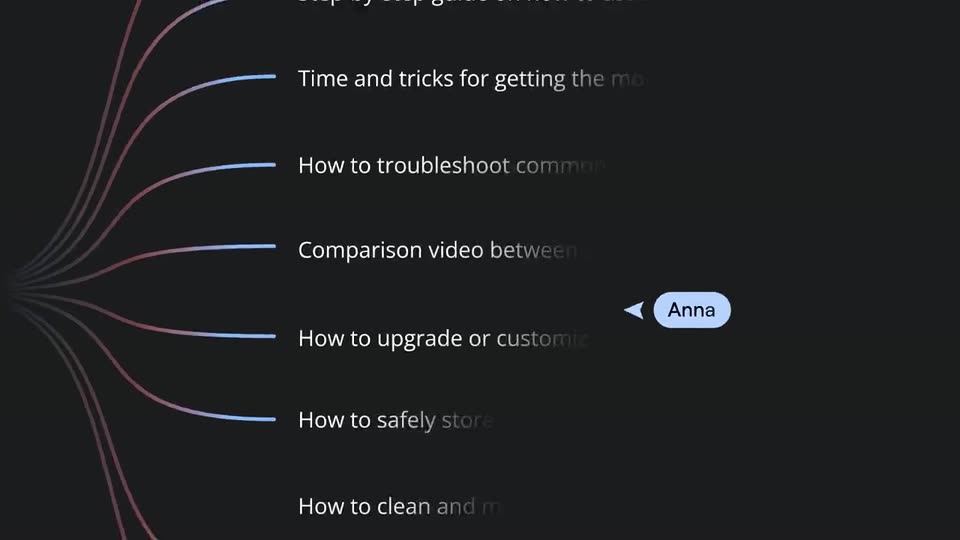
Dark screen: six help-topic lines fade in one by one, each tied to a pink-to-blue curve fanning out from the left edge. A light blue “Anna” speech bubble and a cursor arrow slide to the right.
Techniques: Kinetic type, Cursor demo
Camera: Pull out
A Miro mind map titled How-to videos fills the frame, its branches listing video topics. The view pulls back to reveal the board on a dark grid canvas while named cursors for Anna and Linda hover over the nodes.
Techniques: Cursor demo
Camera: Pull out
A Miro whiteboard displays a mind map of how-to video topics. Named collaborator cursors drift across the canvas and a yellow rocket avatar enters from the right, circling an item already outlined in blue.
Techniques: Cursor demo
Camera: Static
A locked-off white board holds a grid of black note cards on the right, joined by a thin blue line. Left side: an isometric line chart and a 3D car-interior render. Two peach Connie tags slide to new anchor points.
Camera: Pull out
A chat reply card with a blue sparkle icon sits in the foreground over a blurred bicycle photo and a grid of black cards. The question 'What are the top 3 customer concerns?' types out across two lines while a small 'Connie' tag slides in at the top left.
Techniques: Kinetic type
Camera: Static
A canvas shows a dark carbon-fiber bike frame on the left and a white chat panel on the right. An AI reply types a three-item list, then a cursor types a follow-up question, opens a menu and clicks send on Sticky notes.
Techniques: Cursor demo
Camera: Push in
A dark sticky note fills the frame, then the view zooms out to reveal a crowded Miro whiteboard of black and yellow notes, a smartwatch photo and a hand diagram, with a comment bubble popping in at the corner.
Techniques: UI zoom
Camera: Pull out
A blurred board of sticky notes and cards sits behind a sharp chat input box. The prompt types out, then a dropdown menu pops up; the cursor selects Presentation, and the chip in the box updates to match.
Techniques: Cursor demo
Camera: Pull out
A Miro whiteboard mockup floats in 3D perspective over a dark grid, scaling up as named cursors (Linda, Connie, Anna) drift across its presentation cards. The view then zooms into the board through an expanding octagonal mask, settling on a flat close-up of the two content cards.
Techniques: 3D mockup, Cursor demo, UI zoom, Masking
Camera: Pan
A vertical white pill-shaped mask sits on a black field, its center cut out to show a webpage with a steering-wheel photo and gray text. The mask quickly narrows to a thin slit, then closes fully to black.
Techniques: Masking
Camera: Static
On a near-black background, a yellow leaf shape expands while the word Assist scales in over it. The shape morphs into a yellow rounded-square icon with a black chevron mark, and the word crossfades to the lowercase miro lockup, which holds.
On-screen text: “Assist”, “miro”
Techniques: Kinetic type, Morph
Camera: Static