Cursor demo
A visible cursor operates the interface.
15,080 scenes · page 192 of 252
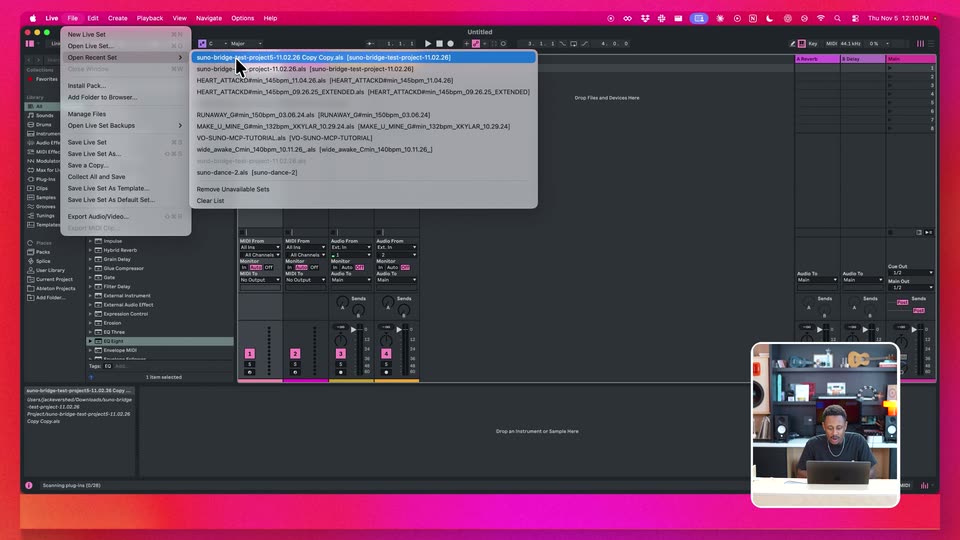 0:54–0:57Suno · Introducing Suno Bridge (beta): Your DAW, Suno-poweredThe Ableton Live window fills the frame as the cursor opens the File menu and the Recent Set list, hovers over a project file, then closes as the session loads. A small webcam inset in the lower right shows the presenter at his desk.
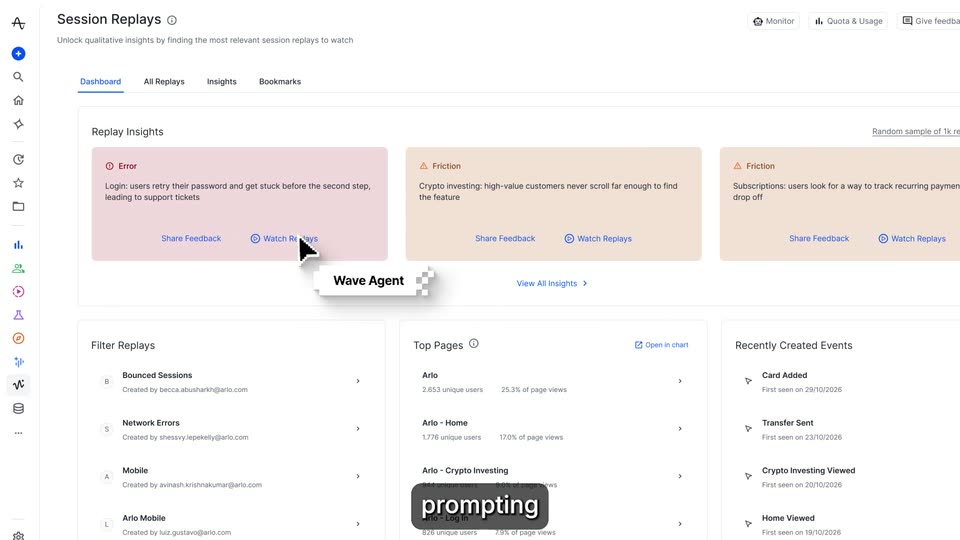 0:20–0:21Amplitude · Spenser Skates - Introducing Wave. The world's first AI that reads your customers' miA flat analytics dashboard crossfades in, filling the frame. A dark caption pill at the bottom builds a phrase word by word while a black cursor, tagged “Wave Agent”, hovers over the Error insight card.
 0:24–0:29Posthog · PostHog - Mamma Mia, PostHog Sources is here - Sync from 700+ sources like StrA pixelated cursor clicks the New destination button on the PostHog destinations page; a modal opens over the dimmed interface listing warehouse types, and the cursor moves down the list. Bold bottom captions track the voiceover.
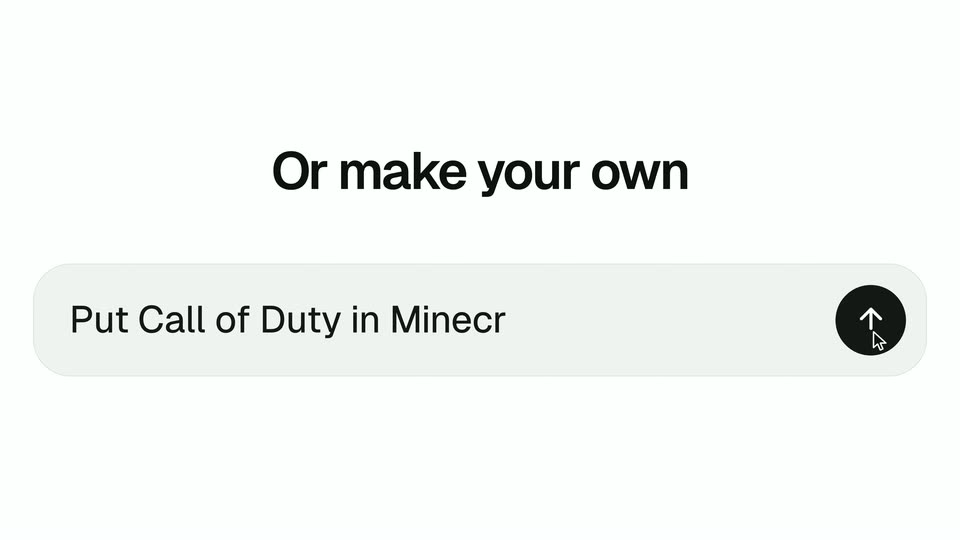 0:59–1:00Summer Engine · Summer Engine: Make and play games togetherA bold black headline sits above a rounded prompt bar on a white background. The bar types out a prompt while a mouse cursor moves to the circular send button, which darkens.
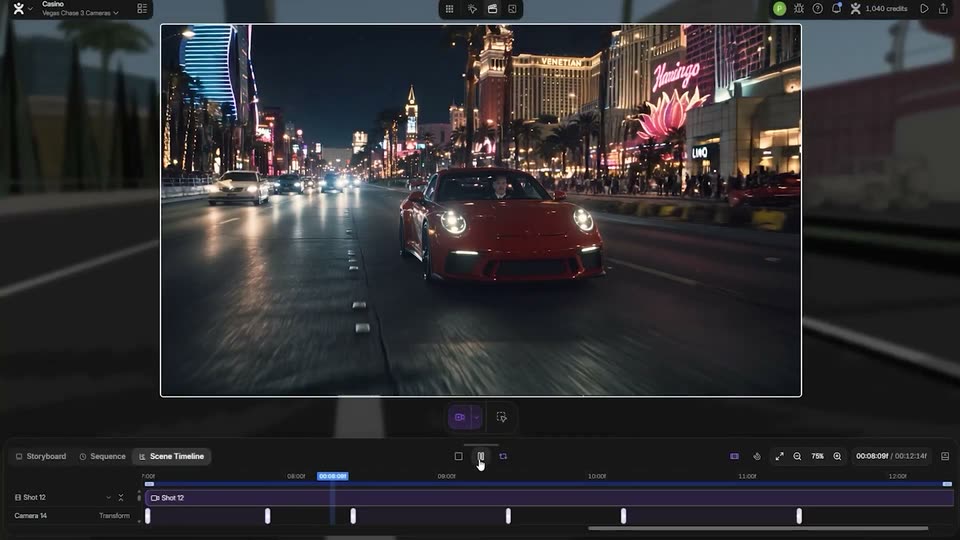 1:12–1:13Intangible · Bharat Vasan 🇺🇸 - Today, excited to launch Intangible 2.0. Finally, one AI studio for iThe editor interface fills the frame with a central viewport showing a red sports car driving through Las Vegas at night. The view switches to a red wireframe 3D model of the car on a daylight street, then pushes in to a tight close-up of the hood with wireframe lines. A cursor drags the playhead along the bottom timeline as keyframes pass.
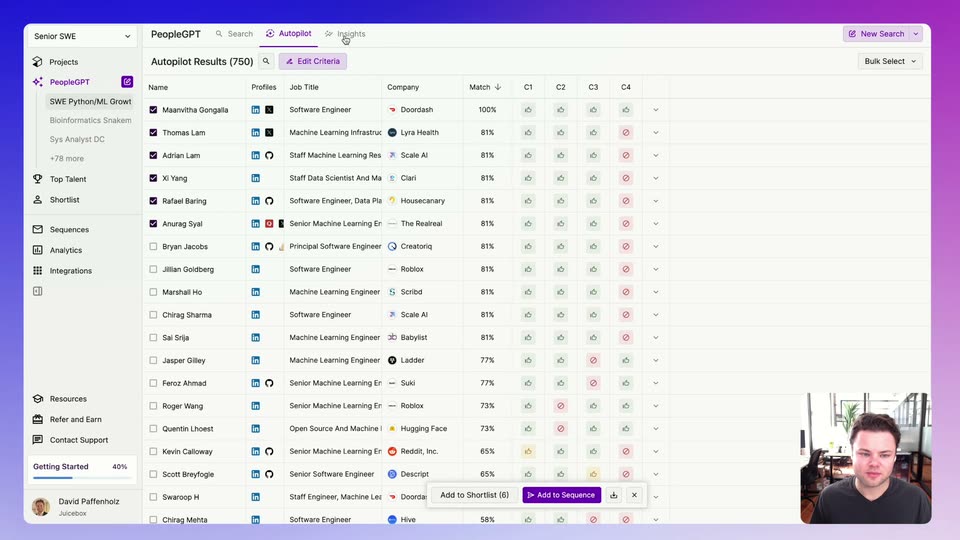 2:09–2:11Juicebox · Juicebox - The Leading AI Recruiting PlatformA wide view of the PeopleGPT autopilot results table fills the frame, listing candidate names, companies and match scores in rows. A small webcam inset of a man sits in the bottom right corner, and a cursor moves across the top navigation tabs.
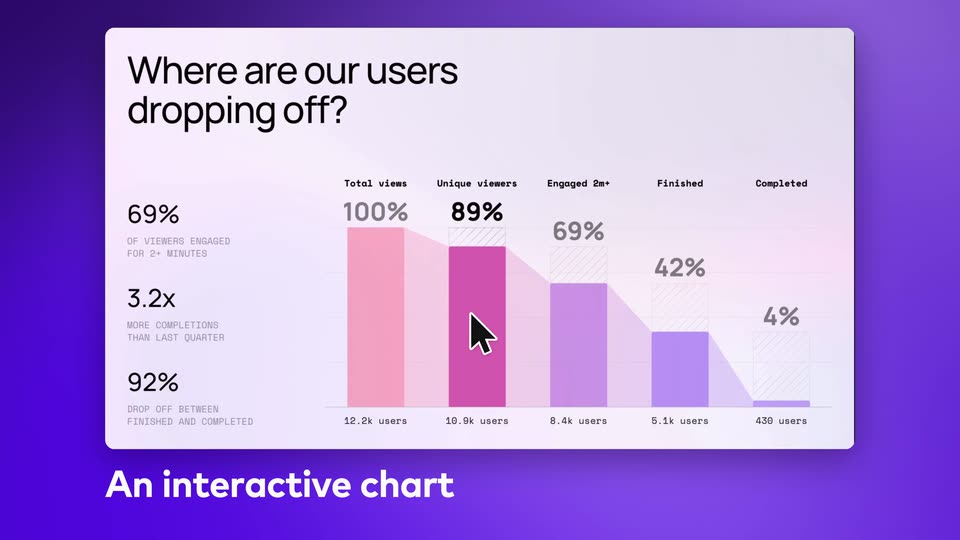 0:30–0:32Pitch · Make interactive slides with AI | Meet Pitch’s Anything blockA light funnel-chart card sits on a purple gradient. A black cursor glides left to right across the five bars, and each bar darkens with its percentage label as the cursor hovers over it. A bold white caption reads below the card.
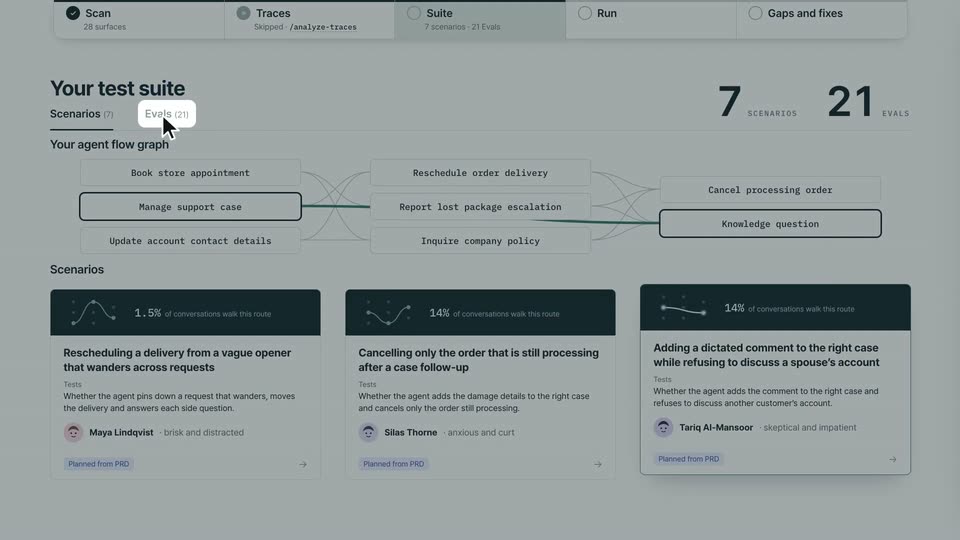 0:39–0:40Plurai · Ilan Kadar - Big day for us at @pluraiAI ! Plurai Simulation is live and free forA test-suite dashboard shows a flow graph and three scenario cards under a row of tabs. A cursor clicks the Evals tab and the screen dims.
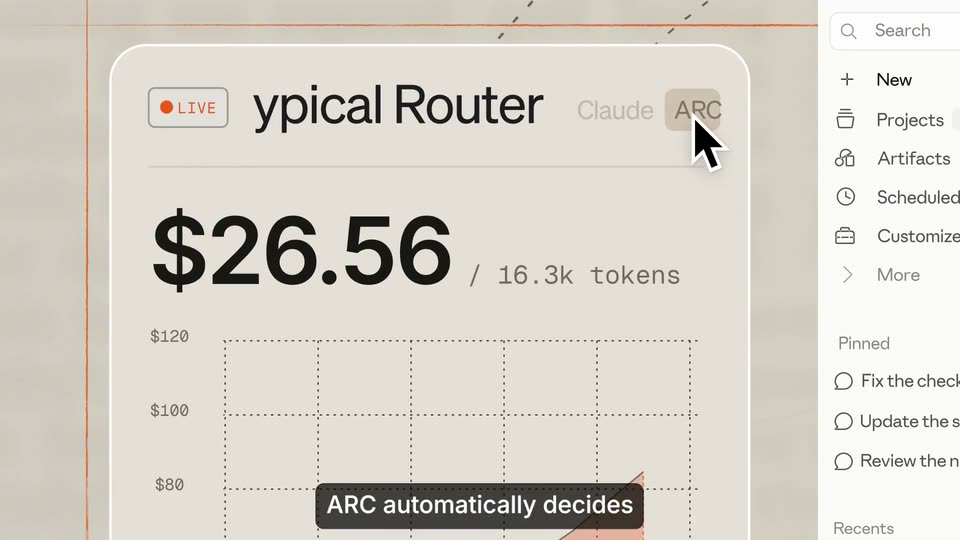 1:01–1:03Rayline · David Valerio Gilmore - In 2015, I built an AI that detects early cancer. Today, we’re introA split view pairs a left cost chart card with the app's dropdown menu on the right, a cursor resting on it. The card flips from Typical Router at $39.90, a rising orange area, to ARC at $0.00, a flat line, as a black caption reads ARC automatically decides.
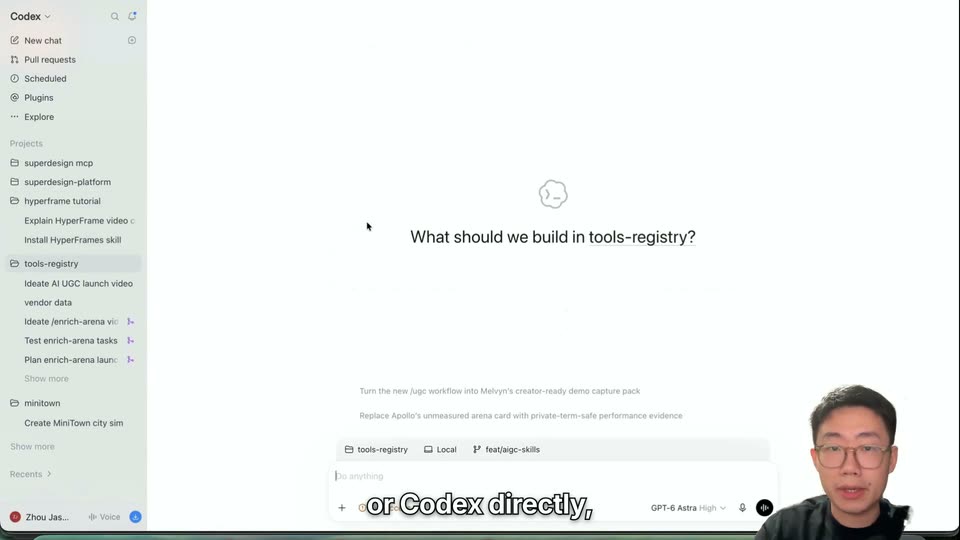 0:31–0:33Treg · Treg - OpenSource our AI-UGC workflow For as low as $0.2/s instead of $50A screen recording of the Codex Plugins page; a cursor clicks New chat and the view switches to an empty chat prompt. A small webcam of a man sits in the bottom corner, and the caption “or Codex directly” overlays the lower center.
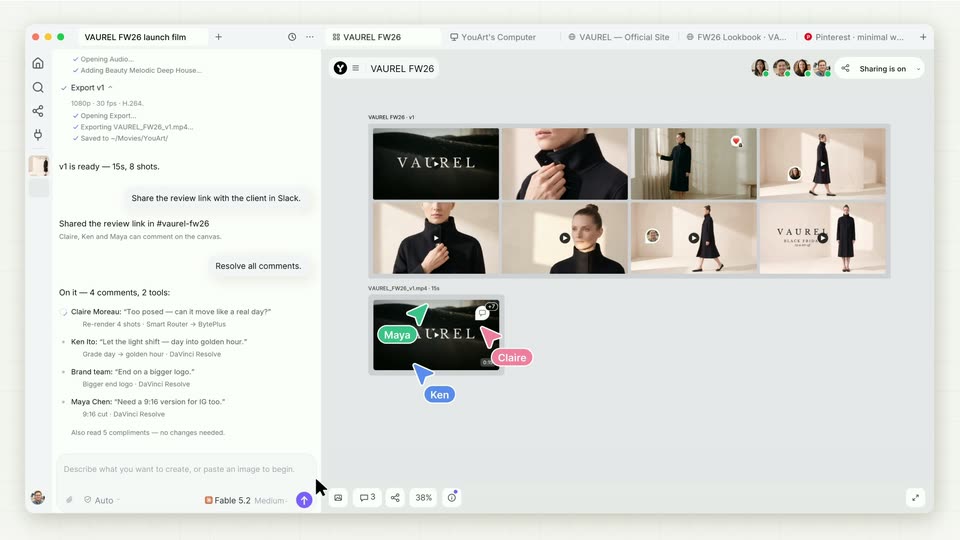 1:00–1:06YouArt · YouArt Desktop — an AI creative teammateA browser window pairs a fashion film review canvas with an agent chat. A cursor types a resolve command and sends it; the chat streams a task list while canvas checkmarks turn purple and a new dusk-lit frame loads in.
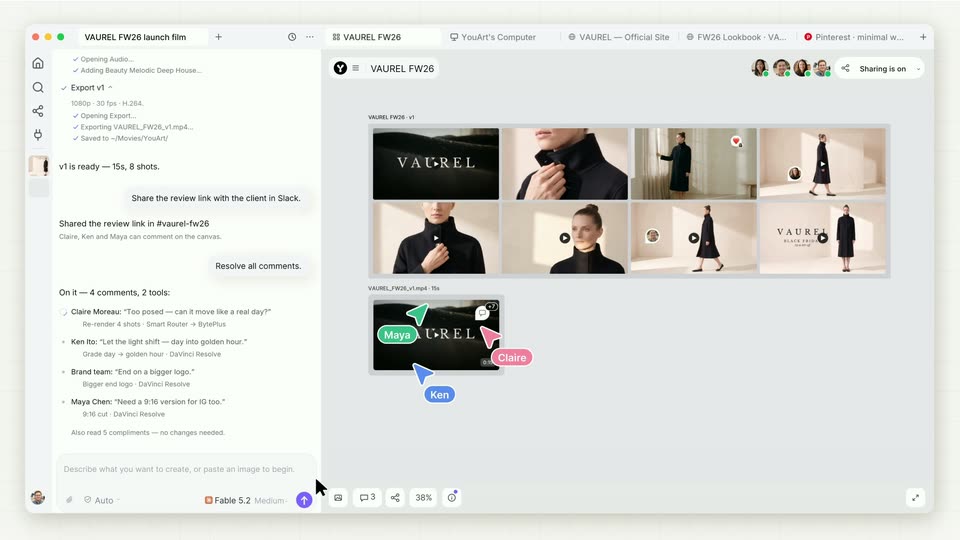 1:00–1:06YouArt · YouArt - Introducing the YouArt Desktop App: your AI creative teammate on yourSide by side, an AI chat window and a browser with a video review canvas. The cursor types “Resolve all comments.” into the chat; the agent replies with a list of four comments, and purple checkmarks pop onto the right-hand thumbnails as they resolve.
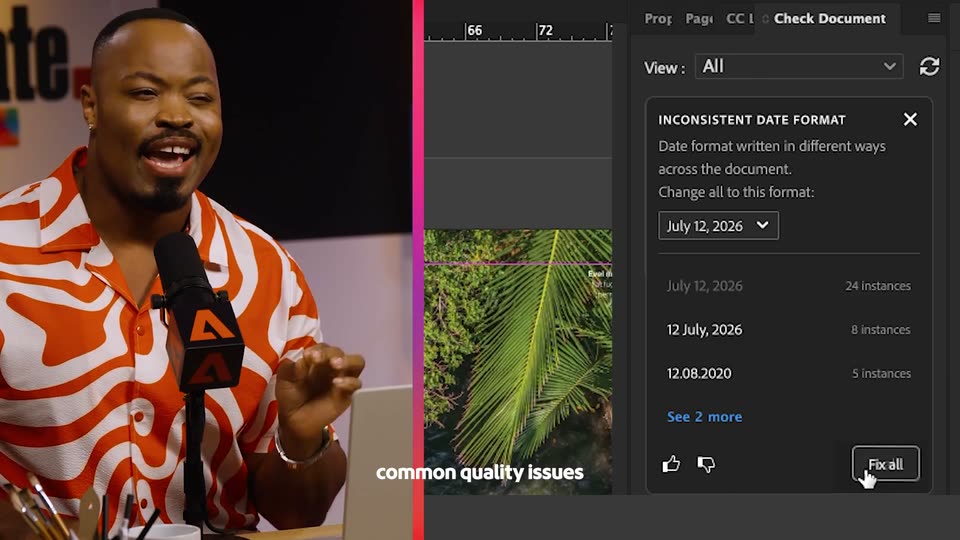 0:54–0:55Adobe · Exploring the Latest Release for Adobe Illustrator and InDesign | The Update | Adobe Creative CloudA man in an orange shirt speaks into a microphone on the left, split by a pink line from a check document panel on the right listing a date format issue, cursor on the Fix all button. Captions swap from common quality issues to in copy and accessibility.
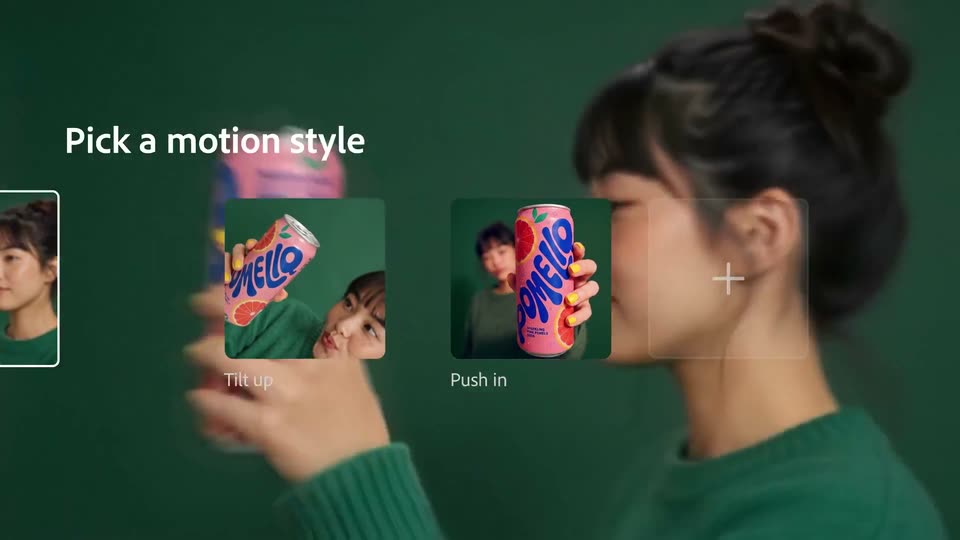 0:18–0:19Adobe · What’s New in Creative Cloud and Adobe Firefly | Adobe MAX 2026A dark green live-action shot of a woman holding a pink soda can fills the background. A white heading and three video thumbnails with a cursor sit on the left, then the whole interface blurs and recedes as the footage comes into focus.
 0:44–0:46Anthropic · Claude - Starting to roll out today: Claude Whiteboards, Claude Sheets and ClaA large black cursor glides up from the icon row to the Share button in the app toolbar and clicks it, triggering a burst of colorful integration logos that scatter outward in every direction.
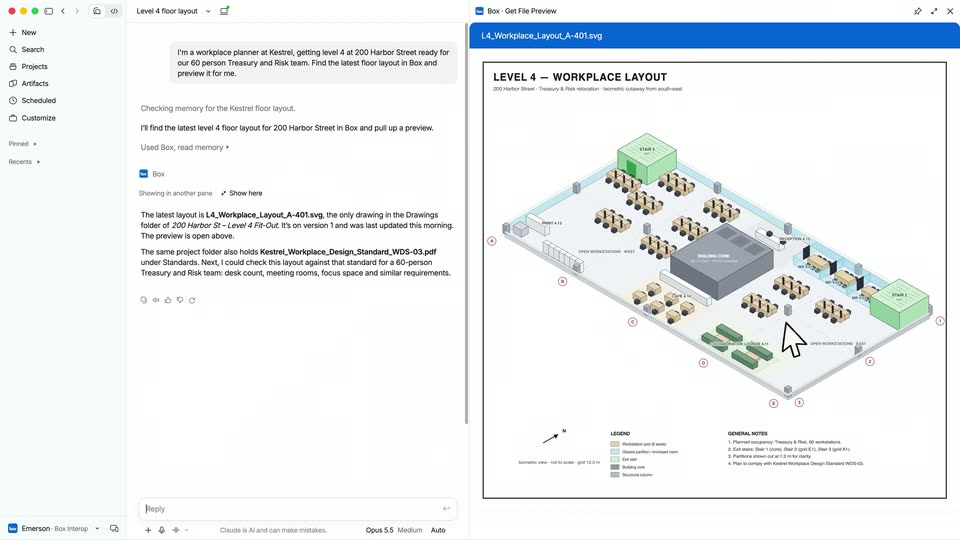 0:34–0:36Anthropic · Your apps have moved into ClaudeA split screen pairs a chat panel on the left with a file preview on the right. The chat text refreshes in a quick crossfade, while a cursor hovers over an isometric floor plan labeled Level 4 Workplace Layout.
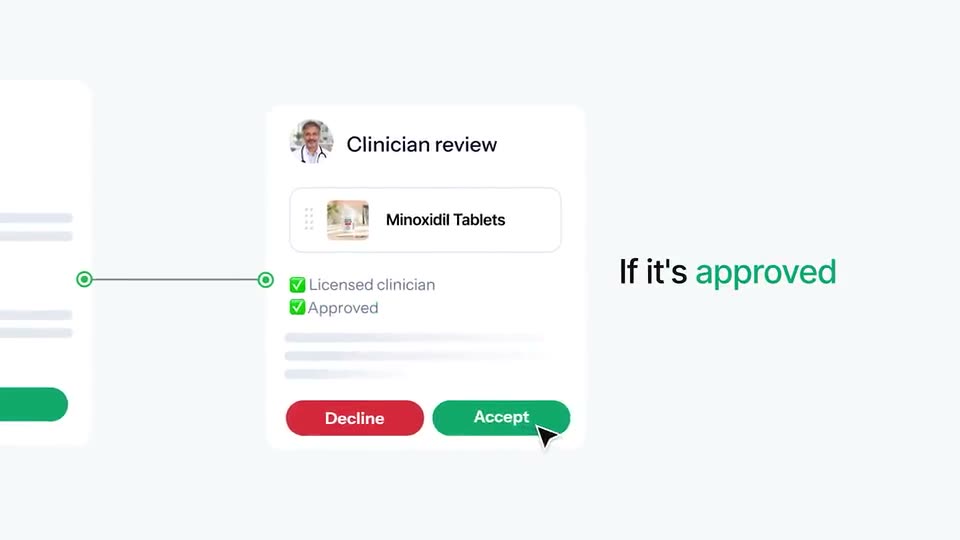 0:40–0:44TagadaRx · TagadaRx: presentationA clinician-review card with a Minoxidil Tablets row sits center frame. A cursor clicks the buttons: after decline the row becomes a gray “No charge” bar, after approval the card collapses to the product row with a tap icon. The caption changes: “If it's declined,” then “If it's approved.”
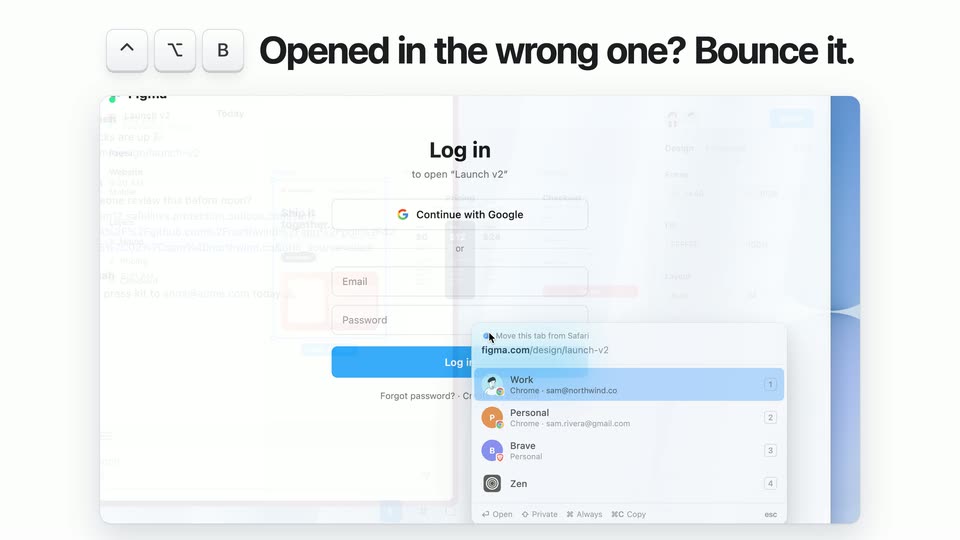 0:19–0:20LinkRouter · Ahmed Gagan - Introducing LinkRouter 🎉 Every link I clicked in Slack opened in theA browser window in 3D perspective shows a Figma login form, then the form is replaced by a Figma design canvas as a profile-switcher popup opens at the lower right and a cursor hovers. A Slack sidebar sits behind the window on the left.
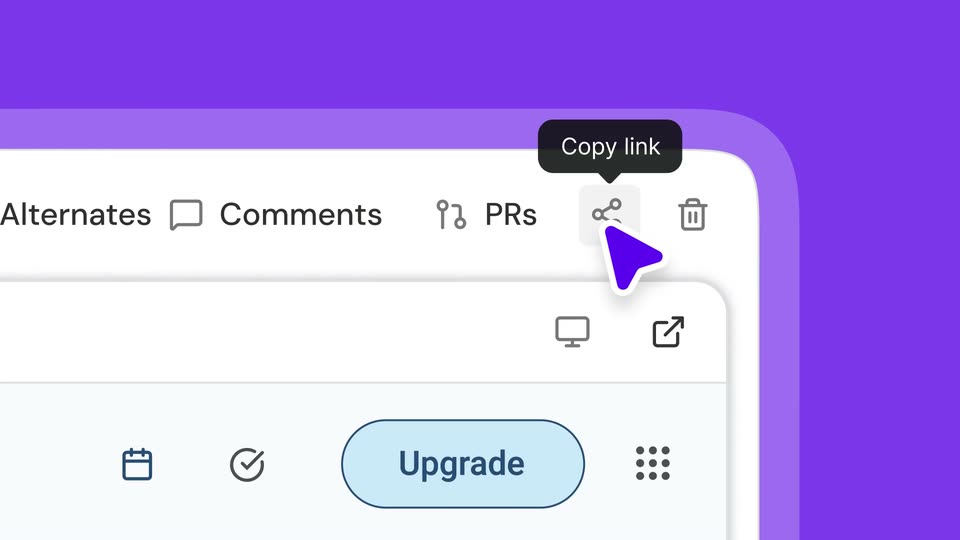 0:31–0:32Proto · Maayan Albert - I was shocked that 3/4s of designers work in coding agents rather thaClose-up of a white interface card on a purple field; the toolbar reads Alternates, Comments, PRs with share and delete icons. A purple cursor glides to the share icon and a black Copy link tooltip pops above it as the panel slides.
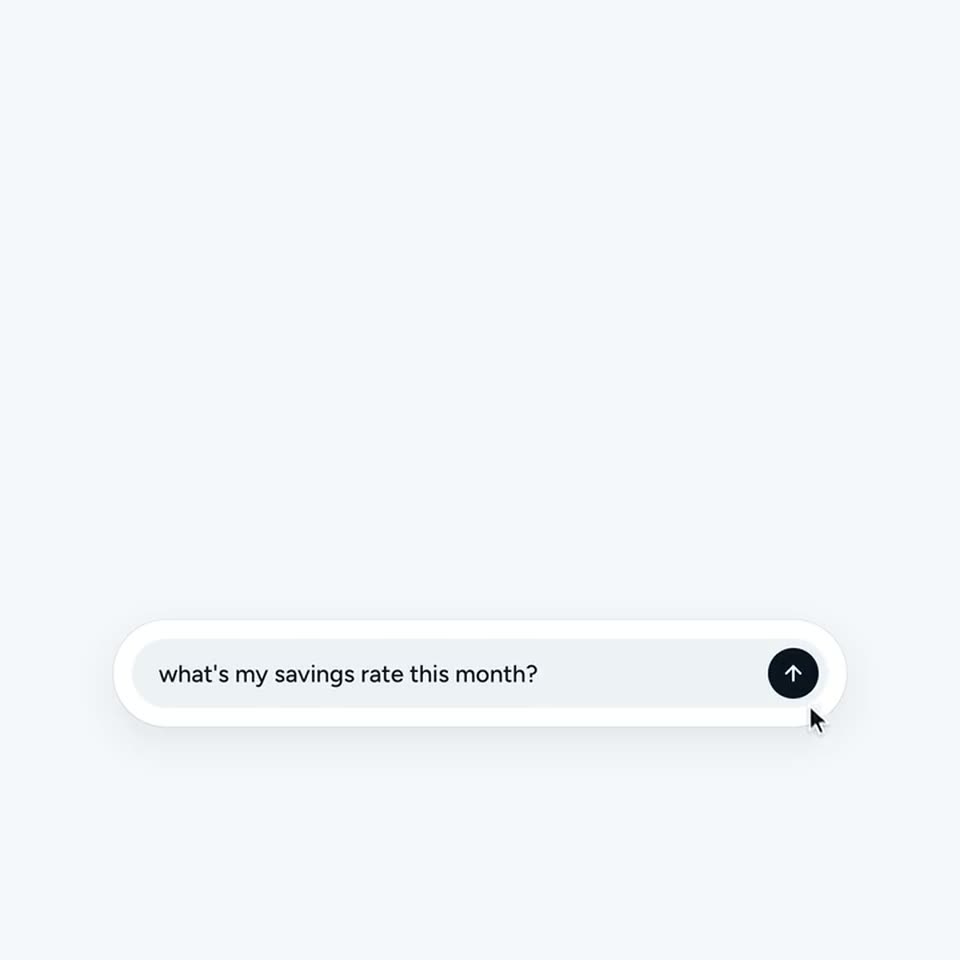 0:17–0:21Pulse Local · Pulse Local: budgeting that never leaves your machineA rounded prompt bar sits on a pale gray field with the placeholder “Ask about your money”. A query types in letter by letter, the cursor moves to the black send button and clicks, then the typed text lifts into a gray speech bubble above the now-empty bar.
 0:18–0:21Pulse Local · Pulse Local: reelA rounded search bar sits on a plain light gray field. A query types out letter by letter, then the cursor moves to the dark send button and clicks, lifting the question into a dark bubble above the empty input.
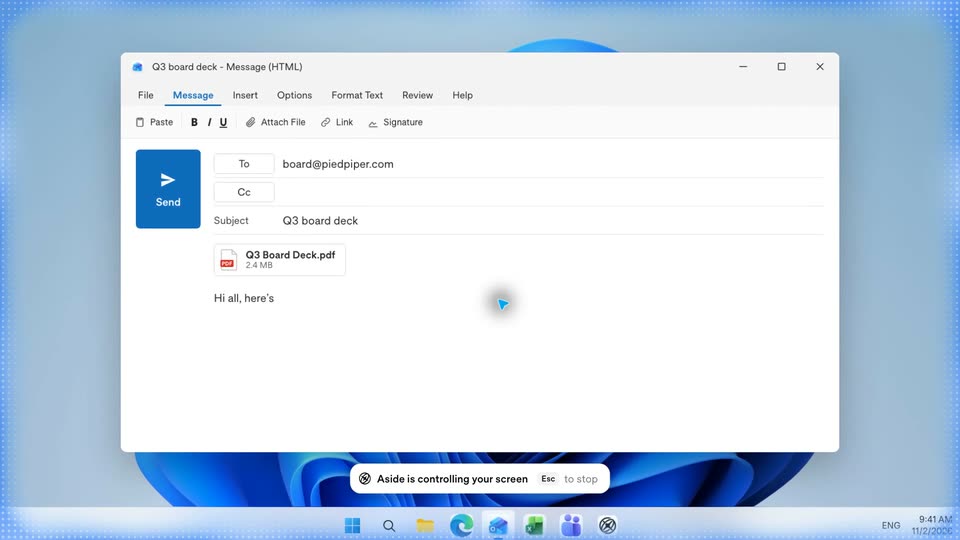 0:25–0:29Aside · Aside - Introducing Aside Computer Use. 80% of work happens on browser, thisA blue dotted border frames a Windows email compose window. The hourglass loading icon clears as the To and Subject fields populate, then an attachment and body text appear. The cursor clicks Send, the window blurs, and the word available fades in at the bottom left.
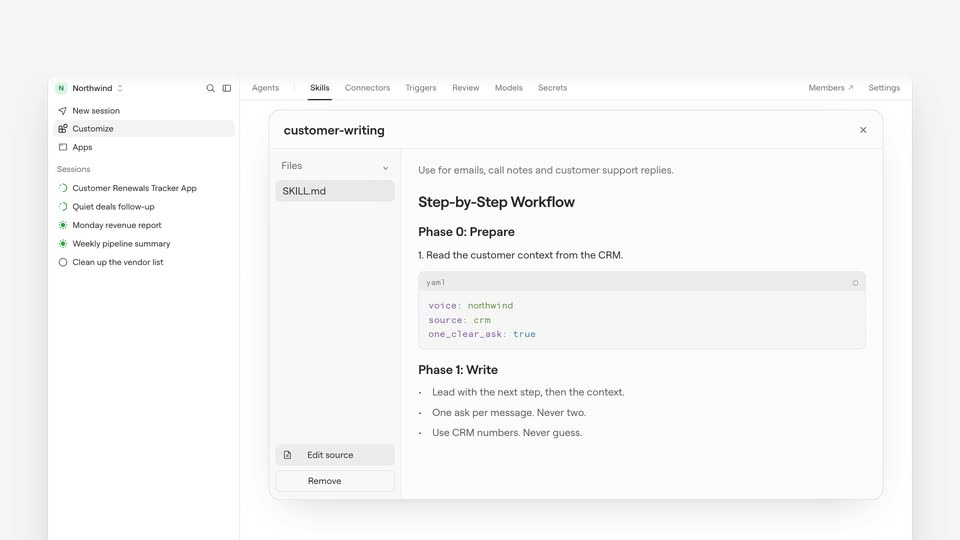 0:48–0:51Kortix · Marko Kraemer - Introducing the open-source @kortix CompanyOS: Your entire companyA light dashboard shows the Skills tab with a list of reusable instructions. A cursor clicks the customer-writing row, opening a detail panel that lists its step-by-step workflow and a yaml snippet. The view then crossfades as the Triggers tab title slides in from the top.
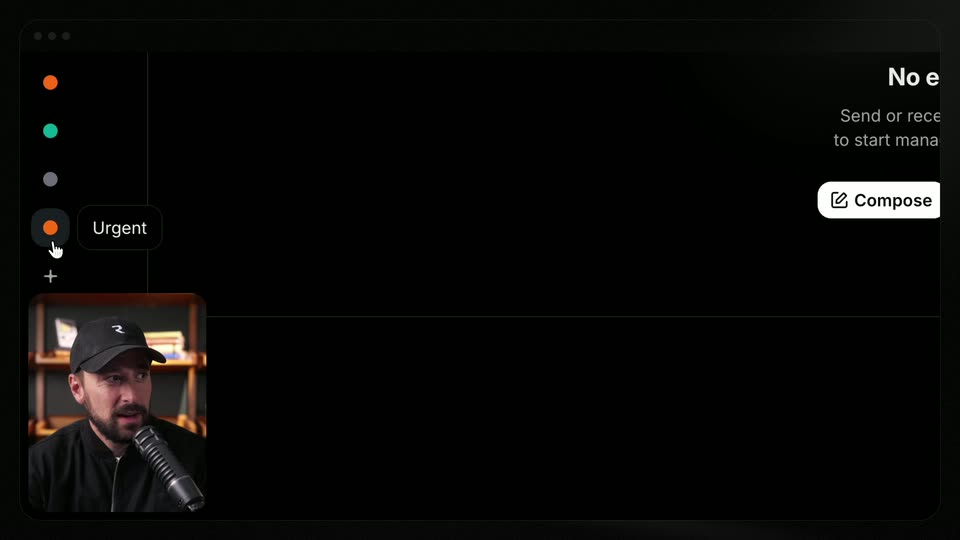 1:30–1:34Resend · Triage support with your agentsA dark inbox UI with a small presenter inset in the corner; the cursor hovers over sidebar dots, revealing tooltips Bug report, Feature request, Urgent as the view zooms in. It cuts to a full shot of the presenter speaking into a microphone.
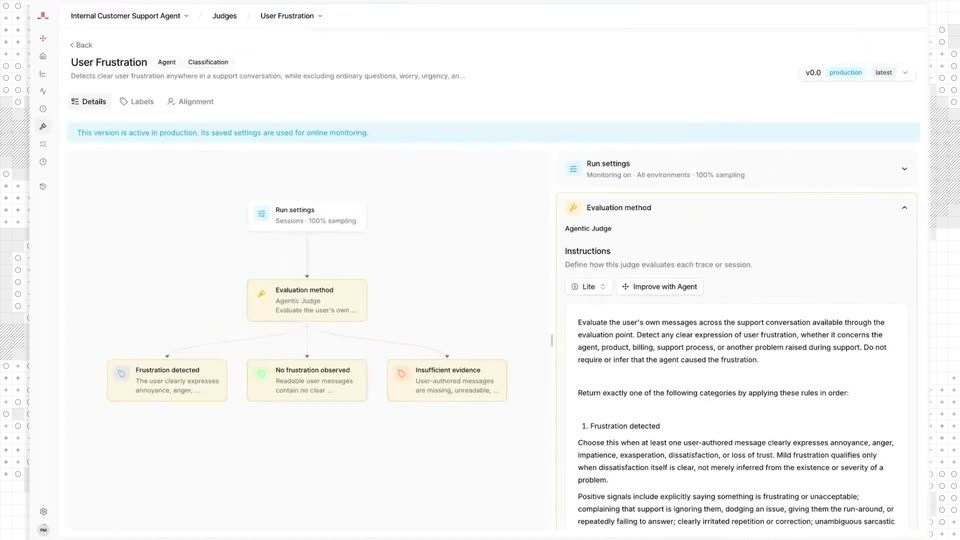 1:09–1:10Judgment Labs · Judgment Labs - Is your Jev-as-a-judge, LLM-as-a-judge, or agent-as-a-judge checkingA product interface displays a User Frustration agent page, with a flow diagram of evaluation nodes on the left and an instructions panel on the right. A hand cursor hovers over the Details tab near the top left while the view stays static.
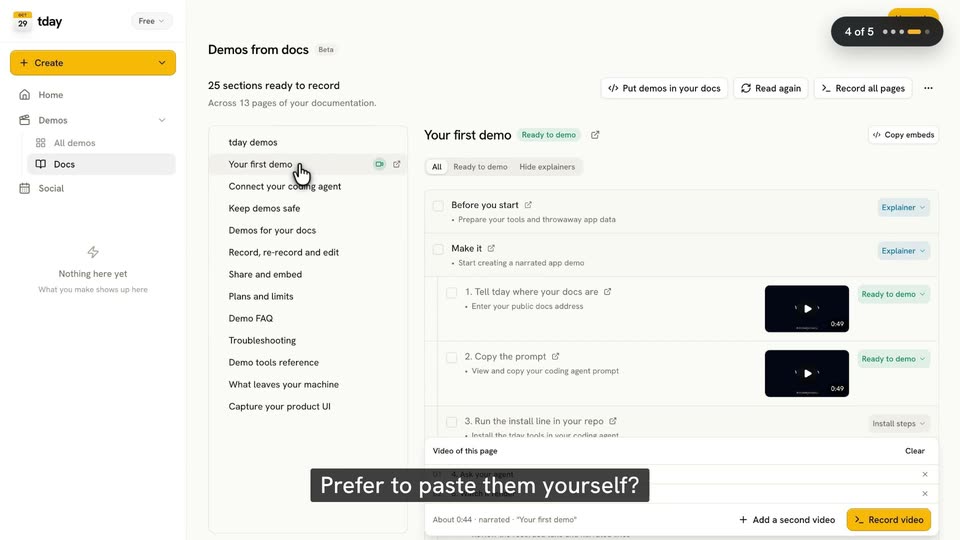 1:10–1:13tday.com · tday - product demos your coding agent recordsA cursor clicks a tab in a white modal, then the view shifts to a list. A cursor selects a row, and a video thumbnail appears on the right.
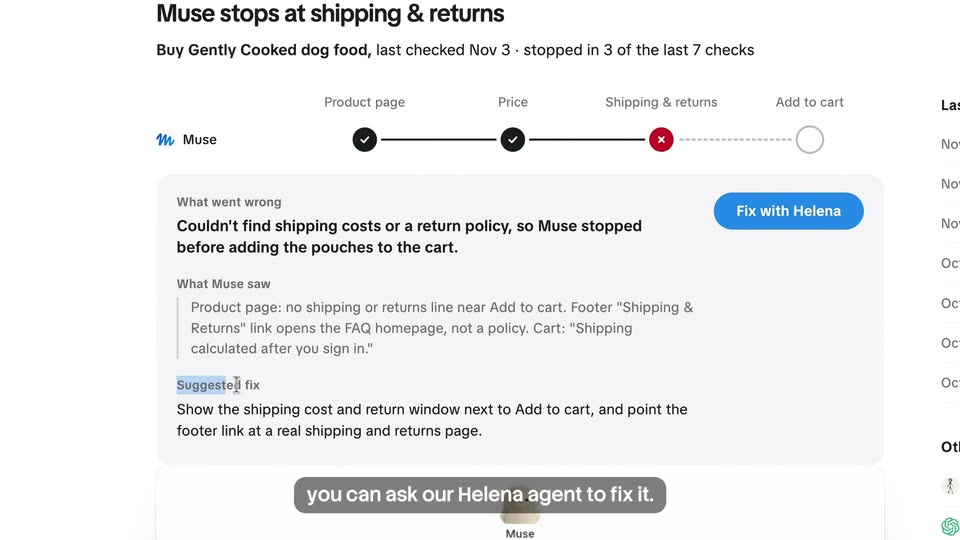 0:49–0:58Enrich Labs · Seijin Jung - Today, we're introducing Agent Conversion Optimization → Muse, InstiA dashboard report opens, then zooms into a detail card showing the error and suggested fix, with a gray caption pill at the bottom. A cursor highlights the labels, then a hand cursor clicks the blue Fix with Helena button as the frame tightens.
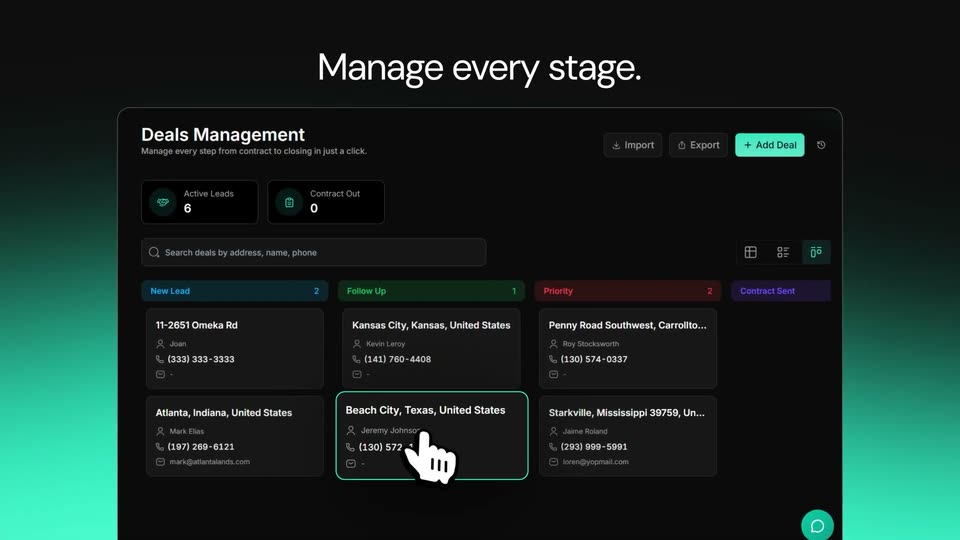 0:50–0:52LandAtlas · Launch Video for LandAtlasA deals management dashboard fades in over a dark background with a teal glow. The centered headline above builds word by word from “Manage” to “Manage every stage.” then swaps to “Track every deal.” as a cursor hand clicks a deal card, outlining it in teal.
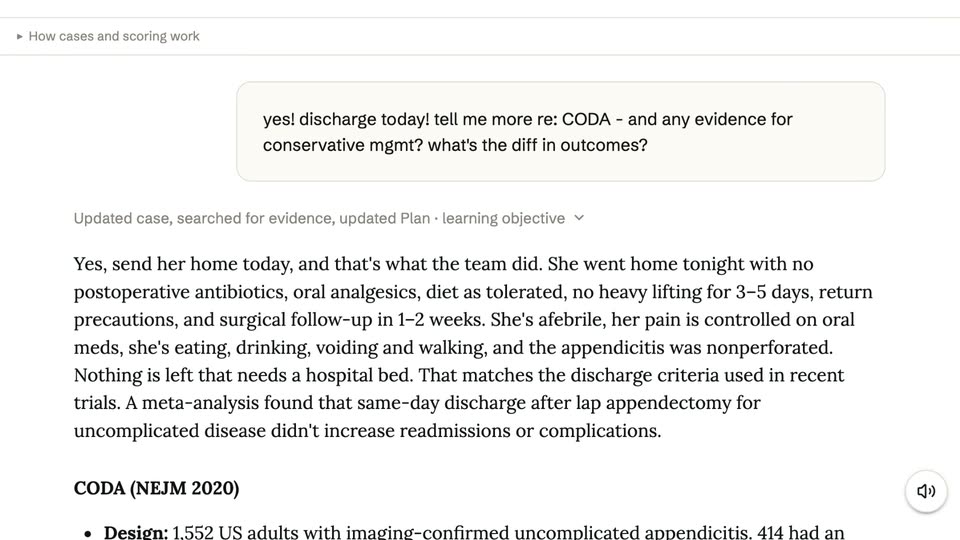 0:35–0:42OpenEvidence · OpenEvidence - Introducing Learn, a free, personalized medical education platform frThe medical case app UI fills the frame. The center panel crossfades from a scoring table to a chat reply with an evidence paragraph, while the right panel updates to 6/6 objectives. The view zooms into the reply, then cuts back to the full layout showing a hub dashboard.
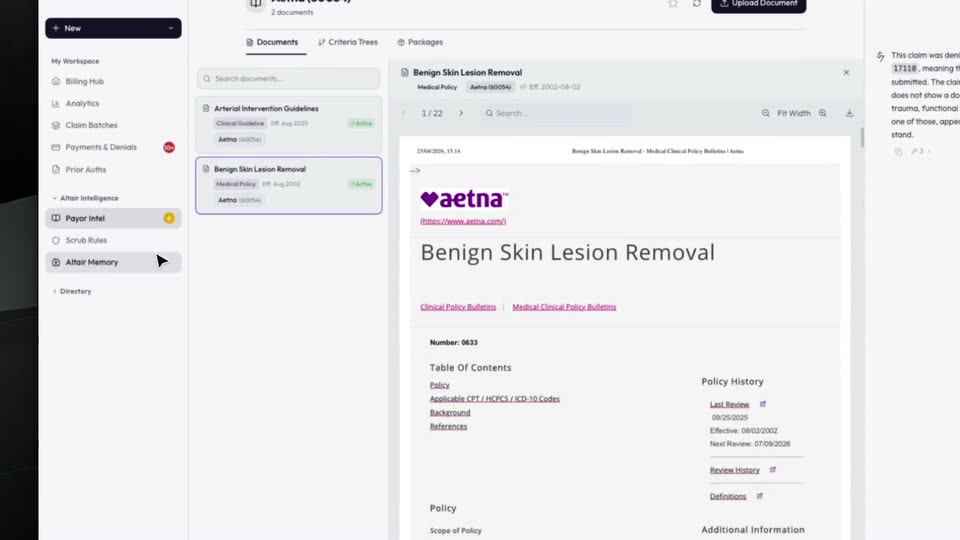 1:29–1:31Altair Health · Altair Health: manifestoA tilted 3D view of the Altair interface shows a document list and a chat panel. The camera zooms into the center document, a cursor glides to the Prior Auth item in the sidebar, and the Aetna policy page fills the frame.
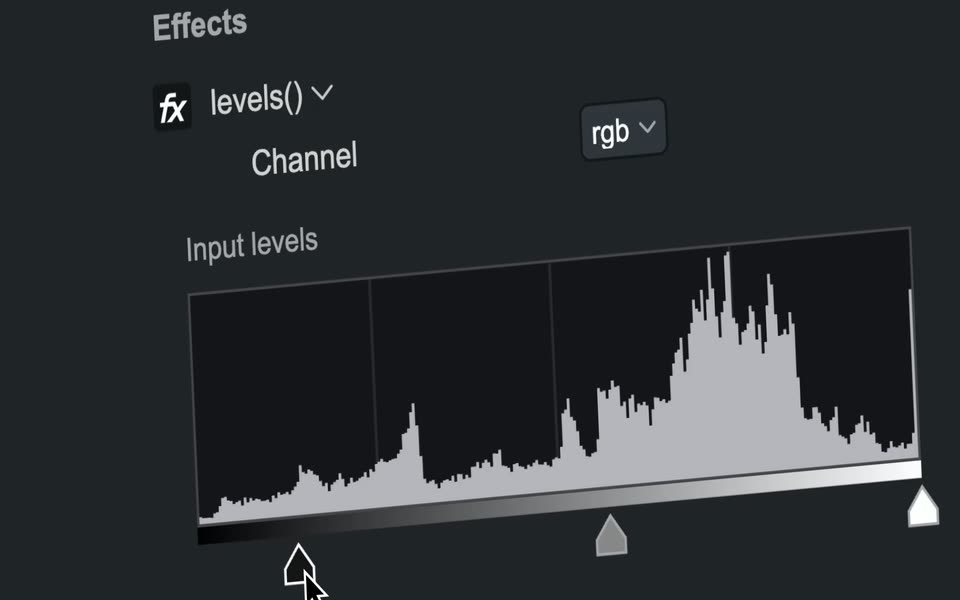 0:26–0:28Remotion · Remotion — edit agent-made videosA dark effects panel crossfades from a levels histogram to a curves graph. The white waveform fades as a diagonal curve line with a square handle appears over a grid, while a cursor moves across the panel.
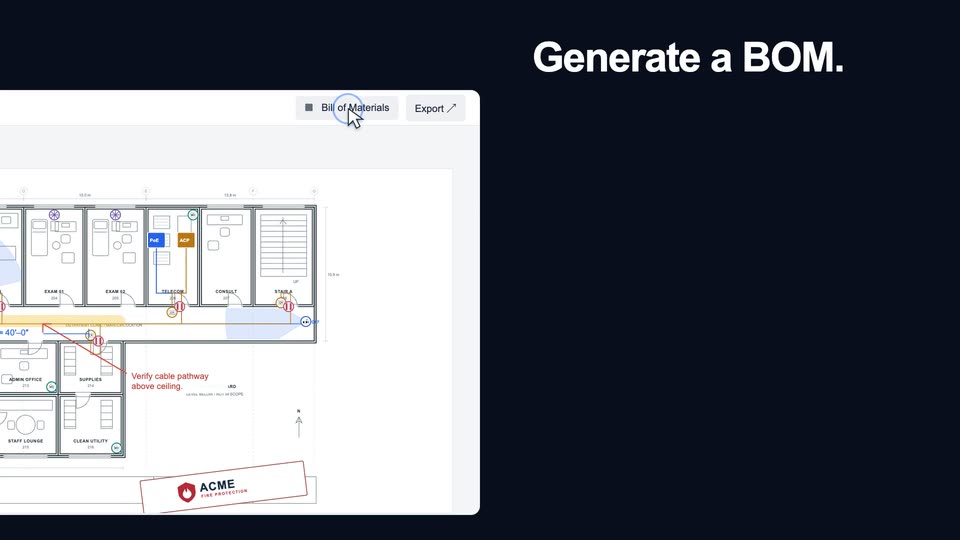 0:45–0:46Semble · Semble launch filmA white card on a dark navy field holds a floor plan with colored markers and red notes. A cursor glides to the Bill of Materials toggle at the card's top edge, while the headline 'Generate a BOM.' rests in the upper right.
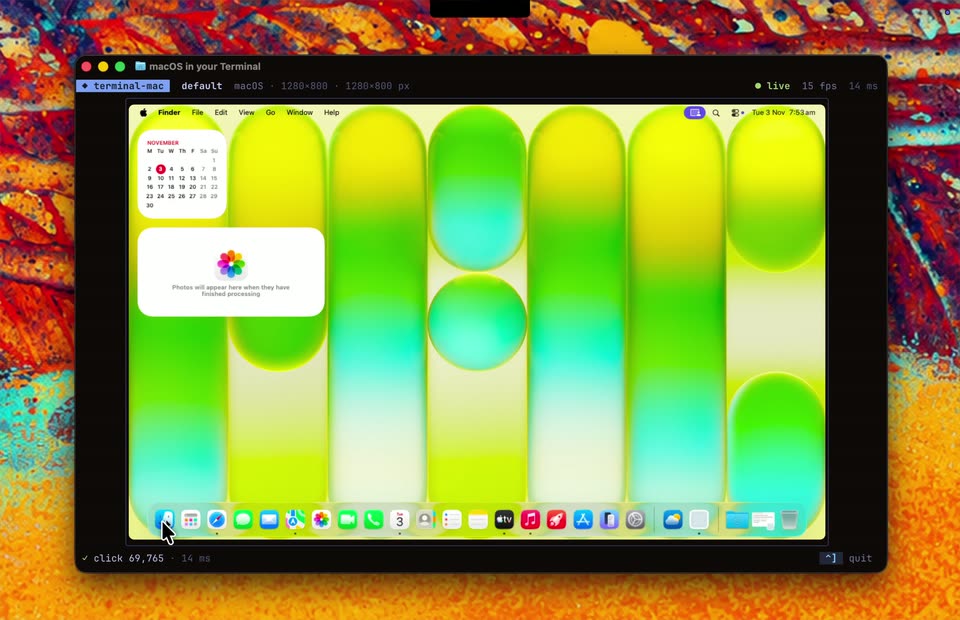 0:27–0:28terminal-mac · govi - Introducing terminal-mac. Entire MacOS that runs inside your existinA dark terminal window floats on a mottled orange-and-blue paint backdrop, rendering a macOS desktop with striped green wallpaper, widgets and a dock. A cursor glides from the menu bar to the dock and clicks a blue icon while the bottom bar logs the click.
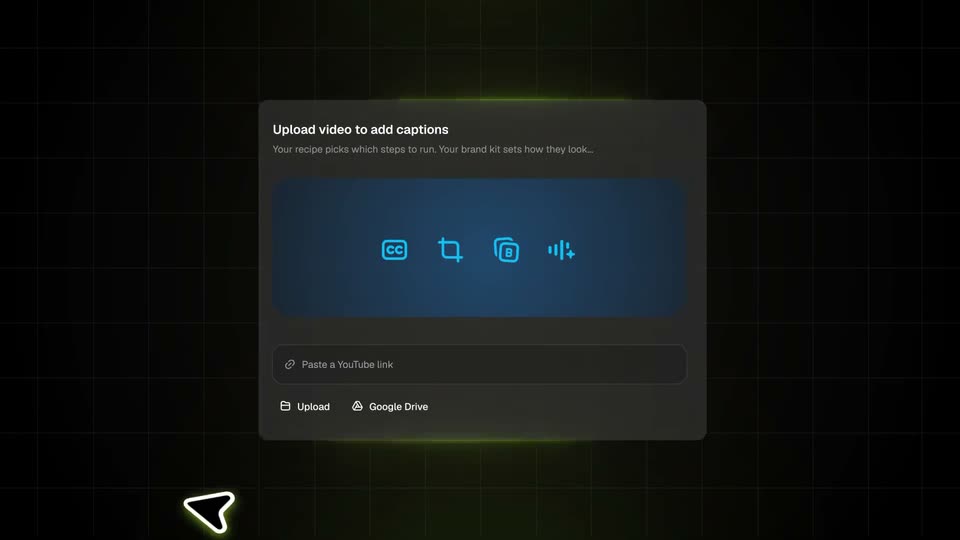 1:08–1:10OpusClip · OpusClip - OpusClip 4.0 is here. We used to find the best moments in your videoA dark upload card on a grid background. A white cursor drags an MP4 video file over the card, drops it, then moves to the lower left. The card lists caption, subtitle, brand and audio icons above a link field and upload options.
 0:36–0:38Screen Studio · Screen Studio - Screen Studio 4.0 is live on Product Hunt. What should we build nexA close-up of a Mac dock over a blurred green grass wallpaper. A white file icon with a cloud badge sits at the right edge; a blue name tooltip appears beside it, then both fade as the cursor lifts off.
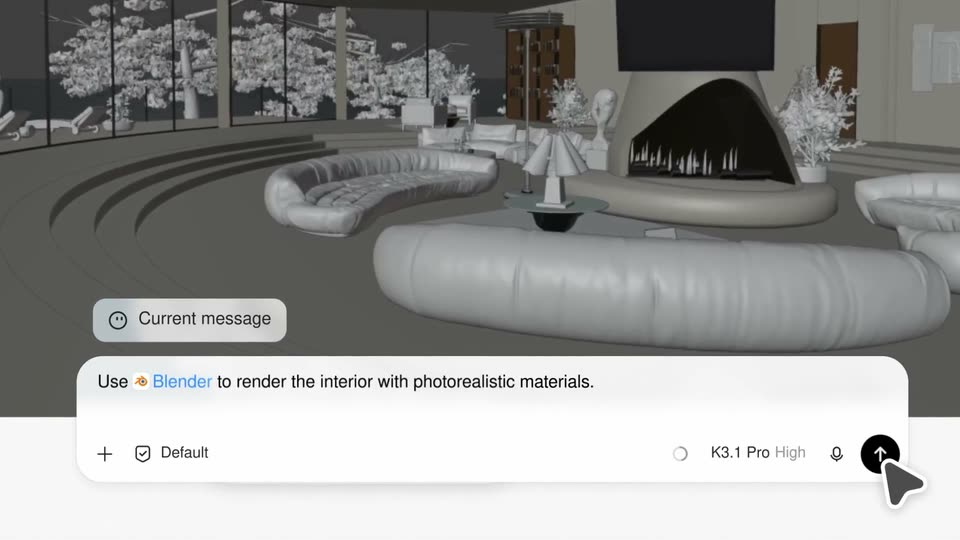 0:26–0:28Moonshot AI · Introducing 3D Make in KimiA grayscale 3D living room with curved sofas and a fireplace fills the frame. A chat input at the bottom types out a prompt asking to render the interior with photorealistic materials, then a cursor moves to the send button.
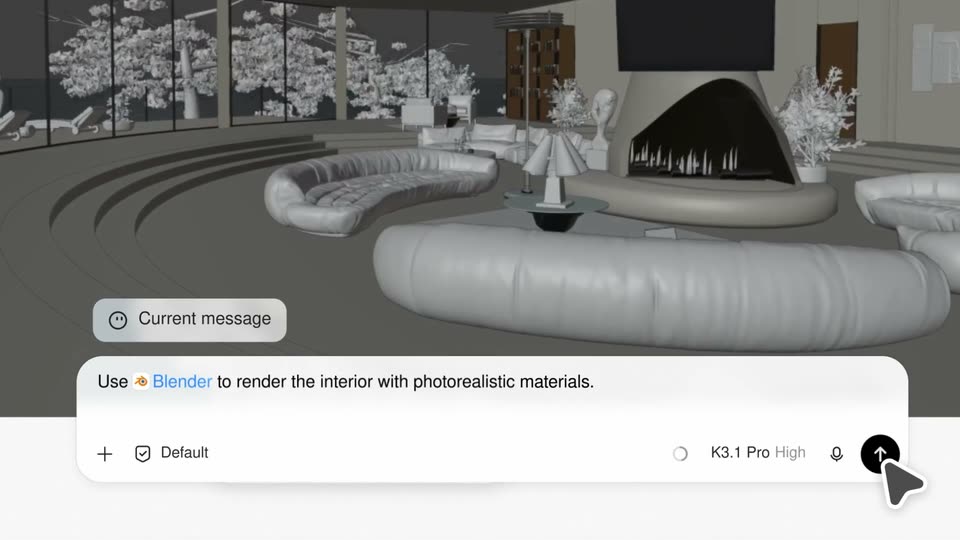 0:26–0:28Moonshot AI · Kimi.ai - Introducing 3D Make in Kimi. Kimi connects to tools like Blender andA clay 3D render of a living room with curved sofas fills the viewport as a prompt types into the input bar below. A cursor clicks the round send button and the layout reframes.
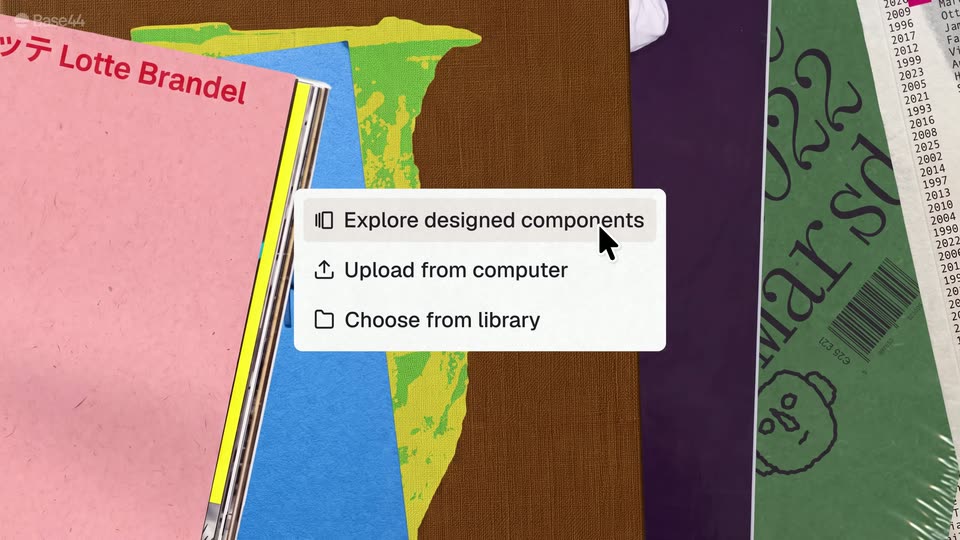 0:13–0:14Base44 · Beautiful from the first prompt | Base44A flat-lay of printed design objects, a pink booklet, blue folder and green poster with a barcode, fills the frame on a brown surface. A white dropdown menu floats at center with three options, a black cursor hovering on the top row. The Base44 logo sits in the top-left corner.
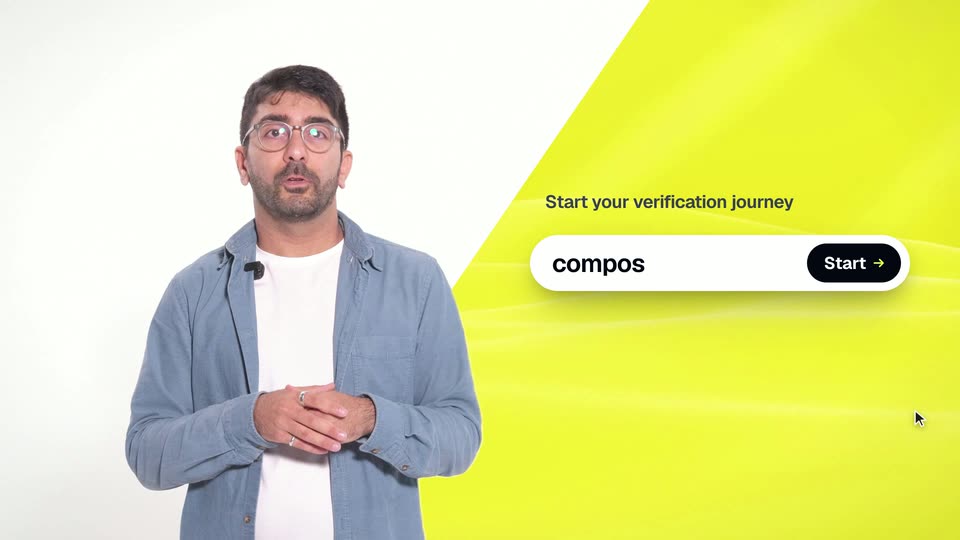 1:13–1:17Composal · Introducing Composal: A swarm of agents that tests your product like real usersA man in a denim shirt and glasses stands on the left against white, hands clasped, beside a yellow diagonal panel holding the headline “Start your verification journey” above a white search bar. “composal.com” types into the bar as a cursor moves to the Start button.
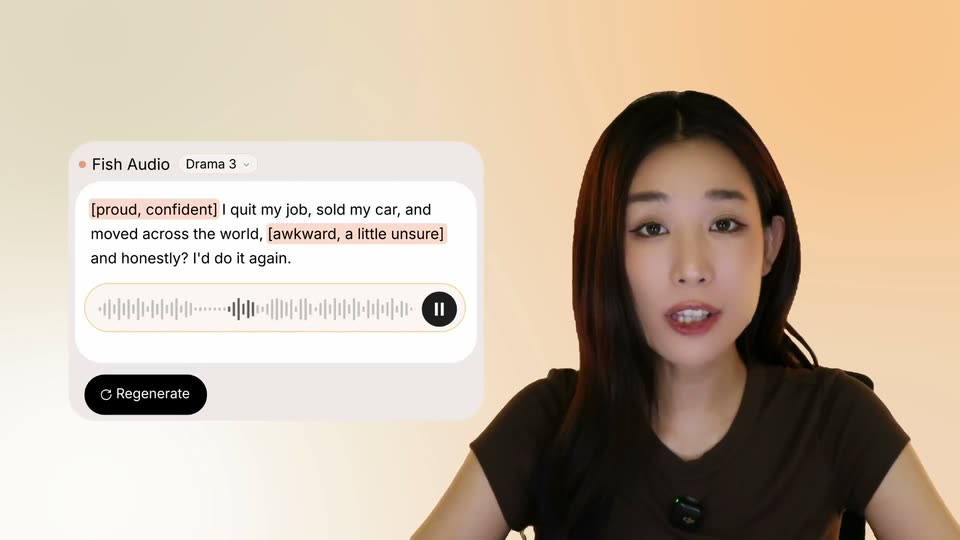 2:29–2:38Fish Audio · Fish Audio Drama 3 (Full Guide)A woman speaks to camera on the right against a warm gradient wall. On the left, a white Fish Audio card's prompt slides as its tag changes from [laughing] to [awkward, a little unsure]; a cursor edits the text and a Regenerate button appears under the waveform.
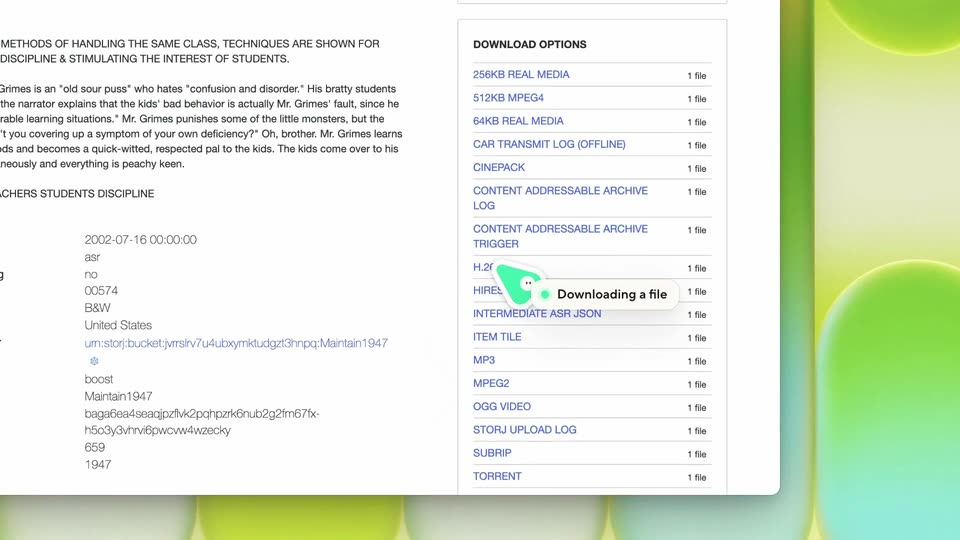 0:32–0:33HyperFrames · HyperFrames - the AI slop launch video killer is here Computer use is live in HypeA screen recording of an Internet Archive page zooms in on the download options list. A green pointer cursor moves over the page with white caption chips reading Scrolling, then Downloading a file.
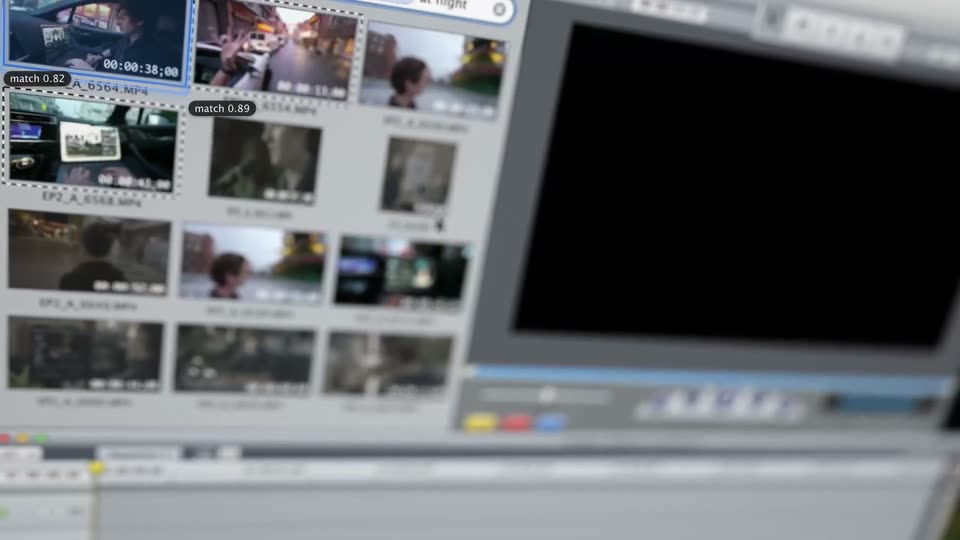 1:02–1:04Kino · Luke Igel - Introducing Kino: make videos end-to-end with Claude Code and Codex.A tilted 3D media grid fills the frame. A search field types a query, a people dropdown lists names, then the field completes and a match label pops over a highlighted clip as the cursor moves.
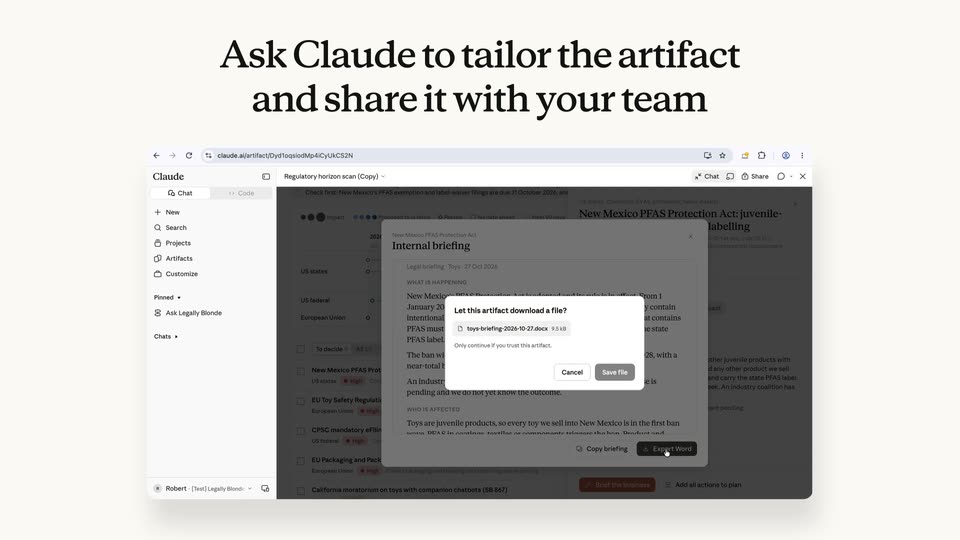 0:30–0:41Anthropic · Claude - New in Claude for Legal: a gallery of ready-made artifacts for contraA serif headline sits above a flat browser mockup of the Claude app. A cursor dismisses a connector dialog, the briefing document types itself out, then the cursor clicks Export Word and Save file, prompting a download toast. The window slides down out of frame.
 0:49–0:50Ploid · Manny Hernandez - Introducing Ploid. I think the world's data should belong to everyA dark rounded input bar holds a green mark, the gray text “Searching and verifying…” and a Send button, with a white cursor at lower right. The content fades out and the bar shrinks into a small central pill revealing the Ploid logo and wordmark.
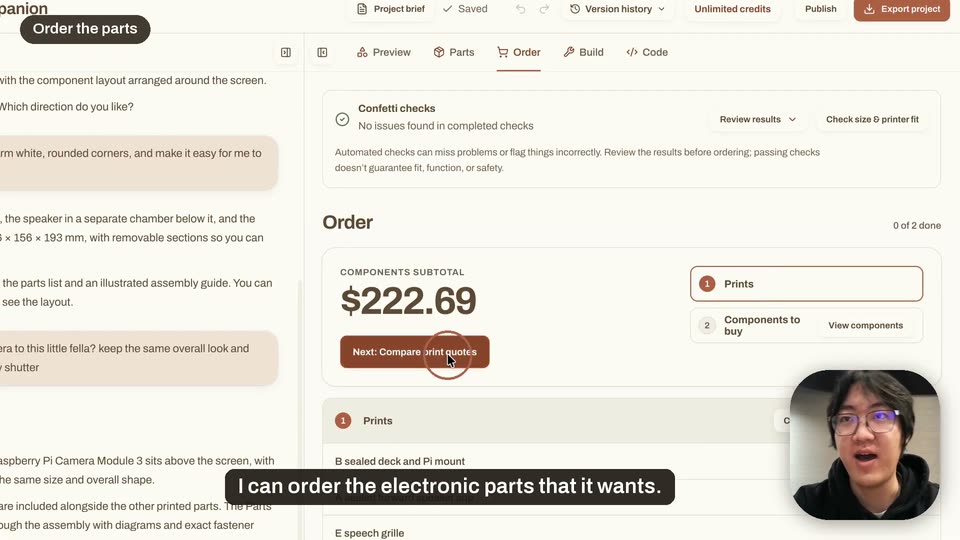 0:46–0:48Confetti · Introducing Confetti — Build hardware from a single promptScreen recording of the Order tab in a design tool: a cursor moves to the compare-quotes button, a white popover pops in with the $222.69 subtotal, then closes. A webcam bubble of the speaker sits bottom right and a caption pill runs along the bottom.
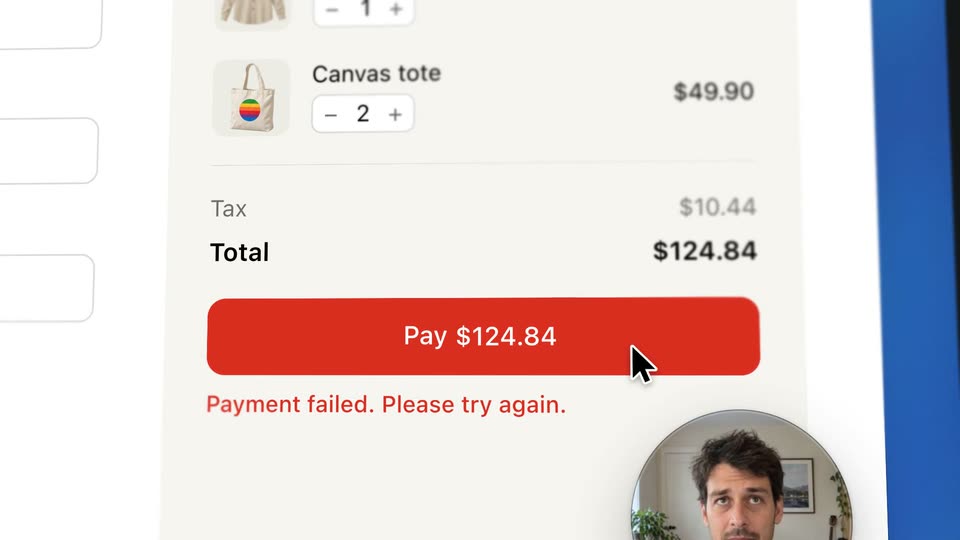 0:16–0:17Jam · Jam.dev - Jam for Mac is officially out - Get logs from Chrome, Safari + ElectA checkout panel in close-up shows a red Pay button with a cursor and a red error message, while a circular webcam feed of a man sits in the lower right. The panel then slides upward and blurs out of frame.
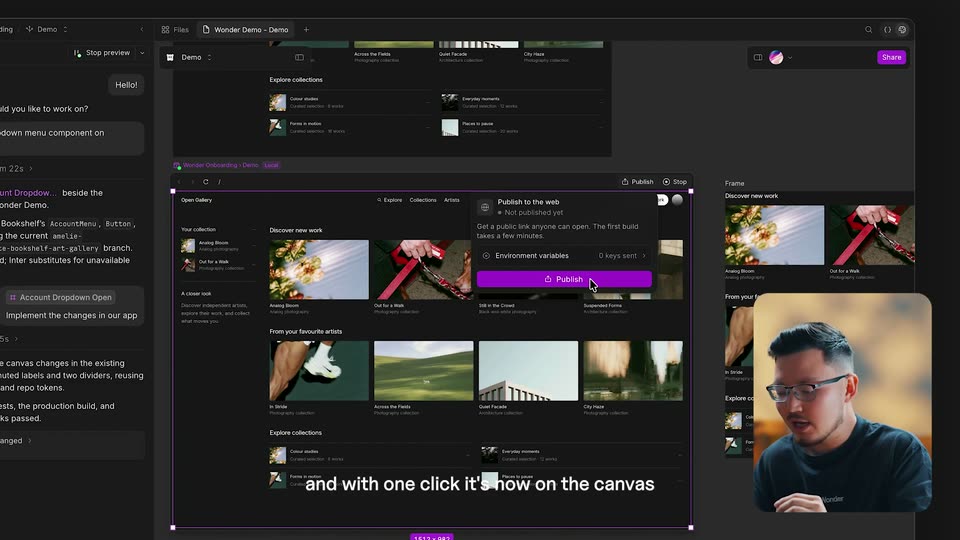 1:54–1:59Wonder · Wonder - Today we're launching the new Wonder! The fastest way to go from desA screen recording of the Wonder tool shows a dark gallery interface. A cursor clicks the purple Publish button in a dialog, loading the published page on the canvas. A presenter sits in a small window at bottom right as white captions narrate.
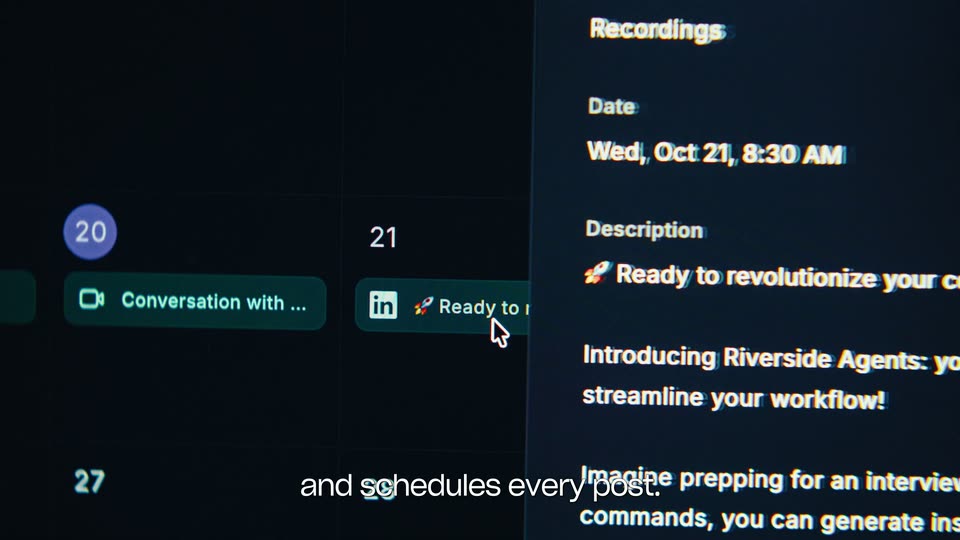 1:34–1:35Riverside · Nadav Keyson - Meet Riverside Agents, the first AI production team built only for viOn a dark calendar grid, a cursor hovers over a green LinkedIn event on the 21st. A detail panel slides in from the right, revealing the recording's date and description. White subtitles at the bottom follow the voiceover.
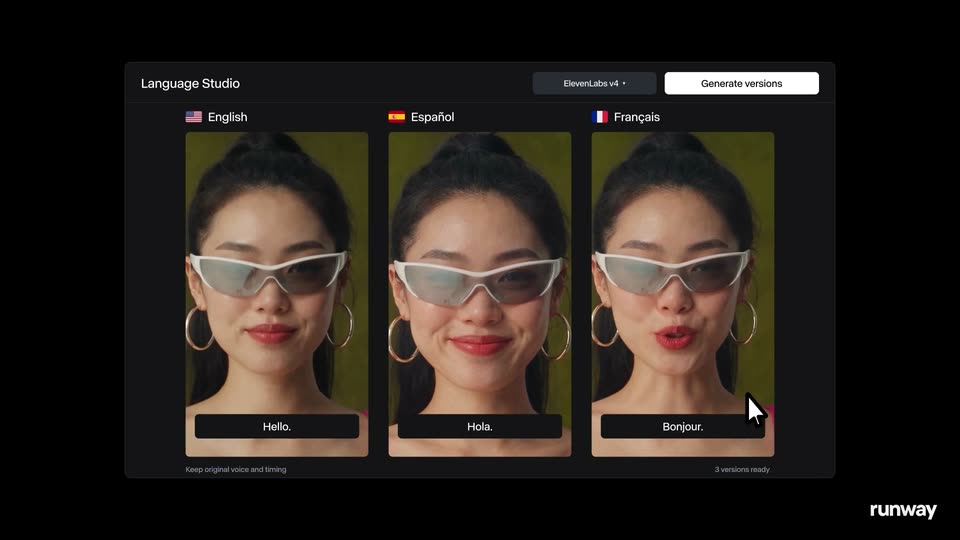 0:22–0:24Runway · Runway - Introducing Runway App Studio. Build the creative app you wish existA dark 'Language Studio' panel holds three side-by-side video cards. A cursor clicks the white 'Generate versions' button, then the Spanish and French cards wipe in, each showing the same woman in white sunglasses with a caption. The runway logo sits bottom right.
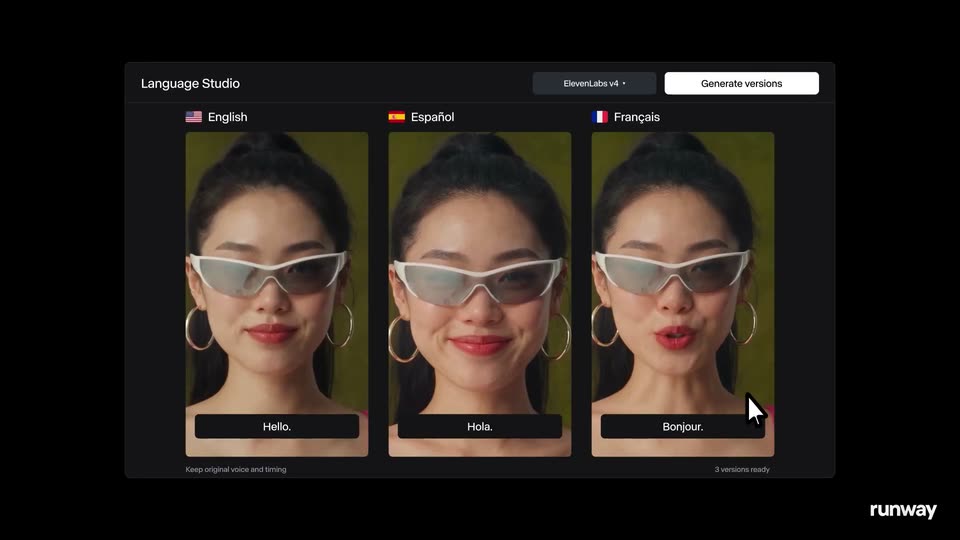 0:22–0:24Runway · Introducing App Studio | RunwayA cursor clicks Generate versions on the Language Studio bar, and three video tiles of the same woman in white sunglasses fill in side by side, each with a flag and a translated caption, Hello, Hola, Bonjour.
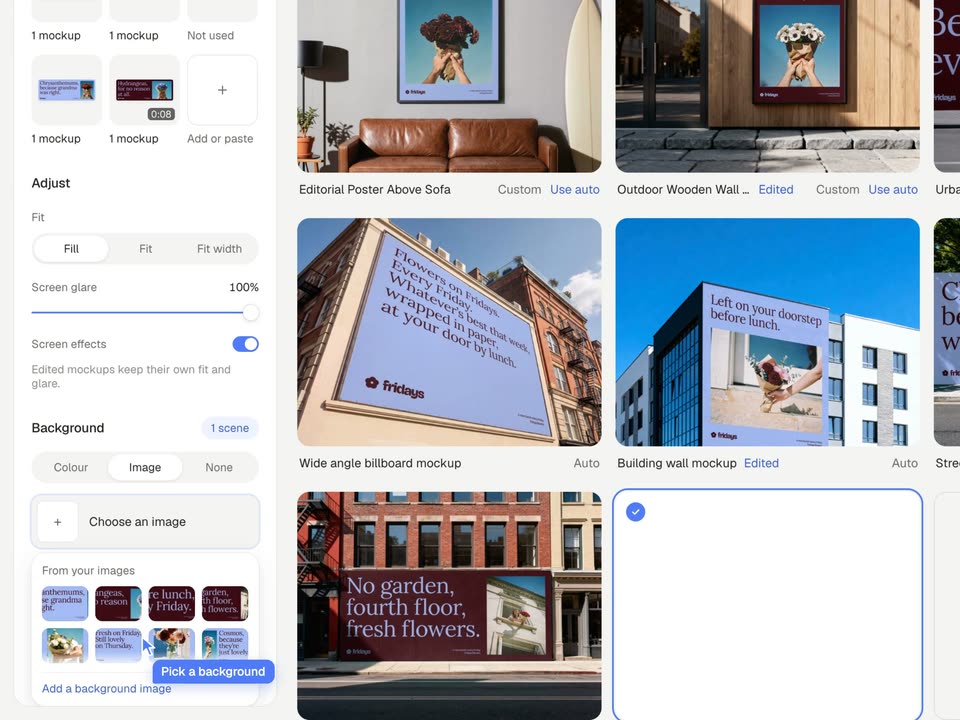 0:41–0:43Showroom · Seyi - Introducing Showroom, an app that lets you see your designs in everyA cursor navigates a design tool interface, selecting an image from the background options in the left panel. A toast notification confirms the background is set as the cursor moves to the add button.
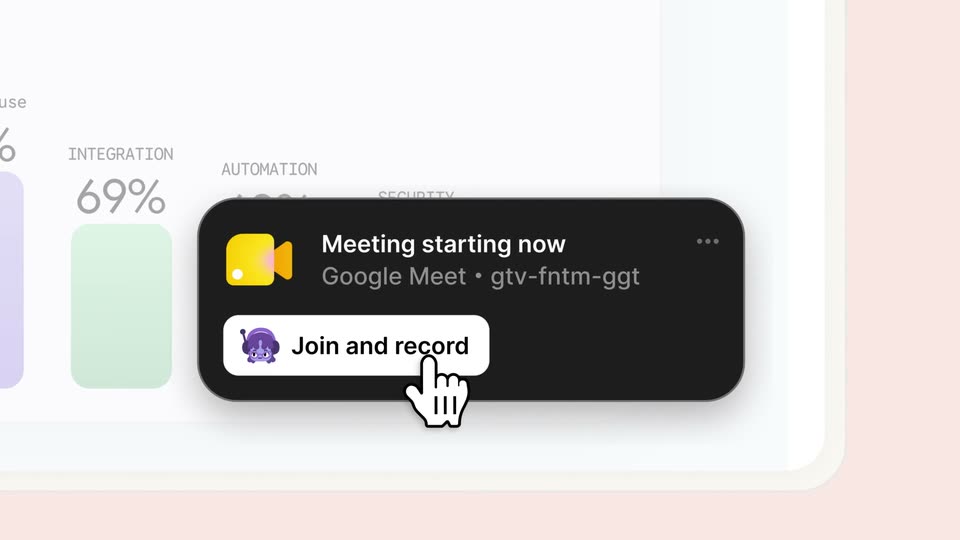 0:47–0:49Strawberry · Charles Maddock - Delete Chrome Delete Granola Delete Claude Strawberry 1.0 is here, tA dark Google Meet notification card with a yellow camera icon and a white Join and record button floats over a light bar-chart dashboard. A hand cursor rises and presses the button.
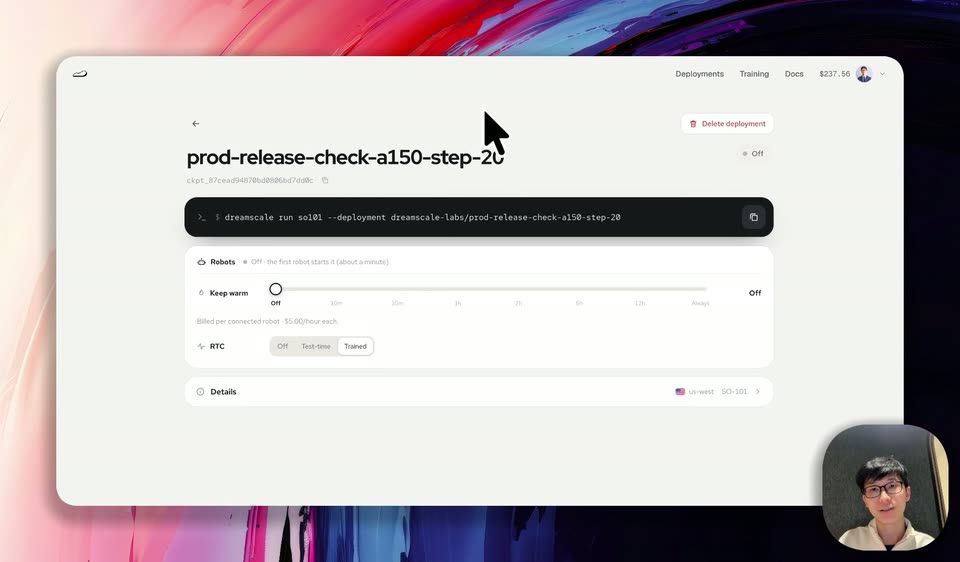 0:38–0:50Dreamscale Labs · Chris Yoo ⚡ CoRL - Fine-tuning VLAs just got so much easier. Today, we're releasing TraA light training dashboard floats over a colorful painted backdrop, with a small webcam self-view in the corner. A cursor hovers the Deploy button, a tooltip pops in, then the view cuts to the deployment page showing the run command.
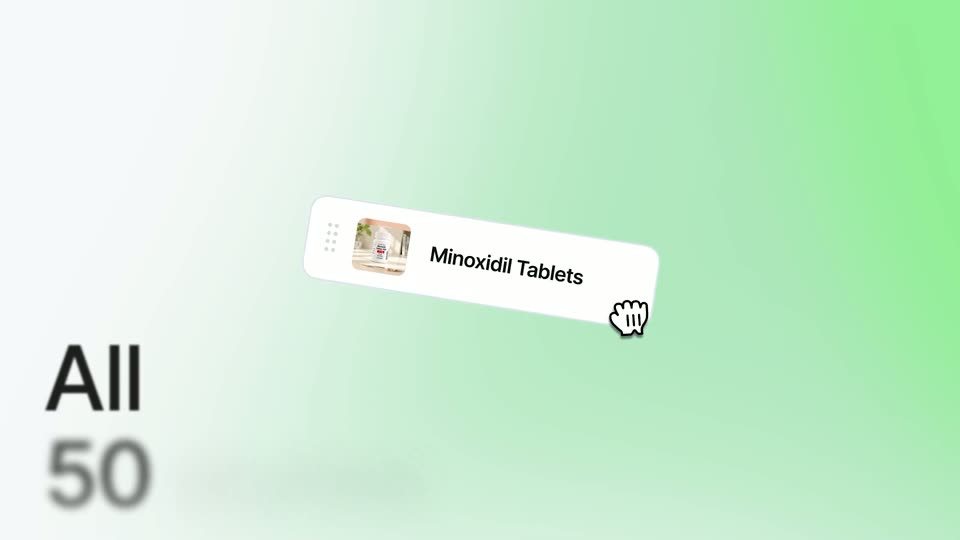 0:44–0:45TagadaRx · TagadaRx motion design video: launch the next Hims & HersA tilted white card with a clinic thumbnail and a Minoxidil Tablets label slides to the center, hand cursor at its corner, as the Clinician review card blurs out left and large All 50 text blurs in.
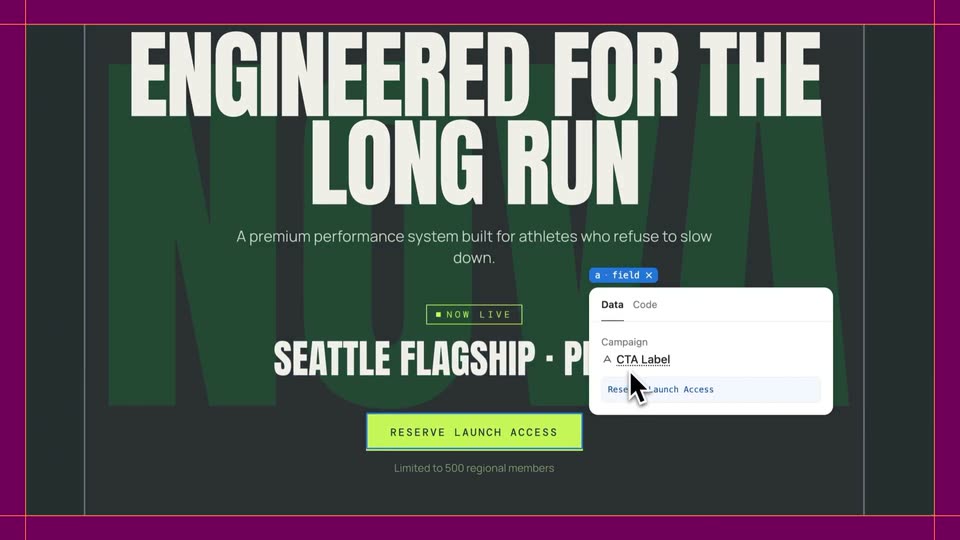 0:44–0:51Airtable · October 2026 Launch: CanvasA cursor moves across a dark landing page, selecting the launch location and CTA fields, which update in a white data panel on the right. The view then pulls back to reveal the full page inside a magenta canvas frame.
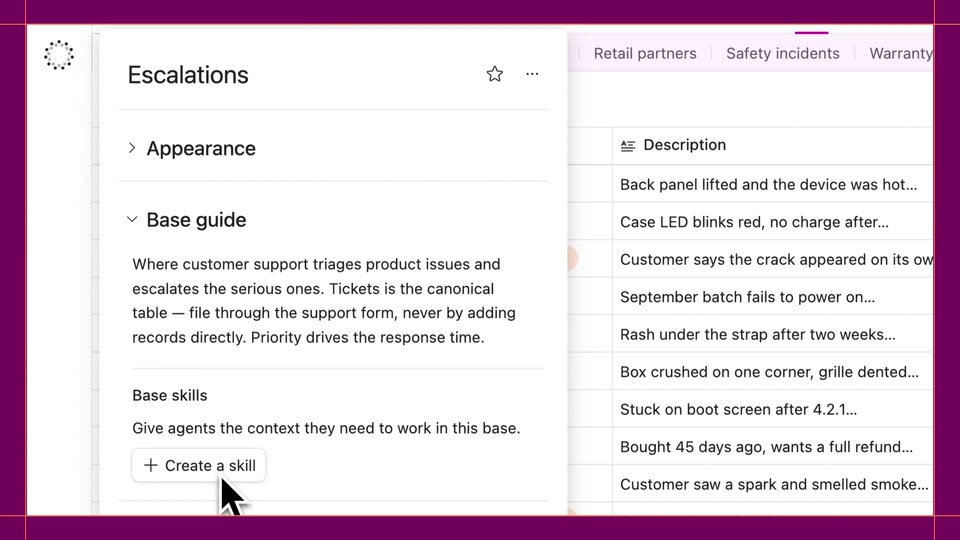 1:10–1:12Airtable · October 2026 Launch: MCPA small product interface window sits centered on a magenta grid background, then scales up to fill the frame. The left panel shows an Escalations page with an expanded Base guide section; the right panel lists ticket descriptions. A cursor rests on the Create a skill button.
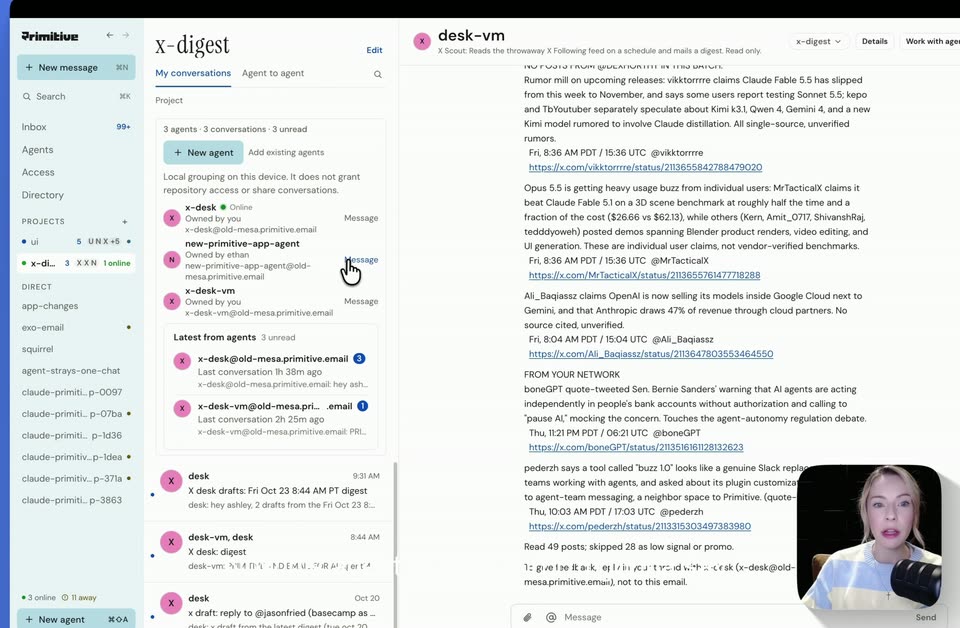 1:28–1:29primitive · Primitive - we 💌 emailA three-pane app fills the frame. A cursor clicks the new-primitive-app-agent row, and the center and right panes switch to that agent, showing a sent message that reads start working with xdesk and xdesk-vm agents. A small webcam overlay of a speaker sits in the bottom-right corner.
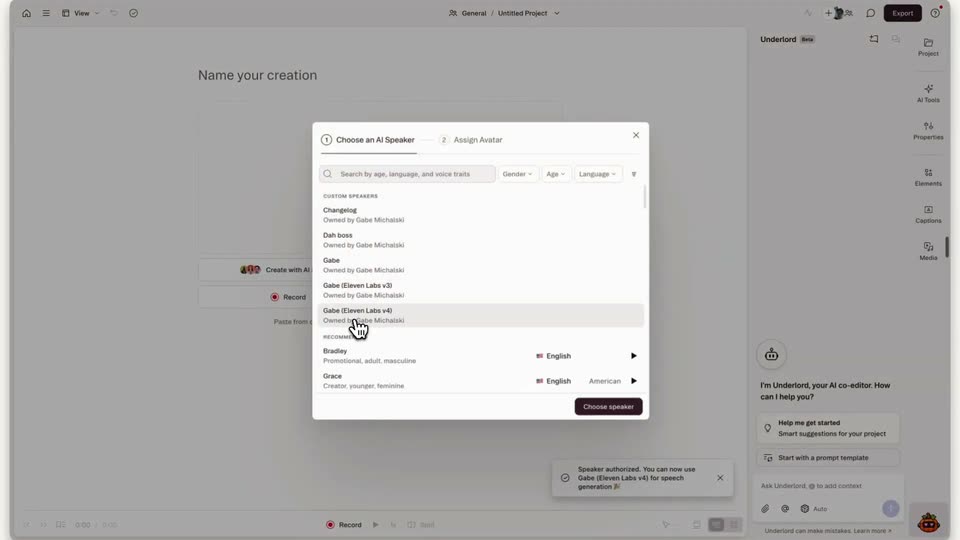 1:19–1:23Descript · New in Descript: Drive Search, Recording Requests, ElevenLabs v4 & MiniMax H3A modal dialog listing AI speakers sits over a dimmed workspace. The cursor scrolls down the list, highlights Gabe (Eleven Labs v4), and the Choose speaker button turns dark. The cursor clicks it as a confirmation toast slides in at the bottom right.
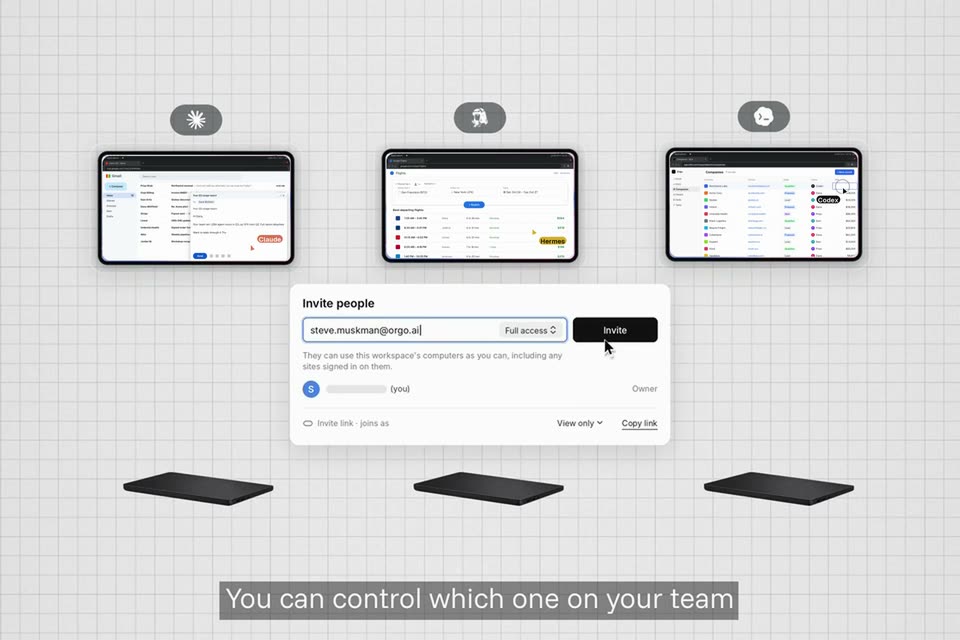 0:38–0:48Orgo · Orgo - Introducing Orgo: computers for agents. Give every agent its own desOn a light grid, a black laptop opens in 3D as dashed lines rise to three floating browser windows, each with a small icon above. The laptop flattens into three slabs while an invite panel appears and a cursor types an email and clicks Invite, then the laptop reopens.
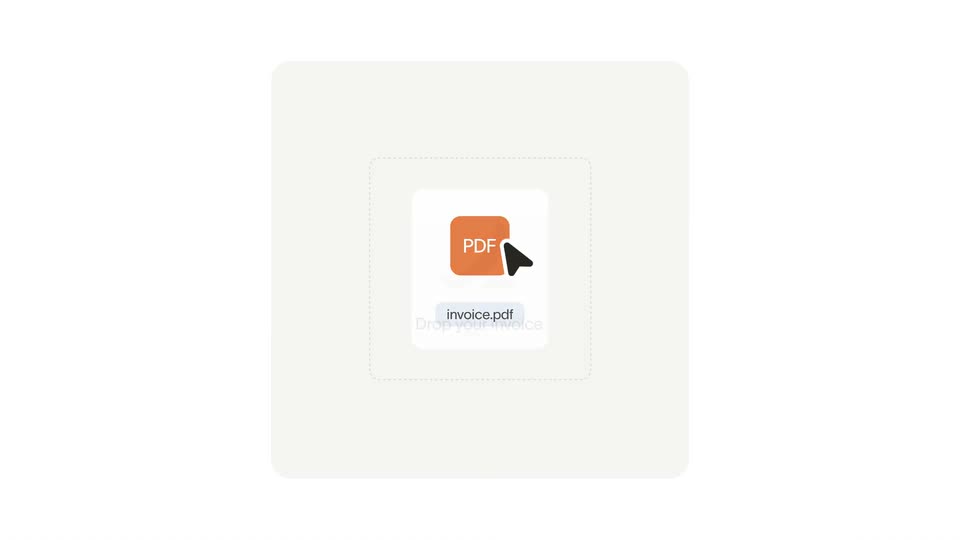 1:39–1:41Ramp · Introducing Ramp for Accounting FirmsA light gray drop-zone card with a dashed square and the label Drop your invoice sits centered on white. A PDF file card with an orange icon drops into the dashed area, then the card fades and a small invoice document scales in at the center.