2:02
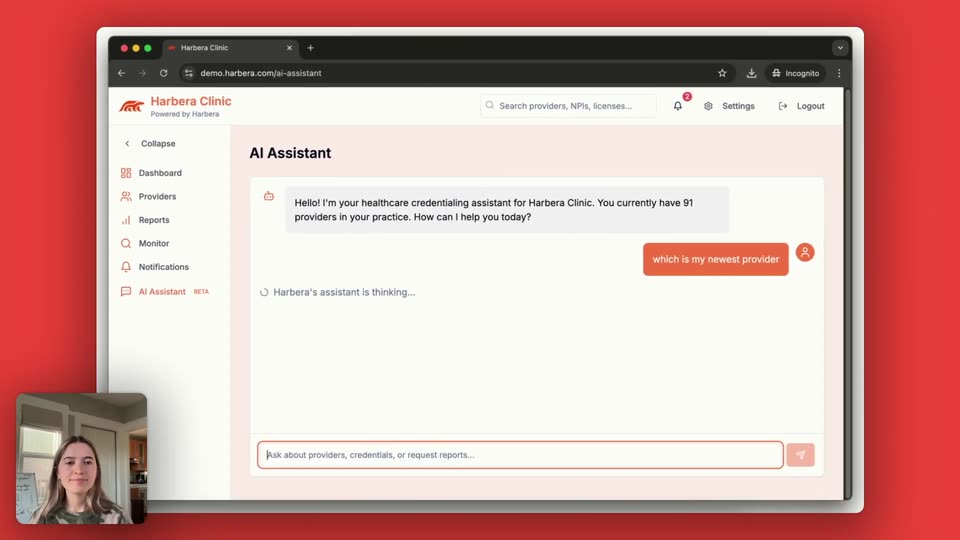

Launch YC: Harbera
Harbera · Healthcare · Feb 2025
Karmen · Nov 2024 · 1:15 · Full motion · AI-annotated
Karmen’s 1:15 launch film runs 7 scenes, about 11 s each. The product shows up at 0:19 and 1 feature is revealed. There is no explicit call to action; a voiceover carries the film. A single continuous screen-capture walkthrough with the presenter's webcam bubble pinned in the corner, following one invoice from a cluttered inbox through the Carmen detail view and into Procore. Pacing is steady and explanatory, built on slow zooms, pans, and cursor highlights that steer the eye to each panel, badge, and button.
Is this your launch? to your site or press kit.
A full-screen Outlook inbox lists emails over a desert backdrop, with a small webcam video of the speaker in the bottom-right corner. The list scrolls once, then a cursor hovers over a row to reveal its quick-action icons.
Techniques: Cursor demo
Camera: Static
An invoice dashboard fills the frame: left sidebar, search bar, and a table of vendor rows, with a small webcam of a presenter in the corner. The cursor moves over the list, then the view zooms in on the top rows to point at a red 'New' badge.
Techniques: Cursor demo, UI zoom
Camera: Push in
A project management invoice screen shows a line items table, vendor card, and email thread with a PDF attachment. The view zooms into the line items, pans to the vendor and correspondence panels, then settles on the PDF preview. A presenter's video bubble sits in the corner.
Techniques: Cursor demo, UI zoom
Camera: Push in
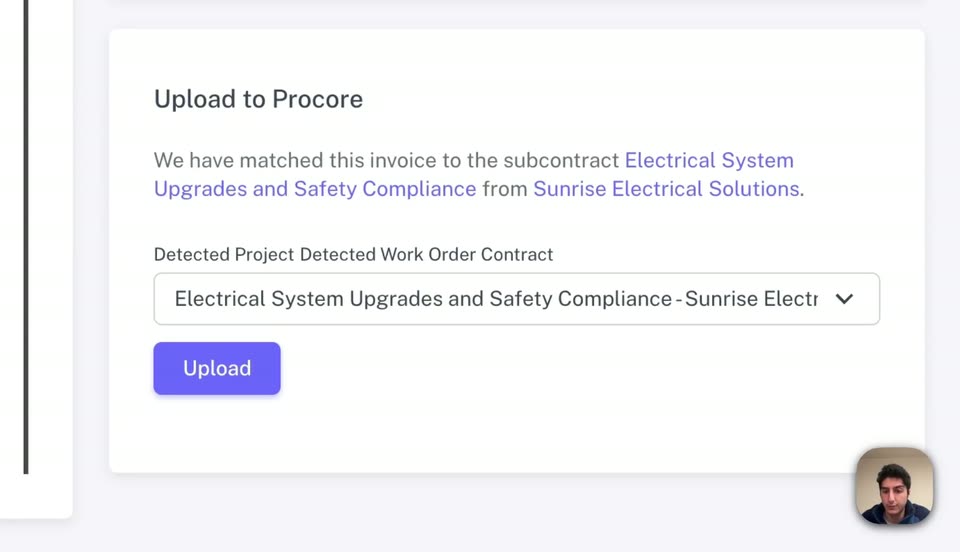
A project management screen pairs an invoice PDF with an email thread. The view zooms into the Upload to Procore card, a cursor clicks the Upload button, then pulls back to the full layout. A circular webcam of the presenter sits in the corner.
Techniques: UI zoom, Cursor demo
Camera: Pull out
A project-management interface fills the frame, with an invoice PDF preview center-left and a Procore upload panel on the right. A white cursor drifts over the PDF while a small circular webcam of the presenter sits in the bottom-right corner.
Techniques: Cursor demo
Camera: Static
A Procore invoice dashboard fills the frame, showing line items, a vendor card and a correspondence thread with a PDF attachment under a green upload banner. A small video call window with a man sits in the corner. A cursor drifts from the total up to the banner.
Techniques: Cursor demo
Camera: Static
The Procore invoice page scrolls down past the general information fields to the Schedule of Values table and Attachments, then back to the top. A presenter in a small video-call inset at the lower right delivers closing remarks.
Techniques: Cursor demo
Camera: Static