Cursor demo
A visible cursor operates the interface.
15,084 scenes · page 178 of 252
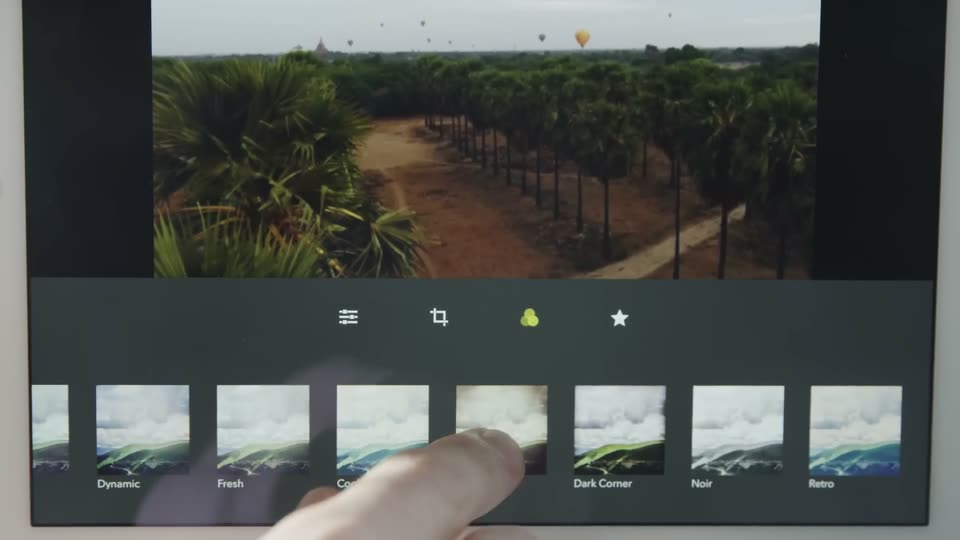 1:42–1:44DJI · Introducing the all-new DJI GO mobile appA tablet screen shows a photo of a palm plantation with hot air balloons above a row of filter thumbnails. A finger swipes across the thumbnails and taps Reminiscent, which gains a yellow border as the main image updates its color grade.
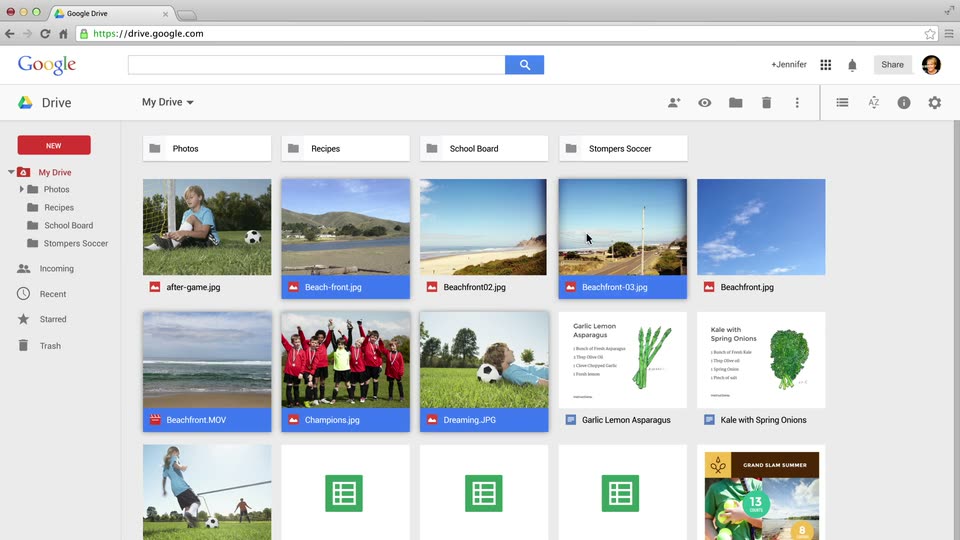 0:33–0:45Google · Meet the new Google DriveA full-screen browser view of Google Drive shows a grid of photo and document thumbnails. The cursor clicks and drags across the grid, highlighting several files in blue, then a right-click context menu with Preview, Share, Move to, Add star, Download and Remove options opens over a selected file.
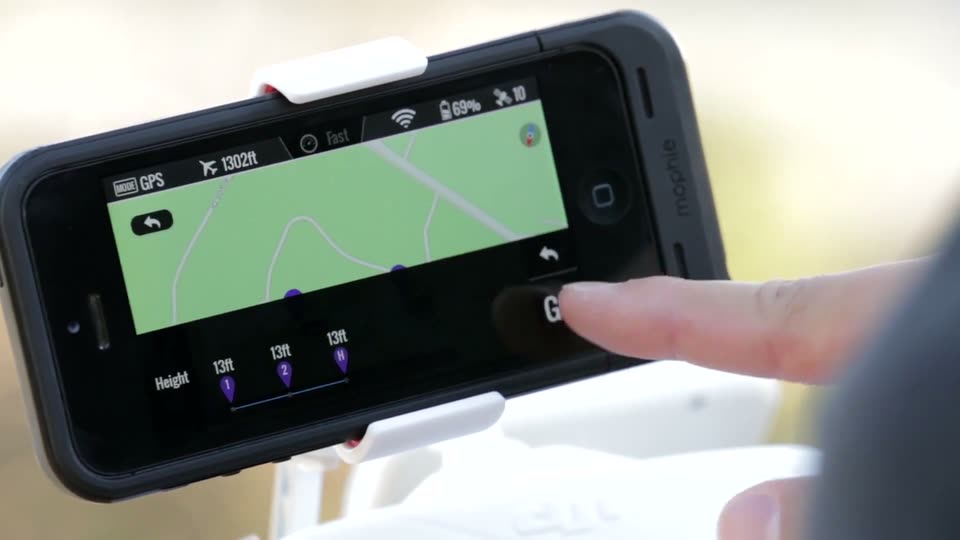 1:23–1:25DJI · DJI - Introducing Ground Station for the Phantom 2 Vision SeriesA phone in a white mount shows a green map with two purple pins. A finger taps the screen and the map shrinks as a black height panel slides up, listing three purple pins at 12ft, 13ft and 13ft. The camera stays locked off on the angled device.
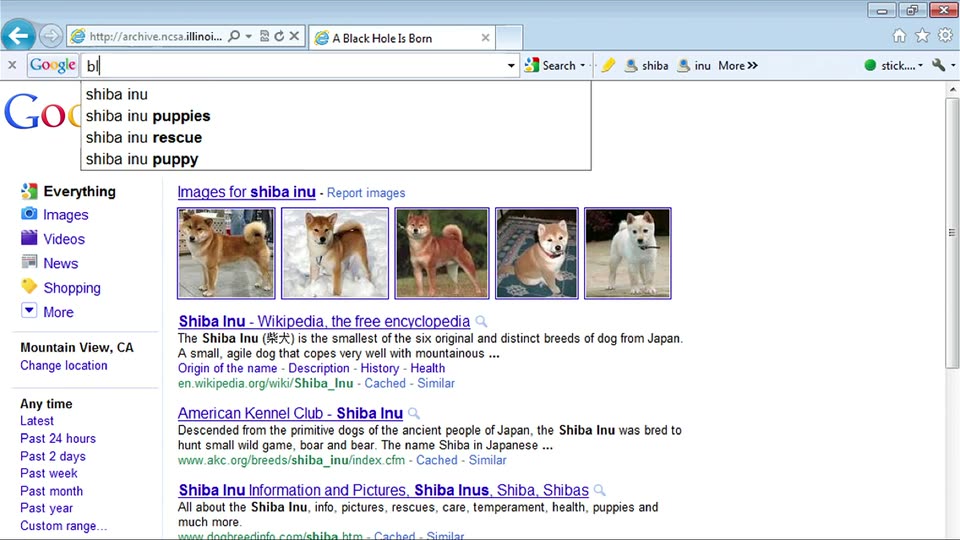 0:41 · 0.5sGoogle · Introducing Google Toolbar 7A browser window shows a Google search page. The search box text switches from 'shiba in' to 'black swan' while a dropdown of suggestions updates beneath it, with a cursor resting at the field's left edge.
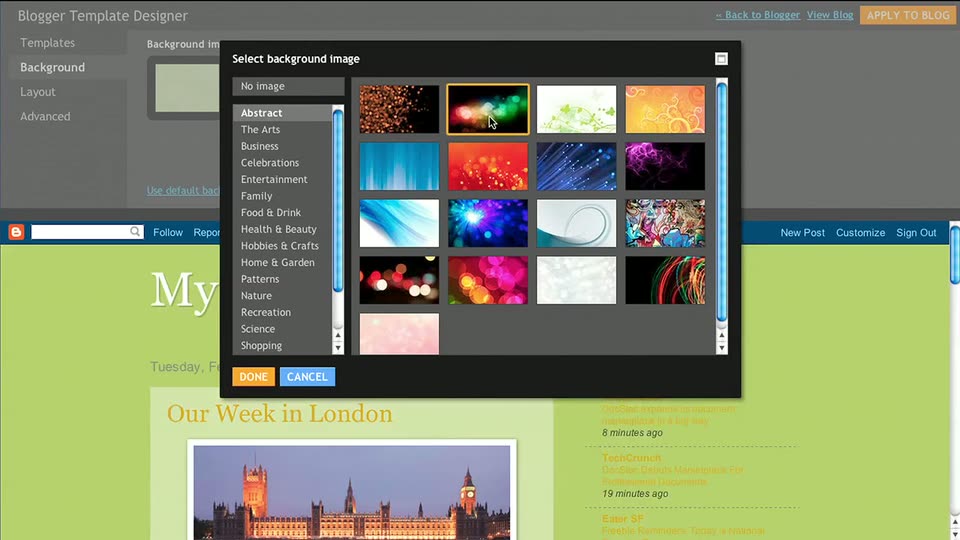 0:22–0:23Google · Introducing the Blogger Template DesignerA dark background-image selection modal overlays a dimmed Blogger template editor. A mouse cursor drifts down a grid of colorful abstract thumbnails while a category list sits at left. A static caption reads Browse hundreds of images.
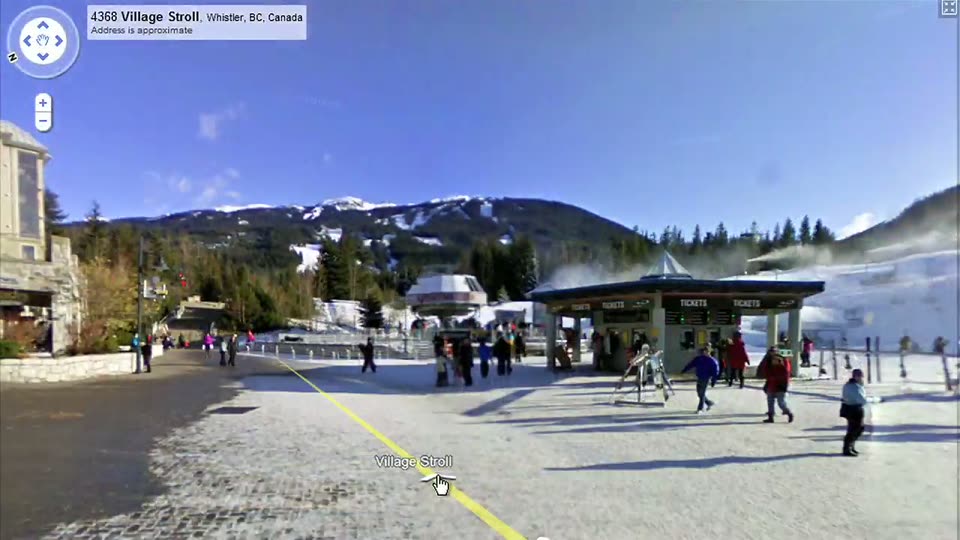 1:14 · 0.7sGoogle · Introducing the Street View snowmobileA Google Maps Street View shows a snowy ski village plaza with a ticket booth and forested mountains behind. The view drifts slowly left, a yellow line runs down the path, and a hand cursor hovers beneath the place label at the bottom.
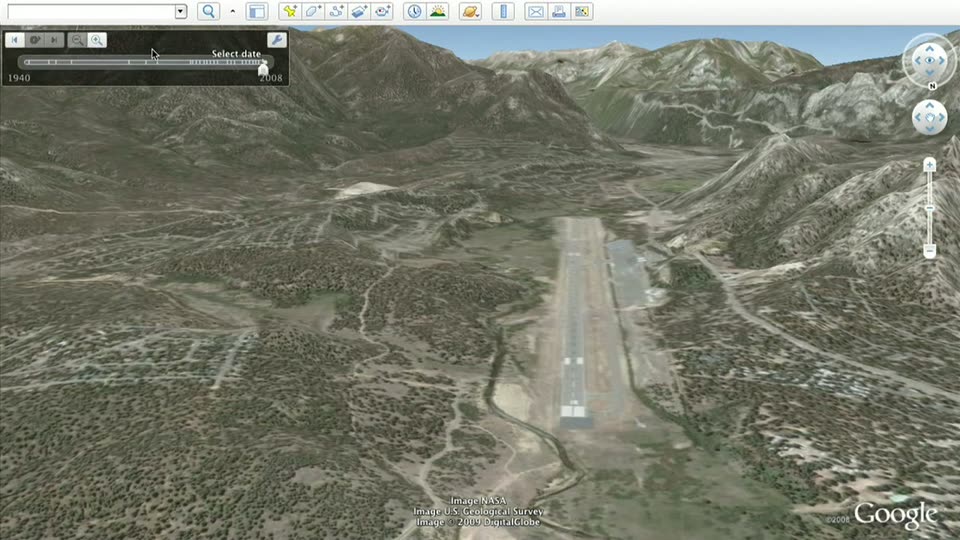 0:26–0:28Google · What's New in Google Earth 5.0A locked-off screen recording of Google Earth shows a 3D mountain valley with an airport runway. A cursor clicks the top toolbar and a Select date panel with a 1940 to 2008 slider opens in the top left corner.
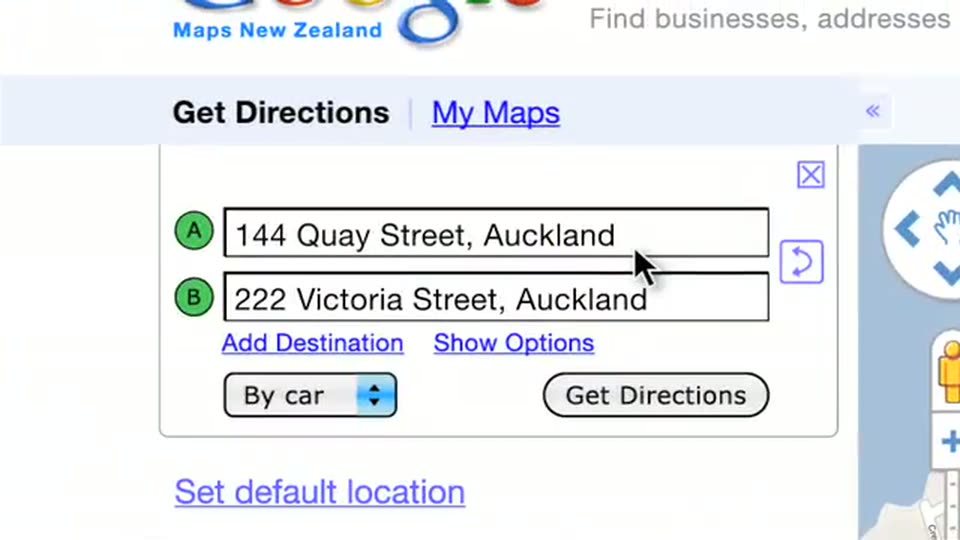 0:51–0:56Google · Street View now available in New ZealandA Google Maps page fills the frame, then the view zooms in on the Get Directions panel as two addresses are typed into the fields. A hand cursor moves to the Get Directions button and hovers over it.
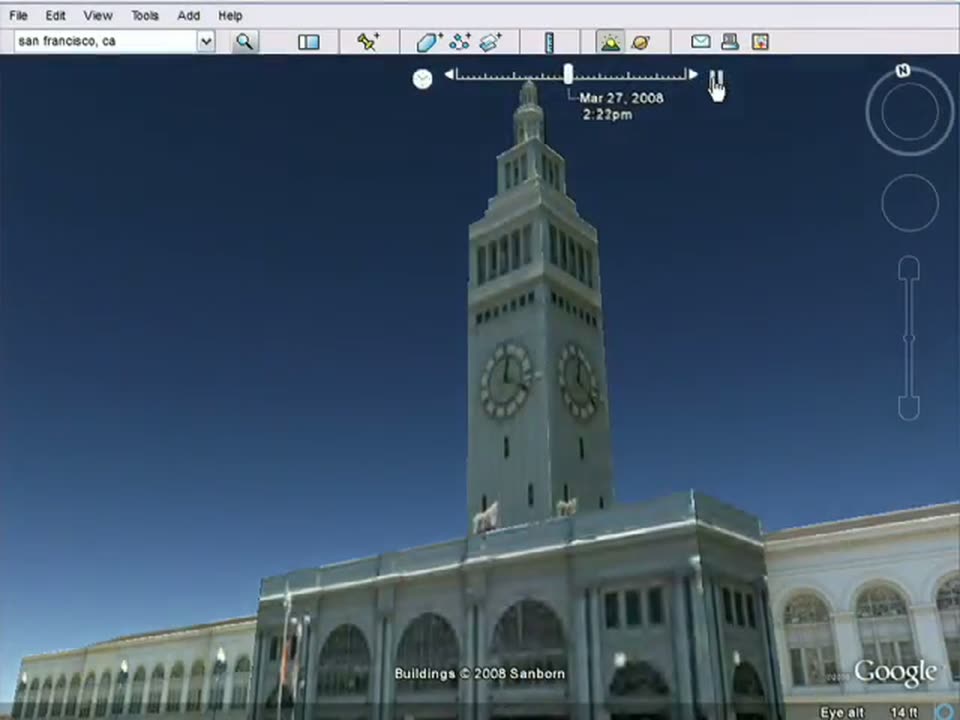 0:12–0:16Google · New features in Google Earth 4.3The app's full window shows San Francisco City Hall's clock tower in 3D under a blue sky. A cursor drags the top time slider, and the timestamp runs from noon to early afternoon as the sun moves and the tower's faces fall into shadow.
 0:37–0:38Google · Google Maps Street View - launch videoA close-up of a Street View window over a blue map labeled San Francisco Bay. A hand cursor drifts from the panorama to the Full-screen button in the toolbar and presses it.
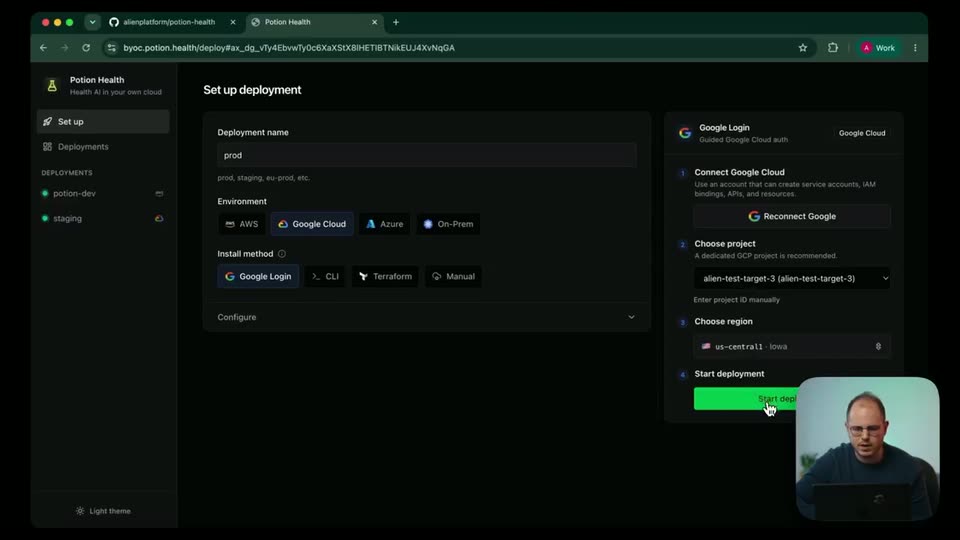 2:18–2:22Alien · We're launching the Alien platform today, backed by a $5M seed from Basis Set, Jibe Ventures, and angels from OpenAI, Google, and Databricks. We've built it so that when your next $300K enterpriseA dark deployment setup screen in a browser. A Google sign-in dialog closes, then a cursor picks a project from a dropdown and clicks the green Start deployment button, which shows a loading spinner. A small webcam video of a presenter sits in the bottom-right corner.
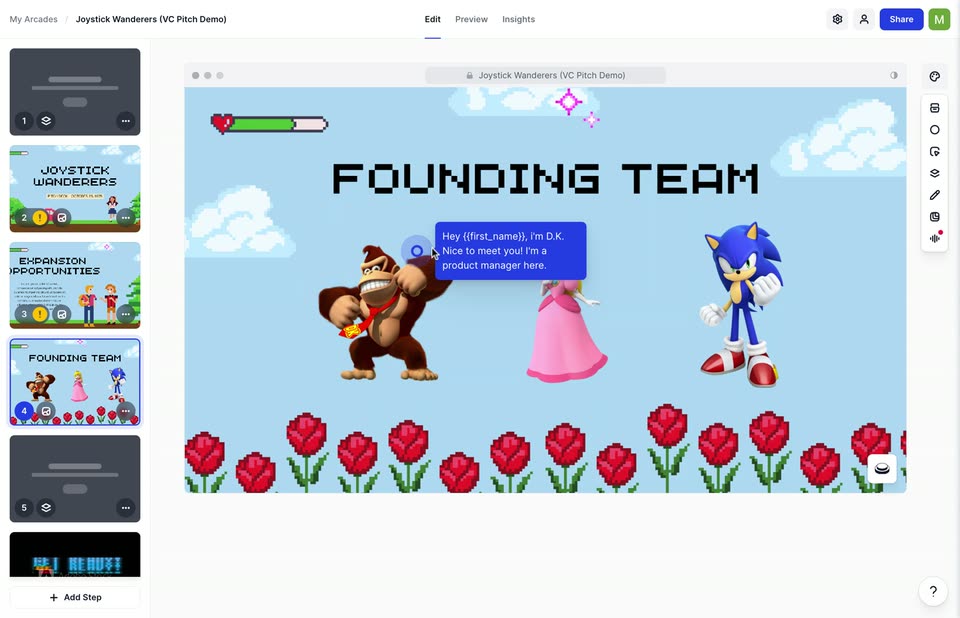 0:56–1:05Arcade · Arcade Adventure 👾A locked-off view of a step-builder editor shows a pixel-art slide with three game characters and the title FOUNDING TEAM. A cursor selects a blue speech bubble, opens its text properties panel, then deletes the bubble.
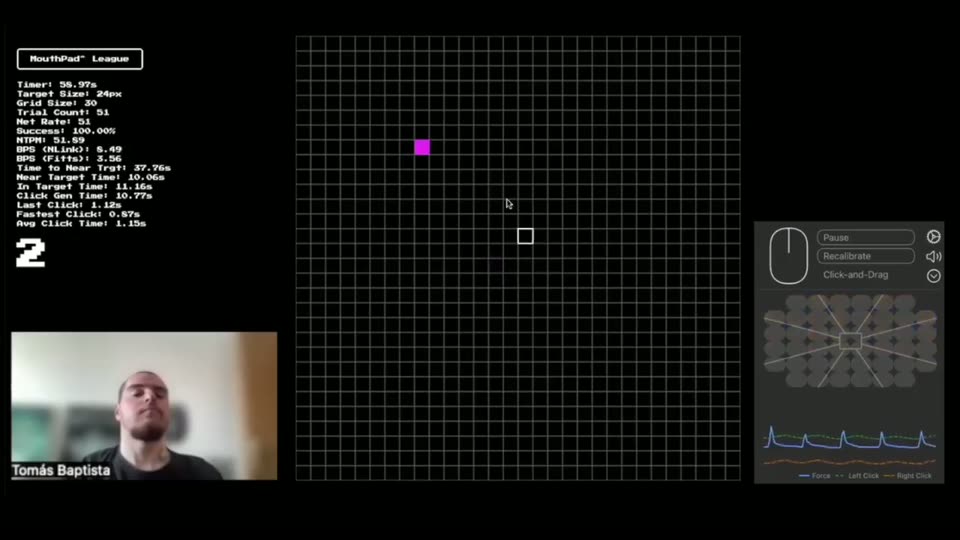 1:40–1:46Augmental · MouthPad is a touchpad you drive with your tongue. Now available across the US. Over 100 people already use it, some for up to 16 hours/day. It works for gaming, for CAD, for Figma, and we're inA dark click-test interface fills the screen: a white cursor hops between small pink and white square targets on a grid while a stats column ticks up at left and a webcam of a man sits bottom-left. The grid fades out to reveal a large 8.51 score with two buttons.
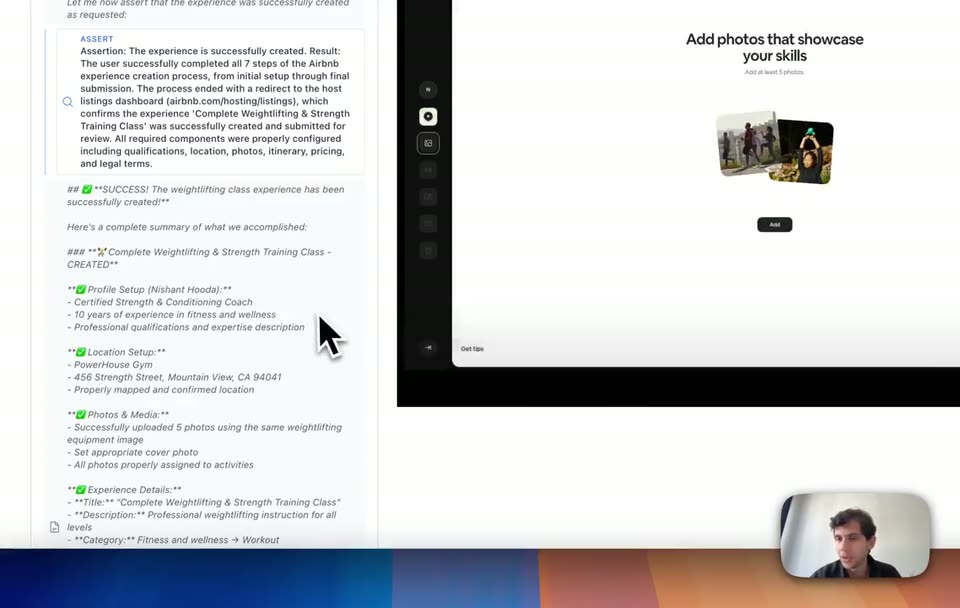 2:16–2:20Docket · #ai #qa #e2etest #yc #airbnb #productmanagement #developerexperience | Docket (YC P25)Split screen: a static markdown document on the left lists a completed Airbnb experience; a video player on the right plays an Airbnb host flow. A hand cursor drags the timeline, advancing through a years question, location list and photo upload, with a webcam of a man in the corner.
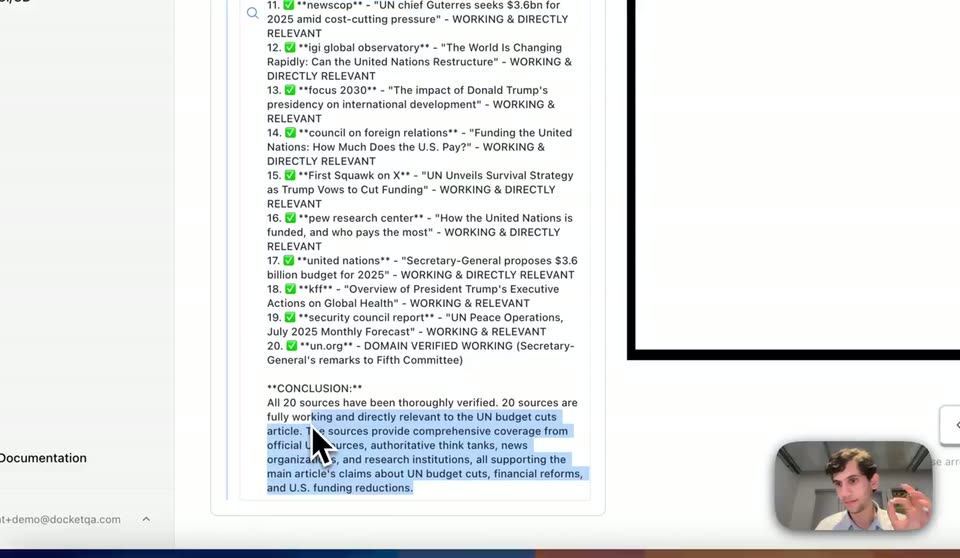 1:38 · 0.8sDocket · #ai #qa #e2etest #yc #perplexity | Docket (YC P25)A document panel lists twenty verified sources with green checkmarks, the cursor highlights the conclusion paragraph in blue, and a small webcam feed of a gesturing man sits in the bottom right corner.
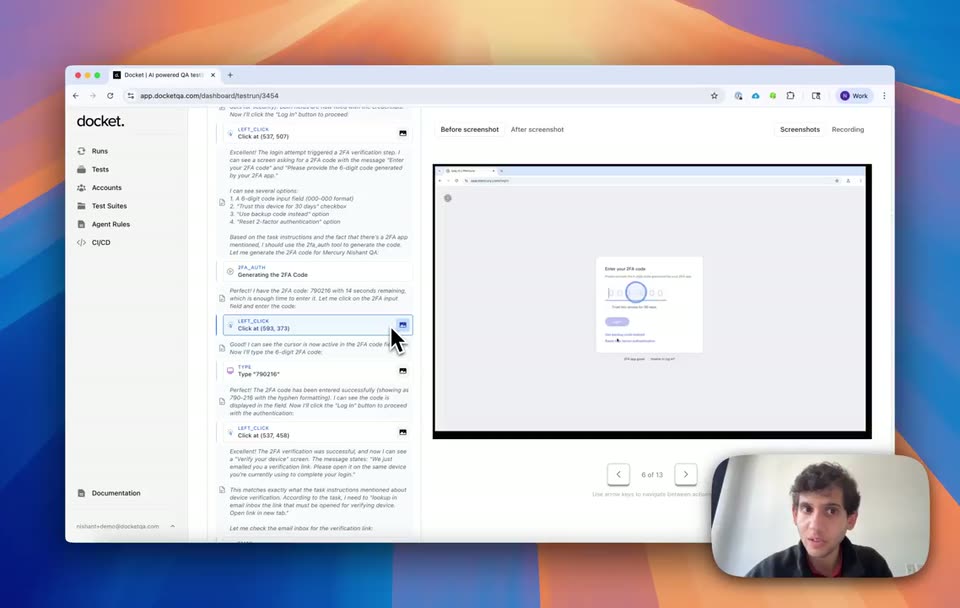 1:00–1:11Docket · #fintech #qa #ai #e2etest #yc #automation | Docket (YC P25)The Docket test-run interface fills the screen, its action log scrolling past a login sequence while a presenter's webcam sits in the corner. The view pulls back to the desktop, then pushes in on the 2FA code step before returning to the full window.
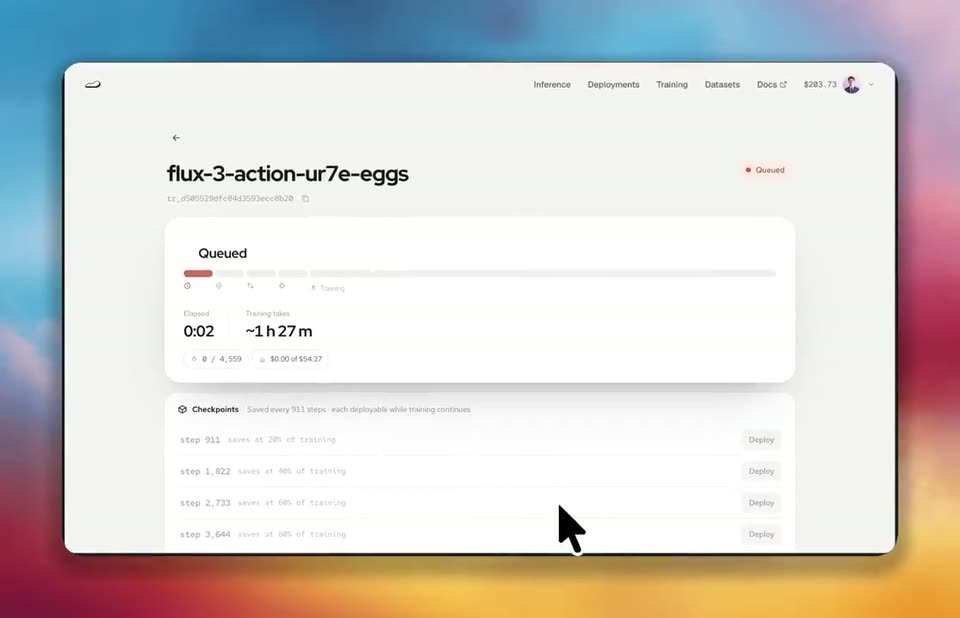 0:27–0:30Dreamscale Labs · Dreamscale Datasets is now live! | Dreamscale Labs (YC F26)A blurry close-up of the checkpoint list pulls back to reveal a white training dashboard card tilted in 3D over a soft rainbow gradient. A black cursor glides across the checkpoint rows while the elapsed timer ticks from 0:01 to 0:02.
 0:37–0:38Dreamscale Labs · Training is live on Dreamscale! | Dreamscale Labs (YC F26)A light gray list of checkpoint rows, each with a pi icon and monospace label, sits in a white panel. A hand cursor drifts down the rows, and a trash icon fades in at the right edge of the hovered row. A small video-call avatar stays in the corner.
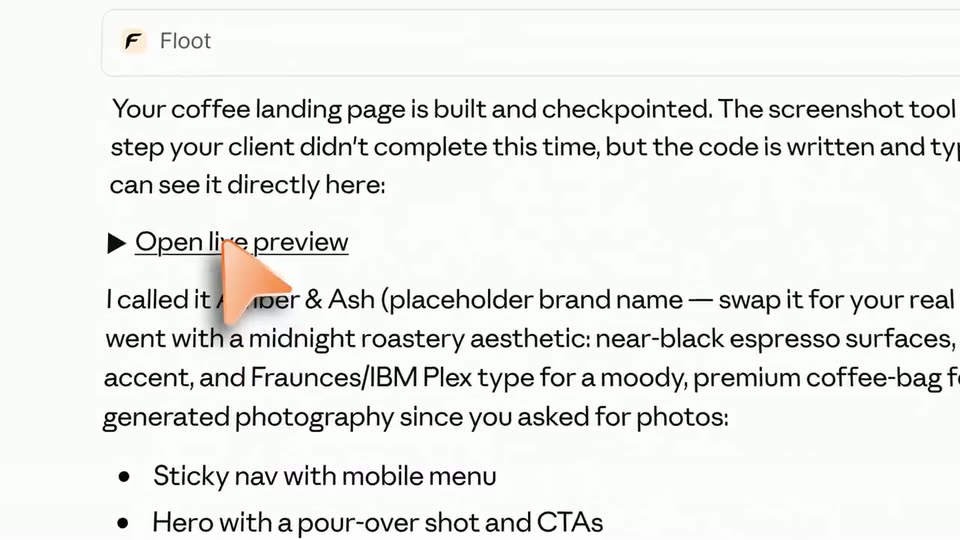 0:30–0:32Floot · Claude and ChatGPT can already write you an app. Getting it live is another story. Today we're fixing that: connect Floot, and you can build and ship real apps directly inside Claude and ChatGPT -A Flood response card shows body copy and a bulleted feature list. The view scrolls up and an orange cursor arrow moves to hover the underlined Open live preview link.
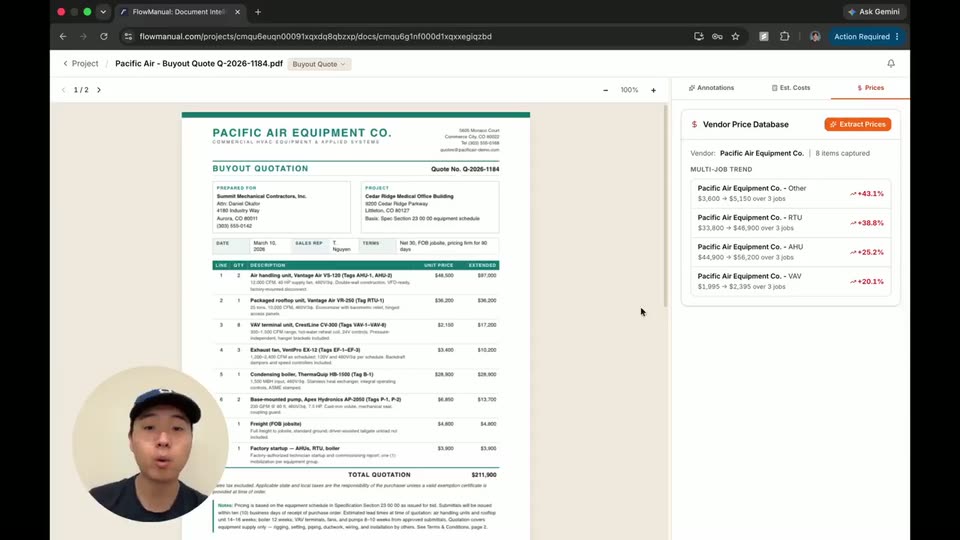 1:03–1:07FlowManual · Hey! This is FlowManual; an AI-native back office for construction contractors. Here’s a little demo to show you what we’ve been working on. We've talked with hundreds of contractors and realized… | FlowManual (YC S26)A locked-off screen capture of a document app shows a buyout quotation PDF beside a right sidebar. The cursor clicks the Prices tab; a brief spinner gives way to a list of vendor price trends with green percentages, while a small presenter webcam sits in the corner.
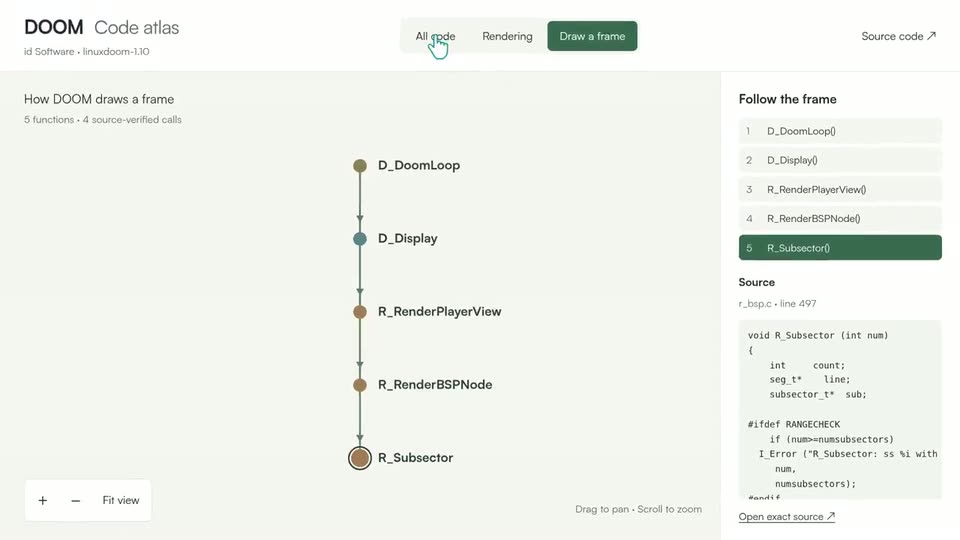 0:32 · 0.8sGraphify Labs · Graphify is now in Perplexity Every user gets 5,000 free credits through Oct 31 to turn any codebase into an interactive map of files, functions, and dependencies. Point it at your repo and go. | Graphify Labs (YC S26)A DOOM code atlas interface fills the frame: a vertical call graph of five function nodes on the left, a numbered function list and a source code snippet on the right. A cursor glides leftward across the top navigation bar, hovering over the view buttons.
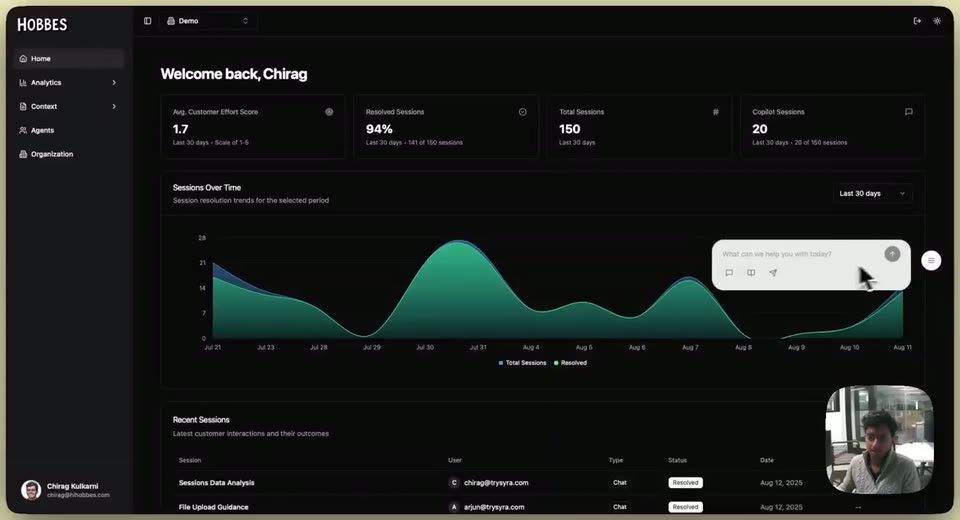 0:19–0:20Hobbes · 🚨Major update🚨 Syra is now Hobbes (hihobbes.com)! As we worked with some amazing teams this year, we saw a big gap in the agent landscape: visual context. Agents trained on knowledge bases + helpA dark dashboard with a left sidebar, four stat cards and a teal area chart fills the frame. A cursor taps the round chat button on the right, opening a small input box that fades in, while a webcam video of a man stays in the bottom corner.
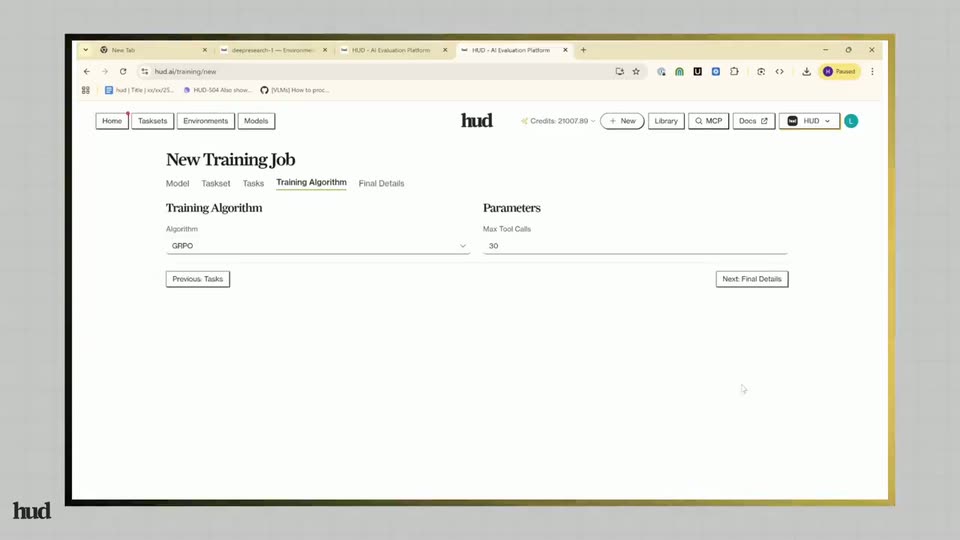 1:46–1:58HUD · Today, we're launching the public beta of the HUD platform. HUD lets you build reinforcement learning environments for training across 40+ models including GPT, Kimi, Qwen and many more. If you'reA gold-framed browser window shows the hud New Training Job page. The cursor steps through the Model, Taskset, Tasks, Algorithm and Final Details tabs, forks the o4 Mini model, then opens a launch dialog that fills with progress steps.
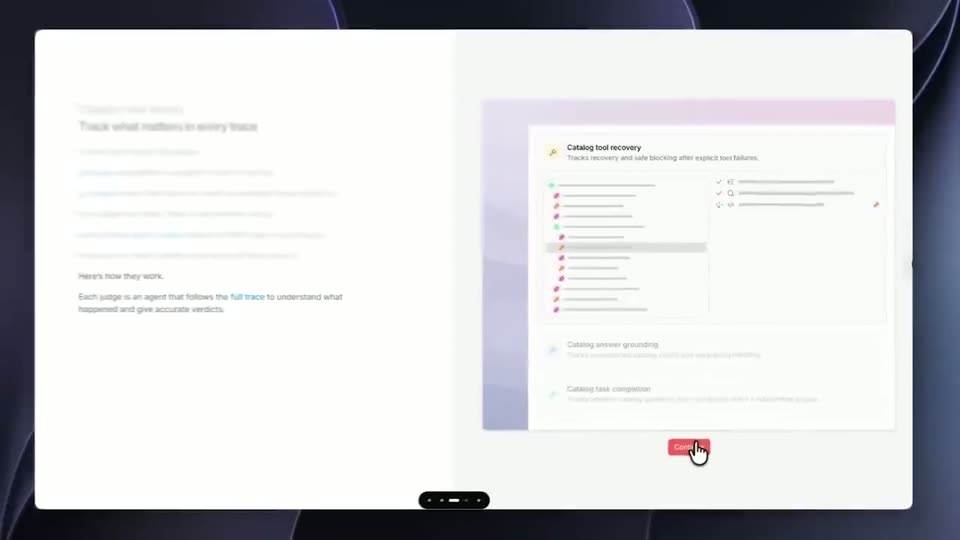 0:31–0:37Judgment Labs · See Judgment Labs’ activity on LinkedInClose-up of a Judges panel listing four catalog rows on a soft pink gradient. The cursor clicks the red Continue button, the first row expands into a trace table with checkmarks, then the camera pulls back to the full app window with a heading on a dark blue backdrop.
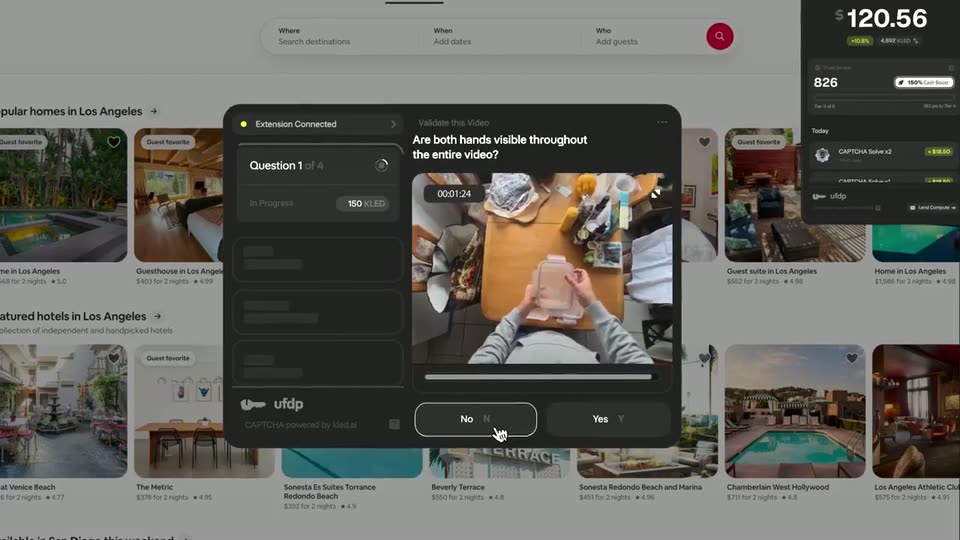 0:10–0:14Kled · We created the world’s best captcha. The first captcha that is: free for companies, pays you to solve it, impossible to bot, and instead of showing you images of random traffic lights, you’re shown… | Avi PatelA dark CAPTCHA-validation popup sits over a dimmed Airbnb page, a video clip of hands plays inside it and a cursor clicks the Yes button. The question and clip swap to a second task as the cursor clicks Yes again, while a side panel tallies earnings.
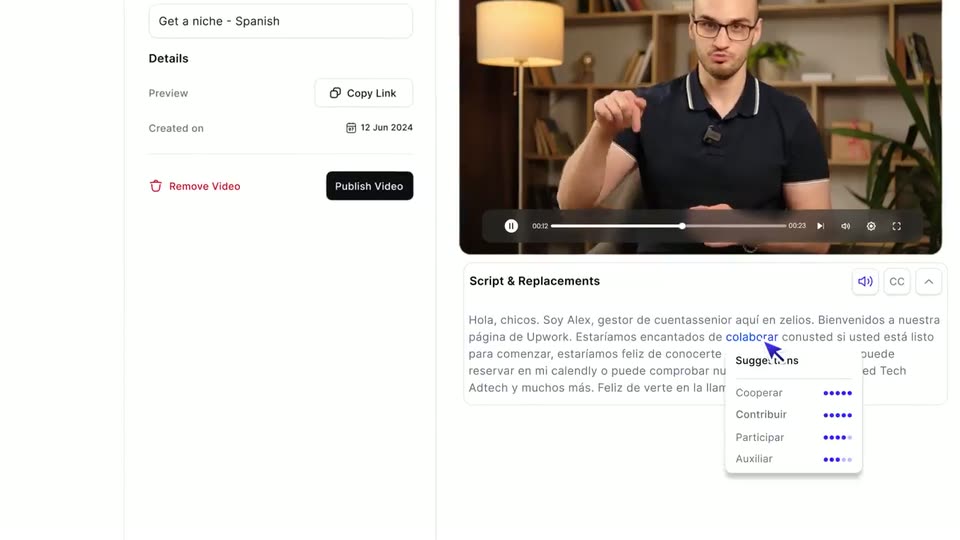 0:30–0:48LangEase · Imagine reaching a global audience without breaking a sweat. 🌎 LangEase is making it a reality. Our AI-powered localization platform is coming soon! Join the waitlist for exclusive early access.… | LangEaseA browser window on a Windows desktop shows the LangEase library page with a video preview of a man speaking Spanish. The camera zooms in as a cursor toggles voice and subtitle buttons, expands the script panel, clicks a word, and picks a replacement from a dropdown.
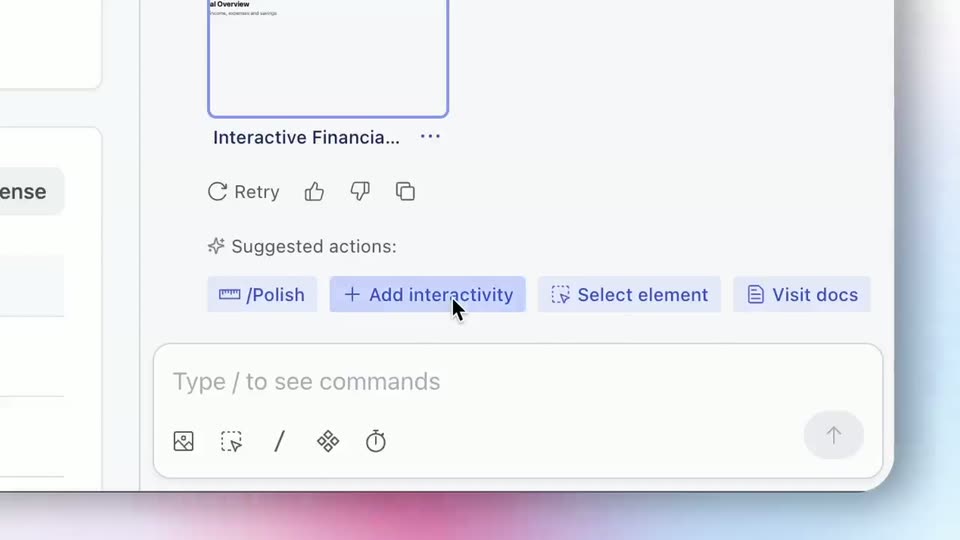 0:50–0:51Magic Patterns · Announcing our $6M Series A and Magic Patterns 2.0. We’ve grown profitably, hit $1M ARR, and quietly built an AI design tool loved by product managers, designers, and website builders. PreviouslyA close-up of a light interface panel shows a card with a blue border above a row of suggested action buttons. A black cursor hovers over the Add interactivity button. The frame stays static throughout the clip.
 0:37–0:38magicX · Excited to announce this huge leap forward in search. Today, Shopify stores now have passed Amazon with the most powerful search, called AI Autocomplete. Search technology hasn’t changed for 15… | AI Autocomplete by MagicXA white product card for Nike Pegasus 42 with a green price pill and a green ADD TO CART button sits on a dotted grid, a black cursor rests on the button. The card and the headline below slide upward as the clip ends.
 0:34–0:38Magnific · 🔥 Magnific Upscaler For Video 🔥 (BETA TESTING) Seedance at 720 res wasn't cool. You know what's cool? Seedance at 4k res! FINALLY The most anticipated Magnific feature of all times It's aA 2D animated close-up of a freckled girl in a white bonnet facing a white wolf on a dark blue background. A thin vertical line flanked by small arrows overlays the scene; a hand cursor grabs the line and drags it left while the image pans slightly.
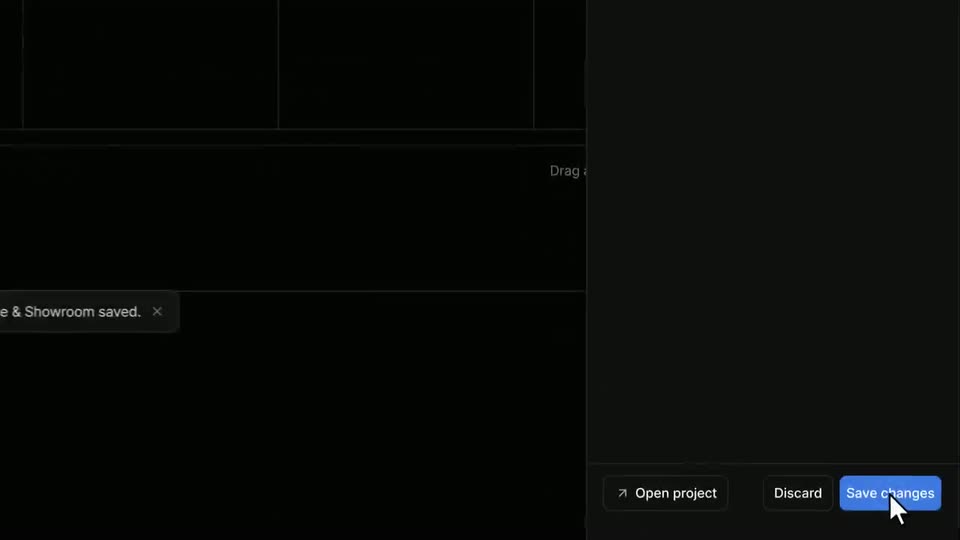 0:26–0:30Operon · We've received overwhelming requests from the HVAC & Construction industry over the past few months and today we're excited to launch our first product in this space! | Operon SolutionsA close-up of a dark project detail panel, a cursor selects the Review takeoff stage and opens the owner menu to pick Maya Ortiz. The view then zooms out to the full bid board with a saved toast, and the panel dims as the cursor moves to Save changes.
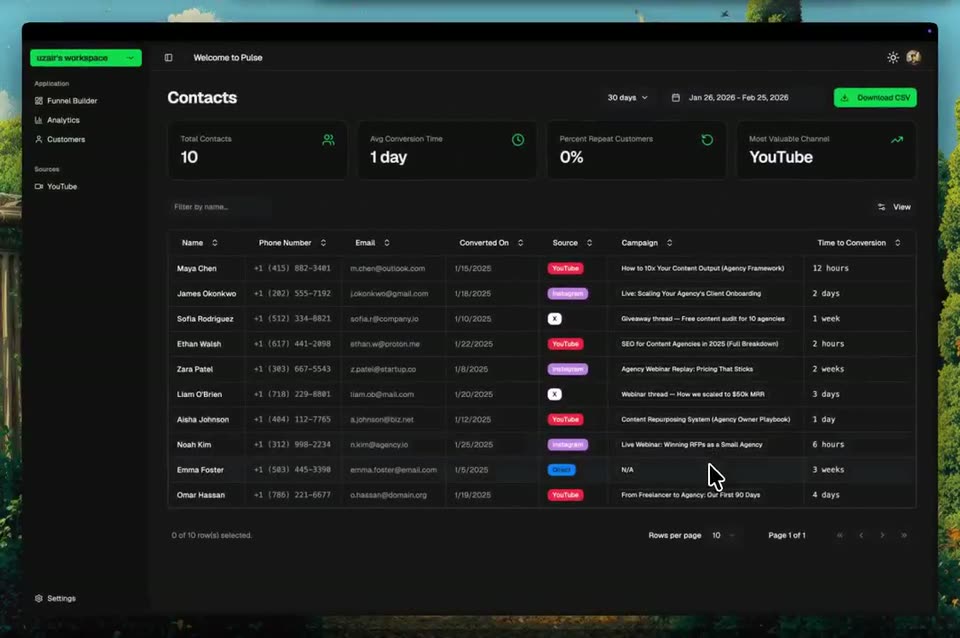 0:19–0:25Pulse · Psst, dark mode is here. If you're running youtube lead gen offers then you need to setup some tracking for your content, because YouTube dashboard only tells views. Pulse makes it easy by giving… | PulseA dark analytics dashboard on a tilted screen set against a desktop wallpaper of trees and sky. A cursor moves through the interface as the view reframes from a zoomed analytics panel to the full Contacts table.
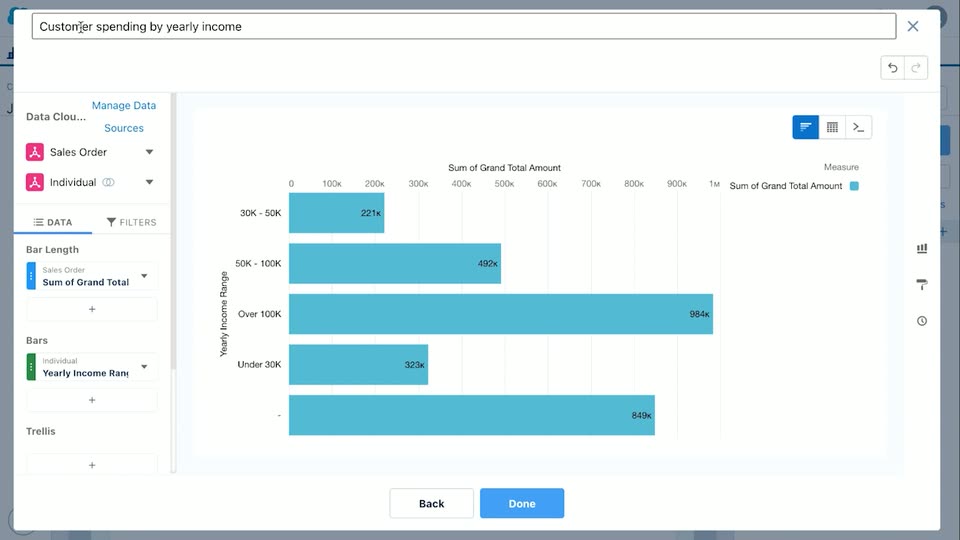 0:51–1:01Salesforce · Analytics - Join Data User InterfaceA query editor modal fills the screen. The cursor opens a field picker, filters for an income range field and adds it, turning one wide blue bar into five labeled horizontal bars. The cursor then types a chart title and clicks Done.
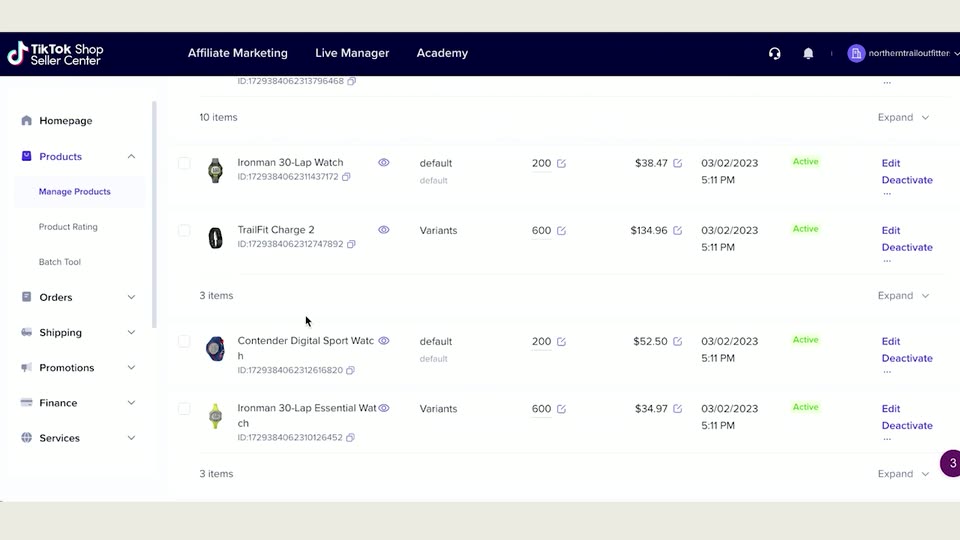 0:40–0:48Salesforce · Commerce Cloud - TikTok Integration for Commerce EnhancementsThe TikTok Shop Seller Center loads the Manage Products page: a spinner resolves into a product table with images, SKUs, prices and green Active tags. The cursor hovers over the list as it scrolls down through rows of watches, jackets and bike lights.
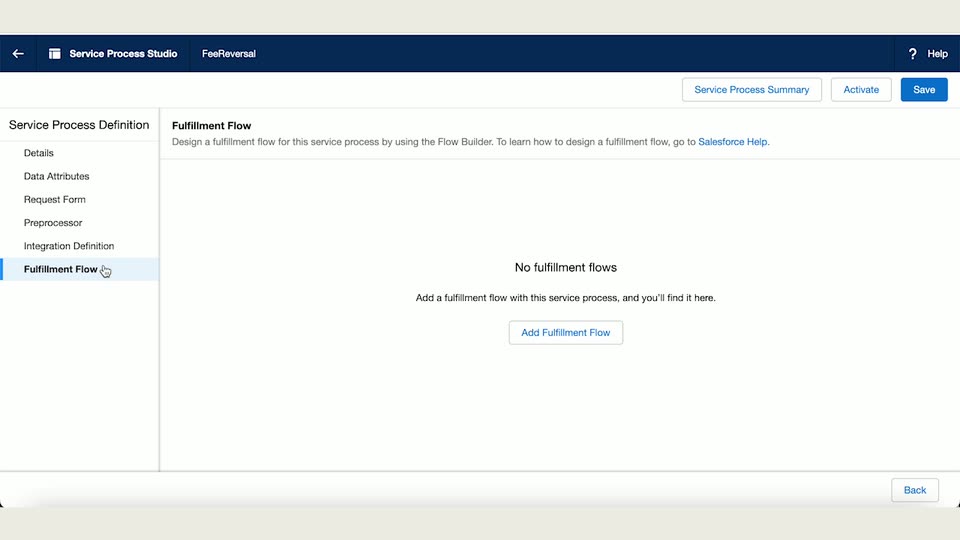 1:02–1:04Salesforce · Financial Services Cloud - Service Process AutomationA full-screen Salesforce console shows the cursor moving from the Next button to the Fulfillment Flow menu item, while the main panel crossfades from a Fee Reversal card to an empty Add Fulfillment Flow state.
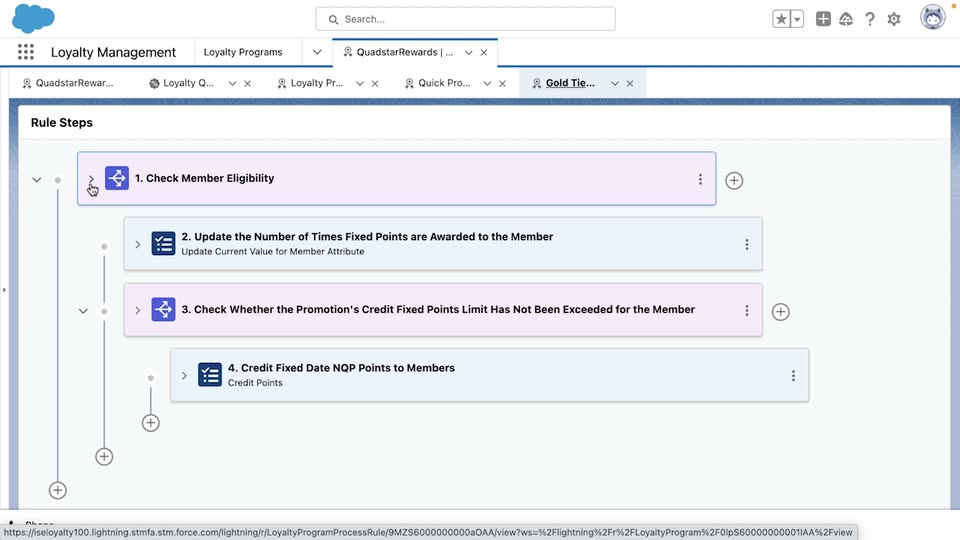 1:17–1:18Salesforce · Loyalty Management - Quick Promotion SetupA static Salesforce loyalty management screen shows a Rule Steps panel with four numbered cards alternating pink and blue. A mouse cursor drifts up the left side and hovers near the first card's expand arrow.
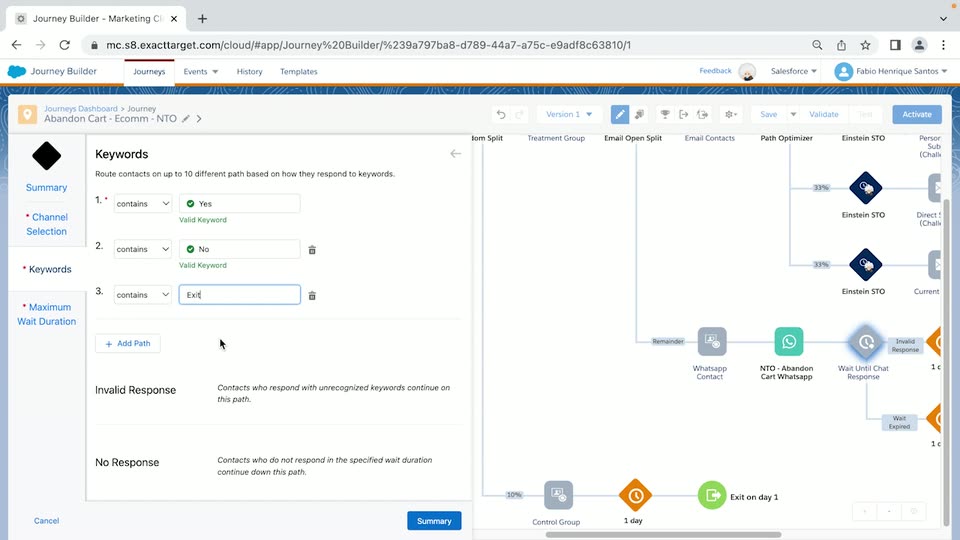 0:40–0:56Salesforce · Marketing Cloud - WhatsApp Business Messaging: Direct IntegrationA browser window shows the Journey Builder flow canvas. The cursor scrolls the left icon palette, drags an orange diamond node onto the branch after the WhatsApp step, then opens its settings panel to type keywords Yes, No, Exit and a one-day wait before clicking Done.
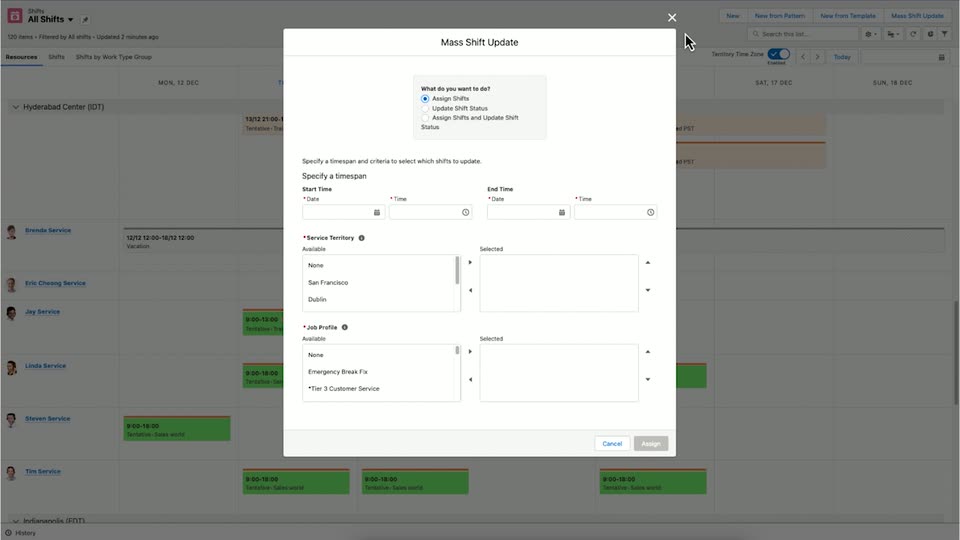 1:02–1:05Salesforce · Service Cloud - Salesforce Contact Center: Insights & SchedulingA shift-scheduling calendar fills the frame, employee rows on the left and colored shift blocks across the week. A white dialog titled Mass Shift Update fades in at the center, then a hand cursor glides from the top bar to its close button.
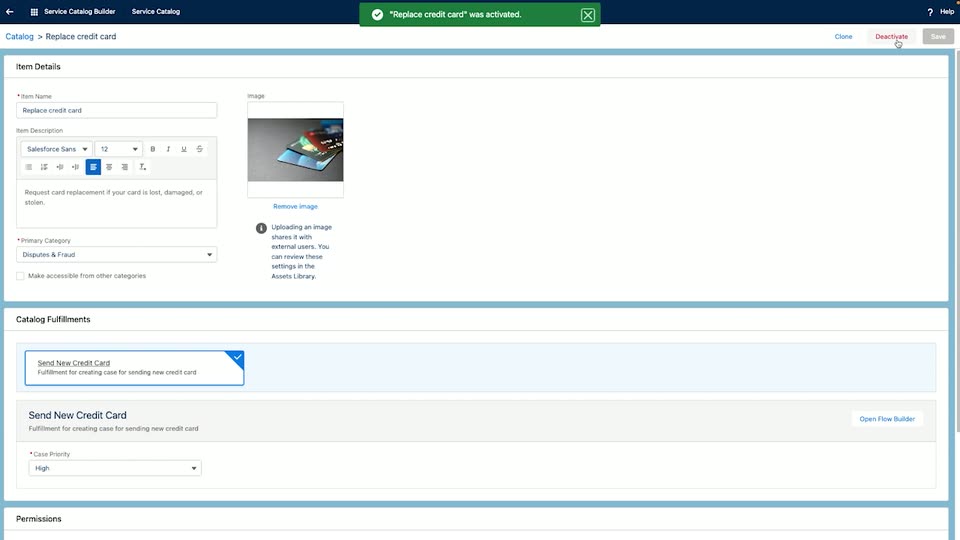 0:43–0:46Salesforce · Service Cloud - Service CatalogA full-screen view of a service catalog builder form for the item Replace credit card, with a green activation banner across the top. A mouse cursor drifts from the Deactivate button to the header bar. The page itself stays static.
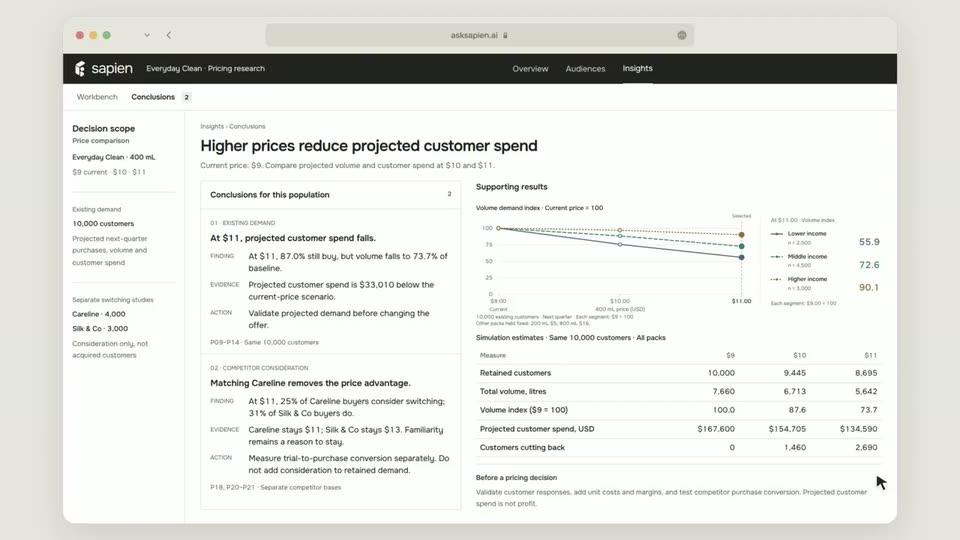 1:05–1:08Sapien · We’re launching Sapien for pricing and offer testing. See how demand changes at each price, which customers you’d keep, and which new buyers you could win. Before you change a single priceA browser window of the Sapien app shows a pricing report: a bold headline, a two-item conclusions list on the left, a line chart and a metrics table on the right. A cursor drifts down the page, then the screen cross-dissolves into a blurred person in a white shirt.
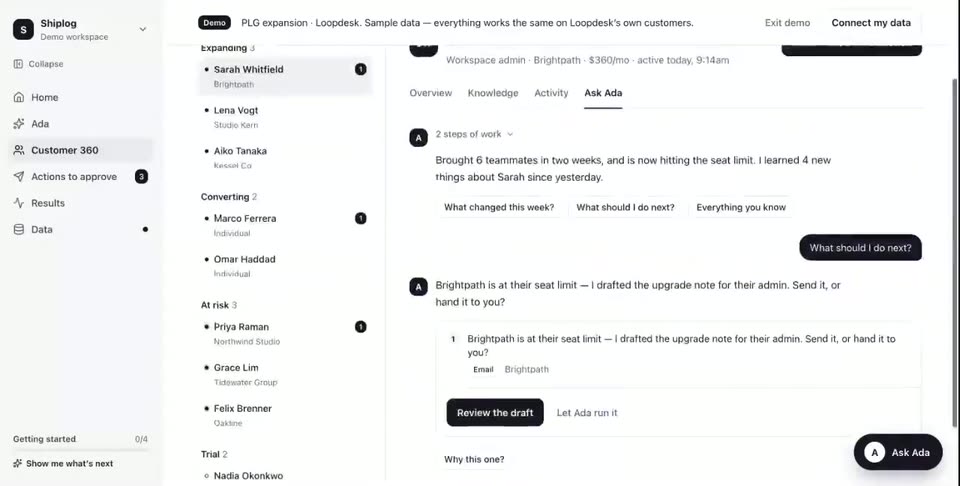 2:44–2:46Shiplog · #customersuccess #ai #saas #productledgrowth #revenuegrowth | Shiplog (F/AI F26)A product dashboard fills the frame. A cursor glides from the chat prompt down to the Review the draft button, then the right panel switches to a Sarah Whitfield profile card with a Review the drafted action pill.
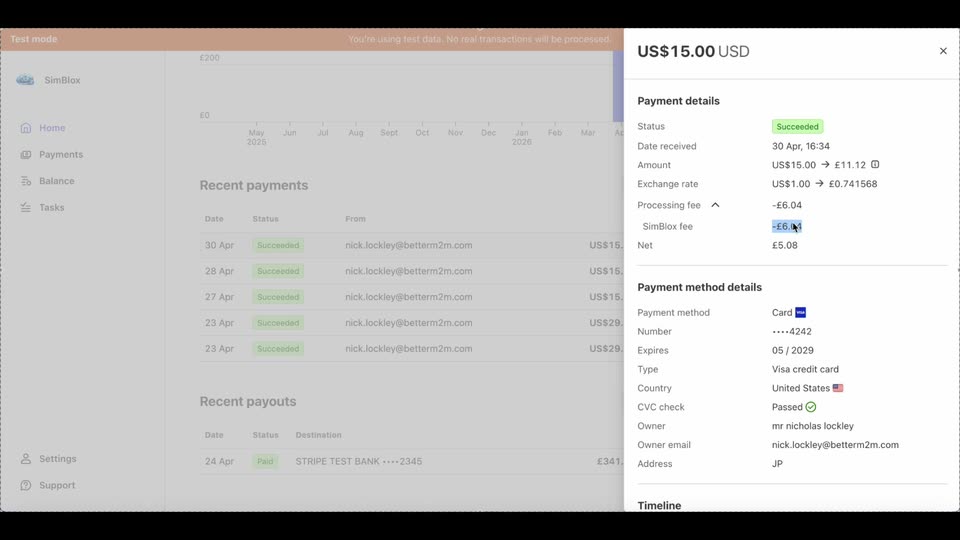 0:43 · 0.5sSimBlox · SimBlox: minute demoA light dashboard fills the frame, a left sidebar and a central chart sit behind a right-hand payment detail panel. A black cursor hovers at the SimBlox fee line. The view stays static.
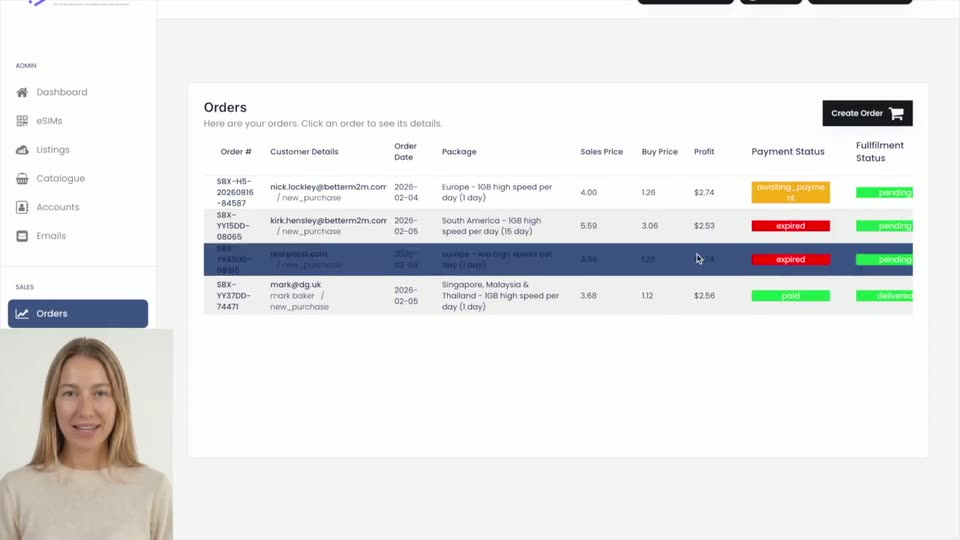 1:28–1:29SimBlox · SimBlox: apps demoA screen recording of an eSIM admin dashboard displays an Orders table with colored status pills. A cursor hovers and highlights one row in blue. A blonde presenter in a cream sweater appears in a small lower-left picture-in-picture, speaking.
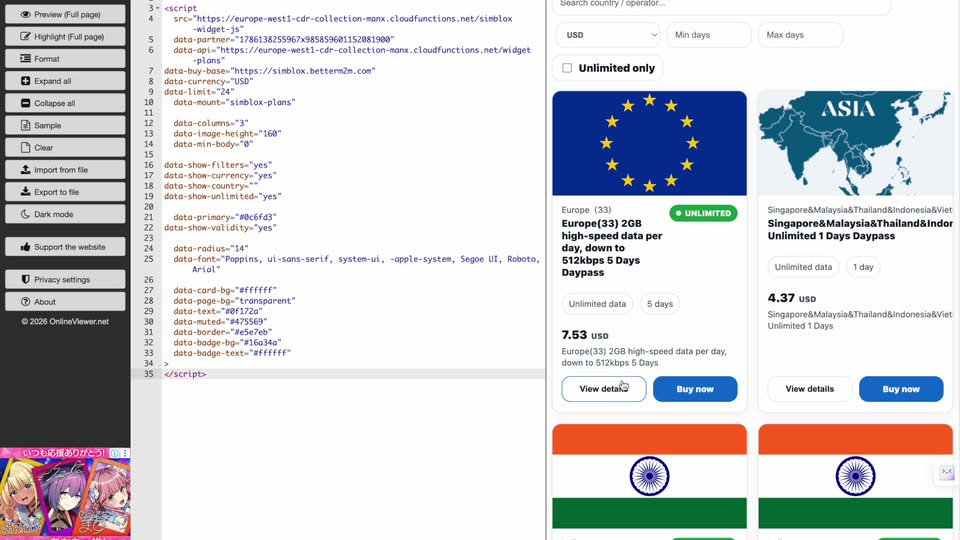 0:27–0:33SimBlox · SimBlox: web widgets demoA split layout pairs a dark code editor on the left with a live eSIM widget on the right. Flag and price cards load in, then a cursor hovers the Buy now and View details buttons as the grid scrolls down.
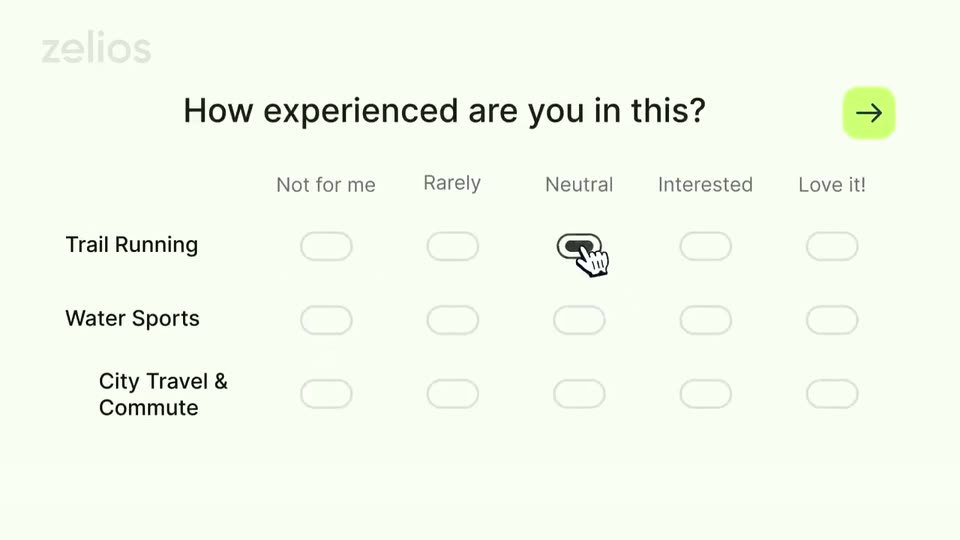 0:32–0:33SKUVE · Big thanks to the Zelios team for bringing Skuve to life in such a clear and engaging way! Skuve is all about making e-commerce product data smarter, simpler, and more actionable - and we love how… | SkuveA survey screen lists three activities against five rating columns. A hand cursor moves to the Trail Running row and clicks the Neutral pill, which fills dark while the others stay outlined.
 0:33–0:34Strawberry · Strawberry 1.0 is here. It marks a shift in how your team can work with AI. In Strawberry, you can create or hire virtual colleagues, called "Companions". Companions learn your preferences andA close-up of a white interface panel on a pink dotted background. A hand cursor slides up to the Chat button, which carries a red pixel logo, and presses it, darkening the button.
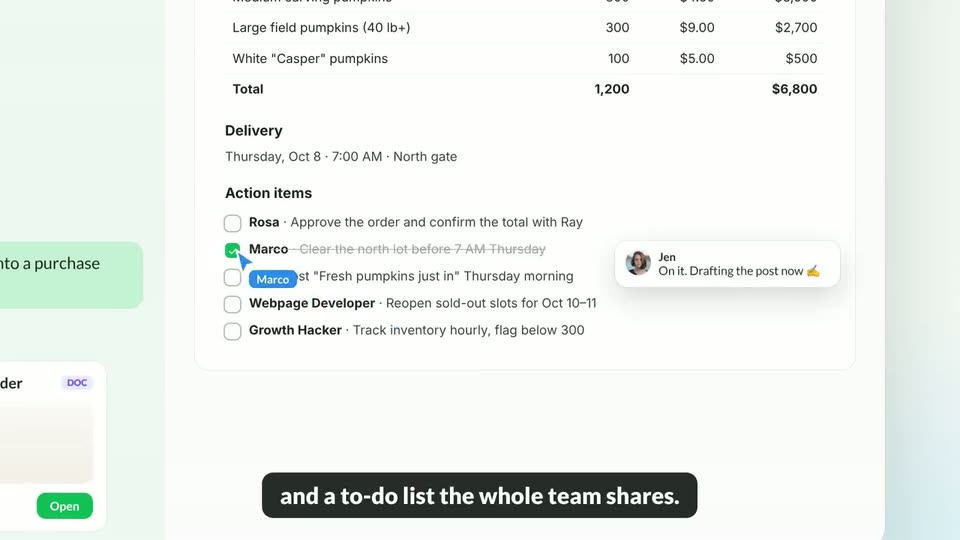 2:03–2:06Teamily AI · 150,000 small business owners and employees are already using Teamily AI. Today, we're opening it to everyone: your personal AI agent and an entire team of AI agents, ready to work for you and your… | Teamily AIA purchase order lists action items; a cursor labeled Marco checks one, striking it through as a comment bubble pops in. It cuts to a dusk pumpkin patch with costumed kids carrying pumpkins, and a translucent phone showing a WhatsApp chat fades in.
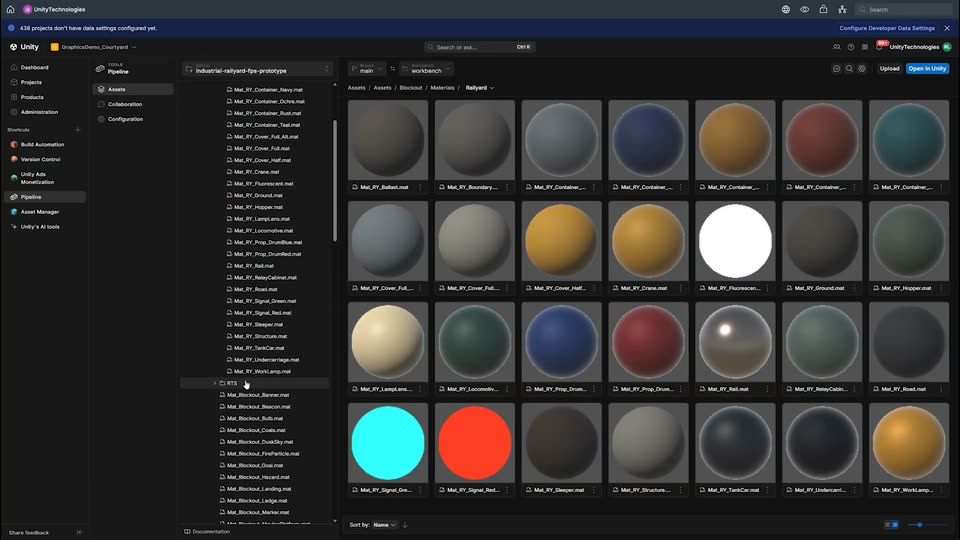 2:43–2:47Unity · Unity CLI 1.0 and Unity Pipeline APIsA screen recording of the Unity editor shows the project file tree on the left scrolling down through material files as the cursor follows, and the RTS folder expands to reveal blockout assets. A grid of colored material preview spheres sits static on the right.
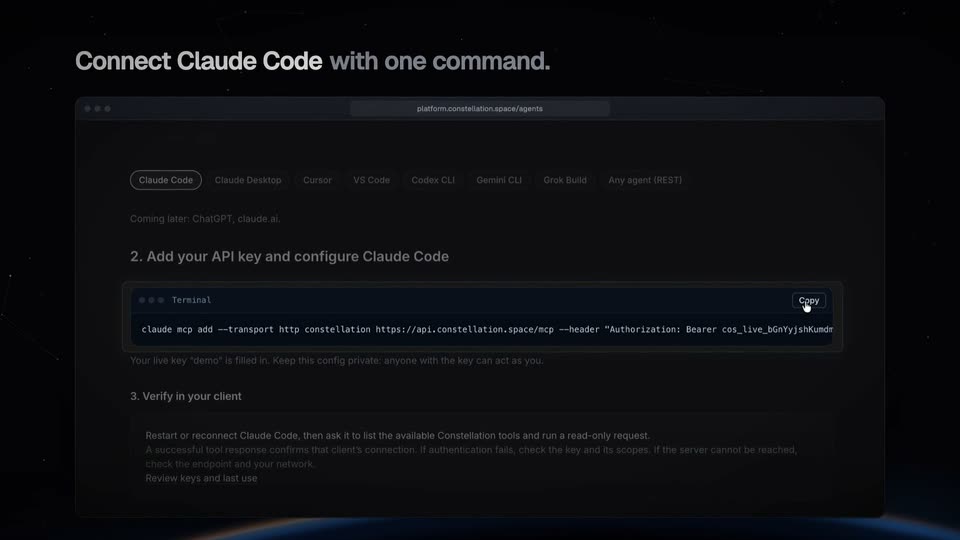 0:47–0:55Constellation Space · Space intelligence for all: Constellation SpaceA browser window shows the Agents docs page, which scrolls down to the setup steps. A cursor clicks the Copy button on the terminal block, the label flips to Copied, then the rest of the page dims and the frame tightens on the highlighted command.
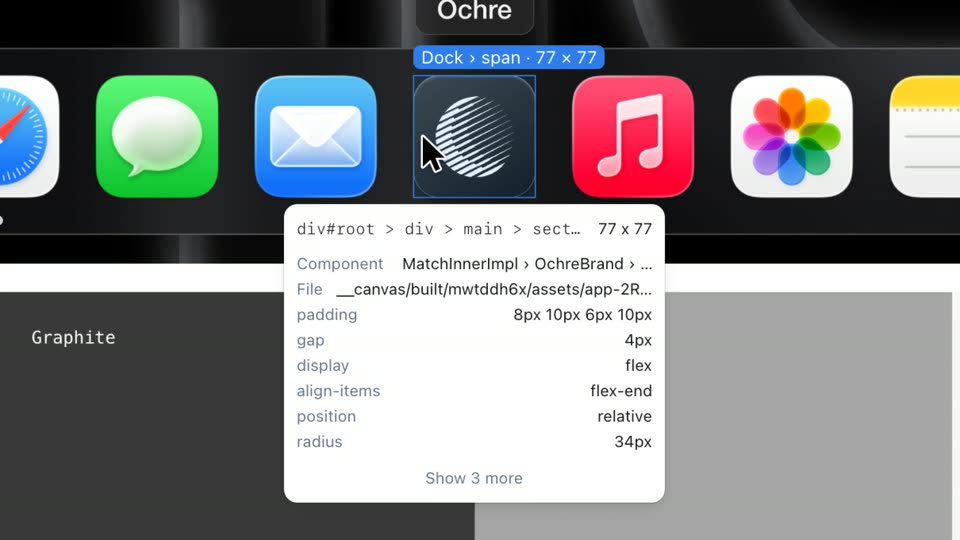 0:28–0:29Neueface · Ibelick - Introducing Neueface, a spatial environment to build with your agentsA macOS dock with app icons sits on a dark background. A white cursor hovers over a striped dark icon, a blue size tooltip floats above it, and a white inspector panel fades in below listing CSS properties. Color labels Ochre and Graphite mark the swatches.
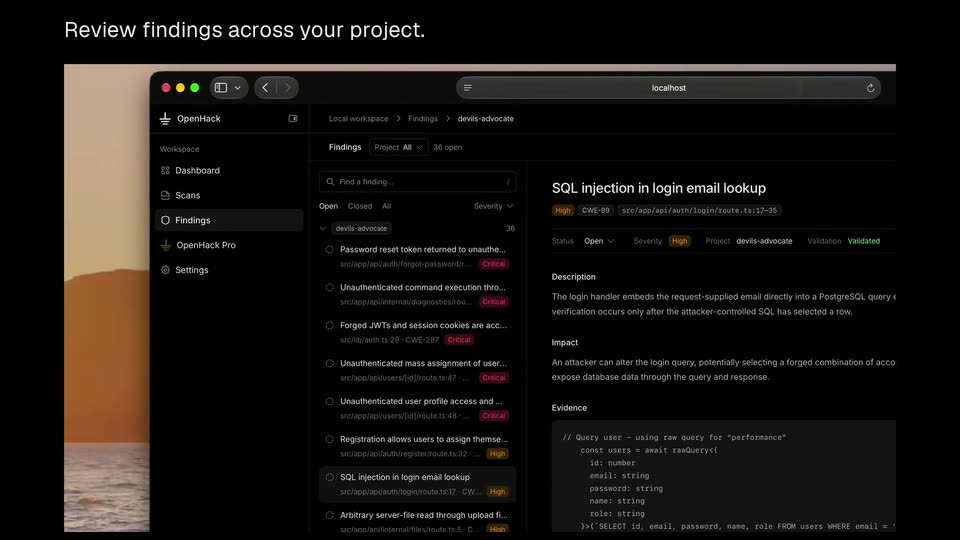 0:26–0:32OpenHack · Introducing OpenHack v2A 3D-tilted browser mockup of the OpenHack findings page floats over a beach photo. The top-left headline swaps to “Review findings across your project.” while the cursor clicks through list items and the detail panel updates, ending in a motion-blurred exit.
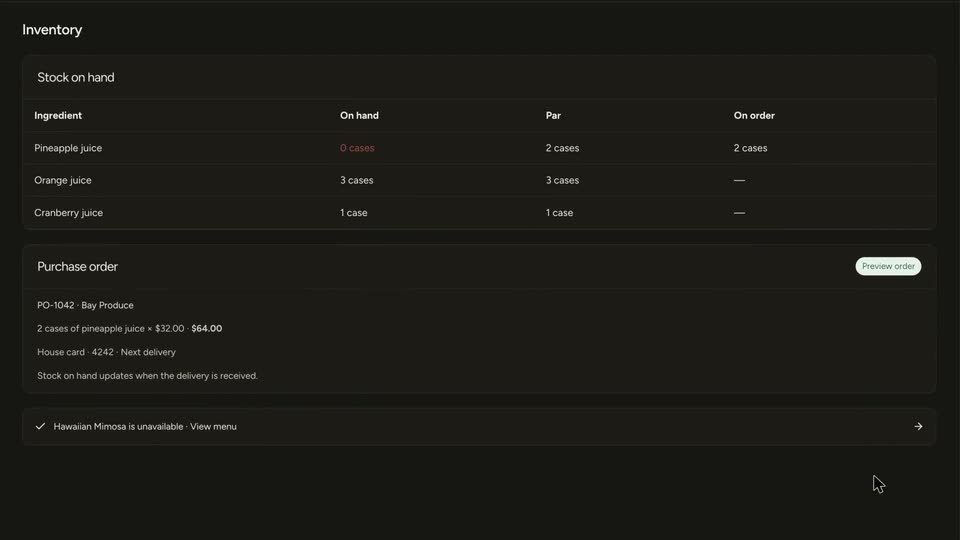 1:20–1:26Shire · Shire Latest DemoA dark AI assistant panel shows a purchase preview for two cases of pineapple juice, then the view zooms out to the full inventory table with stock levels and the open purchase order. The Shire logo and URL fade in over the dimmed screen as a sign-off.
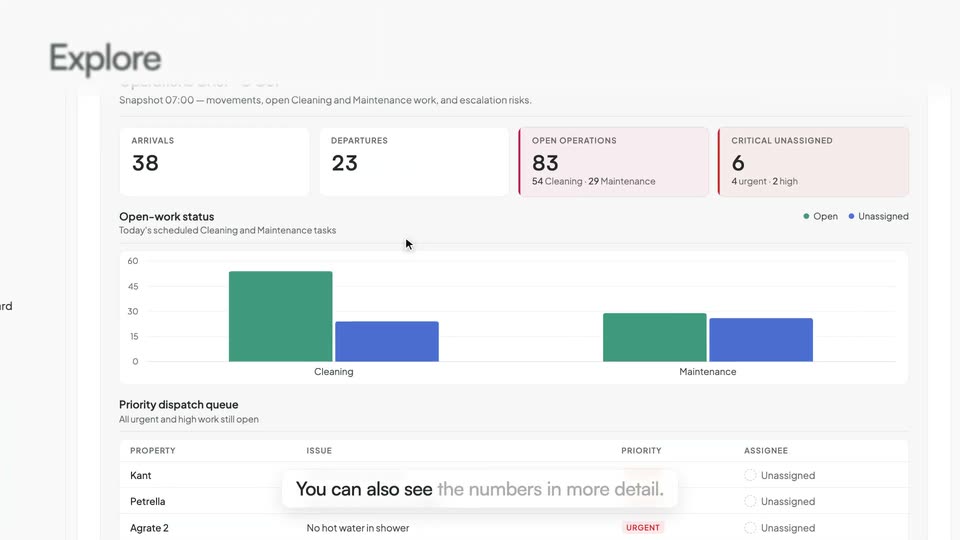 1:03–1:04Trellis · Introducing Trellis ReportsA flat browser mockup of a dashboard report fills the frame; the view zooms into the stat cards as a cursor hovers over the Open Operations figure, while the bottom caption switches from sharing formats to detail.
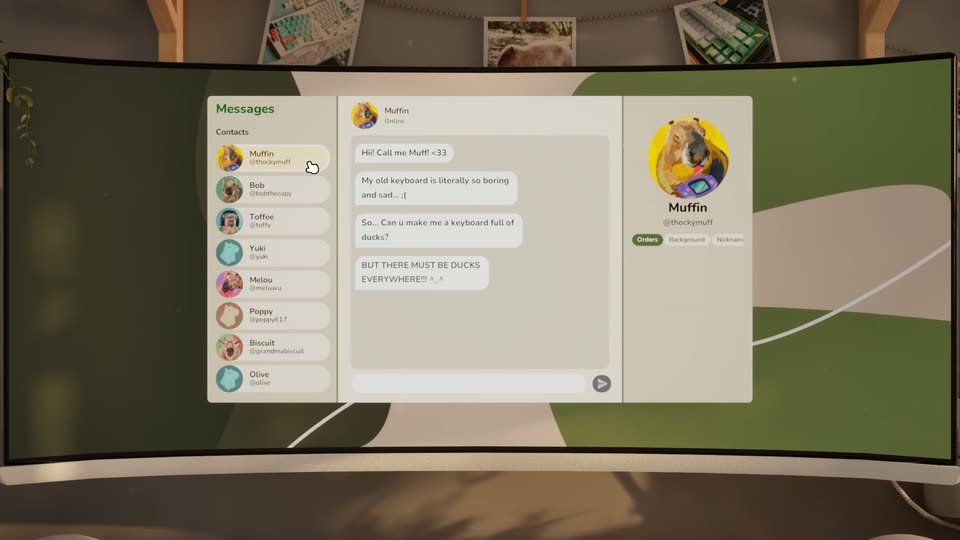 0:14–0:17Vojtěch Peták · KeyCapy - Official Reveal TrailerA curved monitor on a cozy desk displays a messaging app; new chat messages from Muffin pop in while the cursor moves to the send button, then the camera pulls back to reveal the full desk with speakers, keycap tray, and plants.
 0:26–0:27Hiredmail · Abhijit - Introducing Hiredmail Hiring inboxes, verified and sorted. YC compaA dark browser window with an empty page and a visible address bar. A white cursor drifts across the blank area while the frame stays locked off.
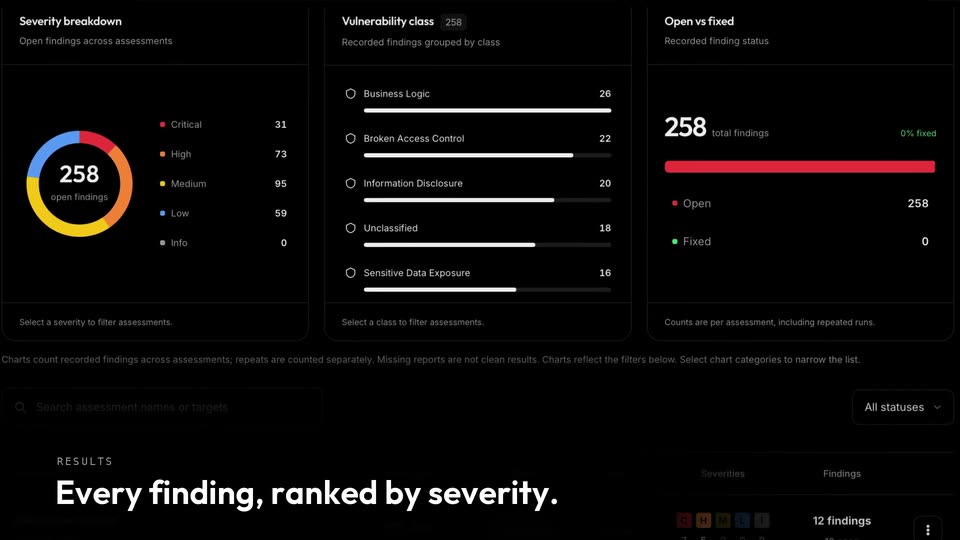 0:33–0:36Exploitforge · Ghost St Badmus - today we’re launching @StrikeHoundAI. software has never been easierA dark dashboard shows a severity donut chart, vulnerability class bars and an open vs fixed panel. The view reframes to a critical finding detail page as a cursor clicks a Take action button. A white caption anchors the bottom of the frame.
 0:36–0:38Riverside · Chandler Supple - We gave AI its own desktop on your computer Today we're launching RiA full-screen browser shows an Expedia hotel search beside a city map. A cursor travels from the top-right button down to a hotel card, which lights up with a blue outline, while the top status bar switches from watching to in-control.
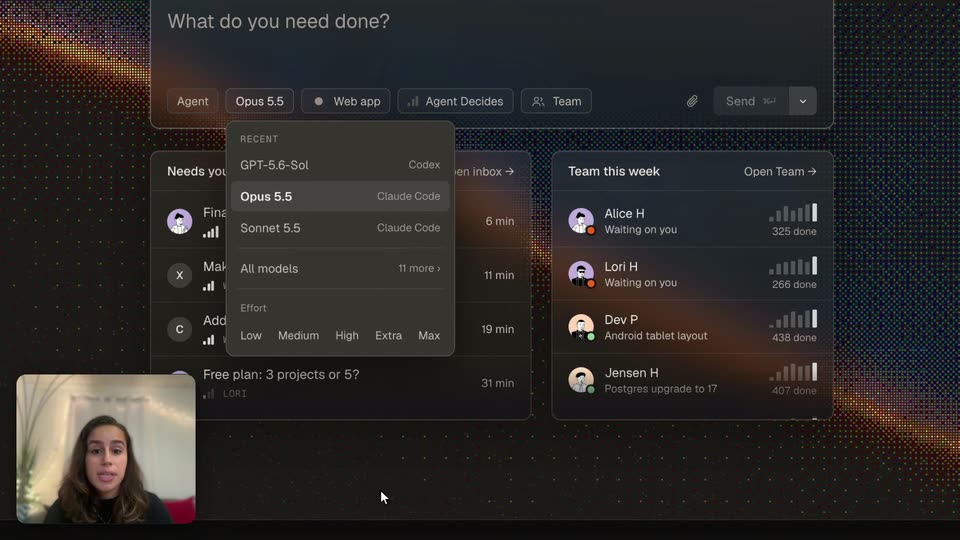 0:34–0:39Agentbox · Savannah - introducing multiplayer for coding agents. the place you code is nowA dark dashboard shows a task prompt and two task lists, with a small webcam video of the presenter in the lower-left corner. The view zooms into the model selector dropdown, listing Claude Code and Codex options plus an effort scale, then pulls back to the full screen.
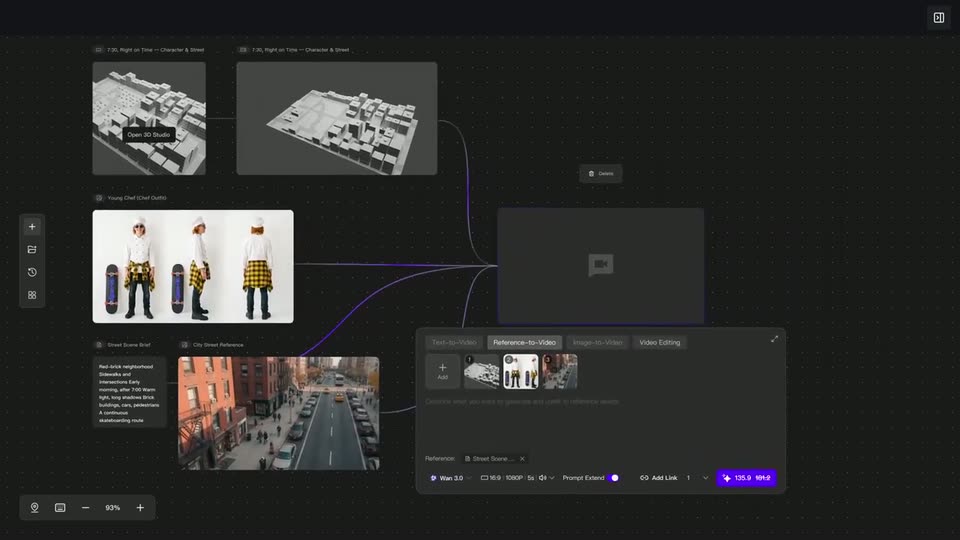 0:43–0:54Alibaba Cloud · Alibaba Cloud - 3D Studio is now live on WonderClip. Try it free for a limited timeA dark node canvas opens on two reference cards, then zooms out to show the full graph. A cursor clicks plus, picks Video, and a new node connects via purple lines. The view zooms into the panel as a prompt is typed and settings appear.
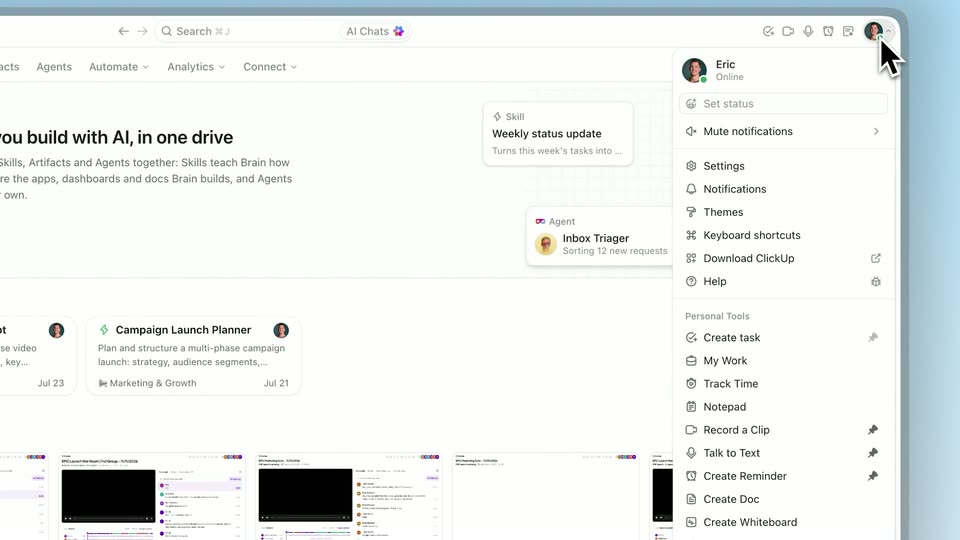 0:55–0:59ClickUp · ClickUp Release 4.10: Sheets, Work Schedules, Email Triggers, and more!A full product dashboard fills the frame, then the view zooms toward the top-right avatar. A cursor clicks it, opens a settings menu, and selects Settings, cutting to a Preferences page with profile fields and 2FA toggles.
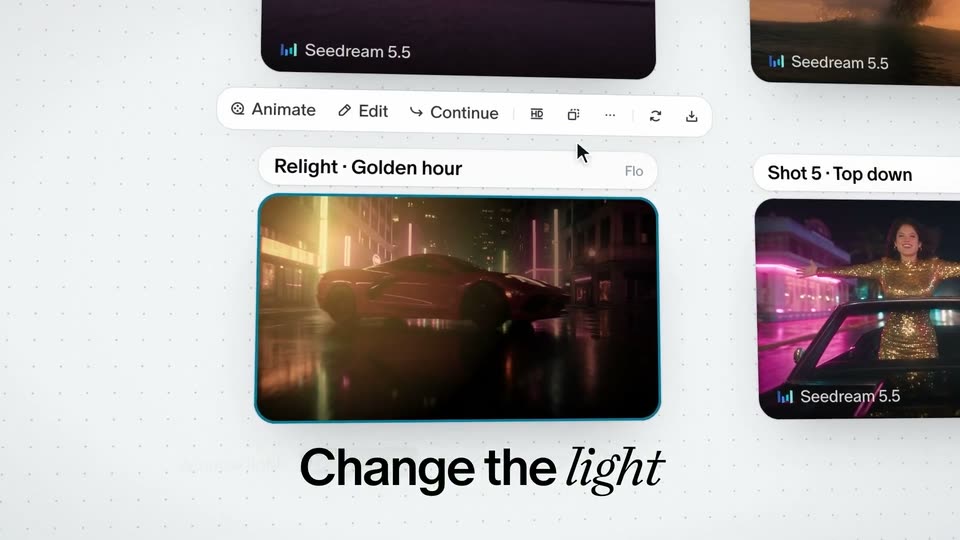 0:17–0:20Flowith · Flowith - introducing Flowith 3.0. the ultimate canvas for human-ai creation.A product interface shows a relight panel above a 'Change the light' headline. A cursor clicks the Golden hour pill, swapping a black-and-white car for a neon before/after slider. The view reframes onto the toolbar, then a cursor opens a dropdown of edit options.