Cursor demo
A visible cursor operates the interface.
15,084 scenes · page 177 of 252
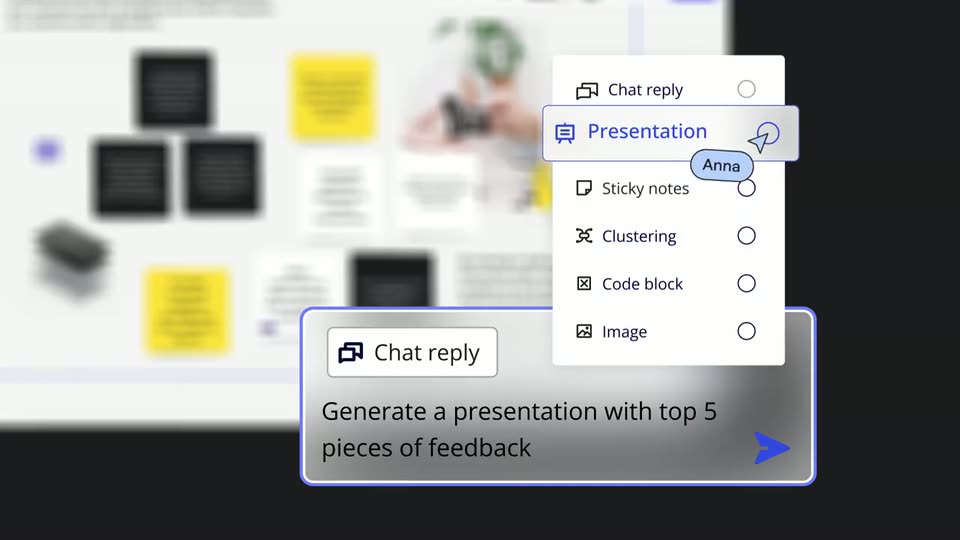 0:24–0:28Miro · Miro - Meet your AI partner for innovation, launching November 1. What wilA blurred board of sticky notes and cards sits behind a sharp chat input box. The prompt types out, then a dropdown menu pops up; the cursor selects Presentation, and the chip in the box updates to match.
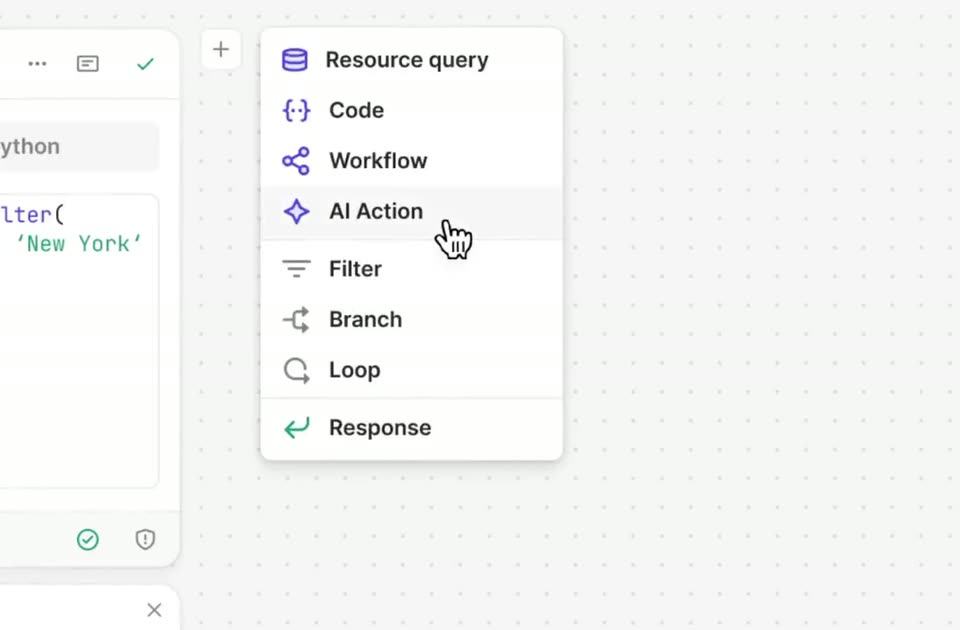 0:17–0:19Retool · Retool - Say hello to the fusion of visual programming, code, and AI. RetoolA dropdown menu of workflow options opens on a dotted grid canvas beside a Python code card. A hand cursor glides down the list and stops on the AI Action row, which highlights in light gray.
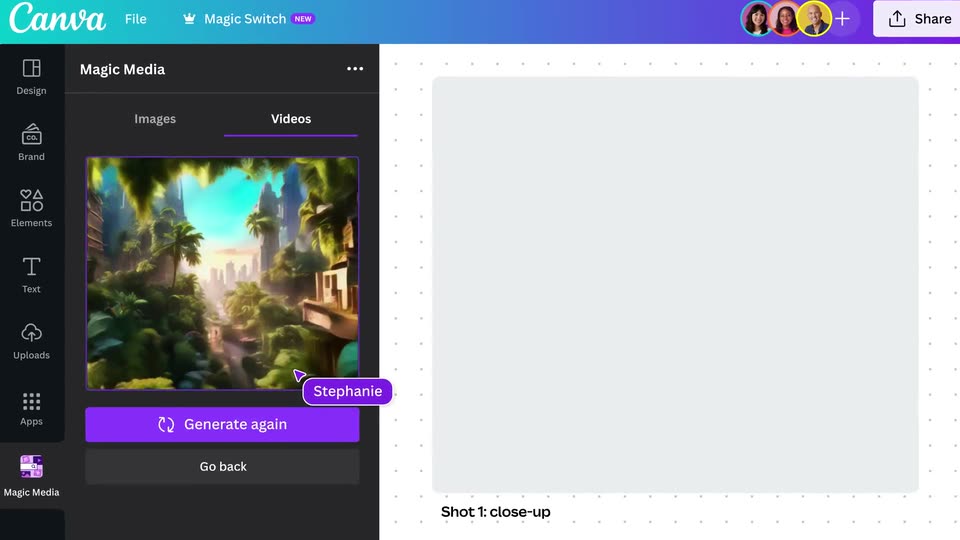 0:58–1:03Canva · Canva - Meet Magic Studio. Supercharge your workflow with all the power of AIA close-up of the Canva Magic Media panel shows a cursor labeled Stephanie typing a jungle-city prompt, then clicking Generate video. The frame zooms out to the full editor, a progress bar loads, and the generated image lands on the canvas.
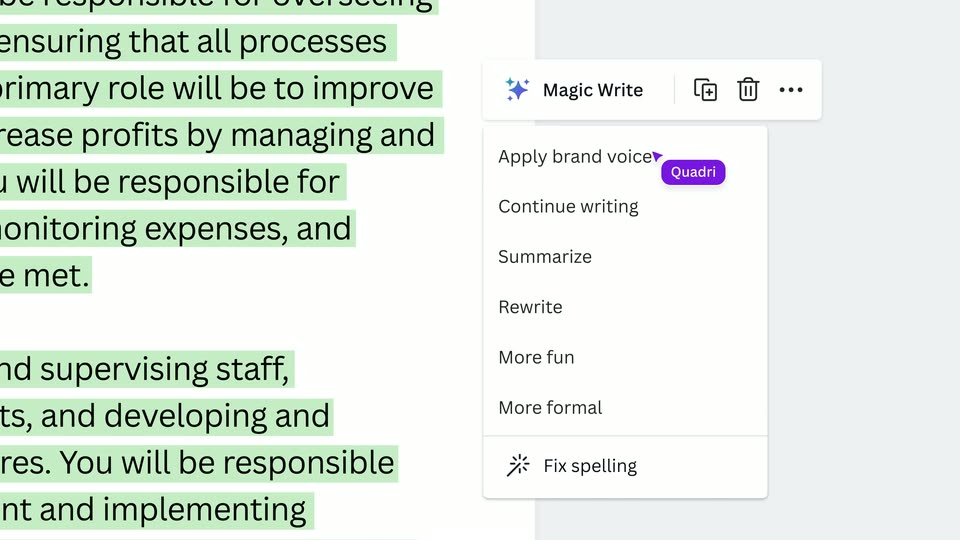 0:51–0:55Canva · Meet Magic Studio | Let the power of AI supercharge your workA document view with a purple gradient header and body text reframes onto the highlighted passage as a Magic Write toolbar appears at right. It opens a dropdown of writing actions, and the Quadri cursor hovers Apply brand voice, triggering a blue loading spinner.
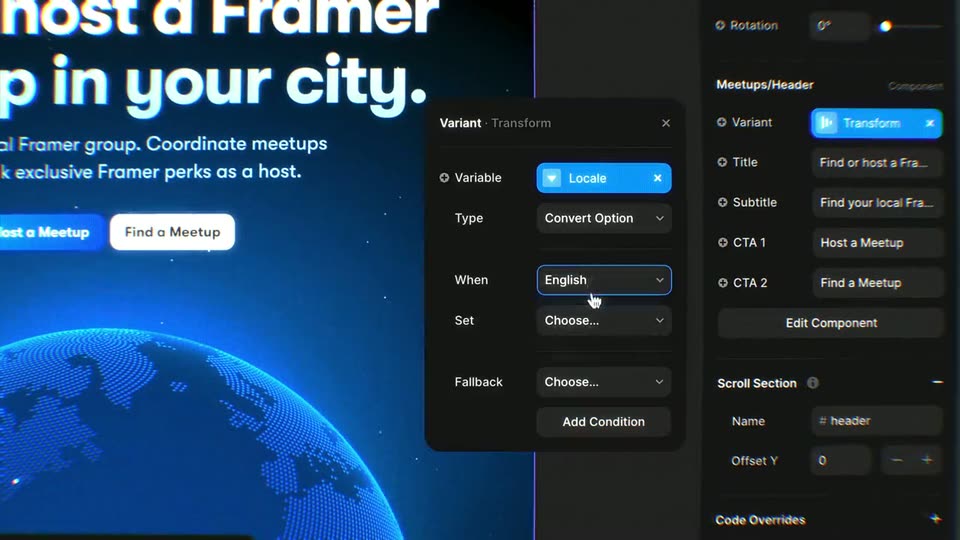 0:21–0:24Framer · Framer - 🌎 Hola, Bonjour, こんにちは! Introducing AI-powered Localization for yourA dark blue Framer webpage with a dotted globe fills the left half, while a component inspector panel occupies the right. A cursor clicks a button, opening a Variant modal in the center, then picks Dutch and New York from two dropdowns.
 0:42–0:50Slack · Conversations in SlackA purple pill with a white magnifying glass icon stretches right into a white search field on a terracotta background. A hand cursor taps it, “Website update” types in, and the bar morphs into a white card listing “Project brief” and “# web-design-demo”.
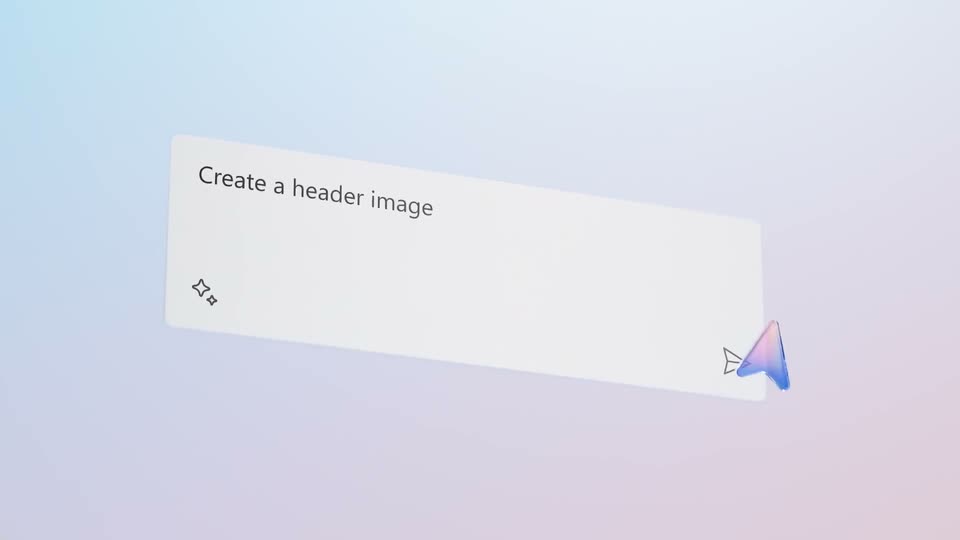 0:47–0:48Microsoft · Introducing Microsoft 365 ChatA white input card floats in 3D perspective on a soft blue-to-pink gradient. The phrase types out letter by letter, then a 3D arrow cursor glides in and taps the paper-plane send icon at the corner.
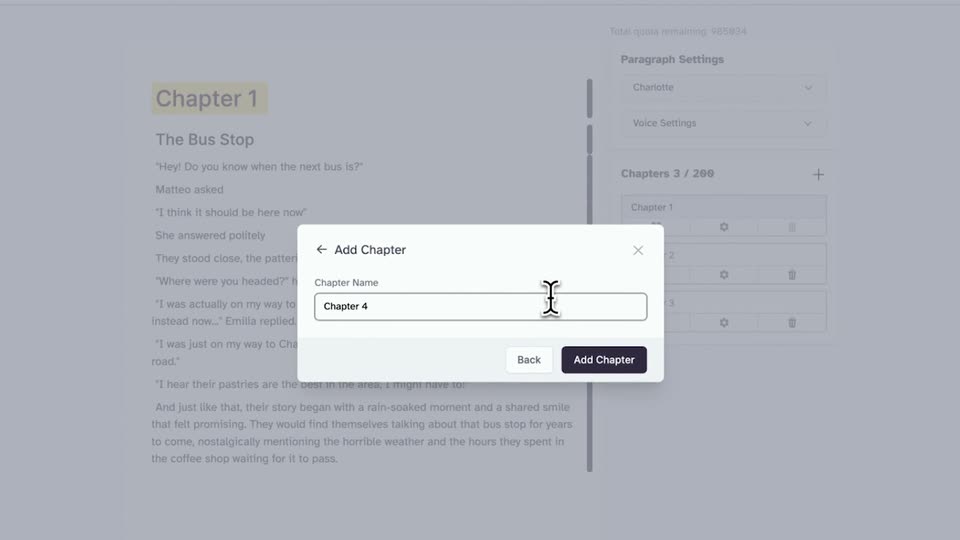 0:52–0:57ElevenLabs · Introducing: ProjectsA cursor clicks the plus icon beside the chapter list, opening an Add Chapter dialog over the dimmed editor. The name Chapter 4 is typed into the field, then the confirm button is clicked and the dialog closes. A headline Segment by Chapter scales in with a small numeral 5.
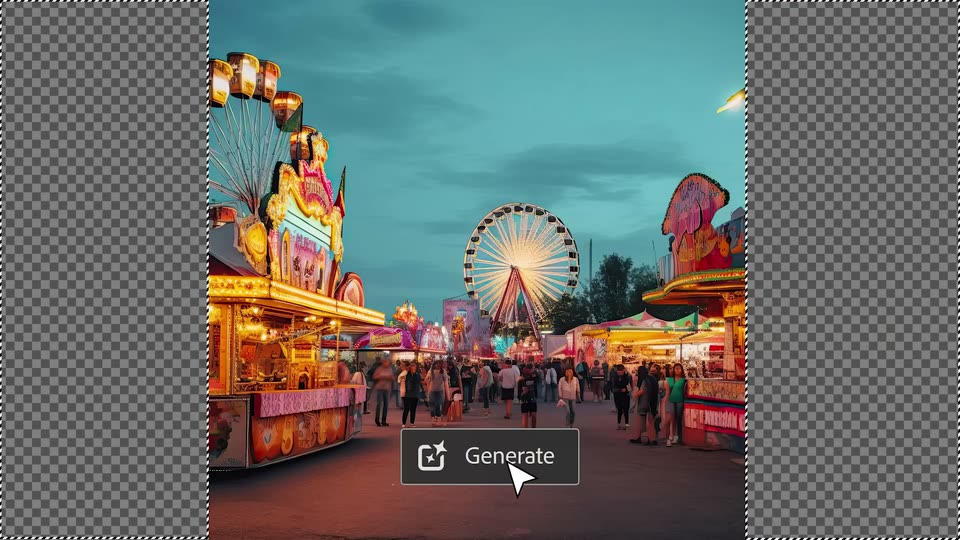 0:10–0:11Adobe · Adobe Firefly: Out of Beta & Ready For Your Imagination | AdobeA dusk fairground with a lit Ferris wheel and game stalls fills a portrait video window on a transparent canvas. A dark Generate button fades in at the bottom center as a white cursor hovers over it.
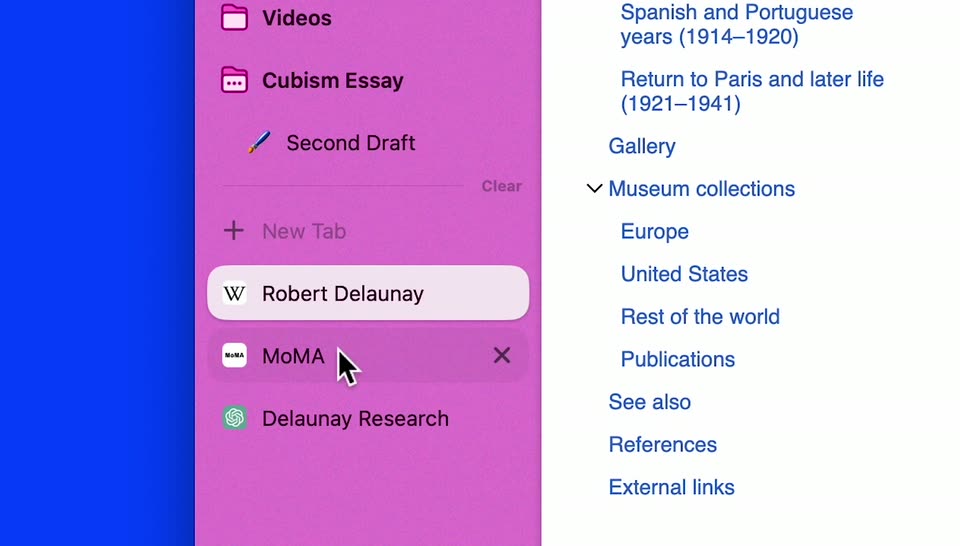 0:17–0:18The Browser Company · Arc for Students | Everything in its right placeClose-up of a pink tab sidebar beside a Wikipedia article page. A cursor glides down from the highlighted Robert Delaunay tab to the MoMA tab, which becomes selected and shows a close button.
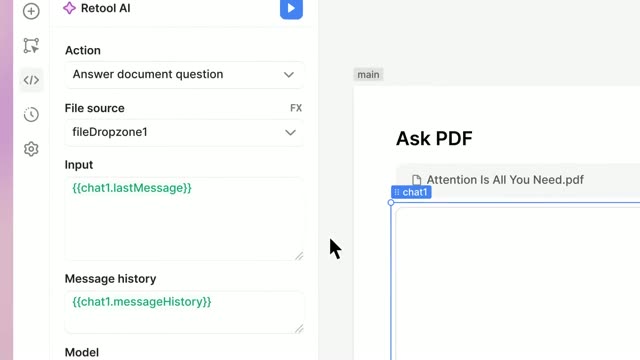 0:08–0:10Retool · Introducing Retool AI—powerful AI building blocksA light Retool AI form panel occupies the left, listing Action, File source, Input and Message history fields. A cursor glides down the panel while the right canvas shows an Ask PDF node holding a PDF file.
 0:36–0:37Loom · Loom | Sync Faster, Meet LessA browser window shows the Loom website. The cursor hovers over the blue Get Loom For Free button while the page scrolls slowly upward, revealing a purple section with a comment card from Soraya.
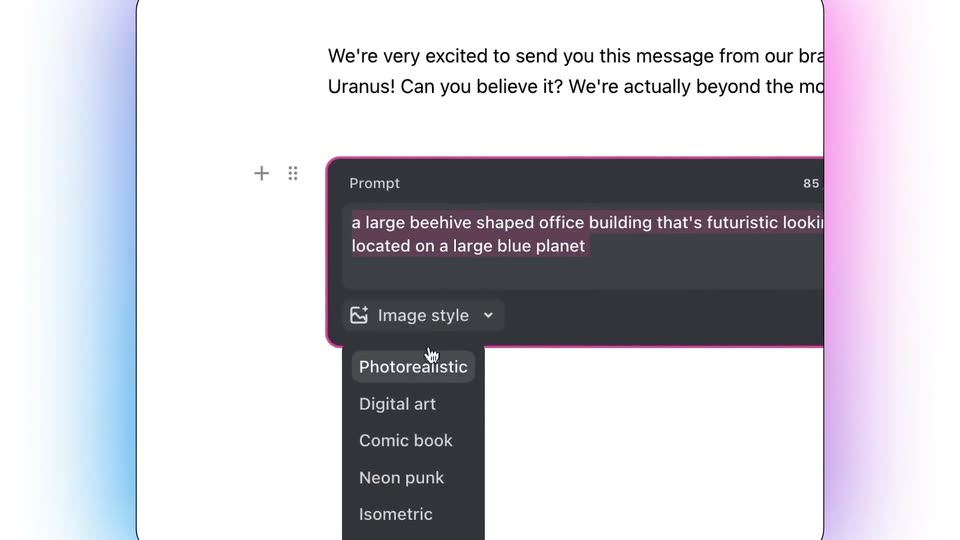 0:29–0:32beehiiv · beehiiv 🐝 - Introducing beehiiv AI ✨ Coming live from UranusA dark prompt card fills the frame while a cursor types a long prompt. The view pulls back to reveal a chat message above; the cursor picks a style from the dropdown, clicks Generate image, and a small dark pill with three dots fades in on the right.
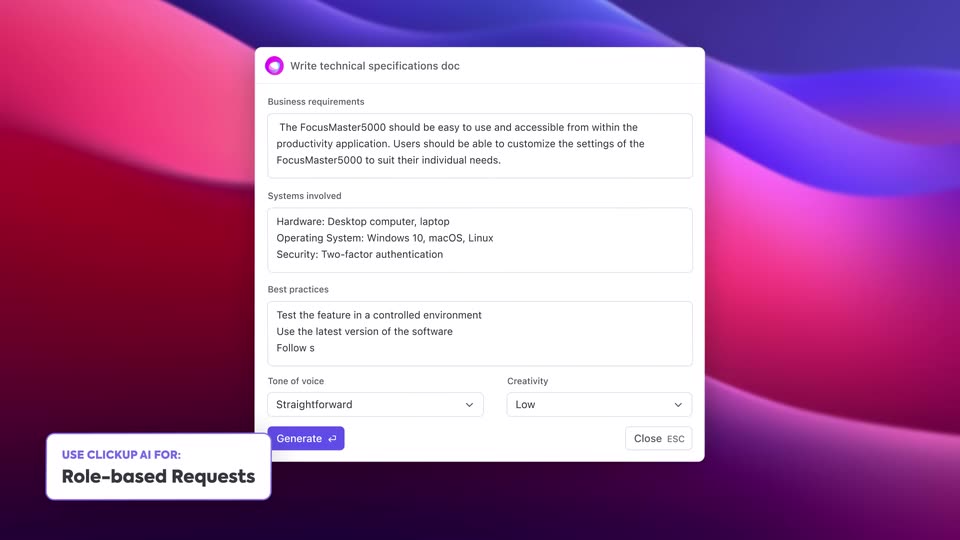 0:32–0:35ClickUp · Introducing ClickUp AIA white form card sits centered on a pink-purple gradient. A cursor hovers as text types into the business requirements, systems involved and best practices fields in sequence, while a lower-left caption badge fades out.
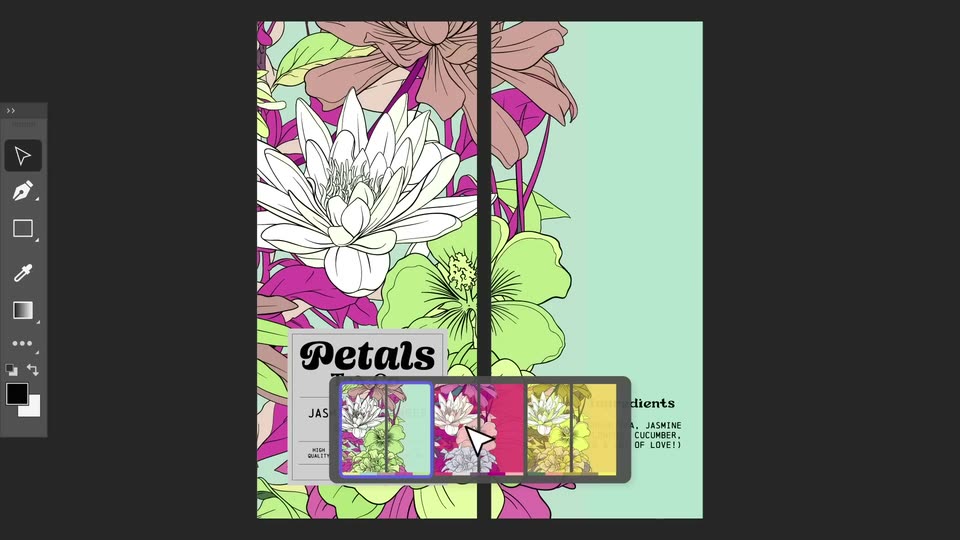 0:12–0:13Adobe · Adobe Illustrator x Adobe Firefly: Announcing Generative Recolor | AdobeA floral illustration with a Petals label fills the canvas of a design app, a left toolbar of tools sits at the edge, and a horizontal strip of four color swatches rests at the bottom while a cursor hovers over it. The frame is locked off.
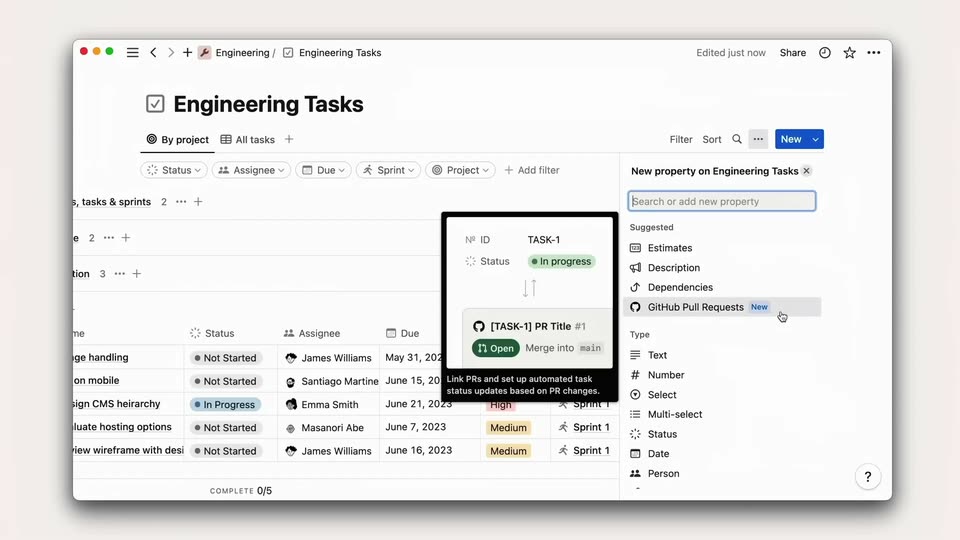 0:50–0:52Notion · Welcome to Notion ProjectsA Notion-style task board fades in, a cursor hovers over the GitHub Pull Requests row in the right-hand property panel, and a centered card displays a linked pull request with a note about automated status updates.
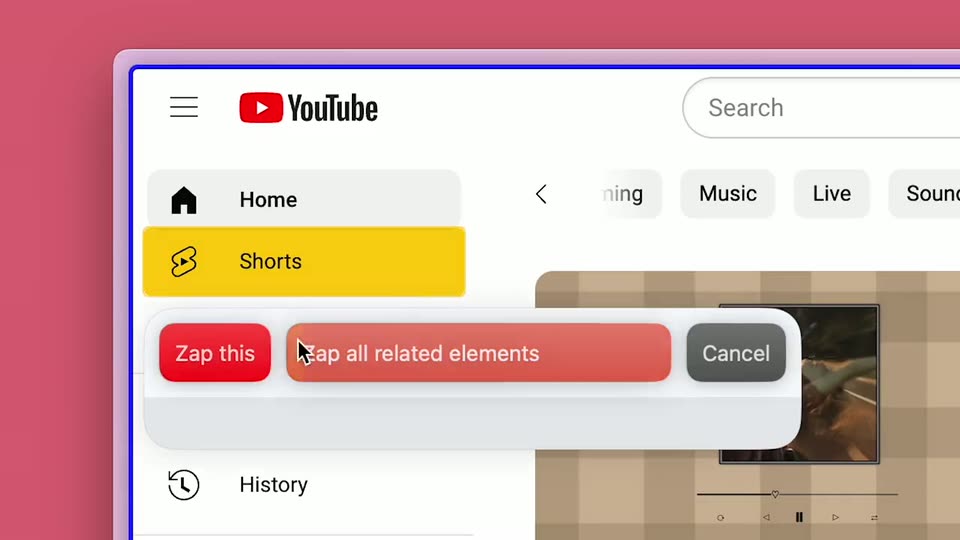 0:17–0:19The Browser Company · The Browser Company - What if the internet... was actually 𝑦𝑜𝑢𝑟 internet? 🎨 Introducing BA YouTube page mockup tilts in 3D over a pink backdrop. The cursor slides to the Shorts row, which highlights yellow, and a popup opens with a red Zap this button, a gray Zap all related elements button, and a Cancel button.
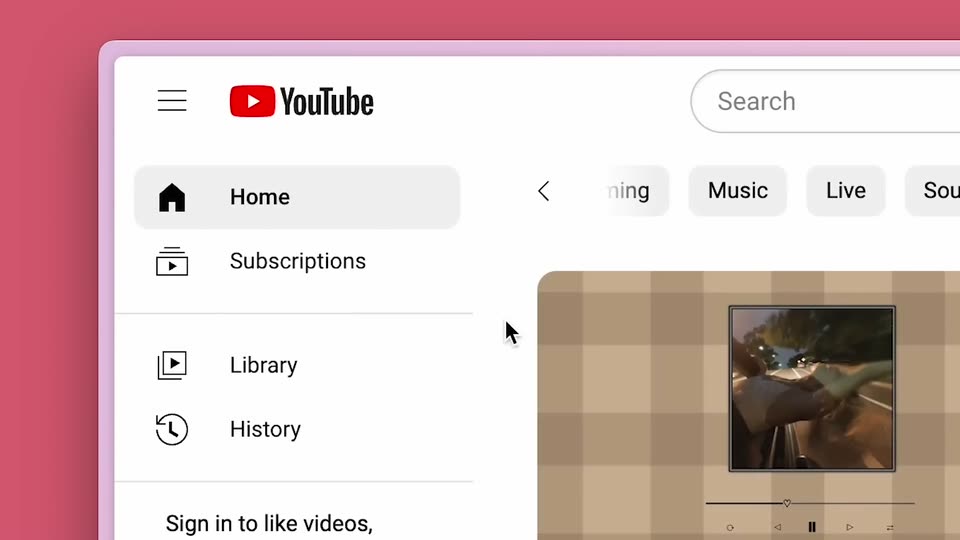 0:19–0:20The Browser Company · Boosts by Arc | Meet Your New InternetA 3D-tilted YouTube interface card on a pink background, sidebar open with Home highlighted. A cursor arrow drifts toward the sidebar edge as the gray scrollbar fades out.
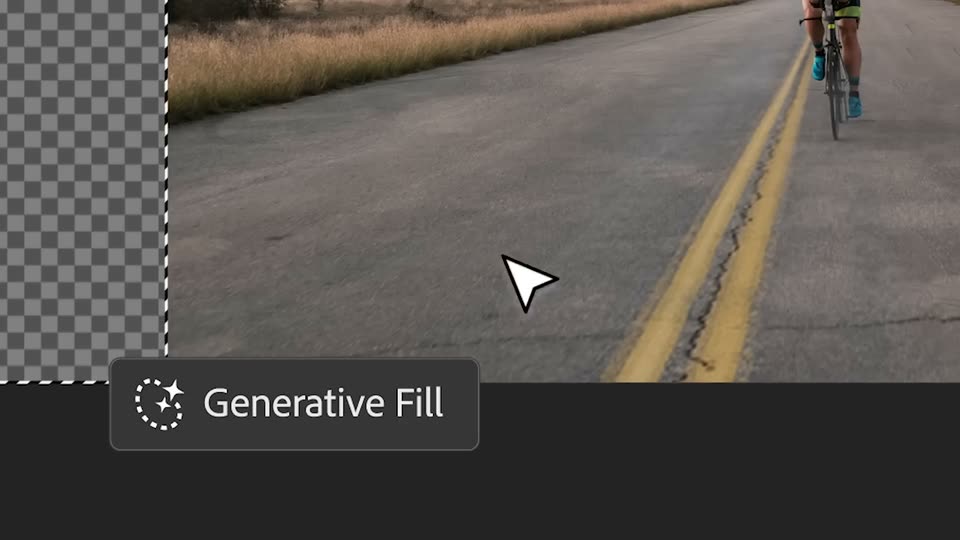 0:16–0:17Adobe · Adobe Photoshop (beta) x Adobe Firefly: Announcing Generative Fill | AdobeA close-up of an editor interface: a checkerboard transparency panel sits left of a road clip showing a cyclist. White cursors hover on the footage, then one moves down to the Generative Fill button, which brightens as it is selected.
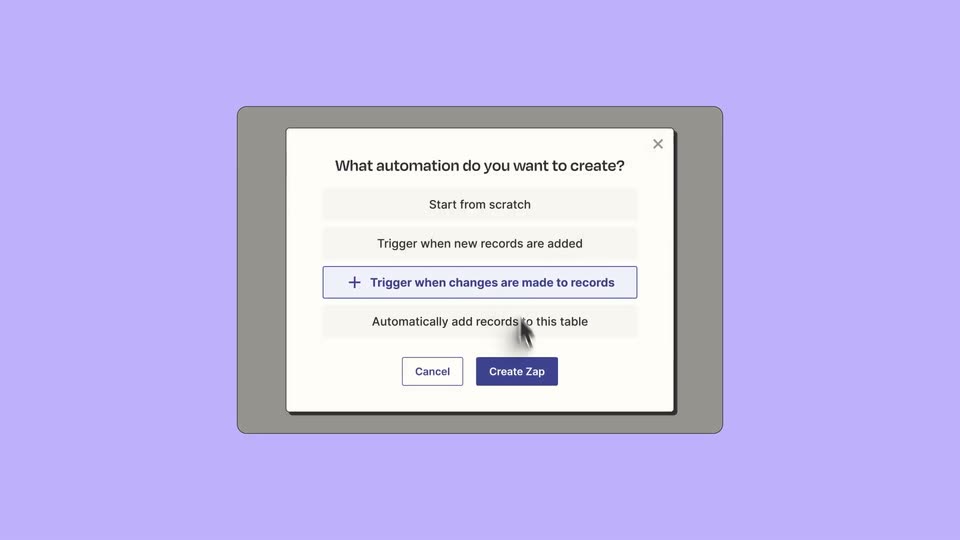 0:33–0:36Zapier · Introducing Zapier TablesA white modal dialog sits over a dimmed gray app on a lavender background. A cursor glides from the close button to the Trigger when changes option, which highlights with a plus icon, then moves down to press the indigo Create Zap button.
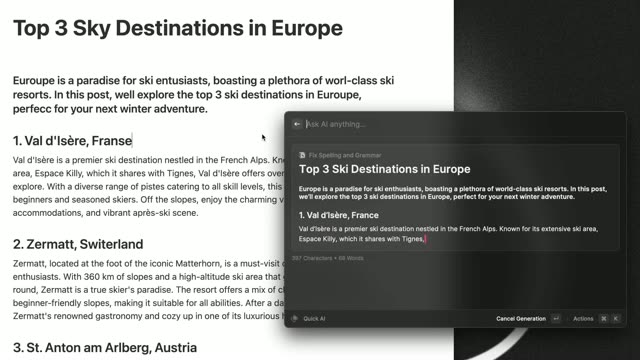 0:42–0:46Raycast · Introducing Raycast ProA white document page sits left of a dark AI command panel. A cursor picks the Fix Spelling and Grammar command, the panel types out corrected text with red underlines, then the page swaps to the fixed version and a Done button appears.
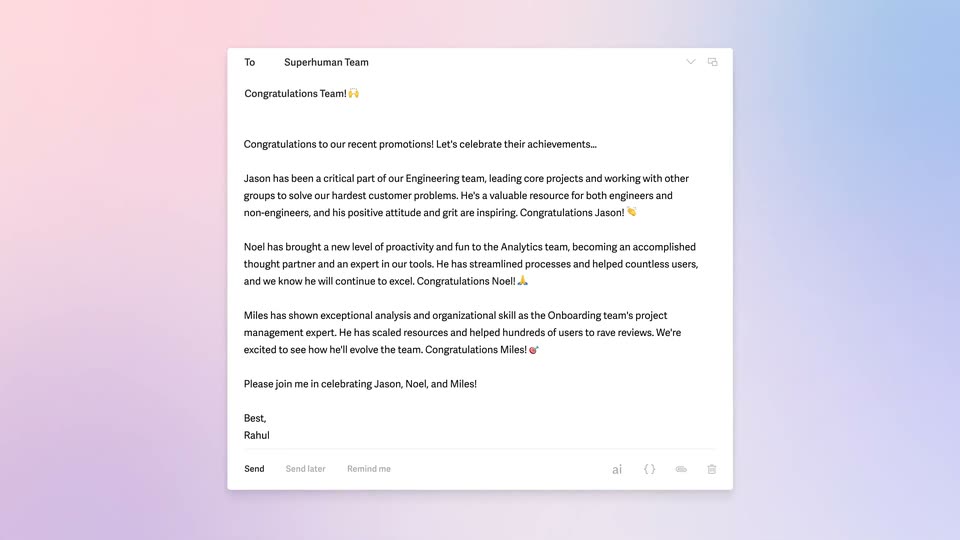 0:50–0:56Superhuman · Superhuman AIAn email composer card sits centered on a pink-to-blue gradient. A context menu drops over highlighted sentences, the cursor clicks Accept, the highlights resolve into clean body copy, and the closing signature types itself out.
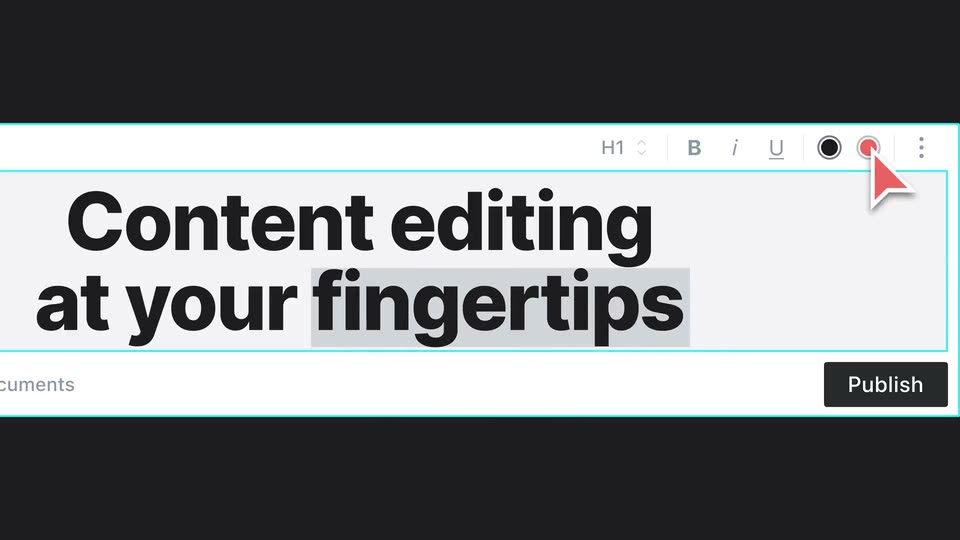 0:20–0:27Vercel · Vercel - Introducing Visual Editing for Headless ◆ Designed with our launch pA flat document editor with a cyan border sits on a dark background. The heading is typed, backspaced, then retyped as 'Content editing at your fingertips'. The word is selected, the cursor clicks the red swatch to recolor it coral, then clicks Publish.
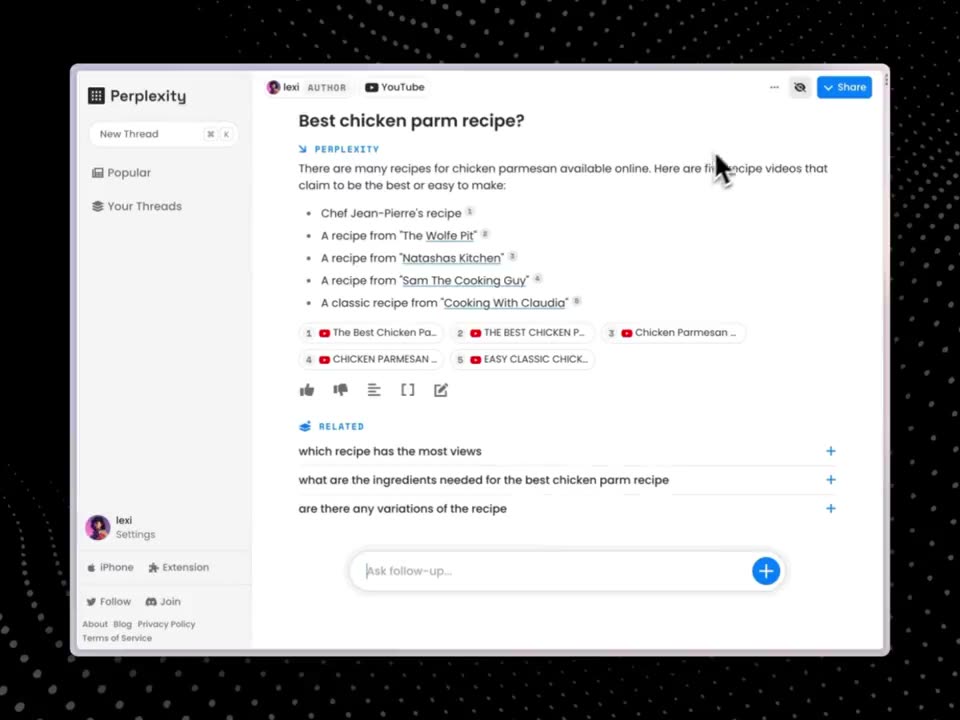 0:46–0:48Perplexity · Perplexity - We are excited to launch the next version of Introducing login, threaA Perplexity answer window sits on a black dotted field, opening out of focus and snapping sharp as a cursor drifts toward the top-right corner.
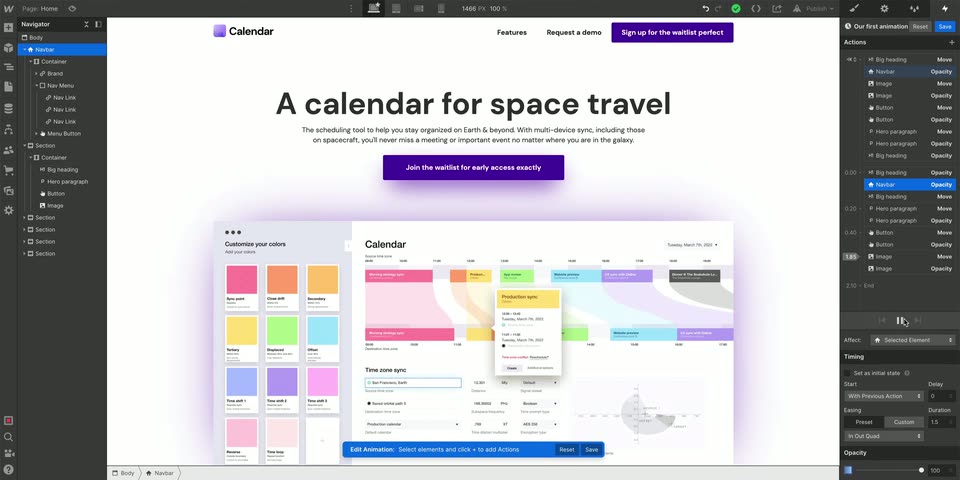 0:40–0:42Webflow · Introducing WebflowA design tool interface fills the frame, with a layers panel left and an actions panel right. The central canvas previews a calendar webpage; the cursor rests on the play control as the headline, button and calendar mockup fade and settle into place.
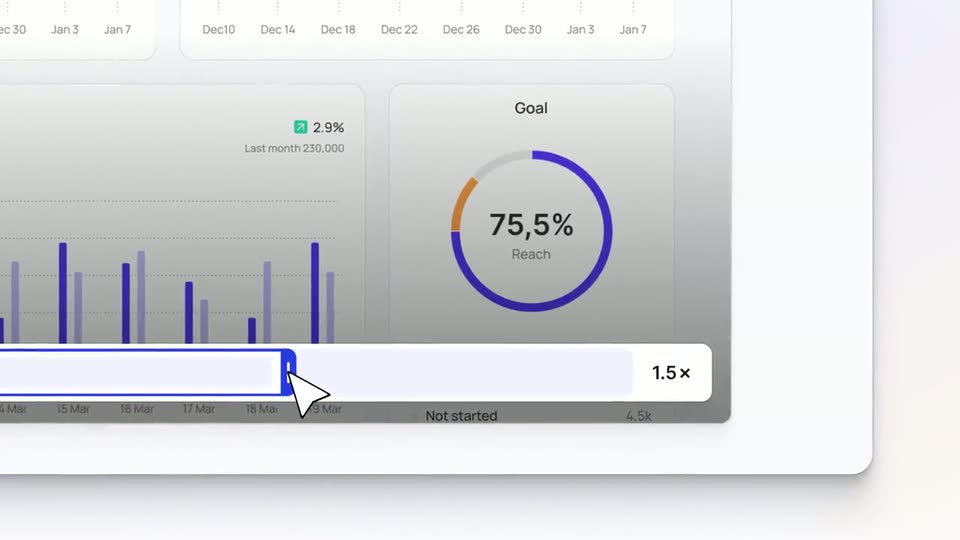 0:34–0:42Arcade · Arcade - Introducing Arcade Growth:A video editor view shows a column of five labeled thumbnails on the left and a dashboard preview on the right. The frame zooms in on the playback bar as a cursor presses play, drags the scrubber, then taps the speed label, changing it from 1.5x to 1.2x.
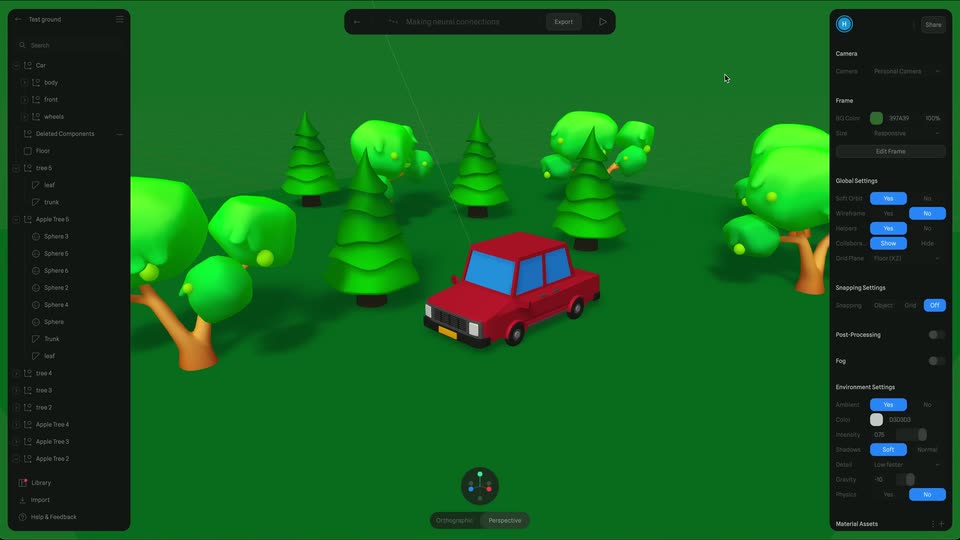 0:21–0:22Spline · Introducing Spline AI - Design in 3D using AIA 3D editor viewport shows a red low-poly car among green trees. A cursor moves from the top command bar into the scene as the camera pulls back to reveal more trees, then the play button lights blue.
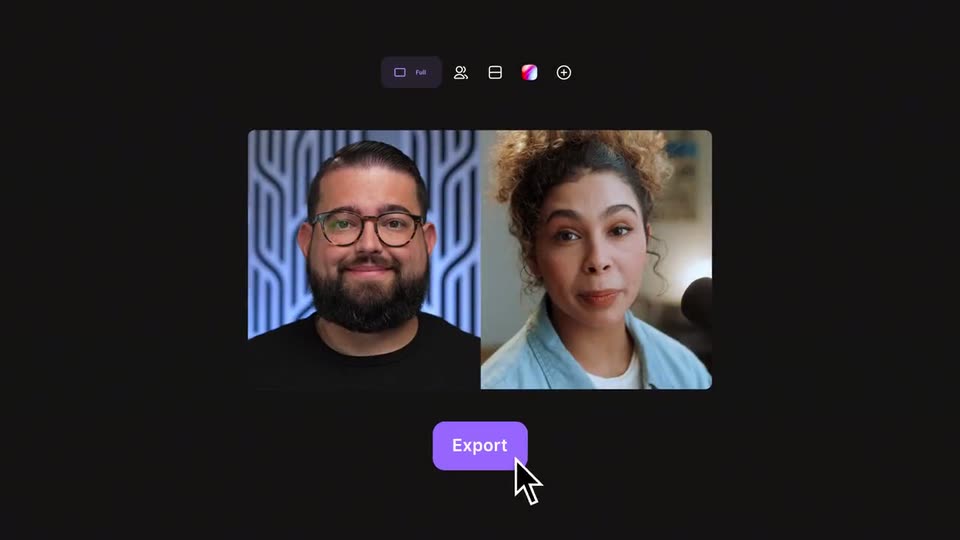 0:48–0:49Riverside · Riverside - Meet the new Riverside. The one place to record, edit, and share yourThe studio screen fades from dim to full brightness, showing two participant video tiles side by side beneath a toolbar; a white cursor moves to the purple Export button, which gains a bright outline as it is clicked.
 0:08–0:10Adobe · Adobe Firefly: Family of New Creative Generative AI Models | AdobeA watercolor dog illustration sits on a white canvas beside a vertical tool palette. A red flame shape draws itself above the dog's head, then the view zooms into the face as a pen cursor sketches a small black mark on the fur.
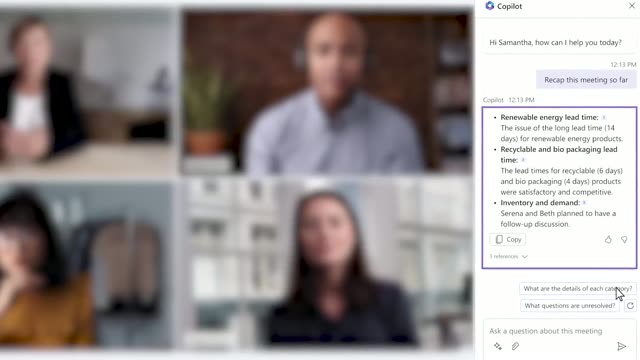 1:23–1:27Microsoft · The Microsoft 365 Copilot AI Event in Less than 3 MinutesA blurred four-person video call fills the left of the frame while the in-focus Copilot panel on the right types out a bulleted meeting recap. A cursor taps the recap button, then rests on a follow-up question chip.
 0:34–0:35Grammarly · Superhuman - Introducing GrammarlyGO—a new generation in writing. Speed up your wOn a dark teal field, a white writing-input card wipes in from left to right, holding a blue document icon and a green pill with two action icons, while a black cursor rests at its right edge. A cropped white headline sits at the left margin.
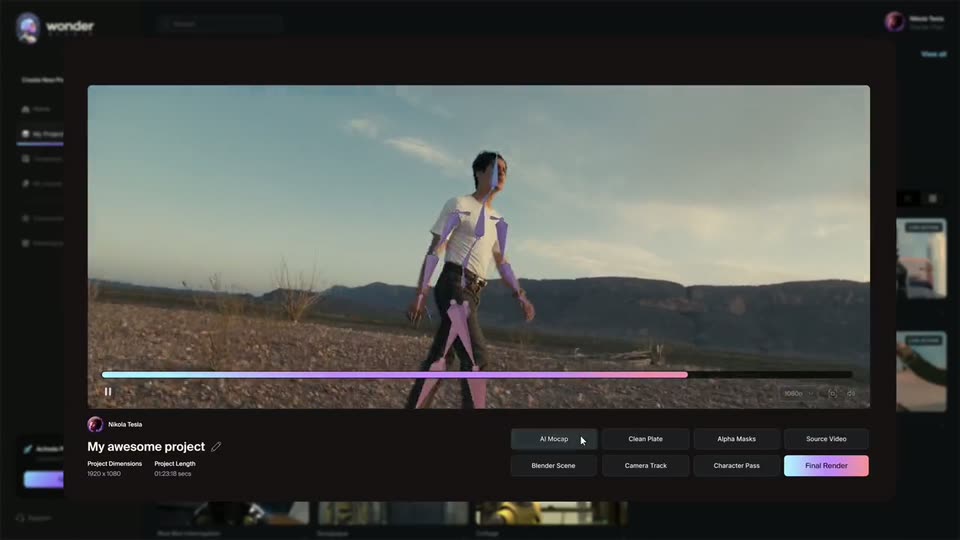 1:23–1:28Wonder Studio · Autodesk Flow Studio - We are proud to introduce Wonder Studio. An AI tool that automaticalA flat product interface shows a video preview of a man walking in a desert. The cursor moves to the AI Mocap button as the man is replaced by a 3D robot character.
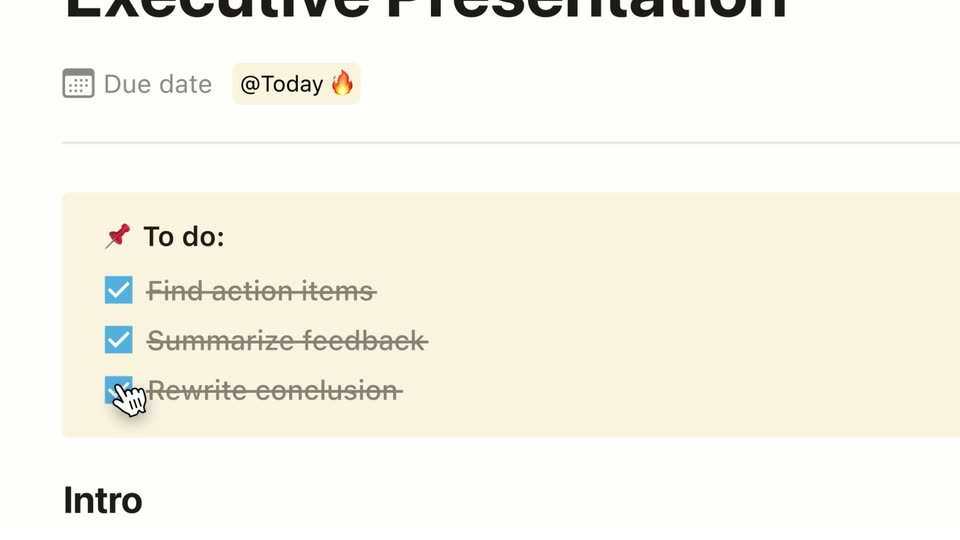 0:36–0:39Notion · Notion AI is here, for everyoneA zoomed-in AI panel shows a finished paragraph and a suggestion menu with an arrow cursor; the view then reframes to a document where a hand cursor checks the final to-do item, all items struck through, before the screen fades to black.
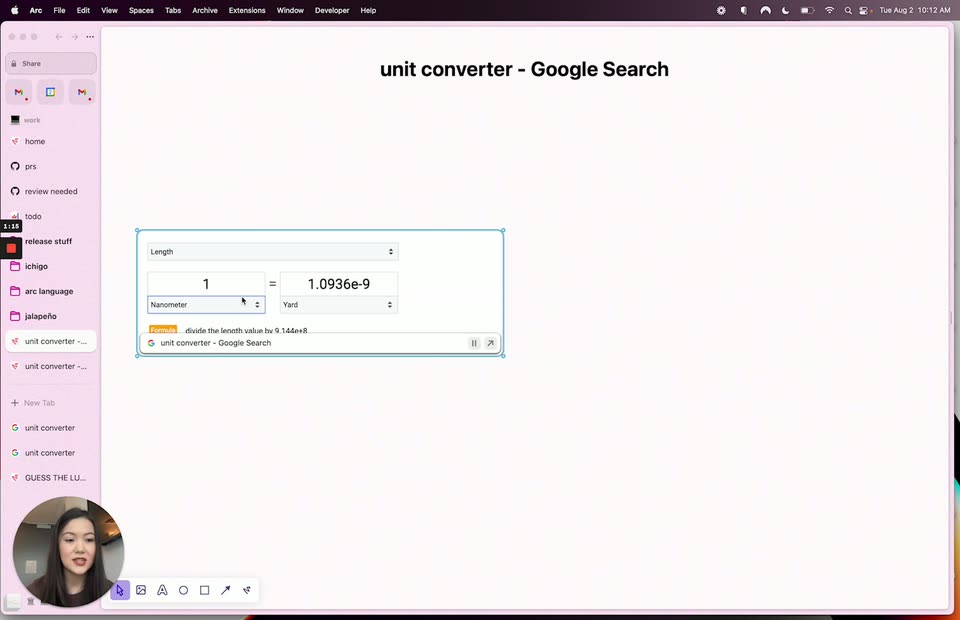 0:48–1:26The Browser Company · Arc Browser | Introducing Live Captures on Easel with RoseyA full browser window shows a Google unit-converter widget on a pink sidebar canvas, with a small webcam bubble bottom left. A cursor clicks the widget, opens unit dropdowns and switches between Millimeter, Foot, Yard and Nanometer as the result updates.
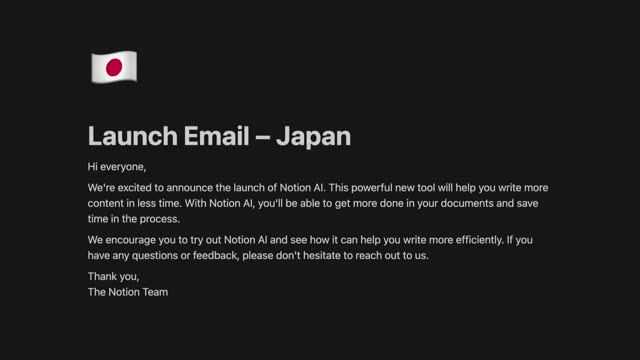 0:47–0:49Notion · Introducing Notion AIA Japanese flag and the title Launch Email – Japan fade in on a dark background above the email body. A Notion toolbar slides over the text and a cursor clicks the AI assist button, highlighting the copy.
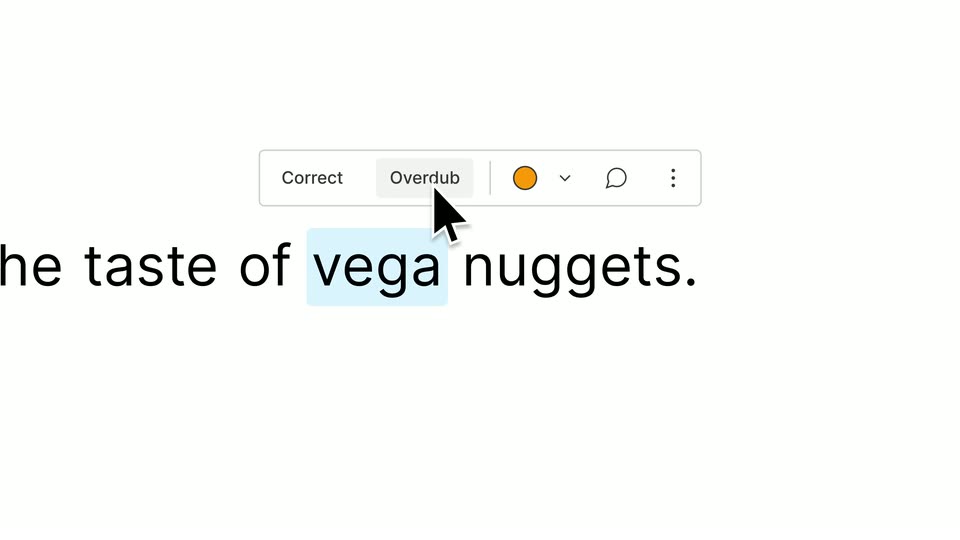 0:36–0:39Descript · The new Descript – made for podcastersA close-up of a white text editor shows a line of black sans text with the word non-chicken highlighted in blue and bracketed. A floating toolbar with Correct and Overdub buttons sits above. A black cursor clicks Overdub, and the highlighted word swaps to vegan.
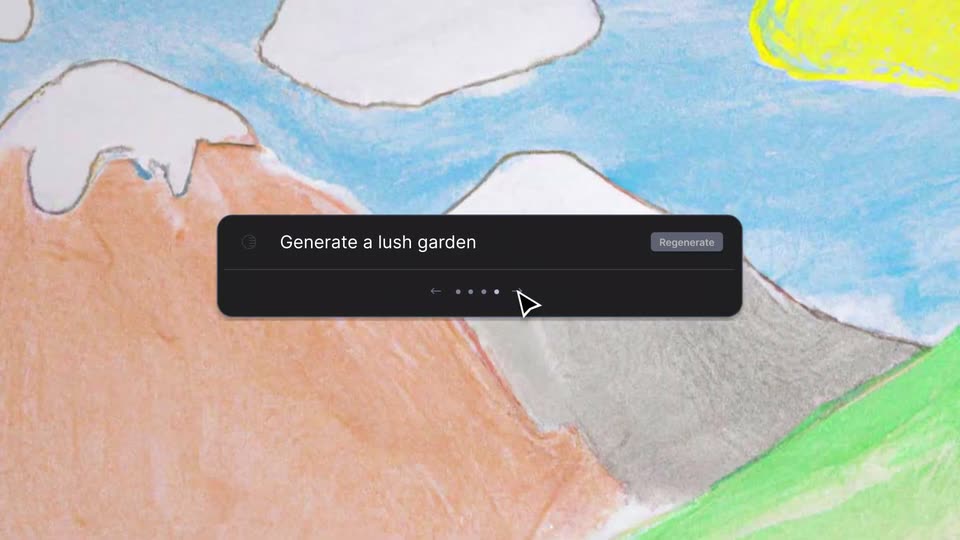 0:28 · 0.4sRunway · Text to Video: Early Access Waitlist | RunwayA dark prompt card reading “Generate a lush garden” sits centered over a full-frame artwork. A cursor hovers the pagination dots as the Regenerate button pulses and the background transitions from a crayon drawing to a painted lake landscape.
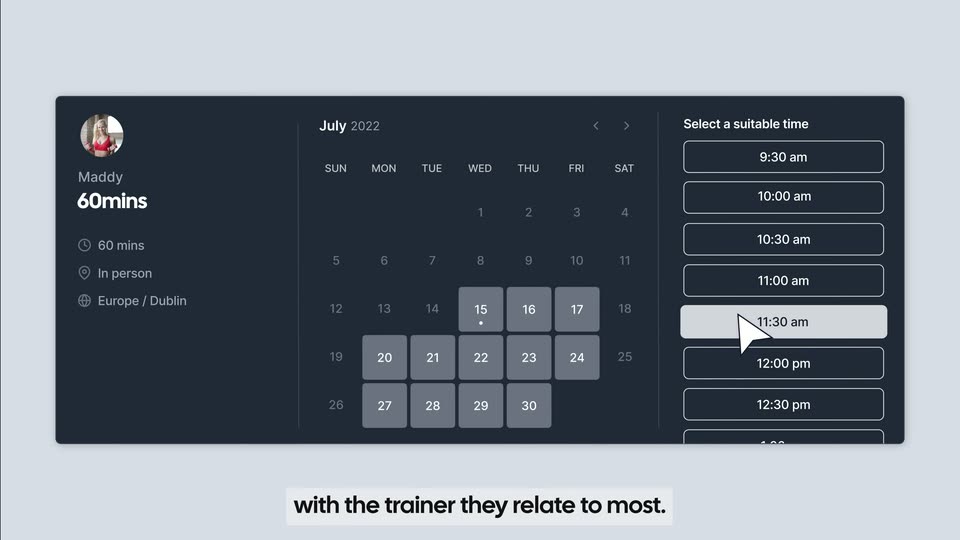 0:44–0:50Cal.com · Cal.com introducing TeamsA dark booking card sits on a light gray field, showing a trainer profile beside a July 2022 calendar. A cursor hovers the dates, a time-slot panel slides in from the right, the cursor taps 11:30 am, and the whole card slides off to the left.
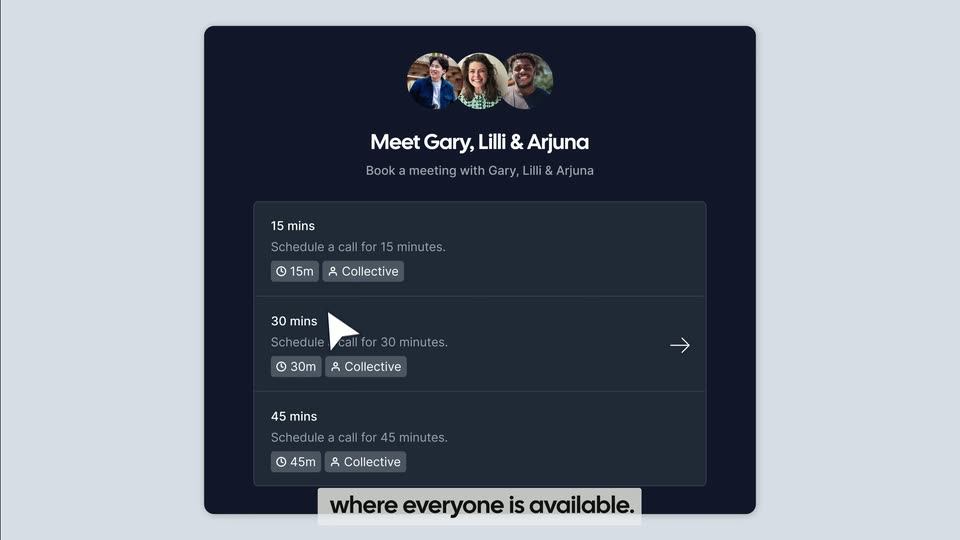 0:47–0:56Cal.com · Cal.com introducing Dynamic Group LinksA dark booking page on a light gray backdrop as a cursor types names into the URL bar; the page then crossfades to a shared view with three overlapping avatars and collective time slots, and finally fades to an empty dark card.
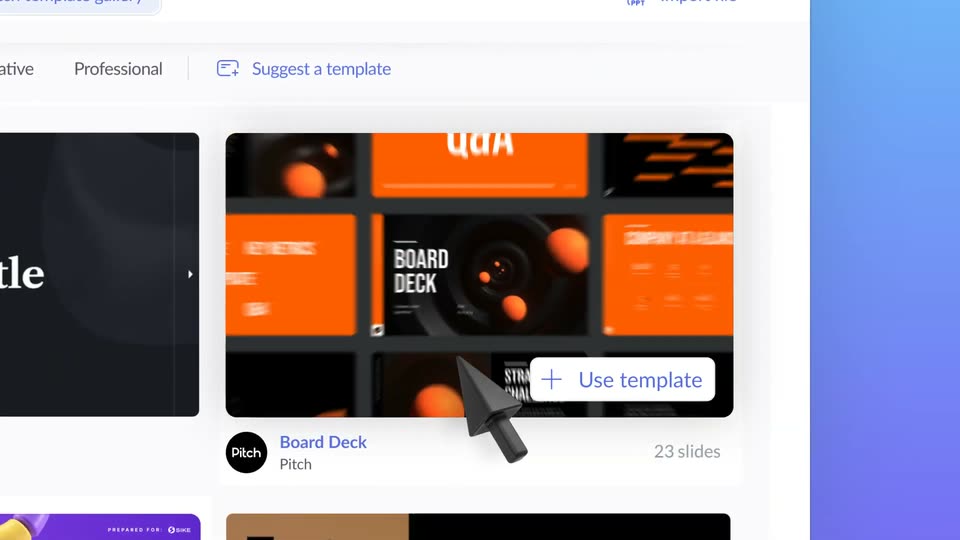 0:20 · 0.8sPitch · Introduction to Pitch | Create beautiful presentations with your teamA 3D arrow cursor hovers over a template card in a gallery; on hover the card preview switches from a single dark slide with orange spheres to a mosaic of slide thumbnails. The pointer drifts across the card while a Use template button sits at its lower corner.
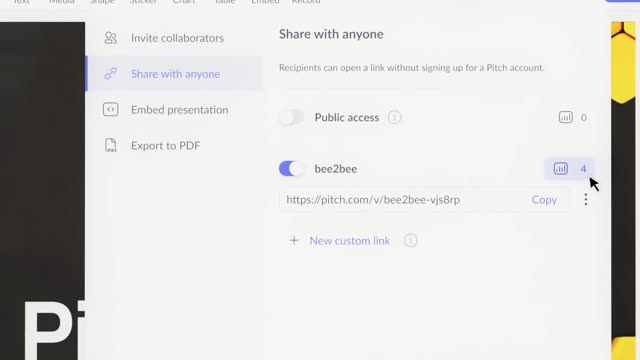 0:59–1:02Pitch · Introducing recordings | Turn presentations into expressive video narrativesA share panel overlays a dark pitch deck slide. The frame zooms in on the link row as the cursor glides to the Copy button and clicks it, the view counter ticking up to 12.
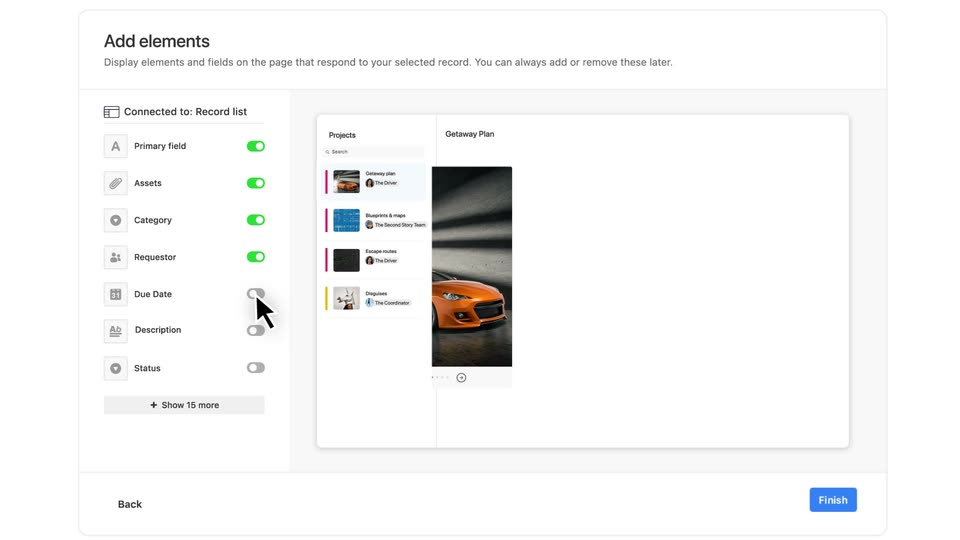 0:15–0:20Airtable · Airtable: introducing interface designerA product screen titled Add elements pairs a left panel of field toggles with a right preview of two columns. A cursor flips each toggle green in turn as the preview fills with project cards, an orange car photo and detail fields, then clicks the Finish button.
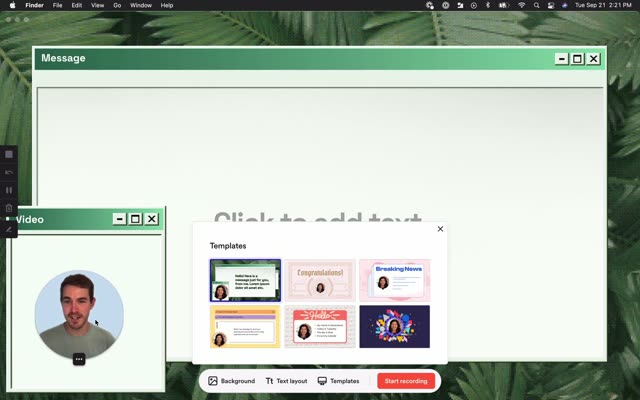 0:58–1:00Loom · Introducing CanvasA macOS Message window holds a Templates popup with six greeting cards and a small webcam video of a man. A bottom toolbar offers Background, Text layout, Templates and Start recording. The blank canvas background fills with a green leaf pattern as the cursor moves.
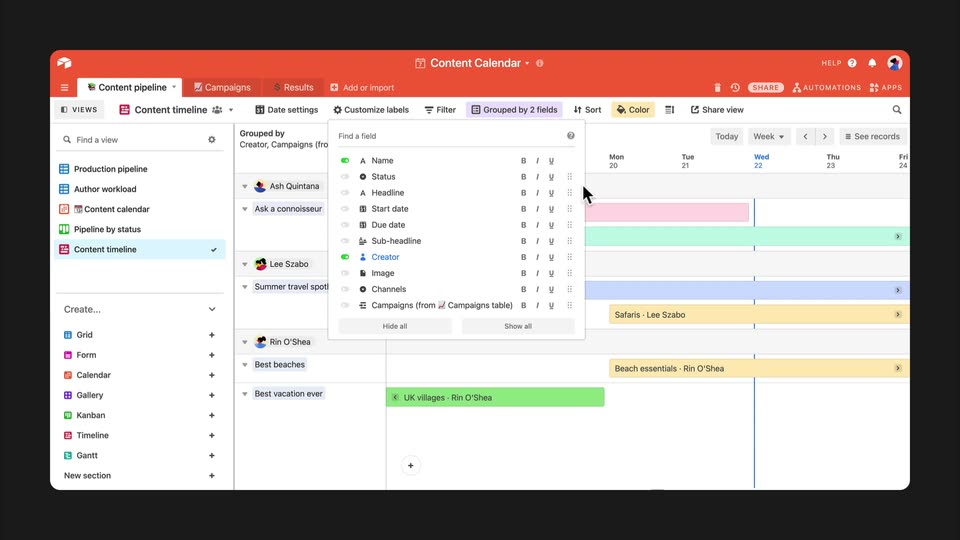 1:27–2:14Airtable · Introducing Timeline View | AirtableA flat screen recording of a timeline calendar app. A cursor opens a grouping dialog and selects Creator, then Campaigns, re-grouping the bars into nested rows. It then toggles labels, row height and color field, and collapses the left sidebar.
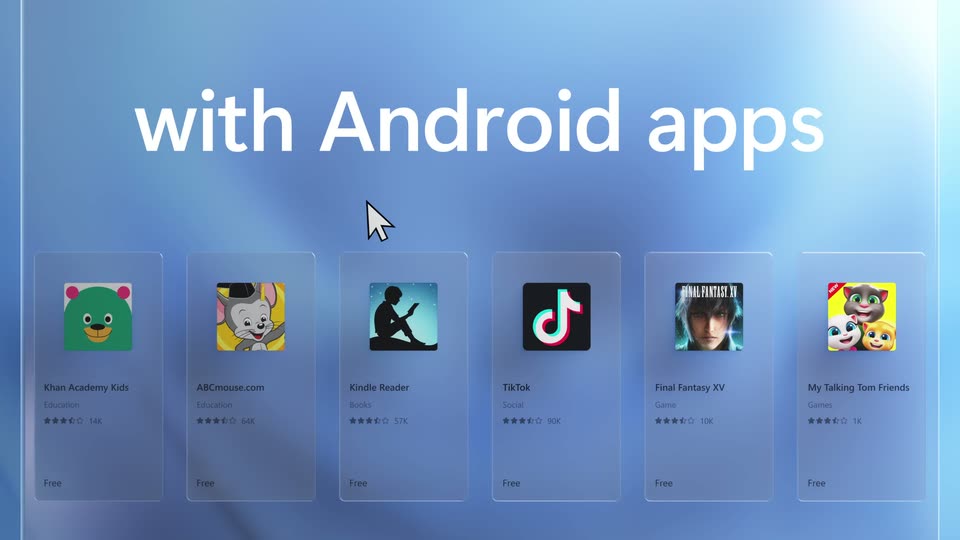 2:14–2:17Microsoft · Introducing Windows 11A device home screen with app tiles fills the frame, then the view pushes into the Android apps section, revealing a row of frosted app cards. The white headline with Android apps fades in above the cards while a cursor hovers over one tile.
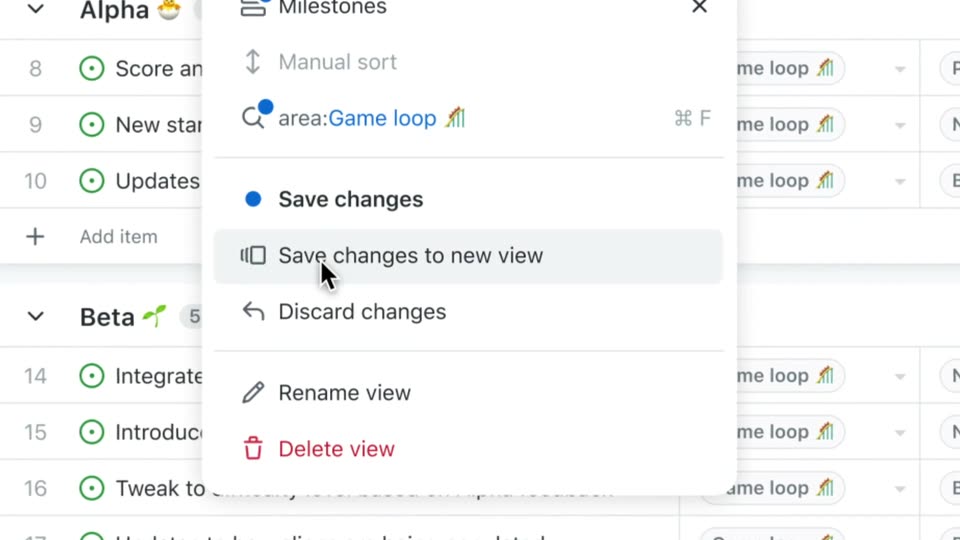 0:47–0:48GitHub · The new GitHub IssuesA white dropdown menu floats over a project table, listing view options. A hand cursor glides down the list and pauses on the highlighted row as the menu reframes to center the lower options.
 0:28–0:29Microsoft · Meet the new Microsoft Whiteboard designed for Hybrid WorkLocked-off close-up of a light interface grid showing Templates and Images cards. An orange cursor with a rounded label reading Babek Shammas slides down from the top right and hovers between the two cards.
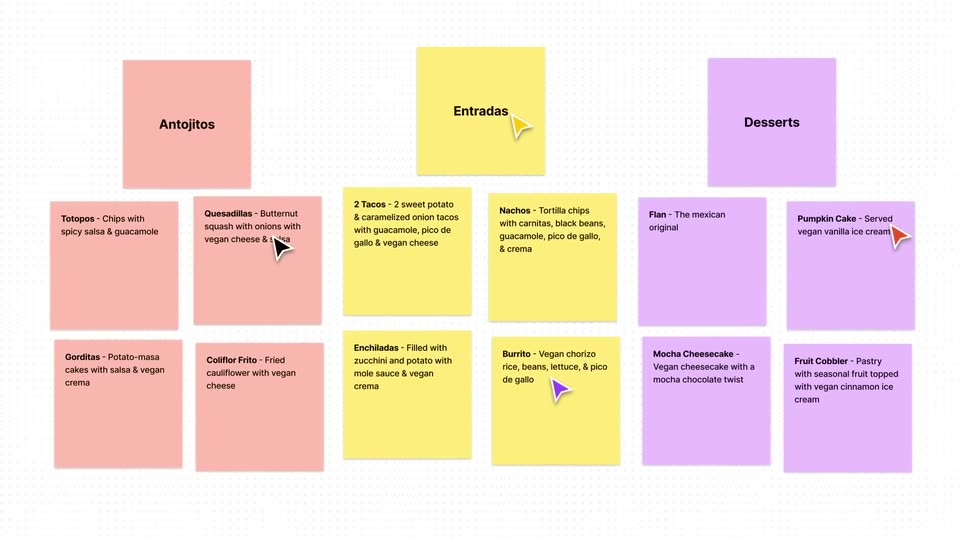 0:11–0:13Figma · Welcome to FigJamA menu interface displays three columns of colored notes. A cursor moves across the board, hovering over various items.
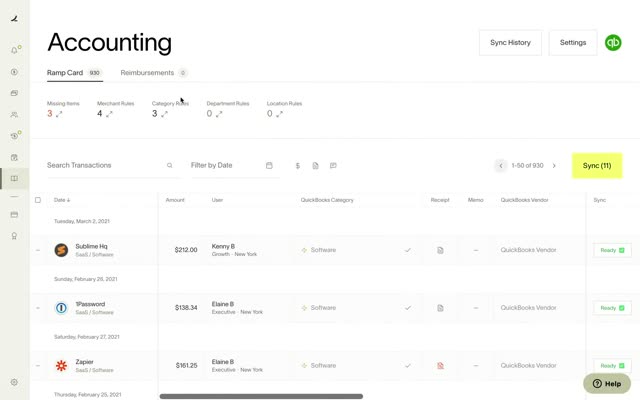 0:32–0:34Ramp · Meet Ramp: The finance automation platform that saves you time & moneyA static accounting dashboard shows a transaction list under the Ramp Card tab. A cursor drifts down from the header to rest near the Category Rules count.
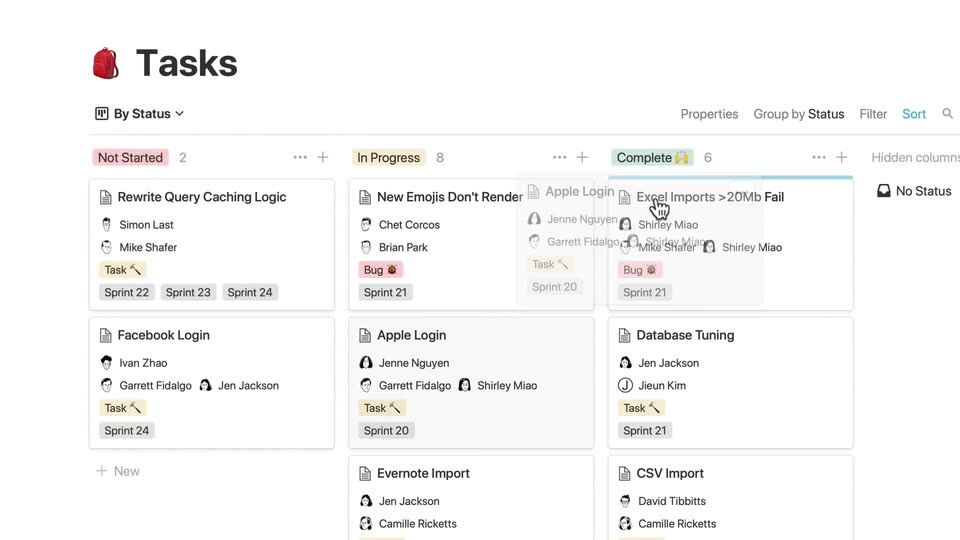 0:43–0:47Notion · What is Notion?A cursor hovers over a task card, opens its menu, then drags the Apple Login card from In Progress into the Complete column. The view pulls back to reveal a left sidebar listing the workspace pages.
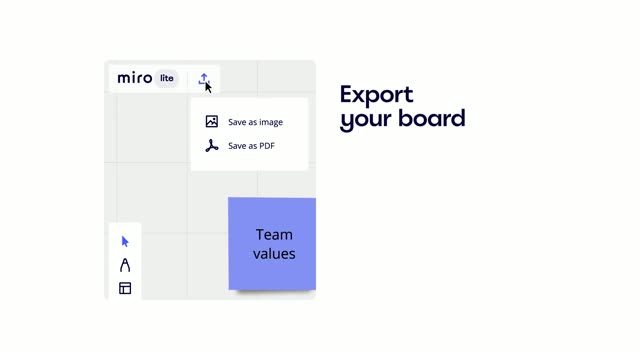 0:42–0:45Miro · Meet Miro Lite, the free online visual workspace for teamsA flat Miro board mockup sits left; the cursor clicks the export icon, opening a Save as image and Save as PDF dropdown. The frame zooms into the board, cropping the header, while the Export your board headline on the right fades to light gray.
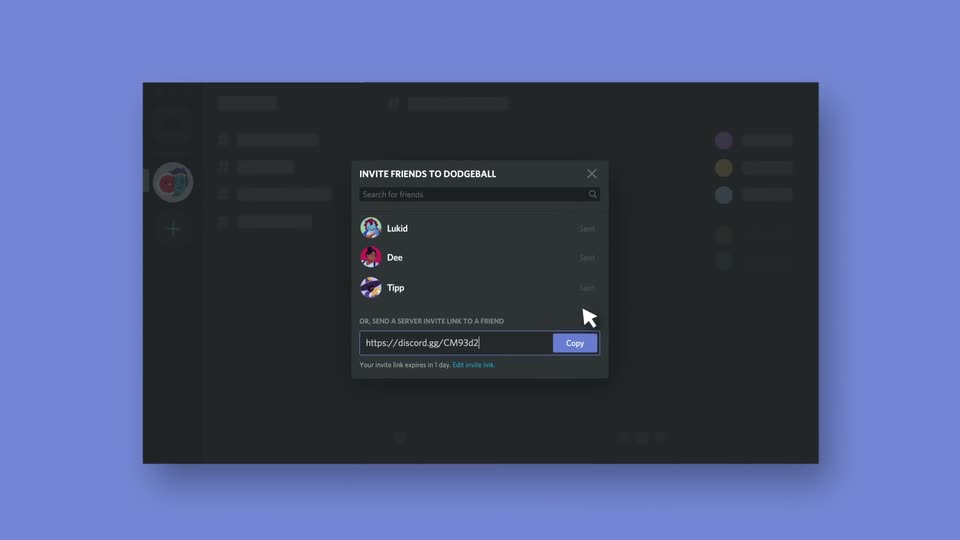 0:31–0:34Discord · How Discord Works in 148,000 Miliseconds or LessA Discord window tilted in 3D on a blue backdrop shows an invite modal. A cursor clicks the green Invite buttons for three friends in turn, each flipping to Sent, then moves to the Copy button beside the invite link field.
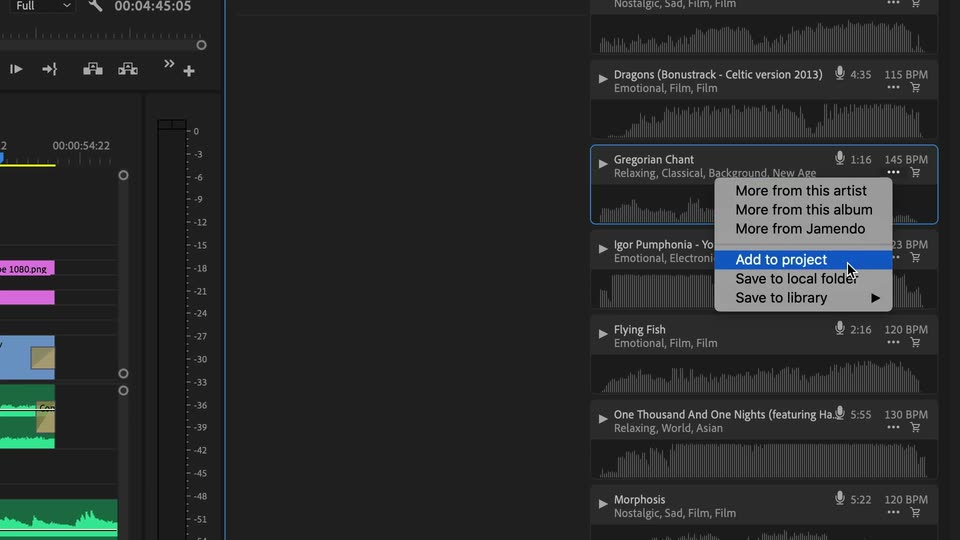 1:10–1:19Adobe · New in Premiere Pro - Introducing Adobe Stock Audio | Adobe Creative CloudA dark editing interface shows a timeline on the left and an audio asset list on the right. A cursor clicks the three-dot menu on the highlighted Gregorian Chant row, opening a dropdown of save options, then hovers over Add to project.
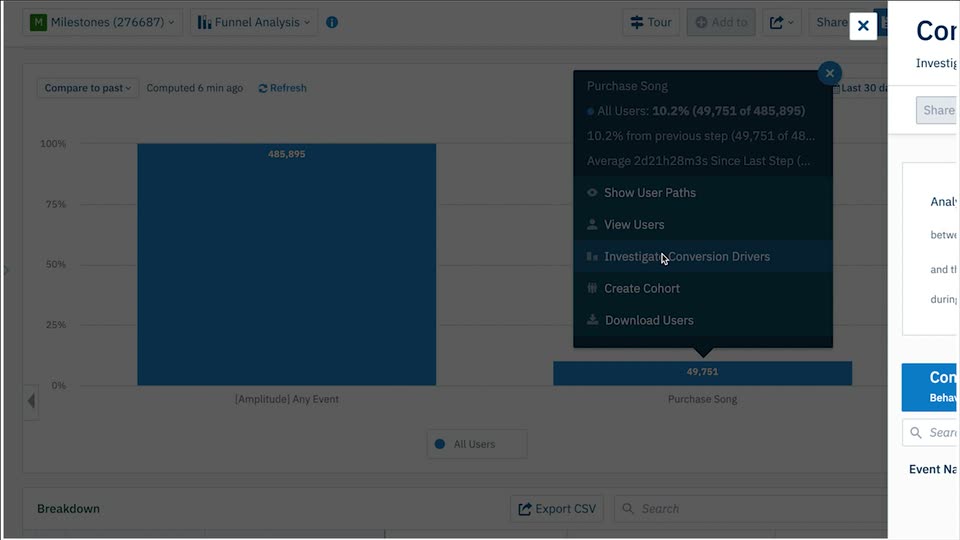 1:26–1:27Amplitude · Milestone AnalysisA dimmed funnel dashboard shows a dark dropdown menu open over the bar chart while a cursor hovers on the highlighted “Investigate Conversion Drivers” row. A white side panel slides in from the right edge of the screen.
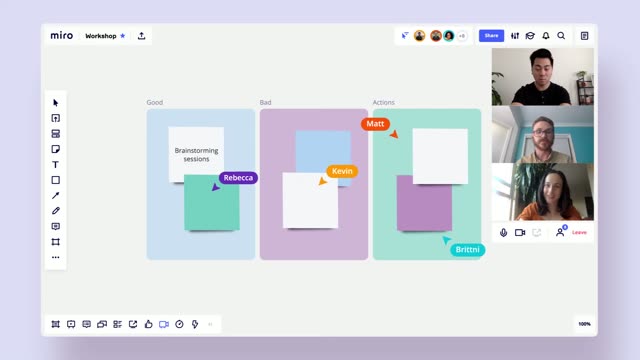 0:50–0:52Miro · Introducing Miro for meetings and workshopsA Miro workshop board with Good, Bad and Actions columns of sticky notes fills the frame. Named participant cursors in purple, orange and teal glide between the notes while three video call feeds play in the right panel.
 0:31–0:34Pitch · A first look at PitchA person picker dropdown lists team members under a Find person field, a cursor hovers and selects Tee, then the list closes and Tee's avatar drops into the Workflow button. A white headline reads Delegate work on a blue panel to the right.
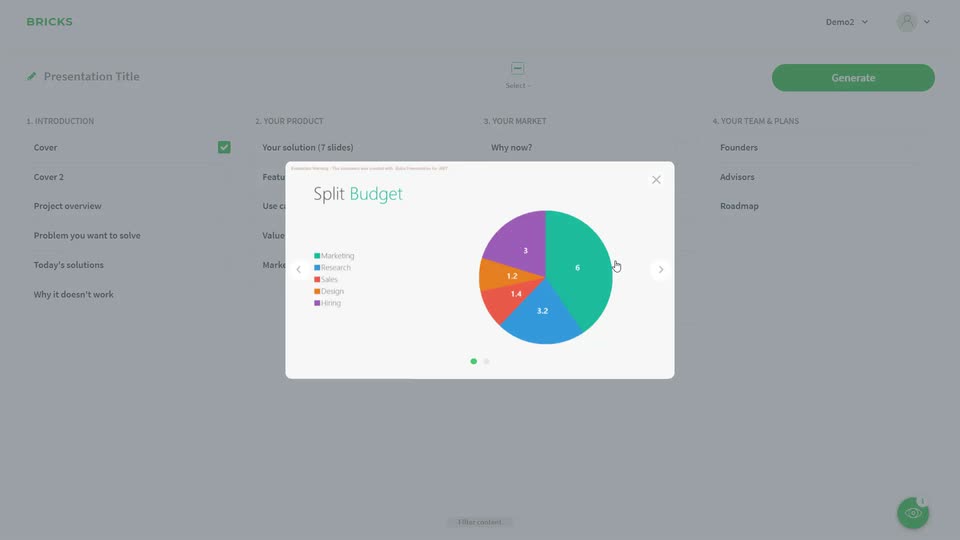 0:48–0:50Bricks.AI · Bricks.ai - Accélérez vos ventesA dimmed slide-builder interface sits behind a centered white modal. The modal shows a five-color pie chart titled Split Budget with a side legend and pagination dots. A cursor rests on the right arrow, poised to advance the chart.
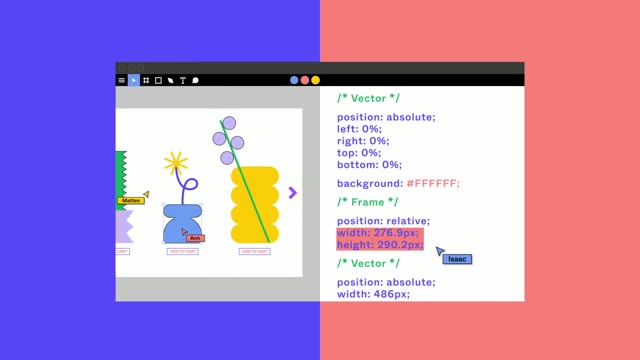 1:04–1:08Figma · What's Figma? [2019]A flat browser window on a two-tone purple and coral background shows a design canvas of colorful vector shapes with ADD TO CART buttons on the left and a live code panel on the right. Named cursors drift across both panes, an orange highlight marks a width and height line with a Copy button, and the window zooms into the canvas as the code scrolls to new lines.
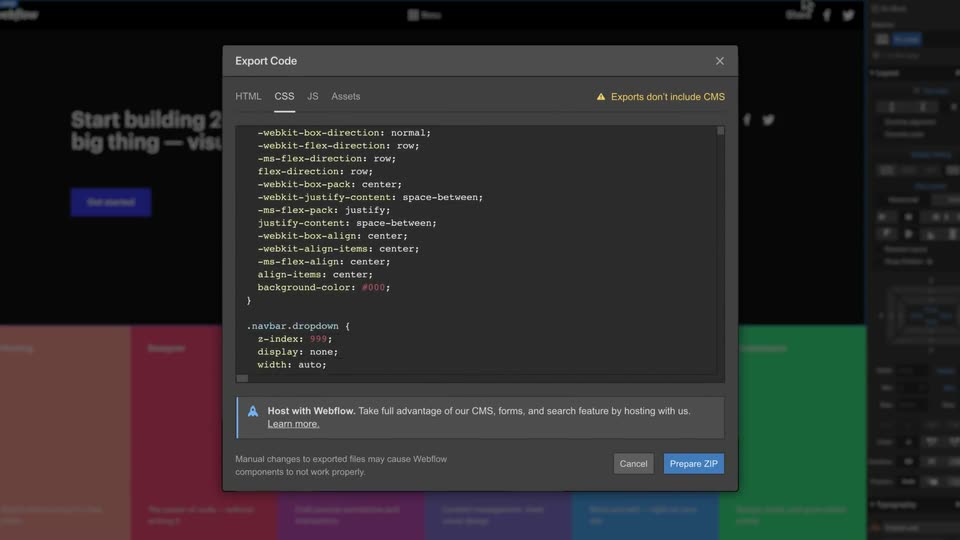 0:15–0:20Webflow · Meet the design tool from the future — WebflowIn the Webflow editor, a cursor moves to the top bar and an Export Code dialog opens over a dark landing page; the dialog's code scrolls through HTML, CSS, and JS tabs, then it shrinks to a small thumbnail.
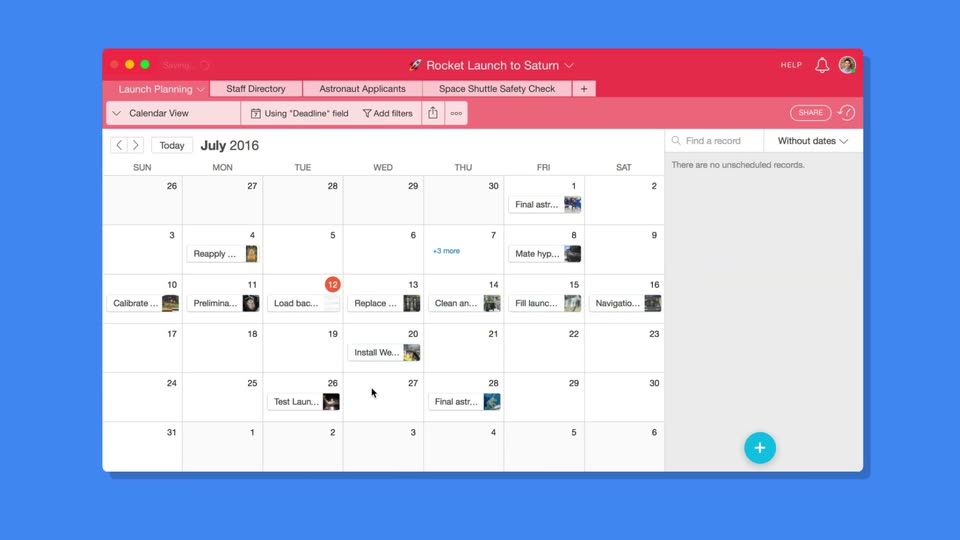 1:00–1:02Airtable · Meet AirtableA red-headed calendar view of a space mission project fills the screen. A cursor drags the Install Webb Telescope card from the right panel onto the 19th, dropping it into the grid. The window then blurs and slides left out of frame.