Cursor demo
A visible cursor operates the interface.
15,085 scenes · page 175 of 252
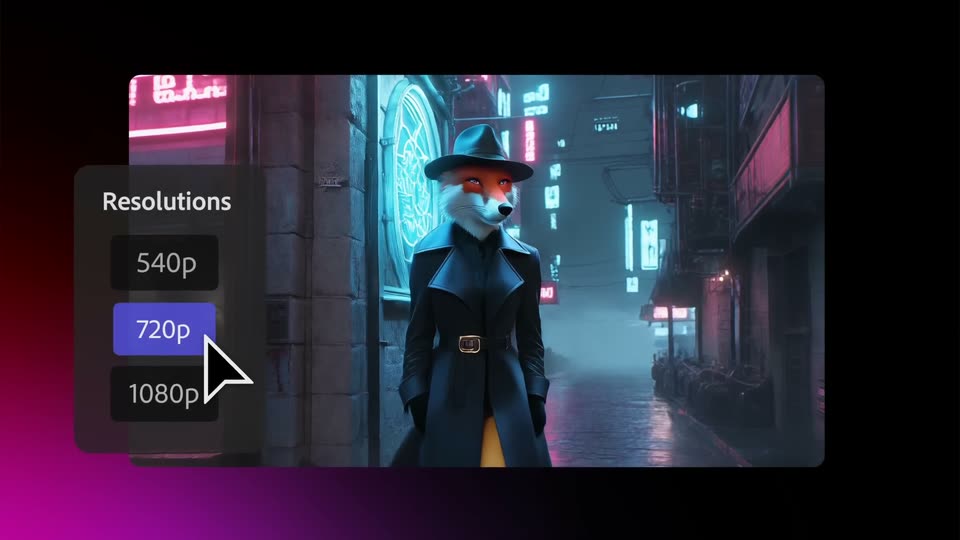 0:12–0:14Adobe · Adobe Firefly: The next evolution of creative AI is hereA neon-lit 3D render of a fox in a fedora and trench coat fills a rounded frame. A dark Resolutions panel on the left highlights 540p, then a white cursor slides down and the highlight jumps to 720p.
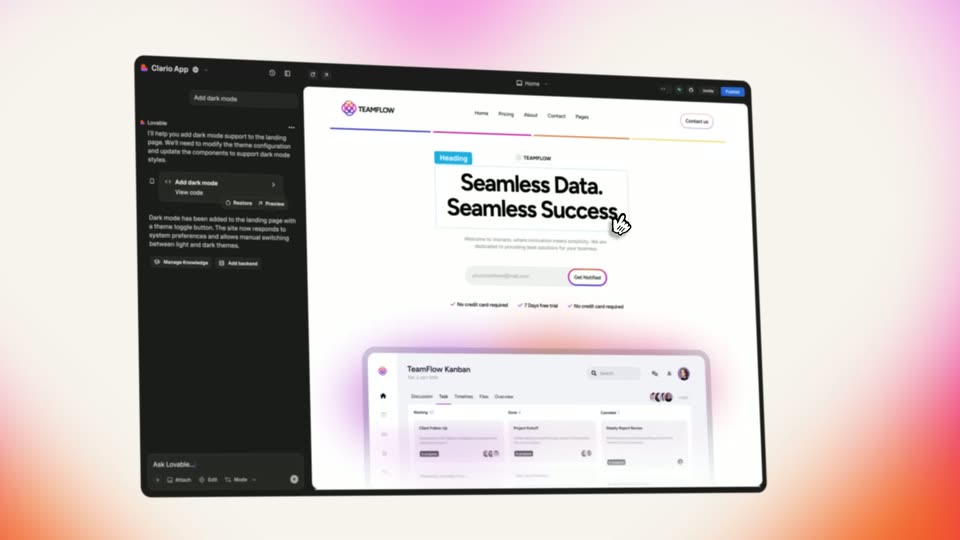 0:44–0:46Lovable · Lovable 2.0 is here. Multiplayer vibe coding. Smarter & more secure.A 3D browser mockup of a TEAMFLOW site, headlined Seamless Data. Seamless Success. with a Kanban board, rotates from an angled view to a flat front view. A left chat panel and a right task card slide out as the window straightens, a hand cursor hovering on the page.
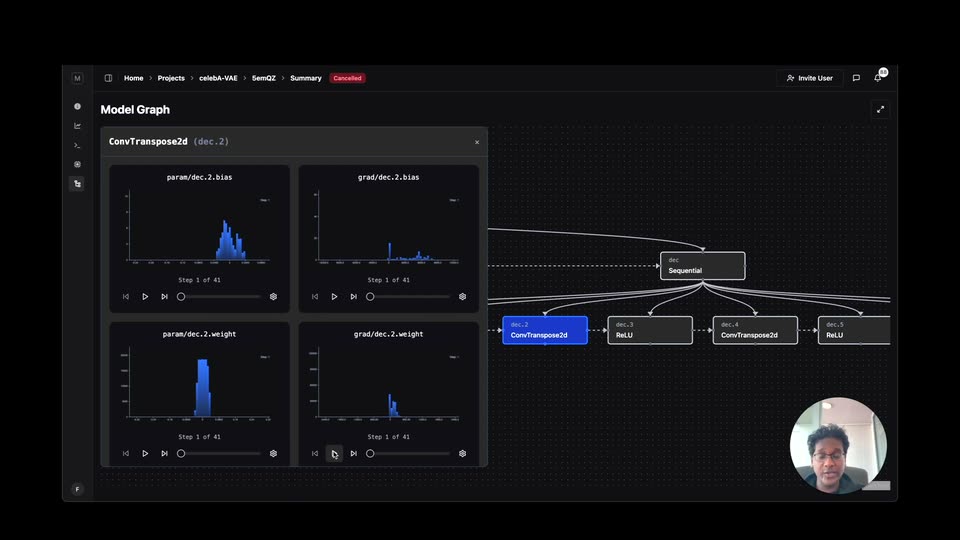 0:49–1:14mlop · mlop: introA dark model-graph screen stays locked off. A cursor clicks play on a parameter histogram; the slider runs 41 steps and the blue bars reshape, then it plays the gradient histogram. A circular video-call avatar sits bottom right.
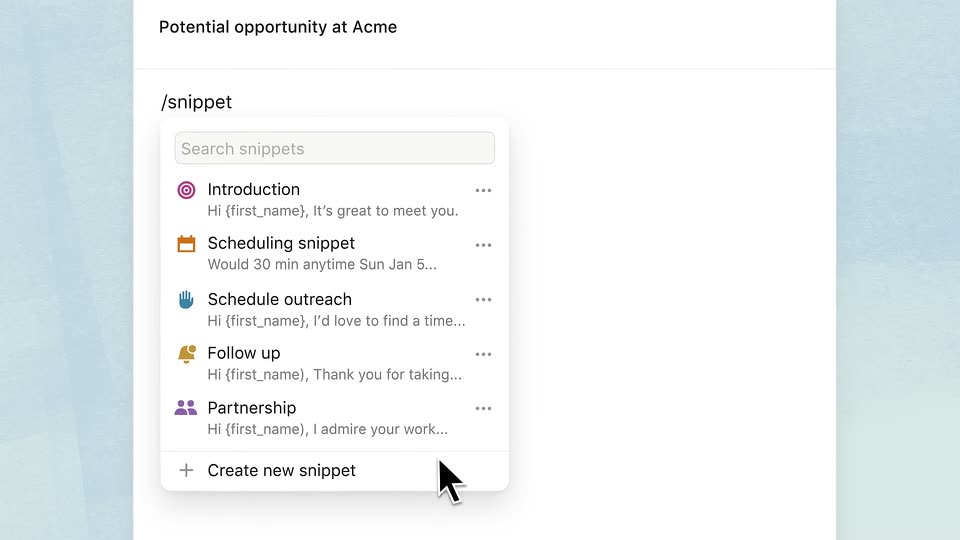 0:29–0:30Notion · Meet Notion MailA white snippet menu fades in under the /snippet command in a CRM record view, listing five named snippets with icons, as a black cursor hovers over the Create new snippet row at the bottom.
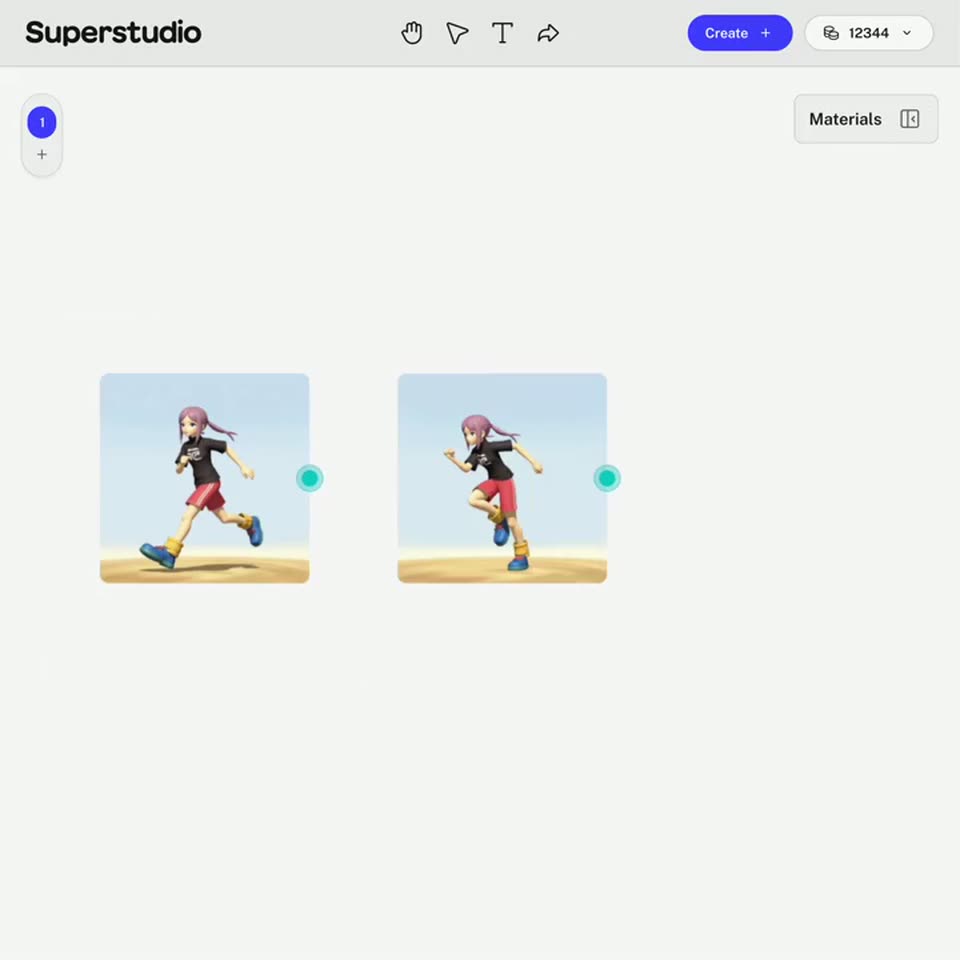 0:17–0:20Kaiber · Kaiber - 🚨 BIG NEWS: Image Editing — in Canvas. •ᴗ• Change colors, combineA light gray editor screen shows a 3D running-character thumbnail card on the left. A second card with the character mid-jump appears to the right, then clears, leaving the first card. A cursor moves across the canvas.
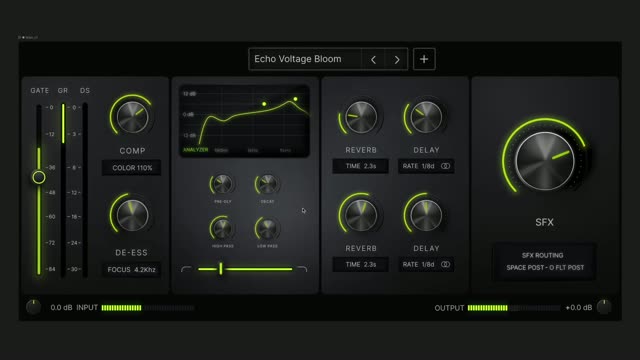 1:11–1:13Rive · Rive for Product Design Reel 2025A dark audio plugin interface displays four panels with metallic knobs and green level meters. A cursor moves across the screen as the analyzer graph updates and the knobs rotate.
 0:24–0:26Ideogram · Ideogram - Meet Ideogram 3.0 — stunning realism, creative designs, and consistenA dark rounded bar centered on white holds the white label Consistent Styles, with a cursor on it. The label slides up and the bar expands into a tall panel, revealing a white card with a dashed drop zone.
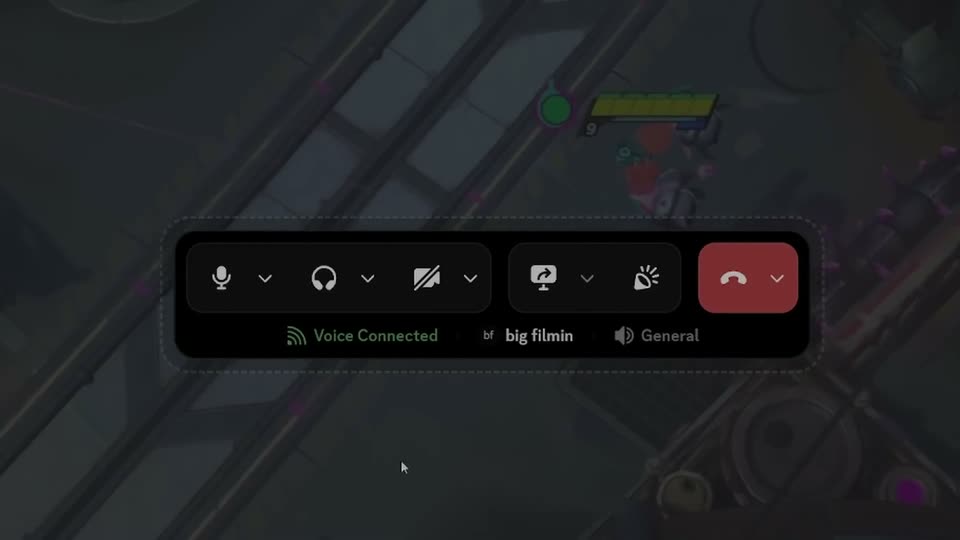 2:24–2:25Discord · Introducing the NEW Discord Game OverlayA dim top-down shooter scene fills the frame behind a floating black voice-control bar. The bar shows mic, headphone, camera and screen-share dropdowns, a megaphone and a red end-call button, with connection and channel labels below. A cursor moves from the red button to the lower left.
 0:41 · 0.8sGoogle · Introducing Canvas in GeminiA glowing Code/Preview toggle with a white cursor hovers in 3D space, then the camera pulls back to reveal a tilted periodic table grid and a Mercury element card with an orbital diagram behind it.
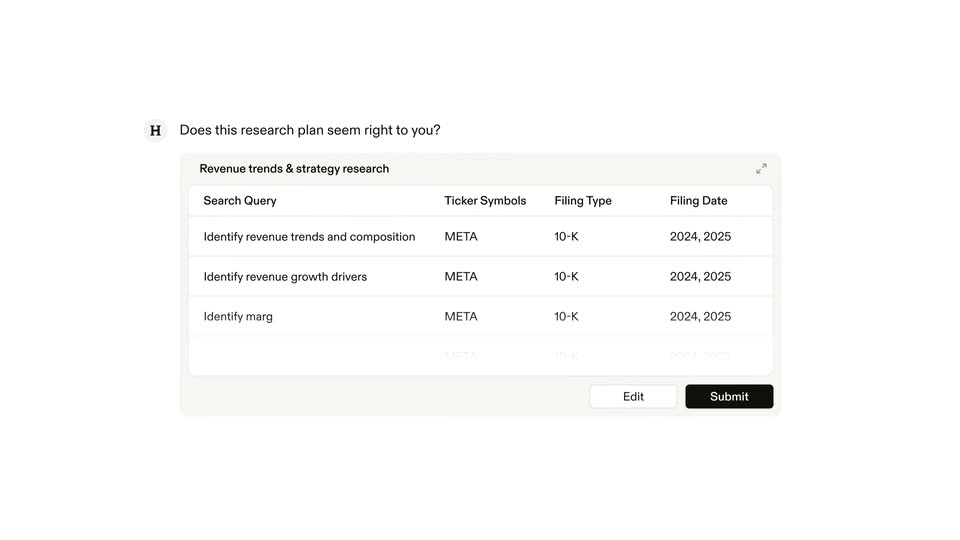 0:33–0:37Harvey · Agents OverviewOn a white background, a loading line with a spinner gives way to a question, then a table card appears and its rows type in one by one as a cursor slides in to rest on the Submit button.
 0:32–0:35Tempo · Introducing Tempo V2 - AI web design tool for designers and developersClose-up of a dark search bar with a row of icons. A hand cursor taps the brain and globe icons, a tooltip labels each, then an arrow cursor moves to the purple send button as the frame zooms in on it. A small headline scales in at the top.
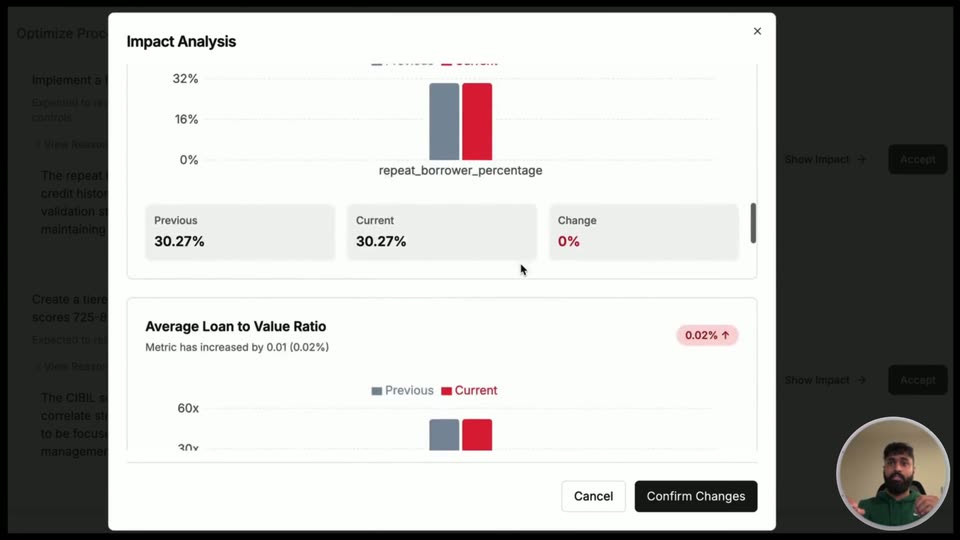 0:40–0:44Elip AI · Tejas AI Launch VideoA white Impact Analysis modal over a dimmed dashboard scrolls down through metric cards, each pairing a two-bar chart with Previous, Current and Change values. A cursor hovers over the list while a circular webcam feed of a man holds the bottom right corner.
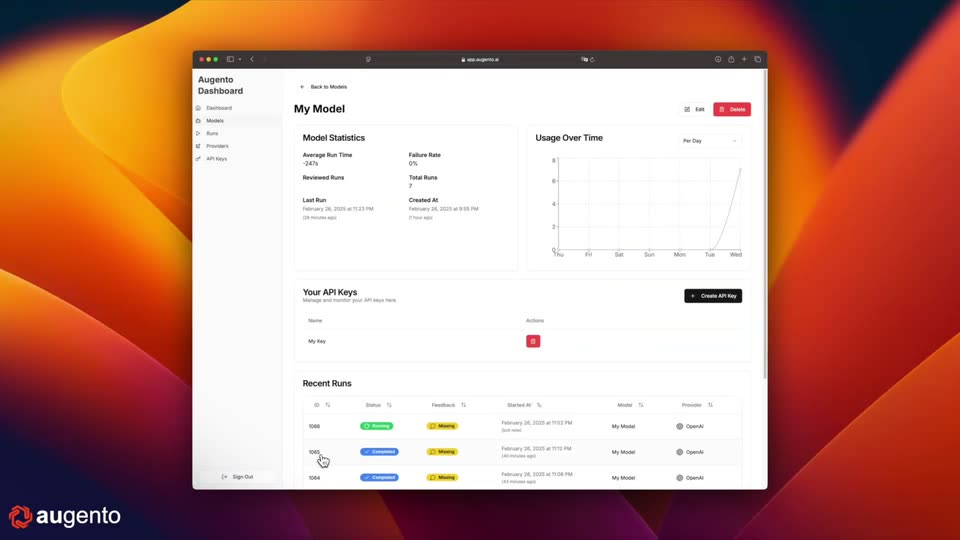 1:01–1:04Stillwind · Augento AI – DemoA dashboard screen sits on a multicolor gradient. A cursor moves to the Recent Runs table, hovers a row, and the view cuts to the run detail page showing run steps and model details.
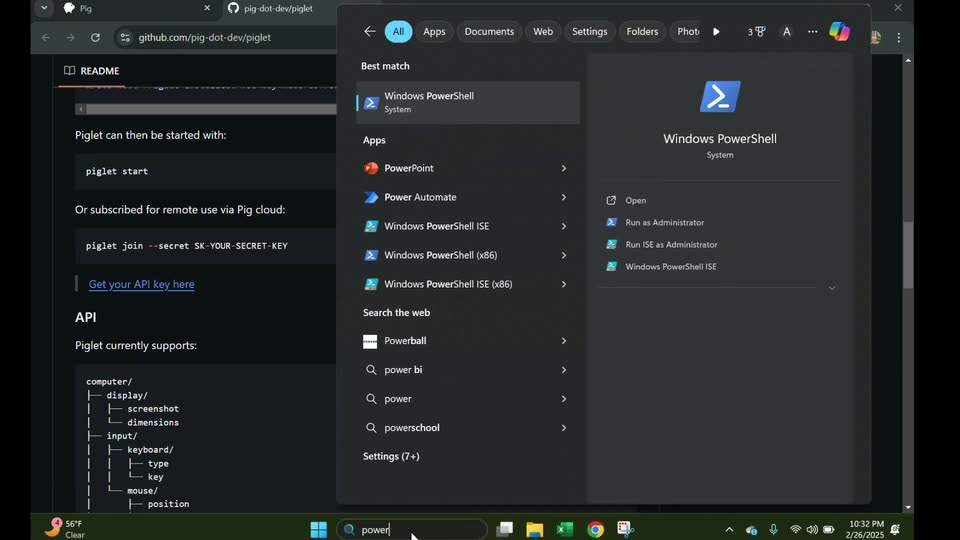 0:56 · 0.4sButter · Pig Official LaunchA dark GitHub README fills a browser window as a Windows search panel opens over it with power typed in. The list highlights Windows PowerShell, then the panel expands to a detail card with the PowerShell icon and run options, a cursor resting on the taskbar search field.
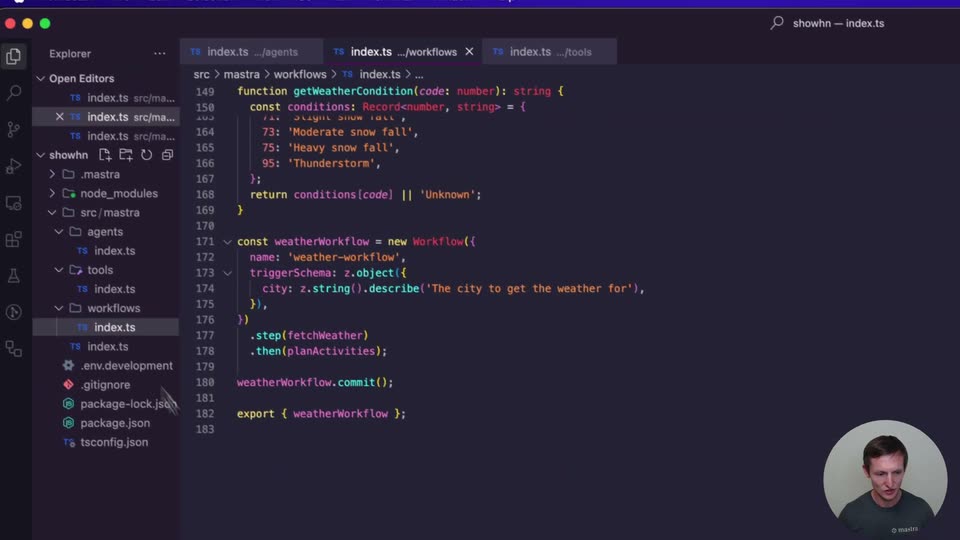 0:52–1:09Mastra · Mastra Demo - The Typescript AI Agent Framework (2024)A code editor fills the screen, zooming into a TypeScript file that defines a weather tool. The view scrolls past API calls, then a fast blur cut lands on a second file showing a two-step workflow; a small webcam of the speaker sits in the bottom-right corner.
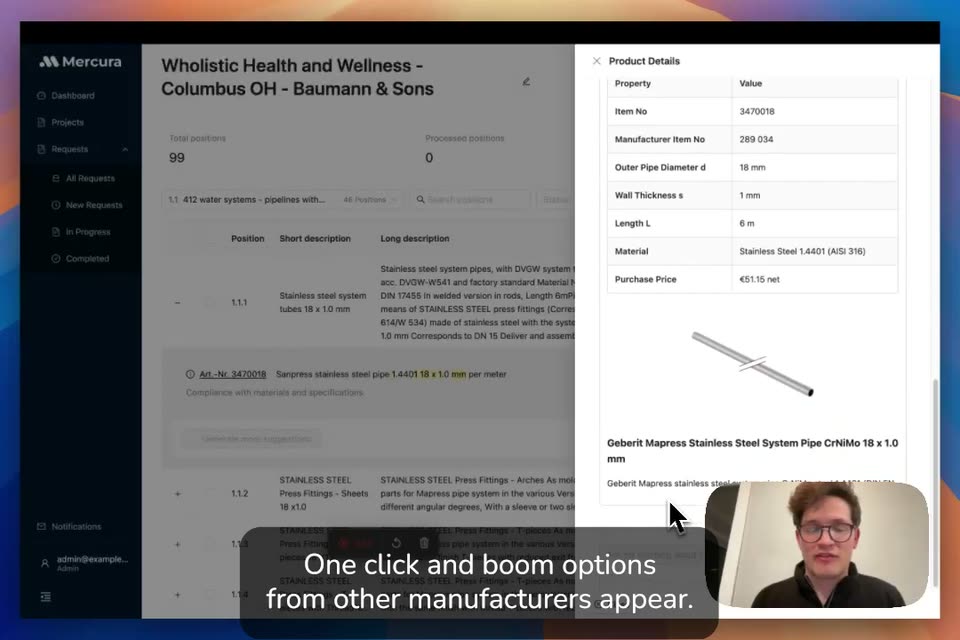 1:06–1:18Mercura · Mercura YC LaunchA screen recording of the Mercura interface. A cursor clicks an article number, and a Product Details panel slides in from the right, scrolling through property tables and pipe images as alternates load. A presenter's webcam sits in the bottom right.
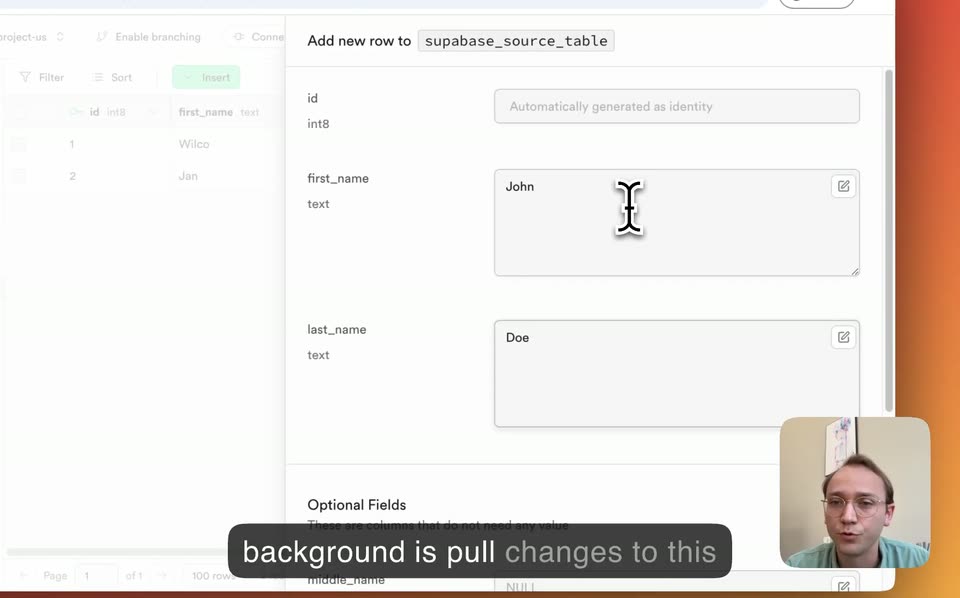 0:50–1:01ReJot · ReJot YC LaunchSupabase table editor screen recording. A white cursor clicks the green Insert button; a form panel slides in from the right and the cursor types John and Doe. The view zooms into the form, then back to the table as the new row appears. A presenter's webcam sits bottom-right.
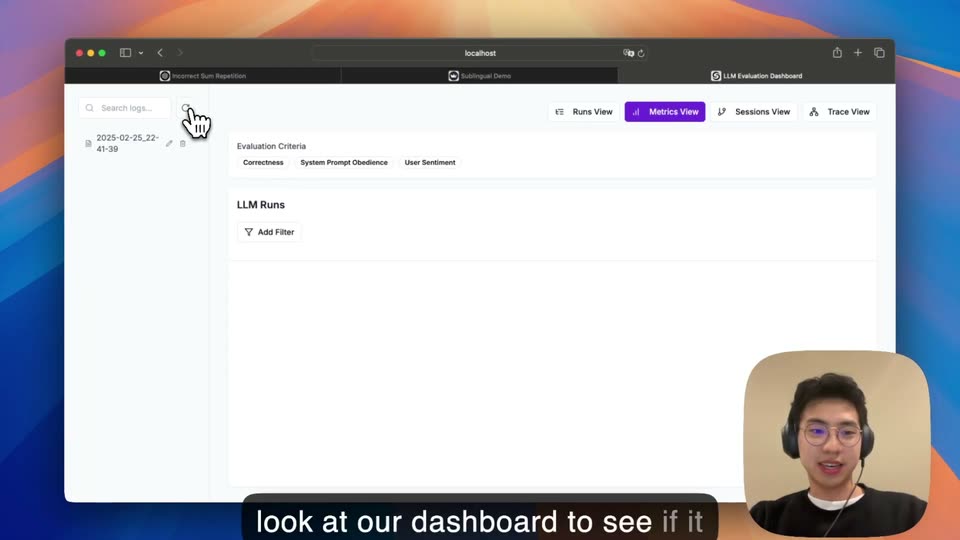 1:07–1:09Sublingual · Sublingual AI DemoA browser window shows an LLM evaluation dashboard. The cursor clicks the Metrics View tab, then the history icon in the sidebar, revealing a dated log entry. A presenter's webcam sits in the bottom right corner while subtitles run along the bottom.
 2:00–2:01Gale · Gale Launch DemoA dark case-management table sits behind a confirmation dialog. The view zooms in on the dialog as a cursor moves to the Confirm button. A small webcam feed of a man stays in the bottom right corner.
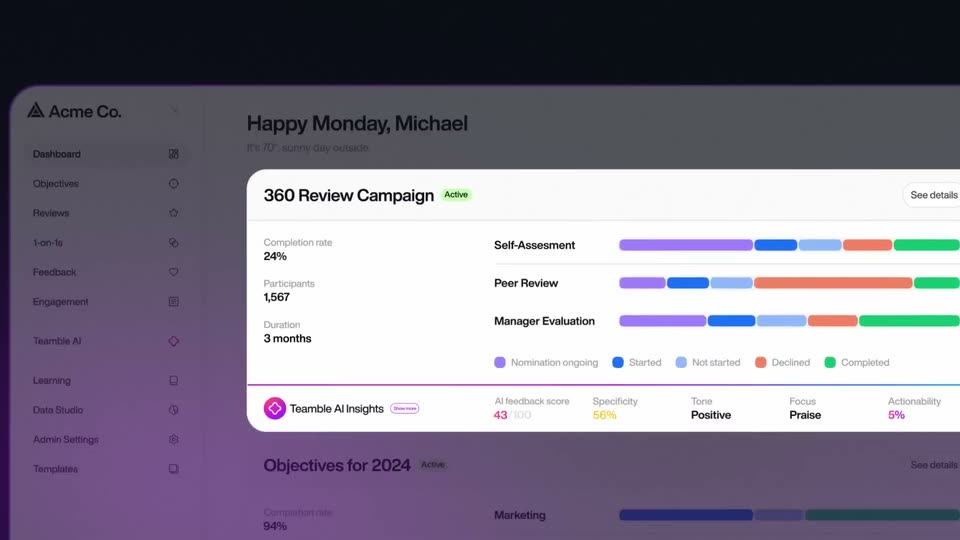 0:51–0:57Teamble · Best SaaS Product Demo Video | TeambleA tilted dashboard mockup rises into a dark purple space as the headline builds from 'Let's see' to 'how easy to find insights.' The view then zooms into the AI insights row, where a purple hand cursor taps the Show more button.
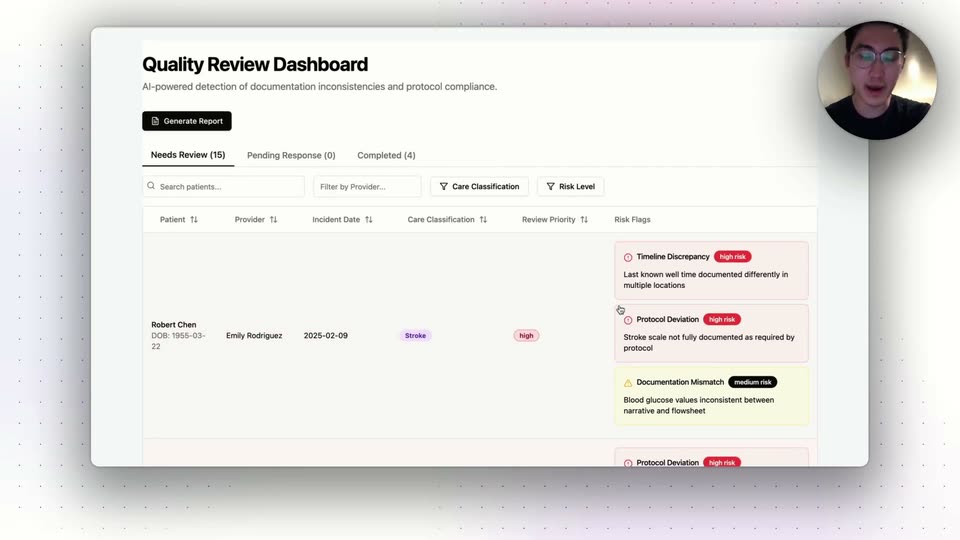 0:43–0:58Amby Health · Amby Health YC LaunchA white dashboard window titled Quality Review Dashboard sits on a dotted pastel background, with a circular webcam of a presenter in the top right corner. A cursor hovers over the Generate Report button, then drifts across the patient table and the red risk-flag cards as the list scrolls down one row.
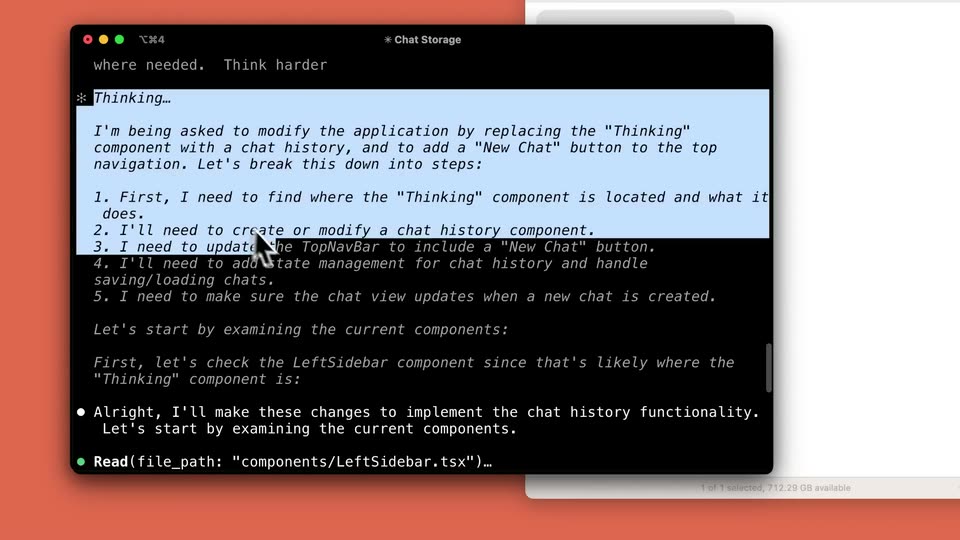 1:22–1:46Anthropic · Introducing Claude CodeA black terminal window floats over a file-explorer window on a coral background. The camera pushes in as the cursor clicks and the prompt types a task. Code lines and a Cooking timer scroll up, a blue Thinking block highlights, then a green diff and a yes-no edit prompt appear.
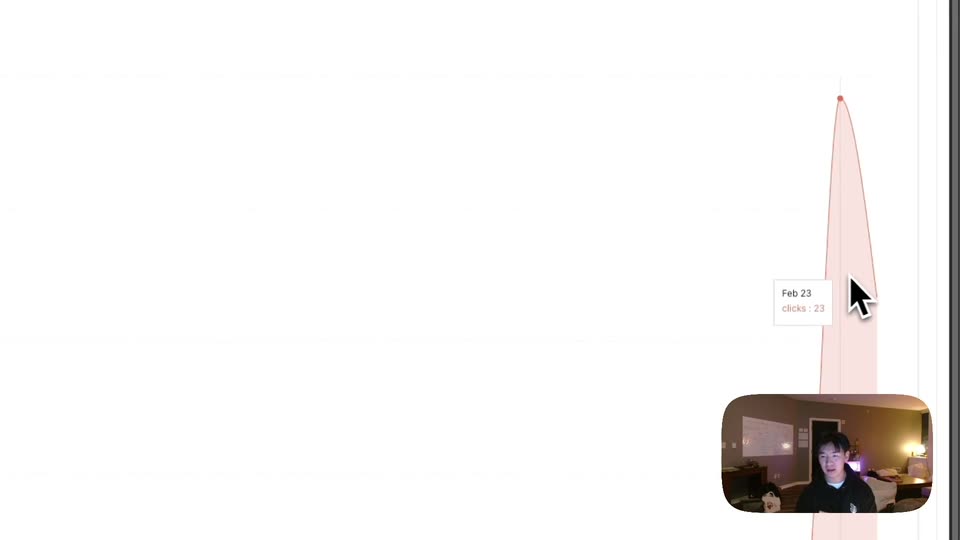 1:04–1:07Cedar · Cedar Demo 🌲A bright analytics dashboard zooms out from a close-up of its grid, panning right to reveal the full interface with a pink bell curve. A cursor hovers the curve, popping a Feb 24 tooltip, while a small webcam feed of the presenter sits in the bottom-right corner.
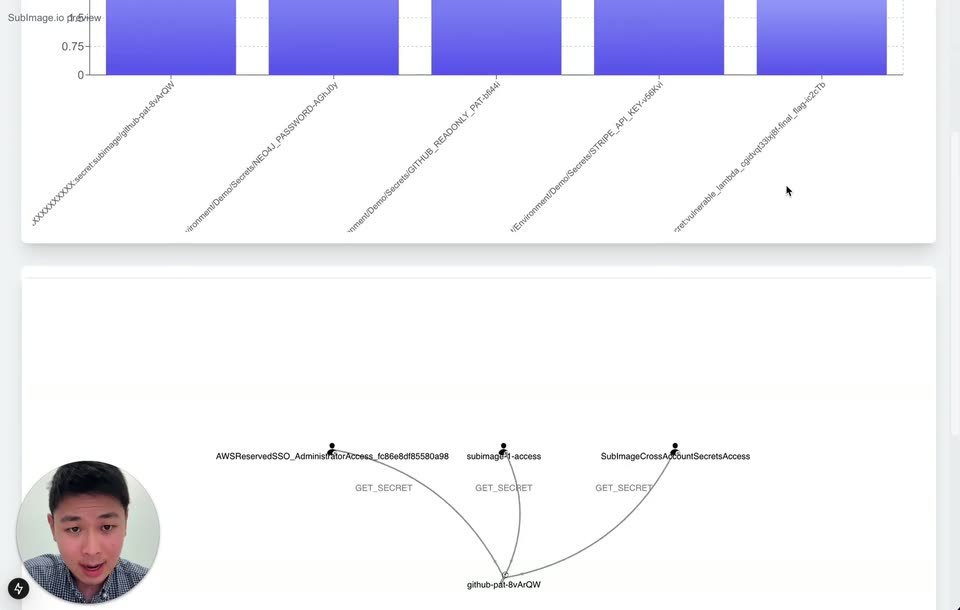 1:34–1:36SubImage · My Stripe API key was leakedA dashboard screen shows a blue bar chart of secret names above a node graph linking AWS principals to a GitHub token; a circular webcam of the presenter sits bottom left. The cursor hovers the fifth bar, popping a tooltip with the secret ARN and reader count.
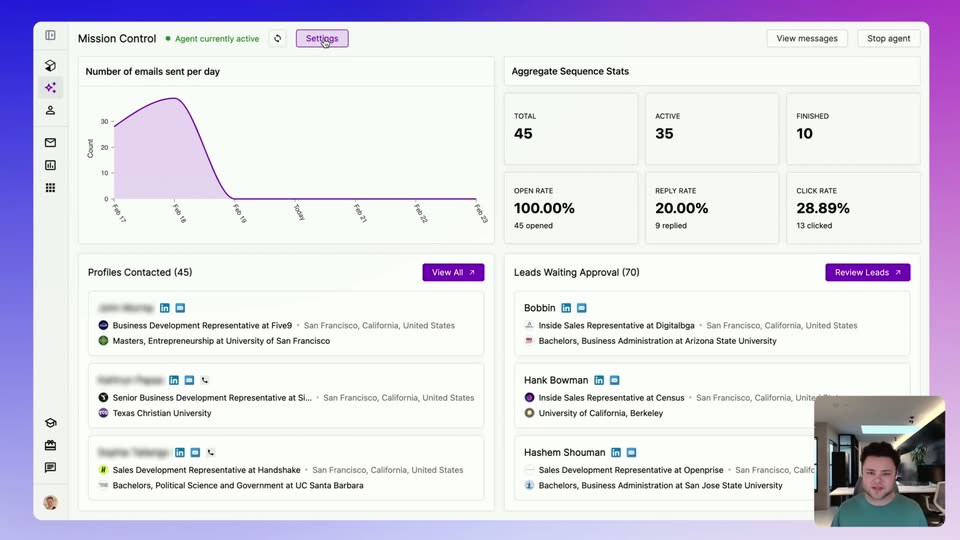 1:27–1:46Juicebox · Introducing Juicebox AgentsA Mission Control dashboard fills the frame on a purple gradient, with a line chart, stat cards, and lead lists. A cursor traces the chart line, dragging a tooltip, then clicks Settings to open an approval-type dialog. A small webcam of a man sits bottom-right.
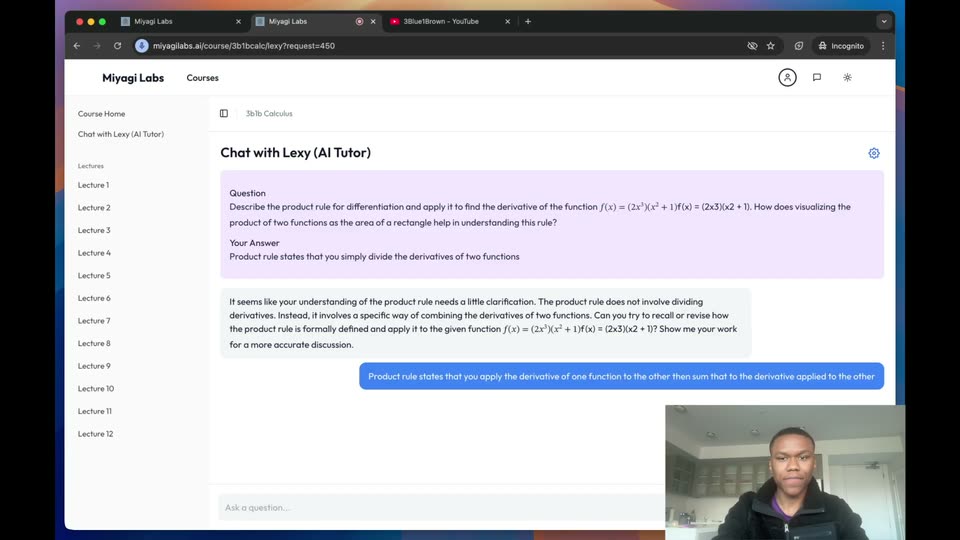 1:17–1:29Miyagi Labs · Miyagi Labs (YC W25) Launch DemoA browser window shows the Myigai Labs course page with a Chat with Lexy (AI Tutor) panel. A cursor clicks the chat button, types a sentence and sends it as a blue bubble while the AI's reply scrolls in. A small webcam feed of the presenter sits in the corner.
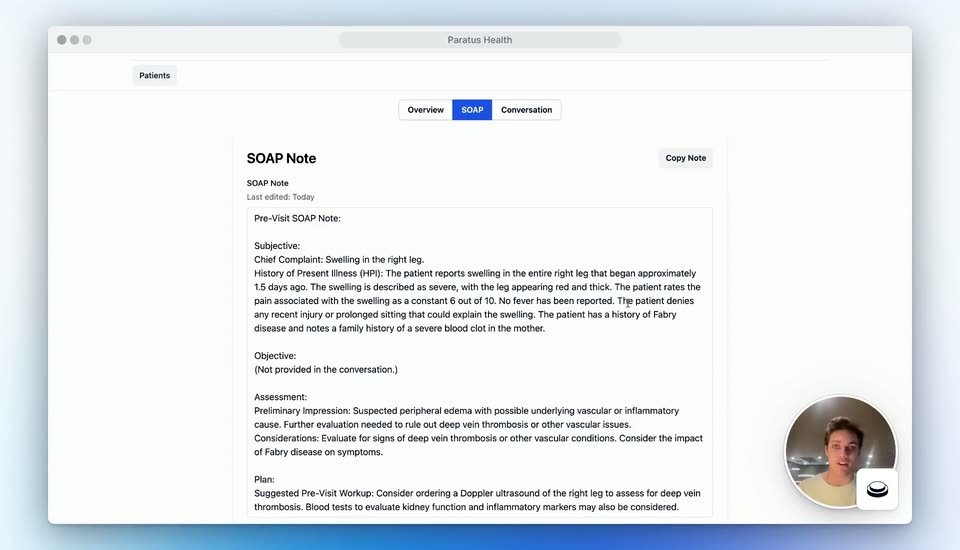 2:23–2:29Paratus Health · Paratus Health - Product DemoA browser window mockup of the Paratus Health app floats in 3D perspective on a light blue gradient, showing a SOAP Note page with a long clinical text block and a circular video thumbnail. A cursor hovers over the note, then moves to the Conversation tab as the text scrolls.
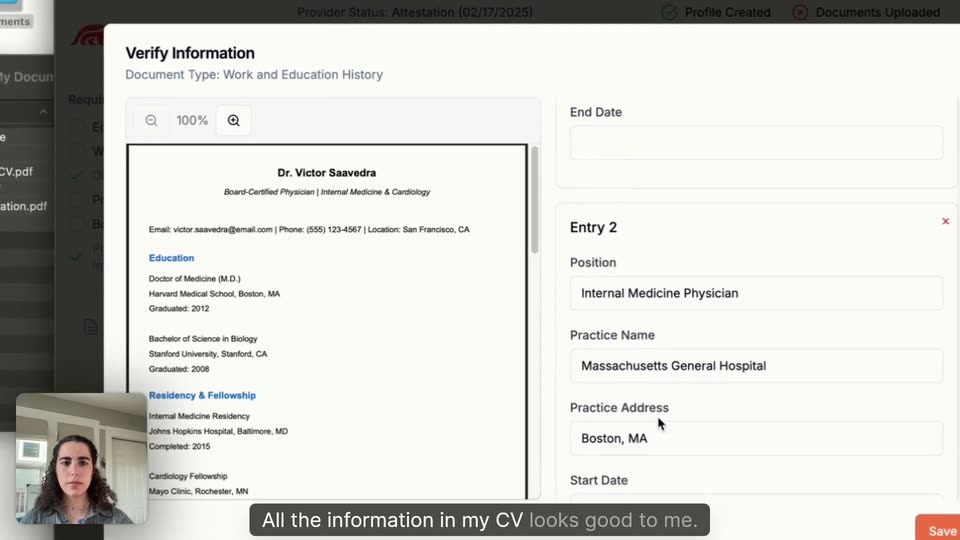 0:38–0:44Harbera · Launch YC: HarberaA browser window shows a verification form beside a CV preview, with a webcam inset of a woman in the corner. The view zooms into the modal as the form scrolls through work and education entries, while captions appear at the bottom.
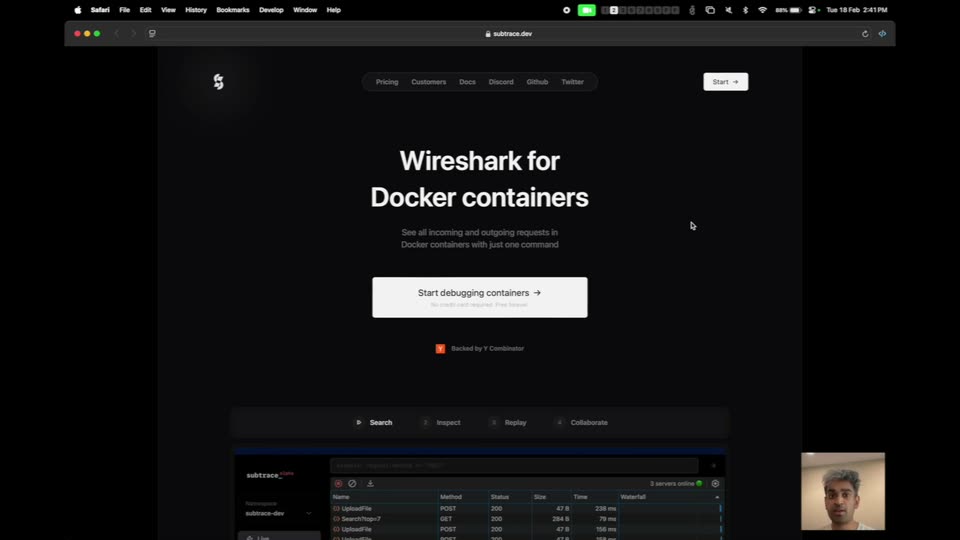 3:00–3:08Subtrace · Subtrace: Wireshark for Docker ContainersA dark Safari window holds the Subtrace landing page, its headline and white button static, while a small webcam feed of the presenter runs in the bottom right corner and the mouse cursor drifts up toward the menu bar.
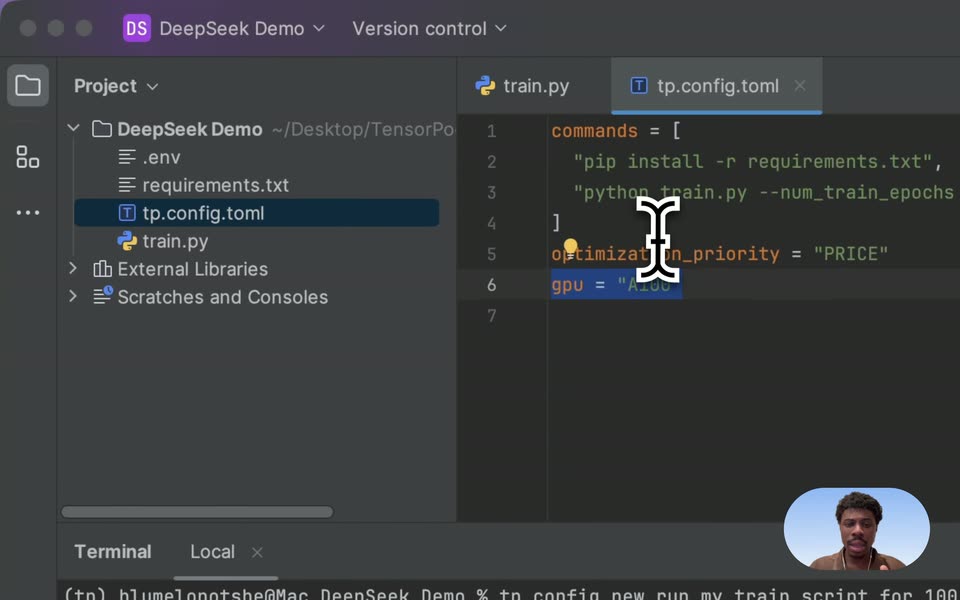 1:00–1:06TensorPool · TensorPool (W25) - The Easiest Way to Access GPUsA swirl transition resolves into a dark code editor. A cursor clicks the new tp.config.toml file in the left tree, and the view zooms into it, showing a short config with a highlighted gpu line. A circular webcam of the speaker sits in the corner.
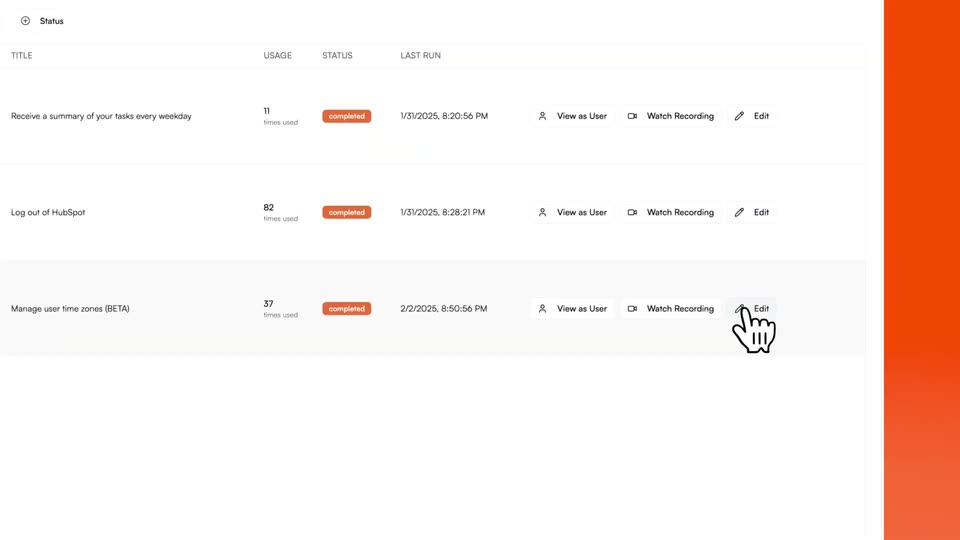 0:20–0:28SAMMY Labs · SAMMY Labs - Product TourA browser window tilts in 3D over an orange backdrop, showing a walkthroughs list, then flattens as a hand cursor hovers across rows and buttons. The view zooms into the table and pulls back to the 3D mockup.
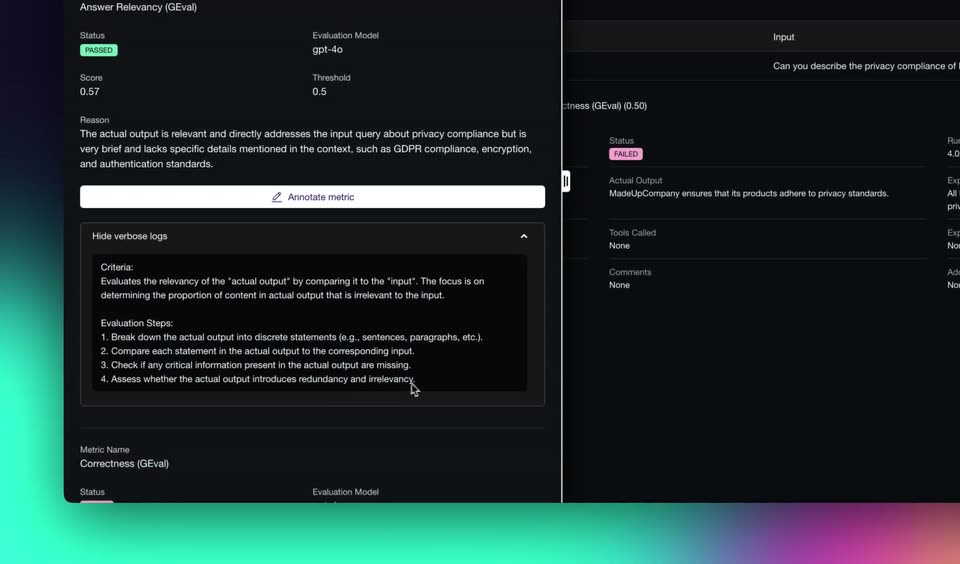 0:47–1:01Confident AI · Confident AI Launch YCA dark evaluation dashboard floats in 3D perspective over a teal-to-pink glow. A chart overlay fades into a failed test cases table; the cursor expands a row, zooms in on highlighted input and output text, then clicks View test case details, sliding a metrics panel in from the left.
 0:34–0:35Peppr AI · Peppr AI Demo VideoA near-blank light-lavender document canvas fills the frame, with a small arrow cursor drifting near the center. A circular webcam of a dark-haired presenter in a dark shirt sits in the bottom-right corner, speaking to camera.
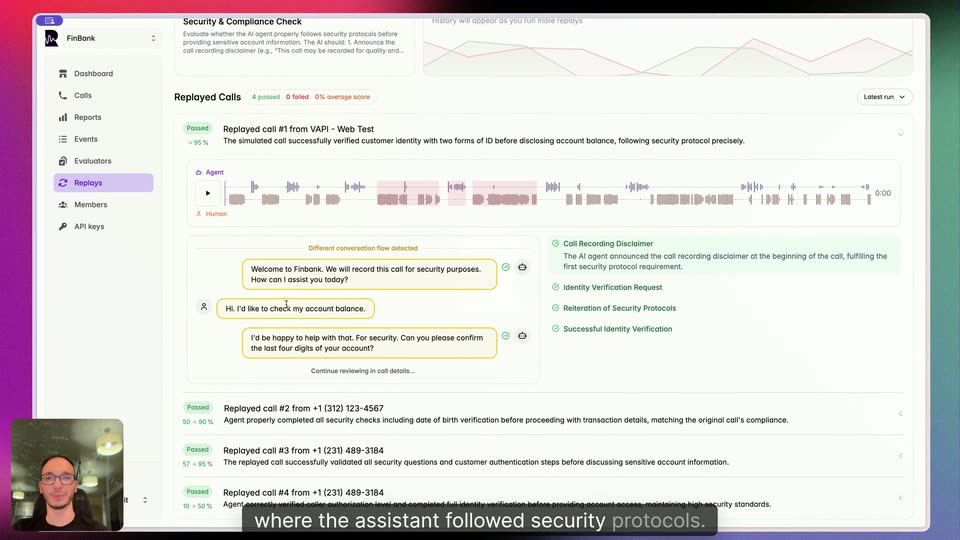 2:06–2:41Roark · Roark (YC W25) - DemoA dashboard screen shows four replayed calls loading, then flipping to green Passed badges as a line chart fills in. The view zooms in, the first call expands into a waveform and chat, and the cursor highlights a security message. A webcam feed and bottom captions overlay the frame.
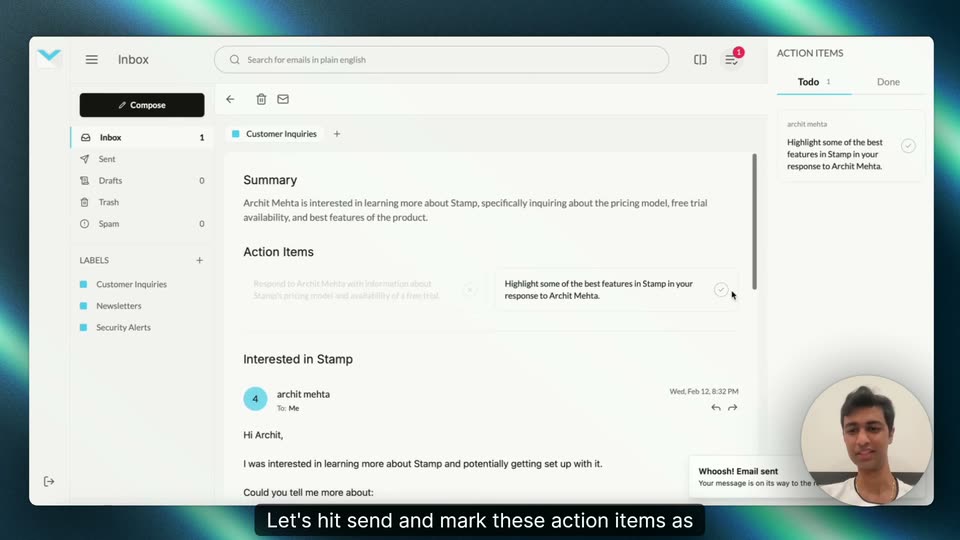 3:05–3:08Stamp · Introducing Stamp: The AI Native Email ClientA Gmail-style inbox floats in 3D perspective over a teal gradient, a circular webcam of a man at lower right. A cursor taps two action-item checkmarks; the cards fade and the Todo count drops to zero, showing No Action Items. A caption bar sits at the bottom.
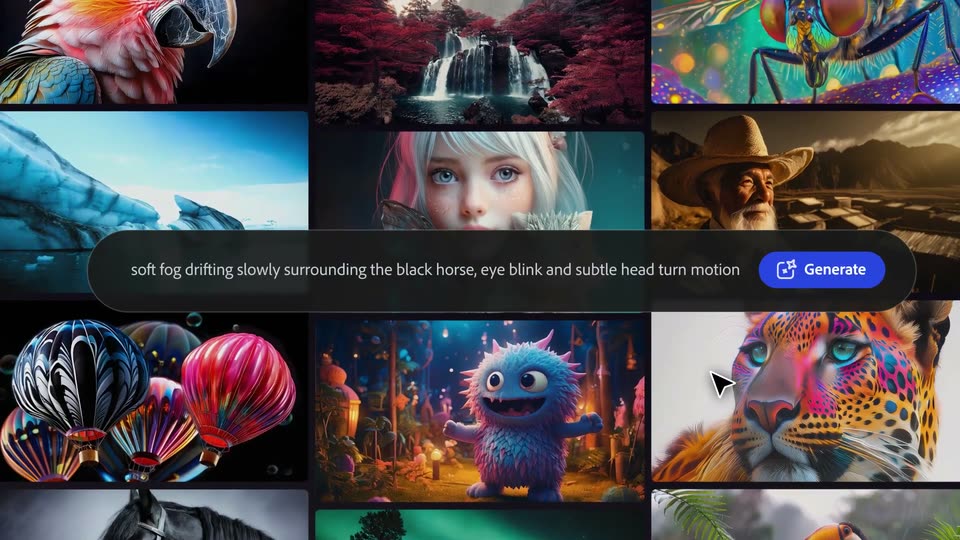 0:28–0:30Adobe · Meet Firefly Video Model | AdobeA grid of colorful AI images fills the frame behind a dark rounded prompt bar. The prompt text types in letter by letter, then a cursor glides to the blue Generate button and the shot zooms in on it as the grid blurs out.
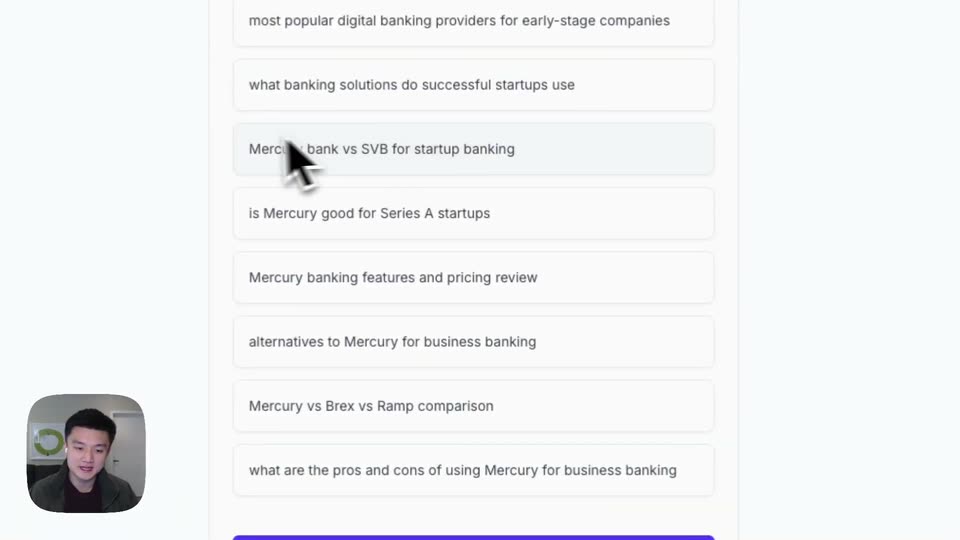 0:51–0:52AthenaHQ · AthenaHQ with Andrew, Co-Founder and CEOA white list of search queries in rounded boxes fills the frame. A black cursor glides down the list, hovering on a row, while a small rounded webcam feed of a talking man sits in the bottom left corner.
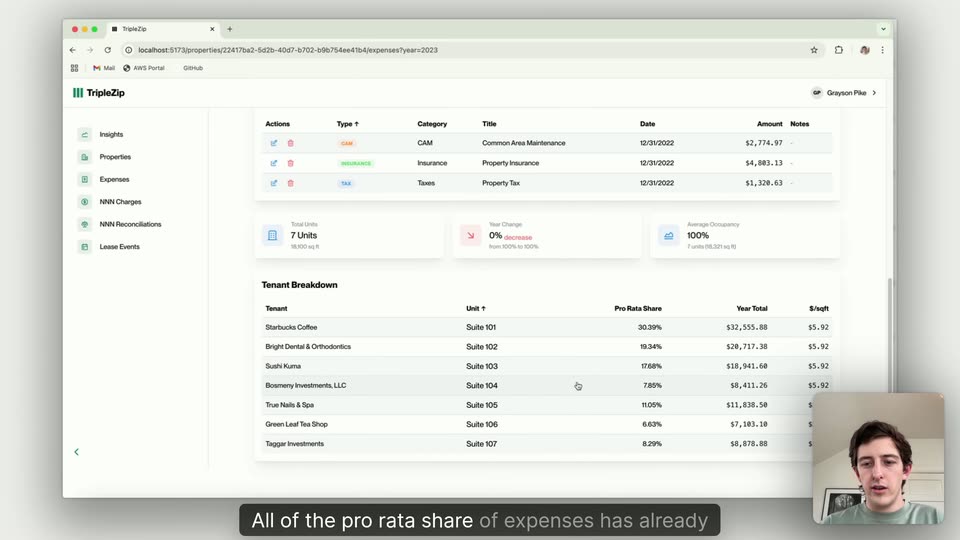 0:45–0:59OpenIntake · TripleZip (W25) - AI for Commercial Real Estate AccountingA browser window shows the TripleZip Property Expenses table. A cursor opens the year dropdown, then the page scrolls to the January details and tenant breakdown, and finally the pro rata calculation view. A talking-head inset sits bottom right with white captions in a dark bar.
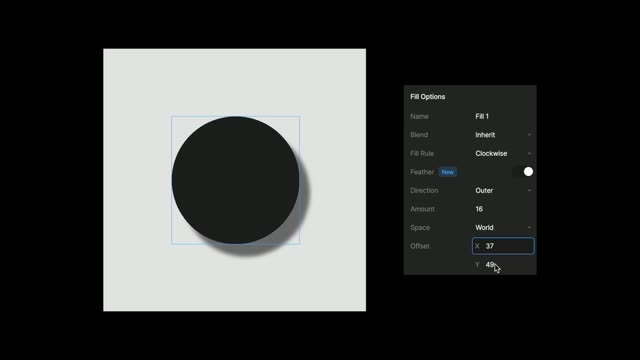 0:21–0:37Rive · Feathering AnnouncementA design app screen pairs a black circle on a light canvas with a Fill Options panel. A cursor selects Clockwise in the Fill Rule menu, then changes Amount and Offset as colored arrows flag the row, the circle growing a soft shadow that drifts and turns inward.
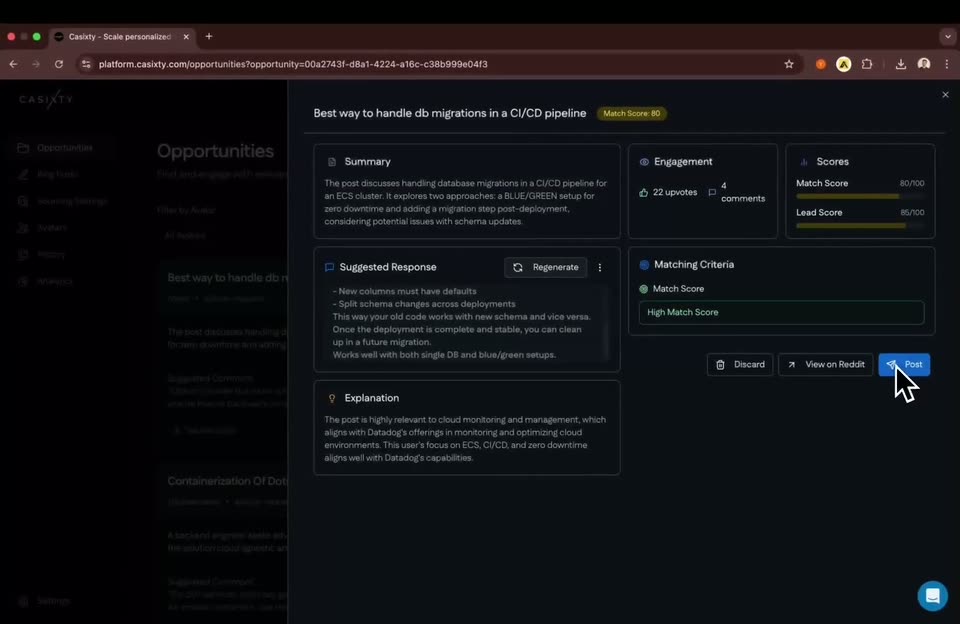 0:51 · 0.7sFlowtel · Casixty DemoA dark dashboard shows a post detail panel with summary, suggested response and score cards. A cursor hovers over the blue Post button on the right. A bold caption reading OPPORTUNITIES FOR YOU TO ENGAGE sits at the bottom, the last word in yellow, then fades out.
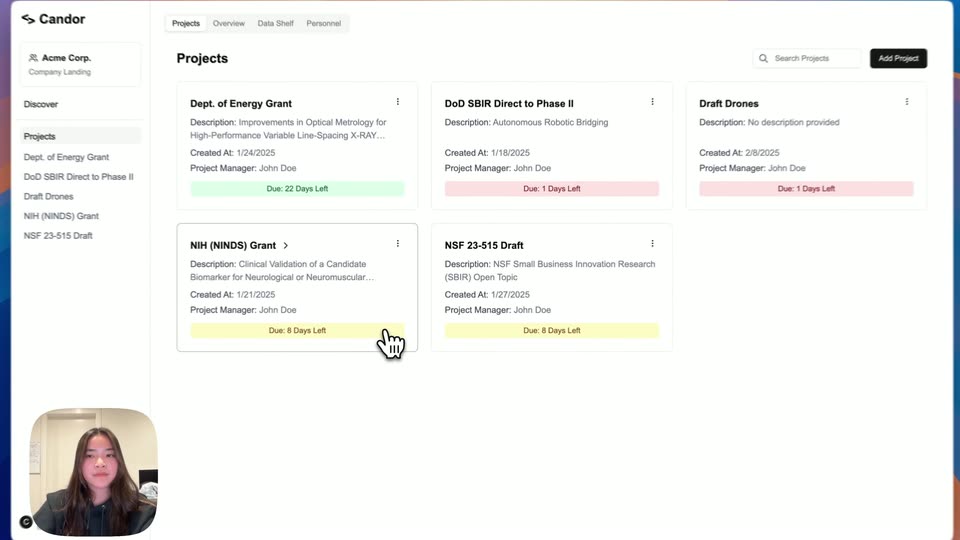 0:45–0:46Candor · Candor (YC W25) Demo || Win Government Funding With AIA project dashboard with a card grid and left sidebar fades in from white, framed by a blue and orange gradient border. A hand cursor hovers over a card then vanishes. A small webcam feed of a presenter sits in the bottom left corner.
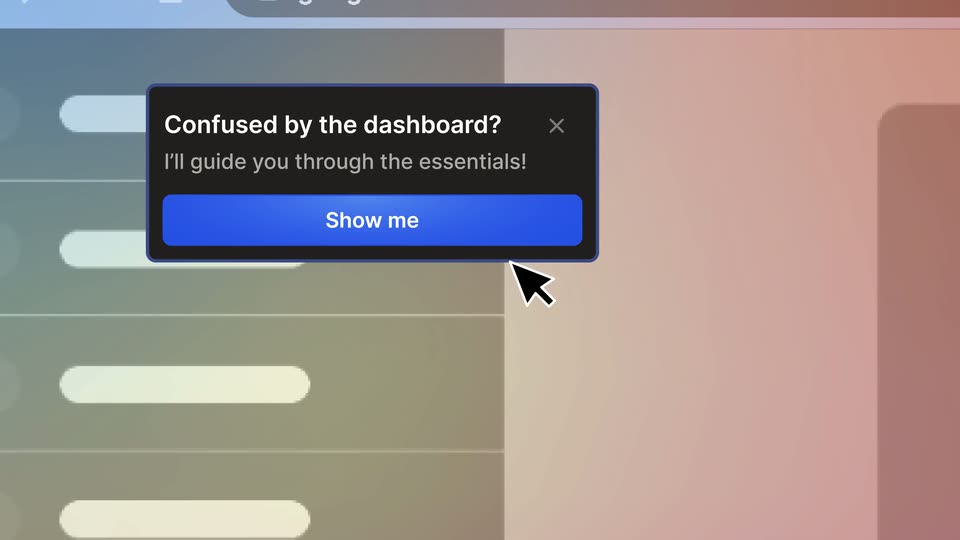 1:30–1:32Amplitude · Amplitude Guide and Survey OverviewA blurred dashboard, with a row list on the left and cards on the right, holds a dark tooltip offering a guided tour. The frame zooms into the tooltip while a cursor moves onto the blue button, the backdrop dissolving into a soft blue-to-peach gradient.
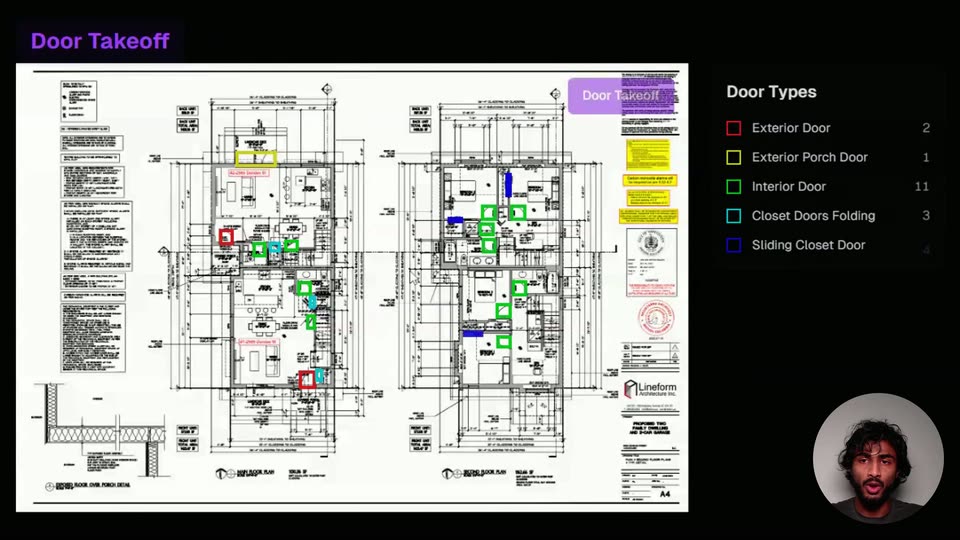 0:54–1:02Bild AI · Read Blueprints Using Bild AIAn architectural floor plan fills the left as colored boxes pop onto doors, while a Door Types legend on the right adds rows and counts. The frame zooms out to reveal the full app with sidebar and page summary; a presenter's webcam circle sits bottom right.
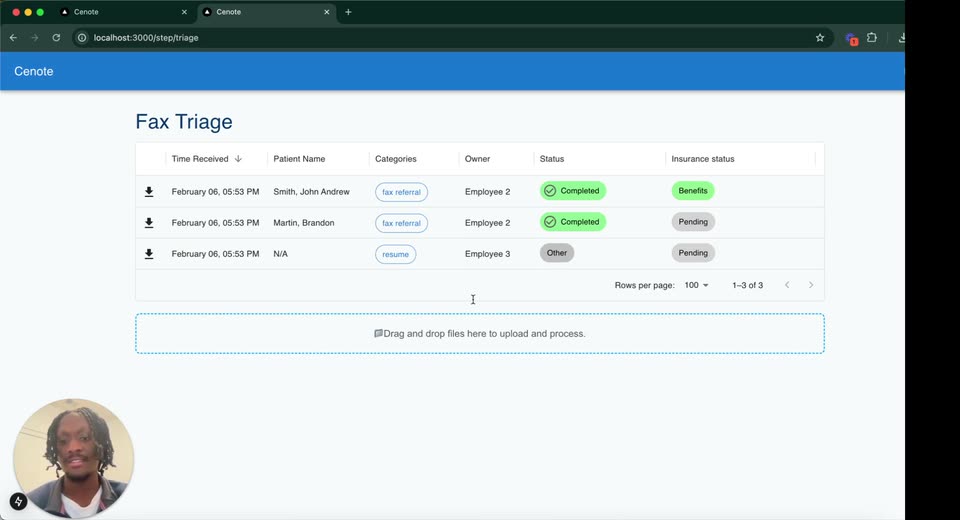 3:26–4:18Cenote · Cenote DemoA browser shows the Cenote Fax Triage table with three patient rows and a dashed upload zone, plus a circular presenter video in the corner. The first row's status flips to green Completed, then the cursor clicks the Benefits pill and an Insurance Status modal with playback buttons opens.
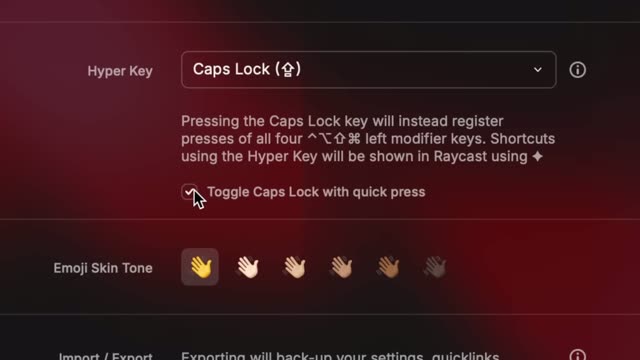 2:35–2:44Raycast · Raycast Just Got You A New KeyA dark settings panel on a red gradient shows the Hyper Key row set to Caps Lock. A white cursor hovers over the Toggle Caps Lock with quick press checkbox, a tooltip fades out, then the cursor clicks to check it. Emoji skin tone swatches sit below.
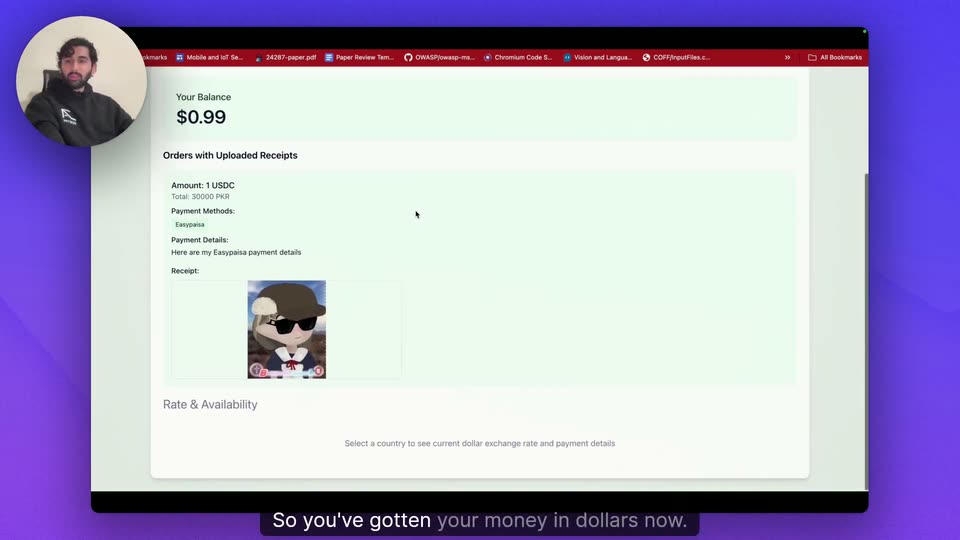 1:17–1:36Karsa · Karsa DemoA tilted browser window on a purple gradient shows the karsa Buy Dollars page, with a presenter's webcam in the top-left corner. A receipt modal closes, an anime avatar loads as the receipt, and the balance ticks up to $0.99 as the page scrolls.
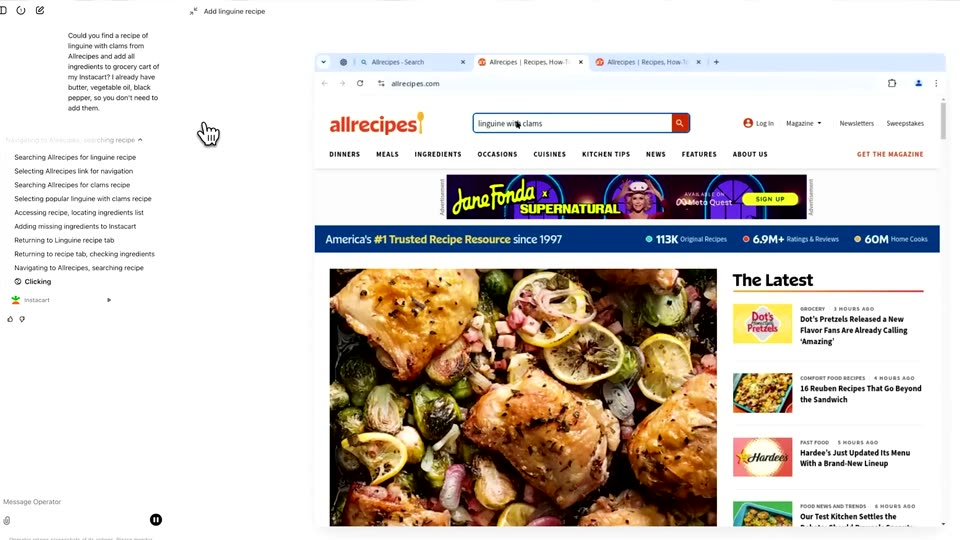 2:17–2:22OpenAI · Demonstrating OperatorA static screen capture of the Allrecipes.com site in a browser. A hand cursor sits over the header search field as the query “linguine with clams” is typed in letter by letter. A left sidebar lists the agent's steps, its status tag toggling between Clicking and Typing.
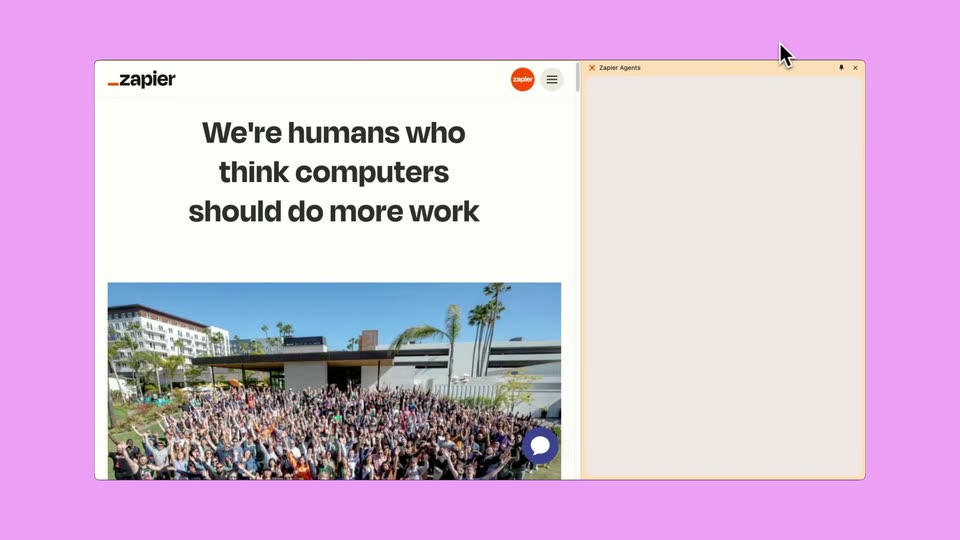 0:27–0:29Zapier · Introducing Zapier Agents: The Future of Automation is Here!Two browser windows sit on a pink background: the Zapier homepage on the left, an empty Zapier Agents window on the right. A cursor drops into the agents window as it scales up and the homepage tilts away.
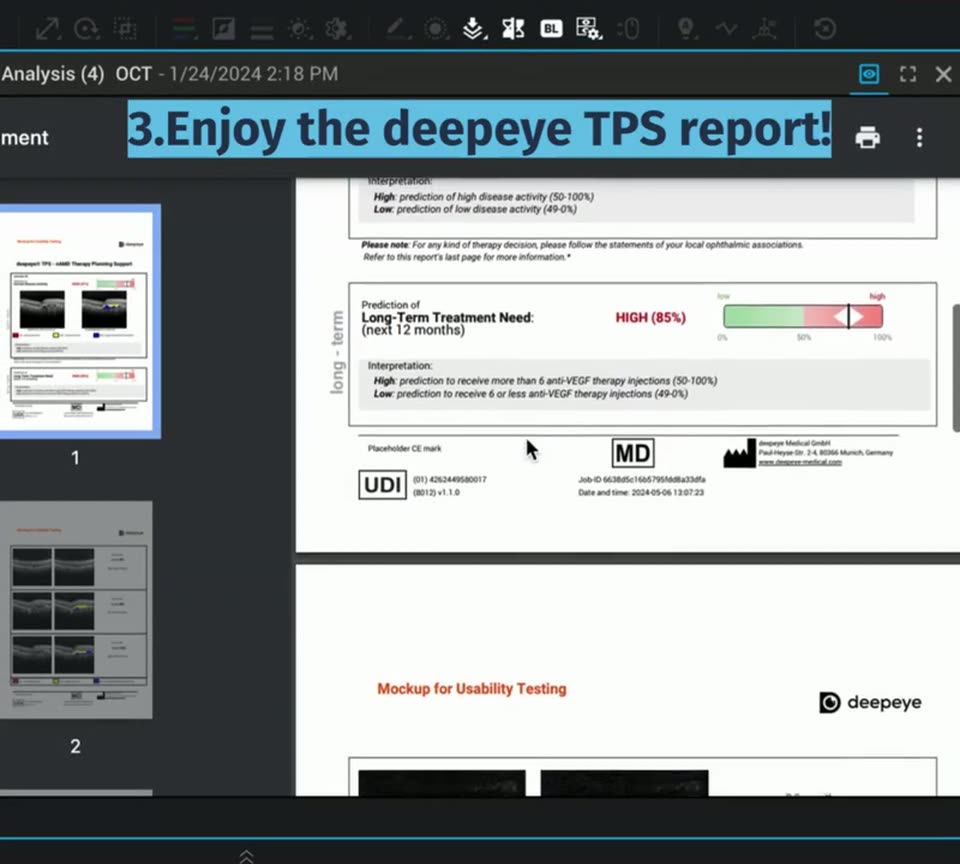 0:21–0:27Deepeye Medical · deepeye TPS, easy to use AI assistant for optimizing IVI therapy planning.A screen recording of a document viewer shows a medical report. A blue caption bar with a headline stays fixed at the top while the page scrolls down, a cursor moves across the content, and the left thumbnail panel switches from page 1 to page 2.
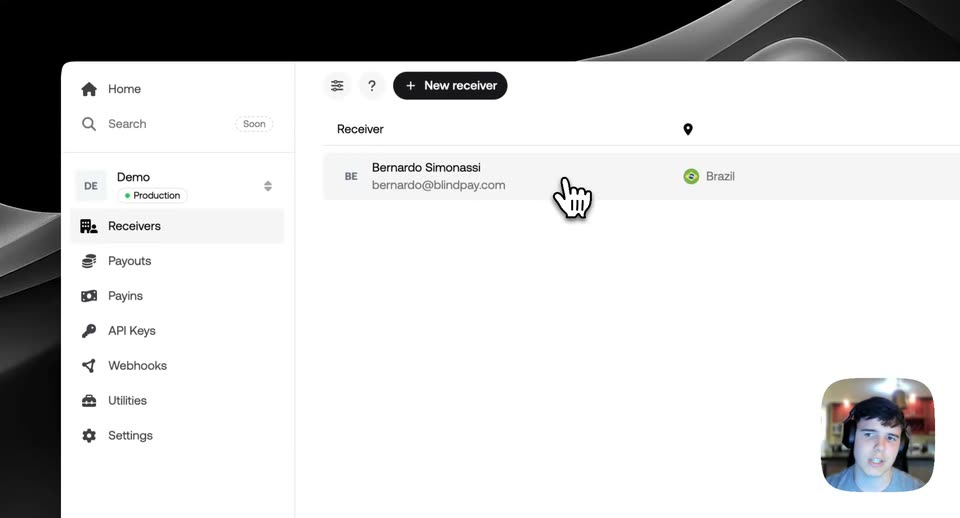 0:20–0:21BlindPay · BlindPay - DemoA product dashboard screen sits as a tilted card over a dark 3D abstract backdrop, with a small facecam in the bottom right. A hand cursor hovers over the receiver row in the main panel.
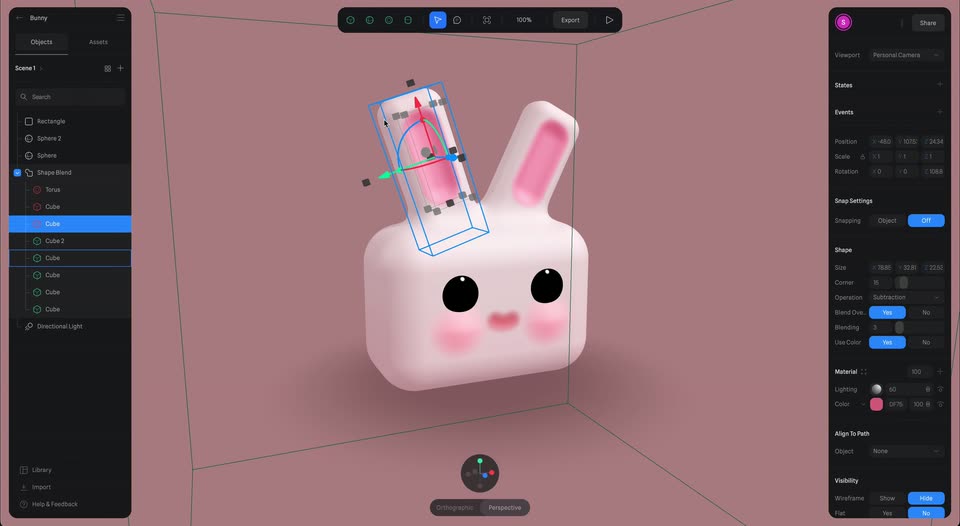 0:25–0:28Spline · Introducing 3D Shape Blend with Spline - SDF VolumesThe Burny editor shows a white 3D bunny with pink ears on a rose background. The viewport zooms in on the left ear as a transform gizmo and selection box snap to it, then pulls back as the caption fades in at center.
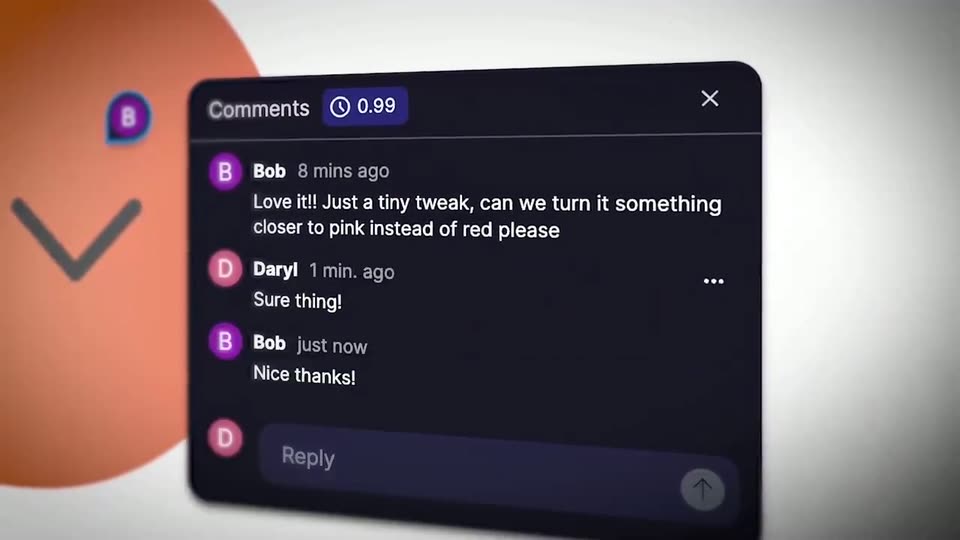 0:24–0:26Lottielab · Lottielab - After months in public beta, we’re thrilled to announce that LottielaA dark comments panel, tilted in 3D perspective over a blurred orange circle, shows a chat thread. A reply types itself letter by letter into the input field, then posts, and two new comments appear below the original message.
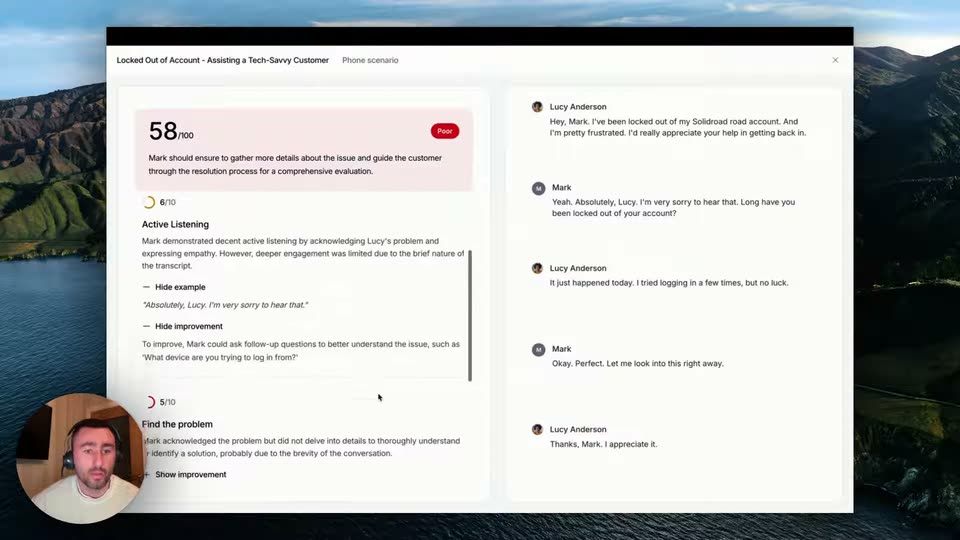 1:12–1:18Solidroad · Solidroad YC Launch DemoA feedback dashboard opens zoomed on a 58/100 score panel, then pulls back to reveal a two-column window with a chat transcript on the right. The left panel scrolls down through scored criteria while a cursor toggles example snippets, over a mountain backdrop with a small webcam bubble.
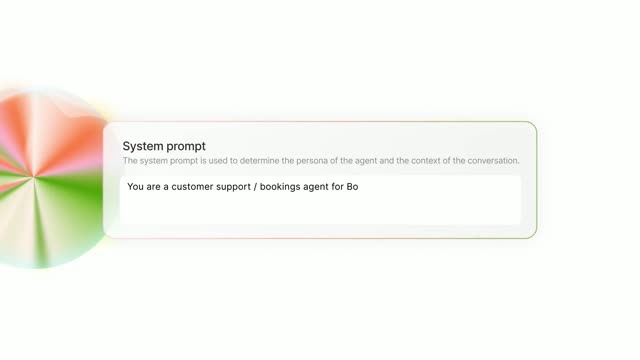 0:46–0:51ElevenLabs · Introducing ElevenLabs Conversational AgentsA settings card crossfades from the LLM model selector to a knowledge base upload box, then to a system prompt field where the prompt text types in word by word. A black cursor drifts over the card beside a soft orange-green pinwheel shape at the left edge.
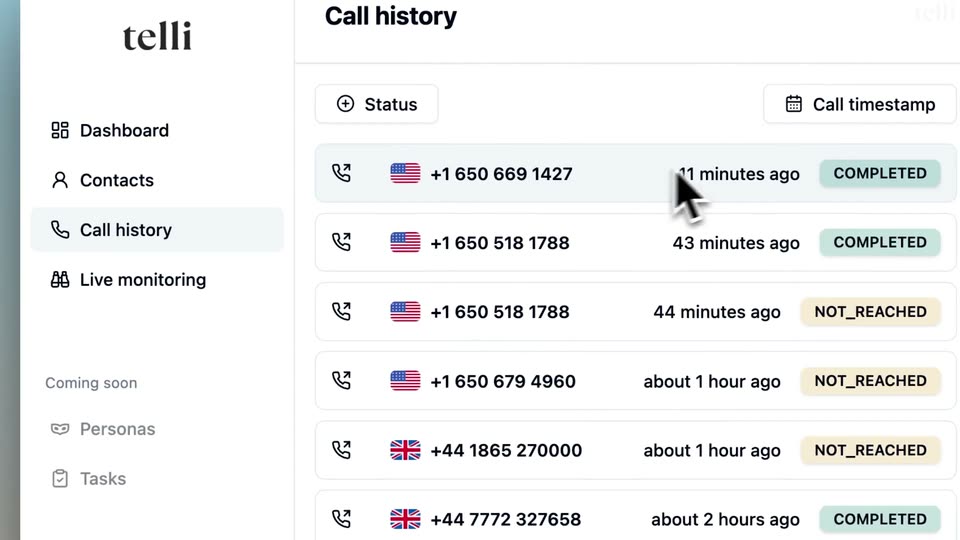 1:24–1:25telli · Launch YC - telli - outbound call automation for B2C companiesThe telli dashboard shows a call history list with phone numbers, country flags and status badges. A cursor hovers over the first row while the list scrolls up slightly. A two-line caption, “Looking forward to our next chat,” holds still on the frame.
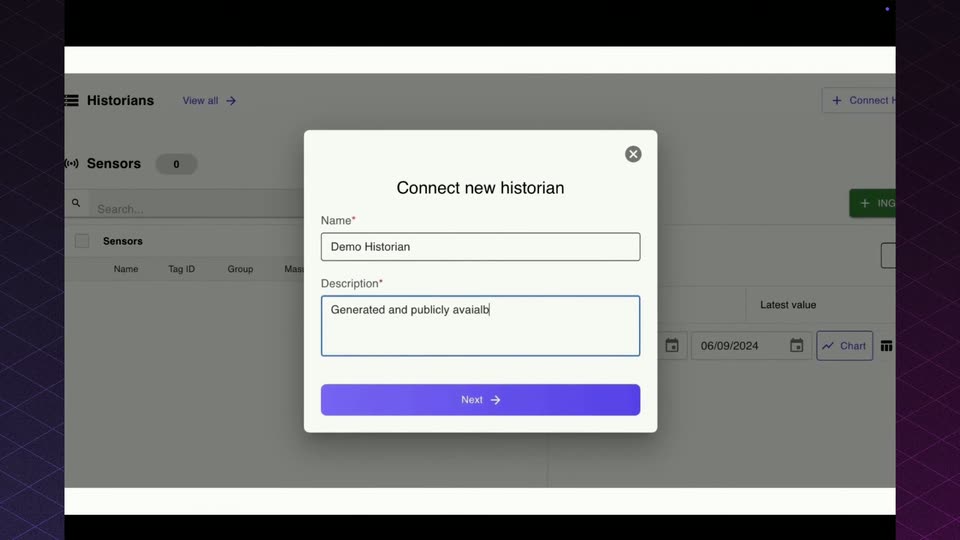 1:15–1:18Vortexify · Praxis AI LaunchA screen recording of the Praxis dashboard zooms in on a centered Connect new historian modal while a cursor types Demo Historian into the Name field and a description into the Description field. A small video-call overlay of two men in the corner fades out as the frame tightens.
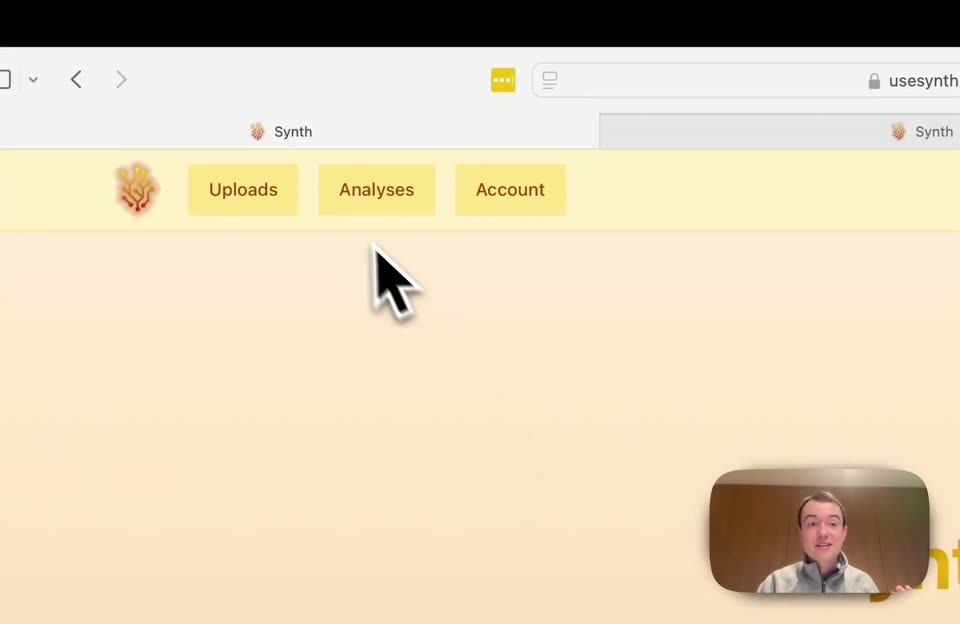 1:03–1:06Synth · Synth AI YC LaunchA screen recording of the Synth web app shows the top navigation with Uploads, Analyses and Account tabs. A cursor glides down the cream page and turns into a pointing hand over the Uploads tab, while a small presenter video plays in the bottom right corner.
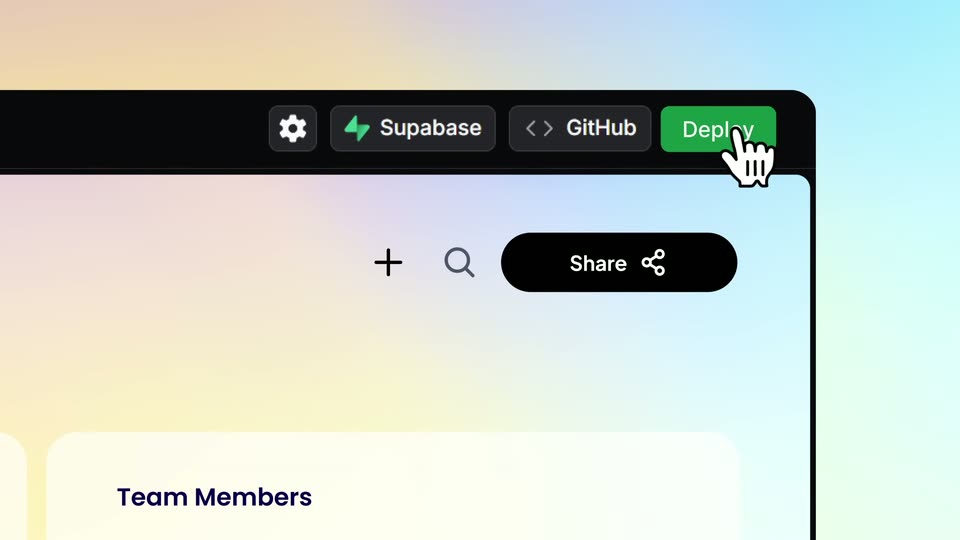 0:45–0:46Lovable · Lovable – An AI Full-Stack EngineerClose-up of a dashboard interface with a dark top bar holding Supabase and GitHub buttons beside a green Deploy button. A white hand cursor glides in from the right edge and presses the Deploy button, which darkens as it is clicked.
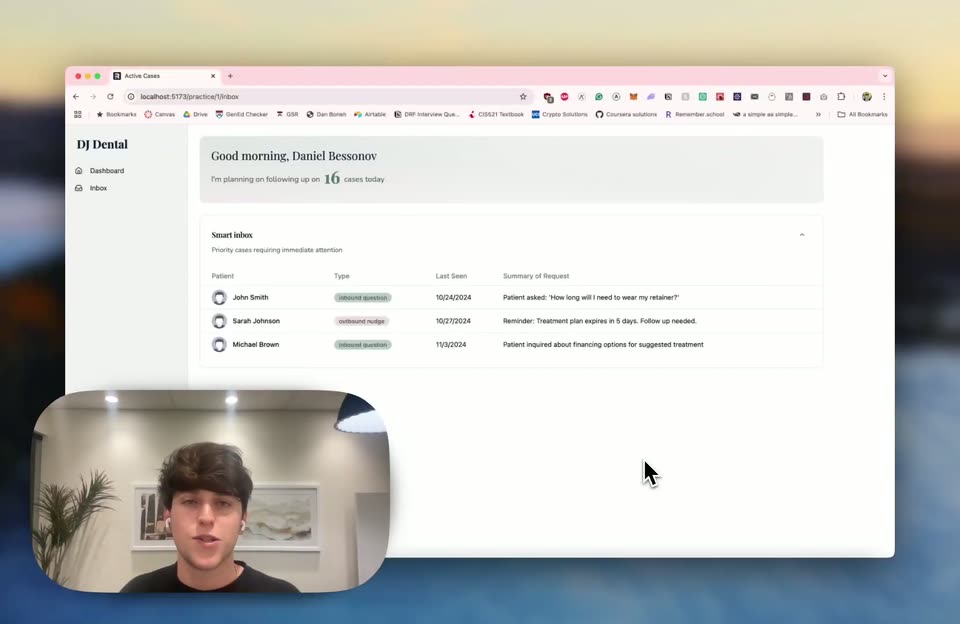 0:57–1:20Avora · ShowAndTell: AI agents for dental patient operationsA close-up of a draft-response panel zooms out to reveal the full DJ Dental inbox in a browser window, with a young man talking in a rounded webcam overlay at the bottom left. A cursor scrolls the letter, highlights lines, then closes the panel.
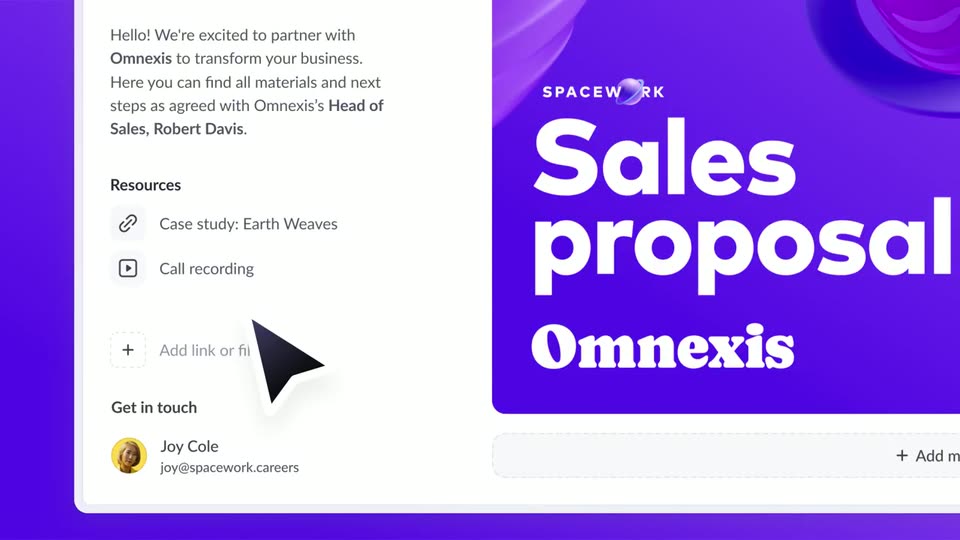 0:25–0:47Pitch · Pitch - Pitch is now more than just presentation software — it’s a complete pA purple browser window shows a SpaceWork pitch room. A cursor renames the room, types a welcome message, adds resource links, then drops in rocket and company-overview presentation cards, with the view zooming into each section as it fills.